
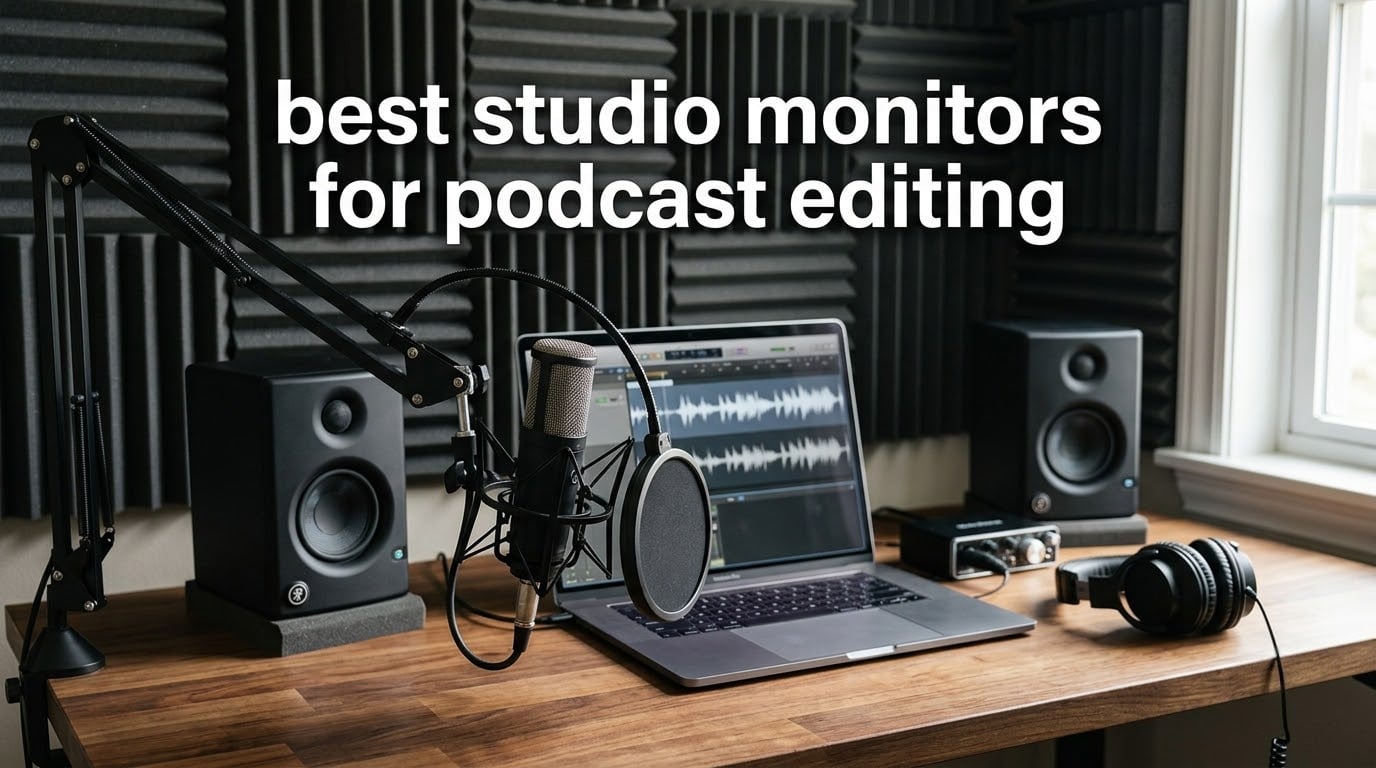
Choosing the best studio monitors for podcast editing is not the same job as choosing them for music. A record producer lives or dies by the low end and by whether a mix translates. A podcast editor lives between roughly 80 Hz and 12 kHz, where sibilance, plosives, mouth noise, room boom and a level imbalance between host and guest all live. Speakers that flatter a mix will let a harsh “s” straight through.
We spent six weeks with these twelve pairs, feeding each the same material at the same level: two-host conversation tracks, a solo narration read, and a remote guest recorded on a laptop mic. We judged them on what they revealed, not on how exciting they sounded. For general mixing, our wider picks are in the complete studio monitor buying guide, and the nearfield monitor roundup goes deeper on driver size and port loading.
One thing up front: nearly every monitor here is an active, powered nearfield speaker, so the amplification is built in and you need a single line-level cable from your interface. For speech specifically, we would steer most readers away from the biggest drivers available. Dialogue carries almost no sub-bass, so an 8-inch woofer in an untreated bedroom buys room boom, not accuracy.
Top 3 Studio Monitors for Podcast Editing in October 2026
These three cover the cases we see most: an all-round desk pair, a reference-accurate option, and the strongest value pick for a first setup.

Edifier R1280T
- › 4 inch full-range driver
- › 13mm silk dome tweeter
- › Dual AUX inputs
- › Remote with bass and treble knobs

PreSonus Eris E5
- › 5.25 inch woven composite woofer
- › 80W Class AB bi-amp
- › 102 dB max continuous SPL
- › Front-firing port
All 12 Monitors Compared Side by Side in October 2026
Every pair below is powered and nearfield. Read the feature column, then jump to the full review for the numbers that matter during dialogue work.
| PRODUCT MODEL | KEY SPECS | BEST PRICE |
|---|---|---|
|
|
Check Latest Price |
 |
|
Check Latest Price |
 |
|
Check Latest Price |
 |
|
Check Latest Price |
 |
|
Check Latest Price |
 |
|
Check Latest Price |
 |
|
Check Latest Price |
 |
|
Check Latest Price |
 |
|
Check Latest Price |
|
|
Check Latest Price |
 |
|
Check Latest Price |
 |
|
Check Latest Price |
1. Edifier R1280T – Best All-Round Pair for Voice Editing
Edifier R1280T Powered Bookshelf Speakers -2.0 Near Field Studio Monitor
4 inch full-range driver
13mm silk dome tweeter
42W output
80 Hz low end
Dual AUX inputs
+ The Good
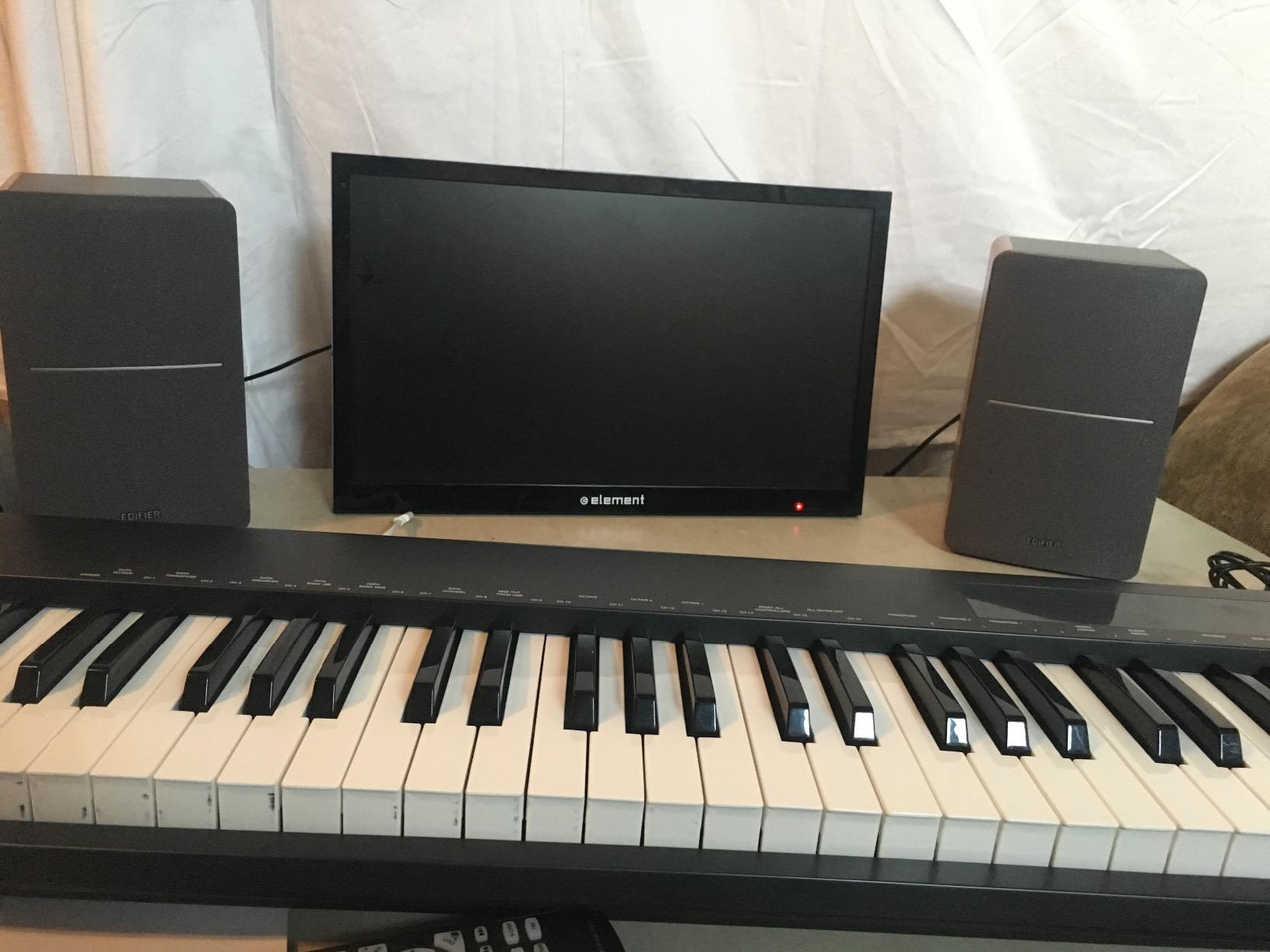
- MDF wood cabinet that suits a home office desk
- Silk dome tweeter stays smooth through long sessions
- Dual AUX inputs keep an interface and a phone connected at once
- Bass and treble knobs plus a remote
- The Bad
- Bookshelf hi-fi voicing rather than a flat studio curve
- No balanced XLR or TRS inputs
- 4 inch driver stops early on low fundamentals
This pair sat on our desk the longest of the twelve. The 13mm silk dome tweeter is the reason: it does not harden on a sharp “t” the way a cheap hard dome does, and after an afternoon cutting a two-host conversation we never reached for the volume knob to escape. That non-fatiguing character is worth more during podcast work than extra low-end extension.
Being straight with you: these are powered bookshelf speakers with a natural, music-friendly voicing, not a flat reference design. If you are mastering a spoken-word track to a strict loudness target, a reference monitor further down this list will be more honest. For cutting, levelling and de-noising a conversation, the natural voicing is easier to live with.
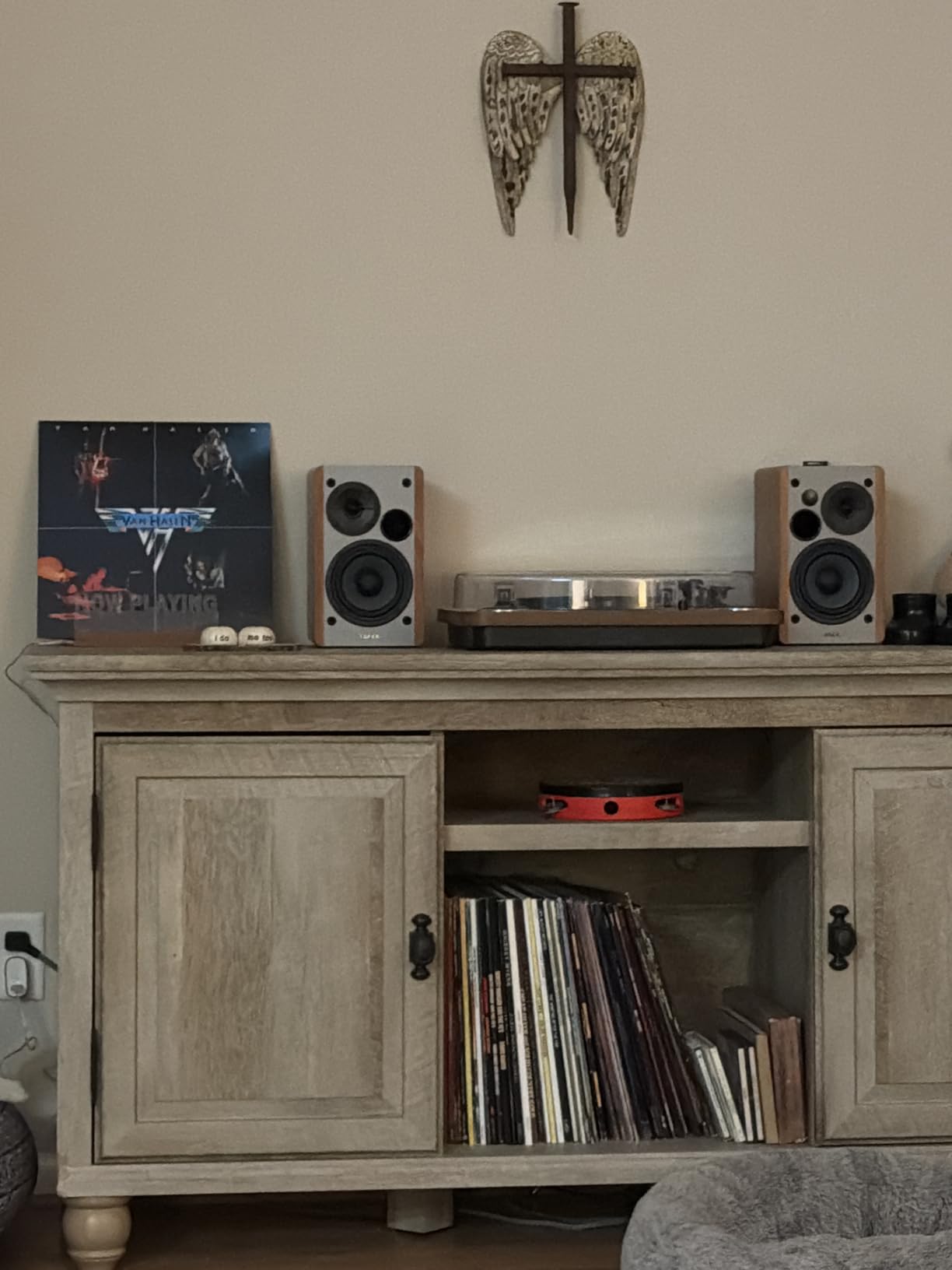
The dual AUX inputs are the feature we underestimated. You can keep your interface and a phone both plugged in, so checking how an episode sounds on a phone speaker no longer means unplugging your edit chain.
What you hear on the voice
The 4-inch driver bottoms out near 80 Hz, which is close to ideal for speech, since almost all intelligibility information sits above that point. Sibilance and plosive detail is where the pair earns its place: an “s” renders clearly without sounding like a hiss artefact, so a de-esser decision transfers to earbuds better than it would on a hyped pair.
Where it falls short
There is no balanced input, so you will run an unbalanced feed. At desk distance that is usually fine, but over a long cable or beside a switching power supply you may pick up hum a TRS feed would avoid. The side-panel bass and treble knobs are also the only acoustic adjustment available, so treat them as a starting point and cross-check on headphones.
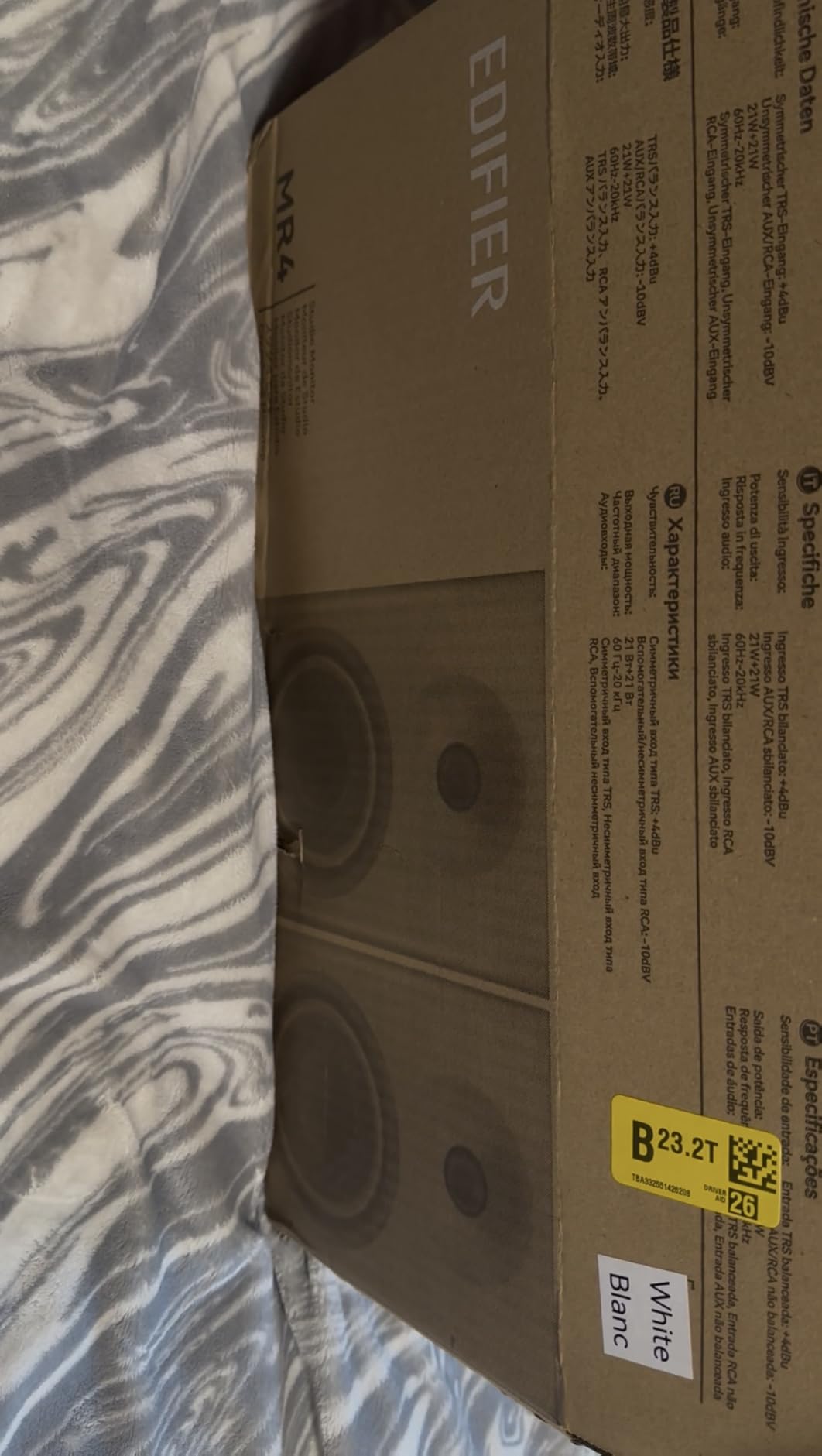
2. Edifier MR4 – Best for a Tight Desktop Setup
Edifier MR4 Power Studio Monitor Speakers, 4 inch Active Near-Field Speaker
4 inch composite woofer
1 inch silk dome tweeter
42W per side
1/4 inch TRS RCA and AUX
Front headphone out
+ The Good
- Monitor mode and music mode switchable from the front panel
- 1/4 inch TRS balanced input takes a direct interface feed
- Front headphone output for private checks during late edits
- MDF wooden structure keeps cabinet resonance low
- The Bad
- Bass arrives boomy until the rear low trim is dialled back
- Stepped volume knob changes level in large jumps
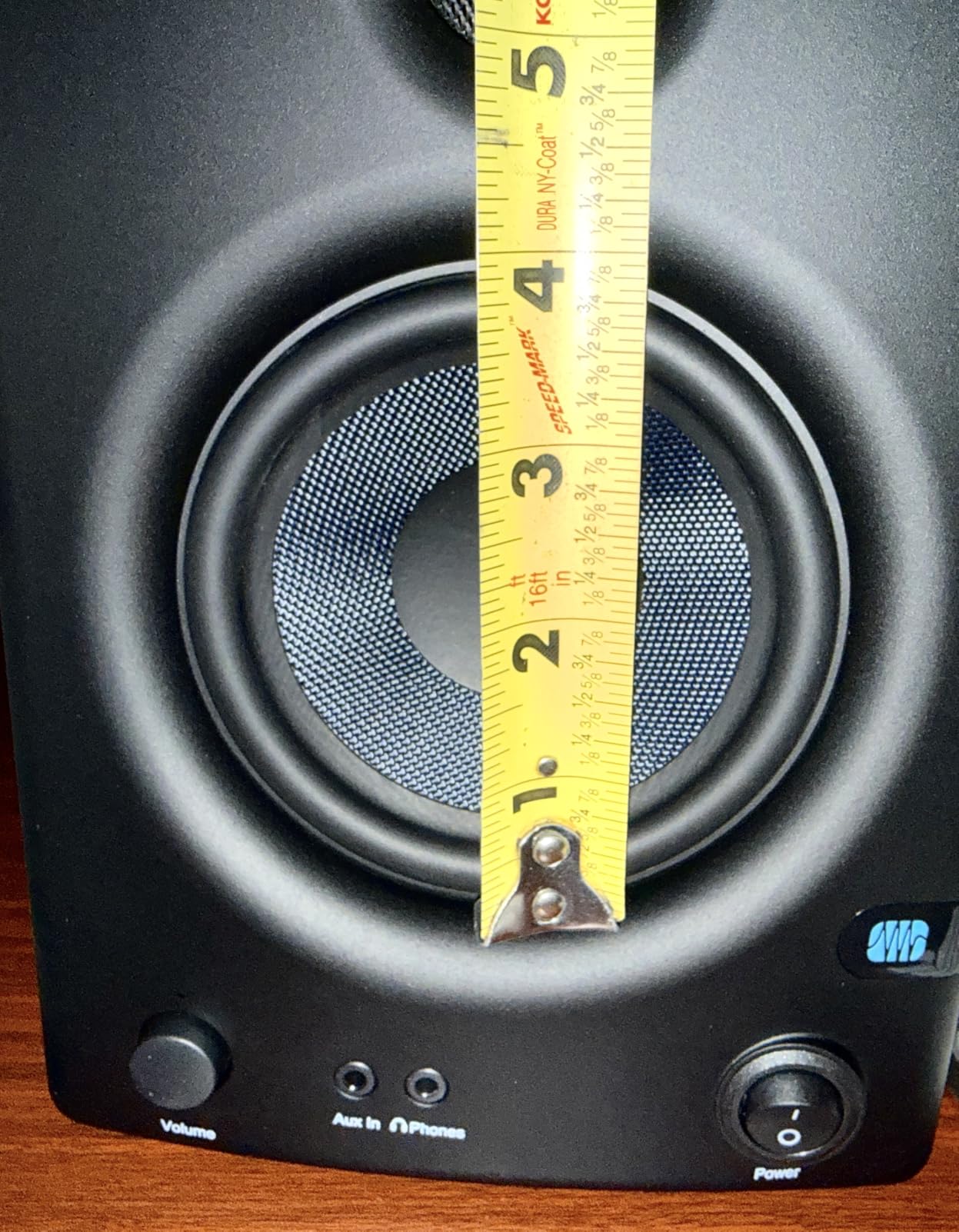
- Measured tweeter is closer to 3/4 inch than advertised
The MR4 is the monitor we recommend when the desk is the constraint. At under 17 inches tall and about 4.5 kg for the pair, it genuinely fits beside a laptop without pushing it off the back. The MDF structure also does a better job of not colouring the midrange than plastic cabinets of the same size.
Unlike most compact options, it takes a balanced 1/4-inch TRS feed alongside RCA and AUX. On a desk a metre from your interface, that balanced input is the difference between a clean signal and one that picks up noise from a laptop charger.
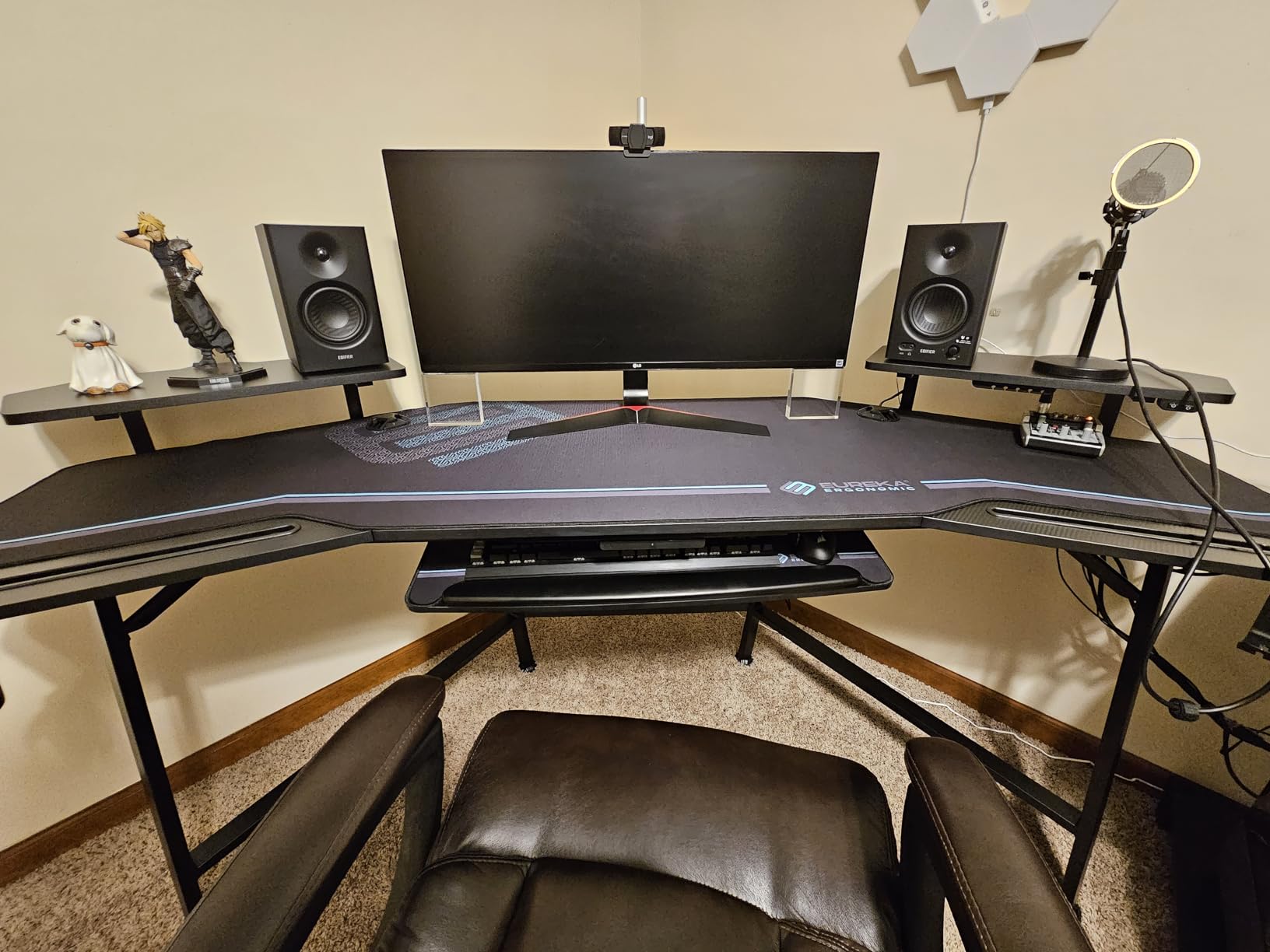
There is a monitor and music mode switch on the front, and for editing you want monitor mode. Music mode lifts the low end for casual listening, which is exactly the flattering behaviour that makes an editor misjudge a voice. The front headphone output is the other reason this suits long sessions.
What to check before you buy
Out of the box the low end is boomy, so expect to use the rear low-frequency knob. Once trimmed flat the response is close enough to neutral for dialogue, and the presence band sits forward enough that mouth noise and lip smacks are easy to hear. Keep the switch in monitor mode for edits and use music mode only for reference playback.
Where it falls short
The stepped volume knob moves in visible increments, so if you enjoy riding the level down on a quiet passage you will hunt for the right position each time. Annoying rather than disqualifying. There is also no removable front grille, so keep microphone booms and stray cables off the driver face.
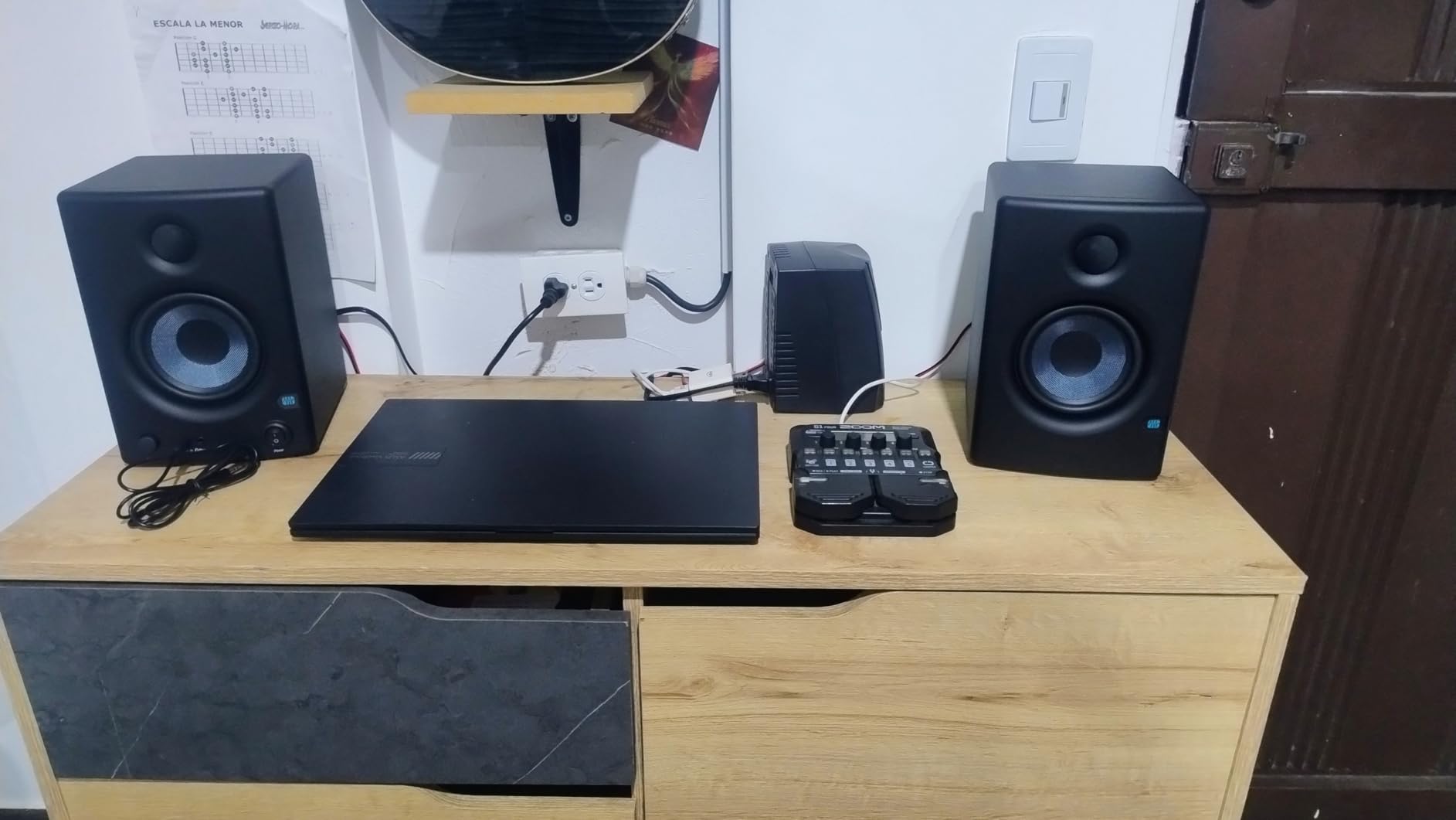
3. PreSonus Eris E4.5 – Best for Small Bedrooms
PreSonus Eris E4.5-2-Way 4.5″ Near Field Studio Monitor (Pair)
4.5 inch woven-composite woofer
1 inch silk dome tweeter
25W Class AB per side
Acoustic space settings
Front headphone amp
+ The Good
- High and low trim plus acoustic space settings
- Front headphone output with a built-in headphone amplifier
- Auto power-saver after 40 minutes idle
- Compact enough to sit either side of a laptop
- The Bad
- 4.5 inch driver limits output in larger rooms
- Plastic cabinet feels less premium than MDF rivals
- Real sub-bass still needs the Eris Sub 8BT
In a genuinely small untreated room, the Eris E4.5 is the most forgiving pair here. The acoustic space settings on the back let you dial the voicing for close wall placement versus a more open position, and for someone editing in a bedroom studio that switch does more good than a hundred dollars of extra driver size.
The woven-composite 4.5-inch woofer delivers a tight, felt low end for its size, and the 1-inch silk dome tweeter gives a wide sweet spot. That width matters when your head drifts off the centre line between paragraphs, because the tone does not change when you move.
Twenty-five watts per side of Class AB amplification is modest, and the limit is real: in a room much larger than a bedroom you will run out of clean level before you run out of need. For a desk at arm’s length it is more than enough, and Class AB stays cleaner at moderate level than a small design pushed hard.
Why the acoustic space settings matter for voice
Bedroom studios have two dominant problems: parallel walls that reinforce low-mid buildup, and soft furnishings that absorb the top. A host recorded close to a wall in a room like that sounds boxy. With no wall-position setting you reach for the high trim and cut clarity to compensate. The Eris settings move the target instead, so you keep intelligibility and fix the room behaviour.
Where it falls short
The plastic cabinet is the first thing people mention, and it is fair. It is lighter and slightly more resonant-feeling than the MDF rivals, though at nearfield distances the difference is small. Real low-frequency extension is also absent, and for dialogue editing you do not need it.
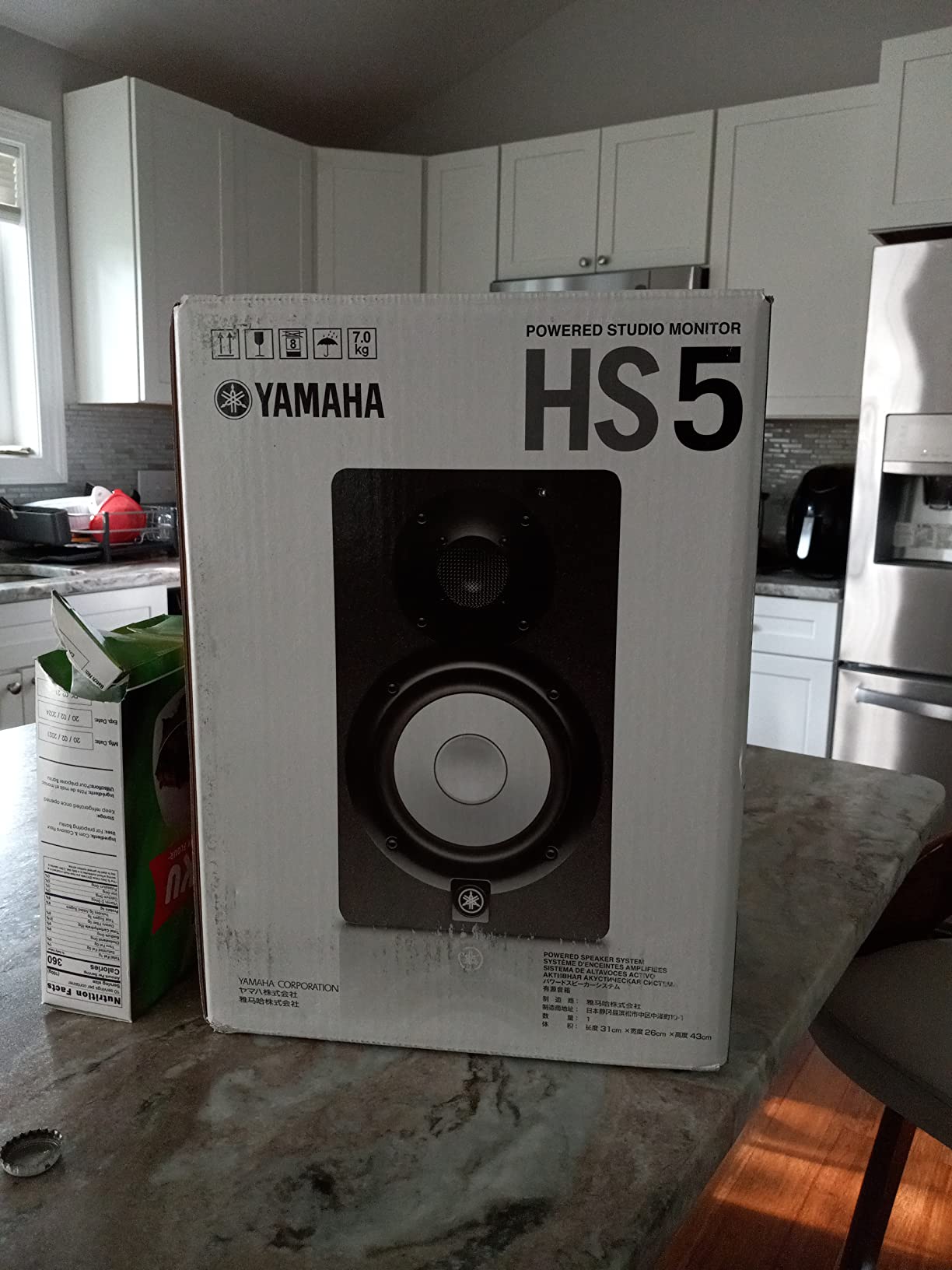
4. Yamaha HS5 – Best Flat Reference for Speech
Yamaha HS5 Pair 2-Way bass-Reflex bi-Amplified nearfield Studio Monitors
5 inch woofer
70W bi-amplified per side
Two response controls
Advanced port design
XLR and TRS
+ The Good
- Separate woofer and tweeter amplification keeps the response flat
- Two response controls adapt the voicing to different room surfaces
- Advanced port design reduces vortex noise on sustained speech
- HS series voicing is a familiar reference for voice work
- The Bad
- 70W per side limits output in large rooms
- XLR and TRS only on this listing
- Size and weight suit a stand rather than a small desk
The HS5 is the most reference-honest pair in this roundup, which matters for a specific kind of editor. If you deliver a finished master to a client who will measure it, or you want your de-essing and EQ decisions to match what a mastering engineer hears, a genuinely flat monitor removes one variable from the chain.
The bi-amplified design with separate amplifiers for woofer and tweeter is why it stays flat. Each driver gets its own amplification, so the crossover does not have to share a supply. The ultra-responsive woofer uses large, carefully selected magnets to keep distortion low, which you hear as clean low-mid rather than fuzz.
The advanced port design is worth noting for speech. Port noise is most obvious on sustained vowels and on the quiet passages between sentences, which in a podcast is a lot of the material. A cleaner port means less low-level noise floor to mistake for a recording problem.
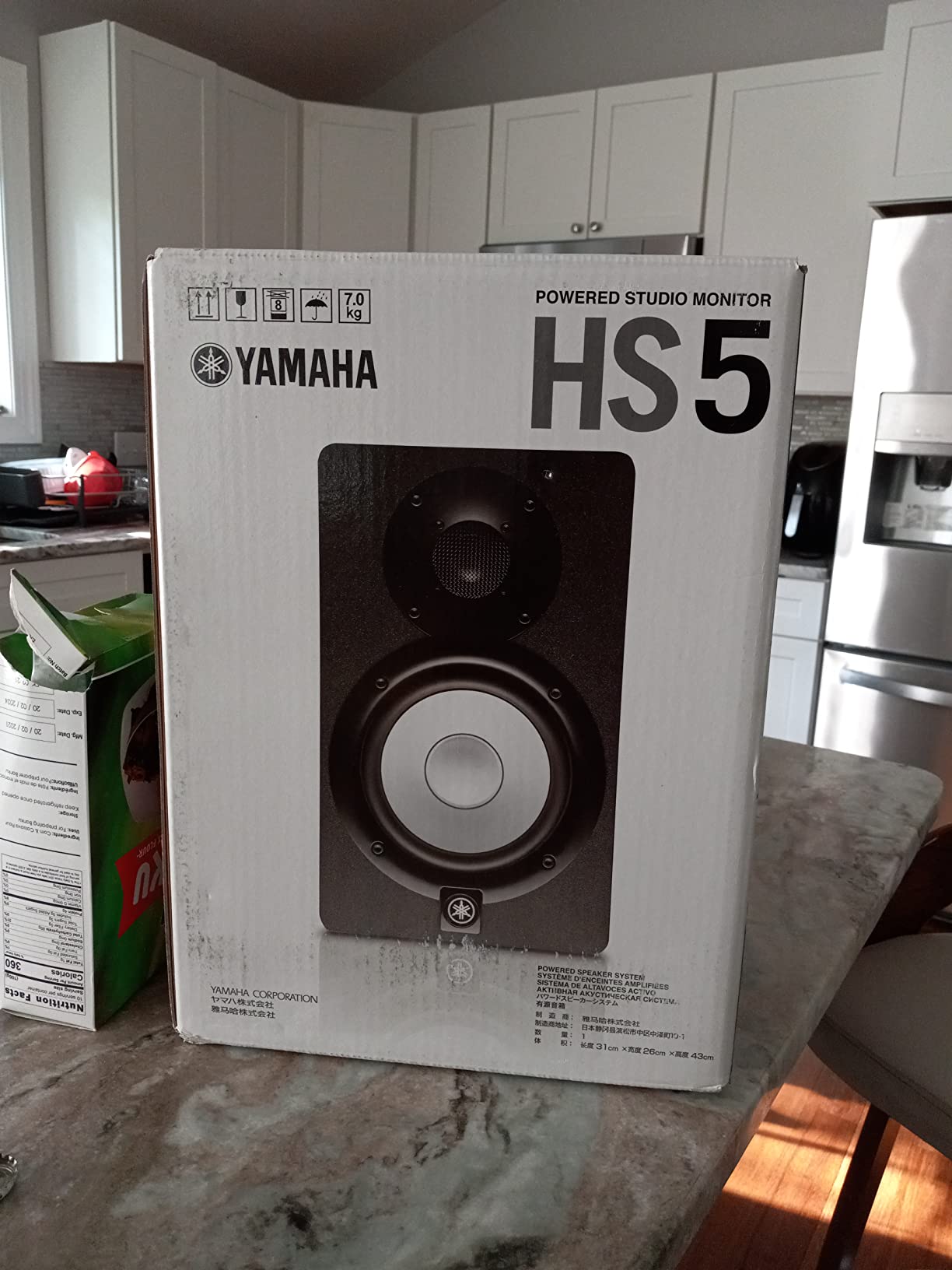
Best for an editing and delivery workflow
Reviewers describe a slightly forward mid bias on the HS5. For a voice that already has presence that makes intelligibility problems clear, but it also means you may trim mids harder than you should. A little time with the two response controls and a familiar reference track settles this within a session. At 70 watts per side it fills a small to mid-sized room properly.
Where it falls short
The cabinet is large and heavy for a desk, so you will want stands and clearance behind the cabinets for the port. This listing also carries XLR and TRS only, so if your interface outputs RCA you will need an adapter. That is a small annoyance rather than a blocker.
5. M-Audio BX4 – Best for Streaming Setups
M-AUDIO BX4 4.5″ Wired Studio Monitors Pair
4.5 inch Kevlar woofer
120W peak bi-amplified
Wired zero-latency path
Rear high and low EQ
Front headphone jack
+ The Good
- Explicitly aimed at podcasting
- streaming and live monitoring
- Wired signal path with no added latency
- Kevlar woofers with silk dome tweeters for clean detail
- Active speaker position switch on the rear panel
- The Bad
- 120W headline figure is peak output rather than sustained
- No balanced XLR inputs
- Included interconnect and aux cables are thin and short
The BX4 is the only pair here that names podcasting in its intended uses, and the design follows that brief. If you record a video podcast and need to hear yourself while streaming, the wired zero-latency path is the correct choice. Nothing is buffered, so what you hear is what is going out.
Bluetooth would have been the wrong call for that job, and thankfully this pair does not rely on it. For pure editing, latency is irrelevant, but for anyone doing live monitoring alongside a call it is the whole point.
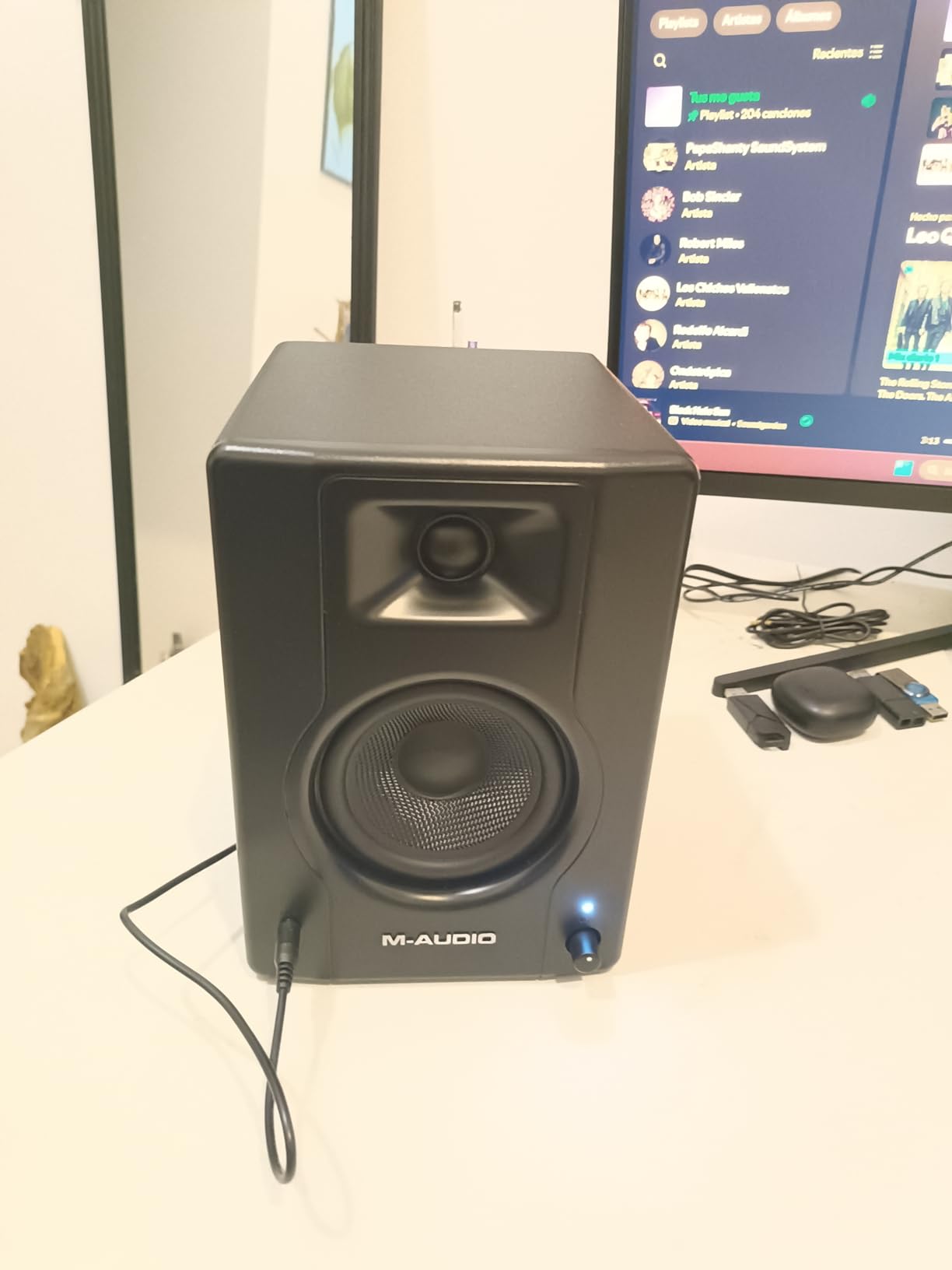
The 4.5-inch Kevlar woofers and silk dome tweeters give a clean, forward presentation that makes mouth noise and plosives easy to hear. The MDF cabinet is inert enough that you are not fighting box resonance when the drivers sit close to a desk, and the front headphone jack is useful for late-night checks.
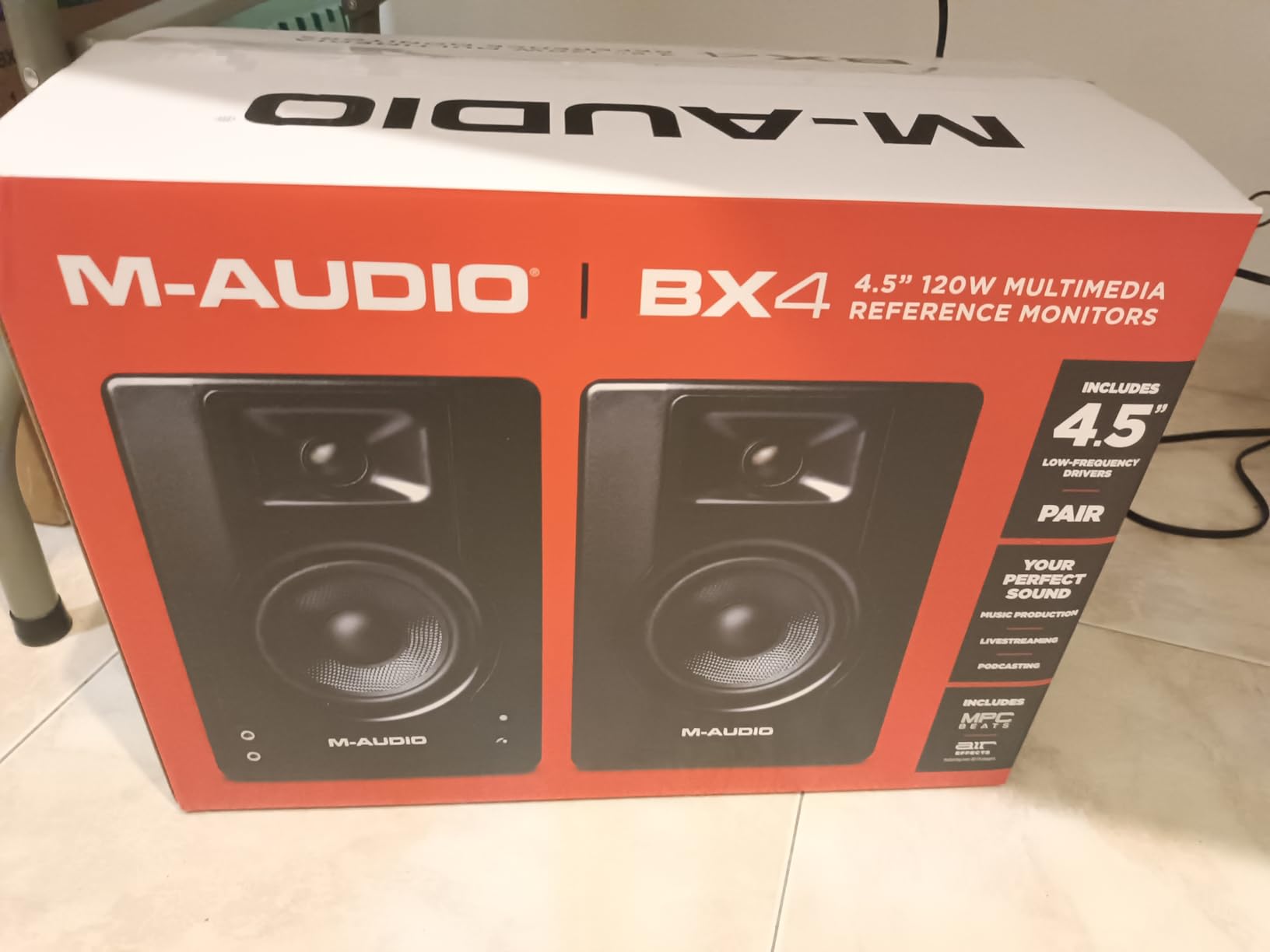
Where the 120 watt figure misleads
Reviewers are right to flag the headline number. A 120W peak rating says little about sustained monitoring level, which is what an editor does for hours. At a metre the practical headroom is good; for a large room it is not, and this is not the pair to fill one.
Where it falls short
There are no balanced XLR inputs, so you are working with TRS and RCA. At desk distance that is acceptable, but check it against your interface first. The bundled cables are thin and short, so budget for a proper set of balanced cables rather than fighting the supplied ones.
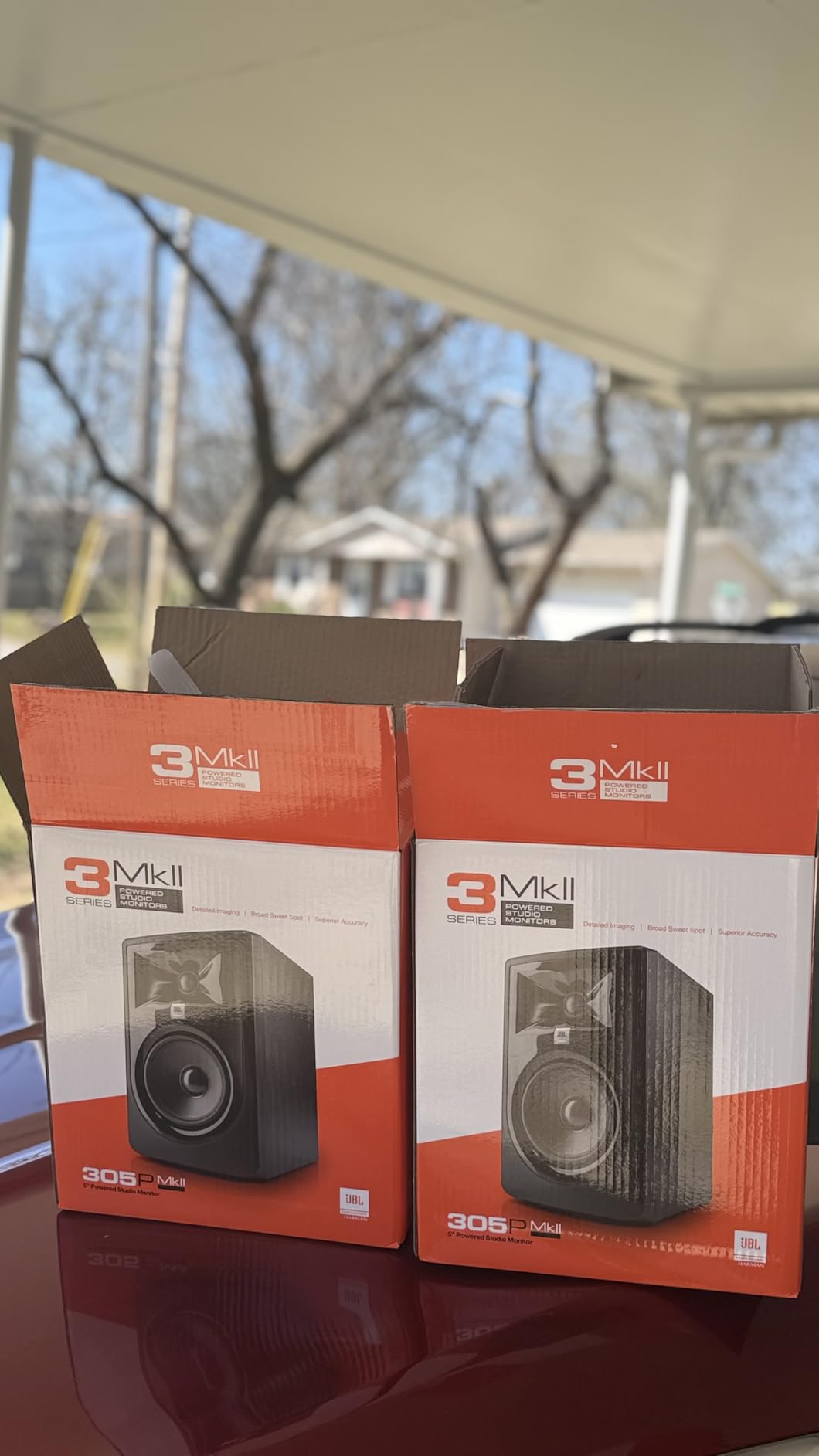
6. JBL 305P MkII – Best Wide Sweet Spot
(2) JBL 305P MkII 5″ 2-Way Active Powered Studio Reference Monitors Speakers
5 inch woofer
Dual 41W Class-D amps
Image Control Waveguide
Boundary EQ and HF trim
XLR and TRS
+ The Good
- Image Control Waveguide keeps the tone even when you lean off-axis
- Boundary EQ and HF trim give real control near a wall
- Slip Stream port adds low-end output in a compact cabinet
- Tested for 100-hour reliability with a five-year warranty
- The Bad
- ABS enclosure feels less premium than MDF rivals
- 75 dB signal to noise ratio is lower than some competitors
- No headphone output for quick private checks
The waveguide is the reason to choose this pair. The patented Image Control Waveguide controls dispersion around the tweeter, so the frequency response stays consistent across a wider listening area than a conventional dome. During a long session that means you can lean back, turn your head to reach a control, and the voice under your ear does not change tone.
On a narrower pair, moving off-axis colours the midrange and you end up making EQ decisions from a position you will not edit from.
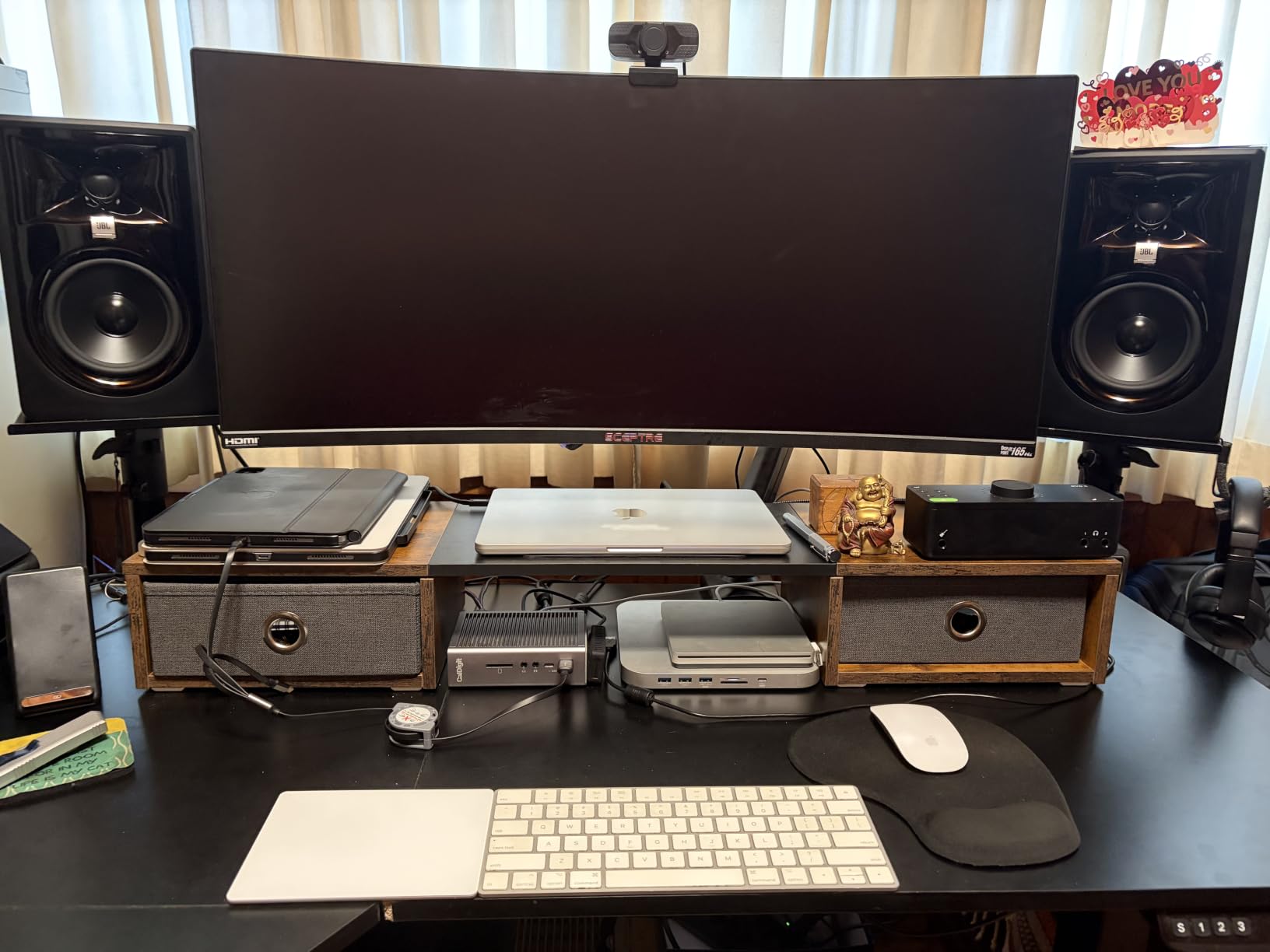
Dual 41-watt Class-D amplifiers give real dynamic range, and the Slip Stream port supports low-end output from a compact cabinet. For dialogue that is more than sufficient, and the headroom means you are not asking a small amplifier to do a large job when a host laughs or the guest track peaks.
What the boundary EQ is actually for
A boundary EQ preset compensates for the bass reinforcement you get when a speaker sits close to a wall, where reflected low frequencies add to the direct sound and everything sounds thicker than it is. Engaging it is a fast correction for a desk pushed against a wall, and far more reliable than guessing at the low trim. Use the HF trim for the opposite problem, where heavy soft furnishings absorb the top and voices sound dull.
Where it falls short
The 75 dB signal to noise ratio is lower than several rivals, and in a very quiet room between sentences you may just hear the floor. It sits well under speech level in practice, but it is a fair criticism for mastering work. There is also no headphone output and only XLR and TRS inputs.
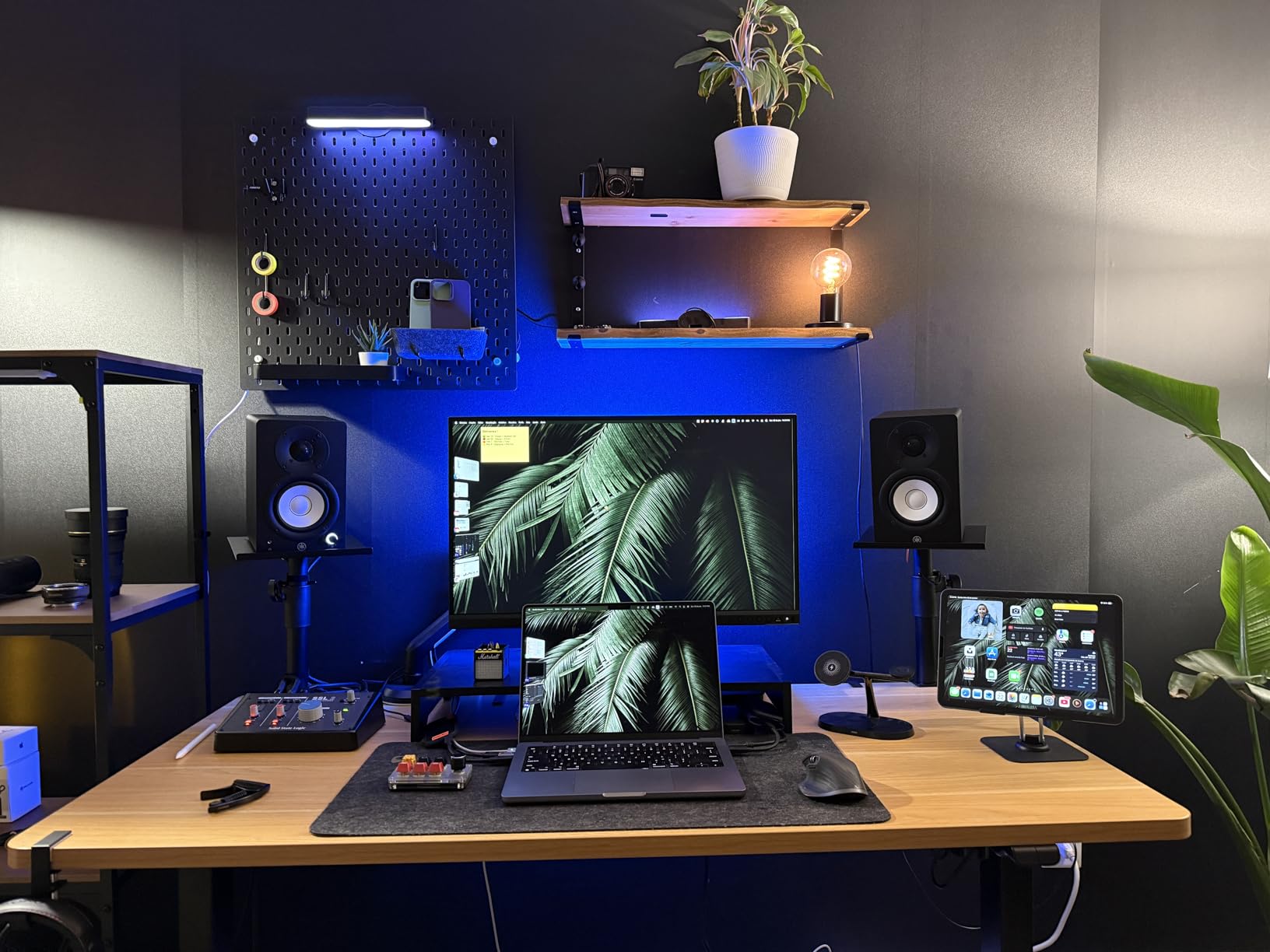
7. Yamaha HS4 – Top Rated for Desk-Based Editing
Yamaha HS4 Powered Studio Monitor in Black, Pair (HS4 B)
4.5 inch cone woofer
1 inch dome tweeter
26W per side
60 Hz to 22 kHz at -10 dB
Room control and high trim
+ The Good
- XLR
- TRS
- RCA and stereo mini inputs cover every hookup style
- Room control switch helps when the speakers sit near a wall
- Compact footprint keeps the sweet spot close on a desk
- Anti-slip pads and cables included in the box
- The Bad
- 26W per side is quiet in anything larger than a bedroom
- Bottle-ported bass needs clearance behind the cabinet
- Slightly bright before break-in
- All connections sit on the powered speaker only
With a 4.7 rating across 2358 reviews, the HS4 is the most consistently well-regarded monitor here, and for podcast editing the reason is simple: it reveals mix problems without dressing them up. A muddy low-mid or an over-compressed voice is obvious on this pair and easy to miss on something warmer.
The input selection is unusually generous. XLR and TRS combo jacks, RCA and a stereo mini input all sit on the back of the powered speaker, so this works with a professional interface, a small mixer or a laptop without adapters. For a first monitoring setup that flexibility removes the most common early frustration.
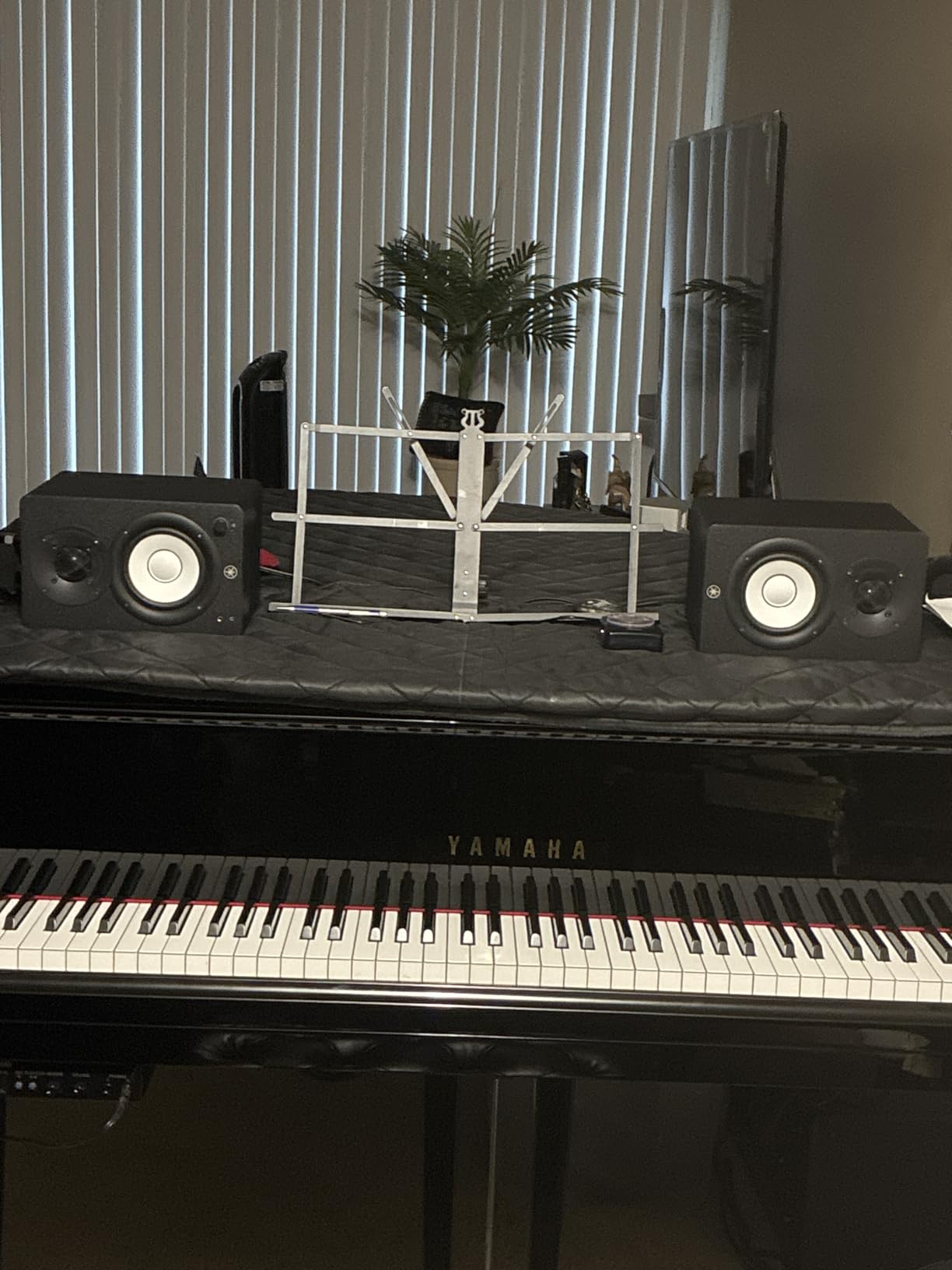
The 60 Hz to 22 kHz response at minus 10 dB is fair for a 4.5-inch driver and covers the speech band comfortably. Room control and high trim settings adapt to wall placement, and the compact footprint keeps the sweet spot close, which suits a desk at arm’s length.
Why 26 watts is enough here
Headroom anxiety is the most common worry podcasters bring to monitor buying, and it is usually misplaced. At one metre on a desk, 26 watts per side gives ample level to judge a voice track without pushing the amplifier into distortion. Set a monitoring level where a comfortable voice lands in the same place on your meter every session. If you get there, you have headroom; if you are pinned near the top, the pair is too small for the job.
Where it falls short
Bottle-ported bass needs clearance behind the cabinets, and the room control switch compensates only partly. Expect a little brightness before break-in, so do not make EQ decisions in the first hour of listening. All connections sit on the powered speaker, so plan the desk layout around where the power goes.
8. IK Multimedia iLoud Micro – Best for the Smallest Desk
IK Multimedia iLoud Micro Monitor White 50 watt Portable Wireless Bluetooth Studio Reference Monitors, Dual Speakers for Music Production, Mixing, Mastering, Composing, producing and DJs
3 inch woofer
0.75 inch tweeter
50W RMS across four Class D amps
45 Hz to 20 kHz
Bluetooth plus analog input
+ The Good
- Super-nearfield design puts the sweet spot at ear level on a desk
- Digital crossover with time alignment for precise imaging
- DESKTOP and SHELF switch adapts the response to placement
- Bluetooth and analog input usable at the same time
- The Bad
- RCA and 3.5mm only with no XLR or TRS for studio interfaces
- Bluetooth can buzz during some computer power cycles
- Interconnect cable is short and thin aluminium
- No subwoofer output
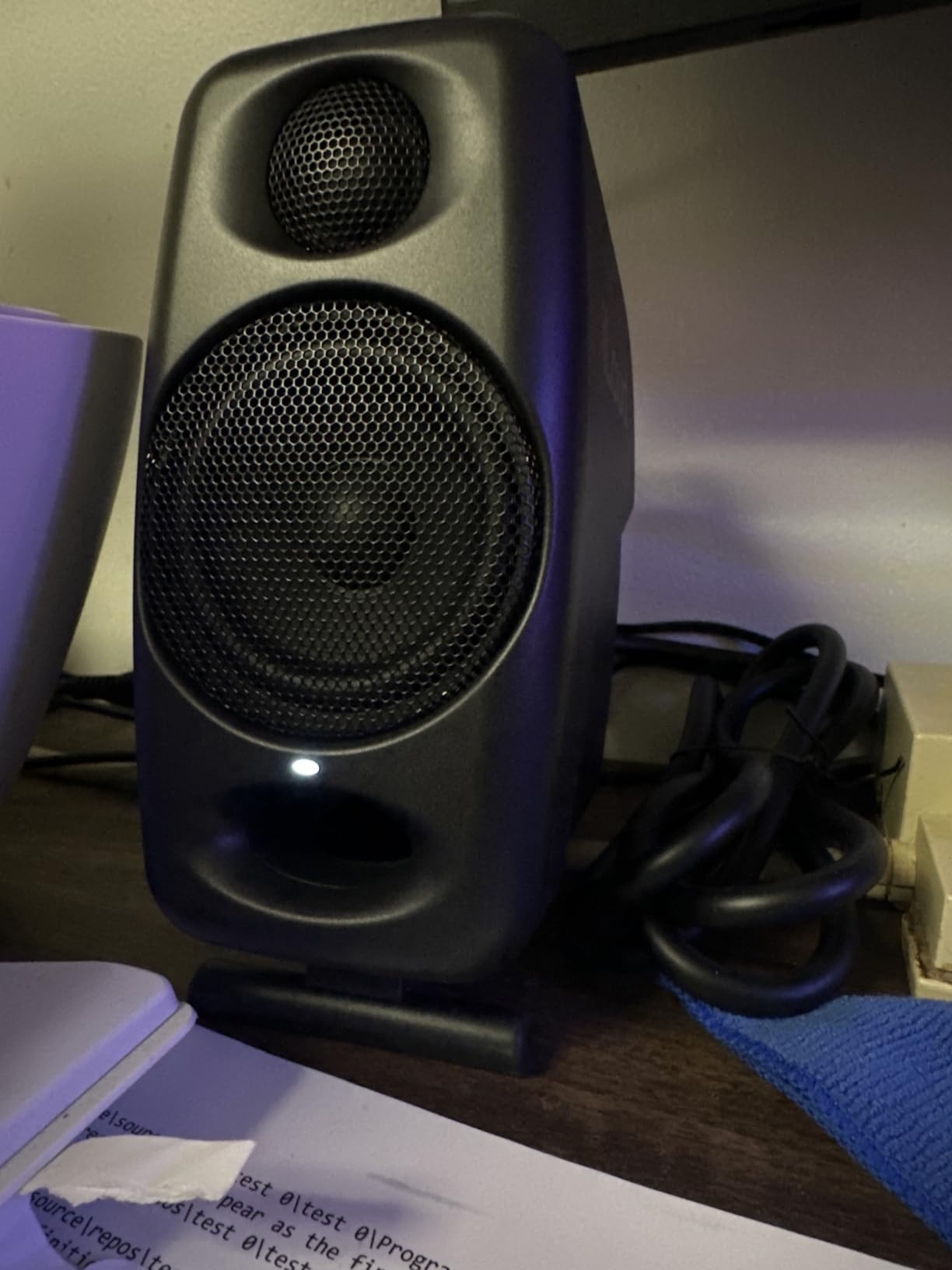
The iLoud Micro solves a problem nothing else here addresses: what to do when you have almost no desk. At just over 7 inches tall, these sit either side of a laptop without rearrangement, and the super-nearfield design puts the sweet spot at your ears rather than across the room. Owners are consistently surprised by how much output and clarity come out of cabinets this size.
Four Class-D power amplifiers delivering 50W RMS into a 3-inch driver is an unusual specification, and the extended 45 Hz to 20 kHz response is deeper than the size suggests. For speech that is far more low-frequency extension than dialogue contains.
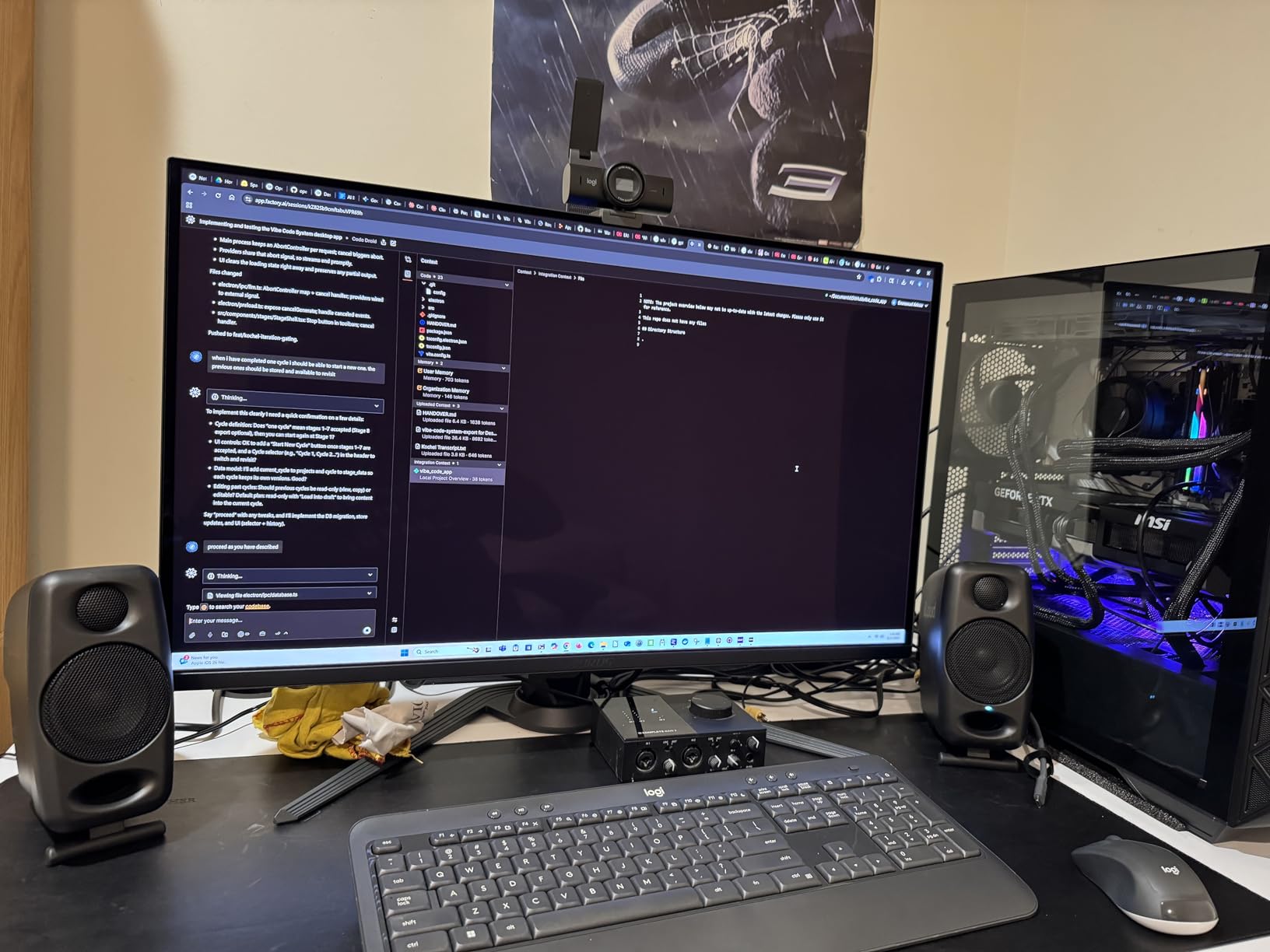
The advanced digital crossover with time alignment is worth noting. Aligning the drivers in time gives a more coherent centre image, which helps when you are checking whether two separately recorded voices sit at the same perceived distance. The DESKTOP and SHELF switch adapts the response for a near desk surface or a shelf, covering most home setups without measurement.
Bluetooth is fine for reference, wrong for edits
Bluetooth and the analog input are usable at the same time, which is convenient for pulling a reference track off a phone. Keep the wired path for critical work. Wireless adds latency and compression artefacts, and owners report audible buzz during some computer power cycles. Reference playback is fine; editing decisions are not.
Where it falls short
Inputs are limited to RCA and 3.5mm, so with a professional interface you will use the RCA outputs or an adapter, which is not ideal practice. The bundled interconnect is short and the stock cables are thin aluminium. There is no subwoofer output, and you will not need one for dialogue.
9. ADAM Audio T5V – Best Detail for Sibilance Control
ADAM Audio T5V Studio Monitor
5 inch woofer
HPS waveguide with U-ART tweeter
70W output
DSP shelf filters
XLR TRS and RCA
+ The Good
- HPS waveguide and U-ART tweeter reveal fine sibilance detail
- DSP high and low shelf filters correct a lively room quickly
- Beveled cabinet and rear-firing port allow flexible placement
- Five-year manufacturer warranty
- The Bad
- Professional inputs expect a real audio interface
- Heavier and larger than most 5 inch rivals
- Small owner base gives less long-term feedback
Of everything we tested, the T5V was the pair that most clearly separated an “s” from the breath around it. The HPS waveguide with a U-ART tweeter gives a detailed, extended high end, and that detail is exactly what you need when the job is deciding whether a de-esser is set correctly rather than whether the track sounds exciting.
It is also one of the few monitors here aimed explicitly at podcast editing as well as music production, and the design follows from that. DSP-based high and low shelf filters let you correct a room quickly and repeatably, which is valuable when you edit in the same untreated space every week.
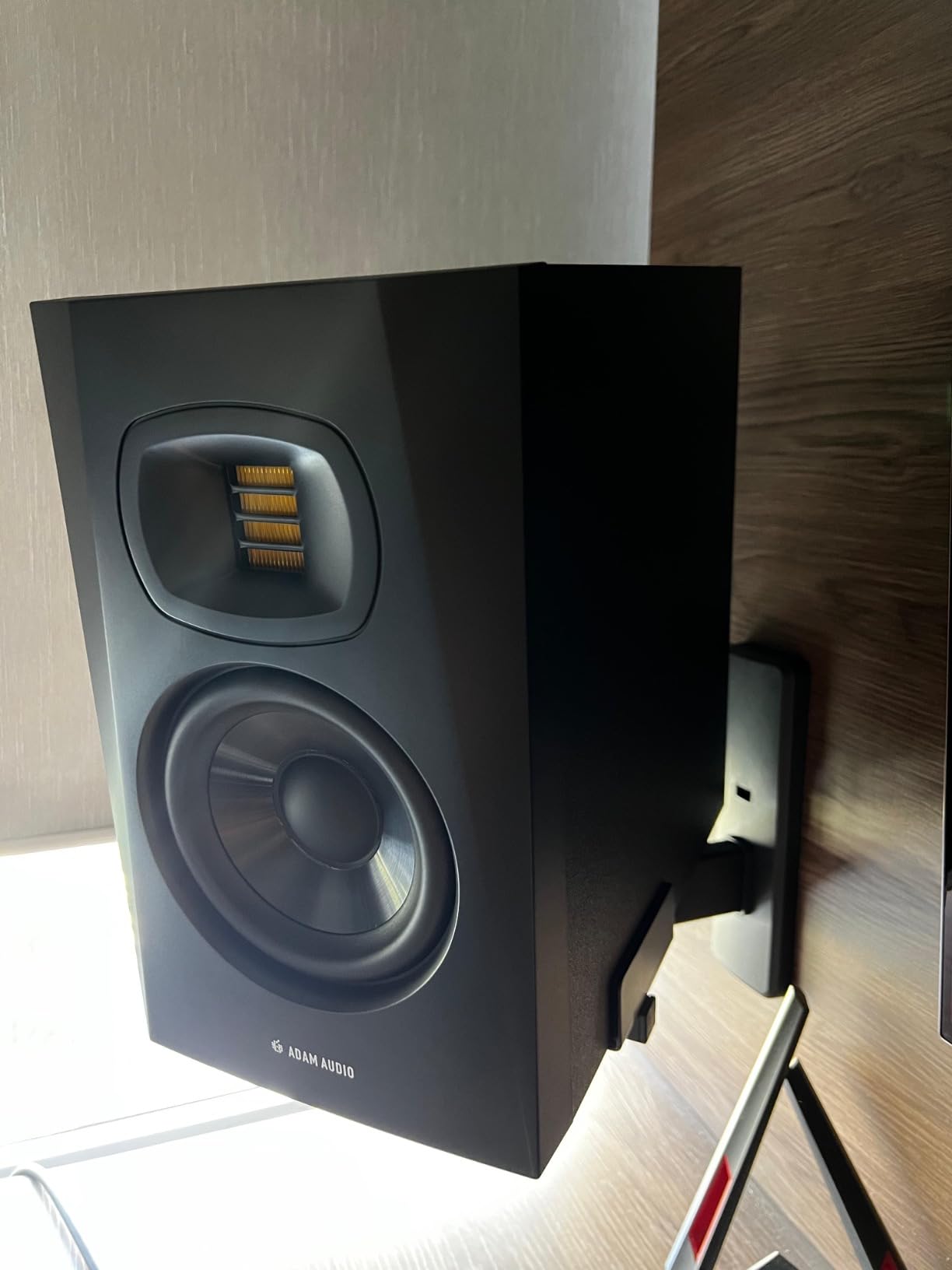
Seventy watts from a 5-inch driver gives comfortable level at desk distance, and the beveled cabinet with a rear-firing bass reflex port means placement is flexible. The port fires backward, so leave space behind rather than pushing the speakers flat against a wall. XLR, TRS and RCA inputs fit a professional chain without an adapter.
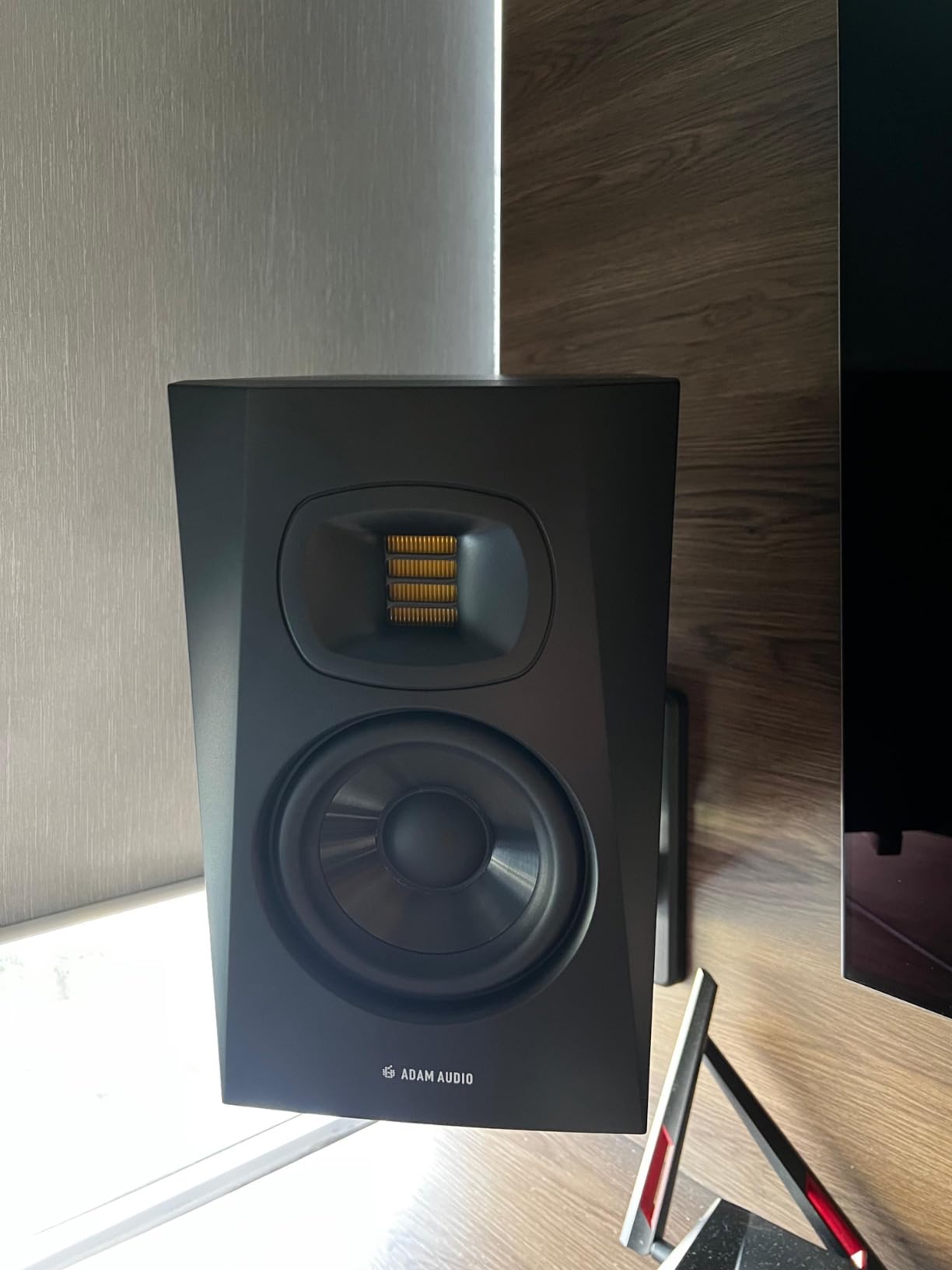
The bright tweeter and the de-essing trap
A revealing high end cuts both ways. Listen to your own podcast on a pair this accurate and it will sound worse than it did on your previous warmer setup. That is not a fault in the monitor; it is the host room, the microphone position and the noise floor being shown honestly. Voices de-essed too hard on bright monitors end up dull everywhere else, so keep a second check on headphones or a phone speaker before you export.
Where it falls short
The XLR and TRS inputs assume you have an interface feeding them properly; there is no consumer aux path, so a laptop-only workflow needs an interface regardless. It is heavier and larger than most 5-inch rivals, and 345 reviews is the thinnest owner base here, which is a real consideration for a monitor you keep for years.
10. PreSonus Eris E5 – Best Value for a First Pair
PreSonus Eris E5 2-Way 5.25″ Near Field Studio Monitor
5.25 inch woven composite woofer
1 inch silk dome tweeter
80W Class AB bi-amp
102 dB max continuous SPL
XLR TRS and RCA
+ The Good
- 102 dB maximum continuous SPL gives real nearfield headroom
- Balanced XLR and TRS plus unbalanced RCA on the back panel
- Front-firing port allows closer wall placement
- Acoustic tuning controls for high
- mid and low
- The Bad
- Boomy low end when sat flat on a desk
- Faint amplifier hiss at very low listening levels
- Power-on pop if the source is not muted first
The published maximum continuous SPL of 102 dB is the number to pay attention to. It is a sustained figure, not a peak claim, which means the pair can play a dialogue track at a healthy editing level without the amplifier straining. For a first monitoring pair that headroom is worth more than an extra inch of driver.
Eighty watts of Class AB bi-amplification drives a 5.25-inch woven composite woofer and a 1-inch ultra-low-mass silk dome tweeter. The silk dome is chosen specifically to avoid harshness, which is why the top end stays listenable through a long session even at a revealing level.
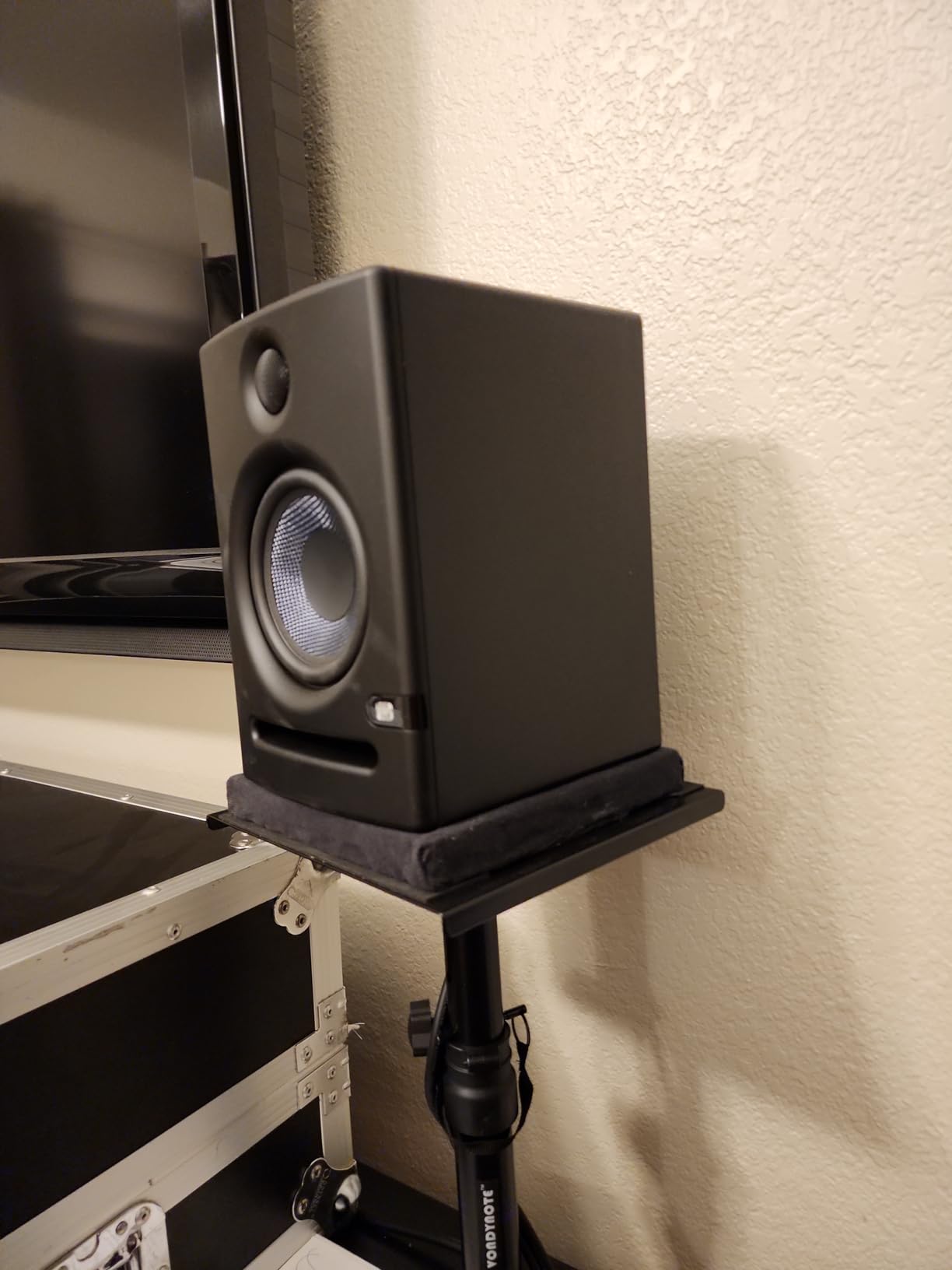
Balanced XLR and 1/4-inch inputs plus unbalanced RCA cover every source, and acoustic tuning controls for high, mid and low give real adjustment in an untreated room. The front-firing port is a genuine advantage for podcast desks where speakers are pushed toward a wall to make space for a mic arm and notebook.
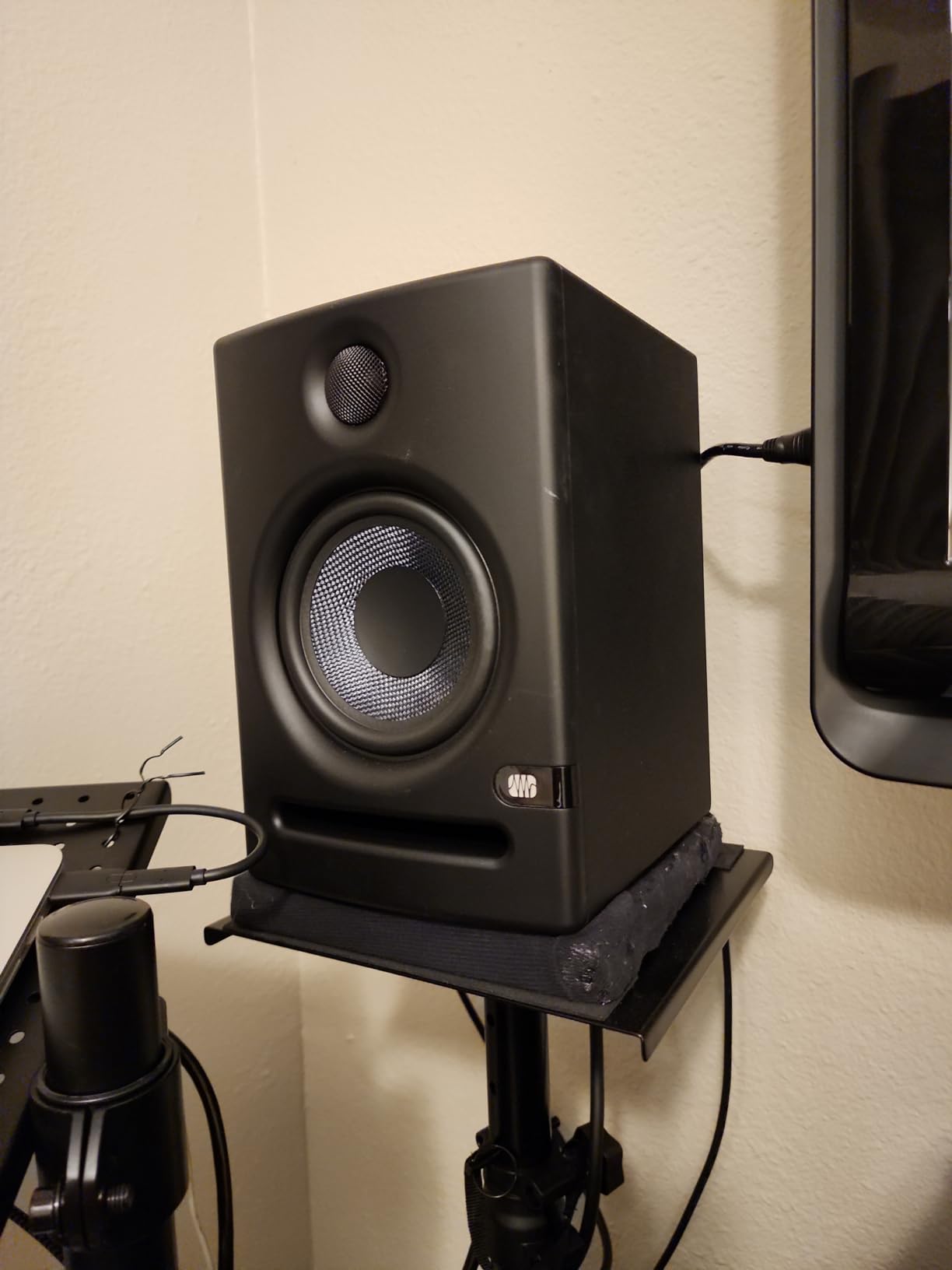
Get them off the desk surface
The most repeated complaint is bass boom when the speakers sit directly on a desk, because the surface reflects low frequencies back at you and the boundary loading stacks with what the monitor already produces. Isolating pads or a pair of stands fixes most of it, and this is the cheapest improvement available in this roundup. A faint amplifier hiss at very low levels and a power-on pop if your source is not muted first are minor.
Where it falls short
Five-inch drivers will not reproduce true sub-bass. For a small untreated room that is a benefit rather than a limitation, though if you later produce music with 808s you will want a subwoofer and a different monitor. The front-firing port still needs some breathing room, so do not flush it against a surface.
11. JBL 306P MkII – Best for a Spare Room
JBL Professional 306P MkII Next-Generation 6″ 2-Way Powered Studio Monitor (306PMKII) (Pair)
6.5 inch woofer
1 inch tweeter
112W output
New boundary EQ
XLR input
Reinforced XLR sleeves
+ The Good
- 6.5 inch woofer handles a bigger room with even level
- Boundary EQ recovers neutral low end at wall placement
- Reinforced XLR sleeve ports rated for 600W max draw
- Good output for rooms up to roughly 3 by 5 metres
- The Bad
- Physically large and heavy for a desk setup
- XLR only with no RCA or aux input
- Volume control is on the rear panel
- Slightly boom prone in untreated rooms despite the boundary EQ
If your editing is not at a desk but in a spare room set up as a small studio, the 6.5-inch driver here starts to make sense. The updated high and low frequency transducers use optimised damping for better transient response, which on speech shows up as cleaner plosive bursts rather than a smeared thump.
Owners report good output for rooms of roughly 3 by 5 metres, and the 112W amplification has the headroom for that. At desk distance in a small bedroom you would be wasting most of that capacity and adding low-frequency output dialogue does not need.
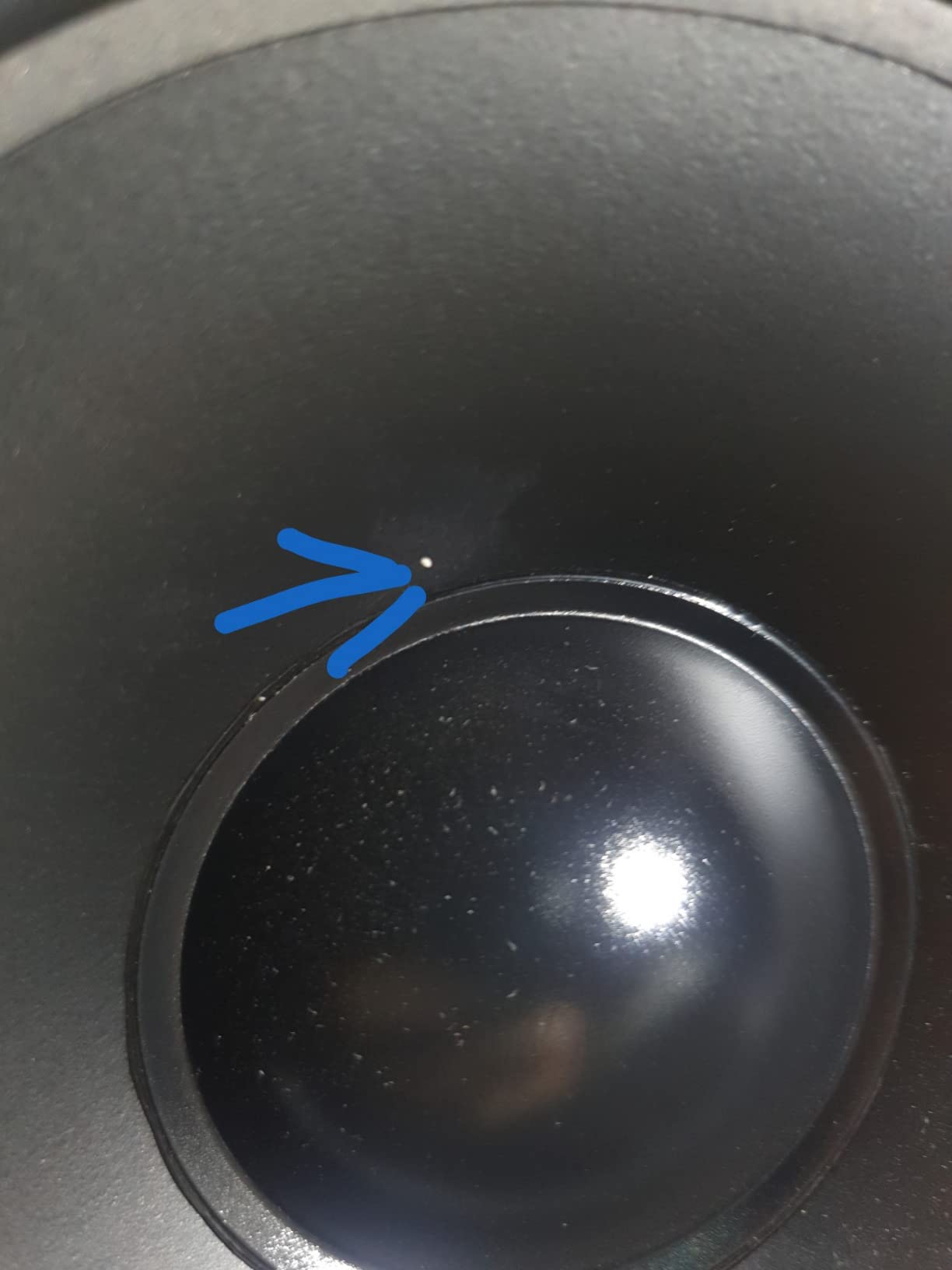
The boundary EQ on this second-generation model restores more neutral low end when the speaker sits on a work surface against a wall, the most common arrangement in a spare room converted on a budget. The reinforced XLR sleeve ports are rated for 600W max draw, a level of build detail you do not get everywhere.
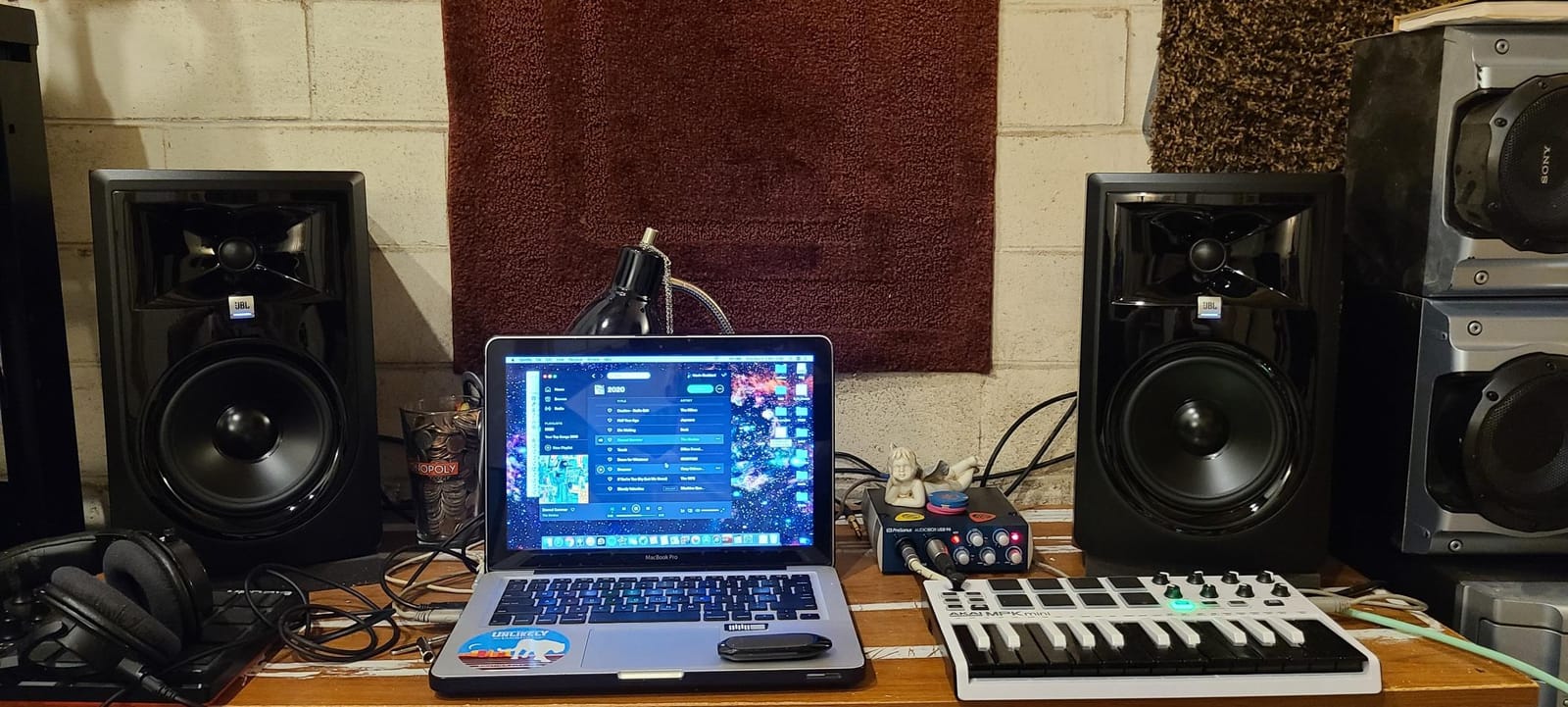
When a bigger driver is the wrong answer
The forum advice is consistent: buying more bass than your content contains, in a room you are not treating, is a common and expensive mistake. A 6.5-inch woofer in an untreated room reinforces the low-mid boom you are already trying to fix. The right reason to move up in size is room size, not bass.
Where it falls short
It is physically large and heavy for a desk, so plan for stands and a clear surface. It is XLR only with no RCA fallback, the volume control is on the rear panel, and the glossy plastic cabinet looks less premium than MDF rivals at the same tier.
12. Edifier MR5 – Best Three-Way Design for Dialogue
Edifier MR5 2.0 Studio Monitor Bookshelf Speakers, 110W RMS, Black
5 inch woofer, 3.75 inch mid, 1 inch silk dome
46 Hz to 40 kHz
110W RMS Class D
101 dB peak SPL
XLR TRS RCA AUX and Bluetooth
+ The Good
- 3-way crossover keeps bass energy out of the vocal band
- 110W RMS Class D with 101 dB peak SPL
- ConneX app room compensation and custom EQ profiles
- Front 3.5mm headphone output plus XLR TRS RCA and AUX
- The Bad
- Large and heavy
- needing desk depth and bass clearance
- No subwoofer output
- Only one RCA input so changing source means replugging
- Auto shut-off fixed at 15 minutes
The MR5 is the most interesting design here for speech, and the reason is the three-way crossover. A 5-inch long-throw woofer, a 3.75-inch mid driver and a 1-inch silk dome tweeter each handle their own band, so the woofer is not asked to produce the midrange where a voice lives. You get bass without muddiness in the same cabinet.
That is the failure mode editors complain about most with smaller monitors: bass that arrives alongside the low-mids and makes a voice thicker than it is. A three-way design removes it.
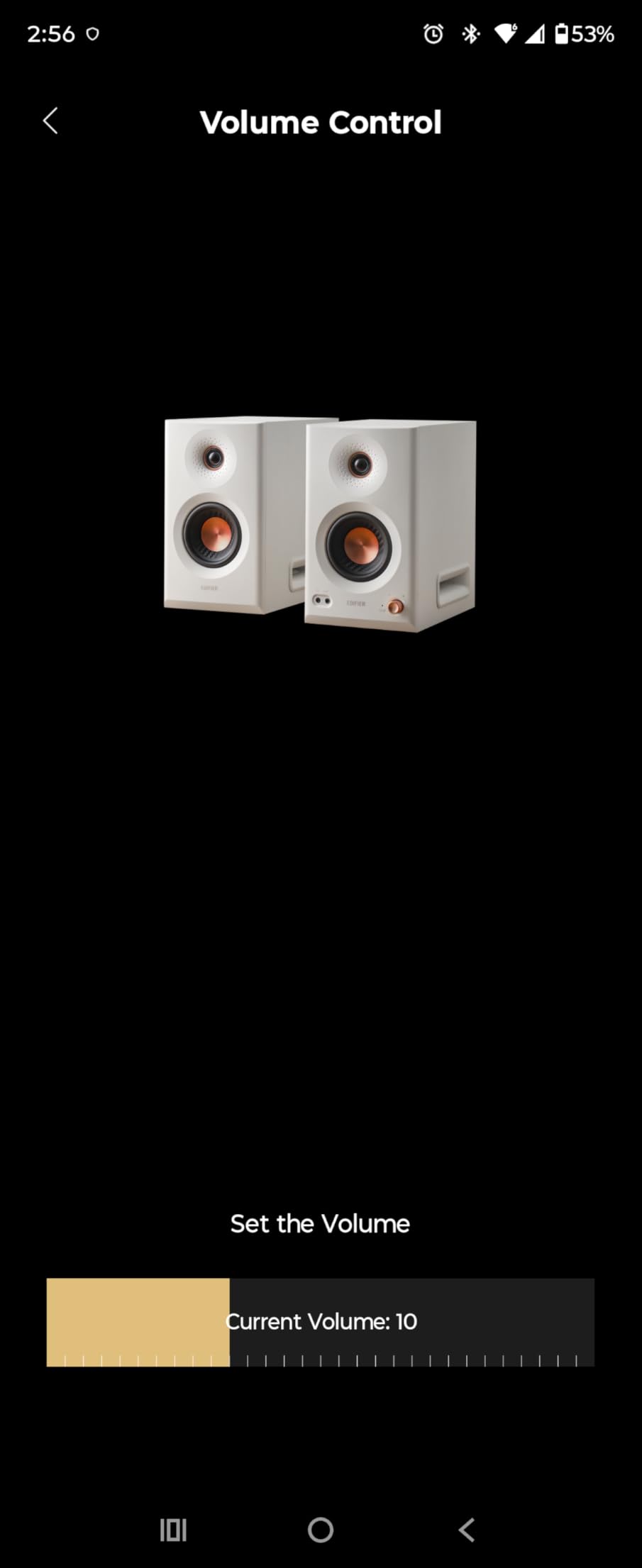
Response runs 46 Hz to 40 kHz with 110W RMS Class D amplification and 101 dB peak SPL. Owners describe punchy bass that does not muddy the mids, which is exactly the pairing you want for dialogue. The MDF cabinets reduce distortion and the dimpled tweeter waveguide widens the sweet spot.
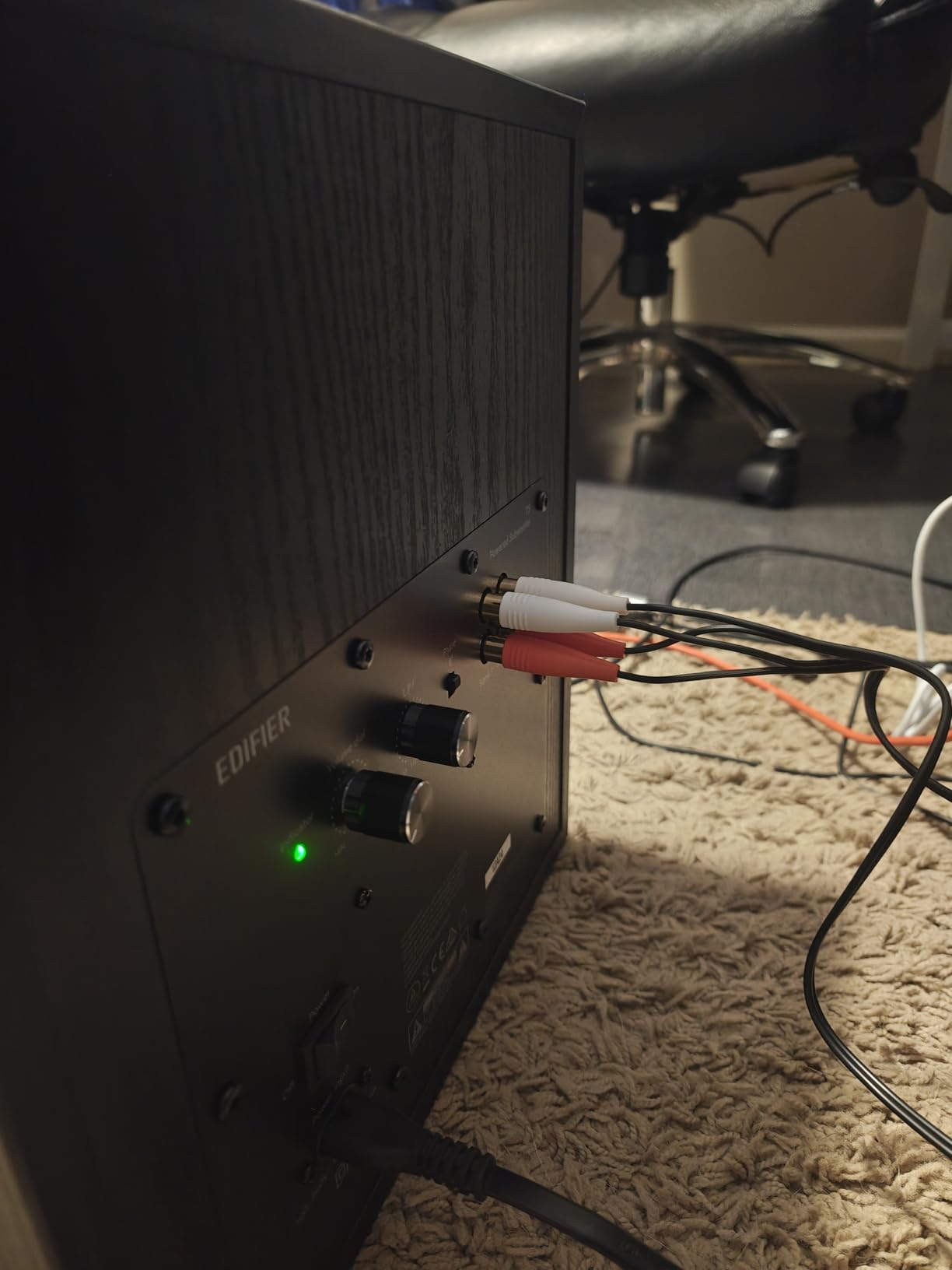
Using the app without being locked into it
Room compensation in the ConneX app is a genuine convenience in an untreated room, but treat it as a starting point rather than a measurement: the app applies presets based on what you tell it about your space. The useful part for dialogue is the custom EQ profile. Save one for a voice-heavy setup and another for reference playback, and switch from the front knob without opening software.
Where it falls short
It is large and heavy at just over 10 kg and needs real depth on the desk for the bass to develop, so this is not a small-space monitor. There is no subwoofer output, only one RCA input, the auto shut-off is fixed at 15 minutes, and the speakers auto-reconnect to a paired Bluetooth device on power-up.
How to Choose Studio Monitors for Speech and Podcast Editing
Driver size first, then everything else. For a bedroom or home office where the speakers sit on a desk about a metre from your ears, a 4 to 5 inch woofer is the range that works. Larger drivers suit larger rooms; smaller drivers suit desks with no space.
Judge the 2 kHz to 8 kHz presence band
Almost every spoken-word problem shows up between roughly 2 kHz and 8 kHz. Sibilance, the sharp “s” and “sh” sound, lives at the top of that range, and plosive consonants like “p” and “b” burst in the same region. Nasality and the hollow quality of a voice recorded too far from a microphone sit lower in it. A monitor that smears that band hides all of it, so listen for detail rather than brightness.
Check the inputs against your interface
Every powered monitor here takes a line-level feed; the connector varies. If your interface has balanced XLR or TRS outputs, prioritise a monitor that accepts them, because an unbalanced run is more likely to pick up hum on a longer cable. If you are working from a laptop, any of the RCA or AUX-equipped pairs will do.
Use the room tuning controls
High and low trim, room control switches, boundary EQ and DSP shelf filters exist for the same reason: an untreated room colours speech badly, and your only options are correcting for it or being wrong. On a desk against a reflective wall, engage the boundary or wall setting before touching anything else. Our 8 inch studio monitor guide covers the opposite end of the size range if your room is genuinely large.
Set a consistent monitoring level
Streaming targets generally sit around minus 16 LUFS integrated with a true peak ceiling near minus 1 dBTP. For your own work, what matters is that you monitor at the same level every session, because your compression and noise reduction decisions depend on how loud the source sits. Set a comfortable level for a normal speaking voice, note your interface output level, and return to that number each time.
Position with the 38 rule in mind
The 38 rule states that the monitors, the listener’s head and the near wall should form an equilateral triangle, so each speaker sits 38 degrees off the centre line. Set the tweeters to ear height, angle them in, and keep the distance between them and your head the same as the distance from your head to the wall.
Do you need a subwoofer for podcast editing?
Usually not. Dialogue has very little content below 60 to 80 Hz, and a subwoofer in an untreated small room adds low-mid build-up you will then try to fix with EQ. A monitor accurate down to about 50 Hz covers everything you will ever need to hear. A sub becomes worthwhile when you also produce music, or when you are working in a treated room.
Common mistakes to avoid
Buying driver size for bass you do not have. Dialogue carries almost no sub-bass content.
Flat on the desk with no isolation. Pads or stands cost very little and fix most of the boom.
Rear-ported monitors pushed against a wall. Port output becomes unpredictable; front-ported or boundary-EQ models cope better.
Trimming EQ to fix a room problem. Correct the room first, then the monitor, then the mix.
Judging the final mix only on monitors. Many listeners are on earbuds and phone speakers.
Editing at a different level every session. Inconsistent level produces inconsistent decisions.
Trusting Bluetooth for critical work. Fine for reference playback, wrong for editing.
Over-de-essing on a bright pair. Check the result on a second system before exporting.
Studio Monitors vs Headphones for Podcast Editing
Headphones are not a substitute for monitors during dialogue editing, and the reason is physical rather than philosophical. Speakers reproduce sound in a real three-dimensional space, so you hear the relationship between a voice and the room around it, and you hear two hosts sitting in different positions. Headphones deliver a stereo image that does not exist in the room, and after several hours that image becomes the only reality you can perceive.
The pattern on the podcast forums is consistent: most editors start on headphones and add monitors once they move past beginner edits. That is a sensible order. Headphones give isolation and detail, and for noise reduction and fine editing passes they are hard to beat. What they cannot tell you is how a level balance between two tracks will sit in a room.
Long sessions on headphones also produce fatigue that speakers do not, and editors report a distorted sense of the stereo image that leads to bad panning and depth decisions. Neither factor is about sound quality; both are about staying accurate when you are tired.
Use both. Make primary decisions on monitors at a fixed level, cross-check on headphones for detail work, and check on a phone speaker for translation. If your budget forces a choice, a better microphone usually improves an episode more than a better monitoring setup, which is why we point new podcasters to our microphone roundup first. The same order of upgrades comes up in every thread we read.
Frequently Asked Questions
What type of monitor is best for editing?
A powered nearfield monitor with a 4 to 5 inch woofer and a soft dome tweeter. That size stays close to your head, sits well on a desk and reproduces voice content cleanly. Add high and low trim controls for room matching and a balanced input for a clean interface feed.
What is the 38 rule for studio monitors?
The 38 rule states that the two monitors and the listener’s head should form an equilateral triangle, with each speaker 38 degrees off the centre line. Place the tweeters at ear height and keep the distance from your head to the speakers equal to the distance from your head to the near wall.
What monitors do professional studios use?
Professional facilities typically use large-format three-way monitors with separate bass, mid and high drivers, waveguide tweeters and DSP room correction. Smaller nearfield pairs are common in edit suites. For podcast editing, a 4 to 5 inch two-way nearfield monitor on stands is the practical equivalent.
Why is Genelec so popular?
Genelec monitors are popular for a consistent design philosophy, a wide listening area and built-in calibration that measures how your room affects the result. The brand is widely trusted for neutrality. This roundup covers entry and mid-range monitors only, so none of the twelve picks are Genelec.
Do I need studio monitors for podcasting?
Not to start. Headphones cover dialogue editing well, and many successful shows were produced entirely on headphones. Add monitors once you are mixing multiple tracks, judging how an episode translates outside headphones, or spending several hours per session in an editing chair.
Do I need a subwoofer for podcast editing?
Usually not. Dialogue contains very little energy below 60 to 80 Hz, so a monitor accurate down to about 50 Hz covers the material. A subwoofer in an untreated small room tends to add low-mid build-up that you then have to fight with EQ.
What size studio monitors for a small room?
A 4 to 5 inch woofer suits a bedroom or home office, because it plays close to your head without exciting the room’s low-frequency problems. Move up in size when the room is genuinely larger and you need more output, not when you want more bass.
How loud should I monitor when editing a podcast?
Set a level where a normal speaking voice sits comfortably, then keep that level constant between sessions. Consistency matters more than a specific number, because your compression and noise reduction decisions depend on how loud the source is. Leave headroom so you are never near maximum output.
The Verdict for Podcast Editing in 2026
The Edifier R1280T is our default pick for most podcast editors in 2026, because a smooth silk dome tweeter and dual AUX inputs make long dialogue sessions comfortable and flexible, and its 19k reviews give the widest owner feedback in the group. If you want reference accuracy rather than a natural voicing, take the Yamaha HS4 for its flat response and generous input selection, or the PreSonus Eris E5 for sustained nearfield headroom.
Whichever you choose, get them onto isolation pads, set one monitoring level, and keep a second check on headphones and a phone speaker. That habit will improve your episodes more than any upgrade on this list.