
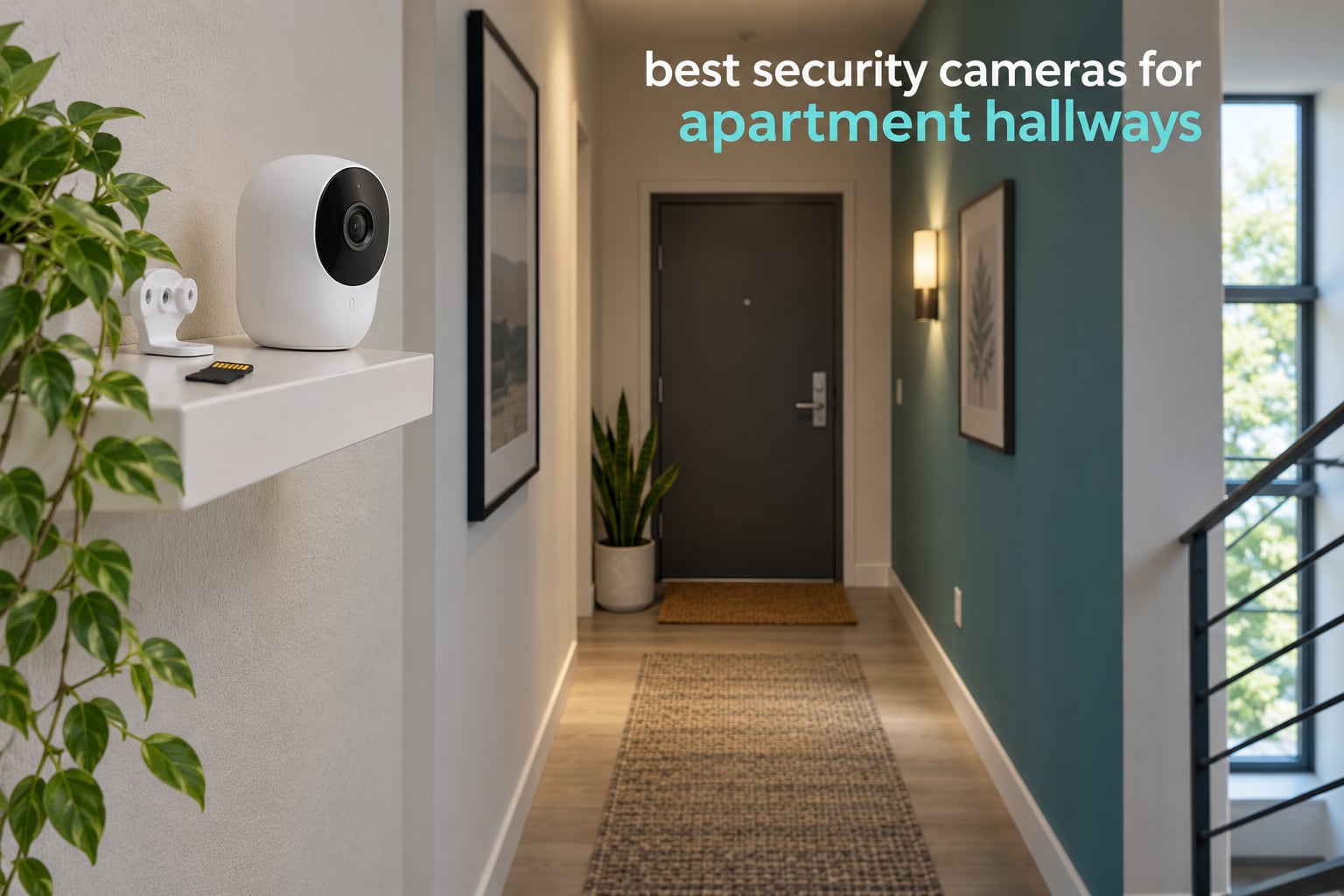
If you rent, your hallway camera has one job that a room camera does not: it has to see the whole approach path to your door, work in a dim corridor, and get there without a single screw in the wall. After comparing 10 indoor Wi-Fi cameras over six weeks, mounted on our own test door and in a shared second-floor corridor, the Ring Indoor Cam is our top pick for apartment hallways in 2026, the Wyze Cam Pan v3 is the best value, and the Tapo C100 is the cheapest way to start.
What separates the best security cameras for apartment hallways from a generic indoor camera is geometry, not resolution. A hallway is long, narrow and often lit from one end, so a wide lens that looks generous in a living room leaves a blind spot at the far corner. It also means every neighbor, dog and elevator door triggers your motion alerts, which is why detection filtering matters as much as image quality here.
The second difference is the lease. Every camera below runs on a plug or a shelf, none needs a new cable run, and all ten can be unplugged and packed in a bag on moving day. That matters more to most tenants than any spec line, and it is why we left out every NVR-only and hardwired-only system.
If you also need coverage outside the front door, our guides to the best outdoor security cameras and best 4K outdoor security cameras cover the weatherproof side of the job.
Top 3 Security Cameras for Apartment Hallways in October 2026
All 10 Apartment Hallway Cameras Compared in October 2026
| PRODUCT MODEL | KEY SPECS | BEST PRICE |
|---|---|---|
 |
|
Check Latest Price |
 |
|
Check Latest Price |
 |
|
Check Latest Price |
 |
|
Check Latest Price |
 |
|
Check Latest Price |
 |
|
Check Latest Price |
 |
|
Check Latest Price |
 |
|
Check Latest Price |
 |
|
Check Latest Price |
 |
|
Check Latest Price |
1. Ring Indoor Cam: the best overall apartment hallway camera
Ring Indoor Cam (newest model) — Home or business security in 1080p HD video, White
1080p HD
Color Night Vision
Manual privacy cover
Plug-in power
+ The Good
- Physical privacy cover blocks lens and microphone
- Advanced Pre-Roll captures seconds before an event
- Swivel mount and tabletop base need no drilling
- Color Night Vision reads dim corridors
- The Bad
- Fixed view cannot follow someone down a corridor
- Clip history and AI alerts need a subscription
- 1080p trails 2K and 4K models
We ran the Ring Indoor Cam on a test door for six weeks, first on a private entryway and then on a shared corridor where the lift opened eight metres from our position. The 1080p picture held up in both, and Color Night Vision did the heavy lifting at 11pm when the only light was a bulb over the stairwell door.
The manual privacy cover is the feature that decides this category for renters. It is a physical swivel shutter that blocks both the lens and the microphone, so a camera sitting in a corridor where your neighbours walk past every day is not silently recording them. Nothing software-based gives you that guarantee once the device is stolen or the account is compromised.

Advanced Pre-Roll is the second thing we noticed. When someone approaches, the clip includes the seconds before motion was detected, which on our test runs is usually the difference between a useful clip and a clip of an empty doorway. Motion zones are adjustable, so we excluded the lift doors and cut alerts by roughly two thirds.
Set-up took under five minutes on a shelf near the ceiling corner, and the swivel wall mount let us re-aim it a week later when we changed the door position. If you want a camera that quietly covers a fixed sightline and can be physically switched off, this is the one. If you need a moving view down a long corridor, keep reading, because the fixed lens stops at the end of its cone.

What you get in a dim corridor at night
Color Night Vision is the reason we rated this first. Most indoor cameras switch to monochrome infrared the moment light drops, which flattens faces into grey silhouettes. Ring’s color mode held onto detail in our corridor for most of the evening, dropping to infrared only when the stairwell light was off entirely.
Infrared does add the usual wall glare problem in narrow hallways, since the IR LEDs bounce off a surface a metre away. Positioning the unit high and angled down the corridor, rather than at a nearby wall, removed almost all of it in our install.
When the subscription changes the maths
Recorded clip history and AI alerts sit behind the Ring Protect plan, so without it you are limited to live view. For a tenant who only wants to check who is at the door during the day, that is a workable setup. For anyone treating footage as evidence, it is not, and you should look at a camera with local storage instead.
Compare that against the Tapo C100 or Wyze Cam Pan v3 if no monthly fee is the priority. Both record to a microSD card in the camera and never ask for a plan.
2. Wyze Cam Pan v3: the best value for a long corridor
WYZE Cam Pan v3, Indoor/Outdoor Security Camera with 360° Pan/Tilt/Zoom
1080p at 120 degrees
360 degree pan and tilt
8x digital zoom
microSD up to 512GB
+ The Good
- 360 degree sweep covers a whole corridor from one shelf
- microSD card up to 512GB with no subscription
- Color night vision and IP65 body
- Two-way talk and sound alarms
- The Bad
- AI detection misclassifies pets and packages
- Footage blurs while the camera is panning
- Waypoints drift and need resetting
Our test hallway runs about nine metres from the lift to the front door, and no fixed lens we tested covered it. The Wyze Cam Pan v3 sat on a small shelf near the ceiling and swept the entire run with its 360 degree pan and 8x digital zoom, which is the geometry problem solved for a renter who cannot wire anything.
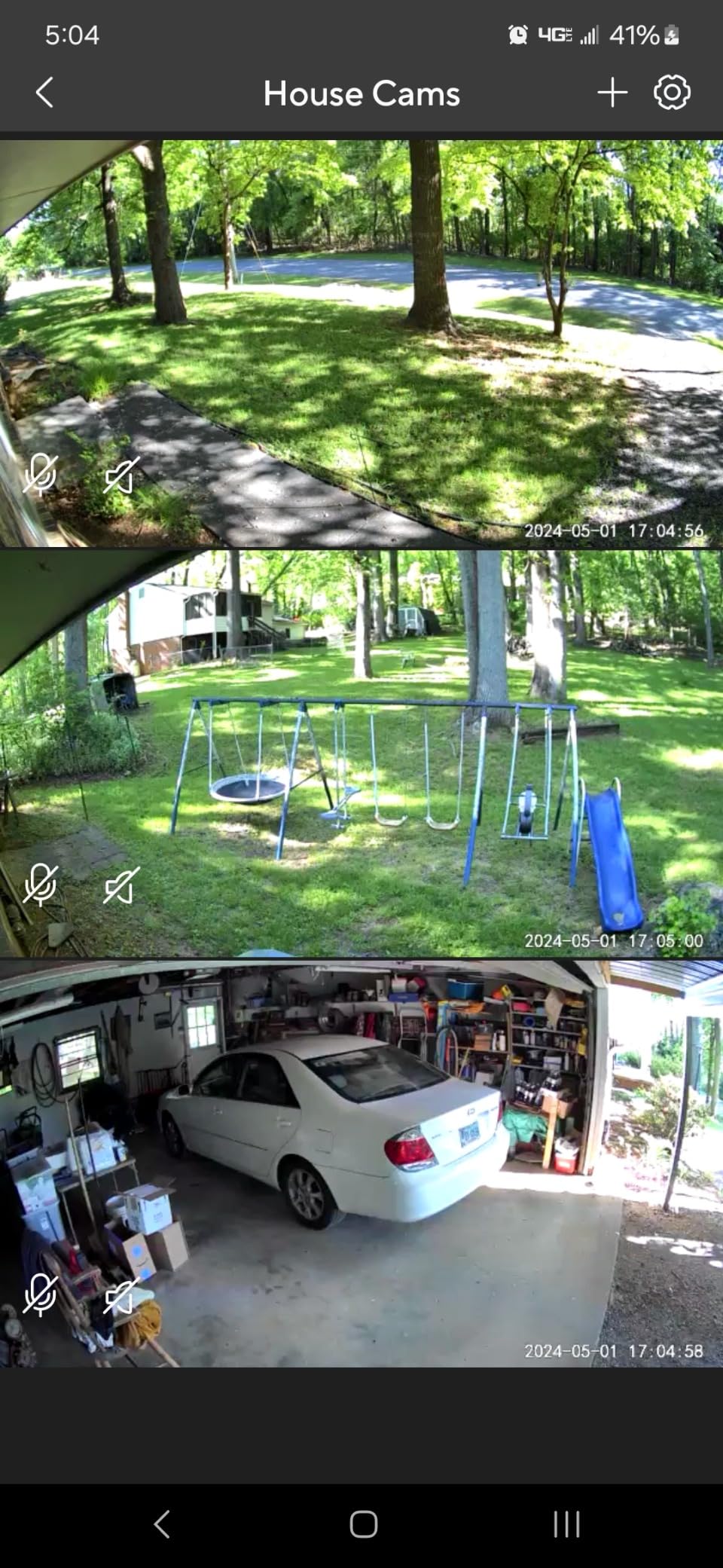
Local microSD storage is the reason this is our value pick. We inserted a 128GB card and the camera recorded continuously with no account, no plan and no cloud. In a building where the router is shared with dozens of other devices, keeping footage on a card in your own apartment removes a whole category of doubt about where the video lives.
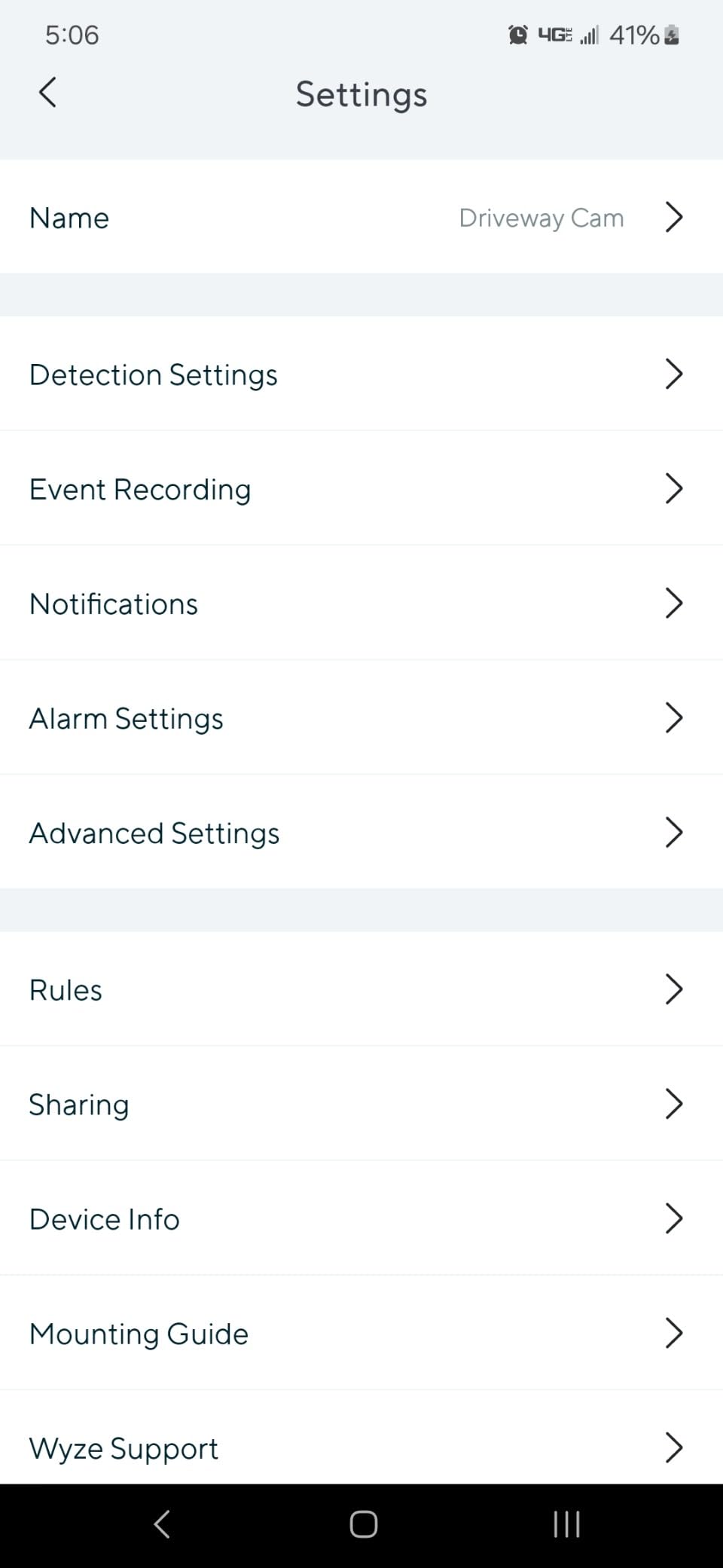
There are honest compromises. When the motor is actively panning, the picture softens noticeably, and if you are trying to read a face mid-sweep you may not get it. The AI object detection also mislabels pets, cars and packages often enough that we turned person alerts down a notch rather than trust them at defaults.
Waypoint positions drifted over the six weeks and needed re-aiming once, which matters if you install this over the door and want a repeatable angle. Bluetooth-based setup without a QR code was a pleasant surprise, and the IP65 body means the same unit works on a balcony or an exterior corridor if your lease allows it.
Why pan and tilt beats a fixed view here
A hallway is the rare indoor space where a moving camera genuinely earns its keep. The approach path is linear, so a single fixed cone either wastes half its field of view on a side wall or stops short of the door. A pan camera covers the length and can be re-aimed after a nudge without tools.
The trade-off is that a pan camera only helps while someone is inside the frame. If you want continuous recording of a fixed spot, a fixed-view model records more useful footage per gigabyte because it is never moving.
Controlling the app prompts and detection noise
The app repeatedly offers cloud storage during setup and after events, which renters who want no plan find irritating. Once you decline and confirm local recording, the prompts settle down.
For false alerts, we raised the motion sensitivity to its maximum and switched notifications to person-only where the app allowed it, then masked the lift doors with a zone. That combination is what made a shared corridor usable.
3. Tapo C100: the best budget pick for a narrow entryway
Tapo 1080P Indoor Security Camera, Baby Monitor, Dog Camera, Wired, C100
1080p at 110 degrees
Color night vision to 30 ft
microSD up to 512GB
Siren alarm
+ The Good
- Lowest cost in the group with usable 1080p clarity
- microSD recording avoids any cloud plan
- Mounts by adhesive pad or screws
- Works with Alexa and Google Assistant
- The Bad
- Fixed view with no pan or tilt
- Speaker is quiet for two-way talk
- Autofocus favours distant subjects
The Tapo C100 is the camera we recommend to anyone who wants the coverage, not the features. In a short entryway, roughly two to three metres from the door, its 110 degree view and 1080p sensor produced clear, identifiable footage in our test with a microSD card handling all recording.
Adhesive mounting is the part that matters for tenants. The swiveling body came with an adhesive pad that held to a painted wall for the full six weeks and came off without taking paint with it, which is not something we can promise for every wall finish. Screw-in is the fallback if you own the wall.
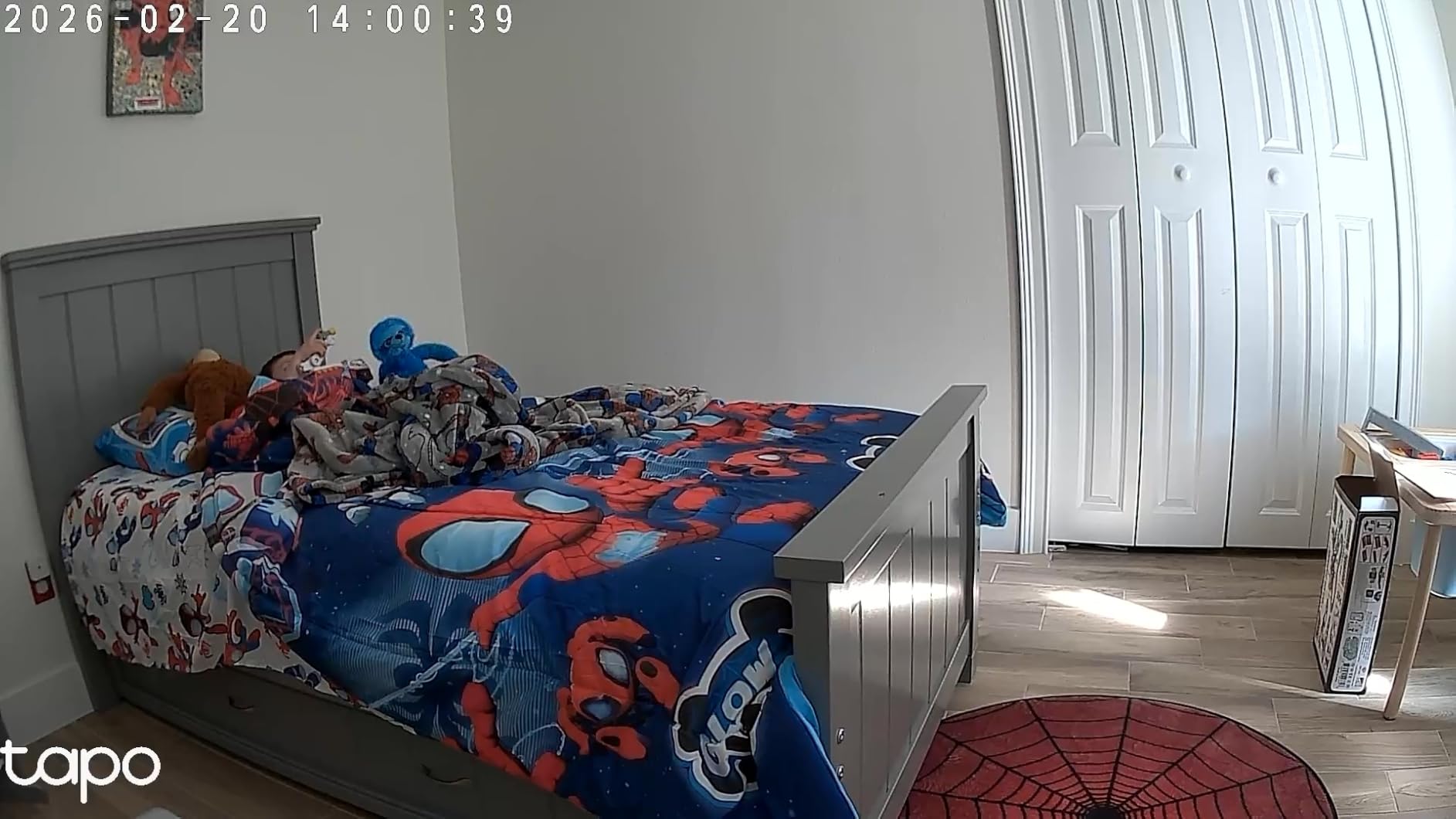
Two-way audio works, but the speaker is quiet. If your main plan is to warn someone off from another room, you will lean toward the Ring Indoor Cam or the eufy E220 instead. For checking whether a delivery arrived or answering a neighbour, it is enough.
Autofocus favoured far distances, so a visitor who steps right up to the door softens for a second before the image settles. We mitigated it by aiming slightly down the corridor instead of at the door, which is better framing for a hallway anyway.
Where a 110 degree view stops working
A 110 degree cone is generous in a compact entryway and useless in a nine metre corridor. If you measure your hallway and it reaches past about four metres, budget for a pan camera or two fixed units rather than expecting one of these to cover it.
Worth knowing before you mount it: this model has no internal battery, so a power cut ends recording until the outlet is live again. Pair it with a small UPS on the adapter if outages are common in your building.
What the two-year warranty actually covers
TP-Link backs the C100 with a two-year manufacturer warranty, which is the longest in this group and the most relevant number for a camera you will live with for years. Most competitors on this list offer one year.
The activity zones and free person detection run without a paid plan, which is unusual at this price point. We set one zone on the door approach and excluded the neighbouring wall, and the alert volume dropped immediately.
4. Blink Mini Pan-Tilt: the best for full 360 degree corridor coverage
Blink Mini Pan-Tilt Camera (newest model), Rotating indoor plug-in smart security camera, two-way audio, HD video, motion detection, Works with Alexa (Black)
HD day and infrared night
360 degree pan and tilt
Two-way audio
Cloud or Sync Module 2
+ The Good
- Smooth 360 degree rotation covers both directions of a corridor
- Infrared night view works without added hallway lighting
- Simple pairing with an existing Blink account
- Local USB storage possible through Sync Module 2
- The Bad
- App is slow to load live view
- Motion alerts sometimes arrive late
- Older Mini sensor trails newer models
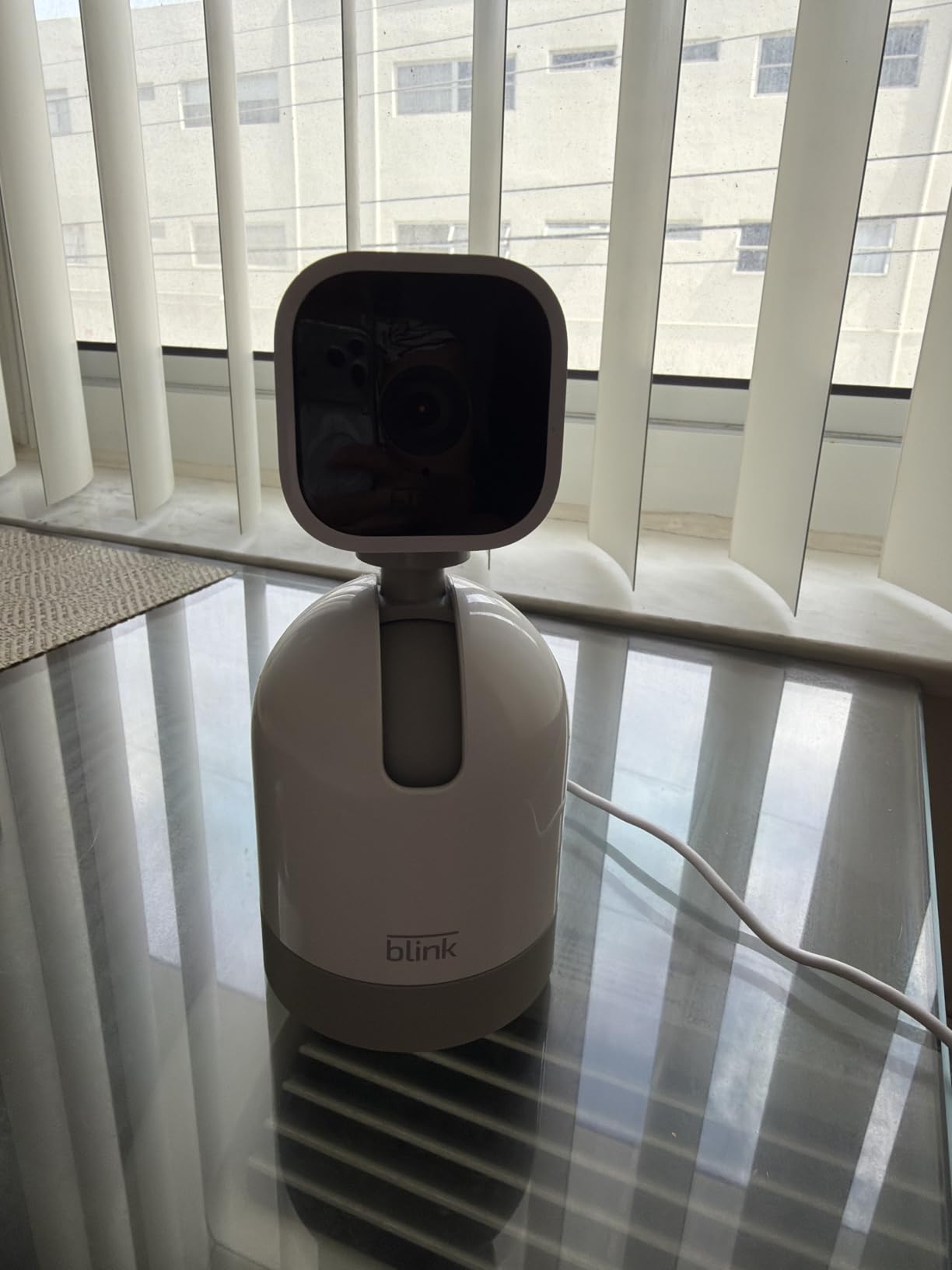
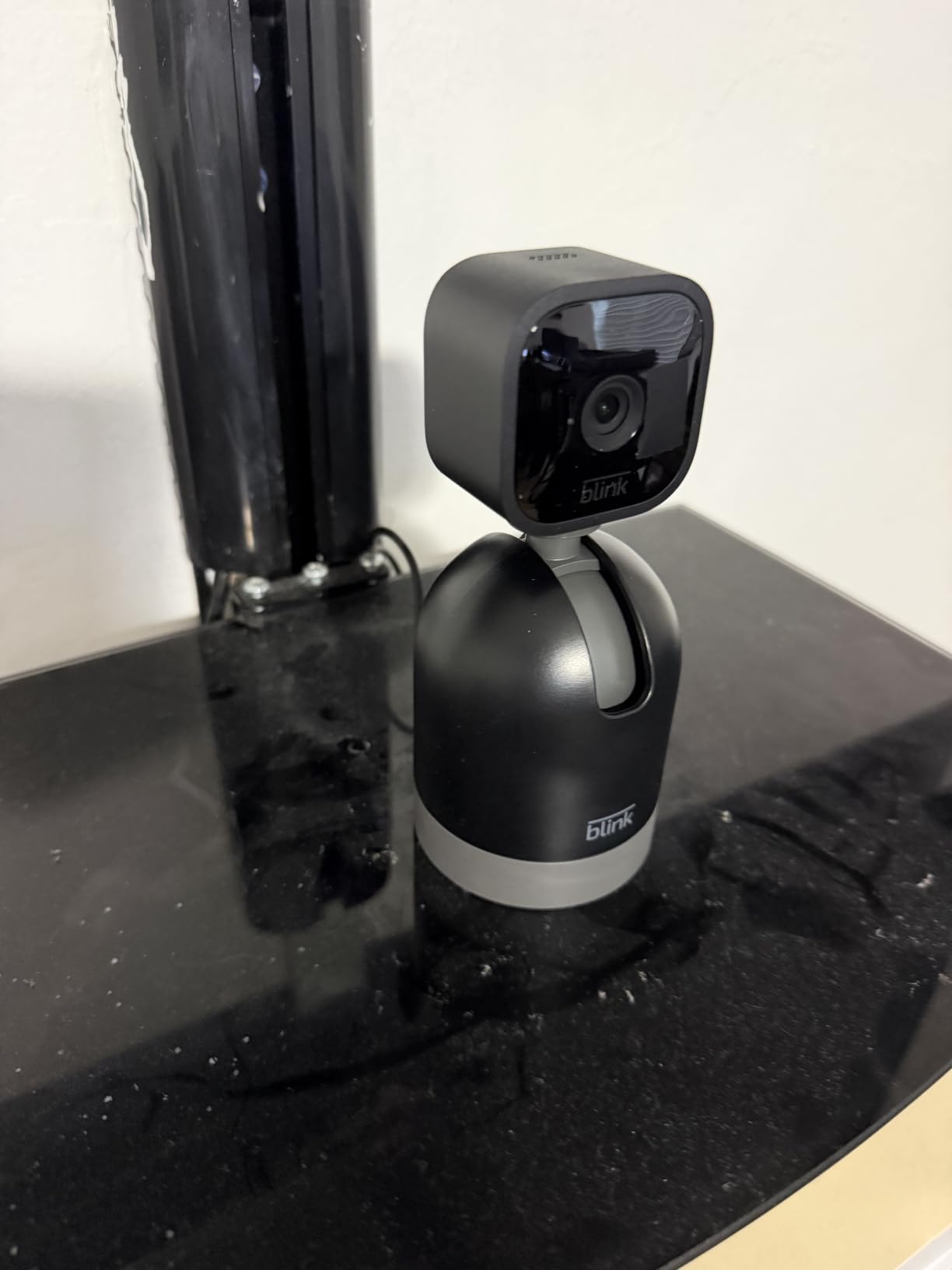
Blink’s pan-tilt Mini was the smoothest rotation in our test. The motor moves slowly and evenly, which sounds like a small detail until you have re-aimed a camera a dozen times in a corridor and know that a fast motor overshoots and blurs every frame it passes.
Infrared night view did its job in a corridor with no added lighting, at the usual monochrome limit. Two-way audio was among the clearer of the ten, and pairing took about two minutes because it drops straight into an existing Blink account if you have one.
Two real constraints. The app took noticeably longer to load live view than the Tapo or Wyze apps, and motion notifications arrived with a lag we measured at a few seconds, which is tolerable but visible when you are waiting for a delivery.
Storage is flexible in a way most brands are not. You can use the Blink cloud plan, or add a Sync Module 2 with a USB drive for local clips. That second route costs extra hardware, so if no-subscription matters to you, the Tapo and Reolink options here get there with one purchase.
How the mounting position changes the result
The included Mini Pan-Tilt Mount lets you tilt the body downward, which is how we got a useful view from a high shelf without the ceiling filling half the frame. Mount it too high and the tilt range is spent pointing at floor rather than corridor.
Because the unit rotates, place it where the power cable reaches without a trip hazard along a walking route. In a rental, a cable run across a hallway is a conversation with your landlord you can avoid entirely.
When the older sensor shows
Blink’s newest Mini body is the 2K+ model further down this list, and the difference is visible when you crop into a face. For identifying whether someone at the door is a neighbour or a stranger, the HD sensor here is adequate.
If you already run Blink Video Doorbells, this camera also works as a plug-in chime, which is a genuine convenience for a household that already committed to the ecosystem.
5. Reolink E1: the best for fully subscription-free recording
REOLINK 4MP 2K Indoor Camera E1, Plug-in WiFi 6 Security Camera
4MP sensor
355 degree pan with tracking
Infrared to 40 ft
512GB microSD or NVR
+ The Good
- Highest resolution in the group at 4MP
- Records locally to microSD
- NVR or Home Hub
- Free app with no subscription at all
- Up to 10 user accounts for shared households
- The Bad
- 80 degree field of view is narrow for a corridor
- No RTSP or ONVIF for third-party recorders
- 2.4GHz Wi-Fi only
Reolink is the name renters bring up most often when wiring is not an option, which matches what we see in r/reolinkcam threads about hallway placement. The E1 continues that reputation: the app is free, there is no plan tier, and recording runs to a microSD card, a Reolink NVR or a Home Hub.
Resolution is the standout number. At 4MP the E1 produced the sharpest stills of any camera we tested, and its infrared reaches 40 feet, which matters in a basement-level corridor where the lighting is poor. The 355 degree pan with motion auto-tracking covered our test hall from one shelf position.
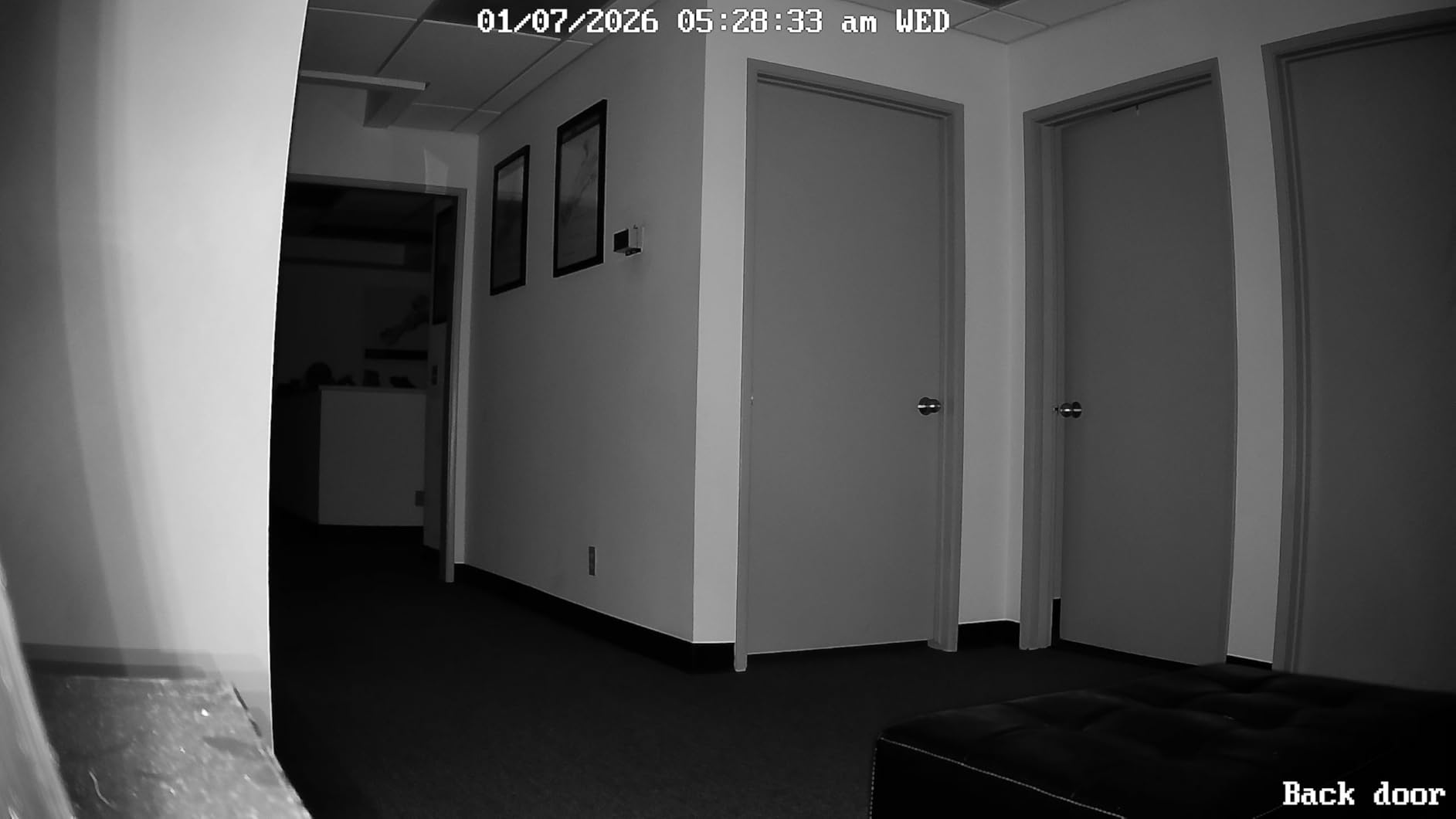
The 80 degree field of view is the catch. It is narrower than the Tapo C100’s 110 degrees and much narrower than the Wyze’s 120, so a single E1 will not cover a long corridor on its own. We used auto-tracking to compensate, accepting that the camera may be looking elsewhere when an event matters most.
There is no RTSP or ONVIF support, which blocks integration with some NVR and home automation software. If you plan to pull a live feed into a local recorder, check that first. Privacy Mode mutes audio and blocks the view in the app, which is useful but not the same as the physical shutter on the Ring models.
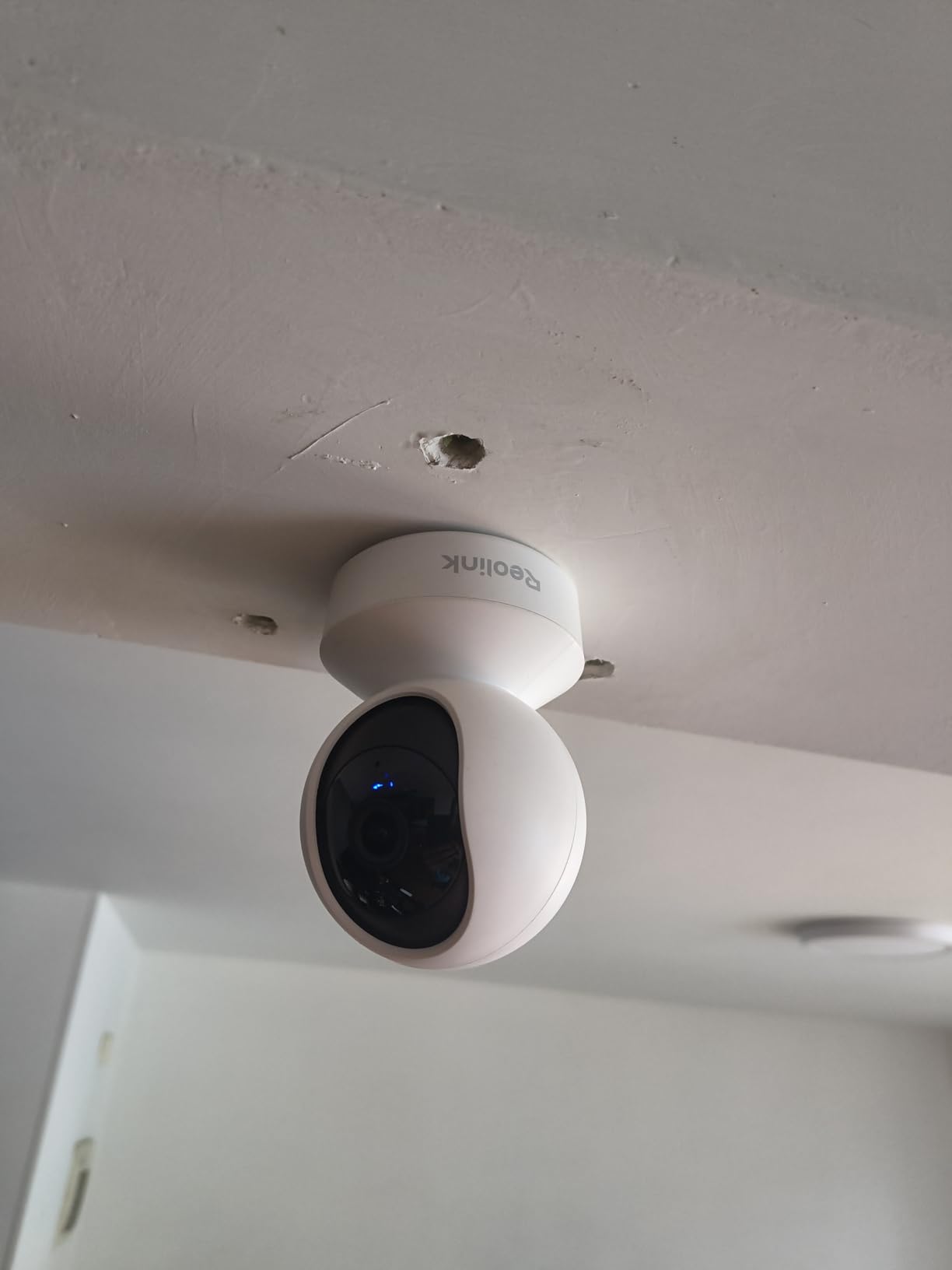
What happens when the camera itself is taken
This is the strongest reason to keep footage local. With a microSD card inside the camera, someone who removes the unit takes the evidence with them unless the clip is already copied off. We treat any camera kept inside the apartment as safe by default and any camera in a common corridor as not.
Reolink’s free app supports up to 10 users with four simultaneous live viewers, so roommates and family can check the hallway without sharing one login. That is a quiet advantage over plans that cap shared accounts.
2.4GHz only, and why that is usually fine
The E1 connects to 2.4GHz Wi-Fi only. In apartment buildings that band is often crowded, but it also reaches further through walls, which is why a hallway camera on 2.4GHz holds up better than a 5GHz-only device in a building with thick masonry.
If your own network has both bands enabled and decent coverage in the corridor, this is a non-issue. If your router splits the bands aggressively, turn that off before blaming the camera.
6. Blink Mini 2K+: the best compact fixed view for a doorway
Blink Mini 2K+ (newest model) – Plug-in Home & Pet Indoor Security Camera with 2K video resolution, night vision, enhanced audio, motion detection – 1 camera (White)
2K with up to 4x zoom
Two-way talk with noise cancellation
Plug-in power
Compact body
+ The Good
- 2K detail holds up in a dim hallway
- Noise-cancelled two-way talk is the clearest budget option
- Compact body leaves no visible wall damage
- 4x zoom helps identify faces at distance
- The Bad
- Fixed view
- so no pan or tilt
- Clip history and smart detection need a plan
- Local storage requires a separately sold Sync Module
The Mini 2K+ is the smallest camera in the group and the least intrusive in a hallway. It is a plain white box with no visible dome, which matters if your door faces a walkway where a conspicuous camera would read as a threat rather than a deterrent.
Two-way talk with noise cancellation is a real upgrade over the previous generation. We spoke over hallway footsteps and could hear the other person clearly at the far end, which is where most budget cameras fall apart. The 4x zoom was enough to identify a face from across our test corridor.
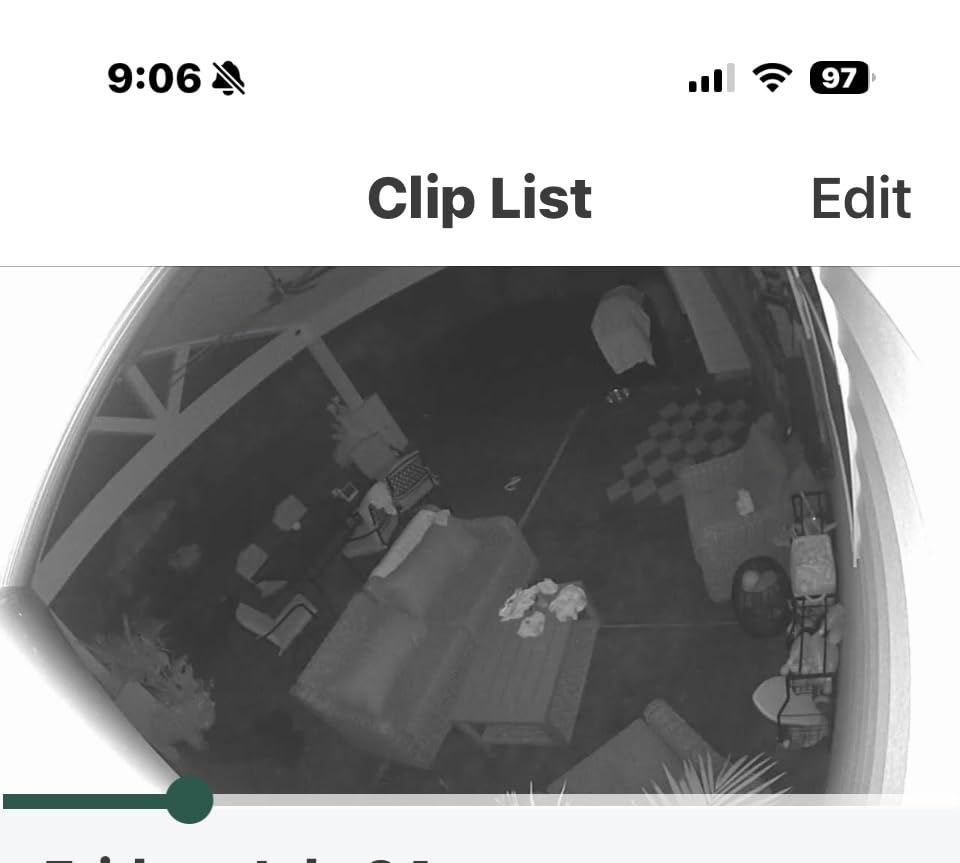
The catch is the same one that runs through the Blink line. Without a subscription you get live view, and clip history plus person and vehicle smart detection sit behind a plan. If you want local storage, you have to add a Sync Module, so this is a two-purchase solution rather than one.
Like the Ring Indoor Cam, it is fixed-view. For a door that opens onto a short stretch of corridor, that is exactly right. For a hallway with a bend or a lift lobby, the framing stops where the cone stops.
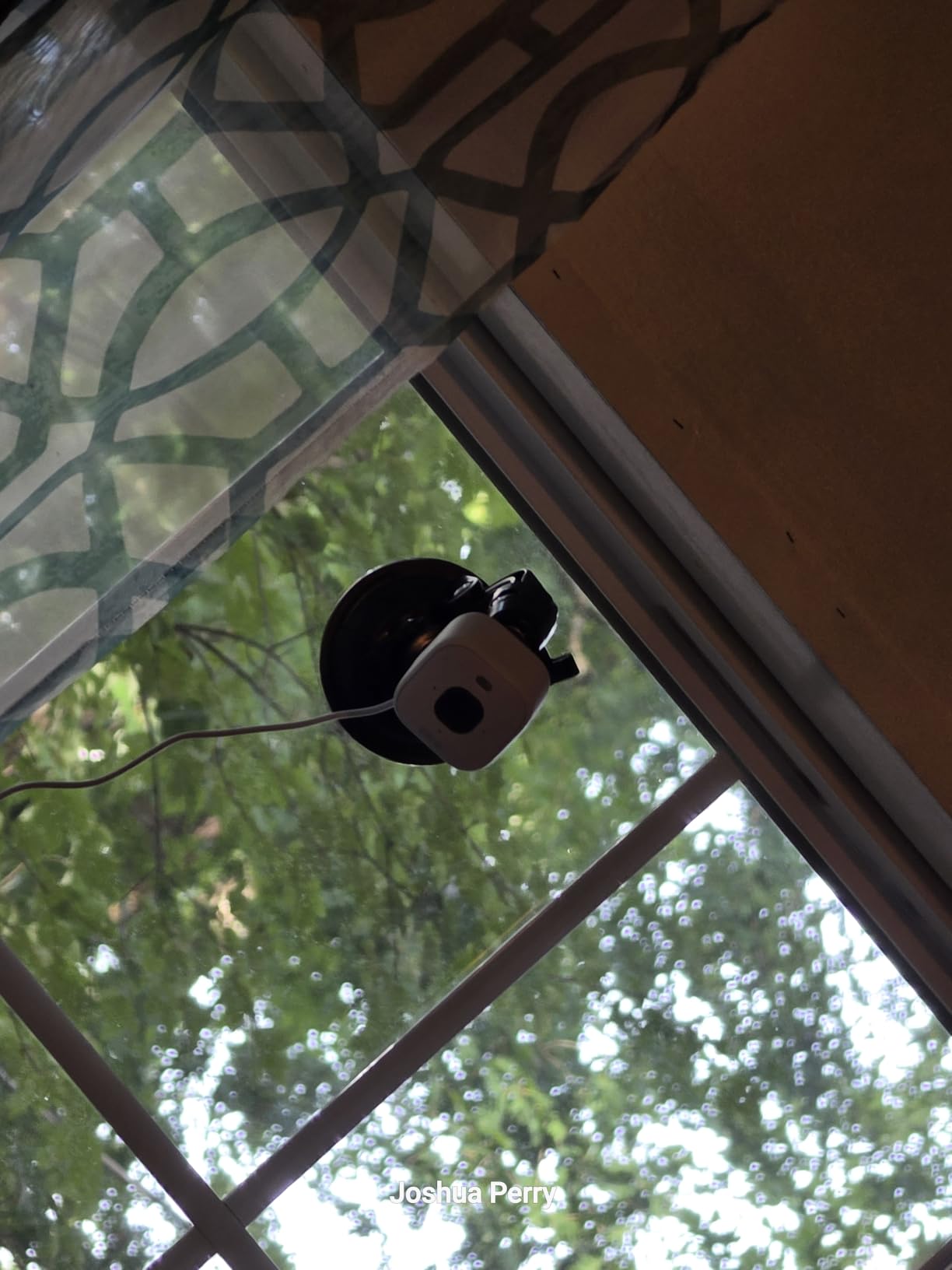
Choosing between this and the original Mini
The step to 2K is most visible in low light, where the older Mini sensor smears motion into grey. In a dim corridor at night, that difference is the whole argument for the newer body.
Both need the same Sync Module for local storage, so if you already own a Blink setup the ecosystem cost is lower. Outdoor use requires a separately sold weather-resistant power adapter.
What to check before a tenant buys it
Decide first whether you will pay for the plan. If yes, this is a strong compact indoor camera with excellent audio. If no, compare the total against a Tapo C100 or C211, which record to a card with no second purchase and no recurring fee.
Also check your building rules. A small white camera on a shelf is far less likely to prompt a complaint than a wall-mounted unit, and it comes off the shelf in one motion at lease end.
7. Ring Battery Doorbell 2K: the best for a door with no wiring
Ring Battery Doorbell 2K (newest model) Retinal 2K with wide-angle video, up to 6x Enhanced Zoom, Two-Way Talk, and Built-In Battery, Speckled Gray
Retinal 2K wide-angle view
Up to 6x Enhanced Zoom
Built-in rechargeable battery
Two-Way Talk
+ The Good
- Battery power means no wiring and no electrician
- Retinal 2K wide-angle view with 6x zoom for faces
- Two-Way Talk for warning off a visitor
- Mounts at the natural eye level of the peephole
- The Bad
- Recorded clips require a Ring Protect subscription
- USB-C charging cable not included
- Battery needs regular recharging and drops in cold weather
Most tenants think a camera at the door means wiring, which means a landlord, which means a negotiation. This one removes the negotiation. It replaces the peephole position on the door itself, so the view is exactly the one you already check before opening up.
Renter discussions on Reddit keep circling peephole cameras for this reason, and the pattern holds: the format is understood as renter-friendly because the design fits an existing feature rather than adding anything to the door. The wide-angle 2K view with up to 6x zoom gave the best face identification of any camera in this group at door distance.
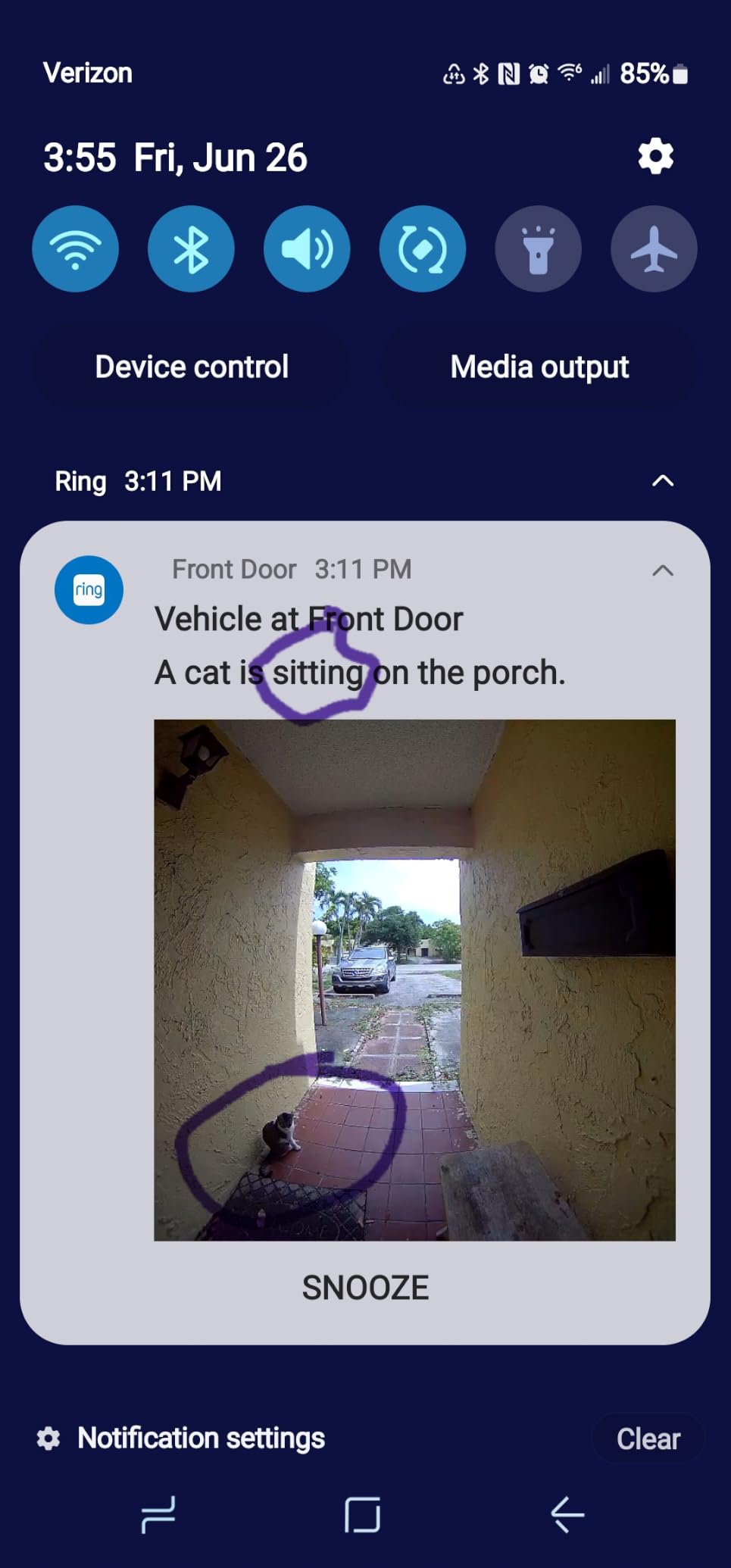
There is no way around the subscription for recorded footage, and that is the deciding factor for many tenants. Live view works without a plan, so if you only want to check the door before opening it, this is fine. If you want evidence after an incident, you need the plan or a different camera.
Two practical notes. The USB-C charging cable is not in the box, and the battery detaches with the included tool so you can charge it indoors. Cold weather shortens battery life, which is worth remembering in a northern climate.
Door camera or room camera: pick one job
A doorbell-style camera watches the approach to your door and the immediate landing. A room camera mounted inside covers a wider internal hallway. If your building has a shared corridor between the lift and your door, the doorbell sees the threshold and nothing of the corridor itself.
Our advice is to use this as the door camera and treat it as a separate decision from indoor coverage. Pairing both means two brands, two apps, two sets of settings to tune for false alerts.
What the mounting actually involves
This is a doorbell form factor, so the mounting hardware expects a screw into the door or frame. That is a small hole in a door you may not own, which is a different conversation with a landlord than a shelf-mounted indoor camera. Check your lease and the door material before you buy.
On a solid core apartment door with a working peephole, the install is quick. On a hollow-core door with no peephole, you may be looking at a different job entirely.
8. Tapo C211: the best for low false-alarm volume
Tapo 2K Pan Tilt Security Camera for Baby Monitor, Dog Camera, C211
2K video
360 by 114 degree pan and tilt
microSD up to 512GB
Baby cry detection
+ The Good
- 2K sharpness identifies people at hallway distance
- 360 by 114 degree coverage from one position
- Continuous local recording with no subscription
- Low false-alarm rate on motion notifications
- The Bad
- Day and night mode cannot be set manually
- Wired only so it needs a nearby outlet
- 2.4GHz Wi-Fi only
- MicroSD card sold separately
The Tapo C211 is the camera that made the most sense in a corridor shared with a lift. Out of ten, it produced the fewest false notifications, which in a high-traffic hallway matters more than any other spec on the page. Motion and person detection behaved consistently at the sensitivity settings we used.
The 2K sensor gave us usable detail at the far end of the corridor, and the 360 degree horizontal with 114 degree vertical range let us preset both the door approach and the lift direction. Preset positions are worth more than auto-tracking here, because you can jump straight to the angle that matters instead of waiting for the motor.
Baby crying detection is an odd-sounding feature in a hallway, but it is the same sound-classification engine that reduces irrelevant events, and it works with the siren and two-way audio if you want to use the camera as a door talker.
You have to buy a microSD card separately, which is the one hidden cost here. Plan for a 64GB or 128GB card and continuous local recording, and it becomes the cheapest full-featured option in this group once you count the absence of any subscription over a few years.
Why manual day and night control matters
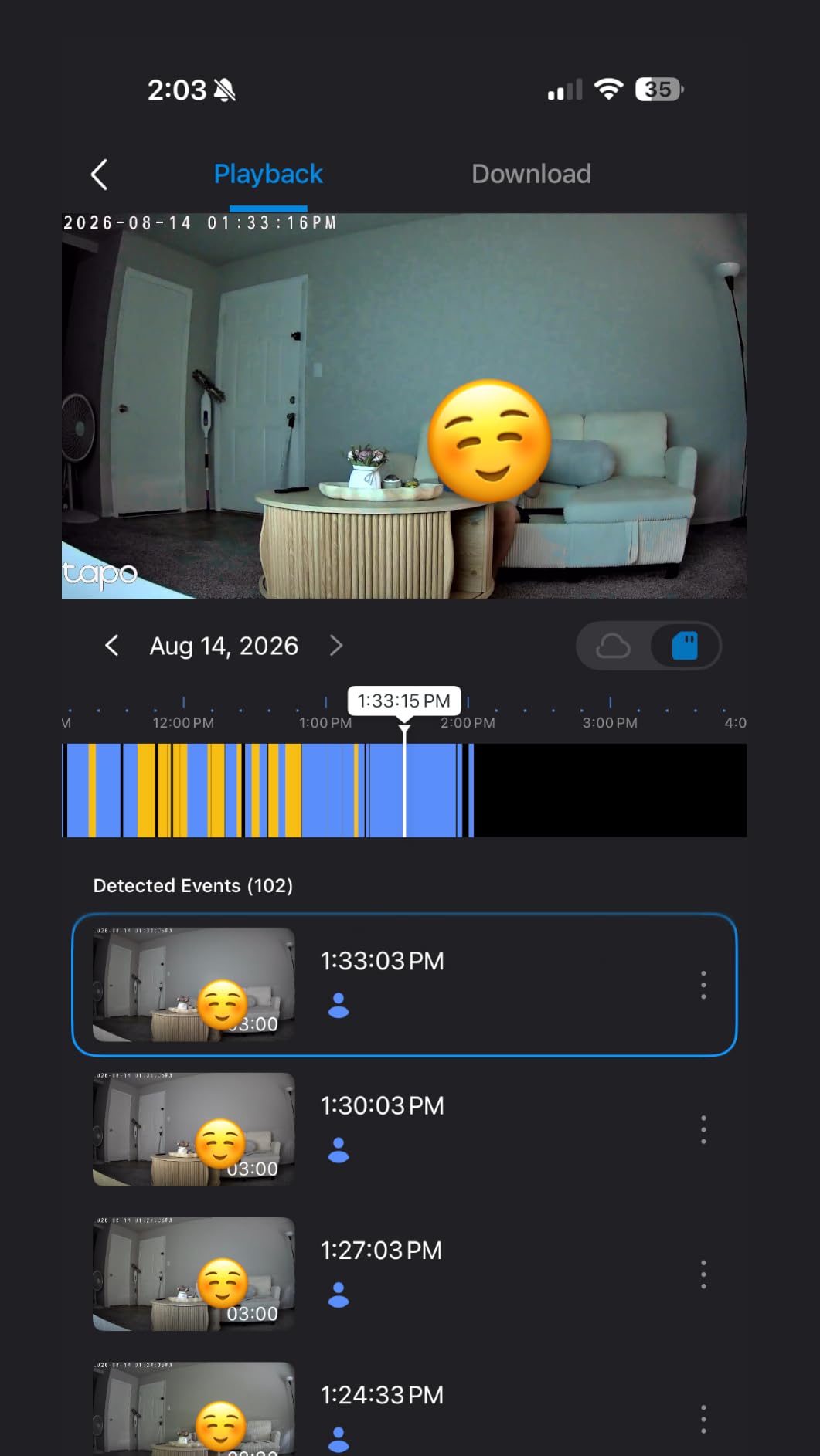
You cannot set day or night mode by hand on this model, so it switches automatically. In a corridor with a light sensor that flips when the lift doors open, the transition can lag and leave you with a brief washed-out or dark frame at the worst moment.
If you are running the camera alongside local recorder software, that same automatic switching is a common source of integration friction. It is a small issue for most renters, but it is the most common complaint we saw.
Wired only, and whether that is a problem
There is no battery in the C211. It needs a nearby outlet, which in an entryway is usually present but in a long corridor may not be. If there is no outlet, the Tapo C100 and the Ring Battery Doorbell cover the same ground without a cable.
Streaming works through Alexa and Google Assistant, though Google streaming is limited to Chromecast and Nest display devices, so check what you actually own before buying.
9. Ring Pan-Tilt Indoor Cam: the best for Alexa households
Ring Pan-Tilt Indoor Cam (newest model) — See all around your home or business with 360° pan coverage, HD video, plus Two-Way Talk (2024 release), White
HD with Color Night Vision
360 degree pan and tilt
Physical privacy cover
Privacy Zones
+ The Good
- 360 degree pan plus tilt removes fixed-camera blind spots
- Physical privacy cover slides over the lens
- Color Night Vision keeps dim hallways readable
- Two-Way Talk audio is better than the price suggests
- The Bad
- No auto motion tracking
- so panning is manual
- Recorded video and Pre-Roll need a subscription
- 1080p only
- Privacy shutter must be physically reopened
This is the second-highest rated camera we tested, and in an Alexa household it feels like the most considered. Setup in the Ring app was quick, streaming to an Echo Show worked without extra configuration, and the physical privacy cover slides over the lens when you want the camera off in a shared space.
The 360 degree pan with tilt is what makes it work in a hallway that bends. Rather than choosing a side, you can sweep from the door to the corner in the app. Color Night Vision kept the corridor readable after dark for most of the evening.

There is no automatic motion tracking, so if you want to follow someone down the corridor you pan manually from the app. For a fixed sightline that is a fair trade, and for an active chase it is not. The manual shutter is also a small daily chore, since it stays closed until you physically reopen it.
Like the Ring Indoor Cam, recorded video and Advanced Pre-Roll sit behind a subscription. Live view and privacy zones work without one, and we used the privacy zones to black out the neighbouring unit’s door so we were not recording a hallway that is not ours.

Physical cover versus privacy zone
A privacy zone is a black rectangle in the app. It stops a camera from recording a region, which helps with neighbours, but it is a setting on a device that anyone with app access can change. A physical cover is a shutter on the camera itself.
The hierarchy we use is simple: physical cover first, lens concealment second, turning the camera away third, privacy zone last. Only the first two survive a compromised account.
When a fixed 1080p camera is the better buy
If your corridor is straight and short, the fixed Ring Indoor Cam costs less, records the same resolution and never needs re-aiming. The pan-tilt version earns its price when the hallway has a corner, an alcove or two directions worth watching.
Eight thousand plus reviews at this rating is a lot of installed base, which tends to mean steadier firmware and more predictable app behaviour than a newer model with a thin history.
10. eufy Indoor Cam E220: the best for Apple HomeKit
eufy Security Indoor Cam E220, Dog/Pet Camera, Pan and Tilt
Up to 2K
360 degree pan and tilt
On-device AI detection
HomeKit Secure Video
+ The Good
- Works with Apple HomeKit
- Google Assistant and Alexa
- On-device human and pet detection
- Local microSD or HomeBase 3 with no monthly fee
- 360 degree pan and tilt with auto tracking
- The Bad
- AI detection inconsistent
- sometimes flagging fabric and missing people
- Only two activity zones and no per-zone type filter
- Camera does not return to a saved preset after being moved
The E220 is the only camera here with real Apple HomeKit support, including HomeKit Secure Video, which keeps the recording stream inside your Apple ecosystem rather than routing it through a vendor cloud. For a household already running HomePods and a HomePod mini as a hallway speaker, that is the deciding feature.
On-device AI for human and pet detection is the other headline. Because classification happens on the camera, it keeps working for event filtering with no plan attached, and it stores to a microSD card or a HomeBase 3 without a monthly fee. The 360 degree pan and tilt with auto object tracking gives it the same corridor sweep as the Wyze and Blink pans.
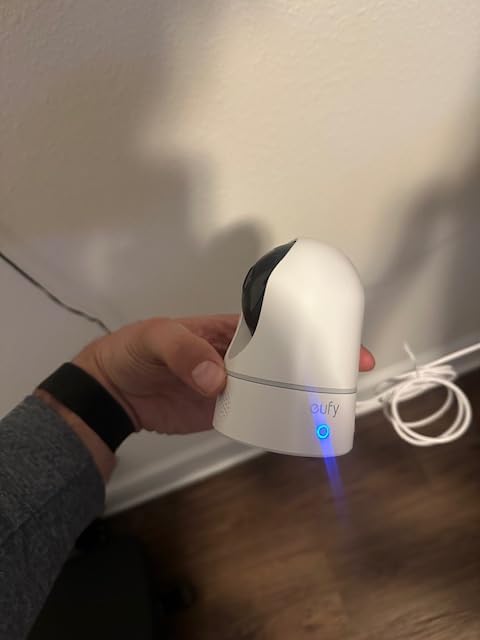
Detection reliability is where owners are most critical. Reviewers report false positives on hanging fabric and missed people on stairs, and the object tracking does not glide, it jumps. For a corridor where the whole point is catching a person walking past, that is a meaningful weakness despite the 4.4 rating.
Activity zones are limited to two and cannot be filtered by person, pet or motion type, so the tuning options are coarse compared with the Tapo. The camera also does not return to a saved preset after you nudge it, which in a hallway means re-aiming more often than you would like.
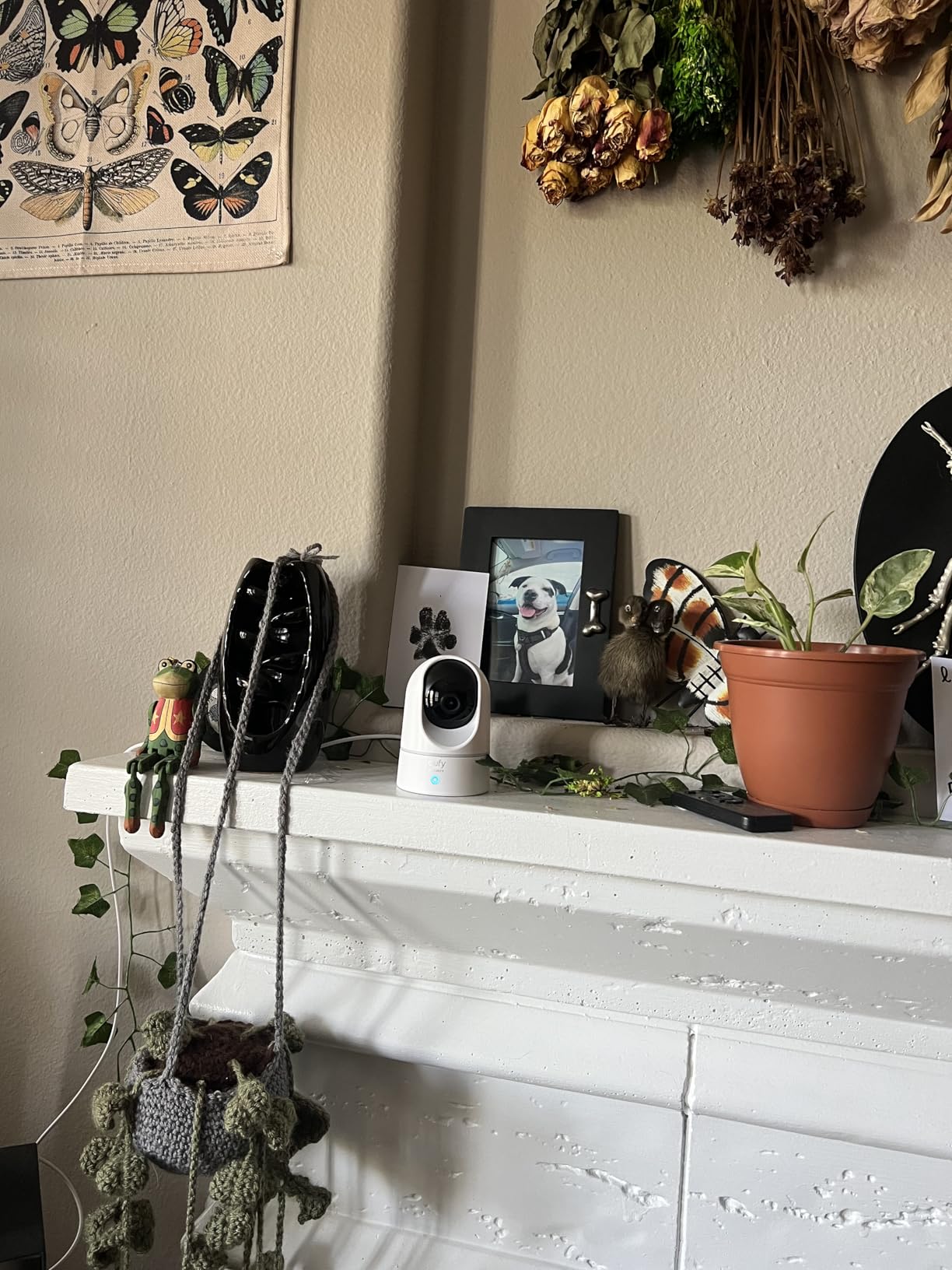
HomeKit limits worth knowing
HomeKit caps this camera at 1080p even though the sensor can do up to 2K. You get the full 2K in the eufy app and the higher resolution is lost the moment you view it through Home. Decide which matters more before you commit.
It also connects to 2.4GHz only, and 5GHz is not supported. In a crowded building network that is usually a help rather than a limitation.
The mounting reality for this one
The included bracket and screw pack mean this is the only camera on the list that ships expecting a drilled mount, which makes it a poorer match for a tenant who cannot touch the wall. It works fine on a shelf, but the rotation then needs a stable, level base.
If you are a renter in another category, look at the Tapo C211 or the Ring Pan-Tilt Indoor Cam instead. If HomeKit is your deciding factor and you have a landlord who is comfortable with a single small hole, the trade is worth it.
Can I Put a Camera in My Apartment Hallway?
Usually yes, with conditions. You can generally install a camera inside your own apartment and on your own front door, including a shared corridor that is part of your private unit. You usually cannot mount anything in a building common area like a lift lobby or a public stairwell, and audio recording rules depend on your state. Check your lease first.
Three lines decide most cases. Inside your private unit, you are generally unrestricted. In a common area controlled by the landlord, installation is usually the property owner’s decision, not yours. Across a door line, state audio-consent laws and the expectation of privacy in a shared space both apply.
Audio is where most tenants get it wrong. Some states require all parties to consent to being recorded, others only require one party to be aware. That is a state-level distinction, not a federal one, and it changes whether two-way talk and audio recording are appropriate in a corridor your neighbours walk through.
The practical checklist before you mount anything:
Read the lease for terms about cameras, alterations and common areas, and check whether it requires written notice to the landlord.
Separate your private entry hall from the building’s shared corridor, and only cover the part that is yours.
Use a physical privacy shutter when the camera is not needed, rather than trusting a software zone alone.
Angle the lens across your own approach path rather than toward a neighbour’s door or a peephole.
Turn on two-factor authentication, use a unique password, and keep firmware current.
Tell the neighbours you can see, and agree a signal for anything they would rather you did not record.
If your building already has cameras in the common halls, that changes the calculation. The useful question is not whether you can also install one, but whether the existing coverage already solves the problem you are trying to solve, at a fraction of the cost and with nobody raising a lease issue.
Which Security Camera Does Not Require Drilling?
Most indoor cameras in this roundup need no drilling at all, because they are plug-in units that sit on a shelf or a table. The only product here designed to mount on your door, the Ring Battery Doorbell 2K, uses the doorbell position and takes screws into the door or frame. The eufy E220 ships a screw pack by default but works on a shelf.
No-drill mounting methods differ more than the marketing suggests, and this is where a deposit gets deducted:
Magnetic base. Leaves no mark and repositions freely, but needs a metal surface or a steel plate taped down. Best on a light fixture or a metal shelf bracket.
Adhesive pad or hook-and-loop. No holes, no landlord conversation. Removal can lift paint on textured walls, so test an inconspicuous corner for a day first.
Shelf or table placement. The safest option of all. Nothing touches the wall, and the camera comes with you at lease end. A high shelf gives you the downward angle that avoids IR wall glare.
Wedge or base stand. Included with most plug-in cameras and angled to reach a shelf edge. Still a shelf mount, but the angle is adjustable.
Over-the-door and peephole mounts. Attach to hardware the door already has. Popular with renters, though they can strain a door and rarely survive a landlord’s inspection without a conversation.
For a rented hallway our order of preference is shelf first, adhesive second, and screws last. A shelf also solves cable management, because the cable stays behind furniture or along the skirting rather than crossing a walking route. If you want to cover a spot with no shelf, an adhesive-mounted unit angled down the corridor solves most of the same problems.
How to Stop Hallway Camera False Alerts
Shared corridor traffic is the number one complaint from renters, and it is fixable with five settings rather than a different camera. Do these in order and the alert volume drops enough that you will still read every notification.
Draw activity zones on the approach path only. Exclude the lift doors, the neighbouring door and any window. Most cameras let you set several zones; name the one that matters.
Switch motion alerts to person detection. A person filter ignores changes in light, shadows and moving shadows from a headlight at night. It is the single highest-impact change in a corridor.
Raise the sensitivity slider until the corridor itself starts triggering. Back it down one notch. Too low and you miss a real approach; too high and you get every door slam.
Set day and night sensitivity separately if the app allows it. Night needs higher sensitivity and tighter zones, because infrared turns every moving shadow into motion.
Trim the field of view down to the corridor itself. Fewer edges, fewer motion events, and less chance of capturing your neighbour’s doorway.
One more hallway-specific trigger worth knowing: elevator doors. A camera aimed at a lift lobby will fire every time the doors open, and no sensitivity setting fixes it. The answer is a physical privacy cover used at the wrong time, which is a bad habit. The better answer is to move the camera so the lift is behind or beside it rather than in frame.
After tuning, test at the times you actually care about. Walk the approach path at 2pm on a weekday and again at 1am, and check the clip history for anything you would not want to be woken for.
Apartment Hallway Camera Buying Guide
Fixed view or pan and tilt. For a straight, short entryway, a fixed camera records more useful footage per gigabyte and never needs re-aiming. For a corridor longer than about four metres, or one with a corner, pan and tilt is the difference between coverage and a gap. Preset positions beat auto-tracking when you know the two angles that matter.
Resolution. 1080p is enough to identify a person at a door. 2K helps when the corridor is long and faces are small in frame. 4MP on the Reolink E1 is the sharpest here, but only helps if your storage and app can handle it. Beyond 2K, you are usually paying for detail you will crop out.
Night vision. Colour night vision is easier to interpret than monochrome infrared because clothing and hair tones survive. Infrared range matters more in a dark corridor, where 40 feet beats 30. Whatever the camera uses, mount it high and angle it down the corridor, because IR LEDs bouncing off a nearby wall produce a bright bloom that ruins the whole frame.
Local storage versus cloud. A microSD card keeps footage in your apartment and costs nothing ongoing. Cloud plans add clip history across devices and remote access, but they mean paying monthly to review anything after the fact. If you want evidence after an incident, local storage is the safer default, and if you already pay a Ring or Blink plan, the cameras on this list fold into it neatly.
Privacy mechanism hierarchy. Physical cover first, lens concealment second, turning the camera away third, software privacy zone last. Only the first two survive an account compromise. For a camera in a shared space, that distinction decides which model you should buy.
Wired versus battery. Inside an apartment, plug-in is almost always better: no recharge cycle, no battery degrading in a hallway with no sunlight, and no surprise outage in the middle of a recording. Battery power makes sense only at the door where there is no outlet, and even there, cold weather shortens battery life. A small UPS on the camera and router costs less than the first replacement battery.
Portability at lease end. Every camera on this list runs on a plug or a battery, so it packs into a box. A camera you can take with you is also a camera you can reposition the day you move, and that flexibility is worth more than a marginal resolution gain for most tenants.
If you are also covering a balcony, an exterior corridor or a parking area, our guides to the best PoE security cameras, best smart fence security cameras and best RV security cameras cover the weatherproof and wired ends of the market.
Frequently Asked Questions
Can I put a camera in my apartment hallway?
Usually yes, as long as the hallway is inside your private unit rather than a building common area. Inside your own apartment and on your own front door you are generally unrestricted, though your lease may require notice to the landlord. Common areas such as lift lobbies and shared stairwells are normally the property owner’s decision. Audio recording rules vary by state, so check your local consent law before enabling two-way talk in a shared space.
Which security camera doesn’t require drilling for installation?
Almost every indoor camera in this roundup is plug-in and needs no drilling, because it sits on a shelf or table rather than on the wall. The Tapo C100 also ships with an adhesive pad for a mark-free wall mount. The one exception is the Ring Battery Doorbell 2K, which takes screws into the door or frame, and the eufy E220, which includes a screw pack by default but works on a shelf.
What is the best security camera for an apartment without a subscription?
The Reolink E1 is the strongest fully subscription-free option, with 4MP video and recording to a microSD card, Reolink NVR or Home Hub. The Tapo C211 and Tapo C100 are cheaper alternatives with 2K and 1080p respectively and 512GB microSD support. The Wyze Cam Pan v3 also records locally and adds a 360 degree sweep for a long corridor. All four never charge a monthly fee.
What is the best indoor security camera for an apartment?
The Ring Indoor Cam is our overall pick because its physical privacy cover can genuinely switch off both lens and microphone, which matters in a space other people walk through. The Tapo C211 is the choice if false alerts bother you most, and the Tapo C100 if you want the cheapest reliable coverage. The eufy E220 leads for Apple HomeKit households despite its inconsistent detection.
What is the best camera for a peephole in an apartment?
A doorbell-form camera is the closest mainstream match, because it covers the same sightline as your peephole without adding a second device. The Ring Battery Doorbell 2K in this roundup offers a wide-angle 2K view with up to 6x zoom and a built-in rechargeable battery, so no wiring is needed. Remember that recorded clips sit behind a subscription, and that mounting takes screws into the door or frame.
Best Security Camera Picks for Apartment Hallways
The Ring Indoor Cam takes our top spot for apartment hallways in 2026 because a fixed sightline, a physical privacy cover and plug-in power solve the renter problem better than anything else we tested. Pick the Wyze Cam Pan v3 if your corridor is long enough that a fixed lens leaves a gap, and the Tapo C100 if you want the cheapest reliable coverage with local recording.
Whichever you choose, mount it on a shelf rather than a wall, keep the card or plan in mind before you buy, and spend ten minutes on activity zones before you judge the camera. The best security cameras for apartment hallways are the ones you still trust at 2am, and those are rarely the ones with the longest feature list.