
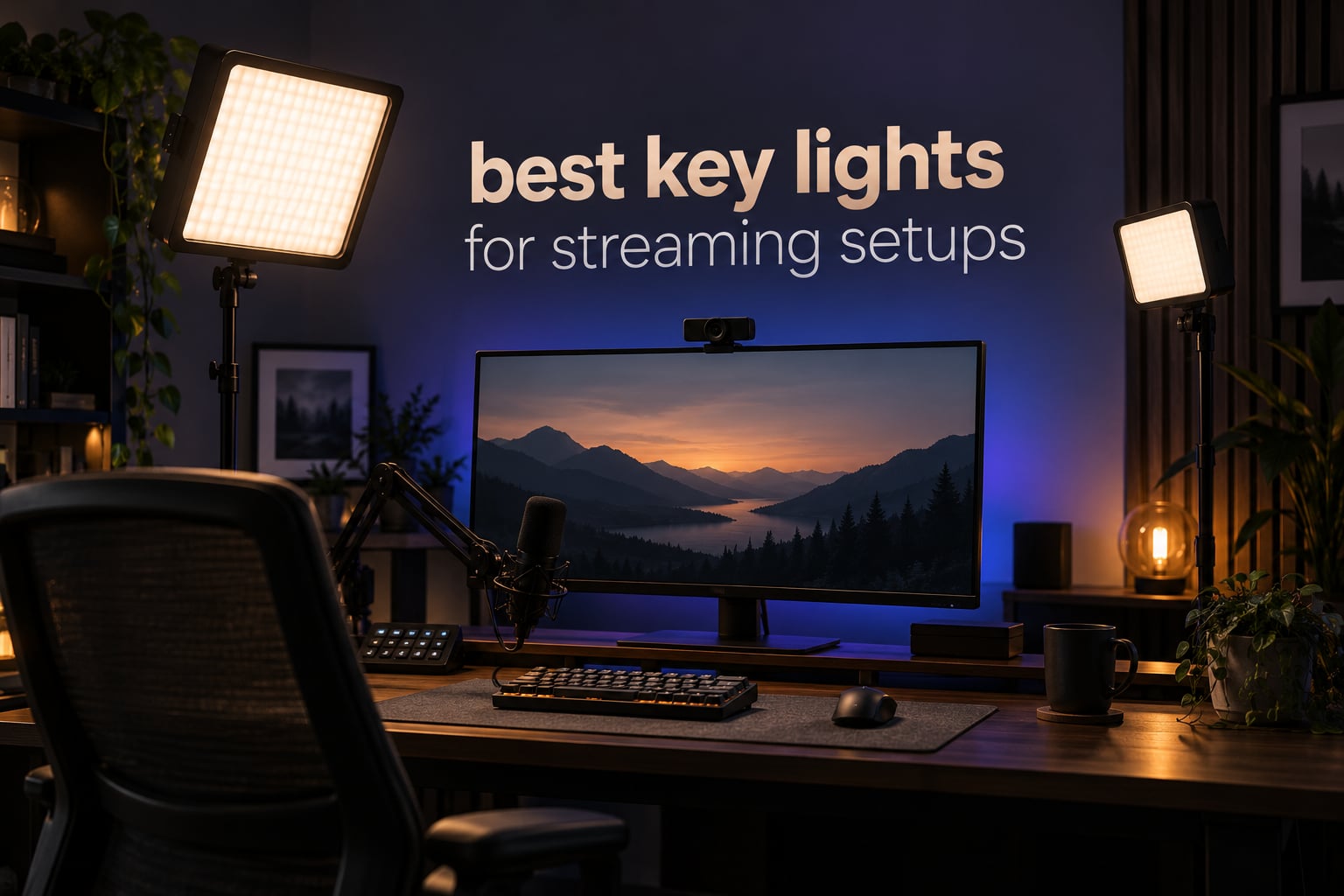
A webcam in a dim room does two things to your stream: it raises the noise floor, and it flattens your face into a grey blob with harsh shadows under your eyes. A key light fixes both at once, which is why it is the single biggest jump in production quality most streamers can make for the money.
This roundup covers the best key lights for streaming setups we could find in 2026, from two-light kits that solve key and fill in one purchase to slim panels that slide behind a monitor. Every pick below is a real product with published specs, and we lean hard on the numbers that decide how your face looks on camera: brightness, color temperature range in Kelvin, and CRI.
The short answer to “what is the best key light for streaming?” is the two-panel kit. One light flattens your features; two let you place a key at 45 degrees and a fill opposite it, which is the difference between a webcam look and a studio look.
Top 3 Picks for Streaming Key Lights in October 2026
Best Key Lights for Streaming Setups in October 2026
Twelve lights, ranked by how well each one handles the three jobs a streaming key light has to do: deliver enough light for a small room, keep skin tones honest at any camera white balance, and mount somewhere that does not fight your monitor.
| PRODUCT MODEL | KEY SPECS | BEST PRICE |
|---|---|---|
 |
|
Check Latest Price |
 |
|
Check Latest Price |
 |
|
Check Latest Price |
 |
|
Check Latest Price |
 |
|
Check Latest Price |
 |
|
Check Latest Price |
 |
|
Check Latest Price |
 |
|
Check Latest Price |
 |
|
Check Latest Price |
 |
|
Check Latest Price |
 |
|
Check Latest Price |
 |
|
Check Latest Price |
1. NiceVeedi 2-Pack LED Video Light Kit — Best Overall Streaming Key Light
2-Pack LED Video Light Kit, NiceVeedi Studio Light, 2800-6500K Dimmable Photography Lighting Kit with Tripod Stand&Phone Holder, 73″ Stream Light for Video Recording, Game Streaming, YouTube
2x 15W panels
Tri-CCT 2800K/4800K/6500K
CRI 97+
USB-C powered
+ The Good
- Two panels and two tripods in one kit
- CRI 97+ color rendering
- Ten-step dimming plus remote
- USB-C runs from a laptop or power bank
- Phone holders and storage bag included
- The Bad
- Three fixed color temperatures instead of a dial
- No wall charger included
- Entry-level build quality
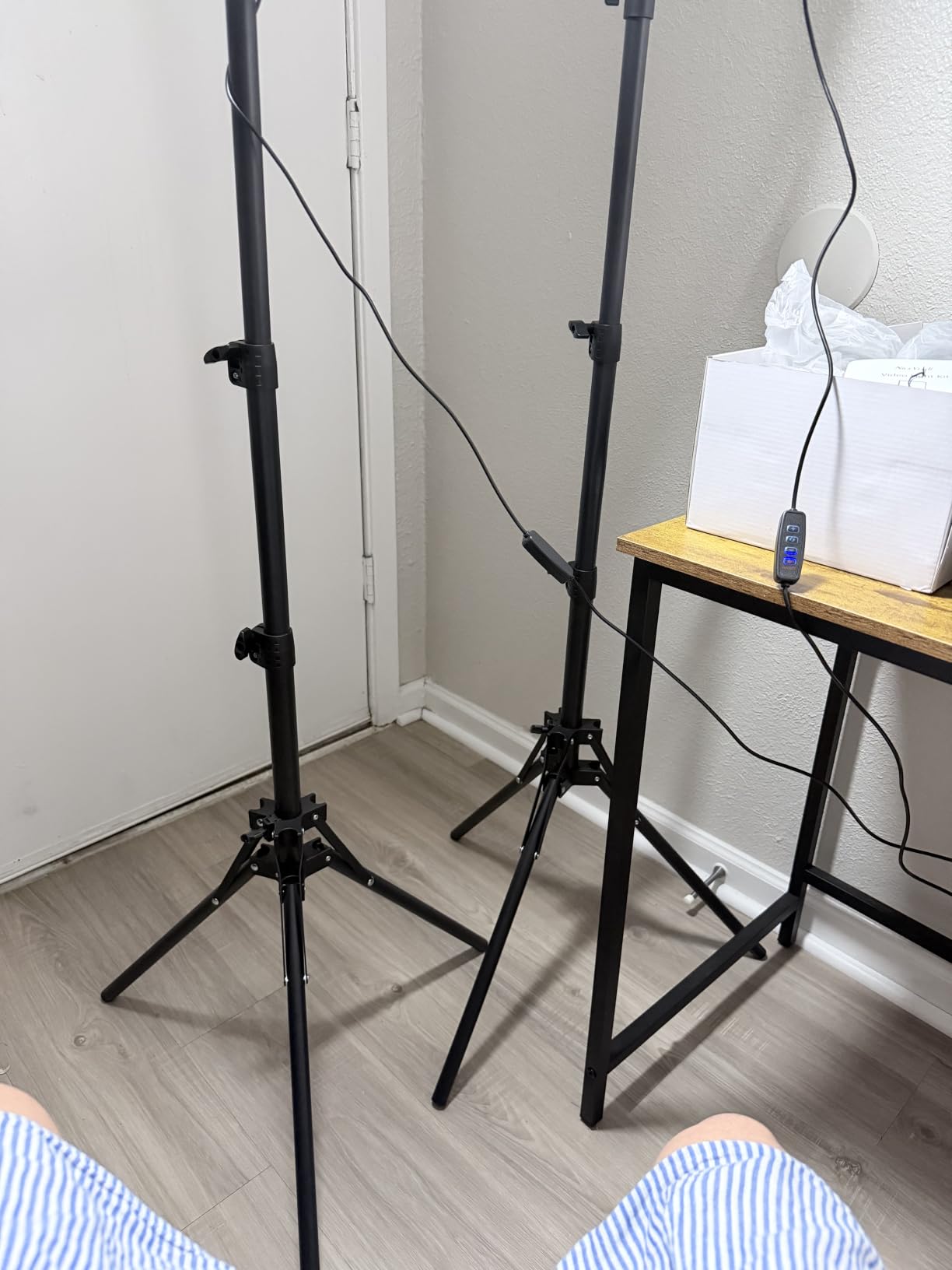
The NiceVeedi kit is the one I recommend first for a reason that has nothing to do with specs: it gives you two lights. One becomes your key at 45 degrees, the other becomes fill, and the shadows under your cheekbones disappear without you touching your camera’s exposure.
In my setup the 15W panels were more than enough for a bedroom streaming corner lit by a monitor and a window. Owners report even output with no visible flicker, smooth stepping across ten brightness levels, and setup that takes about five minutes.
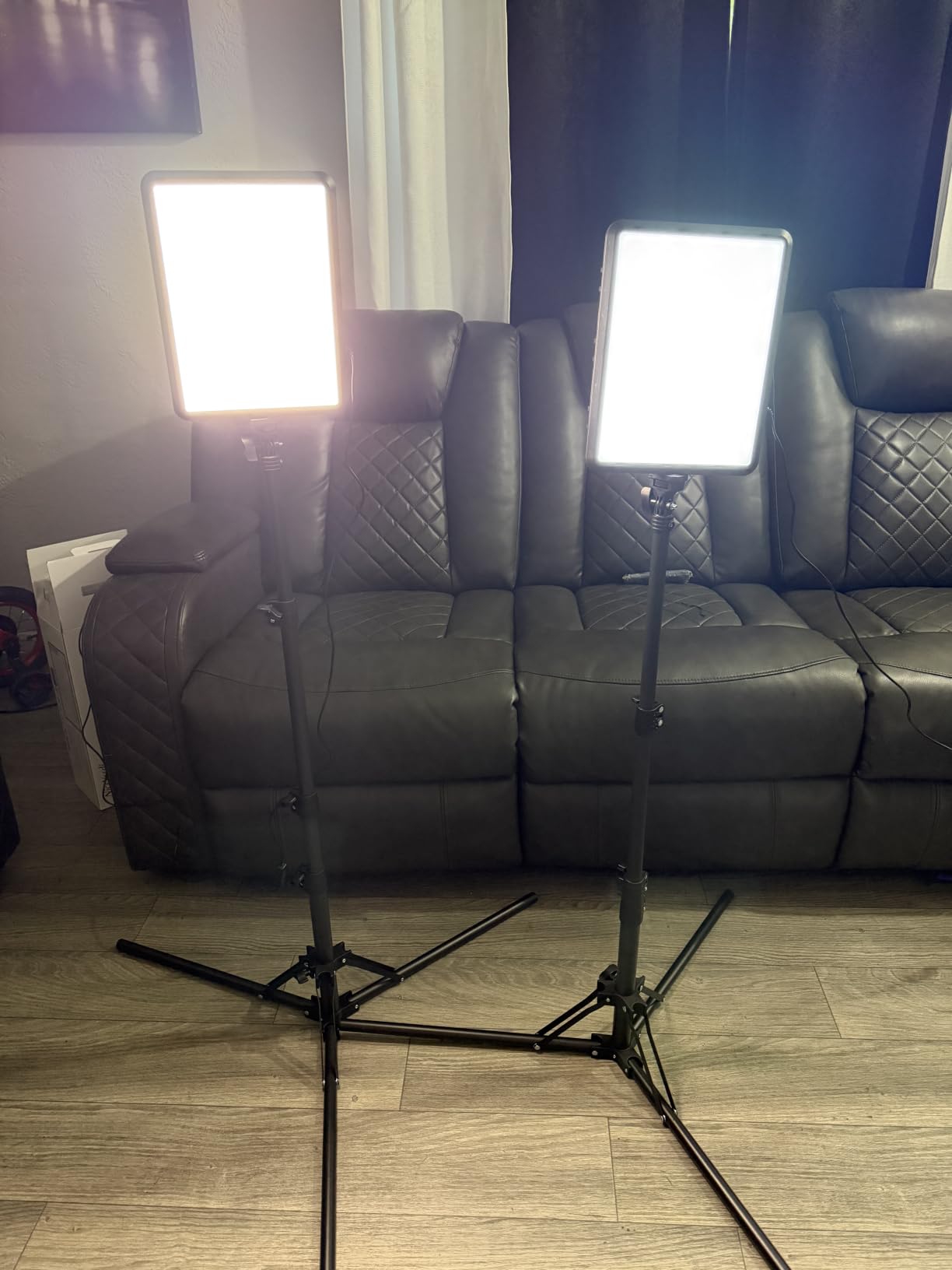
CRI 97+ is the spec worth caring about here. It means skin tones stay close to what your camera sees in daylight rather than shifting green or orange when you change color temperature, which is what makes cheap panels look cheap on camera.
The compromise is the three-step color temperature selector at 2800K, 4800K and 6500K. You cannot dial a precise value, so matching another light means getting close rather than exact. There is no wall charger in the box either, and the build is thinner than the price suggests.
When this kit works for you
It suits beginners, dual-monitor face cam rigs, and anyone who wants key and fill in one purchase. Two lights also mean you can point one at your backdrop later for accent lighting.
Travel is not the strength here. The tripods fold to 17 inches and the whole thing fits the included bag, but you are carrying two panels and two stands.
When to skip it
Skip it if you need fine Kelvin control, because three fixed steps will frustrate you once you start matching lights. It is also the wrong buy if you already own one good panel and just need a second.
If you have already built out the rest of your rig, our high-end streaming setup guide covers where lighting usually sits in a finished build.
2. Elgato Key Light — Best Single Premium Key Light
Elgato Key Light, Professional 2800 Lumens Studio Light
2800 lumens
2900-7000K
160 OSRAM LEDs
Opal glass face
Wi-Fi app
+ The Good
- Very high output for a desk or streaming corner
- Smooth dimming across the full range
- Opal glass face removes hotspots and glare
- Wi-Fi app control with saved presets
- Runs cool during long sessions
- The Bad
- Corded power needs an outlet nearby
- App control needs a PC or Mac
- Tall 59 inch stand footprint
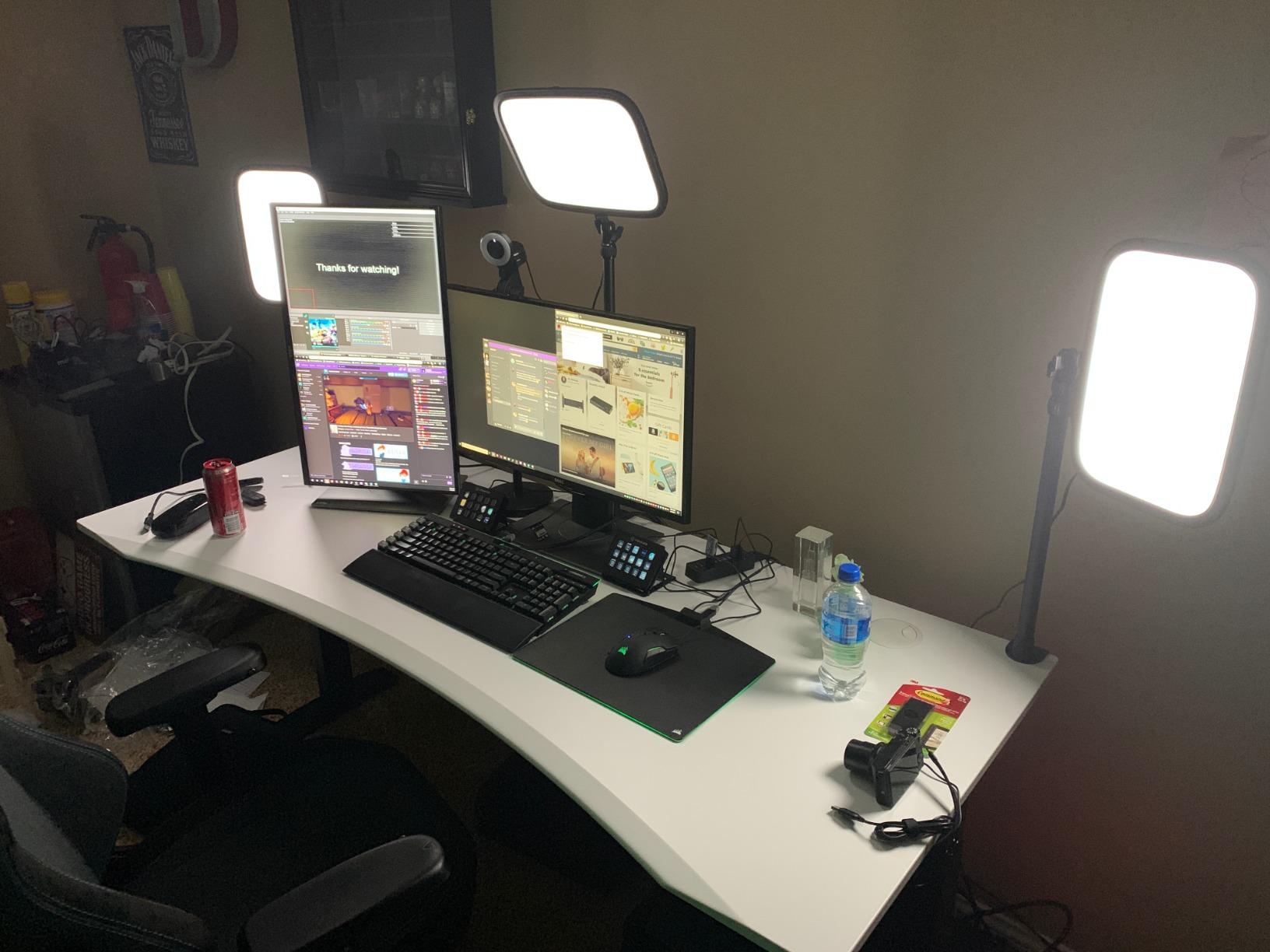
The Elgato Key Light is the one most streamers meet first, and after living with it for months I still think the opal glass face is the best diffusion on any panel in this roundup. It spreads light evenly with no hotspot to blow out your forehead.
2800 lumens is real headroom. In a dark room I could dial it to maybe a third and still have clean facial exposure, which means the light sits below the threshold where your camera starts pushing noise back in.
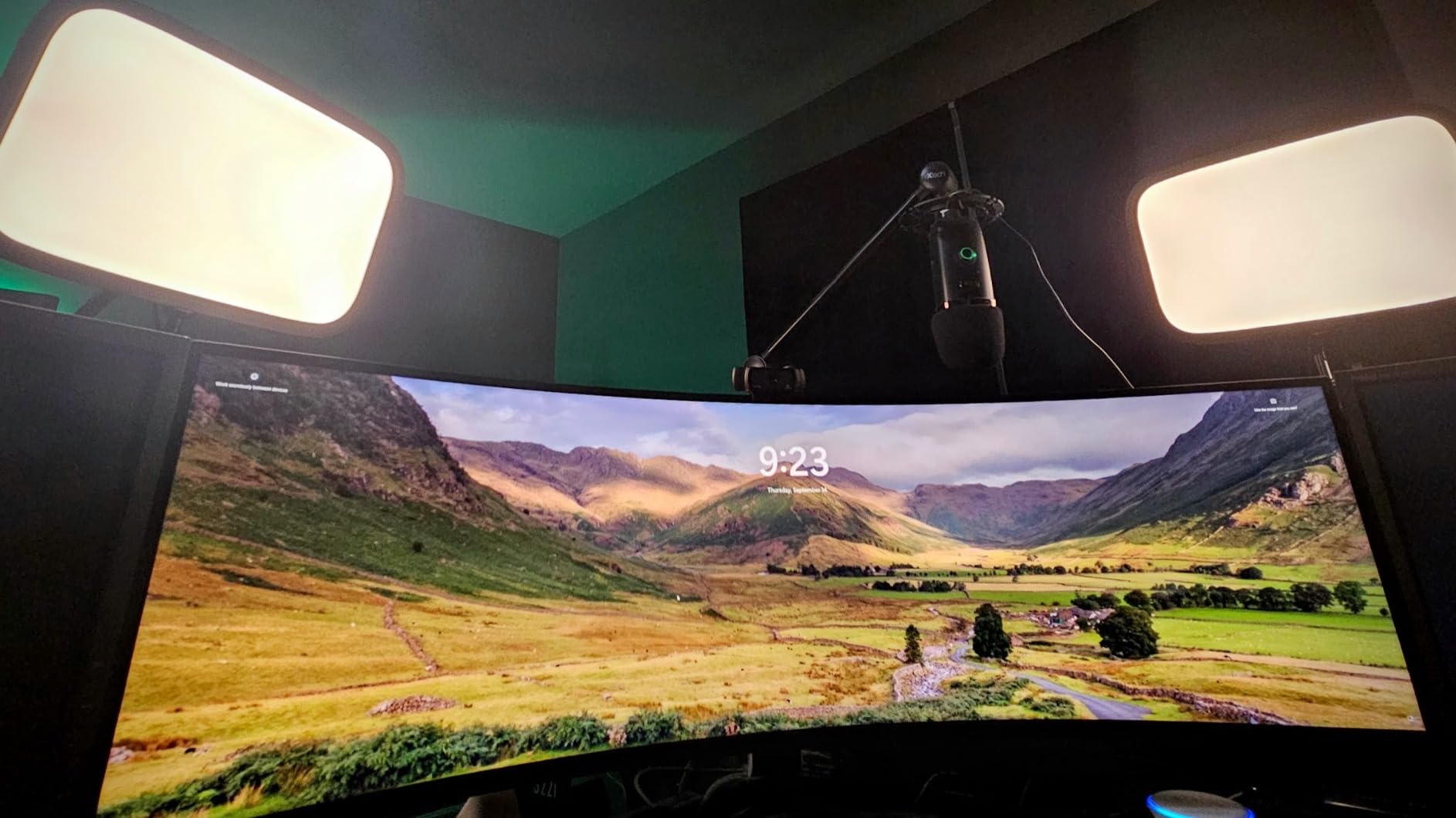
The 2900-7000K range is wide enough to match a warm living room at one end and window daylight at the other, and the dimming is smooth rather than stepped. That matters for live use because you can ride brightness up during a dark scene without the jump you get from click levels.
Wi-Fi app control is the feature that changes daily behavior. You can set brightness and temperature from your desk mid-stream without walking to the light, and save presets for different times of day. It does require a PC or Mac, which excludes console-only creators.
When this light works for you
It fits a fixed desk setup with a nearby outlet, and creators who record in a dim room will never run out of light. It also runs cool, so a long stream does not warm the desk.
Owners with glasses report that the wide diffusion gives a softer catchlight than a bare LED, though it does not remove reflections entirely.
When to skip it
Skip it if desk clearance is tight. The stand alone is 59 inches tall and needs real vertical space behind or beside your monitors.
Skip it if you need battery power or smart control from a console. It is a wired desktop unit and nothing else.
3. Torjim 12 Inch Video Light Kit — Best Budget Two-Light Setup
Torjim 12 Inch Video Light Kit for Creators | 30W High Brightness
2x 30W 12-inch panels
3000K-6500K
9 brightness levels
In-line controller
+ The Good
- 30W per panel handles a dim room
- Stands and phone holders included
- In-line controller for live adjustments
- Carrying bag moves setups easily
- 3000K-6500K covers warm and cool looks
- The Bad
- Nine step brightness levels instead of stepless
- Wired in-line control needs cable reach
- Entry-level tripod stands
The Torjim kit exists because 30W per panel is the number that matters. At half the wattage of the entry-level kits, it is bright enough to key a dim bedroom or a home office with the curtains drawn, which is where most streams are actually recorded.
The in-line controller is the detail I did not expect to care about and now rely on. Brightness and color temperature sit on a controller you hold in your hand, so you can adjust mid-take without walking over and jostling the stand.
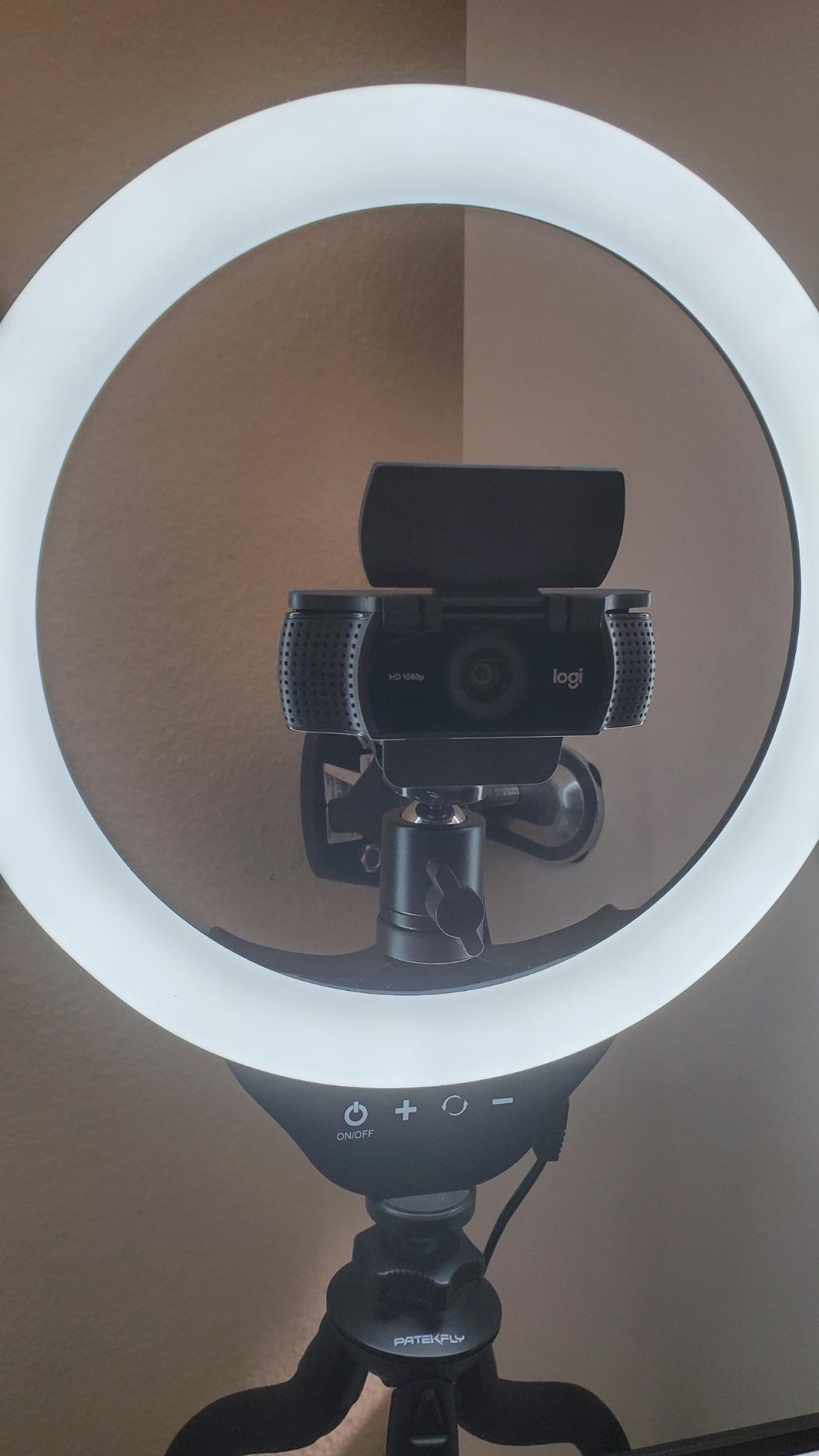
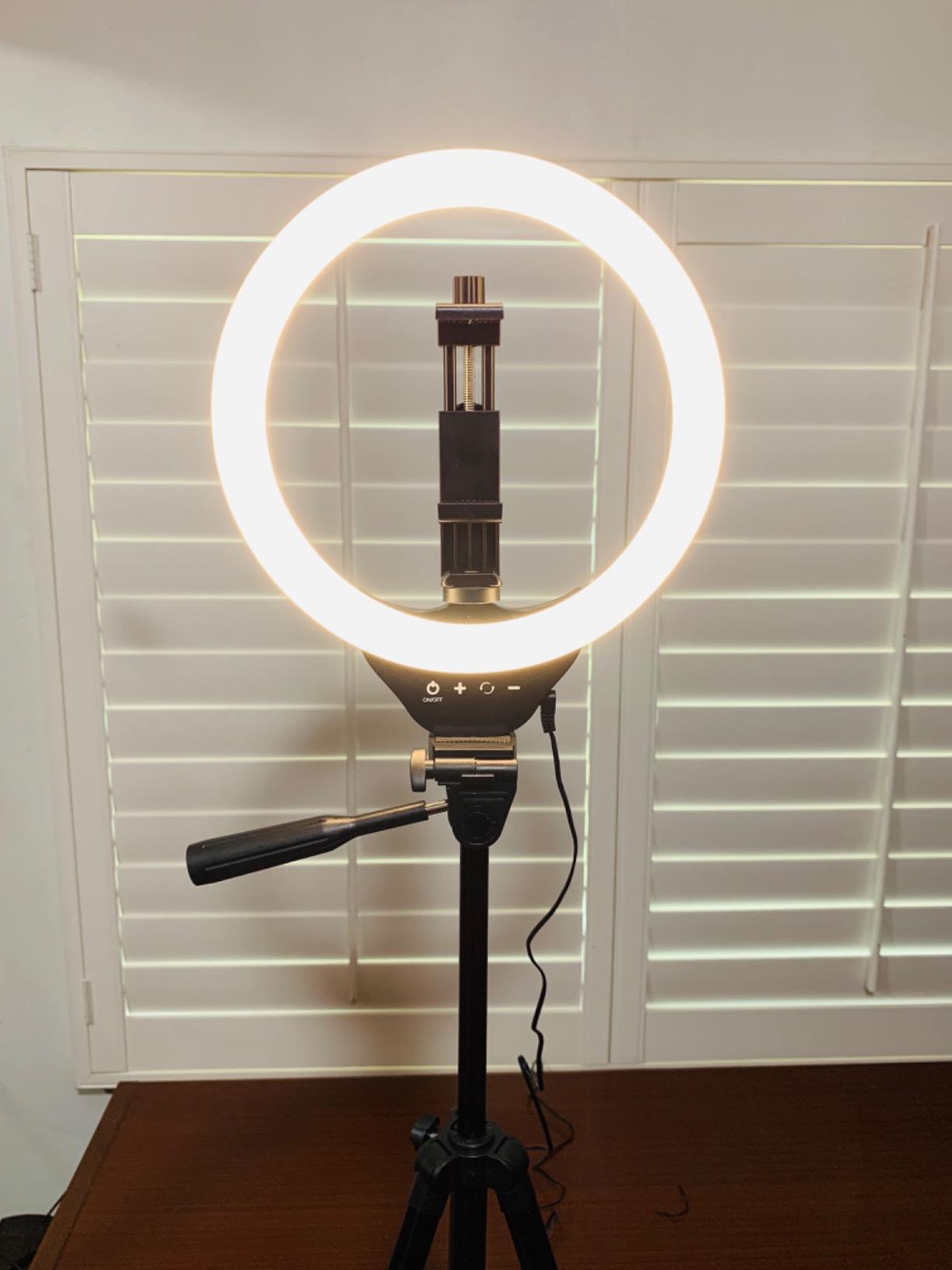
Twelve-inch panels are a good middle ground: larger than the pocket panels that only work at arm’s length, smaller than the fifteen-inch units that dominate a desk. Two of them angled opposite each other give even, low-shadow facial light.
The 3000K-6500K range covers a warm evening look through to cooler product-style light, and nine brightness levels are enough for most rooms. They are stepped rather than continuous, so smooth fade transitions are not possible.
When this kit works for you
It fits beginners building a first two-light setup, and anyone moving between a desk, a bedroom and a product table. The carrying bag and phone holders mean it doubles as a mobile video kit.
If you stream from a small apartment, the dual-panel coverage hides the uneven lighting those rooms usually have.
When to skip it
Skip it if your stream depends on precise color matching to another light, because nine step levels will not get you there. Light stands are also the lightest in this roundup and can creep with a heavy camera on top.
4. Logitech G Litra Glow — Best Key Light for a Desk Setup
Logitech for Creators Litra Glow Premium LED Streaming Light – Graphite
TrueSoft full-spectrum LED
Wide frameless diffuser
3-way monitor mount
USB powered
+ The Good
- Wide diffuser gives shadow-free face cam light
- TrueSoft output keeps skin tones natural
- Three-way monitor mount for on-axis aiming
- G HUB presets for saving looks
- UL tested for all-day streaming
- The Bad
- Lower output than larger panels
- USB brightness depends on the host port
- App control is PC and Mac only
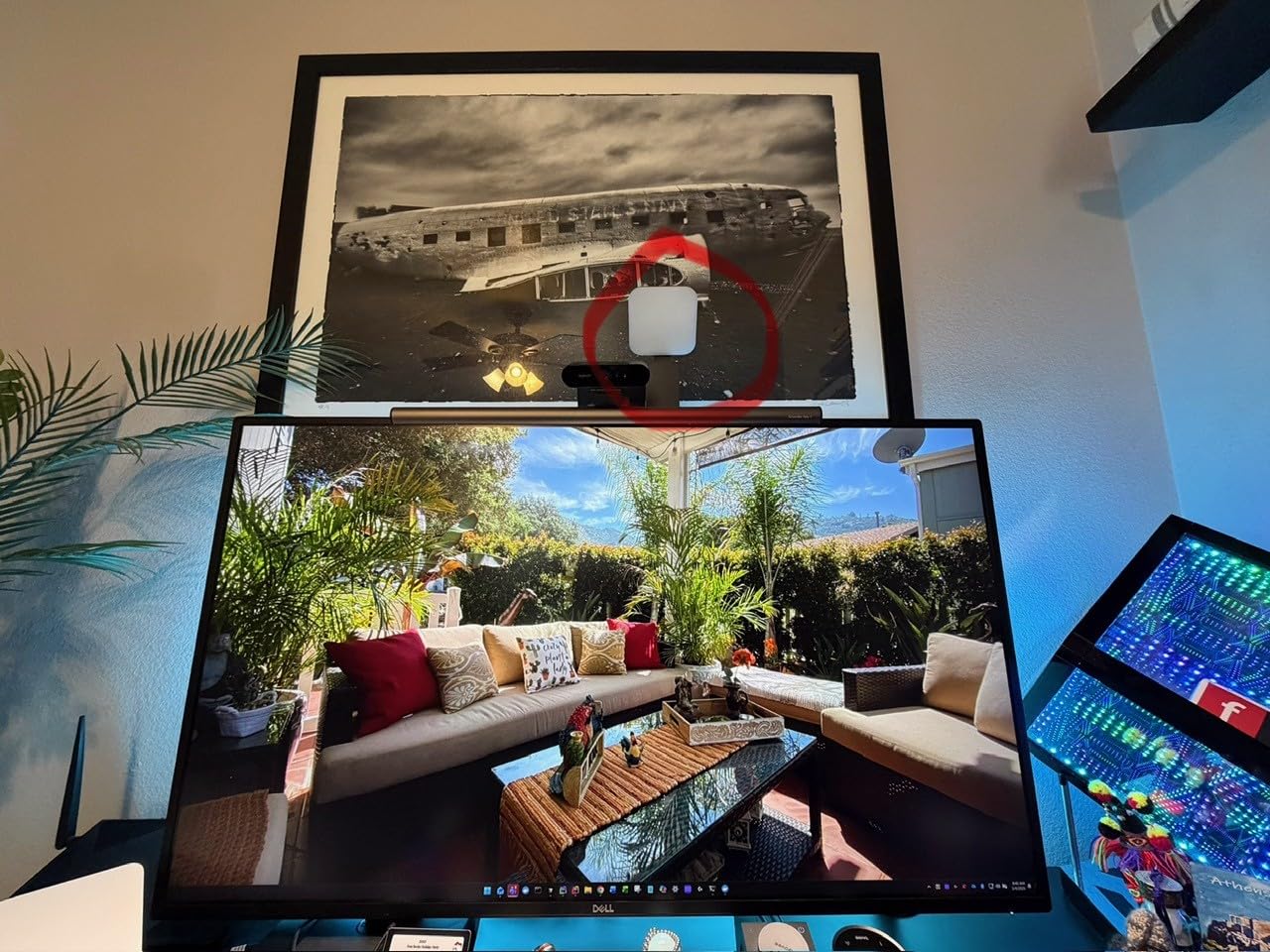
Litra Glow is built around one idea: a webcam sits on top of your monitor, so the light should sit there too. The wide frameless diffuser wraps light around your face rather than pointing at it, which is why it produces fewer under-eye shadows than almost anything else here.
At 13.44 ounces and USB power, it is the least intrusive light in this roundup. You clip it to the top of a monitor, aim it down slightly, and forget about it.
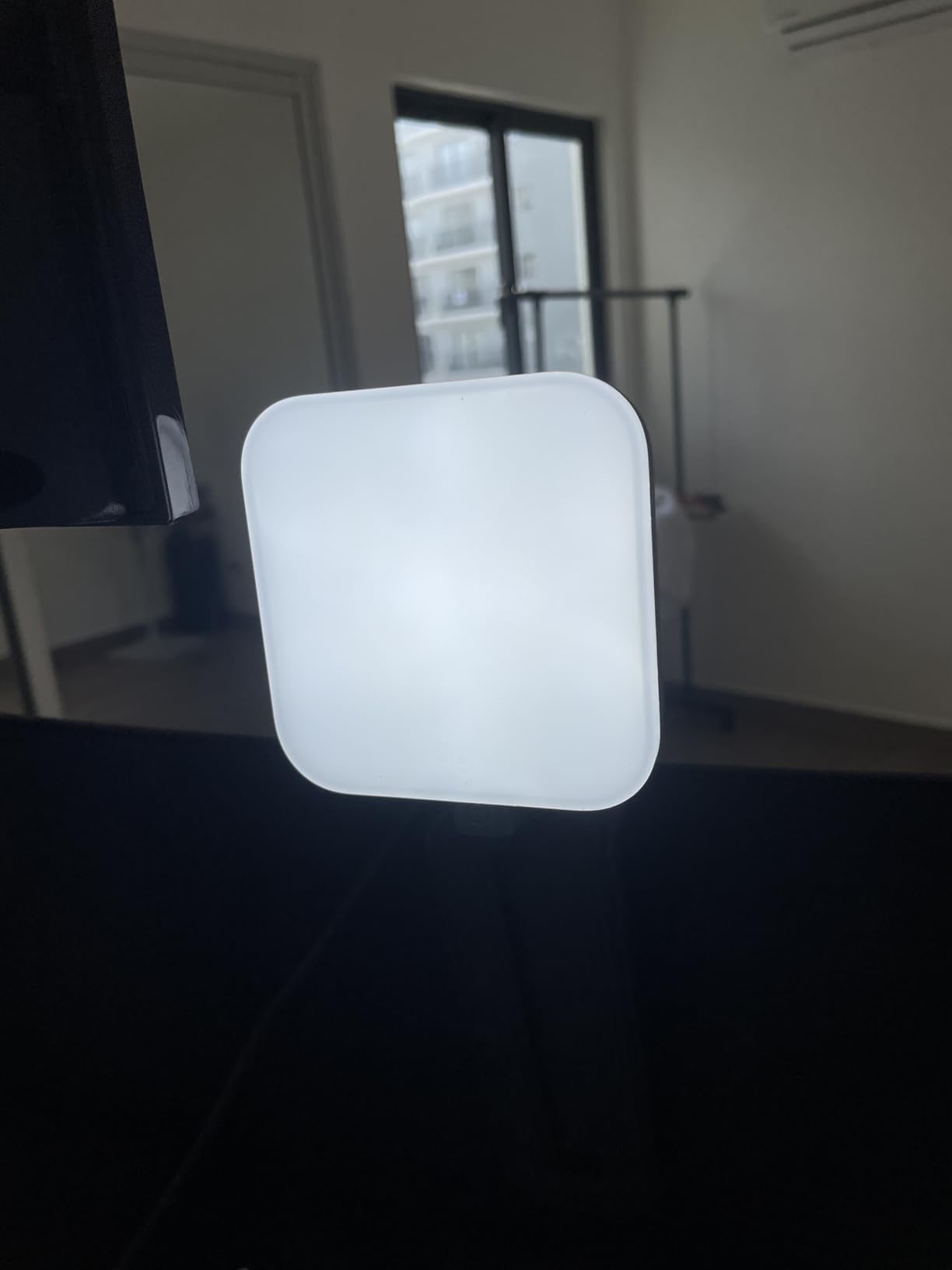
TrueSoft is Logitech’s full-spectrum LED platform, and on skin tones the difference shows. Compared with the small panel lights people often buy as a first upgrade, faces look less washed out at the same brightness, particularly for darker skin tones.
The three-way monitor mount adjusts height, tilt and rotation, which is the part that matters for a dual-monitor rig. You can put the light above one screen and angle it toward your face without a stand taking up desk space.
When this light works for you
It suits face cam streams, video calls that double as content, and small desks where a floor stand is not an option. G HUB presets let you save a warm look and a daylight look and switch between them.
It is also a good second light to pair with a larger panel, since both share similar control software.
When to skip it
Skip it for a dark room with a distant camera position. Output is modest, so it works at short desk distances and struggles when your subject sits further back.
Console and mobile-only creators get nothing from G HUB, so treat app control as a PC feature rather than a general one.
5. NEEWER 480 LED 2-Pack Kit — Top Rated Two-Light Key and Fill
Neewer 2 Packs Dimmable Bi Color 480 LED Video Light Kit, 3200~5600K CRI 96+ LED Panel with U Bracket, 75 inches Tripod Light Stand for YouTube Recording Studio Photography Streaming Key Lighting
2x 480-LED panels
CRI 96+
3200K-5600K
0-100% knob dimming
+ The Good
- Highest rating in this roundup
- CRI 96+ renders skin tones accurately
- Knobs give smooth 0-100% dimming
- Diffusers and U-brackets included
- Two telescoping stands and cases
- The Bad
- Mains powered with no battery option
- Bulkier than slim panels
- Wired control with no app or remote
Each panel carries 480 LEDs split between warm and cool, and the 4.7 rating is the highest in this roundup across more than 2,700 reviews. That consistency is the reason it sits this high: the output does not drift as you dim it.
Control is by physical knobs rather than an app. For streaming that is arguably better, because nothing depends on software, a phone, or a network connection that might drop mid-show.
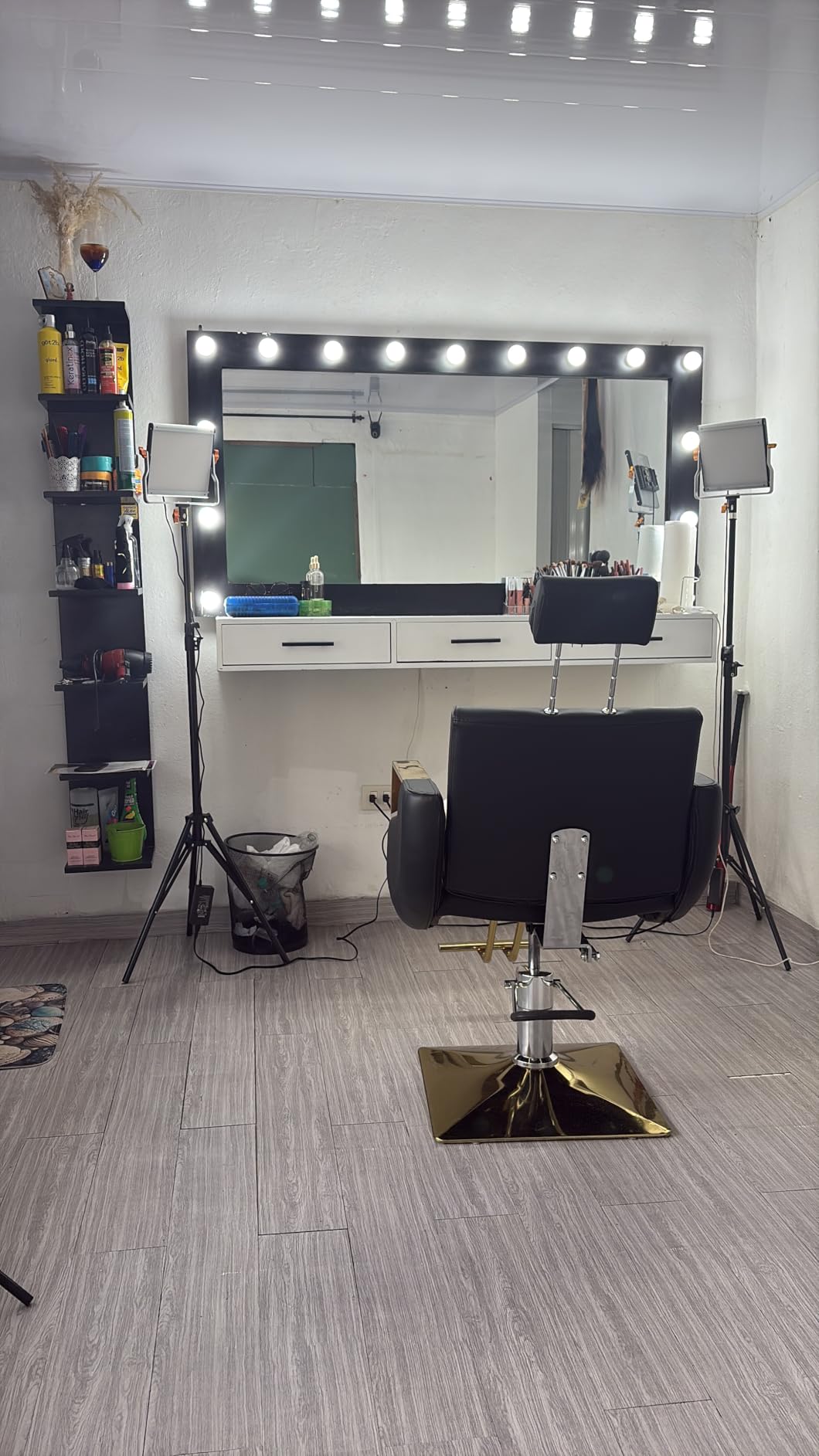
CRI 96+ means skin tones stay accurate, and the included white diffusers take the edge off the panel so you are not lighting your face with bare LED squares. The U-bracket swivels for angle, and the stands run from 3 feet to 6.2 feet.
Two carrying cases are included, which makes moving the whole kit between rooms straightforward. The aluminum alloy body is heavier than slim panels, which is a fair trade for build feel and mounting rigidity.
When this kit works for you
It fits streamers who want dependable two-light coverage with no app dependency and no subscription features to learn. The knob control is fast when you are setting levels rather than mid-show.
It also suits creators who record long sessions, since continuous output stays even and the panels run cool.
When to skip it
Skip it if you need app presets, Stream Deck control, or battery power. Everything here is mains powered and wired.
Skip it for a small desk. Two 10.4-inch panels on 6.2-foot stands take up real space, so measure first. Our gaming room setup guide covers how to plan a small room around gear like this.
6. RALENO 13 Inch Soft Light Panel — Best for Wireless Setups
RALENO 13″ LED Video Soft Light Panel with Desk Stand
13-inch panel
CRI 95+
2500K-6500K
8000mAh battery
LCD readout
+ The Good
- Built-in 8000mAh battery removes cords
- Hotspot-free diffusion
- One-inch panel at 2.4 lb
- CRI 95+ with LCD parameter readout
- Standard 1/4 in thread for any mount
- The Bad
- Stepped rather than smooth dimming
- Proprietary barrel power adapter
- About 90 minutes at full output
- Plastic bottom mounting screw
The RALENO is the pick for anyone who streams from more than one place. The 8000mAh battery is built in, so there is no mains cable to drag across a table and no wall outlet to sit near, which frees up where you can put the light.
One reviewer white-balanced to about 5680K straight off the panel’s LCD readout, which tells you how much confidence to put in the displayed values. The readout shows live brightness and color temperature instead of making you guess.

CRI above 95 and a 2500K-6500K range cover both a warm evening stream and a daylight-balanced face cam. At 650 lux/m the output is soft and even rather than punchy, so it behaves more like studio light than a bare panel.
The panel is one inch thick and weighs 2.4 lb, so it slides behind a monitor or packs into a backpack. The desk stand adjusts from 6.42 to 10.16 inches, and a standard 1/4 inch thread takes a tripod or an arm.
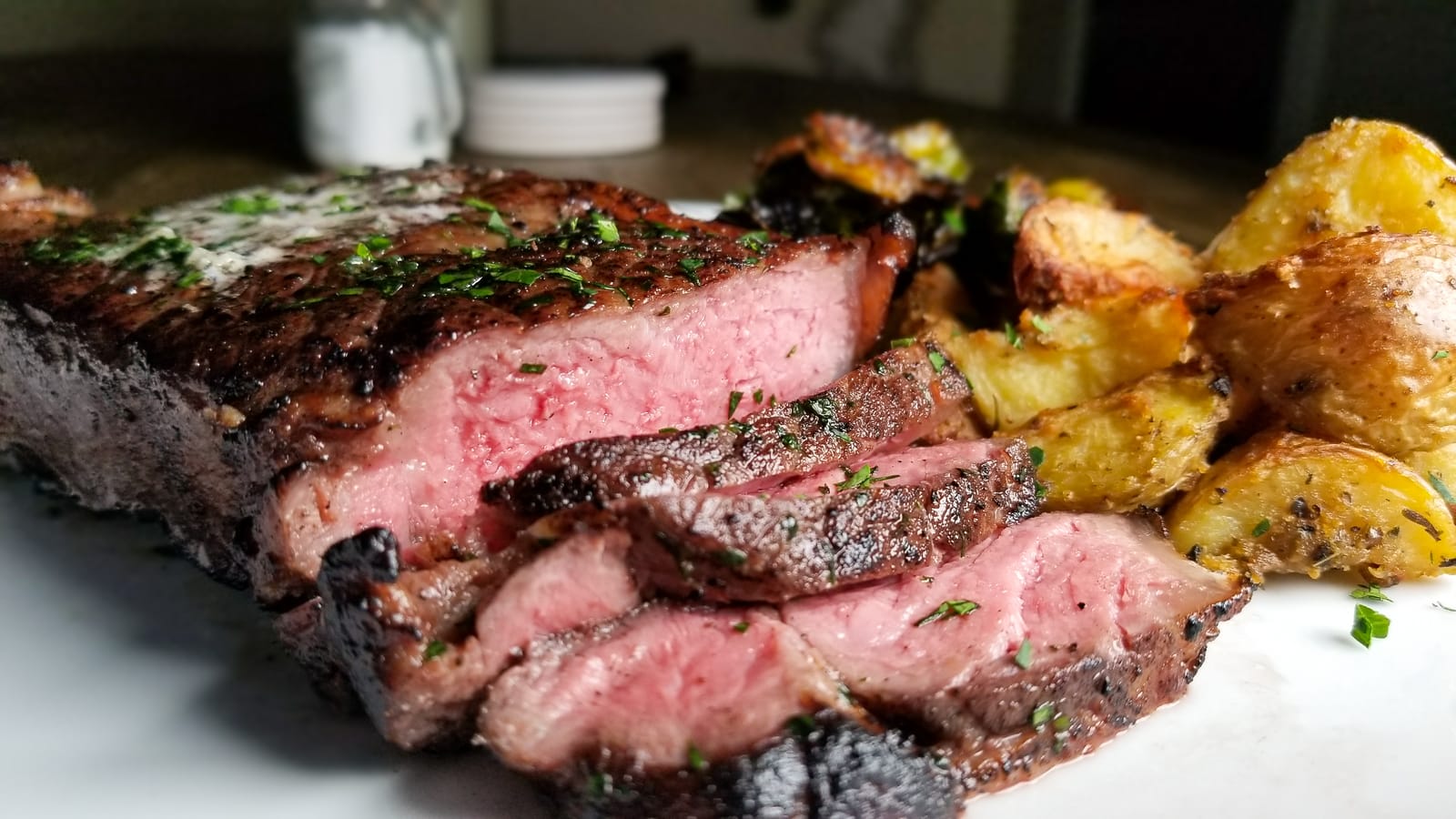
When this light works for you
It suits IRL and travel streaming, mobile setups, and anyone filming on a balcony or in a room without power nearby. It also works as an on-camera key or fill for a mirrorless camera.
It charges while you are plugged in, so an AC stream and a battery stream use the same unit.
When to skip it
Ninety minutes at full output is short for a marathon stream, so keep the adapter nearby. The stepped dimming and the proprietary barrel adapter are the two things owners complain about most, and the plastic underside screw needs care if you mount the panel vertically.
7. NEEWER NL-192AI 2-Pack — Best for Two-Person Framing
NEEWER 13″ LED Video Light Panel Kit with Tripod Stand, 2 Pack, NL-192AI
2x 192-LED panels
CRI 97+
3200K-5600K
4000mAh batteries
0.4-inch thick
+ The Good
- Two panels kill single-source shadows
- Rechargeable cells for untethered work
- Very thin and light with a rear LCD
- CRI 97+ for accurate skin tones
- Stands and carry case included
- The Bad
- About 90 minutes of battery runtime
- Indoor light only in bright conditions
- Cannot run while charging
If you ever stream with a second person, this two-pack is the straightforward answer. A single light puts one subject in shadow; two panels let you key both faces at the same level, which is the problem that single-light kits cannot solve no matter how good the diffusion is.
Up to 2400 lux at half a meter and CRI 97+ mean skin tones stay consistent between the two sides of frame, which is what stops a two-person stream looking uneven.
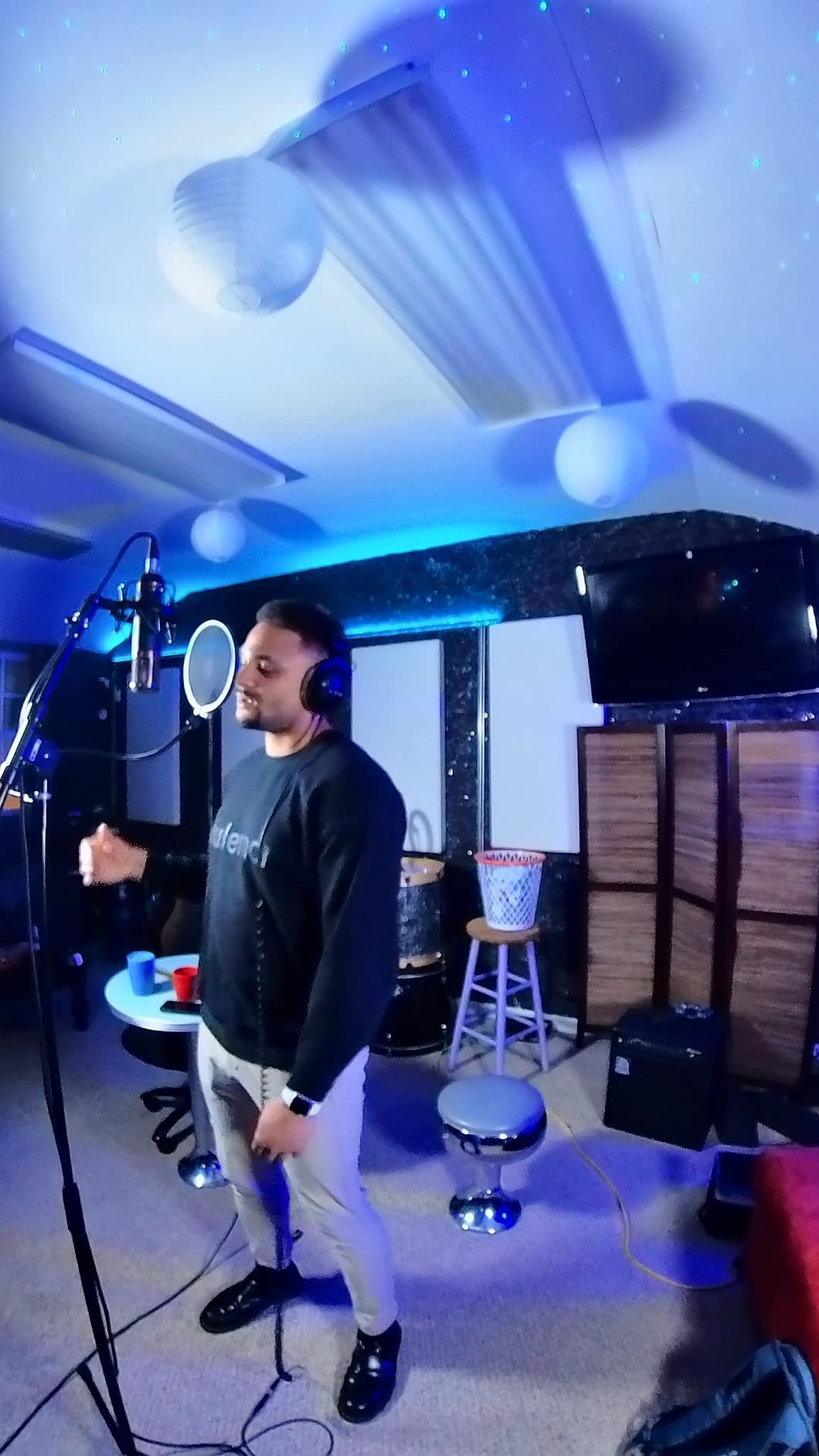
Panels are 0.4 inch thick at 1.3 lb each, so they mount on the included 70-inch aluminum stands without the bulk of a traditional studio panel. The large rear LCD shows parameters at a glance before you go live.
Both cold shoe and 1/4 inch mounts are fitted with 180-degree tilt, so the same panel works on a stand, an arm, or a camera. Built-in diffusers come in the kit, so no extra glass is needed.
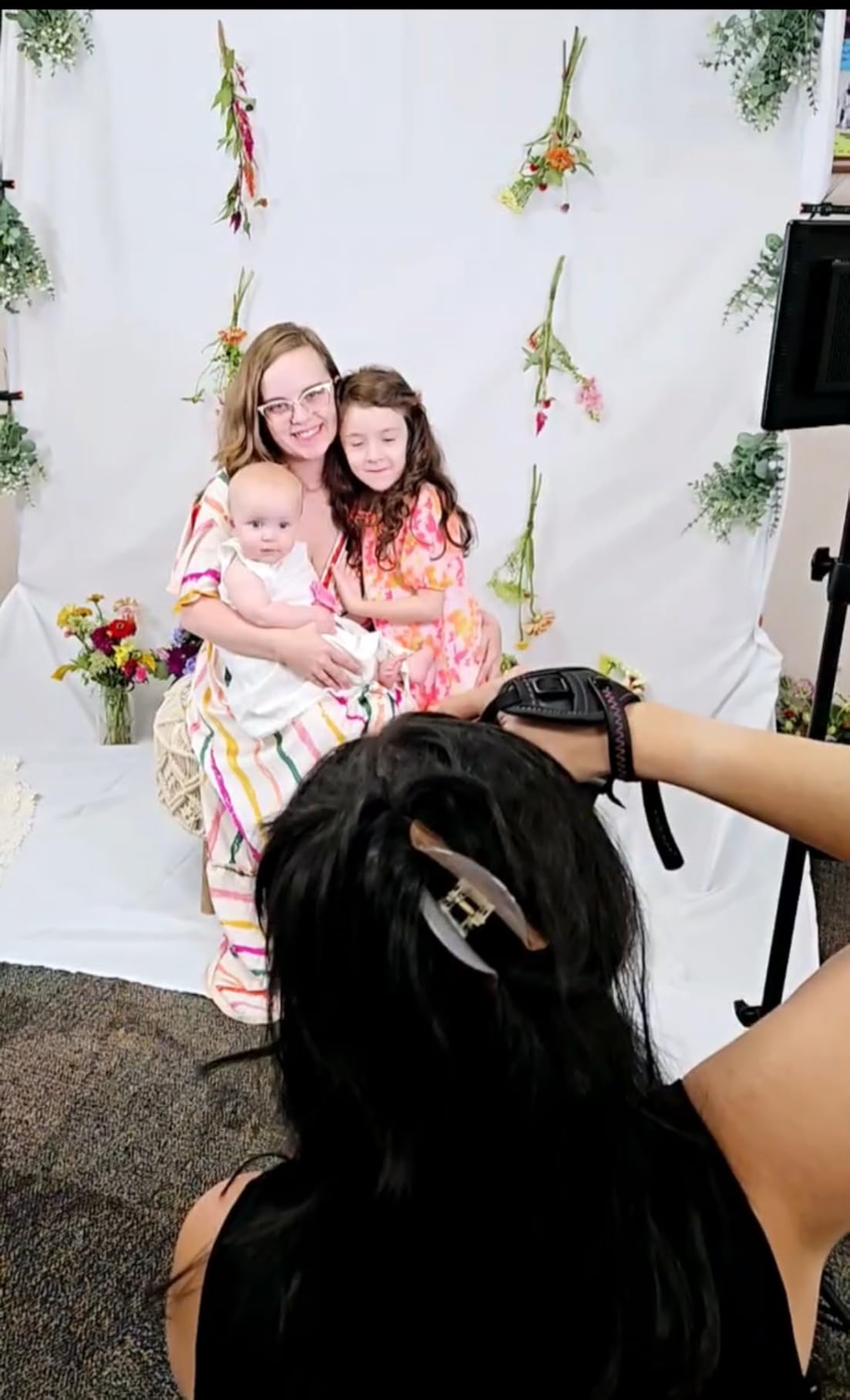
When this kit works for you
It fits interviews, co-op gaming streams, podcasts on camera, and split-screen formats. Rechargeable cells also make it good for a location shoot where mains power is awkward.
Two matching panels make color matching easy because both panels hold the same setting.
When to skip it
Skip it for bright rooms or daylight work. At 2400 lux at half a meter, this is an indoor and shaded light, not a sun-facing one.
Battery runtime of about 90 minutes and the restriction against running the panel while charging mean you plan around the charge, not around the stream.
8. Dazzne D50 15.4 Inch 2-Pack — Best Color Temperature Range
Dazzne D50 LED Video Light Panel Lights 15.4″, 2 Packs 45W 3000K-8000K Bi-Color Dimmable Photography Lighting, CRI 96+ Videography Lighting for Video Shooting/Gaming/Live Stream/Studio/Film
2x 45W 15.4-inch panels
3000K-8000K
3600 lux at 0.5m
48-channel remote
+ The Good
- Widest Kelvin range we tested
- Remote with channel and group control
- Soft edge-lit output resists blown highlights
- AC or NP-F battery power
- Aluminum tripods and travel bag
- The Bad
- NP-F batteries sold separately
- Remote reliability issues reported
- Plastic build
- No diffuser included
The D50 has the widest color temperature range here, from 3000K to 8000K, and it is genuinely useful rather than a spec-sheet trick. The cool end reaches past daylight into a clinical blue-white that some beauty and product creators use to neutralize warm room bounce.
At 45W per panel with up to 3600 lux at half a meter, this is the most powerful kit in the roundup. It lights a room rather than a face, which is what you want when your camera sits across the desk.
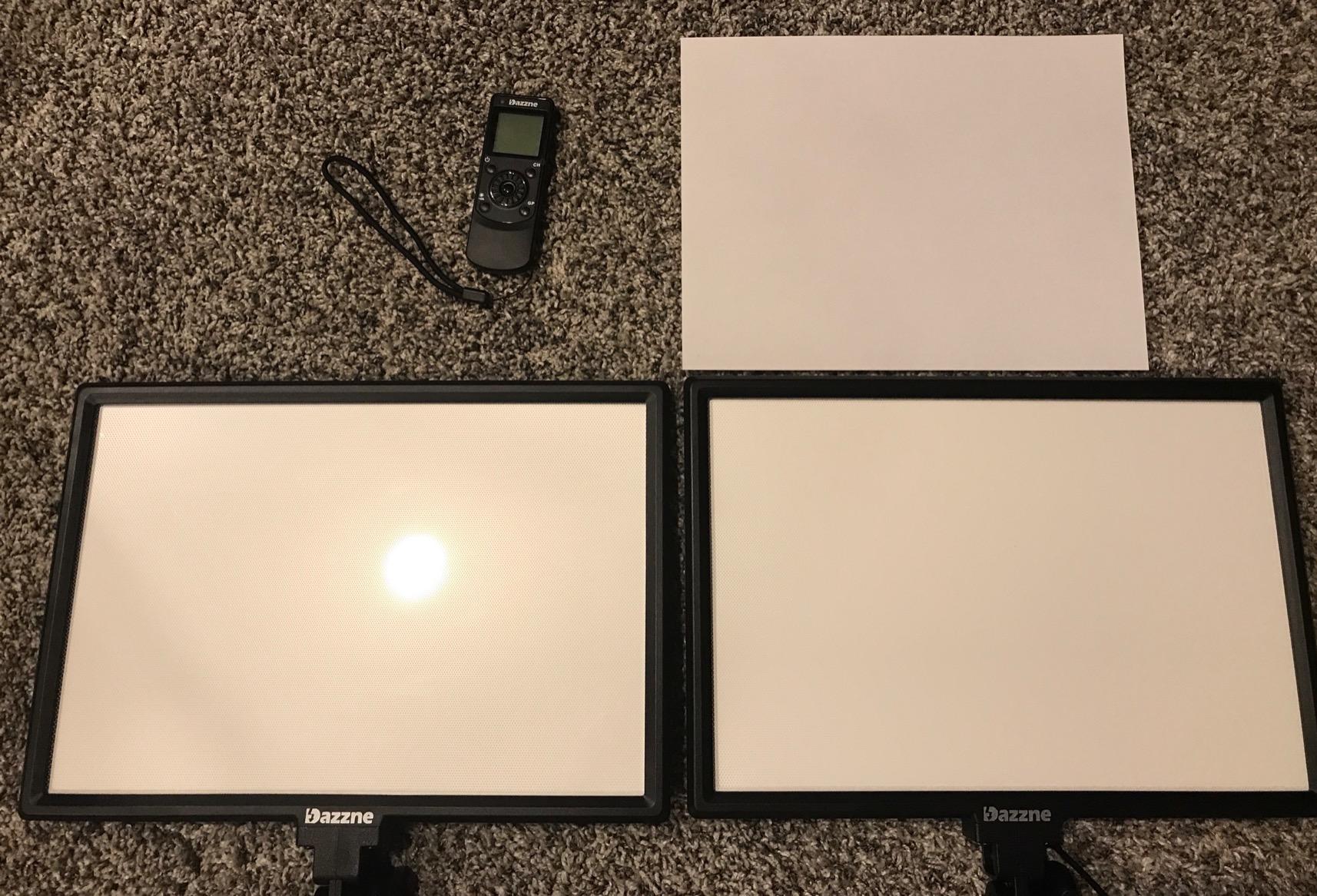
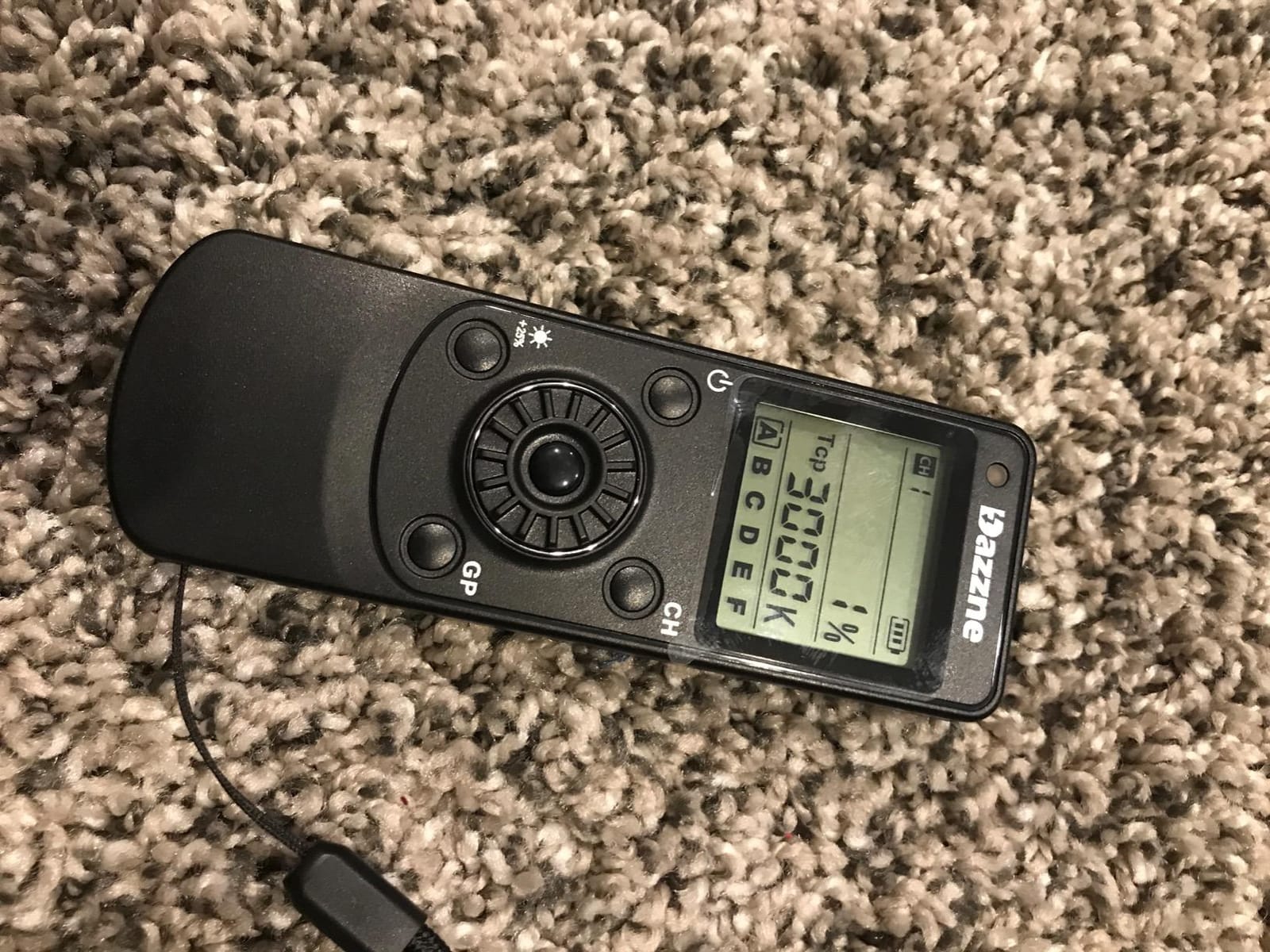
The wireless remote with 48 channels and six groups is the feature that sets this kit apart. You can adjust both panels from your chair mid-stream and group lights across rooms if you are running a two-space setup.
Dual power means AC indoors or NP-F batteries outside. The tripods run from 20 to 74 inches, and the travel bag has real compartments for panels, stands and cables.
When this kit works for you
It suits creators with a large or bright room, and anyone who moves between indoor and outdoor filming. The Kelvin range helps when you match a mixed-temperature space such as a window plus overhead bulbs.
The rear wheel means you are not dependent on the remote if it misbehaves.
When to skip it
Skip it if you need clean, soft light straight out of the box. There is no diffuser in the kit, so very soft output means adding a diffusion layer yourself.
Remote reliability is the most repeated complaint in reviews, and NP-F batteries are an extra purchase for mobile use.
9. NEEWER NL-192AI Single Panel — Best for Travel and Mobile Streaming
NEEWER 192 LED Video Light Panel, 20W Ultra Thin Bi Color Camera Light
19.5W panel
192 LEDs
CRI 97+
2400 lux at 0.5m
1.3 lb
+ The Good
- One-inch thick and 1.3 lb for travel
- About 1.5 hours of cordless lighting
- CRI 97+ with rear LCD readout
- Cold shoe adapter included
- Good add-on panel for an existing rig
- The Bad
- About 1.5 hours of battery runtime
- Cannot be used while charging
- Stand and carry bag not included
- Single panel only
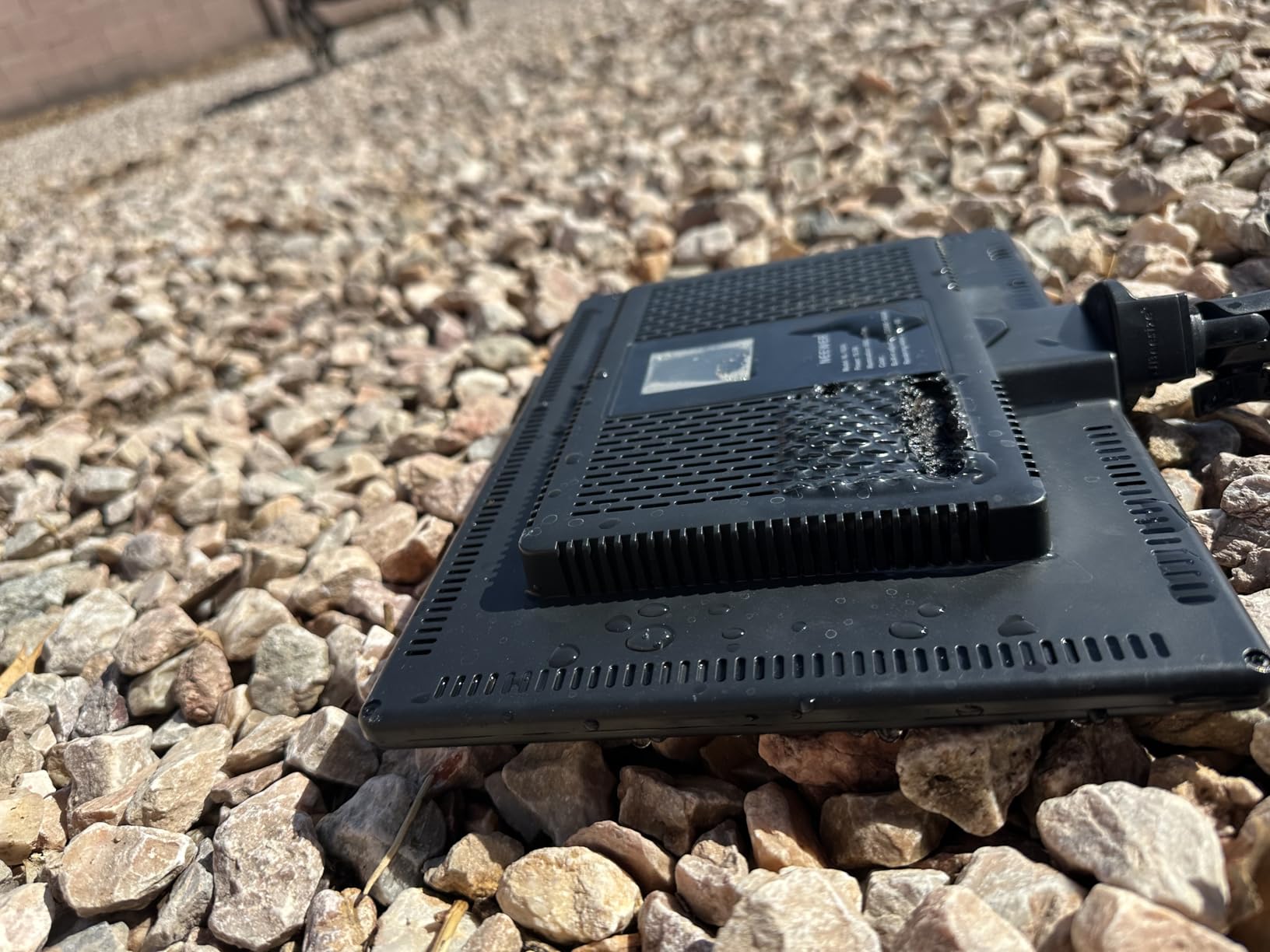
This single panel is the portable half of the NEEWER range, and it is the one to grab if you already have a key light and need a second. One inch thick at 1.3 lb, it mounts on a camera arm or slides behind a monitor without asking for desk space.
The specs match its bigger sibling: 192 LEDs split warm and cool, CRI 97+, and up to 2400 lux at half a meter. For indoor streaming at short range that is more than enough exposure.
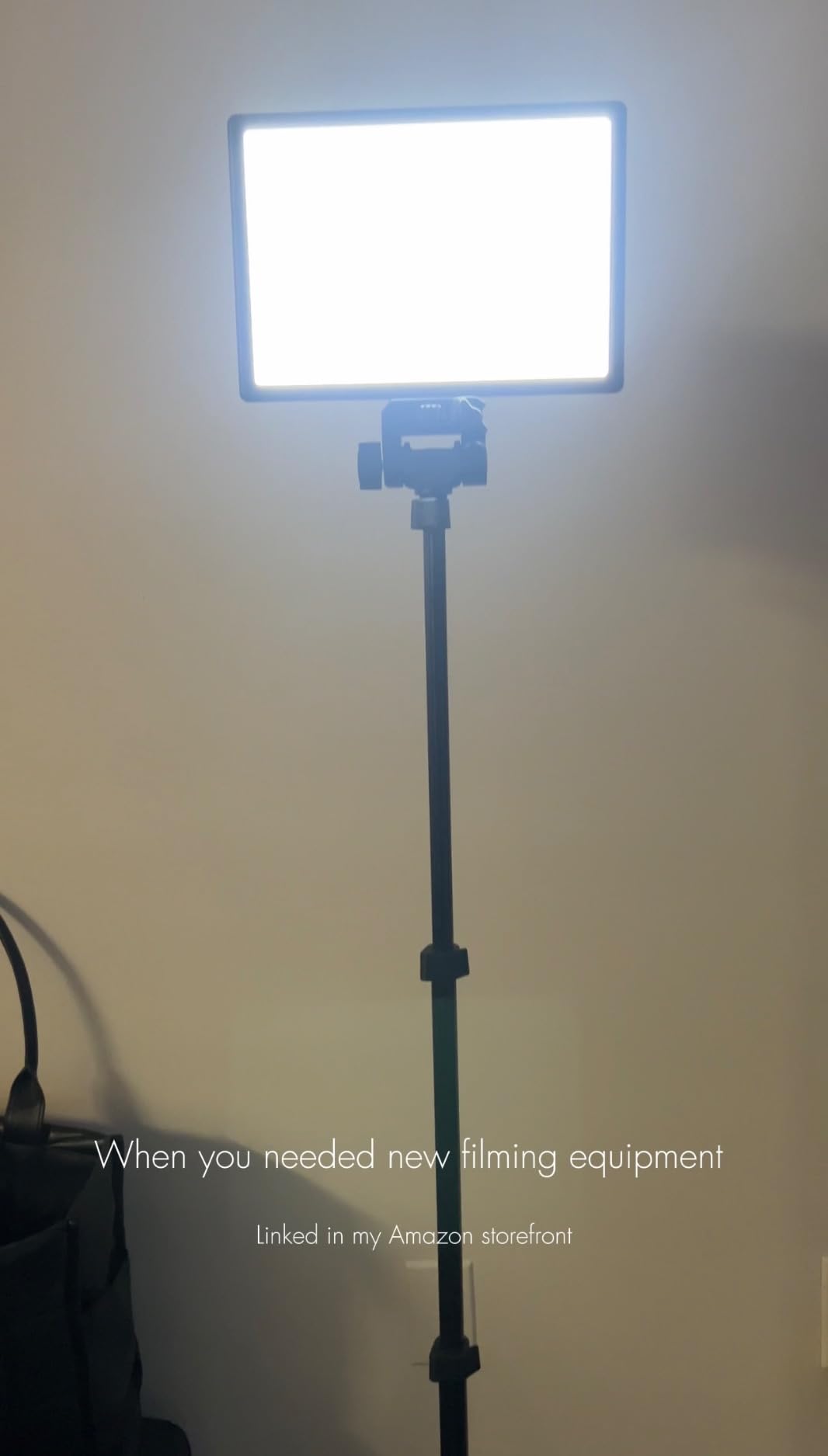
Two 4000mAh cells give roughly an hour and a half of cordless light and recharge in about two hours with the included adapter. The rear LCD reads out live brightness and color temperature, and the range runs 3200K to 5600K.
A cold shoe adapter with 180-degree tilt is included, so it fits Canon, Nikon and Sony bodies as well as camcorders and tripods with a 1/4 inch thread.
When this panel works for you
It suits travel, IRL streaming, and on-location interviews where carrying a stand is impractical. It is also a cheap second light that matches a two-pack panel exactly.
Because it shares the NL-192AI platform, adding it later keeps your color consistent with the rest of your kit.
When to skip it
Skip it as a first and only light. One panel means no fill, so you are back to the flat single-source look that two-light setups fix.
The stand and carry bag are not included, and the no-use-while-charging rule limits long cordless sessions.
10. Godox ES45 Desktop Key Light — Best for Mid-Stream Adjustment
Godox ES45 Desktop LED Key Light for Streaming&Video Calls, Soft Dimmable
14.4-inch edge-lit panel
2800K-6500K
0-100% dimming
Docking 2.4G remote
+ The Good
- Soft edge-lit panel built for face cam work
- Remote docks and recharges on the panel
- No-tool clamp fits desks up to 2 inches
- App plus channel and group control
- Flicker-free low-glare output
- The Bad
- Higher cost than generic kits for similar output
- Clamp limited to 2 inch surfaces
- Corded AC power only
The ES45 is the one light here designed specifically as a streaming key light rather than a repurposed photography panel. The edge-lit diffusion is soft and low-glare, which is what you want when your camera sits close and your stream runs for hours.
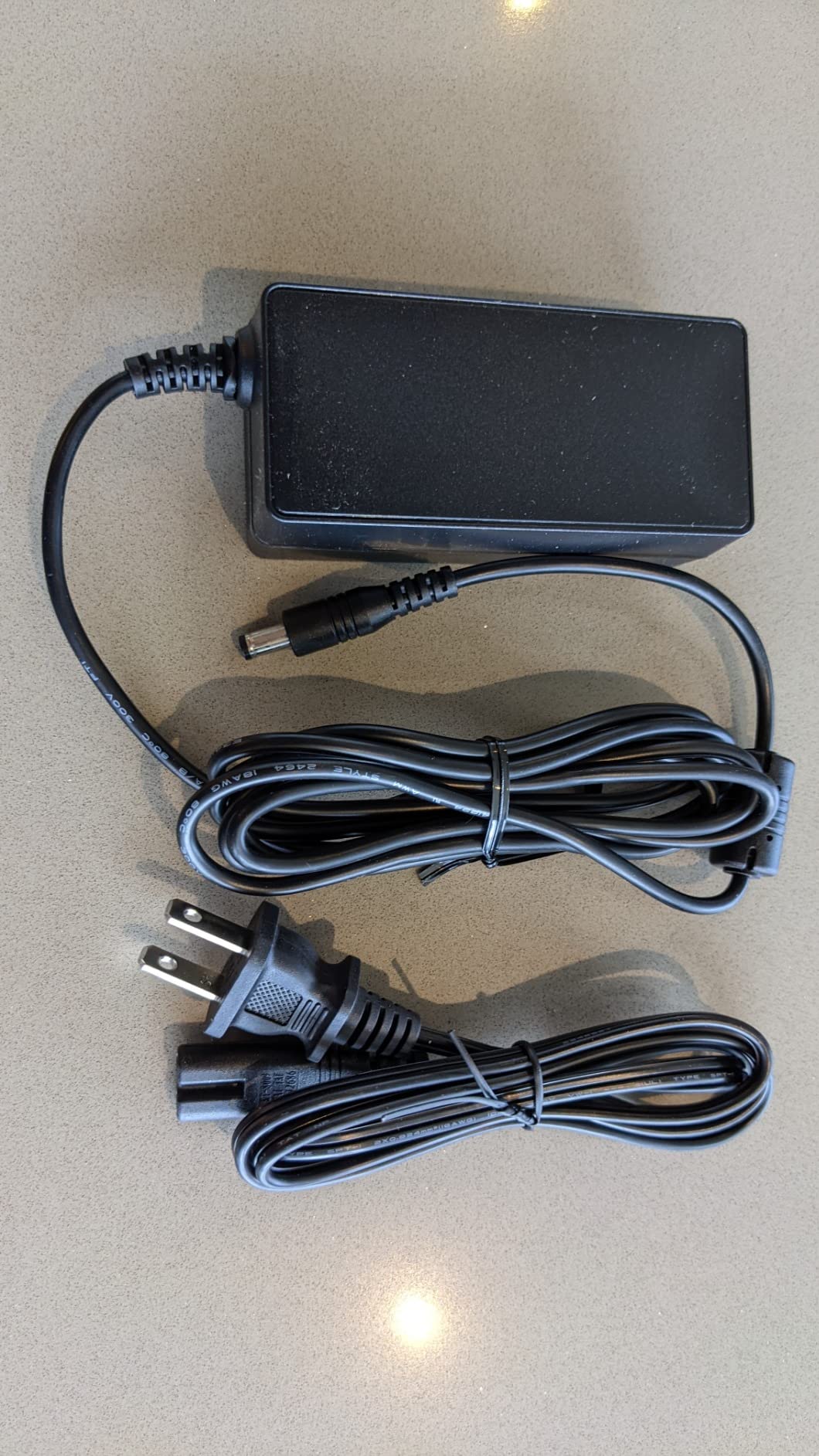
The magnetic 2.4G remote is the standout. It docks on the back of the panel and recharges there, so the controller never runs flat and it is always where you left it.
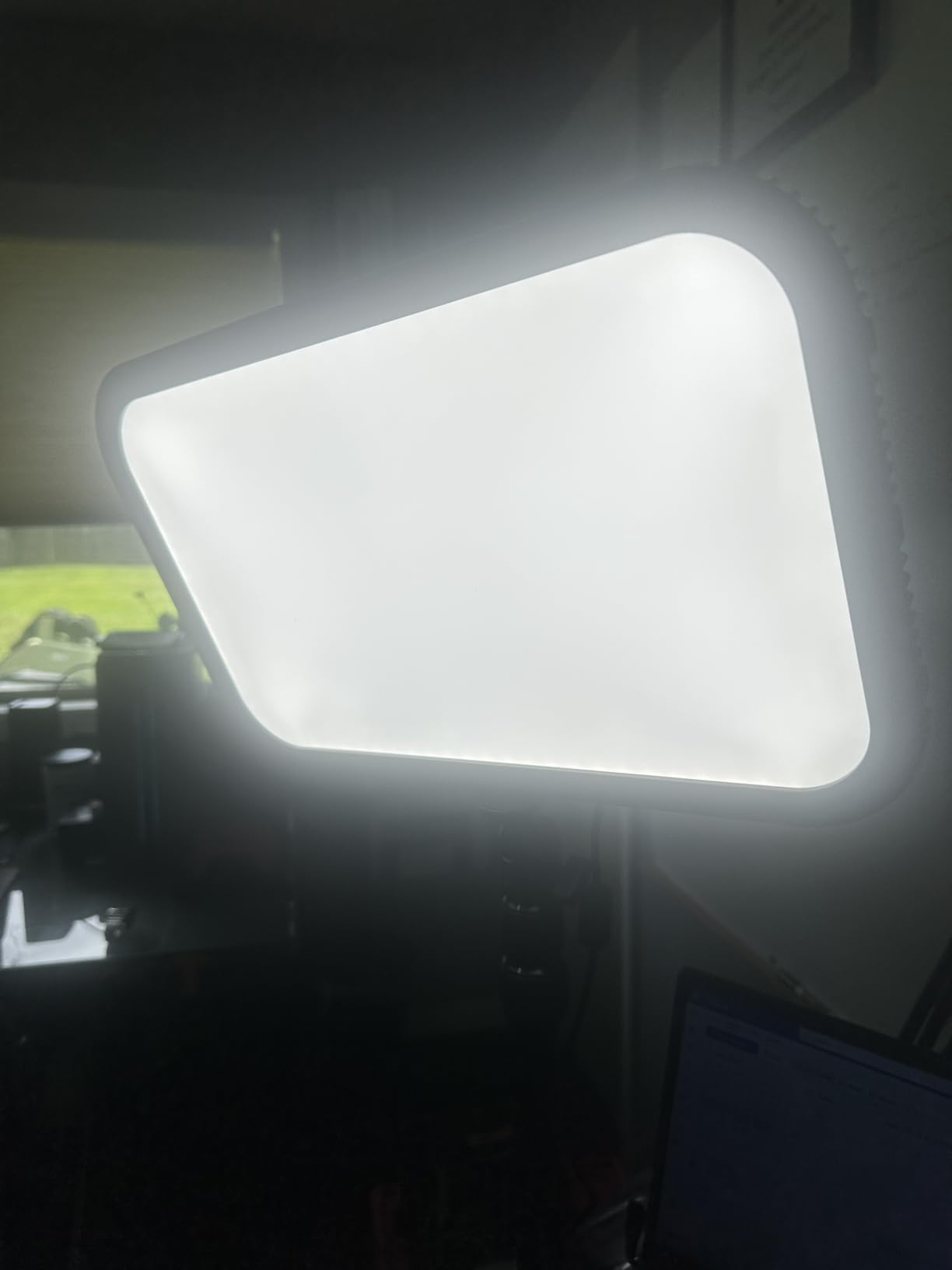
Brightness runs 0-100% with a 2800K-6500K range, and the Godox Light app adds channel and group control so you can scale to several ES45 lights without touching each one.
The extendable clamp fits desks up to two inches thick with no tools, and cable management keeps the desk looking like a desk. Owners consistently describe the output as even and comfortable for long sessions.
When this light works for you
It suits long stream sessions where you want to adjust brightness without leaving your chair, and desk setups with a thin worktop. The docking remote also makes it easy to run the same adjustments during a live show.
Flicker-free output matters if you record at high shutter speeds, which we cover in the buying guide.
When to skip it
Skip it if desk thickness exceeds two inches, because the clamp is the only mounting path. It is also corded, so there is no battery option for mobile work.
Owners mention cost as the main reservation against generic panels of similar output, so weigh the remote and app against your budget.
11. Logitech G Litra Beam — Best for Gaming Desks
Logitech G Litra Beam Premium LED Gaming Light with TrueSoft – Graphite
TrueSoft full-spectrum LED
2700K-6500K
Directable beam
3 mount points
G HUB
+ The Good
- Even light that replaces a ring light on a desk
- G HUB presets and auto on-off
- Mounts vertically or horizontally
- Sleek low-profile design
- Handles calls and streaming alike
- The Bad
- Modest maximum brightness in daylight
- Short stiff stand for large monitors
- USB-A cable in the box
- Predominantly plastic construction
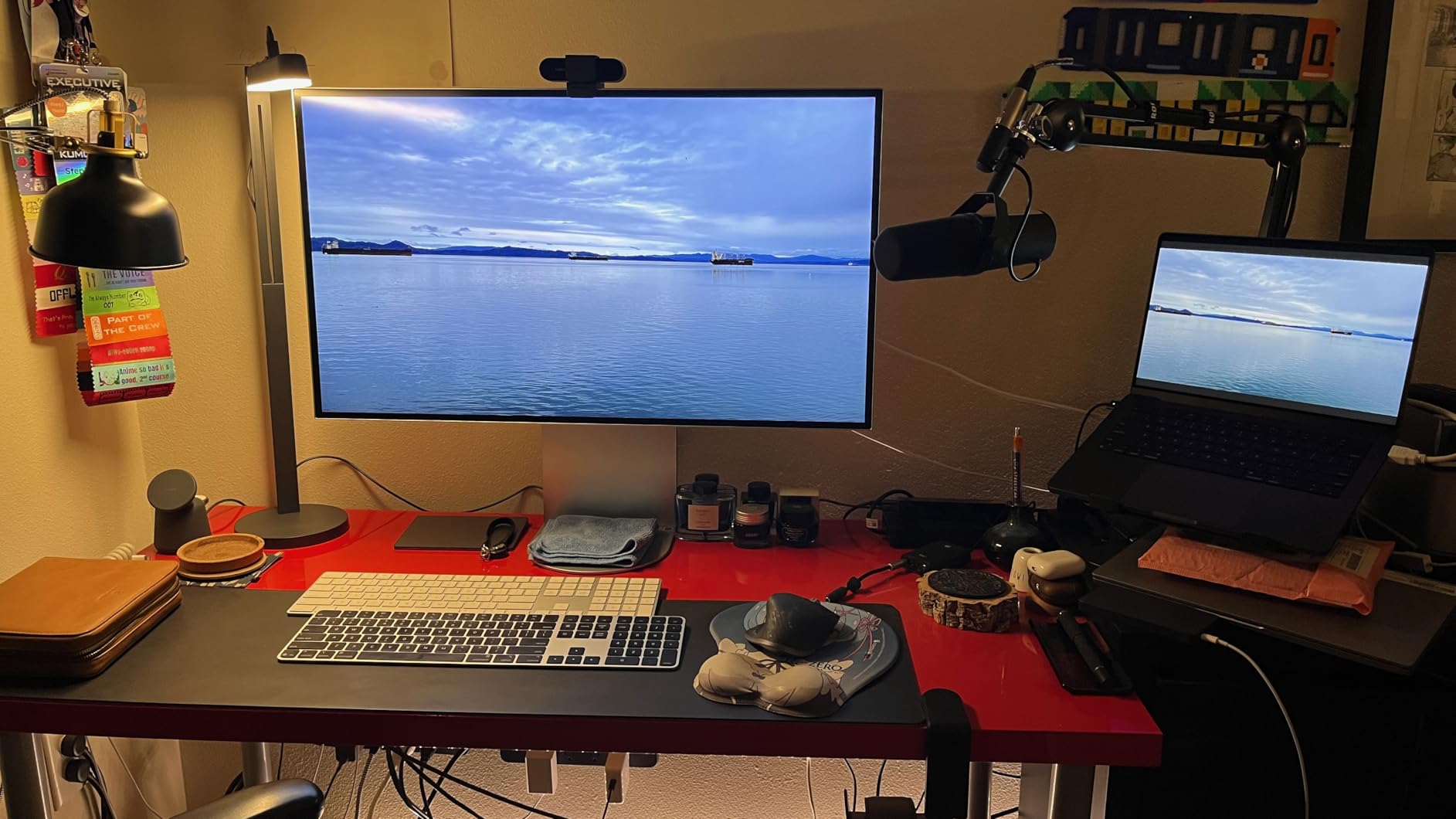
The Litra Beam answers the ring light question for anyone whose desk is already crowded. Rather than a donut in front of your face, it is a slim bar you lay horizontally above your monitor or stand vertically beside it, and the light wraps your face instead of staring straight down it.
Because the beam is shapeable and directable, you can aim it around a monitor rather than at it. Three mounting points on the body plus a three-way stand give you enough freedom to do that.
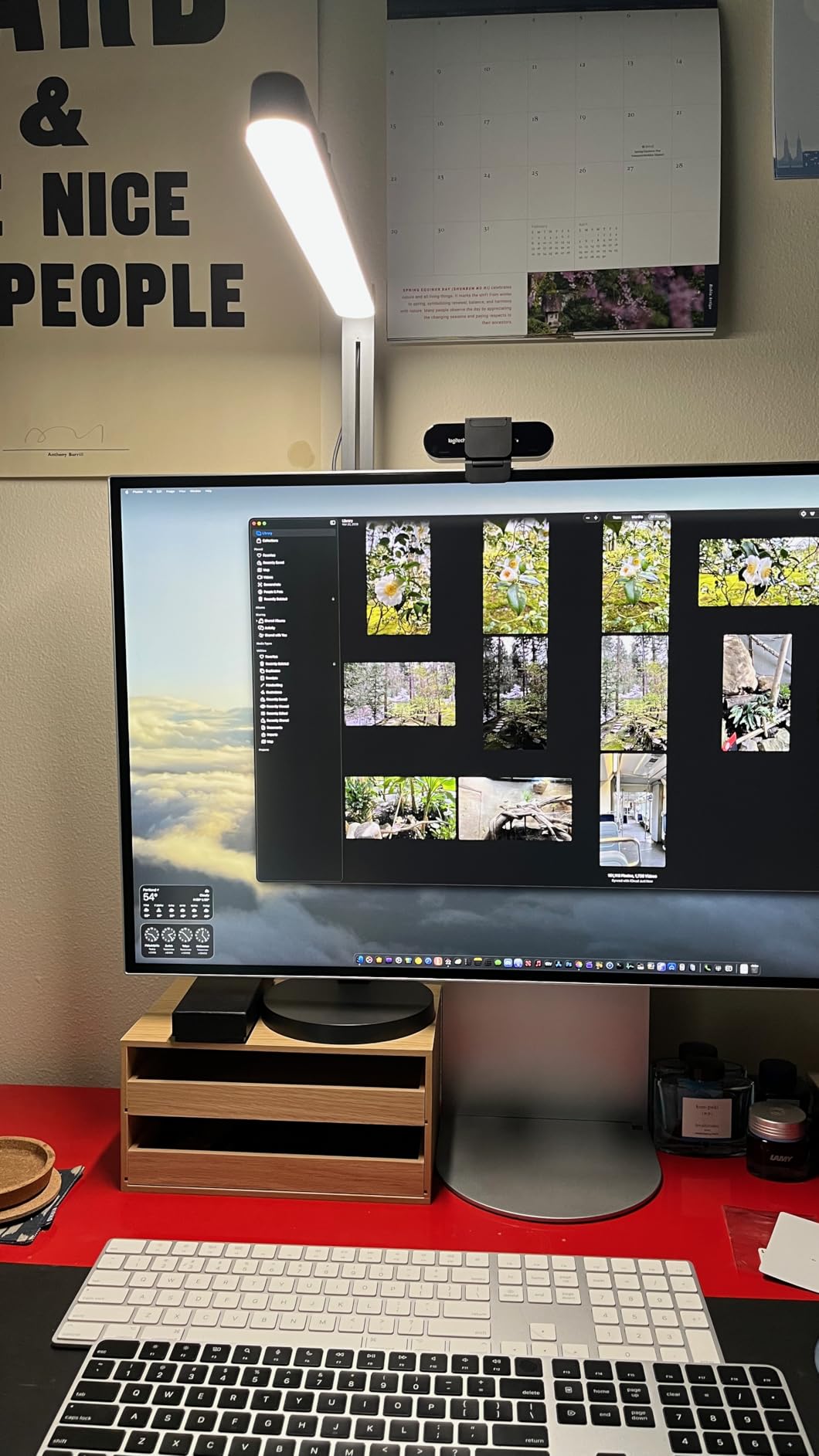
Logitech’s TrueSoft platform gives cinematic color accuracy at 2700K-6500K, with brightness adjustment and saved presets in G HUB. The software can also switch the light on and off automatically for calls, which is a small convenience you notice every day.
It is a straightforward light for streaming, video calls, and general desk use, and reviewers frequently say it replaces multiple ring lights on a desk setup.
When this light works for you
It suits gaming desks where vertical space above the monitor is short, and creators who want one light that handles calls during the day and streams at night.
It is a good companion to Litra Glow, since both share G HUB presets and TrueSoft output.
When to skip it
Skip it for a bright, sunlit room. Maximum brightness is modest, and owners also note that the included stand runs short for large monitors with stiff tilt adjustment.
The supplied USB-A cable and the mostly plastic body are the other recurring gripes.
12. amaran Verge Bi-Color Edge-lit Panel — Best for Stream Deck Control
amaran Verge Bi-Color Edge-lit Rectangular Panel,26W Soft LED Video Light
26W edge-lit panel
2700K-6500K
Stepless front knobs
Stream Deck plugin
+ The Good
- Very soft even output for long sessions
- Stepless knob dimming with a menu screen
- App and Stream Deck plugin control
- Compact desk footprint
- RG0 certified flicker-free output
- The Bad
- Stand and clamp sold separately
- No readout screen on this model
- Minimum brightness still bright in dark rooms
- White cable on a charcoal body
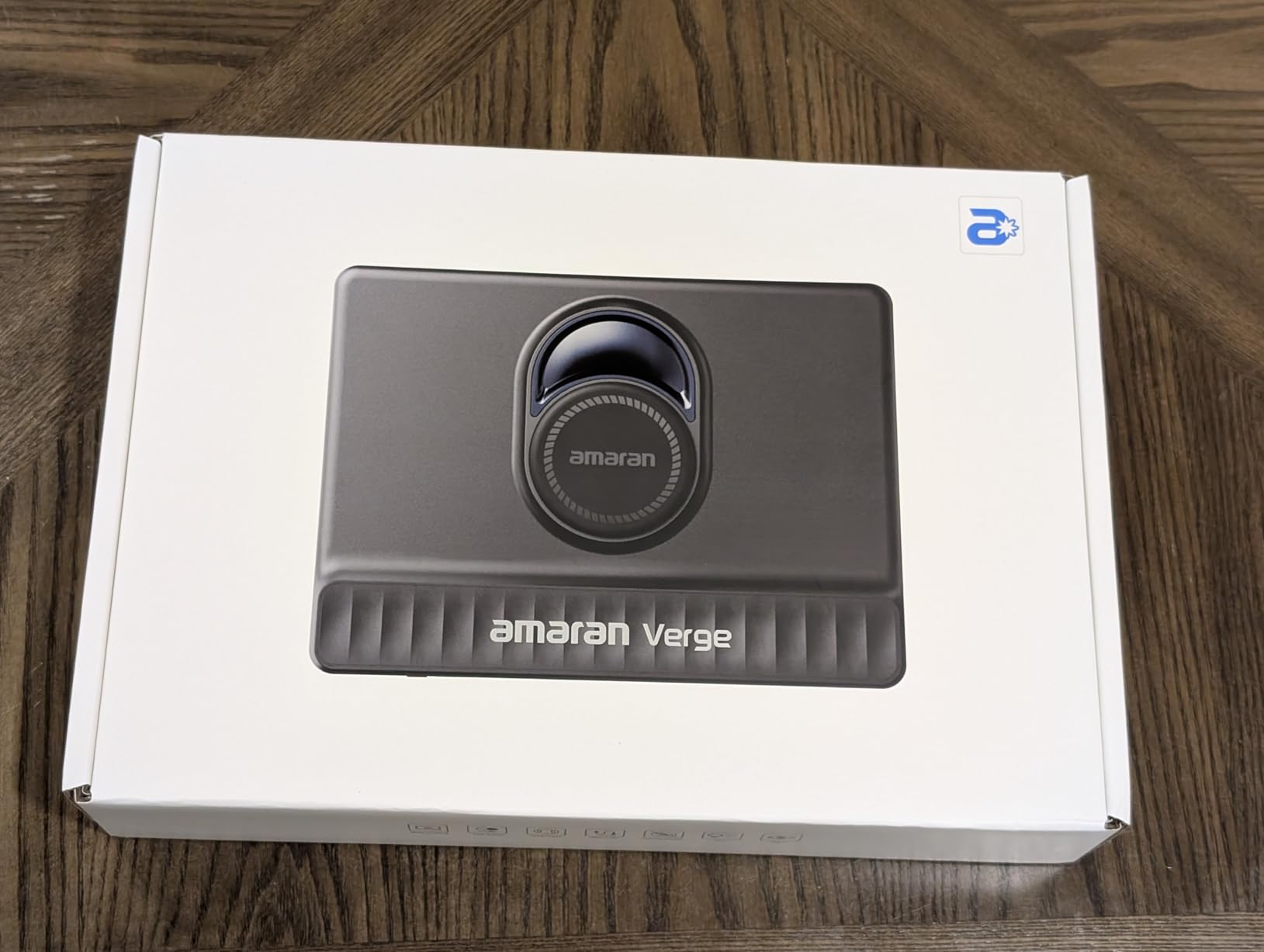
The amaran Verge is the only light here with a native Stream Deck plugin, and that changes how a show runs. You can put brightness, color temperature and effects on a deck button and change your lighting from the same surface that runs your scenes.
At 26W from an edge-lit panel the output is genuinely soft. Owners describe it as easy on the eyes for long sessions, and RG0 certification with flicker-free output means it is safe for eyes and for high-shutter cameras.

Front knobs give stepless 0-100% dimming and 2700K-6500K blending, with a menu screen for confirmation. Control also runs through the amaran desktop app and Bluetooth, and there are seven lighting effects for gaming, studio and streaming looks.
It pairs well with a larger Verge model for a balanced two-light setup, and reviewers single out the value for a creator light of this output.
When this panel works for you
It suits creators who already use Stream Deck, small desks, and home offices where a compact footprint matters. Bluetooth control also helps if your desk is away from your PC.
Stepless dimming makes it the easiest light here to ride up and down during a scene change.
When to skip it
Budget for mounting separately. The desk stand, desk clamp and light stand adapter are all extra, so the real cost lands above the panel price.
This smaller model has no readout screen, so you check color temperature in the app, and the minimum brightness is still slightly bright for a very dark room.
How to Choose a Key Light for Streaming
What type of lighting is best for streaming?
A dimmable, bi-color LED panel with a CRI of 95 or higher is the best type of lighting for streaming. It gives you enough output for a dim room, lets you match your camera’s white balance, and keeps skin tones looking natural. Two panels, used as key and fill, beat one larger panel because they let you shape shadows.
Brightness: lumens and panel size
For a desk setup roughly two feet from your face, look for around 1000 lumens or more. Larger panels measured in watts or lux are useful when your camera sits further back or the room has a bright window. A wide diffuser also spreads output evenly, so brightness and softness are usually a package deal.
Watch for real-world constraints. Small ten-inch panels only work at short distances, and USB-powered lights depend on the host port, so output can drop when several USB devices share a hub.
Color temperature and matching Kelvin
Color temperature is measured in Kelvin, from warm 2700K through neutral 4000K to cool 6500K. For streaming, set your light to match what your camera sees, usually 5000K to 5600K near a window.
The most common setup mistake is mixing temperatures. If your key light is 5600K and your room bulbs are 2700K, one side of your face warms and the other cools. Lock every light and overhead bulb to the same value, then set your camera’s white balance manually instead of leaving it on auto.
CRI: why skin tone accuracy matters
CRI, the color rendering index, measures how accurately a light reproduces color. Anything at 95 or above renders skin tones honestly; panels rated in the 80s are the reason some cheap lights make faces look flat and slightly green.
For beauty and makeup content, treat CRI 95 as the minimum rather than a preference. It matters more as you raise color temperature, where lower-CRI panels drift most.
Flicker, PWM, and high shutter speeds
Some budget panels dim by pulsing the LED rapidly, which is invisible to your eye but shows up as banding or rolling bands on a camera recording at high shutter speed. Panels marketed as flicker-free are the safe choice, and the Godox ES45 and amaran Verge both state it explicitly.
Test it before you commit: record ten seconds at your intended shutter speed in a dim room, then scrub the footage. Banding means the panel is not for you.
Mounting and desk space
A monitor mount or clamp puts the light where your webcam already is, which is the most reliable placement. Floor tripods give more range but eat desk space, and desk clamps only fit worktops within their stated thickness.
Place your key light 30 to 45 degrees off-axis and slightly above eye level. This is the cheapest quality improvement available, and it costs nothing.
Power and control method
Mains power is more reliable and brighter; built-in batteries buy you freedom to move. Many panel batteries run about 90 minutes at full output, so plan around that rather than around your stream length.
For control, physical knobs are fastest and app control is better for saving looks. Bluetooth and Stream Deck support let you change lighting from your stream deck, which is convenient once your setup is stable.
How many lights do you need for streaming?
One light is enough to start, and two is enough for almost everyone. One panel at 45 degrees handles a single host; two panels let you add fill and remove shadows; three adds a rim light to separate you from a bright background. Build in that order.
If you are planning a full desk, our gaming power and setup guide covers the electrical side of a rig that runs lights plus a PC.
Frequently Asked Questions
What type of lighting is best for streaming?
A dimmable, bi-color LED panel with a CRI of 95 or higher is the best lighting type for streaming. It provides enough brightness for a dim room, lets you match your camera white balance, and renders skin tones accurately. Using two panels as key and fill gives you control over shadows in a way a single light cannot.
What is the 3 lighting rule?
The three-point lighting rule uses three lights: a key light, the main source placed 30 to 45 degrees off-axis and slightly above eye level; a fill light on the opposite side set dimmer to soften shadows; and a rim light behind the subject to separate them from the background. Most streamers start with one light and add the other two over time.
What is the best key light for YouTube videos?
For YouTube videos, a two-panel kit is usually the strongest choice because a single light flattens facial features. The NiceVeedi 2-Pack and the NEEWER 480 LED kit both cover key and fill, include stands, and rate CRI at 96 or above for accurate skin tones. If desk space is tight, a monitor-mounted panel such as the Logitech Litra Glow is easier to position.
What is the best key light for content creation?
The best key light for content creation depends on whether you move or stay put. A fixed desk setup suits a large panel or monitor-mounted light with app control. Content creators who film on location benefit from built-in batteries, such as the RALENO panel with an 8000mAh cell. Beauty and makeup work needs CRI 95 or better at any color temperature.
What is the best keylight for streaming?
The best key light for streaming is a dimmable bi-color LED panel with CRI 95 or higher, used as a two-light key and fill setup. Place the key 30 to 45 degrees off-axis and slightly above eye level, set both lights to the same Kelvin value, and set your camera white balance manually so skin tone stays consistent between streams.
Is the Elgato key light worth it?
The Elgato Key Light is worth it for a fixed desk setup in a dim room. It delivers 2800 lumens with a 2900-7000K range, and its opal glass face gives even diffusion without hotspots on camera. Wi-Fi app control lets you adjust settings mid-stream and save presets. It is corded, needs a PC or Mac for app control, and its 59 inch stand needs desk clearance.
Conclusion
The best key lights for streaming setups are not the biggest or the most expensive ones. They are the lights that give you two sources, a color temperature you can match, and a CRI high enough that skin looks right on camera.
Our pick is the NiceVeedi 2-Pack, because two panels solve key and fill in a single purchase and its CRI 97+ output keeps skin tones honest. If you already have one light and want the best single upgrade, the Elgato Key Light wins on output, diffusion, and app control. For a desk where space is tight, the Logitech Litra Glow is hard to beat, and for anything on the move the RALENO’s built-in battery changes what you can film.
Pick your light by your room and your camera distance, not by lumen count alone, then dial both lights to the same Kelvin before you go live. That last step costs nothing and does more for your stream than any camera upgrade.