
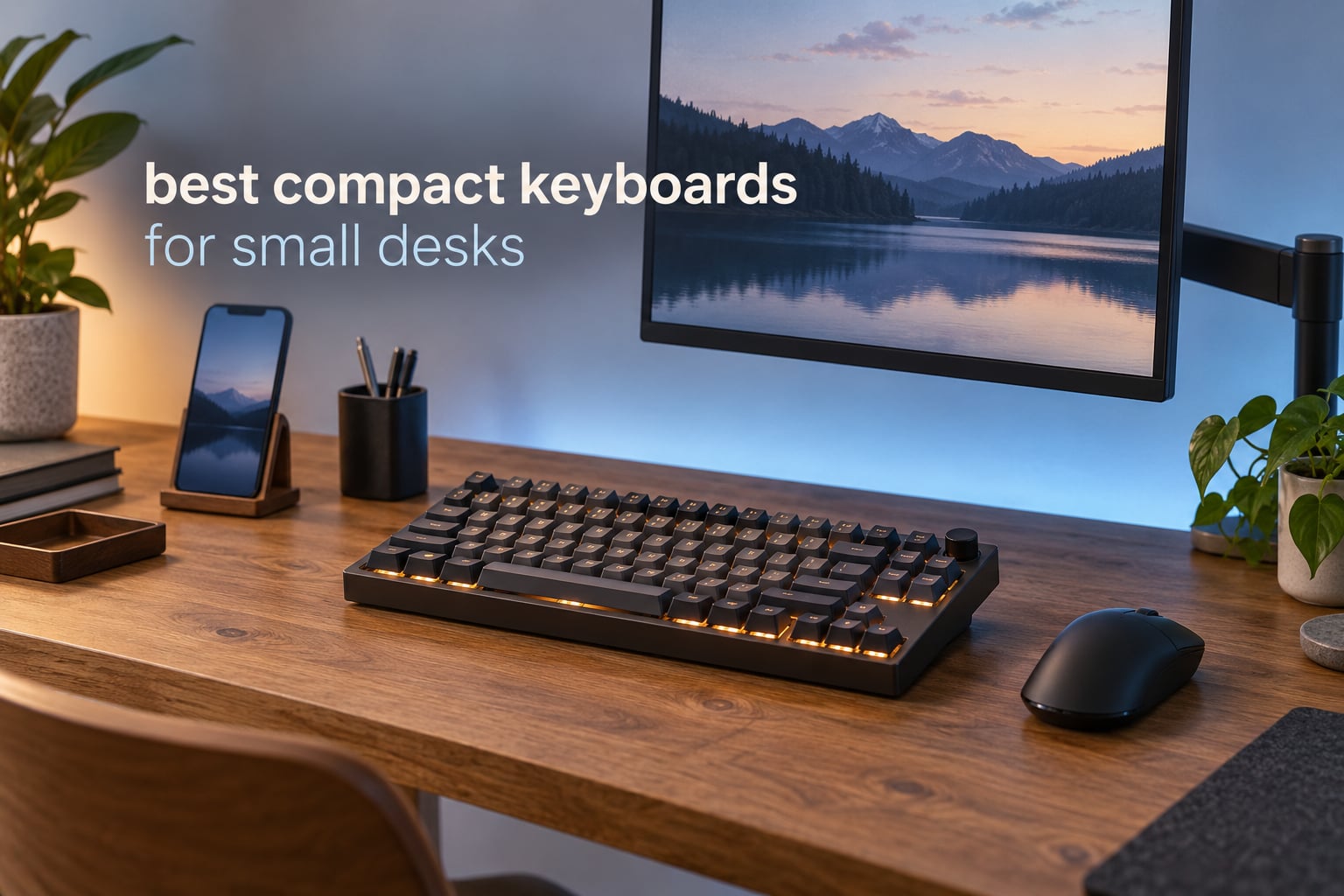
If your desk is the problem, the keyboard is the easy part. A full-size board eats close to 19 inches of width before you add a mouse, and on anything under about 48 inches wide that leaves a cramped, hunched setup. The best compact keyboards for small desks solve a geometry problem first and a typing-feel problem second.
We spent weeks with ten of the most-reviewed compact boards currently on the market, measuring every published footprint, checking which keys survived the size cut, and testing how each one behaves once you actually shrink the rectangle available for the mouse. What follows is the list of the best compact keyboards for small desks, grouped by layout tier so you can pick a size first and a board second.
Two things are non-negotiable in this roundup. Every pick lists its exact width and depth in inches, because depth is what decides whether a wrist rest still fits on a shallow desk. And every pick states plainly which keys it moved to a layer, because the number one complaint from compact-keyboard buyers is discovering after the fact that a key they use daily is now behind a function combo.
A note before we start: we earn a commission when you buy through the links on this page, and it does not change what we rank.
Top 3 Picks for Compact Keyboard Picks for Small Desks in 2026
Three boards stand apart from the rest, and they stand apart for different reasons. One wins on footprint, one on the number of keys it keeps, and one on how quietly it types.

AULA F75 Pro
- › 75% layout with 81 keys
- › Hot-swappable sockets
- › Multi-function knob
- › Five-device tri-mode wireless

Logitech MX Keys Mini
- › Low-profile scissor switches
- › Three-device Bluetooth switching
- › Smart ambient backlight
- › USB-C rechargeable
10 Best Compact Keyboards for Small Desks (October 2026)
Every board below fits comfortably on a desk under 48 inches wide. The layout column tells you which keys survived the size cut; the footprint column is what you should measure against your own desk before buying.
| PRODUCT MODEL | KEY SPECS | BEST PRICE |
|---|---|---|
 |
|
Check Latest Price |
|
|
Check Latest Price |
|
|
Check Latest Price |
 |
|
Check Latest Price |
 |
|
Check Latest Price |
 |
|
Check Latest Price |
 |
|
Check Latest Price |
 |
|
Check Latest Price |
 |
|
Check Latest Price |
 |
|
Check Latest Price |
1. Redragon K617 – Widest Mouse Lane With Hot-Swap Switches
Redragon K617 Wired 60% Compact Hot-Swap RGB Gaming Mechanical Keyboard
60% layout, 61 keys
Hot-swappable red switches
20 RGB modes
12.2 x 5.31 inch footprint
+ The Good
- Hot-swap sockets accept 3-pin and 5-pin switches
- Lightweight at 9.6 ounces and easy to carry
- 20 RGB presets with per-key control
- Linear reds run smooth and fairly quiet for a mechanical board
- The Bad
- No dedicated function row
- so F-keys sit on a layer
- ABS plastic feels disposable next to aluminium cases
- One reviewer reported a key arriving loose
The Redragon K617 is the board we keep coming back to for the narrowest desks, and the reason is arithmetic rather than romance. At 12.2 by 5.31 inches it is one of the smaller bodies in this group, and at 9.6 ounces it is the only one that genuinely disappears into a laptop bag without you thinking about it.
What makes it our top pick is the hot-swappable socket. It accepts both 3-pin and 5-pin switches, which means the first compact board you buy does not have to be the last one. Owners routinely report swapping every switch in the board without a soldering iron, which turns a first mechanical keyboard into a hobby rather than a dead end.
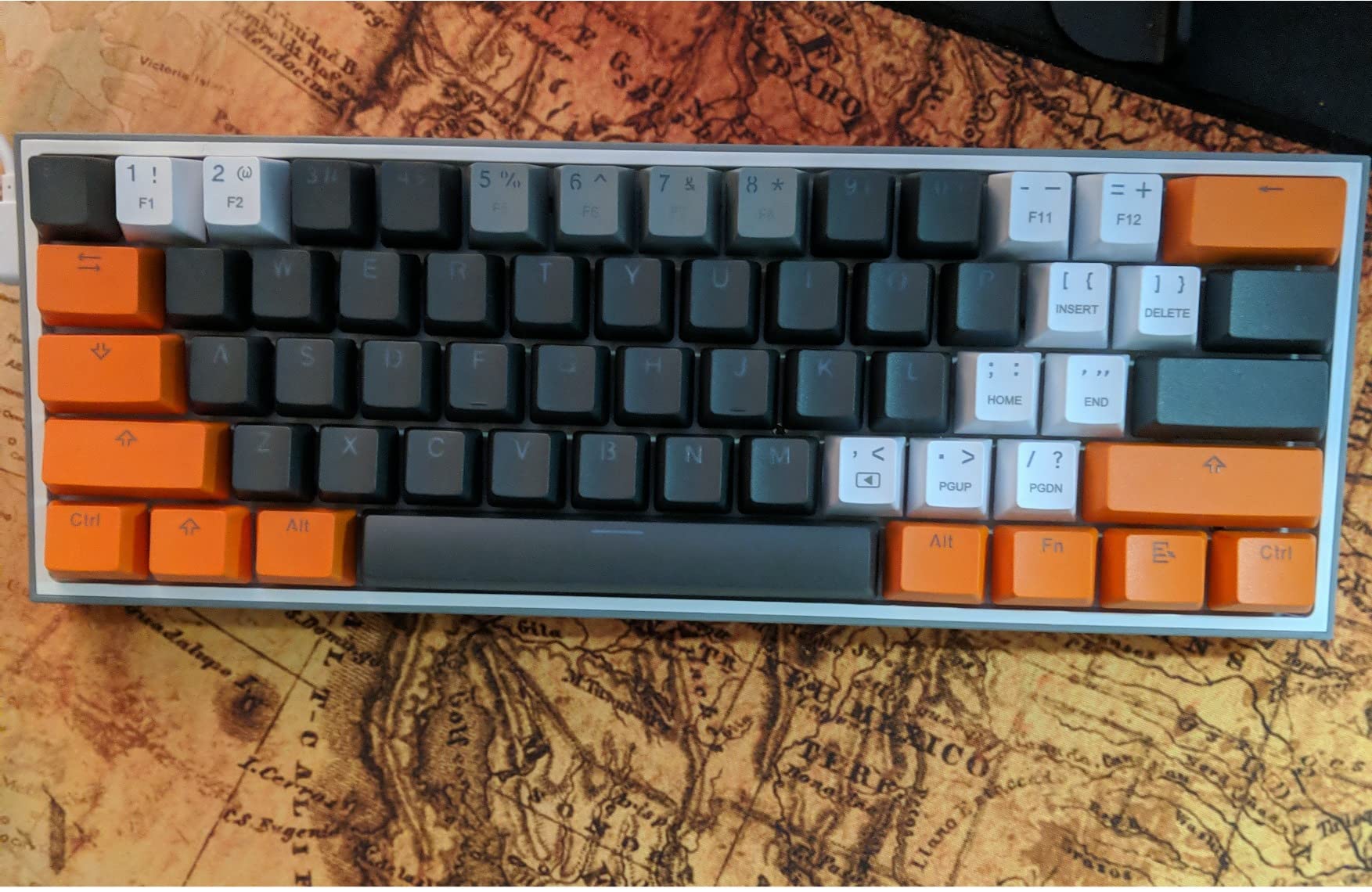
Lighting is the other half of the appeal. Twenty preset RGB modes with adjustable brightness and flow speed, plus per-key control through the included software, is more than most boards twice its footprint offer. The linear red switches that ship in the box are rated for 50 million keypresses and, importantly for a small apartment, are on the quieter end of the mechanical spectrum.
The detachable USB-C cable is a small touch that matters more than it sounds. A fixed cable on a 60% board is the first thing that gets yanked off, and this one comes apart cleanly when you need to reconfigure the desk.
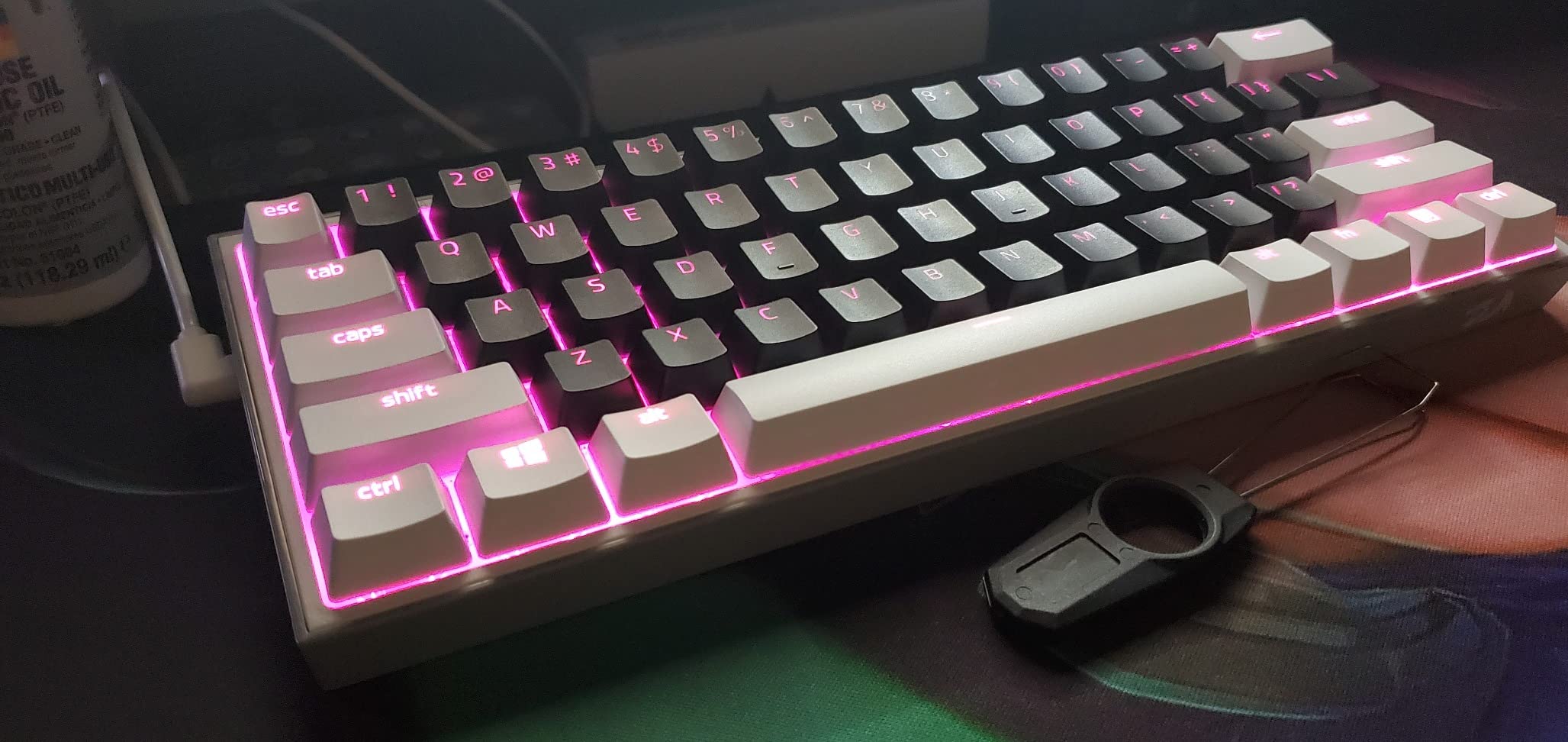
How the 60% layout holds up day to day
Two to four weeks in, the adjustment is real but short. The arrow keys and the entire function row live behind the Fn layer, so spreadsheet work and any shortcut-heavy application need a layer you did not have on a full-size board. Gamers adapt in a weekend. Office workers who live in Excel take longer.
If your desk is genuinely tiny, that trade is worth it. If your desk is merely average, the AULA F75 Pro on this list gives you arrows and a function row in a body that is only about half an inch wider.
Where it falls short
The ABS plastic case is the honest weakness. It flexes slightly under heavy typing pressure and does not feel like the boards in the premium tier, even though the switches and sockets are genuinely good. One reviewer also received a key that was loose from the factory, which is a packing issue rather than a design flaw.
The bigger limitation is the missing function row. If you write code, run shortcuts, or switch applications dozens of times a day, you will feel the absence within a week.
2. AULA F75 Pro – 75% Layout With Arrows, a Knob and Five Paired Devices
AULA F75 Pro Wireless Mechanical Keyboard,75% Hot Swappable Custom Keyboard with Knob,RGB Backlit,Pre-lubed Reaper Switches,Side Printed PBT Keycaps,2.4GHz/USB-C/BT5.0 Mechanical Gaming Keyboards
75% layout, 81 keys
Tri-mode wireless, five devices
4000mAh battery
12.7 x 5.64 inch footprint
+ The Good
- Keeps a full arrow cluster in a compact body
- Pre-lubed switches and stabilizers give a muted creamy sound
- Hot-swappable sockets accept 3-pin and 5-pin switches
- 4000mAh battery and five-device pairing cover long sessions
- The Bad
- Largest footprint in the group at 12.7 inches wide
- Driver and firmware software are less mature than established brands
- Side-printed legends take a moment to get used to
If you are the person who keeps almost-full-size keyboards and then complains about desk space, the AULA F75 Pro is the direct answer. It is a 75% layout, so it keeps a proper arrow cluster and a compressed function row, and it does it in 12.7 by 5.64 inches.
That is about half an inch wider than the 60% boards on this list, and in exchange you stop losing keys entirely. For spreadsheet work, coding, and general office use, that is the better trade on a small desk. It also ranks second in PC gaming keyboards in its category, which tells you how much demand there is for this exact format.

The sound is the surprise. Owners consistently describe the combination of pre-lubed stabilizers, pre-lubed linear switches, a silicone pad, and five layers of internal damping foam as creamy and muted rather than clacky. That is unusual for a hot-swappable board, and it makes the F75 Pro viable in rooms where a typical mechanical board would not be.
Connectivity is where it pulls ahead of everything else here. Tri-mode means USB-C, 2.4GHz, and Bluetooth 5.0, and the board holds up to five paired devices. A 4000mAh battery covers long sessions between charges. The multi-function knob toggles between gaming and office modes, handling lighting in one and volume in the other.
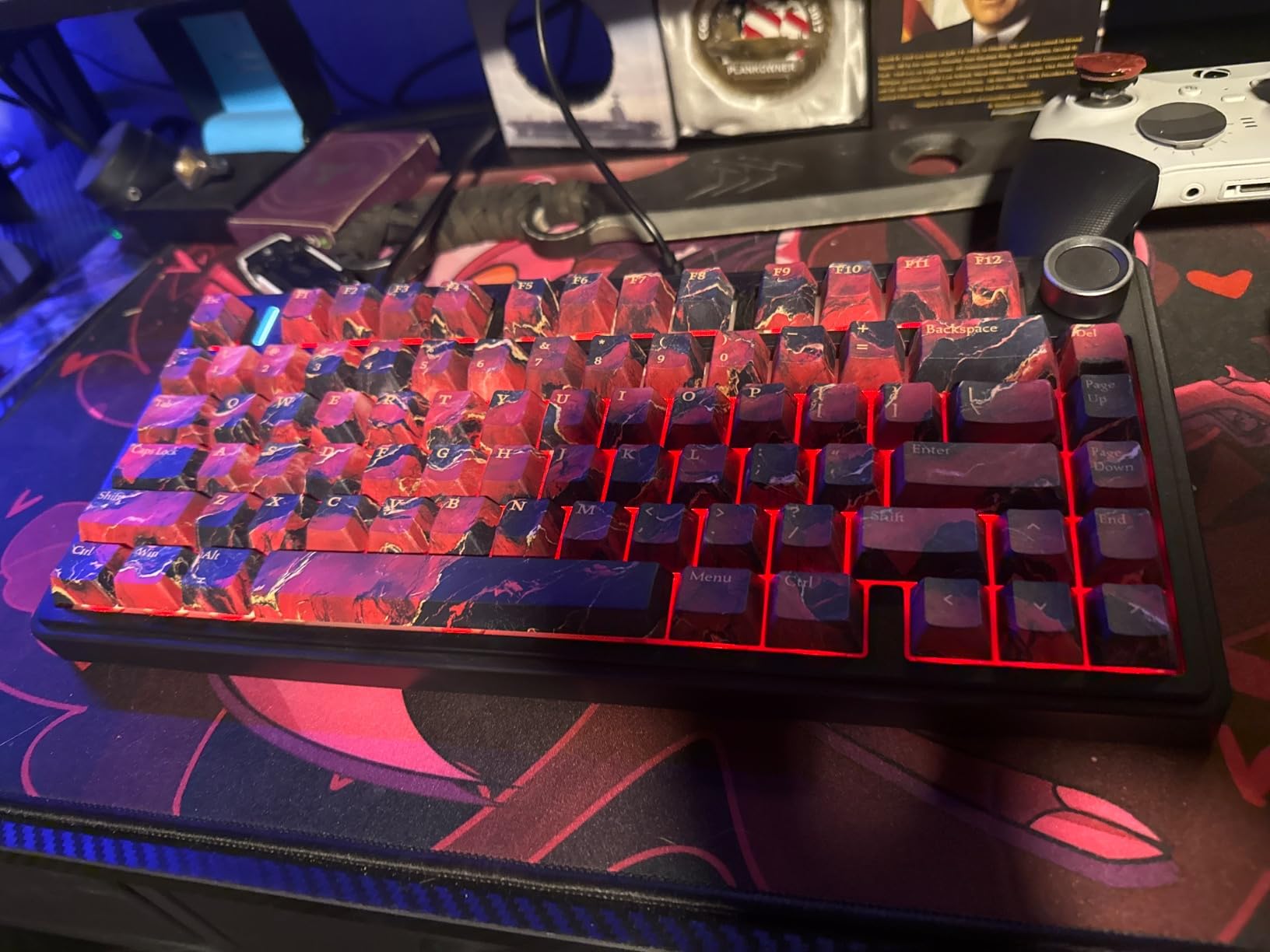
Whether 75% is the right size tier for you
75% is popular for a concrete reason: it is the smallest layout that does not force you to learn layers for everyday work. The function row is compressed but present, the arrow cluster is dedicated, and the navigation cluster is the only casualty. If you do not use Page Up, Page Down, Home, or End much, you will not notice.
Compared with a TKL, this board saves roughly 4 to 5 inches of width. Compared with a full-size, it saves around 6. On a 24 inch usable span, that is the difference between a 5 inch mouse lane and an 11 inch one.
Where it falls short
It is the widest board in this roundup, and if your desk is at the extreme narrow end you will feel that. The software maturity gap is real: firmware and driver tools are less polished than what Logitech or Keychron ship, and that matters if you plan to remap layers or store onboard macros.
The side-printed PBT keycaps also need a few days. The legends sit on the side of each cap rather than the top, which transmits backlight beautifully but reads oddly at first. The knob takes the key slot some buyers would rather have as another key.
3. Logitech MX Keys Mini – Quietest Premium Pick for Shared Desks
Logitech MX Keys Mini Minimalist Wireless Illuminated Keyboard – Graphite
Low-profile scissor switches
Three-device Bluetooth
USB-C rechargeable
11.65 x 5.19 inch footprint
+ The Good
- Near-silent laptop-style typing suits open offices
- Substantial weight keeps the board planted while typing
- Backlight wakes on hand approach and adapts to room light
- Switching between three devices takes one keypress
- The Bad
- No USB receiver included in the box
- Backlight washes out white legends on pale keycaps
- Battery life drops noticeably with the light set high
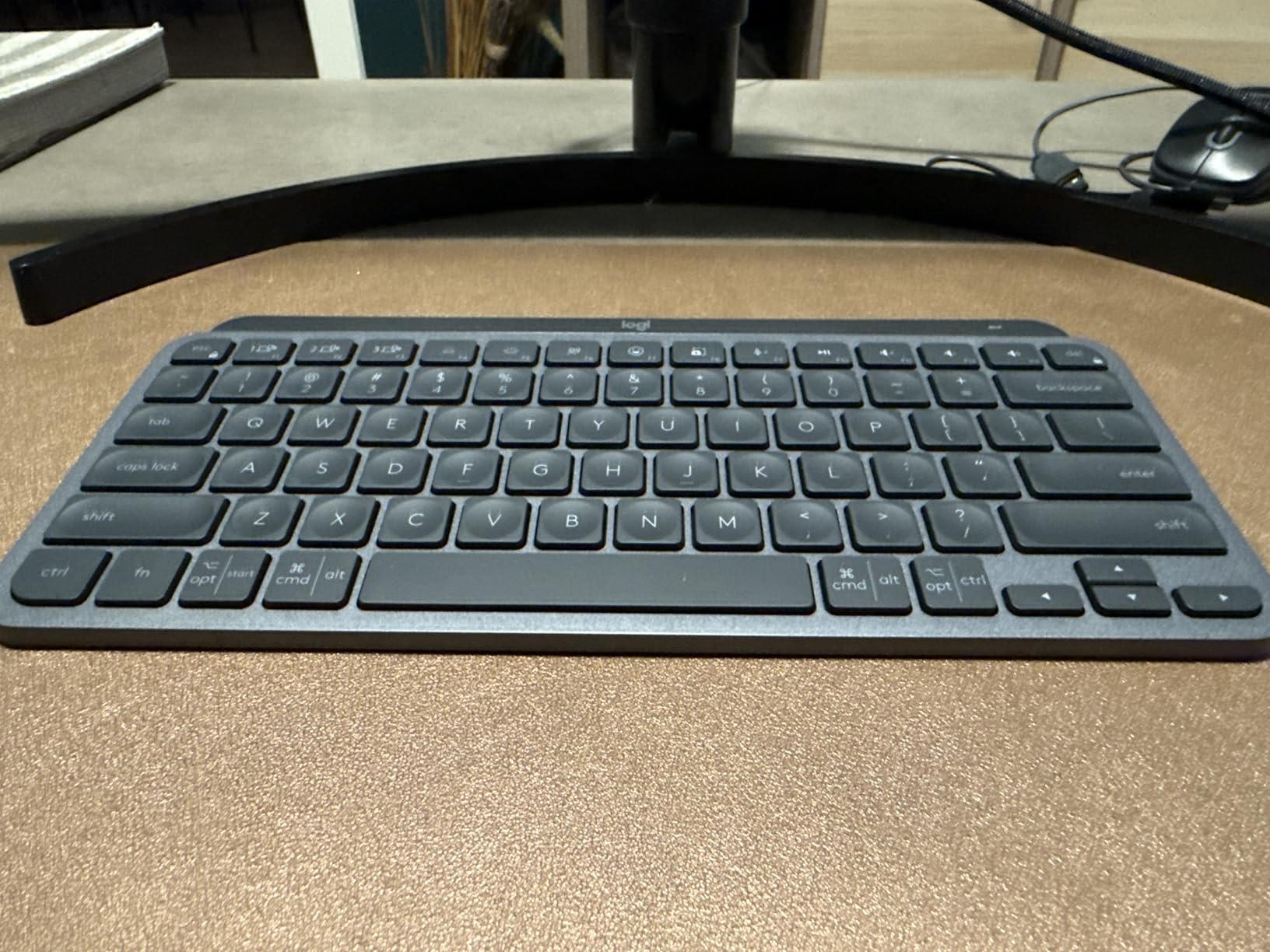
Most compact roundups treat the quiet option as an afterthought. That is a mistake, because scissor-switch boards genuinely beat mechanical on noise, and the Logitech MX Keys Mini is the quietest premium board we tested. At 11.65 by 5.19 inches and 0.83 inches tall, it is also among the smallest footprints here.
The feel is closer to typing on a good laptop than on a mechanical board. Low-profile scissor switches, rounded spherical keycaps, and a solid 1.5 pound chassis that does not skate across the desk. Community feedback on Logitech’s rounded compact keycaps is mixed, with some owners reporting slower typing and more errors than on square caps, so test it if you are a fast typist.
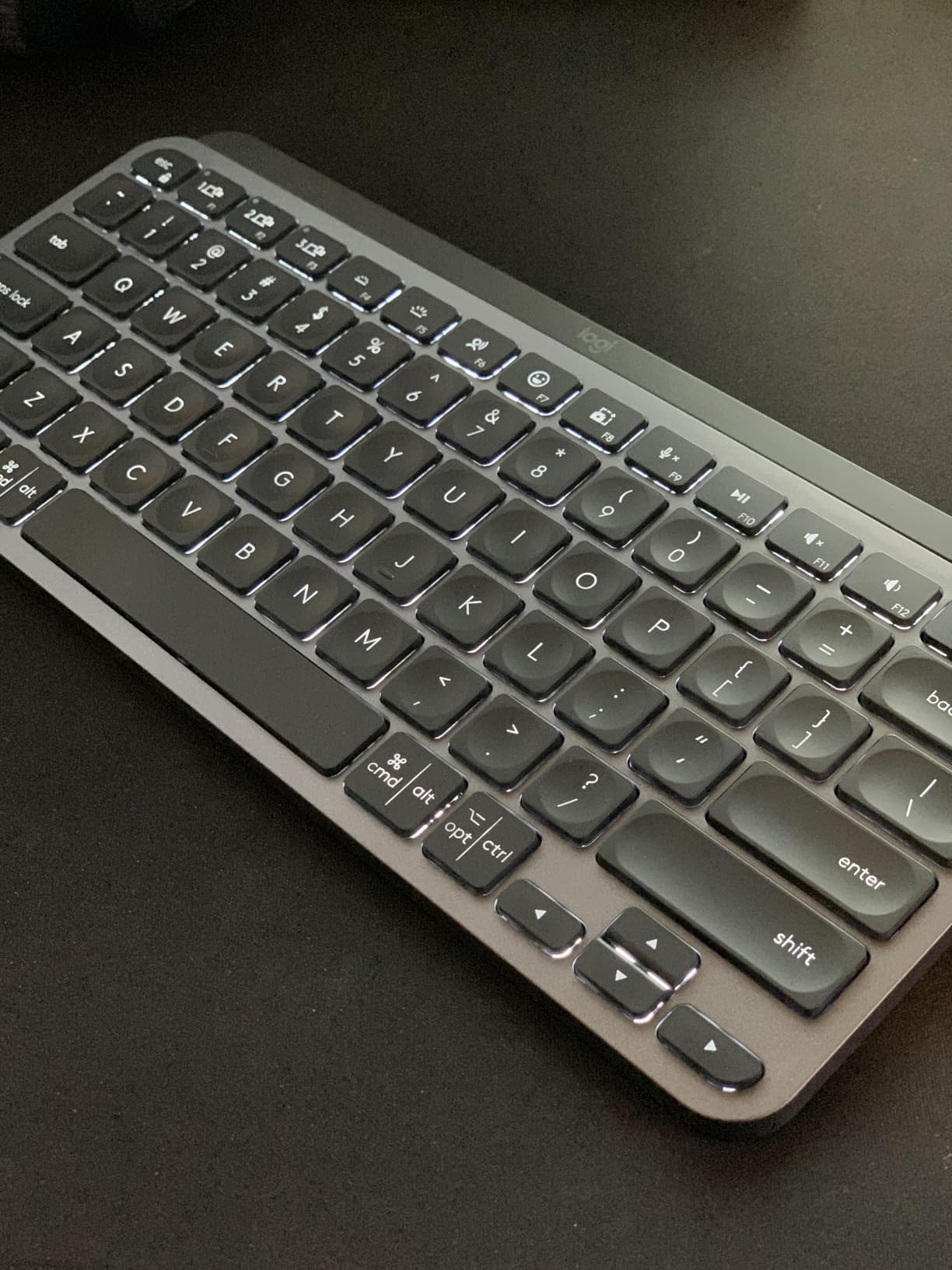
Smart illumination is the feature we use most. The backlight activates as your hands approach and adapts to ambient light, so it is on when you need it and off when you do not. Battery life runs up to 10 days per charge with the light active, or up to 5 months with backlighting off.
Multi-device pairing covers three devices over Bluetooth Low Energy, with a single keypress to switch. Logitech Flow support moves your keys and cursor between a Mac and a PC, which is genuinely useful for anyone running two machines on a small desk. There are also dedicated dictation, mic mute, and emoji keys.
Where this board fits a small desk best
At 0.83 inches tall, this is one of the shallowest bodies here, and shallow matters more than people expect. On a desk with limited front-to-back room, a low-profile board plus a thin wrist rest can fit where a 1.7 inch tall mechanical case cannot. It also travels well, which matters if the small desk is a dorm room one weekend and a rental the next.
It is the right call for a shared office, an open-plan apartment, or any situation where a colleague two desks away would clock the sound of mechanical switches.
Where it falls short
There is no USB receiver in the box, only Bluetooth and USB-C. If you need 2.4GHz wireless for latency reasons in a gaming context, this is the wrong board. The backlight also washes out the white characters on pale keycaps, which owners work around by dimming it.
The soft membrane-style feel will not satisfy anyone who specifically wants mechanical or tactile feedback. A small but persistent group of owners also reports keys registering the wrong character after a year or two, which is the main reason the average sits below the top of this list.
4. Logitech K480 – Dial-Switched Multi-Device Compact Board
Logitech K480 Wireless Multi-Device Keyboard for Windows, macOS, iPadOS, Android or Chrome OS, Bluetooth, Compact, Compatible with PC, Mac, Laptop, Smartphone, Tablet – Black
78-key compact layout
Three-device Easy-Switch dial
24 months on two AAA cells
11.8 x 7.7 inch footprint
+ The Good
- Most heavily reviewed board here with a long reliability record
- Physical dial switches between three devices faster than buttons
- Integrated cradle holds a phone or tablet at a usable angle
- Slim scissor keys are quiet and familiar
- The Bad
- Square closely spaced keys need an adjustment period
- No backlighting at all
- Footprint is deeper than the 60% boards at 7.7 inches
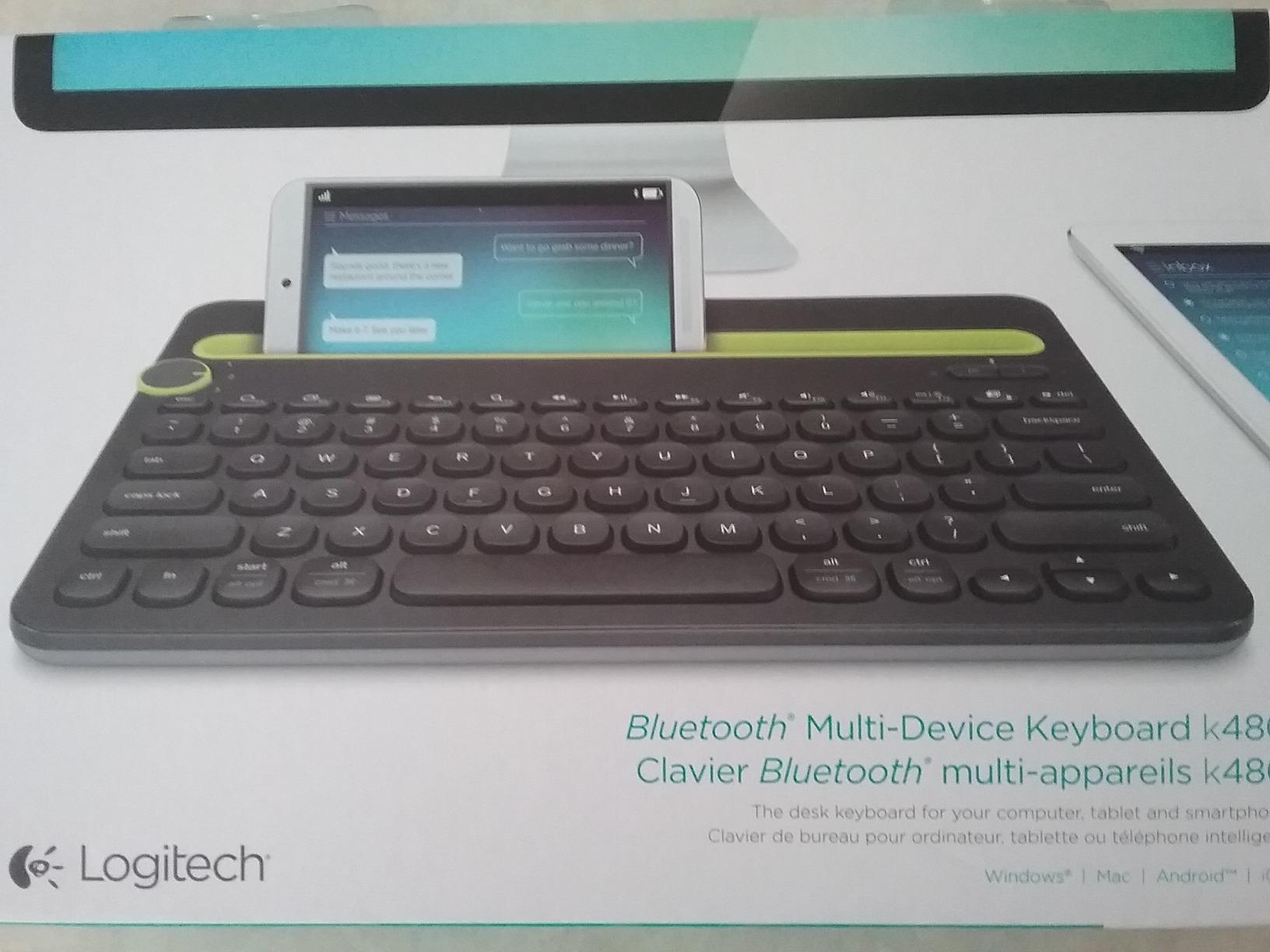
The Logitech K480 is the board with the longest track record in this group, and its owner community is unusually loyal. It switches between three paired devices with a physical dial rather than a button, which is faster and more tactile than the alternatives, and it has an integrated cradle that holds a phone or tablet up to 0.4 inches thick.
That cradle is the feature no other compact board on this list matches. If your small desk setup is a laptop plus a phone for two-factor authentication, this removes a stand and a chunk of desk depth in one go.
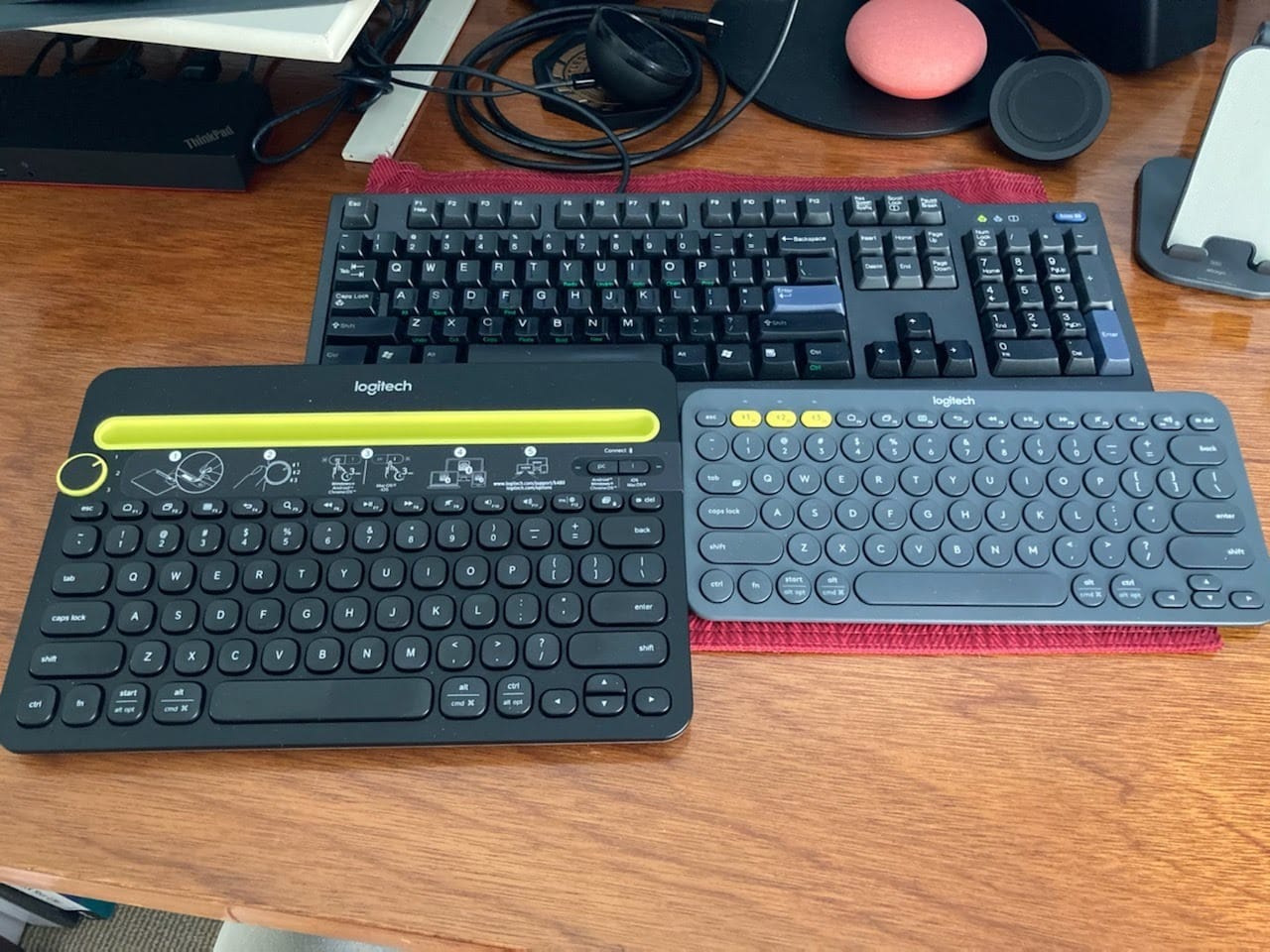
Battery life is a genuine advantage: up to 24 months from two pre-installed AAA batteries, with an indicator light when they run low. There is no charging step and no pairing procedure. The design is spill-resistant and cross-platform across Windows, macOS, Chrome OS, Android, and iPadOS.
The layout is 78 keys with no number pad, so it is compact in the way that matters for width, and the close-spaced slim design keeps the mouse nearer to your body than a full-size board would.
What makes this the multi-device pick
The dial is the reason. On button-based boards, switching devices means finding a small key in the corner and pressing it correctly. The K480’s dial is a physical rotation you can do without looking, and you can feel which device you are on. For anyone bouncing between a work laptop, a personal machine, and a tablet, that is worth more than the extra keys a 75% board would give you.
Long-term owners on forums consistently report units still working after several years of daily use, well past the warranty, which is the strongest durability signal we have across this whole list.
Where it falls short
Depth is the problem for small desks. At 7.7 inches deep including the cradle rail, this board needs more front-to-back room than the 60% boards here, and on a shallow desk that is the constraint that will bite first.
The square, closely spaced scissor keys are the other complaint. Fast typists report a two-week adjustment period, and there is no backlighting at all, so it is not a board for dim rooms. Long-term owners of earlier K380-class boards also warn about battery drain from a stray keypress while the board sits in a bag, so keep it out of your luggage when you travel.
5. GEODMAER GM68 – Quiet 65% Membrane With Real Arrow Keys
GEODMAER 65% Gaming Keyboard, Wired Backlit Mini Keyboard, Ultra-Compact Anti-Ghosting No-Conflict 68 Keys Membrane Gaming Wired Keyboard for PC Laptop Windows Gamer
65% layout, 68 keys
Separate arrow keys
Wired detachable USB-C
Membrane with 26-key anti-ghosting
+ The Good
- Proper 65% layout with separate arrow keys at the lowest tier here
- Much quieter than the mechanical boards in this roundup
- 26-key anti-ghosting is enough for most gaming and typing
- No battery and no charging step
- The Bad
- Spacebar sounds hollow and springy compared with the rest of the board
- Membrane feel will not satisfy anyone wanting mechanical switches
- Some units arrived with a defective key
The GEODMAER GM68 answers a question most compact roundups skip: what if your small desk is also a shared one? It is a 65% layout with 68 keys and a separate arrow cluster, wired over a detachable USB-C cable, and it is dramatically quieter than every mechanical board in this list.
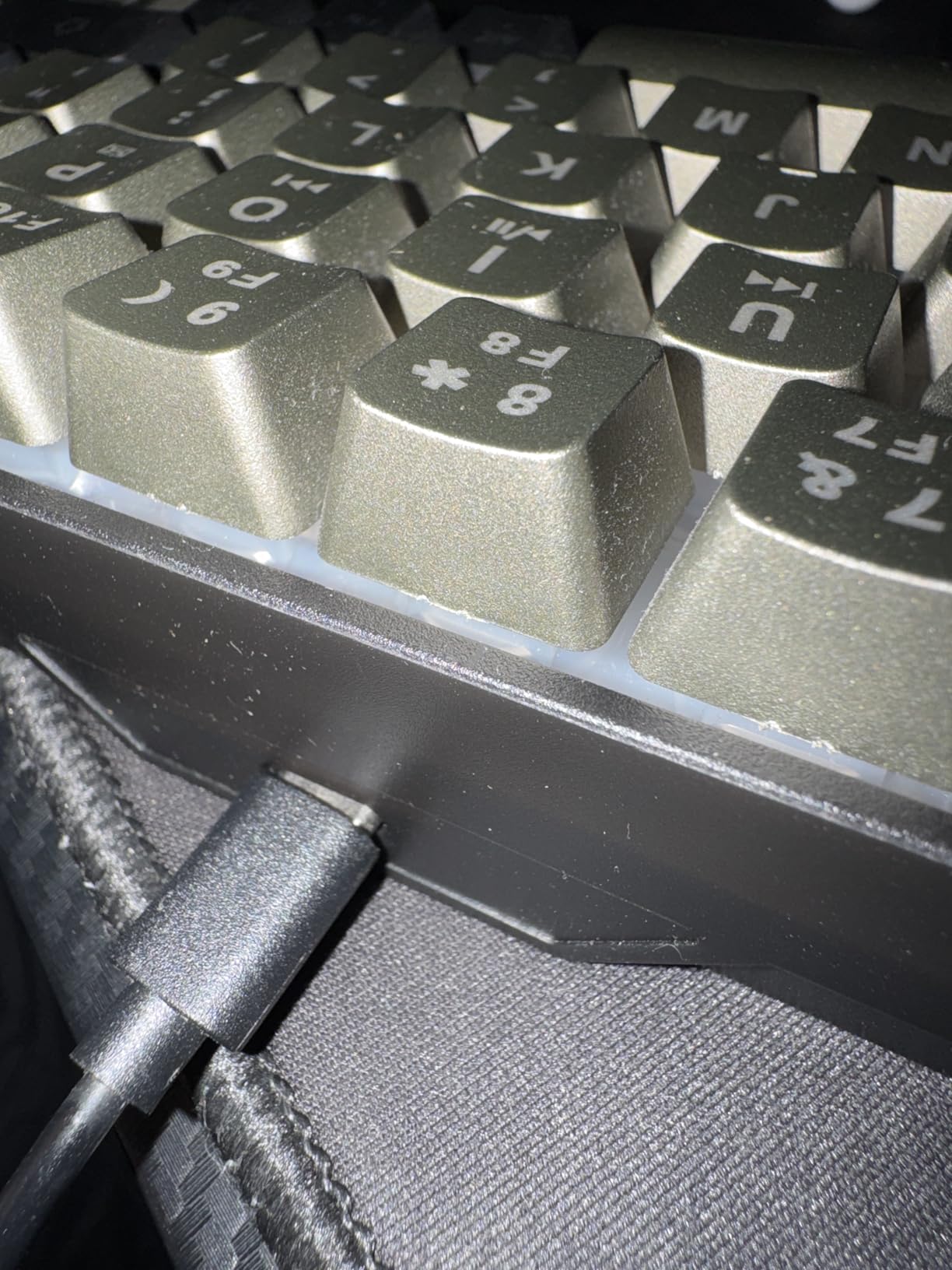
It is also the least expensive pick here, and owners routinely report being surprised by what they get at that tier. The two-colour injection-moulded keycaps look better than the price suggests, the UV-treated legends resist fading, and the keycap profile is angled to reduce wrist strain over long sessions.
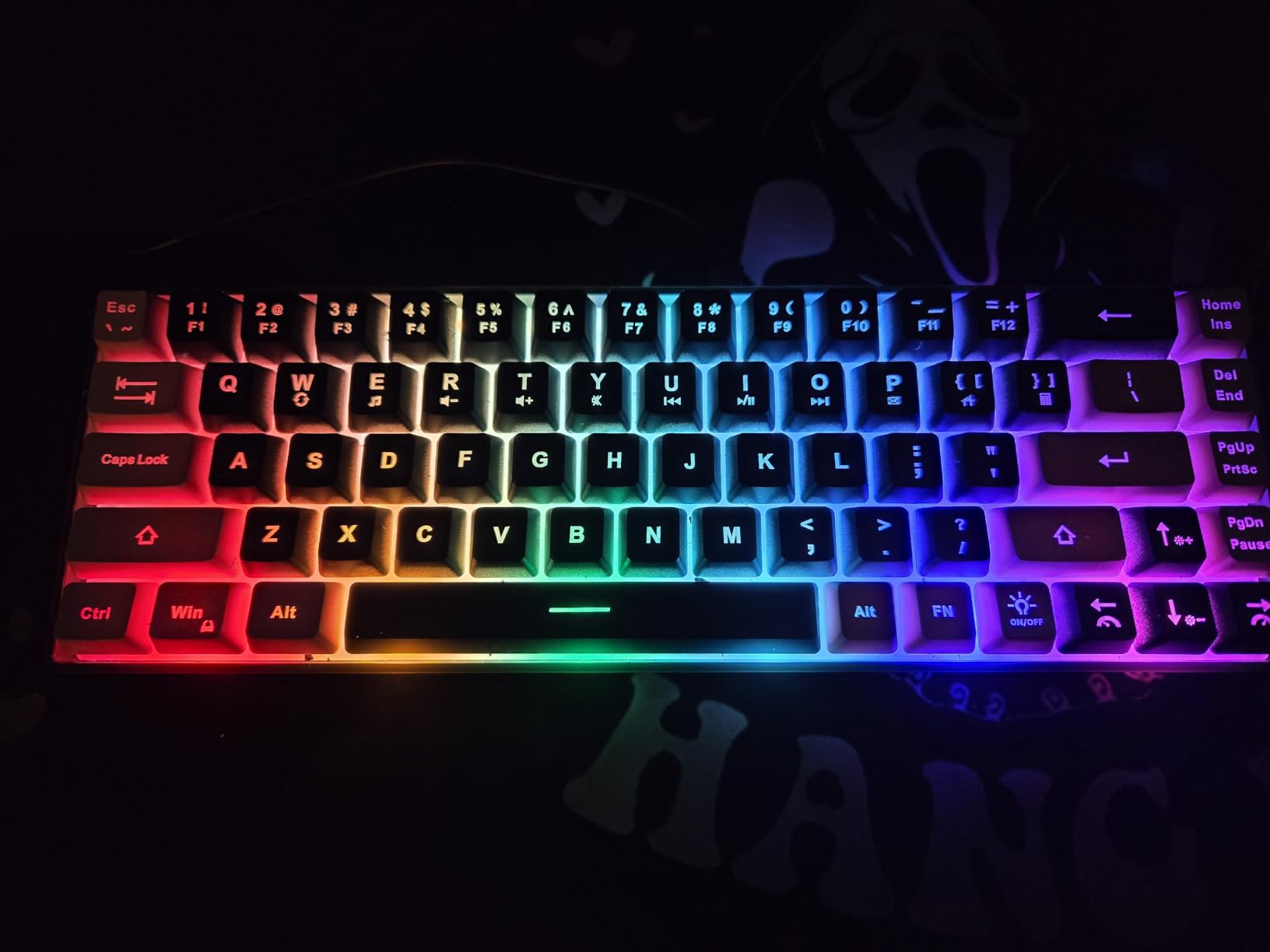
The backlight has 11 media keys, an always-on mode and a breathing mode, three brightness levels, and adjustable speed. Win keys lock with Fn+Win, which matters in gaming. The switches are rated for more than 10 million keystrokes per key, and 26-key anti-ghosting covers nearly all of it without conflict.
Being wired is a genuine feature here, not a compromise. No battery, no charging, no pairing step, and no Bluetooth dropouts.
Is 65% too small for daily work?
No, as long as you use the function row rarely. A 65% board keeps dedicated arrow keys in a proper cluster, which removes the single most common complaint about 60% layouts. What you give up is the function row, so F-key shortcuts and anything mapped to F1 through F12 move to a combo.
Forum discussions on this size tend to land in the same place: 65% is comfortable for typing and light work all day, and it becomes irritating only if you live in software that depends on function keys.
Where it falls short
The spacebar is the standout complaint. Multiple reviewers describe it as sounding hollow, loud, and springy next to the rest of the board, roughly like metal on metal. The quietness claim really only holds for the letter keys.
Membrane switches also have a ceiling: they feel cushioned rather than tactile, and they do not age as well as mechanical switches over years of heavy use. A few units also arrived with a defective key.
6. Macally Compact Wireless – the Board That Fits a Pull-Out Keyboard Tray
Macally Compact Wireless Keyboard – 2.4 Small Keyboard for Laptop, Desktop PC, Surface, Chromebook, Notebook, Slim Mini Key board with 2.4G Wireless USB – Portable, Ready for Travel without Number Pad
78-key layout with no numpad
2.4GHz plug-and-play
AAA battery included
Standard key placement
+ The Good
- Laptop-sized footprint that owners specifically report fitting a pull-out tray
- Standard key placement including a correctly positioned Enter key
- Plug and play with no drivers or software steps
- Battery included in the box with a physical power switch
- The Bad
- No Bluetooth
- so it needs a free USB-A port
- Key surfaces described as loose
- slippery and noisier than laptop keys
- No tilt adjustment and a fairly steep typing angle
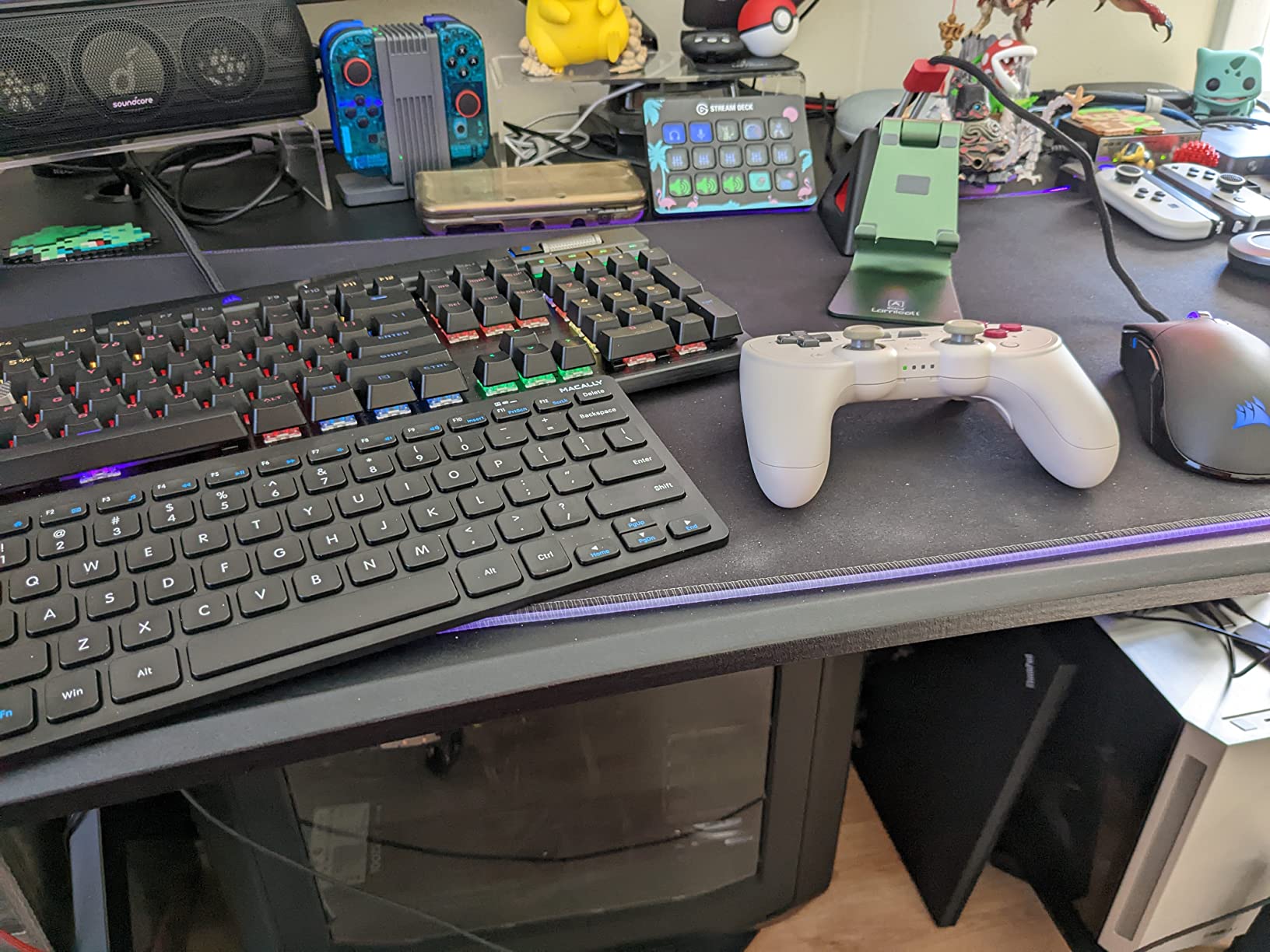
Some small desks have a keyboard tray, and almost no compact roundup accounts for them. If yours retracts into a compartment, depth is your binding constraint rather than width, and the Macally Compact Wireless is the pick built for that situation. Owners specifically call out that it fits a pull-out tray, which is a narrow bar that most 78-key boards clear and most full-size boards do not.
The keyboard itself is unremarkable in the best way. 78 keys, no number pad, 12 shortcut keys, standard key placement with a properly sized Enter key, and no retraining period. That last point matters more than spec sheets suggest, because the single biggest adjustment cost of moving to a compact layout is relearning where things are.

Connection is 2.4GHz over a USB-A nano receiver with plug-and-play behaviour and no pairing step. One AAA battery is included and there is a physical on/off switch to conserve it. The board is slim and light enough to move between home, office, and travel setups without thinking about it.
Reviewers also note that the keys are audible and tactile enough to confirm each keystroke, which is a genuine complaint about many flattest budget boards.
When a budget travel board is the right answer
For a dorm room, a kitchen table, a cafe, or a second setup at a relative’s place, this board covers the job without ceremony. The correct key layout means you can hand it to someone else and they can use it immediately, and the nano receiver lives in the laptop bag rather than taking up a permanent USB port.
Long-term owners report continued use after three years, which is a reasonable durability expectation for the price. If you also want to type on a tablet, note that there is no Bluetooth here. Packing a whole desk setup into a carry-on raises the same footprint questions we cover in our picks for compact cameras for travel.
Where it falls short
Key surfaces are described as slightly loose, slippery, and noisier than laptop keys, and the key spacing is wider than a laptop keyboard, so the board is longer than buyers expect. The typing angle is fairly steep and there are no adjustable feet.
Some owners report dropped characters or a unit that stopped responding after about a year, so it is not the choice for a desk you will rely on for years of heavy daily typing.
7. DIERYA DK63 – Portable 60% With a 3000mAh Battery
DIERYA DK63 60% Wireless Mechanical Gaming Keyboard | Bluetooth/2.4G/Wired | RGB Backlit Compact 63 Keys Mini Office Keyboard | with Red Switch | for Windows Laptop PC Gamer Typist-White
63-key 60% with arrow keys
Bluetooth 5.0, 2.4GHz and wired
3000mAh battery
11.53 x 3.98 inch footprint
+ The Good
- Narrowest footprint in this roundup at 3.98 inches wide
- Three connection modes so it pairs with phones and tablets directly
- 3000mAh battery gives long use between charges
- Custom 45g linear switches are smooth and relatively quiet
- The Bad
- Bluetooth has a history of dropping out
- Some units report sticking keys or repeated characters
- Question mark key sits right of the shift key
- Lightly brushed keys can register unintended strokes
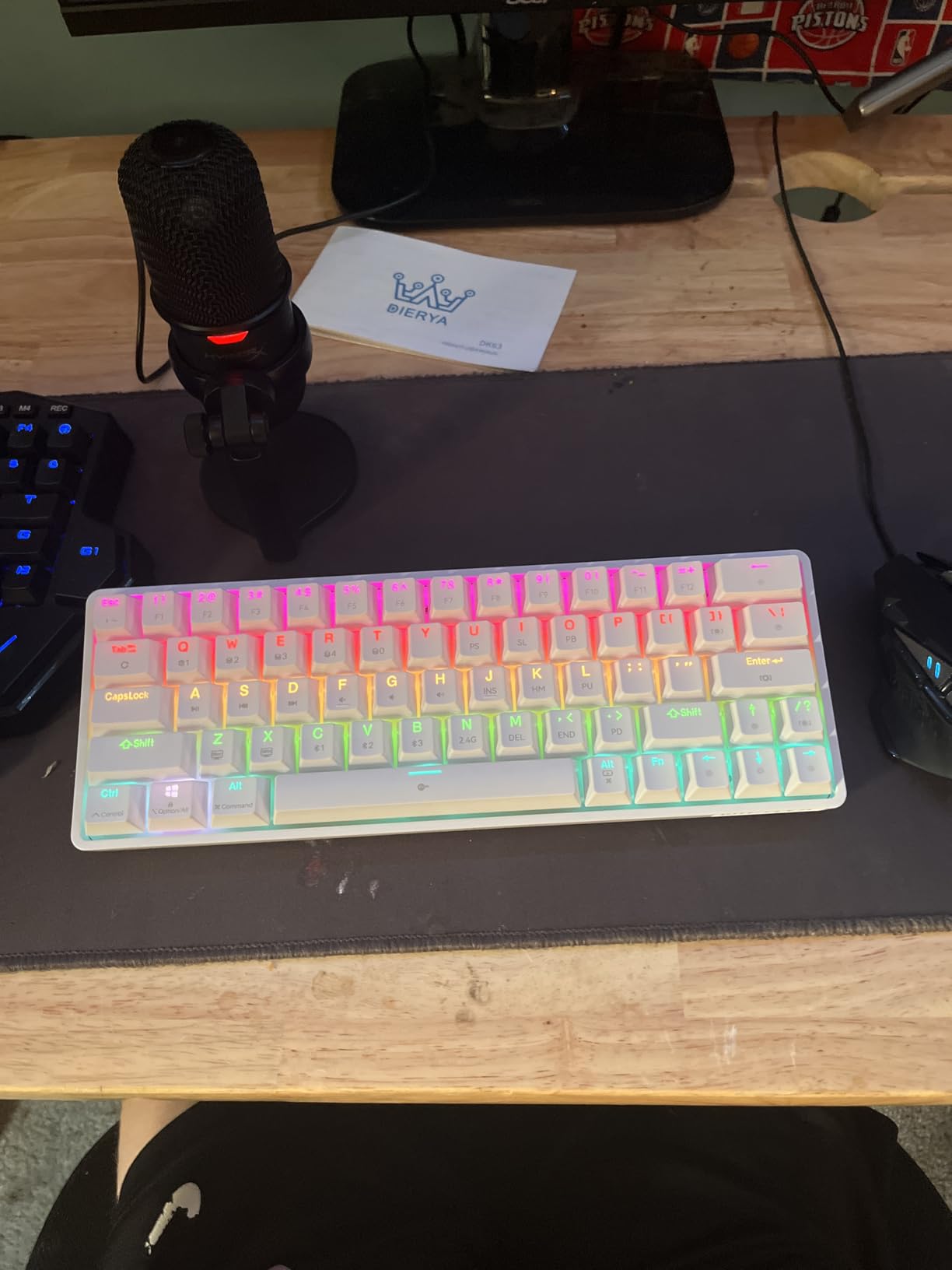
The DK63 is the narrowest board here, at 11.53 by 3.98 inches. That 3.98 inch width is a genuinely unusual figure and it comes from a 63-key layout that includes a proper arrow row rather than folding arrows into half-height keys, which means the board is narrow without stealing your navigation.
The battery is the other headline. At 3000mAh it is one of the larger cells in this roundup, and the space bar flashes when it runs low, which is a small courtesy that saves a lot of confusion. Rated runtime is about 90 hours with the backlight off, and roughly 8 hours of continuous use at full backlight.
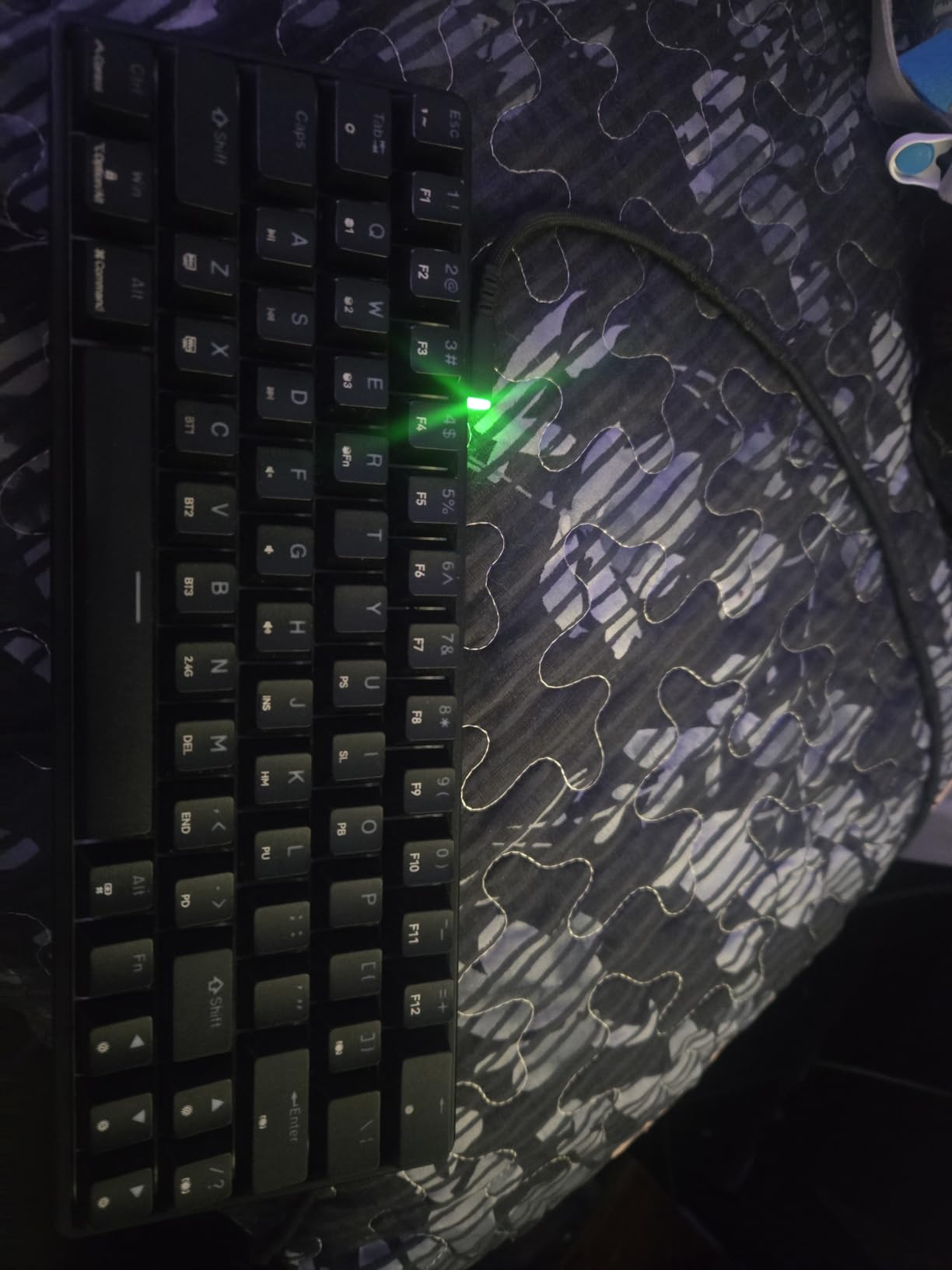
Connectivity covers all three modes: Bluetooth 5.0, 2.4GHz with an included receiver, and wired USB-C. It pairs with laptops, PCs, phones, and tablets, and it works across Windows, macOS, and Linux, which is broader compatibility than most mechanical boards here offer. The 45g custom linear switches are light to press and rated for 60 million presses.
At 1.4 pounds with a 1.65 inch height, this is a portable mechanical board rather than a travel board that pretends to be mechanical. Reviewers commonly describe the switches as smooth and quiet enough for a shared office.
Is this the right board for a shared apartment?
It is one of the better options. The 45g linear switches produce less bottom-out noise than heavier tactile or clicky switches, and the 18 RGB lighting modes cover everything from a static dim colour to a music-reactive effect. On a shared desk you would turn the lighting down or off and the typing noise stays moderate rather than sharp.
The 3000mAh battery is what makes it work as a shared device: you are not swapping batteries or unplugging a cable every time you move between the home desk and the couch.
Where it falls short
Bluetooth reliability is the recurring problem. Owners report dropped connections and some units that stop powering on entirely, and Bluetooth multi-device switching is a known weak point across this whole category. If you need the wireless link to be dependable, test it early.
The layout also has two sharp edges. The question mark key sits to the right of the shift key, which catches out new users, and the lightly brushed key surfaces can register unintended strokes with larger fingers.
8. CACKBIRD 61-Key – Smallest Body, Loudest Typing
60% Wired Mechanical Gaming Keyboard with Blue Switches, LED Backlit
61-key ultra-compact 60% layout
Clicky blue mechanical switches
Wired detachable USB-C
11.4 x 3.93 inch footprint
+ The Good
- Among the narrowest footprints available at 3.93 inches wide
- Well-arranged arrow cluster with an adjacent Fn toggle
- Consistent backlight with very little light bleed
- Steel plate and double-injection keycaps feel more solid than the price suggests
- The Bad
- Blue switches are extremely loud and unsuitable for shared rooms
- Switches are soldered rather than hot-swappable
- Arrow keys take the right-side Alt
- Ctrl
- Win and slash positions
At 11.4 by 3.93 inches, the CACKBIRD is the most extreme board on this list for mouse room, and if your desk is narrow enough that every inch counts, that is the argument. It also has a rating of 4.5 from more than 1,800 reviews, which is the second-highest score here.
The build surprises people. A steel plate and double-injection ABS keycaps give it more solidity than the price tier suggests, and the stair-step keycap design with foldable kickstands adds a small amount of typing angle. Full-key anti-ghosting means every key registers simultaneously, which is what gaming actually needs.
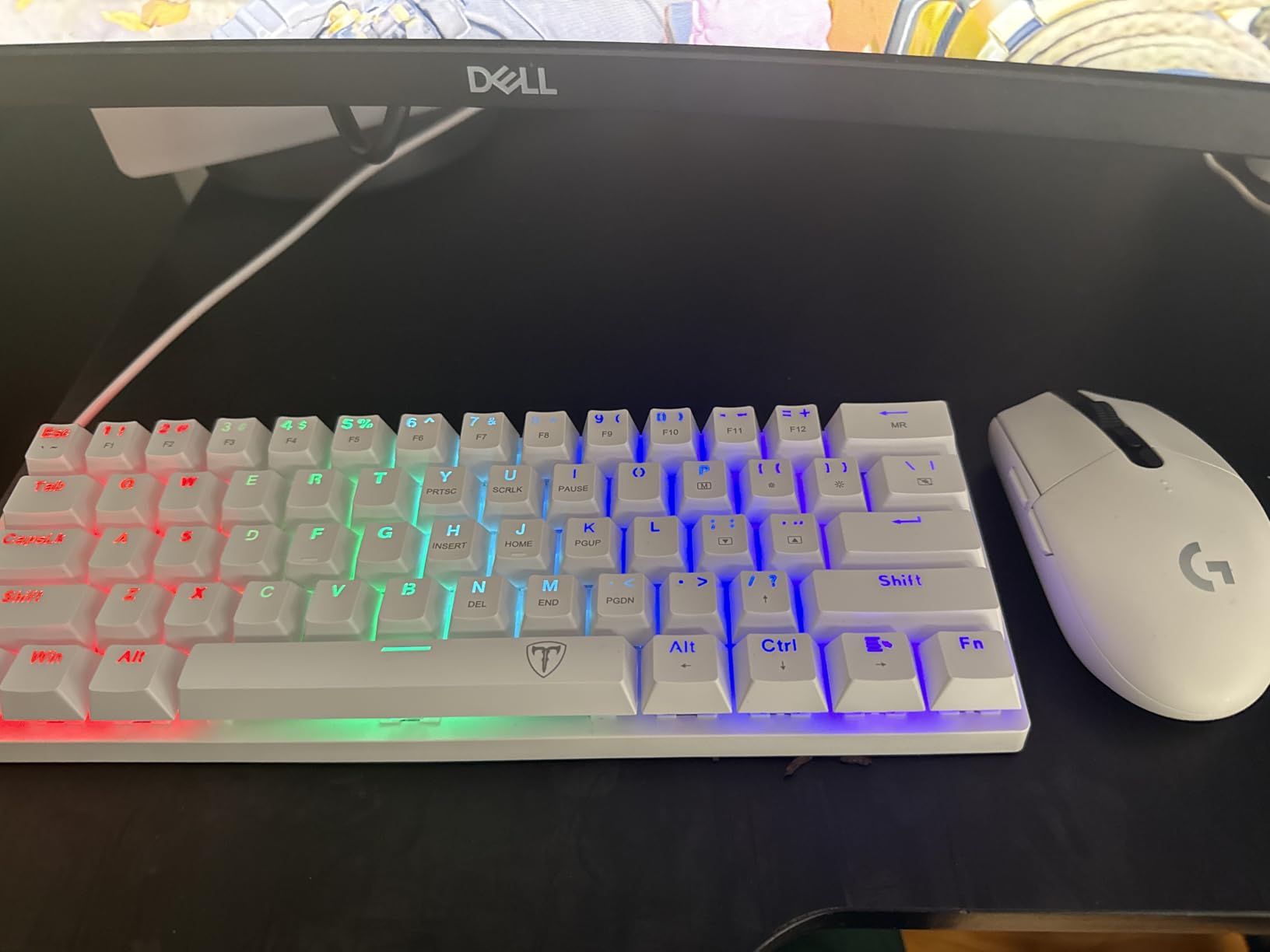
There is nothing to manage. It is wired over a detachable USB-C cable, plug and play with no drivers, and it works on Windows, macOS, and older systems without configuration. The backlight runs 18 LED rainbow effects with five brightness levels and speed control.
Reviewers frequently single out the backlight as even and clean, with very little light bleed between keys, which is not something you can count on at this tier.
Should you buy a board this narrow?
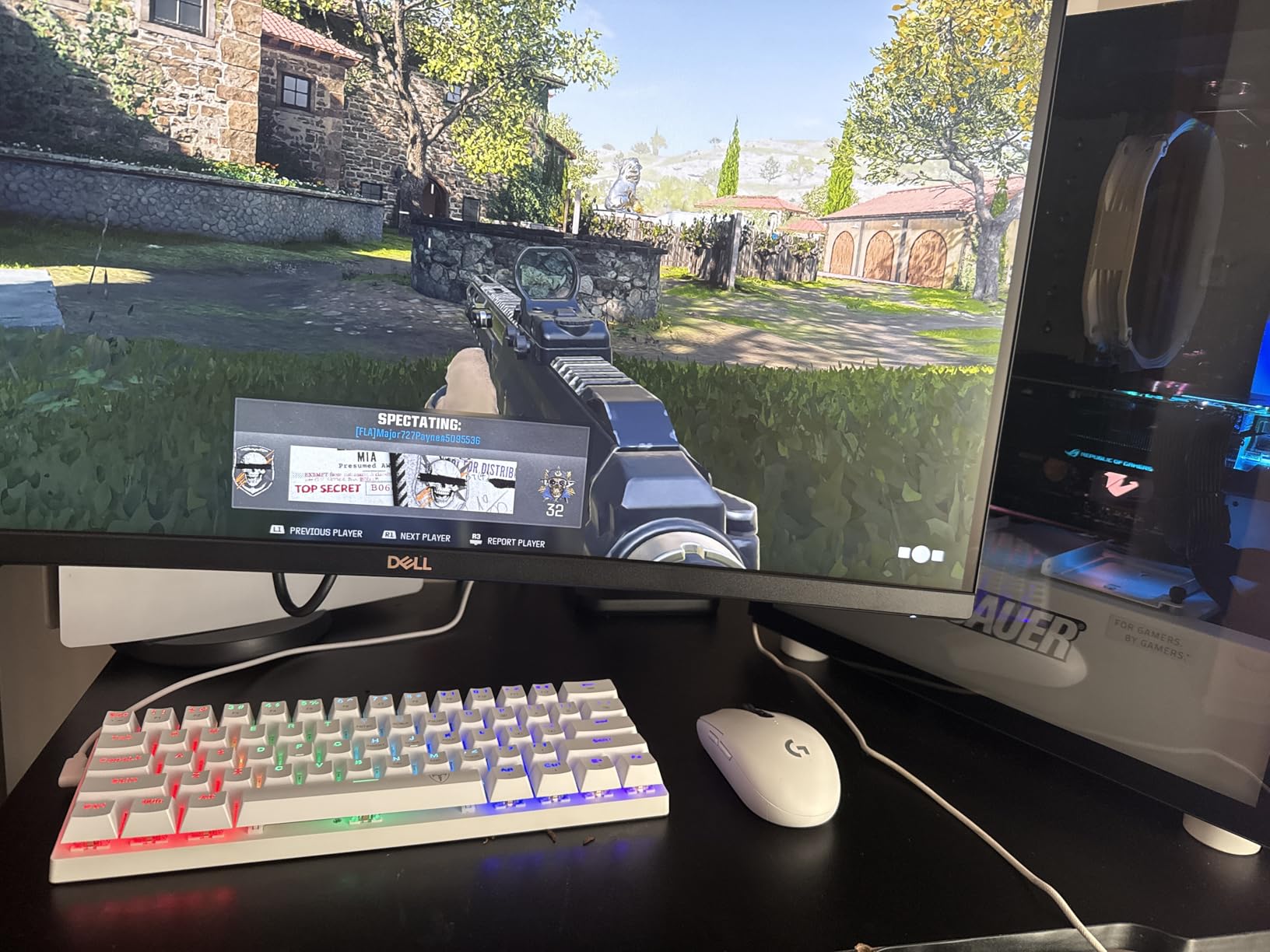
Only if the mouse lane is your actual problem. On a 20 inch usable width, a 19 inch full-size board leaves you 1 inch of mouse space and no real option. A 3.93 inch-wide board on the same desk leaves over 16 inches, which is enough to place the mouse where your forearm wants it rather than where the keyboard forces it.
That is the entire argument for compact keyboards and it is a stronger one than most marketing copy makes. The 60% tier is simply the most aggressive expression of it.
Where it falls short
Noise is the dealbreaker for a lot of people. The blue switches have deeper travel and a pronounced audible click, and reviewers describe them as extremely loud and unsuitable for shared workspaces. If anyone nearby can hear you typing, this is the wrong board.
The switches are also soldered rather than hot-swappable, so you cannot change your mind about switch feel later. Finally, arrow key access means giving up the right-side Alt, Ctrl, Win, and slash keys, which is a more aggressive trade than most 60% layouts make.
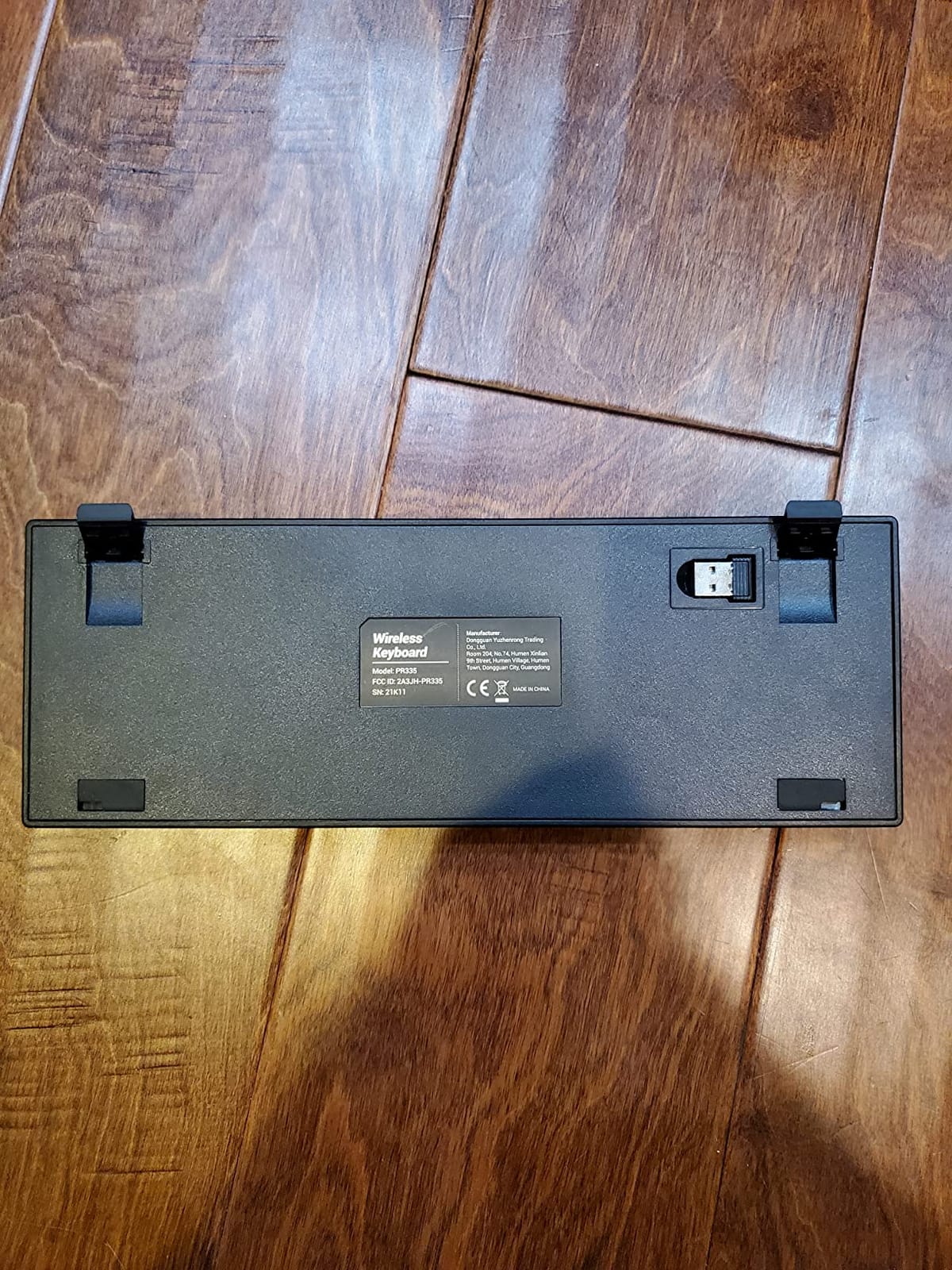
9. Pauroty PC335 – Clicky Feedback in a Folding 60%
60% Wireless Mechanical Gaming Keyboard, Clicky Blue Switch RGB Backlit
61-key 60% layout
Bluetooth, 2.4GHz and USB-C
Clicky blue switches
1600mAh rechargeable battery
+ The Good
- Charges and plays simultaneously over the included Type-C cable
- Bluetooth plus 2.4GHz plus wired covers phones
- tablets and consoles
- Clicky blue switches give clear tactile feedback and audible confirmation
- Foldable stand and stepped key rows add some ergonomic angle
- The Bad
- Smaller 1600mAh battery means shorter runtime than higher-capacity rivals
- RGB software is less refined than premium-brand boards
- No function row at all
- so all secondary functions sit on the Fn layer
The PC335 is the pick for people who type by ear. The clicky blue switches give pronounced tactile feedback and an audible confirmation on every keystroke, and that is a genuinely different experience from the silent membrane boards or the smooth linear reds elsewhere on this list. If you like knowing a key registered without looking down, this is the board for you.
It is a straight 60% board: 61 keys, no function row, no navigation cluster, no number pad, with every secondary function on the Fn layer. The body is 12.2 by 5.43 inches, which makes it one of the wider 60% options here despite the small key count.
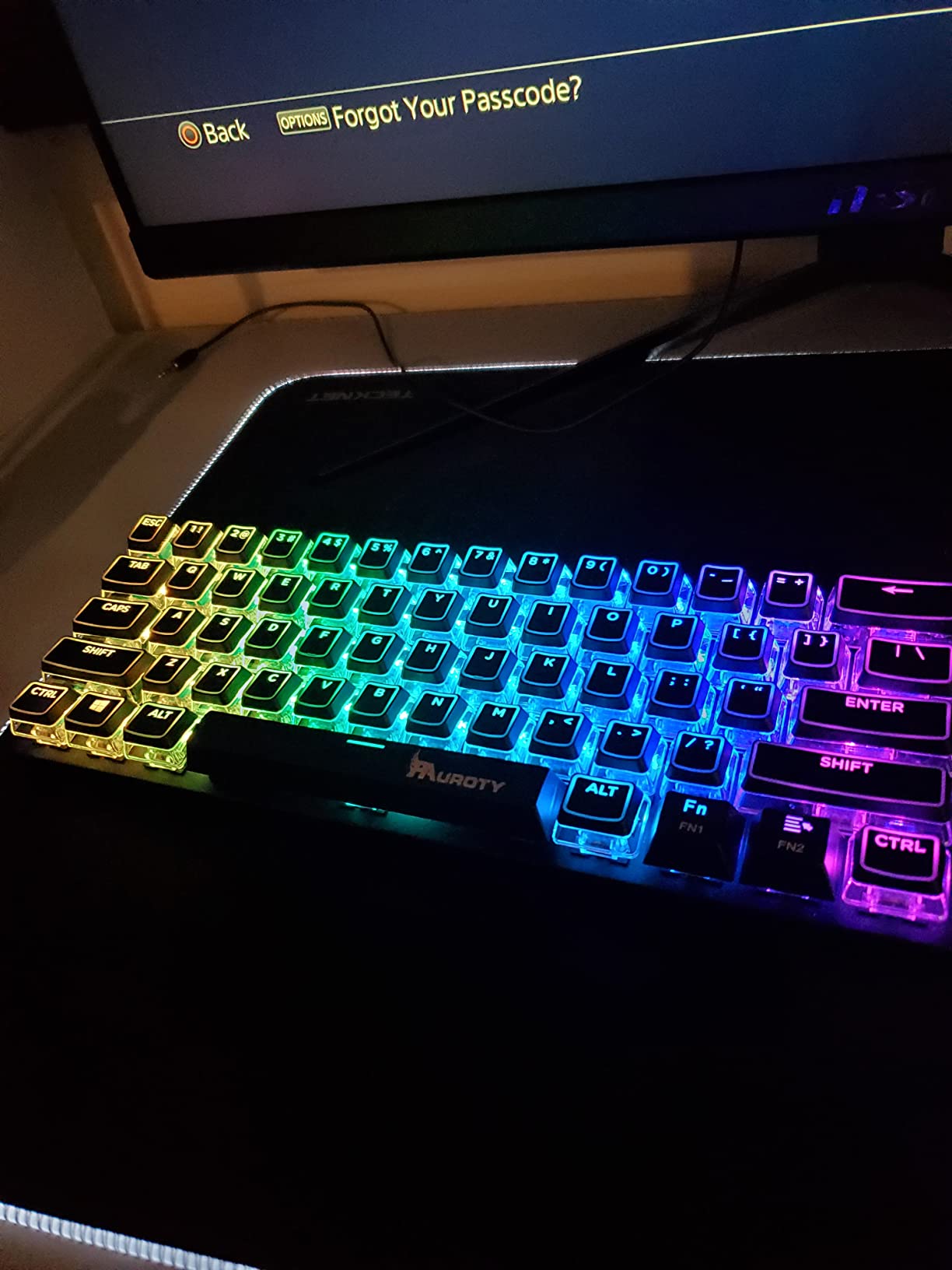
Connectivity is triple-mode over a 2.4G receiver, two Bluetooth channels, and wired Type-C, and it lists Mac, PC, Xbox, and iPad as compatible devices. A 10-minute auto sleep and a foldable stand round out the portability angle, and a keycap puller and cable are included.
The battery is 1600mAh with 360 hours of standby and 10-plus hours of continuous use, which is fine for a day and thin for a week away from a charger.
Do 60% keyboards have arrow keys?
Most do, but not as a full-size dedicated row. A typical 60% board has half-height arrow keys in the bottom-right corner, which is enough for navigation and most games but not for the same muscle memory a full-size board trains. The only true exceptions are boards that drop arrows entirely and put them fully on the Fn layer.
Check the product listing for a bottom-right arrow cluster before you buy, because marketing photos rarely make half-height keys obvious. Community discussion on this size converges on the same advice: the arrows are there, but you will adapt to them in a few days.
Where it falls short
The 1600mAh battery is the clearest limitation, giving noticeably shorter runtime than the 3000mAh and 4000mAh cells in this roundup. The RGB software is also less refined than what premium brands ship, with 16 modes, 8 colours, and 6 brightness levels available.
On noise, the clicky blue switches are audible. That is the point for some people and a problem for anyone on a shared desk.
10. Logitech MK470 Slim Combo – Quiet Pairing, but It Keeps a Numpad
Logitech MK470 Slim Wireless Combo Compact Keyboard and Mouse – Graphite
Slim low-profile scissor keyboard
104-key full-size layout
Wireless 1000 DPI mouse included
36 months of keyboard battery
+ The Good
- Quiet scissor typing with no mechanical clatter at all
- Battery life measured in years with auto-sleep
- Mouse and keyboard arrive as one ready-to-use package
- No charging cable or pairing step required
- The Bad
- Includes a number pad
- so it is wider than the true compact boards here
- Windows-only layout and support with no macOS or Linux option
- Shallow key travel and plastic construction feel basic
We include the MK470 as a deliberate counterpoint, because it is the pick most people buy by accident. It is slim, quiet, and excellent in the ways that matter for a shared or open-plan desk, and with more than 8,000 reviews it is one of the most proven products here. But it is a full-size 104-key layout with a number pad.
That number pad is exactly the thing a small desk is trying to get rid of. If your goal is mouse lane, this board does not solve it. If your goal is a quiet, low-maintenance typing experience and you work with numbers, the number pad is a feature rather than a flaw.
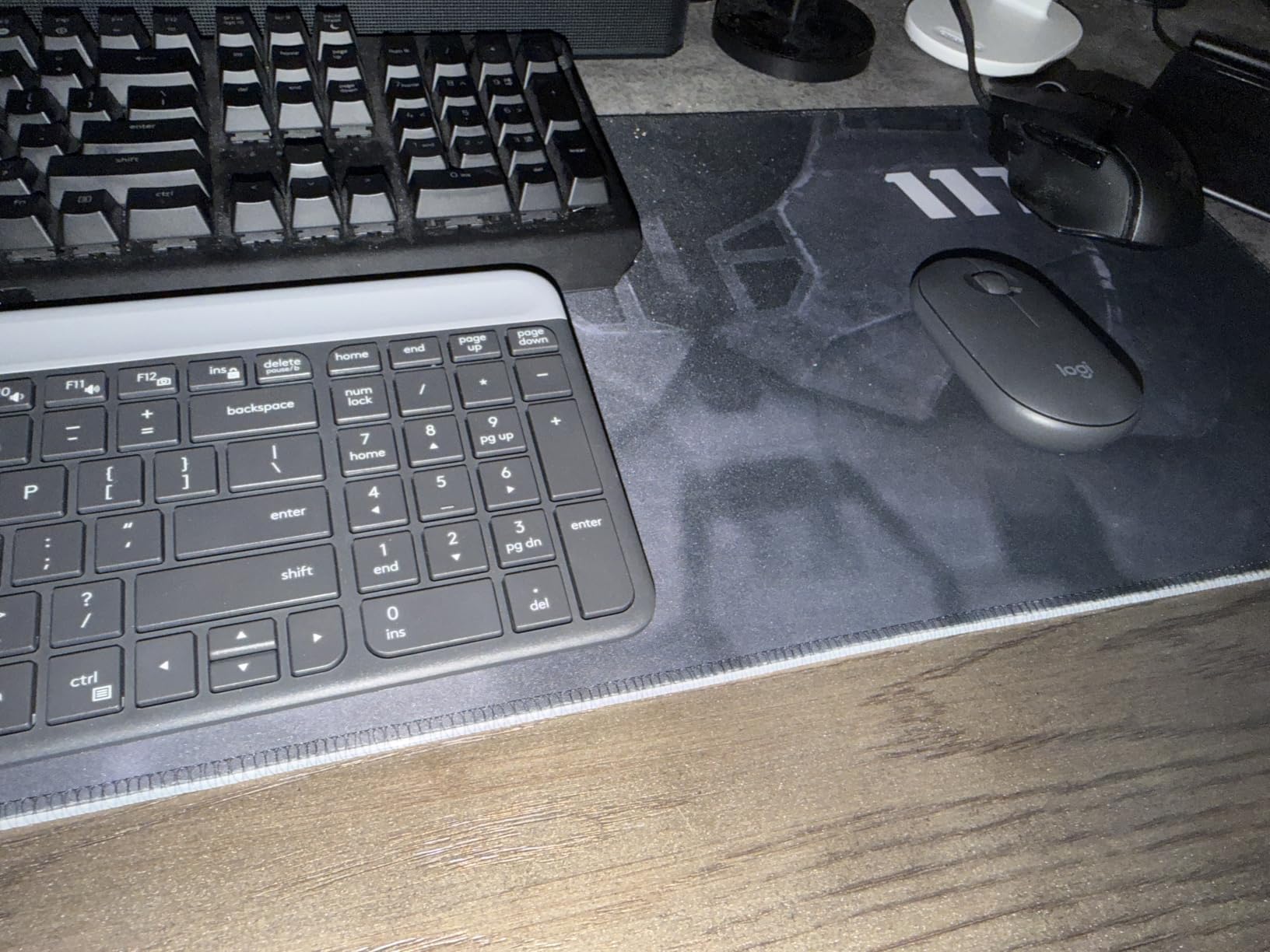
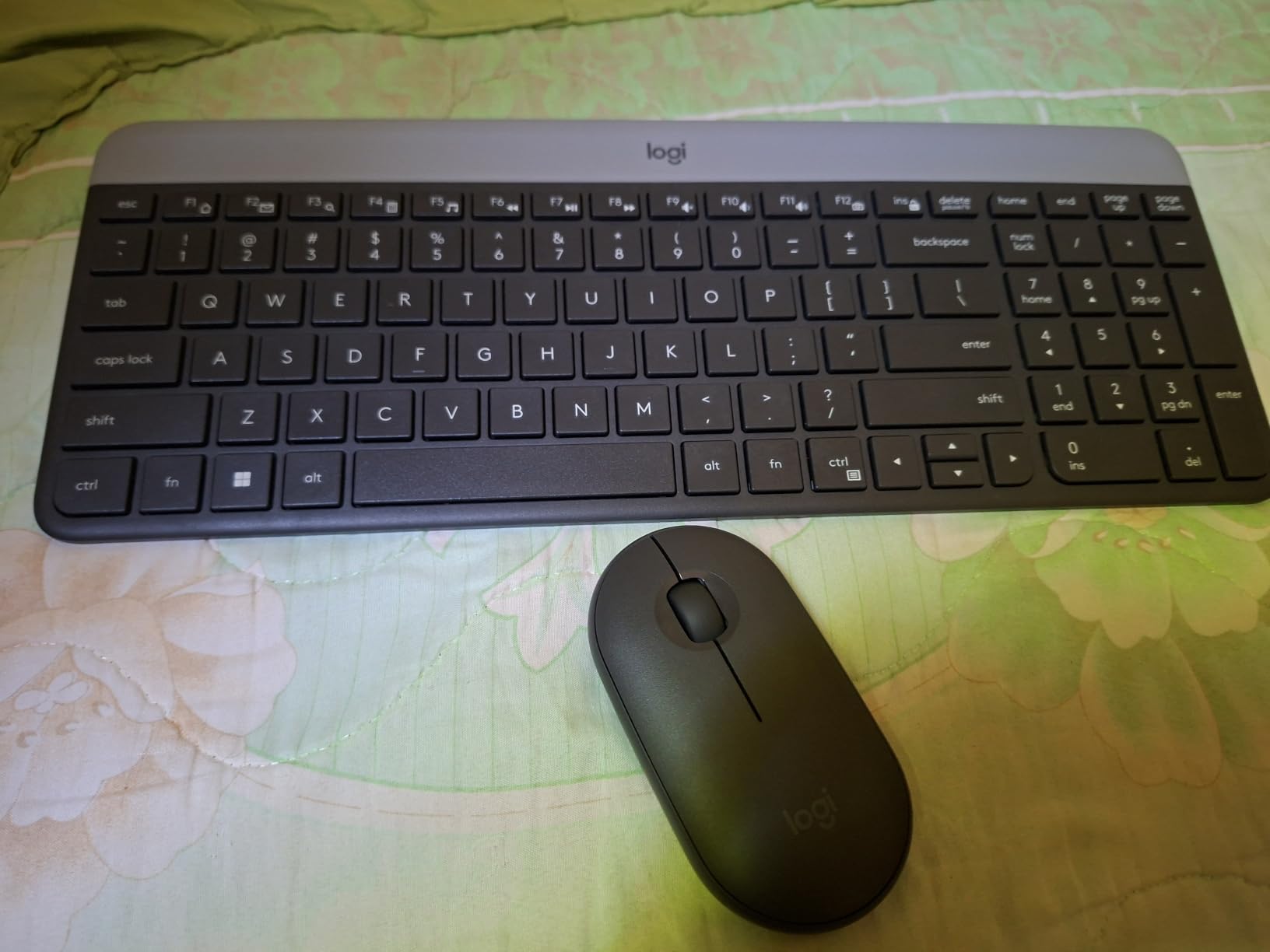
The keyboard half is a slim low-profile scissor design with a Windows-optimised layout and 12 customisable Fn keys configurable through Logi Options. Auto-sleep extends the rated battery life to up to 36 months on a single AA battery, which means you will likely replace the computer before the battery.
The included mouse is an ambidextrous 1000 DPI optical unit with a mechanical scroll wheel, and the pair connects over a 2.4GHz USB nano receiver with a 33 foot range. The receiver ships inside the mouse battery cover or in the packaging, which is the single most common way people lose these.
Do compact keyboards type worse than full size?
Not for most people, but the reasons are specific. Compact boards are shorter, so your forearms can sit at a more natural angle and the mouse sits closer to your body, which many users say improves posture. The trade is key access, not typing quality: the same letters, the same general spacing, the same scissor feel on boards like this one.
What you lose is the ability to reach a key directly. That shows up as hesitation, not as typos, and it largely disappears after a week of use. Community experience is consistent on this point: most buyers say they miss the keys they gave up far less than they expected, and value the freed mouse lane more.
Where it falls short
It is the only board here that does not reduce desk width, and for a roundup about small desks that is a real limitation. It is also Windows-only, with no macOS or Linux layout option, so Mac users would need to remap modifiers.
On feel, the shallow key travel and plastic construction are basic next to the mechanical boards here, and the rounded low-profile keycaps draw the same slow-typing feedback that the Logitech MX Keys Mini does.
How to Measure Your Desk Before You Buy a Compact Keyboard
Measure first, buy second. Every dimension question in a small-desk setup resolves with a tape measure, and it takes about five minutes.
The five-step measurement checklist
1. Measure usable width. Measure across the desk where the keyboard will actually sit, not the full desk width. A monitor arm base, a speaker, or a stack of notebooks can remove several inches from the span that matters.
2. Subtract the monitor base and cable path. If your monitor sits on a stand rather than an arm, the base occupies desk area the keyboard and mouse compete for. Leave room for the cable to bend behind the keyboard rather than along the side.
3. Subtract the keyboard width to get your mouse lane. Usable width minus keyboard width equals the width you have for the mouse. A 24 inch span with a 19 inch full-size board leaves 5 inches. The same span with a 12.2 inch 60% board leaves 11.8.
4. Measure depth for the wrist rest. Add the keyboard depth to the depth of your wrist rest and compare that total to your available front-to-back space. A 1.7 inch tall mechanical case with a 6 inch wrist rest needs about 8 inches of depth. This is the check that catches people out, because depth is published far less often than width.
5. Compare against the model’s listed footprint. Form factor percentages are guidelines, not dimensions. Two different 60% boards on this list differ by nearly 1.4 inches in width. Always check the individual model’s published measurements before you order.
Choosing a switch type in three steps
Start with your noise tolerance. If a colleague or roommate is within a few feet, a membrane or scissor board such as the GEODMAER GM68 or the Logitech MX Keys Mini will serve you far better than any mechanical board, and that is not a compromise, it is the correct answer for that room.
Next decide on feedback. Linear switches press smoothly with no bump. Tactile switches have a small raised bump you can feel. Clicky switches add an audible click on the way down, which is the most satisfying per keystroke and the loudest per keystroke.
Then check hot-swap. If you might change your mind about switch feel, buy hot-swappable sockets, which accept both 3-pin and 5-pin switches. That capability appears on the Redragon K617 and the AULA F75 Pro in this roundup, and it is the single most useful feature for a first mechanical keyboard.
The 60% Fn-layer learning curve
Almost every 60% complaint traces back to the same week. Arrow keys and function keys are not gone, they are on a second layer you reach by holding Fn. For the first few days your hands will guess wrong constantly.
Two things shorten it. First, spend ten minutes moving the keys you actually use onto the home row, either through the board’s software or through a browser-based remapper on boards that support it. Second, keep a printed cheat sheet on the monitor stand for the first week, which is faster than hunting through a menu every time you need F5.
If you need a number pad, buy a separate one
Spreadsheet and data-entry work is the number one reason people abandon a 60% or 65% board, and the fix is simpler than most buyers expect. A standalone number pad is roughly 3.5 inches wide and about 1 inch deep, so you can slide it to the far corner of the desk and pull it in only when you are entering figures. On a small desk, that is a much better compromise than giving up the entire compact layout.
Who should skip a compact board entirely
If you live in Excel or a data-entry application for eight hours a day, a 60% or 65% board will cost you more in time than it gives back in desk space, and you should consider a 75% with a separate number pad instead. If you are replacing a laptop keyboard for a dorm room, the slim non-mechanical boards here will serve you better than a mechanical one, both for noise and for price.
For the desk itself, our guide to gaming desks for small rooms covers the sizing questions that come before the keyboard decision, and our picks for compact appliances for apartments address the same space constraints elsewhere in the room.
Frequently Asked Questions
Which is better, 60% or 75% keyboard?
A 75% board is better for most people because it keeps a dedicated arrow cluster and a compressed function row, which removes the layer-switching frustration that defines 60% layouts. A 60% board is better if your desk is at the extreme narrow end or if you game and want the maximum mouse lane, since it is roughly half an inch narrower. On a desk with at least 24 inches of usable width, the extra inch of width is rarely worth losing the function row.
Is a 65% keyboard too small?
No, not for typing or general office work, provided you rarely use the function row. A 65% layout keeps dedicated arrow keys in a full cluster, which is the most commonly missed group on a 60% board. What you give up is the F-row, so F1 through F12 shortcuts move to a function combo. For coding, spreadsheet work, or shortcut-heavy applications, a 75% board is the safer choice at nearly the same width.
What are the disadvantages of a 60% keyboard layout?
The main disadvantages are lost key access and a short adjustment period. There is no dedicated function row, no navigation cluster, and often only half-height arrow keys, so F-keys, Page Up, Home, and End all sit behind an Fn combination. A second drawback is the learning curve itself, which typically takes one frustrating week before the layer becomes automatic. A third is the risk that a 60% board on a marginal-width desk frees too little space to be worth the trade.
How much mouse space do I need on a small desk?
Measure your own natural movement rather than trusting a published number: note where your mouse sits when you type and where it ends up during a fast flick, then measure the gap. In practice, anything under 6 inches of mouse lane feels cramped, and 10 inches or more lets you place the mouse where your forearm wants it. Your lane equals your usable desk width minus the keyboard width, so a 12.2 inch 60% board on a 24 inch span leaves roughly 11.8 inches.
Do compact keyboards type worse than full size?
Not in terms of typing quality, and the shorter body often improves posture by keeping the mouse closer to your body. The real cost is key access, not accuracy: you hesitate more when reaching for a key that has moved to a layer, and that hesitation fades after about a week. Low-profile scissor boards like the Logitech MX Keys Mini feel closest to a laptop keyboard, while mechanical boards feel the most different from one.
The Verdict on Compact Keyboards for Small Desks
The Redragon K617 is our pick overall. It gives you the widest mouse lane of the hot-swappable options, it weighs 9.6 ounces, and its 61-key body at 12.2 by 5.31 inches hands back roughly 6 to 7 inches of desk compared with a full-size board. If you want to keep more keys, the AULA F75 Pro gives you a 75% layout with arrows, a knob, and five paired devices for barely half an inch more width. If noise is the problem, the Logitech MX Keys Mini types quieter than anything else here.
Before you order any of them, take five minutes with a tape measure. Usable width minus keyboard width is your mouse lane, and keyboard depth plus your wrist rest is your depth requirement. Those two numbers settle almost every question in this roundup, and they are the reason the best compact keyboards for small desks are chosen by measurement rather than by brand. Measure first, then pick the layout tier that matches the keys you refuse to give up.