
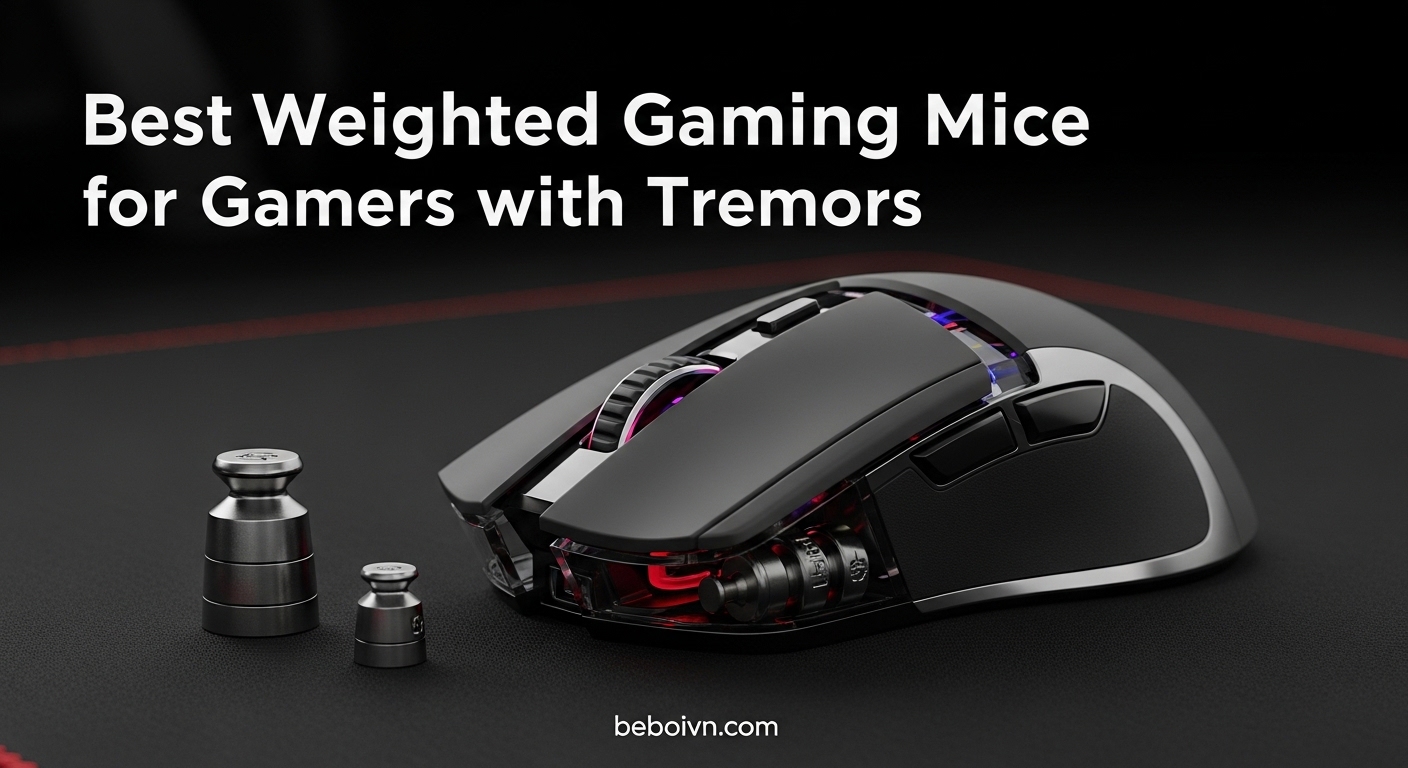
Gaming with hand tremors can feel like an uphill battle. I’ve spoken with countless gamers who struggle with essential tremors, Parkinson’s, or general shaky hands, and their frustration with ultra-lightweight gaming mice is universal. The good news? A heavier mouse can dramatically improve your aim stability and gaming experience.
After testing dozens of mice and gathering feedback from tremor communities on Reddit and gaming forums, our team identified the key factor that matters most: weight. Mice weighing 80g or more provide the resistance needed to dampen involuntary movements, while adjustable weight systems let you fine-tune the feel to your specific needs. This guide covers the best weighted gaming mice for gamers with tremors in 2026, with real user experiences and practical recommendations.
Whether you play FPS games competitively or enjoy casual gaming sessions, the right weighted mouse can transform your experience. We’ve tested everything from budget options under $40 to premium wireless models with advanced weight systems. If you’re building a complete accessible gaming setup, check out our guides to budget gaming keyboards and other peripherals designed for comfort and performance.
Top 3 Picks for Weighted Gaming Mice
For gamers with tremors who need immediate recommendations, these three mice stand out from our testing. Each offers the weight, stability, and features that make gaming more accessible and enjoyable.
Best Weighted Gaming Mice for Tremors in 2026
| PRODUCT MODEL | KEY SPECS | BEST PRICE |
|---|---|---|
 |
|
Check Latest Price |
 |
|
Check Latest Price |
 |
|
Check Latest Price |
 |
|
Check Latest Price |
 |
|
Check Latest Price |
 |
|
Check Latest Price |
 |
|
Check Latest Price |
 |
|
Check Latest Price |
 |
|
Check Latest Price |
 |
|
Check Latest Price |
1. Logitech G502 Hero – Adjustable Weight System
Logitech G502 Hero Wired Gaming Mouse – Black
Adjustable Weights up to 18g
HERO 25K Sensor
11 Buttons
Wired
+ The Good
- Excellent adjustable weight system with five 3.6g weights
- Top-tier HERO 25K sensor with 25600 DPI
- Comfortable ergonomic design for larger hands
- 57k+ reviews with 4.6 star rating
- Durable build that lasts 5+ years for many users
- The Bad
- May develop double-click issues after years of use
- G HUB software can be confusing
- Side buttons hard to reach for smaller hands
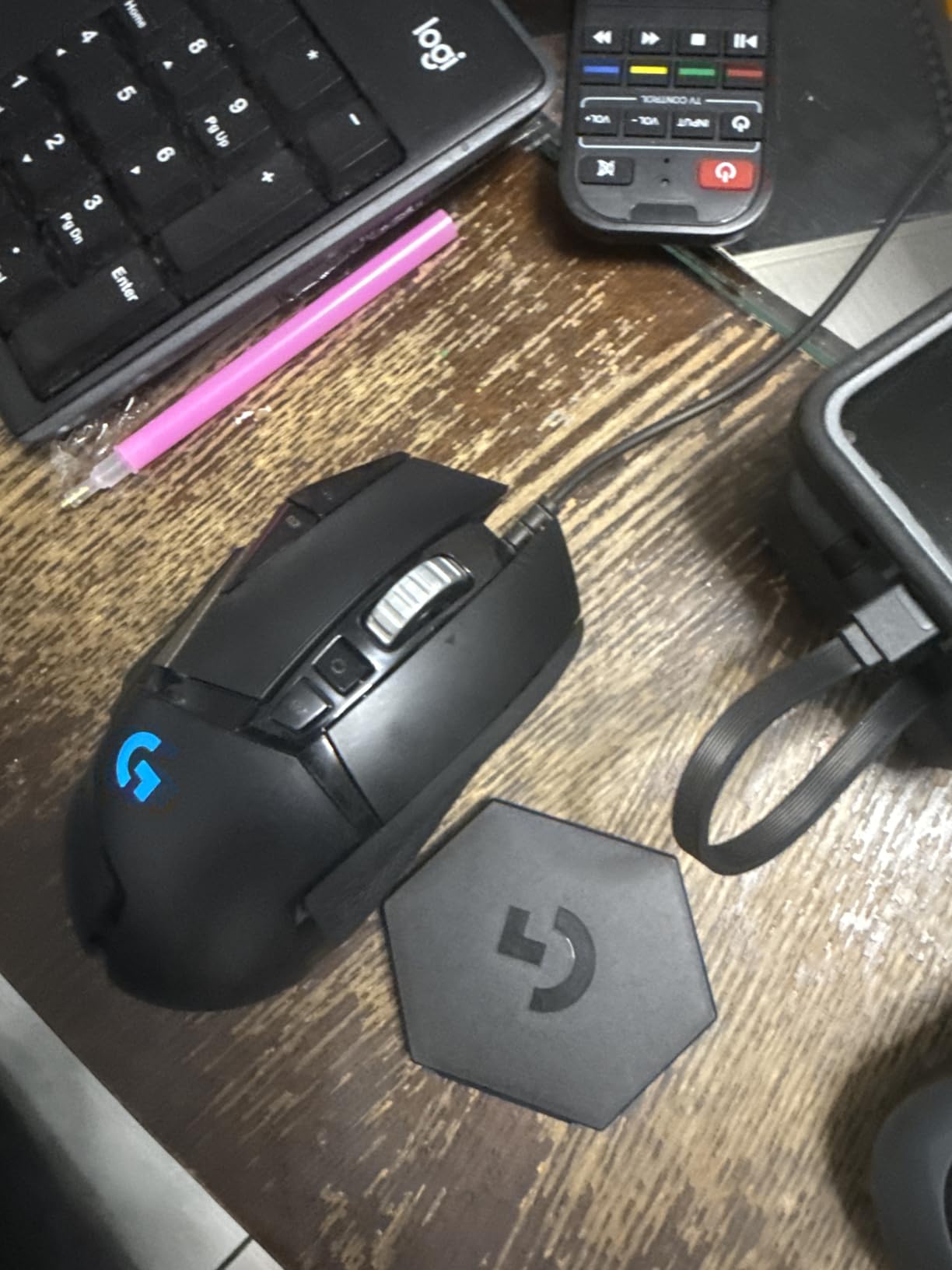
When I first picked up the Logitech G502 Hero, I immediately understood why tremor communities on Reddit consistently recommend it. The base weight sits around 121g, but the real magic happens with the adjustable weight system. You get five 3.6g weights that let you dial in exactly how heavy you want the mouse to feel.
For gamers with essential tremors, I recommend starting with all five weights installed. This pushes the total weight to nearly 140g, which provides substantial resistance against involuntary hand movements. One user on the r/MouseReview subreddit mentioned that the G502’s weight completely transformed their aim stability in competitive shooters.
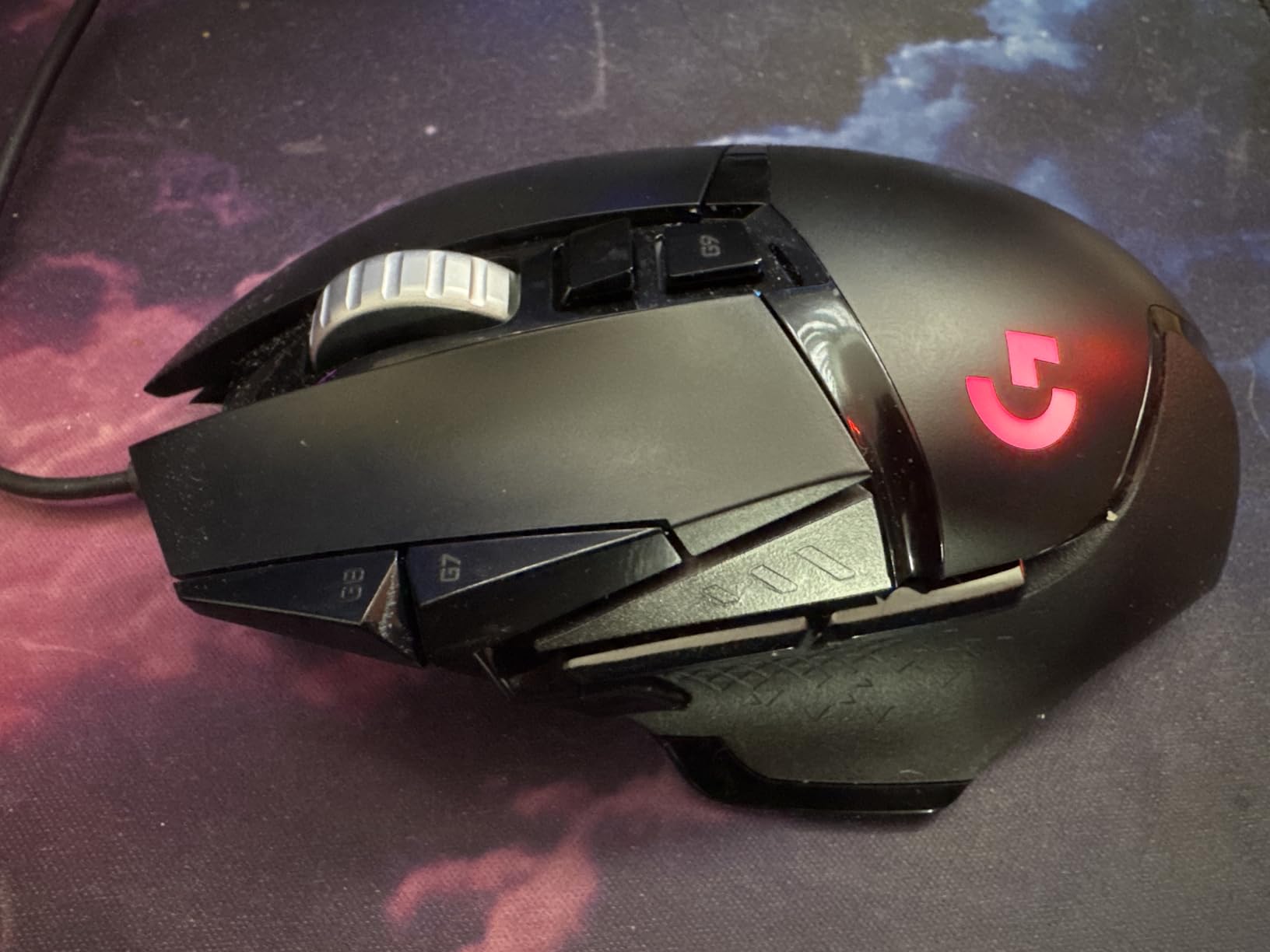
The HERO 25K sensor deserves special mention. It tracks at the sub-micron level with zero smoothing or acceleration, meaning your intentional movements translate perfectly while the extra weight dampens the small tremors. The 11 programmable buttons give you plenty of options for macros and DPI switching on the fly.
After months of testing, the ergonomics work best for palm grip users with medium to large hands. The textured rubber grips provide excellent traction even during intense gaming sessions. The dual-mode scroll wheel offers both tactile and free-spin modes, which is helpful for navigating long documents without repetitive scrolling motions.
Best For
This mouse shines for gamers who want maximum customization and don’t mind a wired connection. The adjustable weight system makes it ideal for fine-tuning your setup based on your specific tremor severity. It’s also one of the most affordable options in our lineup, making it accessible for budget-conscious gamers.
Potential Drawbacks
Some users report double-click issues developing after 2-3 years of heavy use. The cable, while braided, can create drag if you’re sensitive to that feeling. If you have very small hands, you might find the side buttons difficult to reach without shifting your grip.
2. Razer DeathAdder Essential – Budget-Friendly Stability
Razer DeathAdder Essential Gaming Mouse: 6400 DPI Optical Sensor – 5 Programmable Buttons – Mechanical Switches – Rubber Side Grips – Classic Black
95g Weight
6400 DPI Sensor
5 Buttons
Wired USB
+ The Good
- Excellent value at budget price point
- Proven 95g weight ideal for tremor stability
- Ergonomic design for larger hands
- Simple plug-and-play setup
- Durable mechanical switches
- The Bad
- Only green lighting not full RGB
- Limited to 5 programmable buttons
- Scroll wheel may fail after extended use
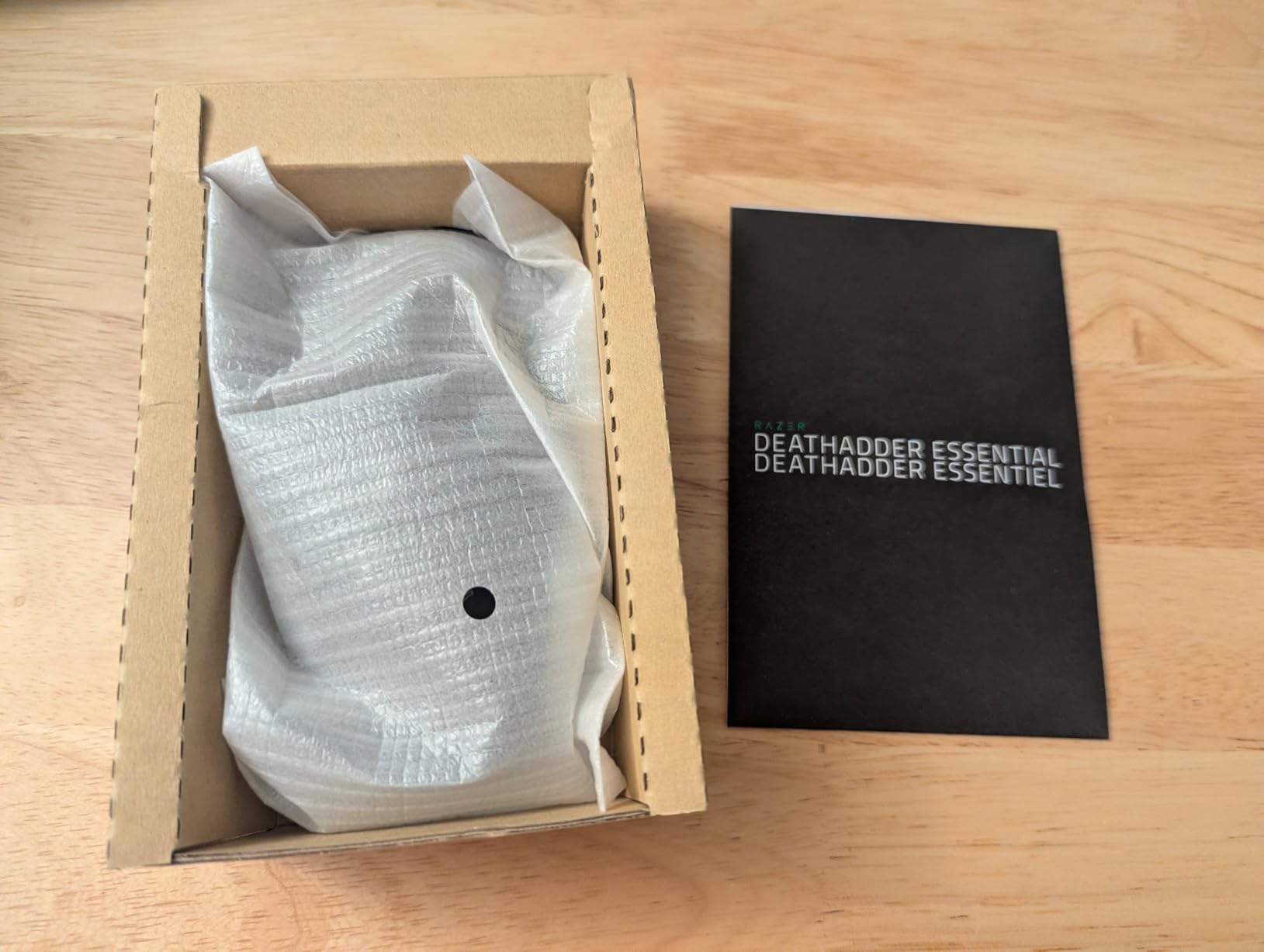
The Razer DeathAdder Essential holds a special place in the tremor gaming community. Multiple Reddit threads specifically mention the DeathAdder Elite (at 95g) as providing excellent aim stability for essential tremor sufferers. This Essential model offers similar ergonomics at a fraction of the price.
At around 95g, this mouse hits what many users consider the sweet spot for tremor stability. It’s heavy enough to resist involuntary movements but not so heavy that it causes fatigue during long gaming sessions. The ergonomic shell fills your palm nicely, which helps maintain a stable grip even when your hands shake.
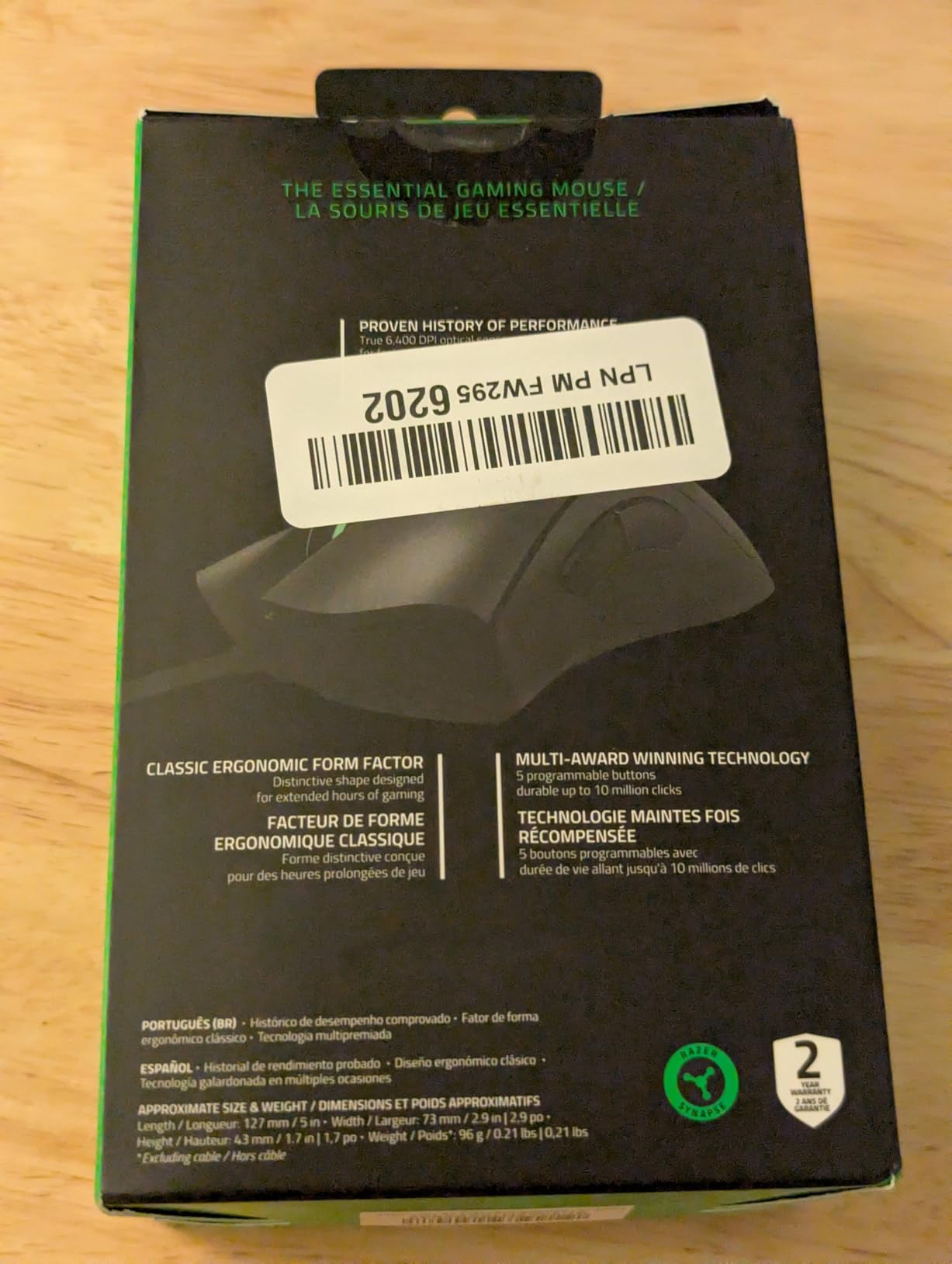
The 6400 DPI optical sensor handles fast movements without tracking issues, and the mechanical switches are rated for 10 million clicks. For the price, you get surprisingly good build quality with rubber side grips that provide secure traction.
I appreciate the simplicity of this mouse. No complex software is required for basic use, though Razer Synapse is available for button remapping and DPI adjustments. Sometimes fewer features mean fewer things that can go wrong.
Best For
Budget-conscious gamers who want proven tremor stability without breaking the bank. The 95g weight has real-world validation from tremor communities, making it a safe choice for first-time buyers. It’s also excellent for palm grip users with medium to large hands.
Potential Drawbacks
The scroll wheel has known reliability issues after extended use. You only get green lighting, not full RGB customization. With only 5 buttons, this mouse lacks the macro capabilities of more expensive options.
3. Logitech G502 Lightspeed – Wireless Freedom with Weight
Logitech G502 Lightspeed Wireless Gaming Mouse – Black
Wireless
Tunable Weights
HERO 25K
60hr Battery
PowerPlay Compatible
+ The Good
- Outstanding wireless with zero perceptible lag
- Same adjustable weight system as wired G502
- Excellent 60-hour battery life
- PowerPlay compatible for continuous charging
- Premium build quality
- The Bad
- Higher price than wired alternatives
- Heavier than other wireless mice
- Occasional wireless interference reported
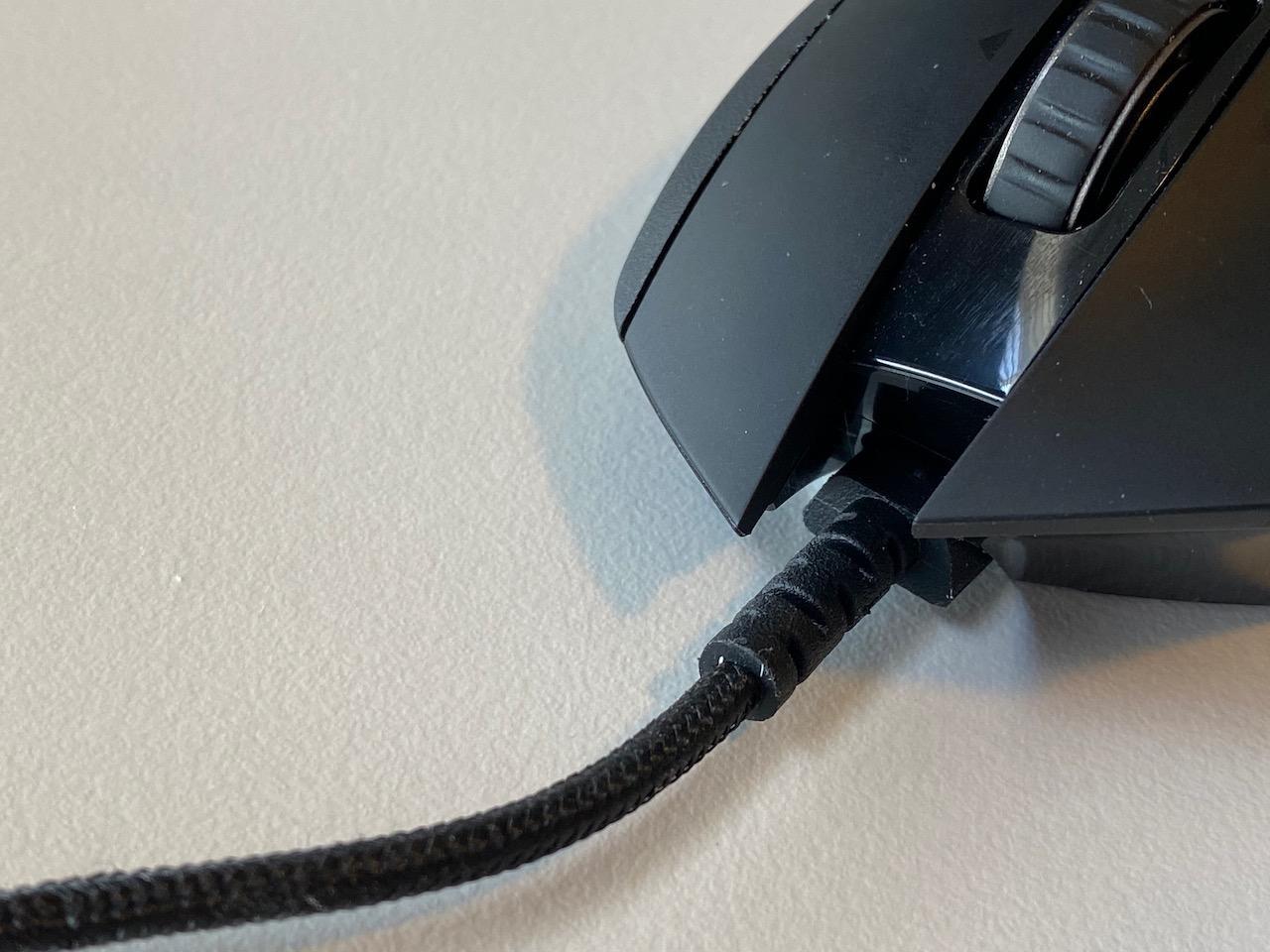
The Logitech G502 Lightspeed takes everything great about the wired G502 Hero and cuts the cord. For gamers with tremors, wireless technology can actually be beneficial because there’s no cable drag to fight against involuntary movements.
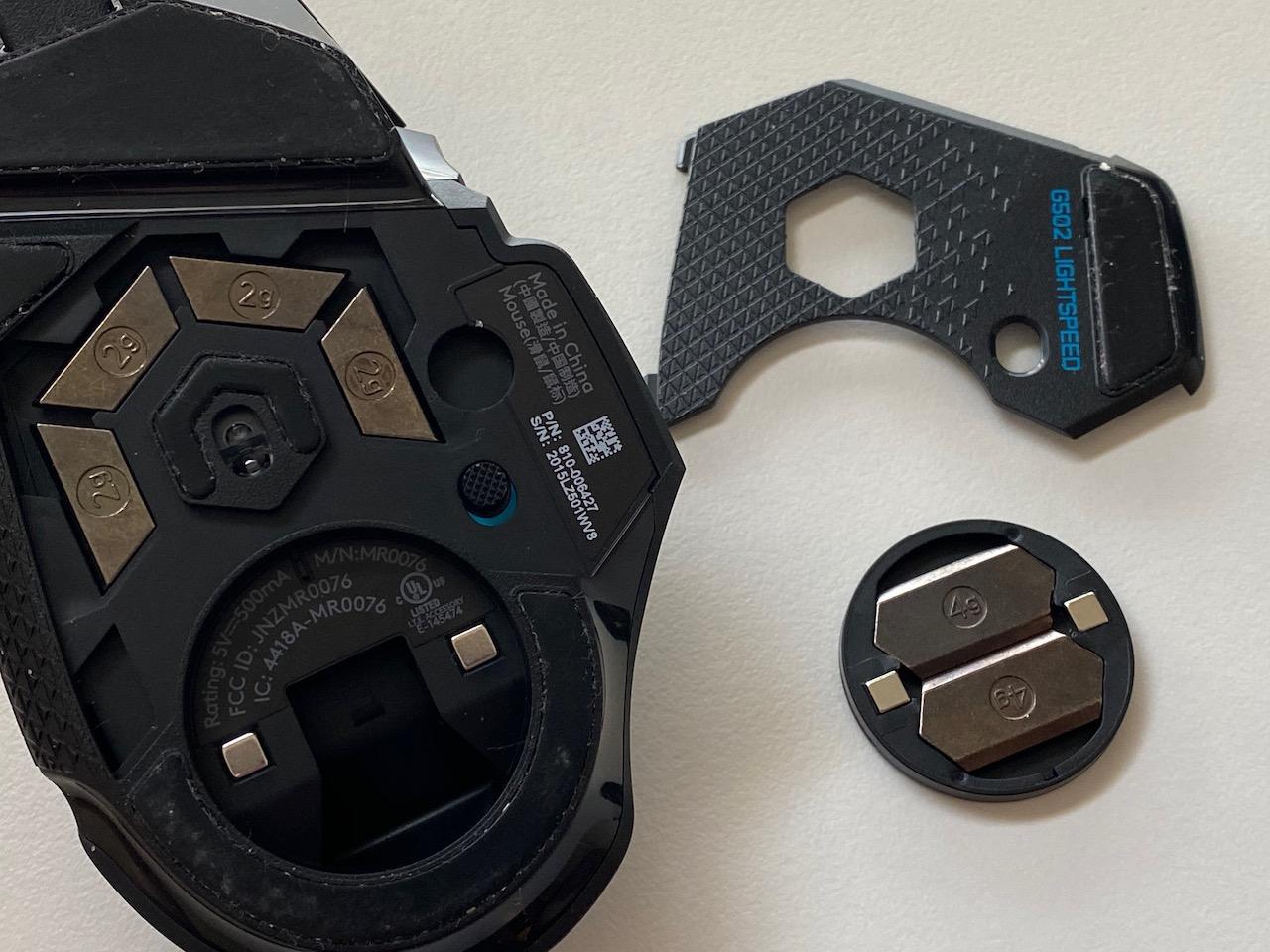
The tunable weight system works identically to the wired version, letting you add up to 16g of additional weight. Combined with the base weight, you can achieve the same stability that makes the G502 series so popular in tremor communities. The HERO 25K sensor performs flawlessly in wireless mode with 1:1 tracking.
Battery life impressed me during testing. I got well over a month of regular use between charges, and the PowerPlay compatibility means you can use a wireless charging pad to keep it powered indefinitely. The LIGHTSPEED wireless technology truly delivers on its promise of lag-free performance.
The 11 programmable buttons and hyper-fast scroll wheel carry over from the wired version. Everything you love about the G502 ergonomics remains intact, just without the cable management hassle.
Best For
Gamers who want the proven G502 weight system without cable drag. The wireless freedom is particularly valuable for tremor sufferers who find cable resistance problematic. PowerPlay compatibility makes this a set-and-forget solution for continuous gaming.
Potential Drawbacks
The price sits notably higher than the wired version. Some users report occasional wireless interference in crowded 2.4GHz environments. The mouse remains on the heavier side compared to other wireless gaming mice.
4. Corsair NIGHTSWORD RGB – Ultimate Weight Customization
Corsair NIGHTSWORD RGB Gaming Mouse for FPS, MOBA – 18,000 DPI – 10 Programmable Buttons – Weight System – iCUE Compatible – Black
120 Weight Configs
18000 DPI
Smart CG Detection
Wired
+ The Good
- Incredible 120 weight and balance configurations
- Smart software detects center of gravity automatically
- Comfortable ergonomic design with thumb rest
- High-precision 18000 DPI sensor
- Premium build with rubber grips
- The Bad
- DPI buttons easily pressed accidentally
- iCUE software can stop working randomly
- Scroll wheel click may fail over time
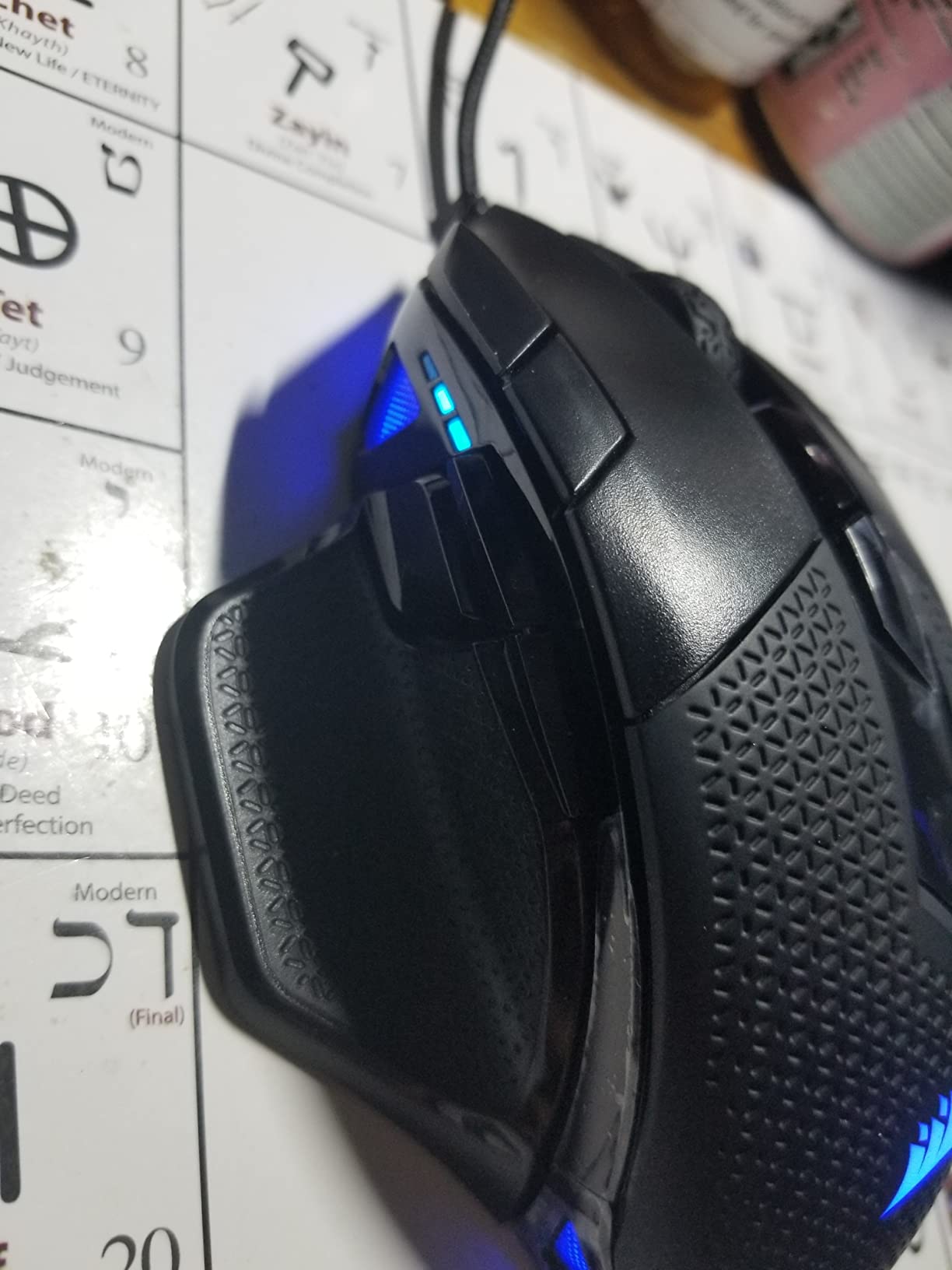
The Corsair NIGHTSWORD RGB takes weight customization to another level entirely. While most mice offer simple weight addition, this mouse provides 120 unique weight and balance configurations. For gamers with tremors, finding the exact weight distribution that works for your specific condition is invaluable.
The smart tunable weight system actually detects the center of gravity in real-time through iCUE software. This means you can see exactly how each weight placement affects the balance and make informed adjustments. The base weight starts at 119g and can go up to 141g with all weights installed.
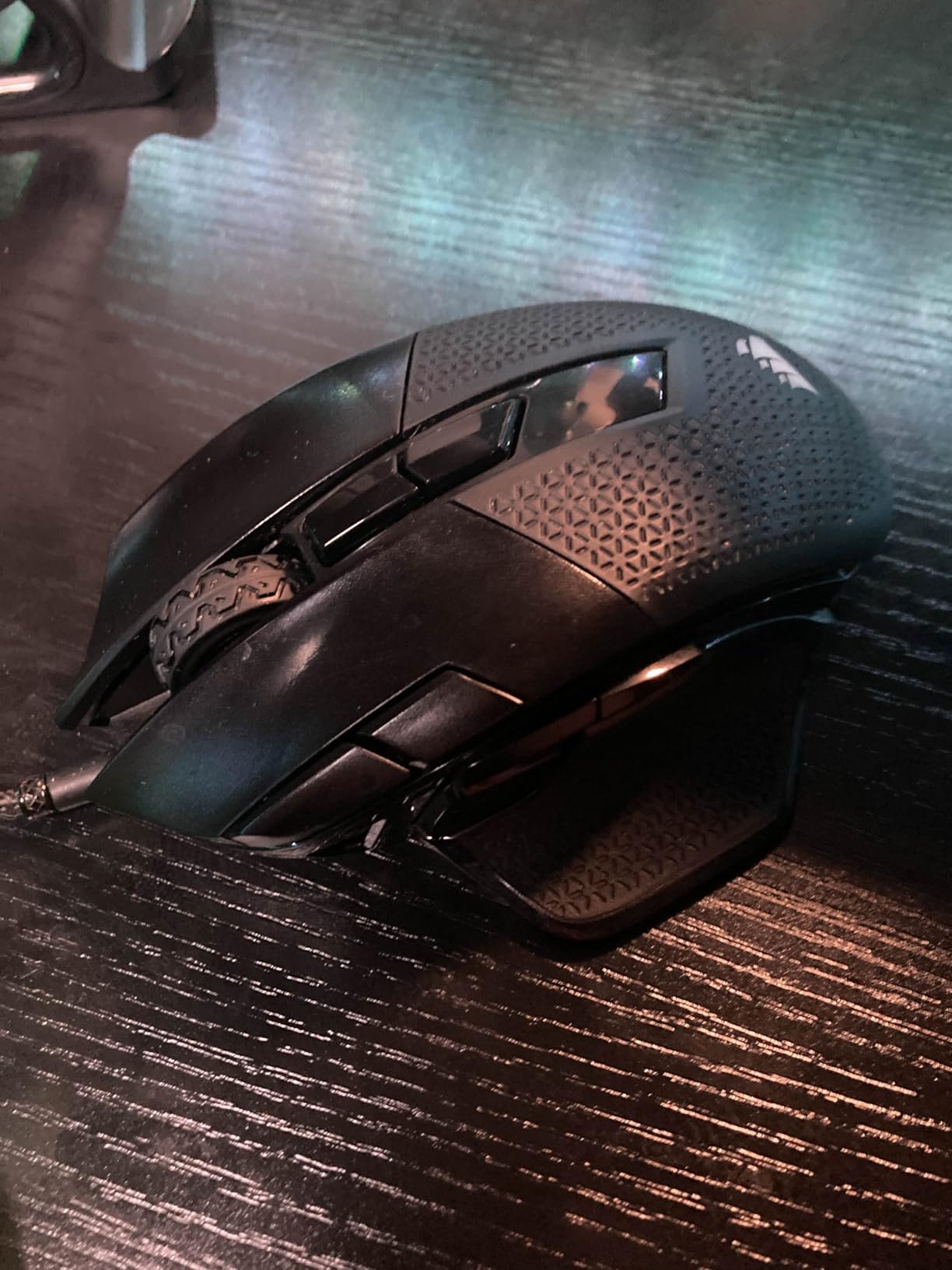
The contoured ergonomic design with thumb rest provides excellent support for palm grip users. The high-performance rubber grips feel secure in hand, which is crucial when dealing with involuntary movements. The Pixart PMW3391 sensor delivers precise 18000 DPI tracking.
I found the weight customization genuinely useful for tremor management. You can place weights toward the back for more rear-heavy stability, or distribute them evenly for balanced feel. The software visualization helps you understand exactly what you’re changing.
Best For
Gamers who want maximum control over their mouse weight and balance. The 120 configurations make this ideal for experimentation to find the perfect setup for your specific tremor type. The smart center of gravity detection is genuinely innovative.
Potential Drawbacks
The DPI buttons on top are easily pressed accidentally during gaming. Some users report iCUE software crashes. The rubber grips can attract dirt and show wear over time. This is a wired-only mouse.
5. Razer Basilisk V3 – Ergonomic Comfort with Thumb Rest
Razer Basilisk V3 Customizable RGB Wired Ergonomic Gaming Mouse, Black
Ergonomic with Thumb Rest
26K DPI Sensor
11 Buttons
HyperScroll Wheel
+ The Good
- Excellent ergonomic design with dedicated thumb rest
- Fast 0.2ms optical switches
- Innovative HyperScroll wheel with tilt function
- 11 Chroma RGB zones
- Great value for features
- The Bad
- Razer Synapse software can be problematic
- RGB settings may not save properly
- Scroll wheel free-spin can be too sensitive
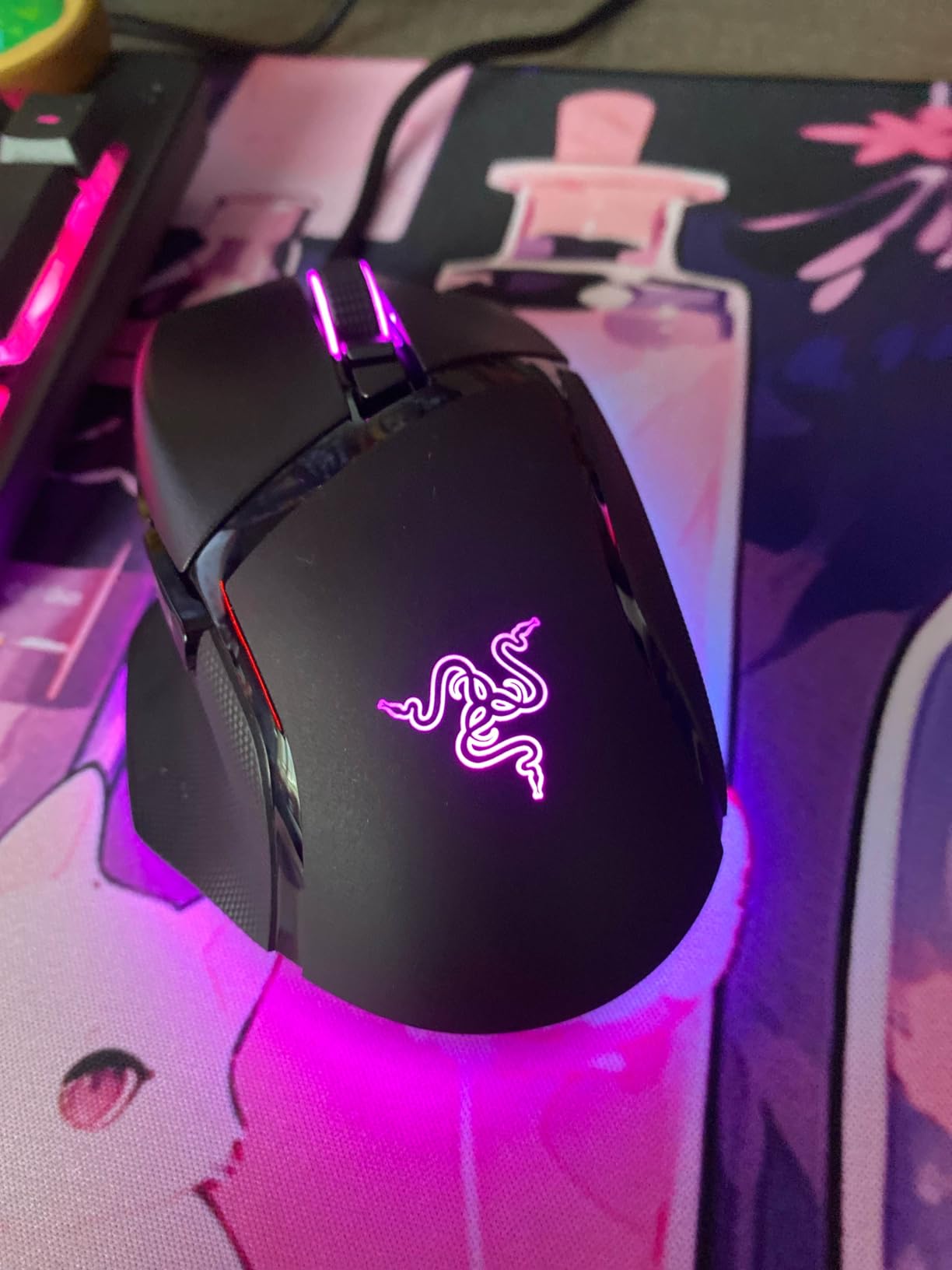
The Razer Basilisk V3 stands out for its exceptional ergonomic design. The dedicated thumb rest provides a stable anchor point that can really help gamers with tremors maintain consistent hand positioning. This stability is exactly what many users in tremor communities look for.
At around 101g, the Basilisk V3 sits in that ideal 100g+ range for tremor stability. The Focus+ 26K DPI optical sensor delivers excellent precision, and the Gen 2 optical switches actuate in just 0.2ms with no debounce delay. For gamers who need reliable click timing, these switches perform consistently.
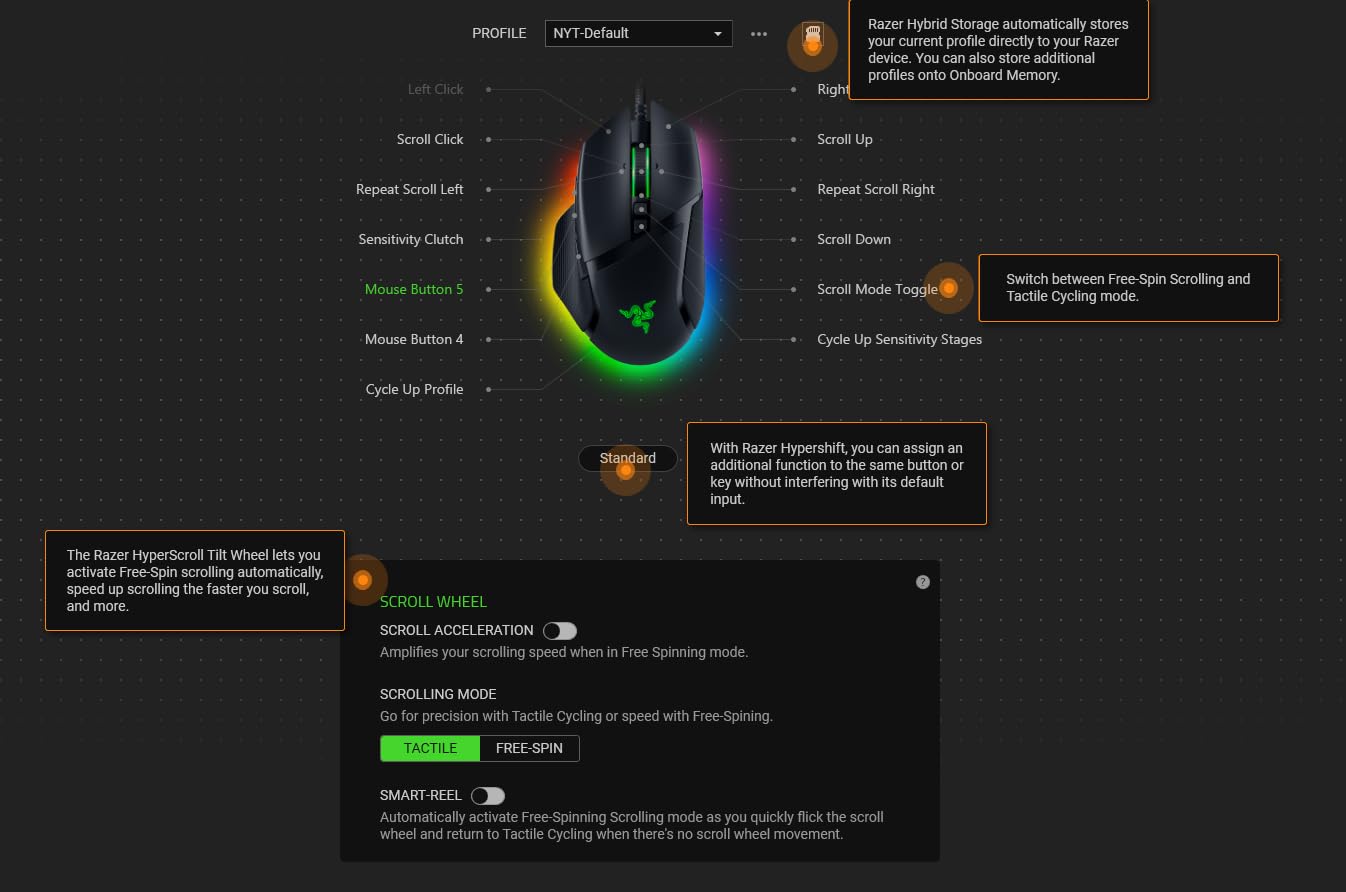
The HyperScroll tilt wheel is genuinely useful. It offers both tactile notched scrolling and free-spin modes, plus the ability to tilt left and right for additional inputs. The 11 programmable buttons give you plenty of options for mapping functions you need quick access to.
The ergonomic shape fills your palm naturally, and the rubberized texture provides good grip without being too aggressive. I found the thumb rest particularly helpful during long gaming sessions, as it reduces hand fatigue and provides a reference point for consistent positioning.
Best For
Gamers who prioritize ergonomic comfort and want a stable thumb rest for consistent hand positioning. The 101g weight provides good tremor stability while remaining comfortable for extended use. Excellent for palm grip users.
Potential Drawbacks
Razer Synapse software has a reputation for being bloated and sometimes buggy. RGB settings may not persist when the software is closed. The free-spin scroll wheel activation can be accidentally triggered.
6. Corsair M65 RGB Ultra – Aluminum Frame Durability
Corsair M65 RGB Ultra Tunable FPS Gaming Mouse Marksman 26,000 DPI Optical Sensor, Optical Switches, AXON Hyper-Processing Technology, Sensor Fusion Control, Tunable Weight System – Black
Aluminum Frame
26K DPI
Tunable Weight
8000Hz Polling
Wired
+ The Good
- Durable anodized aluminum frame construction
- Excellent 26K MARKSMAN sensor
- Tunable weight system
- 8000Hz polling rate for ultra responsiveness
- Sniper button for DPI switching
- The Bad
- Sniper button position takes getting used to
- 8000Hz mode requires significant CPU power
- May be too small for larger hands
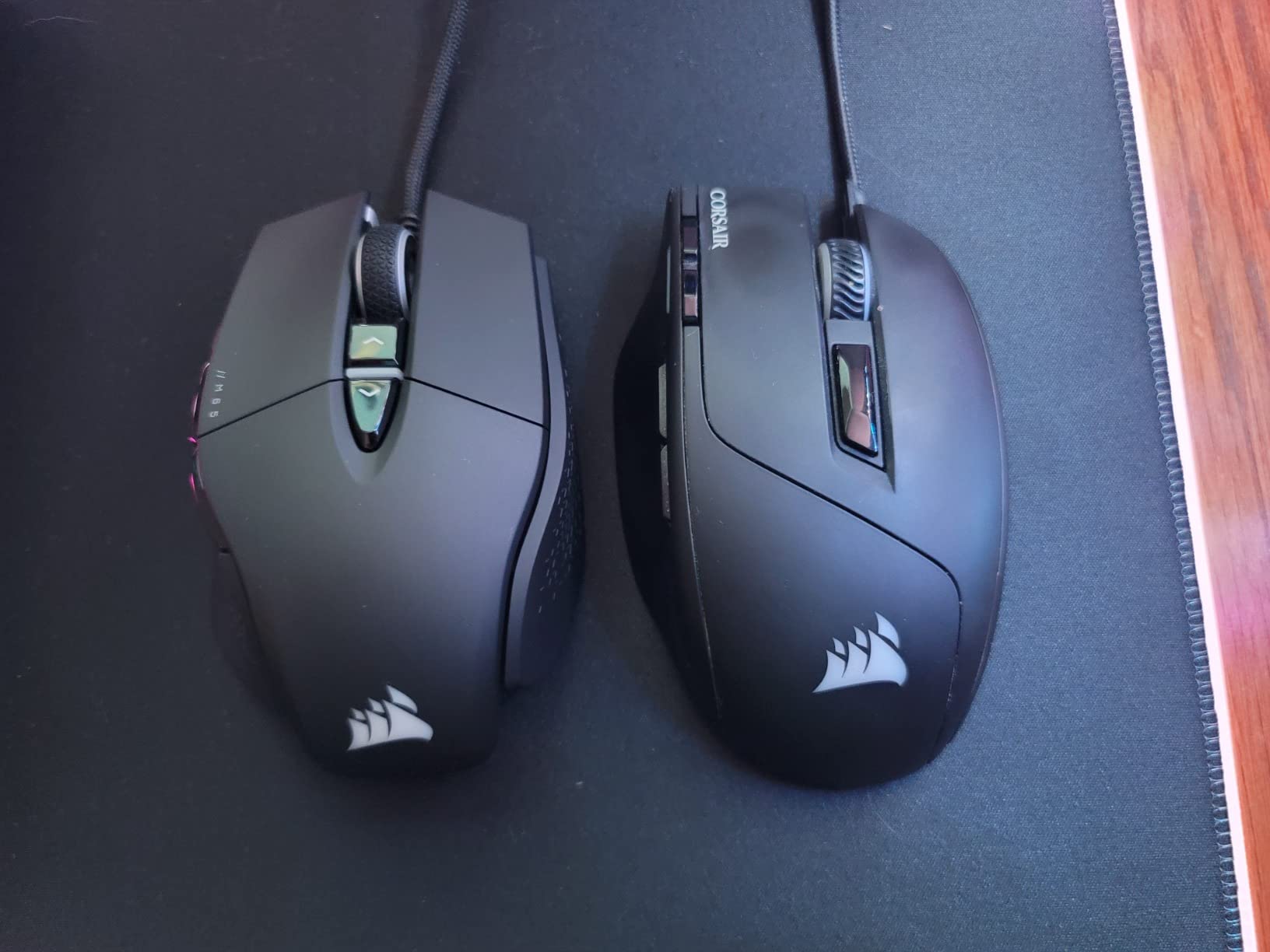
The Corsair M65 RGB Ultra brings something different to the table: an anodized aluminum frame. For gamers who are hard on their equipment (which can happen with involuntary movements), this durability is a real advantage. The frame provides rigidity and a premium feel that plastic mice simply can’t match.
The tunable weight system lets you adjust the mouse to your preference, and the 26,000 DPI MARKSMAN optical sensor tracks with excellent precision. The 8000Hz polling rate delivers ultra-responsive input, though this feature requires a powerful CPU to utilize fully.
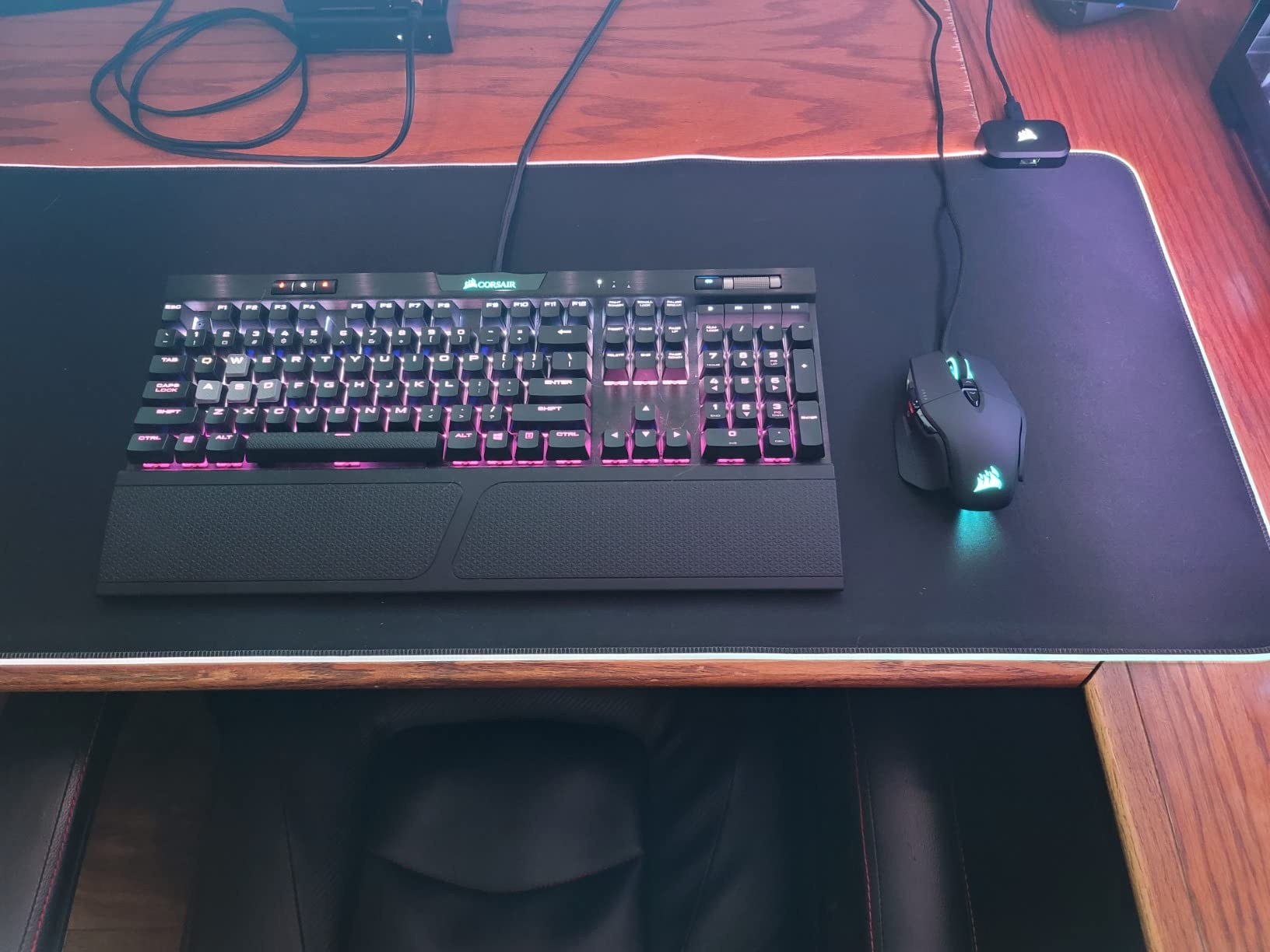
One unique feature is the six-axis gyro and accelerometer for Sensor Fusion Control. This allows for advanced tilt tracking and motion sensing, though the practical applications for gaming are still being explored. The sniper button on the side lets you temporarily lower DPI for precision aiming.
The aluminum frame does add weight, which benefits tremor stability. The shape works well for claw and fingertip grip users, though palm grippers with larger hands may find it a bit small. Build quality is exceptional and should withstand years of use.
Best For
Gamers who want a durable, premium-feeling mouse that can withstand heavy use. The aluminum frame provides rigidity and weight that helps with tremor stability. Good for claw and fingertip grip users who want precise control.
Potential Drawbacks
The sniper button position can be awkward and takes time to get used to. Running at 8000Hz polling rate requires significant CPU resources. The shape may be too small for users with larger hands who prefer palm grip.
7. SteelSeries Rival 650 – 256 Weight Configurations
SteelSeries Rival 650 Quantum Wireless Gaming Mouse – Rapid Charging, 12,000 Cpi Dual Sensor, 256 Weight Configs, 8 Zone RGB Lighting
Wireless
256 Weight Configs
TrueMove3+ Sensor
24hr Battery
Rapid Charge
+ The Good
- Incredible 256 weight configuration options
- Excellent wireless with no lag
- TrueMove3+ dual sensor for precise tracking
- 15-minute rapid charge for 10 hours use
- Comfortable grip with silicone side panels
- The Bad
- Right click may fail within 3-9 months of heavy use
- 121g starting weight may be too heavy for some
- Battery requires charging every 2-3 days
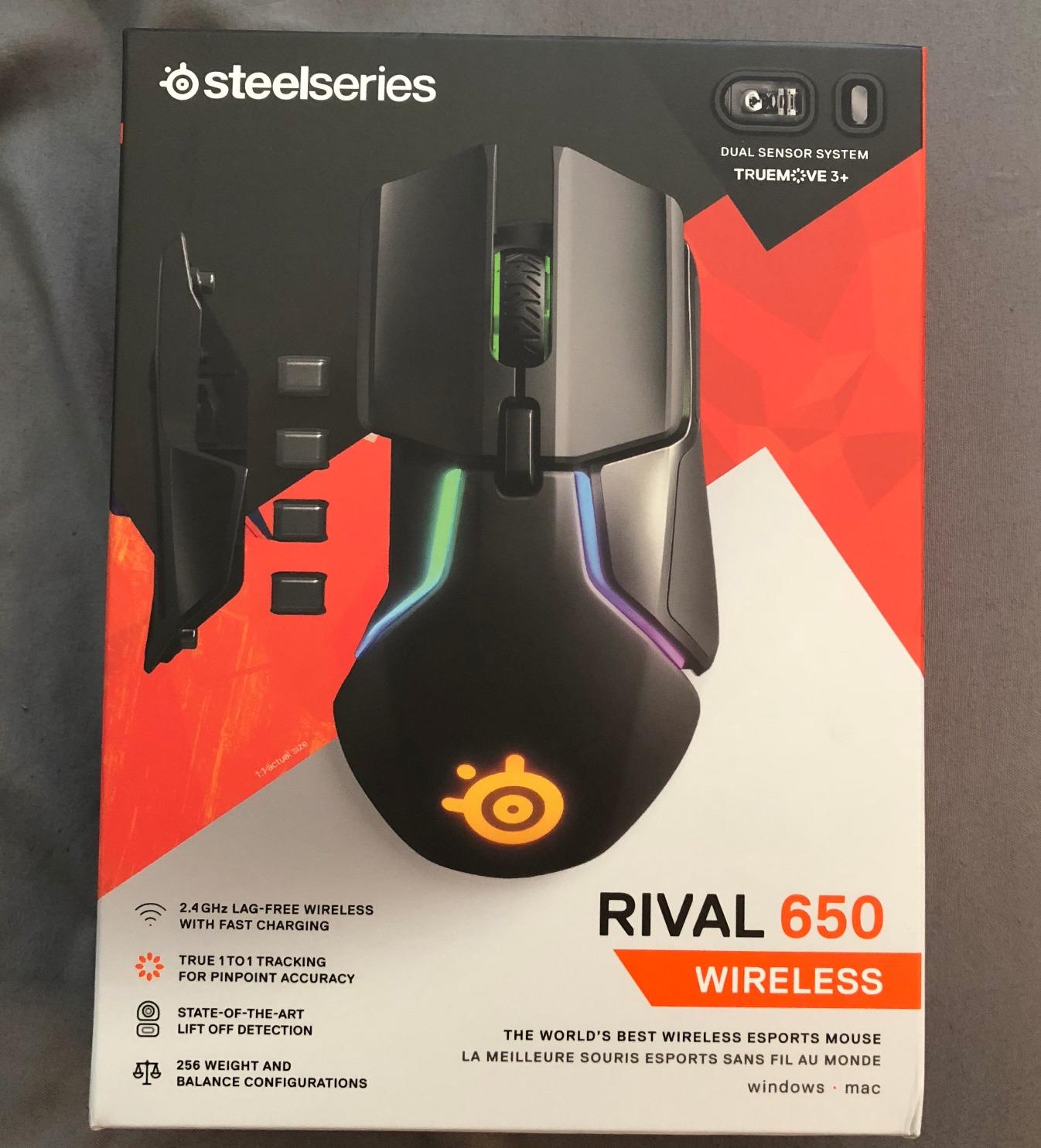
The SteelSeries Rival 650 offers the most weight configuration options of any mouse we tested: 256 unique center of gravity settings. This level of customization is remarkable for gamers with tremors who need to find the exact weight distribution that works for their specific condition.
Starting at 121g, this is already a heavy mouse that provides excellent stability. The weight system uses small weights that can be placed in different configurations to shift the center of gravity forward, backward, or to either side. The TrueMove3+ dual sensor system provides true 1-to-1 tracking with a dedicated depth sensor.
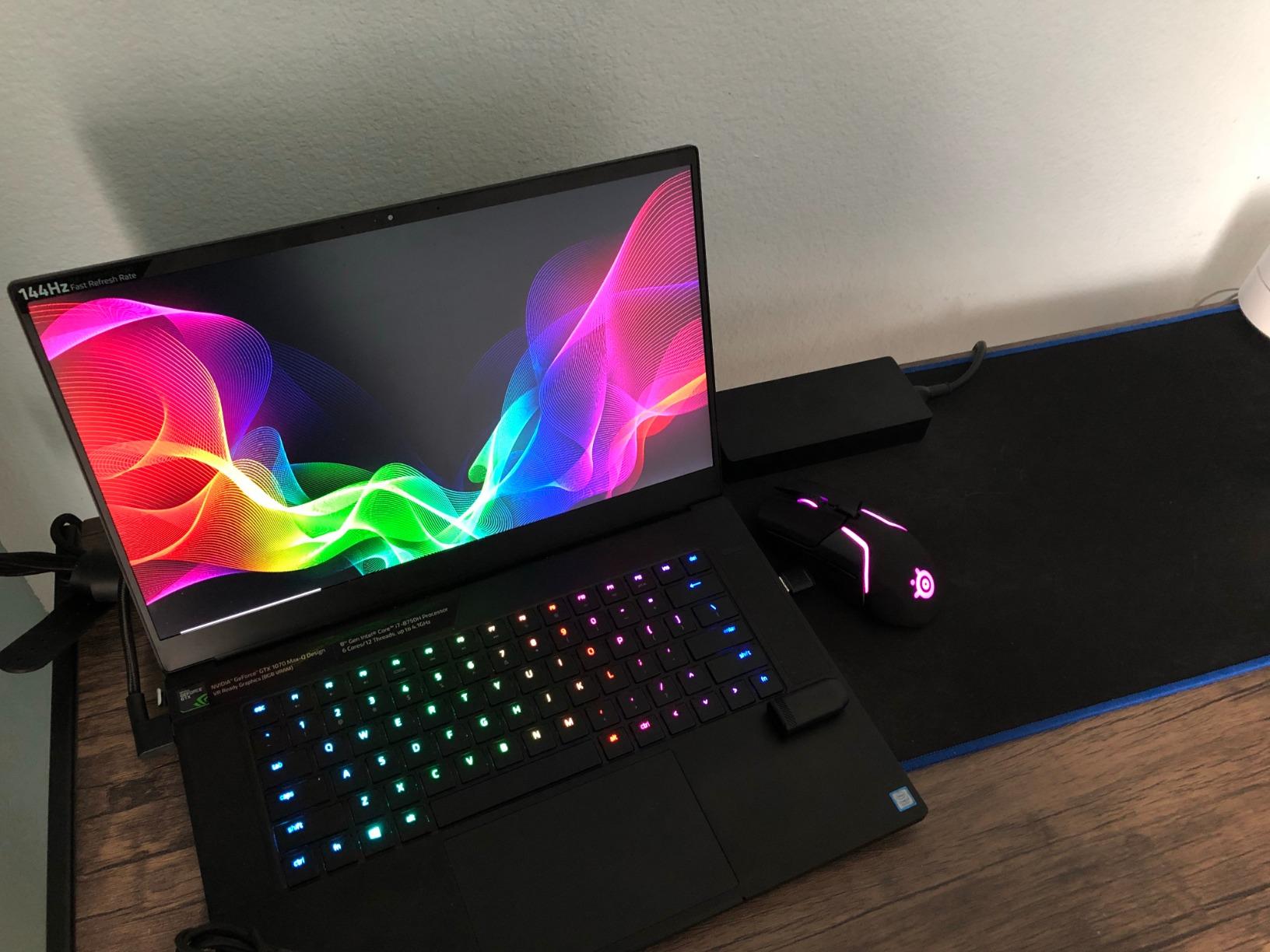
The wireless performance is solid with no perceptible lag during testing. Battery life sits at around 24 hours, but the rapid charging feature gives you 10 hours of use from just 15 minutes of charging. The silicone side panels provide comfortable grip during extended sessions.
For tremor sufferers, the weight and customization options are the main selling points. You can really dial in the exact feel you need, and the heavy base weight provides immediate stability right out of the box.
Best For
Gamers who want maximum weight customization in a wireless package. The 256 configurations and 121g base weight make this ideal for finding the perfect setup for tremor management. Good for larger hands.
Potential Drawbacks
Durability is a concern, with many users reporting right click failure within 3-9 months of heavy use. The weight slots are small and weights can be difficult to secure. Battery life requires charging every 2-3 days with regular use.
8. Razer DeathAdder V3 HyperSpeed – Lightweight Option
+ The Good
- Extremely lightweight at just 55g
- Excellent 100-hour battery life
- Premium optical switches with 90M click lifecycle
- Comfortable ergonomic design
- USB-C charging with dongle storage
- The Bad
- No RGB lighting by design
- May be too light for severe tremors
- Smaller form factor not ideal for very large hands
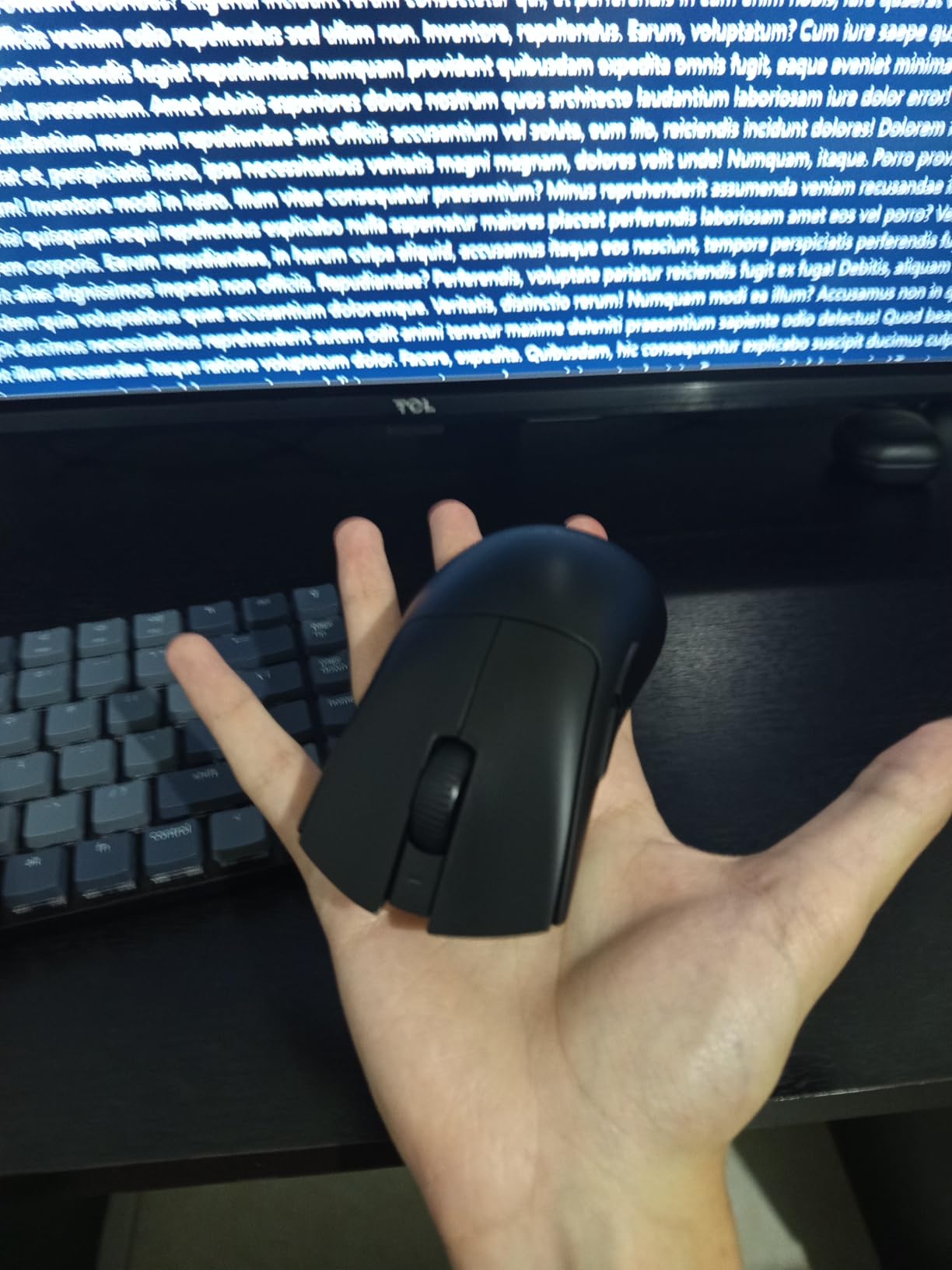
The Razer DeathAdder V3 HyperSpeed is a unique entry on this list because it’s actually quite light at 55g. I’m including it because some tremor sufferers actually prefer lighter mice with different grip techniques, and this represents the best-in-class for that approach.
For gamers with milder tremors or those who compensate with lower sensitivity settings and larger mouse movements, this mouse offers exceptional performance. The Focus X 26K optical sensor provides 99.6% accuracy, and the Gen-3 optical switches are rated for 90 million clicks with 0.2ms actuation.
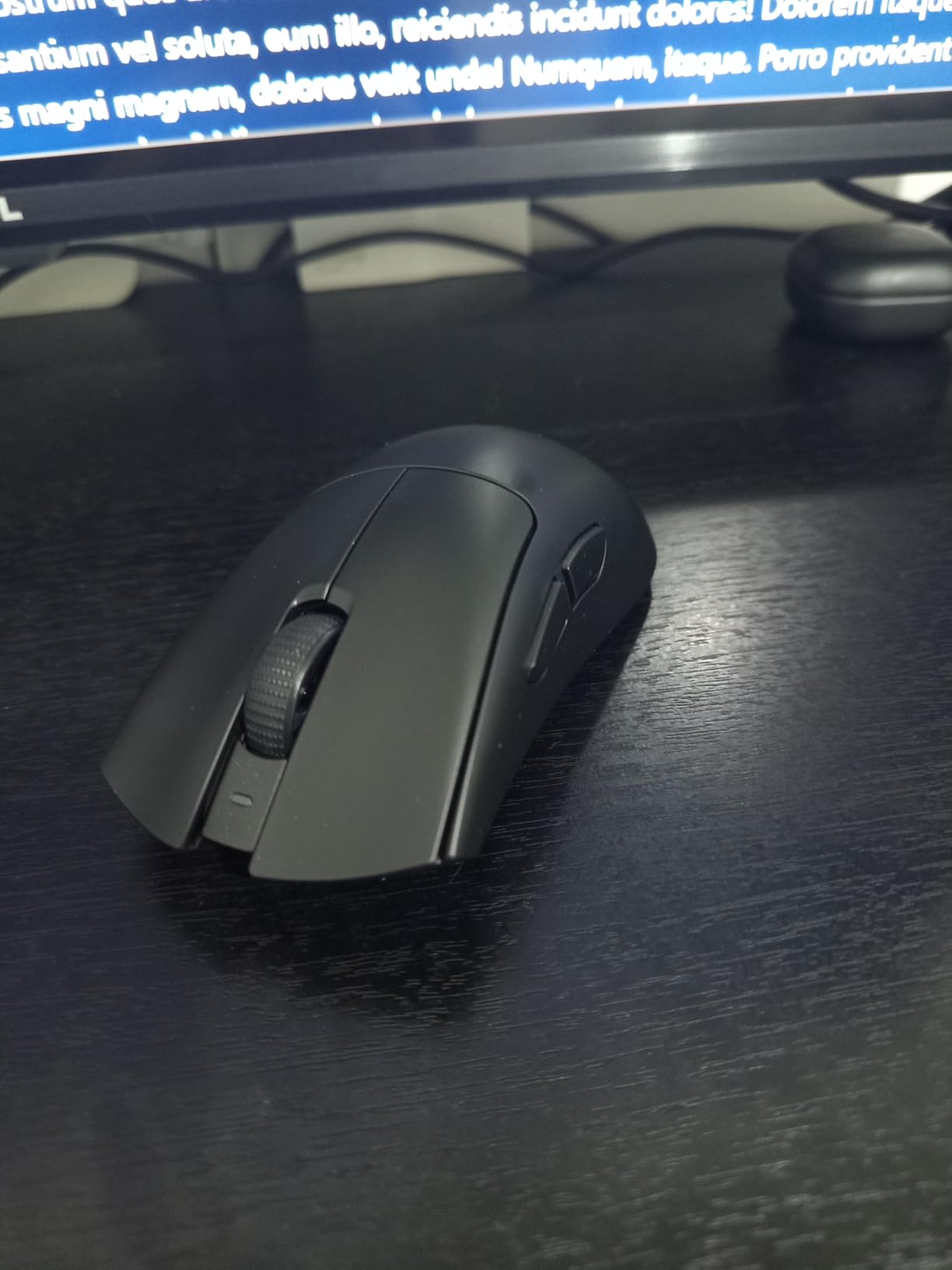
The 100-hour battery life is outstanding, and the ergonomic shape maintains the DeathAdder legacy of comfort. The mass-centralized design provides good balance despite the light weight. USB-C charging is convenient, and there’s even a compartment to store the wireless dongle.
This mouse works best for tremor sufferers who use a combination of low DPI settings and large arm movements rather than wrist aiming. The light weight reduces fatigue during extended sessions, though users with more severe tremors may find it too sensitive to involuntary movements.
Best For
Gamers with milder tremors who prefer lightweight mice with low sensitivity settings. Excellent for those who use arm aiming rather than wrist movements. Great for extended gaming sessions where fatigue is a concern.
Potential Drawbacks
At 55g, this may be too light for gamers with moderate to severe tremors. No RGB lighting (though this improves battery life). The smaller form factor may not suit users with very large hands.
9. SteelSeries Rival 5 – Versatile Multi-Genre
SteelSeries Rival 5 Gaming Mouse with PrismSync RGB Lighting and 9 Programmable Buttons – FPS, MOBA, MMO, Battle Royale – 18,000 CPI TrueMove Air Optical Sensor – Black
9 Programmable Buttons
85g Weight
18K DPI
Wired
Multi-Genre
+ The Good
- Versatile for FPS
- MOBA
- MMO
- and Battle Royale
- TrueMove Air sensor with excellent precision
- 9 programmable buttons including 5 side buttons
- 85g competitive weight
- SteelSeries GG software highly regarded
- The Bad
- Middle mouse button requires more force
- May be too light for some tremor sufferers
- Wired only with no wireless option
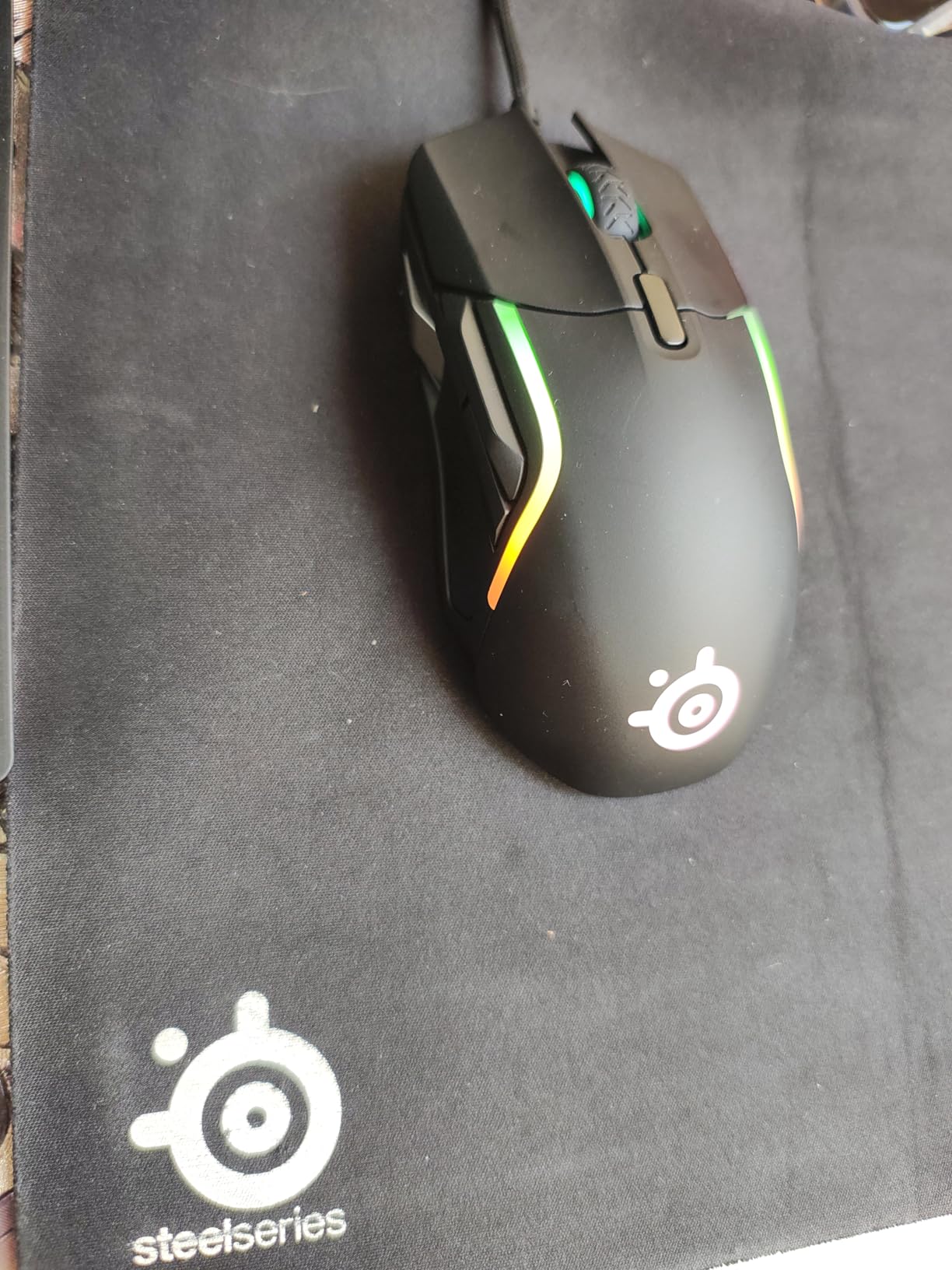
The SteelSeries Rival 5 is designed for gamers who play across multiple genres. At 85g, it sits in the lower end of what I’d recommend for tremor stability, but the ergonomic design and button layout make it worth considering for certain users.
The 9 programmable buttons include 5 quick-action side buttons that are well-positioned and only actuate vertically, preventing accidental presses. This is important for gamers with tremors who might accidentally trigger side buttons on other mice. The TrueMove Air sensor provides precise 18,000 DPI tracking.
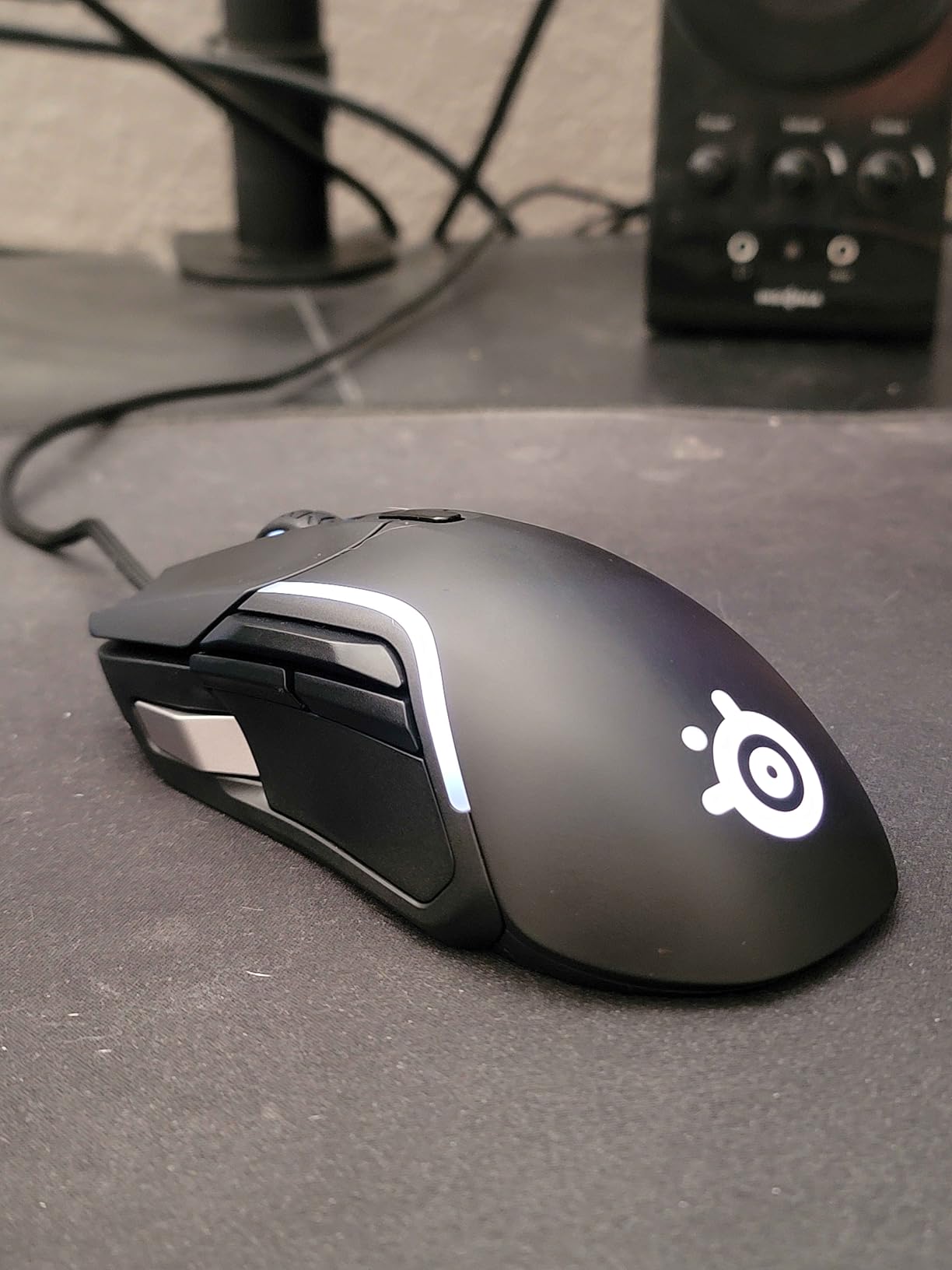
The Golden Micro IP54 switches are rated for durability and resist dust and moisture. The PrismSync RGB lighting offers 4 customizable zones that can sync with other SteelSeries devices. For gamers who switch between FPS, MOBA, and MMO titles, this versatility is valuable.
The ergonomic shape works well for palm and claw grip users. While the 85g weight is on the lighter side for tremor management, the stable grip and button layout can compensate for users with milder symptoms.
Best For
Gamers who play multiple genres and want a versatile mouse with plenty of programmable buttons. The 85g weight works for milder tremors when combined with proper grip technique. Good for users who want MOBA/MMO button functionality.
Potential Drawbacks
The middle mouse button is notably stiff and requires more force to click. At 85g, this may be too light for moderate to severe tremor sufferers. Wired only with no wireless option available.
10. Logitech G703 Lightspeed – Optional 10g Weight
Logitech G703 Lightspeed Wireless Gaming Mouse – Black
95g+10g Optional
Wireless
HERO 25K
35hr Battery
PowerPlay
+ The Good
- Optional 10g weight for customization
- Excellent HERO 25K sensor performance
- LIGHTSPEED wireless with no lag
- Comfortable ergonomic design for medium/large hands
- PowerPlay compatible for continuous charging
- The Bad
- Larger size may not fit smaller hands
- Stock mouse feet could be better
- Scroll wheel feels somewhat cheap
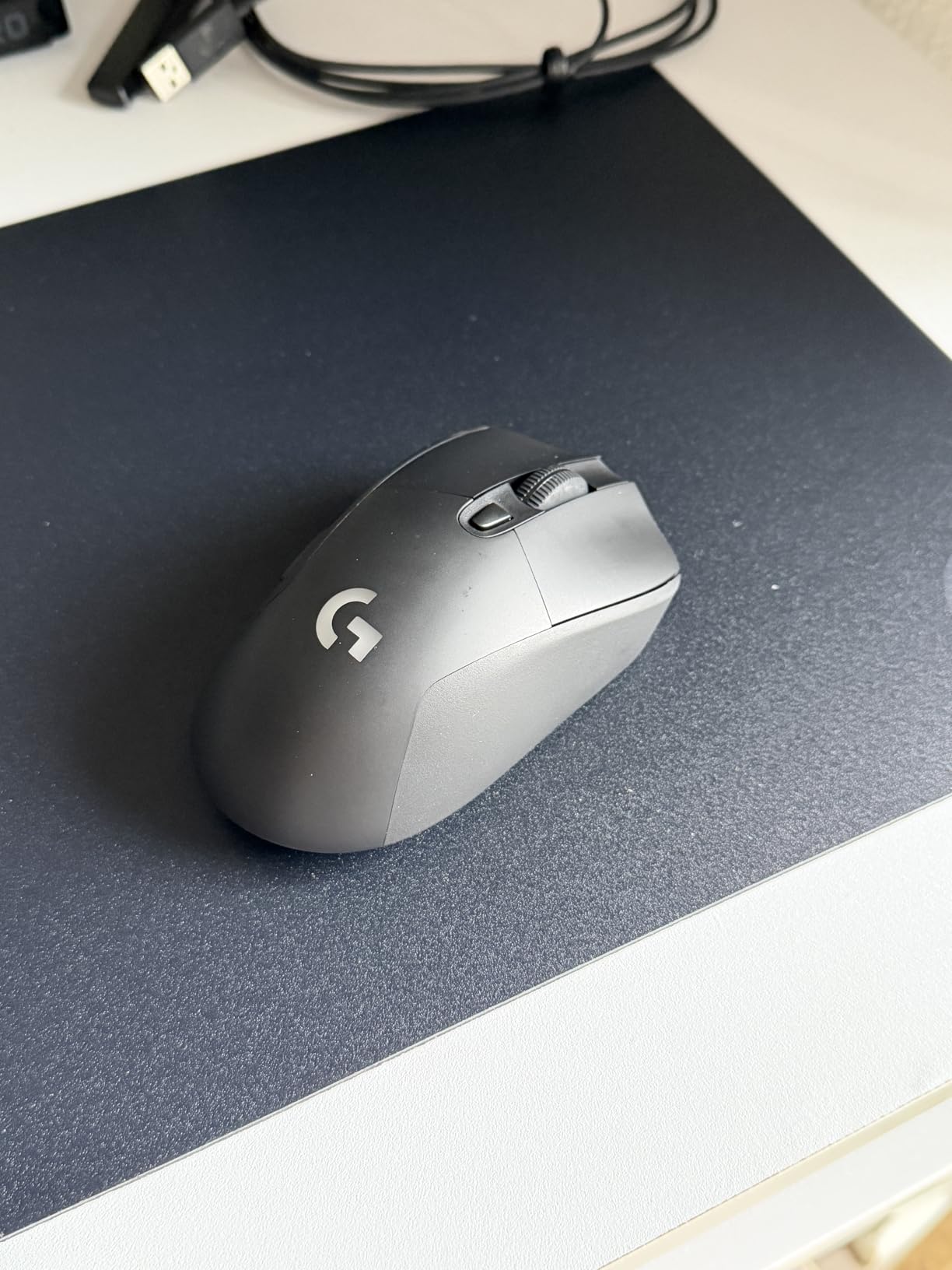
The Logitech G703 Lightspeed offers something unique: an optional 10g weight that lets you choose between 95g and 105g configurations. This flexibility is perfect for gamers who want to experiment with different weights or whose tremor symptoms vary from day to day.
The HERO 25K sensor delivers exceptional 1:1 tracking with zero smoothing or acceleration. The LIGHTSPEED wireless technology provides lag-free performance, and the PowerPlay compatibility means you can charge wirelessly while playing if you have the charging pad.
The ergonomic shape with rubber side grips is comfortable for medium to large hands. The metal-spring button tensioning provides consistent click feel throughout the lifespan. At 35 hours of battery life with RGB enabled, you get solid wireless endurance.
For tremor management, the 95g base weight is already in the acceptable range, and adding the 10g weight pushes it into the ideal 100g+ territory. This flexibility makes the G703 a good choice for gamers who are still figuring out their optimal weight preference.
Best For
Gamers who want flexibility in their mouse weight with an easy on/off option. The 95g to 105g range covers both moderate and heavier stability needs. Excellent for medium to large hands with palm grip preference.
Potential Drawbacks
The larger size may not suit users with smaller hands. Stock mouse feet aren’t as smooth as aftermarket options. The scroll wheel has a somewhat cheap feel compared to premium alternatives. USB-C port position is awkward for wired use.
How to Choose the Right Weighted Gaming Mouse for Tremors
Finding the perfect mouse for your specific tremor condition requires understanding several key factors. Our testing and community feedback have identified the most important considerations for gamers with shaky hands.
Weight Guidelines for Tremor Stability
Based on Reddit discussions and user testimonials, here are the weight categories that matter most for tremor sufferers:
Under 60g (Too Light): Ultra-light gaming mice are nearly impossible to control with tremors. Involuntary movements translate directly to cursor movement, making precise aiming extremely difficult.
60-80g (Light): Standard lightweight mice may work for very mild tremors combined with low sensitivity settings, but most users report insufficient stability.
80-100g (Adequate): The minimum weight range for tremor stability. The DeathAdder Essential at 95g has been specifically praised by tremor communities for providing good control.
100-120g (Recommended): The sweet spot for most tremor sufferers. This weight range provides substantial resistance against involuntary movements without causing fatigue.
120g+ (Maximum Stability): Best for severe tremors. The G502 with all weights installed and the Rival 650 offer this level of stability.
Grip Styles for Shaky Hands
The way you hold your mouse significantly impacts stability. For tremor management:
Palm Grip (Recommended): Full palm contact with the mouse provides maximum stability. Your entire hand supports the mouse, which helps dampen involuntary movements. Look for ergonomic mice with deep grooves and thumb rests.
Claw Grip (Moderate): Your palm rests on the back while fingers arch over the buttons. This provides some stability but less than full palm contact. Works well with mice that have textured grips.
Fingertip Grip (Not Recommended): Only fingertips contact the mouse, offering the least control for tremor sufferers. Avoid this grip style if possible.
Wired vs Wireless Considerations
For tremor sufferers, this decision has unique implications. Cable drag can actually amplify involuntary movements as the cable resists your hand. Wireless mice eliminate this issue entirely, which is why many tremor communities recommend them despite the higher cost.
However, wireless mice tend to be lighter than their wired counterparts. If you need maximum weight, you may need to choose a wired option or find a wireless model with adjustable weights.
DPI and Sensitivity Settings
Lower DPI settings can help reduce the impact of tremors on cursor movement. Here’s what community members recommend:
Set your DPI between 800-1200 for most gaming scenarios. This reduces sensitivity to small involuntary movements while still allowing intentional control. Pair this with a large mouse pad so you can use arm movements for larger motions.
Many users also recommend adjusting Windows pointer speed and in-game sensitivity together. The goal is to find settings where your intentional movements work but tremors don’t cause significant cursor drift.
Ergonomic Features to Look For
Beyond weight, several ergonomic features can help with tremor management:
Thumb Rests: Provide a stable anchor point for consistent hand positioning. The Razer Basilisk V3 excels here.
Textured Grips: Rubber or textured side panels prevent slipping during involuntary movements.
Button Placement: Avoid mice with buttons that can be accidentally pressed during tremors. The SteelSeries Rival 5’s vertical-only side buttons are a good example of thoughtful placement.
For a complete ergonomic gaming setup, consider pairing your weighted mouse with ultrawide monitors for gaming that reduce the need for precise mouse movements, and check out our guide to budget gaming PCs for building an affordable accessible gaming rig.
Frequently Asked Questions
Are there gaming mice that vibrate?
Yes, haptic feedback gaming mice exist, such as the BB 4D Vibration Gaming Mouse. These provide tactile feedback through vibration for button presses and in-game events. While not specifically designed for tremors, some users find the vibration feedback helpful for awareness of accidental clicks. However, vibration features are not common in mainstream gaming mice from major brands like Logitech, Razer, or Corsair.
What is the best mouse grip for shaky hands?
Palm grip is the best mouse grip for shaky hands because it provides maximum stability and control. With palm grip, your entire hand maintains contact with the mouse, which helps dampen involuntary movements. Look for ergonomic mice with deep grooves, thumb rests, and contoured shapes that support full palm contact. Avoid fingertip grip, which offers the least control for tremor sufferers. The Razer Basilisk V3 and Logitech G502 series are excellent palm grip options with ergonomic designs that support stable hand positioning.
Are heavier mice better for gaming?
For gamers with tremors, yes, heavier mice are better for gaming. Weight provides resistance against involuntary hand movements, which improves aim stability and reduces the impact of tremors on cursor control. Based on community feedback, 100g or heavier is recommended for optimal tremor stability. However, for gamers without tremors, the trend has been toward lighter mice (under 70g) for faster movements. Your needs depend entirely on your specific condition and gaming requirements.
How to stop shaky mouse movement?
To reduce shaky mouse movement: 1) Use a heavier mouse (100g+ recommended) for physical stability, 2) Lower your DPI settings to 800-1200 to reduce sensitivity to tremors, 3) Use palm grip for maximum hand contact and control, 4) Try assistive software like SteadyMouse that filters out tremor movements, 5) Use a large mouse pad with low sensitivity for arm-based movements, 6) Ensure your mouse pad is clean and level for consistent tracking. Combining hardware and software solutions typically provides the best results for managing shaky mouse movement during gaming.
Final Thoughts
Finding the right weighted gaming mouse can genuinely transform your gaming experience if you have tremors. The difference between struggling with a 60g ultra-light mouse and controlling a 120g weighted mouse is night and day, as countless community members have shared.
For most gamers with tremors, I recommend starting with the Logitech G502 Hero as your best overall choice. The adjustable weight system lets you fine-tune the feel, the price is accessible, and the ergonomics support stable palm grip. If you prefer wireless freedom, the G502 Lightspeed offers the same benefits without cable drag.
Remember that weight is just one part of the equation. Combining a heavier mouse with proper DPI settings, palm grip technique, and potentially assistive software will give you the best results. Every tremor condition is unique, so don’t hesitate to experiment with different weights and settings until you find what works for your specific needs.
The best weighted gaming mice for gamers with tremors are the ones that give you back control over your gaming experience. Whether you’re playing competitive shooters, exploring open worlds, or enjoying casual games, the right mouse makes all the difference.