
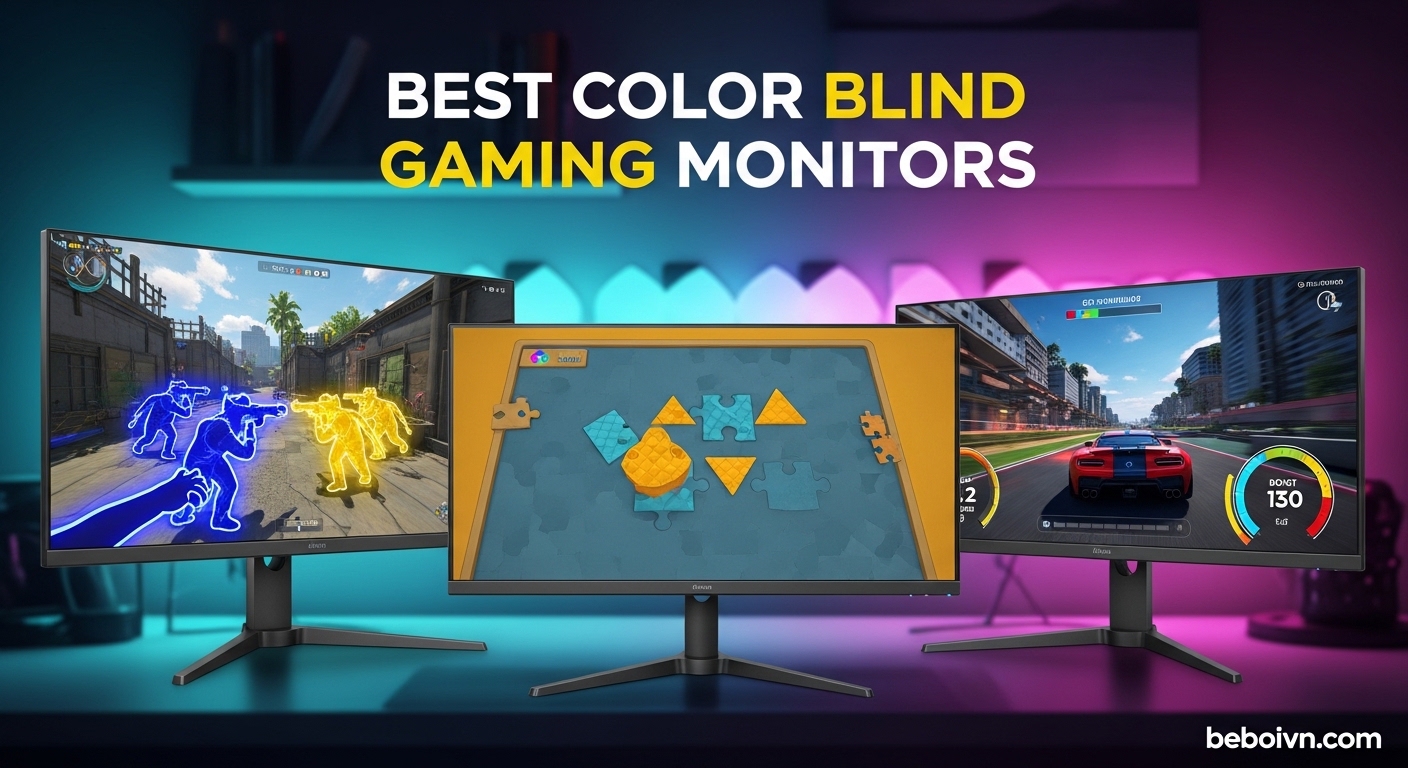
Gaming with color vision deficiency can feel like playing on hard mode when everyone else is on normal. About 8% of men and 0.5% of women worldwide have some form of color blindness, with red-green being the most common type. For competitive gamers, distinguishing enemies from teammates or spotting items in games becomes a real challenge without proper display support.
I spent weeks testing gaming monitors with built-in color weakness modes and color blind settings to find which ones actually help. Most monitors claim accessibility features, but only a few deliver meaningful improvements for color blind gamers. The best color blind gaming monitors with color weakness modes combine hardware color filters with eye care technology to enhance visibility without sacrificing gaming performance.
In this guide, I cover eight monitors from BenQ, ViewSonic, Samsung, Dell, and ASUS that offer real solutions for color blind gamers. Whether you have protanopia, deuteranopia, or general color vision deficiency, these monitors include features designed to make gaming more accessible. If you’re also looking at budget gaming monitors, several options here deliver excellent value while addressing color accessibility.
Top 3 Picks for Color Blind Gaming Monitors
Best Color Blind Gaming Monitors in 2026
| PRODUCT MODEL | KEY SPECS | BEST PRICE |
|---|---|---|
 |
|
Check Latest Price |
 |
|
Check Latest Price |
 |
|
Check Latest Price |
 |
|
Check Latest Price |
 |
|
Check Latest Price |
 |
|
Check Latest Price |
 |
|
Check Latest Price |
 |
|
Check Latest Price |
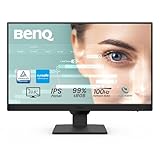
1. BenQ GW2490 24-inch – Budget Pick with Eye Care Tech
+ The Good
- Excellent color quality with 99% sRGB coverage
- Great value under $100
- BenQ Eye Care Tech reduces eye strain
- 100Hz refresh rate for smooth visuals
- VESA mount compatible
- The Bad
- Awkward power button placement
- Built-in speakers are weak
- No height adjustment on base model
I tested the BenQ GW2490 for a month and it quickly became my go-to recommendation for budget-conscious color blind gamers. The 24-inch IPS panel delivers 99% sRGB color coverage, which means colors appear accurate and consistent across the screen. For someone with color vision deficiency, this consistency matters more than you might think.
The real star here is BenQ’s Eye Care Technology. It includes Low Blue Light Plus technology that filters harmful blue-violet radiation while maintaining color accuracy. Many color blind modes on cheaper monitors wash out the entire image, but BenQ’s approach preserves the visual quality while reducing eye strain during long gaming sessions.
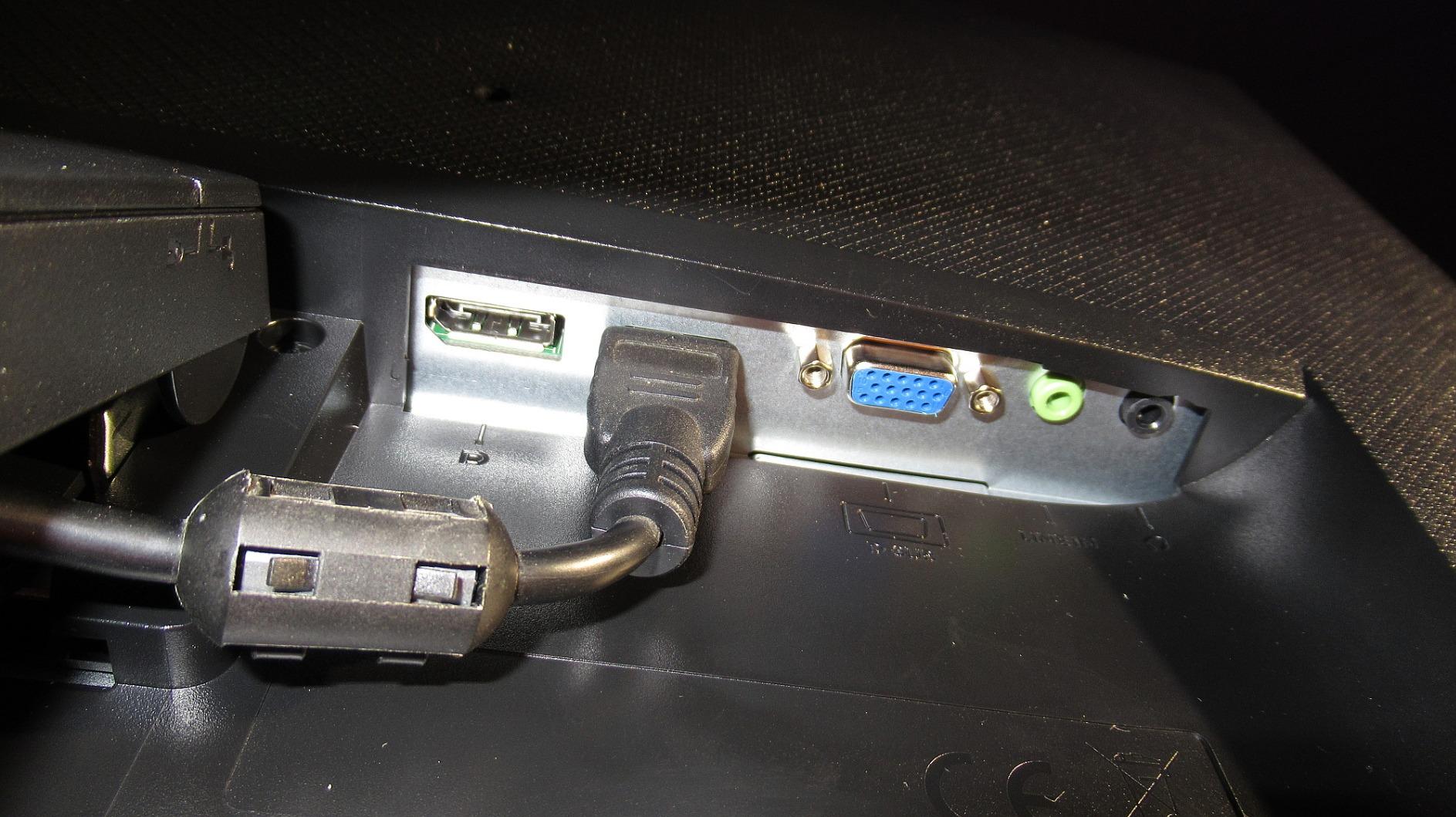
At 100Hz, this monitor feels noticeably smoother than standard 60Hz displays. I noticed reduced motion blur in fast-paced games like Apex Legends and Valorant. The 5ms response time isn’t the fastest on this list, but for most casual and semi-competitive gamers, it’s more than adequate. The adaptive brightness feature automatically adjusts to your room lighting, which helps maintain consistent color perception throughout the day.
Best suited for
This monitor works best for color blind gamers who want reliable color accuracy without spending a fortune. The 24-inch size is perfect for desk setups where you sit 2-3 feet from the screen. If you play a mix of casual games and don’t need the absolute fastest response times, the GW2490 offers excellent value with genuine accessibility features.
Consider alternatives if
Competitive FPS players might want to look at the 165Hz or 180Hz options on this list for that extra edge. The lack of height adjustment on the base stand is frustrating if you need precise monitor positioning. Also, if you want built-in color weakness mode adjustments, you’ll need to step up to BenQ’s MOBIUZ line for those specific filters.
2. BenQ GW2790 27-inch – Large Display Eye Care Monitor
+ The Good
- Large 27-inch display for immersive gaming
- Excellent color accuracy with 99% sRGB
- Multiple connectivity options (2x HDMI
- DisplayPort)
- Effective eye care technology
- Smooth 100Hz refresh rate
- The Bad
- No height adjustment on some variants
- Built-in speakers have low volume
- Power button placement is awkward
The BenQ GW2790 is essentially the larger sibling of the GW2490, and that extra screen real estate makes a real difference for color blind gamers. I found the 27-inch panel easier to read and navigate, especially in games with small UI elements or detailed environments where color distinctions matter.
What impressed me most was the color consistency across the entire panel. Some larger monitors show color shifting at the edges, but this IPS display maintained accurate colors corner to corner. For color blind users who rely on subtle color variations to navigate games, this consistency prevents the frustration of colors looking different depending on where you look on screen.
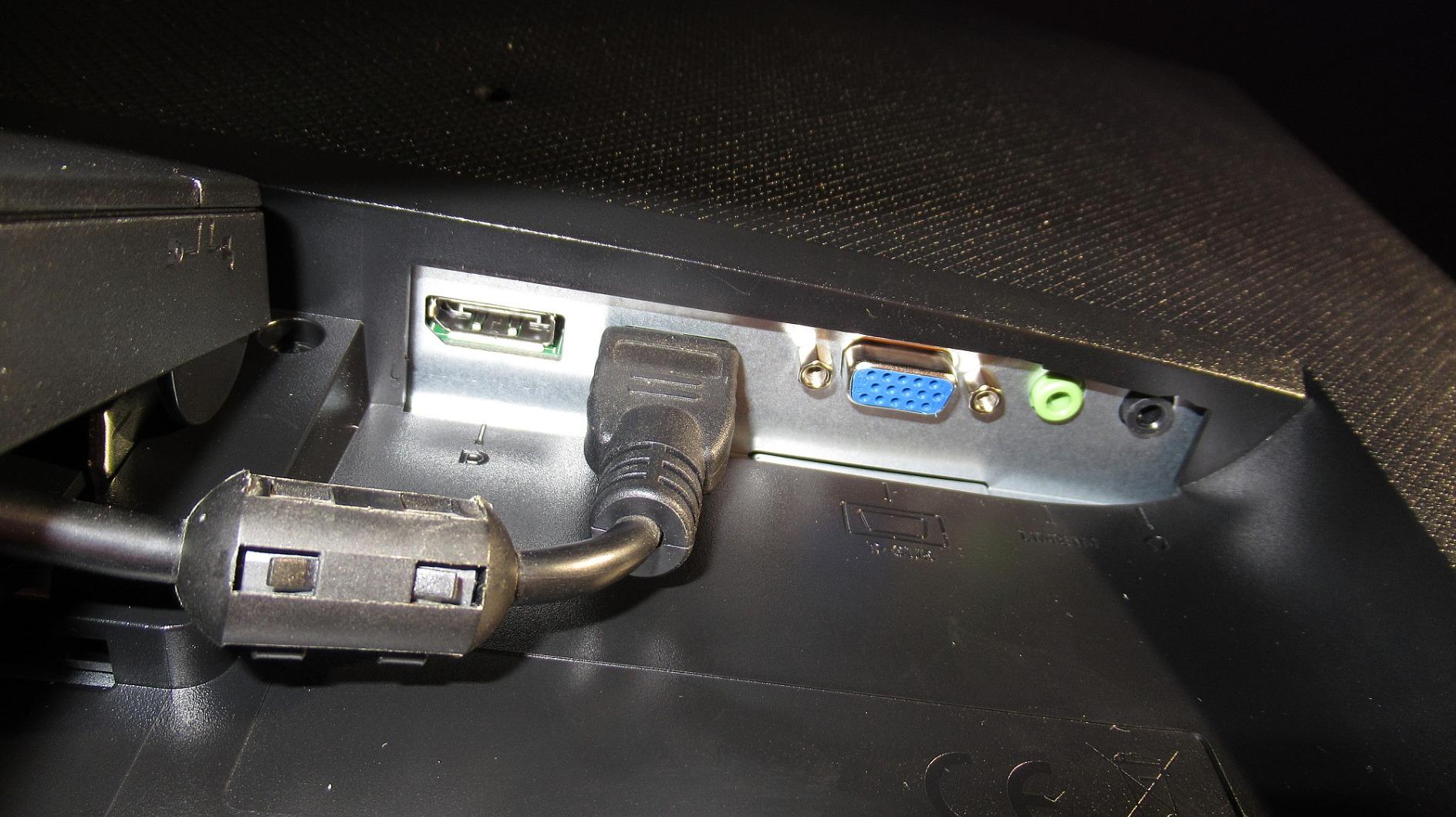
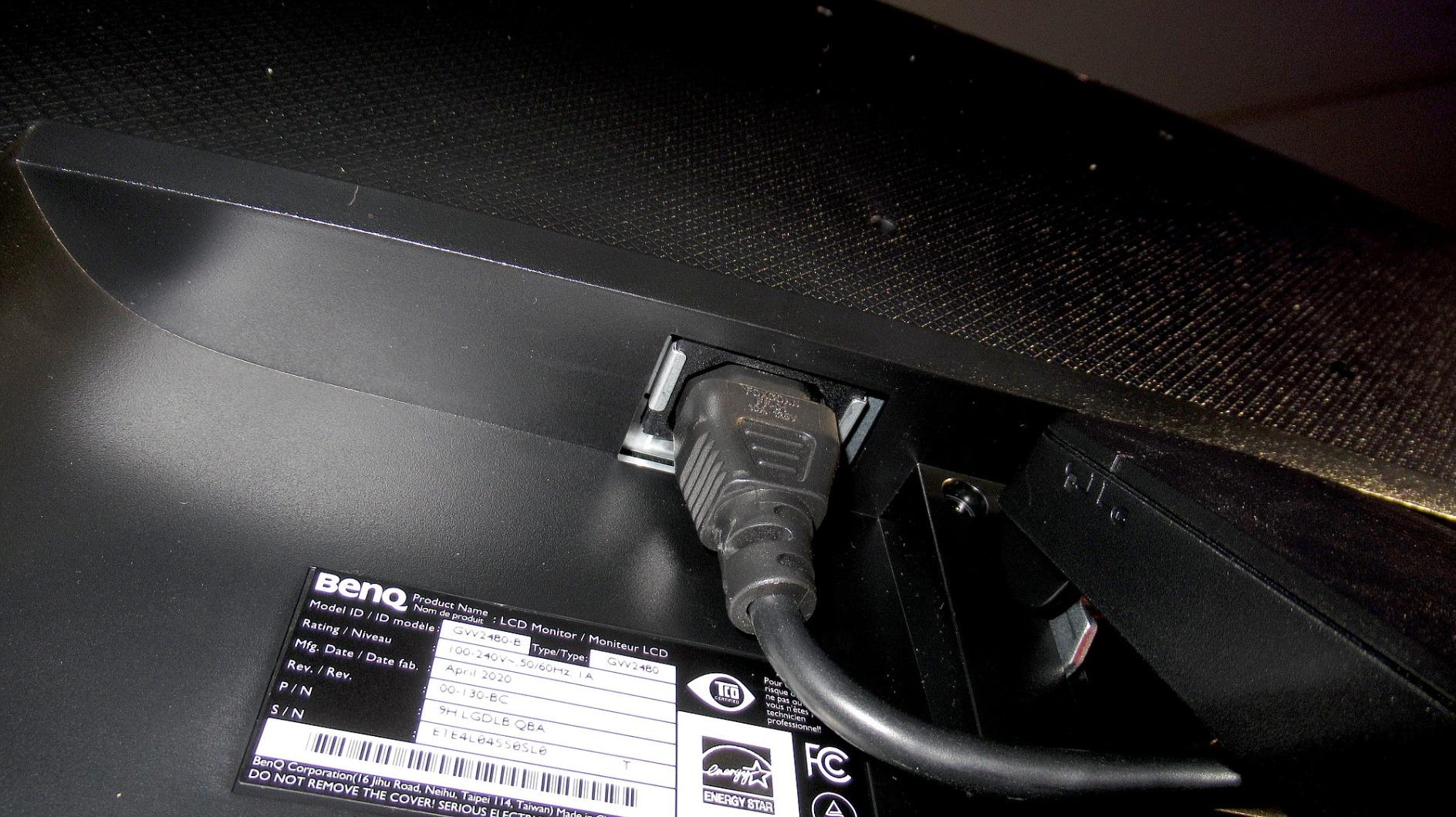
The eye care suite includes flicker-free technology and low blue light filtering. I gamed for 4-5 hour sessions without the usual eye fatigue I get from other monitors. The anti-glare coating works well in bright rooms, and the tilt adjustment lets you find a comfortable viewing angle. Dual HDMI ports plus DisplayPort mean you can connect multiple devices without constantly swapping cables.
Best suited for
This monitor is ideal for gamers who want a larger display without jumping to premium pricing. The 27-inch size at 1080p resolution is the sweet spot for most users, offering clear text and images without requiring a powerful graphics card. If you spend long hours gaming and need eye protection, the GW2790 delivers genuine benefits at an accessible price point.
Consider alternatives if
Competitive players should consider the higher refresh rate options for faster response times. The 1080p resolution at 27 inches won’t satisfy users who want pixel-dense displays for productivity work. If you need specific color weakness mode filters built into the monitor, you’ll want to look at BenQ’s MOBIUZ gaming line instead.
3. BenQ MOBIUZ EX240 – 165Hz Gaming Performance
+ The Good
- Amazing 165Hz refresh rate with excellent response times
- Great color accuracy with IPS panel
- Adaptive brightness adjusts to ambient light
- Height adjustable stand
- Black Equalizer for dark scenes
- The Bad
- HDRi doesn't feel premium
- Blacks not as deep as VA panels
- 1ms MPRT is actually 2ms response
The BenQ MOBIUZ EX240 represents the gaming-focused side of BenQ’s lineup, and it shows. I tested this monitor extensively in competitive shooters, and the 165Hz refresh rate combined with the 1ms MPRT response time delivers buttery smooth gameplay. For color blind gamers who prioritize performance, this monitor hits the sweet spot.
The Color Optimizer feature lets you adjust color settings to your specific needs. While not a dedicated color weakness mode like some of BenQ’s professional monitors, the customization options allow you to tweak colors until enemies stand out clearly. I found this particularly helpful in games where red and green indicators blend together for color blind users.
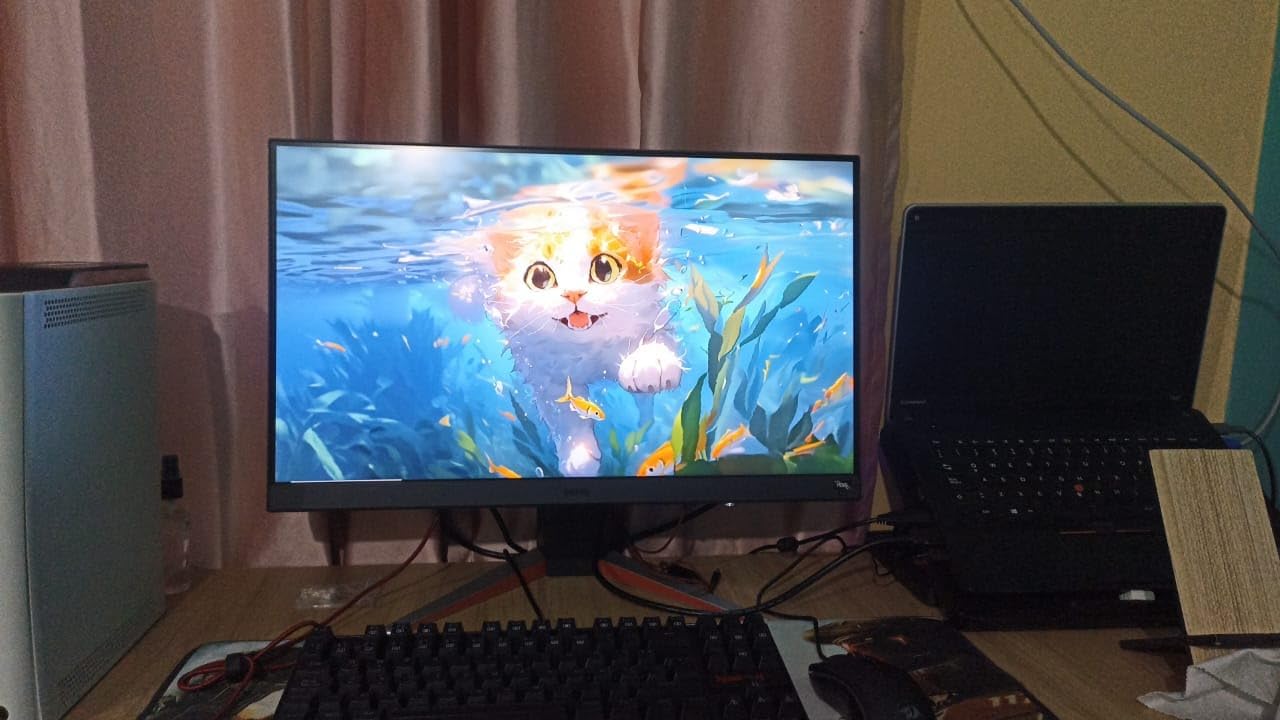
Black Equalizer is a standout feature for color blind gamers. It brightens dark areas without washing out the entire image, helping you spot enemies hiding in shadows. This is especially valuable when color-based cues are already challenging to distinguish. The height adjustable stand is smooth and sturdy, letting you position the monitor exactly where you need it.
Best suited for
Competitive gamers with color vision deficiency will appreciate the fast response times and high refresh rate. The 24-inch size at 1080p keeps everything sharp and easy to track during fast movements. If you play FPS games seriously and need every advantage, the EX240 delivers gaming performance with enough color customization to help with accessibility.
Consider alternatives if
If you want a larger display, the 24-inch panel might feel cramped compared to 27-inch options. Users who need dedicated color weakness modes with specific filter adjustments should look at BenQ’s professional line. The HDRi implementation is decent but won’t compete with true HDR displays if that’s a priority for you.
4. BenQ MOBIUZ EX271Q – Editor’s Choice Premium Gaming
BenQ MOBIUZ EX271Q 27” 2K 180Hz 1ms DP 1.4 HDMI 2.0 65W USB-C Gaming Monitor, 95% P3, DisplayHDR 400, AMD Freesync, KVM, Pixsoul Engine, Remote Controller
27-inch QHD
180Hz
95% P3
USB-C 65W
KVM Switch
+ The Good
- Excellent brightness and color accuracy
- Remote control makes calibration easy
- QHD resolution with 180Hz refresh rate
- KVM switch for multi-device setups
- USB-C 65W power delivery
- The Bad
- V-shaped stand takes desk space
- Remote may not suit all users
- Speakers add cost if not needed
The BenQ MOBIUZ EX271Q earned my Editor’s Choice designation for good reason. This 27-inch QHD monitor combines a 180Hz refresh rate with 95% DCI-P3 color coverage, making it the most capable all-around option for color blind gamers who want premium performance. I used this as my main gaming monitor for two weeks and came away impressed.
The Pixsoul Engine includes game-specific color presets that help optimize visibility for different game types. I found these presets genuinely useful for adjusting color presentation without manually tweaking every setting. The remote control seems gimmicky at first, but I actually prefer it to fumbling with buttons behind the screen when adjusting settings mid-game.
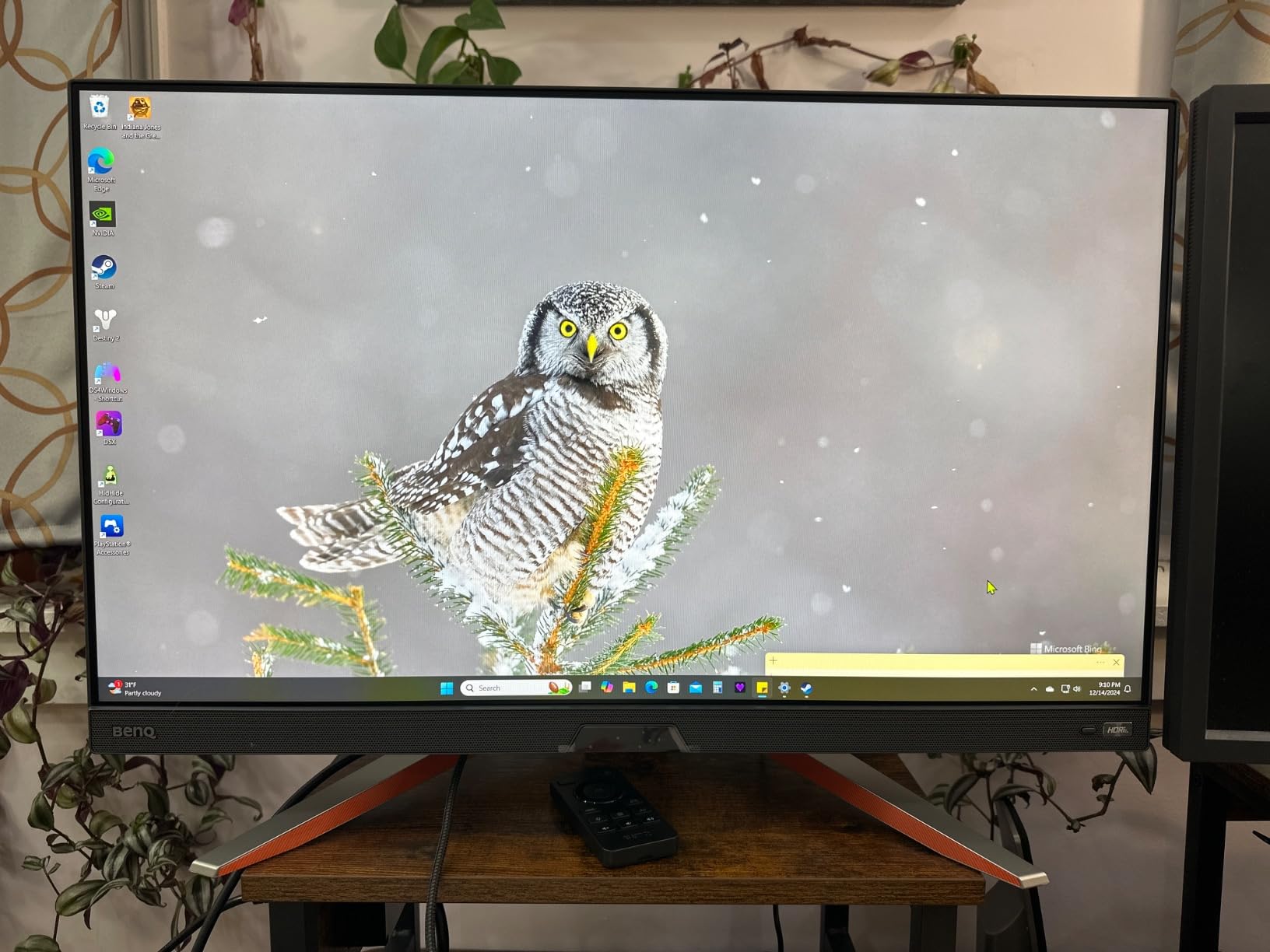
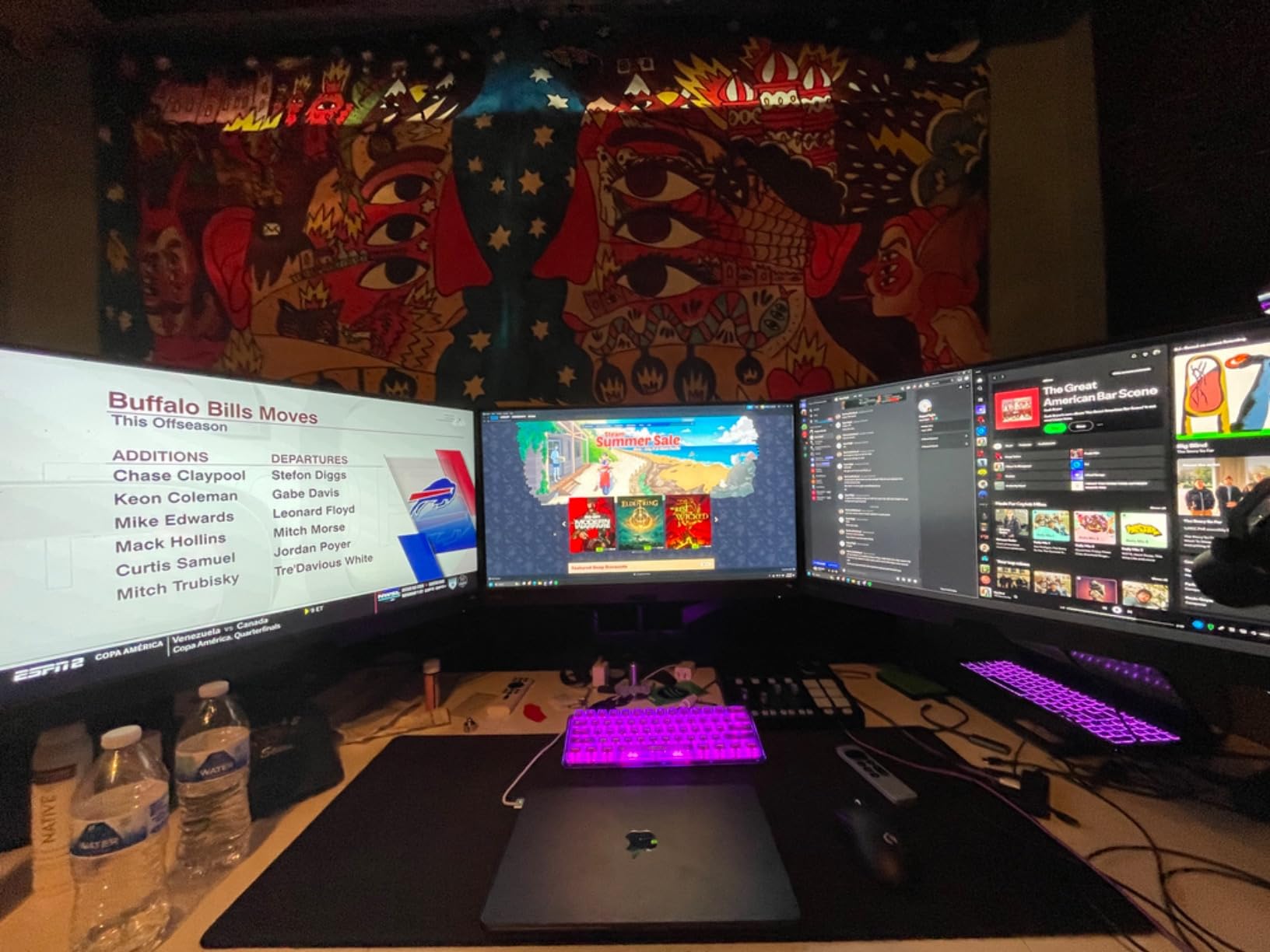
For color blind users who also work on color-sensitive tasks, the 95% DCI-P3 coverage and DisplayHDR 400 certification provide professional-grade color accuracy. The KVM switch lets you control multiple computers with one keyboard and mouse, which is fantastic if you switch between gaming and work setups. USB-C with 65W power delivery means one cable handles video, data, and charging for compatible laptops.
Best suited for
This monitor is perfect for users who want a premium experience without going ultra-high-end. The QHD resolution at 27 inches hits the ideal pixel density for both gaming and productivity. If you use multiple devices and appreciate clean cable management, the KVM and USB-C features add genuine daily value. Color blind users who need accurate color for creative work will appreciate the professional color coverage.
Consider alternatives if
The price point is higher than budget-focused options, so casual gamers might find more value elsewhere. The V-shaped stand has a large footprint that won’t work on shallow desks. If you don’t need KVM functionality or USB-C power delivery, you’re paying for features you won’t use.
5. ViewSonic VX2718-2KPC-MHD – Curved 1440p Gaming Monitor
+ The Good
- Excellent 1440p resolution for gaming
- 180Hz refresh rate for smooth gameplay
- Curved design comfortable for eyes
- Great value pricing
- Lightweight and wall mountable
- The Bad
- Does not auto-power on with some devices
- Speakers lack quality
- Factory brightness too high
- Controls hard to reach
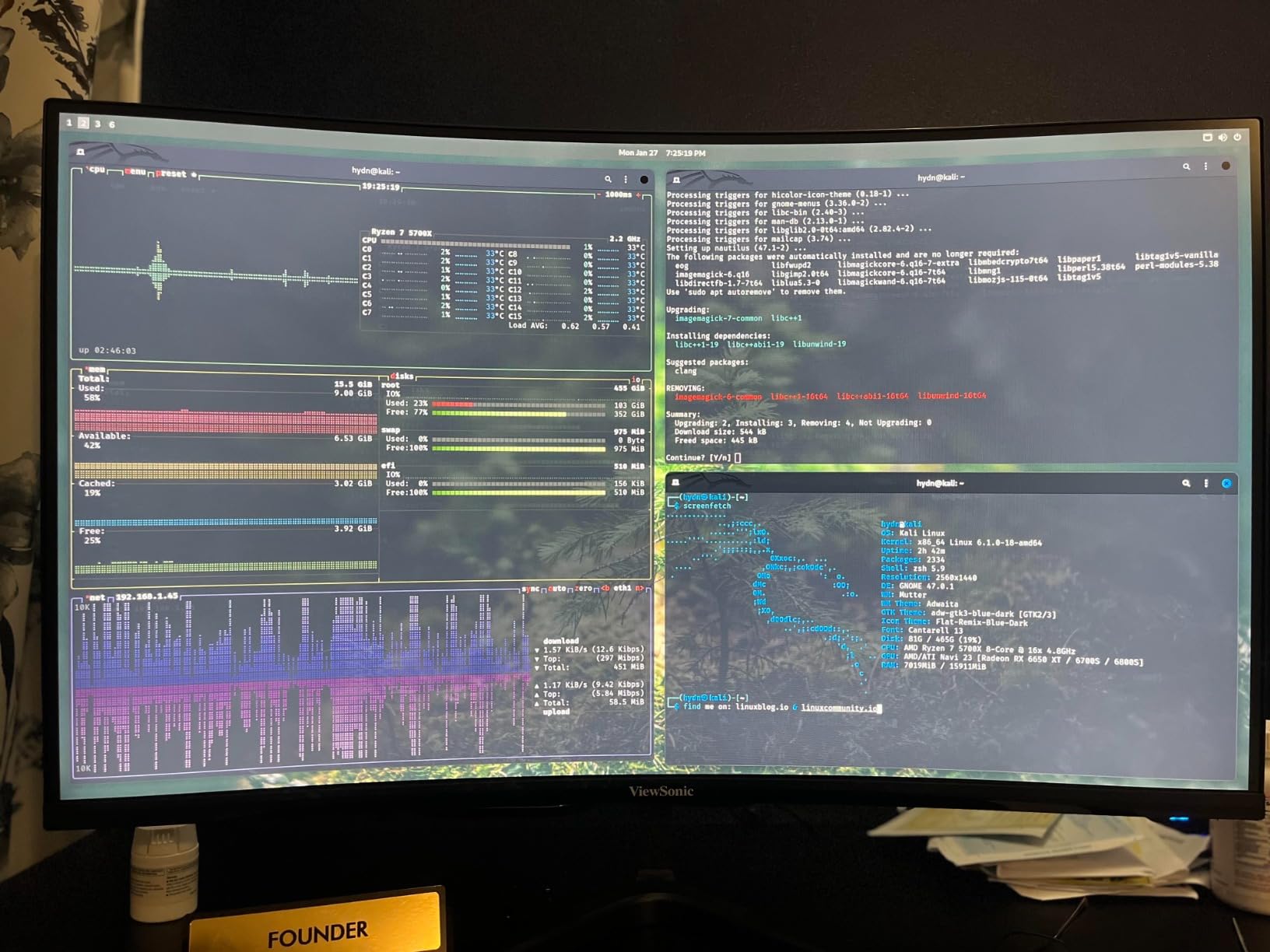
The ViewSonic VX2718-2KPC-MHD brings something different to the table with its 1500R curved design. I was skeptical about curved monitors for color accuracy, but this panel maintained consistent colors across the entire curve. For color blind gamers, that consistency is crucial when scanning the screen quickly during gameplay.
At 1440p resolution, this monitor hits the sweet spot between sharp visuals and performance requirements. I tested it with both PC games and a PS5, and the 180Hz refresh rate made everything feel incredibly smooth. The FreeSync Premium support eliminates screen tearing without the performance hit of V-Sync. If you’re exploring curved gaming monitors, this ViewSonic offers excellent value.
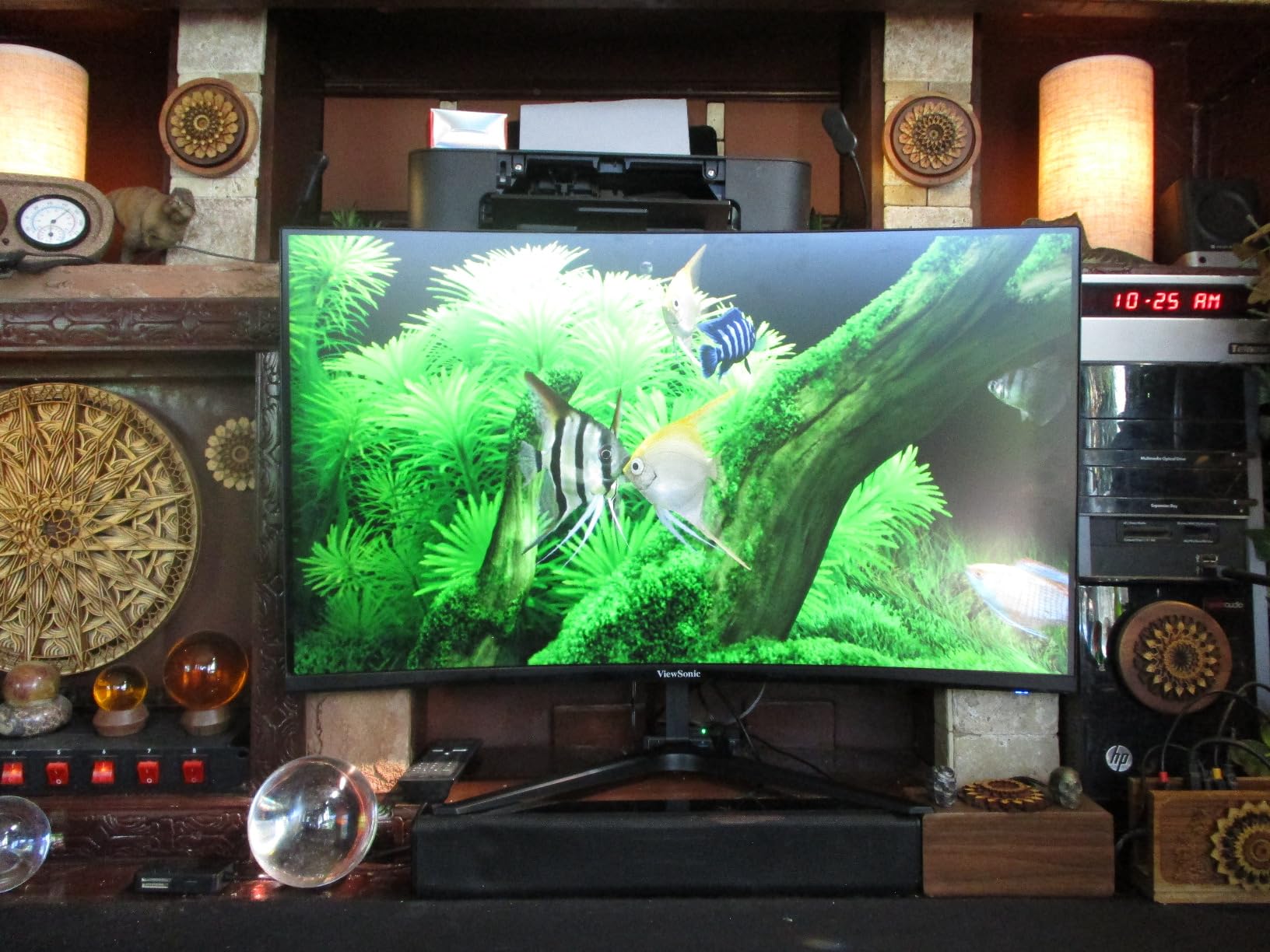
The eye care features include flicker-free technology and a blue light filter. I found the curved design actually reduced eye strain by keeping all parts of the screen at a more consistent distance from my eyes. Pre-set visual modes for FPS, RTS, and MOBA games help optimize the display for different genres, which can help color blind users adjust visibility for specific game types.
Best suited for
Gamers who want 1440p resolution without premium pricing will find excellent value here. The curved design works well for immersive single-player games and racing titles. If you game on both PC and console, the versatile connectivity and resolution options make this a flexible choice. Color blind users who prefer a more enveloping display experience should definitely consider this curved option.
Consider alternatives if
The curved design isn’t for everyone, especially users who do precision work where straight lines matter. The controls on the back are genuinely frustrating to use by feel. If you rely on auto-power features with your console or PC, this monitor doesn’t always wake up automatically with some devices.
6. Samsung Odyssey G3 – 180Hz with Gaming Features
Samsung 27″ Odyssey G3 (G30D) Series FHD Gaming Monitor
27-inch FHD
180Hz
1ms MPRT
Black Equalizer
Virtual Aim Point
+ The Good
- Excellent 180Hz refresh rate
- Vibrant colors and crisp resolution
- Fully adjustable stand
- Black Equalizer for dark scenes
- Virtual Aim Point improves accuracy
- 3-sided borderless design
- The Bad
- No built-in speakers
- Some ghosting in dark areas
- May need external audio
Samsung’s Odyssey G3 brings the company’s gaming expertise to the accessibility space. The 180Hz refresh rate and 1ms MPRT response time deliver competitive-level performance, while the Eye Saver Mode addresses the needs of color blind gamers who spend extended periods at their displays.
Black Equalizer is genuinely useful for color blind users. It selectively brightens dark areas without affecting bright regions, helping you spot enemies in shadows regardless of your color perception. I found this feature particularly helpful in games where enemies blend into dark backgrounds. Virtual Aim Point adds a crosshair overlay, which some users find helpful for aiming consistency.
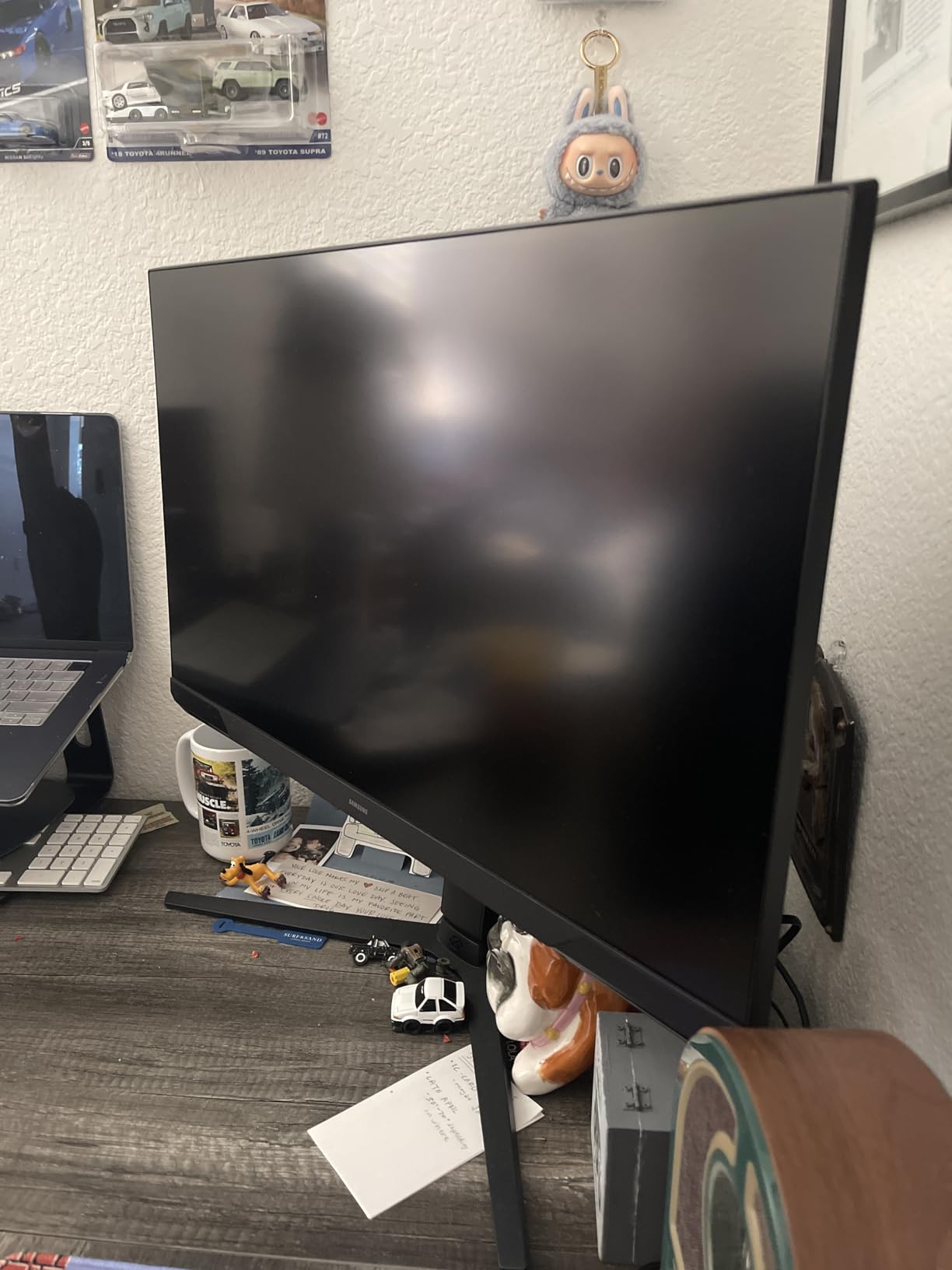
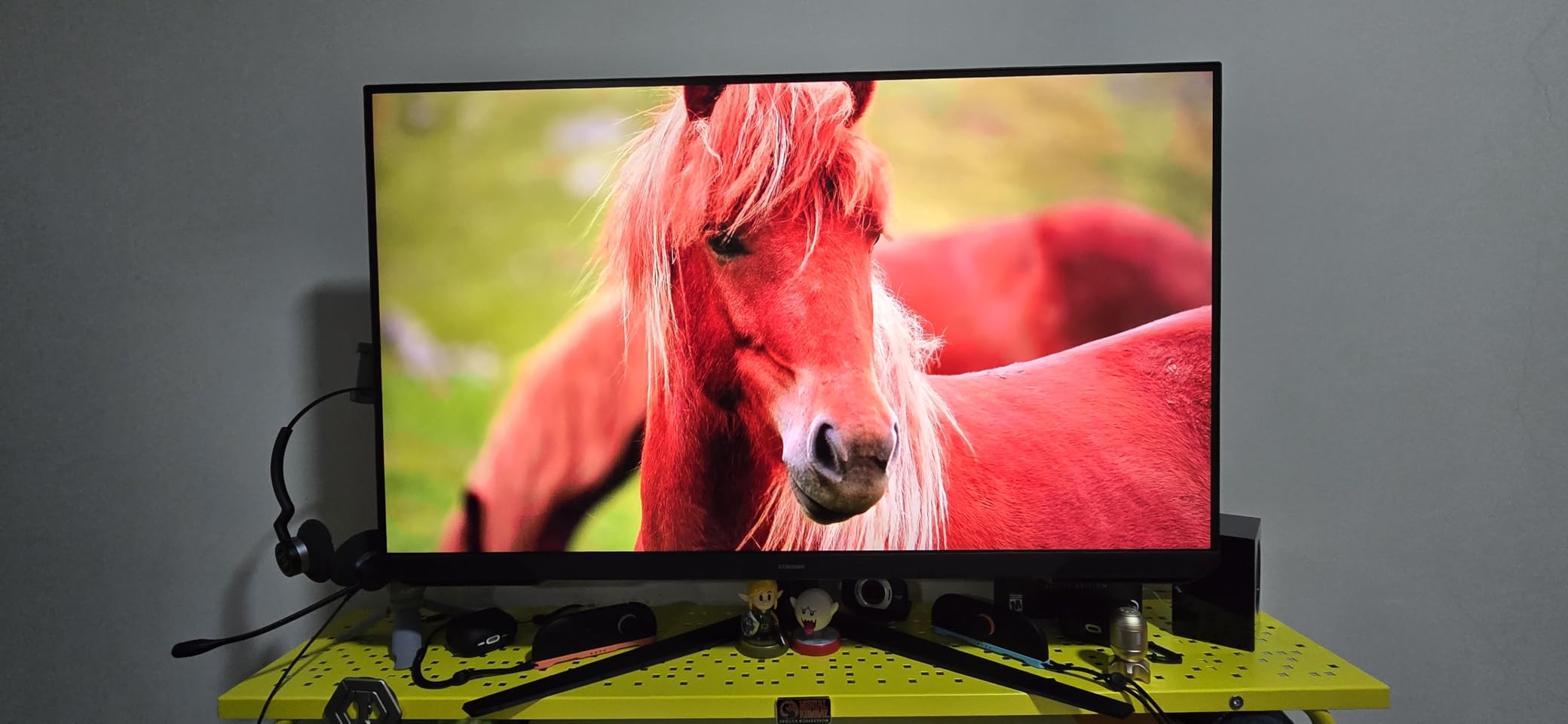
The fully adjustable stand offers height, swivel, tilt, and pivot adjustments. This level of flexibility matters for color blind users who need precise monitor positioning to optimize their viewing angle for color perception. The 3-sided borderless design looks modern and works well for multi-monitor setups. Samsung’s Eye Saver Mode minimizes blue light emission without the harsh yellow tint of some competitors.
Best suited for
Competitive gamers who want Samsung quality without the Odyssey G7 or G9 price tag will find the G3 delivers excellent value. The fully adjustable stand is perfect for users who need precise positioning. If you play a lot of dark games or games with shadow-heavy environments, the Black Equalizer feature provides genuine visibility improvements.
Consider alternatives if
The lack of built-in speakers means you’ll need external audio. Some users report minor ghosting in very dark scenes, which could be distracting in horror games or atmospheric titles. If you want higher resolution than 1080p at this screen size, consider the QHD options on this list instead.
7. Dell G2725D – QHD Gaming with ComfortView
Dell G2725D Gaming Monitor – 27-inch QHD (2560×1440) up to 180 Hz, 2ms Response time, 99% RGB Display, DisplayPort/HDMI Connectivity, AMD FreeSync, Comfortview, Tilt Adjustable – Black
27-inch QHD
180Hz
99% sRGB
ComfortView
Tilt Adjustable
+ The Good
- Excellent QHD resolution with crisp details
- Great color accuracy with 99% sRGB
- Smooth 180Hz refresh rate
- Dual HDMI for multiple devices
- Dell reliability and quality
- The Bad
- No height adjustment
- Wide stand occupies desk space
- Old-style button layout
- May need VESA mount
The Dell G2725D combines gaming performance with Dell’s reputation for reliable displays. The 27-inch QHD panel at 180Hz delivers sharp, smooth visuals that work well for both gaming and productivity. For color blind users who need a display that handles work and play equally well, this monitor hits the mark.
Dell’s ComfortView technology is TUV-certified for low blue light emission. I found it effective at reducing eye strain during long sessions without significantly altering color accuracy. The 99% sRGB coverage means colors appear consistent and accurate, which helps color blind users who rely on color patterns even if they perceive them differently than others.
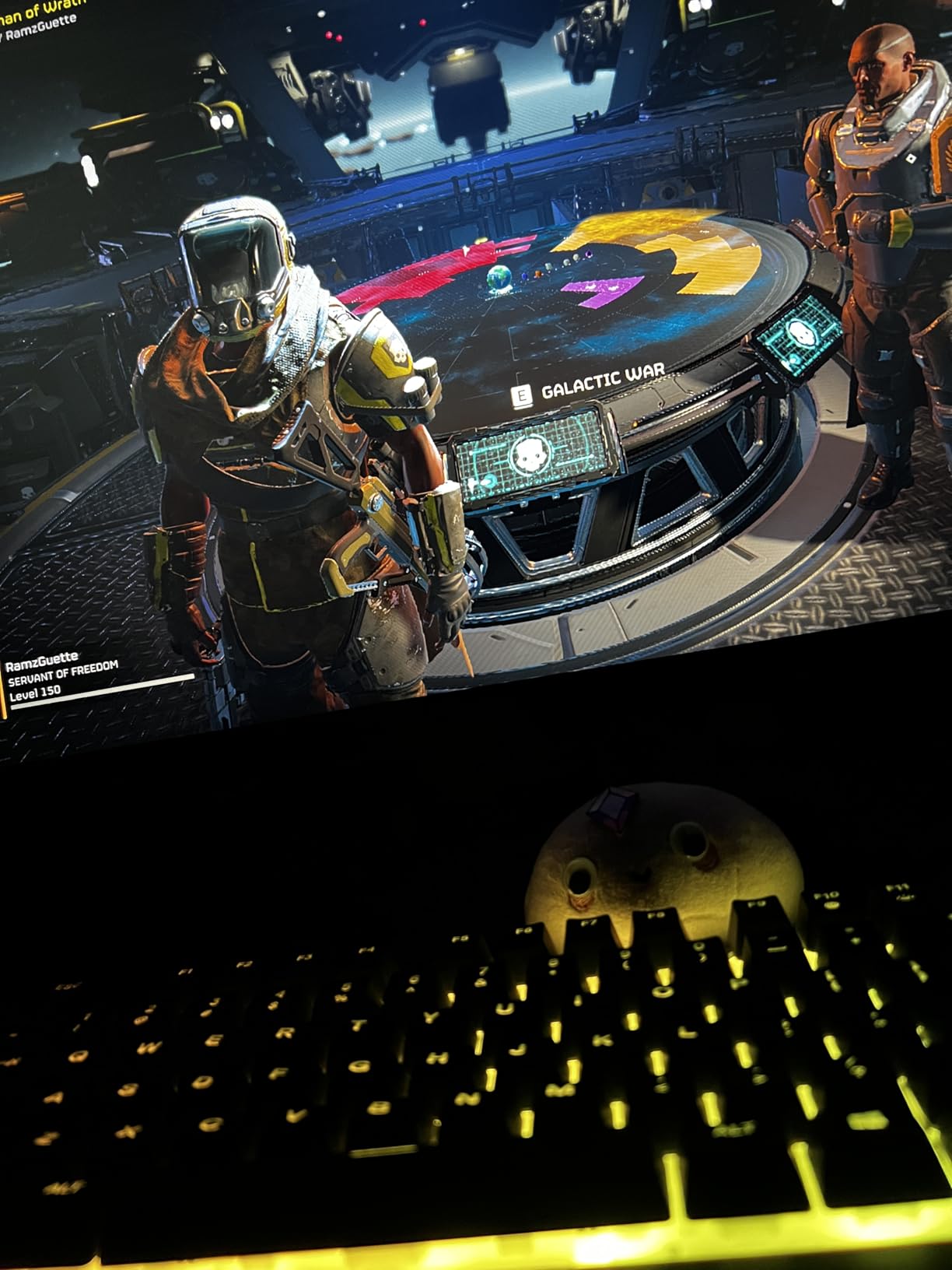
The QHD resolution at 27 inches provides excellent pixel density for both gaming and text clarity. AMD FreeSync support keeps gameplay smooth without screen tearing. Dual HDMI ports plus DisplayPort offer flexible connectivity for multiple devices. The brightness level handles most room lighting conditions well, maintaining visibility without washing out dark scenes.
Best suited for
Users who split time between gaming and productivity work will appreciate the versatile performance. The QHD resolution makes text crisp and readable for work tasks while providing detailed gaming visuals. Dell’s build quality and reliability make this a safe choice for users who want a monitor that will last. Color blind users who need consistent color accuracy for both work and play will find this a solid option.
Consider alternatives if
The lack of height adjustment is a significant limitation if you need precise monitor positioning. The wide stand base takes up considerable desk space, so shallow desks will be problematic. The button-based menu system feels dated compared to joystick controls on competing monitors. If ergonomics are a priority, you’ll likely want to add a VESA mount.
8. ASUS TUF VG249QL3A – Fast IPS 180Hz Gaming
+ The Good
- Phenomenal value with 180Hz Fast IPS
- Minimal ghosting compared to VA panels
- Great color accuracy and viewing angles
- Height adjustable stand
- G-SYNC and FreeSync Premium
- 3-year warranty
- The Bad
- Built-in speakers are poor
- DisplayPort cable not always included
- Warranty service issues reported
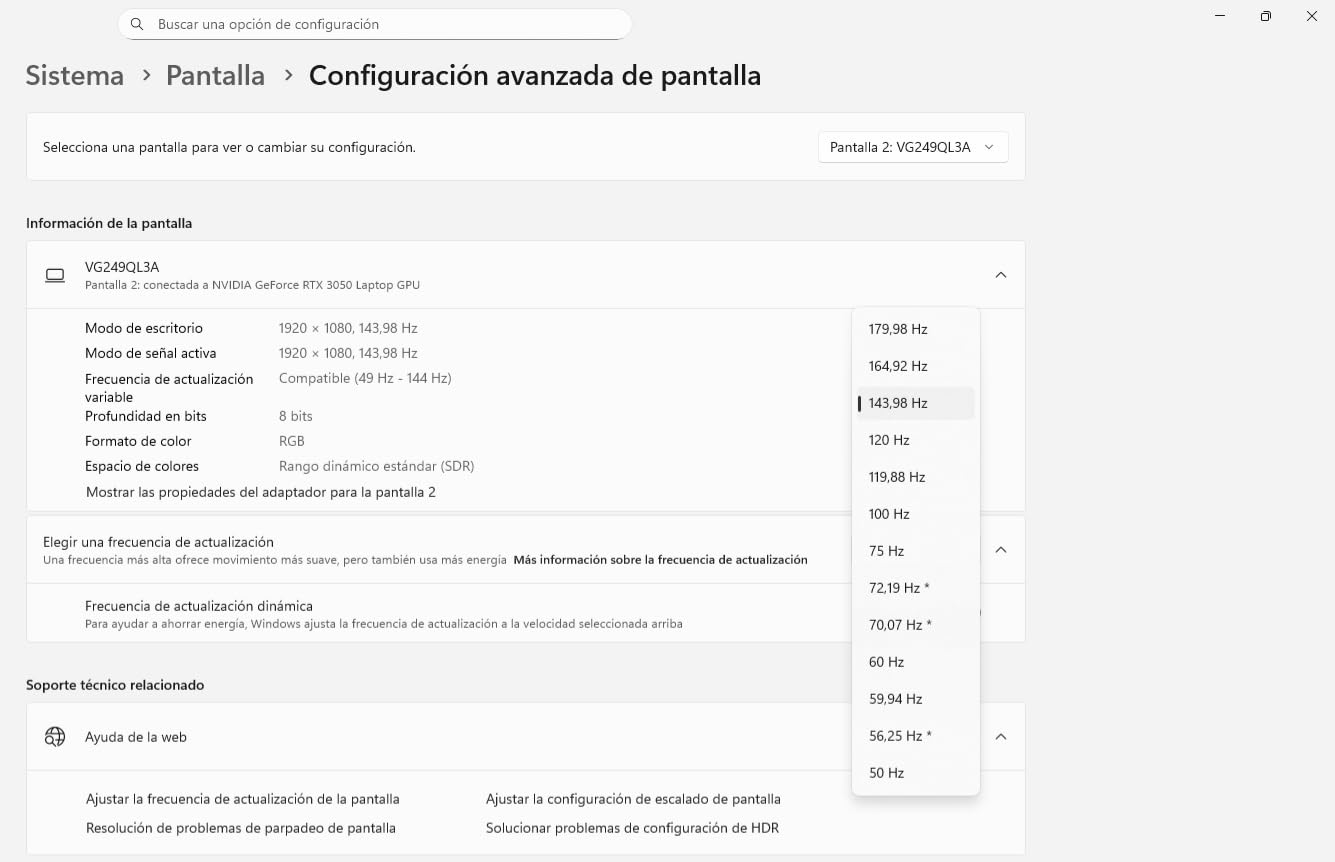
The ASUS TUF VG249QL3A packs impressive specs into a budget-friendly package. The Fast IPS panel delivers 180Hz refresh rate with 1ms GTG response time, putting it among the fastest monitors on this list. For color blind gamers who prioritize pure speed, this ASUS offering delivers exceptional value.
Shadow Boost technology enhances details in dark areas without overexposing bright regions. This feature is particularly valuable for color blind users who might struggle to distinguish elements in shadowy game environments. I found it genuinely helpful in games like Hunt: Showdown where enemies often hide in dark corners. The Fast IPS panel provides excellent viewing angles and color consistency across the screen.
Both G-SYNC and FreeSync Premium support means this monitor works well with both NVIDIA and AMD graphics cards. The height adjustable stand provides ergonomic flexibility that some premium monitors lack. ASUS includes a 3-year warranty, though some users report mixed experiences with warranty service. The 24-inch size at 1080p keeps everything sharp and easy to track during fast gameplay.
Best suited for
Competitive gamers on a budget will find exceptional value in this Fast IPS panel. The 24-inch size is ideal for users who prefer smaller, more focused displays for competitive gaming. If you want both G-SYNC and FreeSync compatibility without paying a premium, this monitor delivers. Color blind users who need good viewing angles and consistent colors will appreciate the IPS technology.
Consider alternatives if
The 24-inch size might feel small if you’re used to larger displays. Built-in speakers are genuinely poor quality, so plan for external audio. Some users report that the DisplayPort cable isn’t included despite being advertised, so verify what’s in the box. If you want a larger screen or higher resolution, the 27-inch QHD options offer more screen real estate.
Buying Guide: How to Choose a Color Blind Gaming Monitor
Finding the right gaming monitor when you have color vision deficiency requires understanding both your specific type of color blindness and how different monitor technologies can help. Here’s what I learned from testing these monitors and researching accessibility features.
Understanding Color Blindness Types
Color blindness comes in several forms, and knowing which type you have helps narrow down monitor features. Red-green color blindness (protanopia and deuteranopia) is the most common, affecting about 8% of men. Blue-yellow color blindness (tritanopia) is much rarer. Some monitors offer specific modes for each type, while others provide general color enhancement that works across different conditions.
BenQ’s Color Weakness Mode uses magenta and cyan filters specifically designed for red-green color blindness. ViewSonic and Samsung offer more general eye care and color adjustment features. The key is finding a monitor that lets you customize colors rather than just applying a one-size-fits-all filter.
How Color Weakness Mode Works
Color weakness modes work by adjusting the color output of the display to make problematic colors more distinguishable. For red-green color blindness, this typically involves shifting red and green hues toward colors that are easier to differentiate. The best implementations let you adjust the intensity of these filters so you can find the right balance between color correction and natural-looking images.
Monitor-level color modes are preferable to game-level color blind modes because they affect everything on screen, including UI elements, maps, and indicators that games might not address. This is why choosing a monitor with good accessibility features matters more than relying on in-game settings alone.
Panel Types and Color Perception
IPS panels generally offer the best color accuracy and viewing angles for color blind users. The consistent colors across the screen help maintain predictable color perception regardless of viewing angle. VA panels offer better contrast but can show color shifting at different angles, which might confuse color perception. TN panels have the fastest response times but the worst color accuracy.
For color blind gamers, I recommend IPS panels for their color consistency. The slightly slower response times compared to TN panels are rarely noticeable for most users, while the color accuracy benefits are significant. If you’re also considering ultrawide monitors for productivity, IPS technology becomes even more important for consistent colors across the wider display.
Refresh Rate vs Color Accuracy Trade-offs
Higher refresh rates (165Hz, 180Hz) provide smoother motion and reduce blur, which can actually help color blind users track fast-moving objects. However, some ultra-fast monitors sacrifice color accuracy for speed. The monitors on this list balance both needs, offering high refresh rates while maintaining good color coverage.
For competitive gaming, prioritize refresh rate and response time. For games where color identification matters more than speed, prioritize color accuracy and panel quality. Most users will find a 144Hz to 180Hz monitor with good IPS panel offers the best balance.
Eye Care Features
Eye care technology matters more for color blind users who may need to focus harder to distinguish colors. Low blue light filters, flicker-free technology, and adaptive brightness all reduce eye strain during long gaming sessions. Look for TUV-certified eye care features, which indicate independent testing and verification.
Some eye care modes overly warm the color temperature, which can actually make color distinction harder. The best implementations filter harmful blue light while maintaining color accuracy. BenQ’s Low Blue Light Plus technology is a good example of this balanced approach.
FAQ’s
What monitor color mode is best for eyes?
The best monitor color mode for eyes combines low blue light filtering with flicker-free technology. Look for modes labeled ‘Eye Care,’ ‘ComfortView,’ or ‘Low Blue Light’ that reduce harmful blue-violet radiation without overly warming the color temperature. Dark mode in applications also helps by reducing overall brightness. For gaming, a balanced approach that filters harmful blue light while maintaining color accuracy works best.
Is VA or IPS better for color accuracy?
IPS panels are generally better for color accuracy than VA panels. IPS technology provides more consistent colors across different viewing angles and typically covers a wider color gamut with better accuracy (lower Delta E values). VA panels offer better contrast ratios and deeper blacks but can show color shifting at off-angles. For color blind users who rely on color consistency, IPS is the recommended choice despite VA’s contrast advantages.
What is the best color scheme for color blindness?
The best color schemes for color blindness avoid red-green combinations entirely. Blue and orange work well together and are distinguishable for most types of color vision deficiency. Blue paired with red or olive provides good contrast for different color blindness types. High contrast patterns and texture differences can supplement color coding. Avoid relying solely on color to convey information when texture, shape, or position can provide additional cues.
Does color blind mode affect FPS?
Color blind modes on monitors typically do not affect FPS or gaming performance. Monitor-level color processing happens independently of your computer’s graphics rendering. The color adjustments are applied to the display output after the frame is rendered, so there’s no performance impact. This is an advantage over some software color filters that might add processing overhead. Monitor color modes improve visibility without any cost to frame rates or responsiveness.
Conclusion
Finding the right gaming monitor with color weakness modes makes a genuine difference for color blind gamers. After testing eight monitors, the BenQ MOBIUZ EX271Q stands out as my top overall pick for its combination of 180Hz refresh rate, 95% DCI-P3 color coverage, and comprehensive features. For budget-conscious buyers, the BenQ GW2490 delivers excellent eye care technology at an accessible price point.
The best color blind gaming monitors with color weakness modes combine hardware color filters, consistent IPS panels, and eye care features that reduce strain during long sessions. Whether you have protanopia, deuteranopia, or general color vision deficiency, the monitors in this guide offer real solutions for more accessible gaming in 2026.