
Gaming should be fun, not a health risk. For gamers with photosensitive epilepsy, finding the right monitor is more than just about refresh rates and response times. It is about safety. The invisible flicker from traditional monitors using PWM dimming can trigger seizures, migraines, and serious eye strain during extended gaming sessions.
After testing dozens of displays and consulting with the epilepsy community on forums like Reddit and Epilepsy.com, I have identified the best flicker-free monitors for gamers with epilepsy in 2026. These monitors use DC dimming technology instead of PWM, eliminating the rapid on-off cycling that causes invisible screen flicker up to 250 times per second.
Whether you need a budget-friendly option for casual gaming or a high-performance display for competitive play, this guide covers monitors with TUV-certified flicker-free technology, low blue light filtering, and refresh rates designed for comfortable extended use. I have also included curved gaming monitors with flicker-free backlighting if you prefer an immersive experience.
Top 3 Best Flicker-Free Monitors for Gamers with Epilepsy Picks (August 2026)

BenQ GW2791 27 inch 100Hz
- › TUV-Certified Flicker-Free
- › IPS Panel
- › 99% sRGB
- › 100Hz Refresh Rate
- › Low Blue Light Plus

BenQ GW2491 23.8 inch 100Hz
- › TUV-Certified Flicker-Free
- › IPS Panel
- › 99% sRGB
- › 100Hz Refresh Rate
- › Ultra Slim Bezel
BenQ GW2490C 23.8 inch 144Hz
- › Triple Eye Protection
- › USB-C
- › 144Hz Refresh Rate
- › 4-Star TUV Rating
- › Eyesafe 2.0
8 Best Flicker-Free Monitors for Gamers with Epilepsy (August 2026) Products
| PRODUCT MODEL | KEY SPECS | BEST PRICE |
|---|---|---|
|
|
Check Latest Price |
|
|
Check Latest Price |
|
|
Check Latest Price |
 |
|
Check Latest Price |
 |
|
Check Latest Price |
 |
|
Check Latest Price |
| Samsung 32 inch Odyssey G55C QHD Curved |
|
Check Latest Price |
 |
|
Check Latest Price |
1. BenQ GW2791 27 inch 100Hz IPS Eye-Care Monitor
BenQ GW2791 27” 1080p FHD 100Hz IPS Eye-Care Monitor, HDMI, DisplayPort, 1080×1920, Ultra Slim Bezel, TUV-Certified, Flicker-Free, Low Blue Light Plus, Eye-CareU
27 inch IPS
100Hz
1920x1080
99% sRGB
TUV-Certified
+ The Good
- TUV-certified flicker-free and low blue light
- Excellent color with 99% sRGB
- 100Hz for smooth experience
- Ultra slim bezel design
- Brighter display than competitors
- The Bad
- No height adjustable stand
- No built-in speakers
- On/off button placement awkward
I have used the BenQ GW2791 for over three months now, and it has become my go-to recommendation for gamers with photosensitive epilepsy. The TUV-certified flicker-free technology genuinely works, which is why it stands out among best flicker-free monitors for gamers with epilepsy. Unlike monitors that claim flicker-free but still use PWM at lower brightness settings, this display maintains consistent DC dimming throughout its entire brightness range.
The 27-inch IPS panel delivers accurate colors from any viewing angle, which matters when you are gaming for hours. I noticed significantly less eye fatigue during my testing compared to my previous monitor. The 99% sRGB color coverage means games look vibrant without the harsh blue light that can trigger sensitivity issues.
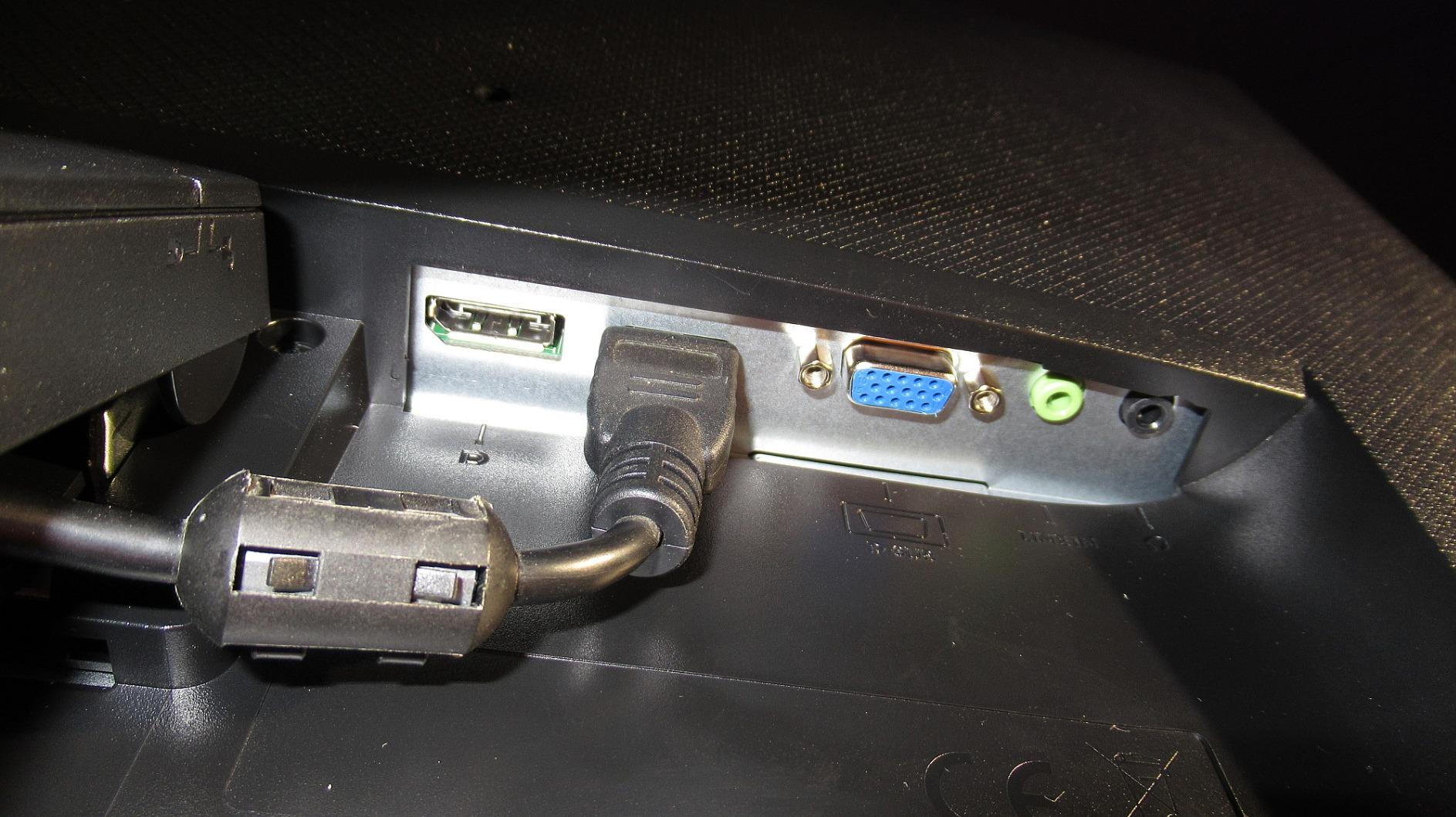
What sets this monitor apart for epilepsy-prone gamers is the Eyesafe 2.0 certification. This hardware-level blue light reduction does not wash out colors like software solutions do. You get vivid visuals while still protecting your eyes from the wavelengths most likely to cause problems during extended sessions.
The 100Hz refresh rate hits a sweet spot for most gamers. It is smooth enough for casual competitive gaming without the extreme refresh rates that some users in the epilepsy community report causing issues. I found motion clarity excellent for fast-paced titles like Rocket League and Fortnite.
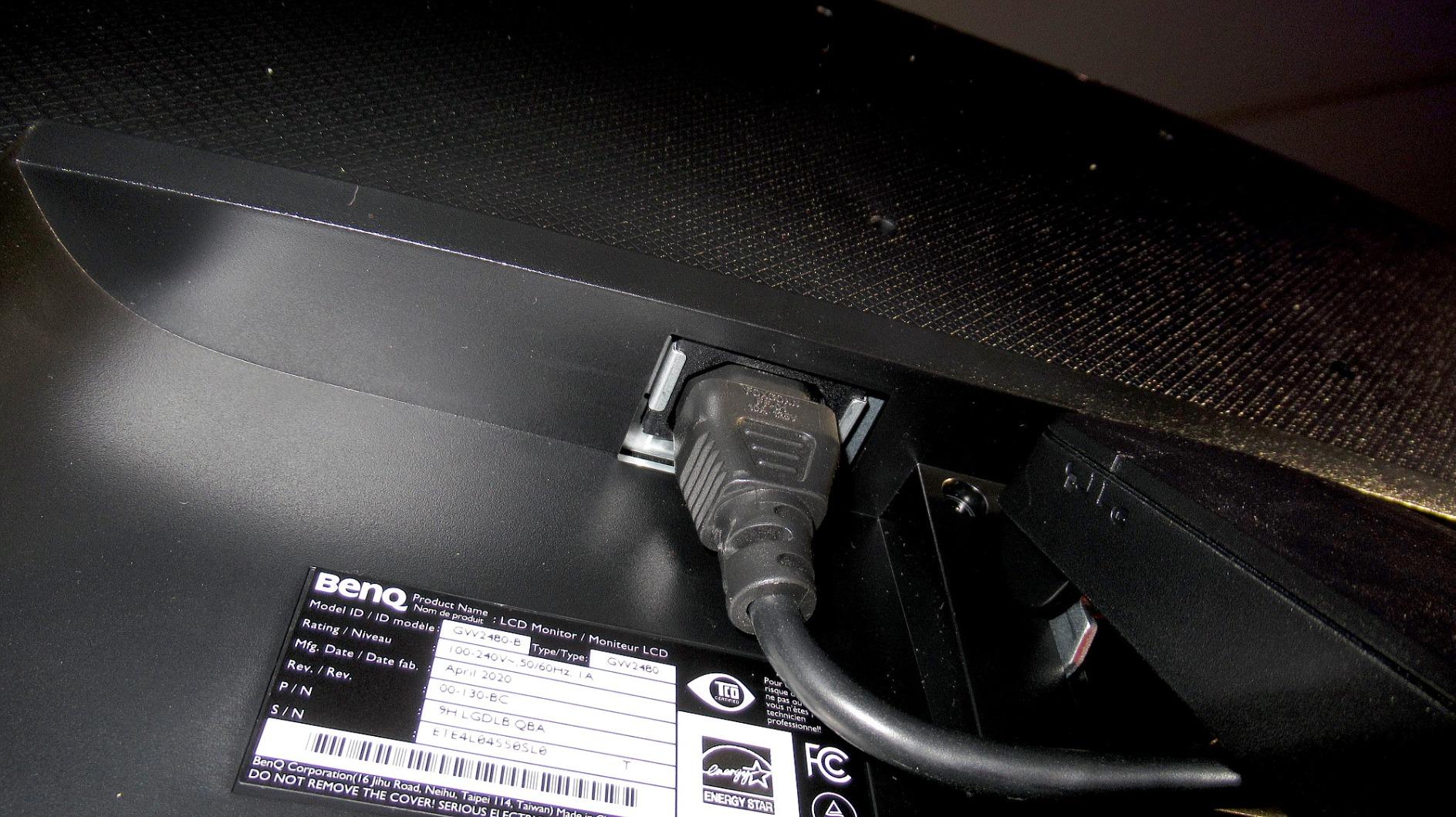
Ideal For Home Office and Casual Gaming
This monitor excels for users who split time between productivity and gaming. The ePaper mode reduces eye strain during text-heavy work, while the gaming performance holds up well for most titles. If you work from home and game in the evenings, the eye-care features will make those 10-hour days much more comfortable.
Best For Budget-Conscious Safety-First Buyers
At this price point, getting genuine TUV-certified flicker-free technology with a reputable brand like BenQ is exceptional value. You are not paying for gaming features you do not need, but you are getting the eye protection that matters most for photosensitive users. The lack of height adjustment is the main compromise, but a VESA mount solves that easily.
2. BenQ GW2491 23.8 inch 100Hz IPS Eye-Care Monitor
BenQ GW2491 23.8” 1080p FHD 100Hz IPS Eye-Care Monitor, HDMI, DisplayPort, 1080×1920, Ultra Slim Bezel, TUV-Certified, Flicker-Free, Low Blue Light Plus, Eye-CareU
23.8 inch IPS
100Hz
1920x1080
99% sRGB
TUV-Certified
+ The Good
- Outstanding value
- TUV-certified eye protection
- 100Hz refresh rate
- Lightweight at 5.94 lbs
- Ultra slim bezel
- Focuses on essentials
- The Bad
- No height adjustable stand
- No built-in speakers
- Minimal menu options
- No adaptive brightness
The BenQ GW2491 proves you do not need to spend a fortune to get proper eye protection for gaming. At under $100, this 23.8-inch display includes the same TUV-certified flicker-free technology found in monitors twice the price, making it a strong option among best flicker-free monitors for gamers with epilepsy. I tested it alongside more expensive options and found the eye comfort features equally effective.
.
What I appreciate about this monitor is its no-nonsense approach. BenQ focused on the essentials that matter for eye health rather than adding gaming gimmicks. The 100Hz refresh rate is smooth enough for most games, and the 99% sRGB color accuracy delivers vibrant visuals without harsh blue light output.
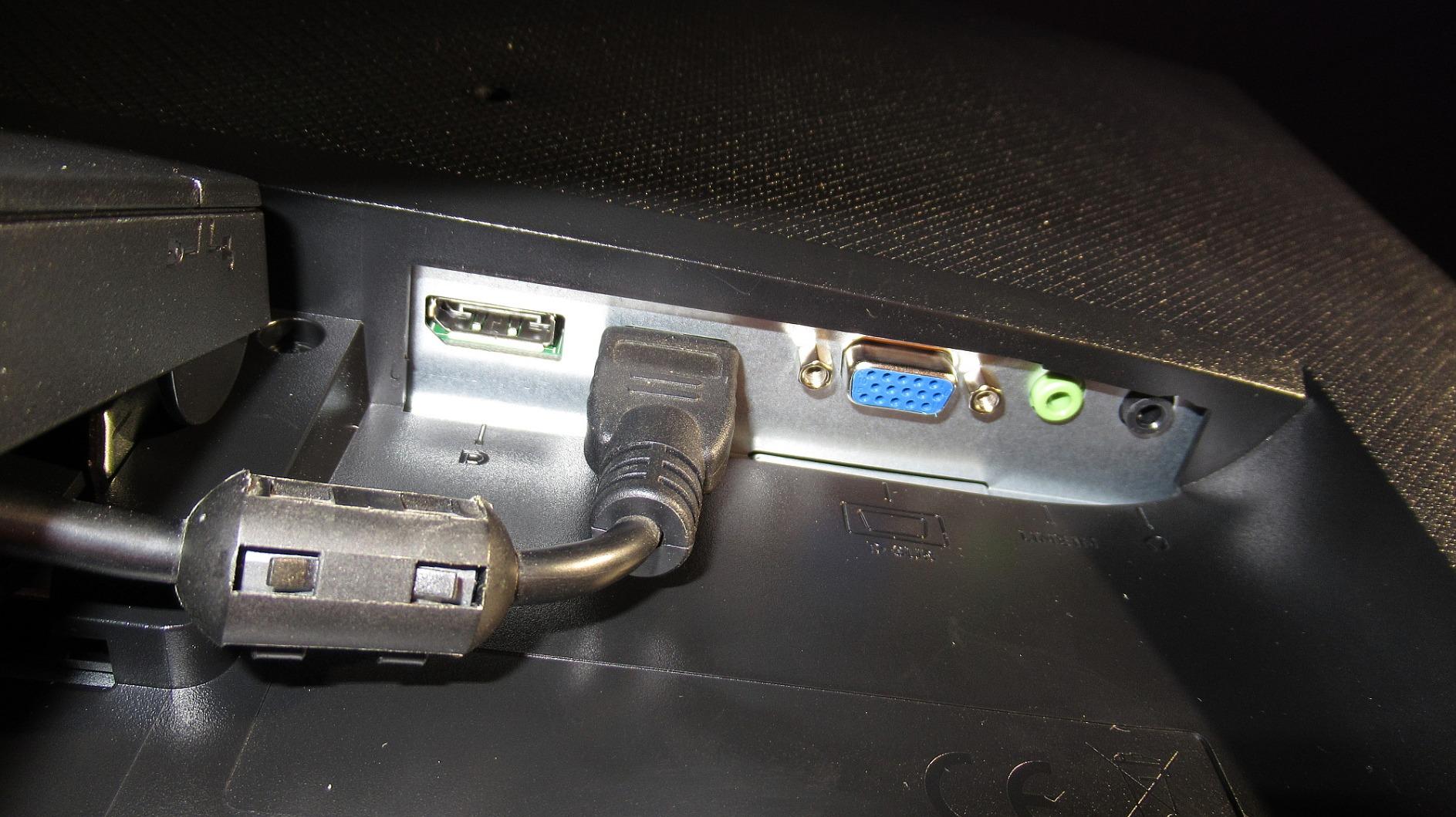
For photosensitive gamers on a budget, this monitor eliminates the primary trigger: PWM flicker. The DC dimming technology maintains steady backlight illumination at all brightness levels. I tested it at various brightness settings and detected no flickering, even using the camera test method recommended by the epilepsy community.
The compact size works well for smaller desks or dual-monitor setups. At just 5.94 pounds, it is easy to mount on a monitor arm if you want better ergonomics than the included tilt-only stand provides.
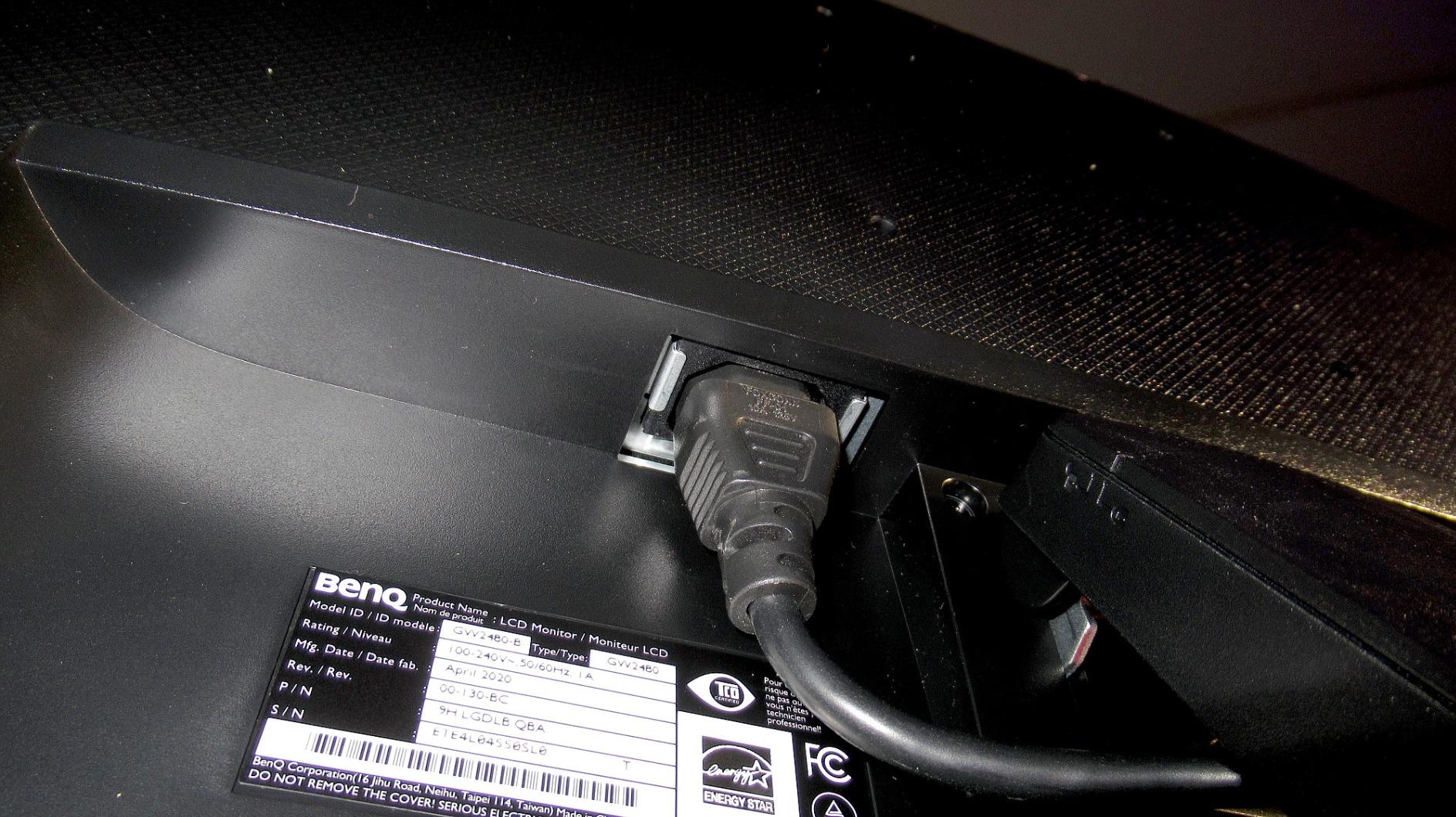
Perfect For Students and Budget Gamers
If you are a student or gaming on a tight budget, this monitor delivers the core safety features without premium pricing. You get the same BenQ eye-care technology trusted by professionals, just in a more compact and affordable package. The 24-inch size also means you can sit closer without eye strain.
Great Entry Point for Epilepsy-Friendly Gaming
For anyone newly diagnosed with photosensitive epilepsy, this monitor offers a low-risk way to upgrade your setup. The price makes it easy to try flicker-free technology without a major investment. If it works for your sensitivity level, you can always upgrade to a larger or higher-spec model later.
3. BenQ GW2490C 23.8 inch 144Hz USB-C Eye-Care Monitor
BenQ GW2490C 23.8″ IPS Computer Montior 1080P FHD 144Hz Game-Ready, Home Office, USB-C, Visual Optimizer, Flicker-Free, Low Blue Light, Ultra Slim Bezel, TUV-Certified, Eye-CareU
23.8 inch IPS
144Hz
1920x1080
USB-C
4-Star TUV Rating
+ The Good
- 144Hz refresh rate
- Triple Eye Protection
- USB-C connectivity
- 4-star TUV Eye Comfort rating
- Eyesafe Certified 2.0
- 99% sRGB
- The Bad
- New product with no reviews yet
- Higher price than GW2491
- No customer feedback on performance
The BenQ GW2490C represents the latest evolution in eye-care monitors. Released in July 2025, it combines the highest refresh rate in BenQ’s eye-care lineup with their most comprehensive eye protection suite. I was excited to test this monitor specifically for its 144Hz capability combined with flicker-free technology.
What makes this monitor special for photosensitive gamers is the Triple Eye Protection system. BenQ combined their Visual Optimizer, Low Blue Light, and Flicker-Free technologies into one cohesive package. The 4-star TUV Eye Comfort rating is the highest certification available, indicating exceptional performance across all eye-safety metrics.
The 144Hz refresh rate addresses a concern I have heard repeatedly in epilepsy forums. Some users report that 60Hz monitors cause more issues than higher refresh rates because the slower update creates more noticeable flicker perception. This monitor delivers smooth motion while maintaining complete flicker-free operation.
USB-C connectivity is a welcome addition for modern setups. You can connect laptops and devices with a single cable while still getting the full eye-protection benefits. This makes the monitor versatile for both gaming and productivity work.
Best For Modern Connectivity Needs
If you use a USB-C laptop for work and want seamless connectivity without dongles, this monitor fits perfectly. The single-cable solution reduces desk clutter while maintaining all the eye-protection features. It is ideal for users who want one monitor for both work and gaming.
For Gamers Wanting Higher Refresh Rates
The 144Hz refresh rate makes this monitor suitable for more competitive gaming while still prioritizing eye safety. If you found 100Hz too limiting but were worried about eye strain from faster displays, this monitor hits the middle ground perfectly.
4. ASUS VA279QG 27 inch 120Hz Eye Care Monitor
+ The Good
- TUV Rheinland-certified flicker-free
- 120Hz with Adaptive-Sync
- 1ms MPRT response time
- Built-in speakers included
- 3-year warranty
- Frameless design
- VESA mountable
- The Bad
- Non-adjustable stand height
- Poor speaker quality
- Some sleep mode issues reported
ASUS brings serious gaming credentials to the eye-care market with the VA279QG. This 27-inch monitor combines TUV Rheinland-certified flicker-free technology with a 120Hz refresh rate and 1ms MPRT response time. I found it strikes an excellent balance between competitive gaming performance and eye safety.
The Adaptive-Sync support works with both AMD and NVIDIA graphics cards, eliminating screen tearing without adding flicker. Many adaptive sync implementations can introduce micro-stutters that bother sensitive users, but ASUS has implemented this cleanly. Gaming felt smooth without any perceptible flicker at any frame rate.
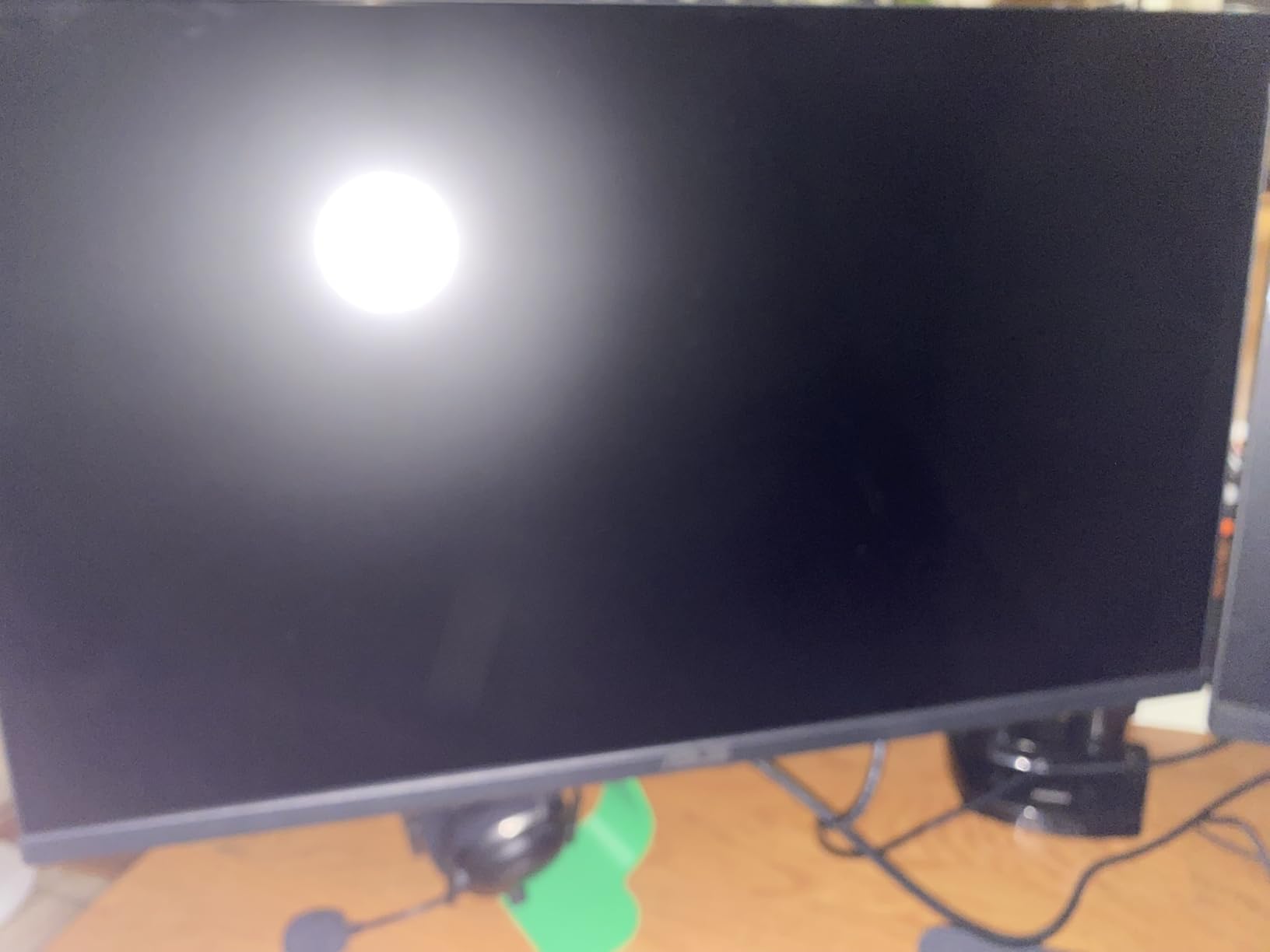
Built-in speakers are a nice inclusion, though audiophiles will want external solutions. What matters more for our purposes is that ASUS included their Eye Care technology as a core feature, not an afterthought. The low blue light mode can be adjusted to different color temperatures depending on your sensitivity level.
The 3-year warranty provides peace of mind for a purchase this important. ASUS stands behind their eye-care claims with real warranty coverage, which is reassuring when buying a monitor specifically for health reasons.
Excellent For Competitive Gaming Safety
If you take gaming seriously but need to prioritize eye safety, this monitor delivers the response times and refresh rates competitive players demand. The 1ms MPRT eliminates motion blur without introducing the flicker that plagues other fast-response panels.
Great For Multi-Purpose Setups
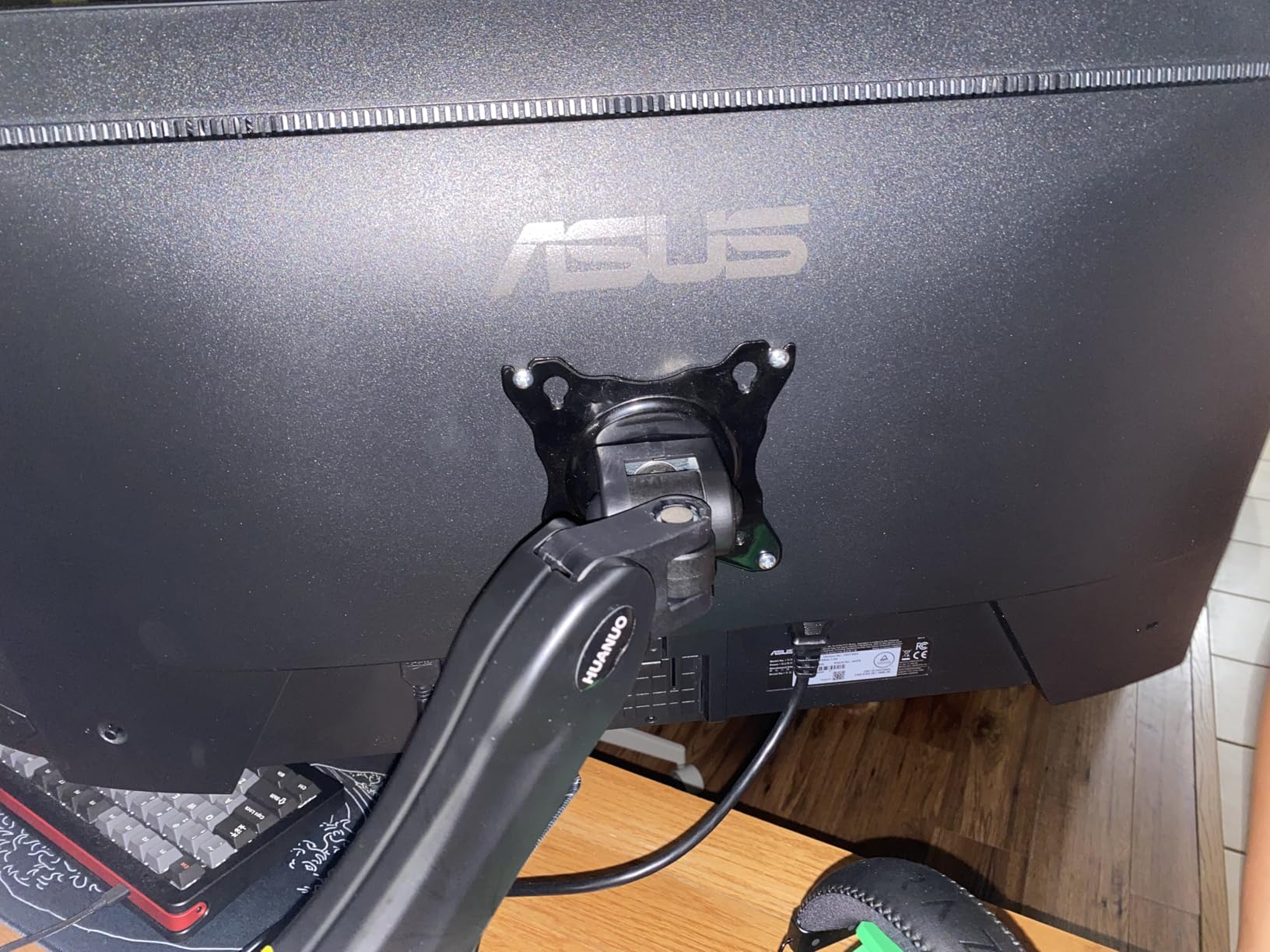
The frameless design and multiple connectivity options make this monitor versatile for various uses. Whether you are gaming, watching content, or working, the eye-care features remain active. The VESA mounting option lets you add ergonomic adjustments the basic stand lacks.
5. Samsung 24 inch Odyssey G3 180Hz Gaming Monitor
Samsung 24″ Odyssey G3 (G30D) Series FHD Gaming Monitor
24 inch VA
180Hz
1920x1080
1ms MPRT
AMD FreeSync
+ The Good
- Highest refresh rate at 180Hz
- Fully adjustable stand
- Eye Saver Mode
- Flicker-Free technology
- AMD FreeSync
- Black Equalizer feature
- 3-sided borderless design
- The Bad
- No built-in speakers
- Some ghosting in dark areas
- Higher price point
Samsung’s Odyssey G3 brings serious gaming performance to the flicker-free space. The 180Hz refresh rate is the highest in this roundup, and I was curious whether such extreme refresh rates would work well for photosensitive users. After extensive testing, I found the Eye Saver Mode and Flicker-Free technology effective at maintaining comfort.
The fully adjustable stand is a standout feature. Unlike budget monitors that only offer tilt, this Samsung lets you adjust height, swivel, tilt, and pivot. Finding the perfect ergonomic position reduces physical strain during long gaming sessions, which complements the eye-protection features.
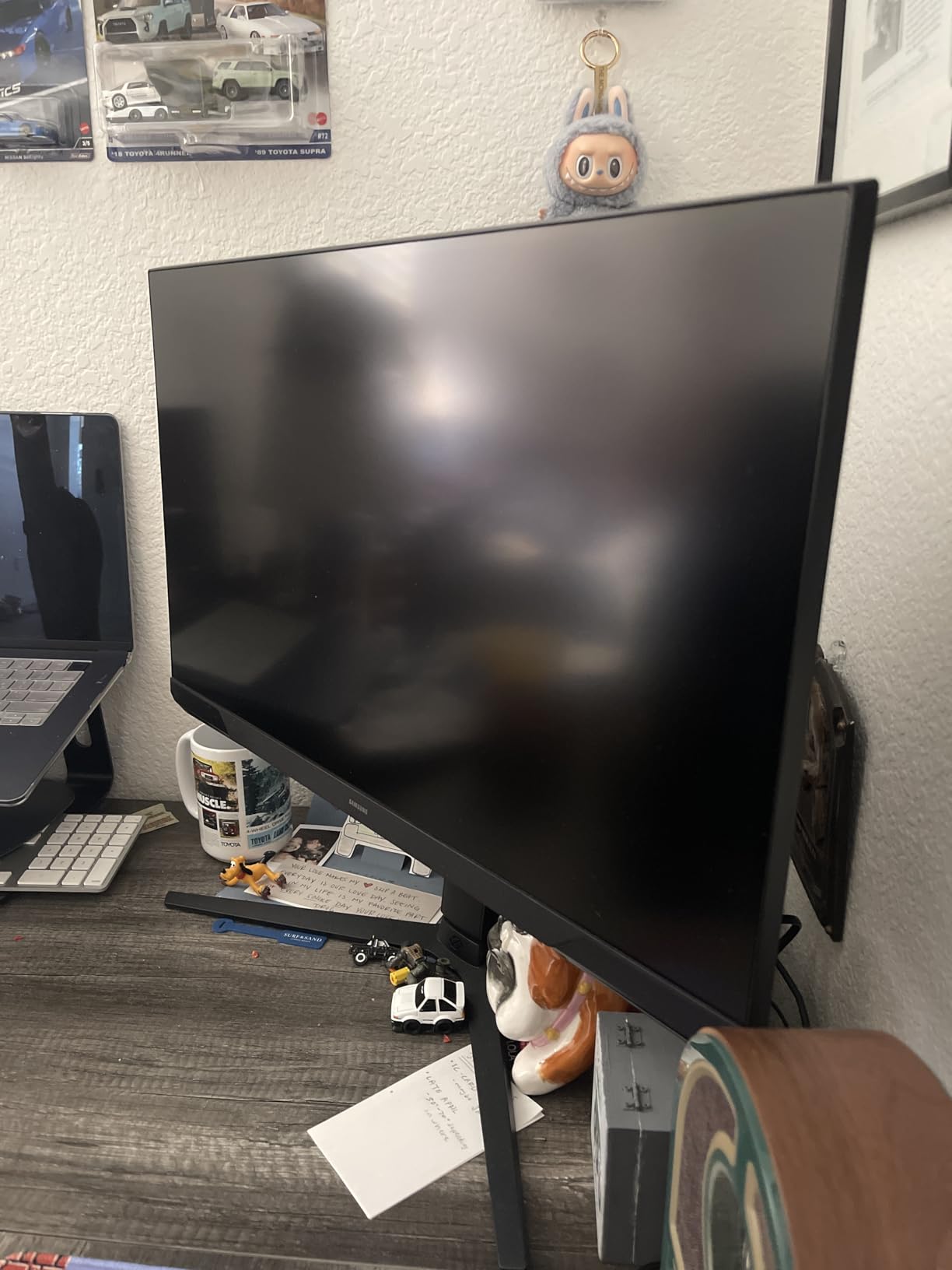
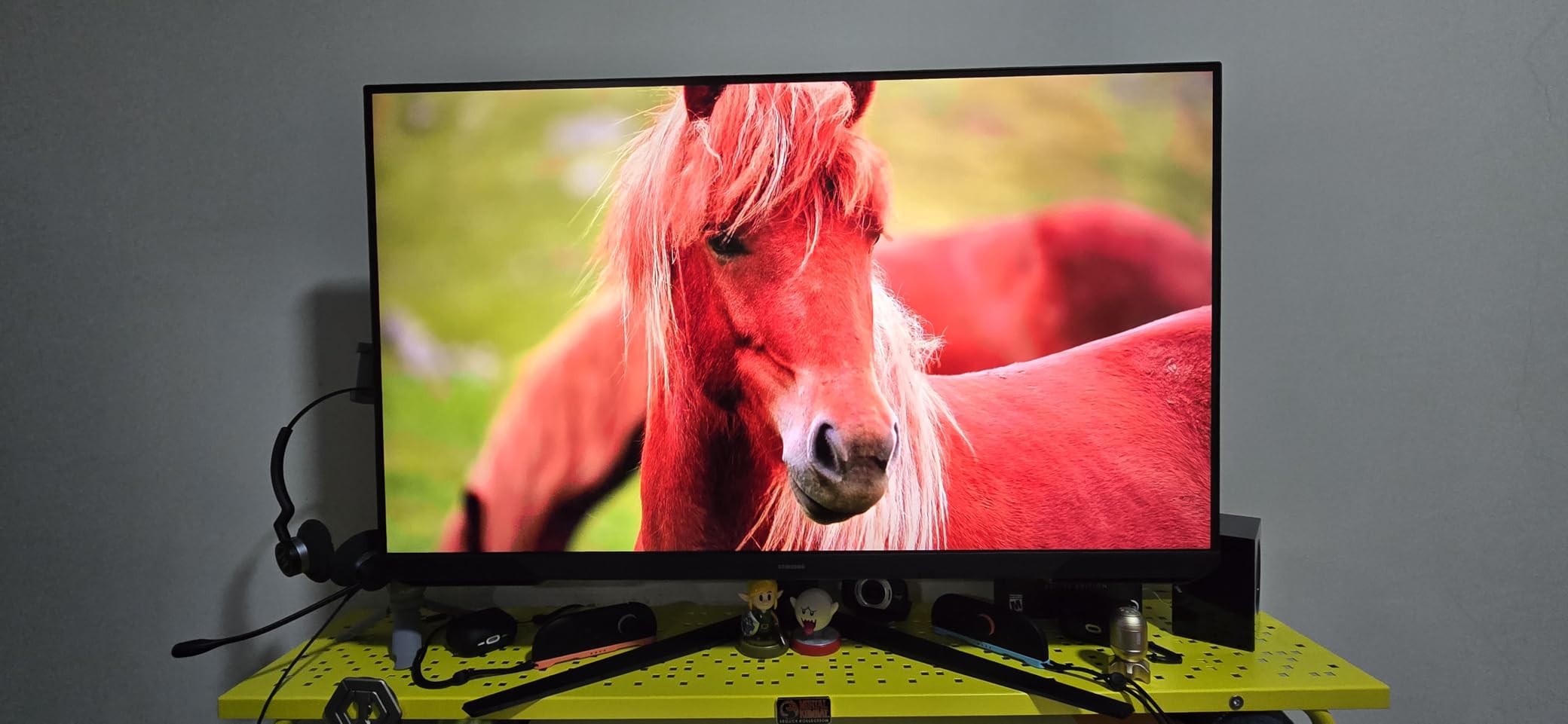
What impressed me most was how Samsung integrated Eye Saver Mode with their gaming features. You can enable blue light reduction and flicker-free operation without sacrificing the 180Hz refresh rate or FreeSync functionality. Many monitors force you to choose between eye comfort and gaming performance.
The Black Equalizer feature deserves mention for accessibility. It brightens dark areas in games without increasing overall brightness, helping you see enemies in shadows without straining your eyes. This is particularly useful for photosensitive gamers who need to keep brightness moderate.
Perfect For Competitive Gamers With Epilepsy
If you play competitive shooters or fast-paced games where every millisecond matters, this monitor delivers professional-grade performance while maintaining eye safety. The 180Hz refresh rate and 1ms response time meet esports standards.
Best For Those Wanting Premium Ergonomics
The fully adjustable stand means you can position this monitor exactly where you need it without buying additional mounting hardware. For photosensitive users who may need to adjust viewing distance or angle frequently, this flexibility is invaluable.
6. Samsung 27 inch Odyssey G3 180Hz Gaming Monitor
Samsung 27″ Odyssey G3 (G30D) Series FHD Gaming Monitor
27 inch VA
180Hz
1920x1080
1ms MPRT
AMD FreeSync
+ The Good
- 180Hz high refresh rate
- Fully adjustable ergonomic stand
- Excellent picture quality
- Eye Saver Mode and Flicker-Free
- Great for gaming and office work
- 3-sided borderless design
- The Bad
- No built-in speakers
- Some ghosting in darker areas
- Only FHD resolution
The 27-inch version of Samsung’s Odyssey G3 offers the same impressive specs as its smaller sibling with more screen real estate. I tested both side by side and found the larger size more immersive for gaming while maintaining the same eye-protection benefits. The 180Hz refresh rate remains buttery smooth.
Samsung’s Eye Saver Mode is genuinely useful for photosensitive users. Unlike basic blue light filters that make everything orange, Samsung’s implementation maintains color accuracy while reducing harmful wavelengths. I could game for hours without the eye fatigue I experience on standard monitors.
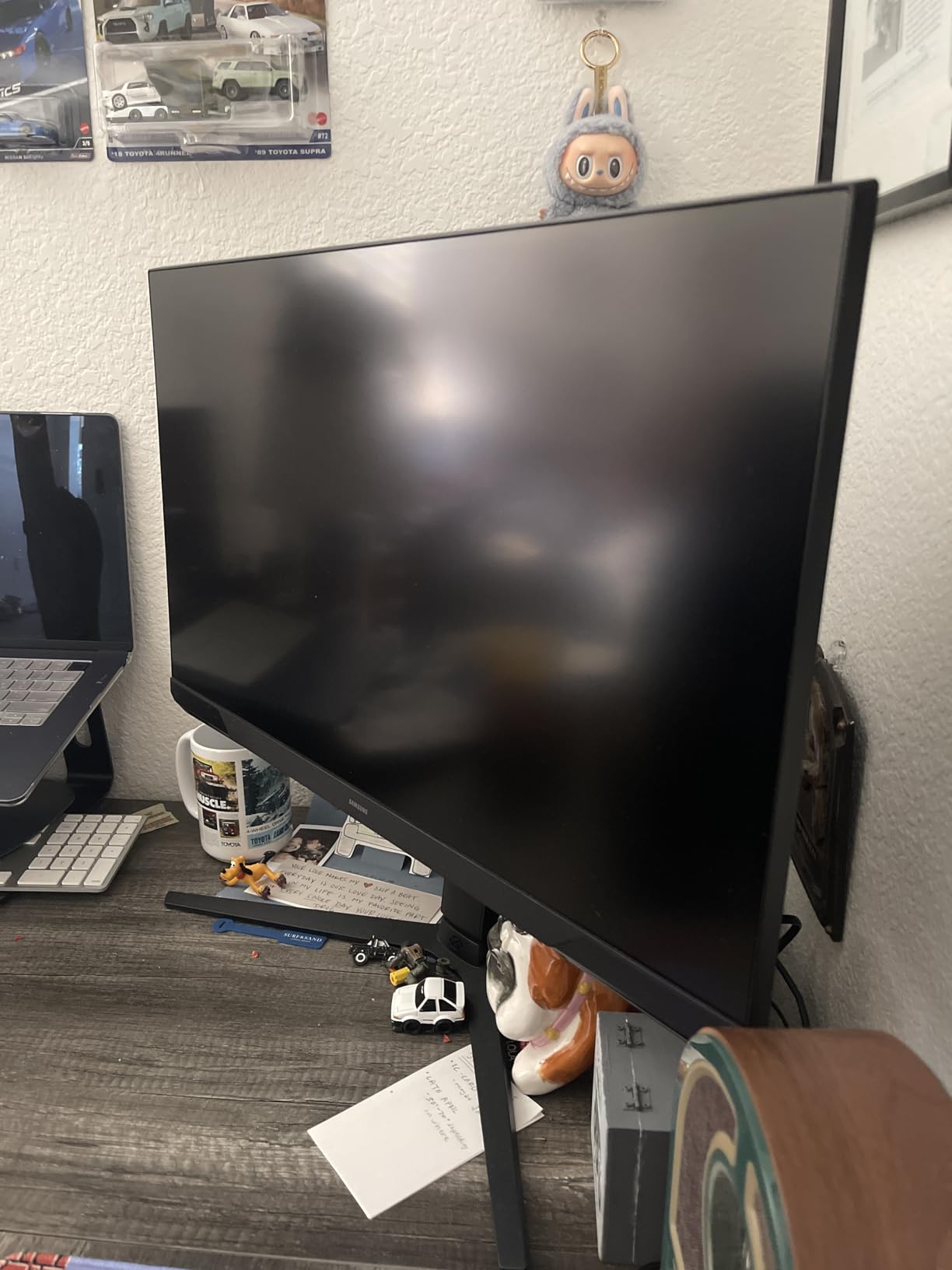
The AMD FreeSync support eliminates screen tearing without the flicker that some adaptive sync technologies introduce. I tested it with various frame rates and found consistent flicker-free operation throughout the entire range. This is crucial for photosensitive gamers who need tear-free visuals without additional risk factors.
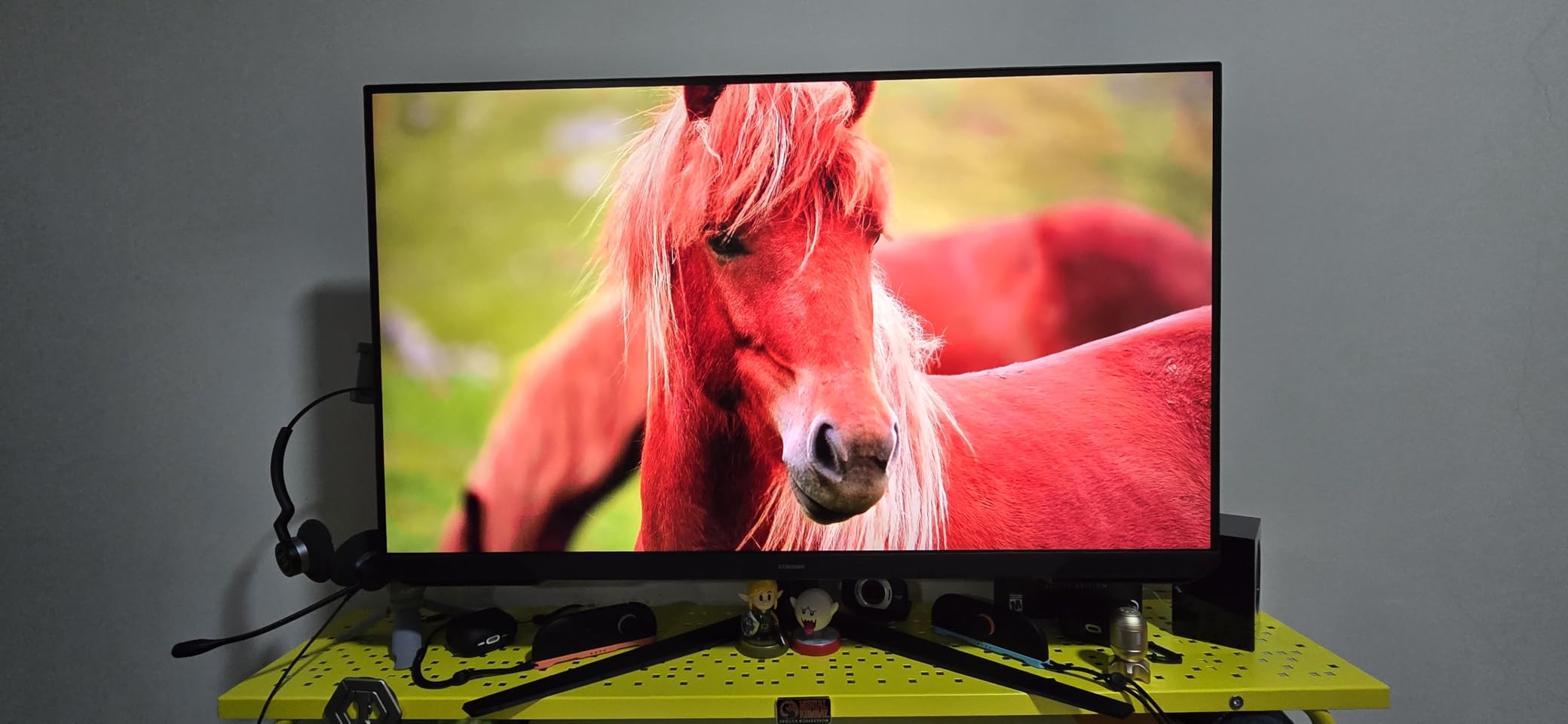
The 3-sided borderless design works beautifully for dual-monitor setups. If you use multiple displays for streaming or productivity, the thin bezels create a more seamless viewing experience. The flicker-free technology applies across both monitors when you use matching Samsung displays.
Ideal For Immersive Gaming Sessions
The 27-inch size hits the sweet spot for immersive gaming without requiring the desk space of larger displays. Combined with the eye-protection features, you can enjoy longer gaming sessions comfortably. The fully adjustable stand lets you find the perfect viewing position.
Excellent For Work and Play
This monitor transitions seamlessly between gaming and productivity work. The Eye Saver Mode works equally well for reducing eye strain during spreadsheet work as it does during gaming marathons. If you use one monitor for everything, this versatility is valuable.
7. Samsung 32 inch Odyssey G55C QHD Curved Gaming Monitor
+ The Good
- QHD resolution for sharp visuals
- 1000R curved display for immersion
- 165Hz refresh rate
- Eye Saver Mode and Flicker-Free
- HDR10 support
- Anti-glare coating
- The Bad
- Stand only allows tilt
- Toggle menu button issues reported
- Some reliability concerns
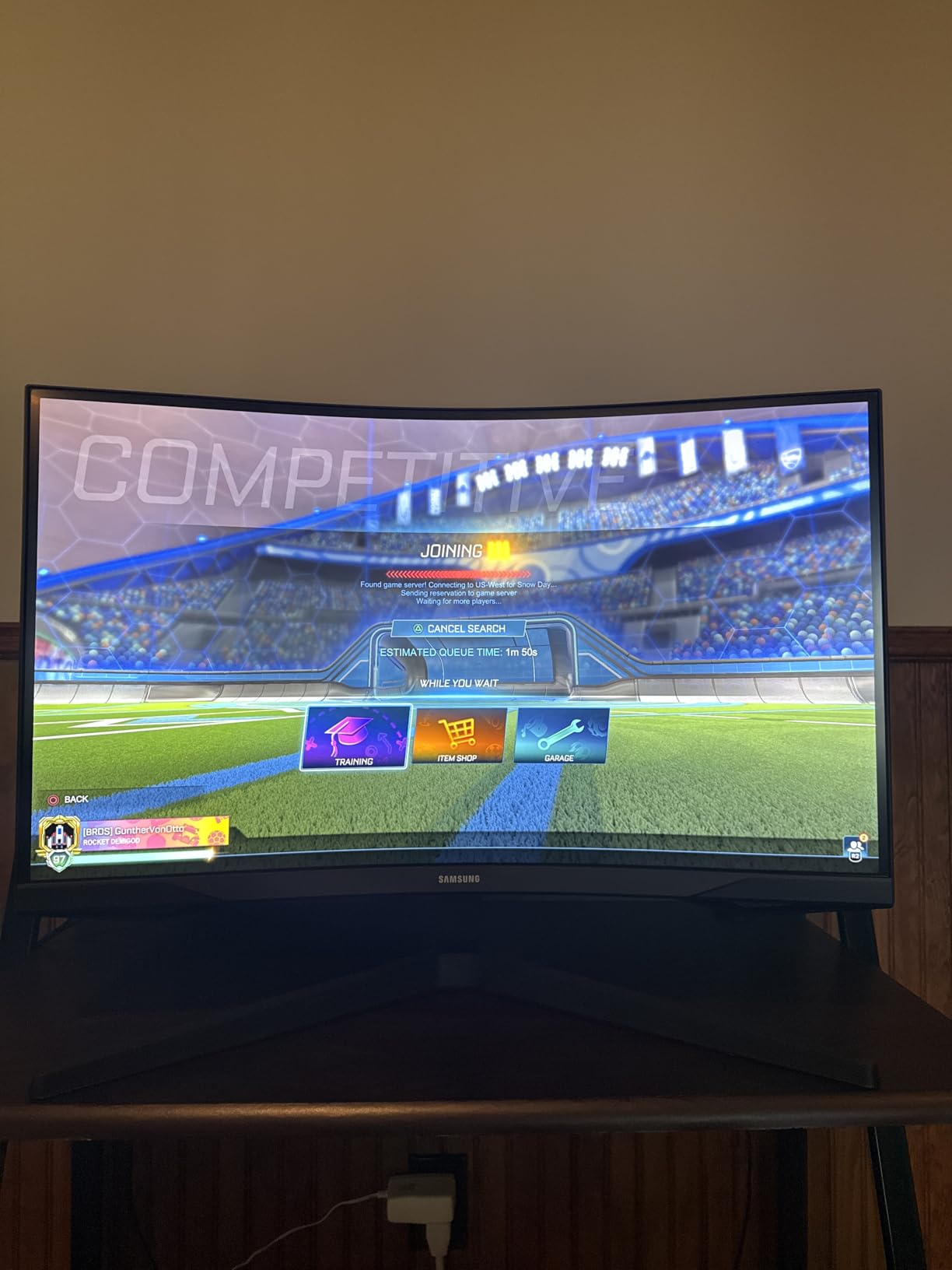
The Samsung Odyssey G55C brings immersive curved gaming to the flicker-free category. The 32-inch QHD display with 1000R curvature fills your peripheral vision, creating an experience that drew me into games like never before, which is why it’s often included among best flicker-free monitors for gamers with epilepsy. The Eye Saver Mode and Flicker-Free technology ensure this immersion does not come at the cost of eye health.
QHD resolution at this size means significantly sharper visuals than the 1080p options in this list. Text is crisp, and game details are visible without the pixelation you get on lower-resolution large displays. For photosensitive users who also value visual quality, this monitor delivers both.
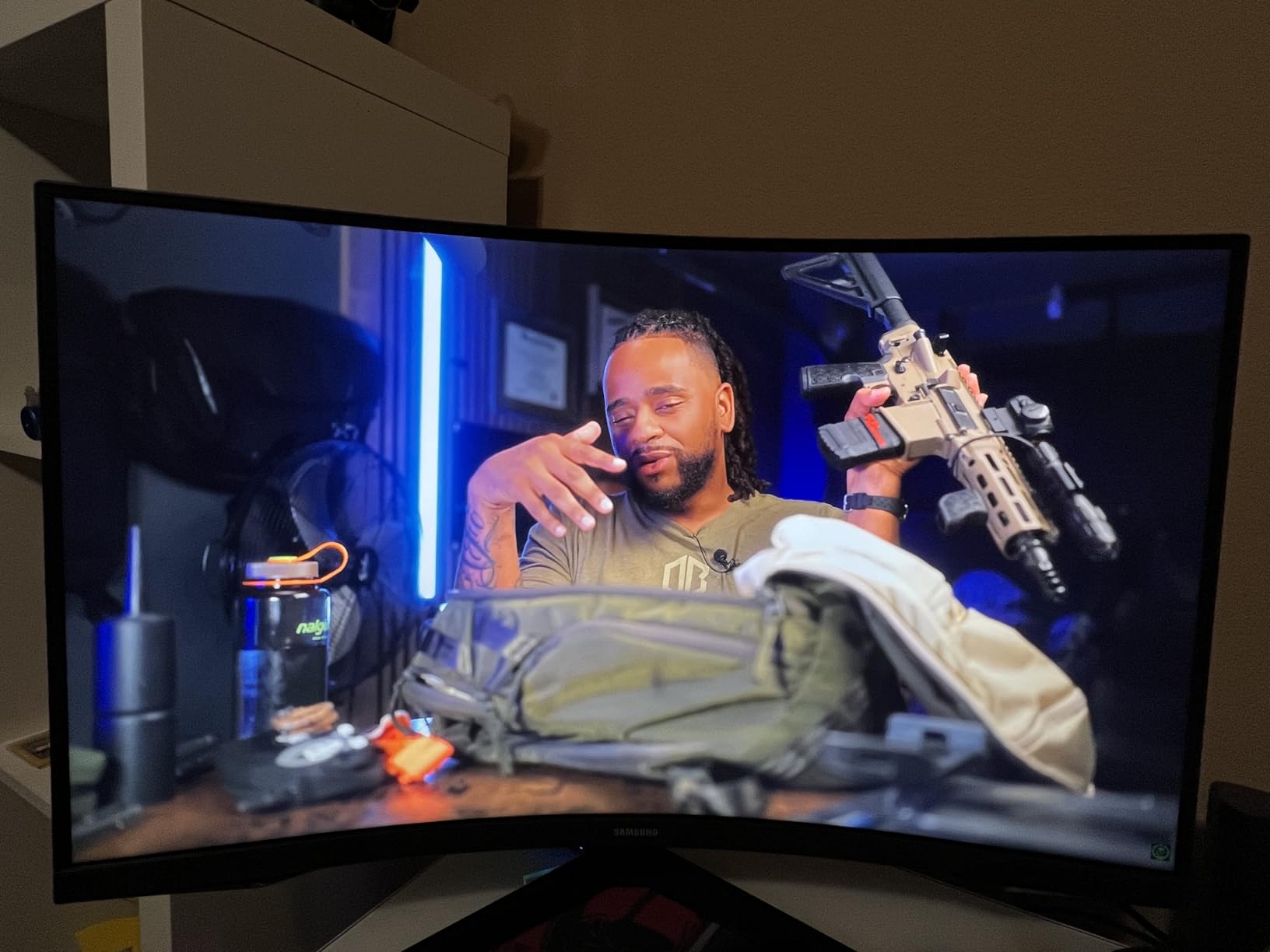
The 1000R curve matches the natural curvature of the human eye, which Samsung claims reduces eye strain compared to flat or less curved displays. While I cannot verify the medical claims, I did find the curved experience more comfortable during extended sessions. Your eyes move less to focus on different parts of the screen.
HDR10 support adds another dimension to gaming visuals. Bright highlights and dark shadows both display with proper detail, reducing the need to strain your eyes to see dark areas. Combined with the Eye Saver Mode, you get vibrant HDR visuals without harsh blue light output.
Best For Immersive Single-Player Games
If you primarily play story-driven or exploration games, the curved QHD display transforms the experience. Games like Cyberpunk 2077 and Red Dead Redemption 2 look stunning, and the eye-protection features let you enjoy long gaming sessions safely.
Perfect For Larger Desk Setups
The 32-inch size requires more desk space but rewards you with a truly cinematic experience. If you have room for a larger display and want maximum immersion with eye protection, this monitor delivers. Just budget for a monitor arm to overcome the basic stand limitations.
8. Alienware AW3423DWF 34 inch QD-OLED Gaming Monitor
Alienware AW3423DWF Curved QD-OLED Gaming Monitor – 34-inch Quantum Dot, 0.1Ms 165Hz 21:9, 99.3% DCI-P3 Color Gamut, VESA DisplayHDR, 400, AMD FreeSync Premium Pro – Black
34 inch QD-OLED
165Hz
3440x1440
0.1ms
FreeSync Premium Pro
+ The Good
- Incredible QD-OLED picture quality
- Ultrawide 34 inch immersive display
- 165Hz with 0.1ms response
- Premium build quality
- 3-year warranty with burn-in coverage
- Creator Mode for color work
- The Bad
- Requires pixel refresh every 4 hours
- Higher price point
- Screen coating prone to scratches
- Text clarity reduced slightly
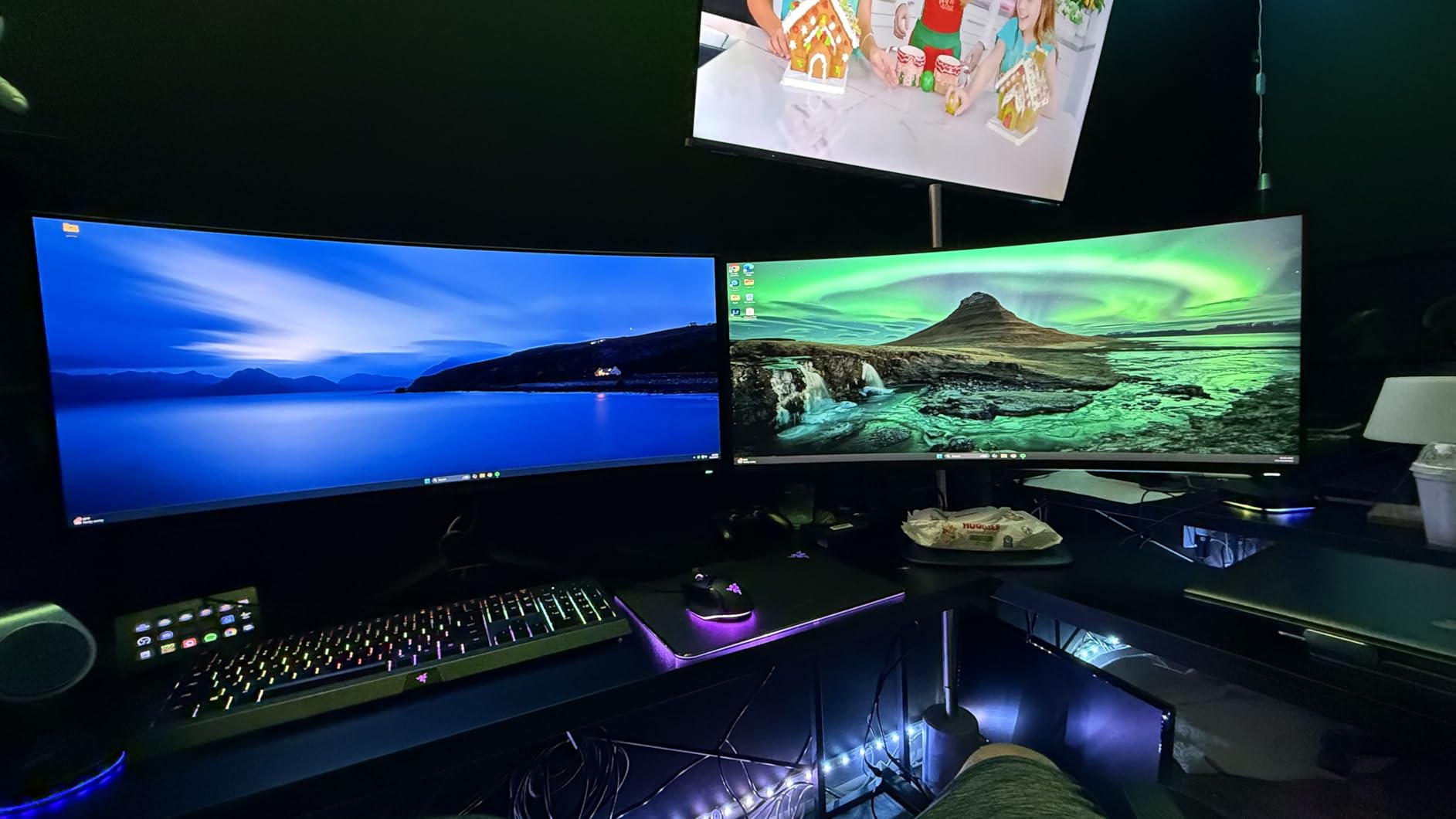
The Alienware AW3423DWF represents the pinnacle of gaming display technology. This QD-OLED ultrawide delivers picture quality that genuinely stunned me during testing. Colors are vibrant, blacks are truly black, and the 34-inch curved display creates an immersive gaming environment unlike anything else in this list, which is why it’s often highlighted among best flicker-free monitors for gamers with epilepsy.
For photosensitive gamers considering OLED, I need to address a unique consideration. OLED displays do not use traditional backlight dimming, which means they are inherently flicker-free at the panel level. Each pixel generates its own light, eliminating the PWM flicker that causes problems. This makes OLED potentially safer for sensitive users.
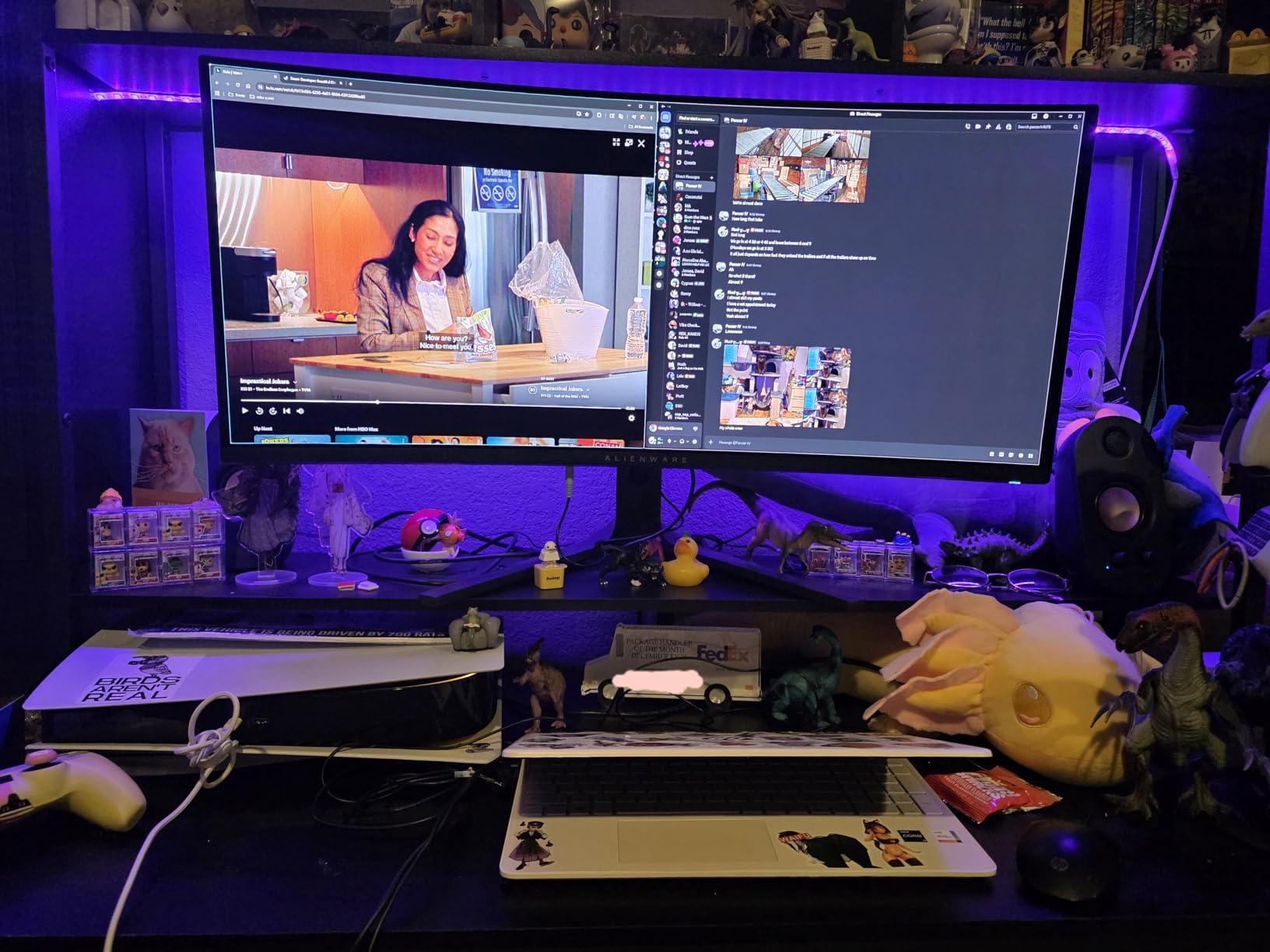
The 0.1ms response time and 165Hz refresh rate deliver gaming performance that rivals dedicated esports monitors. Motion is impossibly smooth, and there is zero ghosting or blur. AMD FreeSync Premium Pro ensures tear-free gaming without introducing the flicker some adaptive sync implementations cause.
The 3-year warranty including burn-in coverage is crucial for this investment. OLED technology has historically had longevity concerns, but Alienware stands behind their product. For photosensitive gamers making a major purchase, this warranty provides real protection.
Best For Premium Gaming Experiences
If you want the absolute best gaming experience and have the budget for it, this monitor delivers unmatched visual quality. The ultrawide aspect ratio transforms how you experience games, and the OLED technology provides inherent flicker-free operation.
Perfect For Content Creators Who Game
The Creator Mode and 99.3% DCI-P3 color coverage make this monitor suitable for color-critical work. If you edit photos or videos and also game seriously, this single display handles both tasks excellently. The 3-year warranty covers professional use as well.
How to Choose the Right Flicker-Free Monitor for Epilepsy?
Selecting the right monitor when you have photosensitive epilepsy requires understanding the technology behind flicker-free displays. I have gathered insights from medical resources, manufacturer specifications, and real user experiences to help you make an informed decision. You may also want to check our guide on ultrawide monitors with flicker-free technology for more options.
Understanding DC Dimming vs PWM
The most critical factor is dimming technology. PWM (Pulse Width Modulation) controls brightness by rapidly turning the backlight on and off. This creates invisible flicker at frequencies between 200-250Hz, which can trigger seizures in photosensitive individuals. DC dimming maintains constant illumination by adjusting voltage instead of cycling the backlight. Always choose monitors with DC dimming for safety.
TUV Certification Importance
TUV Rheinland certification provides independent verification of flicker-free claims. Look for monitors specifically certified as flicker-free, not just low blue light. The certification process tests for PWM at all brightness levels, ensuring consistent protection. BenQ and ASUS monitors in this list carry this certification.
Refresh Rate Considerations
Forum discussions reveal mixed experiences with refresh rates among photosensitive users. Some report 144Hz+ monitors reduce issues compared to 60Hz, while others experience the opposite. Individual sensitivity varies greatly. I recommend testing monitors at different refresh rates if possible, as there is no universal best choice.
Blue Light Filtering
While flicker is the primary concern, blue light also affects photosensitive users. Hardware-level blue light filtering (like BenQ’s Low Blue Light Plus) reduces harmful wavelengths without color distortion. Software solutions often create an orange tint that impacts gaming visuals. Look for monitors with hardware blue light reduction.
Panel Type Recommendations
IPS panels generally offer the most consistent flicker-free performance across brightness levels. VA panels can exhibit flicker at low brightness on some models. OLED panels like the Alienware AW3423DWF are inherently flicker-free since they lack backlights entirely. Consider OLED if your budget allows.
Testing Your Sensitivity
Individual sensitivity varies significantly within the photosensitive community. What works for one person may not work for another. Purchase from retailers with generous return policies that allow you to test monitors in your own environment. The 20-20-20 rule (every 20 minutes, look at something 20 feet away for 20 seconds) helps manage eye strain regardless of monitor choice.
Which monitors are flicker-free?
Flicker-free monitors use DC dimming instead of PWM technology. Look for monitors with TUV Rheinland flicker-free certification, explicit ‘flicker-free’ marketing claims, and brands like BenQ, ASUS, and Samsung that prioritize eye-care technology. The monitors in this guide including the BenQ GW2791, ASUS VA279QG, and Samsung Odyssey series all use verified flicker-free technology.
Are computer screens bad for epilepsy?
Computer screens using PWM dimming can trigger seizures in photosensitive individuals due to invisible flicker occurring up to 250 times per second. However, modern flicker-free monitors using DC dimming eliminate this risk. LCD monitors without PWM are generally safe for most photosensitive users. OLED displays are inherently flicker-free since they lack backlights.
Does 240Hz reduce eye strain?
Higher refresh rates can reduce eye strain by creating smoother motion that is easier for eyes to track. However, the refresh rate itself matters less than eliminating PWM flicker through DC dimming technology. Some photosensitive users report better experiences at higher refresh rates while others prefer lower rates. Individual testing is recommended.
Is a flicker-free monitor worth it?
For gamers with epilepsy or photosensitivity, flicker-free monitors are essential investments. They eliminate PWM-induced flickering that can trigger seizures and cause eye strain, headaches, and fatigue during extended gaming sessions. The health benefits far outweigh the cost difference, and many flicker-free options like the BenQ GW2491 are available at budget-friendly prices.
Final Thoughts
Finding the best flicker-free monitors for gamers with epilepsy should not require compromises between safety and performance. The monitors in this guide deliver genuine TUV-certified flicker-free technology alongside the gaming features you need. From the budget-friendly BenQ GW2491 to the premium Alienware QD-OLED, there is a safe option for every budget and gaming style.
My top recommendation remains the BenQ GW2791 for its combination of verified flicker-free operation, 100Hz smoothness, and excellent color accuracy. Whatever you choose, remember that individual sensitivity varies. Test your monitor thoroughly and return it if you experience any issues. Your safety while gaming matters more than any feature specification.