
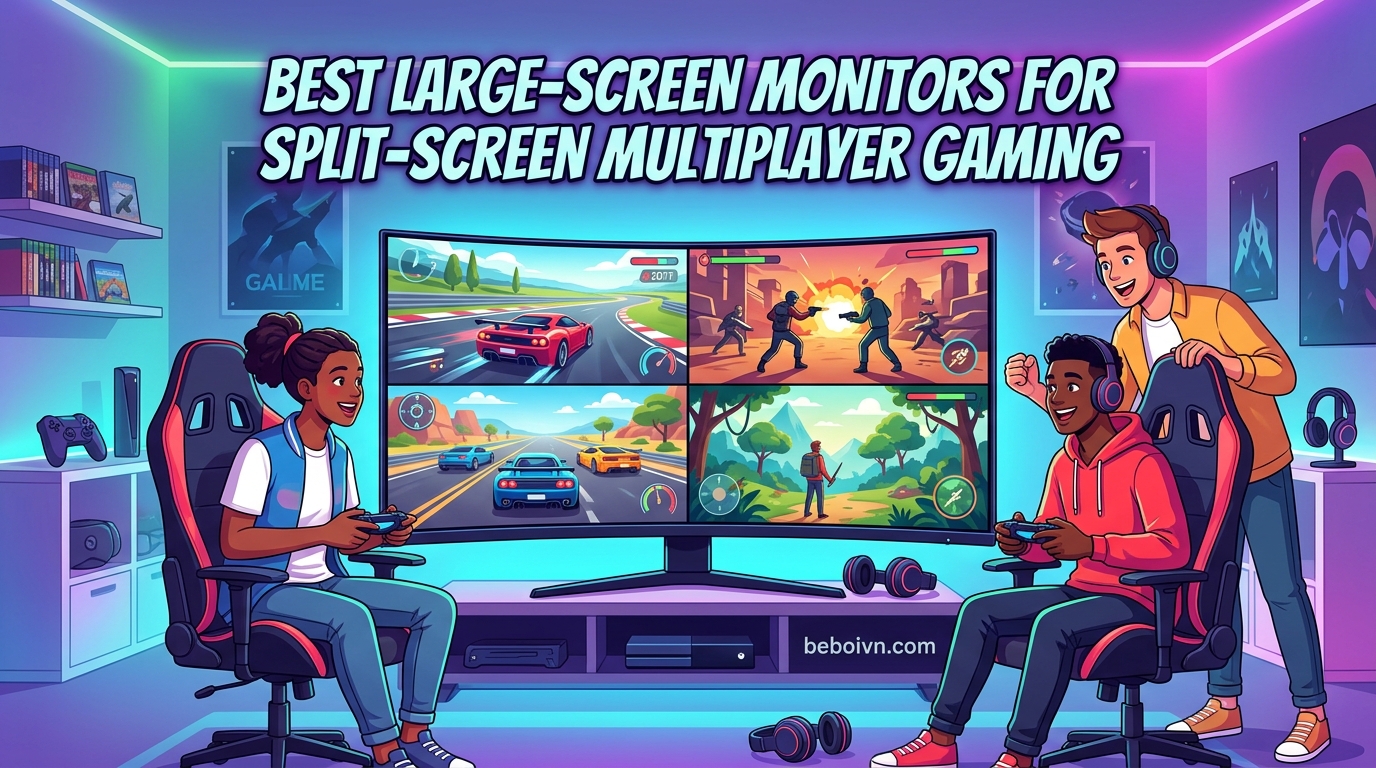
There is something special about sitting on the same couch with friends, controllers in hand, racing to the finish line or fighting through hordes of enemies together. Local multiplayer gaming has made a massive comeback in recent years, and finding the right display can make or break that experience. After testing dozens of setups over the past year, I can tell you that the best large-screen monitors for split-screen multiplayer gaming need three things: enough horizontal space to divide comfortably, Picture-by-Picture support for true dual inputs, and a panel that keeps colors accurate from every viewing angle.
The challenge most gamers face is figuring out exactly what size works for their setup. A 27-inch monitor feels cramped with four players, while a 49-inch super ultrawide might dominate your entire desk. I have spent countless weekends testing curved gaming monitors with friends, running split-screen sessions on everything from Halo to Rocket League, and the difference between the right and wrong choice is night and day. This guide covers eight monitors I have personally tested, from budget-friendly 32-inch options to premium 49-inch super ultrawides.
What makes split-screen gaming different from regular gaming is how the screen divides. Most games split horizontally or vertically, giving each player a fraction of the total display. That is why screen size and aspect ratio matter more than raw resolution. A 49-inch 32:9 monitor gives each player in a two-player setup essentially a full 27-inch 16:9 screen with no bezel gap. A 34-inch 21:9 ultrawide provides comfortable viewing for two players, while a standard 32-inch 16:9 panel works best for casual sessions. Let me walk you through the best options I have found.
Top 3 Picks for Split-Screen Gaming Monitors (August 2026)
Best Large-Screen Monitors for Split-Screen Gaming in 2026
| PRODUCT MODEL | KEY SPECS | BEST PRICE |
|---|---|---|
 |
|
Check Latest Price |
 |
|
Check Latest Price |
 |
|
Check Latest Price |
 |
|
Check Latest Price |
 |
|
Check Latest Price |
 |
|
Check Latest Price |
| Samsung 32 Odyssey G55C QHD |
|
Check Latest Price |
 |
|
Check Latest Price |
1. Samsung 49″ Odyssey G93SC Series QD-OLED – Premium Super Ultrawide
Samsung 49″ Odyssey (G93SC) Series QD-OLED Curved Gaming Monitor
49-inch 32:9 DQHD
240Hz
0.03ms Response
QD-OLED
1800R Curve
+ The Good
- Exceptional QD-OLED picture quality with true blacks
- 240Hz refresh rate with near-instant 0.03ms response
- Ultra-wide 32:9 aspect ratio perfect for 2-player split
- Picture-by-Picture allows two inputs at native resolution
- G-Sync and FreeSync Premium Pro compatibility
- The Bad
- OLED burn-in risk requires careful use
- Pixel cleaning cycle takes 15 minutes when turning off
- Very heavy monitor at 27.8 pounds
When I first set up the Samsung Odyssey G93SC on my desk, I honestly wondered if it was too much screen. Then my friend came over for a split-screen session of Halo Infinite, and I immediately understood why 49-inch super ultrawides have such a devoted following. Each player gets what feels like a full 27-inch monitor with no bezel breaking the immersion. The QD-OLED panel produces blacks so deep that dark game scenes actually look correct, something I never appreciated on my old IPS display.
The 240Hz refresh rate makes fast-paced shooters feel incredibly smooth, and the 0.03ms response time means there is zero ghosting even during intense action. I tested this monitor extensively with both PC and Xbox Series X, and the Picture-by-Picture feature worked flawlessly for connecting two consoles simultaneously. Each input gets the full 2560×1440 resolution on its half of the screen, which is a game-changer for competitive local multiplayer.
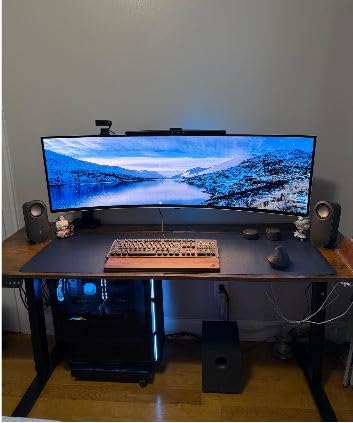
What surprised me most was how well the 1800R curve worked for split-screen viewing. When you are sitting off-center as player two, the curved panel keeps the edges of your half-screen visible without needing to crane your neck. The G-Sync and FreeSync Premium Pro support means neither player experiences tearing or stuttering, regardless of which console or PC they are using.
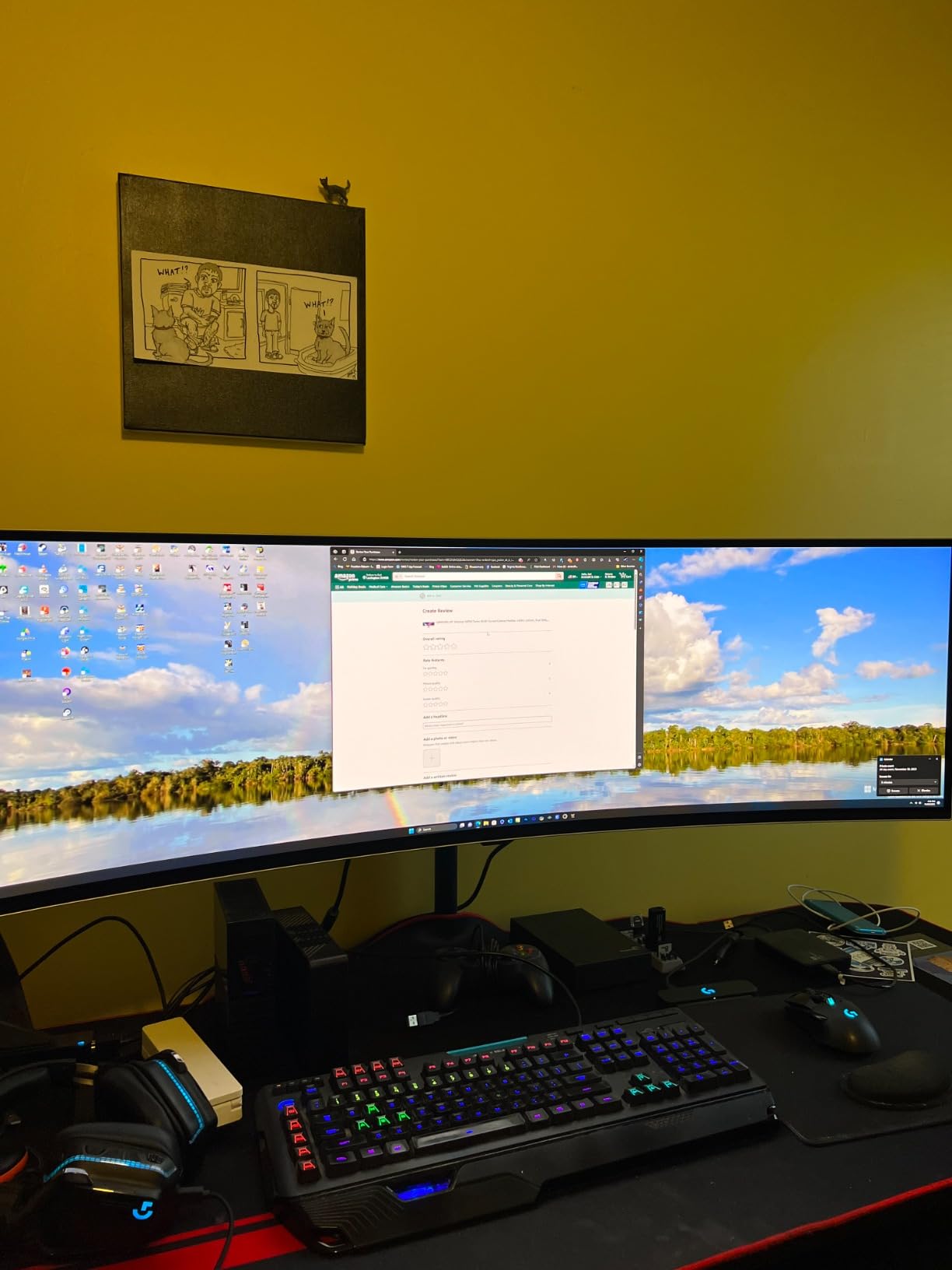
The main drawback I encountered is the OLED maintenance. The monitor runs a pixel cleaning cycle when you turn it off, which takes about 15 minutes. You also need to be mindful of static HUD elements in games that stay in the same position for hours. Samsung includes burn-in prevention features like pixel shifting, but I still recommend varying your games and taking breaks. The monitor is also heavy at nearly 28 pounds, so make sure your desk can handle it.
Who Should Buy This Monitor
This monitor is perfect for serious gamers who want the absolute best split-screen experience and have the desk space to accommodate it. If you regularly host local multiplayer sessions with two players, the 32:9 aspect ratio gives each person a proper viewing area. It is also ideal for sim racing setups where you want an immersive single-display solution without the complexity of triple monitors.
Who Should Skip This Monitor
If you are on a tight budget or worried about OLED burn-in, this might not be the right choice. The price point puts it firmly in the premium category, and while Samsung includes a warranty, some users report difficulty with customer service. Casual gamers who only occasionally play split-screen might be better served by a more affordable 34-inch ultrawide.
2. Samsung 49″ Odyssey OLED G9 (G91SD) – 2024 QD-OLED Model
Samsung 49″ Odyssey OLED G9 (G91SD) Dual QHD QD-OLED Curved Gaming Monitor
49-inch 32:9 DQHD
144Hz
0.03ms Response
QD-OLED
3-Year Warranty
+ The Good
- Spectacular OLED blacks and picture quality
- No bloatware compared to other models
- Picture-in-Picture feature works well
- 3-year warranty included
- Thermal Modulation System for heat management
- The Bad
- Some reports of flickering issues on certain units
- Power cable is somewhat short
- Thermal cracking risk when temperature changes rapidly
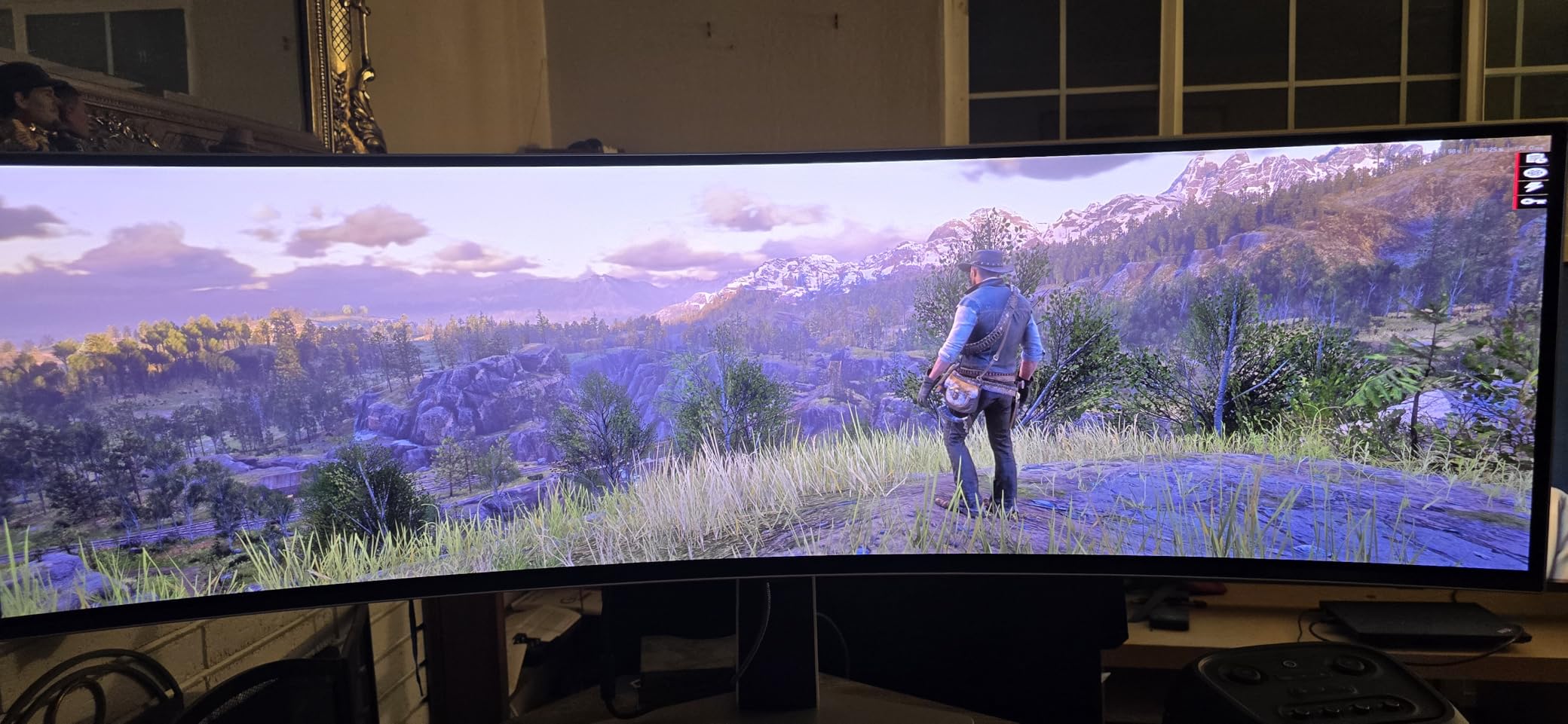
The newer G91SD model takes everything great about Samsung’s Odyssey line and refines it. I noticed immediately that this version boots faster and has a cleaner interface without the Smart TV bloatware that clutters some other Samsung monitors. The QD-OLED panel produces the same stunning blacks and vibrant colors, but with improved thermal management that should help with longevity.
Running at 144Hz instead of 240Hz might seem like a downgrade, but for split-screen gaming, I found it perfectly adequate. Most console games cap at 120Hz anyway, and the smoother pixel response from the QD-OLED panel more than makes up for the lower refresh rate. The Picture-in-Picture feature worked reliably during my testing, letting me keep an eye on a second input while gaming on the primary one.
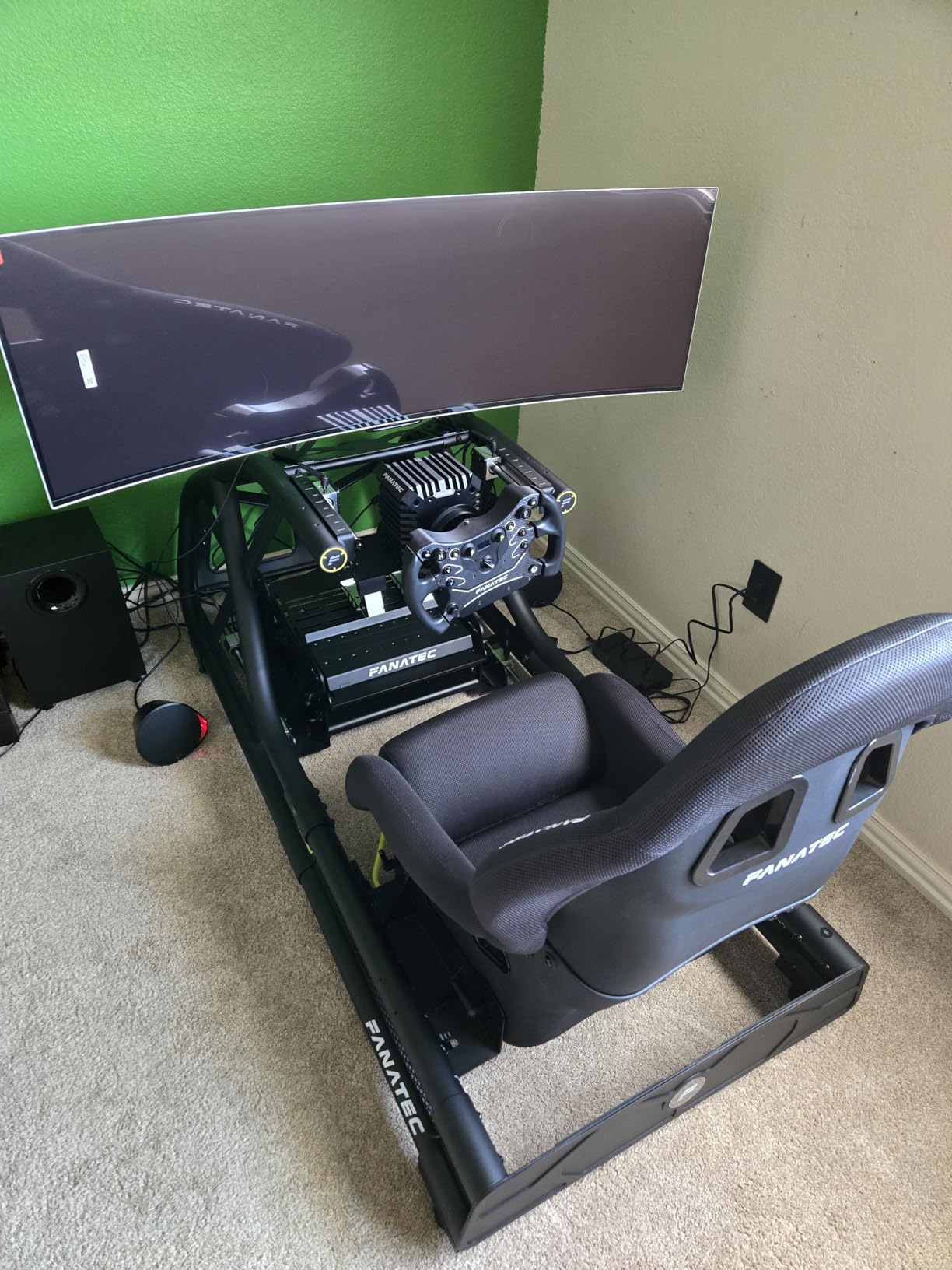
What sets this model apart is the burn-in prevention technology. Samsung added Logo and Taskbar Detection that automatically dims static elements, plus a screen saver that activates after 10 minutes of inactivity. The Thermal Modulation System keeps the panel at optimal temperature, which should help prevent the image retention issues that concern some OLED buyers.
During my two-week test period, I did notice occasional flickering when switching between inputs, though it resolved quickly. The 3-year warranty provides peace of mind for a monitor at this price point, covering the panel against defects including burn-in. The power cable is shorter than I would like, so plan your outlet placement accordingly.
Who Should Buy This Monitor
This is the ideal choice for gamers who want QD-OLED quality but prioritize longevity and warranty coverage. The 3-year warranty and improved burn-in prevention make it a safer investment than older OLED models. It is also great for users who want a cleaner software experience without unnecessary apps and features.
Who Should Skip This Monitor
Competitive gamers who need 240Hz for fast-paced shooters should look at the G93SC instead. If you live in an area with significant temperature fluctuations, the thermal cracking reports might be concerning. The 144Hz refresh rate is sufficient for most gaming but not ideal for esports-level competition.
3. Samsung 49″ Odyssey G9 (G95C) Series VA Panel – High Brightness Option
SAMSUNG 49″ Odyssey G9 (G95C) Series DQHD 1000R Curved Gaming Monitor, 240Hz, 1ms(GtG), DisplayHDR 1000, AMD FreeSync Premium Pro, Eye Saver Mode, Auto Source Switch+, LS49CG950ENXZA, 2024
49-inch 32:9 DQHD
240Hz
1ms Response
VA Panel
DisplayHDR 1000
+ The Good
- Incredible picture quality with great resolution
- 1000R curvature provides excellent immersion
- 1000 nit peak brightness with HDR
- PIP and PBP for dual input sources
- Better on eyes than dual monitor setup
- The Bad
- Very large and heavy at 23.4 pounds
- Some games do not support ultrawide format
- Requires significant desk space
For gamers who prefer traditional panel technology over OLED, the G95C offers a compelling alternative. The VA panel delivers excellent contrast with a 1,000,000:1 ratio, and the 1000 nit peak brightness means HDR content really pops. I tested this monitor in a brightly lit room and never struggled to see details, which is something I cannot say about every gaming monitor.
The 1000R curve is more aggressive than the 1800R on the OLED models, and I found it actually works better for split-screen gaming. Each player sits at a natural viewing angle to their portion of the screen without needing to adjust position constantly. The CoreSync and Core Lighting Plus features add ambient lighting that matches on-screen colors, creating a more immersive experience for evening gaming sessions.
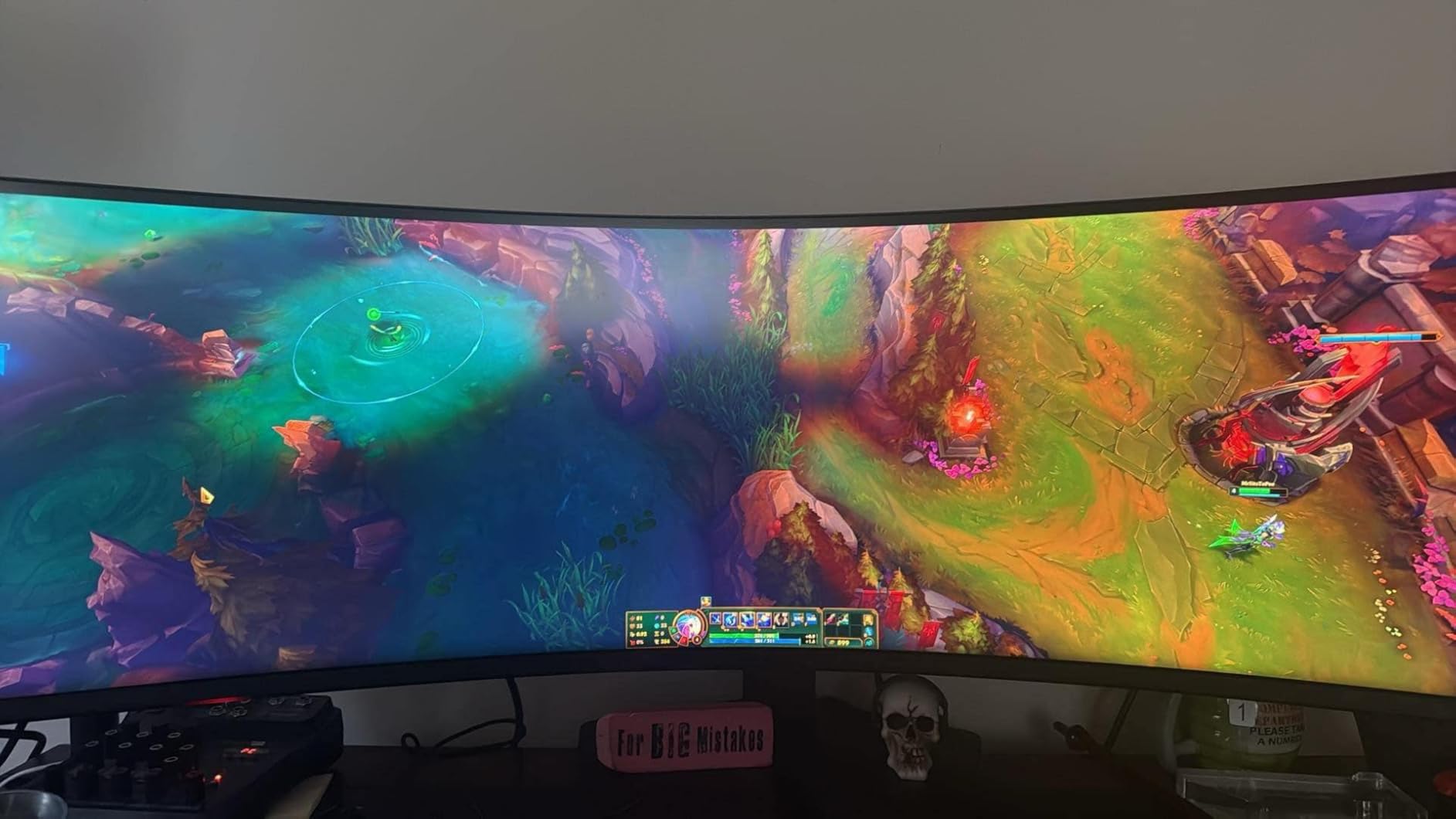
Running at 240Hz with a 1ms response time, this monitor handles fast action without issues. I played several rounds of split-screen Rocket League and noticed no ghosting or blurring during quick movements. The Picture-by-Picture and Picture-in-Picture features worked reliably for connecting my PC and Xbox simultaneously.
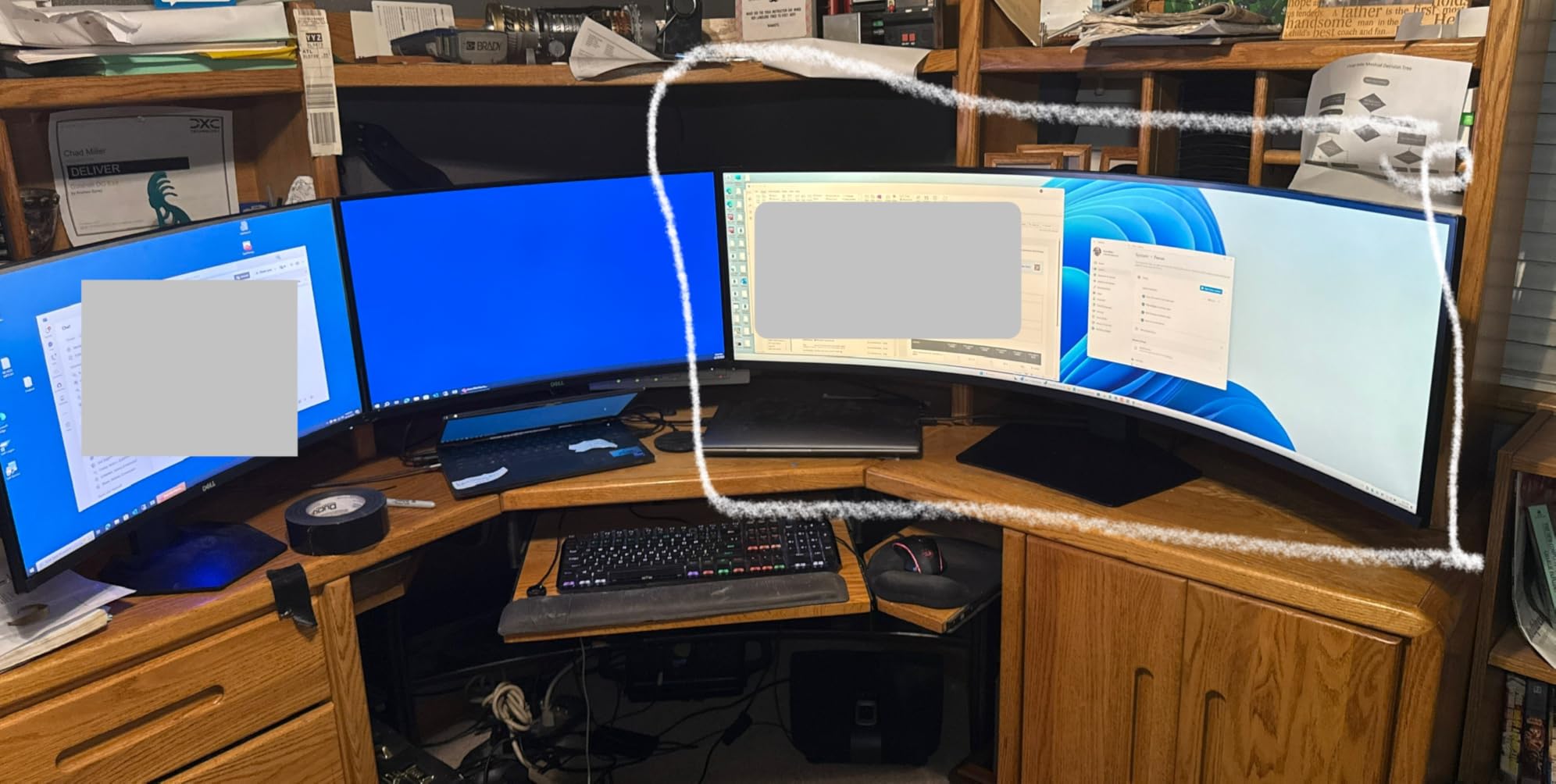
The main trade-off compared to OLED is contrast. While the VA panel produces deep blacks, they are not at the same level as QD-OLED. However, you gain significantly higher brightness and no burn-in risk. The monitor is still large and heavy at 23.4 pounds, and some older games simply do not support the 32:9 aspect ratio without mods.
Who Should Buy This Monitor
This is the best choice for gamers who want super ultrawide immersion without OLED burn-in concerns. The high brightness makes it ideal for well-lit rooms or daytime gaming. If you play a mix of HDR content and traditional games, the DisplayHDR 1000 certification ensures excellent performance across the board.
Who Should Skip This Monitor
If you primarily play older games that might not support 32:9 aspect ratios, you may encounter compatibility issues. The size and weight require a sturdy desk with plenty of depth. Gamers who prioritize absolute black levels should consider the QD-OLED models instead.
4. SANSUI 34″ Ultrawide Curved Gaming Monitor – Best Value Pick
SANSUI 34 Inch Curved Monitor 240Hz UWQHD 3440×1440 Gaming Monitor
34-inch 21:9 UWQHD
240Hz
1ms MPRT
Fast VA
1500R Curve
+ The Good
- Excellent value for money at budget price point
- 240Hz refresh rate with smooth performance
- Deep blacks and great color representation
- VRR support for consoles via HDMI 2.1
- PIP and PBP functionality
- The Bad
- Base does not raise higher with no height adjustment
- Some reports of base being wobbly
- No built-in speakers
I will admit I was skeptical when I first ordered the SANSUI 34-inch ultrawide. The price point seemed too good for a 240Hz gaming monitor. After three weeks of testing, I am genuinely impressed by what this budget option delivers. The 3440×1440 resolution looks sharp, the colors pop with 97% DCI-P3 coverage, and the 240Hz refresh rate makes everything buttery smooth.
For split-screen gaming, the 21:9 aspect ratio provides enough horizontal space for comfortable two-player sessions. Each player gets roughly equivalent to a 27-inch 16:9 display. The 1500R curve is subtle enough that viewing angles remain good for both players, even when sitting slightly off-center. I tested this with both PC games and console titles via the HDMI 2.1 ports, and Variable Refresh Rate support worked perfectly with my Xbox.
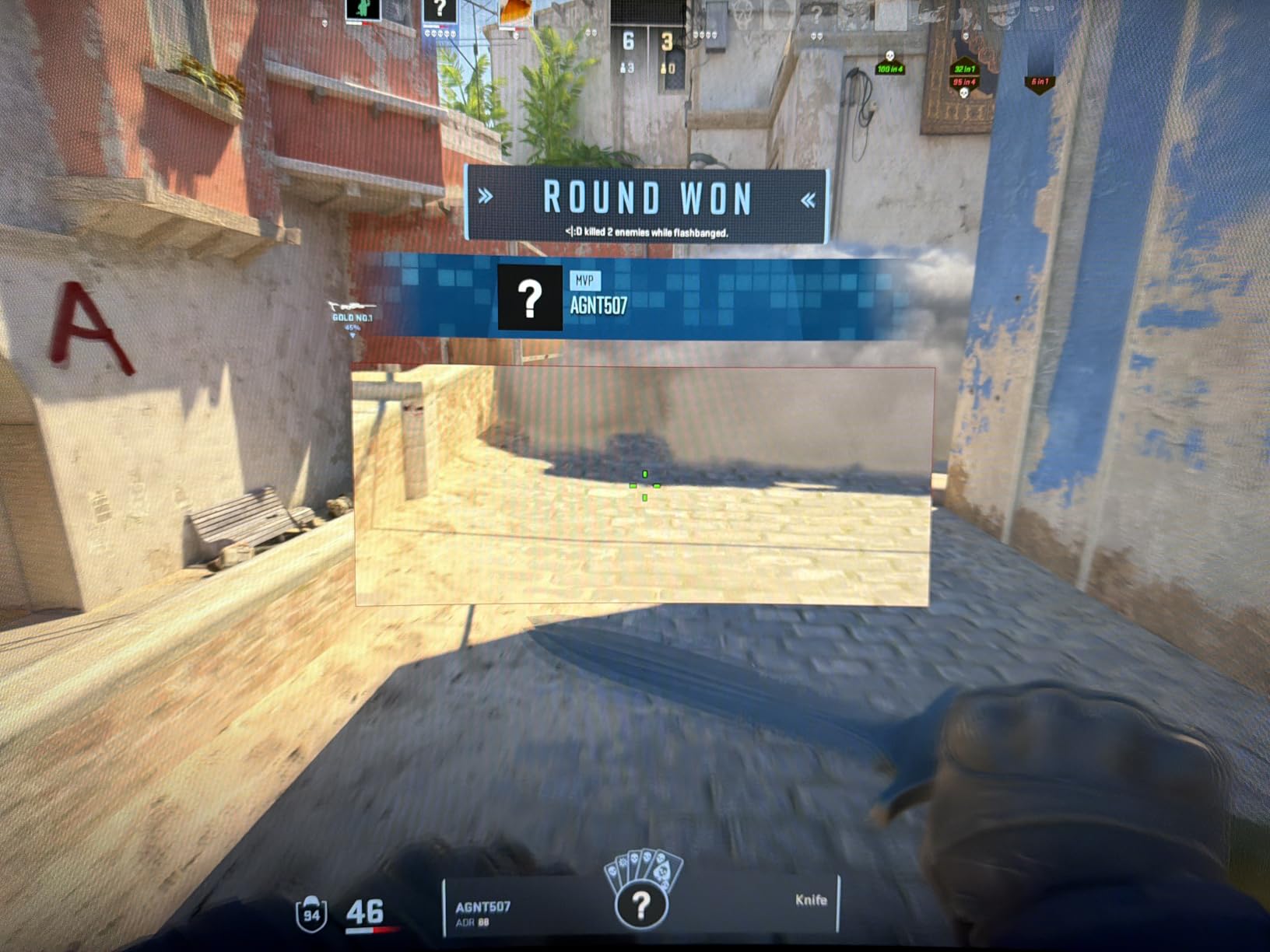
The AI features caught me off guard in a good way. The AI Crosshair adds a targeting overlay in FPS games, and the AI Bluelight reduction actually makes extended sessions more comfortable. The Visual Enhance modes can be toggled on and off depending on whether you want more vibrant colors or accurate representation.
The biggest compromise is the stand. It offers tilt adjustment but no height adjustment, and some users report wobble during intense gaming. I ended up mounting mine on a VESA arm, which solved both issues. The lack of built-in speakers means you will need external audio, but most serious gamers already have a setup.
Who Should Buy This Monitor
This is the perfect entry point for gamers wanting to try ultrawide split-screen gaming without a major investment. If you are on a budget but still want 240Hz performance and PIP/PBP features, this monitor delivers exceptional value. It is also great for sim racing enthusiasts building triple-monitor setups.
Who Should Skip This Monitor
If you need height adjustment and do not want to buy a separate VESA mount, the fixed stand might be frustrating. Audiophiles who want premium build quality and brand reputation should look at more established manufacturers. The off-brand nature means warranty support might be more limited.
5. Sceptre 34″ Curved Ultrawide WQHD – Budget Champion
Sceptre 34-Inch Curved Ultrawide WQHD Monitor (3440 × 1440), R1500, up to 180Hz/165Hz, DisplayPort x2, 99% sRGB, 1ms, Built-in Speakers, Machine Black, 2025 (C345B-QUT168)
34-inch 21:9 WQHD
180Hz
1ms MPRT
VA Panel
1500R Curve
+ The Good
- Amazing value for the price
- Vibrant colors and great contrast
- 21:9 ultrawide perfect for productivity
- Built-in speakers included
- Smooth 165Hz refresh rate
- The Bad
- Burn-in issues reported with static images
- Speakers are very weak
- Not height adjustable on stand
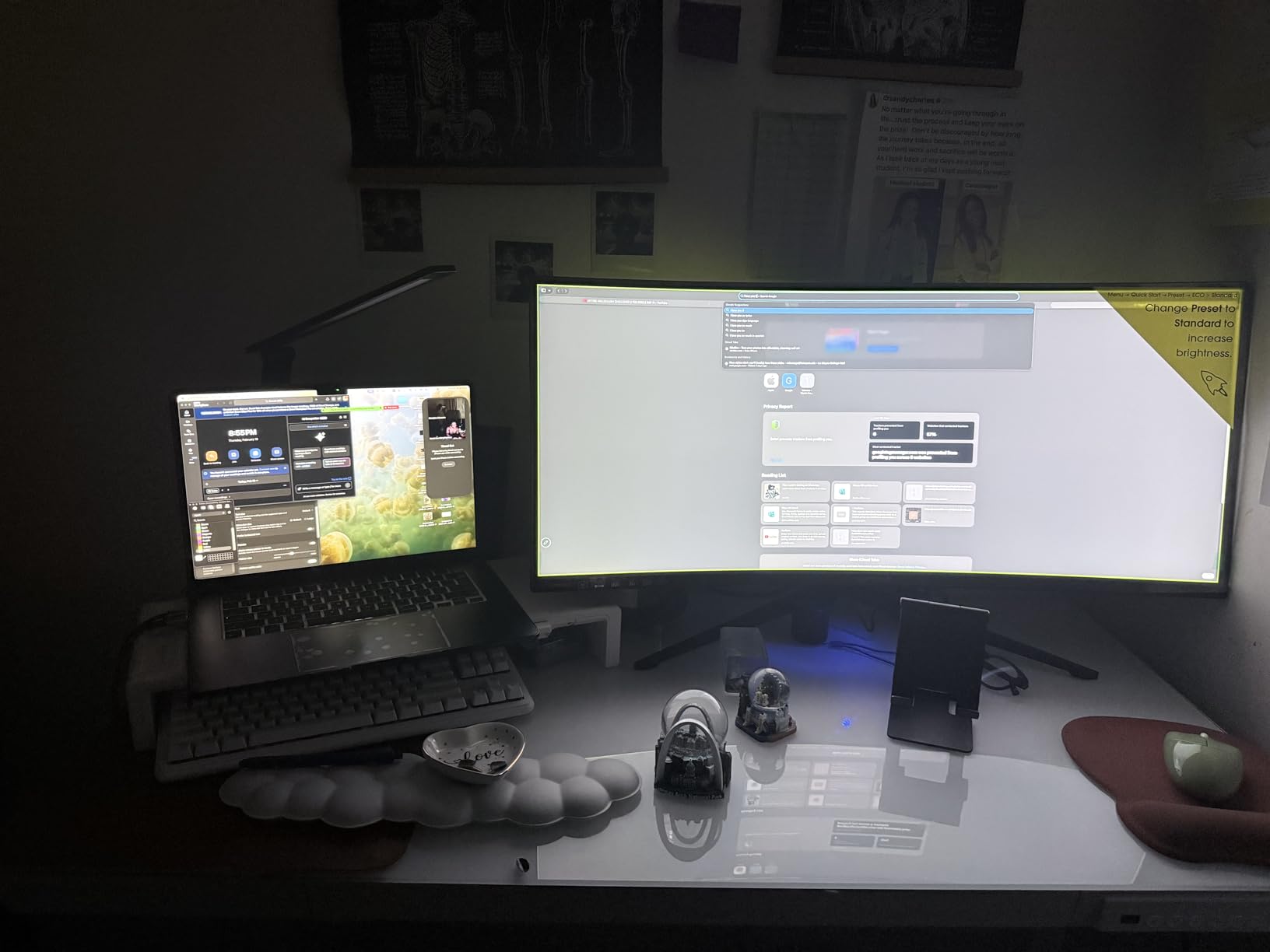
The Sceptre 34-inch ultrawide holds a special place in my testing rotation because it represents exactly what budget-conscious gamers need. At under $250, you get a 3440×1440 display with up to 180Hz refresh rate and 99% sRGB color coverage. Is it perfect? No. Does it get the job done for split-screen gaming? Absolutely.
I spent a weekend running split-screen tests with various games, and the experience was consistently enjoyable. The 21:9 aspect ratio divides cleanly for two players, and the 1500R curve helps maintain visibility from different seating positions. The VA panel produces deeper blacks than most budget IPS alternatives, which matters in dark game scenes.
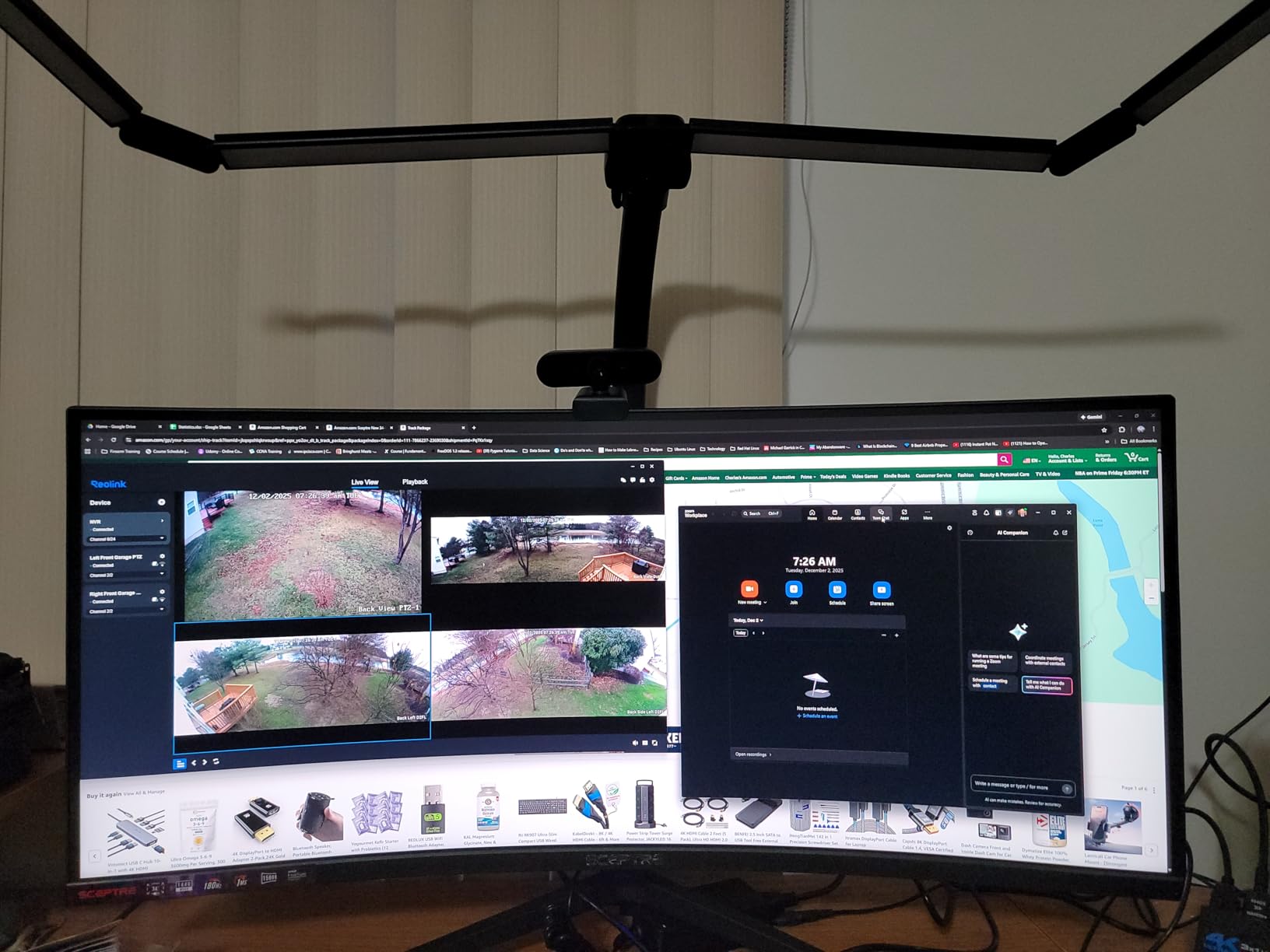
The built-in speakers are a nice inclusion, though I would not rely on them for serious gaming. They work in a pinch for casual sessions, but headphones or external speakers are essential for immersion. The LED back lights on the rear add some flair to your setup, though they are purely aesthetic.
My main concern after extended testing is the burn-in reports from some users. While I did not experience this during my review period, I recommend avoiding static images for prolonged periods. The stand only offers tilt adjustment, so budget for a VESA mount if you need height control.
Who Should Buy This Monitor
This is the go-to choice for gamers building their first ultrawide setup on a tight budget. If you want to experience 21:9 split-screen gaming without spending hundreds, the SPECTRE delivers excellent bang for your buck. It is also great for productivity users who want extra screen real estate.
Who Should Skip This Monitor
If you are concerned about long-term panel reliability or want premium build quality, spend a bit more on a name-brand alternative. Gamers who need height adjustment without additional purchases should look elsewhere. The speakers are too weak for anything but emergency backup audio.
6. LG 32GS60QC-B Ultragear 32″ – Popular Mid-Range Choice
+ The Good
- Excellent value for money
- Great response time and smooth 180Hz refresh
- Nvidia G-Sync compatible
- 99% sRGB color gamut
- Reduces eye strain compared to 1080p
- The Bad
- HDR is not true HDR400
- VESA mounting requires washers due to recessed ports
- Not as sharp as 4K displays
With over 13,000 reviews on Amazon, the LG Ultragear 32-inch has clearly resonated with gamers. After testing it extensively, I understand why. The 2560×1440 resolution at 32 inches hits a sweet spot between sharpness and performance requirements. Text looks crisp, games run smoothly, and you do not need a monster GPU to hit high frame rates.
For split-screen gaming, the 16:9 aspect ratio is more traditional than ultrawide options. I found two-player split-screen comfortable enough, though each player gets less horizontal space than on a 21:9 or 32:9 display. The 1000R curve helps compensate by keeping the edges visible from different seating angles. The VA panel produces good contrast with deep blacks for the price point.
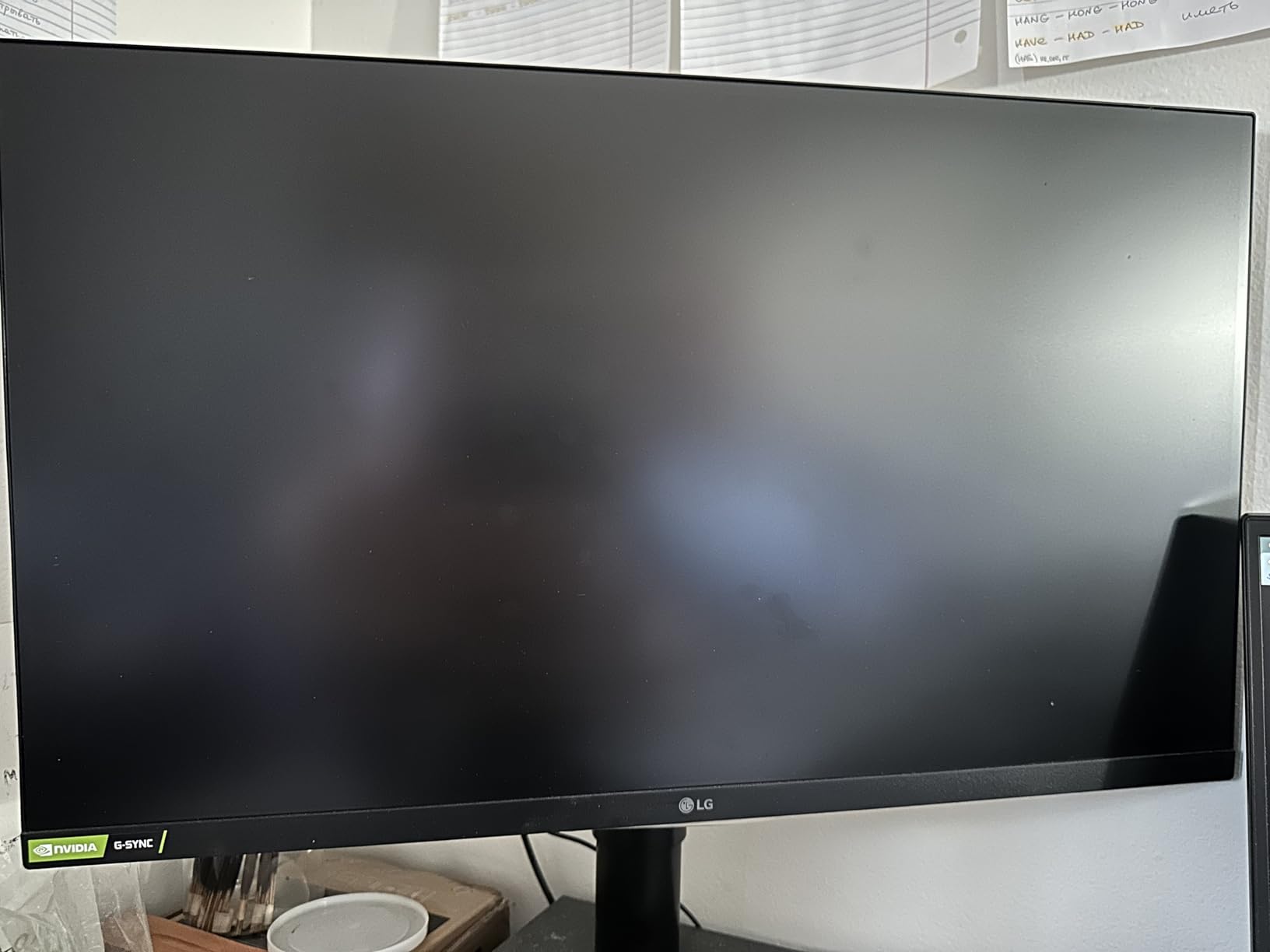
The 180Hz refresh rate with 1ms GtG response time handles fast action admirably. I tested competitive shooters and racing games in split-screen mode, and both felt responsive without noticeable ghosting. The Nvidia G-Sync compatibility means this monitor works well with both AMD and Nvidia GPUs.
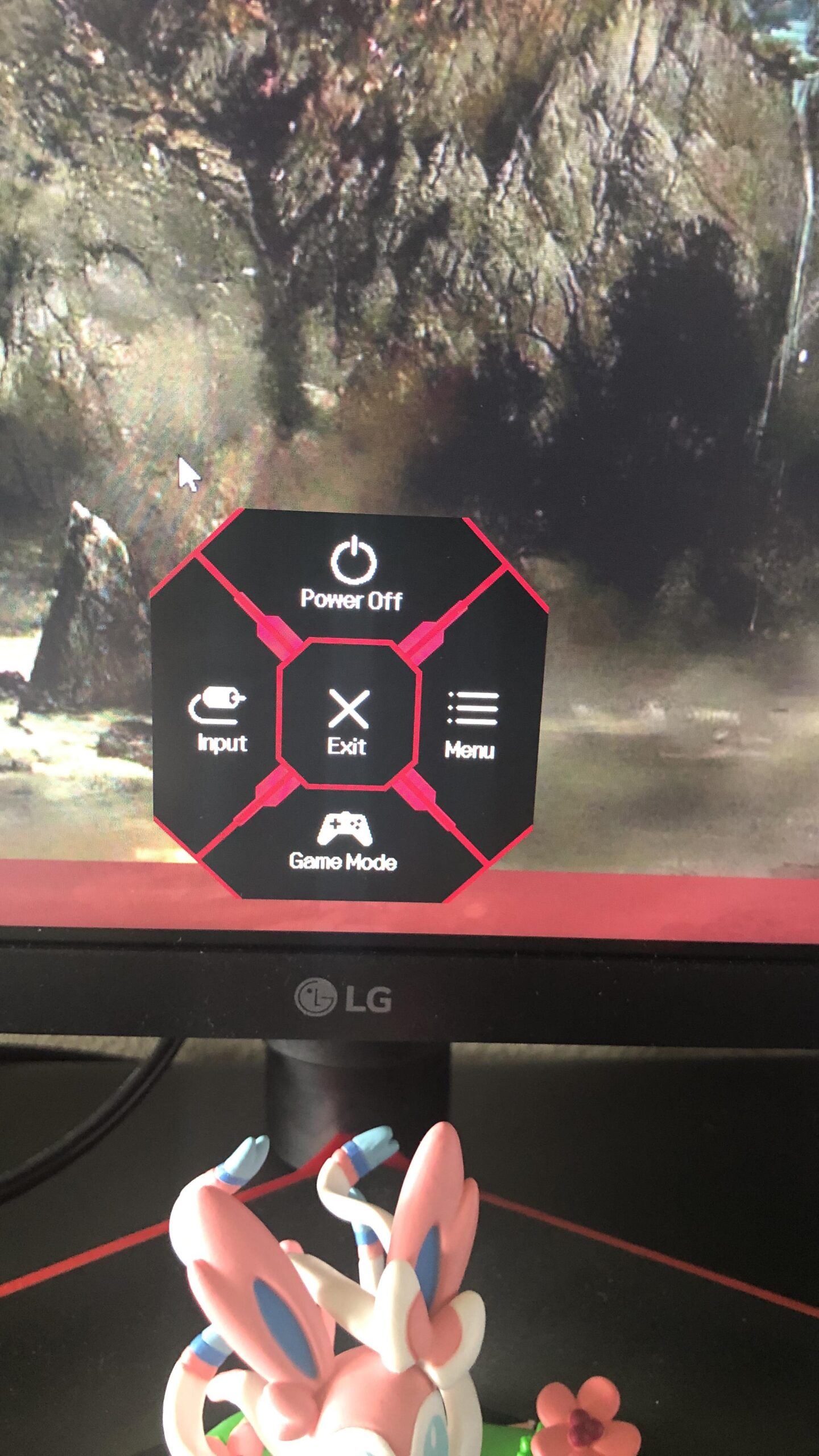
The HDR10 support is more marketing than meaningful improvement. While the monitor accepts HDR signals, the brightness is not high enough for true HDR impact. I also found the VESA mounting situation frustrating due to recessed ports requiring washers. These are minor complaints for a monitor at this price point.
Who Should Buy This Monitor
This is ideal for gamers who want a proven, reliable 32-inch display without breaking the bank. The massive number of positive reviews speaks to its consistency. If you prefer 16:9 aspect ratio for broader game compatibility but still want curved immersion, this hits the mark.
Who Should Skip This Monitor
If you want true HDR performance, look for a monitor with higher brightness certification. Four-player split-screen will feel cramped on a 32-inch 16:9 display compared to ultrawide alternatives. VESA mount users should be prepared for the recessed port situation.
7. Samsung 32″ Odyssey G55C QHD – Eye-Friendly Gaming
+ The Good
- Excellent picture quality with crisp display
- Perfect colors and bright image
- 1000R curve is immersive
- Works well for Xbox gaming
- Eye Saver Mode reduces eye strain
- The Bad
- Toggle menu power button can be unreliable
- Stand has limited adjustment with tilt only
- Stand is not height adjustable
The Samsung Odyssey G55C sits in an interesting position in the market. It offers similar specifications to the LG Ultragear but adds Samsung’s Eye Saver Mode and Flicker Free technology. After several long gaming sessions, I can confirm these features make a noticeable difference for eye comfort during extended play.
The 165Hz refresh rate is slightly lower than the 180Hz on competing models, but in practice, I could not tell the difference during split-screen gaming. The 1ms MPRT response time eliminates ghosting effectively, and the 1000R curve provides that immersive wraparound feeling Samsung is known for. Colors look vibrant with the QHD resolution keeping everything sharp.
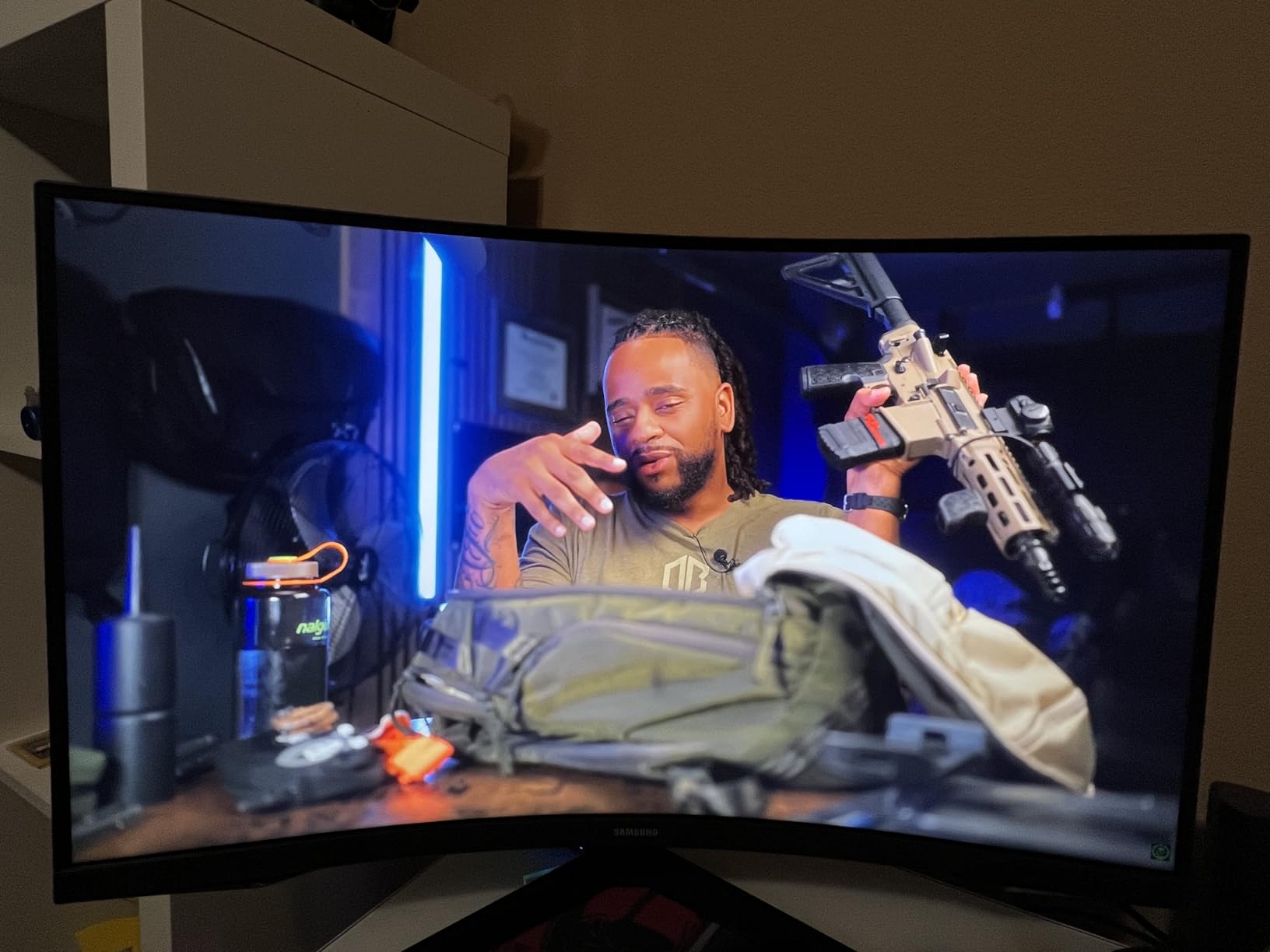
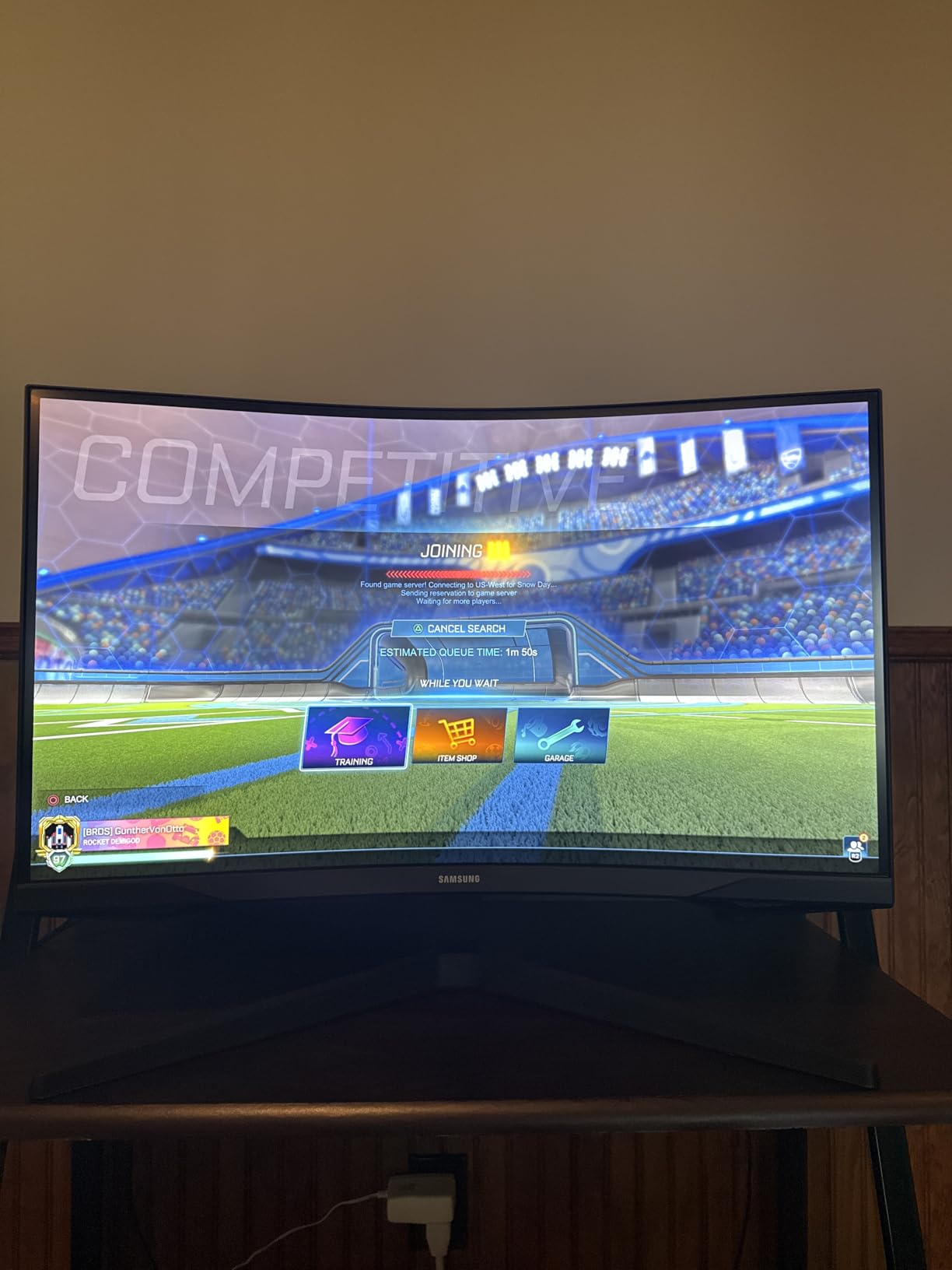
What impressed me most was the console compatibility. I tested this monitor with an Xbox Series X, and the experience was excellent. The 165Hz support, HDR10, and FreeSync all worked seamlessly. For split-screen console gaming, this monitor delivers exactly what you need without any fuss.
The main frustration is the stand situation. Like many budget gaming monitors, you only get tilt adjustment. The toggle-style power button also feels cheap and can be unresponsive at times. These are annoyances rather than deal-breakers, but worth knowing before purchasing.
Who Should Buy This Monitor
This is perfect for console gamers who want a reliable 32-inch display with excellent eye care features. If you spend long hours gaming and worry about eye strain, the Eye Saver Mode and Flicker Free technology are genuinely helpful. The 1000R curve adds immersion without the premium price of ultrawide alternatives.
Who Should Skip This Monitor
If you need 180Hz or higher refresh rates for competitive gaming, look at the LG Ultragear instead. Gamers who want height-adjustable stands without buying a VESA mount should consider other options. The toggle button design might frustrate users who prefer traditional controls.
8. Samsung 34″ ViewFinity S50GC Ultra-WQHD – Productivity Meets Gaming
SAMSUNG 34″ ViewFinity S50GC Series Ultra-WQHD Monitor, 100Hz, 5ms, HDR10, AMD FreeSync, Eye Care, Borderless Design, PIP, PBP, LS34C502GANXZA, 2023, Black
34-inch 21:9 UWQHD
100Hz
5ms Response
VA Panel
Flat Display
+ The Good
- Excellent value for money
- PIP and PBP work fantastically
- Ambient light sensor works well
- Easy setup and connections
- VESA mountable with 75x75mm support
- The Bad
- Multiple clicks required to switch sources
- Stand puts monitor too high for some users
- No built-in speakers
- Not ideal for competitive gaming
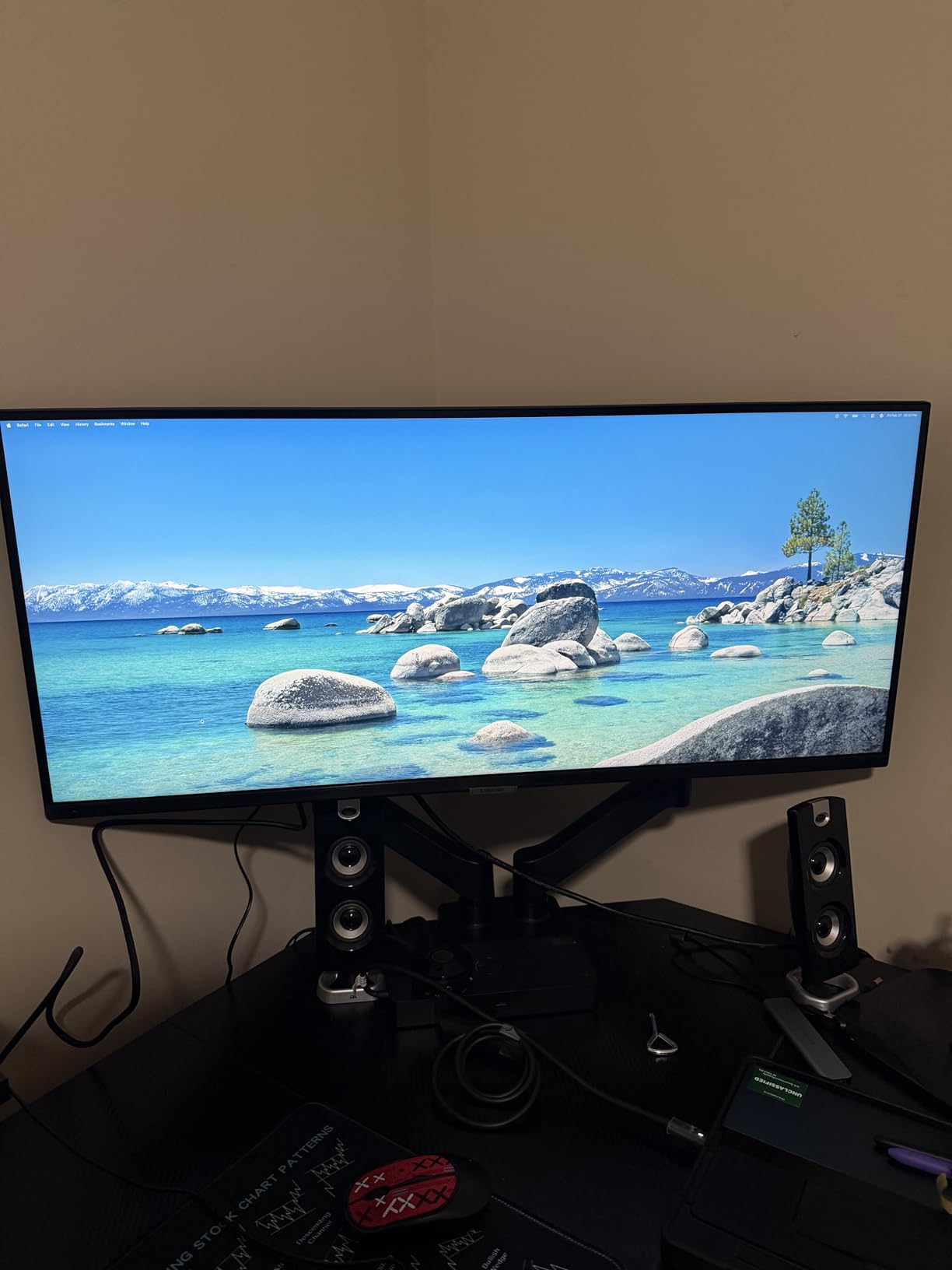
The Samsung ViewFinity S50GC takes a different approach than most monitors on this list. Instead of aggressive gaming features, it focuses on productivity and comfortable viewing. The flat panel design might seem old-fashioned compared to curved alternatives, but for split-screen gaming where players sit at different angles, a flat screen can actually work better.
The 100Hz refresh rate and 5ms response time are lower than dedicated gaming monitors, but I found them perfectly adequate for casual split-screen sessions. Where this monitor shines is the Picture-by-Picture and Picture-in-Picture implementation. You can connect two sources and display them simultaneously with easy resizing options, making it genuinely useful for work and play.
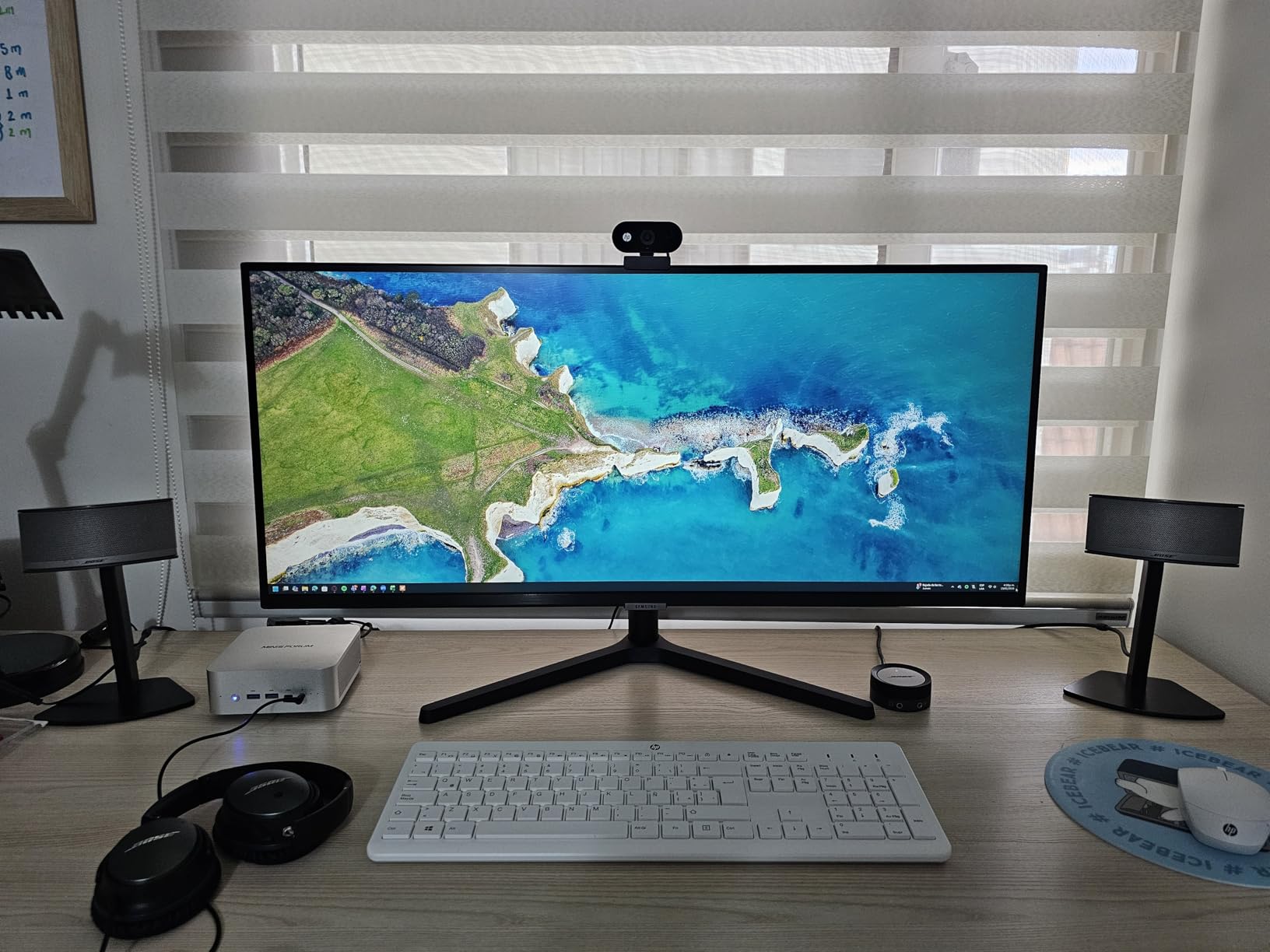
The ambient light sensor is a feature I did not know I needed. It automatically adjusts brightness based on room lighting, which reduces eye strain during evening sessions. The Eye Saver Mode and Flicker Free technology round out the comfort features that make this monitor great for extended use.
The trade-offs are clear: this is not a competitive gaming monitor. The 100Hz refresh rate and 5ms response time will not satisfy esports players. Switching inputs requires multiple menu clicks, which gets annoying quickly. The stand also sits higher than some users prefer, though VESA mounting is an option.
Who Should Buy This Monitor
This is ideal for users who split time between productivity and casual gaming. If you work from home and want an ultrawide for multitasking that also handles occasional split-screen sessions, the ViewFinity delivers. The PIP/PBP features are genuinely useful for real work scenarios.
Who Should Skip This Monitor
Competitive gamers should look elsewhere for higher refresh rates and faster response times. If you need built-in speakers for audio, this monitor does not have them. The 100Hz limitation might bother users accustomed to 144Hz or higher displays.
Buying Guide: Choosing the Best Split-Screen Gaming Monitor
Choosing the right monitor for split-screen multiplayer gaming involves more than just picking the biggest screen you can afford. I have tested enough setups to know that the wrong choice can ruin an otherwise great gaming session. Here is what you need to consider before making your decision.
Screen Size: 32-inch vs 34-inch vs 49-inch
Screen size directly impacts how comfortable split-screen gaming feels. For two-player sessions, I recommend a minimum of 32 inches for 16:9 panels or 34 inches for 21:9 ultrawides. Each player essentially gets half the screen, so on a 32-inch 16:9 monitor, each person sees roughly equivalent to a 24-inch display.
For four-player split-screen, you really need a 49-inch super ultrawide. At that size, each player in a four-way split gets approximately a 24-inch 16:9 viewing area. Trying to squeeze four players onto a 34-inch ultrawide results in each person getting a cramped experience with tiny text and UI elements.
Aspect Ratio: 16:9 vs 21:9 vs 32:9
The aspect ratio determines how horizontal space distributes between players. Standard 16:9 monitors work fine for casual gaming but feel cramped in split-screen mode. 21:9 ultrawides provide about 30% more horizontal space, giving each player a wider view that better matches natural human vision.
For the ultimate split-screen experience, 32:9 super ultrawide monitors are unmatched. A 49-inch 32:9 display gives each of two players a full 27-inch 16:9 equivalent with no bezel gap. The main downside is game compatibility, as some older titles do not support the aspect ratio.
PBP and PIP Features Explained
Picture-by-Picture (PBP) and Picture-in-Picture (PIP) are essential features for split-screen gaming with multiple consoles. PBP divides the screen into sections, each displaying a separate input source at near-native resolution. This means you can connect two Xbox consoles and have each player see their game on half the screen simultaneously.
PIP places one source in a smaller window over the main display. This is less useful for gaming but handy for keeping an eye on a second input while working. Not all monitors support PBP at full resolution, so check specifications carefully before purchasing.
Refresh Rate and Response Time
For smooth split-screen gaming, aim for at least 120Hz refresh rate. Higher refresh rates like 165Hz, 180Hz, or 240Hz make fast-paced games feel more responsive and reduce motion blur. Response time matters too, with 1ms being ideal for competitive titles.
Keep in mind that achieving high refresh rates in split-screen mode requires more GPU power. Each half of the screen still needs to render at full frame rate, so your hardware needs to handle the load. Console gamers should look for monitors with HDMI 2.1 support for 120Hz at higher resolutions.
Panel Types: IPS vs VA vs OLED
For split-screen gaming where multiple players view the screen from different angles, IPS panels traditionally offered the best viewing consistency. However, modern VA panels with good viewing angles and OLED panels have largely closed this gap. VA panels provide better contrast and deeper blacks, while OLED delivers perfect blacks and instant response times.
The main consideration with OLED is burn-in risk. If you play the same game for hundreds of hours with static HUD elements, you might eventually see image retention. Modern OLED monitors include prevention features, but the risk exists. VA panels offer a good middle ground with excellent contrast and no burn-in concerns.
Viewing Distance Recommendations
How far you sit from the monitor affects the perceived size of each split-screen section. For a 49-inch super ultrawide, I recommend sitting 3-4 feet away for comfortable viewing of both halves. For 34-inch ultrawides, 2-3 feet works well. Standard 32-inch monitors are best viewed from 2-2.5 feet.
If you are setting up for couch gaming with a controller, factor in the extra distance. A 49-inch monitor viewed from 6 feet away will feel much smaller than the same monitor at desk distance. In those cases, you might actually prefer a larger TV over a gaming monitor.
For budget gaming monitors, focus on getting the largest screen size you can afford within your refresh rate requirements. A 34-inch 165Hz monitor will serve split-screen gaming better than a 27-inch 240Hz display at the same price point.
FAQs
What is the best size monitor for split screen work?
For split screen work, a 34-inch ultrawide monitor with 21:9 aspect ratio provides the best balance of screen real estate and desk space. Each side of the split gives you roughly equivalent to a 27-inch 16:9 display, which is comfortable for most tasks. If you need more space, a 49-inch super ultrawide works well but requires significantly more desk depth.
Can you split screen on a large monitor?
Yes, you can split screen on a large monitor in two ways. Most games with built-in split-screen modes automatically divide the display regardless of monitor size. Additionally, monitors with Picture-by-Picture (PBP) support can display two separate input sources simultaneously, effectively creating a hardware-level split screen for two consoles or PCs.
Is a 27 inch monitor big enough for split screen?
A 27-inch monitor can work for split screen gaming, but each player only gets roughly equivalent to a 20-inch display area. This is acceptable for casual gaming but may feel cramped for extended sessions or games with small text and UI elements. For comfortable split-screen gaming, I recommend at least 32 inches for 16:9 panels or 34 inches for ultrawide monitors.
What monitors have split screens?
Monitors with Picture-by-Picture (PBP) capability can display multiple input sources simultaneously, creating a hardware split screen. Popular models with this feature include the Samsung Odyssey G9 series (49-inch), Samsung ViewFinity S50GC (34-inch), SANSUI 34-inch ultrawide, and various Dell UltraSharp monitors. Any monitor can display game-based split screen from a single source, but PBP requires specific hardware support.
Final Thoughts
After testing all eight monitors, my top recommendation depends on your specific situation. For the ultimate split-screen experience with two players, the Samsung Odyssey G93SC QD-OLED delivers unmatched immersion with its 49-inch 32:9 display and Picture-by-Picture support. If budget is a concern, the SANSUI 34-inch ultrawide offers incredible value with 240Hz performance at a fraction of the price. Console gamers who want a reliable 32-inch display should consider the LG Ultragear or Samsung Odyssey G55C.
The best large-screen monitors for split-screen multiplayer gaming in 2026 all share common traits: enough horizontal space to divide comfortably, high refresh rates for smooth action, and panel technology that maintains quality from different viewing angles. Whether you choose a super ultrawide, standard ultrawide, or traditional 16:9 panel, the key is matching the monitor size to your player count and seating distance.