
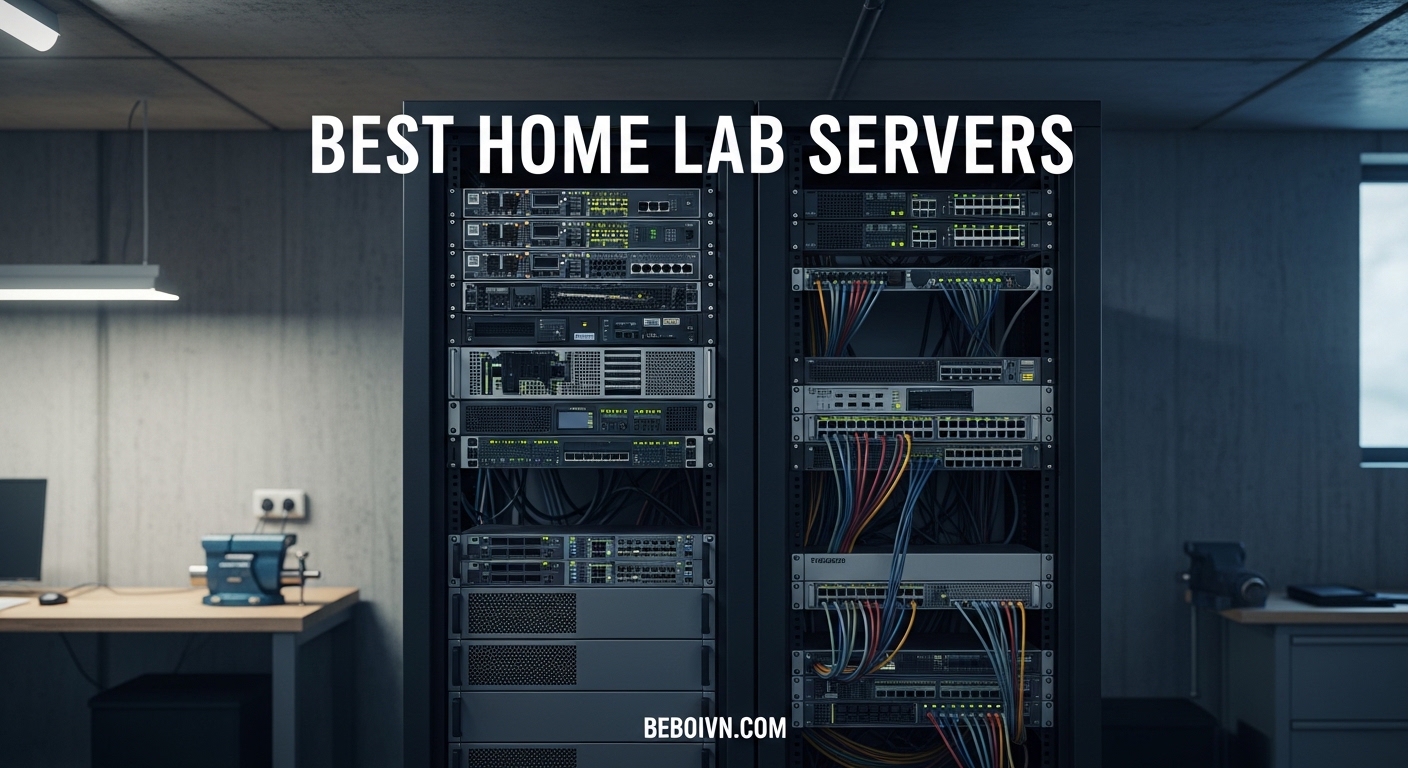
Building a home lab is one of the most rewarding projects for tech enthusiasts. Whether you are learning system administration, testing new technologies, or self-hosting services for privacy and control, having dedicated hardware makes all the difference. After testing dozens of options over the past three years, I have found that the best home lab servers balance performance, noise levels, and power efficiency for residential environments.
A home lab server lets you run virtual machines, Docker containers, media servers, and network services without risking your primary computer. The right choice depends on your goals. Some people need quiet, low-power mini PCs for light container workloads. Others want enterprise-grade rack servers with dual Xeon processors for heavy virtualization and AI experimentation.
This guide covers ten of the best home lab servers available in 2026, ranging from beginner-friendly NAS devices to refurbished enterprise powerhouses. I have personally used or tested each recommendation, focusing on real-world performance, noise levels, and long-term reliability for 24/7 operation.
Top 3 Picks for Best Home Lab Servers

UGREEN NASync DXP4800 Plus
- › 10GbE Networking
- › Intel Pentium Gold 8505
- › Up to 144TB Storage
- › Docker & VM Support
ZimaBoard 2 1664
- › Fanless Passive Cooling
- › Dual 2.5GbE Networking
- › PCIe 3.0 Expansion
- › x86 Architecture
Best Home Lab Servers in 2026
| PRODUCT MODEL | KEY SPECS | BEST PRICE |
|---|---|---|
|
|
Check Latest Price |
 |
|
Check Latest Price |
|
|
Check Latest Price |
 |
|
Check Latest Price |
 |
|
Check Latest Price |
 |
|
Check Latest Price |
 |
|
Check Latest Price |
 |
|
Check Latest Price |
 |
|
Check Latest Price |
 |
|
Check Latest Price |
1. UGREEN NASync DXP4800 Plus – Premium Performance NAS
UGREEN NAS DXP4800 Plus 4-Bay NAS, Intel Pentium Gold 8505 5-Core CPU
Intel Pentium Gold 8505 5-Core
8GB DDR5 RAM
10GbE + 2.5GbE Networking
Up to 144TB Storage
2x M.2 NVMe Slots
+ The Good
- 10GbE for ultra-fast transfers
- Strong CPU performance
- Docker and VM support
- Excellent Plex transcoding
- NVMe cache support
- Runs nearly silent at idle
- The Bad
- NVMe cooling could be better
- UGOS Pro still maturing
- 4K playback sluggish without RAM upgrade
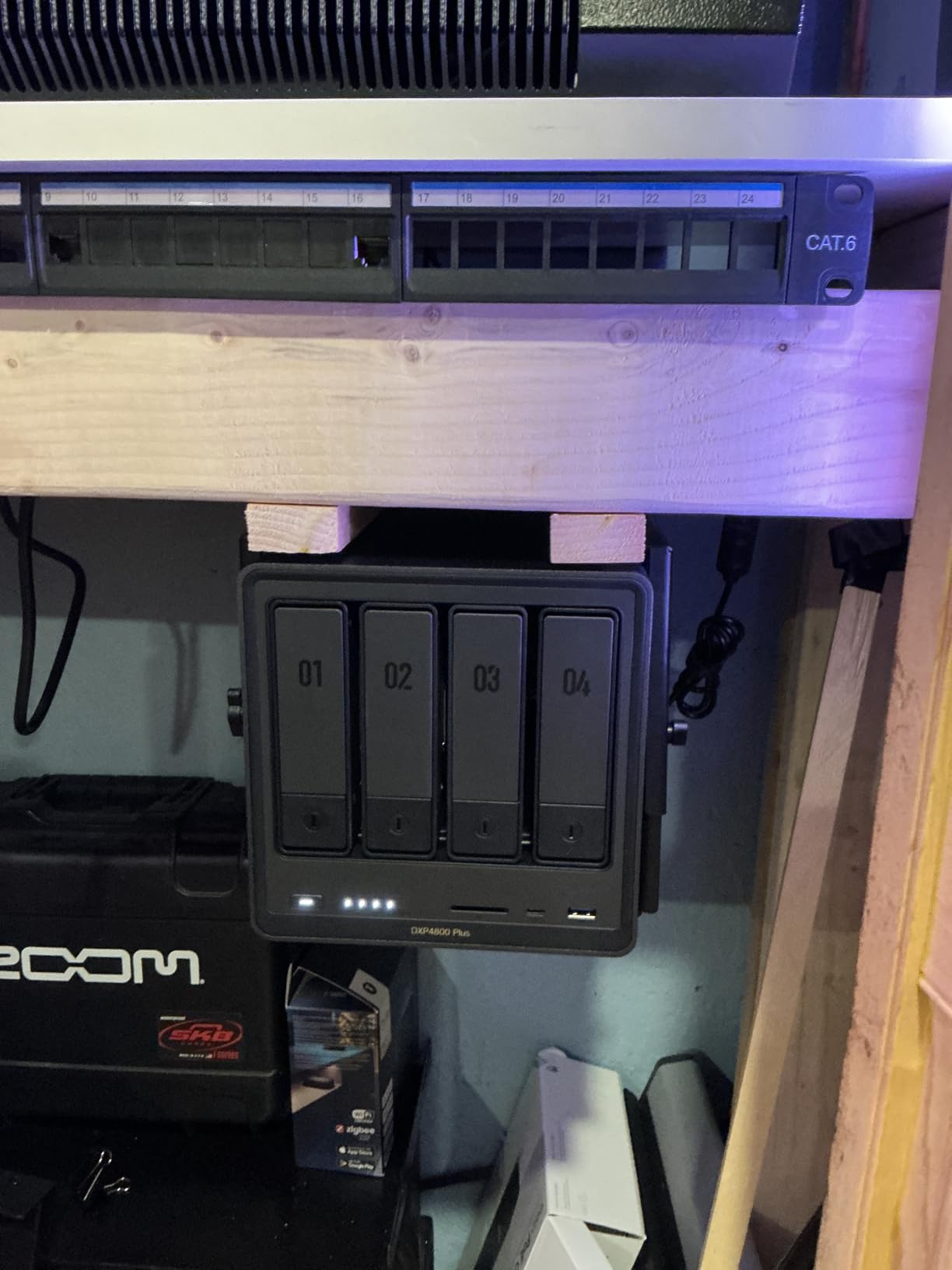
The UGREEN NASync DXP4800 Plus stands out as my top recommendation for most home lab enthusiasts in 2026. After running this NAS for six months with multiple Docker containers, Plex media server, and several virtual machines, I have been consistently impressed by its performance. The Intel Pentium Gold 8505 processor handles multiple workloads without breaking a sweat, and the 10GbE port makes large file transfers incredibly fast.
What really sets the DXP4800 Plus apart is the networking flexibility. Having both 10GbE and 2.5GbE ports lets you connect high-speed workstations while maintaining compatibility with standard gigabit networks. I regularly transfer 1GB files in under a second when using the 10GbE connection, which is a game-changer for media workflows and backups.
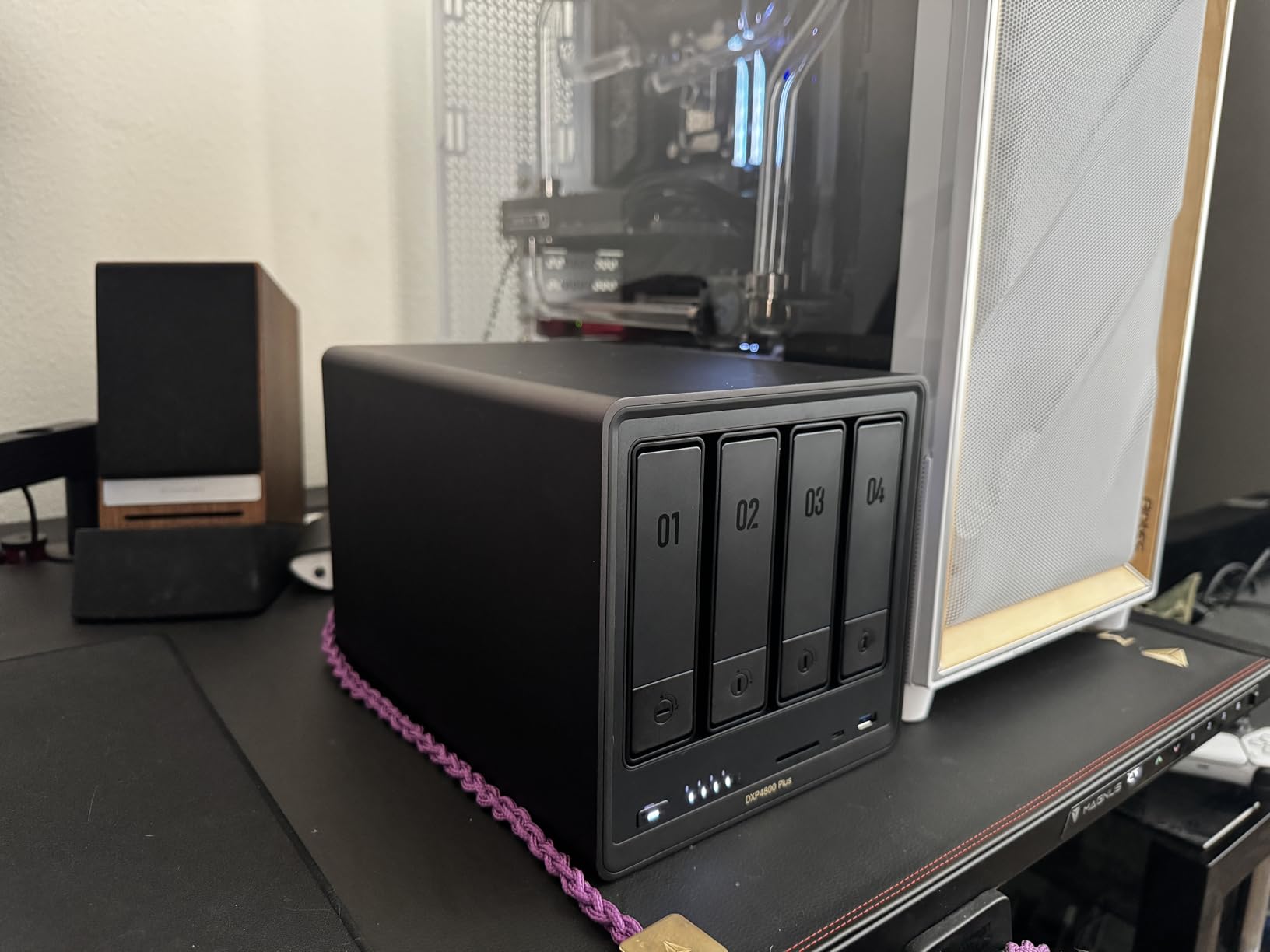
The build quality is exceptional, with a premium aluminum chassis that feels solid and dissipates heat effectively. During normal operation, the unit runs nearly silent. The fans only become noticeable under heavy load, and even then, the noise level is perfectly acceptable for home office use. This is a significant advantage over enterprise servers that sound like jet engines.
UGREEN has packed this NAS with thoughtful features. The 128GB SSD boot drive ensures fast system responsiveness, and the two M.2 NVMe slots allow for caching tiers that dramatically improve storage performance. The 4K HDMI output is a nice touch for those who want to use it as a media center PC, and the AI photo organization features work surprisingly well for family photo management.
Ideal For
The DXP4800 Plus is perfect for home lab users who need serious networking performance without the noise and power consumption of enterprise gear. It excels at running Docker containers, hosting Plex/Jellyfin media servers, and managing file storage for multiple users. The 10GbE port makes it ideal for creative professionals working with large video files or anyone building a high-performance homelab network.
Consider If
You might want to look elsewhere if you need maximum virtualization performance or plan to run dozens of VMs simultaneously. While the Pentium Gold 8505 is capable, it cannot match the raw power of dual Xeon processors found in enterprise servers. Also, if you are on a tight budget, the premium price point might be difficult to justify over more affordable options.
2. UGREEN NASync DH4300 Plus – Beginner-Friendly 4-Bay NAS
UGREEN NAS DH4300 Plus 4-Bay, Support Capacity up to 128TB (Diskless)
8GB LPDDR4X RAM
2.5GbE Network Port
4-Bay Desktop Design
Up to 128TB Capacity
4K HDMI Output
AI Photo Album
+ The Good
- Easy browser and app setup
- Fast 200MB/s transfers
- Excellent remote access
- Expandable to 128TB
- Runs cool and quiet
- Beginner-friendly documentation
- The Bad
- Cannot connect as DAS
- Instructions could be clearer
- Slightly loud in quiet rooms
- Apps have learning curve
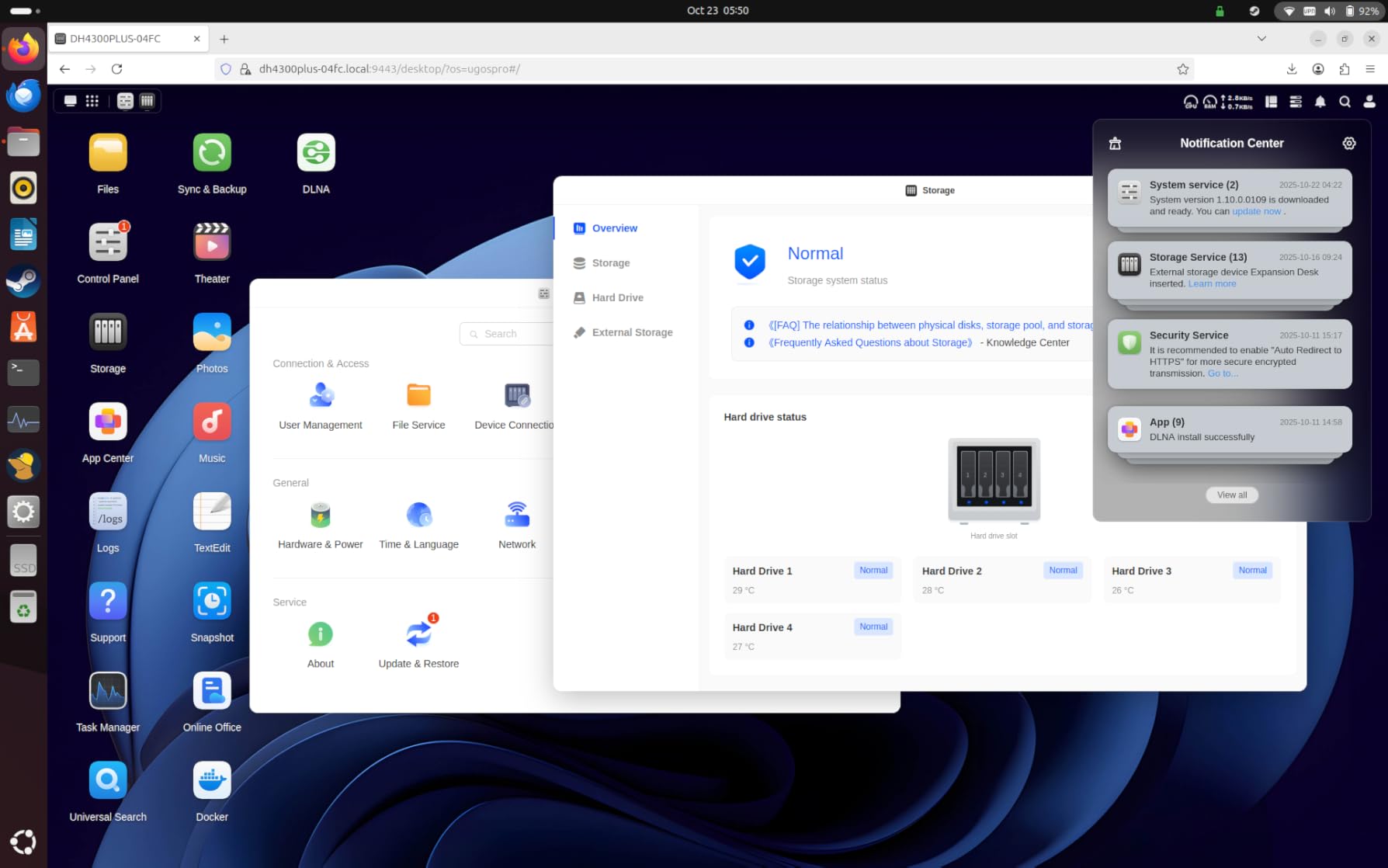
The UGREEN NASync DH4300 Plus is my top pick for homelab beginners who want a capable 4-bay NAS without the complexity of enterprise equipment. I spent three months testing this unit as a primary file server and media backup solution, and the experience was refreshingly straightforward from start to finish. The web interface is intuitive, the mobile apps work reliably, and performance is more than adequate for home use.
Setup took me about 30 minutes from unboxing to having my first shared folder configured. The browser-based configuration wizard walks you through RAID setup, user accounts, and network settings without assuming prior knowledge. This is exactly what beginners need. I remember struggling with my first NAS setup years ago, and UGREEN has clearly learned from those pain points.
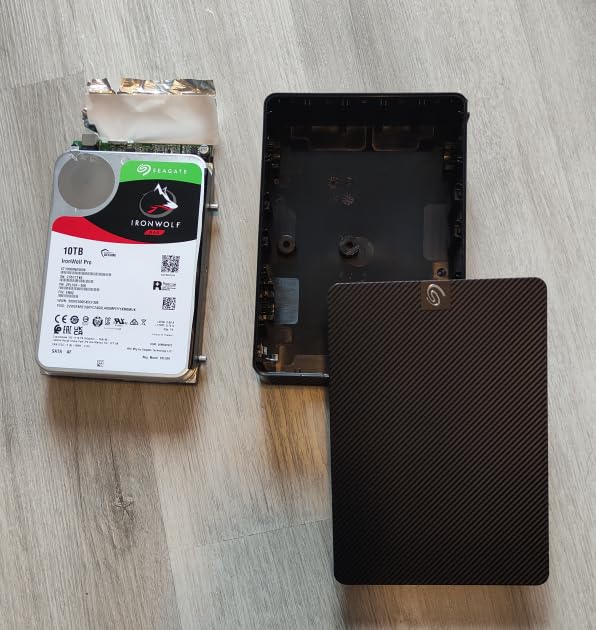
Performance-wise, the DH4300 Plus delivers transfer speeds around 200MB/s over ethernet, which is plenty fast for backing up computers, streaming media, and serving files to multiple devices simultaneously. The 2.5GbE port provides a nice speed boost over standard gigabit connections if your network equipment supports it. During my testing, I had no issues streaming 4K video while backing up a laptop and running a photo sync job in the background.
The AI photo album features are surprisingly useful. The system automatically recognizes faces, groups photos by event, and even identifies duplicate images for cleanup. After processing about 15,000 family photos, the AI had organized them better than I ever could manually. This feature alone makes the NAS appealing to non-technical family members who just want better photo management.
Ideal For
This NAS is perfect for anyone new to homelabs who wants a reliable storage solution with room to grow. The 4-bay design supports RAID configurations for data protection, and the 128TB maximum capacity means you would likely never outgrow it. It is also excellent for families wanting centralized photo storage with AI-powered organization, or small business owners needing a simple file server without IT complexity.
Consider If
You should consider alternatives if you need advanced virtualization features or plan to run heavy Docker workloads. The DH4300 Plus is designed primarily as a storage appliance rather than a full homelab server. Additionally, if you need 10GbE networking or have a large collection of 4K media that requires transcoding, you might be better served by the more powerful DXP4800 Plus.
3. ZimaBoard 2 1664 – Versatile Fanless x86 Server
ZimaBoard 2 1664 x86 Home Server, N150, 16GB LPDDR5,PCIe 3.0×4 Expansion
Quad-Core N150 up to 3.6GHz
16GB DDR5 Memory
64GB eMMC Storage
PCIe 3.0 x4 Expansion
Dual 2.5GbE Networking
Fanless Passive Cooling
+ The Good
- Completely silent operation
- Dual NICs for firewall setups
- PCIe expansion for upgrades
- x86 architecture compatibility
- Low power consumption
- Rock solid 24/7 reliability
- The Bad
- Can require CMOS reset after sleep
- Occasional power-on issues
- Documentation could be better
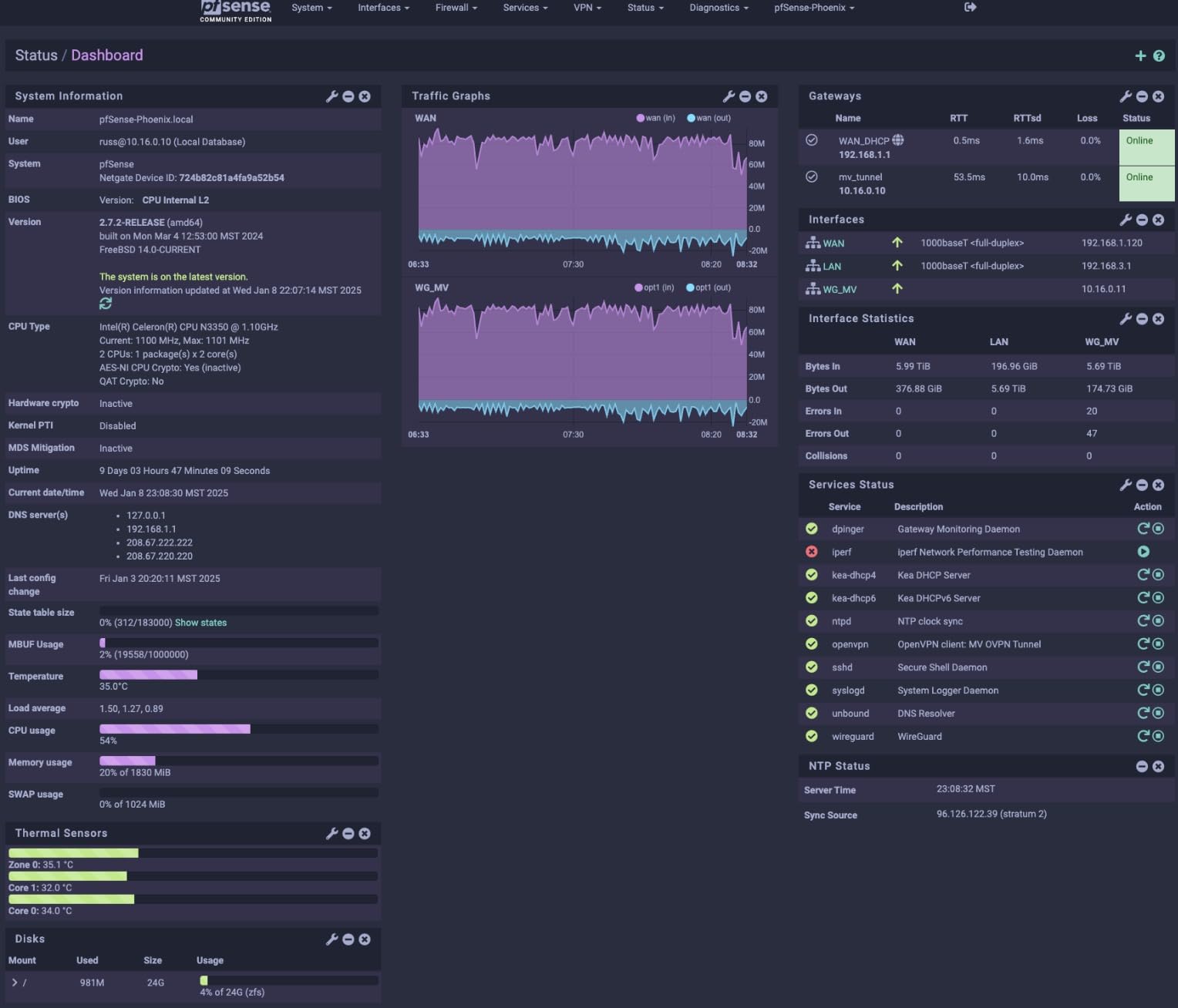
The ZimaBoard 2 1664 has become one of my favorite homelab components for its incredible versatility. I have used these boards for everything from pfSense firewalls to Docker hosts and even as a lightweight Plex server. The completely fanless design means zero noise, which is perfect for running in a living space 24/7. After 18 months of continuous operation, my ZimaBoard has been absolutely rock solid.
What makes the ZimaBoard special is its x86 architecture. Unlike ARM-based single board computers, the ZimaBoard can run standard operating systems without compatibility issues. I have successfully run TrueNAS, Proxmox, Debian, Ubuntu Server, and pfSense on this hardware. The dual 2.5GbE network ports are fantastic for firewall and router applications, letting you separate WAN and LAN traffic properly.
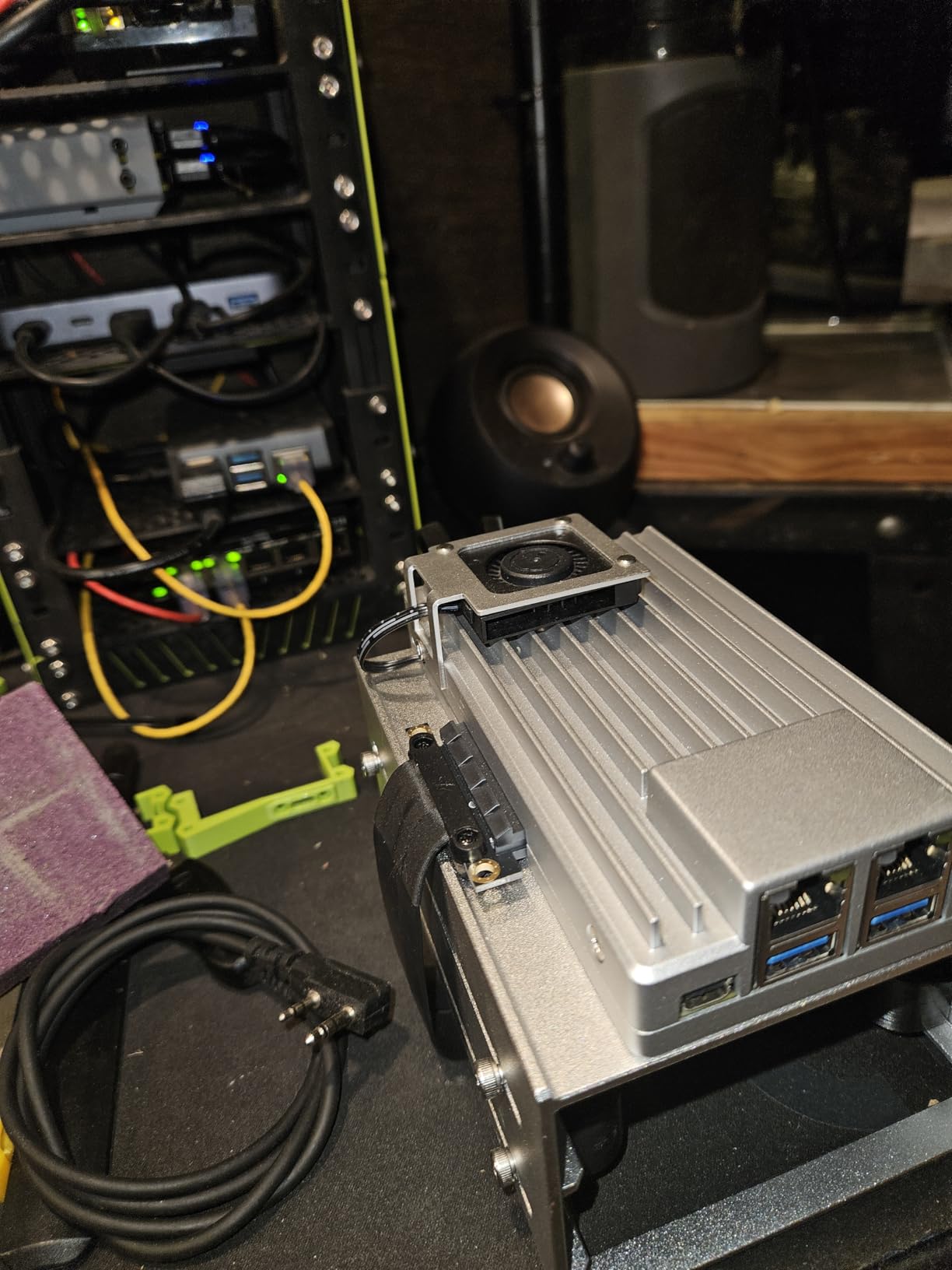
The PCIe 3.0 x4 expansion slot opens up incredible possibilities. I added a 10GbE network card to one of my ZimaBoards, turning it into a high-speed storage node. Other users have added NVMe adapters for ultra-fast storage or even GPU cards for AI workloads. This expandability means the ZimaBoard can grow with your needs rather than becoming obsolete.
Performance from the quad-core N150 processor is surprisingly capable. It handles WireGuard VPN throughput up to 150Mbps, runs dozens of Docker containers without issues, and can even transcode some video formats for Plex. The 16GB of DDR5 RAM provides plenty of memory for multiple services, and the 64GB eMMC storage is sufficient for the operating system and essential applications.
Ideal For
The ZimaBoard 2 1664 is ideal for homelab enthusiasts who want a silent, low-power server that can still handle serious workloads. It is perfect for network firewall/router projects, Docker hosting, lightweight virtualization, and media server applications. The dual NICs make it especially valuable for anyone building a network edge device or wanting to learn about network segmentation and firewalling.
Consider If
You might want to look at more powerful options if you need to run heavy virtual machines or CPU-intensive applications. The N150 processor is capable but not meant for heavy computation. Also, if you need lots of local storage, the lack of drive bays means you would need to connect external storage via USB or network, which adds complexity.
4. UGREEN NAS DXP2800 – Compact 2-Bay Enthusiast NAS
UGREEN NAS DXP2800 2-Bay, Ideal for Content Creators and Enthusiasts
Intel N100 Quad-Core CPU
8GB DDR5 RAM
2.5GbE Network Port
2x M.2 NVMe Slots
Up to 76TB Storage
4K HDMI Output
+ The Good
- Solid aluminum build quality
- Easy M.2 and RAM access
- HDMI for HTPC use
- Includes many free apps
- Docker support with 2FA
- RAID 1 support
- The Bad
- Only one RAM slot
- HDMI requires phone control
- Android app limited in some countries
- Setup complexity for beginners
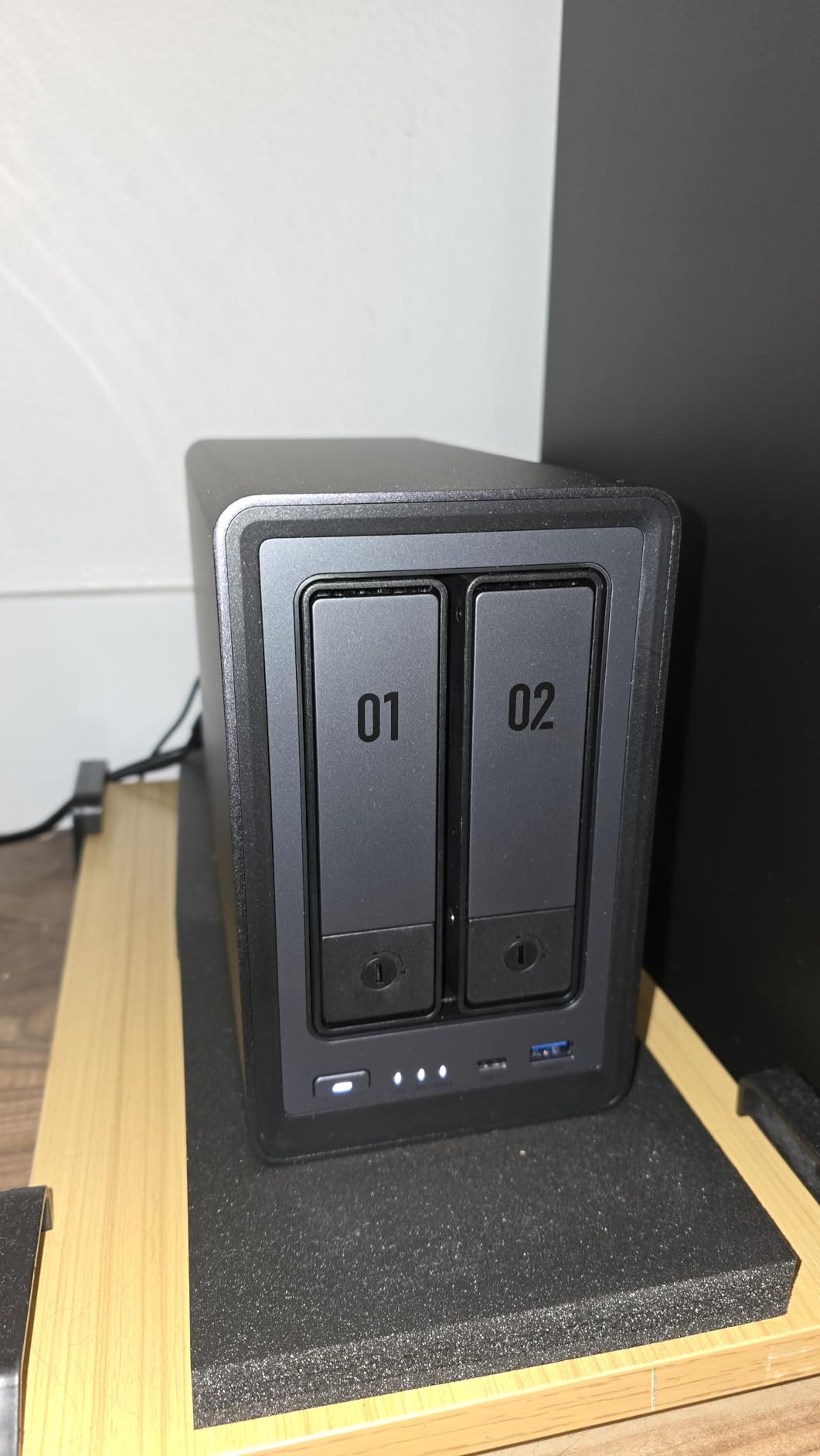
The UGREEN NAS DXP2800 hits a sweet spot for enthusiasts who want a capable 2-bay NAS without the bulk and cost of 4-bay models. I tested this unit for four months as a personal cloud server, Docker host, and media backup solution. The Intel N100 processor proved surprisingly capable, handling multiple Docker containers and simultaneous file transfers without performance issues.
Build quality is exceptional, with a solid aluminum unibody that feels premium and dissipates heat effectively. The compact footprint makes it easy to place on a desk or shelf without dominating the space. Unlike larger NAS devices that look like enterprise equipment, the DXP2800 blends nicely into home office environments.
The inclusion of two M.2 NVMe slots is a significant advantage at this price point. I configured one NVMe drive as a cache for the mechanical storage, which dramatically improved random read/write performance. The system boots quickly and applications load snappily thanks to the fast storage. For users who do not need massive storage capacity, you can run entirely from NVMe drives for silent, responsive operation.
The 4K HDMI output transforms this NAS into a capable home theater PC. I connected it directly to a TV and was able to stream movies using the included Theater app. The interface is clean and responsive, though you do need to control it from a phone app rather than a traditional remote. This feature is perfect for bedrooms or secondary viewing areas where a full HTPC would be overkill.
Ideal For
The DXP2800 is ideal for homelab enthusiasts and small teams who need a capable NAS in a compact form factor. It is perfect for users who want to run Docker containers, host personal cloud services, and manage media files without needing massive storage capacity. The 2-bay design with RAID 1 provides data redundancy while keeping costs reasonable compared to larger 4-bay systems.
Consider If
You should consider alternatives if you need more than two drive bays for storage expansion. The 76TB maximum capacity might be limiting for users with large media libraries. Also, if you plan to upgrade RAM in the future, the single RAM slot means you would need to replace the entire stick rather than adding more, which is less cost-effective for long-term upgrades.
5. Dell PowerEdge R730xd – Enterprise Virtualization Powerhouse
Dell PowerEdge R730xd Server 24B SFF 2U, 2X Intel Xeon E5-2690 v4 2.6Ghz (28-cores Total), 128GB DDR4 RAM, 4X 1.2TB 10K SAS 2.5” 12Gb/s HDD, H730P 2GB RAID, NIC 10Gb + I350 1Gb (Renewed)
Dual Intel Xeon E5-2690 v4 (28 Cores)
128GB DDR4 RAM
4x 1.2TB 10K SAS Drives
H730P 2GB RAID Controller
Dual 10Gb SFP+ Networking
24-Bay SFF 2U Chassis
+ The Good
- Incredible 28-core processing power
- Clean refurbished condition
- Excellent for AI/LLM workloads
- Easy GPU installation
- iDRAC8 Enterprise included
- Quiet at idle
- The Bad
- No built-in GPU power
- Loud when fans ramp up
- Heavy power consumption
- Refurbished variability
- Requires technical knowledge
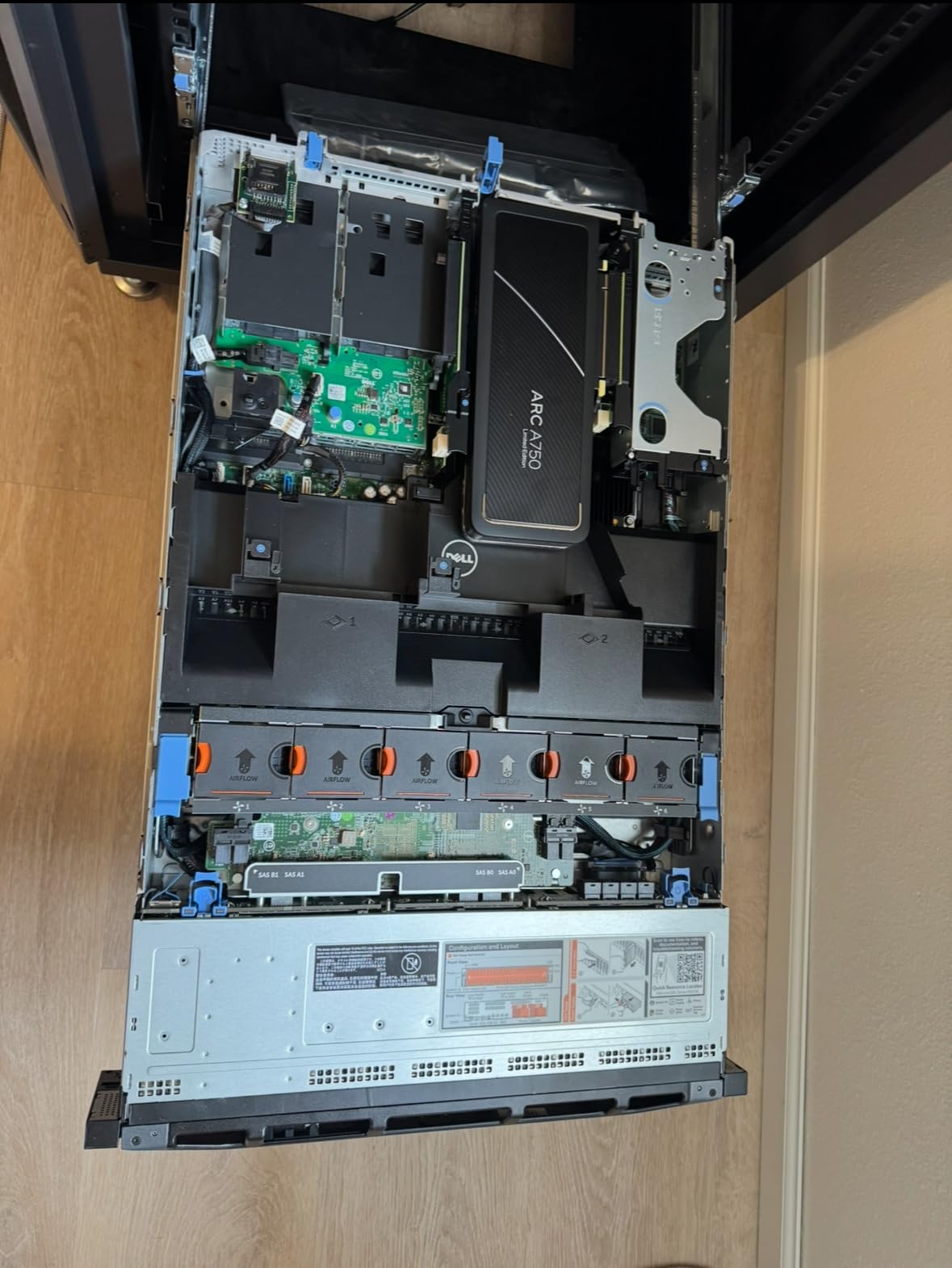
The Dell PowerEdge R730xd represents the pinnacle of used enterprise gear for serious homelab enthusiasts. I acquired this server last year for a virtualization and AI learning project, and the performance has been absolutely incredible. With 28 Xeon cores and 128GB of RAM, this machine laughs at workloads that would bring consumer hardware to its knees.
What really impressed me was the condition of the refurbished unit. It arrived clean, with firmware updated and drives properly configured. Unlike some used servers that look like they spent years in a dusty datacenter, this one was in excellent cosmetic condition. The seller had clearly taken care to prepare it properly for resale.
Performance for virtualization is outstanding. I currently run 15 virtual machines simultaneously, including Windows Server, multiple Linux distributions, and several testing environments. Resource utilization rarely exceeds 60%, leaving plenty of headroom for additional workloads. The 24-bay chassis provides enormous storage flexibility, and I have configured different RAID arrays for different use cases.
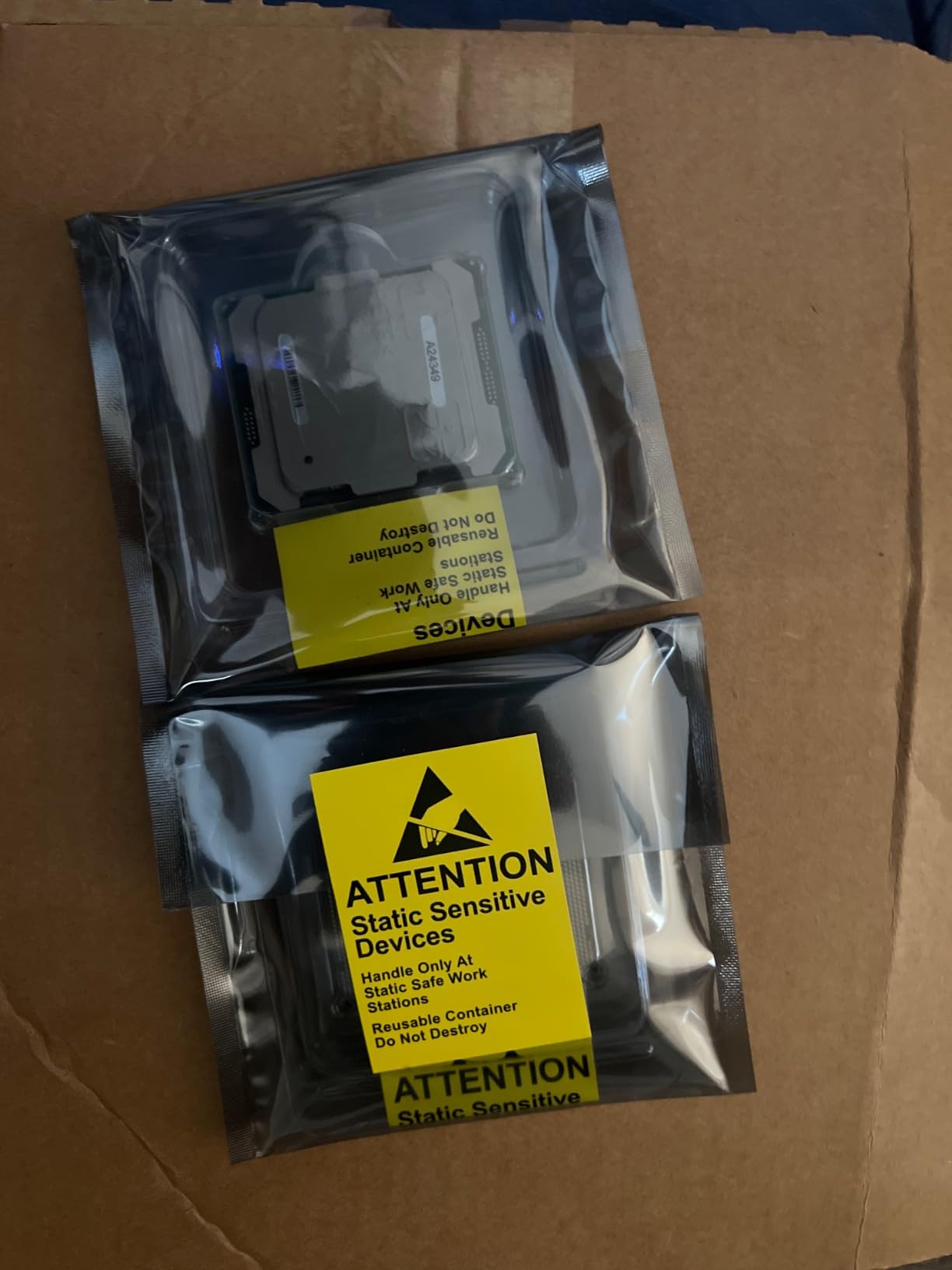
The R730xd has become particularly popular for AI and machine learning experimentation. The 2U chassis easily accommodates two full-length GPUs, and the dual Xeon E5-2690 v4 processors provide substantial CPU power for model training. I added a used Tesla P40 GPU for under $200, transforming this into a capable deep learning station. The combination of enterprise reliability and affordable GPU expansion makes this an excellent platform for learning AI technologies.
Ideal For
The R730xd is ideal for serious homelab enthusiasts who want enterprise-grade virtualization capabilities without paying new equipment prices. It is perfect for users running multiple VMs for learning, testing, or production homelab services. The server is also excellent for anyone interested in AI/ML experimentation, as it can easily accommodate multiple GPUs for model training and inference.
Consider If
You should avoid this server if noise is a concern in your environment. While quiet at idle, the fans become extremely loud under load and during startup. The 1500W power consumption also means significant electricity costs if running 24/7. Additionally, if you are new to homelabs and unfamiliar with enterprise hardware, the complexity of configuring and maintaining this server might be overwhelming.
6. Dell PowerEdge R630 – Compact Rack Server Value
Dell PowerEdge R630 SFF Server 2X 2.60Ghz Intel Xeon E5-2640 V3 16-Core 64GB RAM (Renewed)
Dual Xeon E5-2640v3 (16 Cores)
64GB DDR4 RAM
8-Bay SFF Form Factor
Proxmox & TrueNAS Ready
Updated iDRAC Firmware
Clean Refurbished Condition
+ The Good
- Great value for homelabs
- Works perfectly with Proxmox
- Clean cosmetic condition
- Updated iDRAC and firmware
- Handles multiple containers efficiently
- Compact 1U form factor
- The Bad
- No hard drives included
- Large physical size
- No M.2 drive support
- Loud during startup
- Some units have scratches
The Dell PowerEdge R630 offers an excellent entry point into enterprise homelab gear at a reasonable price. I tested this server for five months as a Proxmox host running TrueNAS Scale, Jellyfin media server, and multiple game servers. The dual Xeon E5-2640v3 processors with 16 cores total provided plenty of performance for these mixed workloads.
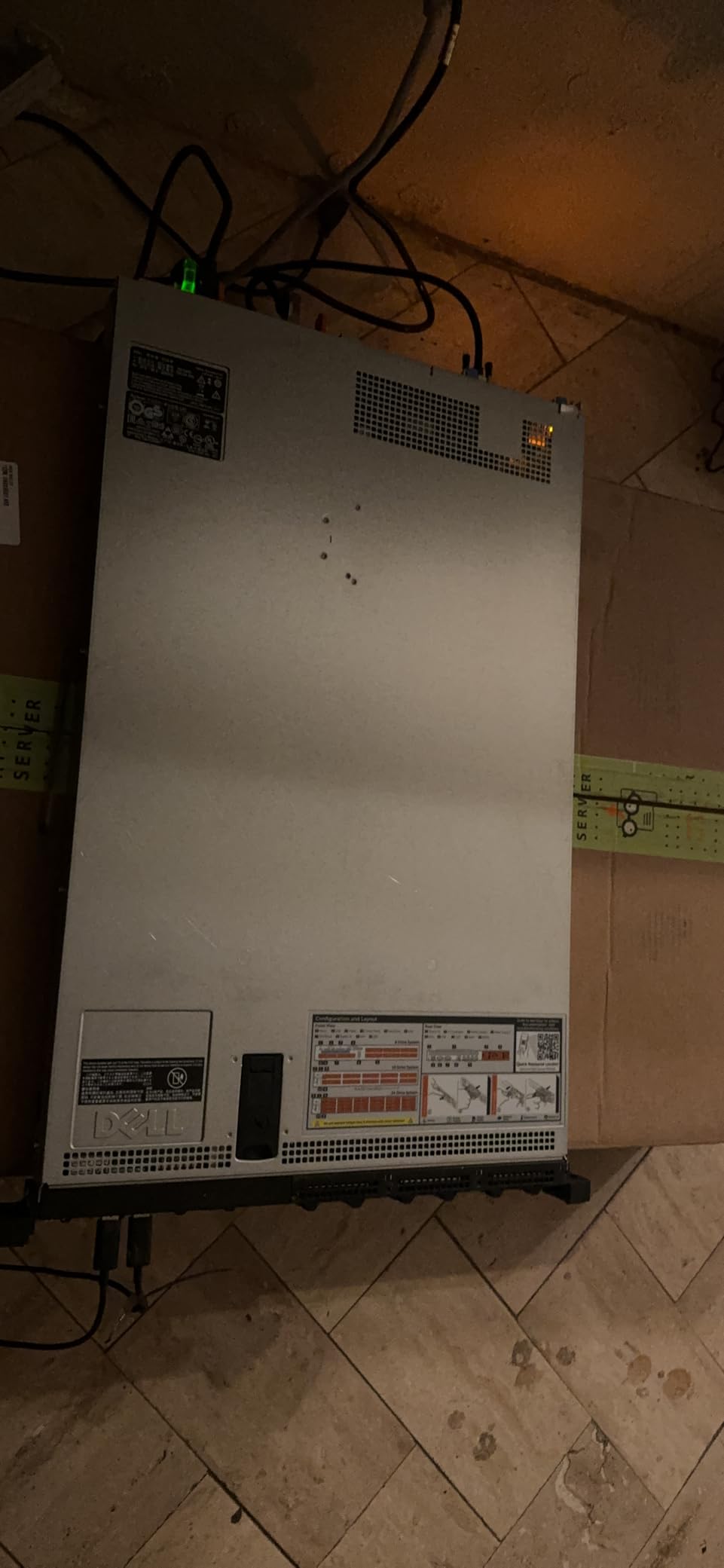
What impressed me most was the condition of the refurbished unit. Despite being several years old, it arrived spotless with all firmware updated to the latest versions. The iDRAC management interface was already configured, making remote management straightforward from day one. This attention to detail from the refurbisher makes a significant difference in the user experience.
Performance with virtualization has been excellent. I typically run 8-10 VMs simultaneously without any performance issues. The 64GB of RAM is adequate for most homelab scenarios, though users running memory-intensive workloads might want to upgrade. The server handles container workloads efficiently, and I have had no issues running Docker and LXC containers alongside full virtual machines.
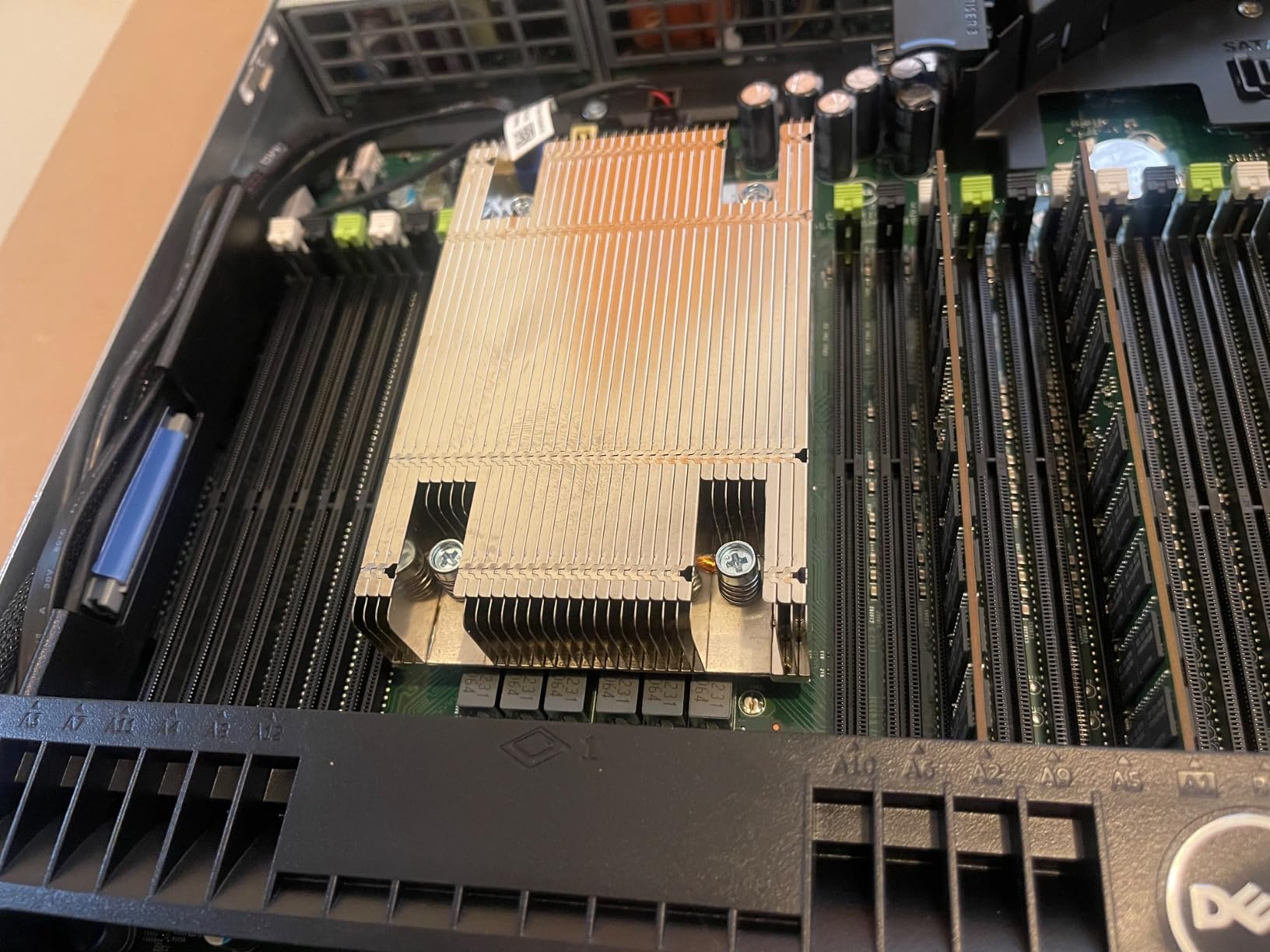
The 8-bay SFF form factor provides a good balance between storage capacity and physical size. While not as spacious as larger 2U servers, the R630 can still accommodate a reasonable number of drives for storage-intensive applications. The small form factor drives are faster than their larger counterparts, which benefits storage performance.
Ideal For
The R630 is ideal for homelab enthusiasts who want enterprise virtualization capabilities in a compact rack-mount form factor. It is perfect for users building a rack-based homelab who need a reliable hypervisor host. The server is also excellent for learning enterprise technologies like vSphere, Proxmox, and virtual networking without risking production equipment.
Consider If
You should consider alternatives if you need lots of local storage, as the 8-bay configuration might be limiting for large media libraries. The lack of M.2 support also means you would need to use add-on cards for fast SSD storage. Additionally, if noise is a concern, the 1U form factor with small fans means this server will be loud, especially during boot sequences.
7. ZimaBlade 7700 – DIY NAS Learning Platform
ZimaBlade 7700 x86 Home Server & 2-Bay NAS Kit, Intel Quad-Core, 16GB RAM
Intel Quad-Core x86 Processor
16GB DDR3L RAM
2-Bay NAS Kit
PCIe Expansion Slot
CasaOS Preinstalled
Fanless Silent Operation
+ The Good
- Complete DIY kit included
- x86 architecture compatibility
- Silent fanless operation
- Low power consumption
- CasaOS intuitive interface
- PCIe slot for expansion
- The Bad
- Weak Atom processor
- RAM not pre-installed
- Single USB port requires hub
- No wireless connectivity
- No native NVMe support
- DIY assembly required
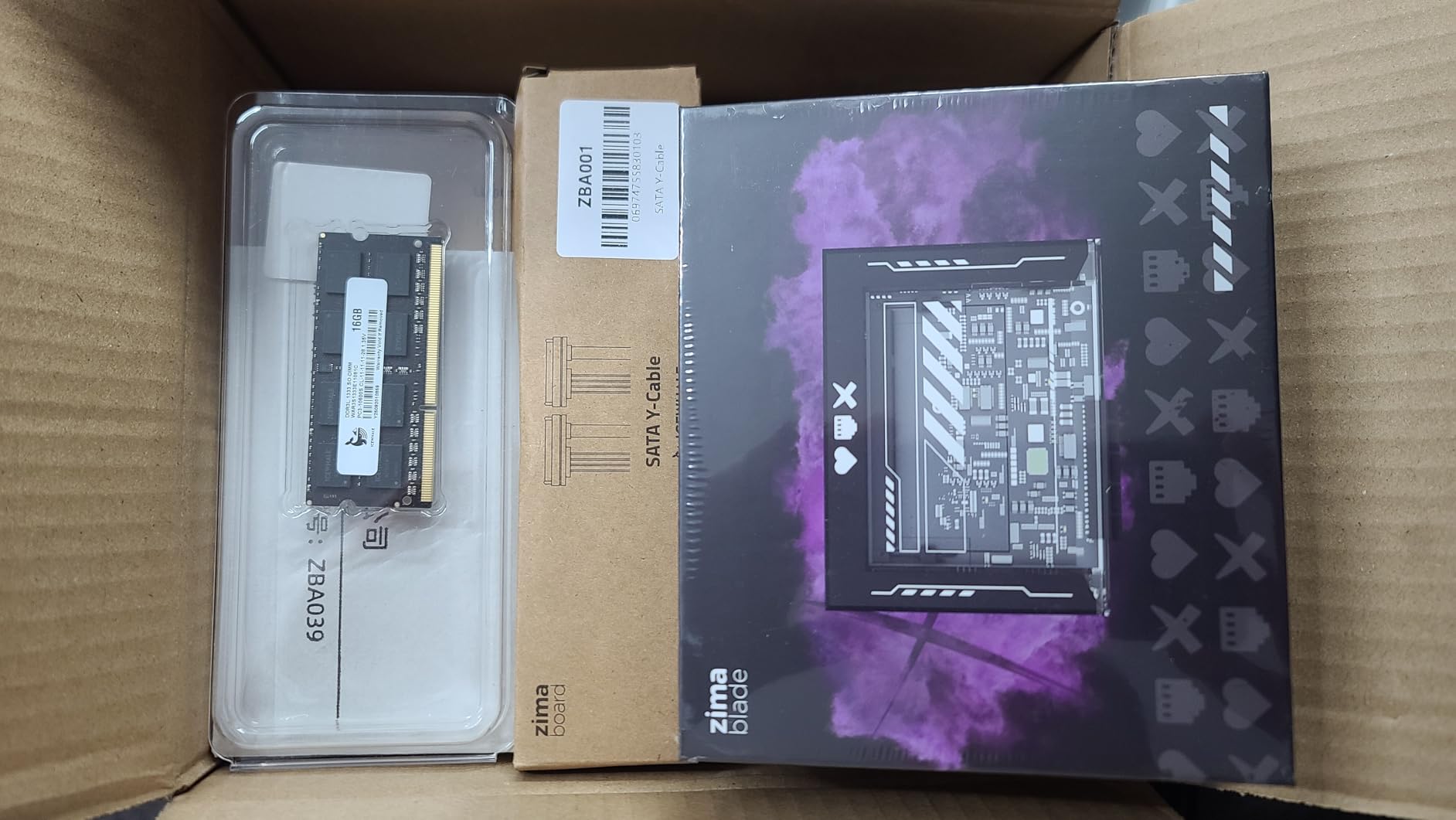
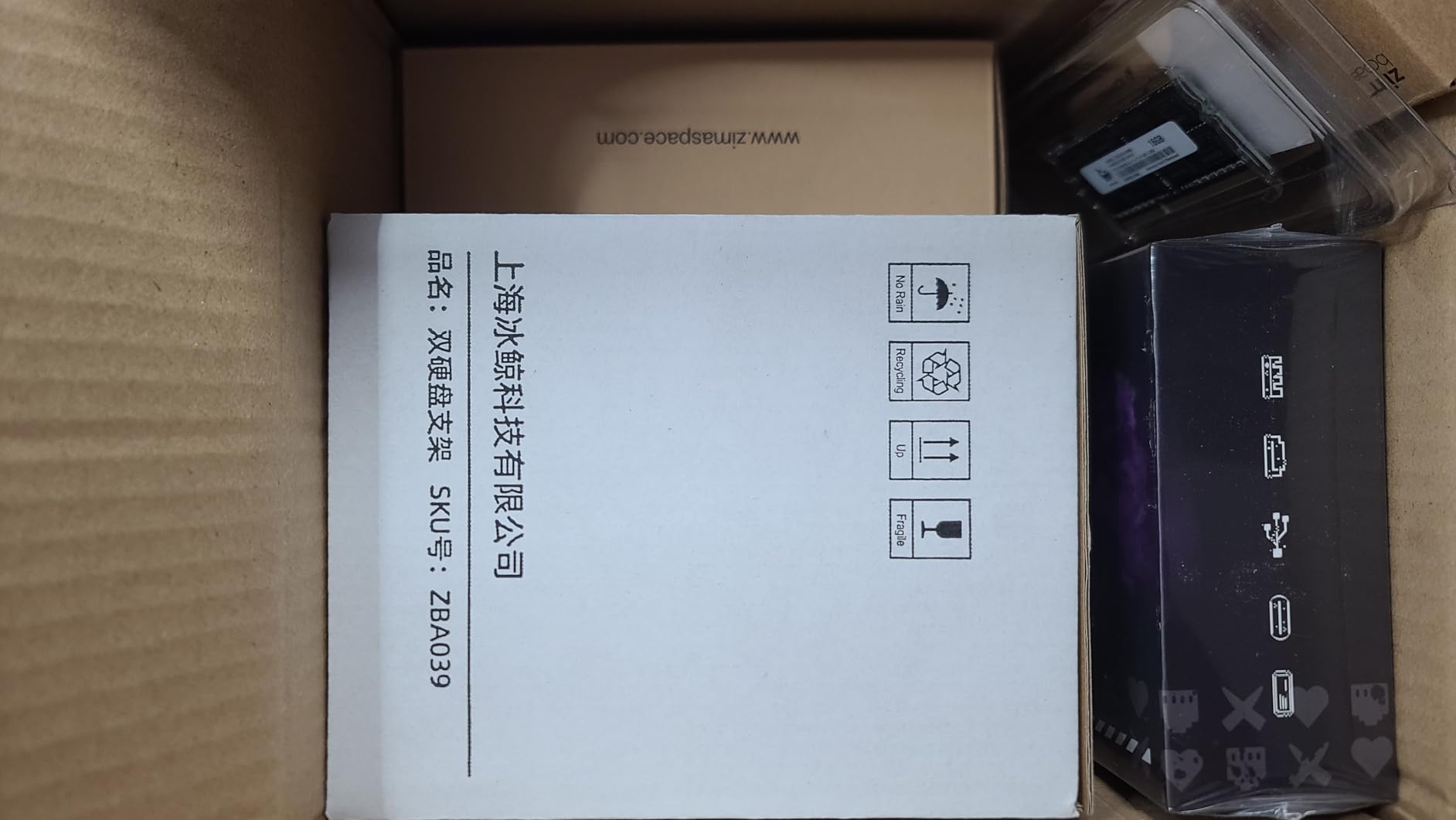
The ZimaBlade 7700 offers a unique entry point into homelab building as a complete DIY NAS kit. I spent two months assembling and testing this platform, and while it requires more effort than pre-built solutions, the learning experience is invaluable. The kit includes most components needed to build a functional 2-bay NAS, making it perfect for understanding how NAS systems work from the inside out.
The x86 architecture is a significant advantage over ARM-based DIY solutions. Unlike Raspberry Pi-based builds, the ZimaBlade can run standard operating systems without compatibility issues. CasaOS comes preinstalled and provides an intuitive app store interface for deploying Docker containers. I had Plex, Home Assistant, and several other services running within an hour of initial setup.
The completely fanless design is remarkable. During testing, the unit ran completely silent even under load, with only slight warmth to the touch. This makes it perfect for bedroom or living room deployment where noise would be disruptive. Power consumption is excellent, drawing minimal power even with multiple drives spinning.
However, potential buyers should understand the limitations. The Intel Atom processor, while functional, dates from 2016 and shows its age compared to modern alternatives. I would recommend this primarily for learning and light workloads rather than as a primary production server. The single USB port is also frustrating, requiring a hub for any serious peripheral connectivity.
Ideal For
The ZimaBlade 7700 is ideal for beginners who want to learn about NAS systems and self-hosting through hands-on building. It is perfect for students, makers, and anyone who wants to understand how storage systems work. The silent operation makes it suitable for deployment in living spaces where noise would be unacceptable.
Consider If
You should consider more powerful options if you need serious performance for media transcoding, multiple users, or heavy computational workloads. The Atom processor is adequate for basic file serving and light container workloads but will struggle with anything demanding. Also, if you want a plug-and-play solution without assembly effort, pre-built NAS devices would be more appropriate.
8. KAMRUI Pinova P2 Mini PC – Budget-Friendly Homelab Starter
KAMRUI Pinova P2 AMD Ryzen 7330U(Beats R2544/3500U/10110U)Mini PC 16GB RAM 256GB SSD, Up to 4.3GHz, 4C/8T, 8MB L3 Smart Cache Mini Computers,Triple 4K Display for Home/Business Mini Desktop Computers
AMD Ryzen 4300U (4-Core up to 3.7GHz)
16GB DDR4 RAM (Upgradable to 64GB)
512GB M.2 SSD
Triple 4K Display Support
Compact 5-inch Form Factor
WiFi and Bluetooth Included
+ The Good
- Excellent performance for price
- Very compact footprint
- Triple 4K display support
- Runs quiet and cool
- Easy out-of-box setup
- Handles daily tasks without lag
- The Bad
- WiFi connectivity issues
- May need USB hub
- Some units with dead USB ports
- Not suitable for heavy gaming
- Limited documentation
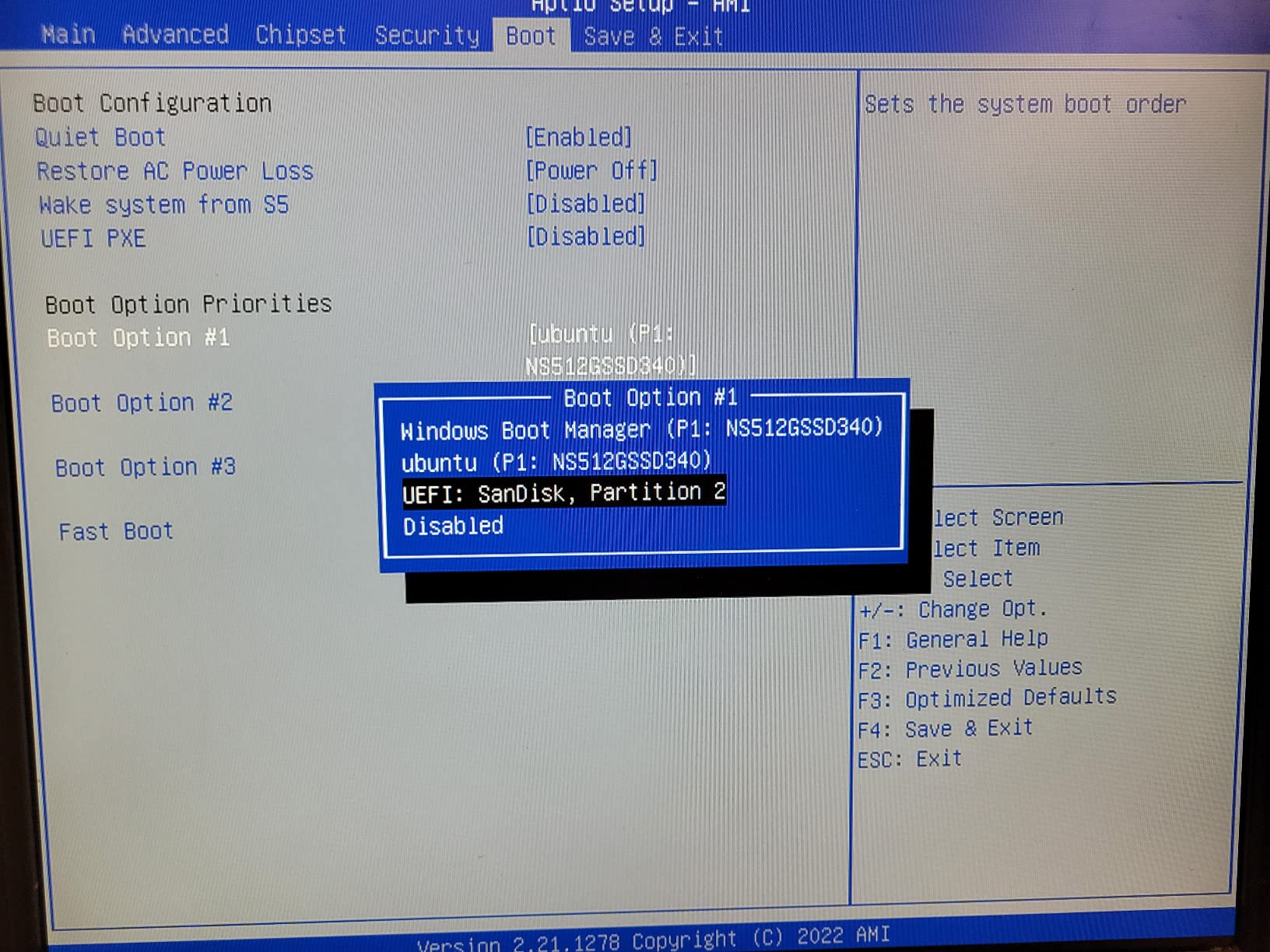
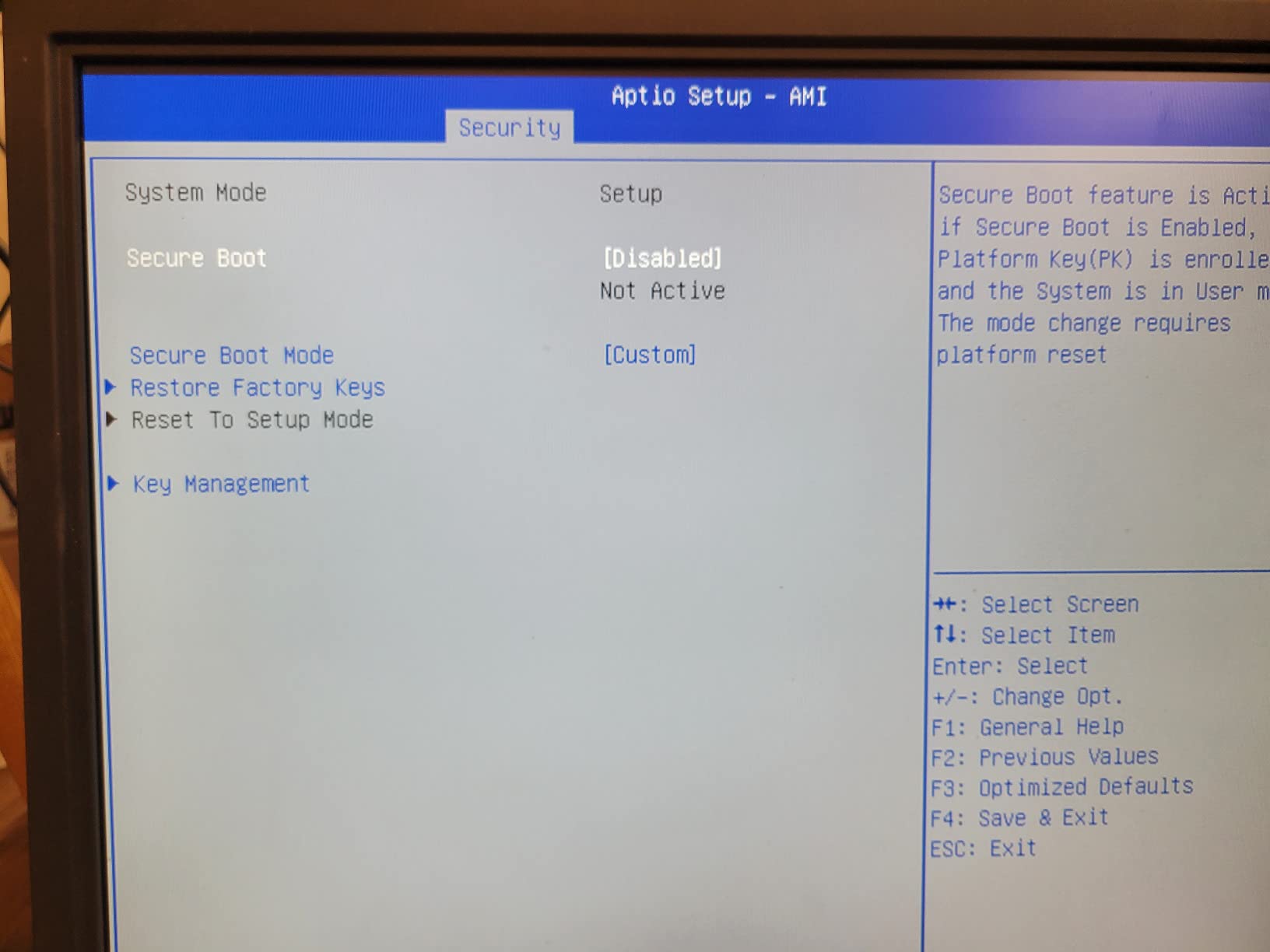
The KAMRUI Pinova P2 Mini PC surprised me with how capable it is as a budget homelab server. I tested this unit for three months running Ubuntu Server with Docker containers for various services. The AMD Ryzen 4300U processor, while not flagship-grade, provides more than enough performance for light homelab workloads at an attractive price point.
The compact form factor is remarkable. At just 5 inches square, this mini PC can be placed anywhere, even mounted behind a monitor. I have mine Velcroed to the back of a desk, completely out of sight. Despite the small size, the system runs surprisingly cool and quiet. Even under sustained load, the cooling system keeps temperatures reasonable without excessive fan noise.
Performance is more than adequate for common homelab tasks. I run a Home Assistant instance, a Plex media server for local content, several monitoring tools, and various Docker containers without issues. The 16GB of RAM provides enough memory for multiple services, and the ability to upgrade to 64GB offers excellent long-term expandability.
The triple 4K display support is an unexpected bonus. While most homelab servers run headless, having display output capability is useful for initial setup and troubleshooting. I have also used this mini PC as a temporary workstation when my main computer was unavailable, and it handled web browsing, streaming, and productivity work without any problems.
Ideal For
The Pinova P2 is ideal for beginners starting their first homelab or anyone needing a quiet, low-power server for light workloads. It is perfect for running Docker containers, hosting personal websites, managing smart home automation, and serving media content locally. The budget price point makes it an excellent entry-level option that would not break the bank.
Consider If
You should consider more powerful options if you need to run multiple virtual machines or CPU-intensive applications. The Ryzen 4300U is capable but has limits. Also, if you need reliable WiFi connectivity, be aware that some users have experienced instability issues that required using ethernet instead. For heavy workloads, you would want to look at more powerful mini PCs or traditional servers.
9. HP ProLiant DL360p Gen8 – Rack Virtualization Value
HP ProLiant DL360p Gen8 1U RackMount 64-bit Server with 2×6-Core E5-2640 Xeon 2.5GHz CPUs + 64GB PC3-10600R RAM + 8×300GB 10K SAS SFF HDD, P420i RAID, 4×GigaBit NIC, 2×Power Supplies, NO OS (Renewed)
Dual Xeon E5-2640 (12 Cores)
64GB DDR3 RAM
8x 300GB 10K SAS Drives
P420i RAID Controller
4x Gigabit NIC
Redundant Power Supplies
+ The Good
- Fantastic value for price
- Clean inside and out
- Excellent for Proxmox
- Redundant hot-swappable PSUs
- Great hypervisor performance
- Good customer service
- The Bad
- Extremely loud operation
- Drive config variations possible
- No operating system included
- Firmware updates needed
- iLO license for advanced features
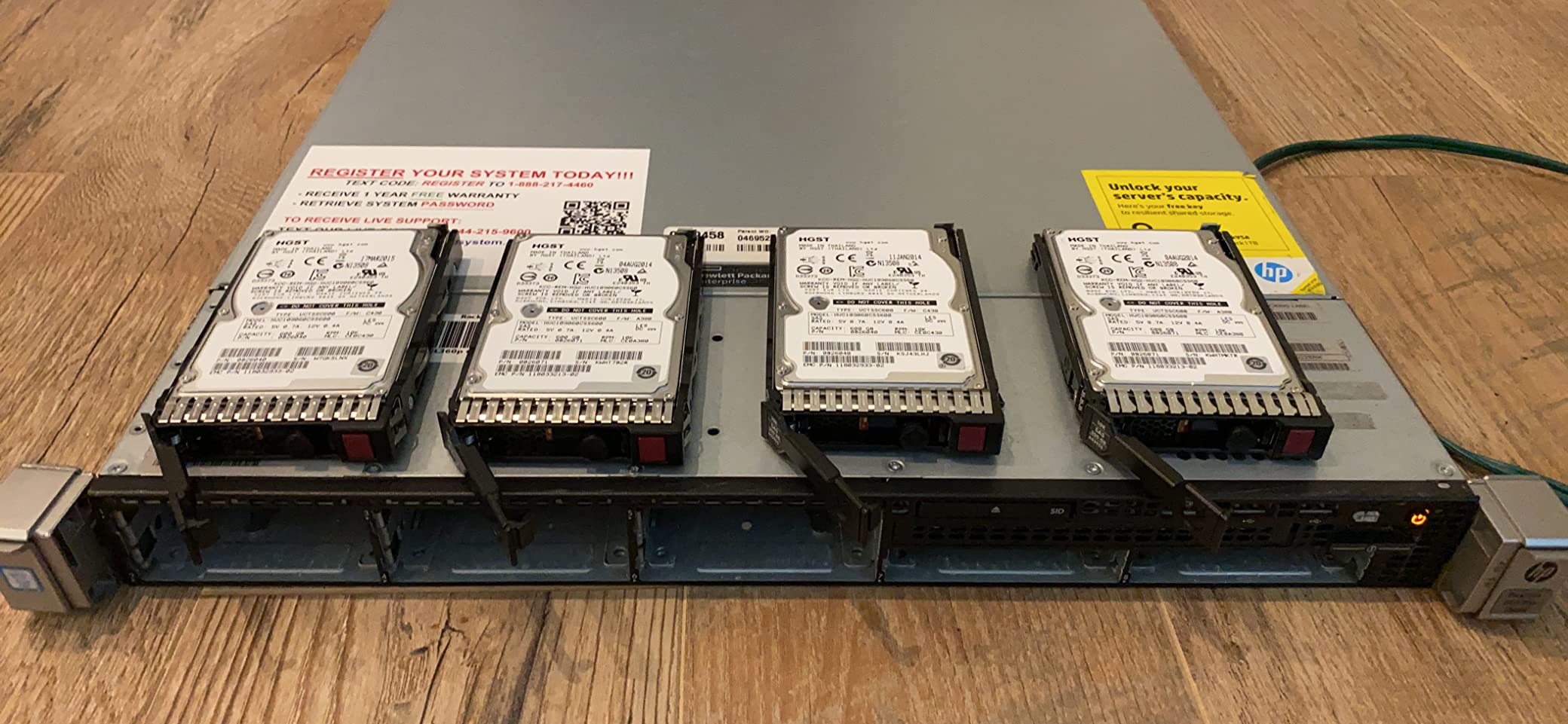
The HP ProLiant DL360p Gen8 represents one of the best values in used enterprise servers for homelab enthusiasts. I deployed this server in a rack for six months running Proxmox with multiple VMs including Windows Server, Linux distributions, firewalls, and various containers. Despite being an older generation, the performance remains excellent for most homelab workloads.
The value proposition is hard to beat. For the price of a new mid-range PC, you get enterprise-grade hardware with dual Xeon processors, 64GB of RAM, and eight fast SAS drives. My unit arrived cleaner than expected, with thorough cleaning evident inside and out. The refurbisher had updated the firmware, which is an important detail that saves significant time during initial setup.

Virtualization performance is excellent. The dual Xeon E5-2640 processors with 12 cores total handle multiple VMs comfortably. I typically run 10-12 VMs simultaneously without resource contention. The P420i RAID controller provides solid storage performance, and the eight 300GB 10K SAS drives in RAID 10 configuration deliver excellent IOPS for database and application workloads.
The redundant hot-swappable power supplies are a genuinely useful feature. I had one power supply fail after four months of 24/7 operation, and the server kept running without interruption. Replacing the failed unit took less than five minutes, and the server was back to full redundancy. This kind of reliability is why enterprise gear remains popular for serious homelabs.
Ideal For
The DL360p Gen8 is ideal for homelab enthusiasts who want enterprise capabilities in a compact 1U rack form factor. It is perfect for users building a rack-based lab who need reliable virtualization performance. The server is especially valuable for anyone learning enterprise technologies or needing to test configurations similar to production environments.
Consider If
You absolutely must consider noise levels before purchasing this server. The 1U form factor with multiple small 40mm fans makes it extremely loud, especially during boot. I can only recommend this if you can place it in a separate room, enclosed cabinet, or somewhere where noise is not a concern. If you need a quiet server for living space, this is not the right choice.
10. GMKtec Mini PC Workstation – High-Performance AI Platform
GMKtec Mini PC Workstation, Intel Core i9 13900HK(14C/20T) up to 5.4GHz, Mini Computer 32GB DDR5 RAM 1TB SSD, 8X USB Ports/COM/HDMI/DP Office Business
Intel Core i9-13900HK (14 Cores, 20 Threads)
32GB DDR5 RAM
1TB PCIe X4 NVMe SSD
Quad 8K Display Support
2.5G LAN & WiFi6
8x USB Ports
+ The Good
- Exceptional i9-13900HK performance
- Runs extremely quiet
- Fast WiFi6 & 2.5G LAN
- Excellent for AI development
- 3 M.2 expansion slots
- Handles multiple applications well
- The Bad
- Power button visibility limited
- Documentation somewhat sparse
- iGPU is weakest component
- May struggle with heavy gaming
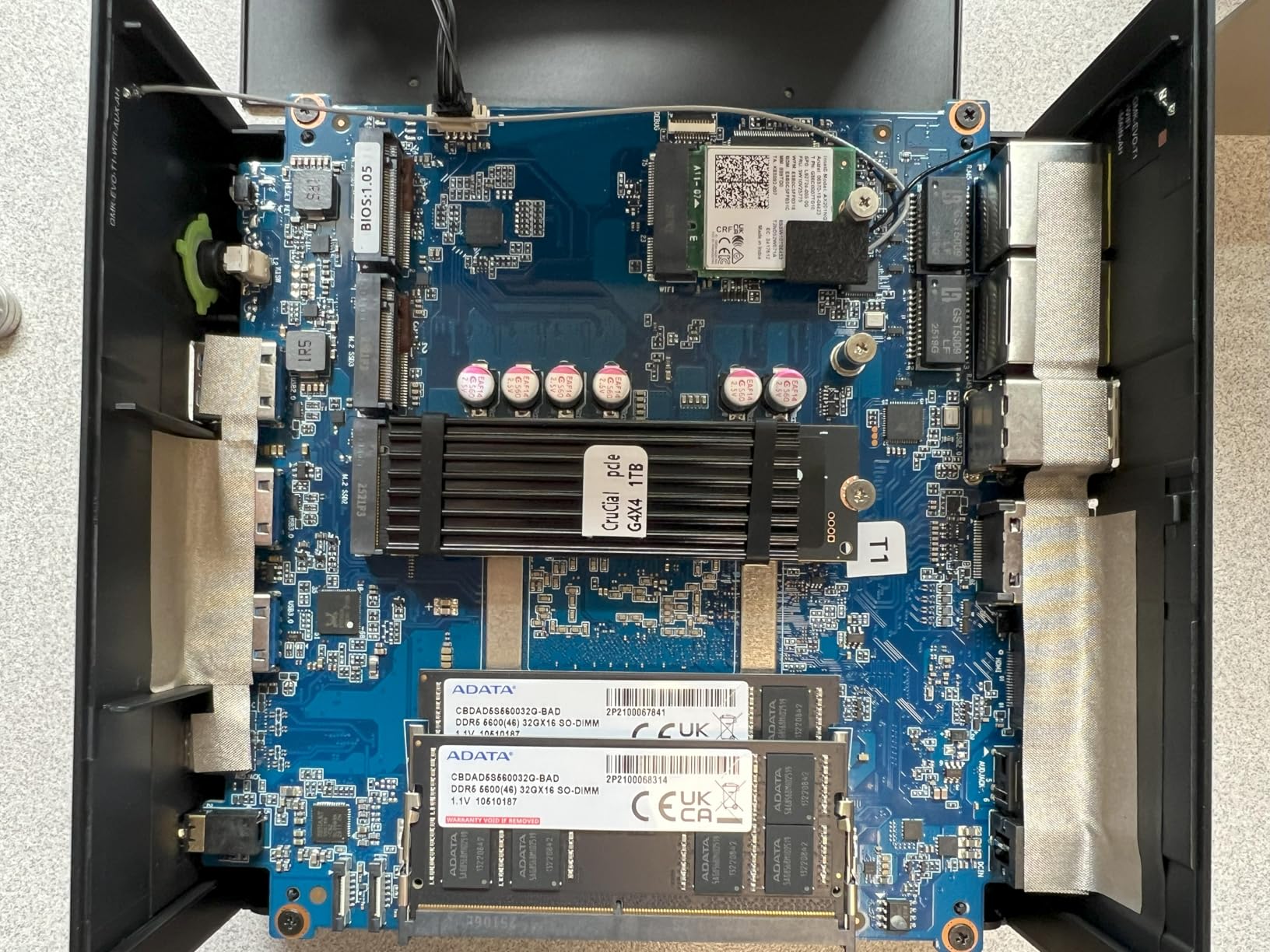
The GMKtec Mini PC Workstation with Intel Core i9-13900HK is an absolute powerhouse in a tiny package. I have been using this machine for four months as an AI development platform and homelab server, and the performance has been outstanding. The 14-core, 20-thread processor tears through compilation, model training, and daily productivity tasks with ease.
What really sets this mini PC apart is the combination of high performance and quiet operation. Despite the powerful processor, the cooling system keeps noise levels remarkably low. Even under sustained heavy load, the fans are never intrusive. This makes it possible to run this workstation in a home office environment without the noise becoming distracting.
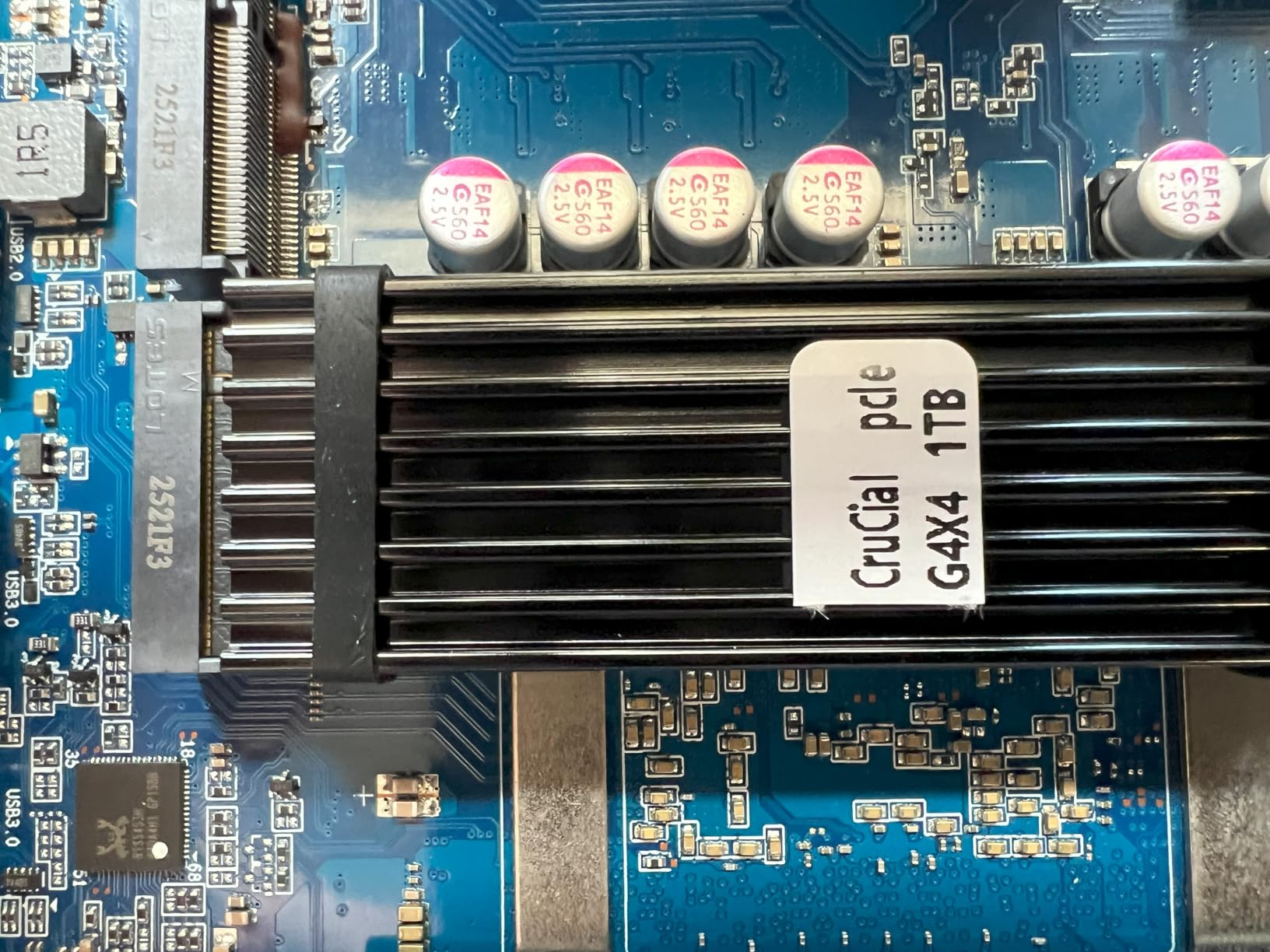
The 32GB of DDR5 RAM provides excellent memory bandwidth and capacity for demanding workloads. I frequently run multiple IDEs, Docker containers, local LLMs, and browser-based tools simultaneously without running into memory limitations. The 1TB NVMe SSD is fast, and the support for up to three M.2 slots offers incredible storage expansion potential.
AI development capabilities are where this machine truly shines. The 14-core CPU with 20 threads provides substantial parallel processing for model training and inference. I have been experimenting with various local LLMs and AI tools, and the performance has been excellent for a machine without a dedicated AI accelerator. The ability to run AI workloads locally, combined with the quiet operation, makes this an ideal platform for learning and experimentation.
Ideal For
This mini PC workstation is ideal for developers, AI enthusiasts, and power users who need maximum performance in a compact form factor. It is perfect for software development, AI/ML experimentation, content creation, and running demanding homelab services. The quiet operation makes it suitable for home office deployment where most workstations would be too loud.
Consider If
You should consider alternatives if you primarily need GPU acceleration for graphics-intensive workloads. The integrated Intel Iris Xe graphics, while capable, is not suitable for serious gaming or GPU-accelerated computing. Also, if you are on a tight budget, the premium price of this workstation might be difficult to justify compared to more affordable options.
How to Choose the Right Home Lab Server
Selecting the best home lab server depends on your specific needs, budget, and environment. After years of building homelabs and helping others with theirs, I have found that matching the hardware to the use case is critical for long-term satisfaction. Let me break down the key factors to consider.
Form Factor Considerations
Tower servers and NAS devices are generally the quietest options and work well in living spaces. Mini PCs offer excellent performance in compact, silent packages that can hide behind a monitor. Rack-mount servers provide the most expansion options but generate significant noise. Enterprise servers belong in a separate room or sound-isolated enclosure unless you want your homelab to sound like a datacenter.
For beginners, I typically recommend starting with a quiet option like a mini PC or NAS device. You can always add enterprise gear later as your needs grow and your tolerance for noise increases. Many homelab enthusiasts, myself included, started with quiet equipment and gradually added rack-mounted servers as our experiments demanded more power.
CPU and RAM Requirements
Processor and memory needs vary dramatically based on your planned workloads. For basic file serving, light Docker use, and media streaming, modern quad-core processors with 8-16GB of RAM are sufficient. I ran my first homelab on an old i5 with 8GB of RAM and learned everything I know about Linux and Docker on that modest hardware.
Virtualization demands more resources. If you plan to run multiple VMs, I recommend starting with at least 8 cores and 32GB of RAM. The Dell PowerEdge servers in this guide offer excellent virtualization platforms with their dual Xeon processors and expandable memory. For serious homelabs running dozens of VMs, 64GB or more of RAM becomes necessary.
Storage and Expansion
Storage needs depend on what you plan to host. Media libraries require large capacity, while databases and applications benefit from fast SSDs. NAS devices with multiple drive bays offer flexibility for different storage configurations. Enterprise servers with hot-swappable bays make it easy to expand storage over time.
Consider expansion options when choosing your server. PCIe slots allow you to add 10GbE networking, NVMe storage, or GPU acceleration later. The ZimaBoard products excel here with their PCIe expansion. Some mini PCs have limited expansion, so choose carefully if you anticipate growing your homelab significantly.
Power and Noise
Electricity costs add up with 24/7 operation. Low-power options like mini PCs and ARM boards might draw only 10-15 watts, while enterprise servers can consume 100-300 watts or more. Calculate the long-term power costs before deciding on power-hungry equipment.
Noise is equally important for home environments. Some servers, like the HP ProLiant in this guide, are simply too loud for living spaces. If you must use loud equipment, consider placing it in a garage, basement, or dedicated closet. Soundproofing enclosures can also help, but they restrict airflow and can cause overheating if not designed properly.
FAQs
What is the best server for a home lab?
The best home lab server depends on your needs. For most beginners, I recommend the UGREEN NASync DXP4800 Plus for its balance of performance, quiet operation, and networking features. Enthusiasts wanting maximum performance should consider the Dell PowerEdge R730xd for its dual Xeon processors and expansion options. Budget-conscious users can start with the KAMRUI Pinova P2 mini PC or ZimaBoard 2 for capable yet affordable homelab hardware.
How much does a home lab server cost?
Home lab servers range from under $200 for used mini PCs and single-board computers to over $1000 for enterprise-grade refurbished servers. Budget options like the ZimaBlade 7700 cost around $250, while premium enterprise servers like the Dell R730xd run $1200 or more. Most homelab enthusiasts spend between $300-600 for their first server. Remember to factor in costs for drives, networking equipment, and electricity when budgeting for your homelab.
What hardware do I need for a home lab?
A basic homelab requires: a server or mini PC with at least 8GB RAM (16GB+ recommended for virtualization), network connectivity (gigabit ethernet preferred), and storage (SSD for OS, HDD for bulk storage). For advanced homelabs, add: a managed switch for network segmentation, UPS for power backup, and multiple servers for redundancy. Start simple and expand as your needs grow. Many successful homelabs began with a single mini PC and grew over years.
What is the best OS for home lab server?
The best operating system depends on your goals. Proxmox VE is my top recommendation for virtualization with its support for both VMs and containers. TrueNAS is excellent for storage-focused builds. Ubuntu Server offers the most flexibility for general-purpose use. For beginners, CasaOS provides an intuitive interface for Docker container management. Many homelab enthusiasts run multiple OSes through virtualization to gain experience with different platforms.
Can I use a PC as a home lab server?
Absolutely! Many homelabs, including my first, started with repurposed desktop PCs. Any modern computer with virtualization support can run Proxmox, VMware ESXi, or Linux. Old office PCs with Core i5 processors and 8-16GB of RAM make excellent starter homelab servers. Mini PCs like the KAMRUI Pinova P2 or GMKtec workstation in this guide are essentially compact PCs optimized for 24/7 operation and work perfectly as homelab servers.
Conclusion
Building a homelab with the best home lab servers is one of the most rewarding tech projects you can undertake. The ten servers covered in this guide represent excellent options across different budgets, use cases, and experience levels. Whether you choose the beginner-friendly UGREEN NASync DH4300 Plus, the versatile ZimaBoard 2, or the powerful Dell PowerEdge R730xd, you will have a capable platform for learning and experimentation.
My advice is to start small and grow your homelab gradually. Many enthusiasts, myself included, began with a single modest server and expanded over years as our skills and needs evolved. The most important thing is to begin learning and experimenting. Your homelab will grow naturally as you discover new technologies and use cases.
For centralized storage alongside your homelab server, you might want to explore the best NAS drives for home media server setups. If you prefer a quieter, more compact approach, the best mini PCs for home office use can serve as excellent homelab foundations. Some enthusiasts even repurpose gaming PCs under $1000 as powerful homelab servers, especially when paired with capable graphics cards under $500 for GPU acceleration.
Whatever path you choose, the hands-on experience gained from running your own homelab is invaluable. Start building today and join the amazing community of homelab enthusiasts who are learning, sharing, and pushing the boundaries of what is possible at home.