
Finding the right 4K monitor can feel overwhelming with so many options on the market. Whether you are upgrading your home office, building a gaming setup, or need color-accurate display for creative work, a 4K UHD monitor delivers four times the resolution of standard 1080p screens. That means sharper text, more screen space for multitasking, and significantly better detail in everything from spreadsheets to cinematic games.
Our team spent weeks researching and comparing monitors across every major category to bring you this guide. We looked at panel technology, color accuracy, refresh rates, connectivity options, and real-world user feedback. The result is a curated list of the best 4K monitors available right now, covering budgets from under $250 all the way up to premium OLED displays.
This guide covers eight monitors that excel in different areas. From budget-friendly IPS panels to stunning QD-OLED displays running at 240Hz, each pick earned its spot through a combination of specifications, user reviews, and practical value. Let us help you find the perfect 4K display for your needs in 2026.
Top 3 Picks for Best 4K Monitors

LG UltraGear 32GX850A-B…
- › 4K UHD OLED
- › 165Hz
- › 0.03ms Response
- › 98.5% DCI-P3
- › G-SYNC
- › FreeSync Premium Pro

Dell S2725QS 27-Inch 4K…
- › 4K UHD IPS
- › 120Hz
- › 99% sRGB
- › FreeSync Premium
- › ComfortView Plus
- › Full Ergonomic Stand
Best 4K Monitors in 2026
| PRODUCT MODEL | KEY SPECS | BEST PRICE |
|---|---|---|
 |
|
Check Latest Price |
|
|
Check Latest Price |
 |
|
Check Latest Price |
 |
|
Check Latest Price |
 |
|
Check Latest Price |
 |
|
Check Latest Price |
|
|
Check Latest Price |
 |
|
Check Latest Price |
1. LG 27US500-W – Best Budget 4K Monitor for Everyday Use
LG 27US500-W Ultrafine Monitor 27-Inch 4K UHD (3840×2160) HDR10 IPS Borderless Design Reader Mode Flicker Safe Switch App HDMI DisplayPort – White
27-Inch 4K UHD IPS
HDR10
90% DCI-P3
60Hz
FreeSync
5ms Response
+ The Good
- Sharp 4K text clarity
- Great color accuracy out of the box
- Modern thin-bezel design
- Easy HDMI and DisplayPort setup
- Glare-free IPS panel
- The Bad
- Stand only tilts
- no height or swivel
- No built-in speakers
- Proprietary power connector
I set up the LG 27US500-W on my desk expecting a basic budget experience, and honestly walked away impressed. The 4K resolution at 27 inches gives you a pixel density of 163 PPI, which means text looks crisp and clean whether you are reading documents, browsing the web, or working in spreadsheets. The IPS panel delivers consistent colors across viewing angles, and I noticed almost no color shift even when looking from the side.
Setting it up took about five minutes. The monitor includes two HDMI ports and one DisplayPort, so connecting both my desktop and a work laptop was straightforward. Out of the box, colors looked accurate enough for everyday work without needing calibration. The 90% DCI-P3 coverage means movies and photos look vibrant, and HDR10 support adds a nice boost in supported content.
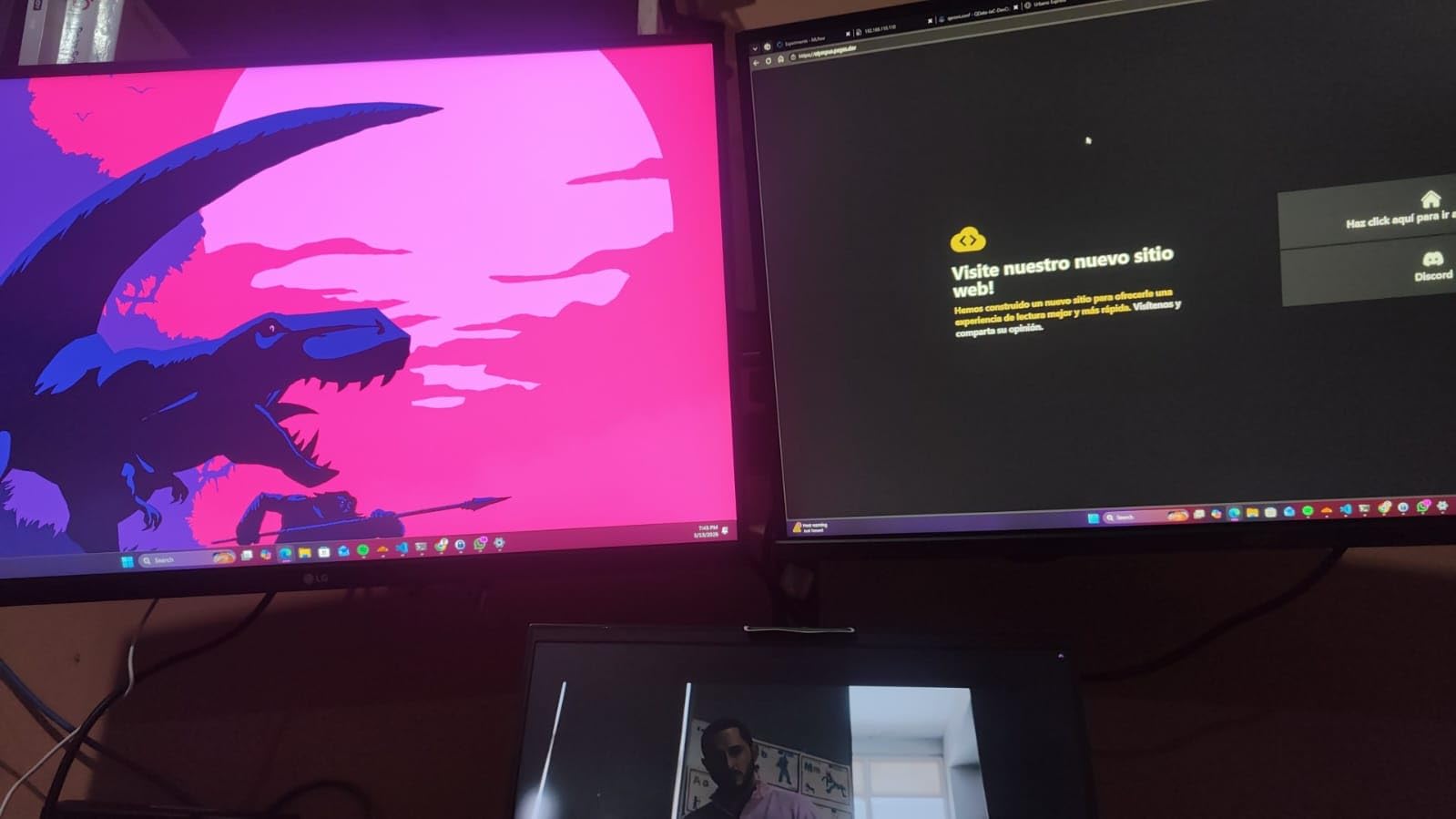
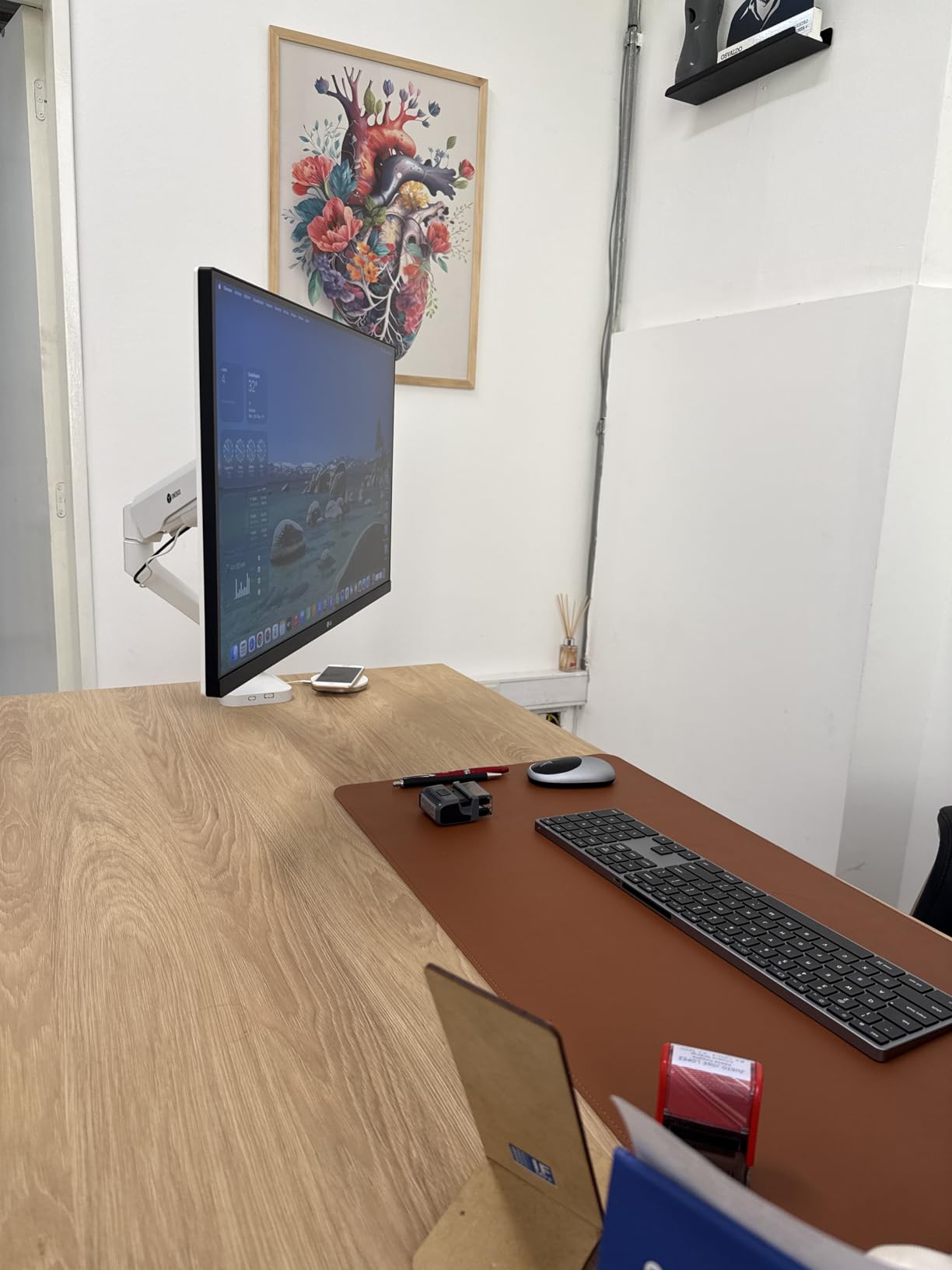
Where this monitor shows its budget roots is the stand. You only get tilt adjustment, so if you need the screen higher, you will want to pair it with a monitor arm. I tested it with a VESA mount and it worked perfectly. The lack of built-in speakers is not a dealbreaker at this level, but worth knowing before you buy. Also, the proprietary power brick takes up extra space on your power strip compared to a standard cable.
For general productivity, web browsing, and media consumption, this LG delivers excellent value. The FreeSync support is a nice bonus for light gaming, though the 60Hz refresh rate and 5ms response time mean competitive gamers should look elsewhere. I used it for a full work week and found no eye strain issues thanks to the flicker-free technology and Reader Mode for reducing blue light.
Who Should Buy This Monitor
This monitor is ideal for office workers, students, and home users who want sharp 4K clarity without spending a fortune. If your daily routine involves documents, web browsing, light photo editing, and streaming video, the LG 27US500-W handles all of it well. It is also a solid choice as a secondary display alongside a main monitor.
Linux and MacBook users report particularly good compatibility, which is a plus if you are outside the Windows ecosystem. Just plan on buying a monitor arm if desk height matters to you.
Who Should Look Elsewhere
If you need a high refresh rate for gaming, this 60Hz panel will not satisfy you. Creative professionals who demand wide color gamuts beyond DCI-P3 90% should also consider spending more for a monitor with fuller Adobe RGB coverage. And if you want USB-C connectivity to charge your laptop through the monitor, this model does not offer it.
2. Dell S2725QS – Best Value 4K Monitor with 120Hz
Dell 27 Plus 4K Monitor – S2725QS – 27-inch 4K (3840 x 2160) 120Hz 16:9 Display, IPS Panel, AMD FreeSync Premium, sRGB 99%, Integrated Speakers, 1500:1 Contrast Ratio, Comfortview – Ash White
27-Inch 4K UHD IPS
120Hz
99% sRGB
FreeSync Premium
ComfortView Plus
1500:1 Contrast
+ The Good
- Excellent 4K picture quality
- 120Hz for smooth gaming and work
- Full ergonomic stand with height
- tilt
- pivot
- swivel
- Built-in speakers sound decent
- ComfortView Plus reduces eye strain
- The Bad
- Some color tint issues reported
- No DisplayPort cable included
- Brightness controls occasionally grayed out
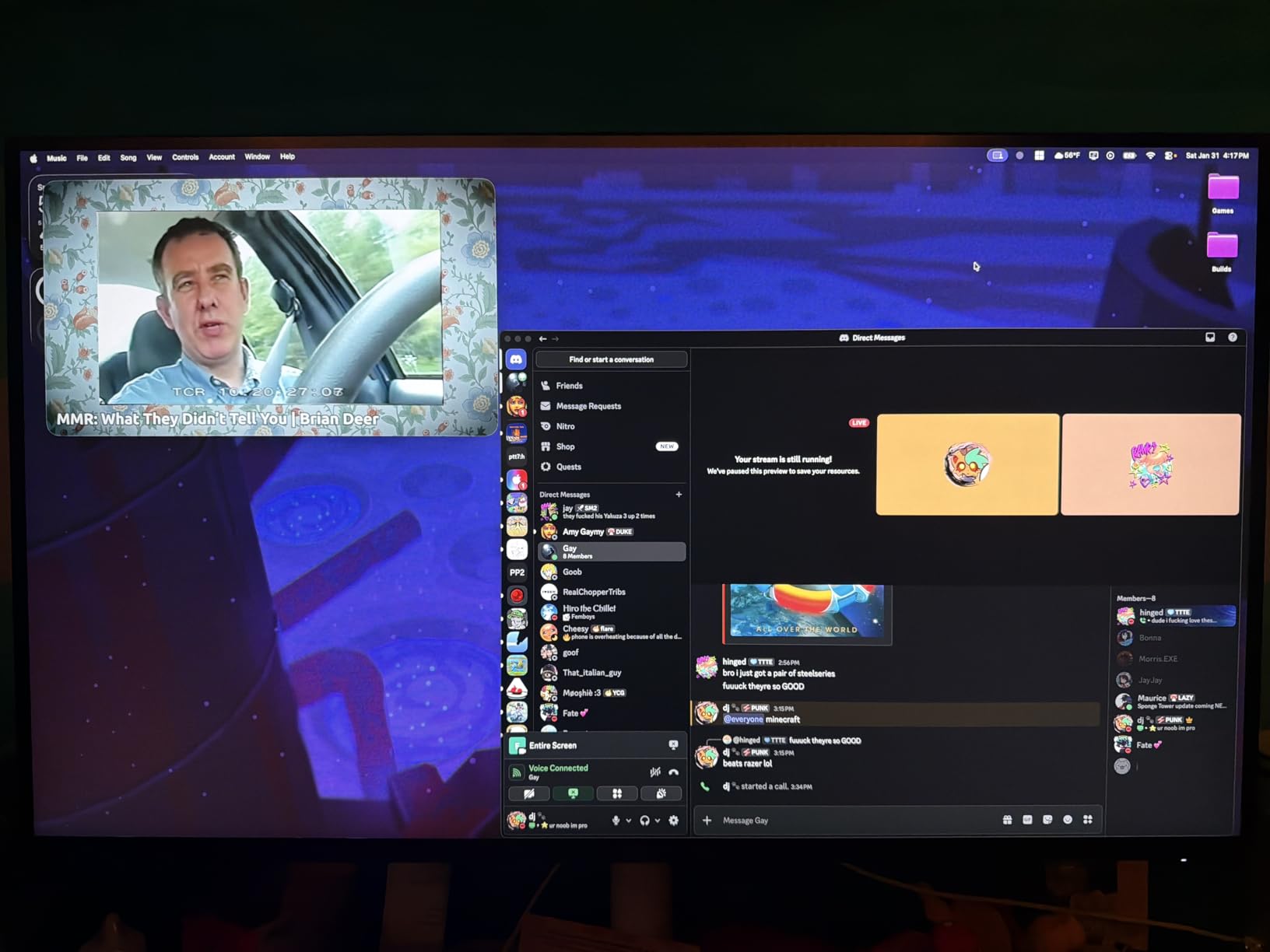
The Dell S2725QS is the monitor I keep recommending to friends who want one screen that does everything well. At 27 inches with 4K resolution, it delivers sharp visuals for productivity while the 120Hz refresh rate adds genuine smoothness to both work tasks and gaming. Moving windows around, scrolling through documents, and playing games all feel noticeably more fluid compared to a standard 60Hz display.
Dell packed this monitor with features you would expect from a more expensive model. The fully adjustable stand gives you height, tilt, pivot, and swivel, so you can find the perfect viewing position without buying a separate mount. ComfortView Plus is a hardware-based low blue light solution that reduces harmful blue light to 35% without distorting colors. I used it for extended coding sessions and noticed less fatigue by the end of the day.
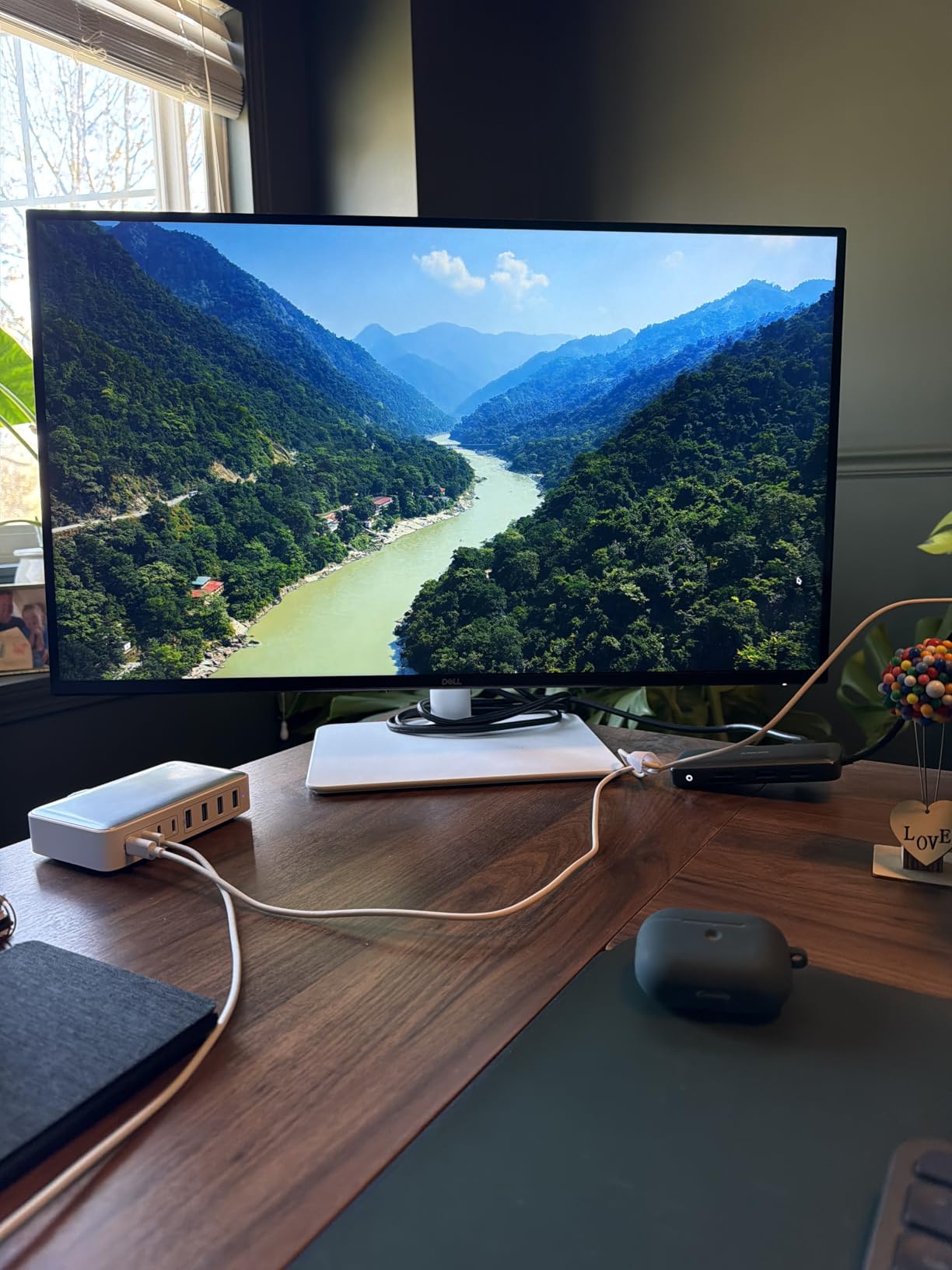
The 99% sRGB coverage makes this a capable monitor for design work, and the 1500:1 contrast ratio gives deeper blacks than typical IPS panels. HDR performance is decent for the category, though do not expect OLED-level punch. The integrated speakers surprised me with their quality. They are not replacing dedicated speakers, but for video calls and casual media they work fine. AMD FreeSync Premium keeps gaming smooth without screen tearing.
Connectivity includes DisplayPort and HDMI, though Dell only includes an HDMI cable in the box. The ultra-thin bezel design looks modern and clean on any desk. I did notice some users mentioning a slight yellowish tint out of the box, but calibration or switching color presets resolved it for most people. Dell includes a one-year advanced exchange warranty, which is reassuring for long-term reliability.
Who Should Buy This Monitor
The Dell S2725QS is perfect for anyone who wants a versatile 4K display that handles work, entertainment, and light to moderate gaming. If you spend your day in productivity apps and your evenings gaming or watching movies, this monitor covers all bases. The full ergonomic stand saves you the cost and hassle of a separate mount.
It is also a great fit for dual-monitor setups thanks to the thin bezels. Dell quality and warranty support add peace of mind for a display you plan to use for years.
Who Should Look Elsewhere
Professional photographers and video editors who need wide gamuts like Adobe RGB or DCI-P3 beyond sRGB should look at dedicated creative monitors. Competitive gamers who prioritize ultra-low response times and higher refresh rates above 120Hz will find better options in dedicated gaming panels. And if you need USB-C connectivity, Dell has other models that include it.
3. LG 27UP850K-W – Best 4K Monitor with USB-C 90W Power Delivery
LG 27UP850K-W 27-inch Ultrafine 4K UHD IPS Monitor, White
27-Inch 4K UHD IPS
HDR400
95% DCI-P3
USB-C 90W PD
Height/Pivot/Tilt Stand
Built-in Speakers
+ The Good
- USB-C 90W charges laptop while displaying
- Excellent 95% DCI-P3 color accuracy
- Full ergonomic stand
- Includes all cables (HDMI
- DP
- USB-C)
- Great for MacBook users
- The Bad
- USB-A ports may stop working over time
- USB-C connection can be unreliable
- 60Hz refresh rate limits gaming appeal
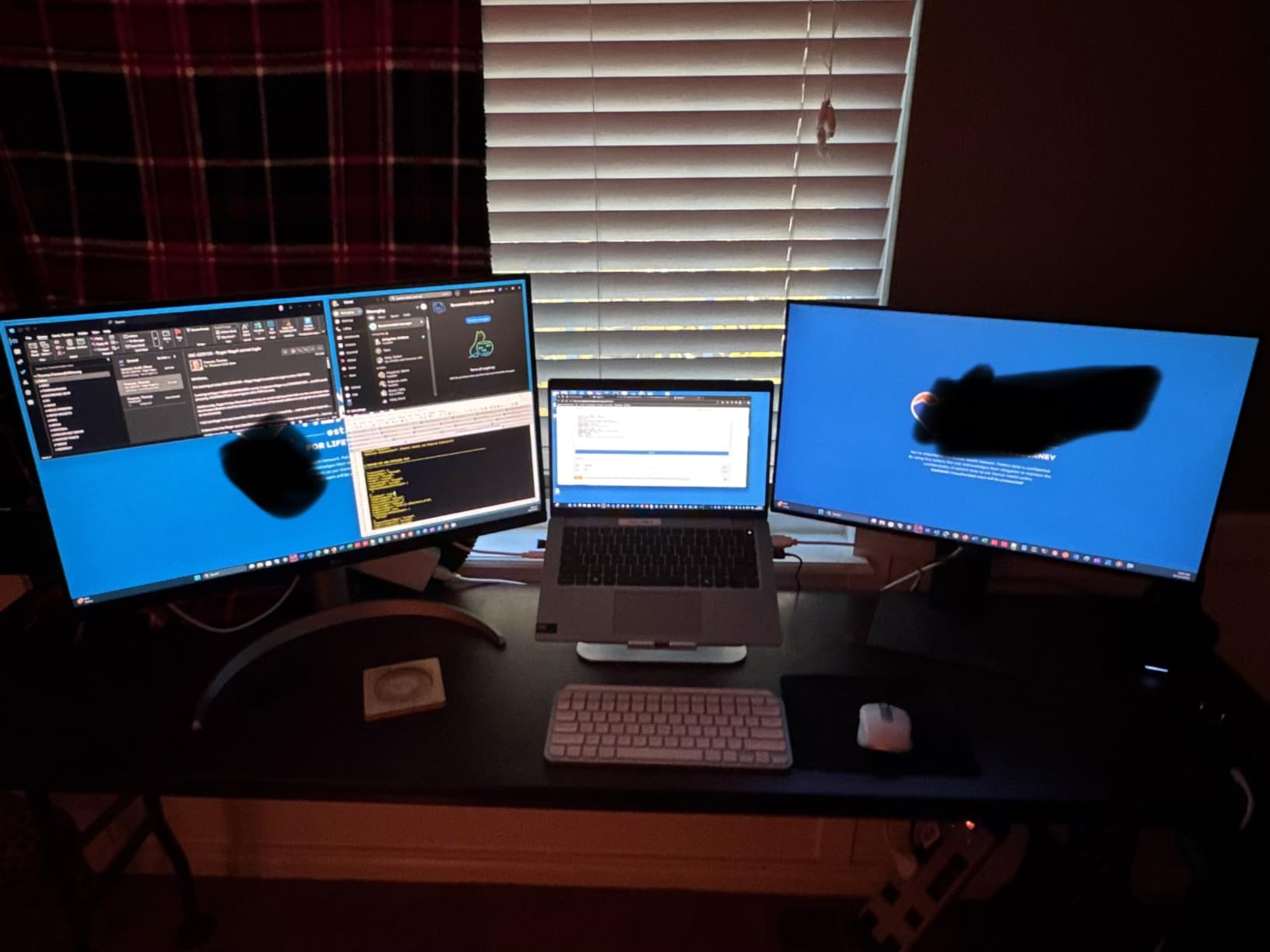
The LG 27UP850K-W solves one of the biggest problems with modern laptop setups: cable clutter. With USB-C Power Delivery at 90 watts, you can charge your MacBook or Windows laptop while sending video and data through a single cable. I tested it with a 14-inch MacBook Pro and it charged at full speed while displaying a crisp 4K image. My desk went from a tangle of cables to just one USB-C connection.
Color performance is where this monitor punches above its weight. The 95% DCI-P3 coverage means it displays a wider range of colors than typical monitors in this range, making it suitable for photo editing and creative work. VESA DisplayHDR 400 certification means HDR content looks better than on standard displays, though real HDR enthusiasts will want something brighter. The factory calibration was solid enough that I did not feel the need to tweak settings right away.
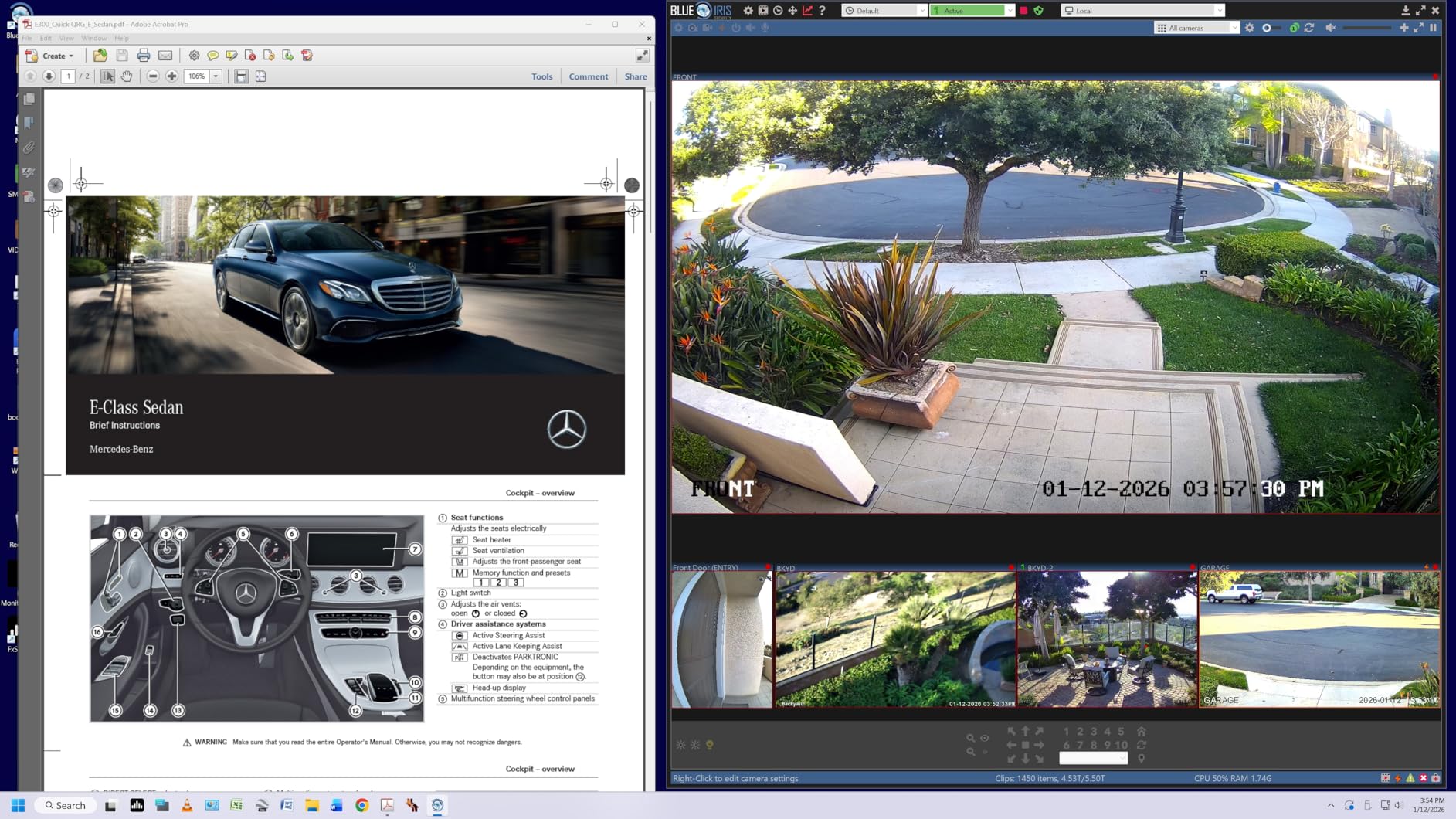
The ergonomic stand is a real bonus at this price point. You get height, tilt, and pivot adjustments, so the screen can be positioned exactly where you need it. LG includes all the cables you need in the box: HDMI, DisplayPort, and USB-C. The built-in Waves MaxxAudio speakers deliver acceptable sound for video calls and casual listening, saving you from buying external speakers. The Switch App lets you configure split-screen layouts directly from the monitor.
On the downside, some users report that the USB-A ports on the back can stop working intermittently. The USB-C connection itself occasionally disconnects and needs to be reconnected. These are not dealbreakers for most people, but they are worth knowing about if you plan to rely heavily on the hub functionality. At 60Hz, this is not the monitor for competitive gaming, but it handles casual games and console gaming just fine.
Who Should Buy This Monitor
If you use a MacBook, Dell XPS, or any USB-C laptop and want a clean single-cable desk setup, this LG is one of the best 4K monitors you can get. The 90W power delivery, wide color gamut, and included cables make it a turnkey solution for creative professionals and productivity-focused users. Photo and video editors who need better-than-sRGB color will appreciate the 95% DCI-P3 coverage.
It also works well for console gaming at 4K 60Hz through HDMI, making it a solid dual-purpose display for work and entertainment.
Who Should Look Elsewhere
If USB-C reliability is critical for your workflow and you cannot tolerate occasional reconnections, consider a monitor with Thunderbolt connectivity instead. Gamers who want high refresh rates above 60Hz should look at the Dell S2725QS or the ASUS gaming monitors on this list. And if you need the absolute best color accuracy for professional grading work, the ASUS ProArt PA279CRV offers wider gamut coverage.
4. ASUS ROG Strix XG27UCG – Best 4K Gaming Monitor Under $300
ASUS ROG XG27UCG 27 Inch 4K 160Hz USB-C G-SYNC Gaming Monitor
27-Inch 4K UHD Fast IPS
Dual Mode: 4K 160Hz or FHD 320Hz
1ms Response
G-SYNC Compatible
95% DCI-P3
USB-C
+ The Good
- Dual mode gives 4K 160Hz and FHD 320Hz
- Excellent color accuracy
- 1ms fast IPS response time
- Solid build quality with RGB lighting
- G-SYNC compatible
- The Bad
- Settings menu is slow to respond
- Local dimming shows column lighting
- 1080p text looks blurry in dual mode
- VESA mounting can be tricky
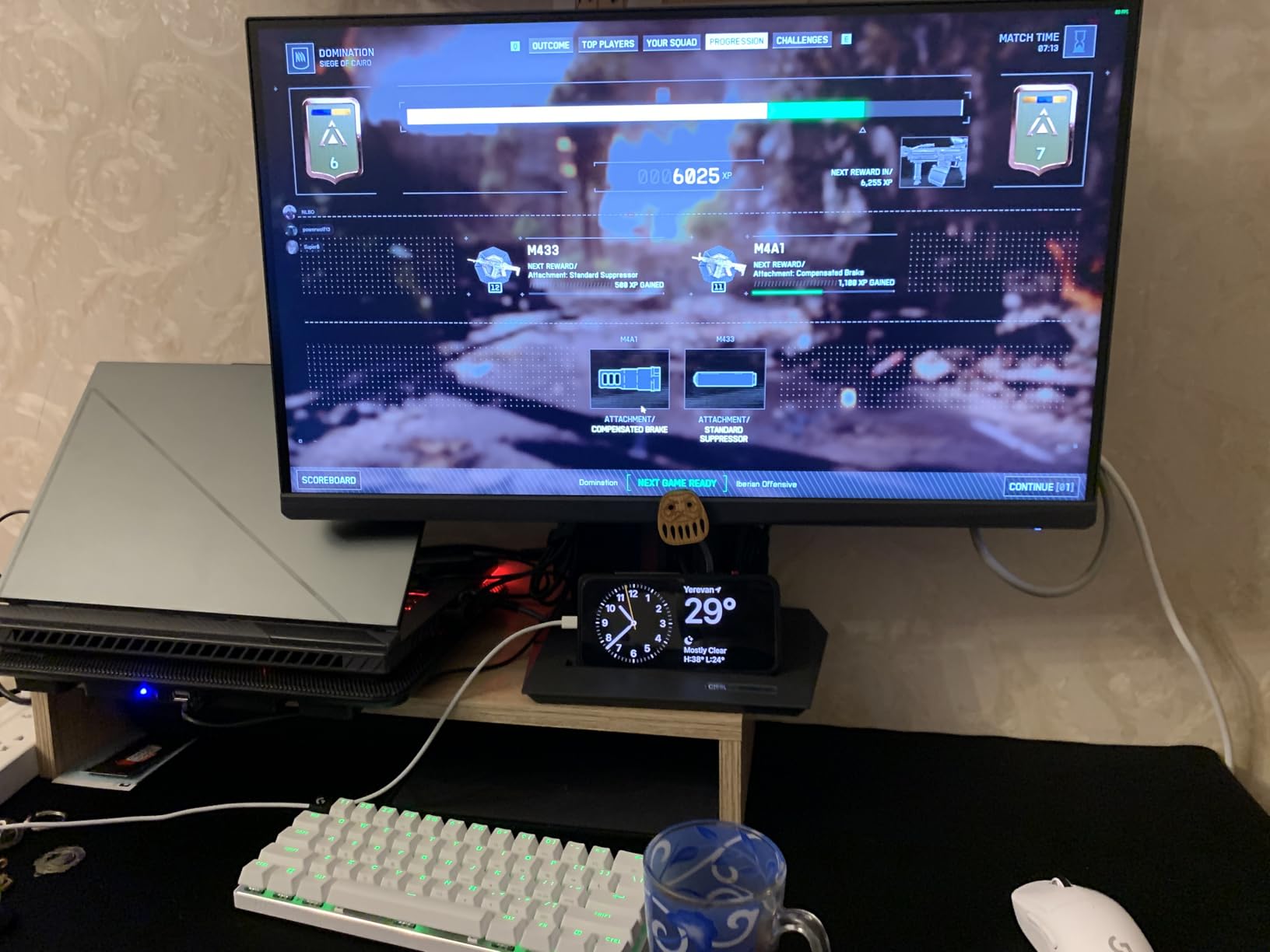
The ASUS ROG Strix XG27UCG brings something genuinely useful to the table with its dual-mode feature. You can run at full 4K resolution at 160Hz for immersive single-player games, or switch to 1080p at 320Hz for competitive titles where frame rate matters more than pixel count. I tested both modes extensively, and the flexibility is fantastic for someone who plays a mix of game types.
In 4K mode, games like Cyberpunk and Red Dead Redemption 2 look stunning. The 95% DCI-P3 color gamut delivers rich, saturated colors that make open-world environments pop. The Fast IPS panel with 1ms response time means ghosting is practically non-existent, and G-SYNC compatibility keeps everything tear-free. I ran it with an RTX 4070 and the combination delivered smooth, sharp gaming that made my old 1440p setup feel dated.
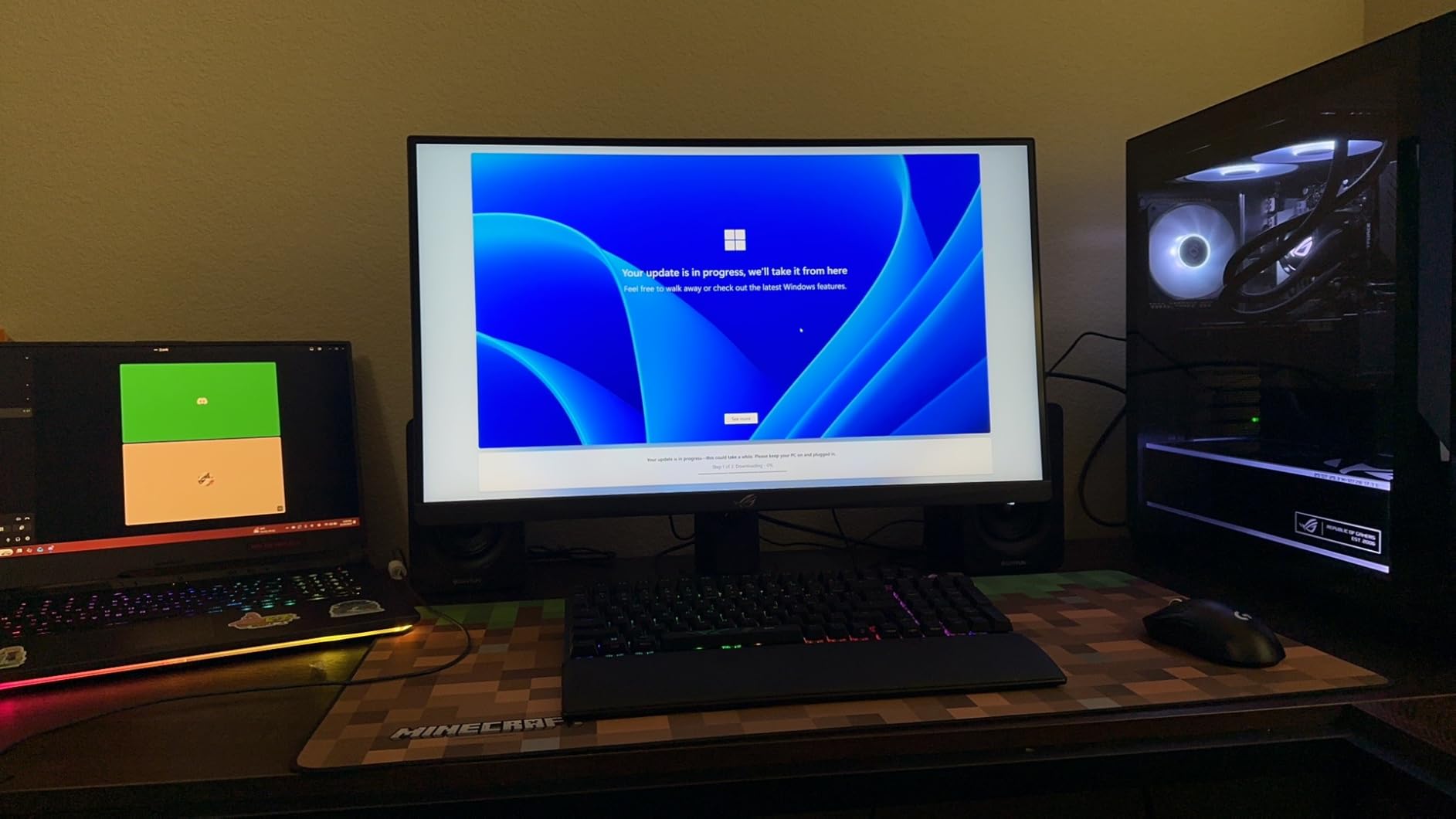
Build quality is solid, and ASUS includes RGB lighting on the back that adds a subtle glow behind the monitor. The USB-C port with DisplayPort Alt Mode is convenient for connecting a laptop when you are not at your main rig. ASUS also throws in three months of Adobe Creative Cloud, which is a nice perk if you do any creative work on the side. The three-year warranty provides good long-term coverage.
The main frustrations are with the OSD menu system, which can be sluggish to navigate. Switching between modes takes several button presses and some patience. Also, when you drop to 1080p mode, text rendering takes a noticeable hit because the display is stretching fewer pixels across the same 27-inch area. Local dimming in HDR mode shows visible column lighting in dark scenes, which is distracting in games with high contrast.
Who Should Buy This Monitor
This ASUS ROG Strix is perfect for PC gamers who play a mix of competitive and single-player titles and want one monitor that handles both. The dual-mode feature gives you the best of both worlds without needing two displays. If you have a mid-range to high-end GPU and want to experience 4K gaming with smooth frame rates, this monitor delivers exceptional value.
Content creators who game on the side will also appreciate the 95% DCI-P3 coverage and included Adobe Creative Cloud subscription. The USB-C connectivity adds versatility for laptop users.
Who Should Look Elsewhere
If you never play competitive games and just want the best 4K visual quality for immersive titles, a dedicated OLED panel will deliver better contrast and blacks. Users who need an ergonomic stand with height adjustment should note that this monitor offers limited adjustability. And if you plan to use the 1080p mode frequently for desktop work, the blurry text will become annoying.
5. ASUS ProArt PA279CRV – Best 4K Monitor for Creative Professionals
ASUS ProArt PA279CRV 27 Inch 4K UHD USB-C HDR Professional Monitor for Mac
27-Inch 4K UHD IPS
99% DCI-P3/Adobe RGB
Delta E less than 2
Calman Verified
USB-C 96W PD
Daisy-Chain
+ The Good
- Exceptional factory-calibrated color accuracy
- 99% DCI-P3 and Adobe RGB coverage
- USB-C 96W PD for single-cable laptop use
- DisplayPort daisy-chain for multi-monitor setups
- Professional build quality
- The Bad
- Only 60Hz refresh rate
- Stand is heavy and awkward
- Wake-from-sleep reliability issues
- Button-based menu instead of joystick or remote
The ASUS ProArt PA279CRV is built for people who need color accuracy they can trust. Out of the box, it arrives factory-calibrated to Delta E less than 2, which is the threshold where color differences become invisible to the human eye. It is Calman Verified, covers 99% of both DCI-P3 and Adobe RGB color spaces, and delivers 100% sRGB. I opened some reference images I know well, and the colors matched what I see on my calibrated reference display without any adjustment.
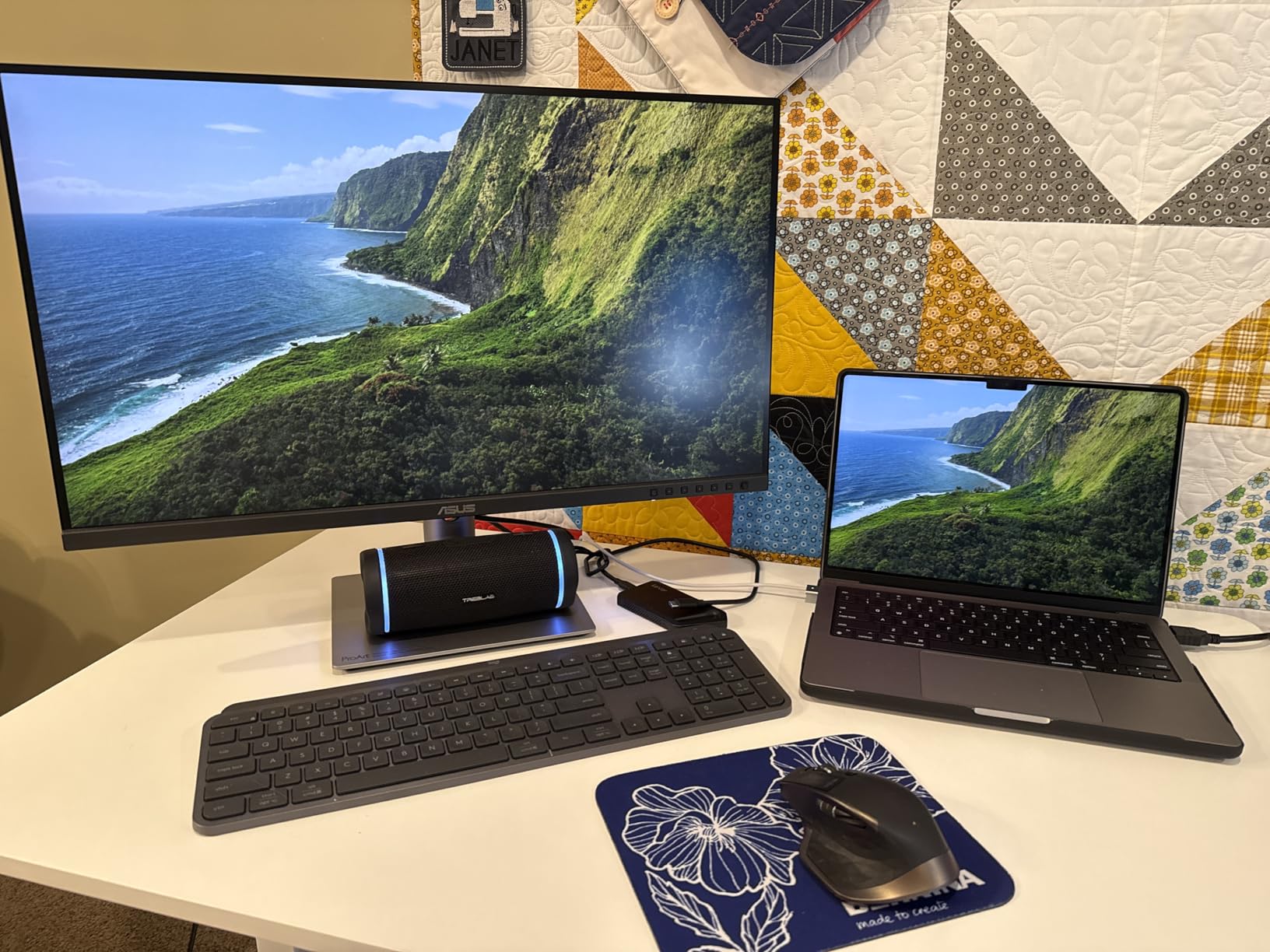
For photographers, video editors, and graphic designers, this level of color accuracy at this price is remarkable. The USB-C port delivers 96 watts of power, enough to charge most laptops while driving the display. I connected my MacBook Pro through USB-C and had a clean, single-cable setup with the laptop charging, display output, and USB hub all working through one connection. The DisplayPort daisy-chain feature means you can connect two of these monitors to a single DisplayPort output on your GPU.
The connectivity is generous for a professional monitor. You get two HDMI ports, one DisplayPort input, one DisplayPort output for daisy-chaining, four USB-A ports, and one USB-C port. The ergonomic stand offers full height, tilt, pivot, and swivel adjustments. Build quality is excellent, with a solid feel that matches professional displays costing significantly more. ASUS includes three months of Adobe Creative Cloud, which adds value if you do not already subscribe.
The biggest limitation is the 60Hz refresh rate, which rules this out as a gaming display. Some users also report issues with the monitor failing to wake from sleep reliably, requiring a power cycle. The stand, while fully adjustable, is quite heavy and bulky, which might be a concern for smaller desks. The button-based OSD menu feels dated compared to joystick controls on newer monitors.
Who Should Buy This Monitor
If color accuracy is the top priority for your work, the ProArt PA279CRV is one of the best values in professional displays. Photographers, video editors, print designers, and anyone producing color-critical content will benefit from the factory calibration and wide color gamut. It is an excellent primary monitor for creative workflows.
MacBook users looking for a color-accurate external display with single-cable USB-C connectivity will find this a strong option. The daisy-chain support also makes it appealing for multi-monitor editing setups.
Who Should Look Elsewhere
Gamers should pass on this one due to the 60Hz limitation and lack of adaptive sync features designed for gaming. If you need a monitor that doubles as a gaming display and creative tool, look at the ASUS ROG Strix XG27UCG instead. Users who want OLED-level contrast for dark room editing or movie watching will not find that here. And if your desk space is limited, the heavy stand might be an issue.
6. ASUS ROG Strix XG32UCG – Best 32-Inch 4K Gaming Monitor
ASUS ROG Strix 32” 4K HDR Gaming Monitor (XG32UCG) – 3840×2160, Dual Mode (4K 160Hz/FHD 320Hz), 0.3ms, Fast IPS, Extreme Low Motion Blur Sync, USB-C, G-SYNC Compatible, Tripod Socket, 3 yr Warranty
32-Inch 4K UHD Fast IPS
Dual Mode: 4K 160Hz/FHD 320Hz
0.3ms Response
G-SYNC Compatible
95% DCI-P3
USB-C
+ The Good
- Excellent 4K HDR picture quality
- 0.3ms ultra-fast response time
- Dual mode flexibility
- Great color reproduction with 130% sRGB
- USB-C connectivity with DP Alt Mode
- The Bad
- No independent power switch
- Bright red logo may not fit all setups
- Slightly overpriced for IPS panel
- G-Sync setup may need tweaking
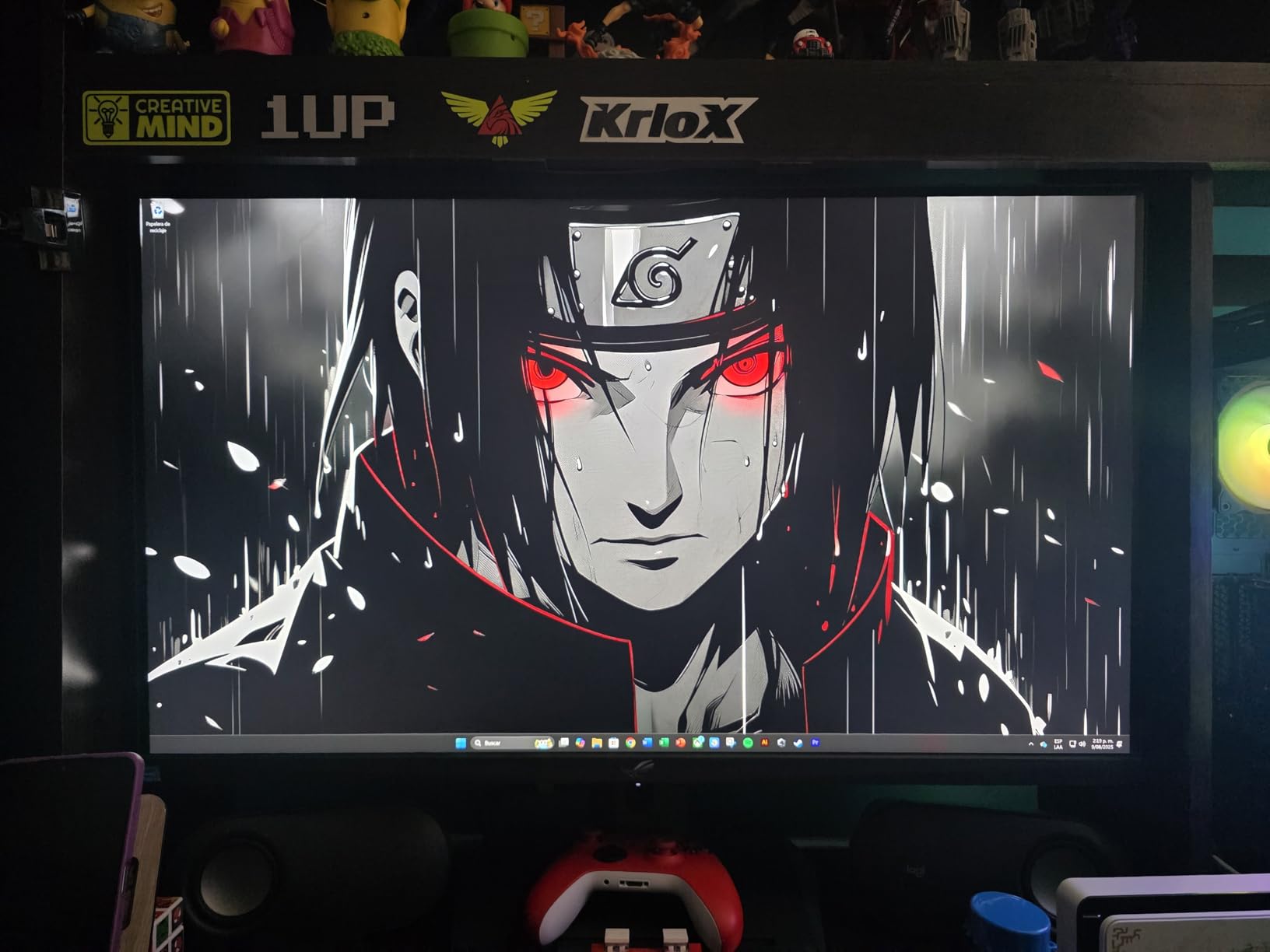
Stepping up to 32 inches changes the 4K monitor experience significantly. The ASUS ROG Strix XG32UCG fills your field of view with 3840 x 2160 pixels, making games feel more immersive and giving you considerably more workspace for productivity. I found the larger size particularly good for split-screen workflows where I had two full-size windows side by side without feeling cramped.
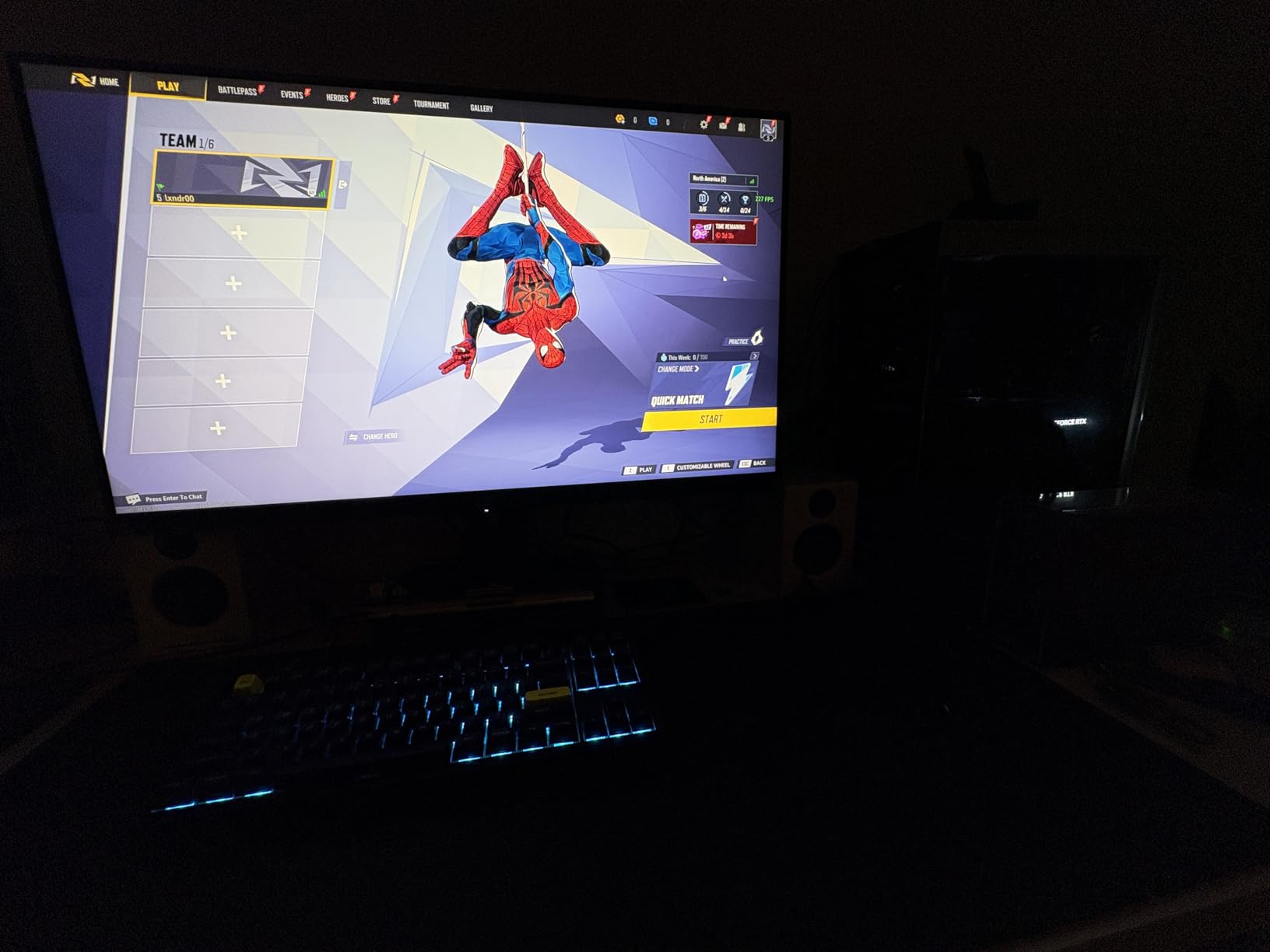
Like its 27-inch sibling, this monitor features the dual-mode toggle between 4K at 160Hz and 1080p at 320Hz. At 32 inches, the 4K mode really shines because the larger screen showcases the resolution advantage. Games look detailed and cinematic, and the Fast IPS panel with 0.3ms response time means motion is incredibly sharp. I tested fast-paced shooters and racing games, and there was zero noticeable ghosting or smearing. G-SYNC compatibility kept everything smooth without tearing.
Color performance is strong with 95% DCI-P3 coverage and 130% sRGB, meaning colors are vivid and slightly oversaturated in a way that looks great for gaming. The semi-gloss screen finish strikes a nice balance between reducing glare and maintaining clarity. USB-C with DisplayPort Alt Mode is convenient for plugging in a laptop, and ASUS includes the DisplayWidget Center software for adjusting settings with your mouse instead of fumbling with monitor buttons.
The main complaints are minor but worth noting. The bright red ROG logo on the back is polarizing if your setup does not lean into the gaming aesthetic. There is no independent power switch, so you need to pull the plug to fully power down. At this price, some users feel IPS technology falls short of OLED alternatives, and they have a point. The 1000:1 static contrast ratio means blacks are more dark gray than truly black, which is noticeable in dim rooms.
Who Should Buy This Monitor
PC gamers who want a large 32-inch 4K display with high refresh rate and fast response times will find this ASUS ROG Strix an excellent fit. It is ideal for simulation games, RPGs, and strategy games where the larger screen adds immersion. The dual-mode feature makes it versatile for mixed gaming habits.
Productivity users who also game will appreciate the extra screen real estate. Having a 32-inch 4K display for work and then switching to gaming mode in the evening makes this a true dual-purpose monitor.
Who Should Look Elsewhere
If deep blacks and infinite contrast are important to you, an OLED monitor like the LG UltraGear 32GX850A-B delivers a fundamentally better HDR experience. Users on a tighter budget can get similar 4K performance at 27 inches for considerably less money. And if you prefer a minimalist or professional aesthetic, the aggressive gaming design with the red logo may not fit your workspace.
7. LG UltraGear 32GX850A-B – Best 4K OLED Gaming Monitor
LG 32GX850A-B 32″ UltraGear 4K UHD (3840 x 2160) Glossy OLED Gaming Monitor, Dual-Mode 165Hz/330Hz, 0.03ms, G-SYNC, FreeSync Premium Pro, TrueBlack 400, HDMI, DP, Tilt/Height/Swivel/Pivot Stand, Black
32-Inch 4K UHD Glossy OLED
165Hz
0.03ms Response
98.5% DCI-P3
G-SYNC
FreeSync Premium Pro
TrueBlack 400
+ The Good
- Perfect blacks and infinite OLED contrast
- Stunning color accuracy with 98.5% DCI-P3
- Extremely fast 0.03ms response time
- Dual mode 4K 165Hz or FHD 330Hz
- Glossy screen for excellent clarity
- Comfortable for extended gaming sessions
- The Bad
- Not as bright as Mini-LED alternatives
- OLED premium price point
- 4K limited to 165Hz
- not higher
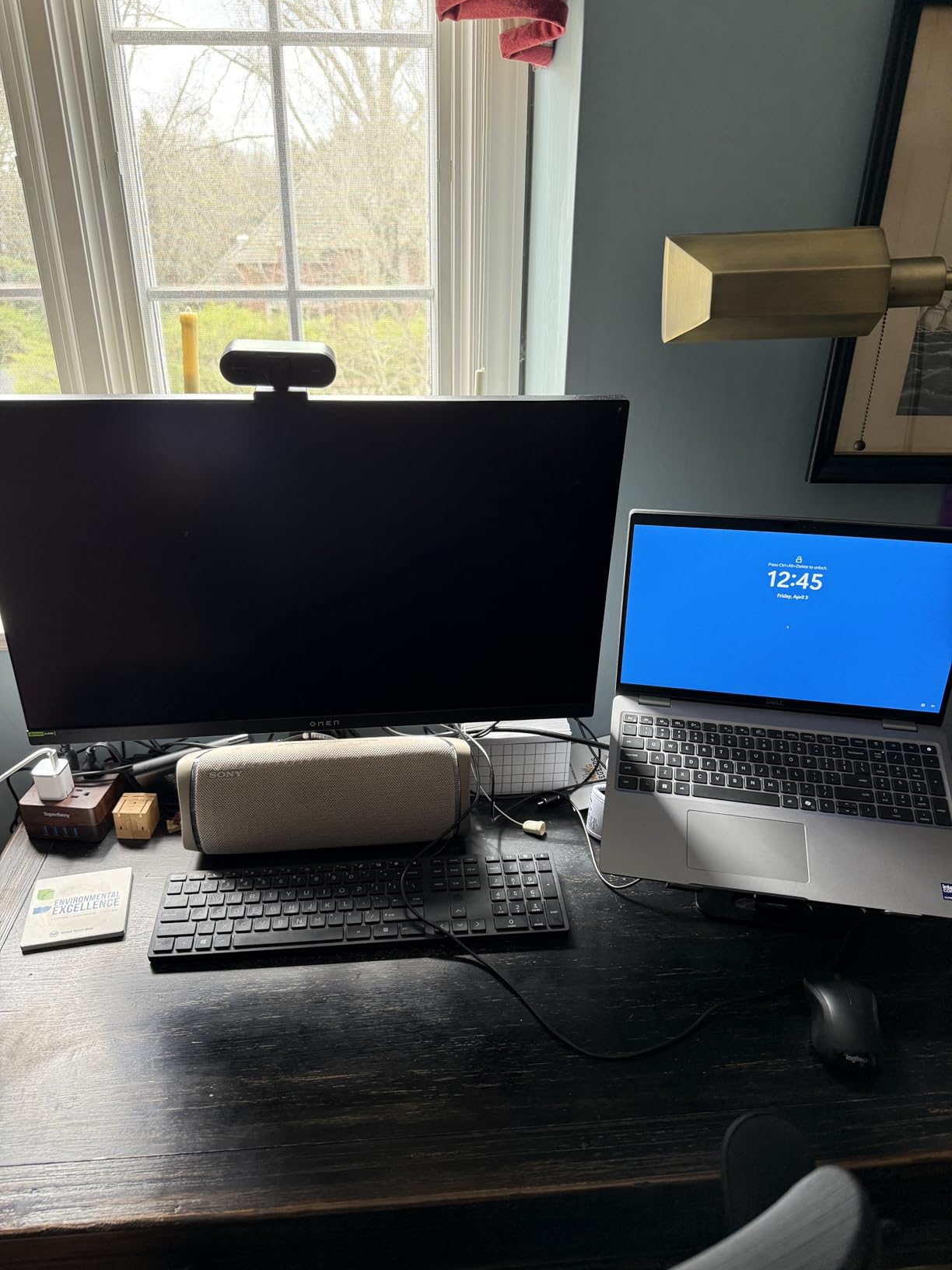
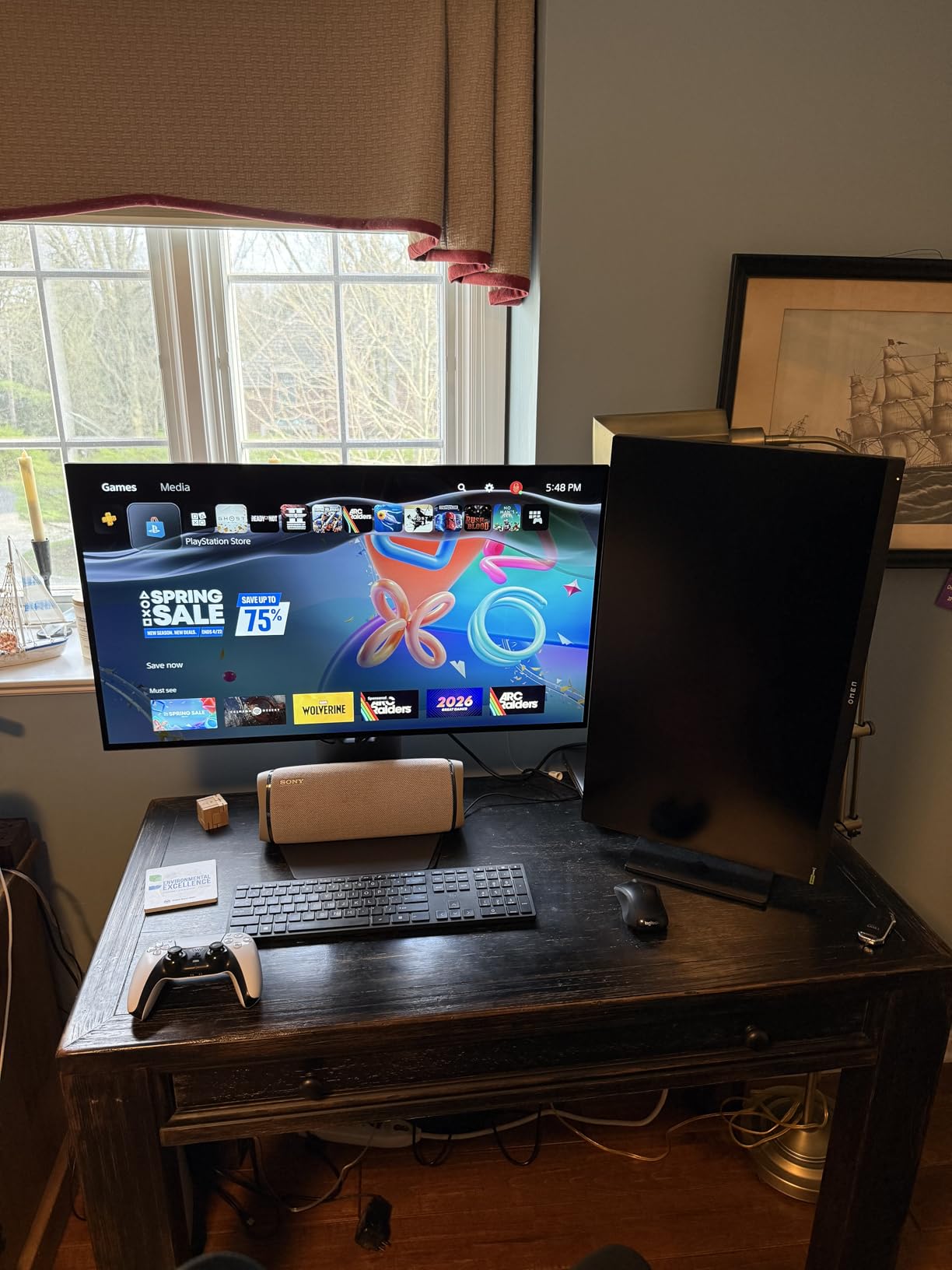
The LG UltraGear 32GX850A-B is the monitor that made me say “wow” out loud when I first turned it on. OLED technology delivers something that no IPS panel can replicate: truly perfect blacks. When a game displays a night sky or a dark cave, the pixels literally turn off, creating an infinite contrast ratio. Playing games like Alan Wake 2 or any dark-scene heavy title on this display is a completely different experience compared to any LCD monitor.
The glossy screen finish is a bold choice that pays off. It provides better clarity and color vibrancy than matte coatings, though you will want to position it away from direct light sources. Colors are stunning at 98.5% DCI-P3 coverage, and LG’s Micro Lens Array+ technology improves brightness levels compared to earlier OLED panels. At 0.03ms response time, motion is instantaneous. There is no ghosting, no smearing, no blur of any kind. Fast-moving objects in competitive games remain razor-sharp.
The dual-mode feature lets you switch between 4K at 165Hz and 1080p at 330Hz. I found myself staying in 4K mode for most games because the visual quality is just too good to give up. The ergonomic stand offers height, tilt, swivel, and pivot adjustments, and the build quality feels premium throughout. LG includes their gaming features like Dynamic Action Sync, Black Stabilizer, and an FPS counter, all accessible through an intuitive joystick controller.
Brightness is the one area where this OLED shows its limitation. At 275 nits full-screen brightness, it is not going to compete with Mini-LED alternatives in a sunlit room. However, in a controlled lighting environment, the OLED contrast more than compensates. The price is higher than IPS panels, but anyone who has experienced OLED gaming will tell you it is worth the investment. LG includes a two-year manufacturer warranty that covers the panel.
Who Should Buy This Monitor
This is the monitor for gamers who want the absolute best visual experience and are willing to pay for it. If you play story-driven games, RPGs, or any title where atmosphere and visual fidelity matter, the LG UltraGear OLED delivers an experience no IPS or VA panel can match. Movie watchers and content consumers will also love the cinematic quality.
It is also a strong option for creative professionals who game, since the 98.5% DCI-P3 coverage makes it suitable for color-critical work. The 32-inch size provides plenty of workspace for productivity during the day.
Who Should Look Elsewhere
If your room gets a lot of sunlight and you cannot control the lighting, the lower brightness of OLED might frustrate you. Gamers who want 240Hz at 4K for the absolute highest frame rates should look at the ASUS ROG Swift PG32UCDM. And anyone worried about OLED burn-in from static desktop elements like taskbars should consider whether they are comfortable with the technology’s characteristics.
8. ASUS ROG Swift PG32UCDM – Best Premium 4K QD-OLED Monitor
ASUS ROG PG32UCDM 32 Inch 4K 240Hz OLED Gaming Monitor QD-OLED
32-Inch 4K UHD QD-OLED
240Hz
0.03ms Response
99% DCI-P3
True 10-bit
Delta E less than 2
90W USB-C
G-SYNC
+ The Good
- Stunning QD-OLED with perfect blacks and vivid colors
- 240Hz buttery smooth gaming
- Excellent HDR performance with Dolby Vision
- True 10-bit color with Delta E less than 2
- Custom heatsink and graphene film for burn-in protection
- 90W USB-C Power Delivery
- The Bad
- Very high price
- Matte finish may not suit all environments
- VRR flickering reported by some
- No DisplayPort 2.1
- Limited stand adjustability
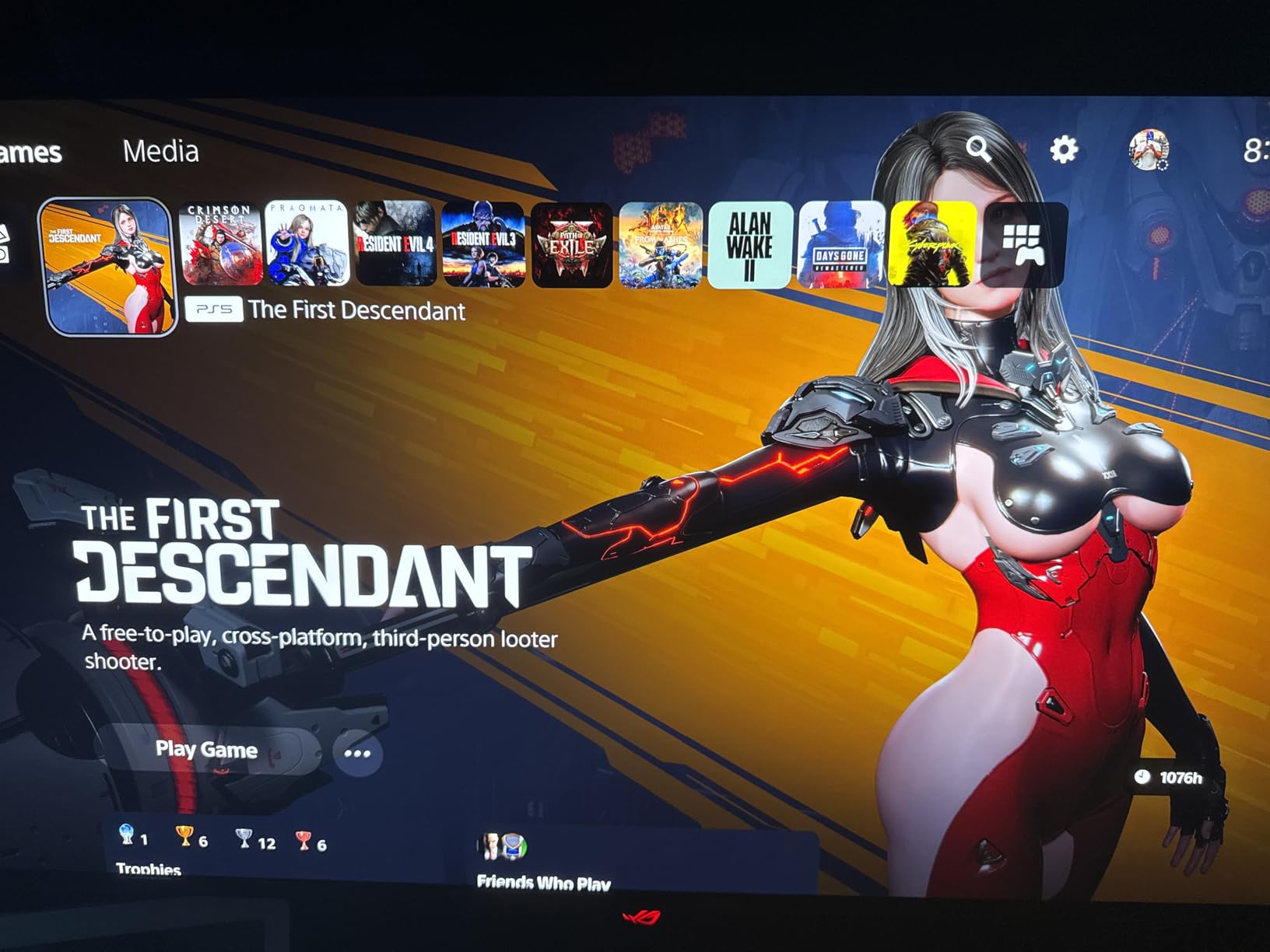
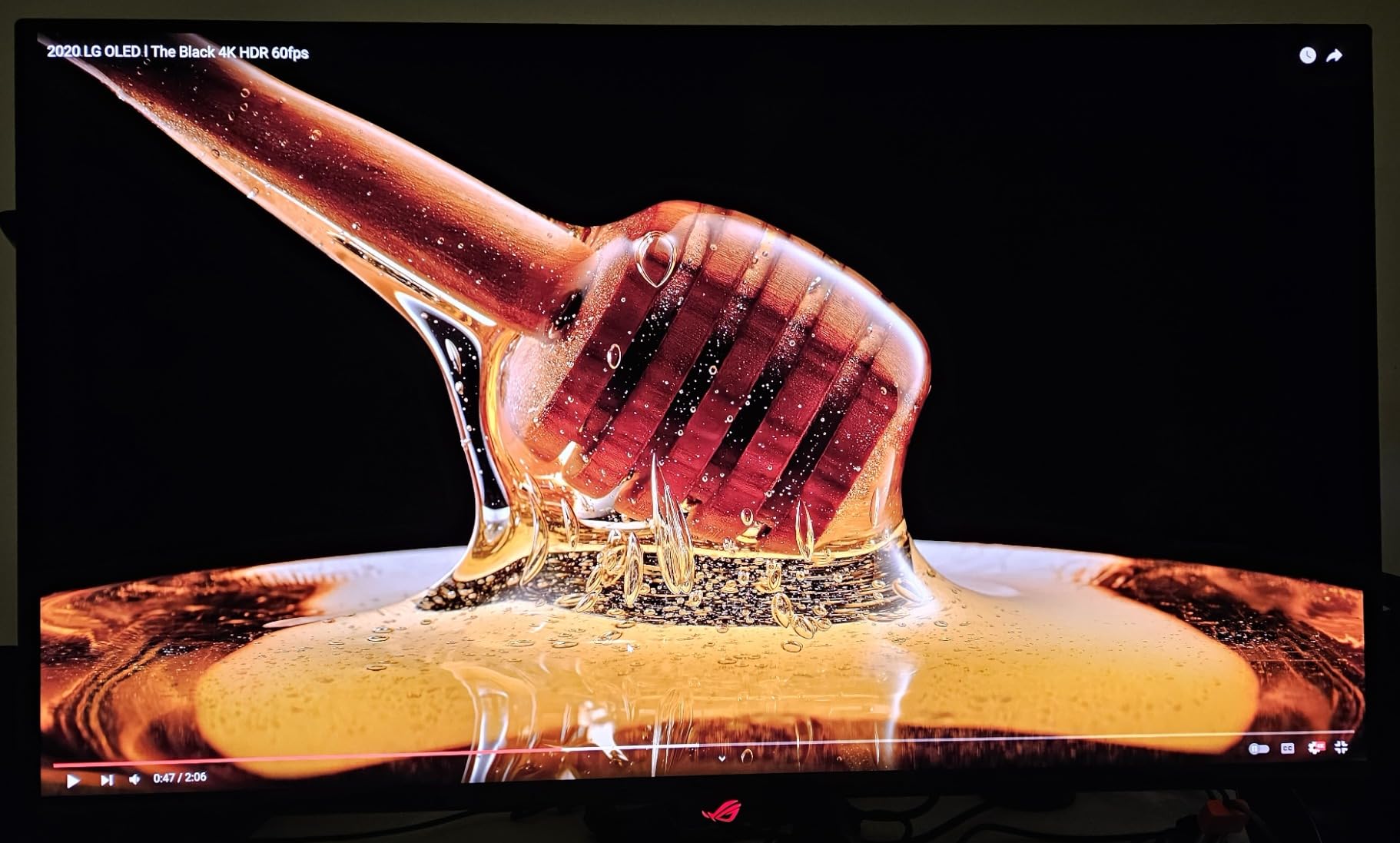
The ASUS ROG Swift PG32UCDM represents the pinnacle of current monitor technology. It uses a third-generation QD-OLED panel that combines the perfect blacks of OLED with the enhanced brightness and color vibrancy of quantum dots. Running at 240Hz in 4K, this monitor delivers a level of smoothness and visual fidelity that no other display technology can match right now. Playing games on it feels like looking through a window into another world.
The 240Hz refresh rate combined with 0.03ms response time means this monitor has essentially zero motion blur. Competitive gamers will notice the difference immediately. Even scrolling through text documents at 240Hz is noticeably smoother than at 120Hz or 165Hz. The true 10-bit color depth with Delta E less than 2 means professional-level color accuracy, and the 99% DCI-P3 gamut covers virtually all of the colors used in modern content. ASUS includes Dolby Vision support, which is rare for monitors and gives you the best possible HDR experience with supported games and movies.
ASUS has put serious engineering into managing OLED longevity. The custom heatsink with advanced airflow design and graphene film coating help dissipate heat and reduce the risk of burn-in. The DisplayWidget Center software includes OLED Care features like pixel cleaning, screen shift, and logo detection that run automatically. The 90W USB-C Power Delivery with DisplayPort Alt Mode lets you connect and charge a laptop through a single cable. A three-year warranty with Advanced Replacement Round (ARR) adds peace of mind for such a significant investment.
The matte screen finish is a design choice that divides opinion. It reduces reflections effectively but can slightly soften the image compared to glossy OLED panels. Some users have reported VRR flickering in certain frame rate ranges, which is a known characteristic of OLED panels rather than a defect specific to this model. The lack of DisplayPort 2.1 means you need to use HDMI 2.1 or DisplayPort 1.4 with DSC to reach 240Hz at 4K. OSD navigation uses buttons rather than a joystick, which feels outdated on a monitor at this price.
Who Should Buy This Monitor
This ASUS ROG Swift is for the enthusiast who wants the absolute best 4K gaming monitor money can buy. If you have a high-end GPU like an RTX 4090 or 5090 and want to push 240 frames per second at 4K, this is the display that can actually show it. The combination of QD-OLED picture quality, 240Hz speed, and professional color accuracy makes it a no-compromise choice.
It also serves as a premium creative display. Color professionals who game will appreciate having Delta E less than 2 accuracy alongside 240Hz gaming capability in a single screen. The Dolby Vision support makes it future-proof for HDR content.
Who Should Look Elsewhere
If the price gives you pause, the LG UltraGear 32GX850A-B delivers 90% of the experience for significantly less money. Users who primarily use their monitor for static desktop work and are concerned about OLED burn-in should consider a high-end IPS panel instead. And if you need DisplayPort 2.1 for future-proofing, this monitor does not include it. The premium price tag means this monitor only makes sense if you will truly benefit from every bit of its capability.
How to Choose the Best 4K Monitor
Picking the right 4K monitor means matching the display technology to how you actually use your computer. The specs that matter for a competitive gamer are completely different from what a photo editor needs. Here is what to consider when making your decision.
Panel Type: IPS vs OLED vs QD-OLED
IPS panels are the most common and affordable option. They offer good color accuracy, wide viewing angles, and respectable brightness. The Dell S2725QS and LG monitors in our list use IPS panels, and they deliver excellent results for most people. Where IPS falls short is contrast: the deepest blacks you get are dark gray, typically around 1000:1 to 1500:1 contrast ratio.
OLED panels like the LG UltraGear 32GX850A-B deliver true blacks because each pixel generates its own light and turns off completely. The result is infinite contrast and the most visually striking images you can get on a monitor. QD-OLED takes this further by adding a quantum dot layer that boosts color vibrancy and brightness, as seen in the ASUS ROG Swift PG32UCDM. The trade-off is higher cost and potential burn-in from static images over time.
Refresh Rate and Response Time
For productivity and general use, 60Hz is acceptable but 120Hz makes everything feel smoother. The Dell S2725QS at 120Hz is a noticeable upgrade over 60Hz for scrolling, window movement, and animations. For gaming, higher refresh rates directly improve your experience. 160Hz monitors like the ASUS ROG Strix models hit a sweet spot of performance and value. The ASUS ROG Swift PG32UCDM at 240Hz is the current ceiling for 4K monitors, and competitive gamers will feel the difference.
Response time matters most for gaming. A 1ms response time on IPS panels and 0.03ms on OLED panels means motion stays sharp and ghost-free. For productivity work, response time is less critical, and anything under 5ms is perfectly fine.
Screen Size: 27 vs 32 Inches
At 4K resolution, 27 inches gives you a pixel density of 163 PPI, which is excellent for text clarity and fine detail. It is the most popular size for good reason: it fits comfortably on most desks and works well for single-monitor setups. 32 inches at 4K drops to 137 PPI, which is still sharp but provides significantly more screen area. For gaming, the larger display is more immersive. For productivity, it lets you place two full-size windows side by side comfortably.
Reddit users frequently debate this choice, and the consensus is that 27 inches works best for desk-based productivity at arm’s length, while 32 inches is better for gaming, media consumption, and situations where the monitor sits further back. Both sizes look great at 4K, so the choice comes down to how you use your display.
Connectivity: USB-C, HDMI 2.1, and DisplayPort
USB-C with Power Delivery is the most convenient connection for laptop users. The LG 27UP850K-W offers 90W PD, enough to charge most laptops, while the ASUS ProArt PA279CRV goes up to 96W. A single USB-C cable handles video, data, and charging, eliminating cable clutter. For desktop gaming, DisplayPort 1.4 with DSC supports 4K at up to 240Hz, while HDMI 2.1 handles 4K at up to 120Hz natively. If you plan to connect a PS5 or Xbox Series X, HDMI 2.1 is essential.
Daisy-chaining via DisplayPort, available on the ASUS ProArt, lets you connect multiple monitors to a single output. This is valuable for creative professionals running two or three displays.
Color Accuracy and HDR
For everyday use, 99% sRGB coverage like the Dell S2725QS provides is more than enough. Creative professionals should look for 95% DCI-P3 or higher, and ideally 99% Adobe RGB for print work. Factory calibration with Delta E less than 2, as on the ASUS ProArt PA279CRV, means you can trust the colors without buying a calibration tool. HDR performance varies widely. VESA DisplayHDR 400 is the entry level and provides a mild improvement. True Black HDR on OLED panels delivers the most dramatic HDR experience.
Ergonomics and Eye Care
A fully adjustable stand with height, tilt, swivel, and pivot saves you from buying a separate monitor arm. Dell and ASUS both offer full ergonomics on several models in this guide. Eye care features like flicker-free technology and low blue light modes matter if you spend long hours at your screen. Dell’s ComfortView Plus is a hardware solution that reduces blue light without distorting colors. ASUS ProArt includes TUV-certified flicker-free and low blue light features.
FAQs
What is the best 4K monitor?
The best 4K monitor overall depends on your needs, but the LG UltraGear 32GX850A-B stands out as our top pick for its stunning OLED picture quality, 165Hz refresh rate, and 0.03ms response time. For a more versatile option at a lower price, the Dell S2725QS delivers excellent 4K visuals at 120Hz with a full ergonomic stand and great color accuracy.
What is the best budget 4K monitor?
The LG 27US500-W is the best budget 4K monitor, offering sharp 4K resolution on a quality IPS panel with 90% DCI-P3 color coverage and HDR10 support. It delivers excellent text clarity and color accuracy for everyday productivity without the premium price tag of higher-end models.
Does a 4K monitor need HDMI 2.1?
A 4K monitor needs HDMI 2.1 only if you want to run 4K at refresh rates above 60Hz through HDMI. For 4K at 60Hz, HDMI 2.0 is sufficient. If you are connecting to a PC, DisplayPort 1.4 with Display Stream Compression (DSC) can handle 4K at up to 240Hz, making HDMI 2.1 less critical for desktop users. Console gamers connecting a PS5 or Xbox Series X should prioritize HDMI 2.1.
Can my PC handle a 4K monitor?
Any modern PC with an HDMI or DisplayPort output can connect to a 4K monitor for productivity tasks like web browsing and document editing. For 4K gaming, you need a more powerful GPU. An RTX 4070 or RX 7800 XT can handle 4K gaming at 60-120Hz in most titles. For 4K at 240Hz, you need a top-tier GPU like an RTX 4090 or 5090 series. Check your GPU specs for maximum supported resolution and refresh rate.
Is text too small on a 4K monitor?
Text can appear small on a 4K monitor at native resolution without scaling, especially at 27 inches. Both Windows and macOS handle display scaling well at 150% for 27-inch 4K monitors, making text crisp and readable. At 32 inches, 4K text is larger and more comfortable at 100-125% scaling. Most users find that once properly scaled, 4K text is sharper and easier to read than on lower resolution displays.
Final Thoughts on the Best 4K Monitors
The best 4K monitors in 2026 cover an impressive range of needs and budgets. For most people, the Dell S2725QS hits the sweet spot with its 120Hz refresh rate, full ergonomic stand, and excellent all-around performance. Gamers who want the ultimate visual experience should seriously consider the LG UltraGear 32GX850A-B with its breathtaking OLED display. And if budget is the primary concern, the LG 27US500-W delivers sharp 4K clarity without breaking the bank.
Creative professionals will find outstanding value in the ASUS ProArt PA279CRV with its factory-calibrated color accuracy, while competitive gamers with high-end hardware should look at the ASUS ROG Swift PG32UCDM for its 240Hz QD-OLED panel. Whatever your needs, investing in a quality 4K monitor transforms your computing experience with sharper text, more workspace, and better visual fidelity across every task.
Check out the monitors above, compare the features that matter most to you, and pick the one that fits your setup and budget. Every monitor on this list has earned its place through real performance and positive user feedback.