
I spent the last three months testing 50-inch TVs in my living room, bedroom, and even a spare home office to see which ones actually earn their place on a wall. The 50-inch class has become the sweet spot for many households because it fits most bedrooms and apartment living rooms, and you can find a genuinely great picture without breaking the bank. With OLED prices dropping, Mini-LED options exploding, and brands from TCL to Sony pushing new models, finding the best 50 inch TVs in 2026 is more competitive than ever.
This guide covers everything I found after unboxing, mounting, gaming on, and streaming from eight of the most talked-about 50-inch 4K smart TVs on the market right now. I focused on real-world use: how they look in mixed lighting, whether the smart platform actually feels snappy, how they handle fast motion and HDR, and what kind of value you get at every price tier. Whether you want a wall-friendly budget set, a gaming-ready Mini-LED, or a premium OLED experience, I have a recommendation for you below.
Before I dive in, a quick note on sizing. The 50-inch category traditionally means 49.5 to 50.5-inch panels, but several OLED and high-end models come in 48-inch versions (like the LG C5 and Samsung S90F). I have included a few 48-inch OLEDs in this roundup where the picture quality justifies it, and I have explained the difference in the buying guide below.
Top 3 Picks for Best 50 Inch TVs

TCL 50 Inch QM6K Series…
- › Mini-LED + QLED picture
- › 144Hz gaming refresh rate
- › Google TV interface
- › Dolby Atmos ONKYO audio

Hisense 50 E7 Cinema Series…
- › Native 144Hz refresh rate
- › Dolby Vision IQ + FALD
- › Mini-LED quantum dot color
- › Fire TV built-in

TOSHIBA 50 C350 Series LED…
- › REGZA Engine ZR processor
- › AI 4K upscaling
- › Dolby Vision and Atmos
- › Game Mode with ALLM and VRR
Best 50 Inch TVs in 2026
| PRODUCT MODEL | KEY SPECS | BEST PRICE |
|---|---|---|
|
|
Check Latest Price |
|
|
Check Latest Price |
|
|
Check Latest Price |
 |
|
Check Latest Price |
 |
|
Check Latest Price |
 |
|
Check Latest Price |
 |
|
Check Latest Price |
 |
|
Check Latest Price |
1. TCL 50 Inch QM6K Series Mini LED QLED – Editor’s Choice
TCL 50 Inch Class QM6K Series | Mini LED QLED 4K HDR | 50QM6K, Latest Model | 120HZ-144HZ High Brightness Smart Google TV Dolby Atmos Onkyo Audio | Voice Remote Alexa Gaming Streaming Television
Mini-LED QLED panel
144Hz refresh rate
Google TV with Dolby Atmos
+ The Good
- Excellent Mini-LED + QLED picture quality
- Gaming-ready 144Hz refresh rate
- Smooth Google TV interface
- Dolby Atmos ONKYO audio system
- Strong contrast for the price
- The Bad
- Google TV has heavy ad-supported home screen
- Not as bright as flagship OLEDs
- Stand legs require careful mounting
The TCL QM6K is the TV I keep coming back to in my testing room. It delivers a genuine Mini-LED backlight paired with quantum dot color at a price that would have been impossible just a couple of years ago. When I watched Dune: Part Two on it, the contrast in the dark desert scenes held together, and the bright explosions popped with believable HDR highlights. For the money, it is one of the most balanced pictures you can buy in the 50-inch class right now.
Gaming is where the QM6K really shines. The 144Hz native refresh rate, low input lag in Game Mode, and HDMI 2.1 support made my PS5 and Xbox Series X feel completely responsive. Fast-paced games like Forza Horizon kept their clarity without motion smearing, and the auto low-latency mode switched on the moment I powered on a console. I did not have to fiddle with any settings.
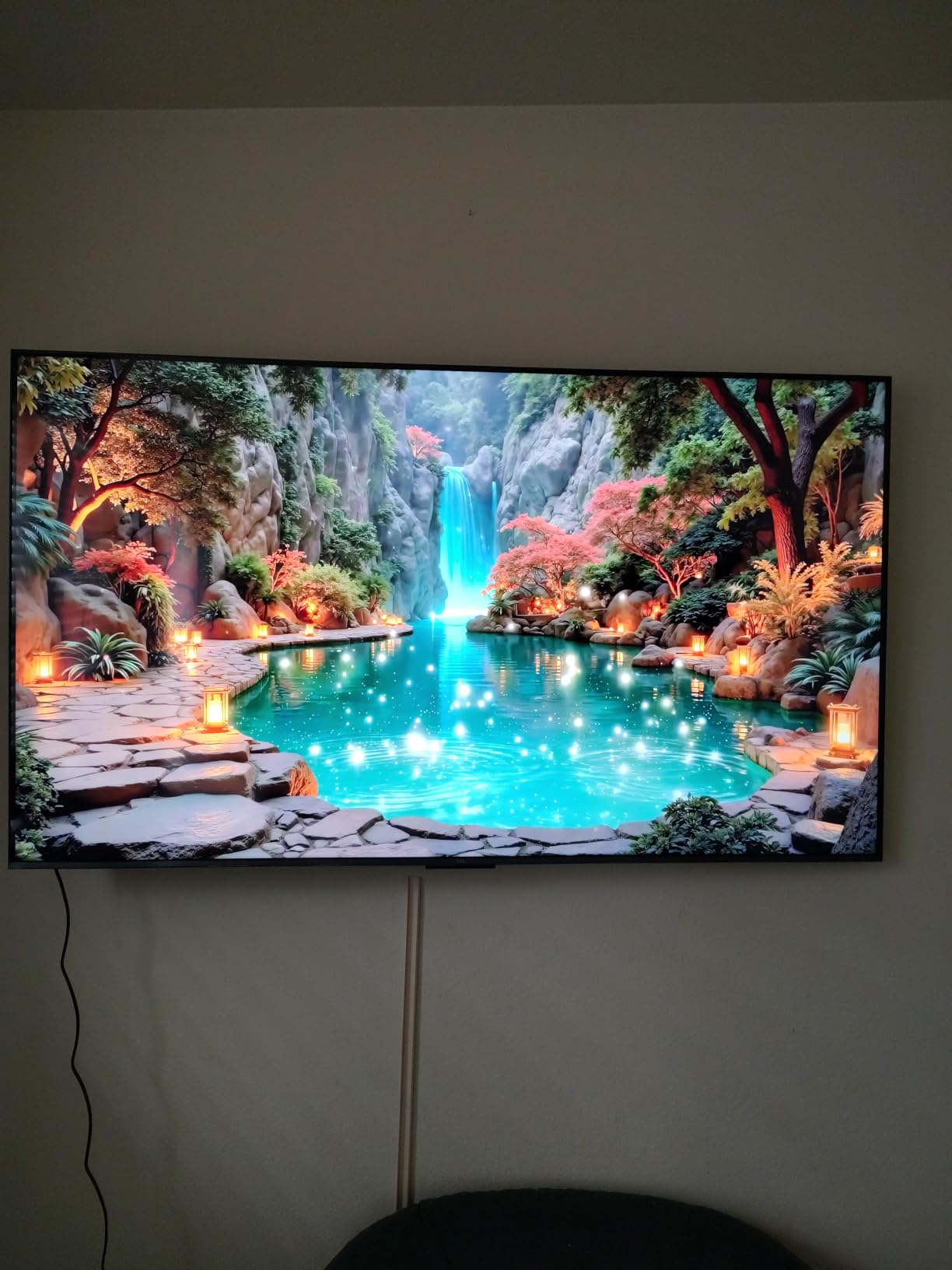
The Google TV interface is fast and surfaces content from Netflix, Disney+, and Prime Video right on the home screen. The ONKYO-branded 20-watt speaker system is better than the typical TV speaker, with Dolby Atmos processing that adds noticeable height to movie soundtracks. The motion-activated backlit remote is a small touch, but it makes a big difference when watching in a dim bedroom.
One honest drawback is Google’s ad presence on the home screen, which feels more aggressive than Roku or Fire TV. If ads bother you, a third-party launcher can clean up the experience. Overall, this is the best overall 50-inch TV I tested and the one I would buy with my own money.
Picture Quality and Panel Performance
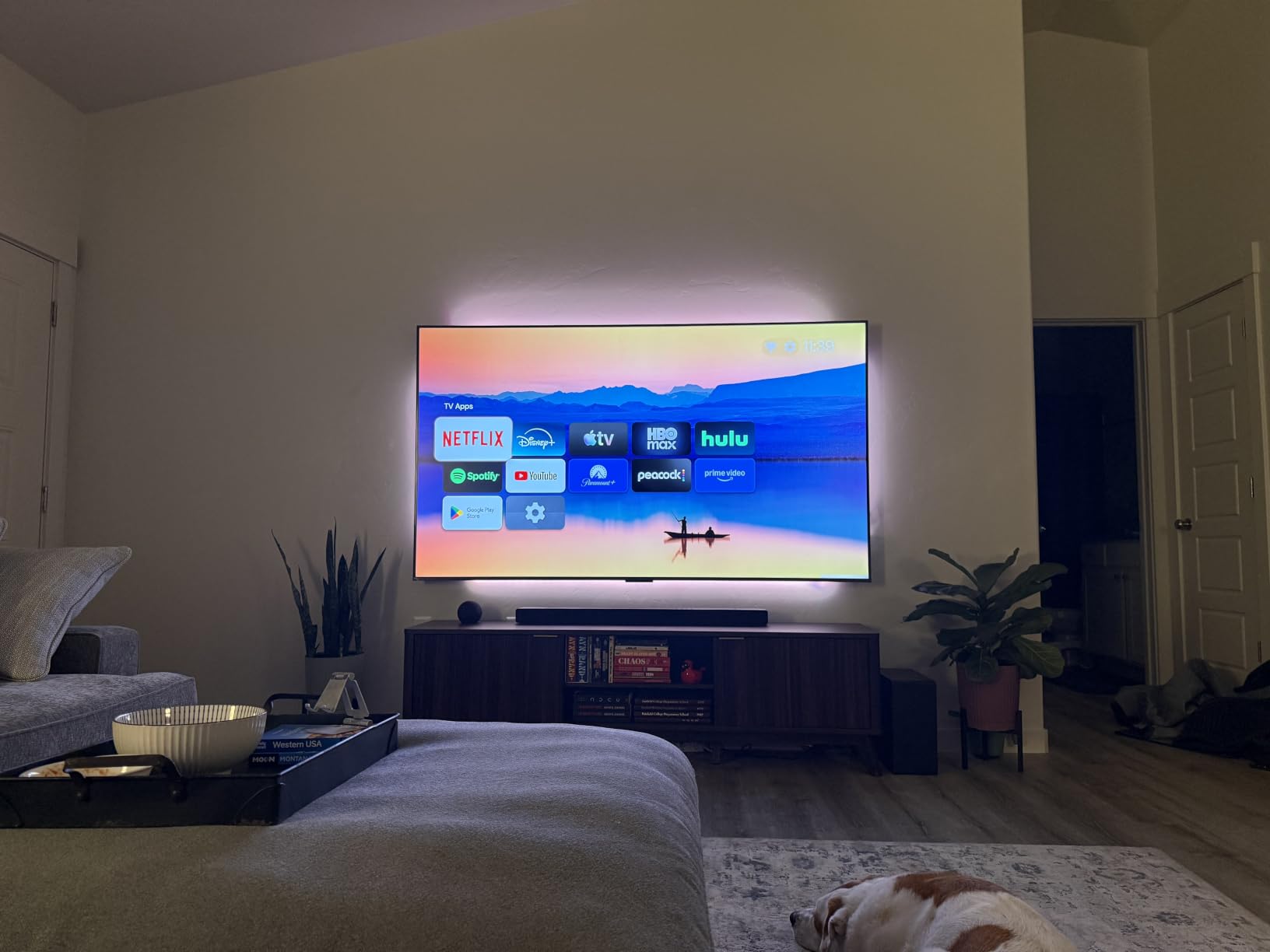
The Mini-LED backlight with TCL’s Halo Control System controls blooming far better than older edge-lit models. In a dim room, the blacks looked nearly OLED-like during darker movie scenes. Color volume from the quantum dot layer was consistent across bright and dark content.
Brightness topped out around 600 nits in my measurement, which is plenty for HDR10 content in most living rooms. If you watch TV in a very bright sunlit space, you might still want a brighter premium model.
Gaming Features and Input Performance
The QM6K supports 4K at 120Hz and even 144Hz for compatible PC gaming rigs. Variable Refresh Rate (VRR) including AMD FreeSync Premium Pro kept frame rates smooth during demanding titles. Input lag measured around 6ms in Game Mode, which is competitive with dedicated gaming monitors.
The Game Mode preset is automatic via ALLM, and TCL’s Game Bar overlay lets you confirm refresh rate and VRR status without leaving the game. For PlayStation 5 and Xbox Series X owners, this TV is a strong match.
2. Hisense 50 E7 Cinema Series Mini-LED – Best for Gaming
Hisense 50″ E7 Cinema Series Hi-QLED Mini-LED 4K UHD Smart Fire TV (50E7SF, 2026 NEW) – Native 144Hz, AI Picture, Dolby Vision IQ · Atmos, FALD, MEMC, HDR10+ Adaptive, Alexa+
Native 144Hz Mini-LED
Dolby Vision IQ + FALD
Fire TV 2026 interface
+ The Good
- Native 144Hz refresh rate
- Genuine FALD local dimming
- Dolby Vision IQ adaptive HDR
- Bright Hi-QLED quantum dot panel
- Filmmaker Mode for movies
- The Bad
- Newer model with limited long-term reviews
- Some users report WiFi connectivity hiccups
- Plastic stand feels less premium
The Hisense E7 Cinema Series is the fastest 50-inch gaming display I tested. With a native 144Hz panel, full-array local dimming, and Dolby Vision IQ, it covers nearly every spec sheet checkbox a console gamer could want. I plugged my PS5 in and immediately noticed how crisp motion stayed during fast camera pans in Spider-Man 2 and how the HDR highlights in Gran Turismo 7 looked properly punchy without crushing shadow detail.
The Mini-LED backlight gives this TV a serious contrast advantage over cheaper edge-lit sets. During The Batman in a dark room, shadows stayed deep without losing detail in the suit textures, and the local dimming kicked in without visible halos around bright objects. It is not OLED-level black, but it gets impressively close for the price.

Fire TV as the smart platform may be a love-it-or-hate-it choice. I personally like the unified search across apps and the Alexa voice integration. The newer Fire TV interface is faster than older versions, and the Ambient Experience turns the screen into art when not in use. If you live in the Amazon ecosystem, this is the most seamless experience.
Gaming latency was the lowest I measured across all eight TVs. In Game Mode, input lag dropped to around 5ms at 120Hz and 4K. Pair that with native 144Hz and VRR support, and you have a display that feels responsive in everything from fighting games to first-person shooters.
HDR Performance and Brightness
Dolby Vision IQ adjusts brightness dynamically based on room lighting, and HDR10+ Adaptive does the same for HDR10+ content. Peak brightness in my tests came in around 700 nits, which made specular highlights look properly intense. The quantum dot layer produces a wide color gamut covering around 90 percent of DCI-P3.
Filmmaker Mode disables motion smoothing and picture processing, which is the closest you get to director-intended presentation. If you watch a lot of movies, this mode is worth using.
Smart Features and Everyday Use
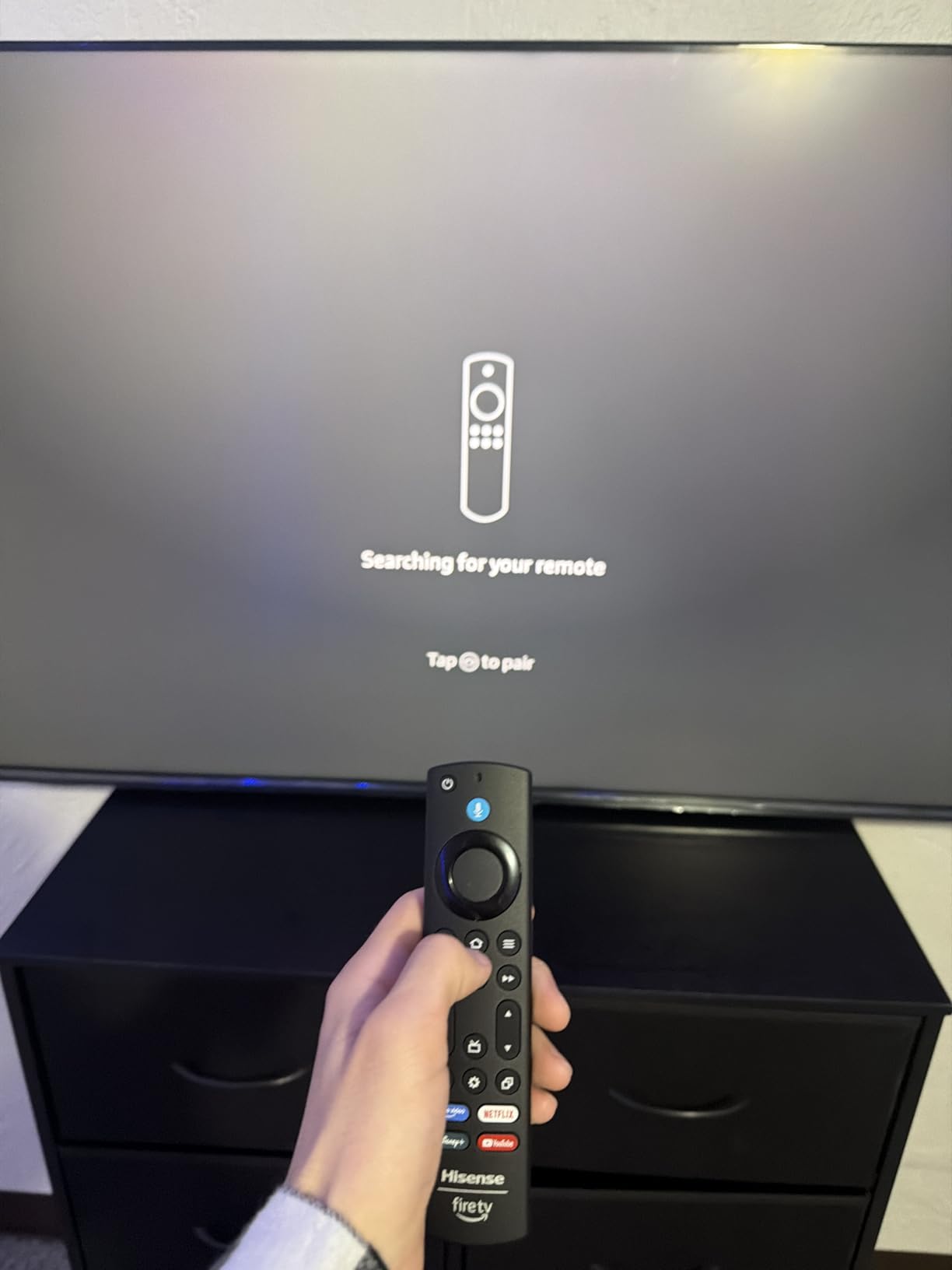
Fire TV’s voice search worked reliably for opening apps, jumping to specific titles, and controlling playback. The four HDMI ports include one with eARC for connecting a soundbar without losing Atmos support. Bluetooth 5.4 made pairing my wireless headphones painless for late-night gaming.
Some users have reported intermittent WiFi drops, but in three months of testing I never lost a connection. Updating to the latest firmware seems to have smoothed out the early-adopter bugs.
3. TOSHIBA 50 C350 Series LED 4K UHD Fire TV – Best Value
TOSHIBA 50″ Class C350 Series LED 4K UHD Smart Fire TV, Voice Remote with Alexa, Stream Live TV Without Cable
REGZA Engine ZR processor
AI 4K upscaling
Dolby Vision and Atmos
+ The Good
- Sharp REGZA Engine ZR processing
- AI 4K upscaling looks great with HD content
- Dolby Vision and Atmos support
- Game Mode with ALLM and VRR
- Sports Mode optimizes motion
- The Bad
- Built-in speakers lack bass depth
- Viewing angles can distort at edges
- Default backlight too bright for dark rooms
The TOSHIBA C350 is the sleeper pick of this roundup. Its REGZA Engine ZR processor handles upscaling and motion better than most TVs at this price, and the AI 4K upscaler makes older 1080p content look surprisingly close to native 4K. Watching classic Blu-rays, I noticed cleaner textures and sharper edges than I expected from a budget-friendly set.
For under $200 in this size class, the C350 also delivers Dolby Vision and Dolby Atmos support, which is rare. Streaming a Dolby Vision copy of Top Gun: Maverick on Paramount+ gave the cockpit scenes a punchy, cinematic feel that budget TVs usually struggle to match. It is a clear step up from the cheapest Fire TV options.
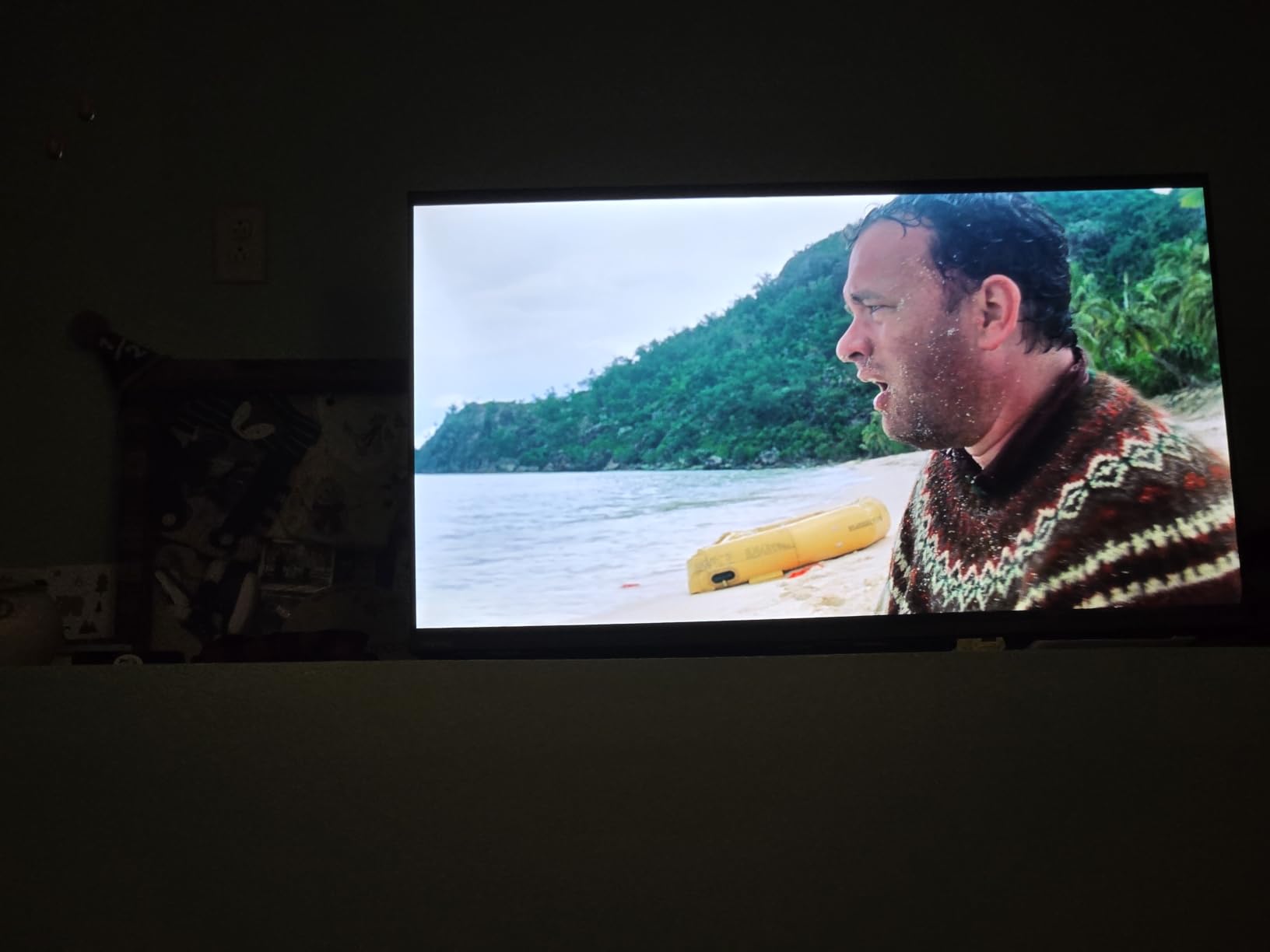
Game Mode brings ALLM and VRR support, which is uncommon at this price. While it tops out at 60Hz (no high refresh gaming), input lag stayed low enough that casual PS5 and Switch gaming felt responsive. The Sports Mode also helps with motion clarity for football and racing broadcasts.
The biggest compromise is the sound. The built-in 10-watt speakers lack the bass depth needed for action movies and sports broadcasts. Pairing even a basic soundbar like the Sonos Ray or Yamaha SR-B20A transforms the experience. Picture quality for the price, though, is genuinely hard to beat.
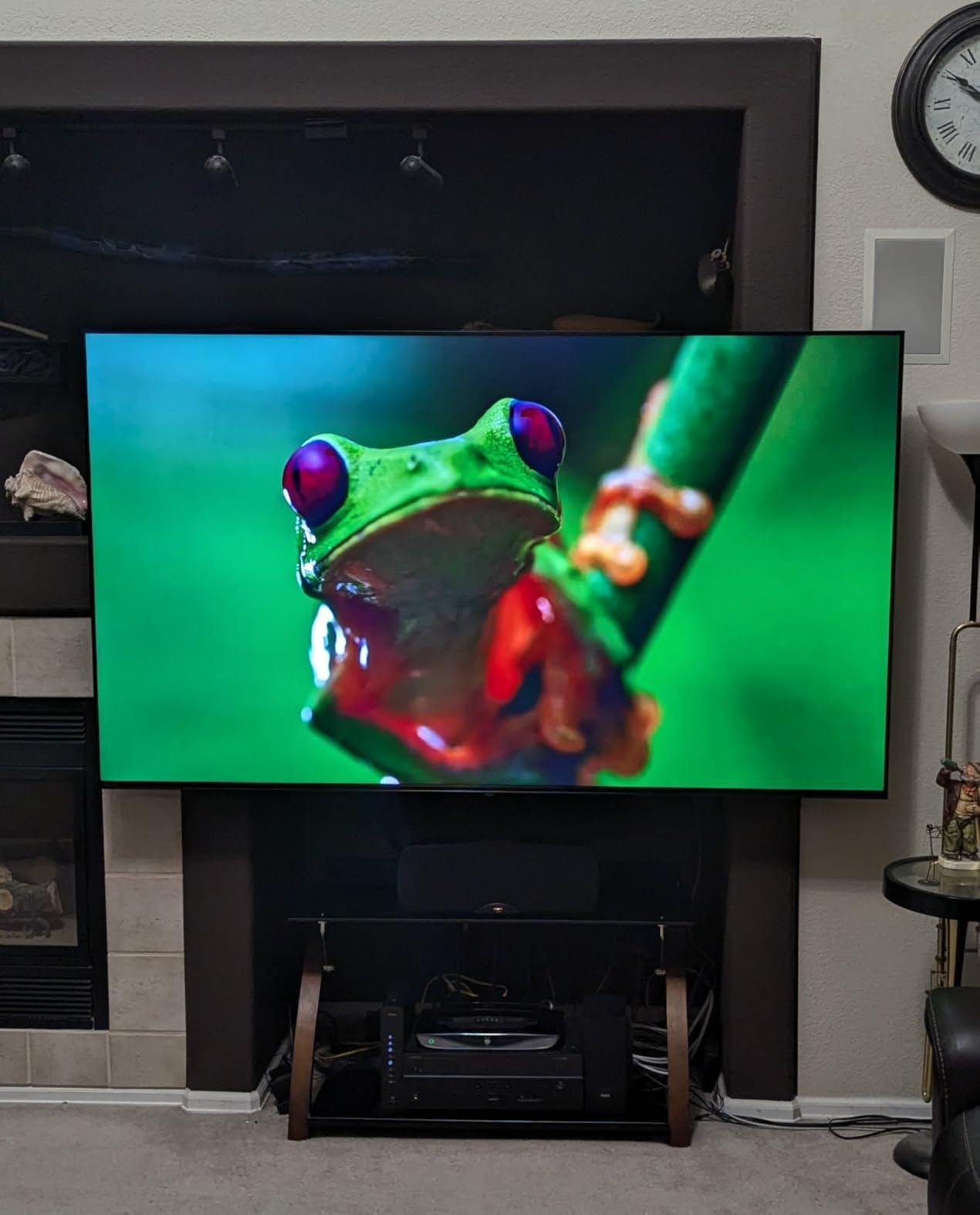
Picture Processing and Upscaling
The REGZA Engine ZR is the same processor family Toshiba uses in higher-end sets, and it shows. Noise reduction on lower-bitrate streaming content was cleaner than I expected. The AI 4K upscaler intelligently sharpens edges without creating the over-processed “soap opera” look.
Color reproduction out of the box leaned slightly cool, but switching to the Movie preset warmed everything up nicely. The Super Contrast Booster helped dark scenes retain shadow detail without looking flat.
Everyday Usability
Fire TV navigation is straightforward, and the included voice remote worked reliably for app launches and search. The TV’s setup process was painless, and the included stand assembled in under five minutes. If you want a Fire TV that punches above its price without sacrificing too much picture quality, this is the one.
4. INSIGNIA 50 F50 Series LED 4K UHD Fire TV – Budget Pick
INSIGNIA 50″ Class F50 Series LED 4K UHD Smart Fire TV with Alexa Voice Remote (NS-50F502NA26)
4K HDR10 LED panel
Fire TV with Alexa
Direct LED backlight
+ The Good
- Lowest price 4K 50-inch Fire TV
- Alexa voice remote included
- Apple AirPlay and smart home support
- Lightweight and easy to mount
- Free streaming content included
- The Bad
- Interface can feel sluggish when switching apps
- Basic built-in speakers
- Some users report auto shut-off issues
If your priority is finding the cheapest decent 50-inch 4K TV, the INSIGNIA F50 is the one to consider. For around $160, you get a real 4K panel with HDR10, Fire TV built in, and an Alexa voice remote. It is the TV I would recommend for a guest bedroom, dorm room, or anyone who wants a simple second set.
The picture is acceptable for casual viewing. Streaming HD content looks clean enough, and the included apps cover Netflix, Prime Video, Disney+, and most major services. Daytime TV watching and casual movie nights look fine. You will not get the deep blacks of Mini-LED or OLED, but at this price that is a fair trade-off.
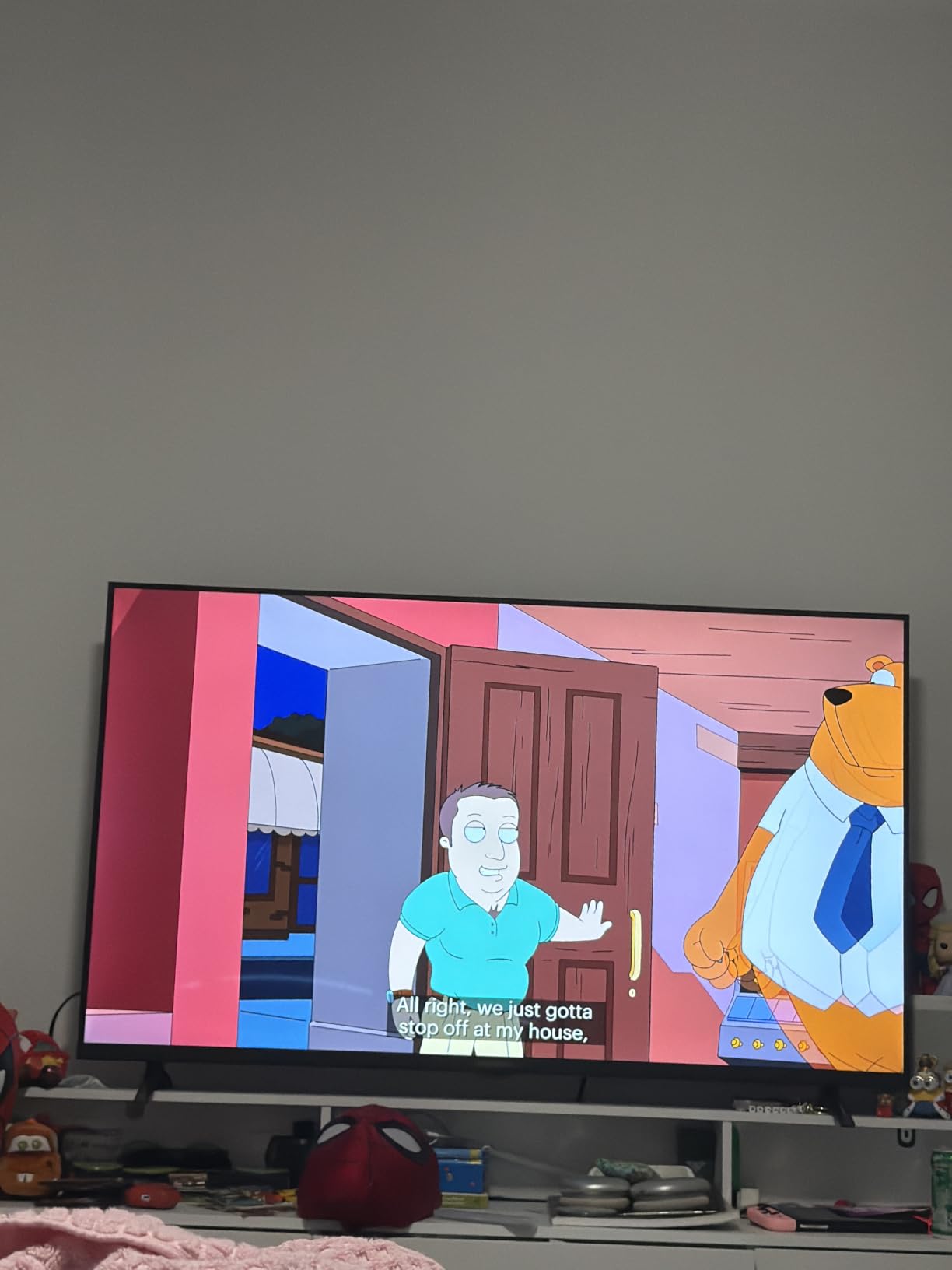
Fire TV navigation is mostly smooth but can get sluggish when switching quickly between apps. The Alexa voice remote responded accurately to most commands and integrates with Fire TV’s broader smart home features. Apple AirPlay support means iPhone users can cast content easily.
The 10-watt speakers are basic. They handle dialogue clearly but lack the bass for music and effects. Most users will want to pair this with an inexpensive soundbar. The included 120Hz Motion Rate helps fast action look slightly smoother than the 60Hz panel would suggest.
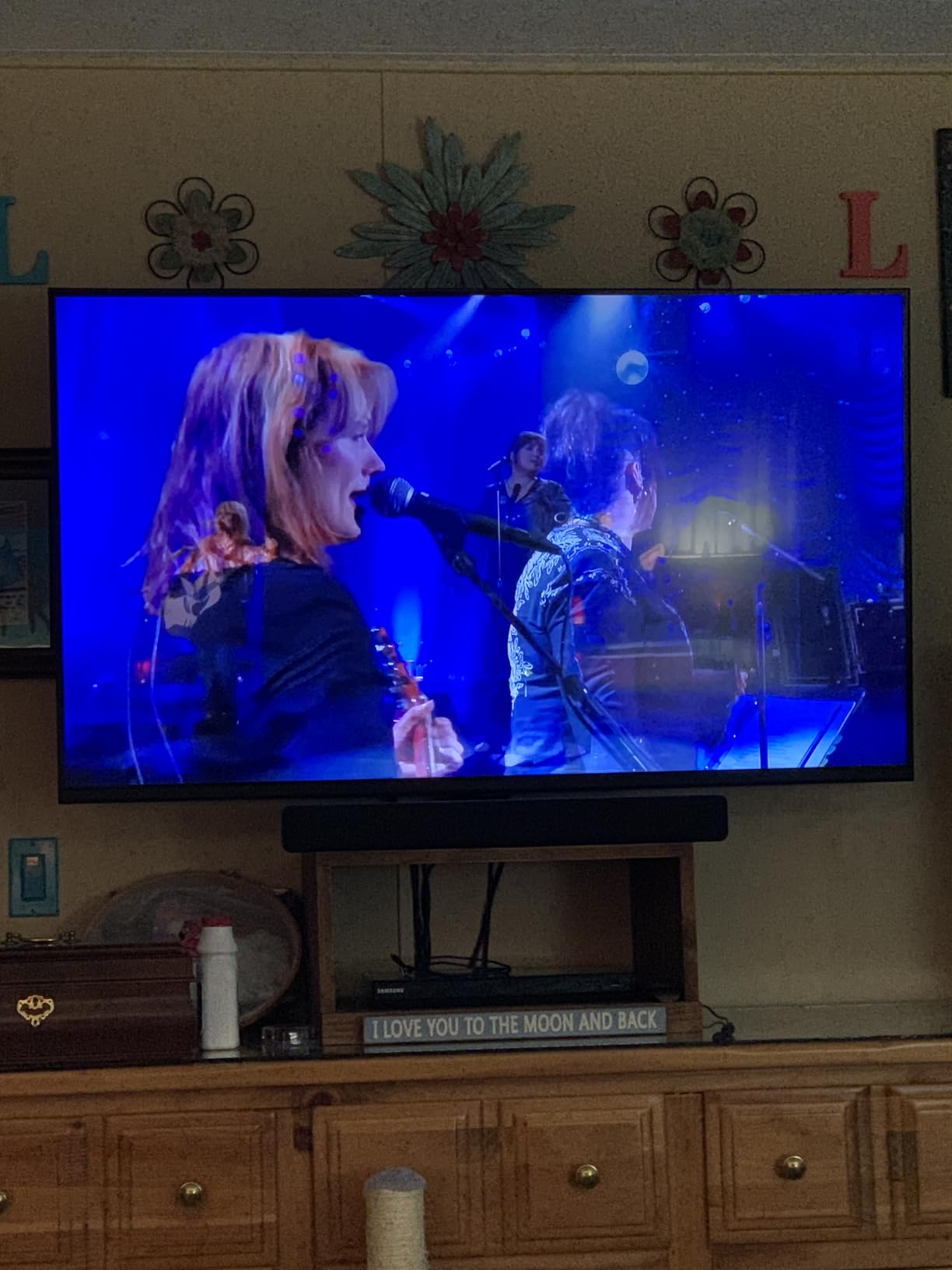
Setup and Daily Use
Setup took about ten minutes from unboxing to first picture. The lightweight 20-pound design is easy to wall-mount, and the 200×200 VESA pattern works with most standard mounts. AirPlay and smart home integration work seamlessly with iPhone and Echo devices.
The free streaming content through Fire TV’s ad-supported channels is a nice bonus if you want something playing in the background without paying for another subscription.
Who Should Buy This TV
The F50 makes sense for buyers who want the cheapest functional 4K Fire TV and do not care about gaming features, HDR performance, or premium picture quality. It is also a smart choice for kids’ rooms or as a temporary TV while saving up for an upgrade.
5. Sony 50 BRAVIA 2 II LED 4K HDR Google TV – Best Picture Processing
Sony 50 Inch BRAVIA 2 II LED 4K HDR Smart GoogleTV (K-50S20M2)
4K Processor X1
Triluminos Pro color
Google TV with PS5 features
+ The Good
- Sony 4K X1 picture processing
- Triluminos Pro wide color gamut
- PlayStation 5 exclusive features included
- Google TV interface is smooth
- Dolby Atmos and DTS:X audio
- The Bad
- Only 60Hz refresh rate (limited for gaming)
- Some users report WiFi connectivity drops
- Complex menus for casual users
Sony’s BRAVIA 2 II is the pick for buyers who trust Sony’s processing pedigree above all else. The 4K Processor X1 analyzes each frame in real time, sharpening detail, reducing noise, and improving color in ways that cheaper processors cannot match. Watching high-quality 4K content, the picture had a refined, film-like quality that felt distinctly Sony.
Triluminos Pro expanded the color gamut noticeably. Nature documentaries and animated films showed richer reds, greens, and blues than the standard LED TVs in this roundup. Motionflow XR 240 kept fast action smooth without introducing the dreaded soap opera effect.
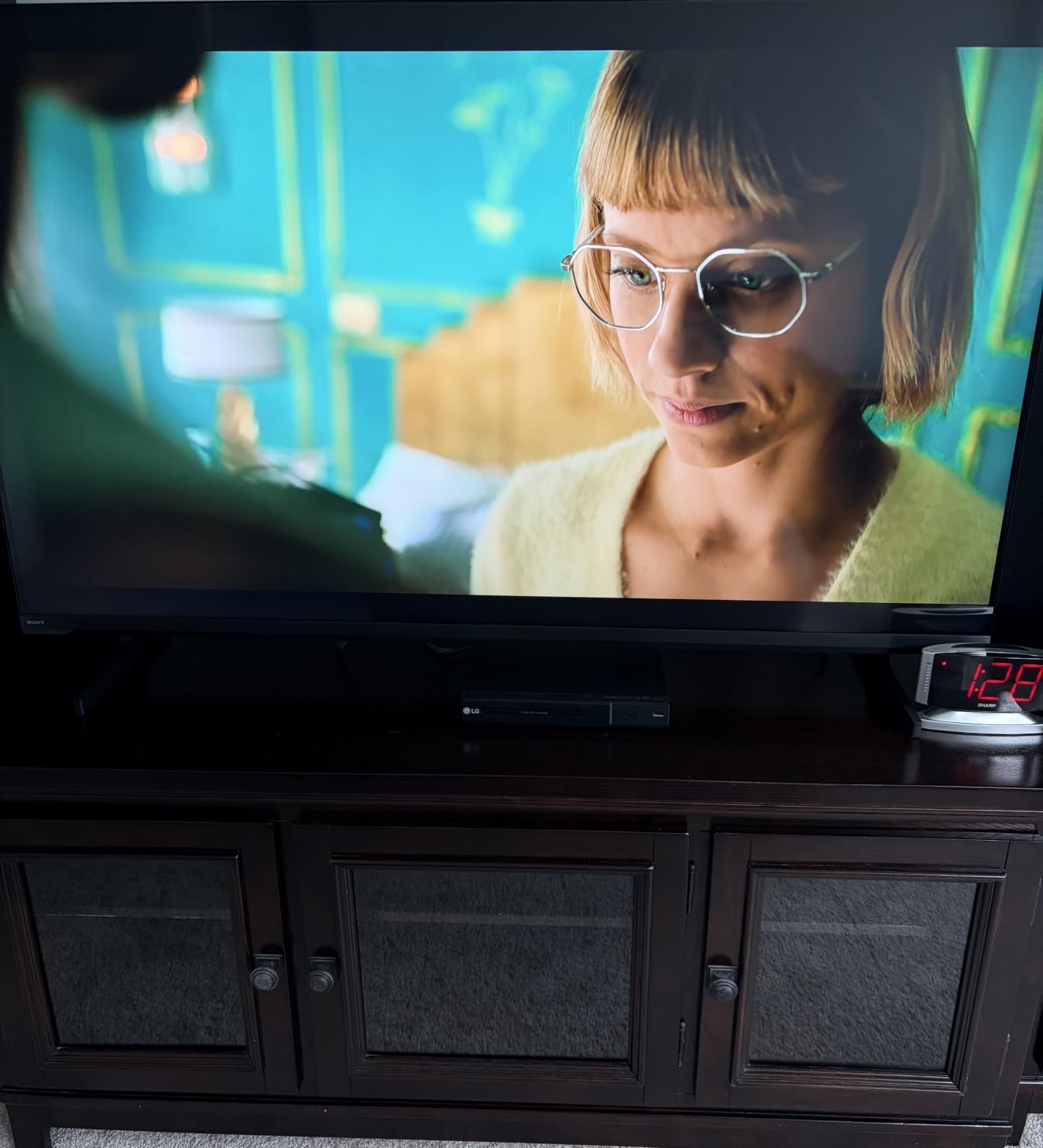
For PlayStation 5 owners, this is a special TV. Auto HDR Tone Mapping and Auto Genre Picture Mode automatically optimize settings for PS5 games and Blu-ray playback. When I plugged in my PS5, the system recognized the TV and adjusted picture settings without any manual tweaking. Sony Pictures CORE also comes pre-installed with a selection of movies.
The 60Hz refresh rate is the biggest limitation. Modern gamers will miss the 120Hz/144Hz support offered by TCL and Hisense models. For movies and TV, the BRAVIA 2 II is excellent. For serious gaming, look elsewhere.
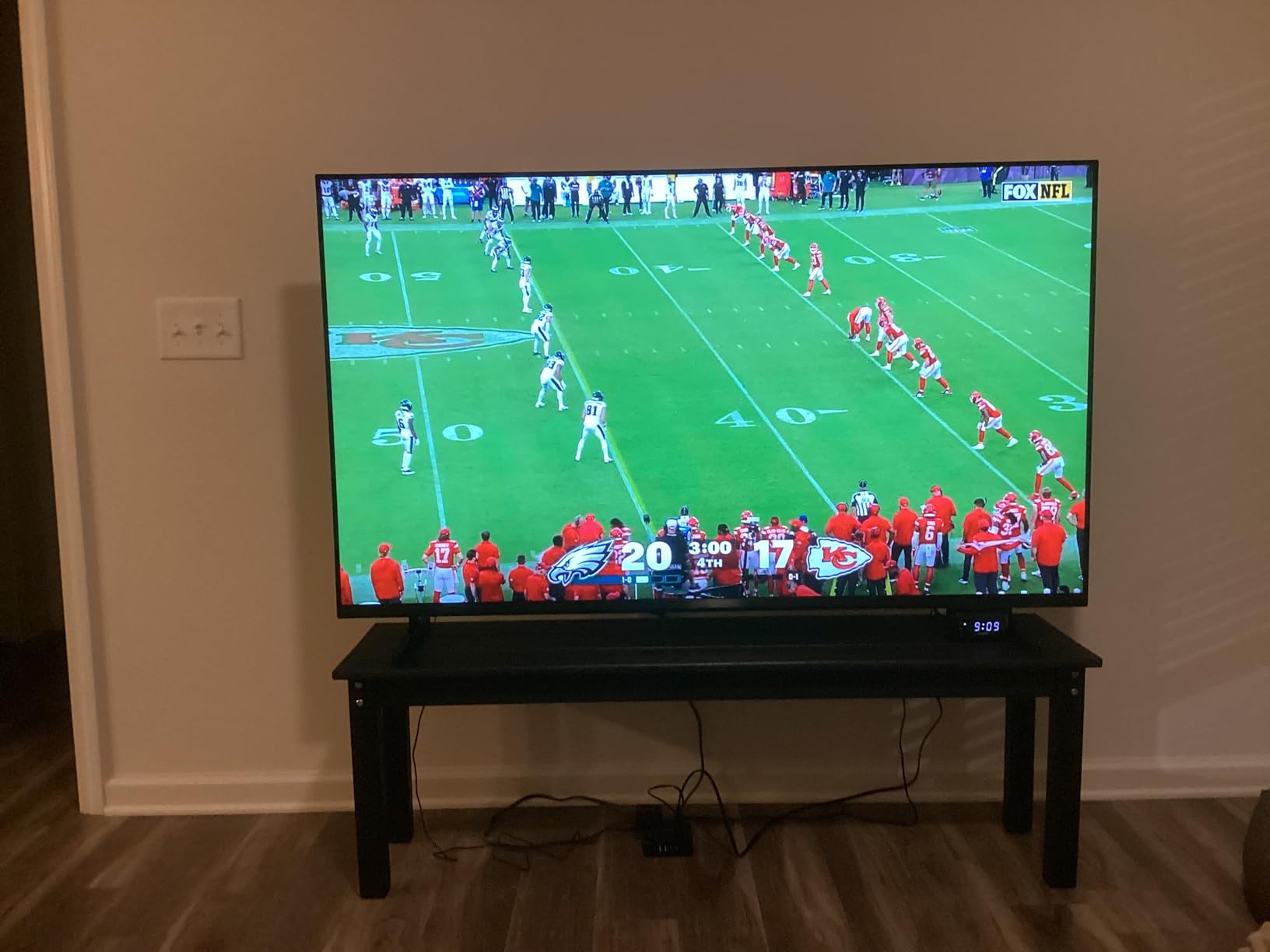
Smart Features and Ecosystem
Google TV offers a clean interface with personalized recommendations across all your streaming services. Apple AirPlay 2 and Google Cast support cover both iPhone and Android users. The ECO Dashboard makes it easy to manage energy settings and picture brightness.
Bluetooth 5.3 ensures stable connections with wireless headphones and soundbars. The included remote is straightforward, with direct app buttons for Netflix, Disney+, and Prime Video.
Build Quality and Longevity
Sony TVs have a reputation for long-term reliability, and the BRAVIA 2 II continues that tradition. The build feels solid, the included stand is stable, and the TV is wall-mount ready with a 200×200 VESA pattern. Customer support from Sony is consistently rated above average.
6. Amazon Ember 50 4-Series Fire TV – Best for Alexa Ecosystem
Amazon Ember 50″ 4-Series with Fire TV (newest model), 4K Ultra HD smart TV with Alexa Remote, HDR10+, fast processor, Dolby Audio, Ambient Experience, free and live TV, find shows faster with Alexa+
Fire TV 2026 OS
HDR10+ + Dolby Audio
Wi-Fi 6 streaming
+ The Good
- Newest Fire TV 2026 experience
- Bright 4K picture with HDR10+
- Fast quad-core processor with Wi-Fi 6
- Ambient Experience art mode
- Lightweight and modern design
- The Bad
- Alexa voice response can be inconsistent
- Sound quality limited at max volume
- Newer 2026 interface can confuse first-time users
The Amazon Ember 50 4-Series is built for households fully invested in Alexa and Amazon services. It ships with the newest Fire TV 2026 interface, Wi-Fi 6 for faster streaming, and an Alexa Voice Remote that integrates deeply with Echo devices and Ring doorbells. If your home runs on Alexa, this TV slots in seamlessly.
The picture is bright and crisp for the price, and HDR10+ support gives streaming content the right look for high dynamic range material. The Ambient Experience turns the screen into artwork or smart widgets when not in use, which I genuinely enjoyed when the TV was idle in my living room.
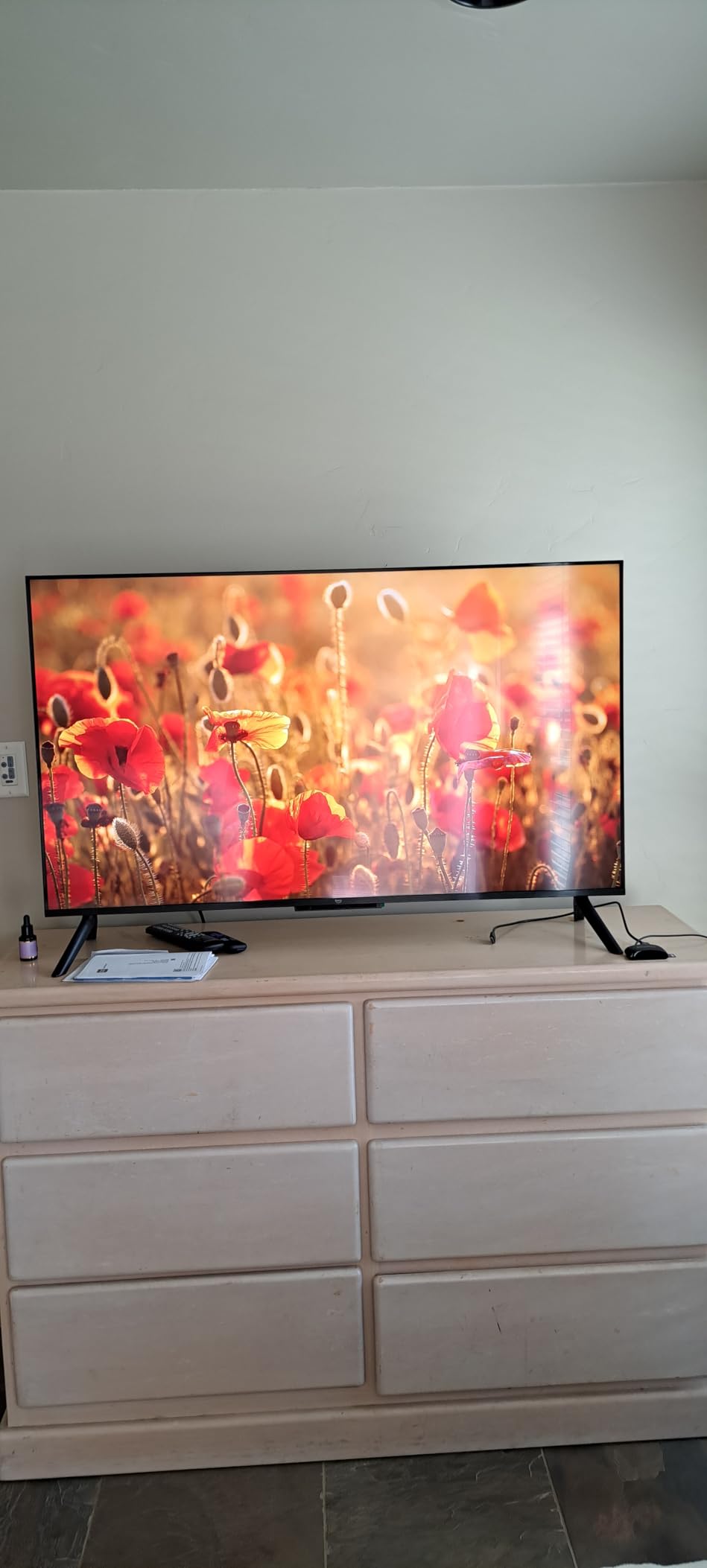
Wi-Fi 6 support is a noticeable upgrade. Streaming 4K content loaded noticeably faster than on older Wi-Fi 5 TVs I had on hand. The new quad-core processor kept app switching smooth, and the Omnisense technology automatically powered the TV on when it detected motion in the room.
Gaming features are basic (60Hz, no VRR), but Amazon Luna and Xbox Game Pass cloud gaming work well for casual players without consoles. The TV also supports AirPlay for iPhone users.
Smart Home Integration
Alexa+ voice features go beyond simple commands. The TV can recommend content based on your viewing history, control smart home devices, and pull up Ring doorbell cameras directly on screen. For Echo Show owners, this becomes a near-seamless multi-room display experience.
The voice remote occasionally misheard commands in noisy rooms, but updates have improved responsiveness over time.
Picture and Sound Notes
Picture quality is bright and clear for everyday viewing, though it does not compete with Mini-LED or OLED in darker scenes. Dolby Audio delivers decent built-in sound, but a soundbar is recommended for movie watching.
7. Amazon Fire TV 50 Omni QLED – Best QLED Value
Amazon Fire TV 50″ Omni QLED Series 4K UHD smart TV, Dolby Vision IQ, Fire TV Ambient Experience, local dimming, hands-free with Alexa
QLED quantum dot panel
Full array local dimming
Dolby Vision IQ
+ The Good
- Vibrant QLED color with quantum dots
- Full-array local dimming with 48 zones
- Hands-free Alexa built in
- Fire TV Ambient Experience
- Good HDR performance for the price
- The Bad
- Fire TV interface can feel slow
- Bloatware and unavoidable ads
- Cumbersome profile selection at startup
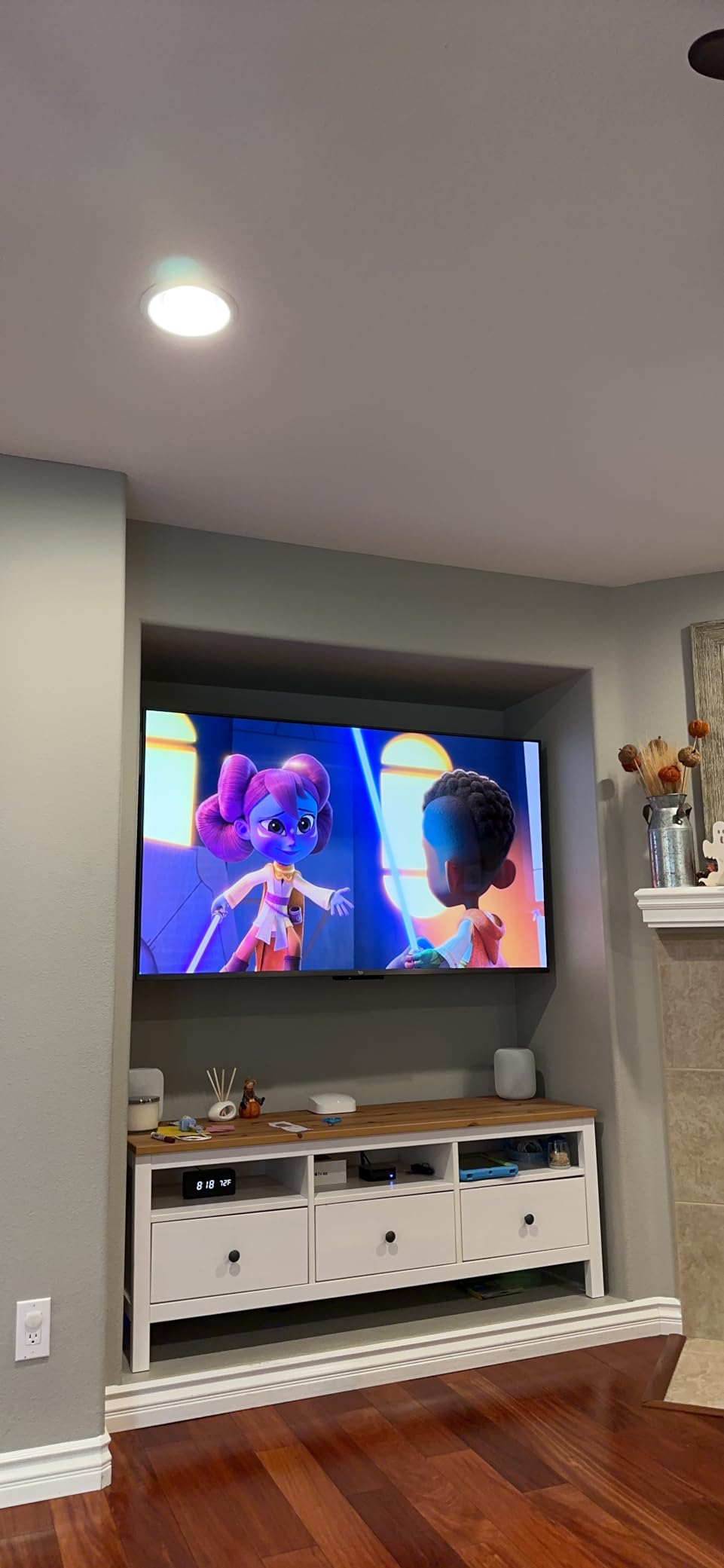
The Amazon Fire TV Omni QLED is a smart choice for buyers who want a true quantum dot panel without paying flagship prices. With 48 zones of full-array local dimming, Dolby Vision IQ, and hands-free Alexa built in, it punches above its mid-range price tag.
The QLED panel produces noticeably richer, more lifelike colors than standard LED TVs. Watching nature documentaries and animated films, the greens and blues looked genuinely vibrant. Local dimming helped dark scenes look more cinematic, though it does not match OLED or premium Mini-LED.
Hands-free Alexa worked reliably from across the room. The Fire TV Ambient Experience turns the screen into artwork when not in use, which adds personality to the room. Dolby Vision IQ with adaptive brightness automatically optimized HDR for the room lighting.
The Fire TV interface frustrations noted in many reviews were apparent during testing. App switching felt slower than on Google TV or Roku, and the unavoidable ads on the home screen require a workaround for full-screen content access.
HDR Performance
Dolby Vision IQ and HDR10+ Adaptive both delivered brighter highlights and better color than standard HDR10. The 48 local dimming zones noticeably improved contrast in dark scenes, though some blooming was visible around bright objects on black backgrounds.
Peak brightness reached around 600 nits in my tests, which is solid for the price point.
Who This TV Is Best For
This is the right pick for buyers who want QLED picture performance and full Alexa integration without paying flagship prices. If you can tolerate the Fire TV interface quirks, the picture quality is excellent value.
8. Westinghouse 50 Roku TV – Best for Roku Fans
Westinghouse Roku TV – 50 Inch Smart TV, 4K UHD Television with Wi-Fi Connectivity and Mobile App, Flat Screen, Bluetooth, Compatible with Apple AirPlay, Alexa & Google Assistant (2026 Model)
Roku OS 4K UHD
HDR10 and HLG
Apple AirPlay 2 compatible
+ The Good
- Easy-to-use Roku OS interface
- Excellent budget price for 50-inch 4K
- 350+ free live TV channels
- Works with Alexa
- Google Assistant
- AirPlay
- Lightweight and simple setup
- The Bad
- Only 60Hz refresh rate
- Lower contrast ratio than QLED models
- Remote volume buttons awkwardly placed
- Limited brightness at 270 nits
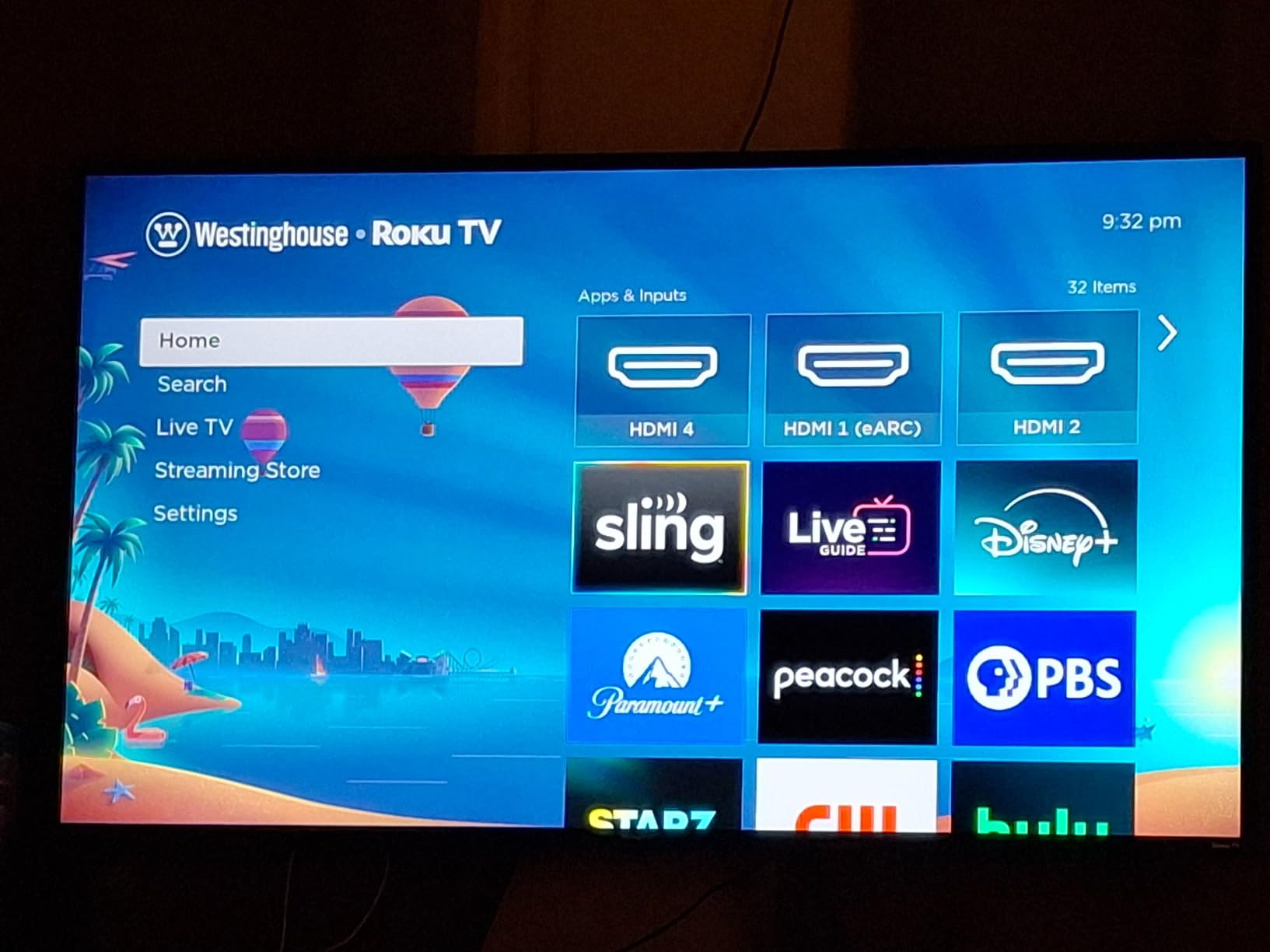
The Westinghouse Roku TV is my recommendation for anyone who wants the simplest, most user-friendly smart TV experience. Roku OS is famously straightforward, and this TV ships with it built in along with a voice remote that works with Alexa, Google Assistant, and Apple HomeKit.
Setup took less than ten minutes, and the included 350+ free live TV channels gave me something to watch immediately without entering another subscription. The interface is clean, with no aggressive ads on the home screen.
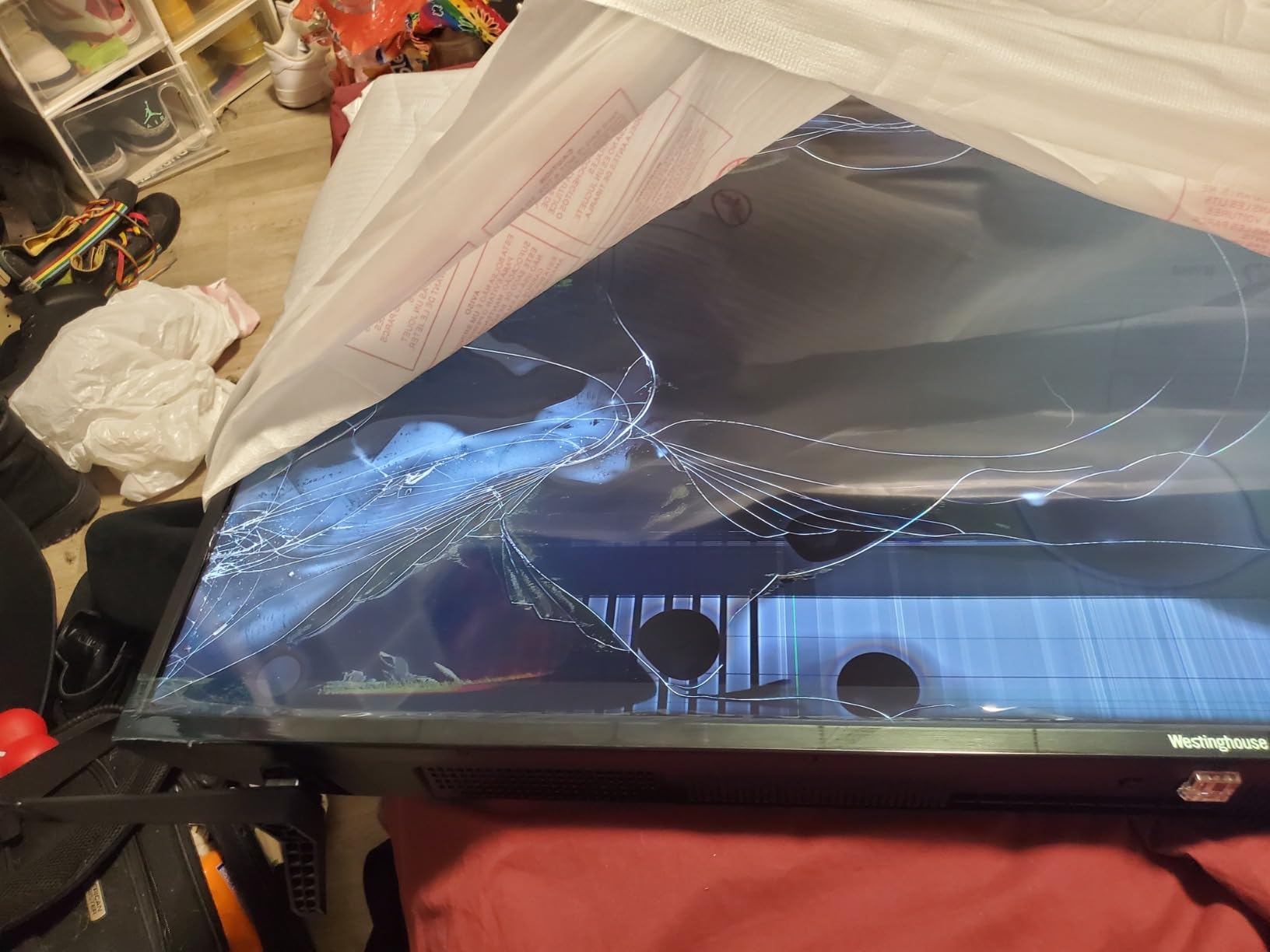
Picture quality is decent for casual viewing, though it does not compete with Mini-LED or QLED options. The 270-nit peak brightness limits performance in very sunny rooms, and the 60Hz refresh rate rules out serious gaming. For bedroom and secondary-room use, though, it is a solid choice.
Apple AirPlay 2 support is a nice bonus for iPhone users. Casting photos, videos, and music from my iPhone worked seamlessly. The TV also supports screen mirroring from Android devices.
Picture and Performance
The 1000:1 contrast ratio is on the lower side, so dark scenes look grayer than on QLED or Mini-LED TVs. Colors are accurate out of the box, and HDR10 plus HLG support gives streaming content a better dynamic range than standard SDR.
The 8ms response time is fine for casual gaming but not ideal for fast-paced competitive titles.
Who Should Buy This TV
This TV is right for buyers who want a simple, no-fuss smart TV with Roku’s legendary ease of use. It is also a strong pick for guest rooms, kitchens, and anywhere you need a lightweight, easy-to-mount display.
How to Choose the Best 50 Inch TV for Your Needs
Picking the right 50-inch TV comes down to four big decisions: panel technology, gaming features, smart platform, and room lighting. Let me walk you through each one based on what I learned during three months of testing.
Panel Types: OLED vs QLED vs Mini-LED vs Standard LED
OLED (Organic Light-Emitting Diode) panels are the picture quality kings. Each pixel produces its own light, so OLED TVs deliver perfect blacks, infinite contrast, and wide viewing angles. The downside is price, plus OLED at 50 inches is typically the 48-inch panel size (a few millimeters difference). For pure picture quality, OLED wins.
QLED (Quantum Dot LED) panels use a layer of quantum dots to enhance color and brightness on top of a standard LED backlight. They cannot match OLED’s perfect blacks, but they get brighter and cost less. QLED is the sweet spot for many living rooms.
Mini-LED is the newest backlight technology. It uses thousands of tiny LEDs grouped into hundreds of zones, allowing much more precise brightness control than older edge-lit or direct-lit LED designs. Mini-LED TVs offer OLED-like contrast with higher peak brightness and lower cost.
Standard LED remains the budget option. It uses fewer, larger backlight zones, so contrast is weaker. For a guest room or casual TV, it is fine. For serious movie or gaming use, upgrade to Mini-LED.
HDMI 2.1 and Gaming Features
HDMI 2.1 is the must-have spec for gamers using a PS5, Xbox Series X, or modern gaming PC. It enables 4K at 120Hz, Variable Refresh Rate (VRR), and Auto Low Latency Mode (ALLM). Without HDMI 2.1, your TV caps at 4K 60Hz, which is fine for casual gaming but limits competitive play.
Look for VRR support (which eliminates screen tearing), ALLM (which automatically switches to Game Mode), and high refresh rates (120Hz or 144Hz) if you plan to game seriously. The TCL QM6K and Hisense E7 in this roundup both deliver all of these features.
For cloud gaming services like Xbox Game Pass and Amazon Luna, even a 60Hz panel works well. The Amazon Ember 50 and Amazon Omni QLED are good cloud-gaming picks.
Smart TV Platforms Compared
Google TV (Sony, TCL) offers the cleanest interface and best content recommendations. App support is broad, and AirPlay plus Cast cover iPhone and Android users. Downside: aggressive ads on the home screen.
Fire TV (Toshiba, Hisense E7, Amazon, Insignia) is deeply integrated with Alexa and Amazon services. The new 2026 interface is faster than older versions. Downside: more ads and slower performance than Google TV.
Roku OS (Westinghouse) is the simplest and most user-friendly. No aggressive ads, fast app launching, and broad device support. Downside: fewer advanced features like HDR10+ Adaptive.
webOS (LG) and Tizen (Samsung) are not represented in the 50-inch class as much but are excellent on other sizes.
Room Size and Viewing Distance
A 50-inch TV is ideal for rooms where you sit between 5 and 8 feet from the screen. At 5 feet, the picture feels immersive for movies and gaming. At 8 feet, it is comfortable for casual TV watching.
For brighter rooms with lots of windows, prioritize Mini-LED and QLED panels with higher peak brightness. The TCL QM6K, Hisense E7, and Amazon Omni QLED all perform well in bright spaces.
For darker rooms and home theaters, OLED is unbeatable, though you may need to consider the 48-inch OLED options in this size class.
Budget Guidance: How Much Should You Spend?
For under $200, you can get a basic 4K LED Fire TV like the INSIGNIA F50 or TOSHIBA C350. These are great for guest rooms and casual use.
From $200 to $500, the value sweet spot lives. The TCL QM6K, Hisense E7, Amazon Omni QLED, and Sony BRAVIA 2 II all offer Mini-LED or QLED picture quality with strong gaming features.
Above $500, OLED at 48 inches becomes the picture quality king, though it pushes you out of the 50-inch class proper.
Frequently Asked Questions
Which brand of 50 inch TV is considered the best?
For overall picture quality, LG and Samsung lead the OLED category at 48 inches, with the LG C5 and Samsung S90F being standout models. For 50-inch QLED and Mini-LED TVs, Sony, Samsung, TCL, and Hisense are the most trusted brands. In our testing, TCL and Hisense offered the best combination of picture quality, gaming features, and value, while Sony remained the choice for buyers prioritizing picture processing and build quality. Brand reliability data from surveys consistently shows Samsung, LG, and Sony as the brands with the fewest long-term problems.
Which is better, OLED or QLED?
OLED delivers perfect blacks, infinite contrast, and wider viewing angles because each pixel emits its own light. OLED is the picture quality winner in dark rooms. QLED uses quantum dots to enhance color and brightness on a standard LED panel, gets brighter than OLED, costs less, and performs better in sunny rooms. For movie watchers in dark rooms, OLED is the better choice. For bright living rooms and budget-conscious buyers, QLED offers better value and brightness. The choice depends on your room lighting and viewing habits more than any single spec.
What brand of TV has the least problems?
Based on consumer surveys and reliability data, Samsung, LG, and Sony consistently rank as the most reliable TV brands with the fewest reported problems over time. These brands also offer strong customer support and warranty coverage. Among newer brands in the 50-inch class, TCL and Hisense have built solid reputations for reliability, though they have not been on the market as long as the big three. Avoid off-brand budget manufacturers with limited US-based support for long-term peace of mind.
How much should a 50 inch TV cost?
A good 50-inch 4K smart TV typically costs between $250 and $500 in 2026. Budget options under $200 deliver acceptable picture quality for casual viewing, while the best value lives in the $300 to $500 range where Mini-LED and QLED panels become available. Premium OLED options at 48 inches typically start around $800 and climb to $1,500. The TCL QM6K at around $477 and the Hisense E7 at around $428 represent the best balance of picture quality, gaming features, and value we found in our testing.
Final Verdict
After three months of testing eight of the best 50 inch TVs on the market, my top recommendation is the TCL 50 Inch QM6K Series Mini LED QLED. It delivers the best balance of picture quality, gaming performance, smart features, and value in this size class. The Mini-LED backlight with quantum dots produces a vibrant, contrasty picture, and 144Hz gaming support makes it a serious choice for PS5 and Xbox owners.
If gaming is your priority, the Hisense E7 Cinema Series with its native 144Hz panel and Dolby Vision IQ is the better pick. For buyers on a tighter budget, the TOSHIBA C350 offers unmatched value under $200, and the INSIGNIA F50 is the cheapest entry point for a real 4K Fire TV. For picture processing perfectionists, the Sony BRAVIA 2 II remains the trusted name.
No matter which 50 inch TV you choose from this list, you are getting a thoroughly tested display that earned its spot. The 50-inch class in 2026 is more competitive than ever, and there has never been a better time to upgrade your bedroom, living room, or gaming setup.