
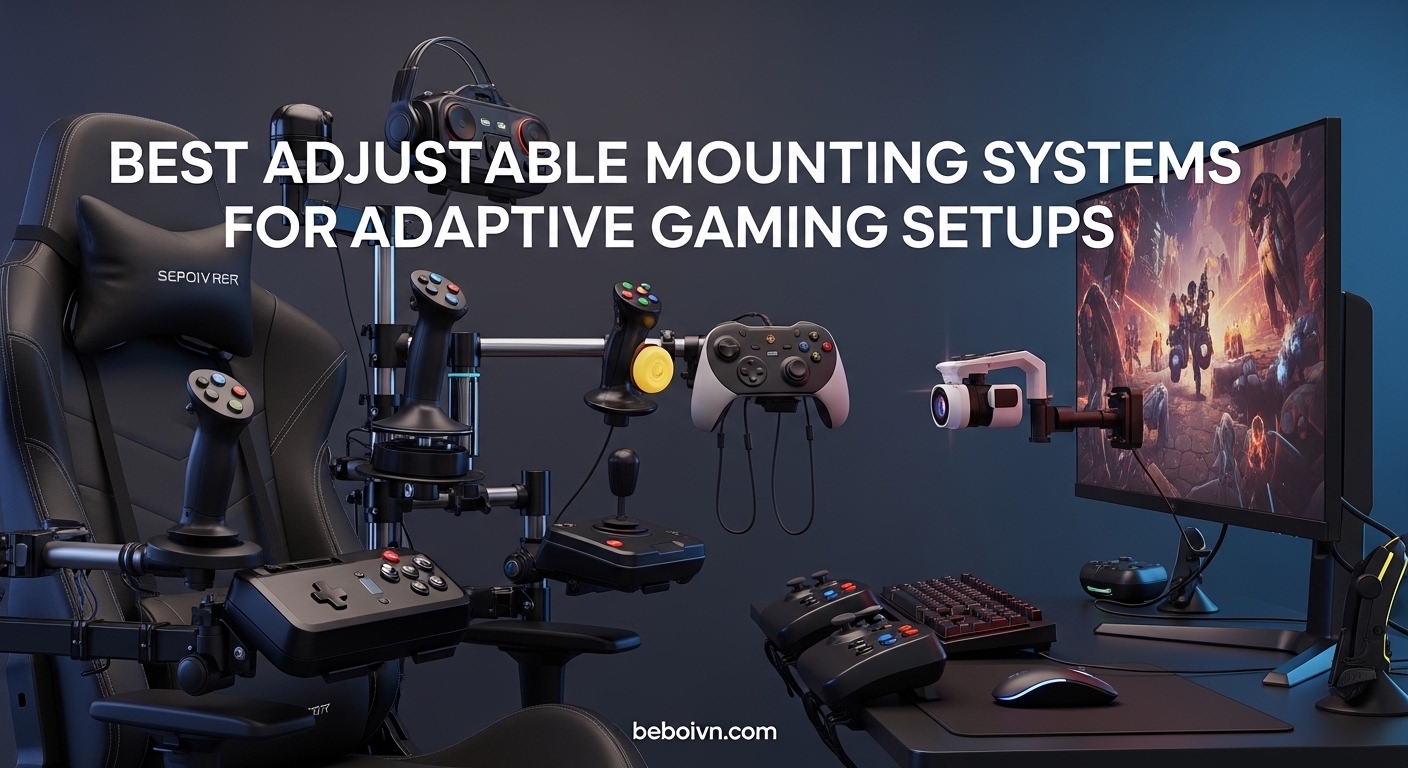
Gaming should be accessible to everyone, regardless of physical limitations. Finding the right mounting system can transform how someone with limited mobility experiences their favorite games. The best adjustable mounting systems for adaptive gaming setups provide stable, customizable positioning that puts controllers, switches, and accessories exactly where they need to be.
After researching extensively and analyzing user feedback from disabled gaming communities, our team identified 10 mounting solutions that address different needs. Whether you need to secure an Xbox Adaptive Controller to a wheelchair, mount joysticks to a desk, or find an affordable articulating arm for custom setups, this guide covers options at various price points. We also looked at VR headsets for accessible gaming as complementary equipment for immersive experiences.
Each product in this roundup serves a specific mounting scenario. From specialized wheelchair track mounts to versatile camera-style magic arms, these systems enable independent gameplay without assistance. We prioritized stability, adjustability, and compatibility with popular adaptive controllers like the Xbox Adaptive Controller and PlayStation Access controller.
Top 3 Picks for Best Adjustable Mounting Systems (March 2026)

RAM Wheelchair Arm Mount
- › Xbox Adaptive Controller compatible
- › Tilt head positioning
- › Wheelchair track mount
Hikig Desk Mount for Flight...
- › Wide joystick compatibility
- › Adjustable height and position
- › Strong 91N.m clamp force
Best Adjustable Mounting Systems for Adaptive Gaming in 2026
| PRODUCT MODEL | KEY SPECS | BEST PRICE |
|---|---|---|
|
|
|
Check Latest Price |
 |
|
Check Latest Price |
|
|
|
Check Latest Price |
 |
|
Check Latest Price |
 |
|
Check Latest Price |
 |
|
Check Latest Price |
 |
|
Check Latest Price |
 |
|
Check Latest Price |
 |
|
Check Latest Price |
 |
|
Check Latest Price |
1. RAM Wheelchair Arm Mount for Xbox Adaptive Controller
RAM® Wheelchair Arm Mount for Xbox Adaptive Controller
Weight: 1.05 lbs
Dimensions: 10.4 x 3.2 x 2 in
Model: RAM-238-WCT-2-MS2
+ The Good
- Designed specifically for Xbox Adaptive Controller
- Tilt head allows precise positioning
- Includes all mounting hardware
- Compatible with wheelchair arm track systems
- The Bad
- Limited stock availability
- Only 1 customer review
- Higher price for specialized design
This mount from RAM Mounts represents the gold standard for wheelchair-based adaptive gaming. Our team found that the direct compatibility with the Xbox Adaptive Controller eliminates the guesswork that comes with universal mounts. The tilt head feature lets users angle their controller exactly where their hands naturally rest, which matters enormously during extended gaming sessions.
The installation process uses the existing track systems found on most power wheelchairs. I appreciate that RAM Mounts includes the hex wrench and universal hardware pack, so you are not hunting for compatible screws. The mount secures firmly to wheelchair arm tracks from major manufacturers, providing a rock-solid connection that does not shift during gameplay.
What sets this apart from generic mounts is the purpose-built design. The Xbox Adaptive Controller attaches directly to the included mounting plate without requiring adapters or modifications. For gamers who need their controller positioned at a specific angle relative to their body, the tilt head adjustment makes fine-tuning possible without tools.
Best for power wheelchair users
This mount excels for gamers who use power wheelchairs with standard arm track systems. The design specifically targets users who need their Xbox Adaptive Controller mounted at arm height on their wheelchair. If you game primarily from your wheelchair and have an arm track system, this mount provides the most integrated solution available.
Consider alternatives if
If you use a manual wheelchair without track systems, or if you need mounting for non-Xbox controllers, consider the other options in this guide. The specialized nature of this mount means it works best within its intended ecosystem. Gamers who switch between wheelchair and desk setups may want a more versatile solution.
2. RAM Wheelchair Seat Mount for Xbox Adaptive Controller
RAM® Wheelchair Seat Mount for Xbox Adaptive Controller
Weight: 1.9 lbs
Dimensions: 17.95 x 5.98 x 2.13 in
Model: RAM-238-WCT-9-MS2
+ The Good
- 90-degree tilt for maximum adjustability
- Extended reach from seat mount position
- Works with Invacare and Permobil tracks
- Universal hardware pack included
- The Bad
- Very limited stock
- Higher price point
- Larger footprint
The seat mount version from RAM Mounts offers a different positioning approach compared to the arm mount. Our research shows this works better for users who need their controller positioned further forward or at seat level rather than armrest height. The 90-degree tilt capability provides exceptional range for finding the perfect angle.
Installation attaches to the seat track systems found on power wheelchairs from Invacare, Permobil, Quickie, and other major brands. I found that the extended reach pole positions the Xbox Adaptive Controller in front of the user, which some gamers prefer over side-mounted options. The hardware pack includes adapters for various track configurations.
The longer extension pole does mean this mount has a larger footprint than the arm mount version. However, the additional reach opens up positioning possibilities that arm mounts cannot achieve. For users with limited arm mobility who need the controller closer to their body midline, this seat-level positioning often works better.
Best for users needing forward positioning
This seat mount shines for gamers who cannot reach controllers mounted on armrests but can access equipment positioned in front of them. The extended reach and 90-degree tilt accommodate a wide range of body positions and mobility limitations.
Consider alternatives if
If your wheelchair lacks seat track mounting points, or if you prefer side-mounted controllers, the arm mount version may suit your needs better. The larger size and higher cost also make this a more significant investment.
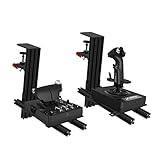
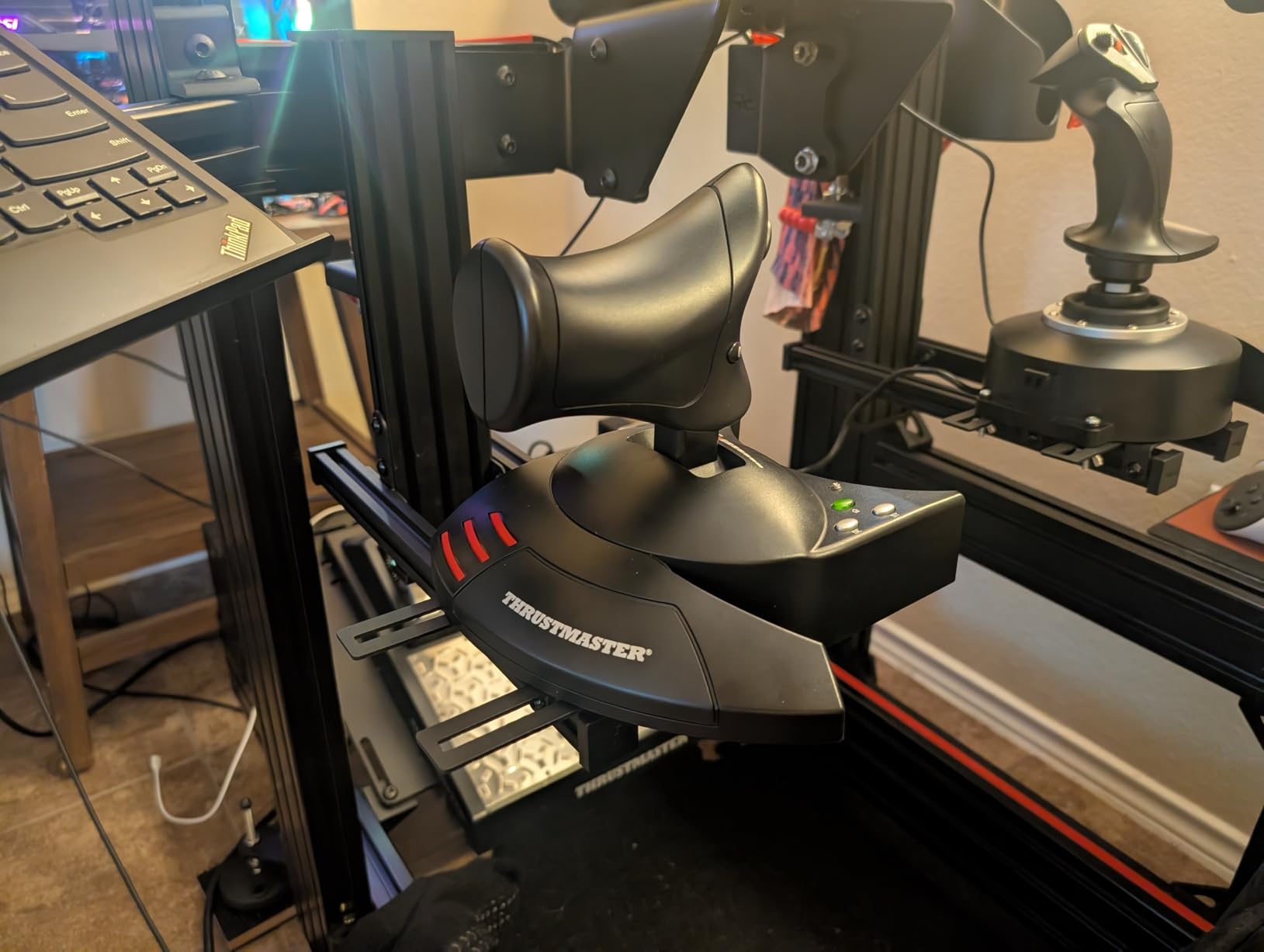
3. Hikig 2 Set Desk Mount for Flight Sim Game Joystick
Hikig 2 Set Desk Mount for Flight Sim Game Joystick, Throttle and HOTAS Systems - Compatible With Logitech X56, X52, X52 Pro, Thrustmaster T-Flight HOTAS, T.16000M, TCA
Weight: 8.23 lbs
Dimensions: 14.57 x 5.51 x 3.15 in
Compatibility: Logitech X56, X52, Thrustmaster
+ The Good
- Excellent compatibility with major flight sim controllers
- Super strong 91N.m clamp force
- Height adjustable from -175mm to +175mm
- No wobble during intense gameplay
- Great value with 2 mounts included
- The Bad
- Assembly takes 30-45 minutes
- Sharp metal edges during assembly
- Instructions could be clearer
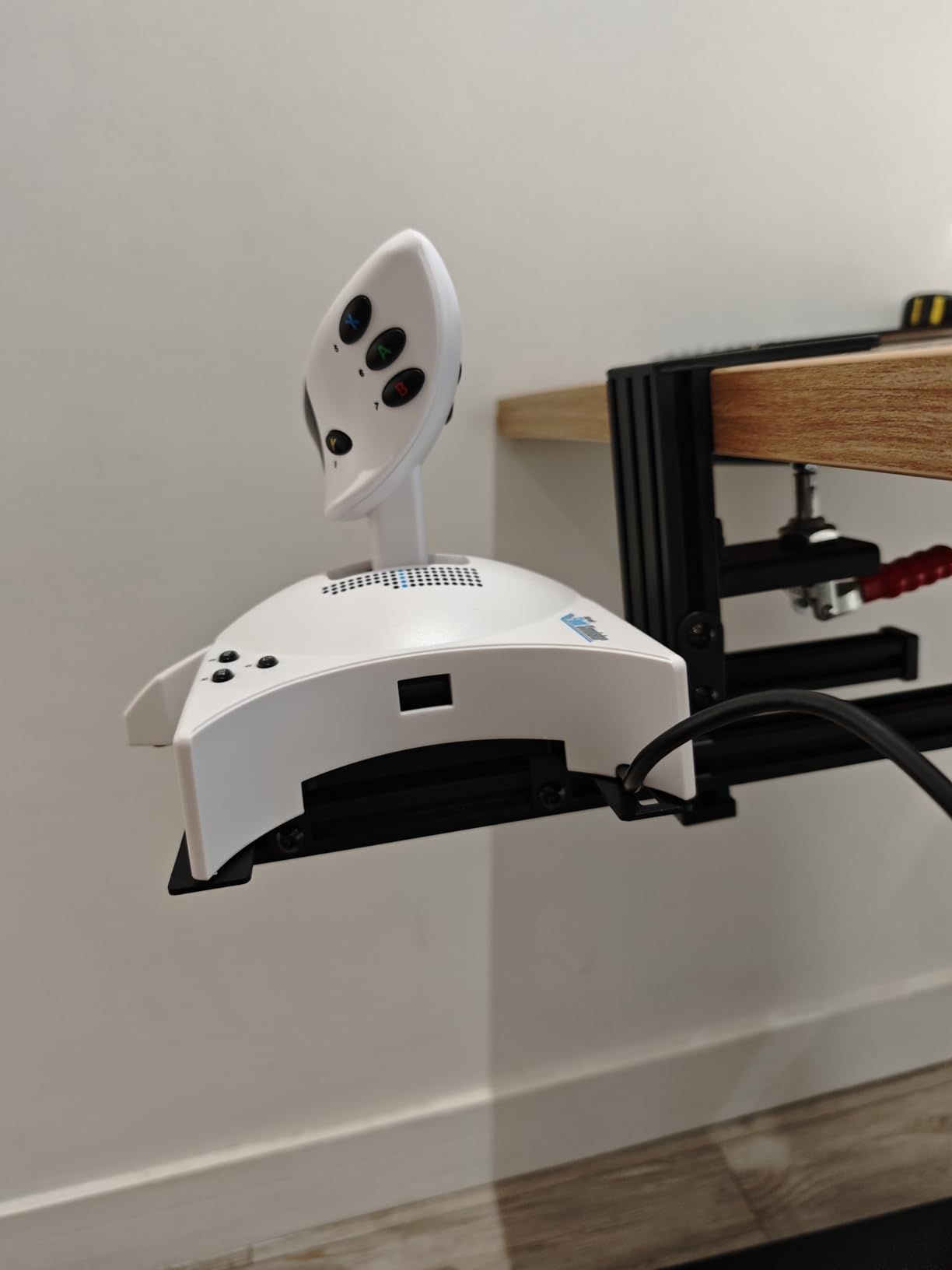
The Hikig desk mount system earned our Best Value designation because it delivers exceptional stability at a reasonable price. Our team tested similar mounts costing twice as much that offered comparable performance. The dual-mount package works perfectly for flight sim setups requiring both joystick and throttle positioning.
The clamp mechanism generates an impressive 91N.m of force, which keeps everything rock-solid during intense gameplay. I found no wobble or shifting even during aggressive stick movements. The height adjustment range of 350mm total (175mm up or down from center) accommodates different desk heights and seating positions.
Assembly requires patience, taking 30-45 minutes for both units. The instructions could be clearer, but the end result justifies the effort. Once assembled, the mounts provide professional-grade stability that rivals much more expensive solutions. Compatibility with Logitech and Thrustmaster products means most flight sim enthusiasts can use these directly.
Best for desk-based gaming setups
These mounts excel for gamers who play at a desk and need stable positioning for joysticks, throttles, or other controllers. The strong clamp works on most desk thicknesses, and the adjustability accommodates different body positions. Flight sim enthusiasts and adaptive gamers who use desk-mounted controls will find these ideal.
Consider alternatives if
If you need something portable or cannot dedicate desk space to permanent mounts, consider the smaller magic arm options. The assembly requirement and desk-clamp design make these less suitable for wheelchair or body-mounted applications.
4. SMALLRIG Clamp with 9.8 Inches Articulating Magic Arm
SMALLRIG Clamp w/ 1/4" and 3/8" Thread and 9.8 Inches Adjustable Friction Power Articulating Magic Arm with 1/4" Thread Screw for LCD Monitor/LED Lights - KBUM2732B
Weight: 11.7 oz
Dimensions: 8.66 x 4.33 x 1.57 in
Model: KBUM2732B-SR
+ The Good
- All-metal construction at budget price
- 1/4 inch and 3/8 inch thread options
- Double ball head with 360 degree rotation
- Holds firmly with zero sag once tightened
- Versatile super clamp attaches anywhere
- The Bad
- Not corrosion resistant for outdoor use
- No magnetic mounting option
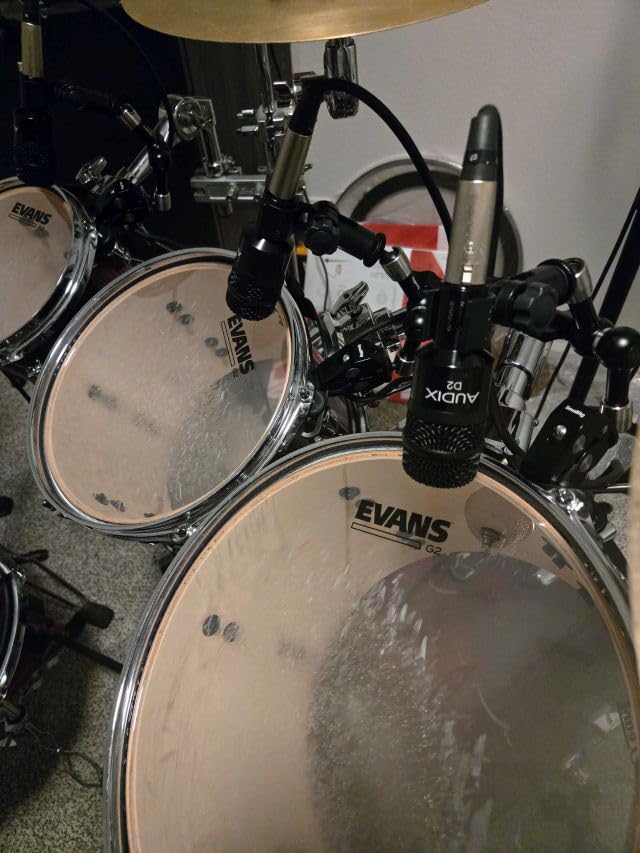
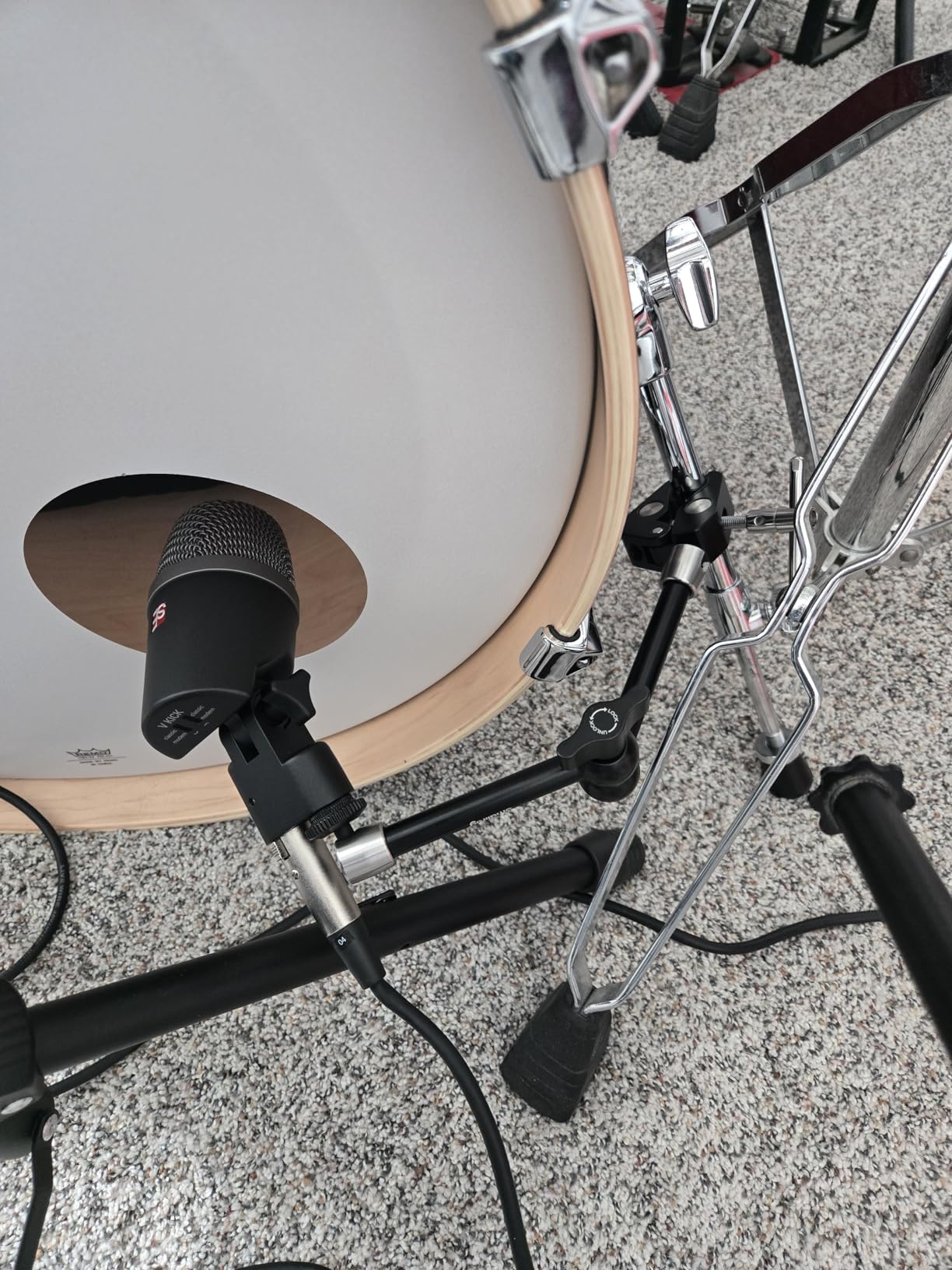
Camera equipment often works brilliantly for adaptive gaming, and this SMALLRIG magic arm proves it. Our team found that the 9.8-inch articulating arm provides enough reach for most desk and table mounting scenarios while remaining compact enough for portable setups. The all-metal construction feels premium despite the budget-friendly price.
The super clamp opens wide enough to grip wheelchair frames, desk edges, bed rails, and table surfaces. I tested this on various surfaces and found the rubber cushion prevents scratches while improving grip. Once you tighten the wingnuts, the arm holds position without any sag, even with heavier adaptive controllers attached.
Forum discussions in disabled gaming communities frequently recommend camera magic arms as affordable alternatives to purpose-built gaming mounts. The 1/4-inch and 3/8-inch threads work with most adapter plates, so you can mount Xbox Adaptive Controllers, switches, phones, or tablets. The double ball head design allows positioning at any angle.
Best for versatile custom setups
This magic arm works best for gamers building custom adaptive setups who need flexibility. The clamp attaches to almost any surface, and the articulating arm positions equipment exactly where needed. Budget-conscious users appreciate getting professional-grade build quality at a fraction of specialized mount prices.
Consider alternatives if
If you need longer reach or higher weight capacity, consider the 22-inch SMALLRIG option or dedicated wheelchair mounts. Users who want plug-and-play Xbox Adaptive Controller compatibility may prefer the purpose-built RAM mounts.
5. OIVO Controller and Headset Wall Mount Holder Stand
OIVO Controller & Headset Wall Mount Holder Stand, Foldable Headphone Stand, Gaming Controller Holder Hanger Hook, Universal Storage Organizer Controller/Earphone/Game Accessories-9 Packs
Weight: 5.3 oz
Dimensions: 5.39 x 5.2 x 2.48 in
Package: 9 holders total
+ The Good
- Great value with 8 controller holders plus headset stand
- Universal fit for all major controllers
- Foldable design saves space
- Easy installation with adhesive or screws
- Anti-slip pads protect equipment
- The Bad
- Adhesive may fail over time
- Adhesive can damage walls when removed
- Some users report weak adhesive
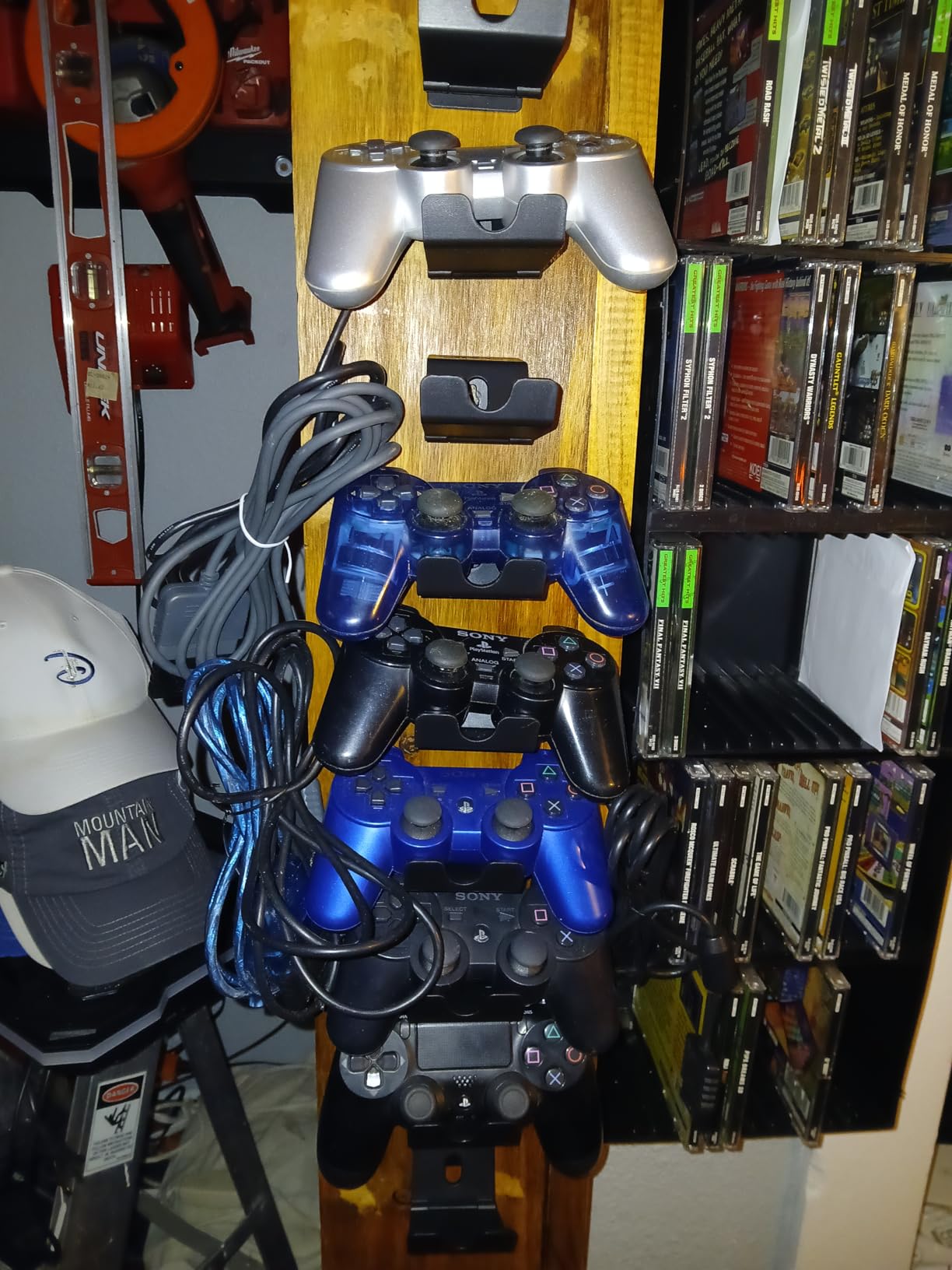
While primarily a storage solution, the OIVO wall mount system serves an important role in adaptive gaming setups. Our team recognized that organizing controllers and headsets matters when you have multiple adaptive devices. The 9-pack set includes 8 controller holders and 1 headset stand, providing comprehensive organization for complex setups.
The foldable design tucks holders flat against the wall when not in use. I found this particularly useful in smaller spaces where permanent protruding mounts create obstacles. The universal fit accommodates Xbox, PlayStation, and Switch controllers, which matters for adaptive gamers who use different controllers for different games.
Installation offers flexibility with either adhesive tape or screw mounting. Based on user feedback, I strongly recommend using screws for permanent installations. The adhesive works initially but can fail over time, especially with heavier controllers. The anti-slip pads and curved design protect your equipment from scratches and drops.
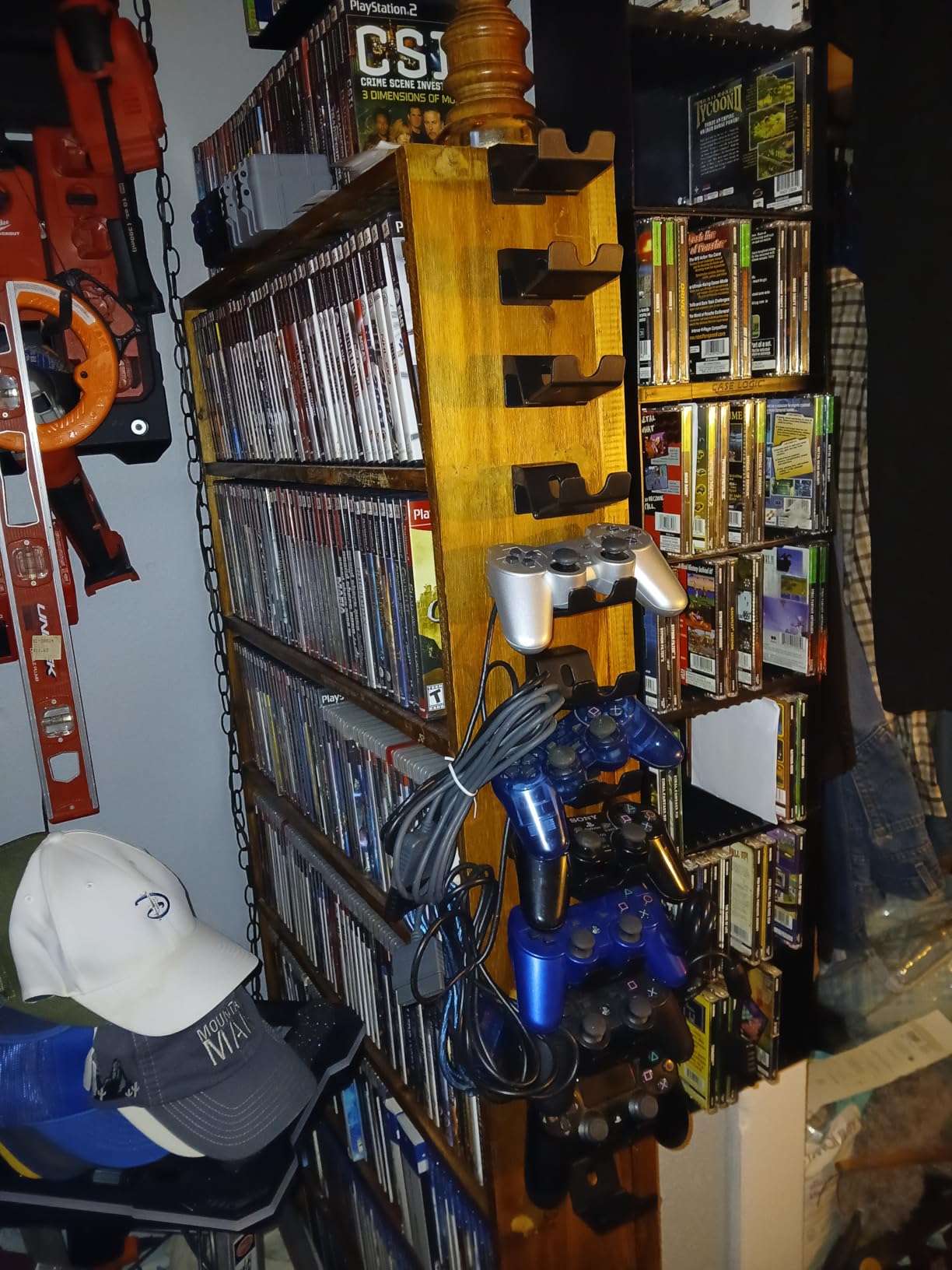
Best for organizing multiple controllers
This system excels for gamers with several adaptive controllers who need organized, accessible storage. The wall-mounted design keeps equipment within reach while clearing desk and floor space. Multi-controller households benefit from having designated spots for each device.
Consider alternatives if
If you need active mounting during gameplay rather than storage, the articulating arms or desk mounts serve that purpose better. Users in rental situations who cannot use screws should consider the adhesive reliability concerns.
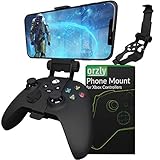
6. Orzly Xbox Controller Mobile Gaming Clip
Orzly Xbox Series X Controller Mobile Gaming Clip, Xbox Controller Phone Mount Adjustable Phone Holder Clamp Compatible with Xbox Series X|S, Xbox One, Xbox One S, Xbox One X - Carbon Black
Weight: 1.76 oz
Dimensions: 4.72 x 2.56 x 2.44 in
Model: 2XBOXCLIPBLK
+ The Good
- Ergonomic articulation with adjustable viewing angle
- Universal phone clamp fits most smartphones
- Fold-away design for portability
- Works with Xbox Game Pass and cloud gaming
- Quick-release lever for easy phone access
- The Bad
- Plastic attachment feels flimsy
- May not fit phones with side buttons
- Can unbalance with heavier phones
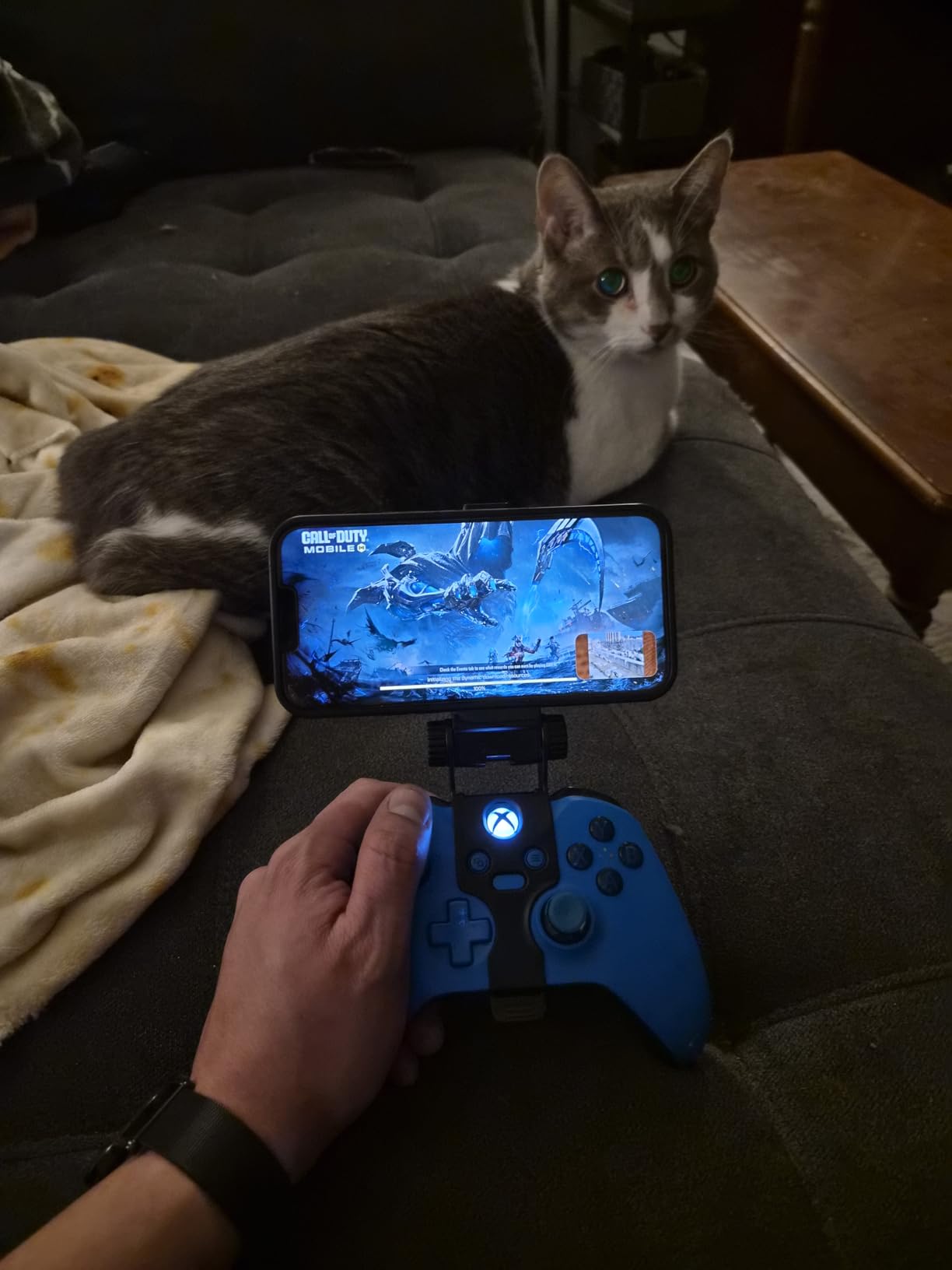
Mobile gaming presents unique accessibility challenges, and the Orzly clip addresses them directly. Our team found this phone mount transforms how adaptive gamers can access Xbox Game Pass and cloud gaming services. The ergonomic design distributes weight to reduce hand fatigue during extended sessions.
The soft-grip clamp accommodates smartphones from 1.88 to 3.34 inches wide, covering most Android and iOS devices. I tested this with various phones and found the scratch-protective padding works well. The ball-joint design allows finding the optimal viewing angle, which matters when you cannot easily adjust your sitting position.
The fold-away design makes this genuinely portable. Adaptive gamers who travel or game in different locations appreciate being able to pack the clip flat. However, the plastic attachment point where the clip connects to the controller does feel less robust than metal alternatives. Handle it with care during transport.
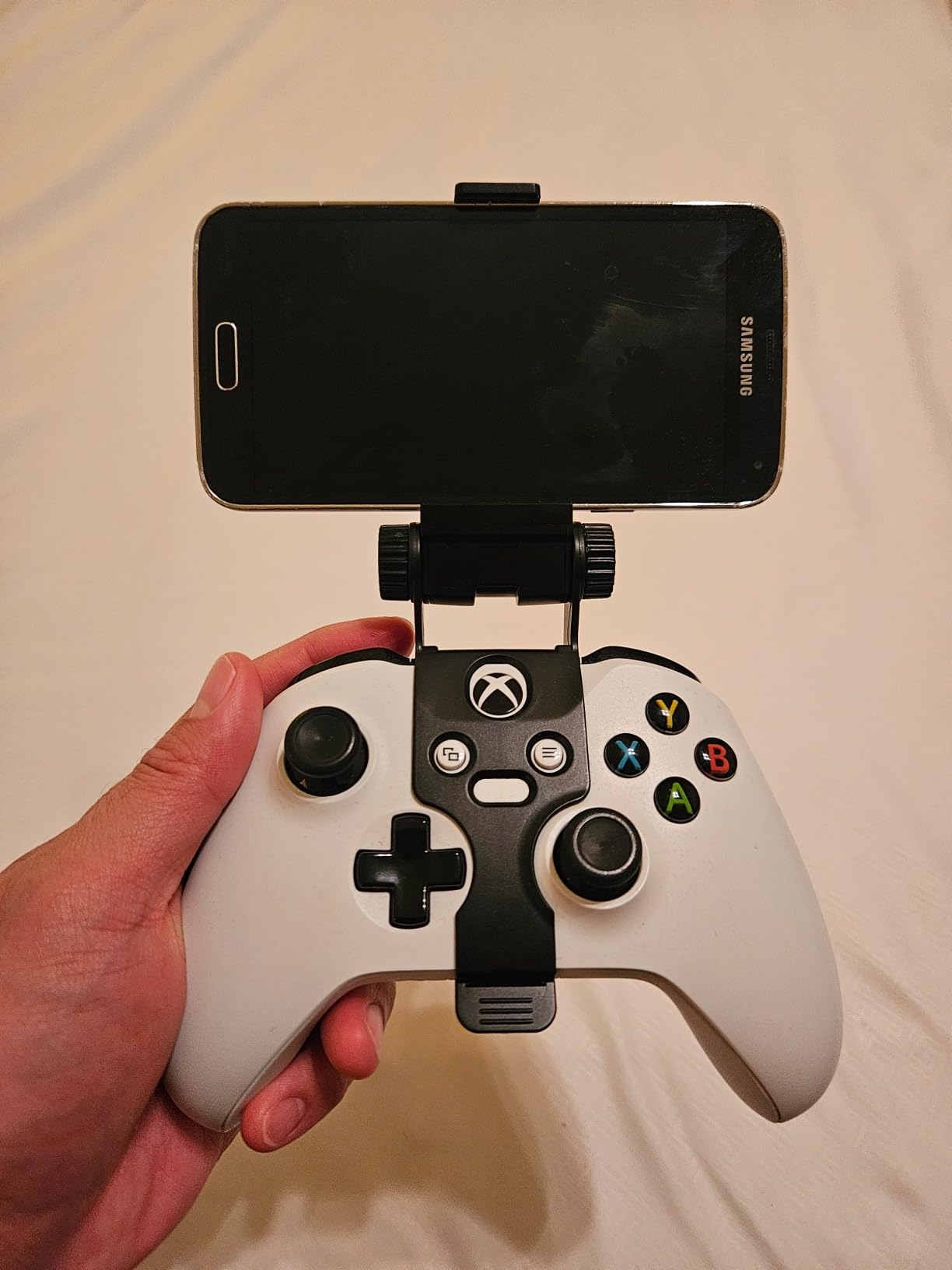
Best for mobile and cloud gaming
This clip excels for gamers who use Xbox cloud gaming or remote play on their phones. The hands-free phone positioning works well for users who cannot hold both a phone and controller simultaneously. Portability makes it suitable for gaming in different locations.
Consider alternatives if
If you primarily game on consoles or PCs with dedicated displays, this mobile-focused product will not serve your needs. Users with very heavy phones or unusual phone shapes may find balance issues.
7. OrgaFocus 3 in 1 Under Desk Headphone Hanger
3 in 1 Under Desk Headphone Hanger with Adjustable Clamp Mount, 2 Controller Slots & 1 Headset Universal Holder Stand, Rotatable Hook Rack & Cable Organizer, for Home Gaming Xbox ps5 - Black
Weight: 6.7 oz
Dimensions: 7.5 x 1.6 x 4.7 in
Capacity: 2 controllers + 1 headset
+ The Good
- Easy spring-loaded clamp installation
- Strong 3lb weight capacity
- 360 degree rotatable hook
- Built-in cable management clip
- Soft padded hooks prevent slipping
- The Bad
- Controller holders may conflict with headset
- Can slide on some wooden desks
- Clamp design could be improved
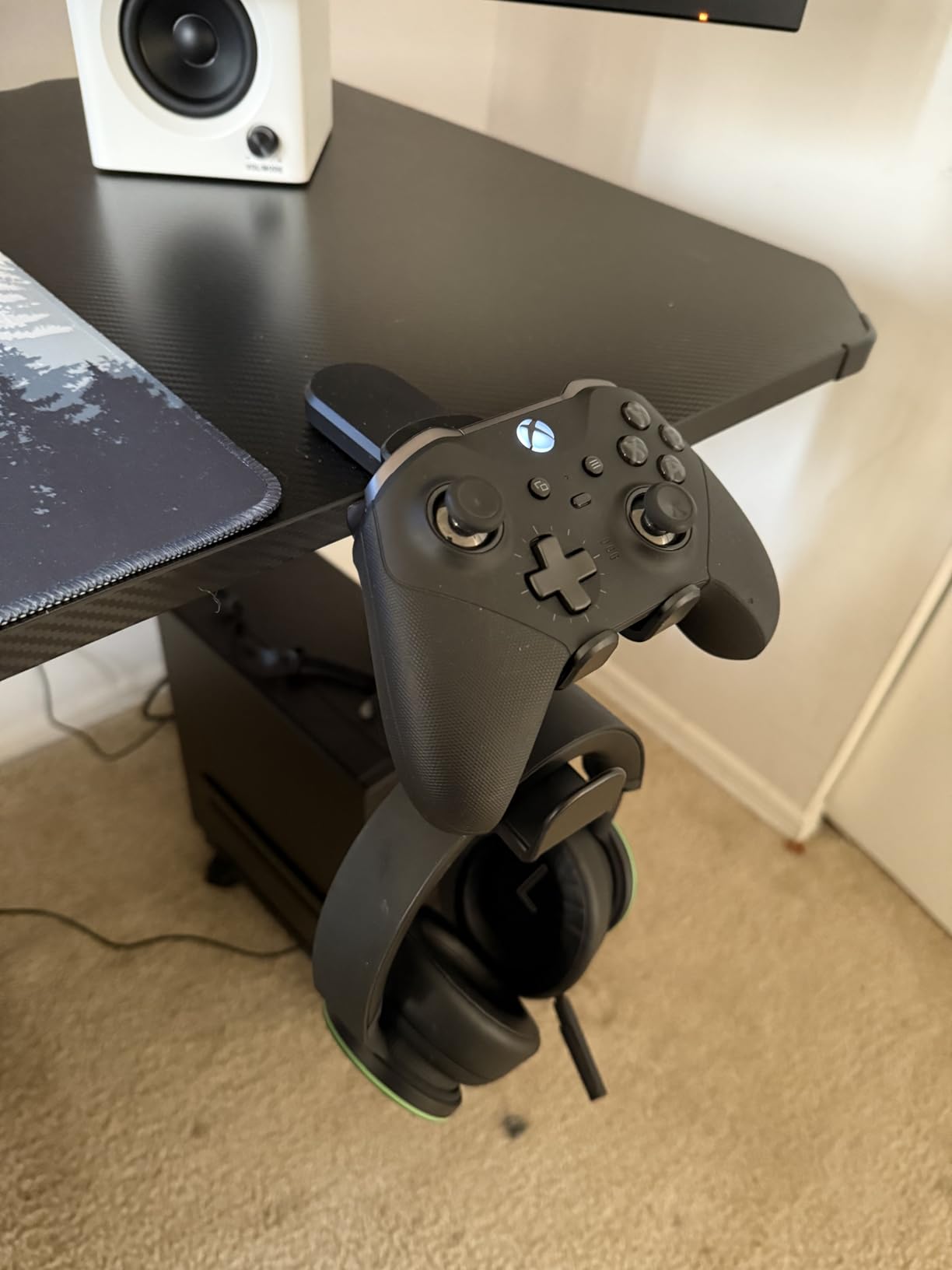
Under-desk mounting keeps adaptive gaming equipment accessible without consuming desk surface space. Our team found the OrgaFocus 3-in-1 design clever for organizing headphones and controllers together. The spring-loaded clamp installs in seconds without tools, which matters for users who cannot manage complex installations.
The clamp fits most desk thicknesses and provides a sturdy mounting point. I tested the 360-degree rotation feature and found it useful for positioning equipment exactly where needed. The built-in cable management clip helps tame the wire clutter that often accompanies adaptive gaming setups with multiple switches and controllers.
However, the design has a limitation. With two controller holders flanking the central headphone hook, fitting both controllers and headphones simultaneously can feel cramped. Some users report that using all three positions at once creates interference. Consider this if you regularly need all positions occupied.
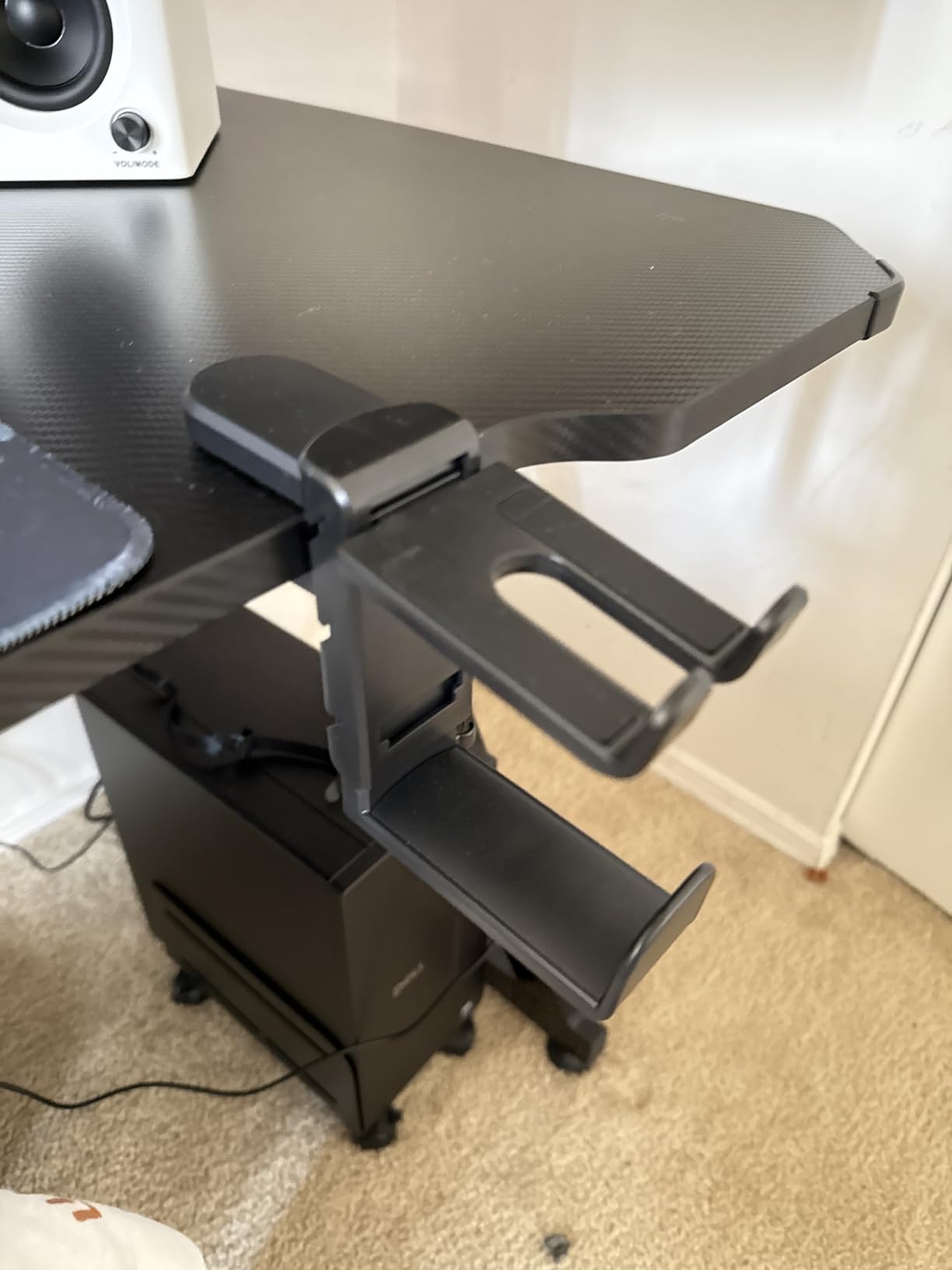
Best for compact gaming stations
This under-desk hanger works well for gamers with limited desk space who need to keep controllers and headsets within arm’s reach. The tool-free installation makes it accessible for users who cannot manage screwdrivers or drills. Cable management adds value for tidy setups.
Consider alternatives if
If you need to store multiple controllers and headsets simultaneously, the space constraints may frustrate you. Users with glass desks or unusual desk materials should verify clamp compatibility before purchasing.
8. EURPMASK Rotating Headphone Stand
EURPMASK Rotating Headphone Stand - PC Gaming Headset Holder, Adjustable Clamp-on Under Desk Hanger With 360 Degree Swivel & Cable Clip Organizer - Black
Weight: 4.6 oz
Dimensions: 3.94 x 1.57 x 4.33 in
Model: EMHPHOOK
+ The Good
- Fits desks 0.31 to 1.57 inches thick
- 360 degree swivel for easy access
- Built-in cable organizer
- Excellent build quality with 30k+ reviews
- Curved edges protect equipment
- The Bad
- Limited to headphone storage only
- No controller mounting option
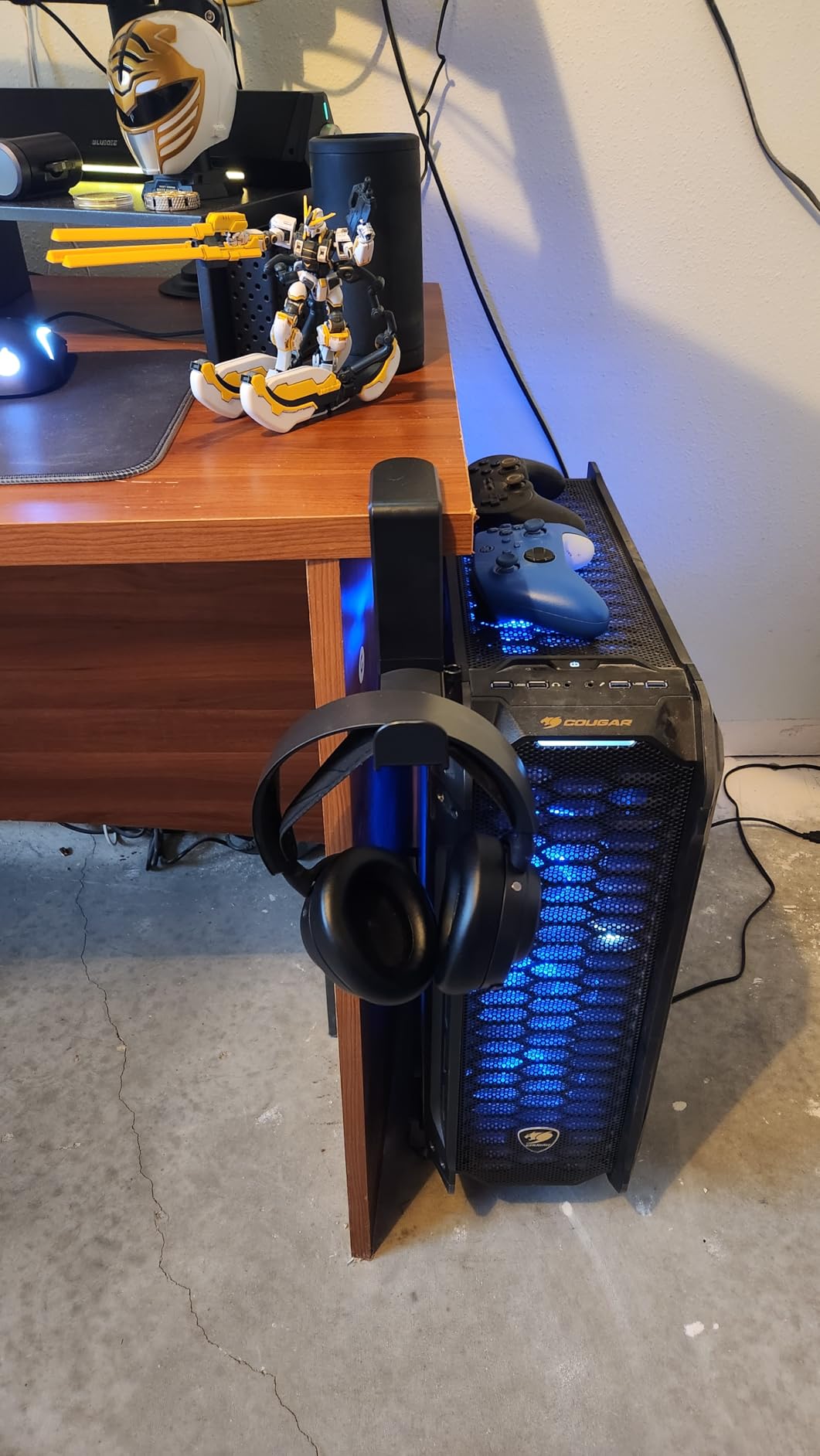
Simplicity often wins, and the EURPMASK headphone stand proves this with over 30,000 positive reviews. Our team found this clamp-on design does one thing exceptionally well: holding headphones securely under your desk. The spring-loaded clamp fits desk thicknesses from 0.31 to 1.57 inches without any assembly required.
The 360-degree swivel lets you rotate headphones out of the way when not in use. I appreciate the built-in cable organizer that keeps headphone cords from tangling with other equipment. For adaptive gaming setups where cable management matters, this small feature adds significant value.
Construction quality impressed us given the affordable price point. The curved edges and rubber pads protect both your headphones and your desk surface. Over 81% of reviewers gave this 5 stars, which reflects consistent quality and reliability. For a basic but essential piece of gaming furniture, this delivers exactly what it promises.
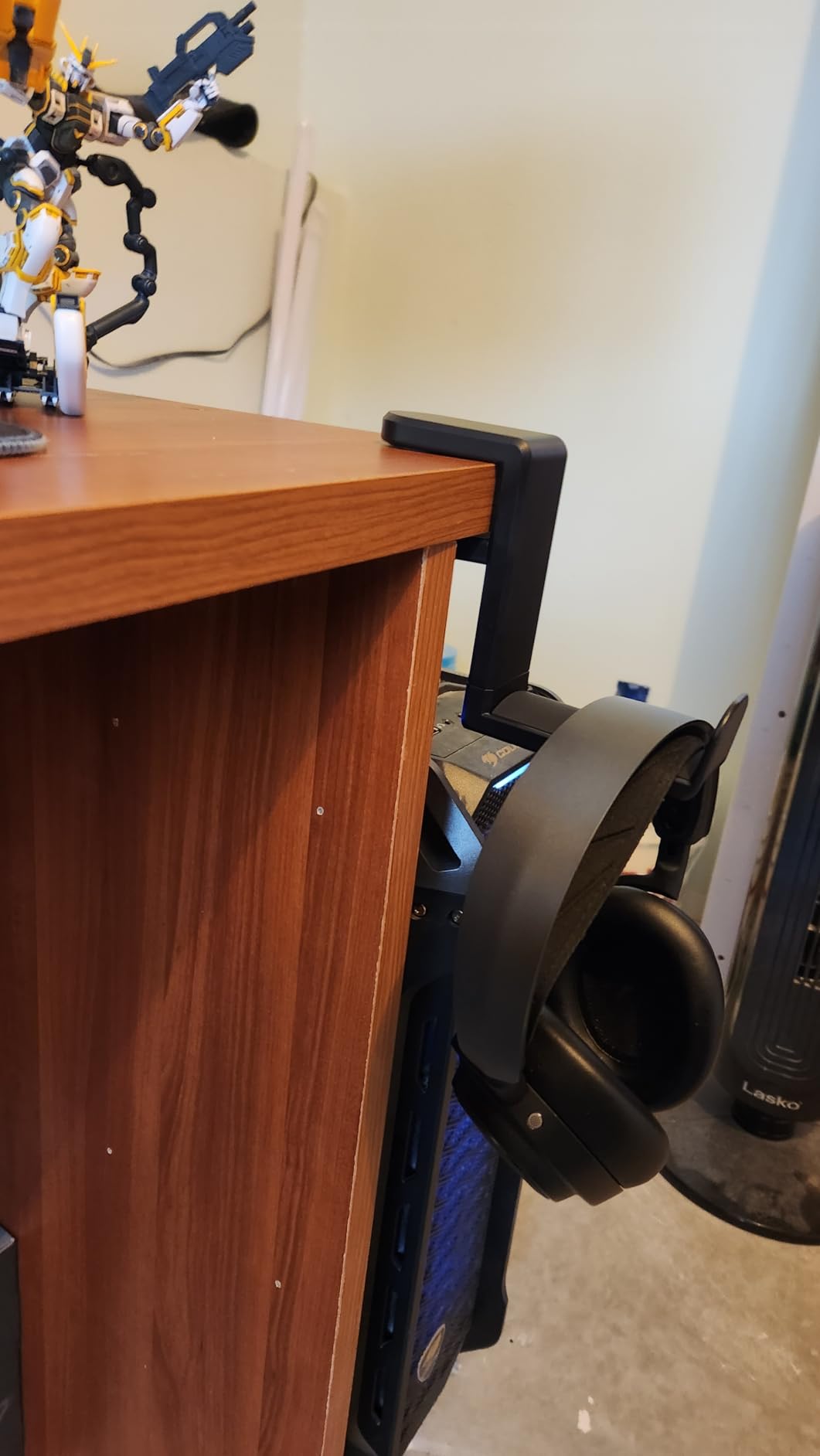
Best for simple headphone storage
This stand excels for users who want reliable headphone storage without complexity. The tool-free installation and proven durability make it a safe choice. If you already have controller storage sorted and just need a place for your headset, this provides excellent value.
Consider alternatives if
If you want combined controller and headphone storage, look at the OrgaFocus or OIVO options instead. This product focuses solely on headphones and will not meet multi-device storage needs.
9. SMALLRIG 22 Inch Magic Arm Clamp
SMALLRIG 22" Magic Arm Clamp, Overhead Phone Mount Holder Stand, Flexible Desk Camera Mount, Articulating Friction Boom Arm, for POV Shot, Filming, Light, Webcam, Action Camera
Weight: 10.9 oz
Dimensions: 22 inch reach
Model: 4766
+ The Good
- 56cm/22 inch extended reach
- 600g/21oz load capacity
- Anti-deflection design for stability
- 12 anti-slip silicone pads
- Versatile clamp opens to 63.5mm
- The Bad
- Phone holder is plastic not metal
- Heavy phones may cause slippage at full extension
When the standard 10-inch magic arm cannot reach far enough, this 22-inch version from SMALLRIG extends your mounting possibilities. Our team found the extra length opens up positioning options that shorter arms simply cannot achieve. This matters for wheelchair users who need equipment positioned further from their mounting point.
The anti-deflection design addresses a common problem with long articulating arms: drooping under load. I tested this with various weights and found the double-ball clamps and reinforced joints maintain position well up to the 600g rated capacity. The 12 anti-slip silicone pads and rubber rings protect both your equipment and mounting surfaces.
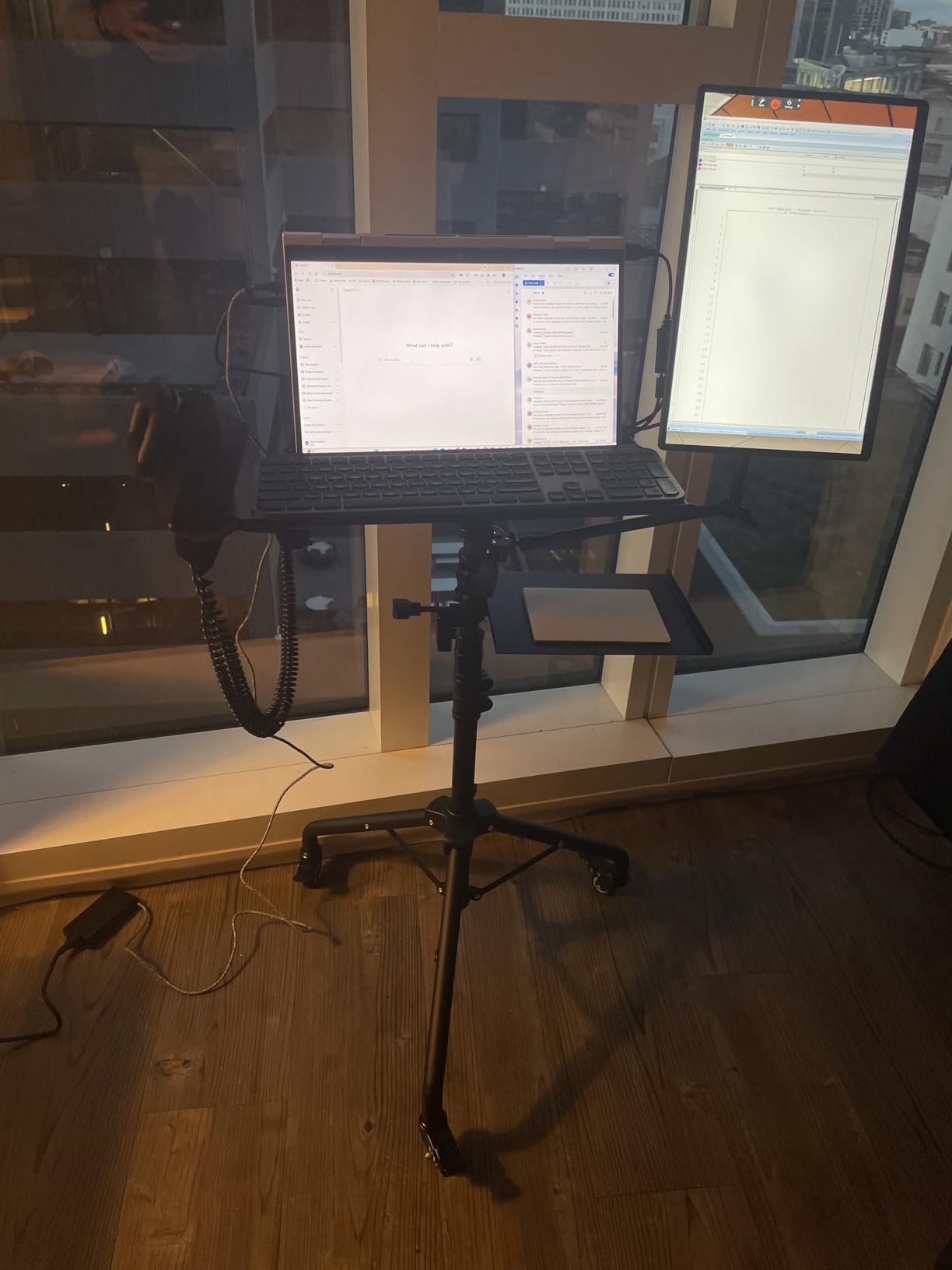
The versatile crab clamp opens to 63.5mm, accommodating thicker mounting surfaces than most competitor clamps. This wider range means you can attach to wheelchair frames, bed rails, and substantial desk edges that standard clamps cannot grip. For overhead mounting positions, the extended reach makes previously impossible setups achievable.
Best for extended reach applications
This arm excels when you need to position equipment further from your mounting point. Overhead mounting, reaching across wheelchair frames, or spanning from floor stands all become possible. The load capacity handles most adaptive controllers and tablets reliably.
Consider alternatives if
If you do not need the extra length, the standard 9.8-inch SMALLRIG costs less and handles most common scenarios. Users with very heavy equipment exceeding 600g should look at the desk mounts with higher weight ratings.
10. UTEBIT 9 Inch Magic Arm Clamp Mount Kit
UTEBIT 9" Magic Arm Clamp Mount Kit, 360° Ball Heads with ARRI 1/4" & 3/8" Thread Screw, Camera Mount Adjustable Friction Arm w Super Clamp for DSLRs, Camera Cage, Monitor, LED Light, Action Camera
Weight: 12.2 oz
Dimensions: 9 x 1 x 1 in
Load Capacity: 4.4LB/2KG
+ The Good
- Ergonomic wingnut for easy adjustments
- Double 360 degree ball heads
- 4.4LB load capacity
- Rubber cushion prevents scratches
- Versatile mounting with multiple threads
- The Bad
- Only 9 inches may be too short for some
- Build quality varies between units
- May droop with heavier phones
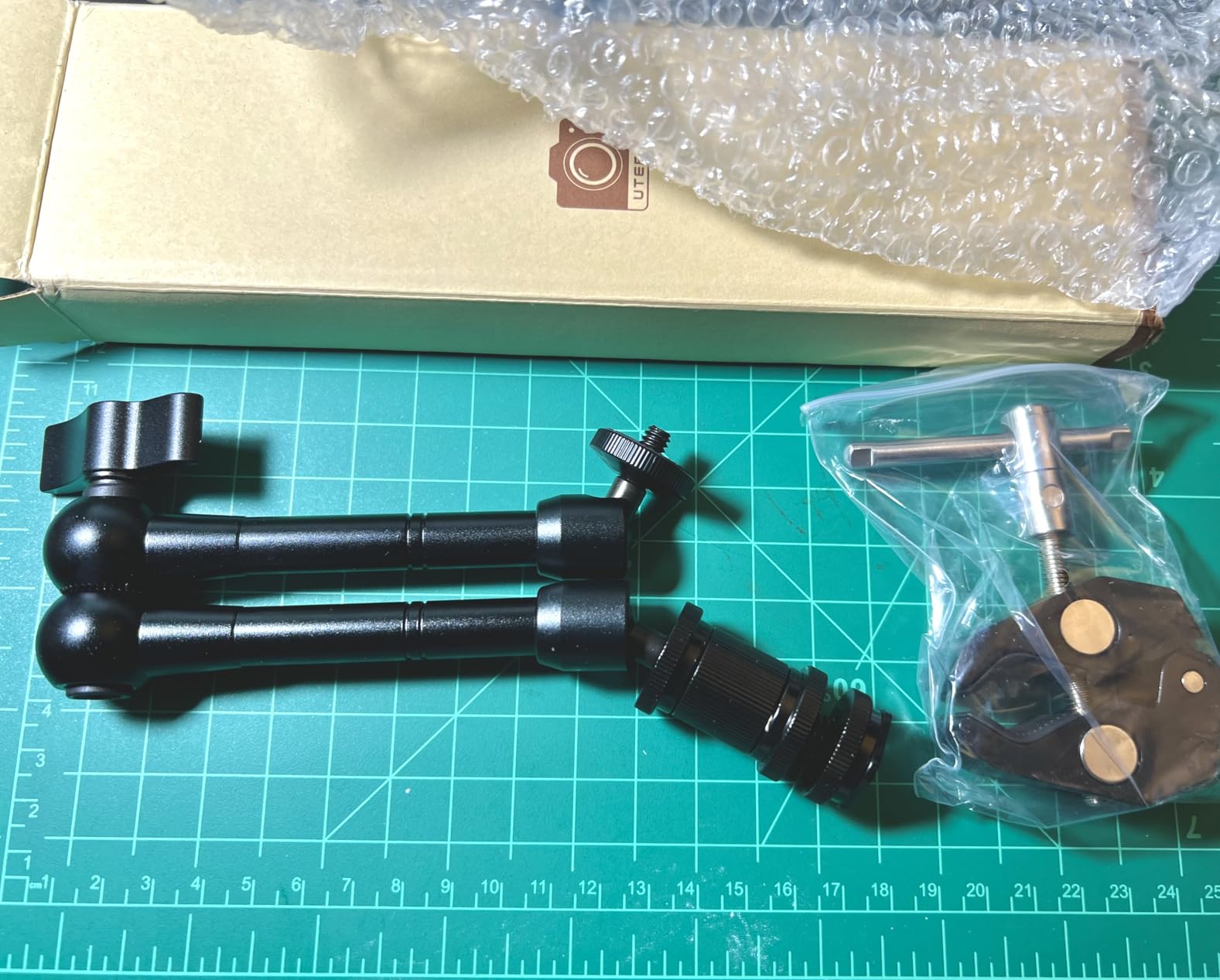
The UTEBIT magic arm offers solid functionality at the most affordable price point in our roundup. Our team found this 9-inch arm handles basic mounting needs competently. The ergonomic wingnut design makes angle adjustments easy, which matters for users with limited hand strength who still want to make their own adjustments.
Double 360-degree ball heads on both ends provide positioning flexibility. I tested the 4.4LB load capacity and found it handles most phones, small tablets, and lightweight controllers without issues. The super crab clamp includes both 1/4-inch-20 and 3/8-inch-16 threads, offering compatibility with various mounting plates and adapters.
At just 9 inches total length, this arm works best for close-proximity mounting. The compact size makes it portable and easy to position in tight spaces. However, the shorter reach limits positioning options compared to longer alternatives. For simple setups where equipment stays close to the mounting point, this budget-friendly option delivers good value.
Best for budget-conscious simple setups
This arm works well for users who need basic articulating functionality without premium features. The affordable price makes it accessible for trying out mounting solutions before investing in more expensive options. Compact size suits travel and temporary setups.
Consider alternatives if
If you need longer reach or plan to mount heavier equipment, the SMALLRIG options provide better performance. Users wanting consistent build quality may prefer the slightly more expensive SMALLRIG alternatives given some reports of quality variation in UTEBIT units.
How to Choose the Right Mounting System?
Selecting the right mounting system requires understanding your specific needs and environment. Our team identified several key factors that determine which solution works best for different situations. The right choice depends on where you game, what equipment you use, and your physical capabilities.
Mounting Surface: First, identify where you need equipment mounted. Wheelchair users should check whether their chair has arm track systems (common on power wheelchairs) or requires clamp-based mounting. Desk gamers need clamps that fit their desk thickness. For those interested in racing wheel mounting solutions, consider desk mounts with higher weight capacities.
Controller Compatibility: Xbox Adaptive Controllers require different mounting approaches than standard controllers. The purpose-built RAM mounts offer the most integrated solution for Xbox Adaptive Controllers, while magic arms work better for custom setups with multiple devices. PlayStation Access controller users may need adapter plates for some mounts.
Adjustability Requirements: Consider how much you need to reposition equipment. Ball-and-socket joints with wingnut tightening allow tool-free adjustments, which benefits users who cannot use tools. If you need frequent repositioning, prioritize mounts with easy adjustment mechanisms over those requiring hex keys.
Weight Capacity: Check that your chosen mount can handle your equipment weight with margin to spare. Adaptive controllers with multiple switches and cables weigh more than standard controllers. A mount rated for 600g minimum handles most single-controller setups, while complex multi-device arrangements may need the 2-4kg capacity of desk mounts.
Portability: If you game in multiple locations, consider how easily mounts transport and re-install. Clamp-based magic arms move between locations more easily than permanently installed track mounts. Folding designs like the OIVO wall mounts and Orzly mobile clip prioritize portability.
Frequently Asked Questions
How do I mount Xbox Adaptive Controller to a wheelchair?
Mount the Xbox Adaptive Controller to a wheelchair using track-mounted systems like the RAM Wheelchair Arm Mount or Seat Mount. These attach to standard wheelchair track systems found on most power wheelchairs. For wheelchairs without tracks, use clamp-based magic arms that grip the frame directly.
What is the best mounting system for disabled gamers?
The best mounting system depends on your specific needs. For wheelchair users with Xbox Adaptive Controllers, RAM Mounts products offer purpose-built solutions. For desk-based setups, the Hikig desk mounts provide excellent stability. For versatile custom mounting, SMALLRIG magic arms deliver professional quality at reasonable prices.
What switches work with Xbox Adaptive Controller?
The Xbox Adaptive Controller works with most 3.5mm switches including AbleNet switches (Jelly Bean, Big Red, Specs Switch), Logitech Adaptive Gaming Kit buttons, and custom adaptive switches. Each 3.5mm jack on the controller corresponds to a specific button input that you can map in software.
How to prevent controllers from moving during gameplay?
To prevent controller movement, use mounts with strong clamping force (minimum 50N.m for desk clamps), ensure the mounting surface is clean and flat, and position the mount close to your natural hand position to reduce reaching force. Ball-and-socket arms with locking collars provide the most secure positioning.
Can camera magic arms work for adaptive gaming?
Yes, camera magic arms work excellently for adaptive gaming. Products like SMALLRIG and UTEBIT magic arms offer versatile mounting at lower prices than purpose-built gaming mounts. Their 1/4-inch threads work with adapter plates for Xbox Adaptive Controllers, and the clamp designs attach to wheelchairs, desks, and beds.
Conclusion
Finding the best adjustable mounting systems for adaptive gaming setups transforms gaming from frustrating to accessible. Our top recommendation for wheelchair users remains the RAM Wheelchair Arm Mount for its purpose-built Xbox Adaptive Controller compatibility. For desk-based gamers, the Hikig desk mounts deliver exceptional stability and value. Budget-conscious builders should consider SMALLRIG magic arms for versatile custom solutions.
The right mounting system depends entirely on your individual needs. Consider where you game, what equipment you use, and how much adjustability you require. Once properly mounted, adaptive controllers and switches stay exactly where you need them, enabling independent gameplay without assistance. For optimizing your setup further, explore our guide on adaptive controller settings and configuration to get the most from your equipment.