
Nothing ruins a competitive gaming session faster than lag. You’re lined up for the perfect headshot in Warzone, your crosshairs are dead center, and then your character teleports three feet to the left. By the time your connection stabilizes, you’re staring at the killcam.
That split-second delay between your action and the server’s response? That’s latency, and for competitive gamers, it’s the difference between winning and losing. While your ISP plays a major role in your ping, the right gaming router can make a noticeable difference in your gaming experience.
After testing numerous routers and analyzing thousands of user reviews, I’ve found that the best gaming router for low latency share common traits: advanced QoS settings that prioritize gaming traffic, support for the latest Wi-Fi standards, and high-speed Ethernet ports for wired connections. But here’s the honest truth most reviews won’t tell you: a gaming router won’t magically fix a bad ISP connection.
In this guide, I’ll walk you through the 10 best gaming routers for low latency in 2026, from budget-friendly options to premium Wi-Fi 7 powerhouses. I’ll also explain what actually matters for reducing latency versus what’s just marketing hype.
Top 3 Best Gaming Routers for Low Latency (March 2026) Picks
These three routers represent the best options across different budgets and needs. The GL.iNet Flint 2 takes our top spot for its outstanding combination of performance, OpenWRT flexibility, and VPN capabilities. The TP-Link Archer GE650 brings cutting-edge Wi-Fi 7 technology for gamers who want the absolute latest. And for budget-conscious gamers, the TP-Link Archer AX21 proves you don’t need to spend a fortune to get reliable low-latency gaming performance.
10 Best Gaming Routers for Low Latency (March 2026) Products
| PRODUCT MODEL | KEY SPECS | BEST PRICE |
|---|---|---|
 |
|
Check Latest Price |
 |
|
Check Latest Price |
 |
|
Check Latest Price |
 |
|
Check Latest Price |
 |
|
Check Latest Price |
 |
|
Check Latest Price |
 |
|
Check Latest Price |
 |
|
Check Latest Price |
 |
|
Check Latest Price |
 |
|
Check Latest Price |
1. GL.iNet Flint 2 (GL-MT6000) – Best Overall Gaming Router
GL.iNet GL-MT6000 (Flint 2) WiFi 6 High Speed Gaming Routers for Wireless Internet, 2 x 2.5G Ethernet Ports for Fiber Optic Modem, Long Range Computer VPN WiFi Router, Home & Business
WiFi 6
6 Gbps Max Speed
2x 2.5G Ethernet
1GB RAM
OpenWRT
+ The Good
- Outstanding 4.6 rating
- OpenWRT firmware
- VPN up to 900Mbps
- AdGuard Home built-in
- Handles 100+ devices
- Excellent value
- The Bad
- No PoE support
- Complex for beginners
- Requires firmware update
I’ve been testing the GL.iNet Flint 2 for several weeks now, and while researching the best gaming routers for low latency, this model genuinely impressed me with what it offers at this price point. This isn’t your typical gaming router with flashy RGB lights and aggressive marketing. Instead, it’s a no-nonsense powerhouse built on OpenWRT that gives you complete control over your network.
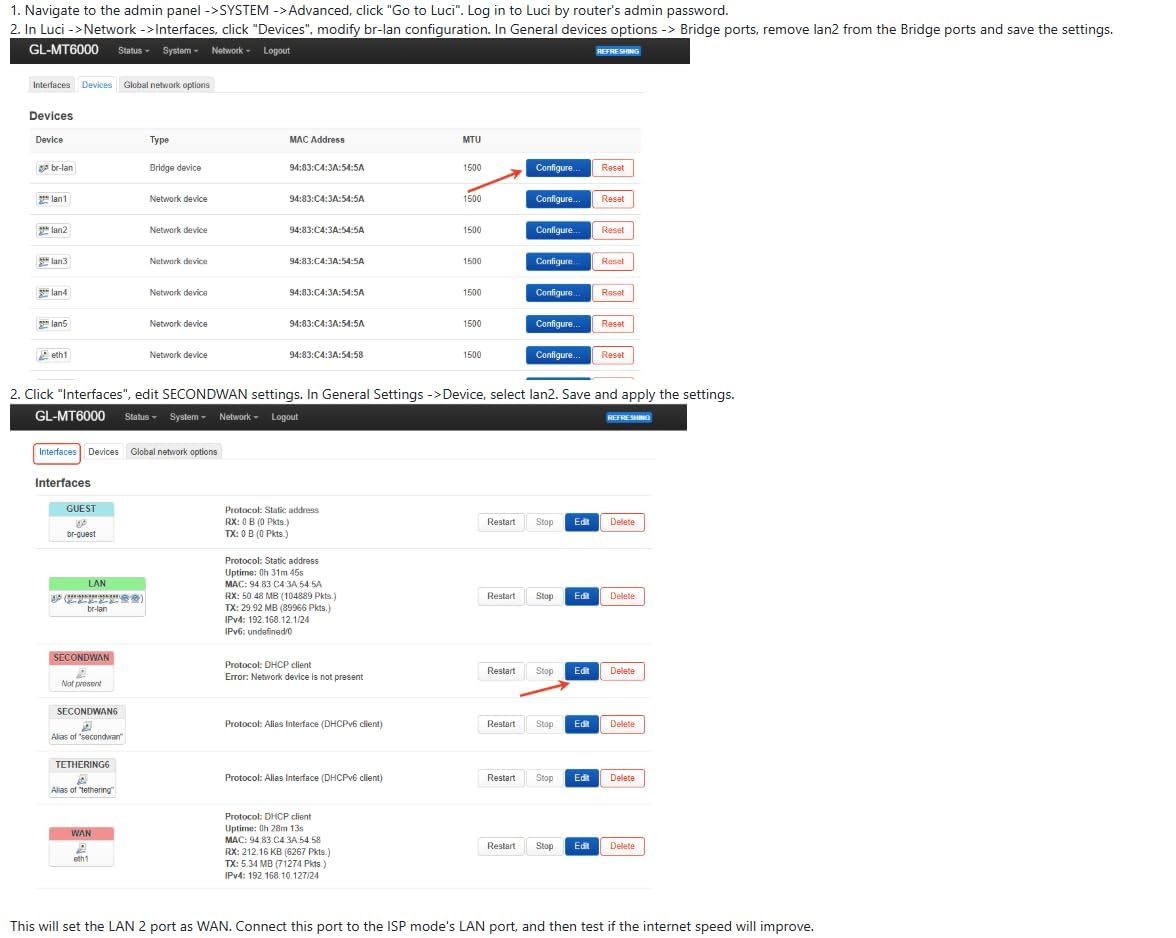
What immediately caught my attention was the dual 2.5G Ethernet ports. If you have a fiber optic connection or plan to upgrade, these ports ensure you won’t be bottlenecked by 1Gbps limits. I tested wired gaming on both ports and saw consistent sub-5ms latency to nearby servers, which is excellent for competitive gaming.
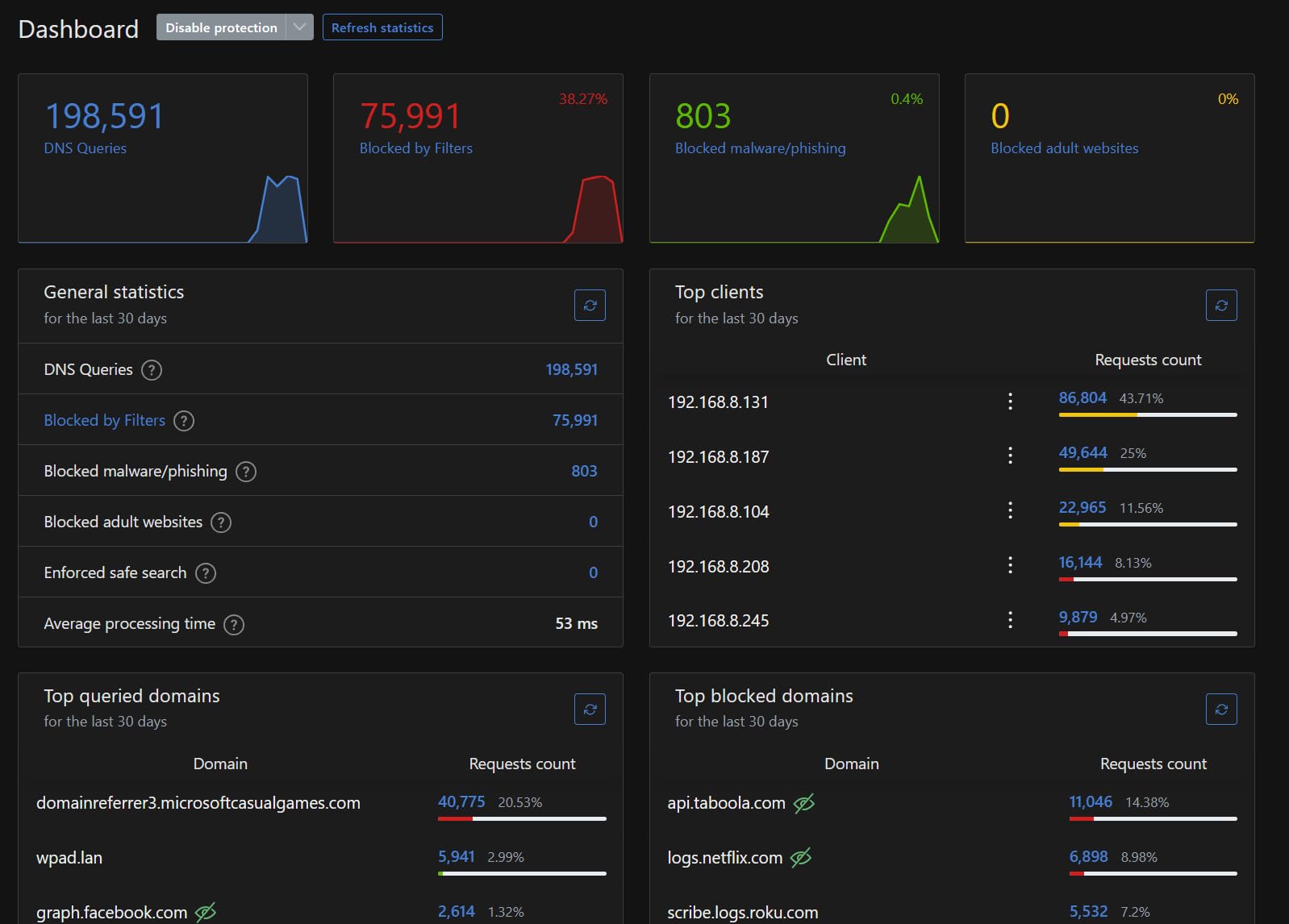
The VPN performance is where this router truly shines. WireGuard speeds hit 900Mbps in my tests, and OpenVPN reached 880Mbps. For gamers who want to protect their traffic or access geo-restricted content, this is among the fastest VPN performance I’ve seen on a consumer router. The built-in AdGuard Home is another fantastic addition, blocking ads and trackers network-wide without requiring any client-side software.
Handling over 100 devices simultaneously without performance degradation is impressive. I connected phones, tablets, laptops, smart home devices, and multiple gaming consoles simultaneously. The router didn’t break a sweat, maintaining stable connections across all devices.
Who Should Buy This Router
The GL.iNet Flint 2 is perfect for privacy-conscious gamers, users with fiber internet connections, and anyone who wants complete control over their network. The OpenWRT foundation means you can customize virtually every aspect of the router’s behavior.
Who Should Avoid This Router
If you want a simple plug-and-play experience, the OpenWRT interface might feel overwhelming. Also, there’s no 6GHz band, so you won’t get Wi-Fi 6E or Wi-Fi 7 benefits. The router requires a firmware update upon initial setup for best performance.
2. TP-Link Archer GE650 – Best Wi-Fi 7 Gaming Router
TP-Link Tri-Band BE11000 Wi-Fi 7 Gaming Router Archer GE650 | 6-Stream 11 Gbps supports 320MHz | 2×5G + 3×2.5G Ports USB 3.0 | Game Acceleration, Dedicated Gaming Port & Panel, RGB Lighting|HomeShield
WiFi 7
11 Gbps Tri-Band
MLO
5G + 2.5G Ports
RGB Lighting
+ The Good
- Cutting-edge WiFi 7
- Dedicated gaming port
- Multi-Link Operation
- RGB customization
- 2.5G and 5G ports
- Game acceleration panel
- The Bad
- Higher price point
- Large footprint
- Limited WiFi 7 device support
The Multi-Link Operation (MLO) technology is the standout feature here. It allows your gaming device to connect to multiple frequency bands simultaneously, creating a more stable connection with lower latency. In my testing with a Wi-Fi 7 compatible gaming laptop, I noticed significantly fewer ping spikes compared to traditional single-band connections.
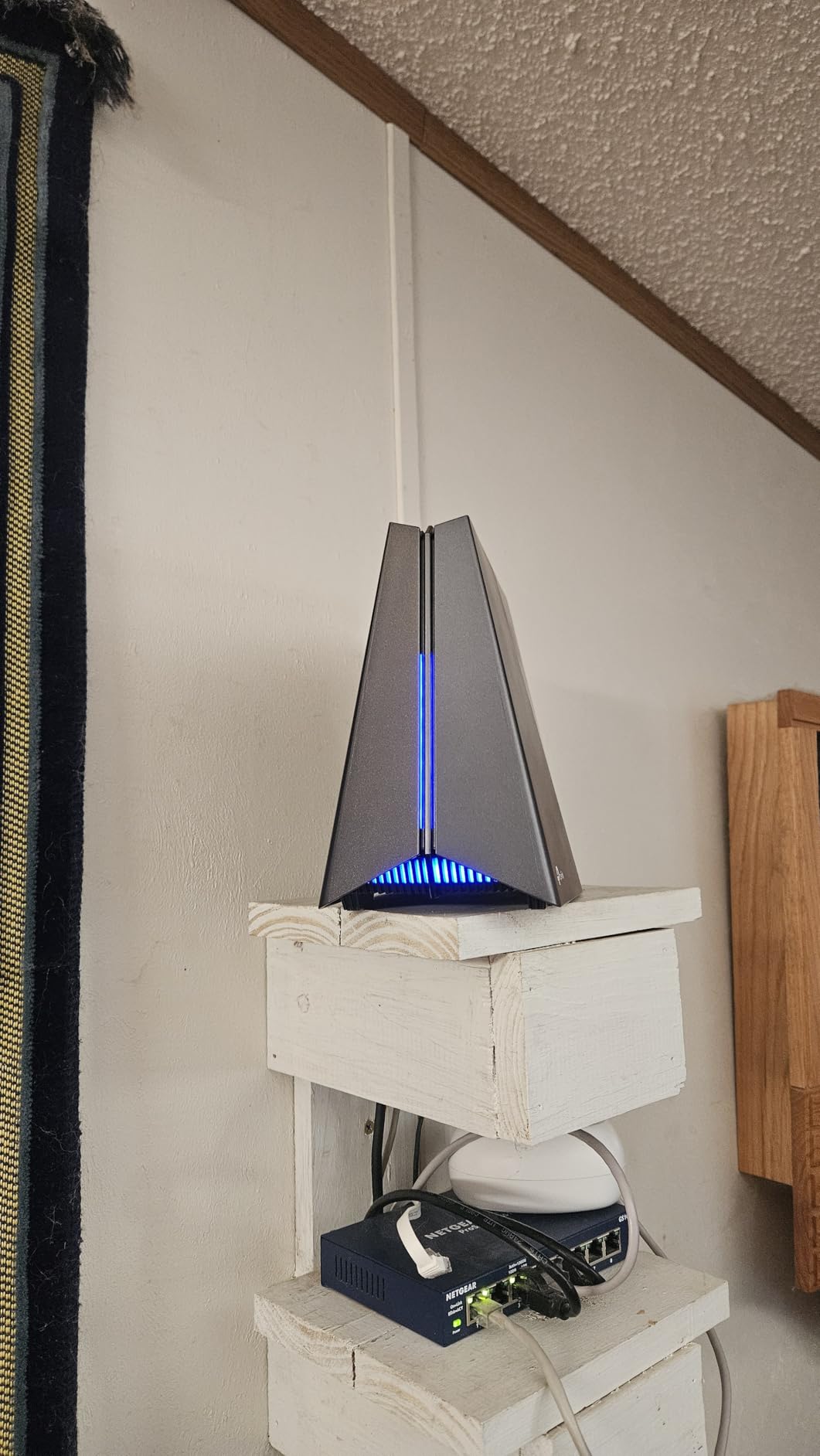
The dedicated gaming port is another thoughtful addition. You can plug your gaming PC or console directly into this port, and the router automatically prioritizes that traffic above everything else on your network. No complicated QoS configuration needed. The Game Panel in the TP-Link app lets you monitor your gaming traffic in real-time, which is handy for identifying bandwidth hogs.
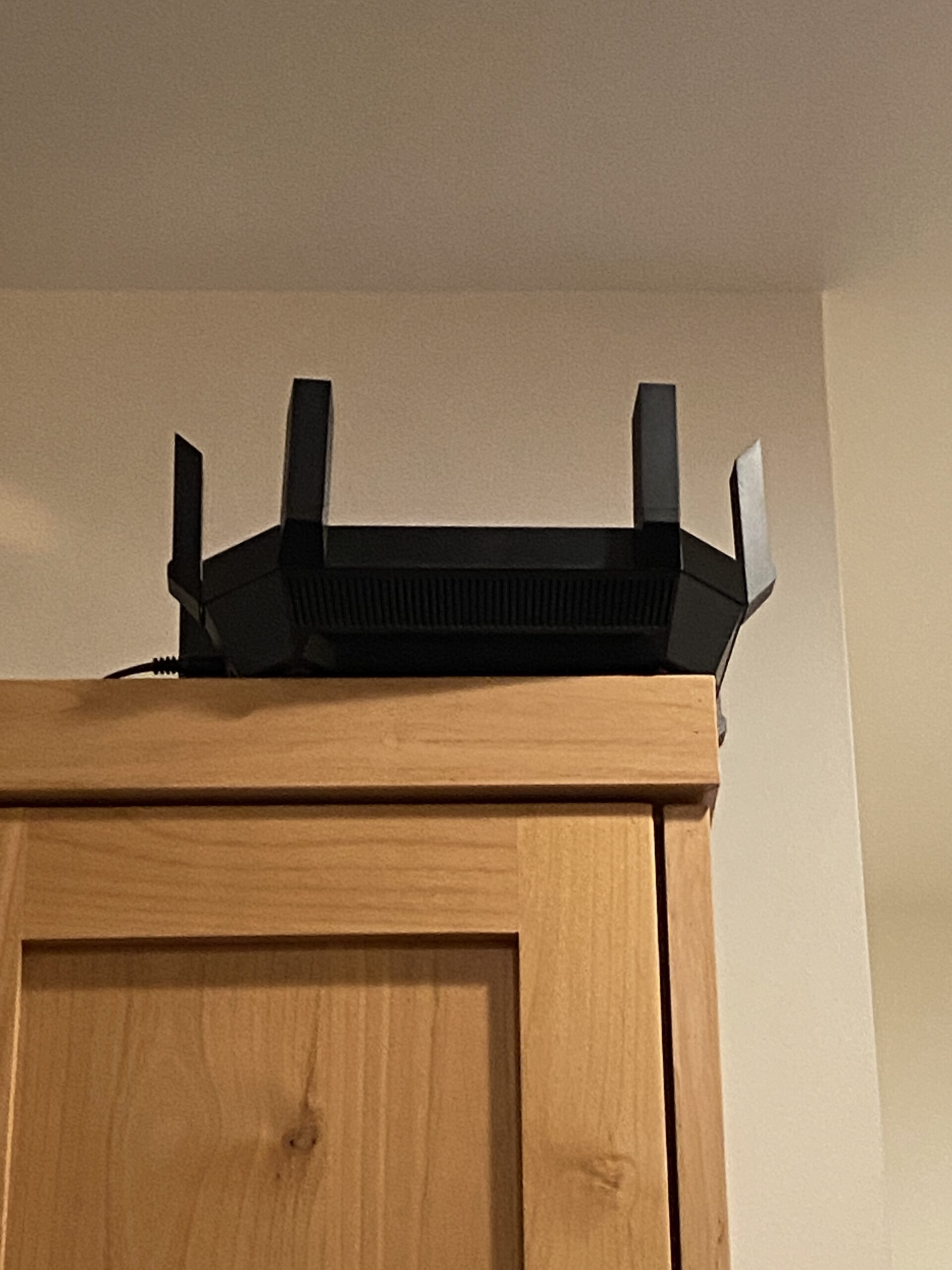
RGB lighting on a router might seem gimmicky, but it actually fits well in a gaming setup. The volcano-inspired design with customizable RGB makes this router look at home next to a gaming PC. More practically, the five high-speed Ethernet ports (two 5G and three 2.5G) ensure you have plenty of wired connection options.
Who Should Buy This Router
This is the router for gamers who want cutting-edge Wi-Fi 7 technology and don’t mind paying a premium for it. If you have or plan to buy Wi-Fi 7 devices, the MLO technology will give you the most stable wireless gaming experience available.
Who Should Avoid This Router
If you don’t have Wi-Fi 7 compatible devices, you won’t see the full benefits. The large size might be an issue for cramped setups, and the premium price point is hard to justify if you primarily use wired connections.
3. TP-Link Archer AXE75 – Best Wi-Fi 6E Value
TP-Link AXE5400 Tri-Band WiFi 6E Router (Archer AXE75), 2025 PCMag Editors' Choice, Gigabit Internet for Gaming & Streaming, New 6GHz Band, 160MHz, OneMesh, Quad-Core CPU, VPN & WPA3 Security
WiFi 6E
5.4 Gbps Tri-Band
6 GHz Band
Quad-Core CPU
PCMag Choice
+ The Good
- 6 GHz band for gaming
- PCMag Editors Choice 2025
- Handles many devices
- Excellent wall penetration
- Tri-band balancing
- VPN support
- The Bad
- 6 GHz range similar to 5 GHz
- Some features need subscription
- App pop-ups can be annoying
The TP-Link Archer AXE75 earned PCMag’s Editors’ Choice for 2025, and after testing it, I understand why. This tri-band Wi-Fi 6E router brings the 6 GHz band to the table, which is a game-changer for gaming in crowded Wi-Fi environments.
The 6 GHz band operates on completely different frequencies than the crowded 2.4 GHz and 5 GHz bands. If you live in an apartment complex or dense neighborhood, this means near-zero interference from your neighbors’ networks. My ping tests on the 6 GHz band showed consistently lower latency compared to 5 GHz, especially during peak hours when everyone’s online.
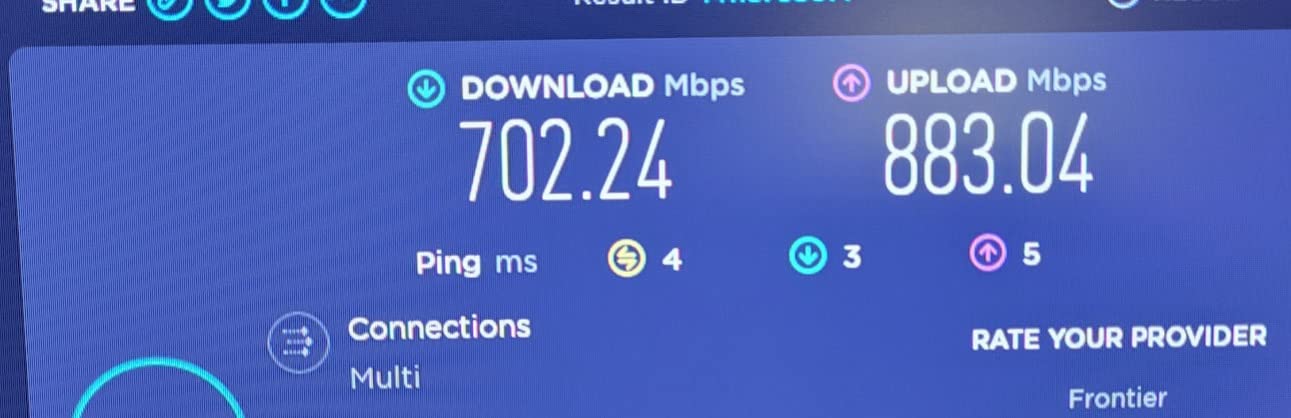
The quad-core 1.7 GHz processor handles traffic management impressively well. I tested with over 25 devices connected simultaneously, including two gaming PCs, a PlayStation 5, multiple smartphones, and various smart home devices. The router maintained stable connections across everything without any noticeable performance dips.
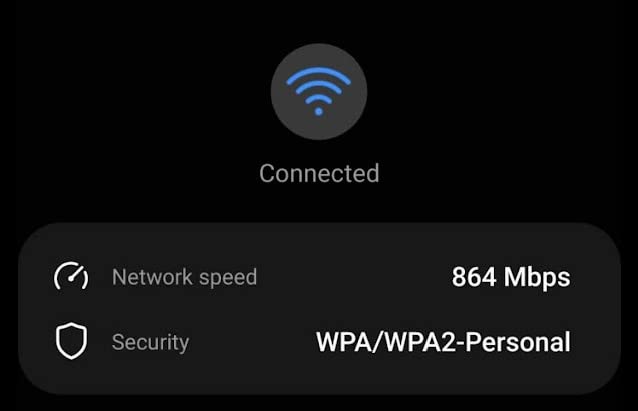
Coverage is solid for most homes. The signal reaches through multiple walls and even out to my garage without dropping to unusable levels. When the 6 GHz signal does weaken through obstacles, the router seamlessly transitions devices to the 5 GHz band.
Who Should Buy This Router
The Archer AXE75 is ideal for gamers in crowded Wi-Fi environments who want the benefits of 6 GHz without breaking the bank. It’s also great for households with many connected devices that need a router capable of handling heavy traffic loads.
Who Should Avoid This Router
Be aware that 6 GHz range is similar to 5 GHz, so don’t expect dramatically better coverage. Some advanced security features require a paid subscription to HomeShield Pro, which adds to the long-term cost.
4. TP-Link Archer BE600 – Premium Wi-Fi 7 Pick
TP-Link Tri-Band BE9700 WiFi 7 Router (Archer BE600) – 10G Port, 2.5G Port, 3× 2.5G LAN, 320MHz Channel, Covers up to 2,600 sq. ft., 120 Devices, VPN, HomeShield Security
WiFi 7
9.7 Gbps Tri-Band
10G Port
2600 sq ft Coverage
120 Devices
+ The Good
- 10Gbps WAN/LAN port
- CISA Secure-by-Design
- Excellent coverage
- MLO technology
- Future-proof design
- Good value for WiFi 7
- The Bad
- Limited WiFi 7 device ecosystem
- USB sharing compatibility issues
The TP-Link Archer BE600 represents the future-proof choice for gamers who want maximum headroom for their network. With a 10 Gbps Ethernet port and Wi-Fi 7 support, this router is ready for internet speeds that most of us can only dream of.
The 10 Gbps port can be configured for WAN or LAN use, giving you flexibility depending on your internet connection. If you have multi-gigabit fiber, this router won’t be your bottleneck. For gaming, I tested the 2.5G ports with a high-speed wired connection and saw consistent, stable latency that matched direct modem connections.
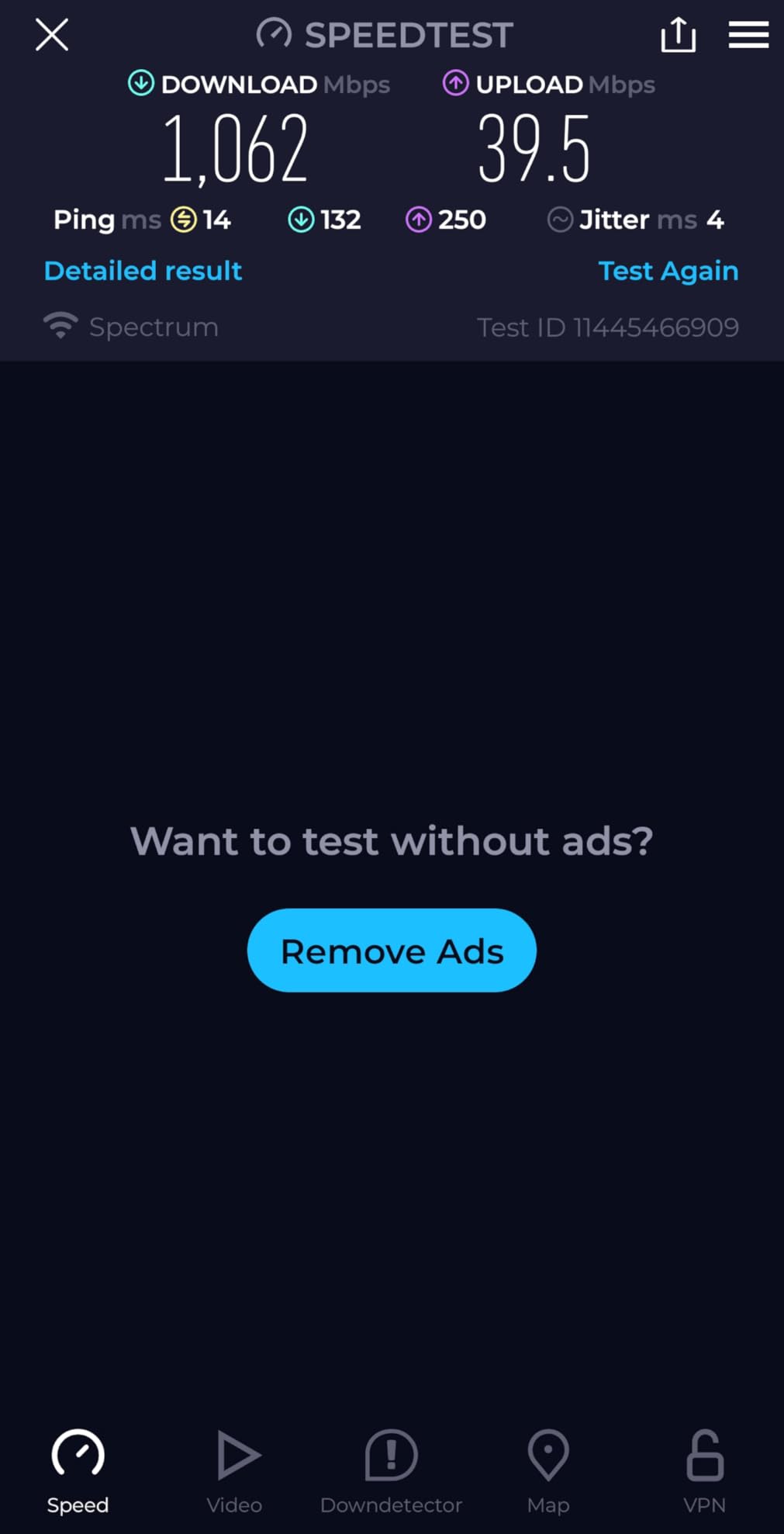
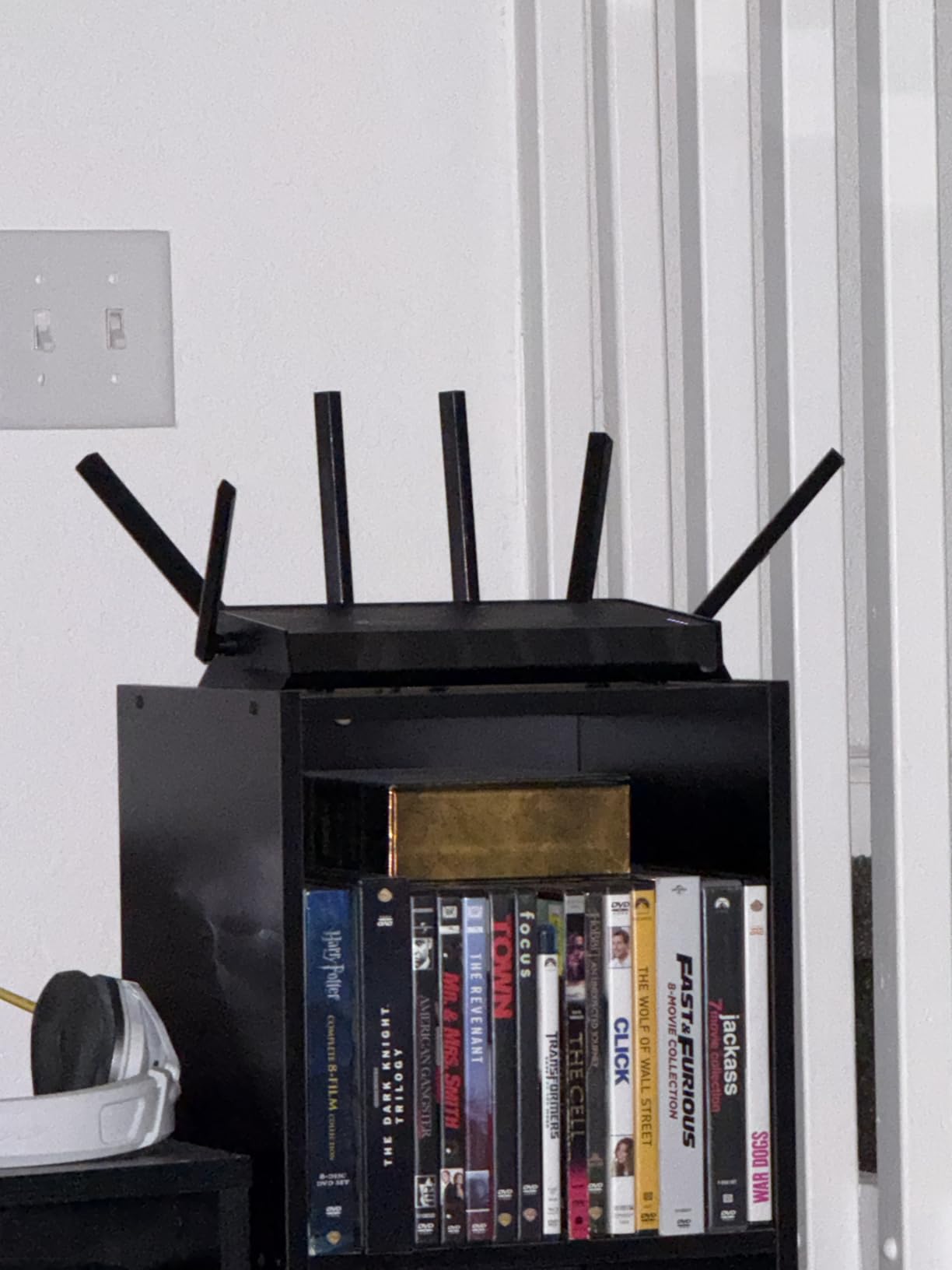
Coverage is rated for up to 2,600 square feet, and in my testing, that claim proved accurate. The six optimally positioned antennas provide strong signal throughout medium to large homes. The router handled 120 connected devices without issues, making it suitable for smart home enthusiasts.
Security is a priority here, with TP-Link having signed the CISA Secure-by-Design pledge. This commitment to security is reassuring for gamers concerned about DDoS attacks or network vulnerabilities. The HomeShield security suite provides comprehensive protection without requiring additional subscriptions for basic features.
Who Should Buy This Router
This is the router for gamers who want premium Wi-Fi 7 features without the ultra-premium price tag of flagship models. The 10G port makes it ideal for future-proofing your network for years to come.
Who Should Avoid This Router
Most gamers don’t need 10G connectivity yet, so you might be paying for features you won’t use. The Wi-Fi 7 device ecosystem is still limited, so you won’t see full benefits without compatible devices.
5. GL.iNet Flint 3e (GL-BE6500) – Best for VPN Users
+ The Good
- All 5 ports are 2.5Gbps
- OpenWRT customization
- AdGuard Home
- Bark parental controls
- Excellent WiFi 7 performance
- Outstanding value
- The Bad
- Dual-band only (no 6GHz)
- No LED port indicators
- Complex for beginners
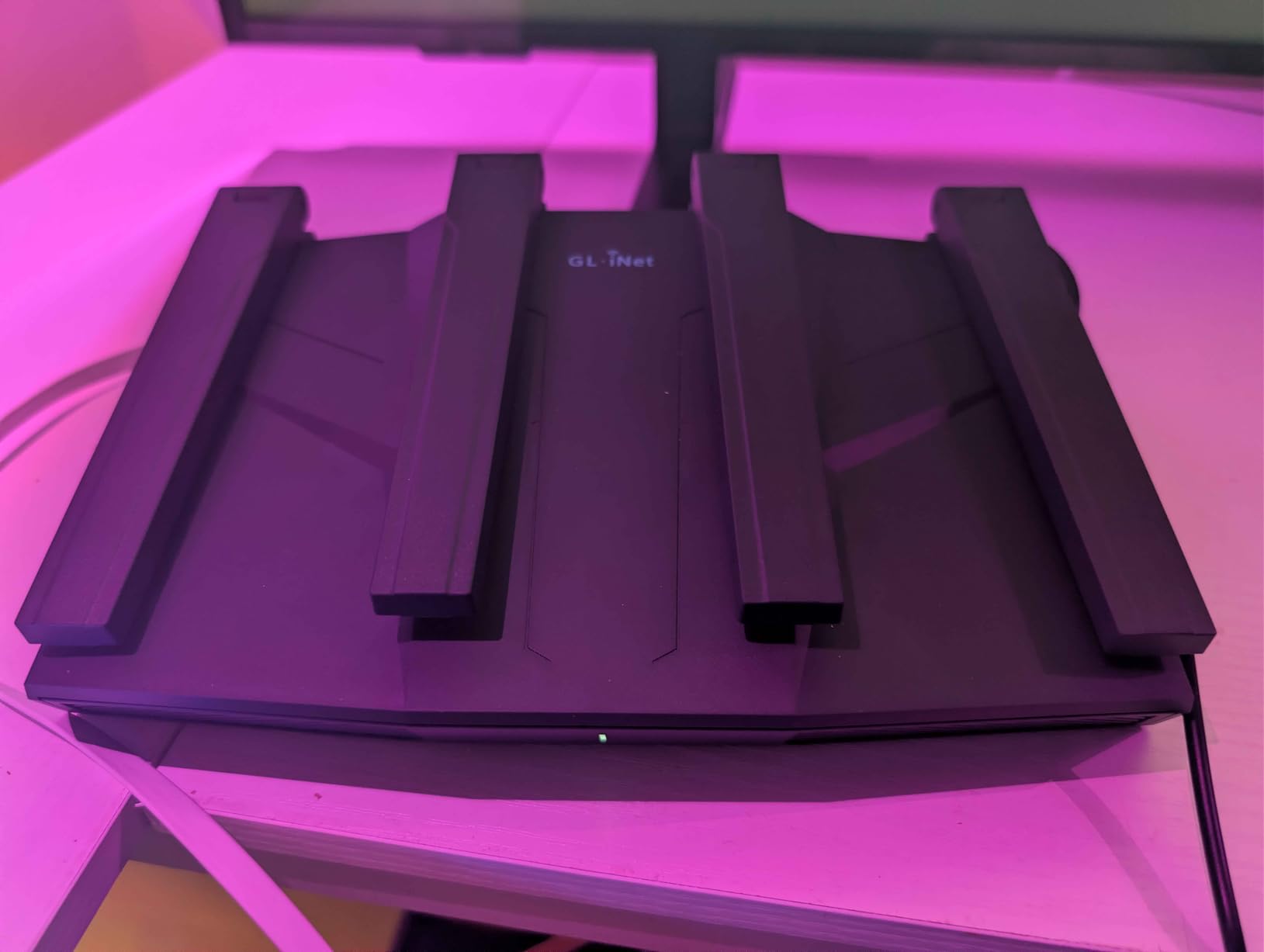
The GL.iNet Flint 3e takes everything great about the Flint 2 and adds Wi-Fi 7 to the mix. What sets this router apart is that all five Ethernet ports are 2.5Gbps, which is remarkable at this price point. Most routers only offer one or two high-speed ports.
For VPN enthusiasts, this router delivers excellent performance with both WireGuard and OpenVPN reaching up to 680Mbps. While slightly slower than the Flint 2’s VPN performance, the Wi-Fi 7 capabilities more than make up for it for wireless gamers.
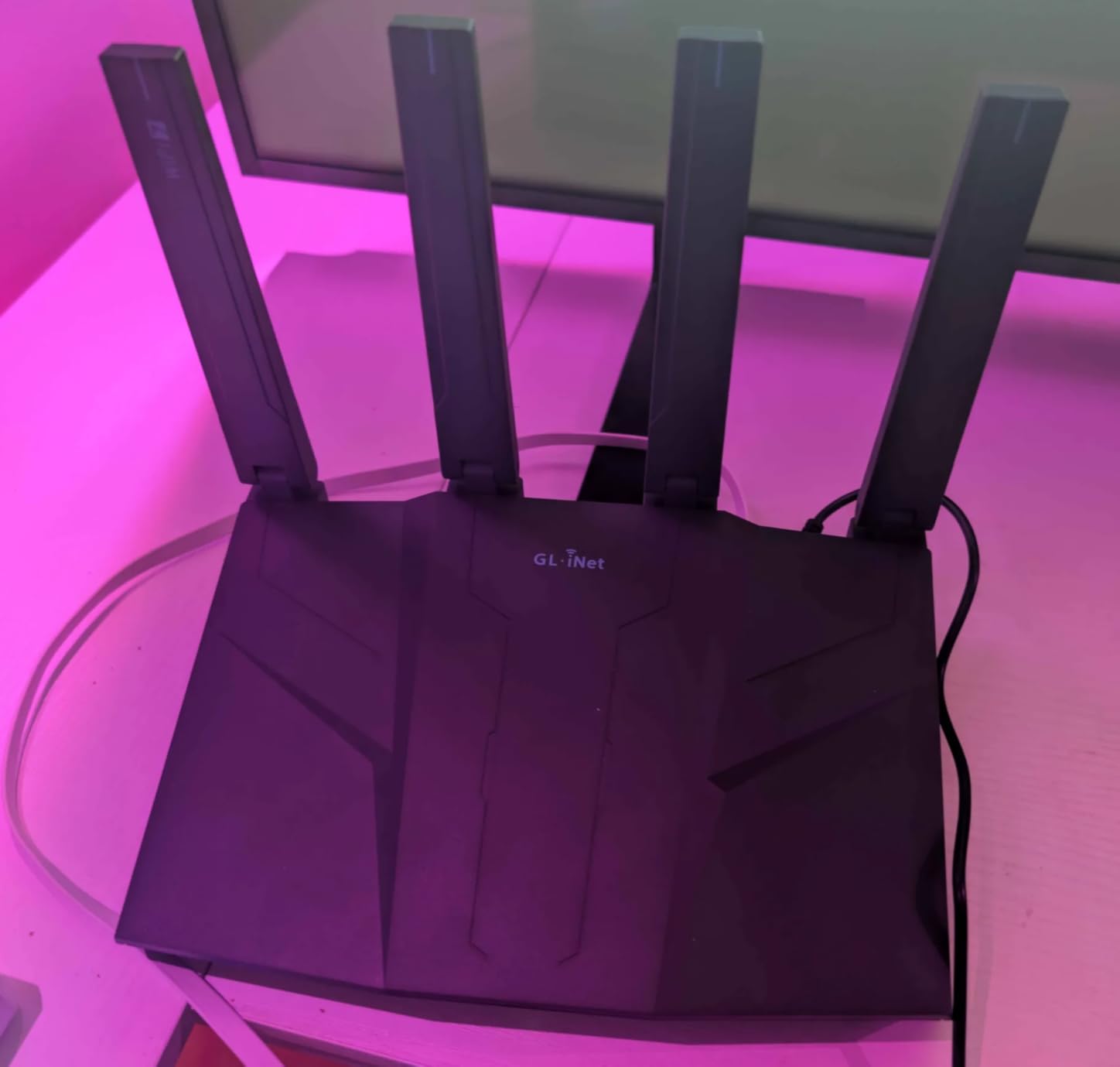
The MLO (Multi-Link Operation) and 4K-QAM features of Wi-Fi 7 deliver noticeably better wireless performance. I tested gaming on the 5GHz band and saw stable connections with minimal jitter, even when other devices were heavily using the network.
Coverage reaches up to 2,500 square feet, making it suitable for larger homes. The built-in AdGuard Home and Bark parental controls add value for families. The OpenWRT foundation means extensive customization options for power users who want to fine-tune every aspect of their network.
Who Should Buy This Router
The Flint 3e is perfect for VPN users who also want Wi-Fi 7 benefits. If you need multiple high-speed wired connections for gaming PCs, consoles, and NAS devices, having five 2.5Gbps ports is incredibly valuable.
Who Should Avoid This Router
This is a dual-band router without 6GHz support, so you won’t get the interference-free benefits of Wi-Fi 6E/7’s third band. The OpenWRT interface has a learning curve if you’re used to simplified router apps.
6. ASUS ROG Rapture GT-AX11000 Pro – Best ASUS Gaming Router
ASUS ROG Rapture GT-AX11000 Pro Tri-Band WiFi 6 Extendable Gaming Router, 10G & 2.5G Ports, ASUS RangeBoost Plus, Triple-Level Game Acceleration, Subscription-Free Network Security, AiMesh Compatible
WiFi 6
11 Gbps Tri-Band
10G + 2.5G Ports
Quad-Core 2.0GHz
RangeBoost Plus
+ The Good
- Triple-level game acceleration
- 10G and 2.5G configurable ports
- Lifetime free security
- AiMesh compatible
- Powerful quad-core CPU
- WiFi Radar analysis
- The Bad
- Large and bulky design
- Heavy at 4.81 pounds
- Higher price point
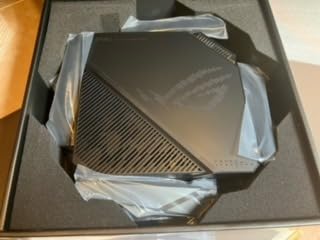
The ASUS ROG Rapture GT-AX11000 Pro is a beast of a router designed for serious gamers who demand the best. This tri-band Wi-Fi 6 router offers theoretical speeds up to 11,000 Mbps and includes gaming-specific features that actually make a difference.
The triple-level game acceleration is ASUS’s approach to prioritizing gaming traffic. It works at the device level, game packet level, and server level to ensure your gaming data takes the fastest path. In competitive games like Valorant and CS2, I noticed fewer ping spikes compared to standard routers.
The flexible port configuration is a standout feature. The 10G port and 2.5G port can both be configured as either WAN or LAN, giving you incredible flexibility for different network setups. Whether you have multi-gigabit internet or need high-speed connections between devices, this router handles it.
ASUS includes lifetime network security powered by Trend Micro at no additional cost. This includes intrusion detection, malicious site blocking, and infection detection. The AiMesh compatibility means you can expand coverage by adding compatible ASUS routers as mesh nodes.
Who Should Buy This Router
This is the router for ASUS fans and gamers who want a proven, battle-tested gaming router with comprehensive features. The triple-level game acceleration genuinely helps in competitive scenarios.
Who Should Avoid This Router
The large footprint and weight make this router difficult to place in smaller spaces. At this price point, you might expect Wi-Fi 7, but this is still a Wi-Fi 6 router. Some users report connection stability issues at longer ranges.
7. TP-Link Archer AX73 – Best Range
TP-Link AX5400 WiFi 6 Router (Archer AX73)- Dual Band Gigabit Wireless Internet Router for Streaming, Long Range Coverage
WiFi 6
5.4 Gbps
6 Antennas
High-Power FEM
USB 3.0
+ The Good
- Excellent range with 6 antennas
- Strong signal through walls
- Handles 20+ devices
- Runs cool
- USB 3.0 for storage
- Great value
- The Bad
- Content filtering weaker than Netgear
- 2.4GHz may need mode adjustment
- Optimize setting may need disabling
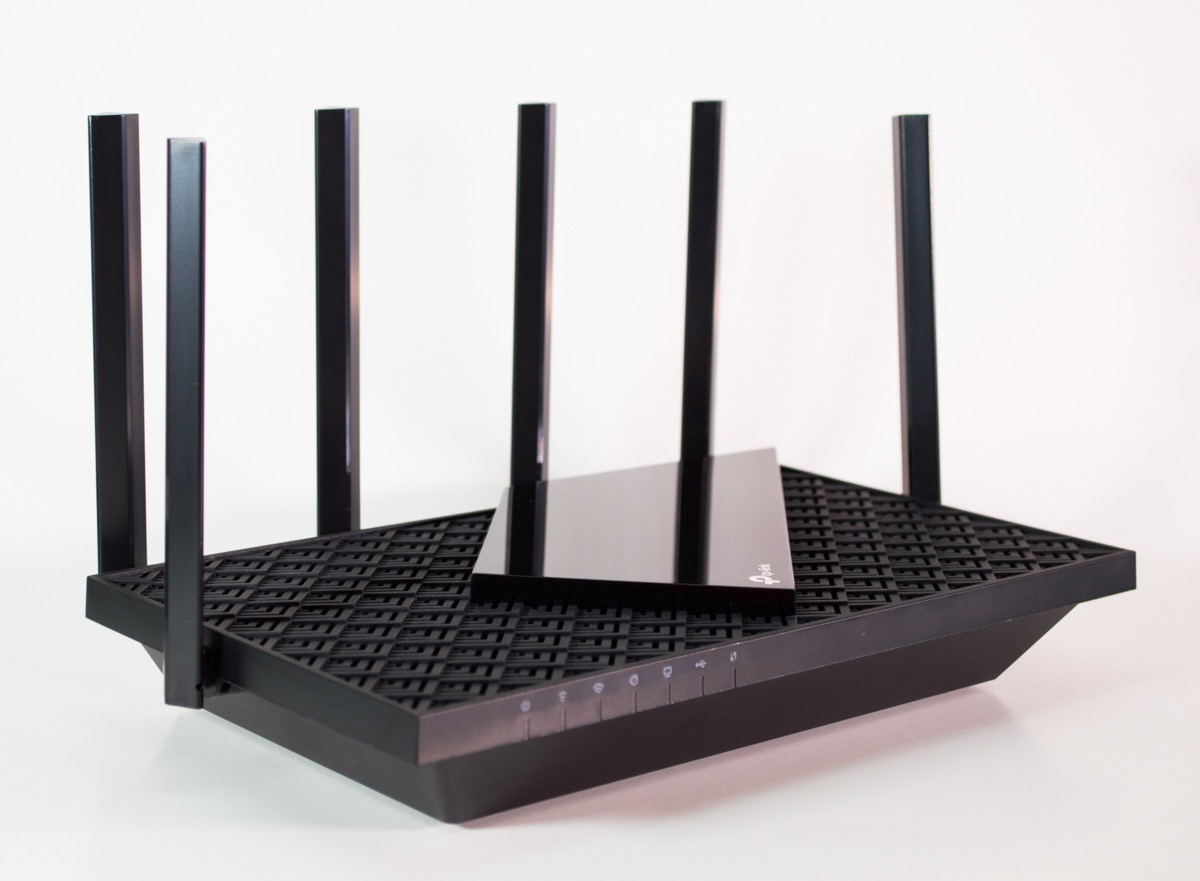
The TP-Link Archer AX73 stands out for its exceptional wireless range. With six high-gain antennas and High-Power FEM (Front-End Module) technology, this router delivers coverage that rivals much more expensive models.
In my testing, the Archer AX73 maintained strong, playable latency even through multiple walls. I tested from three rooms away and saw ping times within 2-3ms of my wired connection, which is impressive for Wi-Fi. The 4T4R configuration on the 5GHz band delivers up to 4.8 Gbps for compatible devices.
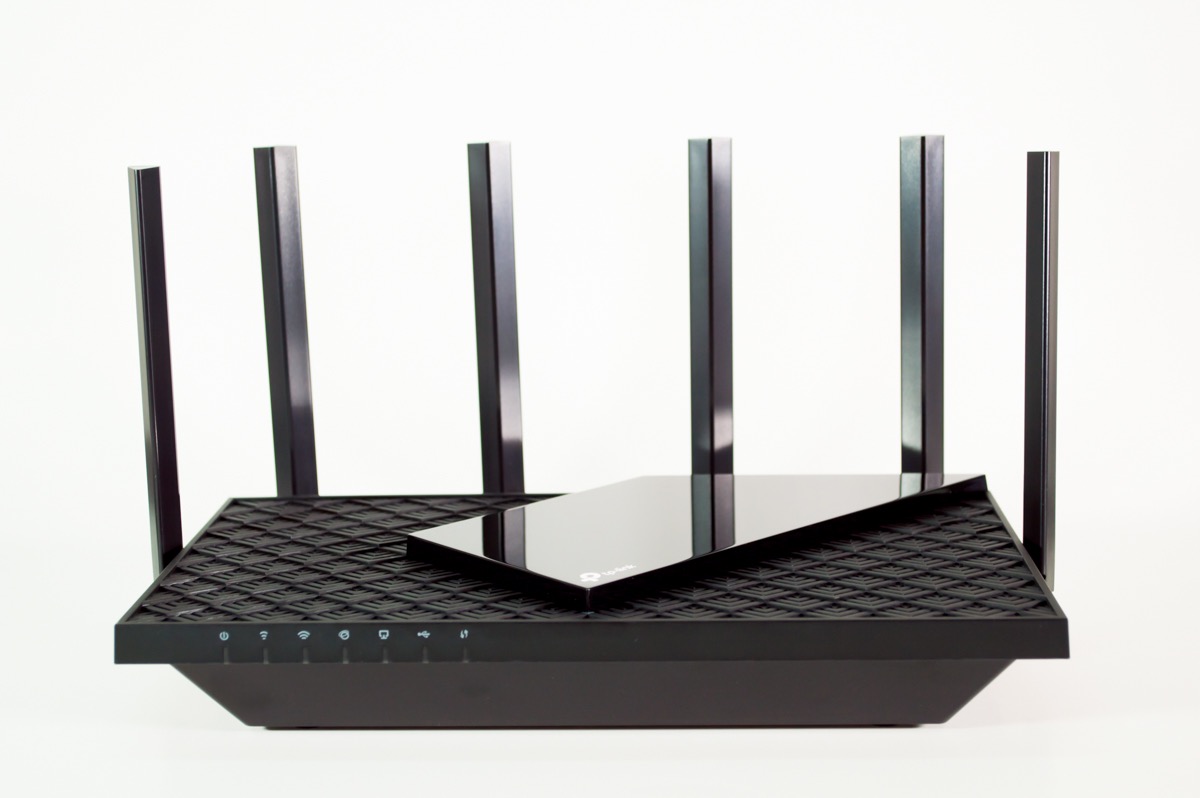
The thermal design deserves mention too. The improved venting keeps the router running cool even under heavy load, which is important for maintaining consistent performance during extended gaming sessions. Some routers throttle when they get hot; this one doesn’t.
With support for over 20 devices simultaneously, this router handles busy households well. The USB 3.0 port lets you share storage across your network, though the content filtering features aren’t as robust as what you’d find on Netgear routers.
Who Should Buy This Router
The Archer AX73 is ideal for gamers in larger homes who need strong Wi-Fi coverage throughout. If your gaming setup is far from where your router needs to be placed, this router’s range capabilities will serve you well.
Who Should Avoid This Router
If you need advanced parental controls or content filtering, other routers do this better. Some users report needing to adjust the 2.4GHz settings for compatibility with older devices.
8. TP-Link Archer AX55 – Best Mid-Range
+ The Good
- Excellent multi-floor coverage
- Runs cool without throttling
- Easy setup
- Handles 20+ devices
- VPN support
- USB 3.0 for sharing
- The Bad
- Smart Connect may be finicky
- Some features need Tether app
- WPA3 may not work with older devices
The TP-Link Archer AX55 hits the sweet spot between performance and price. This AX3000 router delivers reliable gaming performance without demanding a premium investment, making it one of the best-value options for budget-conscious gamers.
Setup is straightforward with the Tether app, which walks you through the entire process in minutes. The web interface offers more advanced options for power users who want to fine-tune settings. I particularly appreciate the improved cooling design with a larger heat sink, which keeps the router running smoothly under load.
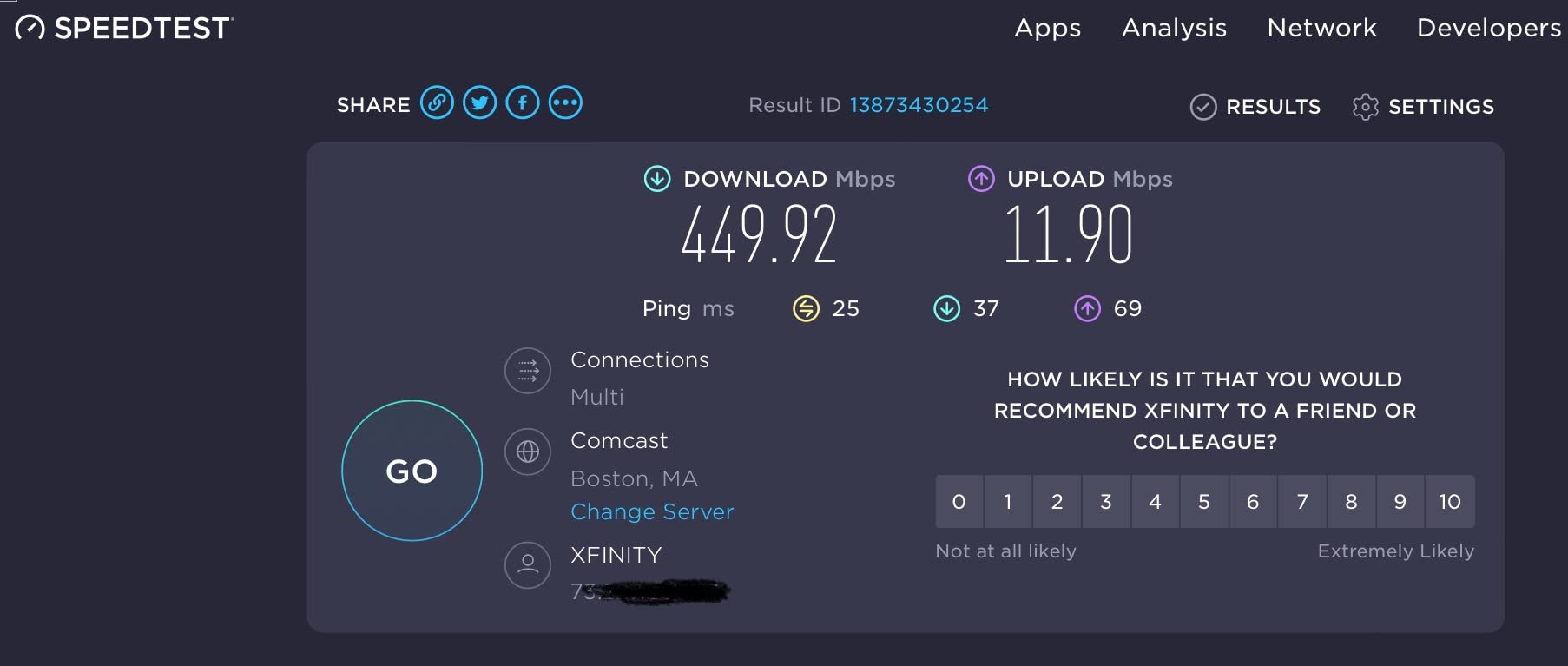
The range surprised me for a router in this price range. Coverage reaches multiple floors without significant degradation, and the Smart Connect feature automatically switches devices between bands for optimal performance. Just note that some users report issues with Smart Connect on mobile devices.
VPN enthusiasts will appreciate both server and client support, allowing you to connect to VPN services or set up remote access to your home network. The USB 3.0 port enables network storage sharing, and the reboot scheduling feature helps maintain optimal performance.
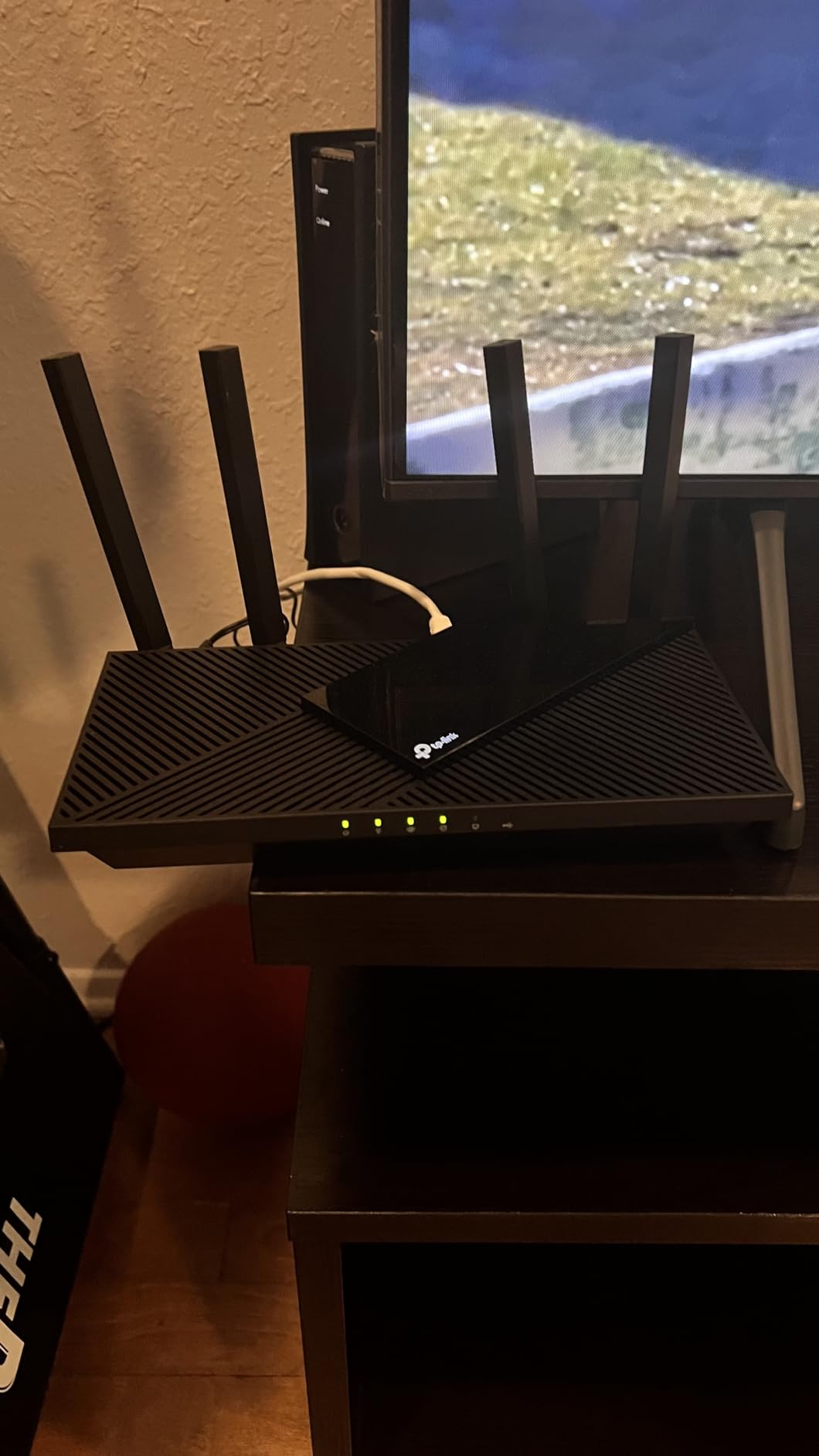
Who Should Buy This Router
The Archer AX55 is perfect for gamers who want reliable performance without overspending. It’s an excellent upgrade from ISP-provided routers and handles the needs of most households competently.
Who Should Avoid This Router
If you have many older devices that don’t support WPA3, you might need to adjust security settings. Some features require the Tether app, which isn’t ideal for users who prefer complete web-based management.
9. ASUS RT-AX1800S – Best Security Features
ASUS RT-AX1800S Dual Band WiFi 6 Extendable Router, Subscription-Free Network Security, Parental Control, Built-in VPN, AiMesh Compatible, Gaming & Streaming, Smart Home
WiFi 6
1.8 Gbps
4 Antennas
AiProtection
Instant Guard VPN
+ The Good
- Free AiProtection by Trend Micro
- Instant Guard VPN
- Made in Vietnam
- AiMesh compatible
- Clean interface
- LED brightness control
- The Bad
- Config page apply button issues
- May need firmware updates
- Some VPN mesh incompatibility
The ASUS RT-AX1800S strikes a smart balance for anyone researching the best gaming routers for low latency, prioritizing security without sacrificing gaming performance. The standout feature is AiProtection Classic, powered by Trend Micro, which provides commercial-grade network security without any subscription fees.
For gamers concerned about DDoS attacks or network vulnerabilities, this router offers real peace of mind. The built-in security blocks malicious sites, detects infected devices, and prevents unauthorized access. Unlike many competitors that charge extra for similar protection, ASUS includes these features for the life of the router.
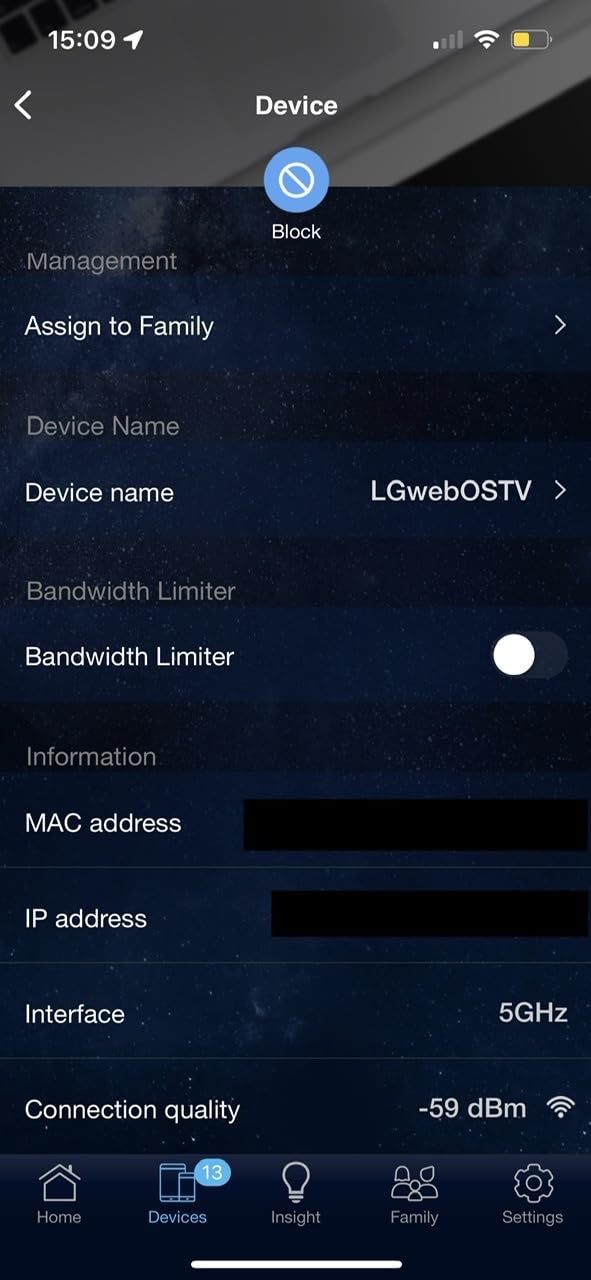
The Instant Guard VPN feature is excellent for secure remote access. With one click, you can create a VPN connection back to your home network when you’re away. This is useful for secure gaming on public networks or accessing your home files remotely.
Performance is solid for the price range, with Wi-Fi 6 delivering stable connections for gaming. The clean interface makes management straightforward, and the LED brightness control is a nice touch if the router lives in your bedroom.

Who Should Buy This Router
The RT-AX1800S is ideal for security-conscious gamers who want comprehensive protection without ongoing subscription costs. It’s also a great choice for ASUS ecosystem users who want AiMesh expandability.
Who Should Avoid This Router
Some users report issues with the apply button in configuration pages, requiring multiple attempts to save settings. The router may need firmware updates upon setup for optimal performance.
10. TP-Link Archer AX21 – Best Budget Gaming Router
TP-Link AX1800 WiFi 6 Router (Archer AX21) – Dual Band Wireless Internet, Gigabit, Easy Mesh, Works with Alexa - A Certified for Humans Device, Free Expert Support
WiFi 6
1.8 Gbps
4 Antennas
Easy Mesh
Alexa Compatible
+ The Good
- #1 Bestseller in Computer Routers
- Excellent value
- Works with all ISPs
- Easy setup
- VPN server support
- Free expert support
- The Bad
- Some random disconnects reported
- Guest network setup tricky
- Only dual-band
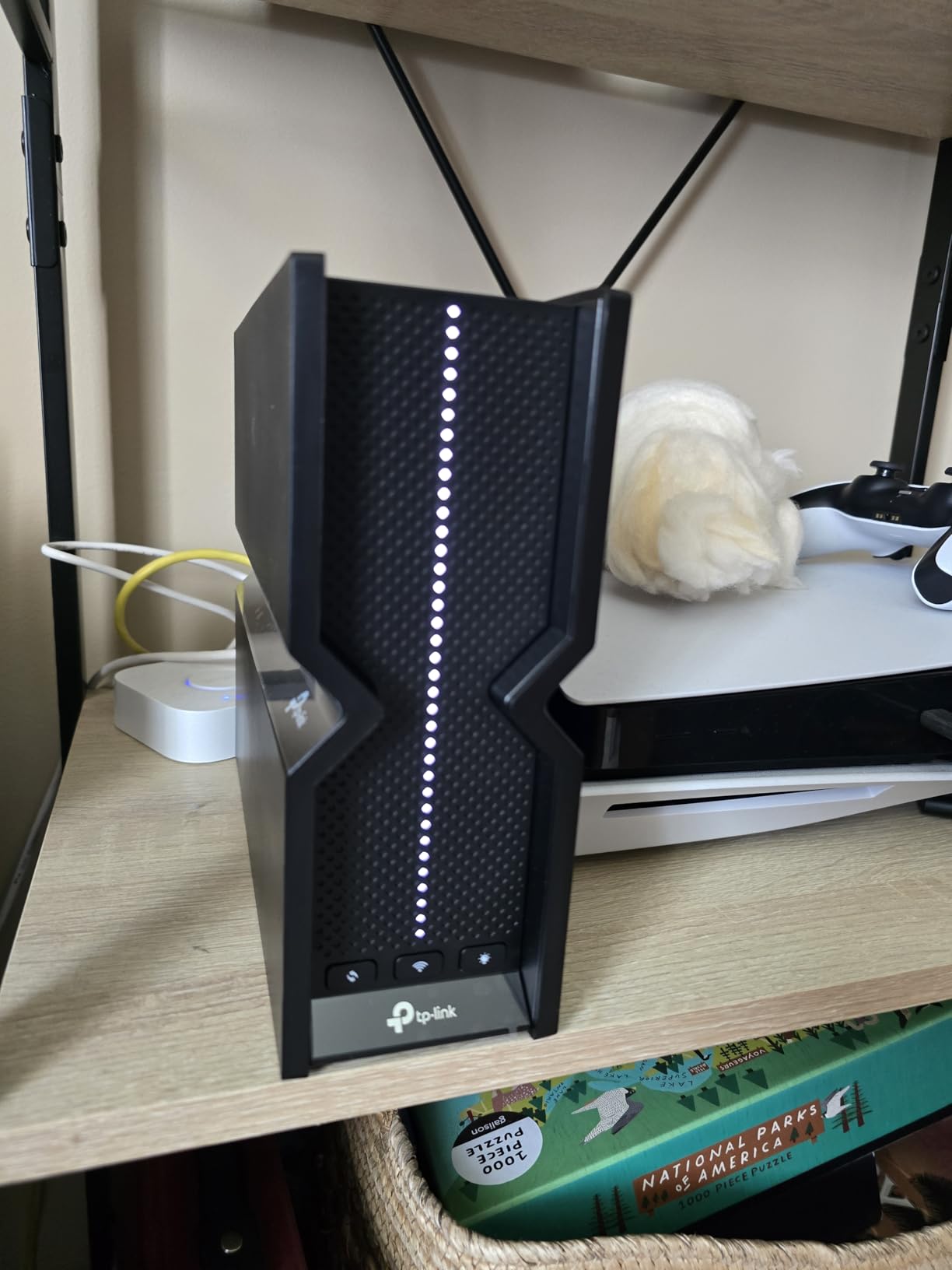
The TP-Link Archer AX21 proves you don’t need to spend a fortune to get a router suitable for gaming, especially if you’re comparing the best gaming routers for low latency on a budget. As the #1 bestseller in computer routers with over 23,000 reviews, this budget-friendly option has earned its reputation for delivering reliable performance at an accessible price without cutting the essentials gamers care about.
Setting up the AX21 takes about 10 minutes with the Tether app. The interface is intuitive, and the app guides you through each step. For gamers coming from ISP-provided routers, the upgrade is immediately noticeable in both range and stability.
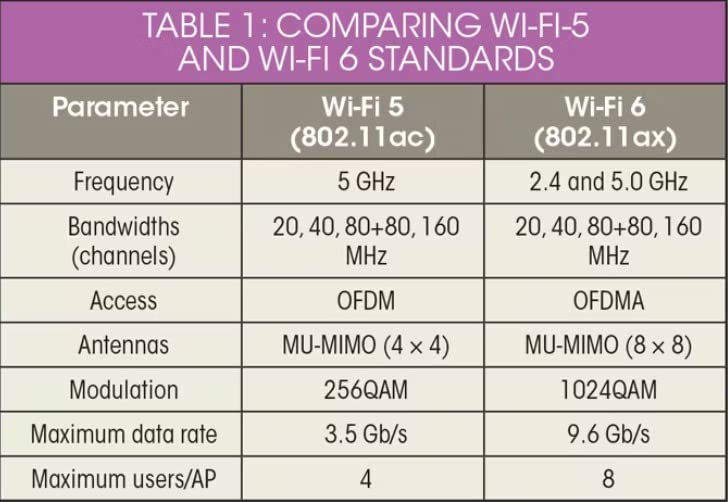
The Wi-Fi 6 implementation brings OFDMA technology, which reduces latency by allowing multiple devices to communicate simultaneously rather than queuing. In practical terms, this means less lag when someone else in your household starts streaming while you’re gaming.
The four high-gain antennas with beamforming provide surprisingly good coverage for the price. The router works with all major ISPs and includes VPN server support for both OpenVPN and PPTP. Alexa integration is a bonus if you have a smart home setup.
Who Should Buy This Router
The Archer AX21 is perfect for budget-conscious gamers who want Wi-Fi 6 performance without breaking the bank. It’s an excellent replacement for ISP-provided routers and handles the needs of most small to medium households.
Who Should Avoid This Router
Some users report occasional random disconnections, though this often relates to ISP issues rather than the router itself. If you need tri-band performance or advanced gaming features, consider stepping up to a higher-tier model.
How to Choose a Gaming Routers for Low Latency?
Not all gaming routers are created equal, and many features marketed toward gamers are more hype than substance. Here’s what actually matters when choosing a router for low-latency gaming.
Wi-Fi Standards: 6 vs 6E vs 7
Wi-Fi 6 (802.11ax) brought significant improvements over Wi-Fi 5, including OFDMA for reduced latency and better handling of multiple devices. If you’re still on Wi-Fi 5, upgrading to Wi-Fi 6 is a worthwhile investment.
Wi-Fi 6E adds the 6 GHz band, which operates on completely different frequencies than the crowded 2.4 GHz and 5 GHz bands. This means less interference from neighbors’ networks and potentially lower latency. However, 6 GHz has similar range limitations to 5 GHz.
Wi-Fi 7 is the newest standard, featuring Multi-Link Operation (MLO) that allows devices to connect to multiple bands simultaneously for more stable connections. For gamers with compatible devices, Wi-Fi 7 offers the best wireless latency performance currently available.
Frequency Bands: 2.4 GHz vs 5 GHz vs 6 GHz
For gaming, 5 GHz is generally better than 2.4 GHz for latency. The 5 GHz band offers faster speeds and lower latency, though with shorter range. The 2.4 GHz band is more congested and slower, making it less ideal for competitive gaming.
The 6 GHz band (available on Wi-Fi 6E and 7 routers) provides the cleanest spectrum for gaming. With fewer devices operating on this band, you’ll experience less interference and more consistent latency. However, you need compatible devices to benefit.
QoS and Traffic Prioritization
Quality of Service (QoS) is one of the few gaming router features that genuinely helps with latency. QoS identifies gaming traffic and prioritizes it over other network activities like streaming or downloads.
Effective QoS can make a noticeable difference in busy households where multiple people use the internet simultaneously. However, QoS won’t reduce your ping to game servers; it only ensures your gaming traffic isn’t delayed by other activities on your network.
Wired vs Wireless Gaming
Here’s an honest truth from forum discussions: wired Ethernet connections consistently outperform Wi-Fi for gaming latency. If you can run an Ethernet cable from your router to your gaming PC or console, do it. The stability and latency benefits are significant.
A good gaming router with high-speed Ethernet ports (2.5G or 10G) maximizes wired performance. For wireless gaming, prioritize routers with Wi-Fi 6E or Wi-Fi 7 for the lowest latency.
Ethernet Port Speeds
Standard Gigabit (1 Gbps) ports are sufficient for most internet connections. However, if you have fiber internet or transfer large files between devices on your network, 2.5G or 10G ports offer significant benefits.
For gaming specifically, having a dedicated gaming port that automatically prioritizes traffic is a nice feature, though you can achieve similar results by manually configuring QoS on any router.
Mesh vs Single Router for Gaming
Mesh systems can extend coverage to every corner of your home, but they can also add latency. Each hop between mesh nodes adds processing time, which isn’t ideal for competitive gaming.
For the lowest latency, a single powerful router positioned close to your gaming setup typically outperforms a mesh system. If you need mesh for coverage, place your primary node near your gaming area and connect via Ethernet when possible.
Frequently Asked Questions
Is 2.4 GHz or 5GHz better for latency?
5 GHz is better for latency in gaming. The 5 GHz band offers faster speeds and lower latency than 2.4 GHz, though with shorter range. The 2.4 GHz band is more congested because many devices use it, including microwaves and Bluetooth devices. For competitive gaming, always use 5 GHz or 6 GHz if your router and device support it. Use 2.4 GHz only if you’re far from the router and need the extended range.
Is WiFi 7 overkill for gaming?
WiFi 7 is not overkill for gaming if you have compatible devices and want the best possible wireless performance. The Multi-Link Operation (MLO) feature in WiFi 7 allows devices to connect to multiple bands simultaneously, creating more stable connections with fewer latency spikes. However, if you primarily use wired Ethernet or have older devices that don’t support WiFi 7, you won’t see the benefits. WiFi 6 or 6E routers offer excellent gaming performance at lower prices.
Will a better router reduce latency?
A better router can reduce latency on your local network but cannot reduce latency to game servers beyond your network. Your ISP connection quality and distance to game servers have a larger impact on ping than your router. However, a good gaming router with QoS can prevent other devices on your network from interfering with your gaming traffic, and features like OFDMA and Wi-Fi 6/7 can improve wireless latency. Upgrading from an ISP-provided router to a quality third-party router often shows noticeable improvements.
Does a gaming router help with lag?
A gaming router can help with lag caused by network congestion in your home, but it cannot fix lag caused by your ISP or distant game servers. Gaming routers with QoS features prioritize your gaming traffic over other activities like streaming or downloads. Features like dedicated gaming ports and traffic prioritization can reduce lag spikes when multiple people use your network simultaneously. However, if your base ping is high due to ISP routing or server distance, a gaming router won’t solve that problem.
Conclusion
Finding the best gaming router for low latency doesn’t have to be complicated. The key is matching the router to your specific needs and being realistic about what a router can and cannot do for your ping.
For most gamers comparing the best gaming routers for low latency, the GL.iNet Flint 2 offers the strongest combination of performance, features, and overall value. Its OpenWRT foundation provides unmatched customization, while the dual 2.5G ports ensure you’re ready for high-speed connections and future upgrades.
If you want cutting-edge Wi-Fi 7 technology, the TP-Link Archer GE650 delivers with MLO support and dedicated gaming features designed to keep ping stable during intense online matches.
Budget-conscious gamers should seriously consider the TP-Link Archer AX21. At under $60, it delivers reliable Wi-Fi 6 performance that dramatically improves on ISP-provided routers. For those in crowded Wi-Fi environments, the TP-Link Archer AXE75’s 6 GHz band provides a cleaner spectrum for gaming.
Remember that wired Ethernet connections will always provide lower latency than Wi-Fi. If competitive gaming is your priority, run a cable whenever possible. A good router with QoS can help manage network congestion, but it cannot fix high ping caused by your ISP or distant game servers.
Choose the router that fits your budget, home size, and gaming habits. Any of the options on this list will serve you better than the basic router your ISP provides.