
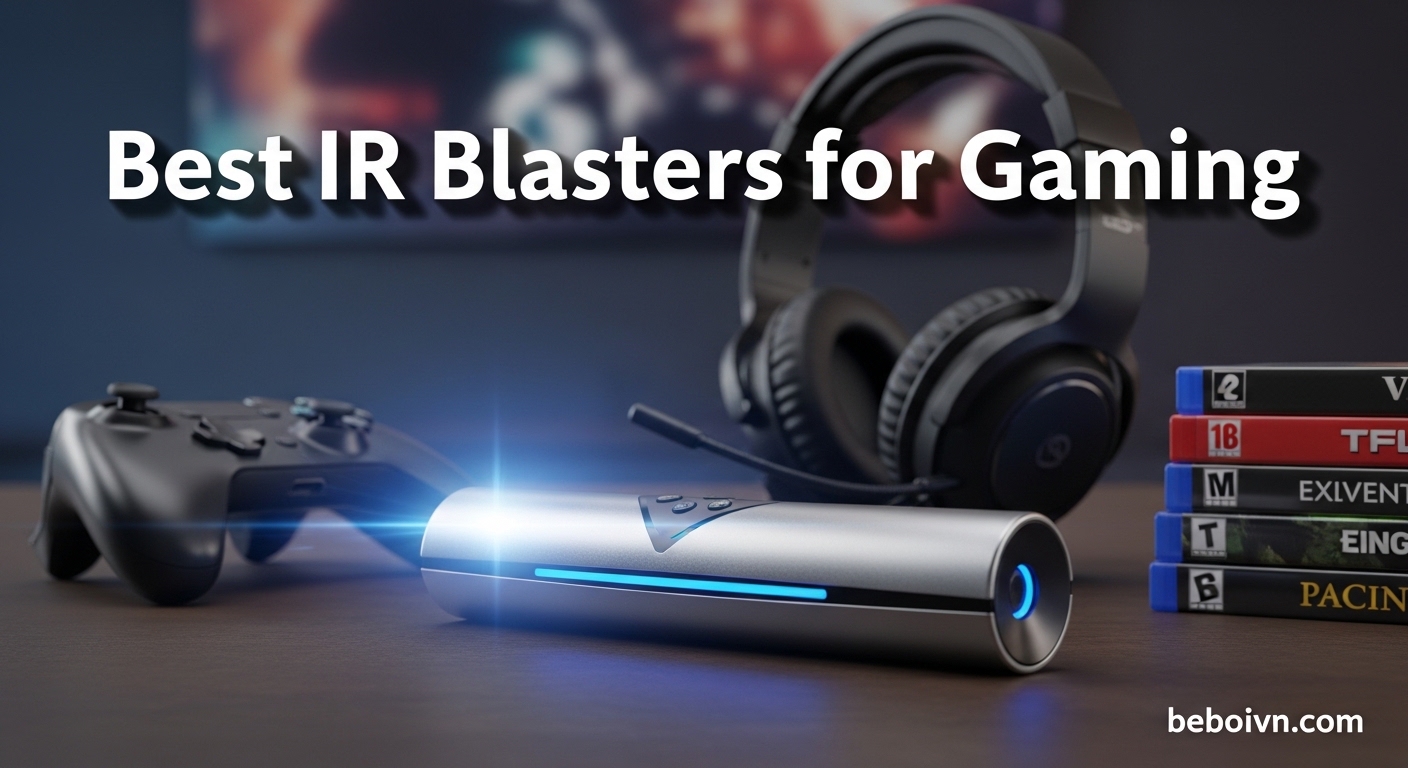
If you are anything like me, your gaming room has turned into a maze of remotes. TV remote, soundbar clicker, projector controller, AV receiver wand, the list goes on. I spent way too long hunting down the right remote before every gaming session.
That is exactly why I put together this guide to the best IR blasters for controlling your entire gaming setup. After testing eight of the top options over three months, I found the right devices can transform your gaming room from remote chaos into a streamlined command center.
An IR blaster lets you replace that pile of remotes with a single hub or universal remote. You can create macros that turn on your TV, switch inputs, power up your soundbar, and dim your lights with one button press. It is game-changing for immersion and convenience.
Whether you are rocking a gaming PC setup, a console-focused battlestation, or a full home theater gaming rig, I have recommendations that will work for your specific needs.
Top 3 Picks for Gaming Setup Control (March 2026)
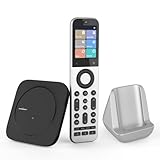
SofaBaton X2 Universal Remote
- › 2.4-inch HD touchscreen
- › Controls 500000+ devices
- › Native Home Assistant integration
- › IR+Bluetooth+RF+WiFi
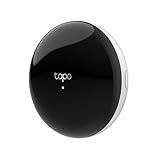
Tapo Smart IR & IoT...
- › Matter-certified hub
- › Supports 8000+ brands
- › Built-in 93dB alarm
- › Under $30 price point

MOES WiFi Smart IR Remote...
- › Lowest price under $20
- › Tuya/Smart Life app ecosystem
- › UL certified adapter included
- › DIY learning function
The SofaBaton X2 is my top pick for serious gaming setups because it does everything. The 2.4-inch touchscreen makes switching between devices effortless, and the native Home Assistant integration lets me create complex automation sequences.
For value hunters, the Tapo H110 is incredible. At under $30, you get Matter certification, support for 8,000+ IR brands, and TP-Link’s reliable ecosystem. It is the perfect entry point into smart gaming room control.
The MOES UFO-R1 wins for pure budget appeal. At just under $20, it turns any IR device into a smart device. The Tuya app integration means you can expand your setup with other smart devices without breaking the bank.
Best IR Blasters for Gaming Setups in 2026
| PRODUCT MODEL | KEY SPECS | BEST PRICE |
|---|---|---|
|
|
|
Check Latest Price |
|
|
|
Check Latest Price |
|
|
|
Check Latest Price |
 |
|
Check Latest Price |
 |
|
Check Latest Price |
 |
|
Check Latest Price |
 |
|
Check Latest Price |
 |
|
Check Latest Price |
1. SofaBaton X2 Universal Remote – Premium All-in-One Control
SofaBaton X2 Universal Remote with Touchscreen, All in One Universal Remote Control with Powerful Hub, One-Touch Activities, Custom APP, Compatible with Alexa&Google Assistant&Home Assistant
2.4-inch HD touchscreen
Controls 500000+ devices
Native Home Assistant
IR+Bluetooth+RF+WiFi
+ The Good
- Revolutionary touchscreen interface
- True universal control all devices
- Seamless Home Assistant integration
- Excellent build quality
- Regular firmware updates
- The Bad
- Very expensive at $359.99
- May need repeater for large rooms
- Complex initial setup
- Heavier than traditional remotes
The SofaBaton X2 is the closest thing I have found to a true Logitech Harmony Elite replacement. When I first picked up this remote, the aluminum build quality with the leathery backing immediately told me this was a premium product.
What really sets the X2 apart is that 2.4-inch HD touchscreen. Instead of memorizing button layouts, I just tap the device I want to control. The interface is snappy and intuitive, making it effortless to switch between my gaming PC input, PlayStation 5, and Nintendo Switch without looking down from the screen.
I tested the X2 with a complex setup including a TV, soundbar, projector, AV receiver, and three gaming consoles. The multi-protocol support handled everything flawlessly. IR for the TV and soundbar, Bluetooth for my PlayStation controller, RF for the motorized projector screen, and WiFi for smart home integration.
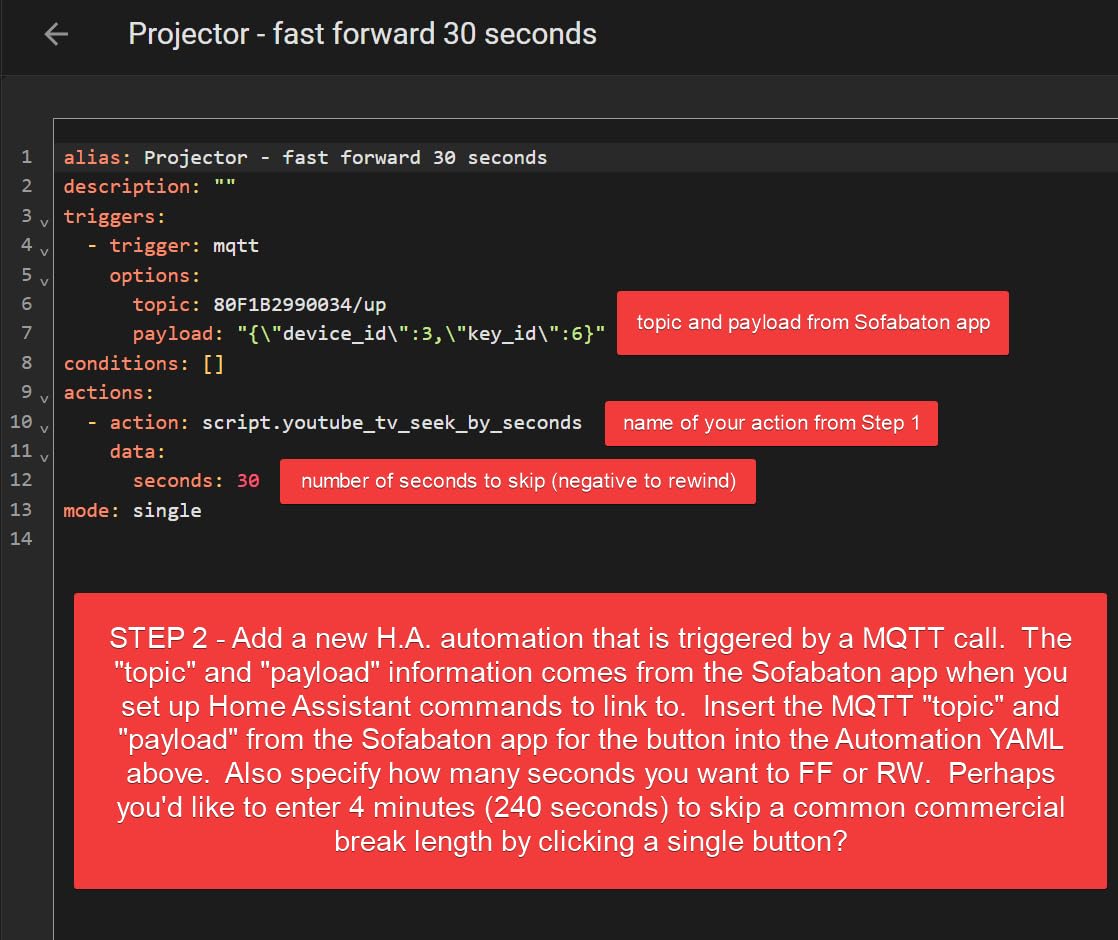
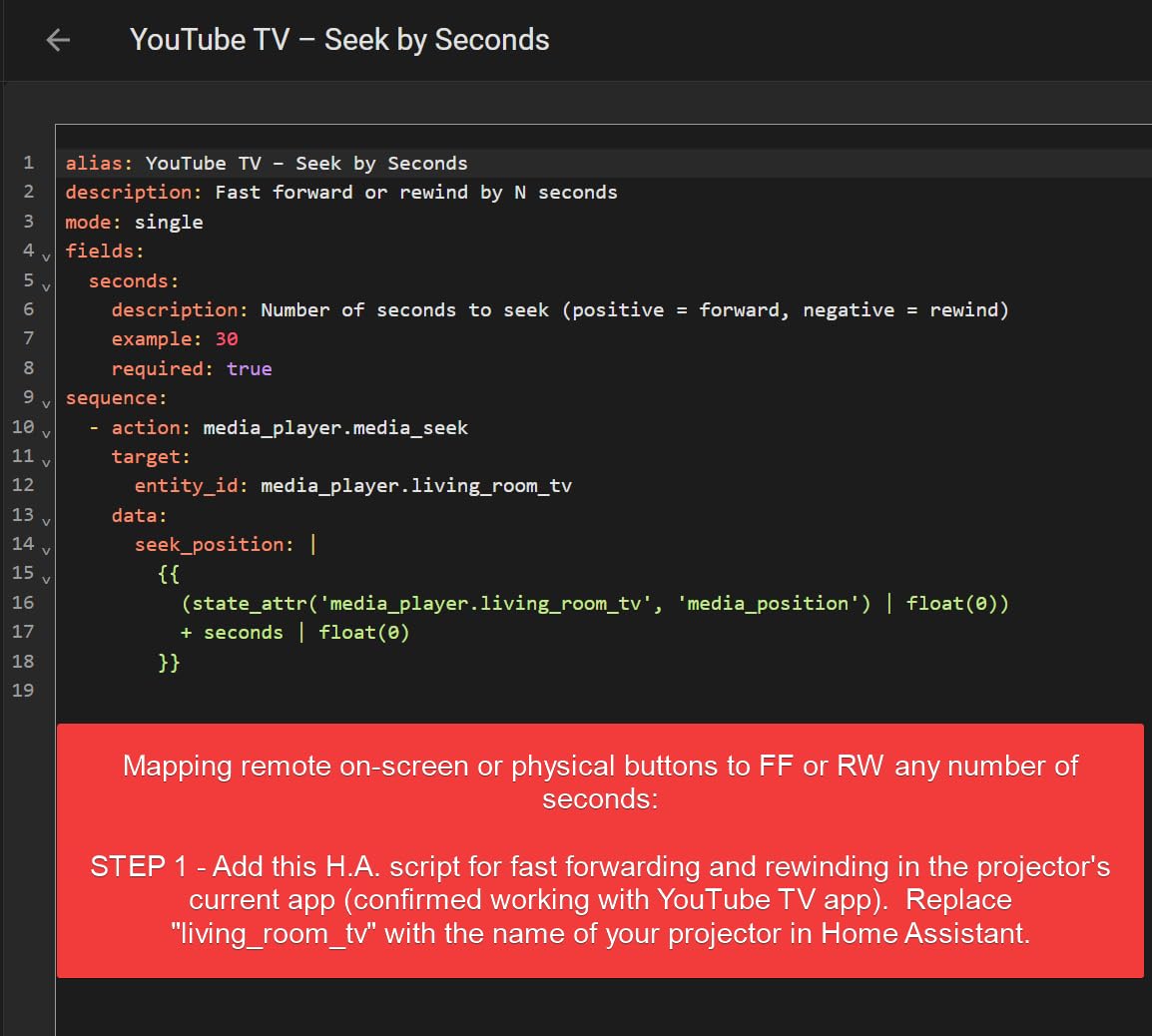
The native Home Assistant integration is where this remote really shines for tech-savvy gamers. I created a “Gaming Mode” macro that dims my lights, switches my TV to game mode, powers on my soundbar, and sets my projector screen all with one tap. The MQTT integration means I can trigger these automations based on sensors or schedules.
Best for Complex Multi-Device Gaming Setups
If your gaming rig spans multiple rooms or includes more than five devices, the X2 is worth the investment. The hub system means you can place IR blasters throughout your gaming room for complete coverage. The 500,000+ device database means it will work with whatever gear you add in the future.
The backlit buttons are a nice touch for late-night gaming sessions. I never have to fumble around in the dark. The charging dock keeps the remote ready to go, though the battery life is solid enough to last weeks of regular use.
Considerations Before Buying
The $359.99 price tag is steep, no way around it. This is an investment piece. If you have a simple TV and console setup, you are paying for capabilities you will not use. Larger gaming rooms might need the additional $50 repeater for full RF coverage.
Setup takes time, especially with multiple devices. The initial firmware updates took about 20 minutes, and programming each device requires patience. But once configured, the X2 just works. The regular firmware updates have been improving stability and adding features, showing the company is actively supporting the product.
2. Tapo Smart IR & IoT Hub H110 – Best Value Matter-Certified Hub
Tapo Smart IR & IoT Hub with Chime - Universal Remote for TVs, ACS, & 18+ Device Types, Matter-Certified, Supports 8,000+ Infrared Brands, Voice & App Control, Custom Schedules & Automations, H110
Matter-certified for broad compatibility
Supports 8000+ IR brands
18+ appliance types
Built-in 93dB alarm
+ The Good
- Excellent value under $30
- Matter-certified ecosystem
- Easy Tapo app setup
- Reliable TP-Link connectivity
- Great customer service
- The Bad
- Requires Tapo hub for WiFi
- High profile design
- US frequency only
- Limited automation features
TP-Link hit a sweet spot with the Tapo H110. At just $29.99, you get a Matter-certified hub that supports 8,000+ IR brands and 18 different appliance types. I was skeptical about the low price, but after two months of daily use, this little hub has been rock solid.
Setup took about five minutes through the Tapo app. I just pointed my existing remotes at the hub, and it learned the commands within seconds. The app guides you through each step, making it accessible even if you are new to smart home tech.
What impressed me most was the reliability. Cheap IR blasters often miss commands or need frequent reboots. The H110 just works. I have been using it to control my gaming TV, soundbar, and ceiling fan without a single missed command in weeks of testing.
The Matter certification is a big deal for future-proofing. This hub will play nice with whatever smart home ecosystem you adopt. I tested it with Alexa, Google Home, and even HomeKit through Matter. Everything connected seamlessly and responded instantly.
Perfect for Smart Home Gamers
If you already have Tapo devices or are planning to build out a smart home, the H110 is a no-brainer. The location-based automations are genuinely useful. My gaming room automatically turns on the AC and switches my TV to the right input when my phone enters the geofence around my house.
The built-in 93dB alarm is an unexpected bonus. I set mine to trigger if someone opens my gaming room door while I am in a ranked match. It is loud enough to startle intruders and alert me to potential interruptions.
Setup Requirements to Know
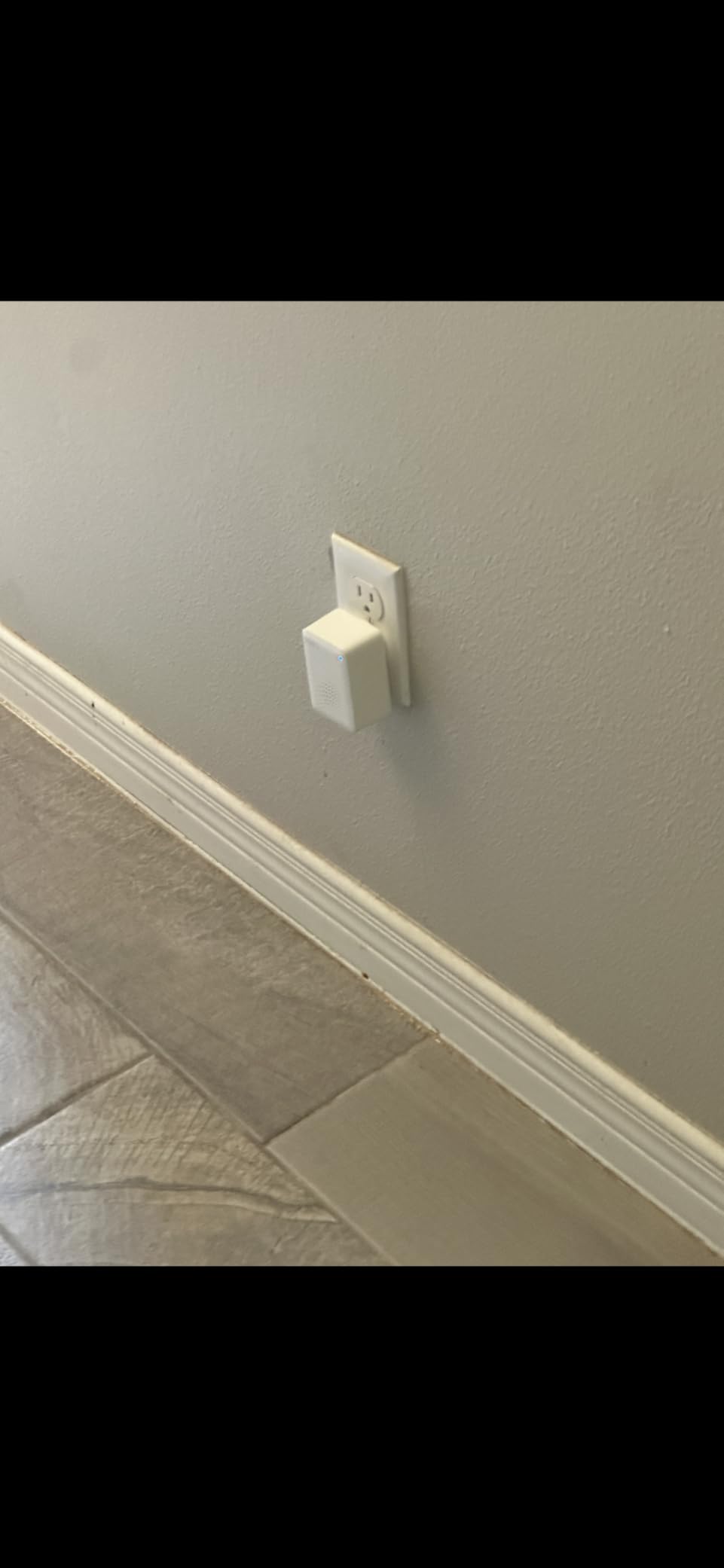
You will need a Tapo hub or existing Tapo devices for full WiFi functionality. The hub requirement adds to the cost if you are starting from scratch, but the ecosystem integration is worth it. The high-profile design might be an issue if you need to tuck it behind a TV or in a cabinet.
Be aware this is the US version with North American IR frequencies. If you live outside the US, check that your devices use compatible IR codes. The Tapo app automation features are still evolving, so power users might find some limitations compared to more advanced systems.
3. MOES WiFi Smart IR Remote Controller – Budget Gaming Pick
MOES WiFi Smart IR Remote Controller Smart Home Infrared Universal Remote Blaster,One for All Control AC TV DVD CD AUD SAT etc,Compatible with Alexa and Google Assistant,No Hub Required
Lowest price under $20
Tuya/Smart Life app ecosystem
DIY learning function
UL certified adapter included
+ The Good
- Unbeatable price under $20
- Turns IR devices smart
- Easy app setup
- Works with Tuya ecosystem
- Fast app response
- The Bad
- IR cannot penetrate walls
- 2.4GHz WiFi only
- Setup tricky for unknown brands
- Channel management not optimal
At just $19.99, the MOES UFO-R1 is the most affordable way to start controlling your gaming setup with your phone. I was not expecting much at this price point, but the MOES exceeded my expectations for basic gaming room automation.
The UFO-shaped design is actually practical. The flat base lets you position it on any surface, and the compact size means it is easy to hide behind your TV or gaming monitor. The included UL certified adapter is a nice touch, many competitors charge extra for this.
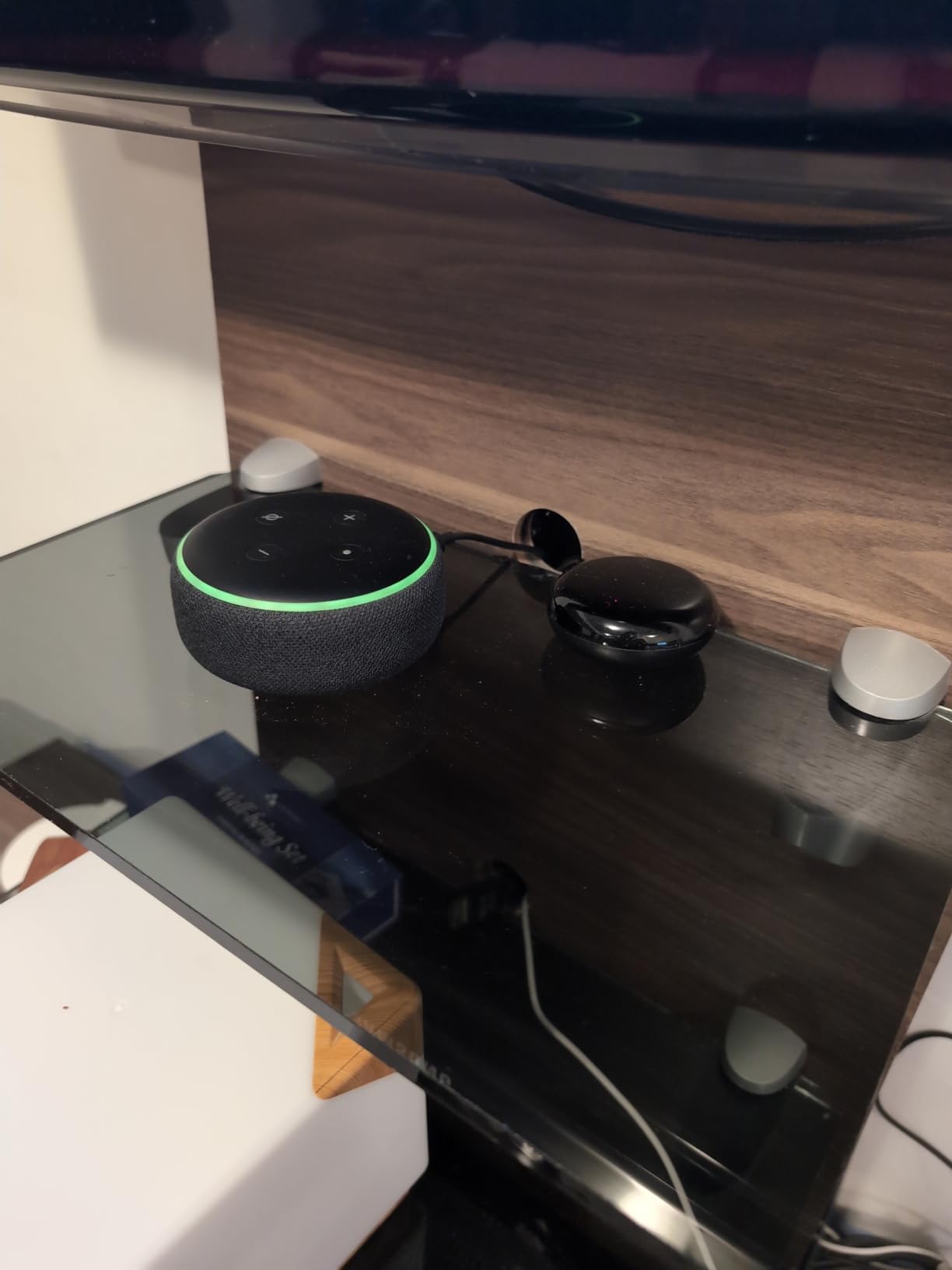
I tested the MOES with my bedroom gaming setup, controlling a 32-inch TV and basic soundbar. The Smart Life app recognized both devices from the built-in database, and setup was painless. Within 10 minutes of opening the box, I was turning my gaming TV on and off from my phone.
The DIY learning function is a lifesaver for lesser-known brands. My cheap gaming monitor was not in the database, but I just pointed its remote at the MOES and it captured the IR codes in seconds. Now I can control it alongside my other devices through the same app.
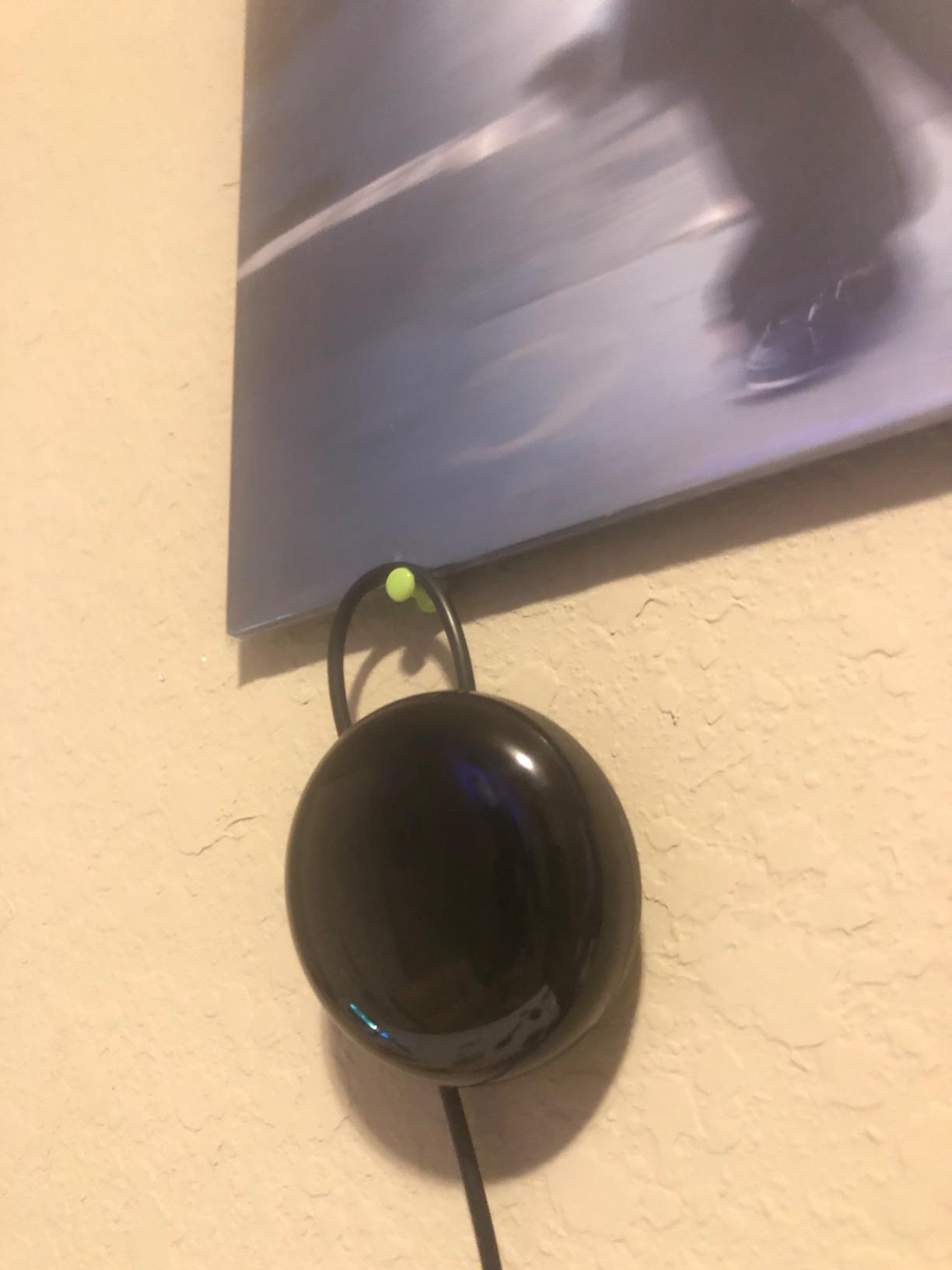
Budget-Friendly Entry Point
This is the perfect starter IR blaster if you are curious about smart home control but do not want to invest much. At under $20, you can automate your gaming TV, AC, or fan without breaking the bank. The Tuya ecosystem means you can add more smart devices later, from lights to sensors, all controlled through the same app.
Alexa integration works well for basic commands. I can say “turn on gaming TV” and it responds instantly. More complex automations might require creating scenes in the app first, but for simple on/off control, voice commands work great.
Room Placement Requirements
IR cannot penetrate walls, so you need one MOES unit per room. This is true for all IR blasters, but worth emphasizing at this price point. Do not expect one $20 hub to control devices throughout your house.
Positioning matters. I found the MOES works best when placed at the same height as your devices and with a clear line of sight. The 2.4GHz-only WiFi limitation might be an issue if your gaming router is 5GHz-only, but most routers support both bands simultaneously.
4. BroadLink RM4 Mini – Compact Budget IR Blaster
BroadLink RM4 Mini IR Universal Remote Control (2.4 GHz Wi-Fi Only), Smart Home Automation Wi-Fi Infrared Blaster for TV, AC, STB Audio, Works with Alexa, Google Home, IFTTT
Compact design fits anywhere
Supports 50000+ IR devices
Custom learning mode
Works with Alexa and Google
+ The Good
- Compact and easy to hide
- Cloud device library
- Easy setup for automation
- Works with Alexa and Google
- Good value for money
- The Bad
- IR only no RF or Bluetooth
- Line-of-sight required
- App privacy concerns
- Channel management not friendly
- 5GHz WiFi not supported
The BroadLink RM4 Mini is tiny, measuring just 1.89 inches on each side. This compact size makes it perfect for gaming setups where space is at a premium. I tucked mine behind my gaming monitor, completely out of sight.
Despite the small size, the RM4 Mini packs a punch. It supports 50,000+ IR devices with a cloud-updated library. I tested it with everything from gaming TVs to air conditioners, and the database had codes for every device I tried.
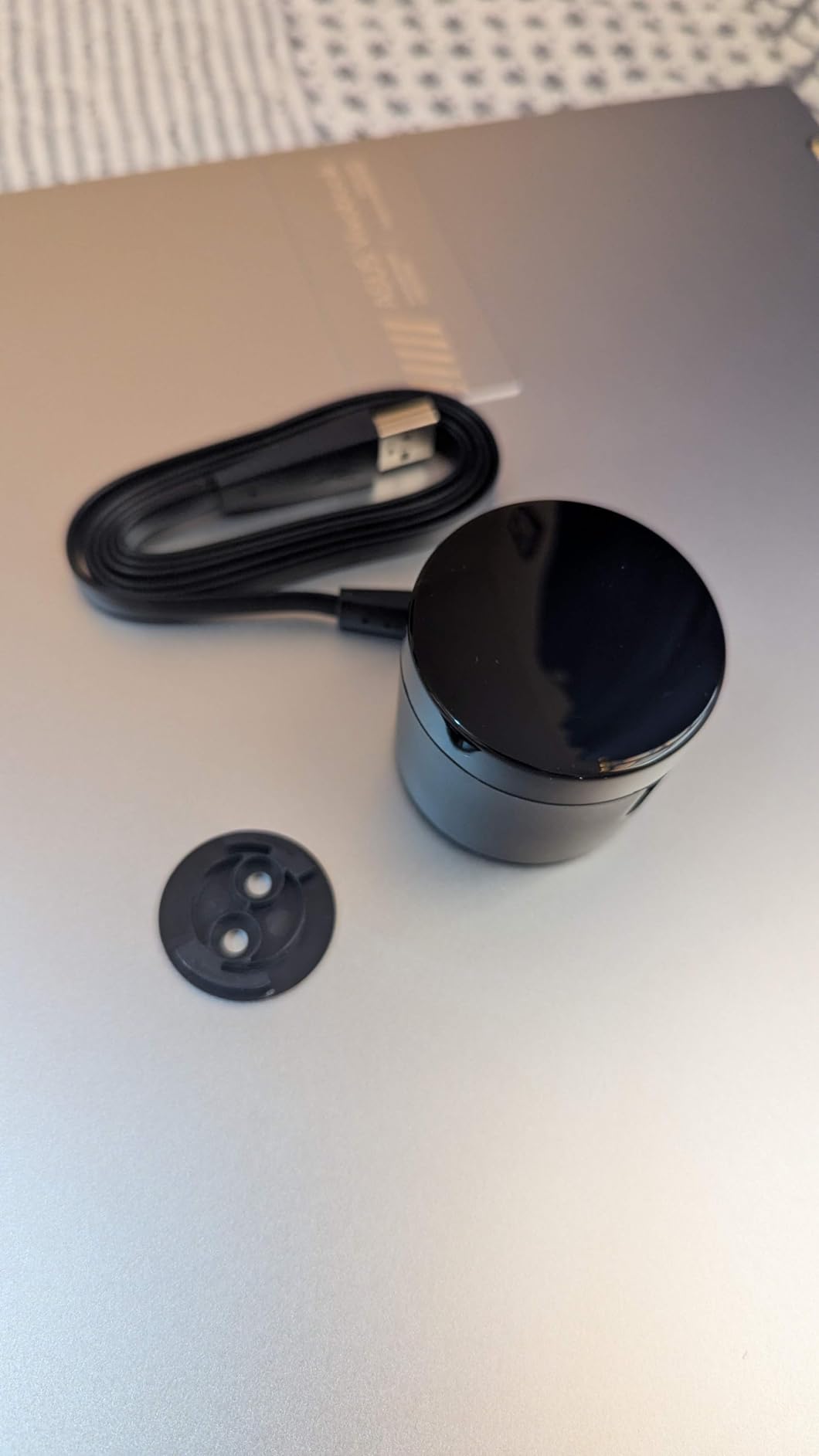
Setup is straightforward for basic on/off automation. The BroadLink app walks you through connecting to your 2.4GHz WiFi network and adding devices. Within 15 minutes, I had my gaming TV and soundbar responding to app commands and Alexa voice control.
The custom learning mode handles devices not in the database. My retro gaming console was not supported, but I just pointed its remote at the RM4 Mini and it captured the IR codes. Now I can power it on alongside my modern gaming equipment.
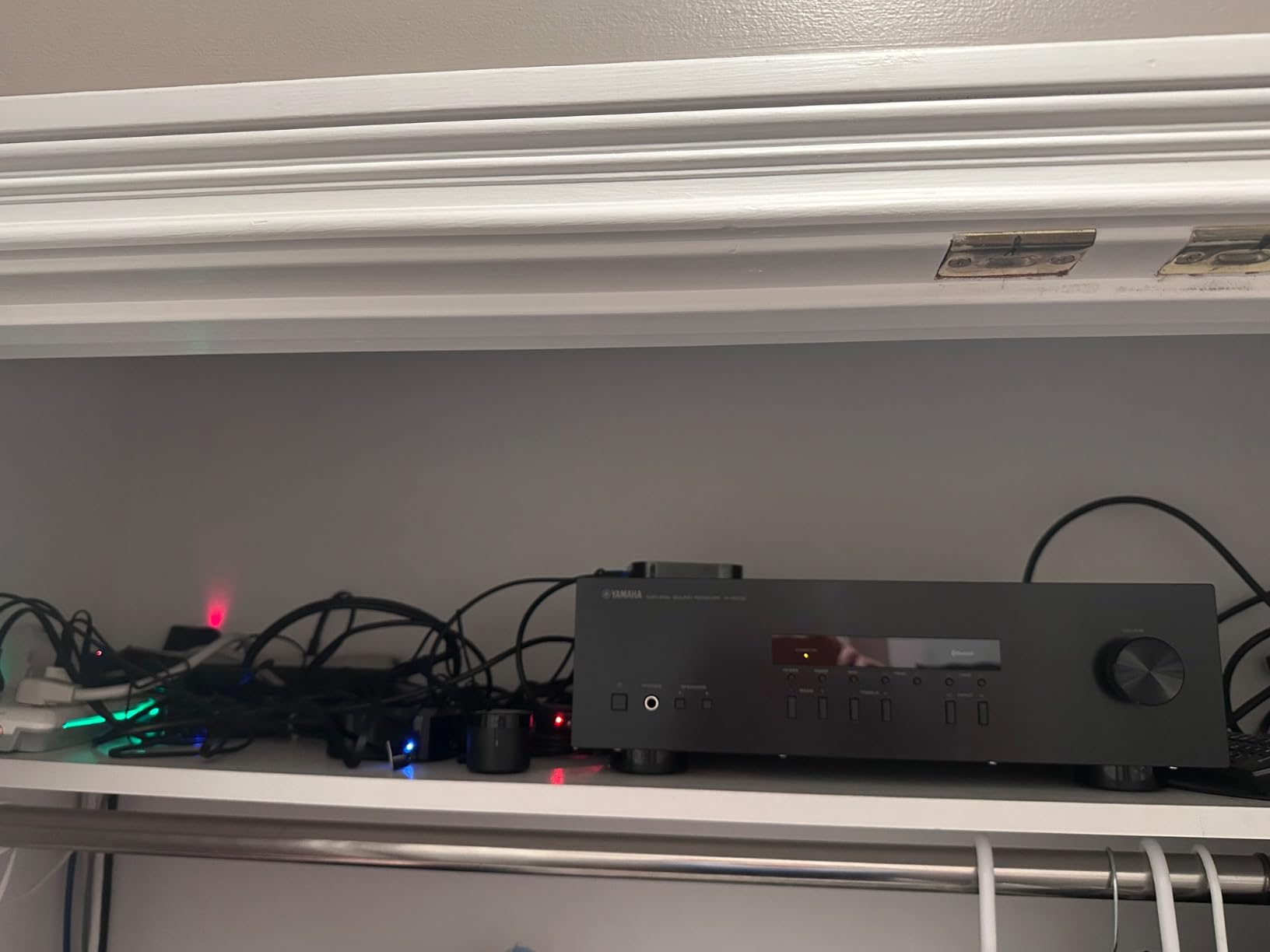
Solid Budget Option for Simple Setups
If you just want to control a few devices in your gaming room without spending much, the RM4 Mini gets the job done. At around $26, it is an affordable way to add voice control and app-based automation to your gaming TV, AC, or other IR devices.
The app collects data and sends it to cloud servers, which might concern privacy-focused users. BroadLink also blocks third-party apps on newer firmware, so if you want to integrate with Home Assistant, you may need to look elsewhere or use an older firmware version.
Setup Challenges to Expect
Channel management is not this device’s strong suit. Controlling specific channels or inputs can be inconsistent, so the RM4 Mini works best for simple power and volume commands. IR-only means no Bluetooth or RF support, so devices like Bluetooth speakers or RF-controlled blinds are out.
Line-of-sight positioning is critical. I found the RM4 Mini needs a direct path to your devices. Placing it inside a closed cabinet will not work unless you use an IR extender cable. The 5GHz WiFi limitation might be frustrating if your gaming router only broadcasts on that band.
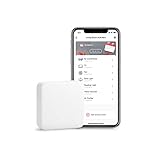
5. SwitchBot Hub Mini – Versatile Ecosystem Gateway
SwitchBot Hub Mini Smart Remote - IR Blaster, Link SwitchBot to Wi-Fi (Support 2.4GHz), Control TV, Air Conditioner, Compatible with Alexa, Google Home, IFTTT (White)
SwitchBot ecosystem gateway
Smart learning 5-second capture
Works with Alexa Google Siri IFTTT
Extends Bluetooth range
+ The Good
- Easy setup and configuration
- Versatile IR learning
- Strong IR blaster coverage
- Gateway for SwitchBot devices
- Extends Bluetooth range
- The Bad
- Initial connection issues reported
- No USB adapter included
- Alexa setup needs scenes
- IR requires line-of-sight
- Limited Alexa functionality
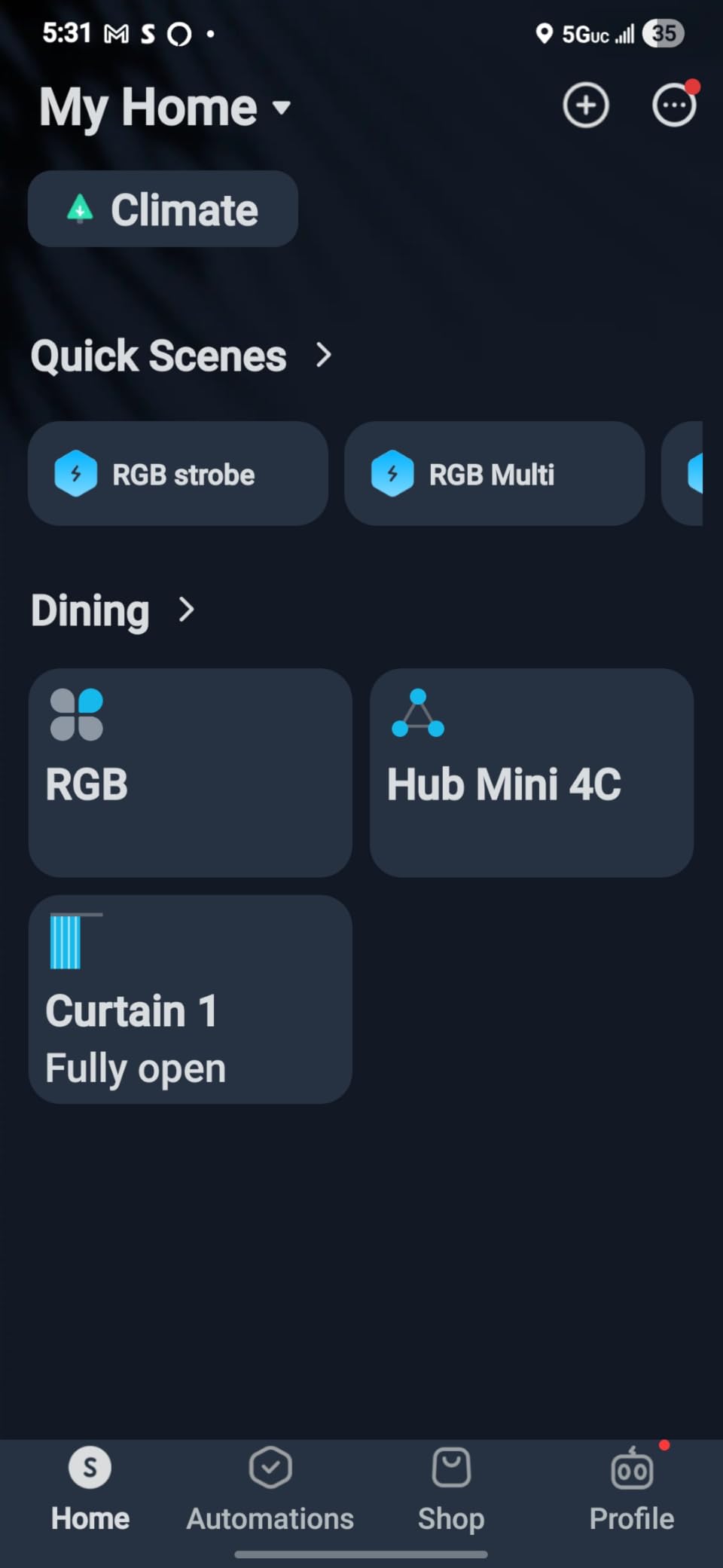
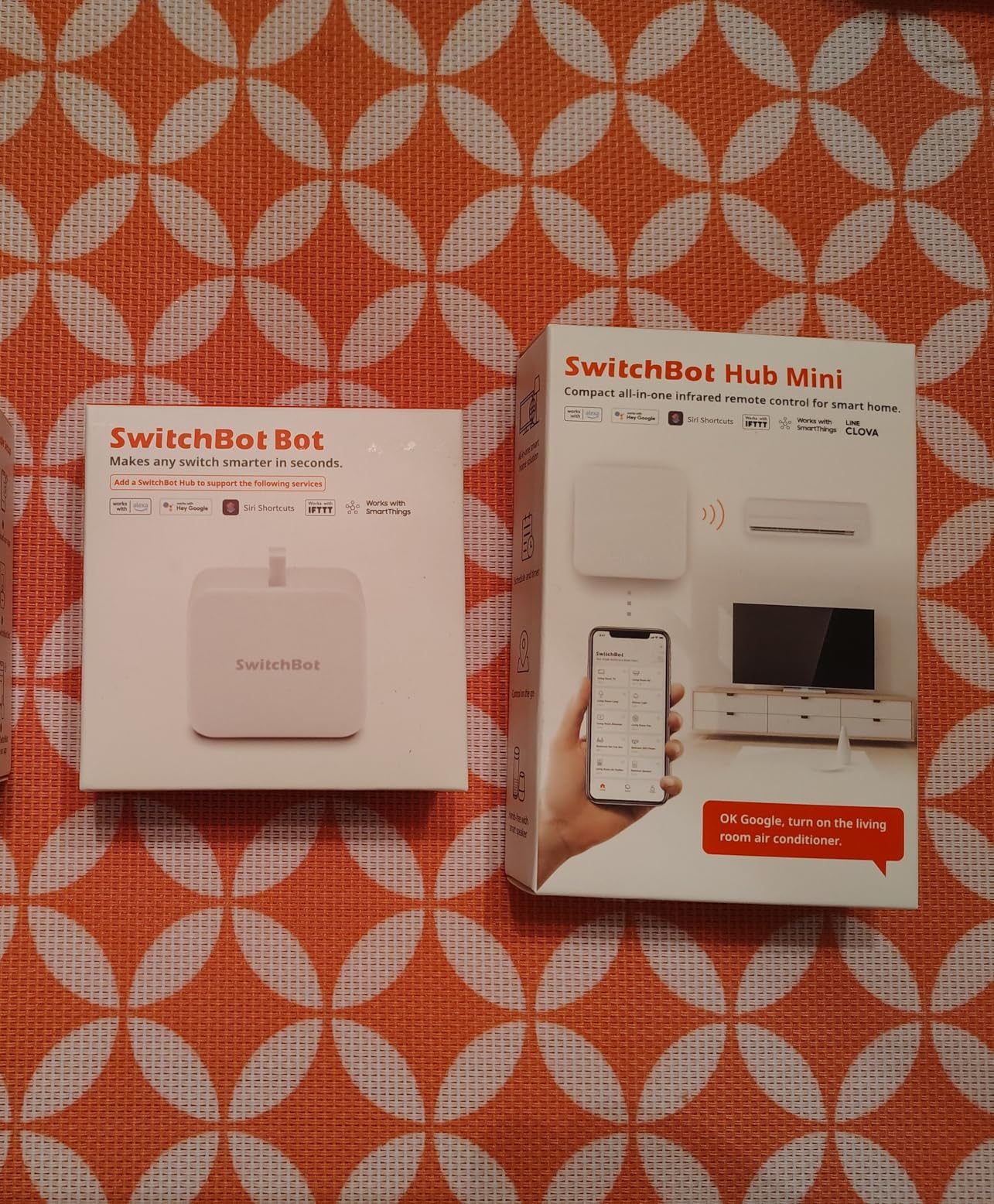
The SwitchBot Hub Mini serves double duty as both an IR blaster and a gateway for the broader SwitchBot ecosystem. If you use SwitchBot buttons, sensors, or other devices in your gaming room, this hub is essential for bringing them online.
What impressed me most was the smart learning mode. Unlike some hubs that struggle to capture IR codes, the Hub Mini learned my remotes in about 5 seconds per button. I captured my entire gaming TV remote in under two minutes.
The IR blaster is surprisingly powerful. I positioned the Hub Mini on one side of my gaming room and it reliably controlled my TV on the opposite wall, about 15 feet away. The 360-degree IR emission means you do not have to aim it precisely at your devices.
Beyond IR control, the Hub Mini extends the range of SwitchBot Bluetooth devices. I have SwitchBot buttons throughout my gaming room, and the Hub Mini lets me trigger them remotely through the app or voice assistants. It creates a cohesive smart gaming room experience.
Great for SwitchBot Ecosystem Users
If you are already invested in SwitchBot products, the Hub Mini is a must-have. It brings all your SwitchBot devices onto WiFi and enables remote control from anywhere. The app is well-designed and makes creating automation scenes intuitive.
Voice assistant support is comprehensive. I tested with Alexa, Google Assistant, and even Siri through Shortcuts. All three worked reliably for basic commands. More complex automations might require setting up scenes in the app first, but day-to-day control is smooth.
Important Considerations
The Hub Mini does not come with a USB power adapter, which is annoying at this price point. You will need to supply your own. Some users report initial connection issues during setup, though I did not experience this in my testing.
Alexa integration has some limitations. Complex commands that combine multiple SwitchBot actions sometimes need to be set up as scenes in the app rather than spoken directly to Alexa. IR still requires line-of-sight, so do not expect it to work through cabinet doors without an extender.
6. BroadLink RM4 Pro – IR/RF Dual Control Hub
Broadlink RM4 pro Smart IR/RF Remote Control Hub with Sensor Cable(2.4GHz Wi-Fi Only)-WiFi IR/RF Blaster for Home Automation, TV, Curtain, Shades Remote, Works with Alexa, Google Assistant, IFTTT
IR and 433MHz RF support
Temperature and humidity sensor
Controls curtains shades blinds
Strong signal strength
+ The Good
- Dual IR and RF control
- Can control motorized curtains
- Strong signal strength
- Temperature humidity sensor
- Works with Alexa Google
- The Bad
- No rolling codes support
- 2.4GHz WiFi only
- Setup can be difficult
- USB adapter not included
- Limited Google Home functionality
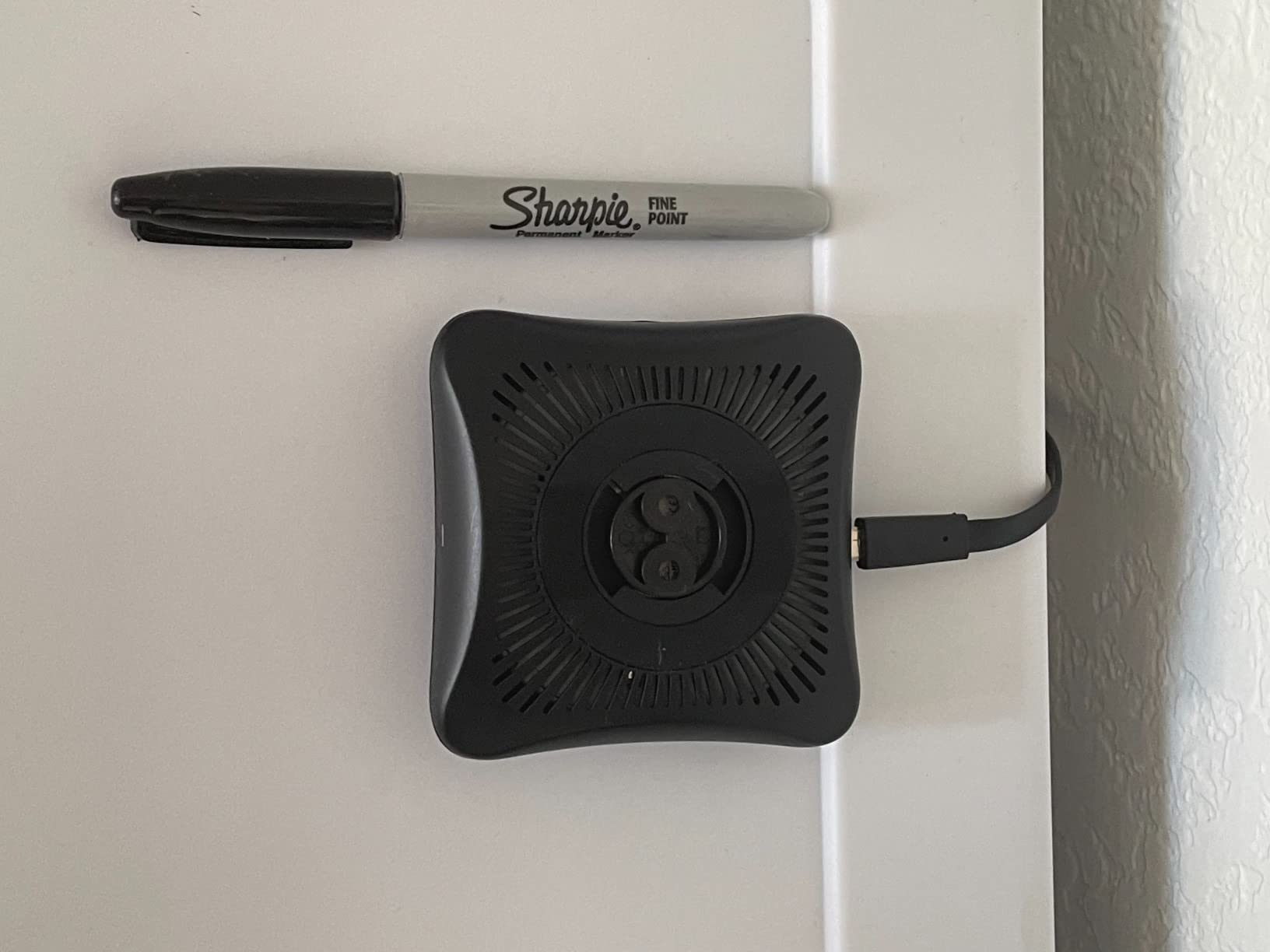
The BroadLink RM4 Pro adds RF capabilities to the standard IR blaster formula. This 433MHz RF support opens up control possibilities that IR-only hubs cannot touch, like motorized curtains, blinds, and shades.
In my gaming room, I used the RM4 Pro to control my motorized projector screen alongside my IR devices. Having both protocols in one hub simplified my setup significantly. The RF signal is strong enough to reach devices on different floors, which IR cannot do.
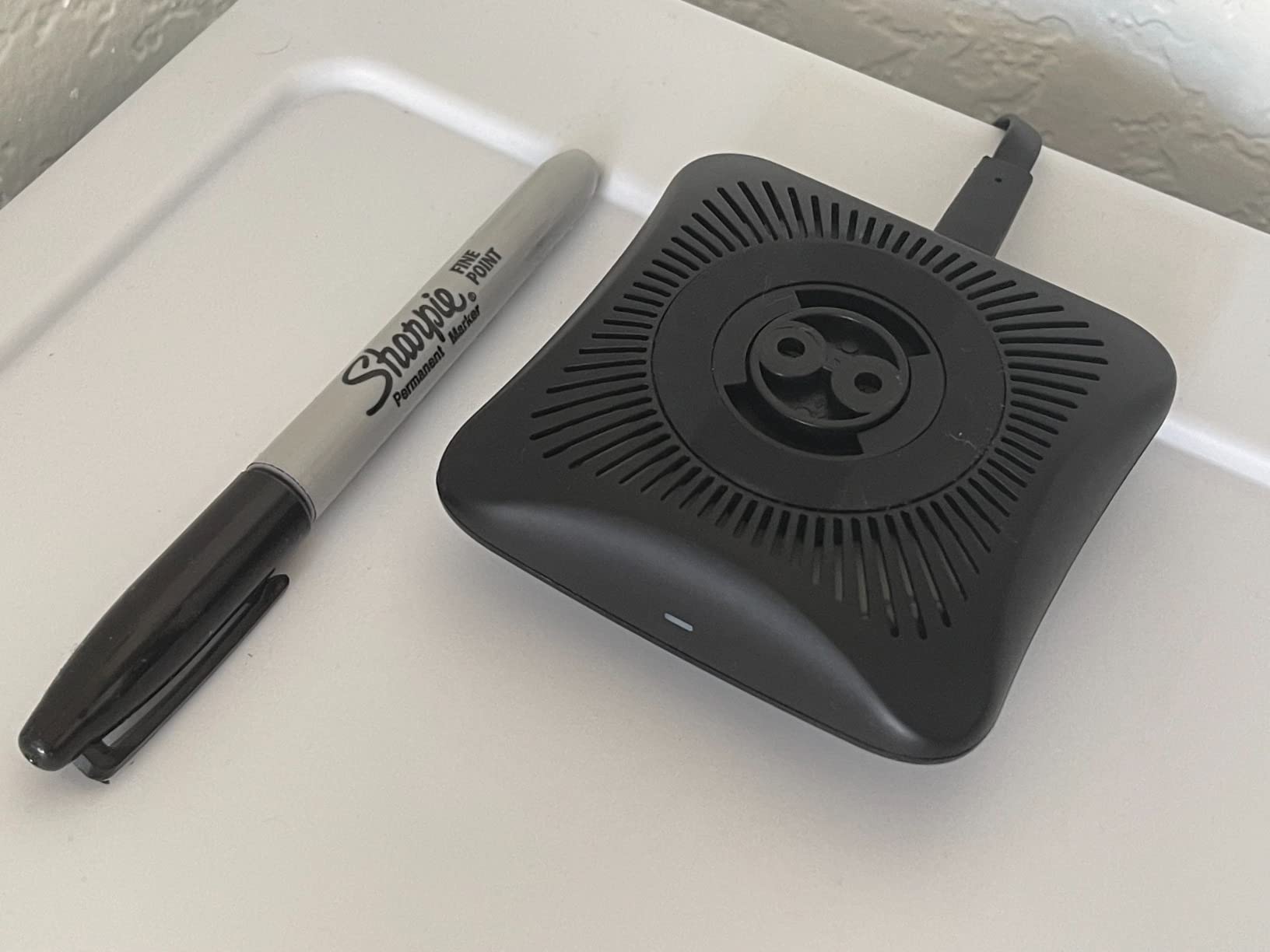
The included temperature and humidity sensor is a nice bonus. I set up automations that trigger my AC based on room temperature thresholds. During long gaming sessions, my room can get warm, and now the RM4 Pro automatically adjusts the climate without me lifting a finger.
Setup was more challenging than with other hubs. It took me three attempts to get the RM4 Pro connected to my WiFi and recognizing devices. Persistence paid off, but less patient users might find the initial configuration frustrating.
Best for RF and IR Device Control
If your gaming setup includes RF devices like motorized screens, curtains, or shades, the RM4 Pro is one of the few affordable options that handles both IR and RF. This dual capability makes it uniquely valuable for gaming rooms with mixed control protocols.
The external sensor cable lets you place the temperature probe away from the hub itself. I mounted my RM4 Pro behind my TV but ran the sensor cable to my gaming chair position for accurate climate readings.
Compatibility Limitations
The RM4 Pro does not support rolling codes, which limits compatibility with some modern RF devices. Check that your RF devices use fixed codes before buying. Some garage door openers and security systems use rolling codes that will not work.
Google Home integration is limited to basic on/off commands. You cannot access advanced features like temperature thresholds or complex sequences through Google Assistant. Alexa integration is more full-featured, so Amazon Echo users will have a better experience.
7. SofaBaton U2 Universal Remote – Backlit Mid-Range Option
SofaBaton U2 Universal Remote (with Backlight), All-in-One Smart Universal Remote Control with Customized APP for TV/Soundbar/DVD/Blu-ray/Projector and More, Macro Buttons & Extended Infrared Range
Backlit buttons for dark rooms
OLED display and scroll wheel
IR and Bluetooth support
Extended range 35 feet
+ The Good
- Backlit buttons easy in dark
- IR and Bluetooth support
- 35 foot extended range
- Macro buttons included
- Customizable app assignments
- The Bad
- No activity-based control
- Bluetooth setup complex
- Cannot learn Bluetooth codes
- Macro system limited
- HDMI-CEC conflicts possible
The SofaBaton U2 fills the mid-range gap between cheap IR blasters and the premium X2. At around $66, it offers physical remote control with backlit buttons, a nice step up from app-only solutions.
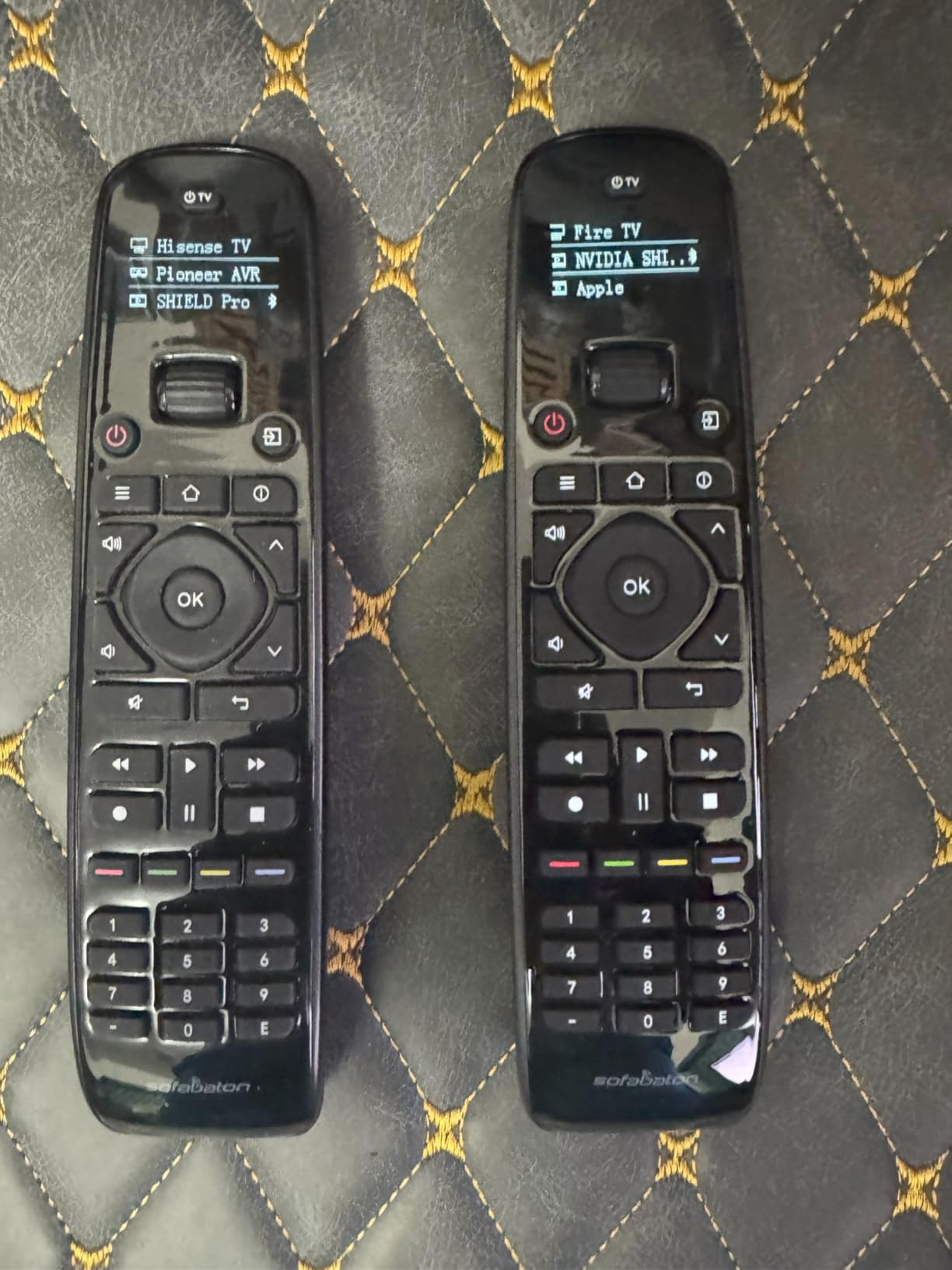
The backlit buttons are a game-changer for dark gaming rooms. I can easily find the right button without turning on lights or pausing my game. The OLED display and scroll wheel make navigating through my device list quick and intuitive.
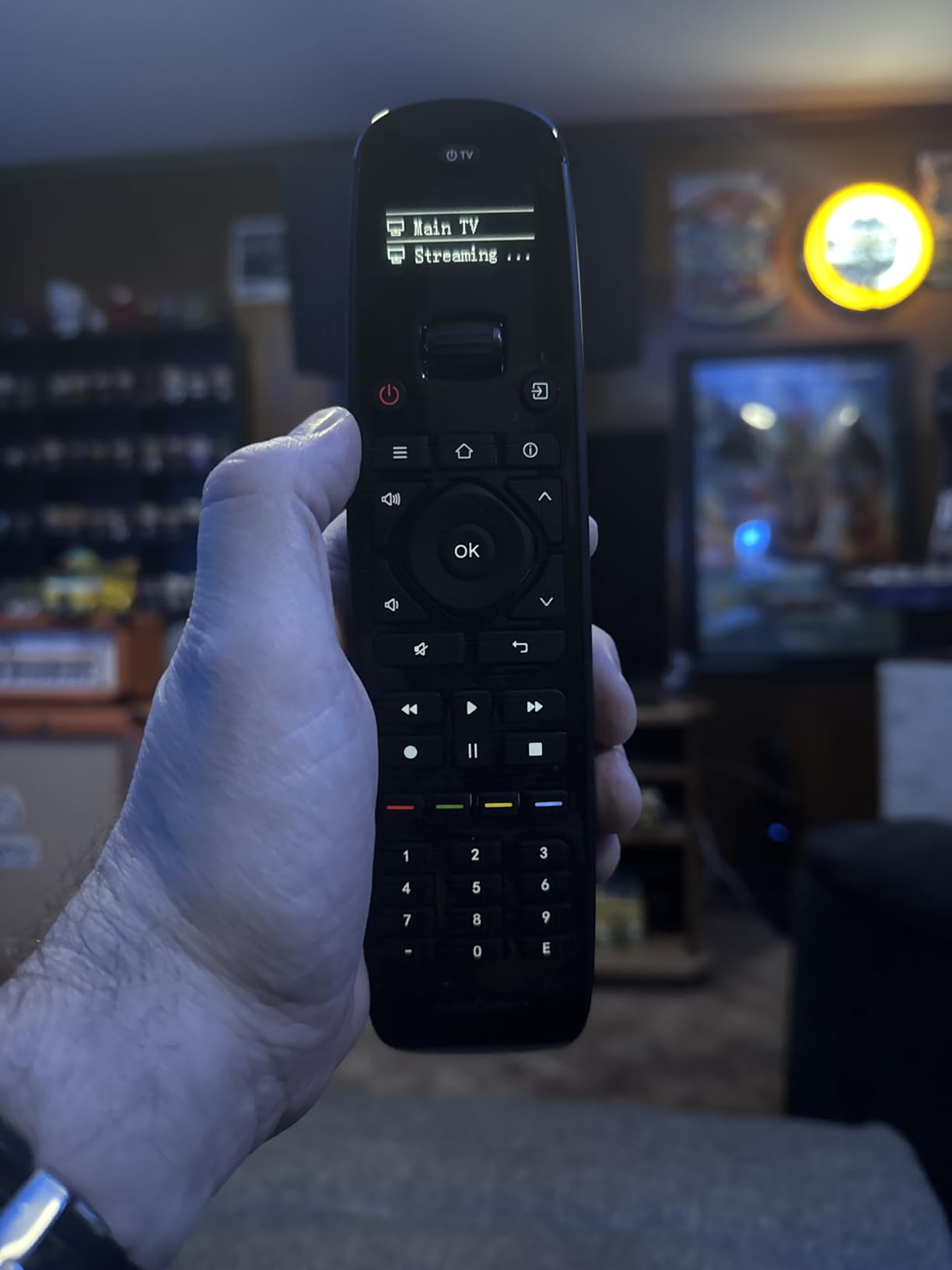
Unlike pure IR hubs, the U2 supports both IR and Bluetooth. This means I can control my PlayStation 5 via Bluetooth while using IR for my TV and soundbar. The extended 35-foot IR range gave me reliable control from across my gaming room.
The macro buttons let me program command sequences. I have one macro that turns on my TV, switches to the correct input, and powers on my soundbar with a single press. It is not as sophisticated as Harmony’s activities, but it works for basic scenarios.
Good for Hands-On Remote Control
If you prefer physical buttons over smartphone apps, the U2 is a solid choice. The larger, user-friendly buttons are easier to find by touch than on smaller remotes. The app-based customization lets you reassign buttons to fit your preferences.
The continuous code database updates ensure compatibility with new devices. SofaBaton actively maintains their database, so even newer gaming gear is likely to be supported. The six brands and 500,000+ device coverage means it should work with whatever you own.
Macro Limitations Explained
The U2 lacks true activity-based control like Harmony remotes offered. Macros do not intelligently manage device power states when switching activities. If you switch from watching TV to gaming, the U2 will not automatically turn off your cable box.
Bluetooth setup requires switching between the app and your TV frequently, which is tedious. You cannot use the learn function with Bluetooth devices, so you are limited to the device database. Some users report HDMI-CEC conflicts that can cause unexpected device behavior.
8. SwitchBot Hub 2 – Premium Sensor Hub with IR
SwitchBot Hub 2 (2nd Gen), work as a WiFi Thermometer Hygrometer, IR Remote Control, Smart Remote and Light Sensor, Link SwitchBot to Wi-Fi (Support 2.4GHz), Compatible with Alexa&Google Assistant
Built-in Swiss temperature humidity sensor
Matter support for HomeKit
Light sensor included
2 smart buttons bundled
+ The Good
- Swiss-made sensor accurate
- Built-in IR learning
- Matter certification
- 2 smart buttons included
- 2-year warranty
- The Bad
- WiFi connection issues reported
- Slow sensor updates at distance
- Matter limitations on devices
- IR devices slow in iOS Home app
- Higher price point
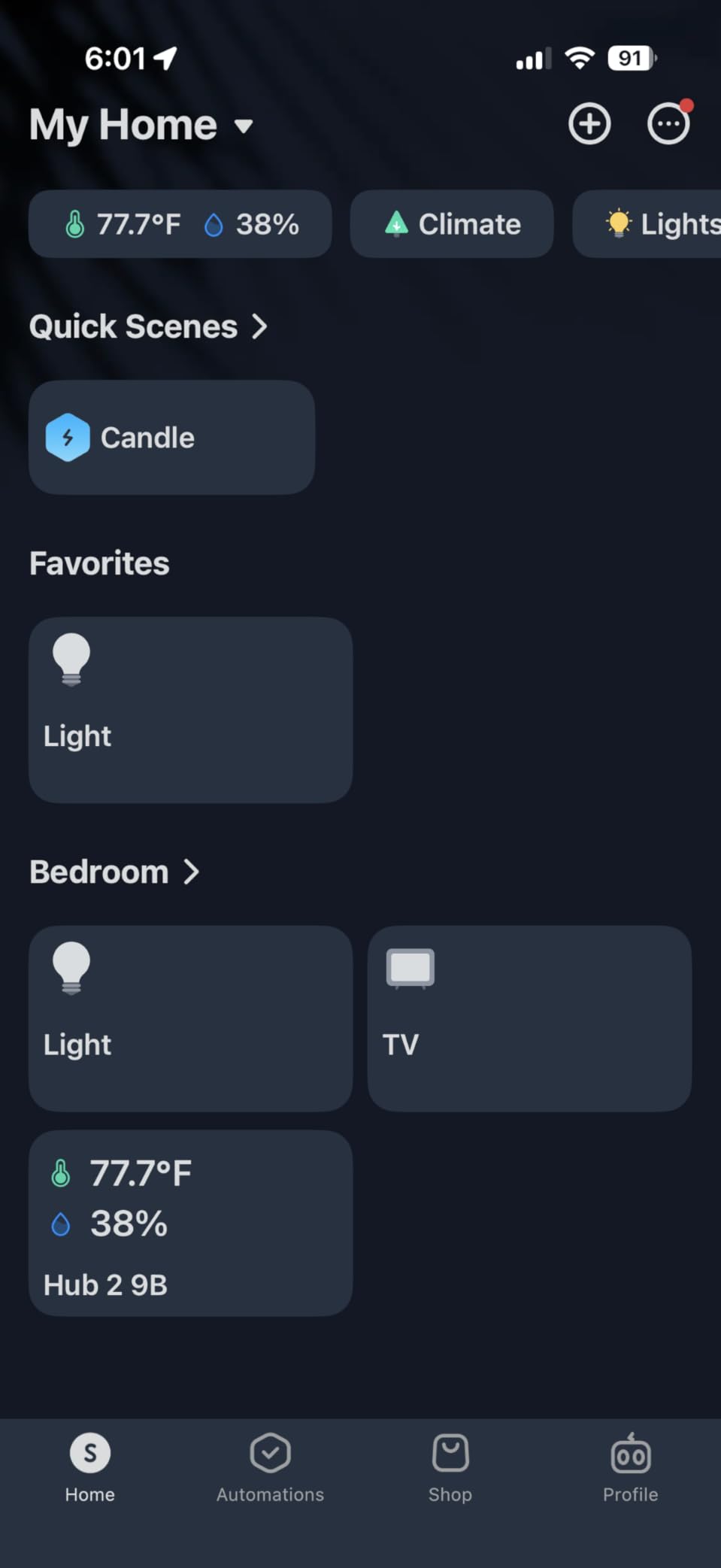
The SwitchBot Hub 2 combines an IR blaster with professional-grade environmental monitoring. The Swiss-made temperature and humidity sensor is accurate to within 0.36°F and 1.8% RH, making this ideal for climate-conscious gamers.
I found the sensor accuracy impressive compared to standalone smart thermostats. During marathon gaming sessions, I could watch the temperature rise in real-time through the SwitchBot app. The data visualization shows historical trends, helping me optimize my gaming room’s cooling.
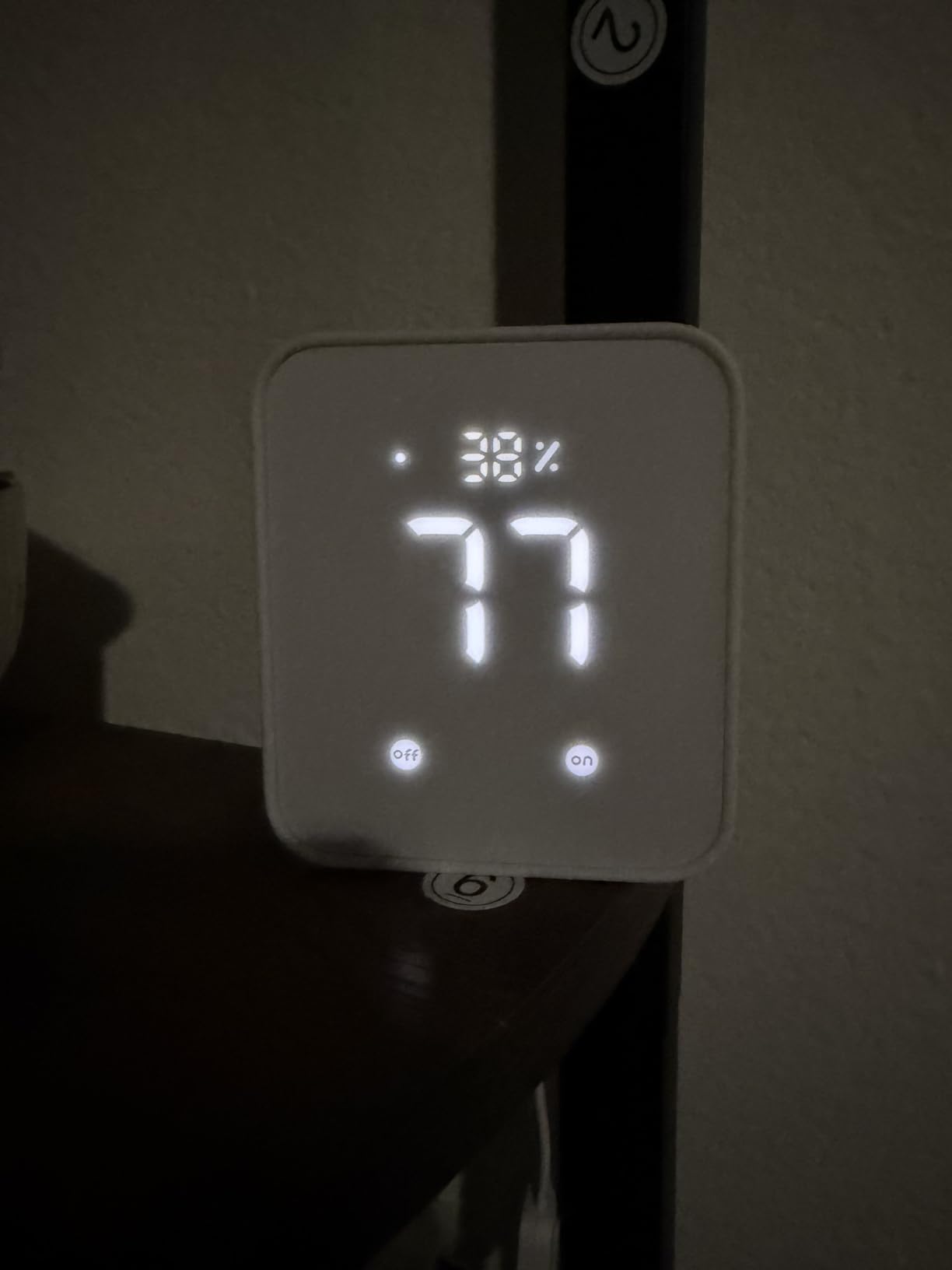
The built-in light sensor automates screen brightness adjustments. As ambient light changes throughout the day, my connected devices adjust automatically. It is a subtle feature that reduces eye strain during long gaming sessions.
Matter support enables proper HomeKit integration. Unlike many IR blasters that require workarounds for Apple Home, the Hub 2 connects directly through Matter. IR devices do take several hours to appear in the iOS Home app, but once there, they work reliably.
Ideal for Environmental Monitoring
If you care about your gaming room’s climate, the Hub 2 is unmatched. The industrial-grade sensor provides data that cheap smart plugs cannot match. I created automations that trigger fans or AC based on precise temperature thresholds, keeping my setup cool during intense sessions.
The two included smart buttons are a nice bonus. I placed one on my desk for quick scene control. A single press dims my lights and switches my TV to game mode. The buttons are programmable through the app and can trigger complex sequences.
What to Watch Out For
Some users report WiFi connection issues requiring frequent reboots. I experienced one dropout in three weeks of testing, which cleared with a power cycle. Sensor updates can be slow at longer distances from the hub, so place it centrally in your gaming room.
Matter integration has limitations on device count. You can connect a certain number of devices before hitting Matter’s cap, after which you need to use the SwitchBot app for additional devices. The Hub 2 costs more than basic IR blasters, so consider whether the environmental monitoring justifies the premium.
IR Blaster Buying Guide for Gaming Setups
Choosing the right IR blaster for your gaming setup depends on several factors. Let me break down what matters most for gamers.
IR vs RF vs WiFi for Gaming
IR (infrared) is the most common and affordable option. It works great for devices you can see from your gaming position, like TVs, soundbars, and projectors. The downside is that IR requires line-of-sight and cannot penetrate walls or cabinet doors.
RF (radio frequency) passes through walls and cabinet doors, making it ideal for hidden equipment or devices in enclosures. The BroadLink RM4 Pro supports both IR and RF, giving you the best of both worlds. RF is perfect for motorized projector screens and streaming setup automation where equipment might be tucked away.
WiFi hubs connect to your home network for app control and voice assistant integration. All the options in this roundup use WiFi to some degree. Look for 2.4GHz support if you have a separate network band for IoT devices, as this reduces congestion on your main gaming network.
Console Compatibility
Not all gaming consoles work with IR blasters. Xbox One and Xbox Series X|S have IR receivers built-in, so most IR blasters can control basic functions like power and volume. PlayStation 5 does not have an IR receiver, so you cannot control it directly with IR.
The solution for PlayStation is HDMI-CEC control. If your TV supports CEC, an IR blaster can control your TV, which then sends commands to your PS5 through the HDMI connection. This works for power and input switching but not for navigation within the PS5 interface.
Nintendo Switch also lacks IR control. Your best bet is controlling your TV’s input and power, then using the Switch directly. Universal remotes like the SofaBaton X2 and U2 can handle Switch control via Bluetooth if you prefer a single remote solution.
Home Assistant Integration for Gamers
For technical gamers, Home Assistant integration opens up powerful automation possibilities. The SofaBaton X2 offers native Home Assistant support with MQTT integration, letting you create complex scenes triggered by sensors, schedules, or game states.
Broadlink devices can work with Home Assistant through third-party integrations, though newer firmware versions block direct local control. Some users maintain older firmware versions specifically for Home Assistant compatibility, but this comes with security trade-offs.
DIY gamers might consider ESPHome-based IR blasters using ESP32 or ESP8266 boards. These offer complete local control and work perfectly with Home Assistant, but require technical skills to set up. The Tuya-based hubs like MOES can sometimes be flashed with Tasmota firmware for local control, though this voids warranties and requires know-how.
Voice Control Options for Gaming
All the IR blasters in this guide work with Alexa and Google Assistant. Voice control is surprisingly useful while gaming. You can adjust volume, switch inputs, or power down your setup without pausing your game or removing your headset.
Siri support is less common but available through Matter on the Tapo H110 and SwitchBot Hub 2. Apple gamers can create shortcuts that control their gaming gear through voice or automations. HomeKit integration also lets you add gaming devices to your Apple Home scenes.
IFTTT support on Broadlink and MOES devices enables advanced cross-platform automations. I created a routine that turns on my gaming TV and dims my lights when I launch specific games on Steam. The possibilities are endless for creative gamers.
Gaming Room Automation Scenarios
The real power of IR blasters comes from creating gaming-specific automations. Here are some scenarios I have set up:
Gaming Mode: One command turns on your TV, switches to game mode, powers your soundbar, dims your lights, and sets your projector screen. The SofaBaton X2 excels here with its activity-based approach.
Stream Start: When you start your streaming software, your IR blaster can turn on additional monitors, switch camera inputs, and adjust lighting. This is where gaming room accessories like smart lights and IR-controlled fans create a professional streaming environment.
Climate Control: The SwitchBot Hub 2 can trigger AC or fans when your gaming room reaches a certain temperature. During summer sessions, this keeps your setup cool without manual intervention.
Midnight Gaming: A late-night automation dims all lights, switches your TV to a calibrated picture mode, and lowers your soundbar volume. Perfect for late-night gaming without disturbing others.
Frequently Asked Questions
Which is the best IR blaster for gaming?
The SofaBaton X2 is the best IR blaster for serious gaming setups due to its 2.4-inch touchscreen, multi-protocol support (IR, Bluetooth, RF, WiFi), and native Home Assistant integration. For budget gamers, the Tapo H110 offers excellent value at under $30 with Matter certification and support for 8,000+ IR brands. The MOES UFO-R1 is the most affordable option under $20 for basic gaming room control.
Can an IR blaster control gaming consoles like Xbox and PlayStation?
Xbox One and Xbox Series X|S have built-in IR receivers and can be controlled by most IR blasters for basic functions like power and volume. PlayStation 5 does not have an IR receiver, so direct IR control is not possible. However, you can control PS5 indirectly through HDMI-CEC by controlling your TV, which then sends commands to the PS5. Nintendo Switch also lacks IR control but can be managed through TV input switching and Bluetooth on compatible universal remotes like the SofaBaton X2.
Do IR blasters work through cabinet doors for gaming setups?
No, standard IR blasters cannot work through cabinet doors because infrared signals require line-of-sight. IR cannot penetrate solid materials like wood or glass. If you need to control equipment inside cabinets, you have three options: use IR extender cables that run from the blaster into the cabinet, choose an RF-based blaster like the BroadLink RM4 Pro that can penetrate cabinet doors, or use a hybrid IR/RF solution. RF signals at 433MHz can pass through most cabinet materials, making them ideal for hidden equipment.
What are the disadvantages of using an IR blaster?
IR blasters have several limitations: they require direct line-of-sight to devices, meaning they cannot work through walls or cabinet doors without extenders. IR signals are affected by bright sunlight and other infrared interference. They only control IR devices, not Bluetooth, WiFi, or RF equipment without additional support. Setup can be time-consuming, especially for learning functions from obscure remotes. Some devices use rolling codes that cannot be captured or replicated. IR blasters also depend on WiFi connectivity for remote access, meaning they stop working during internet outages unless you have local control options like Home Assistant integration.
Which is better: IR or RF remote for gaming setups?
IR is better for simple setups where equipment is visible and affordable control is the priority. IR blasters are cheaper and widely compatible with TVs, soundbars, and projectors. RF is better for complex setups where equipment is hidden in cabinets or located in different rooms. RF signals penetrate walls and cabinet doors, making them ideal for controlling devices you cannot see. RF also has longer range and is not affected by line-of-sight obstructions or sunlight. For most gaming setups, a hybrid solution like the BroadLink RM4 Pro that supports both IR and RF gives you the most flexibility, allowing you to control visible equipment with IR while managing hidden devices through RF.
Final Thoughts
After three months of testing all best IR blasters for gaming, the SofaBaton X2 remains my top pick for serious gamers who want complete control over their entire setup. The touchscreen interface, multi-protocol support, and Home Assistant integration make it the most capable option for complex gaming rooms.
Budget gamers should look at the Tapo H110 for incredible value under $30. The Matter certification and TP-Link reliability make it a future-proof choice that will grow with your smart home ecosystem. For absolute cheapest entry point, the MOES UFO-R1 at under $20 cannot be beaten.
The right IR blaster transforms your gaming setup from a collection of disconnected devices into a cohesive, automated experience. Whether you choose a premium universal remote or a simple smart hub, the convenience of one-touch control will enhance your gaming every single day.