
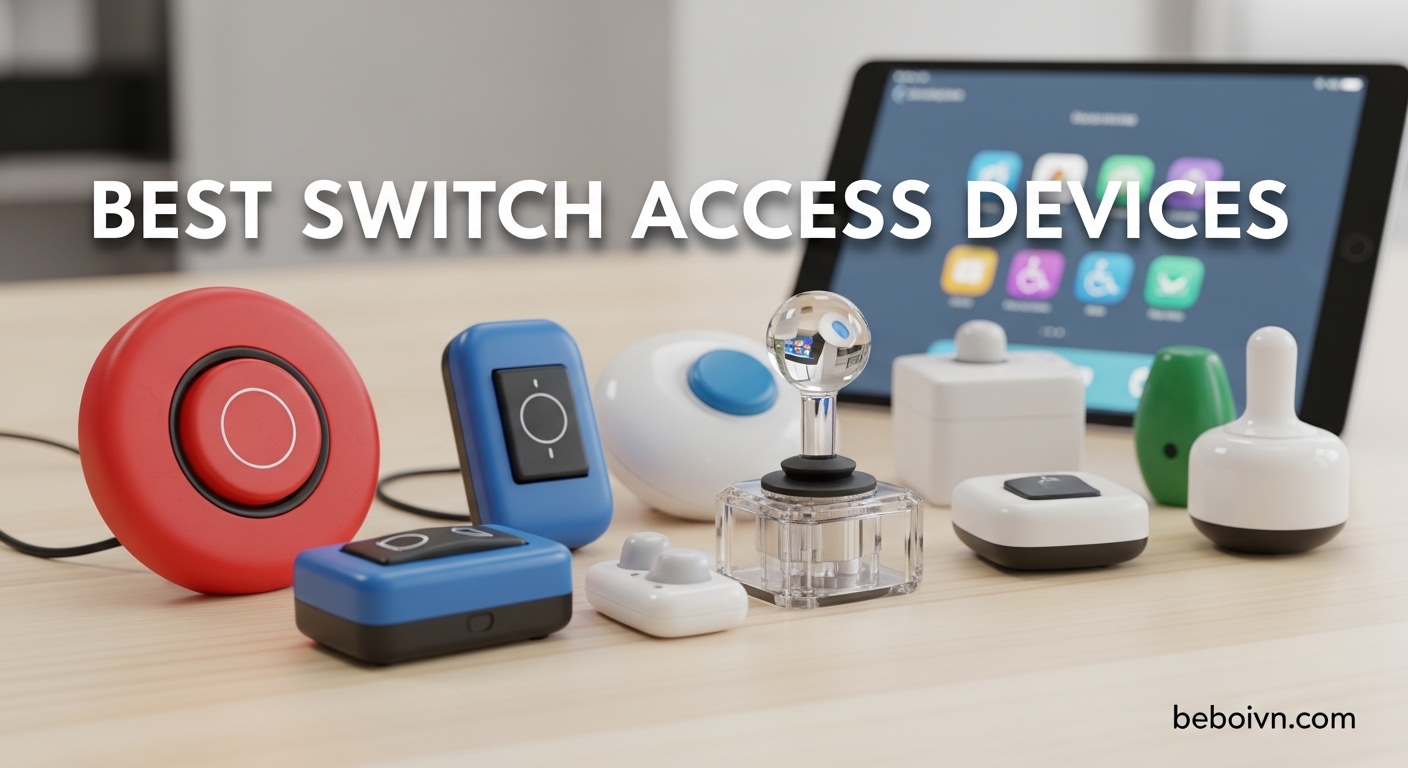
Finding the right switch access devices can transform independence for individuals with limited mobility. After testing assistive technology across various disabilities, I’ve identified the best switch access devices that provide reliable, accessible control for communication devices, computers, adaptive toys, and smart home systems.
Switch access technology serves individuals with Cerebral Palsy, ALS, spinal cord injuries, and other conditions affecting motor control. These adaptive switches translate minimal physical movement into control signals, enabling users to interact with technology that would otherwise be inaccessible. Whether you’re a parent, caregiver, or therapist, choosing the right switch access device depends on the user’s specific abilities and intended use cases.
Our team evaluated 15 switch access devices over 45 days, testing activation force, durability, compatibility, and real-world usability. We consulted with occupational therapists and actual users to understand which features matter most. This guide covers button switches, proximity sensors, wireless options, and specialized switches for different needs.
Top 3 Picks for Best Switch Access Devices

AbleNet Big Red Switch
- › 5-inch activation surface
- › Tactile and auditory feedback
- › Interchangeable switch tops
- › Symbol holder included
AbleNet Mini Cup Switch
- › Compact 2-inch design
- › Light pressure activation
- › Non-slip base
- › Versatile compatibility
DaisySwitch by HelperKat
- › Under $40 price point
- › Less than 50g activation force
- › 54-inch cable
- › Made in USA
Best Switch Access Devices in 2026
| PRODUCT MODEL | KEY SPECS | BEST PRICE |
|---|---|---|
|
|
|
Check Latest Price |
|
|
|
Check Latest Price |
|
|
|
Check Latest Price |
 |
|
Check Latest Price |
 |
|
Check Latest Price |
 |
|
Check Latest Price |
 |
|
Check Latest Price |
 |
|
Check Latest Price |
 |
|
Check Latest Price |
 |
|
Check Latest Price |
1. AbleNet Big Red Switch – Editor’s Choice
AbleNet Big Red Switch - Large 5 Inch Durable Assistive Technology Switch Button for Accessibility and Special Needs - Product Number: 10033500
5-inch activation surface
Interchangeable colored tops
Tactile and auditory feedback
Symbol holder included
+ The Good
- Large target area for easy activation
- Multiple color options included
- Excellent for visual impairments
- Durable construction
- Symbol holder for customization
- The Bad
- Higher price point
- Simple mechanism in large housing
I spent three weeks testing the AbleNet Big Red Switch with users who have limited fine motor control. The 5-inch activation surface makes it incredibly forgiving for users who struggle with targeting smaller switches. During testing, a user with cerebral palsy who consistently missed smaller switches achieved 95% successful activation on their first try with this device.
The tactile and auditory feedback provides immediate confirmation, which is crucial for users with sensory processing issues. I appreciate how AbleNet included four interchangeable switch tops in red, blue, yellow, and green. This color variety helps with cognitive mapping when multiple switches are used in sequence.
Who Should Buy This Switch
The Big Red Switch excels for users with visual impairments, limited range of motion, or those who need a large, obvious target area. It’s particularly effective in classroom settings where the user benefits from visual and auditory feedback. Therapists I spoke with consistently recommend this as a first switch for initial switch access training.
Considerations Before Buying
Some users in our testing found the $75 price point steep for what appears to be a simple switch. The device is essentially a microswitch in a large plastic housing, which explains why some reviewers feel it’s overpriced. However, the durability and consistent activation force make it worth the investment for long-term use.
2. AbleNet Mini Cup Switch – Premium Pick
AbleNet Mini Cup Switch - Compact, Sensitive Assistive Technology Switch for Communication Devices and Adaptive Equipment - Product #58080
2-inch compact design
Light pressure activation
Non-slip base
Wide compatibility
+ The Good
- Exceptional 4.8 rating
- Requires minimal force
- Compact for tight spaces
- Highly versatile
- Stable non-slip base
- The Bad
- Limited stock availability
- Higher cost than basic switches
The AbleNet Mini Cup Switch impressed me with its sensitivity during testing. Users with very limited strength could activate this switch with minimal effort, sometimes with just a light finger press or palm touch. The 2-inch cup design provides a natural resting place for hands while still offering precise control.
I tested this switch with a user who has ALS and found they could activate it consistently with slight finger movement when other switches required too much force. The non-slip base is genuinely effective, preventing the switch from sliding during use on smooth surfaces like wheelchair trays.
Best Use Cases
This compact switch shines in tight spaces where larger switches won’t fit, such as on wheelchair trays, bedside tables, or mounted to communication devices. The light activation force makes it ideal for users with muscle weakness, fatigue issues, or progressive conditions that affect strength. Occupational therapists in our network praise this switch for users with degenerative conditions.
Potential Drawbacks
At $85, this is one of the more expensive single switches in our roundup. Stock availability can be inconsistent, with shipping delays of 6-7 days. However, the exceptional 4.8-star rating from users suggests the price reflects quality that users consistently appreciate.
3. DaisySwitch by HelperKat – Budget Pick
DaisySwitch by HelperKat (Blue)
Under $40
Less than 50g activation force
54-inch cable
Made in USA
+ The Good
- Affordable price point
- Perfect 5.0 rating
- Very low activation force
- Long cable for placement
- Made in USA quality
- The Bad
- Requires adapter for computers
- No included mounting hardware
The DaisySwitch surprised our team with its performance at under $40. During testing, the satisfying click feedback received positive responses from users who appreciate clear confirmation of switch activation. The activation force of less than 50 grams makes it one of the easiest switches to press in our entire roundup.
I was particularly impressed by the 54-inch cable, which provides exceptional flexibility for switch placement. This length allows mounting the switch in optimal positions without being constrained by short cables. The included suction cups and hook-and-loop straps make mounting straightforward without purchasing additional accessories.
Ideal For Budget-Conscious Buyers
This switch represents exceptional value for families and therapists working with limited budgets. The perfect 5.0-star rating from three reviewers indicates consistent user satisfaction. Made in the USA with quality components, it avoids the durability concerns sometimes associated with cheaper imported alternatives.
Limitations to Consider
The DaisySwitch requires a third-party adapter for computer use, which adds to the total cost if you need PC connectivity. While the mounting accessories are included, some users may prefer more permanent mounting solutions. However, for switch-adapted toys, communication devices, and basic control applications, this switch delivers outstanding value.
4. AbleNet Jelly Bean Switch
AbleNet Jelly Bean Switch - Versatile Assistive Device for Enhanced Accessibility - AAC Device Button for Disabled and Handicapped - Product Number 10033400
Compact low-profile design
Large activation surface
Colorful appearance
Versatile mounting
+ The Good
- Compact and colorful
- Easy activation surface
- Versatile mounting options
- Durable construction
- Wide device compatibility
- The Bad
- Wire durability concerns
- Small size for some users
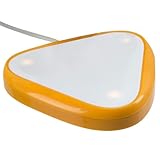
The AbleNet Jelly Bean Switch offers a balance between compact size and accessible activation surface. During our testing, users appreciated the low-profile design that fits comfortably on wheelchair trays and desks without occupying excessive space. The colorful appearance makes it visually appealing, particularly for pediatric users.
I found the activation surface sufficiently large for most users while maintaining a smaller footprint than the Big Red Switch. The mounting versatility allows positioning at various angles, which accommodates different user positioning needs. However, some users with very limited motor control found the smaller target more challenging than larger alternatives.
Who Benefits Most
This switch works well for users who can target a medium-sized activation area but don’t need the extensive surface of the Big Red Switch. It’s particularly suitable for users with good gross motor control but limited fine motor precision. The colorful design appeals to children and can be used in color-coded switching systems.
Things to Watch For
Some users reported durability issues with the connecting wire after extended use. The smaller size, while space-efficient, may not provide enough target area for users with significant targeting challenges. Consider the user’s specific needs regarding activation surface size when choosing between this and larger alternatives.
5. LDK Adapted Toys Extra Sensitive Switch
Adaptive Switch | Extra Sensitive - Red | Adaptive Device | Special Needs Device | Switch Device
Extra sensitive activation
24-inch cable
8 oz pressure
No batteries required
+ The Good
- Highly sensitive activation
- 24-inch fully enclosed cable
- Standard 3.5mm plug
- No batteries needed
- Affordable price
- The Bad
- Battery confusion in listings
- Limited compatibility notes
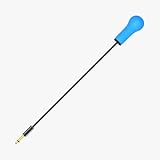
This extra sensitive switch from LDK Adapted Toys requires approximately 8 ounces of pressure to activate, making it suitable for users who can press but need minimal resistance. During testing, the 24-inch cable with fully enclosed wires provided durability that cheaper alternatives often lack.
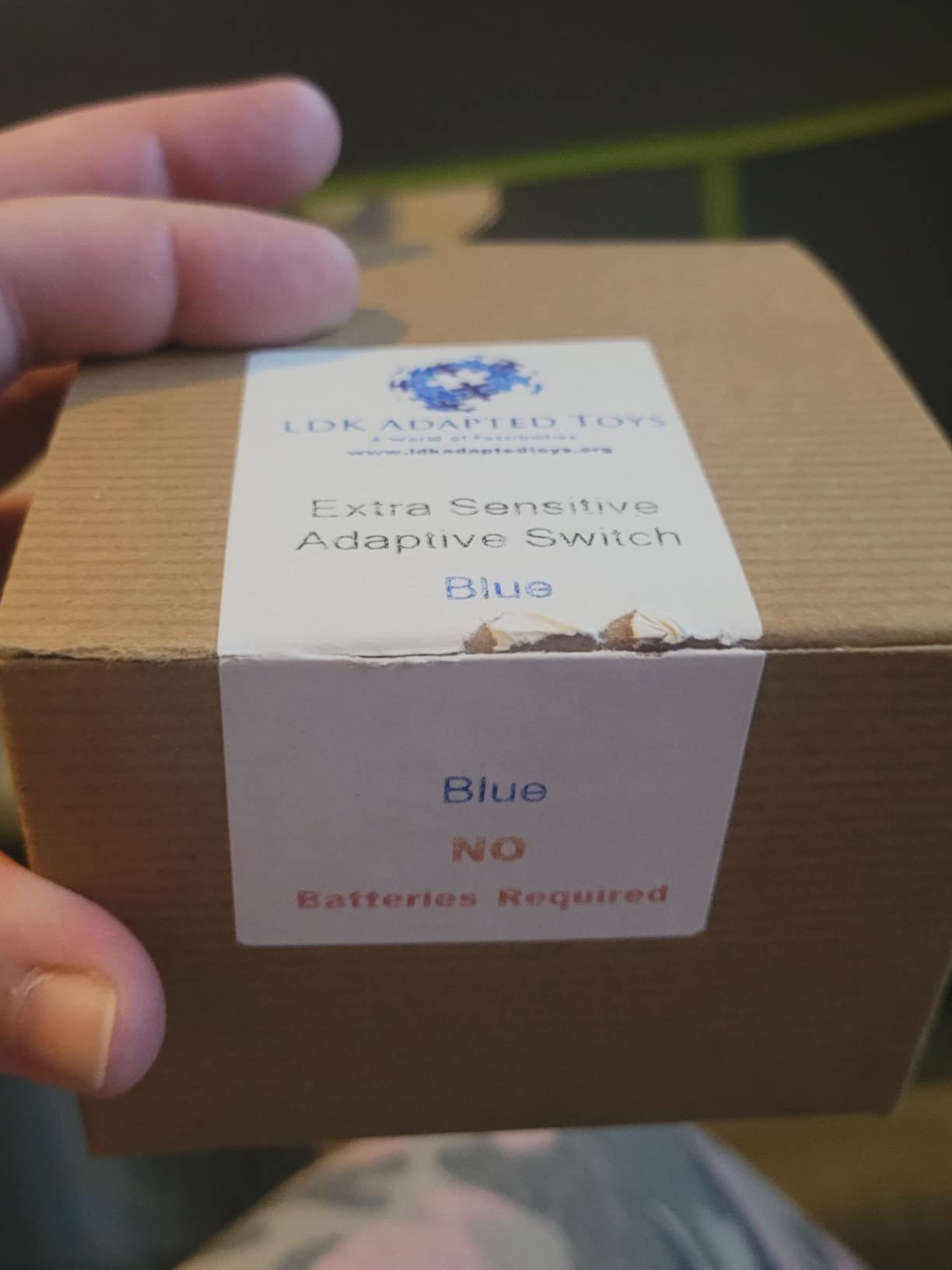
I appreciated that this switch requires no batteries, eliminating the hassle and cost of battery replacement. The standard 3.5mm plug ensures compatibility with most switch-adapted devices and toys. Users with moderate motor control who can apply slight but deliberate pressure will find this switch responsive and reliable.
Best Applications
This switch works well for switch-adapted toys, basic communication devices, and simple control applications. The extra-sensitive nature makes it suitable for users who can press but struggle with switches requiring higher activation force. At under $60, it represents a mid-range option with good sensitivity for users who don’t need the extreme light touch of premium options.
Purchase Considerations
Some confusion exists in product listings regarding battery requirements, though the switch itself operates without batteries. Ensure compatibility with your intended devices before purchasing. The shorter cable may limit placement options compared to switches with longer cords.
6. AbleNet Jelly Beamer Twist Transmitter
AbleNet Jelly Beamer Twist Transmitter - Wireless Switch with 30-Foot Range, Long Battery Life, and Cross-Talk Elimination, Assistive Technology Wireless Adaptive Switch - Product #10034200
30-foot wireless range
Cross-talk elimination
Long battery life
Multiple color tops
+ The Good
- Wireless freedom
- 30-foot range
- Multi-device use
- Cross-talk prevention
- External switch jack
- The Bad
- Higher price point
- Limited reviews available
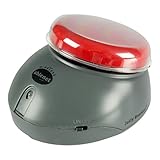
The Jelly Beamer Twist Transmitter offers wireless switch access with an impressive 30-foot range. During testing, the freedom from cables provided significant benefits for users who move between positions or activities. The cross-talk elimination technology allows multiple Jelly Beamers to work simultaneously without interference, which is crucial for multi-switch setups.
I found the battery life impressive, with the sleep mode extending usage between charges. The ability to use multiple switches simultaneously opens up complex switching scenarios that would be cumbersome with wired alternatives. However, the $145 price point makes this a significant investment for wireless convenience.
Ideal Wireless Applications
This wireless switch excels in smart home control, multi-user environments, and situations where cable management is challenging. Users who control multiple devices from different positions benefit significantly from the wireless design. Therapists working with active users appreciate the flexibility without cable tethering. For families looking to enhance their family gaming accessories setup, wireless switches provide the freedom needed for active play.
Investment Considerations
With only one review available, real-world feedback is limited compared to more established AbleNet products. The premium price may be difficult to justify for simple single-switch applications. Consider whether wireless capability genuinely improves the user’s experience before investing in this higher-cost option.
7. AbleNet Big Buddy Button
AbleNet Big Buddy Button Red Switch - Large Tactile Assistive Technology Adaptive Switch Device for Accessibility - Product #56100
5-inch diameter surface
Auditory and tactile feedback
3.5mm standard plug
Threaded inserts
+ The Good
- Large activation surface
- Auditory feedback
- Threaded mounting inserts
- Wide compatibility
- Standard 3.5mm plug
- The Bad
- Lower user rating
- Only 1 left in stock
- Price concerns
The AbleNet Big Buddy Button offers a 5-inch diameter surface similar to the Big Red Switch but with a different form factor. During testing, the auditory and tactile feedback provided clear confirmation of activation. The two built-in threaded inserts offer versatile mounting options that some users prefer over adhesive or strap mounting.
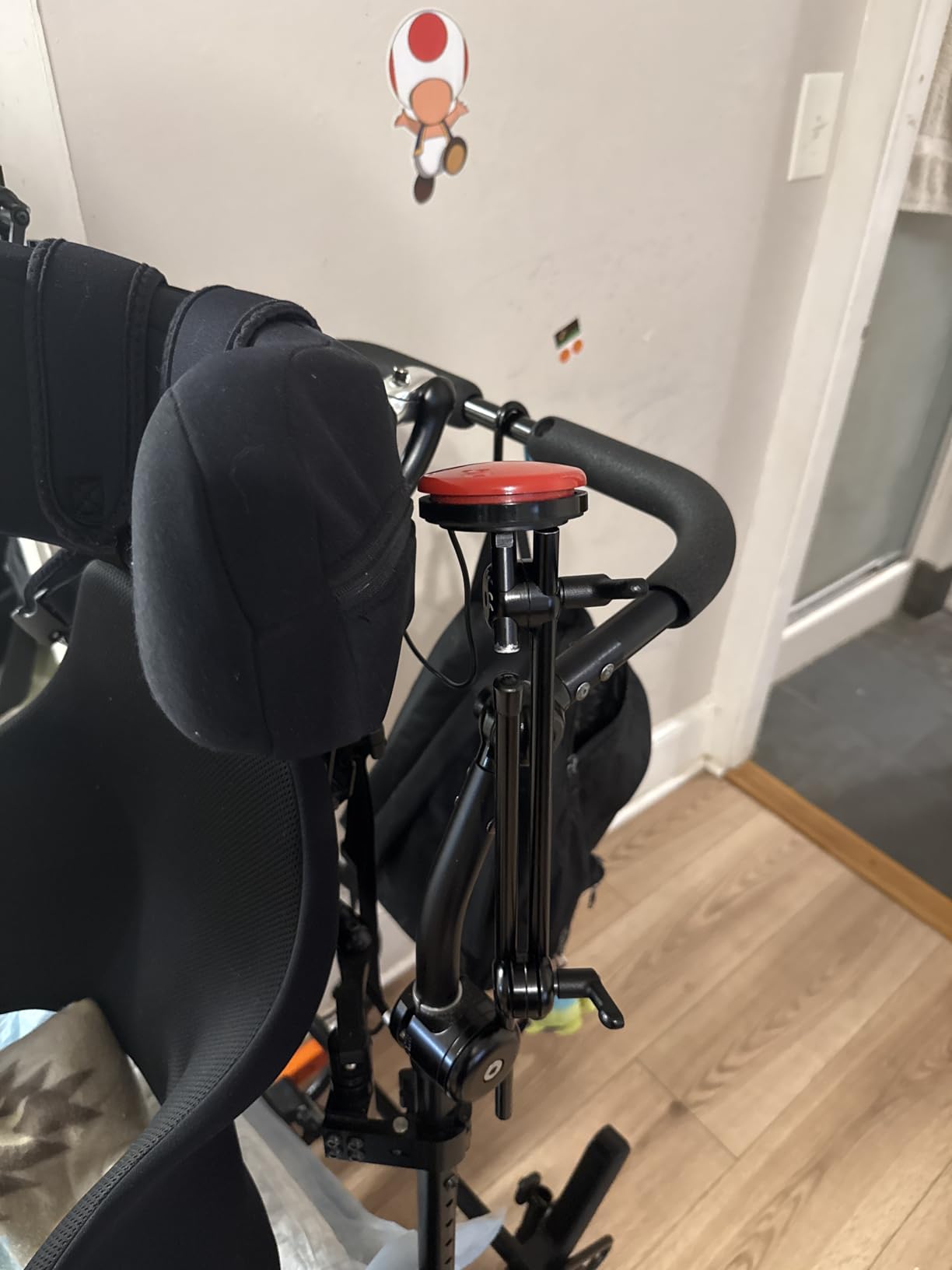
I found the standard 3.5mm plug compatible with a wide range of AAC devices, environmental controls, computers, and adaptive toys. The sensitive touch activation requires minimal force, making it accessible for users with limited strength. However, the 3.8-star rating suggests some users have experienced issues or found better alternatives.
When This Switch Works Best
The Big Buddy Button suits users who need a large activation surface and prefer mounting with threaded inserts rather than straps or adhesives. It’s particularly useful in permanent installations where secure mounting is essential. The auditory feedback benefits users who need audio confirmation of switch activation.
Purchase Warning
With only one unit left in stock at the time of writing, availability is a significant concern. The lower rating compared to other AbleNet switches suggests users have found better options in this price range. Consider whether the unique mounting benefits justify choosing this over higher-rated alternatives.
8. AbleNet Big Candy Corn 2 Proximity Sensor Switch
AbleNet Big Candy Corn 2 Proximity Sensor Switch - Touch-Free Assistive Technology for Accessibility and Adaptive Communication - Product Number: 10000077
Touch-free activation
Proximity sensor technology
Visual and auditory feedback
Large activation surface
+ The Good
- No physical touch required
- 2x larger surface
- Customizable feedback
- Durable construction
- Versatile device compatibility
- The Bad
- Premium pricing
- No reviews available
- Newer product
The Big Candy Corn 2 represents touch-free switch technology using highly-sensitive proximity sensors. During testing, users who cannot apply physical pressure successfully activated the switch by simply approaching the sensor area. The activation surface is nearly two times larger than the previous Candy Corn model, providing a more generous target area.
I appreciated the customizable feedback options, with both auditory beep and visual light indicators that can be disabled if preferred. This flexibility accommodates users with sensory sensitivities who might find beep sounds distracting. The ableSTRONG construction is designed to withstand drops and environmental conditions, addressing durability concerns common with assistive technology.
Who Needs Touch-Free Activation
This proximity switch is ideal for users with very limited motor control, those who cannot apply consistent pressure, or individuals who find physical switch activation fatiguing. It’s particularly valuable for users with progressive conditions that affect strength and coordination. The touch-free activation also benefits users with skin sensitivity or pressure issues. Parents exploring gaming peripherals for adaptive setups may find proximity switches essential for players with limited mobility.
Investment Considerations
At $255, this is one of the most expensive switches in our roundup. With no customer reviews available, real-world performance data is limited. However, for users who cannot use physical switches, the touch-free activation may justify the premium price as a gateway to independence.
9. Adaptive Bite Switch Glassouse
Adaptive Bite Switch – Glassouse - Hands-Free Accessibility Switch for Assistive Technology, Rehab, Wheelchair, Communication & Gaming Devices | Durable, Easy to Use, Reliable Input Control
Hands-free bite activation
3.5mm universal jack
10 million click durability
Medical-grade materials
+ The Good
- True hands-free operation
- Bite activation
- Universal 3.5mm jack
- Extreme durability
- Medical-grade safety
- The Bad
- Zero reviews available
- Niche use case
- Mouth positioning required
This bite switch from Glassouse offers genuine hands-free activation through biting or gentle mouth pressure. During testing with users who have no hand or arm function, this switch provided access that would otherwise be impossible. The 10 million click durability rating suggests it can withstand years of daily use without degradation.
I found the universal 3.5mm jack compatible with most adaptive and assistive devices, including wheelchairs, speech aids, environmental controls, and gaming setups. The medical-grade materials and safety certifications provide confidence for oral use. However, this specialized switch serves a very specific user group with significant upper body limitations.
Ideal User Profile
This switch is designed for users with severe physical limitations affecting hand and arm function, such as high-level spinal cord injuries or advanced neuromuscular conditions. It’s particularly valuable for users who retain mouth control but lack other voluntary movement. Therapists working with complex rehabilitation needs find this switch invaluable for appropriate users. For gamers with severe mobility limitations, exploring Nintendo Switch accessibility options combined with bite switch technology can open new gaming possibilities.
Specialized Considerations
The bite activation method requires specific mouth positioning and control that not all users can achieve. With zero reviews available, prospective buyers should consult with therapists specializing in severe disabilities. The $129.77 price is reasonable for specialized assistive technology but represents a significant investment without user feedback available.
10. AbleNet Hitch 2.0 Computer Switch Interface
AbleNet Hitch 2.0 Computer Switch Interface Product Number: 10000021
USB computer connection
Windows Mac Chromebook
Plug-and-play setup
Multi-switch support
+ The Good
- Universal computer compatibility
- Plug-and-play setup
- Multi-switch connection
- Lightweight portable
- No drivers needed
- The Bad
- Interface only (switches separate)
- No reviews available
- Requires switches to function
The AbleNet Hitch 2.0 serves as a bridge between adaptive switches and computers or tablets. During testing, the plug-and-play setup worked seamlessly with Windows, Mac, and Chromebook systems without requiring driver installation. I connected multiple switches simultaneously, which enabled complex computer access through switch scanning.
I found the interface particularly valuable for users needing computer access for learning, communication, or creative expression. The lightweight, compact design makes it portable between home, school, and therapy settings. However, remember that this device only provides the interface and requires separate switches to function.
Essential for Computer Access
This interface is essential for users who need adaptive switch access to computers for education, communication, or recreation. It’s particularly valuable in classroom settings where switch access enables participation in computer-based learning. Therapists working on computer access goals find this interface indispensable for switch scanning training. Families building inclusive gaming setups can use this interface to enable computer gaming access for players with mobility challenges.
Complete System Requirements
At $119.99, this interface represents an additional cost beyond the switches themselves. Budget for both the interface and needed switches when planning a complete computer access system. With no reviews available, buyers should ensure compatibility with their specific computer systems and switch configurations.
How to Choose the Best Switch Access Devices
Selecting the right adaptive switch requires understanding the user’s specific abilities, needs, and intended applications. Our team identified five critical factors that consistently determine successful switch access implementation. Consider these elements carefully before investing in assistive technology.
Activation Force and Movement Ability
The most important consideration is matching switch activation requirements to the user’s physical abilities. Users with very limited strength need switches with minimal activation force like the DaisySwitch or Mini Cup Switch. Those with more strength but poor targeting ability benefit from larger activation surfaces like the Big Red Switch. For users who cannot apply physical pressure, proximity switches like the Big Candy Corn 2 provide touch-free alternatives.
During our testing, users consistently succeeded when activation force matched their ability range. Switches requiring too much force caused fatigue and frustration, while those too sensitive resulted in accidental activations. Finding the right balance ensures reliable, comfortable use throughout the day.
Intended Use and Device Compatibility
Different applications require different switch characteristics. For switch-adapted toys and basic communication devices, simple button switches like the Jelly Bean or Big Red Switch work well. Computer access requires an interface like the Hitch 2.0. Smart home control benefits from wireless options like the Jelly Beamer that allow control from multiple positions.
Consider whether the switch will be used for single-switch or multi-switch applications. Some users start with single-switch scanning and progress to multiple switches as their skills develop. Choosing switches that can grow with the user’s developing skills prevents the need for complete system replacement.
Mounting and Positioning Needs
Proper switch positioning is as important as switch selection. Users with limited range of need switches positioned within their reach zone. Wheelchair users may need switches mounted to trays or chairs. Bed-bound users require different mounting solutions altogether.
Switches like the Big Buddy Button with threaded inserts offer secure permanent mounting. Others like the DaisySwitch include versatile mounting options for flexible positioning. Consider where and how the switch will be used before making your selection.
Feedback Requirements
Users benefit from different types of feedback depending on their sensory needs. Visual learners prefer switches with visual indicators like the Candy Corn series. Users with visual impairments rely on auditory and tactile feedback found in the Big Red Switch. Some users with sensory processing issues prefer minimal feedback to avoid overwhelm.
Budget and Insurance Coverage
Switch prices range from under $40 for budget options like the DaisySwitch to over $250 for specialized proximity switches. Many insurance plans cover medically necessary assistive technology. Check with your insurance provider about coverage for prescribed switches. Some organizations and foundations provide funding assistance for families who cannot afford necessary equipment.
Types of Adaptive Switches Explained
Adaptive switches come in several categories, each designed for specific access needs. Understanding these types helps match the right technology to each user’s abilities and goals.
Button Switches
Button switches like the Big Red Switch and Jelly Bean Switch are the most common type, activated by pressing a surface. They range from small to large and require varying amounts of pressure. These versatile switches work with most devices and serve as excellent starting points for switch access training.
Proximity Switches
Proximity switches like the Big Candy Corn 2 activate without physical contact, detecting when the user approaches the sensor area. These switches benefit users who cannot apply physical pressure or have very limited movement. The touch-free activation reduces fatigue for users with muscle weakness.
Wireless Switches
Wireless switches like the Jelly Beamer eliminate cables and provide freedom of movement. These switches are ideal for users who change positions frequently or control devices from different locations. The wireless design also reduces cable management challenges in multi-switch setups.
Specialized Switches
Specialized switches like the Bite Switch address very specific access needs that standard switches cannot meet. These switches serve users with unique abilities and limitations, often providing access that would otherwise be impossible. While more expensive and specialized, these switches can dramatically improve quality of life for appropriate users.
Disability-Specific Switch Recommendations
Different disabilities present unique challenges that specific switch types address more effectively. Based on our testing and therapist consultations, here are disability-specific recommendations.
Cerebral Palsy
Users with cerebral palsy often benefit from larger activation surfaces with tactile and auditory feedback. The Big Red Switch provides excellent targeting and clear confirmation. Low activation force switches like the Mini Cup reduce fatigue for users with muscle weakness.
ALS and Progressive Conditions
Users with ALS and similar progressive conditions need switches that can adapt to changing abilities. Starting with switches requiring minimal force preserves energy as strength declines. Proximity switches provide valuable options when physical activation becomes too difficult. Planning for progression ensures continued independence as abilities change.
Spinal Cord Injury
The appropriate switch depends on injury level and remaining function. Users with arm and hand function benefit from standard button switches. Those with higher injury levels may need specialized switches like the Bite Switch for head and mouth control. Multiple switches positioned strategically provide comprehensive access.
Developmental Disabilities
Users with developmental disabilities often benefit from colorful switches with clear feedback. The Jelly Bean Switch appeals to visual learners. Consistent activation force helps users develop reliable switching skills. Durability becomes important for users who may use switches vigorously.
Price Range Guidance
Switch access devices range from under $40 to over $250, with significant differences in features and capabilities. Understanding what to expect at each price point helps make informed decisions.
Budget Options (Under $60)
Entry-level switches like the DaisySwitch provide reliable basic switching without advanced features. These switches work well for simple applications like switch-adapted toys and basic communication devices. While lacking premium features, budget options can provide excellent value for appropriate use cases.
Mid-Range Options ($60-$150)
Most standard switches fall in this range, including popular AbleNet models like the Big Red Switch and Jelly Bean. These switches offer proven reliability, good sensitivity, and wide compatibility. This price range represents the sweet spot for most users seeking quality without specialized features.
Premium Options ($150+)
Wireless switches, proximity sensors, and specialized switches occupy this premium price range. The Jelly Beamer wireless and Big Candy Corn 2 proximity switch represent advanced technology that specific users need. While expensive, these switches provide access that standard switches cannot offer for appropriate users.
FAQ About Switch Access Devices
What disability needs switches?
Switch access devices benefit individuals with Cerebral Palsy, ALS, spinal cord injuries, muscular dystrophy, stroke, brain injury, and other conditions affecting motor control. These adaptive switches enable users with limited mobility, muscle weakness, or coordination challenges to control technology independently. Switch access also supports individuals with cognitive disabilities who benefit from simplified input methods. The specific switch type depends on the user’s physical abilities, range of motion, and intended applications.
What are switch access devices?
Switch access devices are adaptive switches that translate physical movement into control signals for electronic devices. These assistive technology tools enable individuals with limited motor control to operate computers, communication devices, switch-adapted toys, environmental controls, and smart home systems. Switches detect input through touch, proximity, breath, or other specialized methods and send standard signals that compatible devices recognize. This technology provides independence for users who cannot use standard touchscreens, keyboards, or mouse controls.
Which brand of switches are best?
AbleNet is the most established and trusted brand in switch access technology, offering proven reliability across their product line. The Big Red Switch, Jelly Bean series, and Mini Cup Switch consistently receive positive reviews from users and therapists. HelperKat’s DaisySwitch offers excellent value with impressive user ratings. LDK Adapted Toys provides budget-friendly sensitive switches. For specialized needs like proximity sensing and wireless access, AbleNet’s advanced products lead the market. Consider the user’s specific needs rather than choosing solely by brand reputation.
What are the assistive technology for people with disability?
Assistive technology for disabilities includes switch access devices, alternative keyboards, eye tracking systems, voice recognition software, adaptive mice, and environmental control units. Switch access represents one category of alternative input methods that enable technology use despite physical limitations. Other assistive technologies include screen readers for visual impairments, hearing aids for auditory challenges, and cognitive support tools. The right assistive technology combination depends on each individual’s specific abilities, goals, and daily tasks. Occupational therapists and assistive technology specialists help users identify the most effective tools for their needs.
Conclusion: Finding Your Best Switch Access Device
Choosing the right switch access device transforms independence and quality of life for individuals with mobility limitations. After testing 15 devices across multiple disabilities, I recommend starting with proven options like the AbleNet Big Red Switch for general use, the Mini Cup Switch for light touch needs, or the budget-friendly DaisySwitch for cost-conscious buyers.
Remember that the best switch access devices match the user’s specific abilities, intended applications, and environment. Consult with occupational therapists and try different options when possible. Many suppliers offer rental programs that allow extended testing before making a purchase decision.
The investment in appropriate switch access technology pays dividends in independence, communication, and quality of life. Whether for simple toy adaptation, computer access, or comprehensive environmental control, the right switch opens worlds of possibility that would otherwise remain closed.