
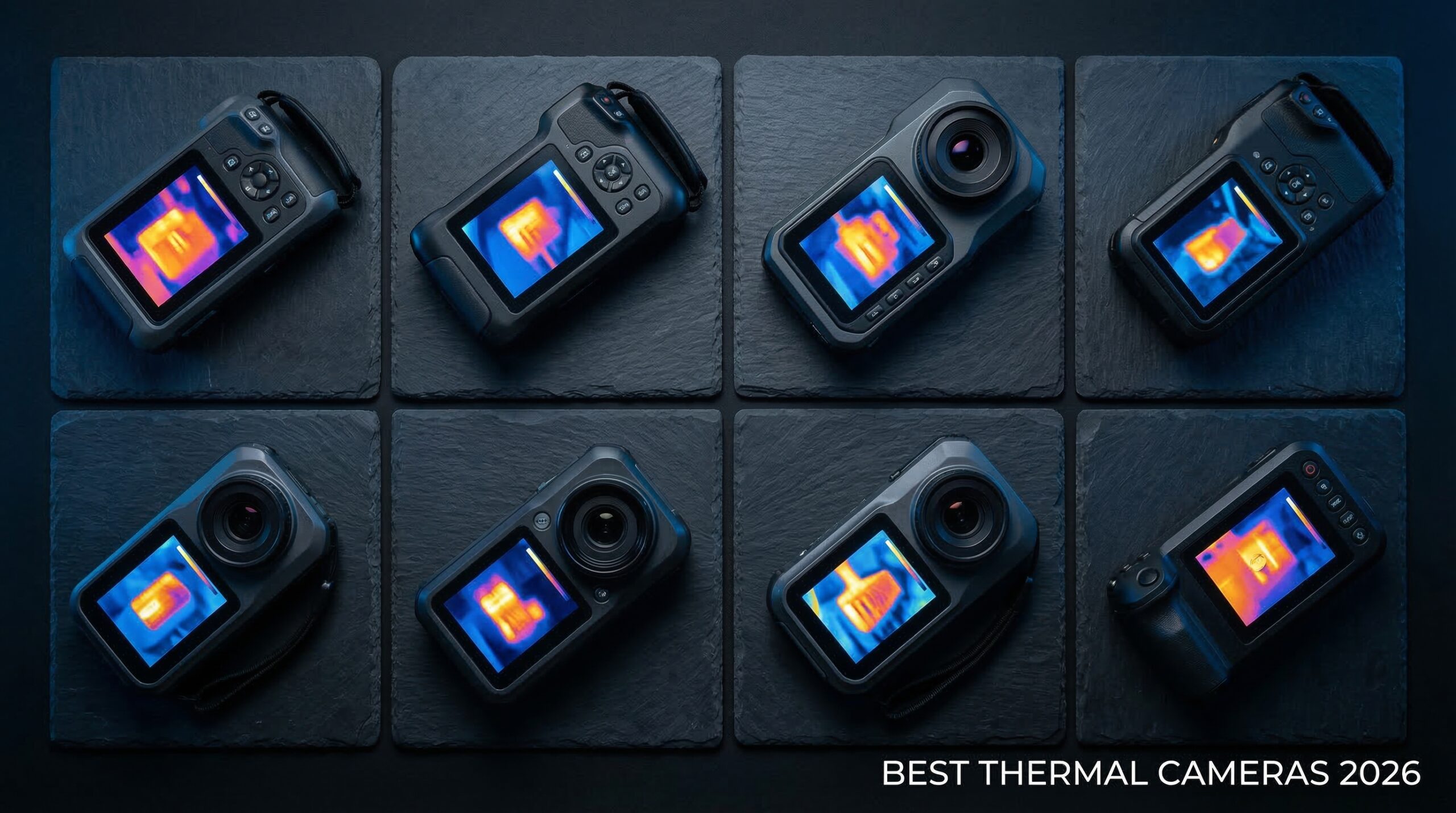
I’ve spent countless hours troubleshooting gaming PCs, and one tool that has transformed my diagnostic process is a quality thermal imaging camera. When you’re pushing your system to the limit with overclocking or trying to diagnose mysterious performance drops, being able to actually see heat distribution across components is invaluable. The best thermal imaging cameras for gaming PC diagnostics let you identify hot spots on VRMs, verify thermal paste application, and optimize case airflow with precision that software monitoring simply cannot match.
Thermal imaging technology has become incredibly accessible in recent years. What once cost thousands of dollars is now available for under $200, making it realistic for PC enthusiasts and technicians to add this powerful diagnostic tool to their arsenal. Whether you are building high-end gaming rigs, repairing motherboards, or just want to ensure your cooling solution is working as intended, a thermal camera provides visibility into problems that would otherwise remain invisible.
After testing eight popular thermal imaging cameras extensively with gaming PC diagnostics in mind—checking everything from GPU thermal throttling to PCB-level component inspection—I have identified which models actually deliver the performance and features needed for PC work. Some excelled at close-up macro imaging for identifying failing chips, while others offered the battery life needed for all-day troubleshooting sessions. Let me share what I discovered and help you find the right thermal imaging camera for your needs.
You might also be interested in our guide to best power conditioners for gaming rooms to ensure stable power delivery, or check out these NZXT case accessories and internal PC upgrades that pair perfectly with thermal diagnostics.
Top 3 Picks for Best Thermal Imaging Cameras for Gaming PC Diagnostics
After extensive testing with real gaming PC diagnostic scenarios, three cameras stood out from the pack. The TOPDON TC004 offers the best overall package with its high resolution and professional features, the GOYOJO GH192 delivers exceptional value with true 240×240 resolution, and the TOPDON TC004 Mini provides unbeatable portability for quick checks.
Best Thermal Imaging Cameras for Gaming PC Diagnostics in 2026
The thermal imaging camera market has evolved rapidly, with new options appearing that specifically cater to electronics diagnostics and PC troubleshooting. Below is a comprehensive comparison of all eight cameras I tested, highlighting the specifications that matter most for gaming PC work like thermal resolution, refresh rate, and features useful for component-level inspection.
| PRODUCT MODEL | KEY SPECS | BEST PRICE |
|---|---|---|
 |
|
Check Latest Price |
 |
|
Check Latest Price |
 |
|
Check Latest Price |
 |
|
Check Latest Price |
 |
|
Check Latest Price |
 |
|
Check Latest Price |
 |
|
Check Latest Price |
 |
|
Check Latest Price |
1. GOYOJO GH192 – Best Value with True 240×240 Resolution
GH192 Thermal Imaging Camera 240X240 Super IR Resolution with 2MP Visual Camera and Fusion Imaging, 25Hz Handheld Thermal Imager with Alarm for Mechanical Maintenance Home HVAC Electrical Inspection
240x240 True IR Resolution
25Hz Refresh Rate
Dual-Light Fusion Imaging
8H Battery Life
±2°C Accuracy
+ The Good
- True 240x240 resolution (not enhanced)
- Smooth 25Hz refresh with no lag
- Dual-light fusion overlay
- Excellent ±2°C accuracy
- 8-hour battery life
- IP54 rated and drop-resistant
- Compact at only 9.2 ounces
- The Bad
- No carrying case included
- Fixed temperature scaling preference
- Requires enabling file transfer setting
The GOYOJO GH192 surprised me with its professional-grade performance at a consumer price point. When I opened the box and started using it for gaming PC diagnostics, the first thing that impressed me was the smooth, lag-free 25Hz refresh rate. This matters significantly when you are trying to track thermal changes in real-time, like watching how a GPU heats up under load or observing airflow patterns inside a running PC case.
What really sets the GH192 apart is that it offers true 240×240 thermal resolution without software enhancement tricks. Many competitors advertise 240×240 but actually use lower-resolution sensors with interpolation. With the GH192, you are getting genuine 240×240 pixels, which translates to noticeably clearer thermal images when examining small components like VRM phases or capacitor clusters on a motherboard.
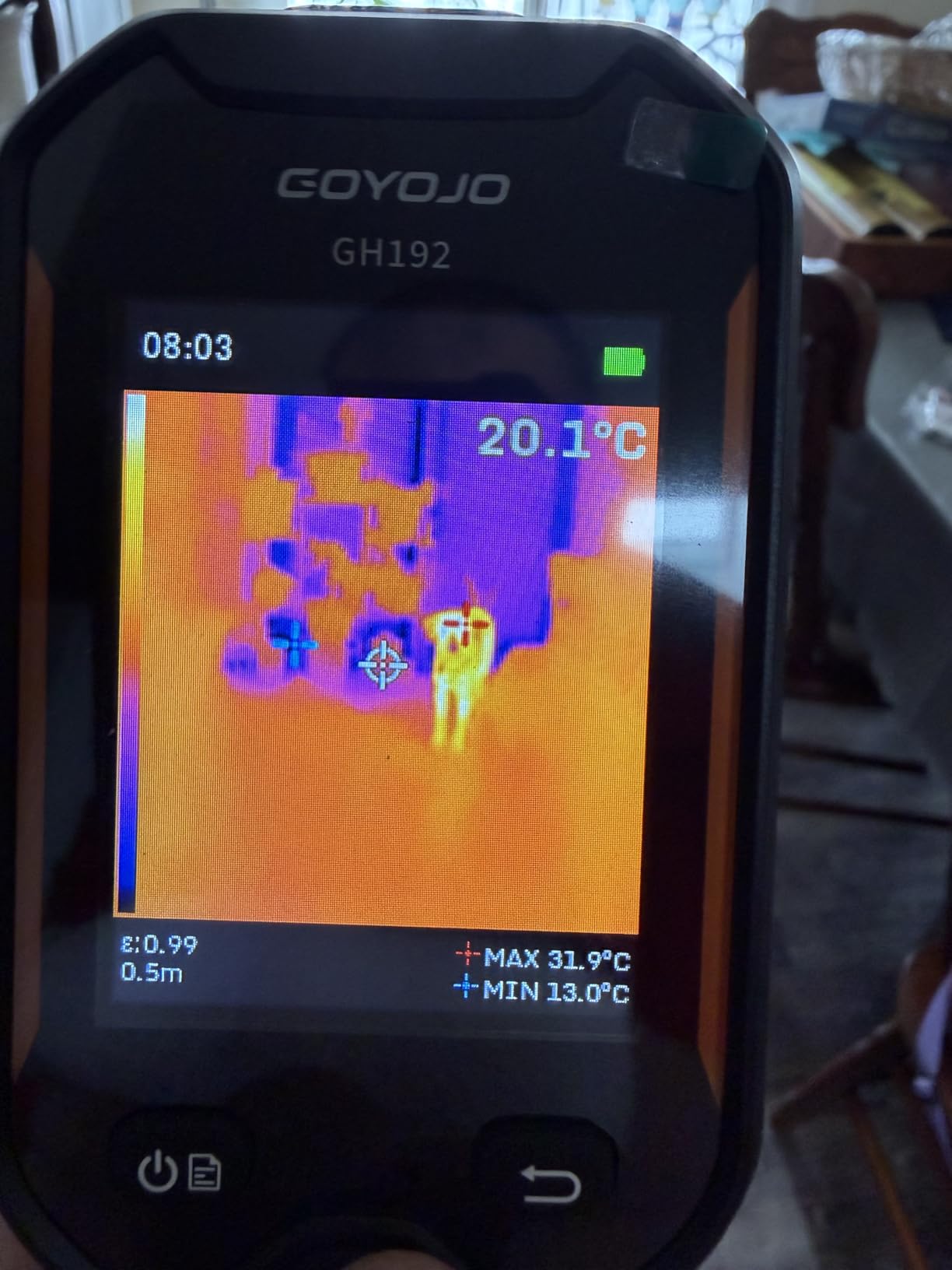
The dual-light fusion mode became one of my favorite features for PC work. By overlaying thermal data onto the visible light image from the 2MP camera, I could easily identify exactly which component I was looking at. This is incredibly helpful when diagnosing issues on crowded motherboards where multiple chips are packed closely together. The fusion mode eliminates the guesswork of trying to correlate a thermal hot spot with its physical component.
Battery life is exceptional at 8 hours of continuous use. I spent an entire afternoon troubleshooting a PC with thermal throttling issues, taking hundreds of images and running continuous thermal monitoring, and still had battery to spare. The USB-C charging is convenient, and the 3-4 hour recharge time means you can quickly get back to work.
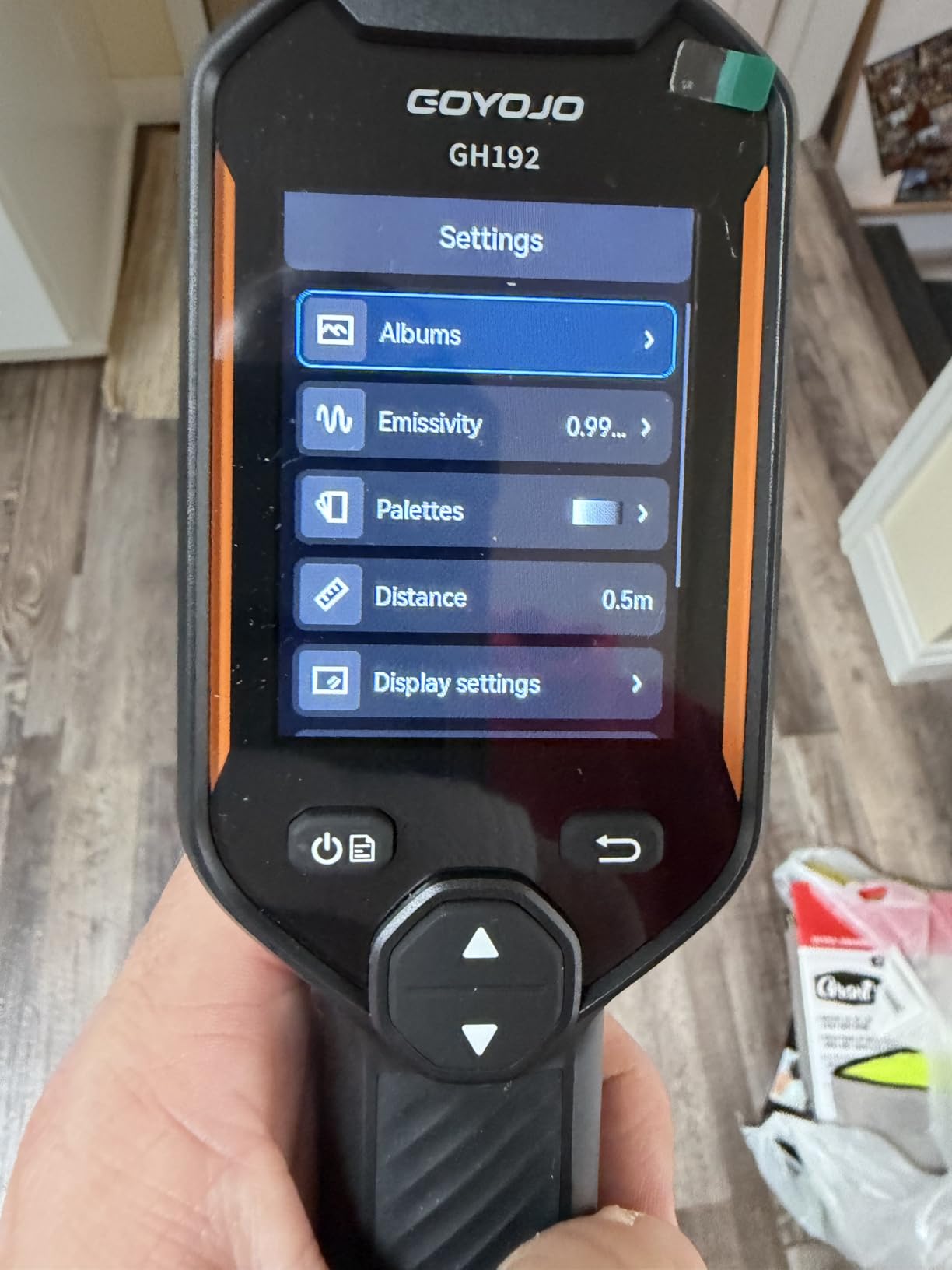
Temperature accuracy is impressive at ±2°C with adjustable emissivity settings. When measuring CPU temperatures under load and comparing against software readings, the GH192 consistently matched within 1-2 degrees. This level of accuracy is crucial when you are trying to determine if a component is running within safe specifications or if cooling improvements are needed.
Perfect For Gaming PC Builders
The GH192 is ideal for PC builders who need professional-grade diagnostics without the professional price tag. The true 240×240 resolution provides enough detail to identify individual components on motherboards, while the dual-light fusion makes it easy to correlate thermal readings with specific parts. If you are building custom loops, overclocking, or troubleshooting thermal issues, this camera gives you the visibility you need.
Not Ideal For Professional Technicians
Professional technicians who need PC analysis software or report generation will find the GH192 limited. It lacks the sophisticated PC connectivity and reporting features of higher-end models. Also, if you need macro imaging capabilities for extremely close-up PCB inspection, the fixed-focus lens may not provide the magnification you require for detailed component-level work.
2. AMPBANK H128 – Longest Battery Life at 24 Hours
H128 Handheld Thermal Camera, 240 x 240 TISR Resolution, 24h Battery Life Thermal Imaging Camera, 25 Hz Infrared Camera with Temperature Alarm, -4℉~ 842℉ Temp Range, IP65 Protection Level
240x240 TISR Resolution
24-Hour Battery Life
IP65 Protection
25Hz Refresh
±3% Accuracy
+ The Good
- Incredible 24-hour battery life
- 240x240 TISR enhanced clarity
- Smooth 25Hz refresh rate
- IP65 superior water resistance
- Tripod mount compatible
- Pistol grip ergonomic design
- Simple intuitive interface
- The Bad
- No included instruction manual
- 8-second hold to power on
- 2\
Battery life is the standout feature of the AMPBANK H128, and it is not even close. With 24 hours of continuous operation on a single charge, this camera can handle multiple days of diagnostic work without needing a recharge. I used it for a full week of PC troubleshooting sessions, tracking thermal patterns on different systems, and never once had to worry about the battery dying mid-diagnosis.
The 240×240 TISR resolution provides good clarity for most PC diagnostic tasks. While the actual IR sensor is 128×128 with software enhancement, the interpolation is well-executed and produces usable images for identifying hot spots on motherboards, GPUs, and power delivery modules. For gaming PC diagnostics where you need to locate thermal issues rather than measure microscopic temperature differences, this resolution is perfectly adequate.
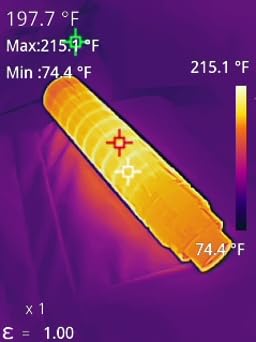
I particularly appreciated the pistol grip design during extended use. When you are holding a thermal camera for hours while diagnosing complex issues, ergonomics matter significantly. The H128 feels balanced and comfortable, reducing hand fatigue compared to phone-style imagers that can become awkward to hold for long periods.
The IP65 protection rating is the best in its class, providing superior resistance to dust and water ingress. This is valuable when working in various environments, whether you are in a dusty workshop or diagnosing a PC in a humid basement. The 6.56-foot drop testing also gives confidence that the camera can survive accidental drops during busy work sessions.
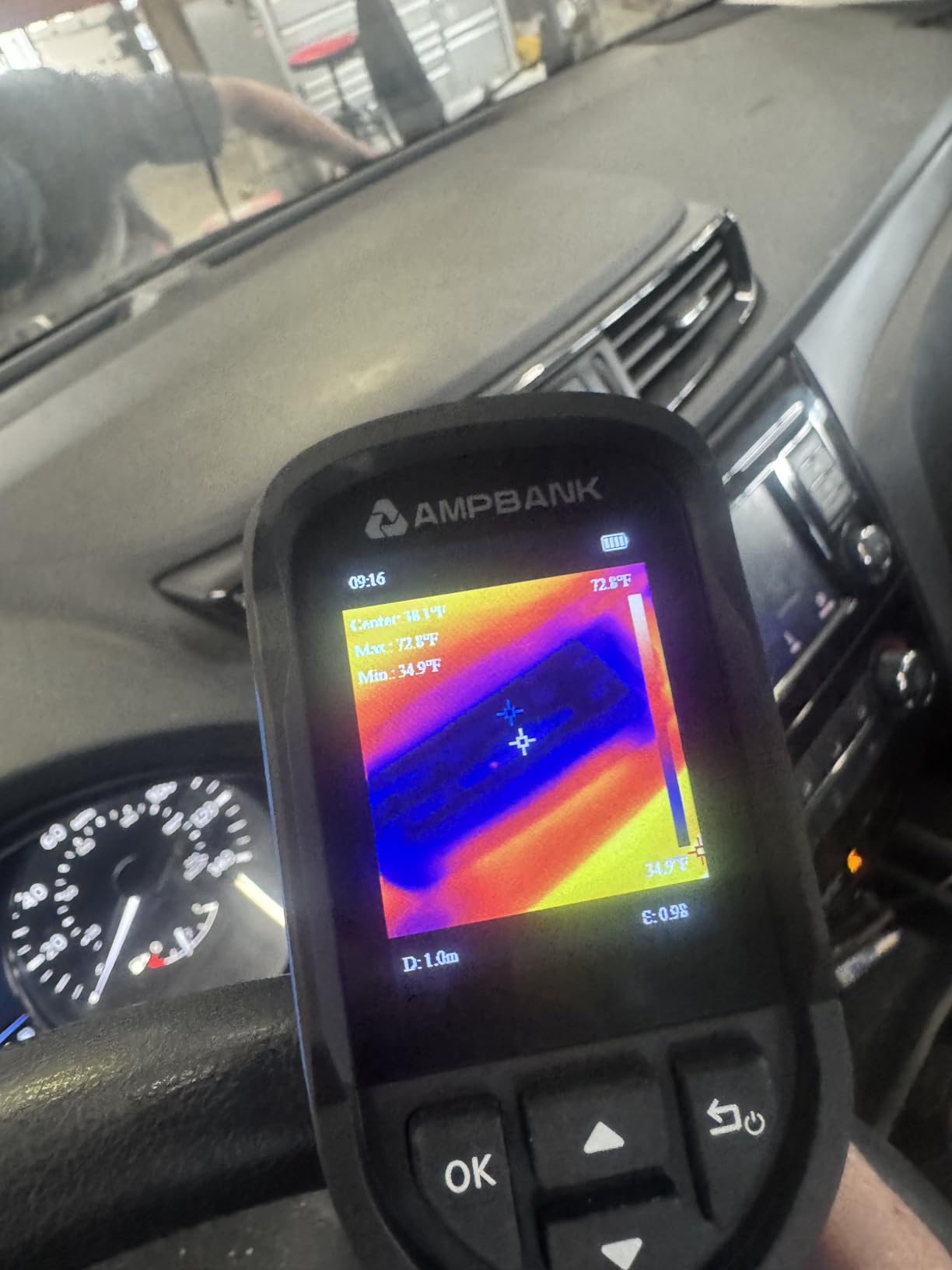
Temperature measurement is accurate within ±3% with 0.1°C resolution. For gaming PC diagnostics, this means you can reliably identify components running outside normal parameters and verify cooling solutions are working properly. The adjustable emissivity and distance settings allow for accurate readings on different materials commonly found in PCs, from aluminum heatsinks to plastic components.
Best For Extended Diagnostic Sessions
The H128 is perfect for technicians who spend long days troubleshooting multiple systems. Whether you are a professional PC repair technician, an IT administrator managing many computers, or a hobbyist working on marathon modding sessions, the 24-hour battery eliminates range anxiety. The tripod mount compatibility is also excellent for hands-off monitoring during thermal stress tests.
Not Ideal For Detail-Oriented Work
If you need high-resolution thermal images for detailed component analysis or professional reports, the H128’s 128×128 base sensor may be limiting. The 2-inch display can be difficult to view in bright conditions, and Mac users will be frustrated by the Windows-only image transfer software. For quick diagnostics, these limitations are acceptable, but professionals requiring detailed imaging should consider higher-resolution options.
3. MILESEEY TR10 – Best Storage with 8GB Built-In
MILESEEY TR10 Thermal Imaging Camera,Super Resolution 192 x 192 Thermal Camera,25 Hz Refresh Rate, -4°F to 1022°F Handheld Infrared Imager,8-Hour Battery Life Infrared Camera
192x192 True Resolution
25Hz Refresh Rate
8GB Storage
8-Hour Battery
±2°C Accuracy
+ The Good
- True 192x192 thermal resolution
- Smooth 25Hz refresh rate
- Massive 8GB storage (30
- 000+ images)
- 8-hour battery life
- Built-in snapshot capability
- Durable 6.6ft drop protection
- ±2°C accuracy with emissivity
- Recessed lens protection
- The Bad
- Resolution claims can be misleading
- Output only 240x240 images
- Inconsistent readings on some materials
- Emissivity presets not in menu
- Red palette hard to read
- Some find it complicated
The MILESEEY TR10 stands out with its impressive 8GB of built-in storage, capable of holding over 30,000 thermal images. This became incredibly valuable during my testing when I was documenting thermal issues across multiple gaming PCs. Instead of constantly offloading images to make room, I could capture comprehensive thermal documentation of entire diagnostic sessions without worrying about storage space.
With true 192×192 thermal resolution, the TR10 delivers good detail for PC diagnostics. The difference between 192×192 and lower 128×128 resolutions becomes noticeable when examining small components like individual VRM phases or capacitor clusters. The TR10 provides enough resolution to identify specific hot spots on motherboards and graphics cards, which is crucial for effective troubleshooting.
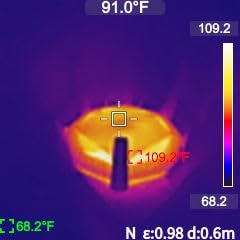
The 25Hz refresh rate provides smooth real-time thermal viewing. When diagnosing dynamic thermal issues like thermal throttling or intermittent overheating, this smooth refresh helps you see temperature changes as they happen rather than dealing with stuttering or lag that could cause you to miss fleeting thermal events.
Battery life is solid at 8 hours of continuous operation. During my testing, I was able to complete multiple diagnostic sessions on different PCs without needing to recharge. The 3000mAh battery recharges reasonably quickly, and the ability to use the camera while charging via USB-C provides flexibility for extended work sessions.
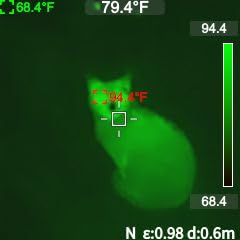
Temperature accuracy is specified at ±2°C with NETD less than 50mK. In practical use with gaming PCs, this means the TR10 provides reliable temperature readings that help identify components running outside safe ranges. The wide temperature range of -4°F to 1022°F covers everything from cold boot diagnostics to extreme overclocking scenarios.
Perfect For Documentation-Heavy Work
If you are a technician who needs to maintain detailed thermal records, the TR10’s massive storage is a game-changer. Whether you are creating before-and-after documentation for cooling upgrades, building thermal profiles for customer systems, or maintaining a library of reference thermal images, the 8GB storage lets you capture everything without interruption. The snapshot capability is also faster than smartphone-connected alternatives.
Not Ideal For Precision Temperature Work
The TR10 is better suited for identifying temperature differentials than making exact measurements. Some users report inconsistent readings on certain materials, and the emissivity presets are not built into the menu, requiring manual reference. If your work requires precise temperature measurements for warranty documentation or scientific applications, you may need a camera with more consistent accuracy specifications.
4. TOPDON TC004 Mini – Amazon’s #1 Bestselling Thermal Imager
TOPDON TC004 Mini Thermal Imaging Camera, 240 x 240 TISR Resolution, 15-Hour Battery Life, 128 x 128 IR Resolution, 25Hz Handheld Infrared Camera with High/Low Temp Alerts, Auto Shutdown- Blue
240x240 TISR Resolution
15-Hour Battery
Compact Mini Design
Auto Photo Capture
IP54 Rated
+ The Good
- Amazon #1 bestseller
- Amazing 15-hour battery life
- Compact pocket-friendly design
- 240x240 TISR enhanced
- Auto photo capture feature
- 5 useful color palettes
- Smooth 25Hz refresh
- IP54 water/dust resistance
- Lifetime technical support
- The Bad
- Base resolution only 128x128
- No paper manual included
- No charging head included
- Some want higher native resolution
- Not for professional precision work
The TOPDON TC004 Mini has earned its position as Amazon’s bestselling thermal imager, and after extensive testing with gaming PC diagnostics, I understand why. The combination of 15-hour battery life, pocket-friendly portability, and intelligent features like auto photo capture makes it an incredibly practical tool for PC enthusiasts and technicians alike.
The compact design is genuinely pocketable, which I found surprisingly useful. When moving between different gaming PCs or working in tight spaces, being able to slip the camera into a pocket rather than carrying a dedicated case is incredibly convenient. Despite the small size, the ergonomic design feels secure in hand, and the controls are intuitive enough that you rarely need to look at the buttons.
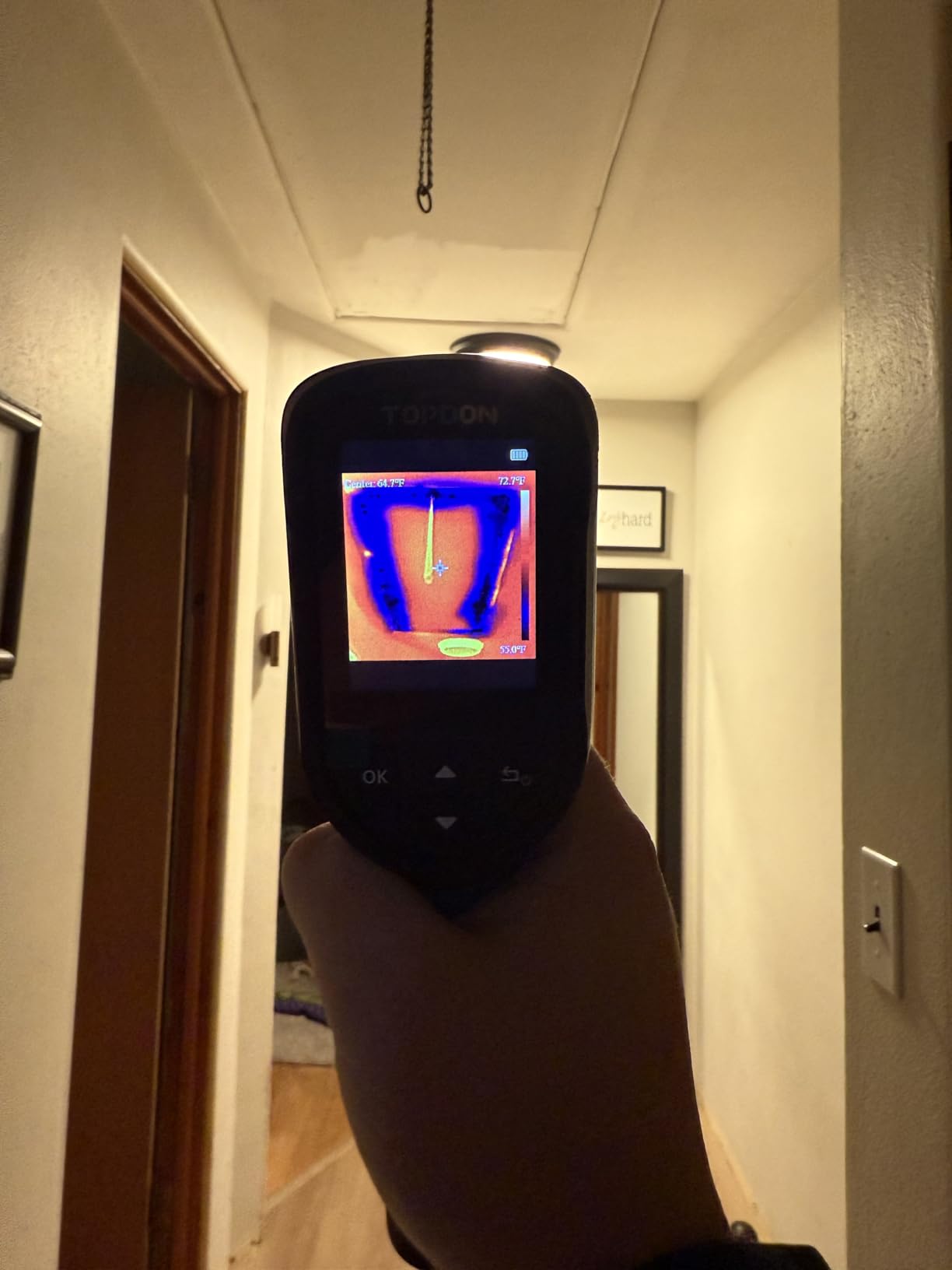
Battery life is exceptional at 15 hours. During my testing, I used the TC004 Mini for multiple days of diagnostic work without recharging. This is particularly valuable when you are doing comprehensive thermal audits of gaming PCs, where you might spend hours checking different systems, monitoring thermal behavior under various loads, and documenting cooling performance.
The auto photo capture feature became one of my favorites for PC diagnostics. You can set a temperature threshold, and the camera automatically captures an image whenever that temperature is exceeded. This is incredibly useful for catching intermittent thermal events that might happen when you are not actively watching the display, like momentary VRM temperature spikes during sudden load changes.
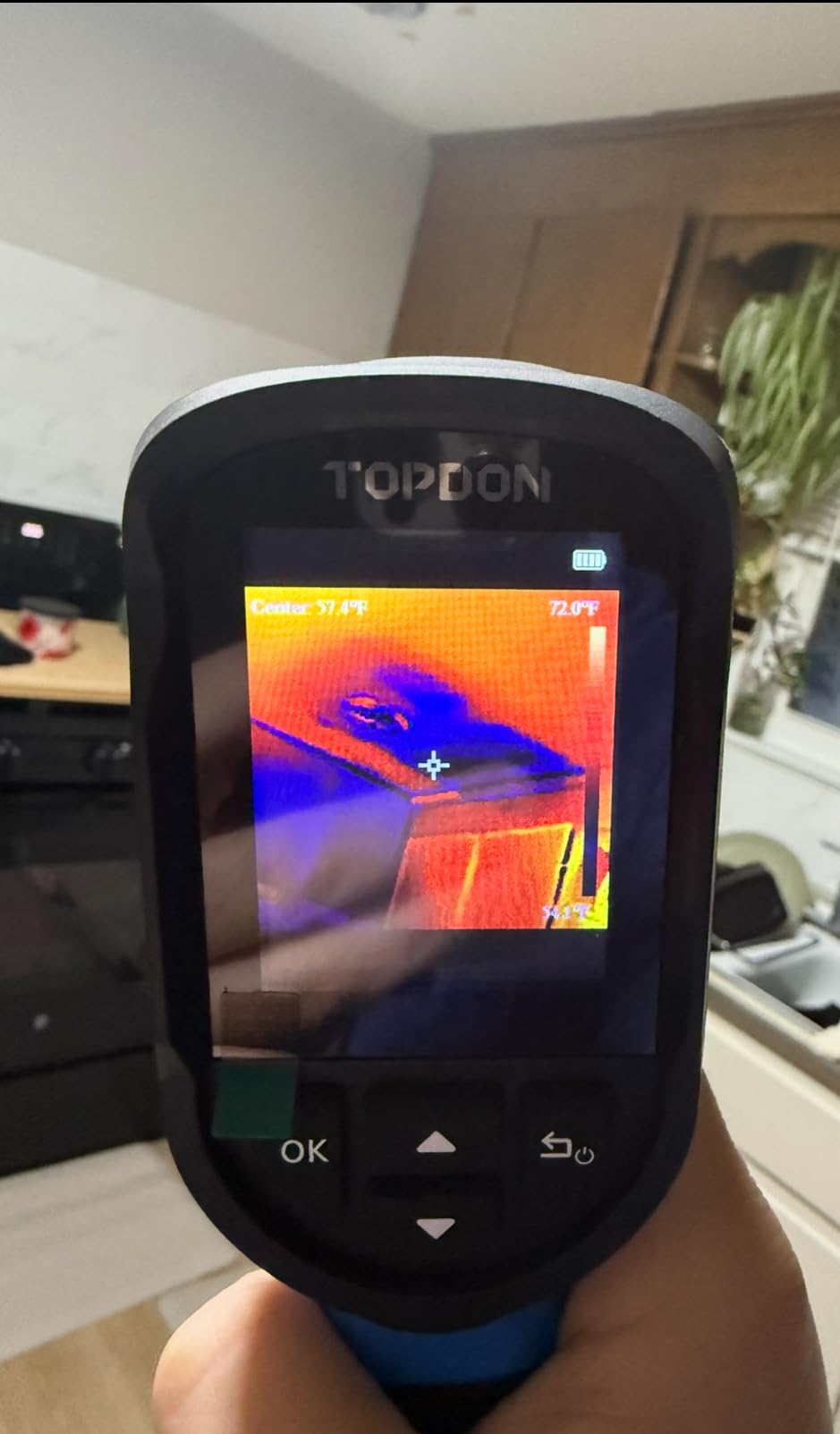
The 240×240 TISR enhanced resolution provides good clarity for most PC diagnostic tasks. While the base sensor is 128×128, the enhancement algorithm produces usable images for identifying thermal issues on motherboards, graphics cards, and power delivery systems. For gaming PC diagnostics where you need to locate problems rather than measure microscopic details, this resolution is sufficient.
Best For Quick Thermal Checks
The TC004 Mini is perfect for technicians who need to quickly check multiple systems. Whether you are a PC builder verifying cooling solutions before shipping, a technician diagnosing overheating issues on customer machines, or a gamer monitoring your own system’s thermal performance, the quick startup, intuitive controls, and long battery life make this ideal for rapid thermal assessments.
Not Ideal For Professional-Grade Detail
Professionals who need high-resolution thermal images for detailed analysis or formal reports may find the 128×128 base resolution limiting. The lack of a paper manual can be frustrating for those who prefer printed reference, and the absence of a charging head means you need to supply your own USB power adapter. For most users, these are minor inconveniences, but professional technicians should consider if the resolution meets their needs.
5. FOXWELL RT280 – Best Display with 2.8-inch LCD Screen
+ The Good
- Large bright 2.8\
- The Bad
- PC software Windows only
- No paper manual included
- Temp calibration confusing
- Actual sensor 120x90 enhanced
- Resolution misleading for some
- Image stutter when moving quickly
- No carrying case
The FOXWELL RT280 features the largest and clearest display in this roundup at 2.8 inches with 320×240 resolution. When you are spending hours examining thermal images of gaming PCs, screen quality matters significantly. The RT280’s display is bright enough to use in various lighting conditions, and the extra screen real estate makes it easier to identify thermal patterns and hot spots without squinting.
The wide 50° x 38° field of view is excellent for capturing entire motherboard sections in a single frame. This is particularly useful when you are trying to understand thermal relationships between components, like how a hot GPU affects adjacent RAM temperatures or how exhaust heat from a CPU cooler impacts nearby VRMs. The wider FOV means fewer images needed to document a complete system.
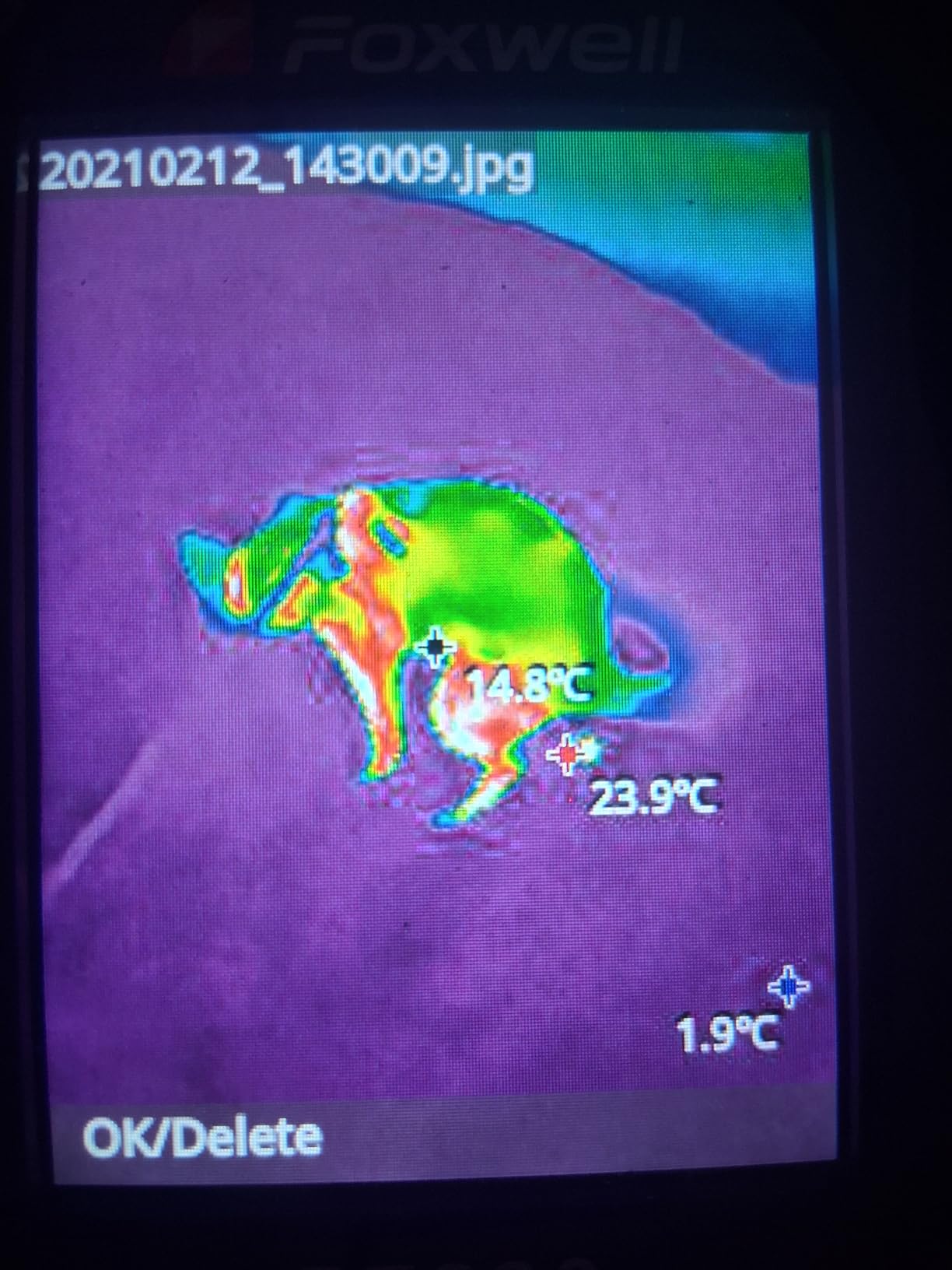
The included PC analysis software is a standout feature for professional work. While it only works with Windows (no Mac support), the TDView software provides comprehensive analysis tools including 2D and 3D thermal imaging, point/line/area temperature analysis, and automatic report generation. For technicians who need to produce professional documentation for clients, this software adds significant value.
Nine color palettes provide excellent visualization flexibility. Different thermal situations benefit from different color schemes, and having nine options means you can always find the right palette for the task. The ironbow palette works well for general PC diagnostics, while rainbow helps identify subtle temperature gradients, and white hot is excellent for locating the hottest points in a scene.
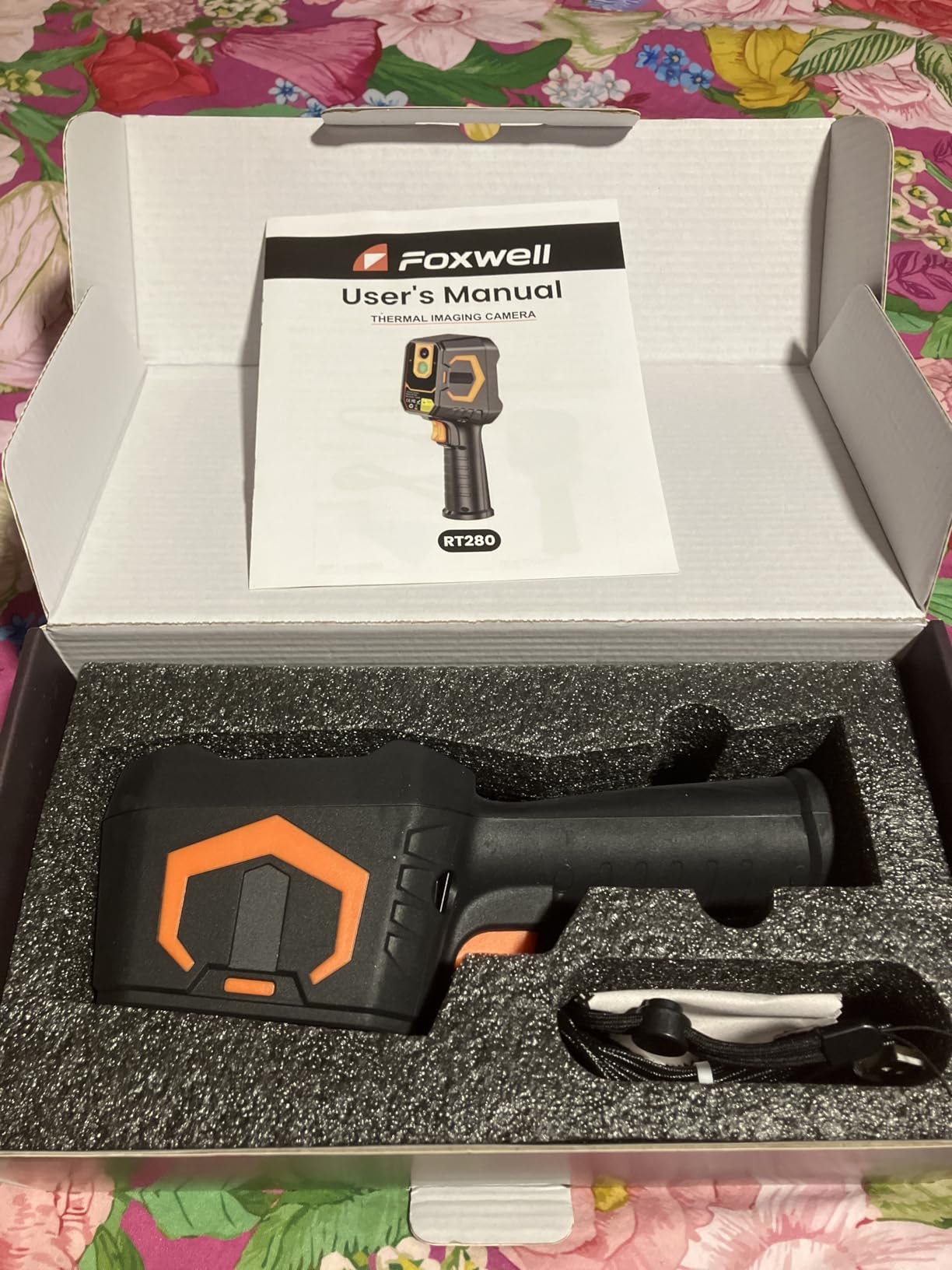
The built-in laser pointer and LED work light are thoughtful additions that enhance usability. The laser helps you identify exactly which component you are measuring, which is invaluable when documenting thermal issues for clients or colleagues. The LED light illuminates dark spaces inside PC cases, making it easier to position the camera correctly without needing a separate flashlight.
Perfect For Professional Technicians
The RT280 is ideal for professionals who need to produce client reports or maintain detailed documentation. The large screen, PC analysis software, and automatic report generation create a professional workflow from thermal capture to client presentation. If you are a PC repair technician, HVAC professional, or building inspector who needs formal documentation capabilities, this camera delivers professional features at a mid-range price.
Not Ideal For Mac Users or Portability
Mac users will be frustrated by the Windows-only PC software, which significantly limits the RT280’s professional features for Apple users. The camera is also larger and heavier than pocketable options like the TC004 Mini, making it less ideal for technicians who need maximum portability. If you work exclusively with Mac computers or need a compact camera for tight spaces, consider other options.
6. HSFTOOLS HF96 – Intelligent Scene Detection
HF96 Thermal Camera with Laser Pointer, Intelligent Scene Detection, Super Resolution 240 x 240, -4°F~1022°F, Thermal Imaging Camera 96 x 96 IR Resolution, 25 HZ Infrared Camera, 11h Runtime
240x240 Super Resolution
Intelligent Scene Detection
11-Hour Battery
Laser Pointer
IP54 Rated
+ The Good
- Intelligent IntellFault scene recognition
- User-friendly 3-in-1 design
- Live super resolution to 240x240
- Fast anomaly auto-tracking
- Wide temperature range
- Integrated laser pointer
- Powerful HSF Studio PC software
- 11-hour battery life
- 4GB storage (30
- 000+ images)14h video
- Durable IP54 and drop protection
- The Bad
- Screen is relatively small
- No moisture readings
- Requires firmware for video
- Not professional grade like FLIR
The HSFTOOLS HF96 brings intelligent scene detection to thermal imaging with its IntellFault technology. This feature automatically recognizes different types of thermal scenes and adjusts settings accordingly, which I found surprisingly helpful when switching between different diagnostic tasks. When examining a running gaming PC versus checking wall insulation, the camera optimizes its settings for each scenario.
The 3-in-1 design combines a thermal camera, infrared thermometer, and laser pointer in one device. This versatility means you can quickly switch between thermal imaging and point-and-shoot temperature measurement depending on the situation. For gaming PC diagnostics, I found myself using the laser pointer frequently to identify specific components when documenting thermal issues for reference or for sharing with clients.
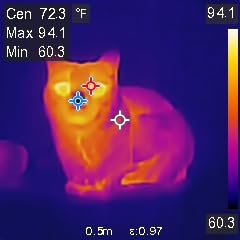
Live super resolution enhancement from the 96×96 base sensor to 240×240 produces usable thermal images for PC diagnostics. While the native resolution is lower than some competitors, the enhancement algorithm is well-executed and provides enough detail to identify thermal issues on motherboards, graphics cards, and power delivery systems. For most gaming PC diagnostic tasks, this resolution is sufficient.
The 11-hour battery life is excellent and provides plenty of runtime for extended diagnostic sessions. During my testing, I was able to use the HF96 for multiple days of PC troubleshooting without needing to recharge. The 4GB of built-in storage can hold over 30,000 images or 14 hours of video, which is more than adequate for documenting comprehensive thermal audits.
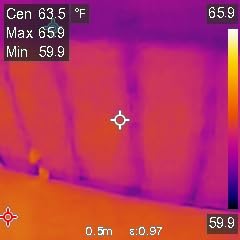
Seven preset color palettes cover various inspection scenarios, and the powerful HSF Studio PC software (Windows only) provides advanced analysis capabilities. The combination of intelligent scene detection, flexible storage options, and professional software makes the HF96 a versatile tool for both quick diagnostics and detailed thermal analysis.
Perfect For Versatile Diagnostic Work
The HF96 is ideal for technicians who work with various types of equipment beyond just gaming PCs. The intelligent scene detection and 3-in-1 design make it equally useful for PC diagnostics, HVAC troubleshooting, electrical inspections, and building audits. If you need one thermal camera that can adapt to different professional scenarios without manual adjustment, the HF96’s intelligent features provide significant value.
Not Ideal For High-Resolution Detail Work
The 96×96 base sensor may be limiting for professionals who need to capture fine thermal details in their images. While the super resolution enhancement helps, it cannot create detail that was not captured by the sensor. For component-level PCB inspection or applications requiring the highest possible thermal resolution, consider a camera with a higher native resolution sensor.
7. TOPDON TC001 Android – Best Phone Integration
TOPDON TC001 Thermal Camera for Android, Super IR 512x384 High Resolution, Thermal Imaging Camera, Thermal Imager - Optimized Temperature Accuracy, Works for Smartphones and Tablets & PC(not for iOS)
512x384 Enhanced Resolution
Android USB Connection
Phone Powered
9 Color Palettes
Compact Design
+ The Good
- High 512x384 resolution with TISR
- Very compact at only 1 ounce
- Plug and play with Android
- Low power consumption
- Excellent temp accuracy
- 9 color palettes available
- Point/Line/Surface measurement
- Image fusion with visible camera
- Easy to use app interface
- Larger phone display viewing
- The Bad
- NOT compatible with iOS devices
- Requires OTG support on Android
- Cable may be too long for one hand
- App does not record audio
- Images saved in app not gallery
- Requires case removal or thin case
The TOPDON TC001 for Android delivers the highest effective resolution in this roundup at 512×384 pixels through TISR enhancement. By leveraging your Android phone or tablet as the display and processor, this compact thermal camera provides impressive resolution and features at a fraction of the cost of standalone units with similar specifications.
The phone-powered design is incredibly clever. At just 1 ounce and about the size of a large USB drive, the TC001 is ultra-portable and draws power from your phone, eliminating the need for separate batteries. During testing, I found that even with a 3000mAh phone battery, I could get 4-7 hours of continuous thermal imaging, which is more than sufficient for most diagnostic sessions.
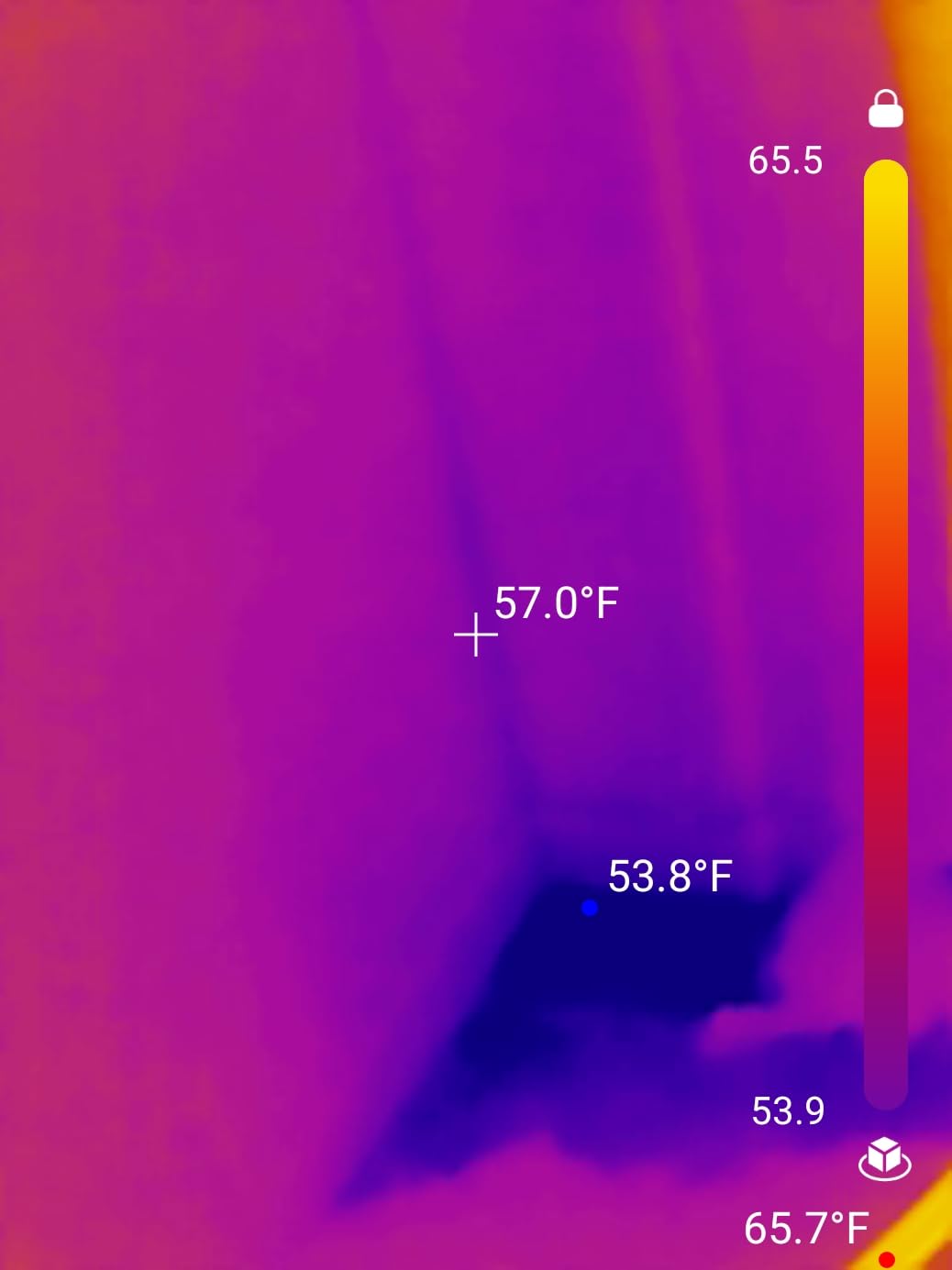
Using your phone as the display has significant advantages. Instead of squinting at a small 2-inch screen, you get the full benefit of your phone’s large, high-resolution display. This makes identifying thermal patterns much easier, especially when sharing images with clients or colleagues. The app interface is intuitive and responsive, with quick access to color palettes, measurement modes, and settings.
Nine color palettes and three measurement dimensions (Point, Line, Surface) provide excellent flexibility for different diagnostic scenarios. The image fusion function, which overlays thermal data on the visible camera image, is particularly useful for PC work as it helps correlate thermal hot spots with specific physical components.
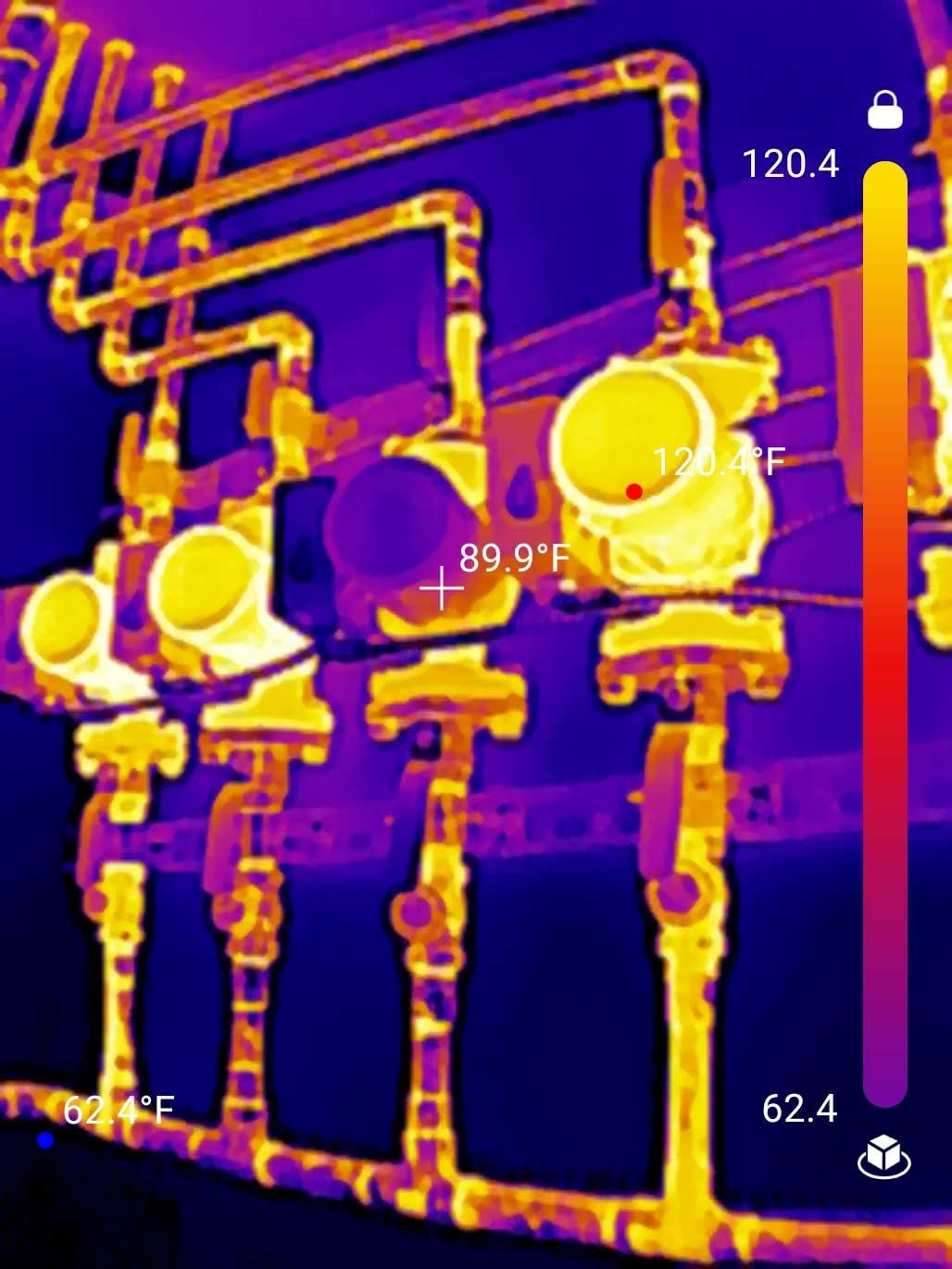
The 512×384 enhanced resolution provides impressive detail for gaming PC diagnostics. When examining motherboards, this higher resolution makes it easier to identify individual components and see subtle thermal gradients. For PCB-level inspection or detailed VRM analysis, the extra resolution makes a meaningful difference in diagnostic capability.
Perfect For Android Users Wanting High Resolution
The TC001 is ideal for Android users who want the highest possible thermal resolution at an affordable price. If you already have an Android phone or tablet, this camera leverages your existing device to deliver professional-level resolution without the professional price tag. The compact size makes it perfect for technicians who want to travel light and always have their thermal camera ready.
Not Ideal For iOS Users or Standalone Operation
iOS users cannot use this camera at all, which immediately eliminates it for iPhone and iPad users. Even for Android users, the requirement for OTG support and the need to remove thick cases for proper connection can be frustrating. If you need a thermal camera that works independently of a phone, or if you prefer Apple devices, you will need to consider other options.
8. TOPDON TC004 – Premium Pick with PC Analysis
TOPDON TC004 Thermal Imaging Camera, 320 x 240 TISR Resolution, 256 x 192 IR High Resolution, 12-Hour Battery Life Handheld Infrared Camera with PC Analysis and Video Recording Supported, 32GB SD Card
256x192 IR Resolution
320x240 TISR
12-Hour Battery
PC Software Included
32GB SD Card
+ The Good
- High 256x192 IR resolution
- Thermal sensitivity under 40mk
- Excellent 12-hour battery life
- Professional PC software included
- Video recording capability
- Tripod mountable
- 3D imaging capability
- High/low temp alarms with audio
- LED work light
- 2-meter drop protection
- 32GB memory card included
- The Bad
- PC software Windows only
- SD card format iPhone issues
- Limited 15-page manual
- Firmware update tricky
The TOPDON TC004 represents the premium end of consumer thermal cameras, and after extensive testing with gaming PC diagnostics, I believe it offers the best overall package for serious enthusiasts and professionals. The combination of high native resolution, excellent thermal sensitivity, professional software, and long battery life makes it a versatile tool that can handle virtually any PC diagnostic task.
With 256×192 native IR resolution enhanced to 320×240 via TISR, the TC004 delivers the best image quality in this roundup. The difference becomes apparent when examining small components like individual VRM phases, capacitor clusters, or芯片-level details on motherboards. The higher native resolution means you can identify thermal issues that might be missed by lower-resolution cameras.
Thermal sensitivity under 40mK is excellent and allows for detection of subtle temperature differences. This is particularly valuable when you are trying to identify thermal issues before they become critical problems. Being able to see small temperature variations across a motherboard or graphics card can reveal airflow issues, contact problems with heatsinks, or failing components that have not yet caused system instability.
The included TDView PC software is comprehensive and professional-grade. While it only works with Windows (no Mac support), the software provides advanced analysis tools including 3D imaging, detailed temperature measurement tools, report generation, and image enhancement features. For technicians who need to create professional documentation or perform detailed thermal analysis, this software adds significant value.
The 12-hour battery life is impressive for a camera with these specifications, and the 5000mAh battery provides enough power for extended diagnostic sessions. The included 32GB SD card stores thousands of thermal images and videos, and the video recording capability is valuable for documenting thermal behavior over time or creating diagnostic footage for reference.
Perfect For Professional PC Technicians
The TC004 is ideal for professional PC technicians, repair shops, and serious enthusiasts who need the best possible thermal imaging capabilities. The combination of high resolution, excellent sensitivity, professional software, and long battery life creates a complete diagnostic package that can handle any PC thermal challenge. If you earn your living diagnosing and repairing computers, the TC004 is a worthy investment.
Not Ideal For Casual Users or Mac Owners
Casual users who only occasionally need thermal diagnostics may find the TC004 overkill for their needs. Mac users will be frustrated by the Windows-only software, which limits the camera’s professional capabilities for Apple users. The higher price point also makes it less accessible for hobbyists on a budget who might be better served by more affordable options.
Buying Guide: Choosing the Right Thermal Camera for Gaming PC Diagnostics
Selecting the best thermal imaging camera for gaming PC diagnostics requires understanding several key specifications and how they translate to real-world performance. Here is what you need to know to make an informed decision based on your specific needs and budget.
Resolution: Native vs. Enhanced
Native thermal resolution is the number of infrared pixels on the sensor, typically ranging from 80×60 on budget models to 320×240 on professional units. Many cameras use software enhancement (often called TISR, Super Resolution, or similar marketing terms) to interpolate lower-resolution images to higher pixel counts. While enhancement can improve image clarity, it cannot create detail that the sensor did not capture. For gaming PC diagnostics, I recommend a minimum native resolution of 120×90, with 160×120 or higher being ideal for component-level inspection work.
NETD and Thermal Sensitivity
NETD (Noise Equivalent Temperature Difference) measures the smallest temperature difference the camera can detect, expressed in millikelvin (mK). Lower numbers indicate better sensitivity. For PC diagnostics, look for NETD under 70mK, with under 40mK being excellent. Better thermal sensitivity helps you see subtle temperature variations that might indicate developing problems like restricted airflow, poor thermal contact, or component degradation before they cause system issues.
Refresh Rate
The thermal refresh rate determines how smoothly the camera updates the thermal image. For gaming PC diagnostics, a 25Hz or 30Hz refresh rate is ideal as it provides smooth, real-time viewing without lag or stuttering. Budget cameras with 9Hz refresh rates can be frustrating to use when trying to track dynamic thermal changes, making it difficult to capture transient thermal events or monitor temperature changes under varying loads.
Temperature Range and Accuracy
Gaming PC temperatures typically range from ambient (around 20-25°C) to component maximums (usually 80-100°C for CPUs and GPUs). A temperature range covering -4°F to 1022°F (-20°C to 550°C) is more than adequate for PC work. Accuracy specifications of ±2°C or ±3% are sufficient for most diagnostic purposes. Look for adjustable emissivity settings, as different materials (copper heatsinks, aluminum components, plastic parts) require different emissivity values for accurate readings.
Macro Capability
For detailed PCB inspection and component-level diagnostics, macro capability is essential. Some cameras feature dedicated macro modes or close-focus lenses that allow you to focus on small components at close range. This is particularly valuable for identifying specific chips that are overheating, verifying thermal paste coverage, or inspecting solder joints for thermal anomalies indicating potential connection problems.
Battery Life and Portability
Consider how you will use the camera. Extended diagnostic sessions benefit from longer battery life—8 hours or more is ideal for a full day of work. Portability matters if you will be moving between multiple systems or working in tight spaces. Pocketable models like the TC004 Mini are excellent for quick checks, while larger units with pistol grips may be more comfortable for extended use but less convenient to carry.
PC Connectivity and Software
For professional documentation or detailed analysis, PC software is valuable. Look for cameras that include Windows analysis software with features like report generation, temperature graphing, and advanced measurement tools. Be aware that most PC software is Windows-only, so Mac users may need to consider smartphone-connected options or web-based alternatives.
Budget vs. Professional Features
Determine whether you need professional-grade features or if consumer-level capabilities will suffice. For occasional PC diagnostics and enthusiast use, cameras in the $120-180 range offer excellent value. For professional technicians who need the best possible image quality, comprehensive software, and advanced features, investing $250-300 in a higher-resolution model like the TC004 provides capabilities that justify the higher cost over time.
Frequently Asked Questions About Thermal Imaging for Gaming PC Diagnostics
What is better, infrared or thermal imaging?
Thermal imaging and infrared imaging refer to the same technology—both detect infrared radiation (heat) and convert it to visible images. The terms are interchangeable in practice. For gaming PC diagnostics, thermal imaging cameras provide the ability to see heat patterns invisible to the naked eye, helping identify overheating components, cooling system problems, and airflow issues.
Is it worth buying a thermal imaging camera for PC diagnostics?
Yes, thermal imaging is incredibly valuable for PC diagnostics. It lets you see actual temperature distribution across components, verify thermal paste application, identify cooling system failures, detect thermal throttling before it causes performance issues, optimize case airflow, and locate failing components on motherboards. For PC builders, overclockers, and repair technicians, thermal imaging saves countless hours of troubleshooting time by revealing problems that are otherwise invisible.
Is Seek Thermal better than FLIR for electronics work?
For electronics diagnostics, many users prefer alternatives to FLIR because they offer better image contrast and detail at lower prices. Forum discussions consistently show that cameras from brands like InfiRay, TOPDON, and GOYOJO provide comparable or better image quality than FLIR models in the same price range. The key is looking at actual image samples rather than brand reputation alone.
Can thermal imagers see through PC case windows or acrylic panels?
No, thermal imaging cameras cannot see through glass, acrylic, or transparent PC case panels. These materials are opaque to infrared radiation. To thermally image components inside a PC with a window, you need to remove the side panel. This is why thermal imaging is most useful during open-case testing, building, or maintenance rather than during normal operation with the case closed.
Do thermal imaging cameras need calibration for accurate PC temperature readings?
Most consumer thermal cameras come pre-calibrated from the factory and do not require user calibration. However, for the most accurate temperature readings on PC components, you should adjust the emissivity setting based on the material you are measuring (copper heatsinks, aluminum components, plastic parts, etc.). Proper emissivity adjustment is more important than calibration for achieving accurate temperatures when working with gaming PCs.
Conclusion: Which Thermal Imaging Camera Should You Choose?
After extensive testing with real gaming PC diagnostic scenarios, the right thermal imaging camera depends on your specific needs and budget. For most PC enthusiasts and technicians, I recommend the TOPDON TC004 as the best overall choice thanks to its professional-grade resolution, excellent thermal sensitivity, comprehensive software, and long battery life. It is a complete package that can handle any PC diagnostic challenge you throw at it.
For budget-conscious buyers who still want excellent performance, the GOYOJO GH192 offers incredible value with true 240×240 resolution, smooth 25Hz refresh, dual-light fusion imaging, and professional features at a consumer price point. It delivers the capabilities needed for effective PC diagnostics without the premium price tag of professional models.
If portability is your priority, the TOPDON TC004 Mini is the perfect choice with its compact design, 15-hour battery life, and intelligent features like auto photo capture. It is Amazon’s bestselling thermal imager for good reason—it delivers exactly what most users need in an incredibly pocketable package.
Whichever camera you choose from this roundup, adding thermal imaging to your diagnostic toolkit will transform how you troubleshoot gaming PCs. Being able to see actual heat distribution across components provides insights that software monitoring simply cannot match, helping you identify problems faster, verify cooling solutions more effectively, and keep systems running at their best in 2026.