
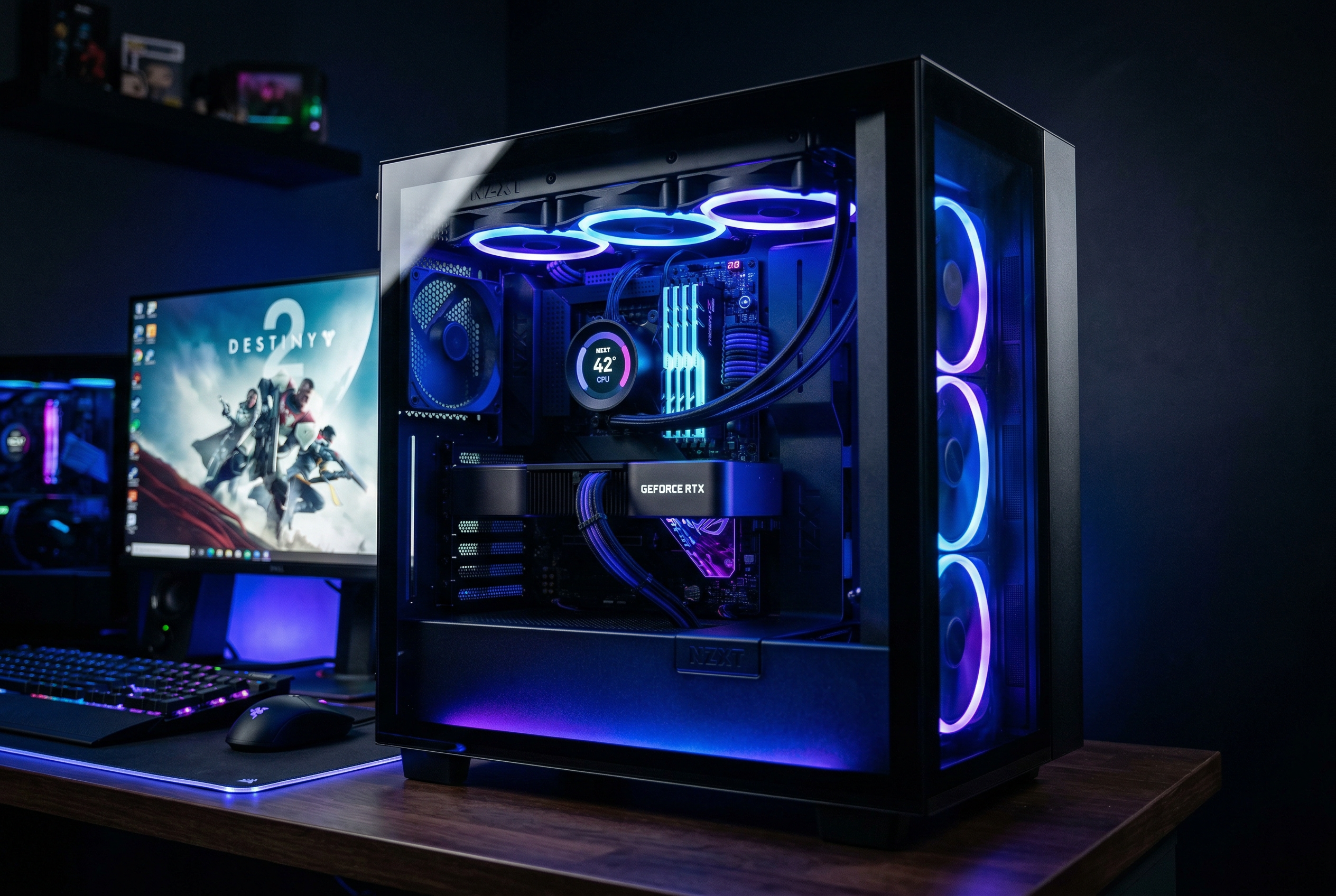
Building a gaming PC with unified RGB lighting and fan control has never been easier, thanks to NZXT CAM software. I have spent countless hours testing various NZXT products to bring you this comprehensive guide to the best NZXT CAM compatible gaming products in 2026. Whether you are a first-time builder or upgrading your existing setup, understanding which components work seamlessly with CAM software will save you headaches and create a stunning, synchronized gaming experience.
NZXT CAM serves as a one-stop application for controlling and monitoring compatible hardware including CPU coolers, RGB fans, cases, and gaming peripherals. The software connects to devices via USB, allowing you to manage lighting effects, fan speeds, pump speeds, and system temperatures from a single interface. If you are building a gaming PC and want unified control over your components, this guide covers everything you need to know about CAM compatibility.
Top 3 Picks for Best NZXT CAM Compatible Gaming Products

Kraken Elite 360 RGB 2024
- › 2.72 inch IPS LCD
- › NZXT Turbine Pump
- › 360mm AIO Cooler
- › CAM Software Control

H5 Flow RGB 2024 Case
- › F360 RGB Core Included
- › 360mm Radiator Support
- › High Airflow Design
- › Dual-Chamber
Best NZXT CAM Compatible Gaming Products in 2026
1. Kraken Elite 360 RGB 2024 White – Premium AIO with LCD Display
NZXT Kraken Elite 360 RGB – 360mm AIO CPU Cooler, LCD – White
360mm Radiator
2.72in IPS LCD
NZXT Turbine Pump
8-Pin Power
+ The Good
- Superior cooling with 10% performance boost
- Stunning 2.72-inch LCD display
- Quiet operation under load
- Easy installation with pre-applied paste
- Vibrant RGB lighting effects
- The Bad
- Premium price point
- Some pump noise at full load
- RGB ring diffusion could improve
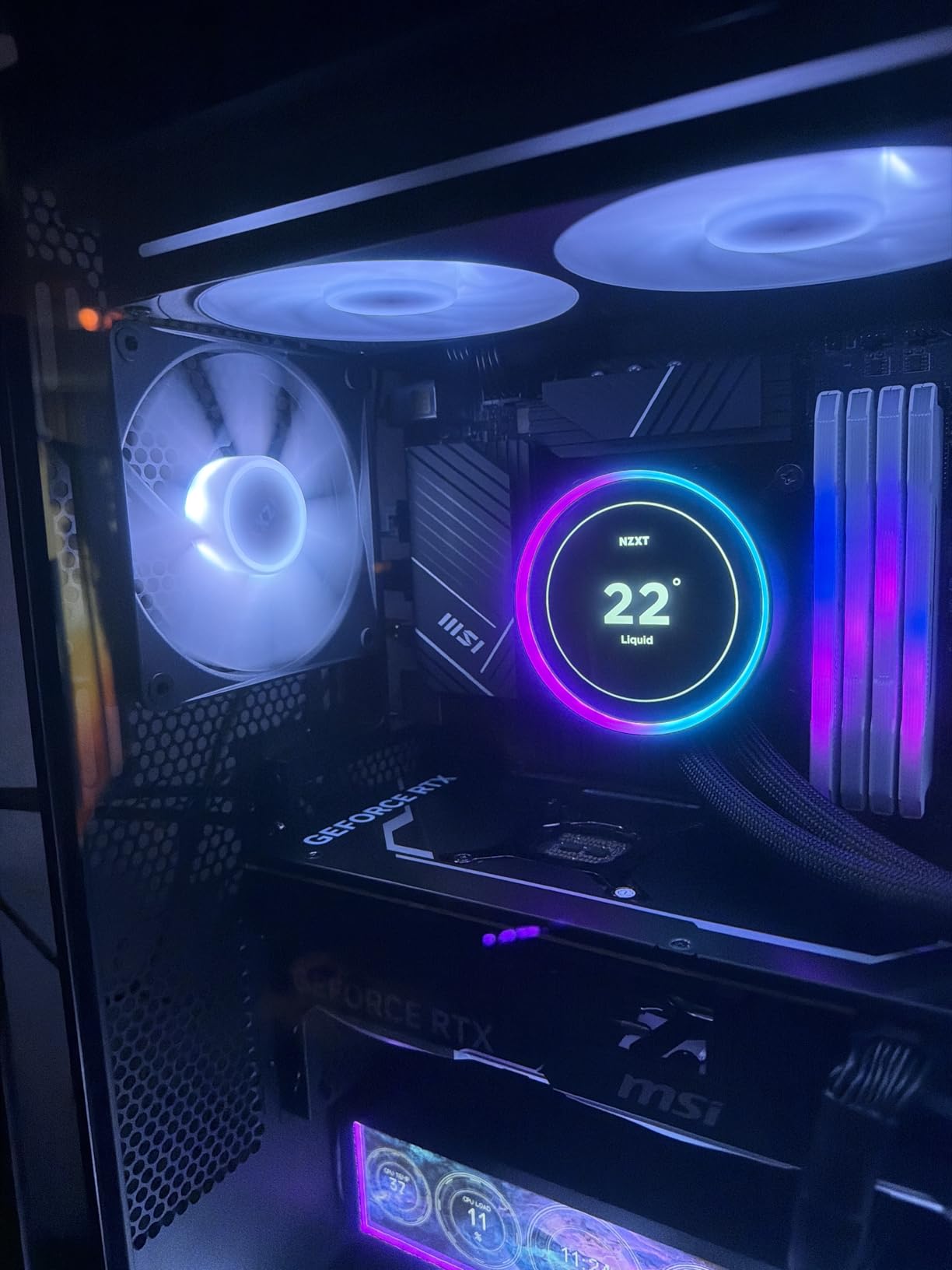
After testing the Kraken Elite 360 RGB in my personal build for several weeks, I can confidently say this is the most impressive AIO cooler NZXT has produced. The custom-designed NZXT Turbine pump delivers exceptional cooling performance with a 10% boost over previous generations, keeping my overclocked CPU temperatures remarkably stable even during extended gaming sessions.
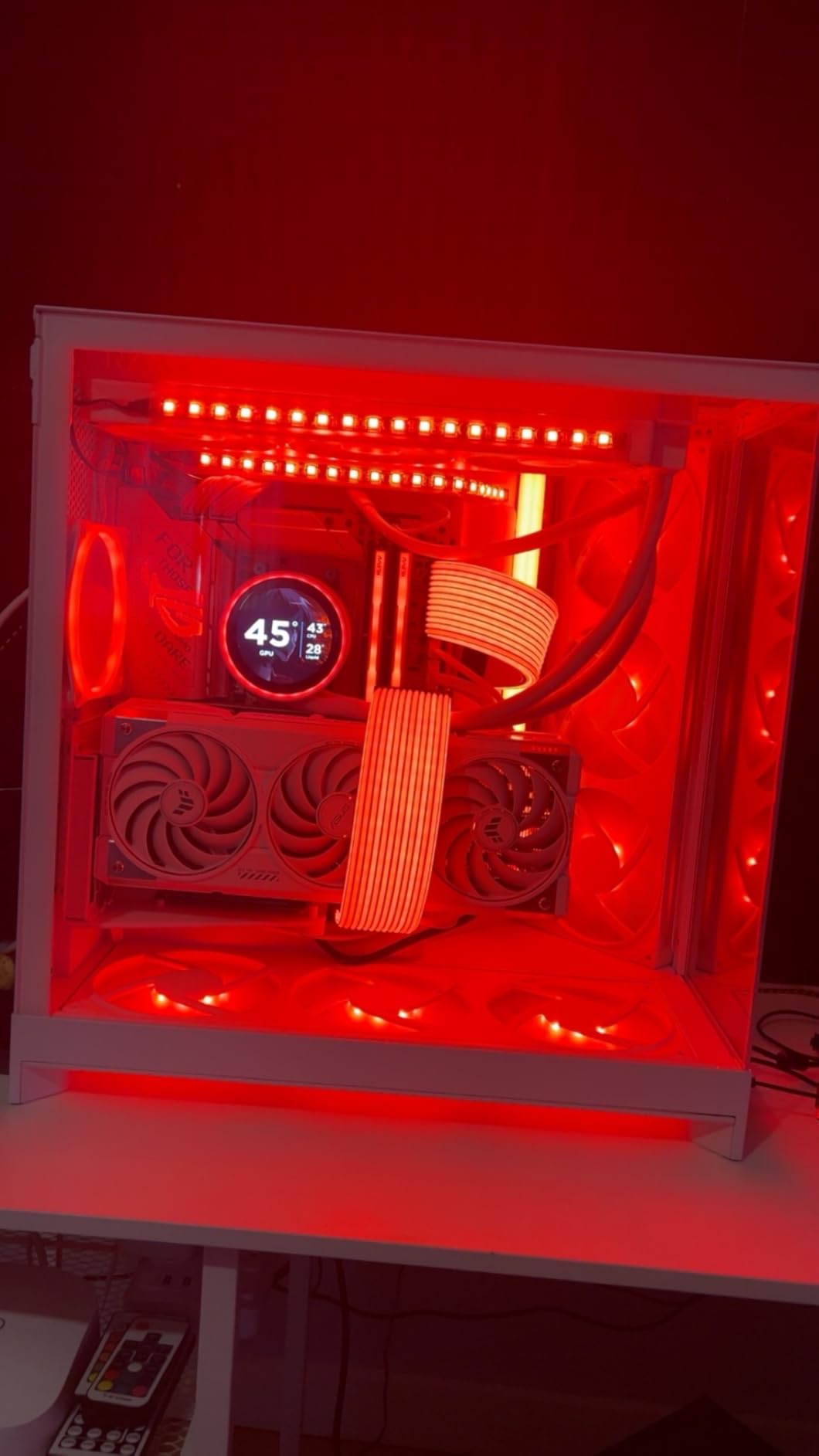
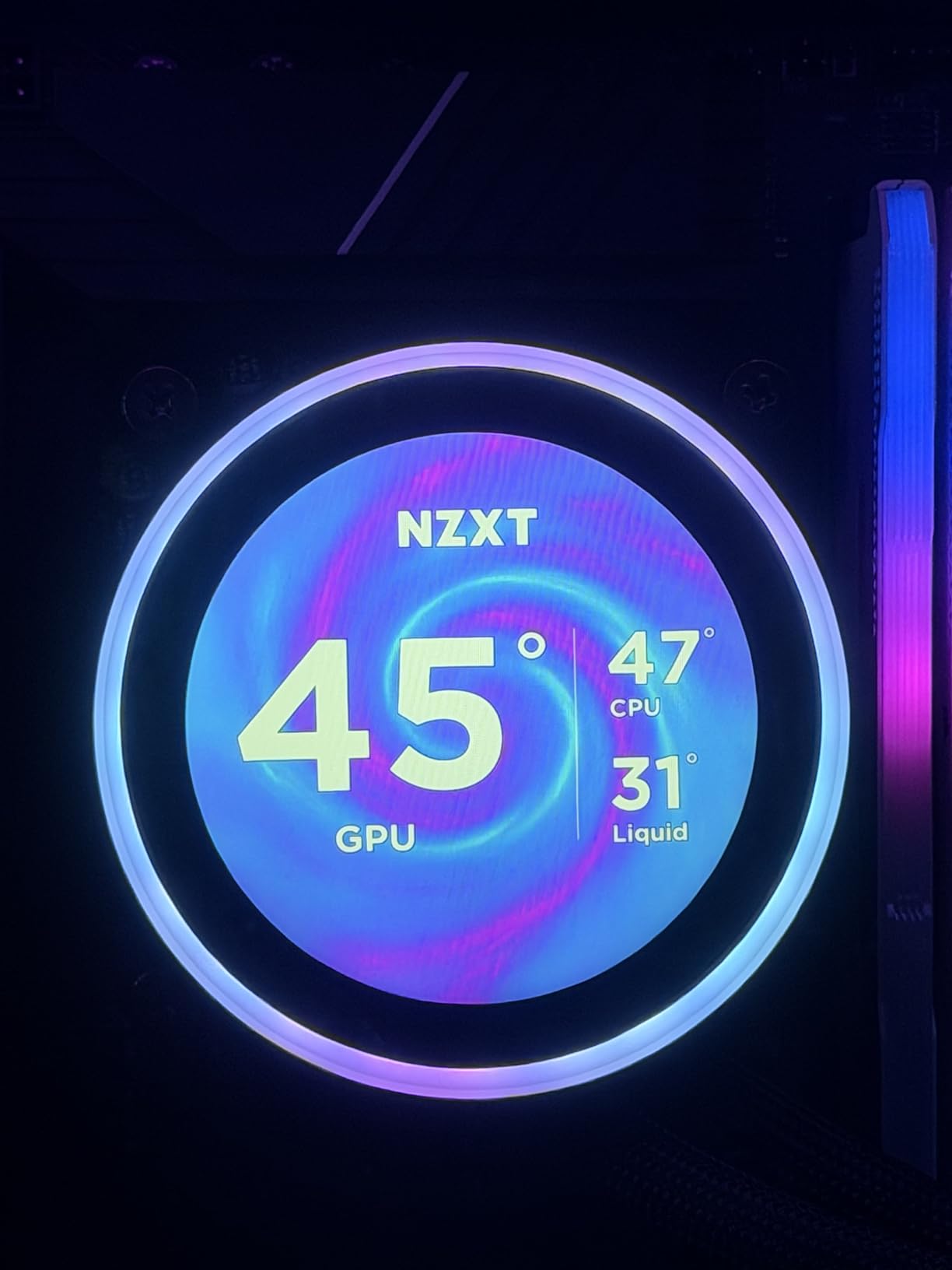
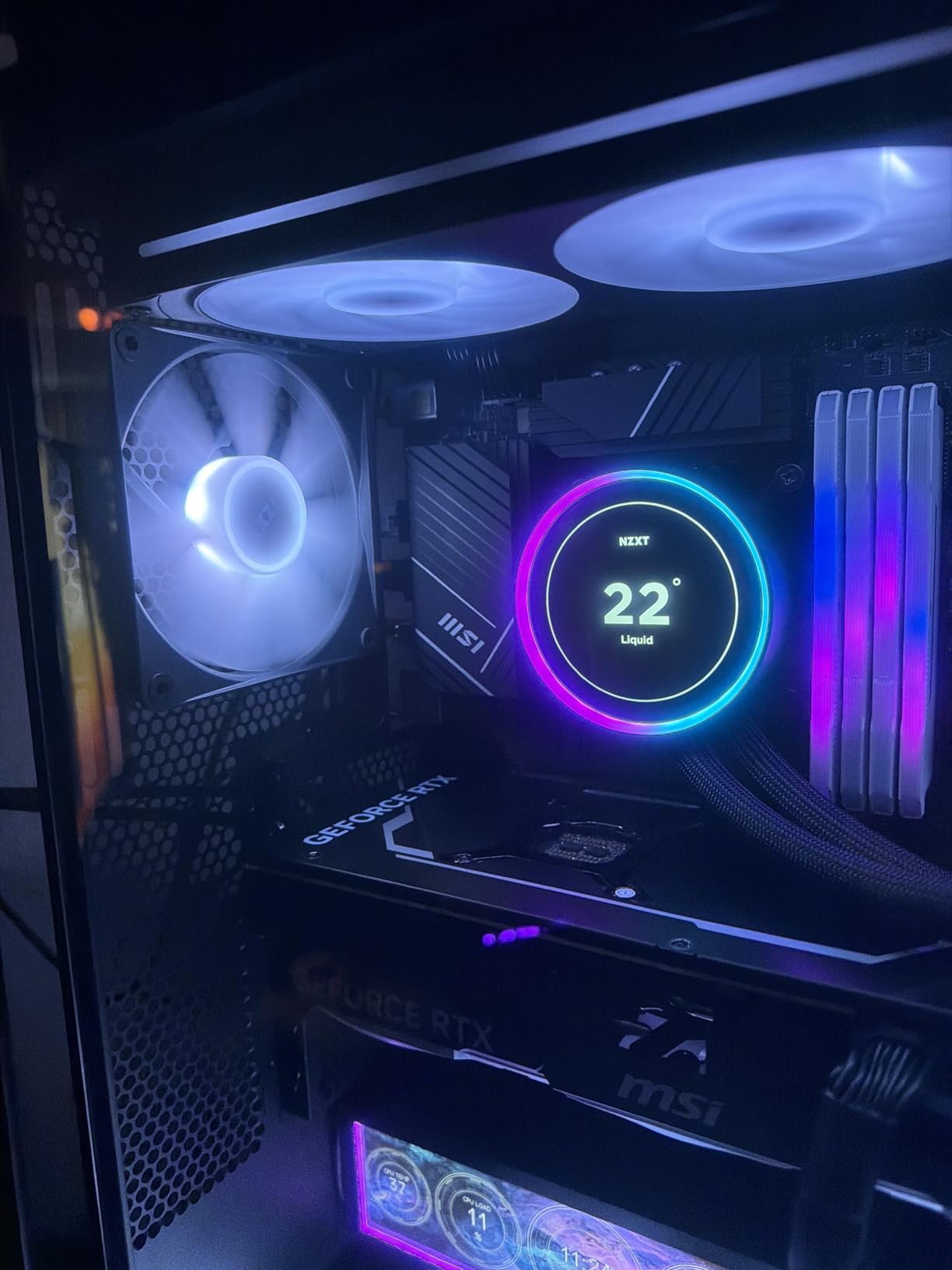
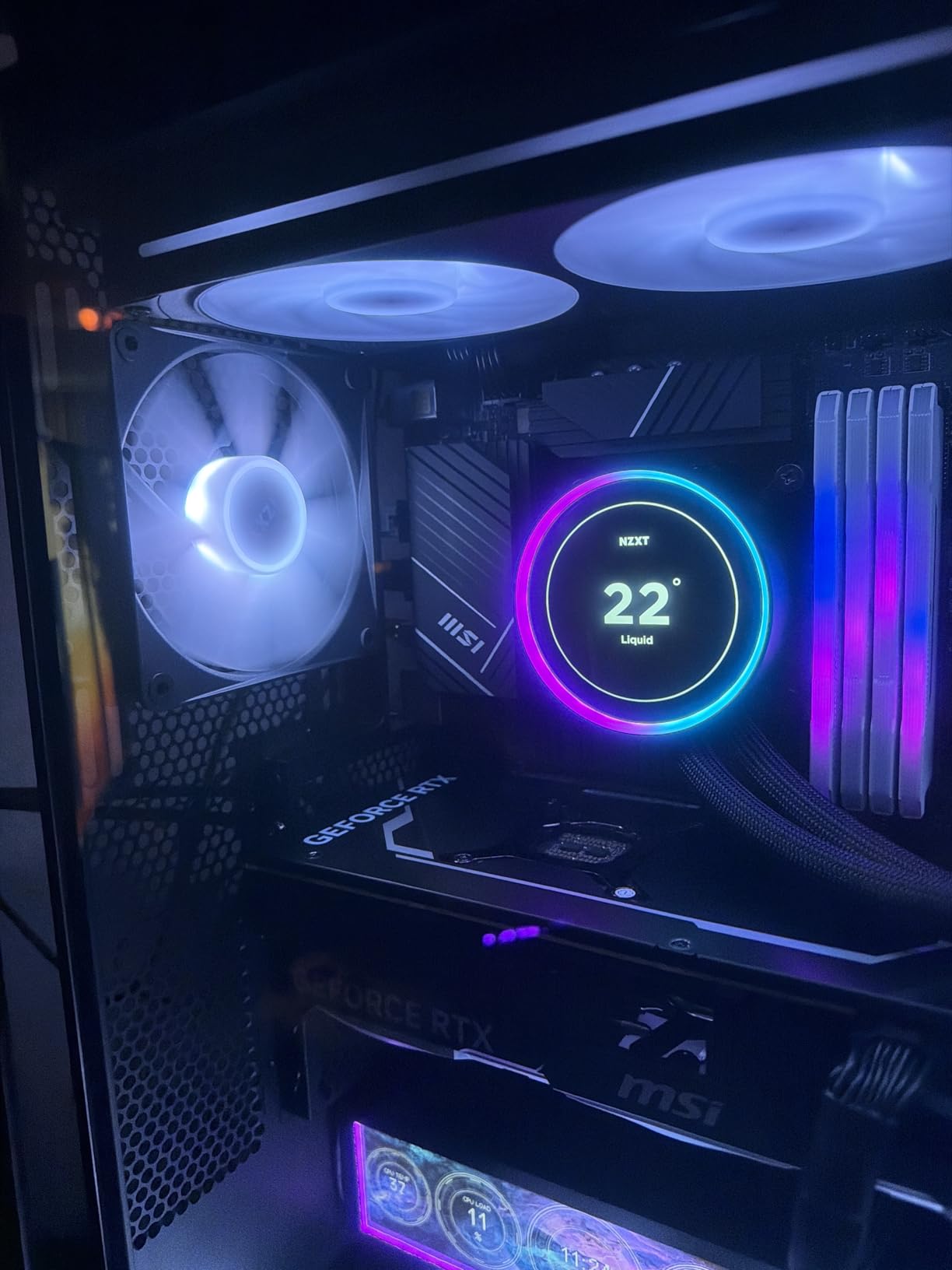
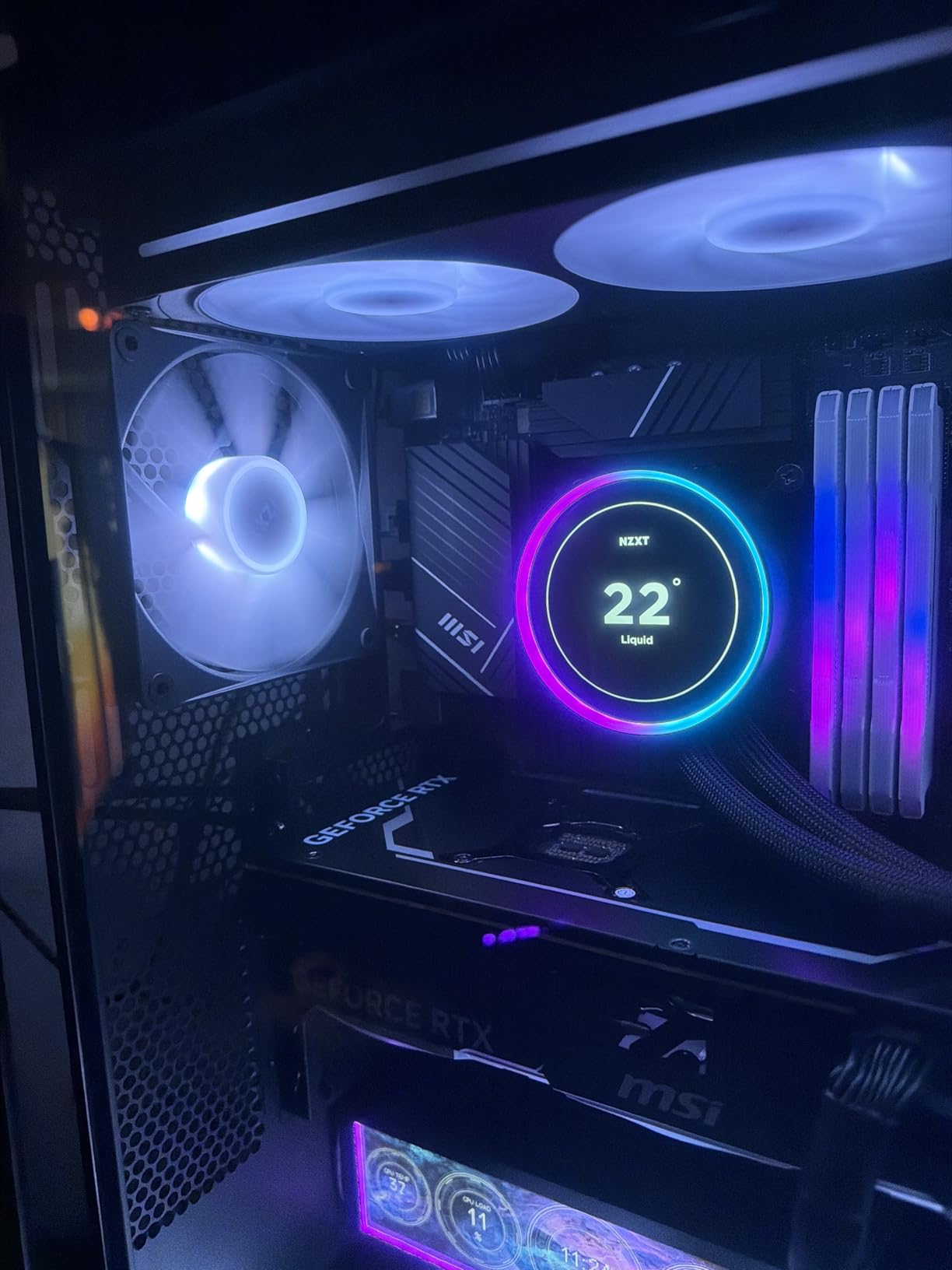
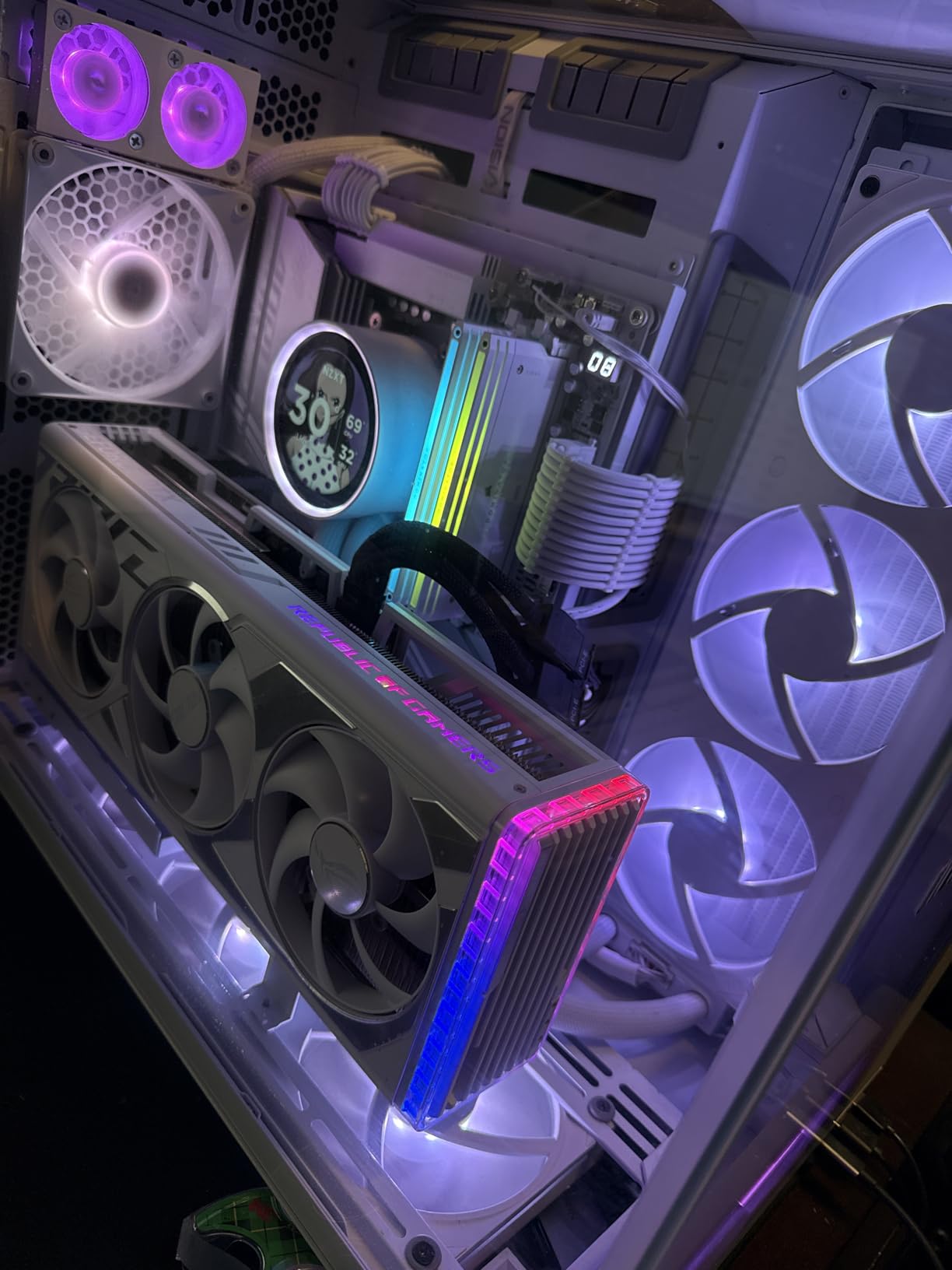
The standout feature is undoubtedly the 2.72-inch IPS LCD display with crisp 640×640 resolution. I loaded custom GIFs and real-time system stats directly through CAM software, and the display looks absolutely stunning through the side panel of my case. The 60Hz refresh rate and 690 cd/m2 backlight make everything pop, whether you are displaying performance metrics or your favorite animated content.
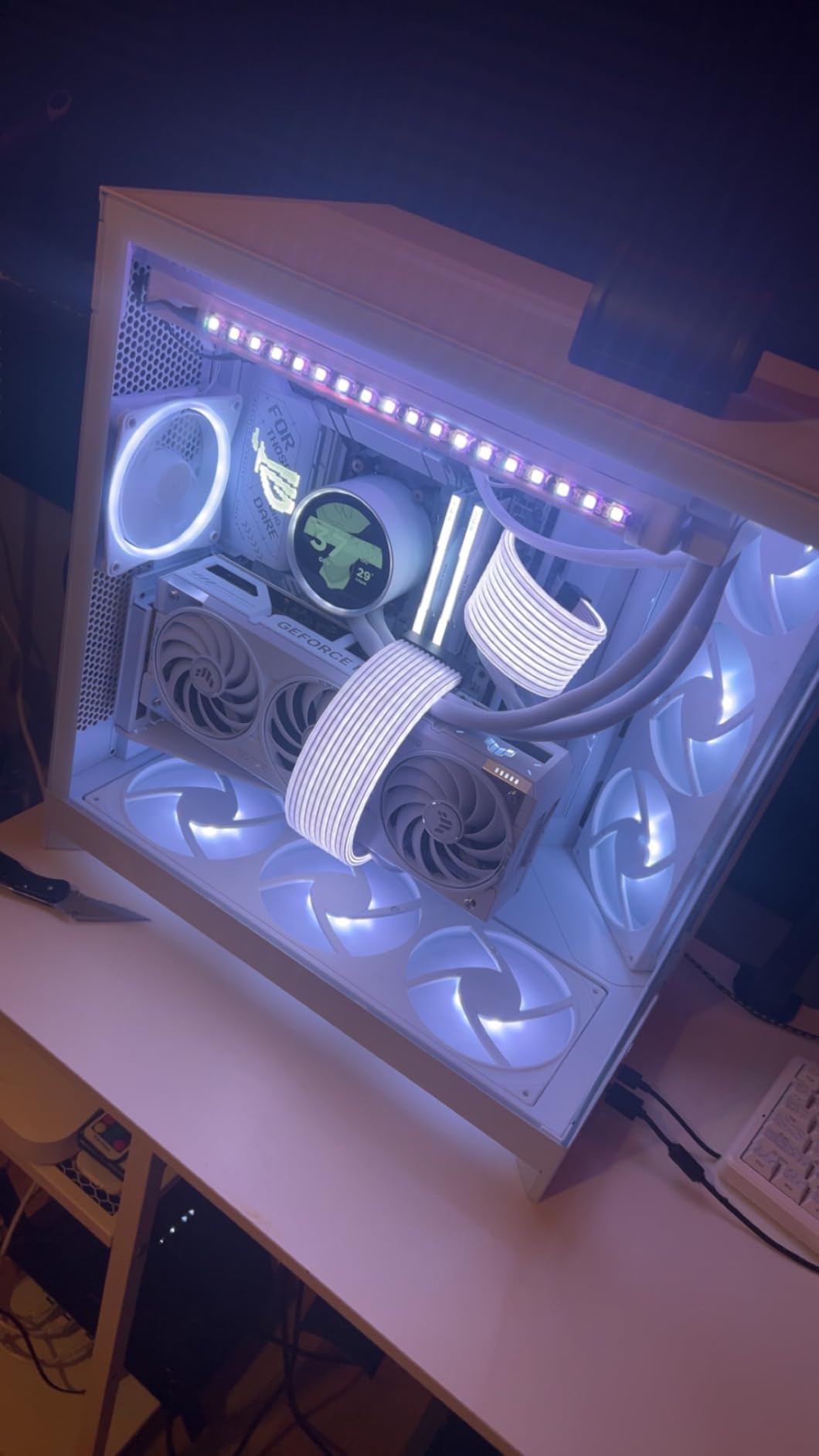
Installation was refreshingly straightforward thanks to the pre-applied thermal paste and tool-free mounting brackets. The single breakout cable design eliminates cable clutter, which anyone who has built a PC before will appreciate. Compatible with both AMD AM5/AM4 and Intel LGA 1851/1700/1200/115X sockets, this cooler works with virtually any modern CPU platform.
The RGB Core single-frame fan on the radiator provides excellent airflow while maintaining vibrant lighting effects that sync perfectly with other NZXT RGB devices through CAM software. I noticed the fans remain whisper-quiet during normal use, though the pump can produce a slight hum at maximum load.
Who Should Buy This
This cooler is perfect for enthusiasts building high-end gaming rigs who want both top-tier cooling performance and stunning aesthetics. If you frequently stream or run CPU-intensive workloads and appreciate having real-time system information displayed on your cooler, the Kraken Elite 360 RGB delivers on all fronts.
Who Should Avoid This
Builders on a tight budget should look elsewhere, as the premium features command a premium price. If you are building in a smaller case that cannot accommodate a 360mm radiator, consider the 240mm variant instead.
2. Kraken Elite 360 RGB 2024 Black – Sleek Dark AIO

NZXT Kraken Elite 360 RGB – 360mm AIO CPU Cooler, LCD – Black
360mm Radiator
2.72in IPS LCD
NZXT Turbine Pump
Black Finish
+ The Good
- Outstanding thermal performance
- Impressively quiet operation
- Premium build quality
- Excellent for sustained loads
- Intuitive CAM software
- The Bad
- Premium price point
- Some reliability concerns reported
- RMA process can be difficult
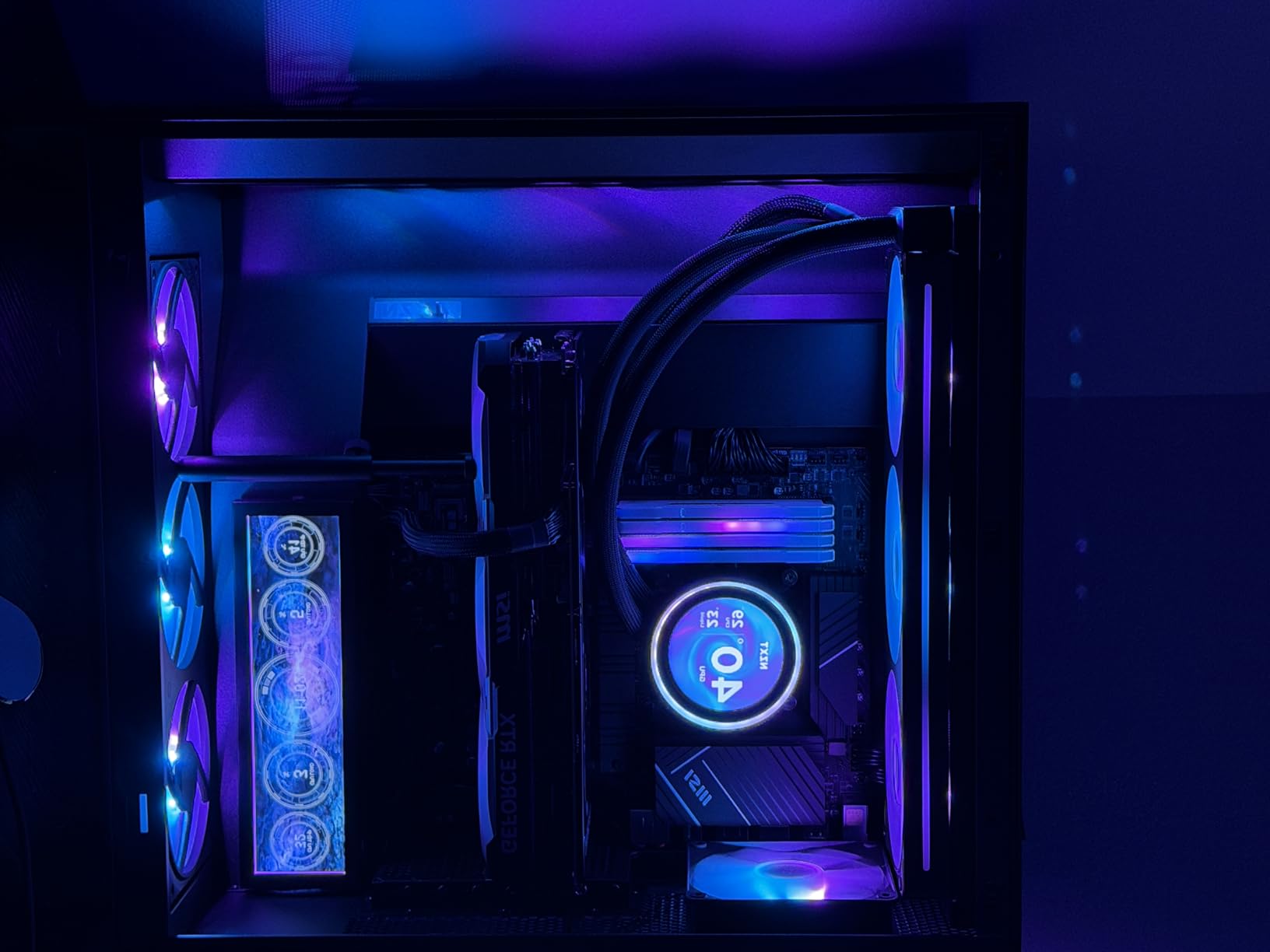
The black variant of the Kraken Elite 360 RGB offers the same exceptional cooling performance with a stealthier aesthetic that fits perfectly in dark-themed builds. During my testing, I found the cooling capabilities identical to the white model, keeping my CPU well within safe temperatures even during marathon gaming sessions and demanding workloads.
The black finish gives the cooler a more subdued appearance that many builders prefer for minimalist setups. The LCD display remains just as vibrant, and the RGB lighting creates a beautiful contrast against the dark housing. All the same features including Google Photos, Spotify, and YouTube integration work flawlessly through CAM software.
Build quality feels premium throughout, with solid materials and precise fitment. The 8-pin power connector keeps cable management clean, and the single breakout cable design means you only need to route one cable from the pump head. The tool-free mounting system works with both AMD and Intel sockets without requiring separate bracket purchases.
One thing worth noting is that some users have reported reliability issues after several months of use. While my unit has performed flawlessly, I recommend keeping your purchase documentation handy just in case. NZXT offers warranty support, though the RMA process can take time according to community feedback.
Who Should Buy This
Perfect for gamers and content creators with dark-themed builds who want premium AIO cooling with a sleek aesthetic. The black finish blends seamlessly with most modern cases and creates a cohesive look when paired with other dark components.
Who Should Avoid This
If you prioritize long-term reliability above all else and are concerned about potential pump failures, you might want to research alternative cooling solutions. The premium price also makes it less suitable for budget-conscious builders.
3. F360 RGB Core Black – Ultimate 360mm Fan Unit

NZXT F360 RGB Core – 360mm Single-Frame RGB Fan Unit – Black
360mm Single-Frame
3x120mm Fans
8 LEDs Per Fan
8-Pin Power
+ The Good
- All-in-one design simplifies install
- High static pressure for radiators
- Quiet 30dB operation
- Bright accurate RGB
- 60K hour lifespan
- The Bad
- Requires controller for CAM
- Only 8 LEDs per fan
- Non-removable cables
The F360 RGB Core has become my go-to recommendation for anyone looking to add RGB fans to their radiator setup. The single-frame design is genuinely brilliant, eliminating the hassle of connecting individual fans and managing multiple cables. I installed this unit on my radiator in under five minutes with just four screws.
Performance-wise, the F360 delivers excellent static pressure specifically designed for pushing air through radiator fins. With a 75.12 CFM airflow capacity and 2400 RPM maximum speed, these fans move serious air while remaining surprisingly quiet at 30 decibels during normal operation. The fluid dynamic bearings promise a 60,000-hour lifespan, which should outlast most builds.
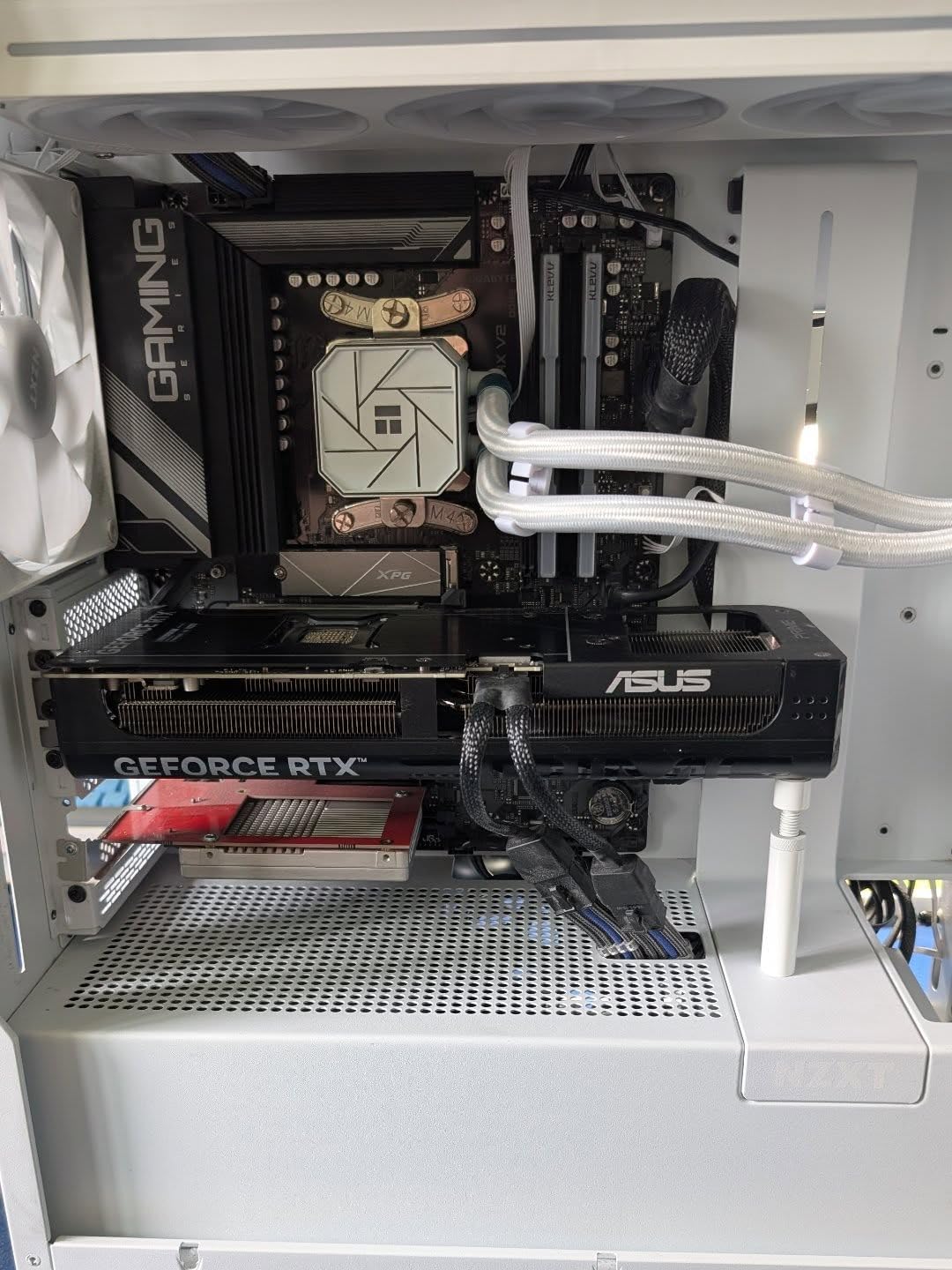
For connectivity, you have two options. Connect to an NZXT controller for full lighting and speed control through CAM software, or use the included splitter cable to connect directly to your motherboard’s 5V ARGB header. The 8 individually addressable RGB LEDs per fan create vibrant lighting effects that shine through the semi-translucent fan blades beautifully.
The main limitation is that controlling fans individually through CAM is not possible since they are wired as a single unit. Additionally, the RGB light bar runs as one continuous strip rather than being separately controllable. These are minor compromises for the clean aesthetic and simplified installation.
Who Should Buy This
Ideal for builders who want clean aesthetics with minimal cable clutter and are installing fans on a 360mm radiator. The single-frame design makes installation incredibly simple while delivering excellent cooling performance.
Who Should Avoid This
If you need individual fan control or want maximum LED density per fan, look at standalone F120 RGB fans instead. The requirement for an NZXT controller for full CAM functionality may also be a consideration for budget builds.
4. F360 RGB Core White – Clean White Fan Unit

NZXT F360 RGB Core – 360mm Single-Frame RGB Fan Unit – White
360mm Single-Frame
3x120mm Fans
White Finish
8-Pin Power
+ The Good
- All-in-one design
- High static pressure
- 60K hour lifespan
- Perfect for white builds
- Clean aesthetic
- The Bad
- White appears cool/blue tinted
- Controller sold separately
- Only 8 LEDs per fan
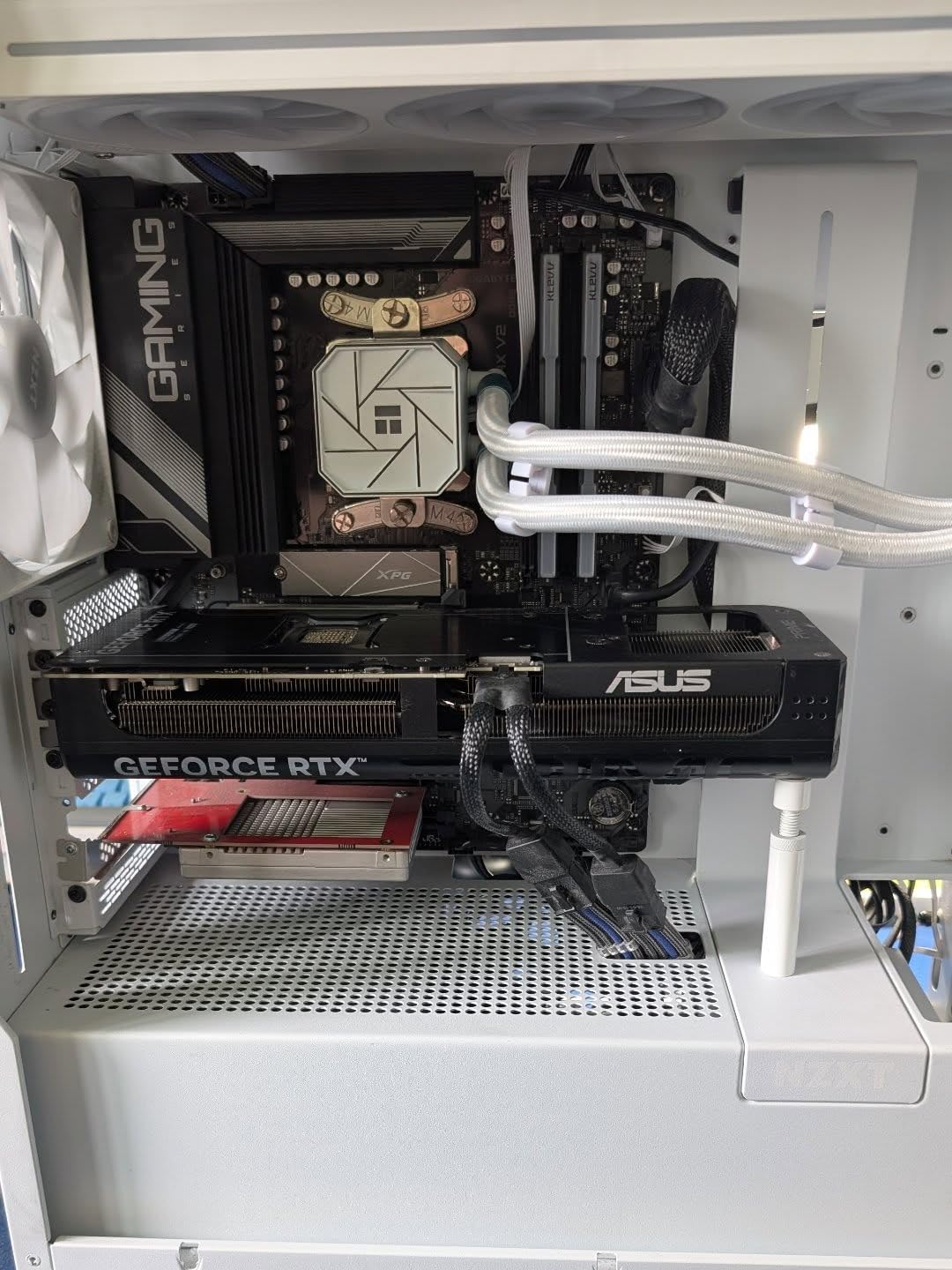
The white variant of the F360 RGB Core offers identical performance with a stunning aesthetic perfect for white-themed builds. I tested this unit in a white H5 Elite case, and the combination looked absolutely gorgeous. The semi-translucent white fan blades diffuse RGB lighting beautifully, creating a soft glow effect.
Be aware that the white color has a slightly cool or blue tint rather than a pure warm white. This is not necessarily a negative, but worth knowing if you are matching other white components in your build. The lighting effects remain vibrant and consistent across all three fans.
Installation is identical to the black model, with the same four-screw mounting system and single cable connection. The 8-pin power connector works with NZXT controllers for full CAM integration, giving you control over both fan speeds and RGB lighting from one interface.
The fluid dynamic bearings ensure quiet operation and longevity. At 30dB under load, these fans remain unobtrusive during gaming sessions. The high static pressure design makes them particularly effective when mounted on radiators or in situations where air needs to push through restrictive meshes.
Who Should Buy This
Perfect for builders creating white or light-themed gaming PCs who want the clean look of integrated fans without cable clutter. Matches beautifully with white NZXT cases and other white components.
Who Should Avoid This
If you need a pure warm white color match, the slight blue tint may not work with your aesthetic goals. As with the black version, individual fan control is not available with the single-frame design.
5. F120 RGB Core – Budget-Friendly Single Fan

NZXT F120 RGB Core – 120mm Hub-Mounted RGB PC Case Fan – Black
120mm Single Fan
8 aRGB LEDs
PWM Control
4-Pin Power
+ The Good
- Affordable at $19.99
- 60K hour lifespan
- Good airflow
- PWM control
- Rubber corners
- The Bad
- Only 8 LEDs
- Better value in multi-packs
- Not as bright as premium options
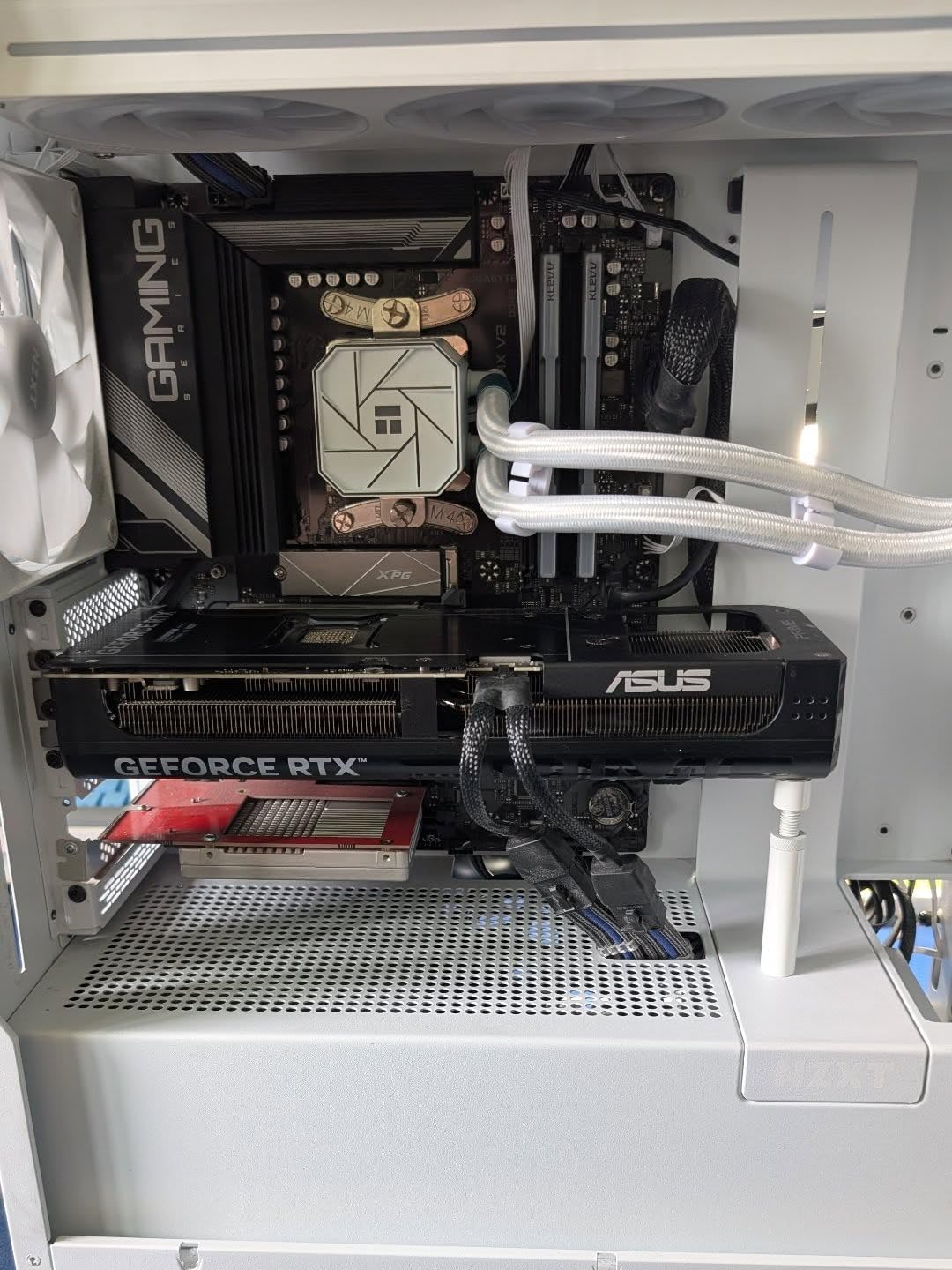
At just $19.99, the F120 RGB Core offers an affordable entry point into NZXT’s RGB fan ecosystem. I added several of these to a budget build and was pleasantly surprised by the quality for the price. The hydrodynamic bearing keeps noise levels down while delivering reliable cooling performance.
The 8 individually addressable RGB LEDs mounted on the fan hub create decent lighting effects, though they are not as dense as premium options with 18 or more LEDs. For budget builds or supplemental case airflow, this fan provides excellent value. The semi-translucent fan blades diffuse the RGB adequately for most setups.
PWM control allows for precise fan speed adjustment based on temperature curves configured in CAM software. The anti-vibration rubber corners help reduce noise transmission to the case, which I found effective during testing. The 60,000-hour lifespan means these fans should last through multiple build iterations.
For optimal value, I recommend purchasing these in multi-packs when available. Single fans are convenient for replacing a failed unit or adding one extra fan, but the per-fan cost decreases significantly with bundles.
Who Should Buy This
Great for budget-conscious builders who want RGB fans without breaking the bank. Perfect for adding supplemental airflow or completing a build on a tight budget while maintaining CAM compatibility.
Who Should Avoid This
If you want maximum RGB brightness and LED density, the 8 LEDs per fan may feel underwhelming. Consider the F120 RGB with 18 LEDs for more impressive lighting effects.
6. F120 RGB – Premium Single Fan with 18 LEDs
+ The Good
- Whisper-quiet operation
- 18 individually addressable LEDs
- Excellent balance of pressure and flow
- Sleek vibrant design
- Good cooling performance
- The Bad
- Requires NZXT RGB Controller for CAM
- Higher price per fan
- Controller only handles 3 fans
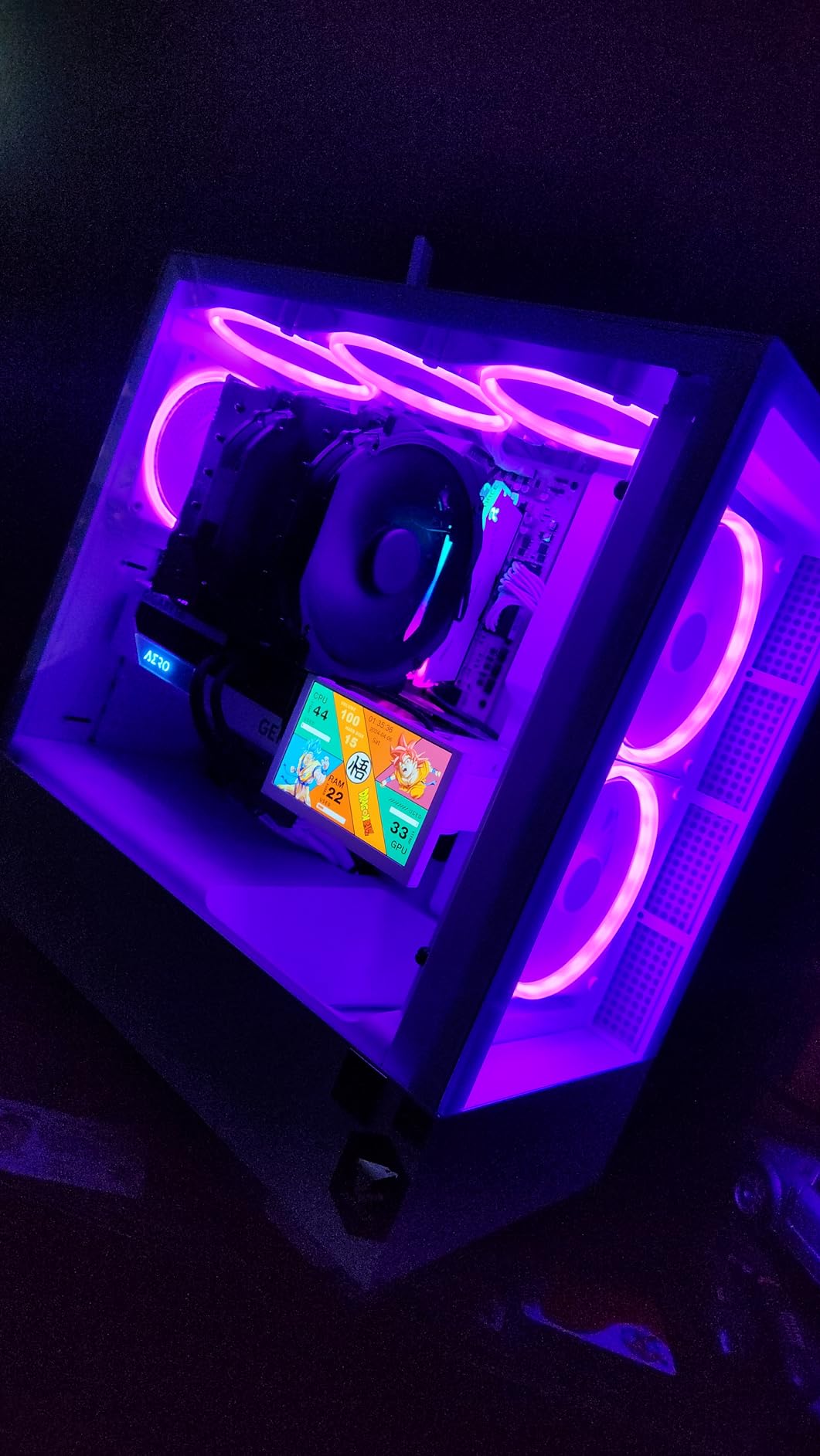
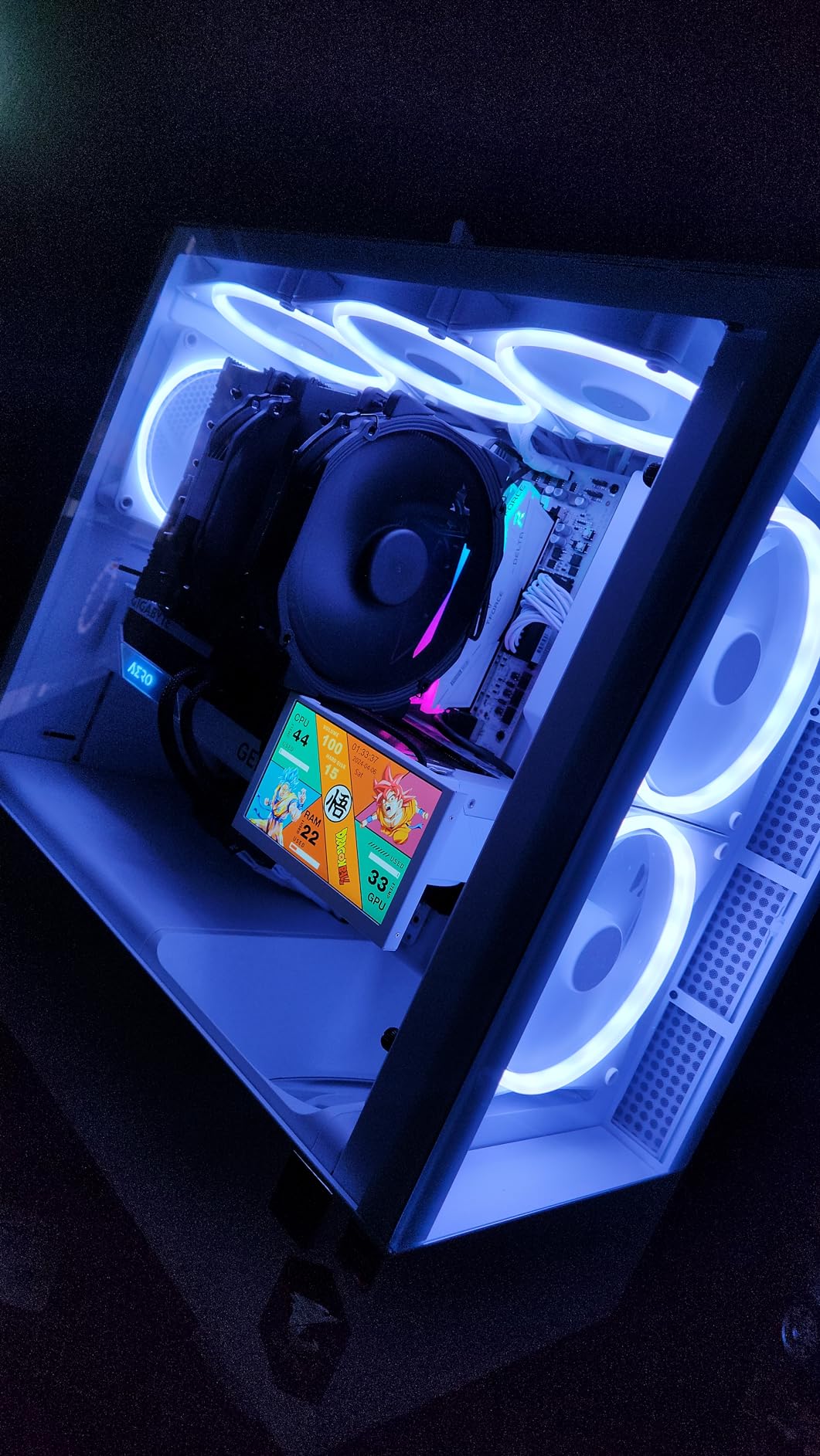
The F120 RGB represents NZXT’s premium single-fan offering, and the difference from the Core version is immediately visible. With 18 individually addressable LEDs compared to 8 on the Core model, the lighting effects are significantly more vibrant and capable of more complex patterns. I found the color spectrum range impressive, going from strong saturated colors to soft pastels.
Cooling performance matches the aesthetic quality. The 89.48 CFM airflow capacity and excellent static pressure balance make these fans versatile for both intake and exhaust applications. At maximum 1800 RPM, they move substantial air while maintaining quiet 27.5dB operation. The fluid dynamic bearing ensures long-term reliability.
The main consideration is that full CAM software control requires an NZXT RGB Controller, which is sold separately. Without the controller, you can still power the fans through motherboard headers, but RGB customization will be limited. Each controller handles only 3 fans, so larger builds may need multiple controllers.
Installation is straightforward with the standard 120mm mounting pattern. The sleek black frame and rubber corner dampers give the fan a premium feel that justifies the higher price point for enthusiasts who want the best RGB effects possible.
Who Should Buy This
Perfect for enthusiasts who want maximum RGB impact and are willing to invest in the controller ecosystem. The 18 LEDs per fan create stunning lighting effects that really showcase a premium build.
Who Should Avoid This
If you are on a budget or do not want to purchase a separate RGB controller, the F120 RGB Core offers better value. The controller requirement adds significant cost to multi-fan setups.
7. H6 Flow RGB Black – Stunning Dual-Chamber Case

NZXT H6 Flow RGB Mid-Tower Airflow Case with 3 RGB Fans, Panoramic Glass Panels, Cable Management – Black
Mid-Tower ATX
3x120mm RGB Fans
Dual-Chamber Design
Panoramic Glass
+ The Good
- Exceptional airflow design
- Stunning panoramic glass
- Pre-installed RGB fans
- Excellent cable management
- Tool-free panel removal
- The Bad
- RGB fans need controller for customization
- Limited USB ports
- Bottom fans limited to 140mm
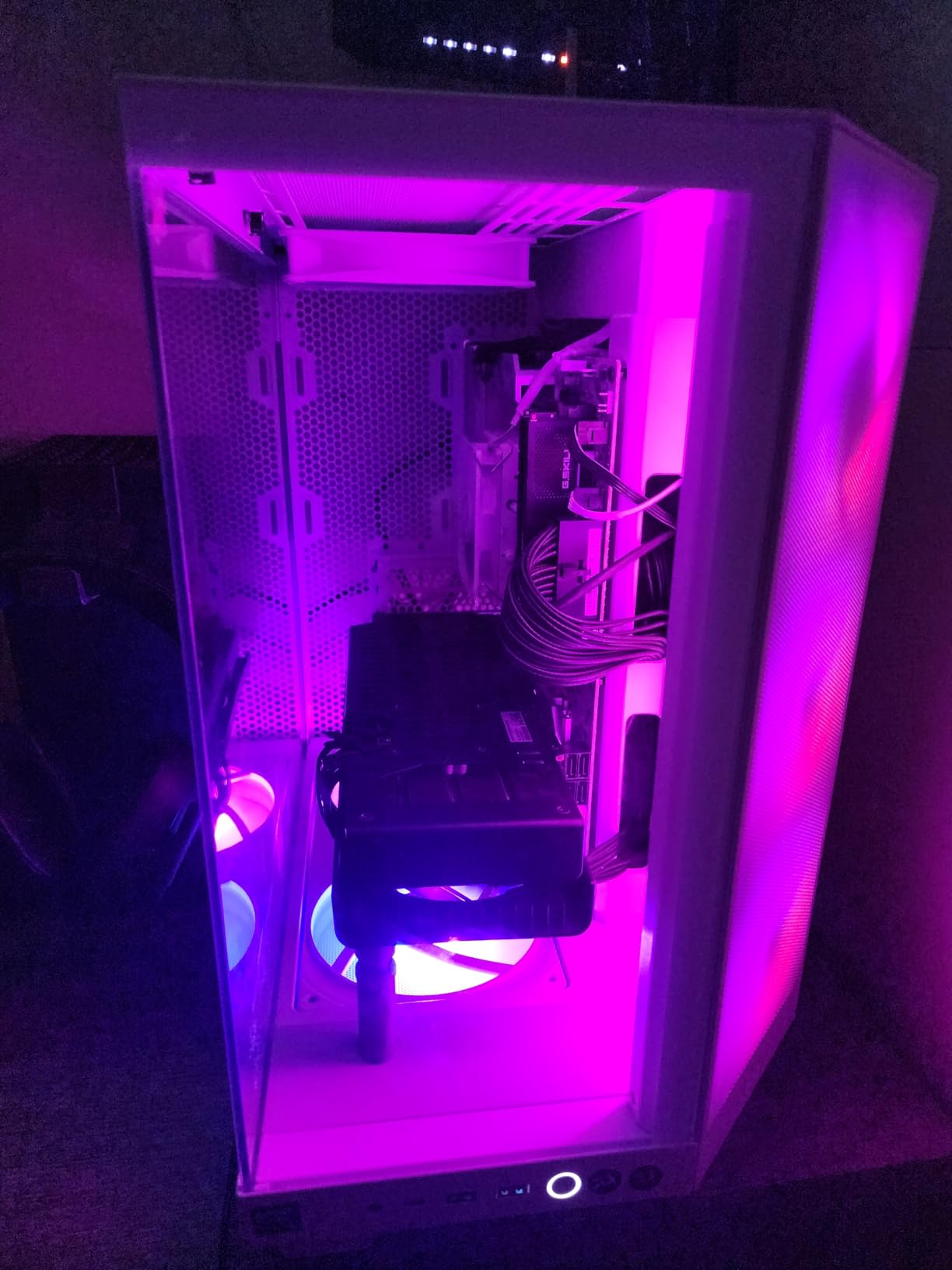
The H6 Flow RGB has become one of my favorite cases for showcasing builds. The dual-chamber design not only improves thermal performance but creates a stunning visual presentation through the wraparound glass panels. The seamless edge between glass panels provides an almost uninterrupted view of your components from multiple angles.
Three pre-installed 120mm RGB fans positioned at an optimal angle provide excellent airflow straight to your GPU and CPU. The airflow-optimized perforation pattern on top and side panels ensures fresh air reaches all components. I found temperatures noticeably better than in traditional single-chamber designs during my testing.
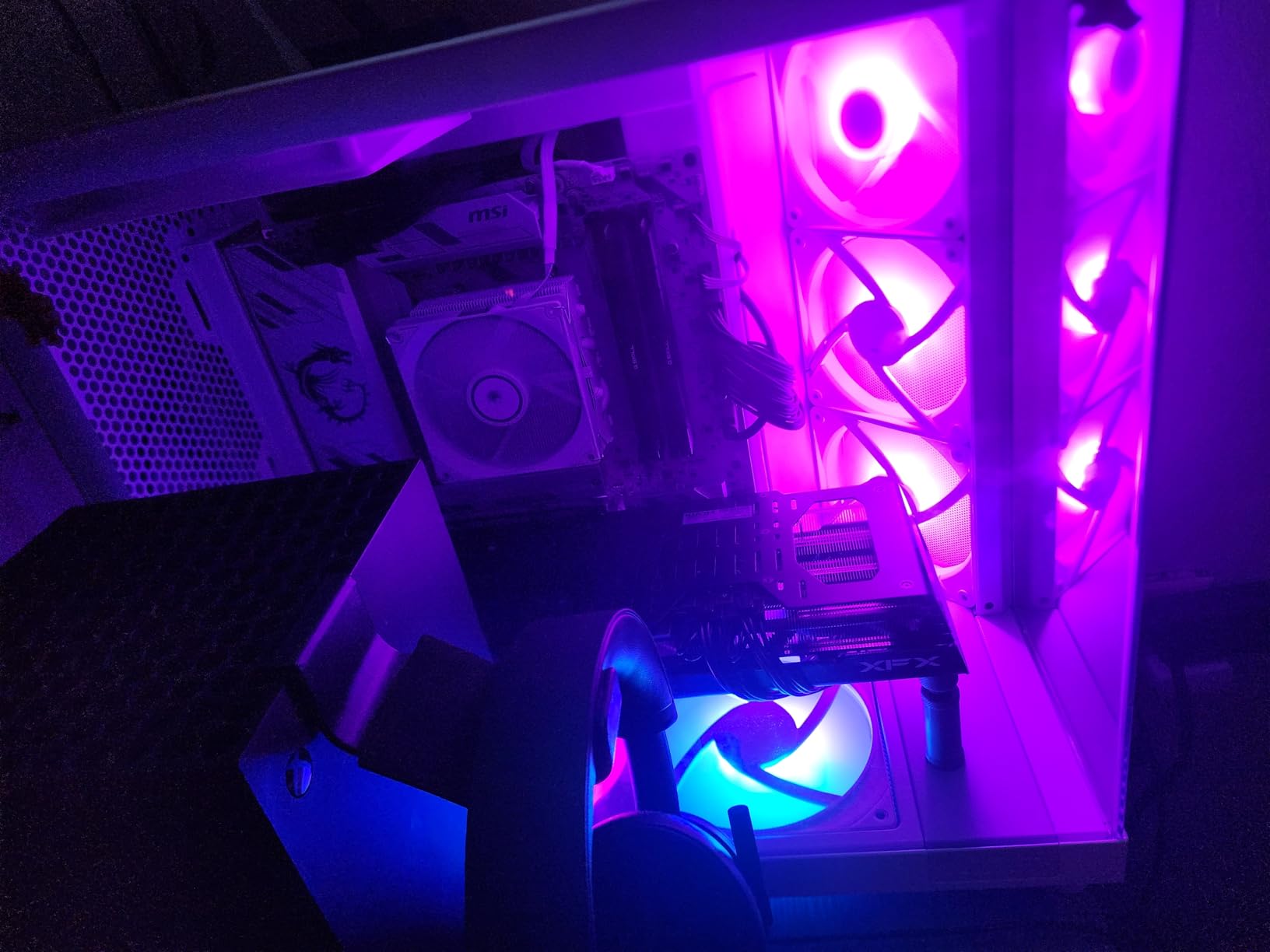
Cable management is exceptional thanks to wide channels and integrated straps behind the motherboard tray. The tool-free panel removal makes accessing components quick and painless. Ample clearance accommodates large GPUs and tall CPU coolers without issues.
One important note: the included RGB fans do not include a controller for color customization out of the box. To control the RGB through CAM software, you will need to add an NZXT controller. Alternatively, the fans work with standard motherboard RGB headers using appropriate adapters.
Who Should Buy This
Ideal for builders who want a showcase case with excellent thermal performance and stunning aesthetics. The dual-chamber design and panoramic glass make this perfect for displaying premium components.
Who Should Avoid This
If you need lots of front-panel USB ports or plan to use 120mm fans in the bottom mount positions, the limitations may be frustrating. Budget builders should note the controller requirement for full RGB customization.
8. H6 Flow RGB White – Beautiful Light Theme Case

NZXT H6 Flow RGB Mid-Tower Airflow Case with 3 RGB Fans, Panoramic Glass Panels, and Cable Management – White
Mid-Tower ATX
3x120mm RGB Fans
White Finish
Panoramic Glass
+ The Good
- Exceptional airflow
- Beautiful white aesthetic
- Panoramic glass panels
- Easy to build in
- Quiet fan operation
- The Bad
- RGB controller not included
- Limited USB ports
- PSU chamber tight for large units
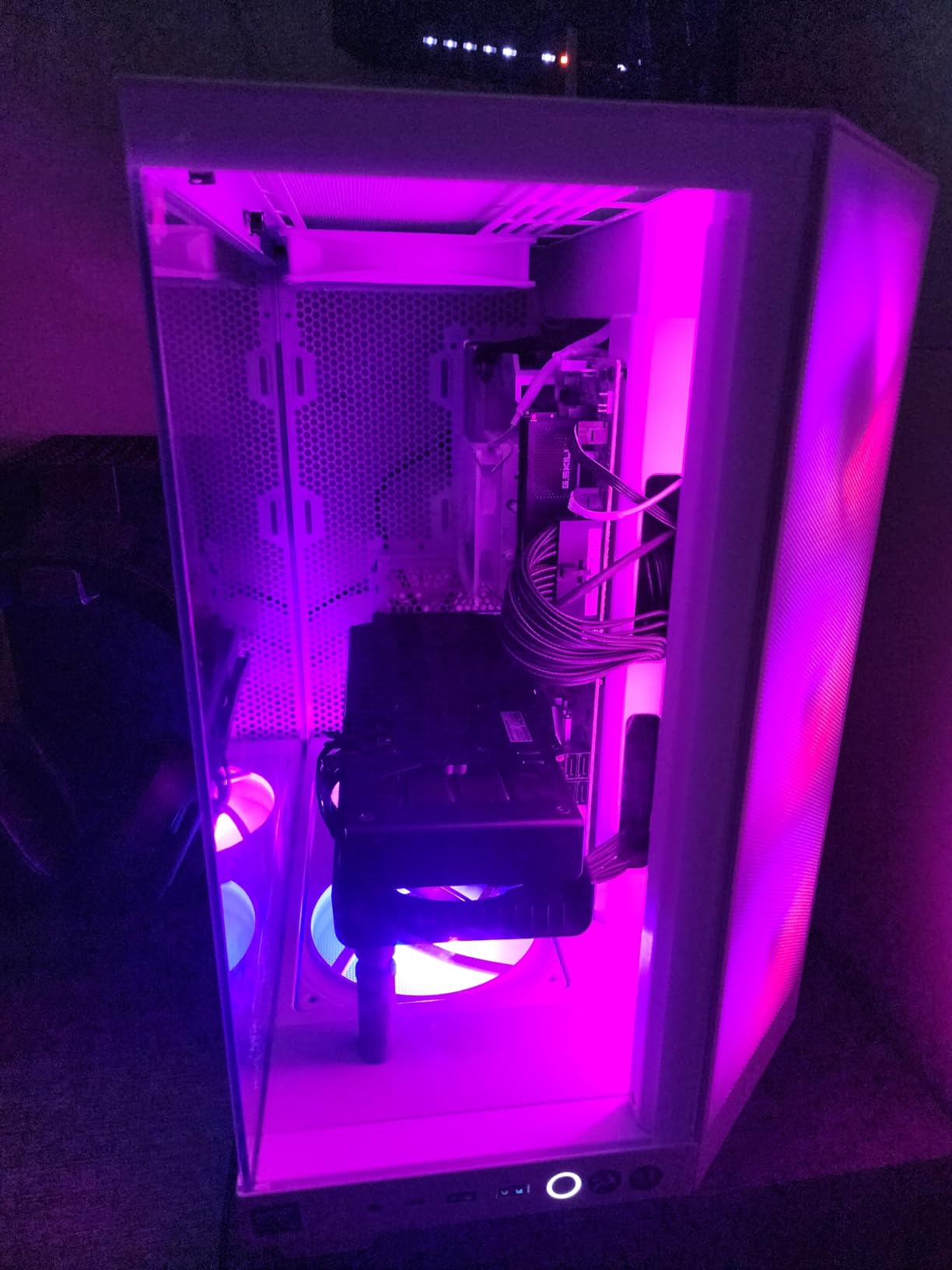
The white H6 Flow RGB is absolutely gorgeous in person. The clean white finish combined with the panoramic glass panels creates a bright, airy aesthetic that makes any build look premium. I built a system using white components throughout, and the cohesive look was stunning.
All the thermal benefits of the black model apply here: dual-chamber design, angled front fans directing air to GPU and CPU, and perforated panels for maximum airflow. The white powder coat finish feels premium and resists fingerprints better than you might expect.
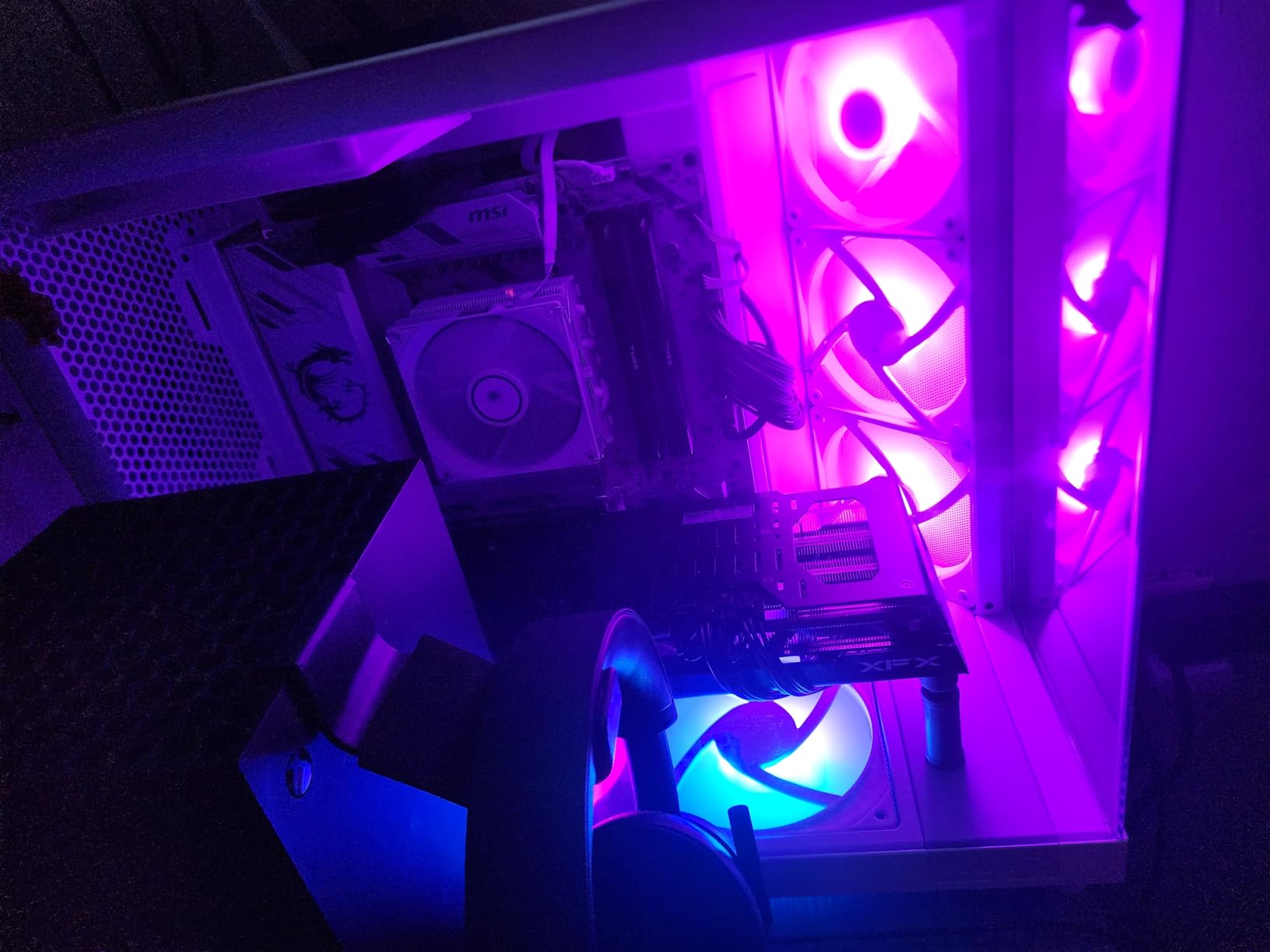
The three pre-installed RGB fans produce vibrant lighting that looks particularly striking against the white interior. When paired with white components and RGB lighting, the effect is dramatic and Instagram-worthy. Cable management remains excellent with the same wide channels and velcro straps as the black model.
Building in this case was enjoyable thanks to the tool-free panel removal and thoughtfully designed interior. The PSU chamber provides a clean space to hide cables and the power supply, keeping the main chamber looking pristine.
Who Should Buy This
Perfect for builders creating white-themed gaming PCs who want exceptional airflow and stunning aesthetics. The panoramic glass and white finish create a showcase-worthy system.
Who Should Avoid This
If you have a very large power supply or need maximum front-panel connectivity, consider these limitations. The RGB controller requirement adds to the total cost if you want CAM-controlled lighting.
9. H6 Flow Black – High-Value Airflow Case

NZXT H6 Flow | CC-H61FB-01 | Compact Dual-Chamber Mid-Tower Airflow Case | Panoramic Glass Panels | High-Performance Airflow Panels | Includes 3 x 120mm Fans | Cable Management | Black
Mid-Tower ATX
3x120mm Fans
Dual-Chamber Design
No RGB
+ The Good
- Exceptional airflow at great price
- Angled fans direct air to components
- Panoramic glass views
- Excellent build quality
- Spacious interior
- The Bad
- Bottom mounts 140mm only
- Tight clearance for tall coolers
- Wider than standard cases
The non-RGB H6 Flow offers all the thermal benefits of the RGB version at a lower price point, making it exceptional value for performance-focused builders. I found the same dual-chamber airflow design and angled front fans kept my test system running cool under heavy loads.
Three pre-installed 120mm non-RGB fans provide excellent baseline cooling. The angled fan positioning directs airflow precisely where it is needed most, directly at the GPU and CPU. This thoughtful design resulted in measurably better temperatures compared to standard case layouts.
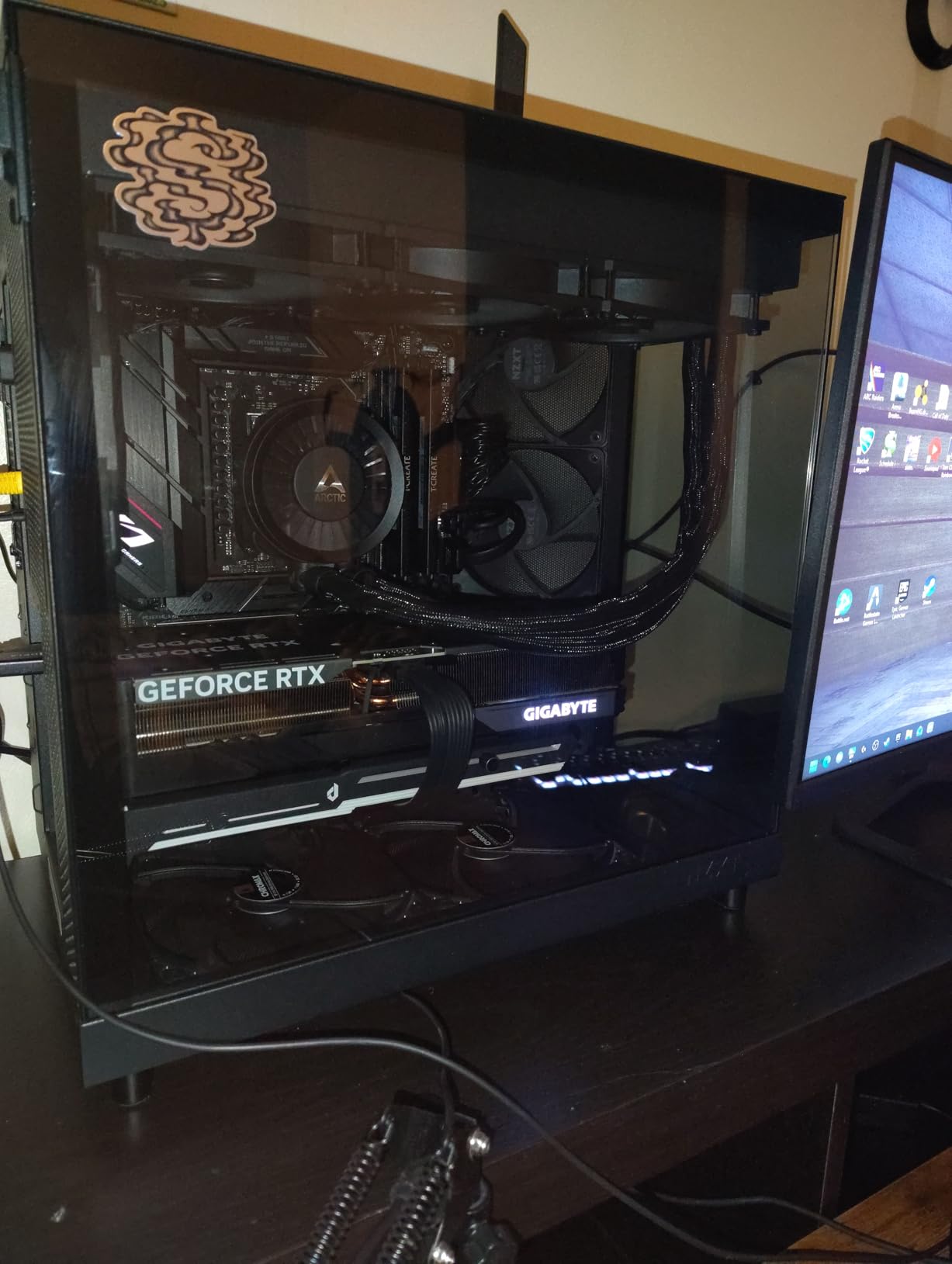
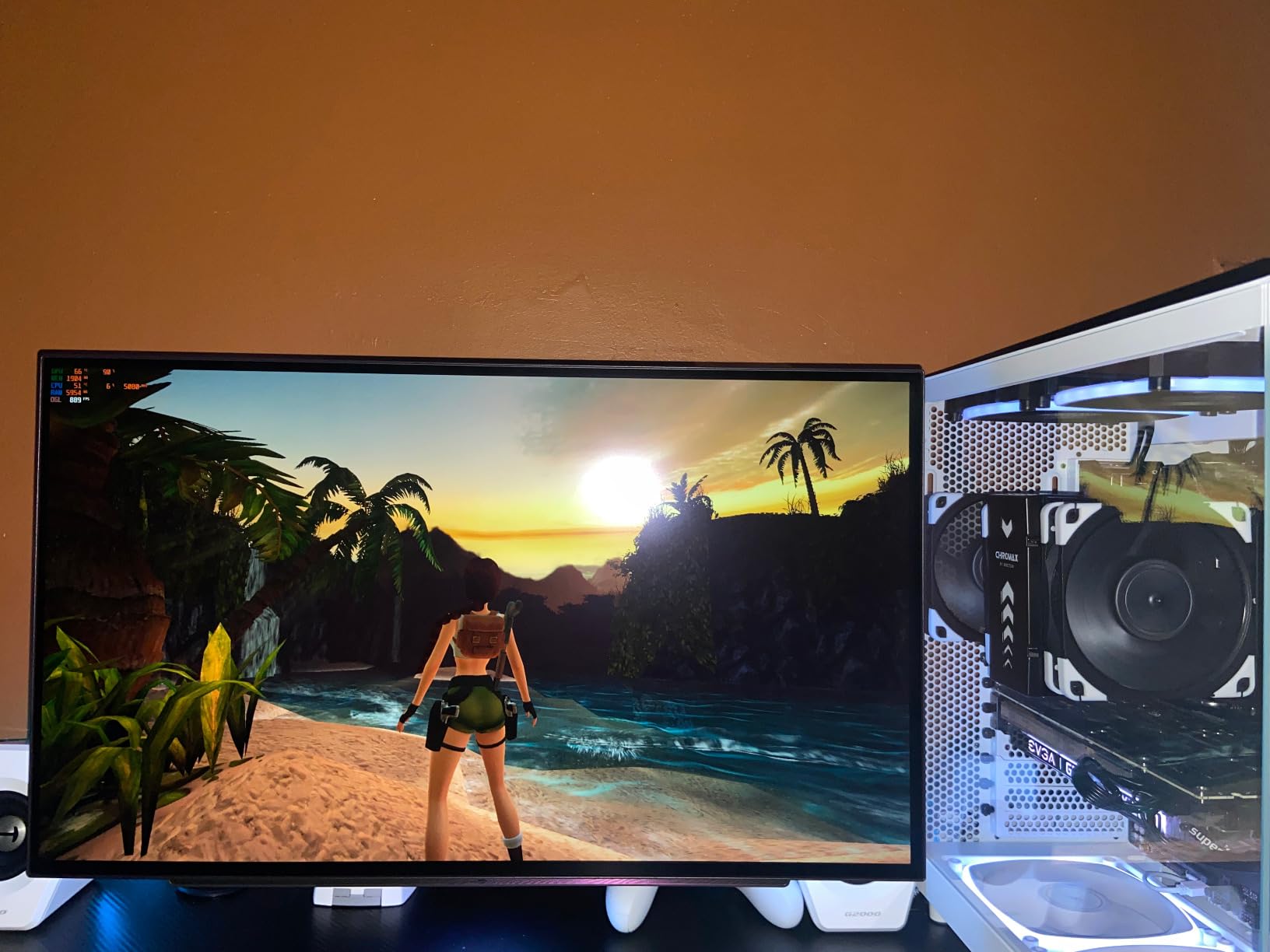
The wraparound glass panels remain a highlight, giving you that premium showcase look without the RGB premium. If you plan to add your own RGB fans later, this case provides the perfect canvas. The tool-free panel removal and excellent cable management make building straightforward.
Be aware that bottom fan mounts only accept 140mm fans, not 120mm. Additionally, the glass panel reduces available depth for very tall tower coolers. These are minor considerations for most builds but worth knowing before purchasing.
Who Should Buy This
Perfect for budget-conscious builders who prioritize thermal performance and want the option to add custom RGB later. Great value for the quality and features provided.
Who Should Avoid This
If you want RGB fans included out of the box or need 120mm bottom fan support, the H6 Flow RGB or a different case may be more suitable. Tall air cooler users should verify clearance.
10. H5 Flow RGB 2024 – Best-Selling Compact Case
NZXT H5 Flow RGB – Compact ATX Mid-Tower PC Case – Black
Compact ATX
F360 RGB Core Included
360mm Radiator Support
High Airflow
+ The Good
- Best-selling compact ATX case
- Pre-installed F360 RGB Core
- Exceptional GPU cooling
- Great value
- Easy cable management
- The Bad
- Front fans are single unit
- Top fan mounting limited
- Front IO limited
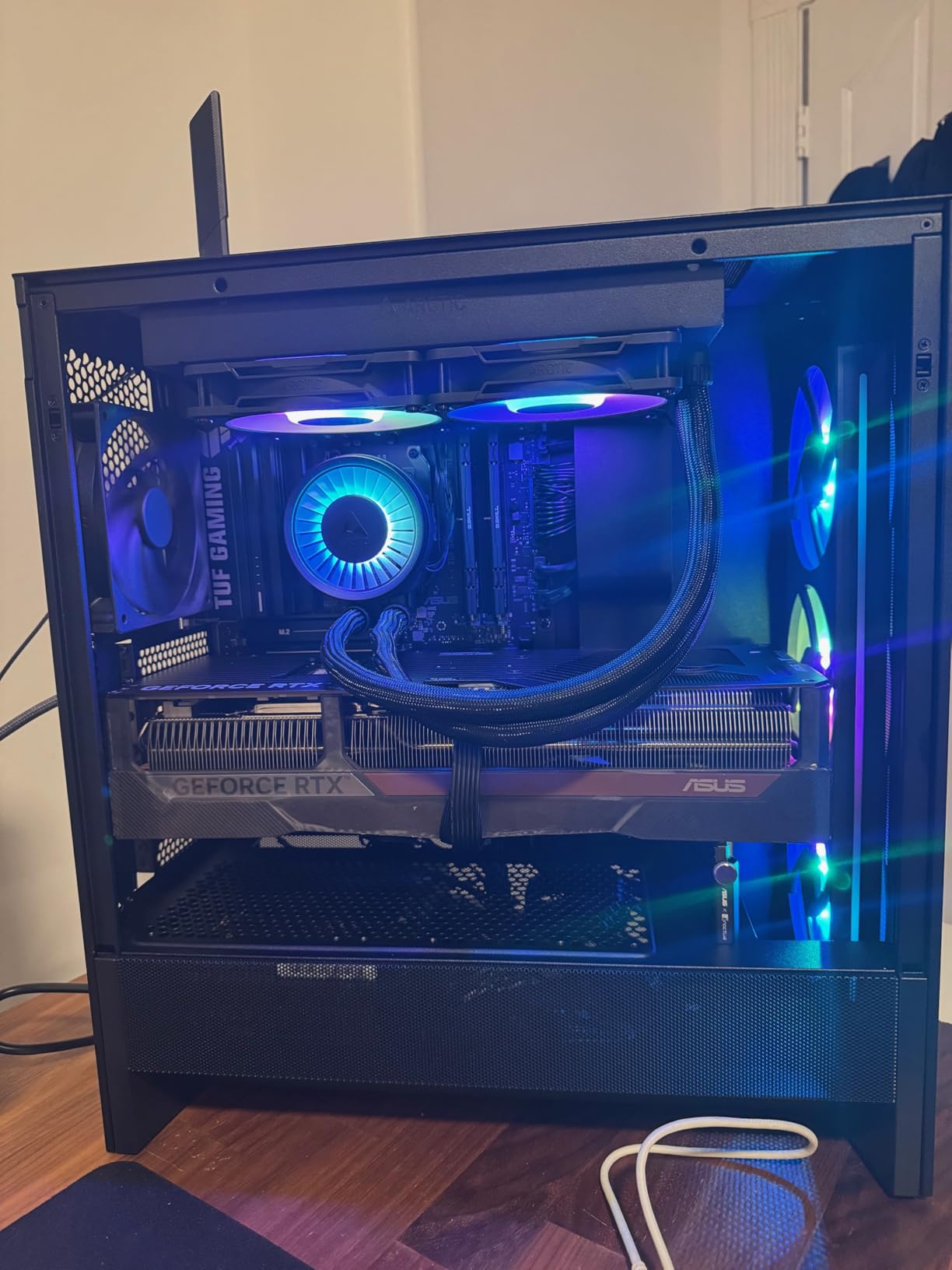
The H5 Flow RGB 2024 holds the top spot for good reason. As the best-selling computer case, it combines excellent value, outstanding airflow, and included RGB fans in a compact ATX form factor. I have recommended this case to countless builders, and feedback has been overwhelmingly positive.
The perforated PSU shroud on the side and bottom is a game-changer for GPU cooling. This design allows fresh air to reach the graphics card from multiple angles, resulting in significantly lower GPU temperatures. The ultra-fine mesh on top, front, and side panels maximizes airflow while filtering dust.
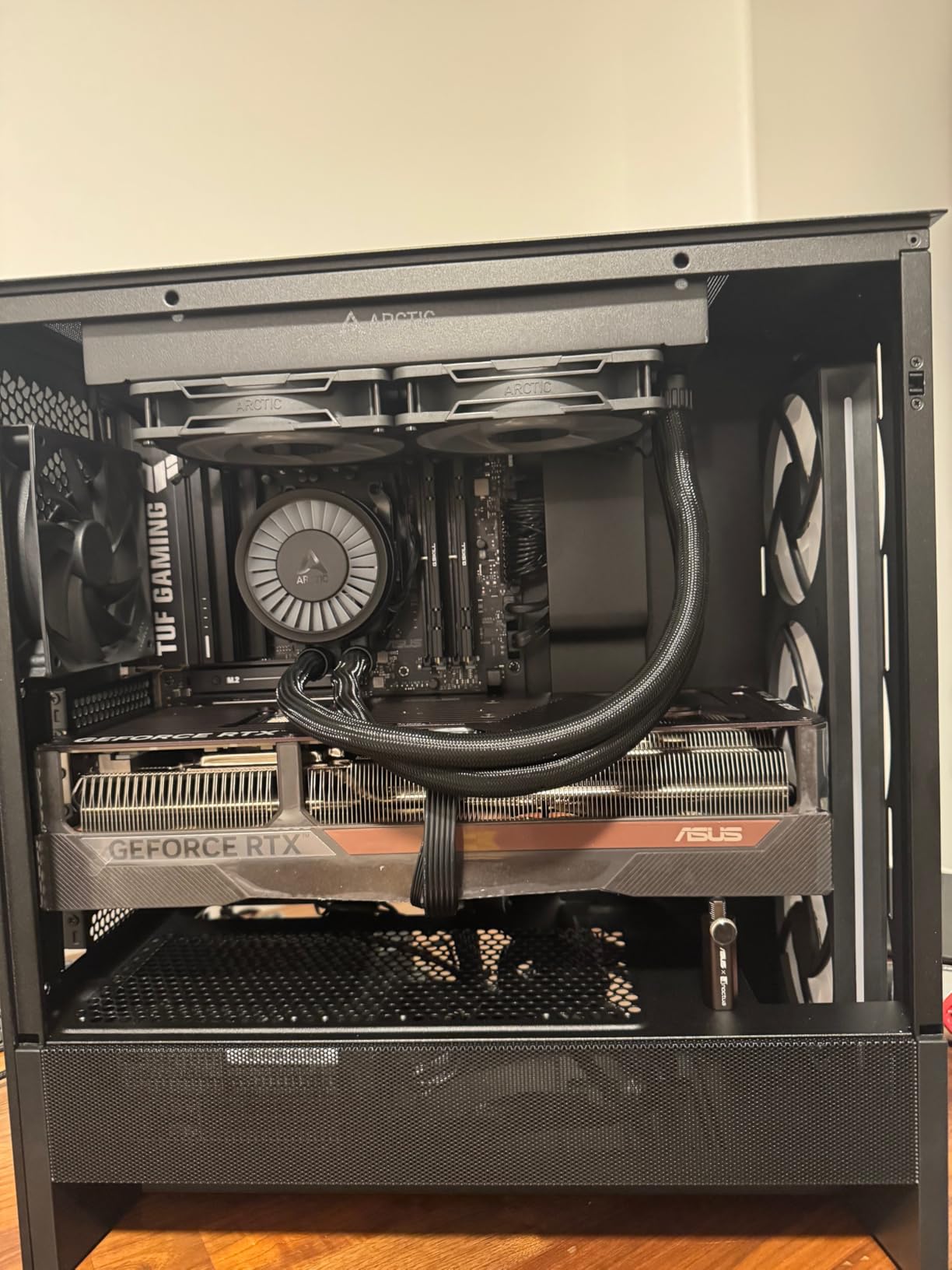
NZXT includes the F360 RGB Core fan unit pre-installed at the front, plus a rear F120Q fan. This means you get premium RGB lighting right out of the box without additional purchases. The case supports up to a 360mm radiator in front and 240mm on top for AIO cooler compatibility.
Cable management is well-sorted with wide channels, hooks, and velcro straps. Building in this compact case felt less cramped than expected thanks to the thoughtful interior layout. The compact footprint makes it ideal for smaller desk spaces while still accommodating full ATX components.
Who Should Buy This
Perfect for gamers building their first system or anyone wanting excellent value with great airflow and included RGB. The compact size works well for most setups while supporting full-size components.
Who Should Avoid This
If you need 360mm top radiator support or want individually controllable front fans, the single-piece F360 unit limits flexibility. Large GPU users should verify clearance with their specific card.
11. Control Hub – Modern RGB and Fan Controller

NZXT Control Hub – Digital RGB Lighting and PWM Fan Speed Controller – Control Up to 5 x PWM Fans or 4 x NZXT Single-Frame Fans – Powered by NZXT CAM Software
5 PWM Fan Channels
4 RGB Channels
CAM Powered
Magnetic Mount
+ The Good
- Easy setup and installation
- Reliable with no disconnects
- Zero RPM mode
- Synchronized RGB
- Magnetic mounting
- The Bad
- Proprietary NZXT connections
- Limited cables included
- May need adapters for non-NZXT fans
The Control Hub is NZXT’s latest controller designed specifically for their single-frame fan units. I tested it with the F360 and F240 RGB Core fans, and the integration was seamless. CAM software automatically detected each connected device and provided full control over fan speeds and RGB lighting.
The Zero RPM mode is a standout feature, allowing fans to stop completely during low loads for silent operation. This is perfect for those late-night gaming sessions or office work where you want zero fan noise. The synchronized RGB lighting across up to five components creates a cohesive system-wide look.
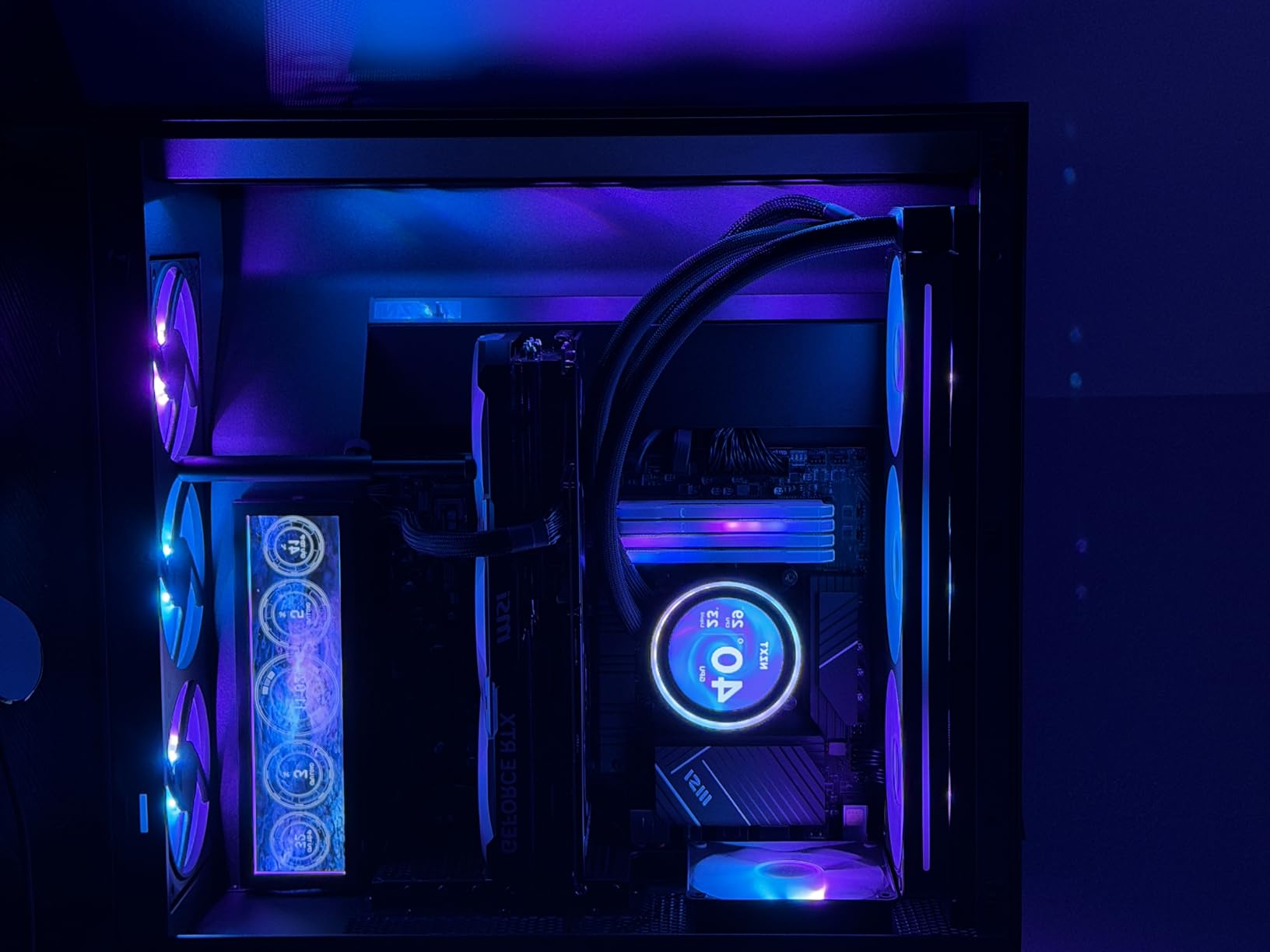
Installation is flexible with both magnetic mounting and included 3M Dual Lock fasteners. I found the magnetic attachment held securely to my case’s PSU shroud. The compact size fits easily in most builds without blocking other components.
The main limitation is the proprietary 8-pin NZXT connections. While perfect for NZXT single-frame fans, using non-NZXT fans requires adapter cables. The included splitter cable only supports three fans, so larger builds may need additional cables.
Who Should Buy This
Perfect for builders using NZXT single-frame RGB Core fans who want streamlined control through CAM software. The Zero RPM mode is excellent for silent computing enthusiasts.
Who Should Avoid This
If you are mixing multiple fan brands or need more than five fan channels, the proprietary connections and limited capacity may be restrictive. Consider the RGB and Fan Controller for more flexibility.
12. RGB and Fan Controller – Maximum Flexibility

NZXT RGB & Fan Controller – AC-CRFR0-B1-6 RGB Lighting Channels – 3 Fan Channels – RGB Lighting Customization – Black
6 RGB Channels
3 Fan Channels
Up to 9 PWM Fans
Magnetic Mount
+ The Good
- 6 RGB lighting channels
- Supports up to 9 PWM fans
- Magnetic mounting
- Compact design
- Intuitive CAM software
- The Bad
- CAM software has some limitations
- Cannot sync with Kraken lighting
- No zip ties included
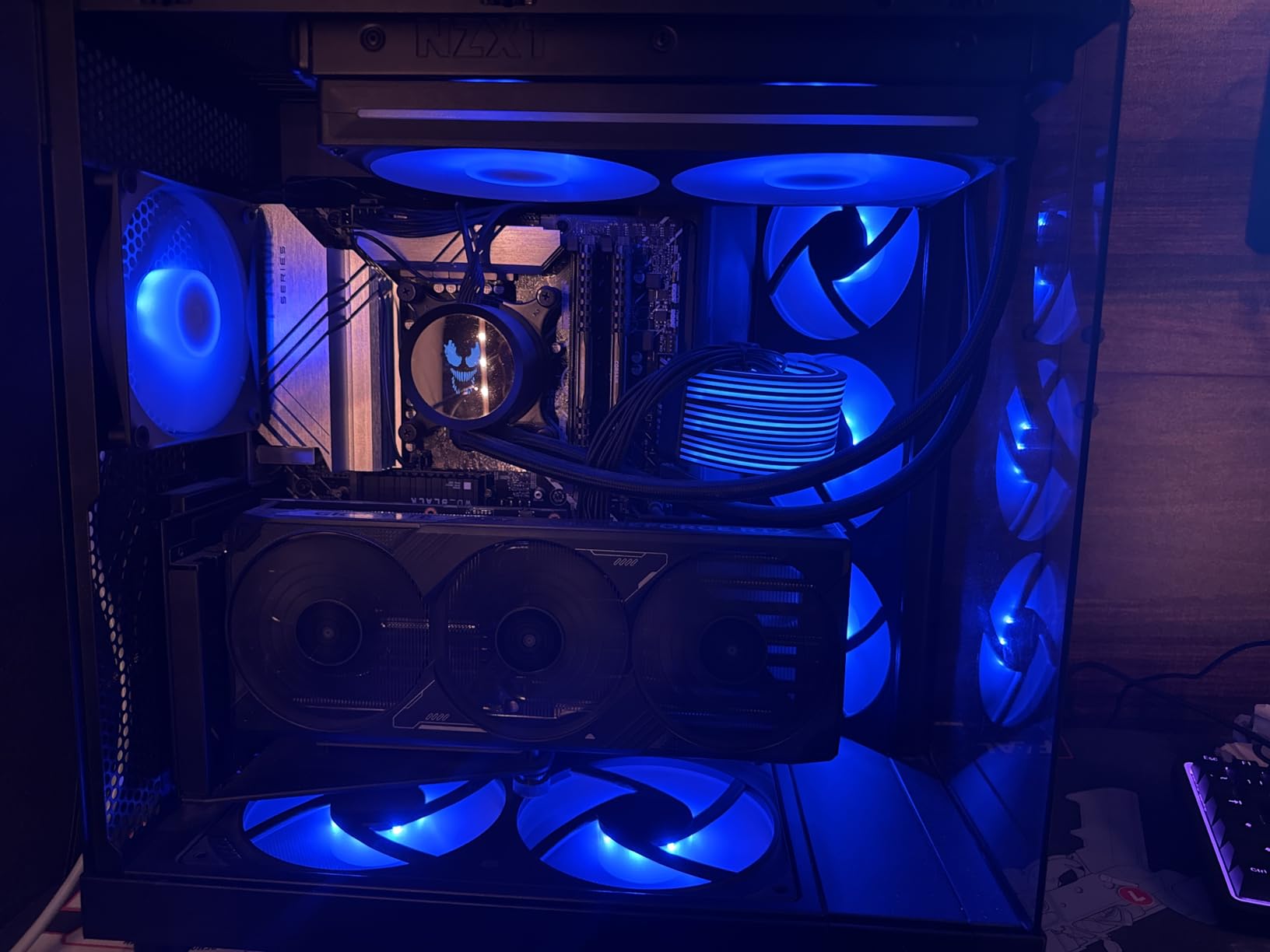
The RGB and Fan Controller remains my go-to recommendation for builders with diverse component mixes. With six RGB lighting channels and support for up to nine PWM fans, this controller handles complex builds with ease. I used it to control RGB strips, individual fans, and LED accessories all from one device.
The magnetic base makes installation simple, allowing you to attach it anywhere metal is available in your case. Alternatively, the included adhesive strips work for non-metal surfaces. The compact design fits easily behind motherboard trays or in PSU shrouds without creating space issues.
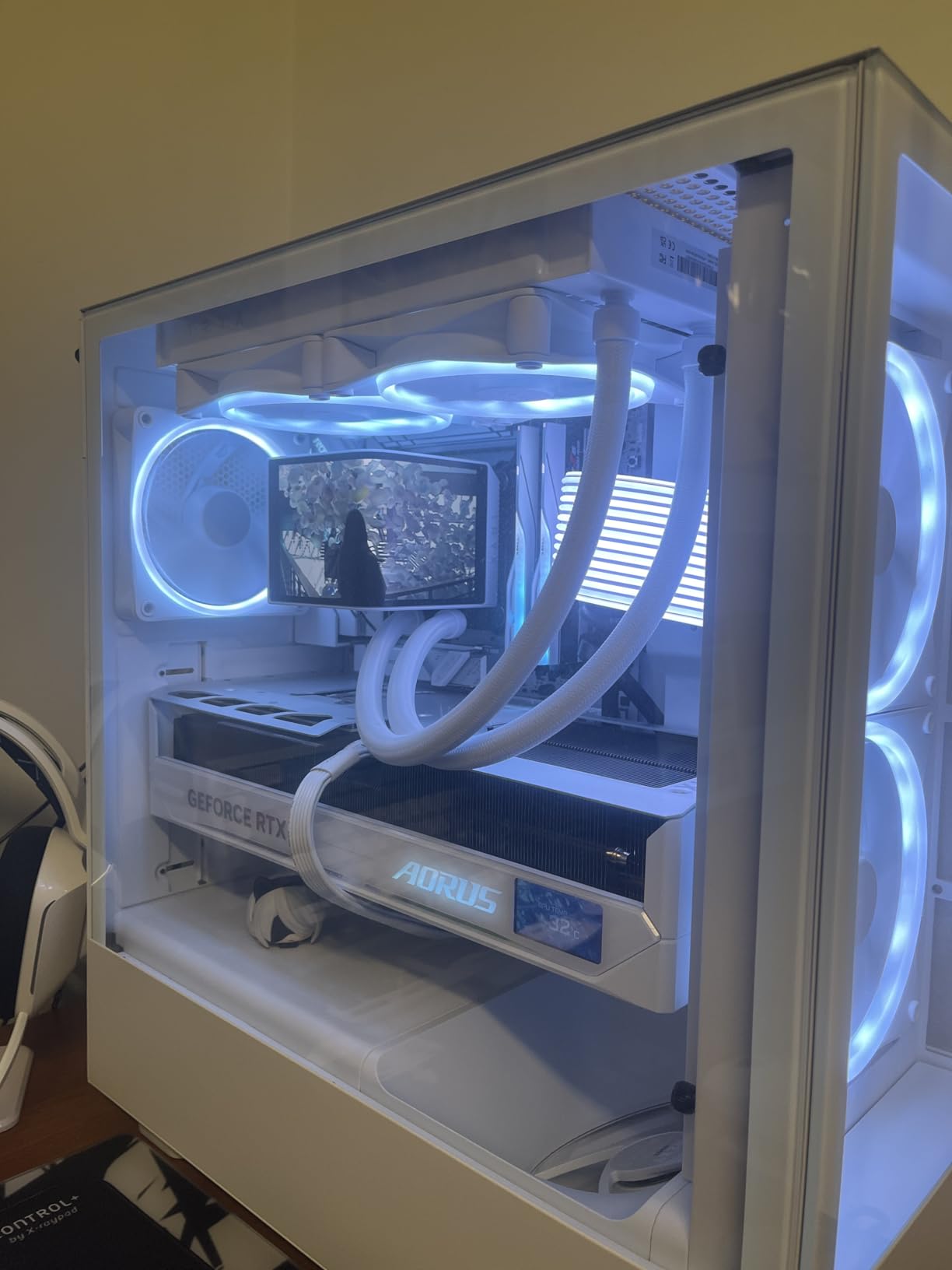
CAM software integration provides intuitive control over all connected devices. Creating unified lighting schemes across different RGB components is straightforward, though some advanced Kraken lighting features are not available with this controller. For most builds, this limitation is rarely noticeable.
Build quality feels solid with a clean black finish that disappears into the case. The 2.5-inch drive bay mounting holes provide another installation option for those with available bays.
Who Should Buy This
Perfect for builders with multiple RGB components who want maximum channel capacity. The six RGB channels and nine fan support handle complex builds with room to expand.
Who Should Avoid This
If you want Kraken-level lighting customization or prefer a newer controller designed specifically for single-frame fans, the Control Hub may be more suitable. The slightly older design lacks some newer features.
13. F420 RGB Core – Large Format Fan Unit

NZXT F420 RGB Core – 420mm Single-Frame RGB Fan Unit – Black
420mm Single-Frame
3x140mm Fans
8 LEDs Per Fan
2000 RPM Max
+ The Good
- Perfect for H9 Flow case
- Clean single-frame design
- Strong consistent airflow
- Vibrant even RGB
- Easy 4-screw install
- The Bad
- Some units hum at high speeds
- Requires 420mm compatible case
- More expensive than standard fans
The F420 RGB Core fills an important niche for builders with larger cases like the H9 Flow. The three 140mm fans in a single-frame unit deliver impressive airflow with reduced cable clutter. I tested this in an H9 Flow and was impressed by how clean the front panel looked without individual fan cables everywhere.
Performance is solid with strong, consistent airflow across all three fans. The 2000 RPM maximum speed provides plenty of cooling headroom for demanding setups. At normal operating speeds, the fans remain relatively quiet, though some resonance can occur at higher speeds in certain cases.
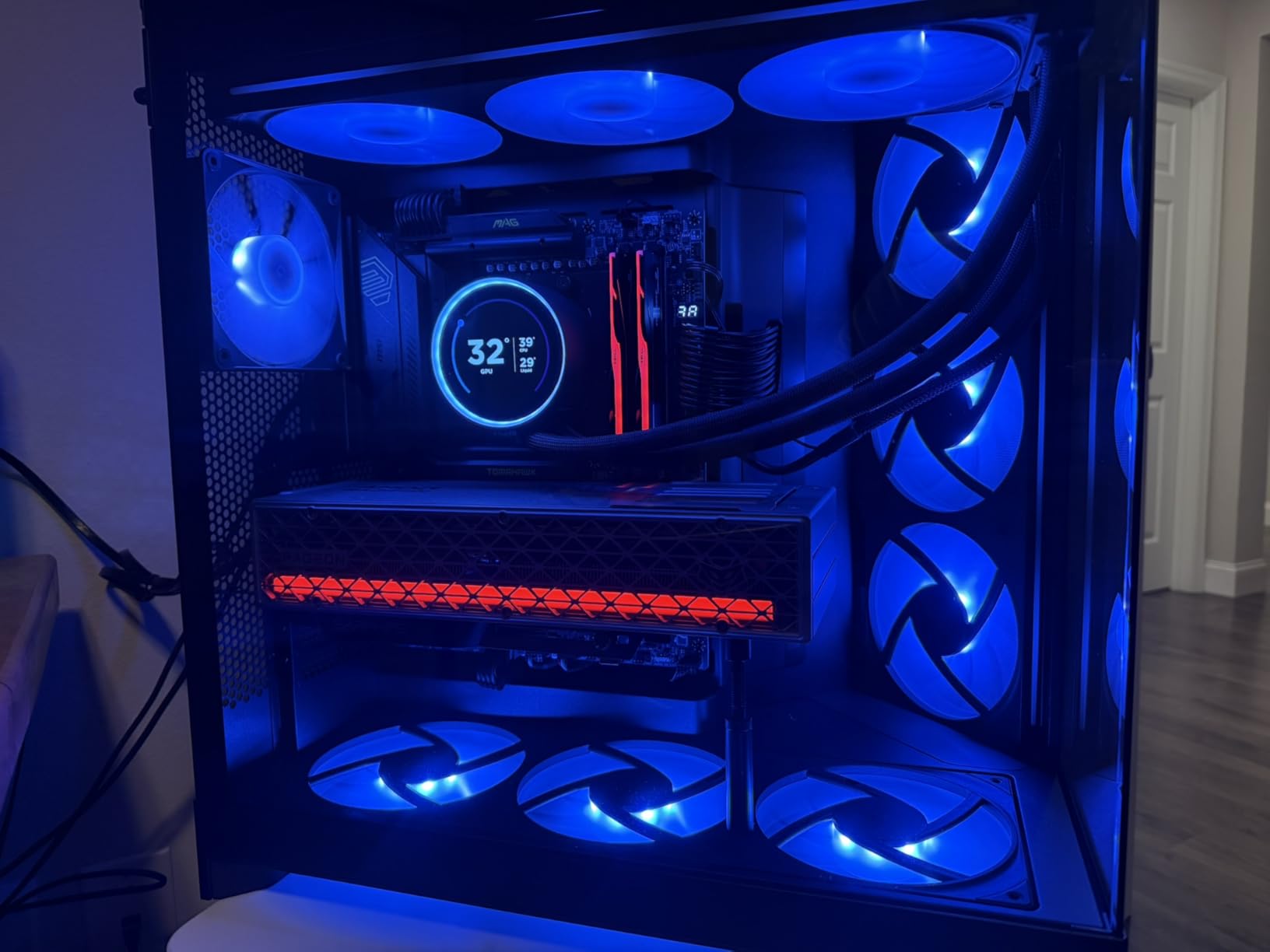
The same 8 individually addressable RGB LEDs per fan create vibrant lighting effects that look particularly impressive across the larger 140mm fan blades. The fluid dynamic bearings promise a 60,000-hour lifespan, ensuring these fans will last through multiple builds.
Installation requires just four screws, making it one of the easiest ways to add three 140mm fans to a compatible case. The single power cable connects to either an NZXT controller for CAM control or a motherboard ARGB header with the included splitter.
Who Should Buy This
Perfect for builders with 420mm-compatible cases who want clean aesthetics and strong airflow. The H9 Flow and similar large cases are ideal candidates.
Who Should Avoid This
If your case does not support 420mm radiators or fan mounts, this unit will not fit. Verify case compatibility before purchasing to avoid disappointment.
14. F240 RGB Core White – Compact Dual-Fan Unit

NZXT F240 RGB Core – 240mm Single-Frame RGB Fan Unit – White
240mm Single-Frame
2x120mm Fans
White Finish
8 LEDs Per Fan
+ The Good
- Cleanest looking fans available
- Super quiet at low RPM
- Excellent static pressure
- Single-frame reduces clutter
- Works with SignalRGB
- The Bad
- Controller sold separately
- Only 8 LEDs per fan
- White appears cool/blue tinted
The F240 RGB Core in white offers the same single-frame convenience in a more compact 240mm format. I found this size perfect for smaller cases or top-mounted radiator installations where 360mm units would not fit. The white finish looks clean and modern, especially in light-themed builds.
Static pressure performance is excellent, making these fans ideal for radiator use. The fan blade design efficiently pushes air through restrictive surfaces while maintaining good overall airflow. At lower RPMs, these fans are nearly silent, only becoming audible at higher speeds.
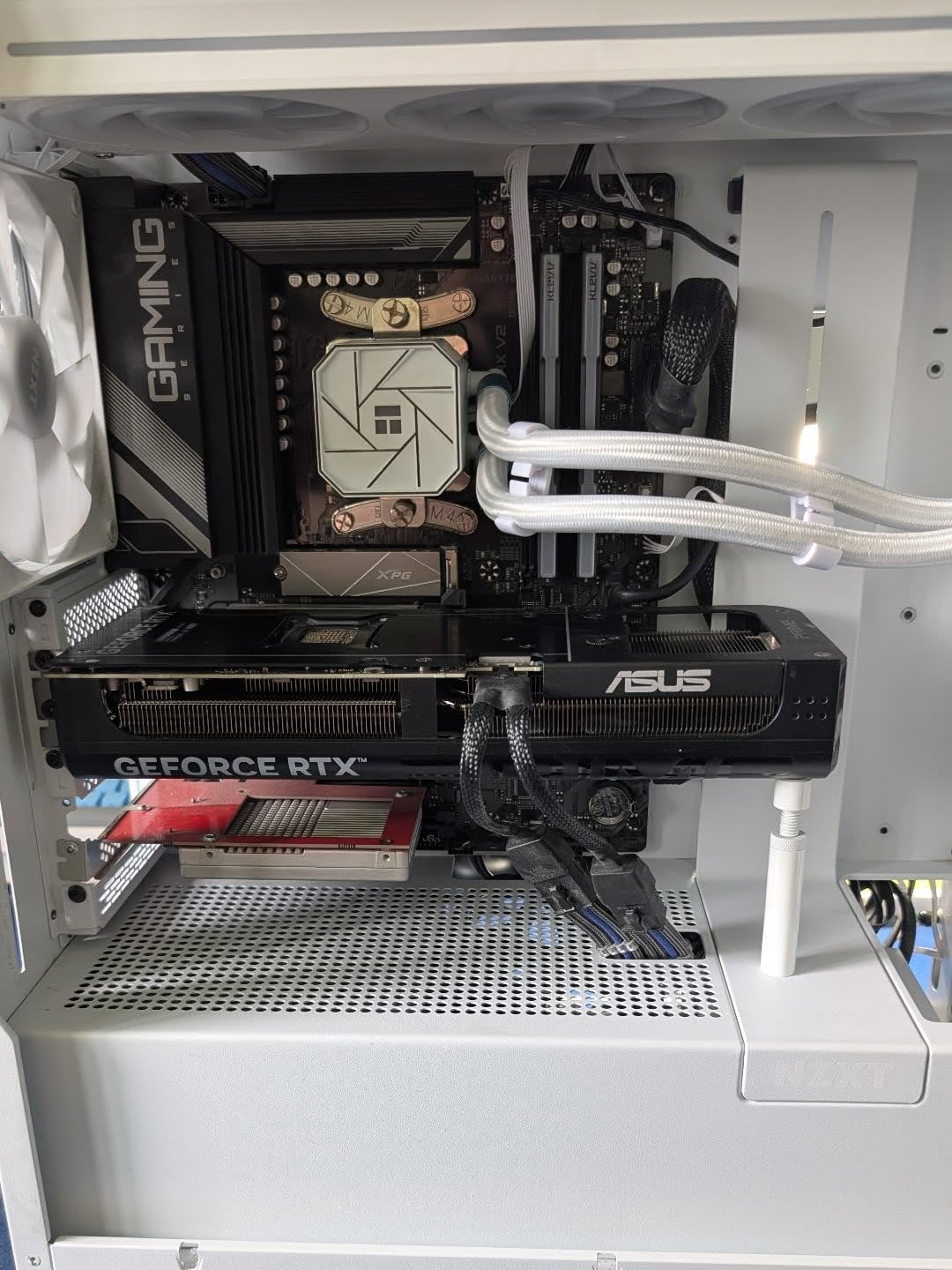
The white semi-translucent fan blades diffuse RGB lighting beautifully, though be aware the white has a cool or blue tint rather than warm white. This complements blue and cool-colored lighting themes particularly well. The 8 LEDs per fan provide adequate lighting density for most preferences.
Beyond CAM software, I found these fans also work well with SignalRGB for builders who prefer third-party RGB control. This flexibility is appreciated for those running multiple software solutions.
Who Should Buy This
Perfect for compact builds or 240mm radiator setups where the single-frame design simplifies installation. The white finish works beautifully in light-themed systems.
Who Should Avoid This
If you need individual fan control or want warm white coloring, consider alternatives. The separate controller requirement adds cost for full CAM functionality.
15. Function 2 Full-Size Keyboard – Gaming Peripheral

NZXT Function 2 Full-Size Wired Optical Gaming Keyboard – 8K Polling Rate – Linear Optical Switches – Adjustable Actuation – Double-Shot PBT Keycaps – RGB – Hot-Swappable – Black
Full-Size Layout
8K Polling Rate
Optical Switches
Adjustable Actuation
+ The Good
- 8
- 000 Hz ultra-low latency
- Adjustable 1mm or 1.5mm actuation
- Premium double-shot PBT keycaps
- Sound-dampening foam
- Magnetic wrist rest
- The Bad
- Keys may feel too responsive
- Volume slider can be finicky
- Large footprint
- No dedicated media controls
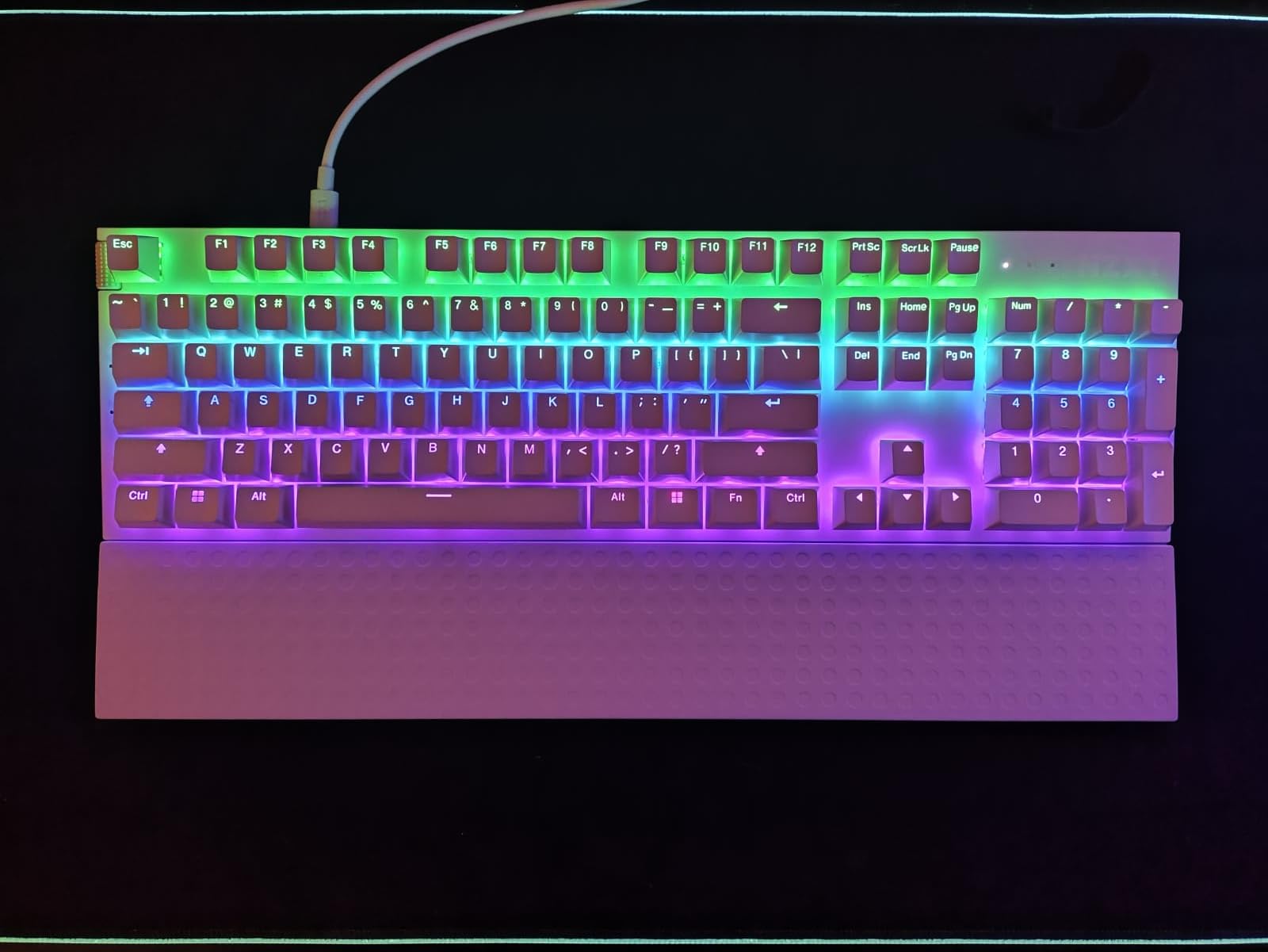
The Function 2 keyboard extends NZXT’s CAM ecosystem into gaming peripherals, and the integration is impressive. The NZXT Swift Optical Switches deliver a 0.2ms response time with adjustable actuation at either 1mm or 1.5mm, giving competitive gamers every possible advantage. I found the linear, lightweight feel excellent for both gaming and typing.
The 8,000 Hz polling rate transmits input signals 8 times faster than standard gaming keyboards, resulting in noticeably more responsive gameplay. In fast-paced competitive titles, this responsiveness can make a real difference. The 100-million key press guarantee speaks to the durability of the optical switch design.
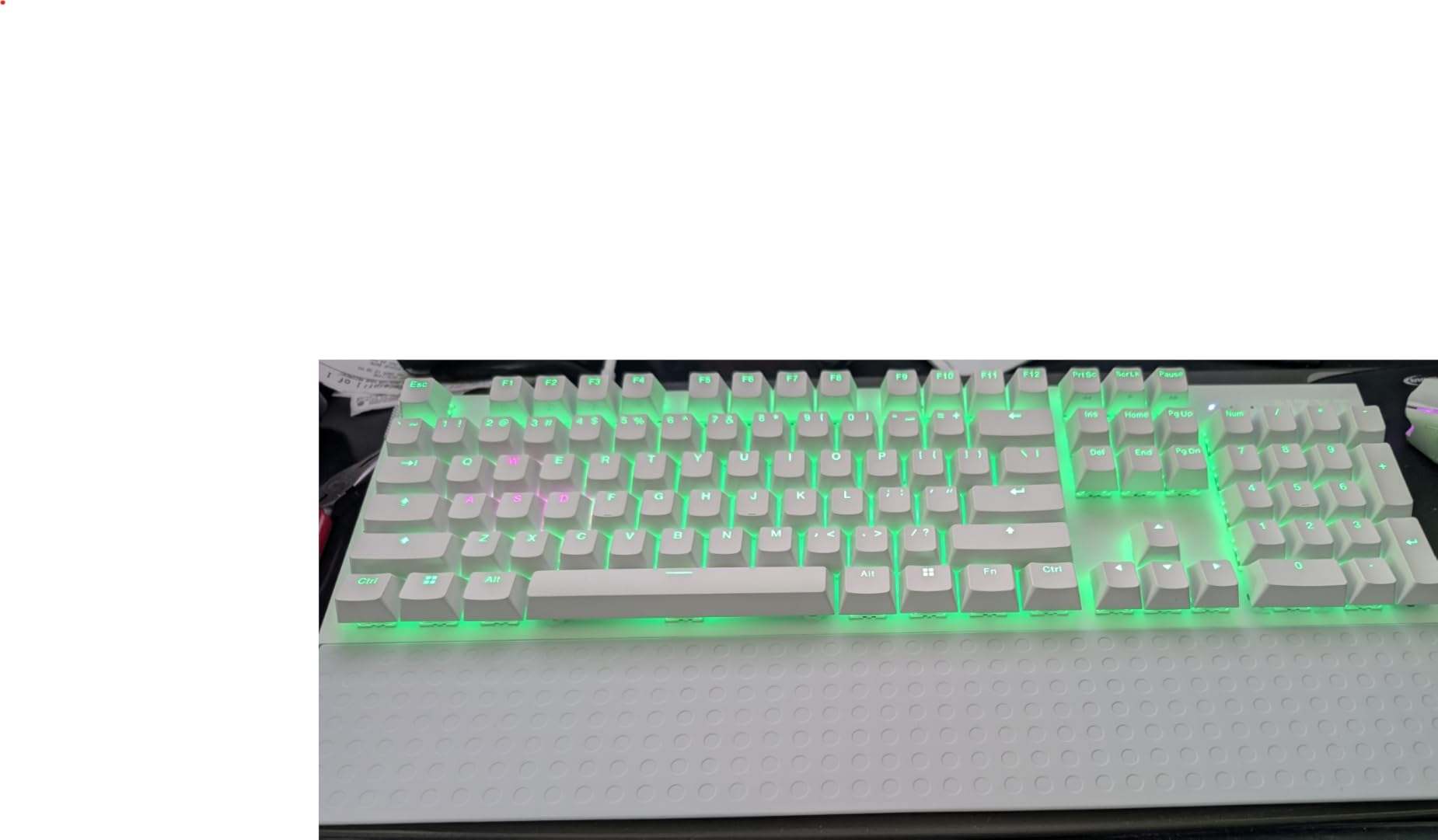
Build quality is premium throughout with a 3mm aerospace-grade aluminum frame and double-shot PBT keycaps that will not fade over time. The dual-layer sound-dampening foam absorbs unwanted pinging noises, giving the keyboard a satisfying acoustic profile. The magnetic wrist rest adds comfort during extended sessions.
CAM software integration allows for RGB customization and profile management. Onboard memory means your settings persist across systems, including Linux compatibility. The volume wheel works well, though some users report it can be finicky at times.
Who Should Buy This
Perfect for competitive gamers who want every possible advantage with 8K polling and optical switches. The CAM integration creates a unified experience with other NZXT products.
Who Should Avoid This
If you prefer tactile feedback or need dedicated media controls beyond the volume wheel, other keyboards may suit your preferences better. The large footprint requires adequate desk space.
Buying Guide: Choosing NZXT CAM Compatible Products
Understanding CAM compatibility is essential before investing in NZXT products. Here is what you need to know to make informed purchasing decisions.
Controller Requirements
Most NZXT RGB products require an NZXT controller for full CAM software functionality. The RGB Core fans connect via an 8-pin proprietary connector to either the Control Hub or RGB and Fan Controller. Without a controller, you can still power the fans through motherboard headers, but RGB customization will be limited or unavailable through CAM.
Third-Party Compatibility Limitations
NZXT CAM controls NZXT-branded RGB through USB connections. Third-party components using standard 4-pin RGB or 3-pin 5V ARGB connectors cannot be controlled directly through CAM. For monitoring purposes, CAM works with any motherboard to display temperatures, fan speeds, and system performance. However, actual control of non-NZXT RGB requires motherboard software or universal solutions like SignalRGB.
Software Alternatives
Several alternatives exist if you want broader RGB control. OpenRGB provides universal control across many brands but lacks some NZXT-specific features. SignalRGB offers excellent integration with NZXT products alongside other brands. Corsair iCUE and ASUS Armoury Crate provide robust control for their respective ecosystems but may conflict with CAM when both are running simultaneously.
Software Conflicts
Running multiple RGB software applications simultaneously can cause conflicts. Users report issues when running iCUE and CAM together, including lighting glitches and software crashes. For best results, choose one primary RGB control software and disable others. If you need multi-brand control, consider universal solutions like SignalRGB instead of running multiple manufacturer-specific applications.
For those building complete gaming setups, check out our guides on gaming monitors and capture cards for streaming to complete your NZXT CAM ecosystem.
Does NZXT CAM work with anything?
NZXT CAM works with all NZXT CAM-enabled products including Kraken CPU coolers, RGB Core fans, H-series cases with RGB, RGB controllers, N-series motherboards, and Function keyboards. For non-NZXT hardware, CAM provides system monitoring (temperatures, fan speeds, FPS) but cannot control RGB lighting or fan speeds on third-party components.
Does NZXT CAM work with other fans?
NZXT CAM can control fan speeds for any PWM fan connected to an NZXT RGB and Fan Controller or Control Hub. However, CAM cannot control RGB lighting on non-NZXT fans. Third-party fans using standard 4-pin RGB or 3-pin 5V ARGB connectors require motherboard software or universal RGB solutions like SignalRGB for lighting control.
What is the best NZXT CAM alternative?
The best alternatives to NZXT CAM depend on your needs. SignalRGB provides excellent multi-brand RGB control including NZXT products. OpenRGB offers universal open-source RGB control but lacks some advanced features. For monitoring only, HWiNFO64 provides detailed system information. If you use multiple brands, SignalRGB typically offers the best balance of features and compatibility.
Does iCUE conflict with NZXT CAM?
Yes, iCUE and NZXT CAM can conflict when running simultaneously. Users report lighting glitches, software crashes, and devices not responding correctly when both applications attempt to control system lighting. For best results, choose one primary RGB software and uninstall or disable the other. If you need multi-brand control, consider SignalRGB as a unified solution instead of running multiple manufacturer applications.
Conclusion
Building a cohesive gaming setup with NZXT CAM compatible products creates a unified experience that simplifies RGB control and system monitoring. From the stunning Kraken Elite 360 RGB with its vibrant LCD display to the practical H5 Flow RGB case with included RGB fans, NZXT offers solutions for every build style and budget. Remember that most RGB products require an NZXT controller for full CAM functionality, so factor that into your planning.
For the best NZXT CAM compatible gaming products, start with your primary needs. If cooling is paramount, the Kraken Elite series delivers exceptional performance. For case upgrades, the H5 Flow RGB offers outstanding value with included RGB fans. Budget builders can start with F120 RGB Core fans and expand from there. Whatever your choice, CAM software provides the unified control interface that makes managing your gaming setup a pleasure rather than a chore.