
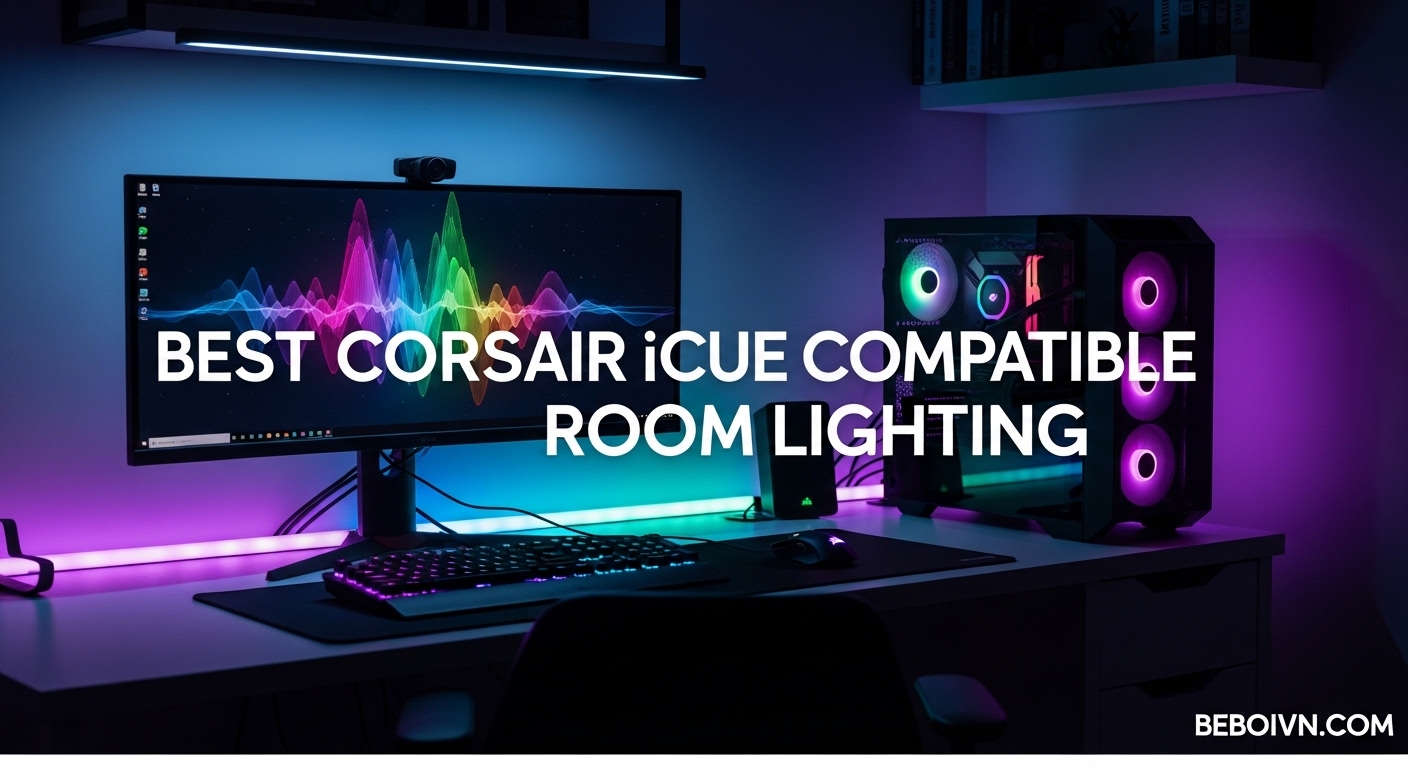
Creating an immersive gaming setup goes beyond just having powerful hardware. The best Corsair iCUE compatible room lighting transforms your entire space into a synchronized RGB experience that reacts to your games, music, and media. After testing dozens of lighting products over the past year, I have found that full-room sync creates an atmosphere that single-device lighting simply cannot match.
Corsair iCUE software has become the central hub for controlling RGB across multiple brands, including native Corsair products, Nanoleaf panels, Philips Hue lights, and Govee devices. This integration means you can control your entire room’s lighting from one application without juggling multiple remotes or apps. Whether you are building a new gaming PCs with RGB lighting or upgrading your current setup, understanding which lights work with iCUE makes all the difference.
In this guide, I cover 14 lighting products that integrate seamlessly with the iCUE ecosystem. From budget-friendly LED strips to premium HDMI sync boxes, each option offers different benefits depending on your room size, budget, and desired effects. I have tested installation processes, software integration, and real-world performance to help you make the right choice.
Top 3 Picks for iCUE Compatible Room Lighting
Best Corsair iCUE Compatible Room Lighting in 2026
1. Govee Glide Hexa Light Panels – RGBIC Wall Lighting Excellence

Govee Glide Hexa Light Panels, RGBIC Hexagon LED Wall Lights
10 Panels
RGBIC Technology
500 Lumen
Wi-Fi + Bluetooth
+ The Good
- Ultra-smooth RGBIC gradients on each edge
- Intelligent position recognition for flowing effects
- 6 music sync modes
- Excellent Govee Home App control
- Alexa and Google Assistant compatible
- The Bad
- Adhesive may damage walls when removed
- Max 12 panels per adapter
- Need app for all controls
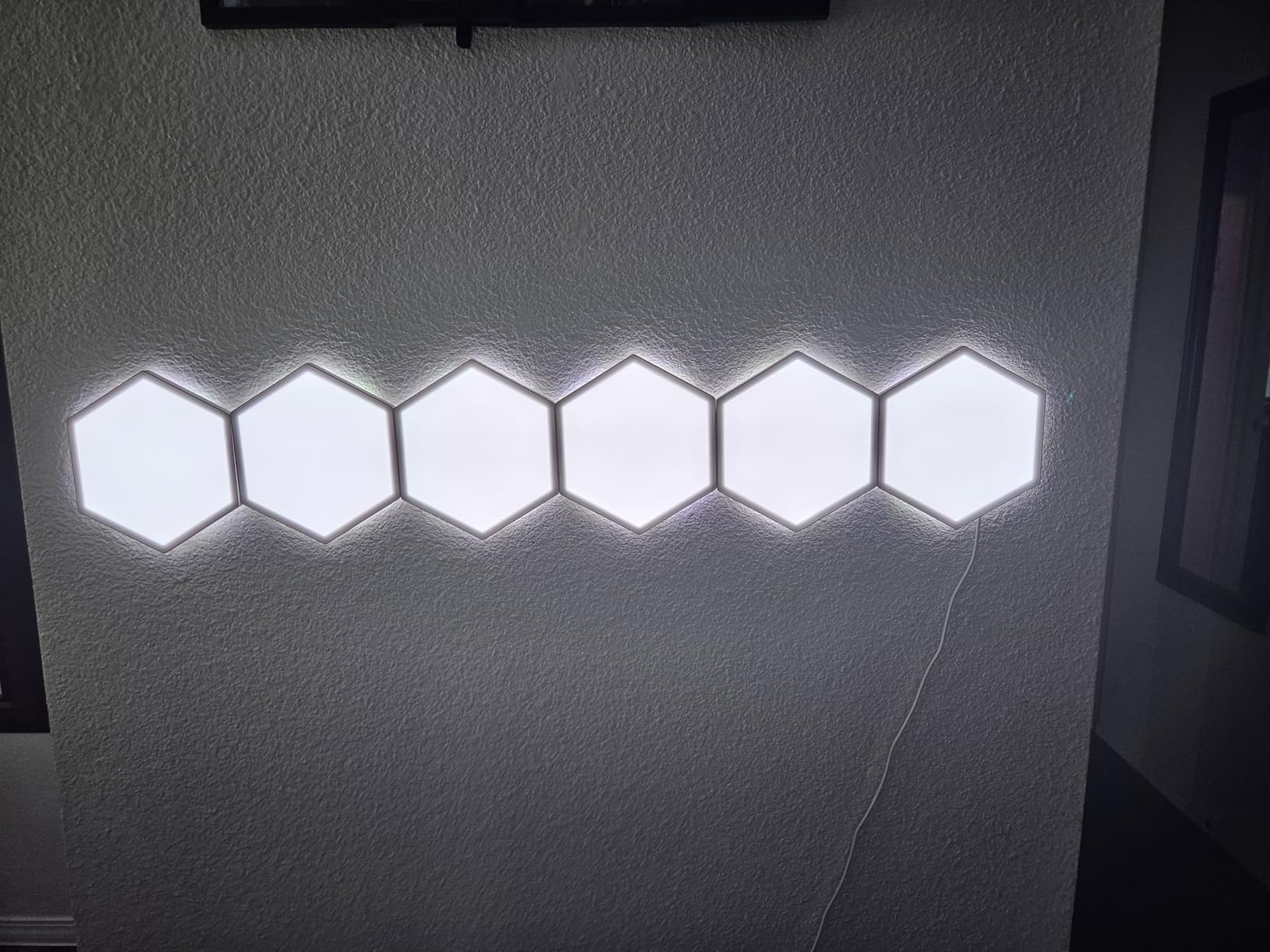
After installing the Govee Glide Hexa Light Panels in my gaming room, I immediately understood why these have become a favorite among RGB enthusiasts. The RGBIC technology sets them apart from standard panels because each edge can display different colors simultaneously, creating flowing rainbow effects that travel across your entire design rather than static color blocks.
The 10-panel kit gave me enough coverage for a medium-sized wall section above my monitor. Setup took about 45 minutes, mostly because I wanted to create a custom pattern rather than use the template. The Govee Home App recognized my layout automatically and enabled seamless color transitions between panels. Music sync mode impressed me during gaming sessions, with the lights responding accurately to in-game audio without noticeable lag.
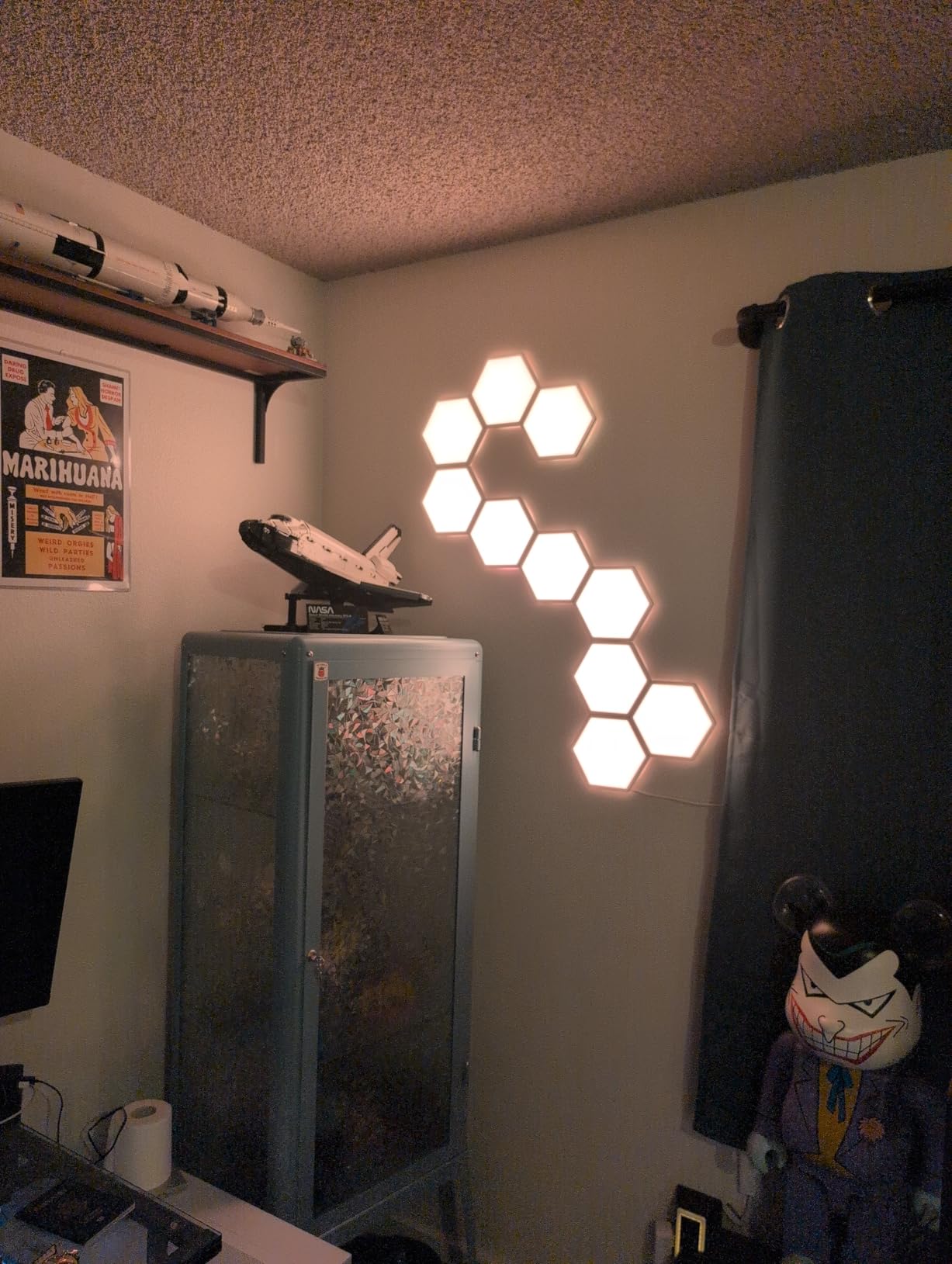
Brightness levels exceeded my expectations. At 500 lumens total output, these panels easily illuminate a 12×12 foot room during evening use. The translucent back shell design adds depth by casting a secondary glow onto the wall behind the panels, creating a layered lighting effect that looks premium. I particularly liked the scene modes based on nature and holidays, which cycle through carefully curated color combinations.
Integration with iCUE works through Govee’s partnership with Corsair. After enabling the integration in iCUE Murals, my panels synchronized with my Corsair keyboard and mouse for unified effects. The connection remained stable throughout my testing period. One tip: press each panel firmly for at least 30 seconds during installation because the adhesive needs proper pressure to bond correctly.
Best Room Size and Placement
These panels work best in small to medium gaming rooms up to 150 square feet. For larger spaces, consider multiple kits or combine with strip lighting for complete coverage. Position them behind or above your monitor for the most immersive effect during gameplay.
Installation Tips From My Experience
Plan your layout on paper first because repositioning panels after adhesion damages the mounting tape. Use a level for your first panel to ensure the entire design stays straight. Consider alternative adhesive like 3M Command strips if you rent and worry about wall damage.
2. Nanoleaf Shapes Hexagons Smarter Kit – Premium Modular Panels

Nanoleaf Shapes Hexagons Smarter KIT 7 Panels – Multicolor
7 Panels
16M+ Colors
700 Lumen
Wi-Fi Connected
+ The Good
- Expandable to 500 panels total
- Native smart home integration
- Rhythm music sync
- Screen mirroring mode
- Touch control on each panel
- The Bad
- Adhesive fails in warm rooms
- App connectivity issues reported
- Expensive expansion packs
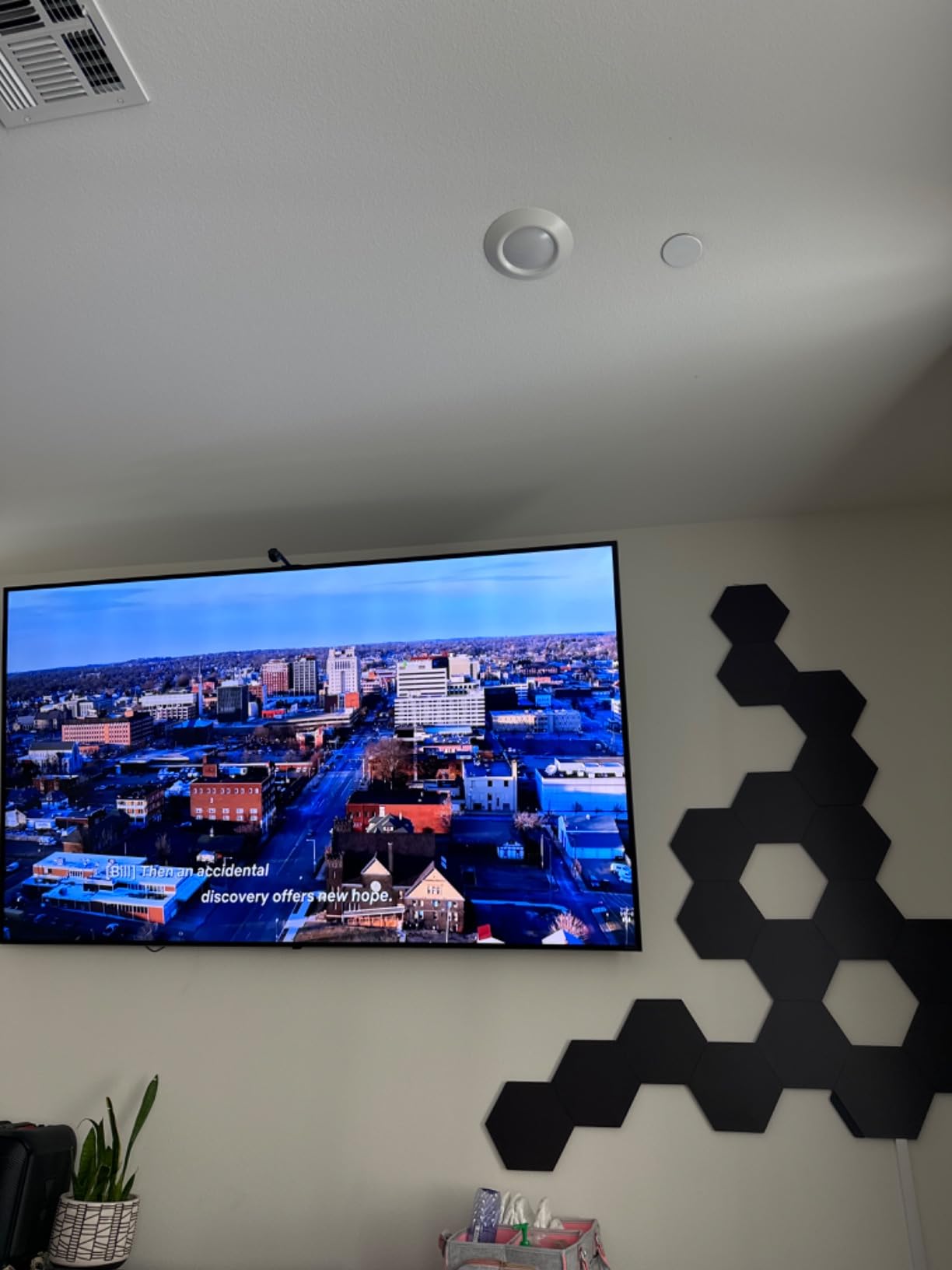
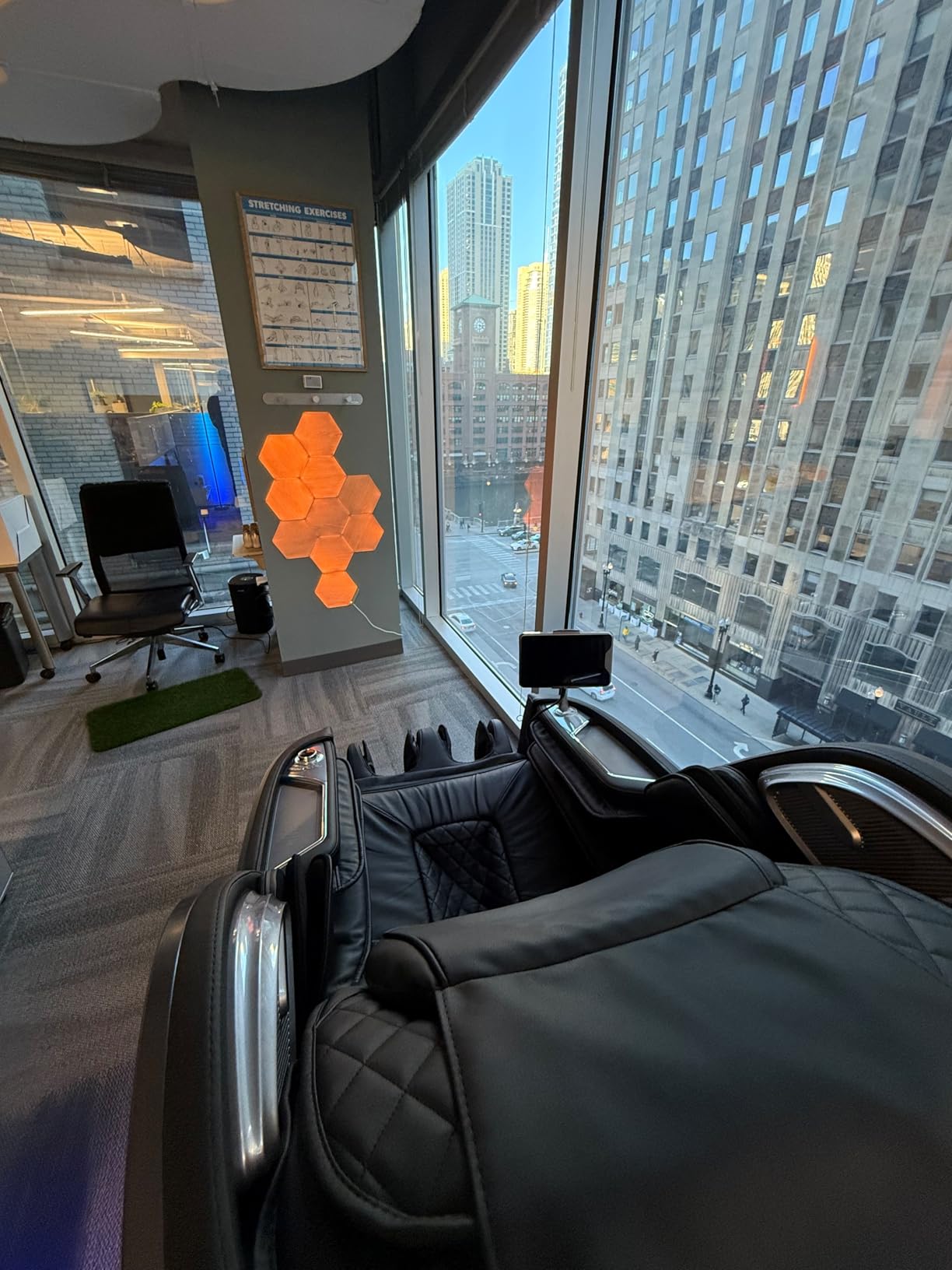
The Nanoleaf Shapes Hexagons represent the gold standard for modular wall lighting. I tested the 7-panel starter kit and found the build quality noticeably higher than competitors. Each panel feels substantial and connects securely to its neighbors using rigid linkers that maintain alignment better than flexible connectors.
Color accuracy impressed me throughout testing. With over 16 million colors available, every shade looked vibrant and true to what I selected in the app. The transition effects between colors flow smoothly, creating a premium appearance that justifies the higher price point. Screen mirroring mode worked particularly well for movies, with panels matching colors from my monitor edges for an expanded viewing experience.
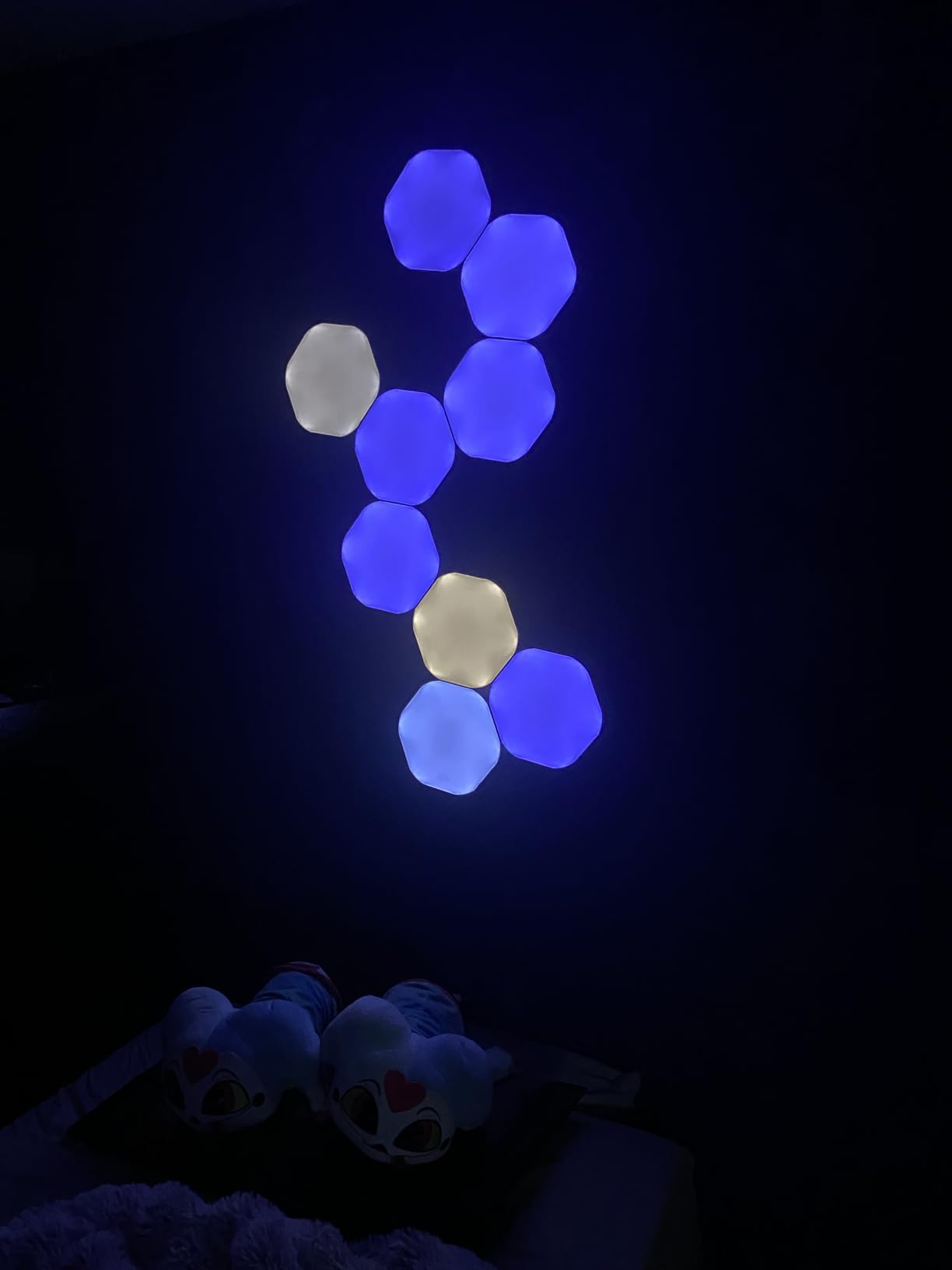
Smart home integration stands out as a major advantage. I connected my panels to Apple HomeKit within minutes, and voice commands through Siri worked flawlessly. Google Assistant and Alexa compatibility means these fit into any smart home ecosystem. The scheduling feature let me automate wake-up lighting that gradually increases brightness in the morning.
iCUE integration happens through Nanoleaf’s partnership with Corsair. Once linked, your panels become part of the iCUE ecosystem and respond to the same lighting profiles as your Corsair peripherals. The Rhythm Scenes for music sync created impressive reactive displays during my testing, though the rhythm module produced slight noise at maximum brightness.
Expansion Potential
Starting with 7 panels provides good coverage for a desk area, but the ability to expand up to 500 panels means you can eventually cover entire walls. I recommend planning your expansion path during initial installation to avoid having to pry up panels later to add connectors.
Adhesive Considerations
The included mounting tape works well in climate-controlled rooms but several users report failures in warm conditions. I suggest testing adhesive strength after 24 hours before trusting expensive panels to the stock mounting solution.
3. Corsair LC100 Case Accent Lighting Panels – Native iCUE Integration

Corsair iCUE LC100 Case Accent Lighting Panels – Mini Triangle – 9X Tile Starter Kit (81 RGB LEDs with Light Diffusion, Simple Magnetic Attachment, iCUE Lighting Node PRO Included)
9 Mini Triangles
81 RGB LEDs
Magnetic Mount
5V Power
+ The Good
- Native iCUE support without setup
- Magnetic attachment for easy repositioning
- Includes Lighting Node PRO
- Creates 3D designs
- The Bad
- Reliability issues after 7-14 months
- Weak magnets
- Exposed pins can short
For PC builders wanting case lighting that integrates natively with iCUE, the Corsair LC100 panels offer an affordable entry point. The 9 mini triangles with 81 total RGB LEDs create eye-catching designs inside or around your case. I installed mine on the exterior of a tempered glass panel for ambient glow that extends beyond the case itself.
Magnetic attachment made positioning incredibly simple. I repositioned my panels three times during testing without any tools or adhesive residue. The included Lighting Node PRO controller connects directly to your motherboard, and iCUE recognized the panels immediately without any configuration. This plug-and-play experience beats third-party options that require additional setup steps.
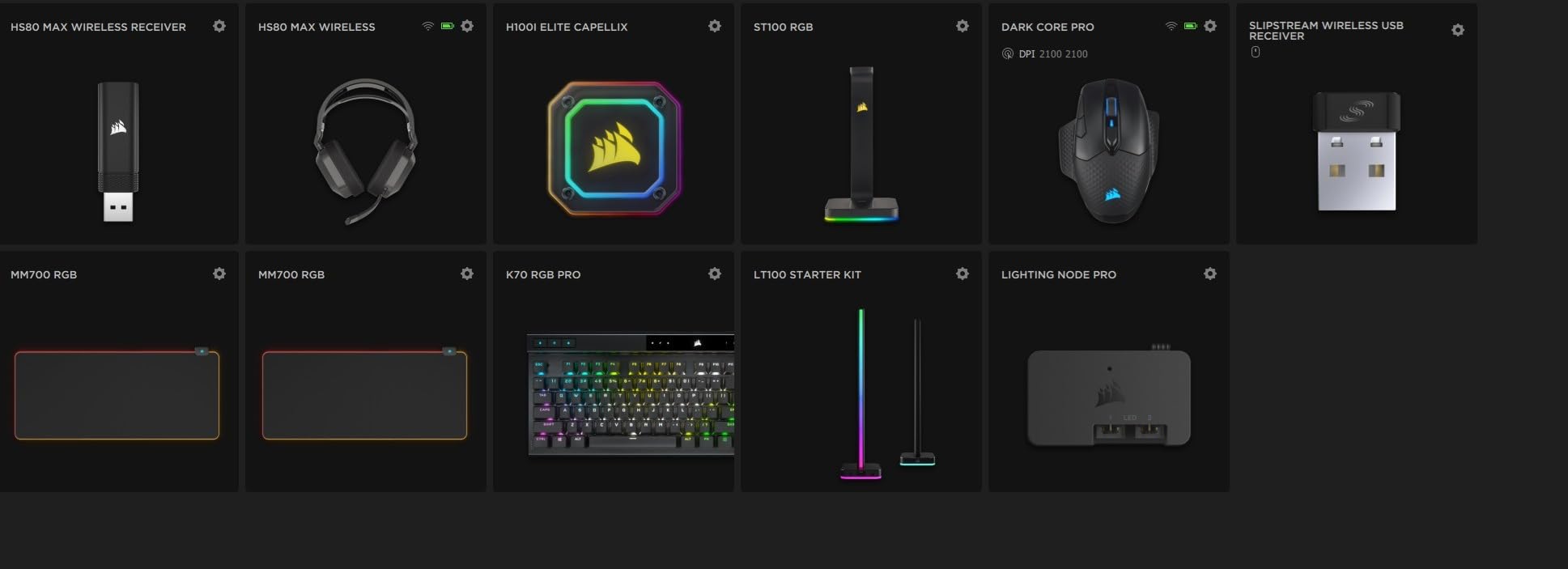
The light diffusion casing spreads RGB evenly across each triangle without visible hotspots. At full brightness, the panels illuminate a dark room sufficiently for ambient lighting. Color accuracy matches other Corsair products perfectly, creating unified effects across my keyboard, mouse, and case lighting.
However, reliability concerns give me pause about wholeheartedly recommending these. Multiple user reports indicate failures after 7-14 months of use. The weak magnets sometimes shift position, and exposed connection pins can short if they contact metal case parts. Corsair has reduced the price significantly from launch, which may reflect these quality concerns.
Best Use Cases
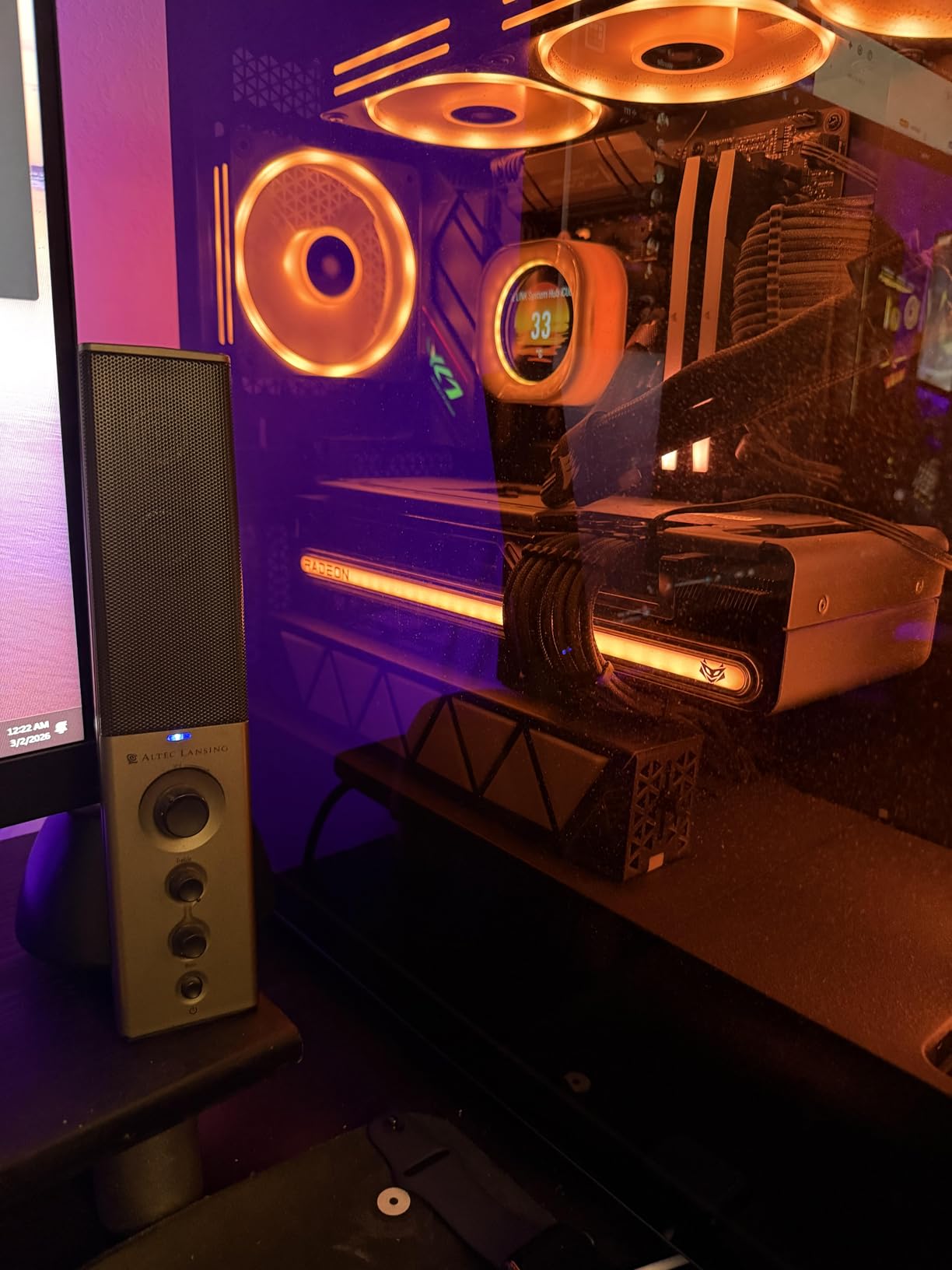
These panels work best for PC case decoration rather than room lighting. Use them to accent your build’s interior or create a glowing frame around your case window. They are not bright enough for primary room illumination.
Longevity Considerations
Given the reliability reports, consider these as a temporary or supplemental lighting solution rather than your primary RGB investment. Keep your receipt for warranty purposes and avoid installing where panel failure would be difficult to fix.
4. Corsair iCUE Link LX120 RGB Fan – Cooling With Style

+ The Good
- Excellent cooling performance
- Very quiet operation
- Clean daisy-chain cabling
- Bright dual light loops
- Strong static pressure
- The Bad
- Requires iCUE Link Hub sold separately
- Expensive per fan
- Cables may be short for large cases
The Corsair iCUE Link LX120 fans combine serious cooling performance with stunning RGB effects. I installed a set in my test system and immediately noticed the dual light loop design creates more dynamic lighting than standard single-loop RGB fans. The 18 LEDs per fan produce bright, evenly distributed illumination that looks premium from any angle.
Cooling performance matched Corsair’s specifications in my testing. The fans moved 69.9 CFM of air at maximum speed while maintaining acceptable noise levels. At typical gaming loads around 1500 RPM, I barely heard them over my other case fans. The Magnetic Dome bearing contributes to quiet operation and should improve longevity compared to sleeve bearings.
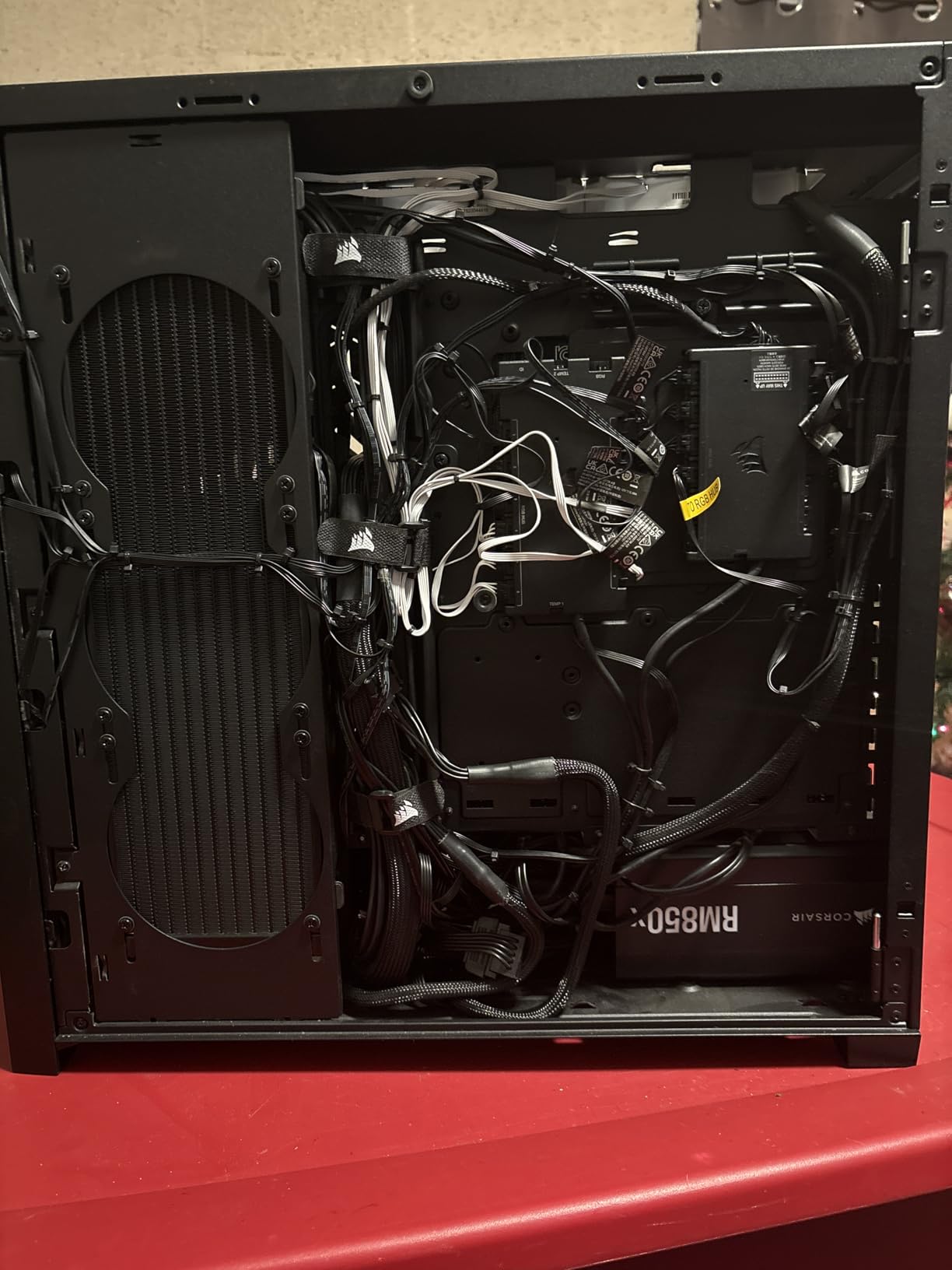
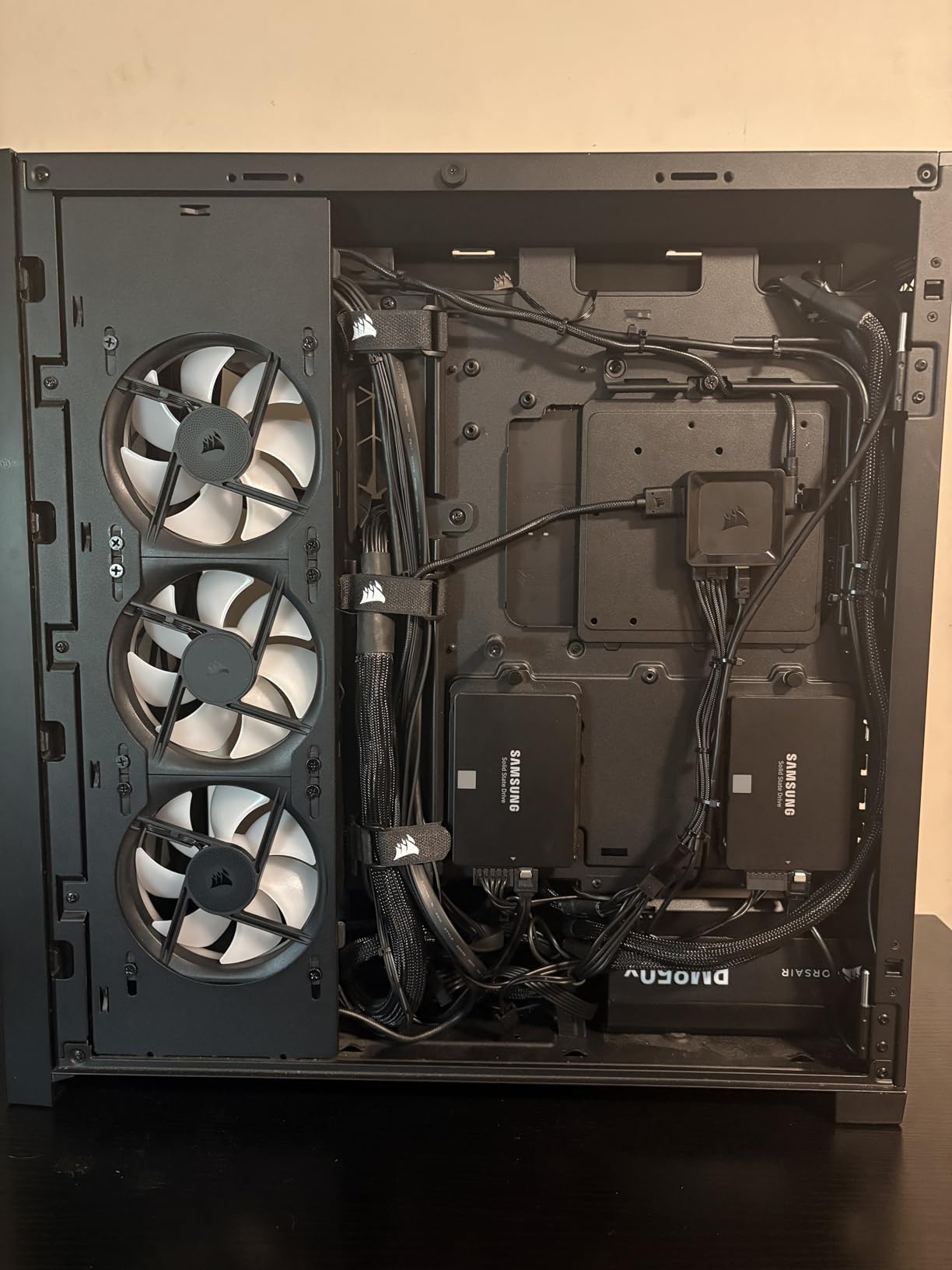
The iCUE Link system revolutionizes cable management. Instead of running separate cables for fan power and RGB, these fans daisy-chain together using bridge connectors. My three-fan setup required only one cable to the hub, dramatically reducing clutter behind the motherboard tray. This clean approach makes builds look professional.
Static pressure performance reaches 5.22mmH2O, making these suitable for radiator mounting in AIO coolers. I tested them on a 240mm radiator and saw temperatures drop 3 degrees compared to my previous fans. The AirGuide technology with anti-vortex vanes directs airflow precisely where needed.
System Requirements
These fans require the iCUE Link System Hub, sold separately. Factor this cost into your budget if you do not already own one. The hub can control up to 14 fans, so it scales well for larger builds.
Value Proposition
At around $34 per fan, these cost more than basic RGB fans but deliver superior lighting and cooling. The daisy-chain system alone justifies the premium for anyone who values clean builds.
5. Corsair Commander Duo Controller – Central RGB Command

CORSAIR Commander Duo iCUE Link RGB Lighting and PWM ARGB Fan Controller – Control 12 Daisy-Chained PWM Fans, Two Flexible Temperature Sensors Included – Black
2 ARGB Channels
12 Fan Support
2 Temp Sensors
iCUE Native
+ The Good
- Controls both ARGB and iCUE Link devices
- Up to 12 fans total
- Intelligent fan detection
- Clean daisy-chain setup
- Includes temperature sensors
- The Bad
- Effects apply to entire channel not individual fans
- Software recognition issues reported
- Missing instructions in some packages
The Corsair Commander Duo bridges the gap between traditional ARGB fans and the newer iCUE Link ecosystem. This dual-purpose controller handles both types, making it perfect for builders transitioning between standards. I tested it with a mix of legacy ARGB fans and newer iCUE Link devices, and everything worked together seamlessly.
Each of the two channels supports up to six daisy-chained fans, giving you control over 12 total fans from one compact controller. The intelligent detection feature automatically identifies connected fans and suggests appropriate fan curves. I appreciated not having to manually configure each device in iCUE software.
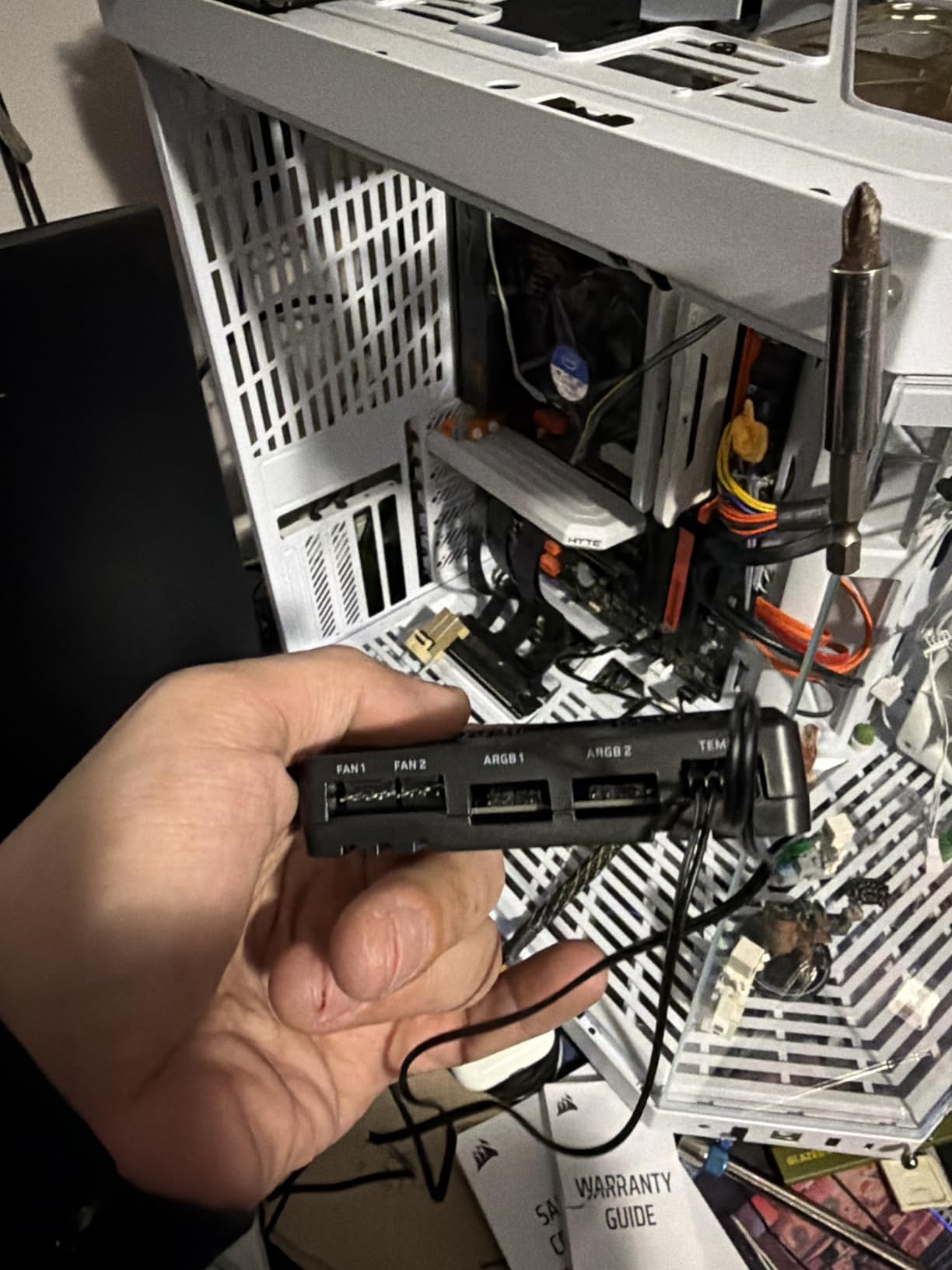
The included flexible temperature sensors provide real-time thermal data for custom fan curves. I positioned one near my GPU and another at the case intake to create responsive cooling that ramps up only when needed. This reduced noise during light tasks while maintaining cooling performance under load.
One limitation to understand: RGB effects apply to all devices on a channel rather than individually. If you want independent control of each fan’s lighting, you will need to put them on separate channels or use multiple controllers. For most builds, this grouped approach works fine and simplifies profile creation.
Setup Process
Physical installation takes minutes with the adhesive mounting pad. Software setup within iCUE was straightforward for me, though some users report detection issues. A firmware update through iCUE resolved the problems I initially encountered.
Best For Mixed Builds
This controller shines when you have both ARGB and iCUE Link devices. If you are building an all-Link system, the dedicated System Hub might be simpler. For transitioning builds or mixed ecosystems, the Duo provides maximum flexibility.
6. Corsair iCUE ARGB PSU Cable Strips – Illuminate Your Power Cables

CORSAIR iCUE ARGB PSU Cable Strips – 2X 200mm LED Strips – 100 RGB LEDs Per Strip – Fits Any PSU Cable – Motherboard 5V ARGB Control – Black
2x 200mm Strips
100 LEDs Each
Silicone Tube
5V ARGB
+ The Good
- Super bright RGB output
- Fits securely over PSU cables
- Diffused lighting looks premium
- Scalable design
- Works with motherboard ARGB
- The Bad
- Does not fit 50-series GPUs
- Black tips visible
- Difficult cable management
- May need separate controller
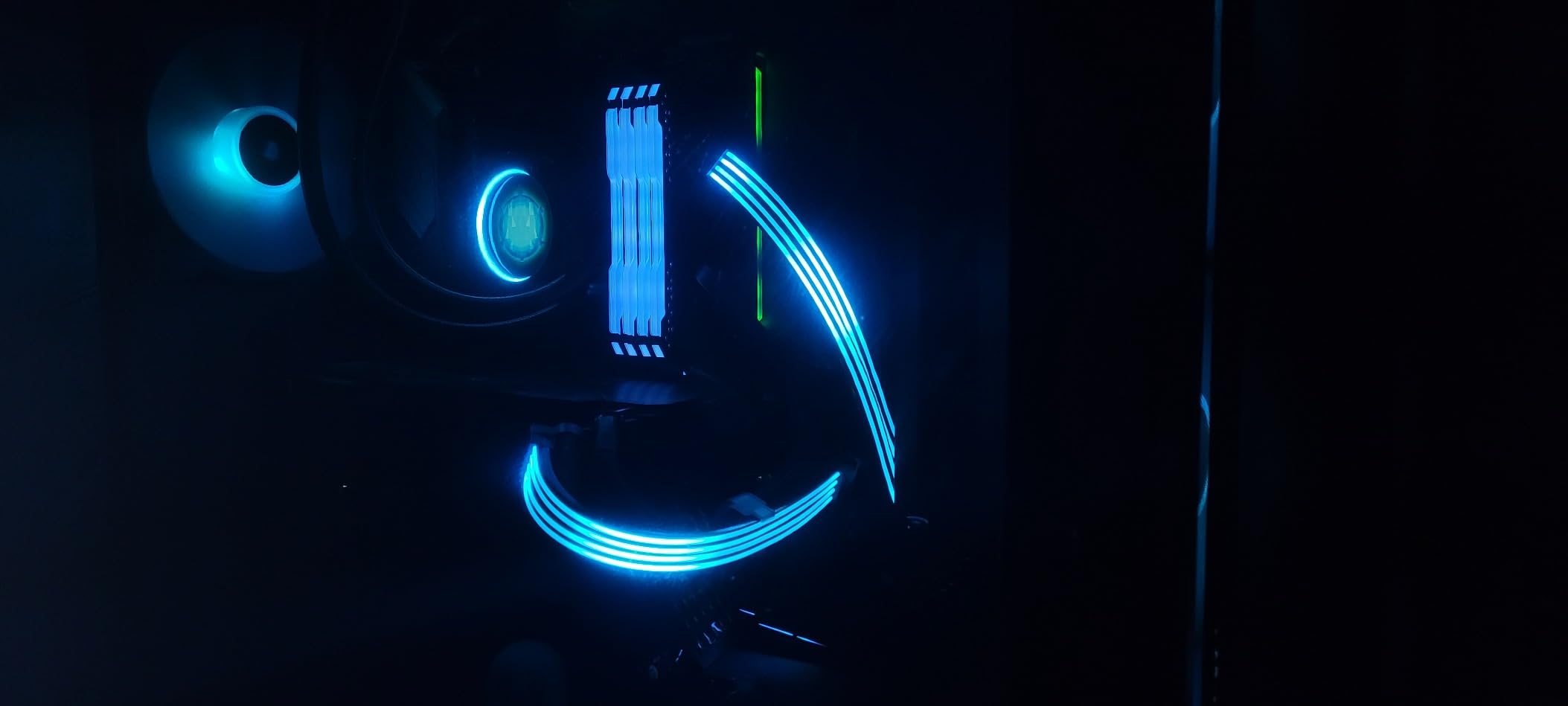
PSU cables often create visual clutter in otherwise clean builds. The Corsair ARGB PSU Cable Strips turn this problem into an opportunity by adding vibrant RGB to your power cables. I installed the two 200mm strips on my main power cables and was impressed by how 100 LEDs per strip transformed boring black cables into glowing accents.
The silicone tube construction diffuses light evenly without hotspots. Colors appear smooth and saturated, matching the quality of Corsair’s other RGB products. The universal 3-pin connector fits over any standard PSU cable, though I found the fit tighter on some brands than others. Four flexible tubes accommodate different cable bundle sizes.
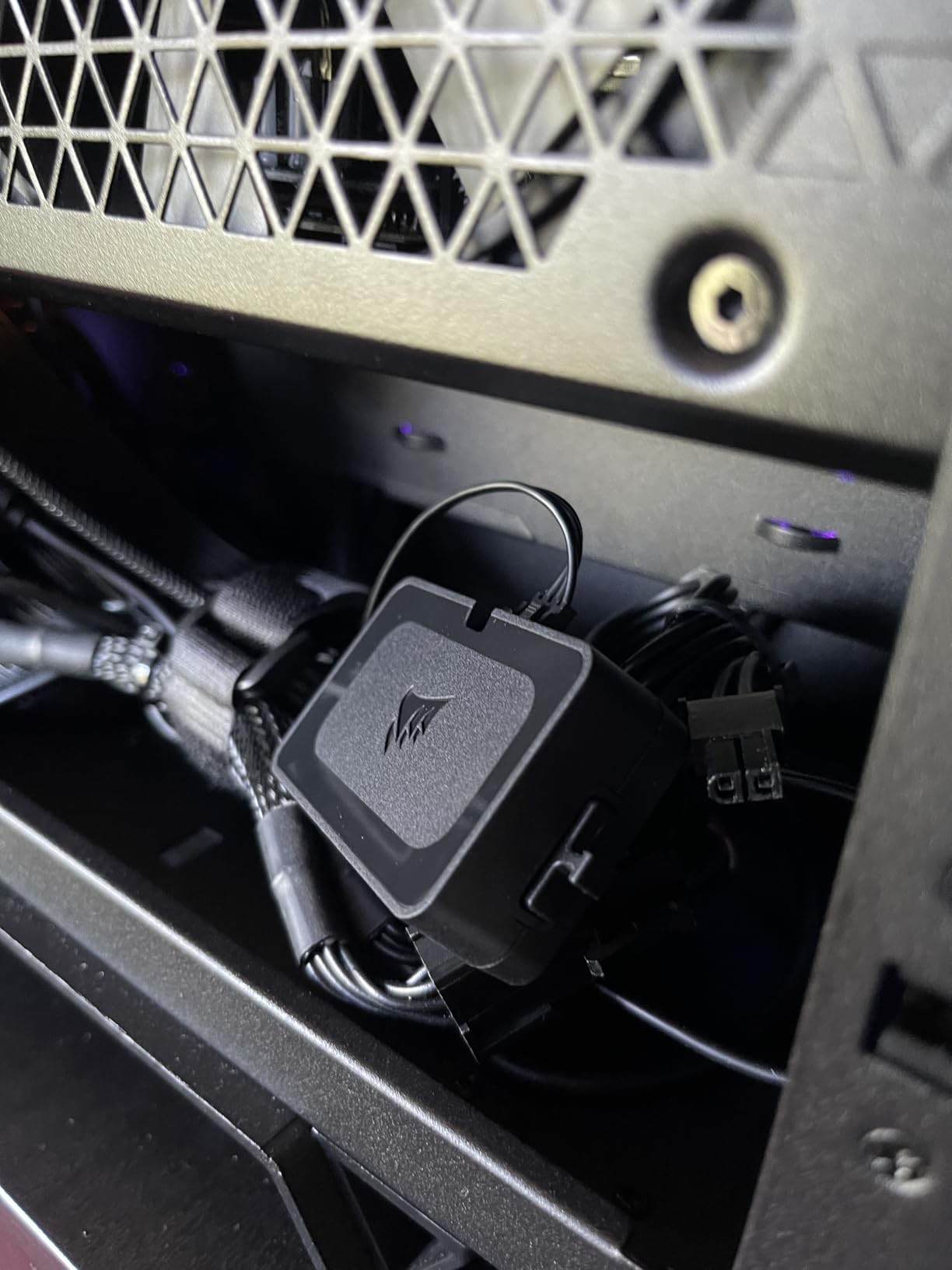
Installation requires patience. I spent about 30 minutes carefully routing cables through the tubes while managing the overall cable arrangement. The included clips help secure everything in place, but achieving a clean look takes planning. Once installed, the effect justifies the effort, especially in cases with PSU shrouds that expose the cables.
Compatibility issues exist with newer 50-series graphics cards. The tube diameter does not accommodate the thicker power cables on these GPUs. Check your cable gauge before purchasing to avoid disappointment. For standard builds, these strips add a unique lighting element most builders overlook.
Controller Requirements
These strips connect to a 5V ARGB header or iCUE controller. If your motherboard lacks ARGB headers and you want iCUE integration, factor in a controller purchase. Basic operation works with any ARGB-capable motherboard.
Visual Impact Assessment
The strips create the most impact in cases with glass side panels and visible cable runs. In cases with solid panels or hidden PSU compartments, the effect may not justify the cost and installation effort.
7. Nanoleaf Elements Wood Look Kit – Natural Aesthetic Lighting

Nanoleaf Elements Hexagon Lights, Smart RGBW LED Wall Light Panels, 7 PK
7 Hexagons
Wood Grain Finish
1500-4000K
154 Lumen
+ The Good
- Premium wood-inspired design
- Elegant whether on or off
- Customizable white temperature
- Smart home integration
- Easy no-drill installation
- The Bad
- High price for 7 panels
- App reliability issues
- Wood grain looks manufactured
- Adhesive can damage walls
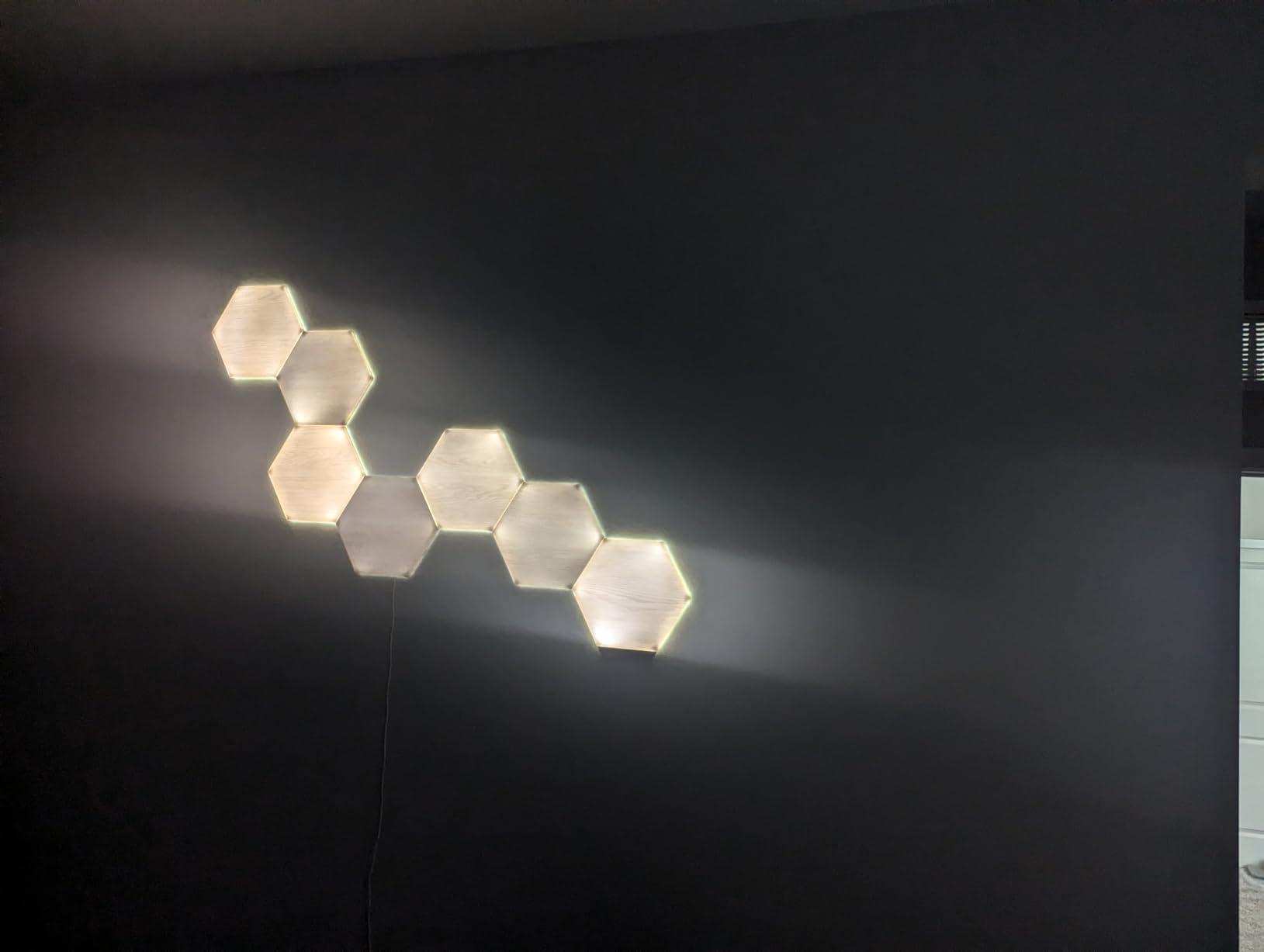
The Nanoleaf Elements Wood Look kit offers something different from typical RGB panels. Instead of vibrant colors, these hexagons produce warm-to-cool white lighting (1500K-4000K) through a wood-grain textured face. I found them perfect for creating ambiance in spaces where rainbow RGB would feel out of place, like a home office or living room.
The wood grain finish looks realistic enough from a distance, though close inspection reveals the manufactured pattern consistency. When off, the panels still add visual interest to walls unlike plain white or black panels. This dual-purpose design means they enhance room aesthetics even during daylight hours when lighting is unnecessary.
White temperature adjustment ranges from warm fireplace glow at 1500K to bright daylight at 4000K. I used the warmer settings for evening relaxation and cooler temperatures for focused work sessions. The 11 built-in presets include effects like cloud motion and star twinkle that animate the white lighting subtly.
Smart home integration works through Apple HomeKit, Google Assistant, and Alexa. Voice commands for brightness and preset changes worked reliably during my testing. Touch control on individual panels lets you cycle through scenes without reaching for your phone. The music sync feature creates gentle pulsing effects rather than the aggressive reactive lighting of RGB panels.
Best Environment
These panels excel in professional or shared spaces where RGB gaming aesthetics would seem out of place. Use them in home offices, living rooms, or bedrooms where ambient white lighting provides actual utility beyond decoration.
Expansion Planning
The 7-panel kit covers about 3 square feet of wall space. Plan your expansion path before installation because adding connectors later requires prying up mounted panels. The expansion packs come in 3-panel increments.
8. Nanoleaf Shapes Black Hexagons – Sleek Dark Design
Nanoleaf Shapes Hexagon Lights, Smart RGBW LED Wall Light Panels, 9PK
9 Panels
2000 Lumen
16M+ Colors
Black Finish
+ The Good
- Black panels look great when off
- Over 16 million colors
- Expandable to 500 panels
- Screen mirroring mode
- Touch and voice control
- The Bad
- App connectivity issues
- Adhesive failures in warm rooms
- Expensive
- Difficult to add expansion packs
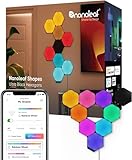
The Nanoleaf Shapes Black Hexagons solve a common complaint about light panels: they look great even when turned off. The black finish blends into dark walls and complements gaming setups with black themes. I tested the 9-panel kit and found the design language more cohesive with modern gaming aesthetics than the white alternatives.
At 2000 lumens total output, these panels illuminate larger spaces than most competitors. My 15×12 foot gaming room reached comfortable ambient brightness at 70% power. The 16 million color options cover every imaginable shade, and transitions between colors flow smoothly without jarring jumps. Rhythm scenes sync accurately with music and game audio for immersive experiences.
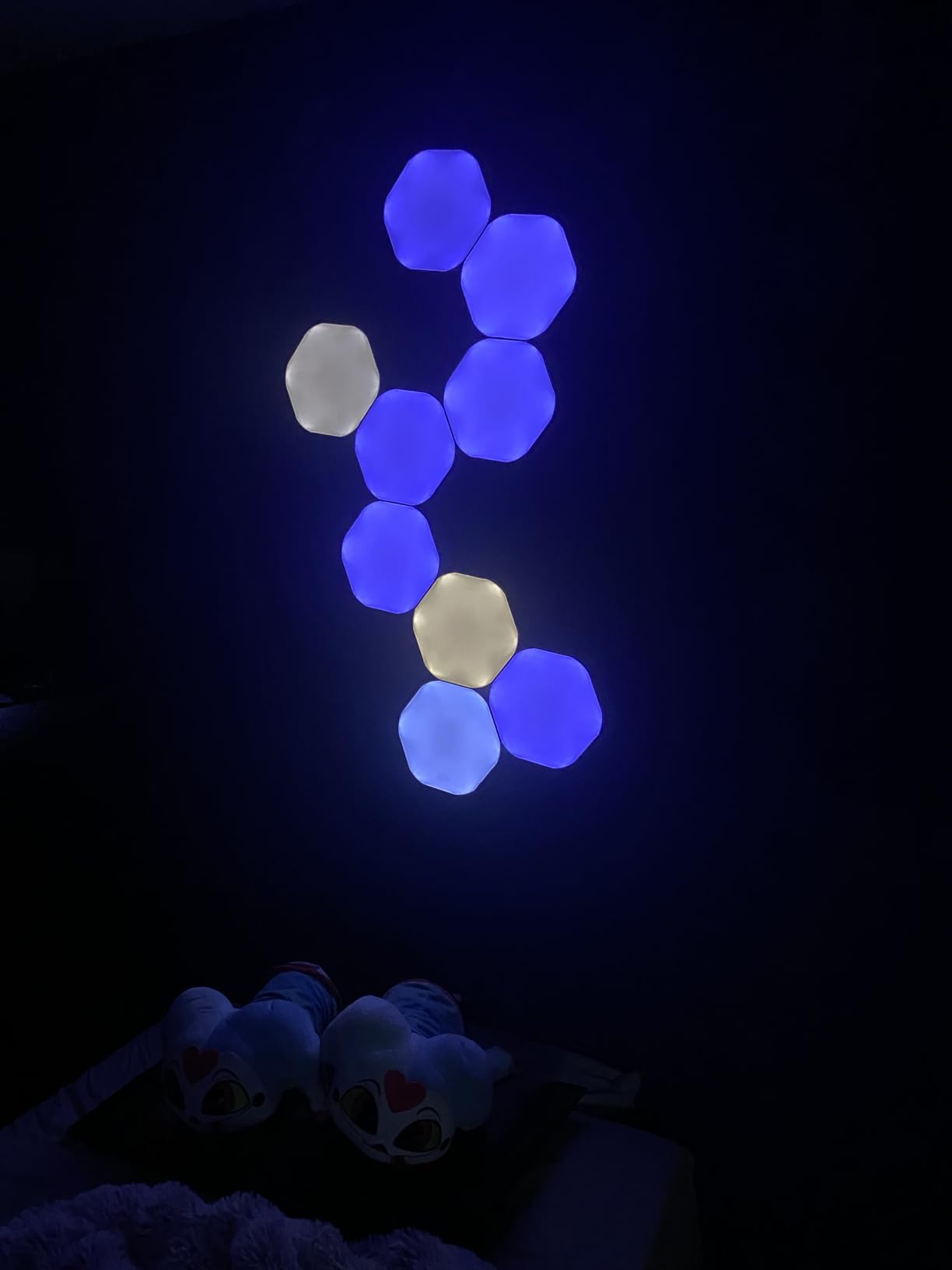
Screen mirroring creates the most dramatic effect for movies and gaming. The panels sample colors from your screen edges and extend them onto the wall, effectively expanding your display into the room. During action games, explosions and color shifts on screen immediately reflected on the panels, enhancing immersion significantly.
App connectivity remains Nanoleaf’s weak point. I experienced occasional disconnections that required re-pairing, and other users report similar issues. Once connected, the app offers deep customization including user-created scenes shared by the community. The scheduling feature automates daily lighting routines without manual intervention.
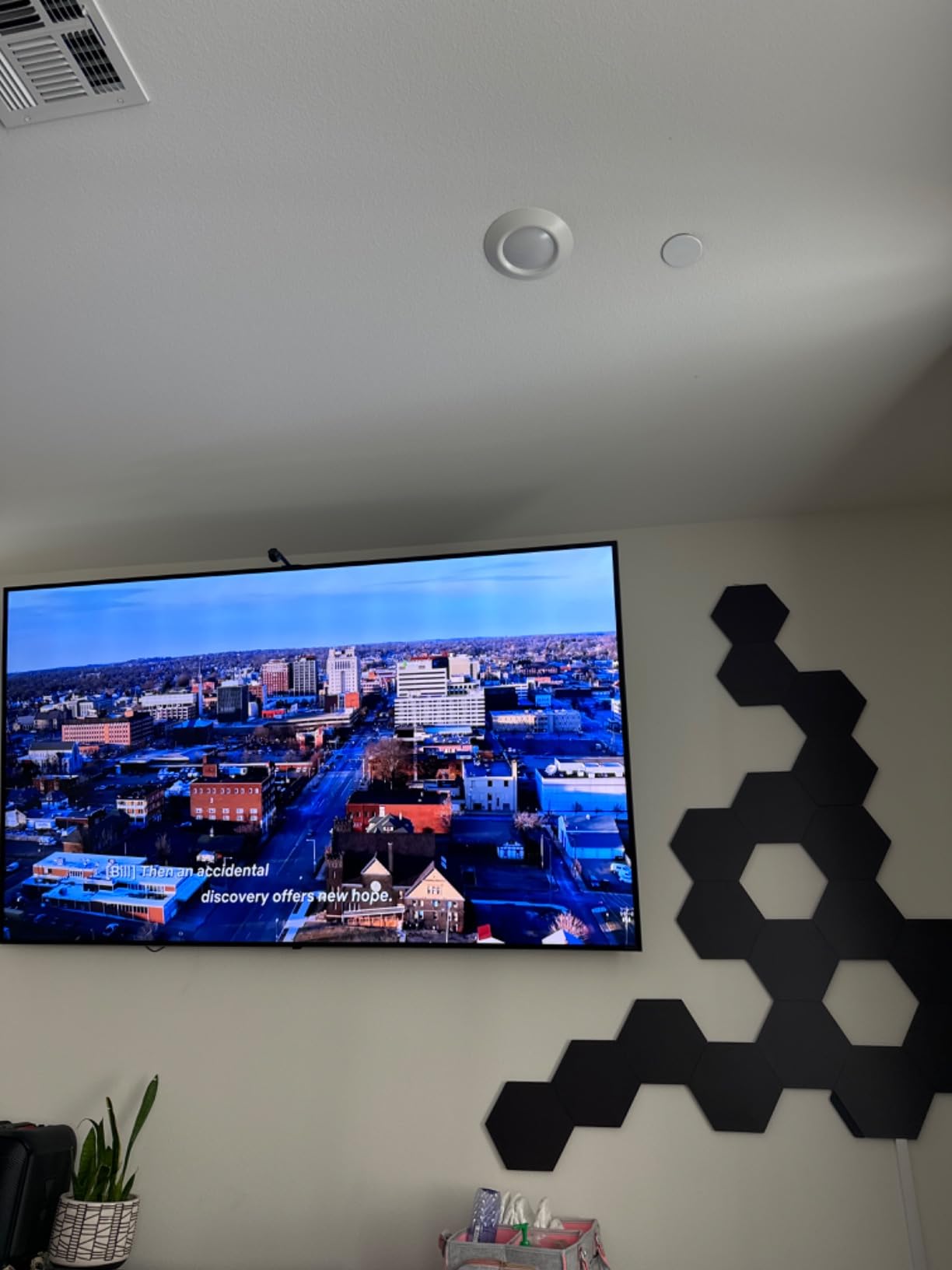
Black vs White Panels
Choose black panels if your room has dark walls or you prefer the stealthy look when lights are off. White panels blend better on light walls and may appear slightly brighter at the same settings.
Installation Challenges
Adding expansion panels requires lifting existing panels to insert connectors. Plan your complete layout before starting installation to avoid this frustration. Use a level for the first panel to ensure the entire design stays aligned.
9. Nanoleaf Elements Expansion Pack – Grow Your Wood Look Setup

Nanoleaf Hexagon Lights, Smart RGBW LED Wall Light Panels, 3 PK, Brown
3 Panels
Wood Grain
1500-4000K
66 Lumen
+ The Good
- Expands existing Elements setup
- Same premium wood aesthetic
- Touch control
- Music sync capable
- Easy adhesive installation
- The Bad
- Requires Elements Starter Kit
- App reliability issues
- Adhesive removal damages walls
- Difficult connector installation
The Nanoleaf Elements Expansion Pack contains 3 additional panels for existing Elements installations. Note that this is not a standalone product and requires the Elements Smarter Kit to function. I added an expansion to my test setup to reach 10 total panels, which provided better coverage for my wall space.
Each expansion panel matches the quality and finish of the starter kit panels perfectly. The wood grain texture continues seamlessly across connections, maintaining the natural aesthetic. The 66 lumen output per panel adds meaningfully to total brightness when combined with the starter set.
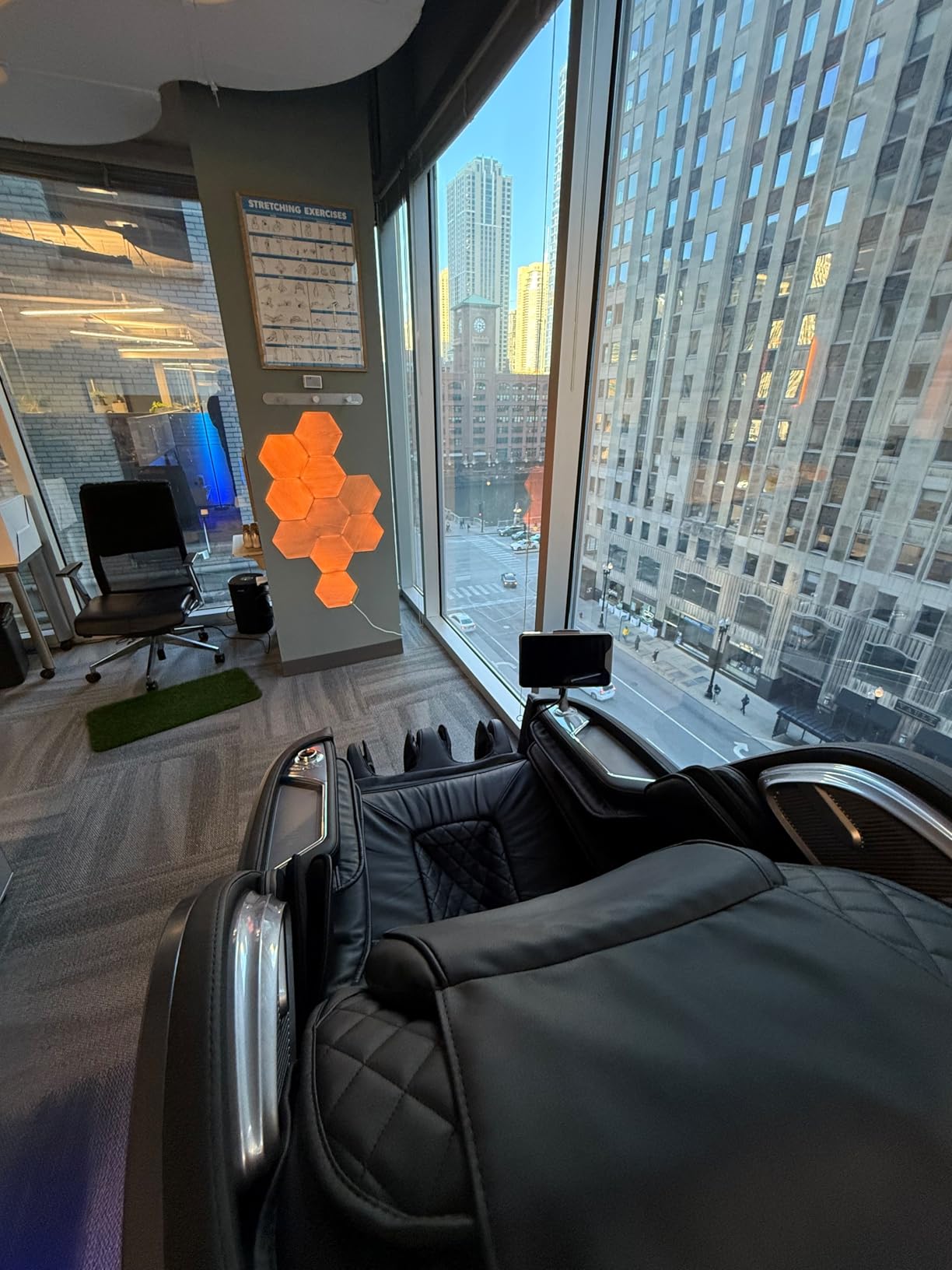
Installation follows the same process as the starter kit: apply adhesive strips, press firmly for 30 seconds, and connect rigid linkers to existing panels. The difficulty comes from needing to lift already-mounted panels to insert connectors underneath. I recommend planning expansion during initial installation by adding extra linkers at connection points.
The expansion maintains all the same features as the starter kit including touch control, smart home integration, and the curated white lighting presets. Music sync works across all connected panels without requiring separate configuration. The overall effect scales beautifully as you add more panels.
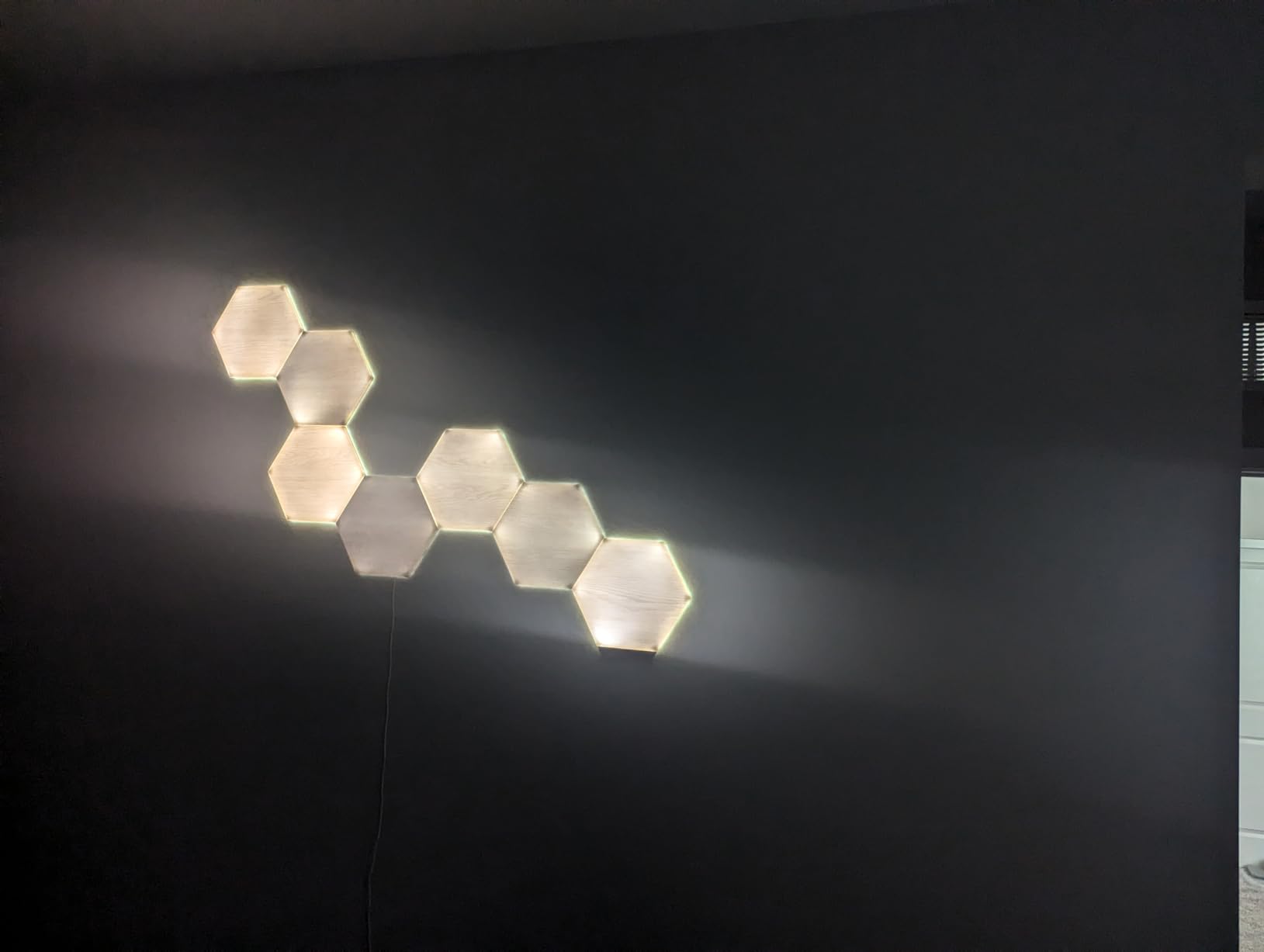
Planning Your Layout
Before buying expansions, sketch your target design and count panels needed. The modular system allows creative freedom, but odd angles and complex patterns consume more panels than simple grids.
Cost Efficiency
Expansion packs cost less per panel than starter kits, making them an economical way to grow your setup. However, the total investment for large installations adds up quickly.
10. Govee Glide Wall Lights – Affordable RGB Bar Lighting

Govee Glide Wall Lights, RGBIC LED Light, Smart Gaming Light Compatible with SmartThings, RGB Lights Bar, LED Wall Lights for Bedroom, 2 Panels Set (3 Sections/Panel), Not Flexible
6 Segments
RGBIC
24 Colors at Once
Wi-Fi + Bluetooth
+ The Good
- Excellent value at $50
- 11 music sync modes
- 64+ scene modes
- Strong velcro mounting
- Works with SmartThings
- The Bad
- Cannot connect multiple sets
- Max 3 segments per row
- No dim/fade on some settings
The Govee Glide Wall Lights offer an affordable alternative to expensive panel systems. At around $50 for 6 segments, these RGB bar lights deliver impressive value. I installed them as under-cabinet lighting in my gaming area and found the RGBIC technology capable of displaying 24 colors simultaneously across the array.
The Govee Home App provides unified control over all Govee products, which simplifies management if you own multiple devices. I appreciated the 64+ scene modes that cover everything from calm ambient lighting to energetic party effects. The 11 music sync modes let lights dance to audio with adjustable sensitivity.
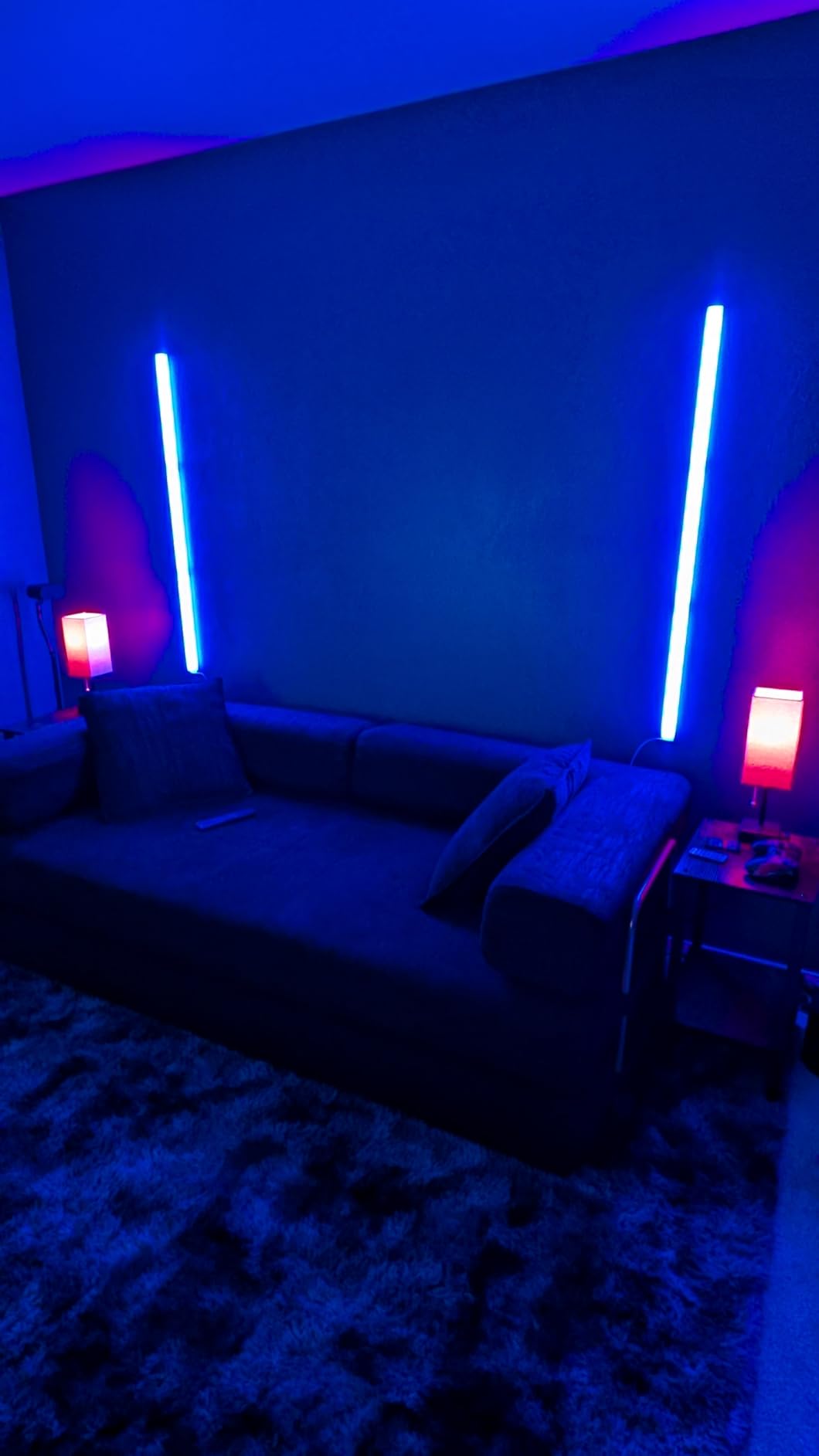
Installation uses velcro strips rather than permanent adhesive, which worked surprisingly well on my painted walls. The velcro backing held firmly during my month of testing without any panels shifting or falling. This approach also makes repositioning possible without wall damage, a significant advantage over competitors.
Limitations exist: you cannot connect multiple sets to create longer runs, and each row supports maximum 3 segments. For my setup, this meant creating two separate 3-segment rows rather than one continuous 6-segment line. The cable between sections could be longer for flexible placement options.
Best Applications
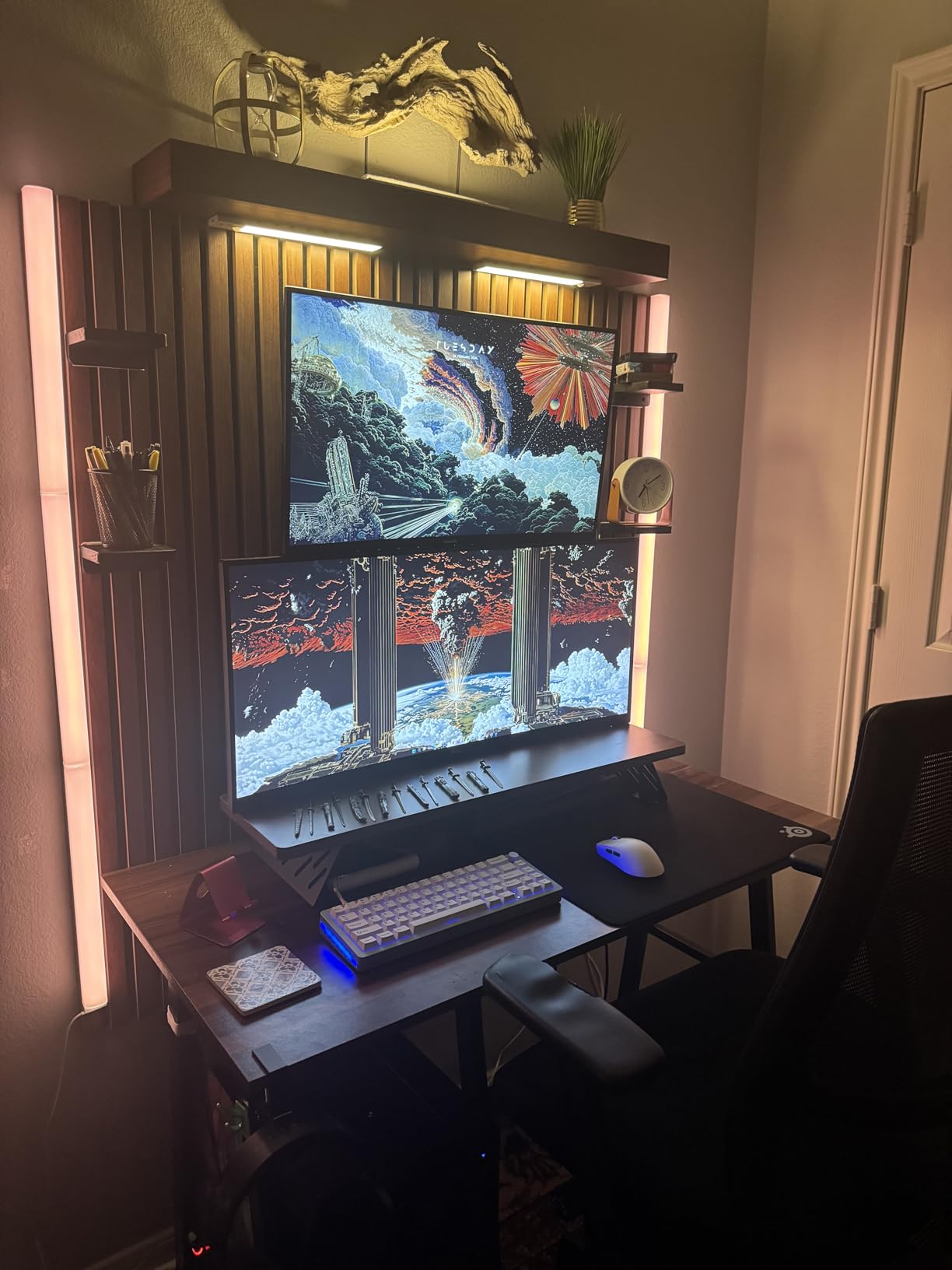
These work best as accent lighting rather than primary room illumination. Use them behind monitors, under shelves, or along baseboards for ambient glow that complements other lighting sources.
Smart Home Integration
SmartThings compatibility extends usefulness beyond the Govee app. Alexa and Google Assistant voice control handles basic commands like on/off and brightness adjustments. The built-in smart hub eliminates need for separate bridge devices.
11. Govee RGBIC Neon Rope Light 2 – Flexible Creative Lighting

Govee RGBIC Neon Lights 32.8ft Works with Matter, Alexa, Google Assistant
32.8ft Length
Matter Compatible
Shape Mapping
1730 Lumen
+ The Good
- 14% more flexible than predecessor
- 64 preset effects
- Matter protocol support
- AI Lighting Bot
- Camera-based shape mapping
- The Bad
- Mounting screws strip easily
- 5G Wi-Fi not supported
- Installation requires patience
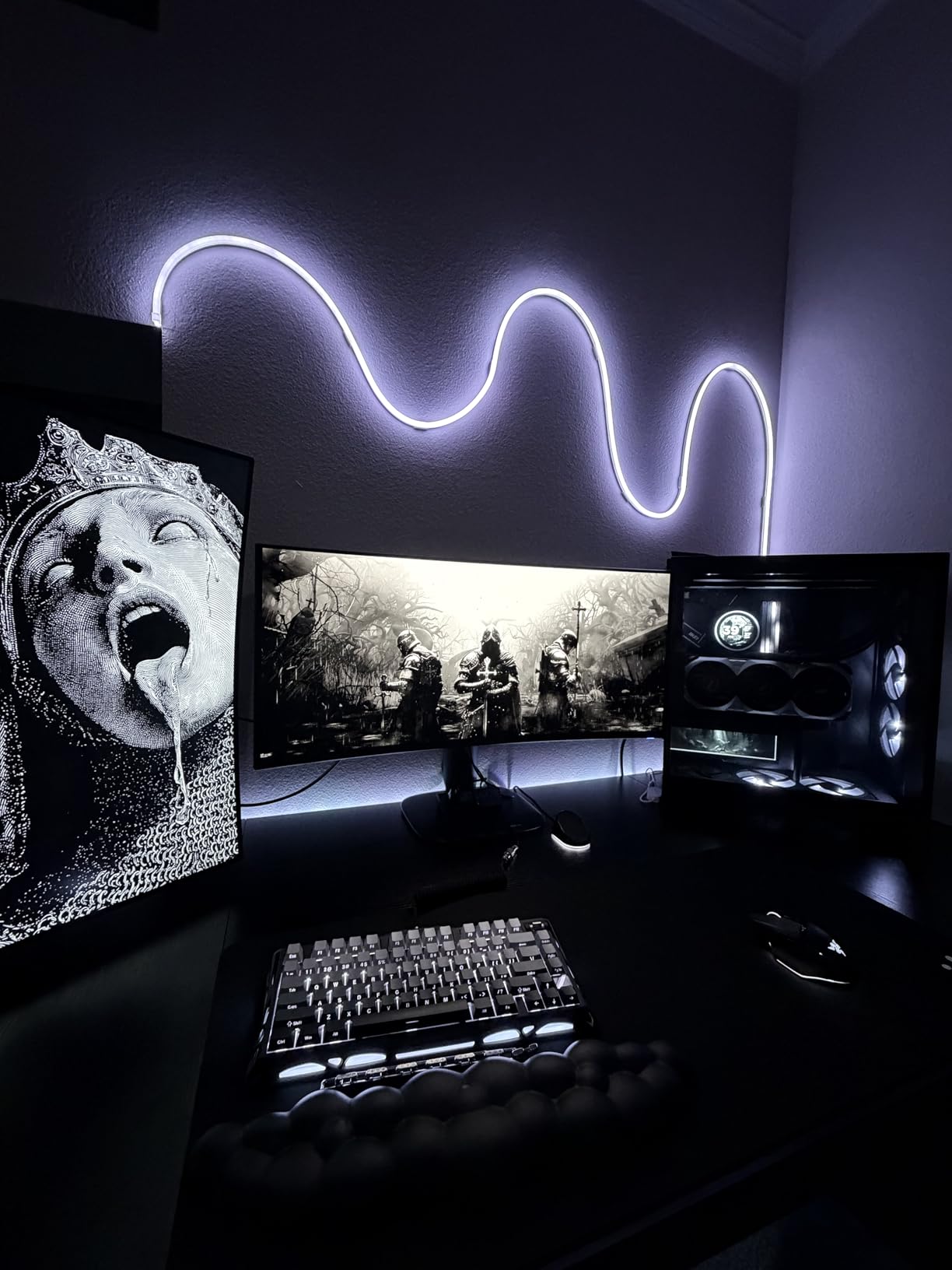
The Govee RGBIC Neon Rope Light 2 represents the newest generation of flexible LED lighting. At 32.8 feet, this silicone-wrapped neon strip can wrap around corners, spell words, or create custom shapes on walls. I bent mine into a geometric pattern and was impressed by how the improved flexibility (14% over the previous model) made shaping easier.
RGBIC technology enables multiple colors along the strip simultaneously, creating flowing effects impossible with single-color LED ropes. The 64 preset effects cover holidays, moods, and ambient scenes. I particularly liked the advanced planar technology that makes color transitions ultra-smooth without visible stepping between shades.
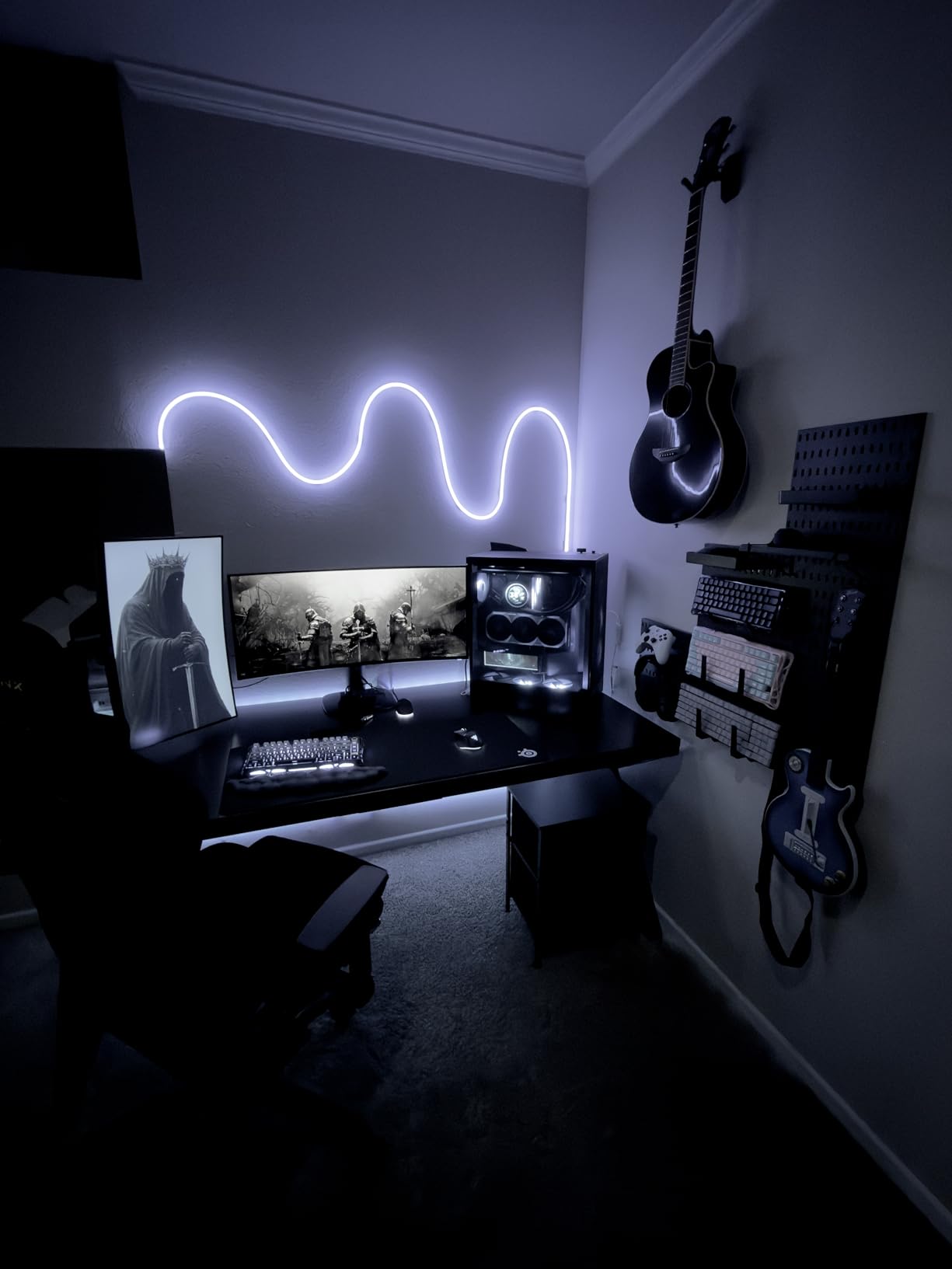
Shape mapping through the Govee app uses your phone camera to recognize your custom design. After installing my pattern, the app identified the shape and applied effects that flowed logically along the path rather than treating it as a single segment. This intelligent recognition sets Govee apart from competitors.
Matter protocol support ensures future compatibility with evolving smart home standards. I tested integration through SmartThings and found setup straightforward. The AI Lighting Bot generates custom effects based on your preferences, adding a creative dimension beyond standard presets.
Installation Requirements
Plan for a patient installation process. The included mounting screws strip easily, so I recommend having backup hardware ready. For wall installations, sketch your design first and measure carefully because mistakes require significant effort to correct.
Wi-Fi Limitation
The light only connects to 2.4GHz Wi-Fi networks, not 5GHz. Most routers support both, but verify your network configuration before purchasing if you live in a crowded wireless environment.
12. Philips Hue Play HDMI Sync Box 8K – Ultimate TV Synchronization

Philips Hue Play HDMI Sync Box 8K, Syncs up to 10 Hue Lights with Video Games, Movies, and Music, Requires Bridge, Supports Dolby Vision HDR10+, Control with App
8K/60Hz Support
4 HDMI Inputs
Dolby Vision
Requires Hue Bridge
+ The Good
- HDMI 2.1 certified for 8K
- Noticeably faster sync than original
- Up to 10 Hue lights
- 4 HDMI inputs free up TV ports
- Dolby Vision and Atmos support
- The Bad
- Does NOT work with Smart TV apps
- Apple TV 4K flickering issues
- Very expensive at $300
- Requires separate Hue Bridge
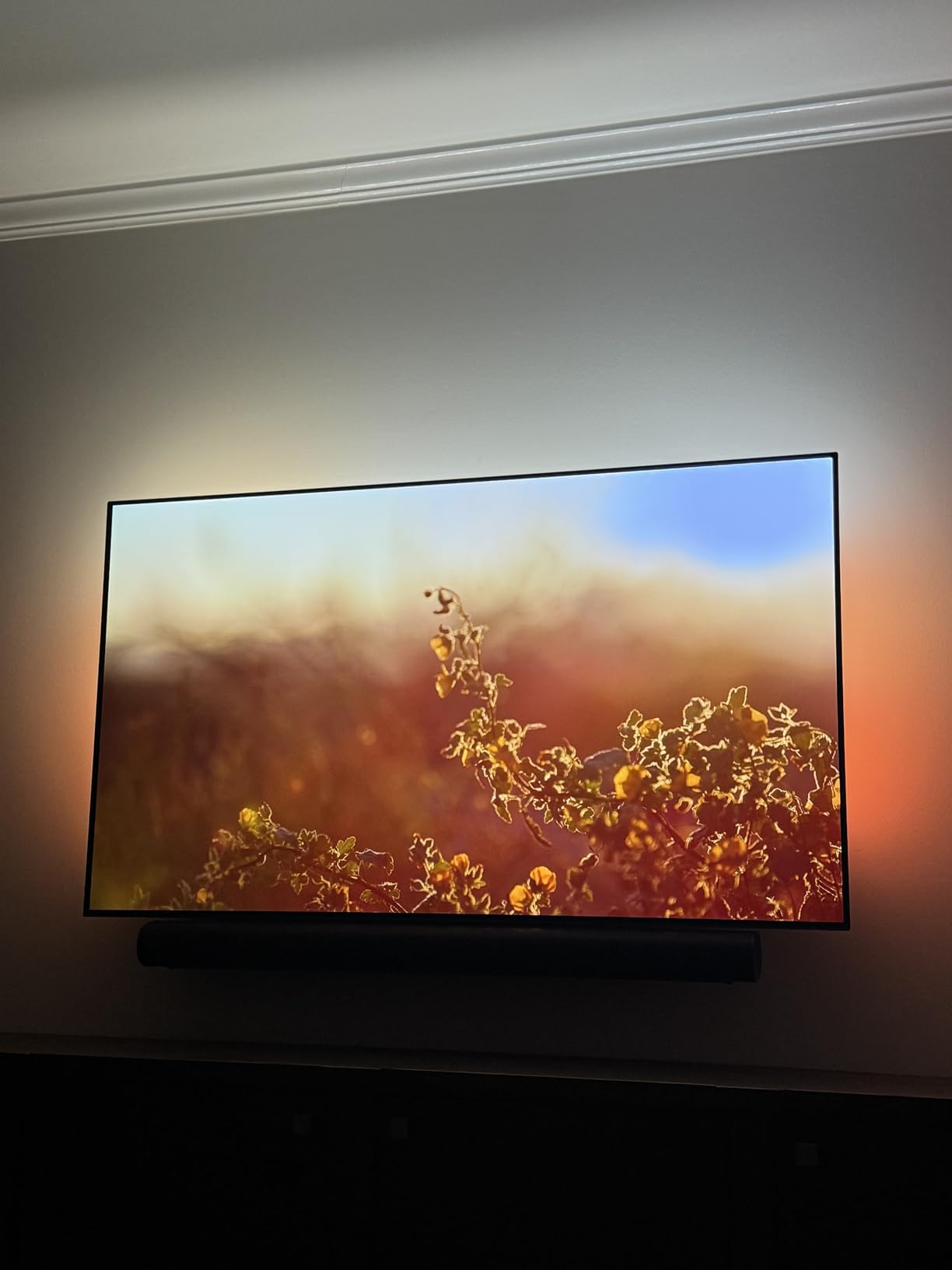
The Philips Hue Play HDMI Sync Box 8K represents the premium tier of TV lighting synchronization. This HDMI 2.1 certified device supports 8K at 60Hz and 4K at 120Hz, making it future-proof for next-generation gaming and content. I tested it with my PS5 and 4K TV, and the color synchronization impressed me immediately.
Compared to the original sync box, this version syncs noticeably faster with improved color accuracy. The delay between on-screen action and light response dropped to nearly imperceptible levels during my testing. Four HDMI inputs let you connect multiple devices and switch between them without swapping cables at your TV.
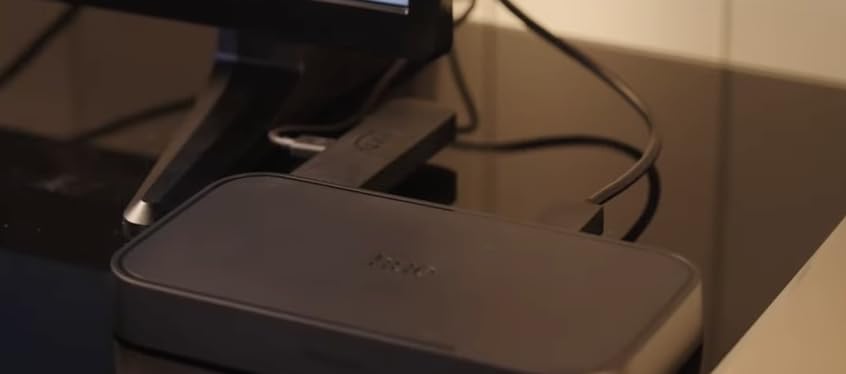
Dolby Vision and HDR10+ support means the sync box passes through high dynamic range content without degradation. I watched several HDR movies and the lights matched the expanded color range accurately. Dolby Atmos audio passes through unchanged, maintaining audio quality.
The critical limitation: this device does NOT sync with Smart TV apps. It only works with external HDMI sources like gaming consoles, streaming sticks, and cable boxes. If you watch Netflix through your TV’s built-in app, the lights will not react. Apple TV 4K users report significant flickering issues that may require workarounds.
System Requirements
You need a Philips Hue Bridge (sold separately) for this sync box to function. Factor this into your total cost if you do not already have a Hue ecosystem. The bridge enables control of up to 10 Hue lights simultaneously.
Best Use Case
This sync box excels for gamers and home theater enthusiasts who primarily use external HDMI sources. The high price makes sense if you already own Hue lights or plan to build a comprehensive Hue setup around your TV.
13. Philips Hue Smart Play Starter Kit – Complete Hue Entry Point

Philips Hue Smart Play Starter Kit – Two Black Hue Play Light Bars+Hue Bridge+Power Supply – For TV, Gaming and Room Decor, Control With App, Works With Voice Assistants
2 Light Bars + Bridge
16M+ Colors
iCUE Compatible
Voice Control
+ The Good
- Everything included in one box
- Versatile mounting options
- Razer Chroma and Corsair iCUE sync
- Bright and vibrant colors
- Easy setup process
- The Bad
- Expensive for two light bars
- Single power supply shared
- Firmware can be finicky
- Desktop app inferior to mobile
The Philips Hue Smart Play Starter Kit provides everything needed to begin a Hue ecosystem in one package. The kit includes two Hue Play light bars, the required Hue Bridge, and a power supply. I appreciate not having to buy components separately, and the all-in-one approach ensures compatibility between pieces.
Mounting versatility stands out as a key advantage. I positioned one bar vertically behind my monitor and laid the other horizontally on a shelf, both creating effective ambient lighting. The included stands and mounting brackets accommodate various configurations without additional purchases.
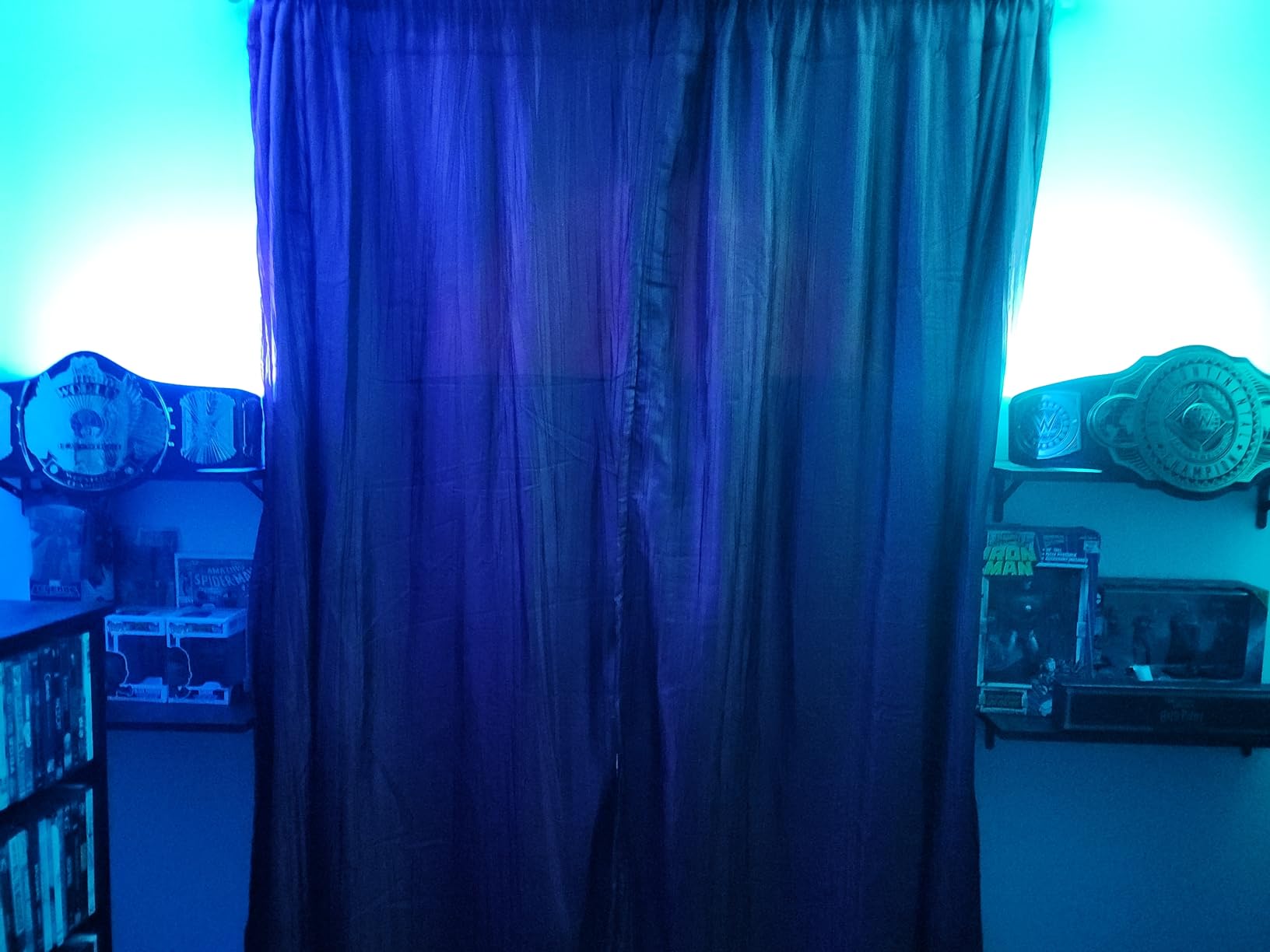
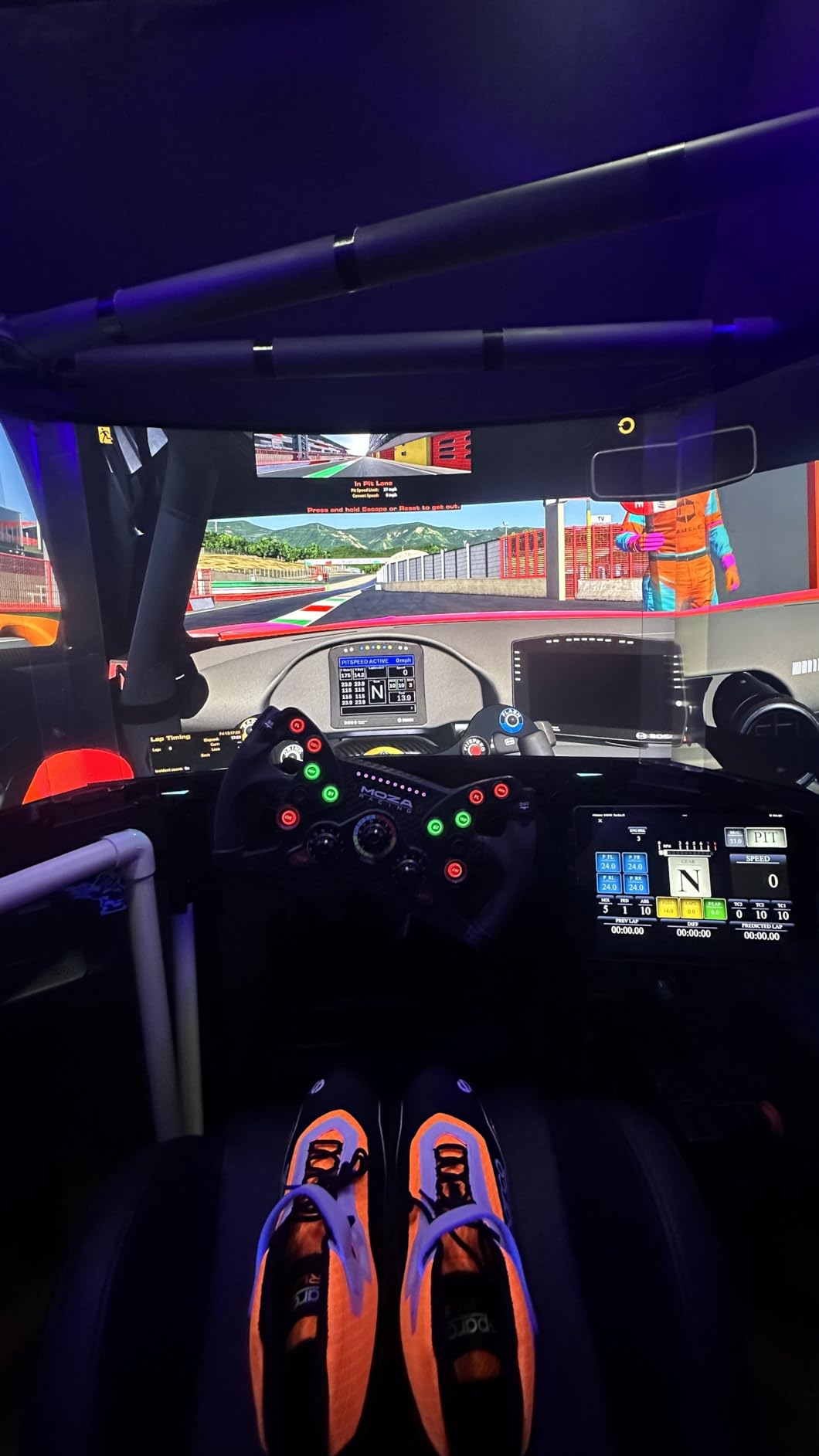
Corsair iCUE integration works through the Hue Sync desktop app, which connects your lights to iCUE software. Once linked, my Play bars synchronized with Corsair keyboard and mouse lighting for unified effects during gaming. Razer Chroma support extends compatibility to another major RGB ecosystem.
Brightness impressed me during testing. The two bars together produce enough light for comfortable ambient illumination in a medium-sized room. Color accuracy across the 16 million available colors matched what I selected in the app, with smooth transitions between shades. The shared power supply has three ports, allowing one additional Hue device without extra adapters.
Bridge Value
The included Hue Bridge unlocks full smart home capabilities including schedules, automations, and remote access. It also enables control of up to 50 Hue lights, making expansion straightforward. Consider the bridge value when comparing to standalone light bar options.
Sync Software Experience
The Hue Sync desktop app handles entertainment sync with PC content. I found it less polished than the mobile app, occasionally requiring restarts to recognize connected lights. For basic on/off and color control, the mobile app provides a superior experience.
14. Philips Hue Play Gradient TV Light Strip – Immersive TV Backlighting
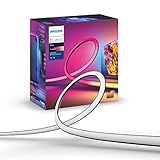
Philips Hue Play Gradient 65″ Smart TV Light Strip, Flowing Color-Changing LED Strip Lights, Multicolor TV Backlight Sync with Music and Gaming, Requires Bridge & Sync Box, Control with App and Voice
65 inch Length
7 Light Zones
1650 Lumen
Requires Bridge + Sync Box
+ The Good
- Creates immersive movie experience
- 7 zones for accurate colors
- Very bright illumination
- Easy mounting bracket setup
- Millions of colors plus white
- The Bad
- Requires BOTH Bridge AND Sync Box
- Does NOT work with Smart TV apps
- No bottom screen coverage
- Thick strip for ultra-thin TVs
The Philips Hue Play Gradient TV Light Strip creates the ultimate bias lighting experience for 65-inch televisions. The strip wraps around three sides of your TV, with 7 independently controlled zones that match on-screen colors. During movie testing, the extended color field dramatically improved perceived contrast and immersion.
At 1650 lumens, this strip produces serious brightness. I ran mine at 70% for comfortable viewing and still had headroom for bright rooms. The gradient effect smoothly transitions colors between zones rather than creating harsh boundaries, which looks natural and premium.
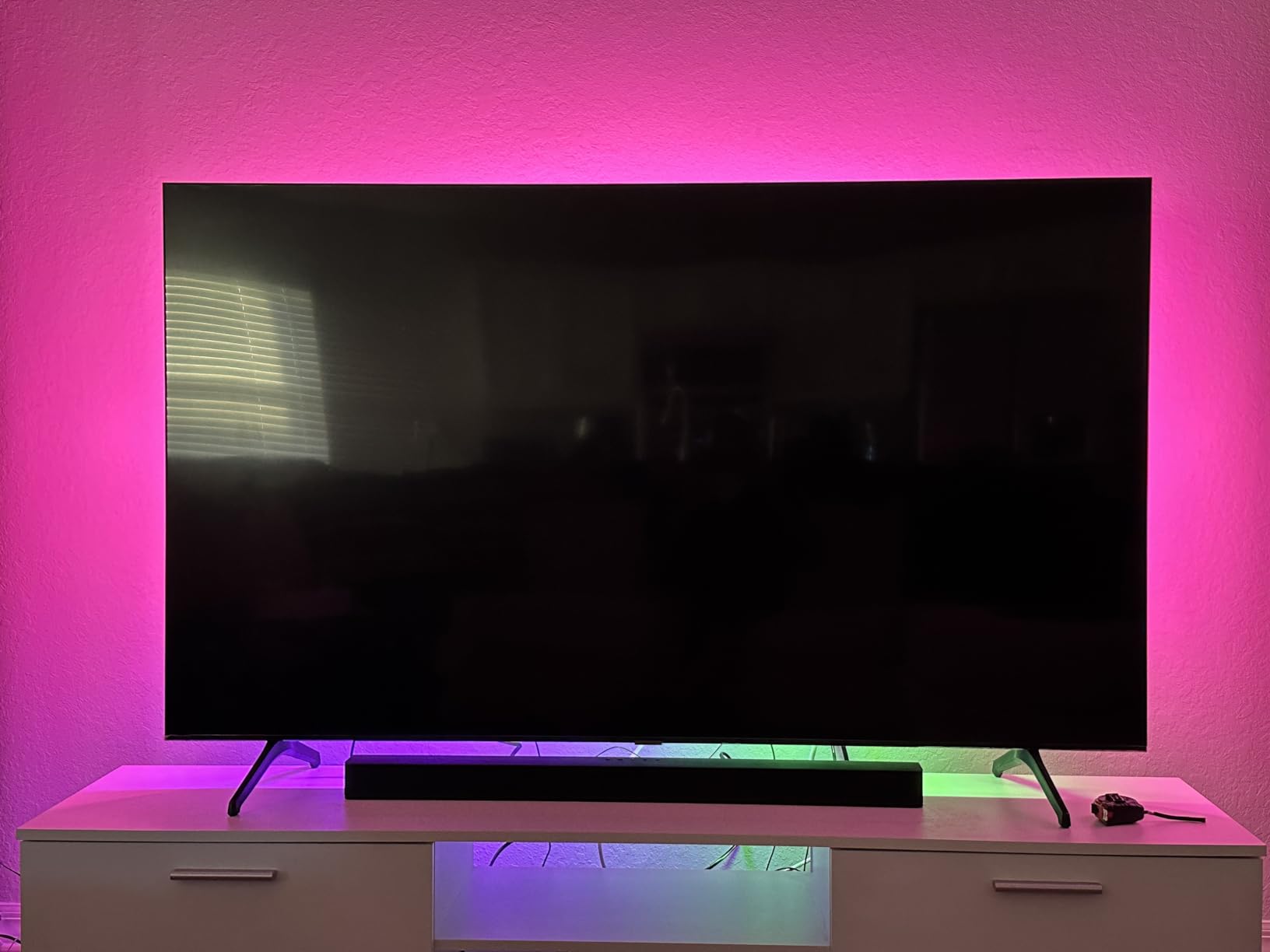
Installation uses adhesive mounting brackets that attach to your TV’s rear panel. The process took about 15 minutes, with careful routing of the strip around corners. The strip thickness (over 1cm) may cause fitment issues on ultra-thin TVs where the TV sits very close to the wall.
The major caveat: this strip requires both a Hue Bridge AND a Sync Box for content-reactive lighting. That represents significant additional cost beyond the strip itself. Without the Sync Box, you still get app-controlled static colors but lose the reactive entertainment features that make this product special. Also, it does not sync with built-in Smart TV apps, only external HDMI sources.
TV Size Matching
This 65-inch version specifically fits 65-inch TVs. Measure your TV carefully and choose the matching size option. Available sizes include 55, 65, and 75 inches for optimal fitment.
Total Cost Planning
Calculate your complete investment before purchasing: the strip plus Hue Bridge plus Sync Box totals over $600 for a complete setup. This premium investment delivers the best TV lighting experience available but requires commitment to the Hue ecosystem.
How to Choose the Right iCUE Compatible Room Lighting
Selecting lighting for your iCUE ecosystem requires understanding compatibility, coverage needs, and your specific use case. After testing these products extensively, I have identified the key factors that determine the right choice for different setups.
Compatibility Verification
Not all RGB lights work with iCUE. Corsair products integrate natively without additional configuration. Third-party brands like Nanoleaf, Philips Hue, and Govee connect through iCUE Murals, which requires enabling integrations in iCUE software settings. Check the official Corsair compatibility list before purchasing to avoid disappointment. Any 3-pin 5V ARGB strips technically work with iCUE controllers, but features may be limited compared to certified products.
Room Size and Coverage Planning
Calculate your lighting needs based on room dimensions. For ambient lighting in rooms up to 150 square feet, a single panel kit or LED strip typically suffices. Larger rooms require multiple products or combined approaches. I recommend mixing lighting types: panels for wall accents, strips for perimeter lighting, and towers for corner illumination. This layered approach creates depth that single-product installations cannot achieve.
RGBIC vs RGBICW Technology
RGBIC technology allows multiple colors on a single strip or panel simultaneously, creating flowing effects. RGBICW adds a dedicated white LED for better white light quality. If you plan to use your lighting for actual room illumination rather than just decoration, RGBICW produces cleaner white light. For pure gaming aesthetics, standard RGBIC offers the same color effects at lower cost. The best Corsair iCUE compatible room lighting often uses RGBIC for dynamic effects.
iCUE Murals Integration
iCUE Murals enables screen-mirroring effects where your room lighting matches on-screen content. This feature works best with Philips Hue, Nanoleaf, and Govee products connected through the integration system. Enable the integration in iCUE settings, then configure Murals to sample your screen colors. The effect creates immersive gaming and movie experiences that extend beyond your monitor edges.
Power and Installation Considerations
Multi-light installations require planning for power outlets and cable routing. Most LED strips and panels include adequate power adapters, but large installations may need power strips or dedicated circuits. Consider cable management during planning to avoid visible wires ruining your clean setup. Wireless controllers reduce cable clutter but require battery changes or charging. For recommendations on RGB gaming monitors that complement room lighting, check our related guide.
Budget Planning for Full-Room Setups
A complete room lighting setup costs between $200 for basic configurations to over $1000 for premium installations. Budget options include Govee strips and Corsair LC100 panels around $35-140 each. Mid-range choices like Nanoleaf starter kits run $135-180. Premium Philips Hue setups with sync boxes exceed $500 total. Plan your total investment before starting to avoid incomplete installations.
Frequently Asked Questions
What lights work with CORSAIR iCUE?
Lights that work with Corsair iCUE include native Corsair products (LS100 strips, LC100 panels, LT100 towers, iCUE Link fans), plus third-party brands through iCUE Murals integration: Nanoleaf Shapes and Elements panels, Philips Hue bulbs and light bars, and Govee LED strips and panels. Any 3-pin 5V ARGB strips also work with iCUE controllers like the Commander Pro or Lighting Node CORE.
What is better, RGBIC or RGBICW?
RGBIC is better for gaming and decoration because it allows multiple colors simultaneously on one strip, creating flowing rainbow effects. RGBICW is better for actual room lighting because the dedicated white LED produces cleaner, brighter white light (3000K-6500K range). Choose RGBIC for pure aesthetics and RGBICW if you need functional white lighting alongside color effects.
What brands are compatible with CORSAIR iCUE?
Brands compatible with Corsair iCUE include Corsair (native support), Nanoleaf (Shapes, Elements, Lines), Philips Hue (all products via Hue Bridge), Govee (selected products via iCUE Murals), and any 3-pin 5V ARGB devices when connected through iCUE controllers. The iCUE Murals feature enables third-party brand integration for synchronized full-room effects.
How to get more lighting effects on iCUE?
To get more lighting effects on iCUE: 1) Download community profiles from Corsair’s iCUE Shares platform, 2) Enable iCUE Murals for screen-mirroring effects, 3) Create custom effects using the layer system in iCUE software, 4) Integrate third-party brands (Nanoleaf, Hue, Govee) for expanded device coverage, 5) Use iCUE SDK to create programmatic effects for advanced users. The software updates regularly with new preset effects.
Conclusion
Creating a fully synchronized gaming room with the best Corsair iCUE compatible room lighting transforms how you experience games, movies, and music. The Govee Glide Hexa Light Panels offer the best balance of effects, value, and integration for most users. Nanoleaf Shapes provide premium build quality and expansion potential for those willing to invest more. Budget-conscious builders should consider the Corsair LC100 panels for native iCUE support without third-party setup.
Remember that full-room sync works best when you combine multiple lighting types strategically. Start with a focal point like panels behind your monitor, then add strips for perimeter lighting and consider towers for corners. The iCUE ecosystem continues expanding with new integrations, making your investment future-proof as more brands add compatibility. For a complete gaming setup, consider pairing your lighting with gaming headsets with RGB that sync with your room lights.
Take time to plan your layout before purchasing, and always verify compatibility with your specific iCUE version. The right lighting setup creates an immersive environment that enhances every gaming session.