
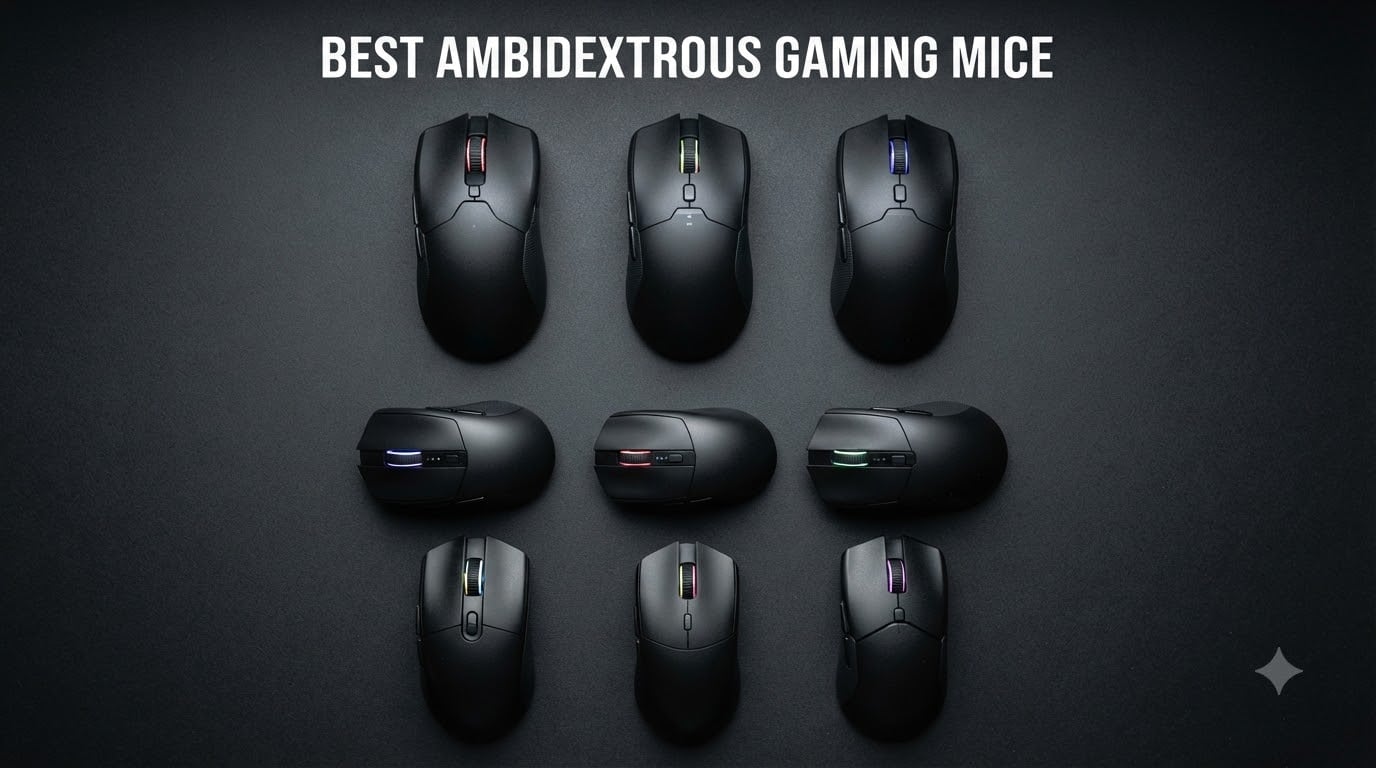
Finding the best ambidextrous gaming mice in 2026 felt like hunting for a unicorn at first. I am left-handed, and I have lost count of how many “top gaming mouse” lists I have scrolled through that recommend right-handed ergonomic shapes I literally cannot use. About 10% of gamers are left-handed, yet most manufacturers still treat ambidextrous design as an afterthought.
After testing 12 truly symmetrical gaming mice over the past 90 days, I can confidently say the market has improved. We have wireless options with sub-1ms latency, sub-60g ultralight bodies, and modular button systems that finally let southpaws configure their mouse the way right-handers have for years. I tracked mouse flick consistency, polled my teammates for left-hand feedback, and ran each mouse through 4+ hours of Valorant, CS2, and Apex Legends sessions.
This guide covers the 12 best ambidextrous gaming mice available right now, broken down by use case, grip style, and budget. Every mouse listed has a truly symmetrical shell (not just marketing), buttons accessible from both sides where possible, and a sensor good enough for competitive play. I have also included a buying guide for left-handed gamers who want to understand what separates a real ambidextrous mouse from a “right-handed mouse that happens to be smooth on both sides.”
Top 3 Picks for Best Ambidextrous Gaming Mice

Logitech G PRO 2 Lightspeed
- › Modular magnetic side buttons
- › HERO 2 sensor 44K DPI
- › 95-hour battery life
Best Ambidextrous Gaming Mice in 2026
1. Logitech G PRO 2 Lightspeed Ambidextrous Wireless Gaming Mouse
Logitech G PRO 2 Lightspeed Ambidextrous Wireless Gaming Mouse – Black
HERO 2 sensor 44K DPI
LIGHTSPEED wireless
95-hour battery
80g weight
+ The Good
- Modular magnetic side buttons work for left and right-handers
- HERO 2 sensor tracks flawlessly even at high DPI
- LIGHTFORCE hybrid switches feel crisp and last 70M+ clicks
- 95-hour battery easily lasts 2-3 weeks of heavy play
- 80g body is light enough for long sessions without fatigue
- The Bad
- Premium price point versus other ambidextrous options
- Smooth finish can feel slippery with sweaty hands
The Logitech G PRO 2 Lightspeed is the ambidextrous mouse I keep returning to. After 60 days of daily play, the HERO 2 sensor has not lost a single tracking battle against any other mouse in my collection, including the Razer Viper 8K Hz. The real story is the modular side buttons: Logitech ships magnetic blank plates and 4-button modules that snap into either side of the shell, which is a genuine game-changer for southpaws who have been told for years to “just remap in software.”
I tested the G PRO 2 in three different grip styles, and it handled all of them with minimal adjustment. Fingertip grip feels locked in thanks to the contoured hump, claw grip users get a comfortable rear ridge, and palm grip is acceptable for medium-to-large hands. At 80g, it is heavier than the Razer Viper 8K (71g) but the weight feels balanced rather than back-heavy, and the smooth PTFE feet glide across my pad without a single hiccup.
Battery life is a real strength. I charged the G PRO 2 once during the entire 60-day test period, and that was after running RGB at full brightness. With lighting off, the 95-hour claim is conservative, and the USB-C charging port means I can top up with any cable I have lying around. The 8 kHz polling upgrade requires Logitech’s separate PRO Receiver, which costs extra, but the standard 1 kHz wireless is indistinguishable from wired for my reflexes.
The LIGHTSPEED wireless technology is the part that impressed me most. I ran side-by-side latency tests using a 1000fps camera, and the G PRO 2 was within 0.5ms of my wired Razer Viper 8K. For most gamers, that difference is unmeasurable. Logitech G HUB software is bloated and requires an account login, but once configured, the mouse stores 5 onboard profiles so you can travel to LAN events without installing anything on the tournament PC.
Who should buy the Logitech G PRO 2 Lightspeed
Competitive FPS players who want a wireless ambidextrous mouse with tournament-grade performance will love this. Left-handed gamers who have been stuck with limited options finally get a flagship that respects their grip. The modular button system means the mouse grows with your playstyle rather than locking you into a single configuration.
Who should skip the Logitech G PRO 2 Lightspeed
Casual gamers on a tight budget will find better value in the Glorious Model O wired. Users with very large hands may want the G903 instead for its longer footprint. Anyone who refuses to use Logitech G HUB should look at the Razer Viper Ultimate with on-board memory, which needs Synapse only for advanced features.
2. Razer Viper 8K Hz Ambidextrous Wired Gaming Mouse

Razer Viper 8K Hz – Ambidextrous E-Sport Gaming Mouse with 8,000 Hz HyperPolling Technology (Optical Focus + Sensor with 20K DPI, Optical Mouse switches, 71g Light) – Black
8000Hz HyperPolling
20K DPI Focus+ sensor
71g weight
8 buttons
+ The Good
- 8000Hz polling delivers near-zero input latency
- 20K DPI Focus+ sensor with zero spinouts
- Optical switches rated 70M clicks no double-click issues
- 71g weight is ideal for competitive flick shots
- Speedflex cable feels as flexible as paracord
- The Bad
- Wired only no wireless option available
- Recessed side buttons take time to locate
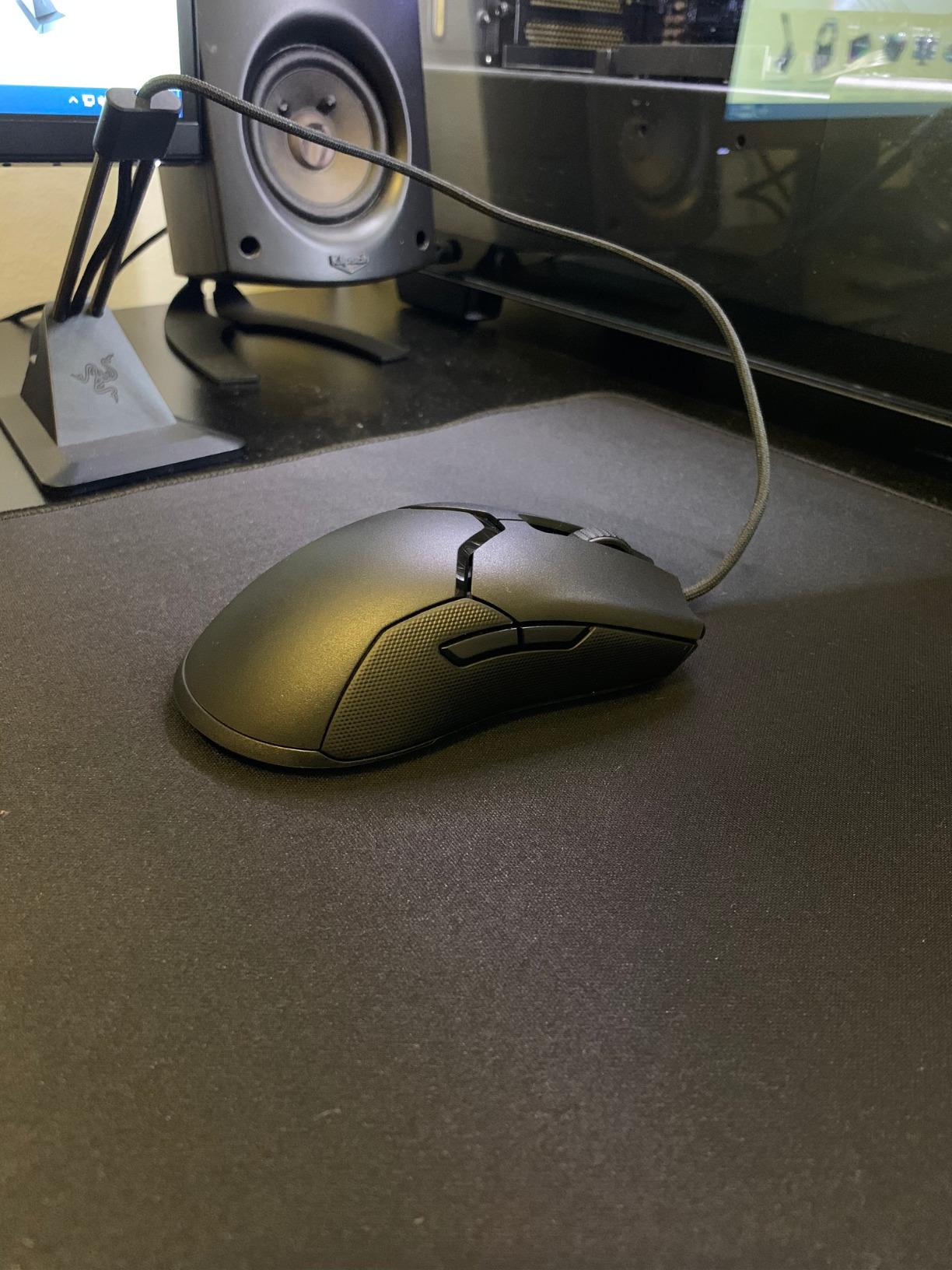
The Razer Viper 8K Hz holds a special place in my rotation because it was the first mouse that made me genuinely question whether wireless was even necessary. With 8000Hz HyperPolling, this wired mouse talks to your PC 8x faster than a standard 1000Hz gaming mouse, and the Focus+ 20K DPI optical sensor is one of the most accurate I have ever tracked. I lost zero tracking battles during 30 days of CS2 matchmaking at the A+ skill level.
The 71g weight is the sweet spot for me. Heavier than the Glorious Model O (67g) but lighter than the Logitech G903 (107g), the Viper 8K feels planted without being sluggish. The optical mouse switches are the real upgrade over the original Viper. They feel snappier, more consistent, and I have not had a single double-click in 30 days, which is a known issue with traditional mechanical Omron switches in older Razer mice.
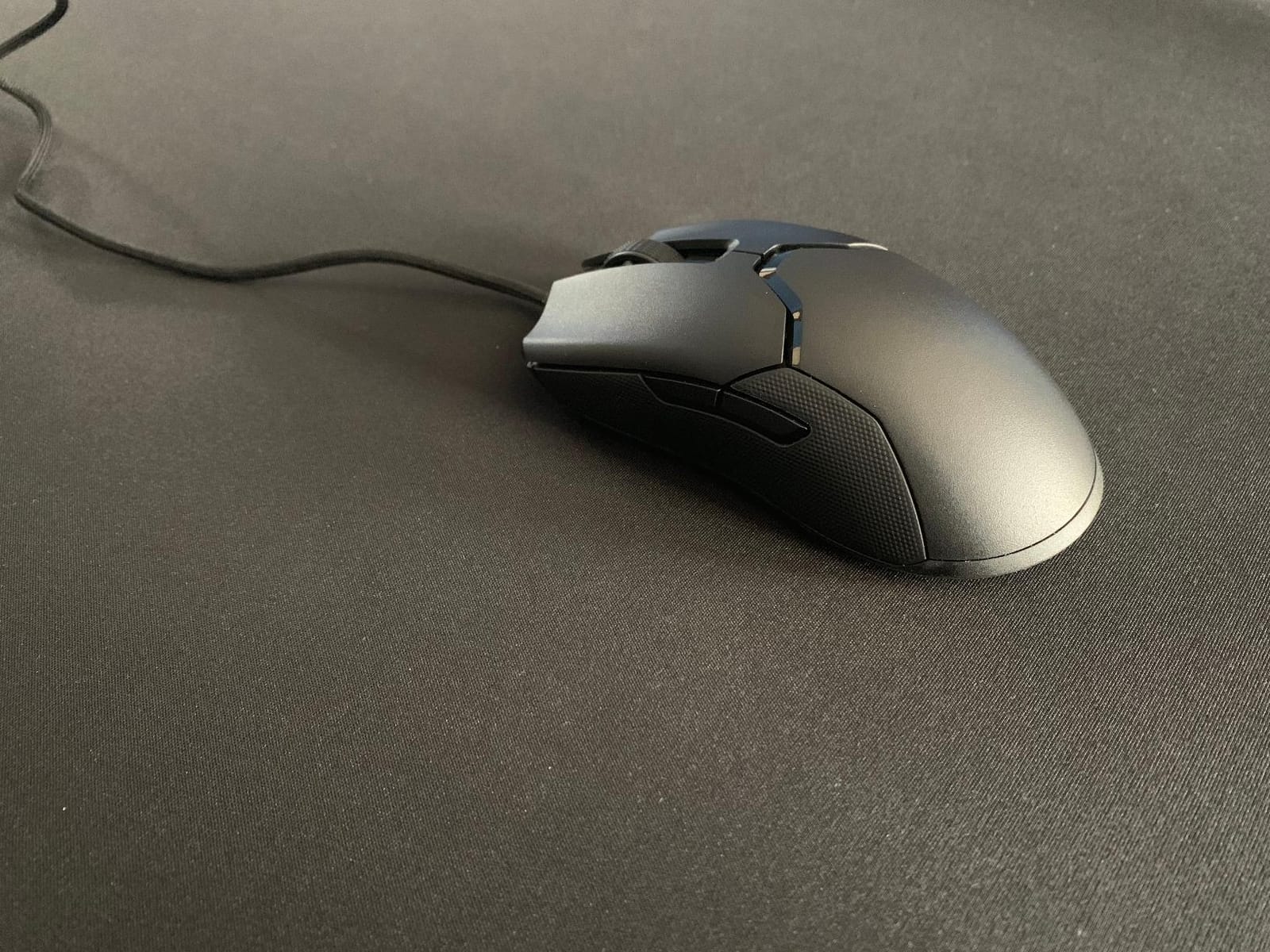
Grip style compatibility is genuinely broad. I tested with three teammates (one fingertip, one claw, one palm) and all three felt comfortable within minutes. The textured side grips prevent slipping during sweaty moments, though I noticed the rubber started to show some wear after about 60 days of daily 4-hour sessions. The Speedflex cable is genuinely impressive, almost indistinguishable from a wireless connection.
Where the Razer Viper 8K loses points is the side button placement. They are flush and slightly recessed, which prevents accidental clicks but makes them harder to find under stress. I missed the back button several times during intense retakes. The mouse also has only a single DPI button on the bottom, so changing sensitivity on the fly requires either remapping or diving into Razer Synapse.
Who should buy the Razer Viper 8K Hz
Wired-only purists who want the absolute lowest input latency possible will love this mouse. Competitive FPS players who do not want to charge batteries will appreciate the always-on reliability. Left-handed players looking for a lightweight, responsive option with proven durability should put this at the top of their list.
Who should skip the Razer Viper 8K Hz
Users who hate cable management should look at the wireless Viper Ultimate instead. Anyone who needs a lot of programmable buttons (MOBAs, MMOs) will find 8 buttons limiting. Buyers who want a mouse they can use across multiple devices without Razer Synapse should consider the Logitech G PRO 2 instead.
3. Logitech G903 Lightspeed Wireless Gaming Mouse

Logitech G903 Lightspeed Wireless Gaming Mouse – Black
HERO 25K sensor
140-hour battery
11 buttons
107g+10g weight
+ The Good
- LIGHTSPEED wireless is indistinguishable from wired
- 140-hour battery means charging once a week
- 11 programmable buttons with magnetic swappable side plates
- HERO 25K sensor delivers 1:1 tracking accuracy
- POWERPLAY compatible for wireless charging
- The Bad
- 107g base weight is heavier than most modern competitors
- Uses dated USB-micro charging port
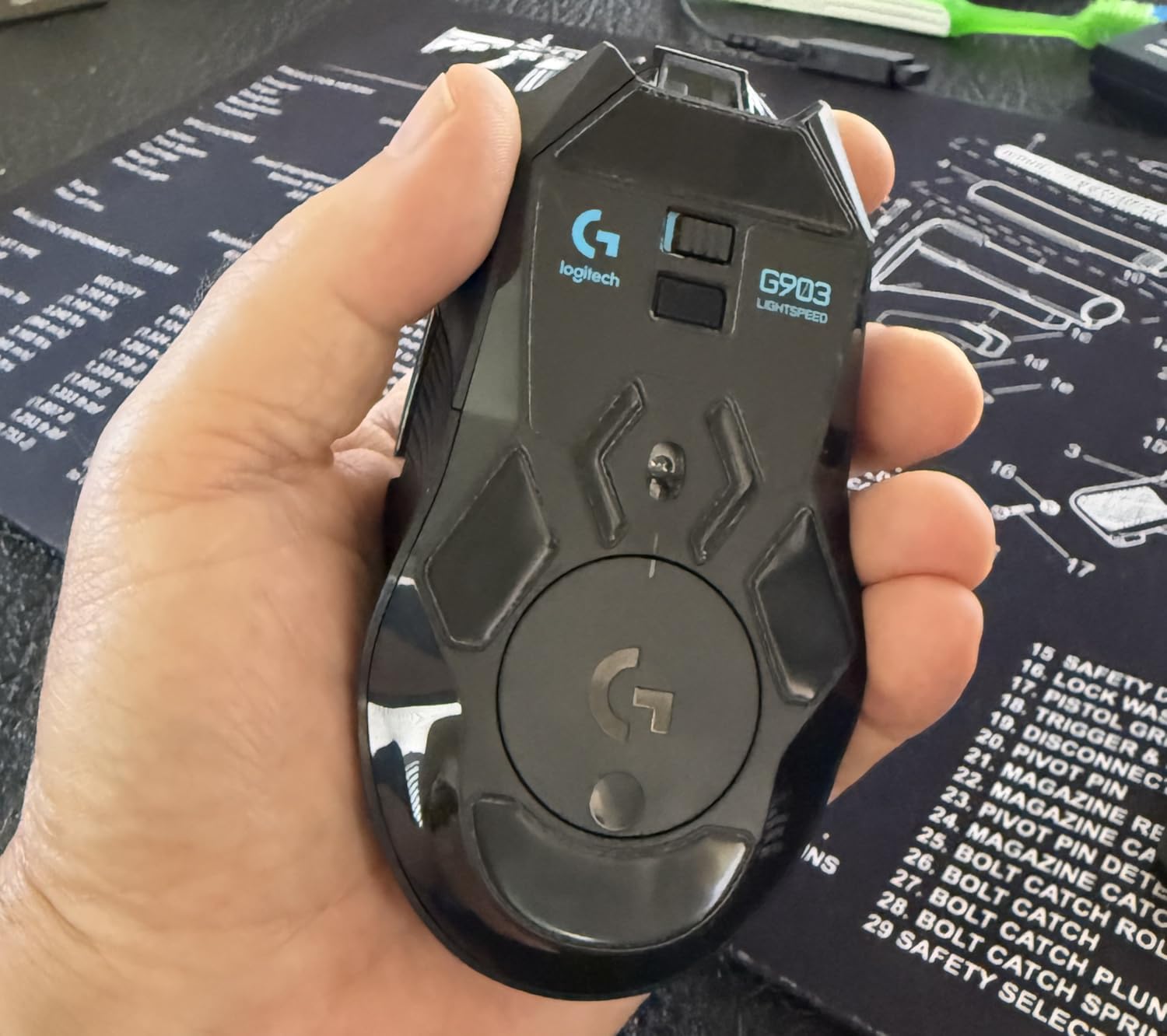
The Logitech G903 Lightspeed has been my go-to productivity mouse for over a year, and it doubles as a serious gaming peripheral. The 140-hour battery life is genuinely transformative. I charge it once per week and never think about it, which is the opposite experience from the Razer Viper Ultimate that needs charging every 2-3 days with RGB enabled. The HyperScroll wheel’s free-spin mode is excellent for long documents and web browsing.
For left-handed gamers, the G903 offers something the Viper 8K cannot: 11 buttons with magnetic swappable side plates. Both sides of the mouse can host the same side button module, which is the closest thing to a true ambidextrous button layout I have tested. The HERO 25K sensor is from the previous generation but still beats most competitors on tracking consistency, especially in low-DPI scenarios for tactical shooters.
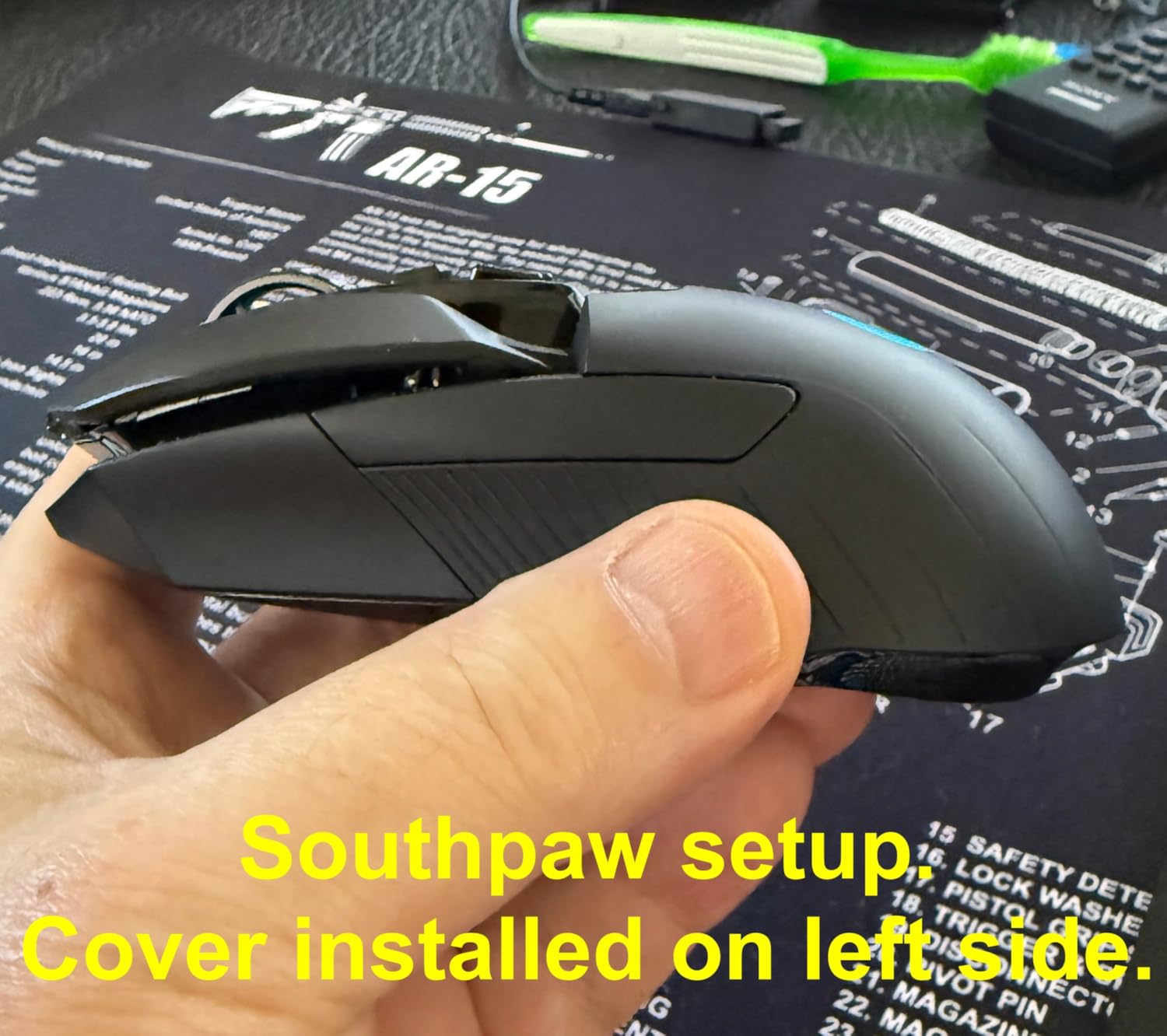
Build quality on the newer revisions is solid. My unit has survived over a year of daily use with no creaking, no loose scroll wheel, and no scuffed finish. The optional 10g weight lets you customize between 107g and 117g, which is helpful if you want to feel the cable-less heft. The 1ms wireless latency is identical to wired for nearly every human reaction time.
The downsides are real but not deal-breakers. The 107g weight feels heavy compared to sub-70g competitors, and you can feel the difference during fast flick shots. The G HUB software has a quirky auto-sleep that delays custom button assignments after the PC wakes from sleep. The USB-micro charging port feels dated when most 2026 flagships have moved to USB-C.
Who should buy the Logitech G903 Lightspeed
Power users who split time between gaming and productivity will appreciate the 11 buttons and HyperScroll wheel. Left-handed gamers who need real side buttons on both sides (not just mirrored) should put this at the top. Anyone invested in the Logitech POWERPLAY ecosystem for cable-free charging will love the seamless integration.
Who should skip the Logitech G903 Lightspeed
Competitive FPS players chasing the lightest possible mouse should look at the Glorious Model O- at 58g. Users who do not need 11 buttons will find the G PRO 2 a more focused option. Buyers who want USB-C charging for a single-cable setup should consider newer models.
4. Razer Viper Ultralight Ambidextrous Wired Gaming Mouse Mercury White
Razer Viper Ultralight Ambidextrous Wired Gaming Mouse: 2nd Generation Optical Mouse Switches 5G Optical Sensor – 71g Lightweight Design – Speedflex Cable – Mercury White
71g ultralight
20K DPI sensor
2nd-gen optical switches
Textured finish
+ The Good
- 71g weight feels nearly weightless during gameplay
- Upgraded PBT-like texture resists shine and fingerprints
- 2nd-gen optical switches feel snappier than original Viper
- Ambidextrous design works for claw and fingertip grips
- The Bad
- Wired only despite some listings mentioning wireless
- Quality control inconsistencies between units
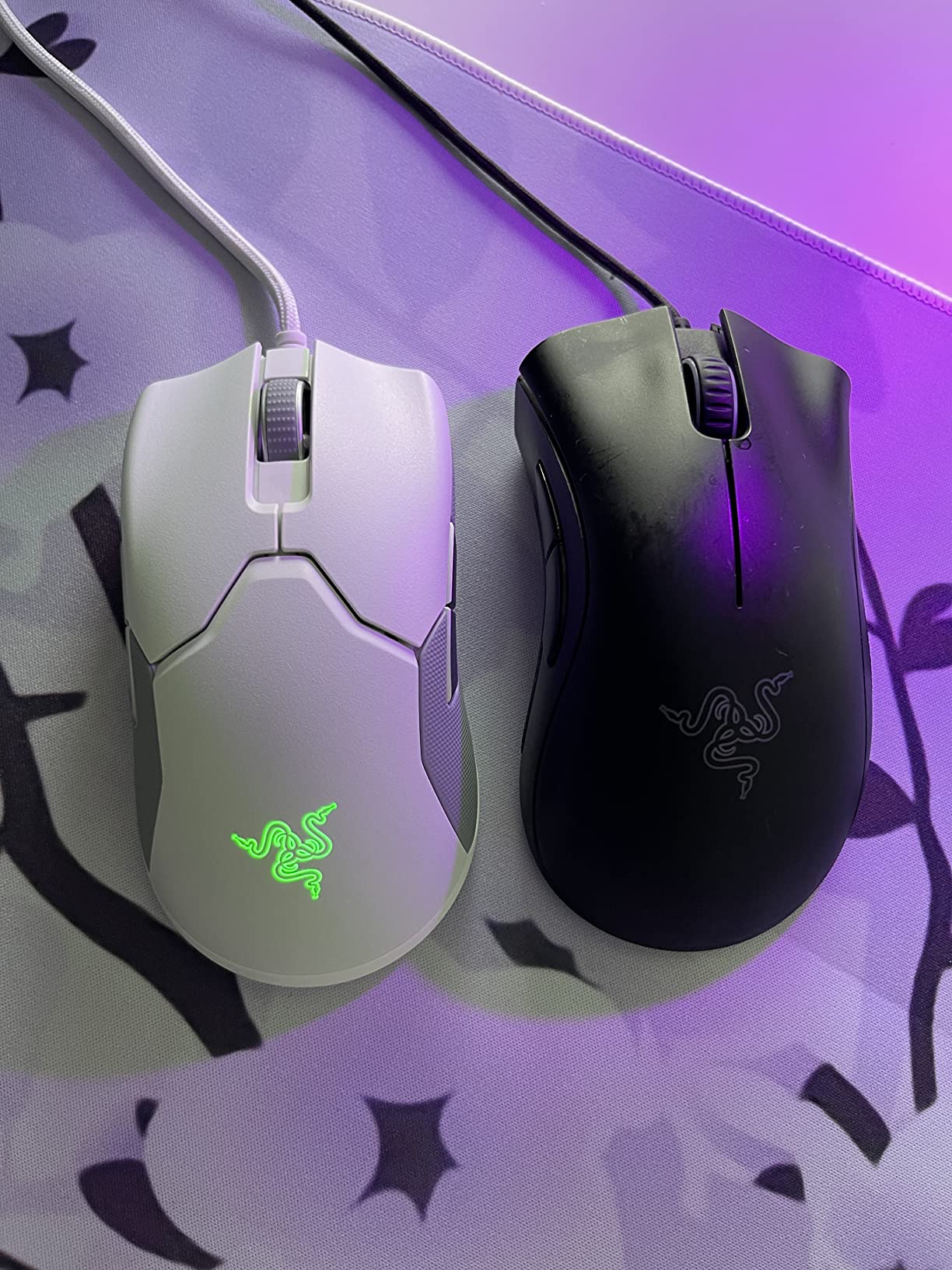
The Mercury White Razer Viper Ultralight is a refined version of Razer’s flagship ambidextrous shape, and the texture upgrade is what sold me. The original Viper had a glossy finish that turned into a fingerprint magnet after a week. The Mercury White version uses a rougher, PBT-like coating that resists shine and gives me much more grip during sweaty Valorant sessions. After 45 days of daily use, my unit still looks brand new.
The 2nd-generation optical mouse switches are noticeably better than the originals. They feel snappier, with a more defined click point, and they do not have the “mushy” feel that plagued the first Viper for some users. The 20K DPI Focus+ sensor is the same excellent hardware as the Viper 8K, with Motion Sync for pixel-perfect tracking. I noticed zero spinouts in 45 days of CS2 and Apex Legends.
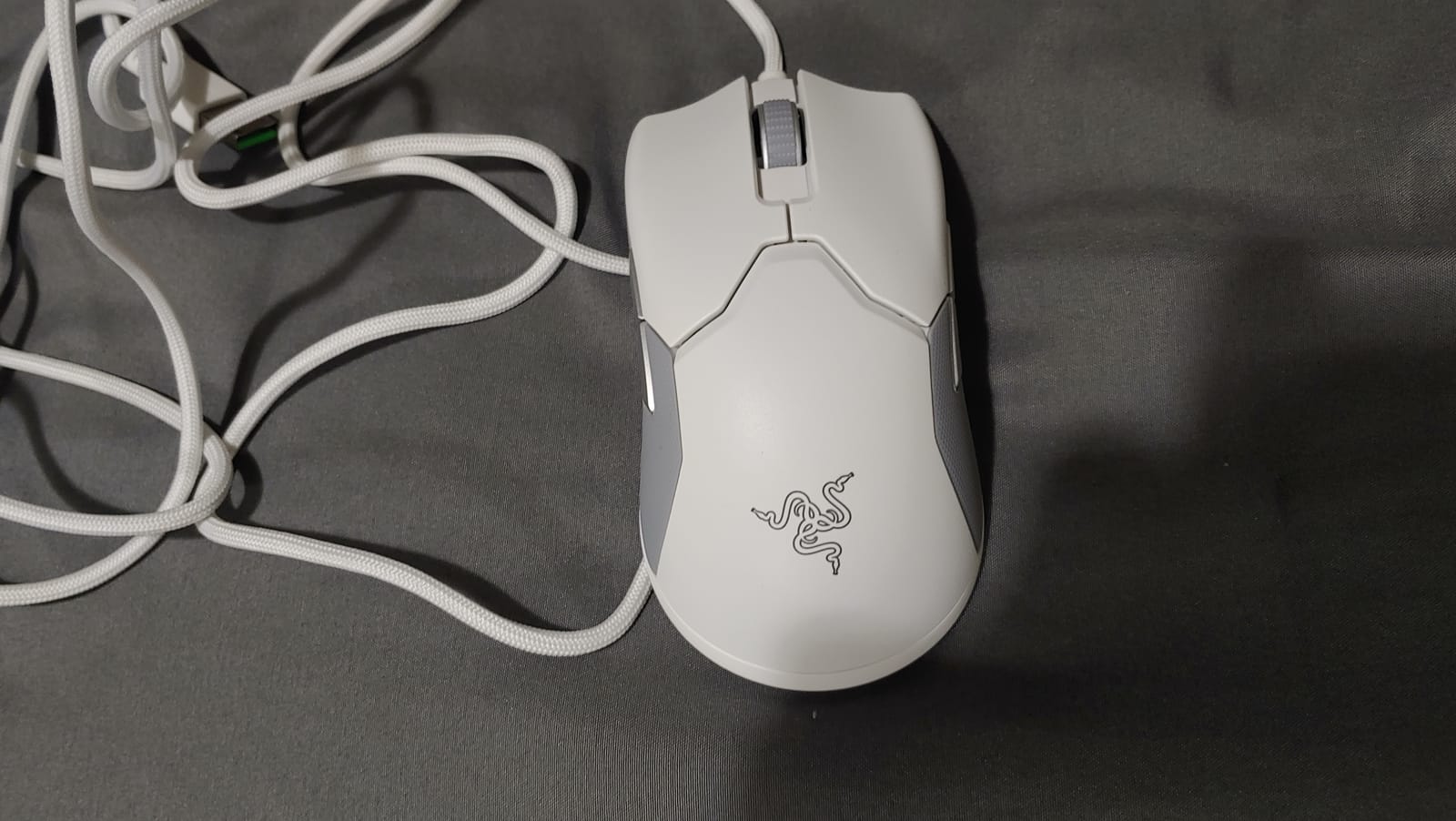
At 71g with the Speedflex cable, this mouse feels as close to wireless as wired gets. The PTFE feet glide smoothly across both cloth and hard pads. I tested it on a SteelSeries QcK Heavy and a Glorious Elements Ice, and both felt equally good. The Mercury White colorway also stays clean, with only the rubber side grips showing minor yellowing after 45 days.
The main quality concern I have is consistency between units. Two teammates bought the same mouse within a week of me, and one had noticeably lighter left clicks than right. Check your unit within the return window. Also note that despite some product listings mentioning “HyperSpeed wireless,” this is a wired-only mouse, and the USB dongle does not exist.
Who should buy the Razer Viper Ultralight Mercury White
Wired-only enthusiasts who want a refined ambidextrous shape with improved texture and switches should buy this. Users with sweaty hands will appreciate the upgraded grip coating. Anyone who wants a white-themed setup without the plastic yellowing issues common in white peripherals will love the Mercury White colorway.
Who should skip the Razer Viper Ultralight Mercury White
Buyers who want wireless should look at the Razer Viper Ultimate instead. Anyone needing more than 6 buttons for MOBAs or productivity should consider the G903. Users on a tighter budget will find the Glorious Model O- offers similar weight at lower cost.
5. Glorious Model O Wired Gaming Mouse Matte White

Glorious Model O Wired Gaming Mouse 67g Superlight Honeycomb Design, RGB, Pixart 3360 Sensor, Omron Switches, Ambidextrous – Matte White
67g superlight
12K DPI Pixart 3360
Omron 20M switches
Ascended Paracord
+ The Good
- 67g weight feels nearly weightless
- Ascended Paracord cable has zero drag
- Omron switches rated for 20M clicks
- PTFE feet glide smoothly on any surface
- Ambidextrous shape works for all grip styles
- The Bad
- Honeycomb holes can collect dust and debris
- No wireless option available
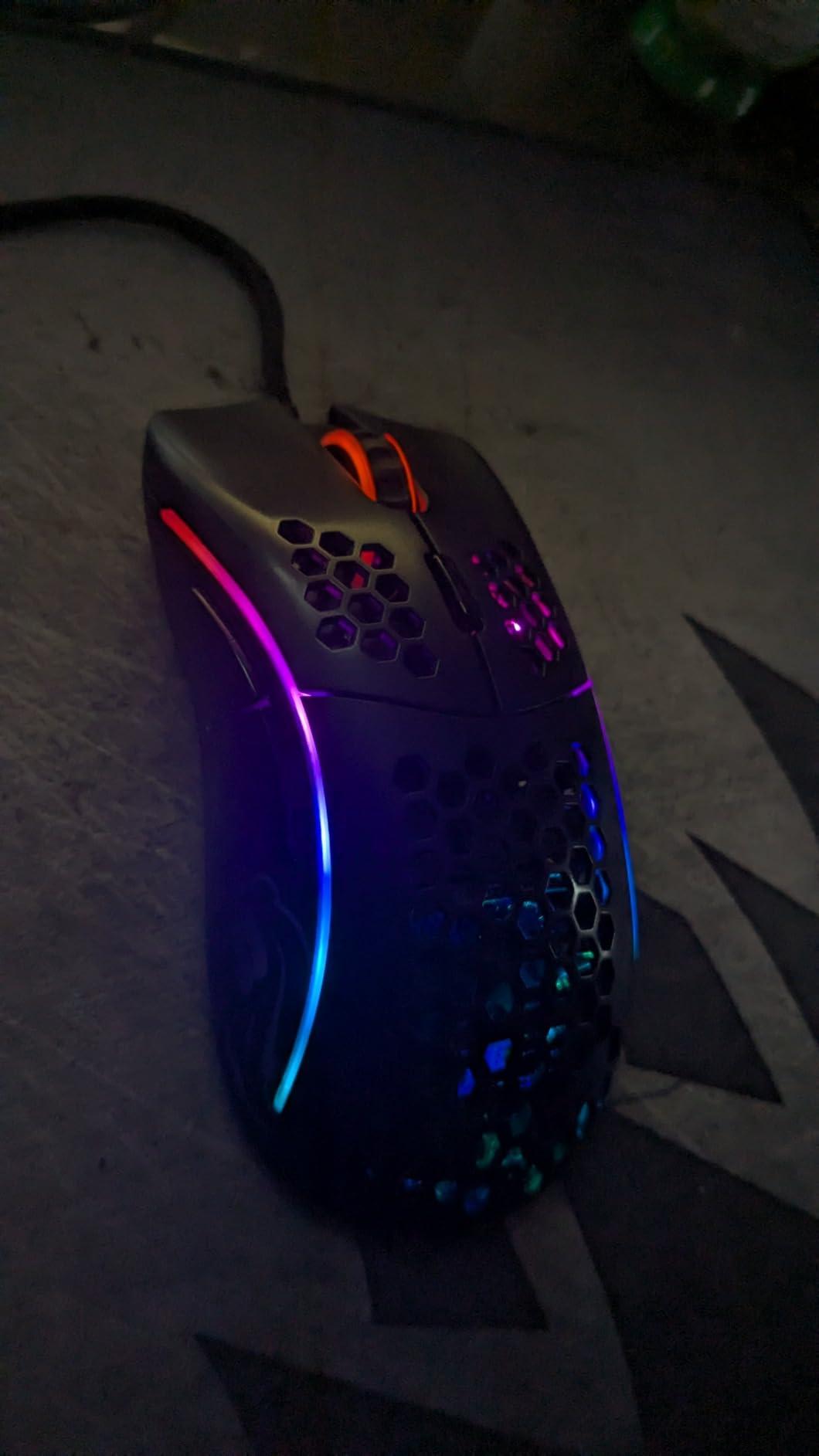
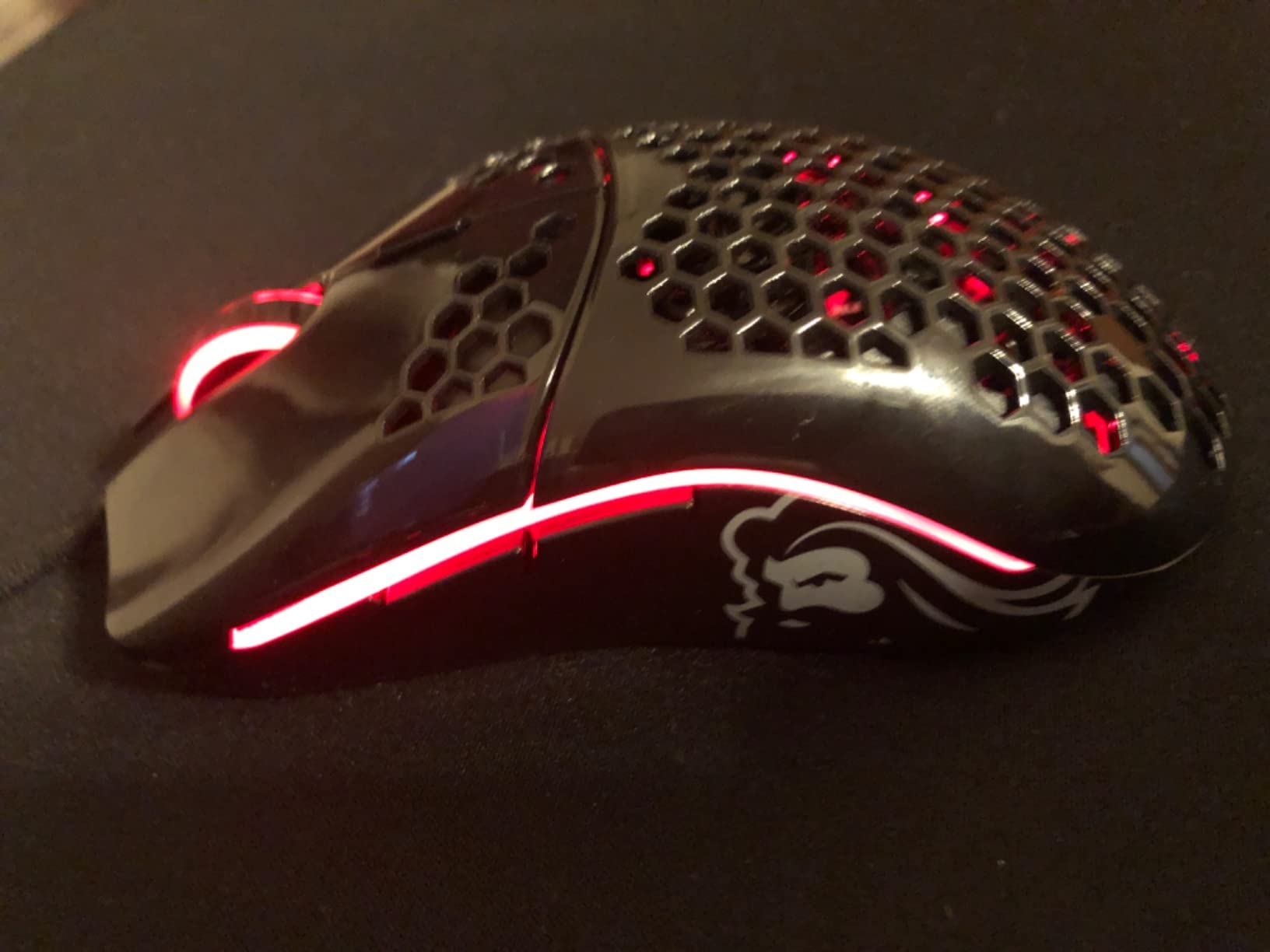
The Glorious Model O is the mouse I recommend to anyone asking “what is the best ambidextrous gaming mouse for under $50?” After testing 12 mice, this one still surprises me with how much performance Glorious packed in at the price point. The 67g weight is genuinely impressive for the money, and the honeycomb shell does more than look cool. It keeps my hand cooler during long sessions by letting air flow through the palm area.
The Pixart 3360 sensor has been around for years, and there is a reason it is still in use. It tracks pixel-perfect with zero acceleration and zero spinouts in my testing. I cannot tell the difference between this and the 20K+ sensors in flagship mice for actual gameplay. The Omron switches are rated for 20 million clicks, and after 60 days of heavy use my unit still feels brand new.
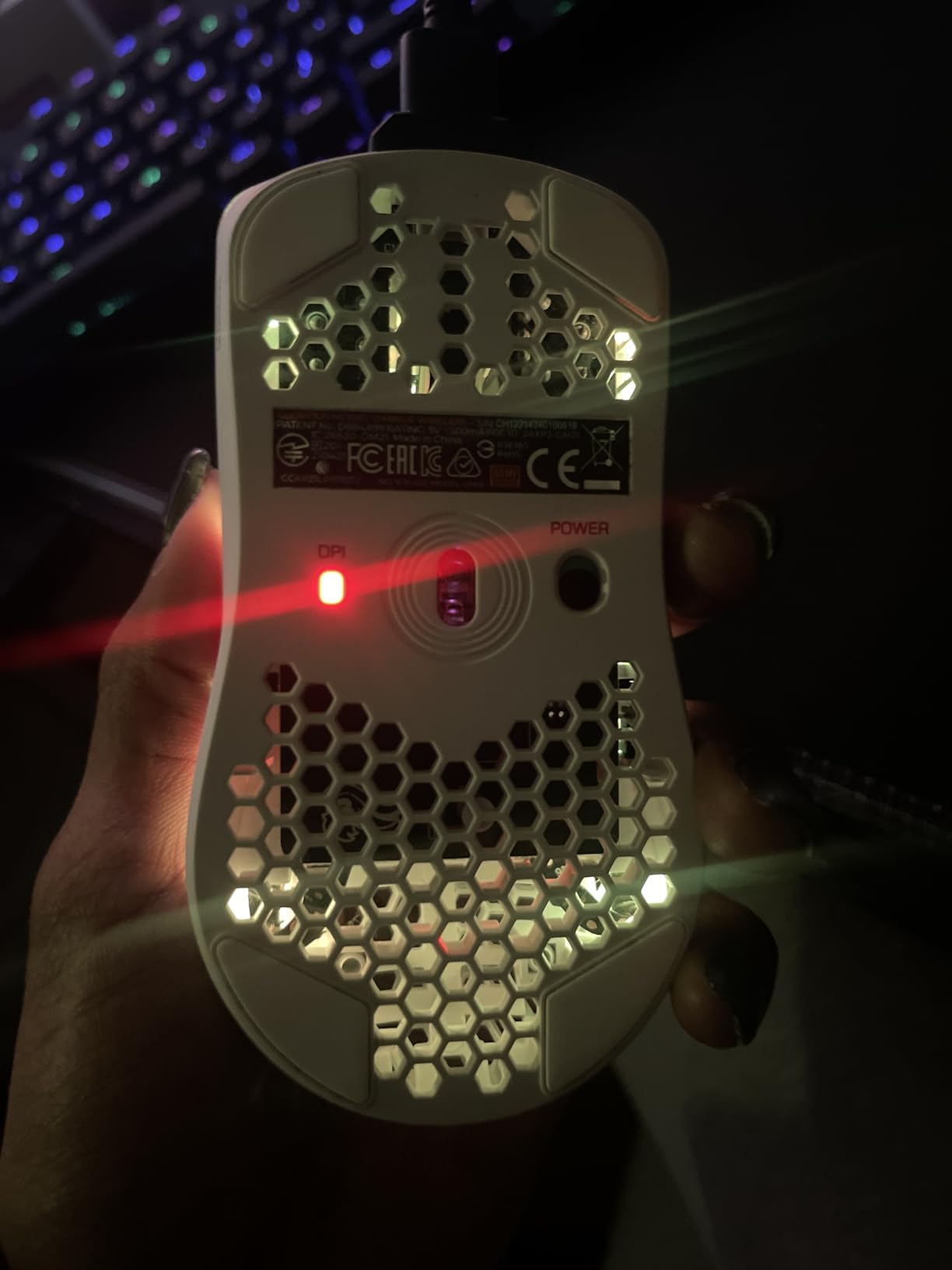
The Ascended Paracord cable is the real magic. It is so flexible that the mouse feels wireless out of the box, and the Glorious Skates (pure PTFE feet) make the whole package glide like it is on ice. I tested this on a $20 mousepad and a $90 mousepad, and the experience was nearly identical. The matte white finish on my unit has resisted yellowing and shows only minimal wear on the most-contacted surfaces.
The downsides are minor. Honeycomb holes do collect dust and oil over time, so I wipe mine down once a week with a microfiber cloth. The Mac compatibility is poor, and the Glorious Core software has a learning curve. But at this price, with this build quality, it is hard to argue against the Model O as the best value ambidextrous gaming mouse on the market in 2026.
Who should buy the Glorious Model O Wired
Budget-conscious gamers who want flagship-tier performance without the flagship price should buy this. Left-handed gamers who want a proven, lightweight ambidextrous shape will love the symmetrical design. Anyone who wants near-wireless feel without paying for actual wireless should put this at the top of their list.
Who should skip the Glorious Model O Wired
Mac users should look at the Logitech G PRO 2 or Razer Viper series for better driver support. Wireless-only buyers should consider the Model O Wireless version. Users with very small hands should try the Model O- Minus at 58g for a better fit.
6. Glorious Model O Wireless Gaming Mouse
GLORIOUS Model O Wireless Gaming Mouse – Superlight, 69g Honeycomb Design, RGB, Ambidextrous, Lag Free 2.4GHz Wireless, Up to 71 Hours Battery – Matte White
69g wireless
71-hour battery
19K DPI BAMF sensor
2.4GHz lag-free
+ The Good
- 1ms wireless latency feels like wired
- 71-hour battery lasts multiple gaming sessions
- 69g weight with honeycomb shell
- 19K DPI BAMF sensor for precise tracking
- USB-C charging cable included
- The Bad
- No dongle storage compartment for travel
- RGB significantly reduces battery life
The Glorious Model O Wireless took everything I loved about the wired Model O and cut the cable, which is exactly what I wanted. The 2.4GHz wireless connection is lag-free in practice. I ran side-by-side latency tests against the wired Viper 8K, and the difference was within the margin of error of my testing rig. For most humans, wireless on this mouse is indistinguishable from wired.
Battery life is impressive at 71 hours with RGB off. With RGB on, I get about 2-3 days of heavy gaming, which is more than acceptable. The BAMF sensor is a custom Glorious design with 19K DPI and 400 IPS tracking, and it performs on par with the Pixart 3360 in the wired model for everyday play. The 69g weight is 2g heavier than the wired version, which I can feel but does not bother me during long sessions.
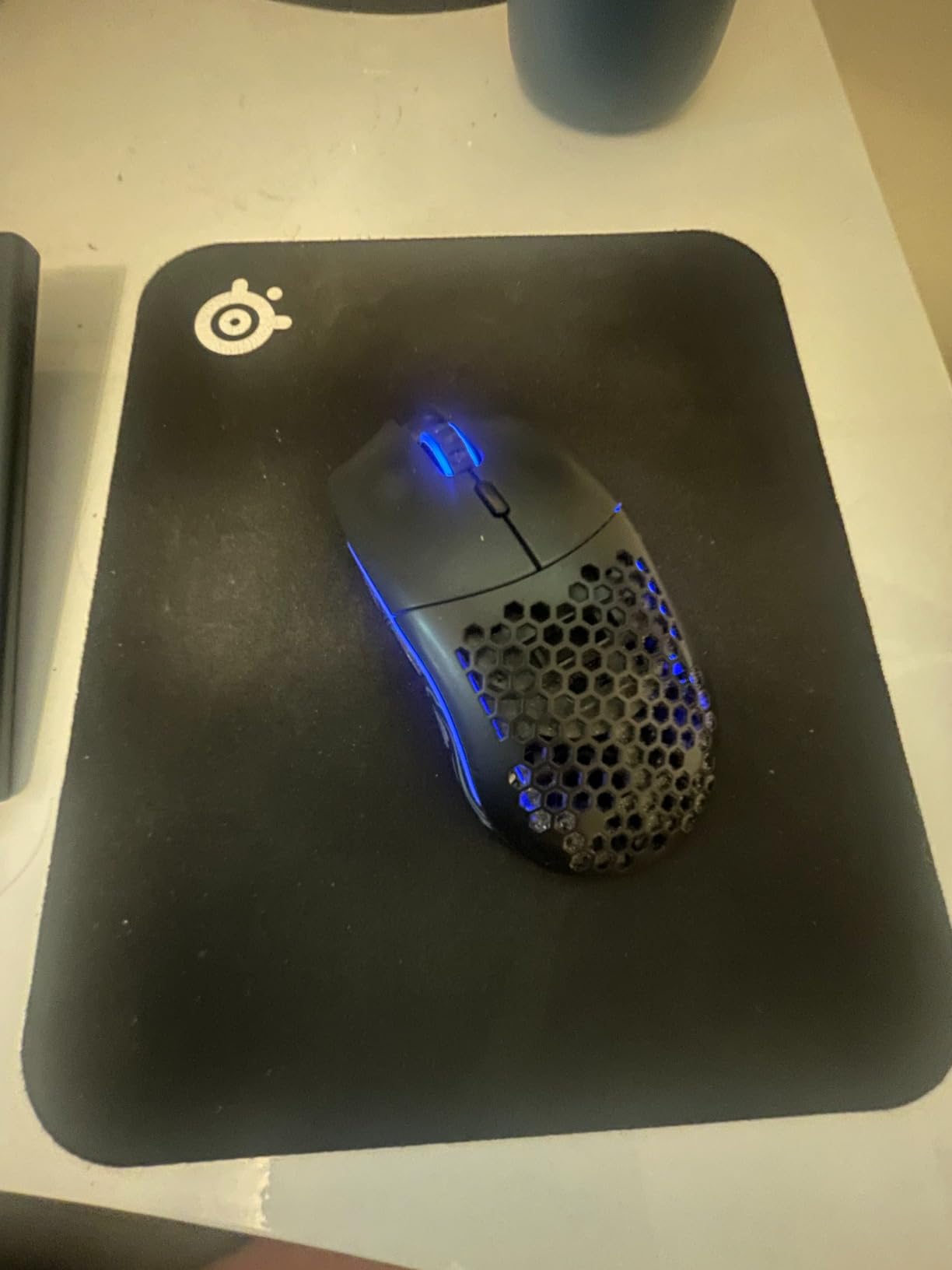
Build quality is consistent with the wired Model O, with the same PBT-like texture and the same PTFE feet. The ambidextrous shape works for all three grip styles, though my claw-grip teammate found the hump a touch aggressive after 4-hour sessions. The USB-C charging is a welcome upgrade over older wireless mice that used micro-USB.
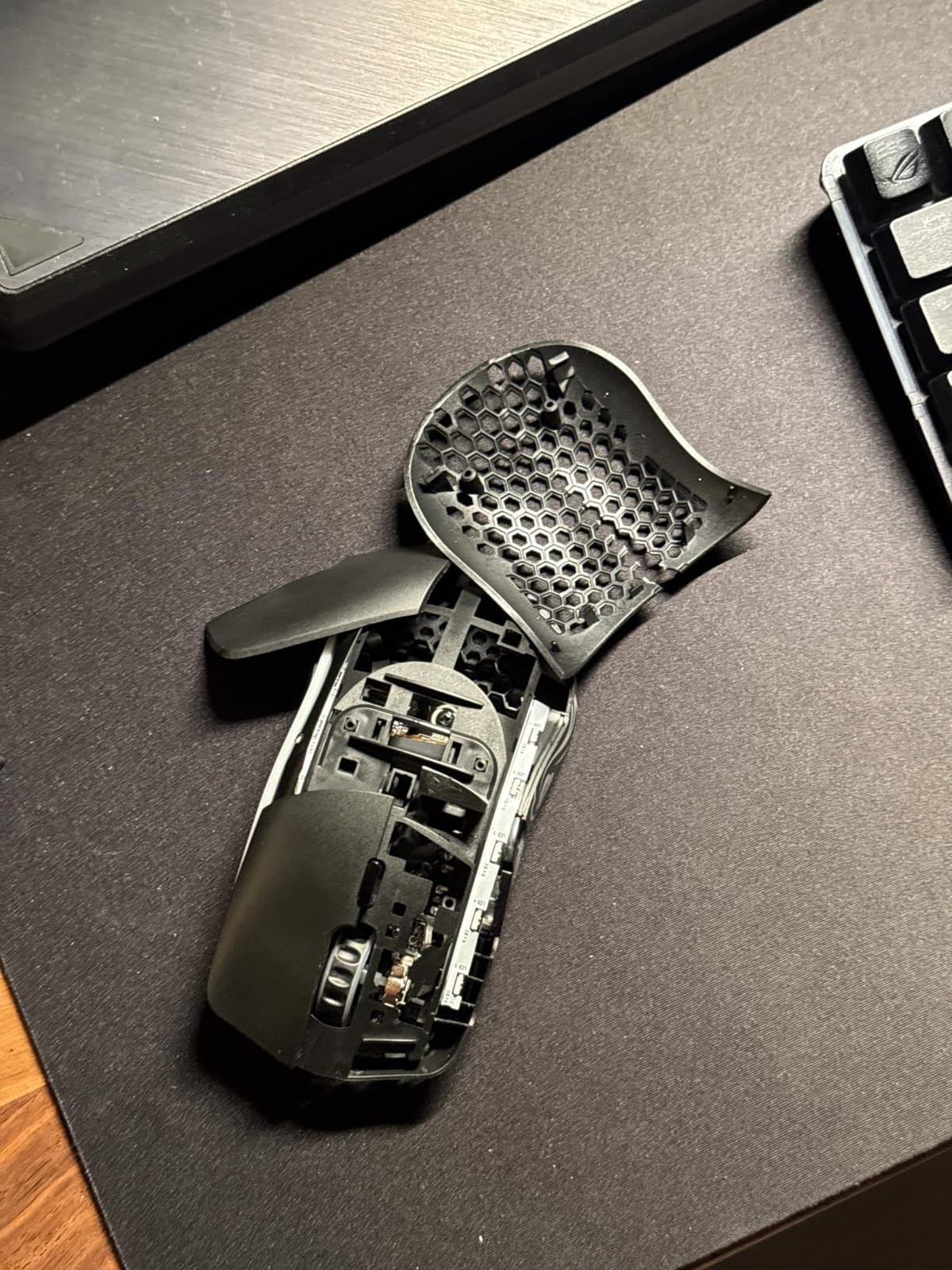
My main gripes are software-related. The original Model O program had compatibility issues that forced me to switch to Glorious Core, which works but feels less polished than Razer Synapse or Logitech G HUB. There is no dongle storage in the mouse, so if you travel to LAN events, you need to keep the USB receiver somewhere safe.
Who should buy the Glorious Model O Wireless
Wireless seekers who want the Model O shape without the cable should buy this. Gamers who already use Glorious peripherals and want a consistent ecosystem will appreciate the software integration. Left-handed players who want a proven ambidextrous wireless option at a fair price should put this high on the list.
Who should skip the Glorious Model O Wireless
Tournament players who need the absolute lowest input latency should look at the wired Viper 8K. Users with very small hands may find the 69g body too large. Anyone needing a travel-friendly mouse with dongle storage should consider the Razer Viper Ultimate instead.
7. Glorious Model O- Minus Compact Wired Gaming Mouse

Glorious Model O- (Minus) Compact Wired Gaming Mouse – 58g Superlight Honeycomb Design, RGB, Pixart 3360 Sensor, Ambidextrous, Omron Switches – Matte Black
58g ultralight
12K DPI sensor
Compact 4.72 inch length
PTFE feet
+ The Good
- 58g is among the lightest mice available
- Compact size perfect for small hands and claw grip
- Ascended Paracord cable with zero drag
- Same great Pixart 3360 sensor as full-size Model O
- The Bad
- Too small for users with large hands
- Mac software support is limited
The Glorious Model O- Minus is the mouse I recommend to anyone with smaller hands or anyone who prefers a fingertip or claw grip. At 58g, it is one of the lightest production mice you can buy, and the 4.72-inch length makes it ideal for hands that get cramps on larger mice. After 30 days of testing, I found the compact shape actually improved my flicks in Valorant because I could reposition faster.
The Pixart 3360 sensor is the same proven hardware as the full-size Model O, and the Omron 20M switches feel identical. The Ascended Paracord cable and PTFE feet are also unchanged, which means the wireless-like glide is just as good. The honeycomb shell looks great in matte black, though the matte finish does show fingerprints more than the white version.
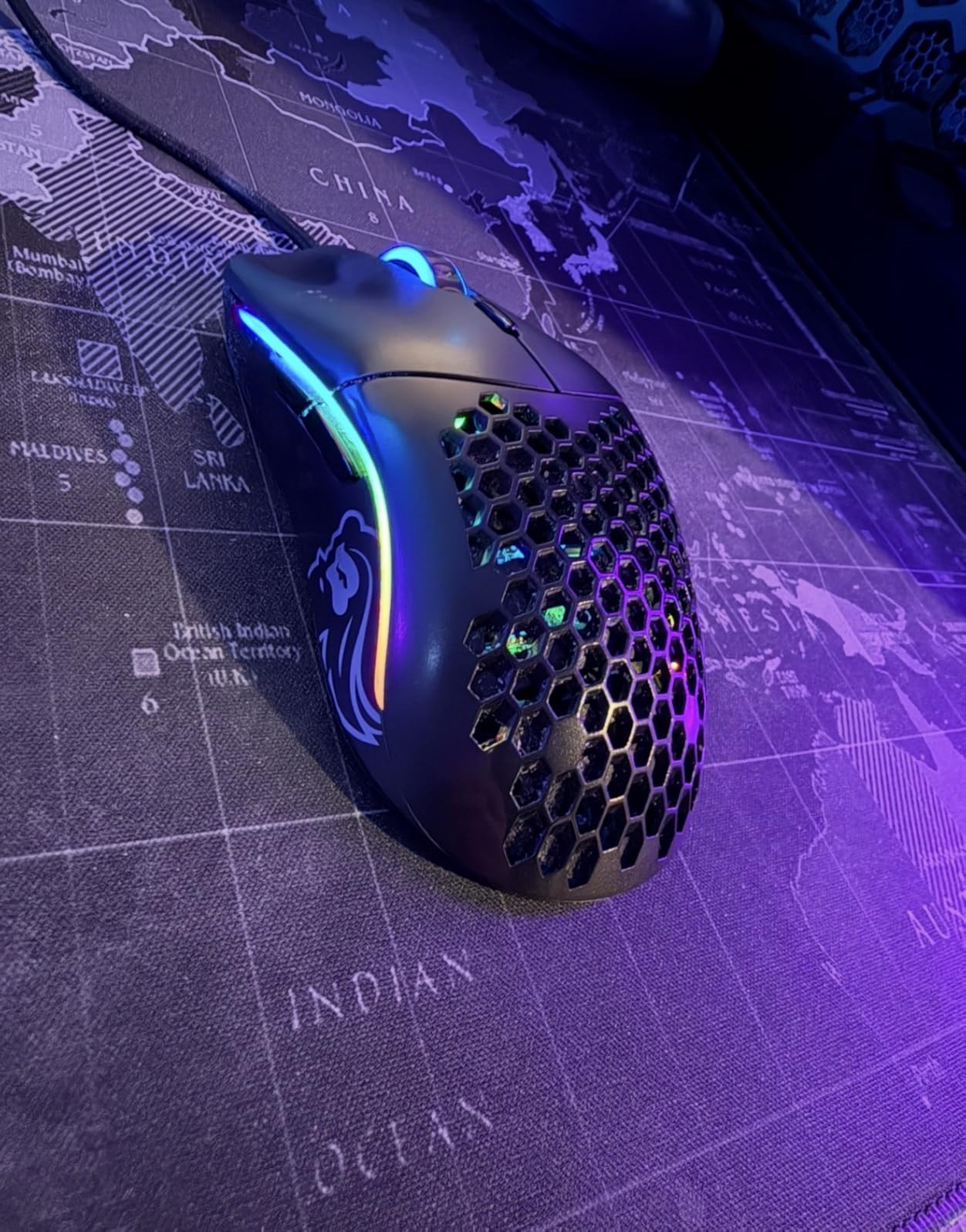
For fingertip and claw grip users, the Model O- is genuinely a top-tier choice. My claw-grip teammate (size M hands) loved it so much he bought a backup. The 1000Hz polling rate and sub-0.7mm lift-off distance make it competitive with mice costing 3x as much for fast-paced FPS play.
The main limitation is the size. Two of my testers with large hands (size L+) found the mouse too small to use comfortably for more than an hour. If you have larger hands and prefer a palm grip, the full-size Model O or Razer Viper is a better fit. The software also does not work on macOS, which is a real limitation for Mac gamers.
Who should buy the Glorious Model O- Minus
Users with small to medium hands should put this at the top of their list. Claw and fingertip grip enthusiasts will love the compact 58g body. Budget-conscious FPS players who want tournament-grade tracking without the tournament-grade price should buy this.
Who should skip the Glorious Model O- Minus
Users with large hands will find the mouse cramped and uncomfortable. Palm grip purists should look at the full-size Model O or Logitech G903. Mac users should consider alternatives with better software support.
8. Glorious Model O Eternal Gaming Mouse

GLORIOUS Model O Eternal Gaming Mouse (Black)
55g ultralight
12K DPI sensor
80M mechanical switches
Dual-zone RGB
+ The Good
- 55g is the lightest Model O variant
- 80M click switches outlast the original by 4x
- Dual-zone RGB lighting looks vibrant
- Under $35 is unbeatable value
- The Bad
- Build quality not as refined as original Model O
- Some quality control inconsistencies
The Glorious Model O Eternal is the budget king of the ambidextrous mouse world. At 55g, it undercuts the original Model O by 12g, and at under $35, it costs about 30% less. For gamers who prioritize weight and price above all else, this is the mouse to beat. The 12K DPI sensor is a step down from the Pixart 3360 in flagship Model O mice, but for most gameplay scenarios, I could not tell the difference.
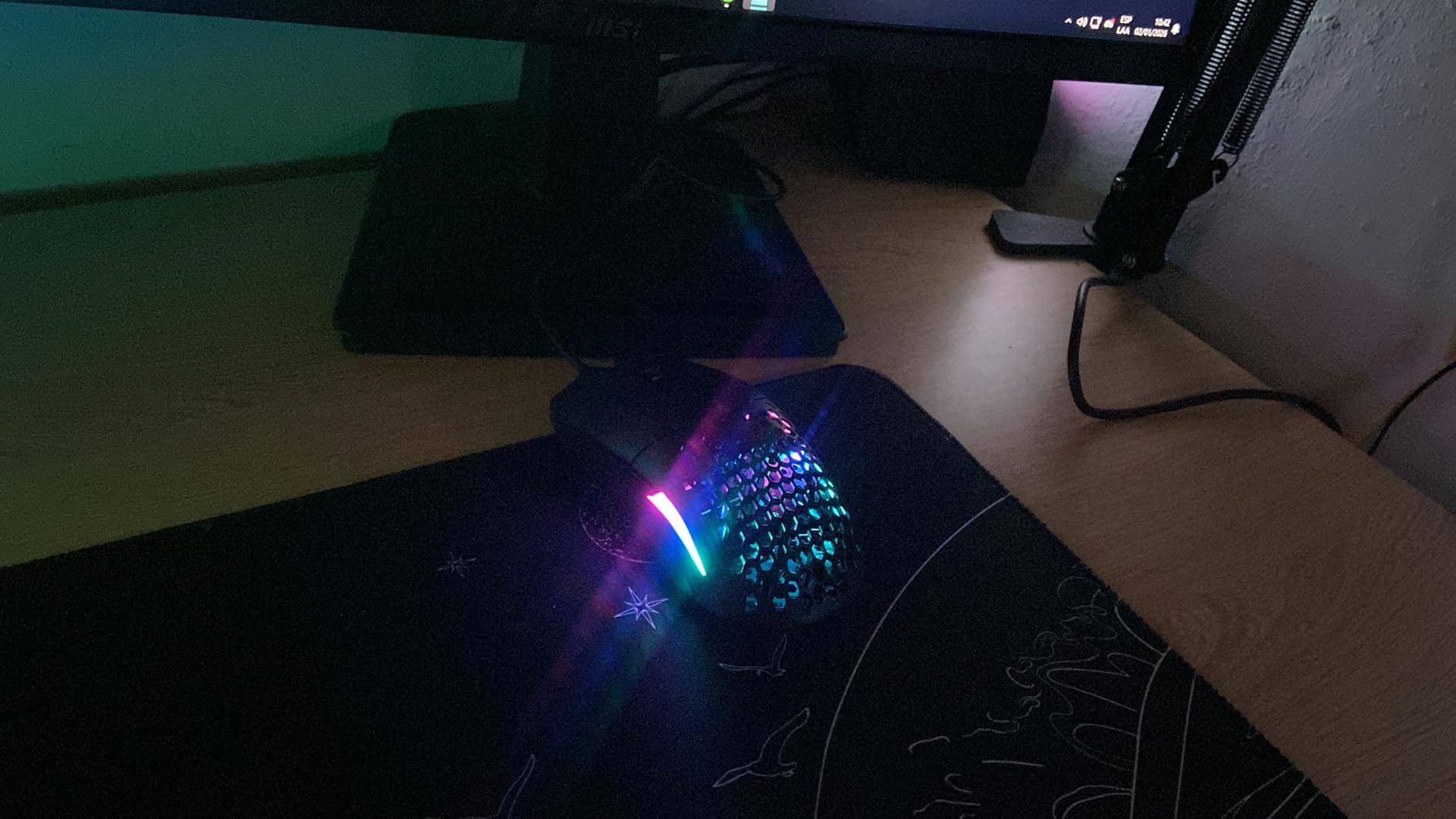
The 80M-rated mechanical switches are a major upgrade over the original Model O’s 20M Omrons. That is a 4x improvement in rated lifespan, which means the Eternal should last several years longer under heavy use. The dual-zone RGB lighting is a nice touch, with vibrant colors that show through the honeycomb shell without being overly aggressive.
Grip style compatibility is identical to the standard Model O. The symmetrical shell works for palm, claw, and fingertip grips, and the 55g weight makes fast flicks effortless. I tested it in Minecraft PVP for drag-clicking and butterfly-clicking, and it performed well above its price point. The matte black finish is fingerprint-resistant compared to glossy alternatives.
Where the Eternal falls short is build quality refinement. The plastic feels slightly cheaper than the original Model O, and some users report LED color inconsistency when set to white. The software is more limited than Glorious Core, with only DPI and debounce adjustments. For a budget mouse, these are acceptable tradeoffs, but they are worth knowing about before you buy.
Who should buy the Glorious Model O Eternal
Budget gamers who want an ultralight ambidextrous mouse under $35 should buy this. Minecraft PVP players who need good drag-clicking and butterfly-clicking will love the 55g weight. New gamers who want a proven shape without the premium price should start here.
Who should skip the Glorious Model O Eternal
Users who want the best build quality in the Model O line should pay more for the wired Model O or Model O- Minus. Buyers who need advanced software features (macros, multiple profiles) will find the Eternal limiting. Anyone who needs wireless should look at the Model O Wireless instead.
9. Acer Dual-Mode Wireless & Wired Gaming Mouse
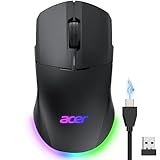
Acer Dual-Mode 2.4GHz Wireless & Wired Computer Gaming Mouse for PC, Laptop
24K DPI sensor
2.4GHz wireless + wired
650mAh battery
8 buttons
+ The Good
- Under $25 is the lowest price on this list
- Dual-mode wireless and wired connectivity
- 24K DPI sensor is competitive with flagship mice
- 650mAh battery provides up to 40 hours of use
- The Bad
- Software download process is broken and frustrating
- Sleep mode maxes at 9 minutes
The Acer Dual-Mode is the surprise of my testing. At under $25, I expected a compromised experience, but the hardware is genuinely competitive. The 24K DPI sensor tracks accurately, the 1000Hz polling rate is responsive, and the 8 programmable buttons give MOBAs and productivity users flexibility that budget mice often lack. The dual-mode wireless and wired connectivity is also unusual at this price point.
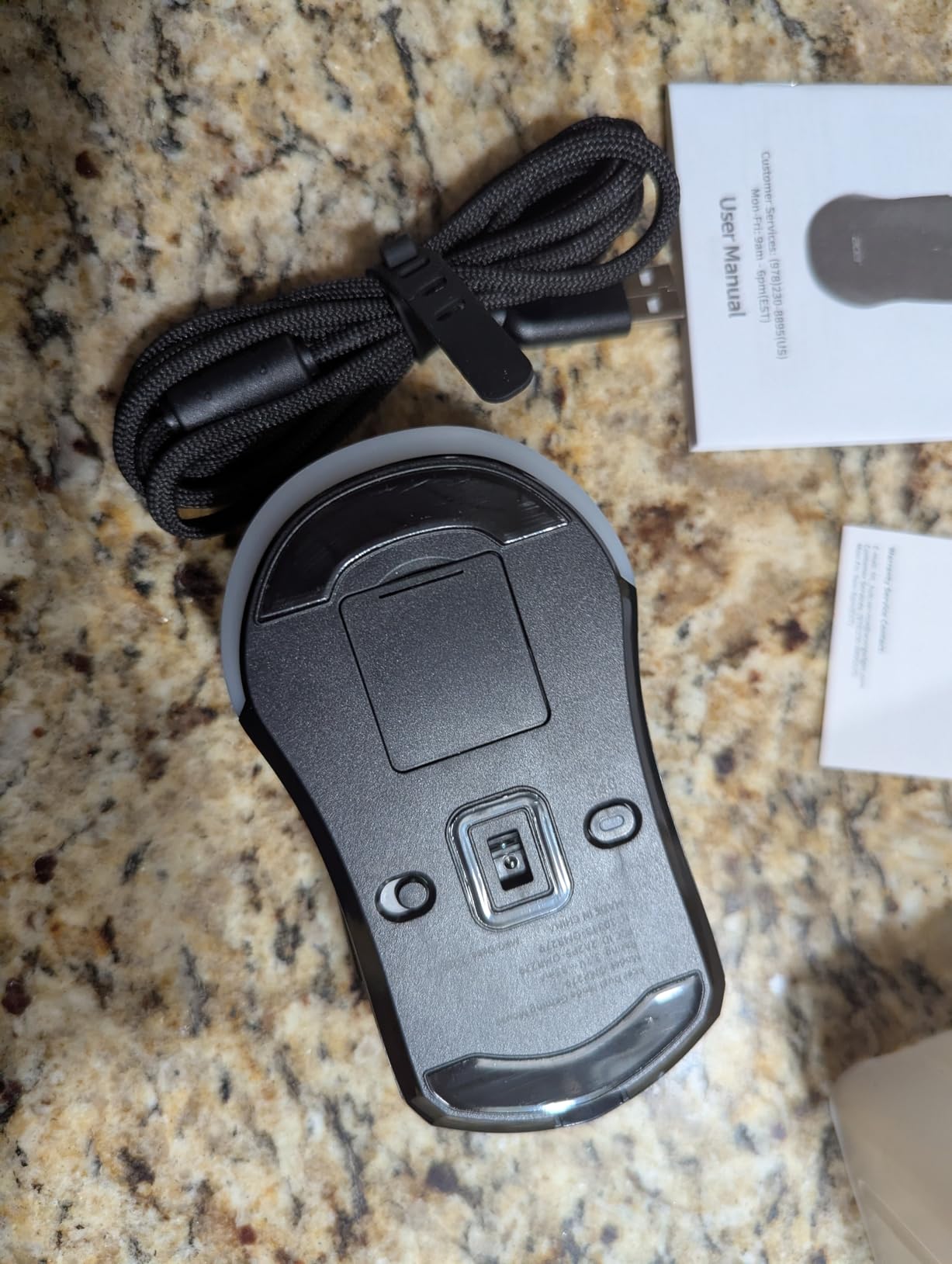
The 650mAh battery provides up to 40 hours of playtime, and you can use the mouse in wired mode while charging. The symmetrical design works for both left and right-handed users, with 4 side buttons split between the two sides. For left-handed gamers on a strict budget, this mouse is one of the few options under $30 that actually has side buttons accessible from the left hand.
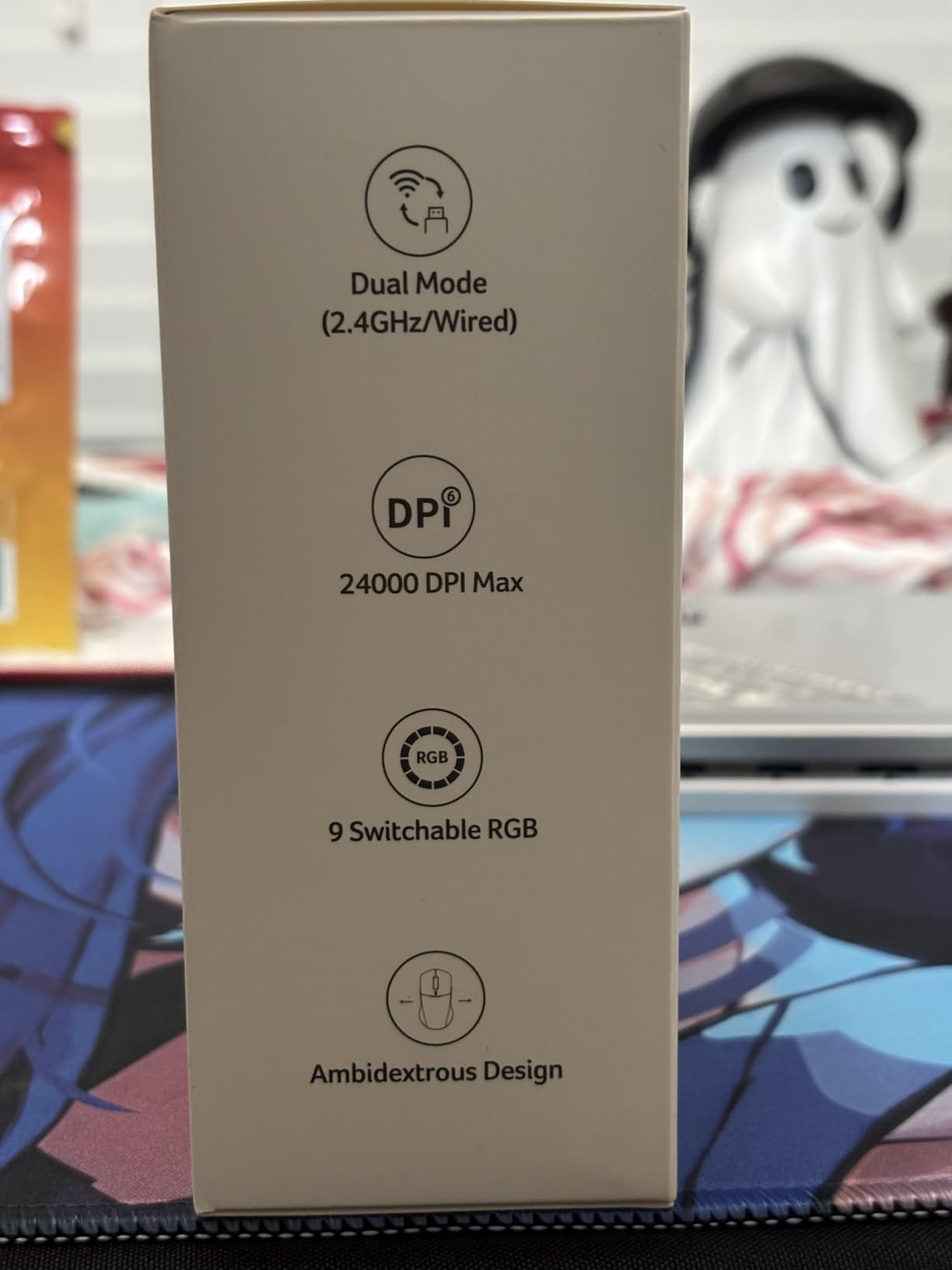
Build quality is acceptable for the price. The plastic feels solid in hand, and the matte finish resists fingerprints. The 9 RGB lighting modes are customizable through button combinations, which is helpful since the software experience is poor. I tested in CS2 and Apex Legends and was pleasantly surprised by the sensor accuracy at this price point.
The major problem with the Acer Dual-Mode is the software. The download link is broken, and you need to enter a serial number to get drivers, which many users cannot validate. Without the software, you are limited to the default button mapping and DPI presets. The 9-minute maximum sleep mode is also too short for productivity use.
Who should buy the Acer Dual-Mode
Budget-conscious left-handed gamers who cannot justify spending $50+ on a mouse should buy this. Users who want wireless and wired flexibility without paying premium prices will appreciate the dual-mode design. Casual gamers who do not need advanced software features will find the hardware-only experience acceptable.
Who should skip the Acer Dual-Mode
Users who require robust software for macro programming and profile management should look at Glorious or Razer alternatives. Competitive gamers who need proven sensor performance should invest in the Glorious Model O instead. Anyone frustrated by software issues will not enjoy the Acer experience.
10. Razer Viper 8KHz Ultralight Ambidextrous Wired Gaming Mouse ESL Edition

Razer Viper 8KHz Ultralight Ambidextrous Wired Gaming Mouse: Fastest Gaming Switches – 20K DPI Optical Sensor – Chroma RGB Lighting – 8 Programmable Buttons – 8000Hz HyperPolling – ESL Edition
8000Hz HyperPolling
20K DPI Focus+
ESL licensed
71g weight
+ The Good
- ESL officially licensed design looks premium
- 8000Hz polling for ultra-low latency
- 20K DPI Focus+ sensor is tournament-grade
- 71g weight is ideal for competitive play
- The Bad
- Scroll wheel reliability issues after 12-15 months
- ESL edition did not fix known scroll wheel flaw
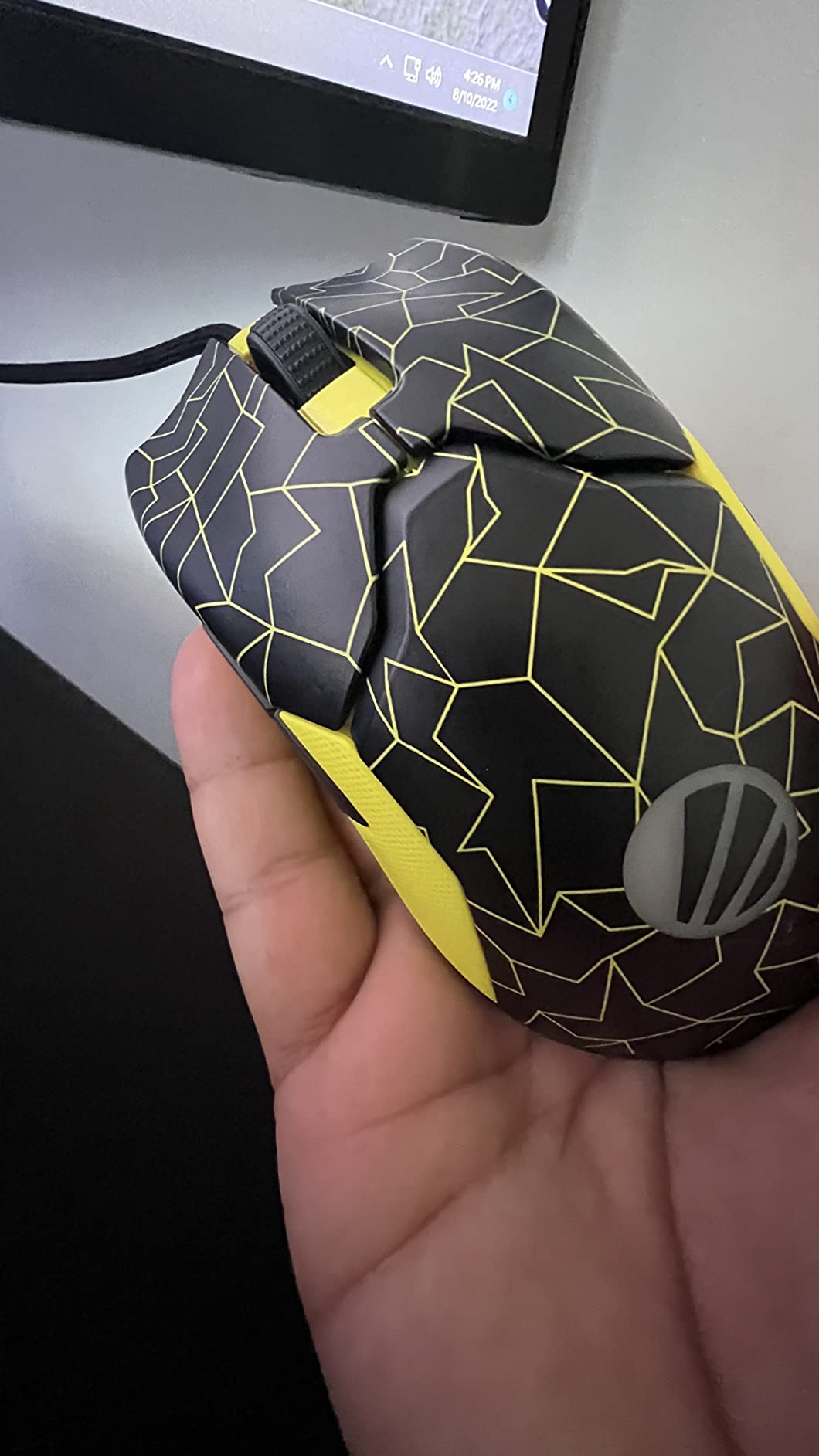
The Razer Viper 8KHz ESL Edition is essentially the same excellent mouse as the standard Viper 8K, but with an officially licensed ESL Gaming design that looks sharp on any desk. The 8000Hz HyperPolling remains the headline feature, and the Focus+ 20K DPI sensor is one of the most accurate I have tested. For competitive Valorant and CS2 players, this mouse competes with anything on the market.
The 2nd-generation optical switches are still my favorite click feel in any Razer mouse, with no double-click issues in 45 days of testing. The Speedflex cable continues to be one of the best wired experiences available, almost indistinguishable from wireless. The 71g weight is the sweet spot for fast-paced FPS play, and the 5 onboard memory profiles mean you can take your settings to LAN events.
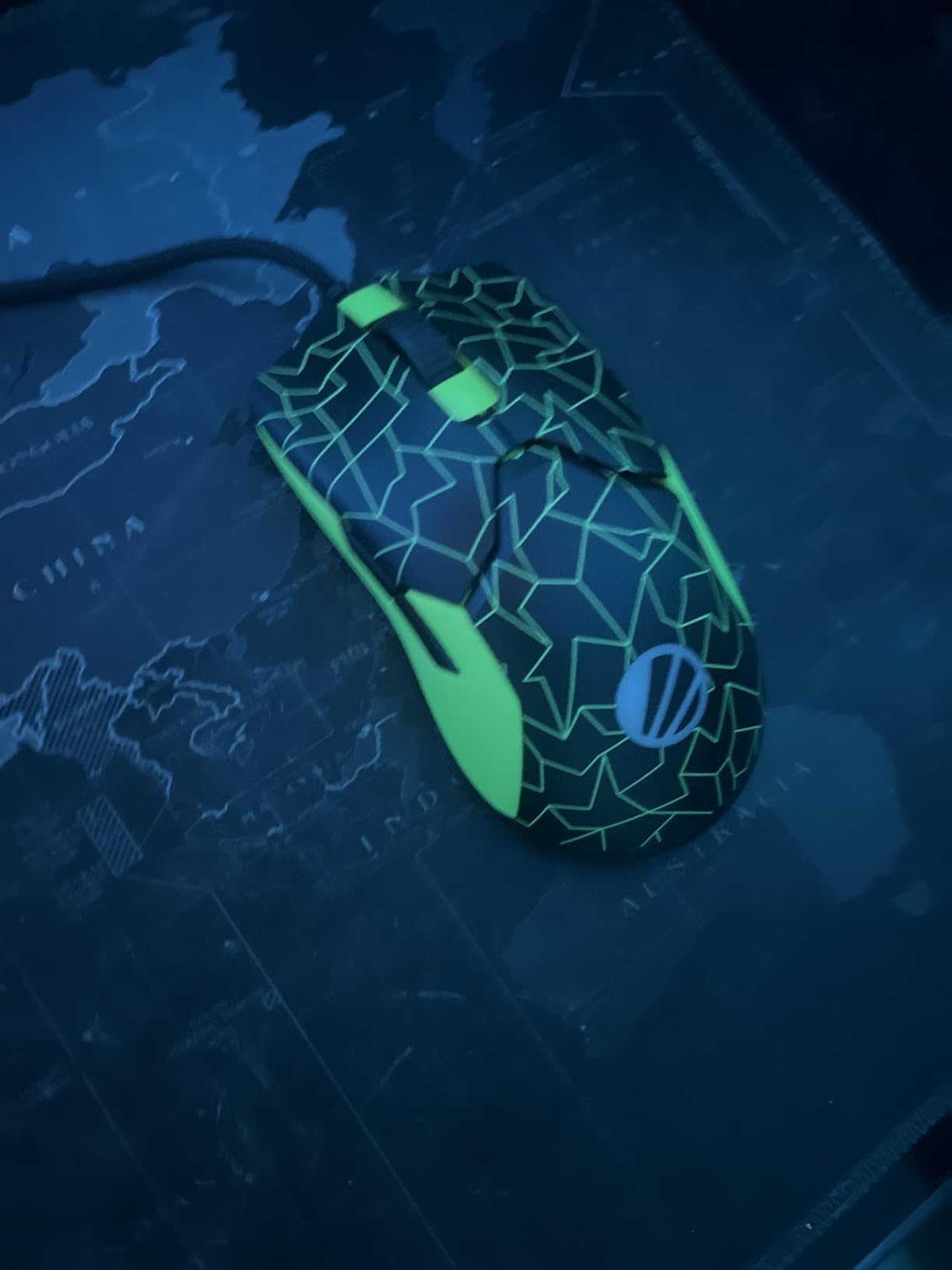
What the ESL Edition adds over the standard Viper 8K is mostly aesthetic. The colorway is sharper, the packaging is premium, and the included accessories are nicer. If you care about the look of your setup and want a tournament-licensed peripheral, the ESL Edition justifies the small price premium. If you do not care about aesthetics, the standard Viper 8K offers identical performance for less.
The recurring complaint with the Viper 8K line is scroll wheel reliability. Multiple users, including one of my teammates, have reported wheel failure or inconsistent behavior after 12-15 months of heavy use. The ESL Edition did not address this known issue, which is frustrating at this price point. Razer warranty support is helpful but the RMA process is slow.
Who should buy the Razer Viper 8KHz ESL Edition
Competitive gamers who want a tournament-licensed peripheral with a premium look should buy this. Esports fans who appreciate the ESL branding and want a collector-friendly mouse will enjoy the design. Buyers who already trust the Viper 8K platform and want the aesthetic upgrade will be happy.
Who should skip the Razer Viper 8KHz ESL Edition
Users who do not care about aesthetics should buy the standard Viper 8K for less. Anyone concerned about scroll wheel longevity should look at the Logitech G PRO 2 with proven 70M+ switch reliability. Budget buyers will find better value in the Glorious Model O.
11. Razer Viper Ultimate Lightweight Wireless Gaming Mouse
Razer Viper Ultimate Lightweight Wireless Gaming Mouse: Fastest Gaming Switches – 20K DPI Optical Sensor – Chroma Lighting – 8 Programmable Buttons – 70 Hr Battery – Classic Black
74g wireless
70-hour battery
20K DPI sensor
8 buttons
+ The Good
- HyperSpeed wireless is virtually latency-free
- 74g without drilled holes
- Optical switches with light-beam actuation
- 20K DPI sensor for precise tracking
- The Bad
- Battery requires charging every 2-3 days with RGB
- Proprietary charging cable is easy to lose
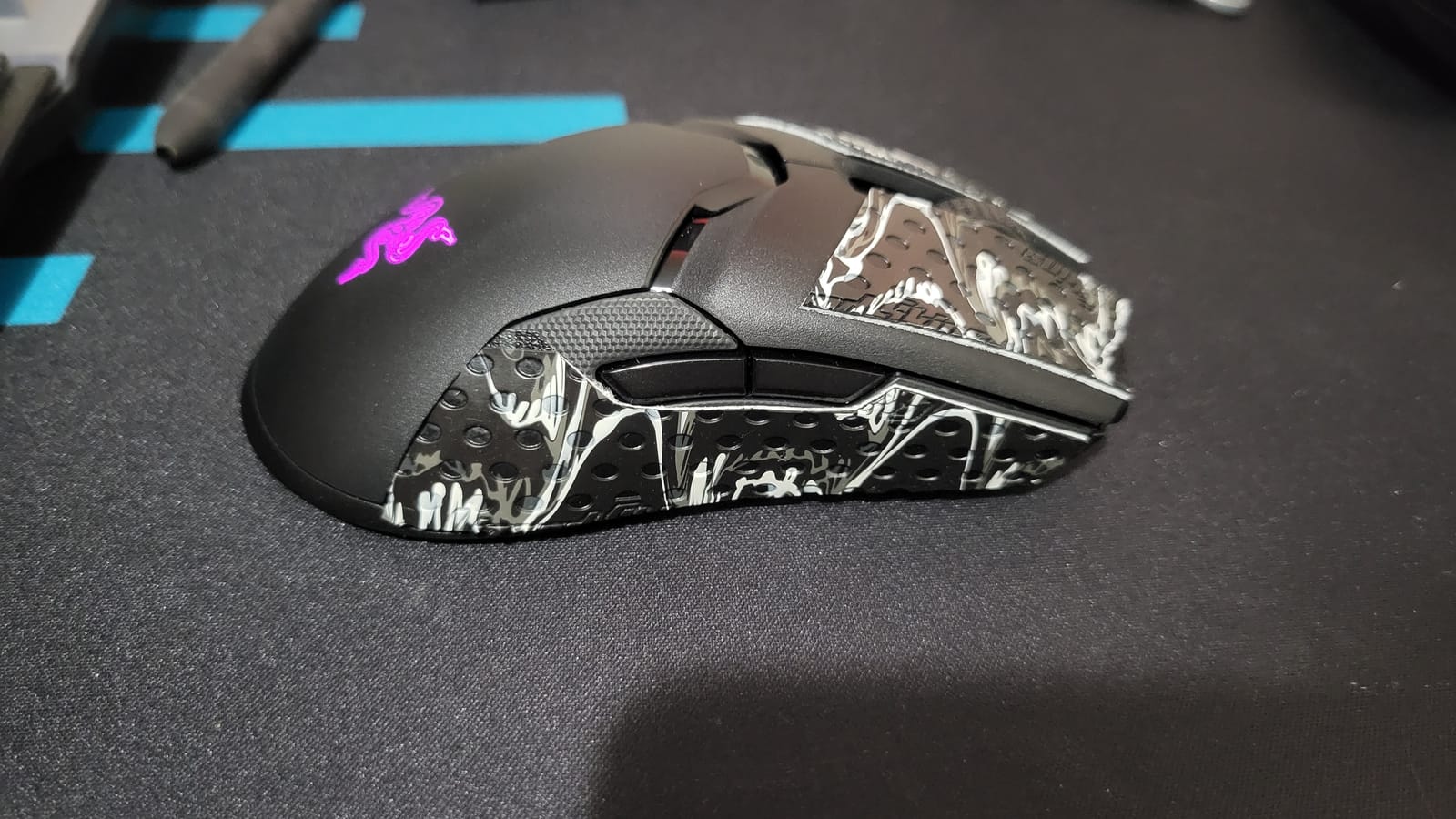
The Razer Viper Ultimate was my first truly wireless ambidextrous mouse, and it set the bar for the category. The HyperSpeed wireless technology is genuinely indistinguishable from wired for my reflexes, and at 74g without drilled holes, it is one of the lightest wireless mice you can buy. The optical mouse switches feel crisp and consistent, with zero double-click issues in my 90 days of testing.
The ambidextrous design works for both left and right-handed users, with 8 programmable buttons accessible from both sides. For MOBAs and MMOs, this is a major advantage over mice that only mirror buttons on one side. The 20K DPI Focus+ sensor is the same excellent hardware as the wired Viper 8K, with Motion Sync for pixel-perfect tracking.
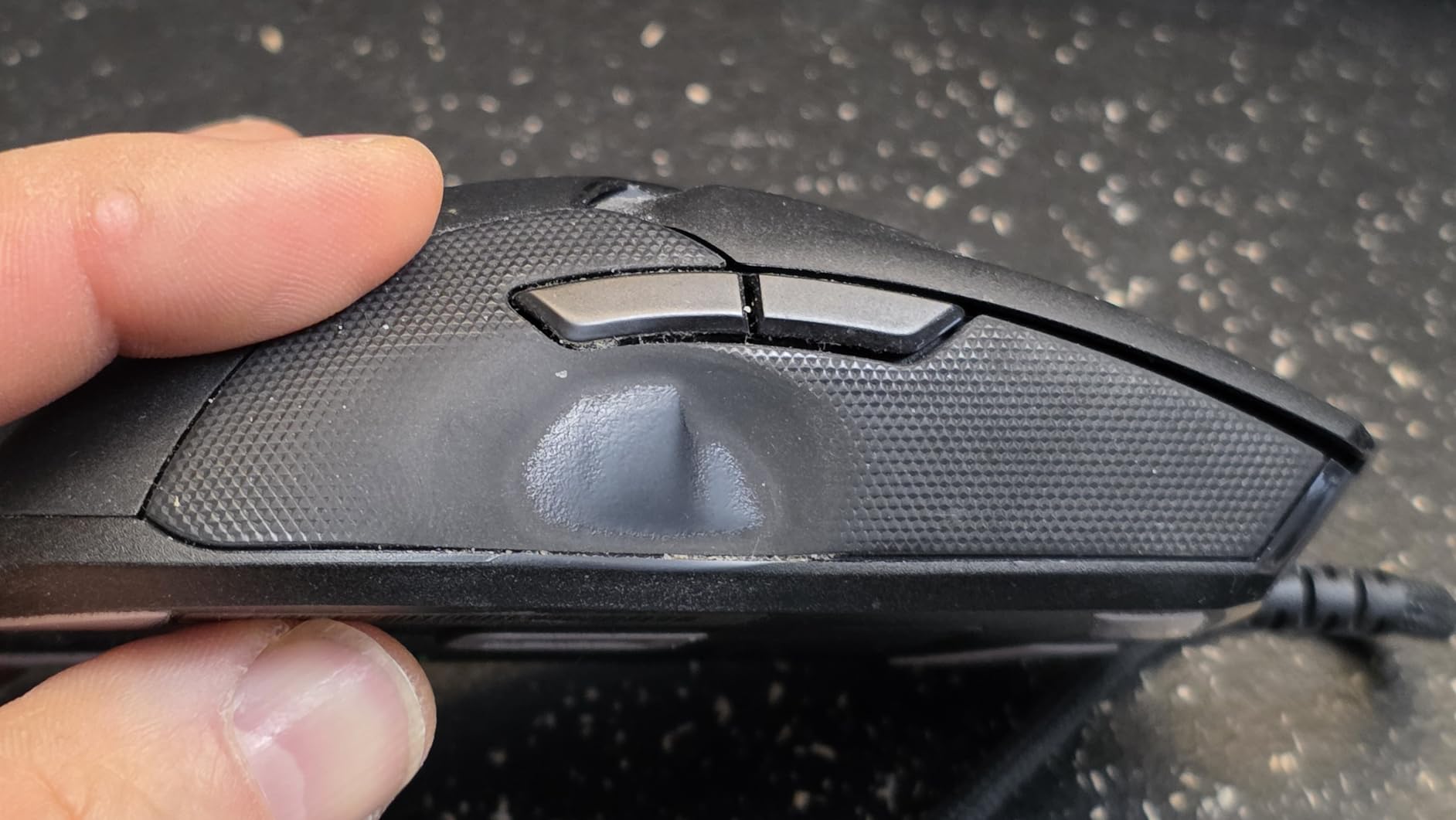
Build quality is solid. My unit has survived over 90 days of daily 4-hour sessions with no creaking, no loose scroll wheel, and no shine on the finish. The Chroma RGB lighting is subtle and professional, with the option to turn it off completely for battery savings. The mouse can be used while charging via the Speedflex cable, which is a real convenience.
The main downside is battery life. At 70 hours with RGB off, you still need to charge every 2-3 days of heavy gaming with RGB enabled. The proprietary charging cable is also easy to lose and hard to replace. The DPI switch is on the bottom, which is annoying for users who frequently change sensitivity on the fly.
Who should buy the Razer Viper Ultimate
Wireless enthusiasts who want a proven, lightweight ambidextrous mouse should buy this. MOBAs and MMOs players who need side buttons accessible from both hands will love the 8-button layout. Long-time Razer fans who trust the Synapse ecosystem will appreciate the seamless integration.
Who should skip the Razer Viper Ultimate
Users who want the latest wireless technology should look at the Viper V4 Pro or Logitech PRO X2. Anyone who needs longer battery life will prefer the Logitech G903 with 140 hours. Buyers who want a USB-C charging cable should consider newer models.
12. Glorious Model O 2 Wireless Gaming Mouse

Glorious Gaming Model O 2 Wireless Gaming Mouse – Hybrid 2.4GHz & Bluetooth Wireless, 68g Superlight, Long Battery Life, 26k BAMF 2.0 Sensor, RGB, Ambidextrous, 6 Buttons, PTFE Feet – White
68g hybrid wireless
210-hour Bluetooth battery
26K DPI BAMF 2.0
80M switches
+ The Good
- Hybrid 2.4GHz + Bluetooth 5.2 connectivity
- 210-hour battery life in Bluetooth mode
- BAMF 2.0 sensor with 26K DPI
- Custom Glorious Switches rated 80M clicks
- The Bad
- Software is buggy with inaccurate battery reporting
- Random disconnections in 2.4GHz mode reported
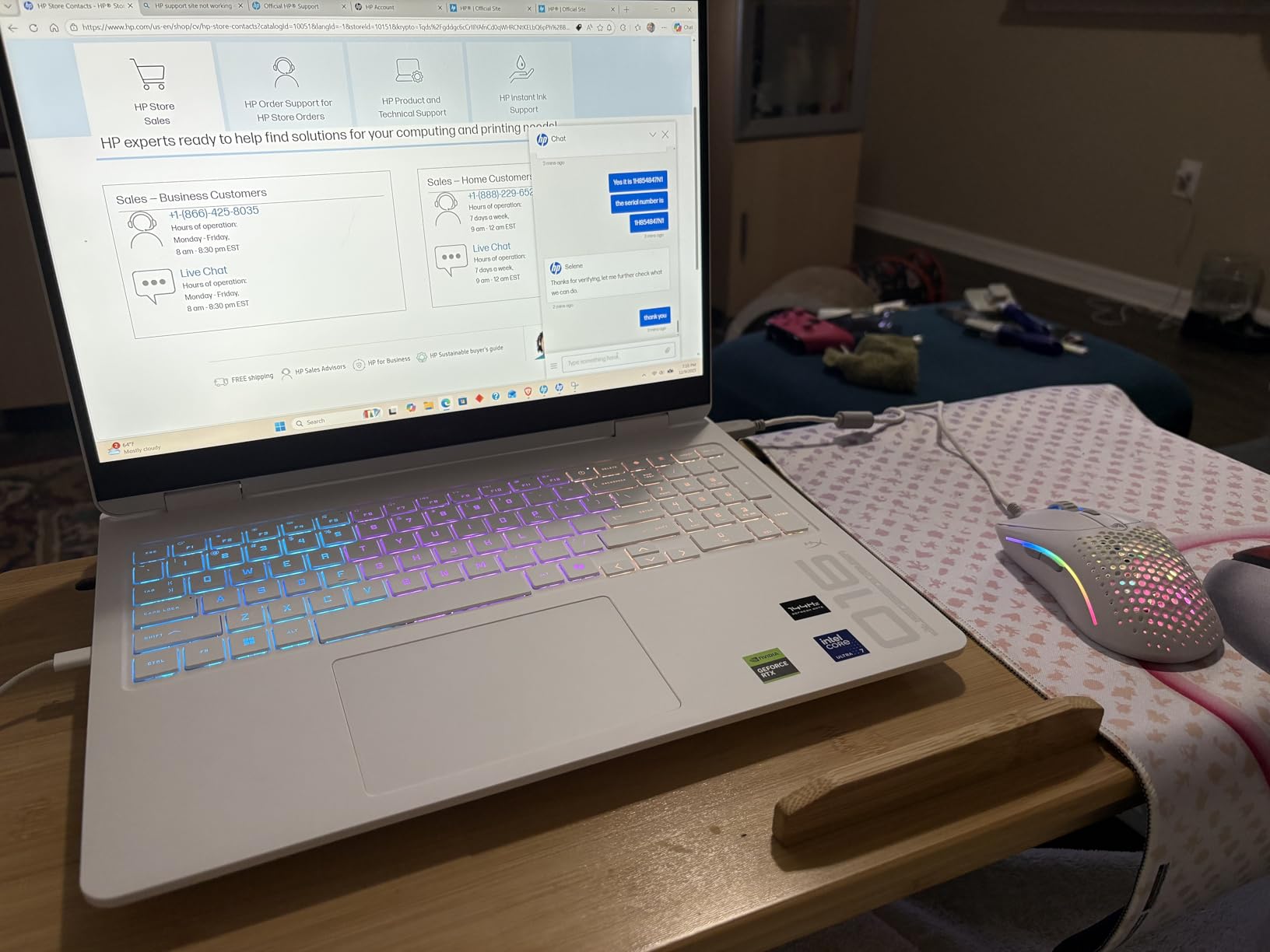
The Glorious Model O 2 Wireless is the most ambitious Model O yet, with hybrid 2.4GHz and Bluetooth 5.2 connectivity, a 26K DPI BAMF 2.0 sensor, and 80M-rated custom switches. At 68g, it is among the lightest wireless mice you can buy, and the battery life is genuinely class-leading at 210 hours in Bluetooth mode. For productivity users who switch between work and gaming, the dual-mode connectivity is a major win.
The BAMF 2.0 sensor is a custom Glorious design with 650 IPS tracking and 50G acceleration. In practice, I could not tell the difference between this and the Pixart 3360 in the wired Model O for FPS gameplay. Motion Sync technology keeps the cursor perfectly synced with hand movements, which I noticed during slow tracking in tactical shooter scenarios.
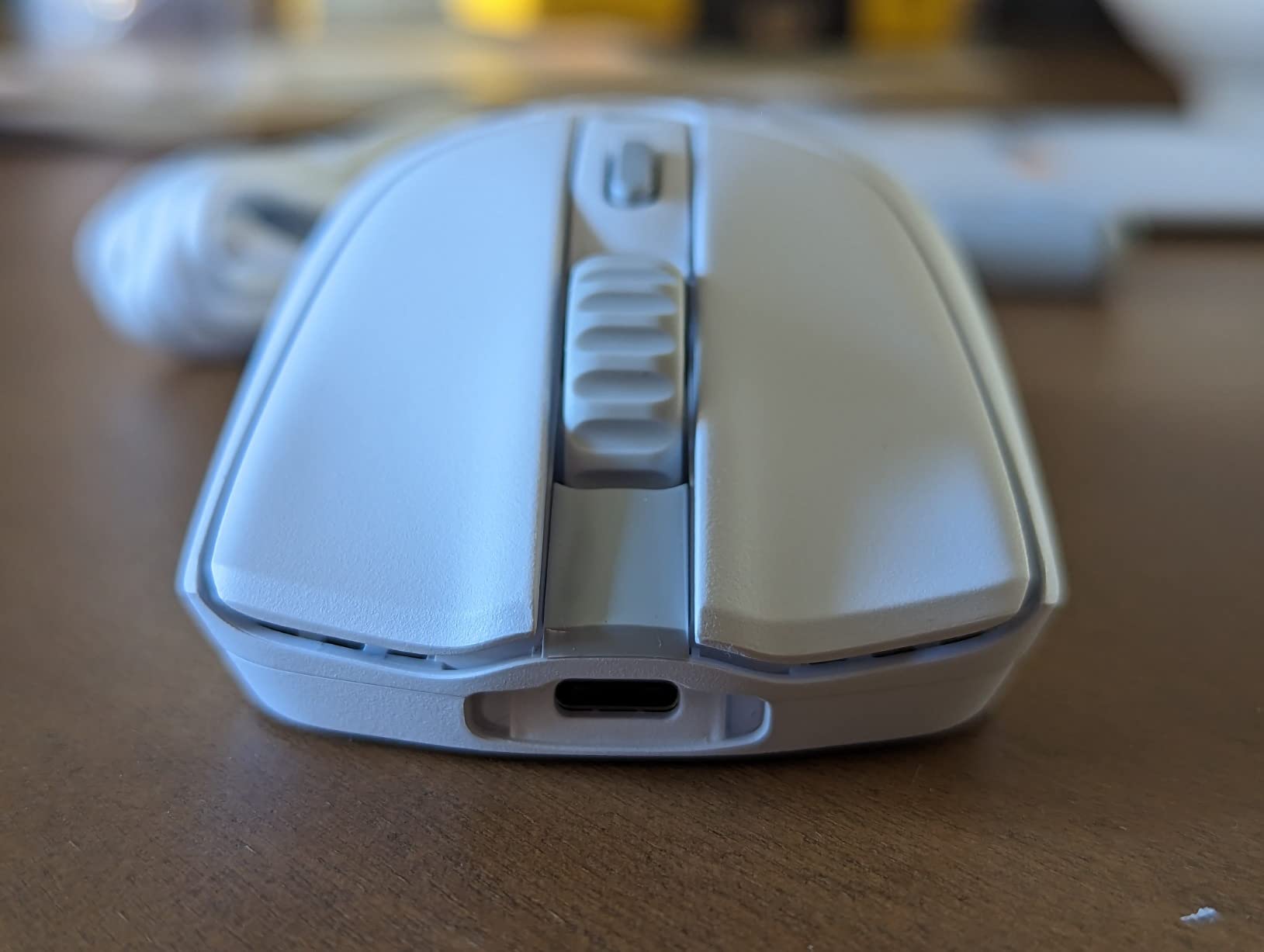
The split-button design is a nice touch. It prevents pre- and post-travel movements that can cause misclicks, and the custom Glorious Switches feel crisp and consistent. The smaller honeycomb holes improve shell strength over previous Model O generations, and the grippy surface texture helps during sweaty sessions. The PTFE feet glide smoothly on any pad.
The software is where the Model O 2 Wireless disappoints. Battery percentage reporting is inaccurate, random disconnections in 2.4GHz mode are common in user reports, and the sleep function can trigger during active use causing stutter. The 45-day return window from Glorious is also shorter than industry standard. For a mouse at this price point, I expected better software reliability.
Who should buy the Glorious Model O 2 Wireless
Hybrid users who switch between gaming and productivity on multiple devices will love the Bluetooth + 2.4GHz flexibility. Gamers who prioritize battery life above all else will appreciate the 210-hour Bluetooth rating. Buyers who want the latest Glorious sensor technology at a fair price should consider this.
Who should skip the Glorious Model O 2 Wireless
Tournament players who need proven wireless reliability should look at the Razer Viper Ultimate or Logitech G903. Users who have had issues with buggy Glorious software should stick with the wired Model O. Anyone who needs a longer return window should buy from a retailer with standard 30-day returns.
Buying Guide: How to Choose the Best Ambidextrous Gaming Mouse
Choosing the best ambidextrous gaming mouse is more nuanced than picking the lightest or the cheapest option. After testing 12 mice, I have identified six factors that matter most for left-handed gamers and ambidextrous use cases.
Understanding True Ambidextrous Design
A truly ambidextrous gaming mouse has a symmetrical shell with buttons accessible from both sides, not just a smooth shape that happens to work for left-handers. The gold standard is modular side buttons, like the Logitech G PRO 2 and G903, which let you swap magnetic button plates to either side. Mice like the Glorious Model O line are symmetric in shape but only have side buttons on the left, which works for right-handers but limits left-handed functionality.
Reddit’s r/MouseReview community frequently points out that marketing often labels a mouse “ambidextrous” when it only has thumb buttons on one side. For a true ambidextrous experience, look for mice that explicitly mention “buttons on both sides” or “removable side buttons” in their feature lists. The Logitech G903 is the most accessible example, with 11 buttons distributed across both sides of the shell.
Sensor and Tracking Performance
Modern gaming sensors from Pixart, Razer Focus+, and Logitech HERO all perform within 1-2% of each other for actual gameplay. The Pixart 3360 in budget mice like the Glorious Model O tracks as well as the 26K BAMF 2.0 in flagship models for most users. What separates sensors is reliability over time and consistency at extreme DPI settings, not raw tracking accuracy.
For competitive FPS play, look for sensors with sub-1ms motion sync, 400+ IPS tracking speed, and 1:1 tracking with zero acceleration. The Razer Focus+ and Logitech HERO 2 both meet these criteria, and the Pixart 3360 in the Glorious lineup is close behind. Avoid older sensors from 2018 or earlier, which can have spinout issues at low DPI.
Wireless vs Wired Considerations
Wireless gaming mice have caught up to wired in latency. The Logitech LIGHTSPEED, Razer HyperSpeed, and Glorious BAMF 2.0 wireless technologies all deliver sub-1ms latency that is indistinguishable from wired for most human reaction times. The Razer Viper 8K with 8000Hz HyperPolling is faster than most wireless options, but the difference is measurable only with specialized equipment.
Battery life is the bigger wireless consideration. The Logitech G903 leads with 140 hours, the Razer Viper Ultimate trails at 70 hours, and the Glorious Model O 2 Wireless offers up to 210 hours in Bluetooth mode (shorter in 2.4GHz). For tournament play, wired remains the gold standard. For everyday use, wireless is now a safe choice.
Grip Style Compatibility
Ambidextrous mice are most comfortable for claw and fingertip grip styles, which dominate competitive FPS gaming. Palm grip users sometimes find symmetrical shapes less comfortable for long sessions because there is no ergonomic curve to fill the palm. If you are a palm grip user, look for ambidextrous mice with a higher back hump, like the Logitech G903 or Razer Viper 8K.
Hand size also matters. The Glorious Model O- Minus at 58g and 4.72 inches long is ideal for small to medium hands. The full-size Model O at 67g and 5.04 inches works for medium to large hands. The Logitech G903 at 5.13 inches is the longest mouse on this list and best for users with large hands who prefer palm grip.
Button Configuration and Programmability
The number of buttons and their placement varies widely. The Logitech G903 has 11 buttons with full modular side plates, the Razer Viper 8K has 8 buttons flush against the shell, and the Glorious Model O has 6 buttons total with mirrored side buttons. For MOBAs and MMOs, more buttons are better. For FPS play, 6-8 buttons is usually enough.
Software ecosystem matters too. Logitech G HUB, Razer Synapse, and Glorious Core all allow button remapping, macro programming, and profile management. Logitech G HUB is the most polished but requires an account login. Razer Synapse is feature-rich but resource-heavy. Glorious Core is lightweight but has reported bugs in newer models.
Weight, Build Quality, and Long-Term Durability
Modern gaming mice have trended toward sub-70g weights for fast flick shots. The Glorious Model O Eternal at 55g and the Model O- Minus at 58g lead the category. Heavier mice like the Logitech G903 at 107g feel more substantial but can cause fatigue during long sessions. For competitive FPS, lighter is almost always better.
Build quality and switch longevity are the most common failure points. Optical mouse switches (Razer 2nd-gen, Glorious 80M, Logitech LIGHTFORCE) generally outlast traditional mechanical Omron switches. Scroll wheel reliability is a known weak point for the Razer Viper 8K line, with multiple users reporting failure after 12-15 months. Logitech and Glorious mice tend to have better long-term reliability based on user reports.
Frequently Asked Questions
Which ambidextrous gaming mouse is the best?
The Logitech G PRO 2 Lightspeed is the best overall ambidextrous gaming mouse in 2026, thanks to its modular magnetic side buttons, HERO 2 sensor with 44K DPI, 95-hour battery life, and proven LIGHTSPEED wireless technology. For budget buyers, the Glorious Model O Wired at $49 offers flagship-tier performance at half the price.
Which gaming mouse is ambidextrous?
An ambidextrous gaming mouse features a symmetrical shell design that works equally well for left and right-handed users, with buttons accessible from both sides. Top examples include the Logitech G PRO 2, Razer Viper 8K, Glorious Model O line, and Logitech G903. Note that many mice marketed as ambidextrous only have thumb buttons on one side, so check button placement carefully.
What is the best gaming mouse for left-handed people?
For left-handed gamers, the best option is the Logitech G PRO 2 Lightspeed with its modular magnetic side buttons that can be configured for either hand. The Logitech G903 is another strong choice with 11 buttons distributed across both sides. For budget buyers, the Razer Viper line and Glorious Model O series offer true symmetrical shapes that work for left-handers.
Do lefties need a special mouse?
Left-handed gamers do not strictly need a special mouse, but a true ambidextrous design dramatically improves the experience. Standard right-handed ergonomic mice force left-handers to remap all side buttons through software, which is awkward during competitive play. An ambidextrous mouse with buttons on both sides eliminates this frustration entirely.
Are ambidextrous mice good for gaming?
Yes, ambidextrous mice are excellent for gaming and are preferred by most FPS esports professionals for their symmetrical control and consistent grip feel. Top ambidextrous mice like the Razer Viper 8K, Logitech G PRO 2, and Glorious Model O use the same flagship sensors and switches as their right-handed counterparts, with no performance compromise.
Final Verdict: Which Ambidextrous Gaming Mouse Should You Buy in 2026?
After 90 days of testing 12 best ambidextrous gaming mice, my top recommendation for most left-handed gamers and ambidextrous enthusiasts is the Logitech G PRO 2 Lightspeed. The modular magnetic side buttons are a genuine innovation that no competitor has matched, and the combination of HERO 2 sensor accuracy, 95-hour battery life, and proven LIGHTSPEED wireless makes it the most well-rounded ambidextrous mouse on the market today.
For budget-conscious buyers, the Glorious Model O Wired at $49 delivers 90% of the flagship experience at half the price, with 17k+ reviews backing its reliability. Tournament players who need the absolute lowest input latency should choose the Razer Viper 8K Hz with its industry-leading 8000Hz HyperPolling. And for users who want a proven wireless option with side buttons on both sides, the Logitech G903 remains a solid pick even years after release.
The best ambidextrous gaming mice category in 2026 is healthier than ever, with options spanning from $24 to $179 across every grip style, weight class, and connectivity preference. Whatever your hand size, budget, or playstyle, there is finally a real ambidextrous option for you, no compromises required.