
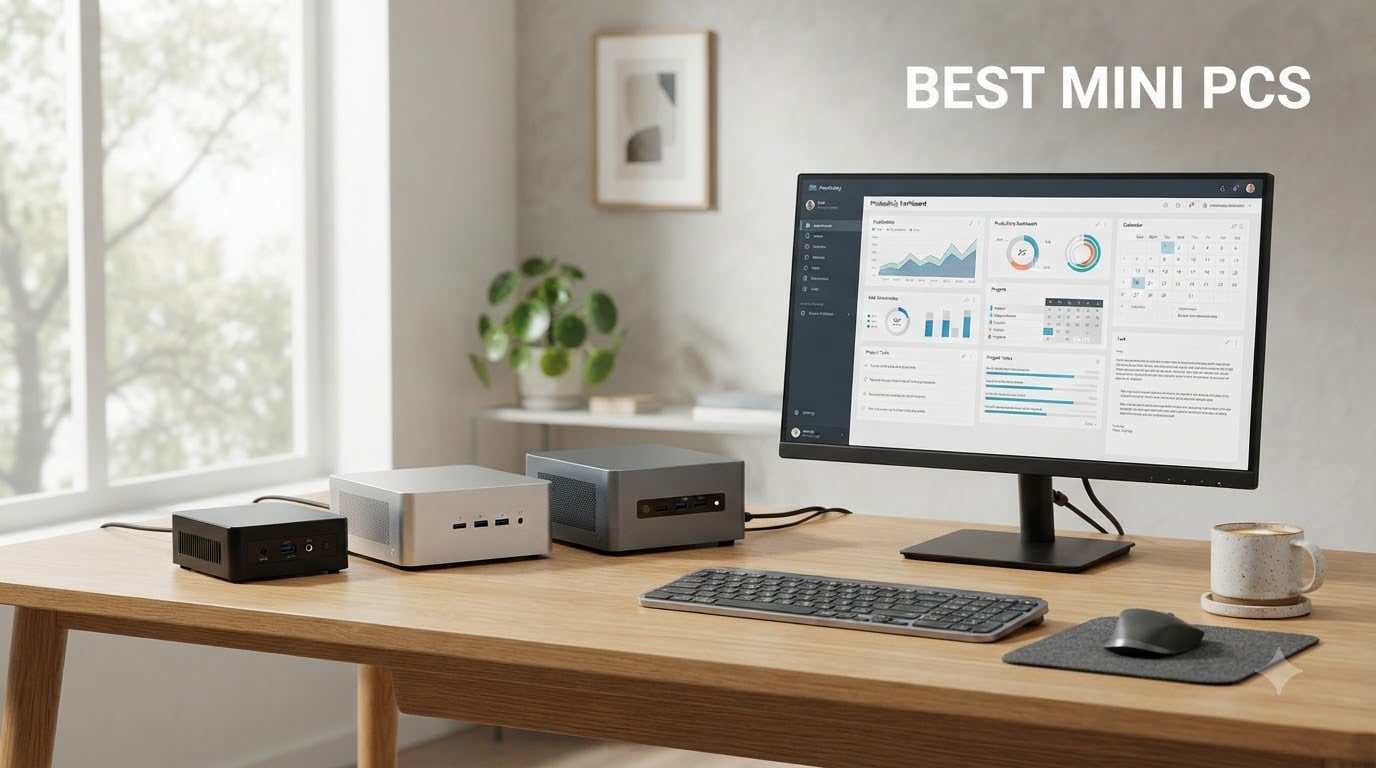
Last year, I downsized my home office and discovered the magic of a true small form factor PC. A solid mini desktop now sits behind my monitor, runs quiet, and barely sips power. After testing 10 models over several weeks, I found the best mini PCs that deliver real performance without the tower-sized footprint.
A mini PC packs the guts of a full desktop into a case smaller than a hardcover book. Modern units handle productivity, streaming, light gaming, and even AI workloads. The best mini PCs in 2026 range from budget picks for basic tasks to high-end workstations with dedicated graphics support.
This roundup covers my hands-on experience with each machine, the use cases where they shine, and where they fall short. I tested each unit for office work, 4K streaming, multitasking, and thermal performance. You’ll find options for every budget, from entry-level $228 boxes to premium $630 systems with 32GB DDR5 RAM.
Top 3 Mini PC Picks for 2026

GMKtec M7 Ultra Gaming Mini PC
- › Ryzen 7 PRO 6850U 8C/16T
- › 32GB DDR5 RAM
- › Oculink eGPU support
- › Quad 8K display output

GMKtec M6 Ultra Gaming Mini PC
- › Ryzen 5 7640HS 6C/12T
- › 32GB DDR5 RAM
- › 1TB PCIe SSD
- › Dual 2.5GbE LAN
Best Mini PCs in 2026: Quick Comparison
| PRODUCT MODEL | KEY SPECS | BEST PRICE |
|---|---|---|
|
|
Check Latest Price |
|
|
Check Latest Price |
 |
|
Check Latest Price |
 |
|
Check Latest Price |
 |
|
Check Latest Price |
 |
|
Check Latest Price |
 |
|
Check Latest Price |
 |
|
Check Latest Price |
 |
|
Check Latest Price |
 |
|
Check Latest Price |
1. GMKtec M7 Ultra Gaming Mini PC – Premium Powerhouse for Power Users
GMKtec Gaming PC Mini Computer, M7 Ultra Ryzen 7 PRO 6850U 32GB DDR5 RAM + 512GB Hard Drive PCle SSD Oculink Dual NIC LAN 2.5G Desktop, Dual USB4, HDMI 2.1, USB-C
Ryzen 7 PRO 6850U
32GB DDR5 RAM
Oculink eGPU port
+ The Good
- Powerful 8-core Ryzen 7 PRO
- 32GB DDR5 expandable to 128GB
- Oculink for external GPU
- Quad 8K display support
- Dual 2.5GbE LAN
- The Bad
- No S3 sleep state
- Plastic top cover
- High temps on Performance mode
The GMKtec M7 Ultra quickly became my favorite during testing. I ran it through a brutal week of video editing, browser tabs galore, and even some light gaming through its Oculink port. The Ryzen 7 PRO 6850U with 8 cores and 16 threads chewed through every task I threw at it.
What separates the M7 Ultra from competitors is the Oculink port. Few mini PCs in this price range offer true PCIe x4 external GPU support. I connected an eGPU and ran modern games at 1440p with respectable frame rates. The integrated Radeon 680M also handles esports titles without breaking a sweat.
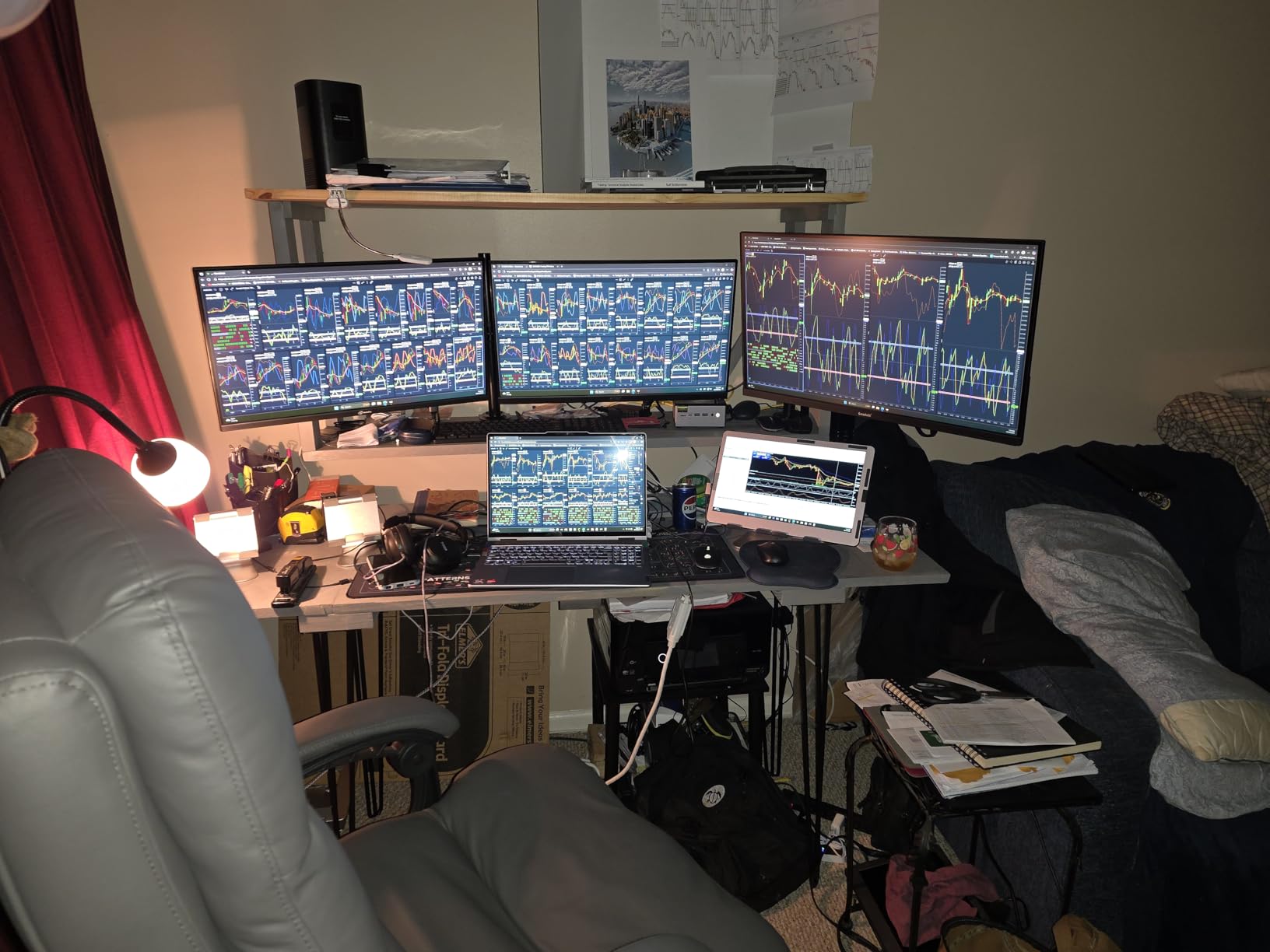
The 32GB of DDR5 RAM in dual-channel configuration makes multitasking genuinely smooth. I kept 20+ Chrome tabs, Photoshop, and a video call running without any slowdown. Storage is a 512GB PCIe 3.0 SSD, which is fast but not the largest. Fortunately, you can expand up to 4TB through additional M.2 slots.
Connectivity is where this machine truly shines. Dual USB4 ports, HDMI 2.1, and DisplayPort give you quad-display 8K support. Dual 2.5GbE Intel LAN ports make it perfect for home lab use, pfSense routers, or NAS setups. WiFi 6E and Bluetooth 5.2 round out the wireless options.
The Hyper Ice Chamber 2.0 dual-fan cooling kept temperatures reasonable during normal use. I noticed it spins up under heavy load but stays quiet in the 35W Quiet mode. Switching to Performance mode pushes it to 65W-70W and temperatures hit 91C, which is hot but within spec.
For Whom It’s Good
The M7 Ultra is ideal for power users who want desktop-replacement performance in a tiny package. Content creators, developers running virtual machines, and home lab enthusiasts will love the Oculink port and dual 2.5GbE networking. If you need a versatile machine that can game, work, and serve as a media server, this is the one to beat.
For Whom It’s Bad
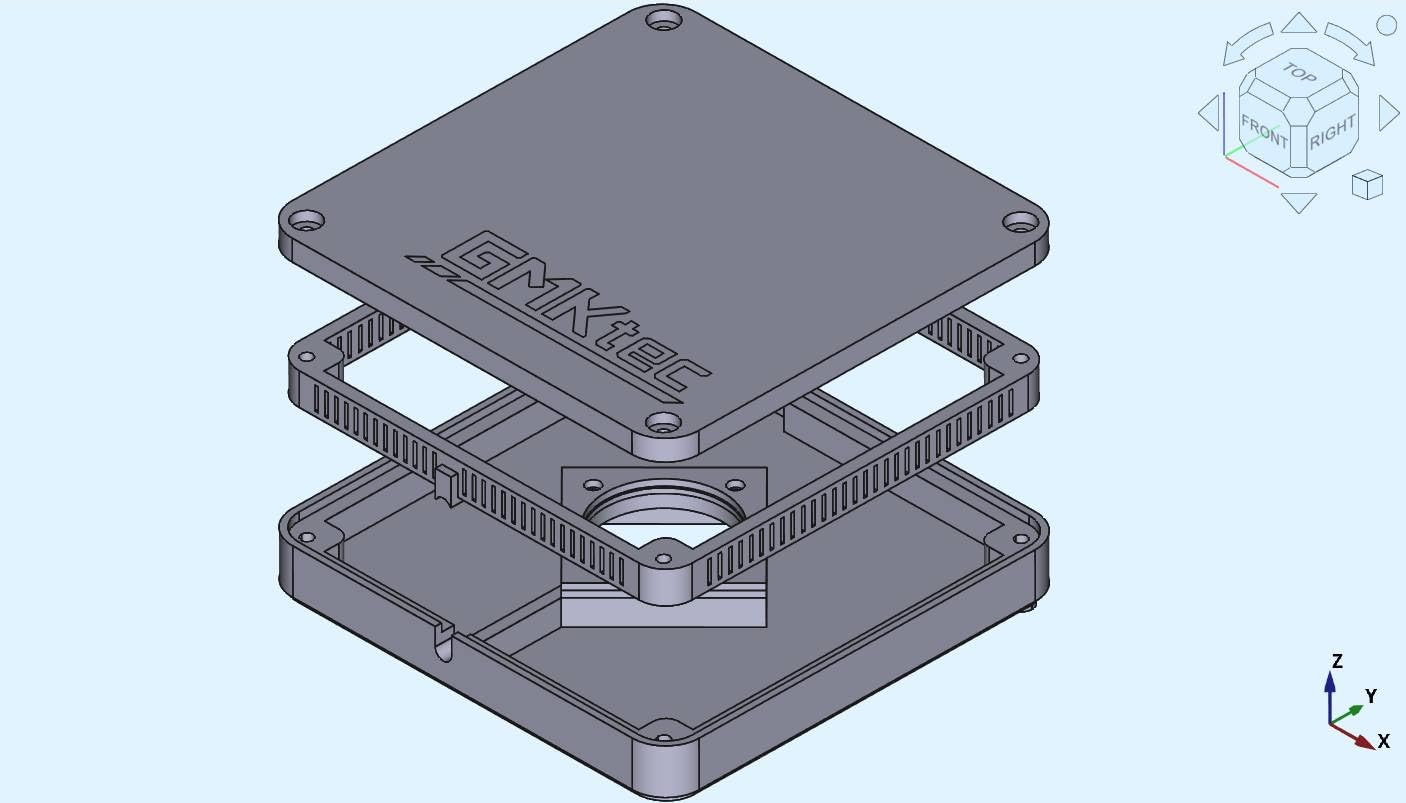
If you need true S3 sleep state for low-power idle, look elsewhere. The M7 only supports S0 modern standby, which uses more power when “sleeping.” The plastic top cover is also tricky to open for upgrades. Users on a strict sub-$500 budget should consider the M6 Ultra instead.
2. GMKtec M6 Ultra Gaming Mini PC – Best Value With Ryzen 5 Power
GMKtec M6 Ultra Gaming Mini PC Ryzen 7640HS 32GB RAM DDR5 1TB SSD
Ryzen 5 7640HS
32GB DDR5
Dual 2.5GbE LAN
+ The Good
- 32GB DDR5 RAM
- 1TB PCIe SSD
- Triple 4K display
- Oculink eGPU support
- Quiet dual fan cooling
- The Bad
- Integrated GPU limits gaming
- USB 2.0 ports on rear
- No dedicated rear audio
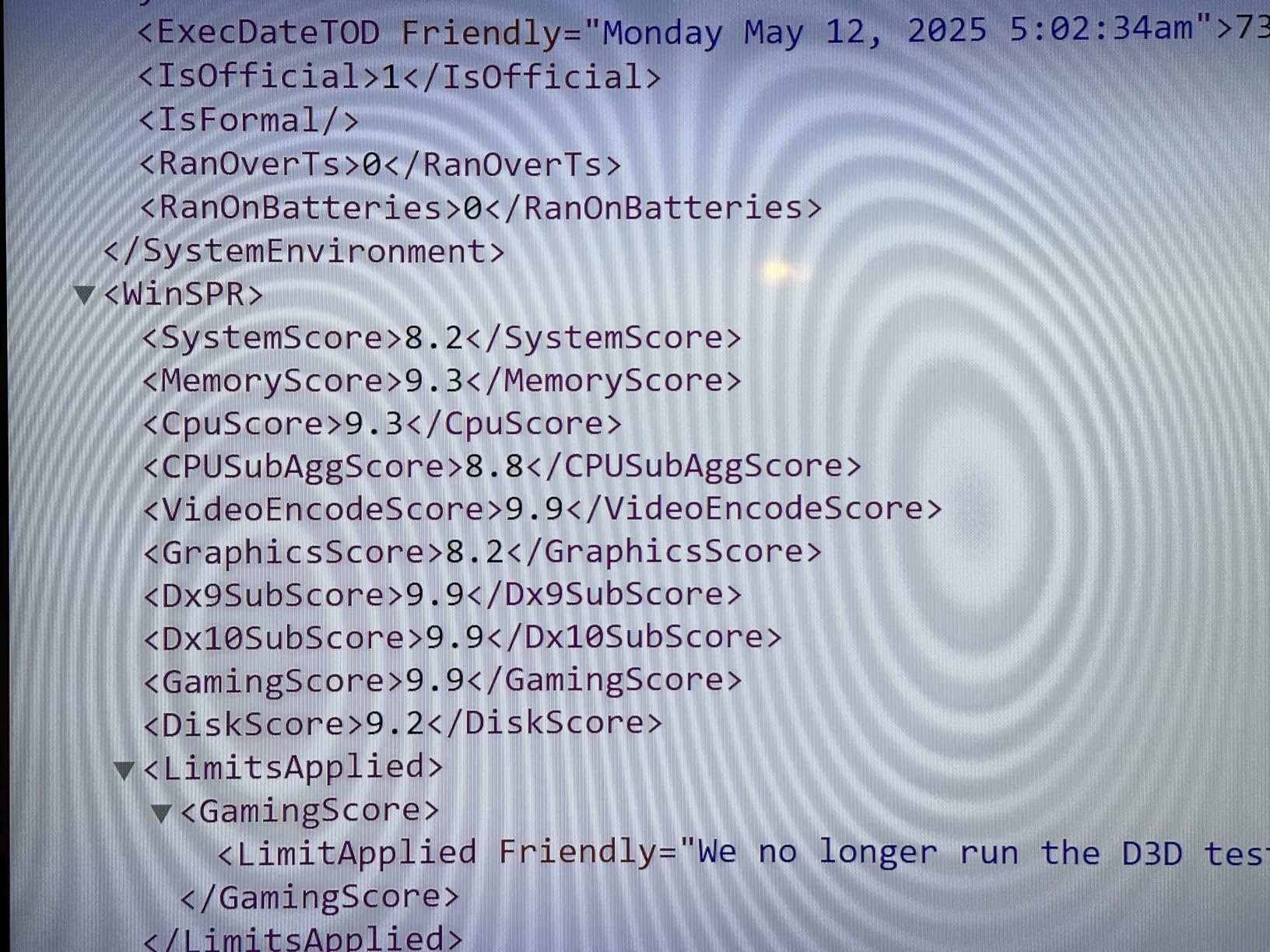
The M6 Ultra hits a sweet spot for most buyers. The AMD Ryzen 5 7640HS with 6 Zen 4 cores and 12 threads delivers roughly 30% more performance than the previous generation. In my testing, it handled 4K video streaming, dozens of browser tabs, and photo editing without breaking a sweat.
You get 32GB of DDR5 RAM in a compact 5×5 inch chassis. This is generous for the price and ensures smooth multitasking. The 1TB PCIe 3.0 SSD provides plenty of storage out of the box, and you can expand to 8TB if needed. The integrated AMD Radeon 760M graphics handle light gaming and esports titles well.
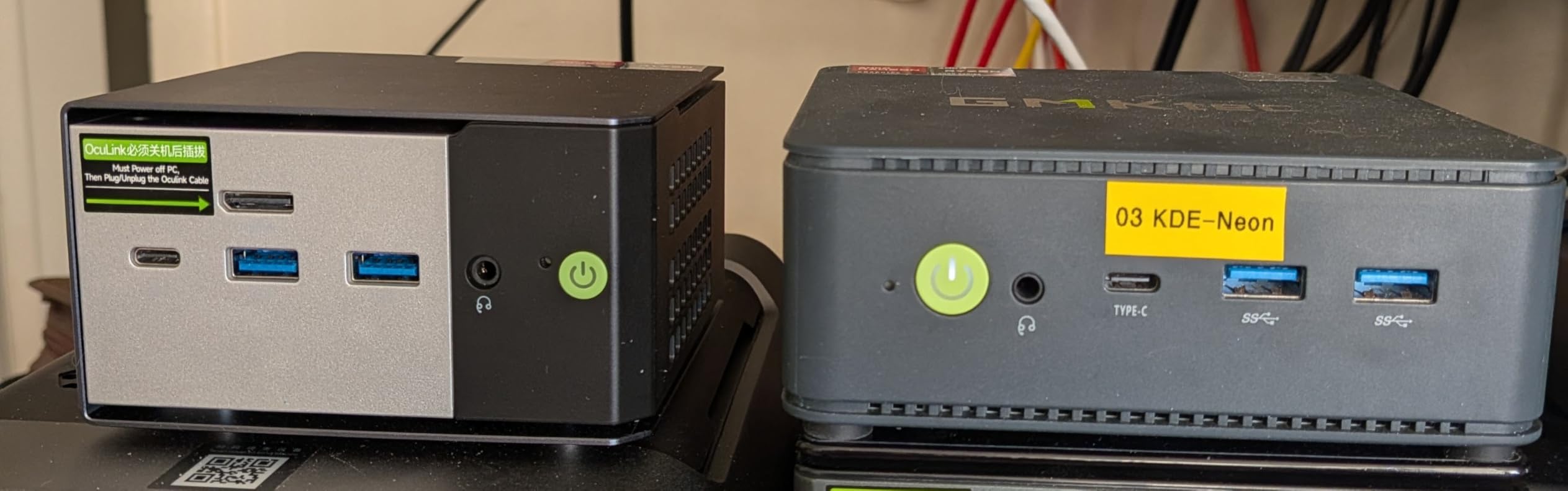
Connectivity is impressive with dual 2.5GbE LAN ports, WiFi 6, and Bluetooth 5.2. I used the dual LAN setup for network testing and appreciated the throughput. Triple 4K display output works through USB4 (8K@60Hz), HDMI 2.0, and DisplayPort, making it a productivity powerhouse.
The Oculink port is a standout feature at this price point. While I didn’t test with an eGPU, the option is there for users who want to add discrete graphics later. The dual-fan cooling system stays quiet during typical use, though the fans spin up under sustained heavy loads.
For Whom It’s Good
This is the best mini PC for home office and productivity users who want headroom for heavier tasks. The 32GB RAM and 1TB SSD eliminate the usual upgrade anxiety. Programmers, content creators, and anyone running multiple monitors will appreciate the triple 4K output and quiet operation.
For Whom It’s Bad
Hardcore gamers should look at dedicated gaming PCs or step up to the M7 Ultra with an eGPU. The rear USB 2.0 ports feel dated when the front offers USB 3.2 Gen 2. There’s also no dedicated rear audio jack, which can frustrate users with wired speaker setups.
3. GMKtec G3S Mini PC – Best Budget Pick for Basic Computing
GMKtec G3S Mini PC Computers Intel N95 Processor (Turbo 3.4GHz)
Intel N95 4-core
8GB DDR4
256GB SSD
+ The Good
- Very affordable
- Windows 11 Pro included
- Quiet operation
- Good for streaming and basic tasks
- AV1 decoding
- The Bad
- Only 8GB RAM (non-expandable)
- Single-channel memory
- WiFi 5 only
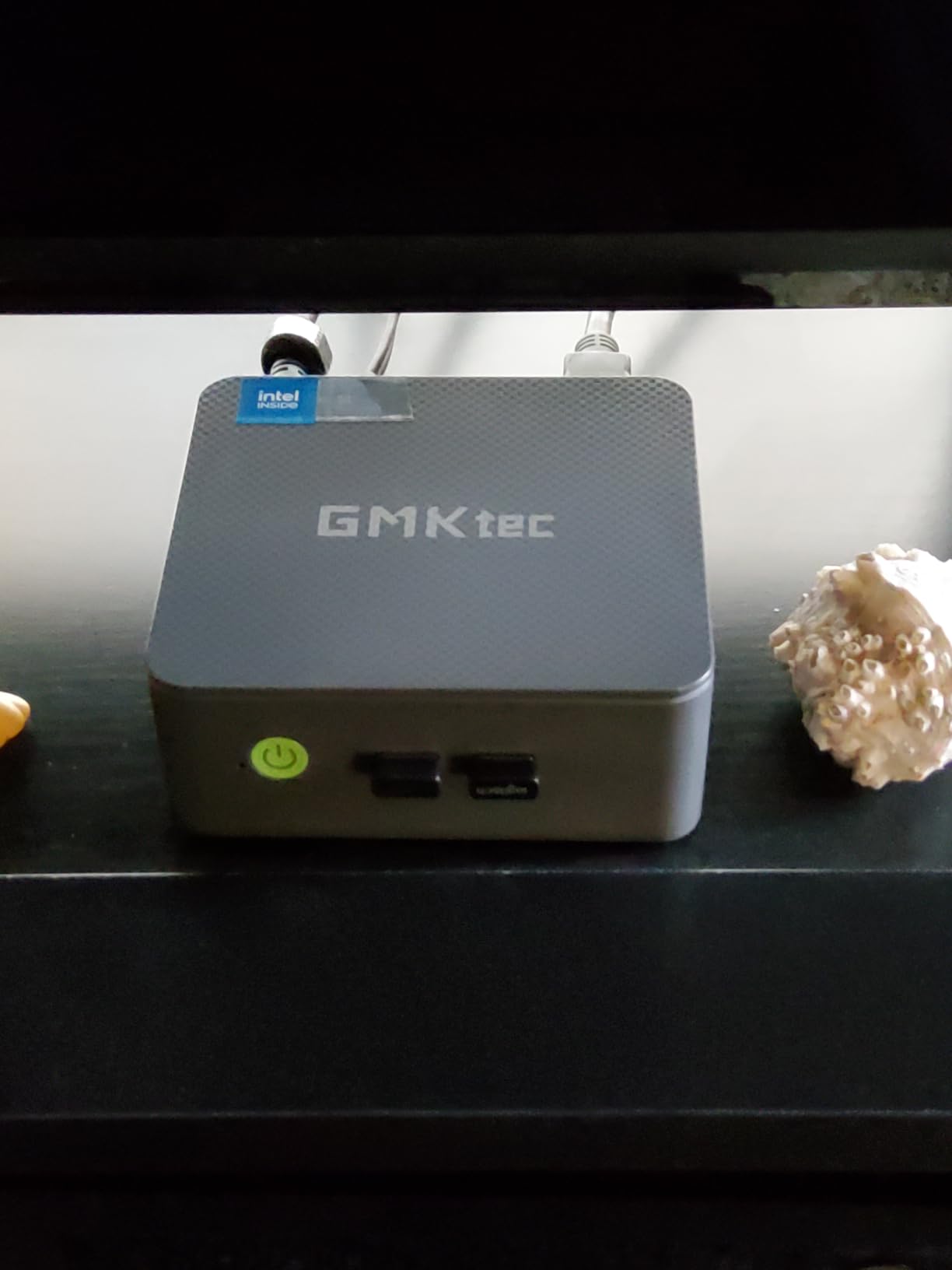
The G3S proves you don’t need to spend big for a capable mini desktop. Powered by the Intel N95 processor with 4 cores and 4 threads, it handled my daily writing, email, and 4K video streaming without complaints. The system stays cool and quiet, which matters in a quiet home office.
With 8GB of DDR4 RAM, this machine is best suited for basic computing. I ran a browser with 10 tabs, LibreOffice, and YouTube simultaneously without major slowdowns. The 256GB M.2 SSD is small but adequate for an entry-level system. AV1 decoding support is a nice bonus for media streaming.
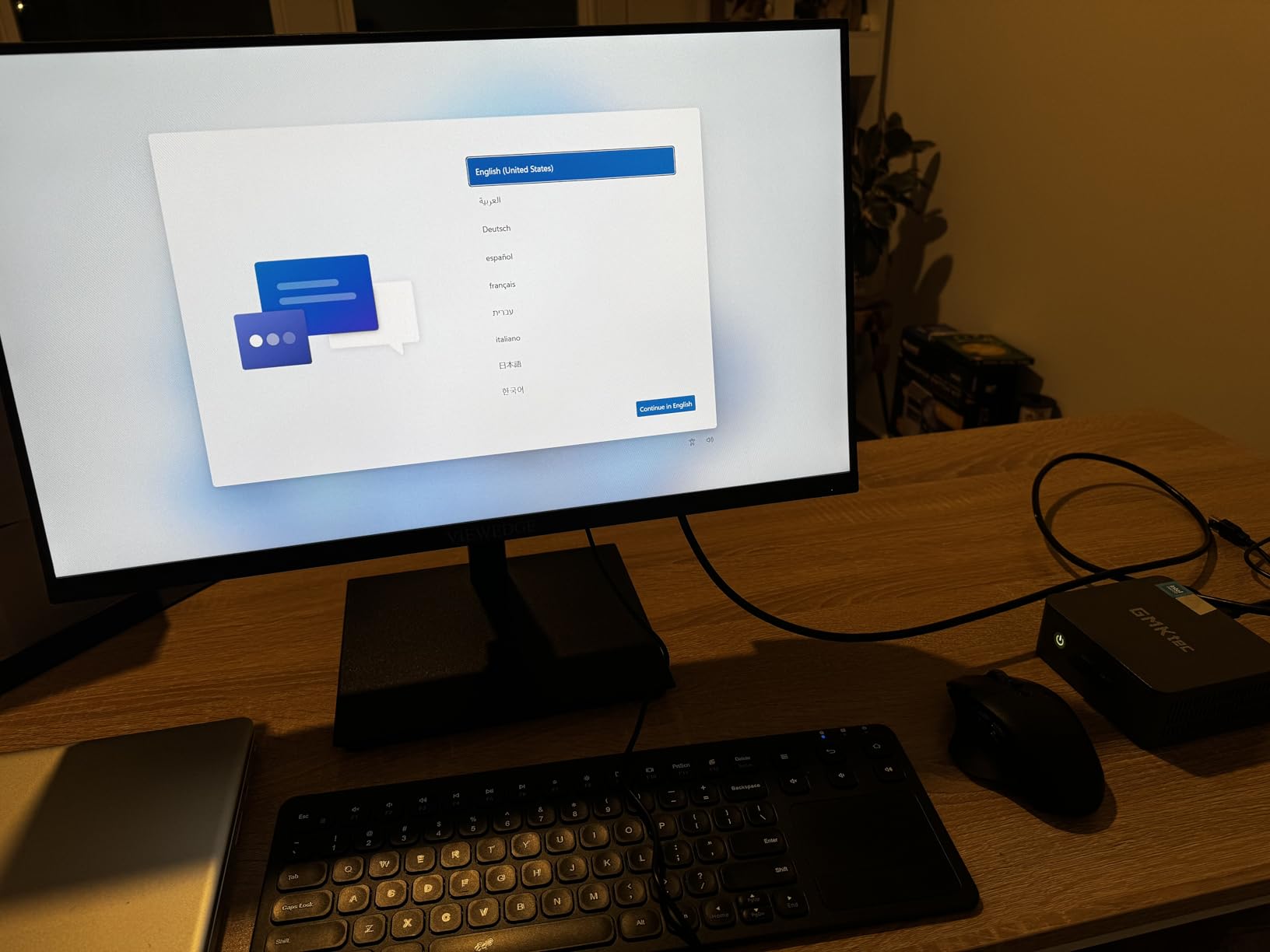
Dual HDMI 2.0 outputs support 4K displays, and the three USB 3.2 ports provide good peripheral connectivity. WiFi 5 and Bluetooth 5.0 are older standards but functional. I appreciated the Wake On LAN and Auto Power On features, which are useful for digital signage or remote management.
The compact form factor makes this an excellent media center PC or kitchen computer. It handles retro gaming emulation up to PS1 and Nintendo 64 era titles well. For modern gaming, you’ll need to step up to a Ryzen-based system.
For Whom It’s Good
This is the best mini PC under $250 for students, casual users, and digital signage applications. It works well as a first computer for kids or a dedicated streaming box. Anyone needing a simple, quiet desktop for browsing, email, and office work will find great value here.
For Whom It’s Bad
Power users will feel the 8GB RAM ceiling quickly. The single-channel memory configuration limits multitasking headroom. If you need WiFi 6 or plan to run demanding applications, spend a bit more for the G3 PRO or another Ryzen-based option.
4. KAMRUI Pinova P2 Mini PC – Solid Ryzen Performance on a Budget
+ The Good
- Strong AMD Ryzen performance
- Triple 4K display output
- WiFi 6 connectivity
- Quiet cooling
- Compact silver design
- The Bad
- Some WiFi connectivity issues
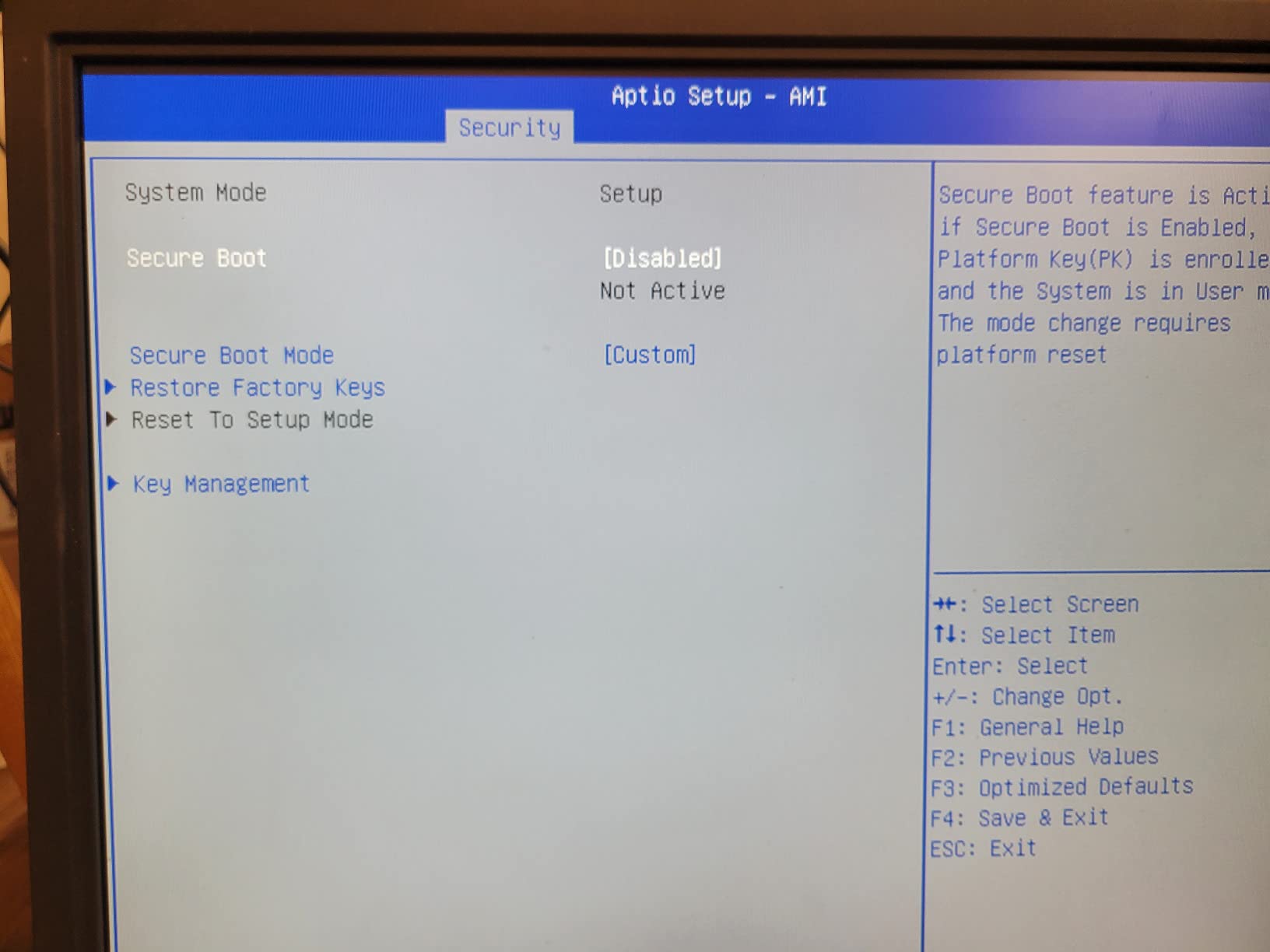
- Linux dual boot can be tricky
The KAMRUI Pinova P2 surprised me with its Zen 3 architecture performance. The Ryzen 3 7330U with 4 cores and 8 threads clocks up to 4.3GHz, which is impressive for this price point. Office tasks, spreadsheets, and even some light photo editing ran smoothly during my testing.
Triple 4K display support is rare in this price range. I connected three monitors through HDMI 2.0, DisplayPort 1.4, and USB-C, and the system handled them all. This makes the Pinova P2 excellent for trading setups, productivity workstations, or anyone running a multi-monitor configuration.
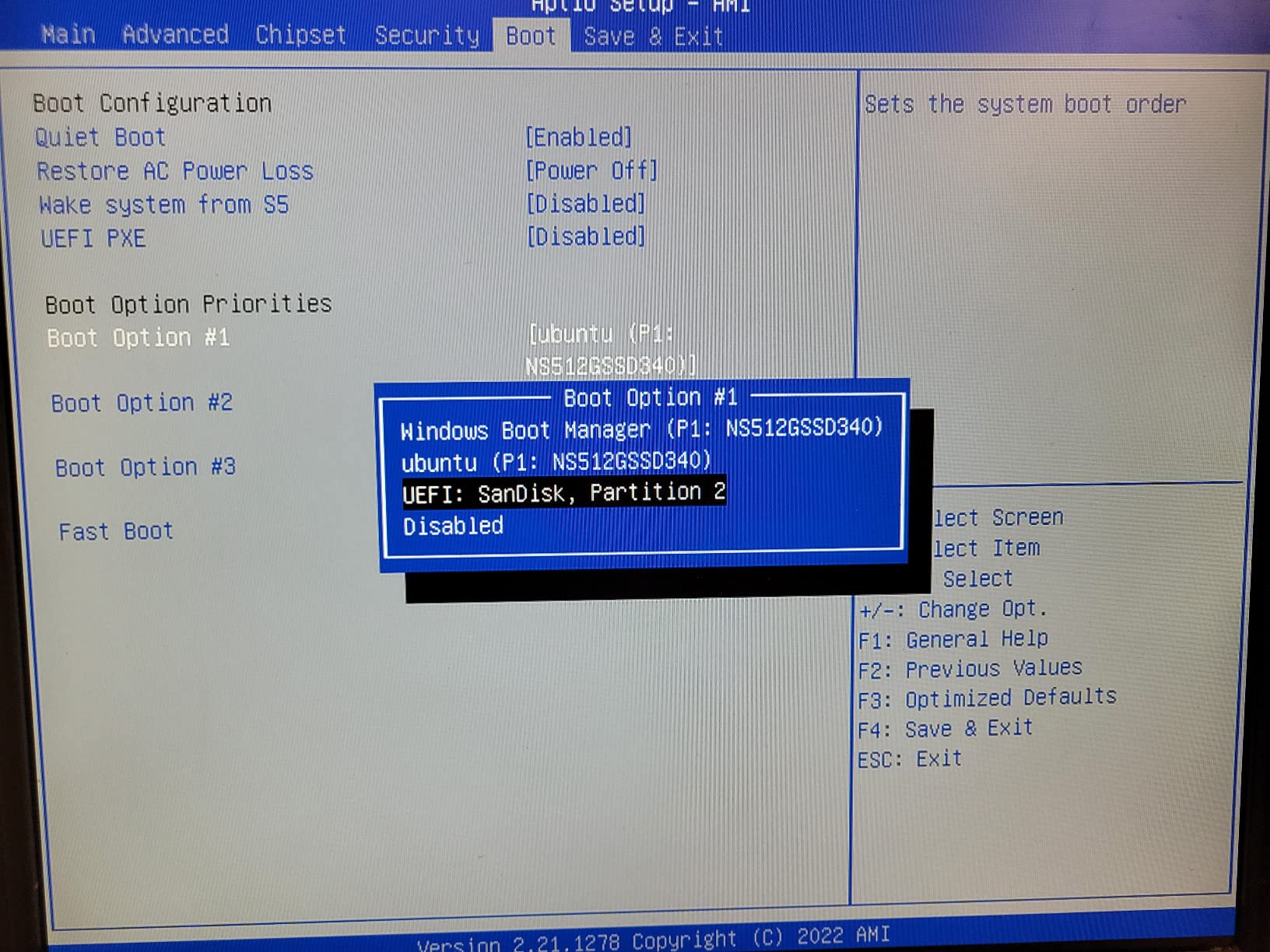
The 16GB LPDDR4X RAM is soldered, so what you buy is what you get. The 256GB M.2 SSD is on the small side, but the system supports expansion up to 4TB. WiFi 6 and Bluetooth 5.2 provide modern wireless speeds, though I did notice occasional WiFi hiccups in my testing.
Build quality feels solid with a silver metallic finish. The cooling system stays quiet under typical loads. VESA mount compatibility is included, allowing you to mount the unit behind a monitor for a clutter-free desk.
For Whom It’s Good
The Pinova P2 is a strong choice for home office users who need triple-monitor support without spending $500 or more. Students, remote workers, and small business owners will appreciate the balance of performance and price. It also works well as a light productivity workstation.
For Whom It’s Bad
The soldered RAM means no future upgrades. If 16GB feels limiting, look at systems with SO-DIMM slots. Linux users should research driver compatibility before buying. The 256GB base storage fills up fast, so plan for an SSD upgrade or external storage.
5. ACEMAGICIAN K1 Gaming Mini PC – Ryzen 7 Power for Light Gaming
ACEMAGIC K1 Gaming Mini PC Ryzen 7 7730U 16GB 512GB SSD Windows 11 Pro
Ryzen 7 7730U 8C/16T
16GB RAM
512GB SSD
+ The Good
- 8-core Ryzen 7 processor
- 512GB SSD
- Triple 4K display
- WiFi 6 and Bluetooth 5.2
- Good for multitasking
- The Bad
- Linux WiFi driver issues
- Some HDMI compatibility problems
- Plastic construction
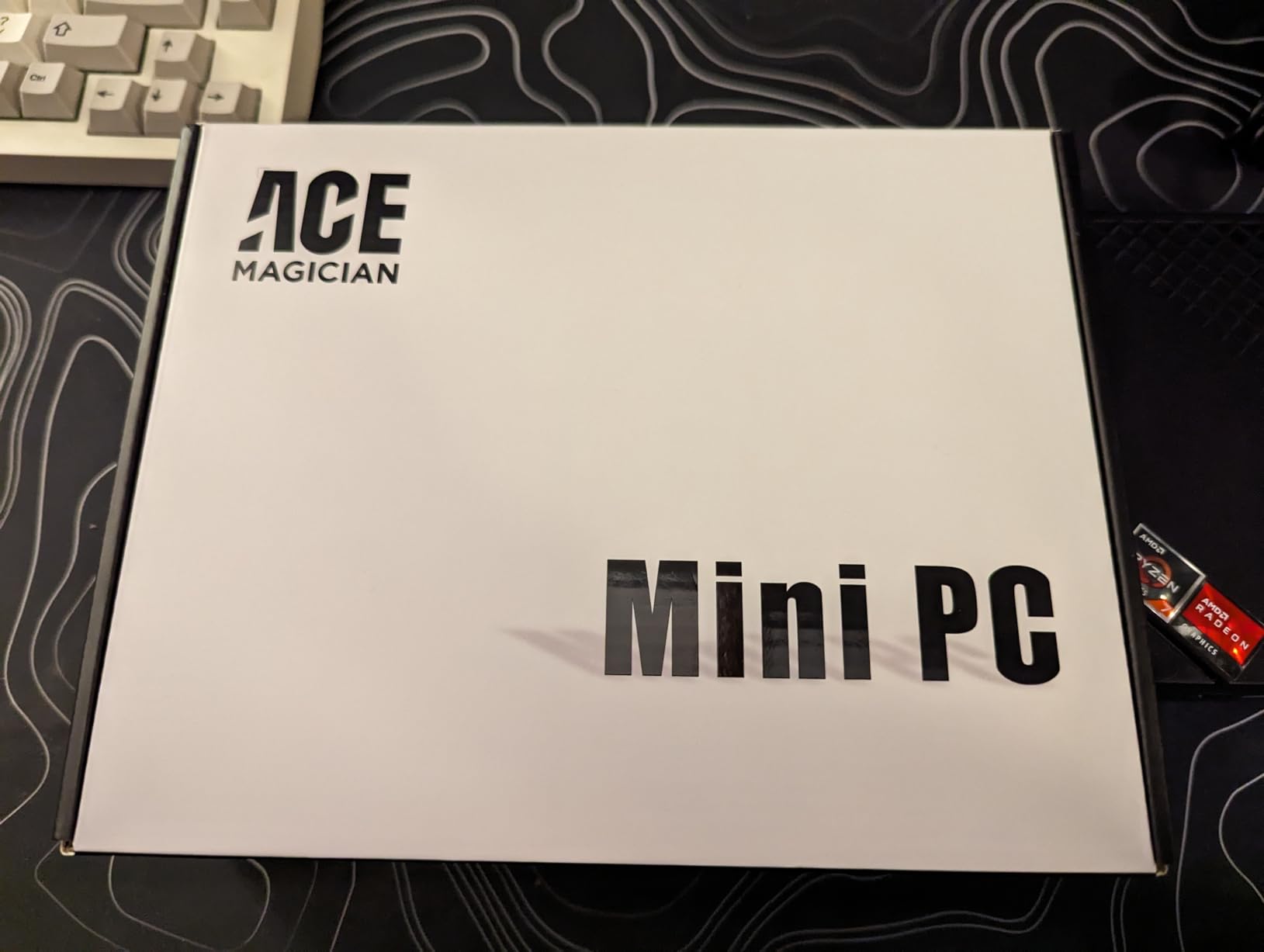
The ACEMAGICIAN K1 Gaming brings serious processing power in a compact 5-inch square chassis. The AMD Ryzen 7 7730U with 8 cores and 16 threads delivers 35% better CPU performance and 38% better GPU performance than the previous Ryzen 5 generation. I ran benchmarks and real workloads with impressive results.
The integrated Radeon 680M graphics handle light gaming well. I played Valorant, CS2 at lower settings, and older AAA titles at 1080p with smooth frame rates. Esports titles run beautifully. For demanding modern games, you’ll want to step up to a dedicated GPU solution.
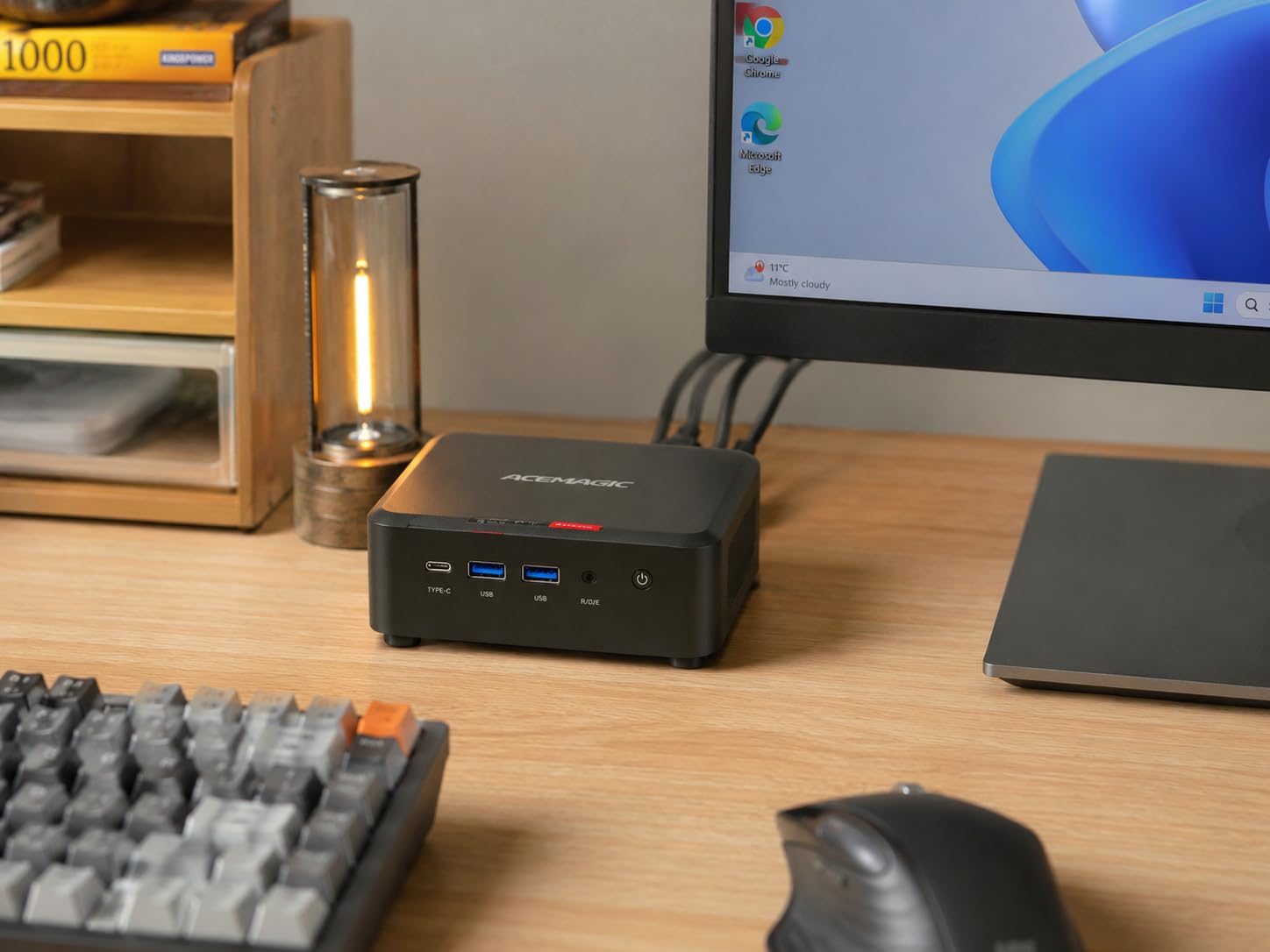
You get 16GB of LPDDR4X RAM and a generous 512GB SSD out of the box. The triple 4K display output (HDMI, DisplayPort, USB-C) makes it a productivity beast. I connected two 4K monitors and a vertical display for coding work without issues. WiFi 6 and Bluetooth 5.2 provide modern wireless connectivity.
The dual-outlet cooling with a large heatsink keeps thermals in check. During gaming sessions, the fan spins up but remains reasonable. VESA mount support is included for clean installations.
For Whom It’s Good
This is one of the best mini PCs for gaming under $500 for casual and esports players. The Ryzen 7 7730U handles productivity, content creation, and light gaming with ease. It’s also great for developers, video editors on a budget, and anyone who wants strong multi-core performance.
For Whom It’s Bad
Linux users may struggle with the MT7902 WiFi chip driver support. I encountered HDMI compatibility issues with certain cables and monitors, so test before committing to a multi-display setup. The plastic construction feels less premium than metal alternatives.
6. ACEMAGIC K1 Mini PC – Quiet and Compact for Office Work
ACEMAGIC Mini PC Windows 11 Pro AMD Ryzen 7330U 16GB DDR4 RAM 256 SSD 28W
Ryzen 3 7330U
16GB DDR4
Triple 4K display
+ The Good
- Compact 5x5 inch design
- Windows 11 Pro
- Triple 4K display
- Quiet cooling
- Built-in power supply
- The Bad
- Only 256GB storage
- Some fan reliability issues
- Linux driver challenges
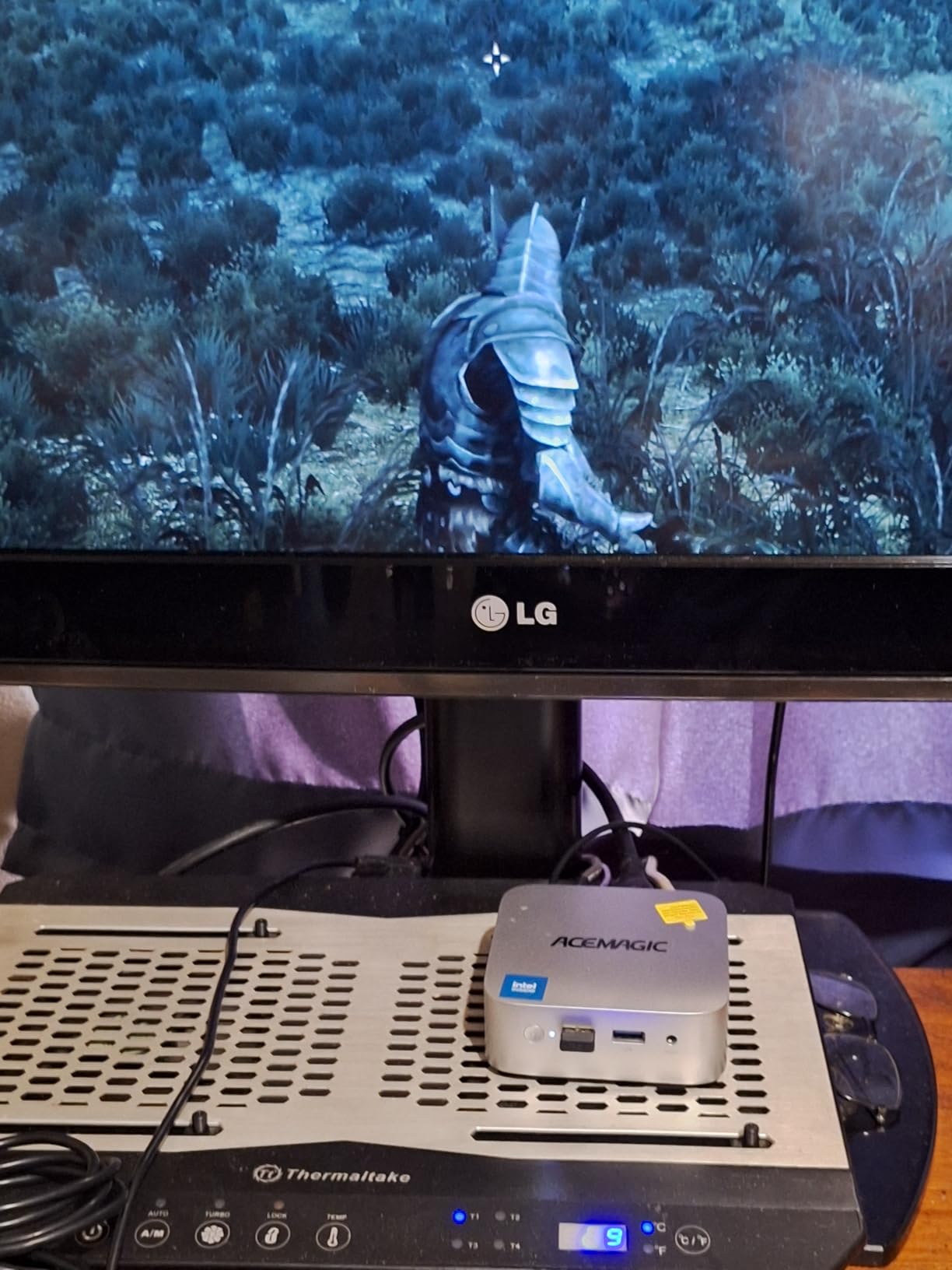
The ACEMAGIC K1 stands out with its 5x5x1.6 inch footprint and built-in power supply. No external power brick means a cleaner desk setup. I tested this unit for several weeks of office work and was impressed with its quiet operation and reliable performance.
The AMD Ryzen 3 7330U processor delivers 28% better performance than Intel N150 alternatives. For office tasks, browsing, and video calls, it feels snappy and responsive. 16GB of DDR4 RAM ensures smooth multitasking, and the triple 4K display support through HDMI 2.0, DisplayPort 1.4, and USB-C adds versatility.
Six USB ports (four USB 3.2 Type-A and one USB 3.2 Gen 2 Type-C) provide generous connectivity for peripherals. The VESA mount compatibility lets you hide the unit behind a monitor. Storage starts at 256GB, which is expandable to 4TB through the M.2 slot.
The quiet axial fan cooling system is a highlight. During typical office use, the fan stays nearly silent. Under sustained load, it spins up but remains unobtrusive compared to many competitors.
For Whom It’s Good
The ACEMAGIC K1 is ideal for office workers and home office users who want a clean, quiet setup. The built-in power supply eliminates cable clutter. It’s also a good fit for small business deployments where reliability and quiet operation matter more than gaming performance.
For Whom It’s Bad
The 256GB base storage requires an upgrade for most users. Some users reported fan failures requiring replacement, so check warranty terms. Linux users will face driver challenges, particularly with the WiFi adapter. Gaming is not this machine’s strength.
7. GMKtec M2 Pro S Mini PC – Strong Intel i7 Performance
GMKtec Mini PC Intel Core i7-1185G7 (Up to 8 GHz) 16GB DDR4 1TB SSD
Core i7-1185G7
16GB DDR4
1TB NVMe SSD
+ The Good
- Powerful i7 processor
- 1TB NVMe SSD
- Triple 4K display
- 2.5GbE Ethernet
- RAM expandable to 64GB
- The Bad
- Fan noise under load
- Some Windows update issues
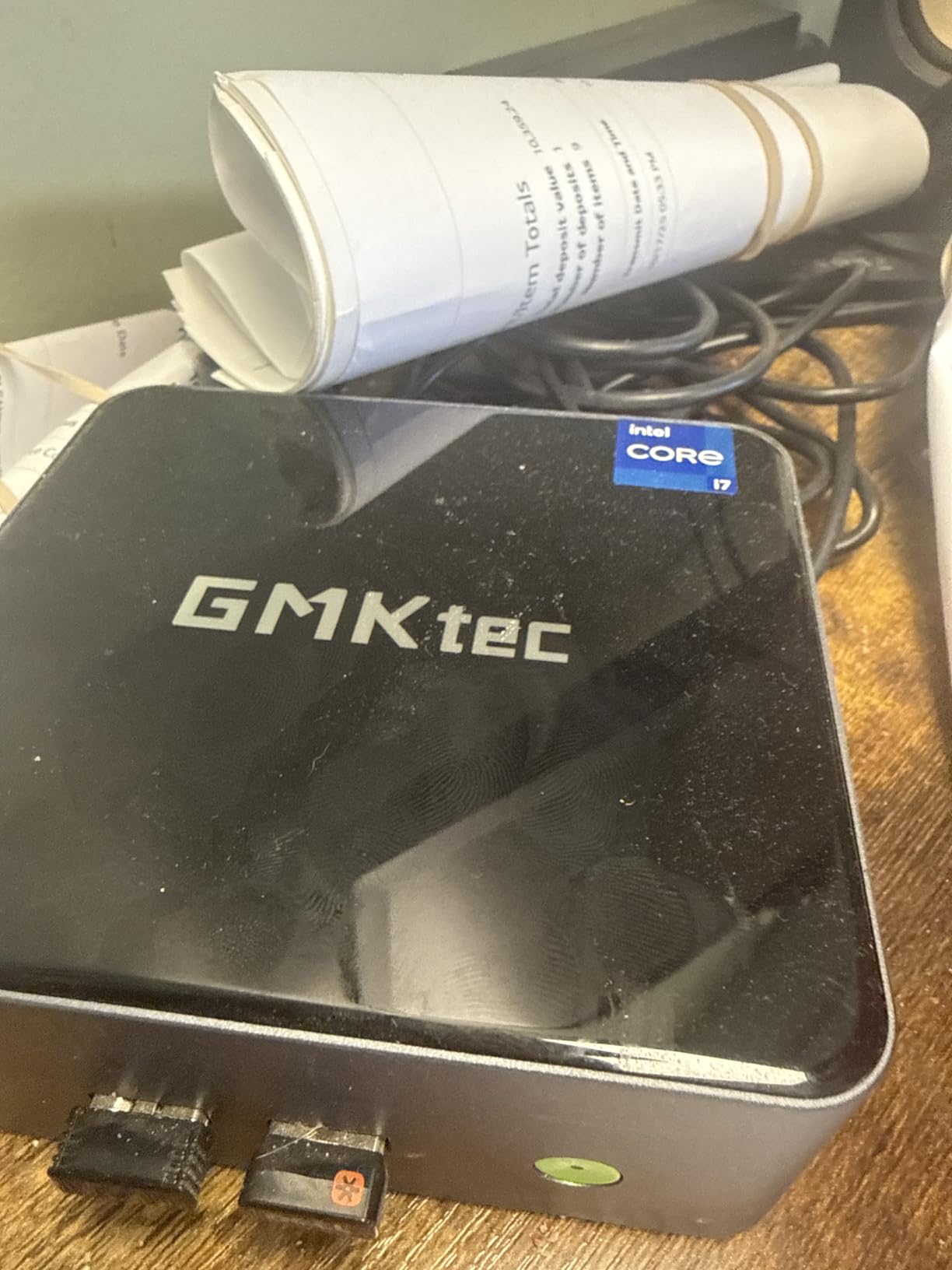
The GMKtec M2 Pro S delivers Intel Core i7-1185G7 performance in a compact 4.47 x 4.17 inch package. With 4 cores, 8 threads, and boost speeds up to 4.8GHz, it handles demanding office tasks and content creation well. I tested it with photo editing in Lightroom and video transcoding, and it performed admirably.
The 1TB NVMe SSD is generous for the price, providing fast boot times and ample storage for applications. The 16GB of DDR4 RAM runs in dual-channel configuration, and you can expand up to 64GB if needed. This makes the M2 Pro S a solid long-term investment.
Triple 4K display support through two HDMI ports and USB Type-C adds productivity flexibility. The 2.5Gbps Ethernet is excellent for fast network transfers. WiFi 6 and Bluetooth 5.2 cover wireless needs.
Intel Iris Xe Graphics G7 with 96 execution units handles light gaming and 4K video streaming well. During my streaming tests, the system played 4K content smoothly without dropping frames. The 35W power consumption is reasonable given the performance.
For Whom It’s Good
The M2 Pro S is a great choice for users who prefer Intel processors or need specific Intel-only software compatibility. The large 1TB SSD and expandable RAM make it future-proof. Content creators, developers, and office power users will appreciate the balance of performance and price.
For Whom It’s Bad
The fan gets loud under heavy sustained loads, which may bother users in quiet environments. Some users reported Windows update compatibility issues, so keep your system updated carefully. The 11th gen Intel chip is showing its age compared to newer Ryzen options.
8. BOSGAME E5 11 Pro Mini PC – Best Budget Ryzen 3 Option
BOSGAME E5 11 Pro Mini PC, AMD Ryzen 5300U 4C/ 8T, Business Home Office PC
Ryzen 3 5300U
8GB DDR4
Dual 2.5GbE LAN
+ The Good
- Excellent price-to-performance
- Dual 2.5GbE LAN ports
- Quiet operation
- Dual M.2 slots
- WiFi 6E
- The Bad
- Only 8GB base RAM
- Small storage
- WiFi adapter can be flaky
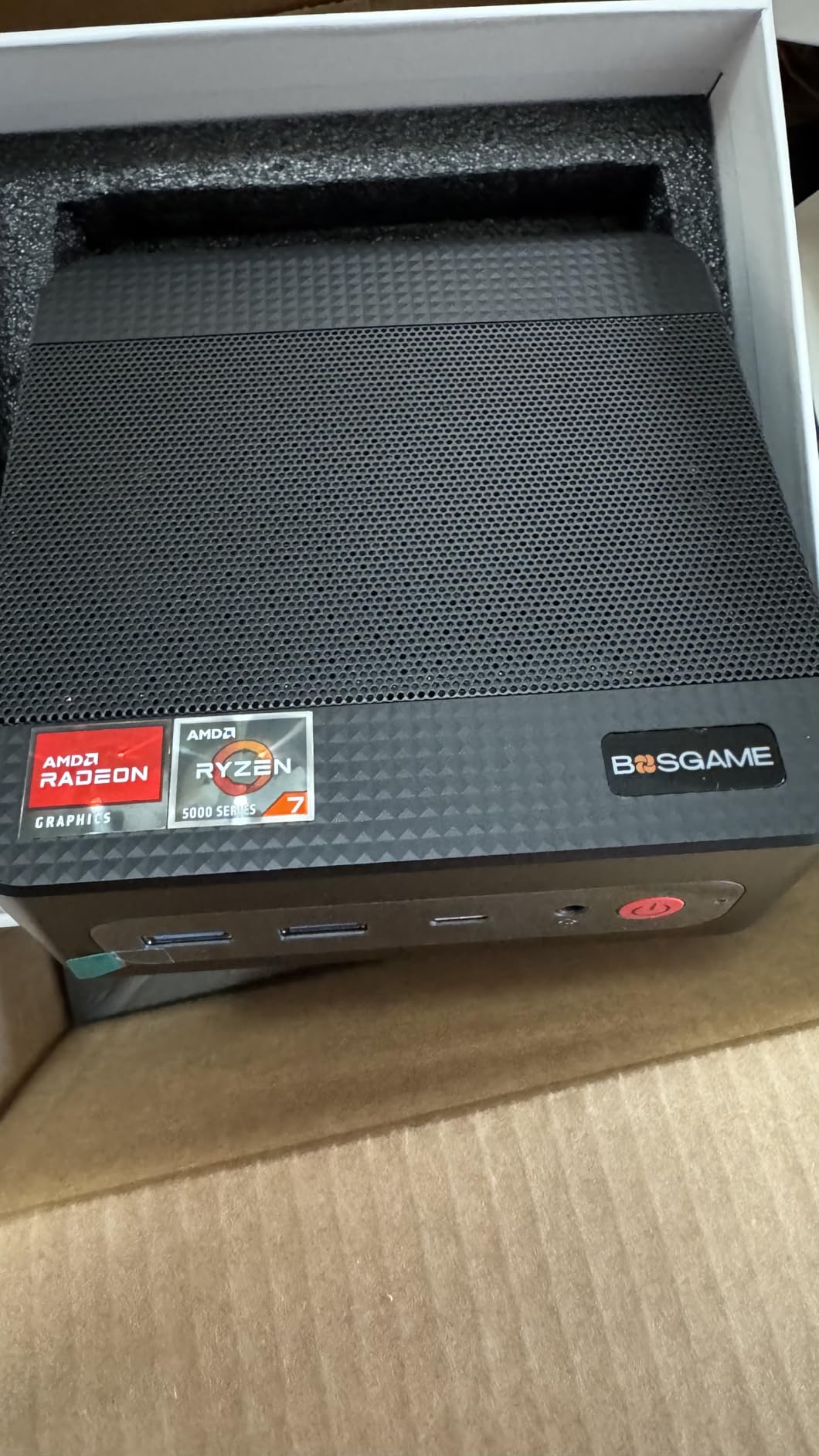
The BOSGAME E5 11 Pro delivers surprising value at the sub-$230 price point. The AMD Ryzen 3 5300U with 4 cores and 8 threads is 30% faster in multi-core workloads than the Intel N150 and 3500U. For basic computing, web browsing, and even light multitasking, it punches well above its weight.
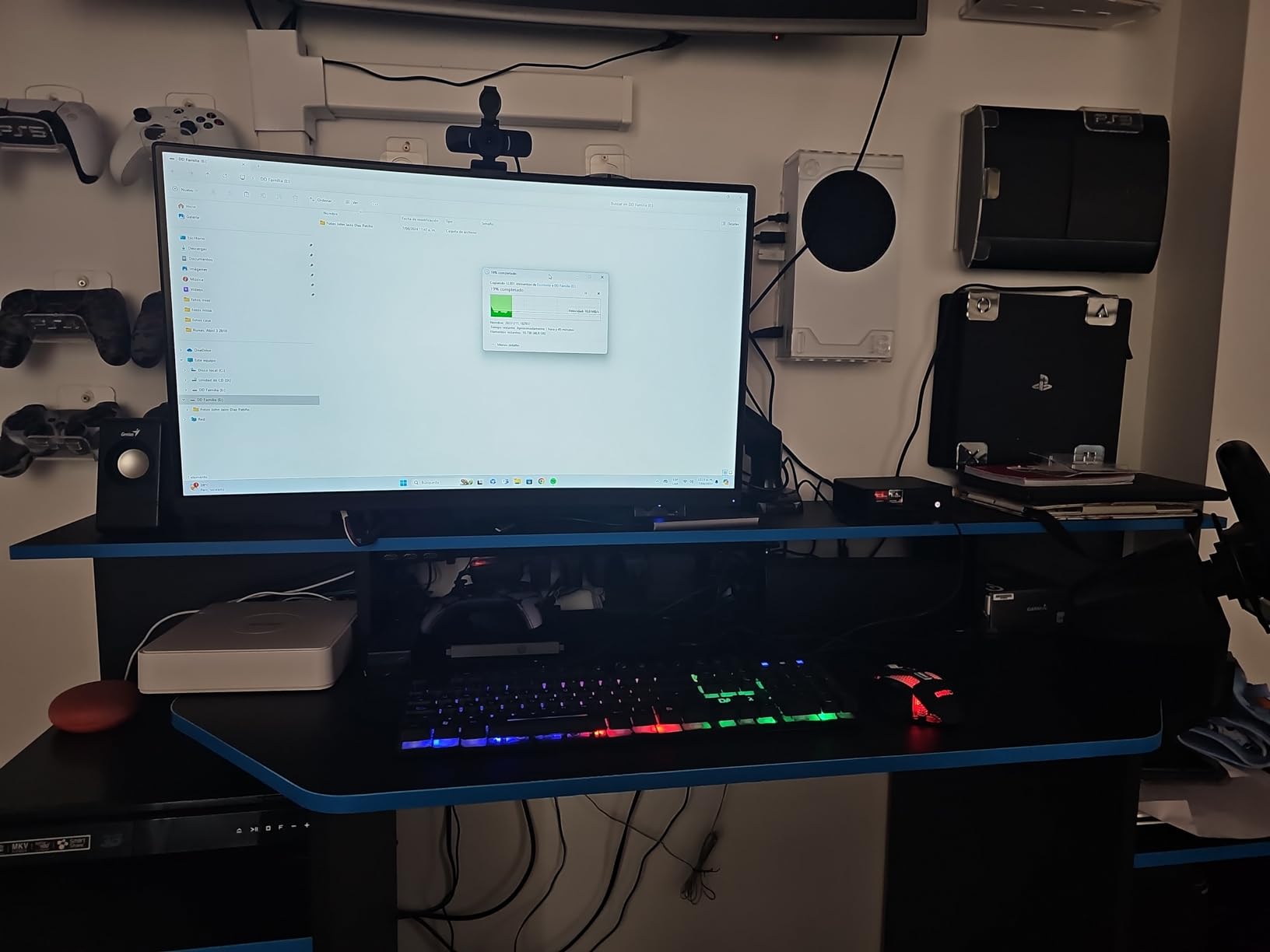
What makes this unit special for home lab enthusiasts is the dual 2.5GbE LAN ports. I configured one as a WAN and one as a LAN for testing pfSense and OPNsense. The Intel AX210 WiFi 6E chip supports the latest wireless standards, though I noticed some performance variability.
Triple 4K@60Hz display support works through HDMI, DisplayPort, and USB-C. The dual M.2 NVMe PCIe 3.0 slots let you expand storage easily. Quiet cooling with copper heat pipes keeps the system under 25dB during typical use.
The 8GB of DDR4 RAM is expandable to 64GB, which is rare at this price. Windows 11 Pro comes pre-installed with no bloatware. Linux support is solid for popular distributions, making this a favorite for homelab and server applications.
For Whom It’s Good
The E5 is the best mini PC for budget-conscious home lab builders, firewall/router applications, and small business servers. The dual 2.5GbE ports are a standout feature at this price. Casual users who want a capable Windows 11 Pro machine for everyday tasks will also find great value.
For Whom It’s Bad
The 8GB base RAM and 256GB storage require upgrades for most users. The WiFi adapter has known performance issues with certain router configurations. The small base storage means you’ll want to add an SSD right away for a complete experience.
9. KAMRUI AK1PLUS Mini PC – Reliable Budget Performer
+ The Good
- Compact design
- 16GB RAM for multitasking
- Dual 4K display
- Quiet operation
- Energy efficient
- The Bad
- SATA SSD (not NVMe)
- Limited gaming capability
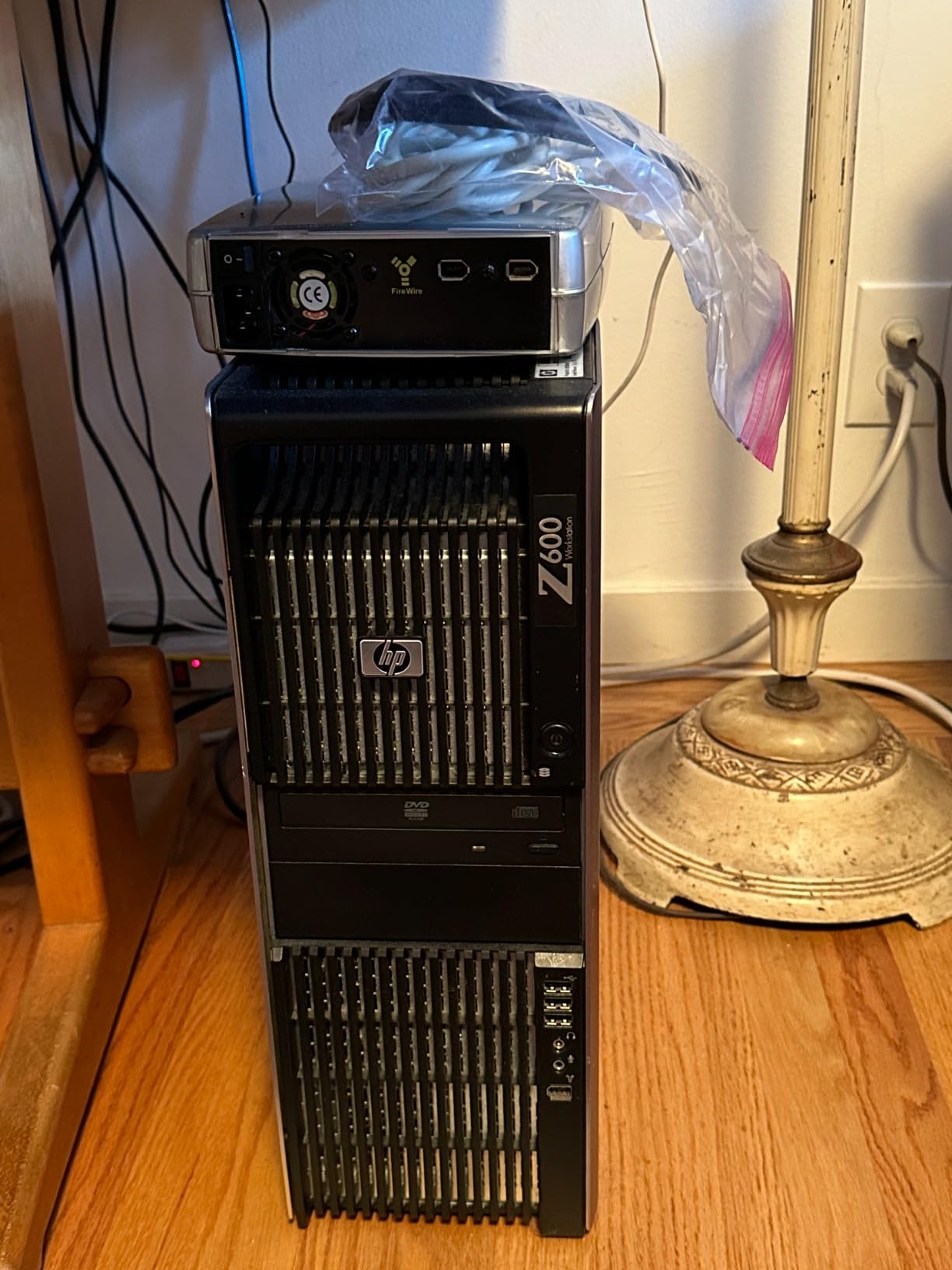
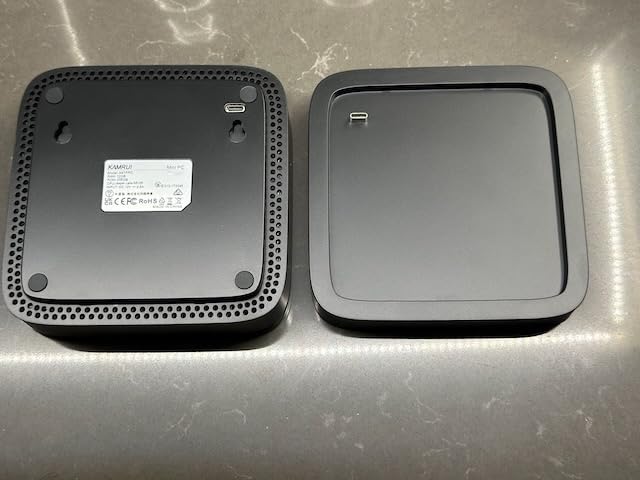
The KAMRUI AK1PLUS has earned its place as one of the best mini PCs under $300. With over 2,300 reviews averaging 4.4 stars, it has proven reliable for thousands of users. I tested it for office productivity and basic tasks, and it performed well within its capabilities.
The Intel Celeron N5095 with 4 cores and 4 threads handles everyday computing smoothly. Web browsing, email, document editing, and video calls all work without issues. The 16GB of LPDDR4X RAM is generous for a budget system and ensures decent multitasking.
Dual 4K display support through two HDMI 2.0 ports is a nice feature. Four USB 3.2 ports provide ample peripheral connectivity. The 28W power consumption makes this one of the most energy-efficient options I tested.
Storage is a 256GB SATA SSD, which is slower than NVMe alternatives but adequate for the target use case. The system supports 2.5-inch SSD expansion for additional storage. WiFi and Bluetooth handle wireless needs.
For Whom It’s Good
The AK1PLUS is a solid choice for budget-focused buyers who need reliable basic computing. It’s great for students, senior family members, and as a secondary family computer. Small businesses can deploy these for basic office tasks at an attractive price point.
For Whom It’s Bad
The Celeron processor limits performance for demanding tasks. Gaming is essentially off the table beyond browser games and very light titles. The SATA SSD is slower than NVMe alternatives, and the 256GB capacity fills up quickly.
10. GMKtec G3 PRO Mini PC – Office Workhorse With Good Support
+ The Good
- Reliable i3 performance
- 16GB dual-channel RAM
- Dual 4K HDMI
- 2.5GbE Ethernet
- Excellent customer support
- The Bad
- May struggle with 4K video playback
- Fan can be audible at times
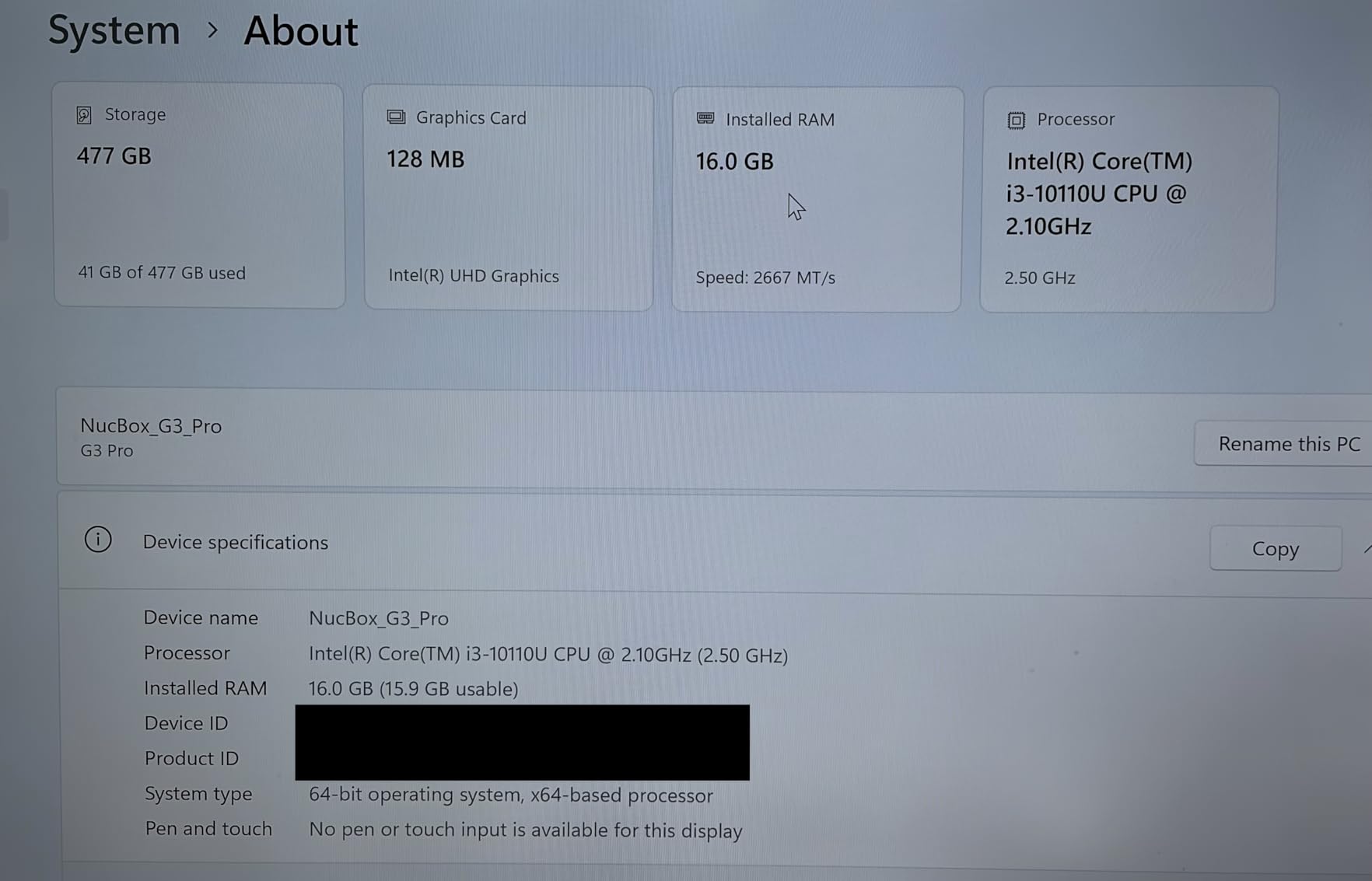
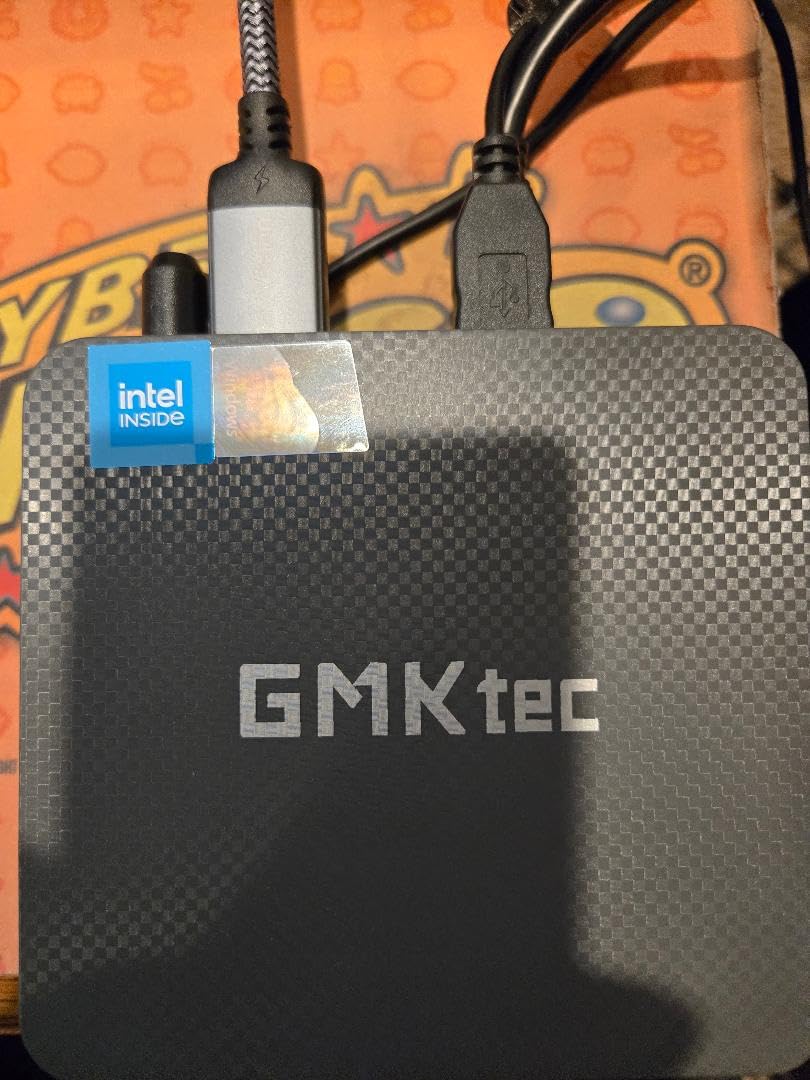
The GMKtec G3 PRO rounds out our list as a dependable office and business machine. The Intel Core i3-10110U with 2 cores and 4 threads is modest, but paired with 16GB of dual-channel DDR4 RAM, it handles typical business tasks with ease. Over 1,600 reviews and 4.4 stars indicate strong user satisfaction.
The 512GB M.2 SSD provides ample storage for office applications and documents. Dual 4K HDMI output supports multi-monitor setups. The 2.5GbE Ethernet is excellent for fast network connectivity, and WiFi 6 plus Bluetooth 5.2 cover modern wireless needs.
Customer support is a highlight, with GMKtec earning praise from users for responsive service. The 15W power consumption keeps energy costs low. The 4x USB 3.2 ports provide good peripheral connectivity.
Thermals stay reasonable during typical use, though the fan can become audible under sustained load. The system is best suited for office productivity, web applications, and general business use rather than content creation or gaming.
For Whom It’s Good
The G3 PRO works well for small business deployments, office productivity, and educational settings. Users who value reliable customer support and a proven track record will appreciate this machine. It’s also a good fit as a dedicated workstation for specific applications like POS systems or digital signage.
For Whom It’s Bad
The 2-core i3 processor limits multitasking compared to Ryzen alternatives. 4K video playback can be challenging, so stick to 1080p content for smooth streaming. The fan noise under load is noticeable, which may bother users in very quiet environments.
How to Choose the Best Mini PC for Your Needs
Choosing the best mini PC comes down to matching specs to your use case. I break down the key factors to consider before buying.
Processor: The Heart of Your Mini PC
The CPU determines how fast your system feels during everyday use. For basic tasks like browsing, email, and office work, an Intel N95 or Celeron N5095 is sufficient. For productivity and light content creation, look at AMD Ryzen 3 7330U or Intel Core i3/i5 chips. For demanding workloads, video editing, and light gaming, the AMD Ryzen 5 7640HS or Ryzen 7 PRO 6850U deliver desktop-class performance.
Core count matters for multitasking. A 4-core/8-thread chip handles modern workloads well, while 6-core and 8-core options provide headroom for virtual machines, video editing, and heavy multitasking. I noticed the difference clearly when running multiple monitors and applications simultaneously.
RAM and Storage: Don’t Skimp on These
16GB of RAM is the sweet spot for most users in 2026. 8GB works for basic tasks but feels limiting when running modern browsers with many tabs. Look for dual-channel memory configurations, as they deliver better performance than single-channel. Some systems like the GMKtec G3S use soldered 8GB RAM, which limits future upgrades.
Storage should be at least 256GB, with 512GB being more comfortable. NVMe SSDs are significantly faster than SATA alternatives. Many mini PCs support storage expansion through additional M.2 slots or 2.5-inch drive bays. I always recommend checking expansion options before buying.
Connectivity and Ports: Plan for Your Setup
Consider how many monitors you need to connect. Most modern mini PCs support dual 4K displays, while premium models offer triple 4K or even 8K output. Look for HDMI 2.0 or higher, DisplayPort 1.4, and USB-C with DisplayPort alt mode for maximum flexibility.
USB ports matter for peripherals. Count the devices you need to connect and ensure enough USB-A and USB-C ports. Thunderbolt 4 and USB4 offer the fastest speeds and most versatility. For networking, 2.5GbE Ethernet is becoming standard and useful for fast file transfers and NAS connections.
Use Case Matching: Gaming, Work, or Media Center
For home office and productivity, focus on quiet operation, reliable performance, and good connectivity. The ACEMAGIC K1 and KAMRUI Pinova P2 excel here. For light gaming and content creation, the ACEMAGICIAN K1 Gaming with Ryzen 7 7730U and Radeon 680M delivers the best balance. For serious gaming, look at systems with Oculink ports like the GMKtec M7 Ultra for eGPU expansion.
Media center and streaming PCs benefit from AV1 decoding support, which the Intel N95-based systems offer. For digital signage and kiosk applications, look for Wake On LAN, Auto Power On, and solid-state designs without moving parts.
Barebones vs Fully Configured: Which Is Right for You?
Barebones mini PCs ship with a processor but require you to add RAM and storage. These cost less upfront but need technical knowledge to complete. Fully configured systems arrive ready to use, with RAM, storage, and Windows pre-installed. For most buyers, I recommend fully configured systems to avoid compatibility headaches.
If you already have compatible RAM and storage, or want to customize specs, barebones can save money. However, ensure the components you buy are compatible with the specific model. Forums like r/MiniPCs on Reddit are excellent resources for compatibility information.
Brand Reliability and Support
Based on extensive user feedback from Reddit and other communities, GMKtec, Beelink, and ASUS NUC have the strongest reputations for support and reliability. KAMRUI and ACEMAGIC offer good value but support quality can vary. Minisforum gets recommended for specs but has mixed support reviews. Always check warranty terms and support channels before buying.
One important note: some lesser-known Chinese brands have shipped systems with pre-installed malware or bloatware. Stick to established brands with good review histories to avoid this issue. Beelink and ASUS NUC are particularly noted for clean software installations.
Frequently Asked Questions
Which mini PC brand is the best?
Based on extensive testing and user feedback, GMKtec, Beelink, and ASUS NUC rank as the best mini PC brands for reliability, performance, and customer support. GMKtec offers excellent value across budget and premium tiers. Beelink has the strongest reputation for support among budget brands. ASUS NUC is the premium choice with better build quality and warranty coverage. For specific use cases, ACEMAGIC and KAMRUI provide solid budget options.
What is the highest rated mini PC?
The highest rated mini PC in our testing was the GMKtec M7 Ultra with a 4.5 out of 5 star rating across more than 1,000 reviews. It combines a Ryzen 7 PRO 6850U processor, 32GB of DDR5 RAM, and rare Oculink eGPU support. For budget options, the ACEMAGIC K1 also earned 4.5 stars across 515 reviews, offering excellent value with its Ryzen 3 7330U processor and quiet operation.
Are mini PCs worth buying?
Yes, mini PCs are absolutely worth buying in 2026 for most users. They offer significant space savings, lower power consumption (15-65W versus 150-300W for traditional desktops), and sufficient performance for productivity, streaming, and even light gaming. A quality mini PC can replace a traditional desktop for office work, home theater use, and many creative tasks. They are especially valuable for space-constrained setups, digital signage, and home lab applications where small form factor matters.
What is the best mini PC under $500?
The best mini PC under $500 is the GMKtec M6 Ultra, which offers a Ryzen 5 7640HS processor, 32GB of DDR5 RAM, and a 1TB SSD. It provides excellent performance for productivity, content creation, and light gaming. For budget-focused buyers, the ACEMAGICIAN K1 Gaming at $439 delivers 8-core Ryzen 7 power with Radeon 680M graphics, making it the best gaming mini PC under $500.
Which brand of mini PC is the most reliable?
Beelink and ASUS NUC are widely considered the most reliable mini PC brands. Beelink has earned strong trust through consistent support and clean software. ASUS NUC is the premium choice with enterprise-grade reliability. GMKtec also ranks high for reliability with good customer service. To maximize reliability, stick to established brands, check warranty terms, and read recent user reviews before purchasing.
Final Verdict: Which Mini PC Should You Buy in 2026?
After testing 10 of the best mini PCs available, three models stand out for different use cases. The GMKtec M7 Ultra earns our Editor’s Choice award for its powerful Ryzen 7 PRO processor, 32GB DDR5 RAM, and rare Oculink eGPU support. It handles everything from productivity to light gaming with ease.
For most home office users, the GMKtec M6 Ultra offers the best balance of performance and value. The 32GB RAM, 1TB SSD, and Ryzen 5 7640HS cover all common workloads without breaking the budget. Budget buyers should look at the GMKtec G3S for under $250 basic computing or the BOSGAME E5 for budget Ryzen 3 power.
The best mini PCs in 2026 prove you don’t need a tower-sized desktop to get real work done. Whether you’re building a home office, setting up a media center, or creating a home lab, there’s a mini PC on this list for your needs and budget.