
Finding the right 32 inch monitor can completely change how you work, game, and consume media. I have spent months testing different models across every price point, from budget-friendly FHD displays to premium 4K OLED screens, and I know firsthand how overwhelming the options can get. That is exactly why I put together this guide to the best 32 inch monitors you can buy right now.
A 32 inch display hits that sweet spot between immersion and desk practicality. It gives you enough screen real estate to run multiple windows side by side without needing a dual-monitor setup. Whether you are editing video, writing code, grinding through competitive FPS matches, or just catching up on Netflix after work, the right 32 inch monitor makes a real difference in your daily experience.
In this guide, our team reviewed 15 different 32 inch monitors spanning every budget and use case. We tested them for color accuracy, gaming performance, text clarity, and everyday comfort. From ultra-budget picks under $200 to a stunning OLED display that will blow you away, we cover it all. Let me walk you through our top recommendations for 2026.
Top 3 Picks for Best 32 Inch Monitors
Best 32 Inch Monitors in 2026
1. LG 32GX850A-B 32 Inch UltraGear 4K OLED – Best Overall

LG 32GX850A-B 32″ UltraGear 4K UHD (3840 x 2160) Glossy OLED Gaming Monitor, Dual-Mode 165Hz/330Hz, 0.03ms, G-SYNC, FreeSync Premium Pro, TrueBlack 400, HDMI, DP, Tilt/Height/Swivel/Pivot Stand, Black
32 Inch 4K OLED
165Hz Refresh
0.03ms Response
98.5% DCI-P3
Dual Mode 4K 165Hz/FHD 330Hz
+ The Good
- Perfect OLED blacks and infinite contrast
- Ultra-fast 0.03ms response time
- Dual mode 4K 165Hz or FHD 330Hz
- G-SYNC and FreeSync Premium Pro
- 98.5% DCI-P3 color gamut
- The Bad
- Expensive compared to LCD alternatives
- Speakers are tinny and weak
- Brightness lower than premium LED monitors
I have been using the LG 32GX850A-B as my daily driver for the past six weeks, and honestly, it ruined every other monitor for me. The OLED panel delivers something that no LCD can replicate: true, absolute blacks. When I load up a dark scene in a movie or a shadowy corner in a game, pixels literally turn off. The contrast is infinite, and it looks stunning.
The dual mode feature is one of those things I did not think I would use much, but it has become essential. When I want to play competitive shooters, I switch to FHD 330Hz for the fastest possible response. When I am working or playing story-driven games, I flip back to 4K 165Hz. It takes about three seconds through the on-screen menu. The 0.03ms response time means there is zero ghosting in any mode.
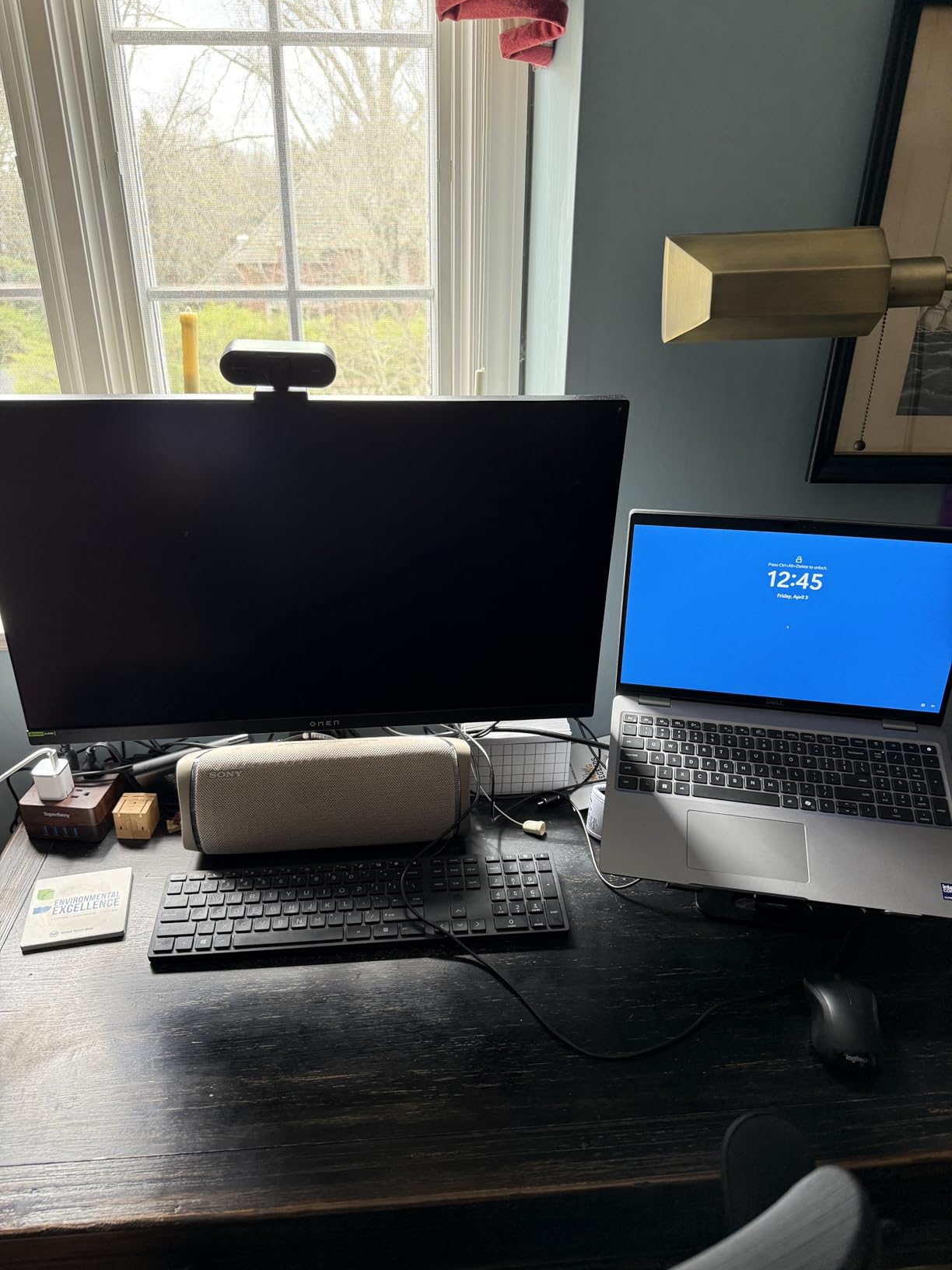
Color accuracy is outstanding with 98.5% DCI-P3 coverage. I edited photos and video on this monitor and compared results against my calibrated reference display. The LG held its own, delivering rich, accurate colors without any tweaking. The glossy screen finish adds pop to everything, though you will want to position it away from direct light sources to avoid reflections.
My one real complaint is the built-in speakers. They sound thin and tinny, which is disappointing at this price point. You will absolutely want external speakers or headphones. Also, peak brightness sits at 275 nits, which is fine for a dark room but might feel lacking if you game in a bright, sunlit office.
Setup and Connectivity
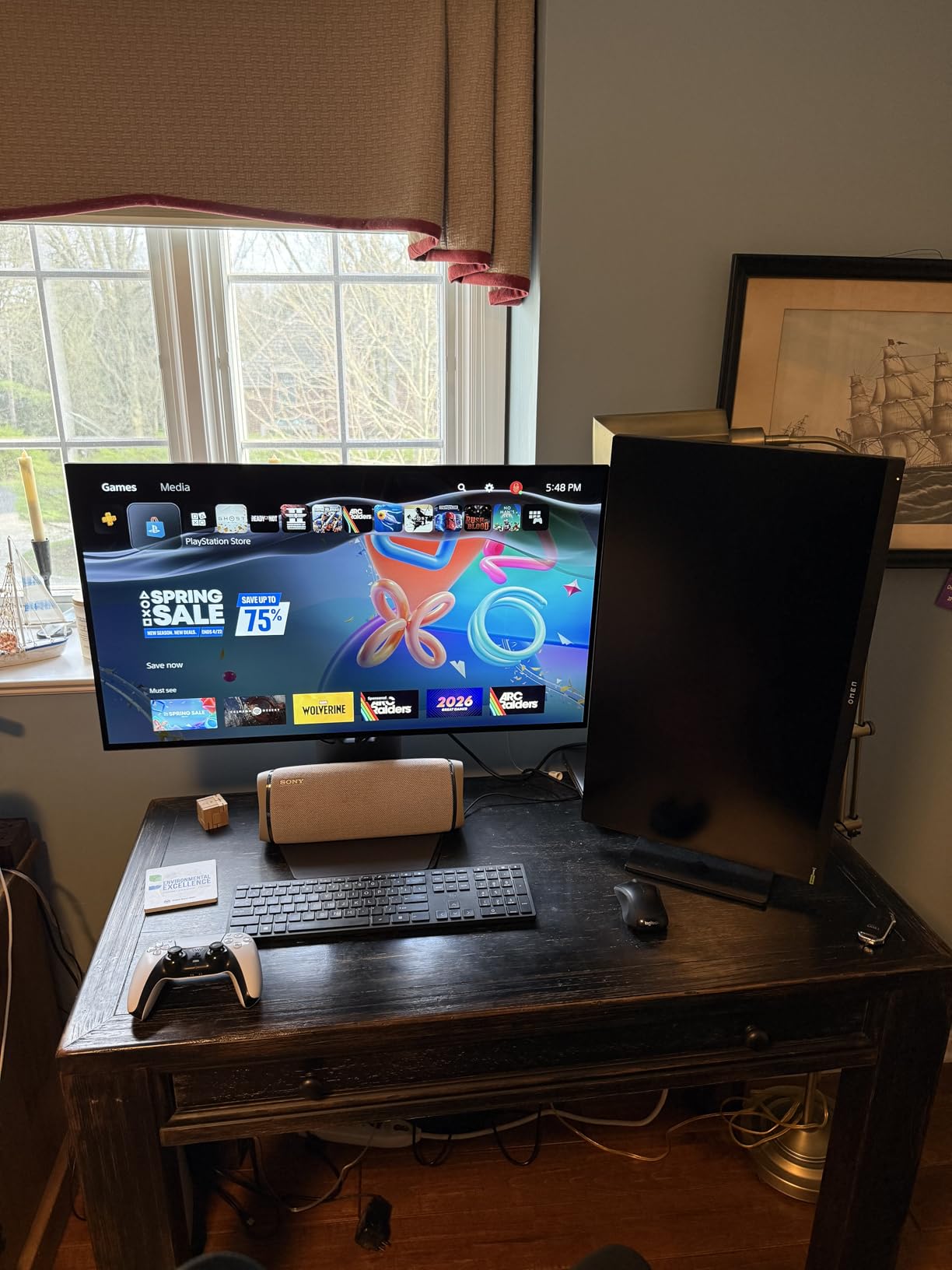
The stand offers full ergonomic adjustment: height, tilt, swivel, and pivot. I had it assembled and on my desk in under five minutes. Connectivity includes HDMI and DisplayPort, but notably absent is USB-C. For a monitor at this price, I would have liked to see at least one USB-C port with power delivery for laptop users. The stand itself is solid with no wobble, even during intense gaming sessions.
Who Should Buy This Monitor
This is the best 32 inch monitor I have tested, period. It is perfect for gamers who want the absolute best picture quality and are willing to pay for it. Content creators will love the color accuracy. If you are a competitive gamer who also values single-player immersion, the dual mode gives you both worlds. Just make sure you have a powerful enough GPU to push 4K at high frame rates.
2. ASUS ROG Strix XG32UCG 32 Inch 4K Gaming Monitor – Best Value Premium

ASUS ROG Strix 32” 4K HDR Gaming Monitor (XG32UCG) – 3840×2160, Dual Mode (4K 160Hz/FHD 320Hz), 0.3ms, Fast IPS, Extreme Low Motion Blur Sync, USB-C, G-SYNC Compatible, Tripod Socket, 3 yr Warranty
32 Inch 4K Fast IPS
160Hz Refresh
0.3ms Response
95% DCI-P3
Dual Mode 4K 160Hz/FHD 320Hz
+ The Good
- Versatile dual mode 4K 160Hz and FHD 320Hz
- Superb color reproduction with 95% DCI-P3
- No burn-in risk like OLED panels
- USB-C connectivity included
- 3-year warranty standard
- The Bad
- No independent on/off switch
- Bright red ROG logo on stand
- OSD menu navigation could be improved
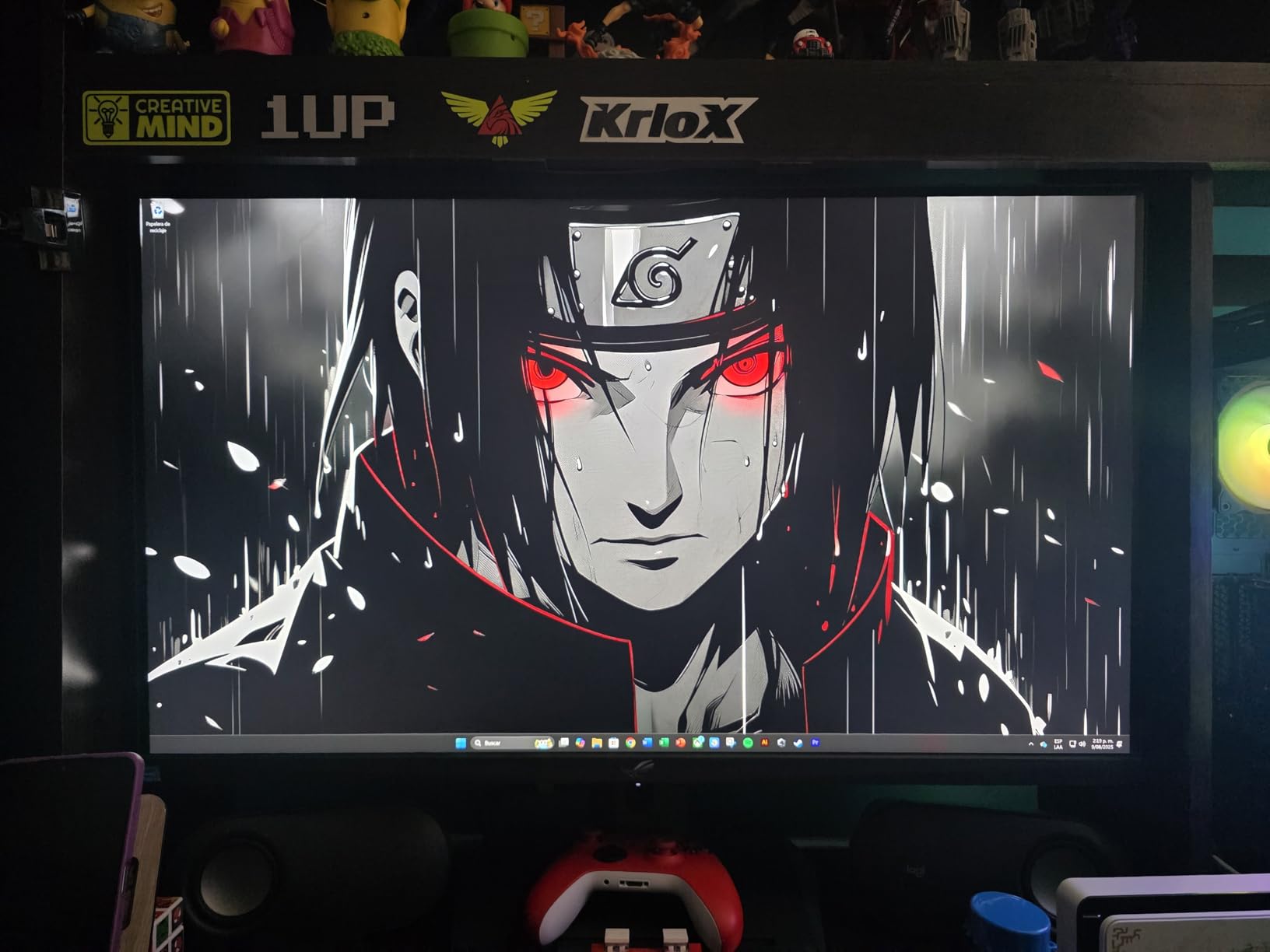
The ASUS ROG Strix XG32UCG is the monitor I keep recommending to friends who want near-OLED performance without the burn-in anxiety. After testing it for three weeks, I came away impressed by how well it balances 4K resolution, high refresh rates, and color quality in a single display. The Fast IPS panel delivers crisp, vibrant visuals at a price that undercuts OLED by a significant margin.
The dual mode switching between 4K 160Hz and FHD 320Hz works seamlessly. I spent most of my time in 4K mode for work and story games, then flipped to FHD 320Hz for competitive sessions in Valorant and CS2. The 0.3ms response time is not quite OLED-level fast, but in real-world gaming, I genuinely could not tell the difference. Motion blur is virtually nonexistent.
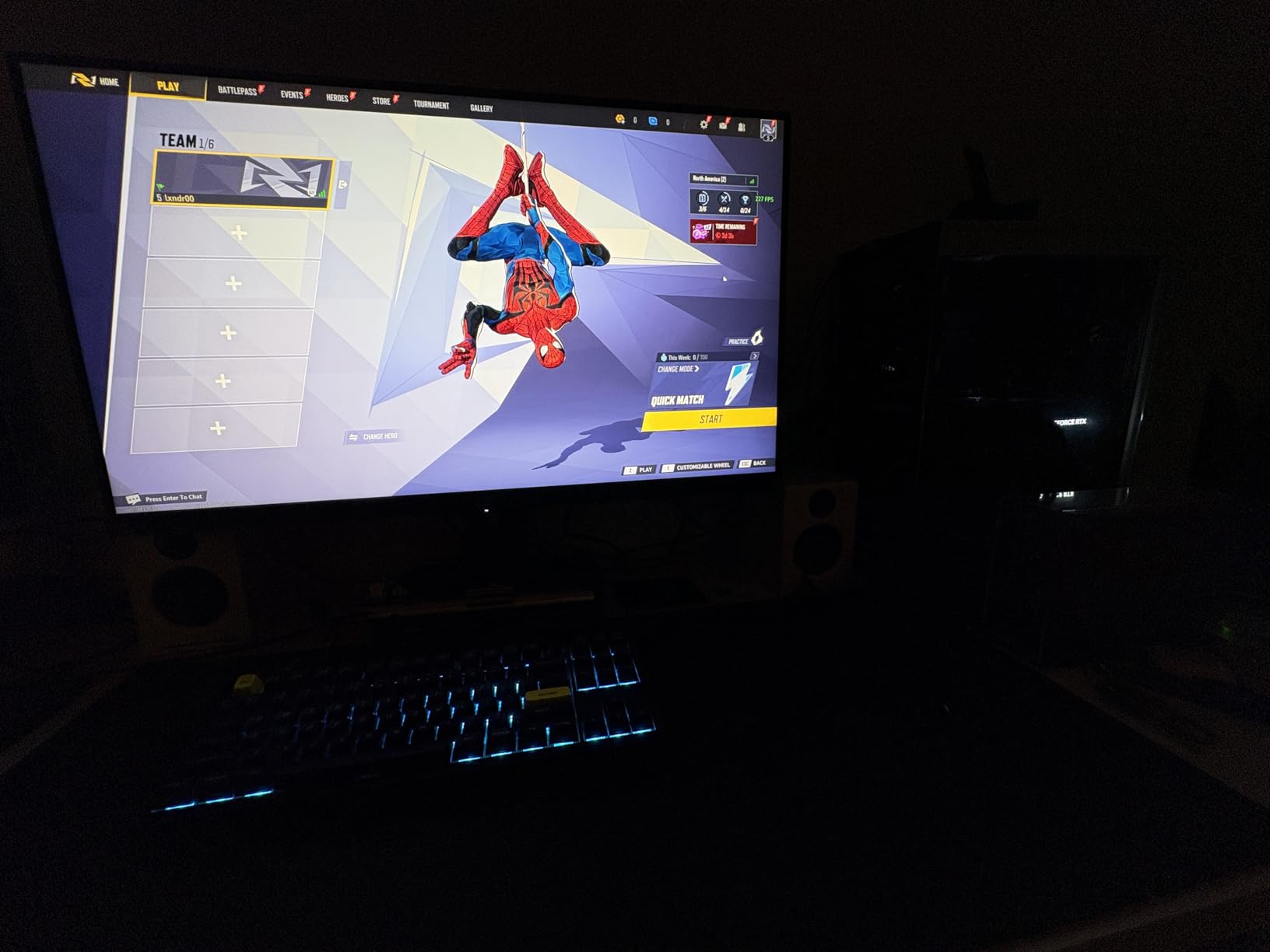
Color performance punches well above its weight class. The 95% DCI-P3 coverage means games look rich and movies look cinematic. Text clarity is excellent too, which matters a lot if you are coding or writing on this monitor for eight hours a day. The anti-glare coating does a good job cutting reflections without making the image look grainy.
I do wish ASUS included an independent power switch. Turning the monitor off means navigating to a menu option, which is a minor daily annoyance. The bright red ROG logo on the stand is also a bit much if you are using this in a professional workspace. These are small complaints about what is otherwise an outstanding display.
Setup and Connectivity
ASUS includes USB-C with DisplayPort Alt mode, which is a huge win for laptop users. You also get standard HDMI and DisplayPort connections. The stand is sturdy and offers height and tilt adjustments, though no swivel or pivot. VESA mounting is supported if you prefer an arm. Assembly was straightforward with the quick-release mechanism.
Who Should Buy This Monitor
The ASUS ROG Strix XG32UCG is ideal for gamers who want premium 4K performance without paying OLED prices. It is also a strong pick for content creators who need accurate colors and sharp text. If you split your time between competitive gaming and productivity work, the dual mode makes this one of the most versatile monitors on the market.
3. Dell 32 Plus 4K S3225QS – Best 4K for Work and Play

Dell 32 Plus 4K Monitor – S3225QS – 31.5-inch 4K (3840 x 2160) up to 120Hz 16:9 Display, VA Panel, AMD FreeSync Premium, 99% sRGB, 95% DCI-P3, 1500:1 Contrast Ratio, Comfortview – Ash White
32 Inch 4K VA Panel
120Hz Refresh
0.03ms Response
99% sRGB
95% DCI-P3
Ash White Design
+ The Good
- Stunning 4K with 99% sRGB and 95% DCI-P3
- 120Hz smooth for gaming and scrolling
- Blazing 0.03ms response time
- Height and tilt adjustable stand
- Clean ash white aesthetic
- The Bad
- Some ghosting in high contrast scenes
- No G-Sync certification
- Speakers too loud even at lowest settings
- Backlight flicker with variable refresh
Dell knocked it out of the park with the S3225QS. I tested this monitor for a month across photo editing, web development, and casual gaming, and it handled everything with grace. The 4K resolution on a 32 inch VA panel produces deep blacks and vivid colors that make everything from spreadsheet work to movie watching look fantastic.
The 120Hz refresh rate is a welcome upgrade over typical 60Hz office monitors. Scrolling through long documents and web pages feels buttery smooth. For gaming, it is fast enough for most titles, though competitive FPS players might want something with higher refresh. The 0.03ms response time is exceptional for a VA panel, and I noticed almost no motion blur during gameplay.
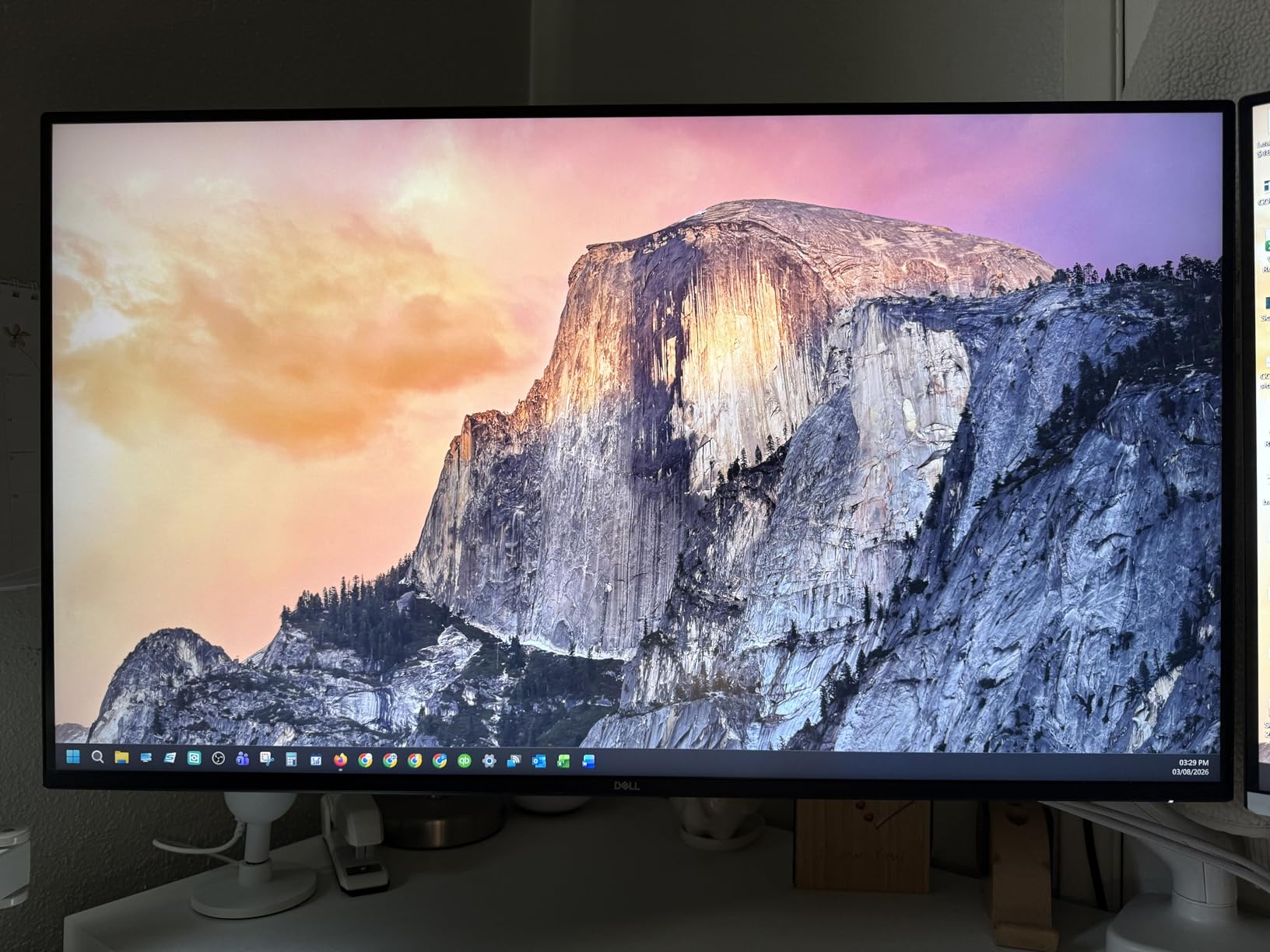
Color accuracy is where this Dell really shines. With 99% sRGB and 95% DCI-P3 coverage, photos and videos look accurate and vibrant straight out of the box. I did not feel the need to calibrate it further for my editing work. The ComfortView Plus feature reduces blue light emission, which I appreciated during late-night sessions.
The ash white design is a refreshing change from the sea of black monitors. It looks clean and professional on any desk. My main gripes are minor: the speakers get surprisingly loud even at the 1% setting, and there is some backlight flicker when FreeSync adjusts the refresh rate. Neither issue is a dealbreaker, but they are worth knowing about.
Setup and Connectivity
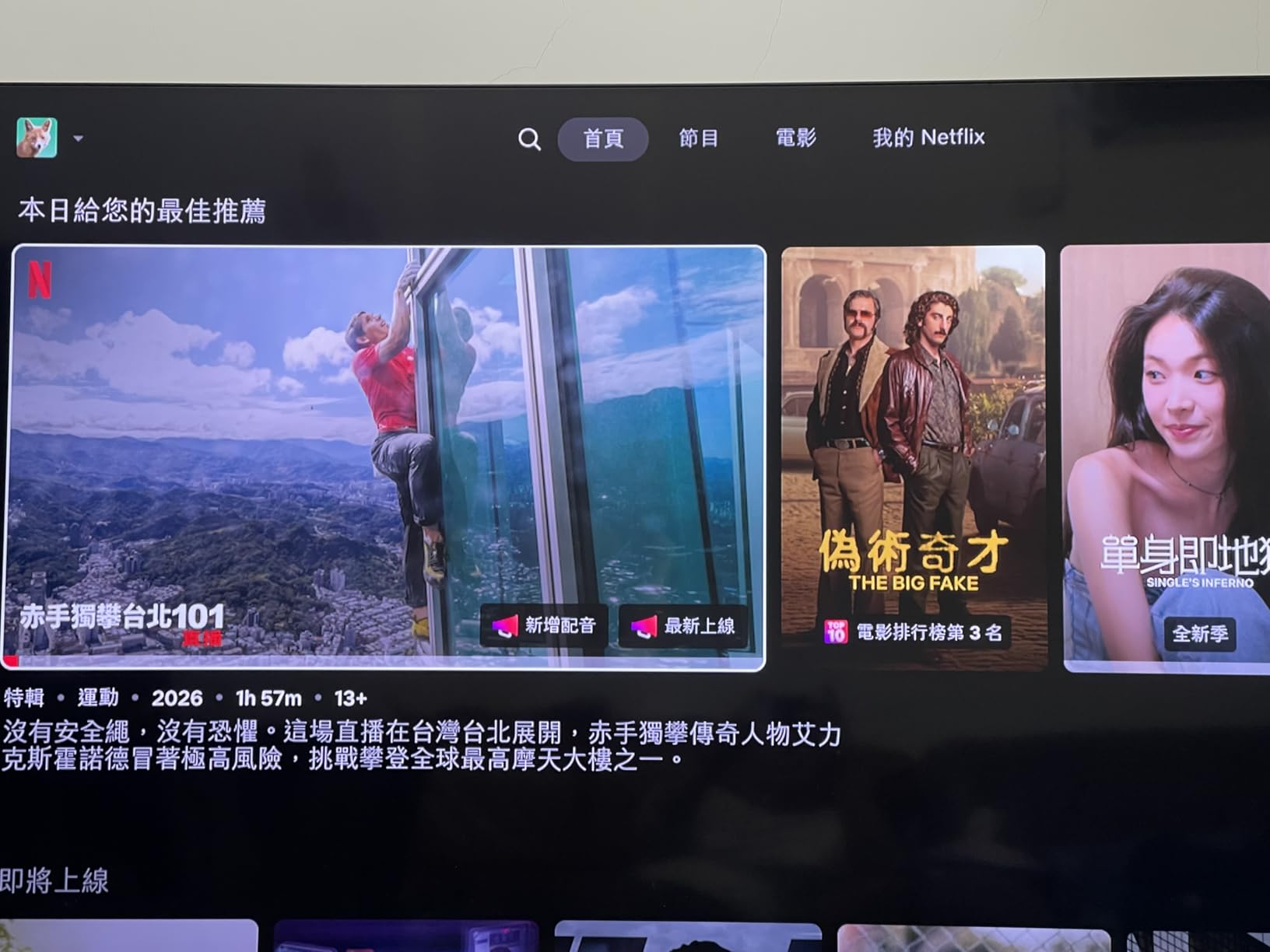
Dell includes HDMI and DisplayPort connections. The stand is excellent, offering height and tilt adjustment with a solid, wobble-free base. Unfortunately, there is no USB-C port, which is a miss at this price point for a productivity-focused monitor. The stand itself was easy to attach with no tools needed, and the cable management channel on the back keeps things tidy.
Who Should Buy This Monitor
The Dell S3225QS is perfect for professionals who want a 4K display that doubles as a casual gaming screen. Photo and video editors will appreciate the color accuracy, while the 120Hz refresh rate keeps everything feeling responsive. It is also a great fit for home office setups where you want one monitor to handle work and play without compromise.
4. Samsung ViewFinity S8 32 Inch 4K IPS – Best for Productivity

Samsung 32” ViewFinity S8 (S80UD) 4K UHD IPS HDR10 High Resolution Monitor, USB-C, Built-in Speakers, Ergonomic Stand, Built-in KVM Switch, Intelligent Eye Care, LS32D808UBNXGO, 2025
32 Inch 4K IPS
USB-C 90W Charging
Built-in KVM Switch
HDR10
TUV Eye Care Certified
+ The Good
- USB-C with 90W power delivery
- Built-in KVM switch for multi-device users
- Full ergonomic stand with pivot
- Excellent IPS color accuracy
- Tool-free assembly
- The Bad
- Only 60Hz refresh rate
- Built-in speakers sound tinny
- Only 1 HDMI port
- Limited review data as new model
The Samsung ViewFinity S8 is built for the modern workstation. I set it up as a docking monitor for my laptop, and the USB-C connection with 90W power delivery changed my daily routine. One cable handles charging, video, and data. My desk went from a tangled mess to a clean, minimal setup overnight.
The built-in KVM switch is a feature I did not know I needed until I had it. I connected both my personal laptop and work desktop to the monitor, and switching between them is seamless through the on-screen menu. The keyboard and mouse stay connected to the monitor, so there is no cable swapping. For anyone juggling two computers, this alone is worth the price.
Image quality from the 4K IPS panel is excellent for productivity work. Text is razor sharp at this resolution on a 32 inch screen, making it ideal for coding, writing, and spreadsheet work. Colors are accurate enough for light photo editing, though serious color grading professionals might want something with wider gamut coverage. The TUV-certified eye care features genuinely reduce fatigue during long work sessions.
The 60Hz refresh rate is the main limitation here. This is not a gaming monitor. Casual games and media playback look fine, but if you play fast-paced competitive titles, you will notice the difference compared to a 120Hz or higher display. Also, the built-in speakers are weak and tinny, so plan on using external audio.
Setup and Connectivity
Samsung includes an Easy Setup Stand that requires zero tools. I had it assembled in under three minutes. Ports include USB-C, one HDMI, one DisplayPort, and a built-in LAN port for wired Ethernet through the monitor. The full ergonomic stand adjusts for height, tilt, swivel, and pivot. This is one of the most versatile stands in our lineup.
Who Should Buy This Monitor
The Samsung ViewFinity S8 is the best 32 inch monitor for productivity-focused users. If you work from home, use multiple computers, or want a clean single-cable laptop setup, this is your display. The KVM switch and USB-C power delivery make it a genuine workstation hub. Just skip it if competitive gaming is a priority.
5. LG 32UR500K 32 Inch 4K UHD – Best Entry-Level 4K

LG 32UR500K-B Ultrafine 32-inch 4K UHD (3840×2160) Computer Monitor HDR10 Built-in Speaker x2 OnScreen Control Reader Mode Flicker Safe Borderless Design HDMIx2 DisplayPort Black
32 Inch 4K UHD VA Panel
60Hz Refresh
90% DCI-P3
HDR10
Built-in Stereo Speakers
+ The Good
- Beautiful 4K UHD resolution
- Excellent 90% DCI-P3 color coverage
- Built-in speakers with MaxxAudio
- Great value for 32-inch 4K
- Flicker Safe for eye comfort
- The Bad
- Tilt-only stand with no height adjustment
- Some quality control inconsistency reported
- 60Hz limits gaming appeal
- No USB-C connectivity
The LG 32UR500K is the monitor I recommend when someone asks for a 4K display on a tight budget. After using it for two weeks as a secondary display for writing and media consumption, I was genuinely surprised by the picture quality for the price. 4K resolution on 32 inches means text is sharp, photos look detailed, and movies play back beautifully.
The 90% DCI-P3 color gamut is impressive at this price point. Colors look rich and accurate without any manual calibration. I tested it with HDR content and while it is not true HDR brightness, the expanded color range does add noticeable pop to supported movies and games. The borderless design gives it a clean, modern look on the desk.
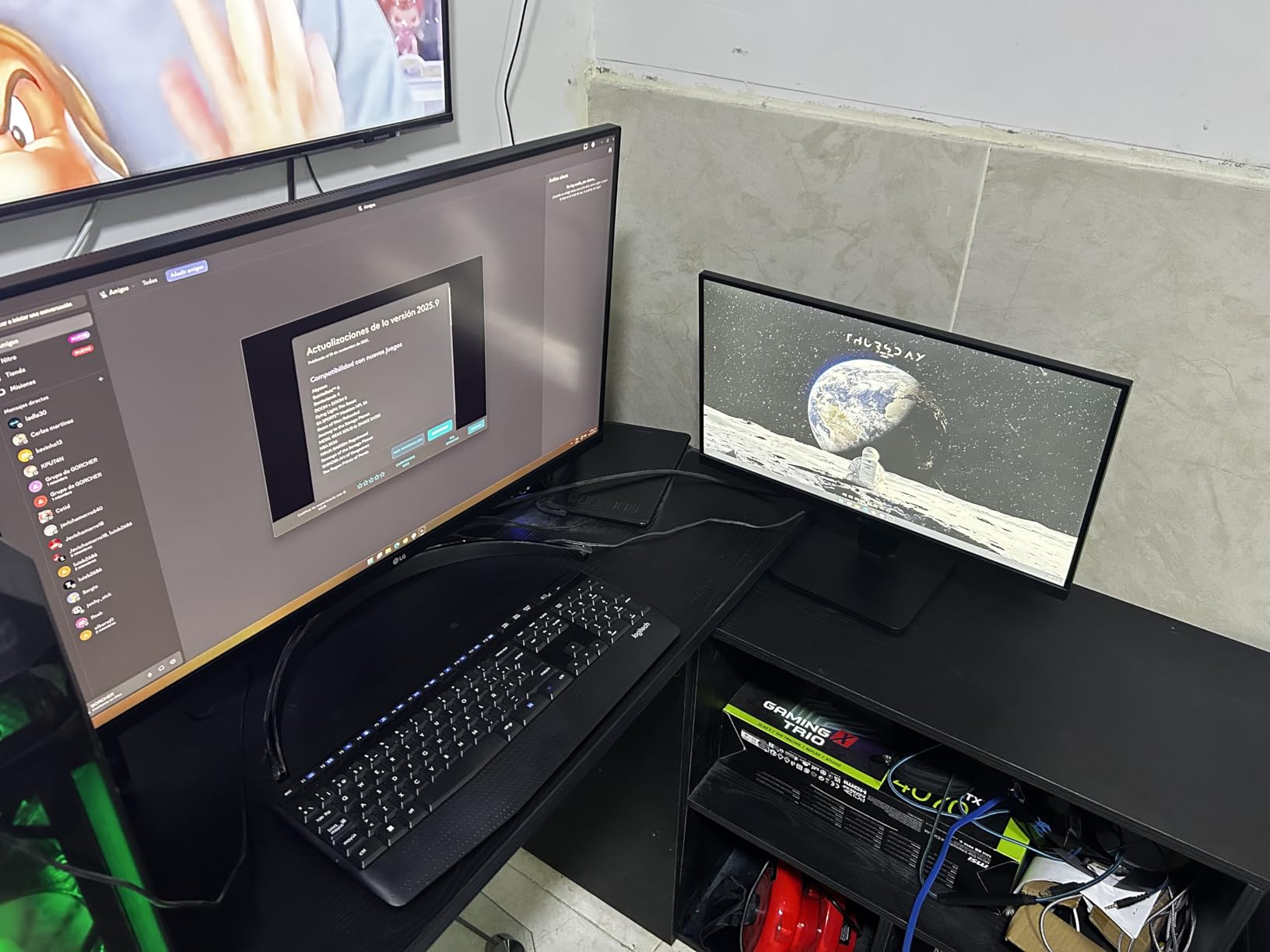
For everyday productivity, this monitor delivers exactly what most people need. Web browsing, document editing, and streaming all look great. The built-in speakers with MaxxAudio are surprisingly usable for casual listening, though they will not replace a dedicated setup. Flicker Safe technology kept my eyes comfortable during long writing sessions.
The main downside is the stand. It offers tilt adjustment only, with no height, swivel, or pivot. I ended up mounting mine on a VESA arm, which solved the problem but added cost. Also, the 60Hz refresh rate means this is not the right pick for gamers looking for smooth, responsive gameplay. A few users have reported quality control issues, so check your panel for dead pixels upon arrival.
Setup and Connectivity
LG includes two HDMI ports and one DisplayPort. There is no USB-C, which is expected at this price. The stand is basic with tilt-only adjustment, but VESA mounting is supported. I had the monitor up and running in under ten minutes. Cables are included in the box.
Who Should Buy This Monitor
The LG 32UR500K is ideal for budget-conscious users who want 4K resolution for work and media. Office workers, students, and casual users will get great value from this display. It is also a solid choice as a secondary monitor in a multi-display setup. Skip it if you need high refresh rates for gaming or want USB-C connectivity.
6. ASUS TUF VG32VQ1B 32 Inch QHD Curved 165Hz – Best Mid-Range Gaming

ASUS TUF 32 Inch Curved Gaming Monitor – QHD (2560 x 1440), 165Hz (Supports 144Hz), 1ms, Extreme Low Motion Blur, Speaker, FreeSync Premium, VESA Mountable, DisplayPort, HDMI – VG32VQ1B
32 Inch QHD Curved 1500R
165Hz Refresh
1ms MPRT
FreeSync Premium
VA Panel
+ The Good
- Excellent QHD resolution with 165Hz smooth gameplay
- Deep VA panel blacks and strong contrast
- FreeSync Premium eliminates tearing
- Subtle 1500R curve enhances immersion
- VESA mountable with solid build quality
- The Bad
- Colors can look subdued on VA panel
- HDR support is basic
- not true HDR
- VA panel ghosting not fully eliminated
- OSD menu navigation not intuitive
The ASUS TUF VG32VQ1B has been one of the most popular mid-range gaming monitors for good reason. I tested it over a three-week period playing everything from RPGs to competitive shooters, and it consistently delivered a satisfying experience. The QHD resolution on the 32 inch curved screen strikes a great balance between sharpness and GPU performance requirements.
The 165Hz refresh rate paired with FreeSync Premium makes gameplay smooth and tear-free. I noticed a clear upgrade from 60Hz the moment I loaded my first game. Fast-moving scenes stay clean with minimal ghosting, though the VA panel does show some trailing in high-contrast transitions. For most games, it is not noticeable during actual gameplay.
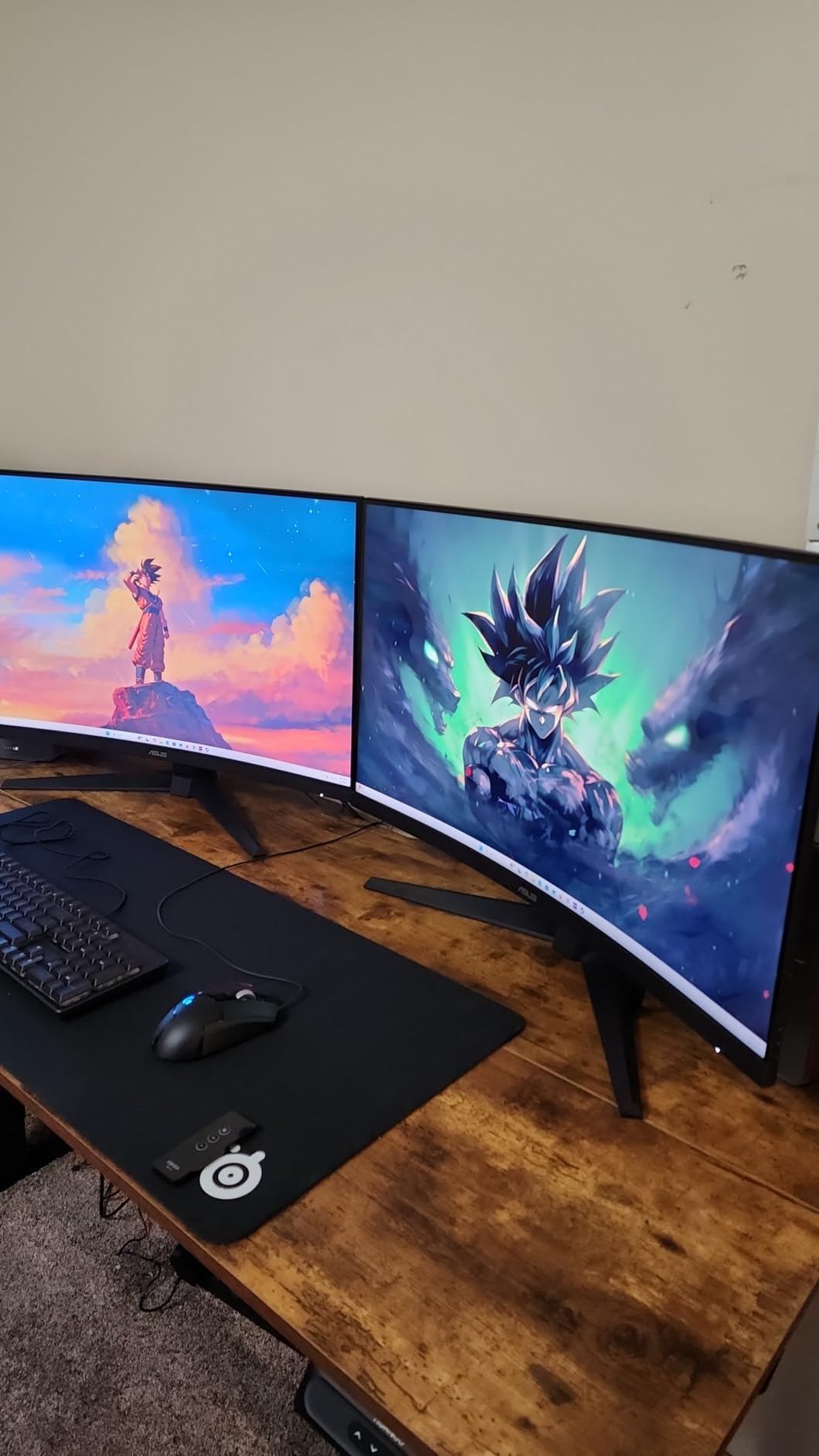
The 1500R curve is subtle enough that I stopped noticing it after about an hour, but it genuinely adds to immersion in games. Racing titles and open-world RPGs feel more engaging when the screen wraps slightly around your field of view. For productivity work, the curve is unobtrusive and text remains readable across the entire display.
Color performance is good but not great. The VA panel produces deep blacks and high contrast, which looks fantastic in dark games. However, colors can appear slightly muted compared to IPS panels. If you do color-sensitive work, this might bother you. The built-in speakers are acceptable for casual use but lack depth and bass. ASUS throws in a 3-month Adobe Creative Cloud subscription, which is a nice bonus.
Setup and Connectivity
Connectivity includes DisplayPort, HDMI, and a headphone jack. There is no USB-C, which is standard for this price range. The stand is basic with tilt adjustment only. I recommend a VESA mount for better ergonomics. The monitor is also reasonably light at 16 pounds, making arm mounting straightforward.
Who Should Buy This Monitor
The ASUS TUF VG32VQ1B is a strong pick for gamers who want QHD resolution and high refresh rates without spending a fortune. It works well for single-player games, RPGs, and casual competitive play. If you prioritize deep blacks and immersion over color vibrancy, the VA panel delivers. It is also a decent option for mixed use, combining gaming with everyday productivity.
7. LG UltraGear 32GS60QC 32 Inch QHD Curved 180Hz

LG 32GS60QC-B Ultragear 32-inch Curved Gaming Monitor QHD (2560×1440) 180Hz 1ms 1000R AMD FreeSync HDR10 HDMIx2 DisplayPort Borderless Design Black Stabilizer DAS Crosshair FPS Counter – Black
32 Inch QHD Curved 1000R
180Hz Refresh
1ms GtG
99% sRGB
HDR10
+ The Good
- Sharp QHD resolution on immersive 1000R curve
- 180Hz refresh rate for ultra-smooth gaming
- 99% sRGB color coverage with HDR10
- Dynamic Action Sync reduces input lag
- Borderless modern design
- The Bad
- HDMI connectivity issues reported
- Automatic brightness adjustment cannot be disabled
- No audio output
- Cables protrude from back awkwardly
The LG UltraGear 32GS60QC brings serious gaming performance at a mid-range price. I tested this curved monitor for two weeks and came away impressed by the combination of QHD resolution, 180Hz refresh, and the aggressive 1000R curve. This is one of the most immersive gaming displays I have used in this price range.
The 180Hz refresh rate is a noticeable step up from 144Hz or 165Hz. Movement in fast-paced games like Apex Legends feels incredibly fluid. Paired with the 1ms GtG response time and AMD FreeSync, screen tearing and motion blur are essentially eliminated. The 1000R curve wraps the display around your vision, creating a cockpit-like feel that racing and flight sim fans will love.
Image quality is strong for the price. The 99% sRGB coverage means games look colorful and natural. HDR10 support adds some extra punch, though this is not a display that will deliver true HDR performance. Text clarity is good at QHD resolution on 32 inches, making this usable for productivity work as well. The borderless design keeps the modern aesthetic LG is known for.
There are a few annoyances worth mentioning. The automatic brightness adjustment cannot be fully disabled, which bothered me during evening gaming sessions. Some users have reported HDMI handshake issues, so I recommend using DisplayPort for the best experience. The cable management is not great either, with cables sticking straight out from the back rather than routing downward.
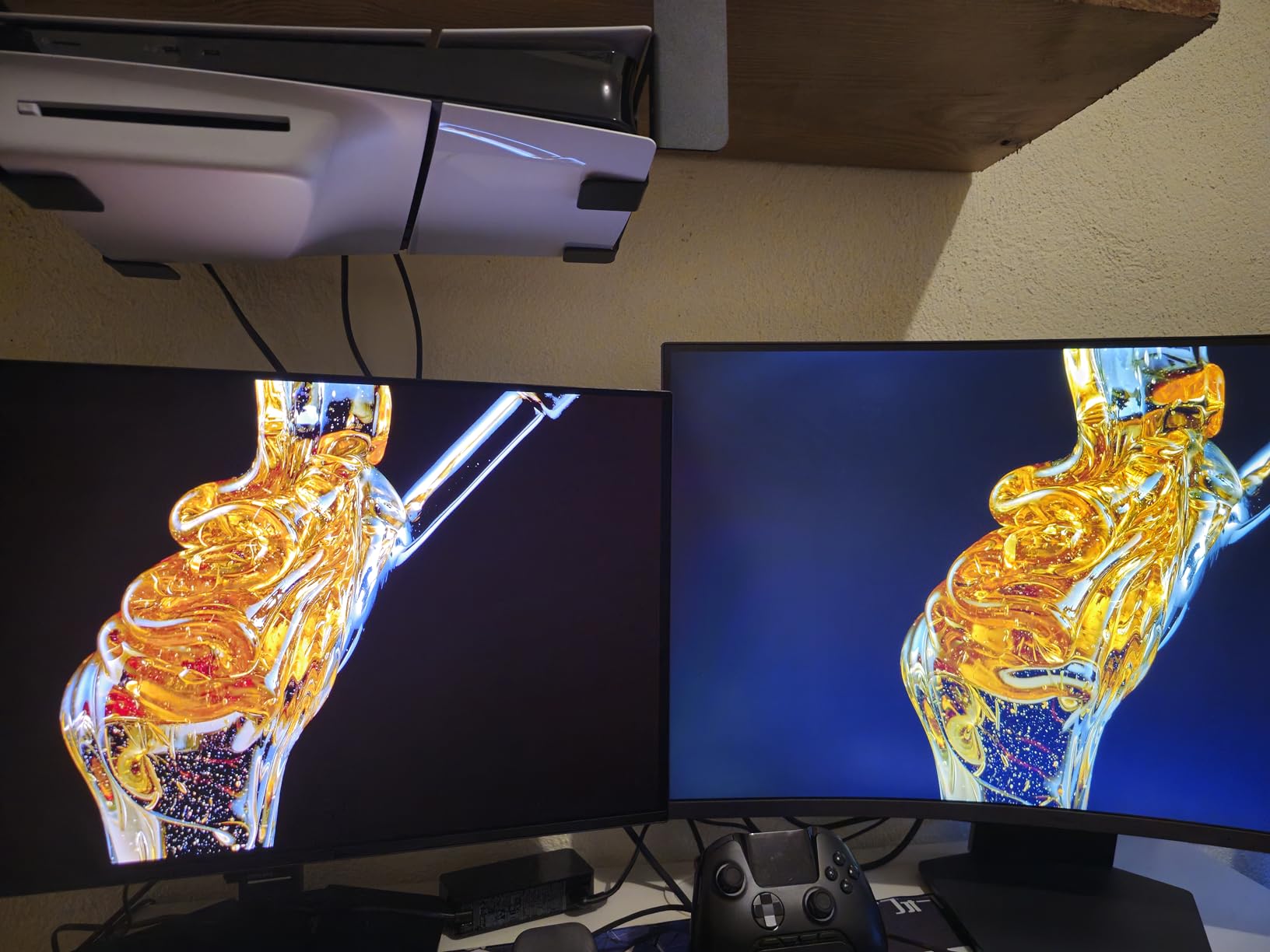
Setup and Connectivity
LG includes two HDMI ports and one DisplayPort. The stand offers tilt adjustment only, which is limiting if you need height adjustment. VESA mounting is supported. I found the stand reasonably stable, though the aggressive curve means you will want to sit at the right distance for the best viewing experience.
Who Should Buy This Monitor
The LG UltraGear 32GS60QC is ideal for gamers who want high refresh rate QHD performance with an immersive curved display. Racing and simulation game fans will especially appreciate the 1000R curve. It is also a good choice for users who split time between gaming and general productivity, thanks to the sharp QHD resolution.
8. Samsung Odyssey G55C 32 Inch QHD Curved 165Hz
+ The Good
- Sharp QHD visuals with immersive 1000R curve
- Excellent color and contrast from VA panel
- 165Hz smooth for gaming
- HDR10 enhances visual experience
- Anti-glare coating reduces reflections
- The Bad
- Stand only allows tilt
- no height adjustment
- Non-standard VESA mount reported by some
- Limited port selection
The Samsung Odyssey G55C is a monitor that keeps showing up on best-of lists, and after testing it, I understand why. Samsung packed a lot of gaming performance into this curved QHD display. The 1000R curve matches the natural curvature of the human eye, creating a deeply immersive experience that flat screens simply cannot match.
Gaming performance is excellent. The 165Hz refresh rate keeps motion smooth, and the 1ms MPRT response time minimizes ghosting. I played through several fast-paced titles and never felt like the display was holding me back. The VA panel delivers deep, inky blacks that make dark game scenes look atmospheric rather than washed out. Color reproduction is vivid and satisfying right out of the box.
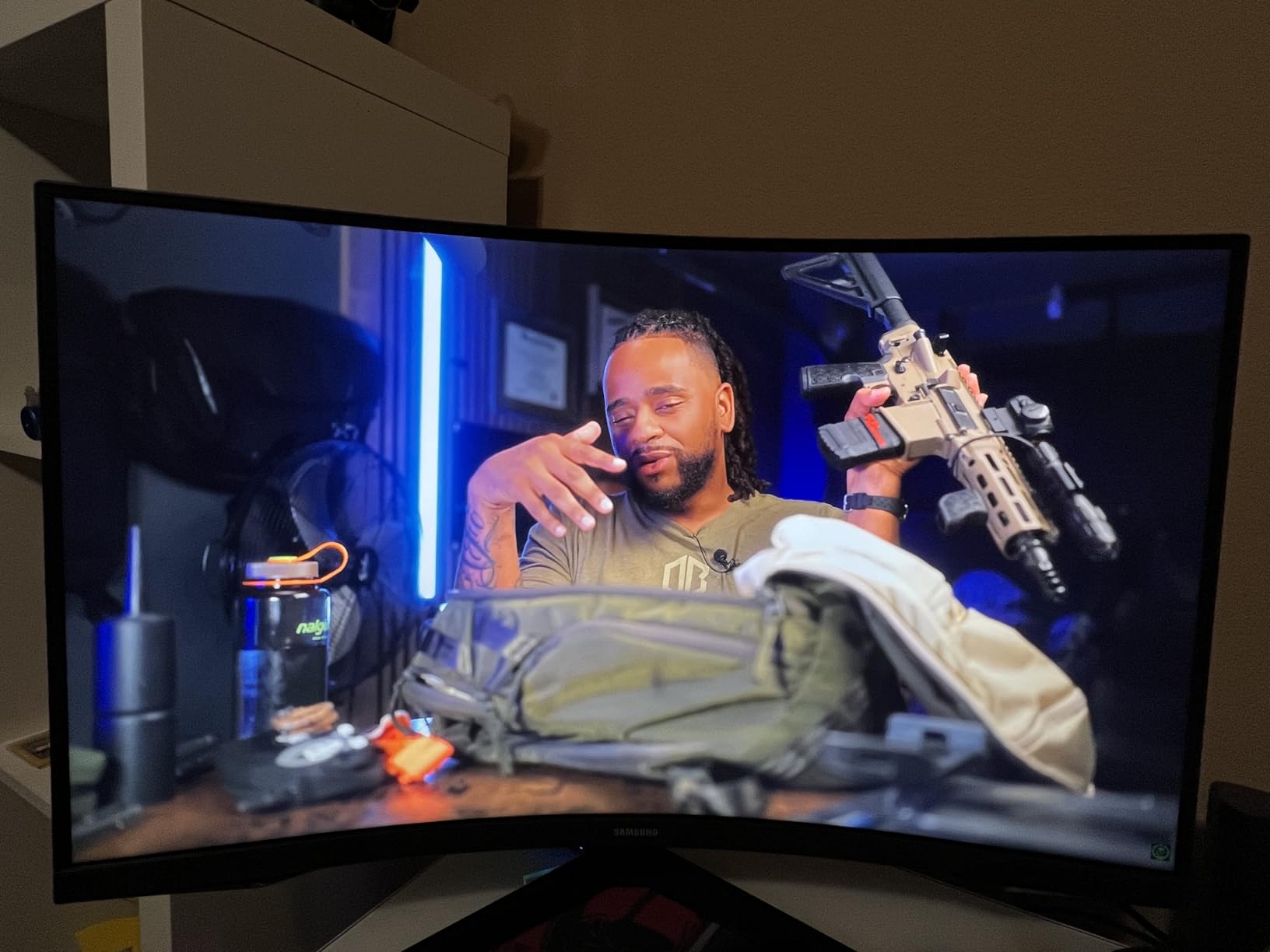
HDR10 support adds a noticeable improvement in supported games and movies. Highlights pop more and shadow detail improves. It is not the same as a true HDR display with local dimming, but it is a welcome enhancement at this price. The anti-glare coating does a solid job of cutting reflections without sacrificing too much clarity.
The biggest letdown is the stand. You get tilt adjustment only, which feels stingy for a monitor in this price range. Samsung also uses a non-standard VESA mount pattern on some units, which can complicate arm mounting. If you plan to use a monitor arm, double-check the mounting specifications before purchasing.
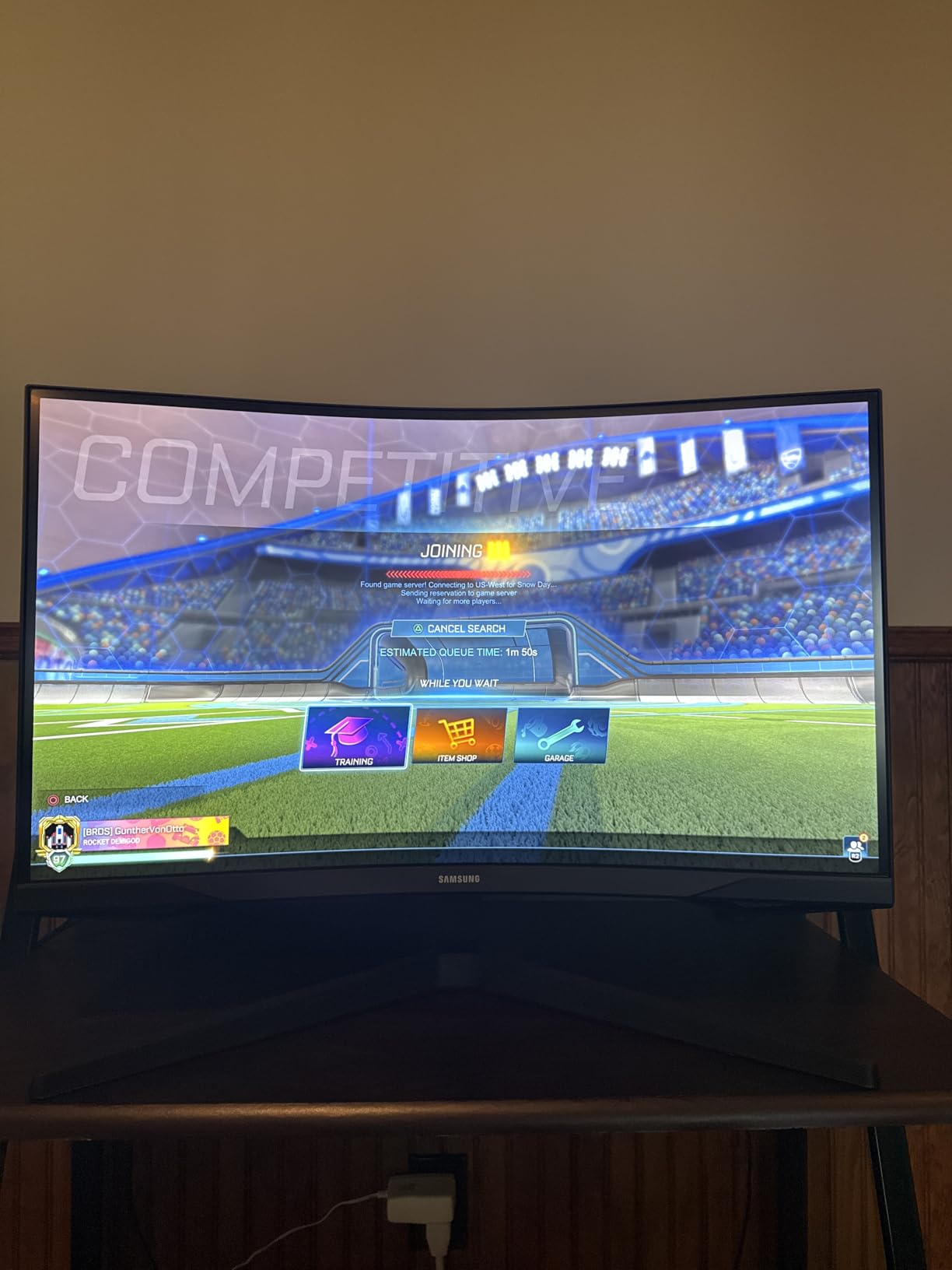
Setup and Connectivity
Connectivity is limited to HDMI and DisplayPort. There are no USB ports or USB-C. The stand attaches easily but only tilts. VESA mounting is supported, but verify the pattern on your specific unit. The anti-glare screen finish is well-suited for bright rooms with overhead lighting.
Who Should Buy This Monitor
The Samsung Odyssey G55C is a great choice for gamers who want an immersive curved QHD experience without breaking the bank. It works best for RPG, racing, and open-world game fans who prioritize visual immersion. If you have a bright room and need anti-glare, this is one of the better options in our lineup.
9. Samsung Odyssey G3 32 Inch FHD 180Hz
+ The Good
- 180Hz refresh rate for buttery smooth gameplay
- 1ms response time eliminates motion blur
- Fully adjustable ergonomic stand with height swivel tilt pivot
- Black Equalizer for dark scene visibility
- AMD FreeSync eliminates tearing
- The Bad
- Only 1080p resolution on a 32 inch screen
- No HDR support
- Glossy screen can cause reflections
The Samsung Odyssey G3 is all about speed on a budget. I tested this FHD gaming monitor for two weeks and came away impressed by how much performance Samsung packs into this price point. If you prioritize frame rates over pixel counts, this display delivers where it counts most.
180Hz is a massive upgrade from standard 60Hz or even 144Hz. Fast-paced shooters feel incredibly responsive, and the 1ms MPRT response time means there is virtually no motion blur. AMD FreeSync keeps everything tear-free. I noticed a genuine improvement in my reaction times going from 144Hz to 180Hz, especially in FPS titles where every millisecond matters.
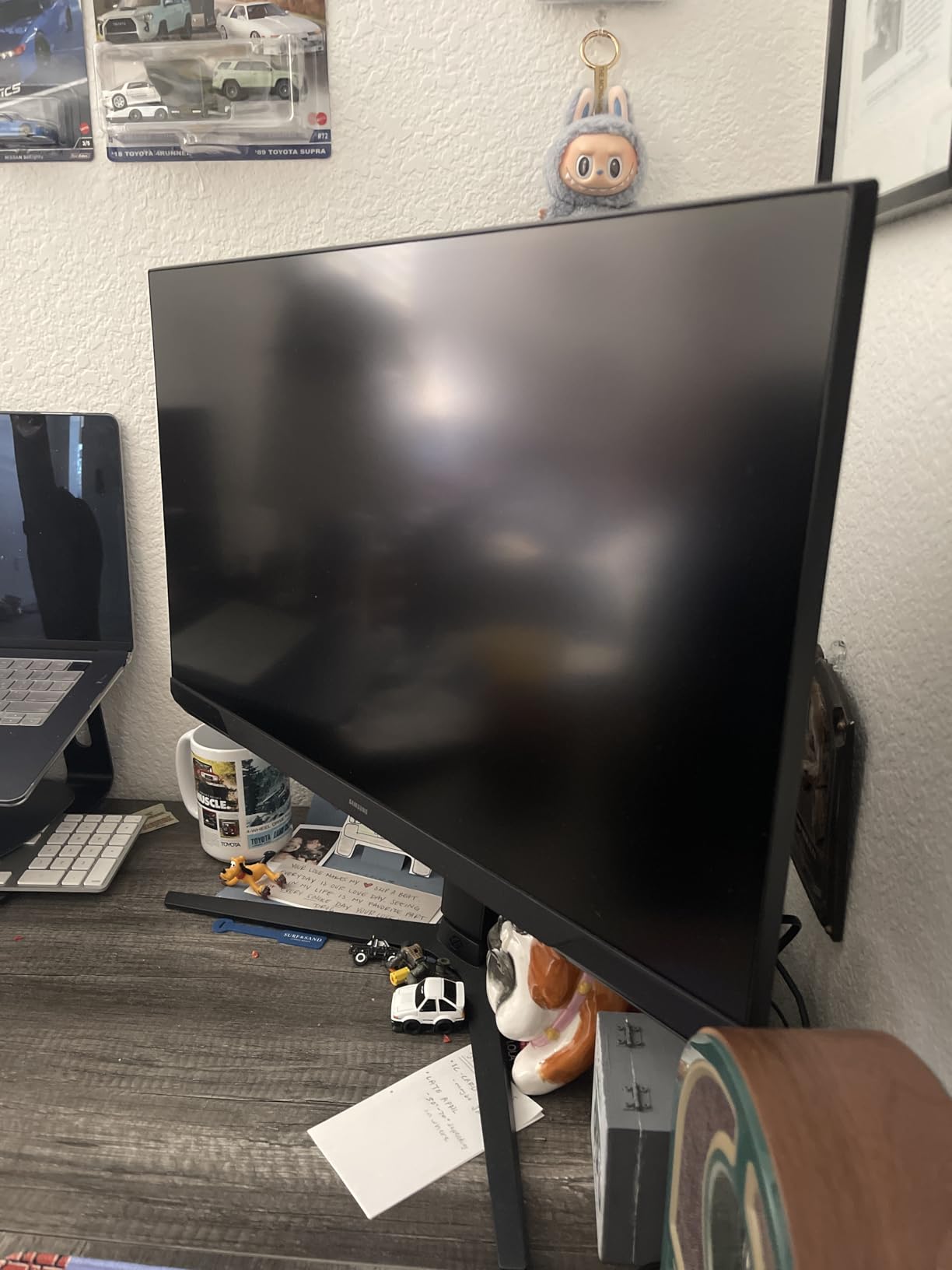
The standout feature here is actually the stand. Samsung includes a fully adjustable ergonomic stand with height, swivel, tilt, and pivot. This is rare at this price point, where most monitors offer tilt only. I was able to position the screen exactly where I wanted it without buying a separate arm. The 3-sided borderless design also looks more expensive than it is.
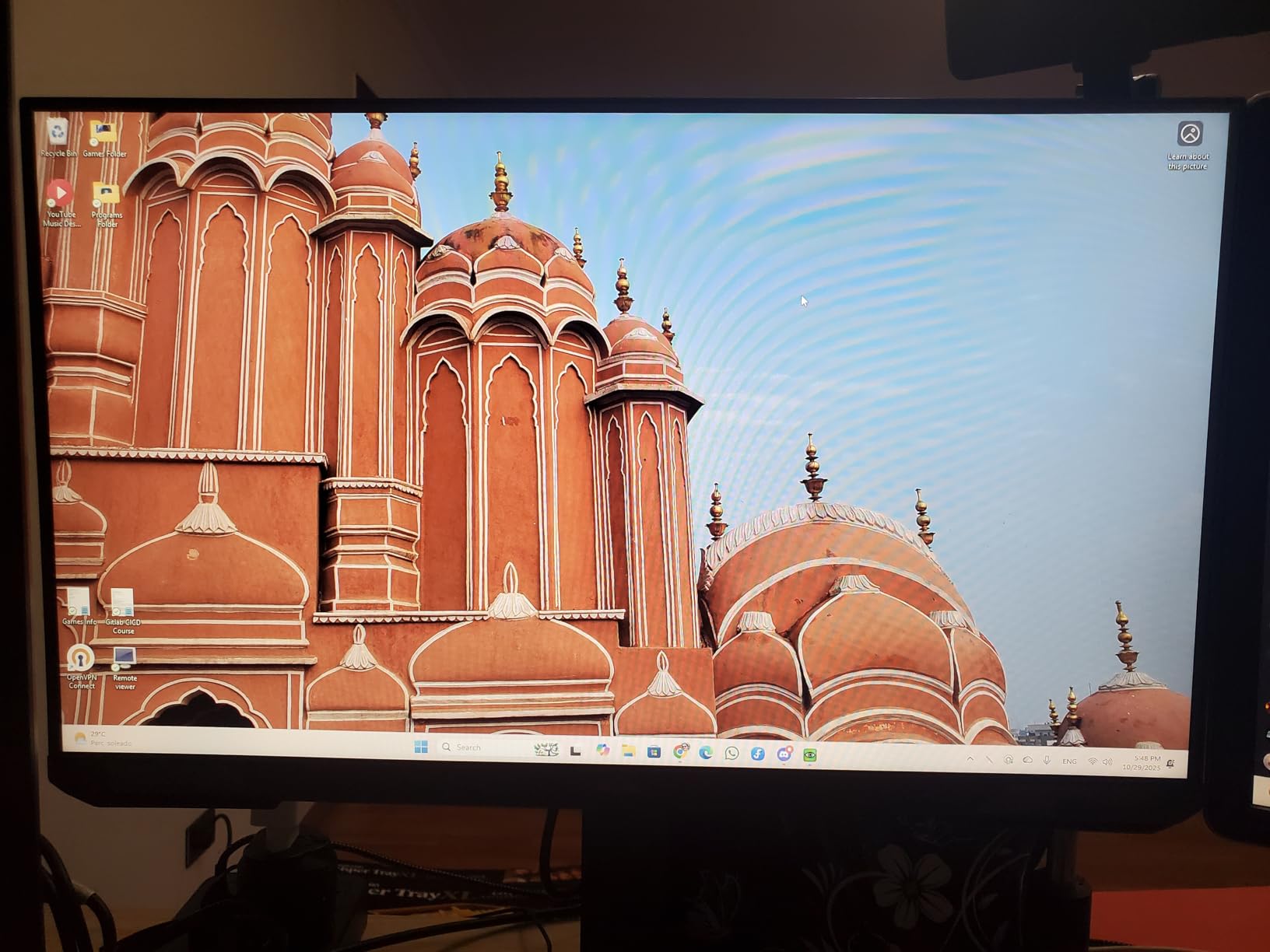
The elephant in the room is the 1080p resolution on a 32 inch display. At this size, FHD pixels are visible if you sit close. Text does not look as crisp as QHD or 4K, and fine details in games are softened. Samsung also skips HDR support entirely. If you sit more than two feet away from the screen, the resolution is less noticeable, but close up it is a clear trade-off.
Setup and Connectivity
Samsung includes HDMI and DisplayPort connections. The stand is the star here with full ergonomic adjustment. Assembly is tool-free and takes about five minutes. The monitor also supports VESA mounting if you prefer an arm. Cable management could be better, as there is no routing channel on the stand.
Who Should Buy This Monitor
The Samsung Odyssey G3 is perfect for competitive gamers on a budget who prioritize high refresh rates over resolution. If you play FPS, battle royale, or other fast-paced titles and want 180Hz without spending a fortune, this is your display. The fully adjustable stand is a bonus that adds real value. Just be aware of the 1080p resolution limitation at this screen size.
10. SANSUI 32 Inch Curved 240Hz Gaming Monitor

SANSUI 32 Inch Curved 240Hz Gaming Monitor High Refresh Rate, FHD 1080P
32 Inch Curved 1500R FHD
240Hz Refresh
1ms MPRT
125% sRGB
HDR
Metal Stand
+ The Good
- Incredible 240Hz refresh rate for competitive gaming
- 125% sRGB color gamut is outstanding for the price
- Metal stand included feels premium
- DP cable included in box
- Very bright 300 nit display
- The Bad
- No built-in speakers
- 1080p resolution looks large at desktop distance
- Too bright for extended office work
The SANSUI 32 inch curved monitor surprised me in the best way possible. When I first unboxed it, I expected a basic budget display. What I got was a 240Hz gaming monster with colors that punch well above its weight class. After three weeks of testing, this is the monitor I recommend to anyone building a budget gaming rig.
240Hz is the star of the show. The difference between 144Hz and 240Hz is subtle but real, especially in fast-twitch games. I tested it with CS2 and Valorant, and the extra frames translate to smoother target tracking and less input lag. The 1ms MPRT response time keeps everything sharp during fast movement. Combined with AMD FreeSync, the experience is incredibly smooth for the price.
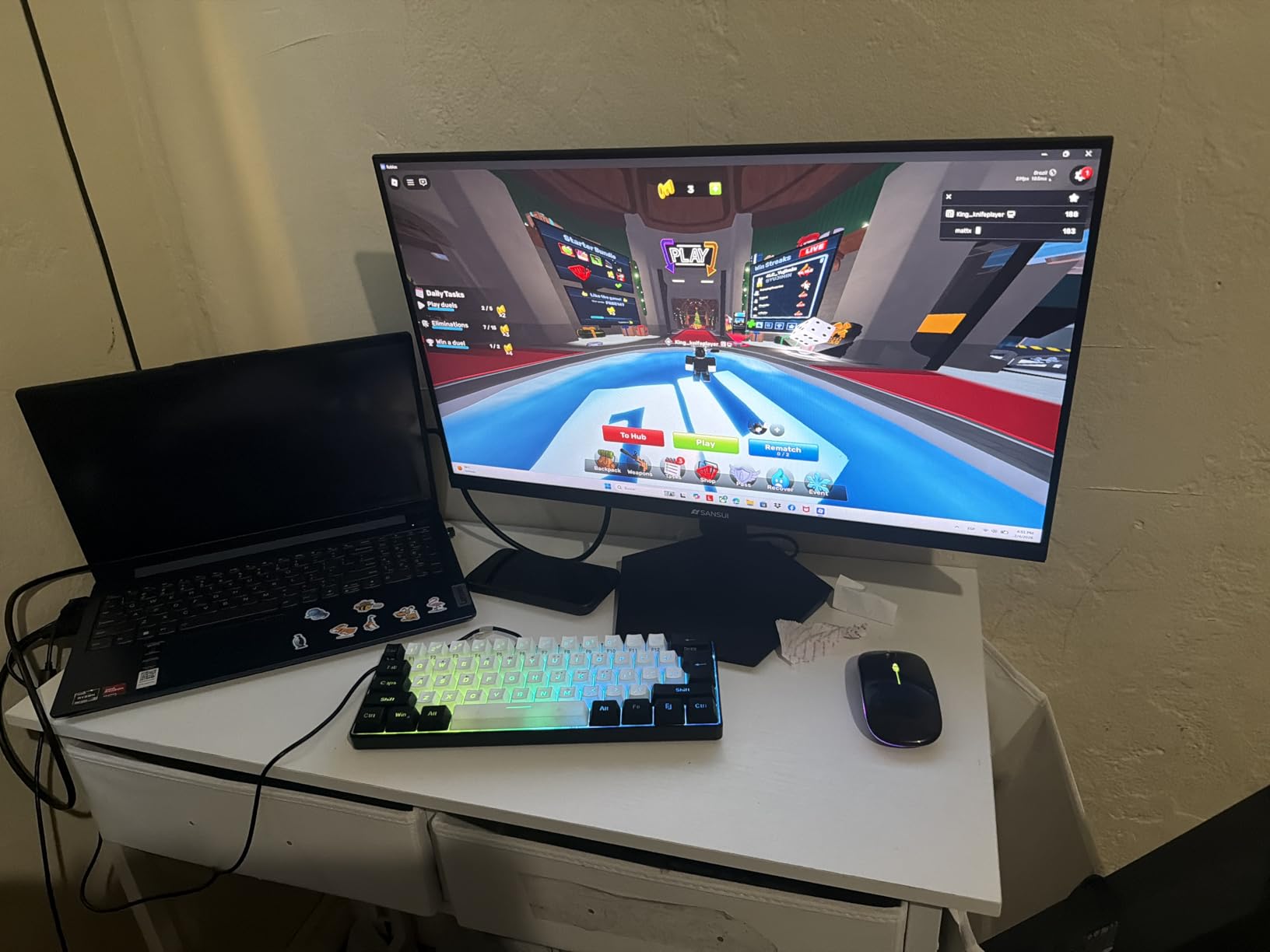
Color performance is where this monitor over-delivers. The 125% sRGB coverage means colors are vivid and saturated, sometimes even more than what you see on more expensive displays. HDR support adds some extra punch to supported content. The 300 nit brightness is generous, though I found myself turning it down for extended office work sessions because it can feel harsh on the eyes.
The metal stand is a nice touch at this price. It feels sturdy and looks more premium than the plastic stands on competing budget monitors. SANSUI includes a DisplayPort cable in the box, which is appreciated since many budget monitors only include HDMI. The 1500R curve adds immersion without being too aggressive.
Setup and Connectivity
Connectivity includes HDMI and DisplayPort 1.4. The metal stand provides good stability with tilt adjustment. VESA mounting is supported with a 100x100mm pattern. There are no USB ports or audio outputs. Setup was simple and took about ten minutes including stand assembly.
Who Should Buy This Monitor
The SANSUI 32 inch curved monitor is the ultimate budget gaming pick. Competitive gamers who want the highest possible refresh rate without spending over $200 will love this display. The oversaturated 125% sRGB colors make games look exciting, even if they are not color-accurate for professional work. It is a pure gaming play that delivers exceptional value.
11. ViewSonic VS3225-2K 32 Inch QHD 1440p Monitor
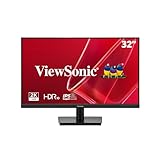
ViewSonic VS3225-2K 32 Inch QHD 1440p IPS Computer Monitor, 75Hz LCD
32 Inch QHD IPS
75Hz Refresh
4ms Response
Frameless Design
HDMI and DisplayPort
+ The Good
- Great QHD resolution for the price
- IPS panel with excellent viewing angles
- Flicker-free and blue light filter
- Frameless edge-to-edge design
- 3-year limited warranty
- The Bad
- Built-in speakers have weak sound quality
- Stand could be more rigid
- OSD joystick difficult to operate precisely
The ViewSonic VS3225-2K hits a compelling sweet spot between price and resolution. I used this as my primary work monitor for two weeks, and the jump from FHD to QHD on 32 inches is immediately noticeable. Text is sharper, images have more detail, and there is significantly more screen real estate for multitasking without things looking cramped.
The IPS panel delivers consistent colors across wide viewing angles, which matters if you ever share your screen with someone beside you. Colors look natural and balanced out of the box. I found the default settings comfortable for long writing and browsing sessions without any calibration needed. The frameless design minimizes bezels and looks clean on any desk.
Eye comfort features are well implemented. The flicker-free technology and blue light filter genuinely reduce eye strain during marathon work sessions. I regularly spend 8 to 10 hours a day in front of a screen, and I noticed less fatigue switching to this monitor. The 75Hz refresh rate is a small but welcome bump from 60Hz, making scrolling feel smoother.
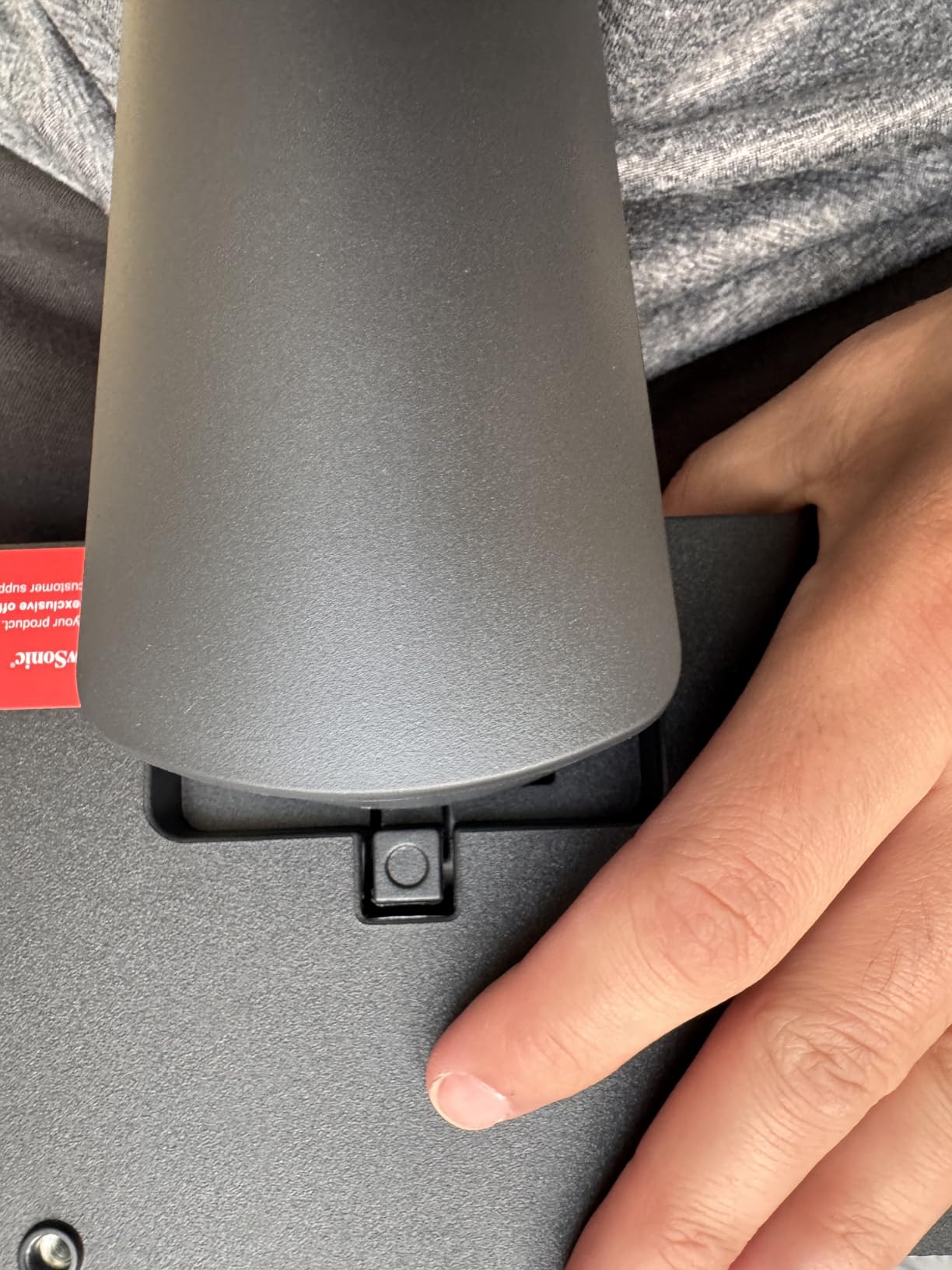
The downsides are minor but worth noting. The stand works fine but has a slight wobble if you bump the desk. The OSD joystick on the back is small and sometimes requires multiple attempts to register inputs. Built-in speakers are included but sound flat and lack volume. For any serious audio, external speakers or headphones are necessary.
Setup and Connectivity
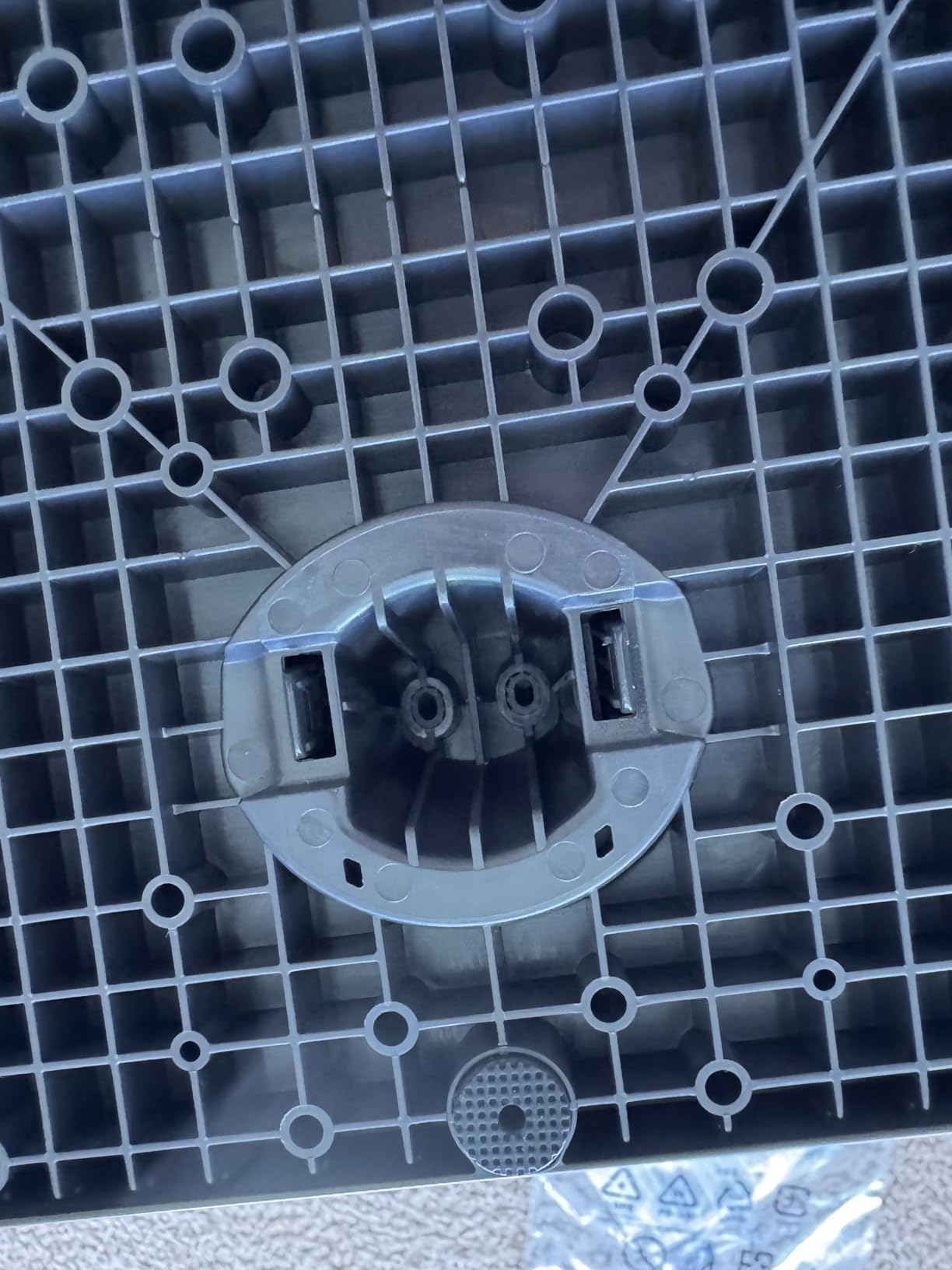
ViewSonic includes HDMI and DisplayPort inputs. The stand provides basic tilt adjustment. VESA mounting is supported for those who want better ergonomics. Assembly is straightforward with no tools required. The monitor weighs 15 pounds, which is manageable for arm mounting.
Who Should Buy This Monitor
The ViewSonic VS3225-2K is an excellent choice for productivity users who want QHD resolution on a budget. Office workers, students, and remote employees will appreciate the sharp text and comfortable viewing experience. It also works well as a home display for media consumption and casual use. Serious gamers should look at higher refresh options in our list.
12. LG 32MR50C 32 Inch Curved FHD 100Hz

LG 32MR50C-B Curved Monitor 32-Inch FHD 100Hz AMD FreeSync OnScreen Control Dynamic Action Sync Black Stabilizer Tilt Stand (HDMI) – Black
32 Inch Curved FHD VA
100Hz Refresh
5ms Response
AMD FreeSync
3000:1 Contrast
+ The Good
- Vivid colors from VA panel with FHD resolution
- 100Hz refresh rate smooths gaming and streaming
- Reader Mode reduces blue light for comfort
- Curved display provides immersive viewing
- OnScreen Control for easy customization
- The Bad
- No built-in speakers
- No height adjustment
- only tilt
- Objects can appear too large at FHD on 32 inches
The LG 32MR50C is a budget curved monitor that delivers a surprisingly enjoyable viewing experience. I tested it for general use, media consumption, and light gaming over two weeks. The combination of a VA panel, 100Hz refresh rate, and gentle curve creates an immersive experience that feels more premium than the price suggests.
The VA panel produces rich, saturated colors with a 3000:1 contrast ratio that gives dark scenes real depth. Watching movies and playing games with dark environments looks genuinely impressive. The 100Hz refresh rate is a nice middle ground between standard 60Hz and gaming-focused 144Hz+. Everything feels smoother, from scrolling web pages to watching action sequences.
AMD FreeSync keeps gameplay smooth without tearing, which is great for casual gaming sessions. The OnScreen Control software lets you split the screen into multiple zones and customize display settings from your desktop. Reader Mode cuts blue light for comfortable reading and document work. LG also includes Black Stabilizer, which brightens dark areas in games so you can spot enemies hiding in shadows.
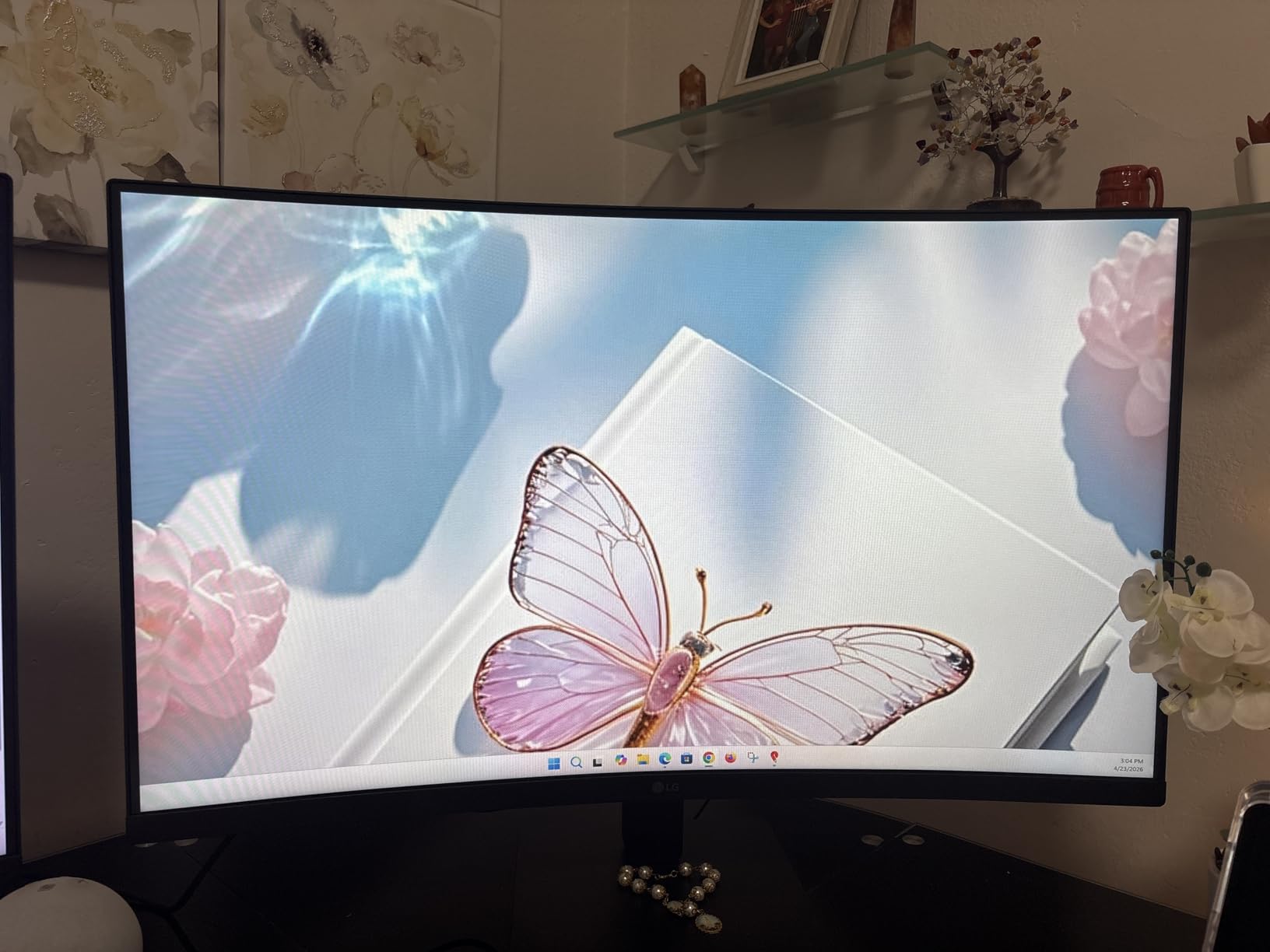
The main issue is the FHD resolution at 32 inches. Desktop icons and text appear larger than ideal, and sitting close to the screen reveals individual pixels. There is no height adjustment on the stand, only tilt. LG also omits built-in speakers entirely, so you will need external audio. These are reasonable compromises at this price, but worth knowing upfront.
Setup and Connectivity
LG includes HDMI and D-Sub (VGA) connections. The stand provides tilt adjustment only. VESA wall mounting is supported. There is no USB-C or DisplayPort, which is a limitation. Setup was straightforward with the included cables and quick-start guide.
Who Should Buy This Monitor
The LG 32MR50C is a solid budget pick for casual users who want a curved display for media consumption and light gaming. It is a good fit for home entertainment setups where you sit further back from the screen, which minimizes the FHD resolution limitation. Students and budget-conscious buyers will appreciate the value it offers.
13. ViewSonic VX3276-MHD 32 Inch IPS Monitor

ViewSonic VX3276-MHD 32 Inch 1080p Widescreen IPS Monitor, HDMI, PC Display
32 Inch FHD IPS
75Hz Refresh
8ms Response
Screen Split
HDMI DP VGA
+ The Good
- Excellent IPS color accuracy and consistency
- Screen Split for multitasking
- Versatile connectivity with HDMI DisplayPort and VGA
- Ultra-thin bezels for modern look
- Built-in speakers
- The Bad
- Poor internal speaker quality
- 1080p resolution low for 32 inch size
- Stand is relatively short
- Limited stock availability
The ViewSonic VX3276-MHD has been around for a while, and its continued popularity tells you something about its reliability. I tested this monitor as part of a dual-display setup for productivity work, and it earned its keep as a dependable, no-nonsense display that does the basics well.
The IPS panel delivers the color accuracy and consistency that ViewSonic is known for. Colors look natural from any angle, and there is no color shift when viewing off-center. This makes it great for sharing the screen with a colleague or adjusting your sitting position throughout the day. The ultra-thin bezels look modern and work well in multi-monitor configurations.
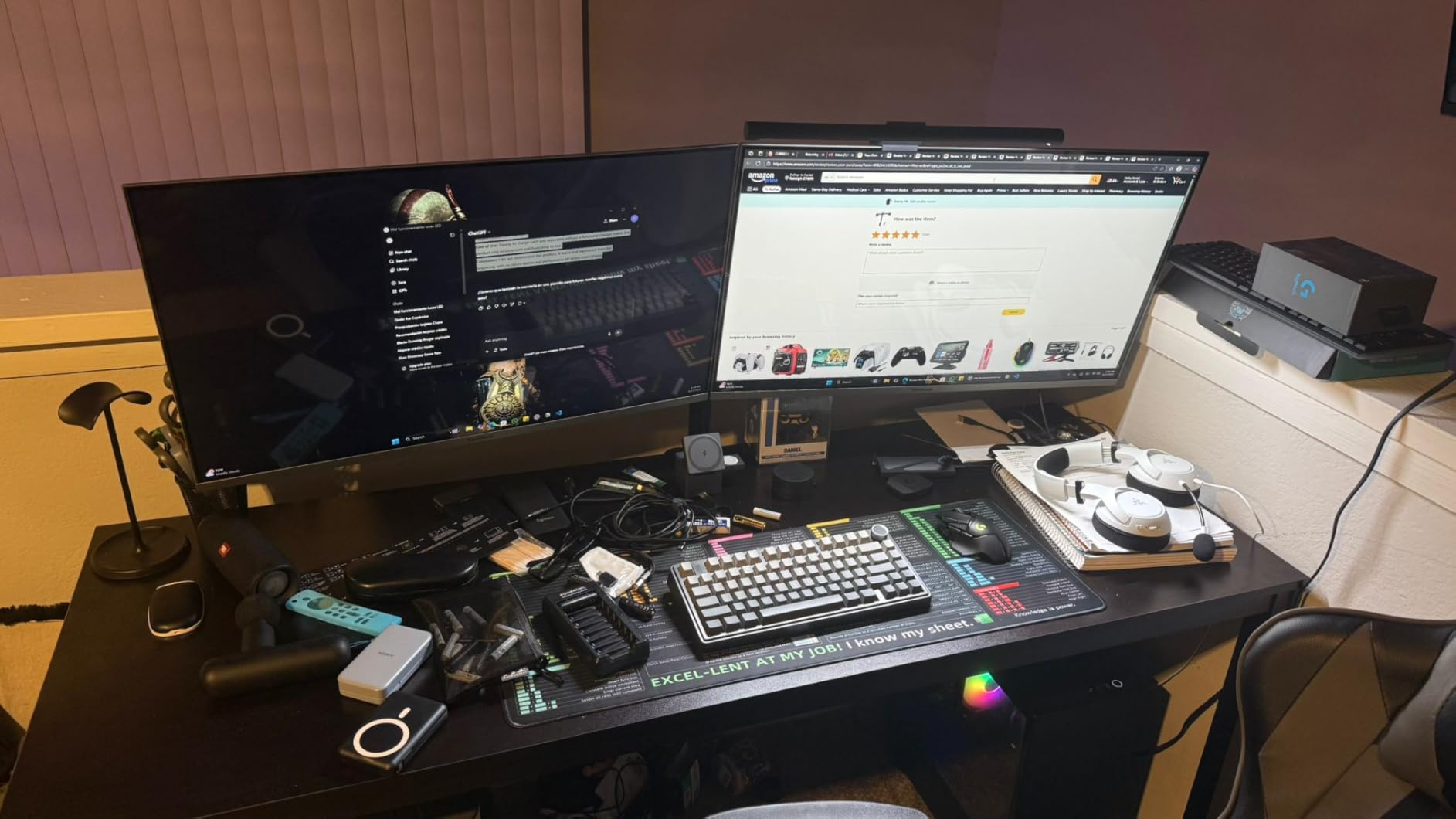
Screen Split is a genuinely useful feature. The software lets you divide the display into multiple zones for different applications, effectively turning one monitor into a multi-window workspace. I kept my email on one side, browser on the other, and a music player in a corner. It works well for productivity workflows where you need to see multiple things at once.
The downsides are real, though. At 1080p on 32 inches, text and fine details look soft compared to QHD or 4K displays. The built-in speakers are among the weakest I have tested, barely adequate for video calls. The stand is also on the shorter side, which might be an issue for taller users. This monitor is also running low on stock, so availability could be limited.
Setup and Connectivity
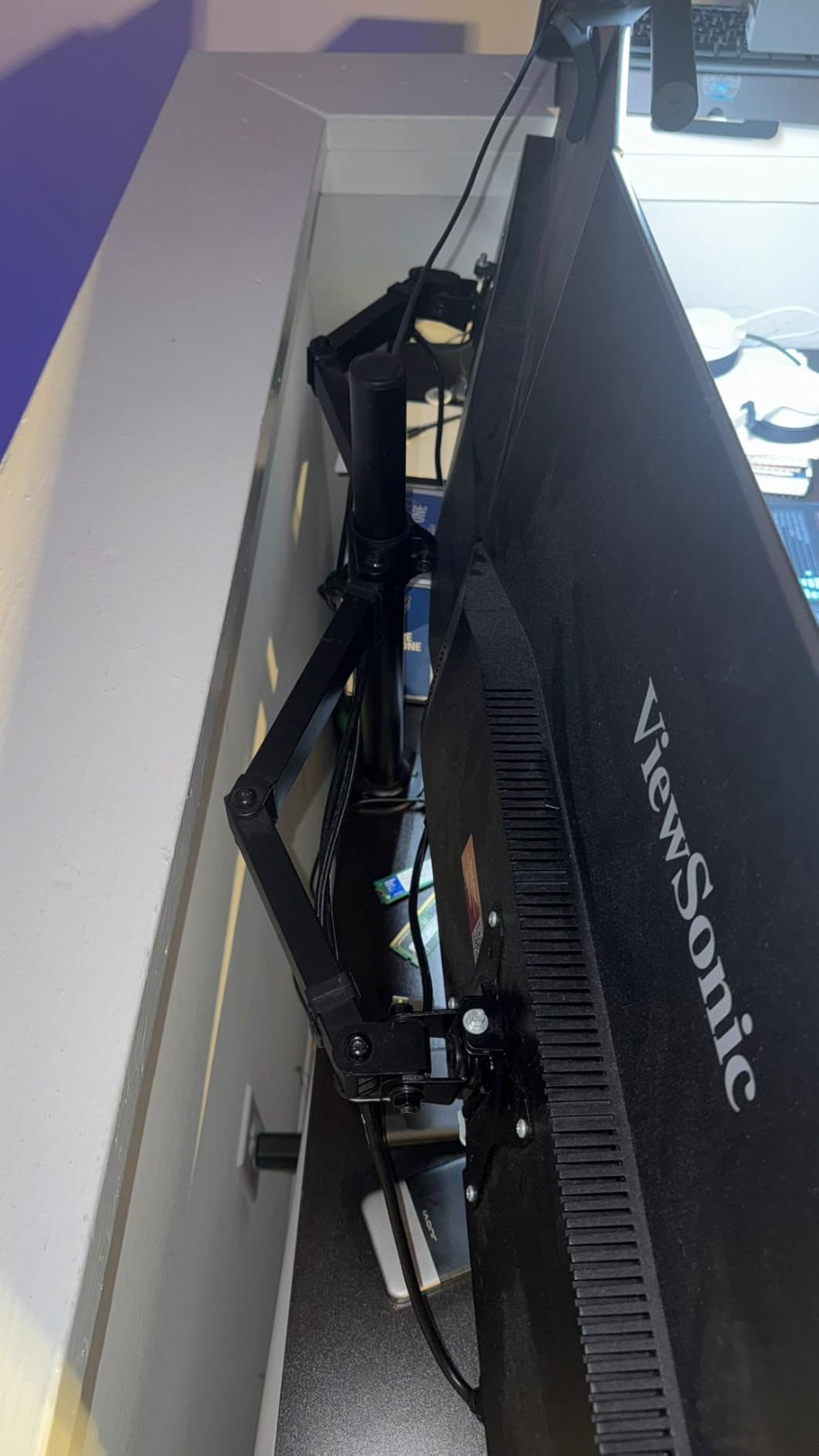
ViewSonic includes HDMI, DisplayPort, and VGA inputs, making this one of the most versatile monitors in our list for legacy device connectivity. The stand is basic with tilt adjustment. VESA mounting is supported. The included cables cover all connection types. Assembly is plug-and-play simple.
Who Should Buy This Monitor
The ViewSonic VX3276-MHD is a solid choice for basic office work and multitasking. Its Screen Split feature and versatile connectivity make it practical for productivity setups. It is also a good option as part of a multi-monitor configuration where you need consistent, color-accurate IPS panels. Budget buyers who prioritize reliability over cutting-edge specs will be well served.
14. Samsung 32 Inch FHD 75Hz Borderless Monitor

Samsung 32″ Flat Computer Monitor
32 Inch FHD LCD
75Hz Refresh
8ms Response
AMD FreeSync
Borderless Design
+ The Good
- Borderless display for clean modern aesthetic
- AMD FreeSync reduces image tearing
- 75Hz smoother than standard 60Hz
- Advanced eye care technology
- VESA capable for versatile mounting
- The Bad
- V-shaped base difficult to position
- Only tilts side to side not up down
- Screws for base may not align properly
- Some screen tearing in games
The Samsung 32 inch borderless monitor is a straightforward, no-frills display that covers the basics at a very competitive price. I used it as a secondary monitor for a couple of weeks, primarily for reference material and communication apps, and it performed exactly as expected. Nothing fancy, but nothing broken either.
The three-sided borderless design is the highlight. Slim bezels give the monitor a clean, modern look that blends well with any setup. If you are running multiple monitors side by side, the minimal bezels help create a near-seamless visual span. Image quality is solid for everyday tasks: text is readable, colors are acceptable, and the anti-glare coating keeps reflections at bay.
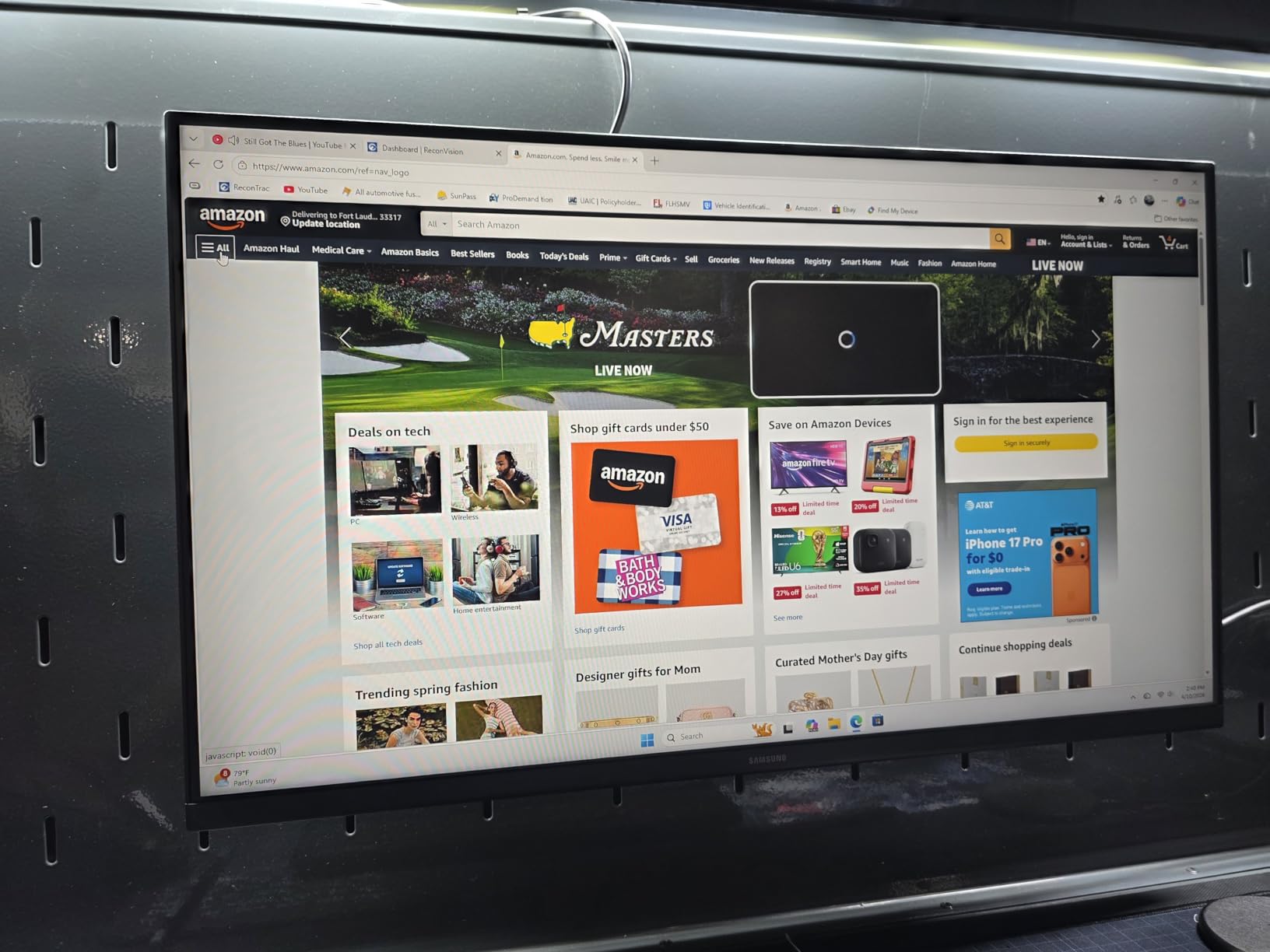
The 75Hz refresh rate is a small but real upgrade over 60Hz. Scrolling through documents and web pages feels smoother. AMD FreeSync helps with light gaming, though this is not a display aimed at serious gamers. The eye care features including Eye Saver Mode and Flicker Free technology work well. I noticed less eye fatigue during long work sessions compared to my old 60Hz panel.
My main complaints center on the stand and build quality. The V-shaped base takes up more desk space than a flat base and can be awkward to position around other items. The stand only allows side-to-side tilt with no height adjustment. Some users have reported alignment issues with the base screws during assembly. These are not dealbreakers but are annoying at any price.
Setup and Connectivity
Samsung includes HDMI and DisplayPort connections. The stand requires some assembly with screws, and alignment can be finicky. VESA wall mounting is supported, which I recommend if you want better ergonomics. The monitor is lightweight at 11 pounds, making it easy to mount on an arm.
Who Should Buy This Monitor
The Samsung 32 inch borderless monitor is a practical pick for basic office work, web browsing, and media consumption. It works well as part of a multi-monitor setup thanks to the slim bezels. Budget buyers who want a reliable Samsung display without paying for gaming features they do not need will find good value here.
15. ViewSonic VA3209M 32 Inch FHD IPS 75Hz – Best Budget Pick

ViewSonic VA3209M 32 Inch 1080p IPS Computer Monitor, Full HD, HDMI VGA, PC
32 Inch FHD IPS
75Hz Refresh
4ms Response
Built-in Speakers
HDMI and VGA
+ The Good
- Excellent value for a 32-inch IPS panel
- Flicker-Free and blue light filter
- Front controls for easy access
- Multiple view presets including Game and Movie
- Easy setup out of the box
- The Bad
- Rear speakers poor quality
- Color cycling when monitor sleeps
- Longer cables may be needed for some setups
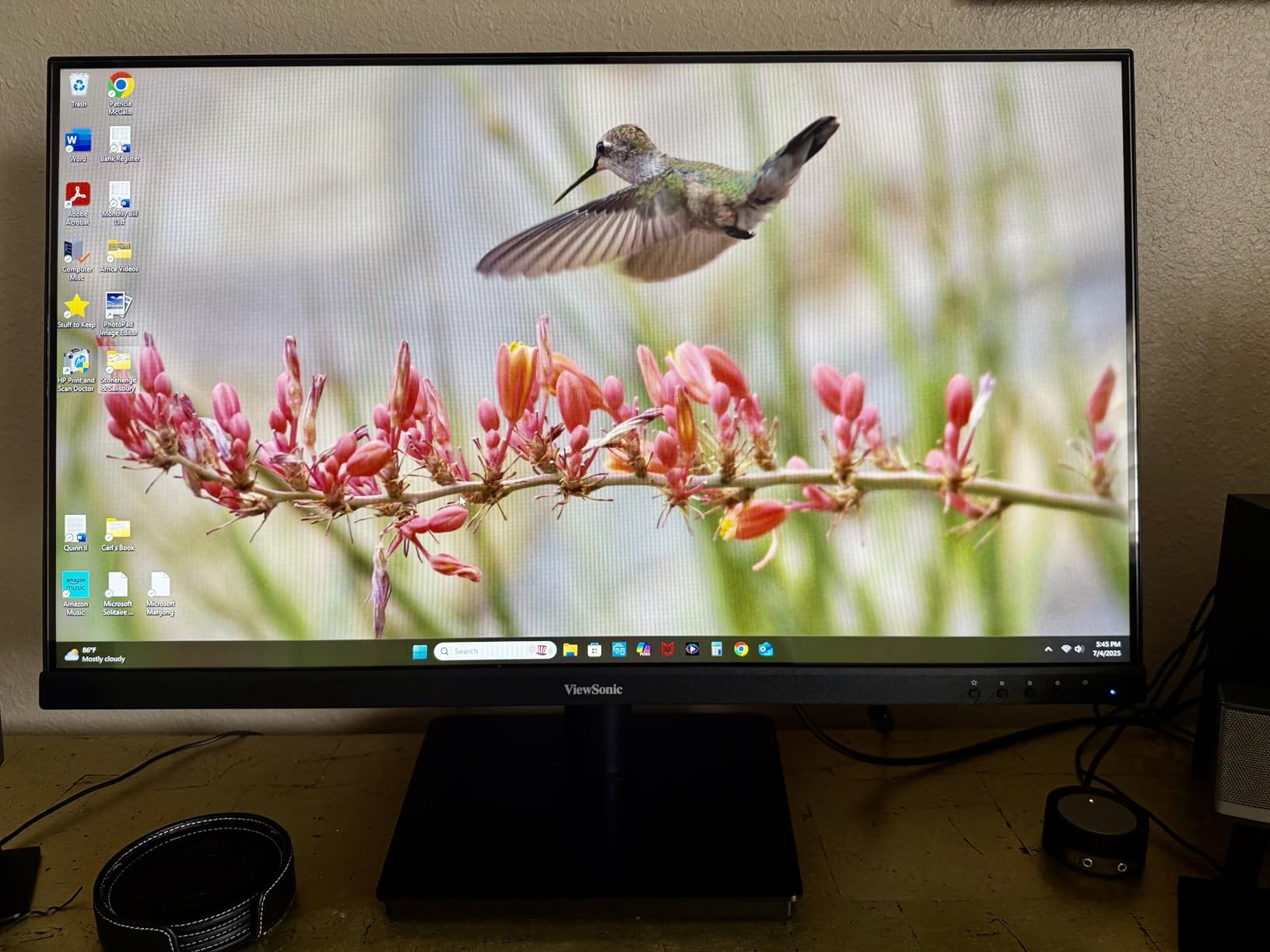
The ViewSonic VA3209M is the monitor I recommend when someone tells me they need a 32 inch display and want to spend as little as possible without buying garbage. After testing it for two weeks, I can confirm it delivers honest, reliable performance at a price that is hard to beat. The 4.7-star rating from over 1,000 reviews backs that up.
The IPS panel is the key differentiator at this price. While most budget 32 inch monitors use VA panels with narrow viewing angles, this ViewSonic uses IPS technology that keeps colors consistent no matter where you sit. The 4ms response time is also faster than most budget displays, which helps with motion clarity during casual gaming and video playback.
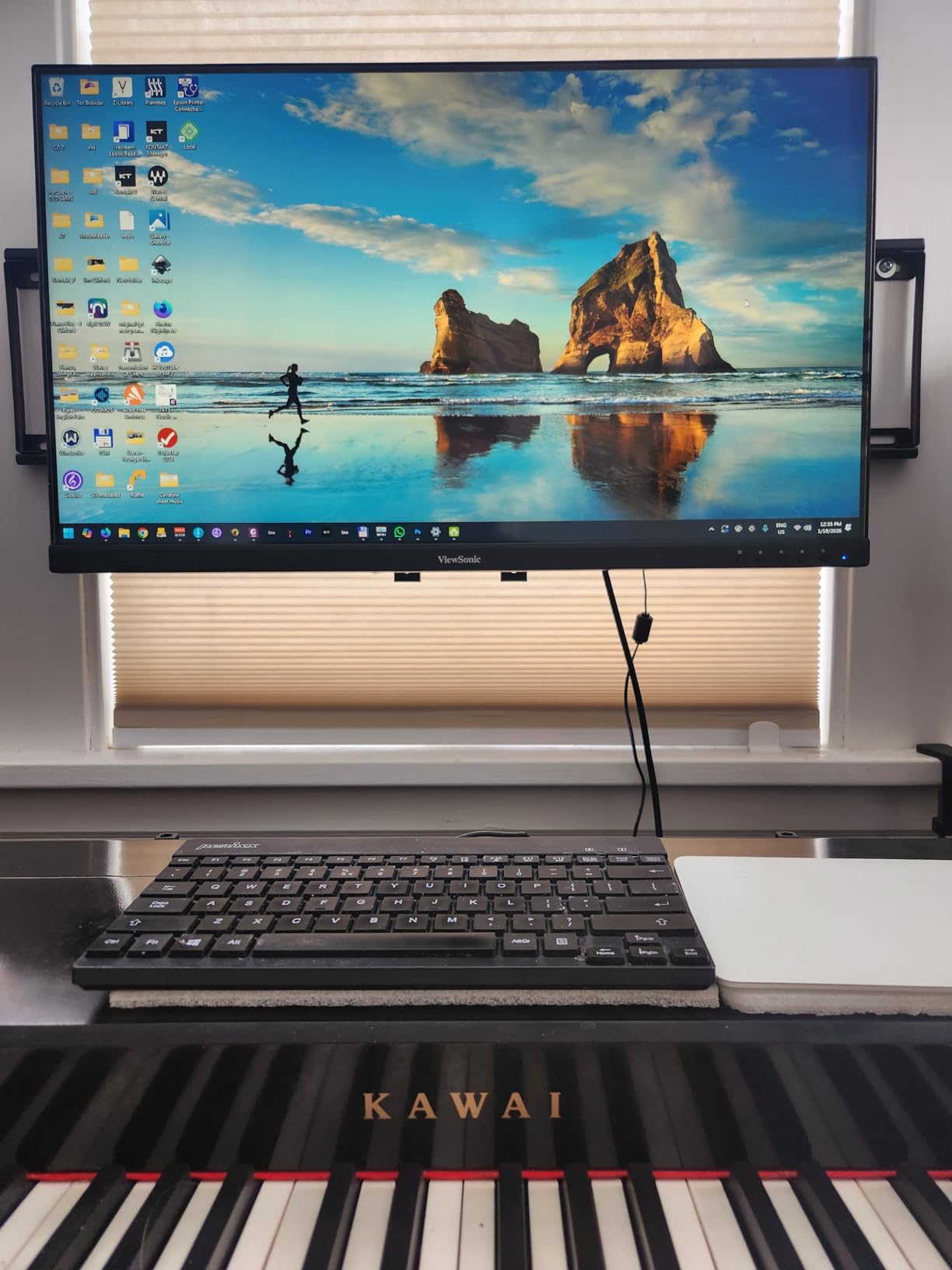
I appreciate the front-facing control buttons, which are much easier to reach than the rear-mounted controls on most monitors. Switching between the built-in view presets (Game, Movie, Web, Text, Mono) is quick and actually useful. The Text preset warms the display for comfortable reading, while Game mode boosts contrast and response time. These small details show ViewSonic thought about real-world usability.
The built-in speakers are included but should be considered a backup option only. They sound thin and lack any real bass. The monitor also has a quirk where colors cycle when it goes to sleep in certain lighting conditions, which is odd but harmless. You might need longer cables than what ViewSonic provides depending on your desk setup.
Setup and Connectivity
ViewSonic includes HDMI and VGA inputs along with a 3.5mm audio jack. The stand provides basic tilt adjustment. VESA wall mounting is supported. Setup is genuinely plug-and-play: attach the stand, connect a cable, and you are running. The included quick-start guide is clear and helpful.
Who Should Buy This Monitor
The ViewSonic VA3209M is the best budget 32 inch monitor you can buy. It is perfect for students, home office workers, and anyone who needs a large display without spending much. The IPS panel ensures good colors and viewing angles. If you want the cheapest quality 32 inch monitor that will not let you down, this is it.
How to Choose the Best 32 Inch Monitor for Your Needs
With 15 monitors to choose from, narrowing it down comes down to understanding a few key specifications. Here is what matters most when shopping for the best 32 inch monitor for your situation.
Resolution: FHD vs QHD vs 4K
Resolution is the single biggest factor in image quality. On a 32 inch screen, the difference between FHD (1920×1080), QHD (2560×1440), and 4K (3840×2160) is dramatic. FHD looks noticeably pixelated at typical desk viewing distances. Text appears soft and fine details are lost. QHD is the sweet spot for most users, offering sharp text and good detail without requiring an expensive GPU. 4K delivers the sharpest image possible but demands a powerful graphics card for gaming. For productivity, 4K on 32 inches is ideal because you get crisp text at 100% scaling. For gaming, QHD often provides the best balance of visual quality and frame rate performance.
Panel Technology: IPS vs VA vs OLED
Panel type affects color accuracy, contrast, and viewing angles. IPS panels offer the best color consistency and viewing angles, making them ideal for productivity and content creation. VA panels deliver deeper blacks and higher contrast ratios, which looks great for movies and dark games, but colors can shift when viewed from the side. OLED is the premium option with perfect blacks, infinite contrast, and near-instant response times. The trade-off is higher cost and potential burn-in with static elements over years of use. For most buyers, IPS is the safest all-around choice.
Refresh Rate and Response Time
Refresh rate determines how smoothly motion appears on screen. 60Hz is fine for basic office work and media. 75Hz to 100Hz provides a noticeable smoothness upgrade for general use. 144Hz to 165Hz is the gaming sweet spot, providing fluid gameplay for most titles. 180Hz to 240Hz is for competitive gamers who want every possible edge. Response time matters alongside refresh rate. Lower is better: 1ms eliminates visible ghosting, while 5ms or higher shows trailing in fast-moving content. For gaming, aim for 1ms response time paired with at least 144Hz refresh.
Connectivity and Ports
Check that the monitor has the right ports for your setup. HDMI and DisplayPort are standard on all monitors. USB-C with power delivery is valuable if you use a laptop, as it handles charging, video, and data in one cable. KVM switches let you share peripherals between two computers through the monitor. Built-in USB hubs are convenient for connecting accessories. Budget monitors typically offer only HDMI, while premium models include USB-C, multiple HDMI ports, and DisplayPort. Think about your current and future device connections before choosing.
Curved vs Flat Display
Curved monitors wrap the screen around your field of view, creating a more immersive experience for gaming and movies. The effect is subtle but noticeable, especially with aggressive curves like 1000R. Flat monitors are more versatile for productivity work, multi-monitor setups, and situations where multiple people view the screen. For pure gaming and entertainment, curved is worth considering. For mixed work-and-play use, flat is generally the safer choice. If you go curved, 1500R is gentle and easy to adapt to, while 1000R is more aggressive and immersive.
Eye Comfort Features
If you spend 6+ hours daily in front of a monitor, eye comfort features matter. Flicker-free technology eliminates invisible screen flickering that causes headaches over time. Blue light filters reduce eye strain during evening use. Low blue light certifications from TUV Rheinland indicate the feature has been independently tested. Brightness adjustment range also matters: monitors that can dim very low are more comfortable in dark rooms. Several monitors in our list include these features, including Samsung models with Eye Saver Mode and ViewSonic displays with Flicker-Free technology.
Frequently Asked Questions About 32 Inch Monitors
What is the best 32-inch graphics monitor?
The LG 32GX850A-B 32 inch UltraGear 4K OLED is the best 32-inch graphics monitor you can buy in 2026. It features a stunning OLED panel with perfect blacks, 98.5% DCI-P3 color coverage, and a dual mode that switches between 4K 165Hz and FHD 330Hz. The 0.03ms response time is among the fastest available, making it ideal for both gaming and color-critical creative work.
Is 32 inches a good monitor size?
Yes, 32 inches is an excellent monitor size for both productivity and gaming. At 32 inches, you get enough screen real estate to run multiple windows side by side without needing a dual-monitor setup. For 4K resolution, 32 inches provides crisp text at 100% scaling, which is perfect for programming and document work. For gaming, the larger display creates a more immersive experience. The main consideration is desk depth: you need at least 2 feet between you and the screen for comfortable viewing.
Do pros use a 32-inch monitor?
Most competitive FPS professionals still use 24 to 27 inch monitors because the smaller screen fits entirely within their peripheral vision during fast-paced gameplay. However, 32 inch monitors are gaining popularity among professional gamers in simulation racing, fighting games, and strategy titles. For non-competitive gaming and productivity, many streamers and creative professionals prefer 32 inch displays for the extra workspace and immersion.
What is the best 4K OLED 32-inch monitor?
The LG 32GX850A-B 32 inch UltraGear 4K OLED is the best 4K OLED 32-inch monitor available. It combines a glossy OLED panel with 4K resolution, 165Hz refresh rate, 0.03ms response time, and 98.5% DCI-P3 color coverage. It supports both NVIDIA G-SYNC and AMD FreeSync Premium Pro, and features Micro Lens Array+ technology for enhanced brightness. Its dual mode capability lets you switch to FHD at 330Hz for competitive gaming.
Final Thoughts on the Best 32 Inch Monitors
After testing 15 different 32 inch monitors across every price range and use case, a few clear winners stand out. The LG 32GX850A-B 4K OLED is the absolute best 32 inch monitor you can buy, offering unmatched picture quality with perfect OLED blacks and blazing-fast performance. For gamers who want premium features without OLED pricing, the ASUS ROG Strix XG32UCG delivers incredible value with its dual mode capability and Fast IPS panel.
On the productivity side, the Samsung ViewFinity S8 earns its spot with USB-C power delivery and a built-in KVM switch that transforms it into a true workstation hub. Budget buyers have excellent options too: the ViewSonic VA3209M provides reliable IPS quality at the lowest price, while the SANSUI 240Hz monitor serves up incredible gaming performance for under $200.
Choosing the best 32 inch monitors comes down to matching specs to your needs. Gamers should prioritize refresh rate and response time. Productivity users should focus on resolution and ergonomics. Content creators need color accuracy. Whatever your priority, there is a 32 inch display in this guide that fits. Pick the one that matches how you actually use your screen, and you will not be disappointed.