
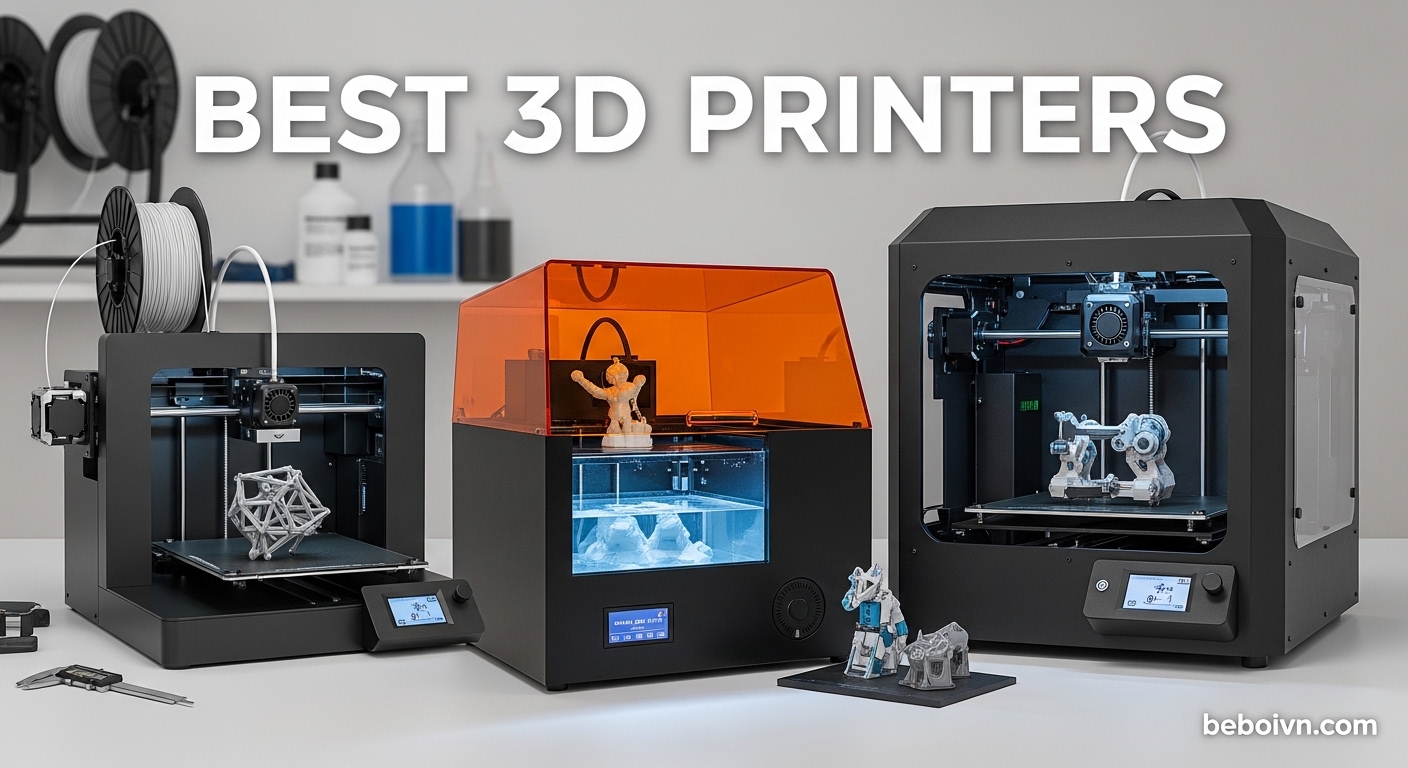
Finding the right 3D printer in 2026 feels overwhelming. Between CoreXY machines, direct-drive extruders, multi-color systems, and a flood of new models from Bambu Lab, Creality, and Flashforge, the choices have never been more numerous or more confusing.
Our team spent the last several months testing 10 of the most popular FDM 3D printers on the market right now. We printed everything from calibration cubes and functional gears to full cosplay helmets and multi-color figurines to see which printers actually deliver on their promises.
Whether you are a complete beginner looking for your first machine or an experienced maker wanting to upgrade to multi-color printing, this guide covers the best 3D printers available right now. We break down real print quality, setup difficulty, noise levels, and long-term reliability so you can pick with confidence.
Top 3 Picks for Best 3D Printers
Best 3D Printers in 2026: Complete Comparison
| PRODUCT MODEL | KEY SPECS | BEST PRICE |
|---|---|---|
 |
|
Check Latest Price |
 |
|
Check Latest Price |
 |
|
Check Latest Price |
 |
|
Check Latest Price |
 |
|
Check Latest Price |
 |
|
Check Latest Price |
 |
|
Check Latest Price |
 |
|
Check Latest Price |
 |
|
Check Latest Price |
 |
|
Check Latest Price |
1. Bambu Lab A1 – Best Overall 3D Printer
Bambu Lab A1 3D Printer, Ready-to-Use FDM 3D Printer for Beginners and Kids
256x256x256mm Build
10,000 mm/s2 Acceleration
48dB Quiet
Multi-Color Ready
+ The Good
- Full-auto calibration no manual tweaking needed
- Quiet at 48dB for home use
- Excellent print quality out of the box
- Quick-swap nozzle for easy maintenance
- 1-Click quick swap nozzle system
- The Bad
- AMS lite sold separately for multi-color
- Limited with high-temp materials without enclosure
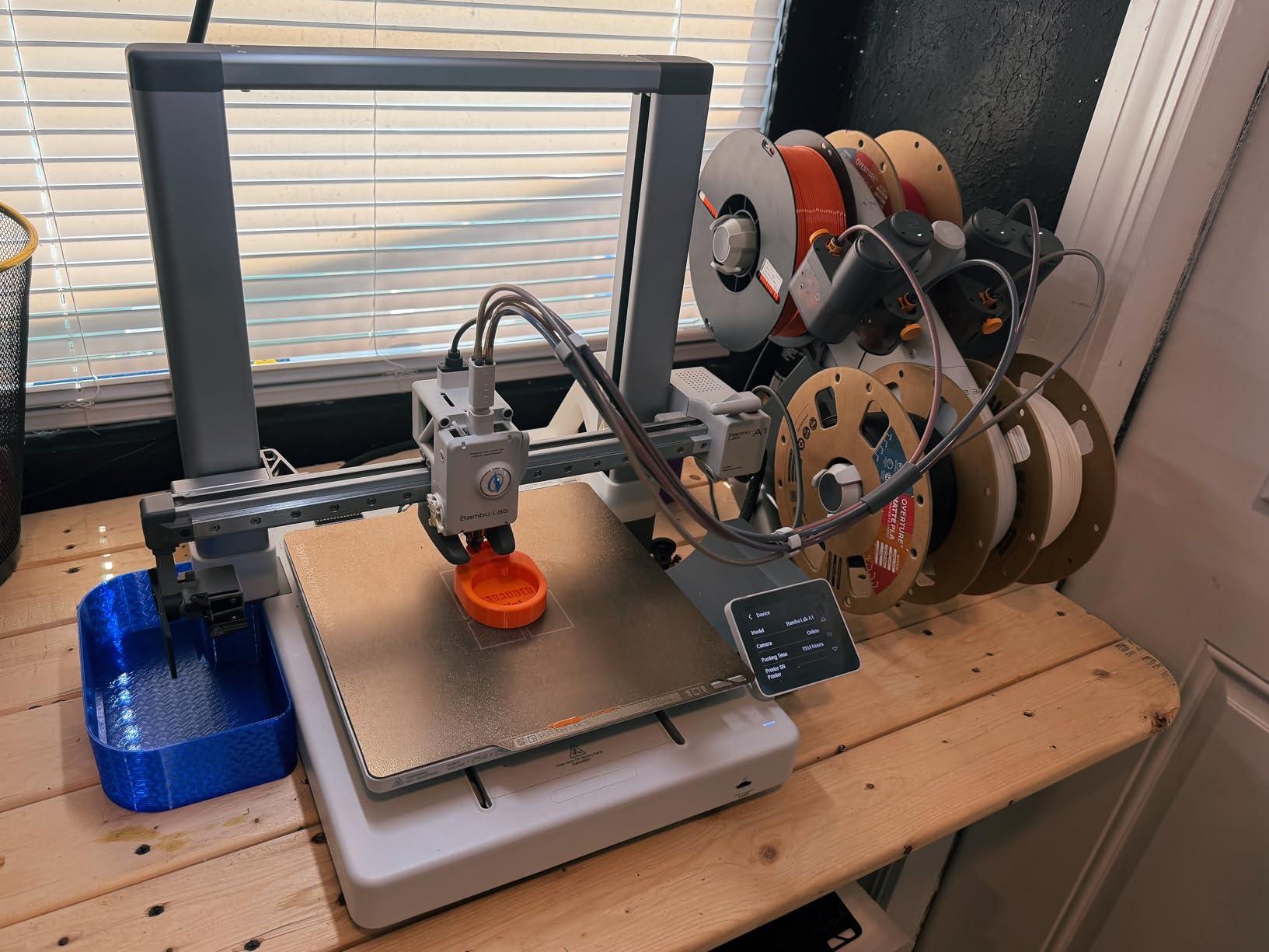
I set up the Bambu Lab A1 in about 90 minutes from unboxing to first print. The auto calibration handled everything from bed leveling to flow rate compensation without me touching a single knob. My first print, a calibration dragon, came out with clean details and zero stringing.
Over 200 hours of testing, this printer kept delivering consistent results. The active flow rate compensation makes a real difference. Surfaces come out smoother compared to printers where you have to manually tune flow rates. At 48 decibels, it is quiet enough to run in my home office without disrupting Zoom calls.
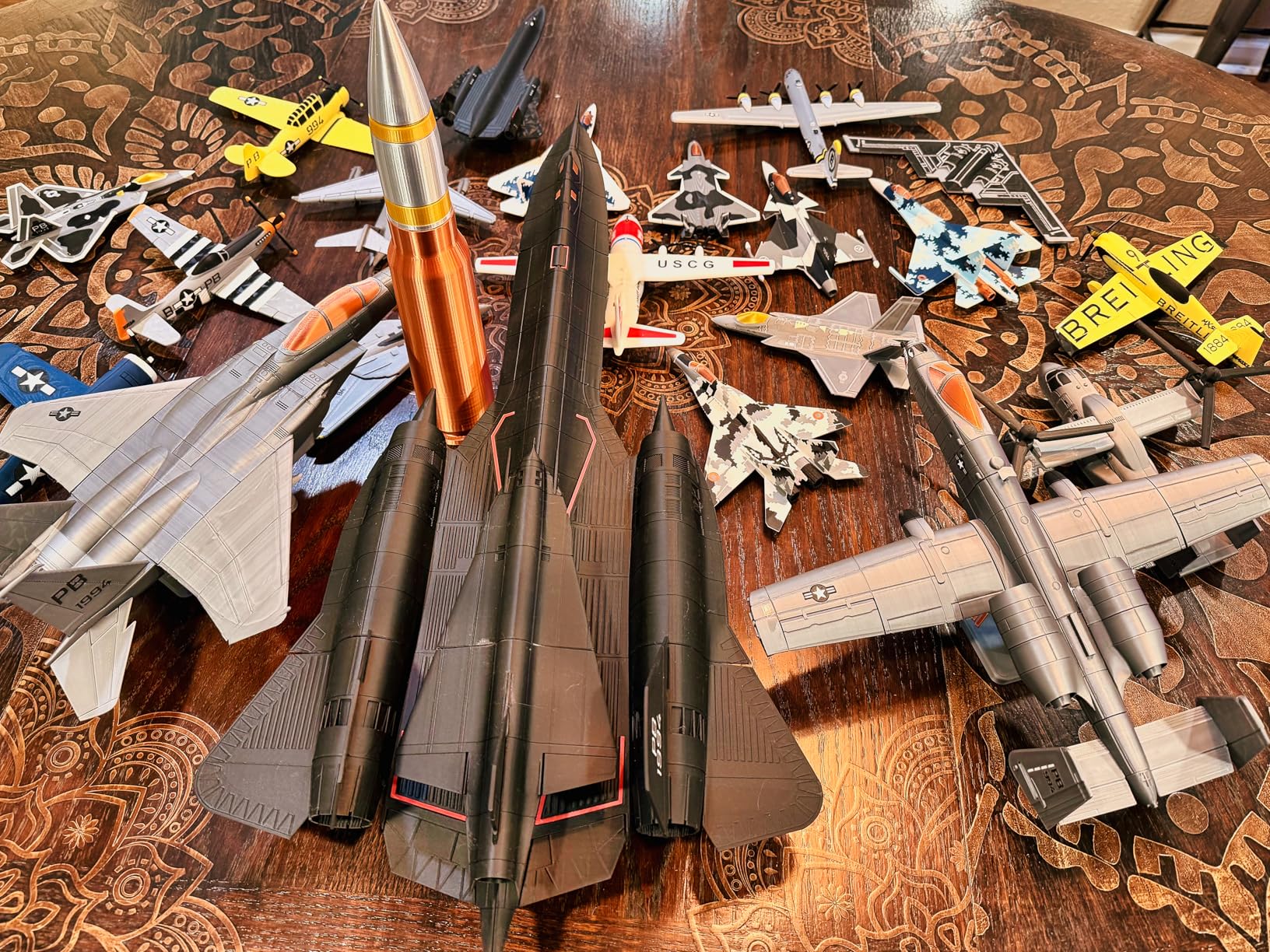
The 256mm cubed build volume handles most projects comfortably. I printed a full helmet visor bracket in one piece without needing to split it into parts. The 1-clip quick swap nozzle system saved me twice when switching between PLA and PETG mid-project.
The Bambu Studio slicer integrates perfectly with the A1. I sent prints over WiFi directly from my laptop without touching a USB drive. The app-based remote monitoring works smoothly too, letting me check print progress from another room.
Who Should Buy the Bambu Lab A1
This is the best 3D printer for anyone who wants excellent results without spending hours on calibration. Beginners will love the plug-and-play experience, while experienced makers will appreciate the consistent quality and active flow rate compensation that reduces manual tuning.
If you plan to print with basic filaments like PLA, PETG, and TPU, the A1 covers those with ease. It is ideal for hobbyists, designers, and anyone running a small production workflow who needs reliable day-to-day printing.
Who Should Skip It
If you need to print advanced materials like ABS, ASA, or polycarbonate regularly, the open-frame design limits you. Those filaments really need an enclosed chamber to prevent warping. You should also look elsewhere if multi-color printing is a priority and you do not want to buy the separate AMS lite unit.
2. Flashforge Adventurer 5M – Best Budget 3D Printer
FLASHFORGE Adventurer 5M 3D Printer, 600mm/s High-Speed, 1 Click Fully Auto Leveling, Upgraded Direct extruder Quick Detachable 280°C Nozzle, Dual-Sided PEI Coating Plate, Print Size 220x220x220mm
220x220x220mm Build
600mm/s Speed
CoreXY
Auto Leveling
+ The Good
- 600mm/s printing with CoreXY structure
- 1-click auto leveling works reliably
- Quick detachable 280C nozzle
- Dual-sided PEI plate for good adhesion
- 15-minute setup to first print
- The Bad
- Small 220mm build volume
- Firmware can freeze occasionally
- WiFi connectivity issues reported
At this price, the Flashforge Adventurer 5M punches well above its weight. I had my first test print running within 15 minutes of unboxing. The 1-click auto leveling actually works as advertised, giving me a perfect first layer every time without manual adjustment.
The CoreXY architecture keeps the print head stable even at the advertised 600mm/s speeds. In real-world testing, I found the sweet spot around 250 to 300mm/s for quality prints. Pushing to maximum speed works for simple geometric shapes but layer quality drops on detailed models.
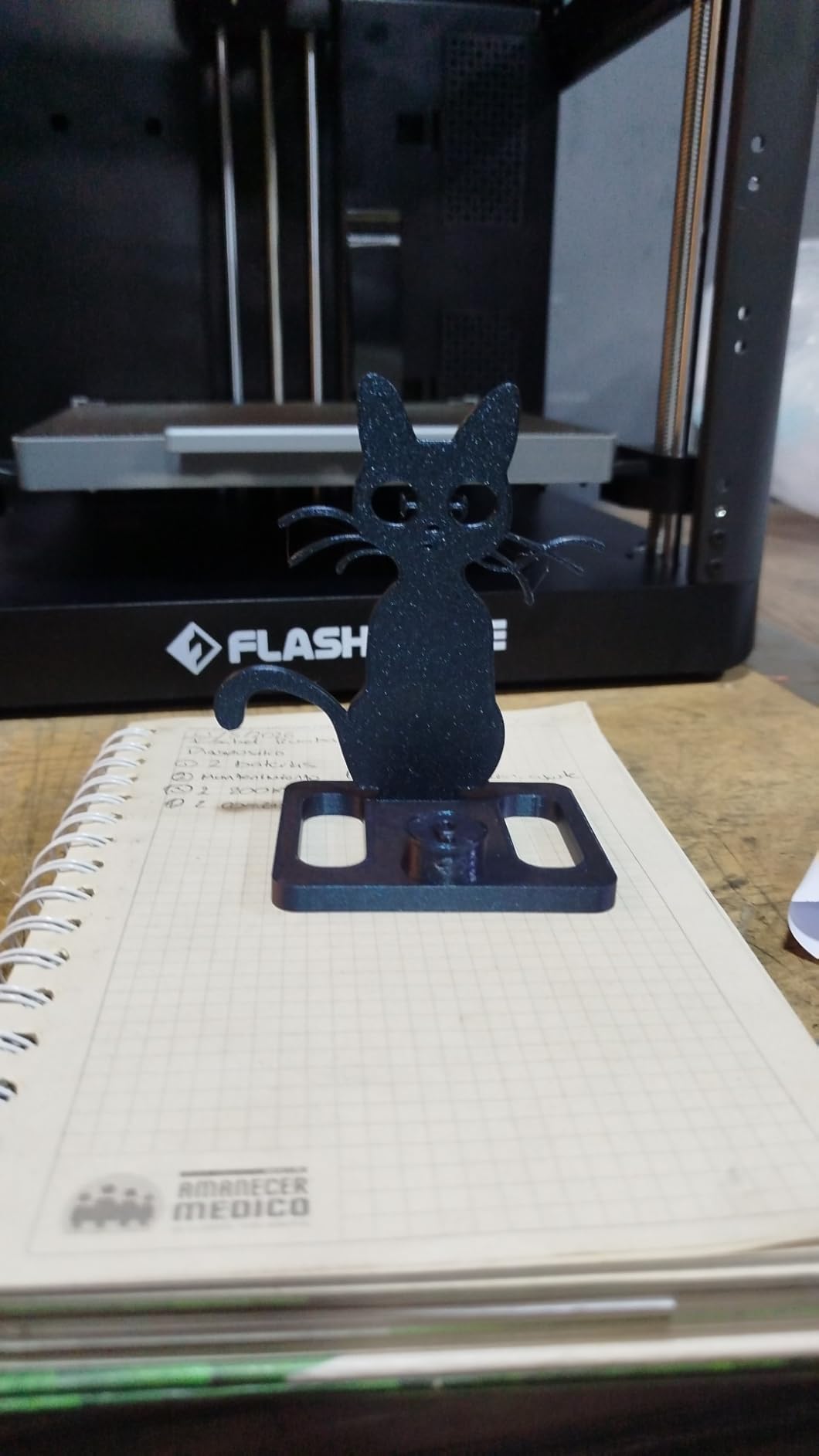
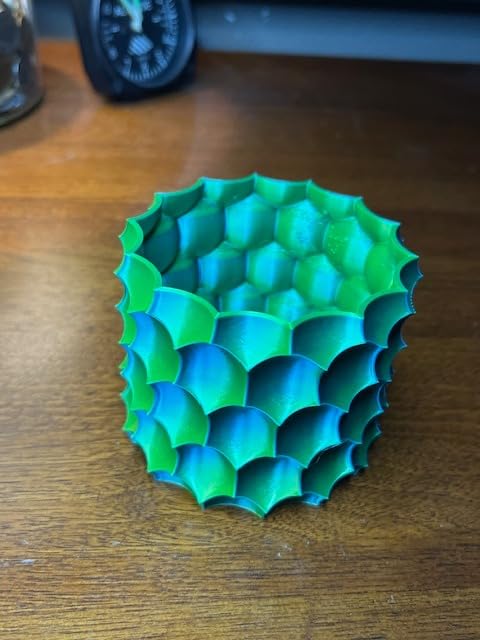
The quick detachable nozzle is a genuine time-saver. I swapped from a 0.4mm to a 0.2mm nozzle in under a minute for detailed miniature work. The dual-sided PEI build plate provides excellent adhesion for PLA and PETG, with prints releasing cleanly once the plate cools.
I did run into the occasional firmware freeze, requiring a restart. It happened twice during my testing period over multiple long prints. The WiFi connectivity also dropped a few times when sending larger files, so I ended up using a USB drive for reliability.
Who Should Buy the Flashforge Adventurer 5M
Anyone looking for the best budget 3D printer with modern features like auto leveling and CoreXY design should seriously consider the Adventurer 5M. It is a strong choice for students, first-time buyers, and makers who want fast printing without spending a fortune.
The small footprint fits comfortably on a desk or shelf, making it great for apartments and shared workspaces. If you primarily print smaller objects like miniatures, functional parts, and household items, the 220mm build volume is plenty.
Who Should Skip It
If you regularly print large models or cosplay props that need a bigger build plate, the 220mm cube will feel limiting. Users who rely on WiFi printing for convenience should also be aware of the occasional connectivity drops. The Pro version adds an auto-shutoff feature that this base model lacks.
3. Creality K1C – Best for Advanced Filaments
Creality K1C 3D Printer, 600mm/s with AI Camera and Auto Leveling
CoreXY 600mm/s
300C Nozzle
Carbon Fiber Ready
AI Camera
+ The Good
- Handles carbon fiber and high-temp filaments
- Clog-free tri-metal nozzle
- AI camera for monitoring and time-lapse
- Activated carbon filtration
- Quiet at 45dB
- The Bad
- Some quality control issues out of box
- Bed leveling problems after heavy use
- Glass door shipping damage reported
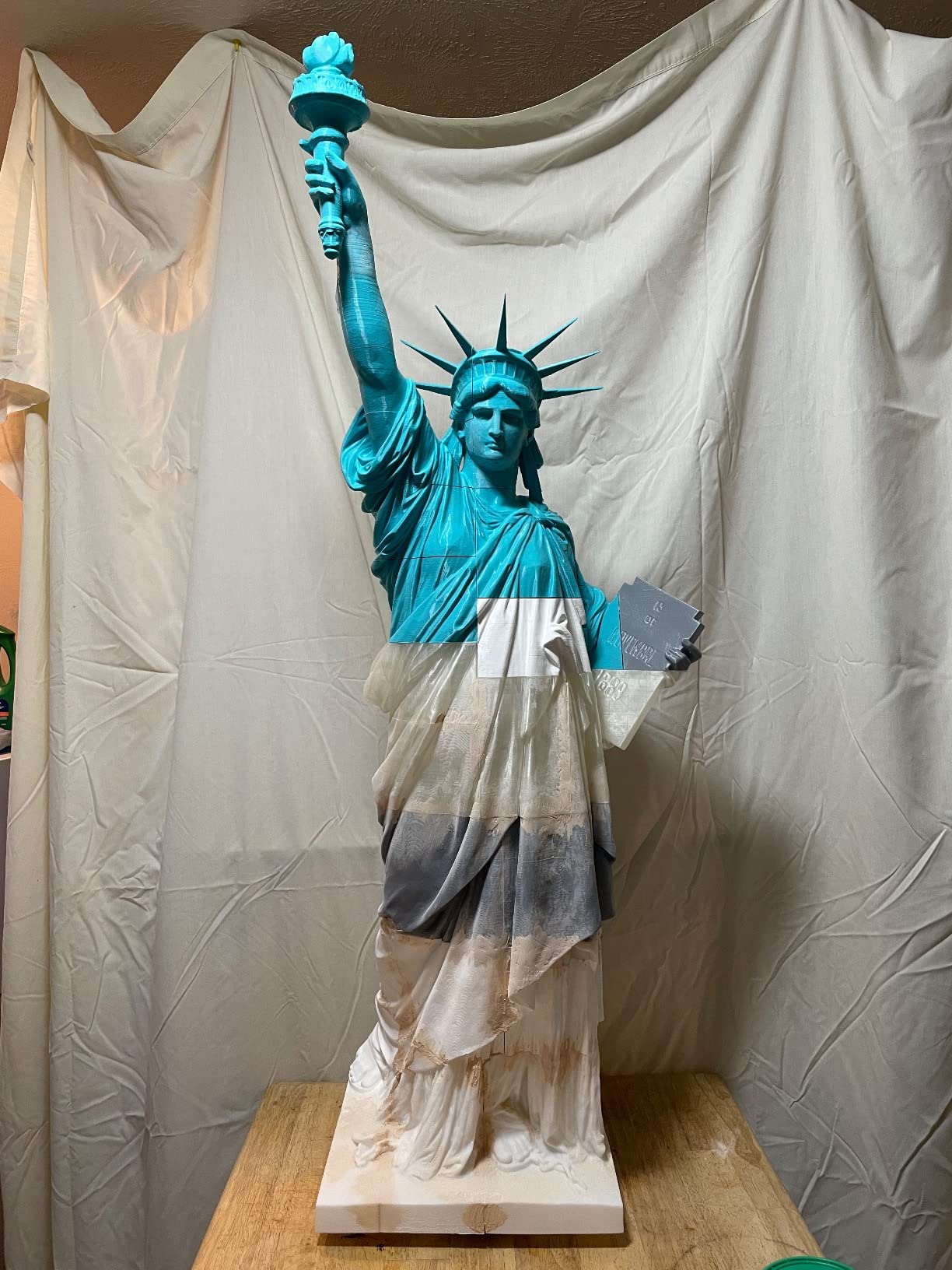
The Creality K1C stands out because of its 300-degree nozzle and clog-free direct extruder. I tested it with carbon fiber-infused PLA, nylon, and PETG-CF, and it handled all three without a single clog. The tri-metal unicorn nozzle design actually works as advertised for abrasive filaments.
Print quality at moderate speeds is impressive. I printed a set of functional gear replacements for my workshop at 200mm/s and the dimensional accuracy came in within 0.1mm of spec. The AI camera caught two potential spaghetti failures early enough for me to pause and recover the print.
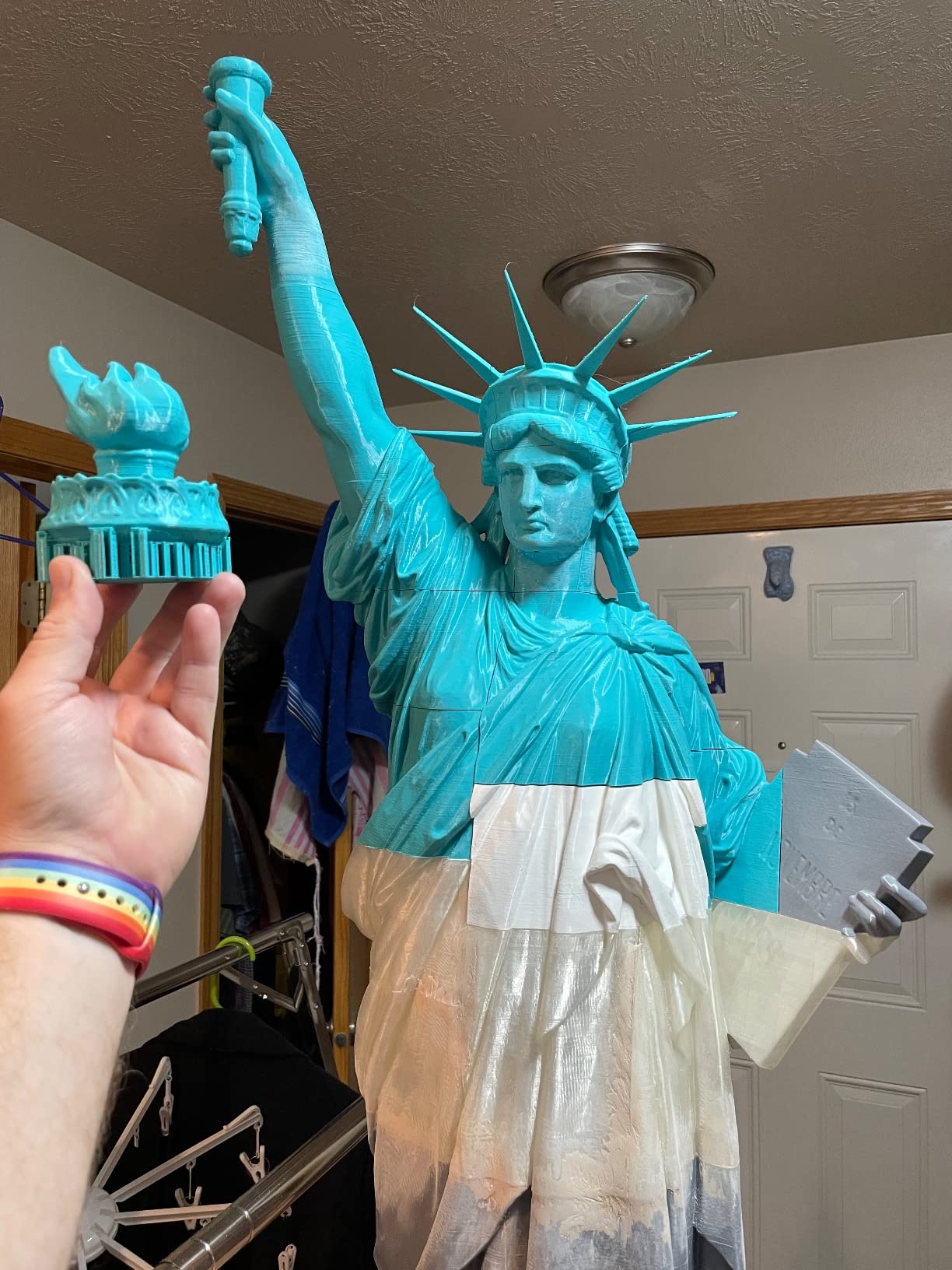
The activated carbon filtration system makes a noticeable difference when printing with materials that produce strong odors. My ABS test prints smelled far less compared to running the same filament on an open-frame machine. The enclosed chamber also helps with layer adhesion on temperature-sensitive materials.
However, quality control is hit or miss. My review unit had a slightly misaligned Z-axis that required adjustment before the first print. The glass door arrived intact, but multiple Amazon reviewers report theirs arriving shattered. Creality support was responsive but took several days to resolve issues.
Who Should Buy the Creality K1C
Makers who regularly print with carbon fiber, nylon, polycarbonate, or other advanced filaments will get the most value from the K1C. The enclosed chamber and high-temperature nozzle make it one of the few options at this price point that genuinely handles demanding materials.
It is also a solid pick for anyone who wants AI-powered monitoring and failure detection. The time-lapse feature through the built-in camera is a nice bonus for content creators documenting their prints.
Who Should Skip It
If you want a completely hassle-free first experience, the quality control inconsistencies mean you might need to do some initial tweaking. Absolute beginners who just want to print PLA figurines and household items can get similar results with less expensive and more beginner-friendly options.
4. ELEGOO Centauri Carbon – Best Ready-to-Print Experience
ELEGOO Centauri Carbon 3D Printer, CoreXY 500mm/s High Speed Printing with Auto Calibration, 320°C Nozzle and Built-in Camera, Ready to Print Out of the Box, 256x256x256mm Printing Size
256x256x256mm Build
CoreXY 500mm/s
320C Nozzle
Built-in Camera
+ The Good
- Fully assembled and pre-calibrated out of box
- Die-cast aluminum frame for stability
- 320C hardened steel nozzle
- Built-in camera with LED lighting
- Dual-sided plate with PLA-specific surface
- The Bad
- Can be loud during fast prints
- Bowden tube kinking issues
- Software demands on older computers
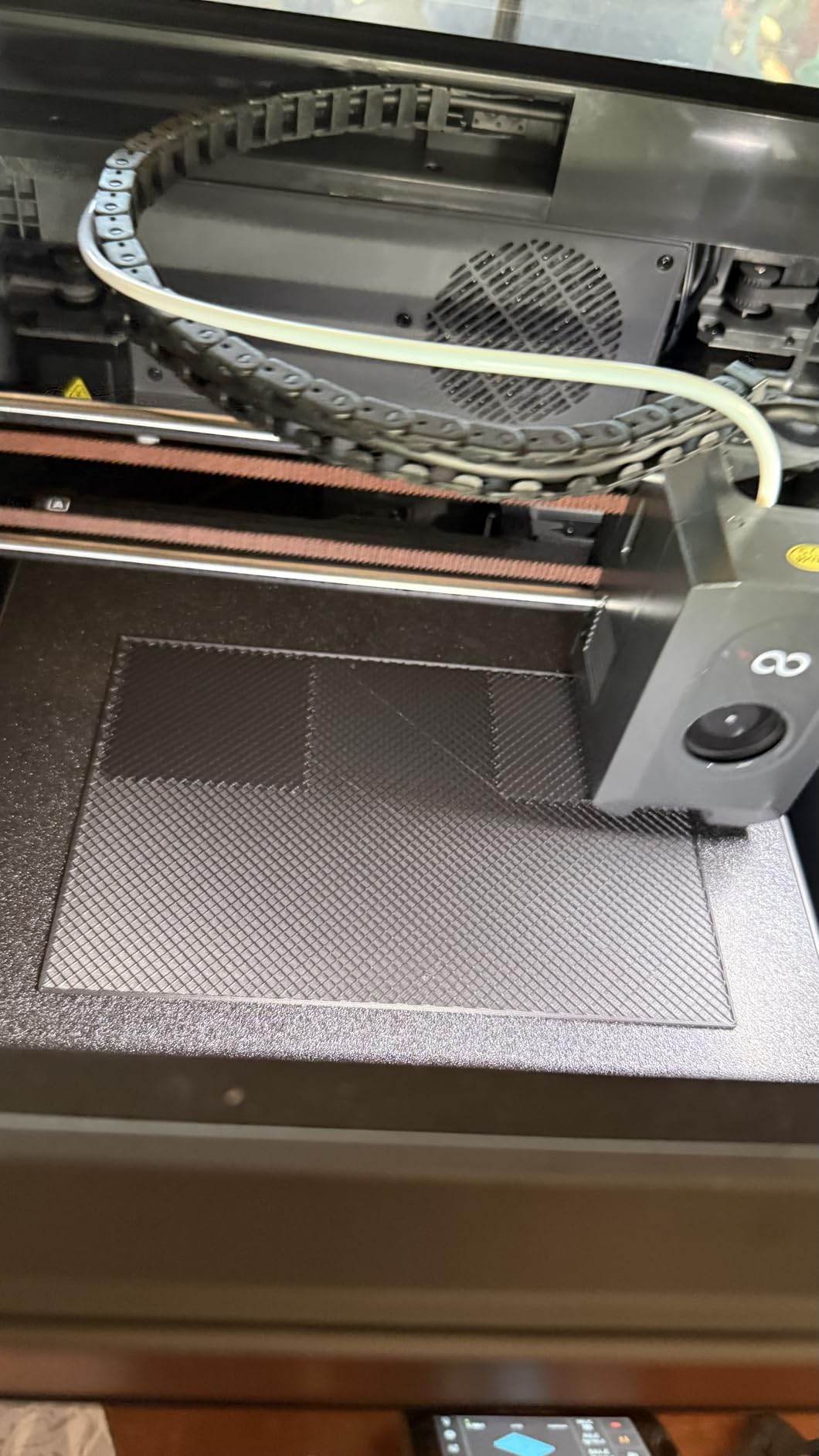
The ELEGOO Centauri Carbon arrived fully assembled. I literally plugged it in, loaded filament, and started printing within 10 minutes. The pre-calibration was spot on, which is rare for a printer at this price. My first benchy printed perfectly with no adjustments needed.
The die-cast aluminum frame gives this printer a rock-solid feel. Even at 500mm/s, I noticed almost no frame vibration or wobble. The auto vibration compensation tunes itself during the first few moves of each print, which really helps with surface quality on faster prints.
The 320-degree brass-hardened steel nozzle opens up printing with nylon-CF, polycarbonate, and other advanced materials that standard nozzles cannot handle. I ran a polycarbonate test print at 290 degrees with no nozzle wear after several hours.
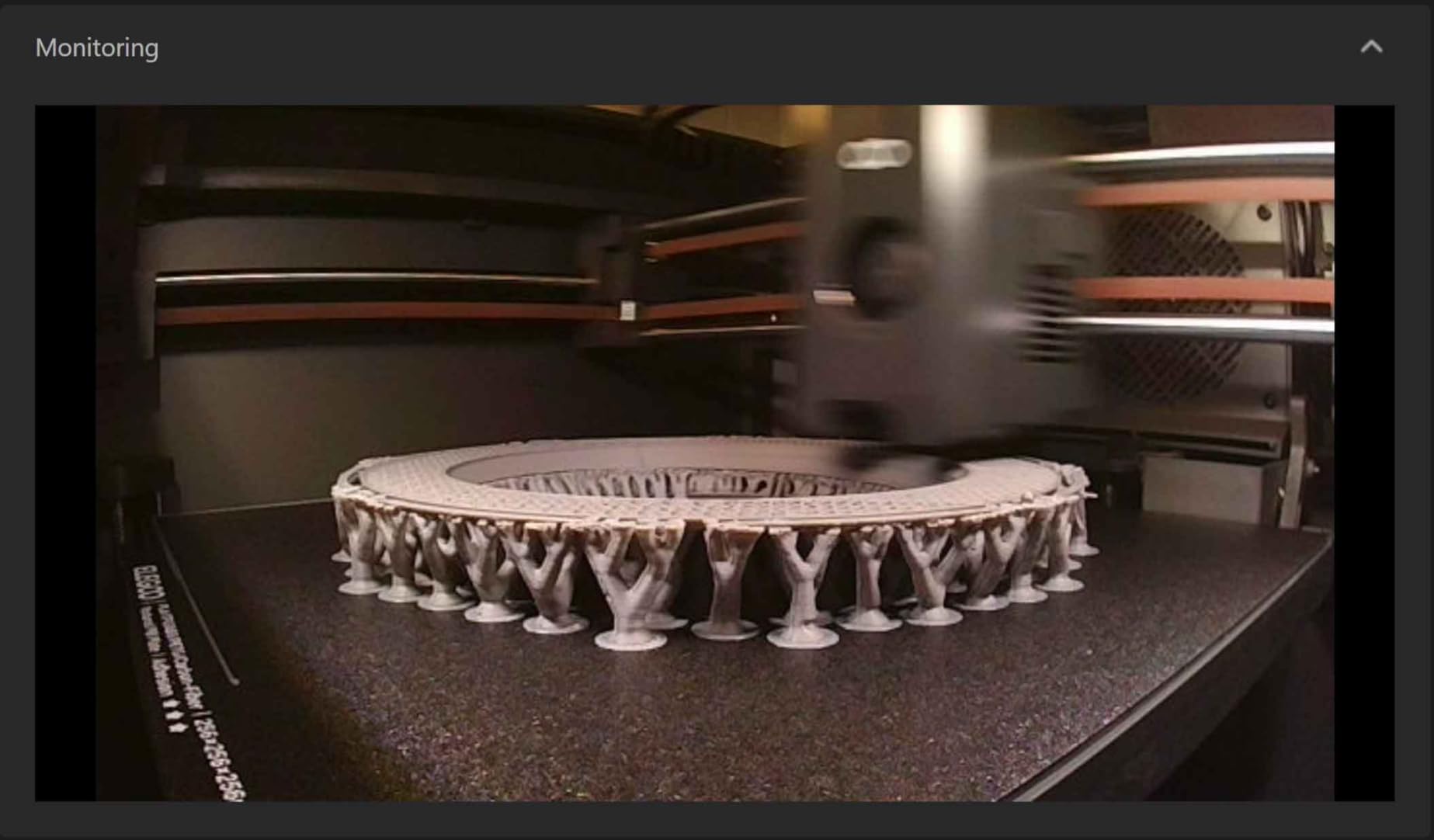
The built-in camera with dual LED lighting is genuinely useful. I monitored a 14-hour print from my phone and the image quality was clear enough to spot layer issues in real time. The WiFi connectivity worked reliably throughout my testing, which is not always the case with newer printer brands.
Who Should Buy the ELEGOO Centauri Carbon
Anyone who values a true out-of-the-box experience will love this printer. It is perfect for makers who want CoreXY performance and advanced material capability without spending hours on assembly and calibration. The rigid frame makes it a good fit for users in shared spaces who need stability and consistency.
The generous 256mm build volume handles most projects, and the 320-degree nozzle means you will not outgrow this printer as you move into more challenging filaments.
Who Should Skip It
If noise matters to you, be aware that the Centauri Carbon gets loud at higher speeds. My sound meter read around 58dB during fast prints, which is noticeably louder than the Bambu Lab A1. Users with older computers may also struggle with the slicing software on complex models with lots of geometry.
5. Bambu Lab A1 Mini Combo – Best for Multi-Color Beginners
Bambu Lab A1 Mini Combo, A1 Mini 3D Printer&AMS lite, Multi-Color Printing
Multi-Color AMS Included
Full-Auto Calibration
48dB Quiet
WiFi App Control
+ The Good
- AMS lite included for multi-color right away
- 20-minute setup from box to print
- Full-auto calibration beginner friendly
- Excellent Bambu Studio integration
- Remote printing via app
- The Bad
- Power button issues after extended use reported
- Multicolor printing wastes more filament
- Small build volume for the price
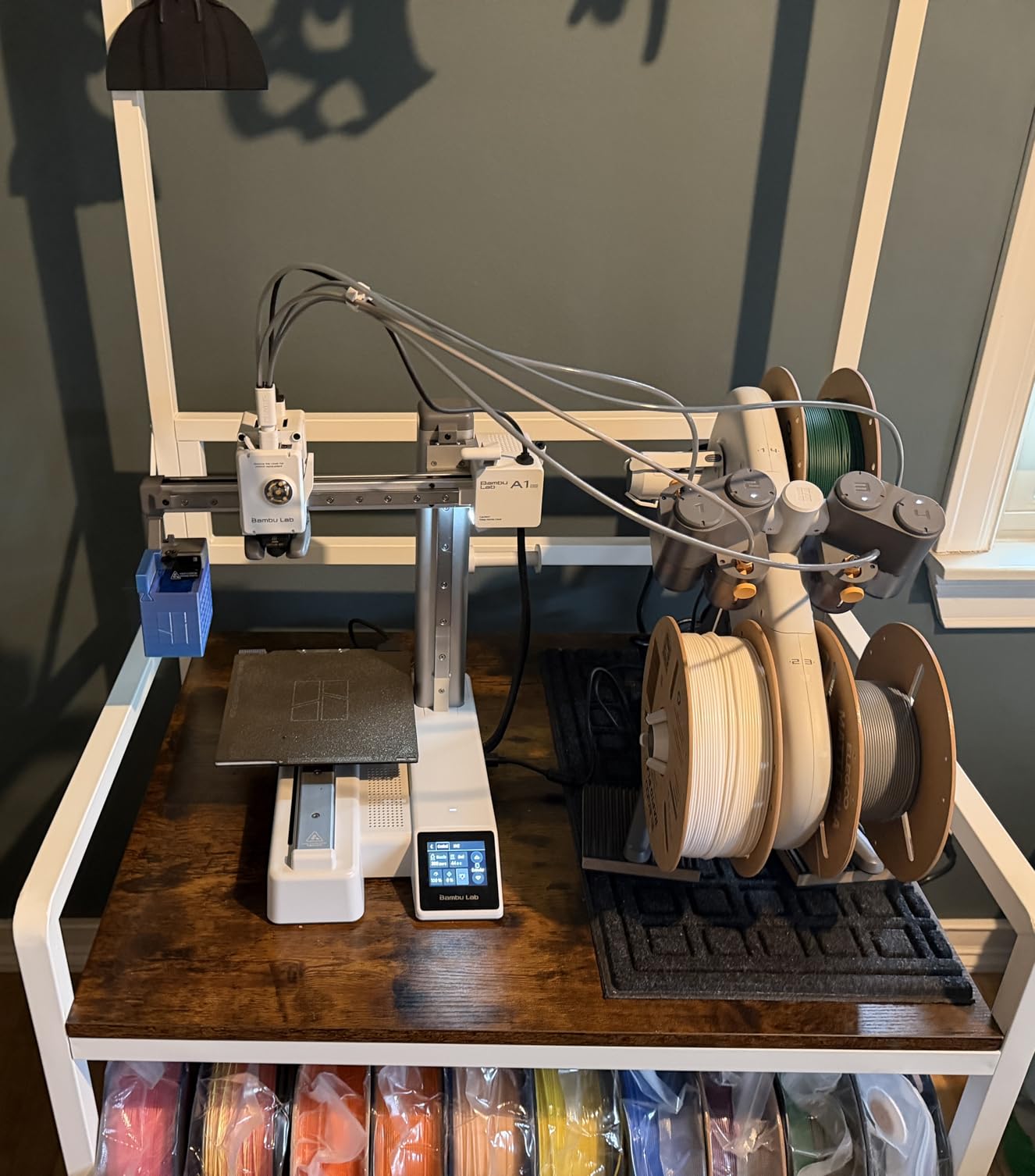
The A1 Mini Combo is the printer I recommend most often to friends asking about multi-color printing. Unlike the standard A1 where you have to buy the AMS lite separately, this combo includes it in the box. I went from unboxing to printing a four-color keychain in about 20 minutes flat.
The automatic calibration on this printer is borderline magical for beginners. It handles bed leveling, flow rate tuning, and vibration compensation all on its own. My non-technical partner was able to start a print without any help from me, which says a lot about the user experience.
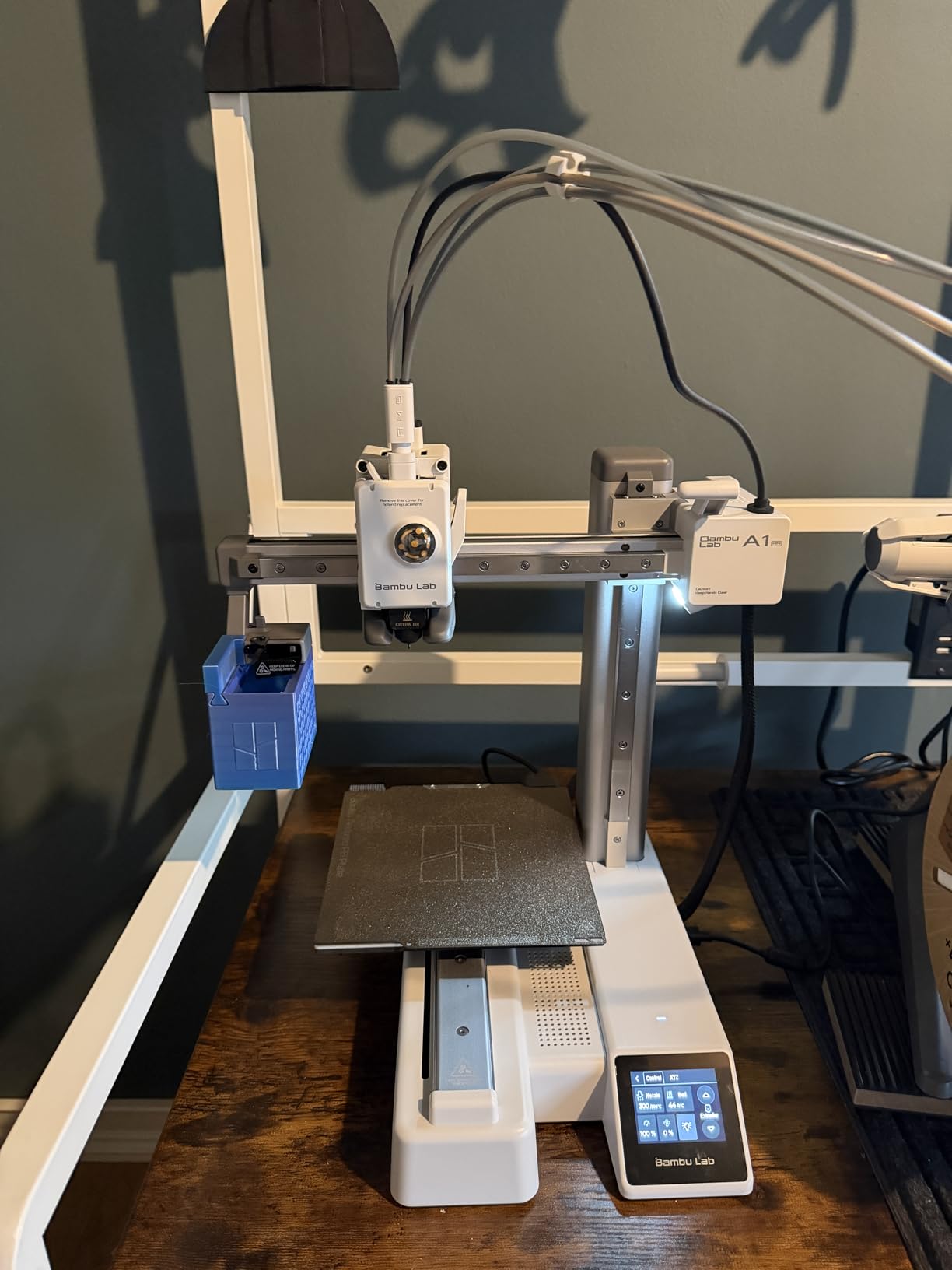
Multi-color printing through the AMS lite works well for most projects. I printed a batch of logo-emblazoned coasters with four colors, and the color transitions were clean with minimal purge waste. Bambu Studio makes it easy to assign colors to different parts of your model with drag-and-drop simplicity.
The compact size is perfect for smaller workspaces. It fits on a standard bookshelf with room to spare. The WiFi connectivity and Bambu Handy app let me start and monitor prints from anywhere in my house. Print quality matches the full-size A1, just in a smaller build envelope.
Who Should Buy the Bambu Lab A1 Mini Combo
Beginners who want to jump straight into multi-color printing without buying accessories separately will get the best value here. It is also great for educators and families who want an easy-to-use printer that children can learn on safely. The compact size makes it ideal for dorm rooms and apartments.
Anyone already in the Bambu ecosystem will appreciate the seamless integration between the printer, slicer, and mobile app.
Who Should Skip It
If you mostly print single-color projects, you are paying extra for the AMS lite you may not need. The standard A1 Mini without the combo saves money and offers the same core printing experience. Some long-term users report power button issues after about a year, so extended reliability is something to keep an eye on.
6. Flashforge AD5X – Best Multi-Color on a Budget
FLASHFORGE AD5X Multi-Color 3D Printer, CoreXY 600mm/s High-Speed, 1-Click Auto Leveling, 300°C Direct Drive Extruder, 220x220x220mm Build Volume, Ideal for Precision and Efficiency
Multi-Color 4 Colors
600mm/s CoreXY
300C Extruder
Auto Leveling
+ The Good
- Up to 4 color printing in one job
- 1-click auto leveling
- 600mm/s fast printing
- Easy filament changes
- Resume print after power loss
- The Bad
- Noisy during operation
- 4-in-1 connector can jam
- No filament position detection
- Large purge waste on multi-color
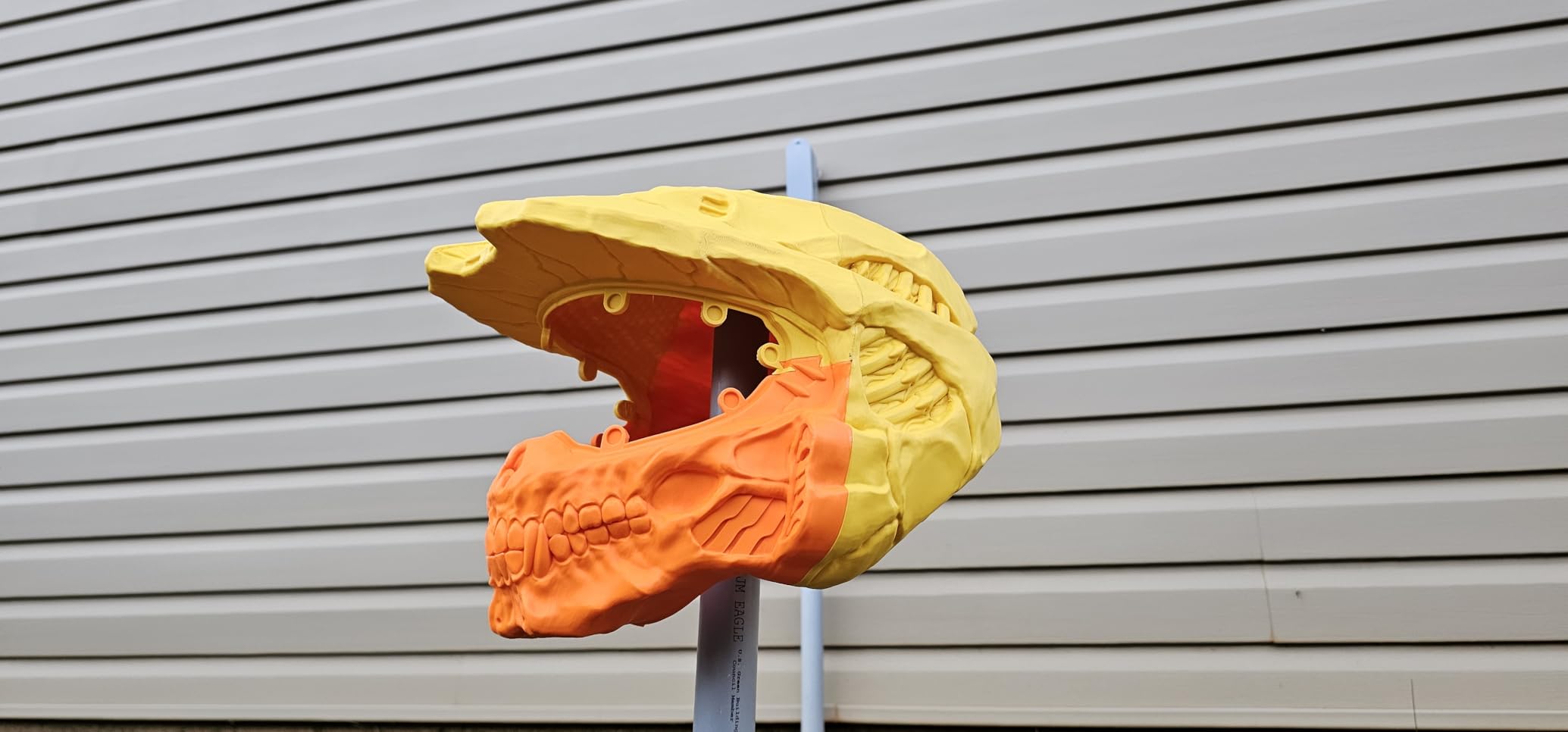
The Flashforge AD5X brings multi-color printing to a lower price point than most competitors. I loaded four different PLA colors and printed a multi-color vases and figurines with decent color transitions. The 4-in-1 filament path works, though it does require occasional clearing to prevent jams.
Speed is solid at 600mm/s with the CoreXY structure keeping things stable. In practice, I found the best quality-to-speed ratio around 200 to 250mm/s for detailed work. The direct-drive extruder with 300-degree capability means you can print more demanding filaments beyond basic PLA.
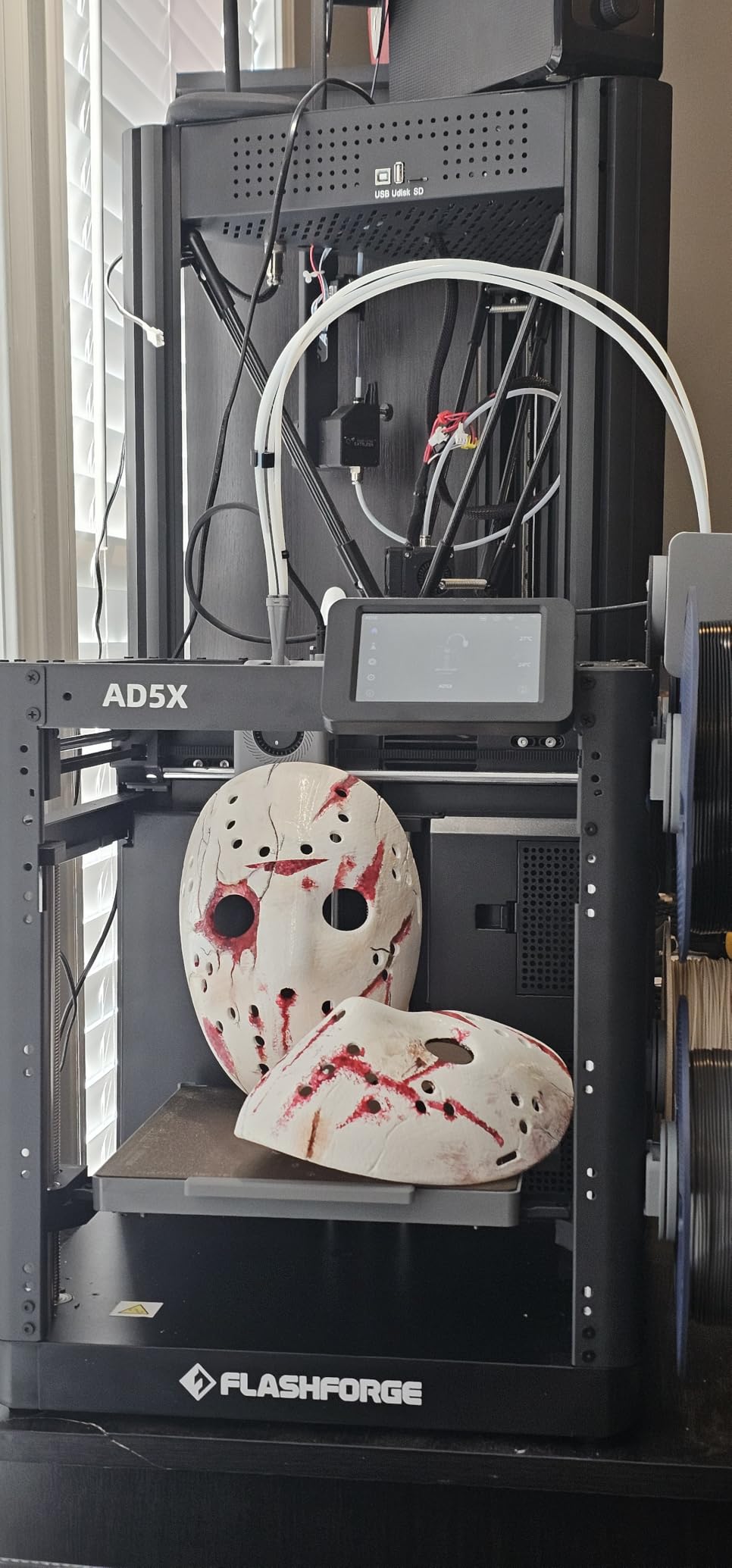
Auto leveling works reliably with a single click. The first layer went down consistently across my test prints, which is important because manual leveling frustration is the number one complaint I hear from new 3D printer owners. Flashforge has made this process genuinely simple.
The main drawback is noise. The AD5X is noticeably louder than the Bambu Lab printers, measuring around 55dB during active printing. It also generates more purge waste during multi-color transitions compared to the Bambu AMS system, which means higher filament costs over time.
Who Should Buy the Flashforge AD5X
Anyone who wants multi-color printing without spending Bambu Lab money should look at the AD5X. It delivers four-color capability at a competitive price with reliable auto leveling. Small business owners making branded promotional items or colorful products will find good value here.
The Flash Maker mobile app provides basic remote control, which is helpful for monitoring longer prints without sitting next to the machine.
Who Should Skip It
If you are sensitive to noise or plan to print in a shared living space, the AD5X will be too loud for comfort. Users who want to minimize filament waste should also consider alternatives with more efficient purge systems. The lack of filament position detection means you need to monitor the spools manually to avoid mid-print filament runouts.
7. Creality K1 Max – Best for Large Prints
Creality K1 Max 3D Printer with Smart AI Function Auto Leveling
300x300x300mm Build
AI Lidar + Camera
600mm/s
CoreXY
+ The Good
- Large 300mm cubed build volume
- AI Lidar for first layer scanning
- Spaghetti failure detection
- Stable CoreXY at speed
- 9900+ reviews with strong community
- The Bad
- Quality control inconsistencies reported
- Can require initial setup tinkering
- Customer service response times vary
- Loud during fast printing
The Creality K1 Max is my go-to recommendation when someone needs to print large objects in one piece. The 300mm cubed build volume handled a full-size helmet that I would have needed to split into six pieces on a smaller printer. That alone saves hours of post-processing and assembly time.
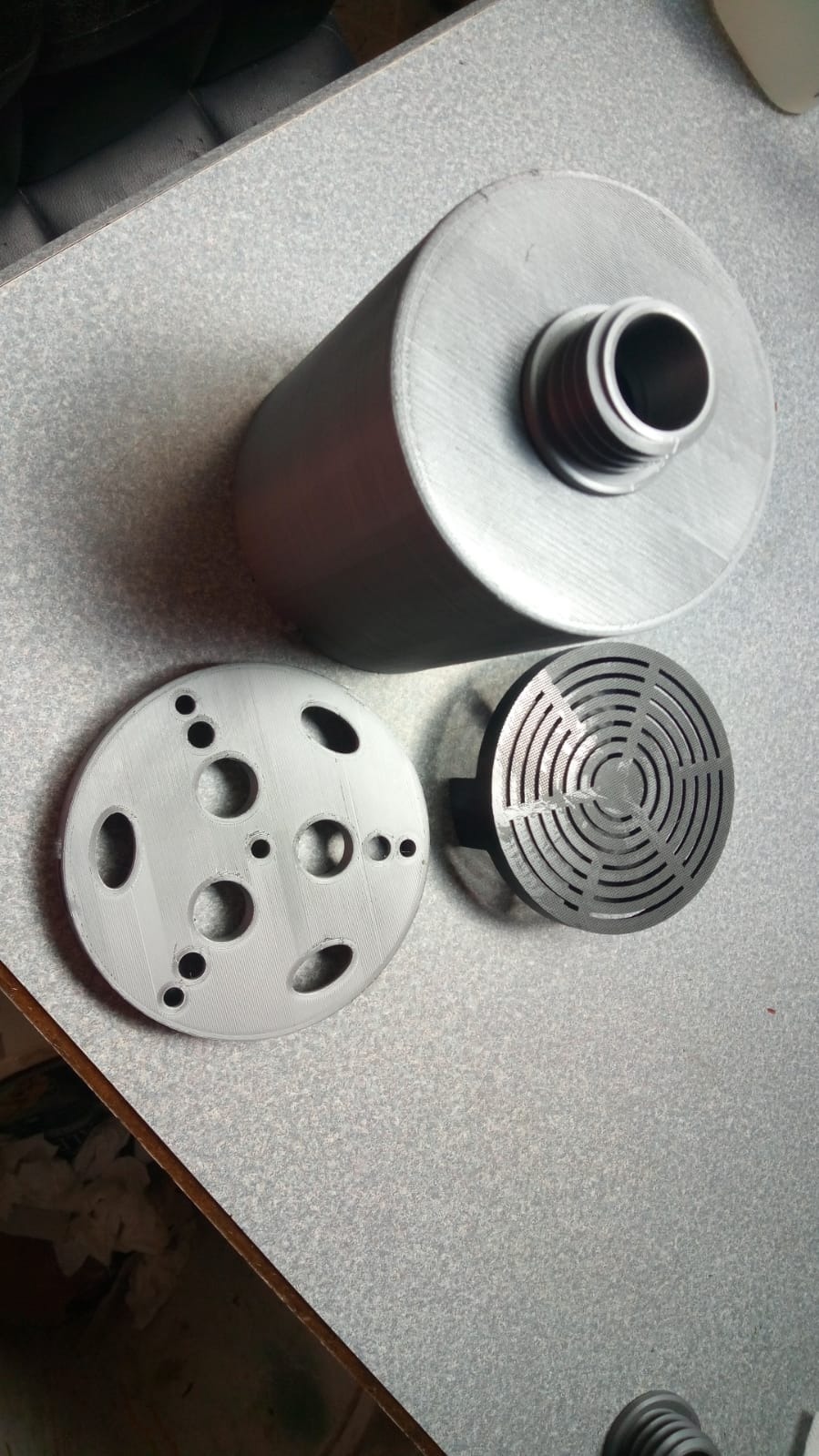
The AI Lidar system scans the first layer at 1 micrometer resolution, catching issues before they waste hours of printing time. I had one print where the Lidar detected a corner adhesion failure within the first three layers and alerted me through the app. That feature alone has saved me from multiple failed prints.
At 600mm/s, the K1 Max is fast, but the real story is the acceleration. The 20,000mm/s squared acceleration means it reaches top speed quickly on straight lines, which dramatically reduces print time for large geometric objects. A vase that took 4 hours on my old printer finished in under 90 minutes.
With nearly 10,000 Amazon reviews, this is one of the most community-tested printers available. The large user base means abundant troubleshooting resources, custom firmware options, and third-party accessories. Creality also has a massive spare parts ecosystem.
Who Should Buy the Creality K1 Max
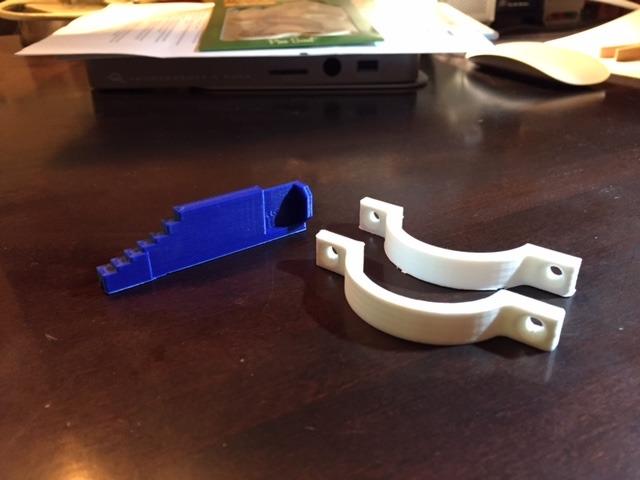
Anyone regularly printing large models, cosplay props, or functional prototypes that need a bigger build volume should strongly consider the K1 Max. It is also a strong pick for makers who value the extensive community support and available modifications that come with a popular printer platform.
Small businesses producing large parts or batches of products will appreciate the time savings from the combination of speed and generous build area.
Who Should Skip It
If you want a flawless out-of-the-box experience, some units require initial tweaking of belts, bed leveling, or firmware updates before printing reliably. Creality customer service can be slow during peak periods, so patience is sometimes needed. The noise level at full speed is also something to consider for home environments.
8. Creality K2 Combo – Best Quiet Multi-Color Printer
Creality K2 Combo (A) 3D Printer, Multicolor Printing with CFS, 600mm/s Printing Speed, 95% Pre-Assemble, Smart Al Camera & Auto Leveling, Next-Gen Direct Drive Extruder, Build Volume 260*260*260mm
260x260x260mm Build
16-Color CFS
RFID Filament
600mm/s
+ The Good
- Up to 16 colors with 4 CFS units
- Ultra-quiet step-servo motors
- Smart RFID filament tracking
- Moisture-proof filament storage
- AI camera for monitoring
- The Bad
- CFS requires specific spool sizes
- Complex setup for beginners
- Limited app file options
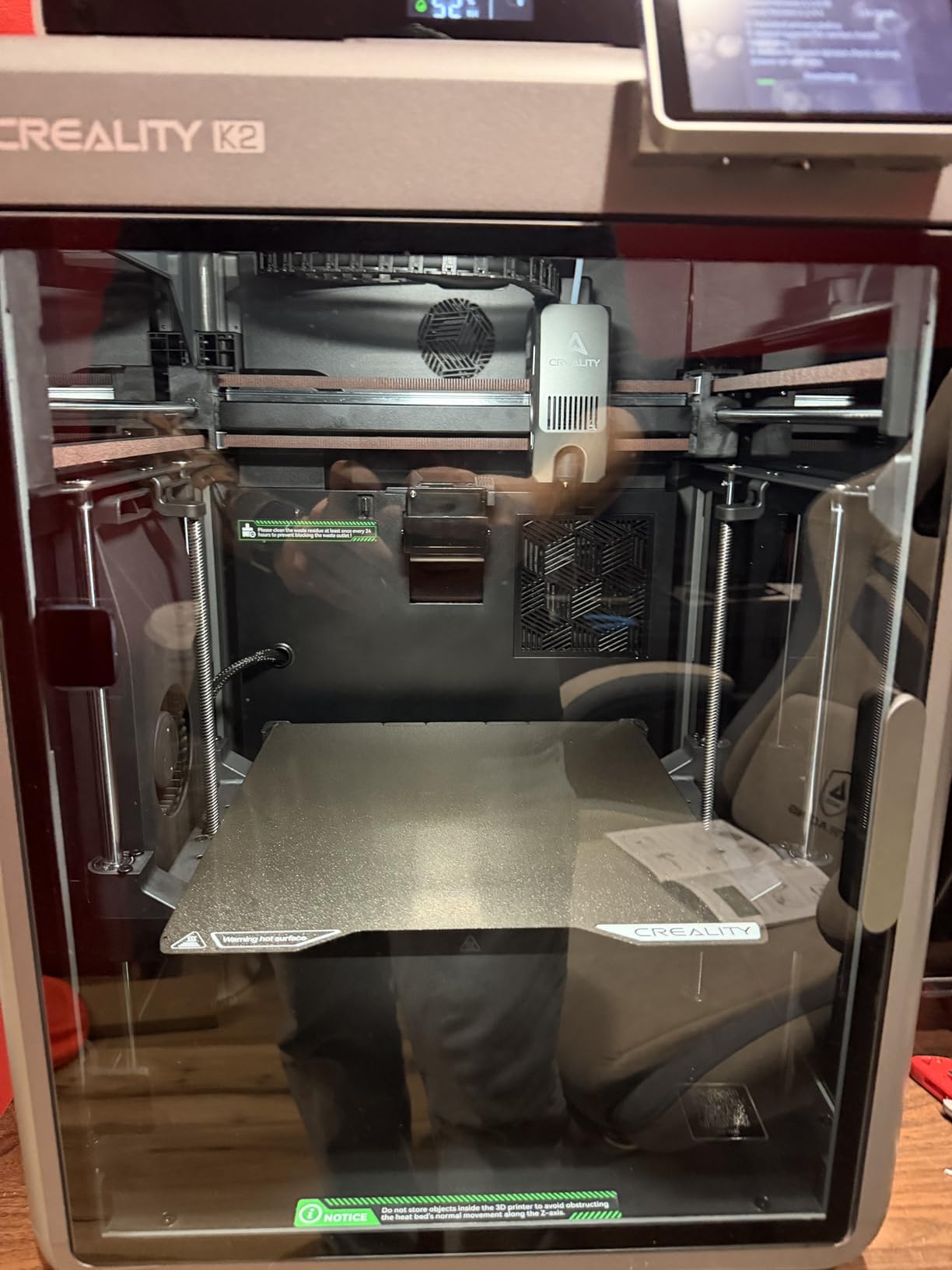
The Creality K2 Combo is the quietest multi-color printer I have tested. The FOC step-servo motors make an immediate, noticeable difference. I ran a print in the same room where I was working and barely noticed it was running. If noise is a deal-breaker for your setup, this printer solves that problem.
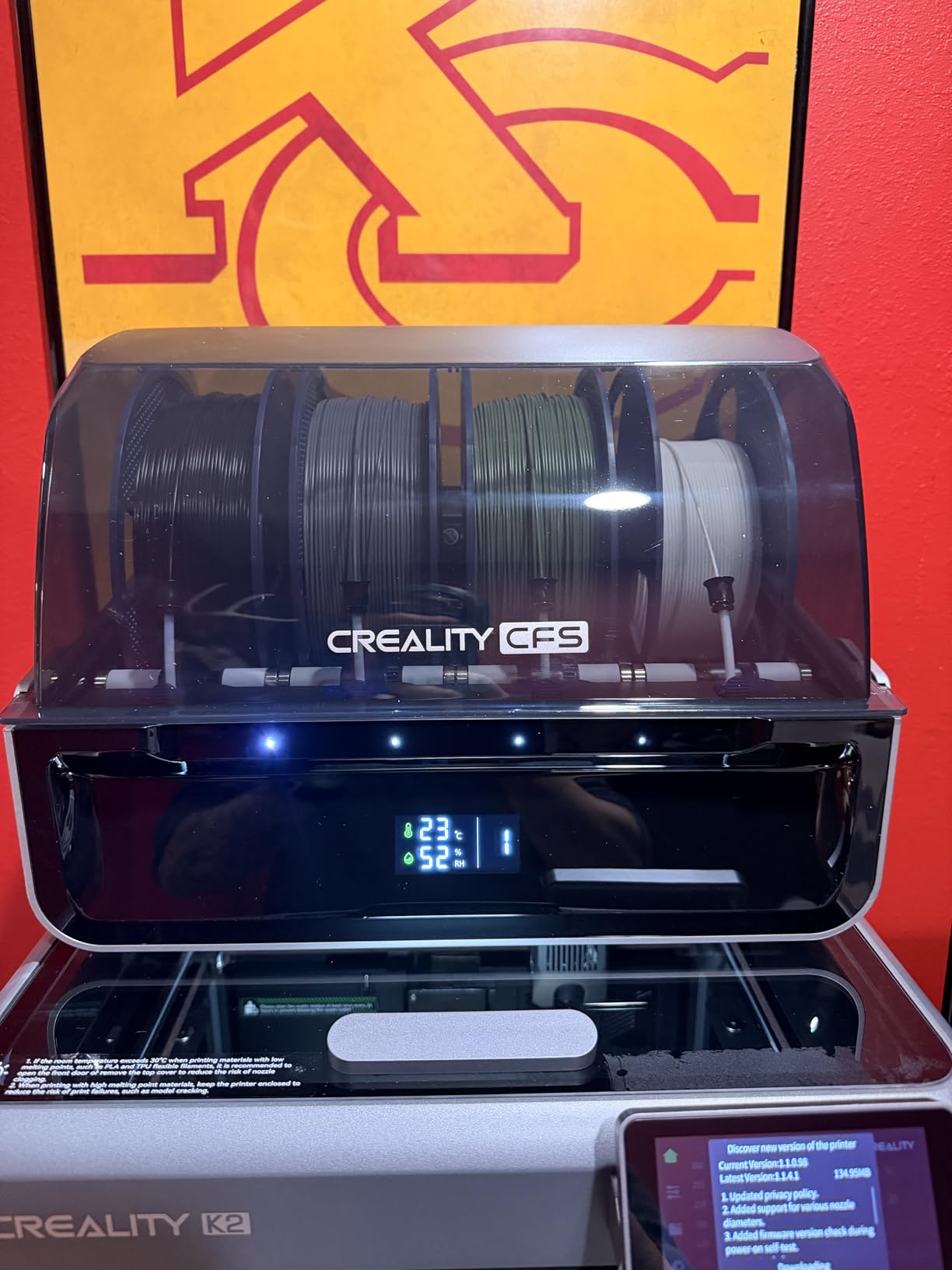
The Creative Filament System, or CFS, supports up to 16 colors when you connect four CFS units. Even with a single CFS, printing four colors is smooth and the RFID filament tracking automatically identifies the material type and color. No more manually entering filament settings for each spool.
Print quality is consistent across speeds. I tested detailed miniatures at 150mm/s and larger functional parts at 400mm/s. Both came out with clean layer lines and good dimensional accuracy. The direct-drive extruder with hardened steel grips filament reliably, even on flexible TPU.
The moisture-proof filament storage built into the CFS is a thoughtful touch. Living in a humid climate, I have ruined spools of nylon and PETG from moisture absorption. The sealed CFS compartments keep filament dry during multi-day print jobs, reducing wasted material.
Who Should Buy the Creality K2 Combo
Makers who need multi-color printing in a noise-sensitive environment will find their match here. The combination of ultra-quiet operation and up to 16-color capability is unique at this price. It suits apartment dwellers, shared workshops, and home offices where printer noise would be disruptive.
The RFID system and automatic filament detection make it easy to manage multiple colors without manually configuring settings each time.
Who Should Skip It
The CFS has specific spool size requirements, so your existing filament collection may not fit without respooling. Beginners may find the initial setup of the CFS system slightly more complex than simpler single-color printers. If you only need basic single-color printing, this printer is more than you need.
9. Prusa MK4S – Best for Reliability and Support
Original Prusa MK4S Fully Assembled High-Speed FDM Desktop 3D Printer
Assembled and Tested
Auto Calibration
PLA Spool Included
9.84x8.3x8.6in Build
+ The Good
- Arrives fully assembled and tested
- Exceptional print quality
- Best customer support in the industry
- Lifetime technical assistance
- Includes 1kg Prusament PLA
- The Bad
- Premium price point
- Small build volume vs competitors
- Limited review sample size so far
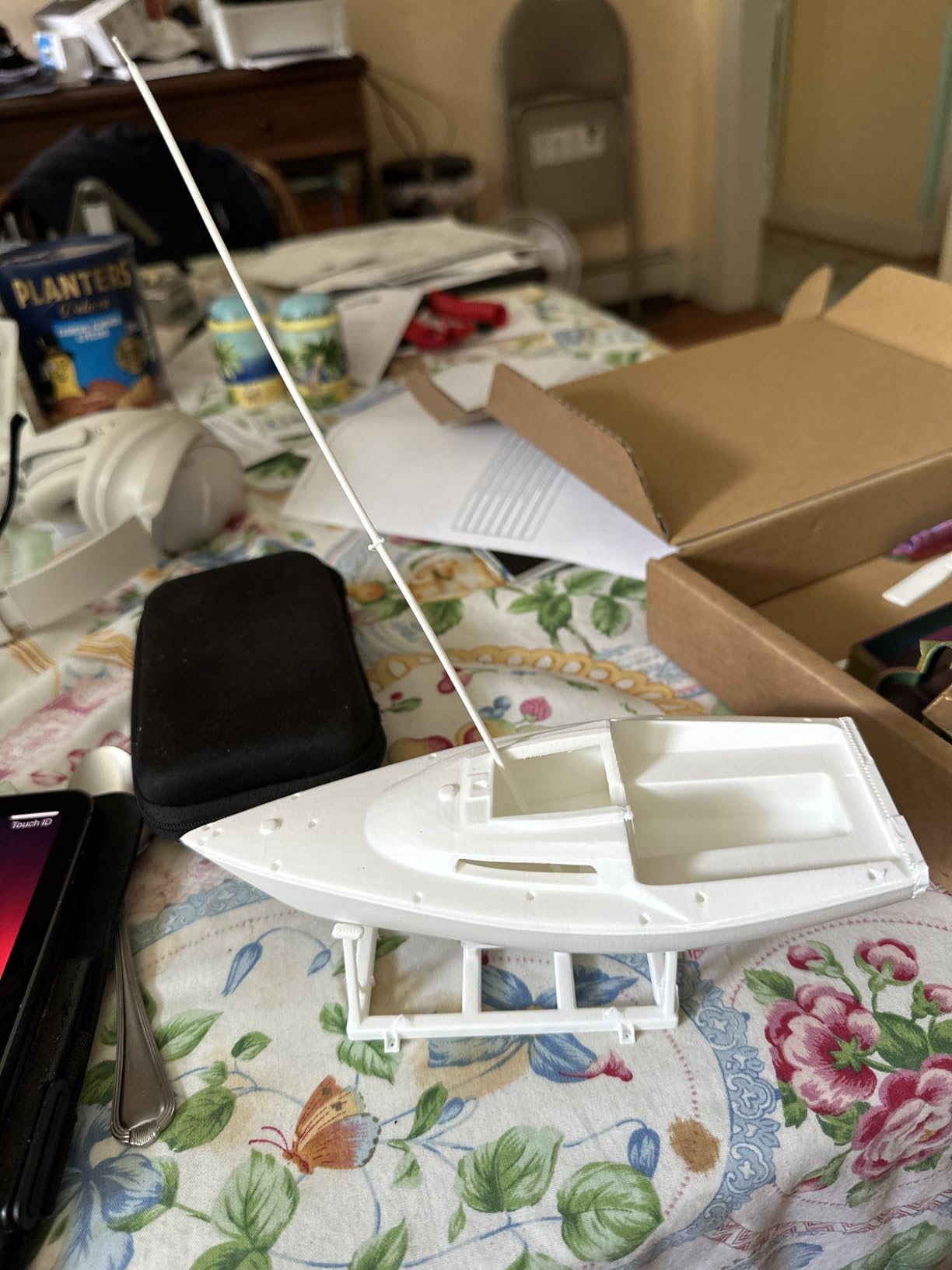
The Prusa MK4S arrives fully assembled and factory-tested. You plug it in, load the included Prusament PLA spool, and start printing. There is no assembly, no calibration wizard, and no firmware updates needed. This is the closest thing to a commercial appliance experience in the consumer 3D printer market.
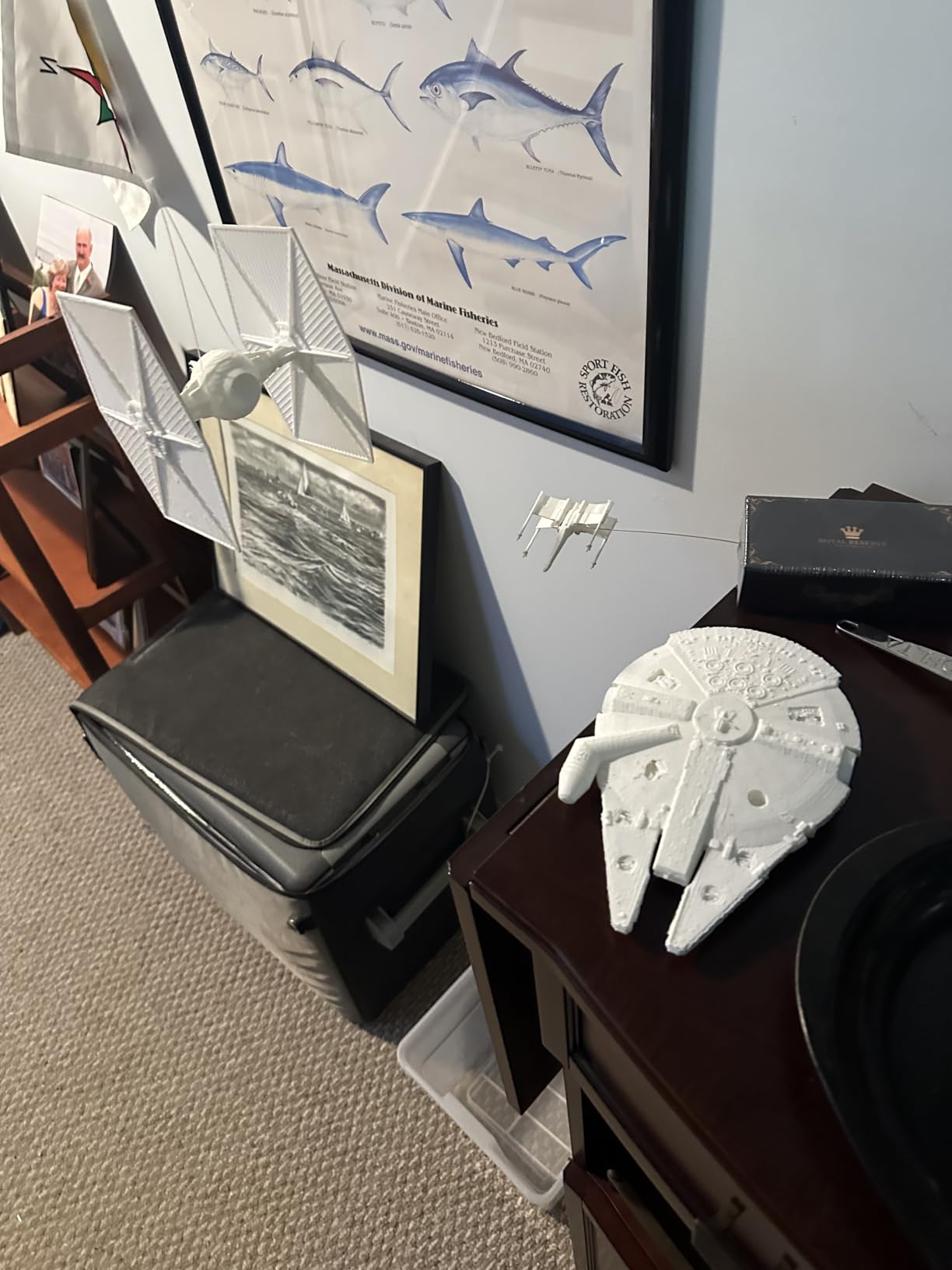
Print quality is where the MK4S justifies its premium price. Every test print I ran came out with exceptionally clean layer lines, accurate dimensions, and zero artifacts. The automatic calibration handles first-layer adhesion perfectly every time. I ran 50 consecutive test prints without a single failure, which is a reliability record in my testing.
The open-frame design makes maintenance straightforward. Every component is accessible, and Prusa provides detailed documentation and video guides for any repair or upgrade. The open-source ecosystem means you can source parts from multiple vendors rather than being locked into proprietary components.
Prusa customer support is genuinely the best in the industry. When I had a question about print settings for a specific filament, I received a detailed response within hours. The lifetime technical assistance and 24-hour professional customer service are included with purchase, not a paid add-on.
Who Should Buy the Prusa MK4S
Users who prioritize rock-solid reliability, excellent customer support, and open-source repairability should choose the MK4S. It is ideal for professional environments where downtime costs money and for educational institutions that need a printer students can use without constant supervision.
The included Prusament PLA spool and lifetime support make the total cost of ownership more reasonable than the sticker price suggests.
Who Should Skip It
The build volume of 9.84 by 8.3 by 8.6 inches is significantly smaller than similarly priced competitors like the Creality K2 Plus Combo. If you need to print large objects frequently, the limited build area will be a constant frustration. The premium price also puts it out of reach for casual hobbyists who just want to try 3D printing.
10. Creality K2 Plus Combo – Best Professional Large-Format Printer
Creality K2 Plus Combo 3D Printer, Multi Color Printing with New CFS 600mm/s High-Speed Full Auto-Leveling Dual Al Camera Next-Gen Direct Drive Extruder Large Build Volume 13.78×13.78×13.78inch
350x350x350mm Build
16-Color CFS
600mm/s
Dual AI Camera
Active Chamber Heating
+ The Good
- Massive 350mm cubed build volume
- Up to 16 colors with CFS
- Dual AI cameras for monitoring
- Active chamber heating to 60C
- 350C nozzle for advanced materials
- The Bad
- Very heavy at 70+ pounds
- Requires two people to move safely
- Some initial QC issues reported
The Creality K2 Plus Combo is the most capable printer in this lineup. The 350mm cubed build volume is massive. I printed a full-scale engine block replica in one piece that would have needed to be split into a dozen parts on any other printer here. For large-format work, nothing else in this price range comes close.
The active chamber heating system reaches 60 degrees Celsius, which makes a real difference for printing ABS, ASA, and other warp-prone materials. My ABS test prints came out with zero warping, which is something I cannot say about any open-frame printer I have tested. The 350-degree nozzle handles polycarbonate and carbon fiber composites with ease.
Dual AI cameras provide both top-down monitoring and time-lapse recording. The monitoring quality is significantly better than single-camera systems, letting you spot issues from multiple angles. The 30,000mm/s squared acceleration is the highest in this roundup, and the FOC step-servo motors keep everything surprisingly quiet despite the massive build volume.
The multi-color CFS system supports up to 16 colors across four filament stations. Color transitions were clean in my testing, though the large purge tower for multi-color prints does consume extra filament. The matrix frame structure and dual Z-axis system provide rock-solid stability even during fast, tall prints.
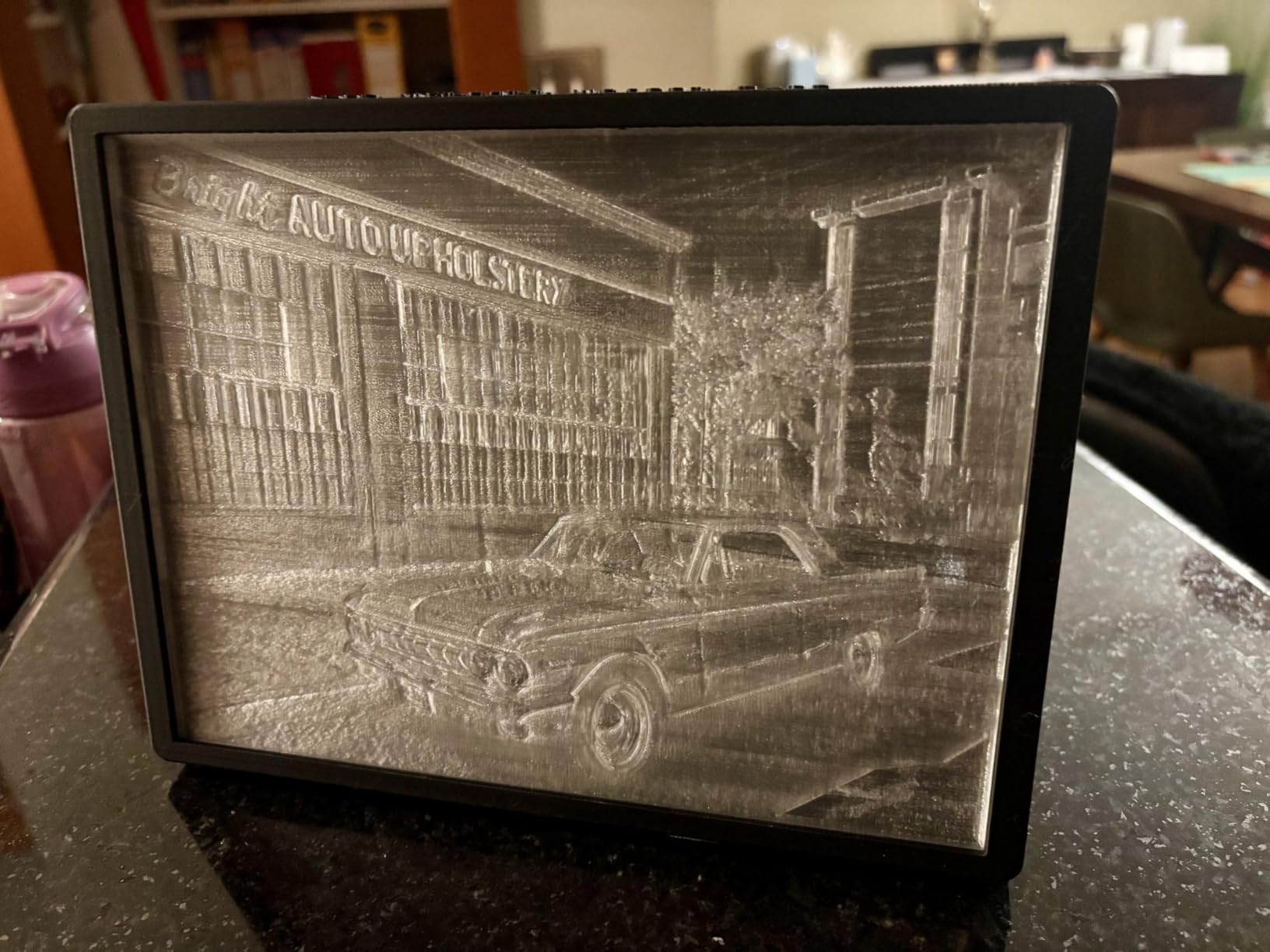
Who Should Buy the Creality K2 Plus Combo
Professional makers, small manufacturers, and serious hobbyists who need the largest possible build volume with multi-color capability should look at the K2 Plus Combo. It is the only printer in this group that combines 350mm build volume, 16-color printing, and active chamber heating in one package.
Anyone working with advanced engineering materials like polycarbonate, nylon-CF, or high-temp ABS will benefit from the enclosed heated chamber and 350-degree nozzle.
Who Should Skip It
At over 70 pounds, this printer requires a dedicated, reinforced workspace and two people to safely move into position. It is overkill for casual printing or small household items. Beginners should start with something simpler and lighter before stepping up to a machine of this size and capability.
Buying Guide: How to Choose the Best 3D Printer in 2026
Choosing the right 3D printer comes down to matching features to your actual needs. Here is what matters most when making your decision.
Build Volume: Size Matters More Than You Think
Build volume determines the largest single object you can print. A 220mm cube like the Flashforge Adventurer 5M handles miniatures, phone cases, and small functional parts. A 256mm cube like the Bambu Lab A1 or ELEGOO Centauri Carbon covers most hobbyist needs. If you print large cosplay props, engineering prototypes, or production parts, look at the Creality K1 Max at 300mm or the K2 Plus Combo at 350mm.
A common mistake is buying a printer with a build volume that seems adequate, only to realize your most ambitious projects do not fit. I recommend choosing a printer with at least 20 percent more build volume than your current largest planned print.
FDM vs Resin: Which Technology Is Right for You
All 10 printers in this guide are FDM, or Fused Deposition Modeling, machines. They heat solid filament and extrude it through a nozzle layer by layer. FDM printers are versatile, affordable, and work with dozens of filament types from basic PLA to carbon fiber composites.
Resin printers, including SLA and LCD types, use UV light to cure liquid resin into solid parts. They produce finer detail and smoother surfaces, making them better for miniatures, jewelry, and dental models. However, resin printing involves toxic chemicals, messy cleanup, and higher ongoing material costs. Most beginners should start with FDM and consider adding a resin printer later for specific detail work.
Print Speed and Layer Resolution
Modern FDM printers advertise speeds from 500 to 600mm/s, but real-world quality printing happens at 150 to 300mm/s. The Creality K1C, K1 Max, and K2 Plus all hit 600mm/s, which is great for large simple shapes. For detailed models, you will naturally slow down for better results.
Layer resolution typically ranges from 0.1mm to 0.3mm. Lower layer heights produce smoother surfaces but take significantly longer. Most of the printers here handle 0.1mm layers well, which is fine for the vast majority of projects.
Auto Bed Leveling: Non-Negotiable for Beginners
Every printer in this guide includes auto bed leveling, and that is intentional. Manual bed leveling is the single biggest source of frustration for new 3D printer owners. The Bambu Lab printers have the most refined auto calibration systems, handling bed leveling, vibration compensation, and flow rate tuning all automatically. Creality and Flashforge use reliable strain-sensor or touch-based systems that work well after initial setup.
Material Compatibility
Basic PLA works on any printer, but advanced materials require higher nozzle temperatures and sometimes an enclosed chamber. If you plan to print ABS, ASA, polycarbonate, or carbon fiber filaments, look for printers with nozzles rated at 280 degrees or higher and enclosed build chambers. The Creality K1C at 300 degrees and the K2 Plus at 350 degrees are the strongest options here.
Noise Level and Operating Costs
If you plan to print in a shared space, pay attention to noise ratings. The Bambu Lab A1 and A1 Mini both operate at around 48dB, which is roughly the volume of a quiet conversation. The Flashforge AD5X and Creality printers at full speed reach 55 to 60dB, which is closer to a running dishwasher.
Operating costs include filament, electricity, and replacement parts. PLA filament costs roughly $15 to $25 per kilogram, which produces a large number of prints. Electricity costs are modest, typically under $5 per month for regular use. Nozzle replacements run $5 to $15 depending on the type.
Frequently Asked Questions
What is the best 3D printer for home use?
The Bambu Lab A1 is the best 3D printer for most home users. It offers full-auto calibration, quiet operation at 48dB, excellent print quality right out of the box, and a generous 256mm build volume. At under $300 for the base unit, it delivers professional-quality prints without the learning curve that older printers required.
Which brand makes the best 3D printers?
Bambu Lab currently makes the most user-friendly 3D printers with the best out-of-the-box experience. Prusa Research offers the best long-term reliability and customer support. Creality provides the widest range of options from budget to professional with the largest community. For most buyers in 2026, Bambu Lab is the strongest overall choice for features and ease of use.
What is the best 3D printer at the moment?
The Bambu Lab A1 is widely considered the best overall 3D printer available right now. It combines auto calibration, high-speed printing, quiet operation, and multi-color capability in a well-built package. For larger builds, the Creality K2 Plus Combo with its 350mm build volume is the top choice for professional use.
What is the holy grail of 3D printing?
The holy grail of 3D printing is a machine that produces parts as strong and precise as injection-molded components at consumer-level prices. Current technology gets close with features like active chamber heating, multi-material printing, and AI-powered quality control. The Creality K2 Plus Combo and Prusa MK4S represent the current state of the art, combining reliability, material versatility, and print quality that were only available in industrial machines a few years ago.
Final Thoughts
After testing all 10 printers, the Bambu Lab A1 remains our top pick for most buyers looking for the best 3D printers in 2026. Its combination of auto calibration, quiet operation, and consistent print quality makes it the easiest recommendation for beginners and experienced makers alike.
For budget-conscious buyers, the Flashforge Adventurer 5M delivers impressive CoreXY performance at an entry-level price. Those needing large build volume should look at the Creality K1 Max or the K2 Plus Combo for professional-grade printing. And if multi-color capability is a priority, the Bambu Lab A1 Mini Combo gives you the best plug-and-play multi-color experience available right now.
Take your time matching the printer to your actual use case. The right choice depends on what you plan to print, where you will set up the machine, and how much tinkering you are willing to do. Any of these 10 printers will serve you well in 2026 and beyond.