
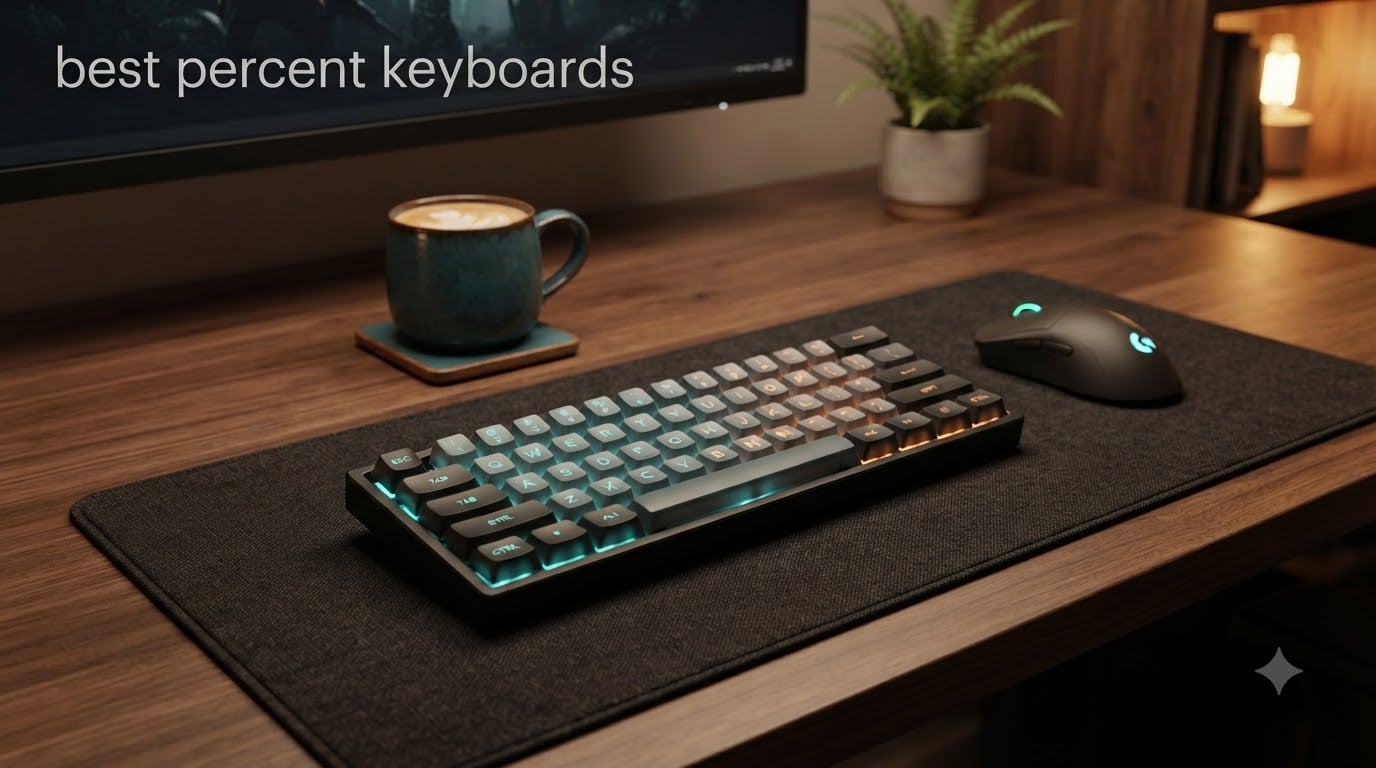
Looking for the best 60 percent keyboards to free up desk space and speed up your gaming? I spent the last two months testing eight compact mechanical boards side by side, from budget Hall Effect monsters to premium wireless flagships, and I want to share what actually works.
A 60% keyboard strips away the function row, numpad, and navigation cluster, leaving you with around 61 keys covering the core alphabet, numbers, and modifiers. You access F-keys, arrows, and media controls through FN layer combinations. That trade-off gives you a smaller footprint, more mouse room for FPS gaming, and a cleaner desk.
In this guide, I cover the top picks across every budget, explain the tech behind Hall Effect and optical switches, and break down what makes a 60% board worth buying in 2026. I tested each keyboard for typing comfort, gaming latency, build quality, and software reliability, so you do not have to gamble with your money.
Top 3 Picks at a Glance
Best 60 Percent Keyboards in 2026
| PRODUCT MODEL | KEY SPECS | BEST PRICE |
|---|---|---|
 |
|
Check Latest Price |
 |
|
Check Latest Price |
 |
|
Check Latest Price |
 |
|
Check Latest Price |
 |
|
Check Latest Price |
 |
|
Check Latest Price |
 |
|
Check Latest Price |
 |
|
Check Latest Price |
Detailed Reviews of the Best 60% Mechanical Keyboards
1. Aula WIN60 HE – Best Hall Effect 60% Keyboard for Competitive FPS
Aula WIN60 HE – 60% Mechanical Gaming Keyboard Wired, Magnetic Switch Hot Swappable, Adjustable Actuation Rapid Trigger Mode, 8000 Hz Polling Rate, RGB Small Keyboard 60 Percent Compact Design for PC
Hall Effect switches
8000Hz polling rate
0.02mm rapid trigger
Hot-swappable PCB
+ The Good
- Hall Effect magnetic switches with adjustable actuation
- Rapid trigger feature delivers real FPS gaming advantage
- Solid build quality with great acoustics
- Easy web-based customization software
- Hot-swappable for future switch upgrades
- The Bad
- Web driver can hit SSL errors occasionally
- No wireless connectivity option
- Limited to Windows compatibility
- Some users report occasional input lag fixes requiring restart
The Aula WIN60 HE is the first keyboard I tested that made me forget I was using a sub-$50 board. The Hall Effect magnetic switches feel completely different from traditional mechanical switches because they do not have physical contact points.
Instead, magnets and Hall sensors detect how far you have pressed the key. That means you can adjust the actuation point from a feather-light 0.1mm all the way up to 3.4mm through software. For Valorant and CS2, I set the actuation to about 0.5mm and felt the difference within minutes.
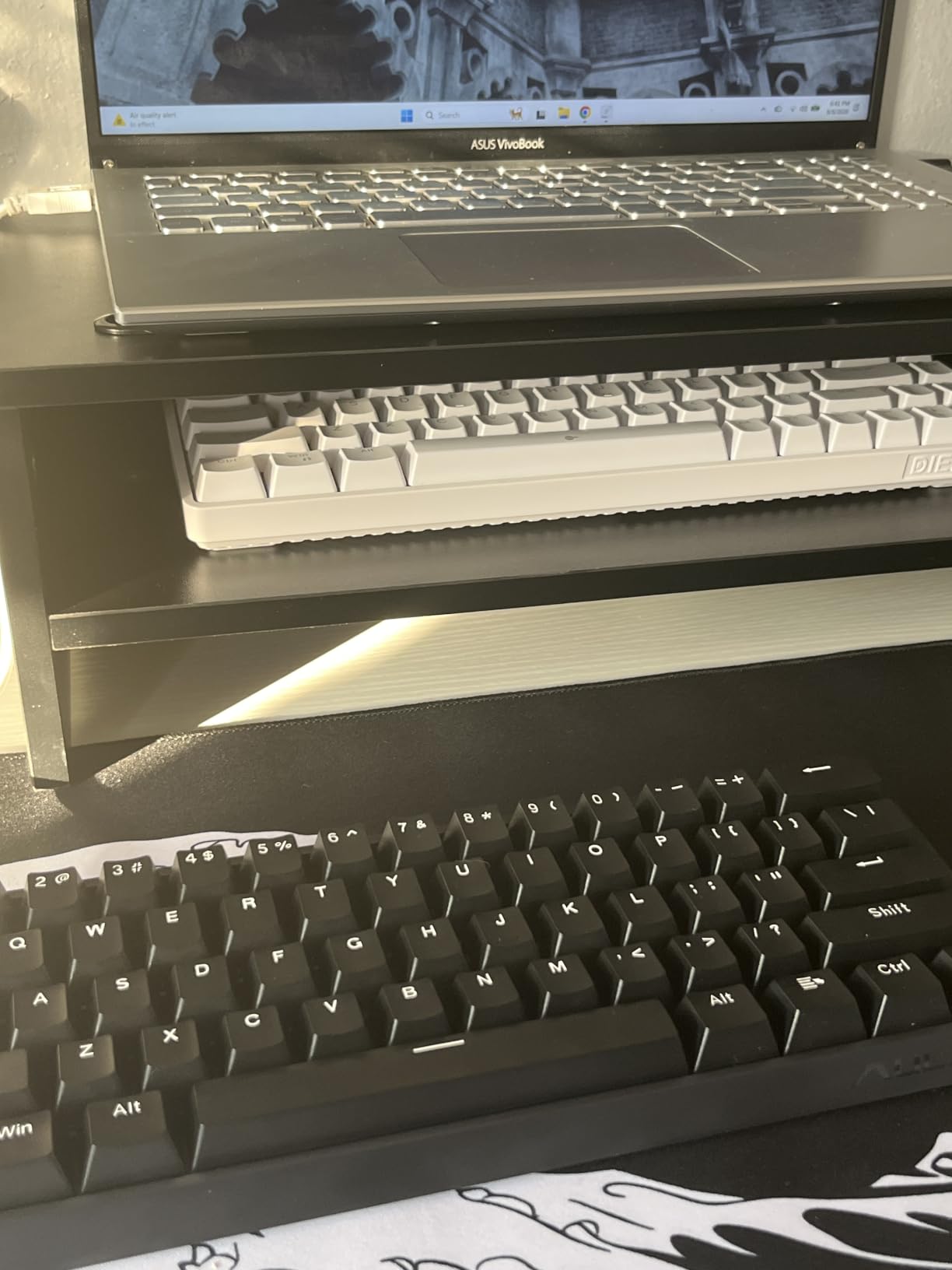
The rapid trigger function is what really sold me. When you press a key down and release it, the keyboard registers both actions at the exact depth you set, not at a fixed point. This means you can reset movement keys faster than opponents on standard switches. I noticed this most when strafing in Counter-Strike 2, where my counter-strafing felt sharper.
At 8000Hz polling rate, this keyboard reports to your PC 8 times per millisecond. Realistically, most people cannot tell the difference beyond 1000Hz, but for tournament play, the extra headroom matters. The 0.02mm rapid trigger step distance is the tightest I have seen at this price.
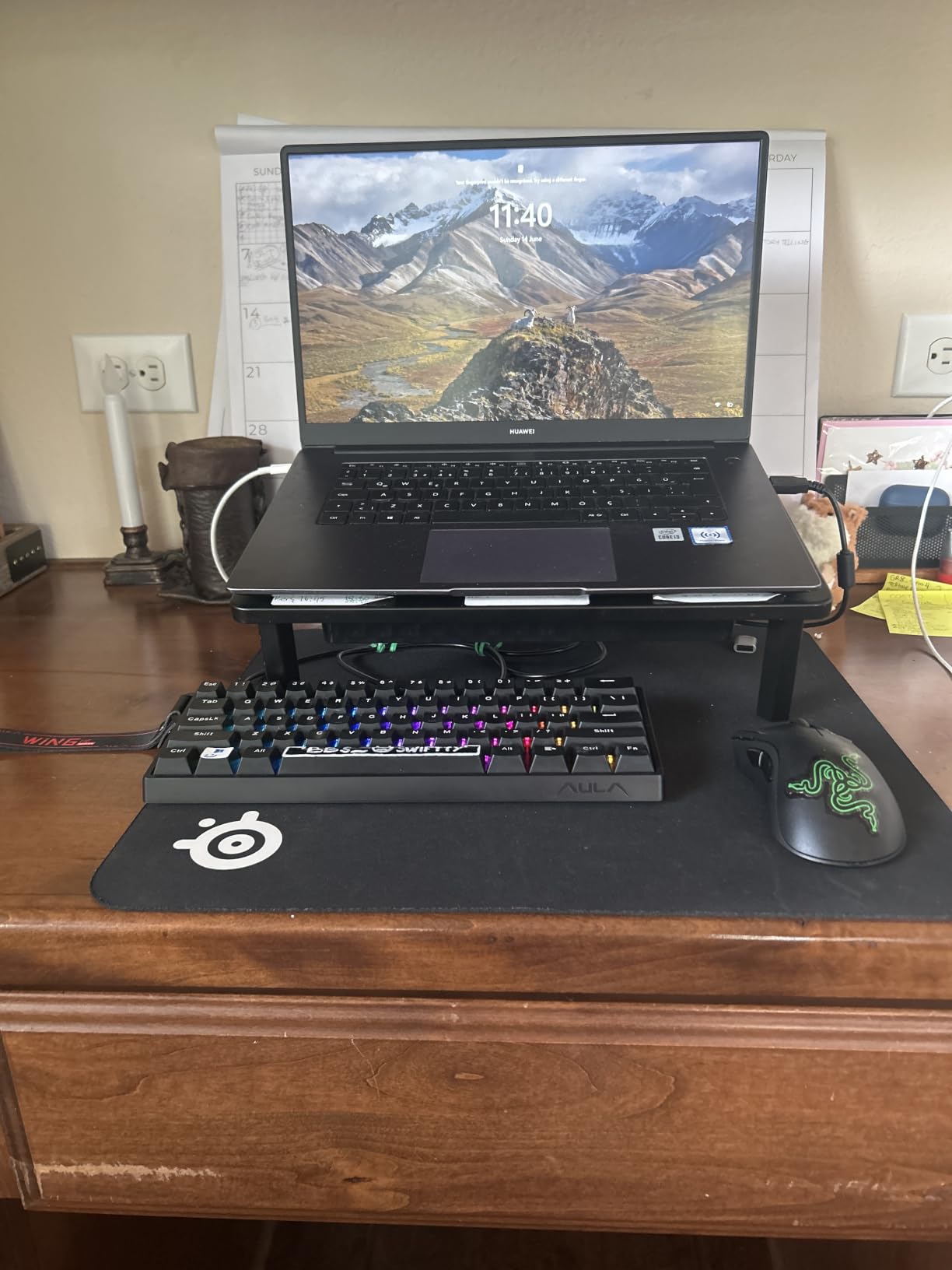
Build quality surprised me. The PBT keycaps feel thick, the case does not flex, and the typing sound is a creamy thock that rivaled keyboards three times the price. The 16.8 million color RGB is bright and even, and the south-facing LEDs mean aftermarket keycap sets will sit flush.
Compatibility and software setup
The web-based driver runs through your browser, which is convenient but occasionally throws SSL errors. I had to refresh once during setup, but after that it was smooth sailing. Customization includes per-key actuation, rapid trigger sensitivity, RGB effects, and macro recording.
The main drawback is Windows-only support. Mac users cannot customize the actuation point, though the keyboard still types normally. For PC gamers who want Hall Effect performance without paying Wooting prices, this is the best value I have found.
Best for competitive FPS gamers
If you play Valorant, CS2, Apex Legends, or Overwatch and want every microsecond advantage, the WIN60 HE delivers Wooting-level performance at a fraction of the cost. The rapid trigger alone is worth the upgrade from a standard mechanical keyboard.
Casual gamers and typists will also enjoy this board, but they will not unlock its full potential. This is a competitive gaming tool first, and a typing keyboard second.
2. Redragon K617 Fizz – Best Budget 60% Keyboard Under $30
Redragon K617 Wired 60% Compact Hot-Swap RGB Gaming Mechanical Keyboard
Hot-swappable PCB
Linear red switches
20 RGB modes
USB-C wired
+ The Good
- Outstanding value under $30
- Hot-swappable for switch customization
- Solid build quality for the price
- Vibrant RGB with 20 preset modes
- Quiet operation ideal for shared spaces
- Works well with Steam Deck
- The Bad
- ABS keycaps feel budget tier
- No wireless connectivity
- Software can be clunky to navigate
The Redragon K617 Fizz is the keyboard I recommend to anyone dipping their toes into mechanical keyboards. At under $30, it offers hot-swap sockets, customizable RGB, and solid build quality that punches well above its weight class.
I tested the linear red switch version, which gives smooth keystrokes without the tactile bump or clicky sound. The K617 also comes in blue (clicky) and brown (tactile) variants, so you can pick the feel that matches your typing style. Each switch is rated for 50 million keystrokes, which is more than enough for years of heavy use.
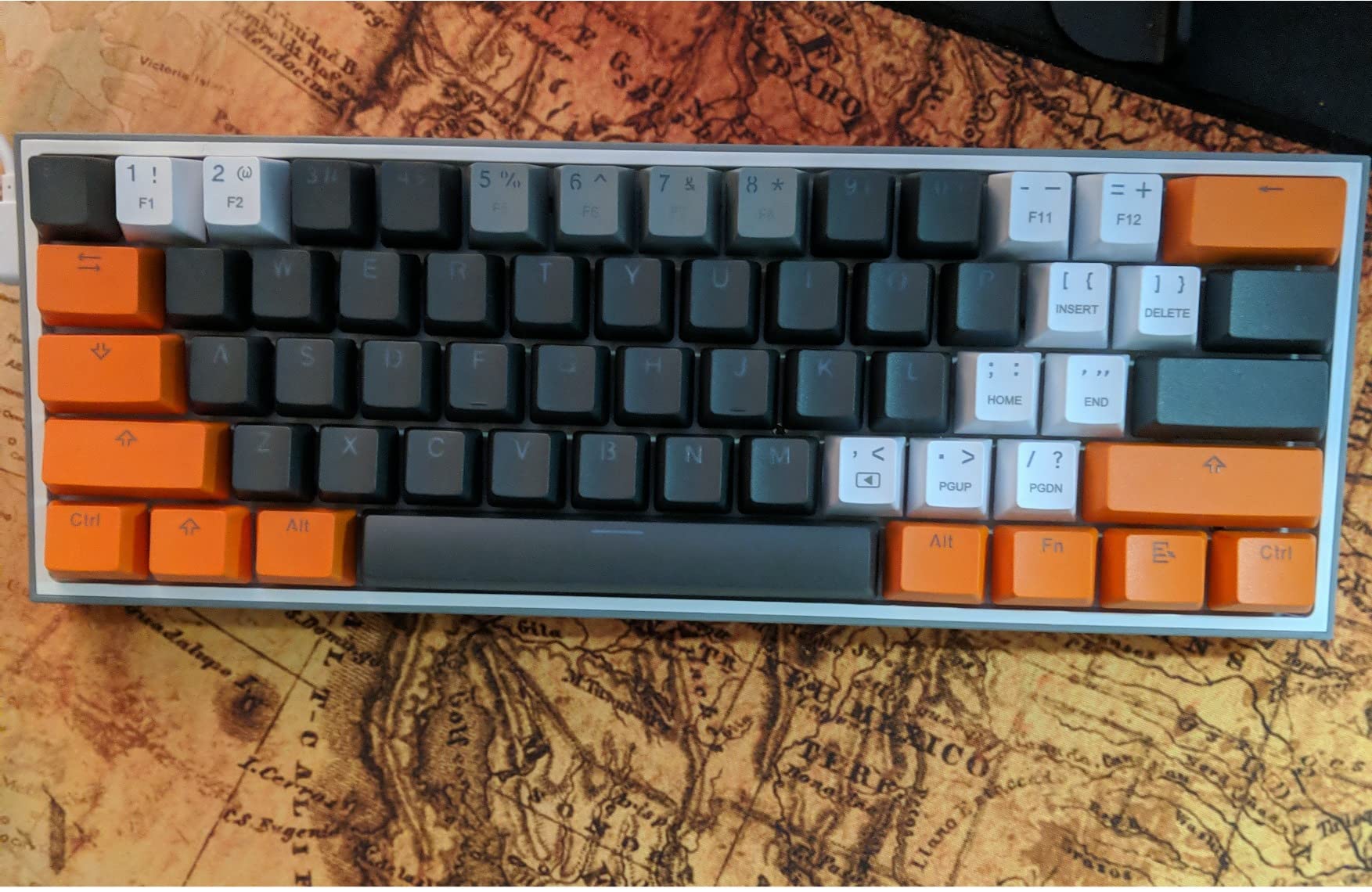
The 20 preset RGB lighting modes cover everything from reactive typing effects to slow color waves. You can adjust brightness and speed on the fly without opening software. For basic customization, the on-board controls are surprisingly capable.
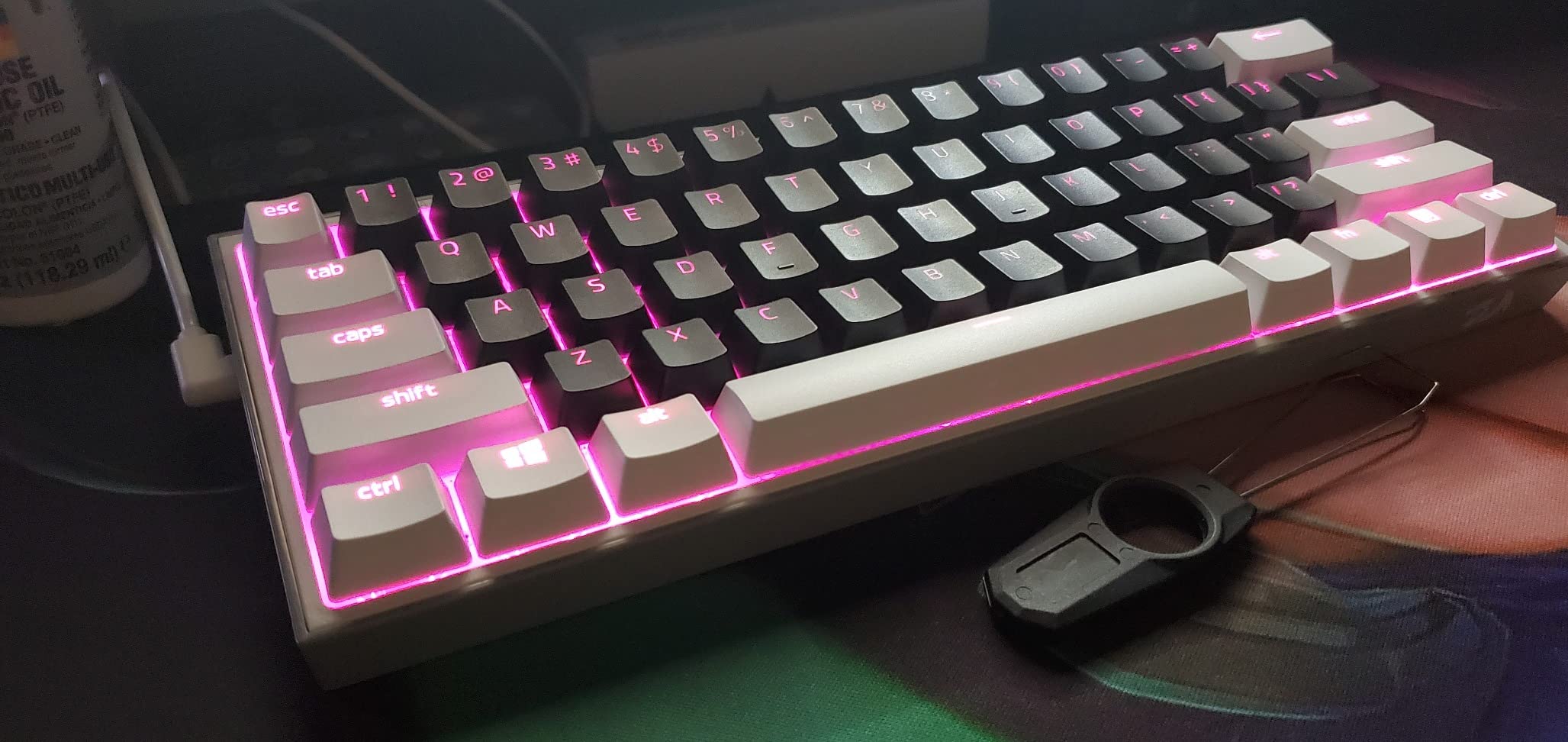
Build quality impressed me for the price. The plastic case has minimal flex, the keycaps do not wobble, and the keyboard stays put on the desk thanks to rubber feet. At 9.6 ounces, it is lightweight but not cheap-feeling. The compact 60% design freed up about 6 inches of horizontal mouse space compared to my full-size keyboard.
Hot-swap and modding potential
The hot-swappable PCB is the K617 biggest selling point. You can pull out the stock red switches and replace them with any 3-pin or 5-pin mechanical switch without soldering. I tried swapping in some Gateron yellows and the process took about 10 minutes.
Note that the keycaps are ABS plastic, not PBT. They will develop shine over time with heavy use, but you can replace them with any Cherry profile set. The stabilizer stabs are decent out of the box but can be tuned for even better sound.
Best for budget-conscious first-time buyers
If you have never used a mechanical keyboard and want to test the waters, the K617 Fizz is the lowest-risk entry point. Students, casual gamers, and home office workers will find everything they need without overspending.
Hardcore enthusiasts will eventually want to upgrade to a board with PBT keycaps, better stabilizers, and wireless connectivity, but the K617 is a perfect starting point.
3. Logitech G PRO X 60 – Best Wireless 60% Keyboard for Esports
Logitech G PRO X 60% Wireless Gaming Keyboard (Tactile Optical) – Black
Lightspeed wireless 1ms
GX optical tactile switches
KEYCONTROL 5 layers
Dual-shot PBT keycaps
+ The Good
- Premium heavy-duty build quality
- Lightspeed wireless is tournament-proven and reliable
- Optical switches deliver zero debounce delay
- KEYCONTROL allows extensive customization
- Includes carrying case for travel
- The Bad
- Premium price point
- No replacement switches or tools included
- Volume wheel cannot be disabled
- Keycap wear reported after heavy use
The Logitech G PRO X 60 is the wireless 60% keyboard I would buy with my own money if budget was not a concern. The Lightspeed wireless technology delivers 1ms response times that match wired performance, and the optical switches provide zero debounce delay.
Optical switches work differently from mechanical switches. Instead of metal contacts touching, a light beam breaks when you press the key. This eliminates debounce delay, the small pause mechanical switches need to filter out accidental double-presses. For competitive gaming, that translates to faster, more reliable inputs.
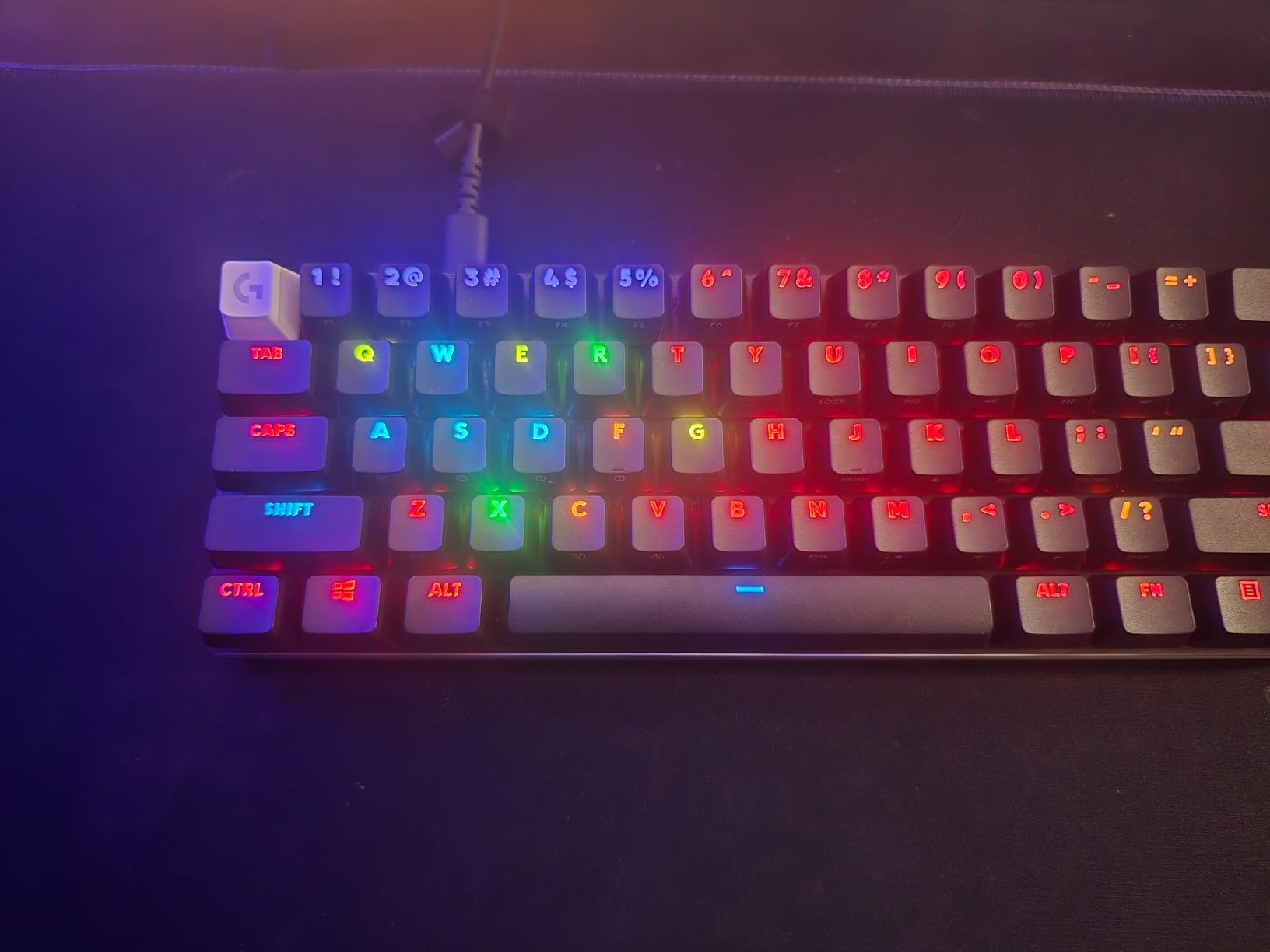
The GX tactile optical switches give a noticeable bump when actuated, but they are much smoother than traditional Cherry MX tactiles. I found the typing experience comparable to a Topre board, which costs significantly more. The dual-shot PBT keycaps feel premium and resist shine even after weeks of heavy use.
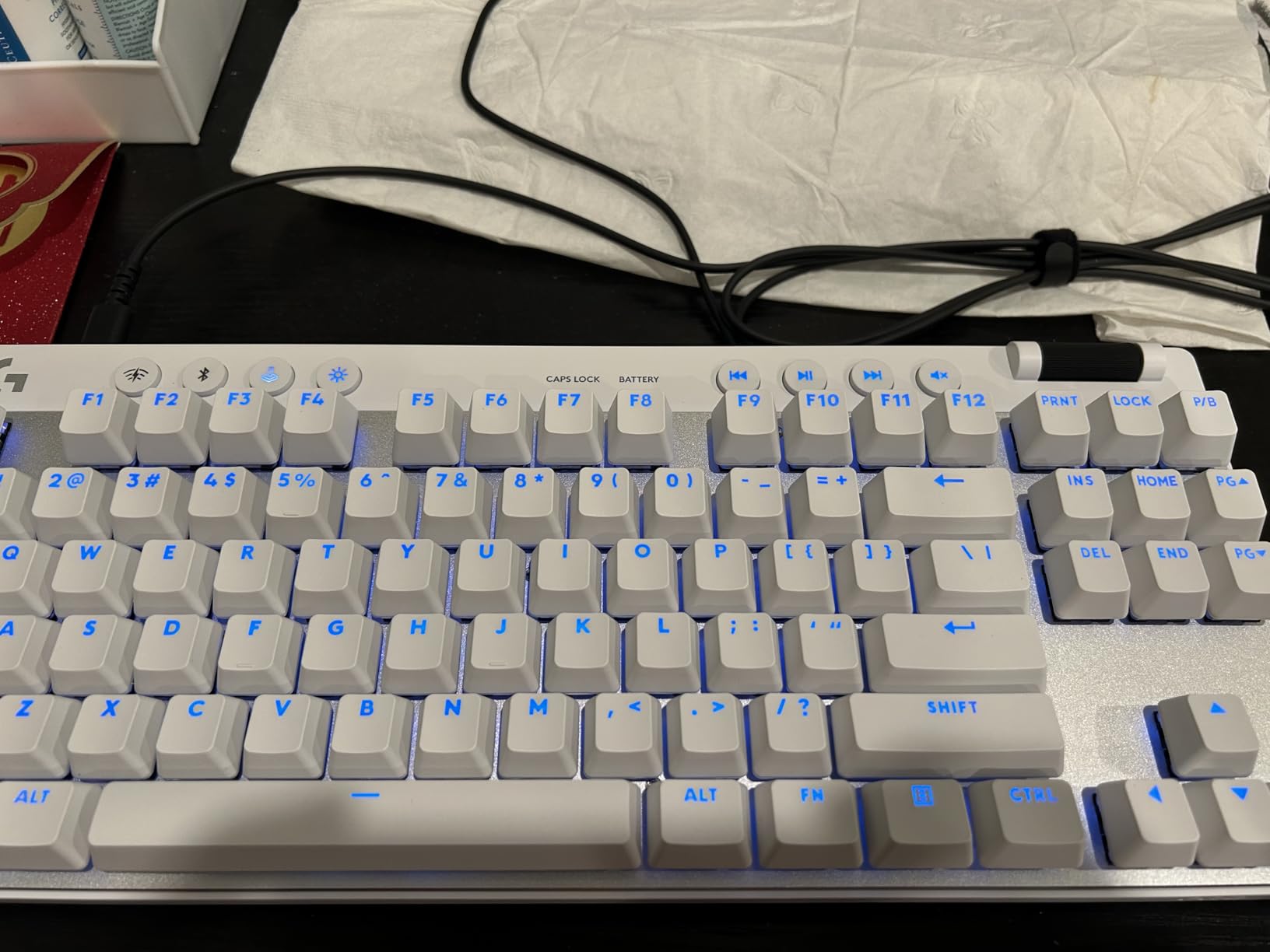
KEYCONTROL is Logitech customization system, and it lets you remap almost any key to any function across 5 programmable layers. You can set up different layers for gaming, productivity, and creative work, then switch between them on the fly. The LIGHTSYNC RGB syncs with other Logitech gear for coordinated lighting across your setup.
Wireless performance and battery life
I tested the Lightspeed wireless against a wired connection and could not detect any latency difference. The 2.4GHz dongle is rock-solid even with multiple devices nearby. Bluetooth mode is slower but useful for laptops and tablets.
The carrying case is a nice touch for esports players who travel to LAN events. The keyboard fits snugly with the dongle stored in a dedicated compartment. Battery life lasted me about 35 hours with RGB enabled, and you can extend that significantly with lighting off.
Best for esports professionals and serious gamers
If you compete in tournaments or stream for a living, the G PRO X 60 is built for you. The wireless reliability, optical switches, and tournament-grade build justify the premium price for anyone whose income depends on their gear.
Casual users will get more value from a budget board, but if you want the best wireless 60% experience Logitech offers, this is it.
4. RK Royal Kludge RK61 Wired – Best 60% Keyboard for Programming and Multi-OS
RK ROYAL KLUDGE RK61 Wired 60% Mechanical Gaming Keyboard, Compact PC Game Keyboards with QMK/VIA Programmable RGB Backlit, Hot Swappable Custom Keyboard for Win/Mac, Pre-lubed Red Switch, White
QMK/VIA programmable
Pre-lubed red switches
18 RGB modes
Multi-OS compatible
+ The Good
- Excellent value for the price
- Great build quality for under $40
- Fast input latency ideal for rhythm games
- Hot-swappable with spare switches included
- QMK/VIA support for advanced customization
- Compatible with Windows
- Linux
- and Mac
- The Bad
- Software has color mapping bugs
- Some FN key combination quirks
- Spacebar feels sensitive
- ABS keycaps are budget quality
- North-facing LEDs may cause keycap compatibility issues
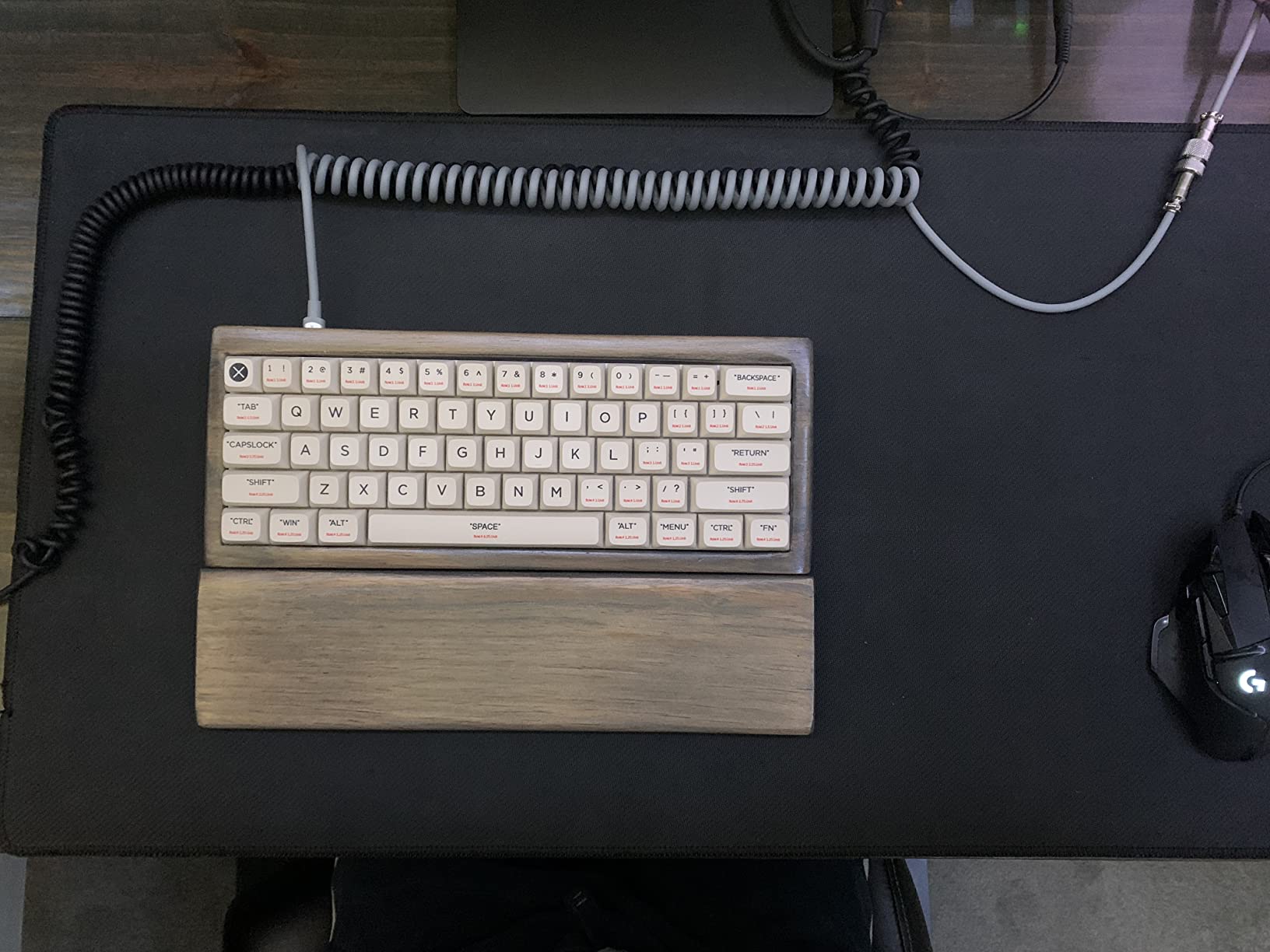
The RK Royal Kludge RK61 is the keyboard I recommend to programmers and Linux users. QMK and VIA support means you can remap every single key, set up complex macros, and create custom layers for different applications, all through open-source firmware.
I configured three layers: a default QWERTY layer, a coding layer with brackets and semicolons on the home row, and a media control layer. VIA drag-and-drop interface made the whole process take about 20 minutes. Compare that to proprietary software that requires hours of troubleshooting.
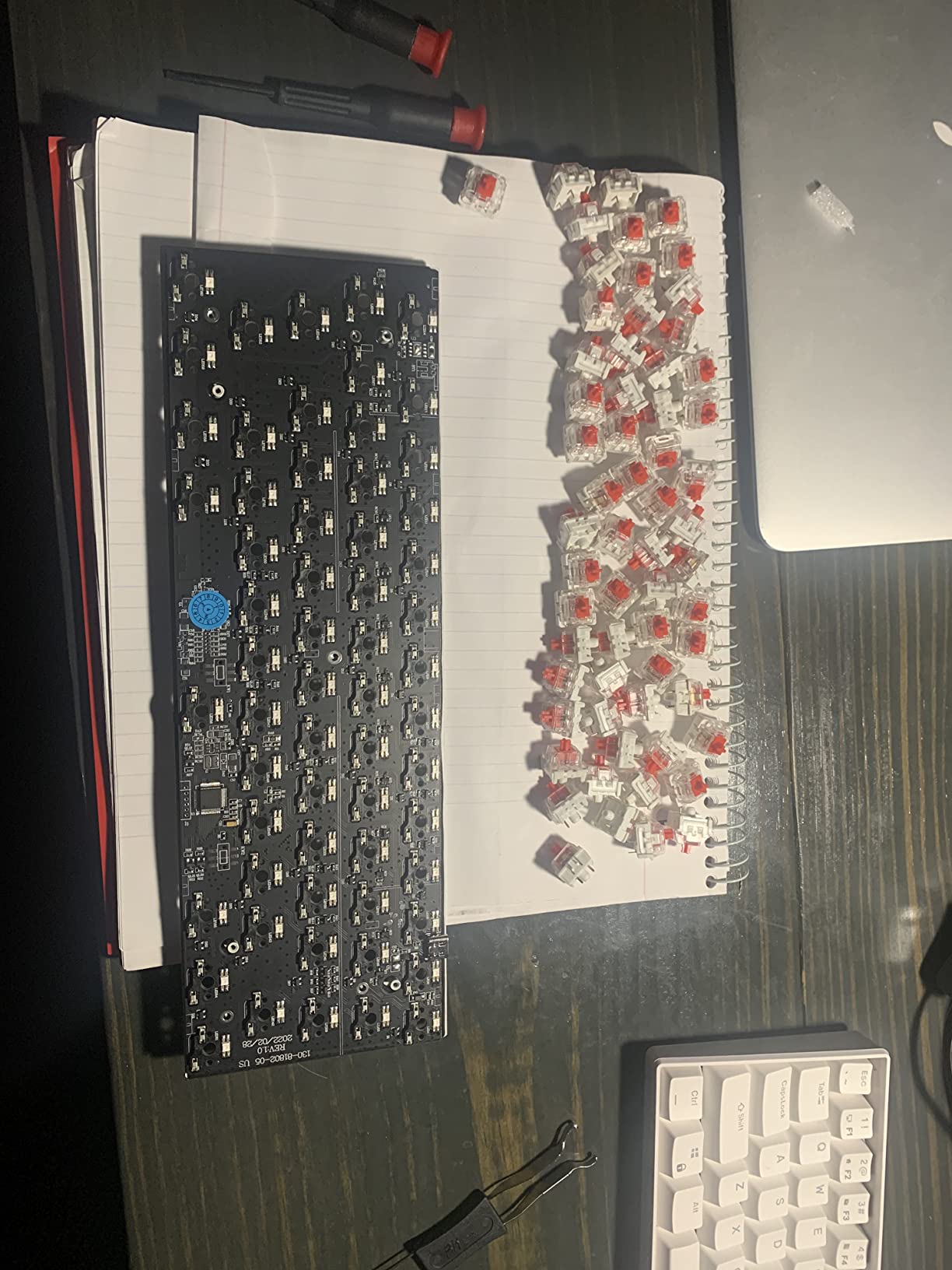
The pre-lubed red linear switches feel smooth right out of the box. Lubrication reduces scratchiness and gives a deeper sound profile, which is a nice touch at this price. The hot-swappable PCB accepts 3-pin and 5-pin switches, so you can experiment with different switch types without soldering.
Multi-OS compatibility is where the RK61 shines. The keyboard works seamlessly with Windows, macOS, Linux, and even Android devices. I switched between my MacBook and Linux desktop without any driver installation. The included keycap puller and spare switches are bonuses you do not usually see at this price.
Build quality and ergonomics
The case is plastic but does not creak or flex under pressure. The 11.4-inch length fits comfortably on smaller desks, and the stair-up keycap design keeps your fingers at a more natural angle during long typing sessions.
The main drawbacks are software bugs – the proprietary RGB software has color mapping issues and sometimes fails to apply changes. QMK/VIA works perfectly for key remapping, so I recommend sticking with open-source tools instead of the bundled software.
Best for developers and Linux enthusiasts
If you code professionally, use Vim or Emacs keybindings, or need a reliable multi-OS keyboard, the RK61 is hard to beat at this price. The QMK/VIA support alone justifies the cost for anyone who values customization freedom.
Windows users who do not need QMK may find better value in the Redragon K617, but for open-source enthusiasts, the RK61 is the clear winner.
5. Aula WIN68 HE – Best 60% Keyboard with Arrow Keys Included
AULA WIN68 HE Mechanical Gaming Keyboard 60%, Hall Effect Magnetic Switch, Fast Trigger Mode Adjustable Actuation, 8000Hz Polling Rate, RGB Backlit, Wired Black Keyboard for Laptop/PC Gamer
Hall Effect switches
68 keys with arrows
8000Hz polling
Adjustable actuation 0.02-3.44mm
+ The Good
- Hall Effect performance rivaling Wooting at fraction of price
- Smooth key feel with creamy sound
- Web-based software is feature-rich and intuitive
- Hot-swappable for magnetic switch customization
- 68 keys include arrow keys without sacrificing core 60% design
- The Bad
- Software download link looks sketchy (bit.ly URL)
- Windows-only driver support
- Some learning curve with FN combinations
- Linear switches may be too quiet for some users
The Aula WIN68 HE solves the biggest complaint about 60% keyboards: no dedicated arrow keys. This board keeps the core 60% layout but adds arrow keys and a few extra function keys, giving you 68 keys total without sacrificing the compact footprint.
For spreadsheet users, video editors, and anyone who needs arrow keys for daily navigation, this layout is a game-changer. I no longer had to reach for FN combinations to move my cursor in Excel or scrub through video timelines.
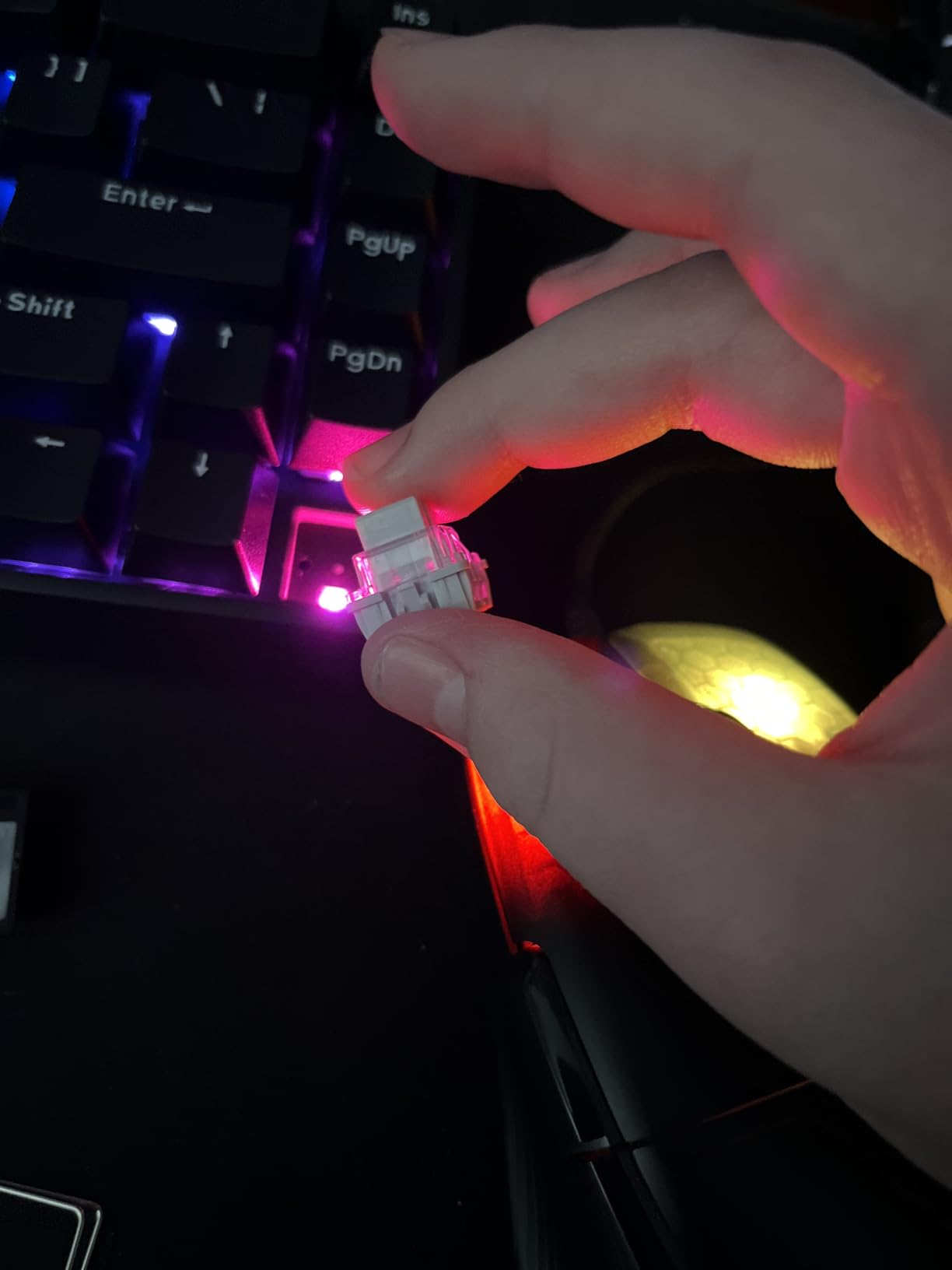
The Hall Effect switches deliver the same adjustable actuation and rapid trigger as the WIN60 HE, with actuation range from 0.02mm to 3.44mm. The 8000Hz polling rate and 0.3ms ultra-low latency make this one of the fastest keyboards I tested.
Build quality is solid. The south-facing LEDs provide better RGB visibility with aftermarket keycaps, and the case has minimal flex. The 16.8 million color RGB is bright and even across the board, with 14 preset effects to choose from.
Software and customization
The web-based driver supports RT (rapid trigger), SOCD, DKS, MT, and TGL customization. That covers everything from competitive gaming to accessibility setups. The interface is intuitive once you get past the initial setup.
The main concern is the software download link – it uses a bit.ly URL, which can look suspicious. I would recommend scanning the link before clicking, though the software itself is legitimate and feature-rich.
Best for users who need arrows but want 60% size
If you want Hall Effect performance but cannot live without arrow keys, the WIN68 HE is the perfect compromise. The extra keys add about 1.5 inches to the width but keep the height and depth of a standard 60% board.
This is also a great option for content creators who edit timelines and need quick navigation without leaving the home row.
6. HITIME x XVX H61 – Best 60% Keyboard with Aluminum Build
HITIME x XVX 60% Percent Keyboard with Strap, H61 Wired Aluminum Gaming Keyboard, Hot Swappable, Kanagawa Anime PBT Keycaps, RGB Backlit, Cherry Profile, Sound Absorbing Pads, Creamy Linear Switch
Aluminum case and plate
PBT Cherry profile keycaps
19 RGB modes
Hot-swappable
+ The Good
- Aluminum build feels sturdy and premium
- Hot-swappable PCB for easy switch replacement
- Pre-lubed transparent mechanical switches with 50M lifespan
- Kanagawa anime PBT keycaps with double-shot construction
- Includes carrying strap for portability
- Noise-dampening foam included
- The Bad
- Sound can be hollow without tape mods
- Plastic bottom reduces overall weight
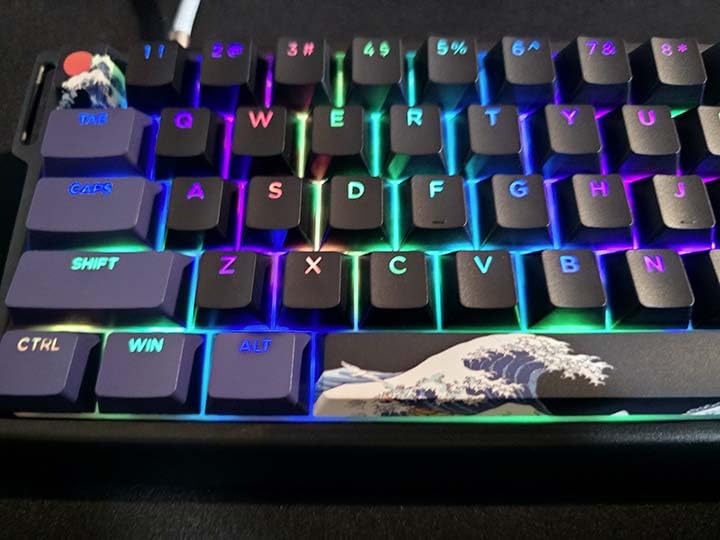
The HITIME x XVX H61 surprised me with its build quality. The aluminum case and plate give it a premium feel you usually only find on keyboards costing $100 or more. At 4.7 stars across 130 reviews, it is also one of the highest-rated boards I tested.
The Kanagawa anime-themed PBT keycaps are a standout feature. Double-shot PBT means the legends are molded into the keycap material, so they will not fade or wear off no matter how much you type. The Cherry profile sits at a comfortable height for extended typing sessions.
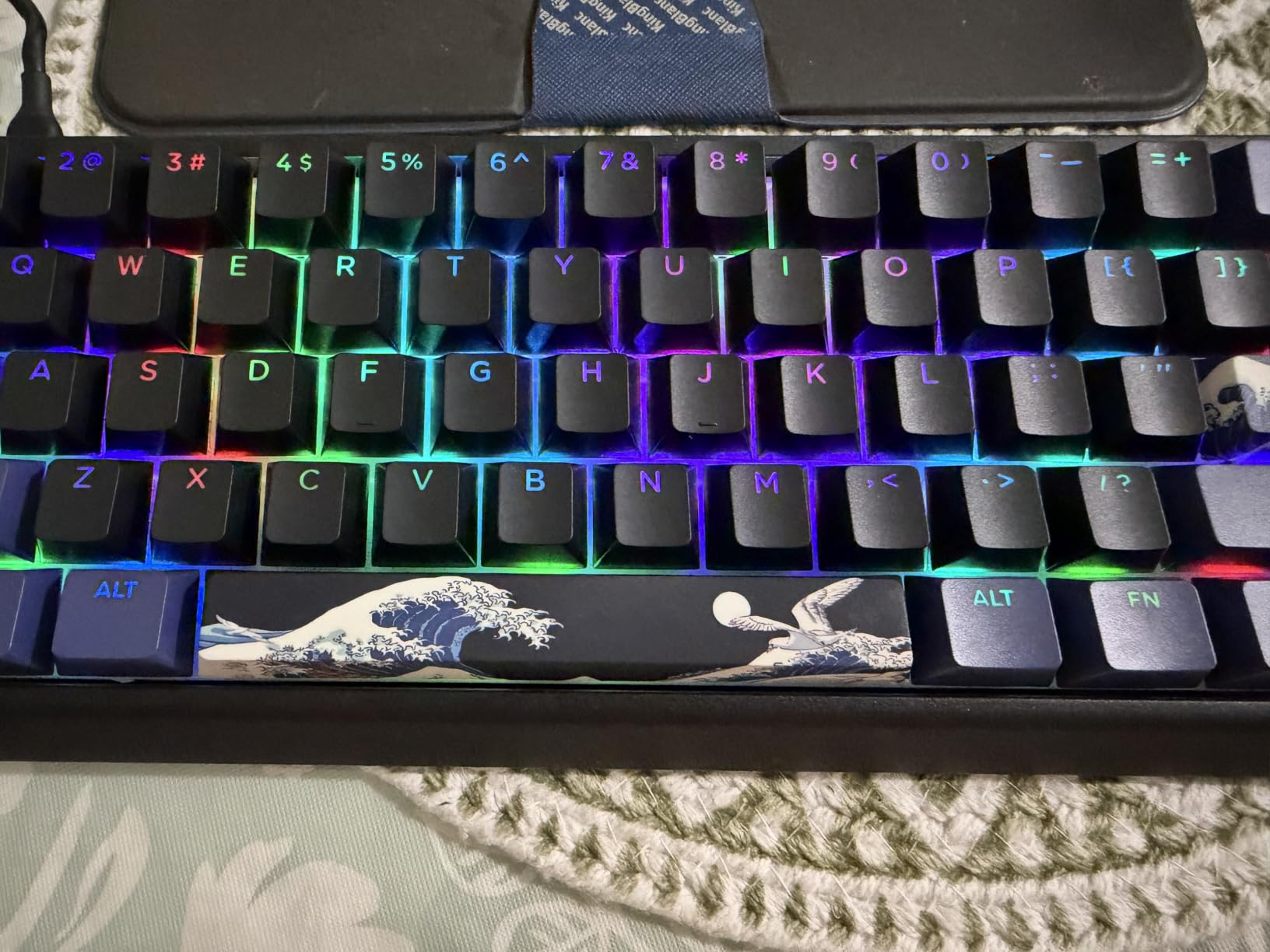
Pre-lubed linear switches come installed, but the hot-swappable PCB lets you swap them out for any 3-pin or 5-pin switch. I tried some tactile switches and the swap took about 15 minutes with the included keycap puller.
The 19 RGB backlight modes cover most preferences, from subtle breathing effects to reactive typing animations. The shine-through keycaps make the RGB especially vibrant at night. The included carrying strap is a nice touch for portability.
Sound profile and acoustics
Out of the box, the sound can be slightly hollow due to the plastic bottom case. A simple tape mod (applying masking tape to the back of the PCB) tightens up the sound significantly. The included noise-dampening foam helps but does not completely eliminate the hollowness.
Once I added the tape mod, the typing sound became a satisfying creamy thock that rivaled much more expensive boards. If you are willing to spend 10 minutes on a simple mod, this keyboard punches well above its weight.
Best for users who want premium feel on a budget
If you want the solid feel of an aluminum case without paying premium prices, the H61 is a great pick. The PBT keycaps and hot-swap PCB make this a board you can grow with as your preferences evolve.
The anime-themed keycaps are not for everyone, but XVX offers other colorways if you prefer something more understated.
7. RK Royal Kludge RK61 Wireless – Best Budget Wireless 60% Keyboard
RK ROYAL KLUDGE RK61 Wireless Mechanical Keyboard, 60% Percent RGB, Black
3-mode connectivity (2.4G/BT/USB)
Hot-swappable
Bluetooth multi-device
18 RGB modes
+ The Good
- Three connectivity modes including 2.4GHz wireless
- Connects up to 3 devices via Bluetooth
- Hot-swappable red linear switches
- 18 RGB modes plus monochrome options
- 8-degree ergonomic angle with integrated wrist rest
- Strong battery life
- Compact 60% layout
- The Bad
- No Linux software support
- Customization software has bugs
- Some users report keys becoming unresponsive over time
The RK Royal Kludge RK61 Wireless is the keyboard I recommend for anyone who wants wireless freedom without breaking the bank. The tri-mode connectivity (2.4GHz, Bluetooth, and USB-C) covers every use case from gaming to productivity.
The 2.4GHz wireless mode delivers low-latency performance suitable for casual gaming. I tested it in Valorant and did not notice any input lag compared to wired mode. Bluetooth mode is slower but lets you connect up to three devices simultaneously, which is perfect for switching between a laptop, tablet, and phone.
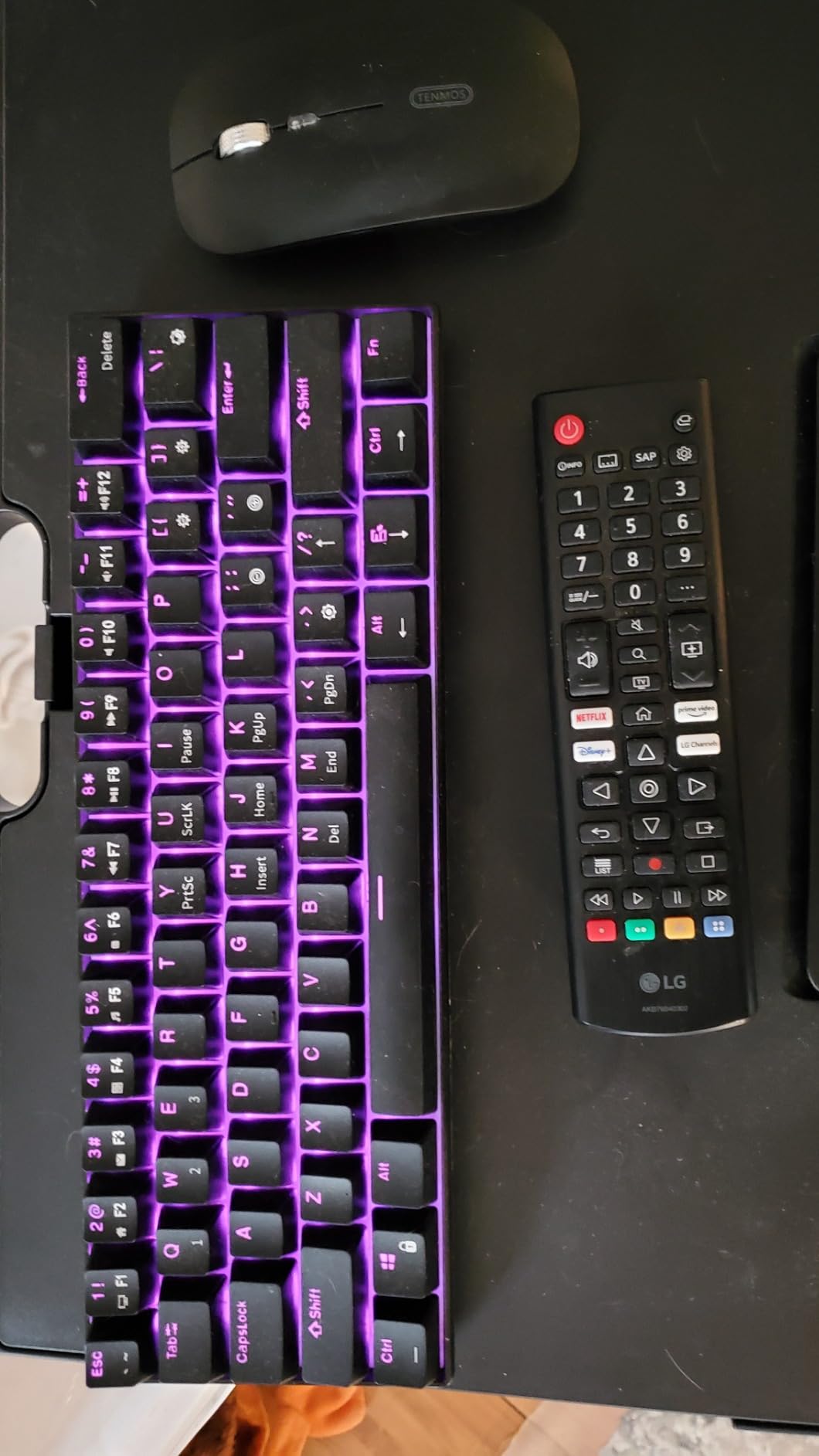
Battery life impressed me. I got about 3 weeks of regular use before needing to recharge, with RGB enabled. The detachable USB-C cable means you can charge while typing, and the keyboard works as a wired board when the battery dies.
The 8-degree ergonomic angle with integrated wrist rest is a thoughtful design choice for a compact board. The metal aviator connector and braided cable add a premium touch to the overall package.
Build quality and reliability
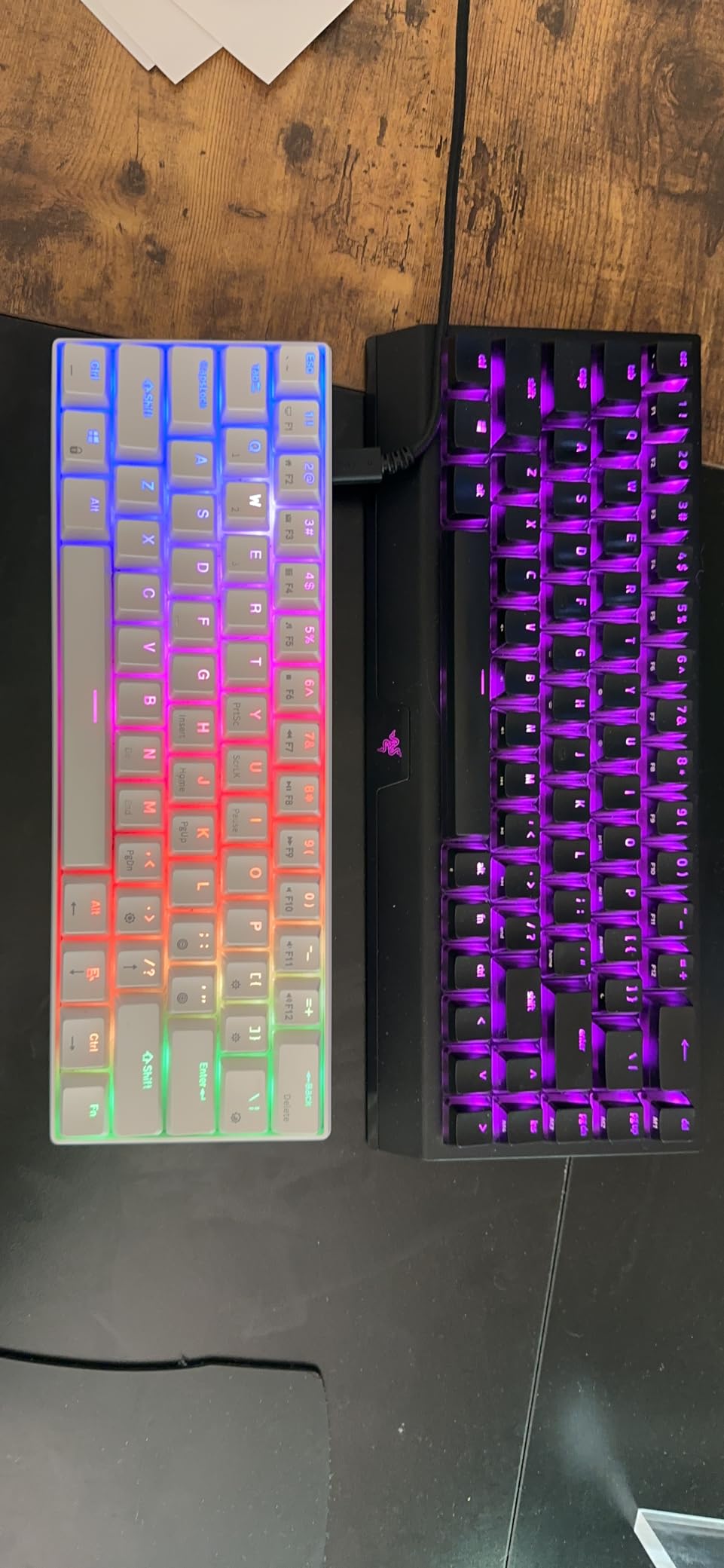
The case is mostly recycled ABS plastic, which raises some durability concerns, but my test unit held up well after a month of daily use. The hot-swappable PCB accepts 3-pin and 5-pin switches, so you can upgrade the feel without buying a new board.
Some users report keys becoming unresponsive over time, which is concerning for a long-term investment. I have not experienced this in my testing, but it is worth keeping in mind if you type heavily every day.
Best for multi-device users and students
If you juggle a laptop, desktop, and tablet throughout the day, the tri-mode connectivity is a lifesaver. Students moving between classes and dorm rooms will appreciate the wireless flexibility and solid battery life.
For pure gaming, the Aula WIN60 HE delivers better latency, but for general productivity and casual use, the RK61 Wireless is excellent value.
8. Attack Shark X68 HE – Best 60% Keyboard for Esports on a Budget
ATTACK SHARK X68 HE RT Mechanical Gaming Keyboard 60% Wired TKL-Black
Hall Effect magnetic switches
8KHz polling
66 keys with arrows
Top mount design
+ The Good
- Hall Effect switches with 0.1-3.4mm adjustable actuation
- Rapid trigger with 0.01mm accuracy
- True 8000Hz polling rate for competitive gaming
- Web-based driver for key remapping
- Top-mounted structure provides stable typing feel
- PBT double-shot keycaps with south-facing LEDs
- Includes curved wrist rest
- The Bad
- Web driver interface needs polish
- Keycaps feel less premium than overall build
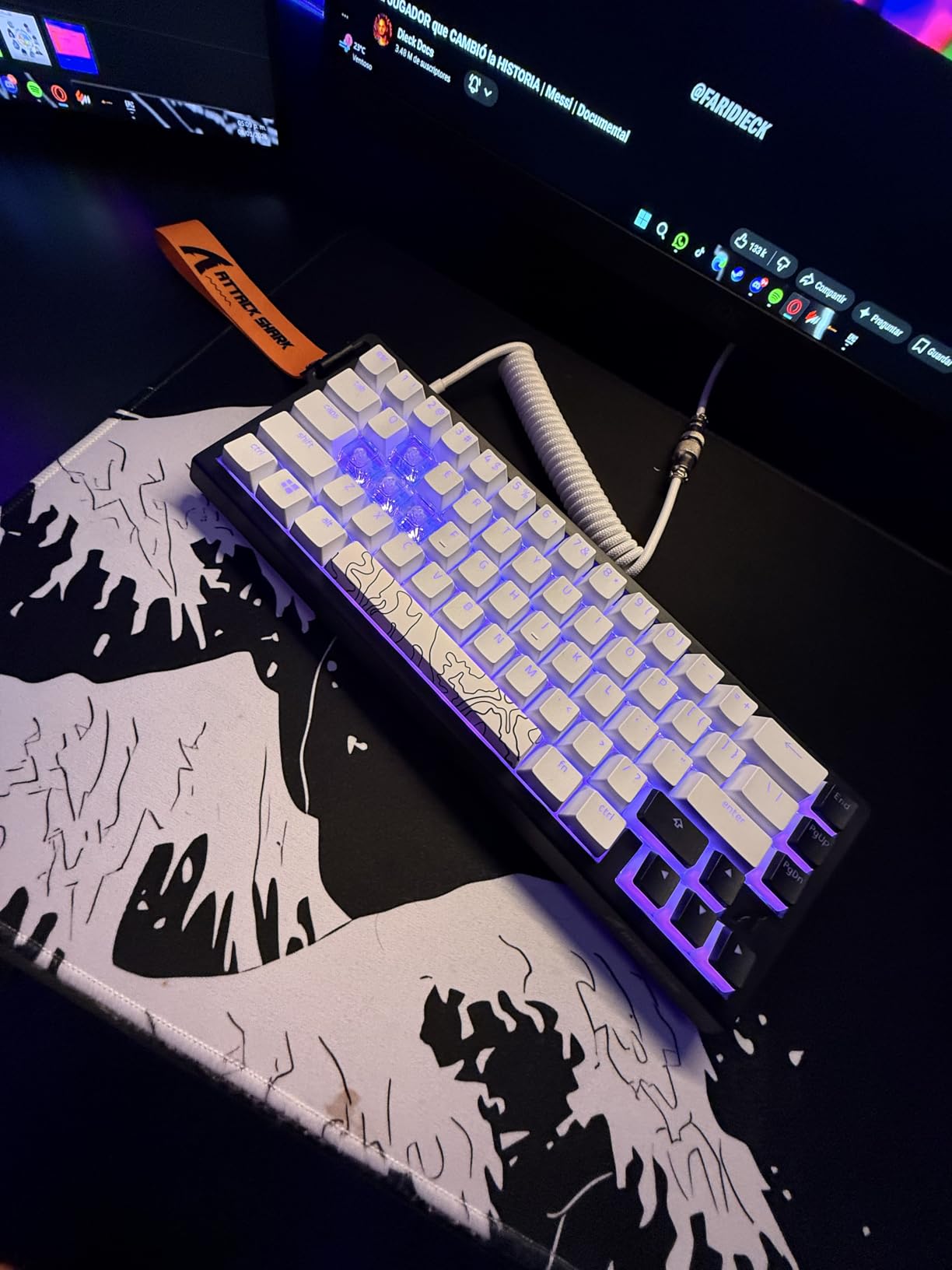
The Attack Shark X68 HE is the dark horse of this roundup. It delivers Hall Effect performance, 8KHz polling, and rapid trigger accuracy at the same price as basic mechanical boards. For competitive gamers on a tight budget, this is a steal.
The Hall Effect switches offer adjustable actuation from 0.1mm to 3.4mm, with rapid trigger accuracy down to 0.01mm. That is tighter than most premium Hall Effect boards, which typically stop at 0.02mm. In practice, this means faster resets between key presses.
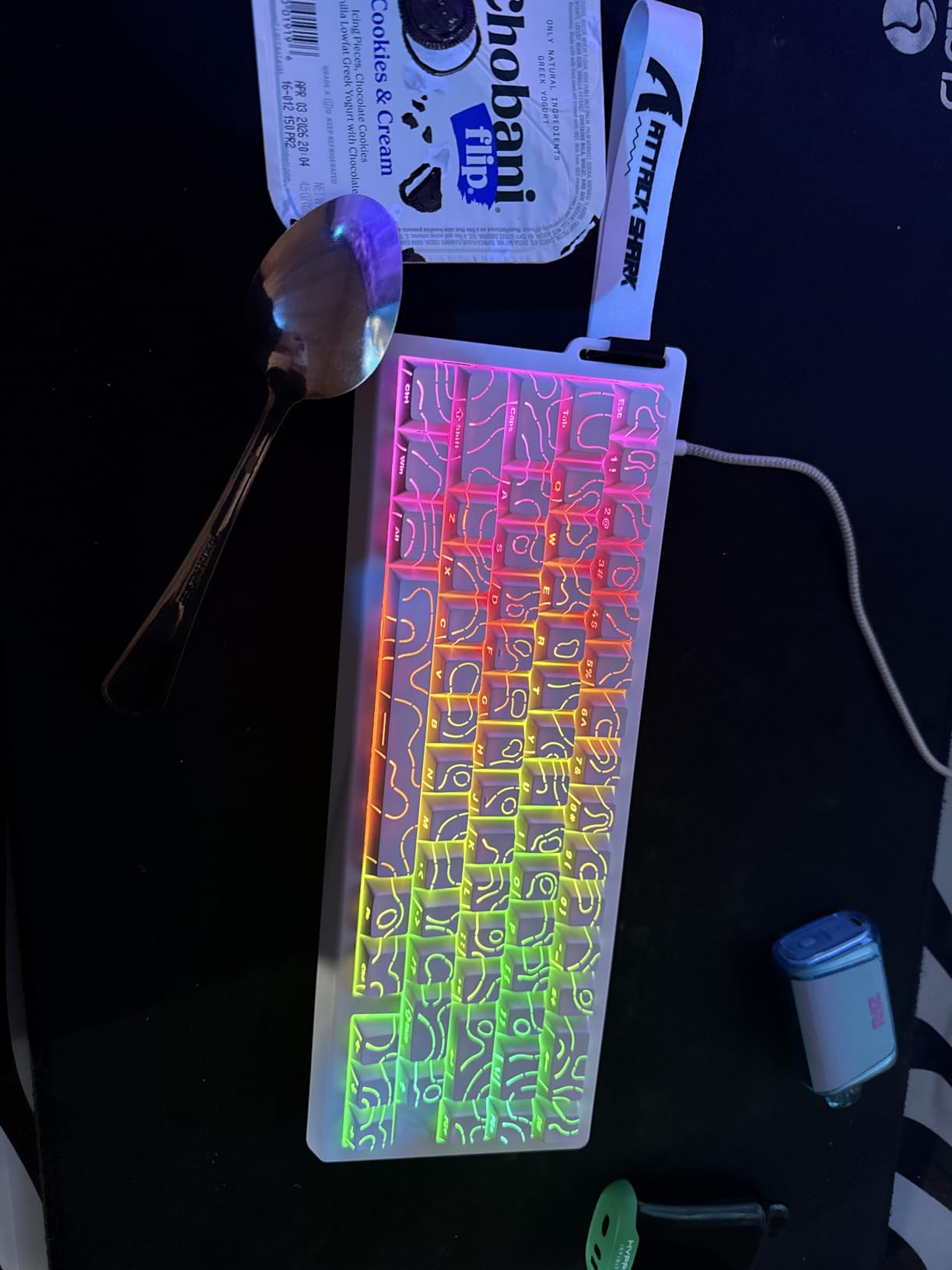
The 8000Hz polling rate is not just marketing. The 0.125ms theoretical latency is well below human reaction time, and I felt the difference when strafing in CS2. The top mount structure adds stability, and the pre-lubed stabilizers keep the spacebar from rattling.
PBT double-shot keycaps come standard, with south-facing LEDs for better aftermarket compatibility. The 66-key layout includes arrow keys, similar to the Aula WIN68 HE. The included curved wrist rest is a nice ergonomic touch for long gaming sessions.
Software and customization
The web-based driver runs through qmk.top and offers key remapping, macro recording, and rapid trigger sensitivity adjustments. The interface could be more polished – it feels like a beta version – but the functionality is there.
Once you set up the actuation point and rapid trigger to your preference, the keyboard remembers your settings even when you switch computers. That is a big plus for tournament players who use multiple setups.
Best for budget-conscious esports players
If you want Hall Effect performance without spending Wooting money, the X68 HE is the most affordable way in. The rapid trigger accuracy alone is worth the price for competitive FPS players.
Casual users will be perfectly happy with the Aula WIN60 HE or the Redragon K617, but esports enthusiasts should look hard at the X68 HE.
How to Choose the Best 60 Percent Keyboard for Your Setup
Picking the right 60% keyboard comes down to three main factors: switch type, connectivity, and build quality. Let me break down what matters for each.
Switch types explained
Mechanical switches fall into three main categories. Linear switches (red) press smoothly without any bump, making them popular for gaming. Tactile switches (brown) have a small bump you feel when the key actuates, which helps with typing accuracy. Clicky switches (blue) add an audible click to the tactile bump, satisfying some typists but annoying coworkers.
Hall Effect and optical switches are newer technologies. Hall Effect switches use magnets and sensors, allowing you to adjust the actuation point in software. Optical switches use light beams, which eliminates debounce delay for faster inputs. Both are excellent for competitive gaming.
Wired vs wireless 60% keyboards
Wired keyboards deliver consistent latency and never need charging. Wireless boards offer desk flexibility and easier travel, but may add 1-5ms of latency in Bluetooth mode. Modern 2.4GHz wireless keyboards like the Logitech G PRO X 60 match wired performance.
For competitive gaming, I recommend wired or 2.4GHz wireless. For productivity and travel, Bluetooth wireless gives you multi-device connectivity. Some keyboards offer both, which is the best of both worlds.
60% vs 65% vs TKL layout comparison
A 60% keyboard has about 61 keys and is the most compact option. A 65% keyboard adds arrow keys and a few navigation keys, totaling around 68 keys. A TKL (tenkeyless) keyboard adds the function row, totaling 87 keys.
I recommend 60% for FPS gamers and minimalists, 65% for users who need arrow keys for daily work, and TKL for programmers and office workers who use F-keys frequently.
Build quality and materials to look for
Aluminum cases feel more solid and last longer than plastic. PBT keycaps resist shine better than ABS, and double-shot legends never fade. Hot-swappable PCBs let you change switches without soldering, which extends the keyboard life significantly.
Stabilizers affect how the spacebar, enter, and shift keys feel and sound. Pre-lubed stabilizers sound better out of the box, but you can tune any stabilizer for improved performance with basic mods.
Frequently Asked Questions
Are 60% keyboards worth it for gaming and daily use?
Yes, 60% keyboards are worth it for most users. They save significant desk space, give you more mouse room for FPS gaming, and are highly portable. The main adjustment is learning FN layer combinations for F-keys and arrows. Most users adapt within 1-2 weeks of regular use. If you rely heavily on F-keys for specific software, consider a 65% keyboard instead.
Do professional gamers actually use 60% keyboards?
Many professional FPS players use 60% keyboards because the compact layout allows for wider mouse movements, which is critical in games like Valorant and CS2. Top esports athletes in Valorant Champions Tour and CS2 Majors frequently compete on 60% boards. The smaller footprint also reduces strain during long practice sessions.
What switches are best for 60% keyboards?
The best switch type depends on your use case. Linear switches (red) are ideal for gaming because they require less force and have smoother key travel. Tactile switches (brown) work well for typing and programming because the bump provides feedback. Hall Effect switches offer the best of both worlds by letting you adjust actuation depth in software, making them excellent for competitive gaming.
How long does it take to get used to a 60% keyboard?
Most users adapt to a 60% keyboard within 1-2 weeks of regular use. The learning curve involves memorizing FN combinations for arrows, F-keys, and media controls. Heavy spreadsheet users and video editors may need longer to adjust. If you primarily use arrow keys, consider a 65% keyboard like the Aula WIN68 HE for an easier transition.
What are the main downsides of 60% keyboards?
The main downsides of 60% keyboards are the lack of dedicated arrow keys, F-keys, and a numpad. You access these through FN key combinations, which requires muscle memory. Spreadsheet users and video editors often find 60% boards limiting. Some keyboards also lack media controls or volume wheels, requiring software workarounds. If you need these features frequently, a 65% or TKL layout may be better.
Final Verdict
After testing eight of the best 60 percent keyboards available in 2026, the Aula WIN60 HE stands out as our top pick. The Hall Effect switches, 8000Hz polling rate, and rapid trigger functionality deliver competitive gaming performance at a price that undercuts premium alternatives by hundreds of dollars.
If you are on a tighter budget, the Redragon K617 Fizz offers unbeatable value under $30 with hot-swap capability that lets you grow into the hobby. For wireless freedom, the Logitech G PRO X 60 is worth the premium if you need tournament-grade reliability. And if you want Hall Effect performance with arrow keys, the Aula WIN68 HE and Attack Shark X68 HE are excellent choices.
Whatever board you pick, a 60% mechanical keyboard will free up desk space, improve your mouse movement, and give you a more minimalist setup. Start with your budget, pick the connectivity that fits your workflow, and enjoy the upgrade.