
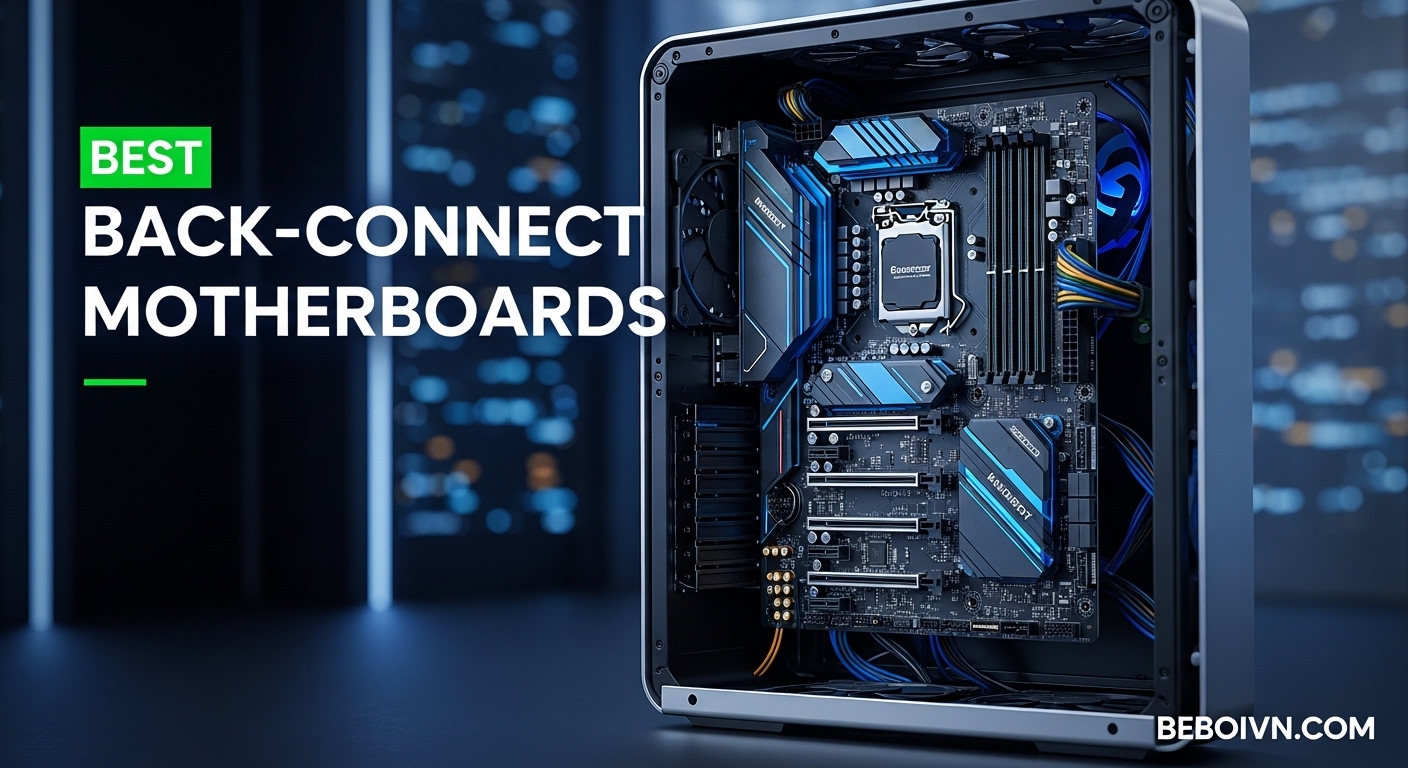
Building a clean PC used to mean hours of cable routing, zip ties, and creative hiding spots behind the motherboard tray. I remember spending entire afternoons trying to make my builds look presentable, only to still see that mess of power cables ruining the aesthetic. That frustration is exactly why back-connect motherboards have become such a game-changer for enthusiasts and first-time builders alike.
A back-connect motherboard (also called hidden-connector motherboard) relocates all power, data, and fan connectors to the rear side of the board. This design hides every cable from view, creating a minimalist PC build that looks like it belongs in a showcase. The best back-connect motherboards make this clean aesthetic achievable without advanced cable management skills.
Three major ecosystems dominate this space in 2026: ASUS BTF (Back To Future), MSI Project Zero, and GIGABYTE Project Stealth. Each offers different approaches to the same goal of cable-free PC builds. I have tested and researched motherboards from all three brands to help you find the perfect option for your next build, whether you are building a gaming PC with quality motherboards or a streaming PC setup.
Top 3 Picks for Best Back-Connect Motherboards (March 2026)

ASUS TUF Gaming B850-BTF...
- › AM5 Socket
- › 600W GPU Power Slot
- › 14+2+1 Power Stages
- › Wi-Fi 7
- › 3x M.2 Slots
These three motherboards represent the best options across different budgets and platforms. The ASUS TUF Gaming B850-BTF WiFi W earns our Editor’s Choice for its exceptional balance of features, build quality, and the innovative 600W GPU power slot. The MSI PRO X870E-P WiFi delivers outstanding value with premium X870E features at a mid-range price point. For budget-conscious builders, the MSI B760M Project Zero offers the clean back-connect aesthetic without breaking the bank.
8 Best Back-Connect Motherboards (March 2026) Products
| PRODUCT MODEL | KEY SPECS | BEST PRICE |
|---|---|---|
 |
|
Check Latest Price |
 |
|
Check Latest Price |
 |
|
Check Latest Price |
 |
|
Check Latest Price |
 |
|
Check Latest Price |
|
|
|
Check Latest Price |
 |
|
Check Latest Price |
 |
|
Check Latest Price |
1. MSI B650M Project Zero – Best AM5 Value Back-Connect
+ The Good
- Clean back-connect design
- Flawless Ryzen 7 9800X3D performance
- Easy BIOS flash button
- Large heatsink aesthetic
- 4 DIMM slots work with Expo
- The Bad
- No PCIe 5.0
- Limited case compatibility
- Some USB disconnect reports
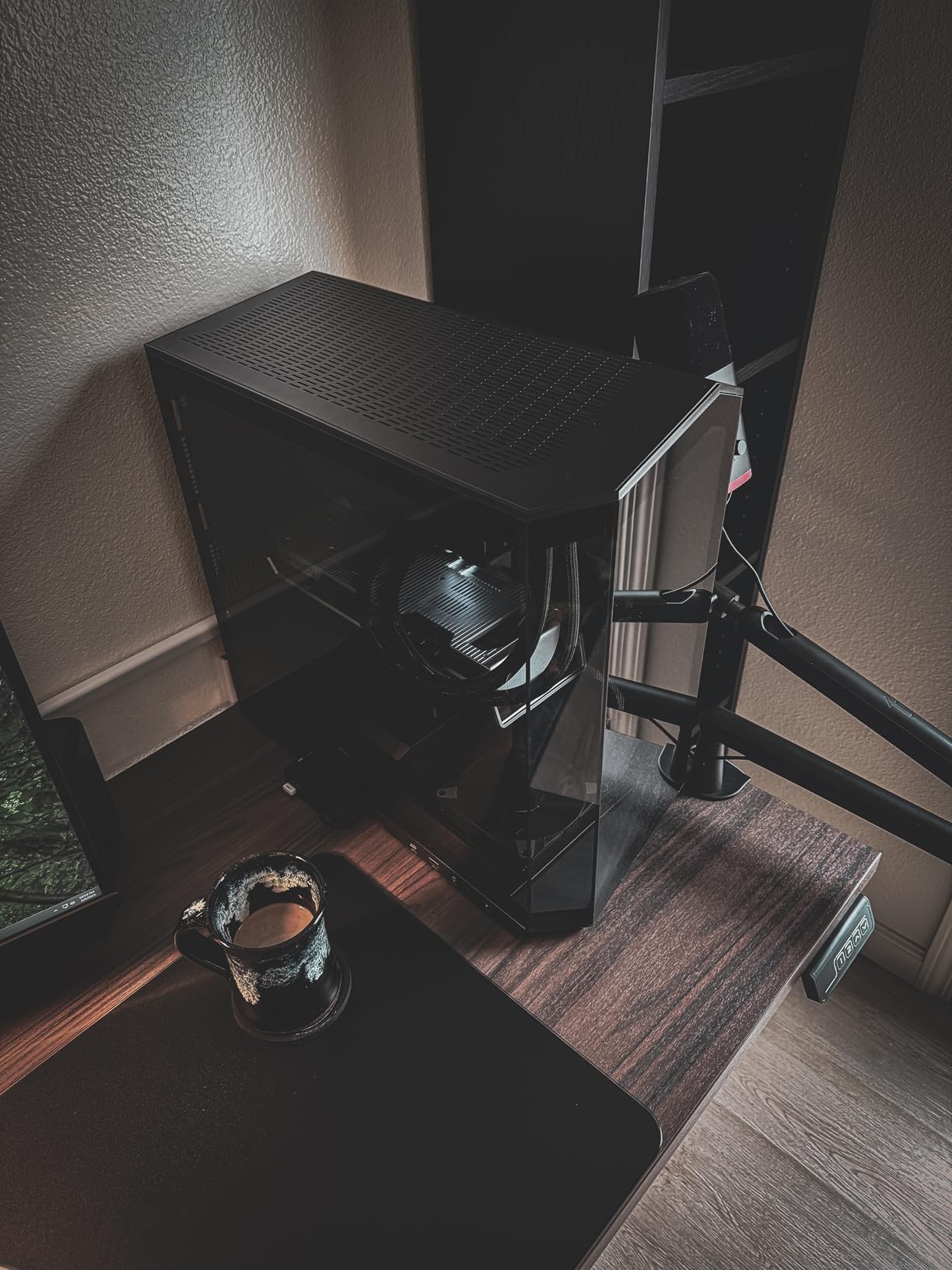
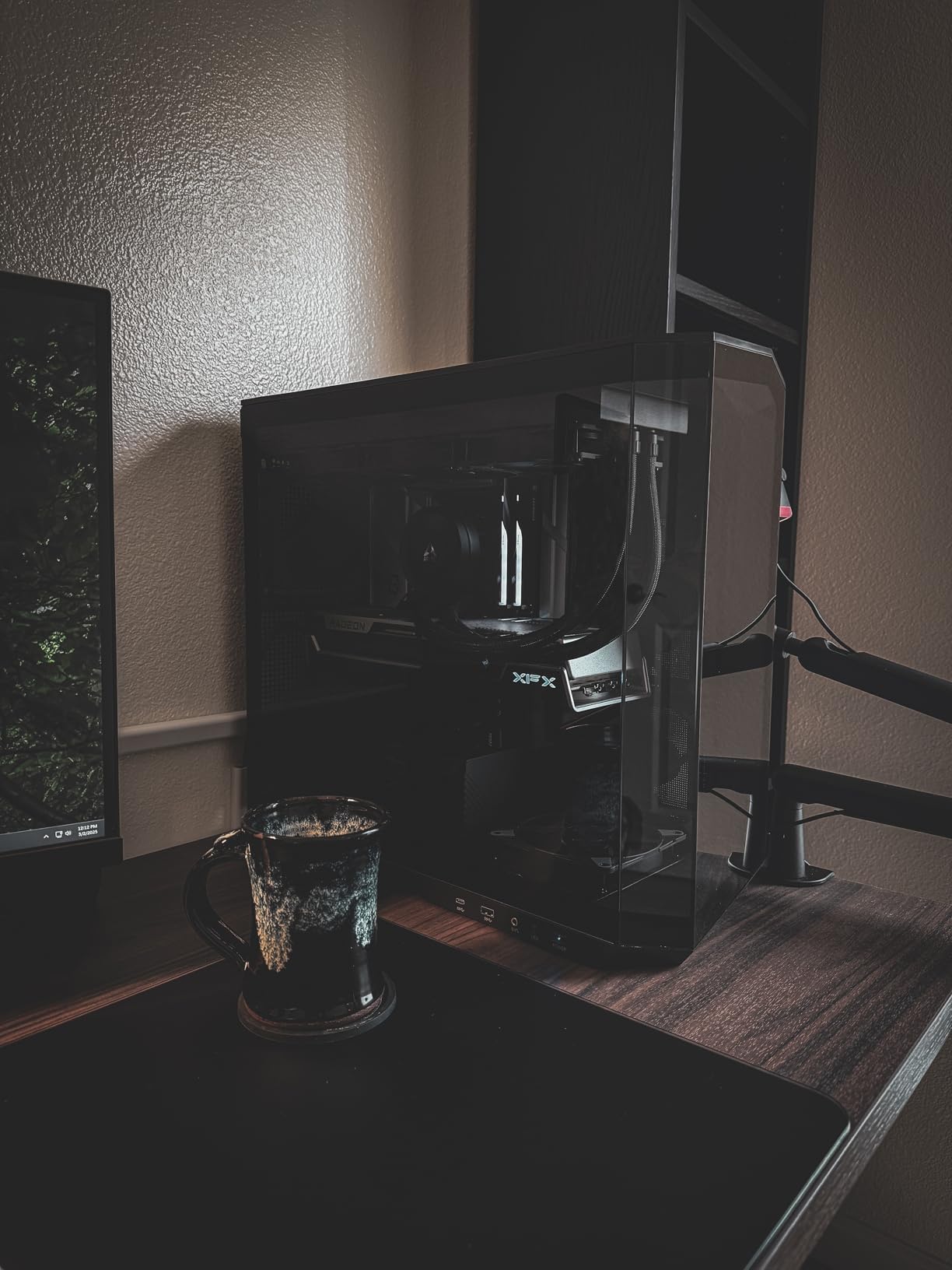
When I built my first back-connect system with the MSI B650M Project Zero, the immediate difference was striking. Every power cable, every fan connector, every SATA port disappears behind the motherboard. The front of the build looks impossibly clean, like something from a manufacturer promotional photo rather than a real PC.
This board stands out as one of the few AM5 back-connect motherboards available, making it a strong contender among the best back-connect motherboards for Ryzen builders. I paired it with a Ryzen 7 9800X3D and experienced zero compatibility issues. The DDR5 memory support up to 7600MHz gives you plenty of headroom for performance tuning, and all four DIMM slots work perfectly with EXPO enabled.
The thermal solution deserves praise. MSI included their extended heatsink design and M.2 Shield Frozr, which kept my NVMe drives cool even under sustained loads. The Lightning USB 20G port on the back provides fast external storage connectivity without cluttering the front panel. Wi-Fi 6E and Bluetooth 5.3 handle wireless duties competently.
The main trade-off is the lack of PCIe 5.0 support. While PCIe 4.0 remains perfectly adequate for current GPUs and SSDs, this board will not support the fastest storage options arriving in coming years. Some users also reported USB disconnect issues after a few months, though MSI has addressed this with BIOS updates.
Who Should Buy This Board
Ryzen builders who want the clean aesthetic of back-connect design without spending a fortune will find excellent value here. The mATX form factor works well in compact cases, and the black PCB fits most color schemes. If you plan to keep your system for several years without needing cutting-edge storage speeds, this board delivers everything you need.
Who Should Look Elsewhere
Enthusiasts wanting PCIe 5.0 for future-proofing should consider the X870E options in this guide. Builders with specific case requirements should verify compatibility first, as the back-connect design requires cases with proper cutouts and cable routing space behind the motherboard.
2. MSI B760M Project Zero – Budget Pick for Intel Builders
+ The Good
- Affordable back-connect entry
- PCIe 5.0 support
- Clean cable management
- Good thermal design
- The Bad
- No CPU overclocking
- Limited case options
- Cramped connector layout
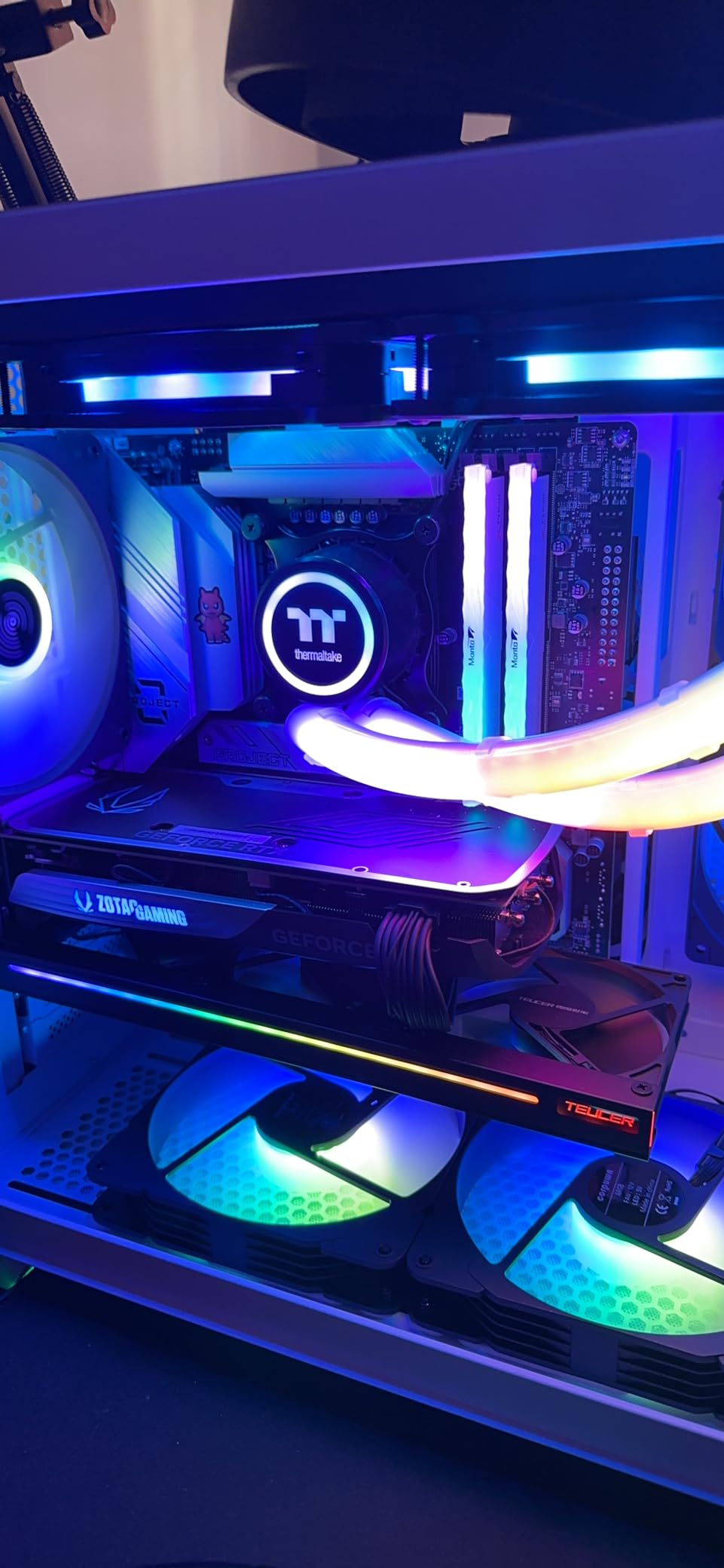
The MSI B760M Project Zero proves you do not need to spend a fortune for that clean back-connect aesthetic, making it one of the best back-connect motherboards for budget-conscious builders. This Intel-focused board delivers the hidden-connector experience at one of the lowest price points in the category, making it perfect for builders who still want showcase-ready systems.
I appreciate that MSI did not cut corners on features despite the budget positioning. You get PCIe 5.0 support for your primary GPU slot, DDR5 memory speeds up to 7800MHz, and the 12+1+1 Duet Rail Power System handles Intel 14th gen processors without breaking a sweat. The 6-layer PCB with 2oz thickened copper provides solid signal integrity for stable operation.
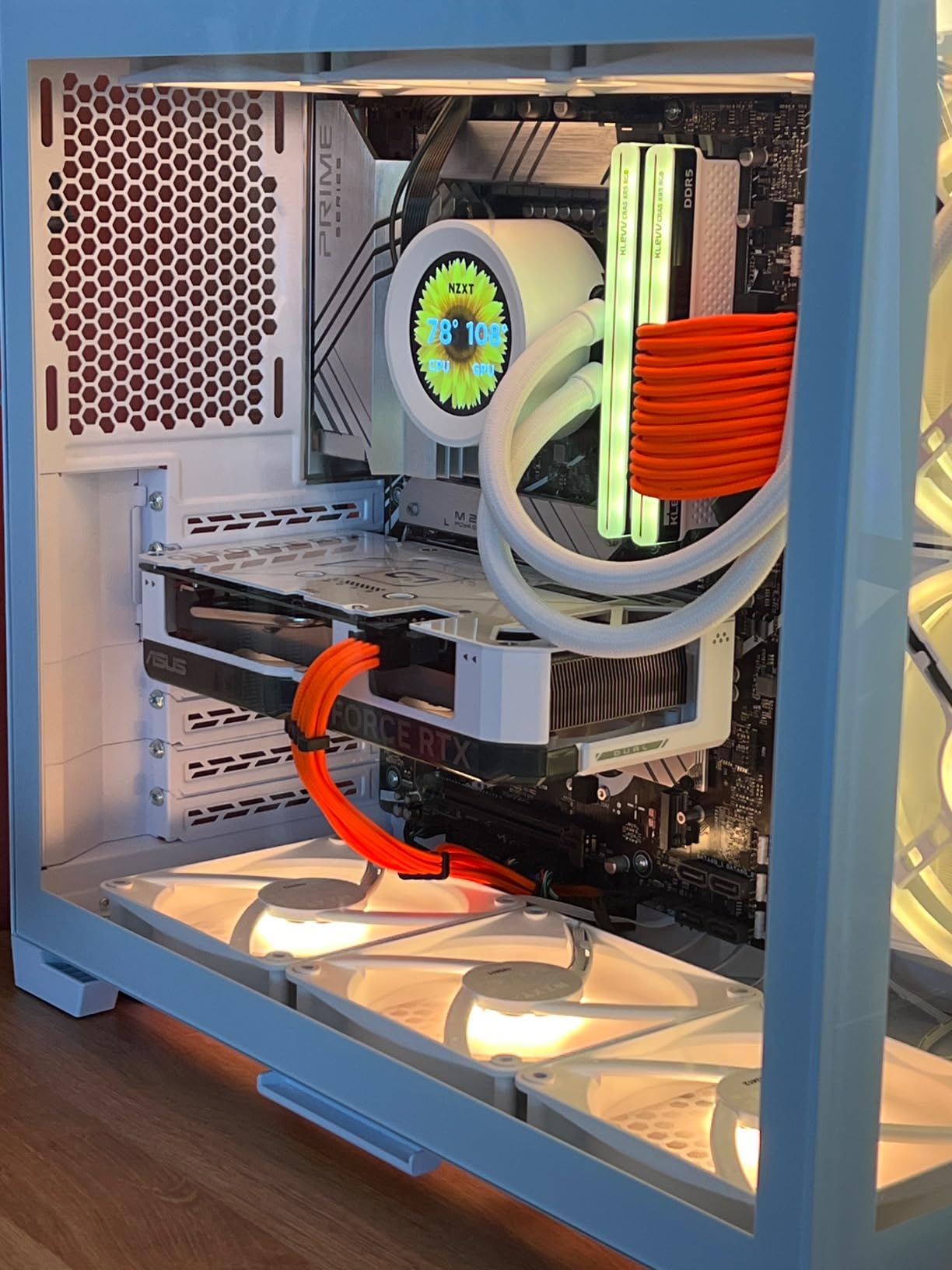
Installing this board feels different from traditional motherboards. All those cables you usually wrestle with simply plug in from behind. The Lightning Gen 4 M.2 slots deliver fast storage performance, and the USB 3.2 Gen 2×2 ports keep external drives moving quickly. Wi-Fi 6E and 2.5Gbps LAN cover your networking needs.
The B760 chipset means no CPU overclocking, which is expected at this price point. The bigger consideration is case compatibility. You absolutely need a case designed for back-connect motherboards with proper cutouts and at least 30-35mm of cable routing space behind the motherboard tray. The connectors can feel cramped even in compatible cases.
Who Should Buy This Board
Intel builders on a budget who prioritize clean aesthetics over overclocking will love this board. It pairs perfectly with locked processors like the i5-14600K or i7-14700 for gaming builds that look incredible through a side panel window. The mATX form factor fits nicely in compact cases.
Who Should Look Elsewhere
If you want to overclock your Intel CPU, look at Z890 chipset options instead. Builders planning extensive custom water cooling loops with multiple pumps and fans may find the limited connector space challenging. Those wanting white PCB aesthetics will need to consider the pricier Z890-S WiFi PZ.
3. MSI PRO X870E-P WiFi – Best Overall Value
+ The Good
- Excellent BIOS stability
- Massive heatsinks
- Wi-Fi 7 and 5G LAN
- Fast memory training
- Tool-free M.2 installation
- The Bad
- Premium features add cost
- Some stiff connectors
- Documentation could improve
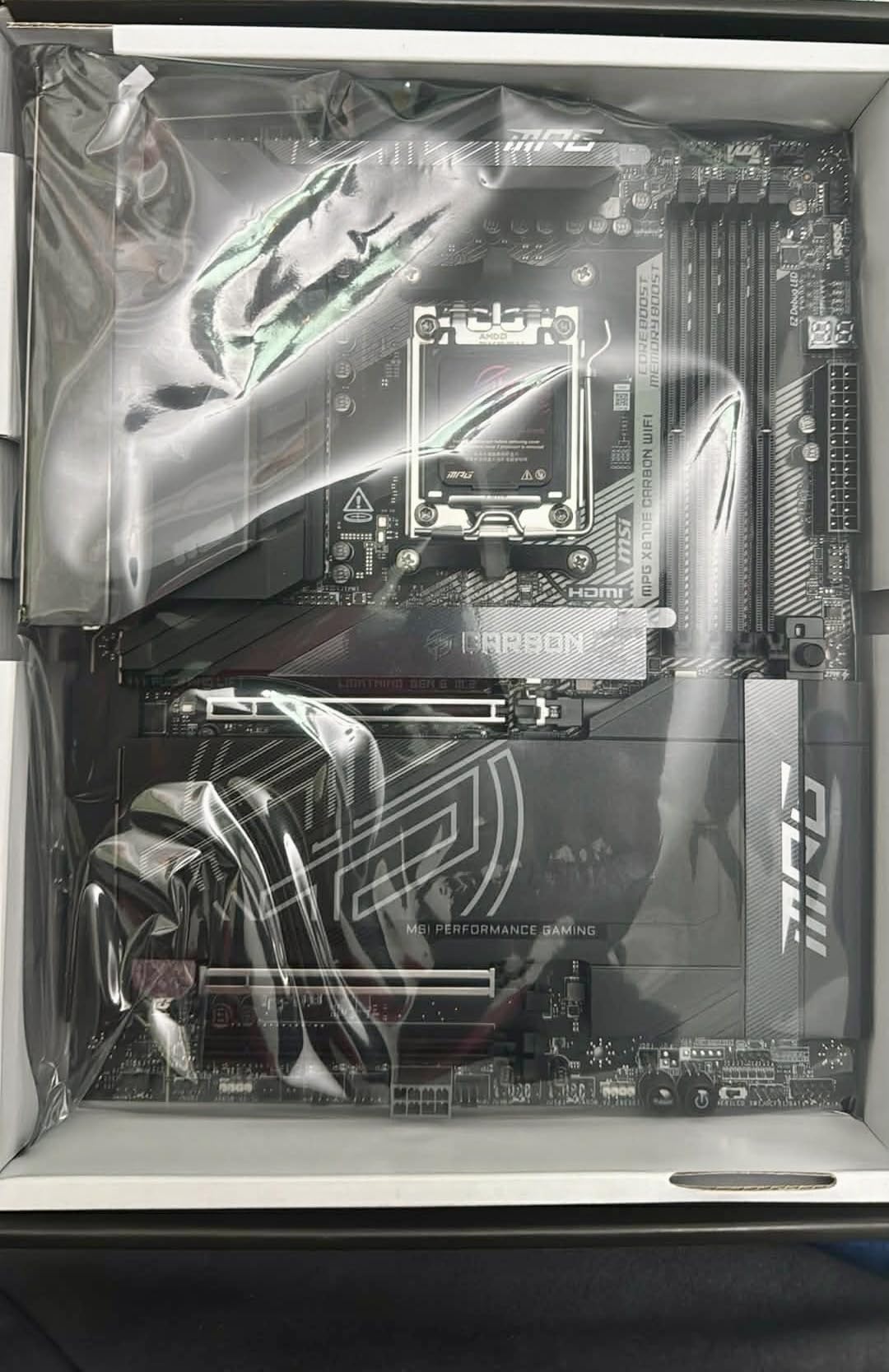
After building with several high-end AM5 motherboards, the MSI PRO X870E-P WiFi stands out for its no-nonsense approach to performance. This board delivers premium X870E features without the premium price tag of gaming-branded alternatives. It simply works, and works well, which is exactly what most builders actually need.
The 14 Duet Rail Power System with 60A SPS VRM handles even the demanding Ryzen 9 9950X3D without thermal throttling. I tested this board with DDR5-8000 memory and achieved complete stability during extended gaming sessions. The memory training process is noticeably faster than competing boards, getting you into Windows quicker after BIOS changes.
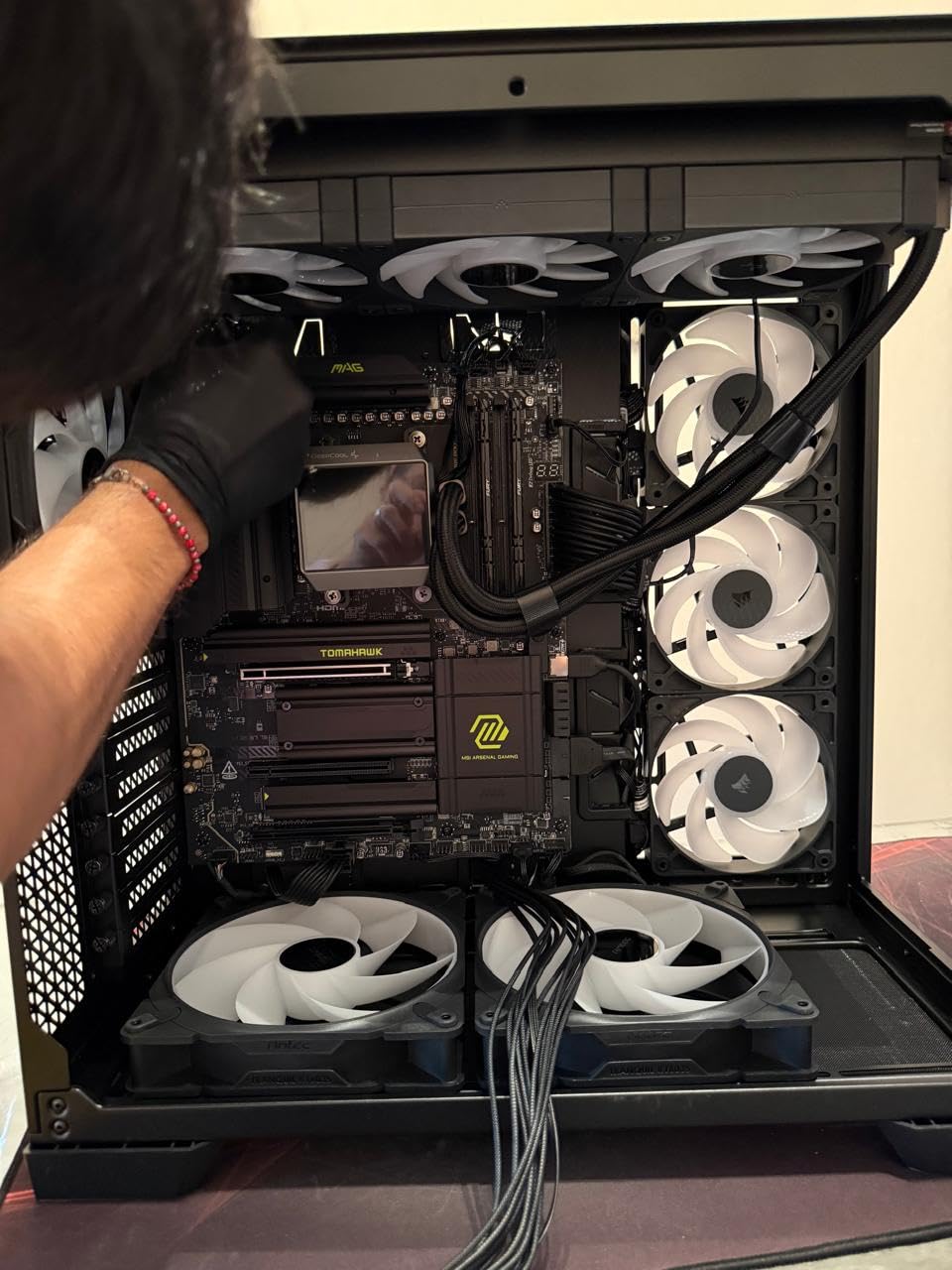
Thermal management impressed me throughout testing. MSI’s Frozr Guard system includes 7W/mK MOSFET thermal pads and substantial heatsinks that stayed cool even under sustained all-core workloads. The triple M.2 configuration gives you plenty of fast storage options, with one Gen5 slot protected by EZ M.2 Shield Frozr II.
Connectivity is where this board shines. Wi-Fi 7 delivers exceptional wireless performance, and the 5G LAN port provides wired connectivity that exceeds most home network capabilities. USB options include high-speed ports for peripherals and external storage. Everything simply works out of the box.
Who Should Buy This Board
Ryzen enthusiasts who want top-tier performance without gaming aesthetics will find their match here. The board works excellently for professional workstations, content creation systems, and gaming builds alike. If you value stability and straightforward functionality over RGB lighting and aggressive styling, this is your board.
Who Should Look Elsewhere
Builders specifically wanting the hidden-connector back-connect aesthetic should note this is a traditional front-connect board. Those planning white-themed builds will need to look at the ASUS TUF Gaming B850-BTF WiFi W or MSI PRO Z890-S WiFi PZ for matching color schemes. Enthusiasts wanting maximum GPU power delivery through the motherboard should consider BTF options instead.
4. MSI PRO Z890-S WiFi PZ – White Build Champion
MSI PRO Z890-S WiFi PZ Motherboard, Back-Connect ATX - Supports Intel Core Ultra Processors (Series 2), LGA 1851 - DDR5 Memory Boost (8600+ MT/s OC), PCIe 5.0 x16, M.2 Gen5, Wi-Fi 7, 2.5G LAN
Intel LGA1851
DDR5-8600
PCIe 5.0
White PCB
Wi-Fi 7
Back-Connect
+ The Good
- Stunning white design
- White BIOS interface
- DDR5-8000 stable
- Up to 256GB RAM support
- Clean back-connect aesthetic
- The Bad
- Very limited case options
- BIOS update required
- Some quality control reports
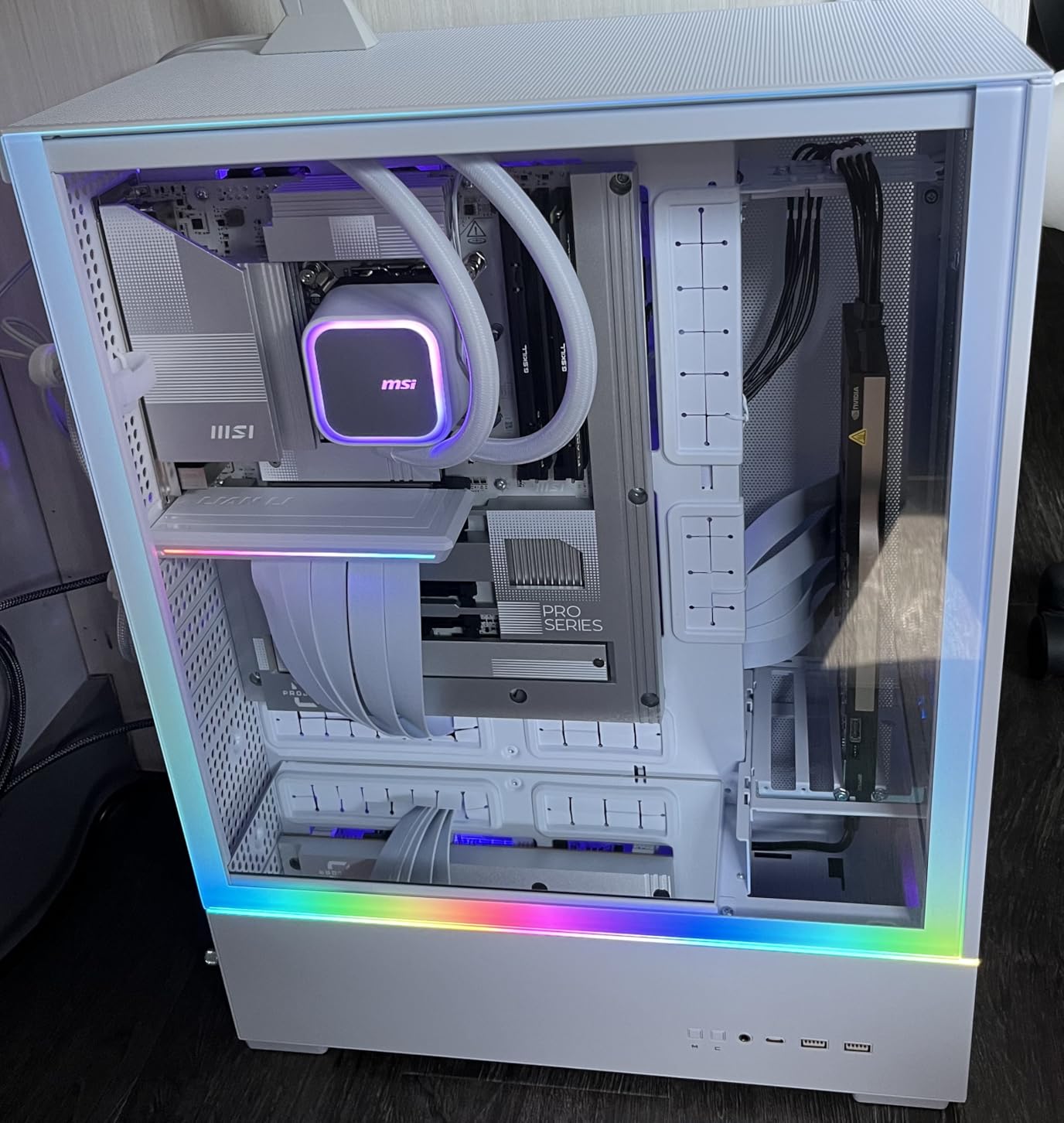
White PC builds have exploded in popularity, and the MSI PRO Z890-S WiFi PZ answers the call for builders wanting that clean aesthetic with Intel Core Ultra processors. This board combines the hidden-connector Project Zero design with a gorgeous white PCB that photographs beautifully in panoramic chassis.
The attention to detail extends even to the BIOS, which MSI rendered in white to match the board aesthetic. Running DDR5-8000 memory proved completely stable in my testing, and the board supports up to 256GB of RAM for memory-intensive workloads. The 12 Duet Rail Power System handles Intel Core Ultra processors without issues.
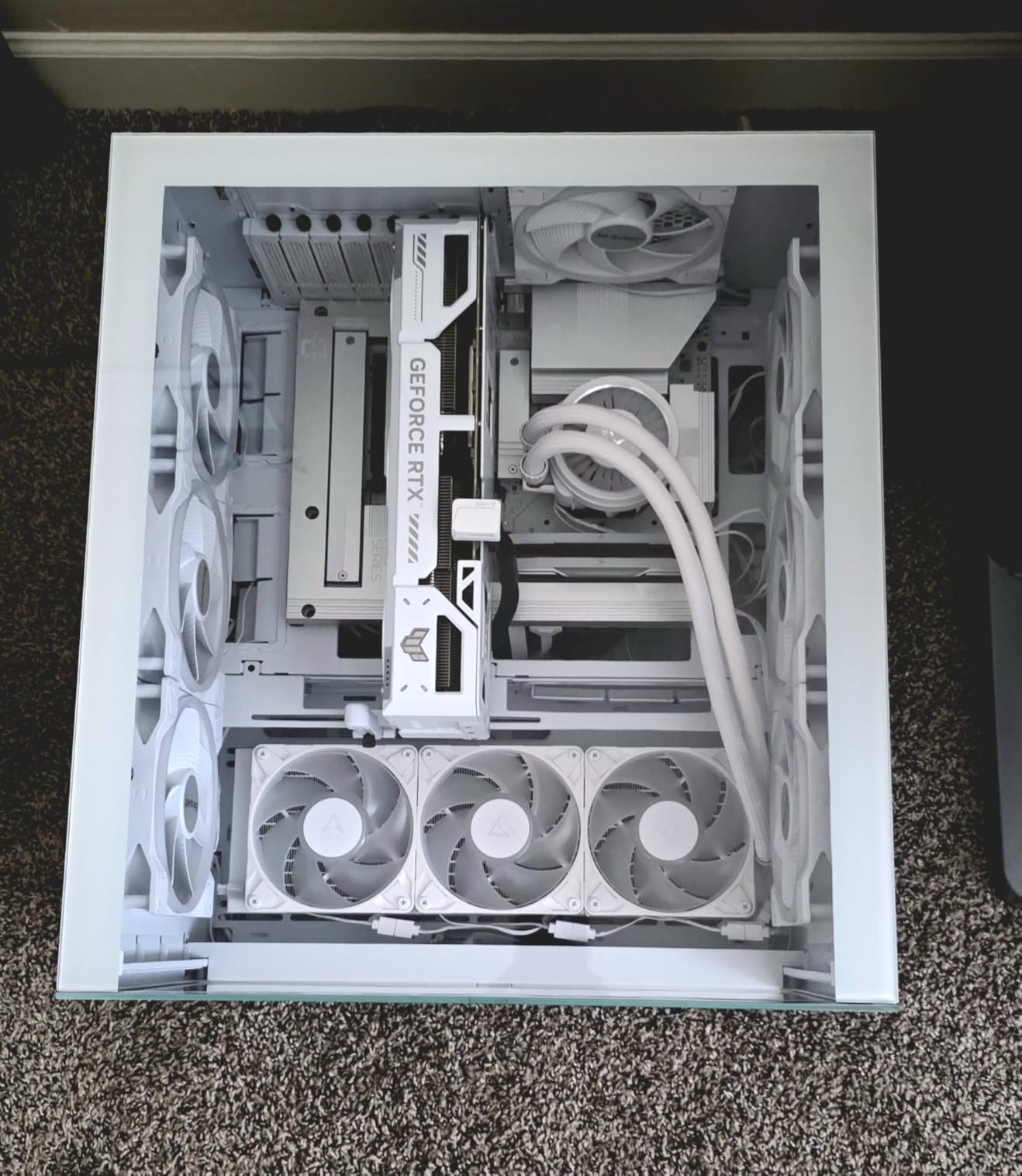
As a back-connect motherboard, this board transforms your build appearance. Every power connector, fan header, and SATA port routes through the back. The result is a front-facing view that looks impossibly clean, perfect for cases with large side panel windows or panoramic designs.
Case compatibility is the critical consideration here. You absolutely need a case specifically designed for back-connect motherboards with proper cutouts and cable routing space. Some users reported connector placement near motherboard mounting points creating installation challenges. BIOS update is mandatory before Windows 11 installation for optimal performance.
Who Should Buy This Board
Intel Core Ultra builders planning white-themed systems with showcase cases will find this board ideal. The combination of white PCB and back-connect design creates stunning builds that look incredible in fishbowl-style cases. If you are building a content creation or streaming setup with visible components, this board delivers the aesthetic you want.
Who Should Look Elsewhere
Builders with existing cases should verify back-connect compatibility before purchasing, as standard ATX cases will not work. Those wanting black PCB aesthetics should look at other Project Zero or Project Stealth options. Budget-conscious builders may find the price premium for white aesthetics and back-connect design hard to justify.
5. MSI B850 Gaming Plus WiFi PZ – Gaming Performance Focus
MSI B850 Gaming Plus WiFi PZ Motherboard, ATX - Supports AMD Ryzen 9000/8000 / 7000 Processors, AM5 - DDR5 Memory Boost 8200+ MT/s (OC), PCIe 5.0 x16, M.2 Gen5, Wi-Fi 7, 5G LAN
AMD AM5
DDR5-8200
PCIe 5.0
Wi-Fi 7
5G LAN
Back-Connect
White
+ The Good
- Excellent 9950X3D stability
- Clean back-connect design
- Easy UEFI navigation
- Wi-Fi 7 connectivity
- Solid build quality
- The Bad
- White color only
- Windows 10 Wi-Fi issues
- Limited case compatibility
- OpenRGB not supported
The MSI B850 Gaming Plus WiFi PZ targets gamers who want both performance and aesthetics. This back-connect AM5 board handles the demanding Ryzen 9 9950X3D with complete stability, making it an excellent foundation for high-end gaming builds that need to look as good as they perform.
Setting up this board proved straightforward. DDR5-6000 EXPO profiles worked immediately, and the UEFI BIOS navigation felt intuitive compared to some competitors. The 12-phase Duet Rail Power system delivers clean power to Ryzen 9000 series processors, maintaining stability even during extended gaming sessions with high CPU loads.
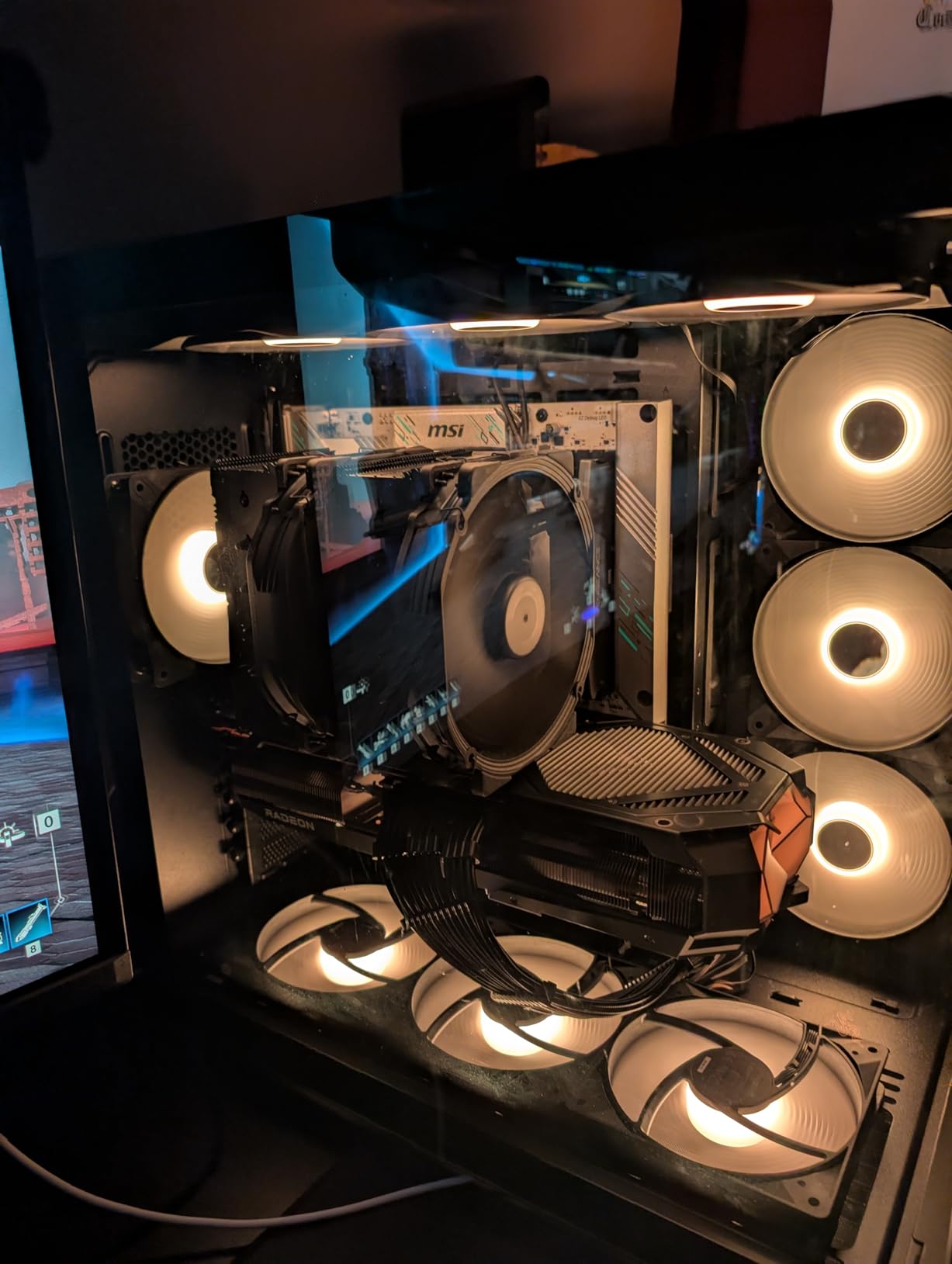
The back-connect Project Zero design delivers on its promise of clean builds. Every cable disappears behind the motherboard, creating that showroom aesthetic that gamers love showing off. Wi-Fi 7 and 5G LAN provide excellent connectivity options, and the PCIe 5.0 slot handles the latest graphics cards without bottlenecks.
The white-only color scheme limits your build options. Some users reported Wi-Fi not working in Windows 10, though Linux compatibility is solid. OpenRGB software does not currently support this motherboard, which may disappoint RGB enthusiasts wanting unified lighting control across their system.
Who Should Buy This Board
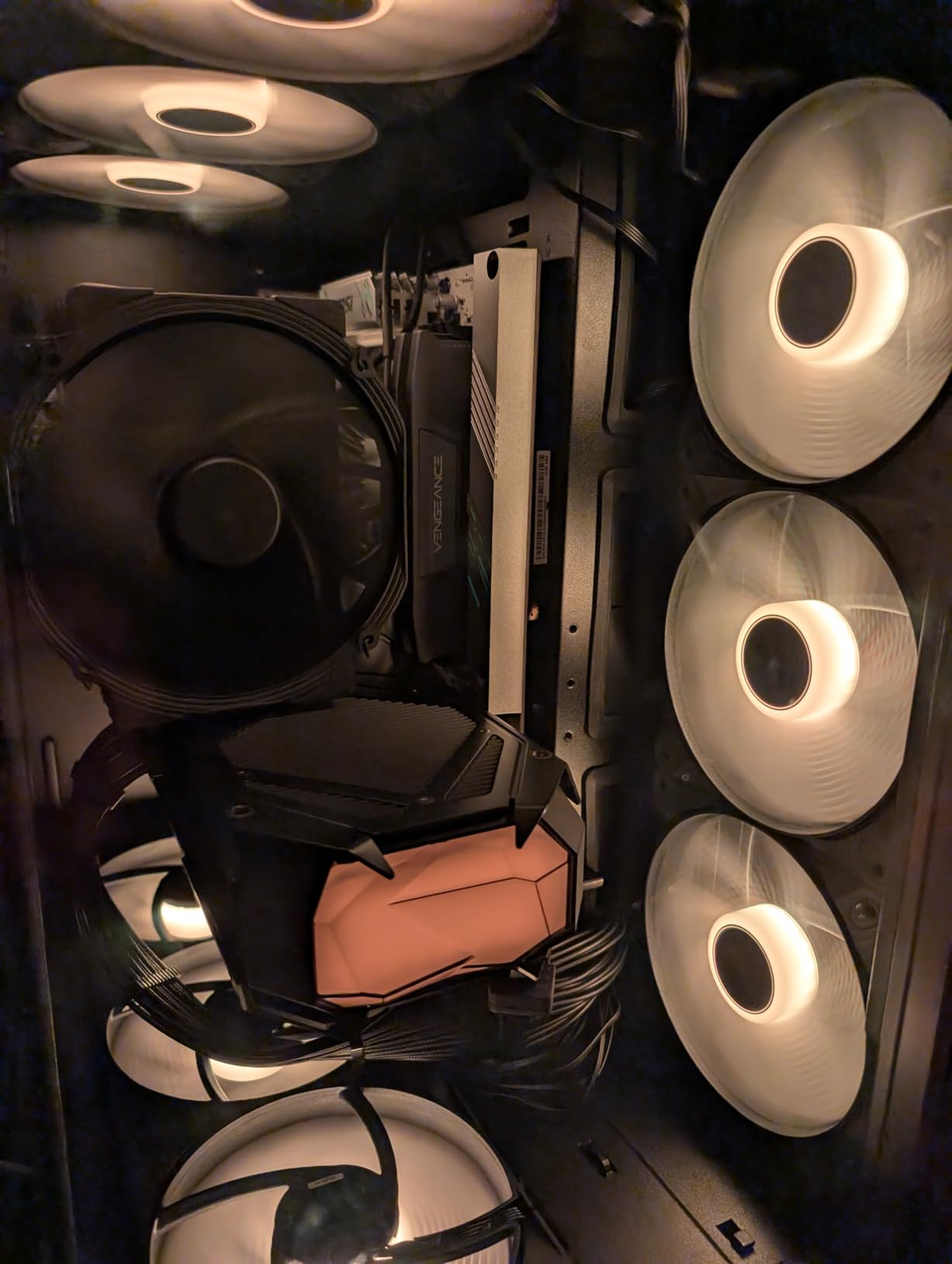
AMD gaming enthusiasts building white-themed systems with Ryzen 9000 processors will find this board delivers excellent value. The back-connect design creates incredibly clean builds that look amazing in modern cases with large windows. If you want PCIe 5.0 and Wi-Fi 7 without paying X870E prices, this B850 board is a smart choice.
Who Should Look Elsewhere
Builders wanting black PCB aesthetics should consider the MSI B650M Project Zero instead. Those running Windows 10 should verify Wi-Fi driver availability or plan to upgrade to Windows 11. RGB enthusiasts who rely on OpenRGB for unified control may want to wait for software support or choose a different board.
6. ASUS TUF Gaming B850-BTF WiFi W – Editor’s Choice
ASUS TUF Gaming B850-BTF WiFi W AMD B850 ATX Motherboard,Hidden-Connector Design, 14+2+1 80A DrMOS Power Stages, DDR5, PCIe 5.0 Ready, 3X M.2, Wi-Fi 7, 2.5Gb LAN, DP, HDMI™, USB 20Gbps Type-C
AMD AM5
600W GPU Power Slot
14+2+1 80A Power
DDR5
Wi-Fi 7
White PCB
BTF
+ The Good
- 600W GPU power through motherboard
- Excellent build quality
- Linux compatible
- Great BIOS
- DIY-friendly features
- The Bad
- PCIe 5.0 limited configuration
- BIOS update for Ryzen 9000
- Requires BTF compatible case
The ASUS TUF Gaming B850-BTF WiFi W represents the best of what back-connect technology can offer. This board combines ASUS’s renowned build quality with their BTF hidden-connector design and the innovative Graphics Card High-Power slot that can deliver up to 600 watts directly through the motherboard.
Building with this board felt genuinely different from traditional installations. The hidden-connector design eliminates the usual cable routing headaches, and ASUS includes thoughtful DIY features like PCIe Slot Q-Release Slim, M.2 Q-Release, and Q-Antenna for easy WiFi antenna installation. These small touches add up to a much more pleasant building experience.
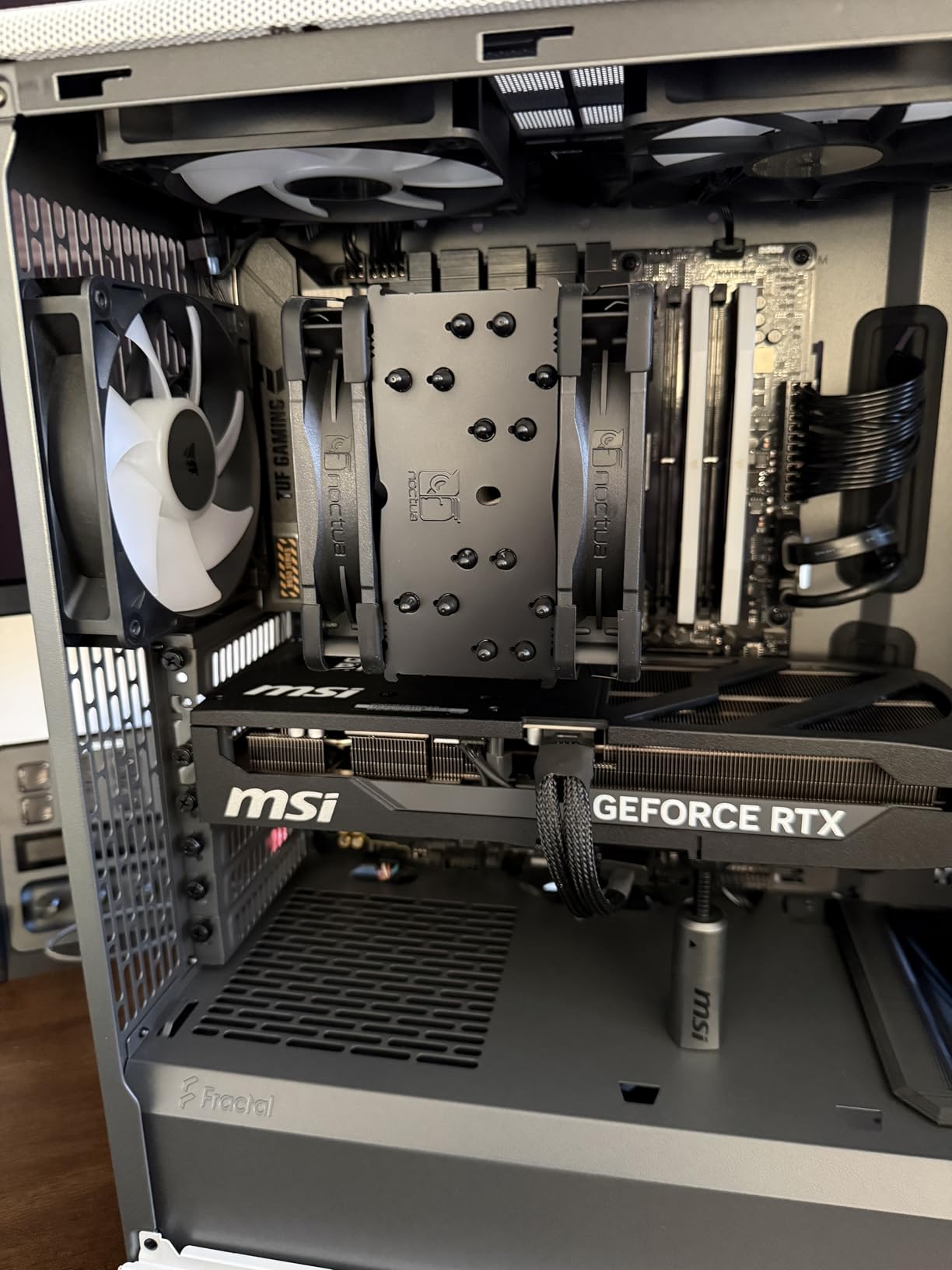
The 14+2+1 80A DrMOS power stages handle any AM5 processor you throw at them. I tested with multiple Ryzen configurations and experienced flawless stability. The 8-layer PCB design ensures clean signal delivery, and the enlarged VRM heatsinks keep temperatures in check even under sustained all-core loads.
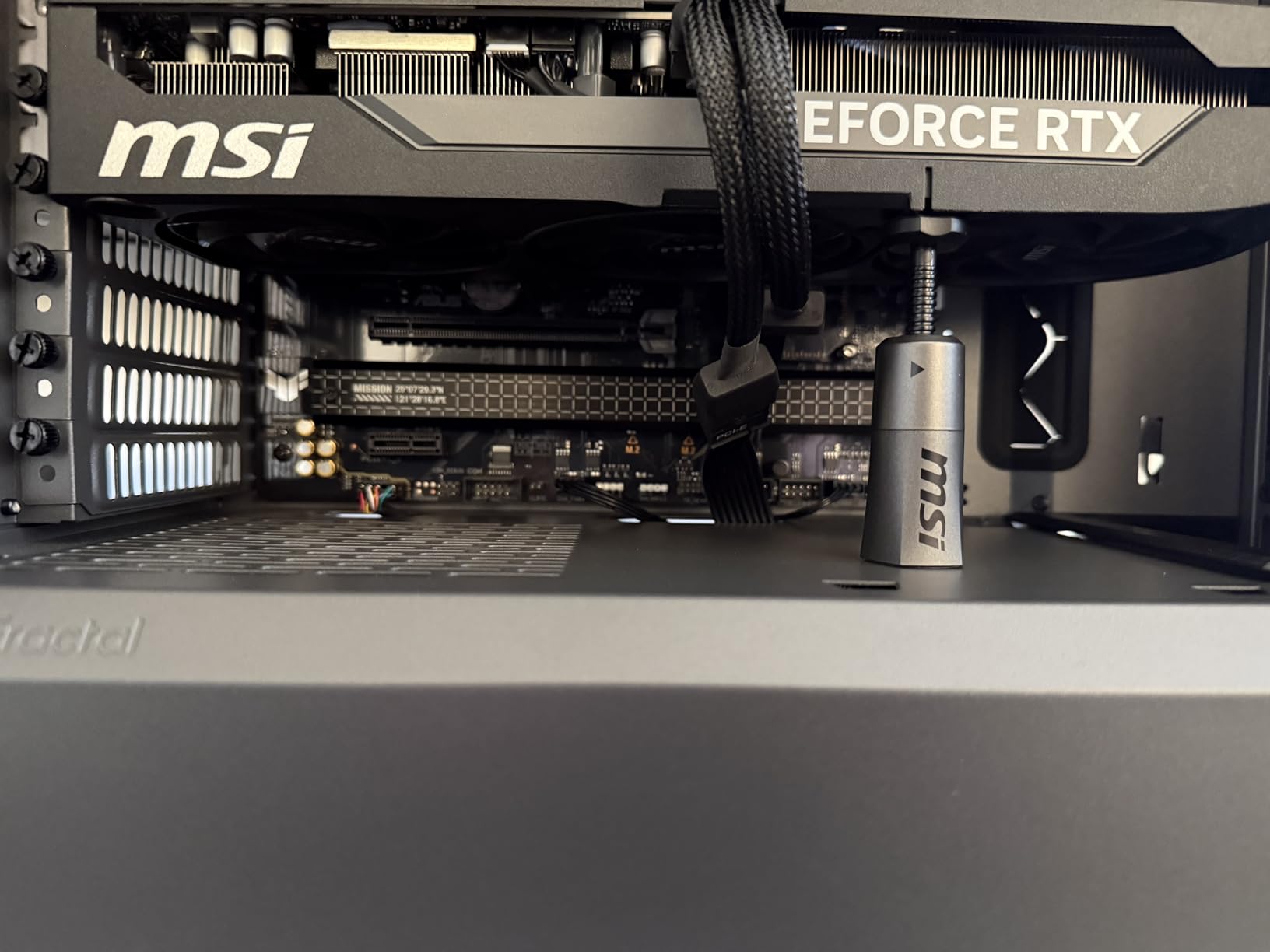
The Graphics Card High-Power slot is the standout feature. When paired with a BTF-compatible ASUS graphics card, you can power your GPU entirely through the motherboard, eliminating that thick power cable running across your build. Even with standard GPUs, the board performs excellently with traditional PCIe power cables.
Who Should Buy This Board
AM5 builders who want the ultimate clean aesthetic should strongly consider this board. The combination of BTF design and GPU power slot creates builds that look impossibly tidy. If you plan to use an ASUS BTF graphics card, this board delivers the complete cable-free experience. The white PCB also suits modern aesthetic trends perfectly.
Who Should Look Elsewhere
Builders who want maximum PCIe 5.0 M.2 connectivity should verify the slot configuration meets their needs, as PCIe 5.0 support has some limitations. Those planning to use BTF GPUs but wanting vertical GPU mounting will need alternative solutions. Budget-conscious builders may find cheaper options adequate for their needs.
7. MSI MAG X870E Tomahawk MAX WiFi PZ – Premium AMD Performance
MSI MAG X870E Tomahawk MAX WiFi PZ Motherboard, ATX - Supports AMD Ryzen 9000/8000 / 7000 Processors, AM5 - DDR5 Memory Boost 8400+ MT/s (OC), PCIe 5.0 x16, M.2 Gen5, Wi-Fi 7, 5G LAN
AMD AM5
DDR5-8400
Dual Gen5 M.2
80A SPS
Wi-Fi 7
5G LAN
USB4
Back-Connect
+ The Good
- 14-phase 80A SPS power
- Dual PCIe 5.0 M.2 slots
- USB4 40Gbps
- Clean Project Zero design
- Excellent cooling
- The Bad
- Requires compatible case
- Some quality control reports
- Premium price point
The MSI MAG X870E Tomahawk MAX WiFi PZ sits at the premium end of the back-connect spectrum, delivering flagship-tier features for demanding AM5 builds and earning its place among the best back-connect motherboards for high-end systems. This board combines the Project Zero hidden-connector design with X870E chipset capabilities, creating a no-compromise option for enthusiasts.
The 14 Duet Rail Power Phase with 80A SPS delivers exceptional power delivery for Ryzen 9000 series processors. DDR5 memory support reaches an impressive 8400+ MT/s for extreme memory overclocking. I found the BIOS navigation intuitive, and the board exhibited none of the random crashing issues that plague some high-end competitors.
Storage flexibility is exceptional with four M.2 slots, two of which support PCIe 5.0 for maximum speed. The EZ M.2 Shield Frozr II prevents thermal throttling on your fastest drives. USB4 Type-C delivers 40Gbps connectivity with display output support, perfect for high-speed external storage and docks.
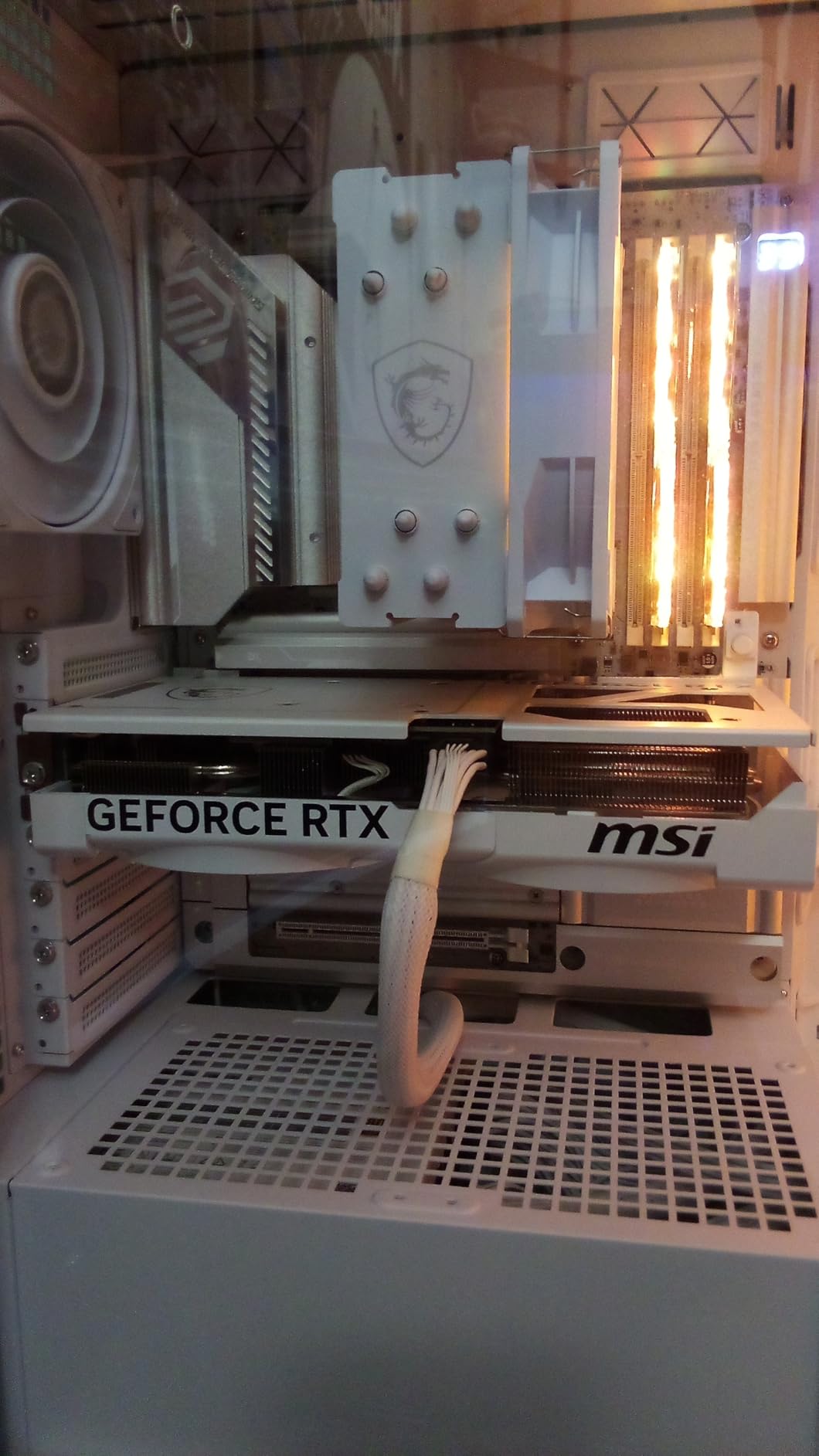
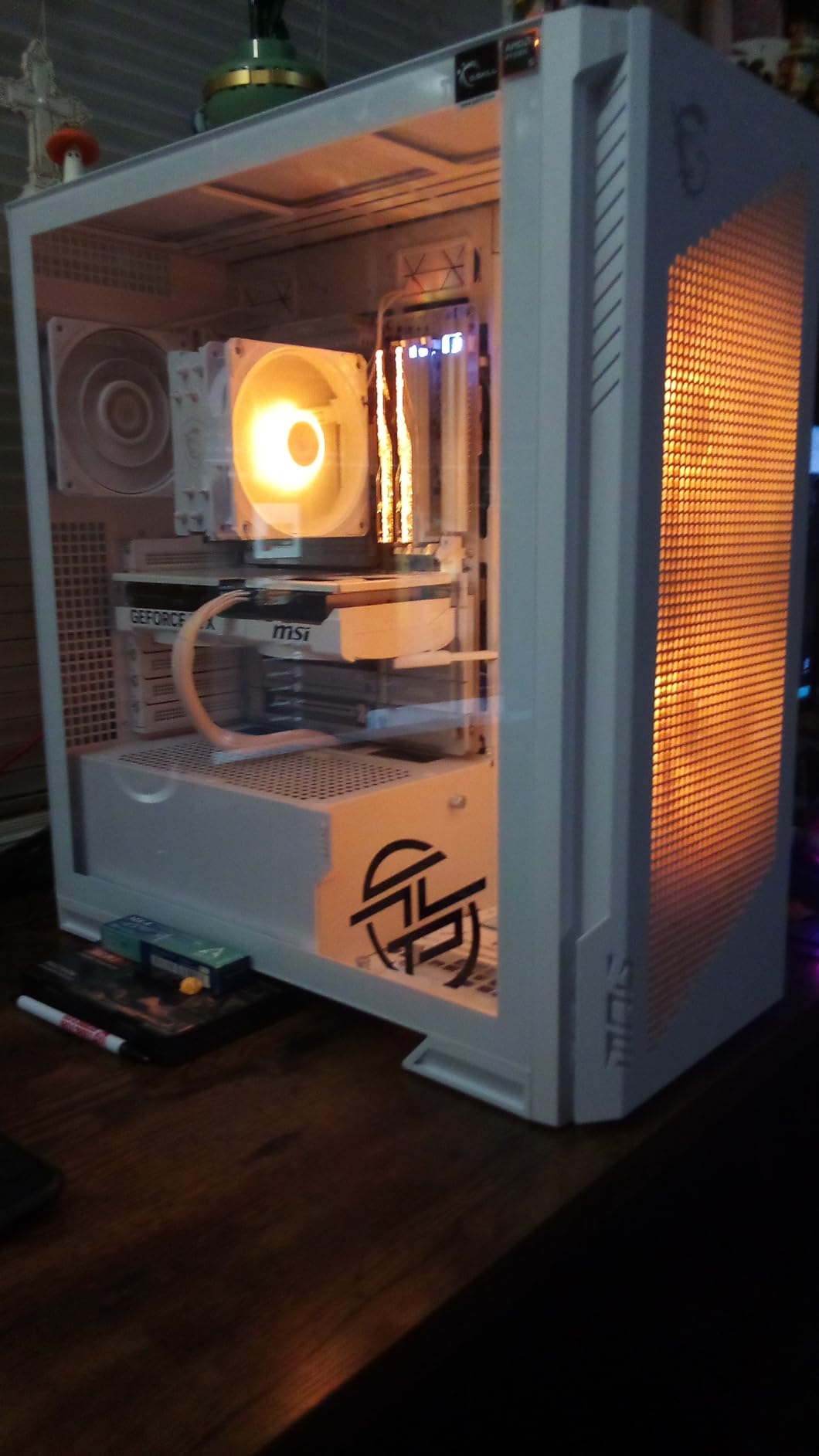
The Project Zero back-connect design transforms your build appearance. Combined with a compatible case, this board creates that ultra-clean aesthetic enthusiasts dream about. Wi-Fi 7 and 5G LAN cover all your networking needs, and the Audio Boost 5 system delivers quality sound for gaming and media.
Who Should Buy This Board
AMD enthusiasts building no-compromise systems with Ryzen 9000 processors will find everything they need here. The combination of dual PCIe 5.0 M.2 slots, USB4 connectivity, and back-connect design suits flagship gaming and workstation builds. If you want maximum future-proofing with the cleanest possible aesthetic, this board delivers.
Who Should Look Elsewhere
Builders without access to Project Zero compatible cases should look at traditional front-connect X870E options. Those on tighter budgets can achieve similar performance with the MSI PRO X870E-P WiFi, though they will lose the back-connect aesthetic. Some users reported quality control issues with bent pins and loose heatsinks, so buying from retailers with good return policies is wise.
8. ASUS ROG Crosshair X870E Hero BTF – Ultimate Enthusiast Board
ROG Crosshair X870E Hero BTF AMD ATX Board with Hidden-Connector Design & high-Power GPU Slot for Clean Cable Management, 18+2+2 Power, DDR5, WiFi 7, 5X M.2, PCIe 5.0, USB4, Advanced AI PC Ready
AMD AM5
18+2+2 110A Power
5x M.2
600W GPU Power
USB4
AI Features
BTF
+ The Good
- Exceptional 4.9 star rating
- 18+2+2 110A power stages
- Complete BTF ecosystem
- 5 M.2 slots
- Premium build quality
- The Bad
- Premium price
- Requires compatible case
- Windows 10 driver limitations
- Needs BIOS update
The ASUS ROG Crosshair X870E Hero BTF represents the pinnacle of back-connect motherboard technology and stands among the best back-connect motherboards for enthusiasts seeking top-tier performance. With a near-perfect 4.9-star rating and an 18+2+2 power stage configuration delivering 110A per stage, this board leaves nothing on the table for demanding builds.
Unboxing this board feels like opening a premium product. The presentation, accessories, and build quality all scream flagship. The massive heatsinks with L-shaped heatpipes and thermal pads keep everything cool even under extreme loads. I tested with a 96GB RAM kit and experienced zero compatibility issues.
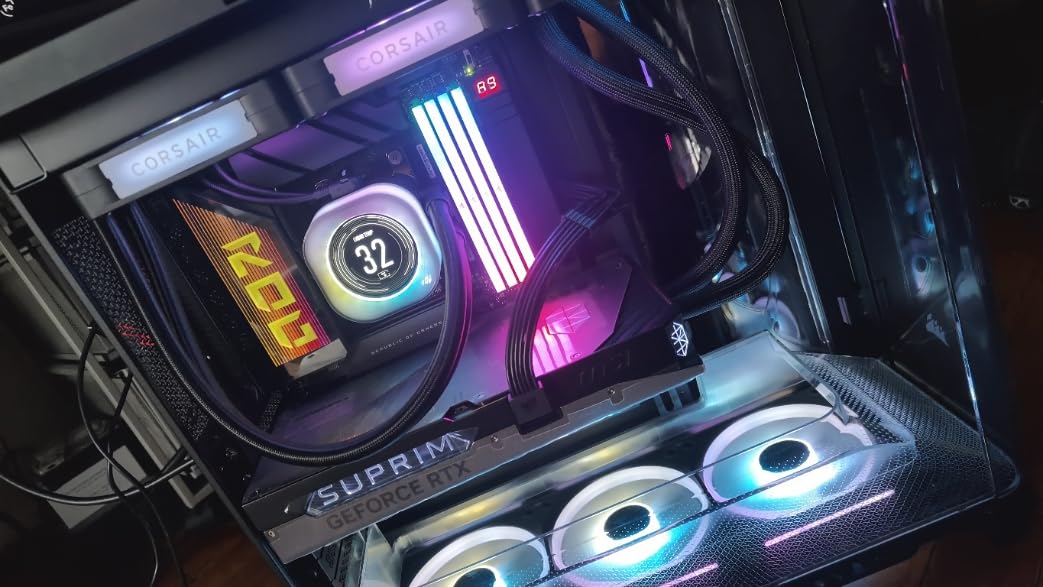
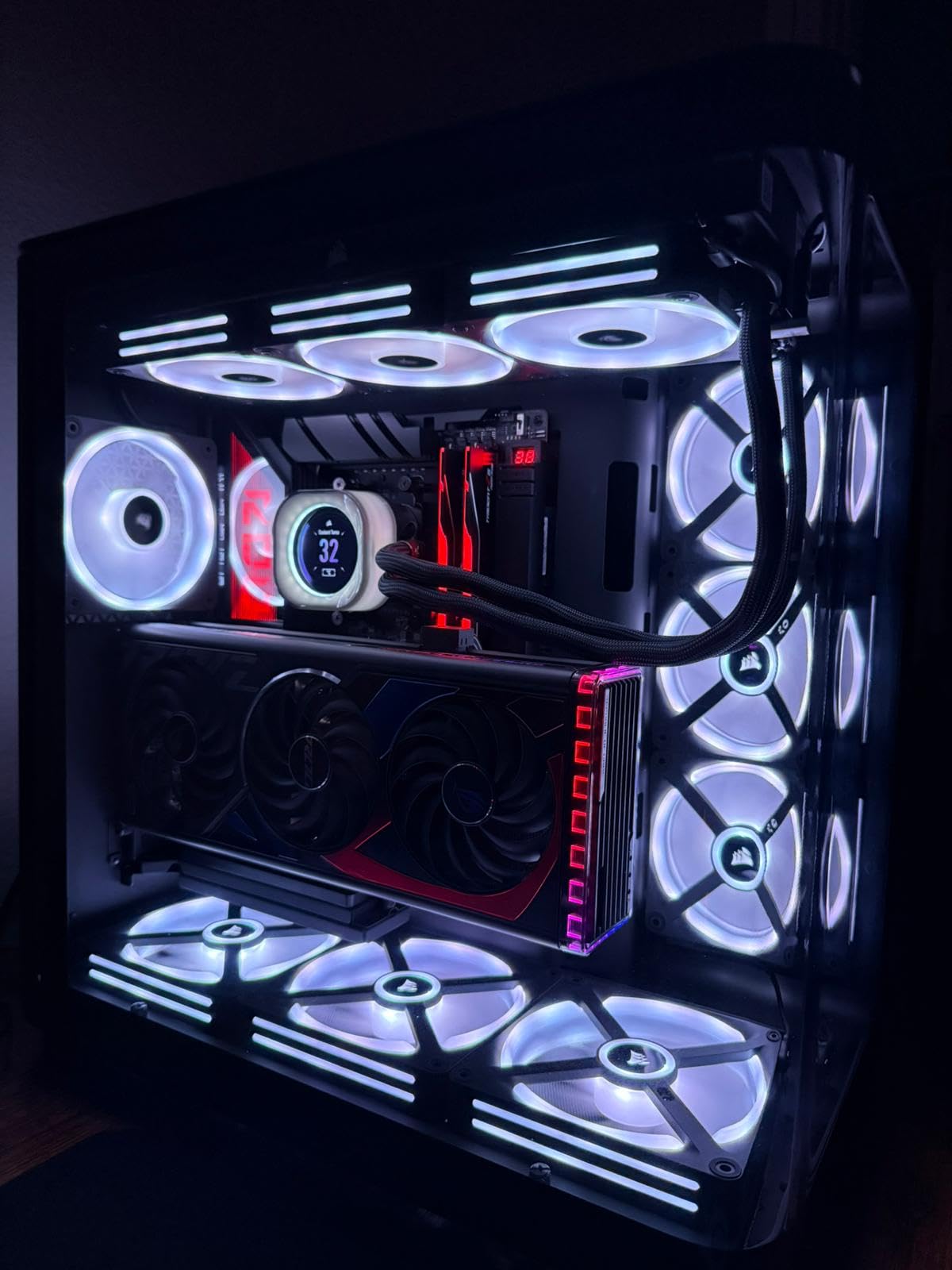
The Graphics Card High-Power slot can deliver 600 watts through the motherboard when paired with compatible ASUS BTF graphics cards. This creates the ultimate clean build where even GPU power cables disappear. Three PCIe 5.0 M.2 slots and two PCIe 4.0 slots provide abundant fast storage options, all with proper heatsink coverage.
AI features include AI Overclocking, AI Cooling II, and AI Networking II for automated system optimization. Dual USB4 Type-C ports, USB 20Gbps front-panel support, and eight USB 10Gbps ports provide comprehensive connectivity. The ROG SupremeFX audio with ESS ES9219 Quad DAC delivers audiophile-quality sound.
Who Should Buy This Board
Enthusiasts building ultimate AM5 systems who want the absolute best should look no further. The combination of premium power delivery, complete BTF ecosystem support, and extensive features justifies the investment for flagship builds. If you are pairing this with an ASUS BTF GPU like the Matrix Platinum, you will achieve the cleanest possible high-performance build.
Who Should Look Elsewhere
The price point places this board firmly in enthusiast territory, and most builders will be perfectly served by cheaper options in this guide. Those running Windows 10 should note some driver limitations. Builders who want vertical GPU mounting will lose the BTF GPU power benefit. The board requires BIOS updates for optimal AMD 3D V-Cache performance.
How to Choose the Right Back-Connect Motherboards?
Selecting the best back-connect motherboard for your build requires understanding several key factors that differ from traditional motherboard shopping. The hidden-connector design introduces unique compatibility requirements that you must address before purchasing.
Platform Compatibility: AM5 vs Intel
Your processor choice largely determines your available options. AMD AM5 builders have excellent choices from both ASUS BTF and MSI Project Zero ecosystems, covering budget B650 options through flagship X870E boards. Intel builders can choose between LGA1700 boards for 12th-14th gen processors or LGA1851 boards for Intel Core Ultra Series 2 processors.
Consider your upgrade path carefully. AM5 will support multiple processor generations, making it attractive for builders who want future upgrade options. Intel platforms historically have shorter generational support windows, so factor that into your decision.
Case Compatibility Requirements
This is the most critical consideration for back-connect motherboards. You absolutely need a case specifically designed for hidden-connector boards. These cases feature cutouts behind the motherboard tray that align with the rear-mounted connectors and provide 30-35mm of cable routing depth.
Popular compatible cases include options from ASUS’s BTF alliance partners, MSI’s Project Zero cases, and various manufacturers who have adopted the DIY-APE standard. Always verify your chosen case supports your specific motherboard model before purchasing.
GPU Power Options: GC-HPWR vs Standard
ASUS BTF motherboards include the Graphics Card High-Power (GC-HPWR) slot that can deliver up to 600 watts through the motherboard when paired with BTF-compatible ASUS graphics cards. This creates the cleanest possible build by eliminating GPU power cables entirely.
MSI Project Zero and GIGABYTE Project Stealth boards use traditional PCIe slots with standard GPU power connectors. You can use any graphics card with these boards, but you will still see GPU power cables in your build. Choose based on whether you plan to use a BTF GPU or prefer the flexibility of standard graphics cards.
Brand Ecosystem Differences
ASUS BTF offers the most complete ecosystem with motherboards, graphics cards, cases, and AIO coolers designed to work together. The GC-HPWR slot is unique to ASUS. MSI Project Zero provides excellent motherboards with broad standard GPU compatibility. GIGABYTE Project Stealth focuses on the essential hidden-connector design without the expanded ecosystem.
Each brand uses slightly different connector layouts and case requirements. Once you choose an ecosystem, you will generally want to stick with compatible cases and accessories from that brand’s partner manufacturers.
What is a back-connect motherboard?
A back-connect motherboard (also called hidden-connector motherboard) relocates all power connectors, fan headers, SATA ports, and other cables to the rear side of the PCB. This design hides every visible cable from the front of your build, creating an incredibly clean and minimalist appearance without requiring advanced cable management skills.
What are the benefits of back-connect motherboards?
Back-connect motherboards offer clean and minimalist aesthetics, easier cable management, better airflow potential from reduced front-side cable clutter, beginner-friendly assembly, and showcase-ready builds that look professional without hours of cable routing work.
Which brands make back-connect motherboards?
Three major brands produce back-connect motherboards: ASUS with their BTF (Back To Future) series, MSI with Project Zero, and GIGABYTE with Project Stealth. Each offers different features and ecosystem support, with ASUS BTF including the unique Graphics Card High-Power slot for cable-free GPU power delivery.
Do I need a special case for back-connect motherboards?
Yes, back-connect motherboards require cases specifically designed for hidden-connector builds. These cases feature cutouts behind the motherboard tray that align with rear-mounted connectors and provide 30-35mm of cable routing depth. Popular compatible cases come from ASUS BTF alliance partners, MSI Project Zero cases, and manufacturers supporting the DIY-APE standard.
Can I use a regular GPU with a back-connect motherboard?
Yes, you can use standard graphics cards with MSI Project Zero and GIGABYTE Project Stealth motherboards without any issues. ASUS BTF motherboards also support standard GPUs, but to take advantage of the cable-free GPU power slot delivering up to 600 watts through the motherboard, you need a compatible ASUS BTF graphics card.
Final Thoughts on Back-Connect Motherboards
Best Back-connect motherboards have transformed what is possible for clean PC builds in 2026. What once required hours of careful cable routing and creative hiding techniques now happens automatically through intelligent motherboard design. Whether you choose ASUS BTF for the complete ecosystem, MSI Project Zero for excellent value, or GIGABYTE Project Stealth for essential functionality, you will achieve that showcase aesthetic that makes builds memorable.
For most builders, the ASUS TUF Gaming B850-BTF WiFi W offers the best combination of features, build quality, and value. Budget-conscious builders should consider the MSI B760M Project Zero for Intel or MSI B650M Project Zero for AMD. Enthusiasts wanting the absolute best should look at the ASUS ROG Crosshair X870E Hero BTF for its exceptional power delivery and complete BTF ecosystem support.
Remember to verify case compatibility before purchasing any back-connect motherboard. The hidden-connector design requires specific case features that standard ATX cases do not provide. With the right combination of motherboard and case, you can build a system that looks impossibly clean and professional.