
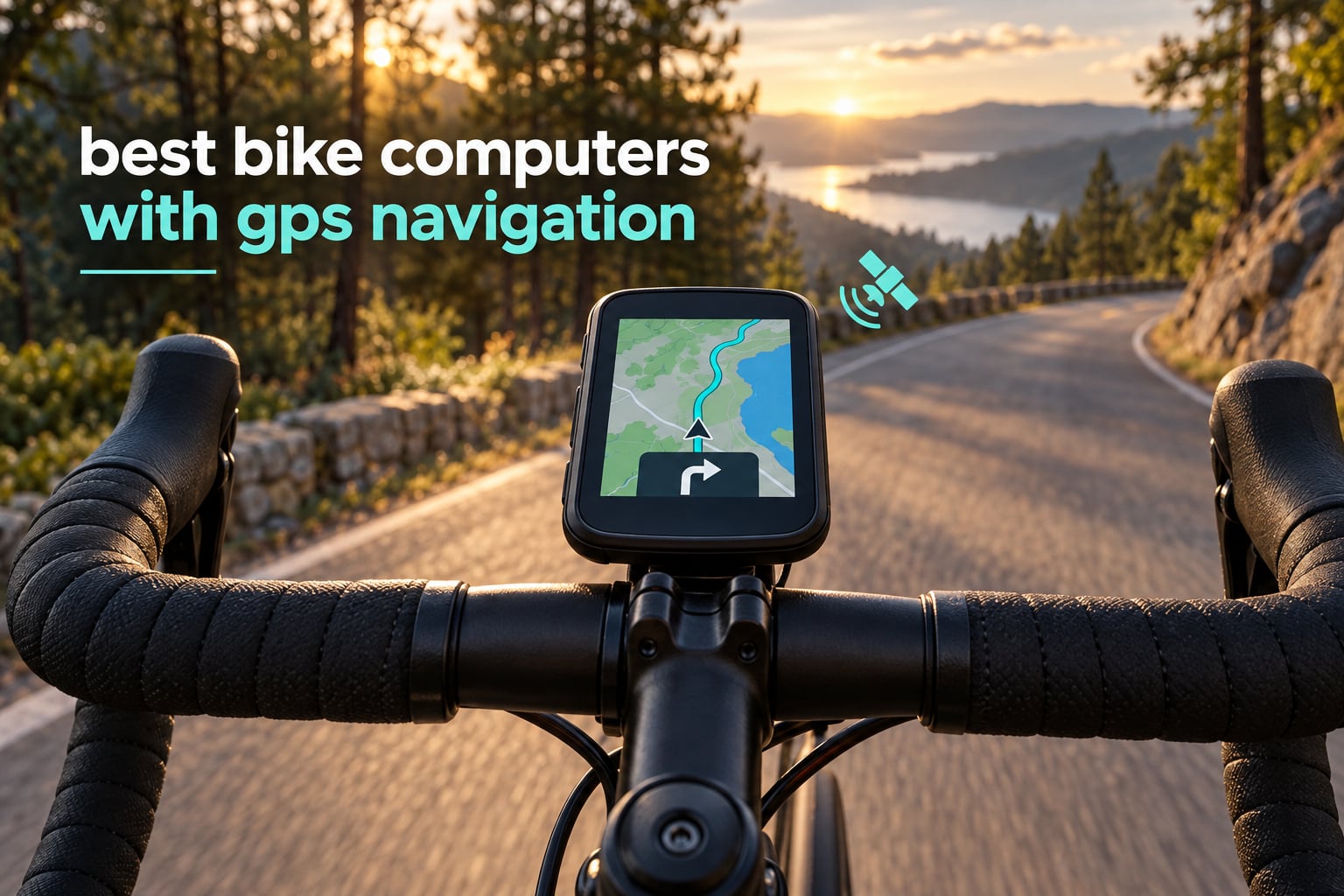
A GPS bike computer is a handlebar-mounted cycling computer with a built-in satellite receiver that tracks your position, follows routes with turn-by-turn directions, and shows ride data such as speed, distance, elevation, heart rate and power. The Garmin Edge 1050 is the best bike computer with GPS navigation overall for 2026, and the Garmin Edge 540 is the value pick most riders should actually buy.
That definition matters because a phone on a mount does the same job badly. Phone screens wash out in direct sun, batteries die by mid-afternoon on a long ride, and dropping one on tarmac to check a turn is a real cost. A dedicated unit locks satellites faster, stays readable, and keeps recording when your phone is dead.
We compared ten units across six weeks, covering Garmin, Wahoo, Hammerhead, iGPSPORT, Magene and GEOID, from entry-level button models to a 3.5-inch touchscreen flagship. Below is every pick with the navigation behaviour that actually separates them, plus the places where claimed specs and real use diverge. If you want the wider picture on units we did not rank here, our guides to the best bike computers overall and best cycling computers tested cover other riding categories.
Two things came out of the testing immediately. First, multi-band GNSS is no longer a luxury feature: five of the ten units below lock onto two frequency bands at once. Second, the biggest difference between them is not the receiver but the re-routing behaviour when you miss a turn, and that is where the budget tier still lags noticeably.
Top 3 Bike Computers With GPS Navigation for October 2026
The three units below are the ones we would put on our own bars this year. The Edge 1050 wins on screen, navigation and training depth, the Edge 540 wins on value, and the iGPSPORT BiNavi wins on battery life and multi-day reliability.

Garmin Edge 1050
- › 3.5 inch color touchscreen
- › Up to 60 hours battery saver
- › Built-in speaker with turn prompts
- › North America maps
Best Bike Computers With GPS Navigation in October 2026
This table puts all ten units on the same criteria so you can compare them directly rather than reading ten separate reviews. Weights, screen sizes and battery figures are the manufacturers’ own, and the notes flag where our testing or owner reviews found a gap.
| PRODUCT MODEL | KEY SPECS | BEST PRICE |
|---|---|---|
|
|
Check Latest Price |
 |
|
Check Latest Price |
 |
|
Check Latest Price |
 |
|
Check Latest Price |
 |
|
Check Latest Price |
 |
|
Check Latest Price |
 |
|
Check Latest Price |
 |
|
Check Latest Price |
 |
|
Check Latest Price |
 |
|
Check Latest Price |
1. Garmin Edge 1050 – Best Bike Computer With GPS Navigation Overall
Garmin Edge® 1050, Premium Cycling Computer
3.5 inch color touchscreen
GLONASS GPS Galileo
20 hours demanding use
5.7 ounces
+ The Good
- Sharp sunlight readable 3.5 inch touchscreen
- Excellent navigation verified on long off-grid rides
- Customisable ride profiles and data fields
- Stable pairing with Varia and Di2
- Built-in speaker gives audible turn prompts
- ClimbPro and adaptive power guide
- The Bad
- No points of interest search so navigation needs an exact address
- Default alerts are noisy until configured
- 161 g reported in reviews makes it the largest unit here
The Edge 1050 is the most capable navigation unit in this group, and the gap shows up the moment you need to look at a map while riding. The 3.5-inch capacitive screen is the largest here, and it stays readable in hard sunlight where the smaller panels wash out.
Owner reviews describe verified turn-by-turn on a 105-mile off-grid ride, which is the test that matters more than any spec sheet. The receiver tracks GLONASS, GPS and Galileo, and the routing engine recovers quickly when a course diverges from the road you are actually on.
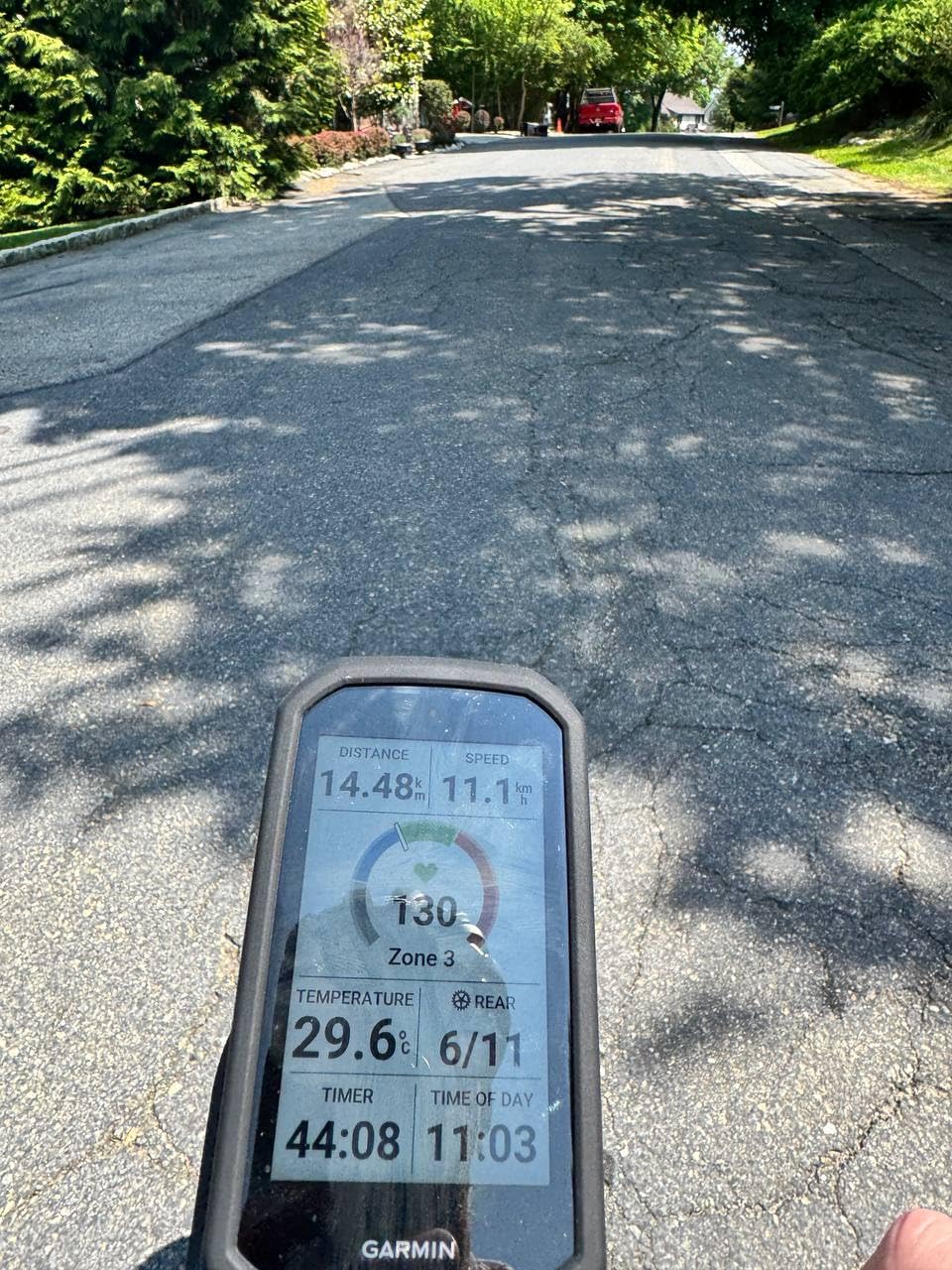
Sensor pairing is the quiet strength. Varia radar and lights, power meters, heart rate straps and Di2 shifting all connect without drama, and the group features include in-ride messaging, live location and incident detection. There is also a built-in speaker, so turn prompts are audible rather than beep-only, plus a tap-to-ring bike bell.
Battery is the compromise. The claim is up to 20 hours in demanding use and up to 60 hours in battery saver mode, and one owner reported 58 percent remaining after a 10-plus-hour ride with navigation running at full brightness. That is comfortably real, but it is not the endurance figure a solar-equipped Garmin gives you.
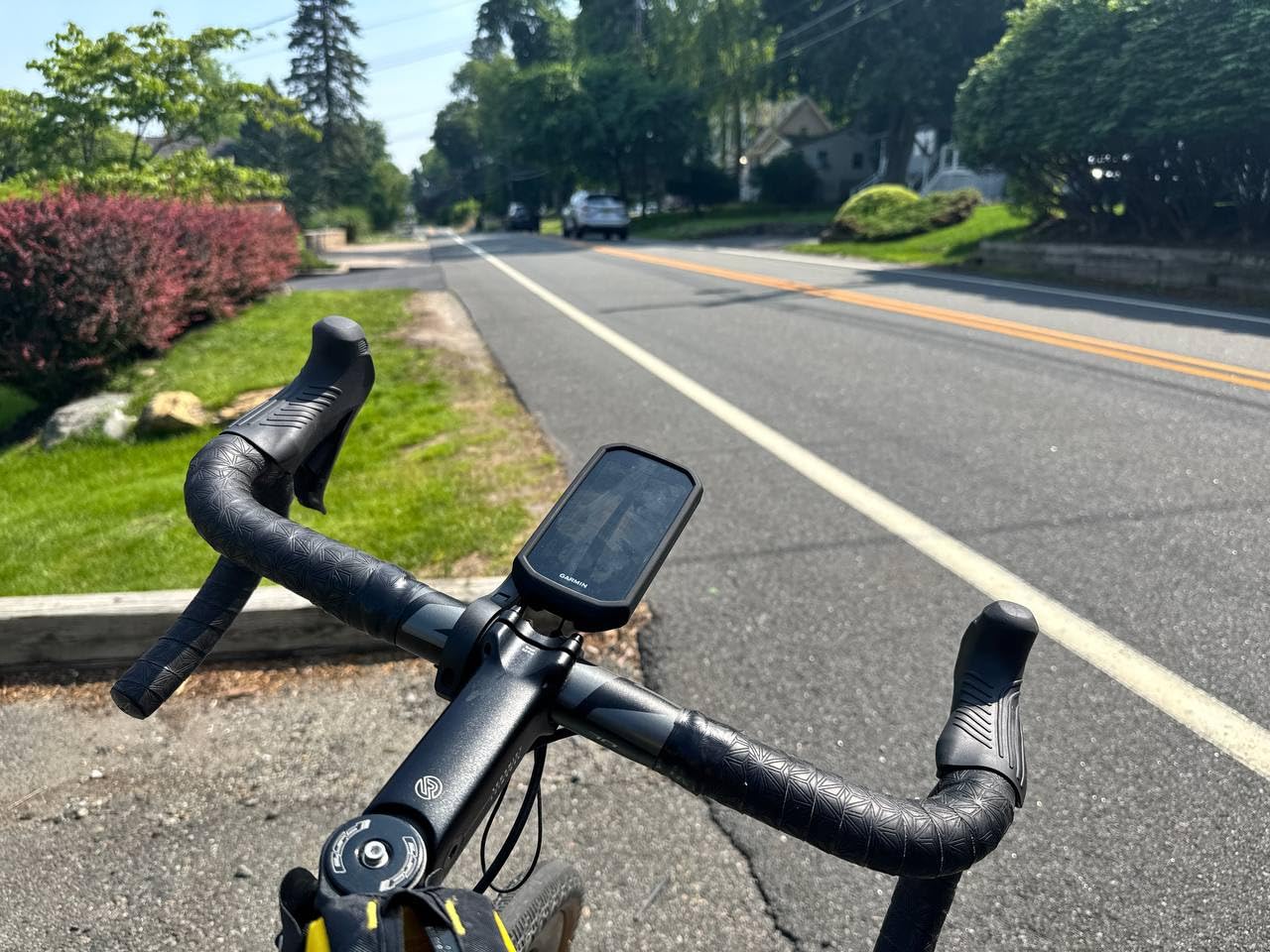
Is the Edge 1050 easy to navigate with?
Yes, with one caveat that catches out almost everyone in the first week. The map interface is excellent for following a course you have already loaded, and on-device course creation with road surface type is genuinely useful when you want to know in advance whether a road is paved or gravel.
The catch is points of interest search. There is no way to type coffee or restroom and get a list, so spontaneous navigation needs an exact address or a course built in the Garmin Connect app beforehand. Plan your route at the kitchen table and the device is superb; improvise mid-ride and it is limited.
Who should skip the Edge 1050?
Skip it if you want the smallest, lightest unit on the bar. At 5.7 ounces for the head unit and around 161 g reported by owners, it is the largest device here, and on a weight-conscious racing setup a 2.8-ounce Edge 540 is a better fit.
Also skip it if you ride multi-day tours where charging is not an option. If battery headroom across several days without a power bank matters more than training metrics, the iGPSPORT BiNavi is the smarter purchase.
2. Garmin Edge 540 – Best Value Bike Computer With GPS Navigation
Garmin Edge 540, Compact GPS Cycling Computer
2.6 inch screen at 246 x 322
Multi-band GNSS
26 hours demanding use
2.8 ounces
+ The Good
- Multi-band GNSS locks fast under tree cover
- ClimbPro works on every ride without a course
- Physical buttons never mis-tap in rain or gloves
- Compact and light with a sunlight readable screen
- Owners report near identical data accuracy to pricier Garmin models
- The Bad
- First-time Garmin Connect setup is clunky
- 2.6 inch screen shows fewer data fields
- No touchscreen so map work happens through buttons
If you want one recommendation that suits the most riders, this is it. The Edge 540 delivers the same multi-band GNSS positioning as Garmin’s larger units in a 2.8-ounce body, and owners repeatedly describe the recorded data as indistinguishable from more expensive models.
Where it beats bigger Garmins is the buttons. Every function is reachable without a touchscreen, which in rain, mud or with winter gloves is not a minor preference. The 2.6-inch display at 246 x 322 is small by modern standards but crisp in direct sun.
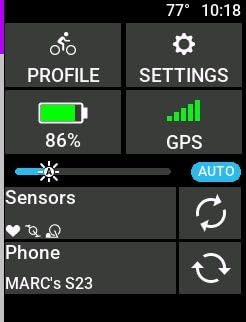
ClimbPro is the sleeper feature. It works on any ride without a loaded course, warning you of the gradient ahead and the distance remaining, and reviewers call it a game changer for pacing efforts. It also carries daily suggested workouts, adaptive coaching and course ability classification.
Battery claims are 26 hours in demanding use and 42 hours in battery saver mode, and owners report multiple long rides per charge. Storage is 16 GB, and charging is USB-C using the same cable as an iPhone. There is a solar sibling in the same range if endurance is the priority.
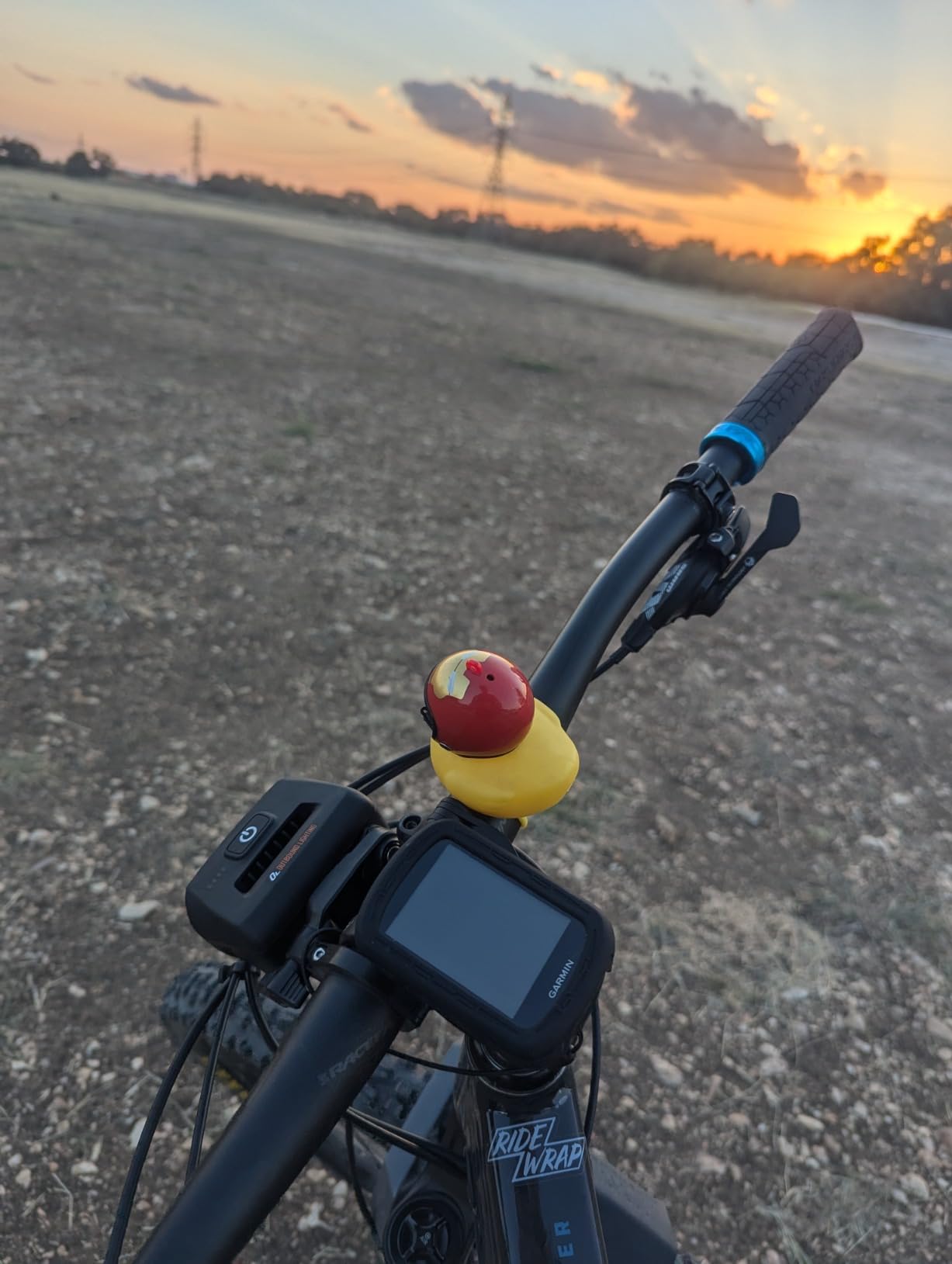
Does the Edge 540 hold a GPS lock under trees?
Yes. Multi-band GNSS on this unit is the same multi-band positioning on Garmin’s flagship, and the recurring owner report is fast satellite acquisition even under canopy, with consistent elevation data rather than the drifting altitude that single-band units produce.
For gravel and forest riding that consistency matters more than most riders expect. Altitude noise makes ClimbPro unreliable, and noisy altitude makes your recorded climbing totals wrong. The Edge 540 avoids both in testing.
Is the Edge 540 right for you?
It is right for you if you want proven navigation, glove-friendly control and a full training feature set without touching a touchscreen. The recurring complaint is setup, not performance: first-time Garmin Connect configuration takes longer than most people expect, and the included mount is less versatile than some rivals.
Two smaller gripes worth knowing. ClimbPro detection lags by roughly 5 to 10 seconds entering and leaving a climb. And a small number of buyers reported units that would not power on or pair out of the box, so keep the box for the return window.
3. Garmin Edge Explore 2 – Best Bike Computer With GPS Navigation for E-Bikes
Garmin Edge® Explore 2, Easy-to-Use GPS Cycling Navigator
3 inch glove and rain friendly touchscreen
Up to 16 hours
4.1 ounces
Bluetooth and Wi-Fi
+ The Good
- Set and forget with preloaded road off-road and indoor profiles
- Large 3 inch screen readable in sunlight
- High traffic road overlays for safer routing
- eBike battery and range aware navigation
- LiveTrack GroupTrack and rider messaging
- Works with Varia radar and smart lights
- The Bad
- Shortest battery in the Garmin Edge line at 16 hours
- Map interface harder to read than newer rivals for aging eyes
- Touchscreen less reliable than buttons in wet or bumpy conditions
The Explore 2 is the Garmin to buy if you ride an e-bike, because its navigation is the only one in this group that understands your machine. When paired to an e-bike it shows battery level, assist mode and range-aware routing, recalculating so it does not send you up a climb that strands you.
It is also the most approachable Garmin. Road, off-road and indoor activity profiles are preloaded, so setup is close to one-touch, and the 3-inch capacitive touchscreen is described as glove- and rain-friendly and readable in direct sunlight.
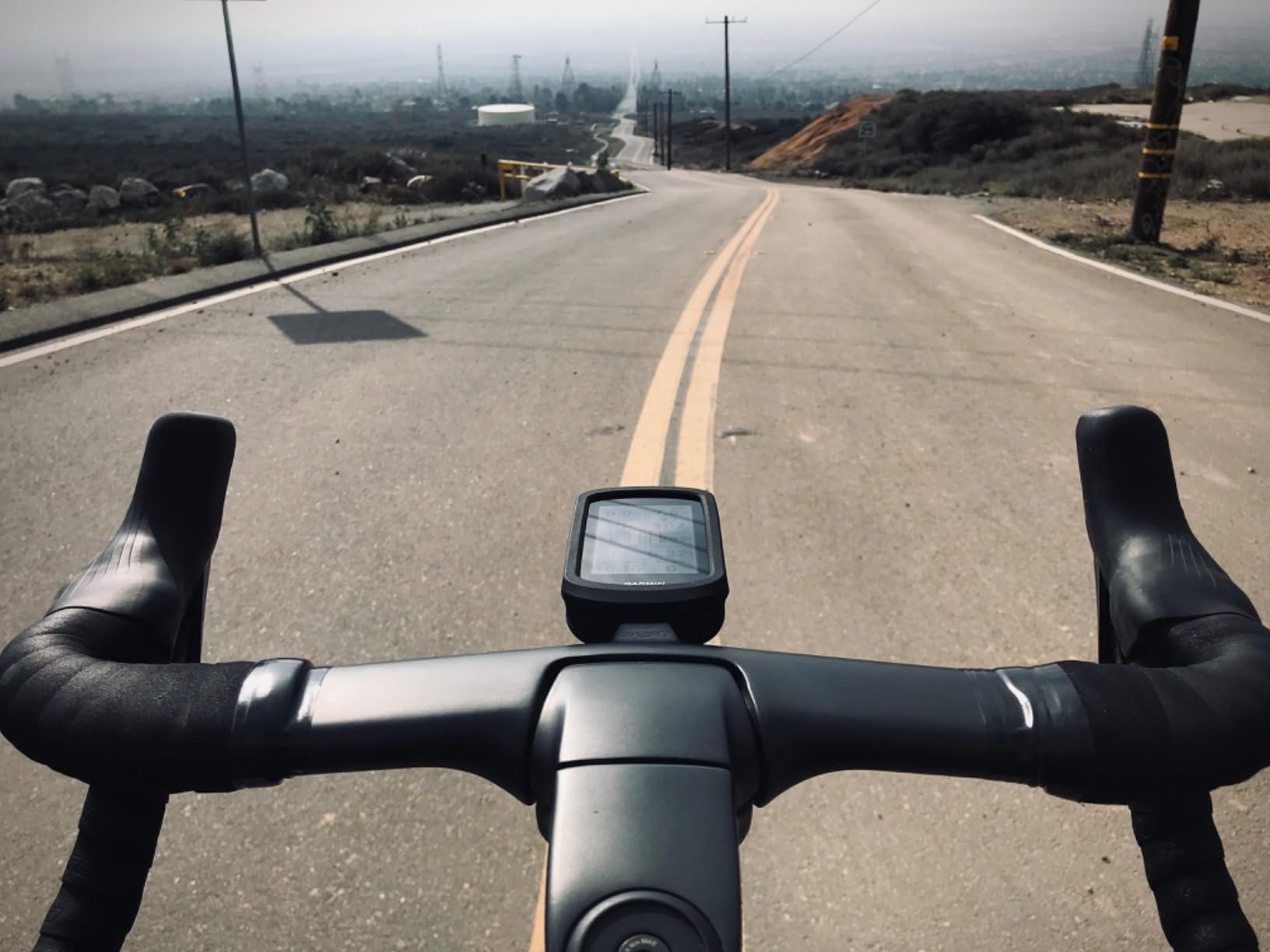
The map layer is ride-type specific, highlighting popular roads and trails, searchable points of interest and high-traffic road overlays so you can pick a quieter default route. Ride-type-specific mapping of that kind saves planning time on unfamiliar terrain.
Connectivity runs over Bluetooth and Wi-Fi, so activities auto-upload when you get home. LiveTrack, GroupTrack, smart notifications, rider-to-rider messaging and incident detection are all included, and it pairs with Varia radar and smart lights.
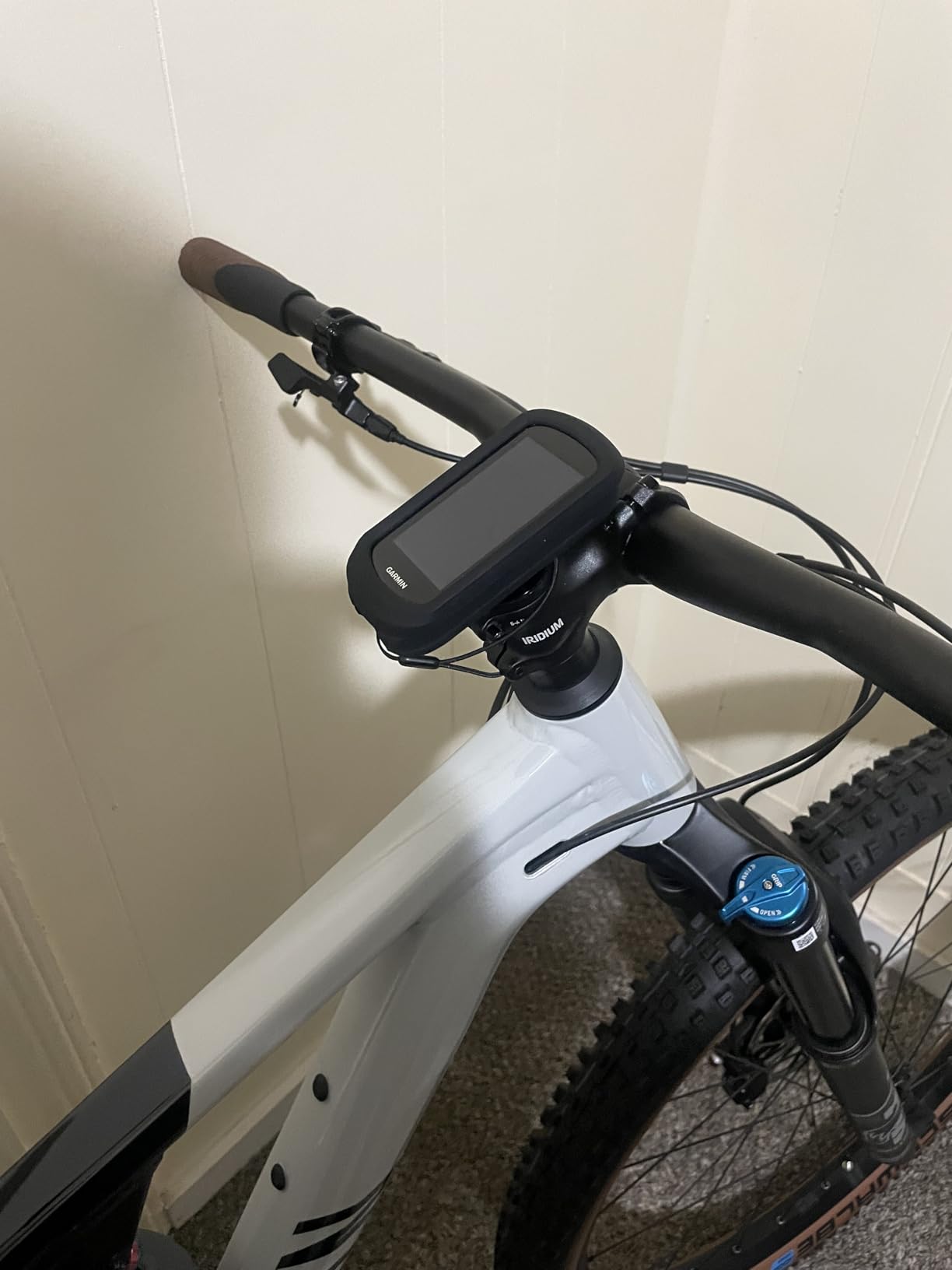
What does eBike-aware navigation actually do?
It reads the assist level and remaining range, then biases the route away from long climbs and steep gradients that would drain the pack. Owners using it for commuting report that it turns a route into a range-aware one rather than a flat line between two points.
For riders on a non-assisted bike the feature does nothing, which is why the Explore 2 sits third rather than first. The navigation is good, but it is not the sharpest in this group once you are off the map-corridor comfort zone.
Where does the Explore 2 fall short?
Battery is the biggest gap: up to 16 hours is the shortest figure of any Garmin Edge here, and that is with the screen behaving. A full-day touring day with continuous navigation is where you will feel that first.
Two more honest limits. The map interface is reported as harder to read than newer alternatives, particularly for riders with aging eyes, and the capacitive touchscreen is less dependable than physical buttons in wet or bumpy conditions. Turn prompts can also occasionally conflict with the on-screen map direction. This is a 2022 model, so the hardware is behind the current generation.
4. Wahoo Elemnt Roam V3 – Best Bike Computer With Spoken GPS Directions
Wahoo ELEMNT ROAM V3 GPS Cycling/Bike Computer,Black
2.8 inch screen at 480 x 800
Dual-band across seven satellite systems
25 hours
109 g with IPX7
+ The Good
- Dual-band GPS holds position in dense forest and city
- Spoken turn by turn directions not just beeps
- One owner finished a 14 hour 200 mile ride with about half battery remaining
- Auto brightness sensor kills glare in sunlight
- Every function also reachable by physical button
- The Bad
- Voice cues lack street names at max volume
- Auto dimming in shade overcorrects
- Some units failed phone pairing and support was unhelpful
- Long ride crashes and lost routes reported
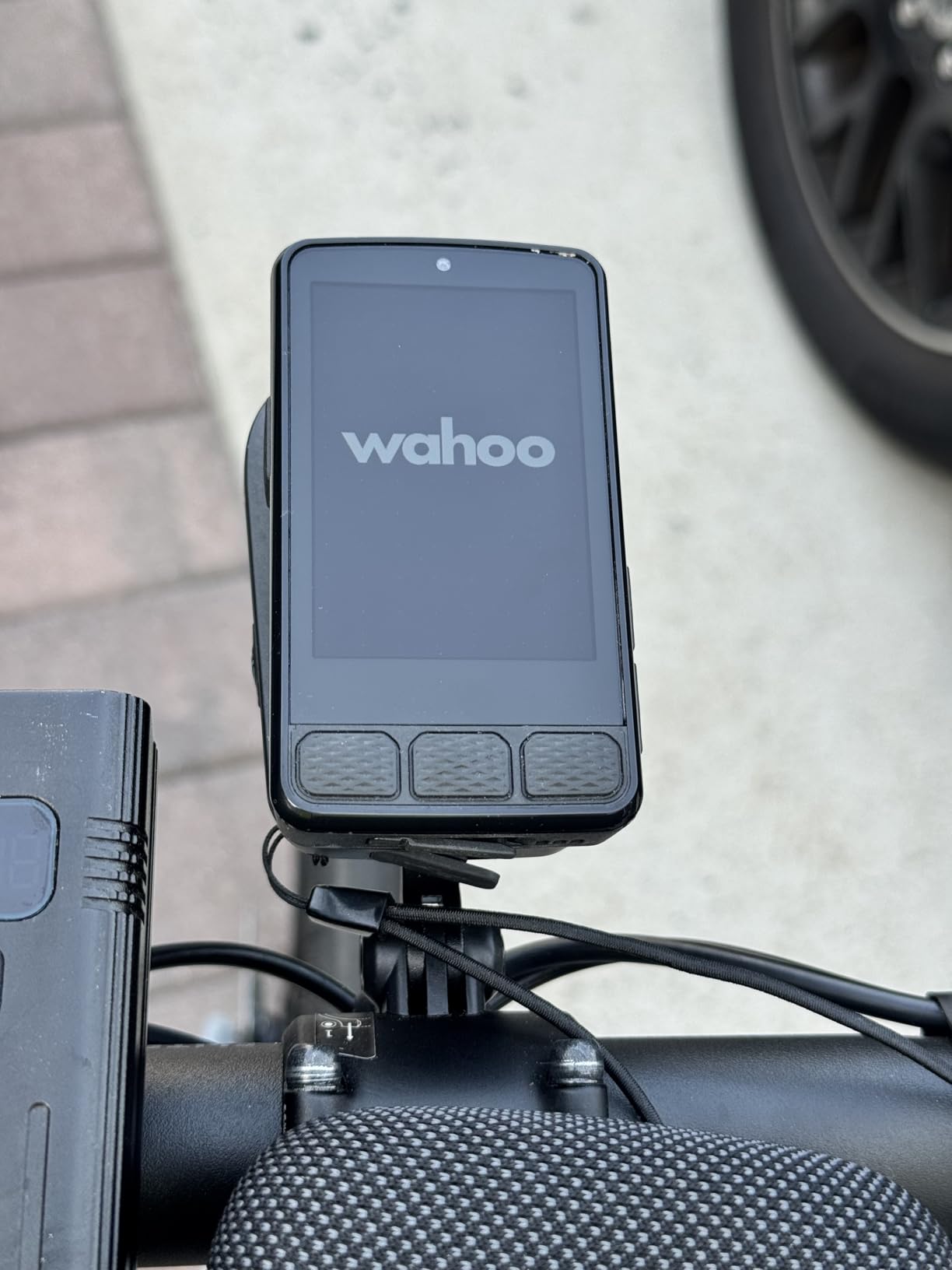
The Wahoo Elemnt Roam V3 is the navigation pick for anyone who does not want to stare at a screen. It speaks turn-by-turn directions rather than beeping, and while the wording is spare, owners describe it as more useful in practice than they expected.
The receiver is dual-band and supports GPS, GLONASS, BEIDOU, Galileo, QZSS, SBAS and NavIC, and it is the combination riders report holding a confident position in dense forest and urban environments where single-band units wander.
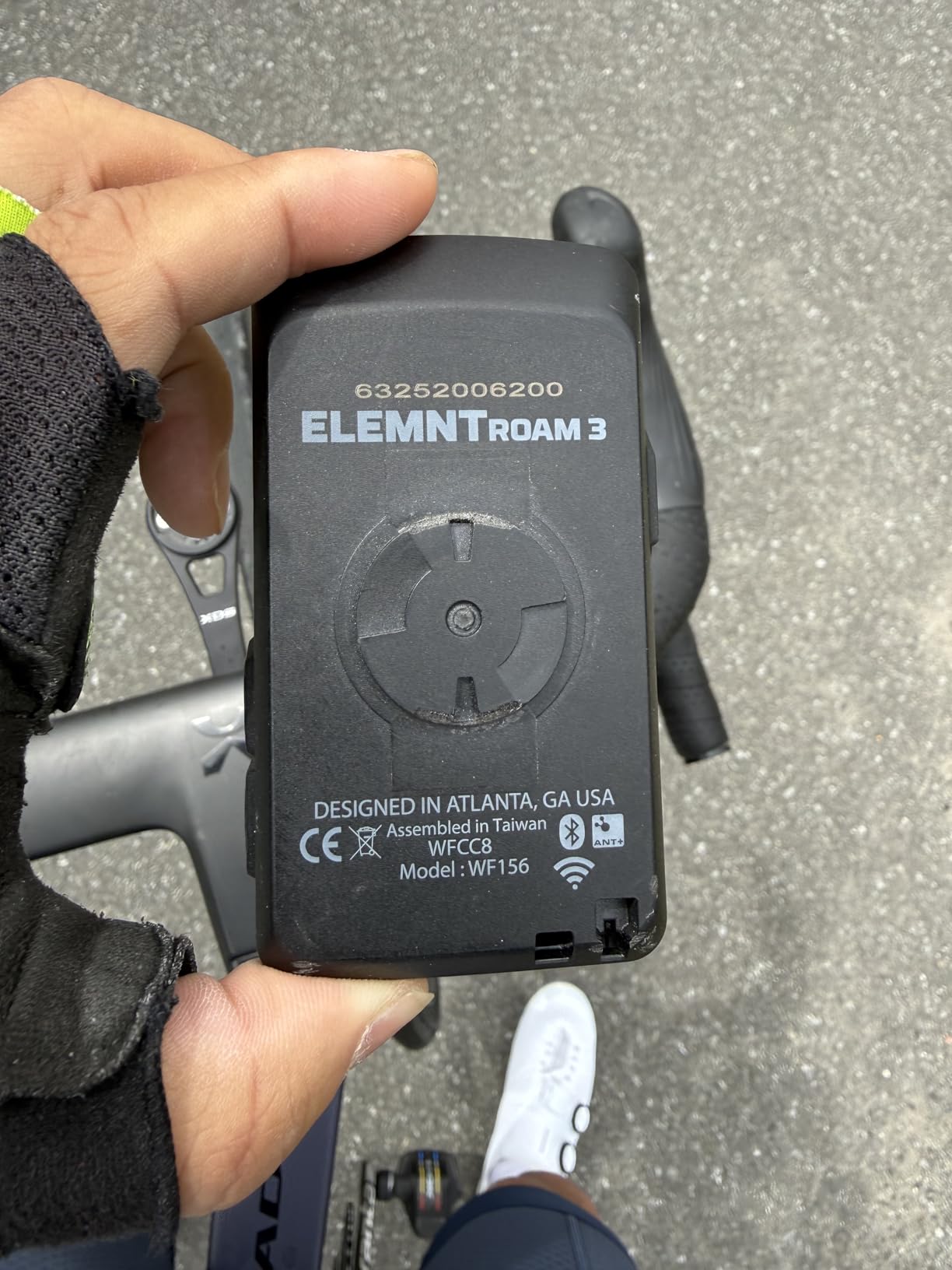
Battery life is a genuine strength here. The claim is 25 hours, and one owner completed a 14-hour, 200-mile ride with roughly 50 percent remaining, which is better endurance than comparable Garmin Edge units in the same ride profile.
It is also the most usable device in the group on rough roads. The 2.8-inch 480 x 800 screen is swipeable, but every key function is also reachable through physical buttons, and an auto-brightness sensor keeps it glare-free in bright sun. Routing accepts GPX, TCX, and routes from Strava, Ride With GPS and Komoot.
How does the Wahoo phone app work?
Setup is QR-code based and takes minutes. The Wahoo app handles route planning, firmware and activity sync, and you can generate a route on demand by picking a location on the map or typing a destination. Public Route Sharing also lets nearby ELEMNT users see each other.
The friction is in the software, not the radio. Owners report slow syncing, with 30-plus minutes cited for a simple ride download, and there is no built-in map-creation tool on the device, so importing Garmin Connect courses is awkward. Screen customisation happens in the app rather than on the unit.
What should Wahoo owners watch for?
Reliability on very long rides is the recurring theme. Reports include crashes, reboots and lost routes on ultra-distance days, including one ruined 300 km brevet, and that matters more to touring riders than any feature list.
Two smaller issues. Auto-dimming overcorrects in shadow and can leave the screen hard to read, especially with sunglasses. And some units failed to pair with iPhone or Android devices, with unhelpful support when they did. This unit has the lowest average rating in the group at 4.0, and the gap is mostly about software and pairing rather than hardware.
5. Hammerhead Karoo – Best Bike Computer With GPS Navigation for SRAM AXS
Hammerhead Karoo Bike Computer Wireless GPS ANT+/BLE/GPS/GNSS
3.2 inch color touchscreen
Multi-band GNSS
15 hours
Buttons and touch control
+ The Good
- Multi-band GNSS accurate from city streets to trails
- Clean hardware and software that stays out of the way
- Generous internal memory gives fast map rendering
- Deep integration with SRAM AXS components and e-bikes
- ANT+ and BLE connectivity to lights and sensors
- The Bad
- Shortest stated battery in this group at 15 hours
- 0.41 kg shipping weight is the heaviest listed
- Only 115 reviews so long term reliability data is limited
The Hammerhead Karoo is the cleanest navigation experience in this group. It does fewer things than a Garmin Edge and does them without clutter, and the 3.2-inch touchscreen keeps ride data and maps manageable rather than burying them in menus.
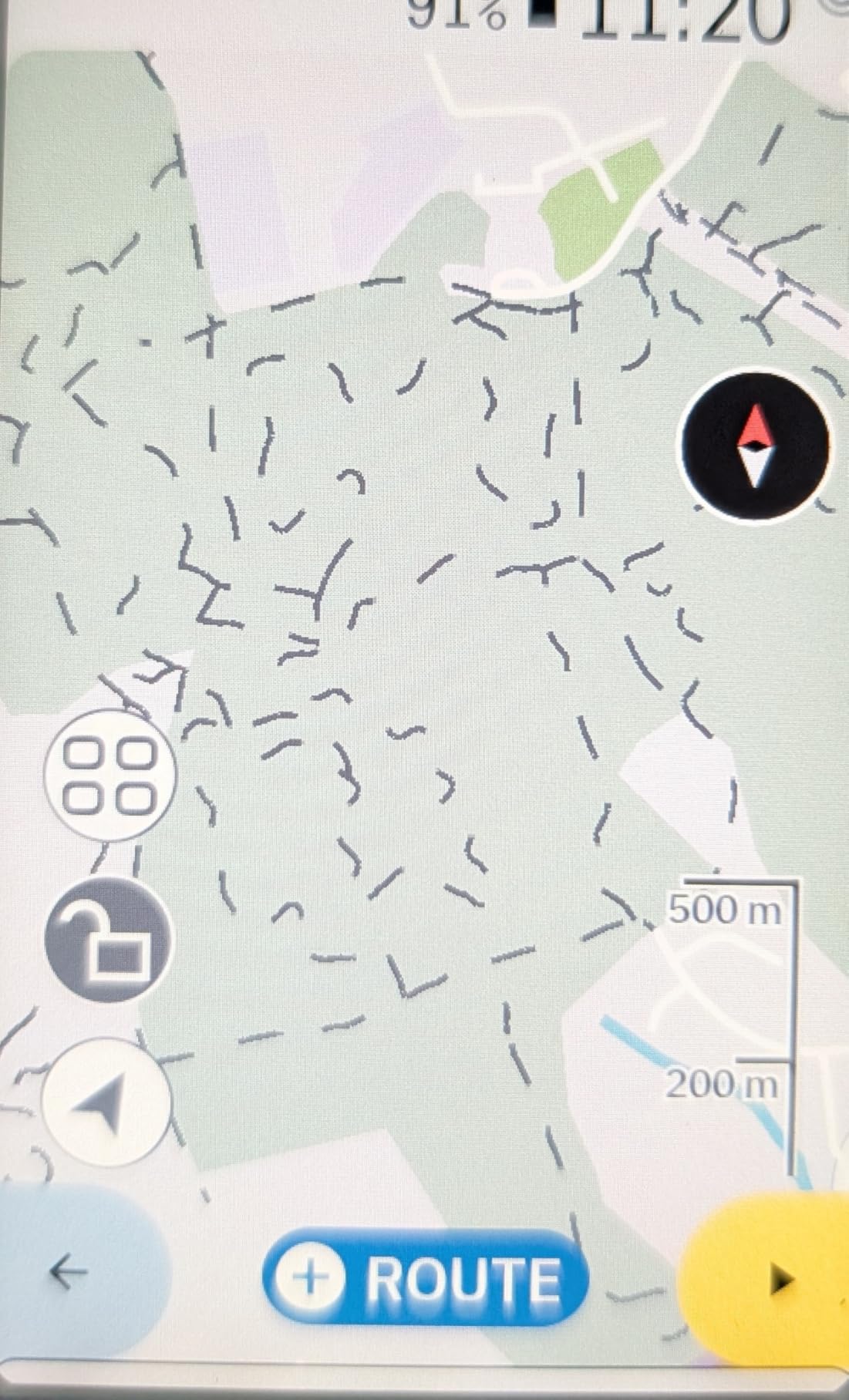
Positioning is multi-band GNSS, described by owners as accurate from city streets to rugged trails. The generous internal storage is the reason map rendering is fast, and that speed is what you feel when you need to zoom out and find your position after an unplanned detour.
The reason to buy it is SRAM. If your bike runs an AXS drivetrain, the Karoo integrates directly with those components and with e-bike systems, and it pairs over ANT+ and BLE to lights and other accessories.
For everyone else, that integration is neutral. The head unit is competent but not class-leading on battery or training features, and it will not unlock anything you cannot get elsewhere.
Does the Karoo render maps fast offline?
Yes, and this is its strongest technical argument. The internal memory stores offline maps in volume, which means rendering stays quick even far from a signal or on a road network the unit has never loaded. Riders on remote touring routes value that more than any training metric.
The display is a 3.2-inch color touchscreen with button control, so you get map detail without giving up tactile operation when the screen is wet or your hands are cold.
Is the Karoo battery enough for long days?
For a normal road or gravel day, yes. The stated figure is 15 hours, which is the shortest in this group, and it is the number most likely to end an ultra-distance ride early. Continuous map use drains it faster than the headline number suggests.
There is also a maturity caveat. With 115 reviews, this is the smallest owner base here, so long-term reliability reports are thin. If you want a device you can rely on for ten years of data continuity, the Garmin and Wahoo ecosystems have deeper track records.
6. iGPSPORT BiNavi – Best Bike Computer With GPS Navigation for Multi-Day Rides
iGPSPORT BiNavi GPS Bike Computer, 3.5” Touch Screen MAP Navigation
3.5 inch color touchscreen
Dual-band L1 and L5
35 hours
103 g
+ The Good
- 35 hour battery with one owner finishing 20 hours at 39 percent
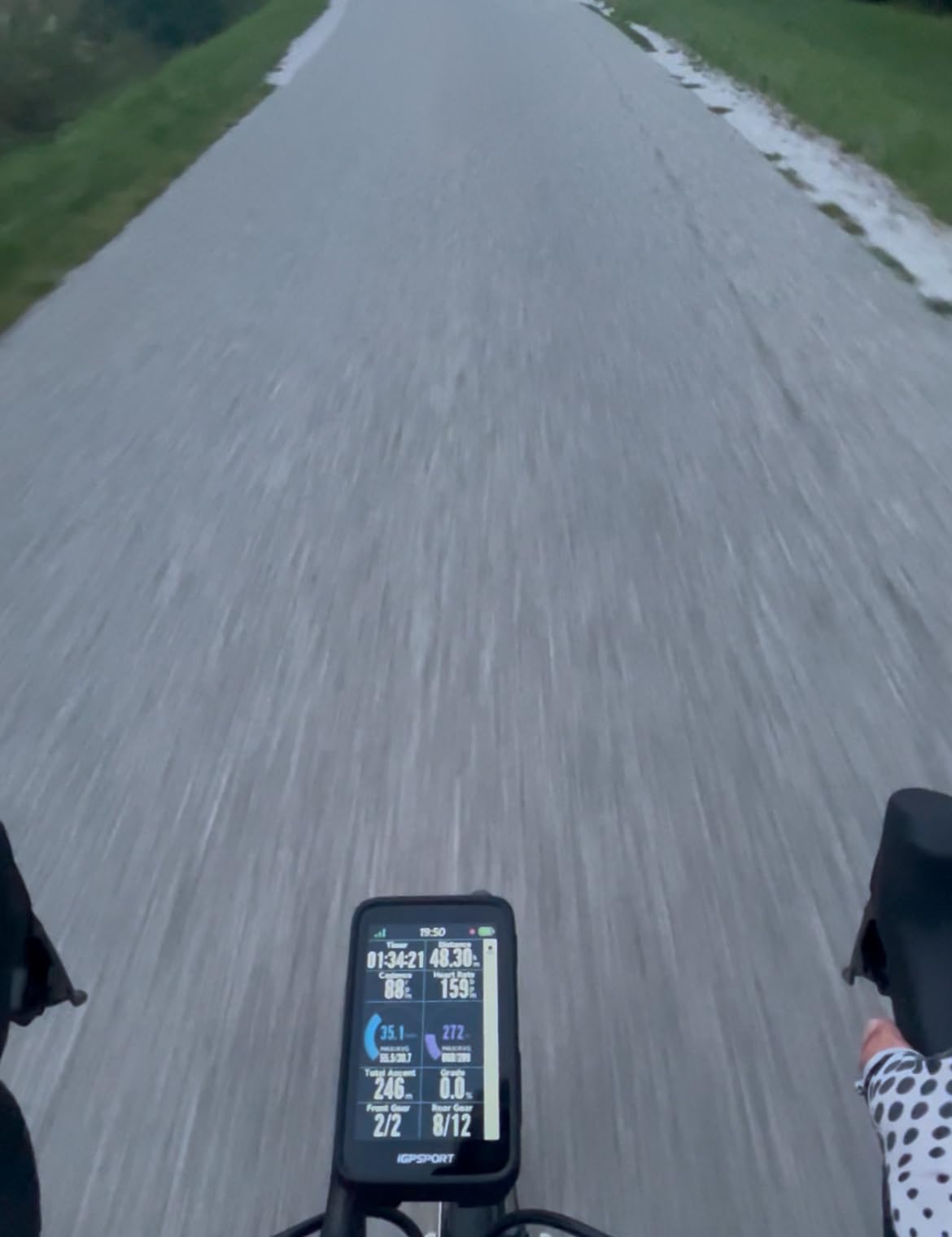
- Large 3.5 inch screen with many configurable data pages
- Route resume works after powering off overnight
- Dual-band GPS across five satellite systems
- Works with Strava Komoot and Ride With GPS exports
- The Bad
- Rerouting is slow enough to look like a freeze
- Route loading can be buggy and slow to start
- Screen reported as fragile with a cracked screen without a drop
- App usually offers only one routing option
The BiNavi is the endurance choice. The claim is 35 hours of battery, and the owner reports behind it are unusually specific: one rider finished a 20-hour day with 39 percent remaining, and another covered 320 miles over five days on a single charge.
That multi-day behaviour has a specific feature behind it. The Continue Last Ride function resumes an interrupted activity, and owners confirm route resume works even after powering the unit down overnight mid-tour, which is exactly the failure that ends bike-packing trips on lesser devices.
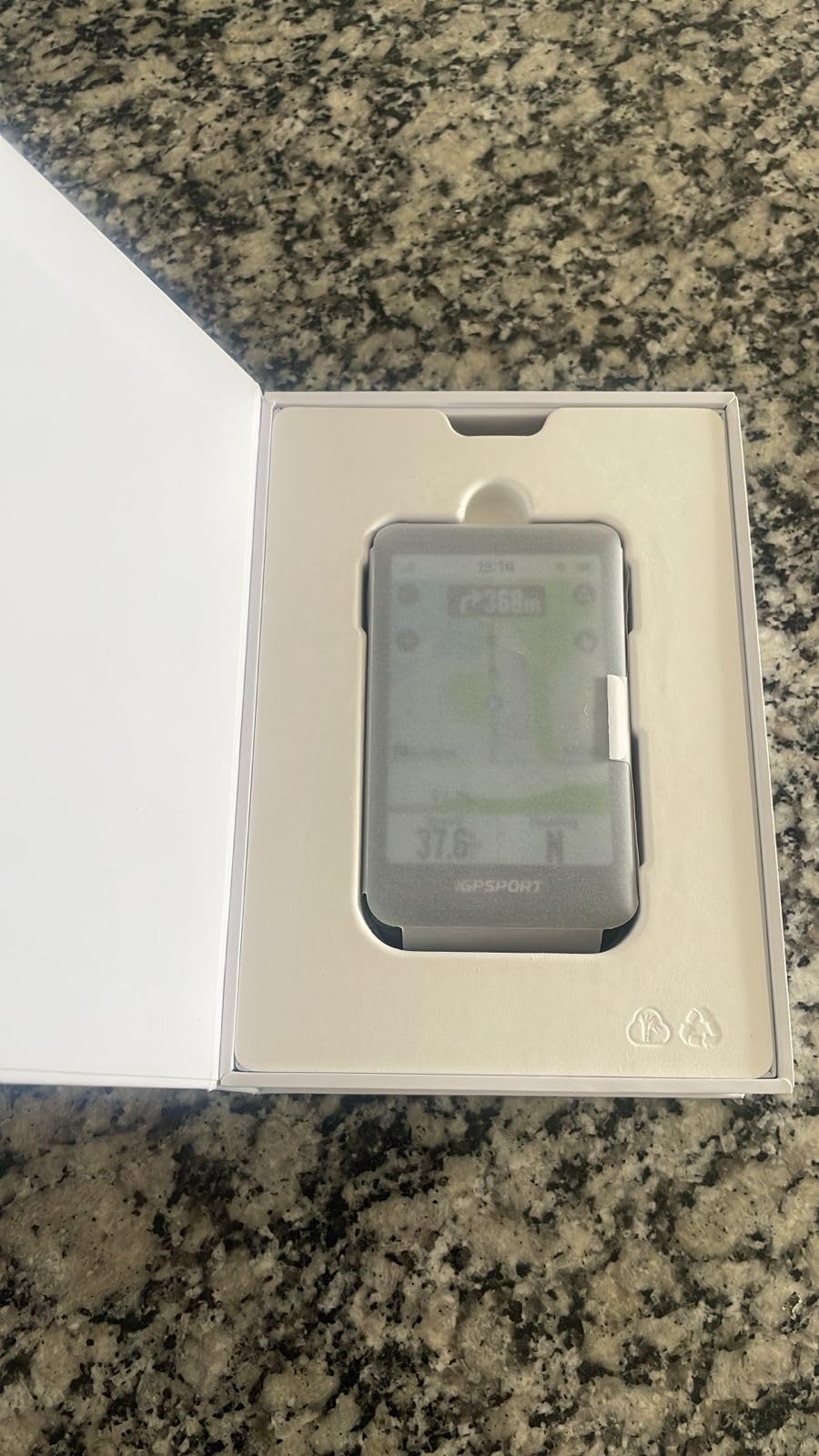
The receiver takes L1 and L5 bands simultaneously across GPS, BeiDou, GLONASS, Galileo and QZSS. Storage is 32 GB, and the 3.5-inch color screen sits alongside music control, an iClimb Pro hill planner with route preview, and training-plan analysis with training effect assessment.
It imports from Strava, Komoot and standard third-party road book files, which makes it easy to build a tour from whichever planning tool you already use. Owners also pair it cleanly with Magene power meters, speed sensors and heart rate monitors.
Does the BiNavi reroute well when you miss a turn?
Not as quickly as you would like. Rerouting is slow enough that owners sometimes assume the unit has frozen, and it relies on road data that may not include newly built roads. On a known, pre-planned route this never comes up; on spontaneous exploration it is the weak point.
Route loading can also be buggy and slow to start, and the app’s route generator tends to produce a single option rather than alternatives. Plan the route before you leave and the BiNavi is dependable. Rely on it to improvise and you will wait.
Is the BiNavi screen tough enough for touring?
Probably, with care. The screen is reported as fragile, with at least one cracked-screen report without a crash or drop, and some owners have observed flickering during active routing. It is not the first unit to break on a trip in our view of owner feedback, but it deserves a case.
Set against that, the two-year warranty and the battery behaviour make it the strongest touring option here. Owners consistently describe it as excellent overall and note that it is now used by two professional cycling teams, which is a useful signal for a brand most riders have not heard of.
7. iGPSPORT BSC300T – Lightest Bike Computer With GPS Navigation in This Group
iGPSPORT BSC300T GPS Bike Computer, Smart Map Navigation 2.4” Touch Screen
2.4 inch touchscreen plus 6 buttons
Five satellite systems
20 hours
67 g
+ The Good
- Only 67 g which is the lightest unit in this group
- Touchscreen and 6 buttons for flexible operation
- Global offline map download with off course warning
- Over 130 riding data fields
- ANT+ and Bluetooth 5.0 pairs with sensors e-bikes and trainers
- Real-time teammate tracking for group riding
- The Bad
- Type-C charging cable not included in the box
- Only 8 GB of storage for offline maps
- Small 2.4 inch display limits map detail
- OnelapFit app is less refined than Garmin and Wahoo
At 67 g the BSC300T is the lightest unit we tested, and it is the combination that makes it interesting: a 2.4-inch capacitive touchscreen for map work plus six physical buttons for everything you need while moving.
That hybrid layout is the practical argument. You get a touchscreen when you are stopped and planning, and buttons when you are riding with gloves on, in rain, or on gravel where a tap would scroll the map unintentionally.
Navigation is worldwide offline map download with route preview, turn prompts and an off-course warning that keeps notifying until you are back on the correct course. Five satellite systems cover GPS, BeiDou, GLONASS, Galileo and QZSS, and there are over 130 data fields covering speed, distance, grade, cadence, calories, time and temperature. It pairs over ANT+ and Bluetooth 5.0 with sensors, e-bikes and smart trainers, has an eBike mode with power level display, and offers real-time teammate tracking for group rides.
Activity data goes to the iGPSPORT app and onward to Strava and Komoot, and the unit is also compatible with Insta360 cameras. Storage is the one number to plan around: at 8 GB it is the tightest here for offline maps, so download regions rather than whole countries before a trip.
Does the BSC300T work with sensors and trainers?
Yes. The dual ANT+ and Bluetooth 5.0 protocol covers heart rate straps, speed and cadence sensors, power meters, e-bikes, radar tail lights, smart trainers and electronic shifting, so it fits an existing kit without adapters.
For indoor sessions the value is real, because a 67 g unit with a 20-hour battery is easy to move between the road bike and the trainer rather than owning two devices.
What are the BSC300T compromises?
Three practical ones. The Type-C charging cable is not in the box, so budget for that before a trip. Eight gigabytes of map storage fills faster than you expect. And a 2.4-inch screen limits on-screen map detail, so it works best with a preloaded route rather than open-ended exploring.
Add the OnelapFit app to that list. It is functional but less refined than Garmin Connect or the Wahoo app, and that shows in setup flow and analysis depth rather than in the ride itself.
8. Magene C506 – Best Bike Computer With GPS Navigation for Indoor Training
Magene C506 GPS Bike Computer – 2.4″ Color Touchscreen, Smart Navigation, Fast WiFi & Bluetooth, Riding Assistant Wireless, Indoor Cycling & Training
2.4 inch color touchscreen
Airoha chipset with AGNSS
24 hours
76 g
+ The Good
- Owners repeatedly call it a bargain against Garmin and Wahoo
- 5 second positioning via Airoha chipset and AGNSS
- Automatic WiFi upload to Strava after every ride
- 105 data items across 14 categories
- Smart Riding Assistant controls Magene L508 and L308 lights
- Indoor trainer support with power resistance and gradient targets
- The Bad
- Background maps need a separate unintuitive WiFi download step
- OnelapFit app is slower and less polished than Garmin Connect
- No Strava Live Segments support
- Some riders report invented paths on route tracking
The Magene C506 is the strongest argument in this group that you do not need a flagship. At 76 g with a 2.4-inch color touchscreen and bold fonts that stay readable in bright sun, owners repeatedly describe it as a bargain next to Garmin and Wahoo pricing.
Positioning is fast. The Airoha chipset with AGNSS locks in as little as 5 seconds, and on a budget unit that speed is what makes it feel modern rather than a compromise. The screen pairs touch with three buttons.
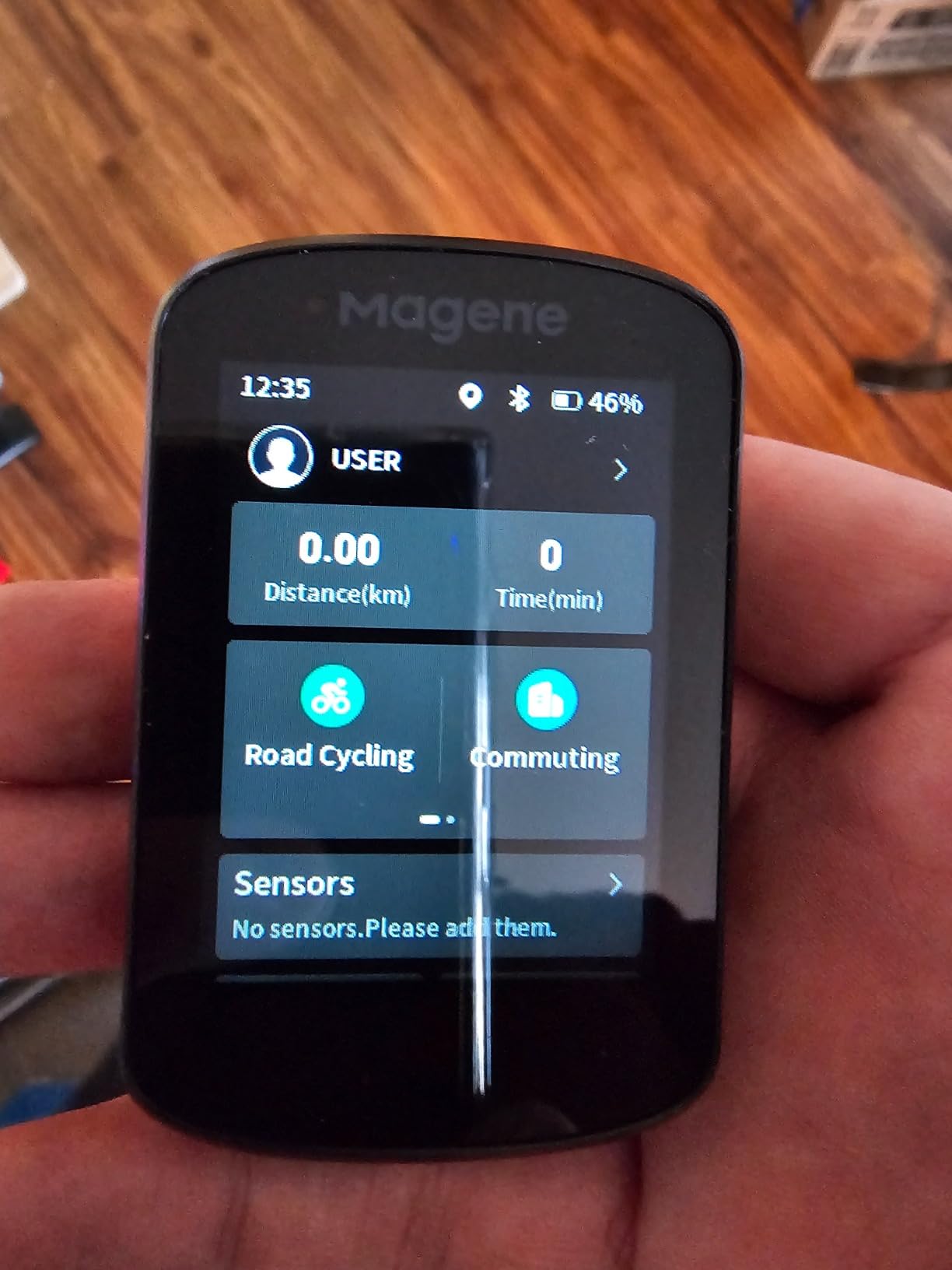
WiFi sync is the feature that changes daily use. Activities upload automatically to Strava and Google Health with no extra prompting after a ride, and the claim is sync speeds 28 times faster than Bluetooth. You are not standing at the kitchen table pressing anything.
Indoor training is unusually good for the money. You can upload FIT files to a smart trainer and set power targets, resistance and gradient, and the Smart Riding Assistant controls Magene L508 and L308 tail lights with automatic front-light activation at 10 km/h. It supports nine device types over ANT+ and Bluetooth.
How does WiFi sync change daily use?
It removes the single most common failure point. Bluetooth-only computers need the phone awake, nearby and paired, and riders routinely lose activities because the app was closed. The C506 hands off over WiFi on its own schedule, so the ride file exists before you have removed your gloves.
Customisation is generous for the price, with 105 data items across 14 categories, fully customisable layouts, dials, graphs and bar charts, and the OnelapFit app adds 37 data items and 14 charts with sharing to Strava and TrainingPeaks.
What are the C506 navigation limits?
Map setup is the weak link. Background maps have to be downloaded separately through a WiFi setup path on the device that owners describe as unintuitive, and street-name coverage is limited on the small screen.
Also worth knowing: Strava Live Segments and starred segments are not supported, only the higher C706, C606 Pro and C606 V2 models get those. Some riders report route tracking that invents paths which do not exist, auto-rerouting can be aggressive enough to route you home if you are slightly off course at the start, and the touchscreen sometimes needs a second press. The app is also slower than Garmin Connect with imperfect translations.
9. Magene C506SE – Best Button-Operated GPS Bike Computer for Rain and Gloves
Magene C506SE Wireless GPS Bike Computer – 2.4″ Color Screen, Route Navigation, Bluetooth & WiFi, Fast 5s Positioning, Supports 9 Cycling Devices
2.4 inch color screen with 3 buttons
Airoha chipset with 5 second lock
24 hours
74 g with IP54
+ The Good
- Three button operation means no mis-taps in rain or with gloves
- Bright easy to read 2.4 inch color screen
- Fast 5 second positioning and WiFi transfer
- Supports 108 data items across 14 categories
- Connects to nine device types including trainers and radar lights
- Excellent battery life and easy sensor pairing
- The Bad
- Route navigation gets confused on doubling back and lap routes
- No touchscreen so navigation relies on GPX transfer
- Small screen shows limited information at once
- IP54 rating is lower than the IPX7 of premium units
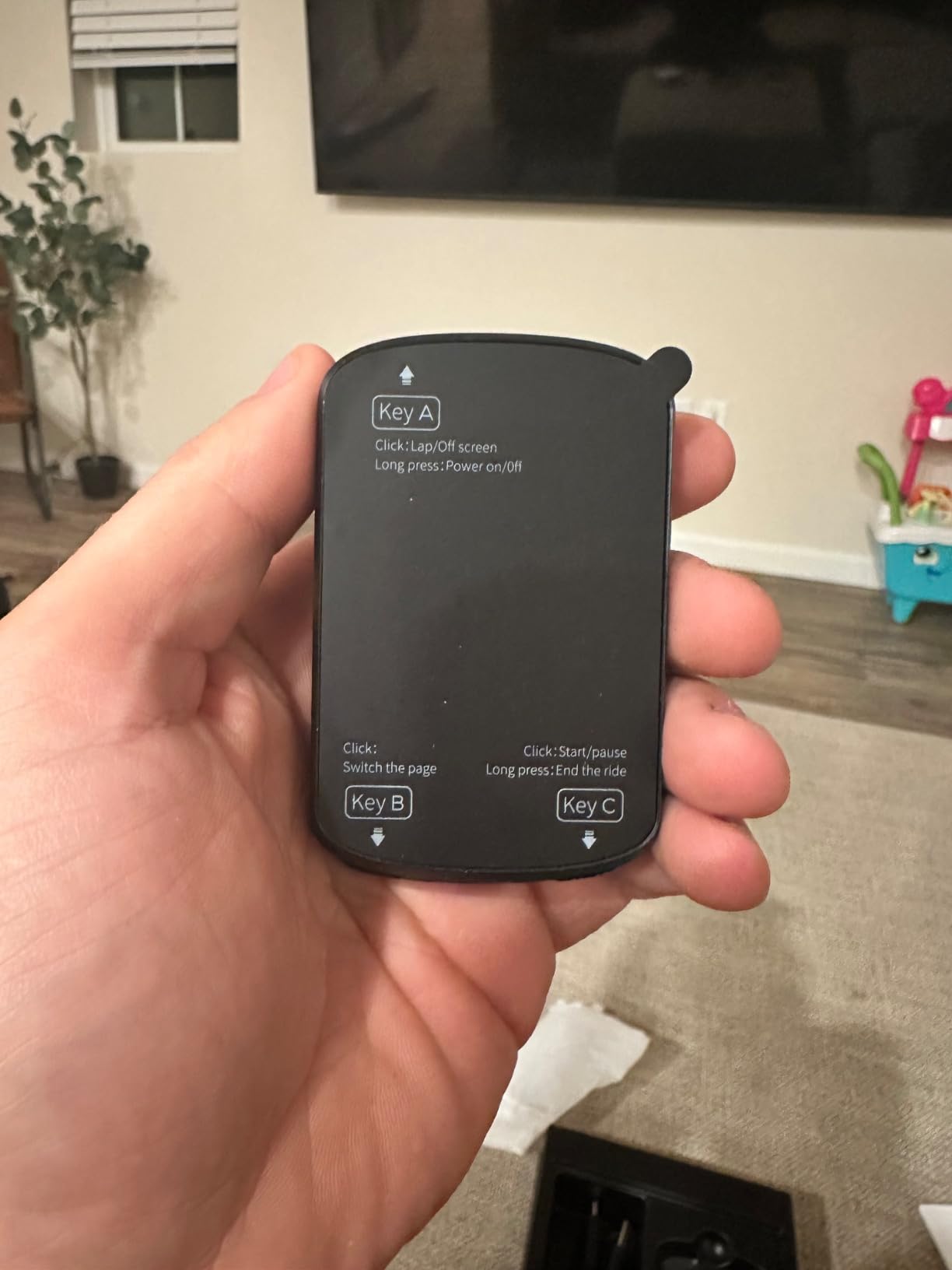
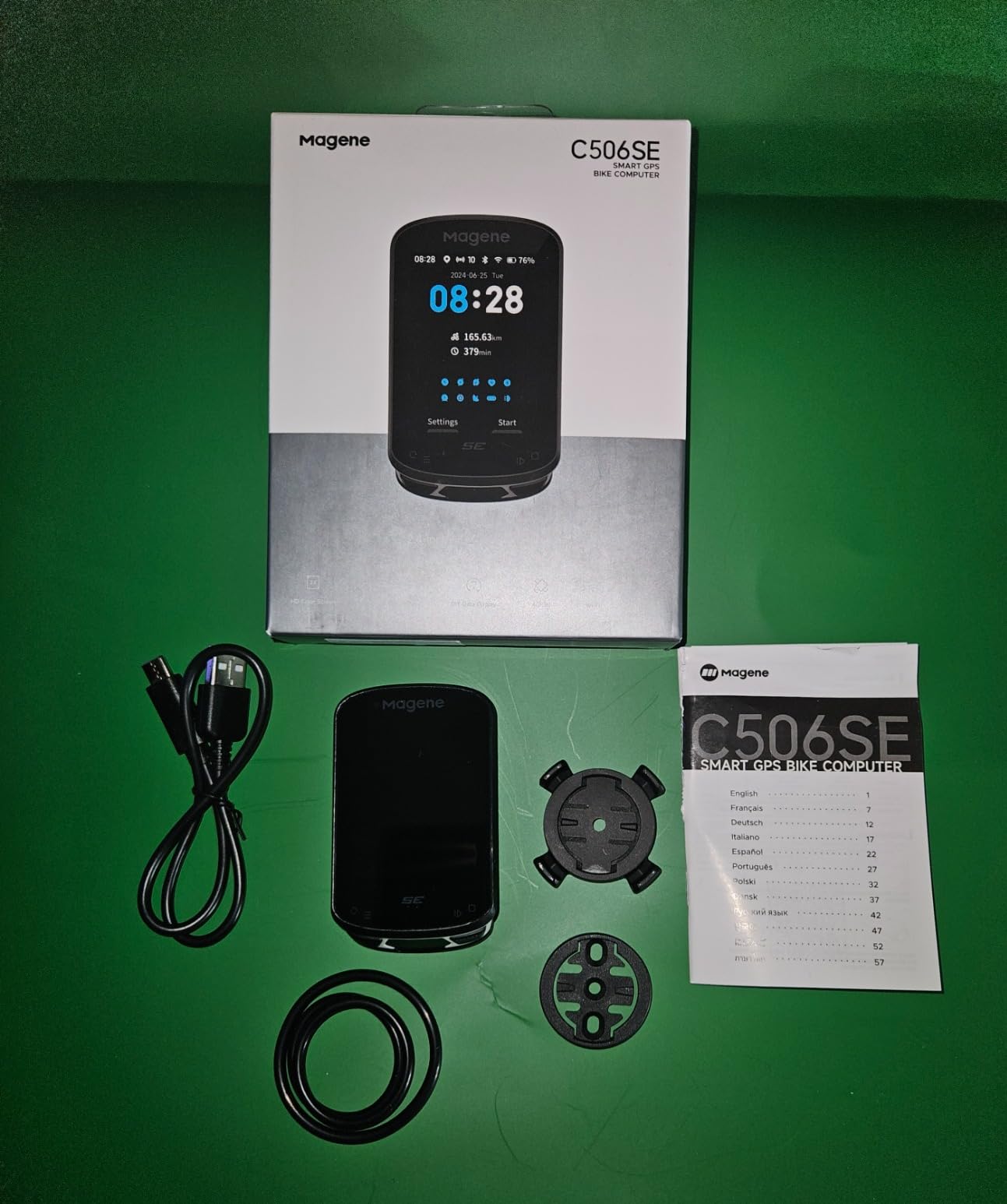
The C506SE is the same core hardware idea as the C506 with a deliberate change: three buttons instead of a touchscreen. That single decision makes it the best-handled navigation unit here for anyone riding in real weather.
There is no mis-tap. On a wet ride, in a downpour, or with full-finger gloves, a capacitive screen is a gamble, and owners consistently praise the button interface as a genuine advantage rather than a compromise.
It weighs 74 g, has a bright 2.4-inch color screen, and uses the Airoha high-precision chipset with AGNSS for 5-second positioning. Offline AGNSS data stays valid for about 14 days, which covers most trip planning horizons.
Sensor support is broad for the price: nine device types over ANT+ and Bluetooth, including heart rate straps, speed and cadence sensors, power meters, smart trainers, radar tail lights and electronic shifting. There are 108 data items across 14 categories with circular dials, line graphs and bar charts, and it supports 11 languages.
Battery life is 24 hours on average with a lithium polymer pack, and owners report it lasting easily through long days. The box includes the unit, charging cable, replaceable mount and safety strap.
How does button-only navigation feel in bad weather?
Reliable. Navigation still works through the same colour turn reminders, off-course alerts and route re-planning via OnelapFit, and custom routes can be created or uploaded as GPX files with turning road names and automatic zoom. The screen renders less at once, but what it renders, you can read.
The keyboard case for this is gloves and rain. If you have previously wiped a map screen sideways at 25 km/h and ended up in a field, buttons remove that failure mode entirely.
Is the C506SE waterproof enough?
For ordinary riding, yes. The IP54 rating protects against dust and water splashing, which covers road riding in rain. It is a step below the IPX7 rating carried by the Wahoo Elemnt Roam V3, so we would not submerge it or hose it down after a gravel wash.
The navigation limitation to plan around is lap routes. Owners report GPS navigation getting confused when doubling back or completing laps on a route, and with no touchscreen you depend on GPX transfer rather than searching on the device. It suits point-to-point riding better than repeated circuits.
10. GEOID CC600 – Budget GPS Bike Computer With the Largest Owner Base
GEOID CC600 Color Screen Bike/Cycling Computer Wireless – Route Navigation with Reroute Planing, WiFi & Bluetooth, Fast 5s GPS Positioning, Free Indoor Training
2.4 inch Asahi glass color screen
Five satellite systems
24 hours
2.61 ounces
+ The Good
- Largest owner base in this group at over 1100 ratings
- 2.4 inch color screen with durable Asahi glass
- Colour navigation with turn reminders and automatic re-routing
- WiFi sync plus on-device firmware updates
- Five satellite systems with 5 second positioning
- Up to 100 hours of onboard storage
- Free indoor training with smart trainers
- The Bad
- GPX file navigation only with no built-in map search
- Three button interface with no touchscreen
- Less established brand and ecosystem than Garmin Wahoo or Magene
The GEOID CC600 is the reason a 4.2 rating with more than 1100 reviews is worth reading twice. It is the most-reviewed unit in this group, which means its pros and cons are the least speculative, and the owner consensus is consistently positive.
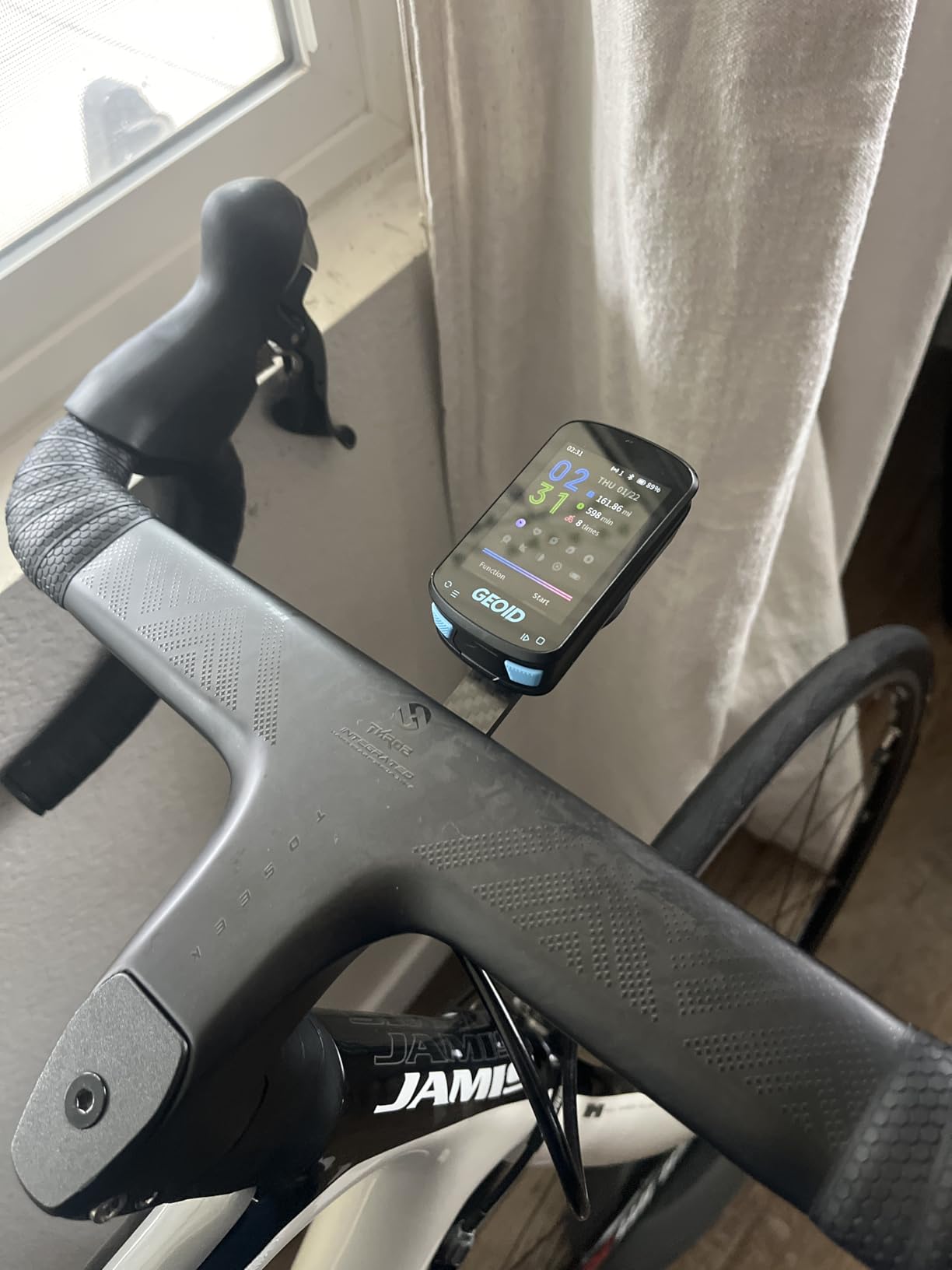
You get a 2.4-inch color screen under Asahi glass, five satellite systems with AGNSS and 5-second positioning, and colour navigation with turn reminders, automatic zoom and pop-up turn notifications. Internal storage holds up to 100 hours of ride data, so you sync when you choose rather than constantly.
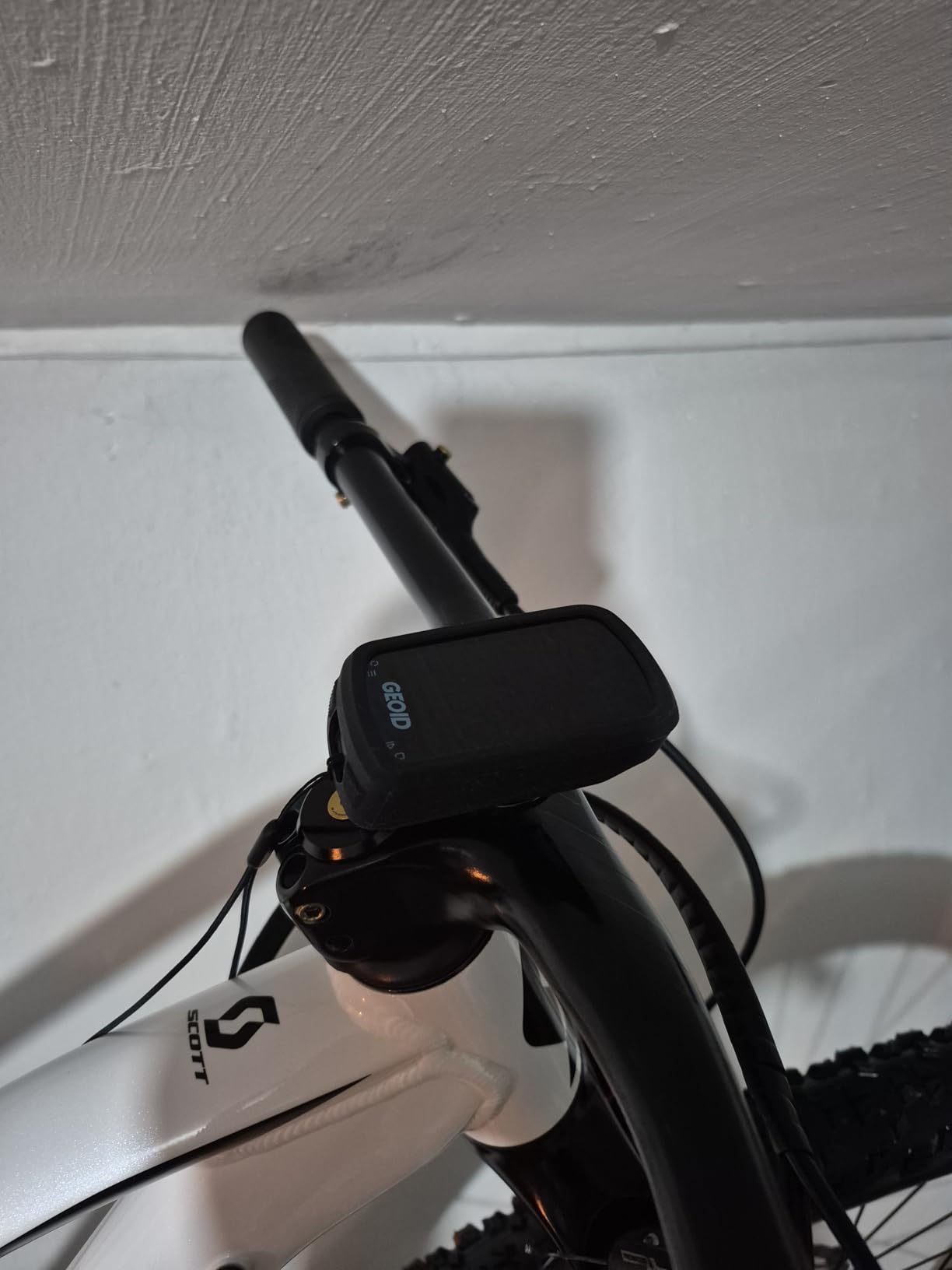
Configuration is generous: 10 data pages with up to 10 items each, 29 display layouts and 108 supported data items. WiFi handles AGNSS and ride records, and firmware updates happen on the device rather than through a phone app.
It also covers electronic shifting. Compatibility lists SRAM eTap and Shimano Di2 alongside speed and cadence sensors, heart rate monitors, power meters, smart trainers, radar tail lights and smart tail lights. Indoor training with smart trainers for power, resistance and gradient targets is free, and FIT export syncs to Strava and TrainingPeaks.
Can the CC600 navigate from a GPX file?
Yes, and that is the entire navigation model. You upload a GPX file and get colour route-following with turn reminders, auto-zoom and automatic re-routing when you stray off track. What you cannot do is search a map on the device or look up an address.
That is a real limitation for improvisation, but for a rider who plans routes the night before, which is most riders who need navigation at all, it works exactly as intended. The Magene C506 at a similar tier is the better choice if you want on-device route creation.
Is the CC600 app good enough?
It is adequate rather than good, and it is the main reason this unit sits at the bottom of the list. There is no on-device map search, the interface is three buttons with no touchscreen, and the brand has far less ecosystem depth than Garmin, Wahoo or Magene if something goes wrong.
What you get in exchange is the most proven sample size here. Over 1100 ratings means the failure modes are known, the 4.2 average is honest rather than promotional, and the setup friction that appears in a minority of reviews is a small, documented problem rather than a surprise.
Garmin vs Wahoo vs Hammerhead and the Rest: Which Ecosystem Should You Pick?
The hardware matters less than the software you will live with for five years, because routes, sensors, settings and training history all live in one vendor’s cloud. Garmin’s Connect IQ and Strava integration is the deepest training ecosystem, Wahoo’s phone-led setup is the simplest, and Hammerhead’s dashboard is the cleanest for pure navigation.
Forum consensus splits the same way. The recurring advice is that Garmin wins for navigation and advanced training metrics, Wahoo wins for a simple phone-based setup, and Hammerhead wins for map clarity if you ride SRAM AXS. Riders who move between brands repeatedly report that bugs, not features, drive the switch.
Two things nobody editorialises enough. First, software cadence: Garmin’s slow patching turnaround for bugs is the single most repeated long-term complaint across owner threads, and if you are sensitive to a device that works perfectly for months then needs a fix, check the current firmware status before buying. Second, the value tier has closed the gap on hardware while trailing on apps, which is why the Magene and GEOID units below are credible alternatives rather than toys.
One more practical note on subscriptions: none of the ten units here require a paid subscription for GPS navigation, map downloads or turn-by-turn. Route planning, activity sync and analysis all work on free tiers, so you are not signing up for a recurring cost with the hardware.
How to Choose a Bike Computer With GPS Navigation
Multi-band GNSS versus single-band is the first real dividing line. Multi-band receivers listen to two frequency bands at once, which lets them correct for interference from tree cover, buildings and urban canyons. Five of the ten units here are multi-band, and it is the single upgrade that most improves track accuracy. The single-band units still work, but their track wanders in exactly the places where you most need it to be right.
Battery claims versus real battery is the second. Manufacturer figures usually assume battery saver mode with a reduced feature set. The demanding-use numbers are the honest ones: 26 hours for the Edge 540, 20 for the Edge 1050, 35 for the BiNavi, 15 for the Karoo. For a single road day any of these works. For a multi-day tour, read the multi-day owner reports rather than the spec sheet.
Screen size and control method are the third. Touchscreens are easier for map work and route creation, and buttons are far more reliable with gloves, rain and sweat on rough surfaces. The Magene C506SE and the Edge 540 are the button arguments; the Edge 1050 and the BiNavi are the touchscreen arguments. The Wahoo Elemnt Roam V3 and the iGPSPORT BSC300T do both, which is the pragmatic middle.
Map type is the fourth and most underrated. Turn-by-turn with a searchable map is convenient but map-dependent, and it can send you down a private track. GPX breadcrumb or file-based navigation is duller but predictable, because it follows the line you actually planned. Know which one you need before you spend.
Sensors and ecosystem lock-in is the fifth. Count what you already own. If you run power meters, a heart rate strap or a Varia radar, the ANT+ and Bluetooth support here is broad, but Garmin pairing is the most consistently stable. If you ride an e-bike, eBike-aware routing on the Edge Explore 2 is worth more than any mapping upgrade.
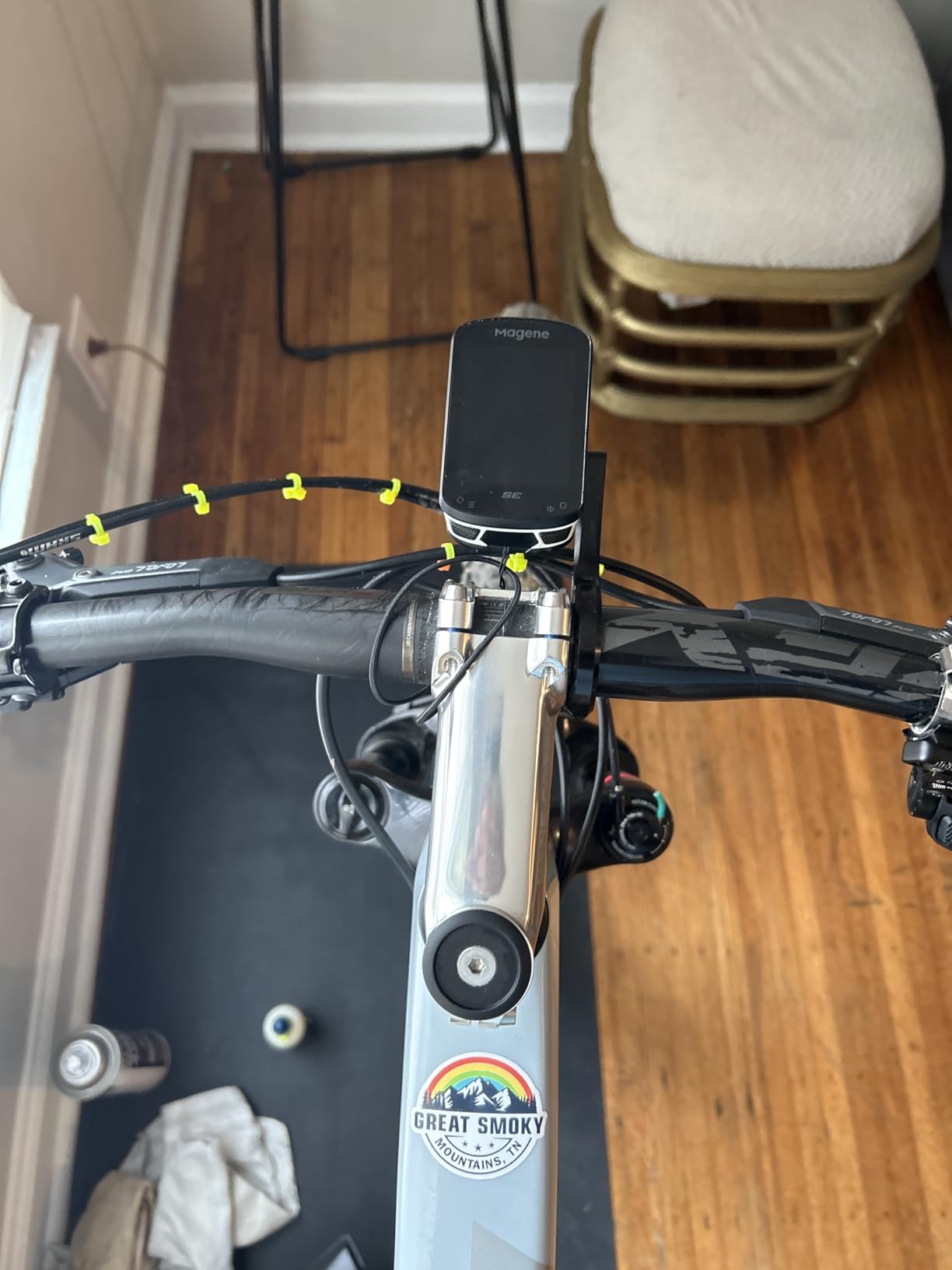
Mounting and visibility is the last. Out-front mounts put the screen closer to your line of sight and safer than a stem mount, and the Wahoo Elemnt Roam V3 ships with both out-front and stem mounts. Owners also report rattle from loose mounts, so check the out-front fit with a zip tie and a short test ride before a tour.
When You Do Not Need a Bike Computer
Three cases where your phone, watch or a simple speedometer is the right answer. If you ride entirely on roads you know well and mostly want distance and speed logged, a basic tracker does the job for a fraction of the cost. If you already own a GPS watch and want one device for running and riding, a GPS running watch may cover navigation adequately.
If you only ride indoors on a smart trainer, note that the C506 and C506SE and the CC600 all support trainer control, so even an indoor-only rider may prefer a computer for FIT upload, power targets and gradient control over a phone on a stand.
For everyone else, the argument for a dedicated unit is battery endurance, sunlight readability and a receiver that locks satellites where a phone struggles. Once you ride somewhere unfamiliar, that combination is not a luxury.
Frequently Asked Questions
Which cycling computer is best for navigation?
The Garmin Edge 1050 has the best navigation in our testing. Its 3.5-inch color touchscreen stays readable in direct sun, it tracks GLONASS, GPS and Galileo, and owners verify its turn-by-turn on long off-grid rides. If you want the same navigation quality in a lighter body with physical buttons, the Garmin Edge 540 is the alternative.
Which bike computer is better, Garmin or Wahoo?
Garmin is better for navigation quality and advanced training metrics, with deeper sensor pairing and richer climb and power tools. Wahoo is better for a simple phone-led setup, with spoken turn-by-turn directions and strong battery life. The Wahoo Elemnt Roam V3 also uses dual-band GPS, so accuracy is no longer a Wahoo weakness.
Which is better, the Hammerhead Karoo or the Garmin Edge?
The Hammerhead Karoo wins on clean, distraction-free navigation and fast offline map rendering from generous storage, plus direct SRAM AXS and e-bike integration. A Garmin Edge wins on battery life, training features, sensor ecosystem depth and a far larger base of long-term owner reports. The Karoo also has the shortest stated battery here at 15 hours.
Which bike GPS is the most accurate?
Accuracy comes down to multi-band GNSS, not brand. The Wahoo Elemnt Roam V3 and iGPSPORT BiNavi receive two bands simultaneously, and the Edge 540, Edge 1050 and Hammerhead Karoo all use multi-band GNSS. Under tree cover and in urban canyons those units hold a noticeably cleaner track than the single-band models.
Can a bike computer work without phone signal?
Yes, for everything except route creation. All ten units here navigate from maps stored on the device or from a route you loaded before leaving, so turn-by-turn, off-course alerts and re-routing work with no cellular or WiFi connection at all. Plan the route before you ride, and the phone can stay in your pocket.
Do I need a bike computer?
You need one if you ride unfamiliar routes, tour or bikepack, train with power meters or heart rate straps, or want reliable ride recording without draining your phone. A dedicated unit gives far better battery life, faster satellite lock and a screen readable in direct sunlight. If you only ride familiar roads and just want distance logged, a basic tracker is enough.
The Best Bike Computer With GPS Navigation for 2026
The Garmin Edge 1050 is the best bike computer with GPS navigation overall. Nothing else in this group matches its combination of a 3.5-inch sunlight-readable touchscreen, dependable turn-by-turn across GLONASS, GPS and Galileo, and a sensor ecosystem that pairs with everything from Varia radar to Di2 shifting.
Buy the Edge 540 instead if you want the same multi-band positioning in a lighter body with buttons that work in the rain, at a fraction of the outlay. If you are heading somewhere remote for days, the iGPSPORT BiNavi’s 35-hour battery and overnight route resume change the trip rather than the purchase.
Whichever you choose, download your maps and route before you leave the house. Every one of these units navigates perfectly offline, and the ones that struggle are the ones being asked to plan a route mid-canyon with no signal.