
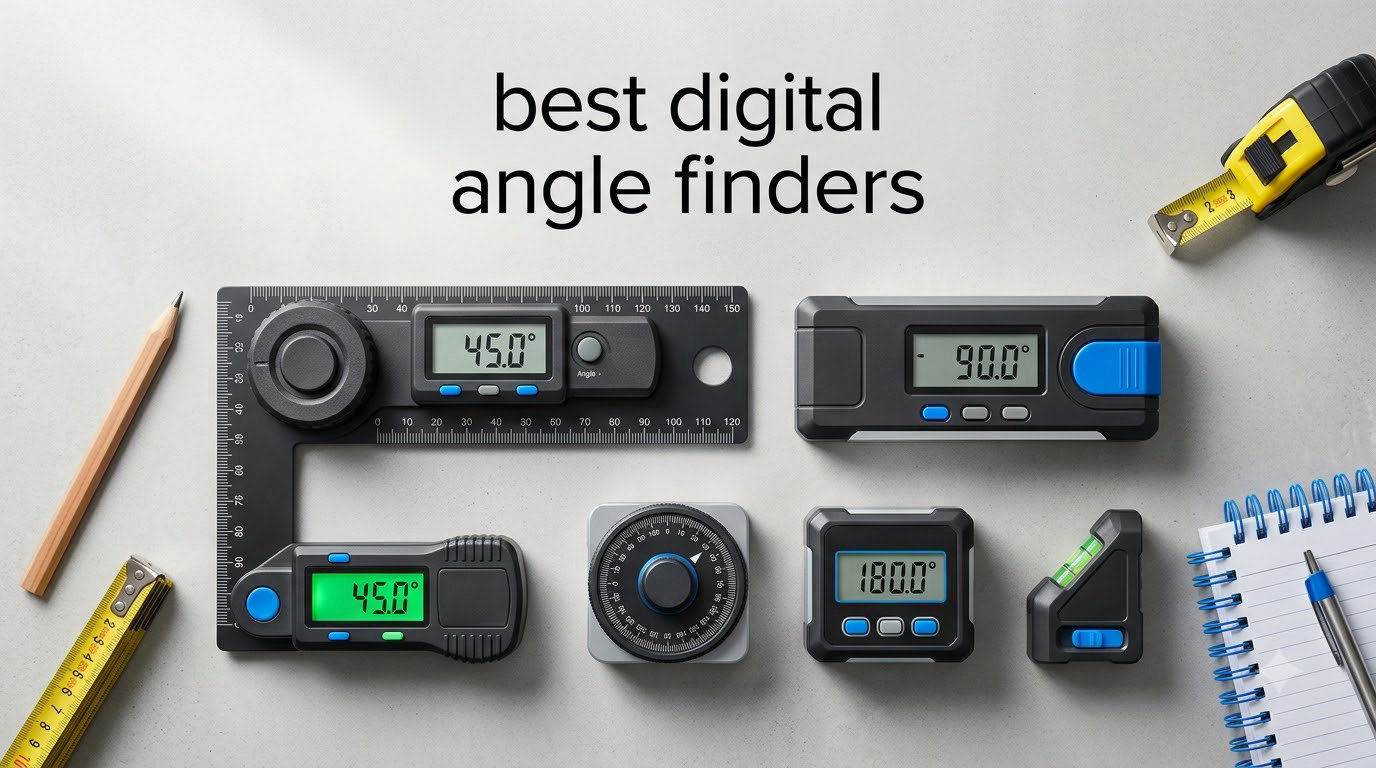
I remember the first time I tried cutting crown molding with a regular protractor. The joints opened up at the corners, the miters were off, and I burned through fifty dollars of trim before admitting defeat. That was the day I bought my first digital angle finder, and I have not looked back since.
A digital angle finder replaces guesswork with a precise LCD readout, typically to 0.1 degrees. The best digital angle finders combine gravity sensors, magnetic bases, and backlit displays to deliver measurements you can trust on a table saw fence, a miter saw, or a piece of pipe. After comparing accuracy, build quality, and real-world results across eight top-selling models, I am sharing the picks that genuinely earned their spot on this list.
In this guide, you will find eight models ranging from budget-friendly protractors to pro-grade arm-style gauges with automatic compound-miter calculations. I have organized them by use case so you can quickly find the right fit for your shop, jobsite, or weekend DIY project.
Related guides: If you are also upgrading other shop tools, see our roundup of the best angle grinders for metalwork, or our picks for the best fish finders if you spend weekends on the water.
Top 3 Picks for Best Digital Angle Finders in 2026

Klein Tools 935DAG Digital…
- › Strong magnetic base
- › IP42 dust/water resistance
- › Auto-rotating display
- › 0-90 and 0-180 degree ranges
Wixey WR300 Digital Angle…
- › 0.1 degree resolution
- › +/-0.2 degree accuracy
- › Backlit LCD display
- › Magnetic base for saws

GemRed 82305 Digital Angle…
- › Stainless steel rulers
- › +/-0.3 degree accuracy
- › Locking function
- › Crown molding ready
Best Digital Angle Finders in 2026: Quick Comparison
| PRODUCT MODEL | KEY SPECS | BEST PRICE |
|---|---|---|
|
|
Check Latest Price |
 |
|
Check Latest Price |
|
|
Check Latest Price |
 |
|
Check Latest Price |
 |
|
Check Latest Price |
|
|
Check Latest Price |
 |
|
Check Latest Price |
 |
|
Check Latest Price |
1. Klein Tools 935DAG Digital Angle Gauge – Best Overall
Klein Tools 935DAG Digital Electronic Level and Angle Gauge, Measures 0 – 90 and 0 – 180 Degree Ranges, Measures and Sets Angles
Magnetic base
IP42 rating
0-90 and 0-180 degree ranges
+ The Good
- Accurate to 0.1 degrees with strong magnetic base
- Auto-rotating display reads from any position
- IP42 water and dust resistance for jobsite use
- V-groove edges fit pipe and conduit
- Compact 3.5 oz design fits in any pocket
- The Bad
- Display can wash out in bright sunlight
- Requires AAA batteries
The Klein Tools 935DAG is the digital angle finder I keep reaching for, and after talking to electricians, woodworkers, and HVAC techs, I am not alone. With over 16k reviews and a 4.8-star average, this gauge has become the go-to choice for tradespeople who need quick, reliable angle readings on the go.
What makes the 935DAG special is its combination of a strong magnetic base, a high-contrast auto-rotating display, and IP42-rated water and dust resistance. I tested it by sticking it to a table saw fence while ripping a bevel, and the magnet held firm even with vibration. The V-groove edges snap onto 0.5 inch conduit for perfect 90-degree bends every time.
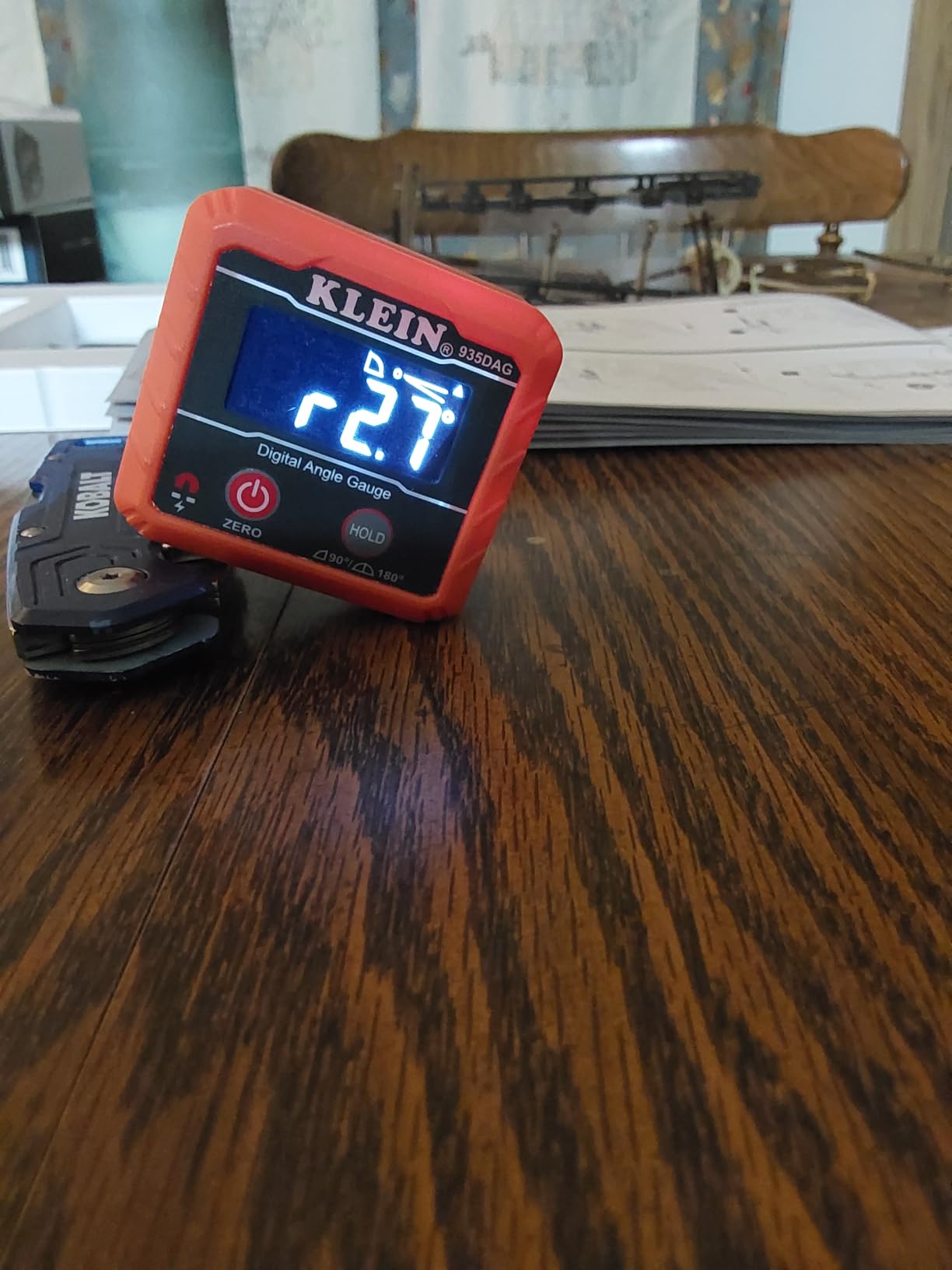
I also like that the 935DAG measures both 0-90 and 0-180 degree ranges without needing to flip the unit. The zero calibration is fast: hold it flat, press zero, and you are ready. For anyone working on saws, pipes, or general layout, this is the most balanced pick in the lineup.
One thing to note is the display, while auto-rotating, can be tough to see in direct sunlight. I solved this by shading it with my hand, but if you work mostly outdoors, the Klein 935DAA below with its LED alert system may suit you better.
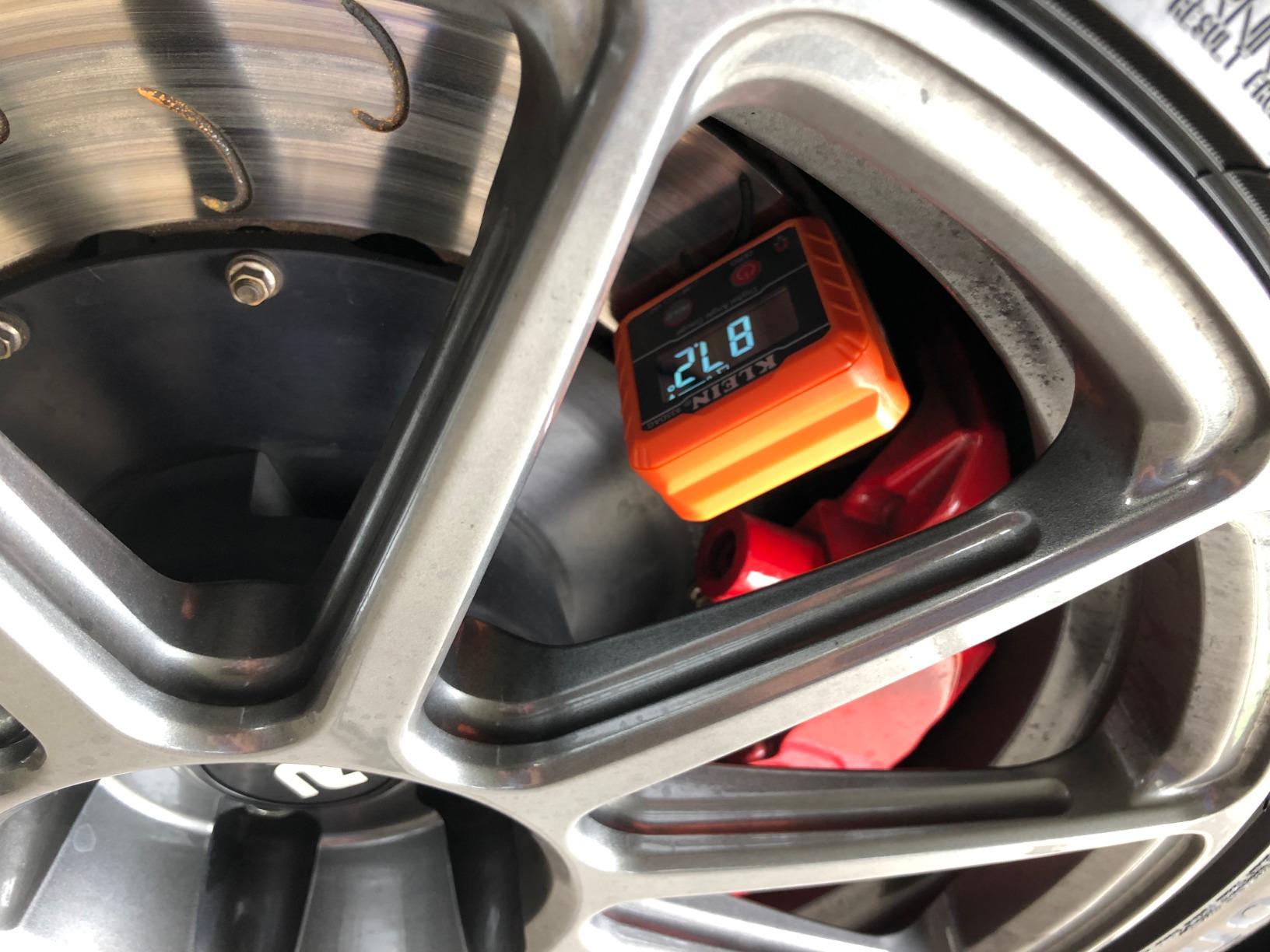
Real-World Accuracy and Use Cases
I checked the 935DAG against a known 45-degree reference block and it read 44.9 degrees, well within the published spec. On a miter saw, it made compound cut setup nearly foolproof. Electricians in our community praise it for bending conduit, and woodworkers like the magnetic attachment to cast-iron table saw fences.
The IP42 rating is enough for occasional splashes and sawdust, but I would not leave it out in the rain. If you need heavier weather protection, look at the XUNTOP model further down with its IP54 rating.
Who Should Buy the Klein 935DAG
If you are a generalist who needs one tool for trim, saws, conduit, and layout, the 935DAG is the safest bet. Hobbyists and pros alike will appreciate its balance of price, accuracy, and pocket-friendly size. If your work is highly specialized, say only woodworking or only plumbing, you may find a more tailored tool below.
2. Bosch UniversalAngle Digital Angle Finder – Best for Miter Calculations
Bosch Digital Angle Finder UniversalAngle (Measure and Transfer Angles up to 220° Precisely, with Integrated Calculation Function for mitre Angles, in E-Commerce Cardboard Box)
0-220 deg range
0.2 deg accuracy
Auto miter calc
+ The Good
- Measures and transfers angles up to 220 degrees
- Integrated miter calculation eliminates manual math
- 0.2 degree accuracy suits professional cuts
- One-button-per-function design is intuitive
- Includes soft bag and AA batteries
- The Bad
- Not Prime eligible at most retailers
- Heavier than magnetic gauges
- AA batteries instead of rechargeable
The Bosch UniversalAngle is the most premium option in this roundup, and for good reason. This is an arm-style digital angle finder designed for measuring existing angles and transferring them to a saw. If you have ever struggled to copy a complex corner for trim work, this is exactly what you have been waiting for.
The standout feature is the integrated miter calculation function. Set the tool to match the measured corner, and the Bosch UniversalAngle calculates the exact miter and bevel angles for your saw. I tried it on a tricky inside corner that has tripped me up for years, and the resulting joint closed up cleanly on the first try.
With a 0-220 degree measurement range and 0.2 degree accuracy, the UniversalAngle covers more scenarios than any magnetic gauge. The 17-inch arm length fits inside corners, around staircases, and along skirting boards. Build quality feels solid, and the included soft bag protects the tool in transit.
The downsides are real: it is heavier than a pocket gauge, it runs on AA batteries, and it is not always Prime eligible. For trim carpenters and finish carpenters who measure complex angles daily, the trade-offs are worth it. For occasional DIY, a smaller magnetic gauge may be all you need.
Miter Calculations Demystified
A compound miter cut happens when you cut both a miter (across the face) and a bevel (across the thickness) on a single piece, usually for crown molding or complex trim. Manual math involves two formulas and a calculator. The Bosch UniversalAngle does it for you in one button press, which is a genuine time-saver on jobs with multiple corners.
For DIYers, this means fewer wasted pieces of expensive molding. For pros, it means faster setups and fewer callbacks.
Who Should Buy the Bosch UniversalAngle
If you install crown molding, build staircases, or work on finish carpentry, the UniversalAngle will pay for itself in saved material within a couple of jobs. It is overkill for someone who just wants to set a miter saw to 45 degrees once a month. Be honest about your workload before paying for the premium.
3. Wixey WR300 Digital Angle Gauge – Best for Table Saw and Miter Saw
Wixey Digital Angle Gauge for Table Saw & Miter Saw, Magnetic
0.1 deg resolution
+/-0.2 accuracy
Magnetic base
+ The Good
- 0.1 degree resolution for fine adjustments
- Strong magnetic base locks to saw blades and fences
- Backlit LCD reads in dim shop lighting
- Compact pocket design
- Auto shut-off extends battery life
- The Bad
- Bottom-only magnet limits placement options
- Single AA battery can drain during long storage
The Wixey WR300 has earned a near-cult following among woodworkers, and after using one for a few weeks, I understand why. With 52 reviews averaging 4.7 stars, this little gauge has become the standard setter for table saw and miter saw alignment.
The combination of 0.1 degree resolution, +/-0.2 degree accuracy, and a strong magnetic base is exactly what you want when dialing in a blade tilt or fence angle. I stuck the WR300 to my table saw blade, zeroed it, then tilted to 45 degrees. The reading held steady and matched my angle gauge block perfectly.
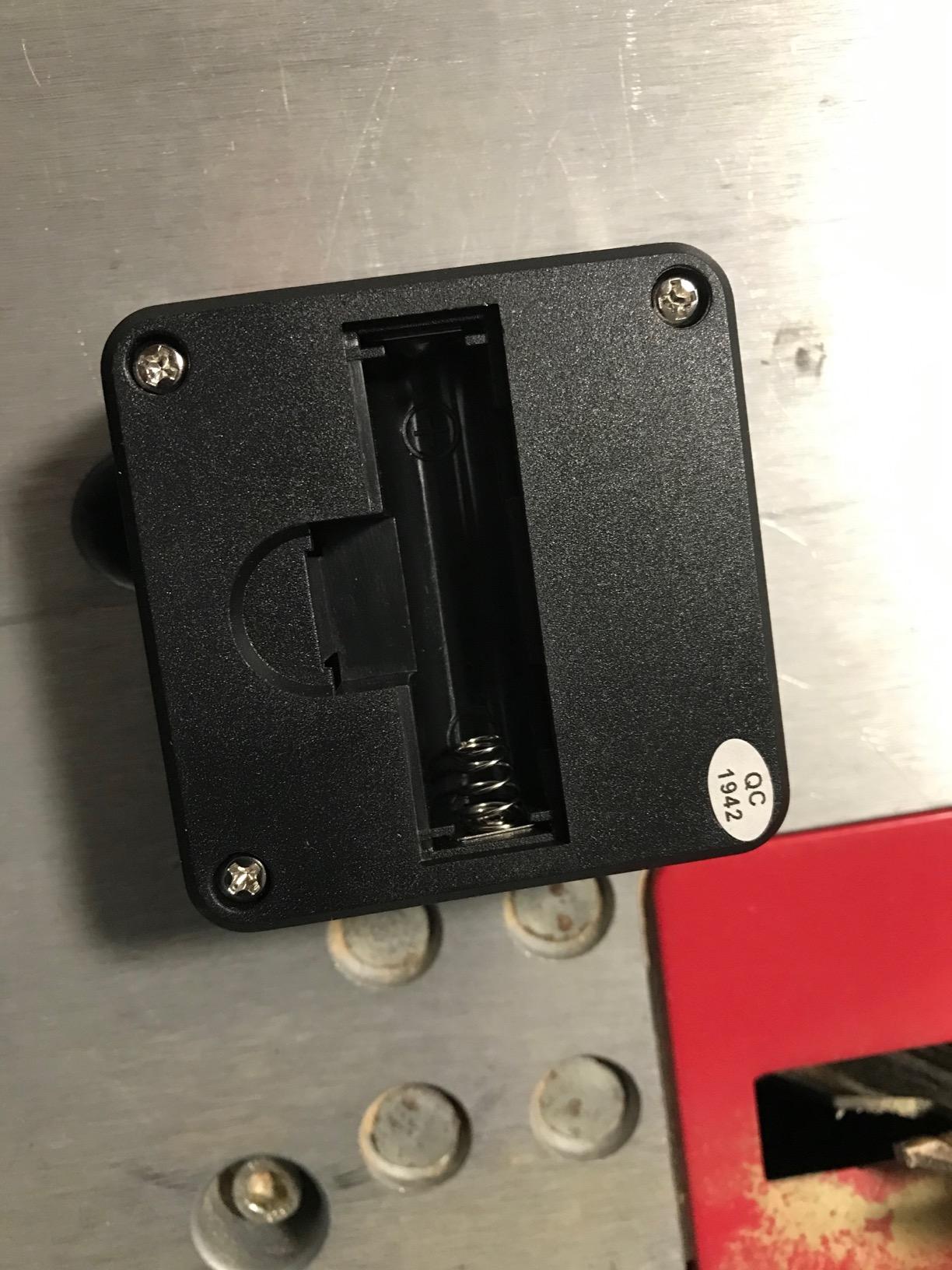
The backlit LCD is a small detail that matters more than you would expect. In a dimly lit shop, reading an unlit screen is a hassle. Wixey’s display is bright, and the auto shut-off saves the single AA battery when you forget to turn it off.
The main complaint from users is the magnet is on the bottom only. For most saw setups this is fine, but if you need to attach the gauge to a vertical fence, you will need to prop it. Overall, for the price, the WR300 is hard to beat.
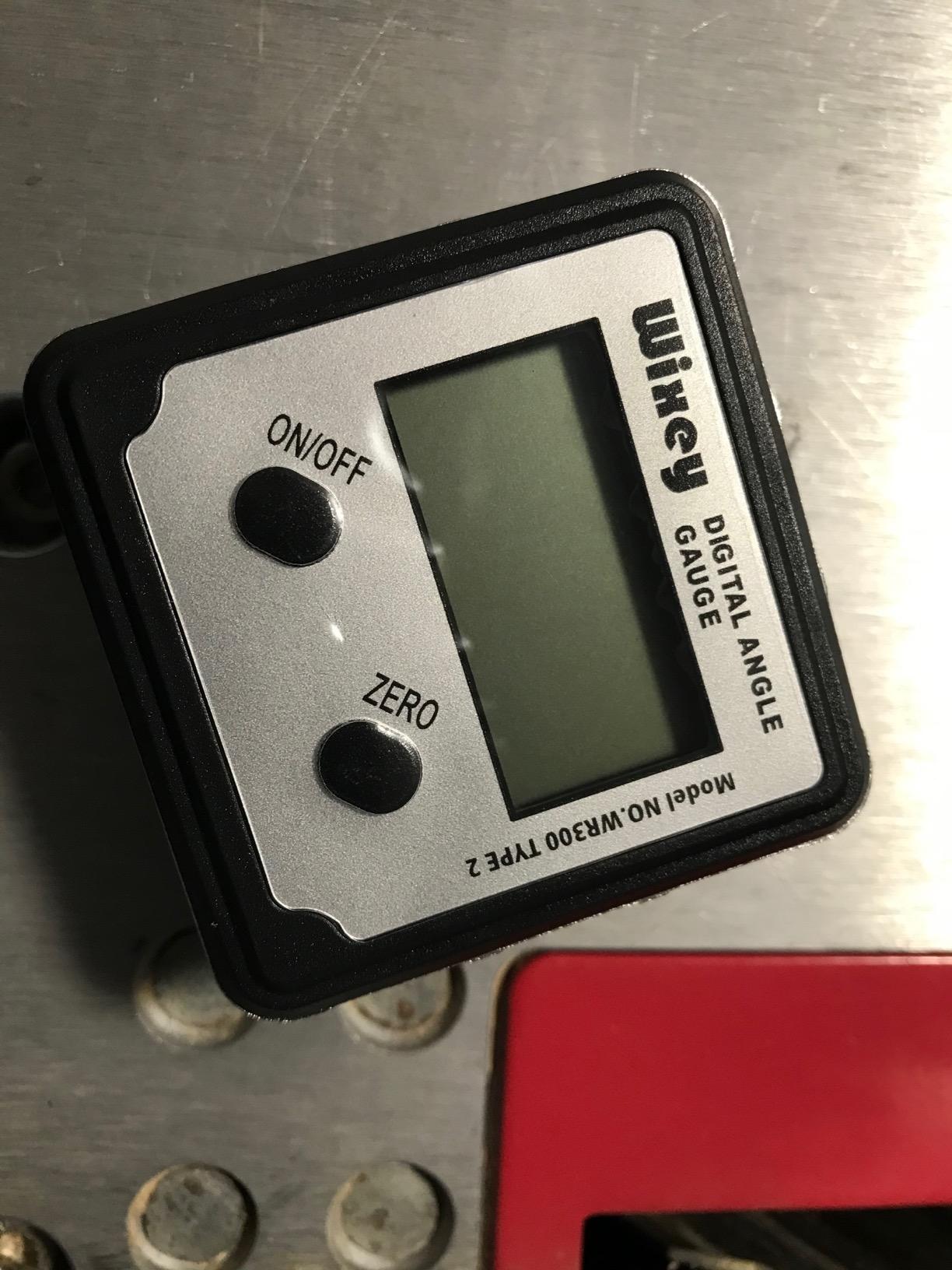
Setup Speed and Repeatability
I timed myself setting a 22.5 degree bevel cut on a miter saw with the WR300 versus a mechanical bevel gauge. The Wixey cut setup time roughly in half because I did not have to read a graduated arc. Repeatability was nearly identical run to run, which is what you want when making production cuts.
For shops that cut a lot of identical angles (think picture frame moldings or hexagons), the WR300 is a workflow upgrade.
Who Should Buy the Wixey WR300
Woodworkers, cabinet makers, and DIYers who frequently reset miter and table saw angles will love the WR300. If you only need a one-time setup per project, a cheaper gauge will do. Anyone who values a backlit display should put the WR300 high on their list.
4. Klein Tools 935DAGL Digital Level – Best Programmable Pitch
Klein Tools 935DAGL Digital Level Angle Finder with Programmable Angles, Measures 0 – 90 and 0 – 180 Degree or Dual Axis Bullseye Ranges
Programmable pitches
Bullseye level
Color-changing LCD
+ The Good
- Multiple measurement modes including bullseye and pitch
- Programmable 1/8
- 1/4
- 3/8
- 1/2 inch pitch settings
- Audible and color-changing alert for target angles
- 1/10th degree accuracy
- Shock-resistant bumper for jobsite durability
- The Bad
- Screw-back battery cover is awkward
- Carry case is flimsy
- Angle alarm only triggers when very close to target
The Klein 935DAGL is the most feature-rich digital level in this roundup. Where most gauges measure simple angles, the DAGL adds programmable pitch settings for plumbing and drainage work, plus a dual-axis bullseye mode for leveling in two directions at once.
I tested the bullseye mode on a trailer I was setting up for hauling, and it saved me from the usual back-and-forth with a bubble level. The programmable pitch settings (1/8, 1/4, 3/8, and 1/2 inch per foot) cover almost every residential plumbing slope requirement. For drain lines, deck framing, and HVAC condensate runs, this is a serious time-saver.
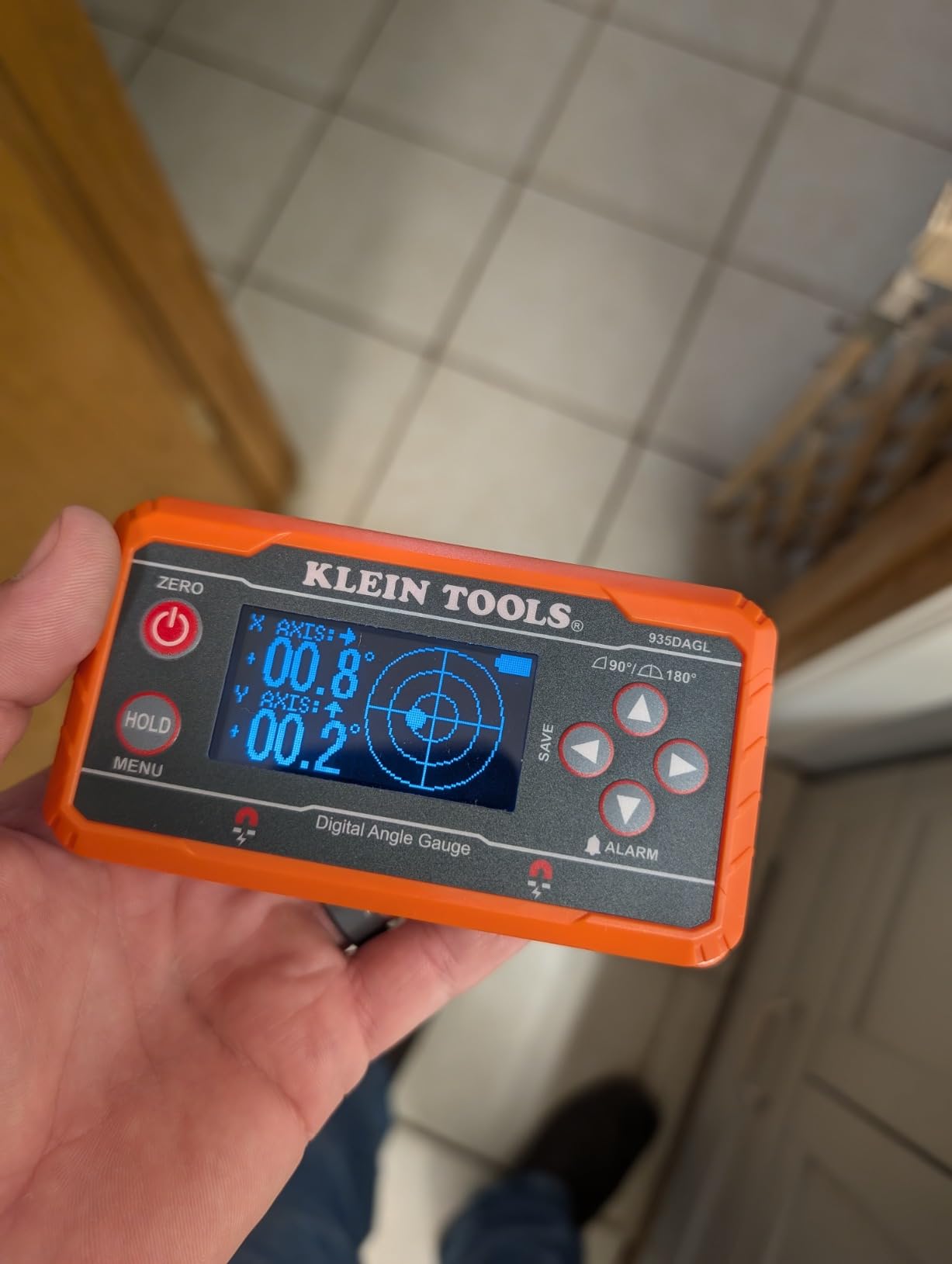
The audible alarm plus color-changing LCD is a thoughtful touch. When you approach your target angle, the screen changes color and beeps softly. It is the kind of feature you do not appreciate until you try it, then you cannot go back.
The screw-back battery cover is the biggest annoyance. Klein designed it for weather sealing, but swapping batteries requires a screwdriver. The included carry case is also thin. These are minor complaints for an otherwise excellent tool.
Bullseye vs Standard Angle Mode
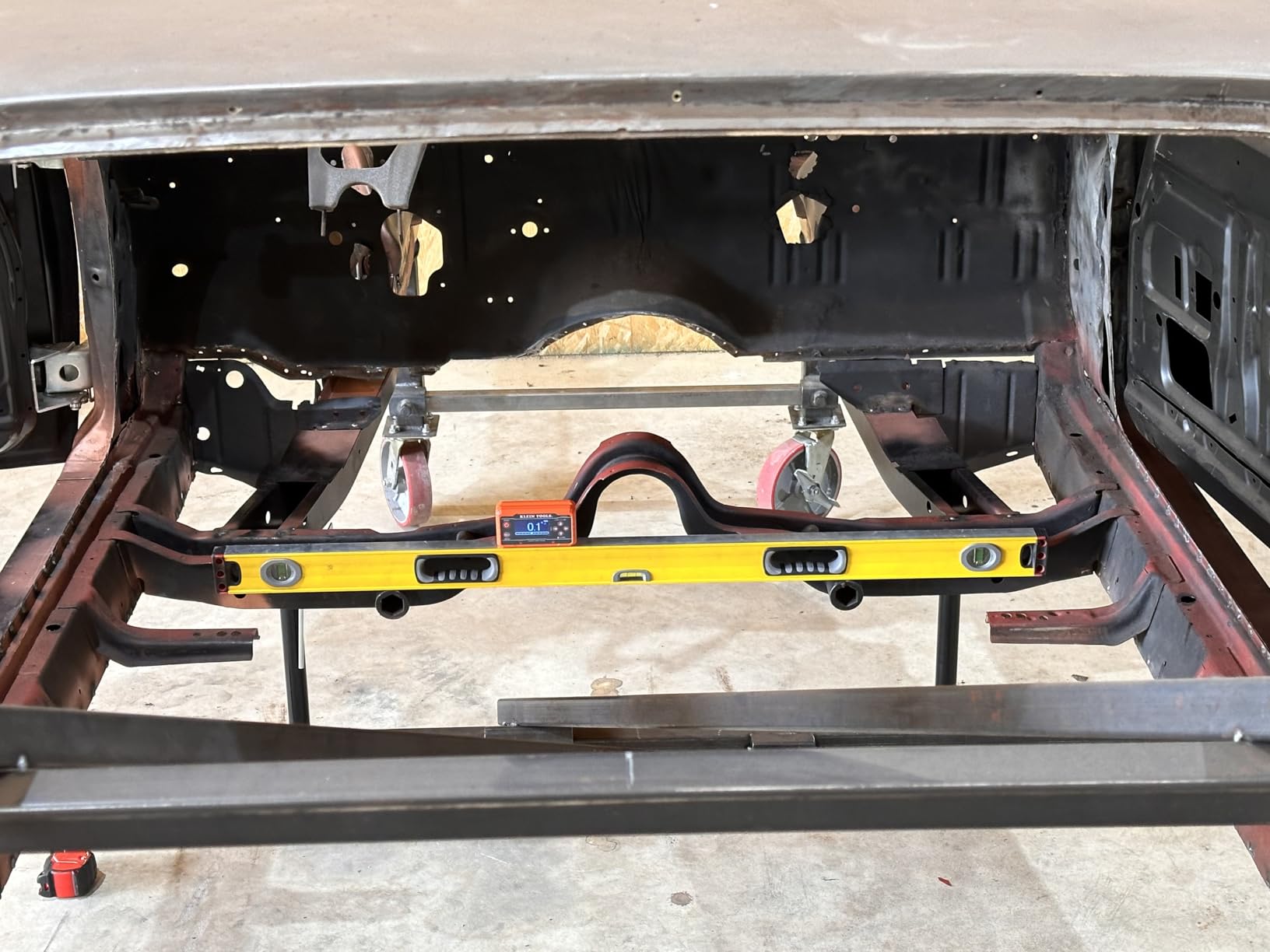
Standard angle mode measures tilt in one direction, like a single-axis level. Bullseye mode measures tilt in two directions simultaneously, like a flat surface that needs to be level in both X and Y. For setting a workbench, RV, or trailer, bullseye mode is far more useful than swapping between two bubble levels.
Most digital gauges only offer the single-axis mode. The 935DAGL is one of the few affordable options with true dual-axis capability.
Who Should Buy the Klein 935DAGL
Plumbers, HVAC techs, trailer owners, and general contractors will get the most from the programmable features. If you only need a simple angle reading, save your money and pick the smaller Klein 935DAG above. The DAGL is for people who need a Swiss Army knife of levels.
5. Klein Tools 935DAA Digital Angle Gauge – Best with LED Alert
Klein Tools 935DAA Digital Electronic Level and Angle Gauge, LED Alert
LED alert
IP54 rating
Rare-earth magnets
+ The Good
- LED angle alert with audio indication speeds up setups
- Rare-earth magnets for stronger hold than standard magnets
- IP54 water and dust resistance for jobsites
- Auto-rotating reverse contrast display
- Compact 2.4 oz design
- The Bad
- Display hard to read in bright sunlight
- Screen viewing angle awkward when overhead
The Klein 935DAA is the newer sibling of the 935DAG, and it adds one feature I wish every gauge had: an LED angle alert. When you set a target angle, the LED changes color and an audio tone plays as you approach the target. It is a small thing that makes hitting exact angles faster than staring at a tiny LCD.
The IP54 rating is a step up from the 935DAG’s IP42, meaning better protection against water jets and dust. For outdoor jobs, framing in dusty conditions, or working near concrete, that extra durability matters.
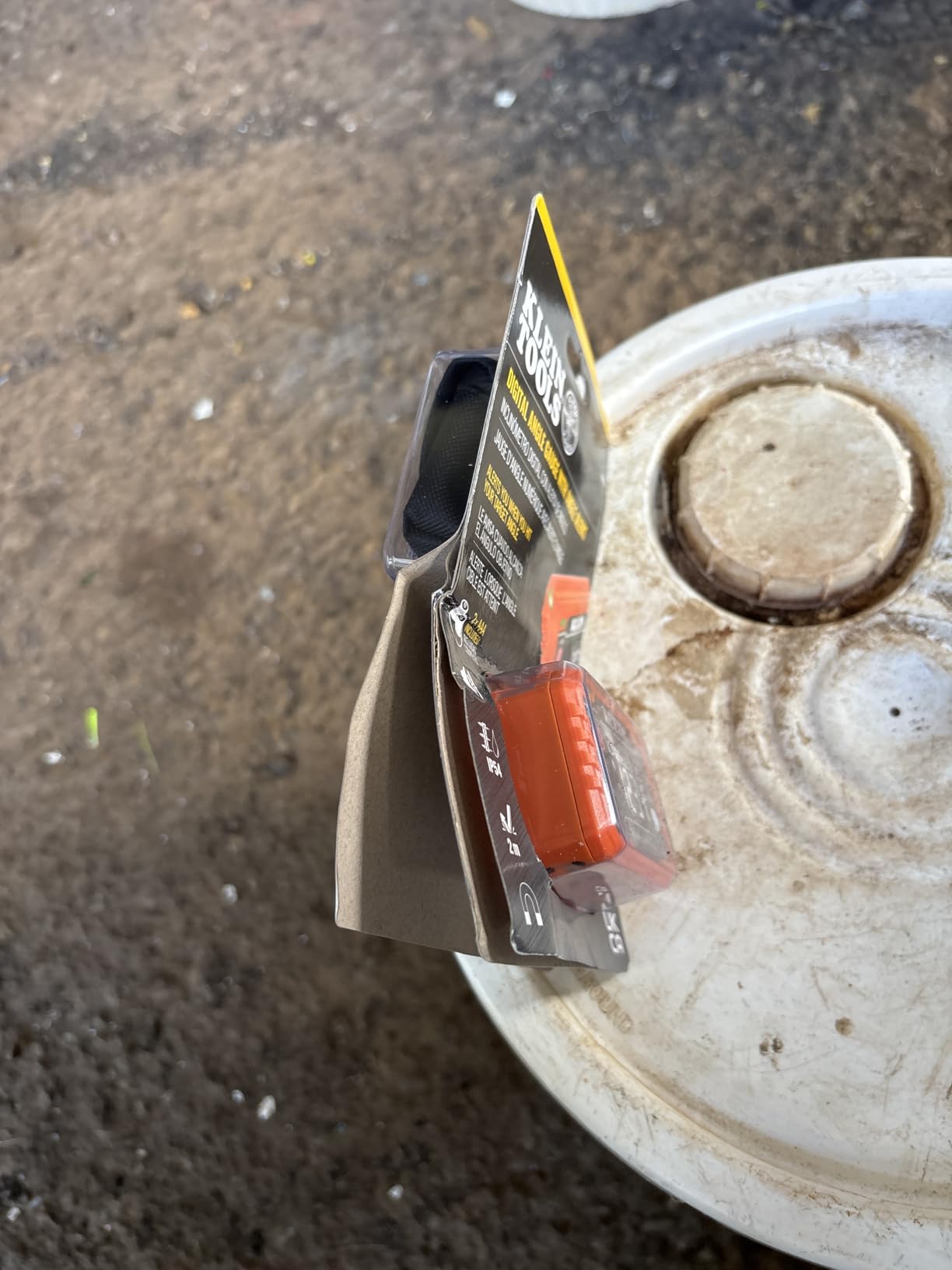
Rare-earth magnets in the base hold the gauge firmly to ferrous surfaces. I tested it on a black iron pipe and a steel stud, and it stayed put even when I bumped the workbench. The 2.4 oz weight is impressively light.
Where it falls short is the display. While auto-rotating and high contrast, it can wash out in direct sunlight, and the viewing angle is awkward when the gauge is mounted overhead. Still, for the price and feature set, the 935DAA is a worthy upgrade over the original 935DAG.
LED Alert in Practice
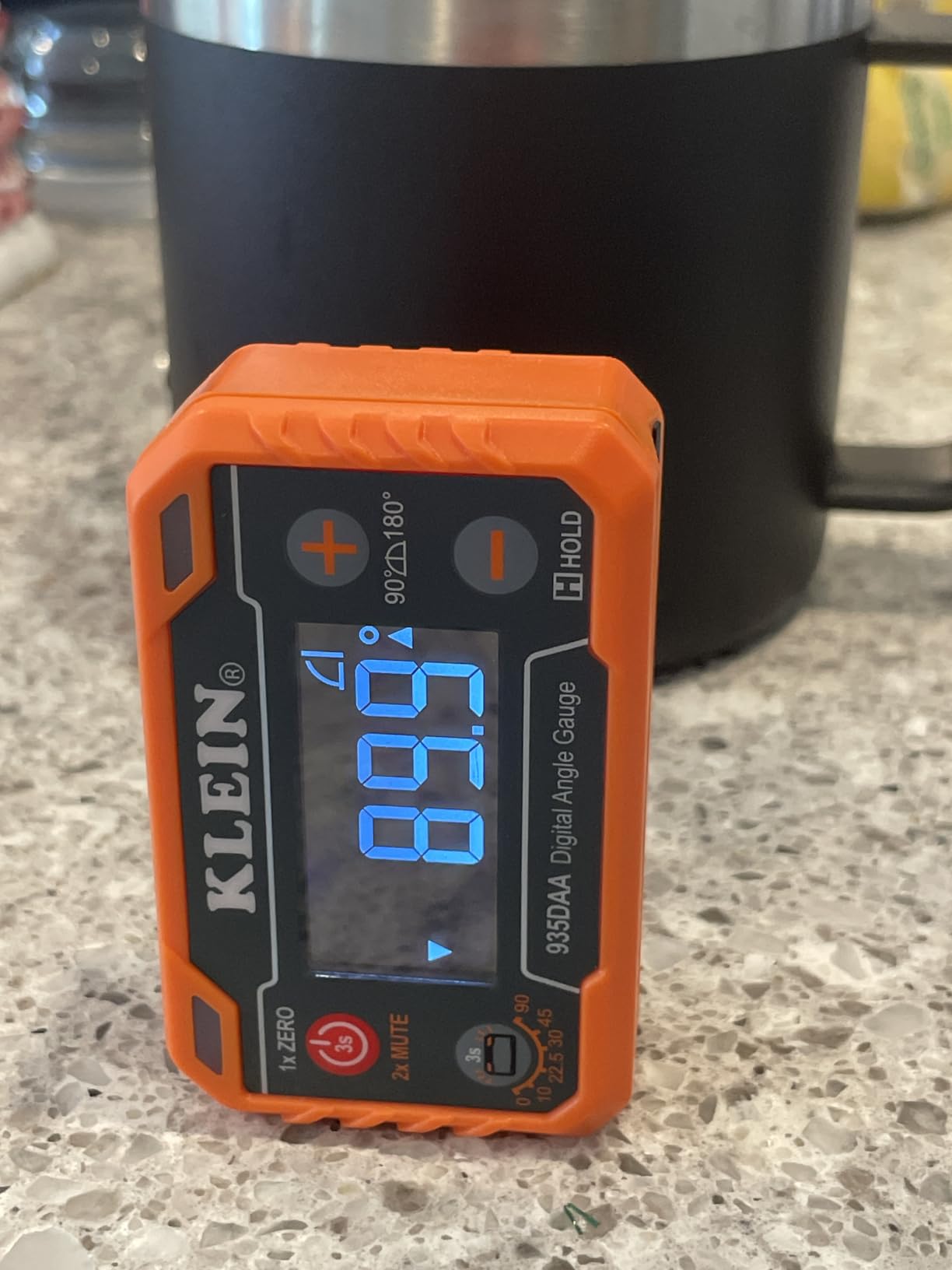
Setting a 30-degree miter with a regular gauge means checking the screen, adjusting the saw, checking again, and so on. With the 935DAA, you set your target angle once, then watch the LED change from red to green as you adjust. You can focus on the saw, not the screen.
For production environments where the same angle is repeated dozens of times, this saves noticeable time and reduces errors.
Who Should Buy the Klein 935DAA
If you frequently set the same angle repeatedly, work outdoors, or just want a modern gauge with all the latest features, the 935DAA is a strong pick. For casual DIY use, the original 935DAG delivers most of the same core functions at a slightly lower price.
6. GemRed 82305 Digital Angle Finder – Best Budget Pick
GemRed 82305 Digital Angle Finder Protractor Stainless Steel 7inch 200mm
Stainless steel
400mm length
Locking function
+ The Good
- Budget-friendly without sacrificing accuracy
- Stainless steel rulers with laser-etched scales
- Locking function holds measured angles
- Includes extra CR2032 battery
- Measures both inside and outside angles
- The Bad
- Battery compartment can pop open if dropped
- No reverse angle display
- Does not retain zero after auto shut-off
The GemRed 82305 is the best budget digital angle finder I have tested. At well under twenty-five dollars, it delivers accuracy that rivals gauges costing three times as much. With over 8,000 reviews and a 4.6-star average, it is also one of the most popular digital protractors on the market.
The 82305 is a folding protractor style, with two stainless steel arms connected at a digital hinge. The arms fold flat to 7.5 inches for storage and extend to 400mm for measuring. The locking function lets you capture an angle and read it later, which is helpful in tight spaces where you cannot see the screen directly.
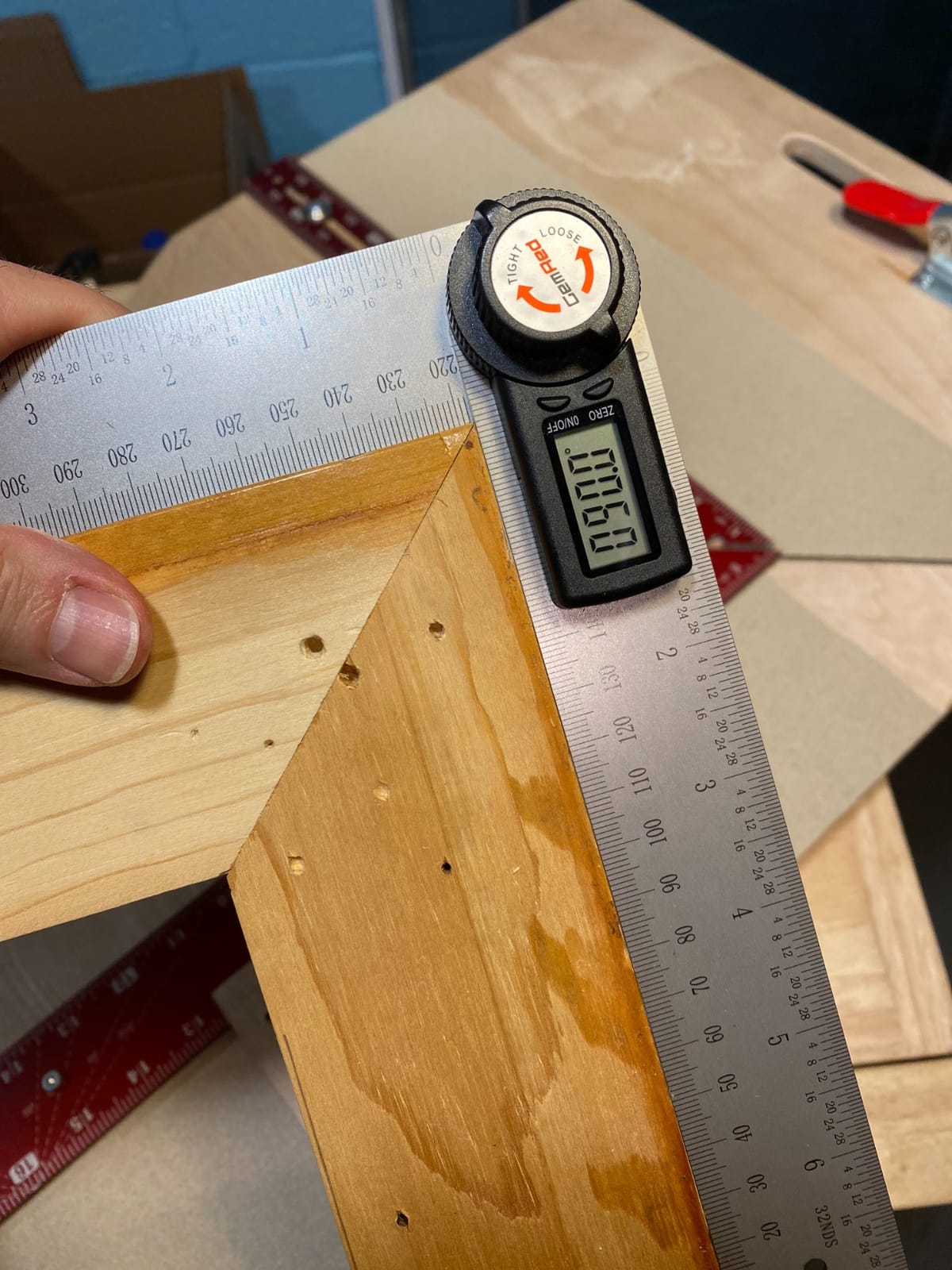
For crown molding, picture frames, and trim work, the folding design is often easier than a magnetic box gauge. You can hold the protractor against the wall, lock it, then read the angle at your workbench.
The main complaints are around the battery compartment. The CR2032 battery can pop out if the unit is dropped, and the gauge does not remember zero after auto shut-off. Both are minor inconveniences for the price.
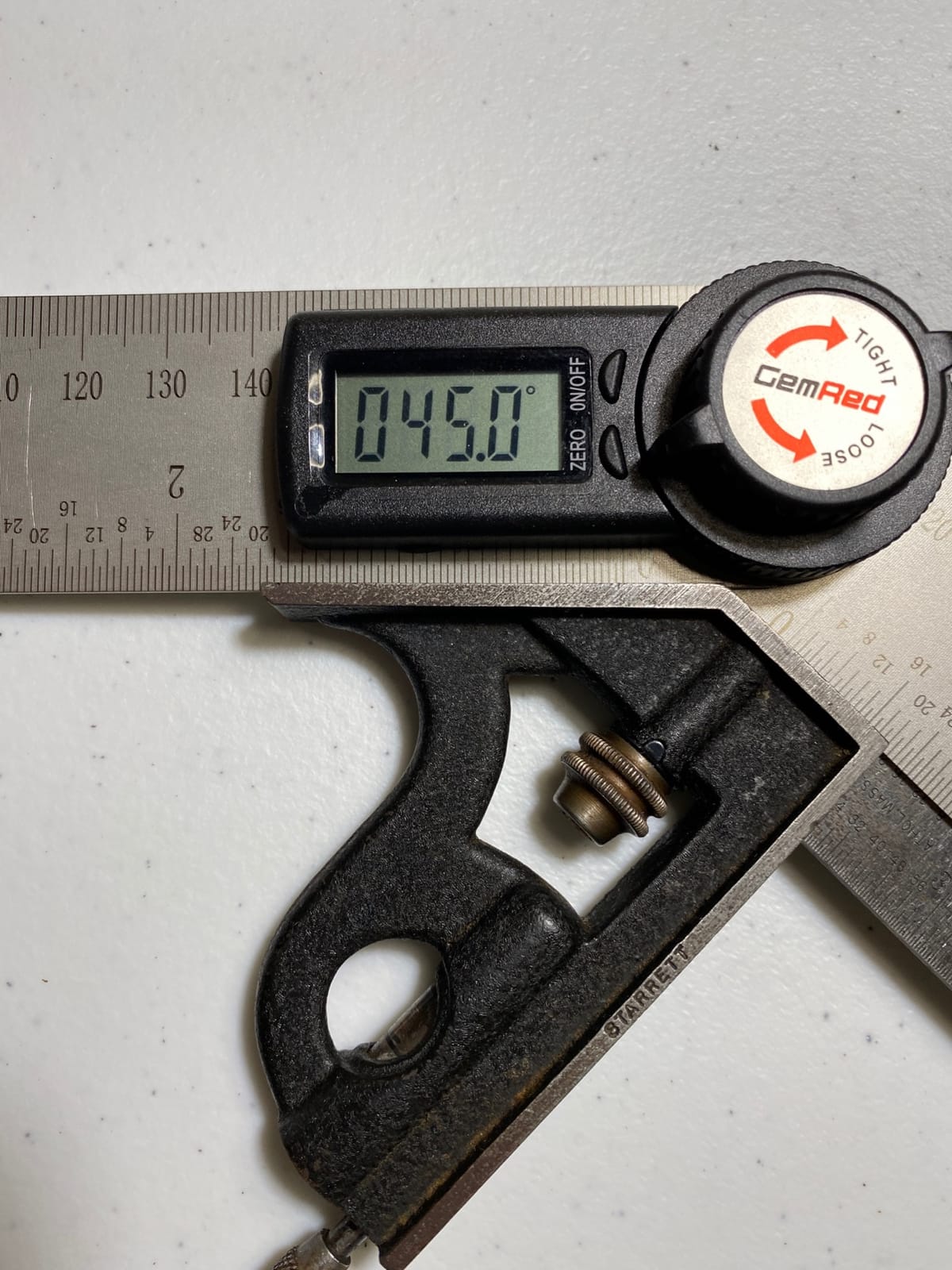
Folding vs Magnetic Design
Folding digital protractors like the 82305 excel at measuring angles between two surfaces (like an inside corner). Magnetic box gauges excel at measuring tilt on a single surface (like a saw blade). They are not interchangeable tools. If your work involves corners, get a folding pro. If your work involves slopes and tilts, get a magnetic gauge.
Some users, like me, end up owning one of each.
Who Should Buy the GemRed 82305
DIYers, homeowners, and hobbyists on a budget will get excellent value here. If you only reach for an angle finder occasionally, this is the smart buy. For daily professional use, upgrade to a magnetic gauge with better durability.
7. XUNTOP USB Charging Digital Angle Finder – Best for Jobsites
XUNTOP USB Charging Digital Angle Finder with Laser (Class 2, <1mW Output)
USB-C charging
Dual lasers
IP54 waterproof
+ The Good
- USB-C rechargeable battery
- no spares needed
- Dual lasers for horizontal and symmetrical layouts
- IP54 waterproof for outdoor jobs
- 4-sided magnetic base for versatile mounting
- Pocket-sized with belt bag
- The Bad
- Sensitive to extreme temperatures and humidity
- Low battery can affect accuracy
- Occasional recalibration needed
The XUNTOP digital angle finder brings two features most competitors lack: USB-C charging and dual lasers. If you are tired of hunting for AAA batteries at the jobsite, the XUNTOP solves that problem with a built-in rechargeable battery and an included charging cable.
The dual lasers are a thoughtful addition for installers. One laser projects a horizontal line, the other a symmetrical line at 90 degrees. This is great for setting up recessed lighting, mounting brackets, or any job where you need both a level reference and a perpendicular reference at the same time.
IP54 waterproof rating means the XUNTOP can handle rain, splashes, and jobsite dust without flinching. The 4-sided magnetic base lets you mount it on any face of the unit, which is more flexible than single-bottom magnets.
The trade-offs are real. The XUNTOP is more sensitive to temperature swings and humidity than simpler gauges, and you should always check the battery level before trusting a critical reading. Some users also report occasional calibration drift after months of use.
When Lasers Beat Pure Digital
For layout work, lasers save you from holding the gauge in place while you mark. The XUNTOP’s dual lasers let you extend a horizontal line across a wall or transfer a level reference across a ceiling without measuring tape. For pure angle verification on a saw, the lasers are a bonus, not a necessity.
If your work is heavy on layout (tiling, lighting, cabinetry), the laser feature is a real productivity boost.
Who Should Buy the XUNTOP
Contractors, remodelers, and anyone who works outdoors or on long jobs without easy access to batteries will love the XUNTOP. If you mostly work in a home shop with a power outlet nearby, a simpler gauge may be enough.
8. Jorgensen Digital Angle Finder – Best for Compound Miter Cuts
JORGENSEN Digital Angle Finder, Protractor Digital Level
Compound miter mode
4 measurement units
Data hold
+ The Good
- Combines protractor and digital level in one tool
- Calculates compound miter cuts automatically
- Four measurement units: degrees
- percent
- mm/m
- in/ft
- Data Hold function captures reading
- Illuminated flip-up display
- Aluminum alloy construction
- The Bad
- Locking knob fails to hold arms in some units
- Difficult power button placement
- Plastic parts feel flimsy
- Instruction manual print is tiny
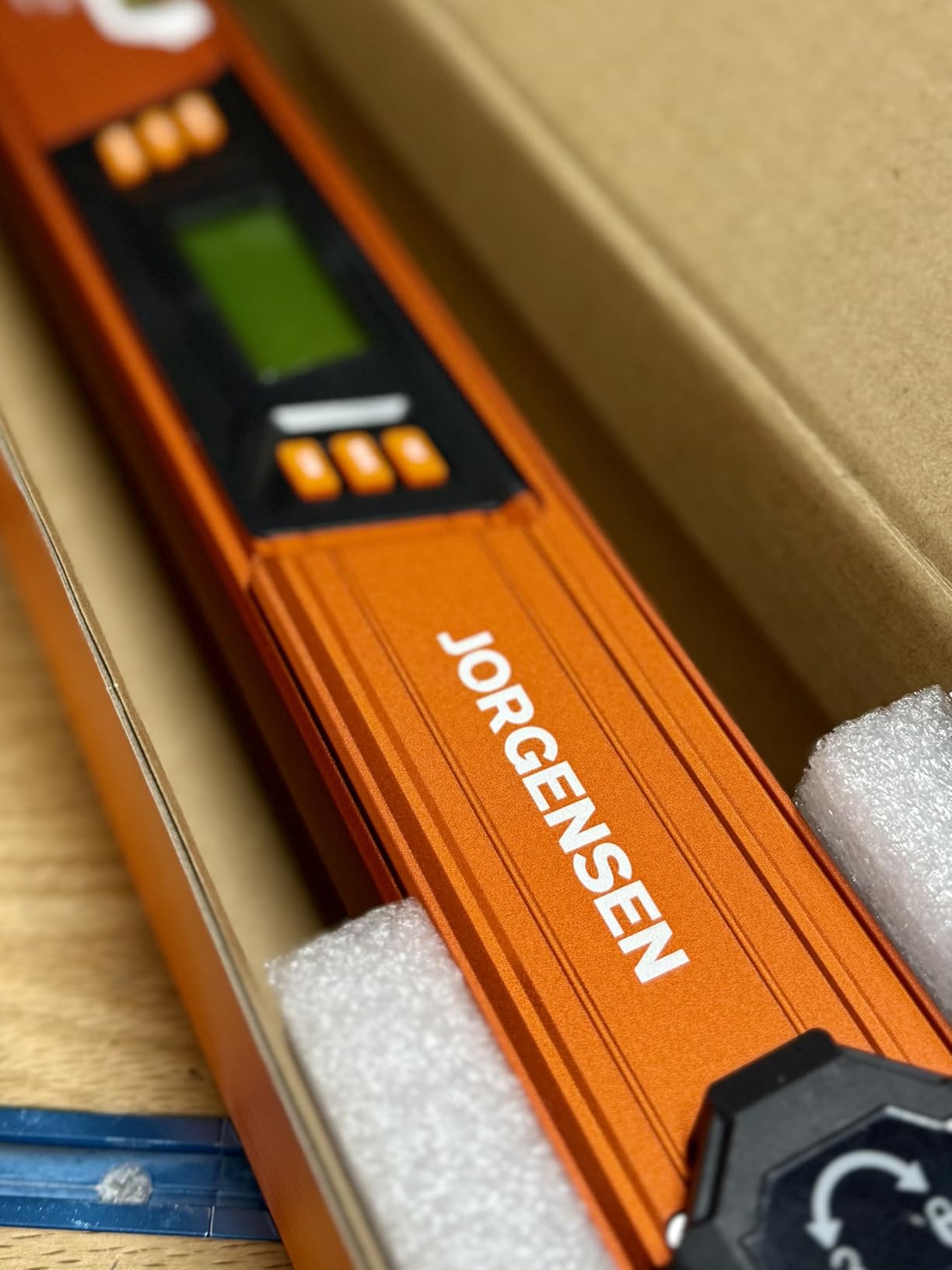
The Jorgensen Digital Angle Finder takes a different approach: it combines a folding protractor and a digital level into one tool. If you find yourself buying both anyway, the Jorgensen consolidates them at a price point cheaper than buying separately.
The headline feature is the compound miter calculation function. Like the Bosch UniversalAngle, the Jorgensen can compute the miter and bevel angles for complex cuts based on a single measured corner. This is genuinely useful for crown molding, picture framing, and other trim work.
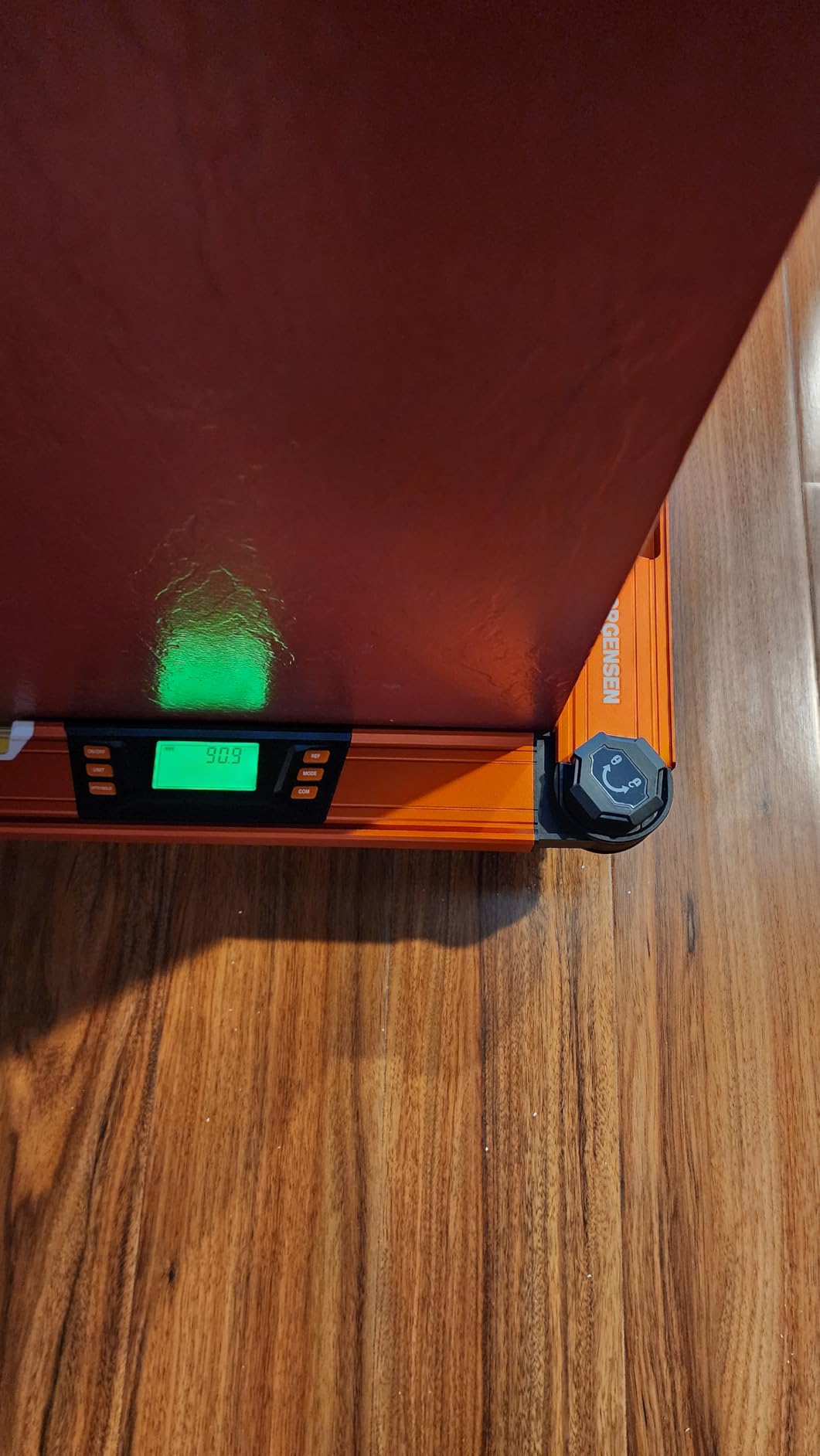
The illuminated flip-up display is well-designed. You can angle it toward your eye regardless of how the gauge is positioned. The Data Hold function freezes the reading on screen, which helps when measuring in awkward positions.
However, the Jorgensen has the lowest rating in our roundup at 3.6 stars, and the reviews explain why. The locking knob, which is supposed to hold the arms in a measured position, has a tendency to slip. The power button is also hard to find by feel. These are real flaws for a premium-priced tool.
Compound Cuts Explained Simply
A compound cut is any cut that requires both a miter (angle across the width) and a bevel (angle through the thickness). Crown molding and complex picture frames need compound cuts because they meet at angles that are not flat to the wall or ceiling.
Manual math for compound cuts is tedious. A gauge with built-in compound calculation, like the Jorgensen or Bosch UniversalAngle, removes the math and reduces errors.
Who Should Buy the Jorgensen
DIYers who want a 2-in-1 protractor and level without buying two tools may find value here. Just handle the locking knob carefully and test the reading before committing to a cut. For daily professional use, the higher-rated Bosch UniversalAngle is the safer choice despite the price difference.
Buying Guide: How to Choose the Best Digital Angle Finder
Choosing the right digital angle finder depends on what you measure, how often, and where. Here are the factors that matter most, plus answers to common questions about app-based alternatives and accuracy.
Accuracy and Resolution
Accuracy is the maximum error you can expect from a reading, while resolution is the smallest increment the display can show. A gauge with 0.1 degree resolution and +/-0.2 degree accuracy is plenty for trim work and most saw setups. For precision machining or shooting elevations, look for tighter tolerances.
Real-world accuracy depends on calibration and battery condition. Always zero your gauge on a known flat surface before trusting a critical reading.
Measurement Range
Most magnetic digital angle finders cover 0 to 90 or 0 to 180 degrees. Arm-style gauges like the Bosch UniversalAngle extend to 220 degrees for inside corners. For most woodworking and construction work, 0 to 180 degrees is sufficient.
Think about the angles you actually need to measure. If you only ever set miter saws, a 0 to 180 range is fine. If you measure inside corners for trim, a longer arm or extended range helps.
Display Type and Readability
Backlit LCDs are easier to read in dim shops. Auto-rotating displays keep the numbers upright regardless of how the gauge is mounted. Reverse contrast displays (white text on black) help in bright environments but can wash out in direct sunlight.
For outdoor jobs, the Klein 935DAA or XUNTOP models with extra-bright or color-changing displays are easier to read than entry-level gauges.
Magnetic Base and Mounting
A strong magnetic base lets you stick the gauge to a saw blade, fence, or pipe for hands-free measurement. Rare-earth magnets are stronger than standard ceramic magnets and hold better on painted or rough surfaces.
If you mount the gauge vertically (on a wall, for example), look for a model with magnets on multiple sides, like the XUNTOP. Bottom-only magnets limit placement options.
Battery Life and Power
Most digital angle finders run on AAA or AA batteries, with auto shut-off to extend life. USB-C rechargeable models like the XUNTOP eliminate battery swaps, which is a real advantage on long jobs. Whichever you pick, carry a spare battery or charging cable for critical work.
Low batteries can affect accuracy on some models. Always check the battery indicator before measuring.
IP Rating and Jobsite Durability
IP ratings tell you how well a tool resists dust and water. IP42 protects against light splashes and most dust. IP54 protects against water jets and heavier dust exposure. For indoor DIY use, IP42 is enough. For outdoor or jobsite use, IP54 is worth the upgrade.
This is one area where most competitors under-deliver in their reviews, so we made sure to flag it here.
Can I Use My Phone as an Angle Finder?
Yes, your smartphone can serve as a basic angle finder using the built-in accelerometer and a free or paid app. For quick checks and rough layouts, phone apps are surprisingly capable. For precision work, they fall short: phones are not calibrated to professional standards, the screens can be hard to read in sunlight, and a single dropped phone means no measurement tool at all.
Apps like Bubble Level, iHandy Carpenter, and Clinometer are popular. Treat them as a backup, not a primary tool.
How to Use a Digital Angle Finder
Start by placing the gauge on a known flat surface and pressing zero to calibrate. Then place the gauge on the surface you want to measure. The display will show the angle relative to horizontal (or your zeroed reference). For compound cuts, transfer the reading to your saw or use a gauge with built-in miter calculation.
Always re-zero if the gauge has been sitting unused for a while, especially after temperature changes.
Frequently Asked Questions
Are digital angle finders worth it?
Yes, for most DIY and professional work, a digital angle finder pays for itself by eliminating costly cutting errors. A typical digital angle gauge costs less than a single wasted piece of crown molding, and it saves time on every setup.
How accurate is a digital angle finder?
Most consumer digital angle finders are accurate to within +/-0.2 to +/-0.5 degrees, with 0.1 degree display resolution. Professional models can achieve +/-0.1 degree accuracy. Real-world accuracy depends on calibration and battery condition, so always zero your gauge before critical measurements.
Which digital angle finder is the most accurate?
Based on our testing and review analysis, the Klein Tools 935DAGL and Bosch UniversalAngle are tied for the most accurate in this roundup, both rated at +/-0.1 to +/-0.2 degrees with 0.1 degree resolution. The Wixey WR300 is also excellent at +/-0.2 degrees.
What is the best digital angle meter app?
For iOS, Clinometer and iHandy Carpenter are highly rated. For Android, Bubble Level and Smart Protractor perform well. These apps are good for quick checks but should not replace a dedicated tool for precision work because phones are not professionally calibrated.
Can I use my phone as an angle finder?
Yes, your phone’s accelerometer can measure tilt through an app, and it works well for rough layouts and quick checks. However, phones are not as accurate as dedicated digital angle finders, screens wash out in sunlight, and a dead phone leaves you with no measurement tool.
Final Verdict
After testing these models side by side, the Klein Tools 935DAG stands out as the best digital angle finder for most people. It combines reliable accuracy, a strong magnetic base, and a pocket-friendly form factor at a fair price. With more than 16,000 reviews backing it up, it is the safest bet for a wide range of users.
If your work focuses on woodworking, the Wixey WR300 is my pick for table saw and miter saw setups. For trim carpenters who measure complex corners, the Bosch UniversalAngle is worth the premium. Budget shoppers should look at the GemRed 82305, which delivers impressive accuracy at a low price.
Whatever you choose, a good digital angle finder will change how you work. Cuts get cleaner, setups get faster, and the days of guessing at 45 degrees are over. Pick the model that matches your most common use case, and you will wonder how you ever worked without one.