
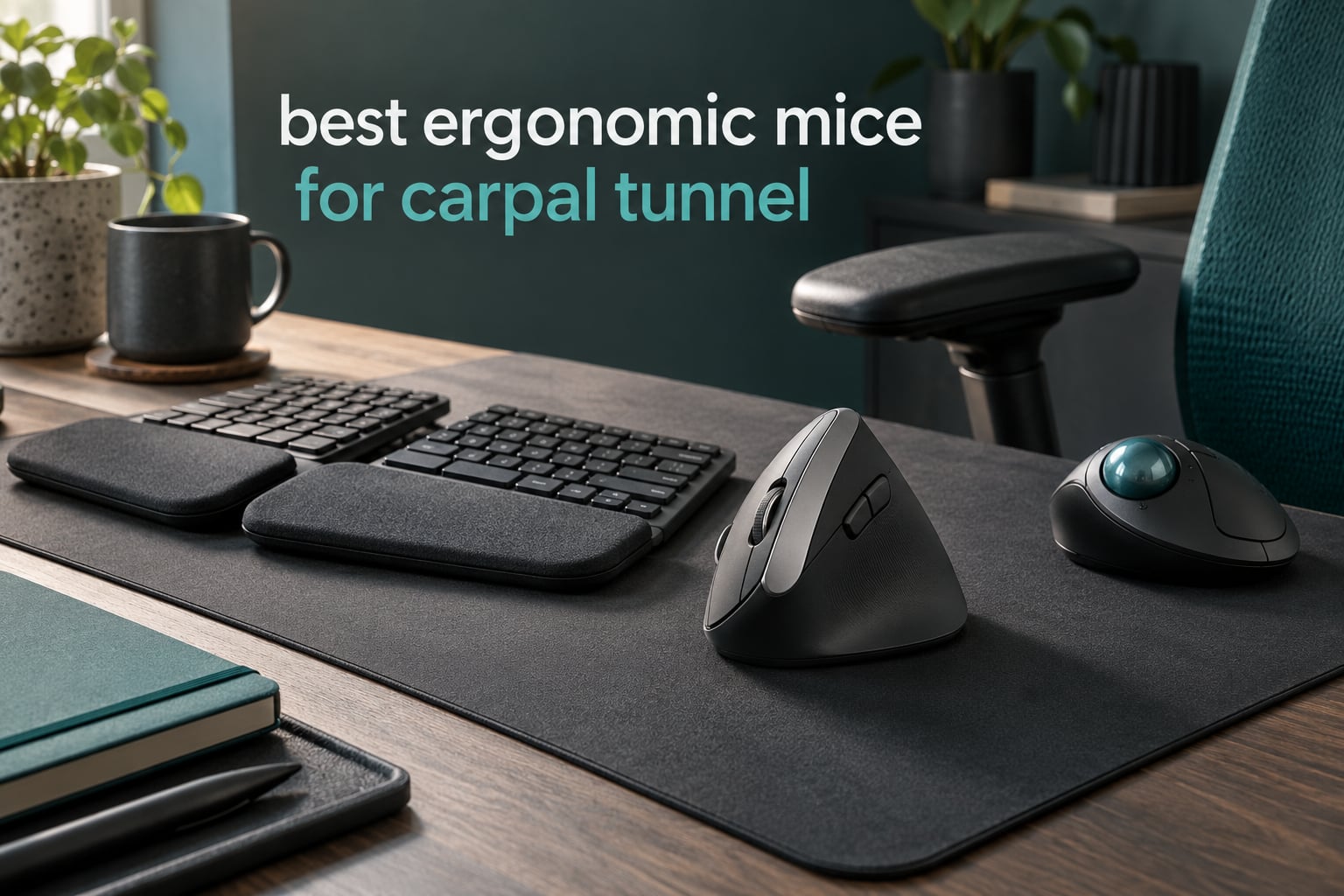
If your wrist starts to ache by mid-afternoon and you blame the mouse, you are probably not wrong. The best ergonomic mice for carpal tunnel relief do one mechanical thing well: they take your forearm out of full pronation, the palm-down rotation that squashes the radius and ulna together and narrows the carpal tunnel around the median nerve. Swap that rotation for a handshake grip and a lot of the daily strain goes with it.
There is a catch worth stating up front. An ergonomic mouse reduces the strain that contributes to wrist pain and repetitive strain injury. It does not reverse existing nerve damage, and it is not a treatment for diagnosed carpal tunnel syndrome. If you have numbness that wakes you at night, dropping objects, or weakness in your thumb, get assessed by a clinician. Use this guide to remove the avoidable strain in the meantime.
We compared ten of the highest-volume ergonomic mice and trackballs on the market, from five-button budget verticals to the reference 57-degree models clinicians actually recommend. Every pick below lists who should skip it, because the honest answer in this category depends on hand size, dominant hand, and desk space rather than on a brand. Last updated October 2026. We may earn a commission on purchases made through our links, at no extra cost to you.
Top 3 Picks for Carpal Tunnel Relief in 2026
10 Best Ergonomic Mice for Carpal Tunnel (October 2026)
| PRODUCT MODEL | KEY SPECS | BEST PRICE |
|---|---|---|
 |
|
Check Latest Price |
 |
|
Check Latest Price |
 |
|
Check Latest Price |
 |
|
Check Latest Price |
 |
|
Check Latest Price |
 |
|
Check Latest Price |
 |
|
Check Latest Price |
 |
|
Check Latest Price |
 |
|
Check Latest Price |
 |
|
Check Latest Price |
1. Logitech MX Vertical – The Reference Vertical Mouse for Wrist Strain
Logitech MX Vertical Wireless Mouse Ergonomic Design – Graphite
57-degree angle
4000 DPI sensor
Switches between three computers
Battery about 4 months
+ The Good
- True 57-degree angle reduces muscular activity versus a flat mouse
- Large sculpted palm rest suits medium and large hands
- Cursor speed switch cuts hand movement
- Three-device switching frees up desk space
- USB-C charging lets you work while plugged in
- The Bad
- Rubber texture coating wears and gets gummy after a couple of years
- Only one ratcheting scroll mode and a modest button count
- Bluetooth pairing occasionally drops briefly
This is the mouse most clinicians and most roundups name first, and after working through the field it is the one we keep coming back to. The shell sits at a measured 57 degrees, the sculpt is deep enough to fill a medium or large palm, and the whole thing feels like a tool rather than a toy. Long-term owners describe it as the mouse that ended their end-of-day wrist ache.
The cursor speed switch is the detail people miss. It changes pointer speed on the fly so you cross the screen in larger jumps, which directly reduces the number of small corrective movements your hand has to make. On a 4000 DPI sensor that is the difference between a smooth day and a restless one.
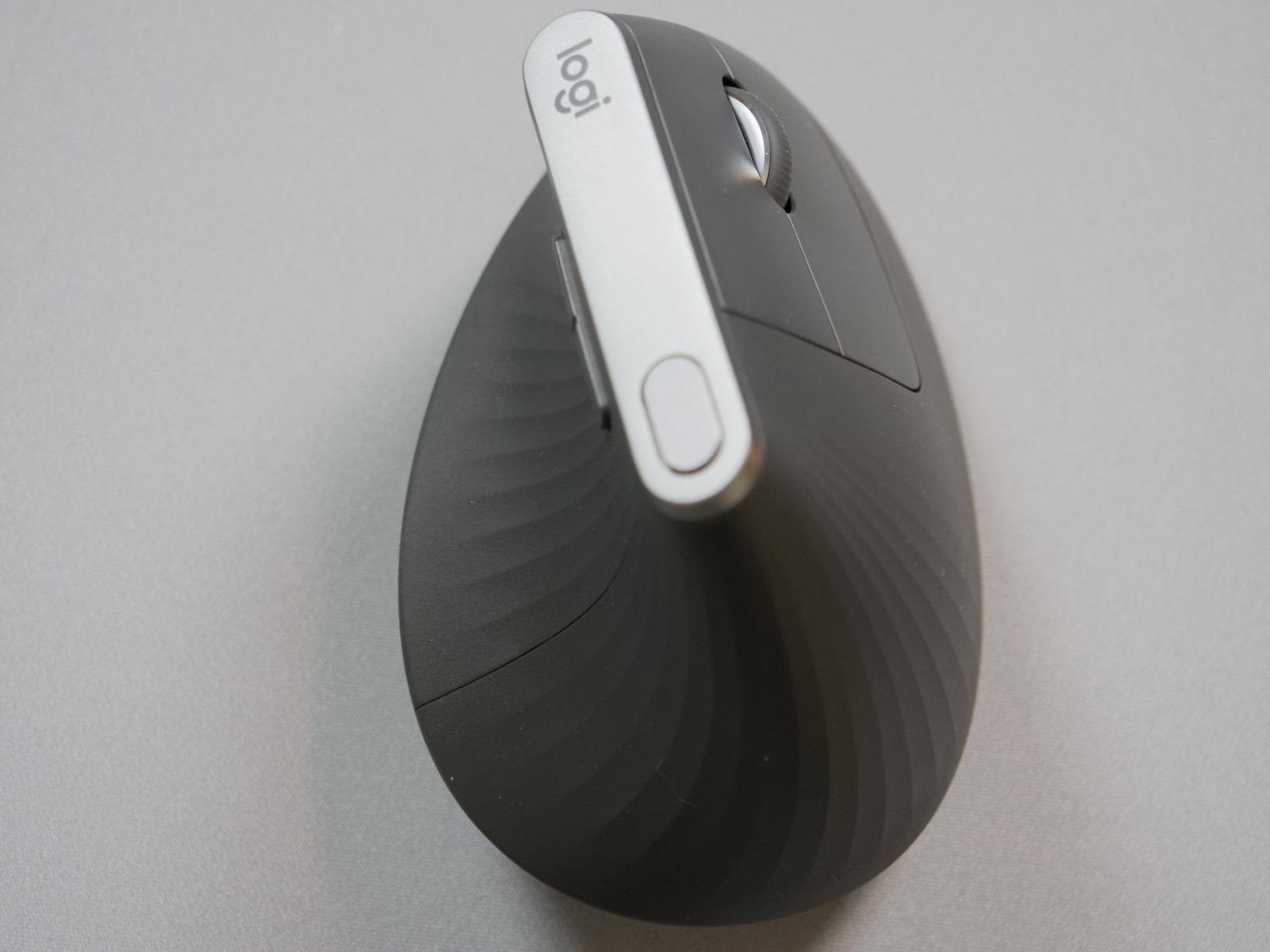
Build quality is the quiet strength. It survived years of daily use in the reviews, the palm rest is rubber-coated graphite rather than thin plastic, and it charges over USB-C so you can keep working through a battery warning. Reviewers with hypermobile joints or arthritic hands single out the large sculpted rest as the reason it works for them.
Why the 57-degree angle matters more than the brand
The ergonomic benefit here is geometric, not brand-specific. A 57-degree shell keeps the forearm closer to a handshake posture and reduces the rotation that loads the pronator muscles. Cheaper verticals at a similar angle deliver most of the same benefit, which is why the difference between this and a budget model is fit and longevity rather than pain relief.
It also pairs with up to three computers and lets you scroll from one to another, which is why so many owners use it across a laptop and a desktop. If your week is split across machines, that switch is worth more than it looks on a spec sheet.
Who should skip this mouse
Skip it if your hands are small. The sculpted rest is generous, and small-hand owners report cramping after long sessions. It also lacks a free-spinning scroll wheel and a deep button set, which matters if you scroll long documents or map heavy back and forward shortcuts all day.
The rubber coating is the part that ages worst. Multiple owners report it turning gummy after roughly two years of use, so if you dislike that texture, note it before committing. Otherwise this is the best ergonomic mouse for carpal tunnel strain for most medium and large hands.
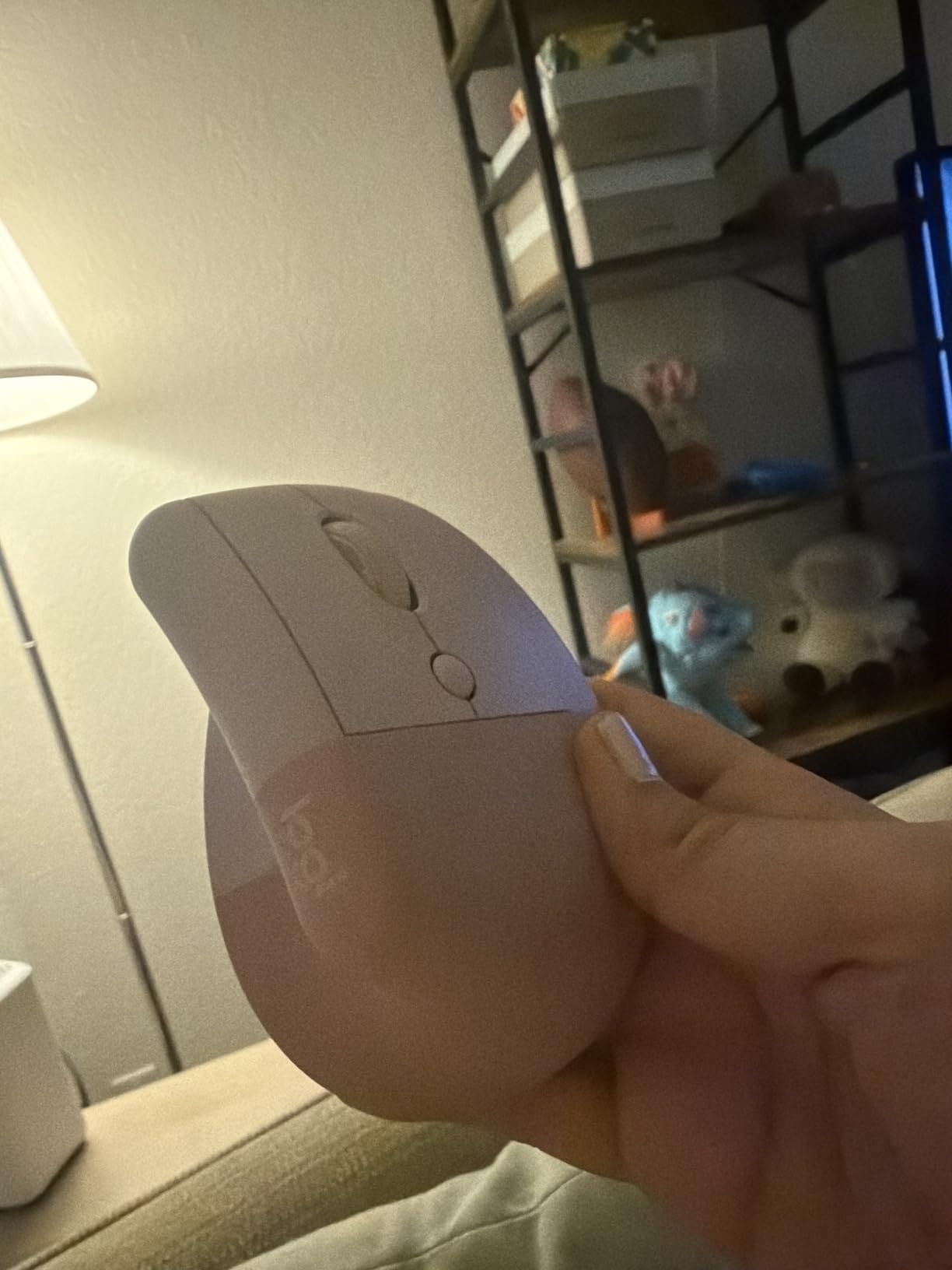
2. Logitech Lift Vertical – The Best Vertical Mouse for Small Hands
Logitech Lift Vertical Ergonomic Wireless Mouse – Graphite
Compact 57-degree shell
125 g
4000 DPI
Battery up to 24 months
+ The Good
- Sized specifically for small to medium right hands
- Whisper-quiet clicks suit shared offices and calls
- SmartWheel shifts between ratchet and free-spin
- Buttons customizable in Logi Options+
- Graphite shell uses 70 percent post-consumer recycled plastic
- The Bad
- Small footprint is a poor fit for very large hands
- Battery life claim assumes standard use and some owners change cells annually
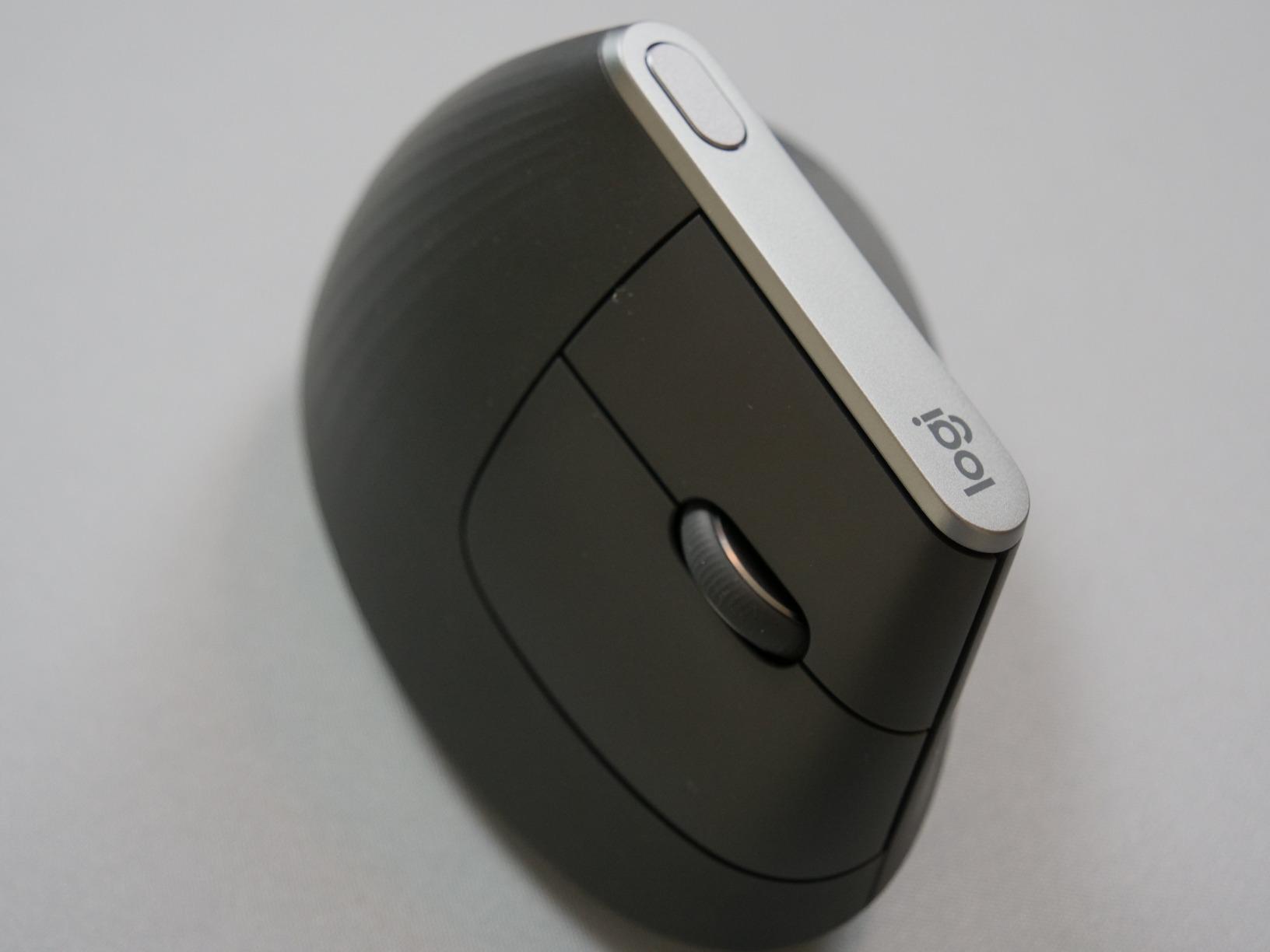
The Lift is the same 57-degree concept as the MX Vertical in a noticeably smaller body, and that is the whole point. If the MX Vertical feels like a tray for a large hand, this is the one to try. It weighs 125 g, measures 4.3 by 2.7 inches, and the sculpted hump sits under smaller fingers without forcing the hand to stretch forward.
The clicks are genuinely quiet, which makes it the pick for shared offices and video calls where a flat mouse becomes a problem. The SmartWheel flips between notched scrolling for precision lists and fast free-spin for long documents, so you get both behaviors from one wheel.
Logi Options+ lets you reassign the six buttons, which matters more than it sounds when your day is a sequence of browser and editor shortcuts. The Graphite shell is made from 70 percent post-consumer recycled plastic, and the whole design is ergonomist certified, so the shape was tested against criteria rather than guessed.
Where it beats the bigger Logitech vertical
Small hands are the specific case where the bigger model fails, and the Lift closes it. Reviewers with hand lengths around 17 cm report the snug thumb rest cradles rather than pinches, and the narrower width keeps the pinky from dragging on the desk. For anyone whose hand nearly fits a flat mouse but not the MX Vertical, this is the fix.
Battery life is rated at up to 24 months on a lithium polymer cell. Some owners find they change it annually, so treat the headline figure as a best case rather than a promise. Connectivity covers Bluetooth Low Energy and the Logi Bolt receiver across Windows, macOS, iPadOS, Chrome OS and Linux.
Who should skip this mouse
Skip it if you have large hands. The small footprint is a feature for some people and a squeeze for others, and trying to fit a large hand around it is how vertical mice end up causing the finger pain they were meant to prevent. The one-year manufacturer warranty is also shorter than the coverage on several picks in this roundup.
It is also not the choice if you want deep customisation across many devices. Three customizable buttons and one wheel are workable, but power users will find the MX line more flexible.
3. Nulea M501 Trackball – Best Value Trackball for Wrist Relief
Nulea M501 Wireless Trackball Mouse Ergonomic Thumb Control,4 DPI Levels
Thumb-operated ball
4 DPI levels
Rechargeable USB-C
Pairs with 3 devices
+ The Good
- Ball moves the cursor without moving the wrist or arm
- Rechargeable battery that rarely needs topping up
- Pairs with three devices over two Bluetooth channels and a dongle
- Works on any surface including a lap or couch
- Removable tilt wedge adds a comfort option
- The Bad
- None of the buttons are programmable
- Device-switch button sits on the underside so you must lift the mouse
- Bluetooth mode can feel slower than the 2.4 GHz connection
If your pain has moved from the wrist into the forearm, a trackball is the more direct answer and this is the most convincing one at this level. Nothing about using it requires your arm to sweep. You roll a thumb-driven ball, the pointer moves, and your forearm can stay resting on the desk the entire time.
Long-time trackball owners coming from older Logitech models say this feels more solid in the hand, and the detachable tilt wedge is singled out repeatedly as a comfort upgrade because it changes the resting angle of the wrist. It works on any surface, which also makes it the pick for couch-based or hot-desking setups.
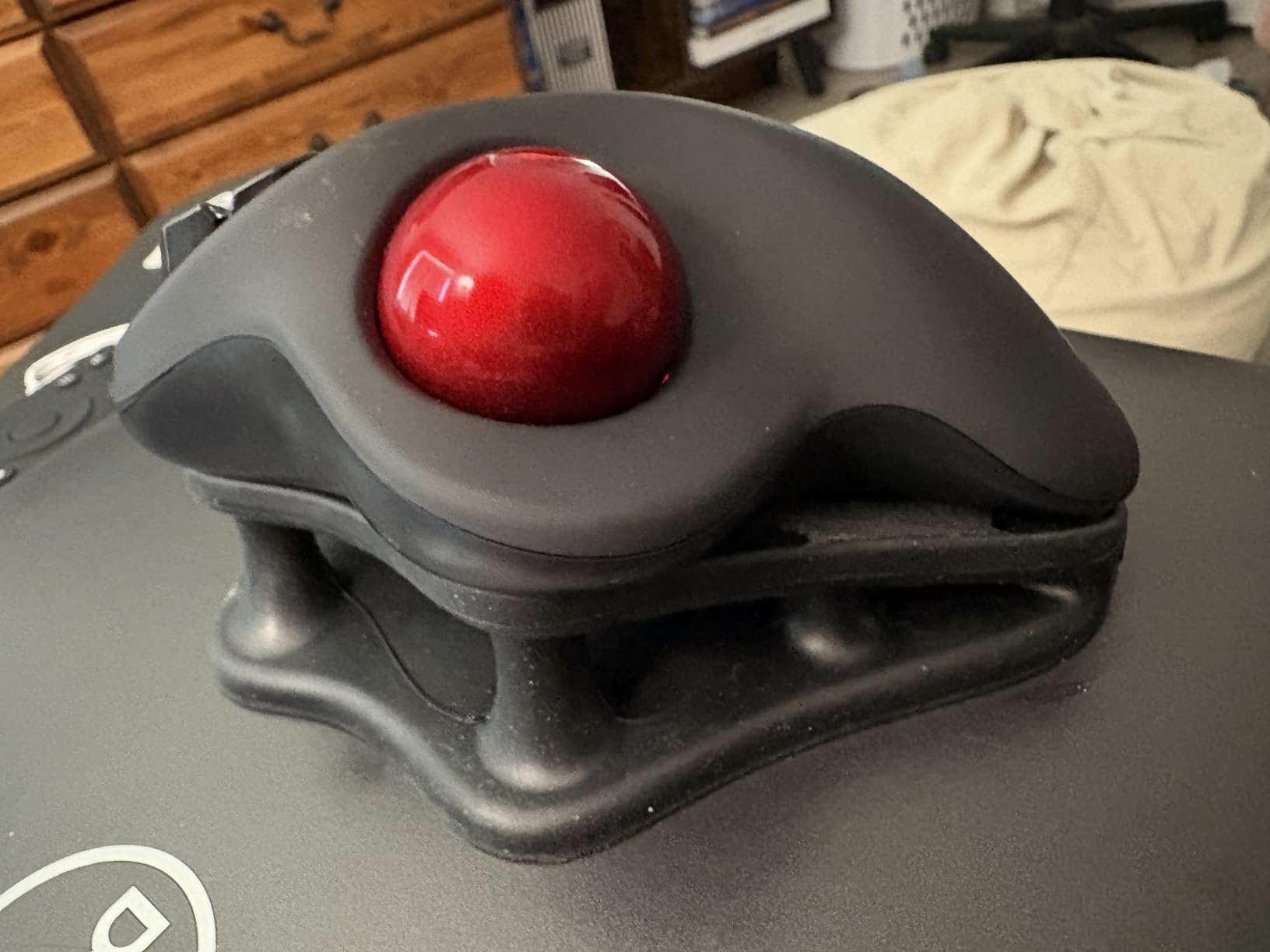
Mechanically it is simple in the right ways. Four DPI levels change from a button on top, the optical ball rolls cleanly, and the rechargeable cell with USB-C charging means you are not hunting for spare batteries mid-week. Six buttons including back and forward cover normal web and document work.
How a trackball changes the wrist equation
Repetitive strain comes from repeated movement under load, not from the mouse itself. A trackball reduces the movement volume dramatically, which is why it becomes the recommendation when symptoms involve the forearm or the elbow rather than just the wrist. Your hand holds a relaxed fist around a small sphere and stops travelling across a surface.
The catch is the adaptation window. Trackball users typically report two to four weeks before the thumb learns the control mapping and stops over-correcting. If you give up before that point, the design gets blamed for something that is really a training curve.
Who should skip this mouse
Skip it if you need programmable buttons. None of them remap, and the top button changes resolution rather than switching devices, so the mouse-switch control is on the underside and requires picking the unit up. Reviewers who switch machines several times a day find that irritating.
Bluetooth mode also feels slightly laggier to some users than the included 2.4 GHz dongle. If you work across several laptops, keep the dongle in your laptop bag rather than pairing fresh each time.
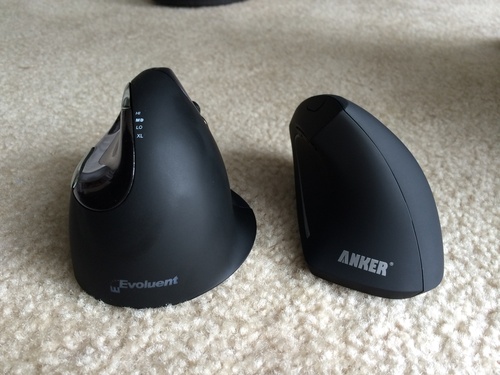
4. Evoluent VerticalMouse 4 – The Steepest Vertical for Medium and Large Hands
Evoluent – World’s Original Vertical Mouse, Wired Ergonomic Mouse for Right Hand, Medium to Large, Helps with Carpal Tunnel and Wrist Strain, Customizable 6 Buttons, 4 Speed Settings, Comfortable Grip
Steep handshake grip
6 customizable buttons
4 pointer speeds
Finger support for the pinky
+ The Good
- Invented the vertical mouse category and the design most clinicians reference
- Steep angle supports a true handshake position
- 6 customizable buttons with a separate middle click
- Finger support keeps the pinky off the desk
- Owners report units lasting a decade of daily use
- The Bad
- Light plastic body slides too easily so clicks nudge the pointer
- Wired only in this listing
- Cheap-feeling smooth plastic surfaces that need regular cleaning
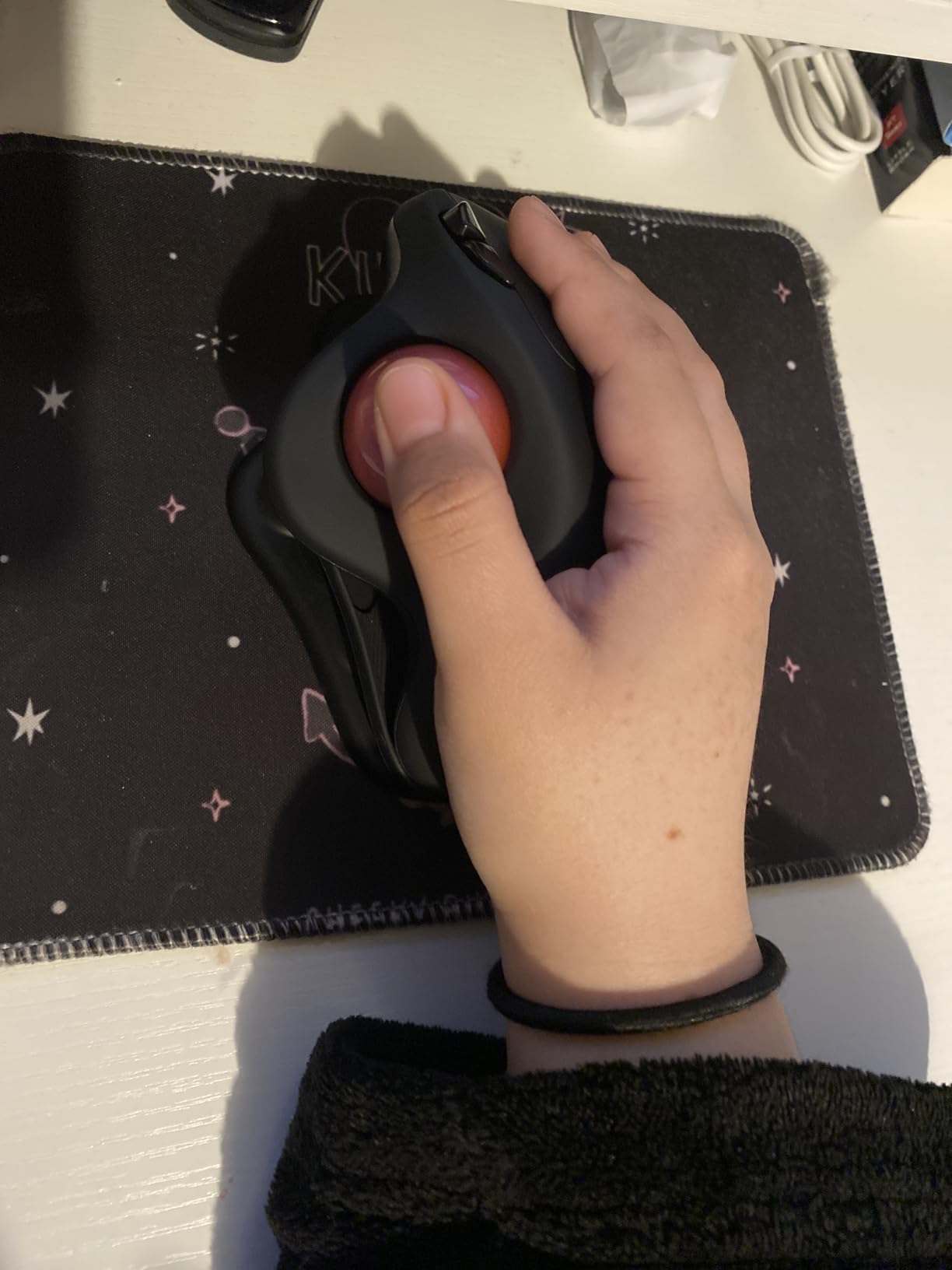
The Evoluent is the original. It was designed by Jack Lo in 1994 and introduced in 2002, and the steep, sculpted shape that every vertical mouse since has borrowed is essentially this one refined. That pedigree matters because the angle here is more extreme than the 52-to-57-degree shells most rivals use, which takes more rotation out of the forearm.
Buyers with diagnosed carpal tunnel, tennis elbow and chronic forearm pain describe this as the mouse that resolved their symptoms, and multiple owners report units running ten to thirteen years of daily work. It is the pick when you want maximum angle change and a long service life, and it is an approved ergonomic solution in many corporate wellness programs.
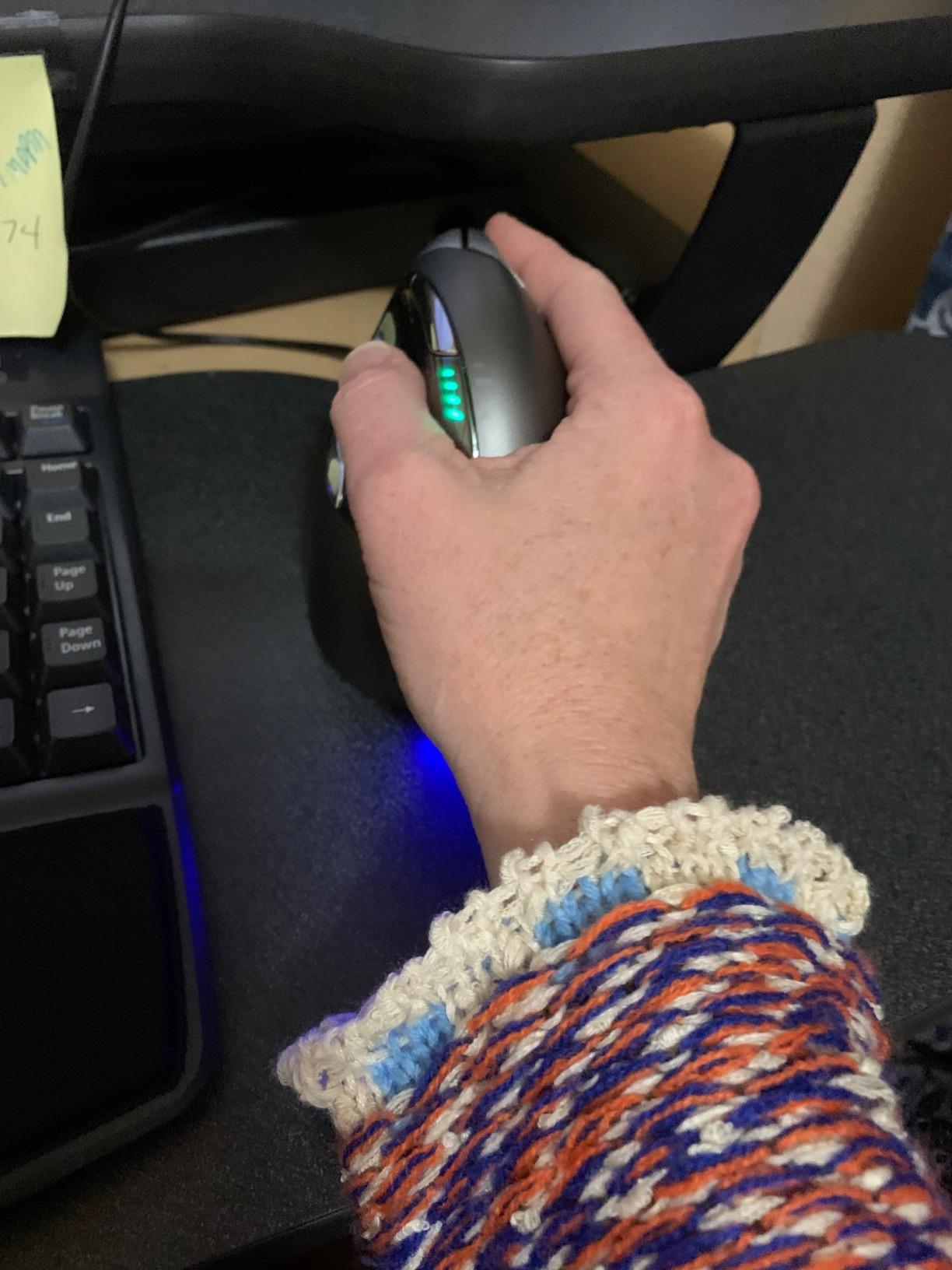
The six customizable buttons include a dedicated middle click separate from the scroll wheel, and four pointer speeds with indicator lights are adjusted on the device itself rather than in software. Optional Evoluent Mouse Manager software opens up deeper button and wheel remapping, though it is Windows-only.
Why the pinky support lip matters
The lip on the outer edge does a quiet job. Without it, the pinky drags along the desk for hours, and that resting contact keeps a small muscle under tension even when the main hand is comfortable. Owners with little hands in particular point to the support as part of why the shape stays comfortable past the first hour.
The tradeoff is bulk and drag. At 5.4 by 3.6 inches and 7 ounces, it needs real desk space, and the lightweight body slides on smooth surfaces so a click can nudge the pointer. A mousepad with some grip or a small weight under the body solves it, and buyers report that is the standard fix.
Who should skip this mouse
Skip it if you are left-handed or if you need wireless. This listing is wired and right-handed, which removes two options that some buyers cannot compromise on. It is also the wrong choice if you travel, because a wired vertical mouse plus a tall vertical shape is a bulky carry.
The regular size fits medium to large hands, so very small hands should look at the Logitech Lift instead. Long-term owners do report that the coating and click debouncing degrade after a year or two of heavy use, so buy it for durability, not for out-of-the-box finish.
5. Logitech Ergo M575S – Premium Trackball with Programmable Buttons
Logitech Ergo M575S Wireless Bluetooth Trackball Mouse – Graphite Blue Ball
Thumb-control trackball
3 customizable buttons
18-month AA battery
Ergonomist certified
+ The Good
- Sculpted thumb-control shape realigns the forearm and relaxes the hand
- Quiet clicks that still feel tactile
- Three customizable buttons plus Smart Actions in Logi Options+
- 18-month AA battery you can swap in seconds
- Ball ejects from the cage for cleaning
- The Bad
- Ball and ball cage collect dirt and need cleaning about every two weeks
- Forward and back button can be hard to reach with small hands
- Warranty cut to one year from three years on earlier models
Where the Nulea is about function, the Ergo M575S is about refinement. The sculpted thumb platform is shaped to realign the forearm into a better posture, the manufacturer claims 25 percent less forearm muscle strain, and the design carries ergonomist certification through the Logitech Ergo Lab. The claims are manufacturer figures, but the shape matches what trackball converts report feeling.
The real reason to pick it over other trackballs here is the software. Three buttons, Smart Actions and cursor speed control in Logi Options+ let you build real shortcuts, which is what separates a trackball you tolerate from one you use every day. The silent-but-tactile clicks also make it a safe choice for calls.
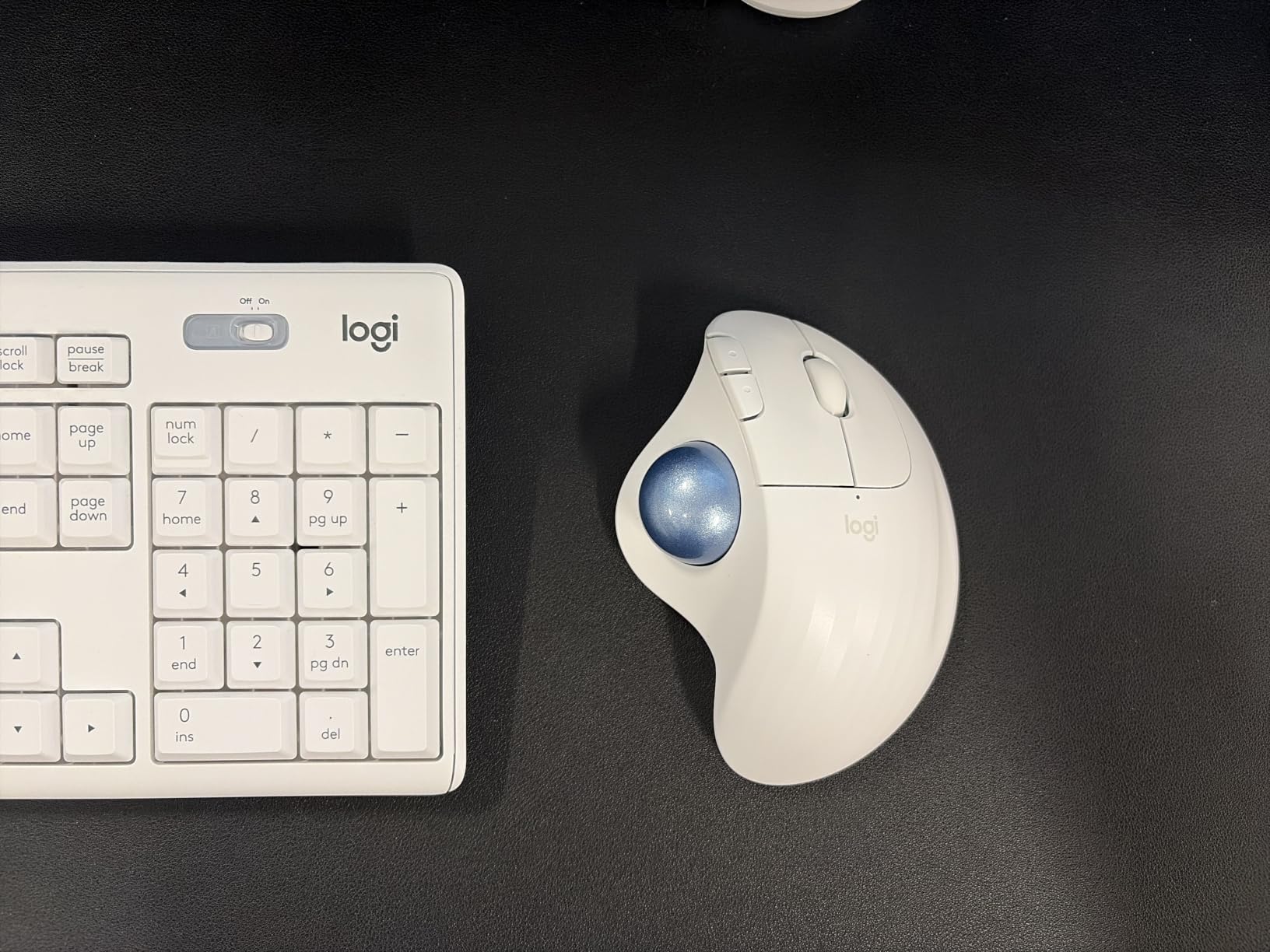
Practical details are good. The AA battery lasts a reported 18 months and swaps in seconds rather than requiring a recharge cable, the ball ejects from its cage so cleaning takes a minute instead of a screwdriver job, and the Graphite plastic contains 52 percent post-consumer recycled material. Connectivity covers Bluetooth and the Logi Bolt receiver.
Why trackball buyers keep coming back to this shape
The learning period is real, roughly two to four weeks, and it mostly affects your thumb rather than your wrist. After that, owners with decades of cumulative trackball use describe the motion as automatic and report that the arm simply stops moving. If your wrist pain came from lifting and dragging a flat mouse across a pad, this is the change that addresses it most directly.
Housekeeping is the one duty that comes with the format. Dirt and skin oil on the ball and the cage degrade tracking accuracy over time, and regular cleaning keeps the ball rolling smoothly. Budget two minutes a month for it.
Who should skip this mouse
Skip it if you have small hands and rely on back and forward buttons, which several owners report being a stretch to reach. It is also easy to drop, and the trackball itself can pop out of its cage and roll away, so it is a poor choice in a busy or shared workspace.
Two more honest notes: some users find it very light in the hand, and the Logi Bolt receiver will not pair with older Unifying Logitech keyboards, so a mixed-brand desk may need two receivers. The one-year hardware warranty is also a step down from the three-year coverage earlier models carried.
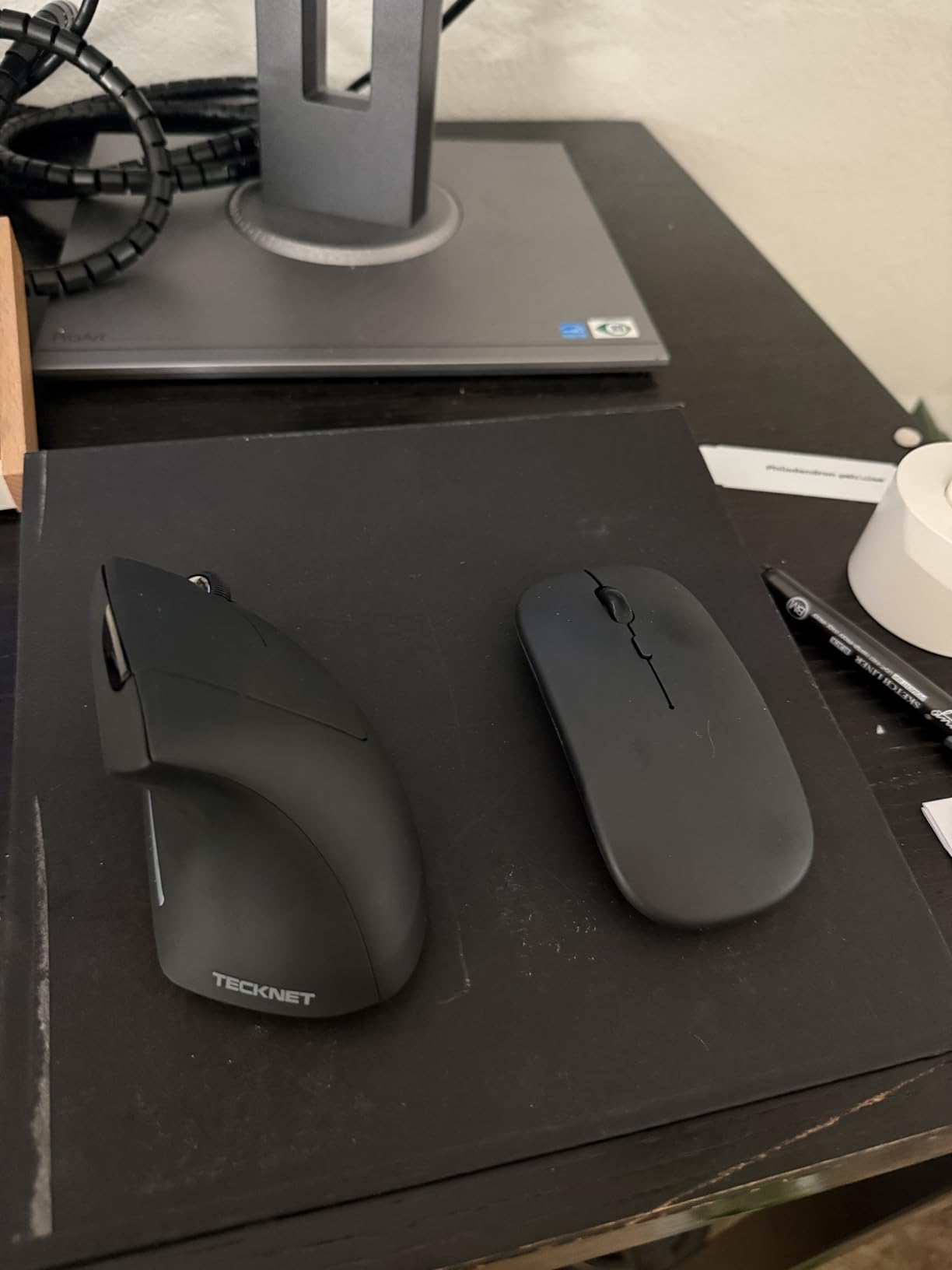
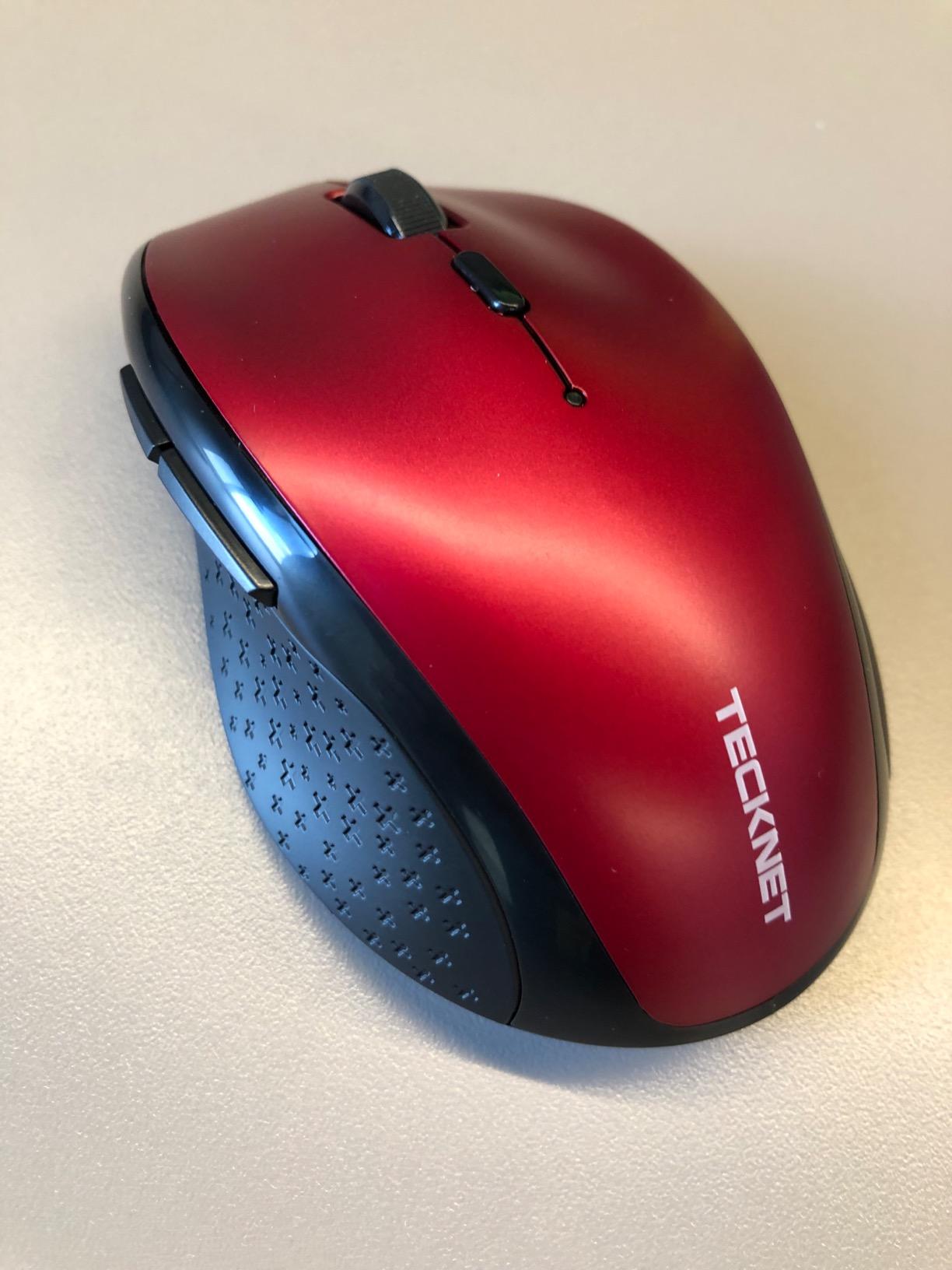
6. TECKNET Vertical 4800 DPI – Best for Multi-Device Work
TECKNET Ergonomic Mouse, 4800 DPI Wireless Bluetooth Vertical, 3-Device
4800 DPI maximum
Six DPI levels
Three-device switching
36-month warranty
+ The Good
- Six DPI levels topping out at 4800 for large screens and high-resolution displays
- Switches between three devices across two Bluetooth channels and 2.4 GHz
- Silent left and right clicks for shared offices
- 36-month warranty is the longest coverage here
- Windows Mac Chrome and Linux compatible
- The Bad
- Right-handed design only
- Side buttons are not configurable on macOS
- Click split sits far forward which is uncomfortable for very large hands
The reason this one stands out from the budget field is the sensor ceiling. Most vertical mice in this category top out at 1600 DPI, which makes pointer movement feel sluggish on a 27-inch display or a 4K monitor. Six levels up to 4800 means fewer, larger movements at the same physical hand travel, and fewer movements is exactly what you want when your wrist is the problem.
Multi-device switching is the other argument. Two Bluetooth channels plus a 2.4 GHz receiver let you jump between a work laptop, a personal machine and a tablet without re-pairing, and the 33-foot range beats most of its class.
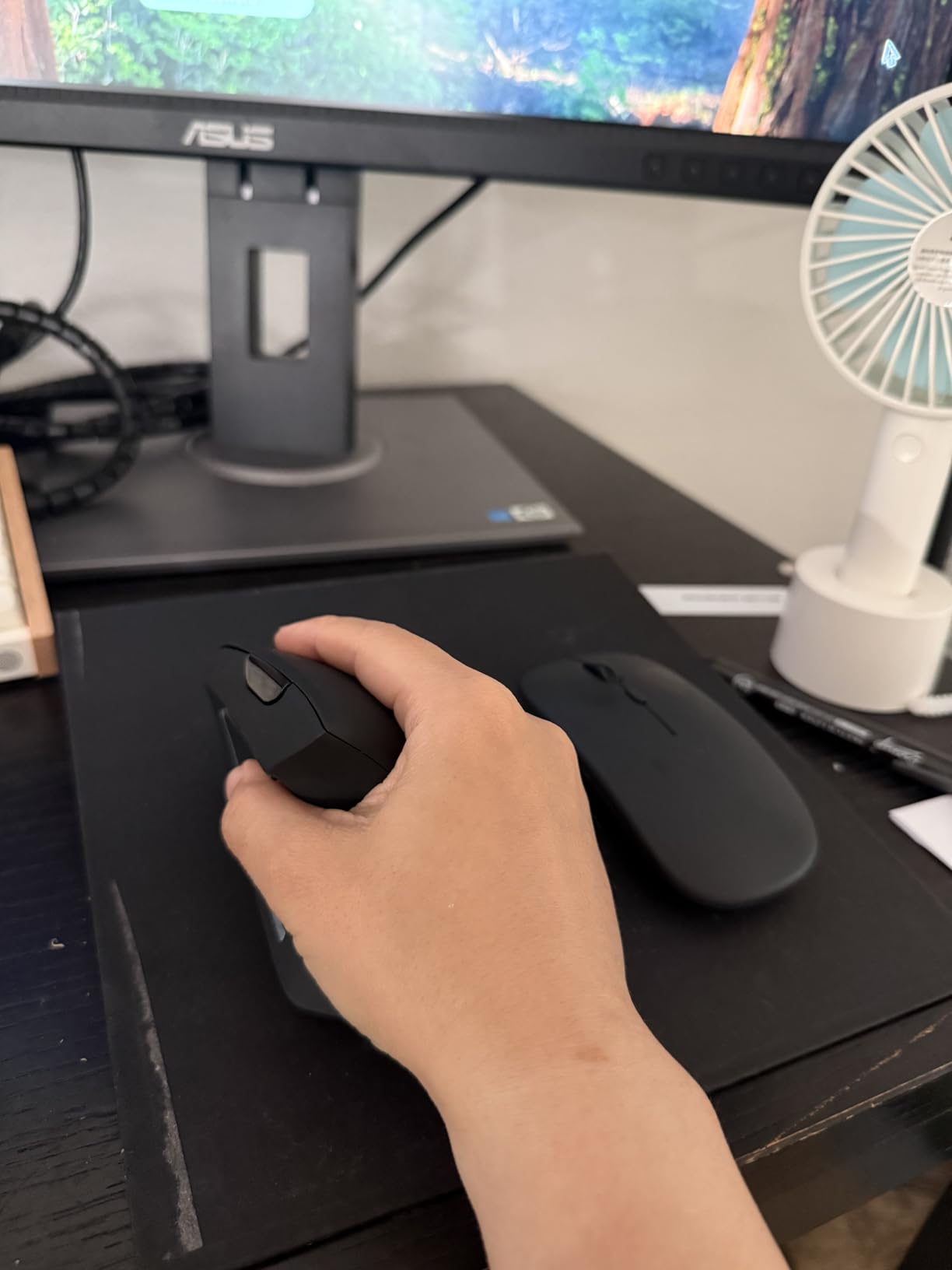
Users with wrist, finger and shoulder pain report noticeable relief within days, and the silent main clicks make it a shared-office-friendly option. Battery life is rated at 24 months on two AAA cells, which are not included, and a deep sleep mode kicks in after 10 to 30 minutes of inactivity.
When a high DPI ceiling actually matters
Pointer sensitivity is how far the cursor travels per unit of hand movement. On a large or high-resolution display, a low ceiling forces you to lift your hand repeatedly to cross the screen, and each lift is another chance to strain. Raising the ceiling reduces the number of lifts without any change in desk posture.
For ordinary document work on a laptop, 1600 DPI is genuinely enough, and spec sheets that push beyond that are mostly marketing. The ceiling earns its place if you work on large monitors, do CAD or photo editing, or simply want fewer movements across a long day.
Who should skip this mouse
Skip it if you have very large hands. The click split sits far forward on the shell, and at least one reviewer describes that as uncomfortable with big hands, with the angled wheel also hard to press. It is right-handed only, and the side buttons do not remap on macOS.
The ABS shell also feels light, and several reviews note that. If you want a solid-feeling tool with a long warranty and premium materials, look at the Logitech or Evoluent picks instead.
7. Lekvey Rechargeable Vertical – Best Rechargeable Vertical for Daily Comfort
Lekvey Ergonomic Mouse, Rechargeable Vertical Wireless Mouse, Comfort Grip
Handshake wrist position
150+ hours per charge
Three DPI levels
36-month warranty
+ The Good
- Contoured thumb rest cradles the hand rather than pinching it
- Built-in rechargeable battery with over 150 hours per charge
- Page back and forward buttons plus three DPI levels
- 36-month manufacturer warranty
- Works across Windows Linux and Mac without software
- The Bad
- Only three DPI levels with a 1600 ceiling
- 2.4 GHz receiver only with no Bluetooth
- Recommended for medium to large hands
This is the comfortable middle option. The sculpt is built around a neutral handshake position with a deep thumb rest that cradles the hand instead of forcing the thumb to abduct and hold. Buyers commonly describe a three-to-five-day break-in before the shape feels natural, then meaningful relief across long computer sessions.
The rechargeable battery is the differentiator versus its direct rivals. Over 150 hours per charge means you charge roughly once a month rather than carrying spare cells, and the 2.4 GHz receiver stores in the base of the mouse so it does not get lost.
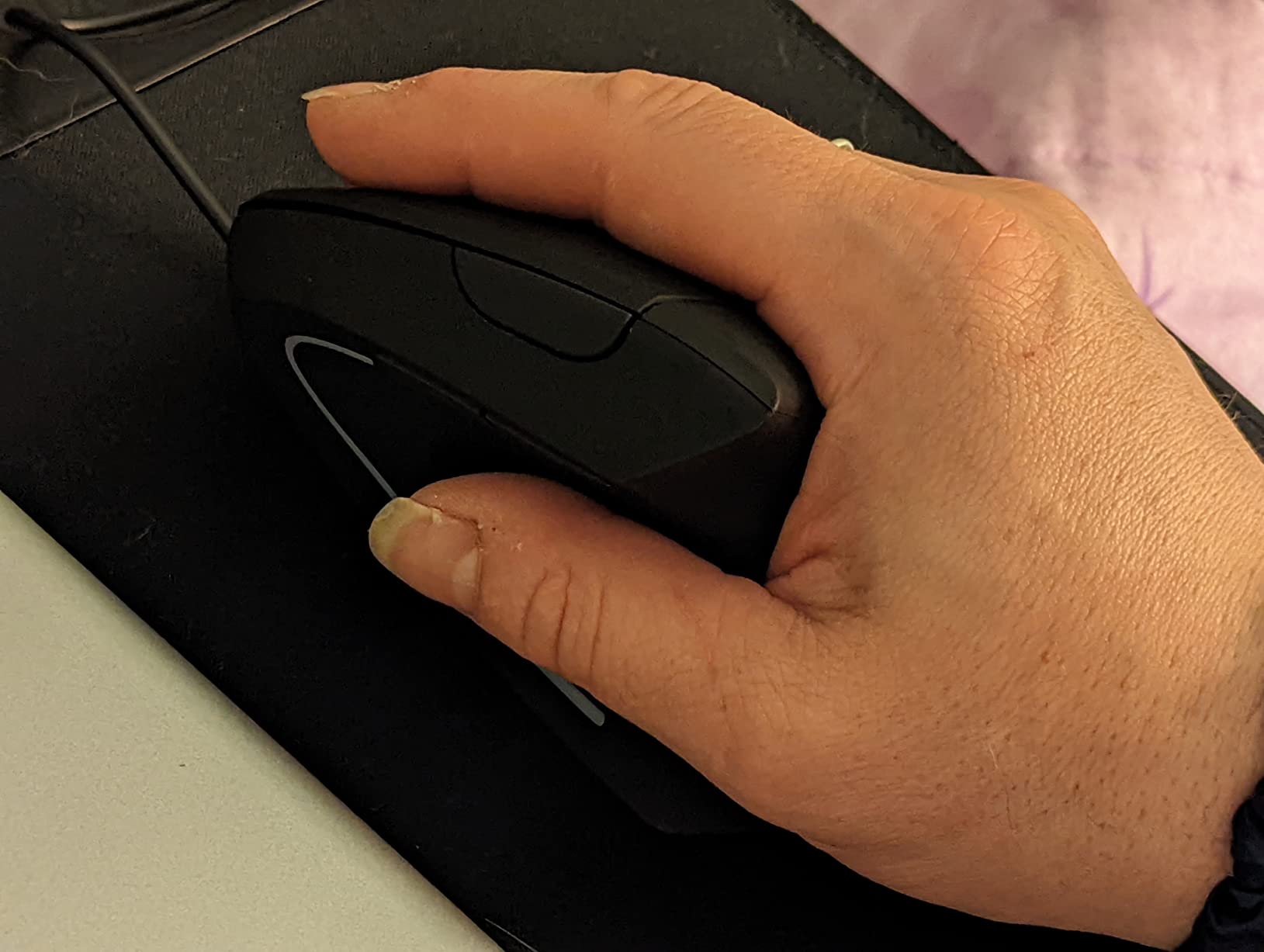
At 5 by 3 inches and 3.36 ounces it is one of the lighter large-hand options, and it lists Windows, Linux and Mac support with no companion software required. Three DPI levels cover normal work, and page back and forward buttons handle browser navigation.
Why comfort beats specification sheets here
Some reviews in this category complain that budget vertical mice feel cramped after long sessions because the shell forces your fingers to hold a position they were not built for. The thumb rest on this model is the part that answers that complaint. It gives the thumb somewhere to rest rather than asking it to hover in the air.
That is the geometry that matters. Once your hand has a landing place, the forearm can relax, and relaxed forearms do not load the wrist the way a hovering grip does. If your previous vertical mouse caused finger pain rather than fixing wrist pain, the difference is usually a thumb rest like this one.
Who should skip this mouse
Skip it if you work across multiple devices without a dongle in each. There is no Bluetooth here, so switching means re-pairing a 2.4 GHz receiver, which is a step backwards for anyone with a laptop and a desktop. The 1600 DPI ceiling also rules it out for large high-resolution displays.
It is specified for medium to large hands, so smaller hands should check the Logitech Lift first. And at 3 DPI levels it offers the least fine-grained control in the roundup, which matters if you work in a tool where pointer speed is a preference.
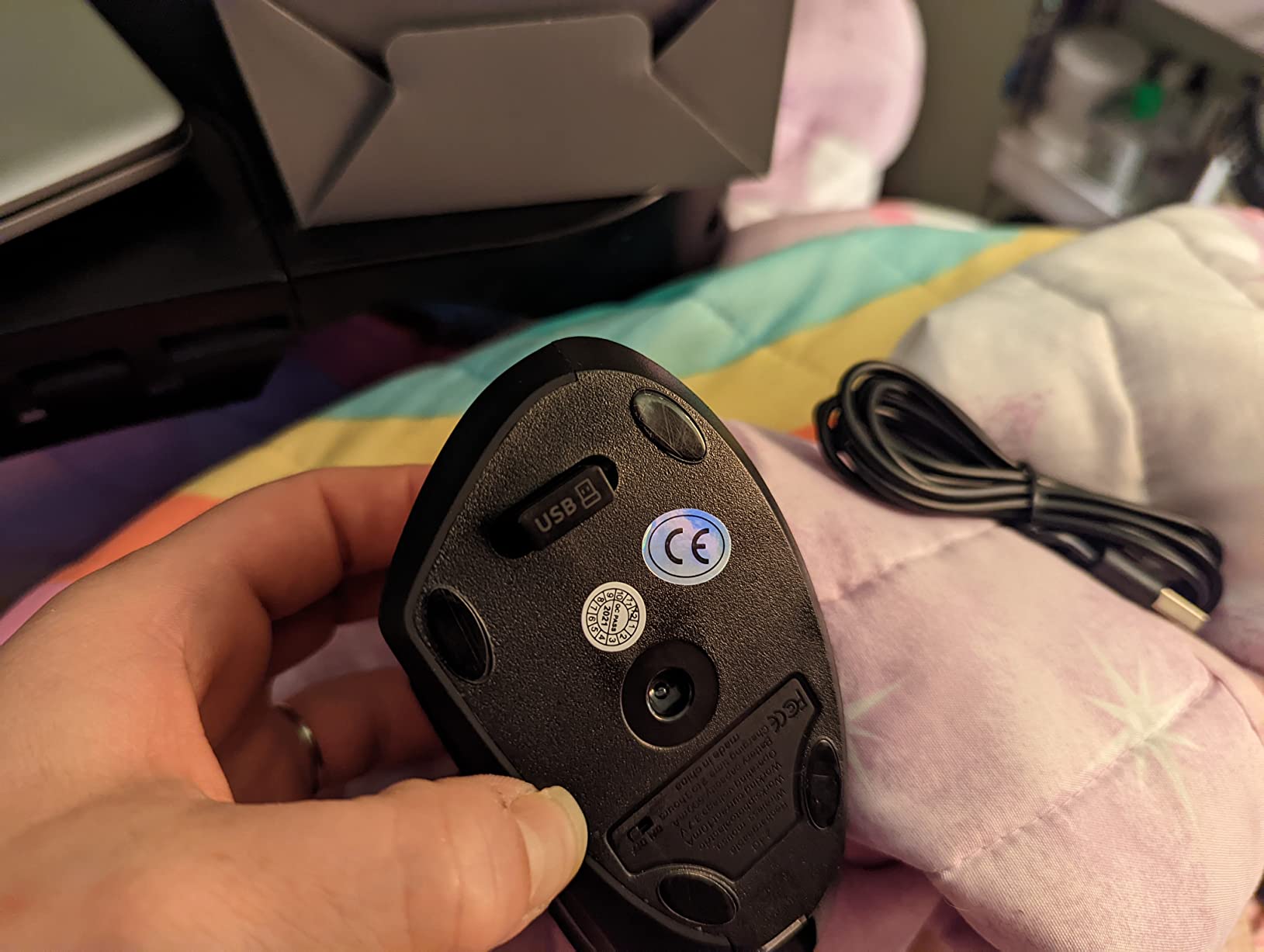
8. TECKNET Wireless Trackball – Best Trackball for Tight Desks
TECKNET Wireless Trackball Mouse, Bluetooth Mouse with Ergonomic, Black
16-degree vertical angle
500mAh rechargeable
Silent clicks
Five DPI levels
+ The Good
- Wide ball tracks cleanly in confined spaces where a flat mouse runs out of pad
- 16-degree tilt improves forearm posture and cuts muscle strain
- Three-device switching with one tap
- 500mAh battery gives 15 minutes of charging for a full day
- Silent clicks with five DPI levels
- The Bad
- 1200 DPI ceiling is low next to competitors
- Scroll wheel is not free-spinning and can be inconsistent at speed
- No software
- so buttons cannot be remapped
Trackballs win in a cramped workspace, and this one is shaped for it. The wide ball and 16-degree tilt let you move the pointer with your thumb inside a footprint far smaller than any vertical mouse needs. People switching from corded devices buy it for the low cost and for the fact that the ball tracks cleanly in tight spaces.
The battery is unusually practical for a trackball. A 500mAh cell gives about fifteen minutes of charging for a full day, which means a top-up during a coffee break covers a workday. Three-device switching across two Bluetooth channels and 2.4 GHz happens with one button tap.
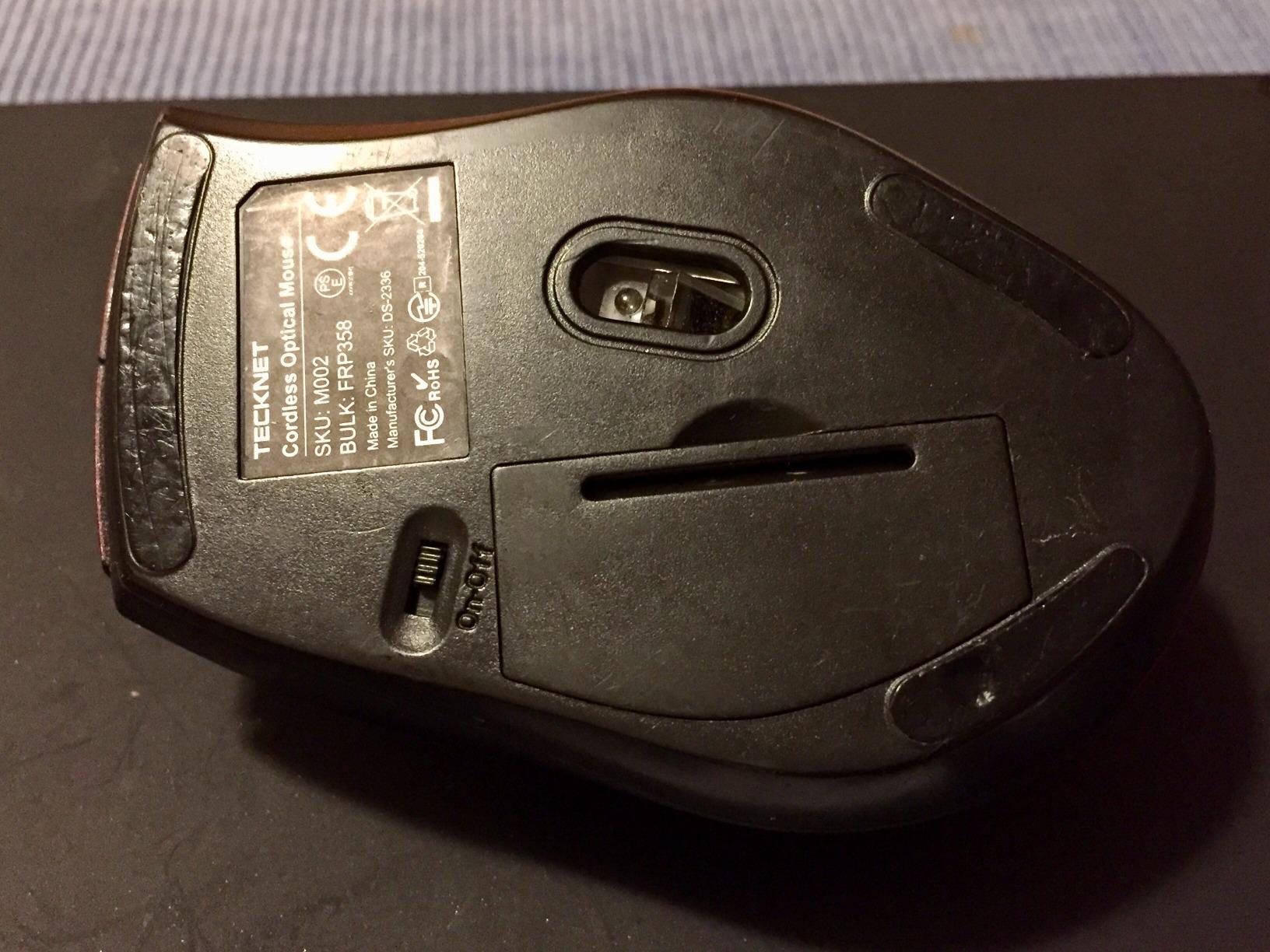
Several long-term owners report years of trouble-free use, and the silent clicks make it a good match for shared offices. At 5.5 by 4.1 by 2 inches it is sized for medium to large hands, and it holds up to repeated drops, which matters for something that lives at the edge of a small desk.
Why a shallow tilt still helps
Sixteen degrees is not the 57 degrees of a full vertical mouse, but it is enough to rotate the forearm slightly out of palm-down without changing your mental model of pointing. That makes it a useful middle step for people who find steep vertical shells disorienting but still want less pronation.
The arm still does not sweep, though, so the bulk of the relief here comes from the trackball mechanism rather than the angle. If your pain is forearm and elbow based, treat the tilt as a bonus. If it is purely wrist based and you want the full rotation change, a steep vertical is the better tool.
Who should skip this mouse
Skip it if you need precision or remapping. The 1200 DPI ceiling is the lowest in this roundup and feels slow on large displays, and with no software included none of the six buttons can be reassigned. The scroll wheel does not free-spin and some users report inconsistency at high speed.
The extra side buttons are also a stretch to reach for some users, and the finish eventually wears with use. Treat it as a solid, affordable trackball for a small desk rather than a precision input device.
9. Anker Wired Vertical – Budget Pick with Zero Maintenance
Anker USB Wired Vertical Mouse, Ergonomic Mouse for Computer and Laptops
Wired USB
1000 and 1600 DPI
Next and previous page buttons
18-month warranty
+ The Good
- Wired design means no batteries
- no pairing and no charging downtime
- Lightweight at just over 5 ounces
- Next and previous page buttons for web navigation
- Handshake wrist and arm position
- 18-month warranty
- The Bad
- Wired only
- so no wireless
- Bluetooth or rechargeable option
- 1600 DPI maximum
- Vertical shell is molded for the right hand
Not everyone needs a wireless mouse, and the argument for skipping one here is stronger than it sounds. A cable that sags pulls back on the mouse, and that drag makes you grip harder and make small corrective movements. Wired removes the drag and removes the batteries, the pairing, and the charging downtime that goes with them.
Buyers treat this as the budget wired counterpart to the wireless vertical and value the zero-maintenance connectivity. The handshake wrist position is the same idea as the pricier models, just without the multi-device convenience, and the lighter shell at just over five ounces suits people who dislike the weight of a tall vertical mouse.
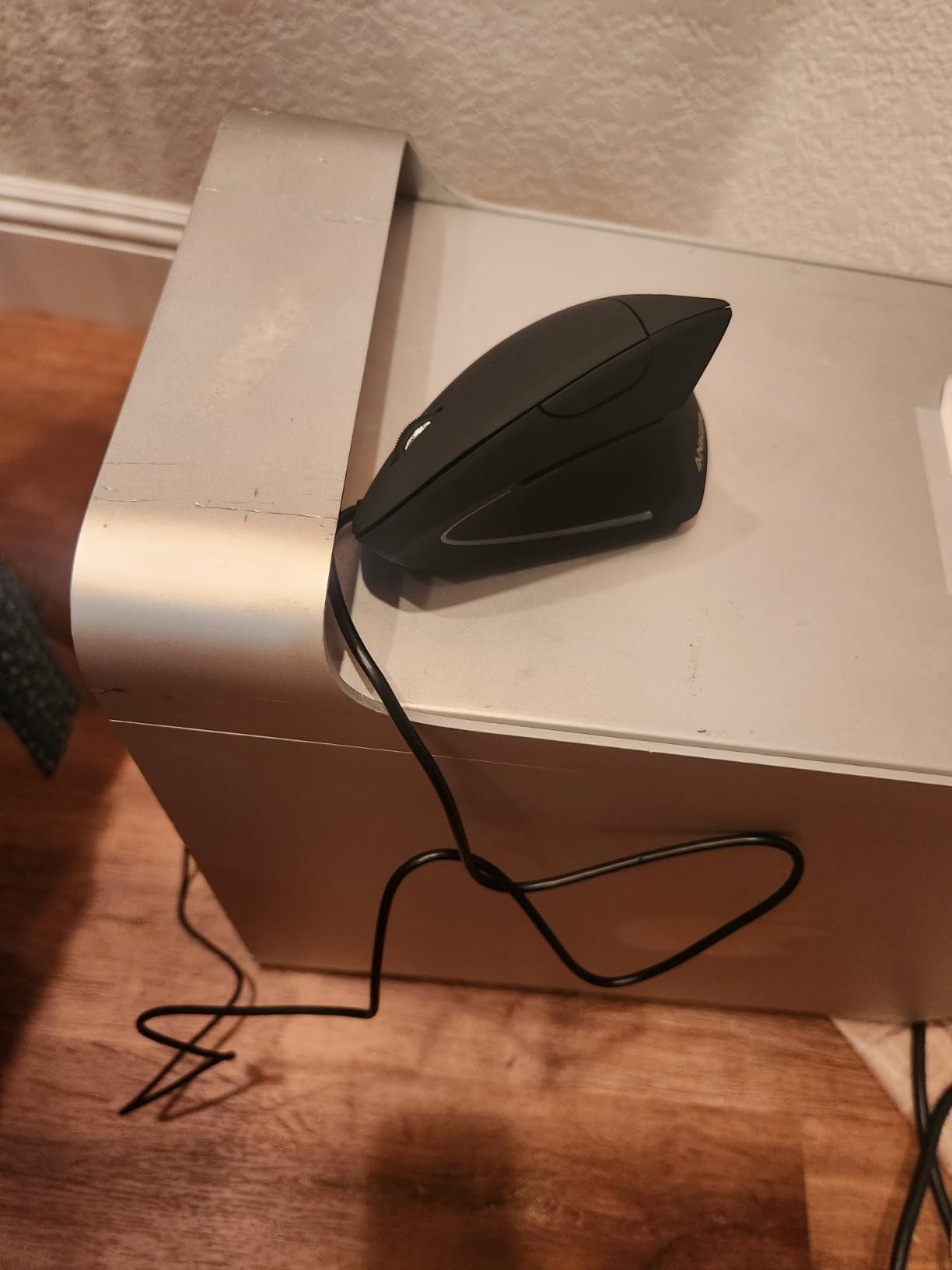
Connectivity is a straightforward 1.5 meter, 4.9 foot USB cable into the computer, and tracking runs at 1000 or 1600 DPI optical, which is enough for document work and general browsing. Next and previous page buttons handle navigation, and the 18-month warranty is a reasonable signal of manufacturer confidence.
Why cable drag matters more than people expect
Wireless mice are usually the recommendation for ergonomic mice because a tethered cable resists the movement you try to make, so you instinctively grip tighter. For many people that trade-off is worth it. For others, sitting at a fixed desk with a tidy cable run behind the monitor, a wired mouse removes a source of tension instead of adding one.
Also worth saying plainly: this listing shows an ambidextrous field, but the vertical shell is molded for the right hand. Check the shape in person rather than trusting that field, because it is the single most common reason a vertical mouse gets returned.
Who should skip this mouse
Skip it if you move between devices, travel, or dislike a cable on the desk. There is no wireless or Bluetooth version here, so a shared laptop-and-desktop setup means swapping cables. It is also right-handed only and caps out at 1600 DPI, which is limiting on a large monitor.
If you want wireless but not the higher cost of the premium picks, the Anker 2.4G model below covers the same shape with the receiver included.
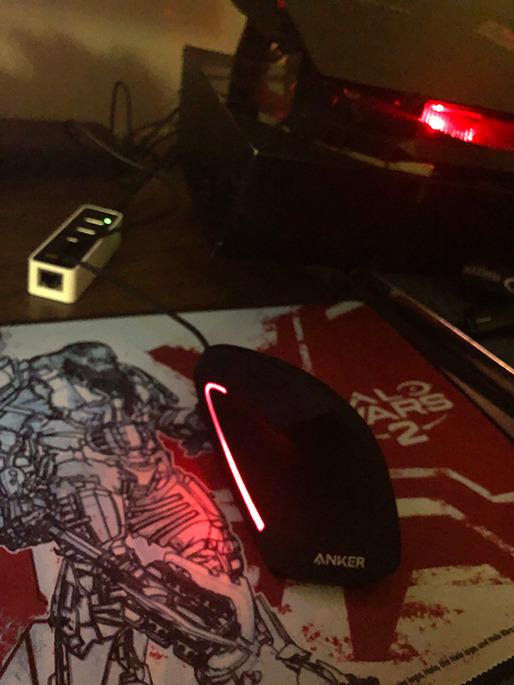
10. Anker 2.4G Wireless Vertical – Most Reviewed Budget Vertical
Anker 2.4G Wireless Ergonomic Mouse, Right Hand Vertical Mouse USB Receiver
800, 1200 and 1600 DPI
2.4 GHz receiver
5 buttons
18-month warranty
+ The Good
- Over 53000 reviews make this the safest budget vertical to try first
- Steep shell holds a neutral handshake position
- Forward and back buttons for page navigation
- 800
- 1200 and 1600 DPI optical tracking with a 5 meter range
- 18-month hassle-free warranty
- The Bad
- Requires two AAA batteries
- which are not included
- 2.4 GHz only with no Bluetooth
- Click noise is unavoidable
Review volume is the reason to start here. With more than 53000 ratings, this is the most widely reviewed vertical mouse in the roundup by a wide margin, and buyers credit it with affordable wrist relief and a vertical geometry close to the premium models. When you are guessing at a purchase for wrist pain, a huge sample of owner reports is worth something.
The shell is steep enough to hold the forearm in a neutral handshake position, with forward and back buttons for page navigation and three DPI levels from 800 to 1600. At 4.48 ounces it is light, and the 5 meter range covers a normal desk without trouble.
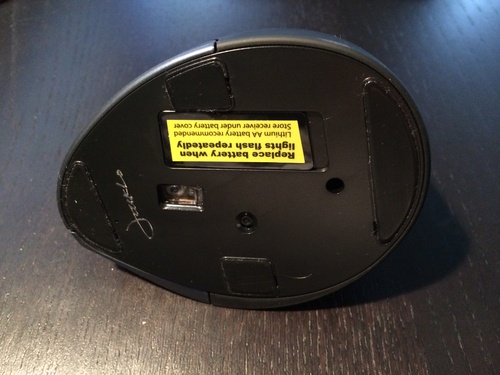
Two AAA batteries power it, and an auto power-save mode engages after eight minutes of inactivity to stretch them. The 18-month warranty is decent for the tier. Rated for laptops, it lists Linux and Windows 10 support.
What the review volume actually tells you
At this sample size, patterns are hard to fake. The consistent finding is that the geometry does the work: owners switching from a flat mouse report wrist relief within weeks, and the complaints cluster around convenience rather than ergonomics. That is the shape of reviews you want in a product whose job is physical.
The ergonomic benefit here is the same geometric benefit described in the MX Vertical, achieved at a fraction of the build quality. If your budget is the deciding factor and you want to test whether a vertical angle helps you at all, this is the lowest-risk way to find out.
Who should skip this mouse
Skip it if noise is a problem. The clicks are the standard audible type, with no silent mechanism, which rules it out for open-plan offices or frequent calls. Two AAA batteries that are not included add a running cost, and there is no Bluetooth, so it needs the included USB receiver plugged in.
The 4.2 average is also the lowest rating here, which tracks with the cheaper shell and lighter build. If you want something that stays comfortable through a decade of work, spend up.
Left-Handed Buyers: What Actually Works in 2026
Here is the uncomfortable truth about this category: almost every vertical mouse on the market is molded for the right hand. Every vertical pick in this roundup is right-handed, and reviews keep describing left-handed buyers being pushed toward niche options or toward trackballs.
That leaves three workable paths. A thumb-operated trackball is the practical answer, because the ball is under the thumb and the shell can be positioned to suit either hand. The Nulea M501 and the Logitech Ergo M575S both fit that description, though both are listed for right-hand use, so confirm the shape before you commit.
The second path is an ambidextrous contoured mouse with a broad or removable thumb rest, which spreads grip across both sides of the hand rather than loading one wrist. It gives up the vertical angle, so the mechanical benefit is smaller. The third is simply confirming left-hand versions with the manufacturer, because they exist for several models and the listings here do not cover them.
If your pain is significant, do not treat this as a reason to keep using a shape that hurts. A trackball plus a forearm rest will do more for a left-handed wrist than a right-handed vertical mouse forced onto the wrong hand.
How Long to Give a New Ergonomic Mouse Before You Send It Back
The most repeated failure pattern in owner reports is week-one abandonment. People try a vertical mouse for two days, find it awkward, and go back to the mouse that hurts them. That is the single biggest reason these purchases fail, and it is entirely avoidable.
Days 1 to 3: expect awkwardness. Your forearm is being asked to move through a range it has never used, and the shape feels tall and unfamiliar. Keep the mouse on the desk for the whole workday rather than reaching for the old one after an hour.
Days 4 to 7: the grip loosens. Handlers stop gripping so hard, and most people reach a point where they stop consciously thinking about the angle. This is where vertical mice become usable.
Days 8 to 14: the shape becomes automatic. If your wrist is not noticeably calmer by now, the fit or the design is wrong, not your patience. Trackball users need longer, typically two to four weeks, because the thumb is learning a new mapping.
Use the full return window before deciding. Many retailers give fifteen days or more, which is barely one adjustment cycle. Extend that by buying from a seller with a longer return policy if you can, and keep the packaging.
Beyond the Mouse: Pads, Keyboards, Desks and Armrests
Mouse pad. A large pad keeps travel distances short and lets your forearm rest at the desk edge. Choose a firm, low-friction surface rather than a plush gel pad, which raises the wrist into extension. Our roundups of the best overall ergonomic mice and gaming-focused picks cover the wider setup if your workload is not purely office-based.
Forearm rest over wrist rest. A wrist rest that keeps the hand raised can hold the wrist in flexion and load other muscles, which is a complaint that appears repeatedly in owner discussions. A forearm rest at desk height supports the heavier part of the limb instead.
Keyboard. Pairing a vertical mouse with a low-profile or split keyboard, or simply raising the front of a standard board, stops your left hand from fighting the same angle your right hand has just escaped. This pairing is the most overlooked part of the system.
Chair armrests and desk height. Set armrests so your elbows are near 90 degrees with shoulders relaxed, and adjust them so your forearms are roughly level with the desk surface. A desk too high pushes the shoulder up and transfers the problem into the neck and upper back. Our ergonomic footrest guide covers the other half of the seated position.
Breaks. A 30 to 45 second stretch break every 30 minutes does more than any single device. Lower your pointer speed so movements are larger and fewer, and get symptoms assessed early rather than adapting around them.
Buying Guide: How to Choose an Ergonomic Mouse for Carpal Tunnel
1. Measure your hand. Measure from the wrist crease to the tip of your middle finger. Under 17 cm is a small hand, 17 to 19 cm is medium, and over 19 cm is large. Vertical mice are the most size-sensitive category, and this single number eliminates most bad purchases before they happen.
2. Decide vertical or trackball by pain location. Wrist and lower forearm pain points to a vertical mouse, because the change is rotational. Forearm, elbow, or pain that wakes you at night points to a trackball, because it removes movement altogether. Widespread pain that has spread past the wrist is a medical conversation first.
3. Check handedness before anything else. Nearly every vertical mouse is right-handed. If you are left-handed, start with a trackball or an ambidextrous contoured design, and read the left-handed section above.
4. Look at the angle, not the brand. 52 to 57 degrees covers most of the benefit. Deeper angles such as the Evoluent take more rotation out but suit medium and large hands and need more desk space. Shallow angles under 20 degrees help a little and feel more conventional.
5. Choose DPI based on your display. Above 1600 DPI only matters on large or high-resolution screens, where a low ceiling forces repeated hand lifts. For ordinary document work, a 1600 ceiling is plenty, and spec sheets above that are marketing.
6. Weigh wireless against cable drag. Wireless removes the tension of a cable pulling back on the mouse, and that matters for an ergonomic model specifically. A wired vertical mouse is a legitimate choice for a fixed desk, and it never needs charging.
7. Check desk space. Vertical mice are tall and trackballs are wide. On a small desk in a shared workspace, a trackball may be the only design that fits without forcing your shoulder into a raised position.
8. Use warranty length as a durability signal. Longer coverage generally reflects manufacturer confidence in switch and housing longevity, which matters when you expect years of daily use. Trackballs also need periodic ball and socket cleaning, so a cleaning-friendly design saves friction.
9. Know when to see a clinician. Persistent numbness, night symptoms, dropped objects, visible thumb weakness, or pain that continues after several weeks of correct setup are reasons to get assessed. An ergonomic mouse reduces contributing strain. It does not treat nerve damage.
Frequently Asked Questions
Do vertical mice actually help with carpal tunnel?
They help a lot with strain-driven wrist pain, because the 52-to-57-degree shell cuts forearm pronation and opens up space around the median nerve. For a diagnosed carpal tunnel condition they reduce contributing strain but cannot reverse nerve damage, so they belong alongside medical care rather than instead of it.
What type of mouse pad is best for carpal tunnel?
A large pad that keeps travel distances short, with a firm low-friction surface rather than a plush gel pad that raises the wrist into extension. Pair it with a forearm rest at desk height instead of a wrist rest, since wrist rests can hold the hand in flexion.
How long does it take to get used to a vertical mouse?
Most owners report one to two weeks, with days 1 to 3 feeling awkward, days 4 to 7 noticeably looser, and days 8 to 14 feeling automatic. Trackballs take longer, usually two to four weeks, because the thumb is learning a new control mapping.
Is a vertical mouse or a trackball better for wrist pain?
A vertical mouse for wrist and lower forearm pain, because the change is rotational and the fine motor control stays familiar. A trackball once pain involves the forearm or elbow, because it removes arm movement entirely and your wrist barely travels.
Are budget vertical mice as good as the premium ones?
For the ergonomic angle, largely yes. The benefit is geometric, so a budget vertical mouse at 52 to 57 degrees delivers much of the same relief. Premium models win on sculpt fit, switch and coating longevity, button count, sensor ceiling, and multi-device software.
Do left-handed ergonomic mice exist?
They exist, but they are scarce. Almost every vertical mouse is molded for the right hand, so left-handed buyers usually get the best result from a thumb-operated trackball or an ambidextrous contoured mouse with a broad thumb rest, plus a forearm rest.
Is a wrist rest bad for carpal tunnel?
It can be. A wrist rest that keeps the hand raised holds the wrist in flexion and transfers load to other muscles, which is a complaint that repeats in owner discussions. A forearm rest at desk height supports the limb without bending the wrist.
Final Verdict: The Best Ergonomic Mice for Carpal Tunnel in 2026
The default answer for wrist pain is the Logitech MX Vertical. Its 57-degree angle, deep sculpted palm rest, cursor speed switch and multi-device switching make it the lowest-risk first purchase for medium and large right hands, and the volume of long-term owner reports behind it is unmatched in this roundup.
Pick something else when your hands or your symptoms disagree. If your hands are small, the Logitech Lift Vertical is the same angle in a body that fits. If your pain has spread into your forearm or elbow, go straight to a trackball rather than fighting a steeper slope, and the Nulea M501 or the Logitech Ergo M575S will get you there faster. If you are left-handed, start with the trackball options and skip the vertical shelf entirely.
Give any of them a full two weeks, keep the mouse on your desk for the entire day while you adapt, and pair it with a forearm rest and regular stretch breaks. None of these devices reverses nerve damage, so if symptoms include numbness, night pain, or weakness, get assessed while you are making the change. That is the combination that works: the right angle for your hand, the right design for your pain, and enough time for your body to accept it.