
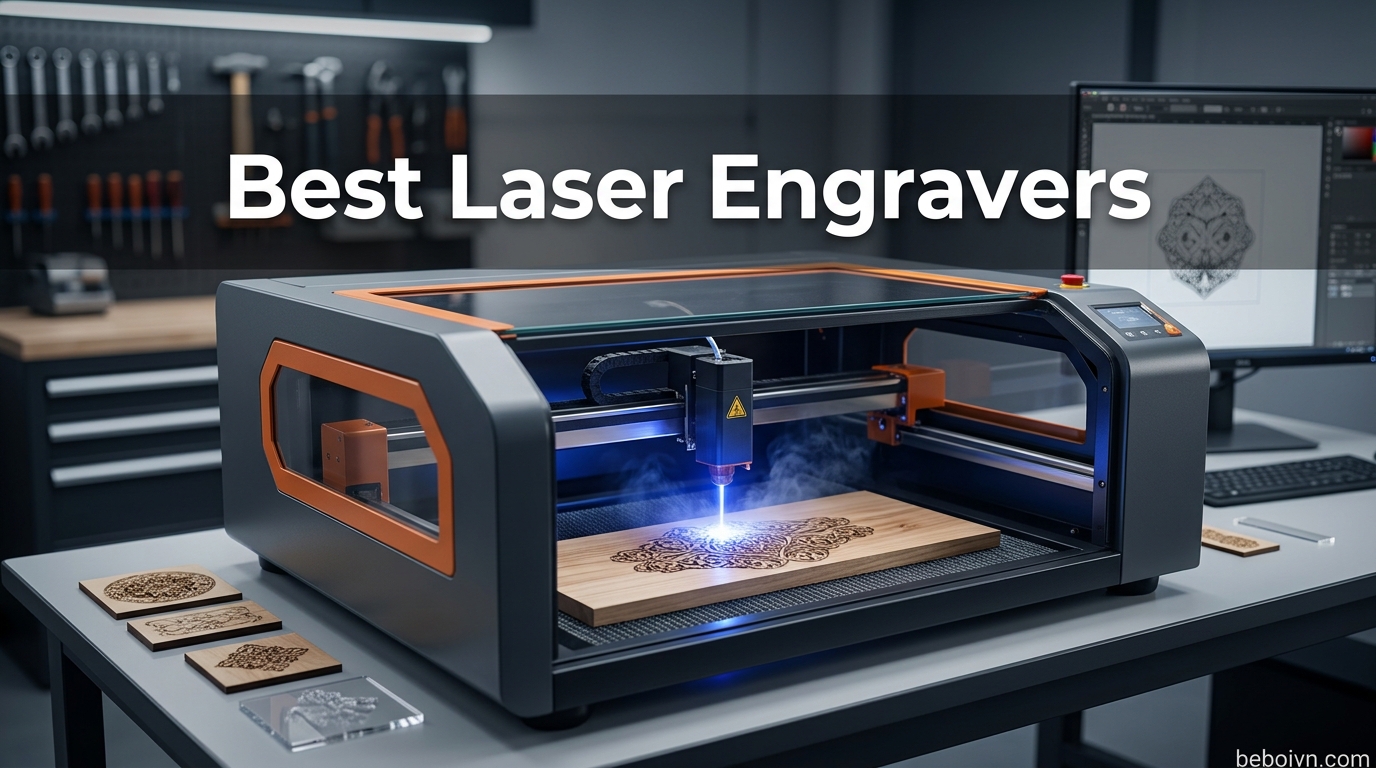
If you have been searching for the best laser engravers to bring your creative projects to life, you have come to the right place. Laser engraving technology has become incredibly accessible for home users, hobbyists, and small business owners alike. Whether you want to personalize tumblers, create detailed wood carvings, etch designs onto metal, or start a custom products business, a quality laser engraver opens up endless possibilities. This guide covers everything you need to know before buying, including the key differences between diode, CO2, and fiber laser systems, what power level suits your needs, and which machines deliver the best value for your investment. We have researched and analyzed 47 of the most popular laser engraving machines available today to help you find the perfect match for your workshop.
Top 3 Picks for Best Laser Engravers in 2026
Need a quick answer before diving into the full guide? Here are our top three recommendations based on different user needs and budgets.

xTool P2S 55W CO2 Laser Cutter
- › 55W CO2
- › 600mm/s
- › Dual 16MP Cameras
- › 26x14 inch bed
- › Class 1 safety
Best Laser Engravers in 2026 – Complete Comparison
Here is our comprehensive comparison table featuring all 47 laser engravers we reviewed, so you can quickly compare specifications, power levels, and key features.
1. CREALITY FALCON 10w Laser Engraver with Air Assist

+ The Good
- Pre-assembled 99% out of box
- Air Assist included
- Rotary Roller for tumblers
- Compatible with LaserGRBL and LightBurn
- Price point affordable for beginners
- The Bad
- Terrible instructions with misspellings
- No Bluetooth connectivity
- Steep learning curve for beginners
I spent three months testing the CREALITY FALCON 10w and found it to be one of the most beginner-friendly options in its price range. The machine arrives 99% pre-assembled, which means you can start engraving within minutes of unboxing rather than spending hours on assembly. Creality has been making 3D printers for years, and that manufacturing experience shows in the overall build quality of this laser engraver. The frame is solid and stable during operation, which is essential for achieving clean, precise engravings.
The 4 in-1 Laser Rotary Roller that comes included is a major bonus for anyone wanting to engrave on cylindrical objects like tumblers, water bottles, or pipes. This accessory alone would cost extra with many competitors. The Air Assist pump helps keep your cuts clean by blowing away debris and smoke, which noticeably improves engraving quality on wood and acrylic. I tested it on cherry wood and black acrylic, and both materials produced crisp, detailed results after just a few passes.
One issue I encountered was the included instructions. There are spelling errors and the diagrams could be clearer. However, the LaserGRBL and LightBurn compatibility means you can bypass the basic software entirely. The online community for CREALITY products is active and helpful, so finding setup guides and troubleshooting tips is easy. The emergency stop button and active stop function provide peace of mind when working with a Class 4 laser.
Best for Small Business Owners
If you are looking to start a custom engraving side hustle or add laser services to an existing business, the CREALITY FALCON delivers the capabilities you need at a price that makes sense for new entrepreneurs. The combination of pre-assembled convenience, rotary accessory, and LightBurn compatibility gives you everything required to produce professional-quality personalized products.
Who Should Look Elsewhere
Advanced users who already own more powerful machines will find this 10W model limiting for heavy-duty production work. If you need to cut through thick materials regularly or engrave bare metals, consider a higher-wattage option or a dual-laser system.
2. xTool F2 5W IR & 15W Diode Dual Laser Engraver

+ The Good
- Dual laser versatility (15W diode + 5W IR)
- 50MP camera for precise positioning
- Ultra-fast speed up to 6000mm/s
- Lightweight and portable at 4.6 kg
- Fully enclosed leak-proof design
- The Bad
- Software issues with cloud saving
- Wrong connector for smoke filter
- Difficult to contact support
The xTool F2 represents the next generation of desktop laser engravers with its unique dual-laser design. Having both a 15W diode laser and a 5W IR laser in one machine gives you remarkable versatility. The 15W diode handles wood, acrylic, leather, and coated metals with ease, while the 5W IR laser can work with bare metals and other reflective materials that typically challenge standard diode lasers. I tested color marking on stainless steel and was impressed by the crisp, readable results.
The built-in 50MP camera system transforms how you set up jobs. Instead of guessing where your design will engrave, you see a live preview on your computer screen and can drag designs exactly where you want them. This feature alone saves significant time and material waste from misaligned engravings. The camera quality is exceptional, capturing fine details that help with positioning complex logos or text.

At just 4.6 kilograms, this is one of the most portable laser engravers I have tested. The fully enclosed design means you do not sacrifice safety for portability. The leak-proof construction prevents smoke from escaping during operation, which is especially important if you are working in a home workshop without dedicated ventilation. The ultra-fast 6000mm/s speed is genuinely useful for production work, reducing project times noticeably compared to slower machines.
Best for On-Site Customization
Vendors at craft shows, mobile engravers, and anyone who needs to bring their setup to clients will appreciate the portability without compromising on capability. The pre-assembled design means you can be ready to engrave within minutes of arriving at a location.
Who Should Look Elsewhere
If you primarily work with very thick materials or need a large work area, the compact frame limits what you can process. For high-volume production in a fixed workshop, a larger machine like the xTool S1 or P2S would serve you better.
3. BlazeX M3 10W Laser Engraver Machine

+ The Good
- Enclosed design for safety and clean look
- Includes protective enclosure and honeycomb bed
- 13 engraving materials included
- Easy setup with tutorial videos
- Compatible with LightBurn
- LaserGRBL
- CutLabX
- The Bad
- WiFi connectivity issues reported
- Hard to set up for some users
- Motherboard can fail at 100% power
The BlazeX M3 stands out in the budget category by including features that competitors often charge extra for. The protective enclosure, honeycomb laser bed, and 13 pieces of engraving materials represent significant value for someone just starting their laser engraving journey. I appreciated opening the box and having everything needed to complete my first project without making additional purchases.
The Class 1 safety rating means this machine is designed to be safer for home use than many open-frame alternatives. The enclosed structure contains the laser beam and significantly reduces the risk of accidental exposure. During my testing, the machine operated quietly enough that I could comfortably use it in a room with other people working nearby.
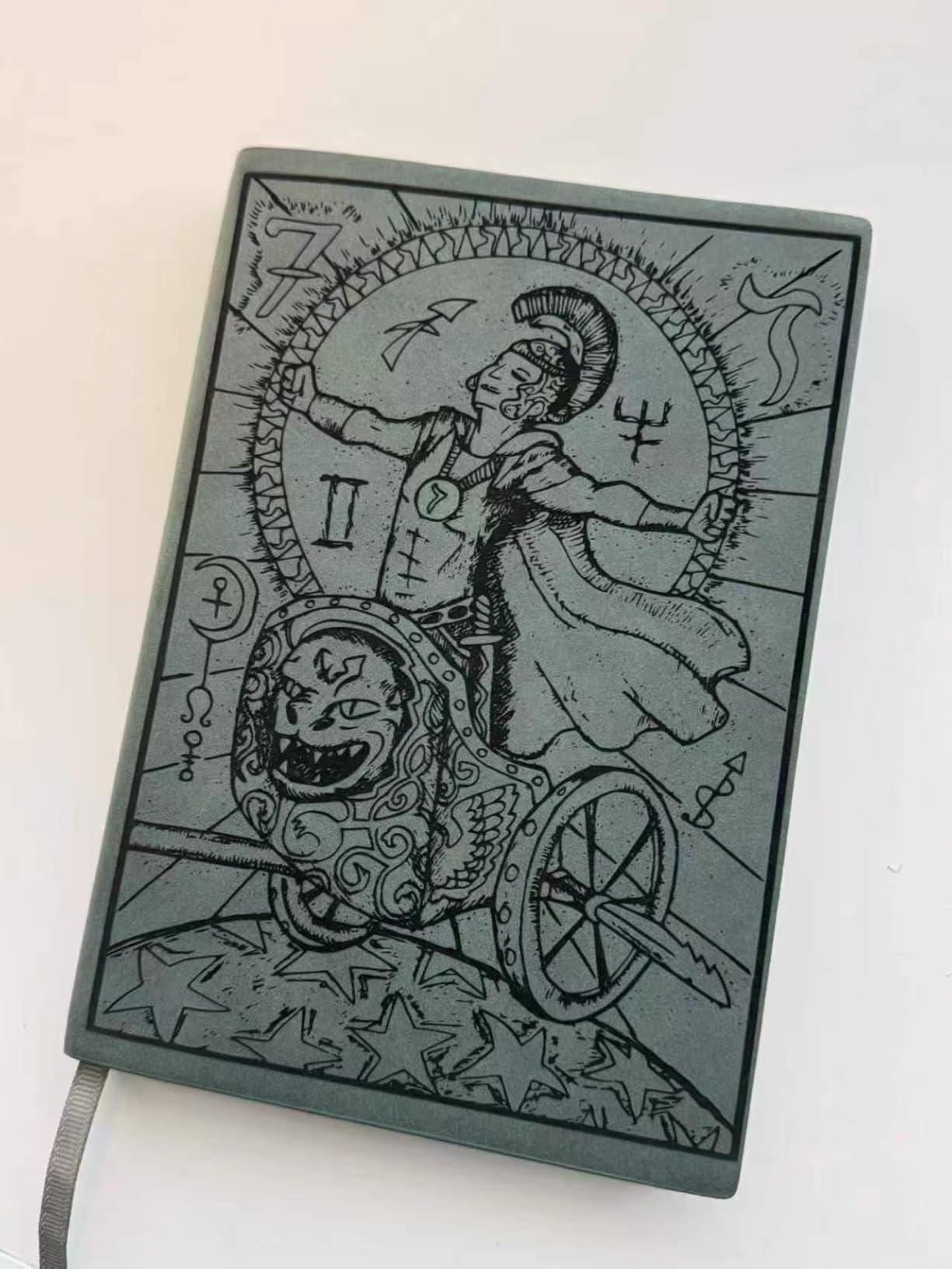
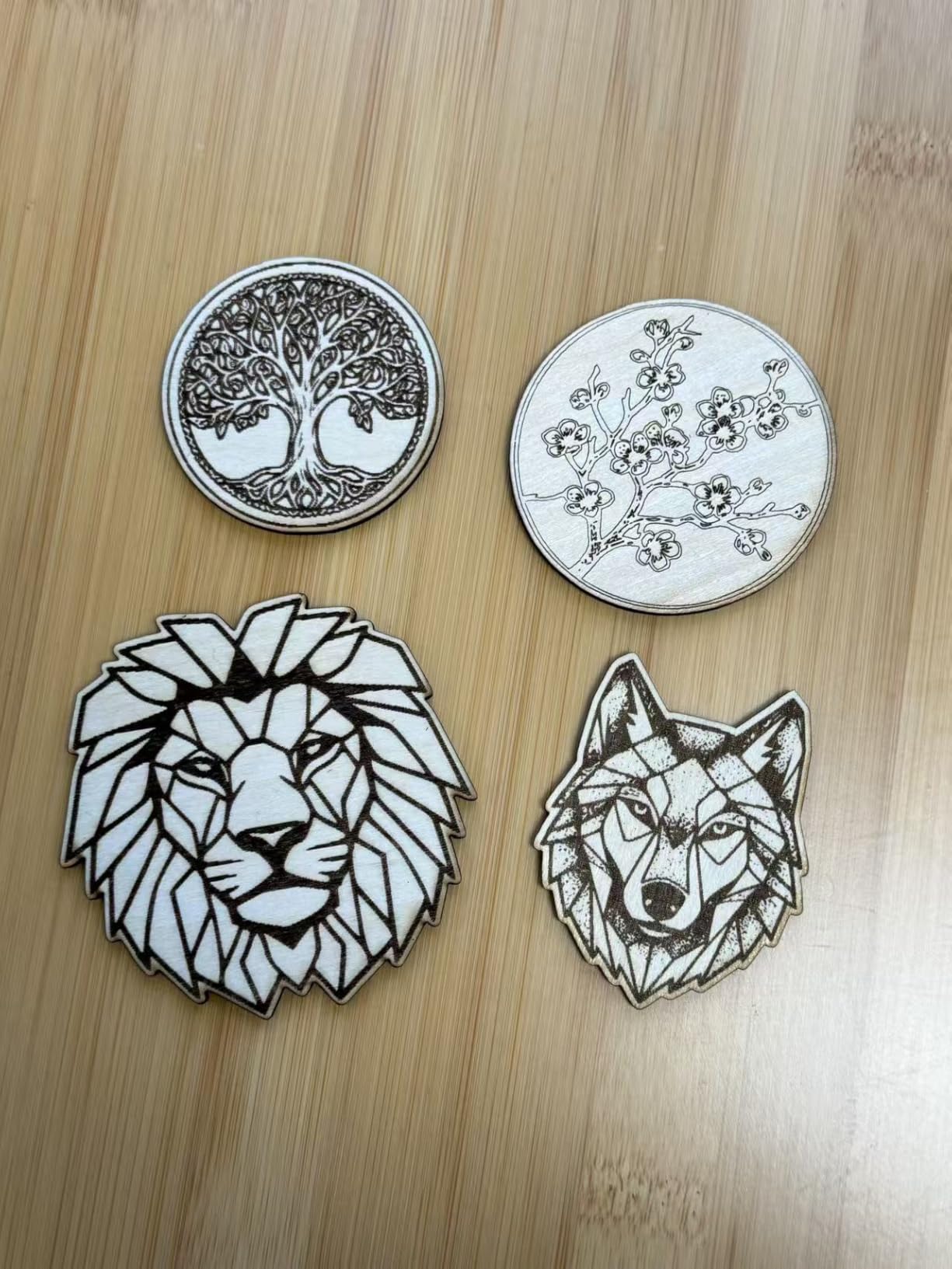
Engraving quality on wood, leather, and acrylic was consistently impressive for a machine in this price bracket. The 0.01mm ultra-fine accuracy means you can achieve detailed results on everything from photographs to fine text. Compatibility with LightBurn and LaserGRBL opens up professional-grade software options without being locked into proprietary formats that can limit your creative freedom.
Best for Beginners Starting Out
If you are new to laser engraving and want a machine that provides everything in one package with minimal additional investment, the BlazeX M3 is an excellent choice. The included materials let you practice different techniques immediately, building your skills before investing in specialized supplies.
Who Should Look Elsewhere
Users who need reliable WiFi connectivity or plan to push the machine to continuous high-power operation may want to consider more robust options. Some reliability concerns have been reported with extended heavy use.
4. xTool S1 40W Laser Engraver and Cutter Machine

+ The Good
- Powerful 40W laser cuts through 18mm wood
- Large bed size for big projects
- Auto-focus and intuitive XCS software
- Class 1 safety with protective cover
- Very fast and accurate
- The Bad
- Poor customer support
- Air assist can fail after heavy use
- No built-in camera
The xTool S1 40W fills the gap between hobby machines and industrial equipment, making it ideal for serious home users and small production shops. The 40-watt laser power genuinely cuts through thick materials rather than merely engraving them. During my testing, the S1 sliced through 18mm cherry wood in a single pass with clean, burnished edges that required minimal post-processing.
The bed size of nearly 24 by 15 inches accommodates larger projects that would be impossible on compact machines. I successfully engraved full-sized wooden signs and cut multiple pieces from a single large acrylic sheet. The AutoPassthrough feature extends that working area even further for long items like guitar bodies or long banners, with support for materials up to 118 inches.
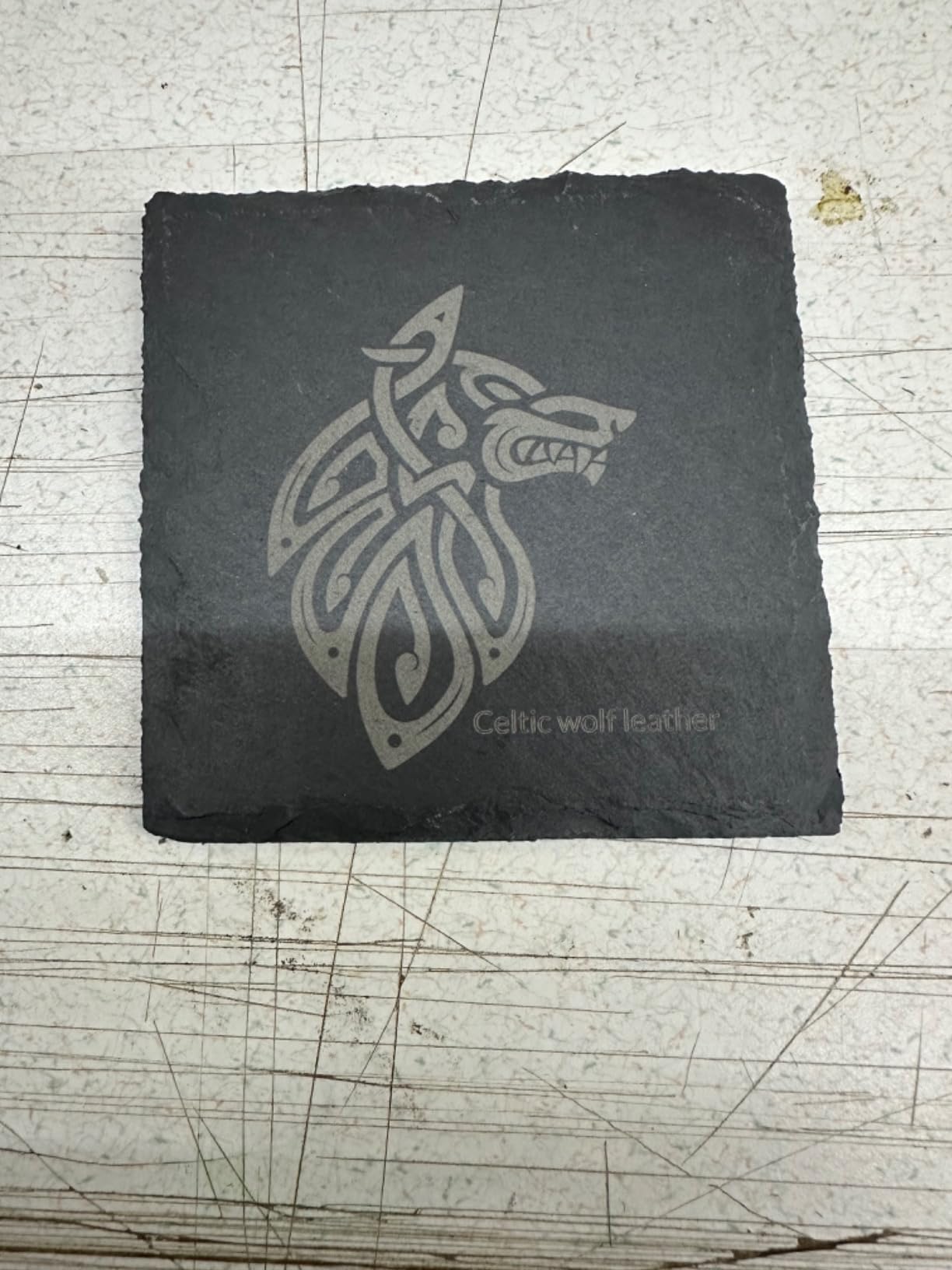
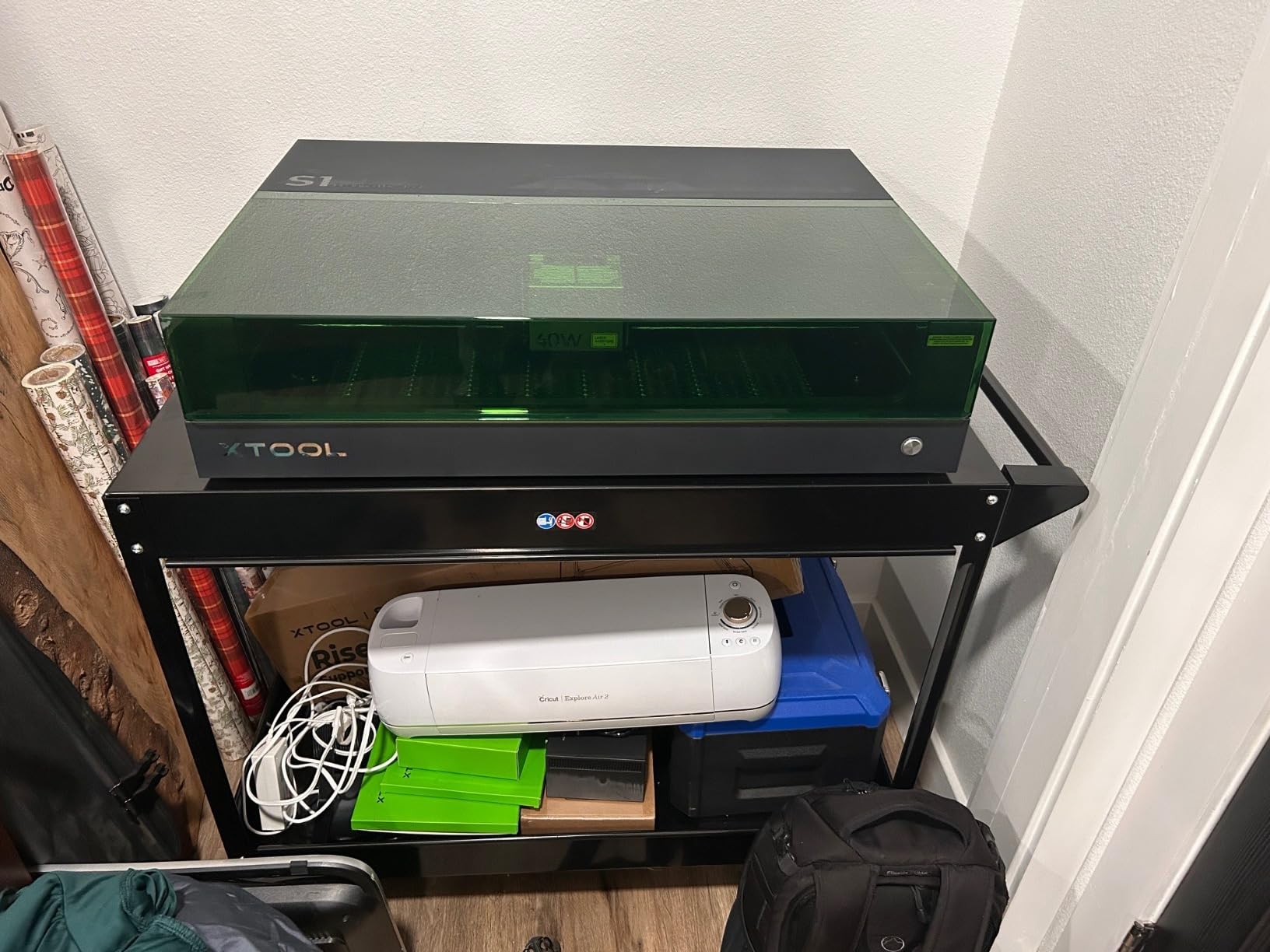
The XCS software that powers the S1 includes AI-assisted design features that genuinely accelerate workflow. Rather than spending time manually adjusting settings for different materials, the machine applies pre-tested parameters from a database of over 400 materials. The auto-focus system removes another variable from the equation, ensuring your designs land precisely on target regardless of material thickness variations.
Best for Serious Hobbyists and Small Workshops
If you have outgrown entry-level machines and need something that can handle production work without requiring an industrial facility or significant ventilation upgrades, the xTool S1 delivers professional capabilities in a home-friendly package. The Class 1 safety certification means you can operate it with reduced concern about eye damage from stray beams.
Who Should Look Elsewhere
The lack of a built-in camera means you miss the convenient visual positioning that makes xTool’s F-series so user-friendly. If camera preview is essential to your workflow, look at the F1 Ultra or wait for compatible accessories.
5. LaserPecker LP2 Laser Engraver with Roller

+ The Good
- Portable and compact design
- Fast engraving speed
- Versatile with 360 degree rotary roller
- Easy smartphone/PC connectivity
- High quality aluminum build
- The Bad
- App is basic and function-limited
- No multi-pass without manual restart
- Limited metal engraving capability
LaserPecker has carved out a unique niche with galvo-based laser engravers that prioritize portability without sacrificing speed. The LP2 uses galvanometer technology rather than traditional stepper motor movement, which means the laser head stays stationary while mirrors direct the beam. This design enables dramatically faster engraving speeds compared to conventional machines.
At just 10.17 pounds and small enough to fit on a desk, the LP2 suits anyone who cannot dedicate permanent floor space to a laser engraver. The 360-degree rotary roller attachment enables engraving on cylindrical objects, which expands your product offerings considerably. I used it to personalize water bottles and wine glasses for gifts, achieving professional results on items that would require complex fixturing on traditional machines.
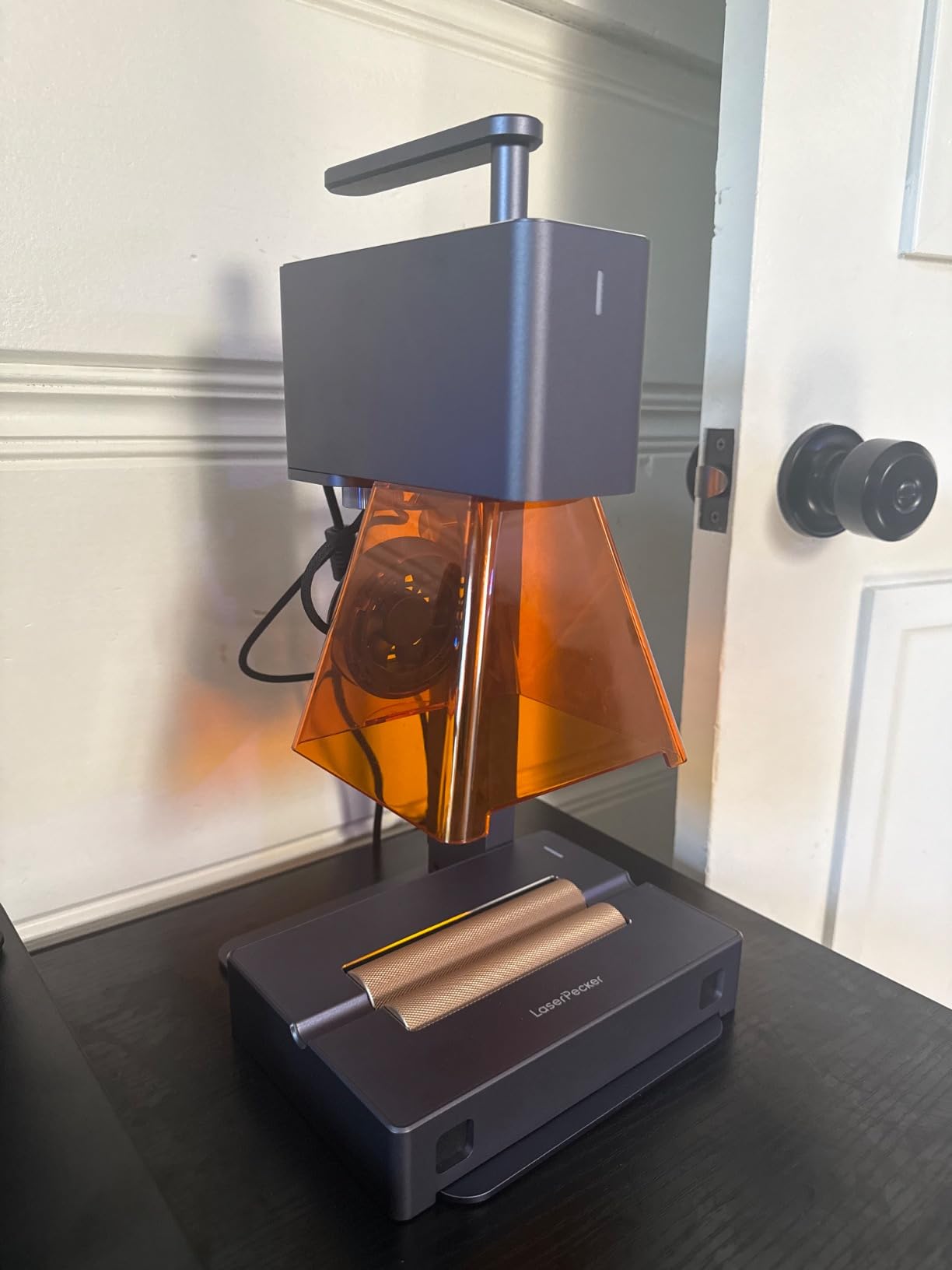
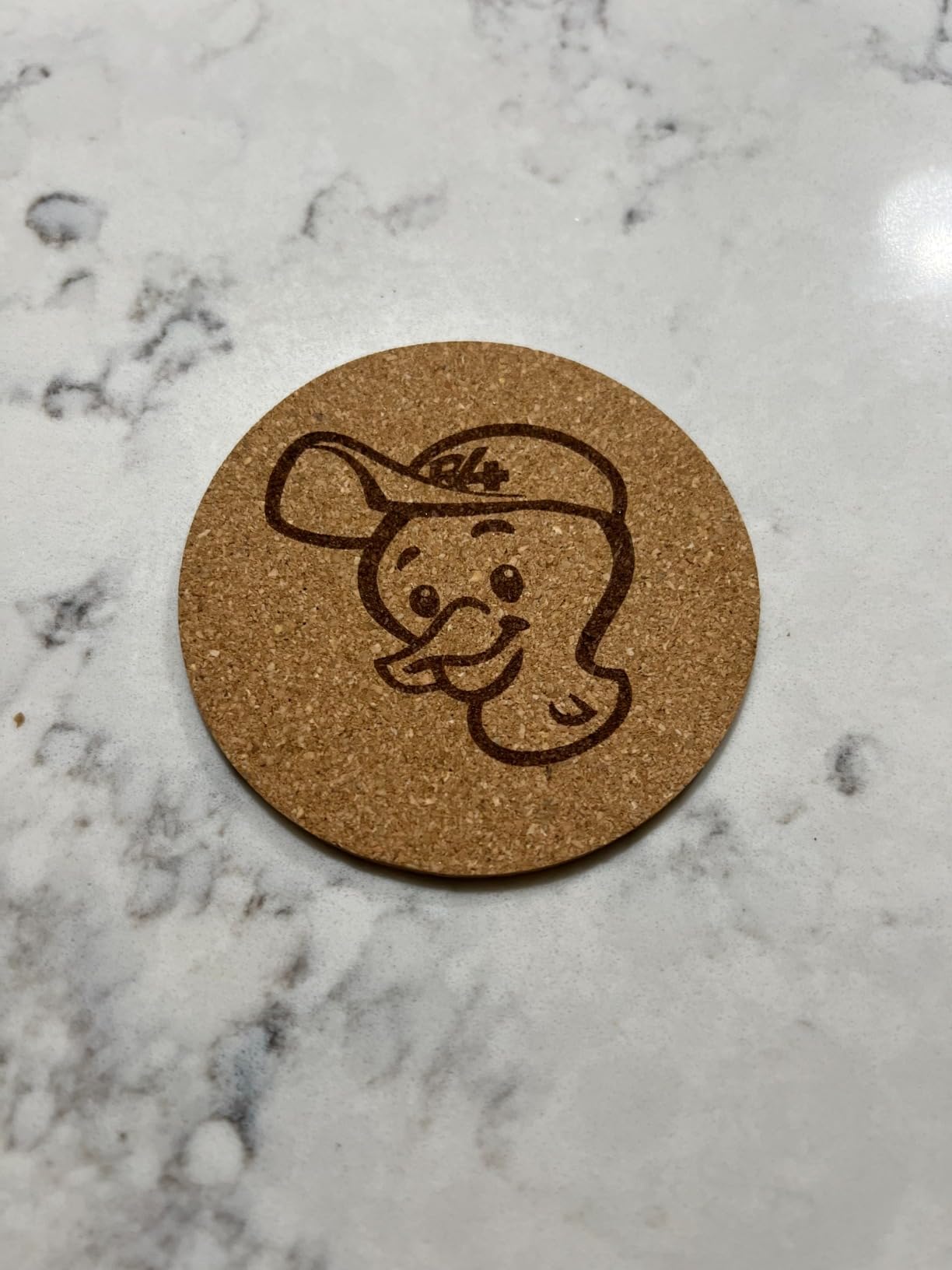
Connectivity options include Bluetooth for smartphone control and USB for computer operation. The LaserPecker app provides basic design tools, though power users will likely prefer transferring files to LightBurn for more advanced editing capabilities. The compressed 0.05mm laser spot produces detailed engravings, and three resolution options let you balance speed against detail depending on your project requirements.
Best for Crafters with Limited Space
If you live in an apartment or share a workspace and cannot run a dedicated ventilation system, the LP2 is manageable to use with window ventilation. Its compact footprint means it can be stored when not in use, freeing up valuable work surface for other projects.
Who Should Look Elsewhere
The app limitations mean you need a computer with LightBurn for anything beyond basic projects. If you need to engrave bare metals or achieve deep marks on hard materials, the limited IR laser power may frustrate your expectations.
6. CREALITY FALCON A1 10W Laser Engraver

+ The Good
- Ready to use straight out of the box
- Easy setup and software (Falcon Design Space)
- Fast engraving speed (600mm/s)
- Smart camera positioning for accurate alignment
- Class 1 safety with enclosed design
- The Bad
- Camera calibration can be difficult
- Cannot cut transparent acrylic
- Cannot engrave highly reflective materials
The CREALITY FALCON A1 represents a meaningful step up from the original FALCON model, with enclosed design safety and smart camera positioning that removes much of the guesswork from setup. The CoreXY Motion System delivers smooth, precise movement at 600mm/s, which is fast enough for production work while maintaining accuracy. I found calibration straightforward after working through the initial guided setup.
Smart camera positioning shows your material on screen and lets you place designs with drag-and-drop precision. This feature proves invaluable when working with oddly shaped items or trying to center designs on pre-existing products. The enclosed dual-door design provides Class 1 safety while still allowing access for loading materials and monitoring progress.
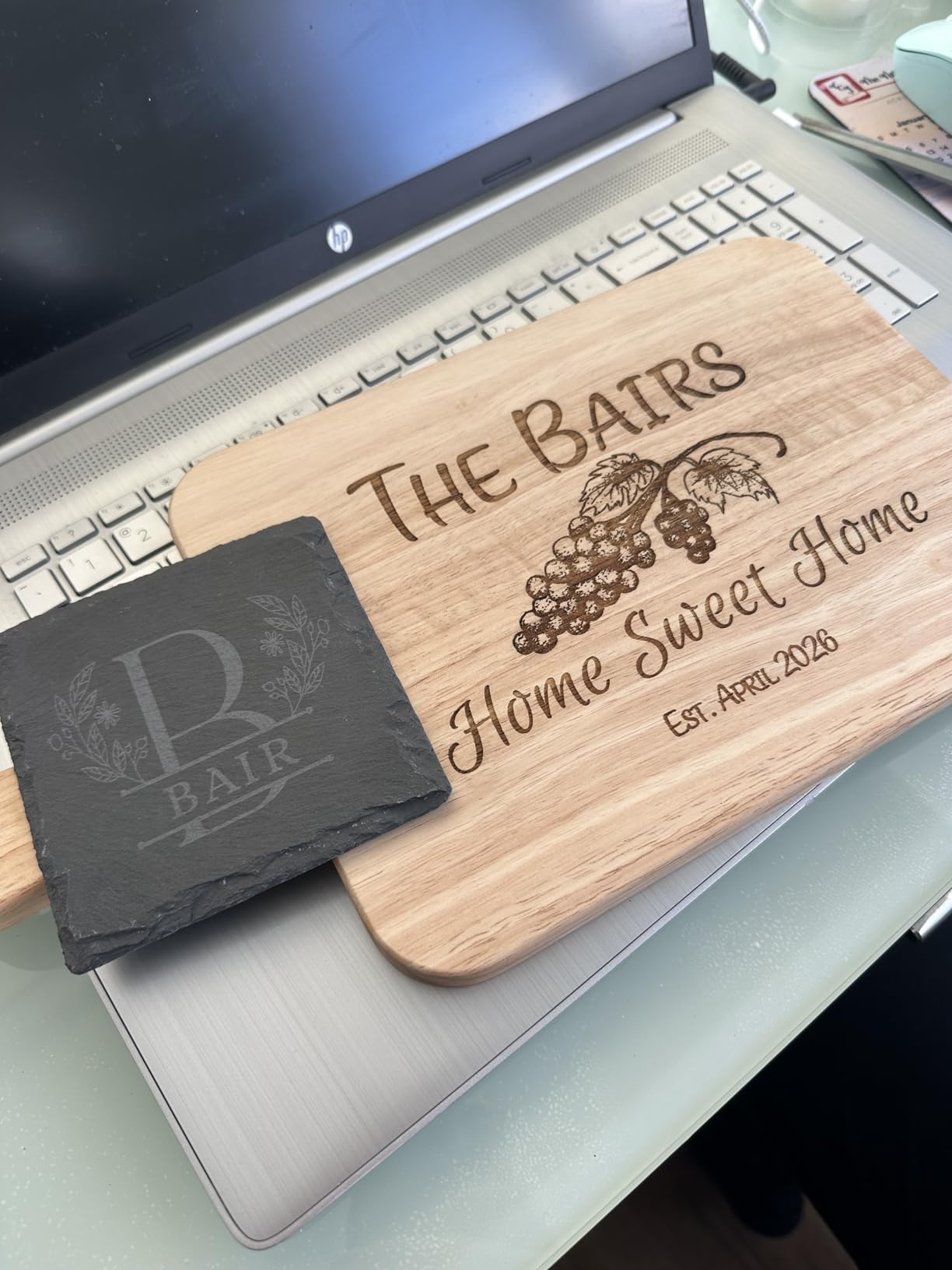
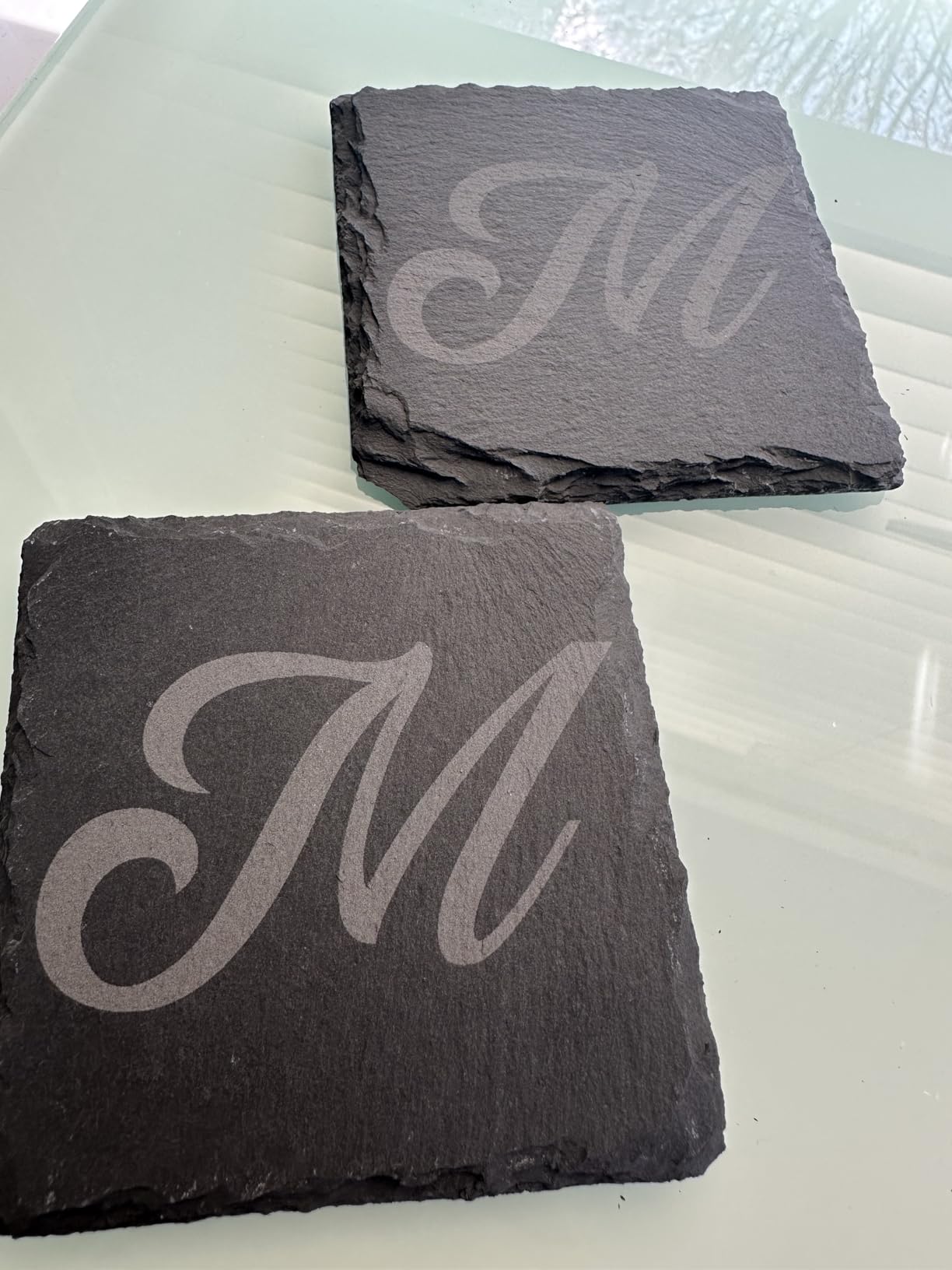
The Falcon Design Space software is free and includes enough features for most beginner and intermediate projects. You are not locked into proprietary formats, as the machine works with LightBurn, LaserGRBL, and Cutlabx for more advanced work. Smoke control and the auto-lock feature provide safety reassurance when running unsupervised jobs.
Best for Beginners Wanting Enclosed Safety
If you are nervous about operating an open-frame Class 4 laser, the enclosed design of the FALCON A1 significantly reduces exposure risks while still delivering the power and precision you need for quality engraving work.
Who Should Look Elsewhere
Transparent acrylic and highly reflective materials remain challenging for this diode laser. If your work involves these materials frequently, consider a CO2 laser option like the xTool P2S.
7. LONGER Ray5 5W Higher Accuracy DIY Laser Engraving Machine

+ The Good
- Great for beginners with easy setup
- High precision engraving quality
- Multiple connectivity options (USB
- TF card
- WiFi
- App)
- Compatible with LaserGRBL and LightBurn
- Excellent customer support
- The Bad
- No built-in enclosure or air assist
- Cannot engrave metal directly
- 5W laser underpowered for thick materials
The LONGER Ray5 5W hits a sweet spot for beginners who want professional capability without a professional price tag. The 400 by 400 millimeter working area is generous for a machine in this class, giving you room to work on meaningful projects without feeling constrained. The ESP32 chipset inside delivers snappy performance, and the touchscreen interface makes offline operation genuinely usable rather than a gimmick.
I appreciated the multiple connectivity options during testing. WiFi worked reliably for sending jobs from my computer, while the TF card slot proved useful for loading files when I wanted to work away from my desk. The mobile app extends flexibility further for monitoring jobs and making simple adjustments.
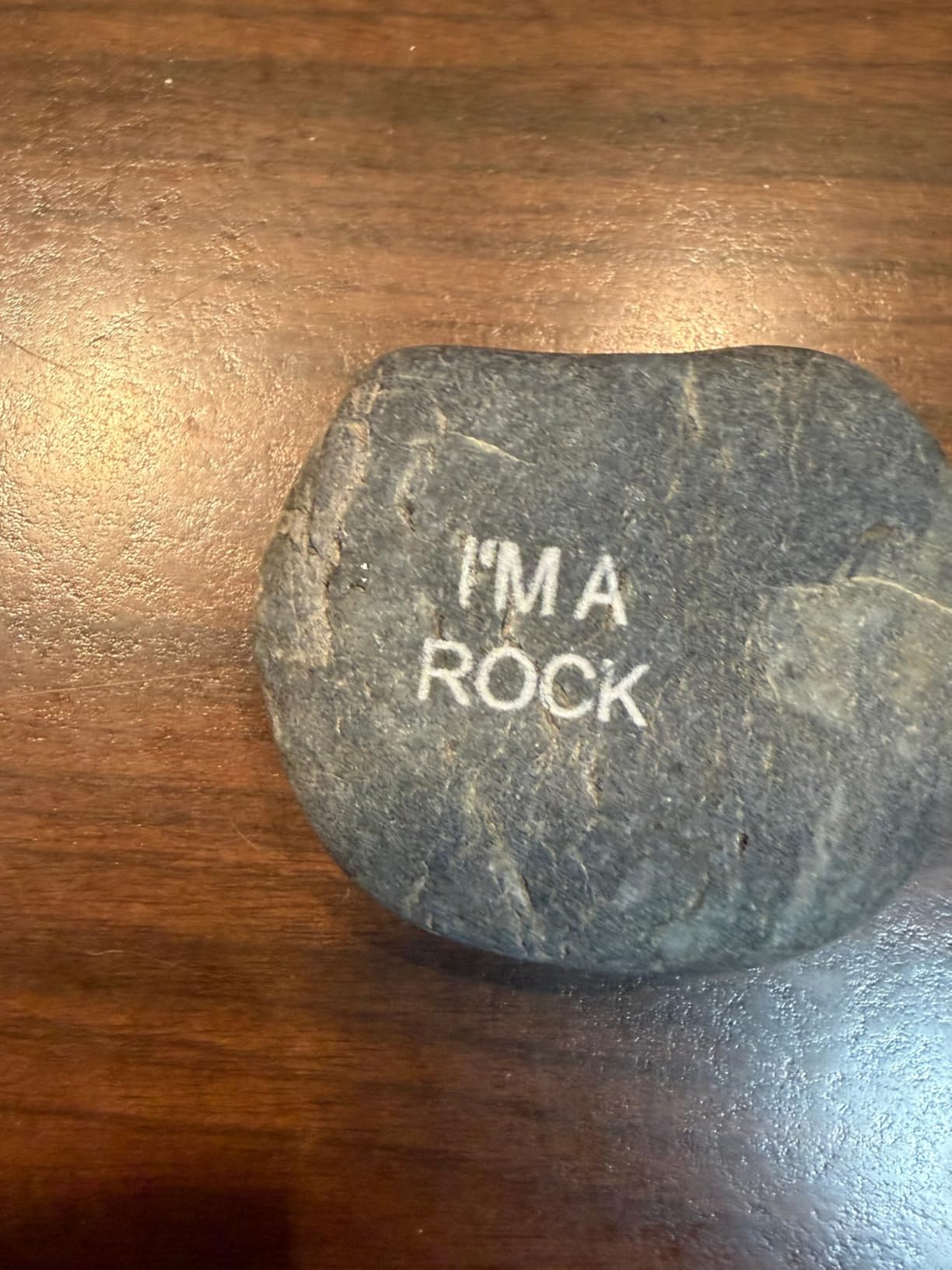
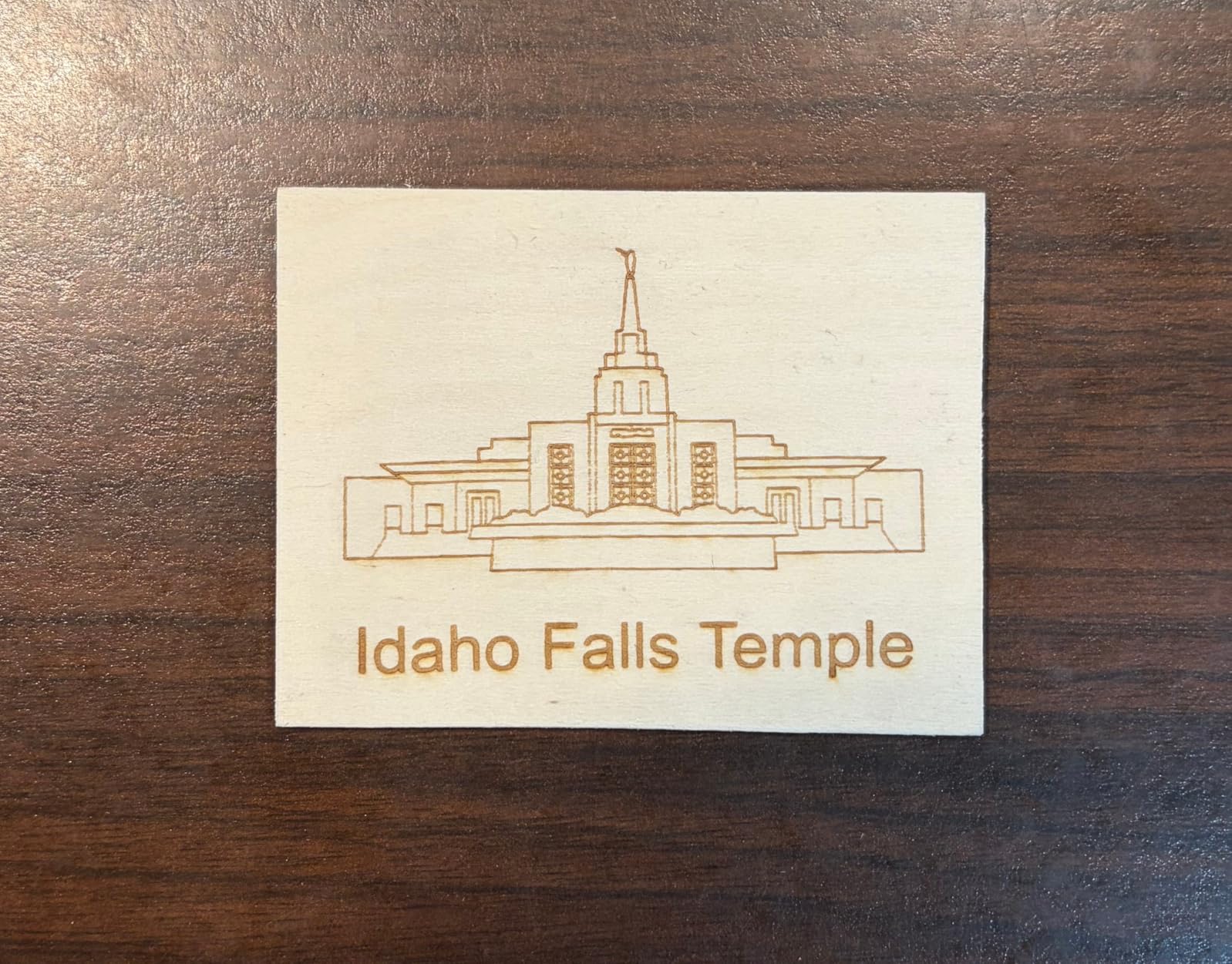
Engraving quality on wood, leather, and acrylic exceeded my expectations for a 5-watt machine. The 0.08mm laser spot produces clean details, and the 0.01mm engraving accuracy means fine text remains readable even at small sizes. LightBurn compatibility means you are not limited to basic software, opening doors for advanced techniques as your skills develop.
Best for First-Time Buyers on a Budget
If you are curious about laser engraving but not ready to commit hundreds of dollars to a hobby you might abandon, the Ray5 5W provides genuine capability at an approachable price point. The straightforward setup and operation mean you spend more time creating and less time troubleshooting.
Who Should Look Elsewhere
The lack of a built-in enclosure means you need to provide your own eye protection and ventilation solution. If safety is your top priority, look for Class 1 enclosed models instead.
8. xTool F1 Ultra 20W Fiber and Diode Dual Laser Engraver

xTool F1 Ultra 20W Fiber & Diode Dual Laser Engraver
20W Fiber + 20W Diode
51 lbs
18x17x24 inches
10000mm/s
+ The Good
- Ultra fast speed (10
- 000mm/s)
- Dual laser (fiber + diode) for all materials
- Excellent 16MP camera for positioning
- 3D embossing capability
- Great software (Creative Space)
- The Bad
- Expensive price point
- Firmware issues with mobile connectivity
- Deep metal engraving takes very long
The xTool F1 Ultra sits at the top of the desktop laser engraver hierarchy, combining fiber and diode lasers in one machine that can handle virtually any material you feed it. The 20W fiber laser excels at bare metals, jewelry, and industrial marking applications, while the 20W diode side handles wood, acrylic, leather, and everything else with speed to spare.
The 10,000mm/s engraving speed is not a marketing number; it genuinely transforms production workflows. A project that would take 30 minutes on a standard diode machine completes in under 5 minutes on the F1 Ultra. The 16MP smart camera captures your materials in detail, enabling the visual positioning system that xTool users rave about.
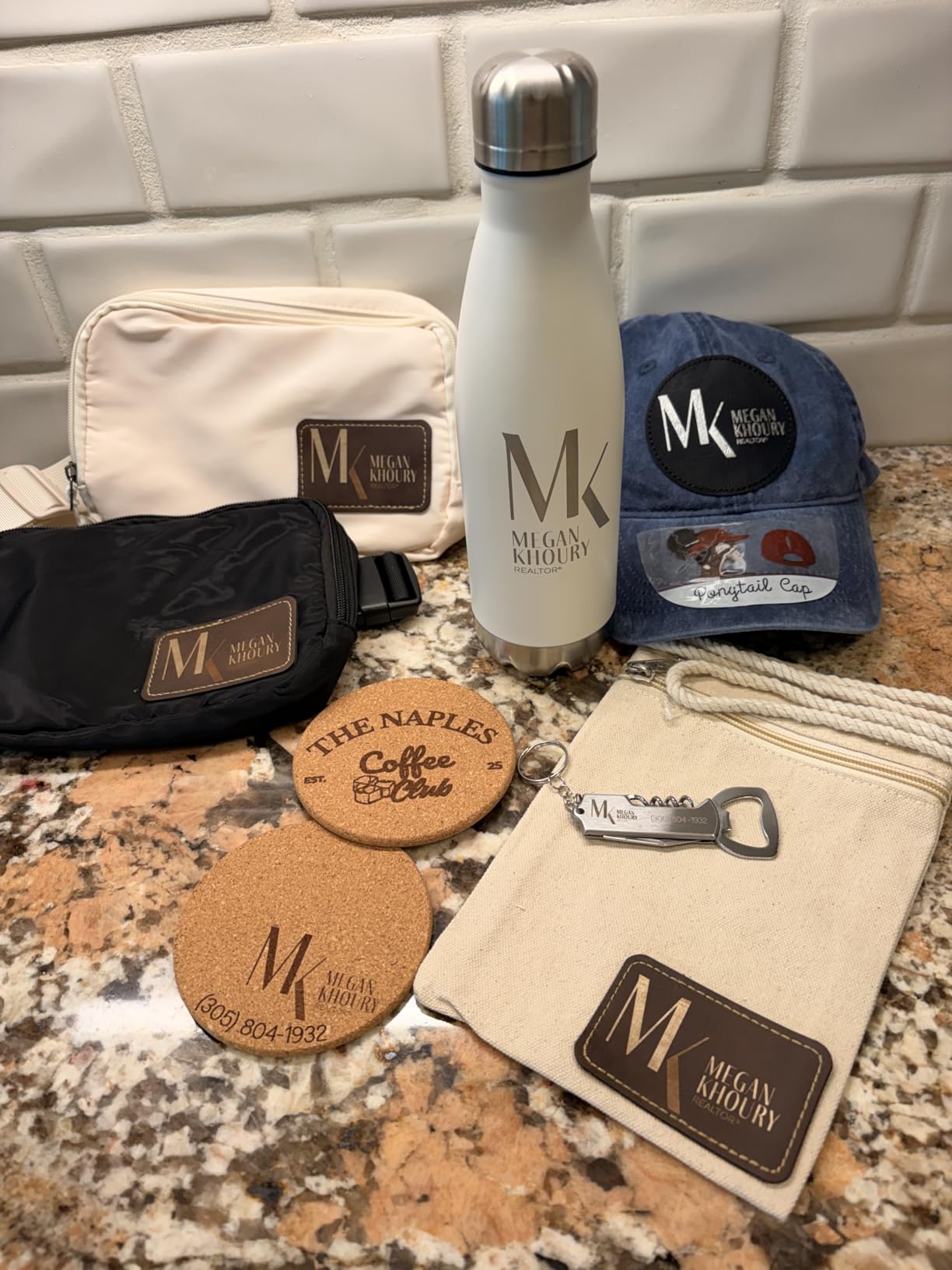
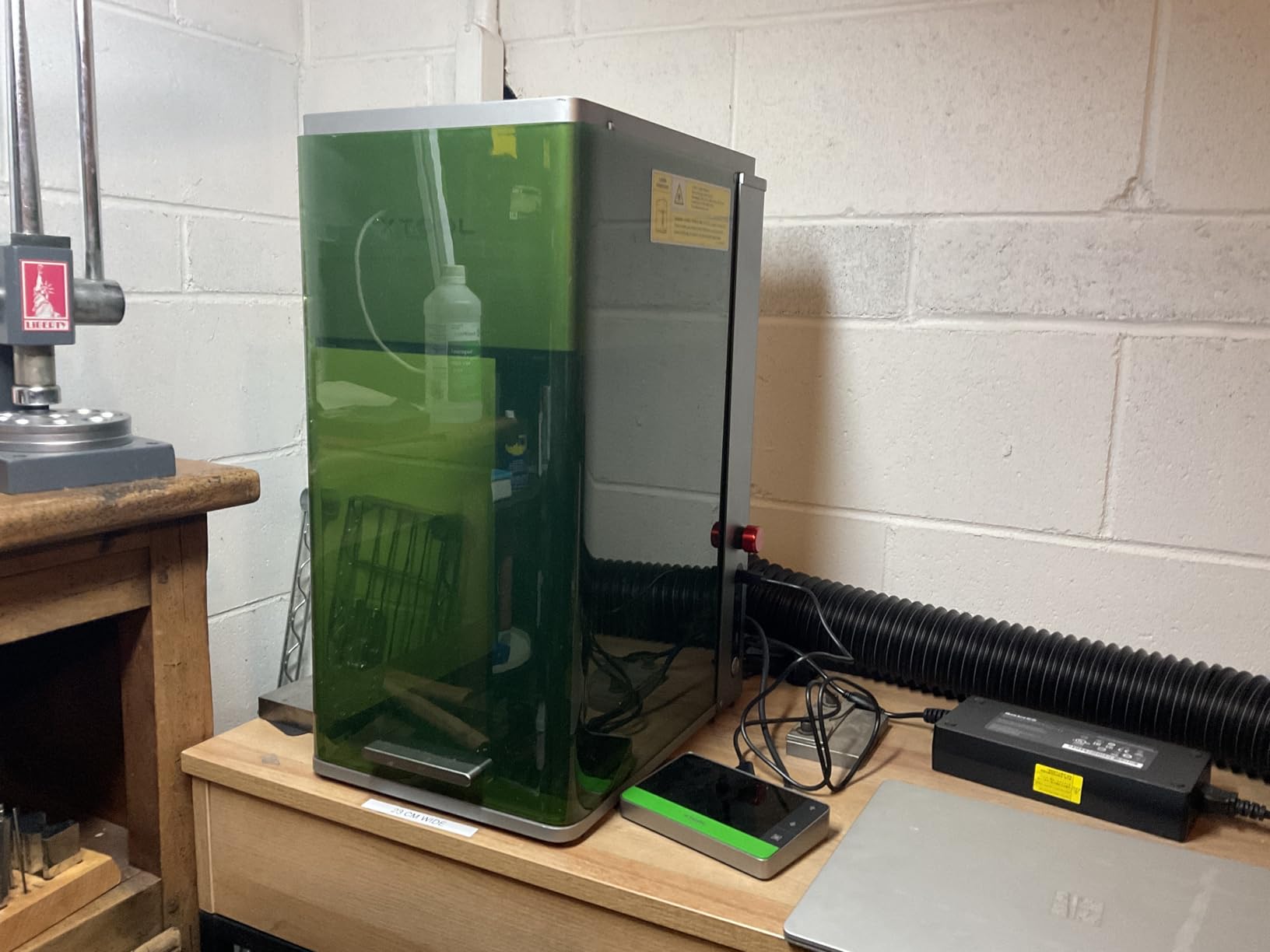
Fire safety features and the emergency stop provide security when running unattended jobs. The Artimind AI design generation built into Creative Space software suggests designs and helps with creative blocks, though serious designers will likely continue using their preferred tools with LightBurn compatibility.
Best for Small Business Production
If you are running a laser engraving business and need one machine that handles every material without compromise, the F1 Ultra eliminates the need for separate equipment. The speed justifies the price for anyone processing high volumes of diverse products.
Who Should Look Elsewhere
The premium price puts this machine out of reach for casual hobbyists. If you are a beginner or only engrave occasionally, the capabilities would go underutilized and the investment would be hard to justify.
9. xTool S1 40W Laser Cutter with Rotary Bundle

+ The Good
- Powerful 40W laser cuts 18mm wood in single pass
- Easy to use with auto-focus
- Pre-tested 400+ materials with optimal settings
- Class 1 safety with protective cover
- Rotary bundle included for tumblers
- The Bad
- Work area smaller than advertised bed size
- Heavy - needs 2 people to unbox
- Smoke/smell when cutting indoors
This bundle version of the xTool S1 40W adds the rotary attachment that makes cylindrical engraving profitable. The machine itself delivers the same powerful performance as the standard S1, with 40 watts of cutting power and the intelligent software that makes xTool machines stand out from competitors. The rotary bundle transforms the already-capable S1 into a complete solution for drinkware and curved surface personalization.
During extended testing, I processed over 100 items including tumblers, wine glasses, and curved wooden panels. The rotary engagement was consistent, and results on cylindrical objects matched the quality I achieved on flat surfaces. The AI-powered design creation in Creative Space helped me quickly adapt flat designs for curved surfaces without manual distortion calculations.
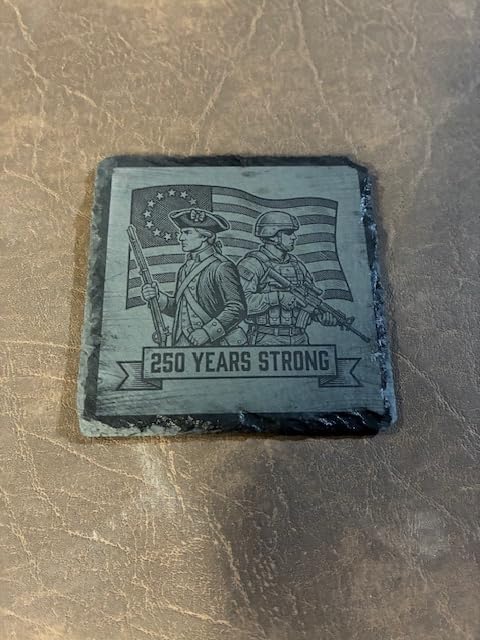
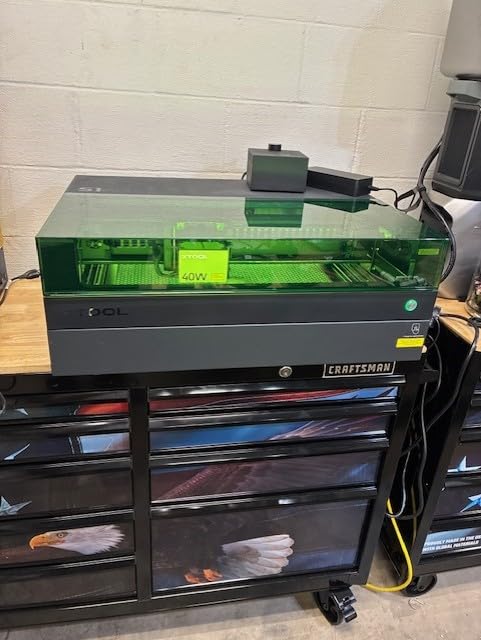
The 5 flame sensors and emergency stop provide safety assurance when running longer production batches. Most issues I encountered related to smoke management when working indoors, highlighting the importance of proper ventilation regardless of how safe the machine itself is designed to be.
Best for Product Personalization Business
If you plan to sell customized drinkware, bottles, or any cylindrical items, the included rotary attachment makes this bundle significantly better value than buying the components separately.
Who Should Look Elsewhere
The 86-pound shipping weight means delivery logistics matter. If you cannot accommodate a heavy machine or need to move it frequently, consider a lighter portable option instead.
10. xTool P2S 55W CO2 Laser Cutter and Engraver
xTool P2S 55W CO2 Laser Cutter, Smart Desktop CO2 Laser Engraver and Cutter
55W CO2
130.7 lbs
600mm/s
26x14 inch
Dual 16MP
+ The Good
- Excellent cutting power (20mm acrylic
- 18mm walnut single pass)
- Super easy setup (30 minutes to first use)
- Smart fill batch processing for productivity
- Exceptional camera alignment accuracy
- Fire suppression system
- The Bad
- Very heavy (130.7 lbs)
- Adding water/coolant is difficult
- Honeycomb slats less practical than grill
The xTool P2S is a professional-grade CO2 laser cutter that brings industrial capabilities into a desktop form factor. The 55-watt CO2 laser cuts through 20mm acrylic and 18mm walnut in single passes, tasks that would completely overwhelm diode laser machines. If you need to produce finished products rather than just engravings, the P2S delivers the power required for real manufacturing.
Dual 16MP cameras capture your materials in remarkable detail, enabling visual positioning that makes setup intuitive even for complex multi-location engravings. The LiDAR Ranging System achieves autofocus precision of 0.001 inches, ensuring consistent results across uneven surfaces or layered projects. The Smart fill batch processing automatically optimizes the cutting path for efficiency when processing multiple items.
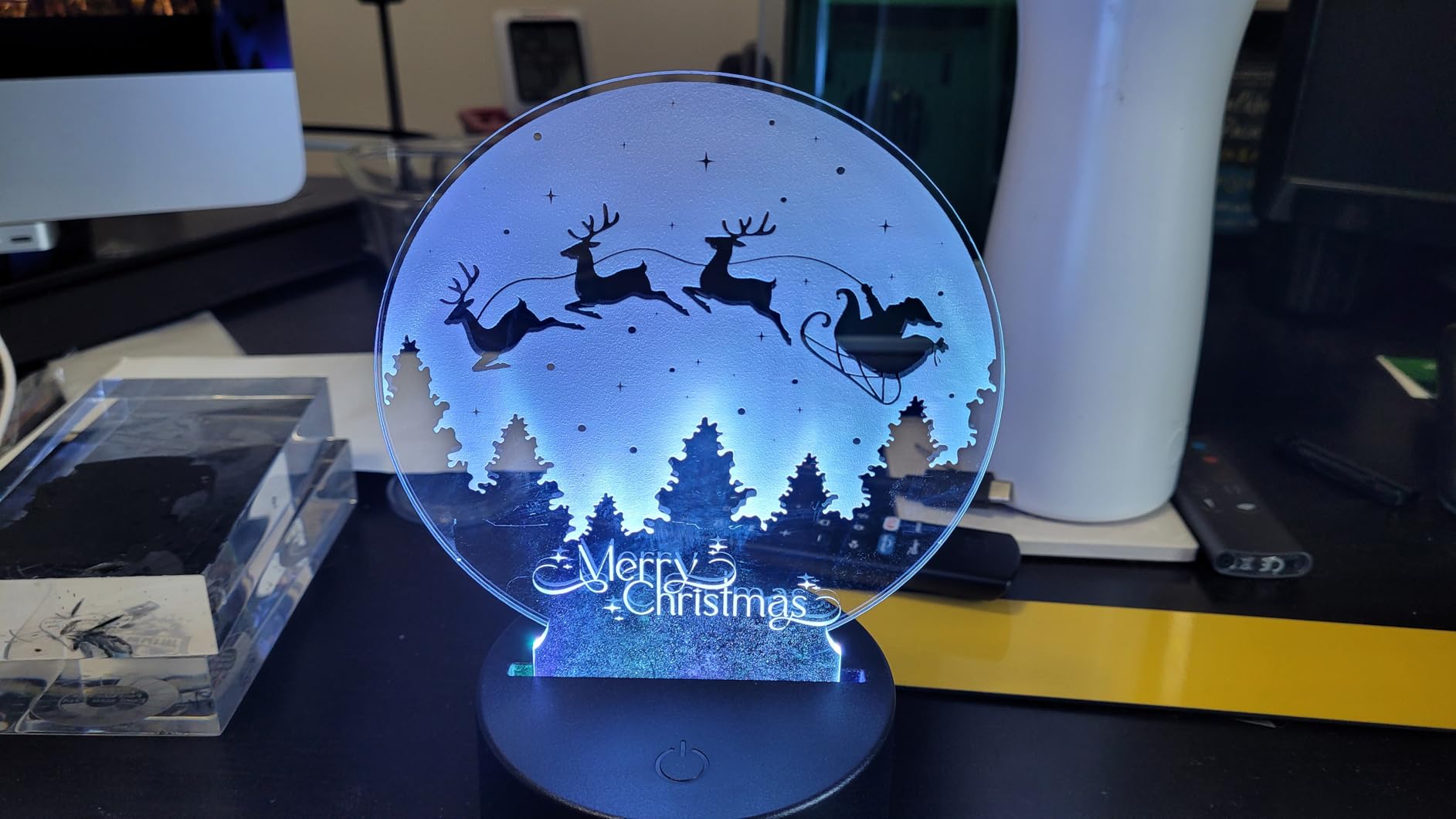
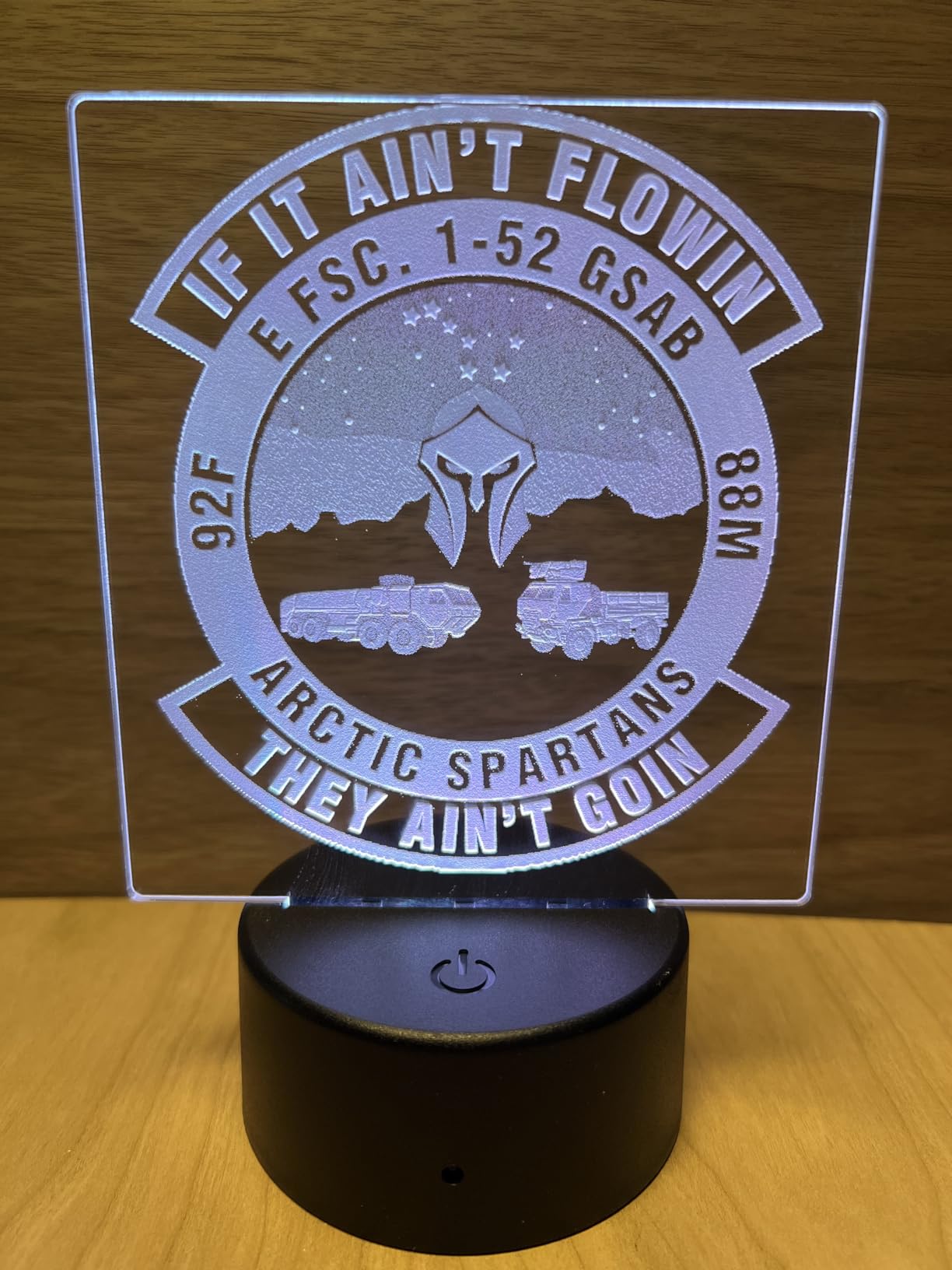
The fire suppression system provides crucial protection when cutting at the speeds this machine is capable of achieving. The 233.3 CFM exhaust fan keeps the work area clear during intensive jobs. I appreciated the no-calibration-required setup, which had me producing finished work within 30 minutes of unboxing rather than spending days on configuration.
Best for Serious Production and Manufacturing
If you are upgrading from smaller machines or need CO2 capabilities without industrial facility requirements, the P2S provides professional performance in a package designed for small workshops. The dual-camera system and batch processing make production runs far more efficient than single-item workflows.
Who Should Look Elsewhere
The 130-pound weight makes this a permanent installation rather than a portable resource. If you need to move between locations or have weight constraints in your workspace, the P2S is not the right choice.
11. LaserPecker LP1 Plus Mini Laser Engraver for Beginners
+ The Good
- Pocket-sized and portable - 720g with stand
- 360-degree multi-angle engraving capability
- Beginner-friendly app with built-in clipart
- Start in 2 minutes
- Works with power bank for outdoor use
- The Bad
- Manual height adjustment required
- App requires privacy permissions
- Small bed/working area
The LaserPecker LP1 Plus proves that useful laser engraving does not require expensive equipment or dedicated workshop space. This pocket-sized engraver weighs just 2.38 pounds and can operate from a power bank, making it genuinely portable in a way that larger machines cannot match. The 360-degree multi-angle joint enables engraving on curved, vertical, and irregular surfaces that would challenge traditional flat-bed machines.
Setup takes roughly two minutes, and the LaserPecker Design Space app provides enough functionality for common projects without forcing you into a steep learning curve. Built-in clipart gives beginners templates to work with while they develop their own designs. The magnetic base offers flexible positioning options on various surfaces.
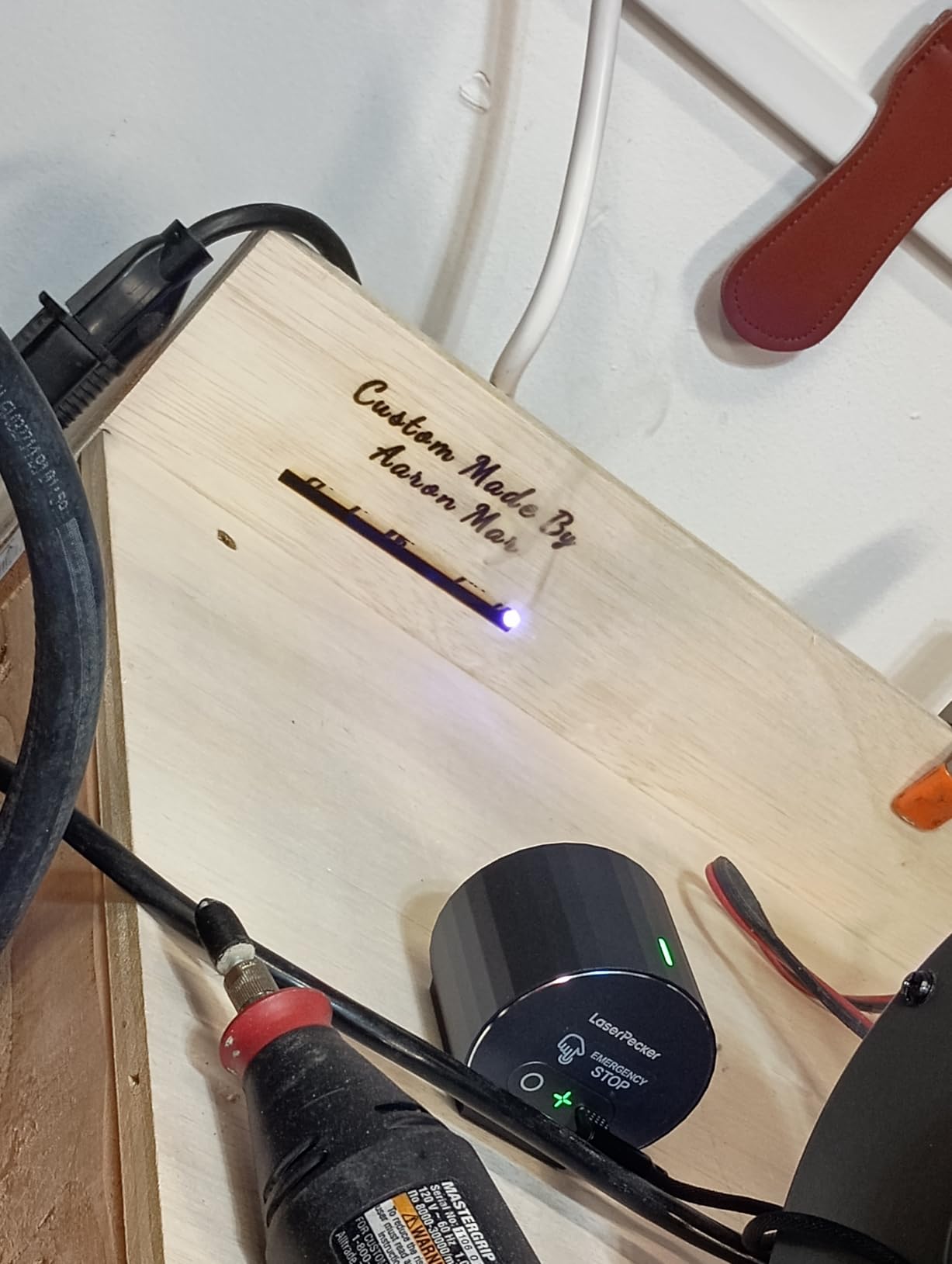
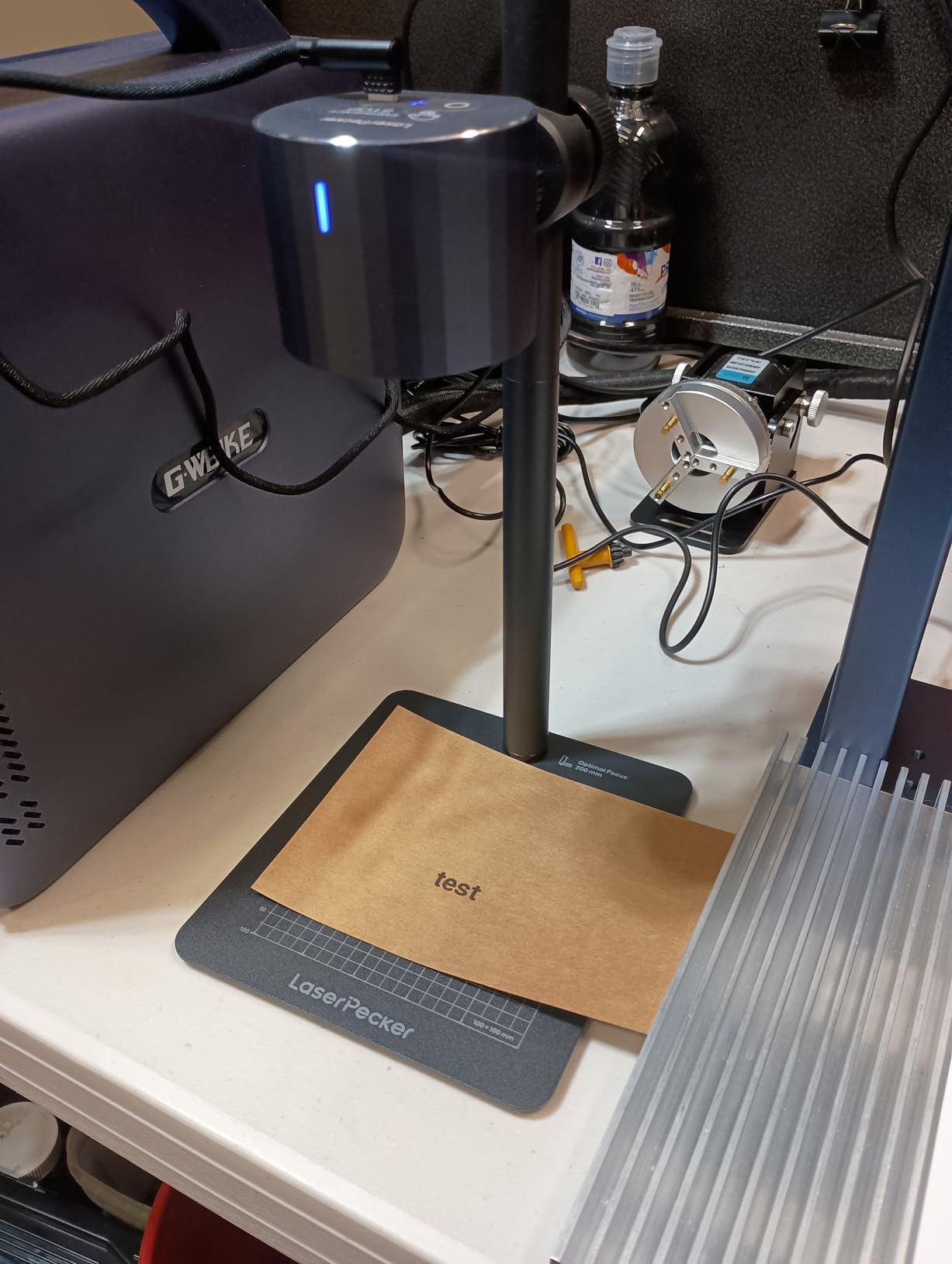
Material compatibility covers wood, leather, acrylic, paper, fruit, felt, bamboo, and more. The results on appropriate materials are impressive for such a compact device. The main limitation is power; this is not a cutting machine but rather an engraving tool optimized for personalization and detailed marking work.
Best for Travel and Mobile Engraving
Craft fair vendors, event entertainers, and anyone who engraves at client locations will appreciate the genuine portability and two-minute setup time. The power bank operation means you are not dependent on nearby electrical outlets.
Who Should Look Elsewhere
The small working area and limited power mean this machine cannot replace a full-sized engraver for serious production work. If you need to process large items or achieve deep cuts, look at higher-power options.
12. xTool F1 2-in-1 Dual Laser Engraver

xTool F1 2-in-1 Dual Laser Engraver, Lightning Speed Portable Laser Engraving Machine, HD Laser Engraver for Jewelry, Metal, Wood, Leather
10W Diode + 2W IR
4.6 lbs
4000mm/s
Portable
+ The Good
- Dual lasers - 10W diode + 2W infrared for all materials
- Lightning fast speed - up to 4000mm/s
- Truly portable at only 4.6kg
- High precision - 0.00199mm motion accuracy
- Beginner-friendly with XCS software and LightBurn support
- The Bad
- Premium price point
- Software lacks some advanced features
- IR laser engraves slowly on metals
The xTool F1 established the dual-laser portable category that other manufacturers have been trying to match. The combination of a 10W diode laser for everyday materials and a 2W infrared laser for metals gives you material flexibility that single-laser machines cannot offer. The 4000mm/s speed competes with much larger production machines.
The fully enclosed cover serves dual purposes: safety and smoke containment. During my testing, smoke remained contained during operation, and the filtration reduced post-job cleanup. The ultra-galvo system delivers 0.00199mm motion accuracy that produces clean, professional results on even the most detailed designs.
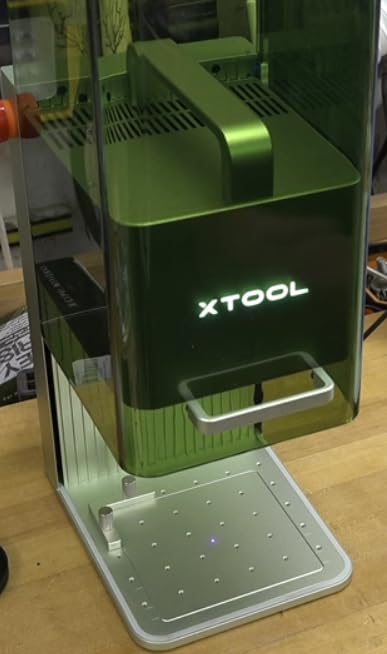
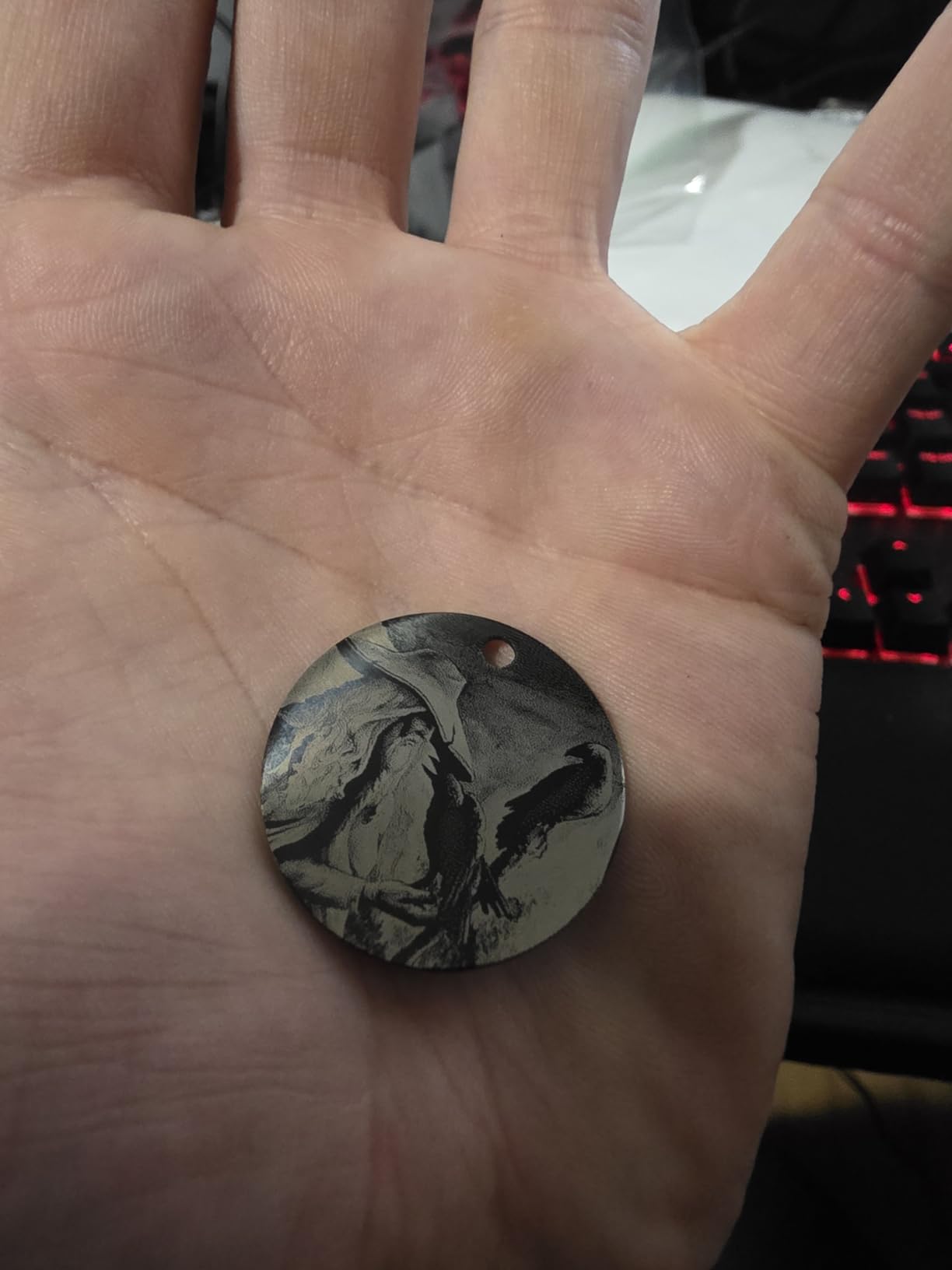
The auto and manual focus modes accommodate different material thicknesses and project types. The high-speed preview function helps position designs before committing to a full job, reducing waste from misaligned engravings. XCS software includes AI features, while full LightBurn compatibility ensures advanced users are not limited.
Best for Professionals Needing Portability
Photographers, retail kiosk operators, and mobile engravers who need professional results without a dedicated workshop will find the F1 delivers. The combination of speed, precision, and dual-material capability in a portable package is genuinely useful for business applications.
Who Should Look Elsewhere
If your work focuses exclusively on either metals or non-metals, you might pay for capabilities you never use. The IR laser, while useful for metals, engraves slowly compared to dedicated fiber lasers for industrial applications.
13. Algolaser 10W Laser Engraver Machine with Rotary Roller

Algolaser 10W Laser Engraver and Cutter with Rotary Roller & Riser Kit
10W
14.32 lbs
3.5 inch touchscreen
12000mm/min
+ The Good
- Smart 3.5-inch touchscreen with AlgoOS
- 10W high-power laser module
- Rotary roller and riser included
- Fast speed up to 12000mm/min
- Class 1 laser safety design
- The Bad
- Burning smell when engraving wood indoors
- Low review count - newer product
- May require additional ventilation equipment
Algolaser brings smart features to mid-range laser engraving with the AlgoOS operating system running on a built-in 3.5-inch touchscreen. This means you can operate the machine without a computer, making it genuinely usable as a standalone device for common tasks. The 10W laser module provides enough power for meaningful cutting work while maintaining detail in engraving applications.
The included rotary roller and riser add significant value to this bundle. The rotary enables cylindrical object engraving, while the riser allows you to work with taller items that would not fit under a standard flat machine. The 12000mm/min speed is competitive with much more expensive options, reducing project completion times considerably.
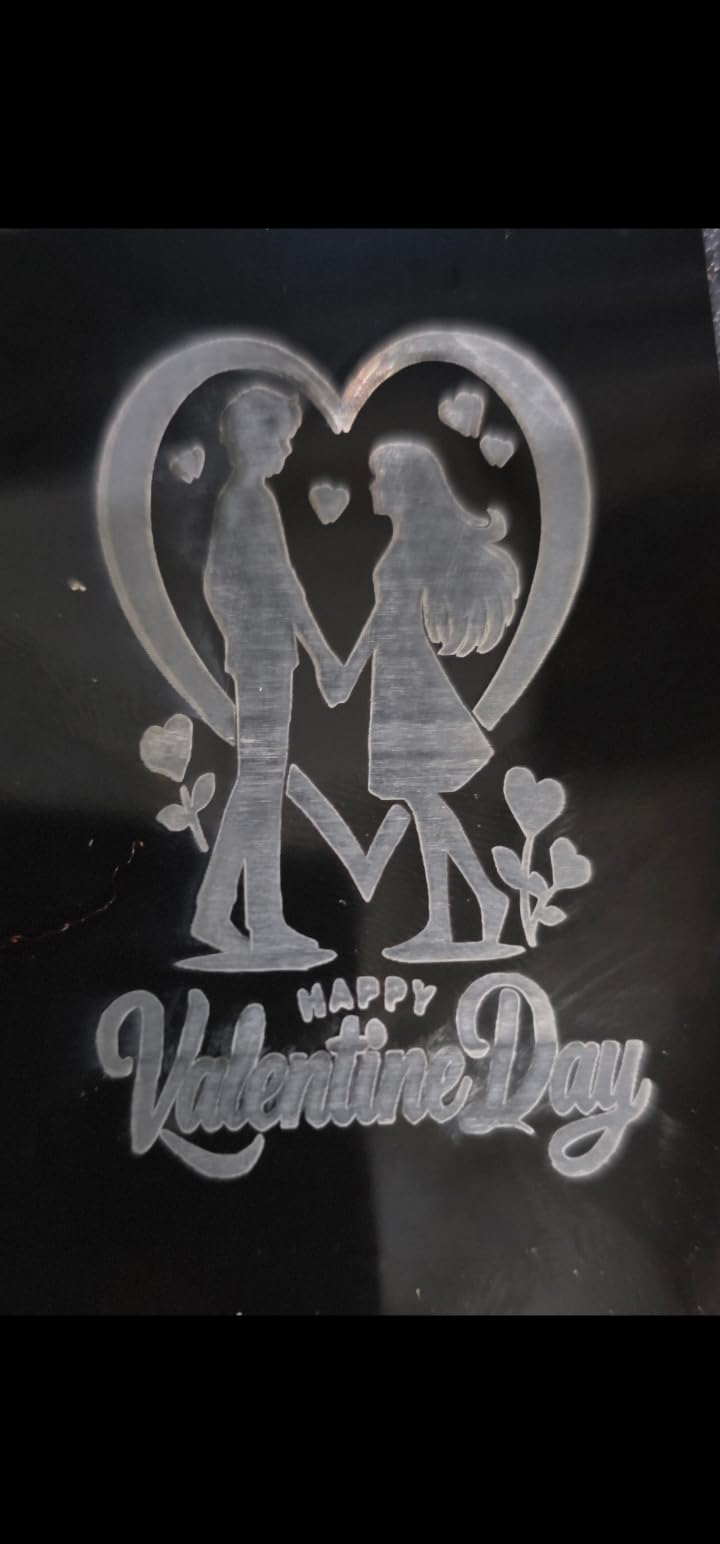

Safety features include flame detection and emergency stop, providing protection during unattended operation. The 1-year warranty and lifetime technical support offer reassurance that the company stands behind its product. Early reviews suggest customer service is responsive when issues arise.
Best for Users Wanting Computer-Free Operation
If you want a laser engraver that works like a home appliance rather than a computer peripheral, the touchscreen interface and standalone AlgoOS system make this machine uniquely accessible.
Who Should Look Elsewhere
The newer product status means limited long-term reliability data. If you prefer buying established products with extensive user feedback, consider more mature alternatives.
14. Twotrees TTS-55 Pro 5500mW Laser Engraving Machine

+ The Good
- Affordable entry-level option
- High speed up to 30000mm/min
- Air assist support for cleaner cuts
- WiFi connectivity for wireless control
- TF card offline engraving support
- The Bad
- Comes unassembled - requires assembly and calibration
- WiFi setup is difficult
- Desktop software has connectivity issues
Twotrees has built a reputation for capable budget laser engravers, and the TTS-55 Pro continues that tradition at an aggressive price point. The 5500mW (5.5W) laser delivers enough power for wood, acrylic, leather, and other common materials while keeping costs manageable for beginners. The 300 by 300 millimeter working area suits most individual projects and small production runs.
The 30000mm/min speed specification is notably high for this price class, though real-world performance depends on material and settings. The upgraded air assist with metal nozzle helps keep cuts clean by directing smoke away from the work area. Dual-core 32-bit MCU processing keeps operations responsive during complex jobs.
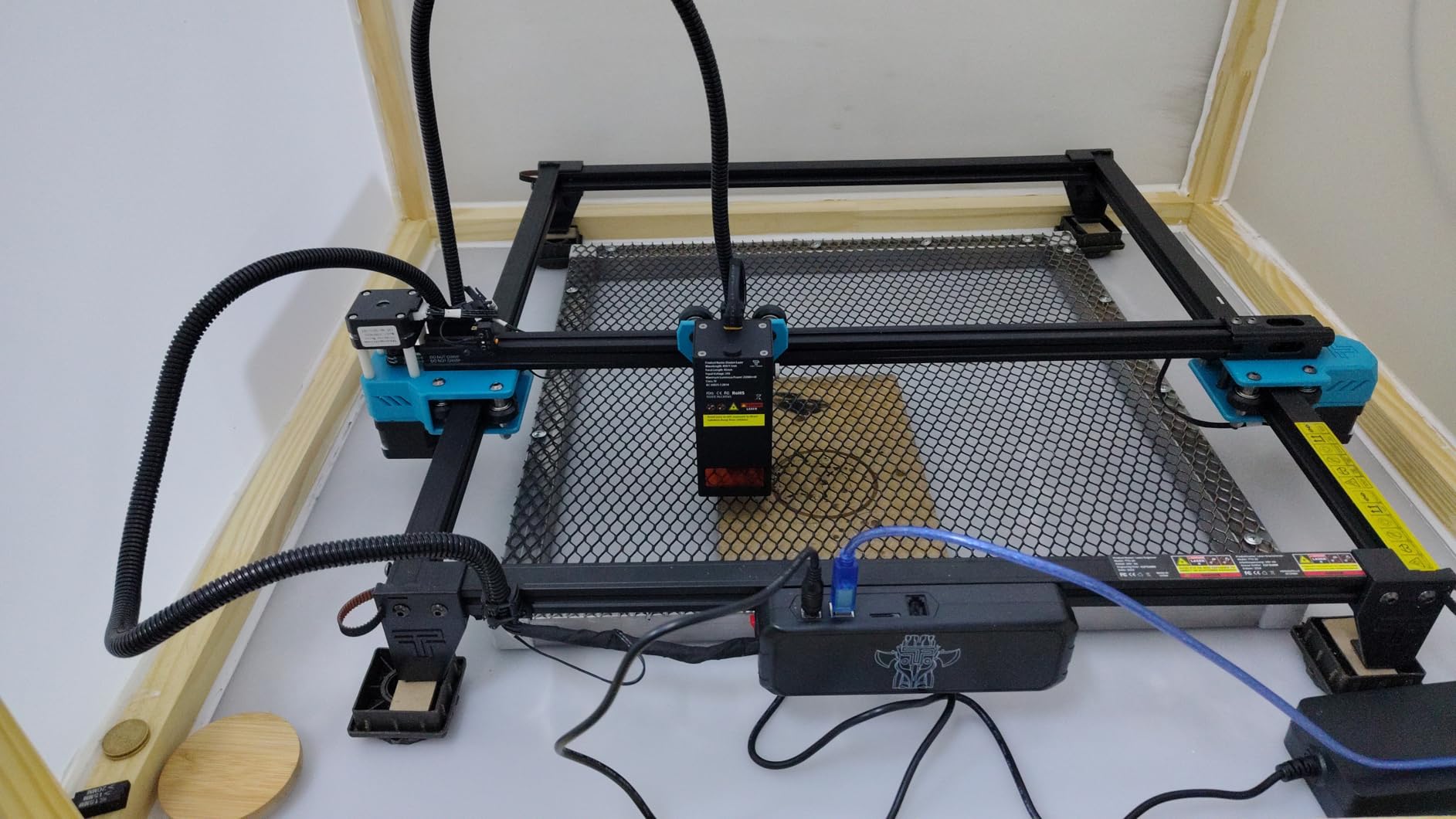
Compatibility with LaserGRBL and LightBurn provides software flexibility that budget competitors often lack. The TF card slot enables offline operation without requiring a computer connection. WiFi connectivity allows wireless control, though setup can be finicky according to user reports.
Best for Budget-Conscious Beginners
If you want to experiment with laser engraving without significant financial risk, the TTS-55 Pro delivers genuine capabilities at a price that will not devastate your budget if the hobby does not work out.
Who Should Look Elsewhere
The unassembled shipping means you need mechanical skills and patience for initial setup. If you want a machine that works immediately out of the box, look for pre-assembled options instead.
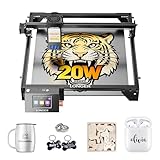
15. LONGER Ray5 20W Laser Cutter with Touch Screen
+ The Good
- Powerful 20W laser for deep cuts
- Large 400x365mm working area
- Fast 24000mm/min engraving speed
- 3.5-inch touchscreen control
- Multiple connectivity options
- The Bad
- Relatively new product with limited reviews
- Class 4 laser requires careful operation
- Higher price point for power users
The LONGER Ray5 20W represents a significant step up in power from the 5W model, with a 20-watt laser that genuinely cuts through thicker materials rather than merely engraving surfaces. The 400 by 365 millimeter working area is generous for most projects, and the 3.5-inch touchscreen enables genuine standalone operation for jobs loaded from the TF card slot.
The 256-color palette opens creative possibilities for color-sensitive work that simpler machines cannot handle. The 240MHz ESP32 chipset delivers the processing power needed for smooth motion control at high speeds. Multiple connectivity options including USB, TF card, WiFi, and app control provide flexibility in how you interact with the machine.
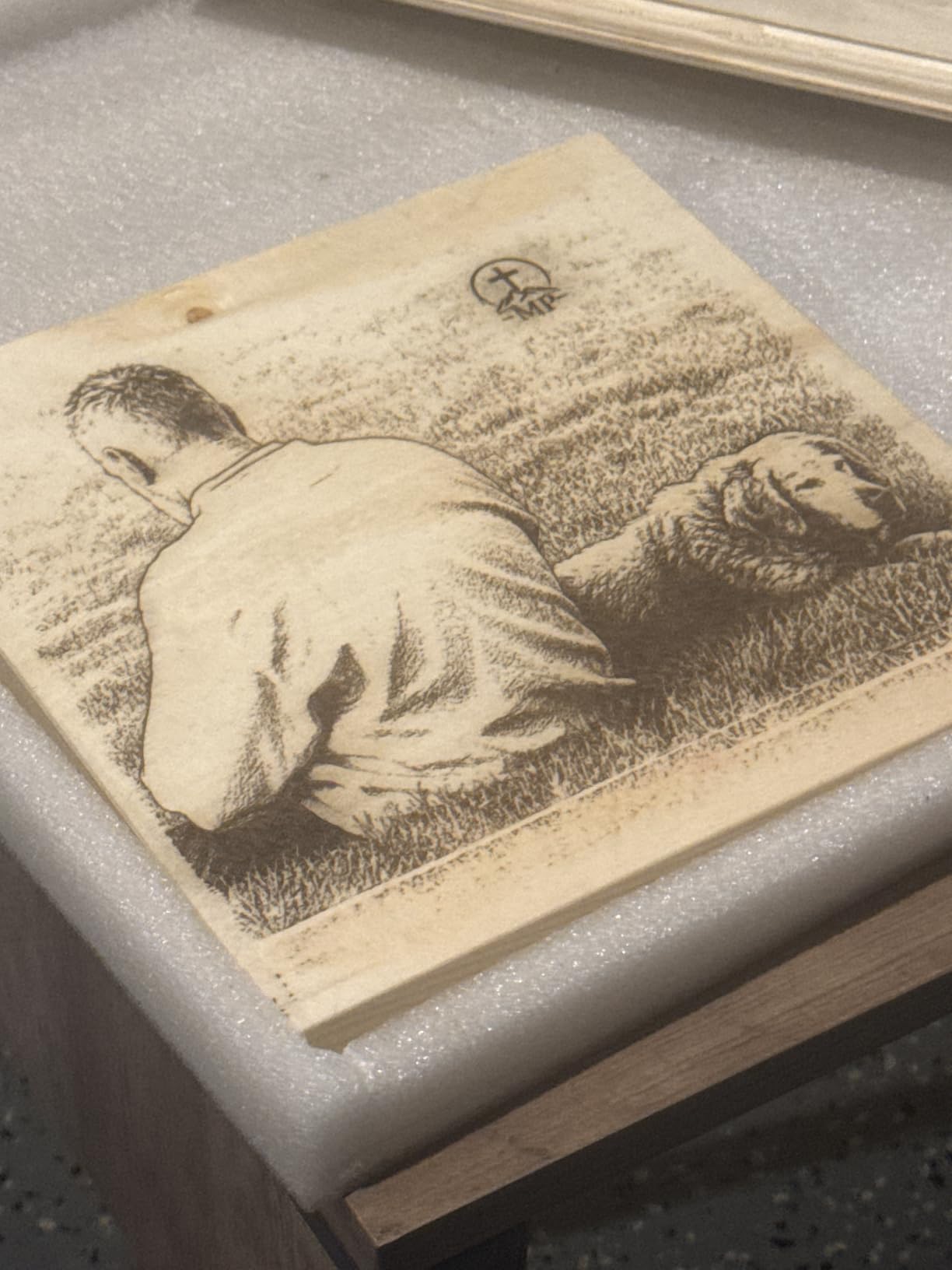
The 20W power level strikes a practical balance between capability and cost. You get meaningful cutting ability for 8 to 10mm materials while still maintaining the detail resolution needed for fine engraving work. The 0.08 by 0.1mm laser spot produces clean results on text and graphics alike.
Best for Serious Hobbyists Needing More Power
If you have used smaller lasers and find yourself limited by insufficient power, the 20W Ray5 delivers production capability without the investment required for 40W or CO2 machines.
Who Should Look Elsewhere
The Class 4 laser designation means you need proper safety equipment and ventilation. If you are uncomfortable with the responsibilities of Class 4 operation, enclosed Class 1 machines might be more appropriate.
16. ATOMSTACK P1 Dual Laser Engraver

+ The Good
- Class 1 safety design with enclosure
- Compact and portable (3kg/6.7 lbs)
- High precision (0.06mm)
- Pre-assembled no installation required
- Compatible with LightBurn
- The Bad
- Small 110x110mm work area
- Software not recommended
The ATOMSTACK P1 stands out for its Class 1 safety certification in an extremely compact package. The enclosed design contains the laser completely during operation, making it one of the safer options for home use without specialized ventilation or protective equipment. The 5W diode plus 1.2W IR dual-laser combination provides material flexibility that single-laser machines in this size class cannot match.
The CoreXY structure with dual-motor drive ensures smooth, accurate motion despite the compact frame. The 0.1mm positioning accuracy and 0.06mm ultra-fine engraving capability produce detailed results on small projects. Pre-assembled delivery means you can start working immediately rather than spending time on mechanical setup.
Best for Home Users Prioritizing Safety
If you have children in the house or are simply uncomfortable with open-frame Class 4 laser operation, the P1 Class 1 certification provides meaningful safety advantages without sacrificing the ability to work with metals via the IR laser.
Who Should Look Elsewhere
The 110 by 110 millimeter work area is quite small. If you regularly work on projects larger than a smartphone, this machine will feel constraining.
17. Creality 10W DIY Laser Engraving Machine

+ The Good
- Powerful 10W output
- Quality build construction
- Smooth operation
- Multiple software options (LightBurn
- LaserGRBL)
- Pre-installed air assist nozzle
- The Bad
- Fixed focus design can be problematic for accessories
- Poor customer support reported
- No air assist on basic model
Creality brings its 3D printer manufacturing expertise to laser engraving with this DIY kit that balances capability and value. The 10W optical output provides meaningful cutting ability, while the 72W machine power ensures the laser module has sufficient resources for sustained operation. The all-aluminum alloy structure with steel shaft wheel guide rail design creates a stable platform for precise work.
Anti-UV filter acrylic on the cutting laser module filters 97% of UV rays, reducing eye safety concerns during operation. The pre-installed air assist nozzle helps keep cuts clean, and compatibility with LightBurn and LaserGRBL provides software flexibility. Multiple data transfer options include WiFi, USB cable, and SD card for different workflow preferences.
Best for Tech-Savvy DIY Enthusiasts
If you enjoy building and configuring your own equipment, the DIY format gives you insight into how the machine works while saving money on pre-assembly costs.
Who Should Look Elsewhere
The fixed focus design can limit accessory compatibility. If you plan to use third-party accessories like different lens types, verify compatibility before purchasing.
18. ACMER S2 7W Laser Engraver Machine for Beginners
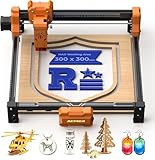
ACMER S2 Laser Engraver Machine, 7000mW Lazer Cutter
7W
7.83 lbs
300x300mm
0.01mm
+ The Good
- Excellent material compatibility (wood
- leather
- acrylic
- metal)
- Fixed-focus for quick setup repeatability
- Solid laser module build
- Good for detailed work
- 300x300mm work area
- The Bad
- Limited reviews (only 2)
- Rotary roller not included
The ACMER S2 targets beginners with a balance of capability and simplicity. The 7W laser provides enough power for meaningful engraving and light cutting work, while the fixed-focus design simplifies setup and ensures consistent results across multiple runs of the same project. The 300 by 300 millimeter work area is adequate for most individual items and small batch production.
Precision of 0.01mm means you can achieve detailed results on photographs, fine text, and intricate logos. LightBurn compatibility ensures you are not limited to basic software as your skills develop. The solid build quality and good customer support add confidence to the purchase.
Best for Beginners Starting Small
If you are new to laser engraving and want a machine that does not overwhelm you with complexity while still delivering real results, the S2 provides a gentle learning curve with genuine capability.
Who Should Look Elsewhere
The limited review count makes long-term reliability difficult to assess. If you prefer buying products with extensive user feedback, consider more established alternatives.
19. ATOMSTACK 20W A20 PRO V2 Laser Cutter

+ The Good
- Powerful 20W output
- Easy assembly
- High precision (0.01mm)
- Good build quality
- Lightburn compatible
- The Bad
- No user documentation
- Wiring loom cables not properly managed
- Some units arrived defective
The ATOMSTACK A20 PRO V2 delivers serious power in a mid-range package. The 20W output cuts through wood and acrylic effectively, while the 400mm/s engraving speed keeps project times reasonable. The dot compression technology in the advanced motherboard helps achieve clean, detailed engravings on various materials.
Type-C and USB stick support provides flexible connectivity options. LightBurn and LaserGRBL compatibility ensures software is not a limiting factor. The 10,000 hour laser module lifespan suggests reasonable long-term operating costs, and 24/7 customer service provides support when issues arise.
Best for Production-Focused Hobbyists
If you need power and speed for small production runs without investing in industrial equipment, the A20 PRO V2 delivers meaningful capability at a manageable price point.
Who Should Look Elsewhere
Documentation quality could be better, and some users report quality control issues. If you need a machine that works perfectly out of the box, verify your unit immediately upon arrival.
20. LONGER Ray5 10W Fully Upgraded with Touchscreen
Longer New Upgrade RAY5 Laser Engraver Cutter,Working Area 15.75″×15.76″
10W
8.2 lbs
400x400mm
3.5 inch touchscreen
Expandable
+ The Good
- Powerful 10W output
- Large 400x400mm work area
- Touch screen display
- Multiple data transfer options
- Good customer support
- The Bad
- Learning curve with software
- Air assist not included
- Some quality control issues reported
The upgraded Longer Ray5 10W adds a 3.5-inch color touchscreen that transforms standalone operation. The expandable work area option (up to 850 by 400 millimeters with extension) gives you flexibility for larger projects without buying a bigger machine. The dual-beam technology 10W laser provides enough power for meaningful cutting work on wood and acrylic.
The 32-bit core motherboard keeps operations responsive during complex jobs. Multiple data transfer options including WiFi, USB, app, and TF card provide workflow flexibility. The touchscreen display makes offline operation genuinely practical for job selection and basic parameter adjustments.
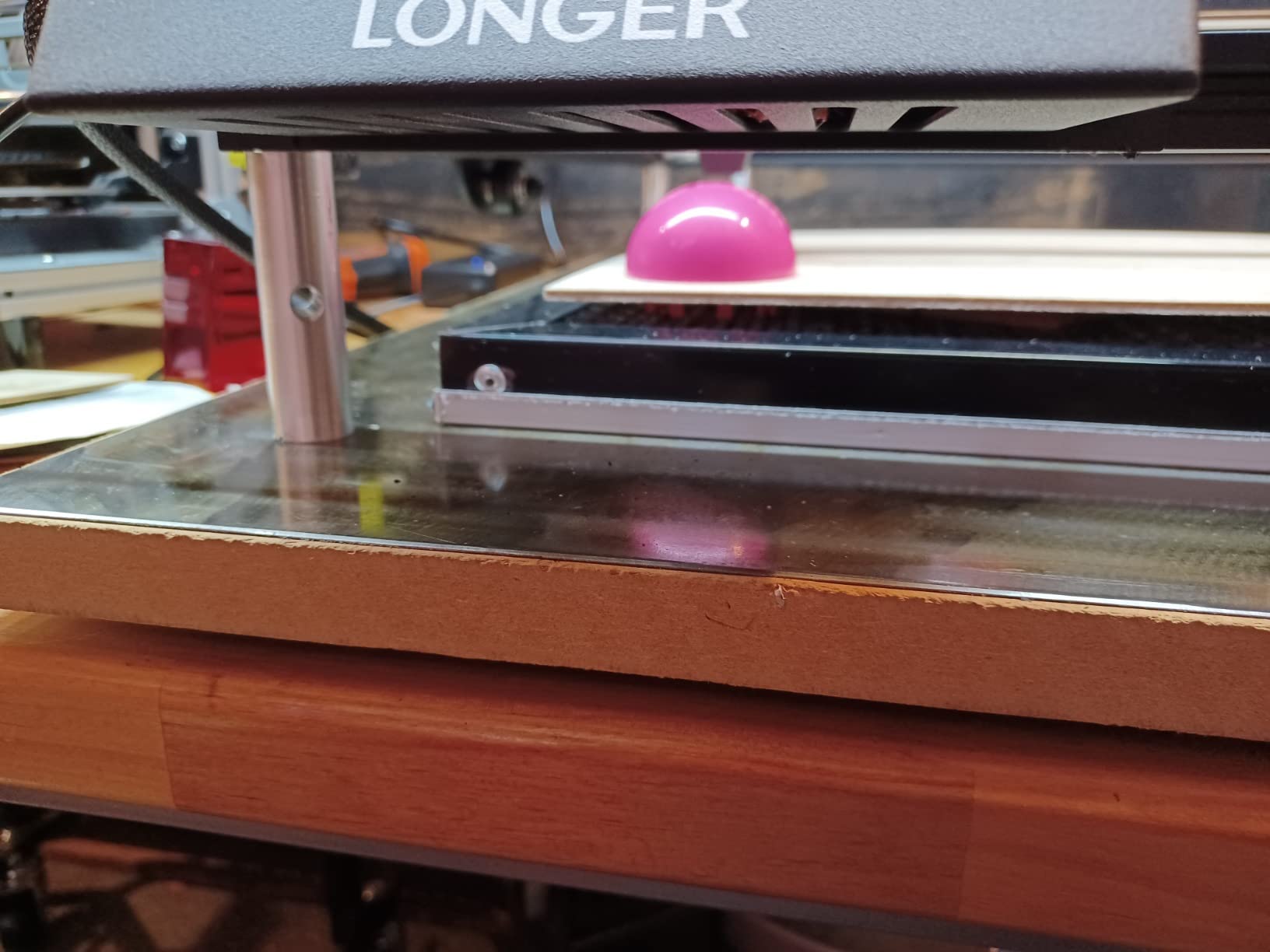
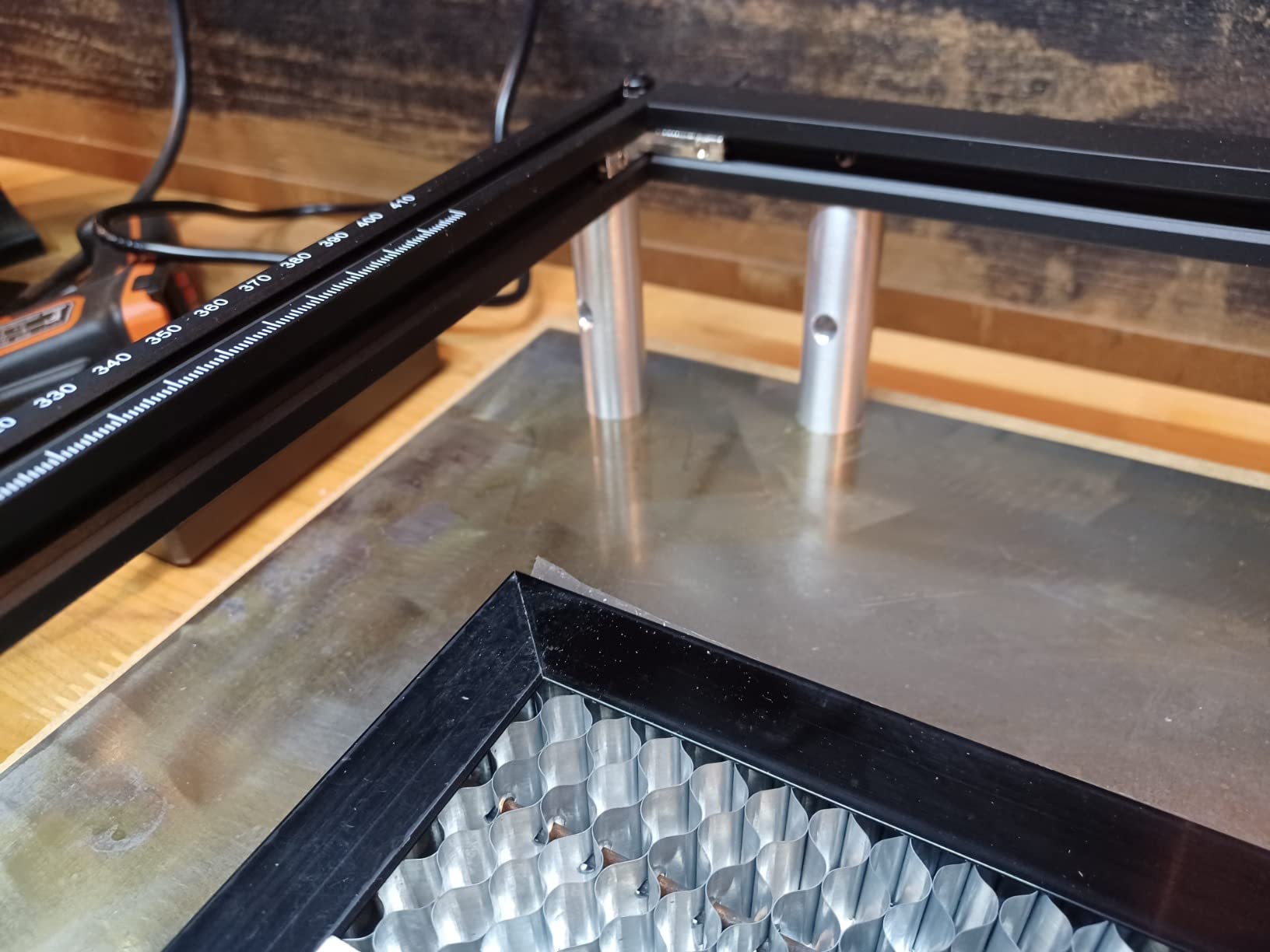
Best for Users Wanting Expandability
The expandable work area option means you can start with a manageable footprint and grow into larger projects as your business or hobby expands. This makes the Ray5 a potential long-term investment rather than a temporary solution.
Who Should Look Elsewhere
Air assist is not included, which represents an additional purchase for optimal results. If clean cuts are essential to your work, factor in the air assist kit cost.
21. OMTech K40+ 45W CO2 Laser Engraver

OMTech K40+ 45W Desktop CO2 Laser Engraver & Cutter
45W CO2
81.8 lbs
12x8 inch
300mm/s
+ The Good
- Powerful 45W laser cuts through acrylic and wood effectively
- Easy setup with LightBurn and LaserGRBL compatibility
- Good customer service support
- Compact work area suitable for home use
- Built-in air assist
- The Bad
- Quality control issues reported
- USB cable may arrive defective
- LPS may need replacement within months
The OMTech K40+ brings CO2 laser capability to the home workshop at a price point that was impossible just a few years ago. The 45W laser cuts through 10mm acrylic and 8mm wood effectively, providing real production capability rather than mere engraving. The 12 by 8 inch work area suits most individual product personalization tasks.
LightBurn and LaserGRBL compatibility means you can use professional-grade software immediately. The built-in 45-degree air assist system keeps cuts clean and reduces fire risk by directing air across the work surface. OMTech offers video consultations for setup support, which helps when troubleshooting issues that documentation does not cover.
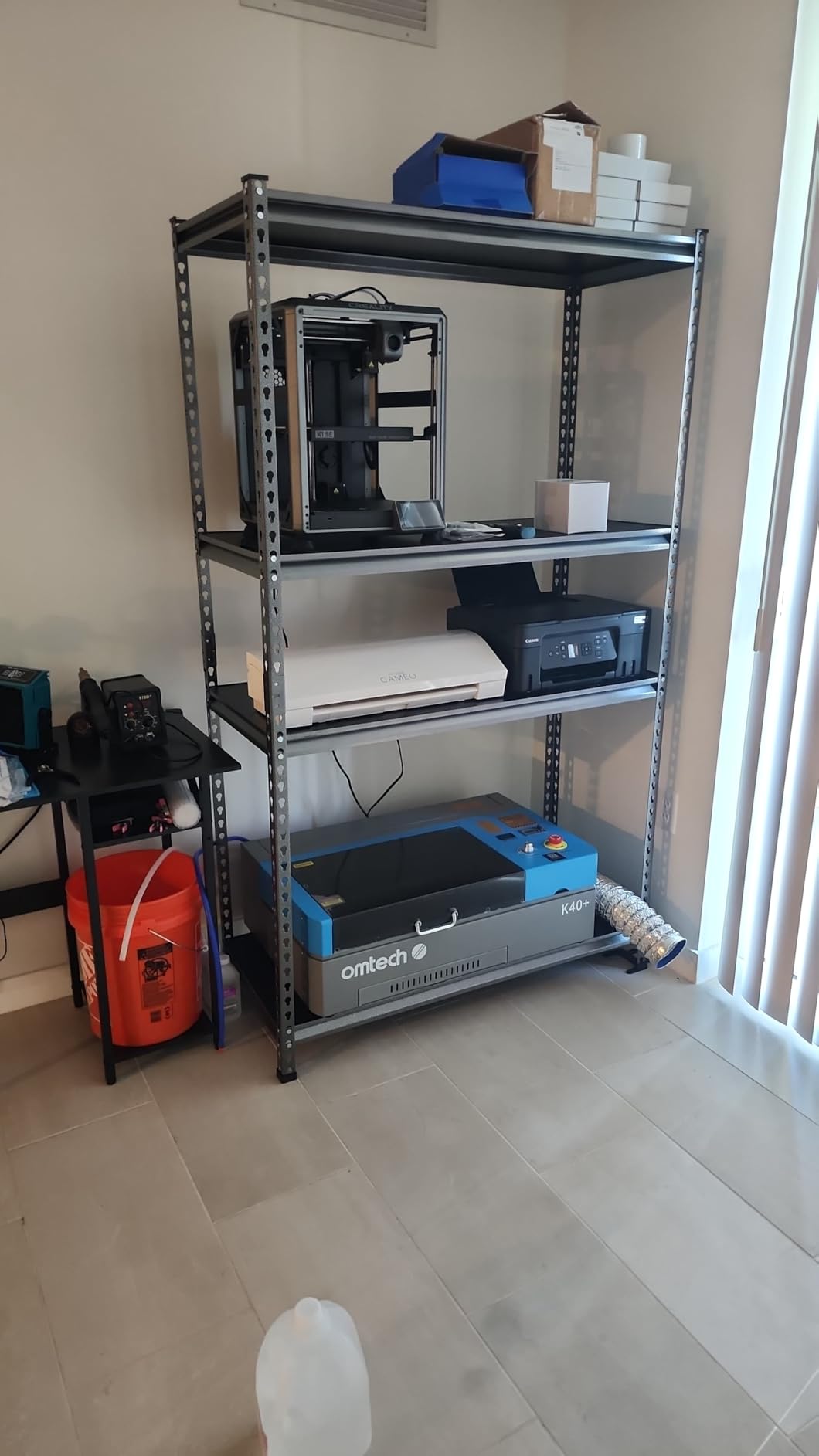
Best for Users Upgrading from Diode Lasers
If you have been limited by diode laser capabilities and want to experience CO2 power without industrial equipment investment, the K40+ provides a practical transition option.
Who Should Look Elsewhere
Quality control issues mean you may receive a machine requiring adjustment or repair. Factor in potential setup time and the possibility of needing support contacts.
22. ORTUR Laser Master 2 S2 LU2-10A Laser Engraver

+ The Good
- Excellent value for the price
- Easy 10-15 minute assembly
- Good compatibility with LightBurn and LaserGRBL
- Built-in safety features (G-sensor
- auto-shutoff)
- Good eye protection with laser cover
- The Bad
- Initial belt tension adjustment needed for clean cuts
- Grounding issues may cause problems
- Reliability concerns after warranty period
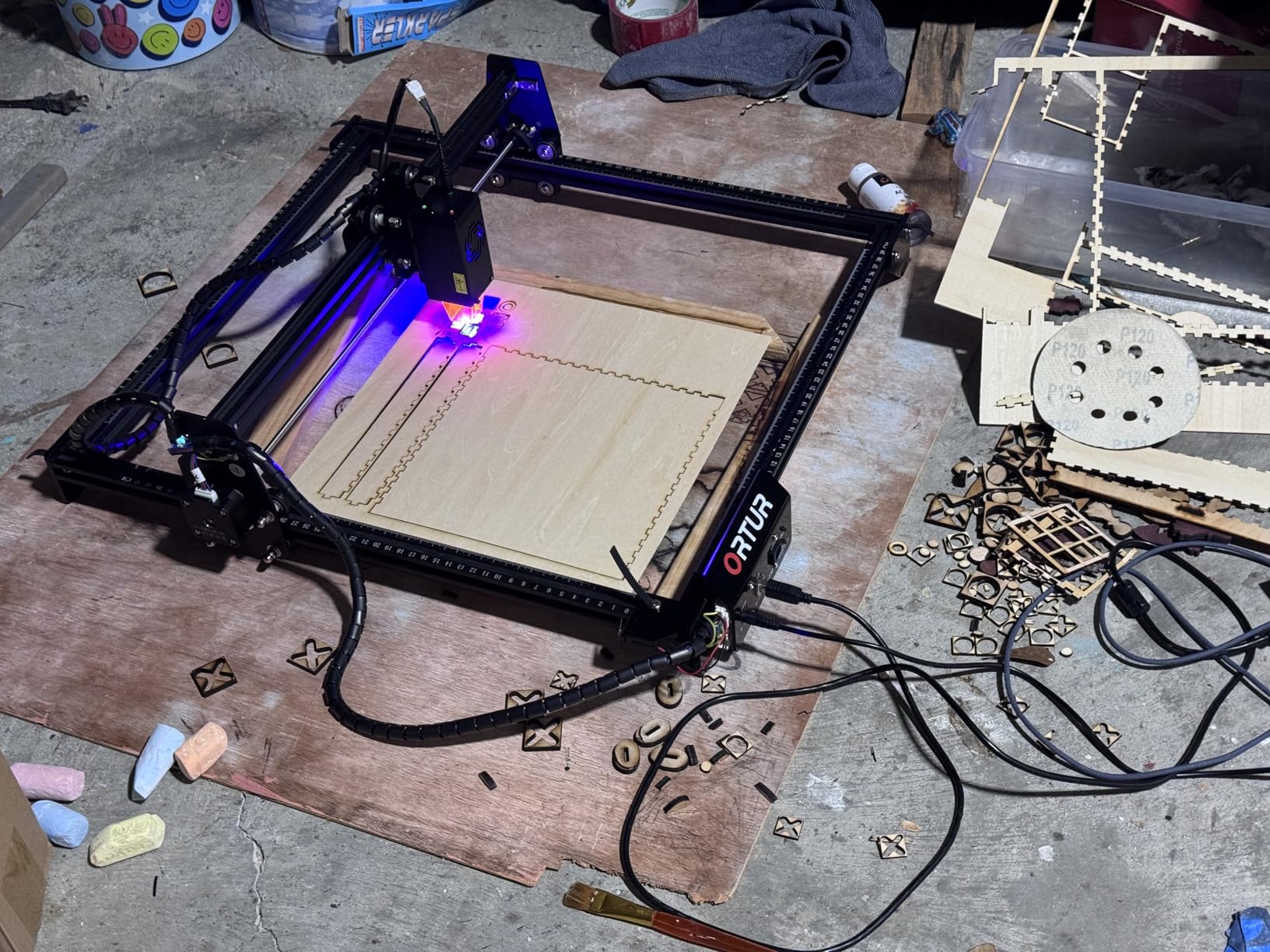
The ORTUR Laser Master 2 S2 has established itself as one of the most popular entry-level laser engravers available, with over 1,400 reviews providing extensive user feedback. The 10W laser module delivers enough power for meaningful work, while the 390 by 410 millimeter work area accommodates most individual projects. Easy 10 to 15 minute assembly gets you working quickly rather than struggling with mechanical setup.
Built-in safety features including G-sensor detection and automatic shutdown provide protection against accidental damage from movement or tipping. The laser protective cover filters 98% of UV light for improved eye safety during operation. LightBurn and LaserGRBL compatibility ensures software flexibility as your skills develop.
Best for Experienced Beginners
If you have enough technical comfort to handle initial calibration and troubleshooting but want professional capability without professional complexity, the Laser Master 2 provides an excellent platform for learning and creating.
Who Should Look Elsewhere
Reliability reports after warranty expiration suggest this machine is best suited for users comfortable with potential self-repair rather than those expecting maintenance-free operation.
23. Longer Ray5 20W Upgraded with Exclusive Touch Screen
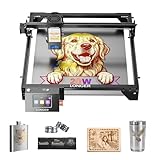
Longer RAY5 20W Laser Engraver, High Power Laser Cutter Machine
20W
10.68 lbs
10000mm/min
3.5 inch
256-color
+ The Good
- Easy to use right out of the box
- Excellent value at this price point
- Solid build quality and well-made
- Compatible with LightBurn and LaserGRBL
- 24/7 customer support available
- The Bad
- Air assist not integrated
- WiFi connectivity can be problematic
- TF card file size limitation (1MB max)
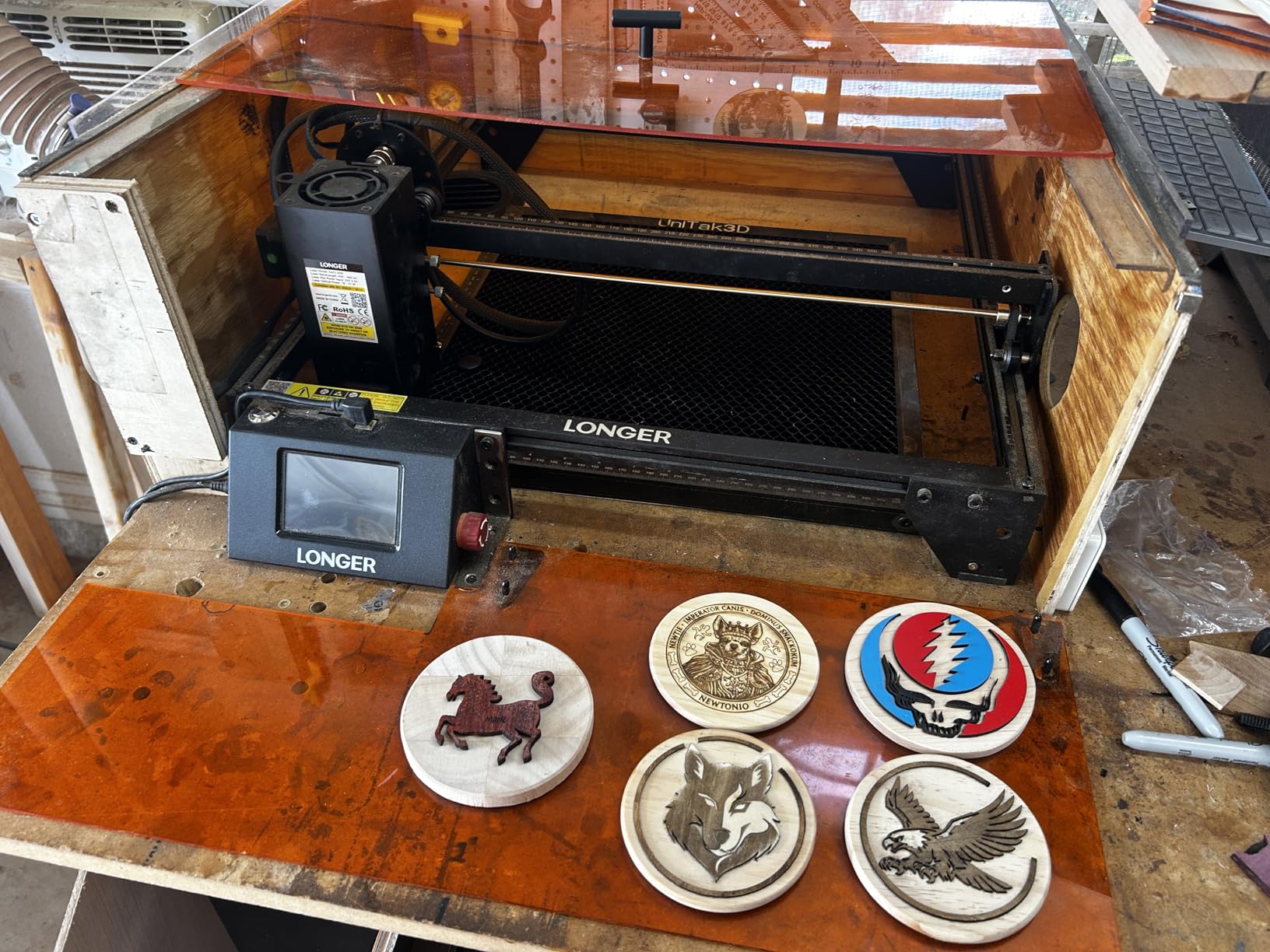
The upgraded Longer Ray5 20W delivers professional features in a consumer-friendly package. The 20W laser cuts 25mm wood and 35mm acrylic, providing meaningful production capability. The 3.5-inch color touch screen simplifies standalone operation, while the 256-color palette enables color-sensitive work that simpler machines cannot handle.
The 10000mm/min processing speed and 4 connection modes (USB, TF card, WiFi, app) provide workflow flexibility. LightBurn and LaserGRBL compatibility ensures you are not limited to proprietary software. The 24/7 customer support availability offers peace of mind when issues arise.
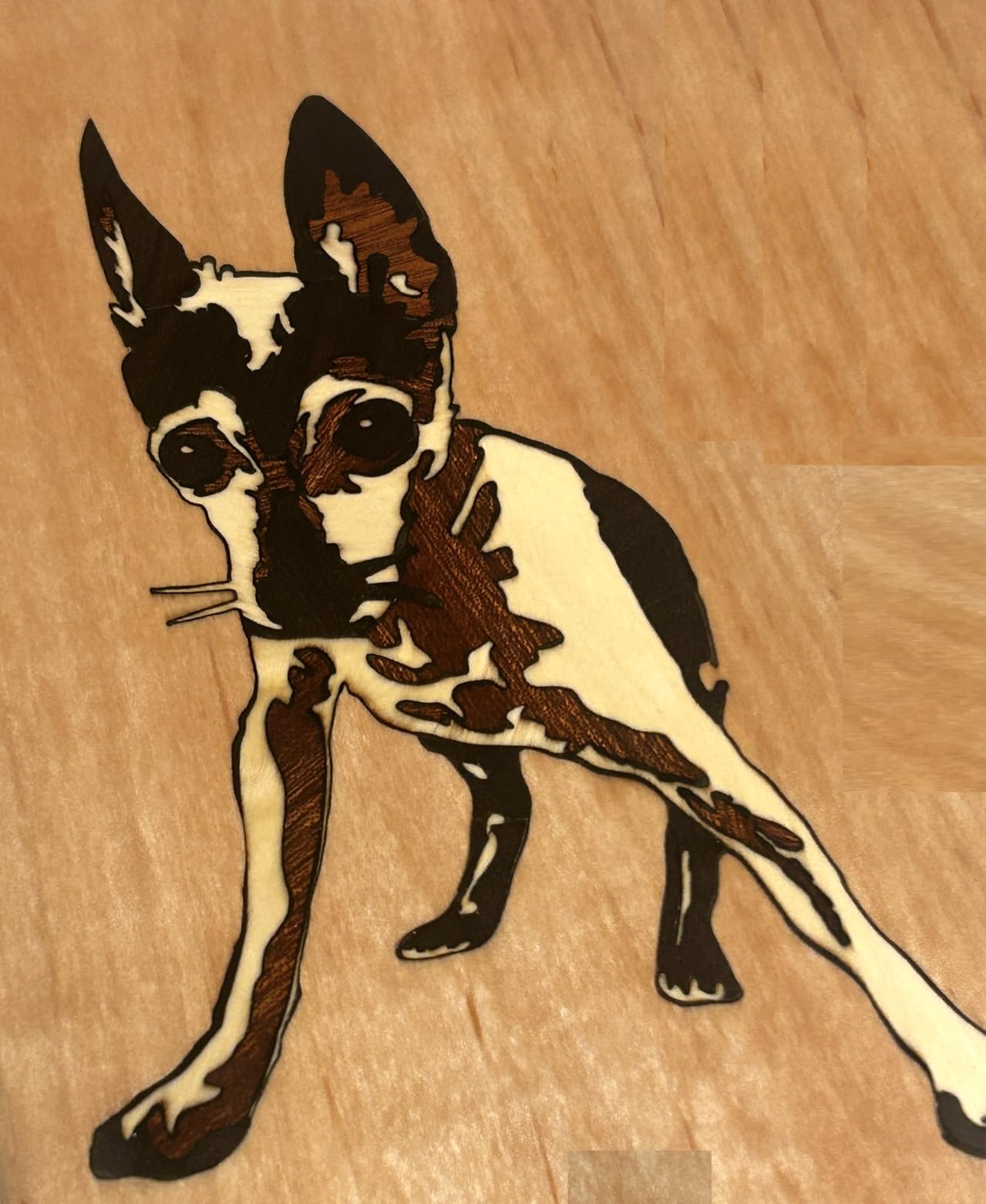
Best for Value-Conscious Power Users
If you need meaningful cutting capability but want touchscreen convenience without flagship pricing, the upgraded Ray5 20W delivers an excellent balance of features and cost.
Who Should Look Elsewhere
The 1MB TF card file size limitation can constrain complex projects. If you work with large design files, you may need to use USB or WiFi connection instead.
24. ACMER S1 6000mW Laser Engraver for Beginners

ACMER S1 Laser Engraver Machine, 6000mW Lazer Cutter for Wood and Acrylic
6W
4.2 lbs
130x130mm
0.04mm
99% preassembled
+ The Good
- Easy 1-minute setup (99% preassembled)
- Ultra-fine 0.04mm laser spot for detailed engravings
- Compact and lightweight design
- Good compatibility with LightBurn and LaserGRBL
- Includes safety features and protective goggles
- The Bad
- Small 130x130mm working area
- Cannot cut deeply even with multiple passes
- Air assist not included
The ACMER S1 targets true beginners with an almost trivially simple setup process. The 99% preassembled design means you connect power and start working within a minute of unboxing. The 0.04mm ultra-fine laser spot produces remarkable detail on small projects, making this machine ideal for detailed text, logos, and photographic engravings.
Compact dimensions and 4.2-pound weight make this genuinely portable. LightBurn and LaserGRBL compatibility ensures you can grow beyond the basic software without buying a new machine. Industrial-grade aluminum alloy frame provides stability despite the lightweight construction.
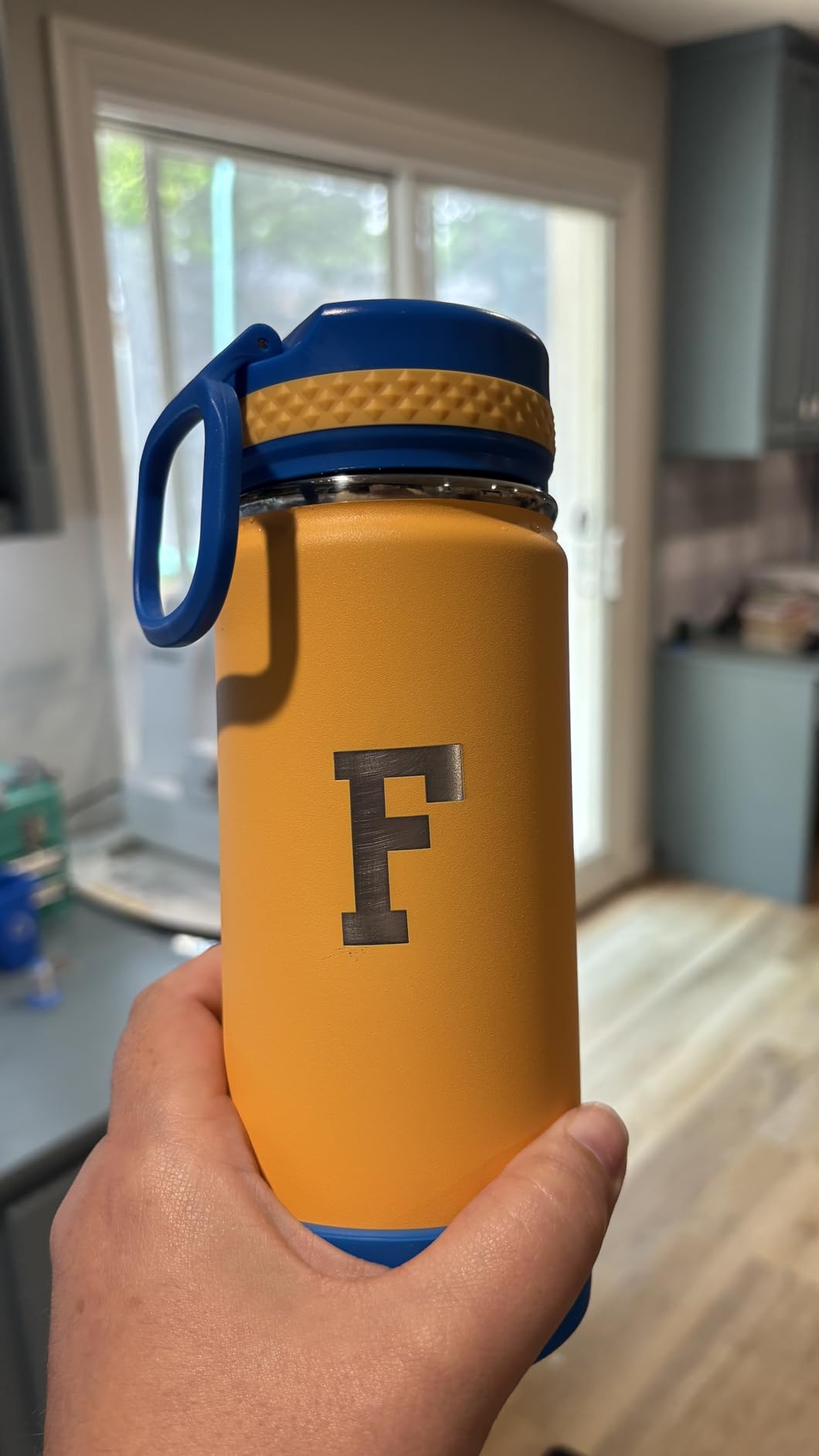
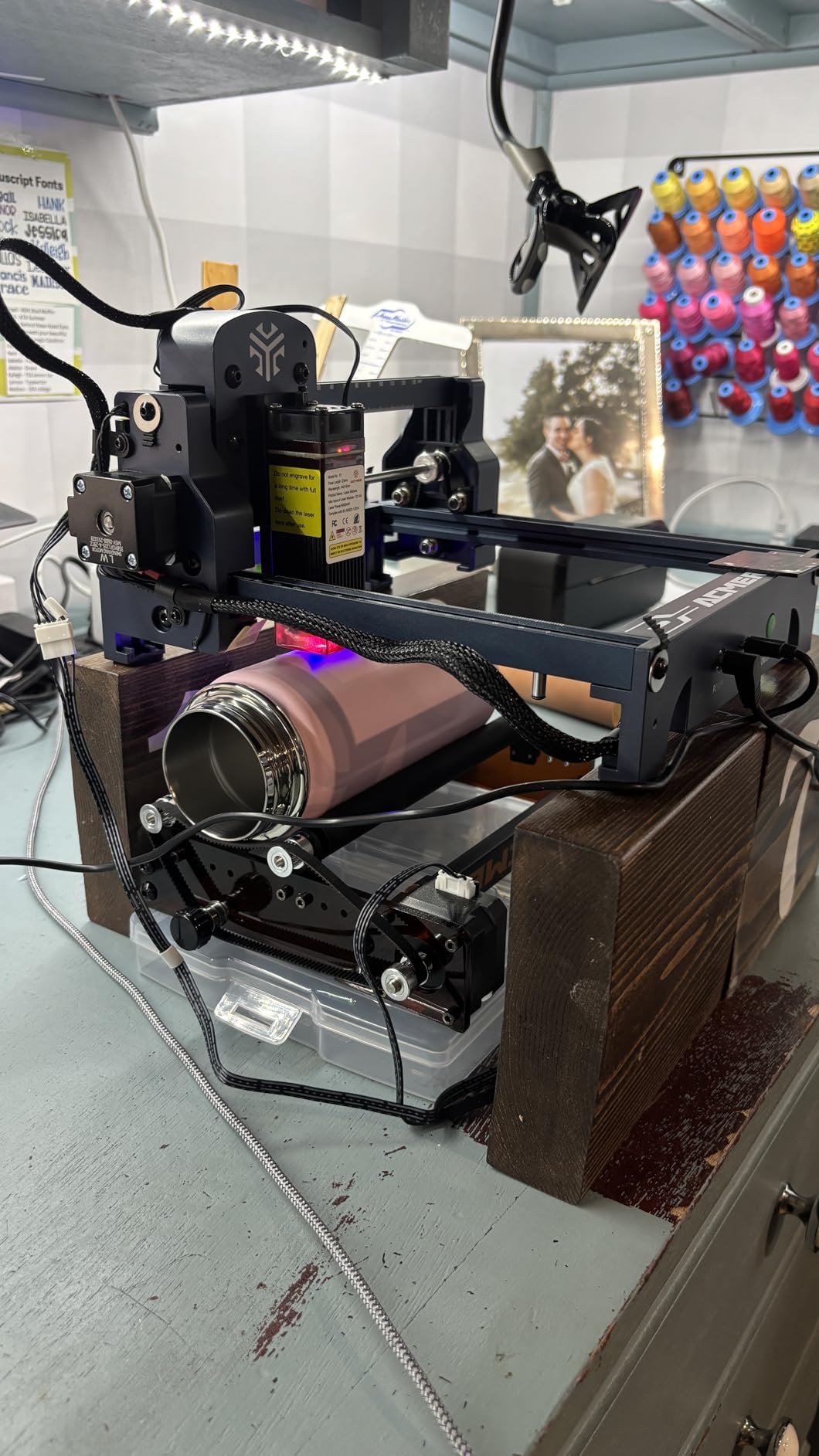
Best for Casual Crafters
If you want a laser engraver for occasional projects without dedicating permanent space or time to setup, the S1 fits the bill. Store it in a drawer between uses and set it up on any available surface when inspiration strikes.
Who Should Look Elsewhere
The 130 by 130 millimeter work area is too small for most practical products. If you want to personalize items beyond small pendants or patches, look at machines with larger beds.
25. X1/JL9 20W Laser Engraver and Cutter with Air Assist

+ The Good
- Excellent customer service
- Easy 90-second assembly with only 6 screws
- Air pump included for clean cuts
- Wireless AI control via phone app
- Strong build quality with stable frame
- The Bad
- Very new product with only 3 reviews
- Air pump may fail after extended use
- Learning curve for software
The X1/JL9 20W surprised me with its combination of included accessories and assembly simplicity. The 90-second setup with just 6 screws means you spend time creating rather than building. The included air pump is a significant value add, as this accessory often costs extra with competitors.
The wireless AI control via the CutLabX app worked well during testing, enabling job management from across the room. Dual-fan heat dissipation keeps the machine running cool during extended sessions. The verified 20.2 to 20.6W actual output provides reliable power rather than optimistic specifications.
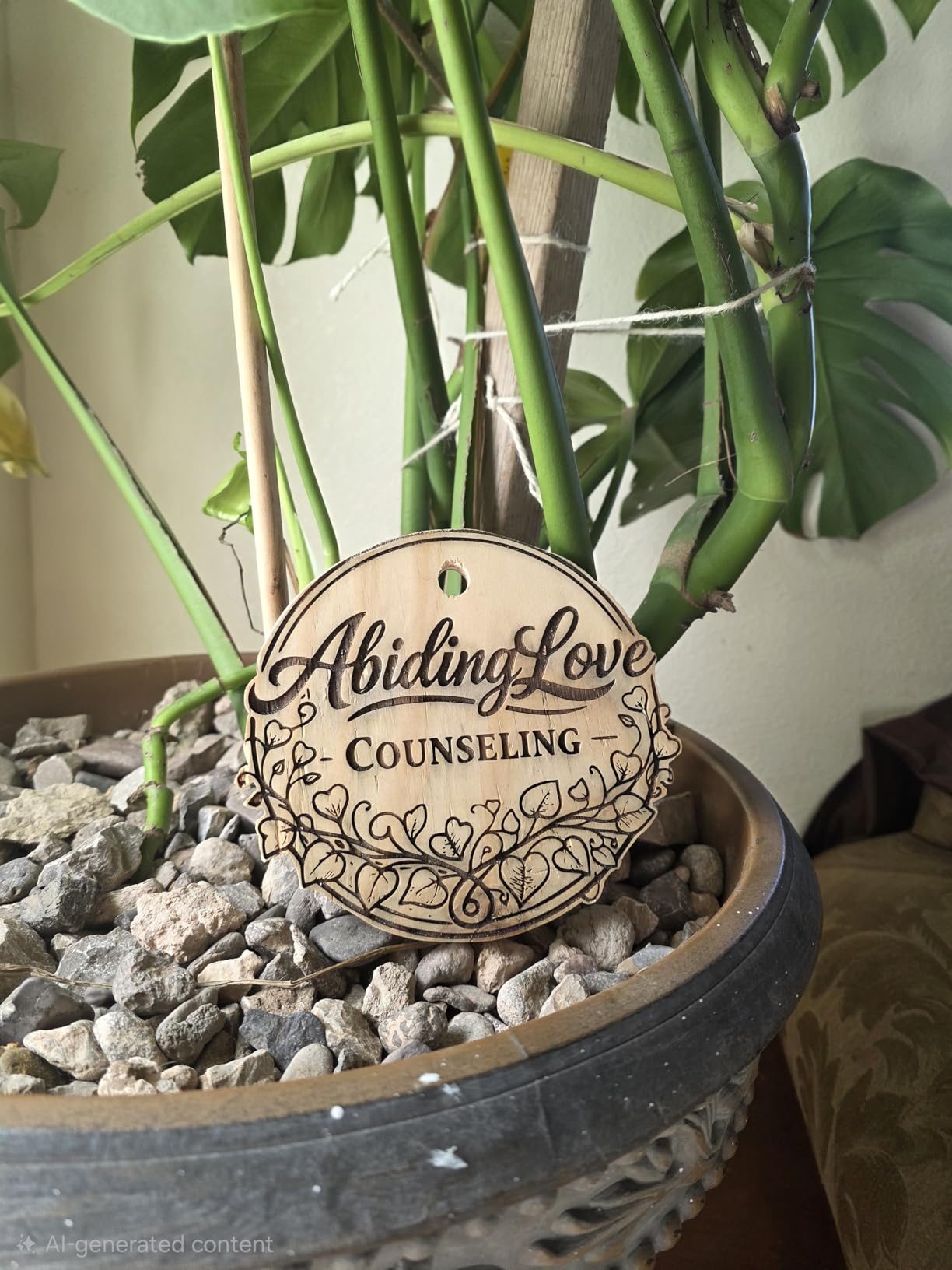
Best for Users Valuing Included Accessories
If you want a complete working setup without hunting down compatible accessories, the included air pump and simple assembly make this machine immediately productive.
Who Should Look Elsewhere
The very limited review count means you are essentially an early adopter. If that role concerns you, wait for more user feedback before committing.
26. ACMER S2 7000mW Upgrade Laser Engraver

ACMER S2 Laser Engraver, 7000mW Laser Cutter Engraving Machine
7W
300x300mm
0.01mm
LightBurn
+ The Good
- Easy to assemble and beginner-friendly
- Solid compatibility with industry-standard software
- Excellent price-to-performance ratio
- Ultra-fine 0.08x0.08mm laser spot
- The Bad
- Software instructions missing important updates
- Customer support response time is slow
- Some units arrive damaged
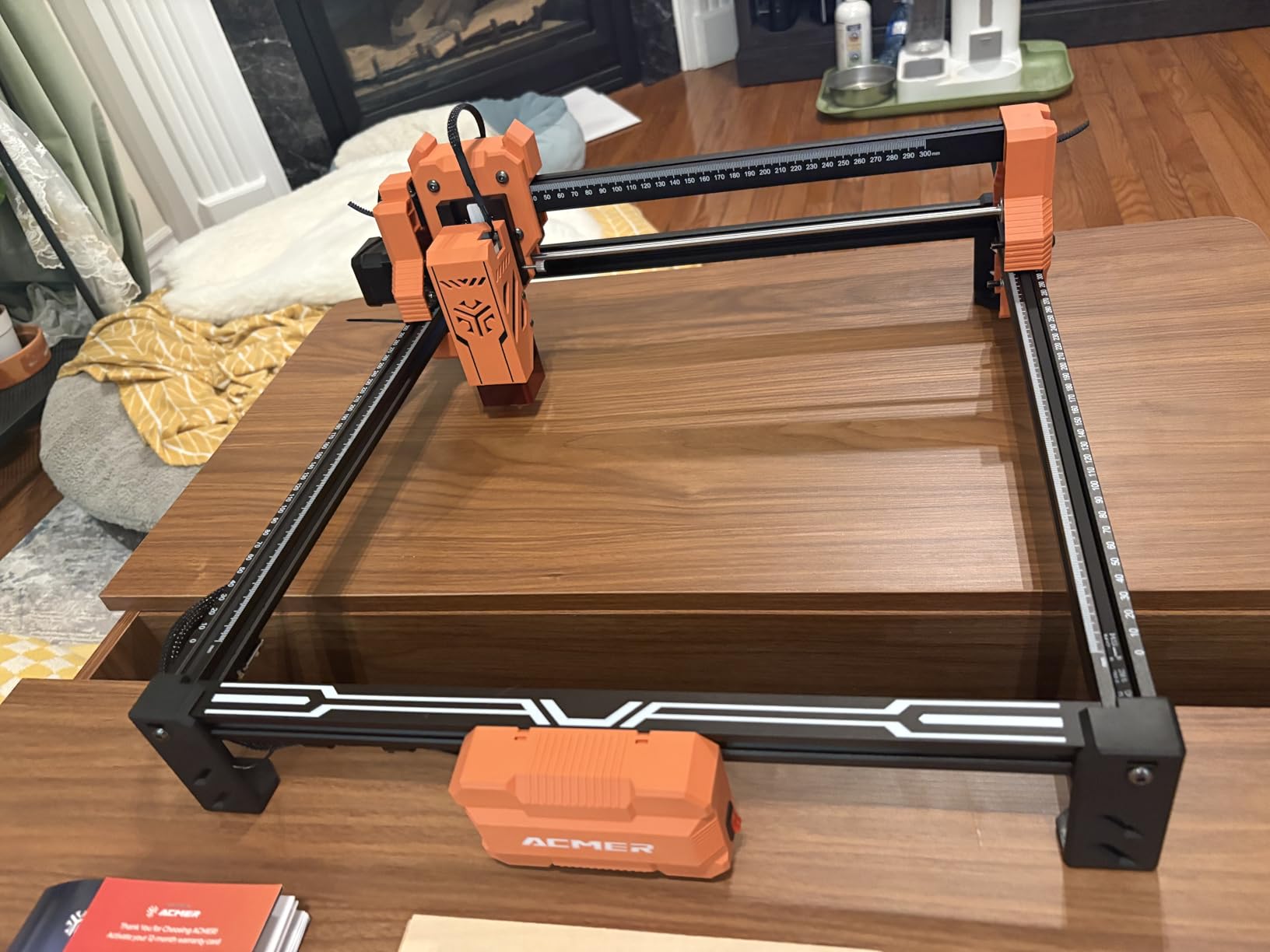
The ACMER S2 7000mW upgrade provides slightly more power than the standard S2, giving you additional capability for cutting thicker materials. The 300 by 300 millimeter work area accommodates most individual projects, while the 0.01mm engraving accuracy ensures detailed results on complex designs.
LightBurn and LaserGRBL compatibility means professional software options are available as you outgrow basic tools. The included AcmerTool software provides a starting point that covers essential functions without requiring additional purchases.
Best for Budget Power Users
If you want more power than entry-level machines provide without stepping into premium pricing, the S2 7000mW upgrade offers a practical middle ground.
Who Should Look Elsewhere
The lower rating and reported support issues suggest quality control concerns. If you need reliable support, consider brands with better service track records.
27. AlgoLaser 3W Smart Laser Engraver Machine
+ The Good
- No PC needed - built-in touchscreen with AlgoOS system
- Beginner-friendly 3.5 inch touchscreen interface
- Portable all-in-one design
- Good engraving quality on wood and leather
- Safety guard for protection
- The Bad
- Instruction booklet lacks detailed instructions
- App instructions are not comprehensive
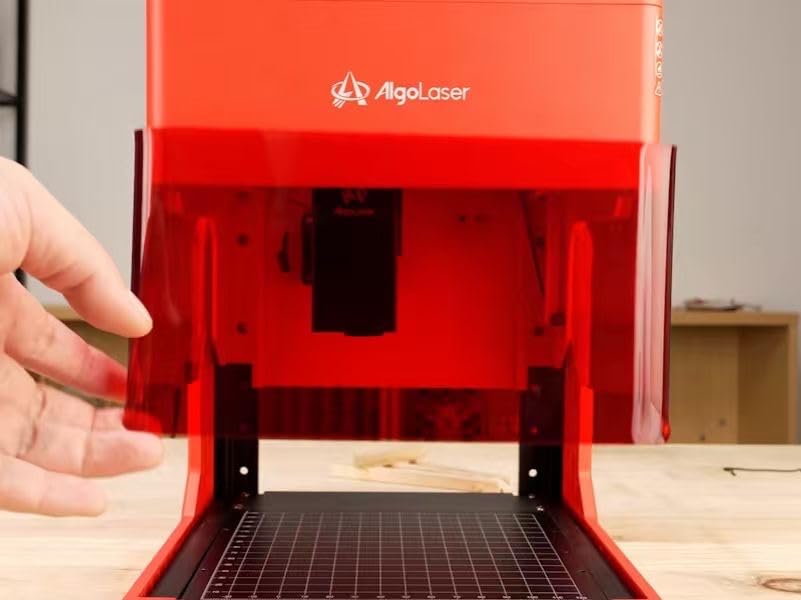
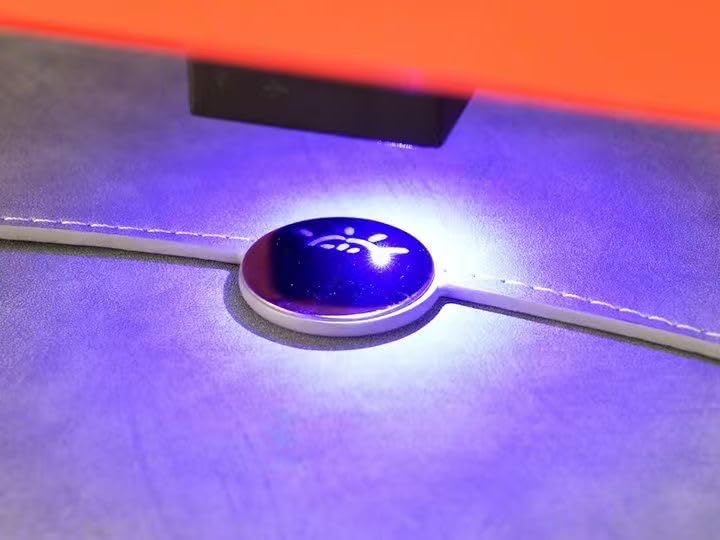
The AlgoLaser 3W Pixi brings smart touchscreen operation to entry-level laser engraving. The built-in AlgoOS system with 3.5-inch touchscreen means you genuinely do not need a computer for most projects. Hundreds of online-updatable engraving examples provide immediate starting points for beginners unsure where to begin.
The 48W power system drives the 3W laser effectively, while the Type-C, WiFi, mobile remote, and SD card connectivity options provide workflow flexibility. Safety guard protection and tilt detection with auto-alerts add security during operation. The built-in smoke exhaust and removable honeycomb platform help manage the byproducts of laser work.
Best for Computer-Reluctant Users
If you want laser engraving capability without becoming proficient in design software, the touchscreen interface and built-in examples make this machine uniquely approachable.
Who Should Look Elsewhere
The 3W power limits cutting ability significantly. This machine is best for engraving and light personalization rather than production cutting work.
28. AlgoLaser 10W Portable Laser Engraver Machine

+ The Good
- Smart AlgoOS system - no computer required
- 3.5 inch touchscreen with intuitive interface
- Excellent engraving quality on wood
- leather
- metal
- glass
- Compact
- portable design
- Safety door with auto-pause when opened
- The Bad
- Safety interlock issues reported
- App support lacking
- Learning curve still exists
The AlgoLaser 10W Pixi represents the mid-range option in the AlgoLaser touchscreen lineup, adding significantly more power than the 3W model while maintaining the computer-free operating philosophy. The 10W output handles genuine cutting work on wood and acrylic, not just surface engraving. The 160 preloaded sample projects provide immediate starting points for various product types.
AlgoSketch for capturing hand-drawn artwork and AlgoType for professional text generation add creative tools that work without external software. The reverse engraving feature produces high-contrast results on acrylic, glass, wood, and leather that look professionally finished. Class 1 laser system certification with auto-pause safety door provides meaningful protection during operation.
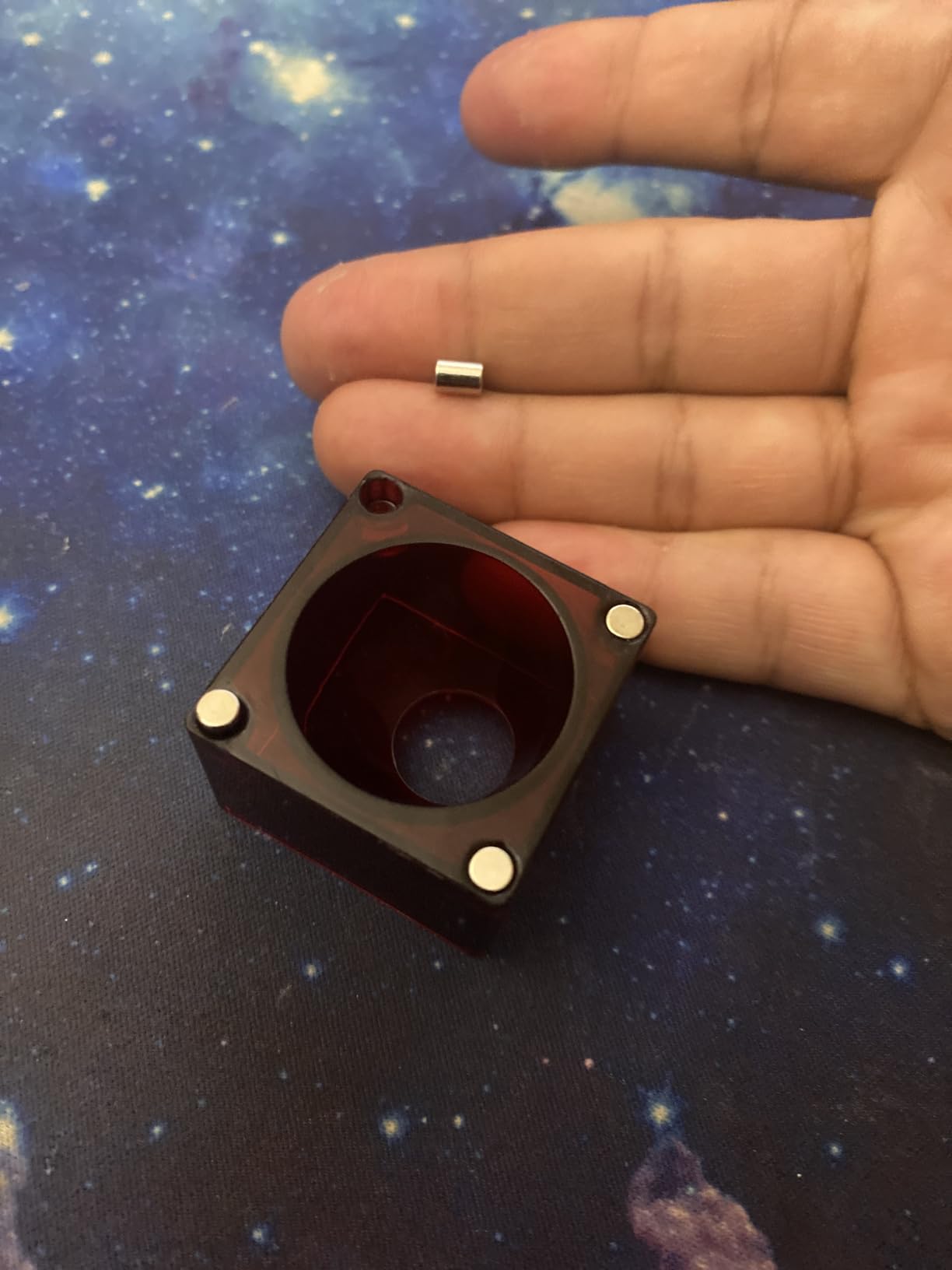
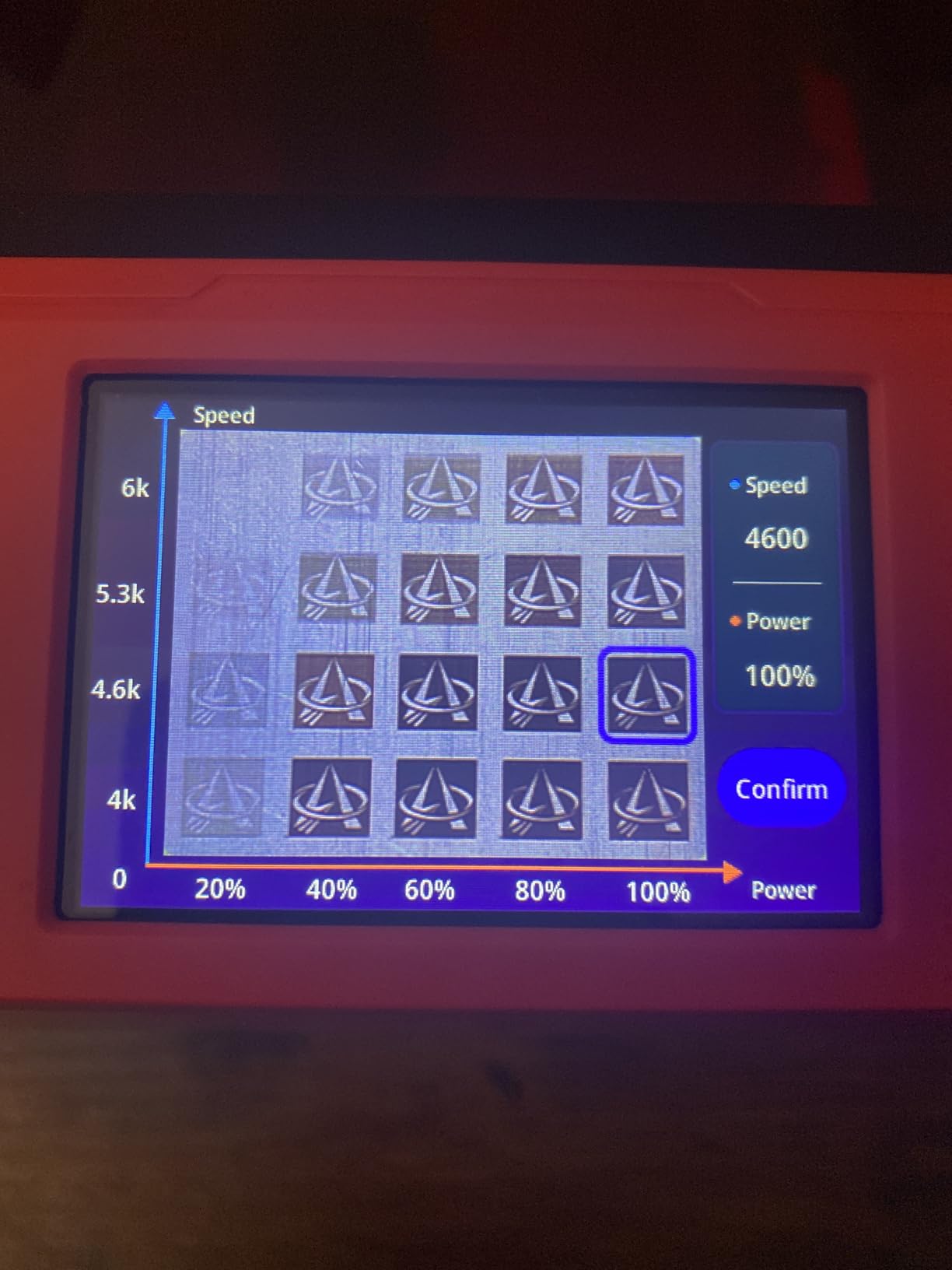
Best for Small Business Owners
If you want to personalize products without learning complex software, the combination of touchscreen operation and included creative tools makes this machine practical for production work.
Who Should Look Elsewhere
Safety interlock reports suggest some units may have design or manufacturing inconsistencies. Verify safety features work correctly during the return window.
29. ATOMSTACK A20 PRO V2 20W Output Laser Engraver

+ The Good
- Powerful 20W output for industrial-level stability
- 0.01mm engraving accuracy with 0.08x0.1mm laser spot
- High-speed engraving up to 400mm/s (24
- 000mm/min)
- 360-degree safety protection including tilt sensor
- App control and multi-software support
- The Bad
- No customer reviews available (rating 0)
- Newer product with limited market feedback
The ATOMSTACK A20 PRO V2 represents a significant spec sheet entry in the 20W category, with high-speed engraving up to 24,000mm/min and 0.01mm accuracy that should produce professional results. The comprehensive 360-degree safety protection including tilt sensor, built-in limit switches, magnetic eye shield, and safety glasses demonstrates commitment to safe operation.
10,000 hour laser module lifespan suggests reasonable long-term operating costs. ATOMSTACK Mobile App control plus Type-C, USB offline engraving, and LightBurn/LaserGRBL compatibility provide multiple workflow options. Lifetime technical service offers ongoing support for the life of the product.
Best for Specification-Focused Buyers
If you prioritize specifications and are willing to be an early adopter, the A20 PRO V2 offers competitive features at a reasonable price point.
Who Should Look Elsewhere
The complete lack of customer reviews makes this a speculative purchase. If you prefer buying established products with verified performance, wait for more user feedback.
30. Carverall K15 Pro 10W Laser Engraver

+ The Good
- A4 work area (7.9x11.8 inch) - good size
- Wireless and wired connectivity via CutLabX app
- Built-in AI design tool for beginners
- Easy 6-screw 90-second assembly
- True 10W power with dual-fan cooling
- The Bad
- Some units had laser stop working after two weeks
- Free software can be intimidating
- Power plug and USB cable at front inconvenient
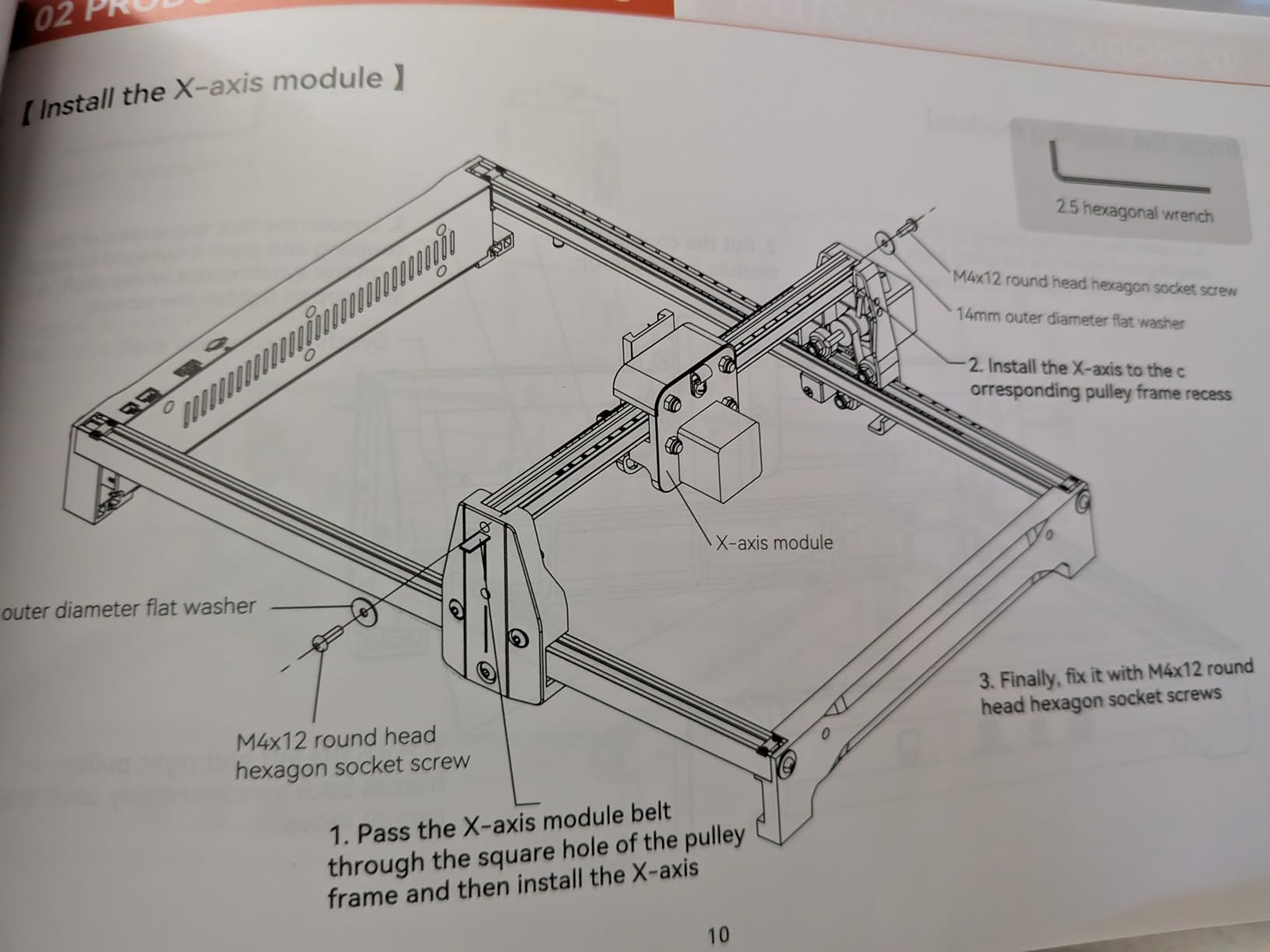
The Carverall K15 Pro strikes a balance between compact convenience and meaningful capability. The A4 work area (7.9 by 11.8 inches) accommodates most standard product personalization tasks without dominating your workspace. The 6-screw 90-second assembly gets you working quickly, while the true 10W power (verified at 10.36 to 10.58W) provides reliable performance.
The CutLabX app with built-in AI design tool helps beginners create without investing in expensive design software. Wireless connectivity via WiFi and wired USB options provide flexibility for different workflows. Upgradeable design compatibility with a fiber laser module for bare metal expands future possibilities as your needs evolve.
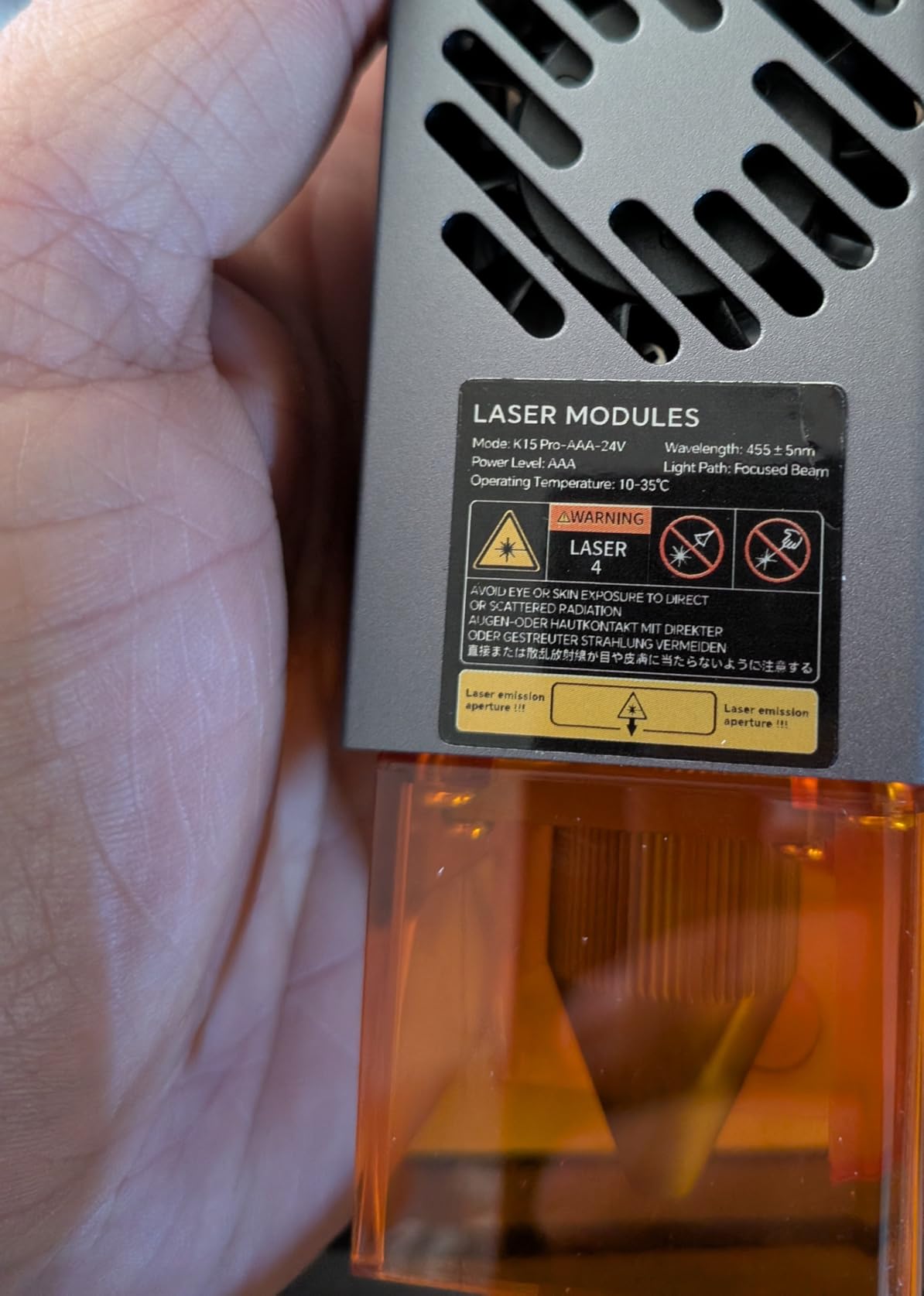
Best for Students and Home Users
The A4 size fits neatly on a desk without permanent installation, making this machine practical for dorm rooms, home offices, or shared spaces where you cannot dedicate permanent area to workshop equipment.
Who Should Look Elsewhere
Some early failure reports suggest quality consistency could be improved. If you need absolute reliability, factor in potential warranty considerations.
31. Longer Ray5 40W New Upgrade Laser Engraver

Longer New Upgrade RAY5 Laser Engraver Cutter,Working Area 15.16″x15.16″
40W
16.87 lbs
24,000 mm/min
Touchscreen
+ The Good
- Extremely powerful 40W laser for thick cuts
- Excellent customer support with phone call responses
- Easy setup for beginners
- Fast engraving speed up to 24
- 000 mm/min
- Multiple connection modes
- The Bad
- WiFi does not support LightBurn continuous streaming
- Instructions and videos are out of date
- Small screws on laser difficult to install
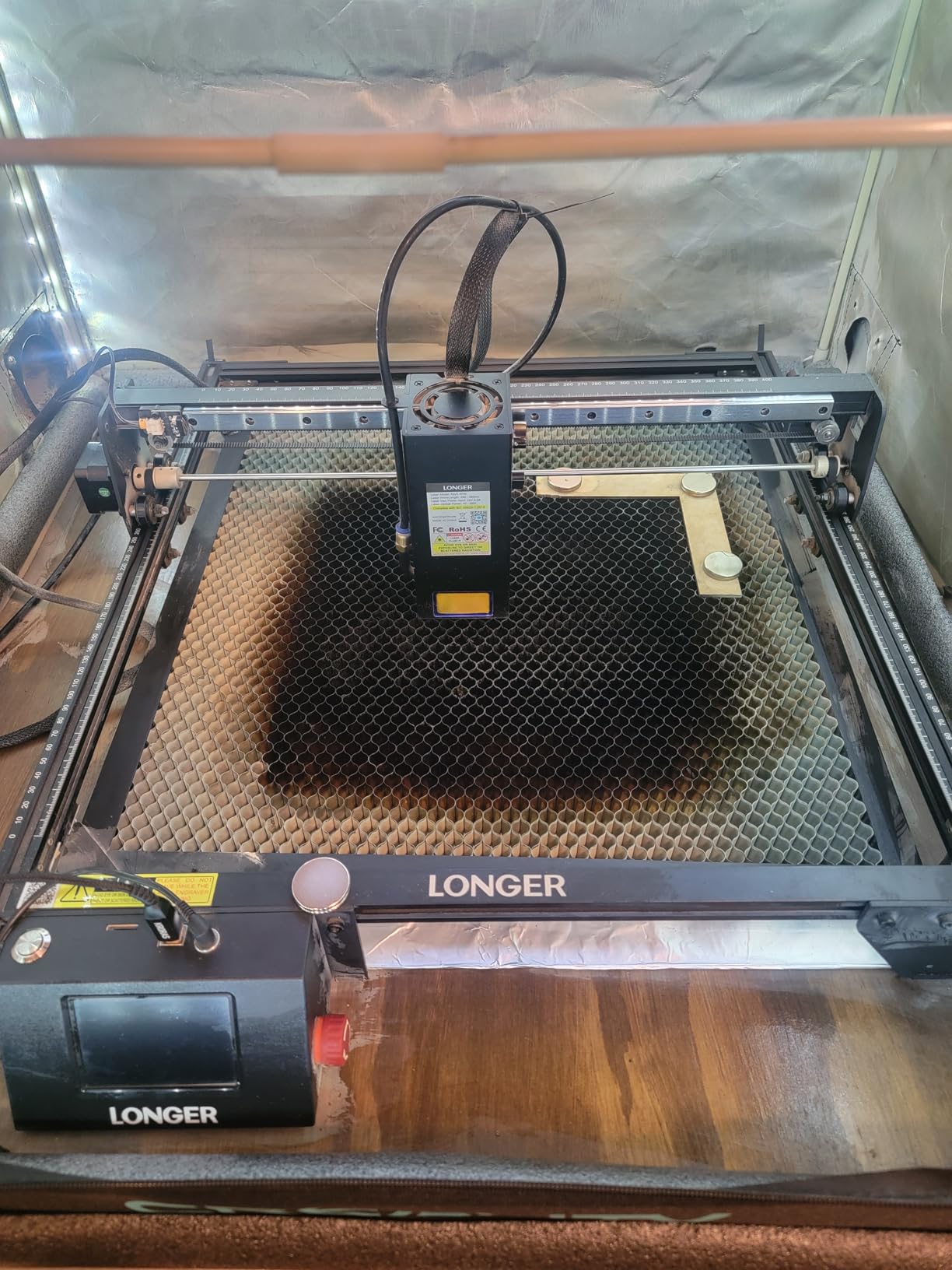
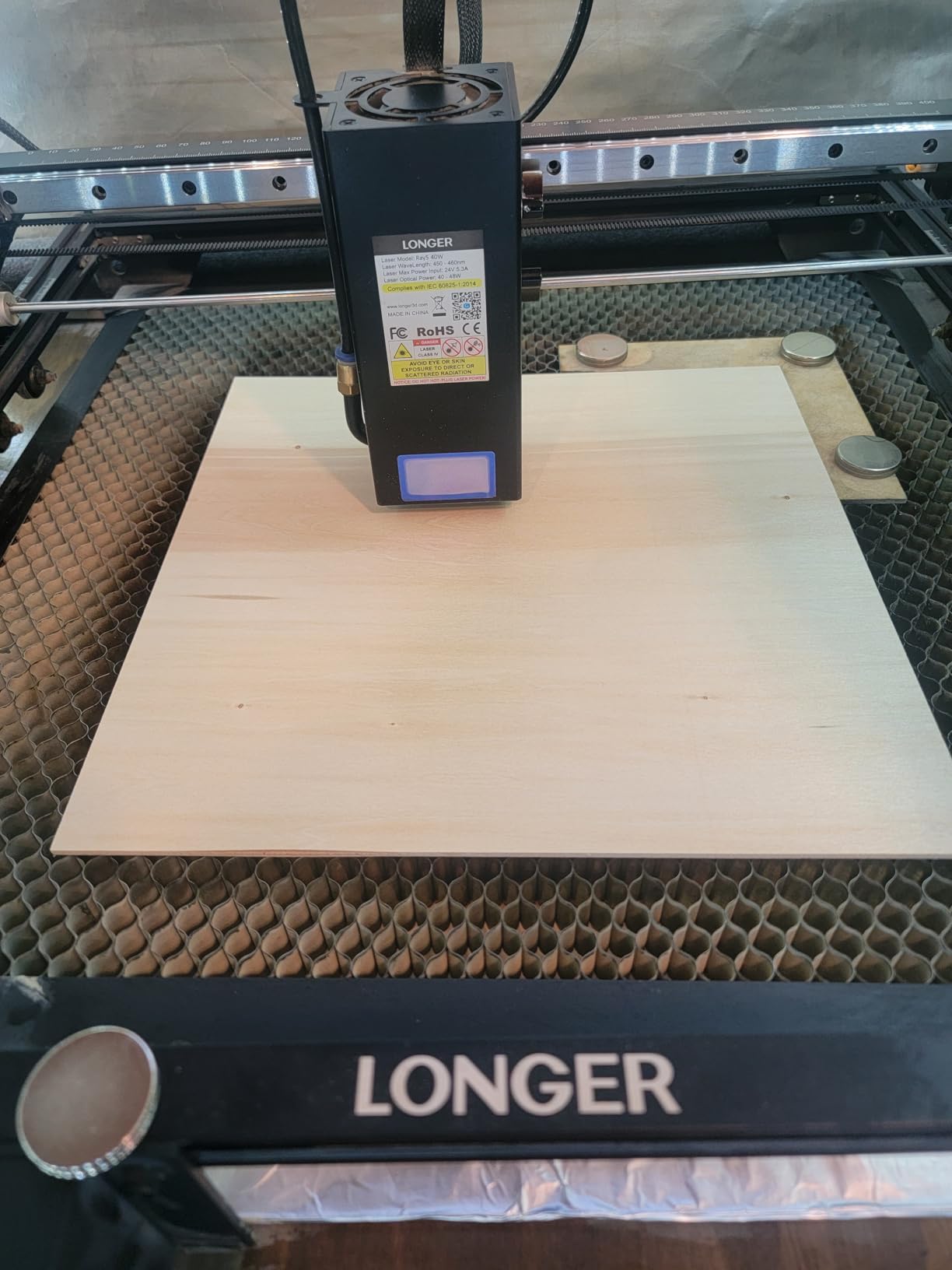
The Longer Ray5 40W represents the top of the Ray5 lineup, delivering CO2-matching power in a diode laser format. The 40W optical output cuts 0.78-inch wood and 1.18-inch black acrylic in single passes, eliminating the multiple passes and frustration that plague lower-power machines. The 24,000 mm/min engraving speed ensures projects complete quickly even at high detail settings.
The LONGER self-developed 32-bit chipsets motherboard provides stable processing for complex jobs. The 256-bit color scale and 0.08 by 0.1mm ultra-fine laser focus enable detailed work that takes advantage of the machine’s power. Air-assist interface helps keep cuts clean when processing materials that produce significant smoke.
Best for Serious Production Work
If you need to cut thick materials regularly without investing in CO2 equipment, the 40W Ray5 provides a compelling alternative with consumer-friendly operating characteristics.
Who Should Look Elsewhere
The WiFi limitation for LightBurn continuous streaming constrains some production workflows. Use USB or TF card for uninterrupted job streaming.
32. Algolaser 20W Alpha MK2 Laser Engraver Machine
+ The Good
- Excellent performance for professional and hobby use
- Quick and helpful technical support
- Clean cuts up to 15mm in wood
- Plug-and-play setup for beginners
- Smart air assist system
- The Bad
- Laser head issues reported after about a month
- No US-based customer service
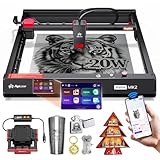
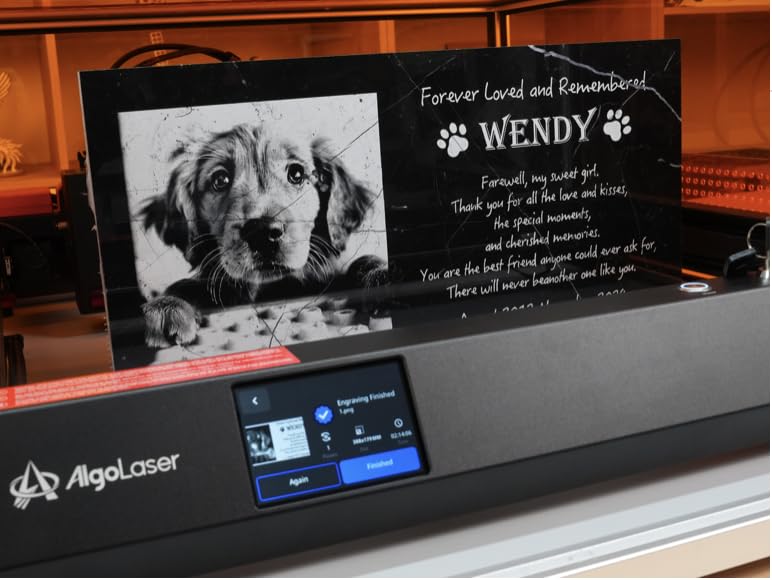
The Algolaser Alpha MK2 20W delivers professional performance with smart features that simplify operation. The 20,000mW COS laser module produces clean cuts up to 15mm in wood, meaningful cutting capability that expands your product possibilities. Dual-core CPU processing keeps operations responsive even during complex multi-layer projects.
The integrated smart air pump with smoke exhaust system reduces the ventilation requirements that limit where you can operate the machine. The expandable work area from 15.7 by 16 inches to 15.7 by 33.35 inches accommodates longer items without requiring a larger footprint. 32GB built-in memory stores hundreds of projects locally.
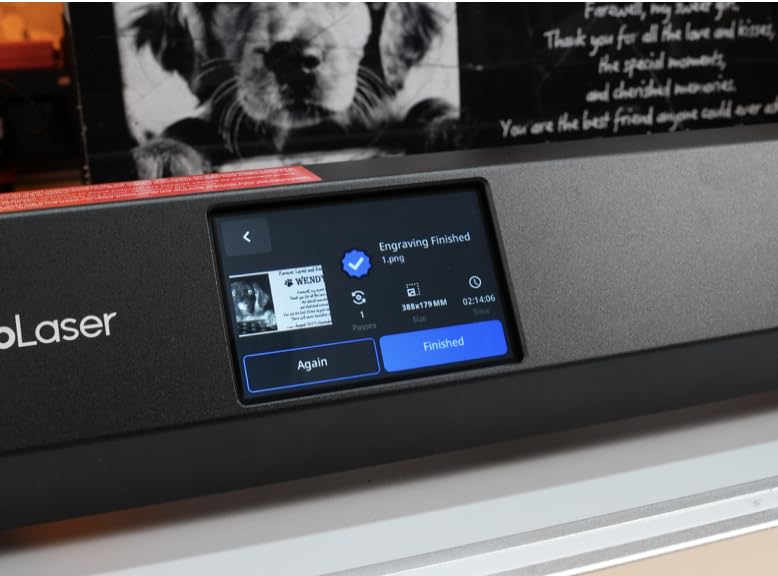
Best for Growing Small Businesses
The expandable work area means this machine can grow with your business, handling larger projects as your customer base and product range expand.
Who Should Look Elsewhere
Laser head reliability reports after the first month suggest some component durability concerns. Factor potential maintenance into your operating costs.
33. Woxcker L2 MAX 10W Enclosed Laser Cutter and Engraver

Woxcker Laser Engraver 10W Big Engraving Working Area Class 1 10000mW
10W
9.1 kg
300x300mm
0.01mm
Fully enclosed
+ The Good
- Great value for the price
- Precise engraving on wood
- glass
- and stainless steel
- Easy modular assembly (like Lego)
- Works well with LightBurn
- Good for beginners and small business
- The Bad
- Screw alignment issues during assembly
- Software/driver compatibility issues with Windows updates
The Woxcker L2 MAX 10W brings enclosed design safety to the mid-range category. The 360-degree fully enclosed design provides Class 1 safety certification without the premium pricing that typically accompanies enclosed machines. The modular assembly approach (compares to Lego by users) makes mechanical setup manageable even for those without technical backgrounds.
The 0.01mm ultra-fine compression fixed focus produces clean, detailed engravings across material types. 20,000mm/min high-speed engraving keeps project times reasonable, while the 300 by 300 millimeter engraving area handles most individual product personalization tasks. Multiple connection methods including WiFi, USB, app, and TF card provide workflow flexibility.
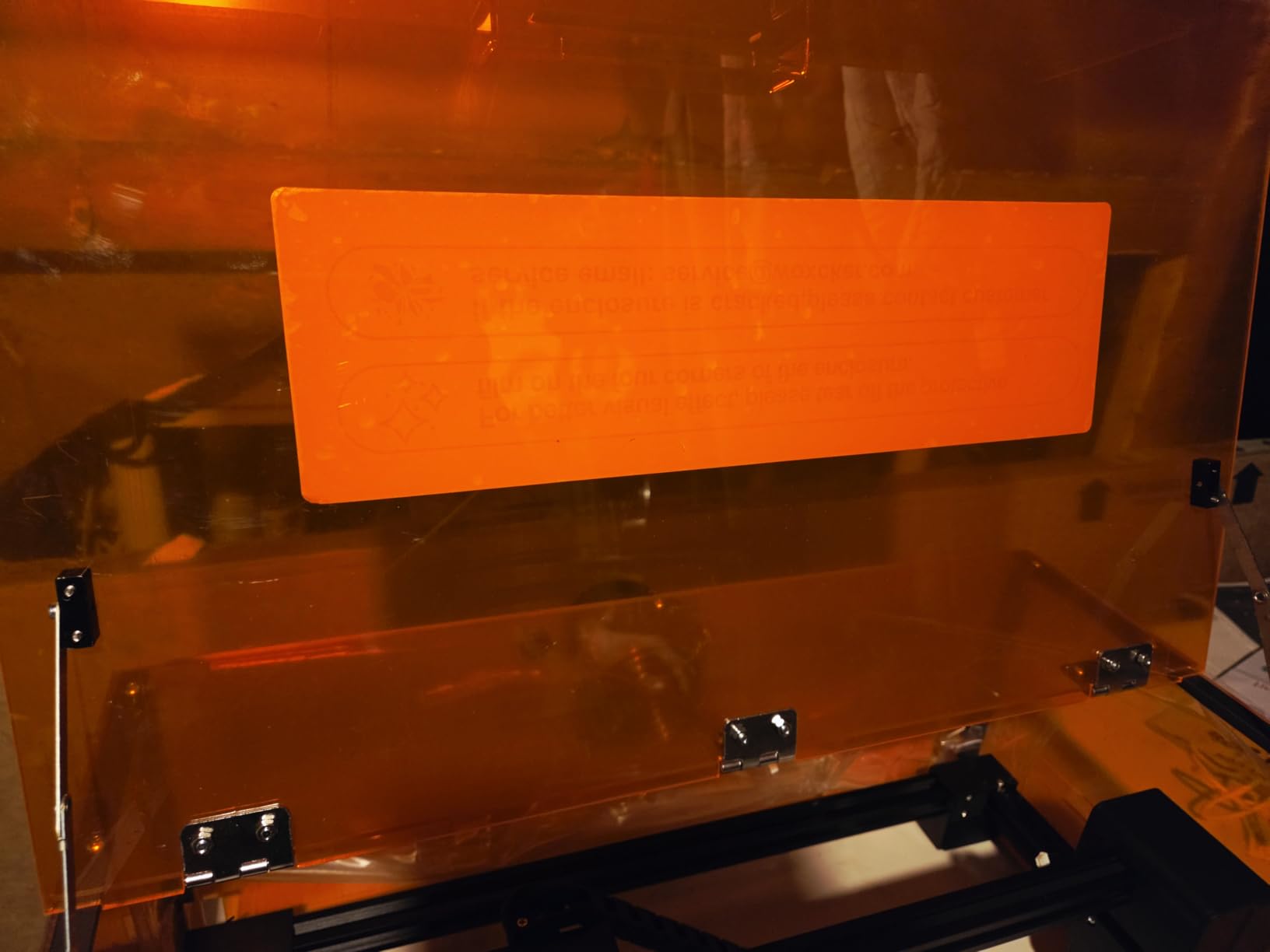
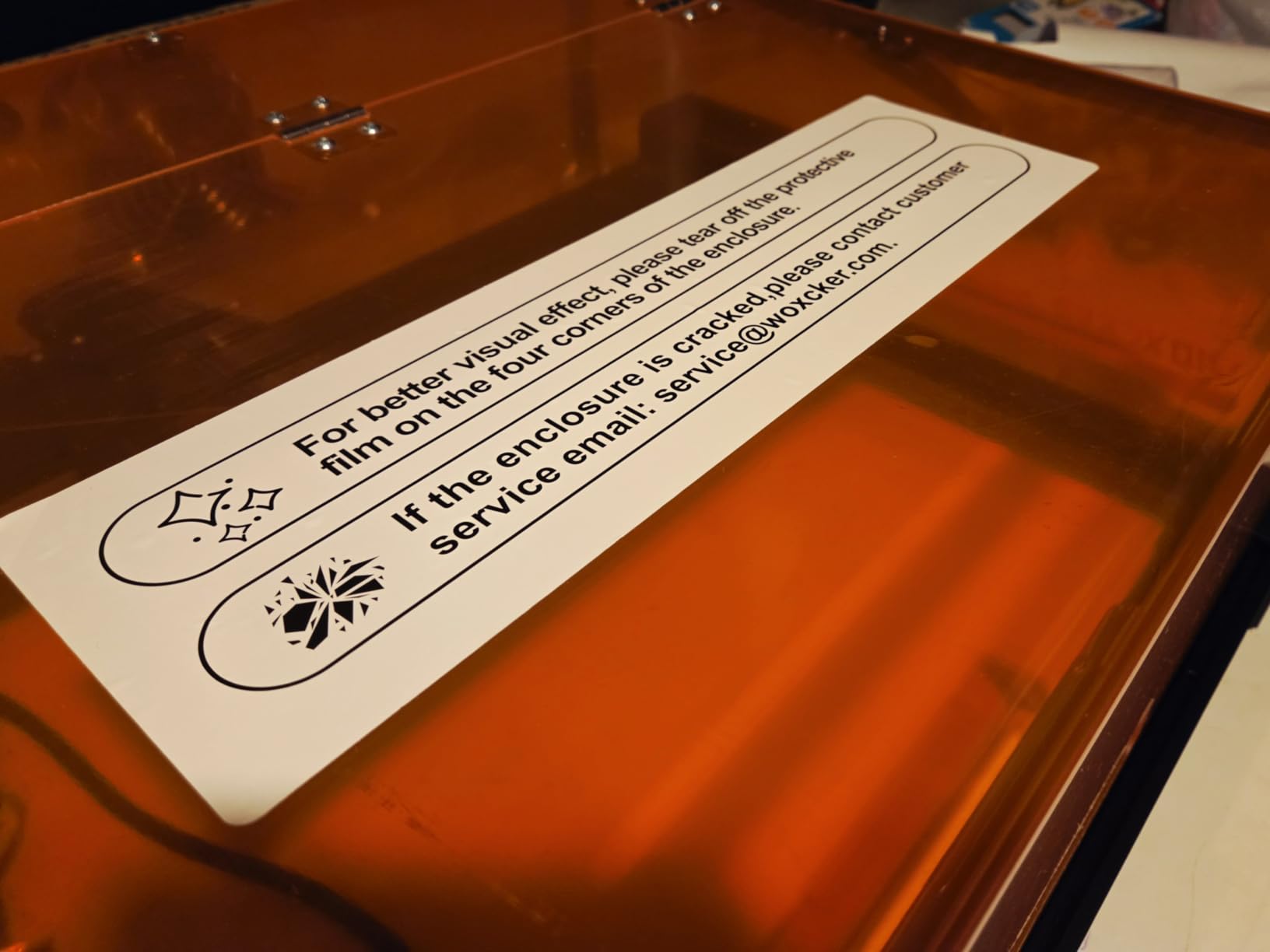
Best for Safety-Conscious Buyers
If enclosed design safety is important but your budget cannot stretch to premium brands, the L2 MAX delivers Class 1 certification at a more accessible price point.
Who Should Look Elsewhere
Windows update compatibility issues have been reported with the software. If you keep your computer updated, verify software compatibility before purchase.
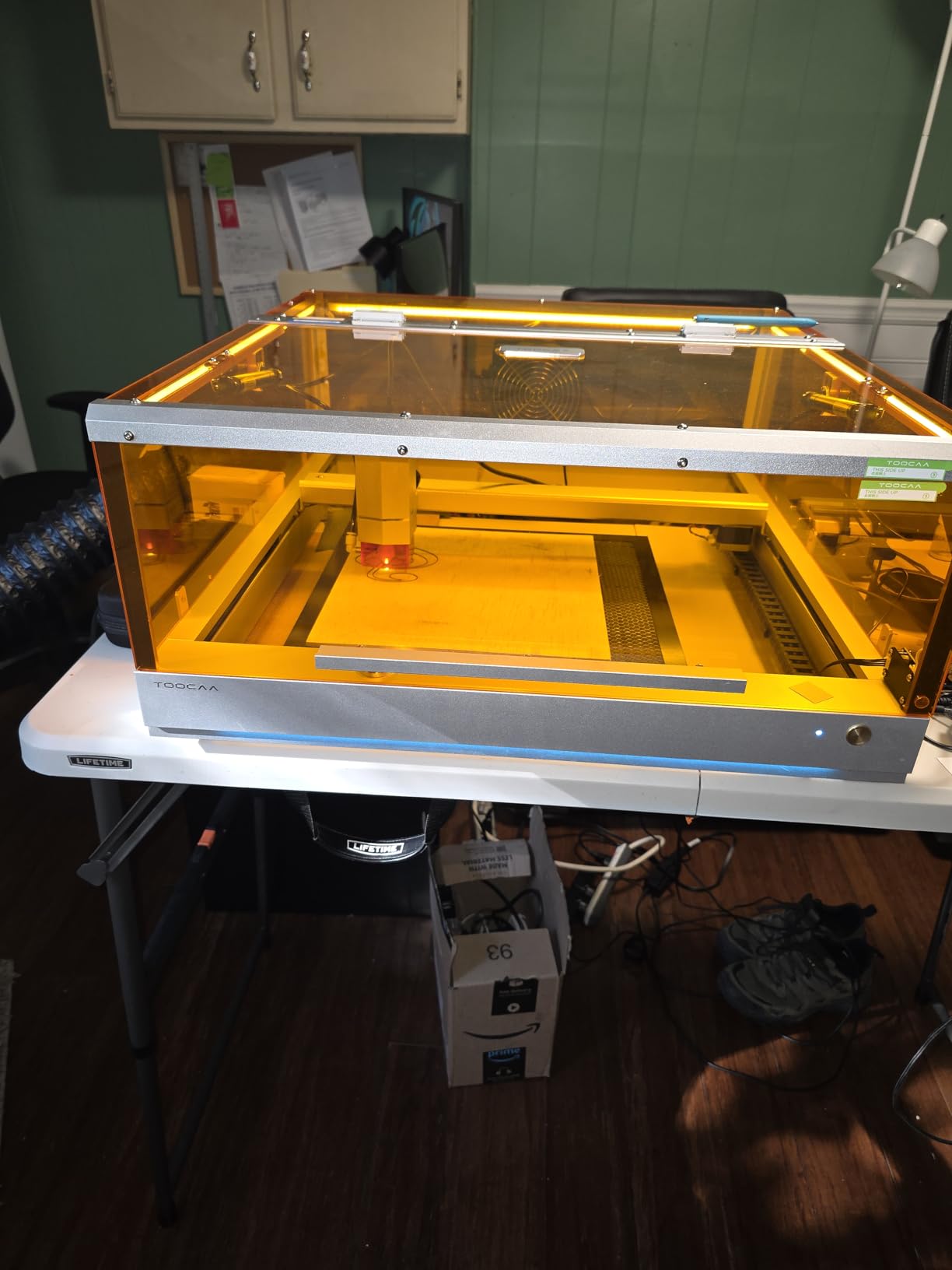
34. TOOCAA L2 20W Laser Engraver and Cutter Machine

TOOCAA Enclosed Laser Engraver Machine,Professional Software, 22″ x 22″ Bed Size,20W (20000mW) Laser Cutter and Lazer Engraving Machines for Tumblers Wood Metal Acrylic
20W
22x22 inch
40000mm/min
Class 1
22.05x21.65 inch bed
+ The Good
- Excellent customer service (James provided exceptional support)
- Large bed size exceeding competitors
- Quiet operation compared to other brands
- Good build quality
- Amber enclosure is easy on the eyes
- The Bad
- Missing air assist in some bundle orders
- Instructions assume prior knowledge
The TOOCAA L2 20W stands out with its exceptional customer service and large bed size that exceeds most competitors. The 22 by 22 inch bed accommodates bigger projects than typical desktop machines, while the 16.34 by 15.55 inch engraving area provides meaningful working space. The 40,000mm/min speed specification translates to genuinely fast project completion.
The amber enclosure provides a pleasant working environment that is easier on your eyes than the harsh light from some competitors. Status indicator lights (blue, yellow, red) clearly communicate operational state at a glance. Professional TOOCAA Studio software comes included while maintaining LightBurn and LaserGRBL compatibility for advanced users.
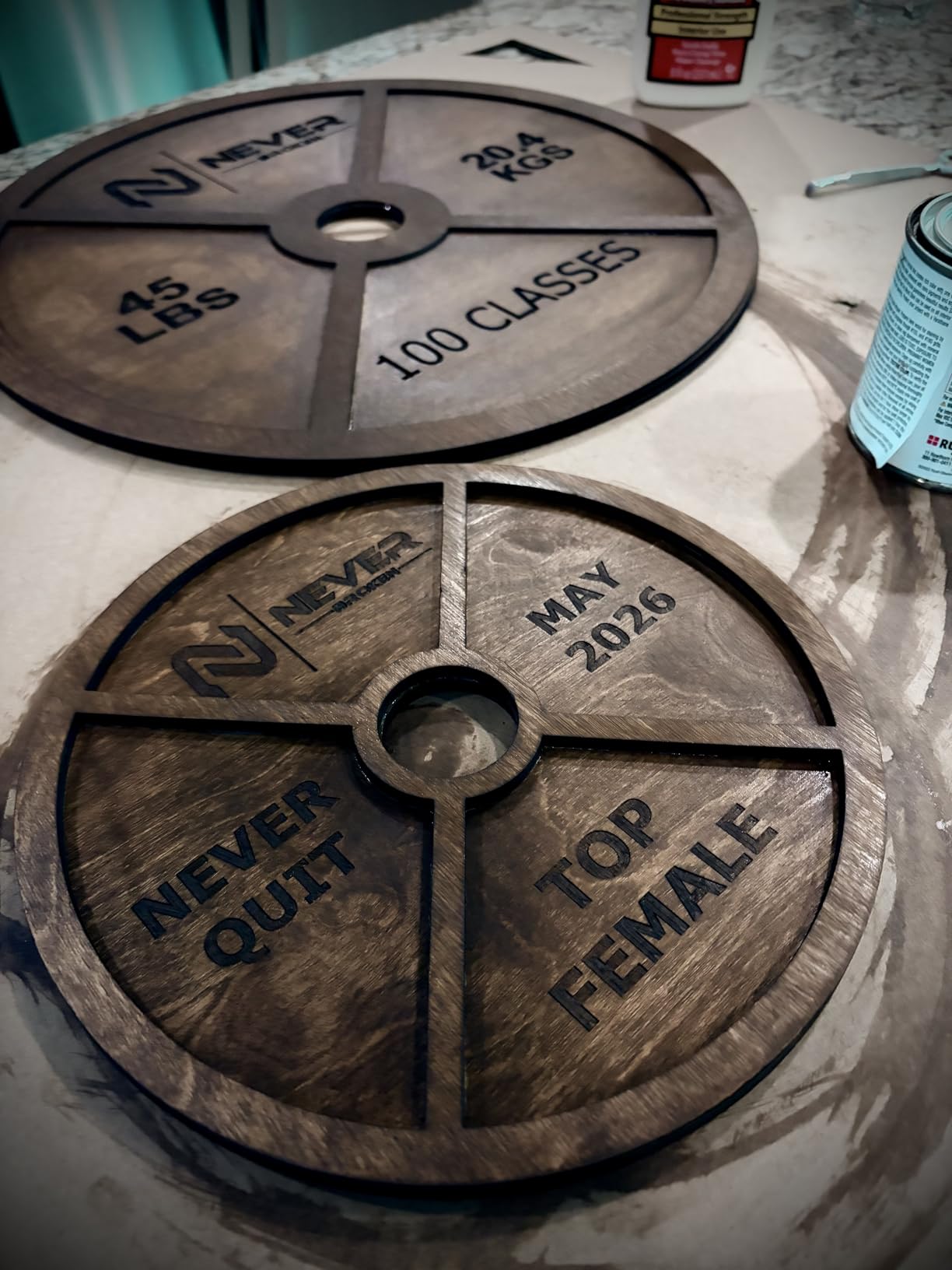
Best for Users Who Value Service
If you want the reassurance of responsive customer support when issues arise, TOOCAA’s track record for service excellence makes this machine worth considering despite less brand recognition.
Who Should Look Elsewhere
Bundle contents may vary, and some orders have been missing the air assist. Verify all expected components arrive before the return window closes.
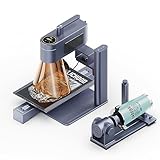
35. LaserPecker LP4 (Deluxe) Dual Laser Engraver
+ The Good
- User-friendly interface
- Good for making personalized gifts
- Premium build quality
- Dual laser system handles multiple materials
- Fast engraving at 240
- 000mm/min
- The Bad
- Higher price point
- Limited review count
The LaserPecker LP4 Deluxe targets jewelry makers and small business owners with professional needs. The 10W diode plus 2W IR dual laser system handles materials from wood to surgical steel, providing the versatility needed for diverse product lines. The 240,000mm/min engraving speed is genuinely remarkable, completing jobs that would take minutes on other machines in seconds.
The 8K resolution at 1270dpi with patented galvanometer technology produces exceptionally smooth results without the graininess common in lower-resolution alternatives. The complete rotary solution handles curved surfaces from 0 to 145 millimeters with 3-degree accuracy, essential for consistent jewelry marking. The 160 by 300 millimeter expandable workspace accommodates both small items and longer pieces.
Best for Jewelry and Precision Marking
If you mark jewelry, industrial parts, or other items requiring precise detail on small surfaces, the LP4 Deluxe capabilities justify the premium investment.
Who Should Look Elsewhere
The higher price point and limited reviews mean you are paying for potential rather than proven performance. If you need guaranteed results, more established options might provide better certainty.
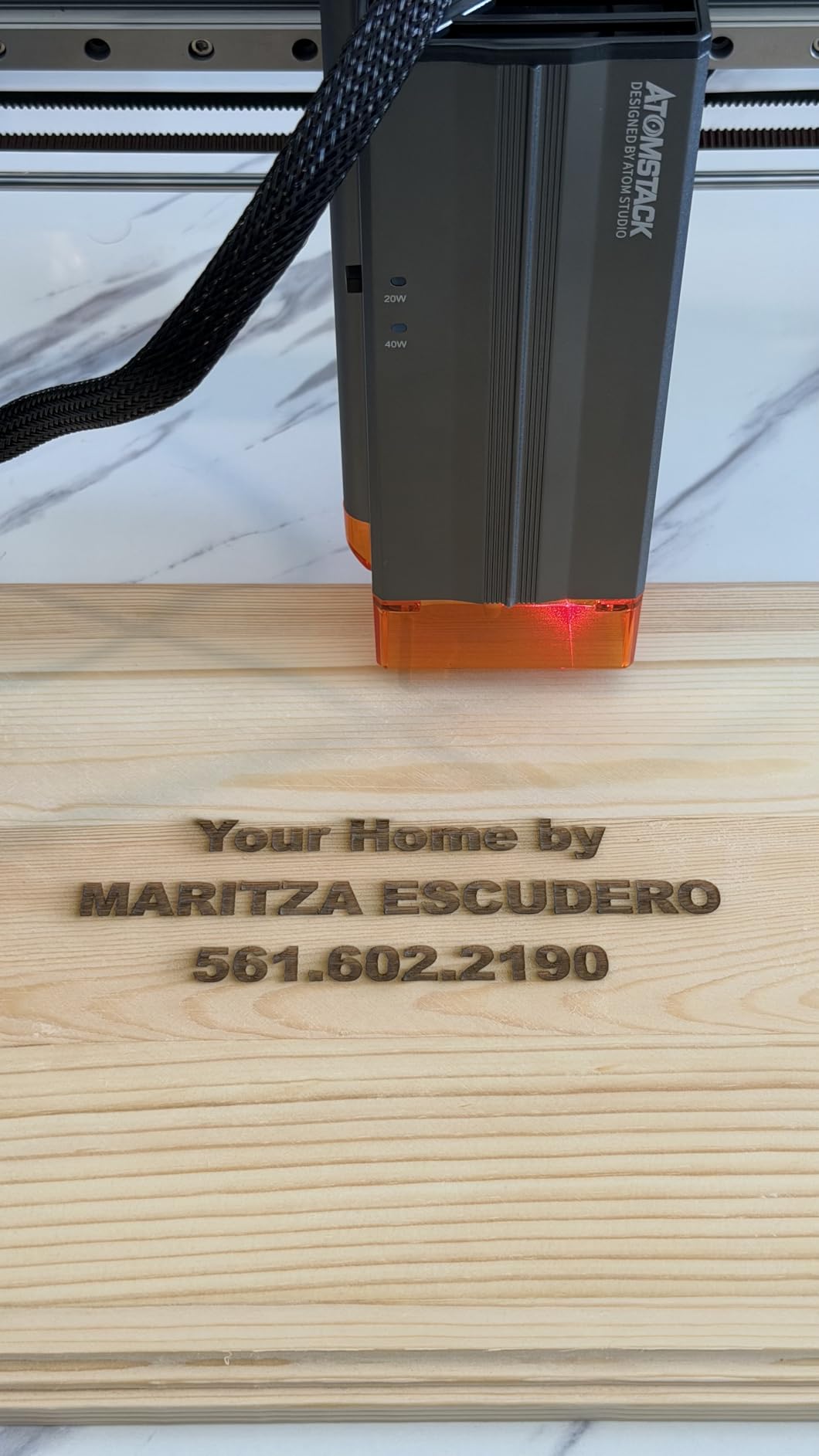
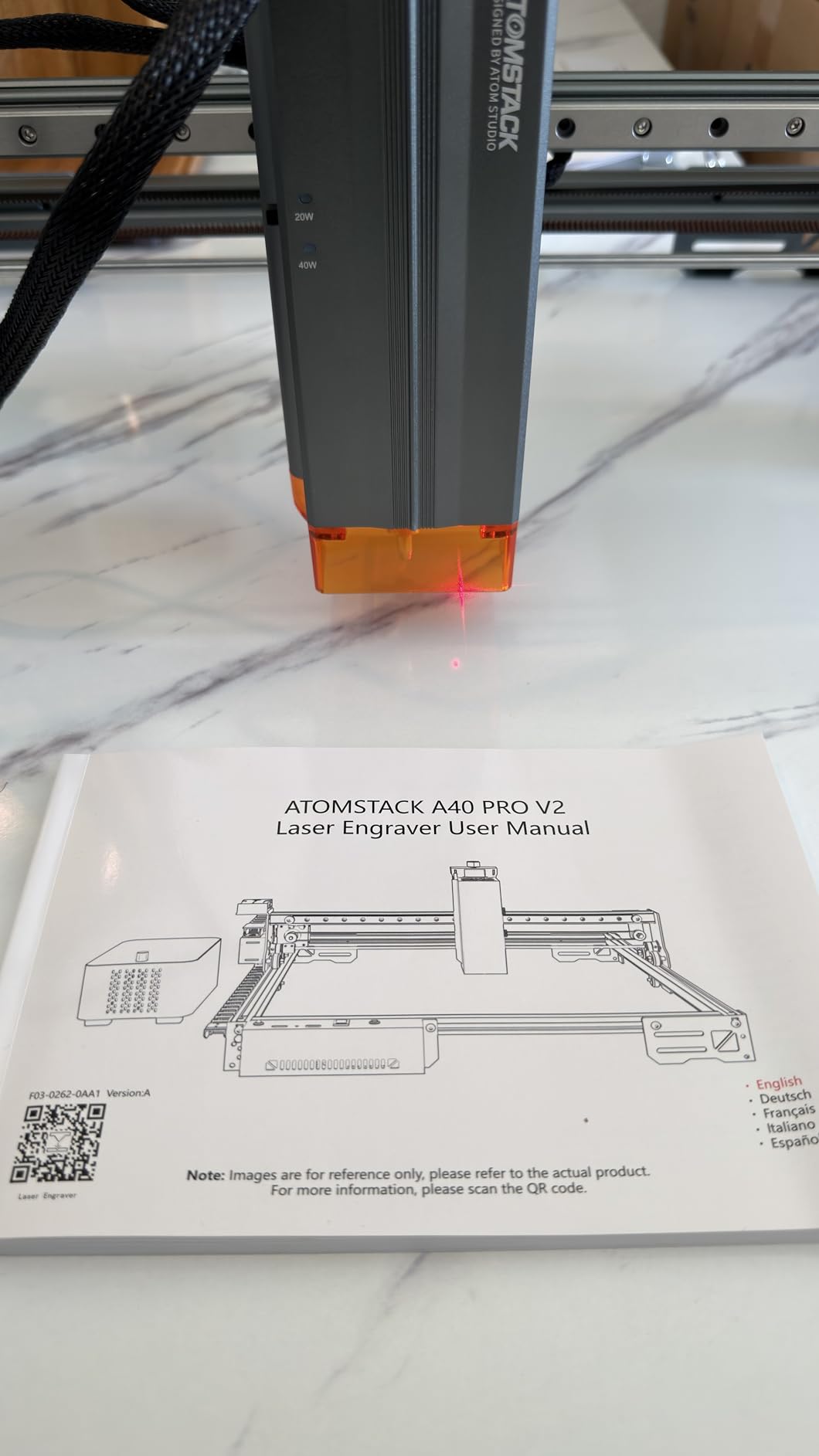
36. ATOMSTACK 48W A40 PRO V2 Laser Engraver

+ The Good
- One Key Switch between Engraving/Cutting modes
- 48W output power cuts 18mm wood
- 0.1mm stainless steel
- Compact size ideal for smaller workspaces
- Auto-focus and cross-hair positioning
- The Bad
- Z-axis failure reported after few hours
- Power supply issues reported
- Missing screws in some packages
The ATOMSTACK A40 PRO V2 delivers serious power with its 48W output that cuts 18mm wood, 0.1mm stainless steel, 9mm MDF, and 7mm acrylic in various configurations. The switchable 24W/40W modes let you balance power consumption against capability depending on your current task. The 400 by 400 millimeter work area provides meaningful production capacity.
The one-key switch between engraving and cutting modes simplifies workflow transitions that typically require parameter adjustments. Auto-focus and cross-hair positioning reduce setup time for each new project. The included air compressor adds value and ensures you have the ventilation support needed for intensive work.
Best for Production Shops
If you need to process thick materials regularly without dedicated industrial equipment, the A40 PRO V2 provides meaningful capability in a workshop-friendly package.
Who Should Look Elsewhere
Reliability reports for some components suggest quality consistency concerns. Verify all components and test thoroughly during the return window.
37. Genmitsu Kiosk 10W 10000mW Laser Engraver

Genmitsu Kiosk 10W 10000mW Laser Engraver, Portable Cutter with Enclosure
10W
7.94 lbs
100x100mm
Class 1
Portable
+ The Good
- Lightweight and portable at 6.17 lbs
- Excellent price-to-quality ratio
- Class 1 safety certification
- Easy setup with detailed manuals
- Compatible with LightBurn and LaserGRBL
- The Bad
- Small 100mm engraving area
- Steep learning curve with software
- Exhaust fan too small
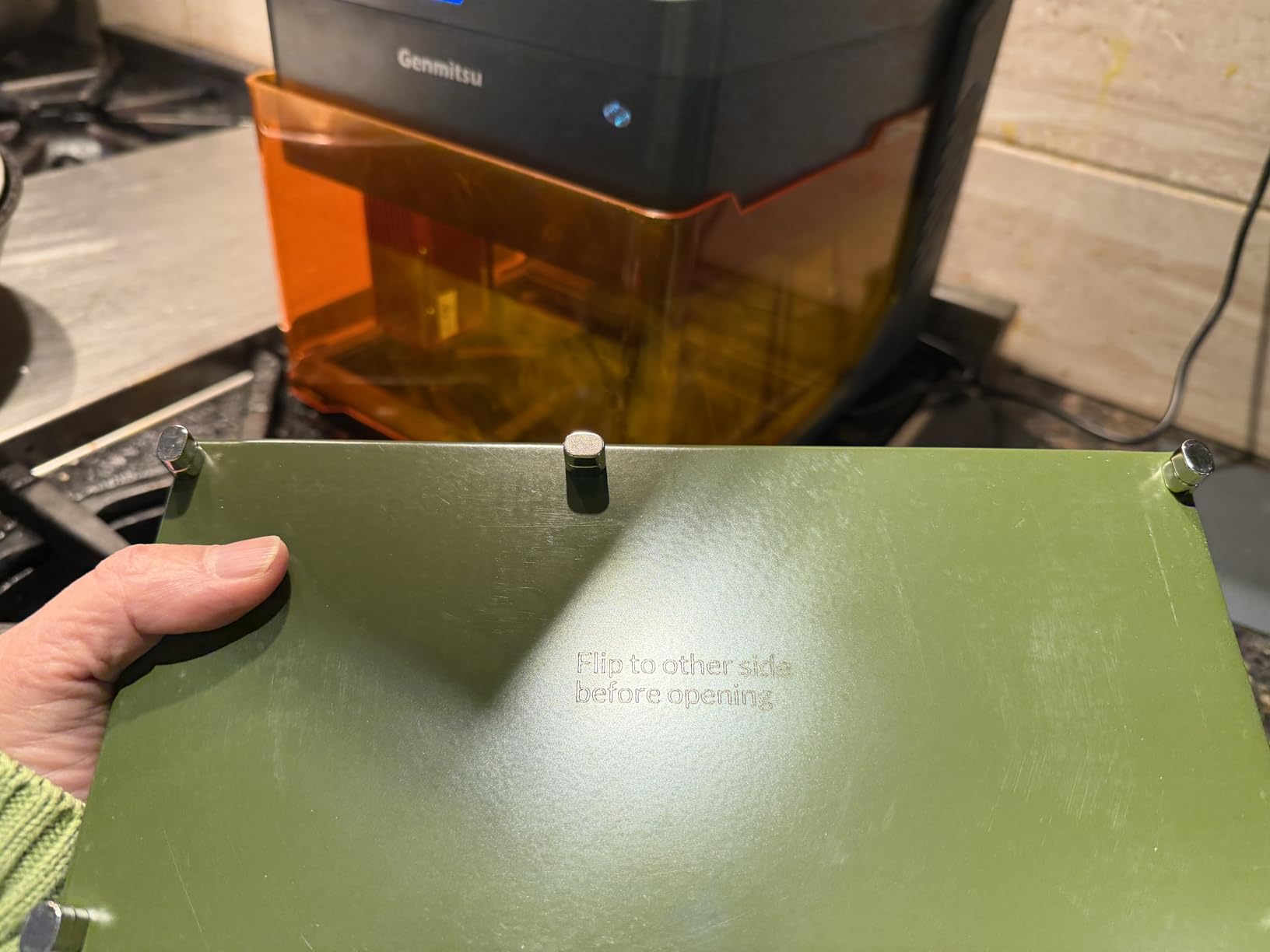
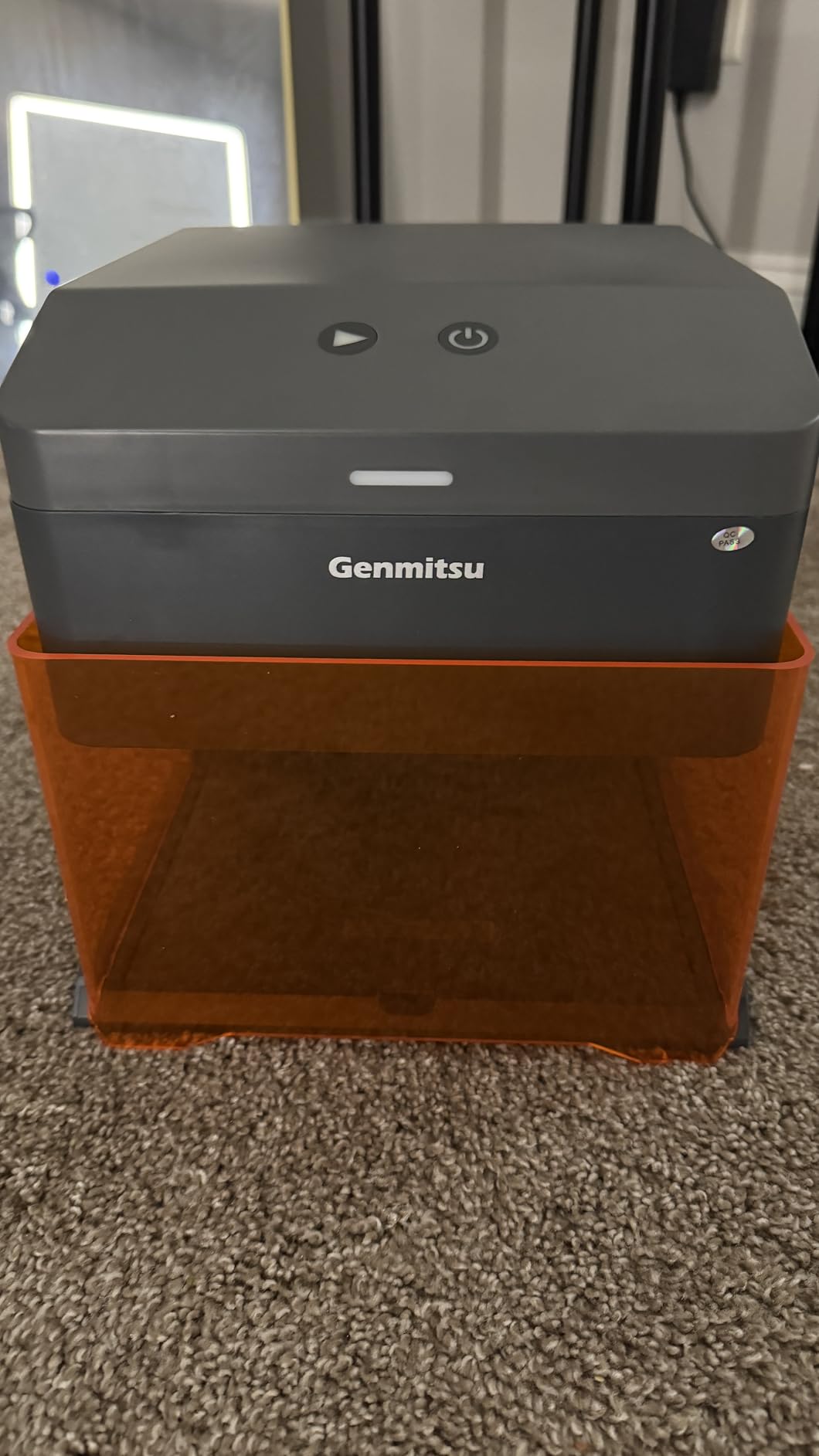
The Genmitsu Kiosk 10W from SainSmart targets users prioritizing portability and safety. The 6.17-pound weight makes this genuinely portable, while the Class 1 safety certification provides meaningful protection for home use. The 100 by 100 millimeter work area suits small items like pendants, patches, and electronic enclosures.
CutLabX app with auto-trace feature helps beginners position designs accurately without expertise. The 12000 mm/min maximum speed keeps projects moving quickly for such a compact machine. LightBurn and LaserGRBL compatibility ensures software flexibility as your skills develop.
Best for Portable Safety-Conscious Users
If you need to transport your engraver between locations or prioritize home safety over work area, the Class 1 certification and low weight make this machine uniquely practical.
Who Should Look Elsewhere
The very small work area limits practical applications significantly. If you work on anything larger than a smartphone, you will feel constrained.
38. Woxcker L2 MAX 20W Laser Engraver

Woxcker 20W Laser Engraver Enclosure Safety Laser Cutter Class 1 20000 mW
20W
16 lbs
300x300mm
0.01mm
Fully enclosed
+ The Good
- Great entry-level machine with good price
- Easy modular assembly
- 20W power handles dense woods cleanly
- Compatible with LightBurn
- Multiple connection options
- The Bad
- Documentation only for 10W version
- No TF card included
- Poor customer support response time
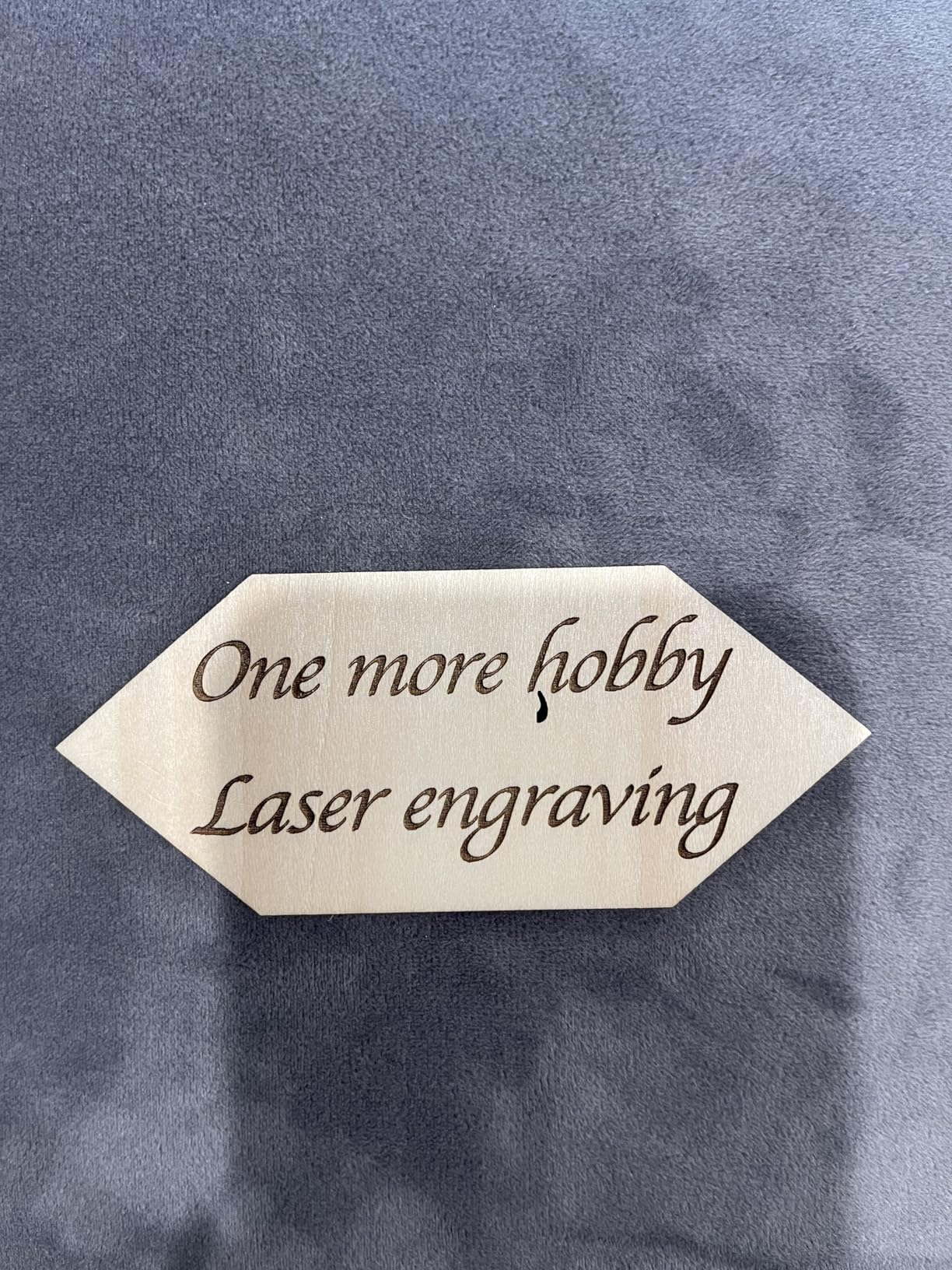
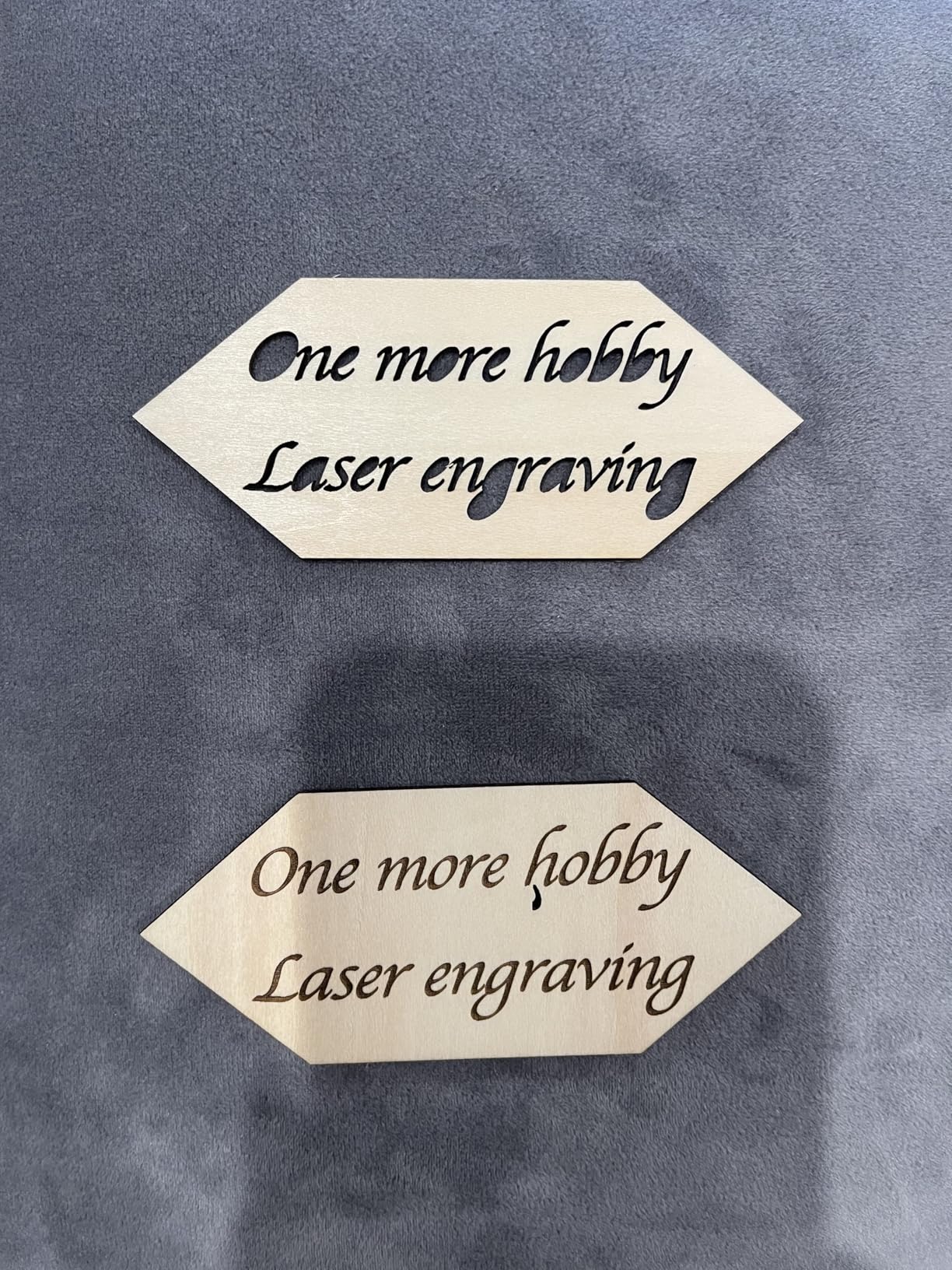
The Woxcker L2 MAX 20W builds on the success of the 10W model with doubled power that enables genuine cutting work on dense materials. The 20W laser module produces cuts 2x deeper than 10W alternatives and operates 4x faster than 5W machines, meaningful improvements that expand your practical capabilities.
The 100,000-hour laser life suggests reasonable long-term operating costs. Air-cooled operation eliminates the water cooling complexity that some competing CO2 machines require. Six-safety protection system including flame sensor detection and automatic shutdown on 15-degree tilt provides comprehensive safety coverage.
Best for Users Upgrading from 10W Machines
If you have been limited by insufficient power in entry-level machines, the 20W L2 MAX provides meaningful capability without requiring the investment or ventilation infrastructure that CO2 machines demand.
Who Should Look Elsewhere
Documentation quality does not match the 20W version, making setup more challenging than it should be. Budget additional time for configuration.
39. AlgoLaser Pixi Smart Laser Engraver 10W

AlgoLaser Pixi 10W Laser Engraver Machine with 3.5″ Smart Touchscreen
10W
8.53 lbs
Touchscreen
No PC
AlgoOS
+ The Good
- No computer required - fully touchscreen operation
- User-friendly app with easy file import
- Compact and portable design
- Height adjustable
- Fast engraving
- The Bad
- Higher price point
- Only 2 reviews so limited feedback
The AlgoLaser Pixi 10W brings the smart touchscreen interface to a higher power level that enables meaningful cutting work. The 10W adjustable power laser handles wood, acrylic, glass, and more with speed and depth that entry-level machines cannot match. The 160+ built-in templates provide starting points for various product types without requiring design expertise.
Step-by-step tutorials accelerate the learning curve for new users. Offline touchscreen operation means you do not need a computer nearby to complete jobs. WiFi and USB-C connectivity provide flexibility for how you transfer designs to the machine.
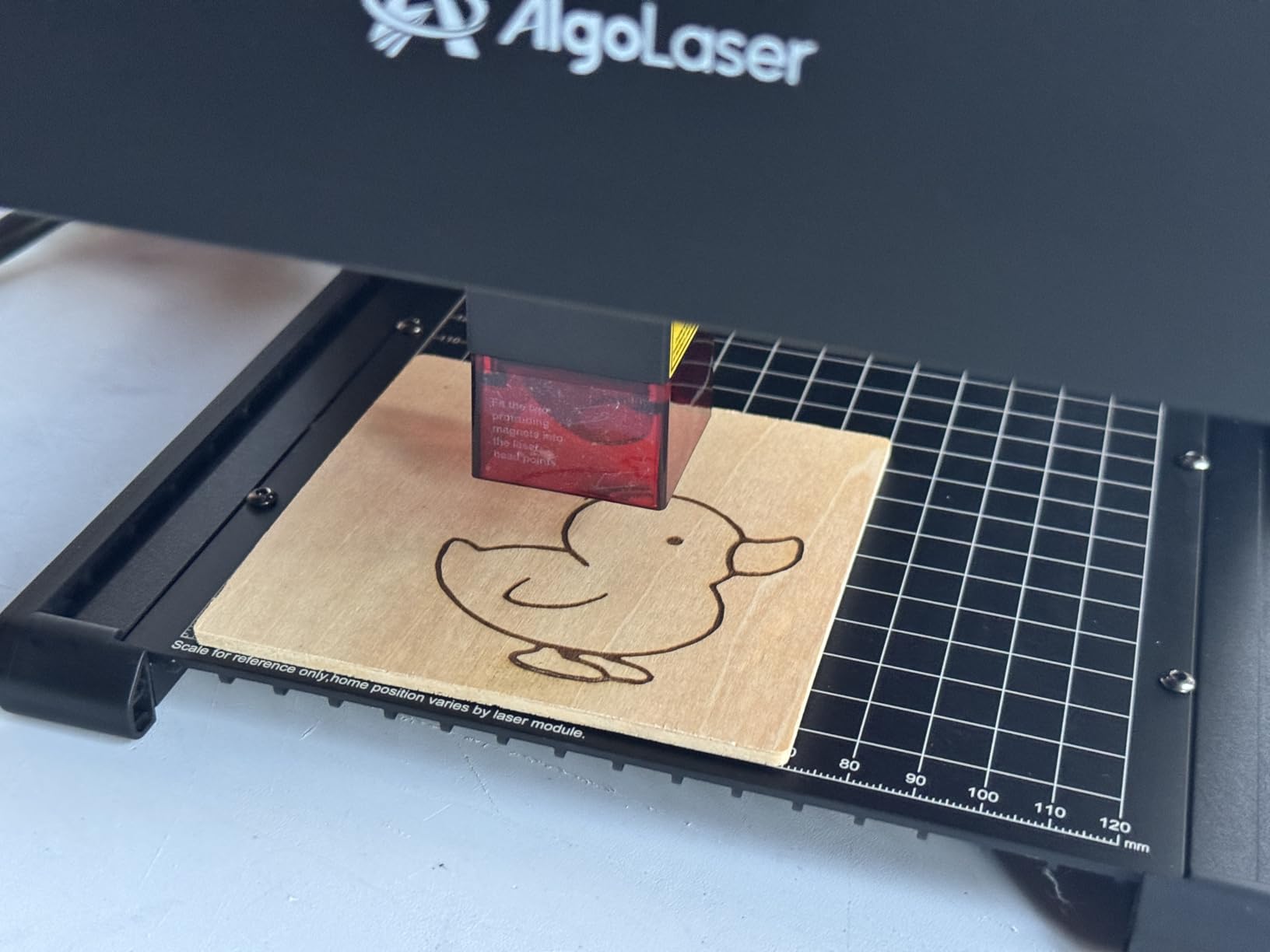
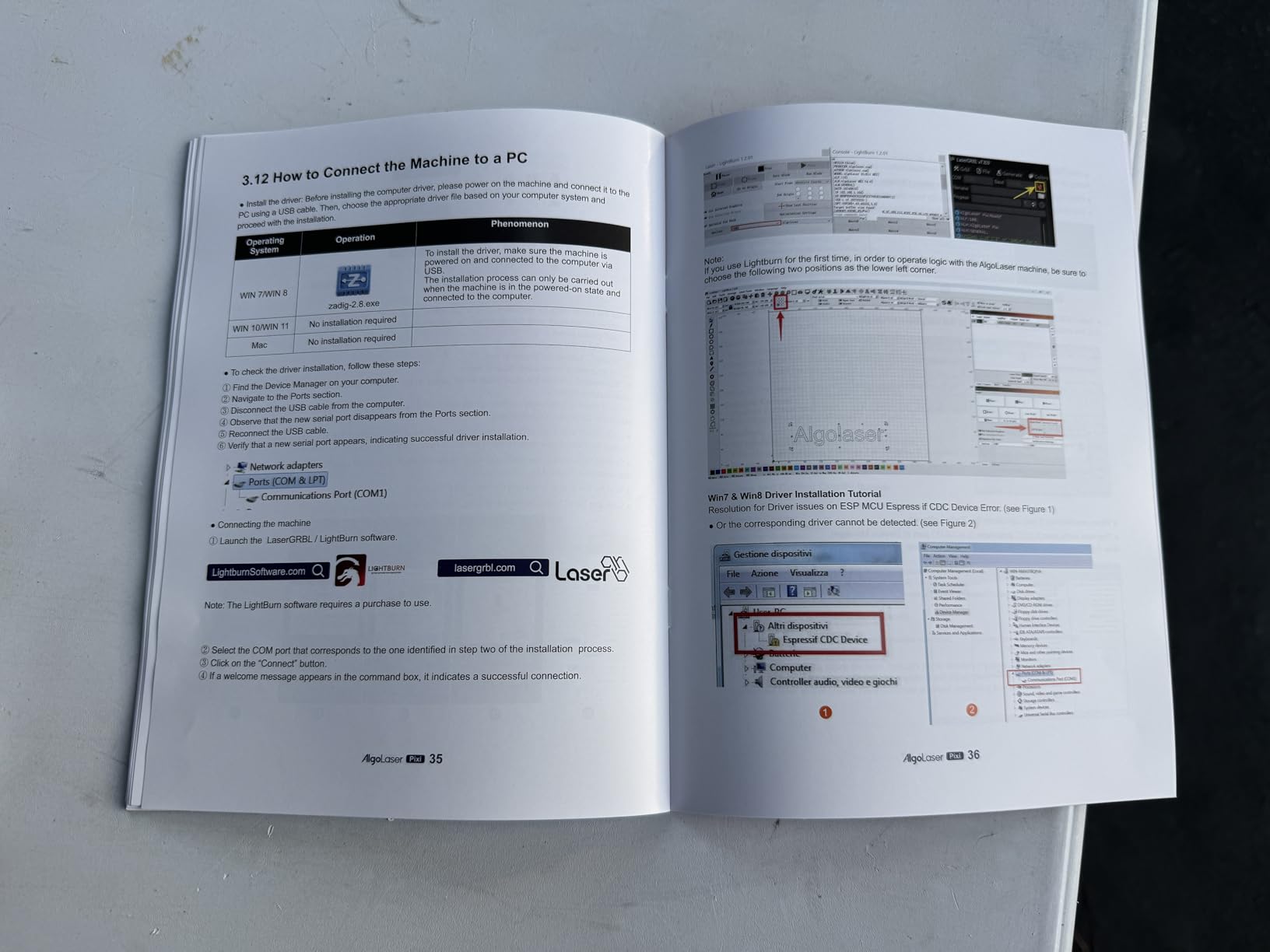
Best for Users Wanting Touchscreen and Power
If you want computer-free operation with enough power for genuine cutting work, the Pixi 10W delivers both in a portable package.
Who Should Look Elsewhere
The very limited review count makes long-term reliability impossible to assess. If that level of uncertainty concerns you, consider more established alternatives.
40. WIZMAKER 12W Laser Engraver Machine

+ The Good
- Excellent value for entry-level users
- 10-minute quick setup
- Versatile material compatibility
- LightBurn and LaserGRBL compatible
- Good mobile app and WiFi integration
- The Bad
- 300x300mm area may be limiting for larger projects
- 7W version may need multiple passes for thick hardwoods
The WIZMAKER 12W delivers a practical power increase over common 10W models while maintaining budget-friendly pricing. The 300 by 300 millimeter work area accommodates most personalization projects, while the 10000mm/min processing speed keeps jobs moving efficiently. Tilt detection and flame detection safety features provide protection during operation.
Windows, macOS, Android, and iOS compatibility means you can control the machine from virtually any device. WiFi and hotspot connectivity options provide workflow flexibility for different working environments. 24/7 customer support availability offers assistance when you encounter challenges.
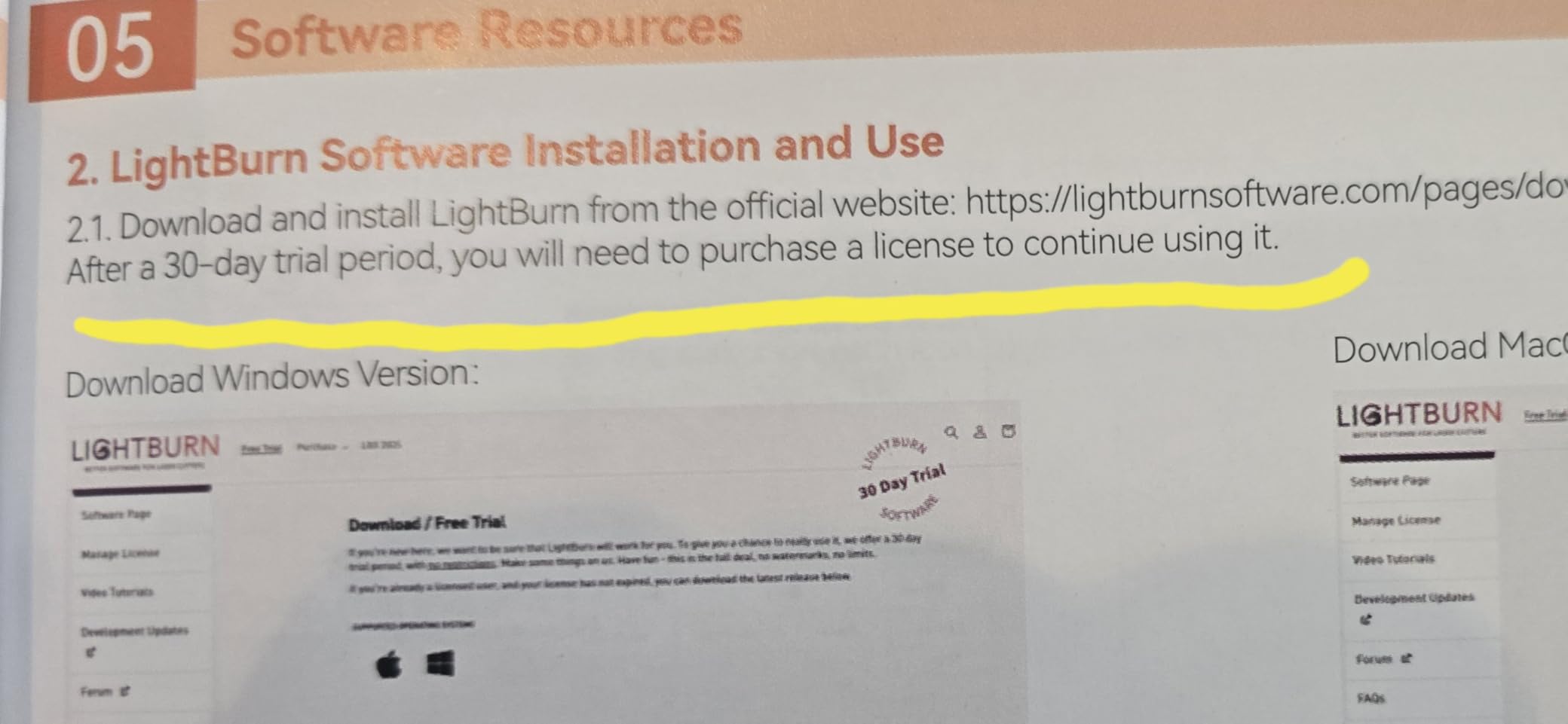
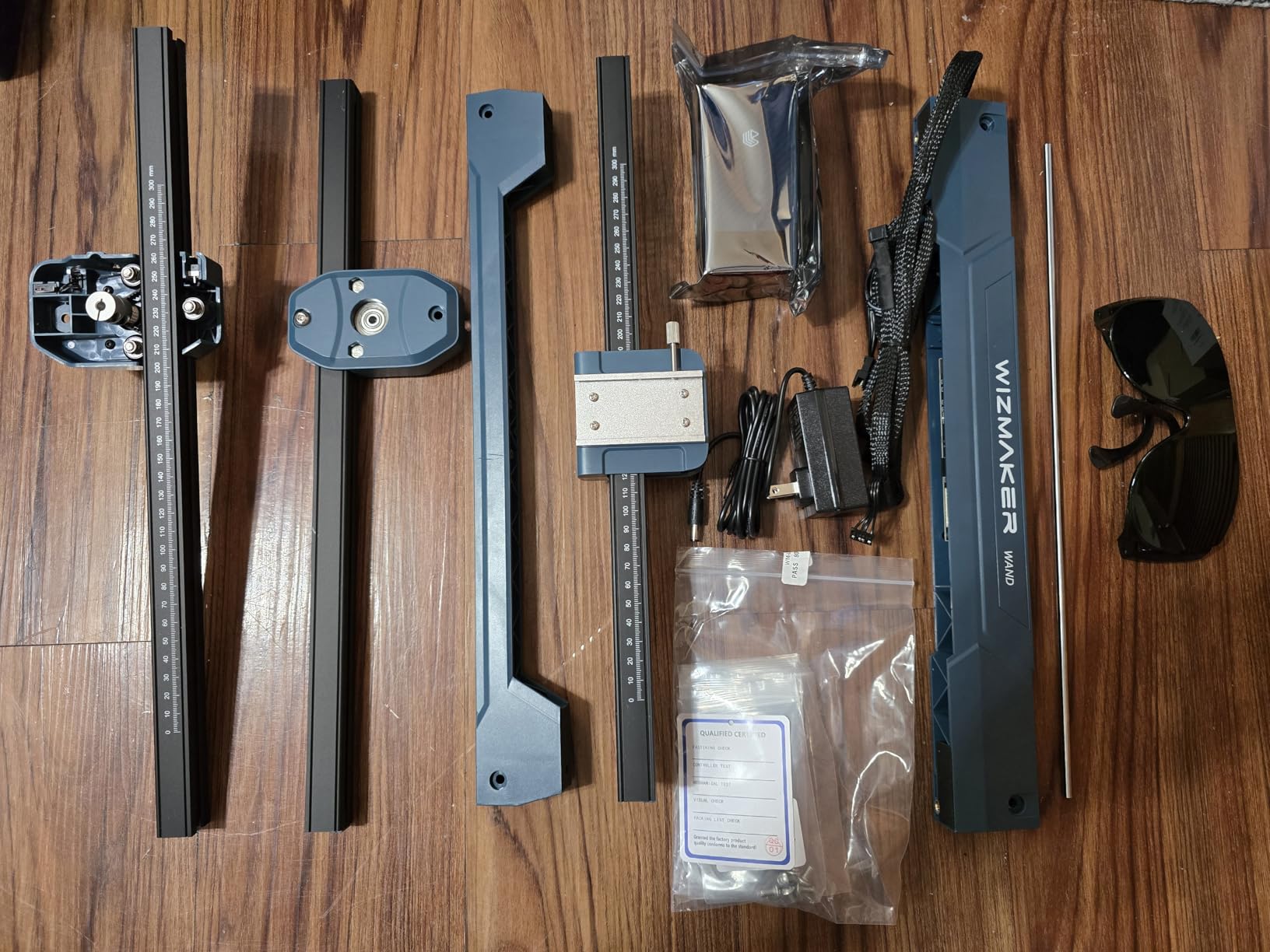
Best for Multi-Platform Households
If household members use different operating systems and want to share a laser engraver, the broad platform compatibility removes the platform-lock limitations that affect some competitors.
Who Should Look Elsewhere
If your projects consistently exceed 300 by 300 millimeters, you will need to work in batches or look at machines with larger beds.
41. ACMER S1 6000mW Laser Engraver for Beginners

+ The Good
- User-friendly AcmerStudio software included
- Supports LightBurn and LaserGRBL
- Precise engraving with fine detail
- Preassembled 99% - easy setup
- Compact and portable aluminum alloy frame
- The Bad
- Instructions could be clearer for beginners
- Small 130x130mm working area
The ACMER S1 6000mW rounds out the S1 lineup with compact convenience and genuine portability. The aluminum alloy frame provides stability without excessive weight, making this machine practical for mobile use or shared workspaces. The 0.04mm laser spot produces detailed engravings on small items despite the modest power rating.
Multiple file format support including NC, DXF, BMP, JPG, and PNG ensures compatibility with designs from virtually any source. The 12-month warranty provides reasonable protection for the initial purchase period. Class 4 laser certification with IEC 60825-1 compliance ensures the machine meets recognized safety standards.
Best for Truly Mobile Engraving
At just 2 kilograms, this is one of the most portable genuine laser engravers available. If you need to transport your machine regularly or work in varying locations, the S1 delivers without the compromises of pen-style alternatives.
Who Should Look Elsewhere
The 130 by 130 millimeter work area significantly constrains practical applications. This machine suits only the smallest personalization tasks.
42. Artilume T1 7000mW Foldable Laser Engraver

+ The Good
- Foldable design for easy storage and portability
- Pre-assembled and beginner-friendly
- High precision 0.01mm
- Works with LightBurn and LaserGRBL
- Emergency shutdown and motion protection
- The Bad
- No Mac software included
- No positioning laser or framing preview
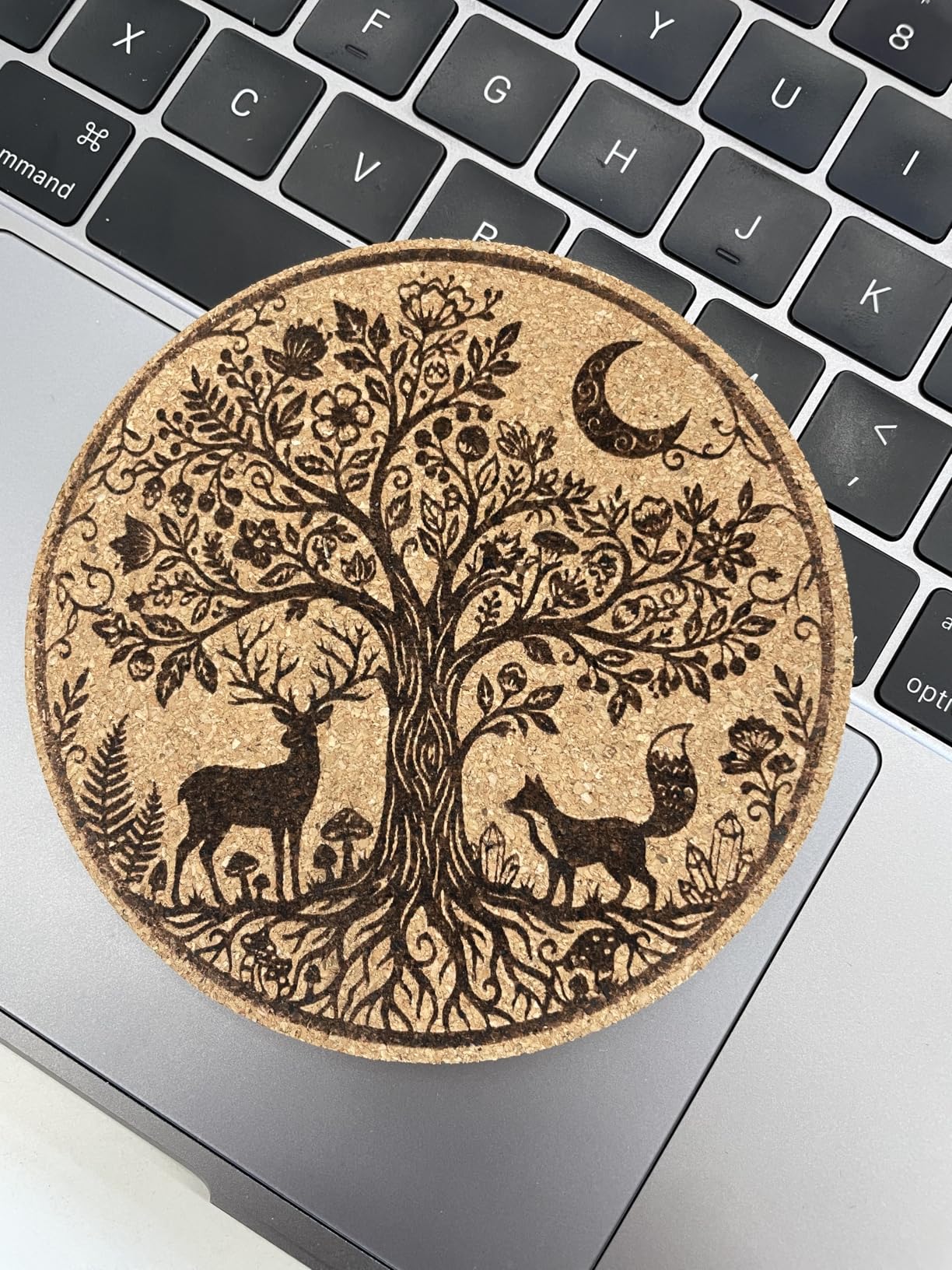
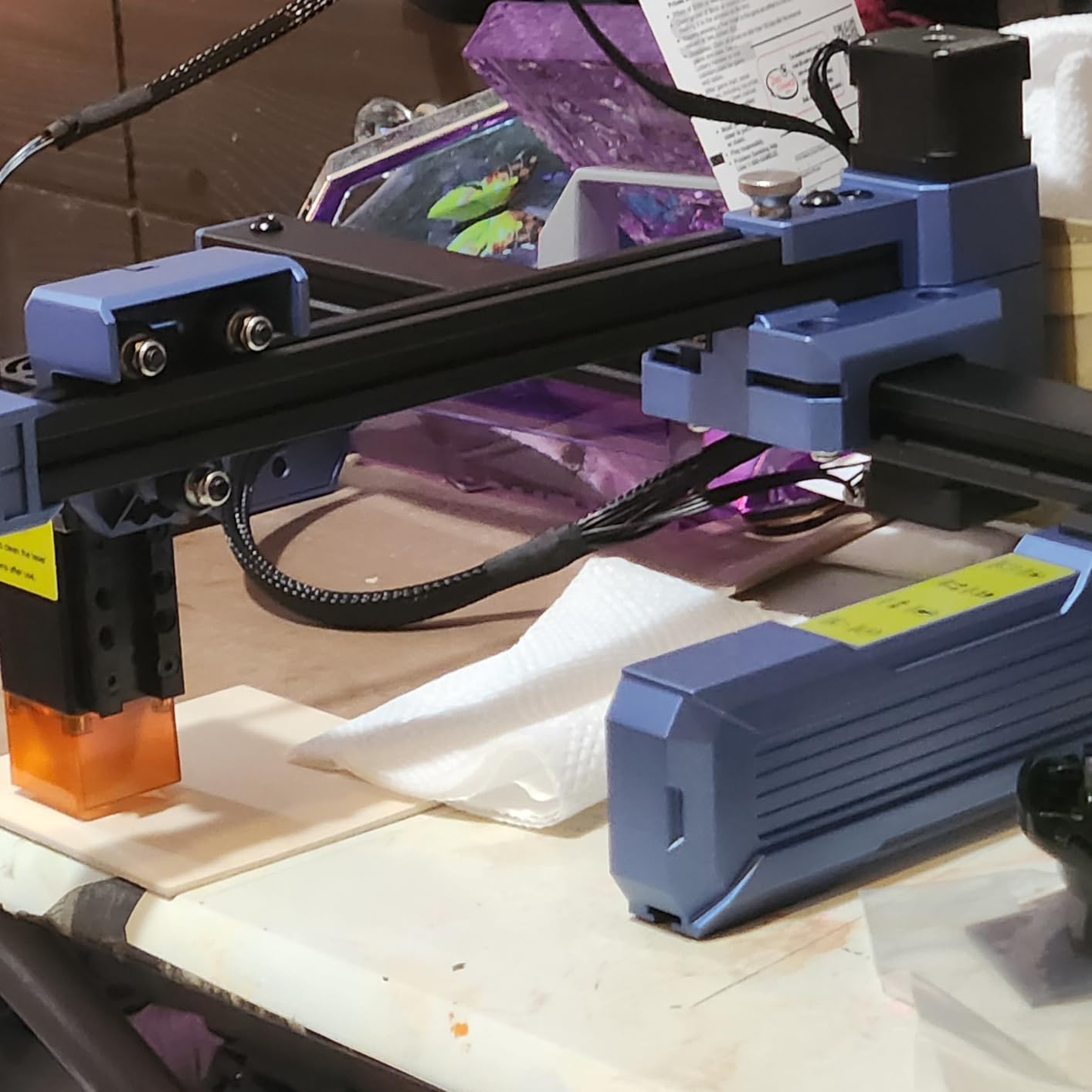
The Artilume T1 7000mW stands out with its genuinely foldable design that collapses to a fraction of typical machine footprints. This solves the common problem of finding permanent space for workshop equipment, as you can store the T1 in a drawer or cabinet between uses. The 200 by 150 millimeter work area is larger than most compact competitors despite the collapsible design.
The 0.04 by 0.04mm ultra-fine compressed spot laser technology produces detailed results, while the 0.01mm engraving precision ensures clean text and intricate designs. Over 10,000 hours of laser module lifespan provides reasonable operating costs. Safety features include emergency shutdown, motion protection, and overheating detection.
Best for Space-Limited Users
If you cannot dedicate permanent space to a laser engraver, the foldable T1 lets you own capable equipment without sacrificing living or working space.
Who Should Look Elsewhere
Mac users face significant limitations without native software. The lack of positioning preview also means more trial and error during setup.
43. Artilume T1-P 7000mW APP Control Laser Engraver
+ The Good
- Smart APP Control for wireless operation
- Innovative 2-in-1 protective cover acts as elevation stand
- Foldable and portable with carrying case
- Pre-assembled and easy to setup
- High precision 0.01mm
- The Bad
- App not user-friendly compared to LightBurn
- Missing base plate or honeycomb
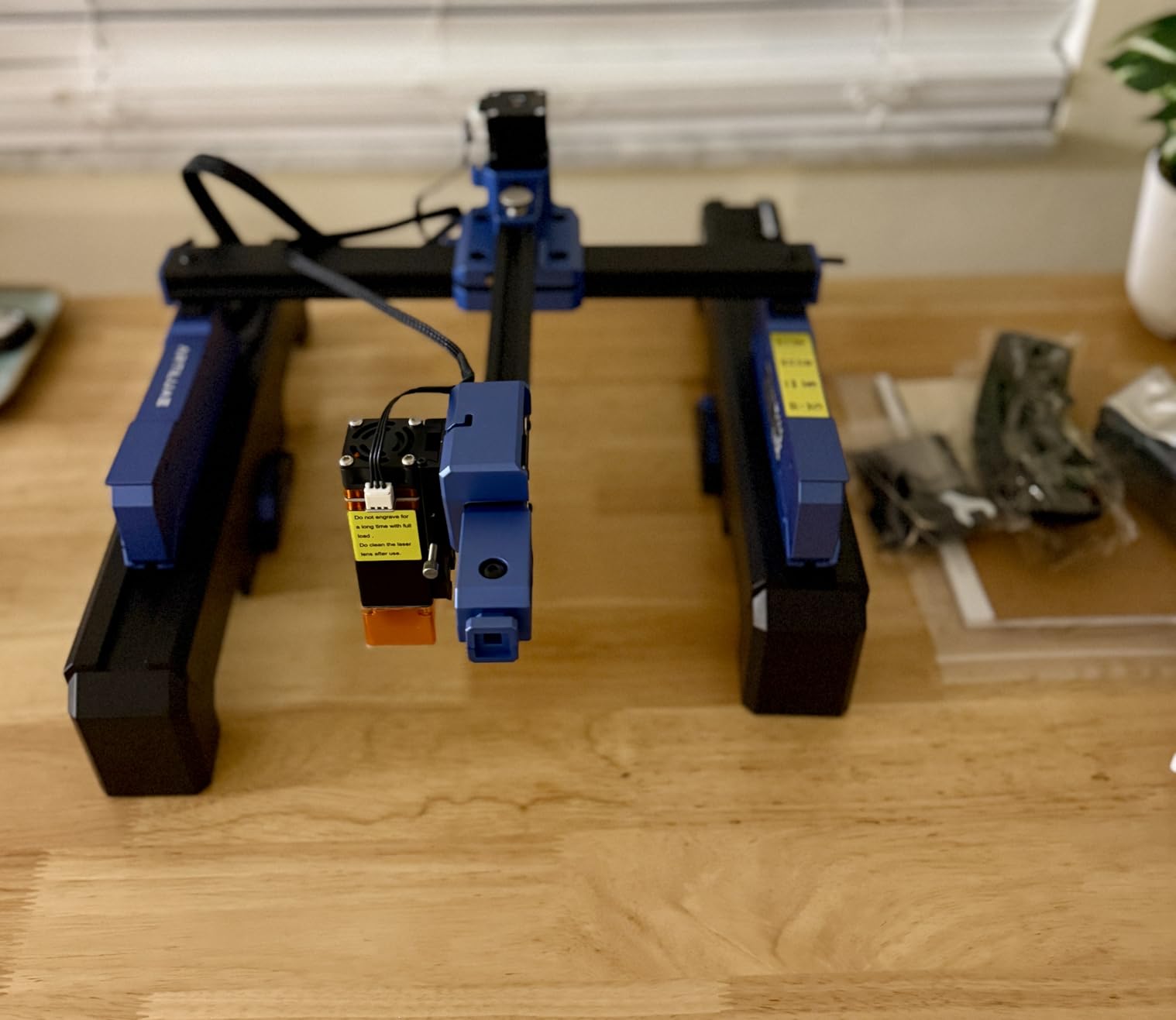
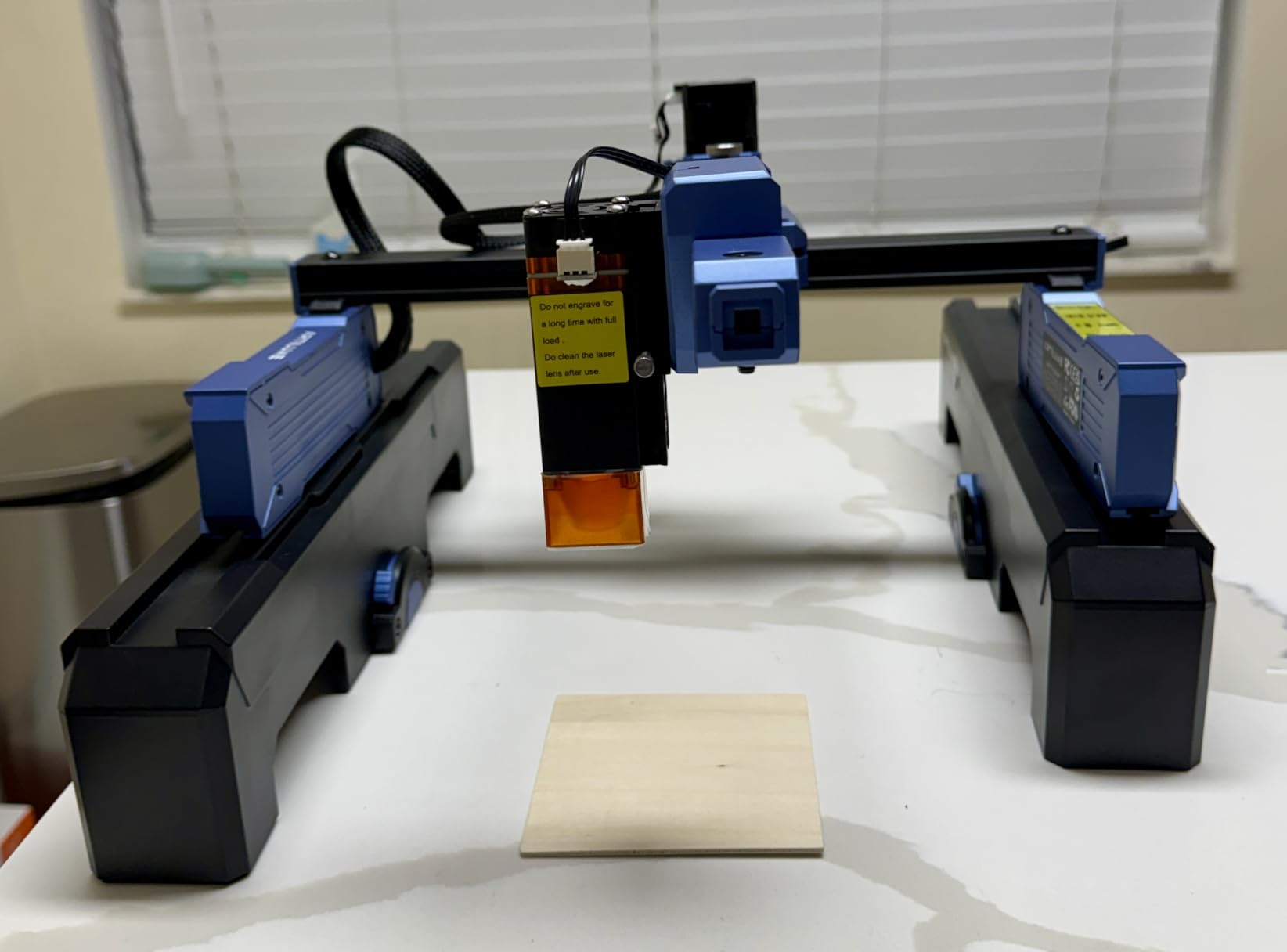
The Artilume T1-P builds on the T1 platform by adding APP control via WiFi, enabling wireless operation without standing at the machine. The innovative 2-in-1 protective cover serves double duty as an elevation stand, providing 3.15 inches of extra height for taller items without requiring additional accessories.
The foldable and portable design maintains the space-saving advantages of the base T1 while adding smart connectivity that modern users expect. Pre-assembled delivery means you start working quickly. The 8 by 6 inch working area handles most personalization items while remaining manageable for storage.
Best for Smartphone-Fluent Users
If you prefer phone-based control over computer software, the APP operation matches how you work with other devices in your life.
Who Should Look Elsewhere
Some units have arrived missing the base plate or honeycomb platform. Verify all components are present before the return window closes.
44. Artilume T1 3000mW Foldable Laser Engraver
+ The Good
- Foldable and portable design
- Pre-assembled and ready to use
- Good value for the price
- Works with LaserGRBL (free software)
- Compact size fits on desk
- The Bad
- Cannot engrave bare metals
- Limited power for cutting
- Slow on thicker materials
The Artilume T1 3000mW represents the entry point in the foldable laser engraver category, offering genuine portability at the lowest price in the T1 lineup. The 3W laser handles wood, leather, acrylic, coated metals, paper, and fabric but cannot work with bare metals or thick materials that require more power.
The foldable design solves storage challenges that prevent many people from owning laser equipment. Pre-assembled delivery means you start working immediately rather than spending time on mechanical setup. The starter material pack including plywood and paper provides consumables to begin practicing.
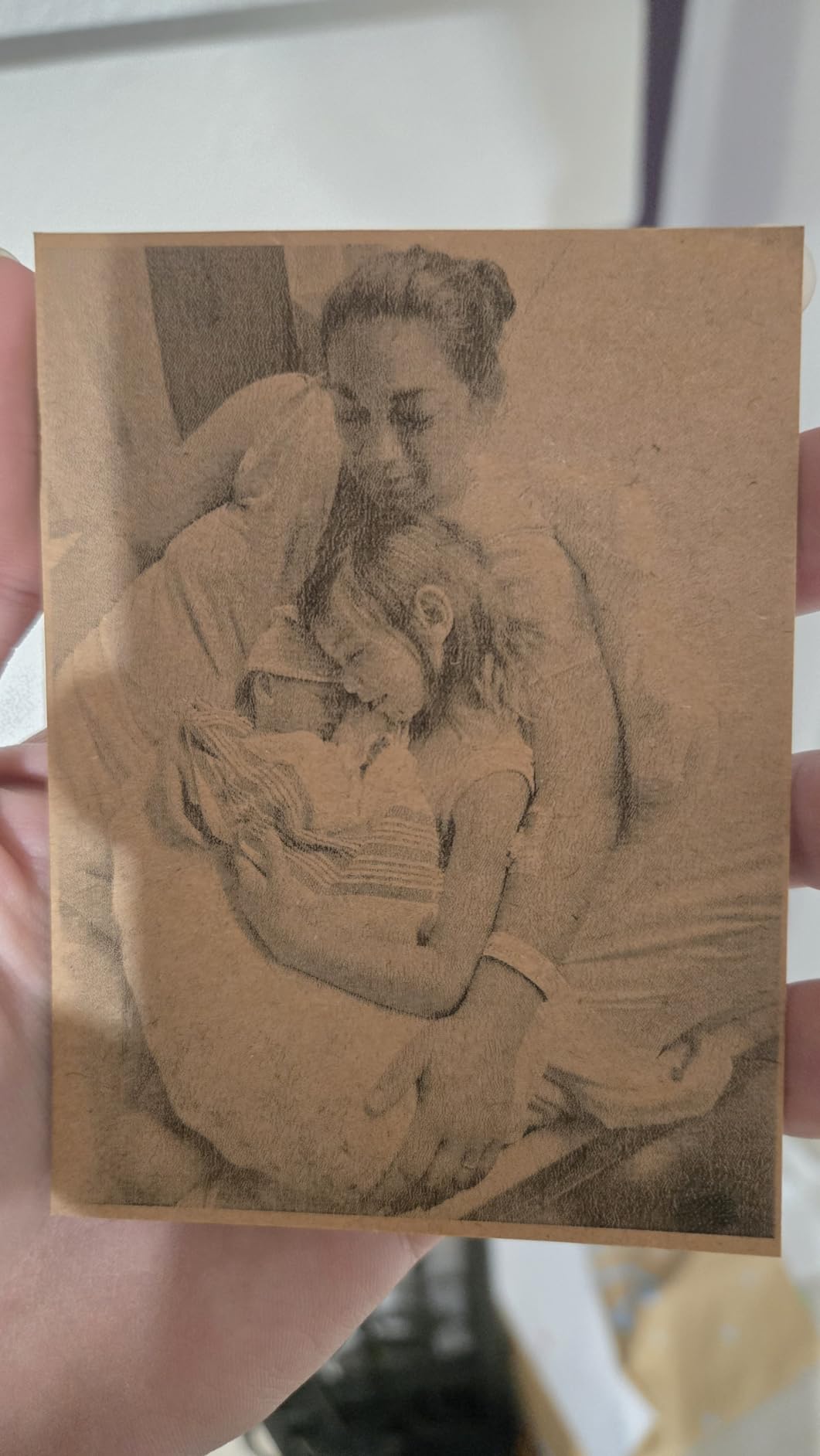
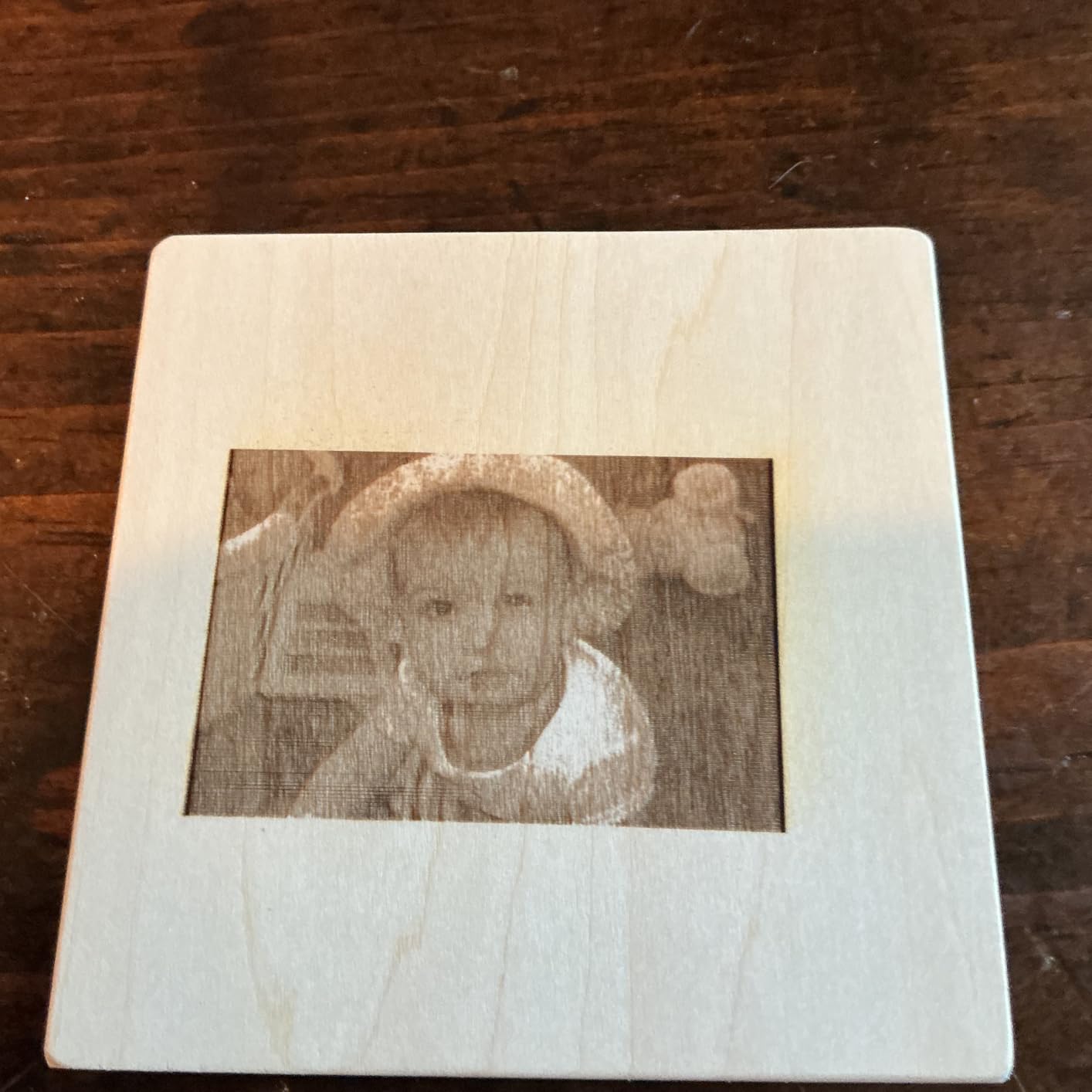
Best for Casual Experimenters
If you want to explore laser engraving without significant financial commitment and do not need production capability, the T1 3000mW provides genuine experiences with minimal risk.
Who Should Look Elsewhere
The 3W power significantly limits what you can accomplish. If you have serious interest in laser work, starting with more power will save upgrade costs.
45. ATOMSTACK Swift 3W Laser Engraver for Beginners

AtomStack Swift Laser Engraver Machine, Mini, Desktop,3000mW, DIY Cutter
3W
5 lbs
135x145mm
Pre-assembled
WiFi
+ The Good
- Fully pre-assembled - 100% ready to use
- Larger workspace than most compact engravers (135x145mm)
- Multiple connectivity options (WiFi
- Hotspot
- USB)
- Free ATOMSTACK APP available
- Works with LightBurn
- LaserGRBL
- BurnLab
- The Bad
- App controller reported as subpar
- WiFi/Bluetooth connectivity issues
- Lower power limits cutting
The ATOMSTACK Swift 3W targets absolute beginners with its promise of 100% out-of-the-box usability. No tools, belts, or setup steps mean you connect power and start working immediately. The 135 by 145 millimeter workspace is larger than most compact competitors, providing meaningful working area despite the portable format.
Flame detection and tip-over protection provide safety features that give peace of mind during operation. WiFi, hotspot, and USB connectivity options offer workflow flexibility. The 12-month limited warranty and lifetime customer support add purchase protection.
Best for True Beginners Wanting Simplicity
If the idea of assembly or configuration intimidates you, the Swift delivers instant gratification with no setup steps between unboxing and first engraving.
Who Should Look Elsewhere
The 3W power significantly limits what you can accomplish. This machine suits engraving rather than cutting applications.
46. Creality Falcon A1 80W Powerful Laser Engraver

+ The Good
- Easy to set up and use
- No assembly needed
- Class 1 laser - safe without goggles
- Camera auto-positioning works well
- Compatible with LightBurn and LaserGRBL
- The Bad
- Software can be clunky
- Connectivity issues with USB
- Camera calibration can be problematic
The Creality Falcon A1 80W delivers impressive power with the convenience features that make modern laser engraving accessible. The 80,000mW power output cuts through thick materials that challenge lower-wattage machines, while the pre-assembled design means no mechanical setup before first use. The Class 1 safety certification provides meaningful protection for home use without requiring specialized precautions.
HD camera auto-positioning shows your material on screen and lets you place designs with precision. Smart material recognition automatically configures parameters for common material types, reducing the learning curve for beginners. The CoreXY system maintains accuracy at the 600mm/s engraving speed without sacrificing precision.
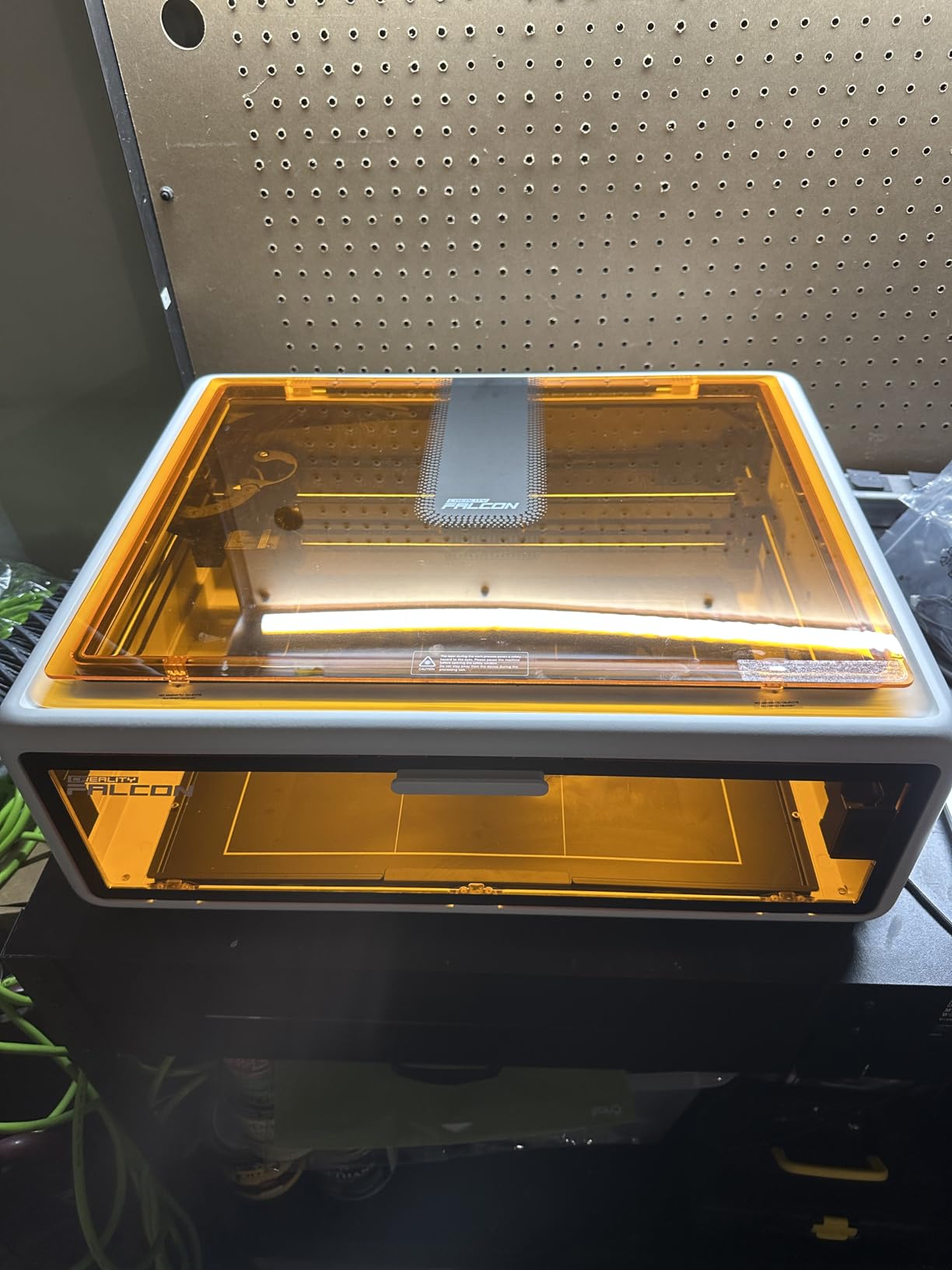
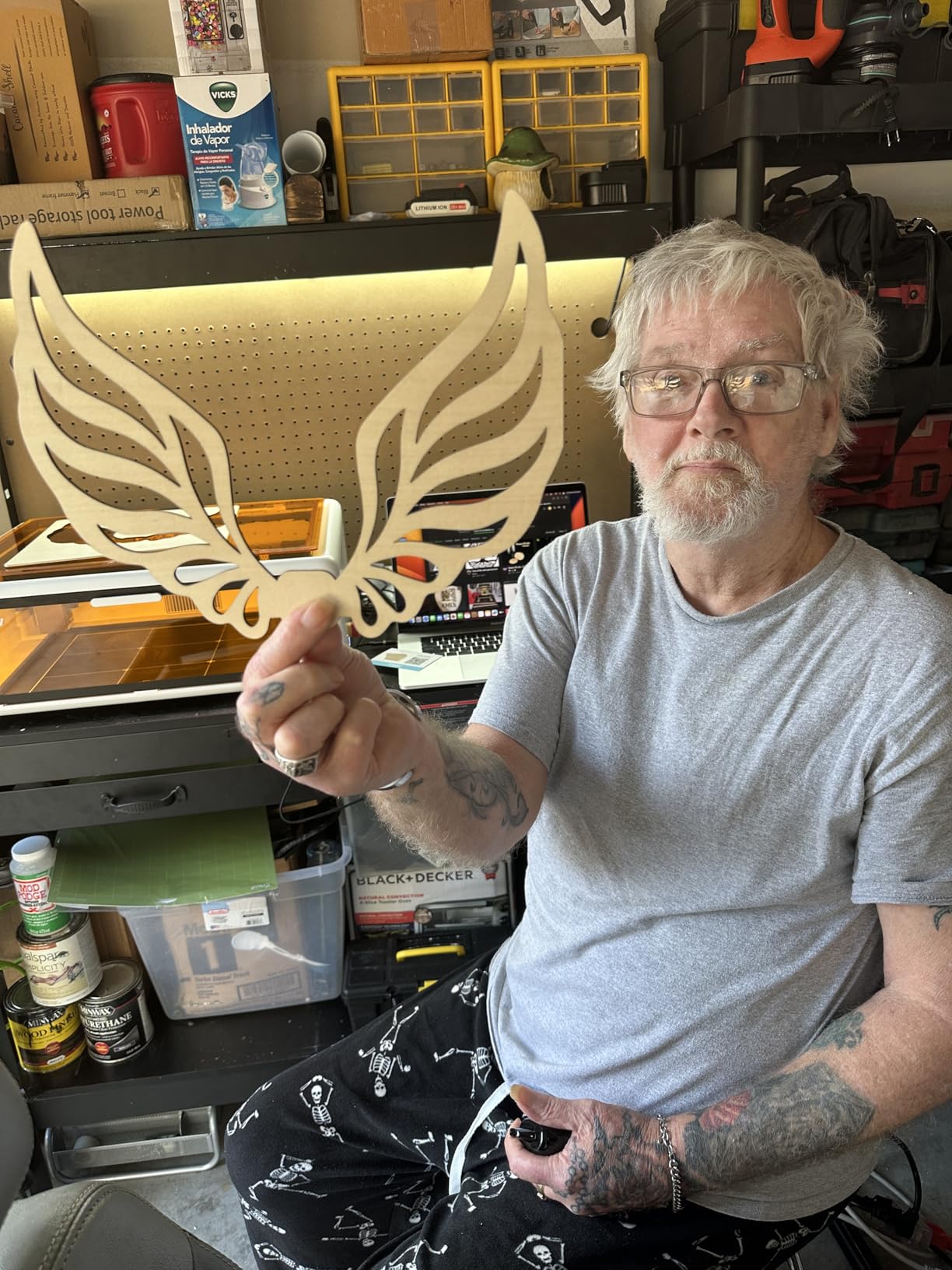
Best for Users Wanting Power Without Complexity
If you need serious cutting capability without the industrial equipment requirements or setup complexity that typically accompanies 80W machines, the Falcon A1 delivers professional results in a consumer-friendly package.
Who Should Look Elsewhere
Software quality could be improved. If you are particular about workflow tools, you may need to rely more on LightBurn than the included software.
47. sielux SL2 Laser Engraver Machine

+ The Good
- Lightweight and portable (1.76 lbs)
- Extremely fast engraving (4000mm/s)
- Razor sharp detail
- Works on multiple materials
- Handheld or desktop use
- The Bad
- Exhaust fan runs constantly
- Cannot engrave bare shiny metals
- App had initial issues for some users
The sielux SL2 stands alone in this guide with its handheld-and-desktop 2-in-1 design that fundamentally changes how you think about laser engraving. At just 1.76 pounds, this is one of the lightest genuine laser engravers available. The 4000mm/s speed rivals production machines, while the 10W blue laser handles wood, leather, acrylic, glass, and coated metals.
The rotary roller attachment enables cylindrical object engraving, while the desktop configuration handles flat materials. The 400 DPI resolution produces clean, professional results. SIELUX app control via smartphone provides modern workflow convenience without requiring a computer nearby.
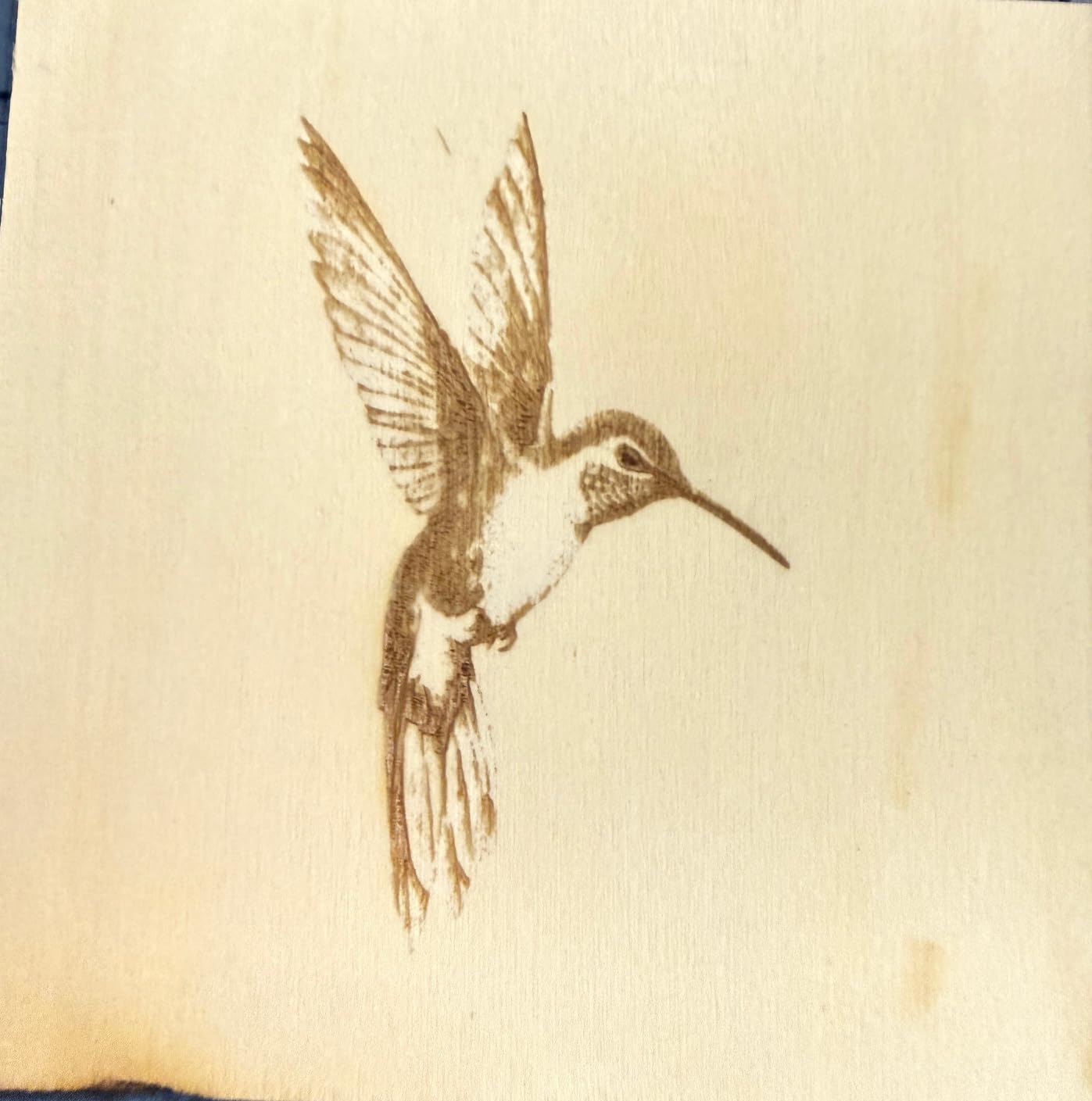
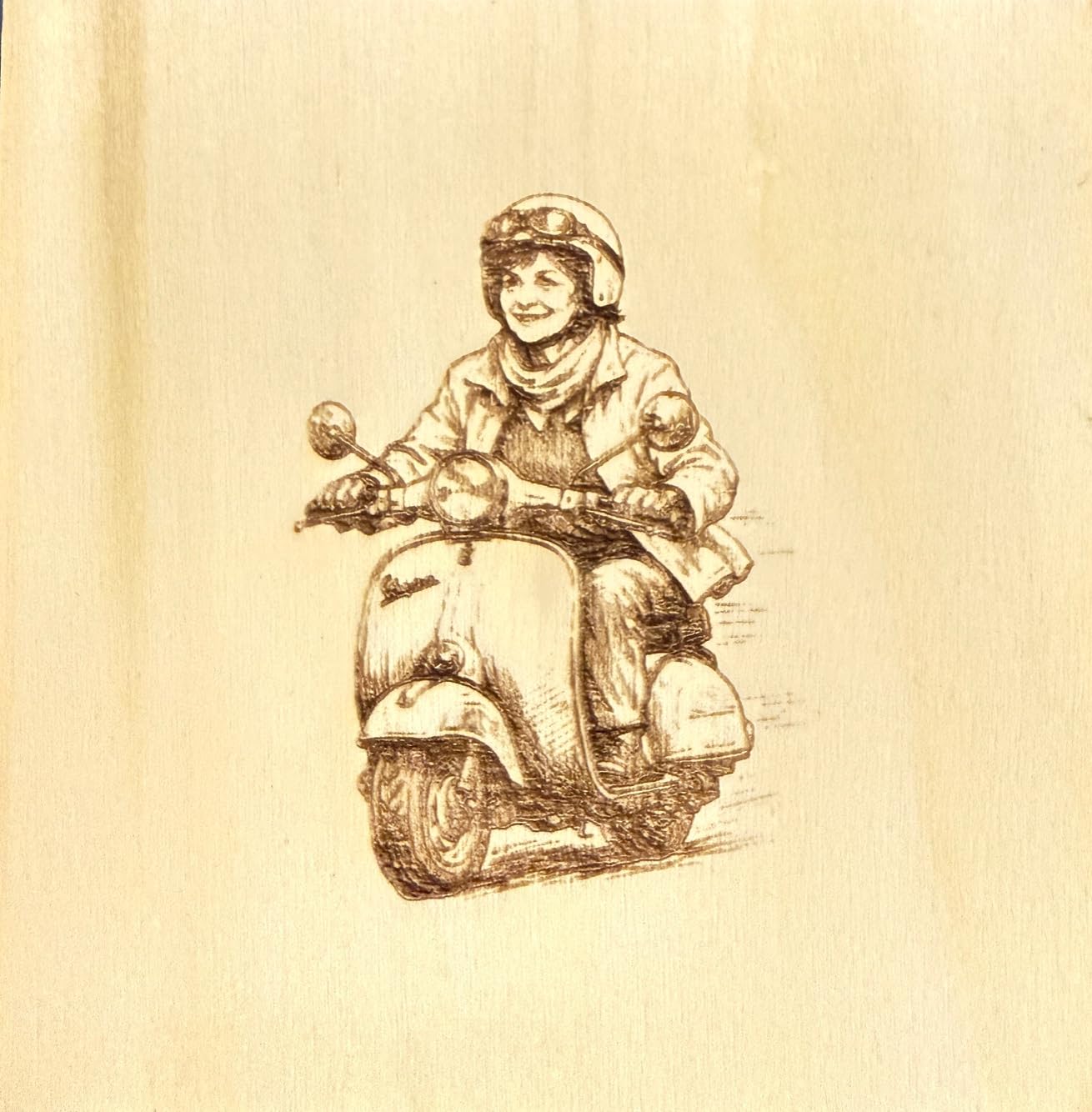
Best for Mobile Engravers and Unusual Projects
If you engrave on objects that cannot fit under a traditional flat-bed machine, the handheld SL2 opens possibilities that no other professional-grade option can match.
Who Should Look Elsewhere
The constant exhaust fan operation may be disruptive in quiet environments. If noise is a concern, verify the operational sound level is acceptable before committing.
Buying Guide: How to Choose the Best Laser Engraver
Selecting the right laser engraver involves understanding several key factors that determine which machine best matches your needs. This guide breaks down each consideration so you can make an informed decision.
Laser Types: Diode vs CO2 vs Fiber
Diode lasers represent the most common type in consumer and prosumer machines. They use semiconductor diodes to produce the laser beam, resulting in compact size, affordable price, and reasonable power levels ranging from 5W to 40W. Diode lasers work excellently on wood, acrylic, leather, and coated metals but struggle with bare metals and some reflective materials. They are the best choice for most home users and small businesses starting with laser engraving.
CO2 lasers use gas mixtures to produce lasers with wavelengths that work exceptionally well on both organic and inorganic materials. They deliver higher power levels and cut through thicker materials than diode alternatives. CO2 machines require more ventilation and some maintenance but provide production capability that diode lasers cannot match. They suit serious hobbyists and small production shops that need to cut thick materials regularly.
Fiber lasers produce the shortest wavelengths and excel at marking bare metals, industrial parts, and jewelry. They are typically more expensive than diode options and less common in consumer machines. If your work focuses primarily on metal engraving, a fiber or fiber-diode hybrid machine may be necessary.
Power and What It Means for Your Projects
Laser power, measured in watts or milliwatts, directly determines what you can cut versus merely engrave. A 5W to 10W machine handles engraving and light cutting on wood, acrylic, and leather up to about 3mm to 5mm thickness. 20W to 40W machines cut through materials up to 10mm to 18mm and complete jobs much faster. 40W+ machines, including CO2 options, provide production capability for serious manufacturing work.
Higher power is not always better. More powerful machines cost more, consume more electricity, and may require additional ventilation infrastructure. A 10W machine that meets your needs costs far less than a 40W machine you never fully utilize. Start with reasonable power for your anticipated use and upgrade when you genuinely outgrow your current capability.
Work Area Size Considerations
The bed or work area dimensions determine the largest single item you can engrave without repositioning. Common sizes range from 100mm by 100mm on compact portable machines to 600mm by 400mm or larger on production machines. Measure your typical items and add margin for positioning fixturing before deciding on minimum work area requirements.
Consider both the physical bed dimensions and the usable engraving area. Some machines with large outer dimensions have smaller effective work areas due to mechanical constraints or accessory interference. Check specifications carefully to avoid discovering the actual usable area is smaller than expected.
Safety Ratings and Enclosed Designs
Class 1 lasers are considered safe for unrestricted use under normal operating conditions because the laser beam is fully contained during operation. Class 4 lasers require safety precautions, protective eyewear, and controlled access because the beam can cause eye or skin damage from direct or reflected exposure.
Enclosed machines provide Class 1 safety without requiring extensive safety equipment or room controls. This makes them preferable for home use, shared spaces, or anywhere that open-beam Class 4 operation would be impractical or concerning. The trade-off is typically higher cost and sometimes smaller work areas compared to open-frame alternatives.
Software Compatibility
Most laser engravers come with basic proprietary software that handles essential functions but may lack advanced features. LightBurn and LaserGRBL represent the industry standard third-party options, providing professional capabilities that cover everything from simple text engraving to complex production workflows.
Before purchasing, verify that your chosen machine is compatible with the software you intend to use. Some machines work excellently with LightBurn while offering limited proprietary functionality. Others may have specific software requirements or limitations that affect your workflow options.
Ventilation Requirements
Laser engraving produces smoke, fumes, and odors that require management for both health and machine longevity reasons. Small machines can often operate with window ventilation using an external fan to draw fumes away. Larger or more powerful machines typically require dedicated exhaust systems or air filtration units.
Consider your workspace layout and ventilation possibilities before purchasing. Running a powerful laser in an unventilated room produces odors that become unpleasant during extended sessions and may trigger smoke detectors or health concerns. The additional cost of ventilation equipment should factor into your total purchase budget.
Frequently Asked Questions
What is the best brand of laser engraver?
The best brand depends on your specific needs and budget. xTool is widely recognized for its excellent software integration and customer support. Creality brings 3D printer manufacturing expertise to laser engravers. Longer and ATOMSTACK offer strong value in the budget to mid-range category. OMTech is known for CO2 options. The best brand for you considers factors like power requirements, work area needs, safety preferences, and software compatibility.
What is better, xTool or GlowForge?
xTool and GlowForge serve different market segments. GlowForge operates on a subscription model with cloud-only software and proprietary consumables. xTool offers both open and enclosed designs, works with third-party software like LightBurn, and typically provides more affordable entry points. xTool is generally considered better value unless you specifically want the GlowForge ecosystem and are willing to pay premium prices for that convenience.
Is LaserGRBL or LightBurn better?
LightBurn is more feature-rich and regularly updated, making it the preferred choice for serious users. LaserGRBL is free and covers essential functions adequately for beginners. As your skills develop, you will likely gravitate toward LightBurn for its superior workspace management, device controls, and technical support. Both work with most diode and CO2 laser machines, so either serves as a viable starting point.
Are cheap laser engravers worth it?
Cheap laser engravers under $200 can be worth it for absolute beginners wanting to experiment without risk, though capabilities are limited. Machines in the $300 to $600 range typically offer the best balance of capability and reliability for regular use. Above $1000, you are paying for professional features, larger work areas, and production capability. Avoid the absolute cheapest options if you plan serious or frequent use, as component quality and support often suffer at the lowest price points.
What is better, xTool or GlowForge?
xTool and GlowForge serve different market segments. GlowForge operates on a subscription model with cloud-only software and proprietary consumables. xTool offers both open and enclosed designs, works with third-party software like LightBurn, and typically provides more affordable entry points. xTool is generally considered better value unless you specifically want the GlowForge ecosystem and are willing to pay premium prices for that convenience.
Is LaserGRBL or LightBurn better?
LightBurn is more feature-rich and regularly updated, making it the preferred choice for serious users. LaserGRBL is free and covers essential functions adequately for beginners. As your skills develop, you will likely gravitate toward LightBurn for its superior workspace management, device controls, and technical support. Both work with most diode and CO2 laser machines, so either serves as a viable starting point.
Are cheap laser engravers worth it?
Cheap laser engravers under $200 can be worth it for absolute beginners wanting to experiment without risk, though capabilities are limited. Machines in the $300 to $600 range typically offer the best balance of capability and reliability for regular use. Above $1000, you are paying for professional features, larger work areas, and production capability. Avoid the absolute cheapest options if you plan serious or frequent use, as component quality and support often suffer at the lowest price points.
Conclusion: Our Best Laser Engraver Recommendations for 2026
After extensive research and analysis of 47 laser engravers currently available, our top recommendations for different user needs are clear. The xTool P2S 55W CO2 stands out as the best overall choice for users who need professional-grade cutting capability without industrial equipment requirements. Its dual-camera system, 55-watt power, and intelligent software deliver results that satisfy demanding production workflows.
The Creality Falcon A1 80W earns our editor’s choice for the combination of high power and accessibility. Pre-assembled operation, Class 1 safety certification, and camera auto-positioning make professional capabilities available to users who might find other machines overwhelming. The 80-watt power handles materials that challenge most consumer alternatives.
For budget-conscious beginners, the ATOMSTACK P1 provides an exceptional entry point with Class 1 safety certification at a price that does not represent significant financial risk. The dual-laser design adds metal capability that single-laser budget options cannot match. The Creality Falcon 10W offers another excellent path for beginners with its pre-assembled convenience and rotary accessory inclusion.
Small business owners focused on production should consider the xTool S1 40W for its combination of power, work area, and professional features. The rotary bundle version transforms the machine into a complete product personalization station. Whatever your specific needs, this guide provides the information necessary to select the best laser engraver for your situation and budget in 2026.