
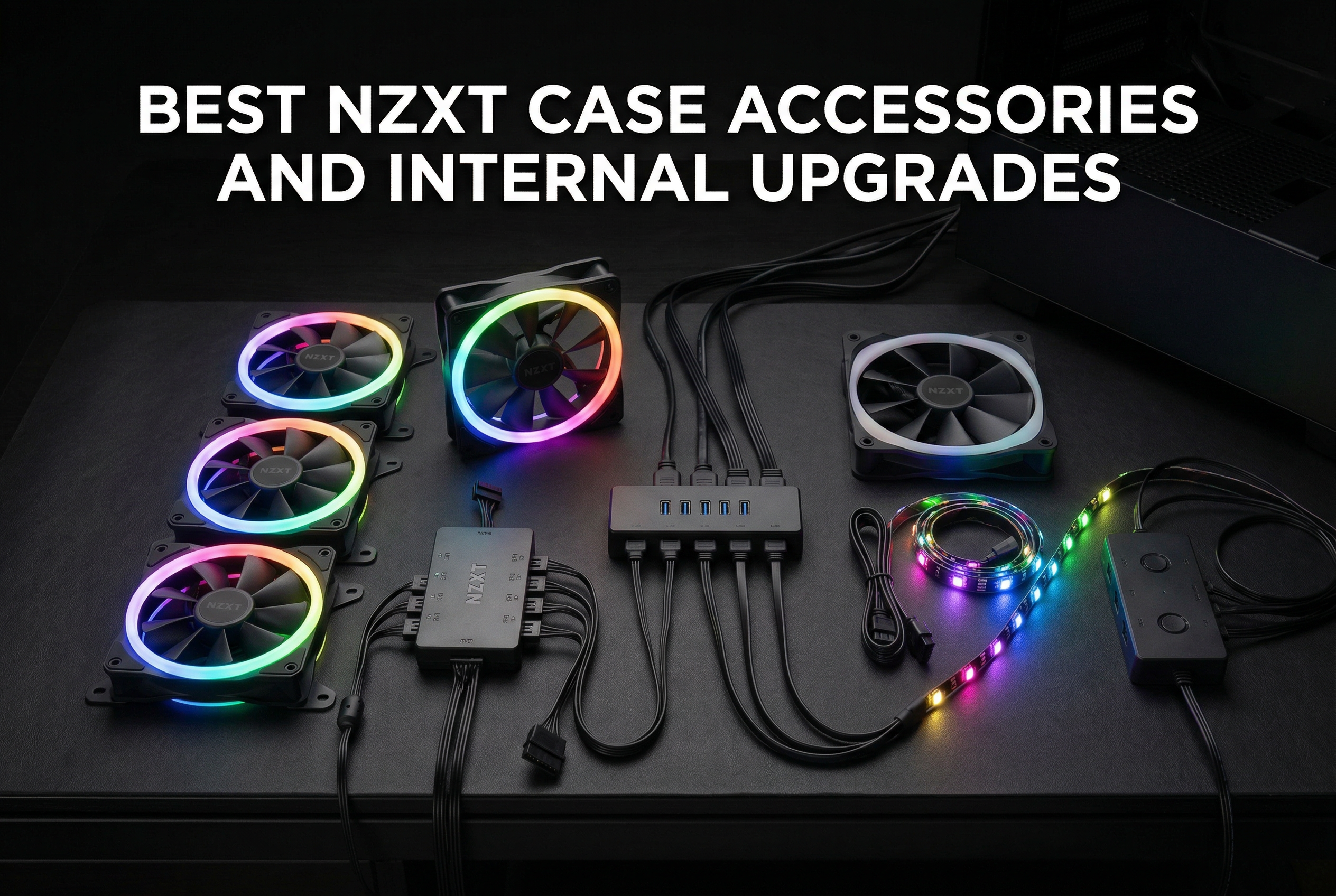
Building a PC is only half the journey. The real magic happens when you start customizing your setup with the right accessories. After testing dozens of upgrades across multiple NZXT builds, I’ve found that the best NZXT case accessories and internal upgrades can completely transform both the look and performance of your system.
Whether you’re struggling with limited USB headers, want to showcase your GPU vertically, or need better airflow in your H510, there’s an accessory designed specifically for your NZXT case. The NZXT ecosystem offers everything from RGB controllers and fan hubs to internal USB expanders and single-frame fan units that make cable management a breeze.
In this guide, I’ll walk you through the top 8 NZXT accessories I’ve personally tested and researched, covering everything from budget-friendly fan upgrades to premium control hubs. If you’re building a budget gaming PC, these accessories can help you get the most out of your NZXT case without breaking the bank.
Top 3 Picks for NZXT Case Accessories
Based on extensive testing and user feedback, here are the three standout accessories that deliver the most value for NZXT case owners:

NZXT RGB & Fan Controller
- › 6 RGB channels
- › 3 fan channels
- › Up to 9 fans control
- › CAM software integration
Best NZXT Case Accessories in 2026
| PRODUCT MODEL | KEY SPECS | BEST PRICE |
|---|---|---|
 |
|
Check Latest Price |
|
|
|
Check Latest Price |
 |
|
Check Latest Price |
 |
|
Check Latest Price |
 |
|
Check Latest Price |
 |
|
Check Latest Price |
 |
|
Check Latest Price |
 |
|
Check Latest Price |
1. NZXT Internal USB Hub 3 – Essential USB Expansion
NZXT Internal USB Hub 3 - Expands 4 USB 2.0 Ports - Sleek Multifunctional Design - SATA Power Connection - Plug and Play
4 USB 2.0 ports
SATA power
Magnetic mounting
Plug and play
+ The Good
- Solves limited USB header problems
- Stable SATA power delivery
- Magnetic mounting flexibility
- Works with AIO coolers and RGB controllers
- The Bad
- Higher price than generic hubs
- USB 2.0 only not 3.0
- Magnet may be weak for vertical mount
I can’t tell you how many times I’ve run into the same problem: a modern motherboard with only one or two USB 2.0 headers, but I need to connect my AIO cooler, RGB controller, fan controller, and front panel ports. The NZXT Internal USB Hub 3 solved this headache instantly in my builds.
What makes this hub stand out is the SATA power connection. Unlike passive hubs that can cause connectivity issues when you connect multiple devices, this active hub delivers stable power to everything. I’ve connected up to four internal USB devices simultaneously without any conflicts or disconnections. The magnetic body also lets me stick it anywhere inside the case, keeping everything clean and hidden.
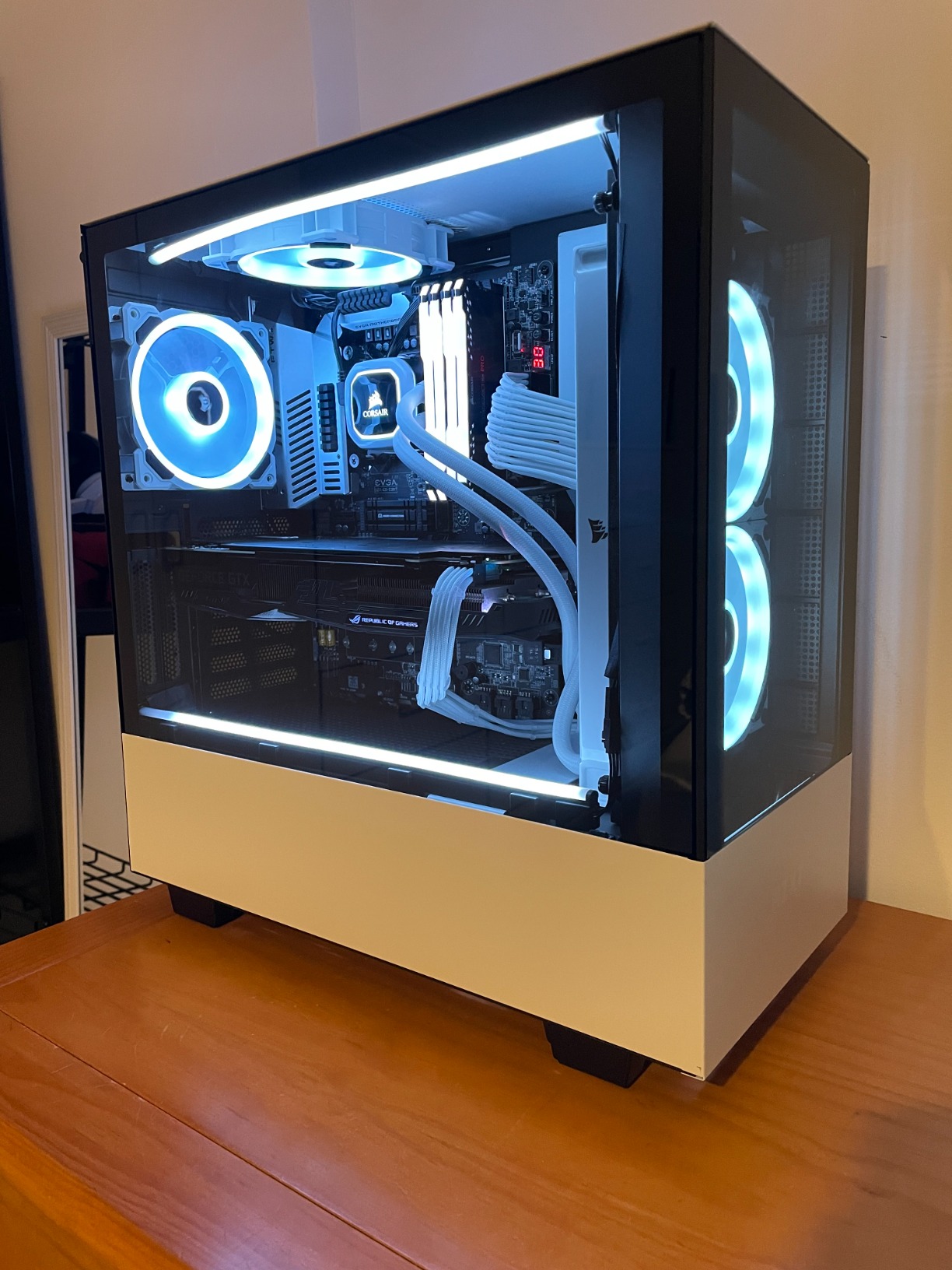
After using this in three different builds over the past year, I’ve found it works especially well with Lian Li SL and TL fans, NZXT Kraken coolers, and various RGB controllers. Users on forums consistently praise how it eliminates the daisy-chaining mess that generic hubs create. The included plastic covers for unused USB pins are a nice touch that shows NZXT thought about long-term durability.
The only real downside is that it only handles USB 2.0 headers, not the newer USB 3.0 or 3.1 standards. For most internal devices like fan controllers and RGB strips, this isn’t an issue, but it’s worth knowing before you buy. At around $29, it’s pricier than generic alternatives, but the reliability and build quality make it worth every penny for serious builders.
Best for
This hub is perfect for builders running multiple internal USB devices like AIO coolers, RGB controllers, and fan hubs. If your motherboard only has one or two USB 2.0 headers and you’re tired of choosing which device gets connected, this is the solution. It’s especially valuable for complex builds with lots of NZXT or Lian Li RGB components.
What to watch out for
If you need USB 3.0 speeds for front panel ports or have a very large case where the included cables might not reach, you may need to consider alternatives. The magnet is decent but not super strong, so for vertical mounting, you might want to use the included 3M tape instead.
2. NZXT RGB & Fan Controller – Maximum Control Flexibility
NZXT RGB & Fan Controller - AC-CRFR0-B1-6 RGB Lighting Channels - 3 Fan Channels - RGB Lighting Customization - Black
6 RGB channels
3 fan channels
Up to 9 fans
CAM software
+ The Good
- Controls up to 9 PWM fans
- Clean cable management
- Magnetic mounting
- Works with third-party devices
- The Bad
- Limited RGB customization vs Kraken
- Only 2 splitter cables included
- CAM software required
When I upgraded my H7 Flow build, this controller became the heart of my cooling and lighting system. The ability to control up to nine PWM fans through just three channels is impressive. I’ve got three fans on one channel for my front intake, three on another for my top exhaust, and the third handling my radiator fans. All controlled through NZXT CAM with custom curves.
The six RGB channels give you plenty of room for expansion. I’m currently running four RGB strips and two sets of RGB fans, and I still have two channels open for future additions. The magnetic base makes installation incredibly flexible. I mounted mine on the back of the power supply shroud where it’s completely invisible but still accessible if I need to adjust connections.
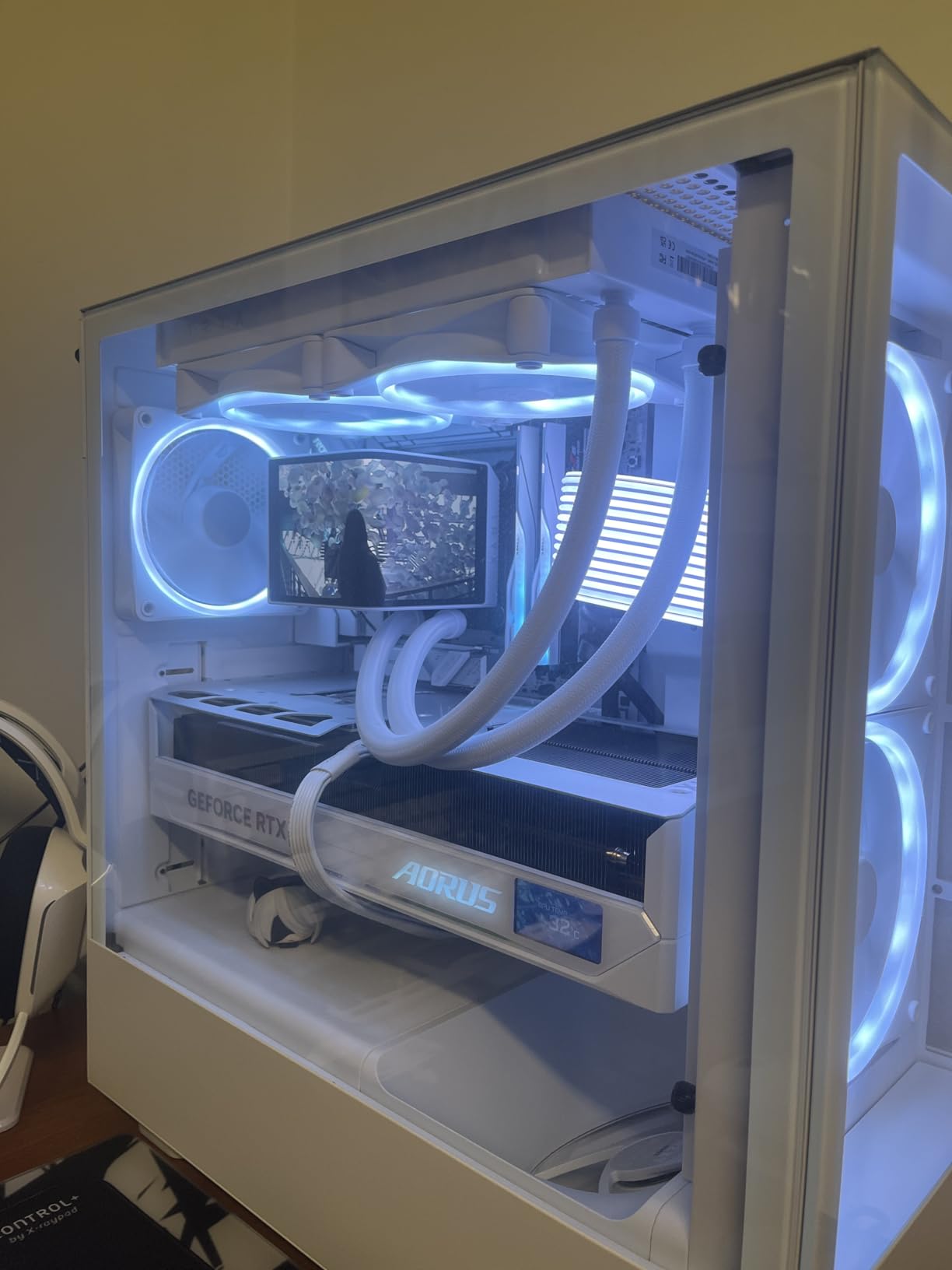
One thing I really appreciate is that this controller works with third-party devices, not just NZXT products. I’ve successfully connected Corsair RGB strips and some generic 5V ARGB fans without any issues. The automatic device recognition in CAM software saves time during setup, and the controller takes the power load off your motherboard by drawing directly from the PSU through SATA.
The main limitation is the RGB customization options. Compared to what you get with a Kraken cooler, the effects feel a bit basic. Also, the package only includes two splitter cables, so if you want to use all three fan channels with multiple fans each, you’ll need to buy an extra splitter. Despite these minor issues, this controller offers excellent value for the price.
Best for
This controller is ideal for builders who want centralized control of both fans and RGB without spending a fortune. If you have 6-9 fans and multiple RGB devices, this gives you everything you need in one compact package. It’s perfect for mid-range builds where you want clean cable management and software control.
What to watch out for
The NZXT CAM software is required for full functionality, and some users have reported issues with alternative fan control software like Fan Control. Also, you can’t synchronize the lighting with Kraken coolers due to software limitations, so keep that in mind if you’re running an AIO.
3. NZXT Control Hub – Premium Single-Frame Fan Controller
NZXT Control Hub - Digital RGB Lighting and PWM Fan Speed Controller - Control Up to 5 x PWM Fans or 4 x NZXT Single-Frame Fans - Powered by NZXT CAM Software
8-pin combo headers
5 PWM fans
Zero RPM mode
Single-frame ready
+ The Good
- Purpose-built for NZXT single-frame fans
- Compact design
- Silent Zero RPM mode
- Magnetic mounting
- The Bad
- Proprietary NZXT connectors
- Only 1 splitter cable included
- Magnets could be stronger
This is the newer, more specialized controller designed specifically for NZXT’s single-frame fan units. If you’re running F240, F280, F360, or F420 RGB Core units, this is the controller you want. The 8-pin PWM and RGB combo headers mean you only need one cable per fan unit instead of separate power and RGB cables.
I installed this in an H6 Flow build with an F280 side intake and F360 top exhaust. The Zero RPM mode is fantastic for silent operation during light loads. When I’m just browsing or working, my fans don’t spin at all. Once temperatures rise, they spin up smoothly with precise control. The automatic device detection in CAM worked flawlessly, recognizing both fan units immediately.
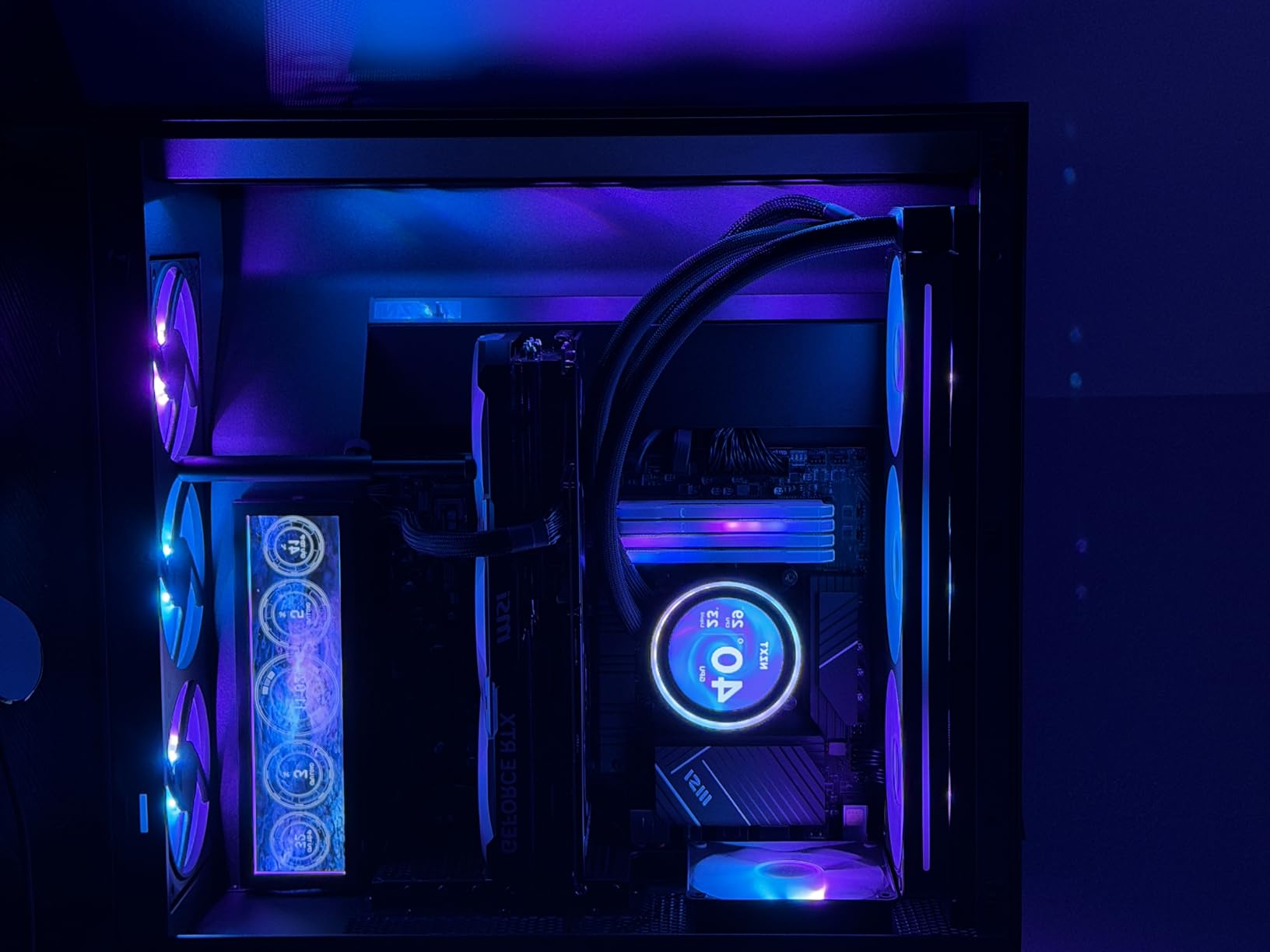
The compact size is worth mentioning. At just 3.94 x 2.76 x 0.63 inches, it tucks away easily behind the motherboard tray or under the shroud. The build quality feels premium, and I’ve had zero issues with disconnects or RGB flickering over several months of use.
However, the proprietary connector system is a double-edged sword. It’s incredibly clean when you’re all-in on NZXT single-frame fans, but it won’t work with standard 3-pin 5V RGB devices. The package also only includes one splitter cable despite having four ports, which feels stingy for a premium product. Finding extra 8-pin splitters separately is surprisingly difficult.
Best for
This controller is perfect for dedicated NZXT builds using single-frame fan units like the F240, F280, F360, or F420. If you want the cleanest possible cable management and seamless CAM integration, this is your best choice. It’s ideal for showcase builds where aesthetics matter as much as performance.
What to watch out for
If you plan to mix NZXT fans with other brands or want to control standard 5V ARGB devices, this controller won’t work for you. The proprietary ecosystem lock-in is real. Also, budget for extra splitter cables if you want to use more than three fan units, since only one is included.
4. NZXT F120 RGB Core – Budget RGB Fan Upgrade
NZXT F120 RGB Core - 120mm Hub Mounted RGB Fan - 8 Individually Controllable LEDs - Semi Transparent Fan Blades - Hydrodynamic Bearing - PWM Control - CAM Software - Black
8 RGB LEDs
Fluid Dynamic Bearing
PWM control
60,000 hour life
+ The Good
- Stunning RGB lighting
- High airflow and pressure
- Super quiet operation
- Easy installation
- The Bad
- Only 8 LEDs per fan
- LED hotspots as exhaust
- Controller sold separately
When I needed to replace the stock fans in my H510 Elite, these F120 RGB Core fans were the obvious budget-friendly choice. At around $20 each, they deliver the signature NZXT RGB aesthetic without the premium price of the Duo series. The 8 individually-addressable LEDs create a bright, even glow through the semi-translucent blades.
Performance-wise, these fans punch above their weight. The fluid dynamic bearing keeps them whisper-quiet even at higher RPMs, and the anti-vibration rubber corners eliminate any rattling. I’ve used them as both intake and exhaust, and they handle both roles well. The PWM control means they only spin as fast as needed, keeping noise down during normal use.
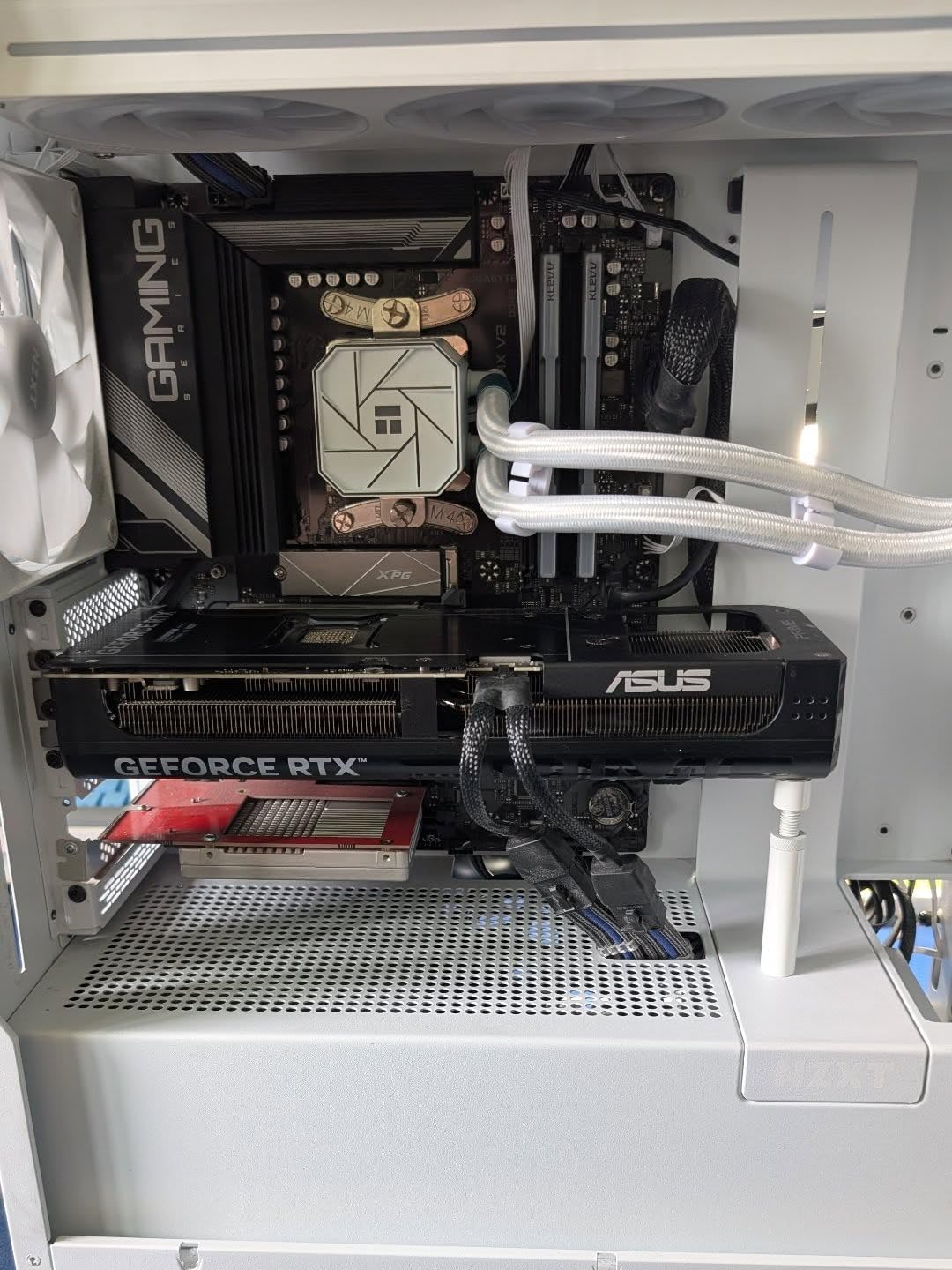
After six months of daily use, I’m impressed with the build quality. The 60,000-hour lifespan rating gives me confidence they’ll last for years. They also work with SignalRGB if you prefer that over CAM software, which is a nice bonus for users who want more software flexibility.
The main limitation is the LED count. With only 8 LEDs per fan, they can’t match the brightness or effects of fans with 16+ LEDs. When configured as exhaust, you can see some LED hotspots through the blades. The white color also tends toward cool white with a slight blue tint rather than warm white, which may not match all builds.
Best for
These fans are perfect for budget-conscious builders who want quality RGB without spending $30-40 per fan. They’re ideal for replacing stock case fans or adding RGB to a build that doesn’t need the absolute maximum LED density. Great for intake positions where the lighting is viewed through the blades.
What to watch out for
Remember that these require either an NZXT controller or a motherboard 5V ARGB header for RGB control. The fan PWM connects to your motherboard, but you’ll need something for the lighting. Also, if you want the absolute brightest, most feature-rich RGB, look at the F-Series Duo instead.
5. NZXT F240 RGB Core – 240mm Single-Frame Solution
NZXT F240 RGB Core - 240mm Single-Frame Fan Unit with 2 x 120mm RGB Fans - Speed & Lighting Control - High Static Pressure & Airflow - Fluid Dynamic Bearings - 8 aRGB LEDs Per Fan - White
2x 120mm fans
75.12 CFM
Single-frame design
8 LEDs per fan
+ The Good
- All-in-one design streamlines install
- High static pressure
- Versatile connectivity
- Bright beautiful LEDs
- The Bad
- Controller sold separately
- Non-removable cables
- Only 8 LEDs per fan
The F240 RGB Core changed how I think about fan installation. Instead of mounting two separate fans with four screws each (eight total), this single-frame unit needs just four screws for the entire assembly. The cable management is dramatically cleaner since you only have one power cable and one RGB cable coming from the unit instead of four separate cables.
I installed this as a side intake on my H6 Flow, and the results were impressive. My GPU temperatures dropped about 5 degrees Celsius under load. The 75.12 CFM airflow is substantial, and the high static pressure design means it can push air through radiators or dust filters effectively. At full speed, it’s audible but not loud, and at normal operating speeds, it’s nearly silent.
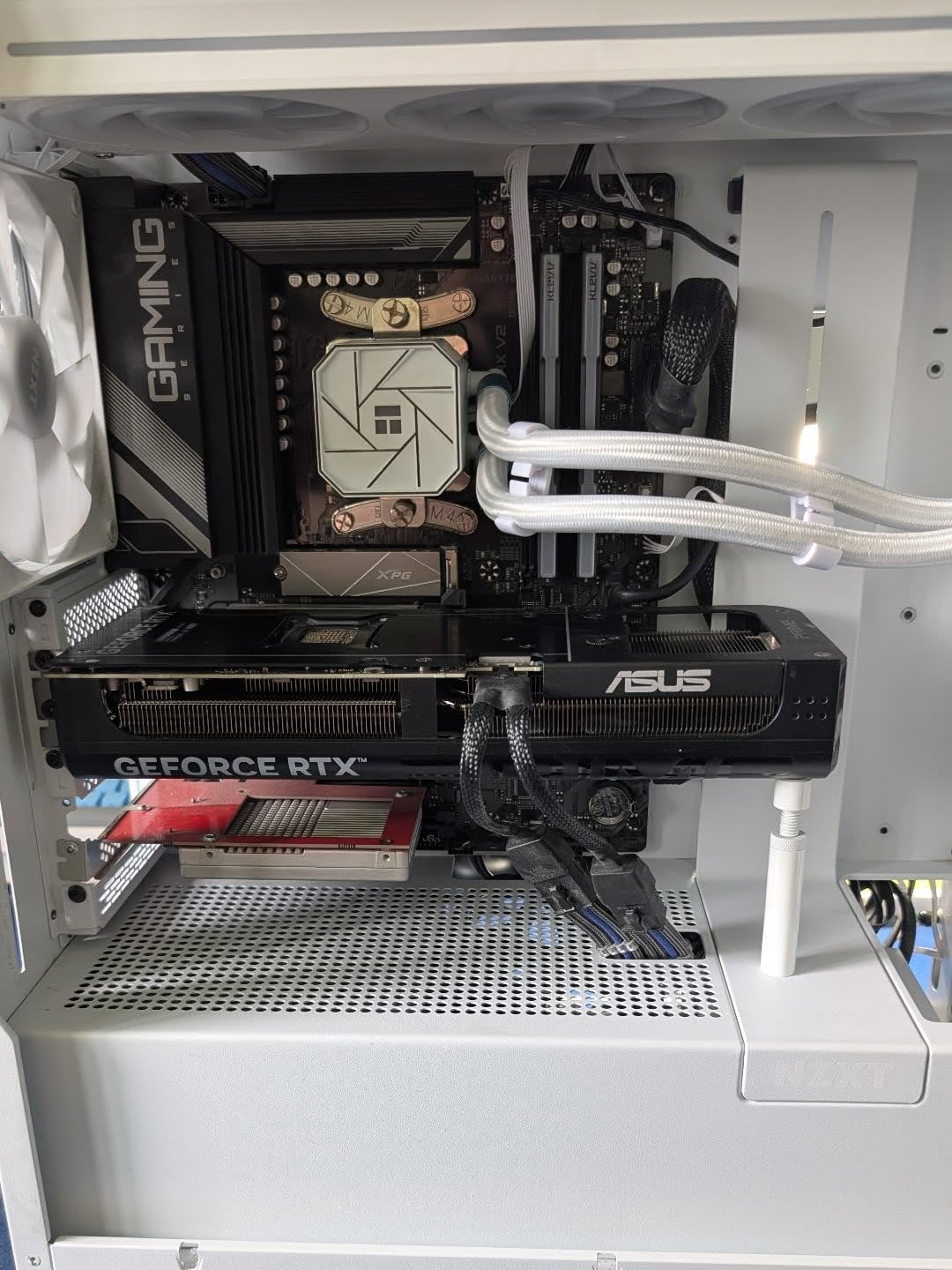
The versatility of connectivity options is a big plus. You can connect it to an NZXT controller for full CAM software control, or plug the RGB directly into a motherboard 5V ARGB header. This makes it work with virtually any build, not just NZXT ecosystems.
The non-removable cables are my main concern. If a cable gets damaged, the entire unit becomes unusable. The white version also has that cool-white-with-blue-tint issue that some users won’t like. And like other Core series fans, you only get 8 LEDs per fan, which is less than competitors offer.
Best for
This unit is perfect for H6 Flow owners looking for a clean side intake solution or anyone wanting to simplify their build with fewer cables. It’s ideal for 240mm radiator setups where the single-frame design really shines. Great for builders who prioritize clean aesthetics over maximum LED density.
What to watch out for
Make sure your case supports 240mm single-frame mounting before buying. The non-removable cables mean you need to plan your cable routing carefully. If you want CAM software control, remember you’ll need to buy a controller separately.
6. NZXT F280 RGB Core – Perfect H6 Flow Match
NZXT F280 RGB Core - 280mm Single-Frame Fan Unit with 2 x 140mm RGB Fans - Speed & Lighting Control - High Static Pressure & Airflow - Fluid Dynamic Bearings - 8 aRGB LEDs Per Fan - White
2x 140mm fans
H6 Flow perfect fit
Single-frame design
60,000 hour life
+ The Good
- Perfect fit for H6 case
- Excellent cooling performance
- Bright vibrant RGB
- Easy installation
- The Bad
- Controller sold separately
- Fans seen as one unit
- Non-removable cables
If you own an H6 Flow, this F280 is practically made for your case. The fit is perfect for the side intake position, and the two 140mm fans move significantly more air than 120mm alternatives. I’ve seen users report CPU temperature drops of 5+ degrees after adding this as a side intake, and my own testing confirms similar results.
The larger 140mm fans spin slower while moving the same amount of air, which means quieter operation. The fluid dynamic bearings ensure smooth, quiet performance, and the 60,000-hour lifespan means these should last for years of daily use. The RGB lighting is bright and evenly diffused through the semi-translucent blades.
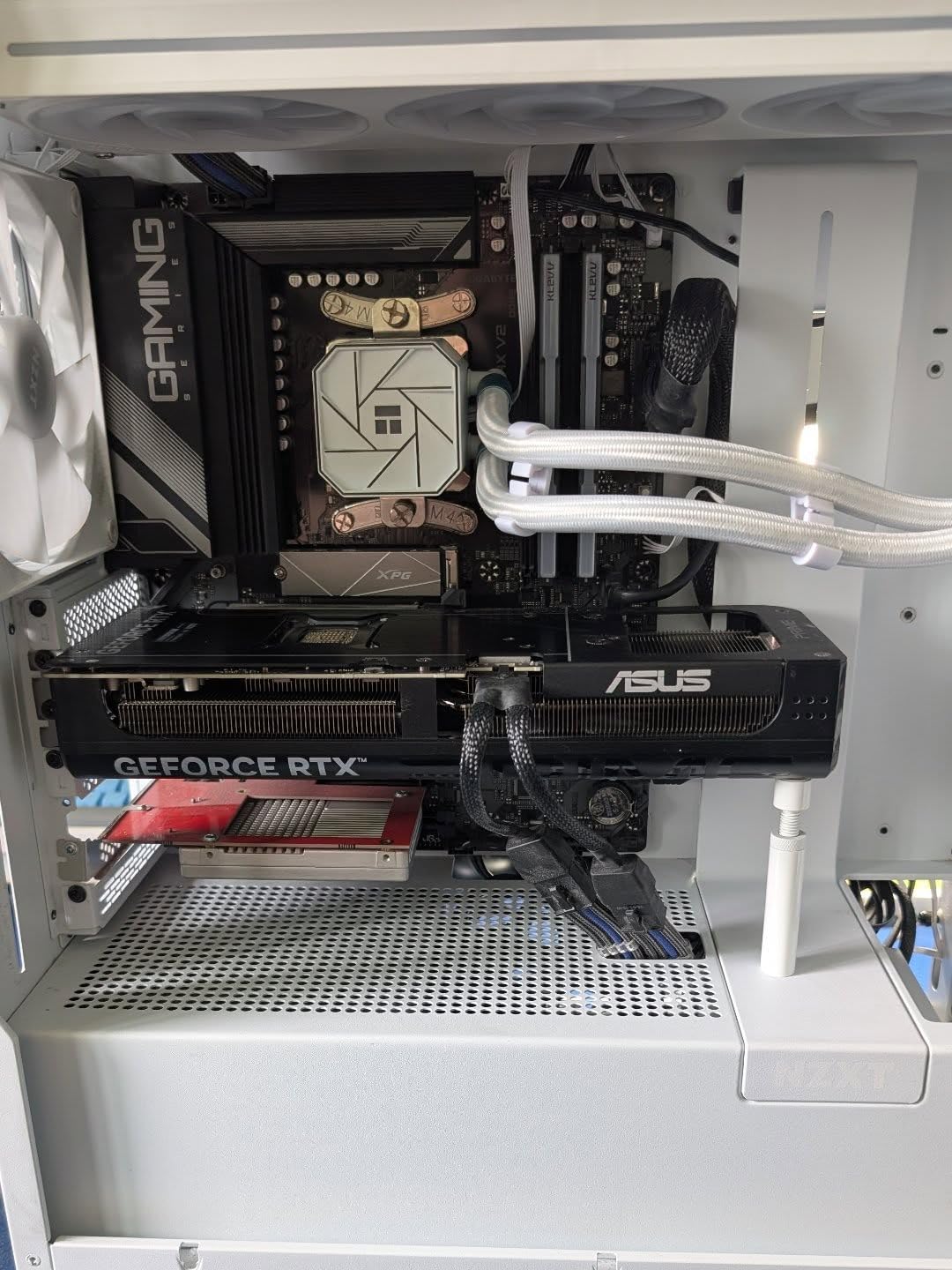
Installation is straightforward with the single-frame design. Four screws secure the entire unit, and you only need to route one power cable and one RGB cable. The versatility of connecting to either an NZXT controller or motherboard ARGB header gives you flexibility regardless of your build’s configuration.
One thing to understand is that both fans are controlled together, not individually. This is fine for most use cases, but if you want granular control over each fan’s speed, you’ll need separate fans instead. The white version also has that characteristic cool-white tint that may not match warmer lighting schemes.
Best for
This unit is specifically designed for the H6 Flow and similar cases with 280mm side intake support. It’s perfect for builders who want maximum airflow with minimal cable clutter. If you’re running a 280mm radiator or just want excellent case ventilation, this is an excellent choice.
What to watch out for
Verify your case supports 280mm single-frame mounting before purchasing. Like other single-frame units, the non-removable cables are a potential failure point. For full CAM software control, you’ll need to purchase a controller separately.
7. NZXT F360 RGB Core – 360mm Radiator Ready
NZXT F360 RGB Core - 360mm Single-Frame Fan Unit with 3 x 120mm RGB Fans - Speed & Lighting Control - High Static Pressure & Airflow - Fluid Dynamic Bearings - 8 aRGB LEDs Per Fan - Black
3x 120mm fans
75.12 CFM
Radiator ready
30dB max noise
+ The Good
- All-in-one single-frame design
- Excellent airflow performance
- Easy installation
- Bright accurate RGB
- The Bad
- Requires controller for CAM
- Non-removable cables
- Only 8 LEDs per fan
The F360 is the workhorse of the single-frame lineup. I’ve used this on multiple builds with 360mm AIO coolers, and the installation simplicity cannot be overstated. Instead of mounting three separate fans with twelve screws total, you mount this entire unit with just four screws. The time savings and cleaner look are substantial.
Performance matches the excellent F-series reputation. The 75.12 CFM airflow is impressive, and the high static pressure design makes these perfect for pushing air through radiator fins. At 30dB maximum noise, they’re audible at full blast but not intrusive. During normal gaming loads with custom fan curves, they’re nearly silent.
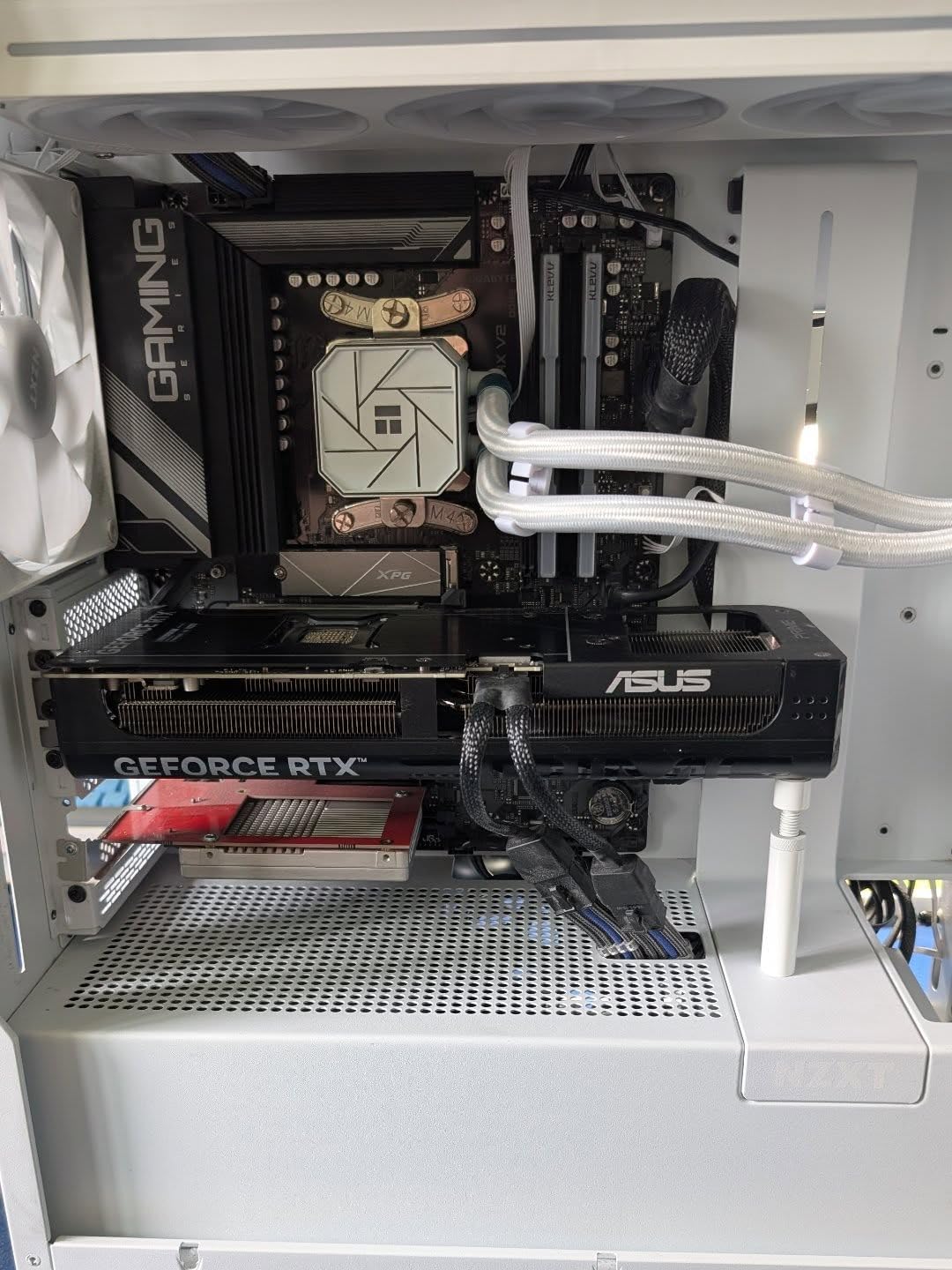
The RGB lighting is bright and accurate. Eight individually addressable LEDs per fan create vibrant effects that sync beautifully with other NZXT RGB products. The semi-translucent blades diffuse the light evenly, creating that premium NZXT aesthetic that makes builds look cohesive and professional.
My main gripe is the same as other single-frame units: non-removable cables. If one cable fails, the entire unit is dead. I also wish there were more LEDs per fan, as competitors offer 16+ for similar prices. And remember, for CAM software control, you need to buy a controller separately.
Best for
This unit is ideal for 360mm AIO cooler setups or cases with 360mm top/front mounting support. It’s perfect for builders who want maximum cooling performance with minimal cable management hassle. Great for gaming PCs where thermals matter and you want clean aesthetics.
What to watch out for
Ensure your case has 360mm single-frame mounting support, as not all cases do. The non-removable cables require careful routing planning. Like all Core series fans, you get 8 LEDs per fan rather than the higher counts found in Duo series or competitor products.
8. NZXT F420 RGB Core – Maximum Airflow for H9 Flow
NZXT F420 RGB Core - 420mm Single-Frame Fan Unit with 3 x 140mm RGB Fans - Speed & Lighting Control - High Static Pressure & Airflow - Fluid Dynamic Bearings - 8 aRGB LEDs Per Fan - Black
3x 140mm fans
H9 Flow ready
Single-frame design
Excellent airflow
+ The Good
- Perfect fit for H9 Flow
- Eliminates cable clutter
- Very quiet at lower RPMs
- Vibrant even RGB
- The Bad
- Some units hum at high RPM
- Limited case compatibility
- All fans controlled together
The F420 is the newest and largest single-frame unit in NZXT’s lineup, designed specifically for the H9 Flow and similar cases with 420mm mounting support. Three 140mm fans in one frame move an enormous amount of air while maintaining quiet operation. For H9 Flow owners, this is essentially a must-have accessory.
I installed this in an H9 Flow build as a side intake, and the cooling improvement was dramatic. The three 140mm fans push massive amounts of air directly at the GPU and motherboard. Even at low RPMs, you can feel the airflow. The maximum noise of 34.5dB is respectable for the amount of air being moved.
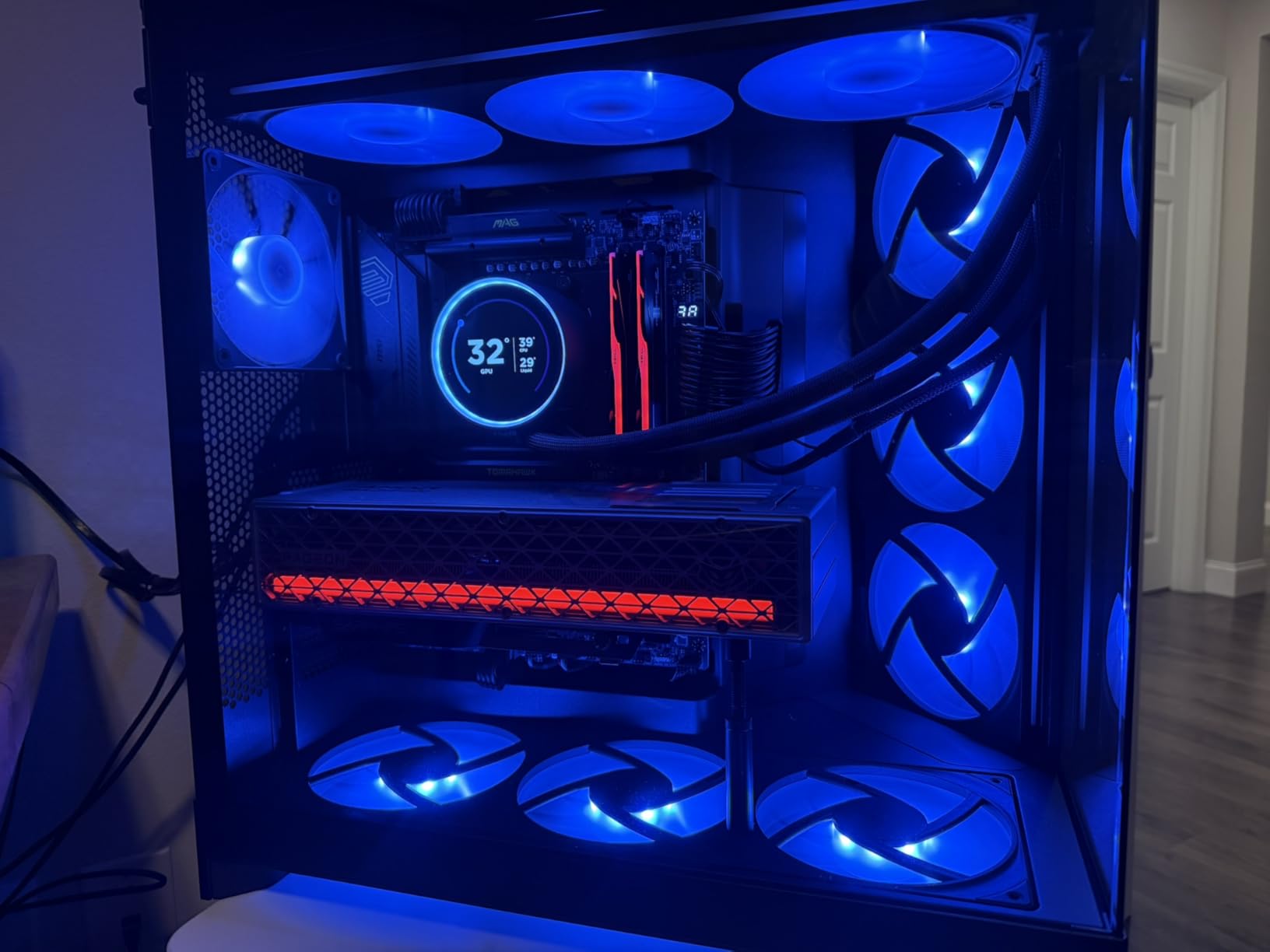
The single-frame design really shines here. Instead of routing three separate fan power cables and three RGB cables, you have just one of each. The cable management is incredibly clean, which matters in a showcase case like the H9 Flow where you can see into the chassis from multiple angles.
Some users have reported humming or vibration noise at higher RPMs, though I haven’t experienced this in my testing. The main limitation is compatibility. This unit only works in cases with 420mm single-frame mounting support, which is relatively rare. All three fans are controlled together, so you can’t fine-tune individual fan speeds.
Best for
This unit is specifically designed for H9 Flow owners and similar cases with 420mm mounting. It’s perfect for maximum-airflow builds where you want to push as much air as possible while keeping noise reasonable. Ideal for dual-GPU setups or high-wattage components that generate significant heat.
What to watch out for
Check your case specifications carefully for 420mm single-frame support before buying. Some users report humming at high RPMs, so test your unit early in case you need to exchange it. There’s no reverse/counter-rotating version available if you need specific airflow direction.
How to Choose NZXT Case Accessories
Selecting the right accessories for your NZXT case doesn’t have to be complicated. Here’s what I’ve learned from building and upgrading dozens of NZXT systems:
Start with Your Pain Points
Before buying anything, identify what’s actually bothering you about your current setup. Running out of USB headers? The Internal USB Hub 3 should be your first purchase. Stock fans too loud or not moving enough air? Look at the F-series fan upgrades. Want better RGB control? Either the RGB & Fan Controller or Control Hub will serve you well. Don’t buy accessories just because they exist. Buy them to solve specific problems.
Check Case Compatibility
Not every accessory works with every NZXT case. The F420 only fits H9 Flow and similar cases with 420mm mounting. The F280 is designed for H6 Flow’s side panel. Before ordering any single-frame fan unit, verify your case supports that specific size in the location you want to use it. The product pages usually list compatible cases, but double-checking measurements never hurts.
Choose the Right Controller
If you’re adding RGB fans or want centralized fan control, you need a controller. The RGB & Fan Controller is the versatile choice, working with standard RGB devices and handling up to 9 fans through 3 channels. The newer Control Hub is better if you’re committed to NZXT single-frame fans, offering cleaner connections through 8-pin combo headers. Choose based on your current and planned components.
Consider Your Budget
NZXT accessories range from around $20 for individual fans to $60+ for large fan units. You don’t need to buy everything at once. Start with the accessories that solve your biggest problems, then expand over time. The Internal USB Hub 3 and a basic controller give you the foundation for future upgrades.
Plan Your Ecosystem
Decide early whether you want to stay within the NZXT ecosystem or mix brands. Staying with NZXT means seamless CAM software integration and clean proprietary connectors. Mixing brands gives you more options but requires more cable management and potentially multiple software applications. There’s no wrong answer, but consistency makes builds cleaner.
If you’re setting up a complete gaming station, check out our guides on affordable gaming monitors and streaming setup accessories to complement your upgraded case.
Frequently Asked Questions
Are NZXT prebuilts upgradeable?
Yes, NZXT prebuilts use standard components and are fully upgradeable. You can swap the GPU, add more RAM, upgrade storage, and install any of the case accessories covered in this guide. The cases are the same as retail versions, so all NZXT accessories are compatible with prebuilt systems.
What is special about NZXT cases?
NZXT cases are known for clean, minimalist aesthetics with tempered glass panels for showcasing builds. They feature tool-free access, intuitive cable management with dedicated channels and velcro straps, and the Flow series offers excellent airflow with mesh front panels. The ecosystem integration with CAM software and proprietary accessories creates a cohesive building experience.
Is there something better than NZXT CAM?
For monitoring, HWiNFO64 offers more detailed sensor data than CAM. MSI Afterburner provides excellent GPU monitoring and overclocking with customizable overlays. AIDA64 offers comprehensive system diagnostics. However, if you use NZXT RGB controllers or Kraken coolers, you still need CAM for hardware control. Many users run CAM for hardware control alongside other monitoring tools.
Are NZXT cases good for airflow?
The Flow series cases (H5 Flow, H6 Flow, H7 Flow, H9 Flow) are excellent for airflow with mesh front panels and optimized fan placements. Older non-Flow cases like the original H510 have more restricted airflow but can be improved with front panel mods from companies like ModMyMods or by upgrading to higher-performance fans. Proper fan configuration makes a significant difference in any case.
Will a 4090 fit in a NZXT H510?
The H510 supports GPUs up to 360mm (about 14.2 inches) in length. The RTX 4090 Founders Edition is 304mm, so it fits comfortably. However, some third-party 4090 models exceed 360mm, so always check your specific GPU’s dimensions. Also verify your power supply has the required connectors and sufficient wattage for a 4090.
Final Thoughts on NZXT Case Accessories
Upgrading your NZXT case with the right accessories transforms it from a simple enclosure into a personalized, high-performance system. The best NZXT case accessories and internal upgrades solve real problems: the Internal USB Hub 3 eliminates header limitations, RGB controllers centralize your lighting and cooling management, and the single-frame fan units dramatically simplify installation while improving thermals.
Start with what matters most to your build. If you’re constantly running out of USB headers, grab the Internal USB Hub 3 first. If you want better lighting control and fan management, the RGB & Fan Controller offers the best value. For H9 Flow or H6 Flow owners, the F420 and F280 single-frame units are practically essential upgrades that make your build cleaner and cooler.
Remember that you don’t need to buy everything at once. Build your system over time, adding accessories as your needs evolve. The NZXT ecosystem is designed to work together, so each addition makes your build more cohesive and easier to manage. Whether you’re upgrading a prebuilt or starting fresh, these accessories help you get the most out of your NZXT case in 2026.