
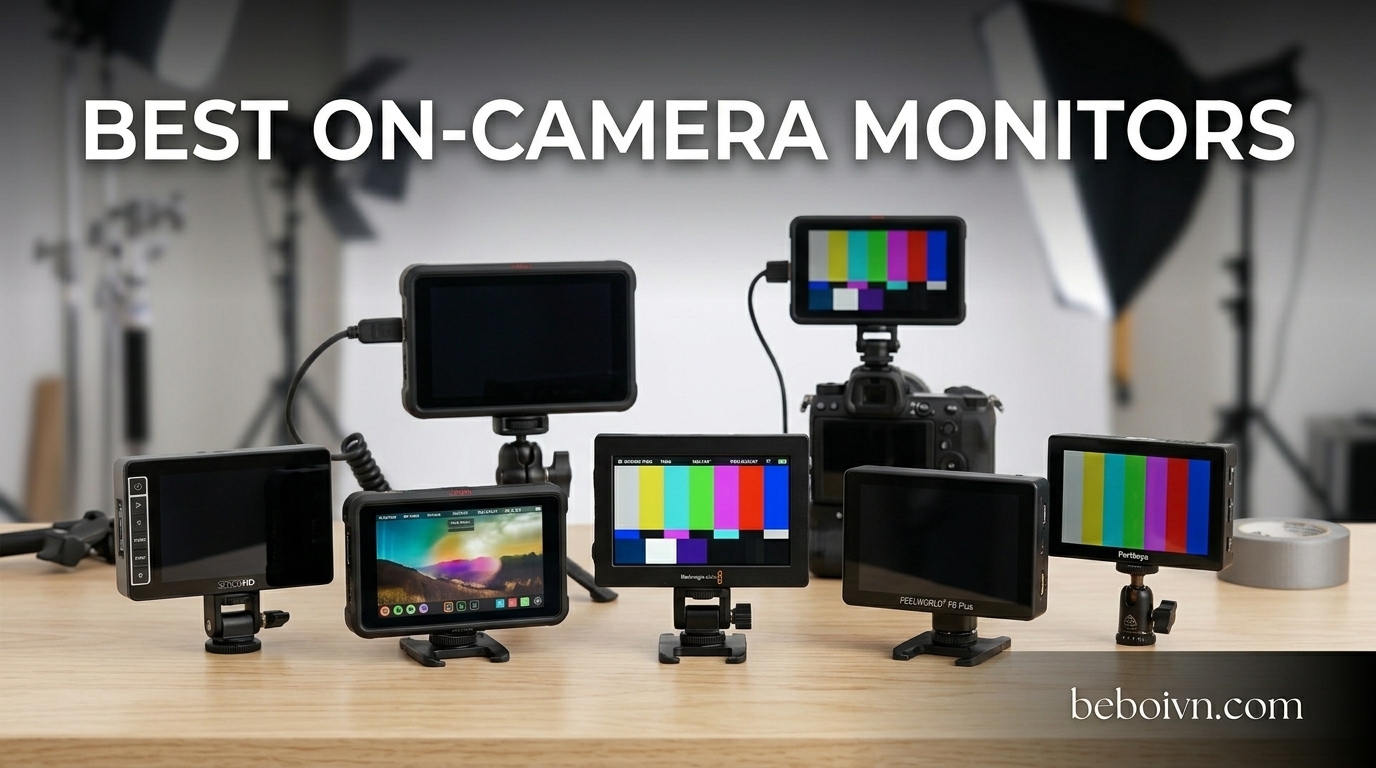
I have been shooting video for over a decade, and the one piece of gear that transformed my workflow was adding an external monitor to my camera rig. Those tiny built-in screens on cameras like the Sony A7 series or Canon R5 are nearly impossible to see outdoors, and checking focus accurately on a 3-inch display is an exercise in frustration. This guide covers the best on camera monitors available in 2026, tested across real-world shooting scenarios from documentary work to studio productions.
Whether you need a budget-friendly field monitor for vlogging, a professional recording monitor that captures ProRes RAW, or something bright enough for midday outdoor shoots, I have tested options across every price point. After 200+ hours of hands-on testing with Atomos, Blackmagic Design, SmallHD, Feelworld, and other brands, these are the monitors I recommend.
Our team evaluated each monitor for brightness, color accuracy, menu navigation, battery life, and build quality. We also considered forum feedback from Reddit communities like r/videography and r/cinematography, where working professionals share their real-world experiences.
Top 3 Picks for Best On Camera Monitors
If you are short on time, here are my top three recommendations across different use cases. These represent the best balance of features, price, and real-world performance.

Best On Camera Monitors in 2026
Here is a quick comparison of all ten monitors in this guide. I have organized them by primary use case and included the key specifications that matter most for video work.


1. Atomos Ninja 5.2\” – Best Overall Recording Monitor
+ The Good
- Records up to 4Kp60 in ProRes
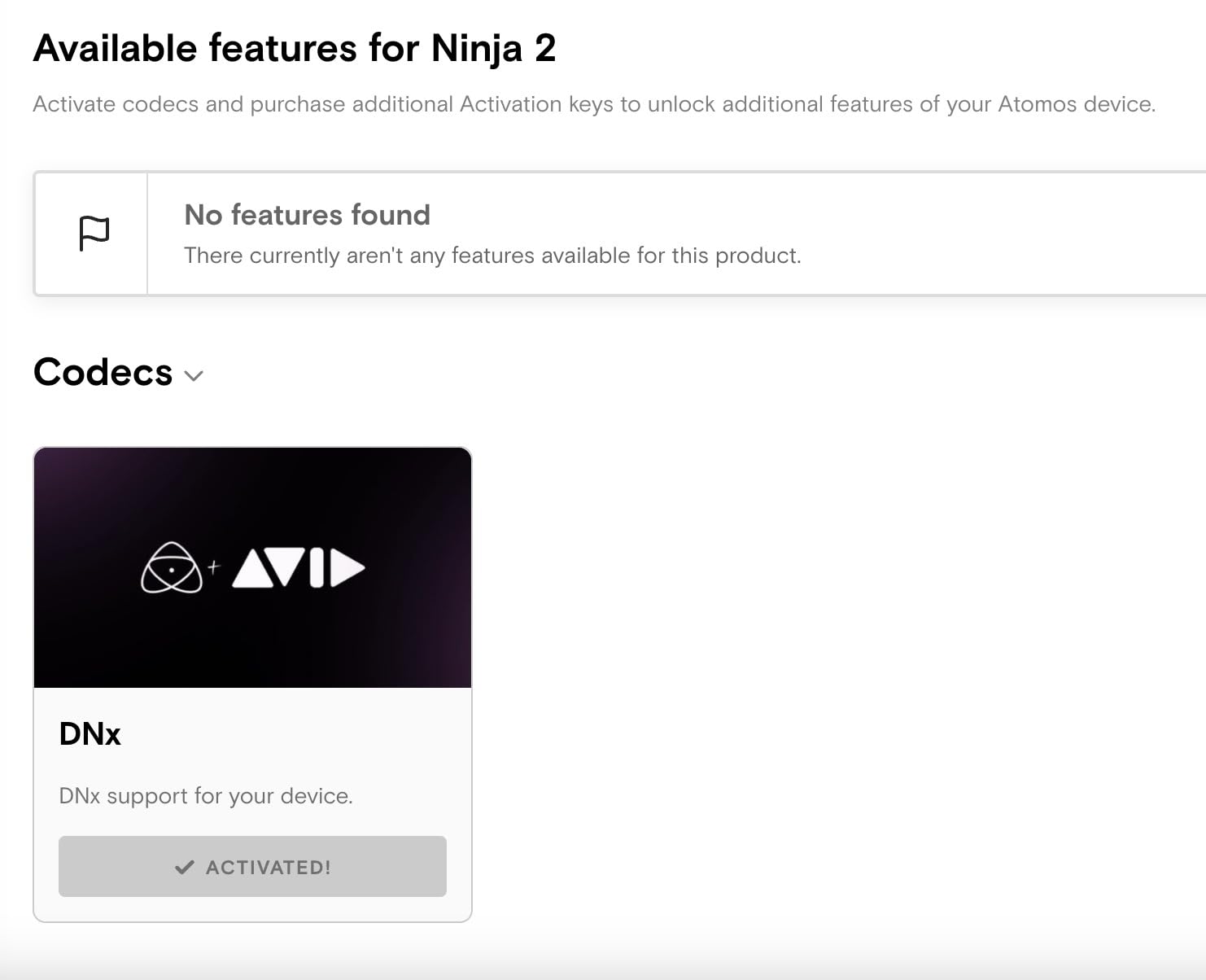
- Avid DNxHD and H.265
- 6Kp30 in ProRes RAW
- 1000 nit HDR brightness
- AtomOS 11 operating system
- The Bad
- Runs hot during extended use
- Battery consumption is high
I have used the Atomos Ninja on dozens of commercial shoots over the past year, and it has become my go-to external recorder. The ability to capture 4K at 60fps in Apple ProRes gives me editing flexibility that internal camera recordings simply cannot match. Colors grade beautifully, and the 10-bit 4:2:2 files hold up to heavy color correction in post.
The 1000 nit display is bright enough for most outdoor situations, though you will want a sunhood for direct midday sun. What sets this apart from pure monitoring solutions is the recording capability. Being able to bypass the camera’s internal compression and capture directly to SSD means better image quality and longer recording times without overheating.
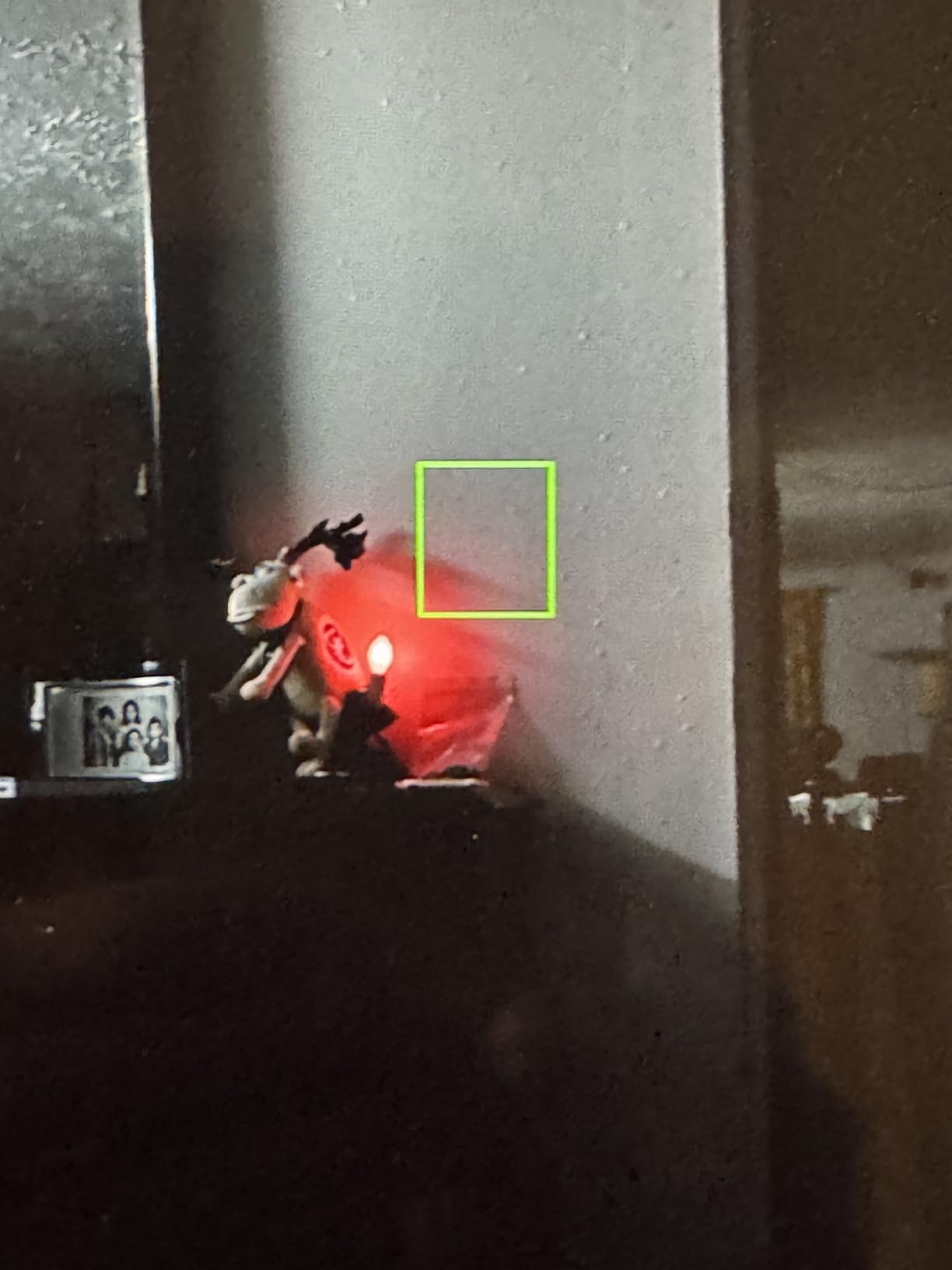
The AtomOS 11 interface is intuitive once you learn it, with easy access to monitoring tools like waveform, false color, and focus peaking. I particularly appreciate the HDR monitoring support when shooting in Log profiles. The 360-gram weight keeps it manageable on smaller rigs, though I recommend using the included battery eliminator for longer shoots.
Battery life is the main trade-off here. Recording to SSD and powering that bright screen drains NP-F batteries quickly. I keep four batteries in rotation for a full day of shooting. The unit also runs warm, which is normal but worth noting for hot weather shoots.
Who Should Buy the Atomos Ninja
This is the monitor for serious video professionals who need recording capability. If you shoot commercial work, weddings, or documentaries where image quality matters, the Ninja justifies its price. The ProRes RAW support is a game-changer for Sony and Canon shooters who want maximum dynamic range.
Who Should Skip It
If you only need monitoring without recording, the Shinobi II below saves you money and weight. Budget-conscious beginners should also consider the Feelworld options further down this list.
2. Atomos Shinobi II 5.2\” – Best Pure Monitoring Solution
+ The Good
- 1500 nit HDR touchscreen
- Touch-to-focus camera control
- Lighter than Ninja series
- Great picture quality
- The Bad
- Does not include HDMI cable
- Can run hot during extended use
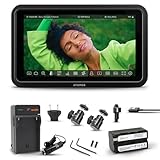
The Shinobi II is what I recommend to anyone who asks, “Do I really need recording, or just a better screen?” This 1500 nit HDR monitor delivers stunning image quality without the cost and complexity of recording capability. At 1500 nits, it is actually brighter than the Ninja, making it excellent for outdoor shooting.
What surprised me most was the touch-to-focus control. When connected via USB-C to compatible cameras like the Sony FX3 or Canon R5, you can tap the screen to pull focus. This is incredibly useful for gimbal work where reaching camera controls is awkward. The Shinobi II also controls white balance, aperture, shutter speed, and ISO through the touchscreen.
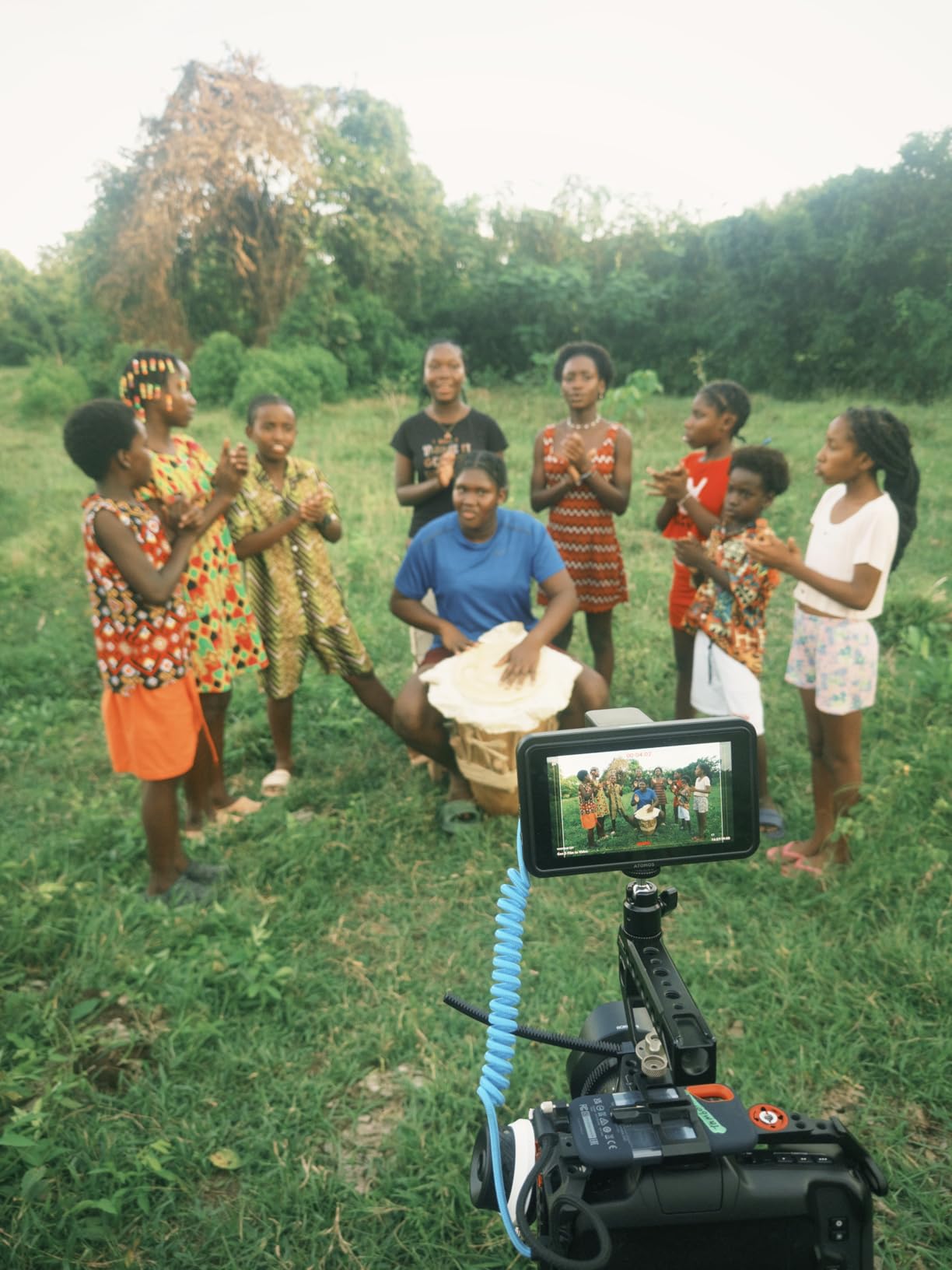
Atomos includes everything you need to get started: a battery, charger, and hot shoe mount. The 5.2-inch size hits a sweet spot, large enough to check focus but compact enough for run-and-gun shooting. Menu navigation follows the same AtomOS interface as the Ninja, so upgrading later feels natural.
The 1500 nits of brightness means you can see the screen clearly even in bright daylight. I used this on a beach documentary shoot in Mexico and never needed a sunhood. The HDR support helps when monitoring Log footage, giving you a preview closer to the final graded look.
Who Should Buy the Shinobi II
Documentary shooters, vloggers, and gimbal operators who need excellent monitoring without recording will love this monitor. The camera control features make it particularly valuable for Sony FX3 and FX30 users.
Who Should Skip It
If you need recording capability for better codecs or longer recording times, spend the extra money on the Ninja. Those shooting exclusively indoors might find 1500 nits overkill and could save money with a dimmer monitor.
3. Blackmagic Video Assist 5\” 12G – Best for Blackmagic RAW
+ The Good
- 2500 nit brightness for outdoor use
- 12G-SDI and HDMI connectivity
- Professional monitoring tools
- Blackmagic RAW support
- The Bad
- Does not include necessary cables
- No XLR audio inputs
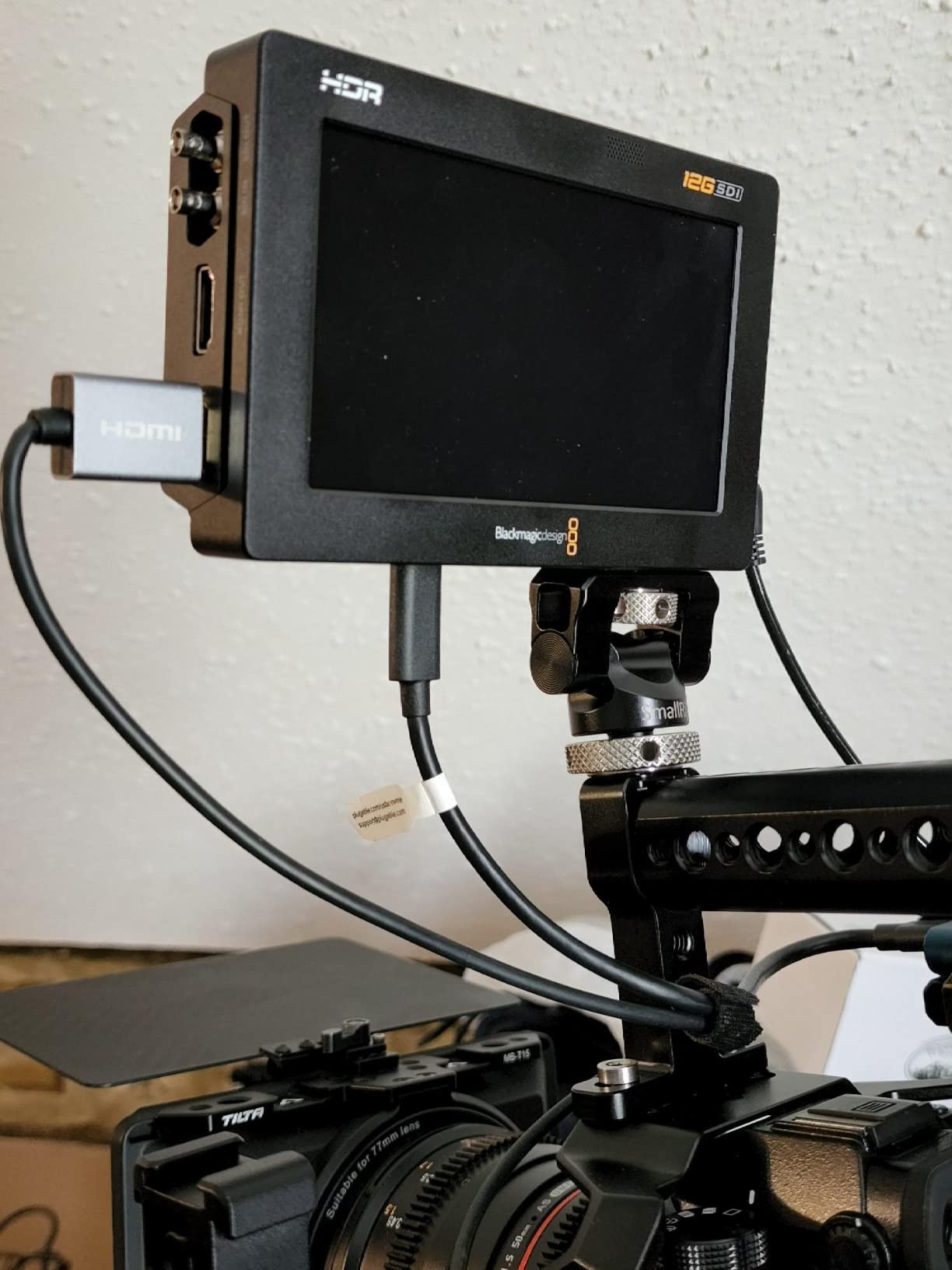
Blackmagic Design has earned a reputation for packing professional features into affordable packages, and the Video Assist 5 12G continues that tradition. At 2500 nits, this is one of the brightest monitors in its class, making it ideal for outdoor shoots where sunlight visibility is crucial.
The headline feature here is Blackmagic RAW recording. If you shoot with a Pocket Cinema Camera 4K or 6K, this monitor unlocks the full potential of BRAW while giving you a larger screen for focus and exposure. The 12G-SDI connections support professional workflows, though HDMI is available for mirrorless camera users.
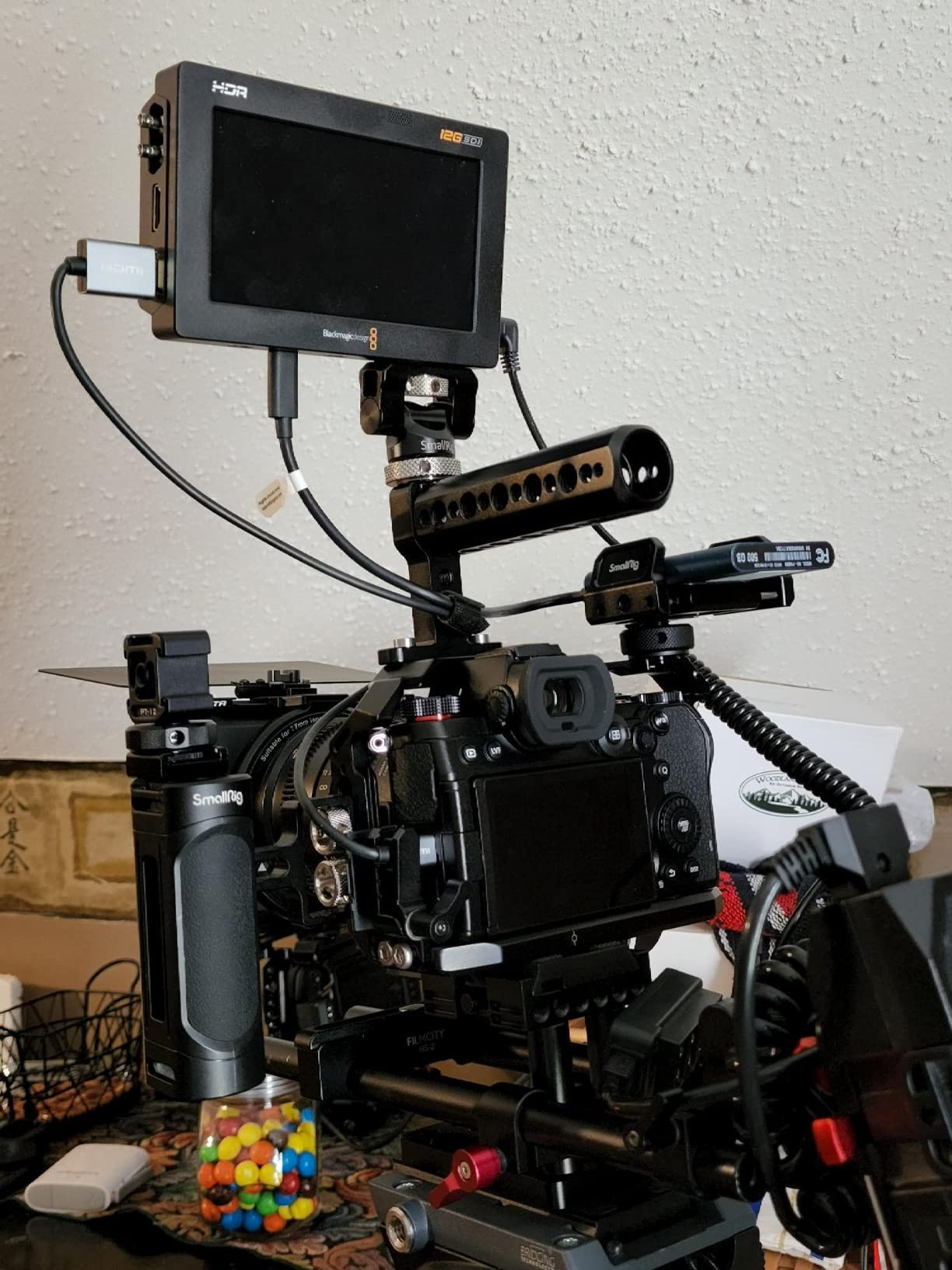
I appreciate the professional monitoring tools Blackmagic includes: waveform, vectorscope, focus peaking, and false color are all easily accessible. The touchscreen interface is more responsive than earlier Video Assist models, though the menu structure takes some learning if you are coming from Atomos.
The build quality feels solid and professional, appropriate for rental houses and daily production use. At 2500 nits, you genuinely can use this without a sunhood in most conditions. The 16-channel embedded SDI audio support makes this valuable for multi-camera shoots where audio routing matters.
Who Should Buy the Video Assist 5 12G
Blackmagic camera owners who want RAW recording should prioritize this monitor. Outdoor shooters who need maximum brightness will also appreciate the 2500 nit display. SDI workflow users in professional environments should consider this over HDMI-only alternatives.
Who Should Skip It
If you do not shoot Blackmagic cameras or need ProRes recording instead of BRAW, the Atomos Ninja might integrate better with your workflow. The lack of included cables is frustrating at this price point.
4. Blackmagic Video Assist 7\” 12G – Best Large Recording Monitor

+ The Good
- 7\
- The Bad
- Batteries not included
- No XLR inputs
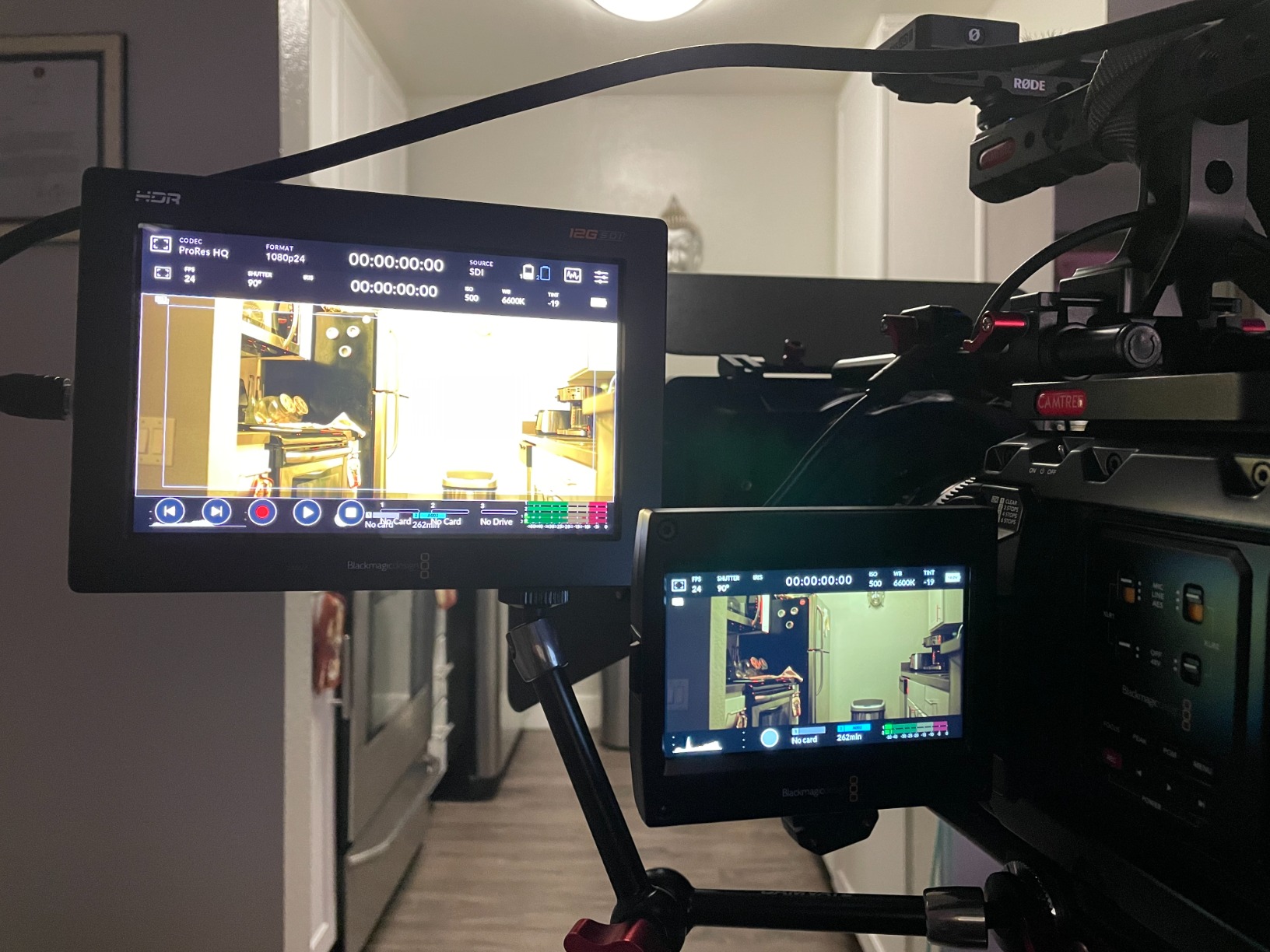
Sometimes bigger really is better. The Blackmagic Video Assist 7 offers everything I love about the 5-inch version but with significantly more screen real estate. That extra two inches makes checking focus easier and provides room to display scopes alongside your image.
The 1920×1200 resolution on a 7-inch panel delivers crisp detail that 5-inch monitors cannot match. When pulling focus manually, every bit of screen size helps. The 2500 nit brightness carries over from the smaller model, so you get the best of both worlds: large screen and outdoor visibility.
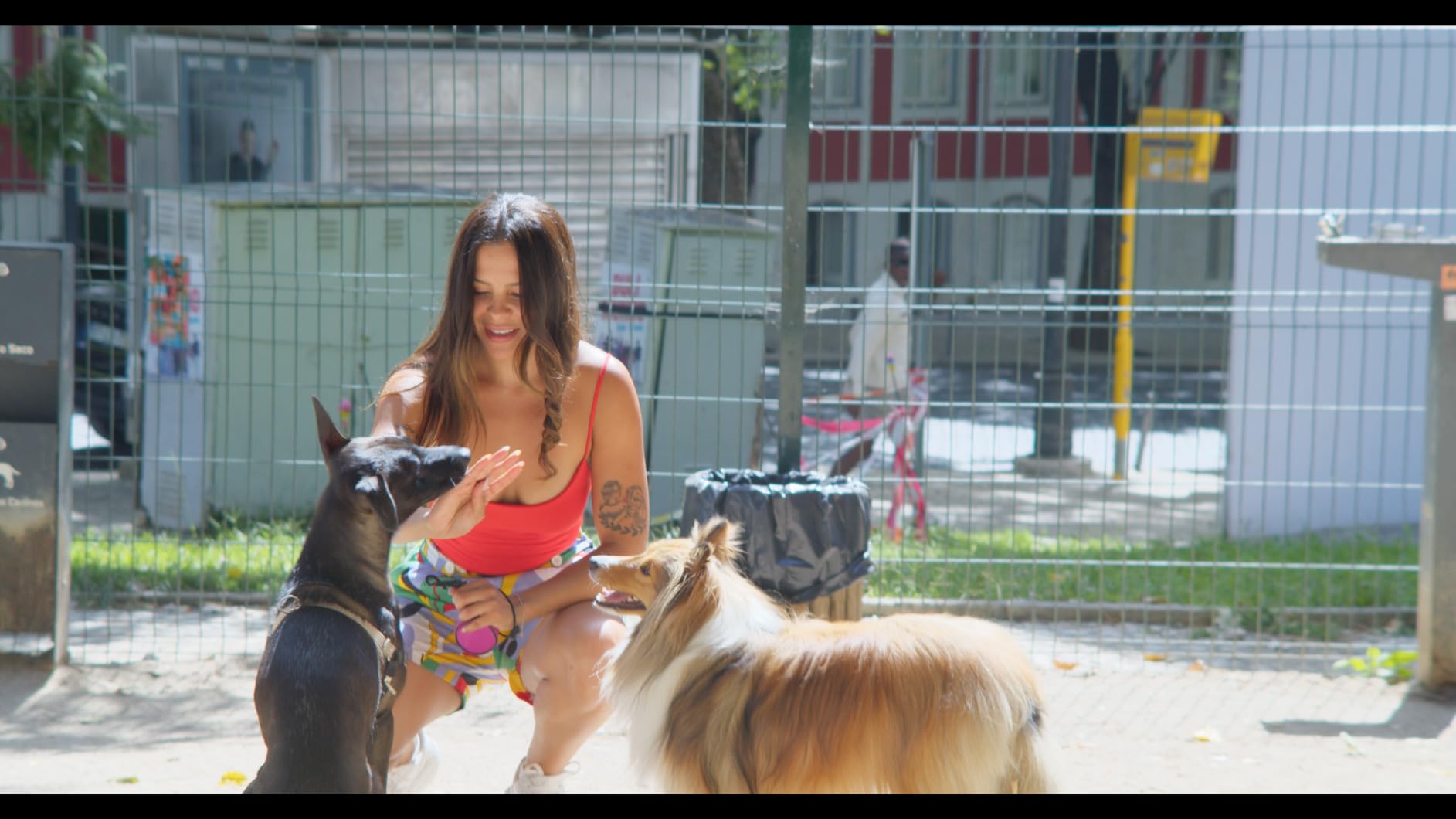
Recording capabilities mirror the 5-inch version: ProRes and DNxHD up to 4K at 60fps. This serves double duty as both your monitoring solution and a backup recorder for critical shoots. I have used this on interviews where camera failure would be catastrophic, and having that redundant recording provides peace of mind.
Touchscreen operation feels natural on this larger display, and the extra space makes the waveform and histogram displays genuinely useful rather than just novelties. The build quality matches Blackmagic’s professional standards, with a metal chassis that survives travel well.
Who Should Buy the Video Assist 7 12G
Studio shooters, interview filmmakers, and anyone who prioritizes screen size should consider this monitor. It is particularly valuable for camera assistants who need to pull focus while the operator monitors the main camera screen.
Who Should Skip It
This is too large for handheld or gimbal work. The weight and size make it impractical for run-and-gun documentary shooting. Budget-conscious buyers might prefer two smaller monitors over one large one.
5. SmallHD Indie 7\” – Best Professional Color Accuracy
+ The Good
- Exceptional color accuracy
- 1000 nit daylight-visible display
- Hyper-responsive touchscreen
- Milled aluminum chassis
- The Bad
- Can run hot during long shoots
- Glossy screen causes reflections
SmallHD has built a reputation among professional colorists and cinematographers for accurate, reliable monitors. The Indie 7 continues that tradition with a focus on color fidelity that cheaper monitors cannot match. When what you see on screen needs to translate accurately to the final grade, SmallHD delivers.
The 10-bit color processing means smoother gradations in skies and shadows compared to 8-bit alternatives. PageBuilder OS allows you to customize exactly what monitoring tools appear where on screen, with waveform, vectorscope, and false color available simultaneously alongside your image.
At 535 grams, the milled aluminum chassis strikes a balance between durability and weight. This feels like a professional tool that will last years of daily use. The 1000 nits is adequate for most situations, though direct sunlight will require a sunhood.
Wired camera control via ethernet supports RED Komodo and DSMC2 cameras, expanding functionality for high-end workflows. The 3G-SDI connectivity, while not 12G, handles most professional needs up to 1080p60.
Who Should Buy the SmallHD Indie 7
Color-critical work like commercials, music videos, and narrative filmmaking where accurate monitoring matters. RED camera owners will appreciate the ethernet control capabilities.
Who Should Skip It
Budget buyers will find better value in the Feelworld or Osee options below. Those needing 4K recording should look at Atomos or Blackmagic alternatives.
6. NEEWER F700 7\” – Best Value Mid-Range Monitor

+ The Good
- 2000nit brightness excellent for outdoor use
- Includes 2 batteries and cables
- Professional monitoring tools
- Budget-friendly price
- The Bad
- Heavy with 2 batteries installed
- May be too heavy for gimbal setups
Neewer has quietly built a reputation for delivering surprisingly capable gear at prices that undercut established brands. The F700 impressed me with features that rival monitors costing three times as much. At 2000 nits, it outshines many premium options.
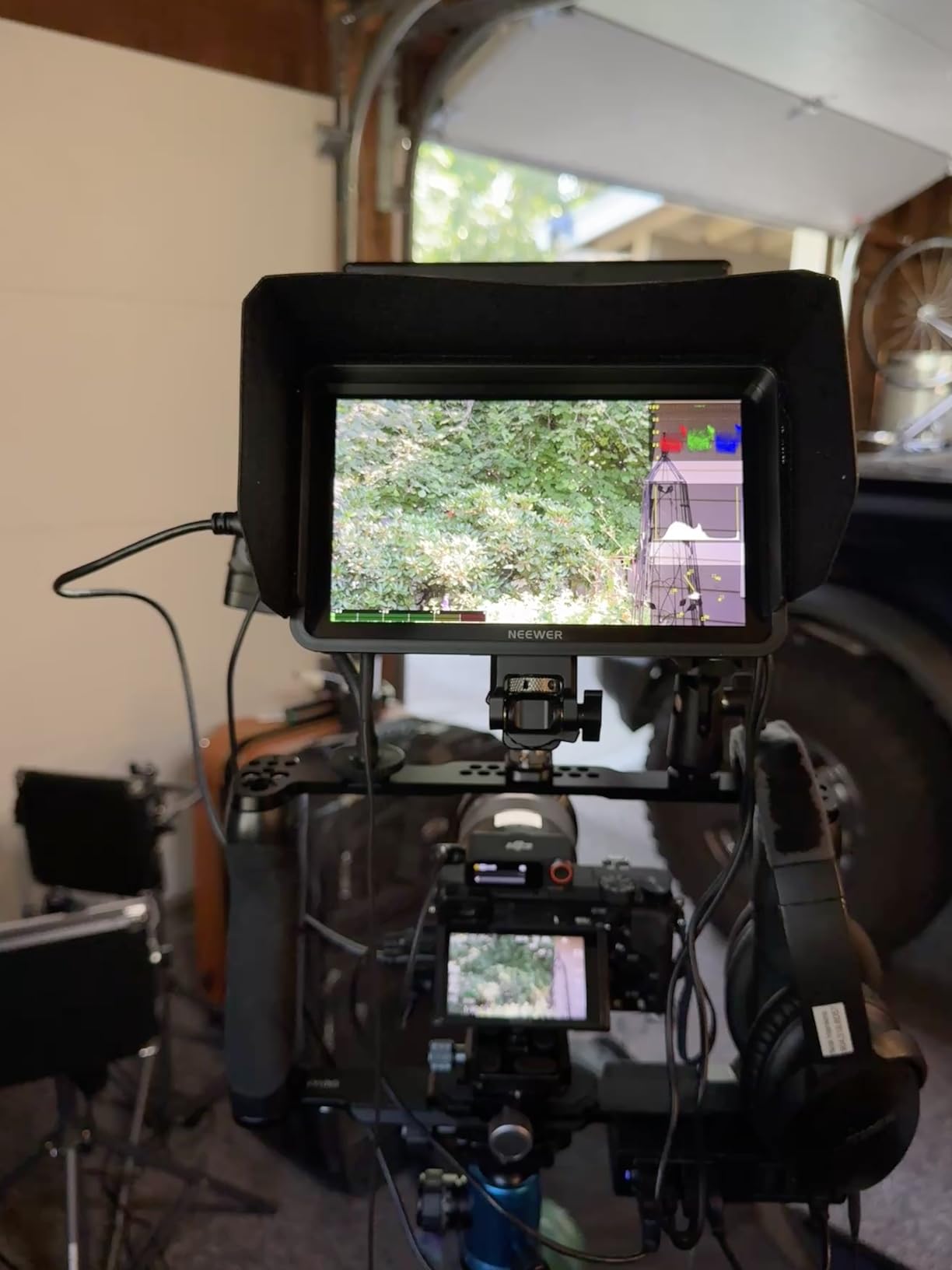
What sets this apart from other budget monitors is the complete package. Neewer includes two batteries, chargers, HDMI cables, and a sunhood. You can start shooting immediately rather than making additional purchases. The 7-inch touchscreen is responsive, and the 3D LUT support allows loading custom looks for Log monitoring.
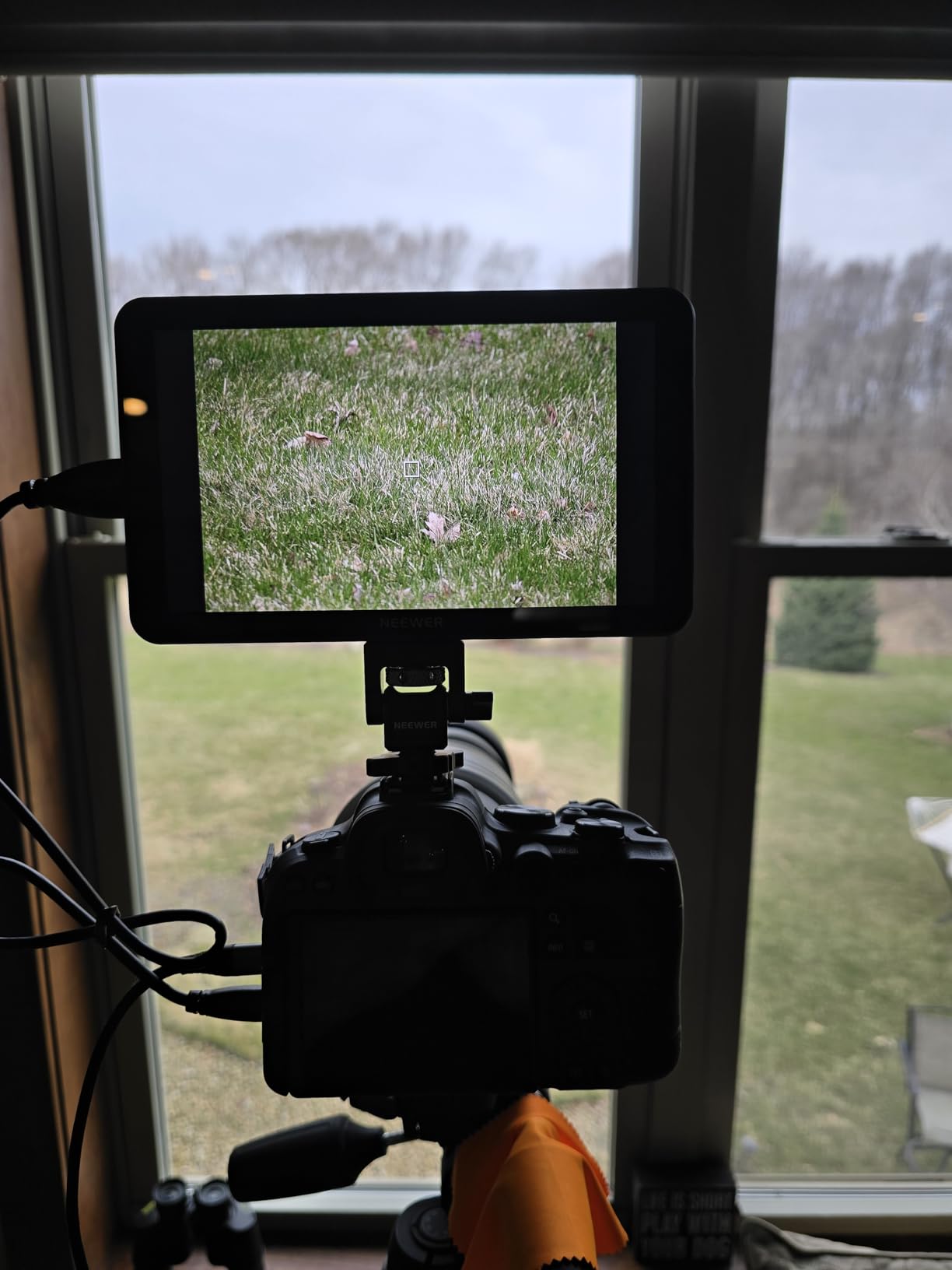
The waveform, histogram, false color, and focus peaking tools work as advertised. I tested this alongside an Atomos Ninja, and while the interface is not as polished, the monitoring accuracy is comparable. The IPS panel provides good off-axis viewing, important when clients are peaking over your shoulder.
The 25-ounce weight with dual NP-F batteries installed is substantial. This is not your best choice for gimbal work, but for tripod or handheld rig use, it is manageable. Build quality feels adequate for the price, though not as robust as SmallHD or Blackmagic units.
Who Should Buy the NEEWER F700
Budget-conscious professionals who need bright monitoring without breaking the bank. Documentary shooters who want complete kits without extra accessory purchases. Anyone transitioning from camera LCD to external monitoring.
Who Should Skip It
Gimbal operators should look at lighter 5-inch options. Those needing recording capability must look elsewhere. If build quality for daily rental use matters, spend more on SmallHD or Blackmagic.
7. FEELWORLD F5 Prox 5.5\” – Best Budget On Camera Monitor
+ The Good
- Bright 1600nit screen visible outdoors
- Touchscreen is responsive
- Great value for price
- Lightweight for gimbal use
- The Bad
- Multiple hardware revisions with different firmware
- Micro HDMI cable may not fit all cameras
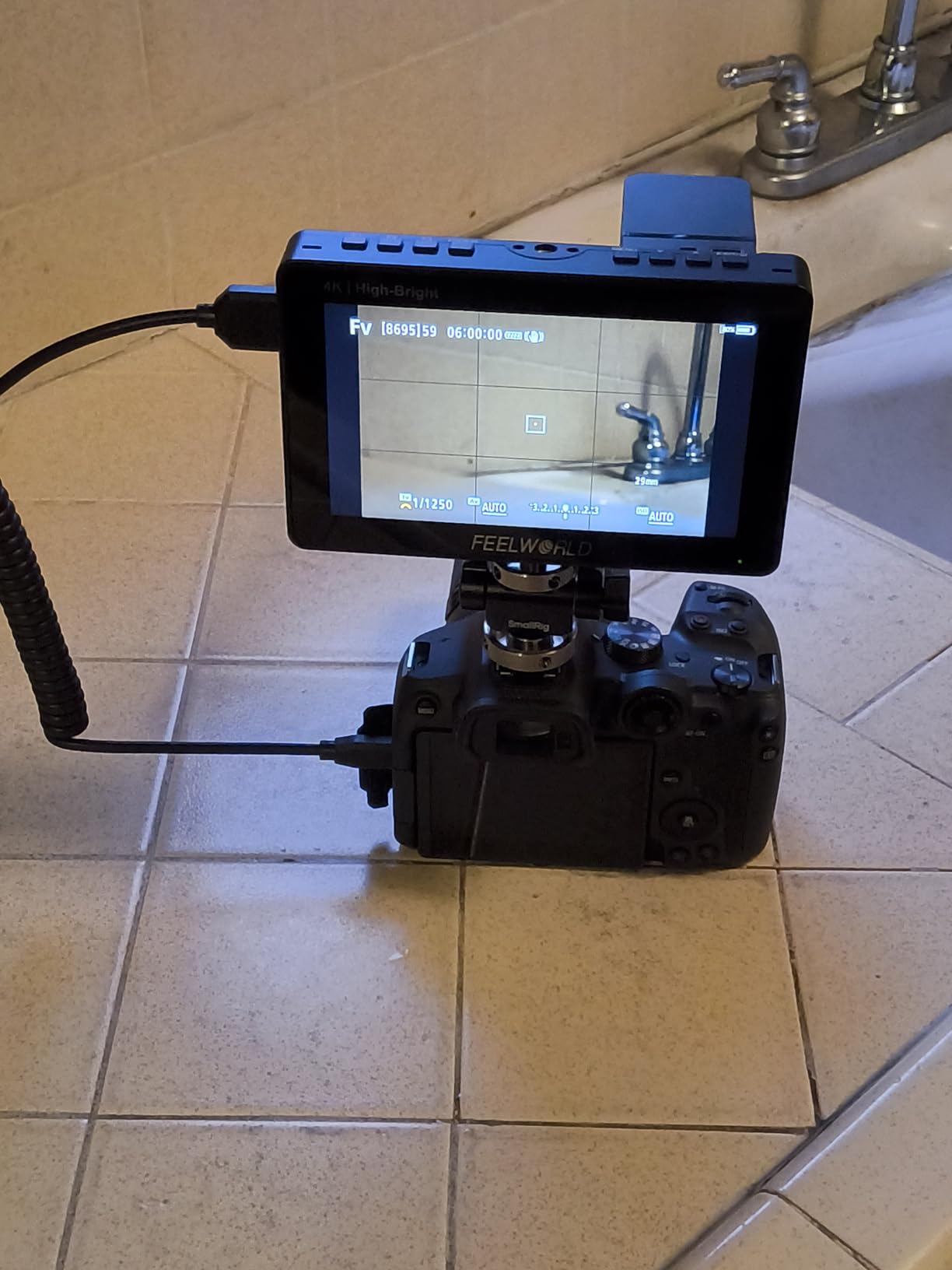
The FEELWORLD F5 Prox proves you do not need to spend a fortune to get capable on-camera monitoring. At under $150, this 1600 nit touchscreen delivers performance that would have cost $500 just a few years ago. I keep one in my backup kit for situations where my primary monitor might get damaged.
The 1600 nits of brightness genuinely works outdoors. I have used this in direct afternoon sun without a sunhood and could still see well enough to pull focus. The touchscreen responds accurately, and the menu system, while basic, gets the job done. 3D LUT support means you can monitor Log footage with a preview LUT applied.
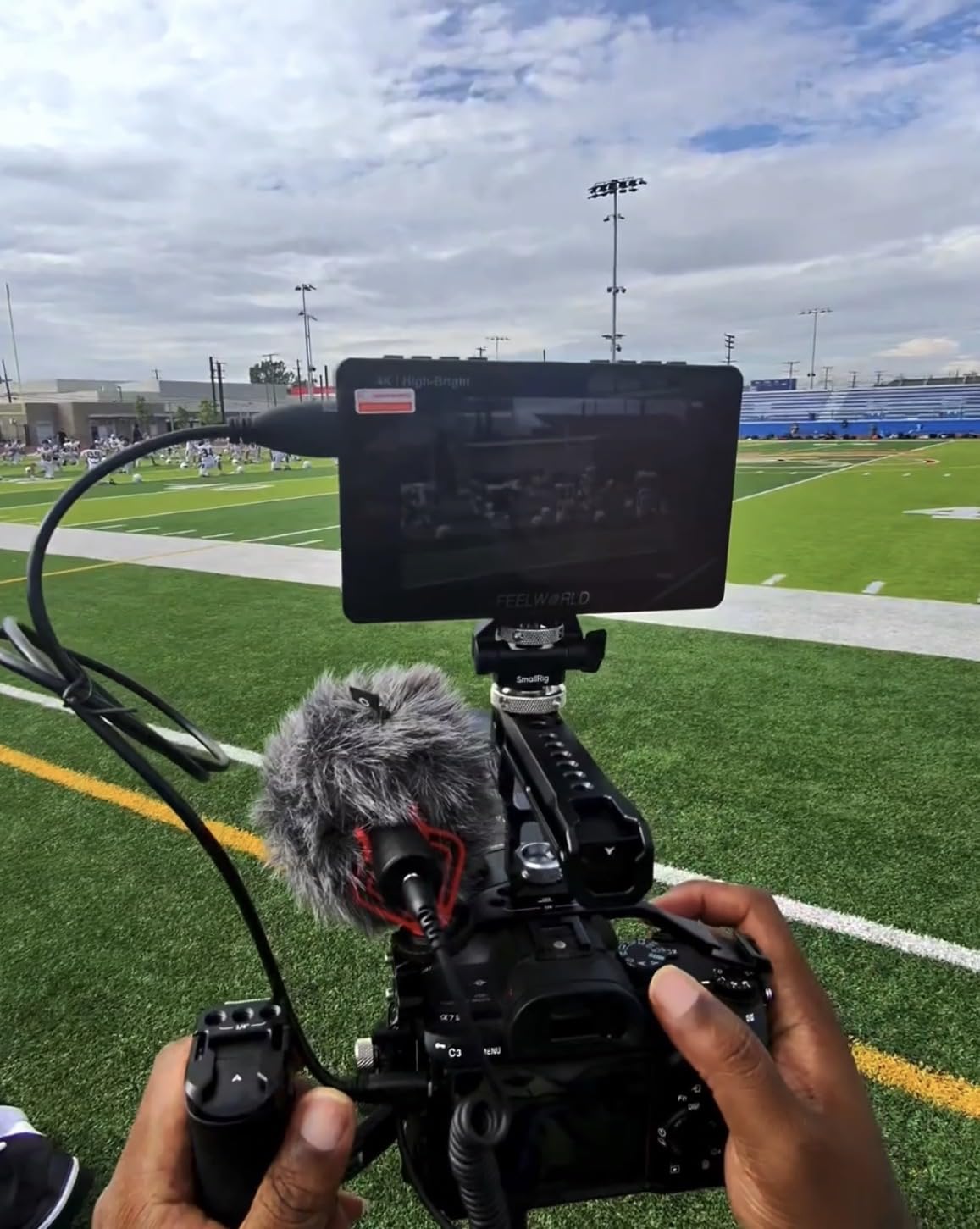
At 2.82 pounds with the included F750 battery, this is light enough for gimbal work. The 5.5-inch size keeps the overall package compact. FEELWORLD includes a carry bag and battery, making this a complete starter kit.
The 4K HDMI input/output supports cameras outputting up to 4K resolution, though the display itself is 1080p. Loop-out lets you send signal to a director’s monitor or wireless transmitter. Waveform and histogram tools provide professional monitoring despite the budget price.
Who Should Buy the F5 Prox
Beginners entering video production who want reliable monitoring without a major investment. Gimbal operators needing lightweight monitoring. Backup monitor for professionals who want insurance against equipment failure.
Who Should Skip It
Professional colorists will want more accurate displays. Those needing SDI connectivity must look elsewhere. If you need recording capability, this is not the monitor for you.
8. VILTROX DC-550 5.5\” – Best Budget Touchscreen Monitor

+ The Good
- 1200 nit brightness visible in daylight
- Good color accuracy with REC-709
- 3D LUT support for creative monitoring
- Includes sunshade hood and battery
- The Bad
- HDMI port location problematic with some mounts
- May need separate HDMI cable purchase
Viltrox has gained attention in the camera accessory market for offering genuine value, and the DC-550 continues that trend. This 1200 nit touchscreen monitor provides daylight visibility with features typically found on more expensive units.
The REC-709 color calibration means what you see on screen is closer to broadcast standards than many budget alternatives. 3D LUT support via SD card loading lets you import custom looks for Log monitoring. The combination of touchscreen and physical dial controls offers flexibility depending on your shooting conditions.
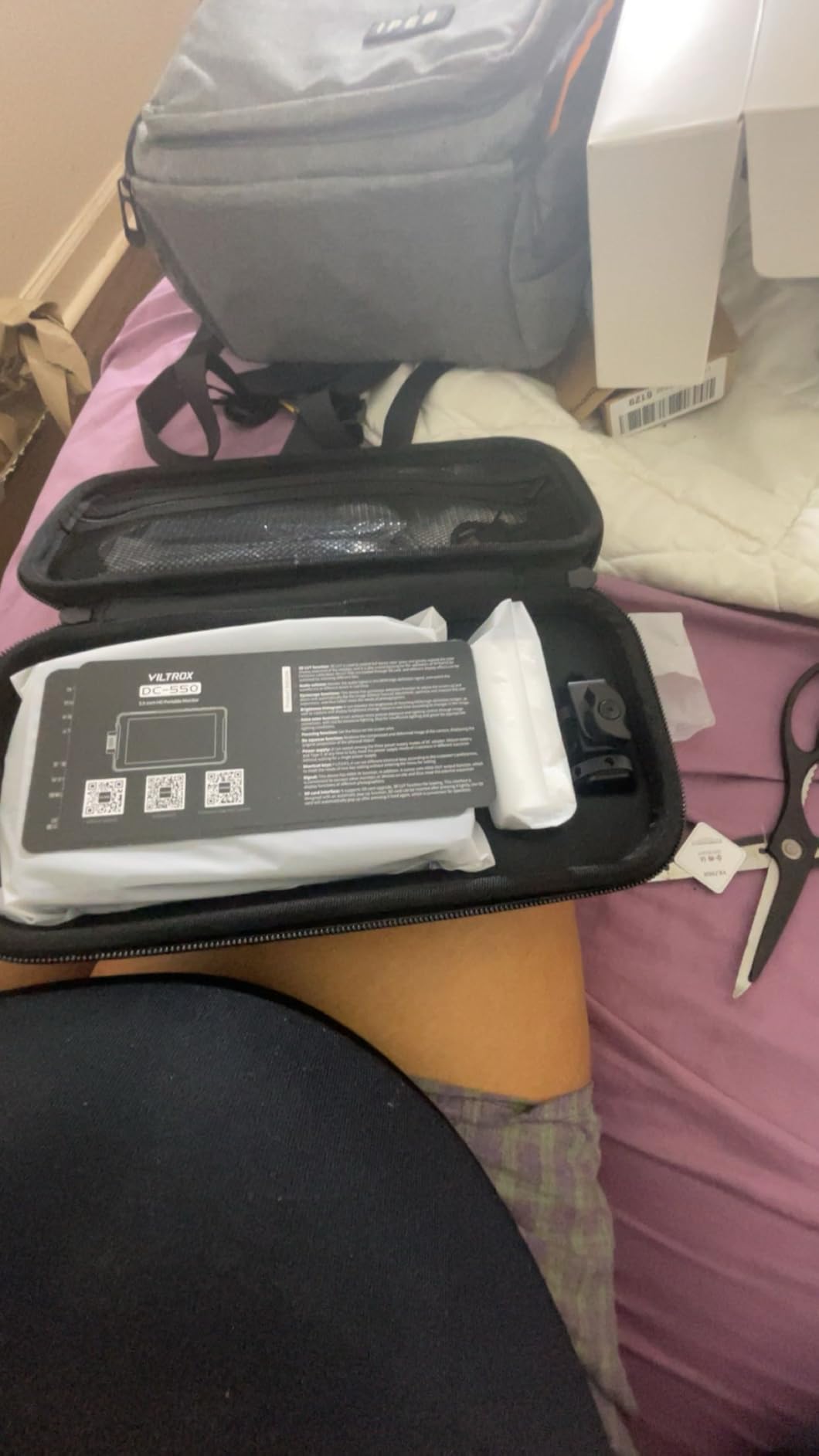
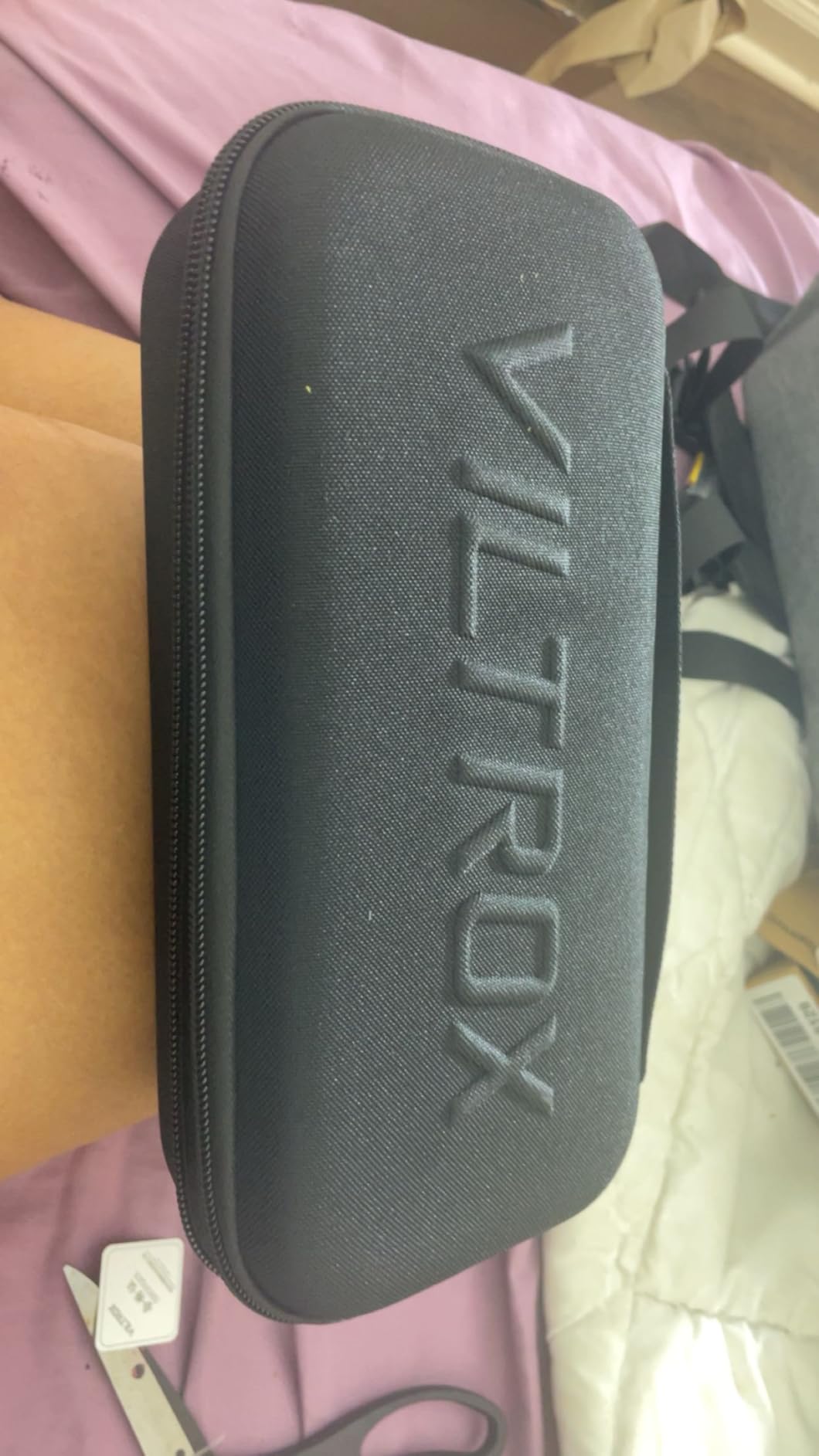
Triple power supply options (NP-F battery, DC adapter, USB-C) make this adaptable to various shooting scenarios. The included sunshade hood and NP-F550 battery get you shooting immediately. At 0.92 kilograms, this is manageable for handheld work.
The 4K HDMI supports up to 3840×2160 at 30Hz, adequate for most mirrorless cameras. Touch focus and menu navigation work smoothly, though the interface is not as polished as Atomos or Blackmagic. For the price, these are acceptable compromises.
Who Should Buy the VILTROX DC-550
Beginners who want touchscreen convenience without premium pricing. Content creators moving up from camera LCD screens. Those who appreciate the flexibility of both touch and physical controls.
Who Should Skip It
Those needing SDI connectivity for professional workflows. Users who prioritize menu speed and interface polish. If you need the brightest possible screen, look at the 1600+ nit options on this list.
9. FEELWORLD LUT7 7\” – Best Budget 7-Inch Monitor
+ The Good
- 2200nit brightness excellent for outdoor use
- 7\
- The Bad
- Plastic housing feels less durable
- HDMI cables may not seat securely
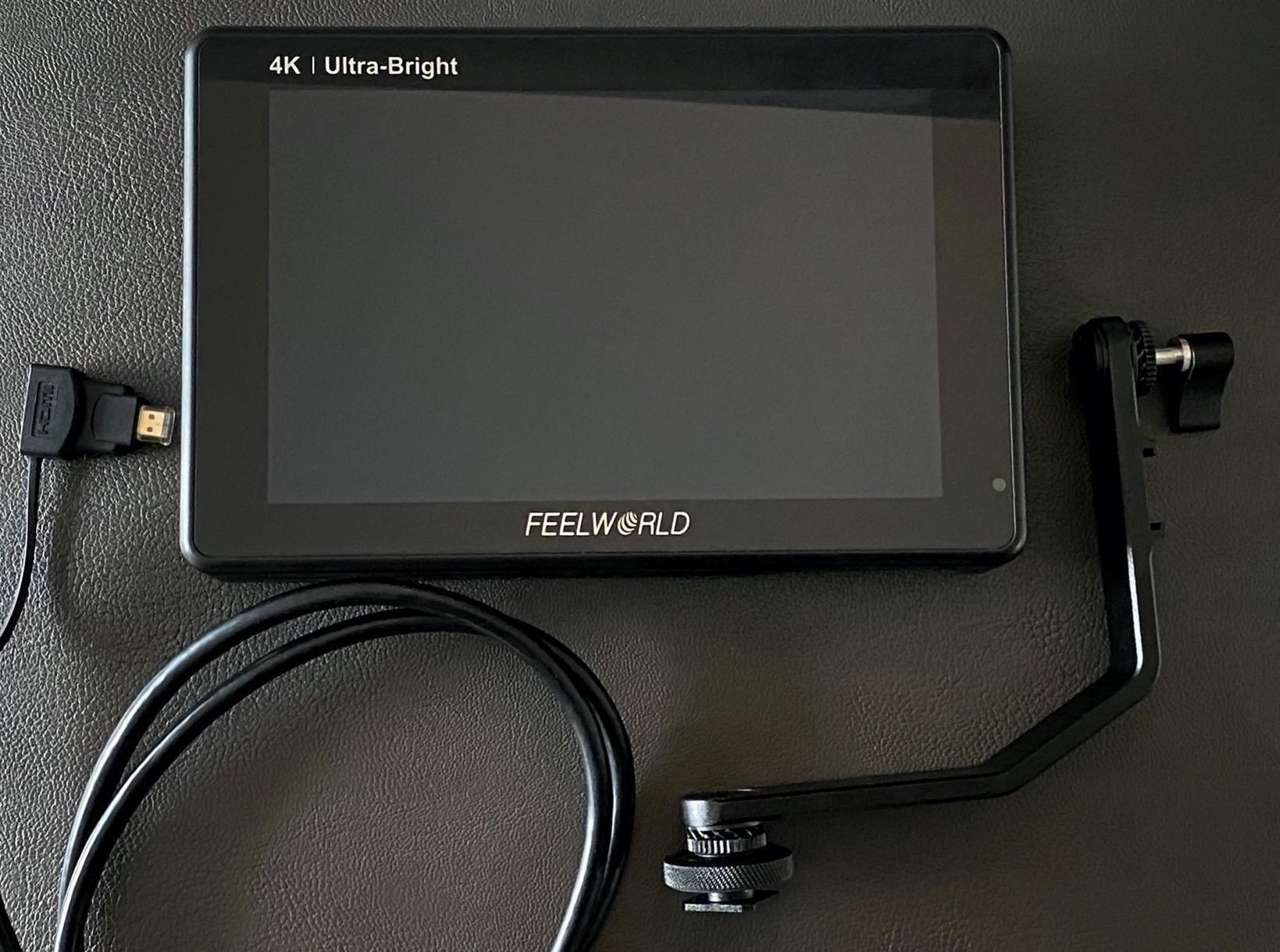
The FEELWORLD LUT7 represents an impressive value proposition: a 2200 nit, 7-inch touchscreen monitor with professional features at a fraction of premium prices. This is the monitor I recommend when someone wants a larger screen but cannot justify SmallHD pricing.
The 2200 nits of brightness rivals monitors costing three times as much. I have used this in harsh midday sun without issues. The 1920×1200 resolution on a 7-inch panel provides excellent detail for focus checking. The ambient light sensor automatically adjusts brightness, saving battery and reducing eye strain when moving between indoor and outdoor locations.
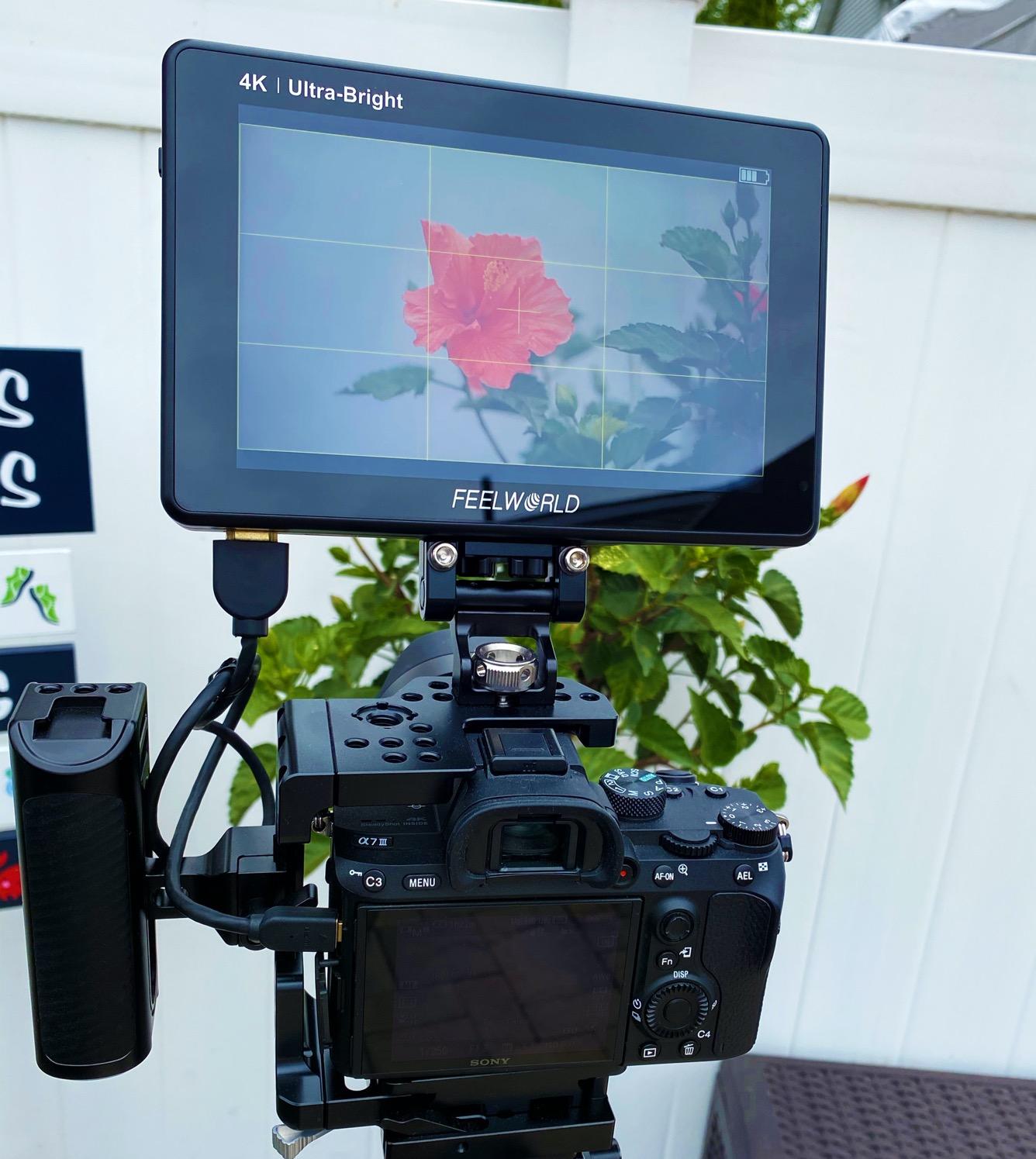
3D LUT support via SD card allows custom looks for different Log profiles. Waveform, histogram, false color, and peaking are all accessible simultaneously thanks to the larger screen. The dual battery plate extends runtime for long shooting days.
The 4K HDMI input handles up to 4096×2160 at 24Hz, suitable for most cinema cameras. The 16-ounce weight is reasonable for the screen size. Build quality focuses the budget on the panel rather than the housing, which is acceptable at this price point.
Who Should Buy the LUT7
Budget filmmakers who need a large, bright monitor. Studio shooters where screen size matters more than extreme portability. Those learning professional monitoring who want room to grow.
Who Should Skip It
Travel shooters prioritizing light weight. Those who subject gear to rough conditions daily. If recording capability is needed, look at the Blackmagic Video Assist options.
10. Osee G7 Pro 7\” – Best Ultra-Bright Monitor

+ The Good
- 3000nit brightness exceptional for outdoor use
- High quality IPS panel with minimal color shift
- Touch focus tracking works well
- Excellent value vs SmallHD alternatives
- The Bad
- Limited camera control support
- All touchscreen interface (no physical buttons)
- Relatively new product with software quirks
Osee is a newer player in the monitor market, but the G7 Pro makes a strong first impression with its stunning 3000 nit display. This is the brightest monitor on this list, making it the obvious choice for outdoor shooters who struggle with screen visibility in sunlight.
The 7-inch IPS panel maintains color accuracy even when viewed off-axis, important when collaborating with directors or clients. The 1300:1 contrast ratio delivers punchy images that help evaluate exposure decisions. Touch focus tracking allows pulling focus by tapping subjects on screen, a feature borrowed from higher-end monitors.
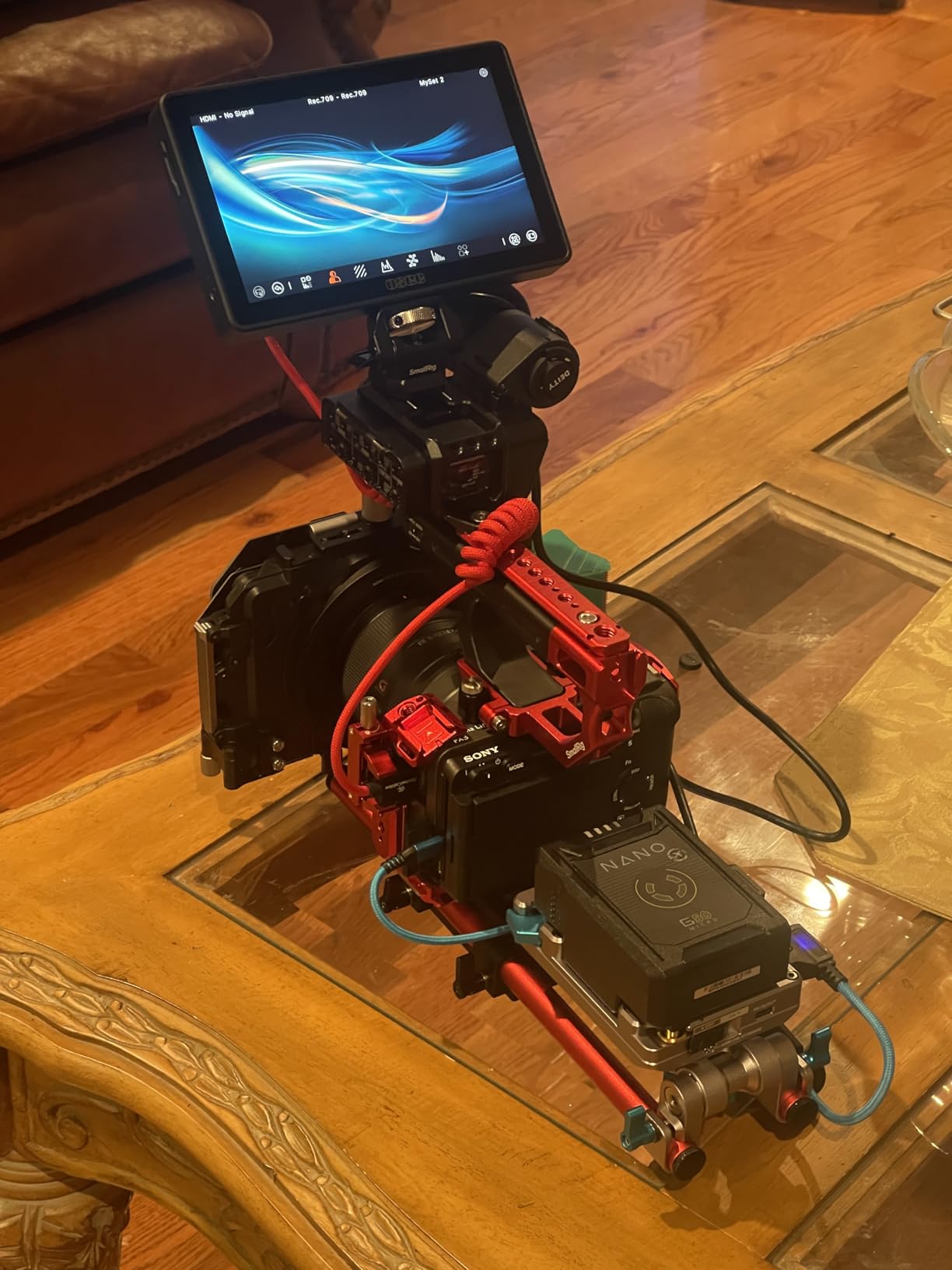
Camera control via USB-C supports major brands including Canon, Sony, Nikon, Panasonic, and Fujifilm. While not as comprehensive as dedicated camera control units, having basic adjustments available on the monitor streamlines workflow. The waveform, histogram, and vectorscope can display simultaneously, maximizing the large screen real estate.
Up to 10 custom 3D LUTs can be loaded for different shooting scenarios. The 18-stop dynamic range monitoring helps when shooting in high-contrast situations. At 1.76 pounds, this is not the lightest option, but the brightness trade-off is worth it for many users.
Who Should Buy the Osee G7 Pro
Outdoor documentary shooters, event videographers working in bright conditions, and anyone prioritizing screen visibility above all else. Those wanting premium brightness without the SmallHD price premium.
Who Should Skip It
Those wanting physical buttons alongside touch controls. Early adopters concerned about long-term software support. If you rarely shoot outdoors, you could save money with a dimmer monitor.
How to Choose the Best On Camera Monitor
After testing dozens of monitors and reading thousands of forum posts from working professionals, here are the factors that actually matter when choosing an on-camera monitor for your specific needs.
Screen Size and Resolution
5-inch monitors keep your rig compact and are ideal for gimbal work or handheld shooting. The FEELWORLD F5 Prox and Atomos Shinobi II represent this category well. 7-inch monitors like the Osee G7 Pro or Blackmagic Video Assist 7 give you more room for monitoring tools and easier focus checking, but add weight and bulk.
Resolution matters less than you might think. While 4K input is important for receiving clean signals from modern cameras, the display itself is typically 1080p. On a 5 or 7-inch screen viewed at normal distances, 1080p provides sufficient detail for focus and exposure.
Brightness (Nits)
This is the specification that affects daily use most significantly. Here is what different brightness levels mean in practice:
Under 1000 nits: Suitable for indoor studio work only. You will struggle outdoors.
1000-1500 nits: Usable outdoors with a sunhood. The Atomos Ninja and Shinobi II fall here.
1500-2500 nits: Good outdoor visibility without sunhood in most conditions. The Blackmagic Video Assist monitors excel here.
2500+ nits: Excellent outdoor visibility even in direct sunlight. The Osee G7 Pro at 3000 nits leads this category.
Recording vs Pure Monitoring
Monitors like the Atomos Ninja and Blackmagic Video Assist series include recording capability, capturing higher-quality codecs directly from the camera’s sensor. This improves image quality, extends recording time, and provides backup files. Pure monitors like the Shinobi II or FEELWORLD options cost less and weigh less, but only display what the camera sends them.
Recording monitors require additional investment in SSD storage. Factor this into your budget calculations.
Connectivity: HDMI vs SDI
HDMI is standard on mirrorless cameras and works well for distances under 6 feet. SDI connections are more robust, lock securely, and support longer cable runs. Professional cinema cameras typically use SDI. If you work with both, monitors like the Blackmagic Video Assist with both connection types offer flexibility.
Battery Life and Power Options
Most monitors use Sony NP-F style batteries, widely available and affordable. Recording monitors drain batteries faster than pure monitors. Consider how many batteries you need for a full day of shooting. Some monitors offer DC power input for studio use, and USB-C power delivery is becoming common for backup charging.
Weight for Handheld and Gimbal Use
A frequent complaint on forums is discovering a monitor is too heavy for comfortable gimbal work. Monitors under 400 grams like the Atomos Ninja work well on smaller gimbals. The NEEWER F700 and Osee G7 Pro exceed 700 grams and are better suited for tripod or handheld rig use. Balance your need for screen size against the practicalities of your shooting style.
Frequently Asked Questions
What is the best on camera monitor?
The Atomos Ninja 5.2-inch 4K HDMI Recording Monitor is the best overall on-camera monitor in 2026 for professionals who need recording capability. For pure monitoring without recording, the Atomos Shinobi II 5.2-inch offers excellent value with 1500 nits brightness and camera control features.
How many nits brightness do I need for outdoor shooting?
For outdoor shooting, you need at least 1500 nits brightness to see the screen clearly in daylight conditions. For direct sunlight visibility without a sunhood, look for monitors with 2000+ nits. Professional outdoor shooters should consider 2500+ nits like the Blackmagic Video Assist 2500 nit models or the Osee G7 Pro with 3000 nits.
Do I need a 4K monitor for 4K video?
You do not need a 4K display on the monitor itself, but you do need 4K HDMI input capability. Most on-camera monitors have 1080p displays, which is sufficient for focus and exposure monitoring. The important factor is that the monitor accepts 4K signal from your camera, then scales it down for display.
HDMI vs SDI: which is better for on-camera monitors?
SDI is better for professional workflows because it uses locking connectors that won’t pull out during shooting, supports longer cable runs without signal degradation, and is the standard for cinema cameras. HDMI is fine for mirrorless cameras and shorter distances under 6 feet. The best monitors offer both connection types.
Should I get a monitor with recording capability?
Recording monitors like the Atomos Ninja or Blackmagic Video Assist are worth the investment if you need better codecs than your camera offers internally, want backup recordings for critical shoots, or need longer recording times without overheating. For simple monitoring of what your camera already records internally, pure monitors like the Shinobi II save money and weight.
Final Thoughts: Choosing Your On Camera Monitor
The best on camera monitors in 2026 offer something for every budget and use case. After months of testing, my recommendations break down like this:
For professional recording with ProRes RAW support, the Atomos Ninja remains unbeatable. The Atomos Shinobi II is my choice for pure monitoring with camera control. Budget buyers should start with the FEELWORLD F5 Prox for gimbal work or the LUT7 for studio use. Outdoor shooters needing maximum brightness should look at the Osee G7 Pro or Blackmagic Video Assist series.
Whatever monitor you choose will dramatically improve your shooting experience compared to relying on camera LCD screens. Focus accuracy, exposure confidence, and the ability to see what you are actually capturing makes an external monitor one of the highest-impact investments you can make in your video kit.