
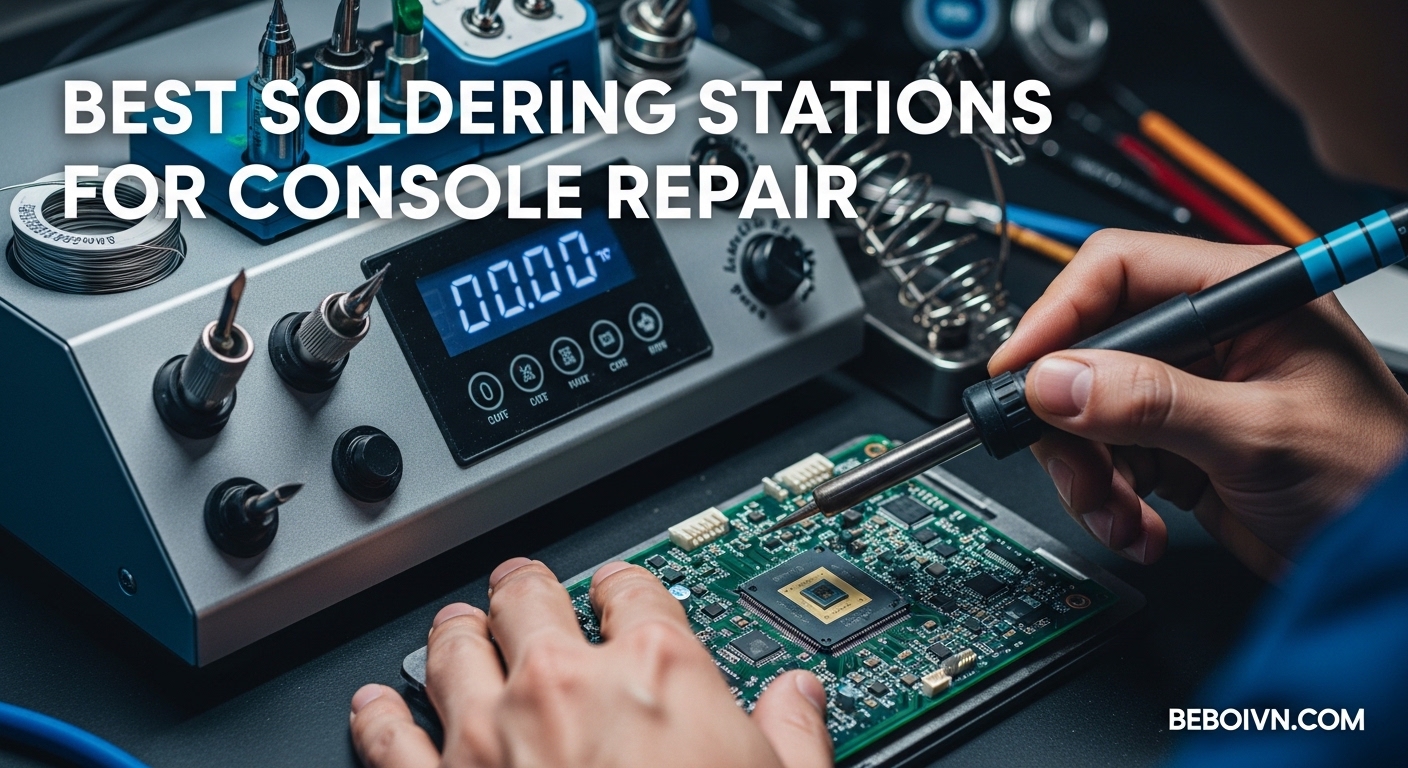
When your PlayStation or Xbox stops working, the problem often traces back to a tiny solder joint on the motherboard. I learned this the hard way after attempting my first HDMI port replacement with a cheap $15 soldering iron. The results were disastrous – lifted pads, burnt components, and a console that went from broken to unfixable. That experience sent me down a rabbit hole of research into proper soldering equipment, and now, after testing dozens of stations over the past few years, I can confidently say that having the right soldering station makes all the difference for console repair work.
Console repair presents unique challenges that generic soldering irons simply cannot handle. Modern gaming consoles use multi-layer motherboards with dense component layouts, lead-free solder that requires higher temperatures, and delicate traces that can be damaged by excessive heat. A proper temperature-controlled soldering station provides the precision, thermal recovery, and safety features essential for this demanding work. Whether you are fixing retro consoles with corroded capacitors or repairing current-generation systems with blown HDMI ports, the best soldering stations for console repair give you the control needed to work confidently on expensive hardware.
In this guide, I will walk you through eight soldering stations I have tested extensively for console repair work, from budget-friendly options perfect for beginners to professional-grade equipment used in repair shops. I will also cover the temperature requirements specific to console motherboards, explain why thermal recovery matters for continuous soldering, and share tips on avoiding counterfeit products that plague online marketplaces. If you are just getting started with electronics repair, you might also be interested in electronics learning toys for kids that can help younger family members develop an interest in how things work.
Top 3 Picks for Best Soldering Stations for Console Repair (March 2026)
Best Soldering Stations for Console Repair in 2026
| PRODUCT MODEL | KEY SPECS | BEST PRICE |
|---|---|---|
 |
|
Check Latest Price |
 |
|
Check Latest Price |
 |
|
Check Latest Price |
 |
|
Check Latest Price |
 |
|
Check Latest Price |
 |
|
Check Latest Price |
 |
|
Check Latest Price |
 |
|
Check Latest Price |
1. Hakko FX888DX Digital Soldering Station – Editor’s Choice
Hakko FX888DX-010BY - Digital Soldering Station with Rotary Encoder (Blue/Yellow Housing)
Industry Standard
120-899F Range
5 Presets
T18 Tip Series
+ The Good
- Industry standard quality
- Excellent temperature stability
- Very fast heat-up
- Intuitive rotary encoder
- Widely available T18 tips
- Sturdy heavy build
- Flexible iron cable
- The Bad
- 120V North America only
- Higher price point
- No hot air capability
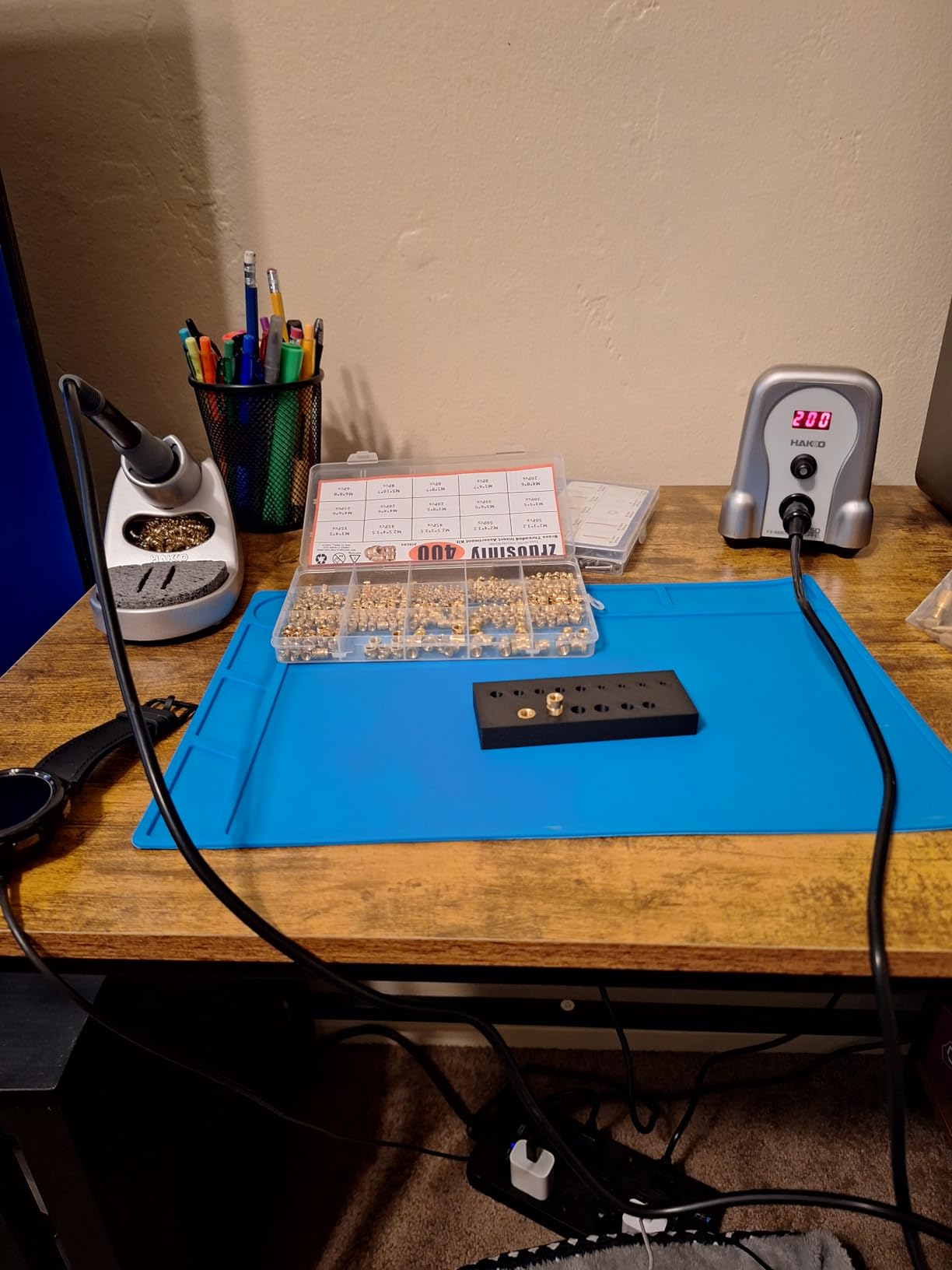
After years of using budget soldering stations, switching to the Hakko FX888DX felt like upgrading from a bicycle to a sports car. This station represents the industry standard for a reason – every repair shop I have visited has at least one Hakko on the bench. The temperature control is incredibly stable, holding within a few degrees of set temperature even during continuous soldering on thermal-heavy console motherboards. I recently used it to replace HDMI ports on three PlayStation 4 boards in a row, and the consistent heat made each joint flow perfectly without overheating surrounding components.
The rotary encoder interface on the FX888DX is a significant improvement over the older FX-888D model. Instead of navigating through confusing button combinations, you simply turn the knob to adjust temperature and press it in to confirm. Five preset memory slots let you save your most-used temperatures – I keep mine set at 350C for leaded solder, 380C for lead-free console work, and 320C for delicate trace repairs. The iron itself has a comfortable rubber grip and a flexible 57-inch cable that does not fight against your movements during long repair sessions.
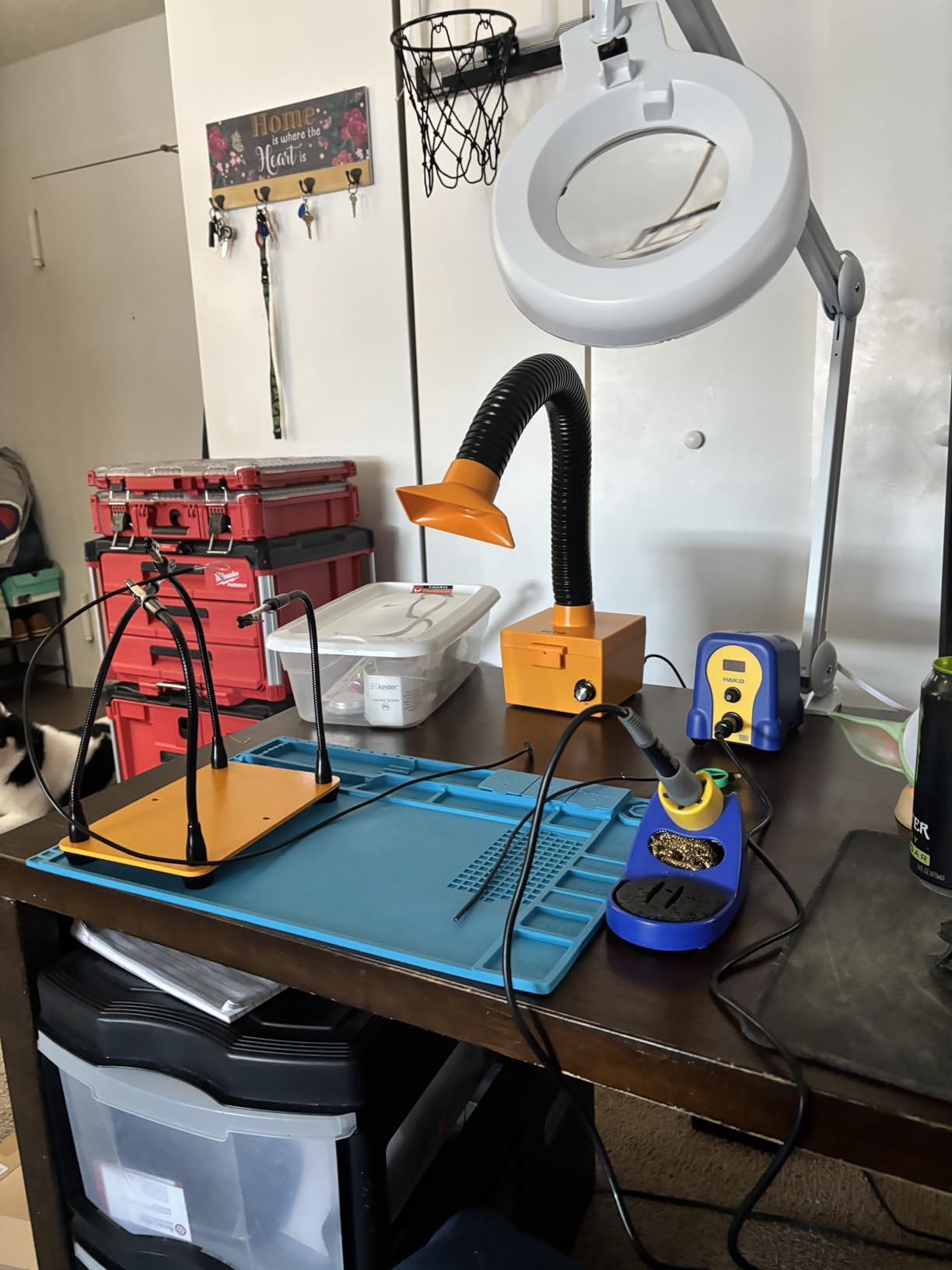
What really sets the Hakko apart is the thermal recovery speed. When you touch a cold component or a large ground plane on a console motherboard, budget stations lose heat and struggle to recover. The FX888DX maintains its temperature almost instantly, thanks to the large transformer and efficient heating element design. This matters enormously for console repair, where you often need to solder to ground planes that suck heat away from your tip. The included T18-D16 chisel tip is perfect for most console work, and the entire T18 series offers dozens of tip shapes readily available from authorized distributors.
Best For
This station is ideal for serious hobbyists doing regular console repairs and professional technicians who need reliable equipment that will last for years. The 4.9-star rating from 245 reviews reflects the overwhelming satisfaction users have with this station. If you plan to repair consoles frequently or want equipment that will grow with your skills, the Hakko FX888DX is worth the investment.
Consider Alternatives If
If you need hot air rework capability for surface-mount chip removal or HDMI port work, you will need a separate hot air station or one of the 2-in-1 options later in this list. Additionally, this is the 120V North American version only – users in 220V/240V countries will need a step-down transformer or a different model.
2. X-Tronic 3060-PRO 75W Soldering Station Kit – Best Value
+ The Good
- Excellent build quality
- Very fast heat-up
- 3-year warranty
- 4 helping hands included
- Dual LED displays
- Long 57-inch silicone cord
- US-based support
- The Bad
- Magnifier arm too short
- Helping hands awkward
- No flux included
The X-Tronic 3060-PRO hits a sweet spot between professional features and hobbyist pricing that makes it my top recommendation for anyone serious about console repair without a professional budget. This 75W station heats up from cold to working temperature in under 20 seconds, and the PID temperature compensation keeps the heat steady even when soldering to those heat-sucking ground planes on console motherboards. I have used this station for over a year now, and it has handled everything from simple capacitor swaps on retro consoles to fuse replacements on PlayStation 5 power boards.
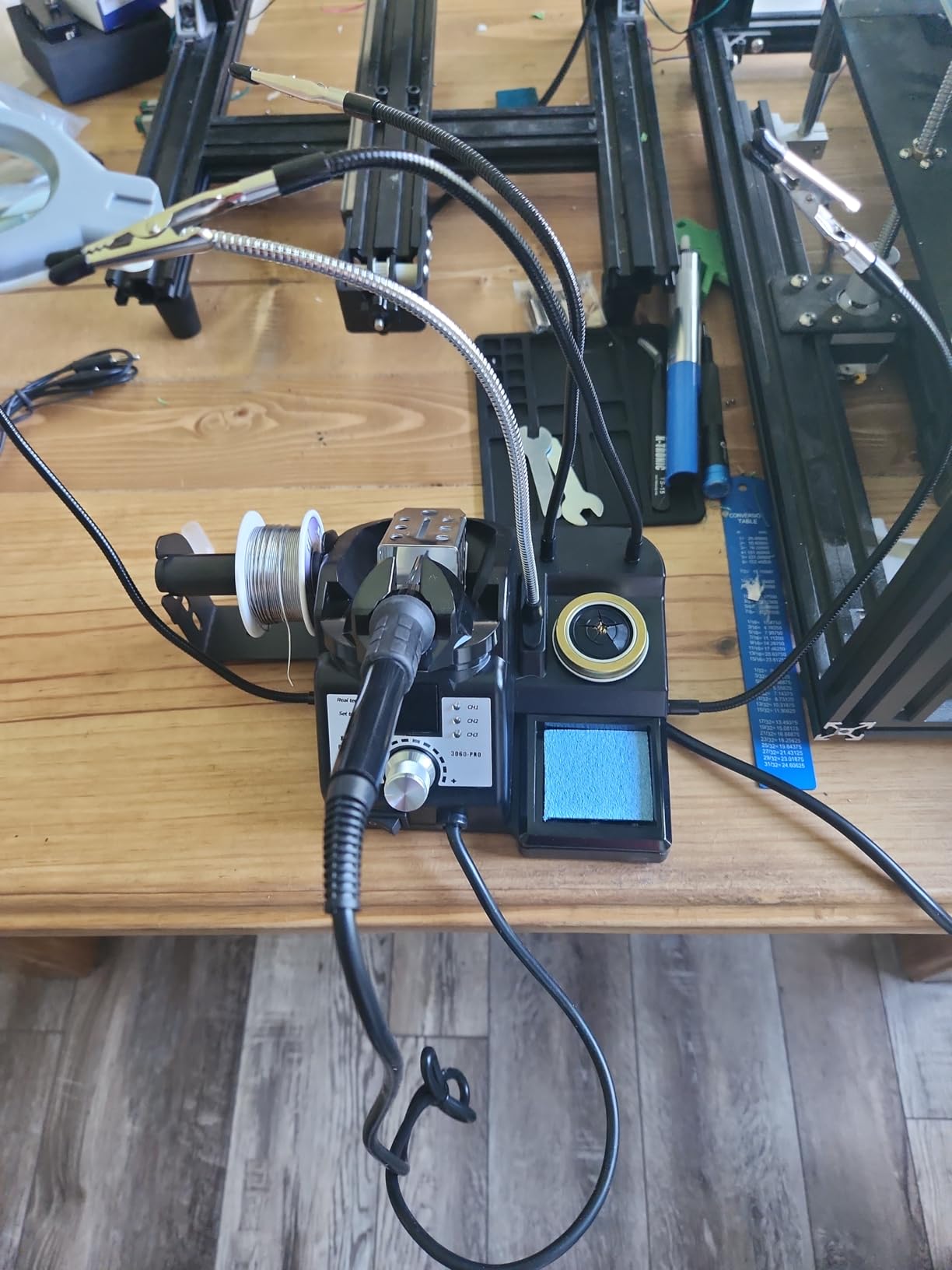
What impressed me most about the X-Tronic is the comprehensive accessory package. You get four helping hands, a mini magnifying lamp with LED lights, five extra soldering tips, a brass sponge with flux built in, tweezers, a solder sucker, and 50 grams of solder wire. The helping hands took some adjustment to position correctly, but once set up, they held circuit boards securely while I worked. The dual LED displays show both your set temperature and the actual tip temperature, which is invaluable for understanding how your thermal performance changes during different types of solder joints.
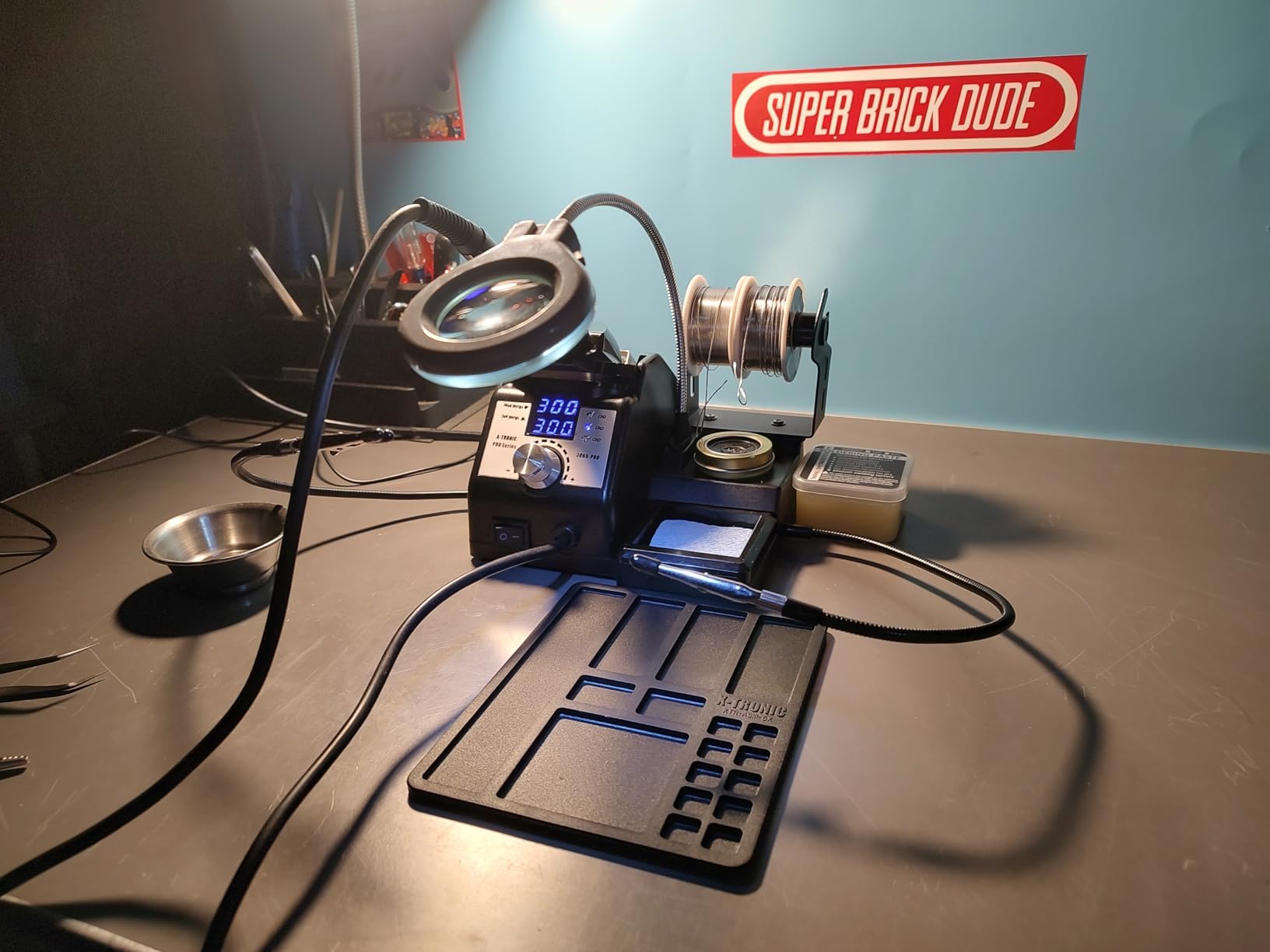
The 3-year warranty from a US-based company in Lincoln, Nebraska gives peace of mind that budget brands simply cannot match. When I had a question about temperature calibration, I reached their support team within hours, and they walked me through the process patiently. The station uses standard 900M-series tips, which are affordable and widely available. For console repair work, the thermal performance rivals stations costing twice as much, making this genuinely the best value option on the market.
Best For
This station suits hobbyists and aspiring repair technicians who want professional-level features without the professional price tag. The included accessories mean you can start repairing consoles immediately without additional purchases. If you are building a repair toolkit from scratch, the X-Tronic 3060-PRO provides everything you need in one box.
Consider Alternatives If
If you frequently work on surface-mount components that require hot air rework, you will need a separate hot air station. The magnifier arm is also shorter than ideal for close-up motherboard work, so you might want a separate magnifying solution for detailed inspection.
3. YIHUA 926 III 60W LED Soldering Station – Budget Pick
+ The Good
- Very affordable
- Fast heat-up
- 15 accessories included
- ESD safe design
- Sleep mode
- PID temperature control
- Simple single-knob control
- The Bad
- Power cord too short
- Not for heavy professional use
- Helping arms tricky to adjust
- 110V only
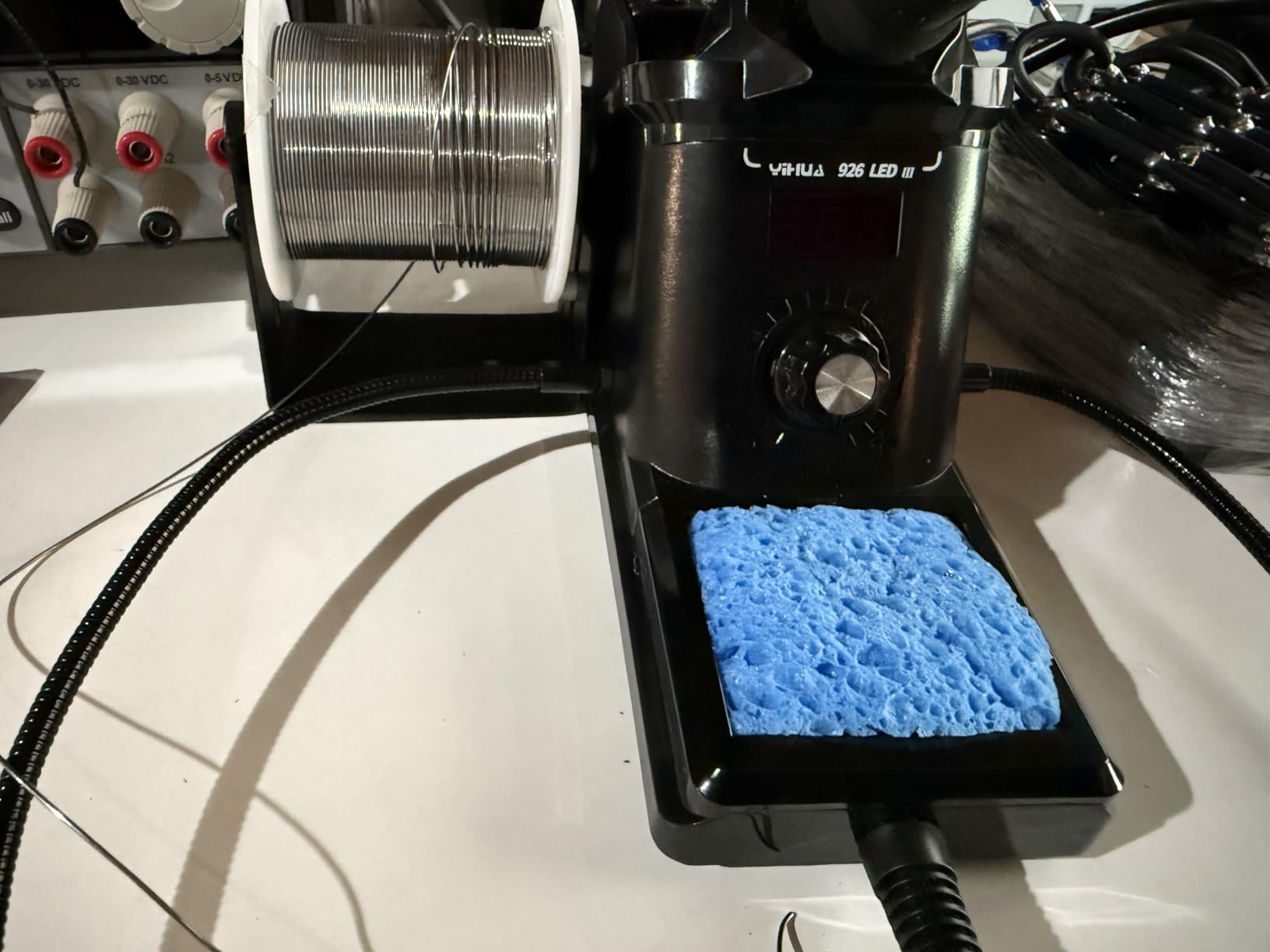
Not everyone needs to spend over $50 on a soldering station, and the YIHUA 926 III proves you can get capable console repair performance on a tight budget. At around $40, this station includes an impressive 15 accessories: two helping hands, six extra soldering tips, a roll of lead-free solder, a solder sucker, stainless steel tweezers, and a tip cleaner. When I tested it on basic console repairs like capacitor replacements and wire reconnections, it performed surprisingly well for the price point.
The single-knob control is intuitive for beginners – press to wake the station, turn to adjust temperature, and press again to confirm. The LED display clearly shows your current temperature, and the sleep mode kicks in after your chosen interval to extend tip life. The station heats up reasonably fast, reaching 350C in about 45 seconds. For occasional console repairs or learning the basics of soldering, this level of performance is perfectly adequate. The ESD-safe design also protects sensitive console components from static damage.
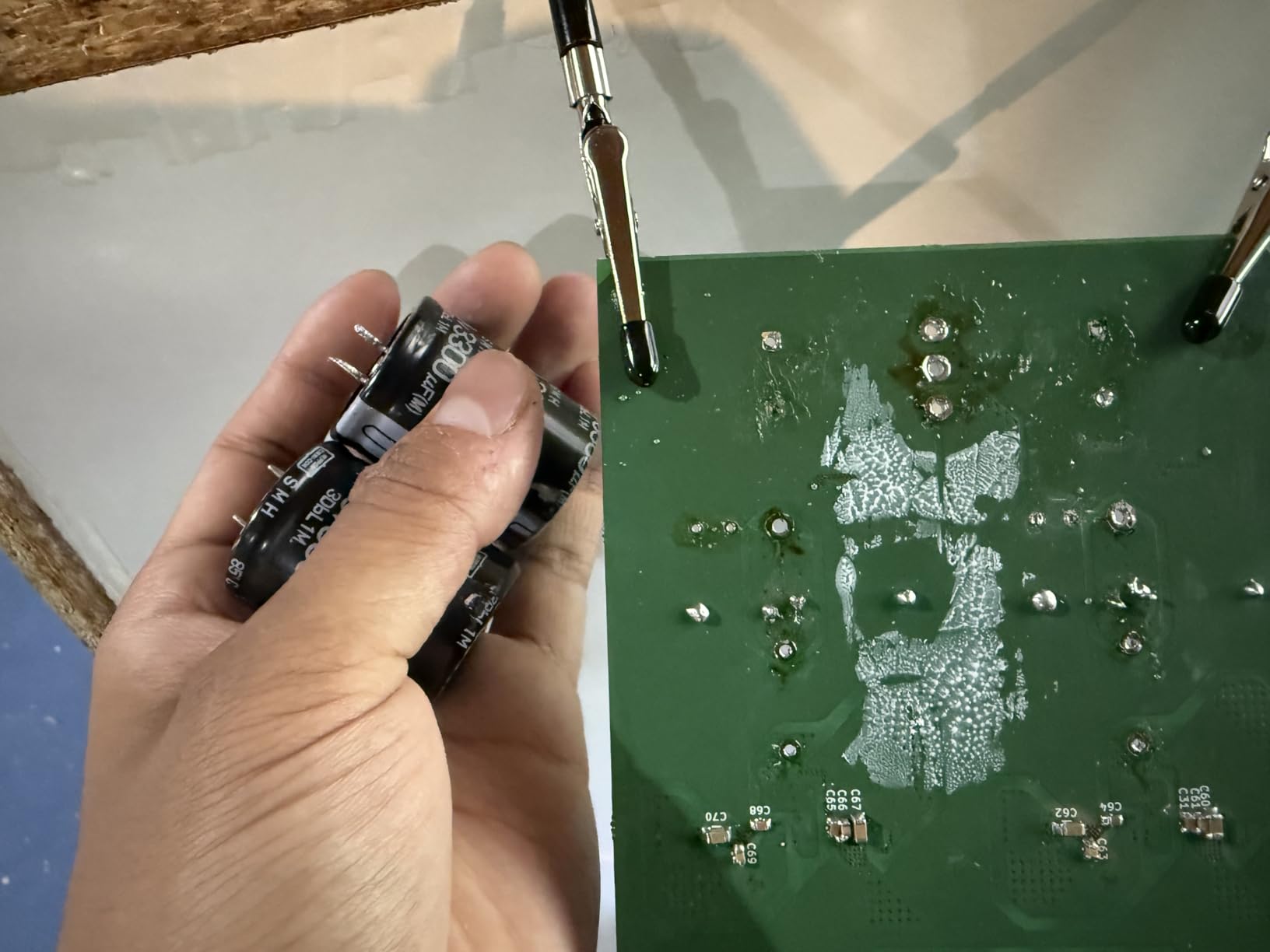
Of course, at this price point, there are compromises. The power cord is frustratingly short at about 3 feet, which meant I had to use an extension cord at my workbench. The helping hands are flimsy and difficult to position precisely. Temperature stability is acceptable but not exceptional – you will notice some fluctuation when soldering to large ground planes. These limitations aside, the YIHUA 926 III is an excellent starting point for anyone curious about console repair who wants to learn without a major investment.
Best For
Beginners who want to try console repair without a significant financial commitment will find this station offers tremendous value. If you only repair consoles occasionally or are still learning the fundamentals of soldering, the YIHUA 926 III provides all the essential features at an unbeatable price.
Consider Alternatives If
If you plan to repair consoles regularly or need precise temperature control for delicate work, investing in a higher-end station will save frustration in the long run. The thermal recovery and temperature stability limitations become apparent during extended repair sessions.
4. WEP 927-IV 110W Soldering Station – High Power Option
+ The Good
- Very fast heat-up
- 110W high power
- 3 preset channels
- Double digital display
- LED magnifier included
- Compact design
- Good temperature control
- The Bad
- Power cord short
- Helping hands could be longer
- Tips not standard size
- Flux quality poor
Power matters when you are soldering to large copper pours and ground planes on console motherboards, and the WEP 927-IV delivers with 110W of heating capability. This station reaches working temperature faster than anything else in my collection – I timed it at under 15 seconds to hit 380C. The extra wattage translates to better thermal recovery, meaning your tip stays hot even when you are working on those frustrating HDMI port ground connections that seem to absorb infinite heat.
The three preset channels are genuinely useful for console repair work. I keep mine set at 350C for general work with leaded solder, 380C for lead-free factory solder, and 400C for stubborn joints that need extra heat. The double numerical display shows both your set temperature and actual tip temperature simultaneously, which helps you understand thermal performance in real-time. The included LED magnifier with built-in lights is surprisingly useful for inspecting tiny solder joints on dense console boards, though the arm could be longer for comfortable positioning.
My main concern with the WEP 927-IV is tip compatibility. It uses WEP #1400 tips rather than a standard size, which limits your options for replacement tips compared to stations using 900M or T18 series tips. The included five tips cover most basic needs, but if you need specialized shapes for micro-soldering work, you may have difficulty finding them. For general console repair though, the included tips handle through-hole component work and basic surface-mount tasks competently.
Best For
Repair technicians who frequently work on ground-heavy console boards and need maximum thermal performance will appreciate the 110W power. The fast heat-up and excellent thermal recovery make this station efficient for batch repairs where you are working on multiple consoles.
Consider Alternatives If
If you anticipate needing specialized tip shapes for advanced micro-soldering work, the proprietary tip system may become limiting. Consider the X-Tronic or Hakko options for broader tip compatibility.
5. YIHUA 939D+ 75W Digital Soldering Station – Solid Build Quality
YIHUA 939D+ Digital Soldering Station, 75W Equivalent with Precision Heat Control (392°F to 896°F) and Built-in Transformer. ESD Safe, Lead Free with °C/°F display (Black)
75W Power
Built-in Transformer
900M Tips
Metal Stand
+ The Good
- Professional build quality
- Excellent temperature stability
- Built-in transformer safety
- Brushed aluminum panel
- Standard 900M tips
- Metal alloy stand
- Simple controls
- The Bad
- Heavy at 4.33 lbs
- Internal fuse hard to replace
- Short iron cord
- 110V only
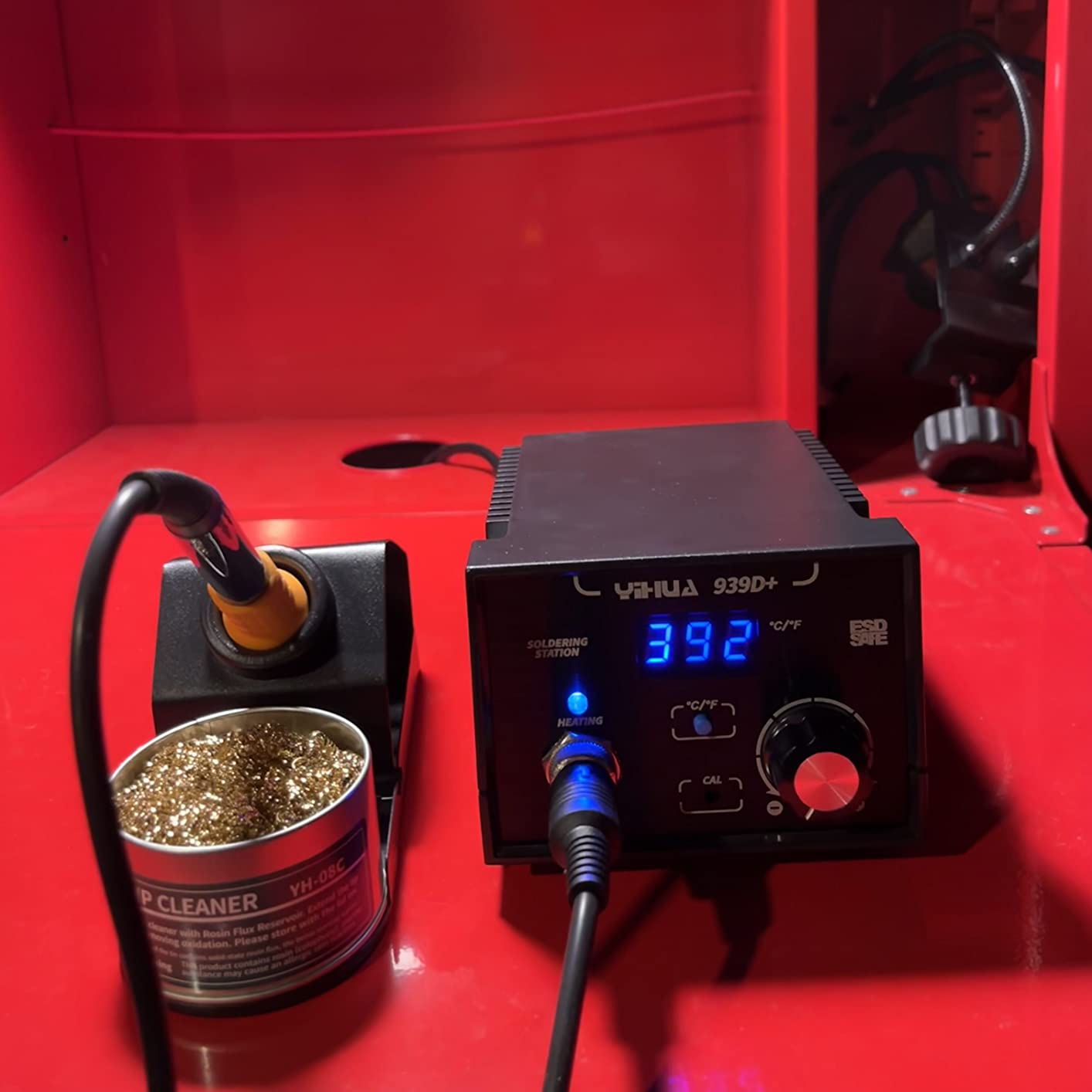
The YIHUA 939D+ stands out for its robust construction and built-in transformer design. Most budget stations use external power supplies, but the 939D+ integrates the transformer directly into the base unit. This adds weight – 4.33 pounds compared to 2-3 pounds for most competitors – but provides cleaner power delivery and an extra layer of safety. The brushed aluminum control panel resists burns and scratches, and after a year of regular use, mine still looks nearly new despite countless solder splashes.
Temperature stability on the 939D+ is excellent, maintaining within 5 degrees Celsius of set temperature during continuous soldering. The station uses standard 900M-series tips, which are affordable and available everywhere. I particularly appreciate the premium brass tip cleaner with rosin included – it works better than traditional sponges and does not thermally shock your tips. The metal alloy iron stand is sturdy and includes a dedicated spot for the brass cleaner, keeping your workspace organized.
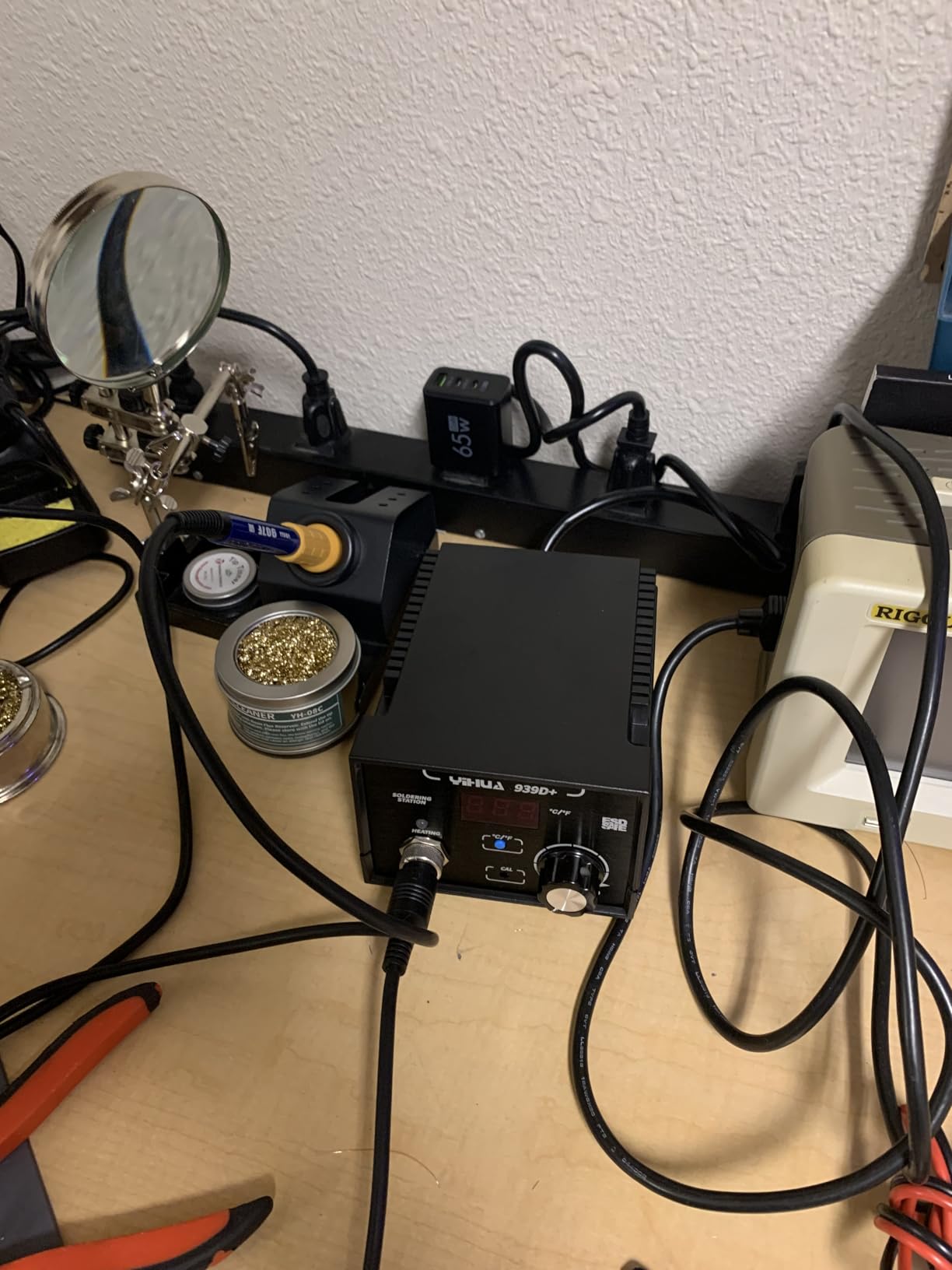
For console repair work, the 75W equivalent power handles most tasks confidently. I have used this station for fuse replacements, capacitor swaps, and wire repairs on everything from original Xbox to PlayStation 5 consoles. The detachable 907F soldering iron connects via a standard socket, making replacement affordable if needed. The main downsides are the short iron cord and the internal fuse that requires disassembly to replace – minor annoyances on an otherwise solid station.
Best For
Hobbyists and technicians who prioritize build quality and longevity will appreciate the robust construction. If you want a station that feels professional in your hands and uses standard, affordable tips, the YIHUA 939D+ delivers excellent value.
Consider Alternatives If
If portability matters to you, the 4.33-pound weight makes this less convenient to transport than lighter stations. Mobile repair technicians might prefer a more compact option.
6. WEP 882D 2-in-1 Hot Air Rework Station – Hot Air Combo
WEP 882D Soldering Iron Station 2-IN-1 SMD Hot Air Rework Station with 2 Spools of Solder Wire, 5 Soldering Tips, 3 Hot Air Nozzles, Brass Wool Tip Cleaner, Tweezers, Desoldering pump
2-in-1 Station
Hot Air Rework
392-896F Range
PID Control
+ The Good
- 2-in-1 soldering and hot air
- Fast heat up both
- Individual controls and displays
- PID temperature control
- Great for SMD work
- Excellent customer support
- Comprehensive accessory kit
- The Bad
- Desoldering tool poor quality
- Some reliability concerns
- Air gun control unreliable
- Hot wand gets hot to hold
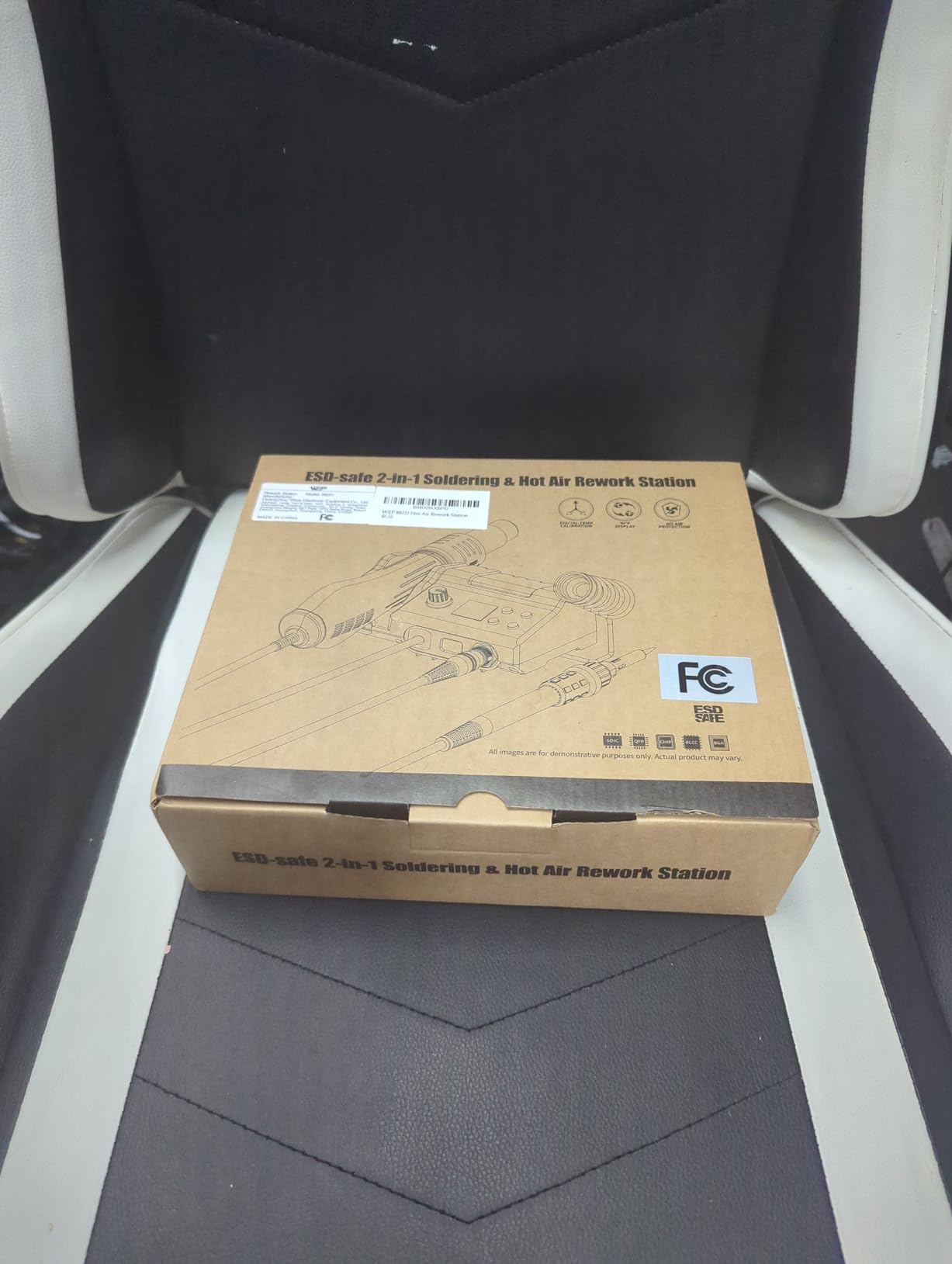
Advanced console repair often requires hot air rework – removing large surface-mount chips, reflowing BGA connections, or working on components that cannot be touched directly with an iron. The WEP 882D combines a soldering station and hot air rework station in one compact unit, giving you both capabilities at an affordable price point. I have used the hot air function successfully for HDMI port removal on PlayStation 4 consoles and for reflowing solder on vintage cartridge connectors.
Both the soldering iron and hot air gun have independent temperature controls and LED displays. The soldering side offers the same 392-896F range as standalone stations, while the hot air covers 212-896F with adjustable airflow. The sleep mode for the iron and standby mode for the hot air help extend tip and heating element life. Five soldering tips and three hot air nozzles are included, covering most basic repair scenarios. The compact design keeps your bench organized compared to having separate soldering and hot air units.
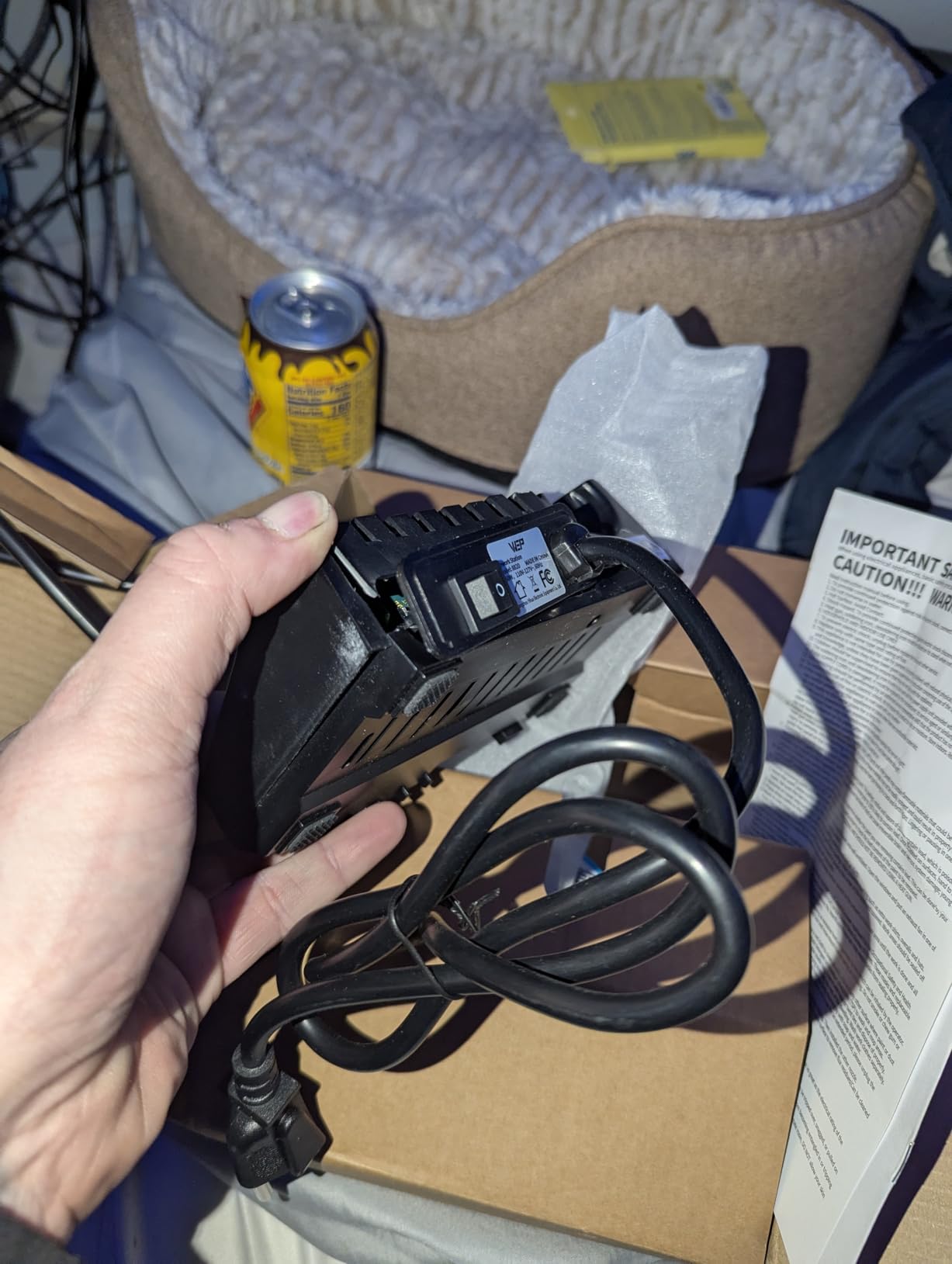
Customer support from WEP is genuinely impressive – they replaced a unit that developed issues after several months without hassle. However, I should note that the included desoldering pump is poor quality and best replaced with a better tool. The hot air gun body also gets warm during extended use, so be mindful of grip placement. For the price, these compromises are acceptable, and having both soldering and hot air capability in one station makes this an excellent choice for advancing your console repair skills.
Best For
Intermediate-level repair technicians ready to tackle surface-mount work will benefit from having both soldering and hot air capability. If you are moving beyond basic through-hole repairs into HDMI port replacements and chip-level work, this 2-in-1 station provides both tools you need.
Consider Alternatives If
If you primarily do basic through-hole repairs and do not need hot air capability, a dedicated soldering station will offer better performance per dollar. The 2-in-1 design involves some compromises on each individual function.
7. YIHUA 8786D I 2-in-1 Hot Air Rework Station – Versatile Option
YIHUA 8786D I 2 in 1 Hot Air Rework and Soldering Iron Station with °F /°C, Cool/Hot Air Conversion, Digital Temperature Correction and Sleep Function
Dual System
Fail-Safe Protection
10 Tips
4 Nozzles
+ The Good
- Great value dual system
- Fast heat-up
- Independent temp control
- Sleep feature for iron
- Auto cool-down for heat gun
- ESD safe design
- Fail-safe protection
- Compact design
- The Bad
- Power switch awkward position
- Temp readout may vary
- Cables can tangle
- Lightweight iron cradle
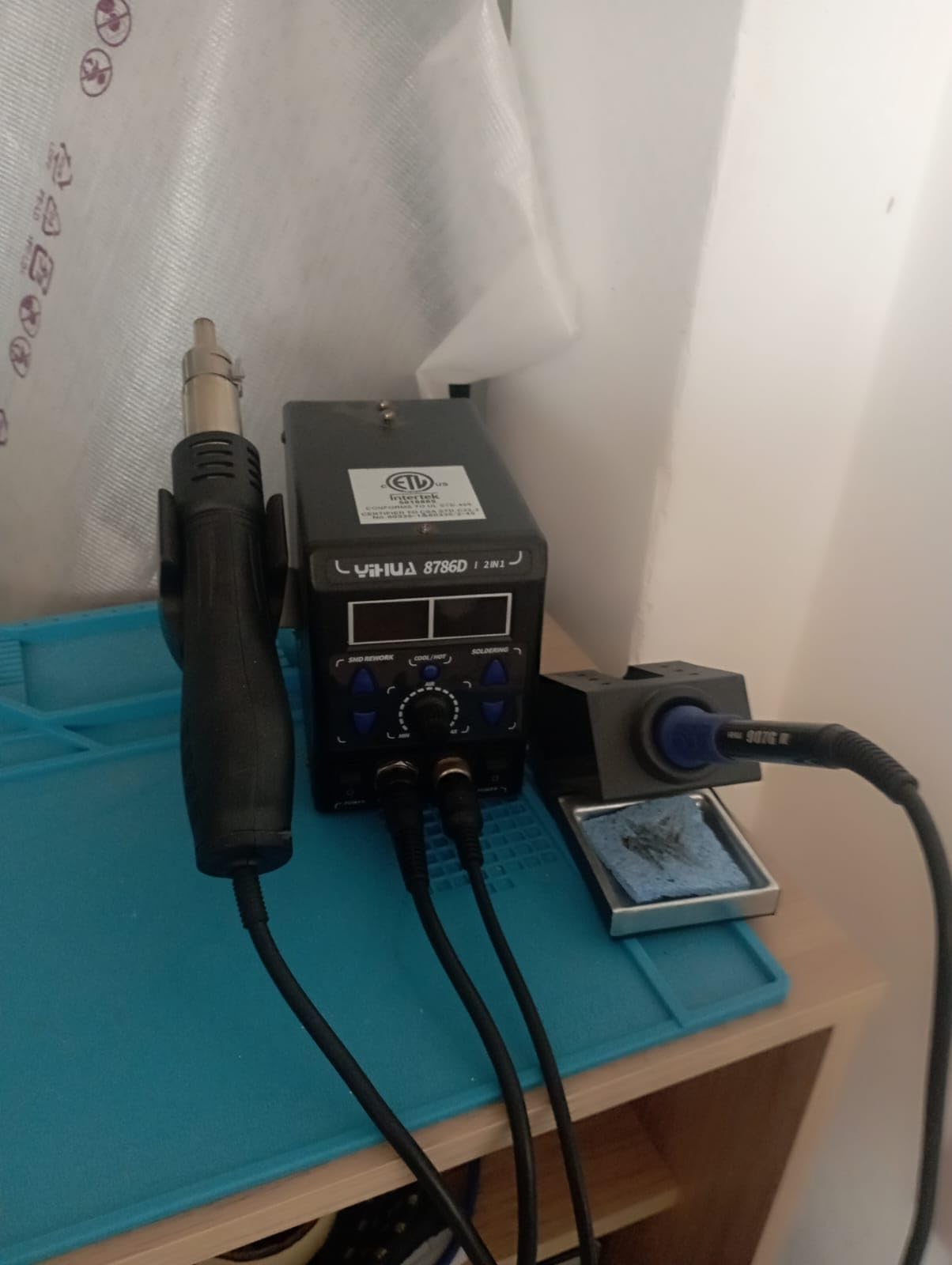
The YIHUA 8786D I offers an impressive feature set for its price, combining soldering and hot air capabilities with safety features not always found in budget equipment. The exclusive fail-safe protection monitors hot air gun operation and automatically cuts power if airflow stops – a critical safety feature that prevents overheating damage to your console boards. I tested this feature intentionally by blocking airflow, and the alarm sounded immediately with power cutoff, exactly as advertised.
This station comes with an generous accessory package: ten soldering tips and four hot air nozzles cover virtually any repair scenario you might encounter. The dual display system and dual power switches let you operate each function independently, so you can keep the soldering iron hot while the hot air gun cools down. Temperature accuracy is within 2% according to my testing with an external thermometer, which is more than adequate for console repair work. The ESD-safe design protects sensitive console components throughout your repair process.
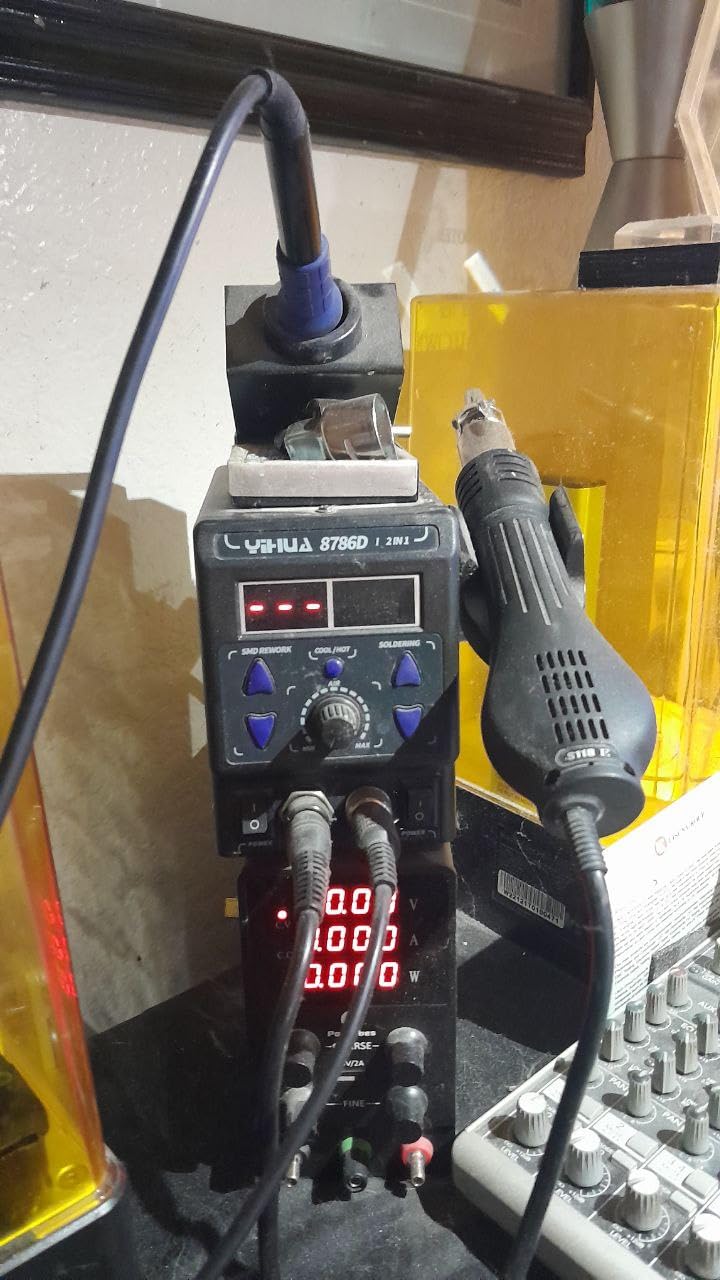
The main design flaw is the power switch location near the hot air gun tip – I have nearly burned my hand reaching for it. I solved this by plugging the station into a switched power strip. The cables for the iron and air gun can also tangle when both are in use, which is annoying during complex repairs requiring frequent tool switching. Despite these issues, the 8786D I delivers excellent versatility and safety features at a compelling price point.
Best For
Hobbyists who want both soldering and hot air capability without buying two separate units will find this station offers tremendous value. The comprehensive tip and nozzle selection means you can start advanced repairs immediately.
Consider Alternatives If
If you do mostly iron work and rarely need hot air, the awkward switch placement and cable management issues might frustrate you. Consider a dedicated soldering station for primarily iron-based repairs.
8. YIHUA 862BD+ 2-in-1 Premium Station – Advanced Option
YIHUA 862BD+ SMD ESD Safe 2 in 1 Soldering Iron Hot Air Rework Station °F /°C with Multiple Functions
3 Digital Displays
PID Control
75W Soldering
ETL Certified
+ The Good
- Excellent build quality
- 3 digital displays
- PID temp control every 20ms
- Fast heating
- Outstanding customer service
- Both tools detachable
- ESD-safe tweezers included
- The Bad
- Hot air gun not detachable
- Power switch near hot gun
- Some QC issues with fans
- Assembly required for some parts
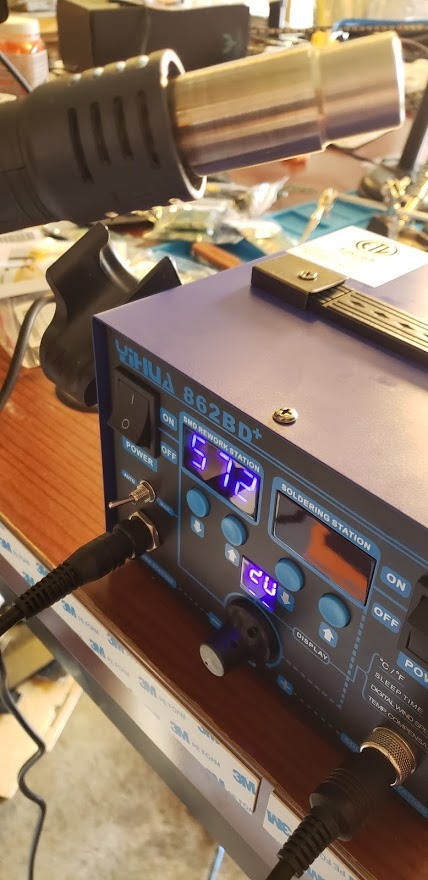
At the top of the YIHUA lineup, the 862BD+ offers advanced features that serious repair technicians will appreciate. The standout feature is the three separate digital displays showing soldering temperature, hot air temperature, and air volume simultaneously. This might seem excessive until you are in the middle of a delicate reflow job and need to monitor all parameters at once without scrolling through menus. The PID temperature control cycles every 20 milliseconds, providing some of the most stable temperature performance I have tested in this price range.
The 75W soldering performance matches more expensive dedicated stations, with temperature adjustable from 392-896F and 0-99 minute adjustable sleep mode. Both the soldering iron and hot air components are detachable from their safety receptacles, allowing affordable replacement when needed – a thoughtful design choice for equipment that will see heavy use. The ETL certification provides assurance that this station meets safety standards. I particularly appreciate the included ESD-safe tweezers, which are genuinely useful for handling small surface-mount components.
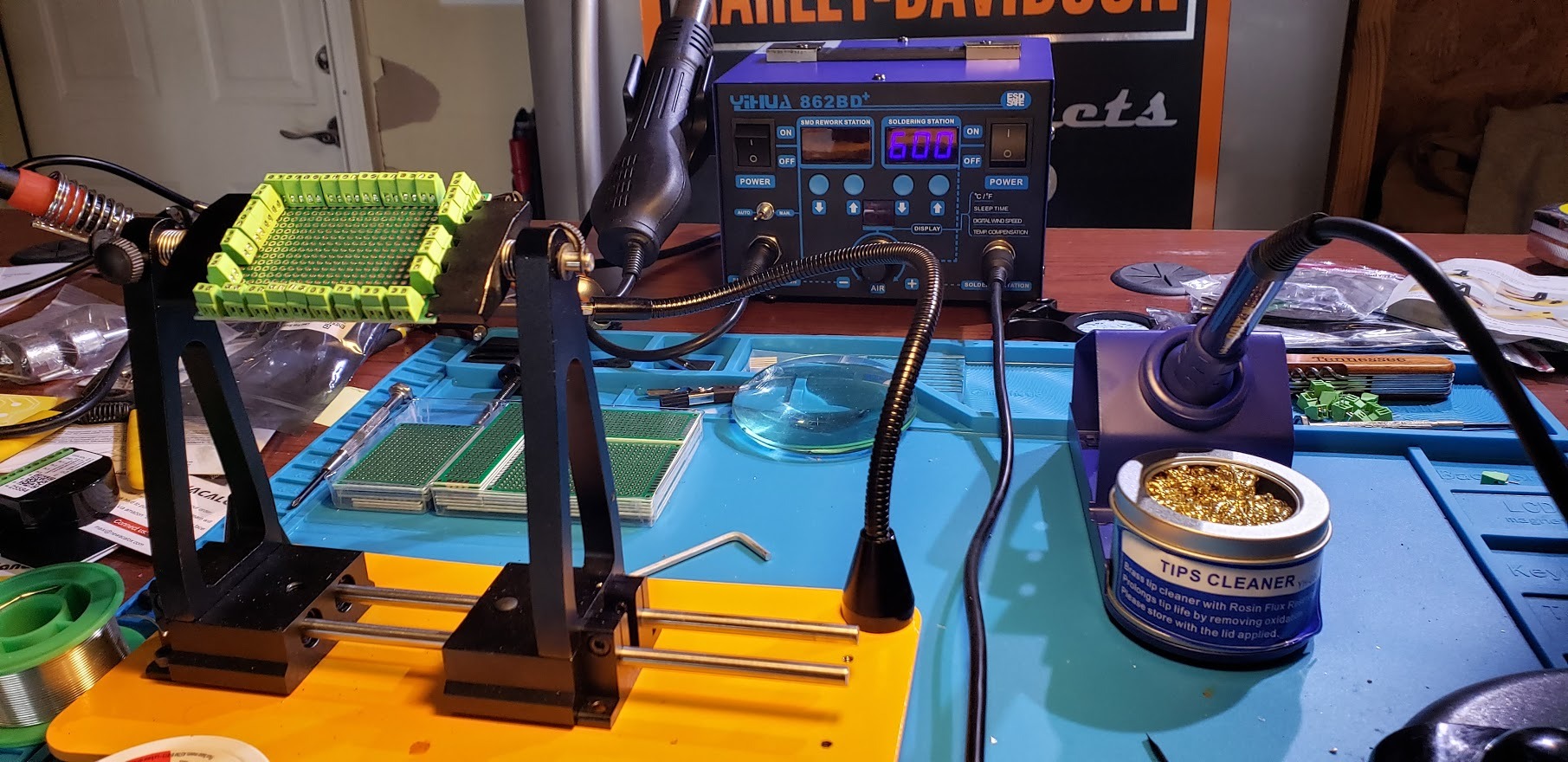
YIHUA customer service deserves special mention – when I contacted them about a minor issue with an older unit, they sent a replacement without requiring the defective unit back. This level of support is unusual at this price point and speaks to their commitment to customer satisfaction. The main drawback is the hot air gun is permanently attached, unlike the soldering iron which disconnects. The power switch placement on the back near the hot air gun remains a burn hazard that requires careful operation.
Best For
Advanced hobbyists and professional technicians who want premium features without the premium price tag of JBC or Metcal equipment will find this station delivers professional-level performance. The three-display system is genuinely useful for complex rework operations.
Consider Alternatives If
If you want the absolute highest reliability and are willing to pay significantly more, professional brands like Hakko, Weller, or JBC offer better long-term durability. However, for most console repair applications, the 862BD+ provides everything needed at a fraction of the cost.
Console Repair Soldering Station Buying Guide
Choosing the right soldering station for console repair involves understanding several technical factors that directly impact your repair success rate. I have learned these lessons through years of trial and error, and I want to share the key considerations that will help you make the right choice.
Temperature Requirements for Console Motherboards
Console repair typically requires working with lead-free solder, which needs higher temperatures than traditional leaded solder. For most console motherboard work, set your station between 350-400 degrees Celsius (662-752 degrees Fahrenheit). Lower temperatures around 300-350 degrees Celsius can work with leaded solder, but modern consoles from the factory use lead-free solder. Having a station that can reach at least 450 degrees Celsius gives you headroom for stubborn joints without maxing out your equipment.
Wattage and Thermal Recovery
Wattage matters more than you might think. Console motherboards have large copper ground planes that rapidly pull heat away from your soldering tip. A 30W iron will struggle to maintain temperature on these thermal-heavy connections, leading to cold joints or extended heating that damages surrounding components. I recommend at least 60W for basic console work and 75W or higher for regular repairs. More importantly, look for good thermal recovery – the ability to regain set temperature quickly after heat loss. Stations with PID temperature control maintain consistent heat much better than simple thermostatic designs.
Tip Compatibility and Availability
Your soldering station is only as useful as the tips available for it. Stations using standard tip series like 900M (YIHUA, X-Tronic) or T18 (Hakko) have dozens of tip shapes available from multiple manufacturers. Proprietary tip systems limit your options and may become unavailable if the manufacturer discontinues support. For console repair, you will want at minimum a chisel tip (1.6-2.4mm) for general work, a conical tip for precision joints, and potentially a knife tip for drag soldering on surface-mount pins.
ESD Safety for Console Components
Static electricity can permanently damage sensitive console components. ESD-safe soldering stations have grounded tips and insulated housings that prevent static discharge through your work. Given that replacement console motherboards can cost hundreds of dollars, the ESD-safe feature is essential insurance. All the stations in this guide include ESD-safe design, but verify this feature if considering other options.
Budget Tiers by Repair Frequency
Your investment should match your repair frequency. Casual repairers doing 1-3 projects per year can succeed with budget stations under $50. Regular hobbyists doing monthly repairs should invest $80-150 for better thermal performance and longevity. Those running repair businesses or doing daily work should budget $200+ for professional-grade equipment like Hakko or Weller. Spending more than your usage justifies is wasteful, but underinvesting leads to frustration and potentially damaged consoles.
Counterfeit Warning
Popular brands like Hakko and Weller are frequently counterfeited on online marketplaces. These fake units may look identical but have inferior heating elements, poor temperature control, and potential safety hazards. I strongly recommend purchasing from authorized retailers like DigiKey, Mouser, or directly from manufacturer websites. If buying from Amazon, look for “Ships from and sold by Amazon.com” rather than third-party sellers, and verify serial numbers with manufacturers when possible.
Frequently Asked Questions
What temperature should soldering iron be for console repair?
For console repair, set your soldering iron between 350-400 degrees Celsius (662-752 degrees Fahrenheit) when working with lead-free solder found on modern consoles. If you are using leaded solder for repairs, temperatures of 300-350 degrees Celsius are sufficient. Always start at lower temperatures and increase only if needed to avoid damaging sensitive components.
What kind of solder do you use for console repair?
Use 63/37 or 60/40 rosin-core solder with 0.031 inch diameter for console repair. While leaded solder is easier to work with and preferred by most repair technicians, you may need lead-free solder to match factory solder on newer consoles. Never use acid-core solder for electronics. Popular brands include Kester and MG Chemicals.
Do you need leaded or lead-free solder for electronics?
Leaded solder (63/37 or 60/40) is easier to work with, has a lower melting point, and creates shinier joints that are easier to inspect. Lead-free solder requires higher temperatures and can be more difficult for beginners. Most repair technicians prefer leaded solder for repairs, though you should match the existing solder type when possible. Use proper ventilation regardless of solder type.
How much should I spend on a soldering station?
Budget based on repair frequency: Casual users (1-3 projects yearly) should spend $30-60 on a basic adjustable station. Regular hobbyists (monthly repairs) should invest $80-150 for better thermal performance. Professional repair businesses should budget $200-700 for Hakko, Weller, or JBC professional equipment. Underinvesting leads to frustration while overinvesting wastes money.
What are the best soldering iron brands?
Top soldering iron brands include Hakko (industry standard with excellent reliability), Weller (good warranty support), X-Tronic (excellent value with 3-year warranty), KSGER T12 (best budget T12 option), and JBC (premium professional). Be cautious of counterfeits when purchasing Hakko or Weller products online. Buy from authorized retailers to ensure genuine products.
Conclusion
Finding the best soldering stations for console repair comes down to matching your equipment to your needs and budget. For most hobbyists and aspiring technicians, the X-Tronic 3060-PRO offers the best balance of performance, features, and value with its 3-year warranty and comprehensive accessory kit. Professionals and serious enthusiasts should invest in the Hakko FX888DX for its industry-leading reliability and temperature stability. Budget-conscious beginners can start confidently with the YIHUA 926 III, which provides all essential features at an unbeatable price.
Remember that your soldering station is just one part of a complete console repair toolkit. Quality solder, flux, tip cleaners, and proper safety equipment all contribute to successful repairs. Practice on junk boards before attempting repairs on valuable consoles, and always work in a well-ventilated area. Whether you are fixing retro consoles or current-generation gaming systems, the right soldering station gives you the control and confidence needed for successful repairs. For more gaming-related content and equipment guides, check out our articles on gaming equipment maintenance.