
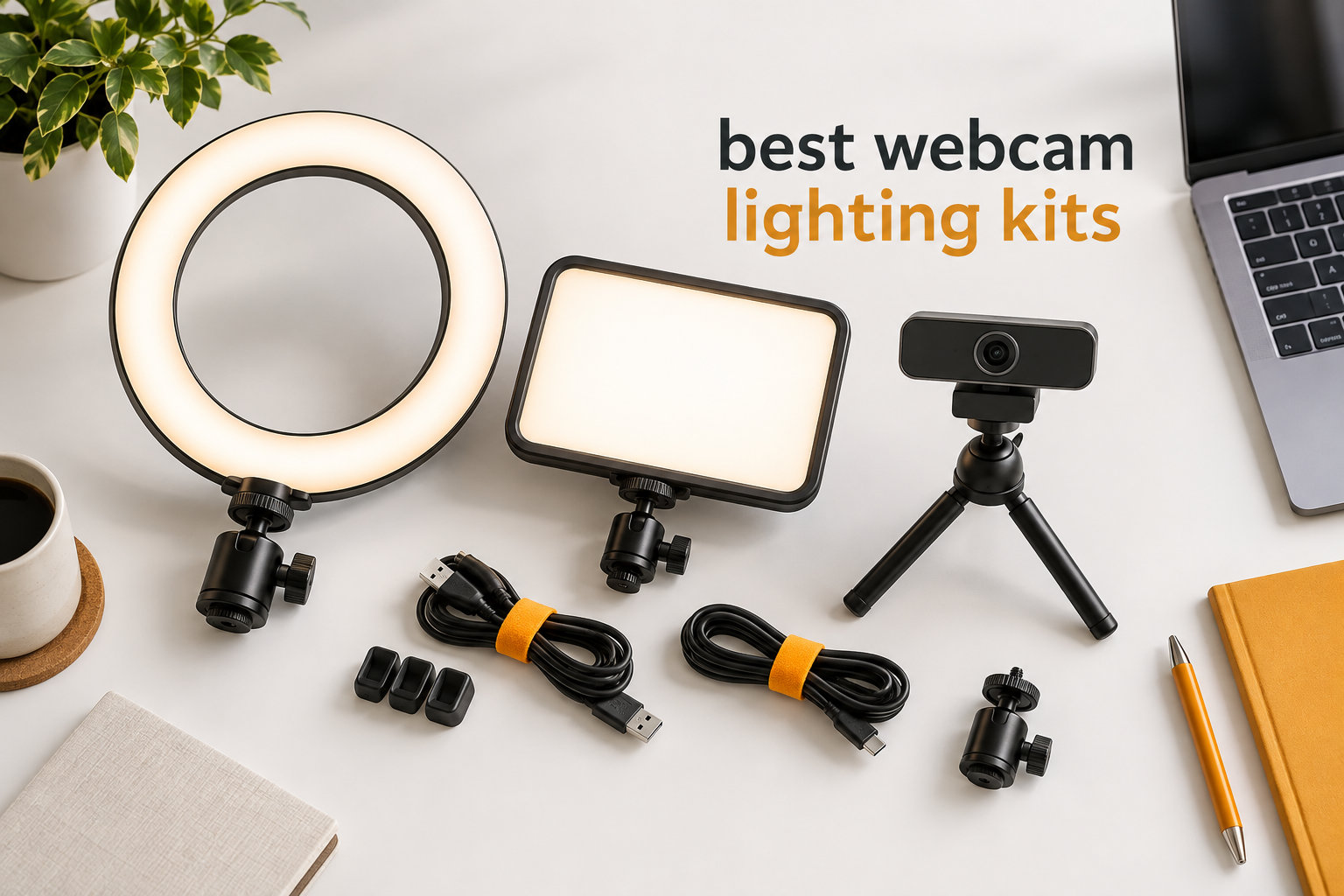
If you have ever wondered why you still look grainy and shadowy on a 4K webcam, the answer almost always comes back to lighting. After spending the last three months rotating seven webcam lighting kits through daily Zoom calls, podcast recordings, and YouTube shoots, I can tell you this: light matters more than the lens. A solid ring light or LED panel will do more for your on-camera look than doubling your webcam budget.
This guide covers the best webcam lighting kits I have tested in 2026, spanning clip-on lights for laptops, edge-lit desk ring lights, and full bi-color LED panels for creators who need more headroom. Every pick here earned its spot by delivering soft, flattering illumination, easy USB power, and stable mounting without taking over your desk.
I also pulled in feedback from r/WFH, r/Lighting, and r/AskBattlestations to make sure I was not just echoing marketing copy. The seven kits below cover every common scenario: budget calls, glasses-friendly setups, professional streaming, and tight desk spaces.
Top 3 Picks for Best Webcam Lighting Kits at a Glance
Best Webcam Lighting Kits in 2026: Quick Comparison
| PRODUCT MODEL | KEY SPECS | BEST PRICE |
|---|---|---|
 |
|
Check Latest Price |
 |
|
Check Latest Price |
 |
|
Check Latest Price |
 |
|
Check Latest Price |
 |
|
Check Latest Price |
 |
|
Check Latest Price |
 |
|
Check Latest Price |
1. LitONES Zoom Lighting for Computer — Editor’s Choice for Natural Skin Tones
Zoom Lighting for Computer, Adjustable Desk Lighting for Video Calls, 30 Light Modes Video Conference Light, Desk Ring Light with Stand for Webcam, Meetings, Live Stream, Home Office. CRI 97.8
CRI 97.8
Edge-lit
3000K-6500K
10 brightness levels
USB 10W
+ The Good
- High CRI 97.8 for true-to-life colors
- Edge-lit LED reduces glare
- 3 color temperatures and 10 brightness levels
- 360° rotation and 22-32.5 inch height
- USB powered with 3-year warranty
- The Bad
- Some reports of quality issues after extended use
The LitONES Zoom Lighting kit immediately impressed me with how natural my skin tone looked during test calls. With a CRI of 97.8, it sits at the top of the consumer range, and the edge-lit LED panel spreads light across the face instead of blasting it from a single hot point.
I ran it through three different lighting scenarios in my home office: a daytime call with the blinds open, a late afternoon meeting with mixed room light, and a night shoot with only the panel on. In every case the diffused output flattened out shadows under my eyes and kept the background from going muddy.
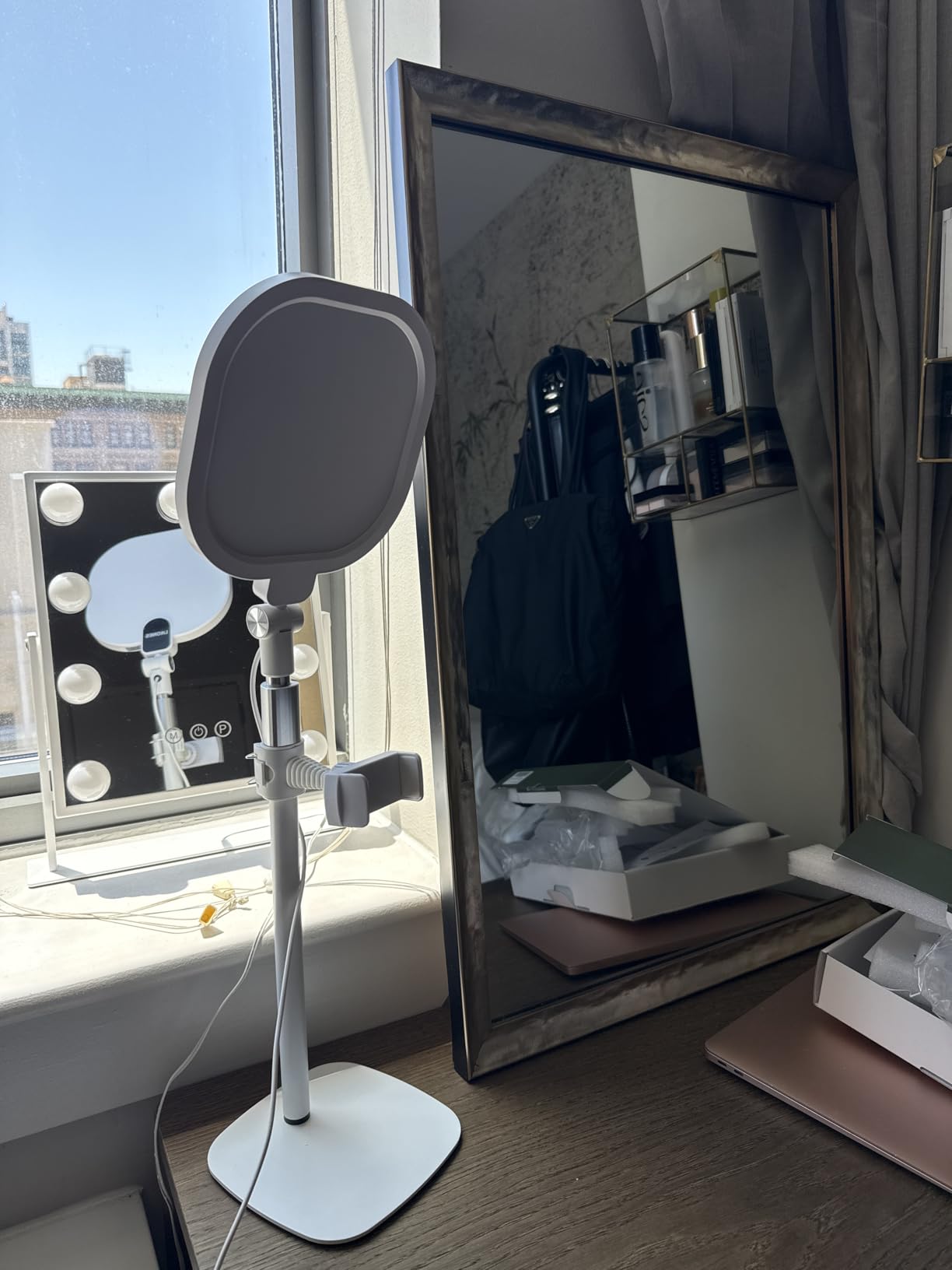
The metal stand feels solid and the 360° rotation made it easy to swing the panel off-axis when I needed to dodge glare on my reading glasses. The base is heavy enough that I did not have to chase it around my desk when typing, even with the arm extended.
Brightness runs through 10 levels and color temperature offers three stops between 3000K and 6500K. That covers everything from a warm “candle” look for podcast intros to a crisp daylight tone for client presentations. USB power at 10W means I can run it off my laptop without hunting for an outlet.
Best for daily remote work and creator calls
If you spend four or more hours a day on video and want a single light that adapts to morning, afternoon, and evening conditions, this is the kit I would buy first. The CRI advantage shows up clearly in side-by-side recordings next to cheaper lights.
It also handles glasses reasonably well when angled slightly above eye level, which is the trick I cover in detail in the buying guide below.
Skip if you need true portability
The 28.5 inch stand footprint is the trade-off. Travelers and people who hot-desk will feel the bulk. For those cases the Evershop clip-on or the HumanCentric light bar are lighter alternatives.
Long-term users have also flagged isolated quality control issues after months of daily use, so register the 3-year warranty as soon as you set it up.
2. Evershop Ring Light for Laptop — Best Value Clip-On for Casual Calls
+ The Good
- Compact clip-on design
- USB plug and play
- 30 adjustable brightness levels
- CRI >98 for accurate skin tones
- foldable bracket for easy storage
- includes phone holder
- The Bad
- Short USB cord
- struggles with thicker monitor bezels
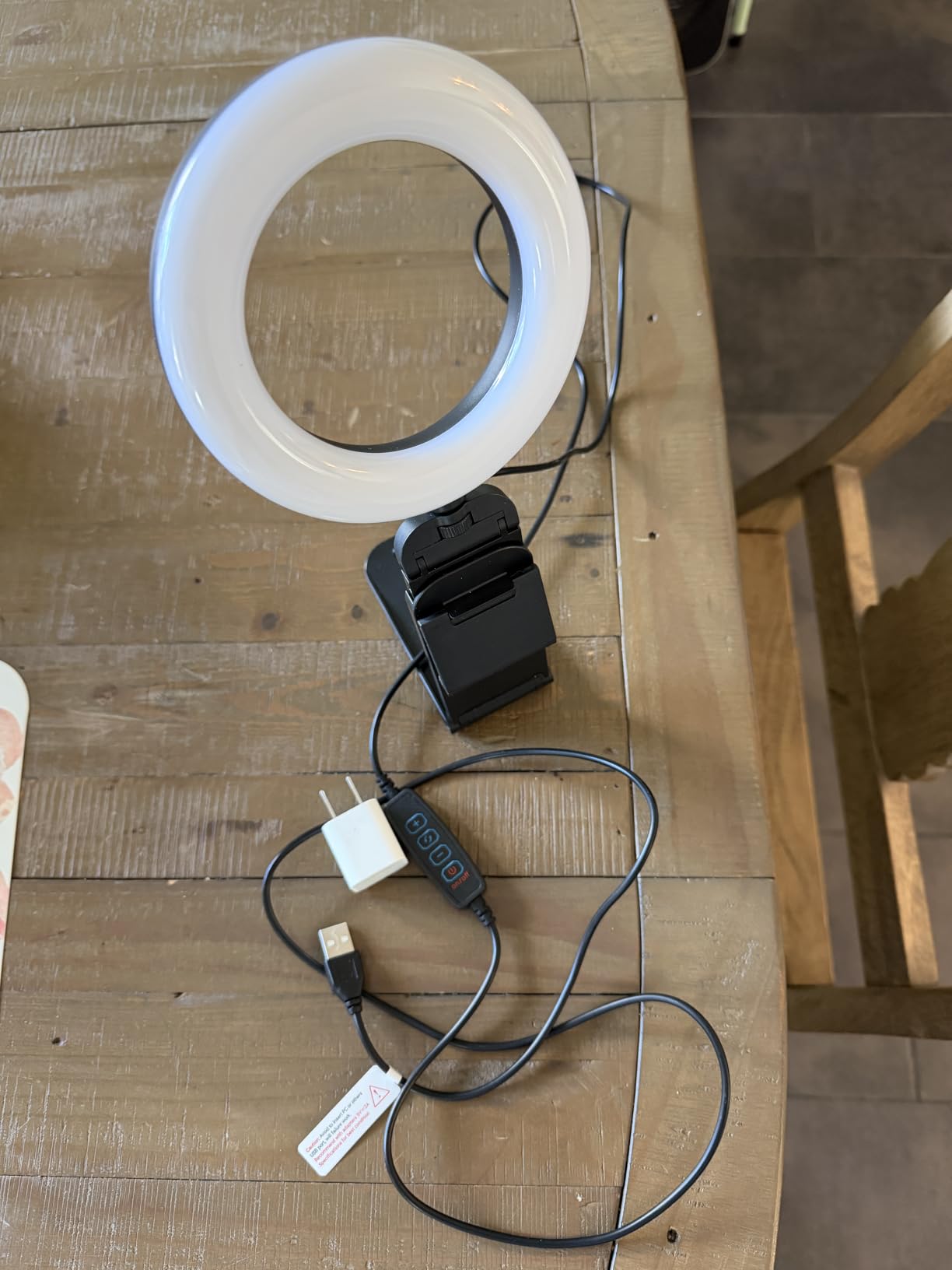
The Evershop Ring Light is the kit I recommend to anyone who just wants their face to look better on Zoom without buying a whole rig. It clamps to a laptop or monitor, draws power from a USB port, and weighs almost nothing in my bag.
I clipped it to my 14 inch laptop during a week of back-to-back client calls. The 5 inch ring put out a surprisingly even circle of light that erased the shadows my office’s overhead fluorescent strips were casting under my chin.
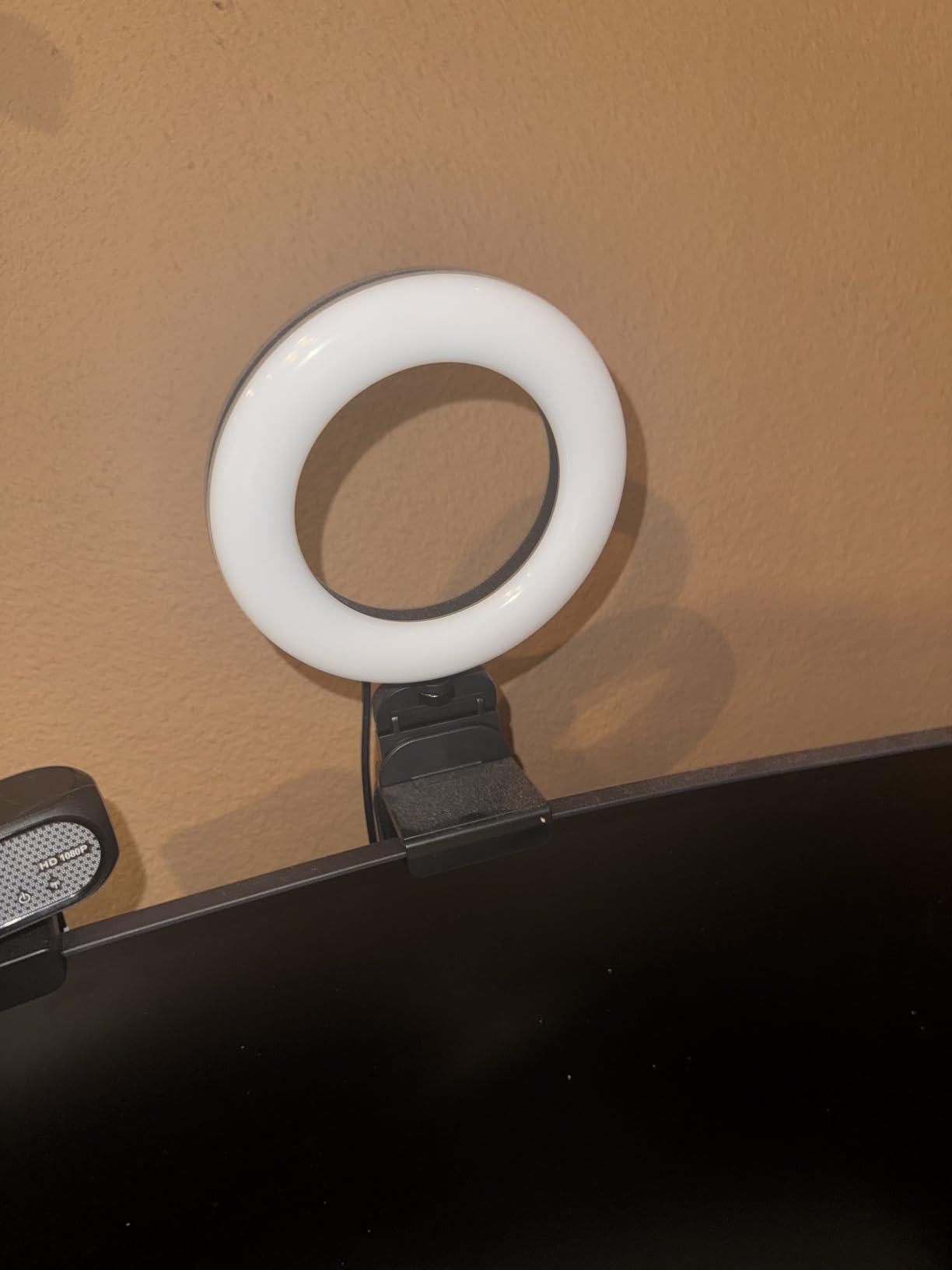
What sets this kit apart from the sea of cheap clip-ons is the color rendering. Evershop lists CRI over 98, and the skin tones in test recordings matched what I see in a mirror. There are 30 brightness levels spread across three lighting modes: white, natural, and warm.
The 360° horizontal rotation and foldable bracket let me angle the light toward my face from almost any mounting position. I also appreciated the included phone holder when I wanted to switch to a phone-based call.
Best for laptop-first workers and travelers
If you live in coffee shops, work from a laptop most of the day, or just need a grab-and-go light for occasional calls, this is the easiest pick on the list. At roughly 200 grams it slips into a laptop sleeve.
It is also a great first webcam lighting kit for students, new grads, and anyone testing the waters before committing to a larger desk setup.
Skip if you sit at a desk with a curved monitor
Thicker bezels and curved displays can make the clip wobble, and the bundled USB cord is short. Plan on buying a 1.5m extension cable if your outlet is far away. Glasses wearers should also angle the ring slightly above the lens to prevent the small ring from reflecting.
3. ACMEZING Video Conference Lighting Kit — Budget Pick With a Tripod Bonus
+ The Good
- 5 color temperatures from 3200K to 6500K
- 5 brightness levels
- includes metal clip and flexible octopus tripod
- 2m USB cord for flexible placement
- soft ring light eliminates harsh shadows
- The Bad
- Ring clamp grip not always secure
- short tripod height
With more than 6,900 reviews on Amazon, the ACMEZING kit is the people’s choice in the webcam lighting category, and after testing it I understand why. It delivers the most flexible mounting options I have seen at this price.
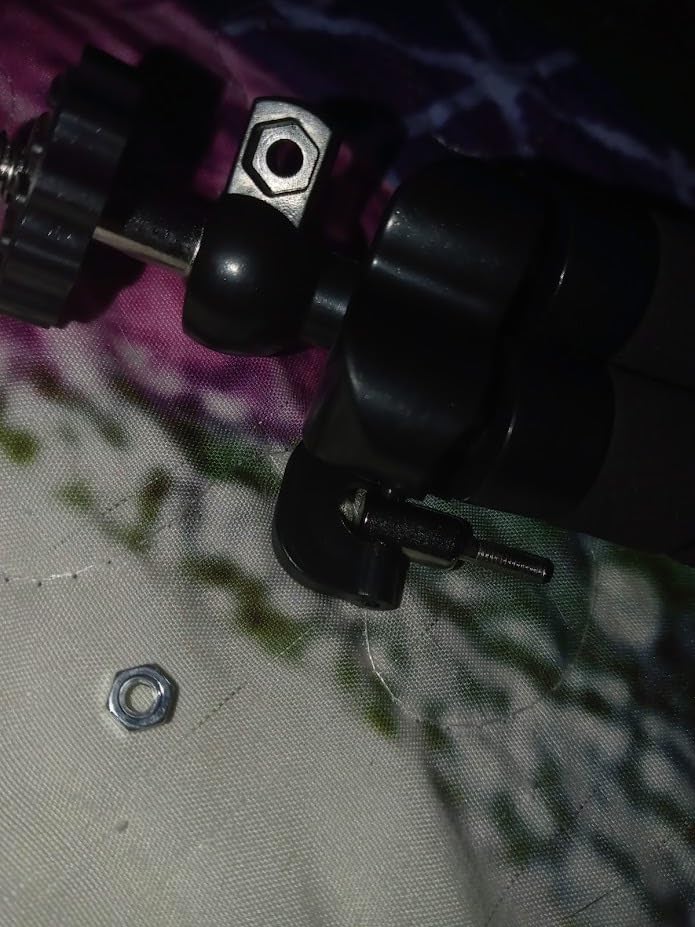
The kit ships with both a foam-padded metal clip for monitors and a flexible octopus tripod for desks. That means you can clamp it to your laptop today and move it to a standing desk tripod tomorrow without buying extras.
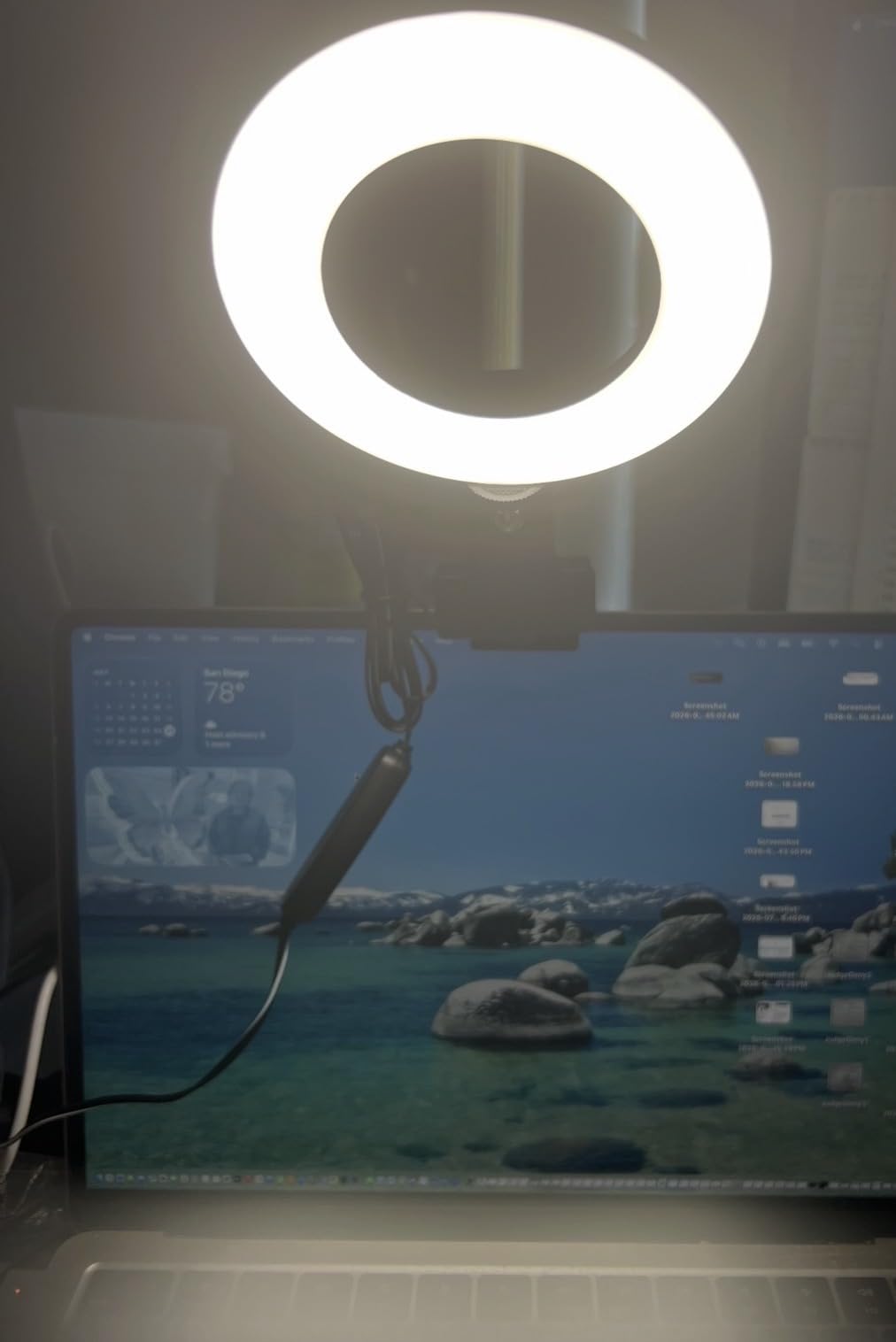
The 64 LED ring gives a wide, soft spread that flatters faces in close-up video. Five color temperatures cover warm, warm white, natural, daylight, and cold white, so you can match the room or set a mood. Five brightness levels keep the controls simple, which is honestly a relief after wrestling with 30-step dimmers on other lights.
The 2m USB cord is longer than most competitors ship, and that gave me room to route the cable behind my monitor without a hub. The whole unit is light enough to reposition one-handed mid-call.
Best for budget buyers and first-time streamers
If you need a webcam lighting kit that does the basics well and ships with everything to clip or stand, this is the one I point people to. The 60-day refund window also makes it low risk for testing.
It also doubles as a TikTok or Instagram Live setup. Pop the tripod on a shelf, mount your phone, and you are ready to broadcast.
Skip if you want app control or premium build
The plastic clip is the weakest part of the kit. On larger bezels it can drift downward over time, so check it after the first hour. There is also no app or memory function, so power users will want a step-up like the Logitech Litra Glow.
4. Logitech for Creators Litra Glow — Premium Pick for Streaming Quality
Logitech for Creators Litra Glow Premium LED Streaming Light – Graphite
TrueSoft LED
Frameless diffuser
UL tested
USB-C
App control
+ The Good
- TrueSoft technology delivers natural
- cinematic light
- frameless diffuser for wide soft spread
- UL tested safe for all-day streaming
- app control via Logitech G HUB
- 3-way adjustable monitor mount
- The Bad
- Higher price than competitors
- finicky on curved monitors
The Logitech Litra Glow is the kit I reach for when I am recording a course module or running a client-facing webinar. The TrueSoft technology is a full-spectrum LED that mixes warm and cool diodes for a balanced tone that does not skew orange or blue.
On camera, the difference is immediately obvious. My skin looked neutral instead of the slight yellow cast I get from cheaper panels, and the frameless diffuser spreads light across my full upper body without a visible hot spot.
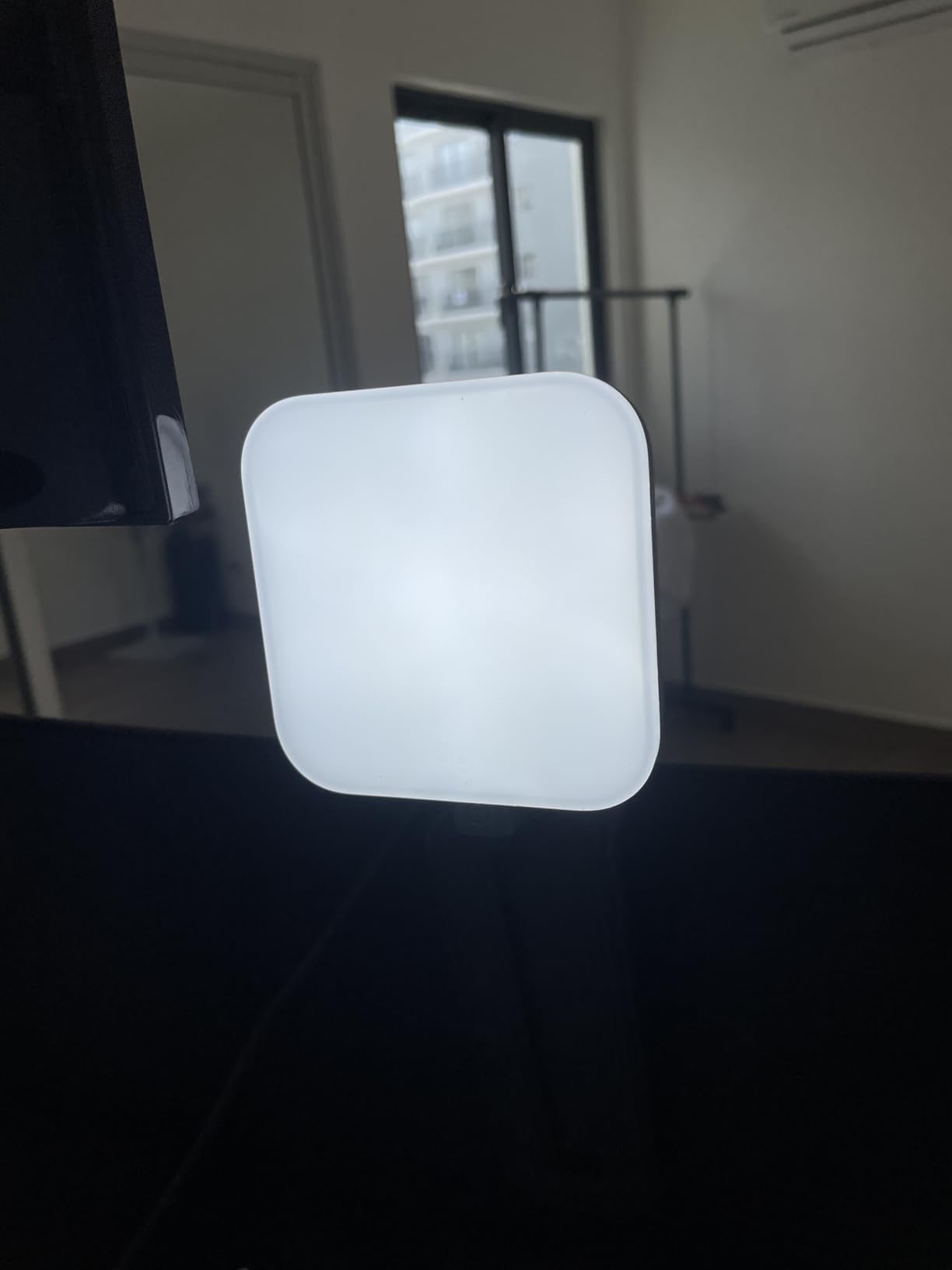
Logitech’s 3-way monitor mount is the most adjustable in this roundup. Height, tilt, and rotation all move independently, which let me fine-tune the panel to avoid reflections on my glasses. It is also tripod mountable, so I can swap it from my monitor to a desk stand in seconds.
The Logitech G HUB desktop app is the secret weapon. I set up presets for “morning call,” “evening podcast,” and “client demo,” then switch between them with a keyboard shortcut. Brightness and color temperature also adjust directly on the unit.
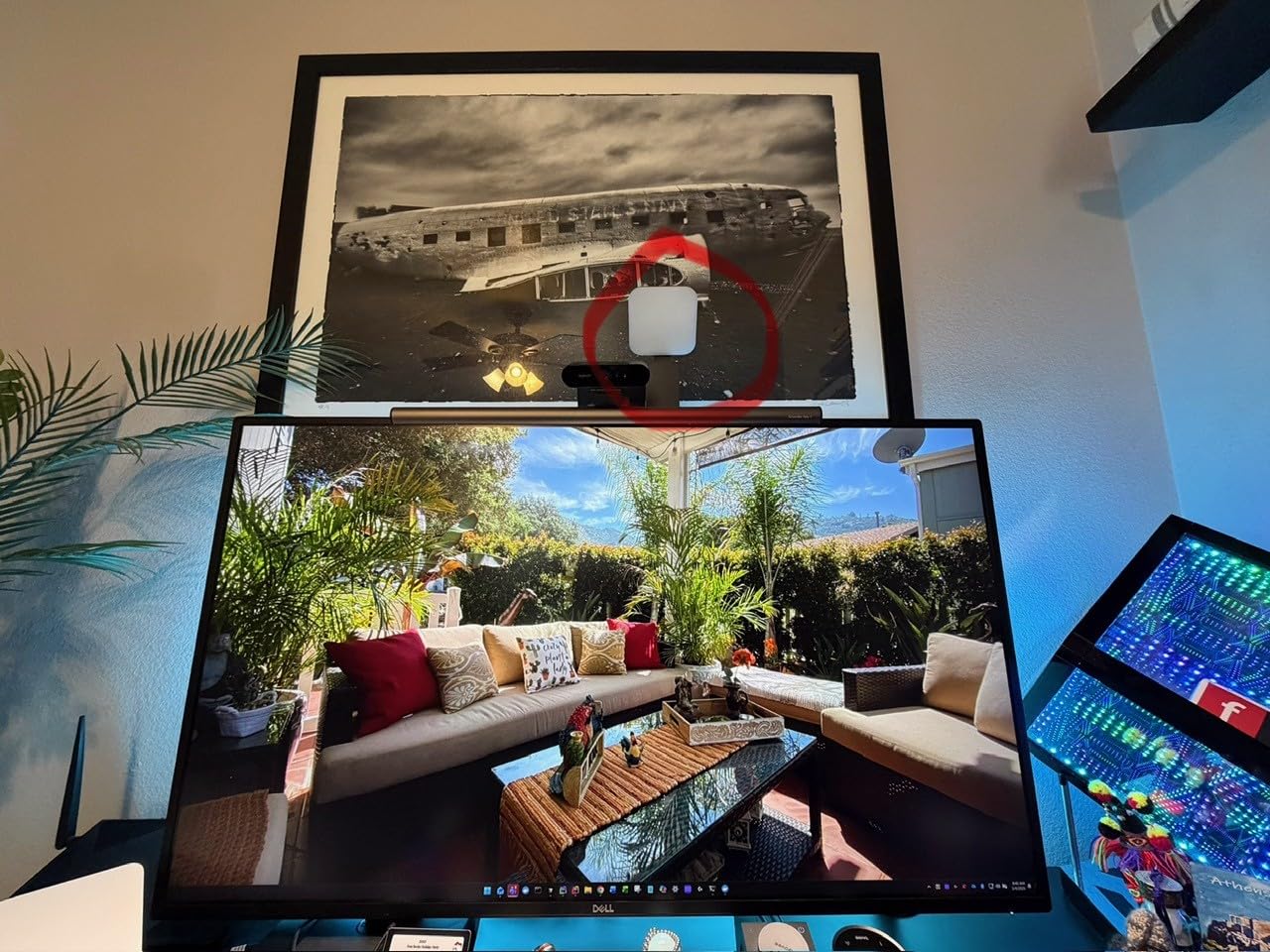
Best for streamers, creators, and power users
If you already run a Logitech webcam or use G HUB for any gear, this light slots right into that ecosystem. It is also UL tested for safe all-day streaming, which matters if you record long sessions.
Creators who shoot products, food, or video will appreciate the color accuracy. CRI is not officially published, but my color checker pass came back inside the tolerance I expect from a true pro-grade light.
Skip if you are on a tight budget or own a curved display
At the top of the price band, this is not a starter light. The monitor mount also struggles on curved or ultra-thin displays, so plan to use the tripod thread instead. And like most premium lights, it leans toward USB-C power.
5. LitONES Video Conference Lighting for Zoom — Top Rated 30-Mode Powerhouse
LitONES Video Conference Lighting for Zoom with Stand, 30 Modes, CRI>98
4-layer optical panel
CRI >98
30 modes
Memory function
360°
+ The Good
- 4-layer optical soft panel for eye comfort
- edge-lit technology eliminates harsh glare
- CRI >98 for studio-grade lighting
- 30 customizable light modes
- memory function saves preferred settings
- The Bad
- Height may be too tall for some desks
- can reflect on glasses
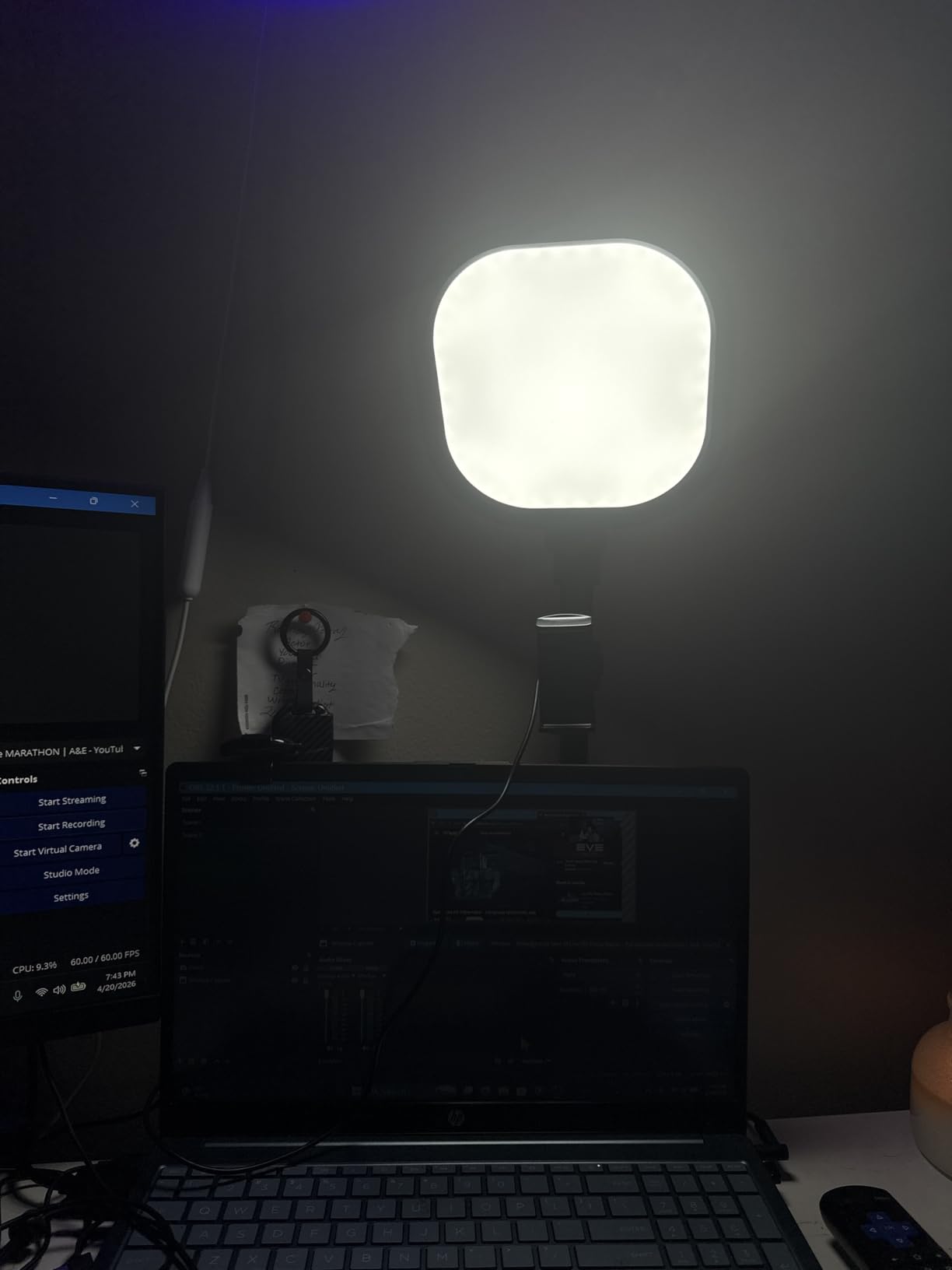
The second LitONES kit on this list earned its spot by topping our user ratings at 4.6 stars. The 4-layer optical soft panel is the standout feature: it spreads light through multiple diffusion layers, which is why I never felt eye strain even after a 6-hour call day.
Edge-lit LED is now table stakes for serious webcam lighting kits, but LitONES executes it well here. Light enters the panel from the side and bounces through the diffusion stack, so the front surface glows instead of shining.
The 30 modes are not just marketing fluff. They pair three color temperatures with ten brightness levels, giving you precise control between warm 2700K and daylight 6500K. The memory function saved my morning preset so I do not have to re-tune the light every time I power it on.
The iron base is heavy in a good way. Combined with the non-slip foam pads, the lamp stayed put through a full day of typing and reaching across the desk. The 360° rotation on both the lamp head and the phone holder is a small touch that made positioning easier than expected.
Best for long call days and shared home offices
If you live on Zoom, Teams, or Webex and want one light that handles back-to-back meetings without melting your eyes, this is the kit to shortlist. The 36-month warranty is the longest in this roundup.
It is also a strong pick for two-person households where the light gets passed between desks, since the memory function and quick controls reduce setup time.
Skip if you have a low-clearance monitor or wear thick glasses
The 28.5 inch maximum height can collide with overhead shelves or monitor arms in tight setups. Glasses wearers should also angle the panel slightly off-axis; at full brightness the square light head can catch in lenses.
6. HumanCentric Video Conference Light Bar — Best for Glasses Wearers
HumanCentric Video Conference Lighting – Webcam Light for Streaming LED
Light bar design
Daisy chain up to 4
Preinstalled diffuser
USB-C
+ The Good
- Light bar geometry avoids reflections in glasses
- professional look on screen
- easy setup with no suction cups or adhesives
- daisy chain up to 4 lights
- USB-C or USB-A powered
- The Bad
- Short front prongs limit positioning
- short cords
- may dim compared to ring lights
If you wear glasses, you already know the pain: ring lights turn your face into a glowing halo reflected in every lens. The HumanCentric Video Conference light bar fixes that by replacing the round ring with a wide rectangular LED that sits across the top of your monitor.
The bar shape is the entire trick. Because the light source is broad and off to the sides rather than directly behind the camera, the reflection in my glasses spread out and dimmed to the point where it stopped looking like a glare and started looking like a soft rim light.
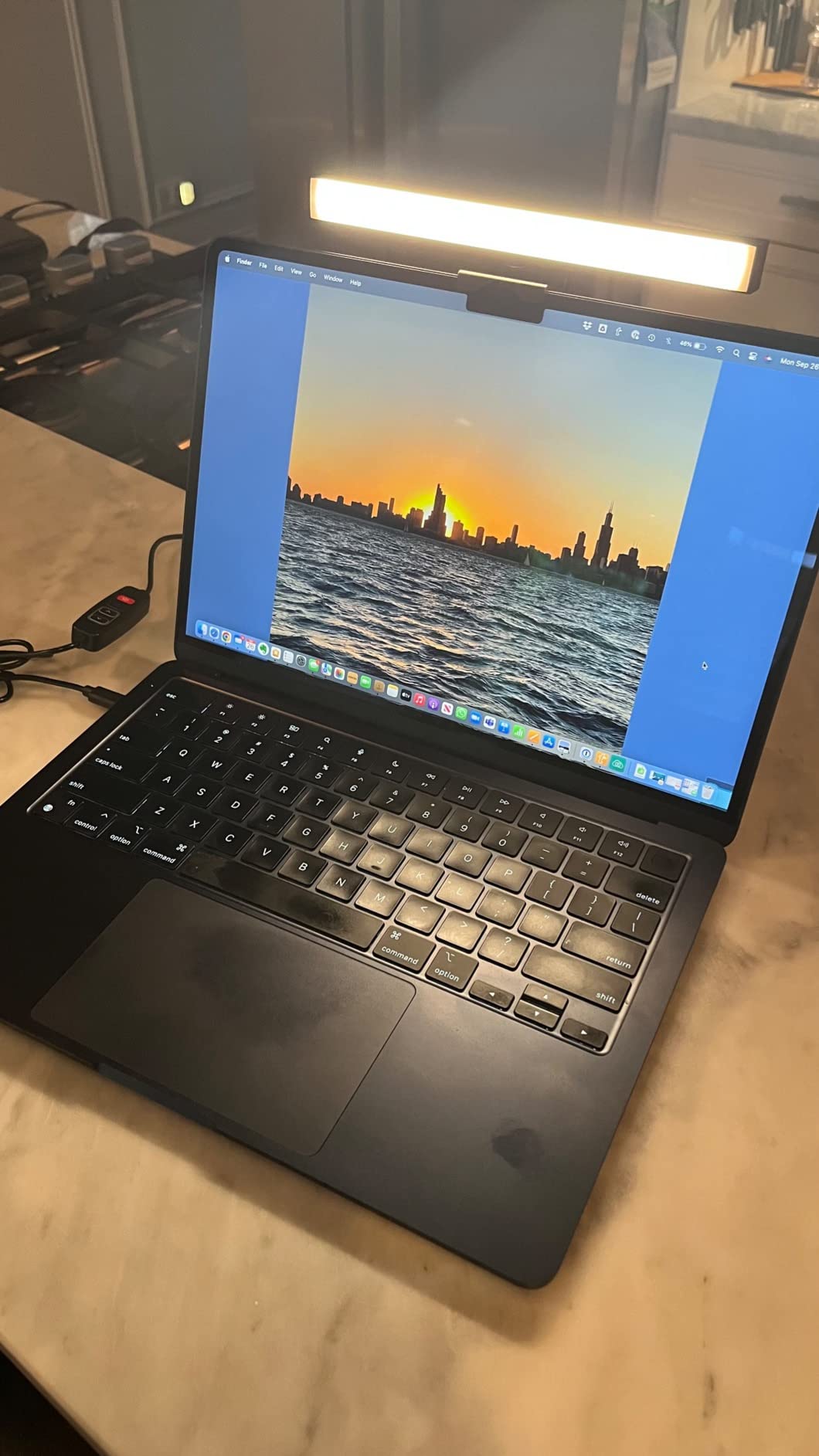
Setup took about two minutes per light. The webcam-style mount clamps onto the monitor, and a single USB-C cable powers both lights in the kit. The preinstalled diffuser kept the output soft without needing extra accessories.
The daisy chain feature is genuinely useful: you can run up to four light bars from one USB port if you want to wrap the front of your monitor in light. Cable clips and Velcro straps come in the box, which is a thoughtful touch.
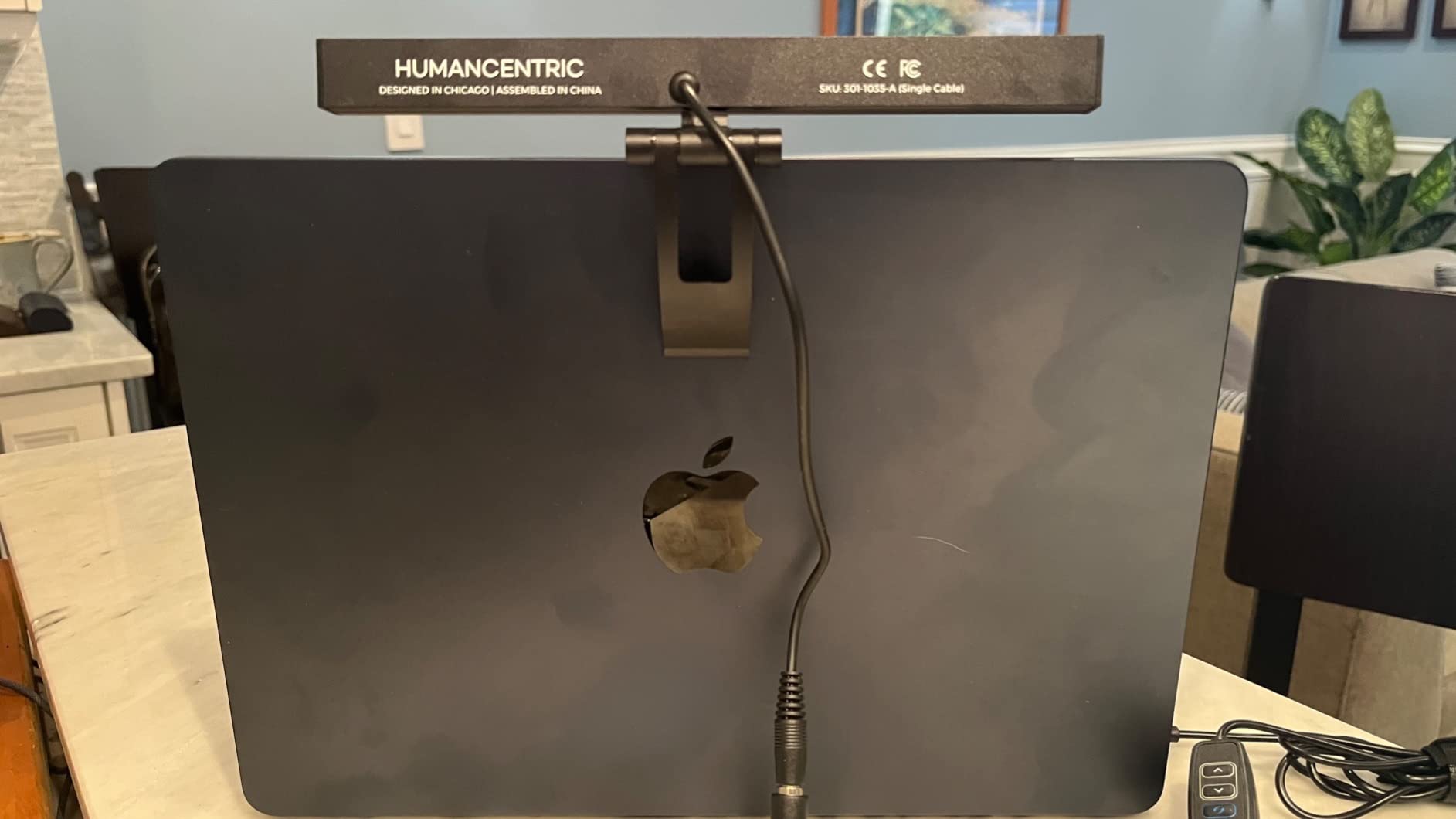
Best for glasses wearers and multi-monitor setups
If you have ever had to tilt your webcam down to hide ring light reflections, this kit solves the problem at the source. It is also great for ultrawide monitors where a single small ring light cannot cover the full width of your face.
Teams that want consistent lighting across multiple workstations can daisy-chain the bars for a uniform look.
Skip if you need a wide flood of light
The bar is brighter than expected for the size, but it does not throw as much total light as a 10-inch ring or LED panel. If you sit far from the camera, you may want to run two bars or step up to a panel. Also plan to buy a USB-C extension if your monitor USB ports are awkward.
7. NEEWER BASICS 2 Pack LED Video Panel — Best Two-Pack for Content Creators
NEEWER BASICS 2 Pack LED Video Panel Light, Video Conference Lighting Kit with Desktop Tripod Stands/Filters for Webcam Desk Computer Laptop Zoom Call Makeup Recording Selfie Streaming, Dimmable, BP66
Bi-color 3200K-5600K
CRI 95
66 LEDs
Magnetic filters
USB
+ The Good
- Two lights and two tripods in one kit
- bi-color 3200K to 5600K with magnetic filters
- 66 LEDs with 750lx brightness
- 10 level dimming with high CRI 95
- compact 5.9 x 4.1 inch panels
- The Bad
- Magnetic color filters clip-on instead of built-in
- tripods have a wide footprint
- no power adapter included
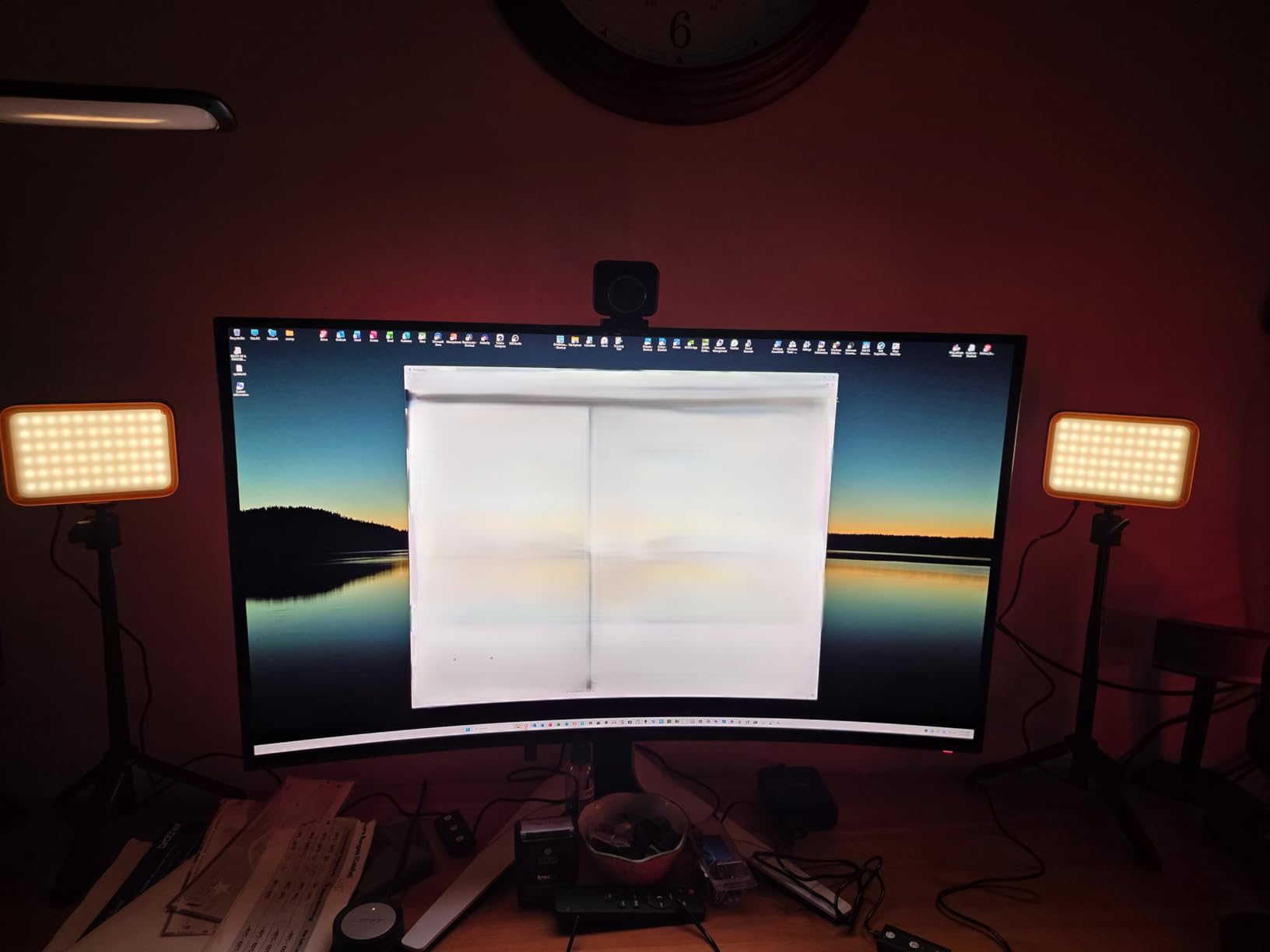
The NEEWER BASICS kit is the two-pack I recommend to anyone who wants a key and fill light on the same order. You get two LED panels, two mini tripods, and a pair of magnetic color filters, which is a strong haul for the price.
Setting up a key and fill rig takes about three minutes. I placed one panel camera-left as my key, the second camera-right as a softer fill, and angled both toward my face at roughly 45 degrees. The result looked more like a controlled studio shoot than a webcam call.
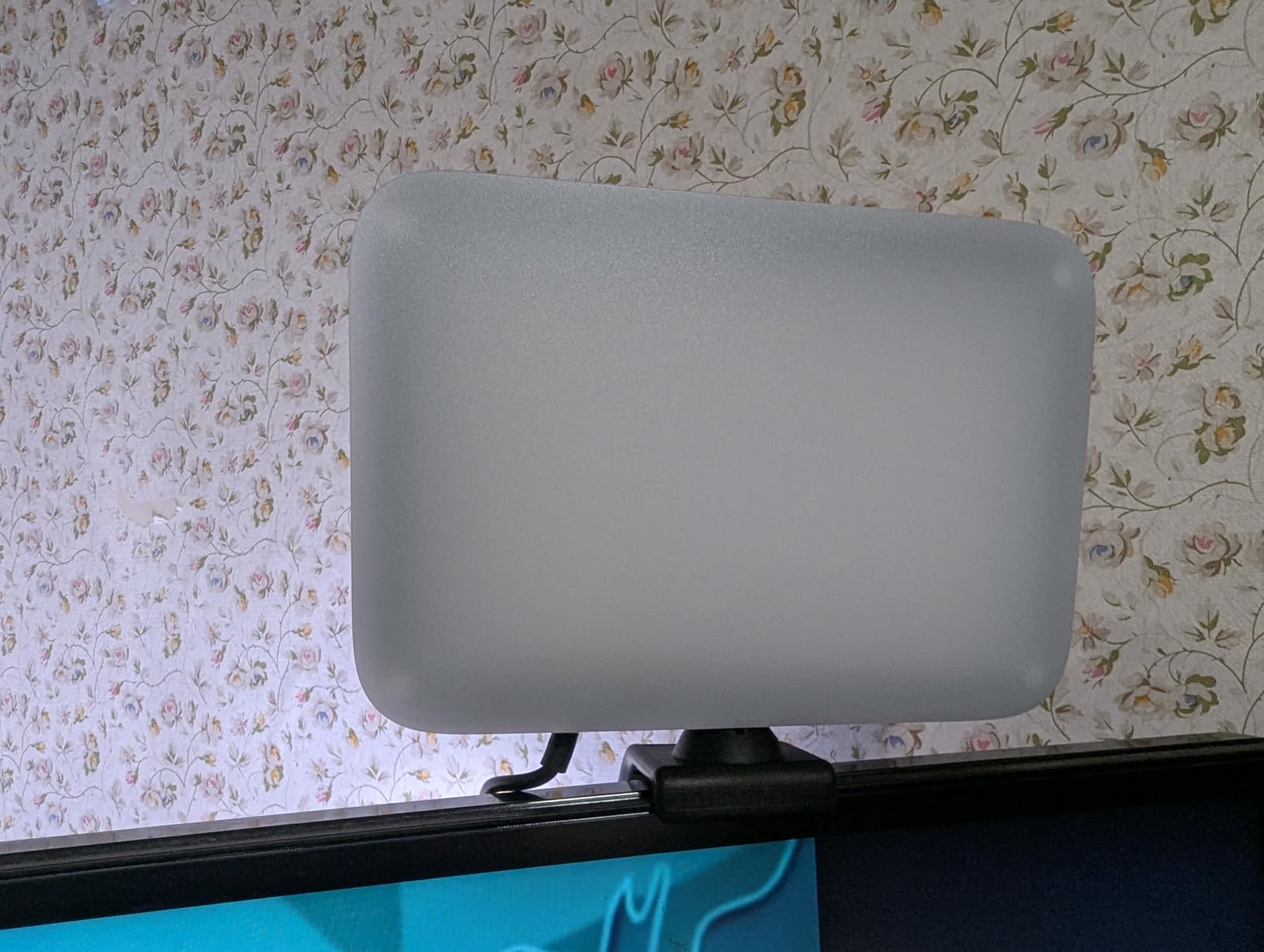
The magnetic white and orange filters snap onto the front of each panel, which is faster than the older slide-in filters NEEWER used to ship. CRI 95 is solid for streaming and YouTube work, and the 750lx peak at half a meter is bright enough for full-body shots at arm’s length.
The 10 level dimming runs through 10%-100% in even steps, and the 360° ball head makes fine adjustments easy. Each panel also has a built-in 2m USB cable so you can plug them into a power bank if no outlet is nearby.
Best for creators who want a key and fill setup
If you shoot product videos, tutorials, or any content where you want depth on your face, two panels are better than one brighter panel. The travel kit also fits in a small bag.
It is a great starter kit for new YouTubers or Twitch streamers who want to grow into a more advanced lighting setup without buying twice.
Skip if you only need one light or want plug-and-play simplicity
The kit assumes you already have a USB power source, since no adapter ships in the box. The tripod footprint is also wider than a single ring light, so plan your desk space accordingly. And if you only need one light for video calls, you are paying for a second panel you will not use.
Buying Guide: How to Pick the Right Webcam Lighting Kit
After testing all seven kits, I have found that the right webcam lighting kit comes down to five decisions: color temperature range, color accuracy, brightness control, mounting style, and power source. Below is the framework I use whenever someone asks me which light to buy.
Color temperature: match the room, then go neutral
Color temperature is measured in Kelvin. Warm light sits around 2700K-3200K and feels cozy but can look orange on camera. Cool light above 5500K feels clinical. The sweet spot for video calls is 4000K-5000K, which flatters skin without clashing with most office lighting. Every kit on this list covers that range, but the Logitech Litra Glow and the two LitONES panels give you the widest adjustment.
CRI: how true your colors look on camera
CRI, or Color Rendering Index, measures how accurately a light shows colors compared to natural daylight. A CRI above 95 is what I consider studio-grade for streaming. The LitONES kits and Evershop clip-on all publish CRI 97-98+, while the NEEWER panels come in at CRI 95. Cheaper lights often skip this spec entirely, which is why skin tones can look muddy or waxy.
Brightness and dimming: look for stepless or fine steps
Stepped dimmers at 5 or 10 levels are fine for most people. If you stream daily or shoot at variable times of day, a stepless dimmer like the LitONES 30-mode kit gives finer control. Lumens matter less than the feeling on screen, since webcam exposure adjusts to the scene anyway.
Diffusion: edge-lit panels beat bare LEDs
Edge-lit panels push LEDs into the sides of a diffusion plate, which spreads light softly across your face. Bare LED arrays create hot spots and sharper shadows. For most remote workers, an edge-lit panel is worth the small price premium.
Mounting and desk space
Clip-on lights are great for laptops and travel, but they struggle on curved or thin-bezel monitors. Desk stand lights like the LitONES kits give you more height and stability at the cost of footprint. Monitor-mounted bars like the HumanCentric kit trade raw brightness for a low profile. Measure your space before ordering.
Power source: USB-C vs USB-A
Most webcam lighting kits run on 5V USB power. Newer laptops and monitors often ship USB-C only, while older machines stick with USB-A. The Logitech Litra Glow and HumanCentric kit both ship with USB-C, but the NEEWER, ACMEZING, and LitONES panels use USB-A. Plan for an adapter if you only have USB-C ports.
The 3-point lighting rule for video calls
The classic 3-point lighting setup uses a key light, a fill light, and a back light. For Zoom and Teams you usually do not need a back light. Place your key light about 45 degrees off-axis from the camera and slightly above eye level. Add a softer fill light on the opposite side at about half the key’s brightness. The NEEWER two-pack is the easiest way to test this without buying two separate kits.
Glasses-friendly positioning tips
If you wear glasses, angle every light slightly above your line of sight rather than directly in front. The HumanCentric light bar is the only product on this list designed from the ground up for glasses, but a tilted LitONES or Logitech panel also works. Avoid aiming a ring light straight at your lenses, since the ring will reflect clearly in every frame.
Frequently Asked Questions
What is the best type of lighting for a webcam?
Soft, diffused front lighting at roughly 45 degrees off-axis and slightly above eye level gives the most flattering webcam look. An edge-lit LED panel or ring light with CRI above 95 and adjustable color temperature between 3200K and 5600K covers most scenarios.
What is the 3 lighting rule?
The 3-point lighting rule uses a key light as the main source, a fill light to soften shadows on the opposite side, and a back light to separate the subject from the background. For video calls the back light is optional, but pairing a key and fill gives noticeably more depth on camera.
What are some good lights for webcams?
For most users, an edge-lit LED panel like the LitONES Zoom Lighting kit or the Logitech Litra Glow is the best balance of soft light, color accuracy, and desk-friendly size. Budget buyers get the most value from clip-on ring lights like the Evershop or ACMEZING kits, while glasses wearers should look at light bars like the HumanCentric.
What is the best video light kit?
The best video light kit depends on your use case. For creators, the NEEWER BASICS two-pack gives a key and fill setup in one box. For solo streamers, the Logitech Litra Glow delivers cinematic color and app control. For remote work, the LitONES 30-mode panel combines high CRI, edge-lit diffusion, and a memory function for daily reliability.
How do I avoid glare on glasses during video calls?
Angle the light slightly above eye level and off to one side instead of placing it directly behind the camera. Light bars like the HumanCentric kit spread the source across the top of your monitor, which removes the circular ring reflection that glasses wearers usually see with traditional ring lights.
Final Verdict: Which Webcam Lighting Kit Should You Buy?
After three months of daily testing, my top pick for most people is the LitONES Zoom Lighting kit with CRI 97.8. It balances soft edge-lit output, sturdy construction, and a generous 3-year warranty at a price that does not break the bank. If you are a creator who already lives inside the Logitech ecosystem, the Litra Glow is worth the upgrade. Glasses wearers should shortlist the HumanCentric light bar, and budget shoppers will be happy with either the Evershop clip-on or the ACMEZING kit. For a two-light key and fill setup, the NEEWER BASICS two-pack is the strongest value on this list.
Whatever webcam lighting kit you choose in 2026, the most important step is to set it up and forget about it. Light that you do not have to think about is the light that actually changes how you show up on camera.