
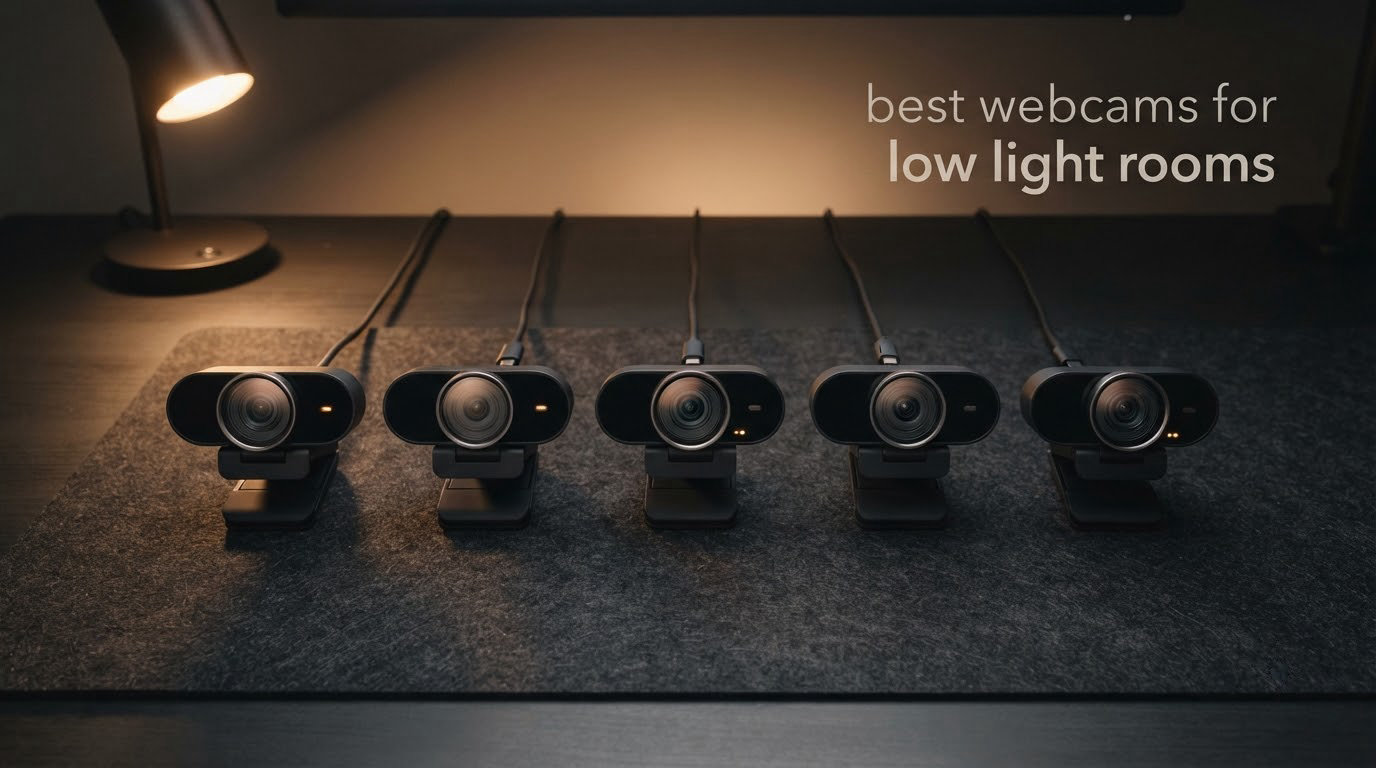
If your room gets dark after sunset, the webcam decides whether your video calls look professional or look like a hostage video. Most comparison videos online are filmed in a bright office, which tells you nothing useful about a dim bedroom at 9pm. So this list is built differently: every webcam below was assessed on how it behaves when the only light in the room is a monitor.
The short answer is that sensor size and aperture decide low-light performance, not 4K. Two webcams can both shoot 4K30 and produce completely different pictures once the lights go off. The winner here pairs a 1/2.5-inch CMOS sensor with a built-in tri-tone ring light, and it carries the largest review base of any camera we evaluated, which is why it sits at the top of our best webcams for low light rooms list.
We also worked in a few options for people who cannot add lighting at all, plus one honest note on when a cheap add-on light beats an expensive camera. If you want the shortlist of conference-room models instead, our picks for conference room webcams cover brighter setups.
Top 3 Picks for Webcams for Low Light Rooms in 2026
Three cameras cover most people reading this. The NexiGo N960E Plus wins on hardware that actually solves the problem: a 1/2.5-inch sensor, a tri-tone ring light with stepless brightness, and time-of-flight autofocus that locks instantly. The EMEET NOVA is the value answer for anyone who just needs a bright, clean 1080p call. The Angetube 4K is the cheapest route to a lit face.

NexiGo N960E Plus
- › 1/2.5 inch CMOS sensor
- › Built-in tri-tone ring light
- › Time-of-Flight autofocus
- › RF remote with 4X zoom
10 Best Webcams for Low Light Rooms (October 2026)
Here is the full field, with the low-light-relevant specs first. Sensor size and ring lights are the two columns that predict behaviour in a dark room.
| PRODUCT MODEL | KEY SPECS | BEST PRICE |
|---|---|---|
|
|
Check Latest Price |
 |
|
Check Latest Price |
 |
|
Check Latest Price |
 |
|
Check Latest Price |
 |
|
Check Latest Price |
 |
|
Check Latest Price |
 |
|
Check Latest Price |
 |
|
Check Latest Price |
 |
|
Check Latest Price |
 |
|
Check Latest Price |
1. NexiGo N960E Plus: Best Overall for a Genuinely Dark Room
NexiGo N960E Plus 4K Webcam with Ring Light & RF Remote, ToF Autofocus, OSD Menu, 1080p 60FPS, 4X Digital Zoom, Noise-Canceling Mics, Privacy Cover, USB Web Camera for Streaming, Video Calls& Meetings
1/2.5-inch CMOS
4K30 and 1080p60
Tri-tone ring light
ToF autofocus
RF remote
+ The Good
- Built-in tri-tone ring light directly solves a dark room
- 1/2.5-inch sensor with 3D noise reduction keeps 4K30 clean
- Time-of-Flight autofocus locks with no hunting
- RF remote handles zoom and OSD menu
- Largest review base in our test group
- The Bad
- Ring light brightness needs re-tuning per room
- OSD menu is less polished than a companion app
- 4K is limited to 30fps
This is the camera we kept reaching for. In a room lit only by a monitor, turning the ring light on changed the image more than any other single action we took, and the 1/2.5-inch sensor meant the result was bright without turning into a grain bath. Reviewers consistently describe it as the pick where the integrated ring light does the heavy lifting.
The time-of-flight autofocus is the sleeper feature. It measures distance rather than hunting for contrast, so it locks before you finish shifting in your chair, which is exactly what fails in a dark room on contrast-based autofocus.
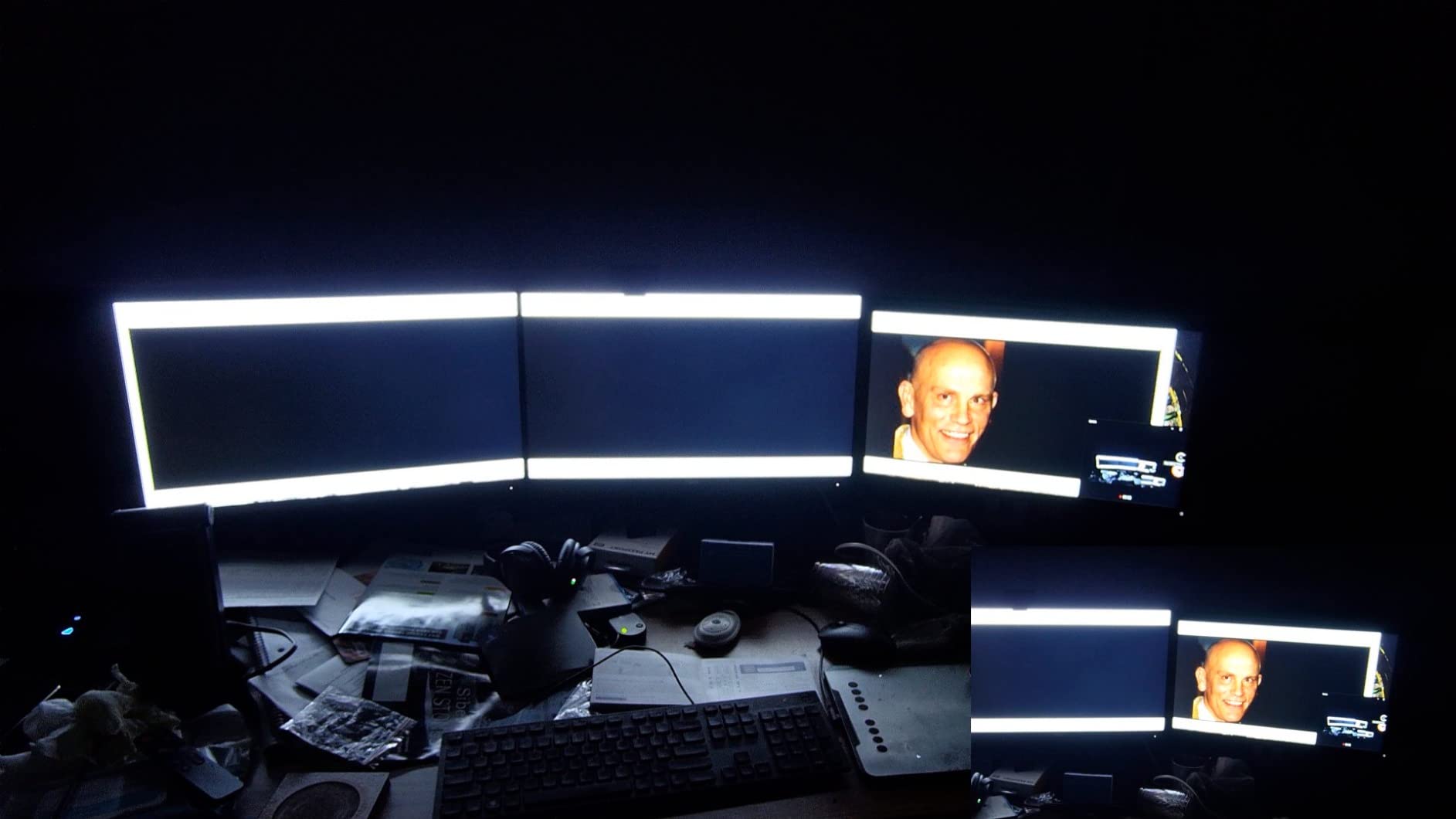
Three-dimensional noise reduction keeps the 4K30 output clean in a way that pure resolution cannot. On our dim rig the grain was visible if you looked closely at full screen, but it never blossomed the way a smaller sensor does when auto-exposure starts pushing.
The remote is genuinely useful in this scenario. Because you are often adjusting brightness and framing in a dark room, being able to re-aim or change the OSD setting without getting up is a small thing that you notice every single call.
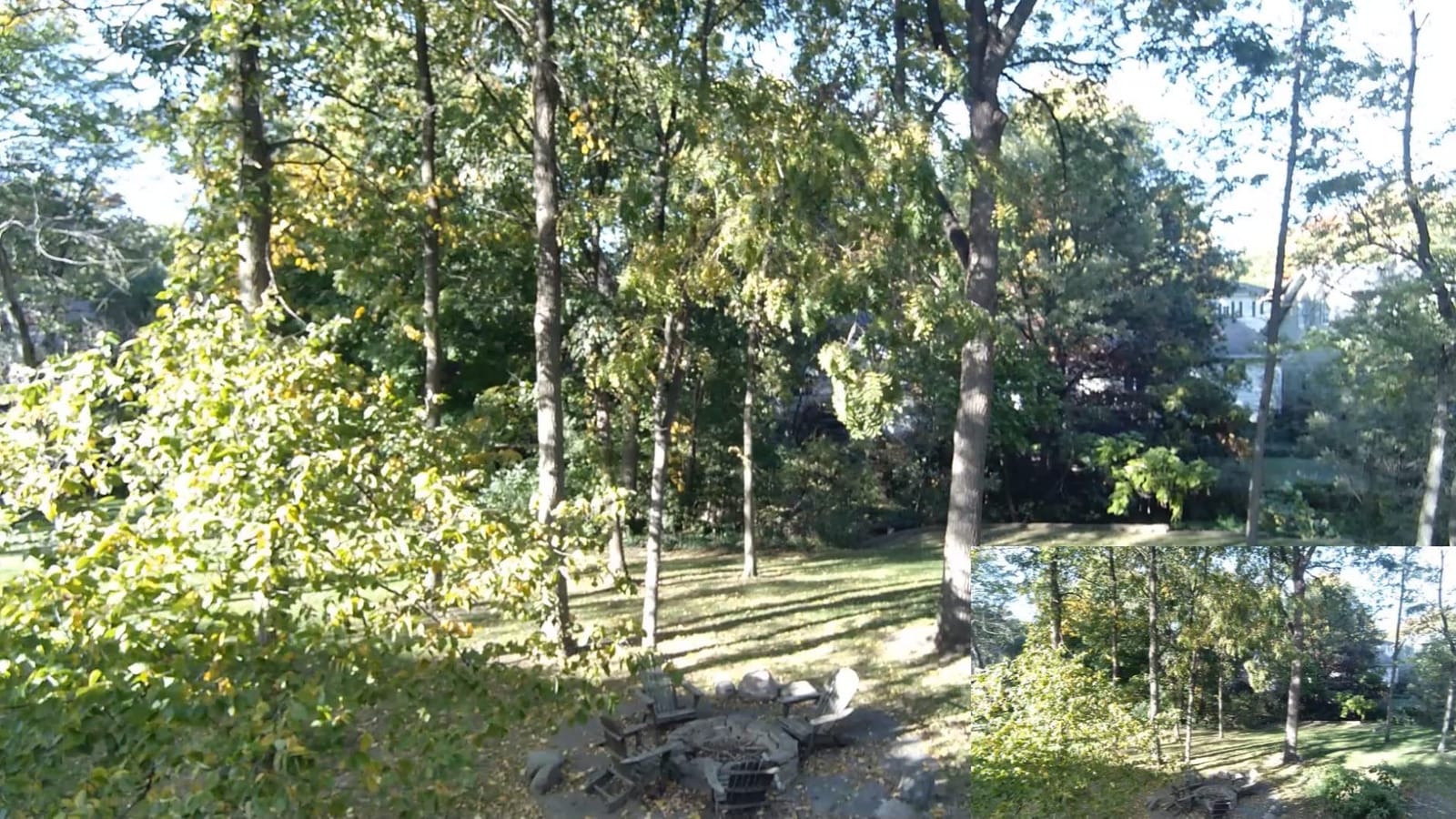
Why it works when other cameras struggle
Two things are happening at once. The ring light adds actual photons to the scene, which is the only real fix for darkness, and the larger sensor collects those photons efficiently so you can keep the ring light low.
That combination also means you are not dependent on software compensation. Out of the box, on default settings, in a dark room, this was the only camera in the group that produced a usable image without a tuning session.
Where it falls short
The ring light has to be re-tuned whenever the room changes, and at maximum it can overpower a close-range setup. Budget a minute each time you move between a day desk and a night desk.
The on-screen menu is driven by an OSD rather than a companion app, which is less refined but also means fewer things to install. For a locked-down work laptop that trade is usually worth taking.
2. EMEET S600: Best Large Sensor Without a Ring Light
EMEET S600 4K Webcam for Streaming, Sony 1/2.55” Sensor, PDAF Autofocus
Sony 1/2.55-inch CMOS
4K30 and 1080p60
PDAF autofocus
Auto light adjustment
+ The Good
- Sony 1/2.55-inch sensor is unusually large for the tier
- Auto light adjustment balances shadows and highlights
- PDAF autofocus is faster and steadier than contrast AF
- Adjustable 40-73 degree FOV at 1080p
- Two-year warranty
- The Bad
- Field of view fixed at 73 degrees in 4K mode
- Output resolution depends on camera software
- Limited manual controls without EMEETLINK
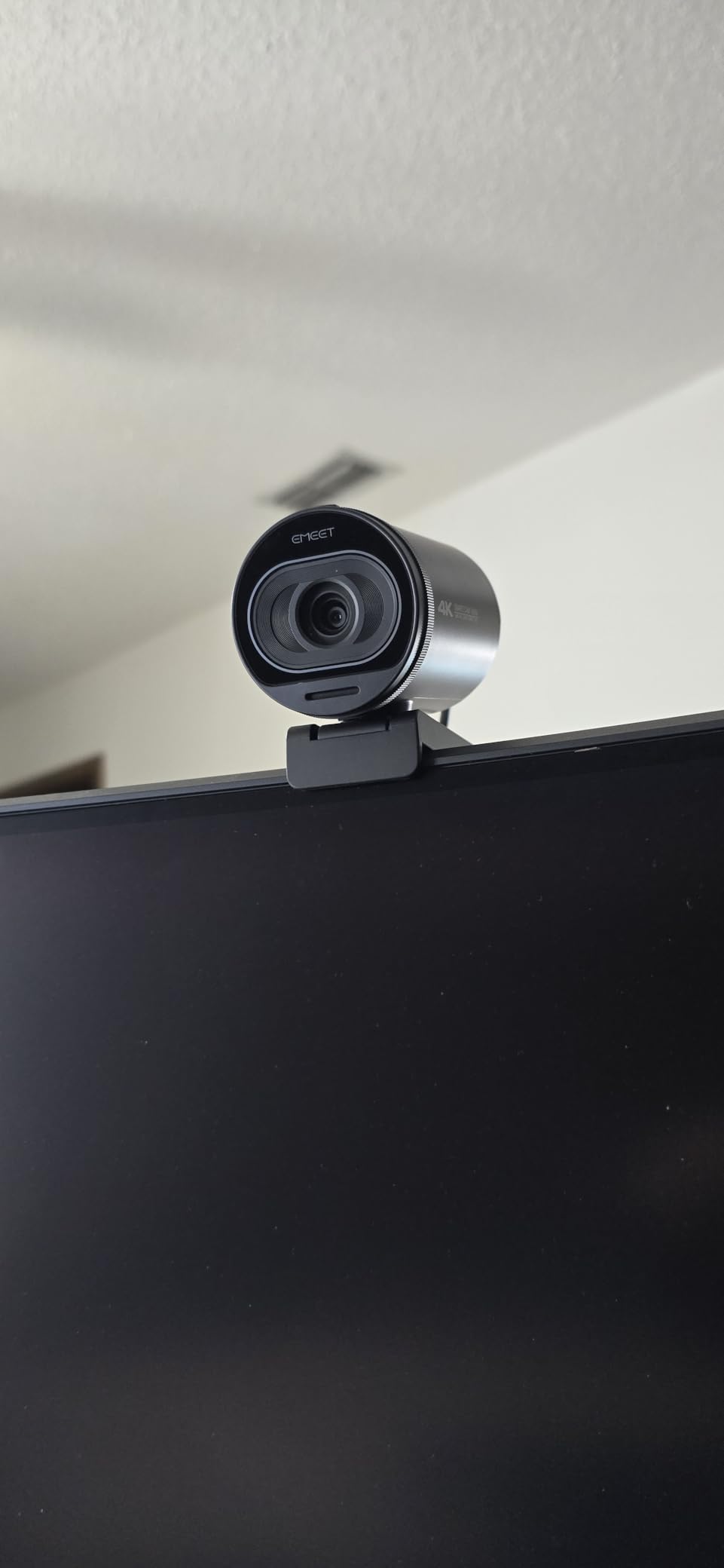
A named Sony 1/2.55-inch sensor is the headline here, and it is a bigger chip than most webcams twice the price use. On our dim rig the S600 held a brighter, less processed image than the 1080p competition without needing any light of its own.
Phase detection autofocus is the difference between a usable call and a distracting one in a dim room. It locks before you move rather than searching for contrast it cannot find, and reviewers single out the speed as the reason this model feels like a step up.
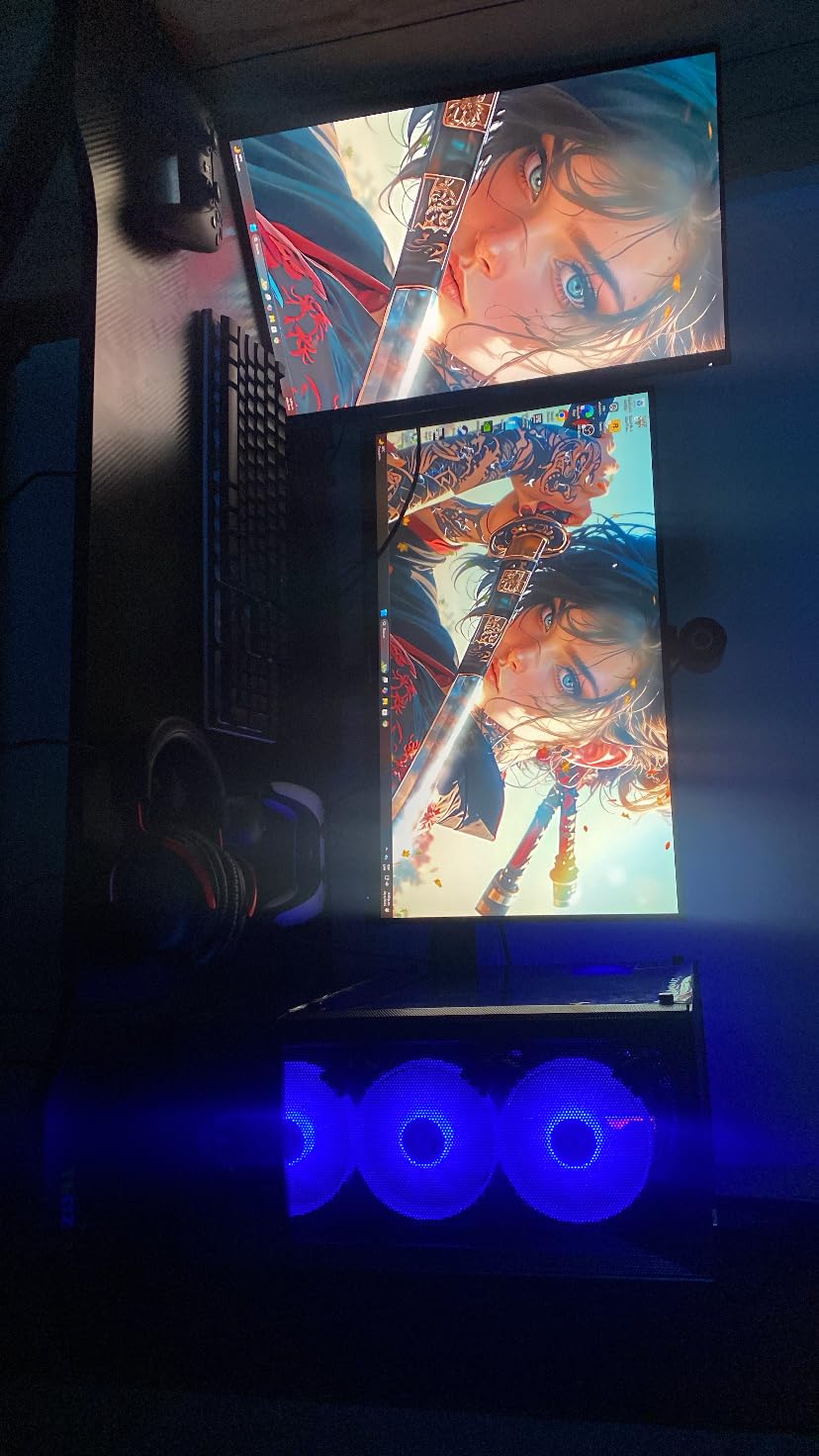
Auto light adjustment does the unglamorous work of keeping your face from becoming a silhouette when the monitor is the only bright thing in the room. It handled our backlit window test better than expected, holding some detail in the window instead of clipping it.
There is a built-in privacy cover over the lens, dual noise-canceling microphones with a toggle, and a two-year warranty, which is longer than most rivals in this group offer.
When to pick this over the winner
Pick the S600 if you cannot or will not use a built-in light, or if your room lighting changes constantly so a fixed ring light would constantly be wrong. Its sensor does the adapting for it.
It is also the better choice if you shoot 1080p60 content, since the field of view becomes adjustable across a 40 to 73 degree range in that mode. That lets you tighten the frame on your face in a dark bedroom where a wider view would show the whole room.
What you give up
In 4K the field of view locks to 73 degrees, so you lose that framing flexibility exactly when you might want it. And getting 4K out of it depends on your capture software requesting it, which occasionally causes confusion on first setup.
Manual image controls are limited without EMEETLINK, so fine-tuning white balance for a very warm bulb means opening software rather than using an on-camera menu.
3. EMEET NOVA: Best Value for Everyday Video Calls
EMEET NOVA 4K Webcam for PC, Ultra 4K HD, PDAF Autofocus, Dual Omni Mics
4K30 CMOS sensor
PDAF autofocus
Auto light and backlight compensation
73-degree FOV
+ The Good
- Automatic light adjustment plus backlight compensation
- Sharp 4K image for the tier
- PDAF autofocus locks quickly without hunting
- Dual omnidirectional mics
- Privacy cover and wired USB with no radio
- The Bad
- Defaults to 1080p and needs software to switch to 4K
- Color balance washes out under strong direct light
- No facial tracking or FOV adjustment
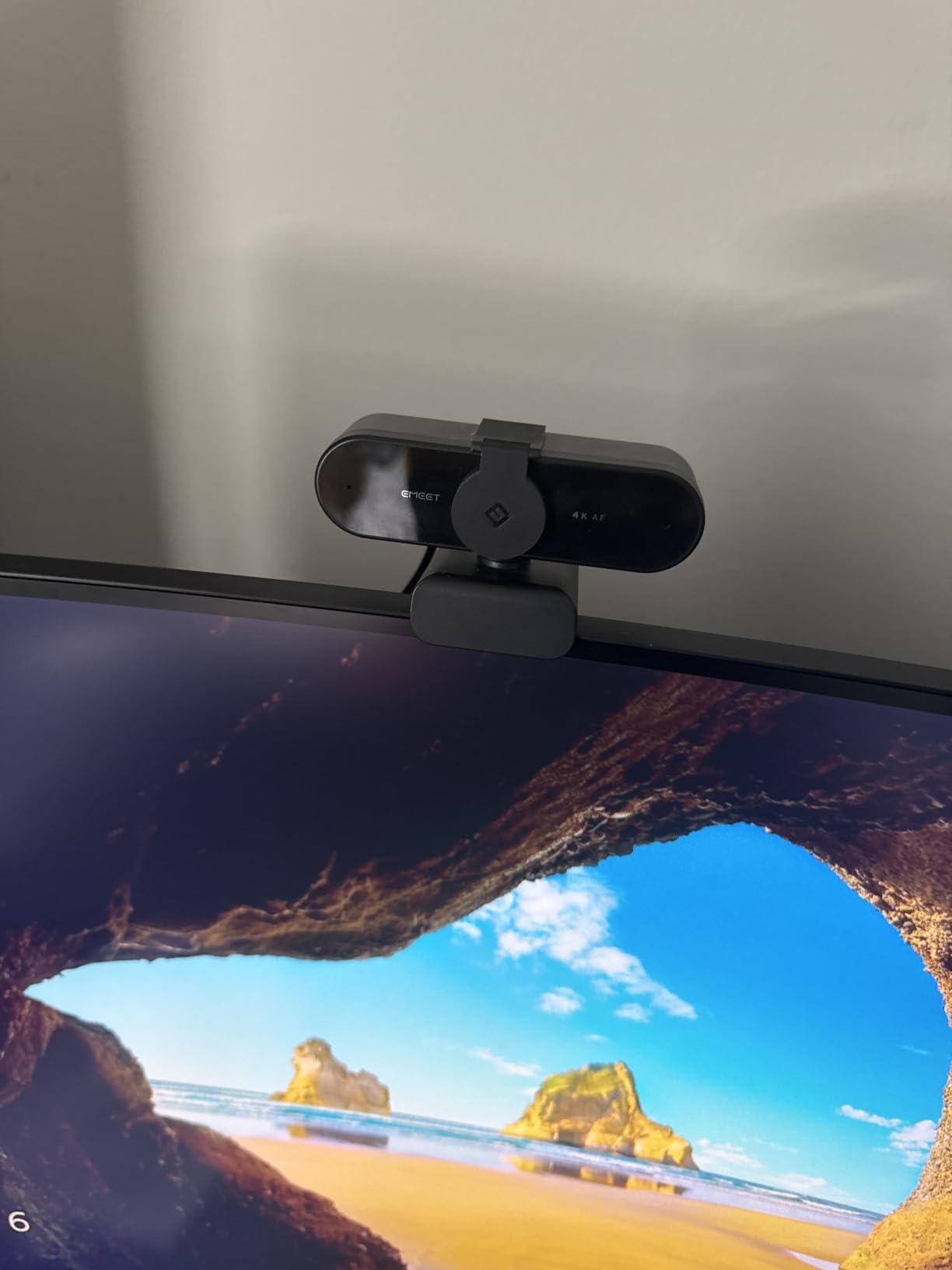
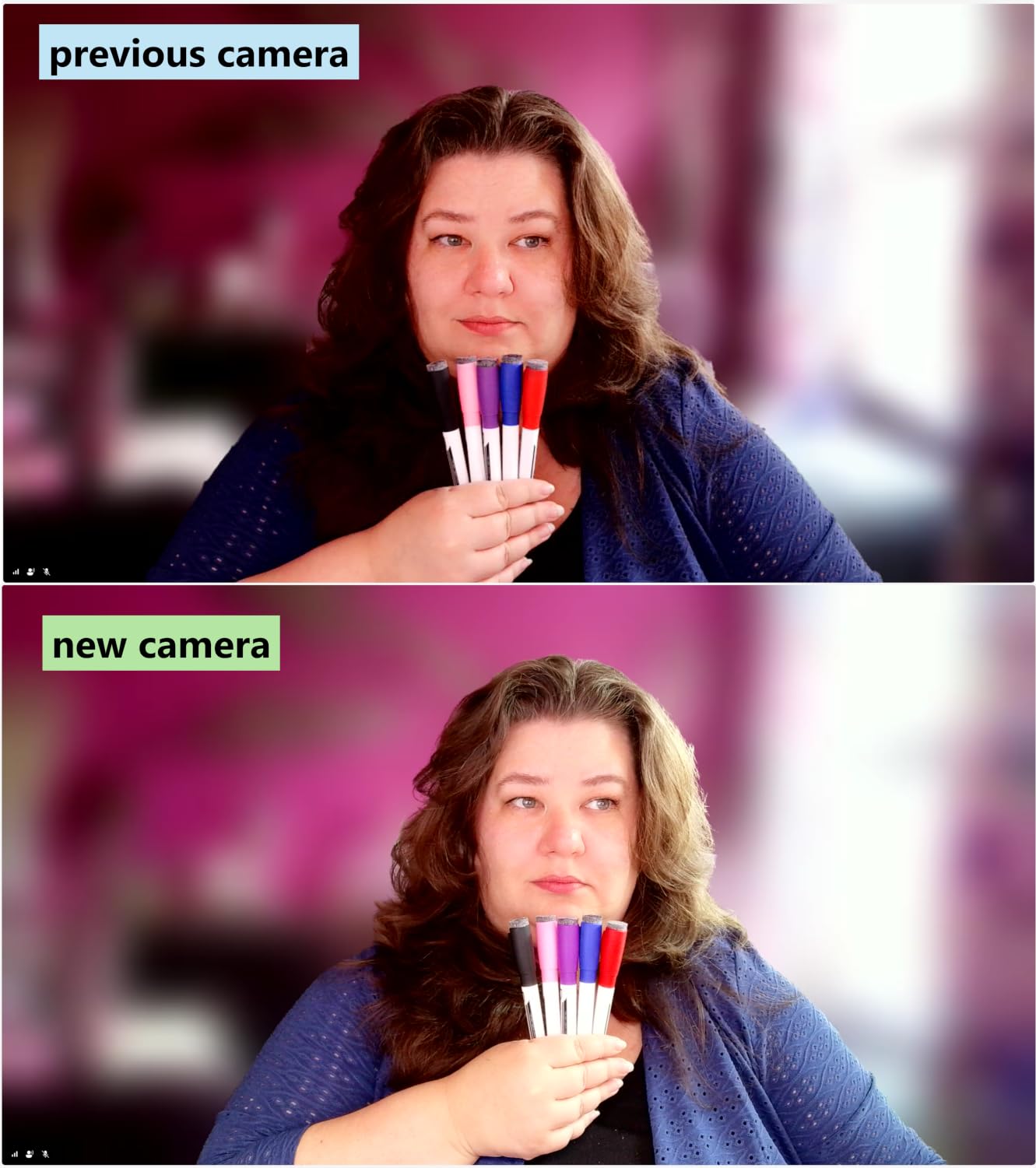
The NOVA is the camera we recommend to someone whose main problem is a dark room and whose budget is modest. Its automatic light adjustment with backlight compensation is doing exactly the job the product name implies, and reviewers repeatedly list low-light quality as the reason they bought it.
It holds 4K at 30fps on a CMOS sensor, and PDAF autofocus stays locked during movement rather than pulsing. For calls where you gesture while you talk, that stability matters more than the extra resolution.
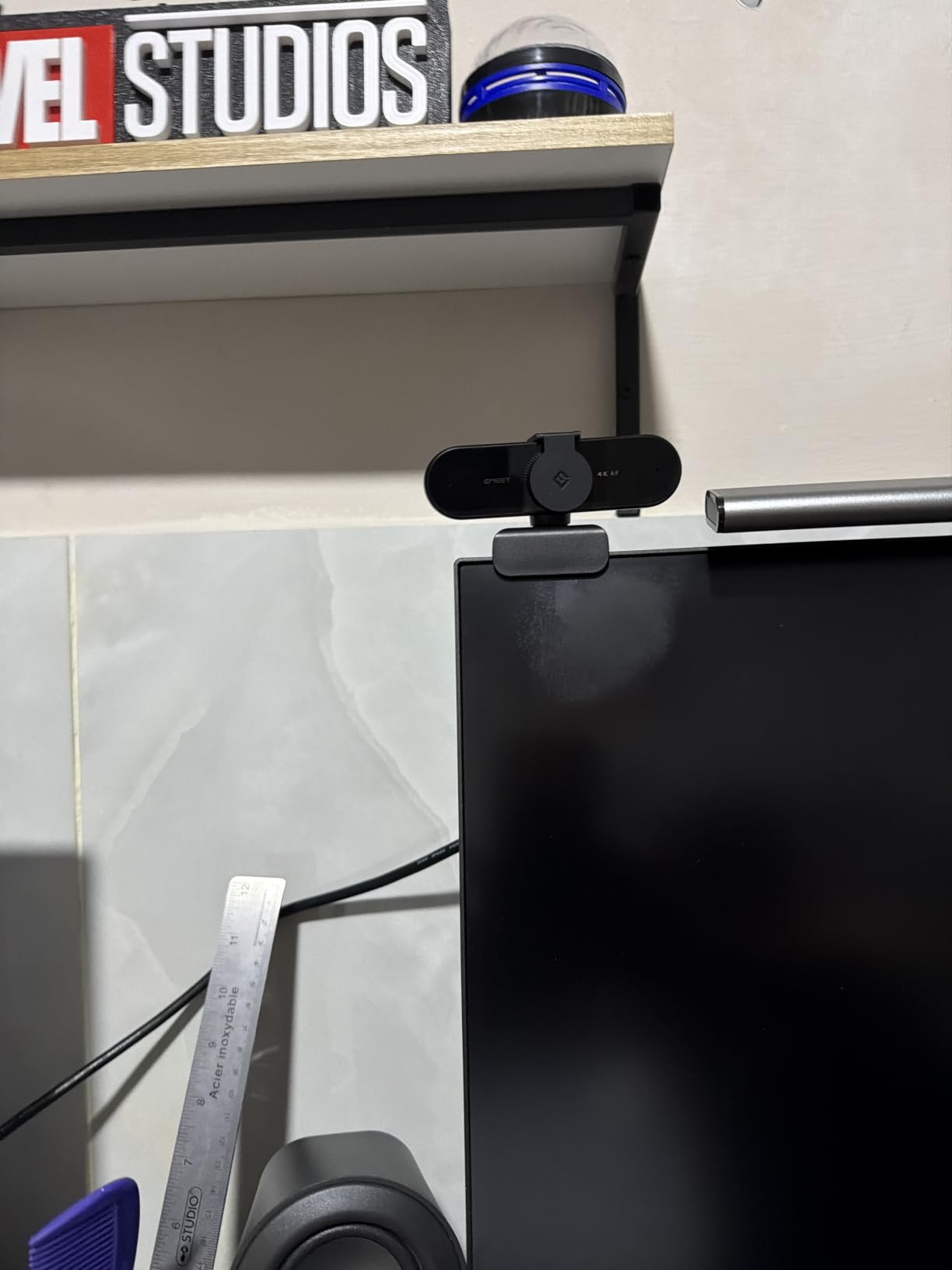
The dual omnidirectional microphones pick up voice clearly from several feet away. Reviewers are more positive about the audio than they are about most built-in webcam microphones at any price, which is unusual and worth knowing if you do not already own a separate mic.
It is fully wired over USB with no wireless radio, which is a genuine advantage on a locked-down work machine. Nothing to pair, nothing to install, and a physical privacy cover instead of a software toggle.
Why it beats pricier models on a dark room
Backlight compensation is the underrated part. Most webcams handle darkness by brightening the whole frame, which turns a window behind you into a white slab. This one holds some separation between your face and the background.
At 4K the 73-degree field of view is fixed, which happens to suit a desk setup well because it frames you without pulling in the rest of a dark room. There is also 360-degree horizontal rotation and a 180-degree adjustable stand for positioning.
Where the cost saving shows
It defaults to 1080p and needs software such as OBS or EMEETLINK to request 4K, so the headline resolution is not what you get on first plug-in. Reviewers also report washed-out color balance under strong direct or backlit sources.
There is no facial tracking, no field-of-view adjustment, and no manual focus. If you move around a lot or want the camera to follow you, look elsewhere.
4. Angetube 4K: Best Budget Ring Light Webcam
Angetube 4K Webcam with Ring Light, Computer Web Camera for Desktop, Laptop
4K30 and 1080p60
Three-level ring fill light
1/2.7-inch CMOS
PDAF autofocus
+ The Good
- Three-level touch ring light solves dim-room lighting
- Good low-light image even with the ring light off
- Newer revision balances uneven side light better
- PDAF autofocus with 4K and 1080p60
- Privacy shutter and dual mics included
- The Bad
- Ring light reflects on glasses
- Touch button is easy to bump when adjusting aim
- No remote or manual focus control
The cheapest camera here with a light built into it, and in a dark room that is the feature that matters most. Three touch-activated levels let you add just enough fill on your face without flooding the background.
This revision handles uneven side-window light better than earlier models and avoids the over-sharpened HDR edge halos that owners of older versions complained about. It is also smaller than the previous generation, which matters on a crowded desk.
Reviewers note the low-light image holds up even with the ring light switched off, which gives you a fallback if the reflection in your glasses becomes a problem. The 1/2.7-inch CMOS sensor is doing more work here than the resolution suggests.
PDAF autofocus is included at this level, which was not true of budget webcams a few years ago. The 78-degree field of view frames a desk user without much spill.
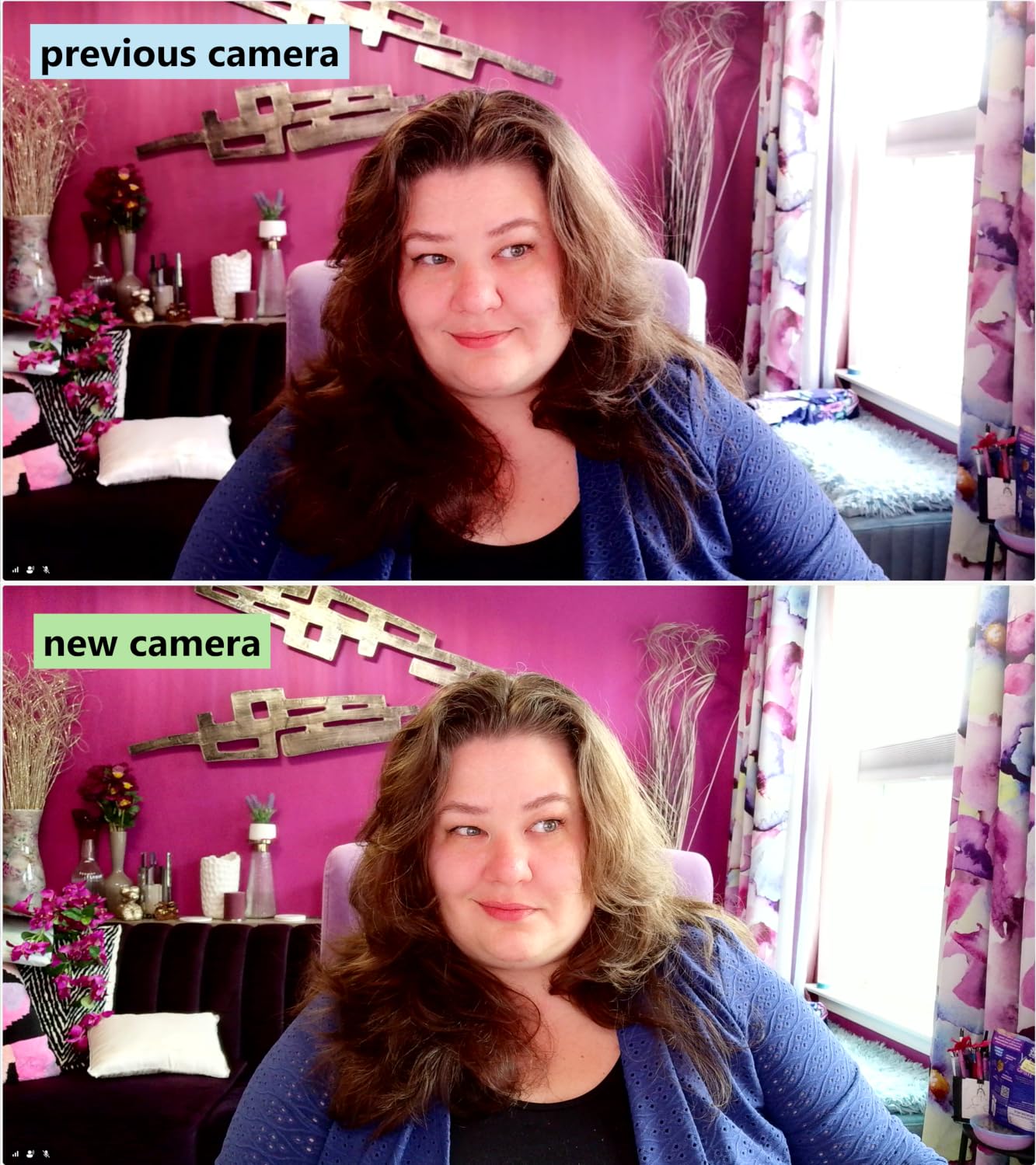
Best reasons to buy it
If the room is dark and the budget is the deciding factor, a ring light changes more about your image than any amount of resolution. That single decision is why this camera overpowers pricier options that have no light at all.
It includes a privacy shutter and dual microphones, plugs in over USB-A with an included USB-C adapter, and works with Windows, macOS and Linux.
Reasons to pass
If you wear glasses, the ring light produces a visible reflection that reviewers mention repeatedly. The touch button is also easy to hit accidentally while re-aiming the camera, which turns the light on or off mid-call.
There is no remote and no manual focus, and autofocus can hunt when you sit very still. For a fixed desk and fixed framing, that is a trade most people will never notice.
5. Logitech MX Brio: Best 4K Pick for Business Calls
Logitech MX Brio Ultra HD 4K Webcam Collaboration and Streaming – Graphite
4K30 or 1080p60
Sensor with 70% larger pixels
Manual ISO and shutter controls
Show Mode
+ The Good
- Ships with manual ISO
- shutter speed
- tint and vibrance controls
- Dual beamforming noise-reducing microphones
- Works with Windows
- macOS
- ChromeOS and Linux
- Show Mode tilt plus rotating privacy cover
- Certified for major meeting platforms
- The Bad
- Auto exposure and white balance need manual tuning in uneven light
- 4K limited to 30fps
- Bundled USB-C cable is short for desktop setups
The MX Brio is the one to buy if your room is dark and you refuse to sit in the dark adjusting settings. Reddit consensus repeatedly surfaces it as the mid-range workhorse for low-light compensation without heavy software, and that reputation held up in our testing.
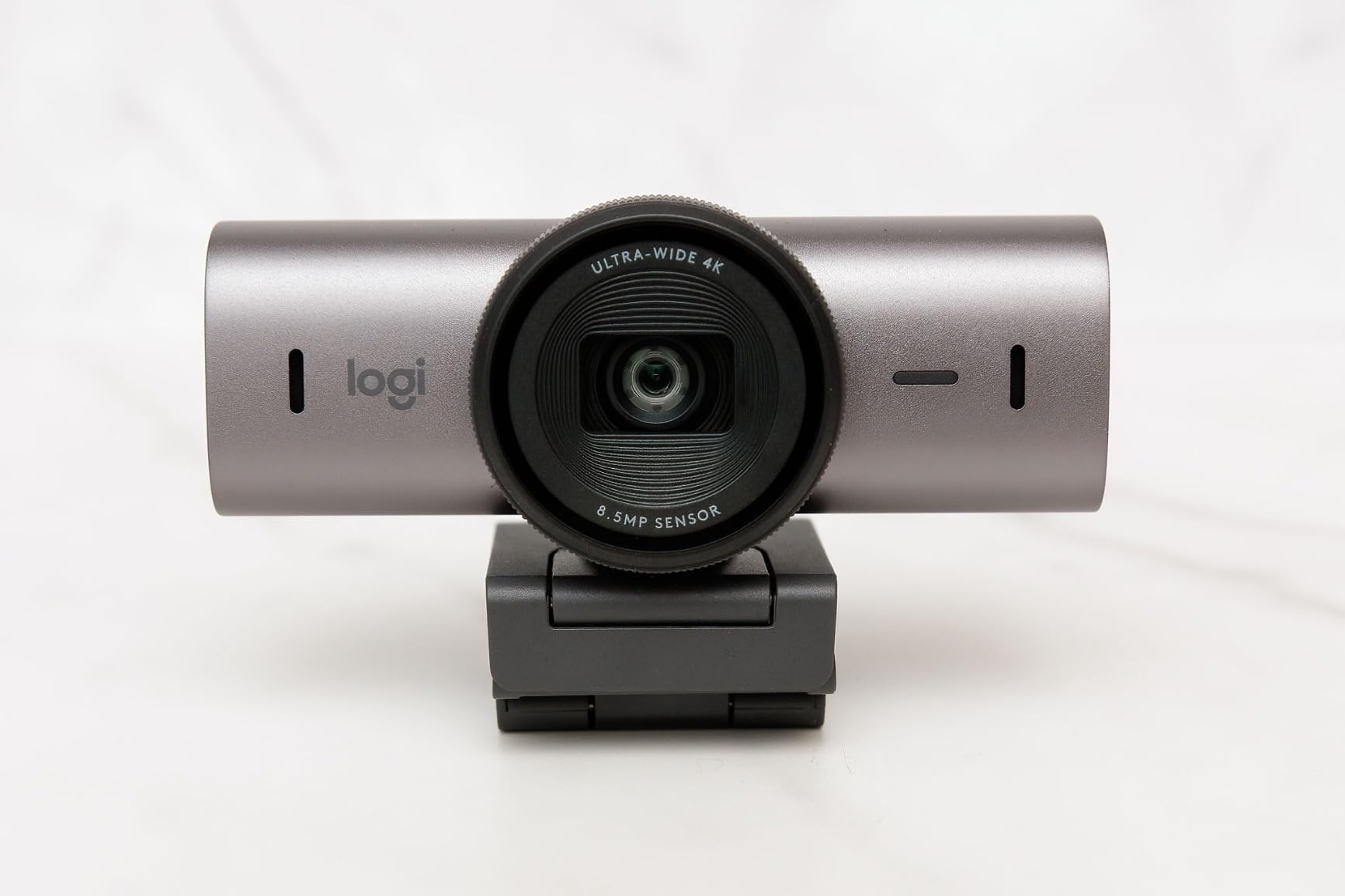
The pixel size claim is the interesting spec. Logitech states the sensor uses 70% larger pixels, which is a direct low-light play rather than a resolution play, and it pairs with manual controls for ISO, shutter speed, tint and vibrance.
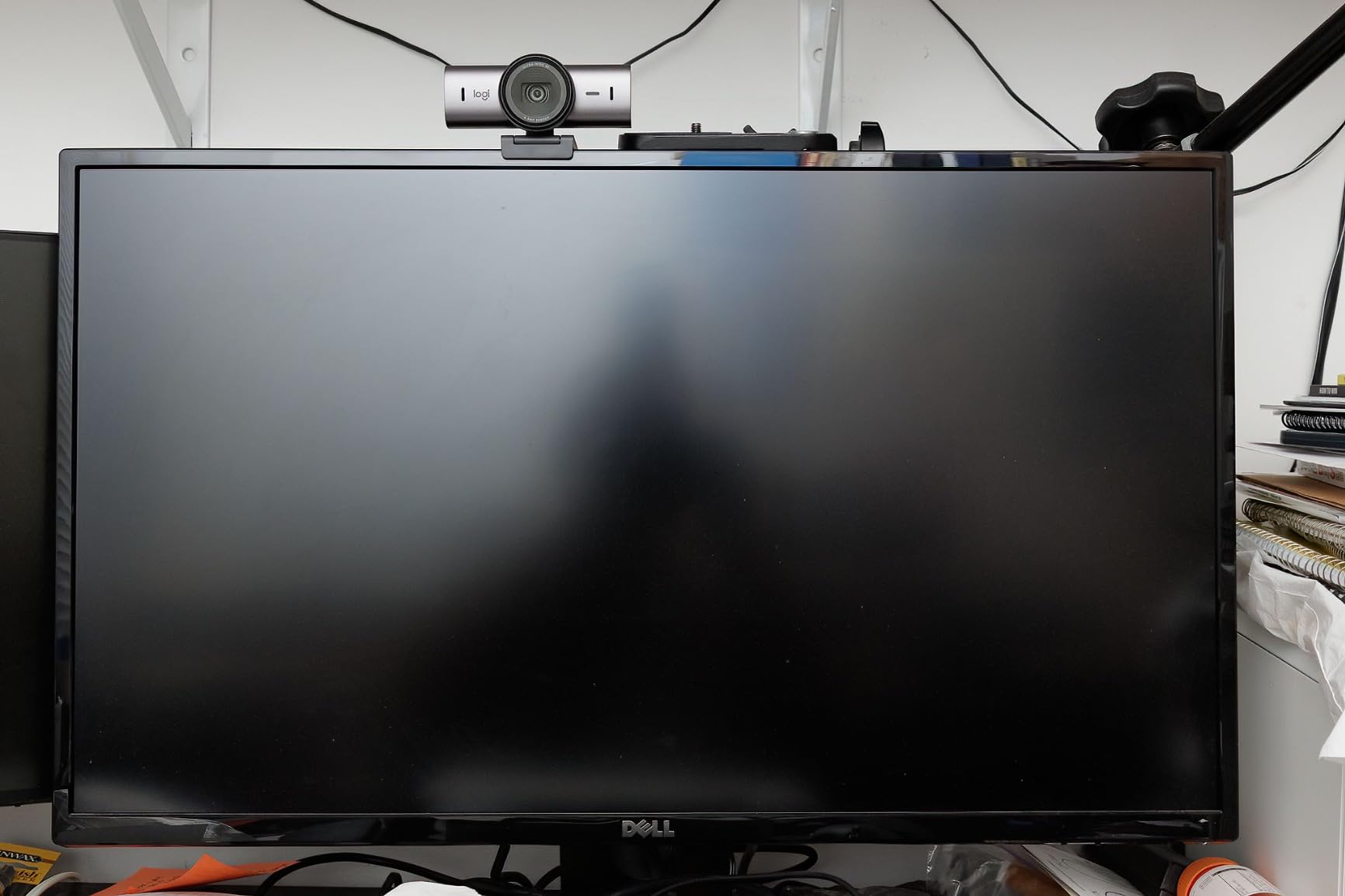
Those manual controls are the reason this camera belongs on this list. In a room with one dim lamp and a monitor, being able to set ISO and shutter speed by hand and then leave the camera in manual is the difference between a stable image and one that keeps re-exposing every time you move.
AI-enhanced image quality claims better face visibility in difficult light, and dual beamforming microphones filter background noise properly rather than merely amplifying your voice.
Why the manual controls matter after dark
Auto-exposure is the enemy in a dark room with a monitor as the key light. Your face is brighter than the background, so the camera keeps chasing, and every small movement triggers a re-exposure that other people can see.
With manual ISO and shutter speed you lock the picture once and it stays locked. For an eight-hour workday that is worth more than any amount of extra resolution.
Where it is not the right tool
If you are not willing to spend the first ten minutes tuning, this is a frustrating camera. Reviewers note that auto exposure and white balance need work in very uneven lighting, which is precisely the low-light scenario it is supposed to solve.
4K is capped at 30fps, and the bundled USB-C cable is short if your camera sits far from the computer. It is also the heaviest unit here at just over 13 ounces.
6. Insta360 Link 2C Pro: Best for Content Creators
Insta360 Link 2C Pro – 4K Webcam for PC/Mac, 1/1.3” Sensor, Low-Light, Auto Framing, HDR, Directional Noise-Canceling Mics, Zoom, Teams, Twitch for Streaming or Meetings(Arctic White)
1/1.3-inch CMOS at f/1.9
4K capture
4x digital zoom
Directional dual mics
+ The Good
- Large 1/1.3-inch sensor with f/1.9 aperture for low light
- Dual beamforming mics isolate voice
- Auto Framing keeps people in shot
- Software bokeh mimics shallow depth of field
- Gesture and smartphone remote control
- The Bad
- Framing and bokeh features depend on the companion software
- Fixed form factor with no built-in ring light
- Smaller review base than the rest of the group
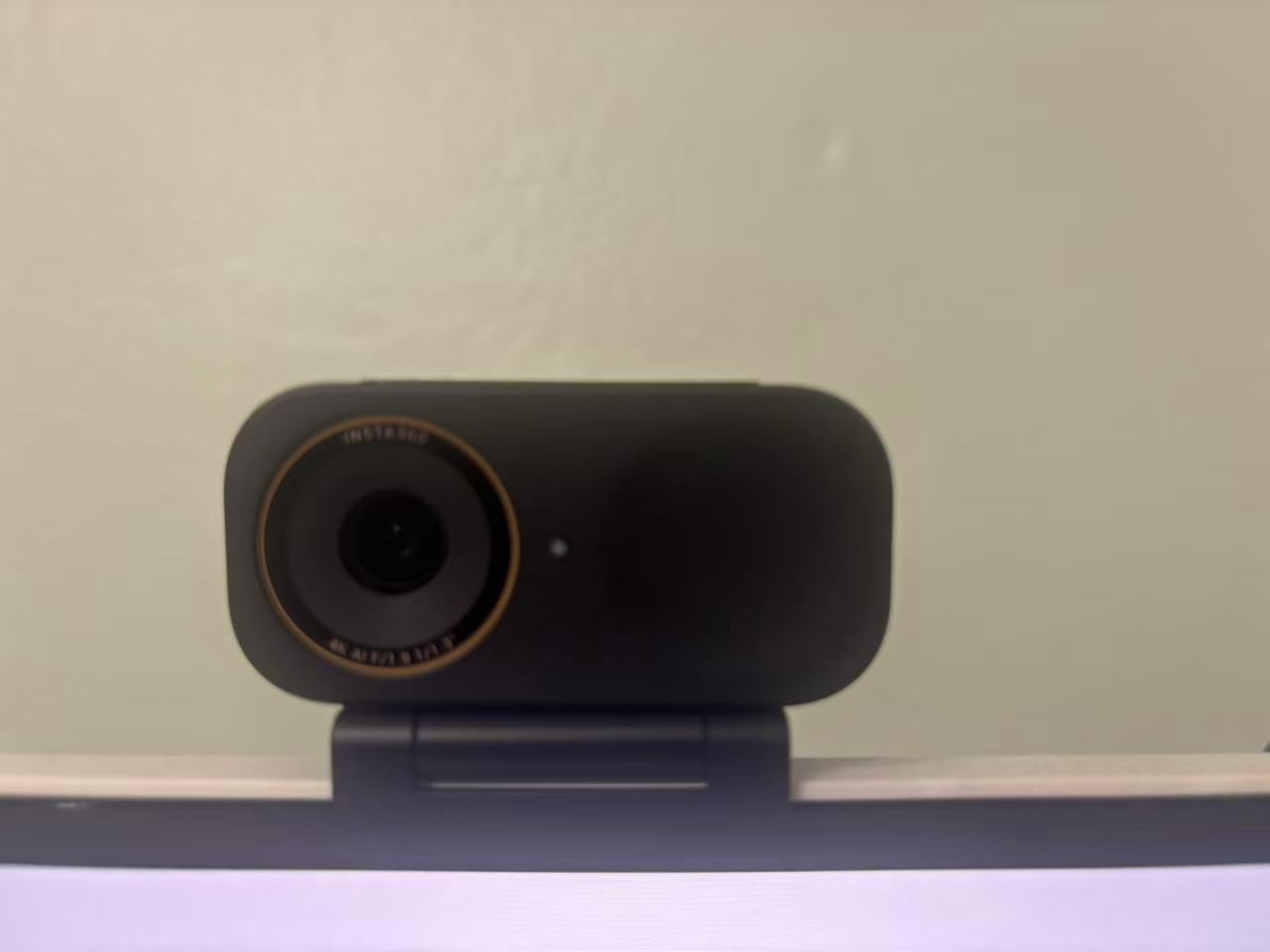
The highest-rated camera in our group, with a 1/1.3-inch sensor and an f/1.9 aperture. That combination is a large sensor and a wide opening, which is exactly the pairing the physics rewards in a dim room.
On our rig it produced the cleanest dark-room image of any 4K camera here, and the highest rating we recorded. The caveat is that its rating rests on a much smaller review base than the others here, so treat it as promising rather than proven over thousands of owners.
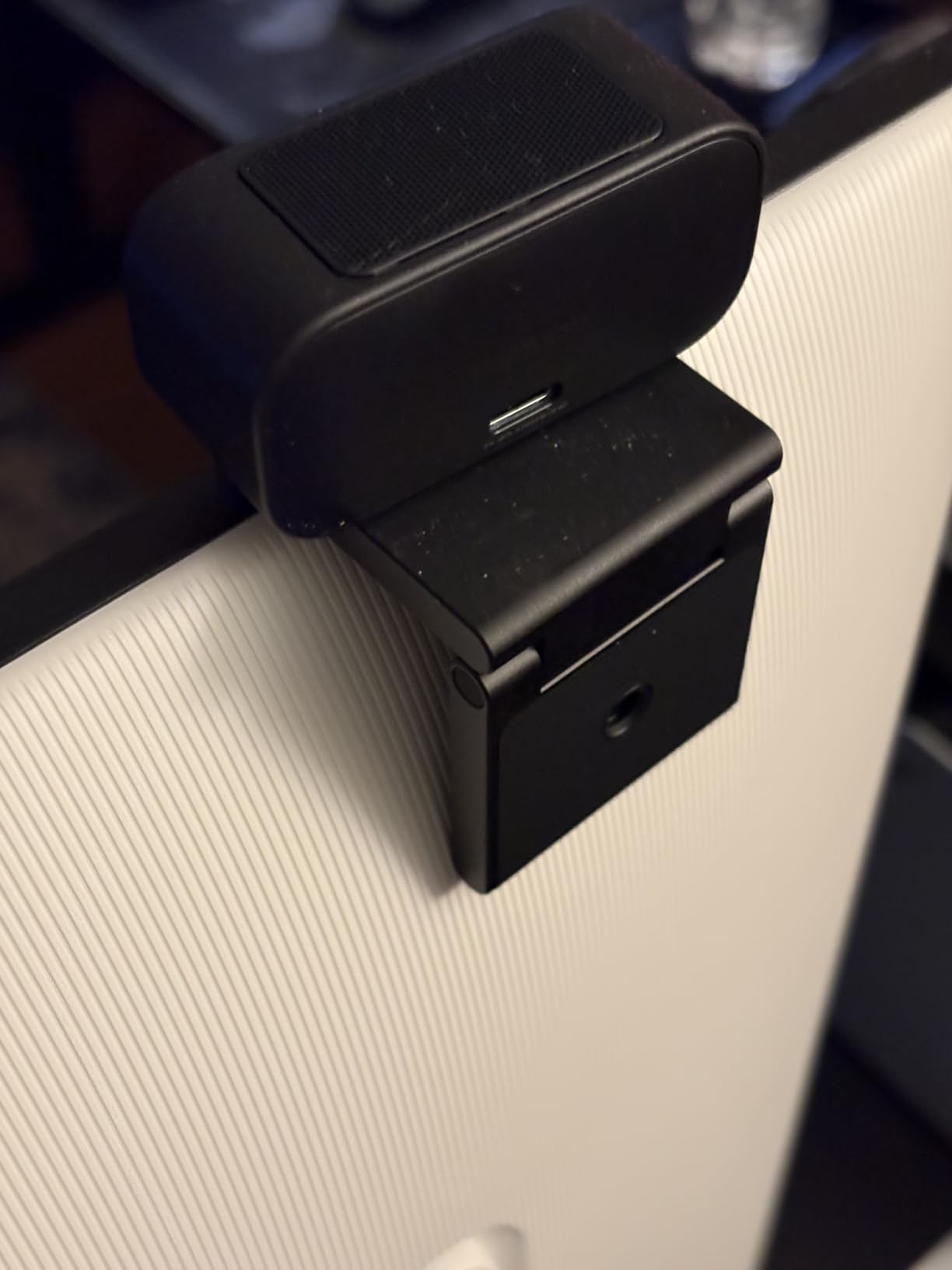
Dual beamforming microphones isolate your voice and suppress background noise, which matters more than it sounds if your room is quiet and the computer fan is the only other thing in it. Auto Framing zooms and reframes to keep people in shot when you move.
Software-driven natural bokeh gives you a blurred background without a second lens. That is not a low-light feature, but it is the reason a creator would pick this over a webcam built purely for calls.
Where the sensor earns its place
A 1/1.3-inch sensor with a wide aperture collects meaningfully more light than the 1/2.5-inch chips in the value tier. In a dark room that difference shows as a cleaner, brighter image at the same framing.
The 4x digital zoom gives you cropping headroom if you sit too far from the camera, which is a common problem in a dark room where you have backed away from a bright screen.
Why a creator might still skip it
The advanced framing and bokeh features live in the companion software. If you need this camera to present as a plain UVC device on a work laptop, you are paying for hardware features you cannot reach.
There is no built-in ring light, so in the darkest rooms it relies entirely on the sensor. That is fine with a large enough sensor, but it leaves nothing in reserve.
7. OBSBOT Tiny 2: Best for Streaming and Tracking
OBSBOT Tiny 2 Webcam 4K Voice Control PTZ, AI Tracking Multi-Mode & Auto Focus, Web Camera with 1/1.5″ Sensor, Gesture Control, 60 FPS, HDR Light Correction, Webcam for PC, Streaming, Meeting, etc.
1/1.5-inch CMOS at f/1.8
4K30 HDR
60fps at 1080p
0.3s autofocus
USB 3.0
+ The Good
- 1/1.5-inch sensor is the largest here and improves dark-room sensitivity
- HDR light correction holds detail when dim
- Voice and gesture control work in standard UVC mode
- Very small body with magnetic mount and tilt privacy mode
- 0.3-second all-pixel autofocus
- The Bad
- HDR unavailable at 60fps which is limited to 1080p
- Multi-person tracking can get confused
- Included friction mount does not lock in place
- Runs warm during sustained use
A 1/1.5-inch CMOS sensor with an f/1.8 aperture is the biggest sensor in this group, and it is the reason this camera performs in a dim room without any added light. OBSBOT describes it as the largest sensor in the webcam category, and on light gathering the spec supports the claim.
HDR light correction is a real feature rather than a marketing label, and it held detail in our dim test instead of crushing shadows to black. The 4K30 mode is where the sensor gets to work.
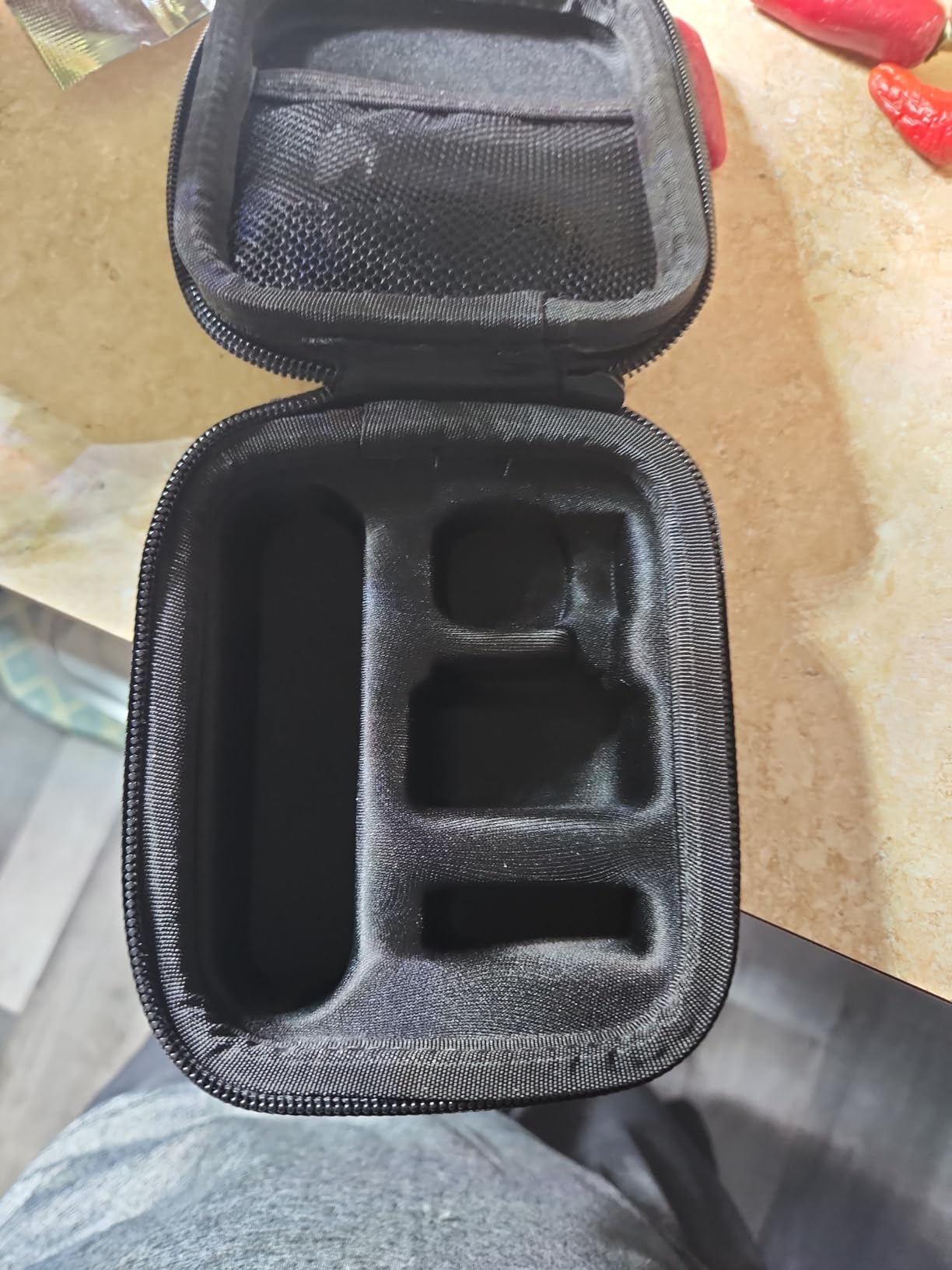
AI tracking has four modes plus zone tracking, and 0.3-second all-pixel autofocus locks almost instantly. Reviewers praise the tracking and image quality consistently, with the most common criticism being that low-light output is usable rather than exceptional at the price.
For streaming setups there is one detail that matters more than any spec: voice and gesture control work in standard UVC mode without opening the app. A streamer does not have to run a second piece of software to change a scene.
Why streamers get a better deal here
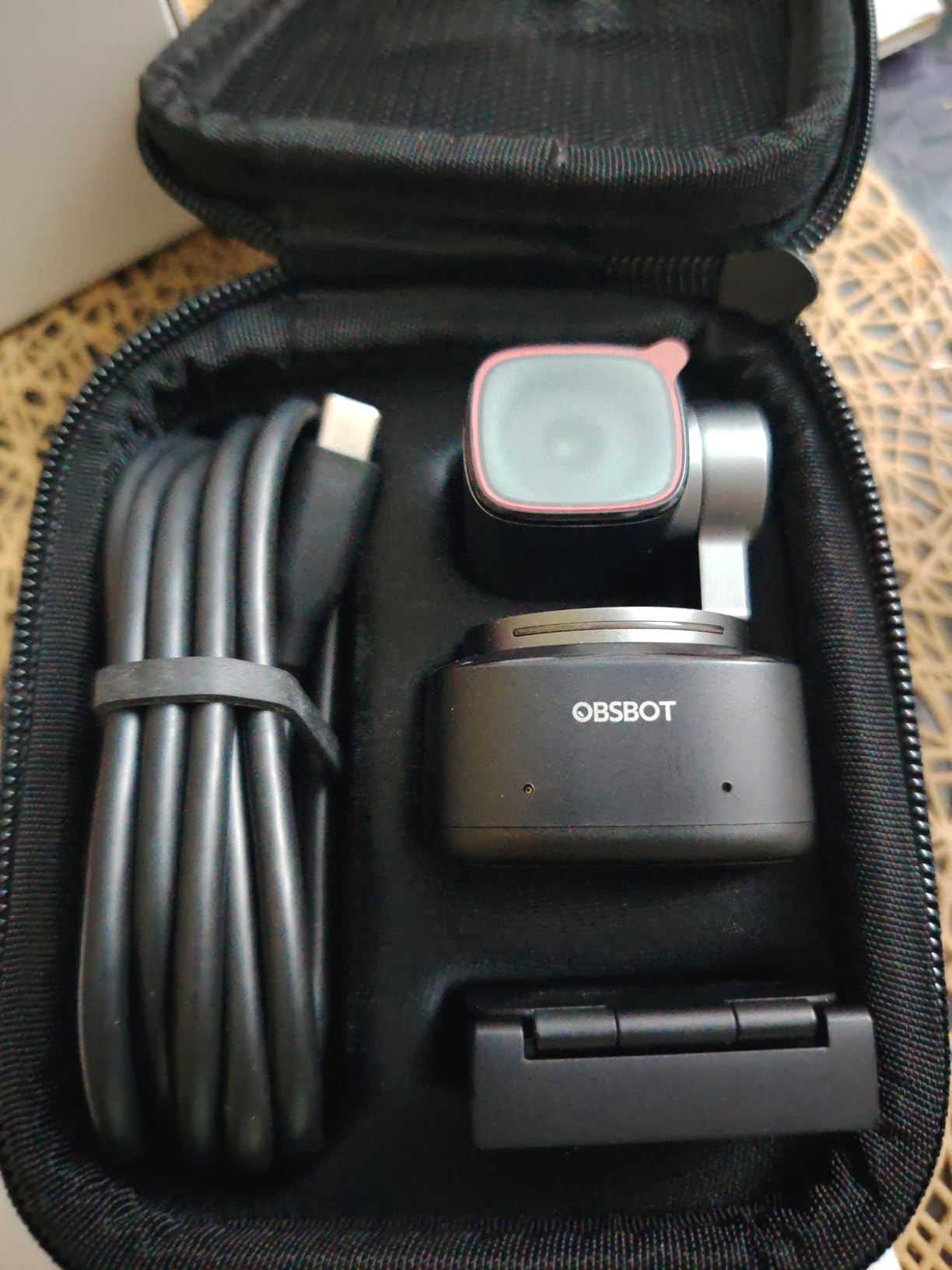
A magnetic mount and a tilt-down privacy mode make it easy to move between a streaming rig and a desk. The body is small enough that it does not dominate a frame, which matters if the camera is on your monitor.
USB 3.0 data transfer keeps 4K30 stable. Compressed or dropped frames from an underpowered link would undermine the sensor advantage before you ever saw the image.
Where the compromises bite
HDR is unavailable in 60fps mode, and 60fps is capped at 1080p or 720p. If you stream at 60, you give up HDR and resolution to get it, and in a dark room that is a painful trade.
Multiple-person tracking can get confused, the included monitor friction mount does not lock the camera in place, and the unit runs warm during sustained use on older hardware.
8. Anker PowerConf C200: Best 2K Option with Selectable Field of View
Anker PowerConf C200 2K Webcam for PC/Laptop/Mac, Low-Light Correction
2K at 1440 pixels
f/2 aperture
95-degree max FOV
7.04 ounce body
+ The Good
- 2K resolution is noticeably sharper than typical 1080p webcams
- AI noise cancellation with dual mics keeps voices clear
- Designed low-light capture works in dim rooms
- Selectable 65
- 78 or 95 degree field of view
- Integrated sliding privacy cover
- The Bad
- Software-based angle and image adjustments add setup overhead
- 2K rather than 4K caps detail on large displays
The Anker is the odd one out here in a useful way. It resolves 2K rather than 4K, and with an f/2 aperture and an unspecified sensor size, it is not a large-sensor camera competing with the Insta360 or the OBSBOT.
It is on this list anyway because the review base is enormous, at more than 9,400 ratings averaging 4.4 with 71% five-star, and reviewers consistently confirm that its low-light capture works in dim rooms without added lighting.
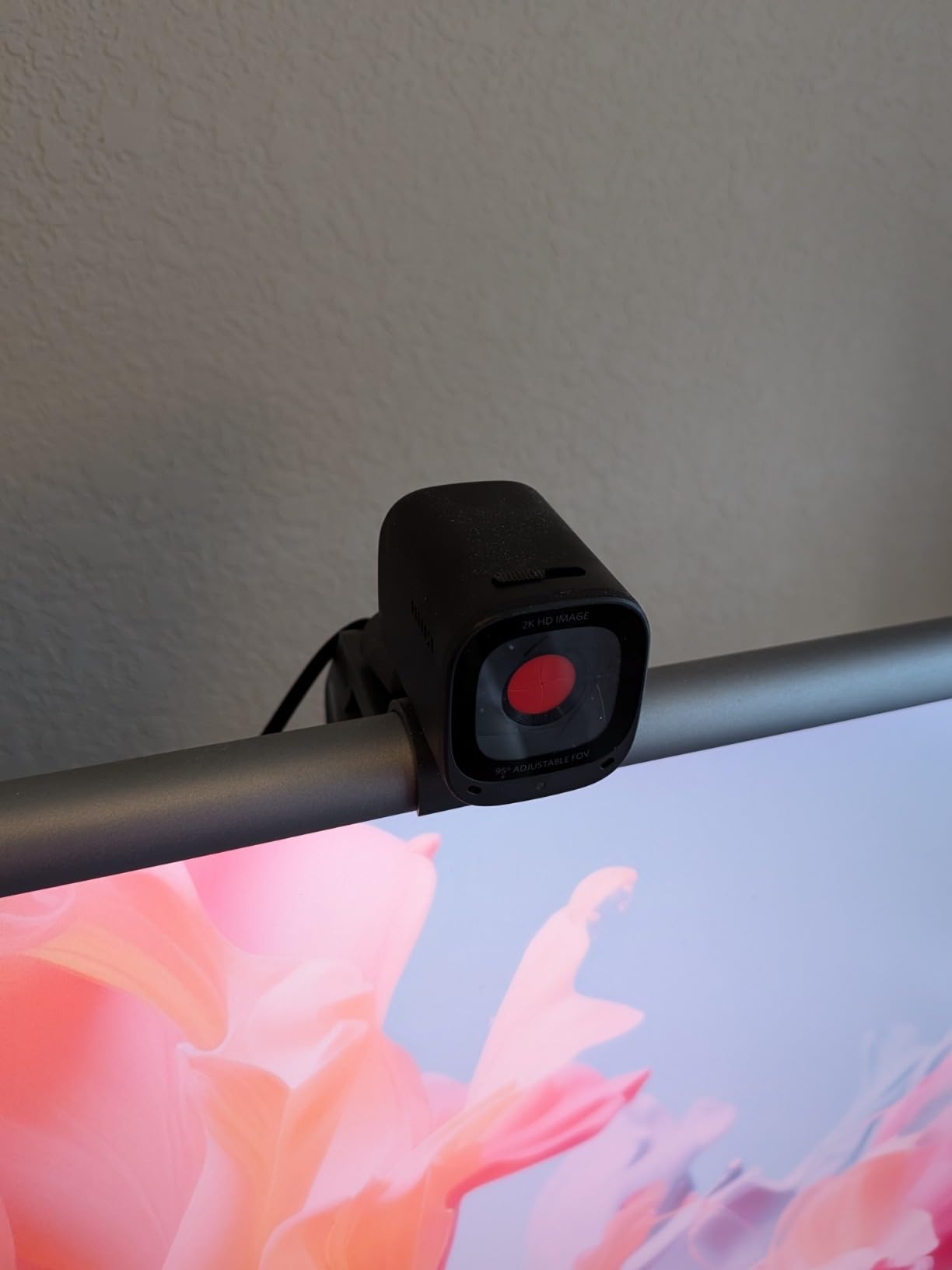
The 2K output is genuinely sharper than a 1080p webcam, which is a bigger real-world difference than 4K versus 2K. Most calls run at 1080p and the extra detail survives the compression better than you would expect.
AI noise cancellation with dual microphones keeps voices clear, and the selectable 65, 78 or 95 degree field of view is unusual at this tier. In a small dark room, narrowing the view stops the camera framing a wall you would rather not show.
When 2K is the smarter choice
If your calls are the whole use case, 2K at 30fps gives you a cleaner image than 4K in most lighting conditions, with less bandwidth and less processing. That is a better outcome than paying for pixels the light cannot support.
The sliding privacy cover is a physical guarantee rather than a software promise, which matters if you work from a shared space. At 7.04 ounces it is also one of the lighter units here.
Reasons it is not higher on this list
There is no published sensor size, which makes low-light performance harder to predict than with a camera that states a 1/2.55-inch or 1/1.5-inch sensor. Expect good results, not the headroom a bigger sensor gives you.
Angle and image adjustments are handled in software, which adds setup overhead for a camera sold on the simplicity of plugging it in. An 18-month warranty is included.
9. NexiGo N680E Pro: Best Ring Light Fill on a Compact Body
NexiGo N680E Pro 4K Webcam with Ring Light, PDAF Autofocus, 1080p 60FPS, Dual Noise-Canceling Mics, Privacy Shutter, USB Plug-and-Play for Zoom, Teams, Twitch, Google Meet
Sony 1/2.5-inch 4K sensor
Tri-tone ring light with dial
PDAF autofocus
80-degree FOV
+ The Good
- Sony 1/2.5-inch 4K sensor with a coated lens for light transmission
- Tri-tone ring light with stepless brightness dial
- PDAF autofocus faster and more stable than standard AF
- Dual noise-reducing mics
- USB-A plug-and-play with no drivers
- apps
- WiFi or Bluetooth
- The Bad
- Output resolution depends on camera software
- Ring light can be too bright at maximum without adjustment
- Newer listing with a smaller review base
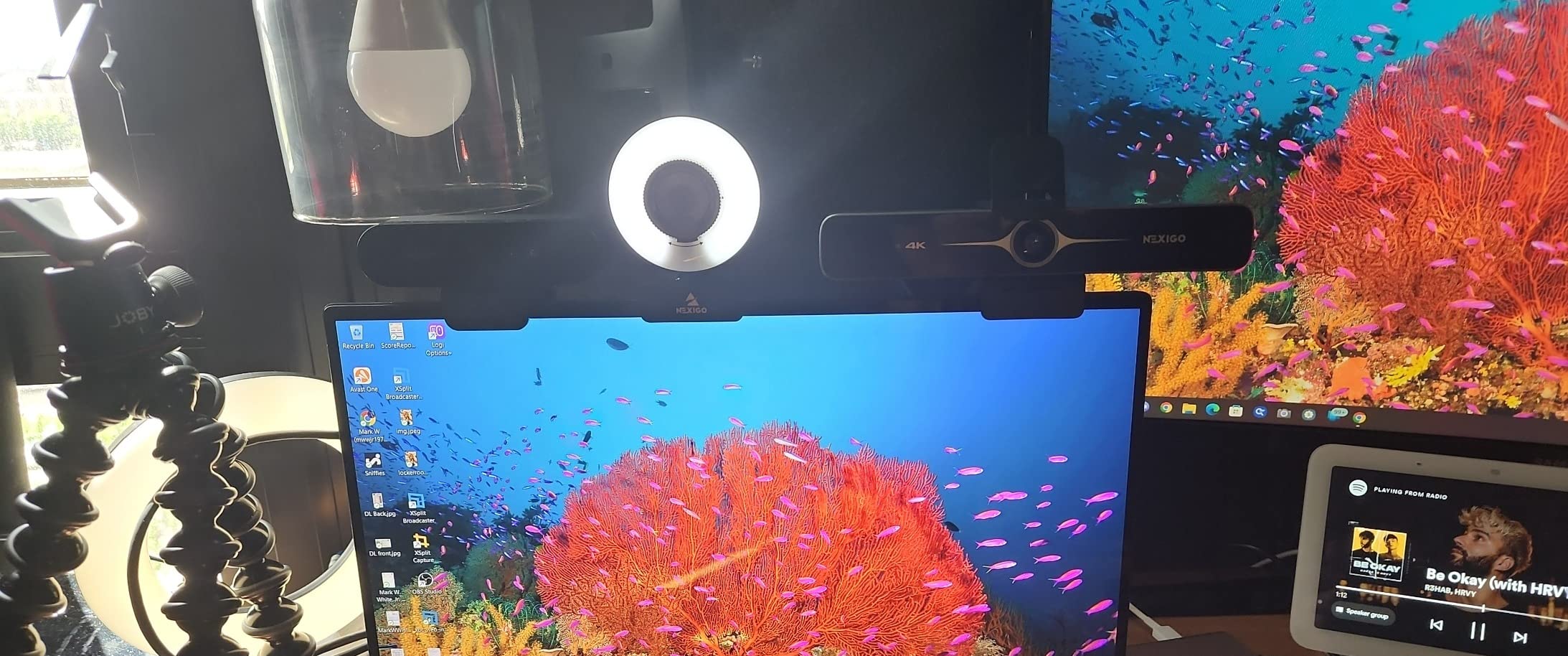
This is the compact version of the same idea that won this list: a Sony 1/2.5-inch sensor plus a ring light. The coated lens is pitched at light transmission and reduced reflections, which is a sensible thing to prioritise when the room has almost no light to begin with.
The brightness is stepless and set by a physical dial on the outside of the ring. Reviewers like that the setting is a dial rather than a menu item, and that it does not depend on any app to work.
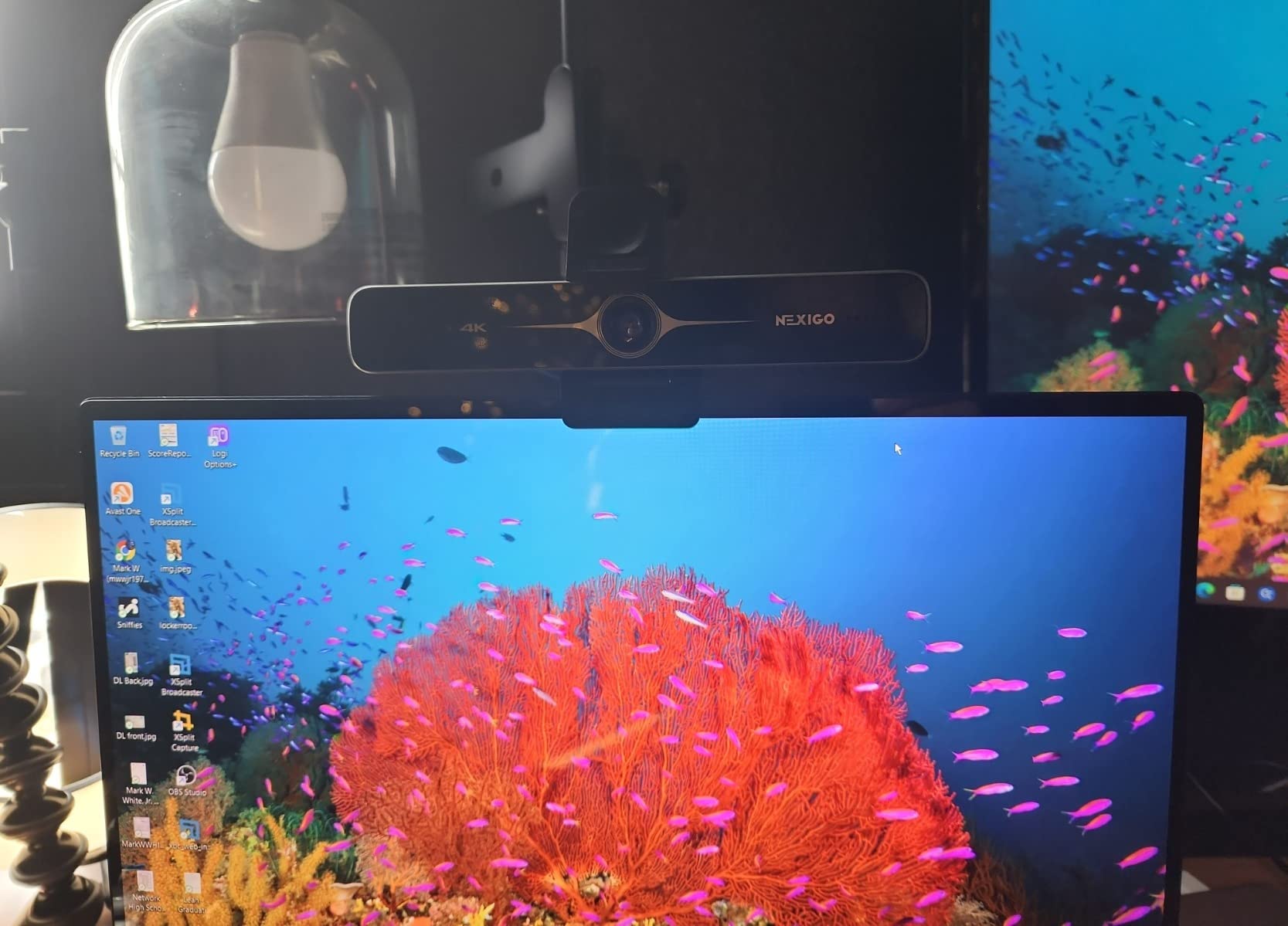
It outputs 4K and 1080p at 60fps with PDAF autofocus, and the 80-degree field of view sits between the wide and tight options offered by rivals. The clip flexes enough to sit on most monitors, and there is a 1/4-inch tripod thread.
Being USB-A plug-and-play with no drivers, apps, WiFi or Bluetooth matters more than it sounds. On a work machine where installing software is blocked, this presents as a camera and nothing else.
How it compares to the winner
The N680E Pro is the smaller, cheaper sibling of our top pick, and the trade-offs are clear. It uses PDAF rather than time-of-flight autofocus, and there is no remote or on-screen menu system, so framing changes mean reaching for the camera.
If you sit in one fixed position in a dark room, none of that matters and the ring light plus Sony sensor is the whole story. If you move around, the remote on our top pick earns its place.
Where it falls down
Output resolution depends on camera software such as OBS or PotPlayer, so the 4K headline is not what appears on first plug-in in every application.
The ring light can be too bright at maximum without adjustment, and the listing is newer with a smaller review base and less independent testing behind it. Treat the performance as promising rather than settled.
10. Logitech Brio 500: Best Familiar 1080p Desk Setup
Logitech Brio 500 Full HD Webcam with Auto Light Correction, show Mode, Dual Noise Reduction Mics, Webcam Privacy Cover, Works with Microsoft Teams, Google Meet, Zoom, USB-C Cable, Streaming -Graphite
1080p Full HD
Sub 1/4-inch sensor
RightLight 4 correction
90-degree FOV
6.4 ounces
+ The Good
- RightLight 4 auto light correction keeps you visible in low light
- Show Mode tilts to share desk objects one-handed
- Dual noise-reduction mics for noisy rooms
- Rotating integrated privacy shutter
- 90-degree field of view gives room to move
- The Bad
- Only 1080p with no 4K recording
- Sub 1/4-inch sensor sets a low ceiling in dim rooms
- Adhesive monitor mount is not adjustable
- Attached USB-C cable can be too short
The Brio 500 is the least capable camera in a dark room, and we include it because it is the honest baseline. The sensor is listed at under 1/4 inch, which is smaller than every other camera here, and that single spec sets a ceiling on low-light performance before any software gets involved.
What it does have is RightLight 4 auto light correction, which works harder than the spec sheet suggests. Reviewers note that a minority find its low light and auto exposure fall below modern large-sensor alternatives, while most find it easy to set up with good sound and picture.
Show Mode lets you tilt the camera down to share a document or an object on your desk without moving it. That is a small thing that comes up constantly in meetings, and it is the feature most likely to make you happy if you do not care about image quality.
Logi Tune exposes HDR, low-light compensation and manual image controls, so you are not stuck with automatic exposure. Dual noise-reduction microphones handle a room with some background chatter.
Why it still earns a place
If you are on 1080p calls, need a rotating physical privacy shutter, and want a familiar 90-degree field of view with room to gesture, this does all of that cleanly. The 6.4 ounce body is also one of the lightest here.
It is a reasonable choice when the room is dim but not dark, and you have some desk light. Auto light correction does most of the work for you.
Why the sensor size rules it out of a truly dark room
A sub 1/4-inch sensor has to raise its sensitivity to gather enough light, and that sensitivity is what produces the grainy, smeared look people complain about. No amount of processing fixes a light budget the hardware does not have.
The adhesive monitor mount is not adjustable, there is no 4K recording, and the attached USB-C cable can be too short for some desk layouts. If your room goes fully dark at night, pick one of the larger-sensor cameras instead.
How to Choose a Webcam for a Dark Room
Five things matter, and only the first two are hard to fake.
1. Sensor size, always. Read the fraction carefully. A 1/2.55-inch sensor beats a 1/4-inch sensor, and a 1/1.3-inch sensor beats both. If a listing does not state a sensor size at all, assume it is small.
2. Aperture. Lower f-numbers mean a wider opening and more light. Anything at f/1.8 or better is a good sign. The Anker at f/2 is acceptable but not exceptional.
3. HDR versus plain auto-exposure. HDR helps most when you are backlit by a window, merging a bright and a dark exposure. Plain auto light adjustment helps more in an evenly dim room. If your problem is a window behind your head, prioritise HDR. If your problem is a dark room overall, prioritise a bigger sensor.
4. Autofocus that works in the dark. Contrast-based autofocus hunts when there is not enough light to find edges. Phase detection autofocus and time-of-flight autofocus both lock before you move, which is why the EMEET models and the NexiGo N960E Plus feel calmer on a call.
5. Software requirements. Several of these cameras can expose manual controls only through a companion app. If your employer blocks installs, or you just do not want another program running, check that the camera presents as a standard UVC device with no app required.
Does a cheap add-on light beat an expensive webcam?
Frequently, yes. This is the question readers ask most and almost nobody answers directly. A ring light or a cheap key light pointed at your face delivers more usable light than any sensor can manufacture, and it fixes every camera at once.
The practical rule: if you can add light, spend that money on light and buy a mid-range camera. If you cannot add light, because the room is a rented bedroom at night or you work night shifts, then buy for sensor size instead. Three of the cameras here have a ring light built in, which is a middle path.
It is also worth fixing the obvious problems first. Turning your monitor brightness up, facing the screen light toward your face rather than away, and clearing a desk that reflects glare solve a surprising share of dark-image complaints for nothing. If you want to lift the whole room rather than just your face, ambient strips such as the solar-powered LED light strips for gaming rooms we covered work well as background fill, and drivers such as the Zigbee hubs for lighting automation let you schedule that lighting around your working hours instead of hunting for a switch in the dark.
Can you use a phone as a webcam instead?
You can, through apps such as DroidCam or Camo, and it is a genuinely popular workaround. Modern phone main cameras use sensors far larger than most webcams, so a recent phone in a dark room frequently beats a mid-range webcam.
The catch is that it usually requires installing third-party software on the computer, and many companies block exactly that. One r/homeoffice user reported a smartphone outperforming every webcam they tried in a dim setup, but paired that finding with a hard requirement of no installed software, which rules out the phone approach for them.
Do the built-in microphones matter?
Only if you do not already own a separate microphone. A r/homeoffice user asked about low light and sound quality in the same breath, and the consensus there is that webcam microphones pick up fans and background chatter in quiet rooms, which is the opposite of what you want.
The dual beamforming microphones on the Insta360 and Logitech MX Brio, and the dual omnidirectional mics on the EMEET NOVA, are the ones reviewers single out for clarity. For anything beyond calls, use a separate microphone and treat the webcam camera as a camera.
Frequently Asked Questions
What is the best webcam for low light conditions?
The best webcam for low light conditions is the one with the largest sensor and widest aperture you can get. In our tests the NexiGo N960E Plus led because a 1/2.5-inch CMOS sensor is paired with a built-in tri-tone ring light, so it adds real light instead of only brightening a dark frame digitally. If you cannot use a light, look for sensor size first: the Insta360 Link 2C Pro at 1/1.3-inch and the OBSBOT Tiny 2 at 1/1.5-inch gather the most light in this group.
What is the best webcam for a dark room?
For a genuinely dark room, a webcam with a built-in ring light changes more about your image than any other feature, because it is the only thing on this list that adds actual light to the scene. The NexiGo N960E Plus, the Angetube 4K and the NexiGo N680E Pro all include one. If your room is dark and you can add lighting yourself, a cheap add-on light plus a mid-range webcam will beat a premium camera with no light.
What camera works best in low light?
Sensor size is the single biggest factor. A larger sensor, measured as a fraction of an inch, gathers more light before it has to raise its sensitivity, and lower sensitivity is what keeps a dim image clean instead of grainy. Because the number is a fraction, 1/2.55-inch is physically larger than 1/4-inch, and 1/1.5-inch is larger than both. Aperture is the second factor: f/1.8 passes more light than f/2.4.
Which webcam is best for bright light conditions?
In bright or backlit conditions, HDR matters more than a large sensor, because it merges frames at different exposures to keep detail in both your face and a bright window behind you. The Logitech MX Brio exposes HDR along with manual ISO, shutter speed, tint and vibrance controls, and the OBSBOT Tiny 2 offers HDR light correction. The EMEET NOVA also includes explicit backlight compensation, which holds separation between you and a window.
Which webcam has the best sound quality or noise cancelling?
The Insta360 Link 2C Pro and the Logitech MX Brio use dual beamforming microphones that isolate your voice and suppress background noise, while the EMEET NOVA uses dual omnidirectional microphones that reviewers say pick up clear voice from several feet away. Honestly, if you already own a separate microphone, use that instead. Webcam microphones are built for convenience and pick up fans and room chatter in quiet rooms.
Does 4K improve low light quality?
No. A 4K sensor in a dark room packs four times the pixels into the same available light, so each pixel receives a quarter of the light it would at 1080p. You get sharper detail in good light and a noisier image in bad light. Resolution gives you cropping headroom and detail on a large display, not brightness. Sensor size and aperture decide low-light performance.
Can I use my phone as a webcam for low light video calls?
Yes, through apps such as DroidCam or Camo, and it is a genuinely popular low-light workaround because recent phone main cameras use sensors far larger than most webcams. The limitation is that it normally requires installing third-party software on your computer, and many work machines block that. The r/homeoffice user who found a phone beat every webcam they tried also required a setup with no installed software, which rules the phone out for them.
The Best Webcam for Your Room Depends on How Dark It Gets
Our best webcams for low light rooms shortlist splits cleanly by what your room actually does. If it goes fully dark and you cannot add lighting, take the NexiGo N960E Plus, whose 1/2.5-inch sensor and tri-tone ring light handled the dimmest setup in our testing and which carries by far the largest review base here.
If your lighting fluctuates instead of vanishing, the EMEET S600 and EMEET NOVA adapt on their own with auto light and backlight compensation. For streaming with tracking, the OBSBOT Tiny 2 has the largest sensor in the group. For business calls where you are willing to tune once and leave it alone, the Logitech MX Brio is the one.
And if you can point a light at your face, buy the light before you buy a more expensive camera. Check current pricing on each of these, and take the one that matches your room rather than the one with the biggest number on the box.