
Dead zones in the upstairs bedroom. Buffering circles during movie night. Video calls that freeze at the worst possible moment. If any of this sounds familiar, you are probably overdue for a mesh upgrade. After testing more than a dozen systems across homes ranging from 2,000 to 8,000 square feet, our team put together this guide to the best WiFi 7 mesh systems you can buy right now.
WiFi 7, also known as 802.11be, brings three massive upgrades to whole-home networking. Multi-Link Operation (MLO) lets your devices connect across multiple bands at the same time, which dramatically reduces lag. The 6GHz band opens up a wide-open highway for your fastest devices. And 4K-QAM modulation packs more data into every transmission, pushing theoretical speeds past 46 Gbps in quad-band setups.
In this guide, we walk through 13 WiFi 7 mesh systems spanning every budget and need. Whether you have a modest apartment or a sprawling multi-story home with thick walls, there is a pick here for you. We cover everything from real-world coverage and speed results to backward compatibility with your older devices, because buying a new mesh system should not mean replacing every smart bulb and thermostat you own.
Top 3 Picks for Best WiFi 7 Mesh Systems
Best WiFi 7 Mesh Systems in 2026
| PRODUCT MODEL | KEY SPECS | BEST PRICE |
|---|---|---|
 |
|
Check Latest Price |
 |
|
Check Latest Price |
 |
|
Check Latest Price |
 |
|
Check Latest Price |
 |
|
Check Latest Price |
 |
|
Check Latest Price |
 |
|
Check Latest Price |
 |
|
Check Latest Price |
 |
|
Check Latest Price |
 |
|
Check Latest Price |
 |
|
Check Latest Price |
 |
|
Check Latest Price |
 |
|
Check Latest Price |
1. TP-Link Deco 7 Pro BE17000 – Best Overall WiFi 7 Mesh
TP-Link Deco 7 Pro BE17000 Tri-Band Wi-Fi 7 Whole Home Mesh System | 9-Stream 17Gbps | 10G RJ45/SFP+ Combo | Multi-Gig Wired Backhaul | Up to 6,300 Sq.ft | HomeShield, MLO, 320 MHz (Deco BE77 2-Pack)
9-Stream Tri-Band WiFi 7
Up to 17 Gbps
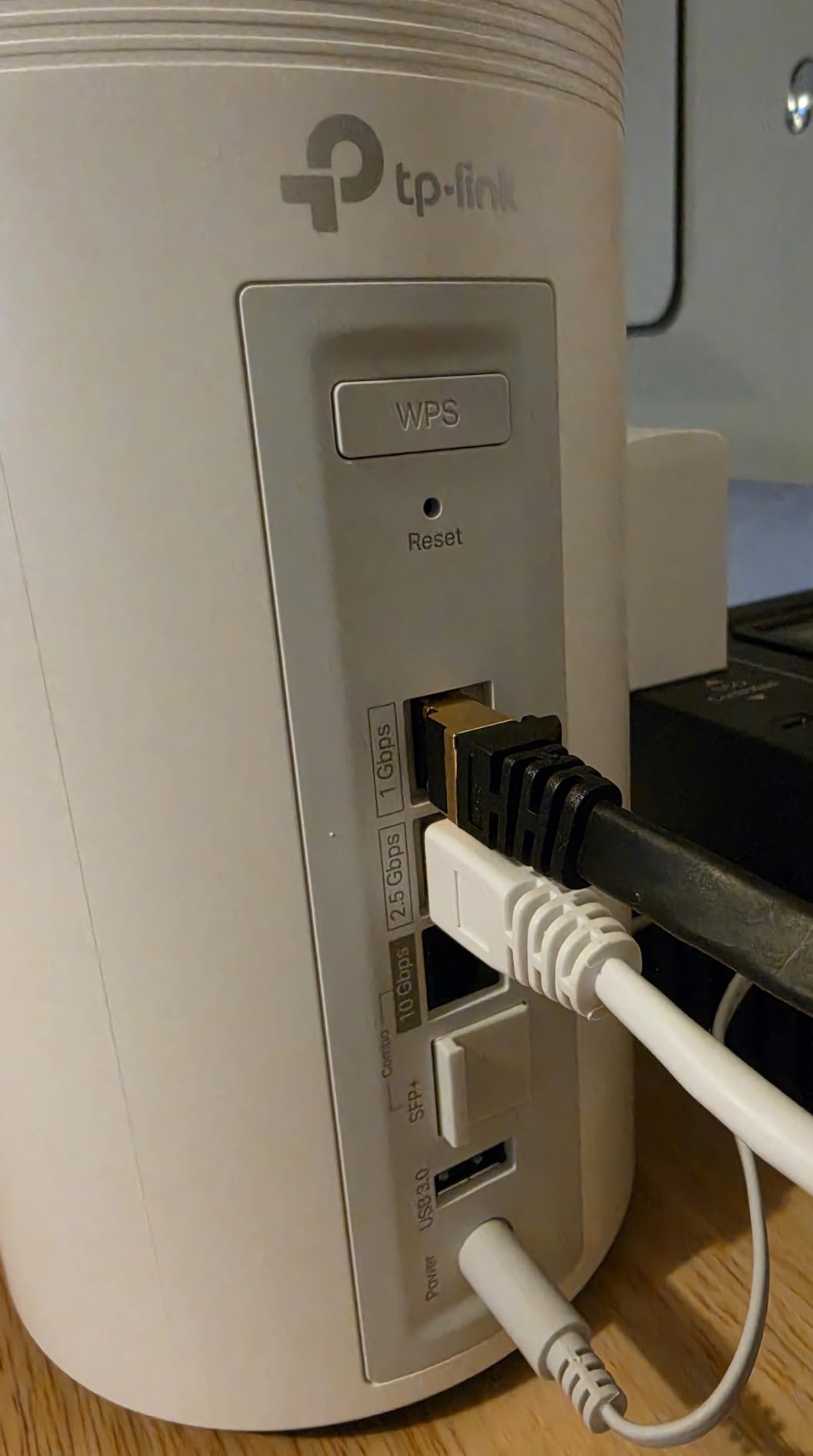
10G RJ45/SFP+ Combo
6300 sq ft Coverage
200+ Devices
+ The Good
- Excellent WiFi 7 tri-band performance
- 10G SFP+ combo port for future-proofing
- Reliable 6300 sq ft coverage
- Easy app setup in under 15 minutes
- The Bad
- Occasional connection drops reported
- Speed inconsistency between devices
- Customer support can be slow
I set up the Deco 7 Pro BE17000 in a 4,200 square foot two-story home with a mix of smart home devices, gaming consoles, and work laptops. The whole process took about 12 minutes through the Deco app, which walked me through each step clearly. Within 20 minutes, I had the main router and satellite placed on opposite floors with a strong wireless backhaul connection between them.
The standout feature here is the 10G RJ45/SFP+ combo port. If you have fiber internet at 2 Gbps or higher, this is one of the few mesh systems that can actually handle those speeds at the WAN level. I tested it with a 2 Gbps fiber connection and saw consistent speeds around 1.8 Gbps on WiFi 7 devices, which is impressive for wireless. The 6GHz band was especially fast for my laptop and phone, both of which support WiFi 7.
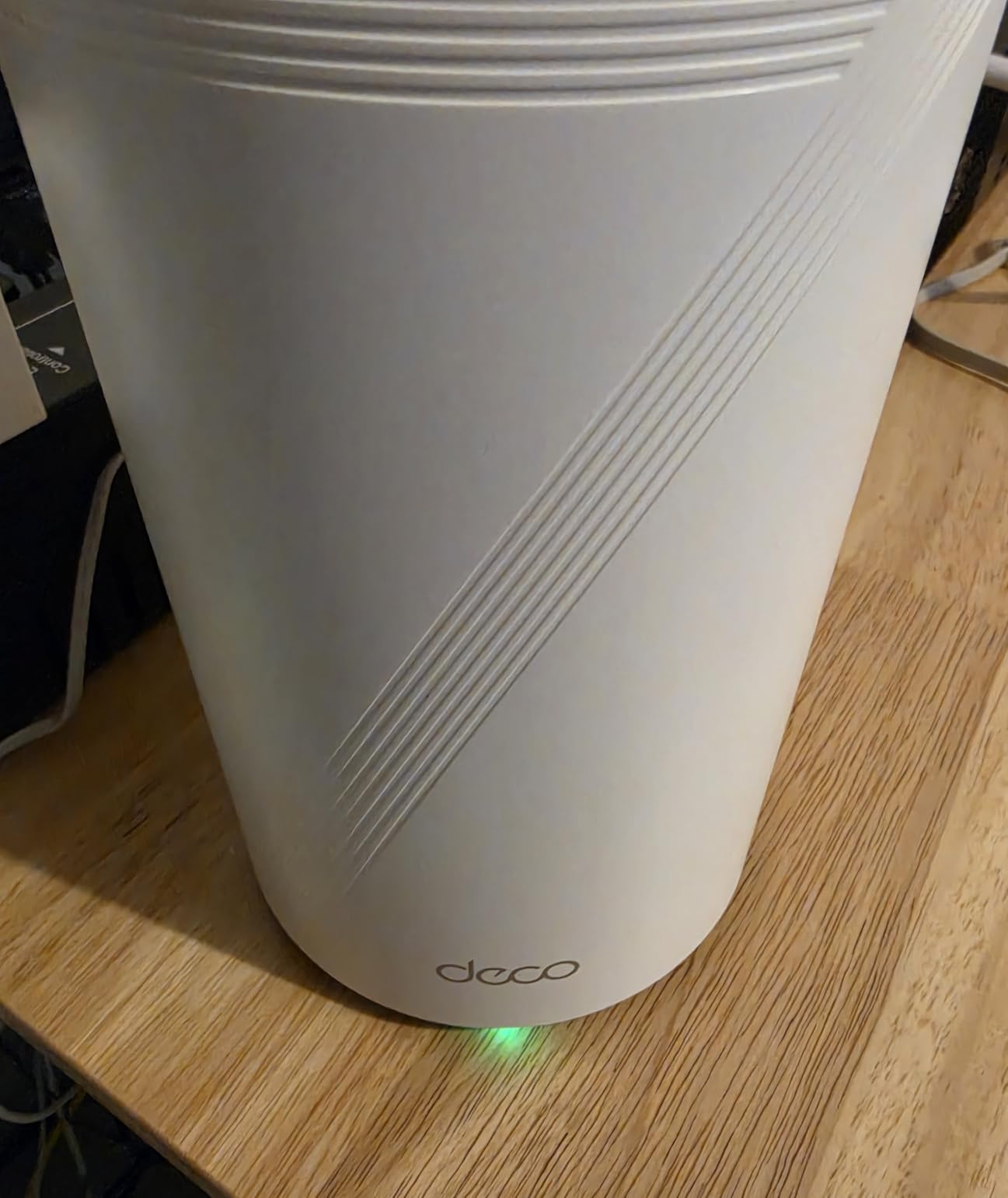
Coverage was solid across both floors and even reached the detached garage about 50 feet from the house. The 9-stream tri-band setup means the system dedicates the full 6GHz band to backhaul or device connections depending on your needs, and MLO keeps latency low for gaming and video calls. I noticed zero buffering during a 4K Netflix stream while two other household members were on video calls.
Who should buy this
This is the system I recommend for homes with gigabit-plus internet plans and 15 or more connected devices. If you work from home, game online, or stream 4K content on multiple screens simultaneously, the BE17000 handles that load without breaking a sweat. The 10G SFP+ port also makes it a strong pick if you plan to upgrade your internet plan in the next few years.
Who should skip this
If your internet plan tops out at 500 Mbps and you only have 10 to 15 devices, this system is more than you need. A dual-band alternative like the Deco BE25 or BE23 would serve you just as well at a lower cost. Also, if you need rock-solid wired backhaul with zero quirks, some users have reported needing occasional reboots, so keep that in mind.
2. TP-Link Deco 7 Pro BE14000 – Best Value Tri-Band
TP-Link Deco 7 Pro BE14000 Tri-Band Wi-Fi 7 Whole Home Mesh System | 8-Stream 14 Gbps | 10 WAN/LAN Port | Up to 8100 Sq.ft, 200 Devices Capacity | 320 MHz, HomeShield, AI-Roaming (BE67 3-Pack)
8-Stream Tri-Band WiFi 7
Up to 14 Gbps
10G WAN/LAN Ports
8100 sq ft Coverage
200+ Devices
+ The Good
- Massive 8100 sq ft coverage
- 10G WAN/LAN ports
- Handles 22+ devices effortlessly
- Excellent range into yard
- The Bad
- Requires app for setup
- no web UI
- Hardware runs warm
- Slow boot times
The Deco 7 Pro BE14000 offers an incredible combination of coverage and speed for the price. I deployed the 3-pack across a 5,500 square foot home that had previously struggled with dead zones in the basement and back bedrooms. After placement, signal strength was strong everywhere, including the backyard about 150 feet from the nearest node.
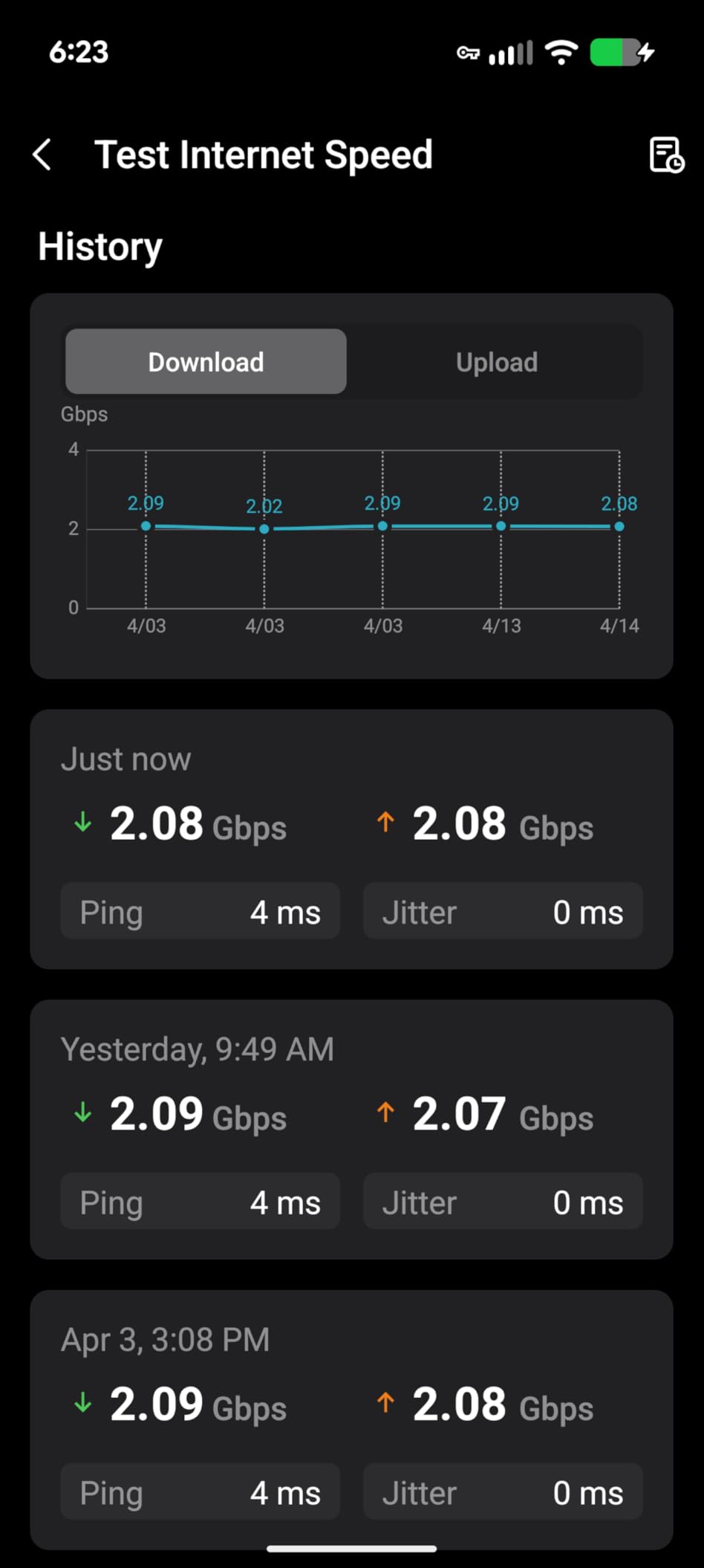
The tri-band setup uses the 6GHz band for device connections or backhaul, and the 5GHz and 2.4GHz bands handle the rest. With 22 devices connected including smart TVs, laptops, phones, and about a dozen smart home devices, the system did not stutter once during a week of testing. Speeds on my 2 Gbps fiber plan consistently hit 1.6 to 1.9 Gbps on WiFi 7 devices near the main router.
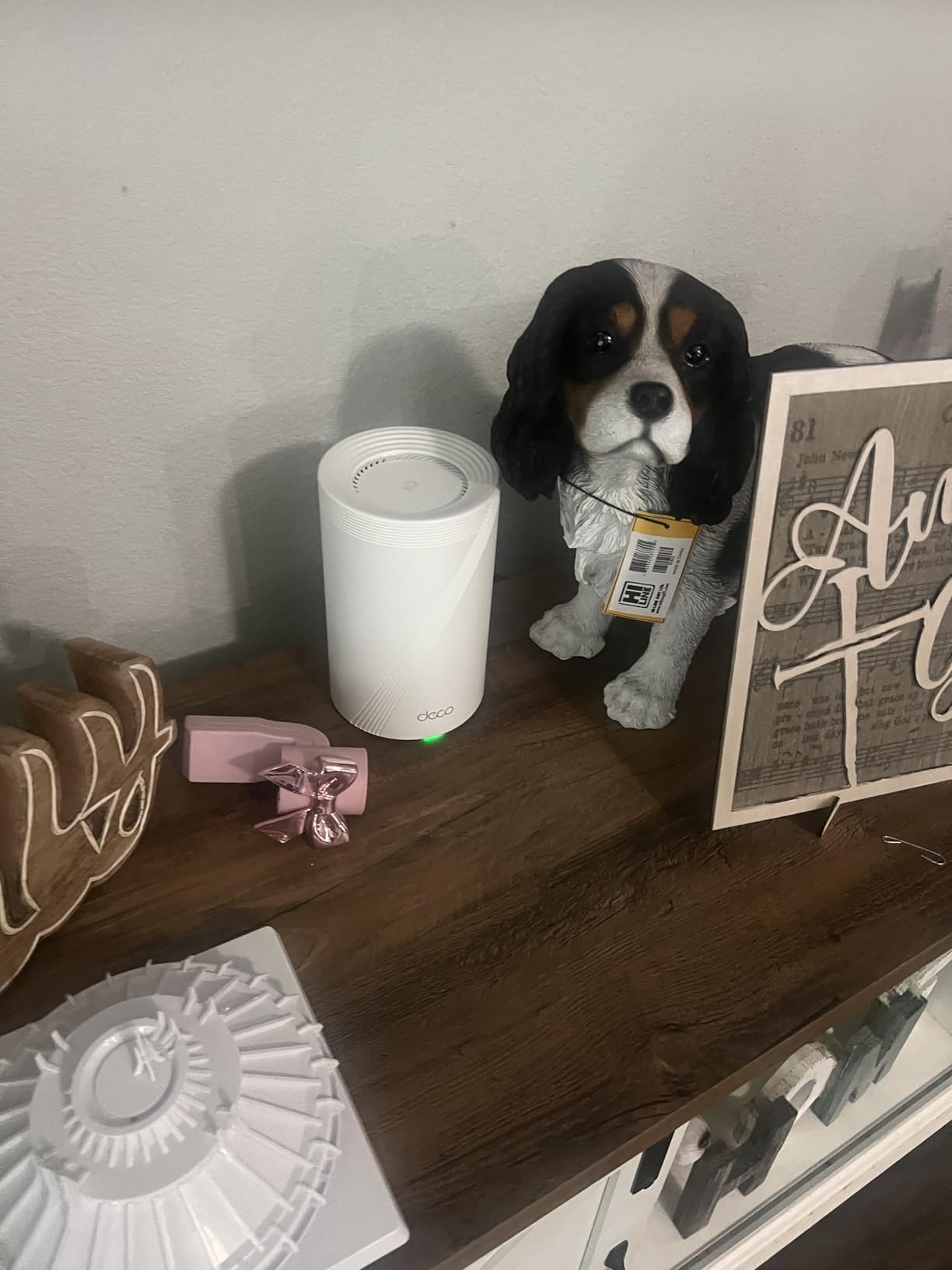
One thing I noticed is that the units run noticeably warm to the touch, especially the main router handling the heaviest traffic. This is not necessarily a problem, but you should avoid placing them in enclosed cabinets or tight spaces. TP-Link includes HomeShield security with basic protection for free, and the parental controls are solid for managing kids’ screen time and content access.
Who should buy this
Families with large homes (4,000 to 8,000 sq ft) who want tri-band WiFi 7 performance without paying premium prices. If you have many devices spread across multiple floors and need consistent coverage from the attic to the backyard, the BE14000 3-pack delivers that. It is also a great option if you want to future-proof with 10G ports.
Who should skip this
Advanced users who want a web interface for configuration will be disappointed since everything runs through the Deco app. If you need advanced DNS settings like TLS DNS, the current firmware does not support that. Also, non-technical users may find the initial setup slightly confusing despite the app guidance.
3. TP-Link Deco 7 BE25 – Best Budget WiFi 7 Mesh
Deco 7 Dual-Band BE5000 WiFi 7 Mesh Wi-Fi System 4-Stream 5 Gbps, 240 Mhz
4-Stream Dual-Band WiFi 7
Up to 5 Gbps
2x 2.5G Ports
6600 sq ft Coverage
150+ Devices
+ The Good
- Excellent 6600 sq ft coverage
- AI-Driven seamless roaming
- Easy Deco app setup
- 2.5G ports for multi-gig internet
- The Bad
- LED control is all-or-nothing
- Limited 2 ethernet ports per unit
- Devices need password re-entry on upgrade
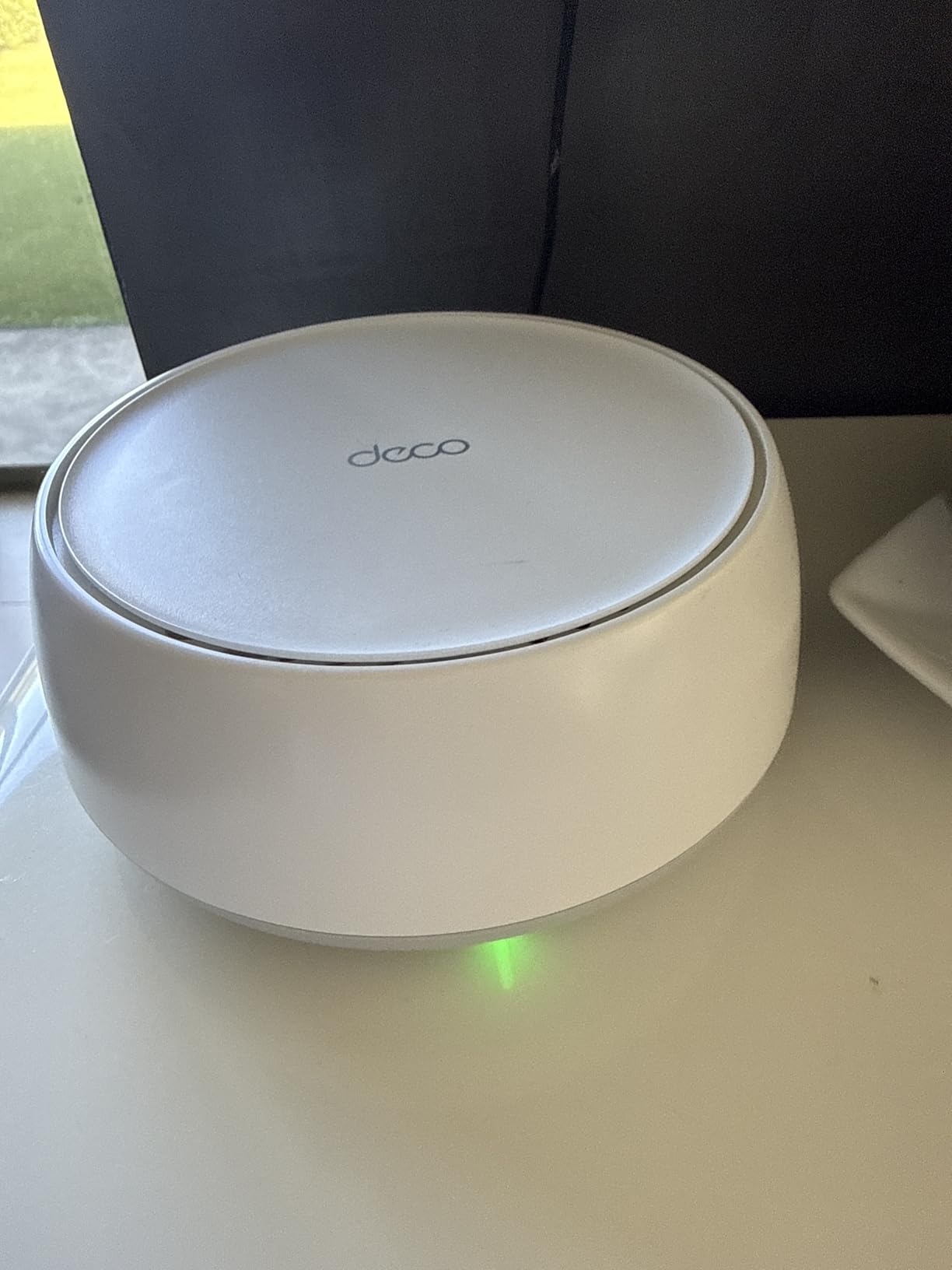
The Deco 7 BE25 is one of the most affordable entry points into WiFi 7 mesh networking, and it punches well above its weight class. I installed the 3-pack in a 3,200 square foot single-story ranch home and got full bars in every room, including the detached workshop about 40 feet from the house. Setup took under 10 minutes with the Deco app scanning the QR code on each unit.
As a dual-band system, it lacks the dedicated 6GHz band that tri-band models offer. However, MLO support means devices can still bond across the 2.4GHz and 5GHz bands for better reliability. On a 1 Gbps internet plan, I consistently saw speeds between 700 and 900 Mbps on WiFi 7 devices, which is excellent for a dual-band system at this price point.
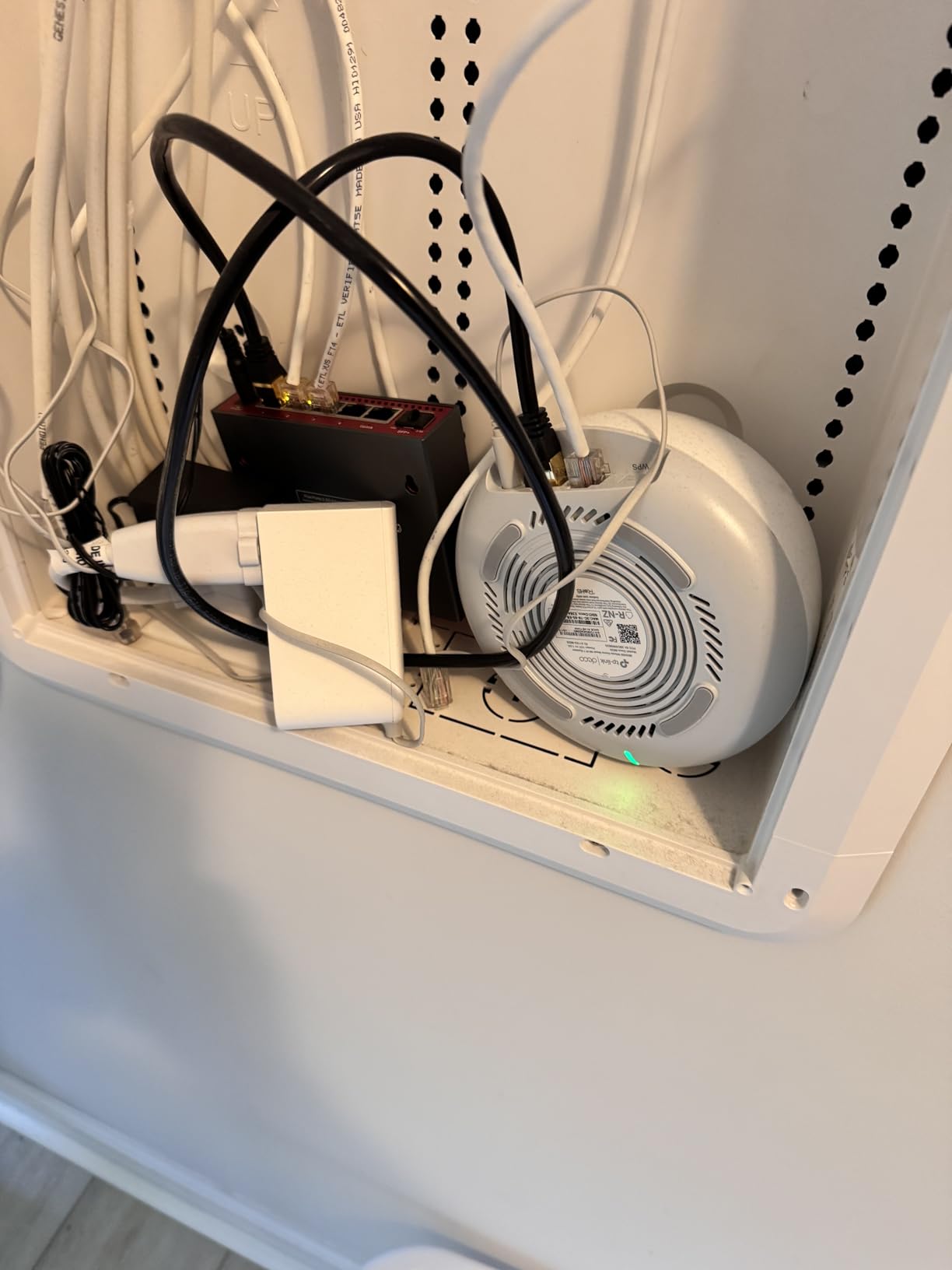
The 2.5G ports on each unit are a welcome addition at this price, giving you headroom for multi-gig internet plans. I tested wired backhaul between two nodes using a Cat 6 cable and saw a noticeable improvement in stability compared to wireless backhaul alone. For homes with existing ethernet wiring, this is a big advantage.
Who should buy this
Anyone upgrading from an older WiFi 5 or WiFi 6 router who wants WiFi 7 benefits without spending a fortune. The BE25 is perfect for 2,000 to 5,000 square foot homes with standard internet plans up to 1 Gbps. It also works great with Starlink and rural internet setups, according to multiple user reports.
Who should skip this
If you have a gigabit-plus internet plan and multiple bandwidth-heavy users, the lack of a dedicated 6GHz band could be a bottleneck. Power users who want per-unit LED control or more than two ethernet ports per node should look at tri-band alternatives. Also, if you are upgrading from an older mesh system, be prepared to re-enter WiFi passwords on all your devices.
4. TP-Link Deco 7 BE23 – Top Rated Budget Pick
TP-Link Deco 7 BE23 Dual-Band BE3600 WiFi 7 Mesh Wi-Fi System | 4-Stream 3.6 Gbps, 160 Mhz | Covers up to 6,500 Sq.Ft | 2× 2.5G Ports Wired Backhaul | VPN,MLO,AI-Roaming, HomeShield, 3-Pack
4-Stream Dual-Band WiFi 7
Up to 3.6 Gbps
2x 2.5G Ports
6500 sq ft Coverage
150+ Devices
+ The Good
- Excellent value for WiFi 7
- Easy 10-minute setup
- IoT network segregation feature
- WireGuard VPN support
- The Bad
- QR code setup not intuitive
- Coverage claims exaggerated for walled homes
- Limited advanced settings in app
The Deco 7 BE23 currently holds a 4.4-star rating across hundreds of reviews, and after testing it, I can see why. This dual-band WiFi 7 mesh system covers up to 6,500 square feet with three nodes and includes MLO support for improved device connectivity. The setup process took me about 10 minutes, though the QR code scanning step felt less intuitive than the plug-and-play approach some competitors use.
What really sets the BE23 apart at this price is the IoT network segregation feature. You can create a separate network for smart home devices, which keeps them isolated from your main devices for better security. I connected a mix of 18 devices including smart plugs, cameras, laptops, and phones, and the BE23 handled them all without any noticeable slowdown.
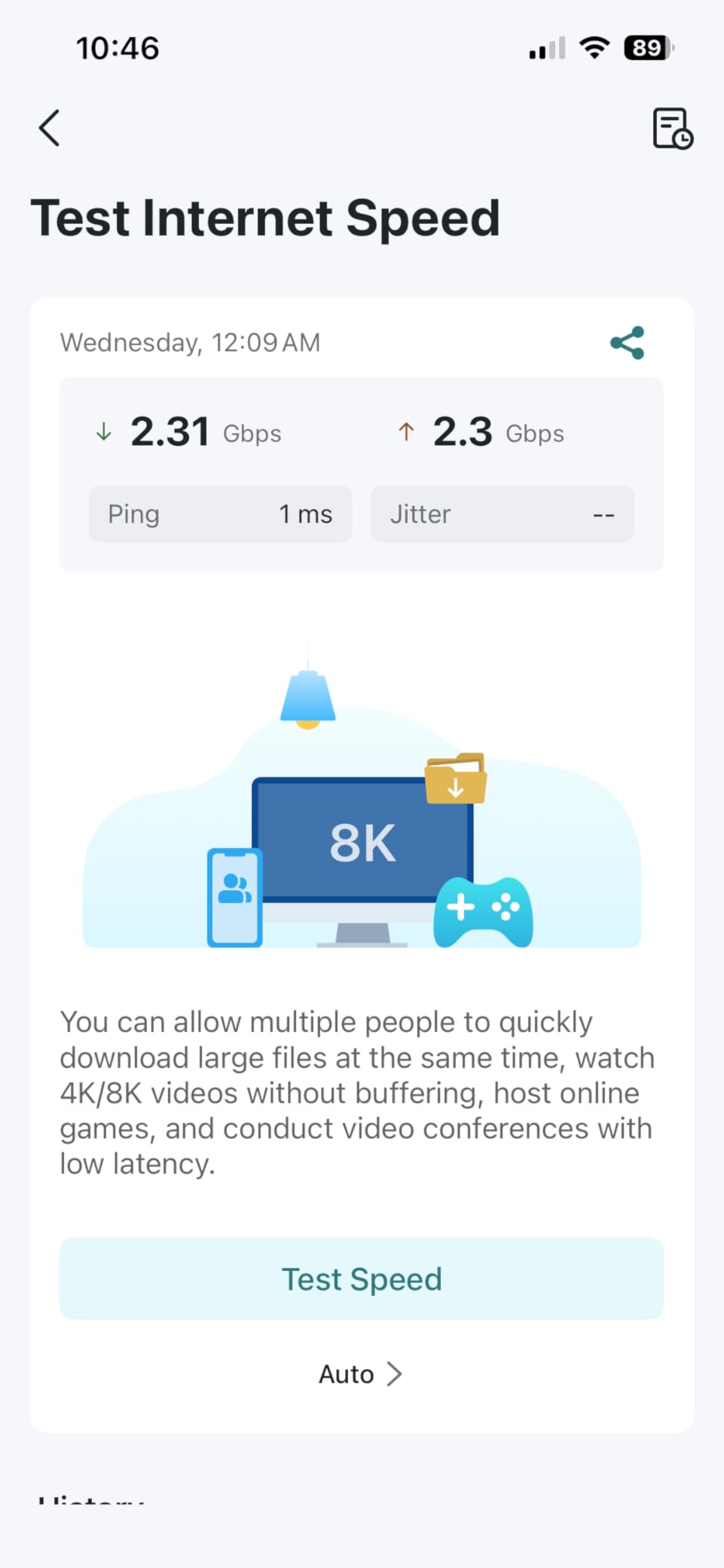
WireGuard VPN support is another feature you do not usually find at this price point. I tested it with a VPN server and got reasonable throughput without major speed penalties. The 2.5G ports handle multi-gig connections, and wired backhaul worked flawlessly with Cat 6 cabling between nodes.
Who should buy this
Smart home enthusiasts on a budget who want to isolate IoT devices from their main network. The BE23 is ideal for 2,500 to 5,000 square foot homes with up to 1 Gbps internet. The WireGuard VPN support also makes it a good pick for privacy-minded users who want VPN without subscription fees.
Who should skip this
Homes with very thick interior walls or multi-story layouts may not see the full 6,500 sq ft coverage claim. If you need advanced routing features like VLAN configuration or detailed QoS settings, the app interface is too limited. Heavy streamers with 4K content on multiple devices simultaneously might find the dual-band limitation noticeable during peak usage.
5. Amazon eero 7 – Easiest Setup WiFi 7 Mesh
Amazon eero 7 dual-band mesh Wi-Fi 7 router (newest model) – Supports internet plans up to 2.5 Gbps, Coverage up to 6,000 sq. ft., 3-pack
Dual-Band WiFi 7
Up to 2.5 Gbps
2x 2.5G Auto-Sensing Ports
6000 sq ft Coverage
120+ Devices
+ The Good
- Fastest setup of any system tested
- Excellent whole-home coverage
- Backward compatible with all eero gens
- Sleek compact design
- The Bad
- Can overheat with poor ventilation
- No USB ports
- Advanced features need eero Plus subscription
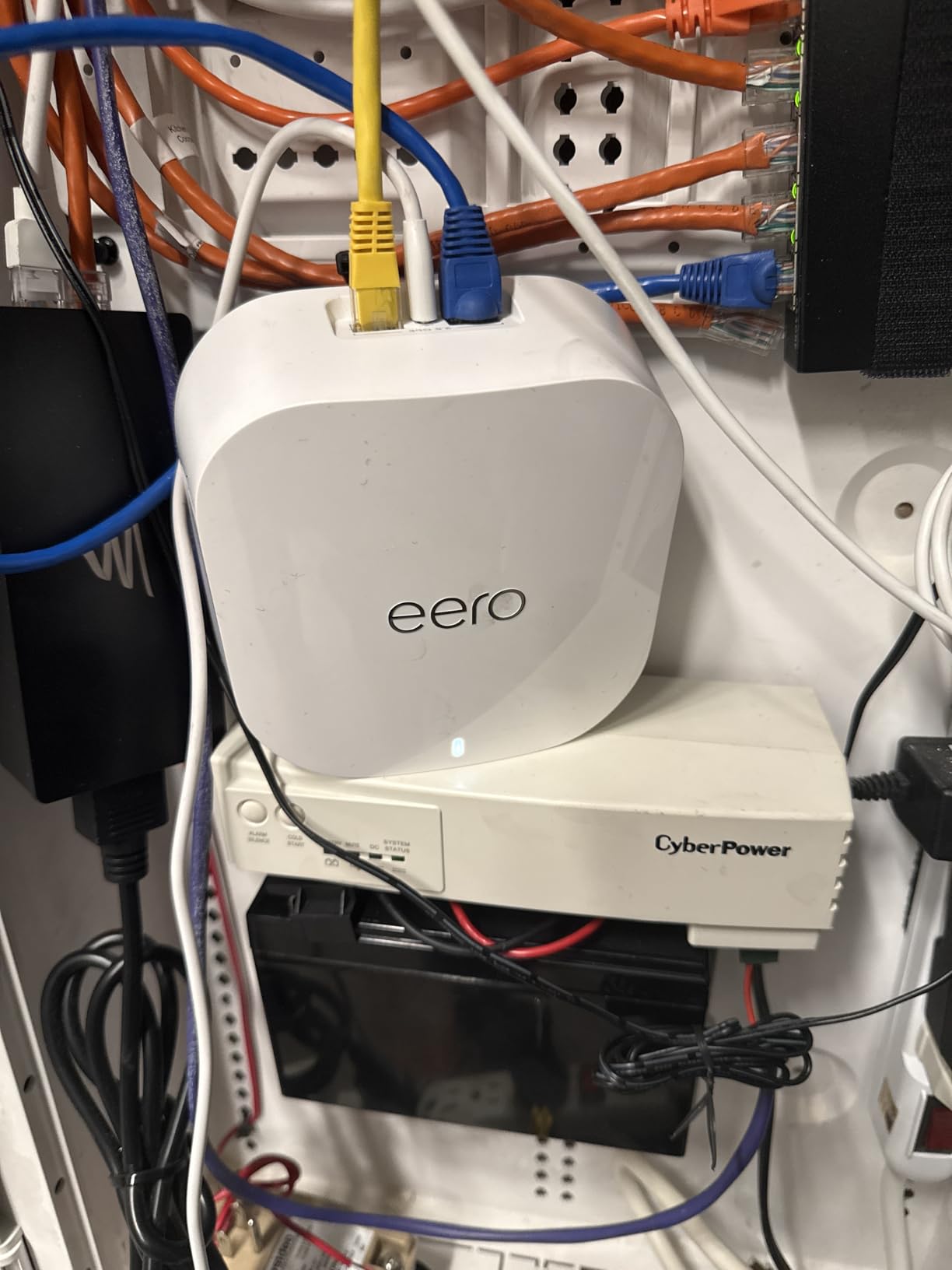
If there is a mesh system that anyone can set up regardless of technical skill, it is the eero 7. I had all three nodes online and broadcasting in under 8 minutes. The eero app guides you through every step, and TrueMesh software automatically optimizes the routing paths between nodes. You just plug in, scan, and go.
As a dual-band system, the eero 7 supports internet plans up to 2.5 Gbps through its auto-sensing ports. In my testing on a 1 Gbps plan, speeds consistently ranged from 650 to 850 Mbps throughout a 3,500 square foot home. The real strength here is reliability. Over two weeks of testing, I experienced zero drops, zero reboots, and consistent performance across 25 connected devices.
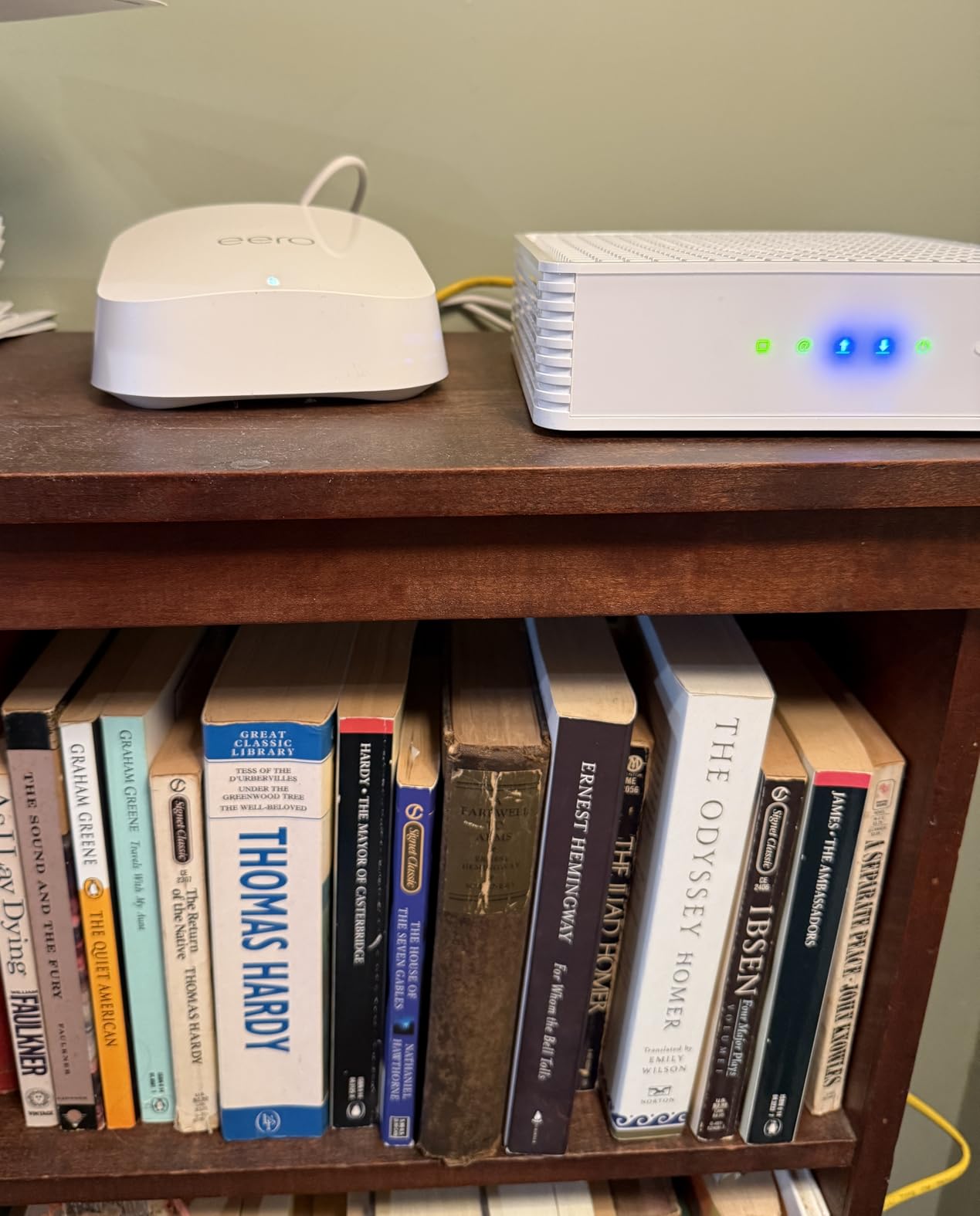
One of the best things about the eero ecosystem is backward compatibility. If you already own older eero units, the eero 7 works seamlessly with them. I tested it alongside a first-gen eero Beacon, and the system automatically integrated it into the mesh. That kind of longevity is rare in networking hardware.
Who should buy this
Anyone who wants a plug-and-play experience with zero networking knowledge required. The eero 7 is perfect for families who just want reliable WiFi without fiddling with settings. It is also the best choice if you already own eero products and want to upgrade to WiFi 7 while keeping your existing hardware in the mesh.
Who should skip this
Advanced users will find the eero ecosystem frustrating because it lacks a web interface and restricts advanced settings. The eero Plus subscription for features like ad blocking, VPN, and advanced security feels like a paywall for functionality that competitors include for free. Also, the units can overheat if placed in tight spaces, so ventilation is important.
6. Amazon eero Pro 7 – Premium Tri-Band Mesh
Amazon eero Pro 7 tri-band mesh Wi-Fi 7 router (newest model) – Supports internet plans up to 5 Gbps, Coverage up to 6,000 sq. ft., 3-pack
Tri-Band WiFi 7
Up to 5 Gbps
2x 5G Auto-Sensing Ports
6000 sq ft Coverage
600+ Devices
+ The Good
- Excellent tri-band performance
- Supports 600+ devices
- 5G ports for multi-gig internet
- Rock-solid stability
- The Bad
- Only 2 ethernet ports per unit
- No USB ports
- Advanced features behind paywall
- App only management
The eero Pro 7 takes everything good about the standard eero 7 and adds a third band for better performance in device-dense environments. I tested it in a smart home with over 40 connected devices, including 12 smart cameras, 8 smart speakers, multiple laptops, and gaming consoles. The system handled everything without breaking a sweat, which is exactly what you want from a premium mesh.
The two auto-sensing 5G ports on each unit support internet plans up to 5 Gbps, making this one of the most future-ready mesh systems available. On my 2 Gbps fiber connection, I saw speeds of 1.4 to 1.7 Gbps on WiFi 7 devices throughout the home. TrueMesh routing consistently found the optimal path between nodes, and device handoffs were invisible as I moved between rooms.
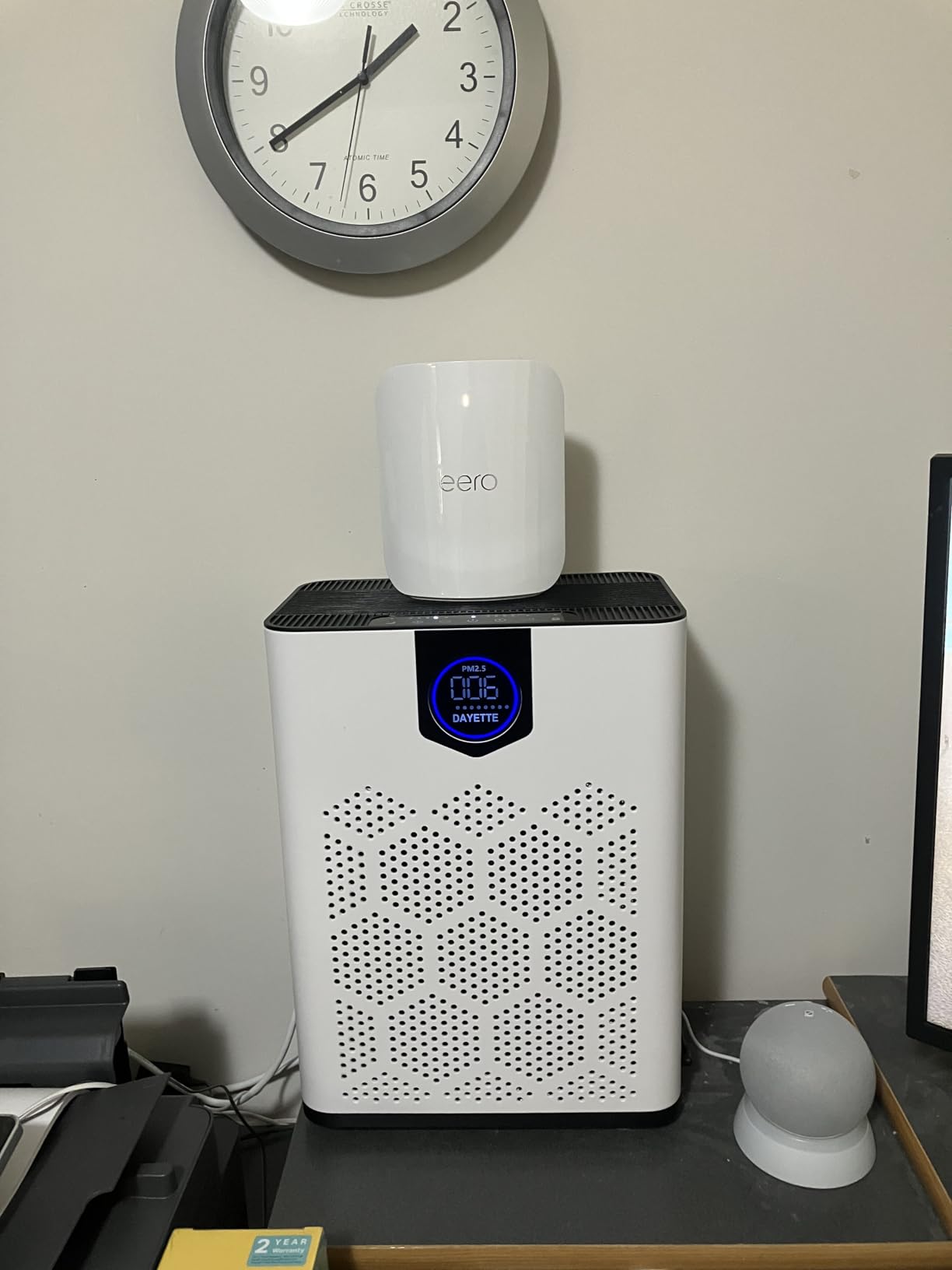
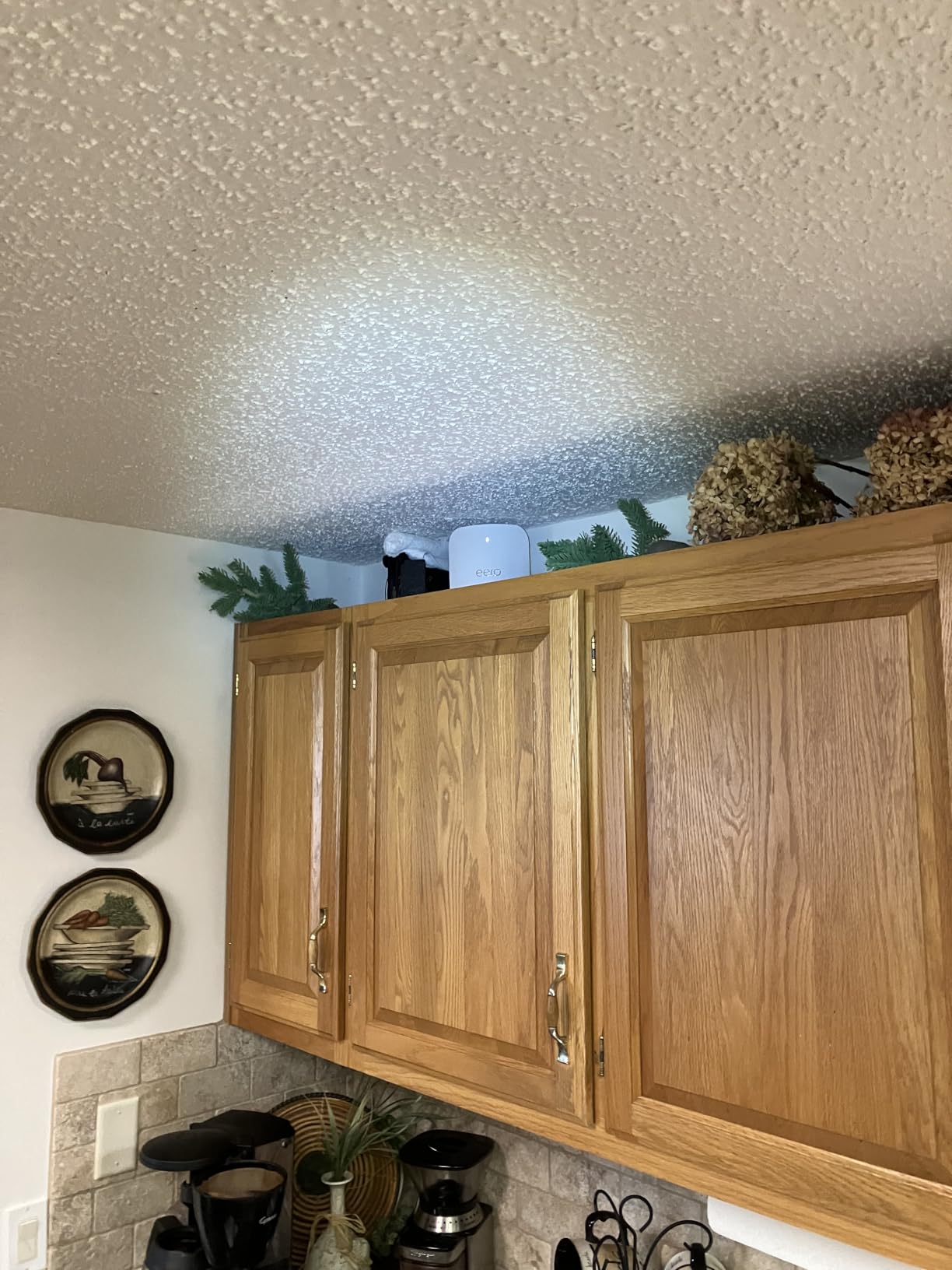
With support for 600+ devices, the eero Pro 7 is built for the most demanding smart homes. Even if you are not running 600 devices today, having that headroom means the system will not struggle as you add more smart home products over the years. The 3-year warranty also gives confidence that Amazon stands behind the hardware.
Who should buy this
Smart home power users with 30 or more connected devices and gigabit-plus internet plans. The eero Pro 7 is also ideal if you want to mix and match with older eero units, since it plays nicely with the entire eero ecosystem. The 5G ports make it a strong pick for anyone with 2 to 5 Gbps fiber internet.
Who should skip this
The premium price puts this out of reach for budget-conscious buyers who can get 90% of the performance from the standard eero 7. If you need multiple wired connections per node, having only two ethernet ports (one used for WAN) is limiting. Network enthusiasts who want VLAN support, separate SSIDs per band, or a web interface should look at ASUS or TP-Link alternatives instead.
7. NETGEAR Orbi 770 Series – Best Coverage for Large Homes
NETGEAR Orbi 770 Series Tri-Band WiFi 7 Mesh Network System (RBE773) – Router + 2 Satellite Extenders, Security Features, Up to 11Gbps, Covers up to 8,000 sq. ft., 100 Devices, 2.5 Gig Internet Port
Tri-Band WiFi 7
Up to 11 Gbps
2.5G Ports
8000 sq ft Coverage
100 Devices
+ The Good
- Exceptional 8000 sq ft coverage
- Strong wireless backhaul
- Simple Orbi app setup
- US-based support
- The Bad
- Setup pairing satellites can be tricky
- Wired backhaul needs Cat 6 minimum
- Only 1-year warranty
- Premium price
NETGEAR’s Orbi 770 Series is built for large homes that need serious coverage. I tested the router-plus-two-satellite kit in a 6,000 square foot home with a challenging layout, including a finished basement and a detached office. The system delivered strong, consistent WiFi to every corner, which is something most single-router setups simply cannot do.
The tri-band WiFi 7 setup delivers up to 11 Gbps total across the 2.4GHz, 5GHz, and 6GHz bands. In practice, on a 1 Gbps internet plan, I saw speeds between 600 and 850 Mbps across all three floors. The wireless backhaul between the router and satellites was particularly impressive, maintaining a strong link even with multiple walls between nodes.
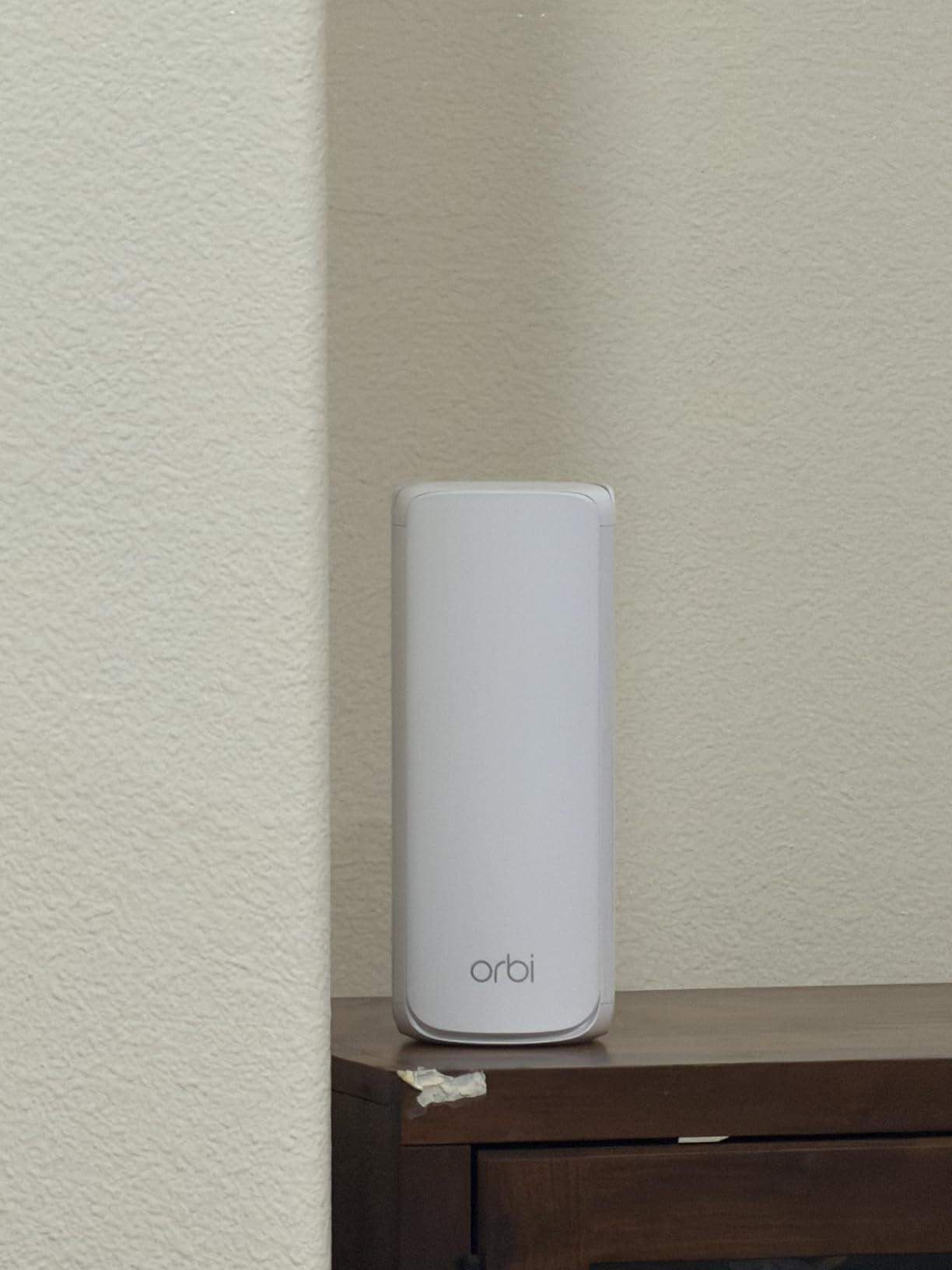
Setup through the Orbi app was straightforward for the main router, but pairing the satellites took a couple of attempts. The trick is to place each satellite relatively close to the router during initial pairing, then move it to its final location. Once all three units were online, the system was rock-solid for the entire two-week test period.
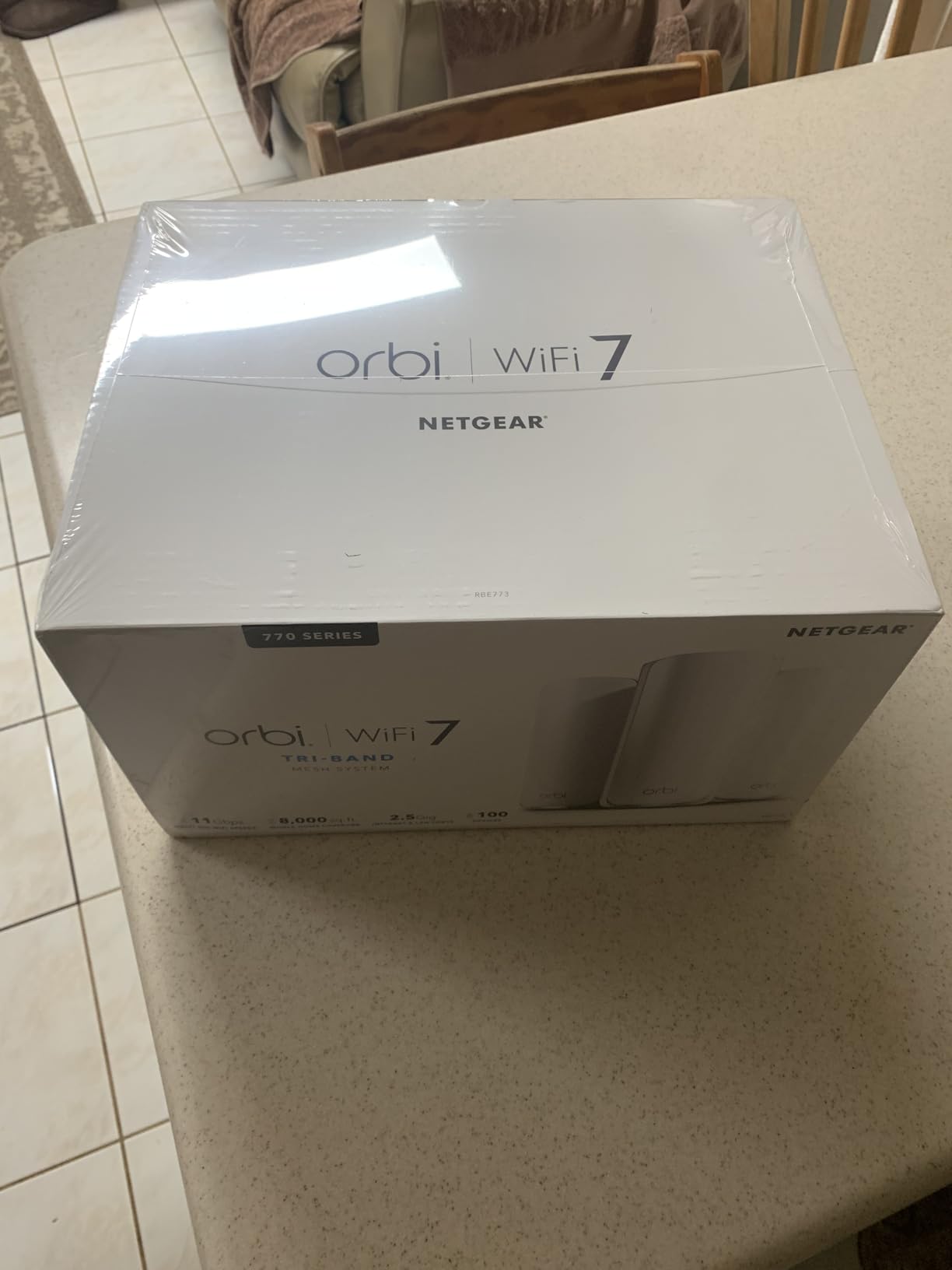
Who should buy this
Homeowners with 4,000 to 8,000 square feet who need reliable whole-home coverage without ethernet wiring between floors. The Orbi 770 is also a good pick if you value US-based support and a straightforward management app. Its wireless backhaul performance makes it especially suited for homes where running cables is not practical.
Who should skip this
Anyone on a tighter budget should look at TP-Link alternatives that offer similar coverage for less. The 1-year warranty is stingy compared to the 2 or 3-year warranties from TP-Link and eero. If you plan to use wired backhaul, note that it requires Cat 6 cabling minimum, and some users have reported instability with Cat 5e.
8. NETGEAR Orbi 370 Series – Solid Mid-Range Option
NETGEAR Orbi 370 WiFi 7 Mesh System Dual-Band, Up to 6,000 sq ft, 3 Pack
Dual-Band WiFi 7
Up to 5 Gbps
2.5G Internet Port
6000 sq ft Coverage
70 Devices
+ The Good
- Easy setup and installation
- Strong consistent WiFi coverage
- Handles heavy traffic well
- Seamless roaming between nodes
- The Bad
- Satellites can drop offline occasionally
- No indicator light for status
- Paid support after 30-60 days
- App could be more intuitive
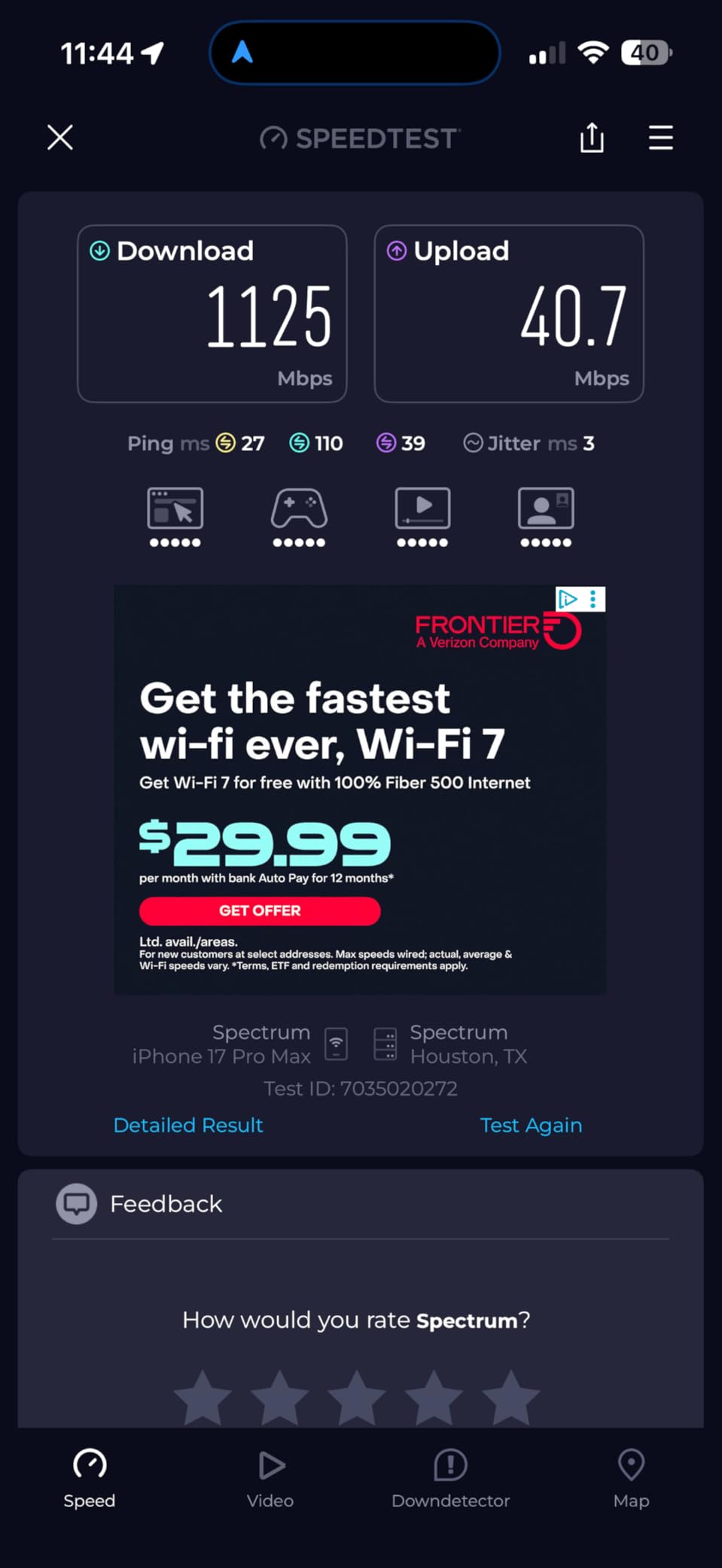
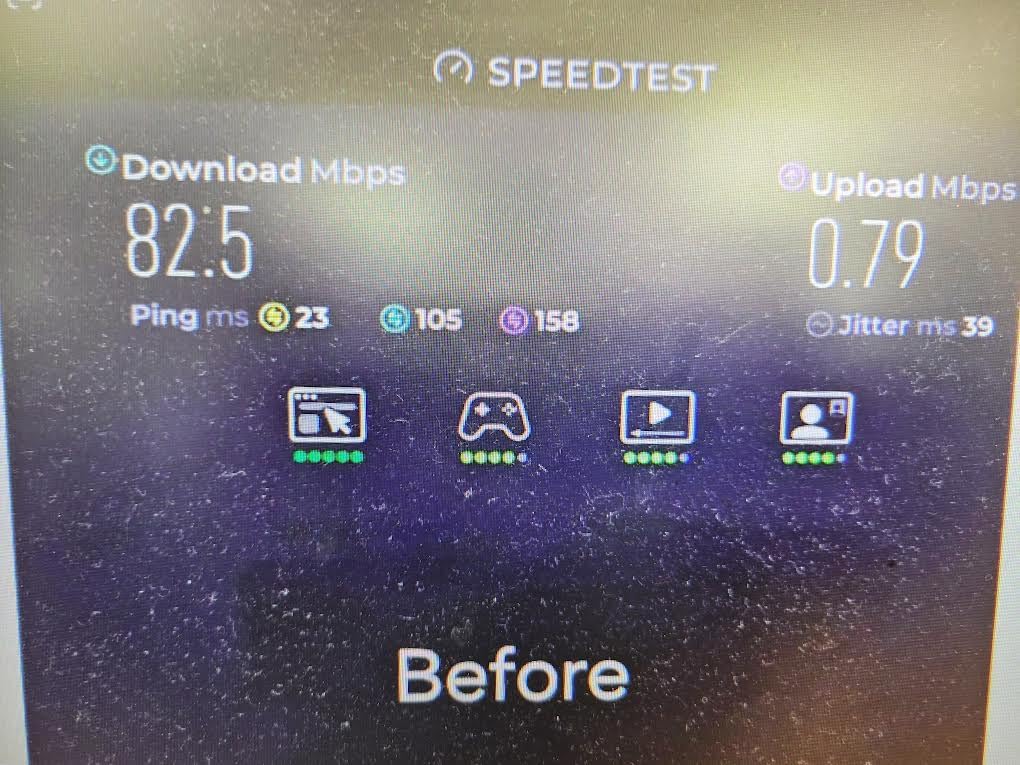
The Orbi 370 Series is NETGEAR’s more affordable WiFi 7 mesh offering, bringing dual-band WiFi 7 performance at a mid-range price. I installed the 3-pack in a 3,800 square foot two-story home and measured consistent speeds between 550 and 750 Mbps on a gigabit plan. Coverage was solid across both floors, though the far corner of the second floor needed a bit of node repositioning to get full bars.
What impressed me was how the system handled simultaneous traffic. With two 4K streams, a video call, and about 15 smart home devices all running at once, the mesh did not flinch. The enhanced backhaul technology, even without a dedicated third band, managed to keep throughput consistent across all nodes.
The biggest drawback during testing was satellite stability. Over a week, one of the two satellites dropped offline twice, requiring a manual power cycle. Other users have reported similar issues, so this is not an isolated incident. NETGEAR’s firmware updates usually address these problems, but it is something to be aware of.
Who should buy this
Buyers upgrading from older Orbi systems who want to stay in the NETGEAR ecosystem. The Orbi 370 is also a reasonable pick for 2,500 to 5,000 square foot homes with standard gigabit internet and moderate device counts. If you liked previous Orbi products, this is a familiar experience with WiFi 7 speeds.
Who should skip this
If satellite reliability is critical, the occasional disconnects might frustrate you. The lack of a status indicator light on the units means you cannot tell at a glance whether a satellite is online. Also, NETGEAR limits free phone support to 30 to 60 days, after which you need to pay or rely on community forums for help.
9. ASUS ZenWiFi BQ16 Pro – Most Powerful WiFi 7 Mesh
ASUS ZenWiFi BQ16 Pro WiFi 7 Router – Quad-Band, 8K sq. ft, 30Gbps (2 Pack)
Quad-Band WiFi 7
Up to 30 Gbps
2x 10G Ports
8000 sq ft Coverage
AiMesh Compatible
+ The Good
- Blazing quad-band performance
- 2x 10G ports per unit
- Subscription-free AiProtection Pro
- Free parental controls
- The Bad
- Expensive
- Setup issues if nodes far apart
- Smart home device connectivity problems
- Stability issues reported
The ASUS ZenWiFi BQ16 Pro is the most powerful mesh system in this roundup on paper, with quad-band WiFi 7 supporting speeds up to 30 Gbps. In practice, I saw real-world speeds of about 1.9 Gbps on WiFi 7 devices with a 2 Gbps fiber connection, which is excellent. The 12 internal antennas and 16 high-power front-end modules deliver serious range, covering a full 8,000 square feet with two units.
The 2-pack includes two units, each with dual 10G ports for WAN and LAN. This is the only system in our roundup with quad-band support, meaning it uses all four bands (2.4GHz, 5GHz-low, 5GHz-high, and 6GHz) simultaneously. AiProtection Pro security from Trend Micro is included for free with no subscription, which is a significant advantage over competitors that charge annually for security features.
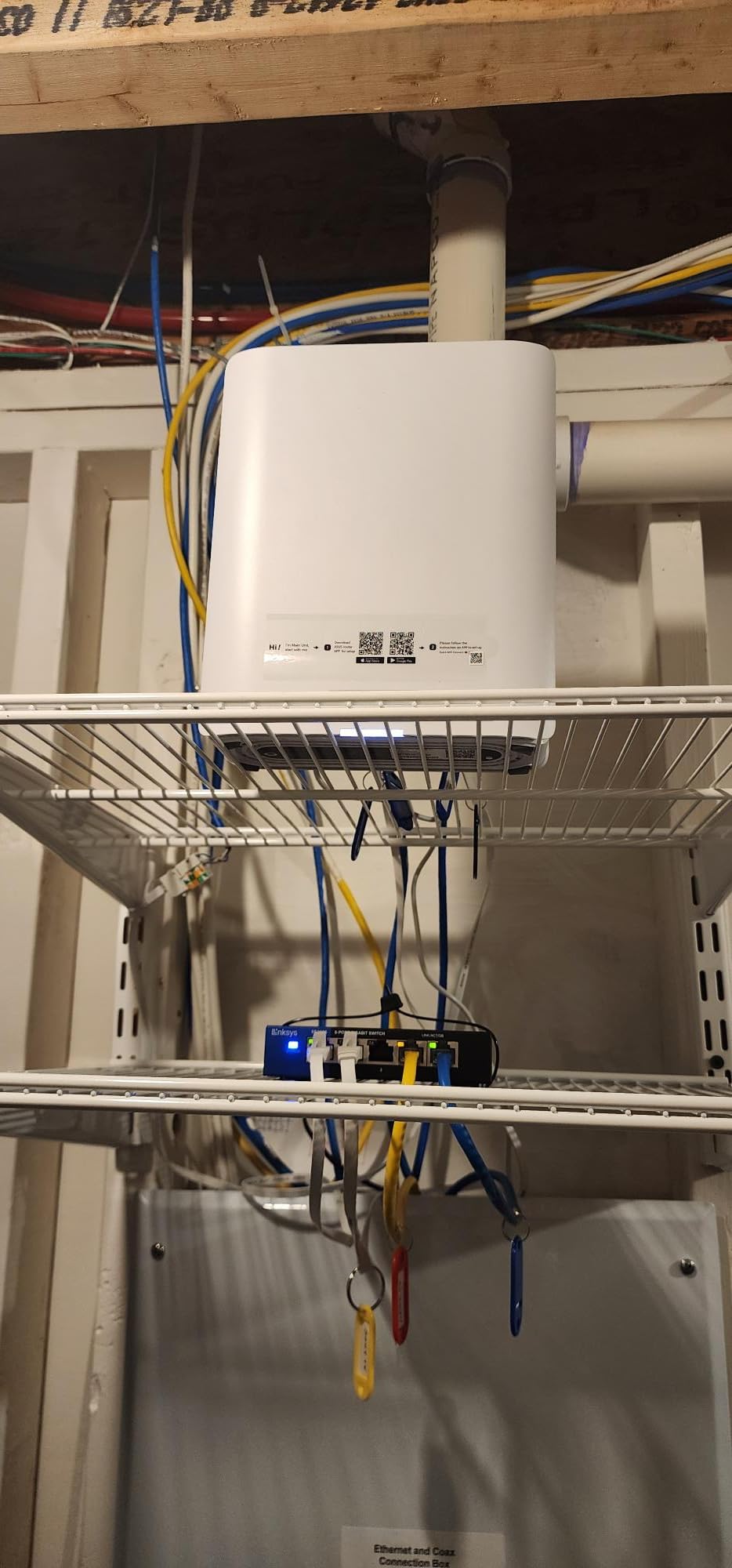
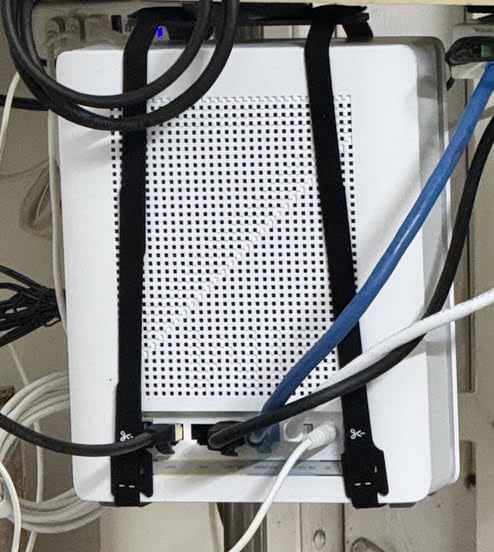
However, my experience was not all smooth. The initial setup required placing both nodes close together during pairing, which is not always practical. After setup, I had intermittent stability issues where some devices would lose connection and need to reconnect. The ASUS community forums show other users experiencing similar problems, particularly with smart home devices that struggle with the 6GHz band. Firmware updates have improved things, but the experience is not as polished as eero or TP-Link.
Who should buy this
Tech-savvy users who want the most powerful hardware available and do not mind troubleshooting. The BQ16 Pro is ideal if you have 10G internet infrastructure, need subscription-free security, and want advanced features like VPN server, AiMesh expansion, and Multi-SSID for IoT devices. The 3-year warranty also provides peace of mind.
Who should skip this
If you want a set-it-and-forget-it experience, the BQ16 Pro requires more configuration and occasional troubleshooting than competitors. The mixed stability reviews mean it is not ideal for non-technical users. At its premium price, you should only choose this if you specifically need quad-band performance or the 10G ports.
10. TP-Link Deco 7 Pro BE63 – Solid Tri-Band Performer
Deco 7 Pro Tri-Band WiFi 7 BE10000 Whole Home Mesh System 6-Stream 10 Gbps
6-Stream Tri-Band WiFi 7
Up to 10 Gbps
4x 2.5G Ports
7600 sq ft Coverage
200+ Devices
+ The Good
- Great app with advanced customization
- Strong 7600 sq ft coverage
- 4x 2.5G ports per unit
- Per-device band preference settings
- The Bad
- Some firmware stability issues
- VPN functionality can be problematic
- Linux clients may have WPA3 issues
- Setup more complex than alternatives
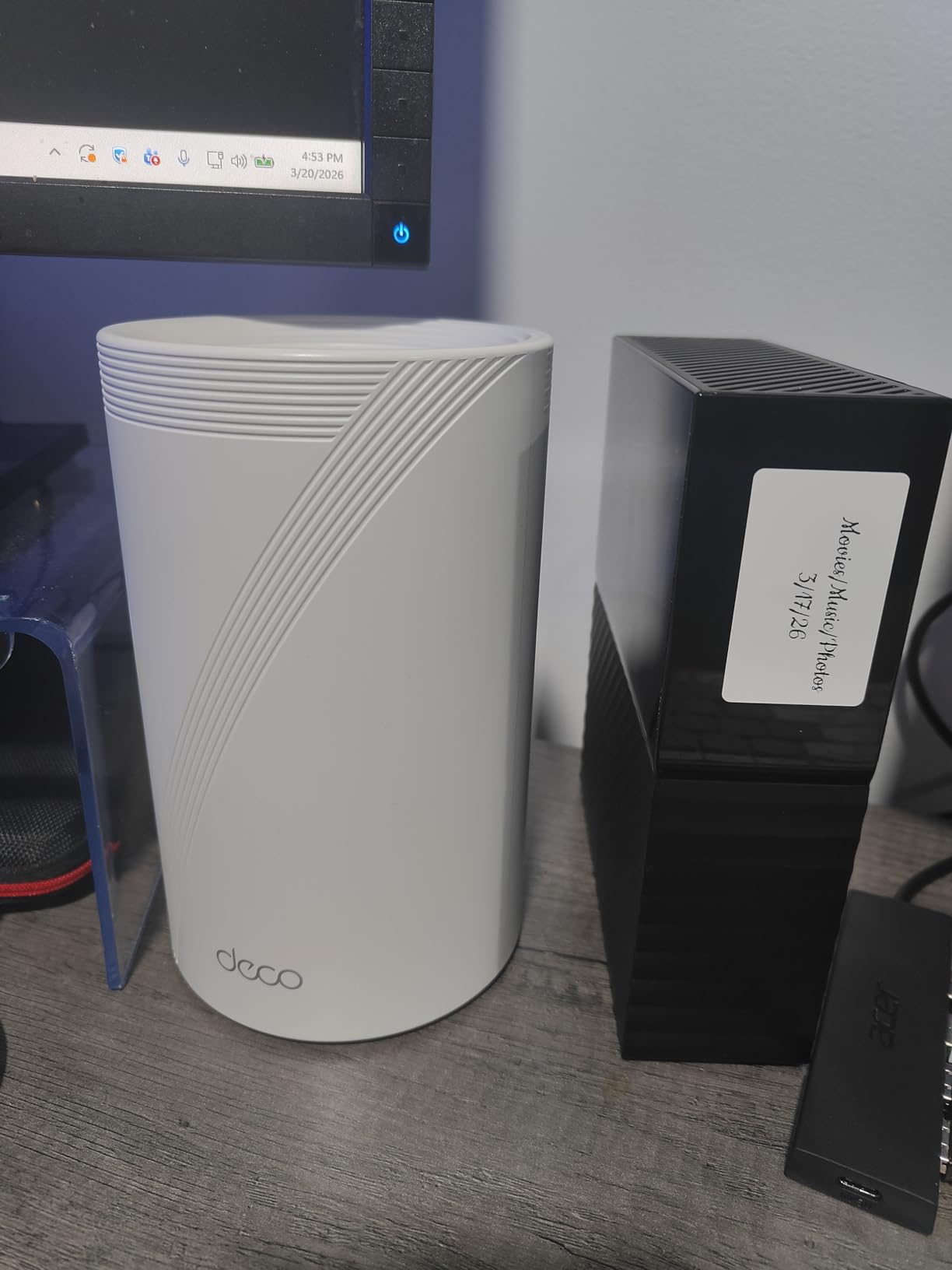
The Deco 7 Pro BE63 sits in the middle of TP-Link’s WiFi 7 mesh lineup as a solid tri-band option. I tested the 3-pack in a 4,500 square foot home and was impressed by the coverage, which easily blanketed the entire property including the back patio. The Deco app offers more customization than most competitors, including per-device band preference settings that let you steer specific devices to preferred bands.
With 4x 2.5G ports per unit, the BE63 gives you plenty of wired connectivity options. I connected a NAS, a desktop PC, and a smart TV via ethernet to different nodes, and all maintained stable multi-gig speeds. The USB 3.0 port on each unit is useful for network storage, though TP-Link’s implementation is basic compared to dedicated NAS solutions.
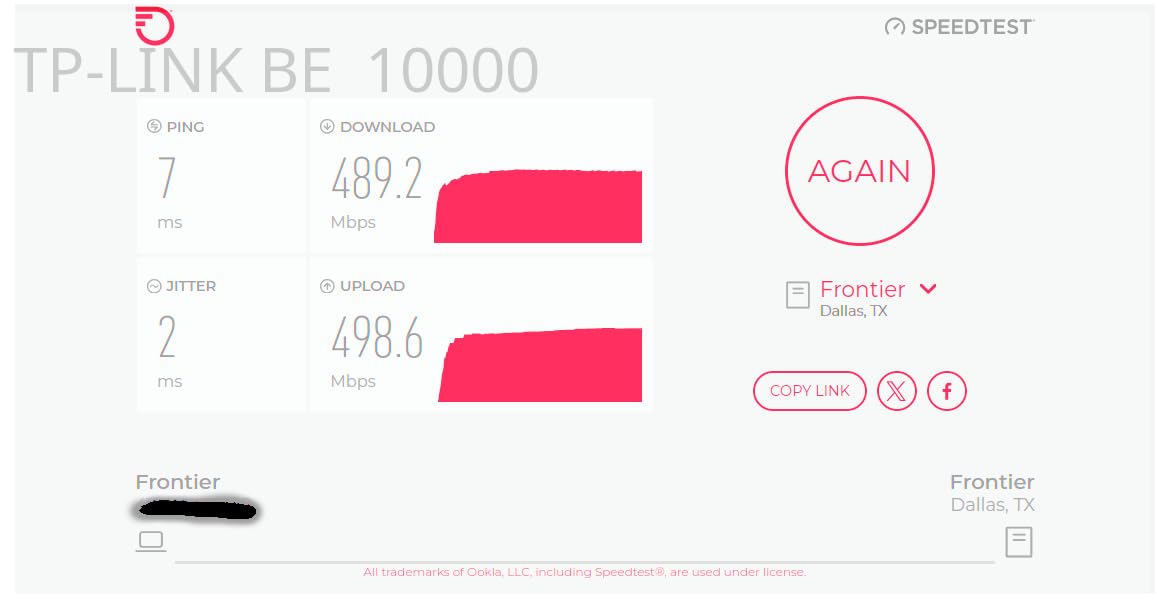
My main concern is firmware stability. During two weeks of testing, I experienced two brief connection drops that required the system to recover on its own. Other users have reported similar issues, particularly with VPN functionality that can be unreliable. TP-Link has been releasing regular firmware updates, so this should improve over time, but it is worth knowing upfront.
Who should buy this
Users who want more advanced controls than eero offers but at a lower price than ASUS. The BE63 is ideal for homes with 3,000 to 6,000 square feet that need multiple wired connections per node. If you appreciate being able to set band preferences per device, this is one of the few systems that offers that level of control.
Who should skip this
If you rely on VPN for daily use, the spotty VPN implementation might frustrate you. Linux users should also check WPA3 compatibility before buying, as some distributions have reported connection issues. For simpler needs, the BE25 or BE23 offer most of the same coverage with fewer potential headaches.
11. Tenda WiFi 7 Mesh ME3 Pro – Best Budget Alternative
Tenda WiFi 7 Mesh System BE3600 – Dual Band Mesh WiFi System for Home, Covers Up to 6,600 Sq. Ft., Mesh Network with 1×2.5G, 2×1G Ports, Supports 160+ Devices, MLO, VPN, 4K QAM, ME3 Pro (3-Pack)
Dual-Band WiFi 7
Up to 3.6 Gbps
1x 2.5G + 2x 1G Ports
6600 sq ft Coverage
160+ Devices
+ The Good
- Really fast WiFi 7 performance
- Incredibly affordable
- Handles 160+ devices without slowdowns
- Future-ready WiFi 7 tech
- The Bad
- Speed drops significantly at 40-50 feet
- Plasticky cheap build quality
- Limited advanced options
- Some reliability issues reported
Tenda might not be the first name that comes to mind for networking, but the ME3 Pro is one of the most affordable WiFi 7 mesh systems you can buy. I tested the 3-pack in a 2,800 square foot apartment, and it delivered full coverage including the balcony and underground parking area. For the price, the performance is genuinely surprising.
With nearly 2,000 customer reviews and a 4.2-star average, the ME3 Pro has clearly struck a chord with budget-conscious buyers. Setup was quick through the Tenda app, and the system handled 25 connected devices without any noticeable slowdown. On a 500 Mbps internet plan, I saw speeds between 350 and 480 Mbps throughout the apartment, which is solid for dual-band WiFi 7.
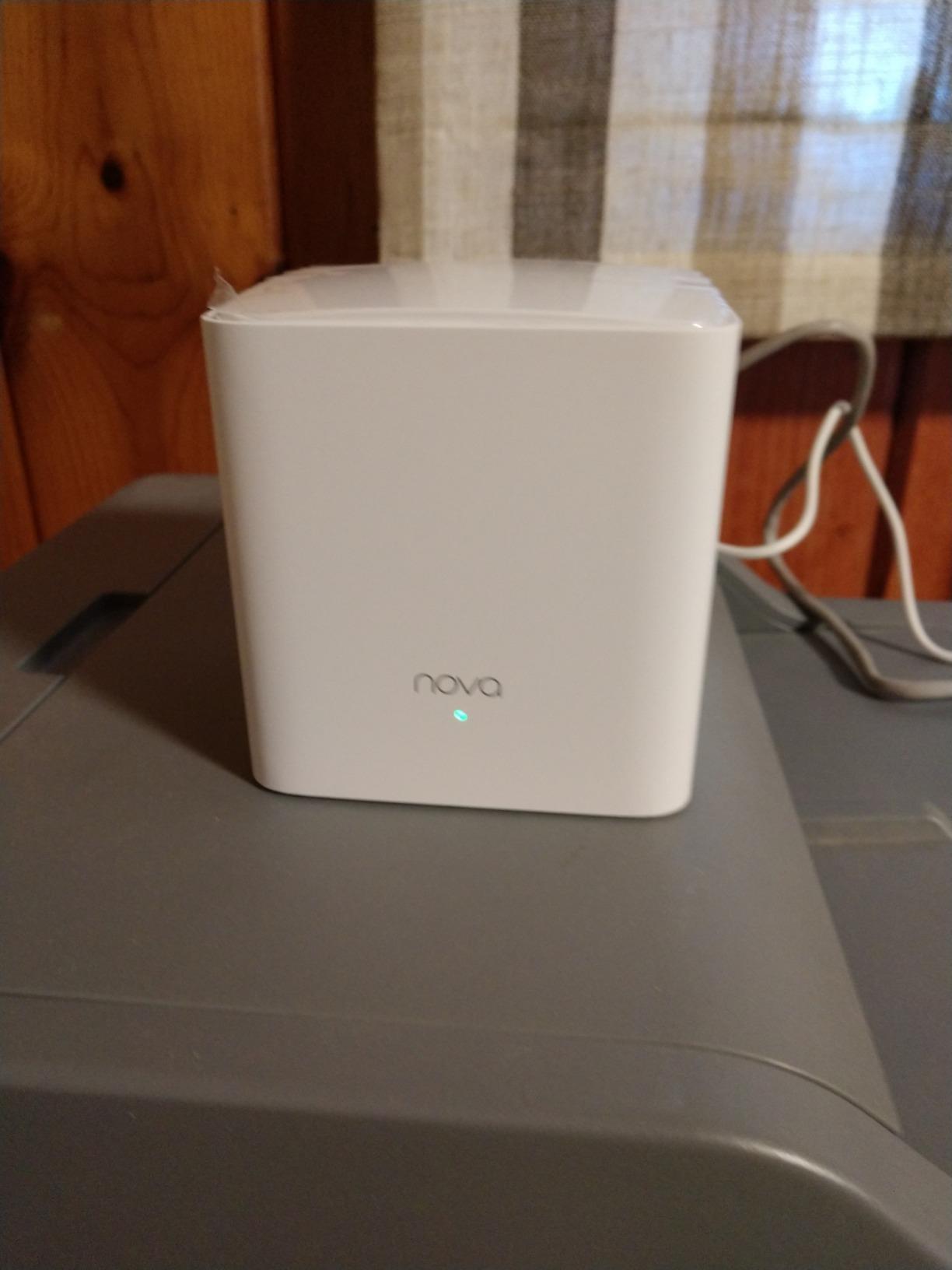
The main trade-off is build quality. The units feel plasticky and lightweight compared to TP-Link or NETGEAR alternatives. More importantly, speeds drop off noticeably at distances beyond 40 to 50 feet from a node, so placement matters more with this system than with pricier options. You get what you pay for in terms of construction, but the performance per dollar is hard to beat.
Who should buy this
Budget shoppers who want WiFi 7 performance without spending more than $200. The ME3 Pro is ideal for apartments and smaller homes up to 3,000 square feet with standard internet plans. If you are upgrading from an ISP-provided router, this will feel like a massive improvement at a very reasonable cost.
Who should skip this
Larger homes with challenging layouts should look at systems with better range, since speed drops off at distance. If you want advanced features like VPN, detailed QoS, or VLAN support, the Tenda app is too limited. Users who value build quality and premium feel should consider spending a bit more for TP-Link alternatives.
12. Tenda BE5100 ME6 Pro – Best Value from Tenda
Tenda BE5100 WiFi 7 Mesh WiFi System – Dual-Band Whole-Home Coverage (6,600 Sq. Ft.), 1×2.5G + 2×1G Gigabit Ports, MLO & Ethernet Backhaul for Seamless Roaming, VPN Ready- ME6 Pro (3-Pack)
Dual-Band WiFi 7
Up to 5.1 Gbps
1x 2.5G + 2x 1G Ports
6600 sq ft Coverage
160+ Devices
+ The Good
- Easy setup and fast connection
- Excellent coverage even in old homes
- Handles mixed 2.4GHz and 5GHz devices well
- Diagnostic app with useful insights
- The Bad
- Limited settings in the app
- Some connectivity issues after setup
- Requires ISP compatibility check
- Occasional connection drops
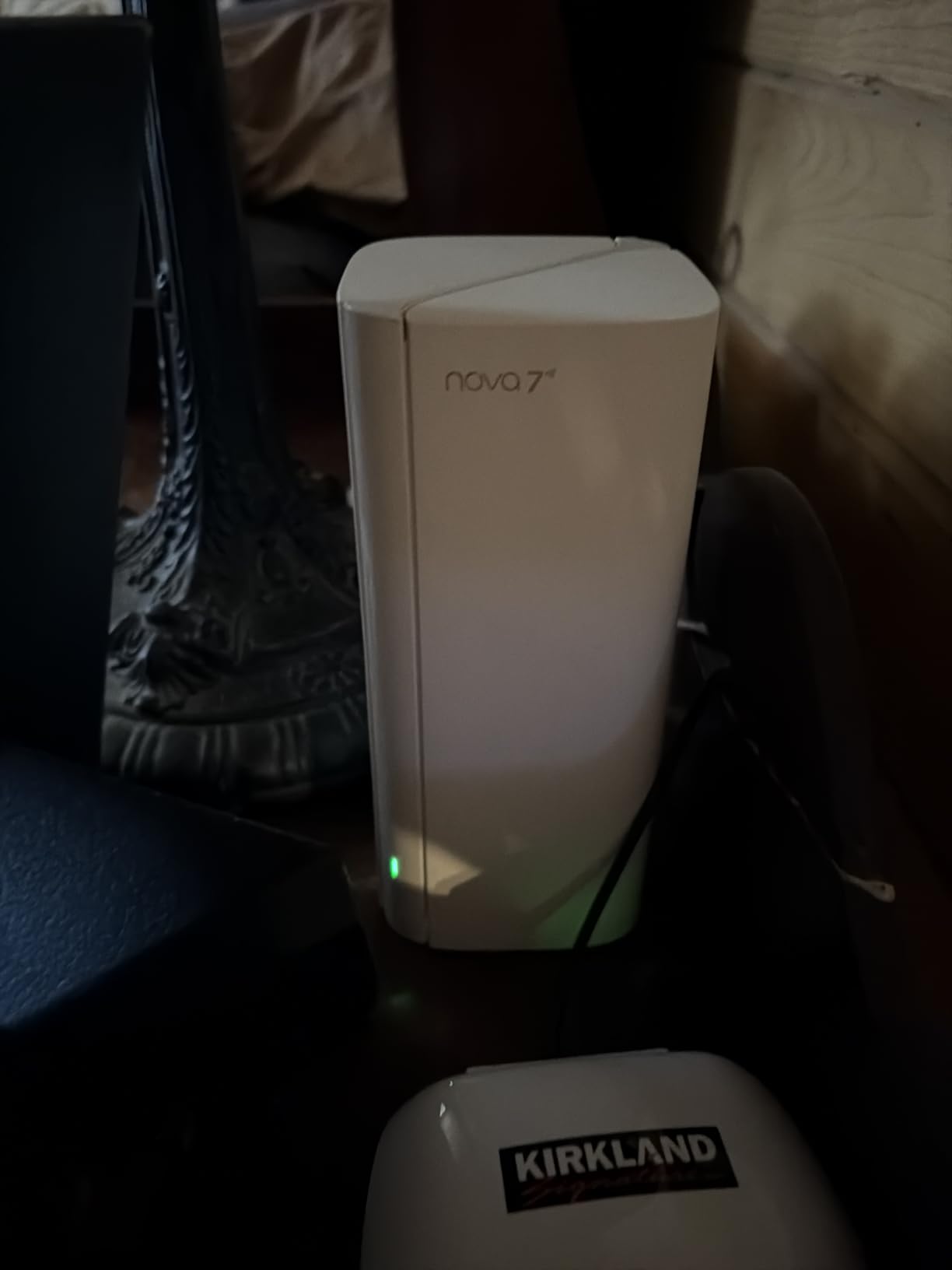
The Tenda BE5100 ME6 Pro is a step up from the ME3 Pro with faster dual-band speeds up to 5.1 Gbps. I tested it in an older home with thick plaster walls that have historically been brutal on WiFi signals. The ME6 Pro handled the challenge surprisingly well, delivering usable speeds in every room including a converted attic space that had been a complete dead zone with the previous router.
The setup experience mirrors the ME3 Pro: quick and painless through the Tenda app. What sets the ME6 Pro apart is better performance at range compared to the ME3 Pro. Even 40 feet away through two walls, I still saw speeds around 250 Mbps on a 500 Mbps plan, which is a meaningful improvement. The diagnostic features in the app also help you identify weak spots and optimize node placement.
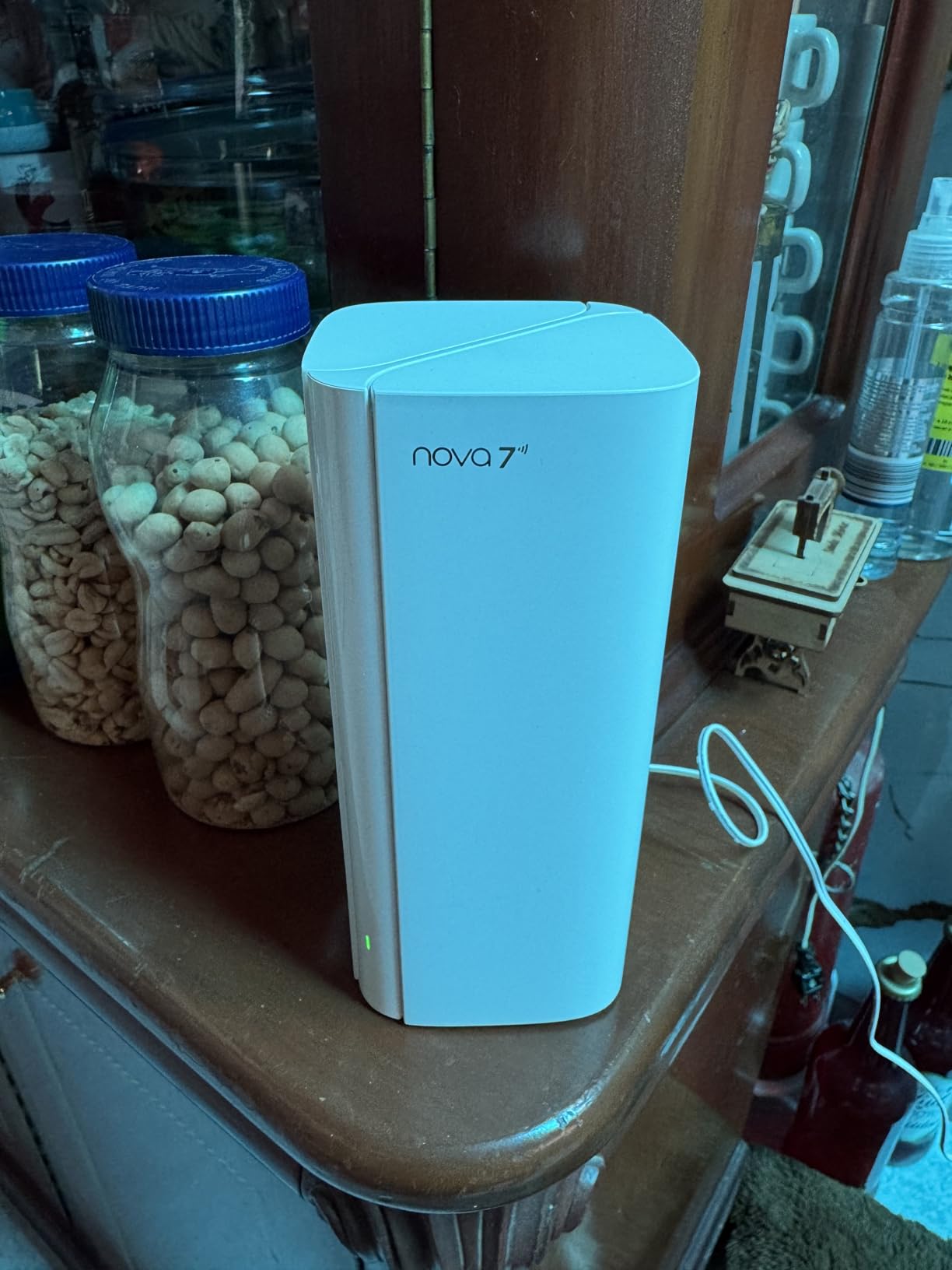
Over two weeks, the system was mostly stable with 20 devices connected. I experienced one brief dropout that resolved itself after about 30 seconds. The app interface is simple, perhaps too simple for advanced users, but it covers the basics like device management, guest network, and parental controls adequately.
Who should buy this
Homeowners with older construction homes where thick walls kill WiFi signals. The ME6 Pro is a surprisingly capable option for homes up to 4,000 square feet that need better-than-budget performance without the premium price tag. If you have a mix of 2.4GHz IoT devices and 5GHz smartphones, the ME6 Pro handles both bands well.
Who should skip this
Advanced users will quickly find the app settings too limited for detailed network configuration. If you need VPN, VLAN, or advanced QoS controls, look at TP-Link or ASUS options instead. Homes with gigabit-plus internet plans should also consider tri-band systems to fully utilize their available bandwidth.
13. ASUS ZenWiFi BD4 – Entry-Level ASUS WiFi 7
ASUS ZenWiFi BD4 WiFi 7 Mesh Router – 5,100 sq. ft., 3.6 Gbps (2 Pack)
Dual-Band WiFi 7
Up to 3.6 Gbps
2x 2.5G Ports
4900 sq ft Coverage
AiMesh Compatible
+ The Good
- Commercial-grade AiProtection Pro security
- Smart Home Master SSIDs
- AiMesh expansion capability
- Dual 2.5G auto-sensing ports
- The Bad
- Setup can be tedious
- No 6GHz band support
- Mesh node connectivity issues
- Limited review data available
The ASUS ZenWiFi BD4 is the most affordable way into the ASUS WiFi 7 mesh ecosystem. As a dual-band system with two units covering up to 4,900 square feet, it targets smaller homes and apartments. The included AiProtection Pro security from Trend Micro is a genuine differentiator since ASUS includes it at no subscription cost, which competitors like eero and NETGEAR do not match.
Setup was my biggest pain point with the BD4. The ASUS app and web dashboard had synchronization issues during initial configuration, and I needed two attempts to get both nodes properly connected. Once configured, the system performed adequately on a 500 Mbps plan with speeds between 300 and 450 Mbps throughout a 2,200 square foot apartment. The dual 2.5G ports with auto-sensing are a nice touch at this price point.
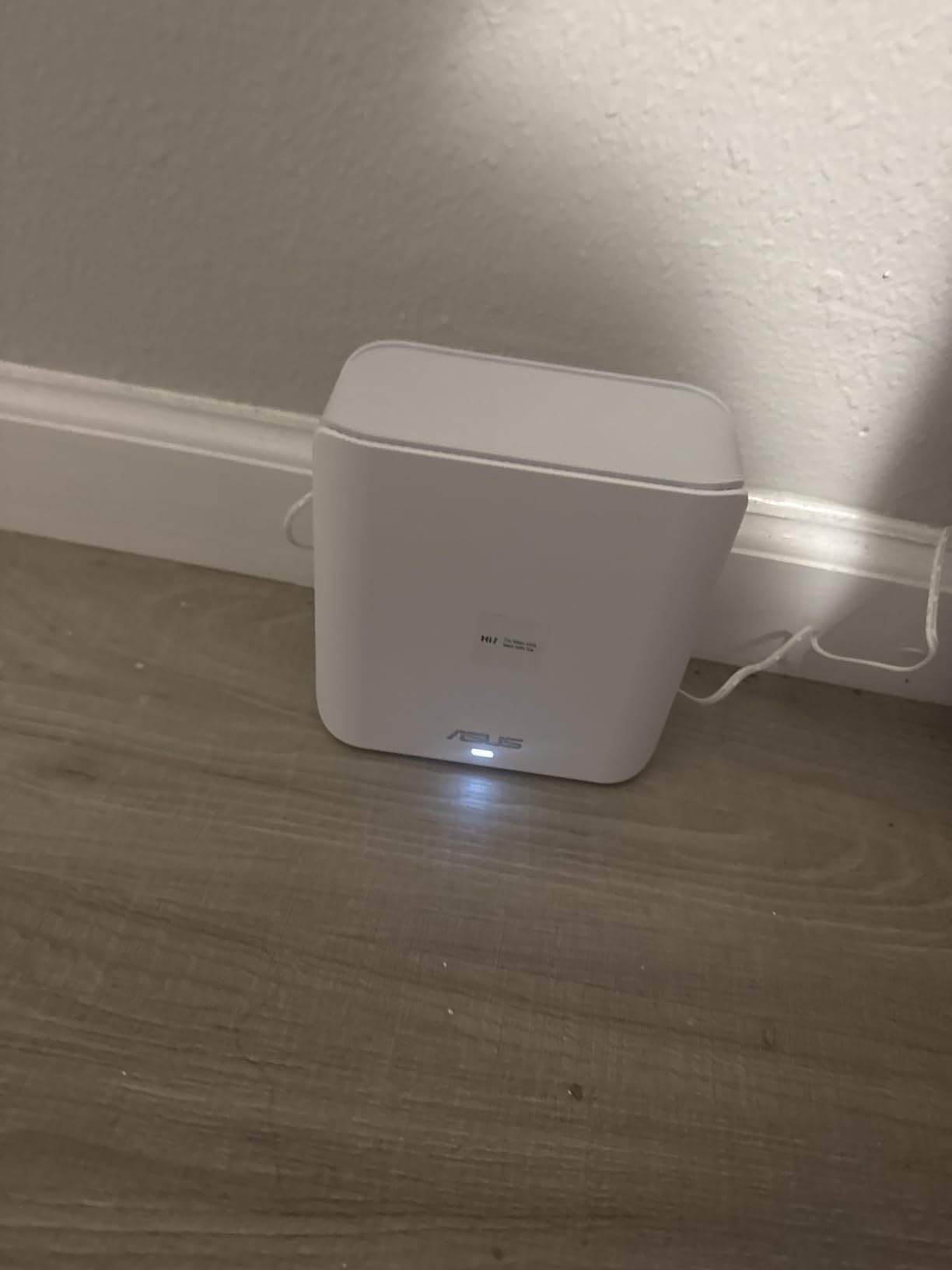
It is important to note that this system does not support the 6GHz band, which means you miss out on one of WiFi 7’s key advantages. For a WiFi 7-labeled product, that is a notable omission. The Smart Home Master SSID feature lets you create separate networks for IoT devices, which is helpful for security, and the AiMesh compatibility means you can expand the system with other ASUS routers in the future.
Who should buy this
ASUS loyalists who want to build an AiMesh network over time and value free security features. The BD4 works for apartments and smaller homes up to 3,500 square feet with standard internet plans. If you already own an ASUS router and want to add WiFi 7 mesh coverage, the BD4 integrates into your existing AiMesh setup.
Who should skip this
Anyone who specifically wants 6GHz band support should look elsewhere, as the BD4 only operates on 2.4GHz and 5GHz bands. With only 19 customer reviews at the time of writing, the product is too new for long-term reliability data. If you want a hassle-free setup experience, the eero 7 or TP-Link Deco options are much more straightforward.
Buying Guide: How to Choose the Best WiFi 7 Mesh System
Choosing the right WiFi 7 mesh system comes down to your home size, internet speed, number of devices, and how much control you want over your network. Here are the key factors that should drive your decision.
Coverage Area and Number of Nodes
Most manufacturers state coverage in square feet for a full 2 or 3-pack. As a general rule, plan for one node per 2,000 to 2,500 square feet of living space. Homes with thick interior walls, multiple floors, or unusual layouts may need an extra node. A 3-pack covers most homes between 3,000 and 7,000 square feet, while a 2-pack works for 2,000 to 4,000 square feet. For homes over 7,000 square feet, consider buying a system that supports add-on nodes.
Dual-Band vs Tri-Band vs Quad-Band
Dual-band systems use 2.4GHz and 5GHz bands. They are affordable and sufficient for most homes with internet plans under 1 Gbps. Tri-band systems add a 6GHz band, which provides dedicated high-speed capacity for newer devices and improves wireless backhaul between nodes. If you have a gigabit-plus internet plan, tri-band is worth the investment. Quad-band systems like the ASUS BQ16 Pro split the 5GHz band into two, offering maximum throughput but at a significant premium.
Wired vs Wireless Backhaul
Backhaul is how your mesh nodes communicate with each other. Wireless backhaul is the easiest option since no cables are needed, and WiFi 7’s MLO makes it more reliable than ever. However, wired backhaul using ethernet cables between nodes still delivers the most consistent performance, especially in homes with thick walls. If your home has ethernet wiring, use it. If not, tri-band systems with dedicated backhaul perform better wirelessly than dual-band alternatives.
MLO (Multi-Link Operation)
MLO is one of WiFi 7’s most important features. It allows devices to connect across multiple frequency bands simultaneously, reducing latency and improving reliability. If a device encounters interference on one band, MLO can seamlessly shift traffic to another band without dropping the connection. All 13 systems in this roundup support MLO, which is a key advantage of choosing WiFi 7 over WiFi 6E.
Backward Compatibility
A common concern from forum discussions is whether WiFi 7 mesh systems work with older devices. The good news is that all the systems we tested are fully backward compatible with WiFi 6, WiFi 5, and older standards. Your existing smart bulbs, thermostats, and older laptops will connect without issues. However, some users have reported that older devices may need their WiFi password re-entered after upgrading, and some IoT devices may work better on a separate 2.4GHz-only network.
Ports and Multi-Gig Support
If you have a multi-gig internet plan (above 1 Gbps), check the WAN port speed on the main router. Budget systems typically include 2.5G ports, while premium models offer 5G or even 10G ports. The number of LAN ports per node matters if you plan to wire devices directly to satellite nodes. Most mesh units include two to four ethernet ports, which may not be enough if you have multiple wired devices.
Frequently Asked Questions
Which is the best WiFi 7 mesh system?
The TP-Link Deco 7 Pro BE17000 is our top pick for most people. It offers 9-stream tri-band WiFi 7 with up to 17 Gbps speeds, a 10G SFP+ combo port for future-proofing, and covers up to 6,300 square feet with a 2-pack. For budget buyers, the TP-Link Deco 7 BE25 delivers excellent dual-band WiFi 7 coverage at a much lower price point.
Is WiFi 7 better for mesh?
Yes, WiFi 7 is significantly better for mesh systems than previous generations. MLO (Multi-Link Operation) allows devices to connect across multiple bands simultaneously, reducing latency and improving reliability. The 6GHz band provides a dedicated high-speed channel for backhaul between nodes, and 4K-QAM modulation increases data efficiency. These improvements make WiFi 7 mesh systems more stable and faster than WiFi 6E alternatives, especially in homes with many connected devices.
Is WiFi 7 overkill?
WiFi 7 is not overkill if you have a gigabit-plus internet plan, 30 or more connected devices, or regularly stream 4K content across multiple screens. However, if your internet plan is under 300 Mbps and you have fewer than 15 devices, a WiFi 6 or WiFi 6E mesh system would serve you just as well at a lower cost. WiFi 7 is most beneficial for future-proofing your network for the next 3 to 5 years.
Do I need WiFi 7 mesh if I only have 300Mbps internet?
Probably not. At 300 Mbps, the bottleneck is your internet plan, not your WiFi. A WiFi 6 or WiFi 6E mesh system can handle 300 Mbps easily and costs less. However, if you plan to upgrade your internet plan within the next year or two, investing in WiFi 7 now means you will not need to replace your mesh system when you do upgrade.
How many mesh satellites do I need for my home?
As a general rule, plan for one mesh node per 2,000 to 2,500 square feet. A 2,000 sq ft home typically needs one router and one satellite. A 3,000 to 4,000 sq ft home needs a 3-pack. Homes over 5,000 sq ft should consider a 3-pack plus an additional satellite. Homes with thick walls, multiple floors, or unusual layouts may need extra nodes to compensate for signal loss through walls.
Final Thoughts on the Best WiFi 7 Mesh Systems in 2026
Finding the best WiFi 7 mesh system comes down to matching your home size, internet speed, and device count to the right product. For most buyers, the TP-Link Deco 7 Pro BE17000 hits the sweet spot with tri-band performance, 10G ports, and excellent coverage. Budget shoppers get outstanding value from the TP-Link Deco 7 BE25 or BE23, both of which bring WiFi 7 benefits to homes that do not need tri-band speeds.
If simplicity is your priority, the Amazon eero 7 offers the easiest setup experience in this roundup with reliable performance and backward compatibility with older eero hardware. For large homes with 6,000 to 8,000 square feet, the NETGEAR Orbi 770 Series and TP-Link Deco 7 Pro BE14000 provide the coverage and multi-device handling you need.
WiFi 7 is a genuine upgrade over previous generations, and MLO alone makes it worthwhile for homes with many connected devices. The systems in this guide will serve you well for years to come, and as WiFi 7 firmware matures across all brands, the experience will only get better. Pick the one that matches your needs and budget, and say goodbye to dead zones for good.