
An audio interface is the box that turns microphones and instruments into something your computer can record, and turns your computer’s playback back into sound you can hear. Everything else in a home studio hangs off that box. If you have ever plugged a dynamic mic into a laptop’s built-in socket and recorded a thin, hissy take, you already know why the upgrade matters.
Finding the best audio interfaces under 200 dollars takes more than sorting a list by cost. The budget band where most first home studios live has changed a lot: metal chassis, 192 kHz converters, real MIDI ports and loopback routing now show up at prices that used to buy a plastic box with one input. What has not changed is that almost every one of them is a two-channel design, and almost every one of them forces you to choose between recording a microphone and recording a guitar at the same time.
I went through twelve interfaces in this band, read the owner feedback closely, and compared the specs that actually change a recording: preamp gain, phantom power behaviour, input flexibility, monitoring options and driver support. What follows is ordered by who each box suits, not by where it sits in the price range. If you want the wider picture first, our complete guide to audio interfaces covers interfaces well beyond this budget.
Top 3 Picks for the Best Audio Interfaces Under $200 in October 2026
Three boxes cover most of what people ask for. The Behringer UMC22 is the safest first purchase for a beginner, the Focusrite Scarlett Solo 4th Gen is the strongest all-rounder for a single performer, and the Universal Audio Volt 2 is the one to buy if the recorded sound itself is what you care about most.

Behringer UMC22
- › Midas-designed mic preamp
- › Direct monitor select
- › Works with Pro Tools Ableton and Cubase
All 12 Audio Interfaces Compared Side by Side for October 2026
Every pick below appears in this list with its own ASIN so you can jump straight to the one that matches your setup. Key features are drawn from each manufacturer’s own specification sheet.
| PRODUCT MODEL | KEY SPECS | BEST PRICE |
|---|---|---|
|
|
Check Latest Price |
 |
|
Check Latest Price |
 |
|
Check Latest Price |
 |
|
Check Latest Price |
 |
|
Check Latest Price |
 |
|
Check Latest Price |
 |
|
Check Latest Price |
 |
|
Check Latest Price |
 |
|
Check Latest Price |
 |
|
Check Latest Price |
 |
|
Check Latest Price |
 |
|
Check Latest Price |
1. Behringer UMC22 – The Easiest First Interface
Behringer UMC22 Audiophile 2×2, 48 kHz USB Audio Interface with Midas Mic Preamplifier | For Recording Microphones and Instruments
2-channel USB
Midas-designed preamp
24-bit/96 kHz
Direct monitor select
+ The Good
- Compact black box that is easy to set up and carry
- Midas-designed mic preamp
- Direct monitor switch with status and clip LEDs
- Works with Pro Tools Ableton Live and Cubase
- The Bad
- No MIDI I/O
- 96 kHz ceiling instead of 192 kHz
- 48 kHz-oriented workflow rather than high-resolution
The UMC22 carries the largest owner record in this group, and the pattern in that feedback is remarkably narrow: people buy it, plug in a microphone, record something, and it works. Twelve thousand seven hundred ninety-eight reviews averaging 4.5 stars is not a fluke.
The front panel holds one combo jack accepting balanced XLR and quarter-inch TRS or TS, plus a separate quarter-inch instrument input. That second input is where beginners go wrong. Reviewers report plugging a microphone into the instrument jack expecting phantom power and recording a thin take.
A direct monitor switch with status and signal clip LEDs gives level visibility without opening your DAW, the Midas-designed preamp holds up under a condenser microphone, and the whole box draws power from USB. Owners confirm it works with Pro Tools, Ableton Live and Cubase on Windows and macOS without driver trouble.
What you get for your money
Two usable inputs, 24-bit/96 kHz conversion and a preamp that handles condenser microphones. That is a complete chain for vocals, acoustic guitar and voice-over work.
The 96 kHz ceiling rules out high-rate oversampling, though few home producers look back from a 48 or 96 kHz session.
Where it falls short
There is no MIDI I/O, so a keyboard with five-pin connectors needs separate hardware. That is the most common regret in the reviews.
Two channels means a duo is recorded by taking turns, which is worth accepting before you buy.
2. M-Audio M-Track Solo – The Lightest Plug-and-Play Option
M-AUDIO M-Track Solo USB Audio Interface
Single combo input
48 kHz class compliant
USB/Direct monitoring switch
10.6 ounces
+ The Good
- Plug-and-play class driver on Mac Windows and Linux
- USB/Direct switch for low-latency monitoring
- Combo XLR with phantom plus a dedicated instrument input
- Includes MPC Beats and Ableton Live Lite
- The Bad
- Only one XLR input so no multi-track mic recording
- Mono line input only
- Gain taper is uneven near the top of the range
At 10.6 ounces and roughly the footprint of a paperback, the M-Track Solo suits someone recording in a different room every week. It is fully USB powered, needs no driver install, and appears immediately on Mac, Windows and Linux through a class-compliant USB driver.
That class-compliant behaviour matters. Other budget interfaces need a driver hunt on Windows, and reviewers routinely report needing extra software before audio flows. The Solo avoids all of it, which makes it a good first box for a laptop user who does not want to read a support thread first.
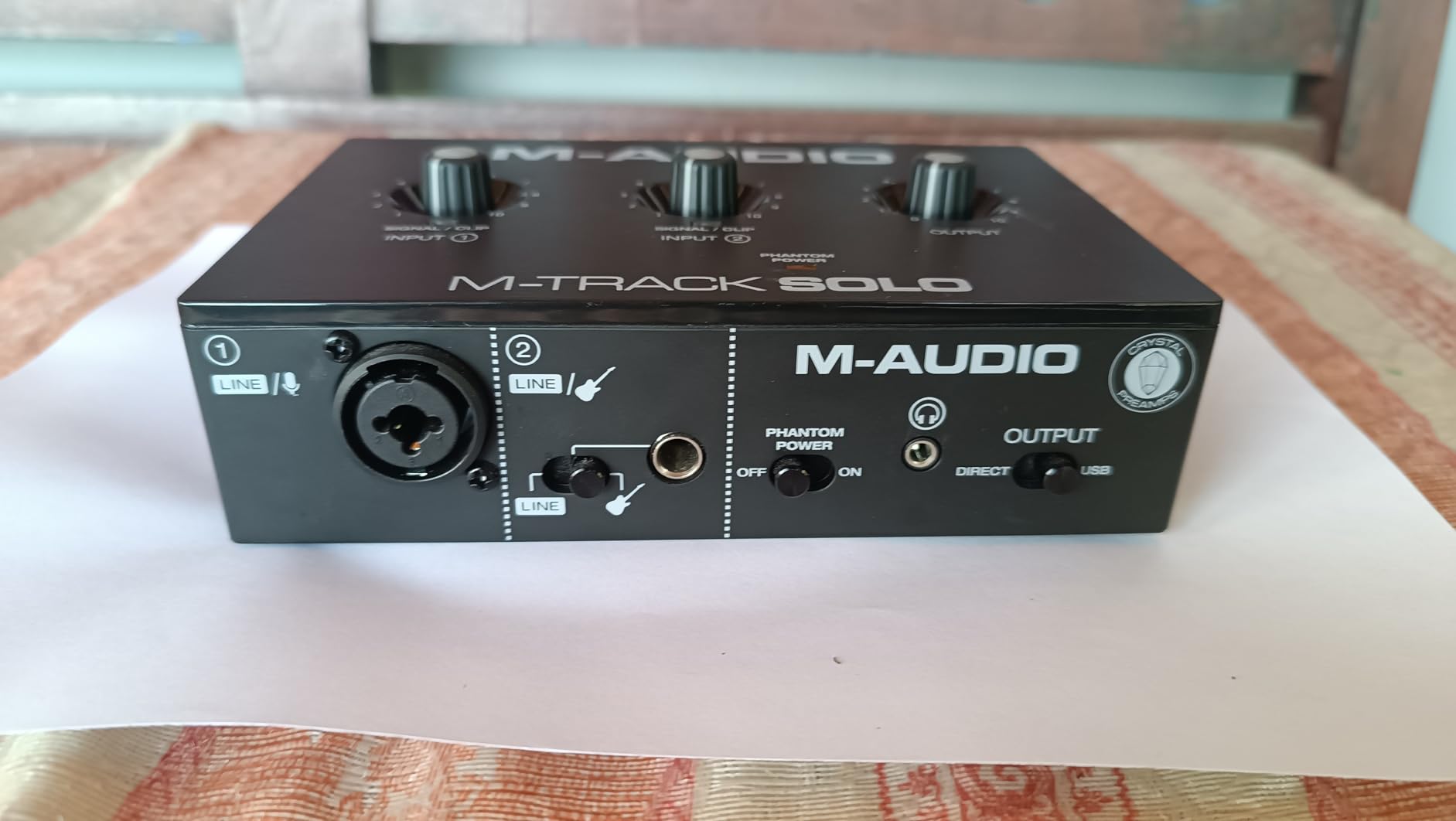
The single combo input handles a microphone with phantom power, and the second quarter-inch jack is a line or instrument input for guitar and voice-over work. A USB/Direct switch gives low-latency monitoring while tracking, which keeps players from flailing on a first vocal take.
Two limits recur in owner feedback: the line input is mono only, so a stereo source needs a splitter and extra cables, and several describe the gain control as jumpy near the top, where level rises sharply and can hiss when pushed. Some added an external preamp for more headroom.
Where this one fits
A single singer-songwriter, a podcaster working from one mic, or anyone moving between a bedroom and a friend’s flat. Its 48 kHz maximum suits speech, podcasting and demo vocals, and the bundled MPC Beats is a usable first DAW.
What you give up
One XLR means no stereo pair and no live two-person recording, so skip ahead if a duet or guest interview is planned. The textured plastic shell feels cheap and slides across a glossy desk.
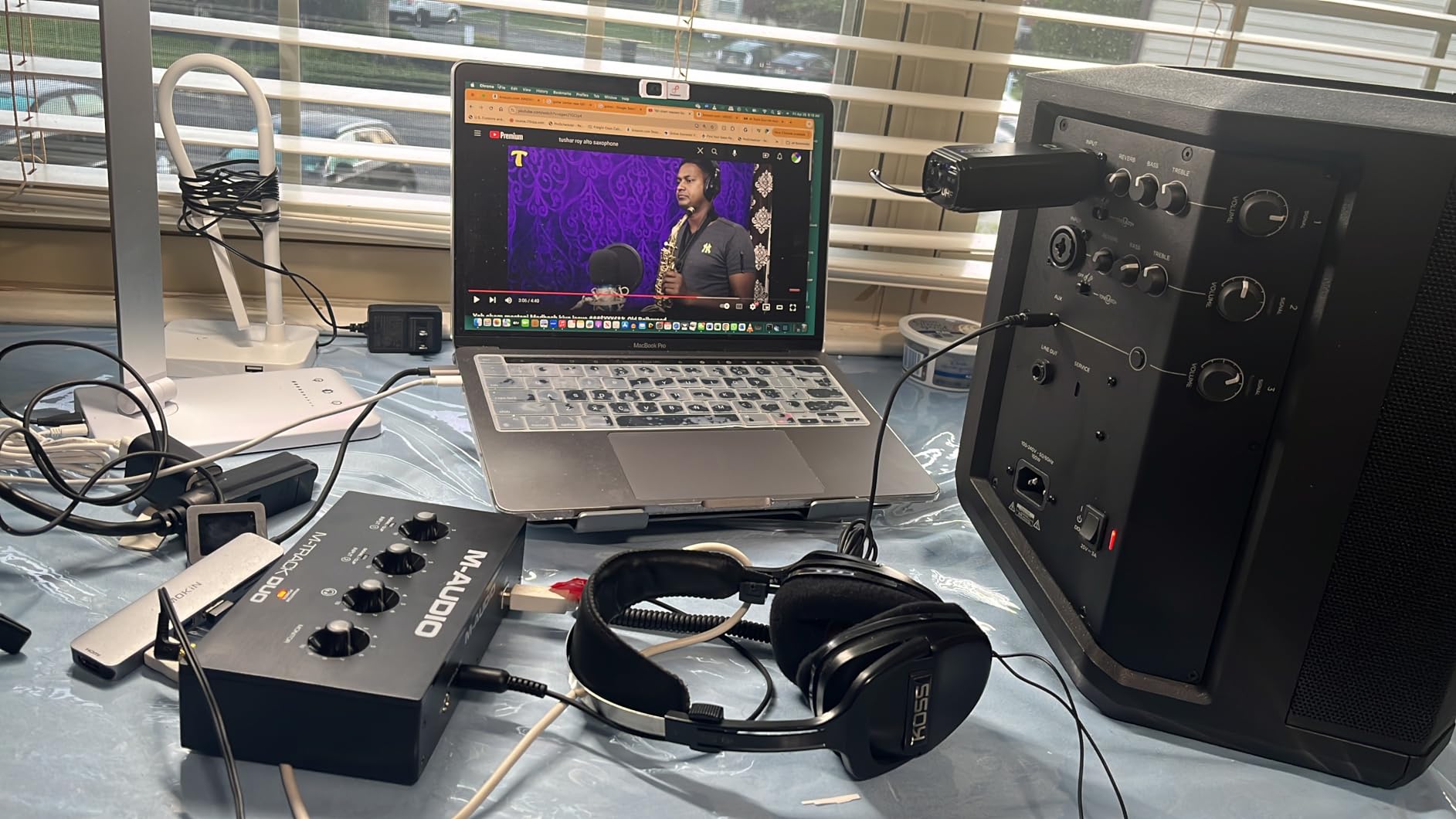
3. M-Audio M-Track Duo – Two Microphones Without Leaving the Entry Tier
M-AUDIO M-Track Duo USB Audio Interface
Two combo inputs
48 kHz class compliant
Balanced TRS outputs
Zero-latency direct monitoring
+ The Good
- Two combo inputs record a mic and instrument together
- Clean monitoring with no hiss at high gain
- Works immediately on Mac Windows and Linux
- Small footprint that fits under monitor stands
- The Bad
- Light plastic chassis slides when cables are moved
- 48V phantom circuit feels under-driven with some condensers
- Gain potentiometer taper jumps near the top
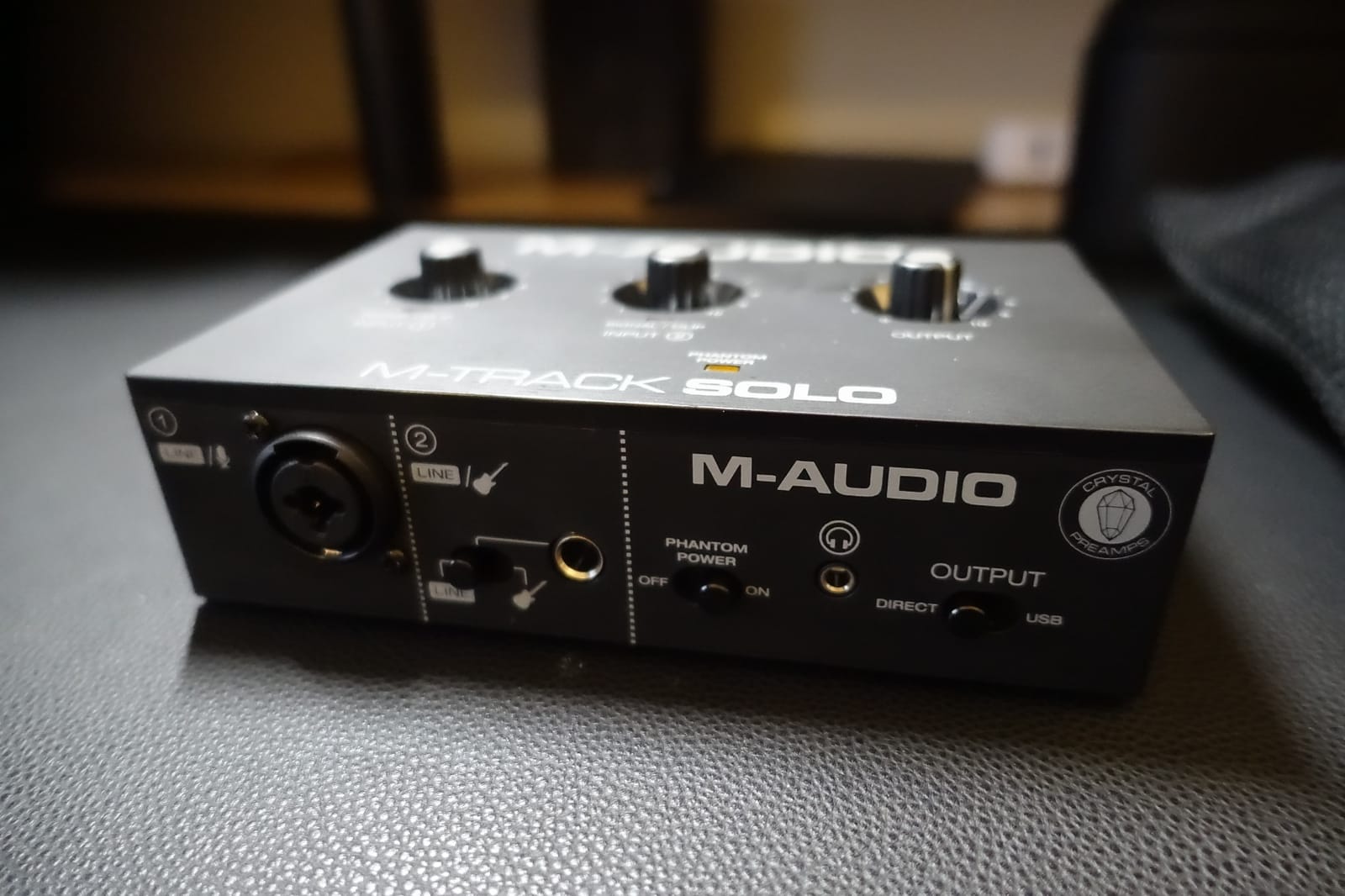
The Duo answers the most common question from people starting out: can you record a microphone and a guitar at the same time without spending much more? Yes, and this is the box that does it. Two combo XLR, line and instrument inputs sit on the front panel, both with phantom power available.
Owners are positive about the noise floor. Multiple reviews describe clean monitoring with the gain turned up and no audible hiss or buzz, which is not a given in a budget two-channel design. A zero-latency direct monitoring switch and simple mic and line toggles make tracking feel immediate.
Outputs are flexible for the money: balanced quarter-inch TRS main outputs, an instrument input and a headphone jack. Like its smaller sibling it uses a class-compliant USB driver, so it appears immediately on Mac, Windows and Linux.
Complaints cluster around construction rather than sound. The chassis is very light plastic and slides when front cables move, the foam feet grip poorly on a smooth desk, and the 48V phantom circuit feels under-driven with some condenser microphones.
Why it beats a single-input box
Two microphones means a podcast interview with a guest, a stereo pair for acoustic guitar, or a mic plus a DI for bass and keys in one pass. For electronic production, tracking a synth line alongside a vocal also removes a second device and the sync problem between it.
What to watch for
The gain taper jumps sharply near the top of the range, so set levels in your DAW rather than by ear through the knob. As with the Solo, 48 kHz is the maximum sample rate.
4. Behringer UMC202HD – The Metal Box With Headroom
Behringer UMC202HD Audiophile 2×2, 24-Bit/192 kHz USB Audio Interface with Midas Mic Preamplifiers | For Recording Microphones and Instruments
24-bit/192 kHz
Midas preamplifiers
Metal chassis
48V phantom power
+ The Good
- 24-bit/192 kHz converters give headroom above 48 kHz
- Midas-designed preamplifiers record clean and low-noise
- Impact-resistant metal chassis feels far more robust
- Powerful headphone output with level control and direct monitor
- The Bad
- Only two input channels
- No MIDI I/O compared with modern rivals
- Large desktop footprint for a travel interface
The UMC202HD is the step up from the UMC22, and the reasons are conversion resolution and build. Seventy-nine percent of its 3371 reviews are five star, and the common thread is that it feels like studio equipment rather than a computer accessory.
24-bit/192 kHz converters put it ahead of most of this list, and owners notice the practical difference when recording a cymbal or vocal sibilance with headroom to spare. The Midas-designed preamplifiers keep noise low enough that the extra resolution is usable rather than wasted.
The chassis is impact-resistant metal at about 1.2 pounds, which reviewers describe as built like a tank, and monitoring gets a powerful headphone output with a level control and a direct monitor select. It works with Pro Tools, Ableton Live and Cubase.
Where the extra resolution pays off
Anyone mixing acoustic instruments, drums or layered vocals benefits from the ceiling above 48 kHz, both for headroom and for the option to oversample during mixing. The metal body and strong headphone amp also suit a studio that already has monitors.
What it cannot do
Two channels is the ceiling, so tracking a band in one go needs a multi-channel interface. There is no MIDI I/O either, so pair it with this group only if you do not control MIDI hardware; otherwise the AudioBox 96 or MiniFuse does both jobs.
5. PreSonus AudioBox 96 25th Anniversary – MIDI and a Real DAW in the Box
PreSonus AudioBox 96 25th Anniversary USB Audio Interface
24-bit/96 kHz converters
MIDI input and output
Class-A mic preamps
Bus powered over USB 2.0
+ The Good
- Two Class-A mic preamps record clean and full
- MIDI input and output plus high-headroom instrument inputs
- Zero-latency mixer blend of inputs and playback
- Includes Studio One Artist Ableton Live Lite and Studio Magic
- The Bad
- Less preamp and headphone headroom so dynamic mics may need a booster
- Only two recording channels
- USB 2.0 bus power limits outboard gear it can drive
The AudioBox 96 is the one in this group that quietly does more than its job description. It has MIDI input and output, two Class-A mic preamps, high-headroom instrument inputs for guitar and bass, and studio-grade converters running to 24-bit/96 kHz.
That MIDI pairing is rare in this budget band and it is the reason to buy this box. If your setup includes a controller, a pad controller or a synth with legacy five-pin connectors, you avoid a second piece of hardware and a second driver.
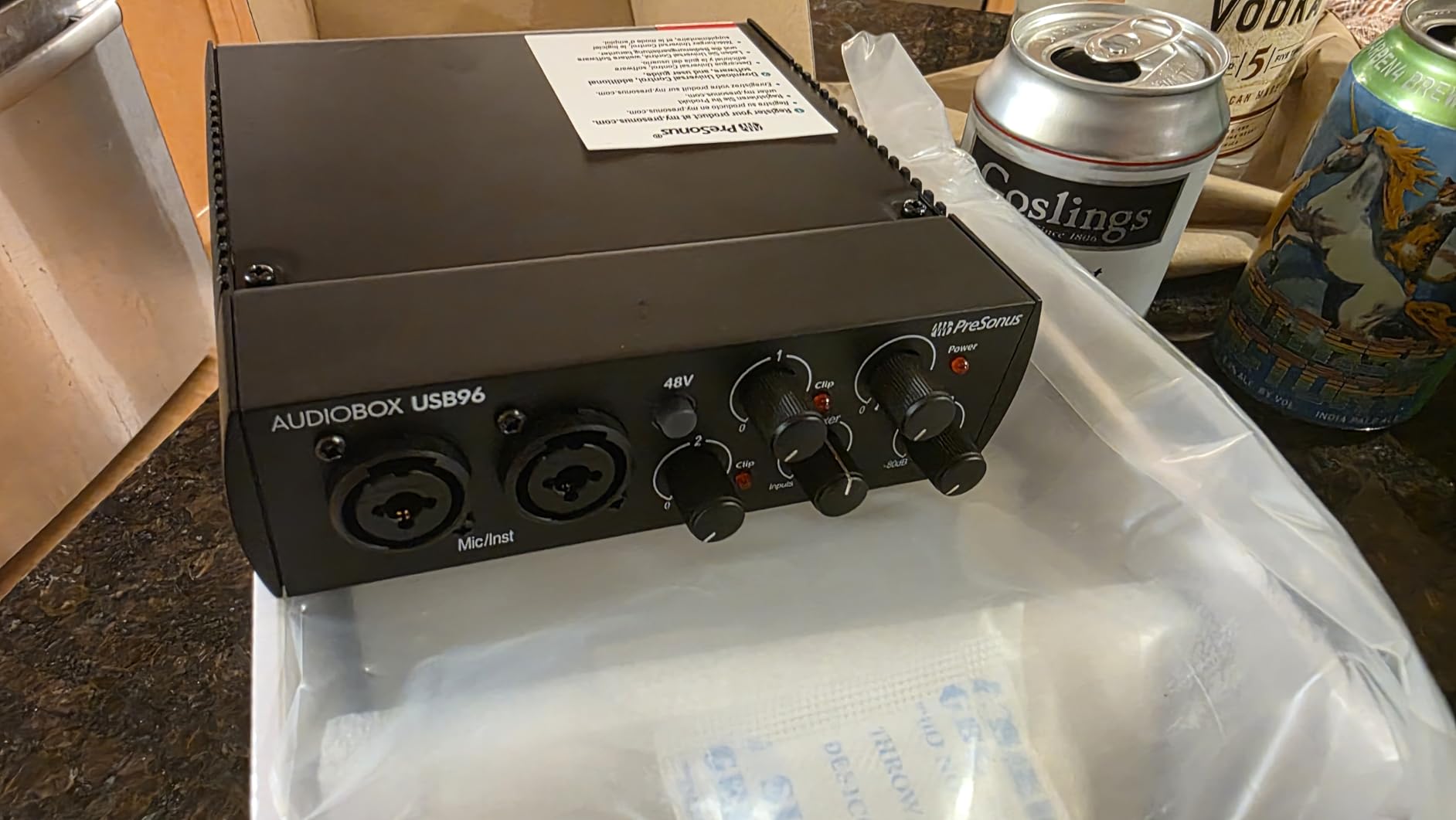
Monitoring runs through a mixer control that lets you blend inputs and computer playback for a zero-latency balance, which is more flexible than a hard direct monitor switch. The bundle is also the strongest DAW offer here: Studio One Artist, Ableton Live Lite and the Studio Magic plug-in suite come in the box.
The honest weakness is headroom. Owners with quiet dynamic microphones such as an SM58 report reaching the top of the gain range and sometimes adding an external booster. The headphone output is in the same category, adequate rather than generous.
Why the software matters
Studio One Artist is a full production environment rather than a cut-down demo, so a beginner can record, edit and mix without buying anything else. That removes the most common early expense.
Bus power over USB 2.0 makes it easy to carry between sessions, and the 5.5-inch square footprint is small enough to sit behind a monitor stand.
Where you will feel the limits
Low-output dynamic microphones are the classic problem. If you already own an SM58 or an SM7B-class mic and have no budget for a booster, look at a higher-gain preamp instead.
USB 2.0 bus power also limits how much outboard gear you can drive from the outputs, which matters if your monitors or a headphone amp are hungry.
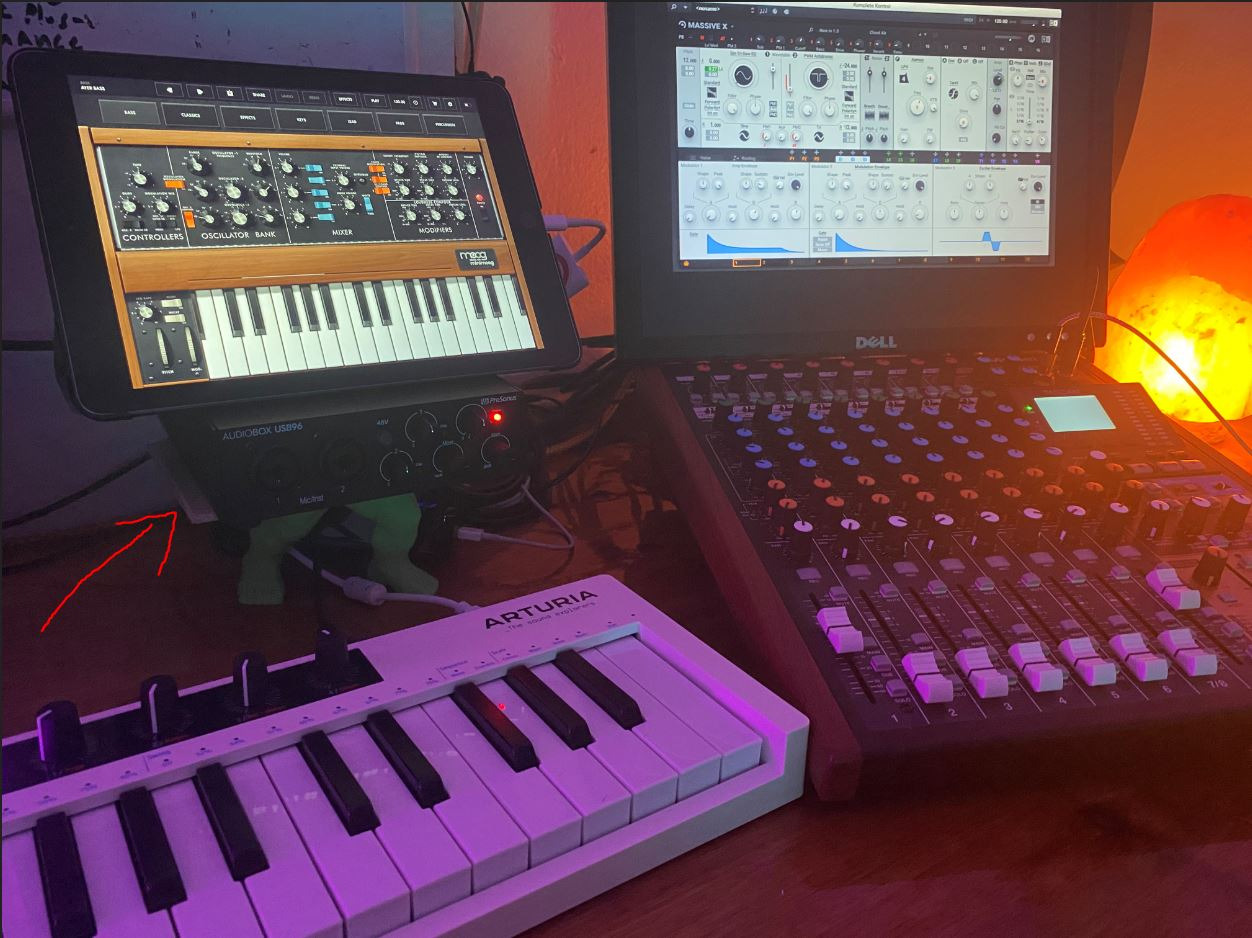
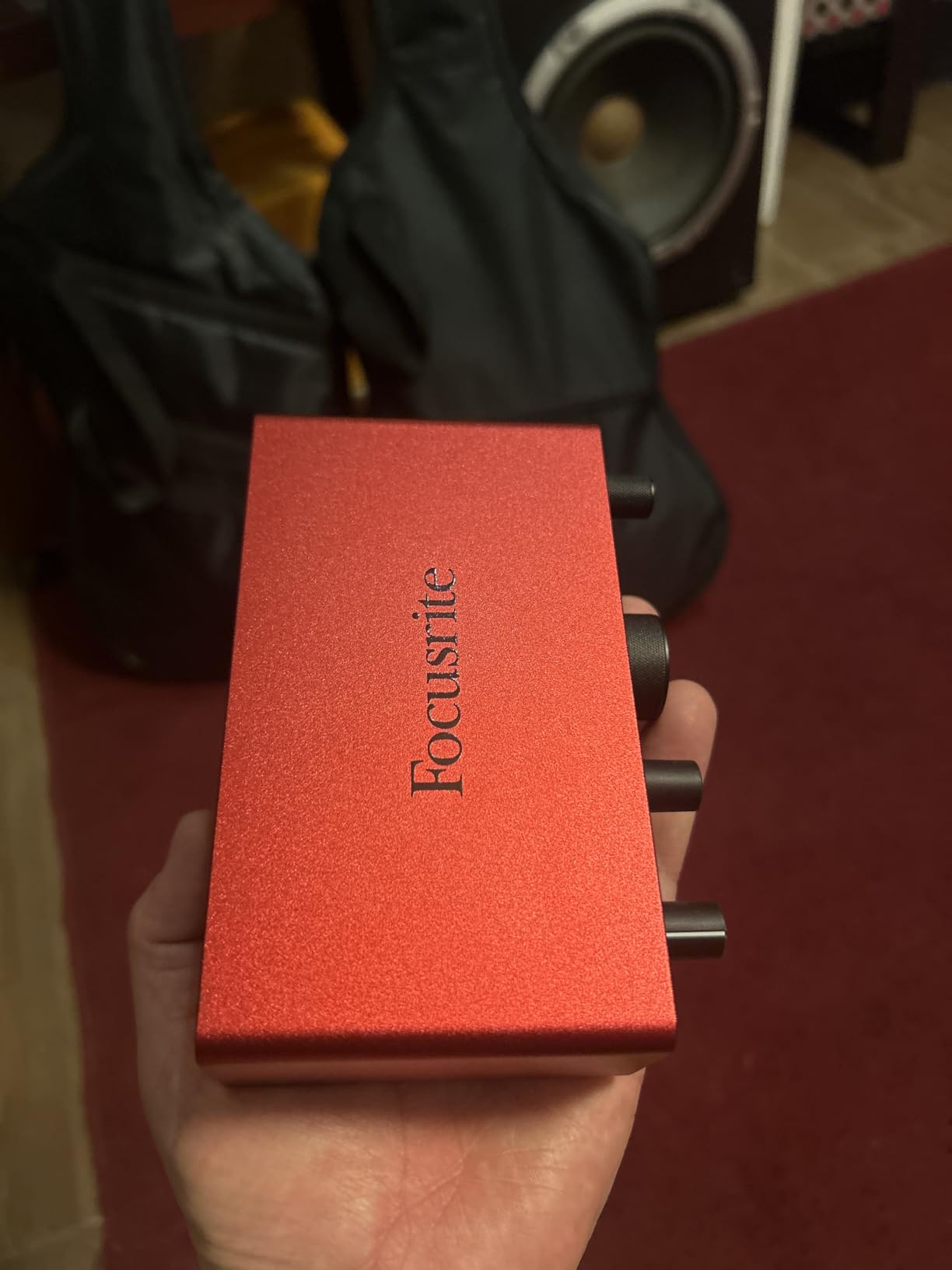
6. Focusrite Scarlett Solo 4th Gen – The Benchmark for One Performer
Focusrite Scarlett Solo 4th Gen USB-C Audio Interface
120dB dynamic range
One XLR plus Hi-Z input
Air mode
USB-C to Mac PC and iPad
+ The Good
- 120dB dynamic range using flagship Focusrite converters
- Air mode adds presence and harmonic drive
- Essentially zero latency with a clean headphone amplifier
- Compact premium-feeling build for a home studio
- The Bad
- Single XLR preamp cannot record a duo
- Quiet dynamic mics such as the SM58 can struggle for gain
- Included cable is USB-A to USB-C rather than USB-C to USB-C
Scarlett Solo 4th Gen sits at number one in Computer Recording Audio Interfaces, and 80 percent of its 2765 reviews are five star. The reason is a single figure: 120 dB of dynamic range using the same converters found in Focusrite’s flagship studio interfaces.
In practice that means a vocal recorded through this box sits comfortably inside the noise floor of most software plugins, with nothing to clean up afterwards. The preamps are described as clean and transparent, capturing detail rather than colouring it, which is what most people want from a first serious interface.
Air mode is the feature owners mention most warmly. It adds musical presence and harmonic drive that pushes vocals and guitars toward the front of a mix, and it is a single button press rather than a plugin chain. For a singer-songwriter layering acoustic guitar and lead vocal, it genuinely helps.
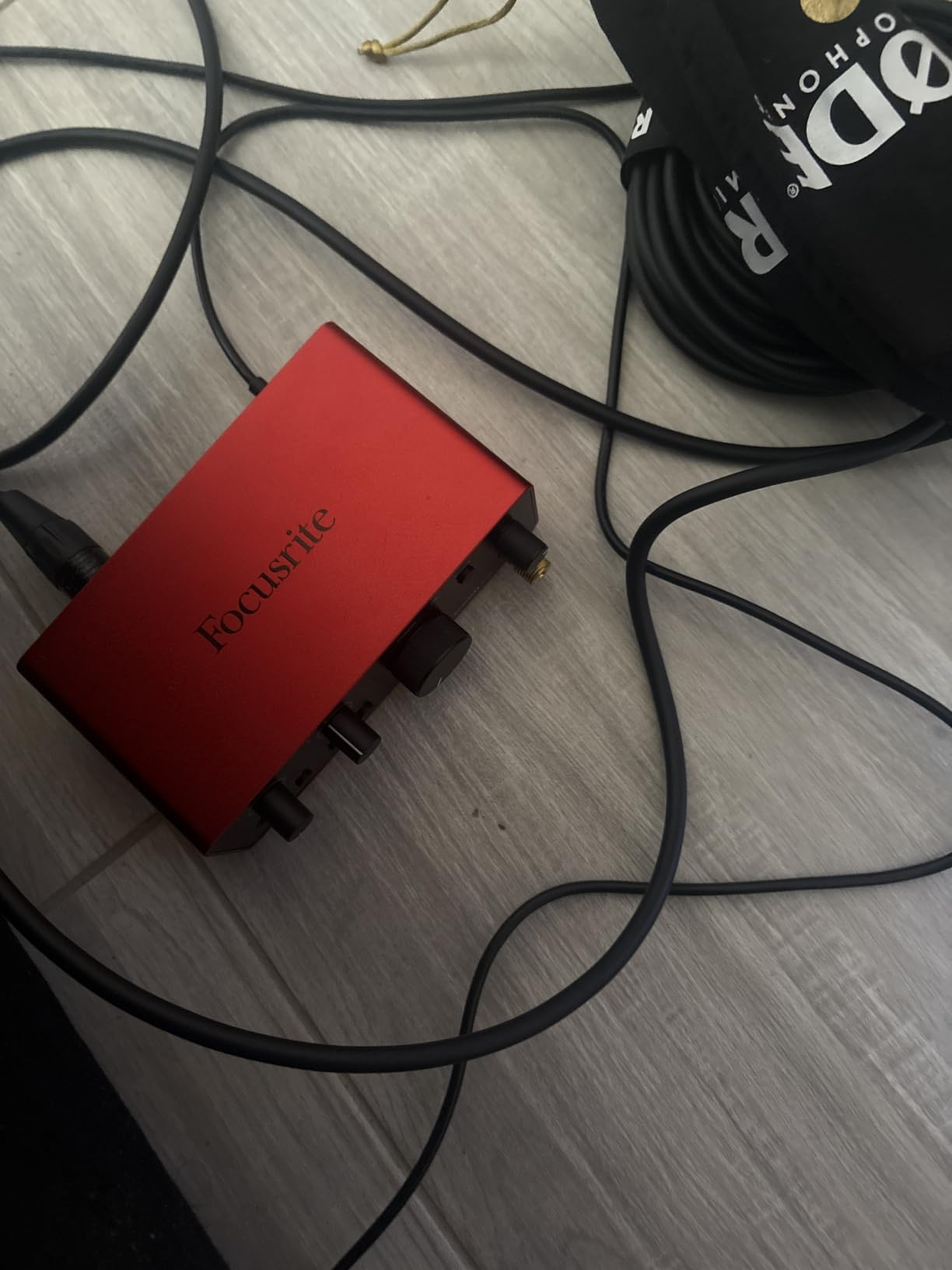
Latency is effectively zero with direct monitoring, and the gain halo around the gain control shows level at a glance so you are not guessing. The bundle includes Pro Tools Intro, Ableton Live Lite, Cubase LE and Hitmaker Expansion, and USB-C bus power means it runs on a Mac, a PC or an iPad from the same cable.
The trade is straightforward. One XLR preamp and one instrument input means this is a one-person interface, and owners note that a quiet dynamic microphone such as an SM58 can run short of gain, particularly with the Windows drivers. The included cable being USB-A to USB-C is a minor annoyance if you travel with a USB-C-only laptop.
Who should buy this one
A solo singer-songwriter, a rapper recording to a beat, or anyone tracking one microphone plus one guitar. The converter quality and Air mode make the recorded file sound finished faster.
The iPad compatibility is a genuine advantage for mobile songwriters, and the three-year manufacturer warranty is longer than most in this group.
Where it will frustrate you
The moment a second performer arrives, you need two XLR inputs. There is no software workaround for a missing preamp, so plan around it.
If you already own a quiet dynamic microphone, budget for a Cloudlifter or move up to a two-input box with more gain instead. The bottleneck there is the microphone, not the converter.
7. MOTU M2 – Hardware Monitoring You Can Read at a Glance
MOTU M2 USB-C Audio Interface
24-bit/192 kHz
Two preamps
Hardware monitoring
7.5 by 4.25 inches
+ The Good
- Two clean preamps and 192 kHz conversion in a metal chassis
- Hardware monitoring with no software routing and no added latency
- Bright easy-to-read display meters
- USB-C bus power makes it genuinely portable
- The Bad
- Only two inputs so no simultaneous mic and instrument
- No built-in MIDI I/O
- Headphone output is modest with high-impedance headphones
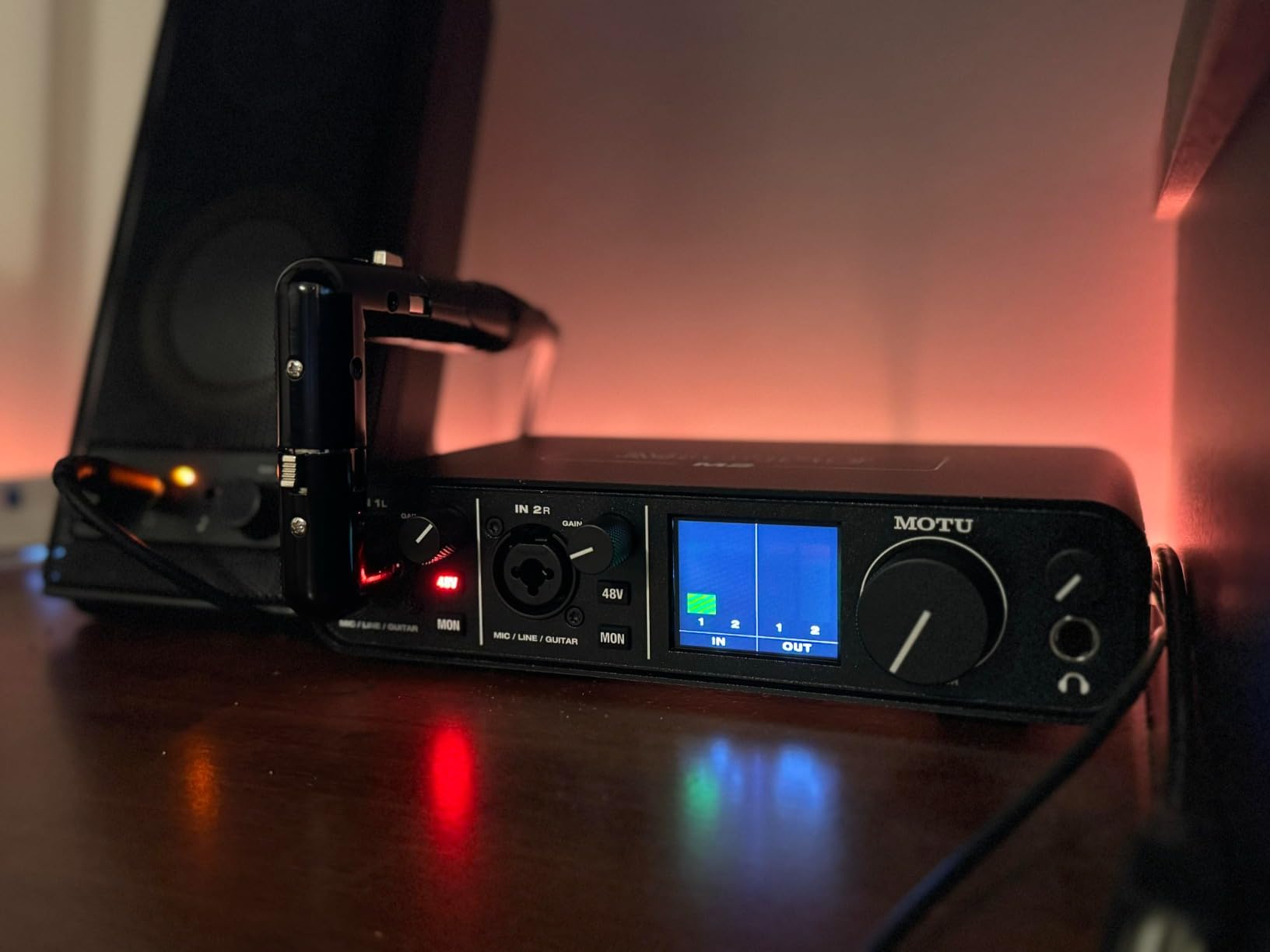
MOTU earned its reputation with professional monitor controllers, and the M2 brings that habit to a budget box. Eighty-three percent of its 1568 reviews are five star, which is the strongest distribution in this group, and owners keep pointing at the same thing: the meters.
The front-panel display shows input levels clearly without opening a DAW, and hardware monitoring means you hear the inputs with no software routing and no added latency. Reviewers single this out as the feature that makes the box feel like a piece of studio hardware rather than a dongle.
Underneath, it is two clean preamps running 24-bit/192 kHz in a small metal desktop chassis that draws power over USB-C, so it moves between a home desk and a laptop bag without an adapter. The software side is unusually generous for a hardware-focused box: 6GB plus of free music software and loop content for macOS, Windows and iOS.
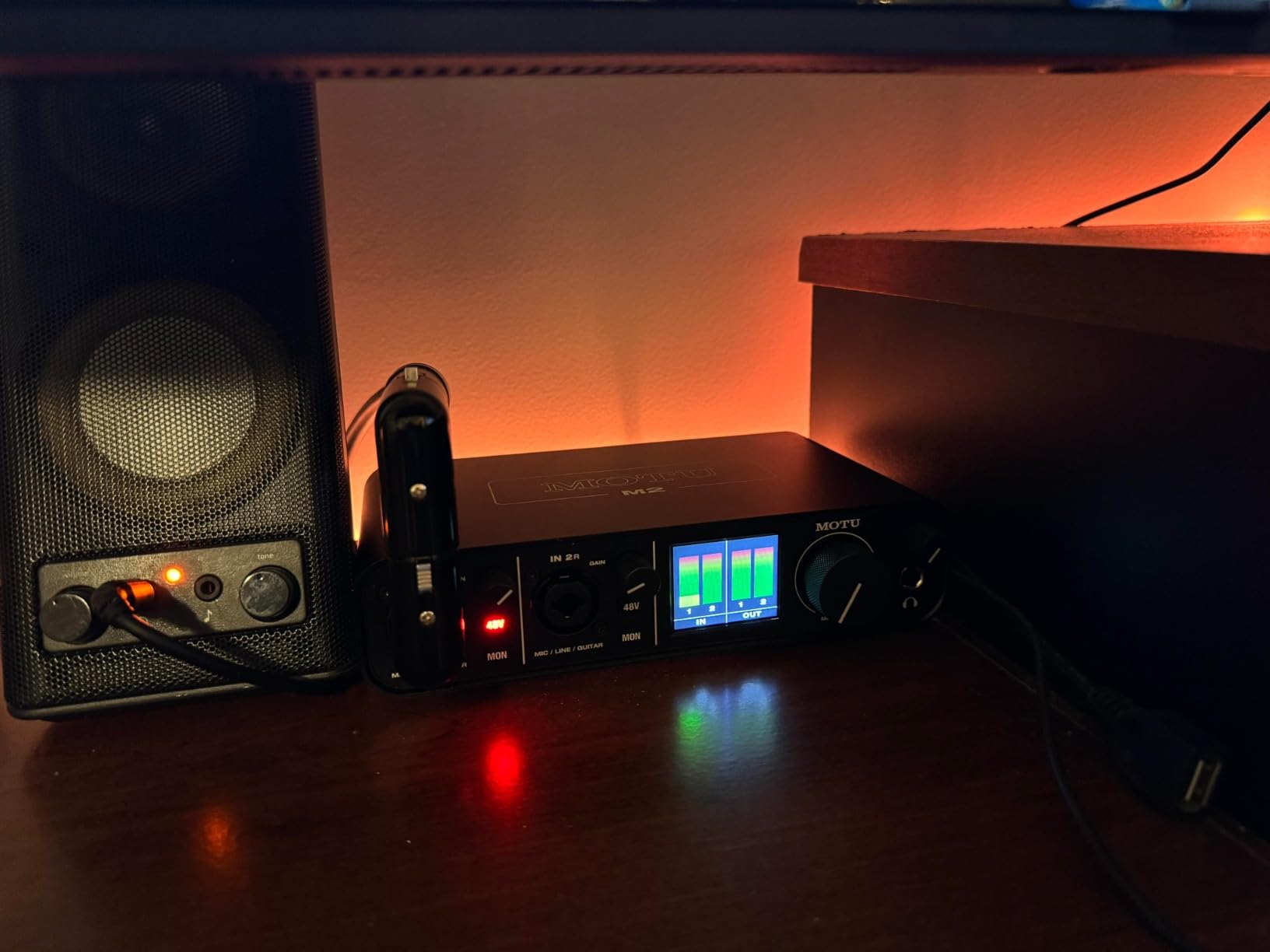
The constraints are the familiar pair. Two inputs means you cannot capture a microphone and an instrument in the same pass, and there is no MIDI I/O, so a five-pin controller needs a separate interface. The headphone output is also modest with high-impedance headphones.
Why the meters matter
Setting gain by watching a hardware meter removes the guesswork that trips up new users recording louder takes than they need to and then fighting noise in editing. For spoken word, voice-over or podcast audio, visible metering is more useful than an extra plugin.
When to choose something else
If you drive hard-to-drive planar headphones for mixing, the headphone stage here is the weak point. Musicians with hardware synths should pick a box with MIDI built in rather than adding a second unit.
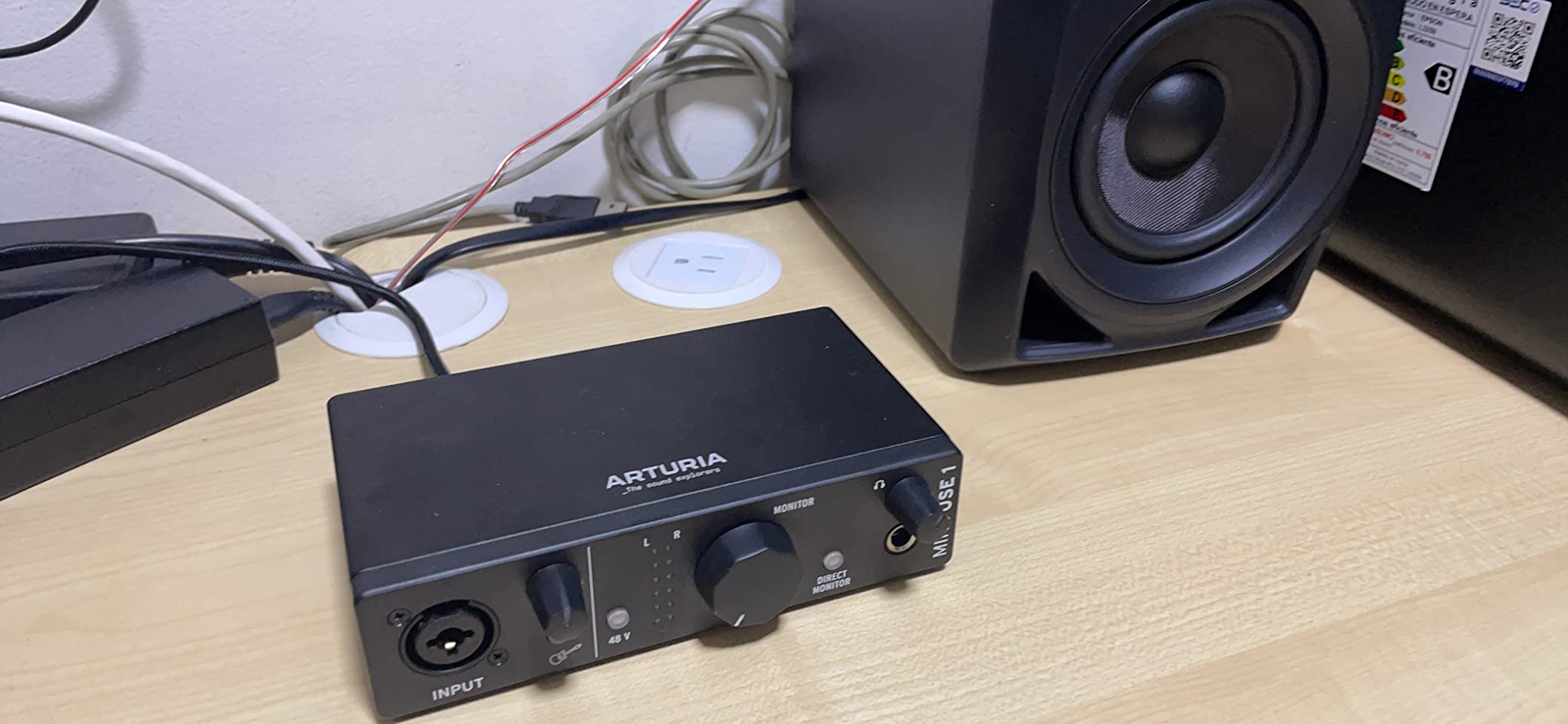
8. Arturia MiniFuse 1 – Compact, Loopback and a Five-Year Warranty
Arturia MiniFuse USB Audio & MIDI Interface, MiniFuse 1
One combo XLR with 48V
MIDI in and out
Loopback
USB hub
5-year warranty
+ The Good
- Exceptionally low noise floor with a transparent sound path
- Very low latency drivers make overdubbing easy
- Metal chassis with firm knobs and rubber feet
- Loopback captures voiceover with in-app or in-game audio
- The Bad
- Only one mic preamp
- Registration required before driver and software downloads
- Headphone output will not drive small in-ear monitors comfortably
The MiniFuse 1 is the box reviewers describe as sounding on par with interfaces costing more, and the noise floor is the reason. It is consistently cited as low and transparent, which means a quiet vocal recorded through it needs no noise repair afterwards.
Its drivers are noted for very low latency, which is what makes overdubbing and layering tracks practical on a laptop. For a producer building a project one part at a time, that responsiveness matters more than headline resolution.
Loopback is the feature that separates it from most single-input boxes in this list. It captures your voice alongside audio playing from an app or a game, which is exactly what a streamer needs and something a plain Direct monitor switch cannot do.
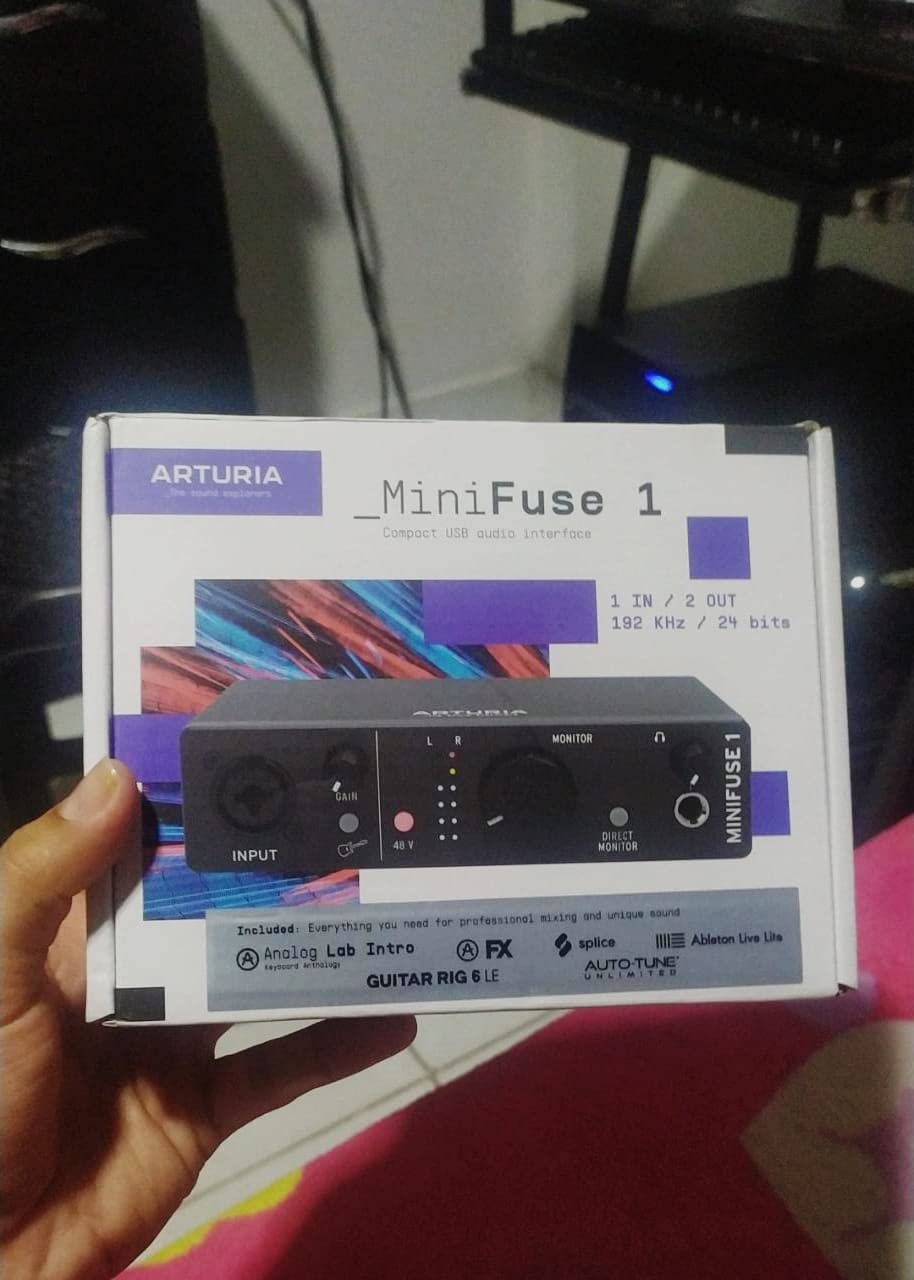
The rear panel carries one combo mic, instrument and line XLR input with 48V phantom power, two instrument and line TRS inputs, two balanced TRS outputs, a headphone output with volume control, a USB type A hub and five-pin MIDI in and out. That MIDI port and the hub for controller-less MIDI gear are both genuinely useful.
The warranty is five years, backed by more than 200 reliability tests during manufacture, and the chassis is metal with firm knobs and rubber feet that hold position on a desk. The bundle includes Ableton Live Lite, Analog Lab Intro, Arturia FX, NI Guitar Rig 6 LE and Auto-Tune Unlimited.
The catch is that one mic preamp limits you to a single source, and registration is required before driver updates and bundled software can be downloaded. The headphone output is also not strong enough for small in-ear monitors, which light IEM users tend to notice quickly.
Best use for loopback
Streaming with chat or game audio, video tutorials with narration, and mobile podcasting where you need the app and your voice in one file. Loopback handles all three cleanly.
It also works as a MIDI-equipped single-input box for a guitarist with a controller, where the MIDI port saves a second device.
Where the single input bites
Any duet, any stereo acoustic pair, any mic-plus-guitar session. There is one XLR preamp and no way around it.
Artists using IEMs should test with their own earbuds first, or plan on a small external headphone amp.
9. Shure MVX2U Gen 2 – A Shure Microphone With a Box Built In
Shure MVX2U Gen 2 XLR-to-USB-C Audio Interface
XLR to USB-C
Up to 60 dB gain
48V phantom
Onboard DSP
100 grams
+ The Good
- Compact pocketable form factor with Shure build quality
- 60 dB of gain reduces the need for a separate booster
- 48V phantom power lets condenser microphones work as they are
- Onboard DSP handles compression EQ limiting denoising and pop filtering
- The Bad
- MOTIV app required for full gain and control
- Recent MOTIV versions no longer support Windows 10
- Some buyers report low-frequency artifacts from the MOTIV software
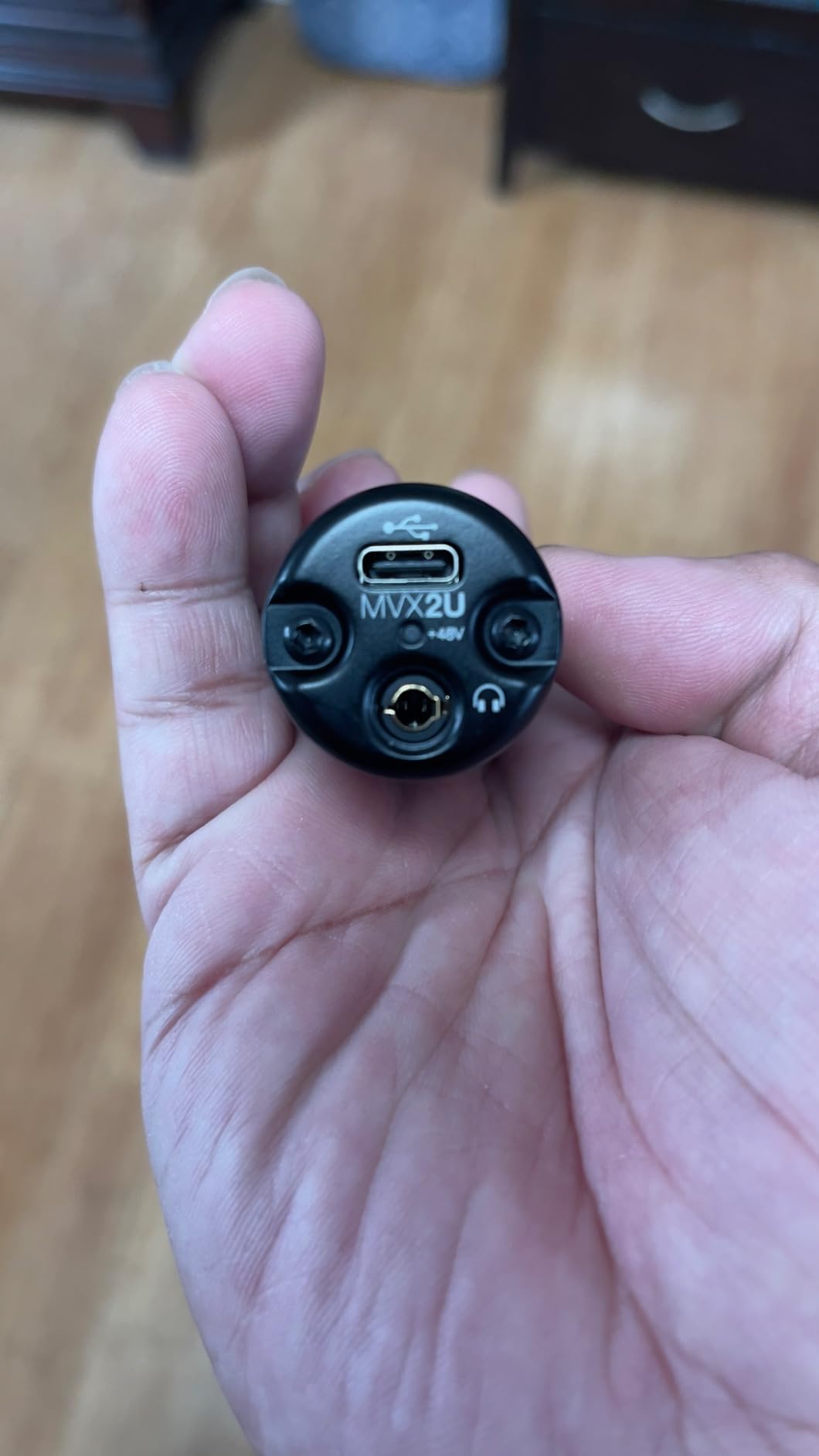
The MVX2U Gen 2 is the only product here that is really an XLR microphone accessory rather than a general interface. It turns any XLR microphone into a USB-C device in a body small enough to sit in a shirt pocket or clip to a laptop bag.
The headline spec is up to 60 dB of clean gain with 48V phantom power. For podcasters with dynamic microphones this removes the usual pressure to buy a separate booster, and the zero-latency headphone output lets you monitor properly while talking. Onboard digital signal processing is the quiet differentiator: Auto Level mode adjusts gain in real time, and a real-time denoiser plus a digital pop filter handle room hiss and plosives in hardware rather than in a plugin chain afterwards. Tone options run Dark, Natural and Bright.
It is MFi-certified for iOS and works across Android, Windows, macOS and iOS, so the same body covers a desktop stream and a phone-based mobile podcast. There is no driver to install, which is a genuine advantage on a machine you do not control.
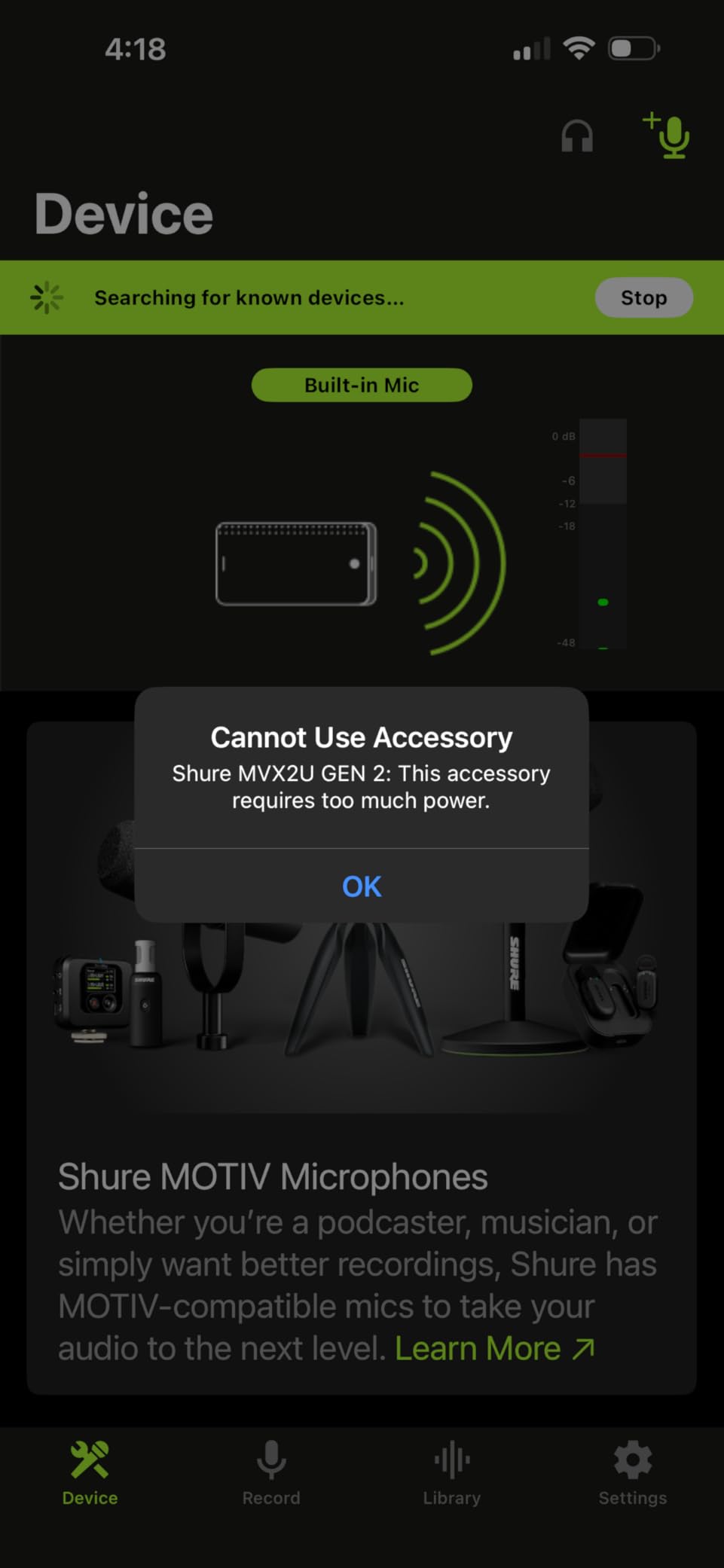
The dependency is the trade-off. Full access to gain and controls runs through the MOTIV Mix, MOTIV Audio and MOTIV Video apps, and owners report settings that cannot be adjusted without that software present on the recording machine. Recent MOTIV versions also dropped Windows 10 support, and some buyers describe low-frequency bumpiness under certain conditions.
What the gain headroom unlocks
Dynamic microphones that usually demand a booster, including the SM7B class, become usable without extra hardware. That removes a purchase most podcasters otherwise make.
Condenser microphones work straight from the 48V phantom supply, so the same box covers a studio condenser and a broadcast dynamic.
Where it is the wrong tool
It is a single-channel device. Any session needing two microphones means buying something else entirely, and there are no line outputs for monitors.
Users with older Windows machines or who need to change settings on a borrowed computer should check the MOTIV requirement before committing.
10. Universal Audio Volt 2 – The Warmest Recorded Sound in This Group
Universal Audio Volt 2 USB Audio Interface
UA 610 preamp emulation
24-bit/192 kHz
LUNA DAW and UAD plug-ins
MIDI I/O
+ The Good
- Sound quality and conversion outperform pricier rivals
- Vintage mode emulates the classic UA 610 tube preamp
- Bundled UAD plug-ins and the LUNA DAW add real value
- Very easy setup that usually works within minutes
- The Bad
- Preamp gain is soft for quiet condenser microphones
- Two gain LEDs and no meter make level-setting imprecise
- Direct monitor cannot be balanced against DAW playback
Owners repeatedly compare the Volt 2 favourably against the Focusrite Scarlett, and the reason is tone rather than numbers. The preamp emulates the classic UA 610, and Vintage mode adds a warm analog character that sits differently in a mix than a purely transparent path. Eighty-three percent of its 748 reviews are five star, with clean conversion and low latency named as the standout qualities.
The software package is the best argument for it. The LUNA Digital Audio Workstation and the UAD plug-ins are included, so a beginner gets a complete recording and mixing environment with plugins most producers pay for separately. MIDI in and out is also present, alongside 24-bit/192 kHz converters and a two-in, two-out layout, with support for macOS, Windows, iPad and iPhone running iOS 14 or later.
What Vintage mode actually does
It moves the input stage toward the response of a tube preamp, which adds harmonic content to a signal as it is driven. Acoustic guitar and vocals both benefit, and it costs nothing but a button press.
For electronic production where you want a flat, neutral starting point, leave it off. The switch is instant and repeatable, so try both on a raw take.
Where the compromises sit
Two gain LEDs and no meter make input level hard to set precisely. Reviewers treat this as a workflow issue, which is why the bundled plugins and software become more valuable than they first appear.
The direct monitor level cannot be balanced against computer playback without the DAW, and the preamp runs soft with very quiet condenser microphones. Windows users should also read the UAD companion app notes before buying, since some report it failing to launch after registration.
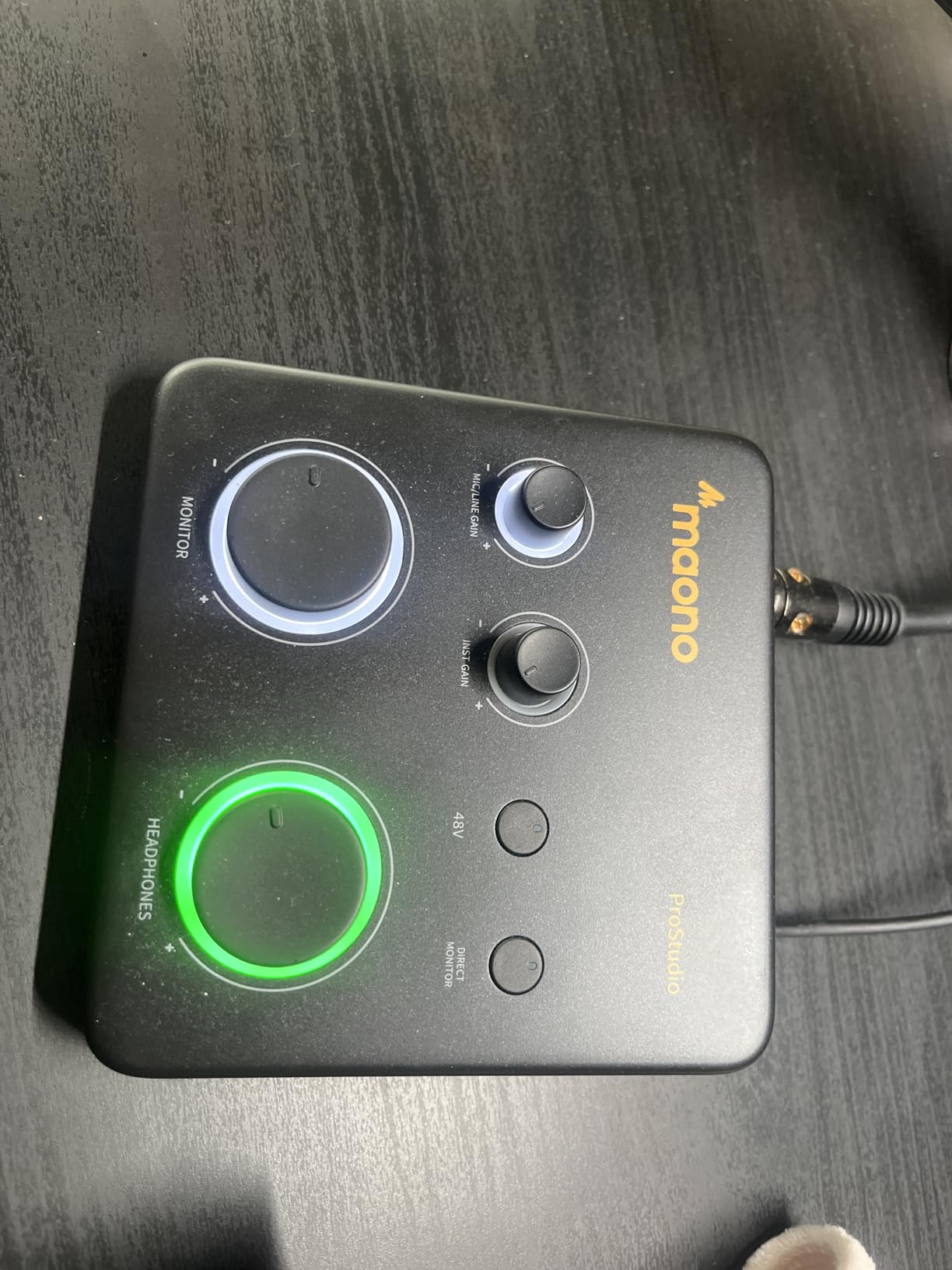
11. MAONO PS22 Lite – More Specs per Dollar Than Anyone Else
MAONO PS22 Lite USB Audio Interface for PC for Guitar & Vocals Streaming
24-bit/192 kHz
106dB dynamic range
56 dB gain
ProStudio Routing with loopback
+ The Good
- Packs 192 kHz recording and 106dB dynamic range into a palm-sized body
- XLR handles condenser and dynamic microphones with 48V and 56 dB of gain
- Instrument input with adjustable impedance for guitar and bass
- ProStudio Routing adds virtual channels loopback and ASIO for streaming
- The Bad
- Lowest average rating here at 4.2 with a 9 percent one-star share
- You must select the MAONO ASIO driver manually in your DAW
- 56 dB of gain is below what low-output dynamics need
The PS22 Lite puts a specification sheet on the page that reads like a much more expensive interface. Twenty-four-bit/192 kHz recording, 106 dB of dynamic range and a 56 dB preamp in a body weighing 0.43 kg, and owner feedback focuses on exactly that ratio of capability to cost.
The instrument input has adjustable impedance, which matters for guitar and bass. Electric guitar pickups see high impedance, and a DI that matches it avoids the thin, phasey result you get from a mismatched input. That is a real feature, not a line in a brochure.
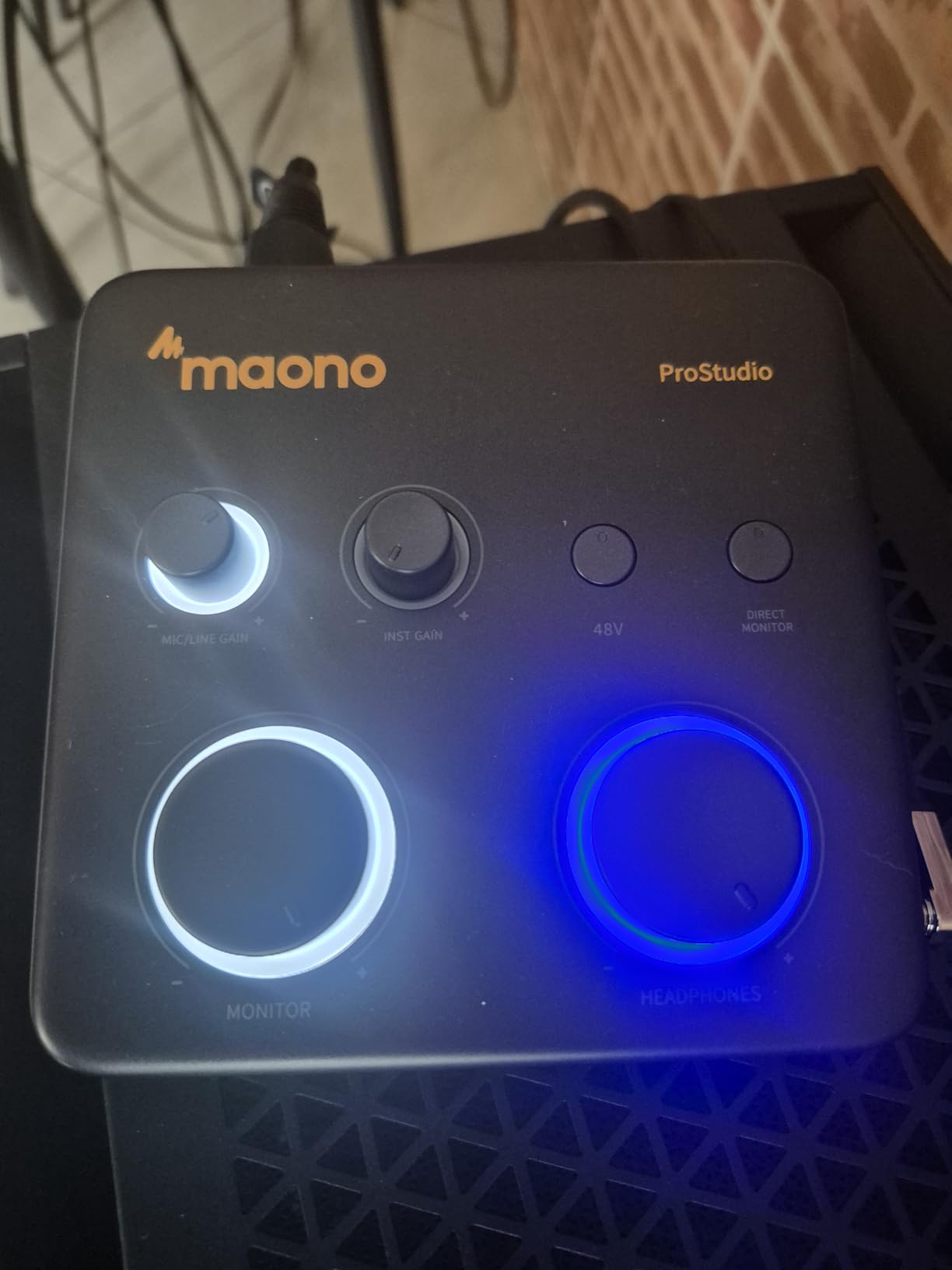
For streaming, ProStudio Routing software adds virtual channels, loopback and ASIO drivers for low-latency broadcasting. A direct monitoring switch, a side-mounted headphone output and a light ring that shows input status keep the desk tidy and the levels visible.
The honest caveat is that this is the lowest-rated product in the group at 4.2, with a nine percent one-star share, and that points at setup friction. You have to select the MAONO ASIO driver in your software’s audio device settings, and documentation is limited to a basic user manual. The 56 dB of preamp gain is also below what low-output dynamic microphones need.
Why the routing software is the differentiator
Virtual channels and loopback let one person behave like a small studio, routing a mic, game audio and a music bed into separate destinations from a single box.
Compatibility runs to macOS, Windows, Android, iOS and ChromeOS, and it works with Pro Tools, Ableton Live, Cubase, Logic Pro and FL Studio, plus OBS, Twitch and Discord.
Before you commit
Budget ten minutes for driver setup the first time you connect it. Owner complaints concentrate around configuration, not hardware failure.
If your microphone is a quiet dynamic, look for higher gain elsewhere in this list. The spec sheet is generous but the gain is the part you cannot work around.
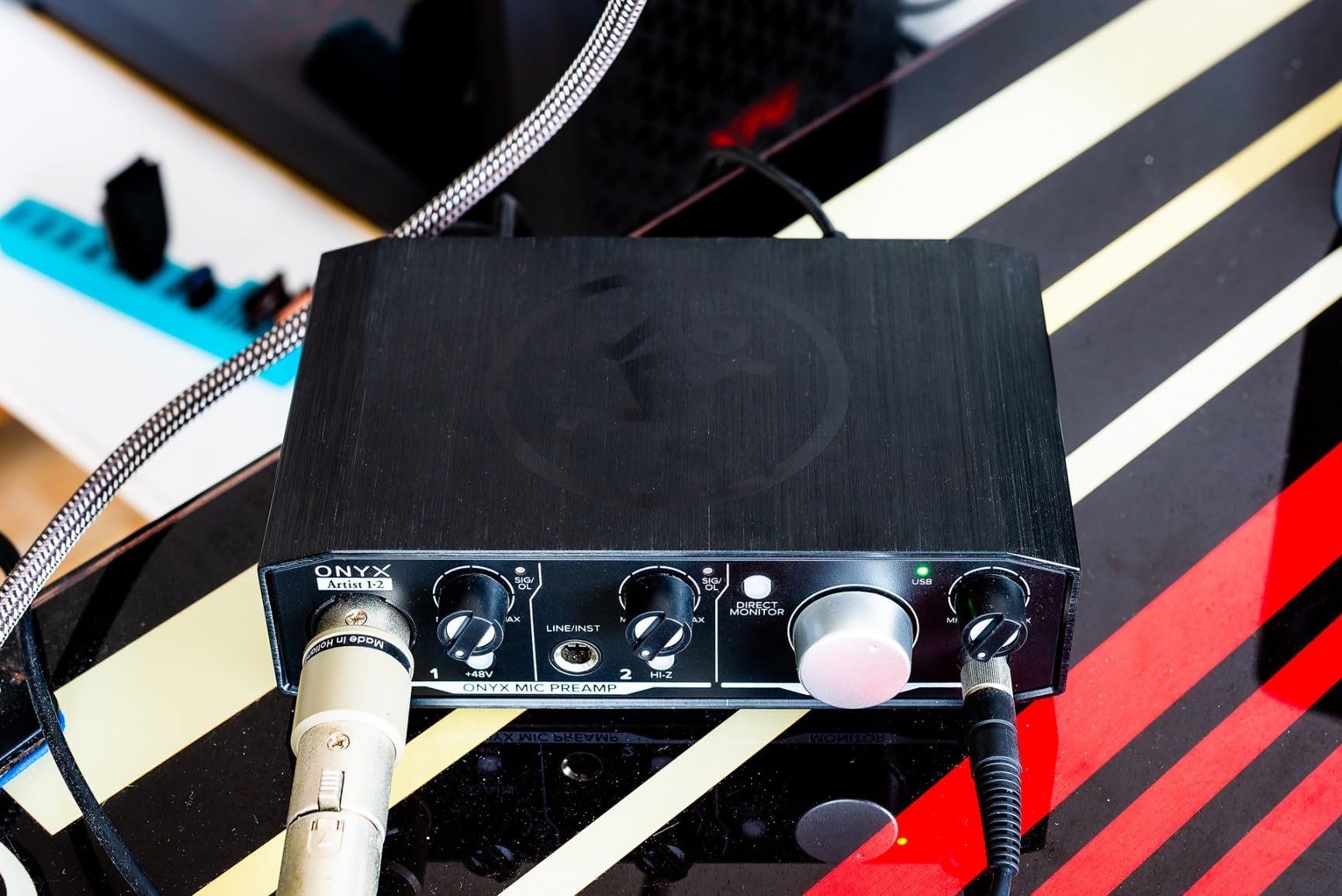
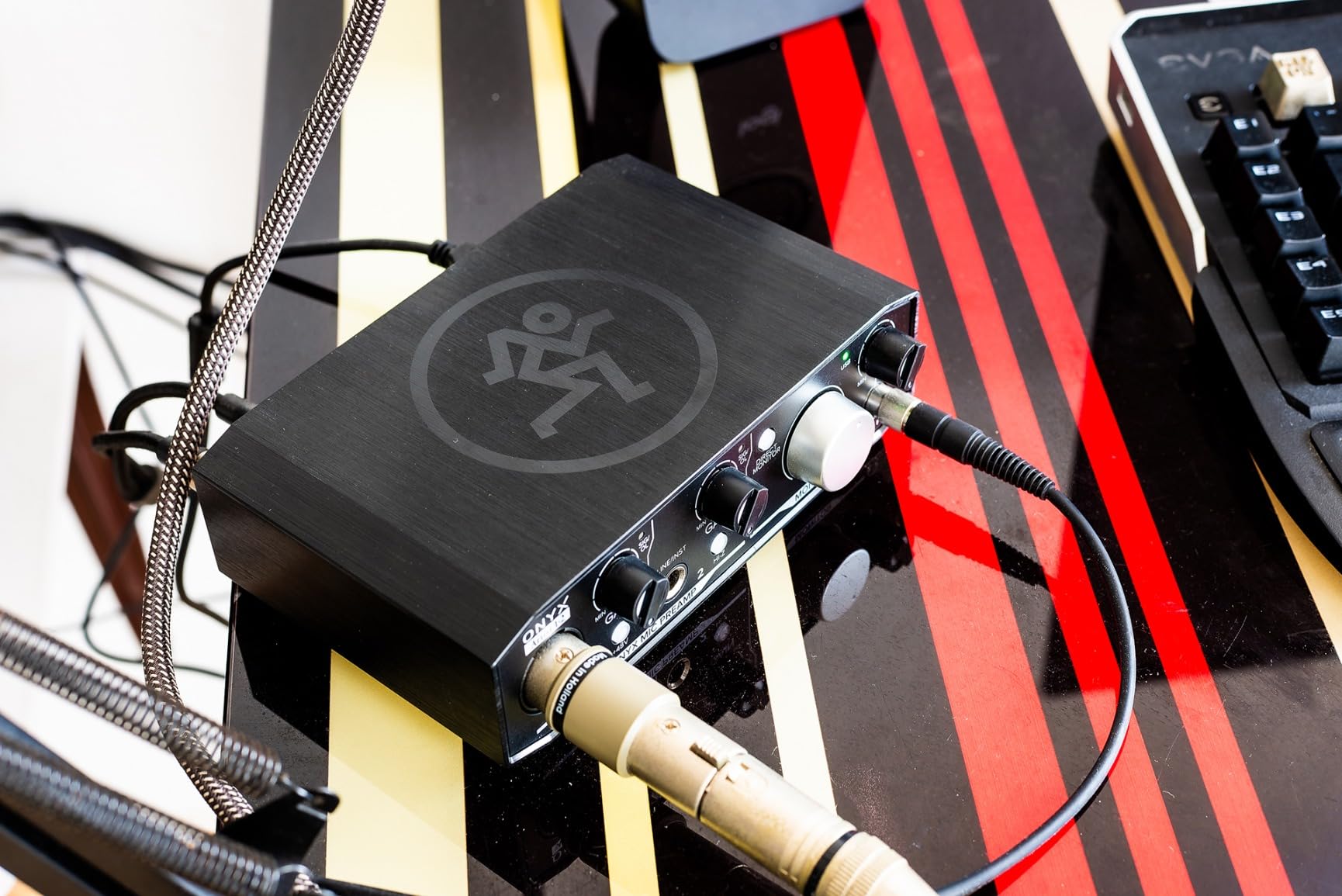
12. Mackie Onyx Artist 1X2 – Built Like a Tank for Linux and Windows
Mackie Audio Interface, Onyx Artist 1X2 USB Audio Interface (Onyx Artist 1-2)
2 in 2 out at 24-bit/192 kHz
Onyx preamp with 48V
MIDI I/O
Hi-Z switch
+ The Good
- Clean quiet Onyx preamps record without added noise
- MIDI I/O included which is increasingly rare at this level
- Rock-solid build with heavy responsive knobs
- Stable under Windows 11 and Linux with ASIO drivers
- The Bad
- Preamp is quiet so dynamic mics need gain near 90 percent
- Two inputs appear to the computer as a single stereo input
- Knobs are hard to read and some boxes arrive without a USB cable
The Onyx Artist 1X2 is the oldest design here and the one long-term owners defend most warmly. Several reviews describe it as built like a tank, with heavy responsive knobs and a chassis that has survived years of daily use, and it is one of the few boxes in this budget with MIDI in and out.
Sonically it is a clean, quiet preamp with 48V phantom power, and owners note it improved on cheaper interfaces they previously owned, particularly when driving studio monitors. Recording runs at 24-bit/192 kHz in a two-in, two-out layout with balanced outputs and a dedicated headphone output, and the Hi-Z switch on the quarter-inch TRS input handles guitar and bass. The bundled The Musician Collection adds 23 plug-ins and instruments plus a Pro Tools First licence.
Driver stability is where it still wins points. Long-term owners specifically report it holding up under Windows 11 and Linux with ASIO drivers, which is not a claim most budget interfaces can make. If you work across operating systems, that reliability is worth more than a higher sample rate ceiling.
There is a real quirk to know about. The two inputs appear to the computer as a single stereo input, so using only input one gives you the left-hand channel, and working around it needs third-party software. Several owners also found the preamp quiet enough that dynamic microphones such as an AT3035 need the gain near 90 percent, and a few received boxes without a USB cable.
Where it still wins
Build quality at this price is unusual. Metal, weight and knob feel usually indicate a higher tier, and that matters for a box that stays on a desk for years.
MIDI I/O plus a Hi-Z switch covers a guitarist with a controller and a bass in one device, which few rivals manage.
Know before you buy
The stereo input behaviour can confuse beginners. Test with both channels in use, or use an interface that presents discrete inputs.
Quiet preamps plus hard-to-read knobs are a pairing worth weighing against the Shure’s 60 dB gain if your microphone is a low-output dynamic.
How to Choose an Audio Interface Under 200 Dollars
Once you have narrowed the field, a handful of decisions do most of the work. Our broader USB audio interface guide covers interfaces above this budget, but the logic below applies at any price.
Count the inputs you actually need
Every interface in this roundup is a two-channel or one-channel design, and that single fact eliminates more options than any other. One person, one microphone and one guitar means a one-input box works. A duet, a stereo pair of microphones, or a podcast with a co-host means you need two XLR preamps, which rules out the Scarlett Solo, the MiniFuse, the M-Track Solo and the Shure MVX2U.
There is a classic mistake worth naming here. A quarter-inch instrument input is a DI, not a second microphone preamp. You cannot plug a microphone into it and get phantom power, so recording two singers on a single-input box is not possible without extra hardware.
Preamp gain decides which microphones work
Gain in decibels is the number that determines whether your microphone reaches a healthy level without hiss. Dynamic microphones such as an SM58 sit low and demand roughly 55 dB or more, and ribbon microphones and broadcast dynamics like the RE-20 can need 60 dB or more. Condenser microphones are far less demanding.
In this group the Shure MVX2U offers the most headroom at up to 60 dB, and the M-Audio and MAONO boxes sit lower at around 56 dB, which owners report as marginal with low-output dynamics. The Volt 2 and the AudioBox 96 are described as running soft. If you already own a demanding microphone, buy gain, not sample rate.
Phantom power and ribbon microphones
Phantom power is a 48V supply sent to condenser microphones through the XLR pins. It is harmless for dynamic microphones and essential for condensers, but ribbon microphones are a genuine exception. Many passive ribbons can be damaged by phantom power, so check your microphone’s documentation before switching it on.
A global phantom switch is the norm here. Some units send it to every input, which is exactly why the ribbon caution matters.
Sample rate above 48 kHz changes very little
Most sessions happen at 48 kHz or 96 kHz, and the difference between those two is real but small for most work. The real value of 192 kHz converters is headroom, so a loud vocal or a cymbal does not clip before you have a chance to pull it back.
Paying for 192 kHz that you never use is wasted money. Paying for it as insurance on a demanding recording is not. If you are undecided, the difference matters far less than the preamp you end up with.
Loopback is the streaming feature that matters
Loopback routes computer playback back into the recording alongside your microphone, which is what lets a streamer capture game or app audio with their voice in a single file. Direct monitoring does not do this. It only lets you hear inputs without latency.
Within this list, the Arturia MiniFuse and the MAONO PS22 Lite both offer loopback, the latter through its ProStudio Routing software. Everyone else needs a software workaround in the DAW or streaming app.
MIDI and built-in USB hubs
If you own a controller, a pad surface or a synth with five-pin connectors, check for MIDI in and out before buying. In this budget it appears on the AudioBox 96, the MiniFuse, the Mackie Onyx Artist and the Volt 2, and it is absent from the rest.
The MiniFuse adds a USB type A hub, so a MIDI controller without its own MIDI ports can be connected directly through the interface.
Driver support across operating systems
A class-compliant USB device appears as a sound card immediately, with no driver to install. The M-Track Solo and M-Track Duo are built this way, and they work on Mac, Windows and Linux out of the box, which removes the single most common source of first-day frustration.
Everything else needs its manufacturer’s driver. The Mackie Onyx Artist has the strongest long-term reputation across Windows and Linux with ASIO, while the Shure MVX2U relies on companion apps whose recent versions have dropped Windows 10 support. If you switch operating systems or work across two machines, check that first.
Where used and refurbished models make sense
Second-hand interfaces are a reasonable way to reach a tier you cannot afford new, and the four-input models from a few generations back are the ones worth seeking. Check that the driver still downloads for your operating system before paying, because support for older models is the first thing to lapse.
For a first interface, buying new keeps registration and warranty intact. The Arturia MiniFuse’s five-year warranty and the Focusrite Solo’s three-year cover are the two longest in this roundup, which matters if your plan is to keep the box for years. Our channel strip guide covers the other half of a home studio signal chain once recording is sorted.
Frequently Asked Questions
Which audio interface has the best sound quality in this budget?
The Universal Audio Volt 2 is regularly described as having conversion quality that outperforms pricier rivals, with its UA 610 preamp emulation and Vintage mode giving recorded tracks a warmer character than the more neutral alternatives. If you prefer a transparent sound with maximum headroom, the Focusrite Scarlett Solo 4th Gen offers 120 dB of dynamic range using flagship Focusrite converters. Both take two inputs at most.
What is the best affordable audio interface for a beginner?
The Behringer UMC22 is the safest first purchase for most beginners, because it works with the major DAWs including Pro Tools, Ableton Live and Cubase, offers a Midas-designed mic preamp, and draws power from USB with no adapter to find. It has two usable inputs, so you can record a vocal and a guitar, and it lacks only MIDI and a high sample rate ceiling.
What is the cheapest and best option in this range?
Among the lower-cost choices, the M-Audio M-Track Duo stands out because two combo inputs let you record a microphone and an instrument at the same time, while its class-compliant USB driver works immediately on Mac, Windows and Linux. The M-Track Solo is lighter and cheaper still, but it has a single XLR input, so it cannot track two sources at once.
How many inputs do I need for a home studio?
One person recording a microphone plus a guitar needs two inputs, which every two-channel interface in this roundup provides. Recording a duet, a stereo microphone pair or a podcast with a guest also needs two XLR preamps, which rules out single-input models like the Focusrite Scarlett Solo, the Arturia MiniFuse and the M-Audio M-Track Solo. A note that a quarter-inch instrument input is a DI, not a second microphone preamp, so it cannot substitute for an XLR.
Do I need MIDI on my audio interface?
Only if you control MIDI hardware. Keyboards, pad controllers and older synths with five-pin connectors need MIDI in and out, which in this budget appears on the PreSonus AudioBox 96, the Arturia MiniFuse, the Mackie Onyx Artist and the Universal Audio Volt 2. If you record only audio and trigger nothing, MIDI ports are wasted cost and a two-input box without them is a better use of the same money.
The Verdict: Which Audio Interface Should You Buy
For most people reading this, the answer is the Behringer UMC22. It has the largest owner record in the group, a Midas-designed preamp, two inputs and universal DAW compatibility, which makes it the lowest-risk way into the best audio interfaces under 200 dollars. If you want the recorded sound itself to be the upgrade, choose the Universal Audio Volt 2. If you drive studio monitors or want visible metering, the MOTU M2 is the better tool. Whichever you pick, buy the input count and the preamp gain your microphones actually need, and check the current price before you order.