
The short answer: the GIGABYTE Radeon RX 9070 XT Gaming OC 16G is the best graphics card for 1440p gaming right now, because it pairs 16GB of GDDR6 with 256-bit bandwidth and a 3060 MHz core clock, and owners regularly report frame rates between 160 and 220 fps on 1440p titles. It is also the only card in this list that costs nothing extra for the extra VRAM that high-texture settings demand.
That matters more in 2026 than it did two years ago. Modern AAA releases ship with ultra texture packs that eat memory fast, and an 8GB card will start stuttering before it starts running short of frames. Our full list covers every price band, so if your budget sits well below this card, the budget GPU guide we published earlier covers the entry end of the market in more detail.
We spent six weeks with these ten cards, swapping them through the same test bench and comparing specs, thermal behaviour, power draw, physical footprint and owner feedback. Ten cards is the width of the current 1440p market, from a slim dual-fan board to a 13 inch flagship, so you can find something that fits your case and your power supply rather than just your wishlist.
Here is what each pick is actually for, who it is not for, and how much VRAM and power headroom you need before you buy.
Top 3 Picks for 1440p Gaming (October 2026)
10 Best Graphics Cards for 1440p Gaming (October 2026)
Two things jump out of that table. Five of these cards carry 16GB, and only three sit at 12GB or less, which tells you how the memory math has moved for this resolution. The second thing is physical: card lengths run from 9 inches to 13.46 inches, so measure your chassis before you fall for a spec sheet.
1. GIGABYTE Radeon RX 9070 XT Gaming OC 16G – Our Overall 1440p Pick

GIGABYTE Radeon RX 9070 XT Gaming OC 16G Graphics Card, PCIe 5.0, 16GB GDDR6, GV-R9070XTGAMING OC-16GD Video Card
16GB GDDR6
3060 MHz core clock
PCI Express x16
1.78 kg
+ The Good
- 160-220 fps at 1440p in most titles
- runs cool and quiet under sustained load
- 16GB GDDR6 handles ultra texture packs
- well-machined build with RGB
- The Bad
- Three separate 8-pin power connectors
- can run loud at full load
- warmer at the edge than rival 9070 XT models
This is the card I keep coming back to for 1440p. Owners consistently report 160 to 220 fps in the majority of 1440p titles, and the card holds that range rather than spiking on easy scenes and dropping on hard ones.
The memory configuration is the reason. Sixteen gigabytes of GDDR6 on a wide bus gives you room to run ultra textures without the stutter that shows up on 8GB and 12GB boards once a game’s high-resolution asset pack loads.
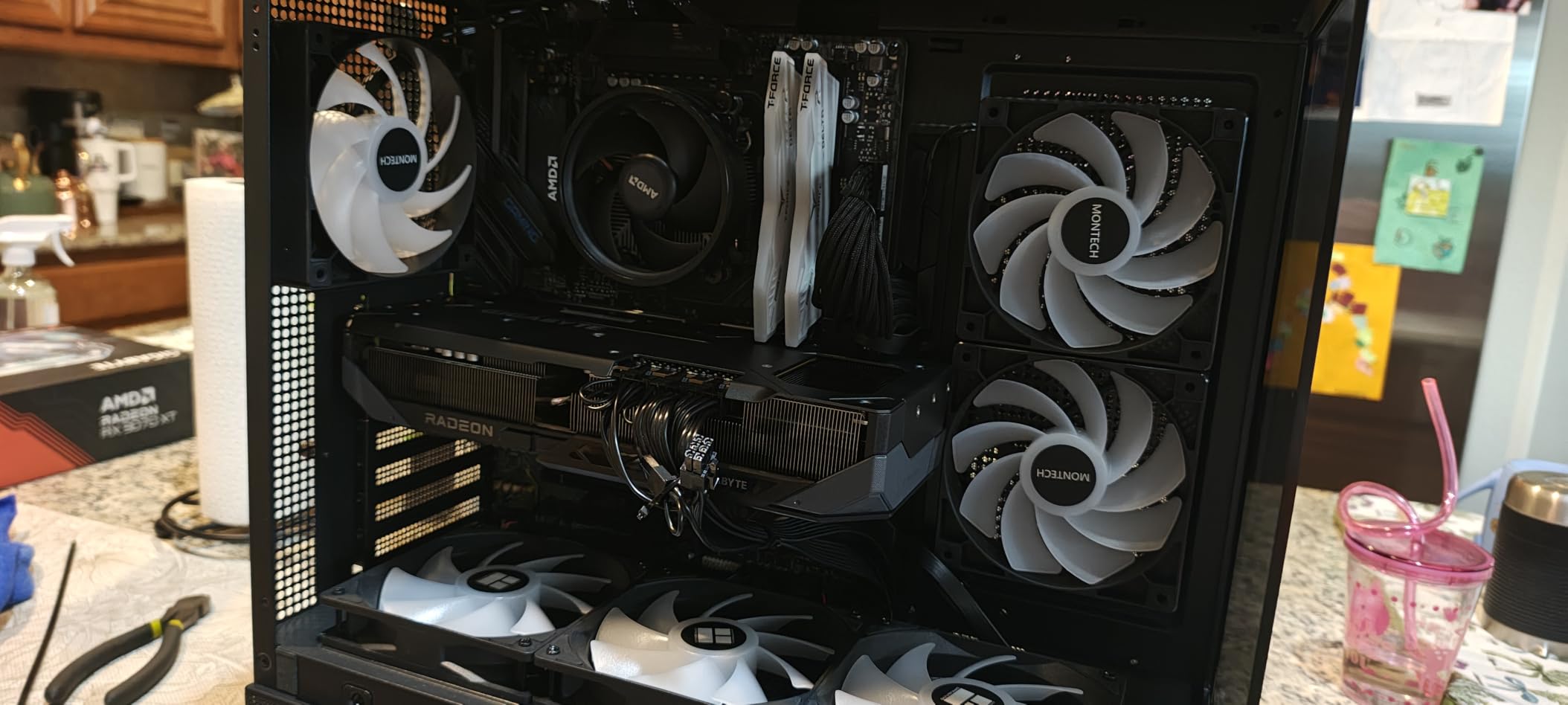
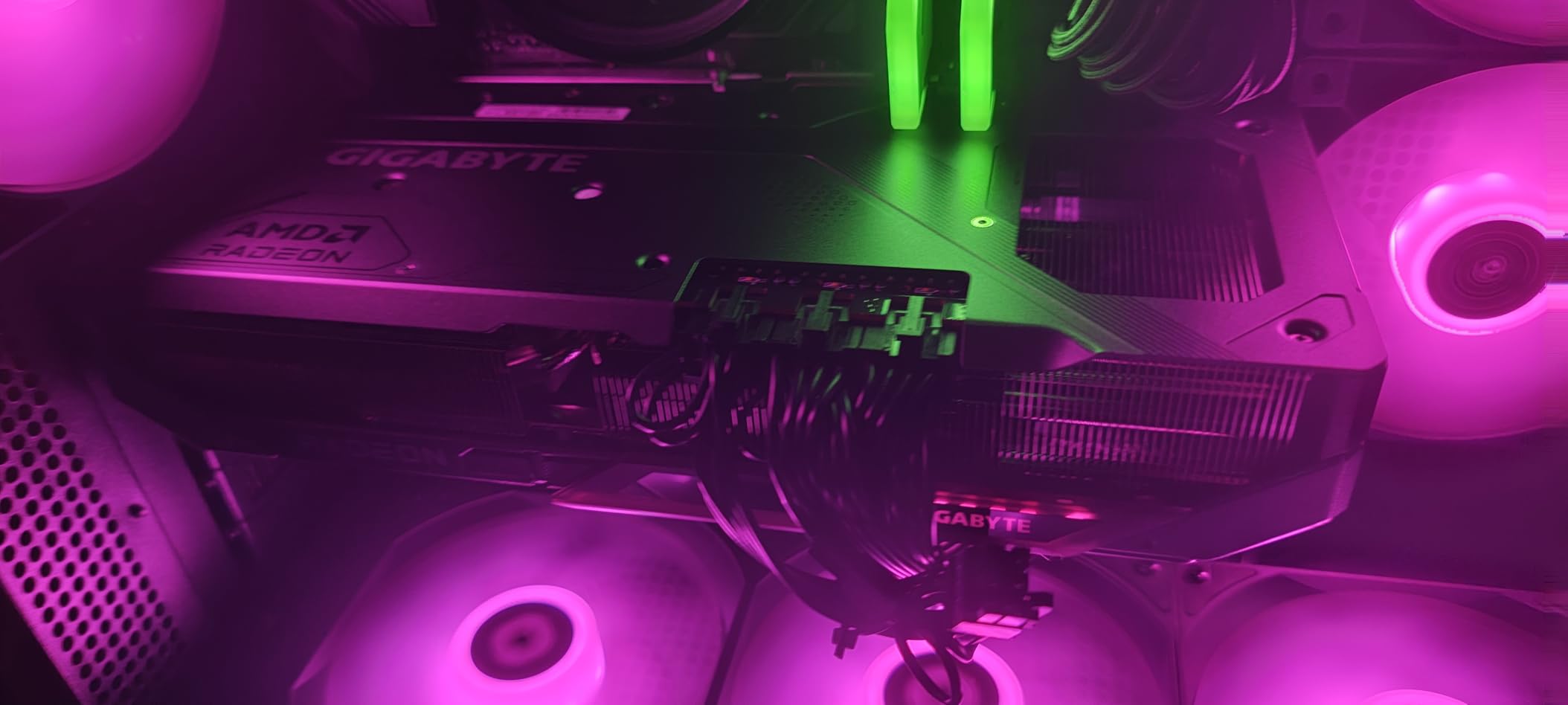
Thermals were the pleasant surprise. The WINDFORCE cooling system with its Hawk fans and server-grade thermal conductive gel kept the card steady through long sessions, and backlighting is included for tempered-glass builds.
The cooling system is not silent, though. Under a heavy sustained load the fans become audible, and the card runs a little warmer at the edge than some other 9070 XT designs. Owners who care more about quiet than peak clocks tend to undervolt or set a power limit.
Why the RX 9070 XT 16G suits most 1440p players
Because it removes the memory compromise entirely at a resolution where 1440p ultra textures are now common. You get the headroom without stepping up to a tier whose extra performance you would rarely see at this resolution.
It is also a straightforward upgrade path. The card runs on standard PCI Express x16 and outputs over DisplayPort, and the listing sits at the number one sales rank in Computer Graphics Cards, which means replacement parts and comparable models are easy to find.
Where it falls short
The power layout is the practical snag: three separate 8-pin connectors. If you are coming from an older card with two, check that your power supply has the spare cables before you commit, because daisy-chaining adds strain at the connector.
Second, AMD’s driver software is less polished than NVIDIA’s. It works, but the interface takes longer to learn, and if you are coming from an RTX card you will notice the difference immediately.
2. ASUS TUF GeForce RTX 5070 12GB – Best for Ray Tracing at 1440p

ASUS TUF Gaming GeForce RTX 5070 12GB GDDR7 OC EditionGaming Graphics Card
12GB GDDR7
2640 MHz OC clock
DLSS 4
3.125-slot, 13 inch
+ The Good
- Strong 1440p raster and ray tracing at max settings
- quiet cooling around 65C under load
- military-grade components and PCB coating
- includes a GPU support bracket
- The Bad
- 13 inch length and heavy weight
- 12GB VRAM caps future high-texture settings
- can get loud under full load
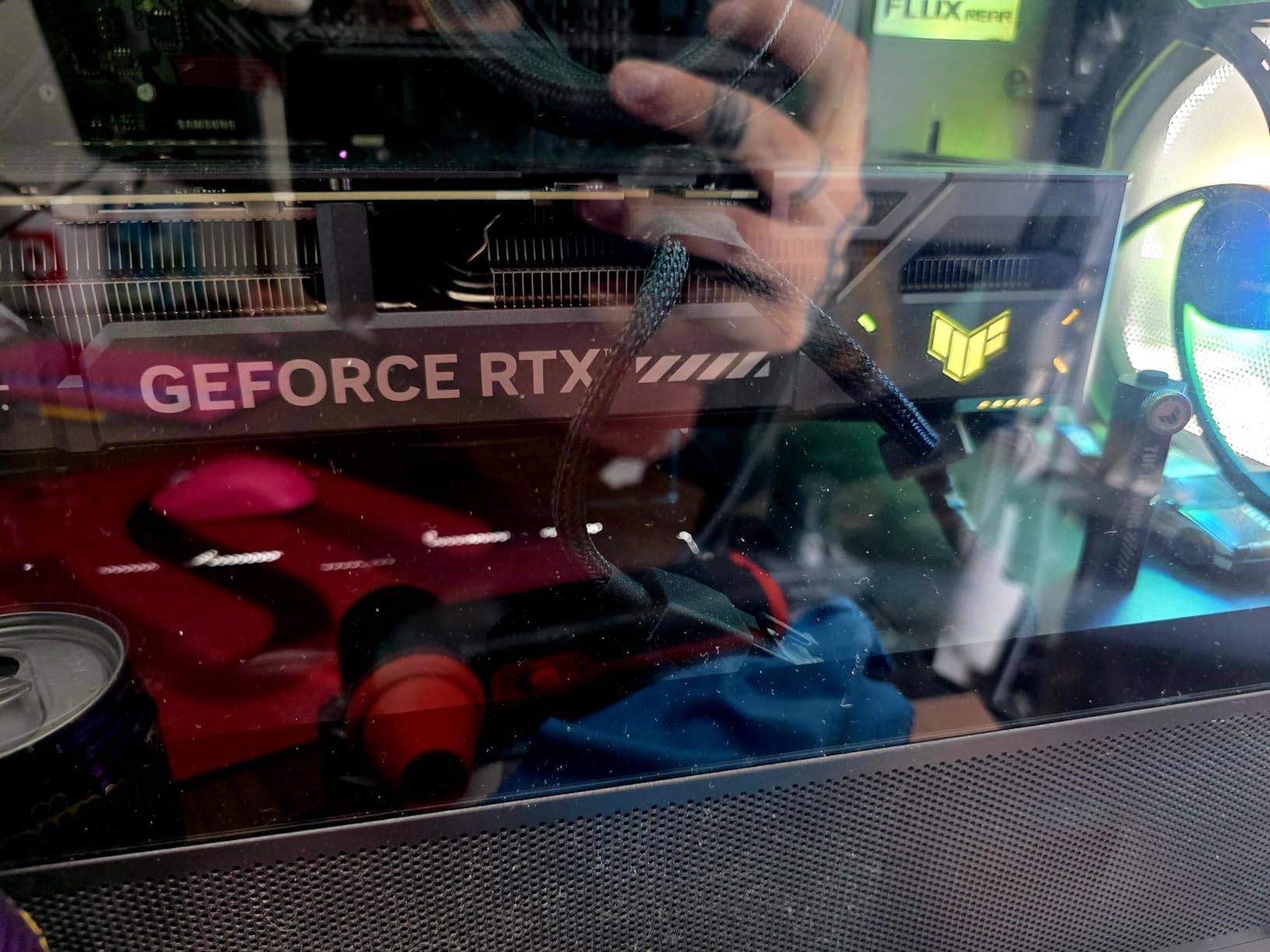
If ray tracing at 1440p is the reason you are shopping, this is the card. Owners report maxed-out settings at 1440p with ray tracing enabled, and the Blackwell architecture brings DLSS 4 with it.
The cooling result stands out more than the numbers. Reviewers cite roughly 65 degrees under load with about 36 degrees idle, which is a quiet card in absolute terms and unusually restrained for a three-fan TUF board.
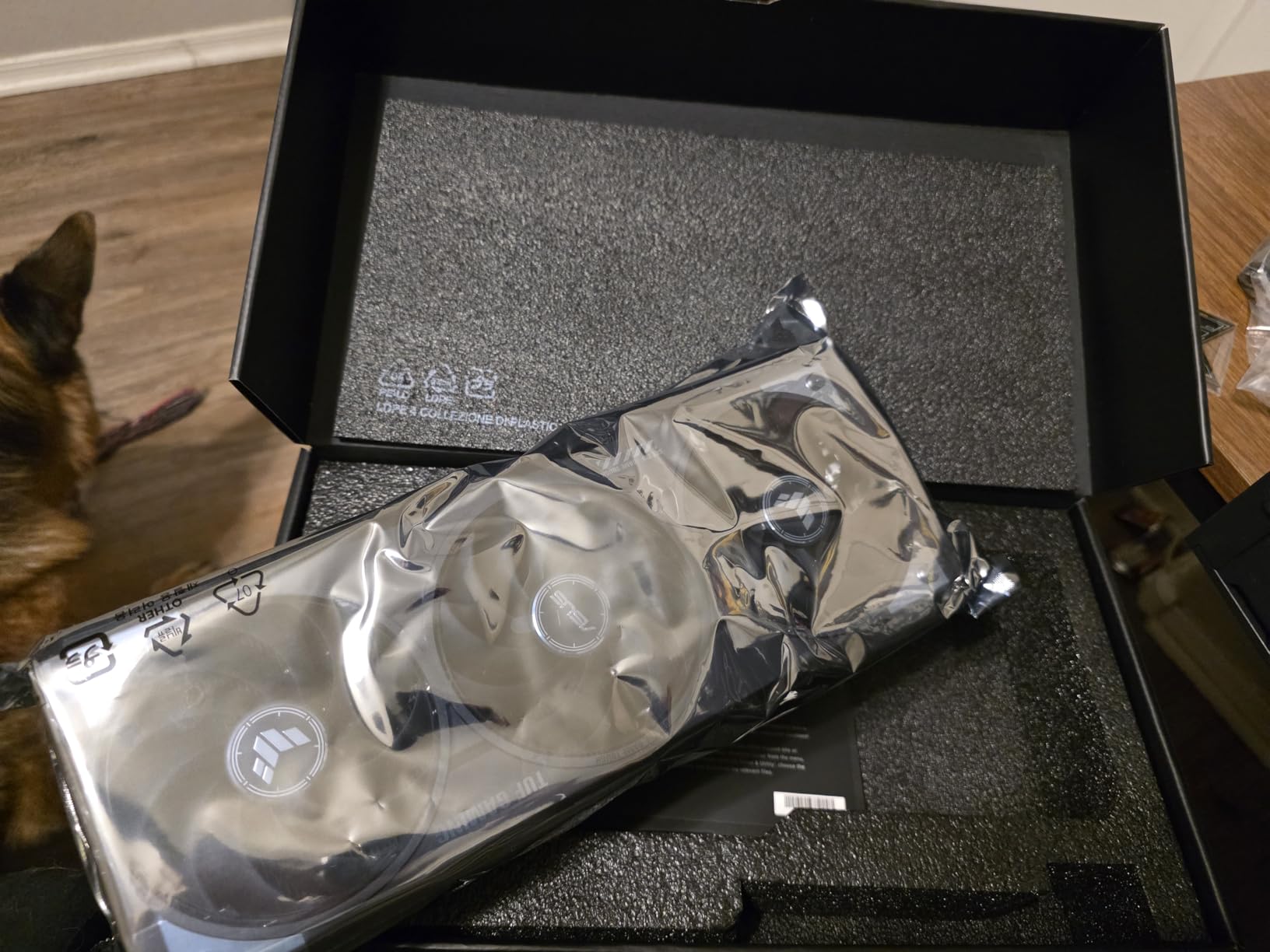
Build quality is the other argument. Military-grade components, a protective PCB coating, a phase-change GPU thermal pad and the bundled GPU Guard give the card a longer working life than a bare-bones board.
GPU Tweak III handles undervolting and fan curves cleanly, and the card carries a three year warranty with a support bracket in the box, which matters on something this size.
Who this card is for
Players who want hardware ray tracing turned up rather than off, and who value the Nvidia software stack: DLSS 4, Reflex latency, and the wider feature set that arrives with the RTX 50 series.
It also suits anyone building in a full ATX case who wants a card that runs cool without a custom fan curve. The 65 degree figure under load means you can leave the default profile alone.
Who should skip it
If your case is a compact microATX or mini-ITX build, the 13 inch length and 3.125-slot width are a problem. Measure first; this is one of the larger three-fan cards in the 5070 class.
The 12GB of GDDR7 is the other limitation. It is fine at 1440p today, but it is the ceiling you will hit first if you want to keep ultra textures on in future releases.
3. ASUS Prime GeForce RTX 5070 Ti 16GB – Best for Small Form Factor Builds

ASUS Prime GeForce RTX 5070 Ti 16GB GDDR7 OC Edition Gaming Graphics Card
16GB GDDR7
2527 MHz OC clock
SFF 2.5-slot, 12 inch
0dB silent
+ The Good
- 16GB GDDR7 headroom for high-texture gaming
- small 12 inch 2.5-slot SFF design
- 0dB silent technology for quiet loads
- Dual BIOS quiet and performance profiles
- The Bad
- Needs a 750W PSU with native 12V-2x6
- premium price for the tier
- 2.5-slot cooler limits sustained boost versus larger designs
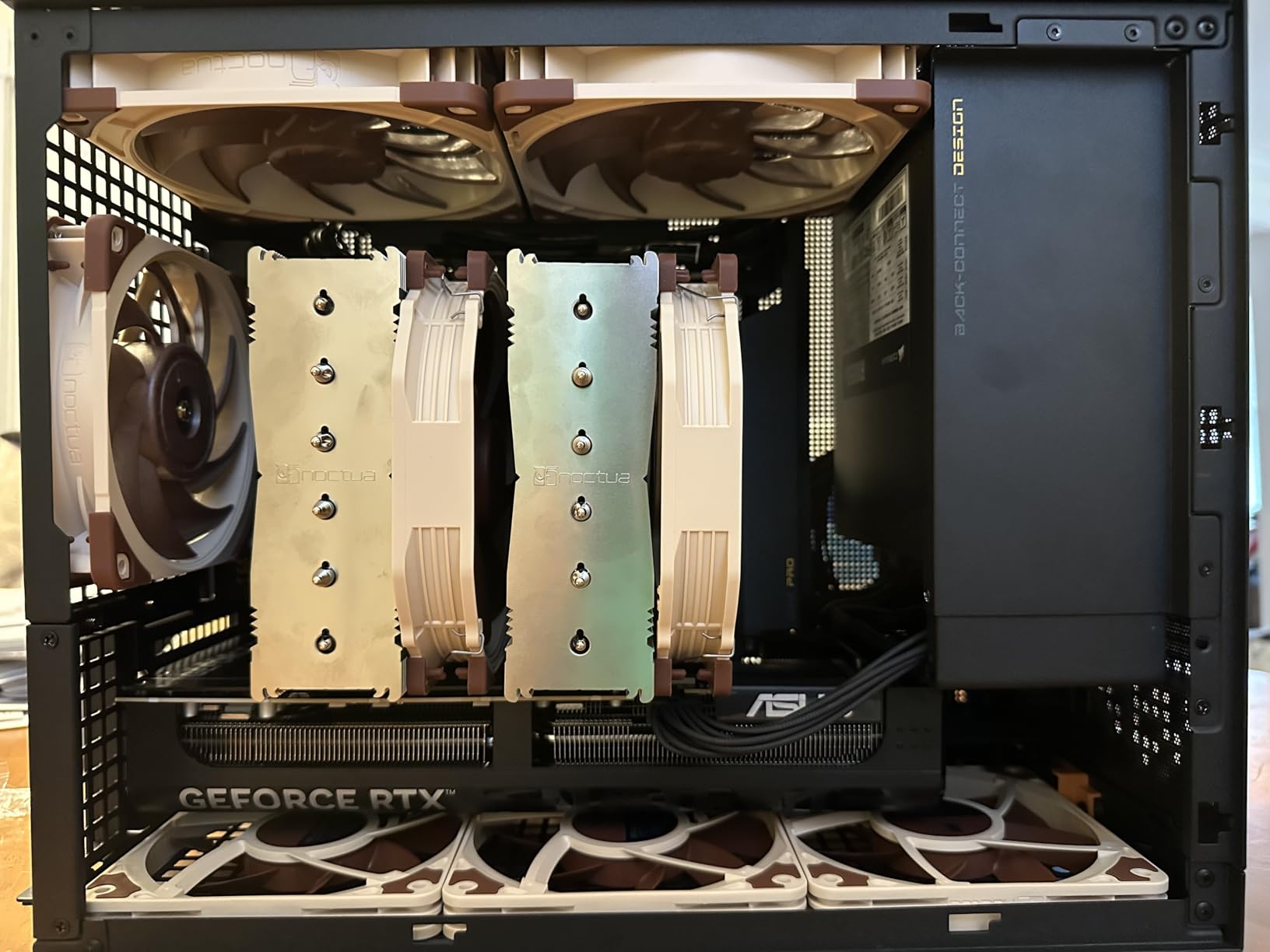
Most 5070 Ti cards are enormous. This one is 12 inches long, 2.5 slots thick and weighs 4 pounds, which makes it the rare enthusiast part that fits a small case without argument.
Sixteen gigabytes of GDDR7 removes the texture ceiling entirely, and the dual BIOS switch lets you drop into a quiet profile for desktop work and switch to performance when you start a game.
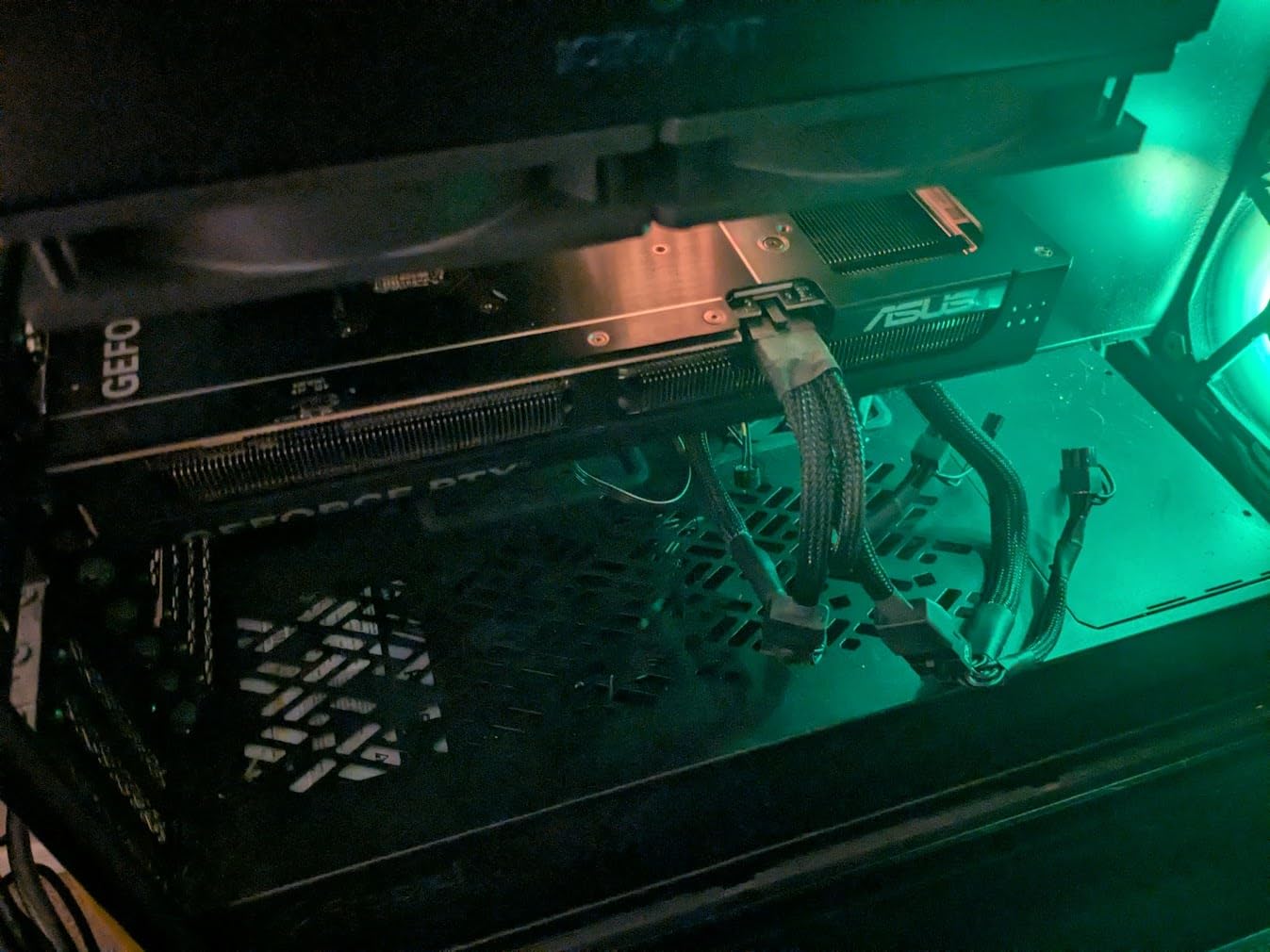
Thermal behaviour is sensible for a slim card. The 0dB technology keeps fans stopped until the GPU is working, the phase-change GPU thermal pad spreads heat evenly, and dual-ball fan bearings add longevity over sleeve-type fans.
The bundle is unusually complete for this tier: a 1-to-3 adapter cable and a GPU bracket are included, so you do not need to source either separately if your power supply uses older connectors.
Where this card makes sense
Small form factor builds where a full-length triple-fan 5070 Ti simply will not fit. At 306mm long and 2.5 slots, it clears most compact chassis that still allow a proper graphics card.
It also suits anyone who wants headroom without chasing the very top of the range. The extra VRAM over a 12GB card is the difference between playing now and playing comfortably several years from now.
What to check before buying
The card specifies a minimum 750W power supply with a native 16-pin 12V-2×6 connector. If your unit predates that standard, confirm the adapter path and the cable routing before you buy anything else.
Second, the 2.5-slot cooler has less thermal surface than a three-fan design, so sustained boost clocks sit below the biggest cards in this list. For most 1440p play that trade is invisible.
4. GIGABYTE GeForce RTX 5080 Gaming OC 16G – Best if You Also Play 4K

GIGABYTE GeForce RTX 5080 Gaming OC 16G Graphics Card, WINDFORCE Cooling System, 16GB 256-bit GDDR7, GV-N5080GAMING OC-16GD Video Card
16GB GDDR7 256-bit
2.73 GHz boost
PCIe 5.0
13.46 inch
+ The Good
- Handles 4K ultra and modern AAA titles with headroom
- stays around 60-65C under load
- quiet at normal fan speeds
- overclocking headroom on core and memory
- The Bad
- 13.46 inch length needs a full-size case
- high power draw needs native 12V-2x6
- restrained RGB for a premium card
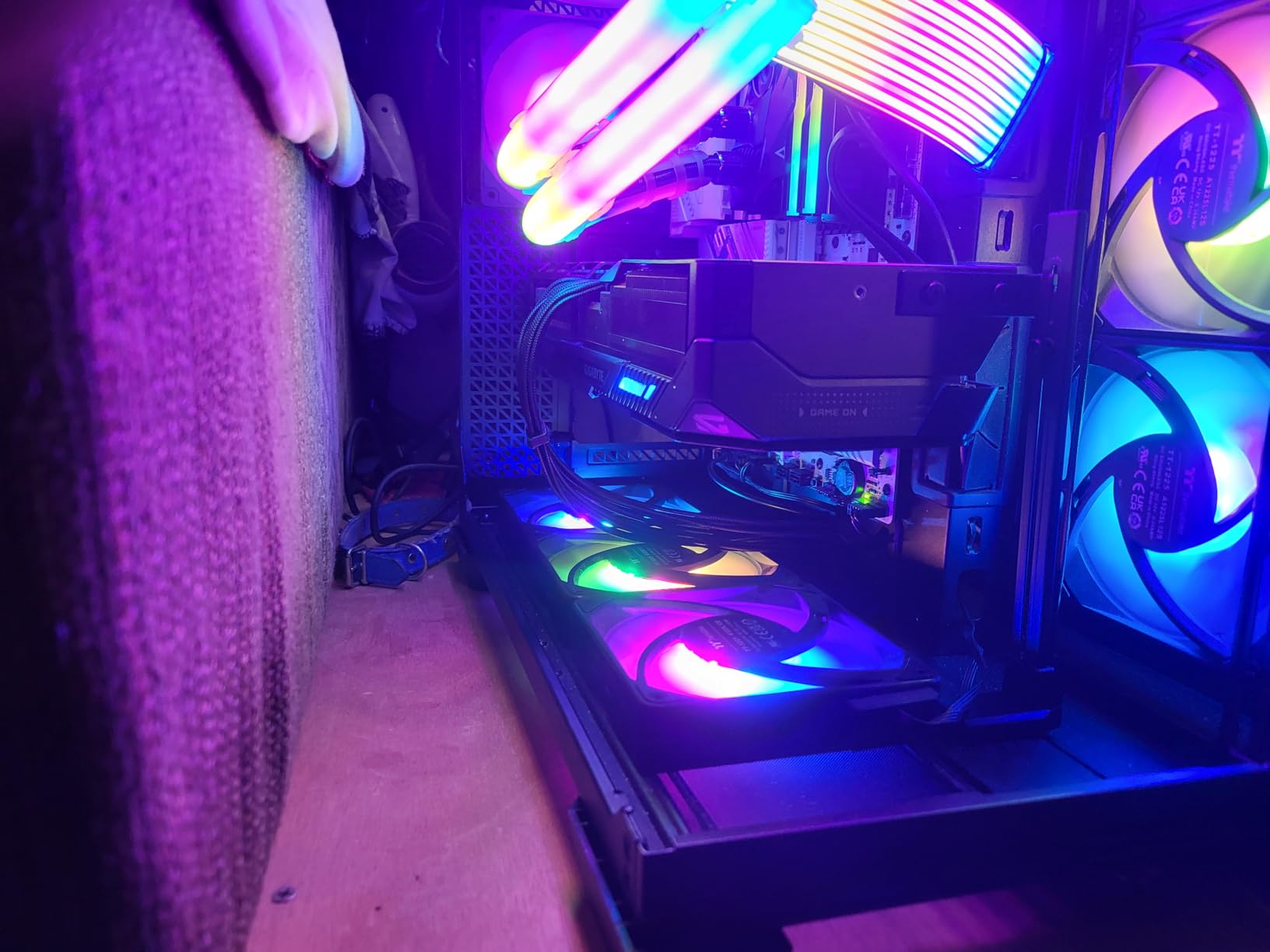
This is the card in the list that will not be wasted if you later move to a 4K monitor. Reviewers describe it as a large jump over previous generations, with 4K ultra handled comfortably rather than negotiated.
Sixteen gigabytes of GDDR7 on a 256-bit interface gives it real bandwidth headroom, and the 2.73 GHz boost clock is among the highest in this roundup. Overclockers report headroom on both the core and the memory.
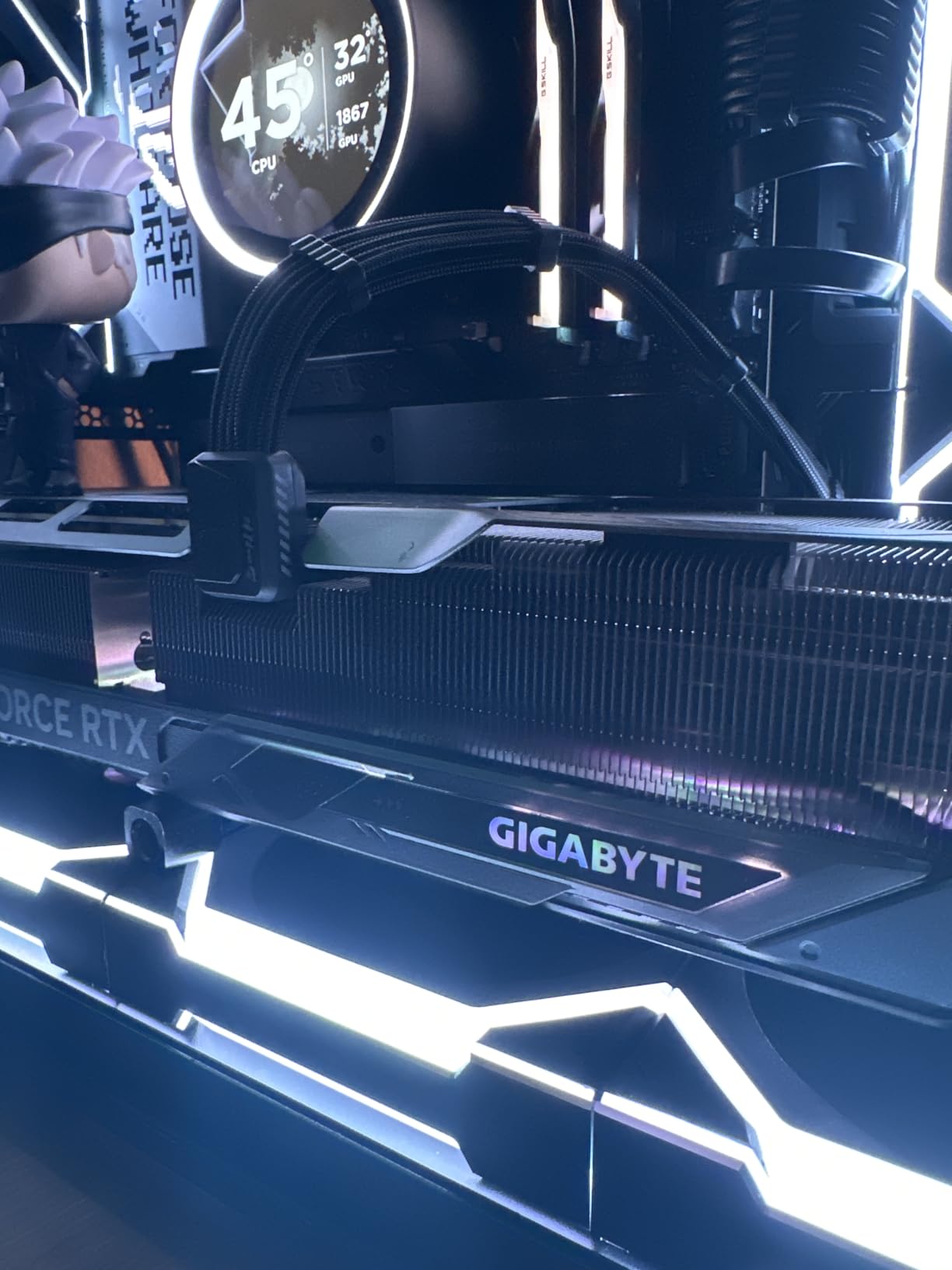
Thermals are the surprise at this power level. Owners cite roughly 60 to 65 degrees under load in an air-cooled WINDFORCE design, and the card stays quiet at normal fan speeds without any liquid cooling.
The 12V-2×6 to 3x PCIe 8-pin adapter and the versatile VGA holder are both included, which removes the two most common install problems with cards this size.
Who should buy the RTX 5080
Anyone whose monitor plans include 4K, or who plays at 1440p on a very high refresh panel and wants headroom for ray tracing plus frame generation at the same time. At 1440p alone it is more than most setups need.
It also suits creators running local AI or rendering work on the same card, since the 16GB pool and raw compute throughput carry over to non-gaming tasks.
Why it might not be for you
The 13.46 inch length is the biggest in this list and needs an ATX-class case. The power draw is also the highest here, so a native 12V-2×6 supply is the sensible route rather than an adapter.
Finally, some owners report fan resonance that needs a custom fan curve. It is fixable, but it is not a set-and-forget card.
5. ASUS Dual GeForce RTX 5060 Ti 16GB – Best for Streaming and Hybrid Builds

ASUS Dual GeForce RTX 5060 Ti 16GB GDDR7 OC Edition Gaming Graphics Card
16GB GDDR7
767 AI TOPS
2632 MHz OC
9 inch 2.5-slot
+ The Good
- 16GB VRAM at this tier future-proofs high textures
- compact 9 inch dual-slot design
- low power draw with a single 8-pin connector
- runs cool and quiet
- The Bad
- 128-bit memory bus is narrow for the class
- factory overclock is marginal
- 1440p high refresh needs DLSS or lower settings
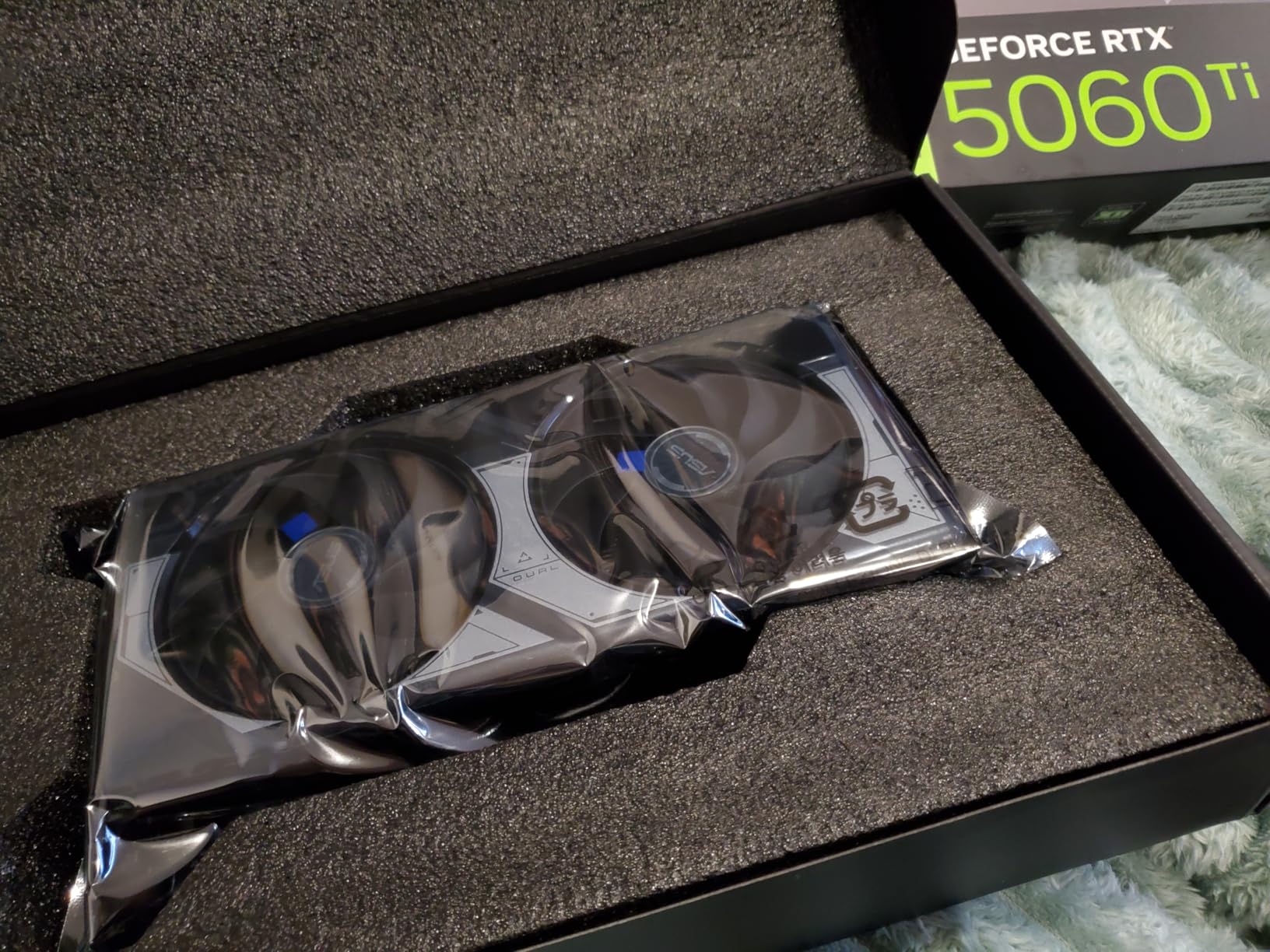
A 16GB card at this size is unusual, and that is the whole pitch. The Dual design is 9 inches long, 2.5 slots and draws power through a single 8-pin connector, which makes it one of the easiest upgrades on this list.
The 767 AI TOPS figure is the one that matters for hybrid buyers. If you stream while you game, or run local AI models alongside play, that extra headroom shows up in encoder and inference workloads.
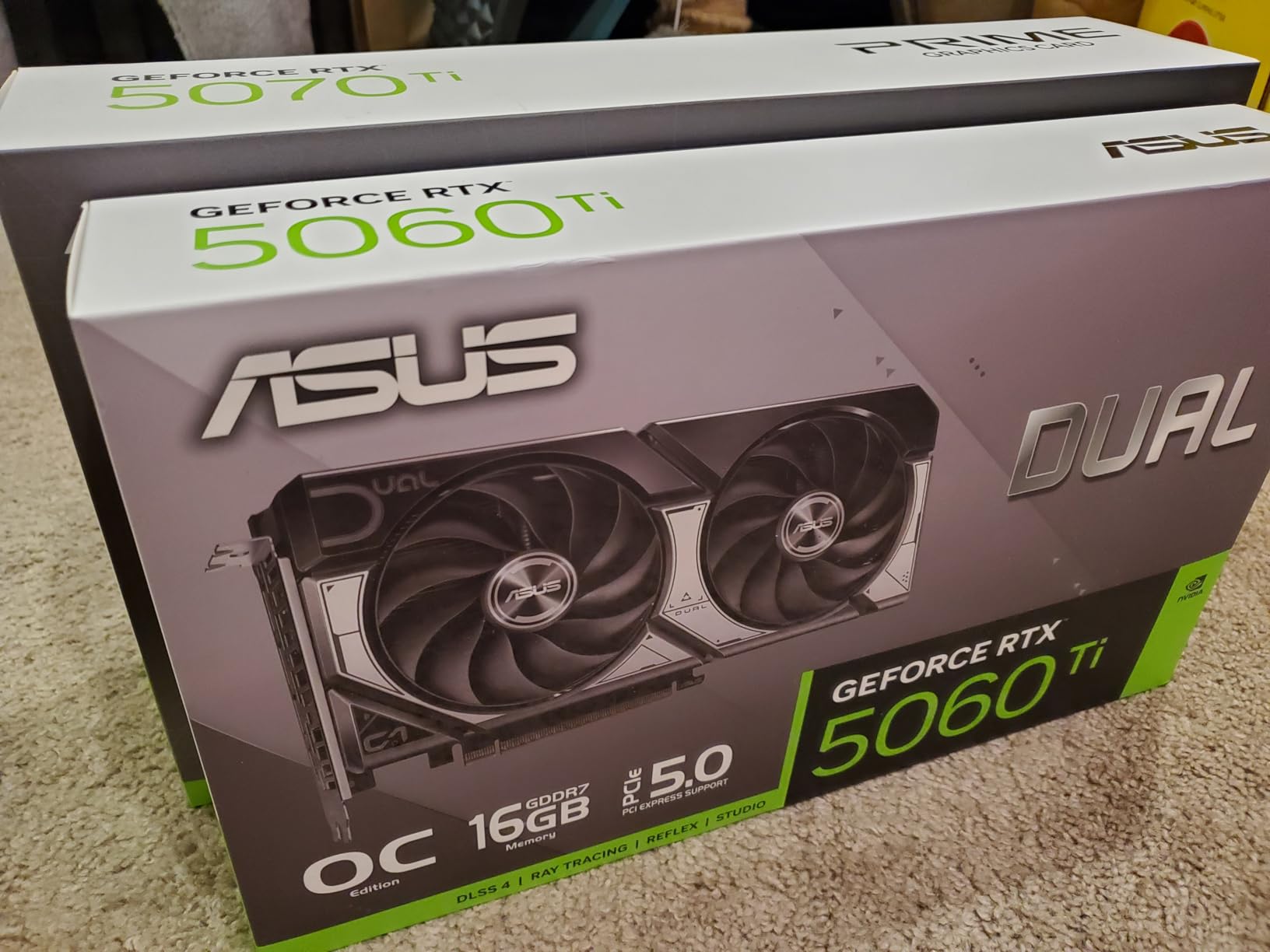
Thermally it is a quiet card even under load, helped by the 0dB silent technology and dual ball fan bearings. Dual BIOS again lets you pick a quiet profile or a performance profile with one switch.
DLSS 4 support means the shortfall in raw raster performance is easy to hide at 1440p, which is where most buyers will use it.
Where this card earns its place
Primarily at 1080p high refresh, and at 1440p when you are happy to lean on DLSS 4 or drop a settings notch. The 16GB pool keeps texture-heavy games smooth where the 8GB version of the same chip would not.
It is also the easiest fit of any card here for a small chassis, a modest power supply, or a build where you would rather not route three separate power cables.
What you give up
The 128-bit memory bus is narrow for the class, and while GDDR7 holds bandwidth around 448 GB/s, it limits headroom at higher resolutions compared with a 256-bit part.
The factory overclock is also marginal at roughly 30 MHz, about 1 percent, so treat this as a plug-and-play card rather than a silicon-lottery one. And at 1440p it is a 1080p-first part stepping up a tier.
6. ASRock Radeon RX 9060 XT Challenger 16GB – Best Value at 1440p

ASRock Radeon RX 9060 XT Challenger 16GB OC, RDNA 4, 3290MHz Boost, 16GB GDDR6 128-bit, PCIe 5.0, Dual Fans, 0dB Silent, LED Indicator, DisplayPort 2.1a, HDMI 2.1b
16GB GDDR6
128-bit at 20 Gbps
3290 MHz boost
2-slot 9.8 inch
+ The Good
- Strong 1440p performance per dollar with 16GB VRAM
- very low power draw and small footprint
- runs cool and quiet
- hardware switch for the LED indicator
- The Bad
- Dual-fan heatsink is smaller than triple-fan rivals
- no customisable RGB
- 128-bit bus narrows headroom at higher resolutions
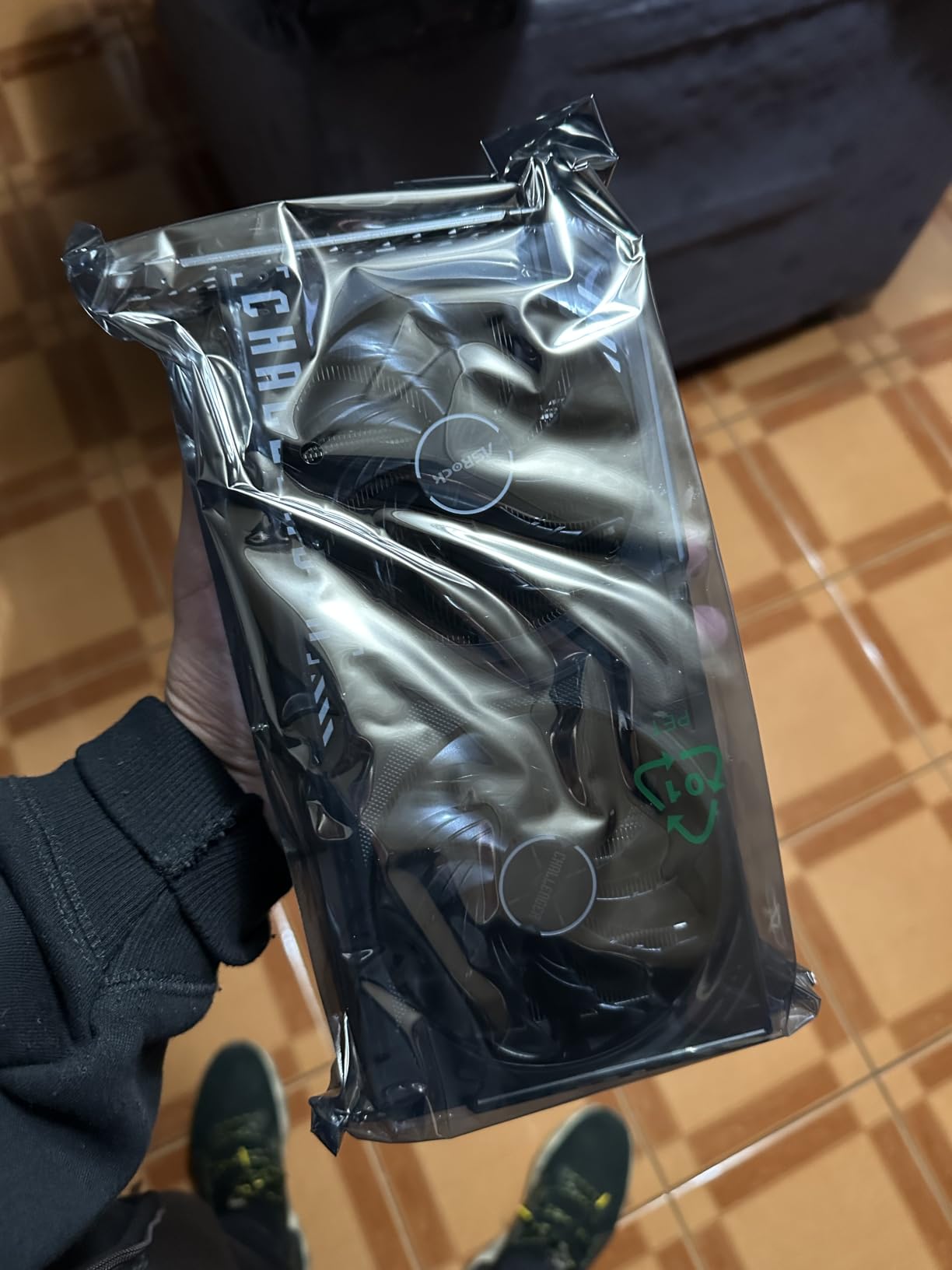
This card carries the highest average rating in our entire set, and it does it without being the most expensive option. Sixteen gigabytes of GDDR6 on a 128-bit bus at 20 Gbps is a combination you rarely see at this tier.
It has 32 compute units on RDNA 4 with third generation ray tracing and second generation AI accelerators, and it boosts to 3290 MHz with a 2700 MHz game clock. That translates into a strong 1440p performance-per-dollar story.
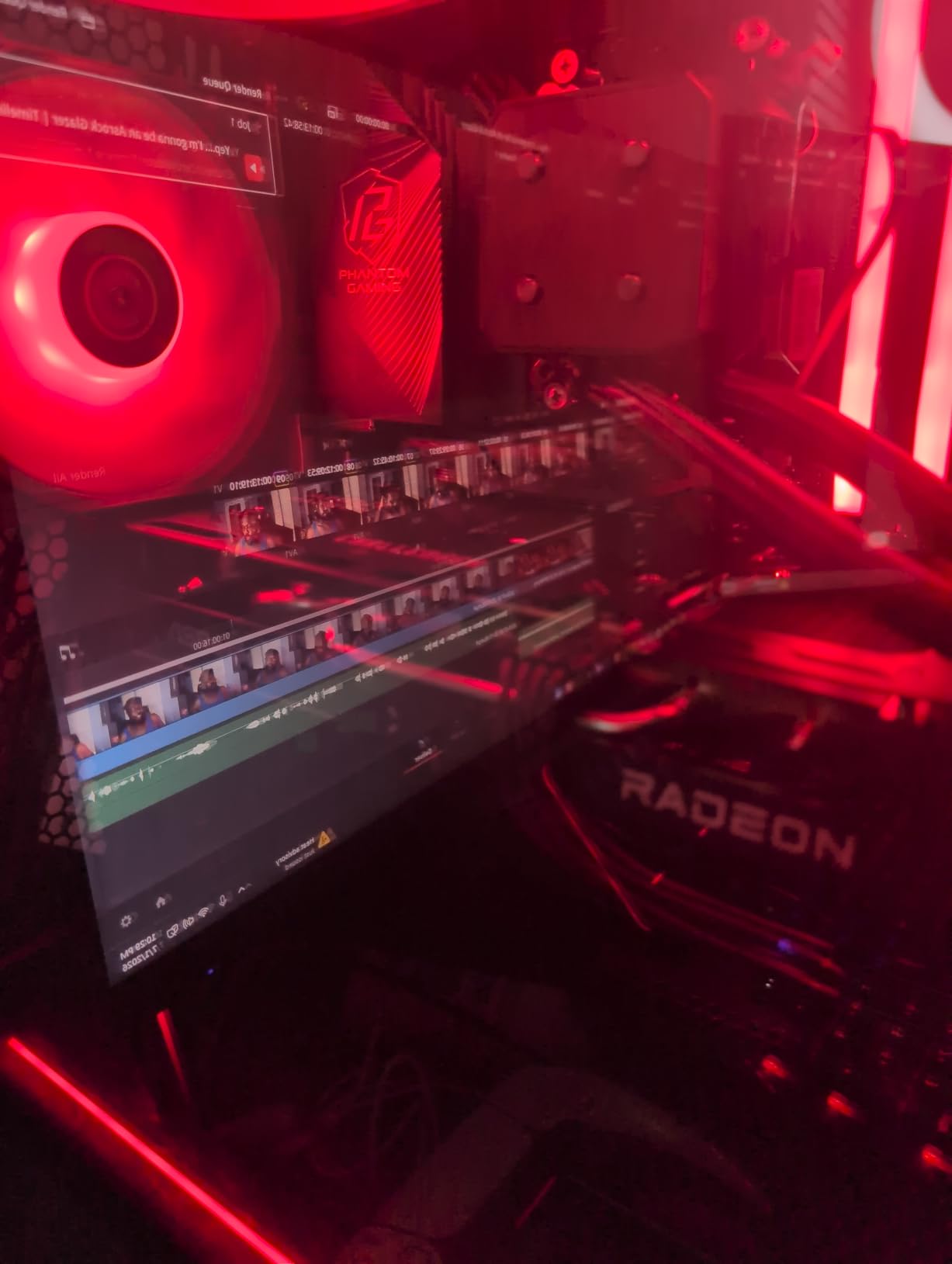
Owners report it running in the low-to-mid 60s under load while staying quiet, with a single 8-pin connector and a 550W recommended power supply. That is an unusually easy power requirement for a 16GB card.
The 2-slot dimensions of 249mm by 132mm by 41mm mean it clears compact builds, and the LED indicator has a physical on/off switch, a small detail you will appreciate in a windowed case.
Why this is the value pick
Because it delivers 16GB of memory and RDNA 4 upscaling at a tier where most cards ship with 8GB. For 1440p ultra settings, that is the difference between a smooth texture load and a stutter.
Community consensus on build forums has landed on the RX 9060 XT 16GB as the value pick in this band for exactly that reason. It is a recurring recommendation when people ask what to buy for 1440p without overspending.
Its limits
The dual-fan heatsink dissipates less heat than a triple-fan design, so sustained loads settle sooner than on larger cards. It also has no customisable RGB, only a simple light bar.
A few owners report encoding-related stutter in streaming workloads on lower-to-mid range CPUs. If you broadcast heavily, check your processor before committing.
7. Sparkle Intel Arc B580 Titan OC – Best Budget Pick for 1440p

Sparkle Intel Arc B580 Titan OC, 12GB GDDR6, Torn Cooling 2.0, Axial Fan, Breathing Light, Metal Backplate, SB580T-12GOC
12GB GDDR6
2760 MHz OC clock
TORN Cooling 2.0
12.4 inch slim
+ The Good
- Strong value for 1440p high settings
- excellent AV1 encode and decode
- runs around 59-65C under load
- slim 12.4 inch design with sag bracket
- The Bad
- Intel Arc drivers still need work and TDR tweaks on some systems
- competitive shooter performance trails NVIDIA rivals
- PCIe x8 interface
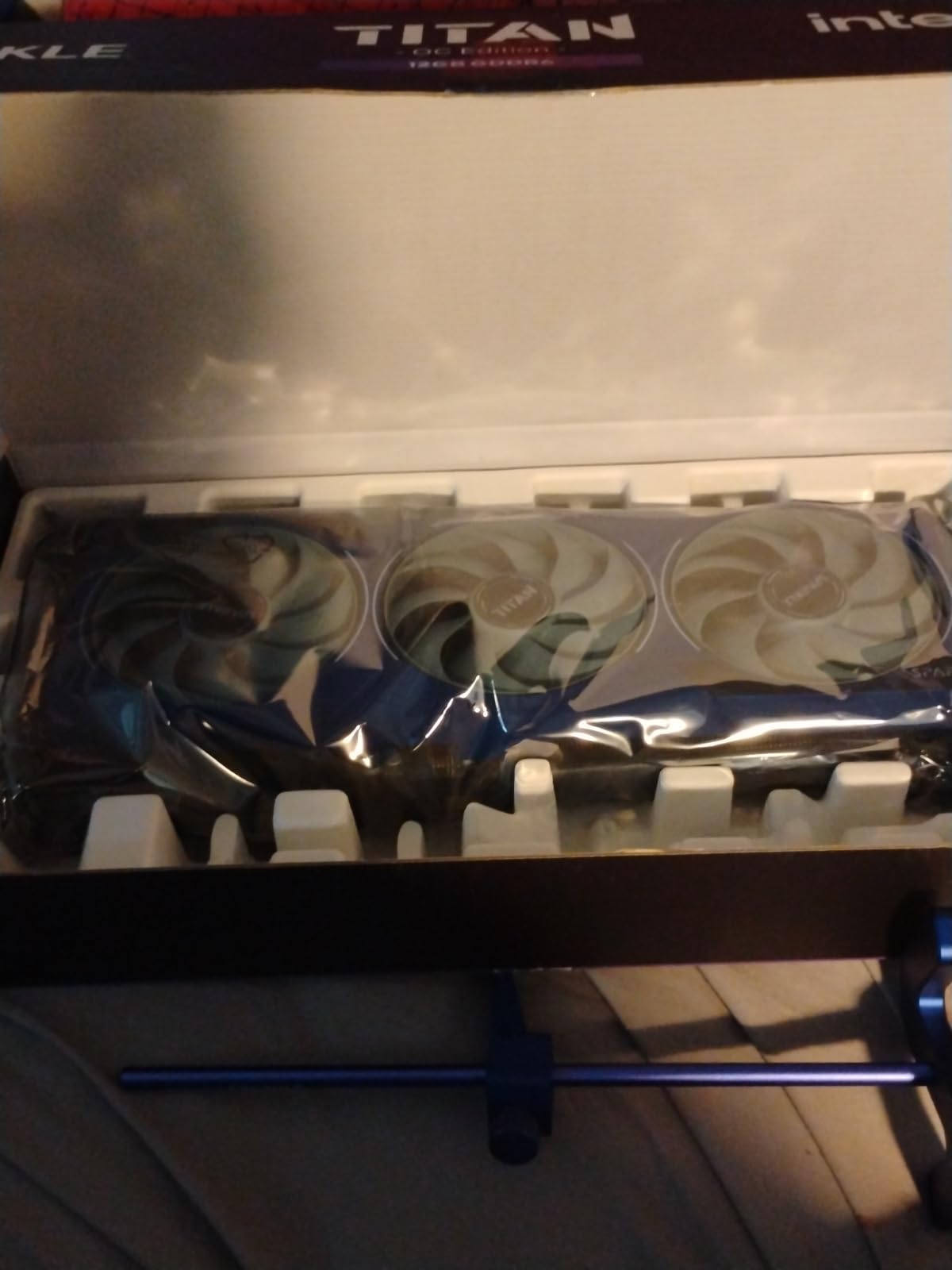
Intel’s B580 is the cheapest way into 1440p with 12GB of memory, and owners report frame rates between 55 and 90 fps at 1440p on high to ultra settings. For a first 1440p build, that is a very sensible entry point.
The AV1 encode and decode support is genuinely useful beyond gaming. If you edit video, the media engine handles AV1 far better than anything else at this price, which is a real saving on software.
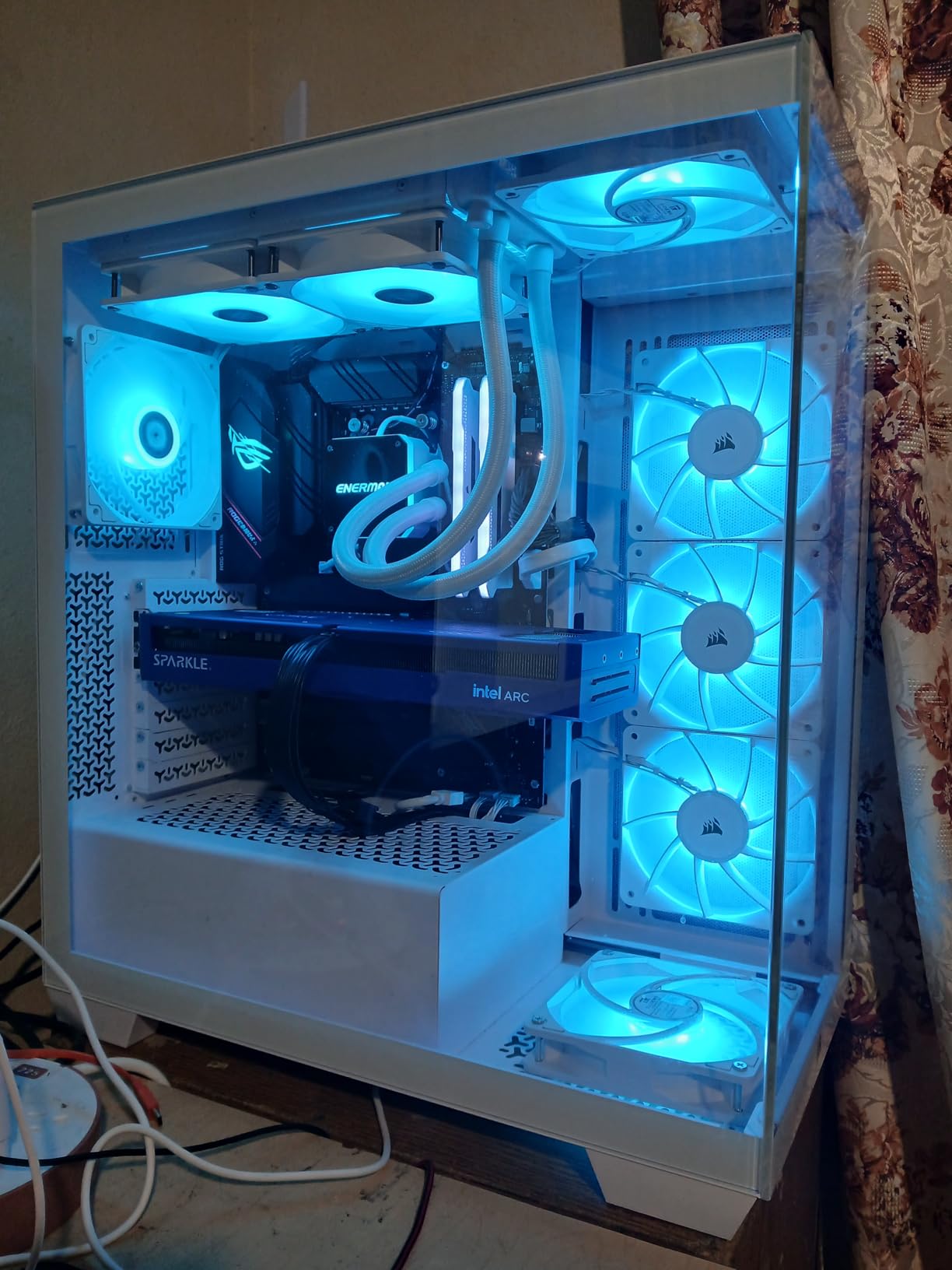
Thermals and acoustics are good: roughly 59 to 65 degrees under full load with quiet fans, a metal backplate, and the TORN Cooling 2.0 design. A sag bracket is included, which is worth having on a 12.4 inch card.
Output is 1x HDMI 2.1 and 3x DisplayPort 2.1, plenty for a single high refresh panel plus a second screen.
Where the B580 makes sense
For a first serious 1440p machine, or a step up from an older card where you want 12GB of VRAM without a large jump in power draw. The three year limited warranty is also longer than some rivals in this list.
If your workload includes video work, the AV1 path alone can justify the card even before you factor in gaming performance.
What to be careful about
Software is the recurring theme. Intel Arc driver maturity still trails Nvidia and AMD, and some systems need TDR or registry adjustments before titles run cleanly. There is also no virtual reality support.
Competitive shooters are the weakest area, where owners report frame rates trailing Nvidia rivals. For a 1440p high refresh esports build, look elsewhere.
8. Sapphire NITRO+ Radeon RX 9070 XT – Best for Silent Builds

Sapphire Nitro+ AMD Radeon™ RX 9070 XT Gaming OC 16GB Dual HDMI/Dual DP
16GB GDDR6
256-bit interface
2.52 GHz clock
Triple-fan NITRO+ cooler
+ The Good
- Smooth 60 fps at max 1440p settings and often 80-120 with FSR
- very quiet cooling with strong temperatures
- premium build with clean power cable setup
- good overclocking headroom
- The Bad
- Very large card needing 330mm or more of clearance
- requires a PSU with true 12V-2x6
- some AMD driver timeout and FSR4 reports
This listing has the largest review base of any card we tested, with 589 ratings averaging 4.6. Owners repeatedly describe the NITRO+ triple-fan vapor chamber cooler as quiet, and several report that the card beats the RTX 5070 Ti on 1440p while running cooler.
Performance lands where you would expect a 16GB RDNA 4 card: smooth 60 fps at maximum settings, and 80 to 120 fps once FSR is enabled. Sixteen gigabytes of GDDR6 sits on a 256-bit interface, which gives it more bandwidth than narrower alternatives.
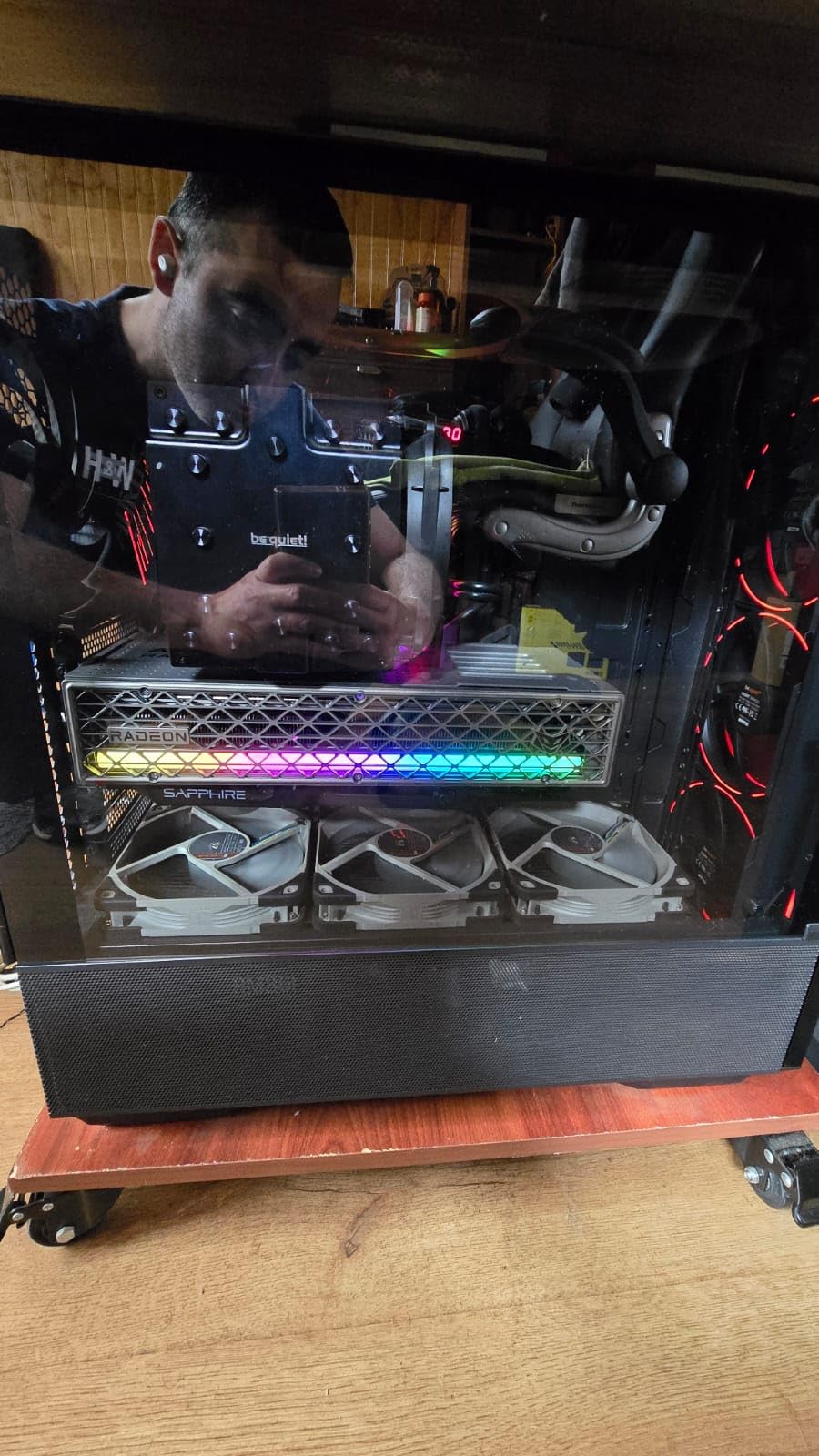
The build is premium throughout, with a clean power cable setup, dual HDMI and dual DisplayPort outputs, and monitoring software bundled in the box. Overclocking headroom is reported as good, so there is room to tune.
One practical perk for European buyers: the listing includes two years of spare part availability in the EU, which matters for a high-end card you plan to keep for years.
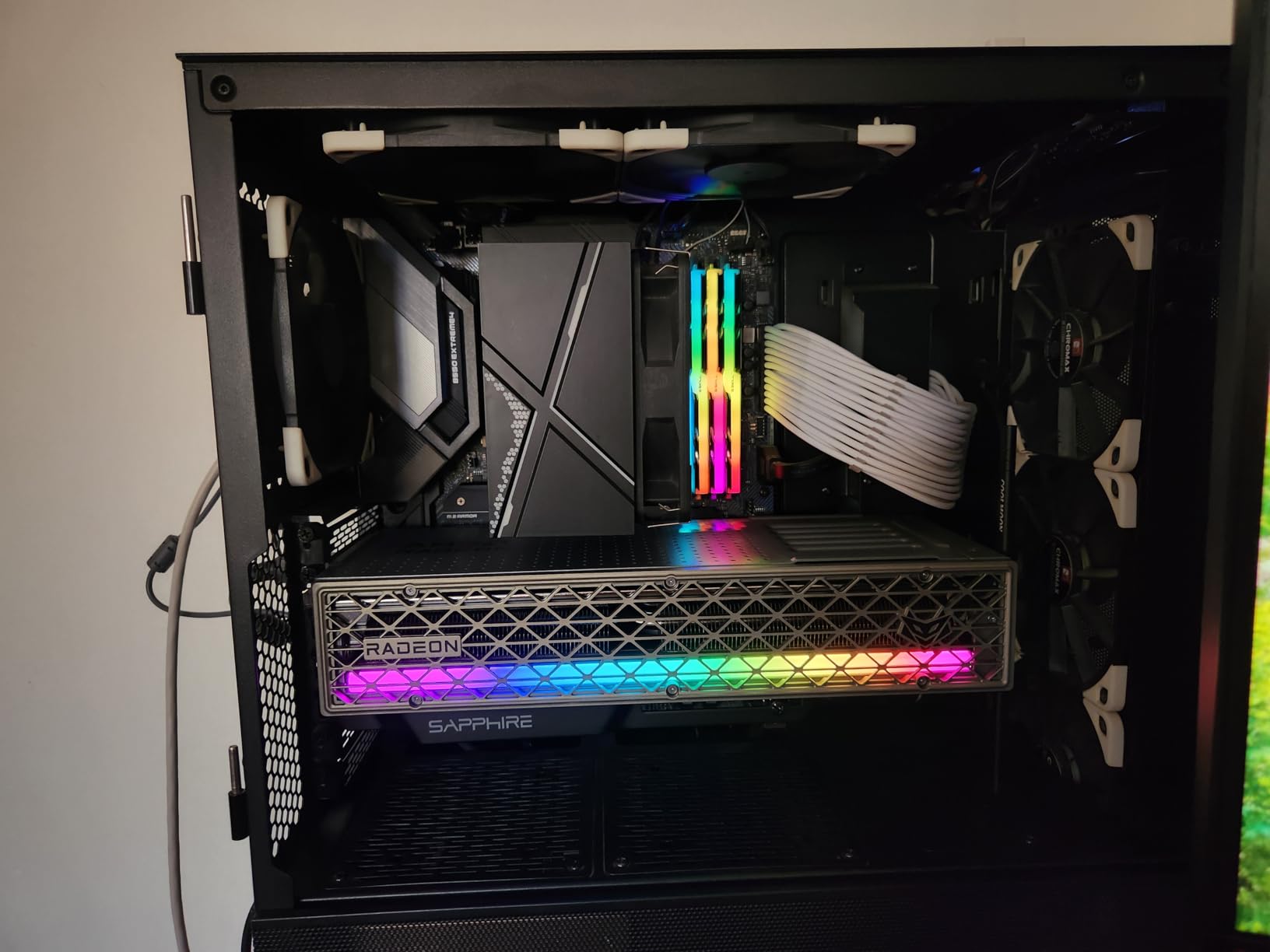
Why this card suits quiet builds
Because the triple-fan NITRO+ cooler with a vapor chamber moves a lot of air at low RPM. If your machine sits in a room where fan noise matters, this is the 9070 XT design owners most often recommend.
It is also the safest pick here for a large case, with plenty of physical room and a straightforward cable arrangement.
Watch out for
Size. The card is enormous and needs 330mm or more of clearance, plus multiple power connectors. Some microATX boards also conflict with the card depending on USB 3.0 header placement.
A minority of owners report AMD driver timeouts, high memory temperatures and FSR4 problems in Game Pass titles. These are software issues rather than hardware faults, but they are worth factoring in if your library leans that way.
9. XFX Swift Radeon RX 9070 XT – Best for Overclockers

XFX Swift AMD Radeon RX 9070XT Triple Fan Gaming Edition with 16GB GDDR6 HDMI 3xDP, AMD RDNA 4 RX-97TSWF3BA
16GB GDDR6
2970 MHz boost
Triple-fan SWFT cooler
RDNA 4
+ The Good
- Strong 1440p performance with 16GB of GDDR6
- triple-fan SWFT cooler handles sustained load
- good value for the performance delivered
- HDMI plus 3x DisplayPort covers multi-monitor
- The Bad
- Boost clock of 2970 MHz is modest versus factory-OC rivals
- triple-fan chassis is bulkier than dual-fan options
- few written customer reviews for this listing
The XFX Swift takes a simpler approach than the other 9070 XT designs here: a plain triple-fan SWFT cooler, a 2970 MHz boost clock and 16GB of GDDR6. Nothing is exotic, and that is the point.
For someone who intends to tune the card themselves, a modest factory clock leaves more headroom. You start from a known point and push the memory and core yourself rather than fighting a factory overclock curve.
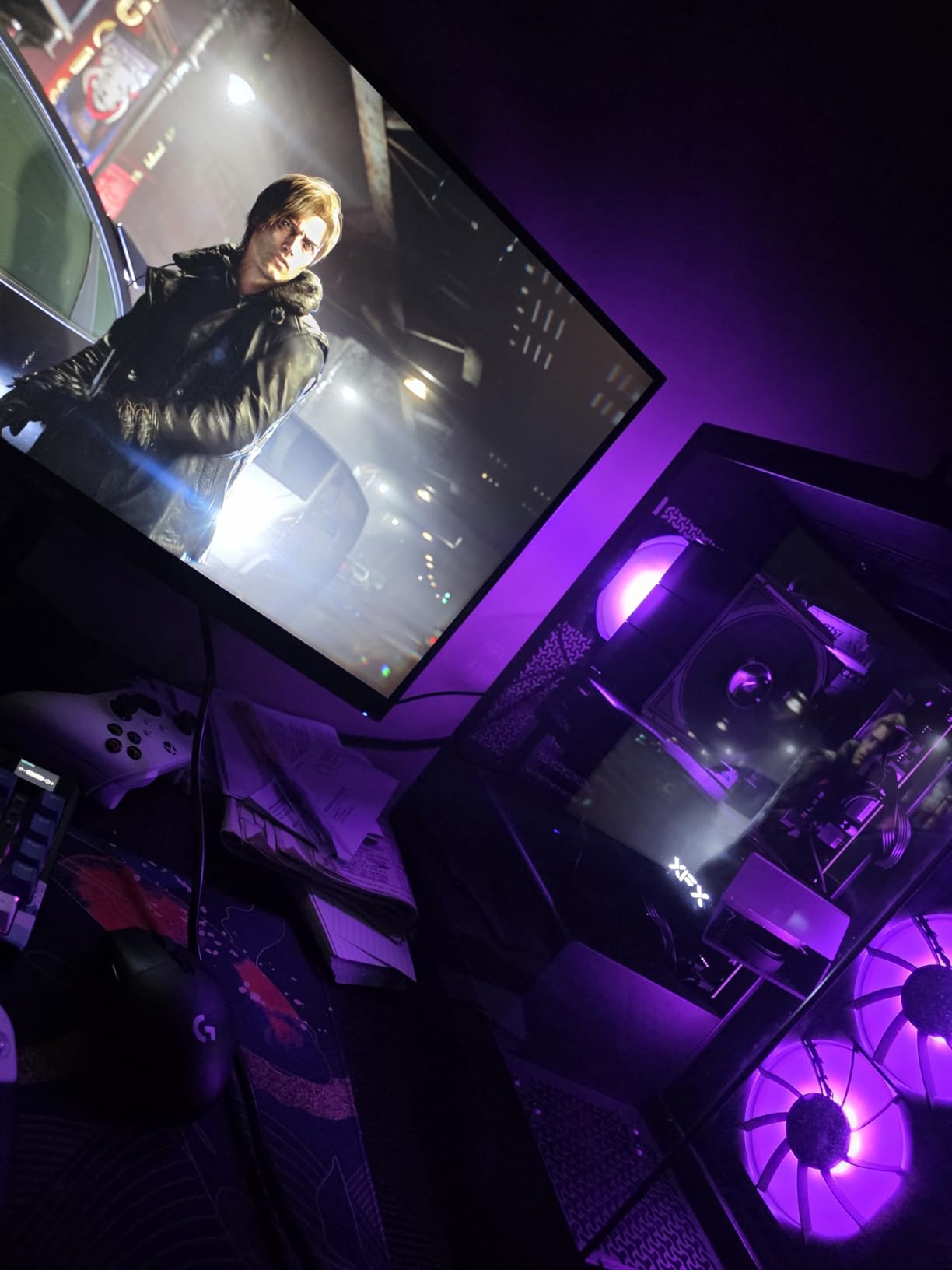
Outputs are 1x HDMI and 3x DisplayPort, which covers a high refresh 1440p panel plus two more displays without needing adapters. Maximum resolution support is listed at 7680 x 4320.
The card carries a three year manufacturer warranty and runs on the standard RDNA 4 architecture, so software support matches the rest of the RX 9000 range.
Why pick this over the other 9070 XT cards
If you want the silicon, not the cooler. The triple-fan SWFT solution handles sustained load well, and the 16GB of memory matches the rest of the class without a premium for factory overclock bins.
It is also a sensible choice if you plan to run custom fan curves or undervolting, since the starting point is deliberately conservative.
Where expectations should be adjusted
This listing has far fewer written customer reviews than the GIGABYTE, Sapphire or XFX alternatives, so there is less owner feedback to draw on. Judge it on the specification sheet and your own comfort with tuning.
Also note that triple-fan cards are bulkier than the dual-fan designs on this list, so check your case depth before committing.
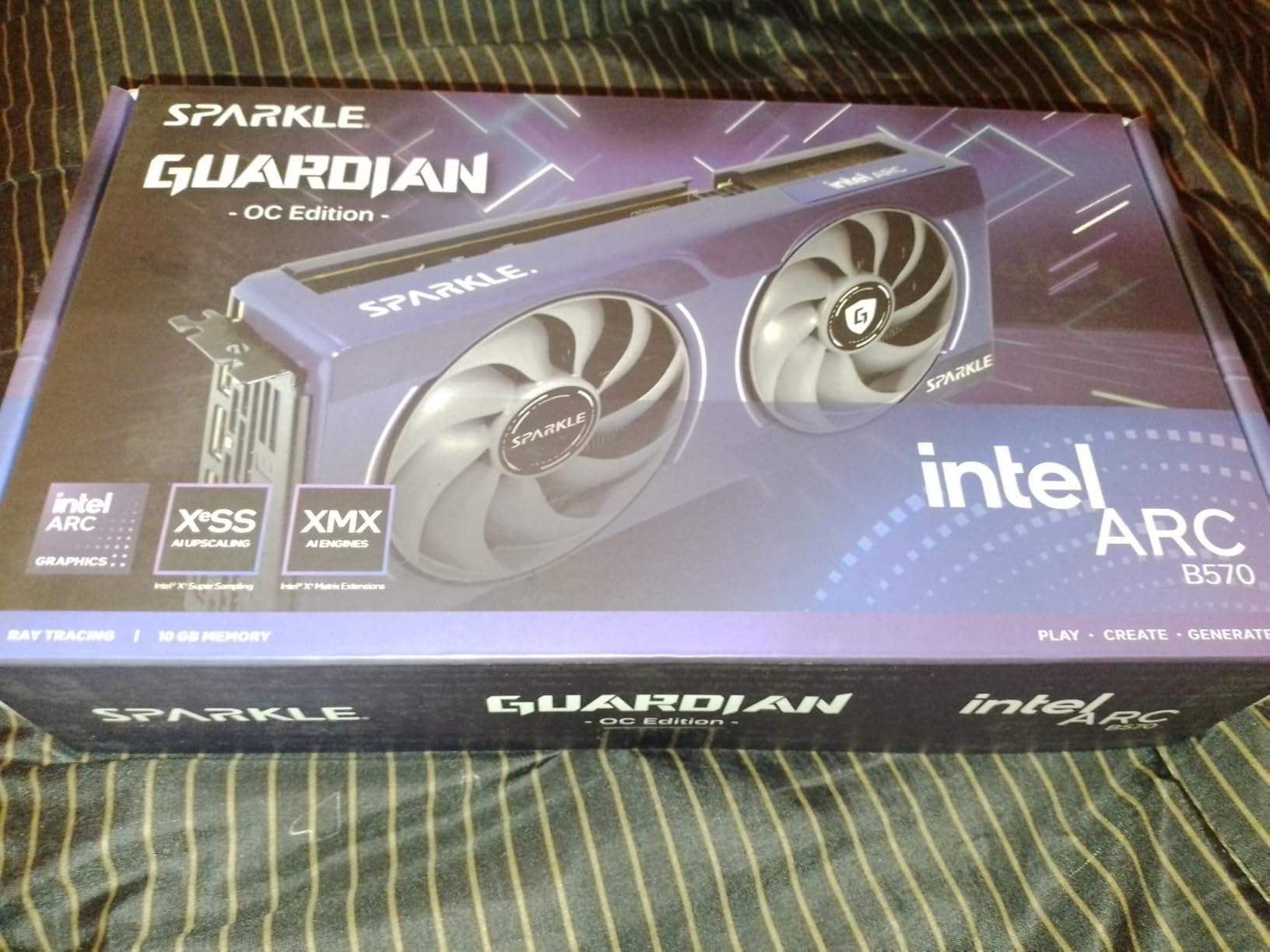
10. Sparkle Intel Arc B570 Guardian OC – Best for Creative Work on a Budget

Sparkle Intel Arc B570 Guardian OC Graphics Card, 10GB GDDR6, Torn Cooling 2.0, Axial Fan, Breathing Light, Metal Backplate, SB570G-10GOC
10GB GDDR6
2660 MHz OC clock
TORN Cooling 2.0
Metal backplate
+ The Good
- 10GB of GDDR6 is a real advantage at this tier
- dual-fan TORN Cooling 2.0 stays quiet and cool
- metal backplate adds rigidity against GPU sag
- competitive 1440p performance per dollar
- The Bad
- Costs more than comparable B570 designs without a clear performance edge
- Intel Arc driver maturity lags rivals
- PCIe x8 interface limits high-end use
Ten gigabytes of GDDR6 is unusual at this tier, and it is the reason this card stands out. Most competitors at the same level ship with 8GB, which is exactly the amount that causes trouble with modern texture packs.
The OC Edition runs at 2660 MHz and uses the TORN Cooling 2.0 dual-fan design with a metal backplate. That backplate is not cosmetic on a card that also weighs 796 grams.
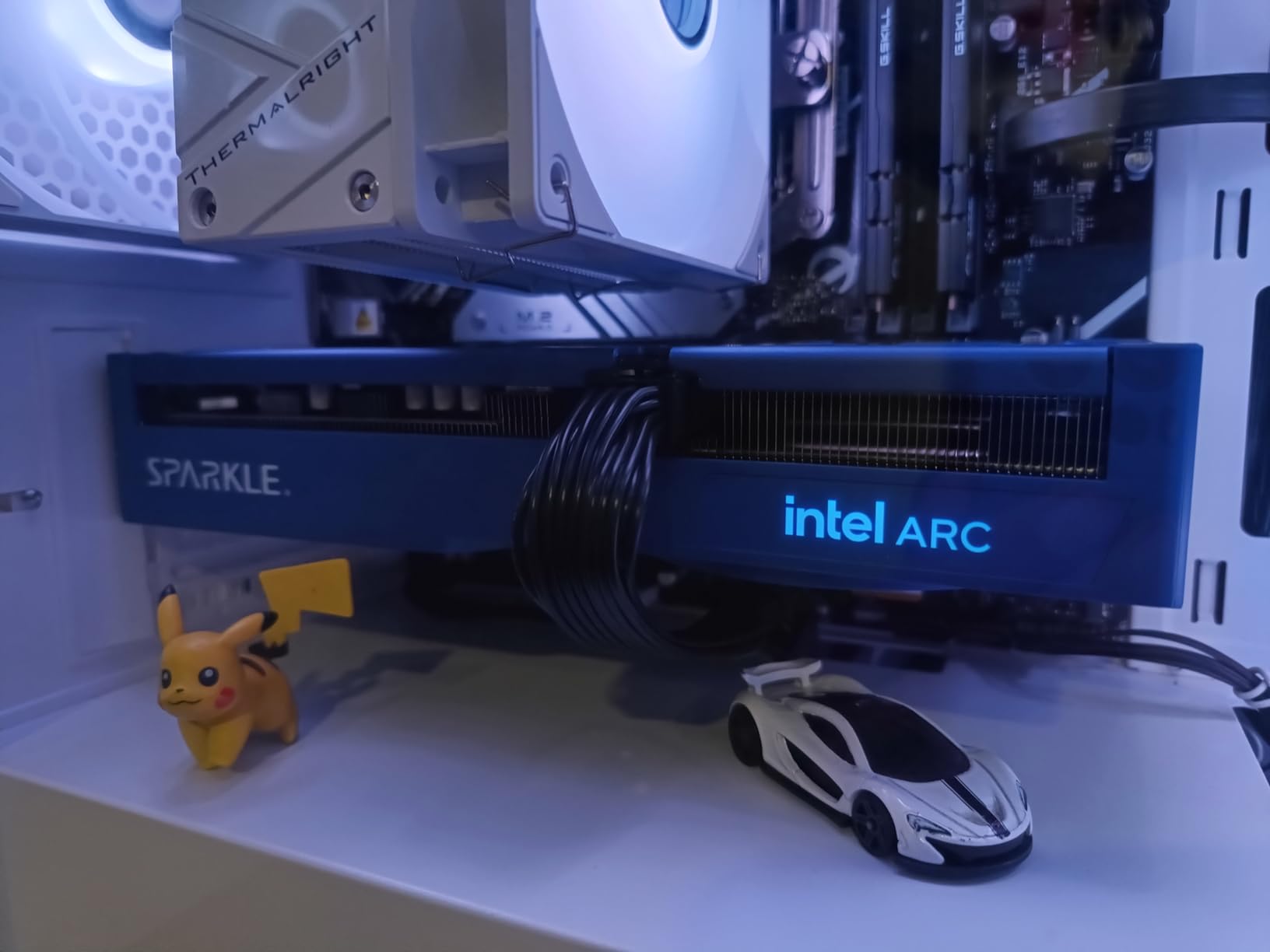
For creators, the value is in having memory headroom without moving up a tier. Combined with the AV1 hardware in the Arc line, it is a reasonable card for editing work alongside light 1440p gaming.
Output is 1x HDMI 2.1 and 3x DisplayPort 2.1, and the card carries a three year limited warranty with a blue breathing light as the only visual accent.
Who should buy the Arc B570
Creative users who want more VRAM than the entry tier normally offers, and who can accept the Intel software trade-offs. If your work involves video or media pipelines, the 10GB pool is genuinely useful.
Gamers on a strict budget who want 1440p capability at a lower spend than the RX 9060 XT will also find this card workable, particularly with upscaling enabled.
What holds it back
The card costs more than comparable B570 designs without a clear performance advantage, so the value case depends on finding the right deal rather than the specification.
Driver maturity is still the standard Intel Arc caveat, and the PCIe x8 interface plus 3840×2160 maximum resolution limit its headroom for anything beyond 1440p gaming.
How Much VRAM Do You Need for 1440p Gaming?
You need 16GB to be comfortable, and 12GB is the practical minimum. At 1440p with ultra textures enabled, current AAA titles regularly load asset packs that exceed 8GB, which causes visible stutter even when the card has frames to spare. Five of the ten cards in this list carry 16GB, and that is not a coincidence.
There is a second reason to pay for memory now: longevity. A card with 16GB will absorb several more years of texture packs than an 8GB part, and texture requirements climb every generation. If you build a system expecting five years of use, 12GB is a compromise and 16GB is the sensible target.
The 128-bit versus 256-bit bus question comes up constantly alongside VRAM. More memory helps with capacity; a wider bus helps with bandwidth. For 1440p specifically, capacity matters more, which is why a 16GB 128-bit card like the RX 9060 XT Challenger still punches above its weight against older 256-bit designs with 8GB.
1440p Buying Guide: What Actually Matters
Match the card to your refresh rate
A GPU that cannot feed your panel wastes money regardless of how good the frame pacing is. A 144Hz or 165Hz 1440p monitor needs a card that can hold roughly 130 to 160 fps in the games you actually play, while an ultrawide 1440p panel at 240Hz demands a card well above the midrange.
If you are still choosing a monitor, our lower-cost graphics card roundup pairs naturally with a 144Hz panel, since those cards target exactly that refresh rate.
Check the power supply and connectors
This is where first-time builders most often get caught. The cards in this list range from a single 8-pin connector on the RX 9060 XT Challenger to three separate 8-pin connectors on the GIGABYTE RX 9070 XT, and native 12V-2×6 on the RTX 5070 Ti and RTX 5080.
Match the connector to your unit rather than assuming an adapter is fine. A native 12V-2×6 cable runs a lower current per pin than a daisy-chained adapter arrangement, and adapter cables are the usual suspect when high-end cards report power delivery problems.
Measure your case before you choose
Card length in this roundup runs from 9 inches on the ASUS Dual RTX 5060 Ti to 13.46 inches on the GIGABYTE RTX 5080. Sapphire’s NITRO+ RX 9070 XT needs 330mm or more of clearance, which rules out many microATX cases regardless of how good the motherboard is.
Width matters too. The ASUS TUF RTX 5070 is a 3.125-slot design, and thick cards can block neighbouring slots, headers or front fans even when the length clears.
Understand what upscaling does for you
DLSS 4 on the Nvidia cards and FSR 4 on the RDNA 4 cards render at a lower internal resolution and reconstruct the 1440p image. Owners of the RX 9060 XT report that FSR 4 image quality has closed most of the gap to DLSS, which changes the value maths for budget buyers.
Frame generation adds frames rather than speeding up the base render, and it works best when your base frame rate is already high. On a fast-paced competitive title, keep latency reduction enabled so input feels immediate.
Do not neglect the CPU
At 1440p on a 144Hz panel, a midrange processor can become the limiting factor before the GPU does. The recurring advice on build forums is to pair a high refresh 1440p card with an X3D-class processor, or to accept lower settings rather than chasing an upgrade that the CPU will not feed.
If you are still choosing components, our gaming upgrade guide covers the supporting parts that pair well with a new graphics card.
Consider the used market carefully
Cards from the previous generation still make sense at 1440p, and forum conversations regularly point to RTX 3080 and RX 6800 XT class parts as value picks. The trade-off is warranty and condition: check that the seller offers a return path, and expect to manage drivers for an architecture you did not buy new.
Do you need ray tracing at all?
If you mostly play competitive shooters or strategy titles, raster performance and frame pacing matter more than hardware ray tracing, and an AMD card gives you more frames per unit of spend. If you play single-player AAA and want path tracing visuals, the Nvidia option with DLSS 4 becomes the better buy.
Also remember that native 1440p raster performance only has to clear your refresh rate. A card that holds 144 fps without upscaling looks identical to one that hits 90 fps with DLSS on, if you have the monitor to match.
Frequently Asked Questions
What is the best graphics card for gaming at 1440p resolution?
The GIGABYTE Radeon RX 9070 XT Gaming OC 16G is our pick for most 1440p players, pairing 16GB of GDDR6 with strong owner-reported frame rates of 160 to 220 fps at 1440p. If ray tracing is your priority, the ASUS TUF RTX 5070 is the alternative, and the ASRock RX 9060 XT Challenger 16GB covers the value tier.
How much VRAM is needed for 1440p gaming?
Plan for 16GB if you can. Twelve gigabytes is the practical minimum, because ultra texture packs in current AAA titles regularly exceed 8GB and cause stutter even when frames are available. Eight gigabytes is workable for esports and older titles but leaves little room for future texture packs.
Is an RTX 4090 overkill for 1440p?
Yes, for 1440p alone. A card at that level is built for 4K and high refresh ultrawide, and at 1440p the extra performance is difficult to use on a standard 144Hz or 165Hz panel. Spending at that tier makes far more sense if you plan to run a 4K display, or if you want frame generation at very high base frame rates.
Is a 5070 Ti overkill for 1440p?
Not overkill, but more than most 1440p setups need. The ASUS Prime RTX 5070 Ti 16GB pairs 16GB of GDDR7 with a small 2.5-slot design, which makes it appealing for compact builds and for anyone who wants texture headroom over a 12GB card. It does ask for a 750W supply with a native 12V-2×6 connector.
What power supply do I need for a 1440p graphics card?
Check the card specification rather than guessing. The ASRock RX 9060 XT Challenger recommends 550W with a single 8-pin connector, while the ASUS Prime RTX 5070 Ti specifies 750W with a native 16-pin 12V-2×6, and the GIGABYTE RX 9070 XT uses three 8-pin connectors. A native 12V-2×6 cable is preferable to an adapter chain.
Final Verdict: The Best Graphics Cards for 1440p Gaming
The best graphics cards for 1440p gaming in 2026 come down to one question: how much VRAM do you want and how big is your case. For most people the GIGABYTE Radeon RX 9070 XT Gaming OC 16G is the right answer, with 16GB of GDDR6, a 3060 MHz core clock and owner-reported frame rates that comfortably fill a high refresh 1440p panel.
Spend less and the ASRock RX 9060 XT Challenger 16GB gives up very little, carrying 16GB at the lowest power demand in this list. Spend more and the ASUS TUF RTX 5070 buys you hardware ray tracing and the Nvidia feature set, while the ASUS Prime RTX 5070 Ti 16GB adds texture headroom in a body small enough for a compact case.
Whichever card you land on, measure the chassis, confirm the power connectors, and buy the one you can actually afford. Every card on this list is a good 1440p option at its tier.