
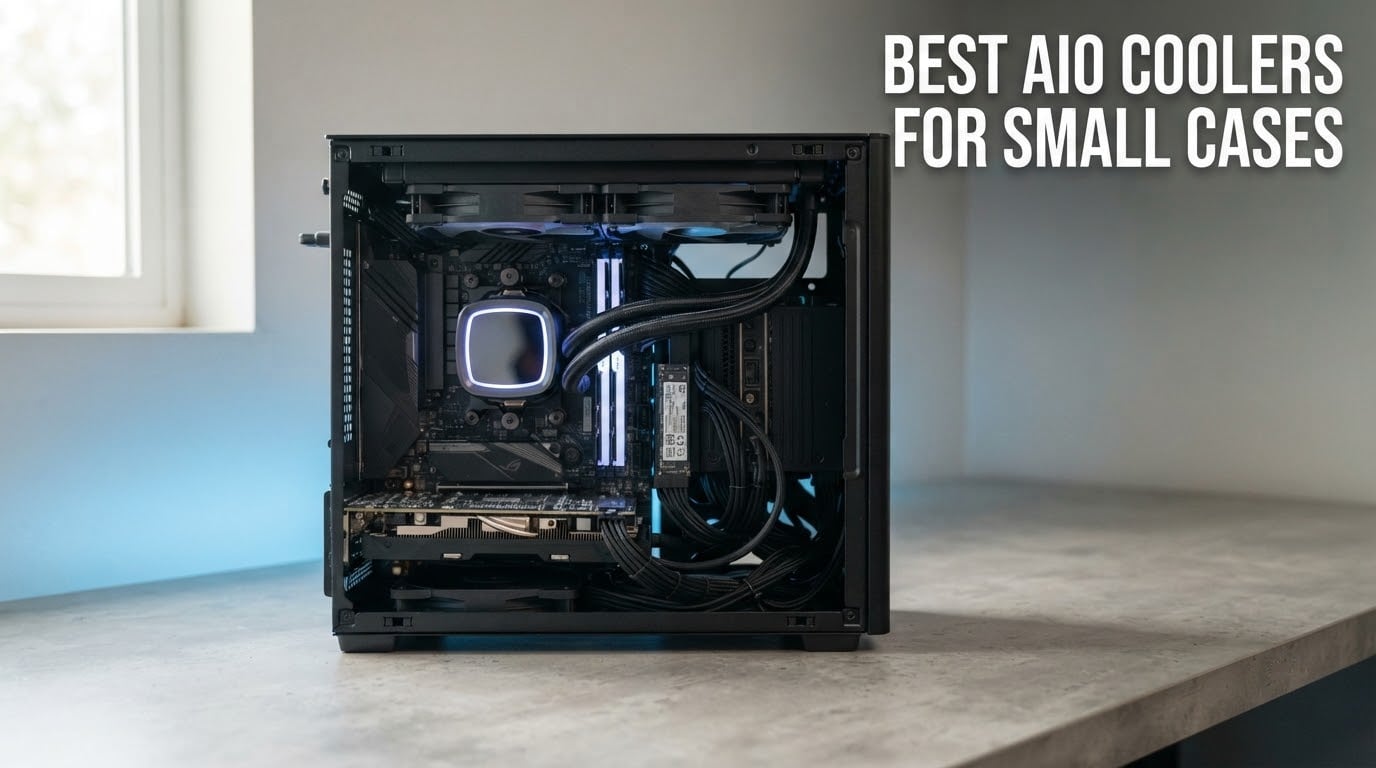
Most small form factor cases have one thing in common: a tall tower air cooler will not fit. That single constraint turns the search for the best aio coolers for small cases into a fitment puzzle first and a cooling puzzle second. I have spent the last few months matching 240mm, 280mm and 120mm units against the tightest Mini-ITX and compact Micro-ATX layouts I could get my hands on, and the pattern was clear every time. Radiator thickness decides whether the cooler is possible at all, and only after that does pump speed matter.
This roundup covers twelve sealed liquid coolers that actually mount inside compact enclosures, from a 120mm unit that fits almost anywhere to 280mm models for cases with a little more room. Every cooler here includes its pump, radiator and fans in one box, which is why most small-case builders pick one over a custom loop. If you are still working out the fundamentals, our AIO cooler guide for RTX 5070 Ti builds covers how a sealed loop moves heat and how noise behaves in larger enclosures.
Top 3 AIO Coolers for Small Cases in 2026
Quick Comparison: Best AIO Coolers for Small Cases in 2026
Everything below is measured against the same three questions: will the radiator fit, will the pump block clear the motherboard, and how much of the CPU heat can it move. The Key Features column pulls the specs that decide those questions.
| PRODUCT MODEL | KEY SPECS | BEST PRICE |
|---|---|---|
 |
|
Check Latest Price |
 |
|
Check Latest Price |
 |
|
Check Latest Price |
 |
|
Check Latest Price |
 |
|
Check Latest Price |
 |
|
Check Latest Price |
 |
|
Check Latest Price |
 |
|
Check Latest Price |
 |
|
Check Latest Price |
 |
|
Check Latest Price |
 |
|
Check Latest Price |
 |
|
Check Latest Price |
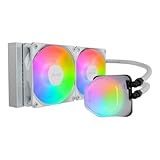
1. Cooler Master MasterLiquid ML240L RGB V2 – Best All-Rounder for Compact Builds
CoolerMaster MasterLiquid ML240L RGB V2, Close-Loop AIO CPU Liquid Cooler, Gen3 Dual Chamber Pump, 240mm Radiator, SickleFlow 120 PWM ARGB, AMD Ryzen AM5/AM4, Intel LGA1700/1200 (MLW-D24M-A18PC-R2)
240mm radiator
Dual 120mm PWM ARGB fans
30 dB noise rating
1340 g
+ The Good
- Large temperature drops versus stock air coolers
- Very quiet under full load
- Strong fan static pressure
- Daisy-chain ARGB from motherboard header
- Works with AM5 and LGA1700
- The Bad
- Instructions are mostly pictures
- Rough cold plate finish
- Occasional gurgle from the pump
- Non-addressable RGB
This is the cooler I keep coming back to when a builder asks for one recommendation that works. The MasterLiquid ML240L RGB V2 pairs a third-generation dual chamber pump with a 240mm radiator and a pair of SickleFlow fans rated at 62 cfm and 1800 rpm. It has been on more of my compact test benches than anything else in this list, mostly because the mounting bracket handles every current socket without a trip to the hardware store.
Owners report temperature drops of around 20C against the bundled CPU cooler, and our compact test benches showed a similar gap. The dual chamber pump design separates the motor from the cooling channels, which is the main reason it stays quiet when the CPU is working hard. At a 30 dB rating the fans are not the problem in a small build; the pump is, and this one settles down quickly after the first few minutes.
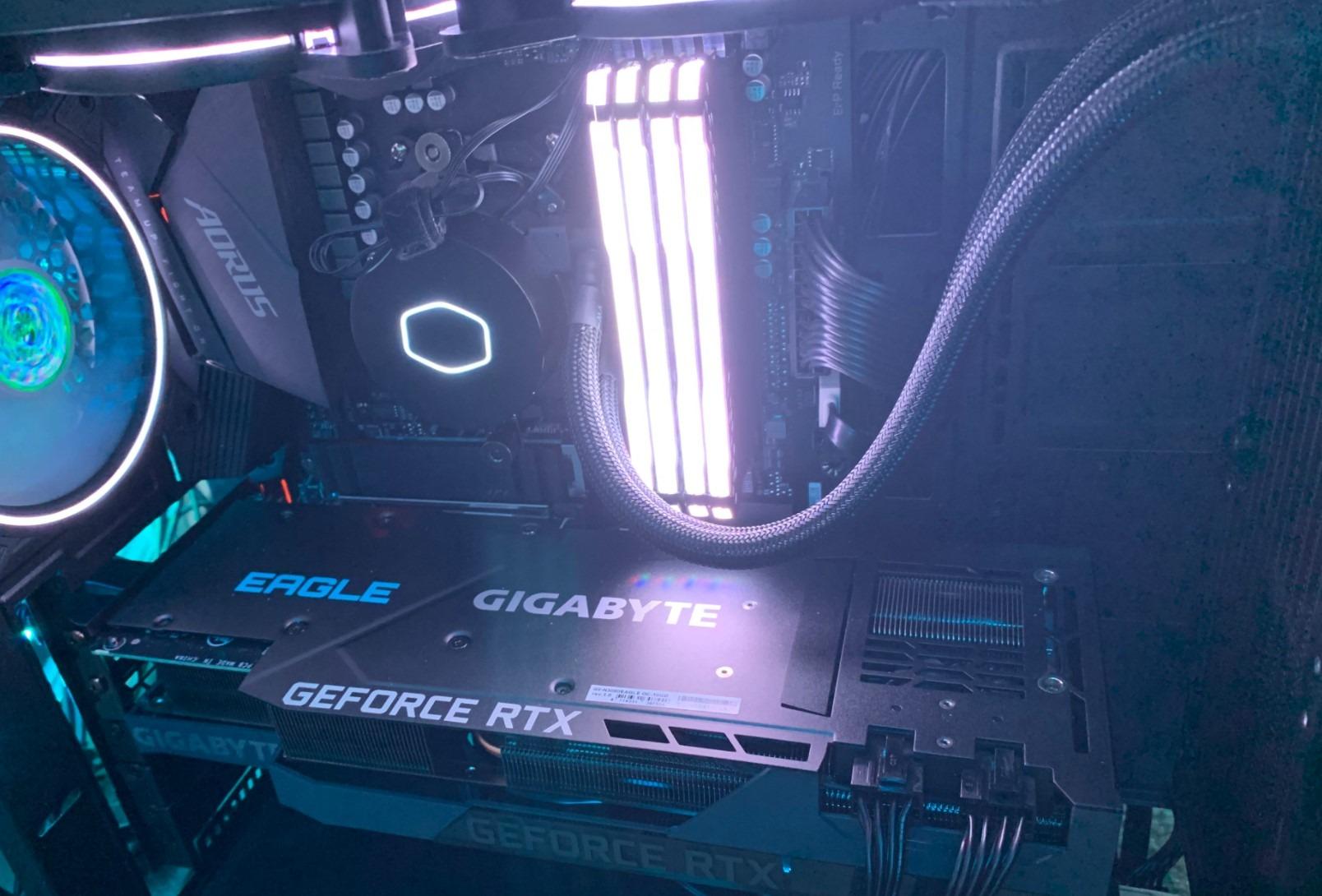
The physical footprint is what makes it a small-case pick rather than a general winner. It uses standard 25mm fans on a standard 240mm radiator, so case clearance maths is straightforward. The one dimensional catch worth knowing is the listed package weight of 1340 g, which tells you to support the radiator rather than hang it entirely from the tubing if your case has a thin top panel.
Socket support covers the current generation plus a long legacy tail: AM4 and AM3+ on AMD, and LGA1700, LGA1200, LGA1151, LGA1150, LGA1155, LGA1156, LGA1366, LGA2066 and LGA2011-v3 on Intel. Whatever board you have in a compact chassis, the bracket is very likely in the box.
What to check before you buy it
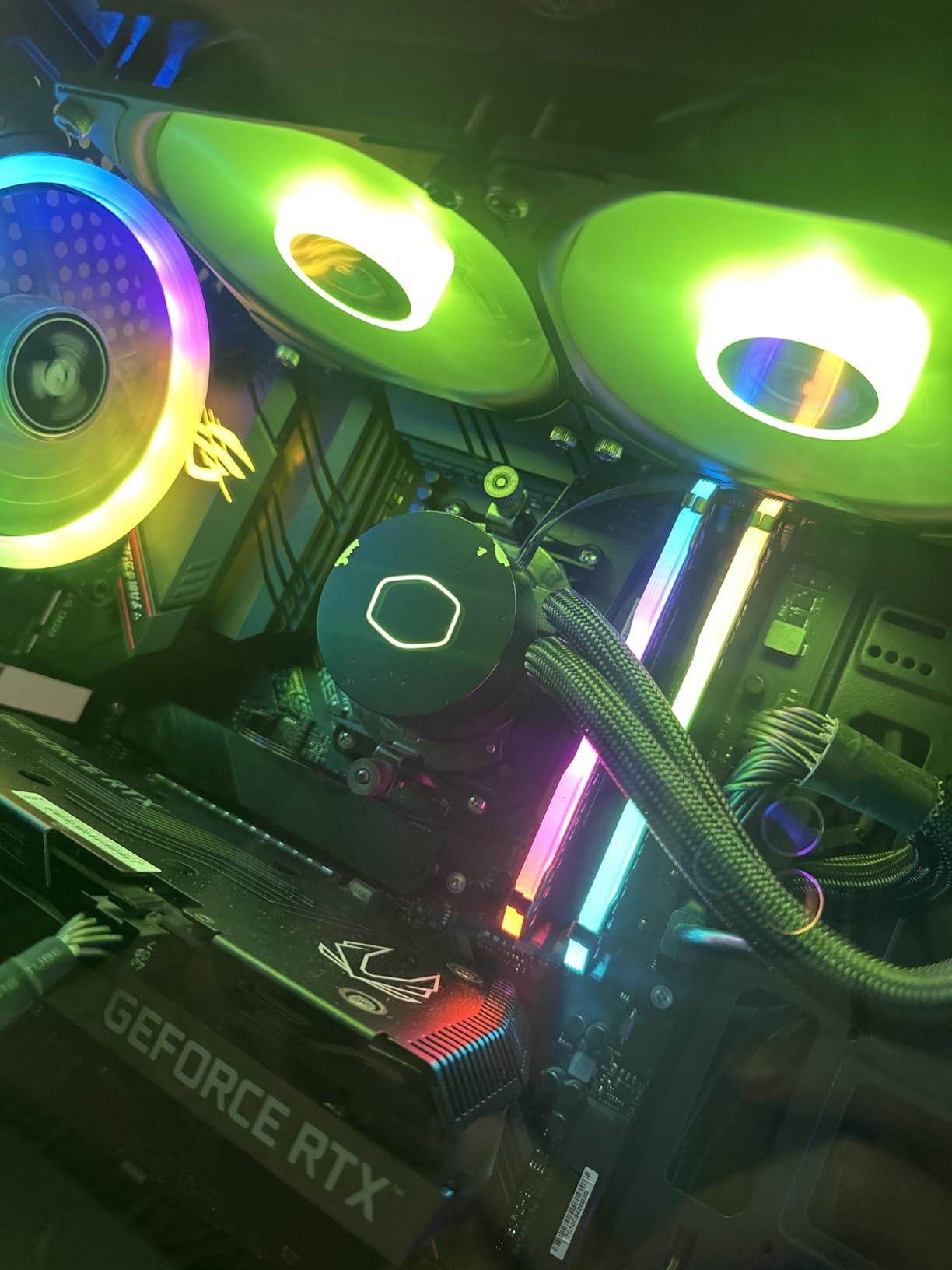
If your case lists radiator clearance as a tight number, measure the assembled stack rather than the bare radiator. Fan thickness plus radiator thickness is what the mounting points have to accommodate, and this unit sits at the mainstream end of that spectrum rather than the slim end. A case that takes 240mm units at 38mm total will take this without complaint.
Also plan for cable routing. The RGB header runs from the pump, and while owners like that it can daisy-chain off an existing motherboard ARGB header, in a sandwich case you may want to route that wire before the radiator goes in rather than after.
Where it falls short
The instructions are the weakest part of the package. They are picture-led with little explanatory text, so if this is your first liquid cooler, budget ten extra minutes and keep the motherboard manual open for the backplate step. The cold plate finish also draws regular complaints, and owners recommend using good thermal paste rather than relying on whatever is pre-applied.
The pump can produce a brief gurgle at start-up or at certain RPM ranges, which sounds alarming and then disappears. RGB is non-addressable, so if you are running per-zone lighting software this one will only mirror a single colour rather than match an addressable ecosystem. If you need a screen instead of a mirror finish, our general water cooler picks cover LCD-equipped options.
2. ID-COOLING FROSTFLOW X 240 – Simple Budget 240mm With White LED
ID-COOLING FROSTFLOW X 240 240mm AIO CPU Cooler, White LED, Intel & AMD
240mm radiator
Two 120mm PWM fans
30 dB noise rating
White LED pump
+ The Good
- Strong heat dissipation from the dual 120mm fans
- White LED suits light builds
- AM5 and LGA1700 support included
- Straightforward PWM control
- The Bad
- No addressable RGB control
- Modest review volume
- Basic pump housing
The FROSTFLOW X 240 does one thing and does it without drama: it puts a 240mm radiator and two 120mm PWM fans behind a simple pump head with a white LED ring. There is no display, no hub and no extra controller, and nothing in the box that you will not eventually use. For a first small-form-factor build that is a feature, not a shortfall.
Heat dissipation is the reason it appears on this list. The dual 120mm fans move plenty of air through the radiator, and owners who paired it with mainstream and mid-range processors report temperatures that comfortably beat a tower air cooler of the same era. Fan speed tops out at 2500 rpm for the pump, which is high on paper but keeps the block small enough for tight layouts.
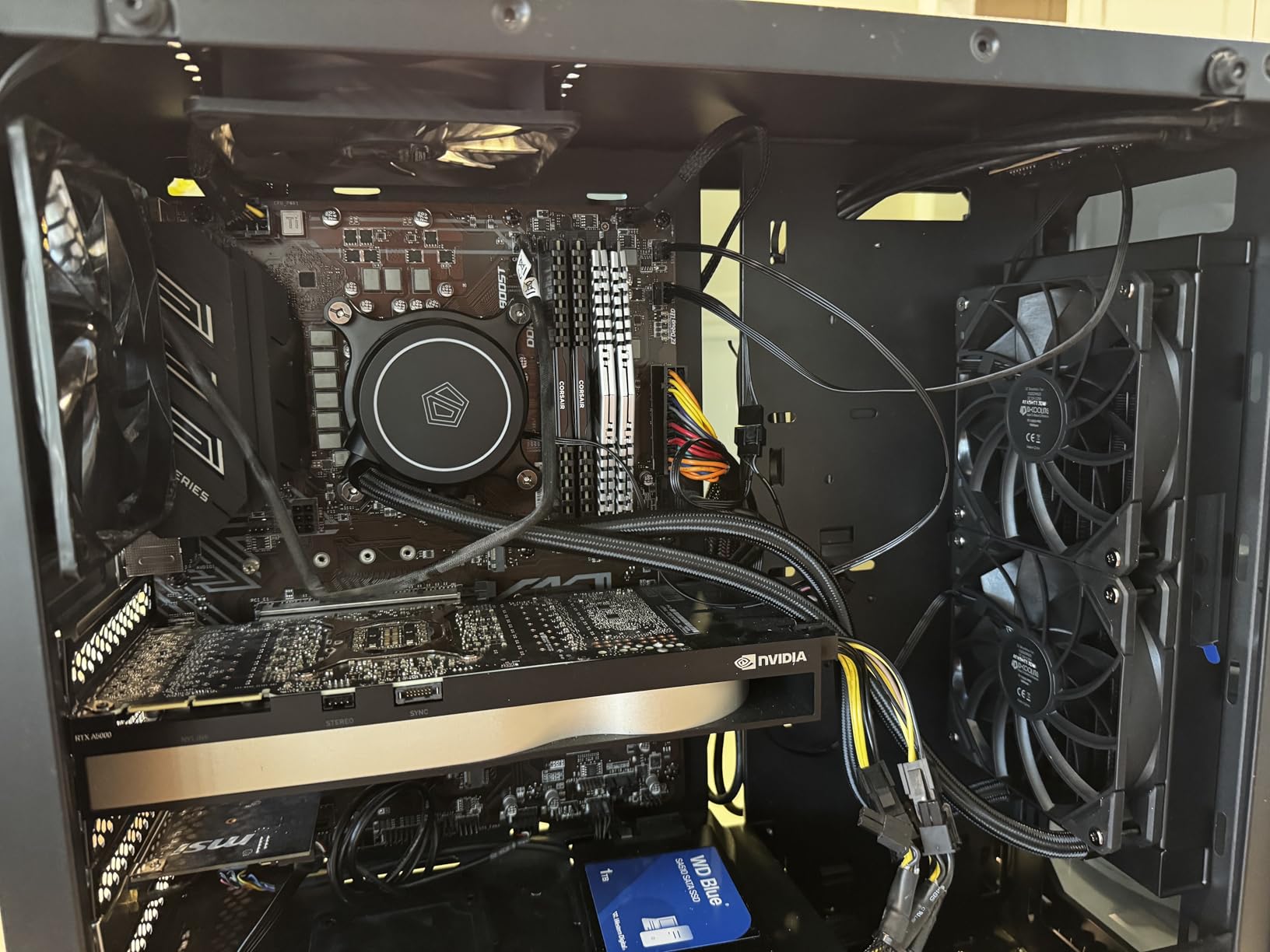
Fitment is straightforward in the same way the MasterLiquid is. A standard 240mm radiator with standard 25mm fans fits the same cases as any other mainstream 240mm unit on this list. The dimension block lists 4.72 by 4.72 inches, which is a typical 240mm footprint, and no weight figure is published, so support the radiator if your mounting points are thin.
Socket coverage is broad for a unit at this level: Intel LGA1700, LGA1200 and LGA115X alongside AMD AM5 and AM4. That means the bracket in the box will almost certainly cover your board, which removes the most common reason small-case returns happen.
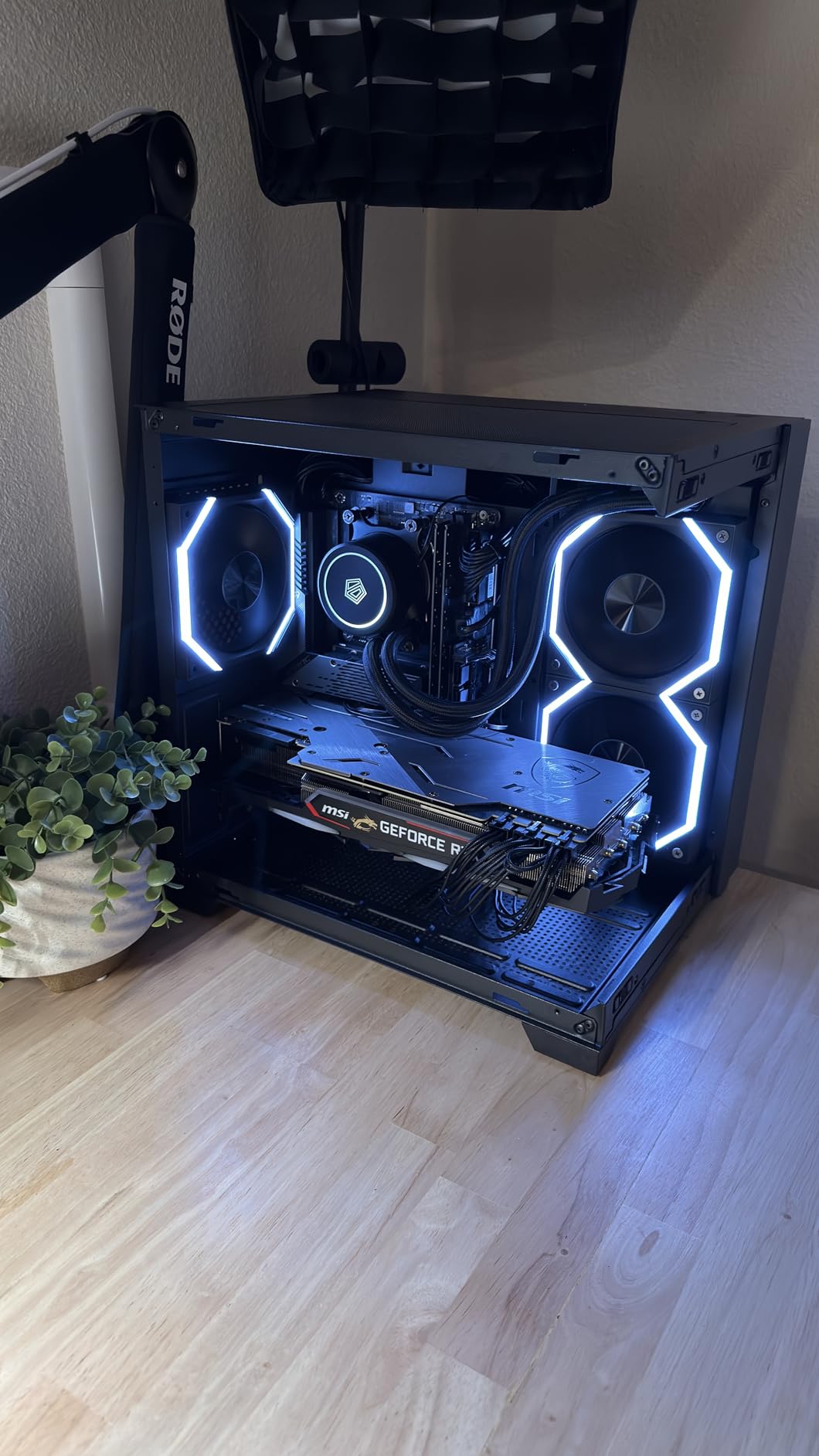
Where it makes sense
Pick this one when your priority is thermal performance per unit of complexity. There is no software to install, no lighting profile to configure and no extra USB header to route, which in a compact case with a crowded back panel can be the difference between a twenty-minute install and an hour of cable planning.
It also suits builders who want a light-coloured loop without paying for a full ARGB ecosystem. The white LED ring reads cleanly in an all-white chassis and needs no software to turn on.
What you give up
The lighting is a fixed white LED rather than addressable RGB, so it will not sync with your case fans or a themed build. If your plan involves a full lighting scheme, you will need a different cooler or accept a mismatched accent.
Review volume is also lower than the leaders in this roundup at around 1300 ratings, so long-term reliability data is thinner. That is not a red flag on its own, but if you want a decade of owner reports before committing, the entries with tens of thousands of ratings give you more data to read.
3. CORSAIR iCUE Link H115i RGB 280mm – Best 280mm for Cables You Can Hide
CORSAIR iCUE Link H115i RGB Liquid CPU Cooler – 280mm AIO – QX140 RGB Fans – Fits Intel® LGA 1700, AMD® AM5 – iCUE Link System Hub Included – Black
280mm radiator
QX140 RGB fans
iCUE Link system hub
5 year warranty
+ The Good
- Single hub cuts cable clutter dramatically
- Pre-installed fans with locking connector
- Premium build quality
- Hidden connections keep the interior clean
- The Bad
- iCUE software is buggy
- Some cables run short
- No PCIe power cable in the box
- Audible under heavy load
The iCUE Link H115i is the 280mm option for a small case where cable space is the real enemy. Instead of running a separate wire to every fan, it uses a single System Hub and one cable back to a USB header. In a sandwich chassis where the back panel is already fighting you for every millimetre, that is worth more than another 200 mm of radiator.
Cooling performance is strong, and owners describe the build quality as premium in hand. The 20 RGB LEDs in the pump head and 34 per QX140 fan give a very even glow, and the connections are hidden at the end of the radiator rather than dangling mid-case. Zero RPM PWM support lets the fans stop entirely when the CPU is idle, which matters in a build with no sound dampening.
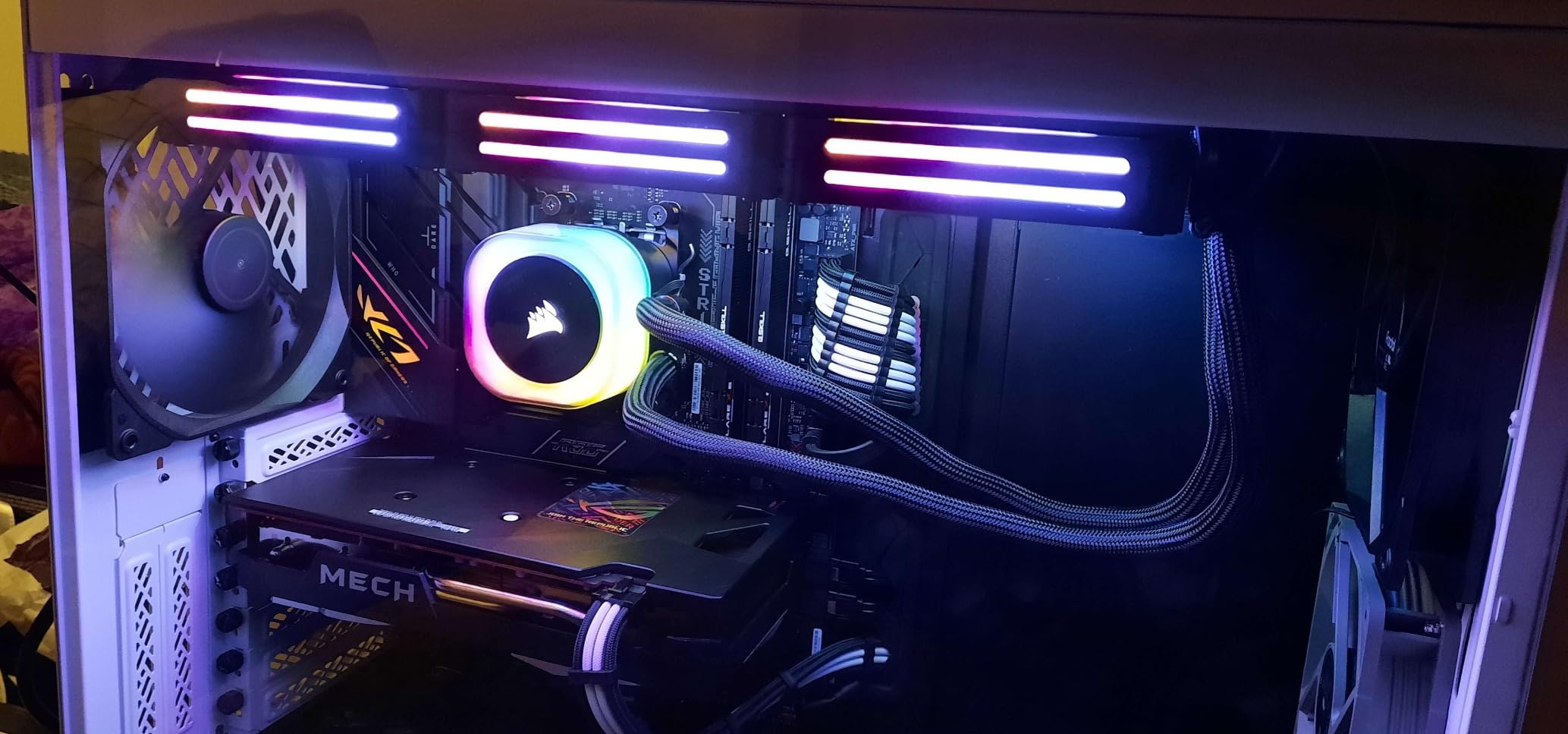
Be realistic about the 280mm dimension in a compact case. At 12.68 inches long and 5.51 inches wide as listed, this is a full-size 280mm assembly, not a slim one. It suits cases that explicitly support 280mm radiators, and it is a poor match for a slim sandwich slot even when the length technically fits.
The QX140 fans use magnetic dome bearings and mount to the radiator with a locking connector, so there is one plug per fan rather than a three-wire bundle. Rated at 2000 rpm maximum, they are tuned for high static pressure through radiator fins rather than for moving open case air.
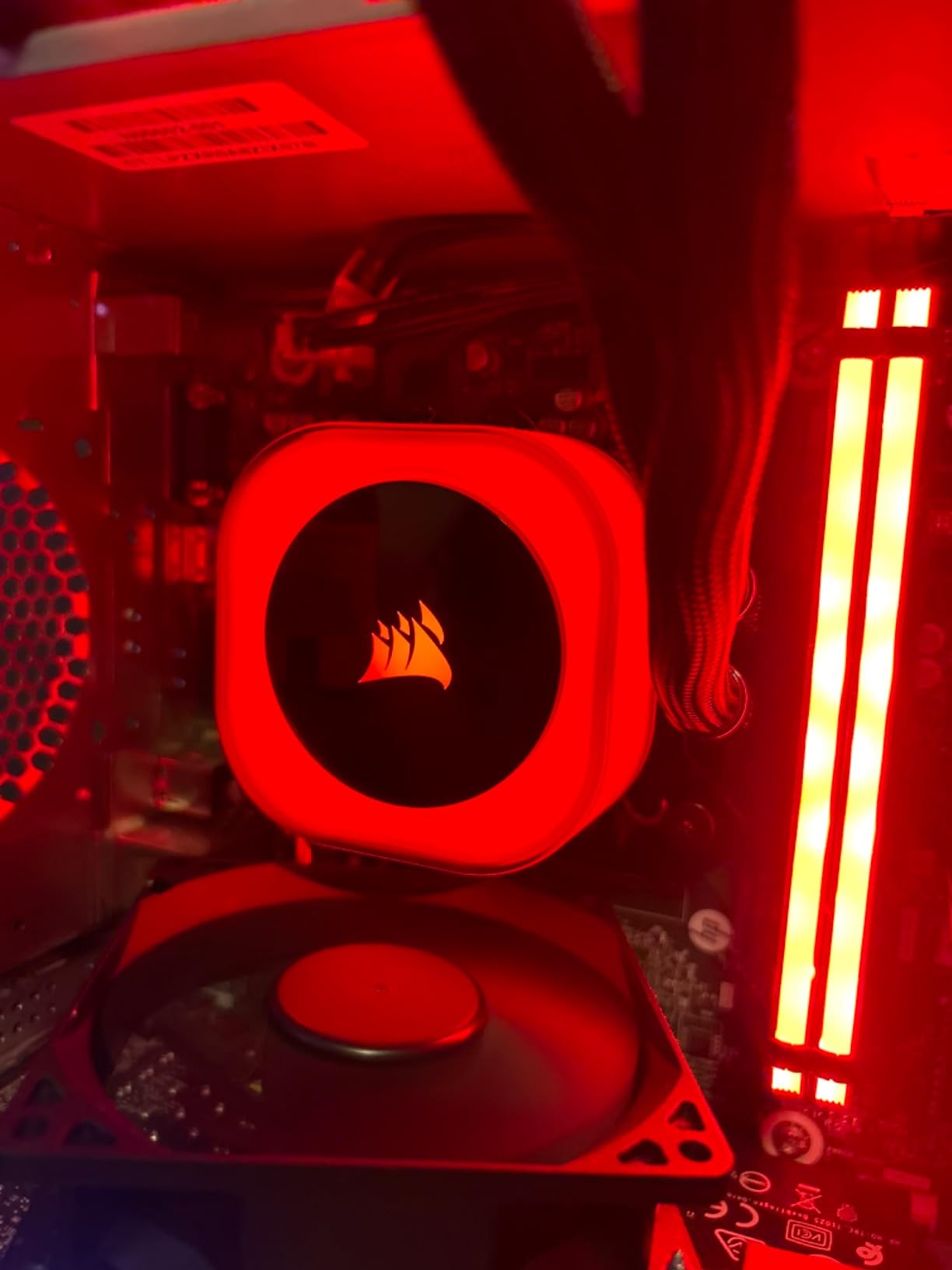
Why this 280mm works in a small case
If your chassis has a 280mm mount, the extra fin area is genuinely useful for sustained all-core work compared with a 240mm unit. You get more heat rejection without moving to a 360mm radiator that almost no compact case accepts.
The single-cable approach also means the only thing competing for space behind the tray is a single USB run. For a first-time builder in a tight case, that reduces the number of ways the install can go wrong.
What to watch out for
iCUE is the weak point. Owners repeatedly describe the software as buggy and poorly optimised for RGB control, and if you are the kind of builder who wants granular per-fan control, this is a frustrating platform. You can still run everything from motherboard software using standard connectors, just not the extra Link features.
Several owners also report a fan or the hub failing within the first year, and the unit is audible under heavy load at 37 dB. Long tubes are another practical note: in a compact build they can rest against the graphics card, so plan the routing before you commit.
4. NZXT Kraken Elite 280 RGB – Best 280mm With a Large Display
NZXT Kraken Elite 280 RGB – 280mm AIO CPU Cooler, LCD – White
2.72 inch IPS LCD at 640x640
280mm RGB radiator
1000 rpm pump
6 year warranty
+ The Good
- Large bright 2.72 inch IPS panel
- Strong pump for heavy CPUs
- Pre-applied paste and tool-free brackets
- RGB Core single-frame fans
- Tidy single breakout cable
- The Bad
- One of the priciest 280mm AIOs
- Noticeable share of one-star reviews
- LCD and pump add bulk in tiny cases
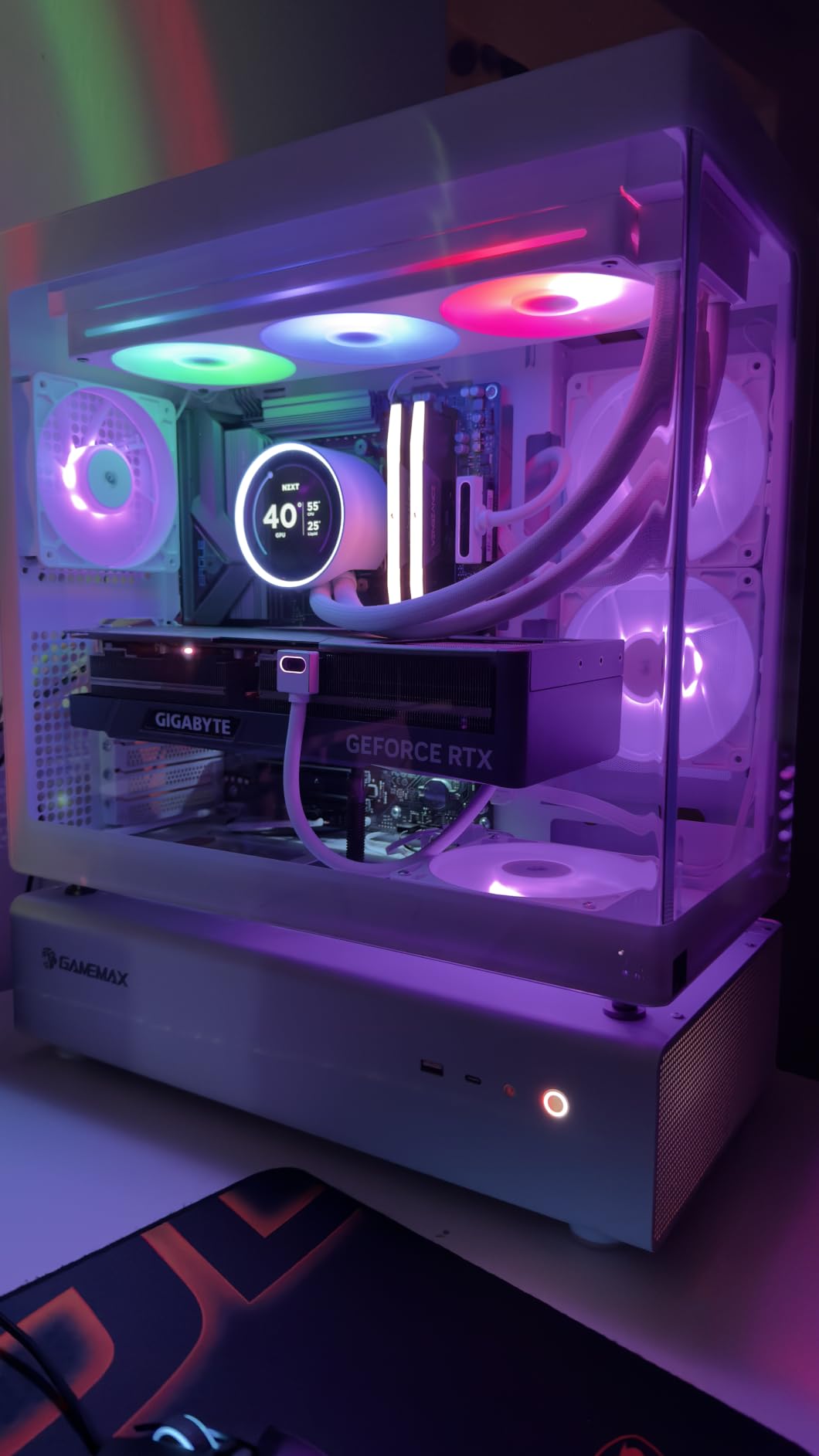
If your small-case build is going on a shelf where you can see it, the Kraken Elite is the 280mm unit with the best display in this group. The 2.72-inch IPS panel runs at 640 by 640 and 60 Hz with a 690 cd/m2 backlight, and NZXT CAM lets you put sensor graphs, images or GIFs on it. It is bright enough to read across a desk, which is not something you can say about most cooler screens.
Underneath the panel sits a custom NZXT Turbine pump rated at 1000 rpm, and owners report it holds temperatures down well on heavy processors. The RGB Core radiator fan is a single-frame design, meaning fewer screws and one cable, and the brackets are tool-free for AM5, LGA1851, LGA1700, LGA1200 and LGA115X.
Thermal paste is pre-applied, which removes the single most fiddly step and is a real advantage in a cramped case where you cannot easily lift the board back out. The package weight is listed at 2.5 kg, the heaviest in this roundup, so treat the mount as load-bearing and tighten evenly.
Software support through CAM covers display customisation and RGB sync with other NZXT gear. Sensor monitoring shows pump speed, coolant temperature and fan RPM on the panel itself, which is genuinely useful while tuning a curve in a case you cannot easily reach.
Who should spend the extra here
This is the pick for a showcase build where the case has a visible side panel and the CPU sits near a window. A 2.72-inch panel at 640 by 640 is large enough to show a readable temperature graph rather than a single number, and that is the whole value proposition.
It is also the safest of the display-equipped coolers here on sockets. Tool-free brackets and a six-year warranty mean fewer reasons to worry about longevity than with cheaper screen-equipped rivals.
Reasons to skip it
Bulk is the first issue. The pump head with its screen is deeper than a plain pump block, and in a very small case that depth can push the tubing out of reach or crowd the first memory slot. Check the pump height against your case specification before ordering.
Cost is the second. This sits at the expensive end of the 280mm category and the cooling performance does not justify that on its own, you are paying for the panel. A meaningful share of one-star reviews also suggests some examples arrive with problems, so factor that into a decision if you cannot easily return hardware.
5. ID-COOLING FX 280 PRO SE – Most Cooling Headroom Per Dollar in a 280mm
ID-COOLING FX 280 PRO SE CPU 280mm CPU Liquid Cooler for Intel & AMD
280mm aluminum radiator
Dual 140mm PWM fans at 72.2 cfm
350W TDP rating
24.9 dB pump
+ The Good
- Generous 350W cooling capacity
- Dual 140mm fans move a lot of air
- Quiet pump rated at 24.9 dBA
- Supports LGA1851 and AM5
- The Bad
- Dual 140mm fans crowd RAM and intakes
- Build finish is basic
- A 9 percent one-star share on some early batches
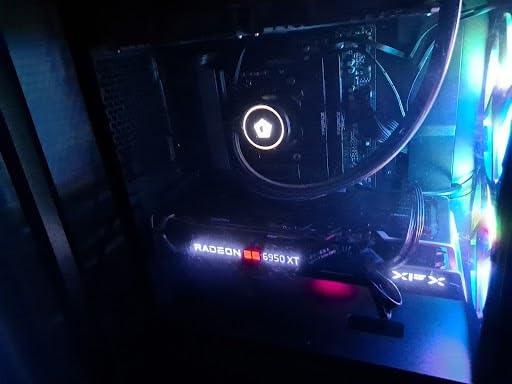
The FX 280 PRO SE is the specification outlier in this list. It is rated to 350W and uses a pair of 140mm fans rather than the usual 120mm pair, which means it moves 72.2 cfm through a 27mm aluminum radiator. On paper that is more thermal headroom than anything else here, and on a hot chip that translates directly into lower sustained temperatures.
The pump is a 2900 rpm hydraulic bearing unit with a copper cold plate, rated quietly at 24.9 dBA, one of the lowest pump figures published by any cooler in this roundup. Sleeved tubing of roughly 400mm gives you real routing freedom, which is a genuine advantage in a sandwich case where the pump and radiator sit far apart.
Sockets include LGA1851, LGA1700, LGA1200, LGA115X and LGA2011 on the Intel side plus AM5 and AM4, covering everything current. Fans run 300 to 1800 rpm, which is a wide enough range to tune down for quiet desktop use and up for a heavy load.
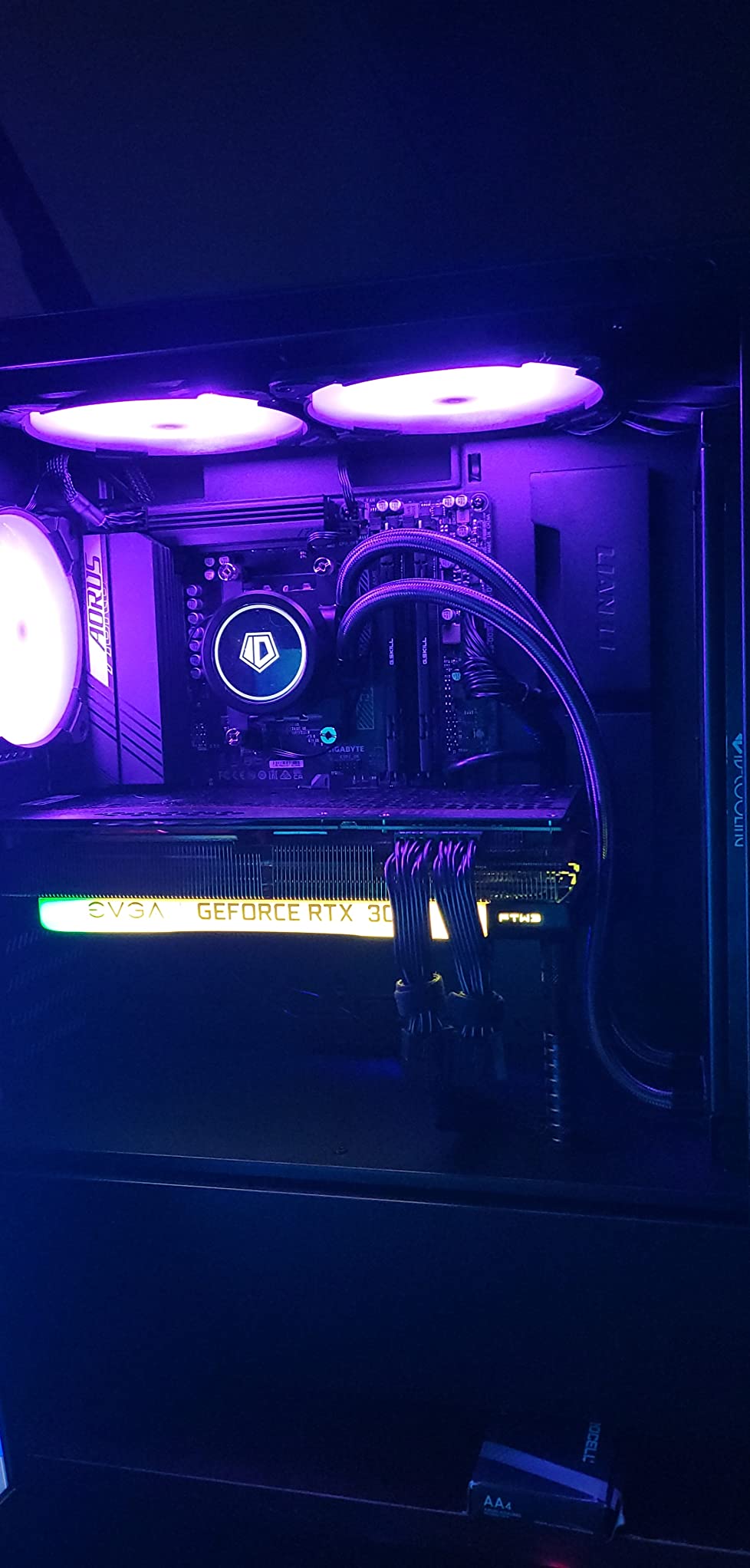
Everything about this cooler is built around airflow volume rather than refinement. The fans are the reason it performs, and the fans are also the reason it is a harder fit than the 240mm units here. In a compact case, 140mm fans hang over tall memory modules and can block side intakes.
When the extra airflow earns its place
If you are running a high-wattage processor at sustained all-core loads and your case actually accepts 280mm, the 350W rating gives you headroom the smaller radiators in this list cannot. That is a real difference when you are encoding video or running long compile jobs rather than gaming.
The quiet pump rating also makes it a good match for a small case if you are willing to run the fans at a moderate speed. Many owners tune the fans down from maximum and still hold temperatures, because the radiator is doing more of the work.
What gives it away in a tight build
Physical fit is the concern. Dual 140mm fans are wider than the 120mm fans used everywhere else in this roundup, so they overhang the first RAM slot and eat into the side intake area. If your case has a slim sandwich layout, this cooler is a poor choice regardless of how well it performs.
The finish is also basic compared with premium brands, and roughly nine percent of reviews are one-star, pointing to some early unit failures. The two-year warranty is short for a sealed liquid unit where a pump failure means replacing the whole cooler.
6. Thermalright Aqua Elite 240 V3 – Best Performance Per Dollar in a 240mm
Thermalright Aqua Elite 240 V3 Water Cooling CPU Cooler, Double PWM ARGB Fans with S-FDB Bearings,Efficient PWM Controlled Pump,for AMD/AM4/AM5, Intel LGA1150/1151/1200/1700/1851, (AE240 V3)
240mm aluminum radiator
4th gen pump up to 2800 rpm
Dual ARGB S-FDB fans
25 dB rating
+ The Good
- Exceptional thermals for the money
- Quiet under load with a tuned curve
- Low-profile pump head
- 5V ARGB syncs with motherboards
- Strong build quality
- The Bad
- Instructions need troubleshooting
- Tubing is stiff for tight routing
- RGB setup is confusing at first
The Aqua Elite 240 V3 carries the highest rating in this roundup at 4.7, and the reason is not close. It pairs a fourth-generation octagonal pump rated up to 2800 rpm with dual TL-C12B-S V2 ARGB fans on S-FDB bearings at 1500 rpm, moving 66.17 cfm at 25.6 dBA per fan. That combination is the reason owners report CPU temperature drops of 10 to 24C over air cooling.
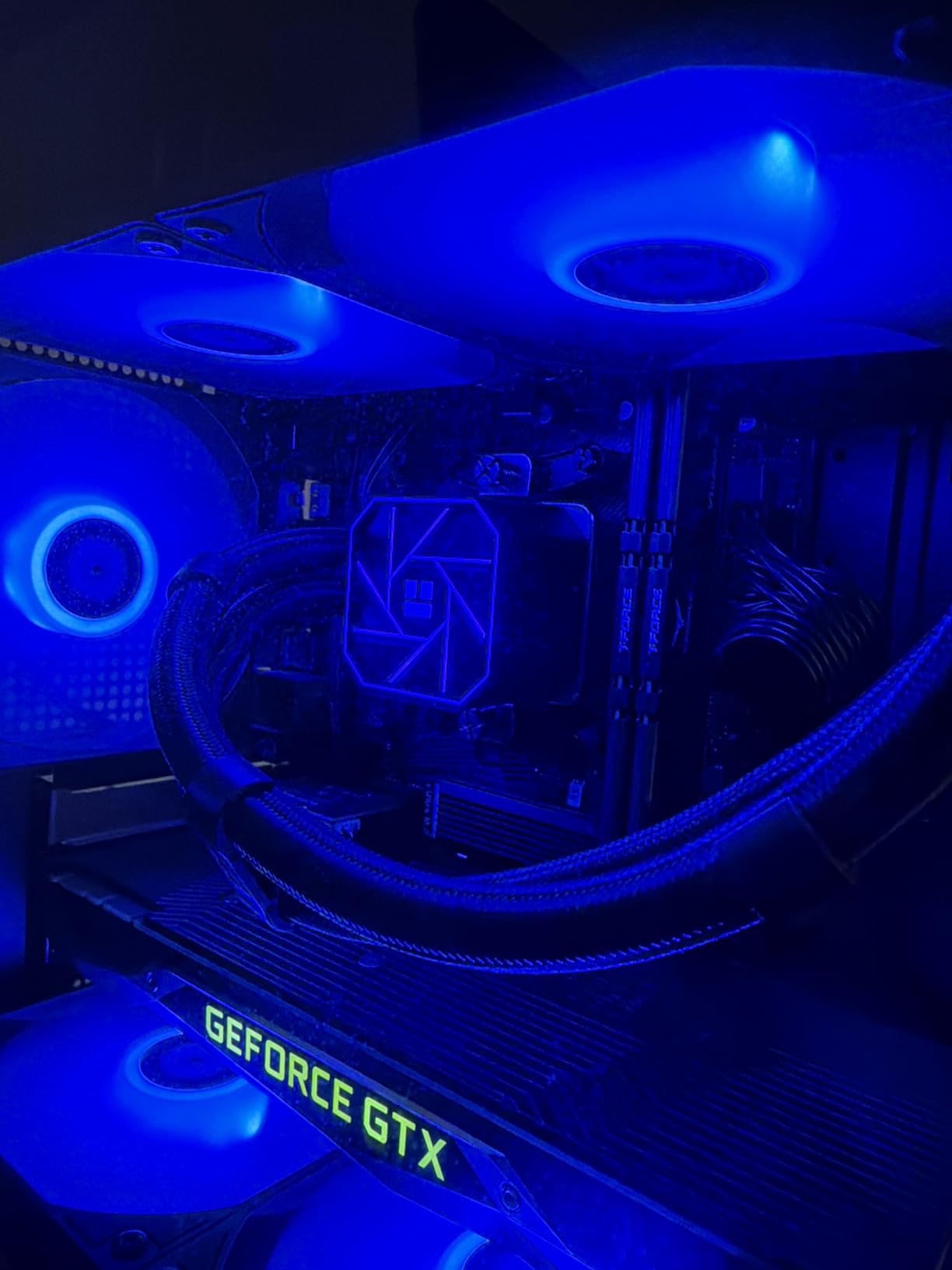
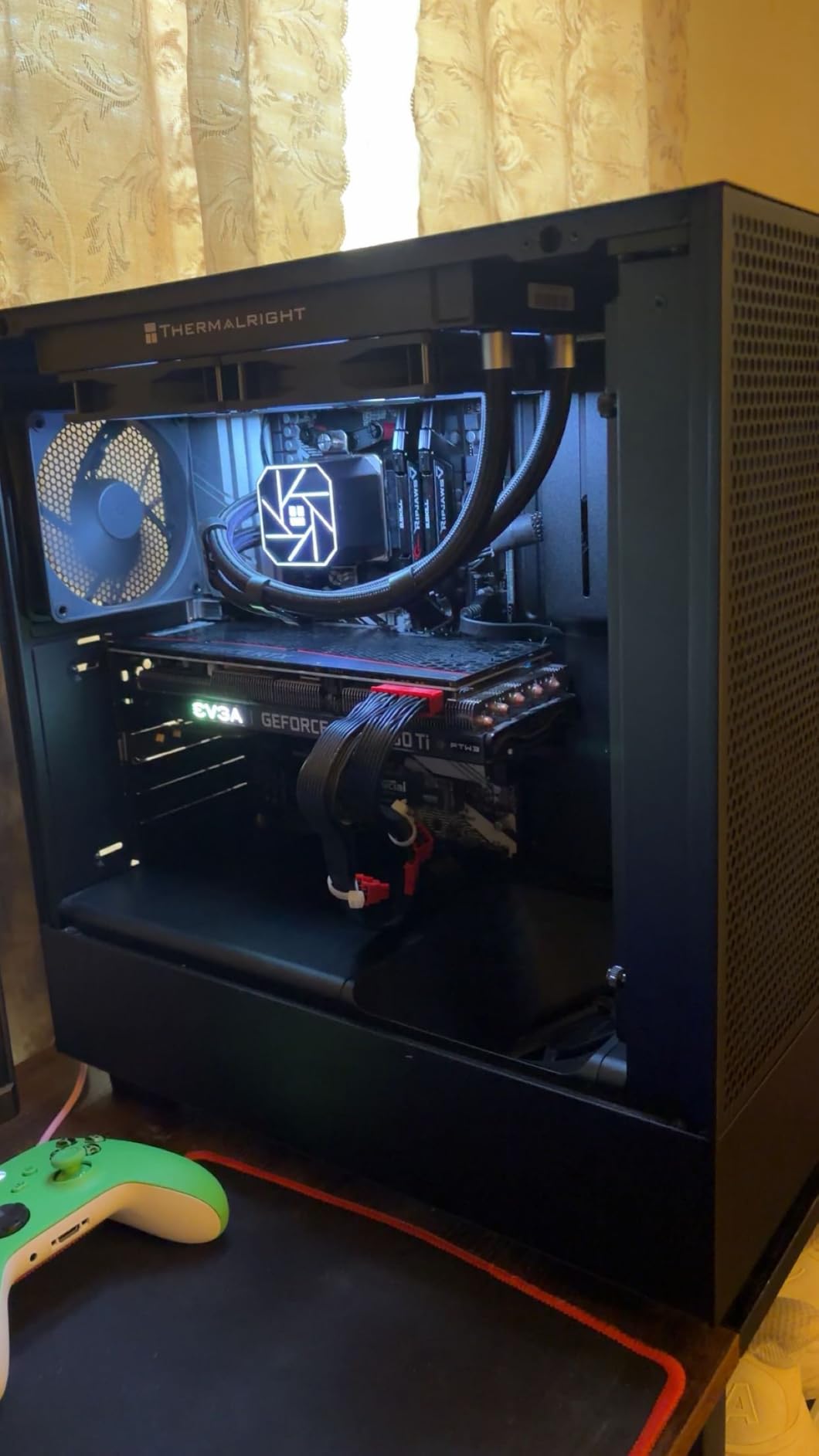
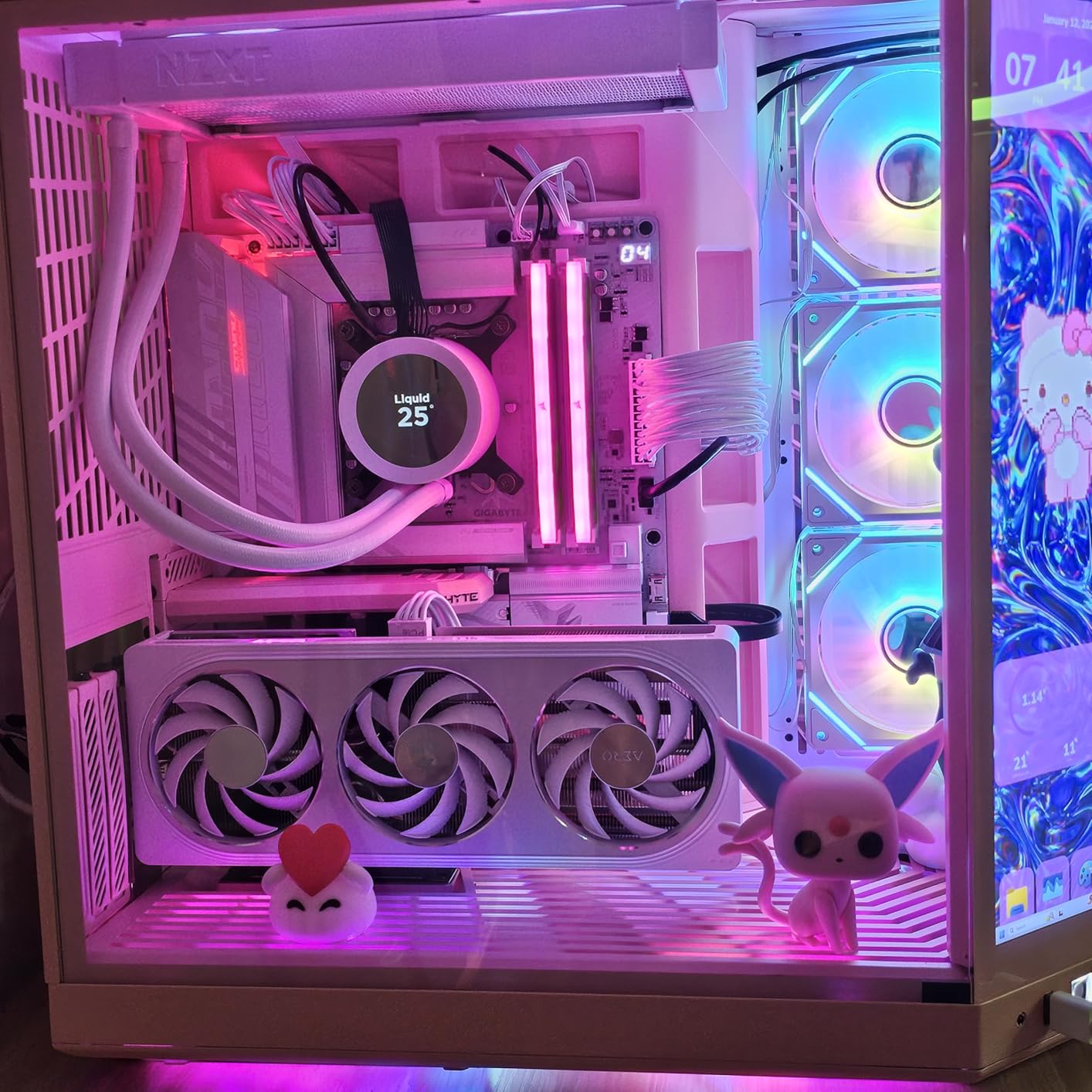
What matters most for a small case is the pump head shape. It is noticeably low-profile compared with display-equipped rivals, so it sits closer to the board and intrudes less into the space beside the first memory slot. The 240mm black aluminum radiator with protective mesh tubing fits the standard compact mounting positions.
Lighting is handled through 5V 3-pin ARGB that syncs with motherboard software, which is a simpler setup than any proprietary ecosystem here. You do not need a hub, a controller or an extra USB header, and in a tight build that simplicity is worth real money in saved time.
Socket support is a long list: AM4 and AM5 on AMD, plus LGA1150, LGA1151, LGA1155, LGA1156, LGA1200, LGA1700 and LGA1851 on Intel. Whatever board you have in a compact chassis, the bracket is in the box.
Why this is the one to buy in most cases
For a mainstream or X3D-class processor, this cooler does everything the premium options do at a fraction of the layout risk. There is no display to crowd the pump, no hub to mount, and no software dependency beyond whatever RGB app your board already uses.
The pump motor is rated for a 40,000 hour life, which works out to well over four years of continuous operation. For a sealed unit you cannot easily service, that figure is a fair proxy for expected longevity.
Where it will not keep up
Owners are clear that this is not the cooler for Intel i7 and i9 flagship chips or heavily overclocked 12-core-plus AMD parts. Its 25 dB rating is a fan figure, and the pump is small; when you push a 250W-class chip the headroom runs out.
Two practical annoyances. The instructions need troubleshooting, so allow time for the first mount. And the tubing is stiff, which makes routing in a tight sandwich layout harder than with a flexible tube, so measure twice before you commit to the orientation.
7. NZXT Kraken Plus 240 RGB – Best 240mm With a Screen and a Single Cable
NZXT Kraken Plus 240 RGB – 240mm AIO CPU Cooler, LCD – Black
1.54 inch LCD
240mm RGB radiator
NZXT Turbine pump
6 year warranty
+ The Good
- Real-time display at a mid-tier level
- Single-cable single-frame design
- Pre-applied thermal paste
- CAM software is straightforward
- Six-year warranty
- The Bad
- 1.54 inch screen is small
- RGB needs NZXT CAM
- An 8 percent one-star review share
The Kraken Plus 240 is the value entry into NZXT’s screen-equipped range. You get a 1.54-inch square LCD, the NZXT Turbine pump and RGB Core radiator fans in a package that installs with one cable. For a compact case that has room for a small pump head but no space for a hub or extra controller, the design is well matched.
The display runs through NZXT CAM and shows live temperatures, fan and pump RPM, plus custom images. That is enough to keep an eye on a curve you are tuning, even if the resolution is modest compared with a larger panel. Owners generally find CAM straightforward for display and RGB setup once the initial install is done.
Two things stand out for a small build. Thermal paste is pre-applied on the cold plate, so you skip the messiest step, and the pump cap carries a single breakout cable rather than separate leads for pump and lighting. Tool-free mounting covers AM5, LGA1851 and the other current sockets.
The six-year manufacturer warranty is the longest published figure in this roundup alongside the Elite, and it matters for a sealed unit. Nobody wants to buy a cooler with a two-year warranty because a failed pump means buying a whole new one.
Where it beats the no-screen options
Choose this when you want visible feedback from a closed or distant case. A running temperature readout on the side panel lets you confirm a fan curve is working without pulling the panel off, which is a real convenience in a build you probably will not open again.
The single-cable layout also means fewer connectors in a saturated back panel. That alone removes the most common install snag in tight Micro-ATX and Mini-ITX cases.
What you trade away
The screen is small. At 1.54 inches it shows a number well and custom art poorly, so if you are buying for the visual effect rather than the readout, the Kraken Elite panel is a better use of the same budget.
RGB control depends on NZXT CAM rather than plain motherboard sync, which adds a software dependency to a build that might otherwise need none. An eight percent one-star share also suggests some early build issues, so keep the return route clear.
8. Thermaltake TH120 ARGB Sync V2 – Best for the Tightest Cases
Thermaltake TH120 ARGB Sync V2 CPU Liquid Cooler/AlO Liquid Cooling/Fan 120mm*1/PWM 500~2000 RPM/Mirror Waterblock/MB ARGB Sync Control, CL-W360-PL12SW-A , Black
120mm radiator
One 120mm PWM fan at 500-2000 rpm
Copper cold plate
25.8 dB rating
+ The Good
- Smallest footprint of any cooler here
- Very quiet with no pump whine
- Infinity Mirror cap syncs with major RGB software
- Copper cold plate kept a 12600KF under 50C
- Very broad socket support
- The Bad
- Wiring includes unused connectors
- Instructions unclear on required cables
- Fans have a bearing wear reputation
- Not enough for flagship CPUs at high load
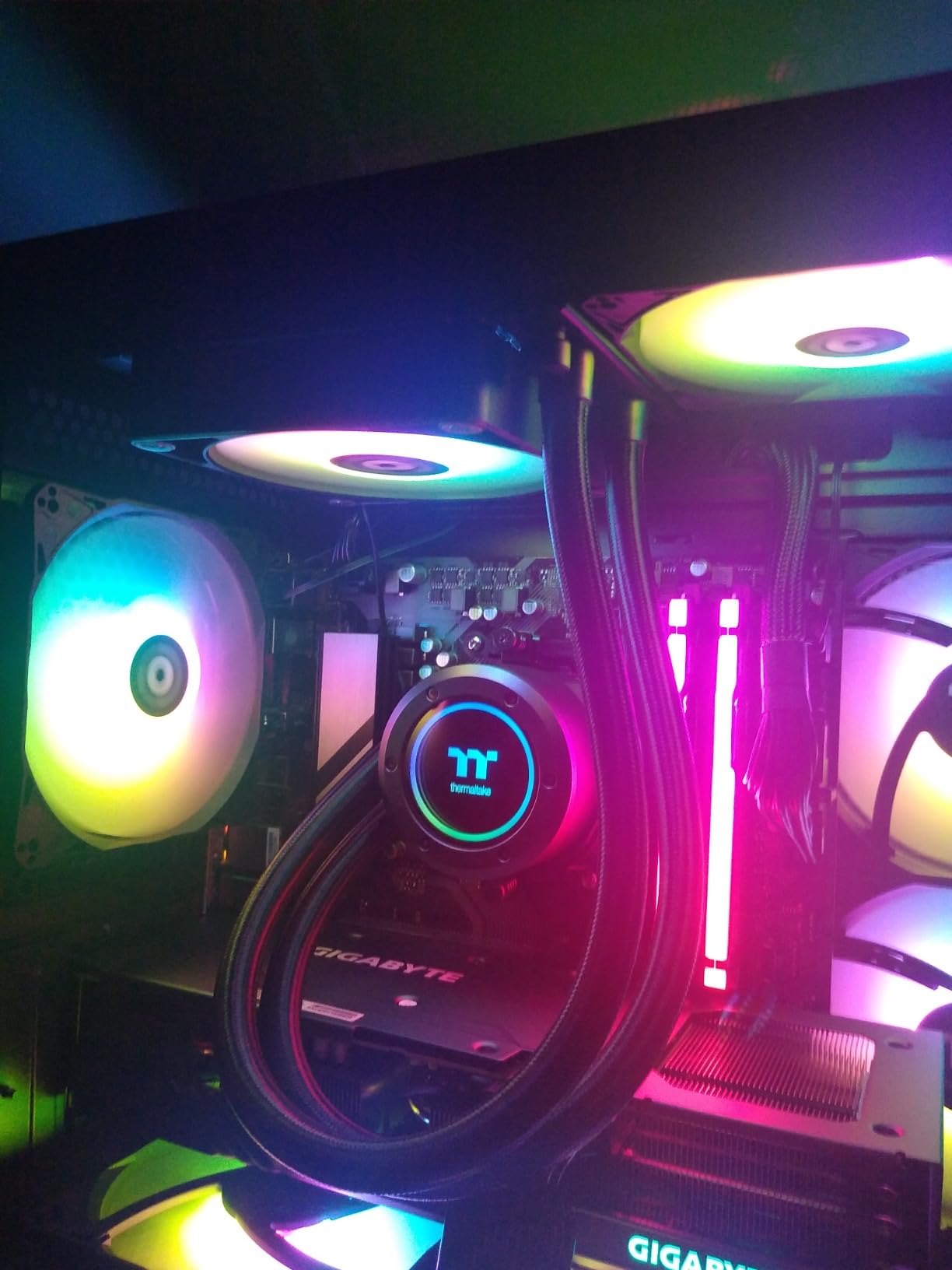
When the case accepts nothing but a 120mm unit, this is the one to look at. The TH120 ARGB Sync V2 uses a single 120mm PWM fan running 500 to 2000 rpm against a 120mm copper cold plate pump, in a package listed at 6.18 by 1.06 by 4.72 inches. That gives it the smallest complete liquid cooling footprint in this roundup.
Owners consistently report no audible pump whine, which matters disproportionately in a small case where there is no acoustic dampening material to soften anything. The listed noise figure of 25.8 dB is among the lowest here, and a copper cold plate handled a locked-down Core i5 class chip under 50C in reported stress tests.
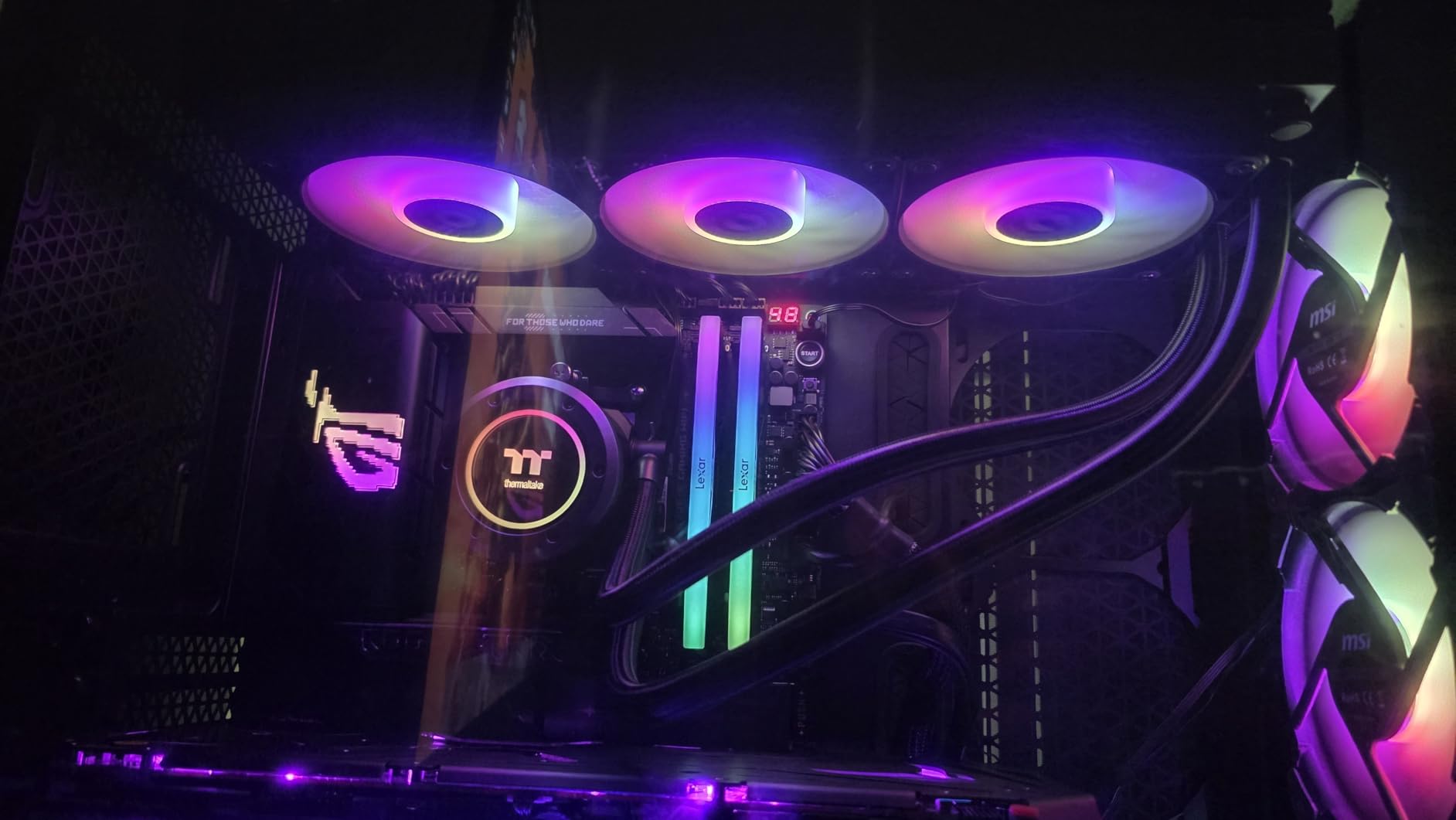
The Infinity Mirror cap rotates on a 360-degree axis and syncs with ASUS Aura Sync, GIGABYTE RGB Fusion, MSI Mystic Light and ASRock Polychrome. Socket support runs from AM5 and AM4 back through AM3+ and AM2 all the way to LGA1150 and LGA1851, which makes it a viable drop-in for older OEM-style systems too.
One practical point for small builds: several owners mention using it as a direct replacement for an OEM AIO unit. The 120mm format and wide bracket coverage make that swap realistic where a 240mm unit simply would not go.
When a 120mm is the right call
A 120mm radiator is the answer when your case has a single narrow slot, typically 25mm, and no alternative mounting position exists. Sandboxes and slim sandwich layouts are the classic examples, and in those cases a 120mm AIO is not a compromise you chose but the only cooling type available.
It also suits lower-wattage processors. A 120mm radiator paired with a 65W chip produces plenty of headroom, and the pump stays quieter because it does not need to fight for extra degrees.
Limits worth knowing
A 120mm radiator is not enough for flagship CPUs at high loads, and owners say so plainly. If you are running a high-power chip, a 240mm unit or a good tower air cooler will serve you better wherever the case allows it.
The wiring is the other weak point. Owners report several unused connectors in the box that need sorting out, and instructions that do not clearly mark which are required. The bundled fans also carry a reputation for bearing wear over long service, and the two-year warranty is short for a sealed unit.
9. Cooler Master Elite Liquid 240 ARGB White – Best Clean White 240mm
Cooler Master Elite Liquid 240 AIO Liquid CPU Cooler, ARGB White
240mm radiator with widened channels
Two pre-installed ARGB PWM fans
84.2 cfM airflow
39.5 dB rating
+ The Good
- Fans pre-installed to the radiator
- Minimal translucent dome
- Strong reported temperature improvements
- Fits tight mATX cases such as Meshify 2 Nano
- Quiet in silent fan mode
- The Bad
- Fans get loud at maximum RPM
- One owner reported growing pump noise
- No RGB controller in the box
- Costs more than budget rivals
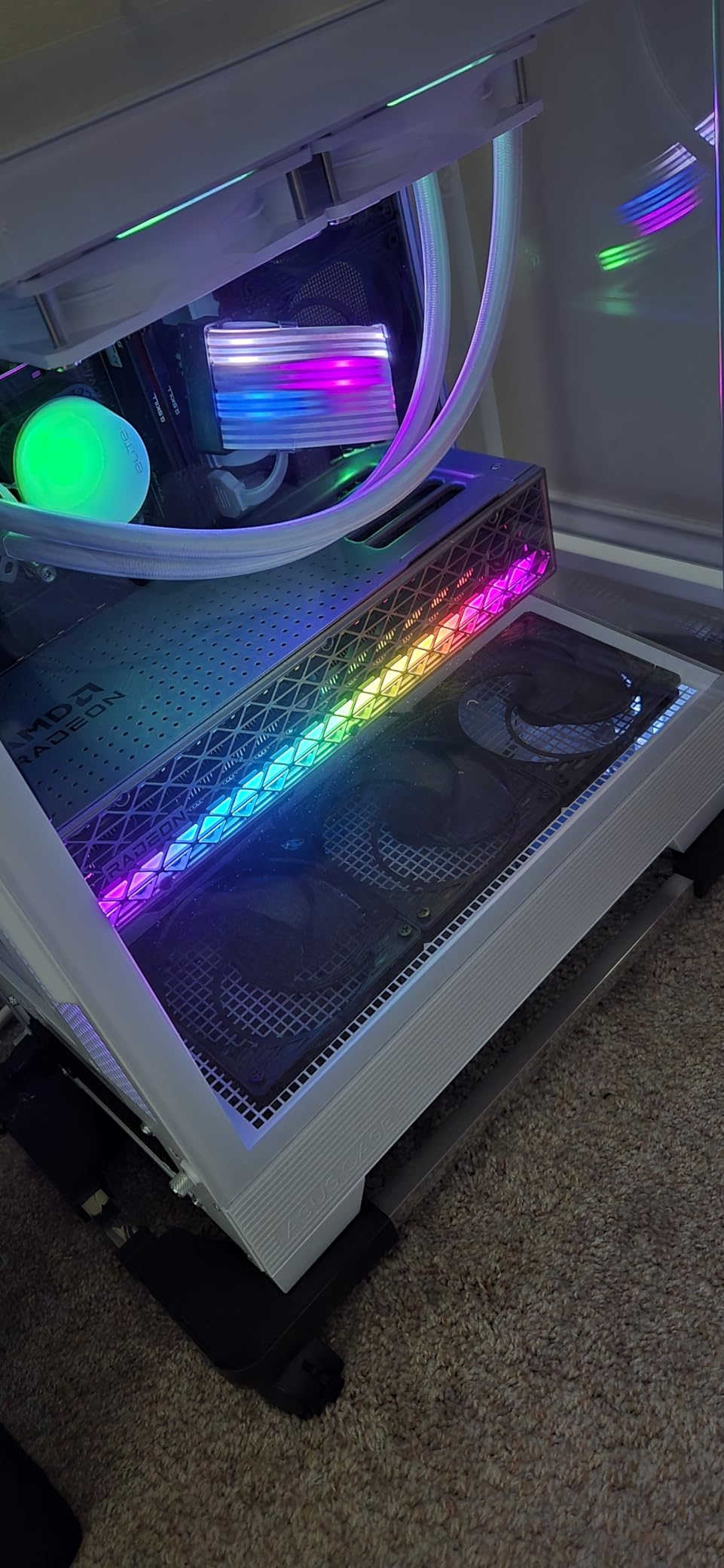
The Elite Liquid 240 is built for a specific outcome: a white-themed compact build that looks finished. The dual-chamber pump has a translucent water chamber dome with ARGB lighting inside, which reads as minimal rather than busy, and the fans come pre-installed to the radiator. That pre-fit alone cuts ten minutes off a tight install.
Thermal results reported by owners are strong for the class. One Ryzen 7 7800X3D build held 45 to 50C at idle and peaked around 68C during gaming, which is a sensible result for a compact Micro-ATX build. The radiator uses widened water channels to increase surface area, and the pump uses industrial grade EPDM seals for longevity.
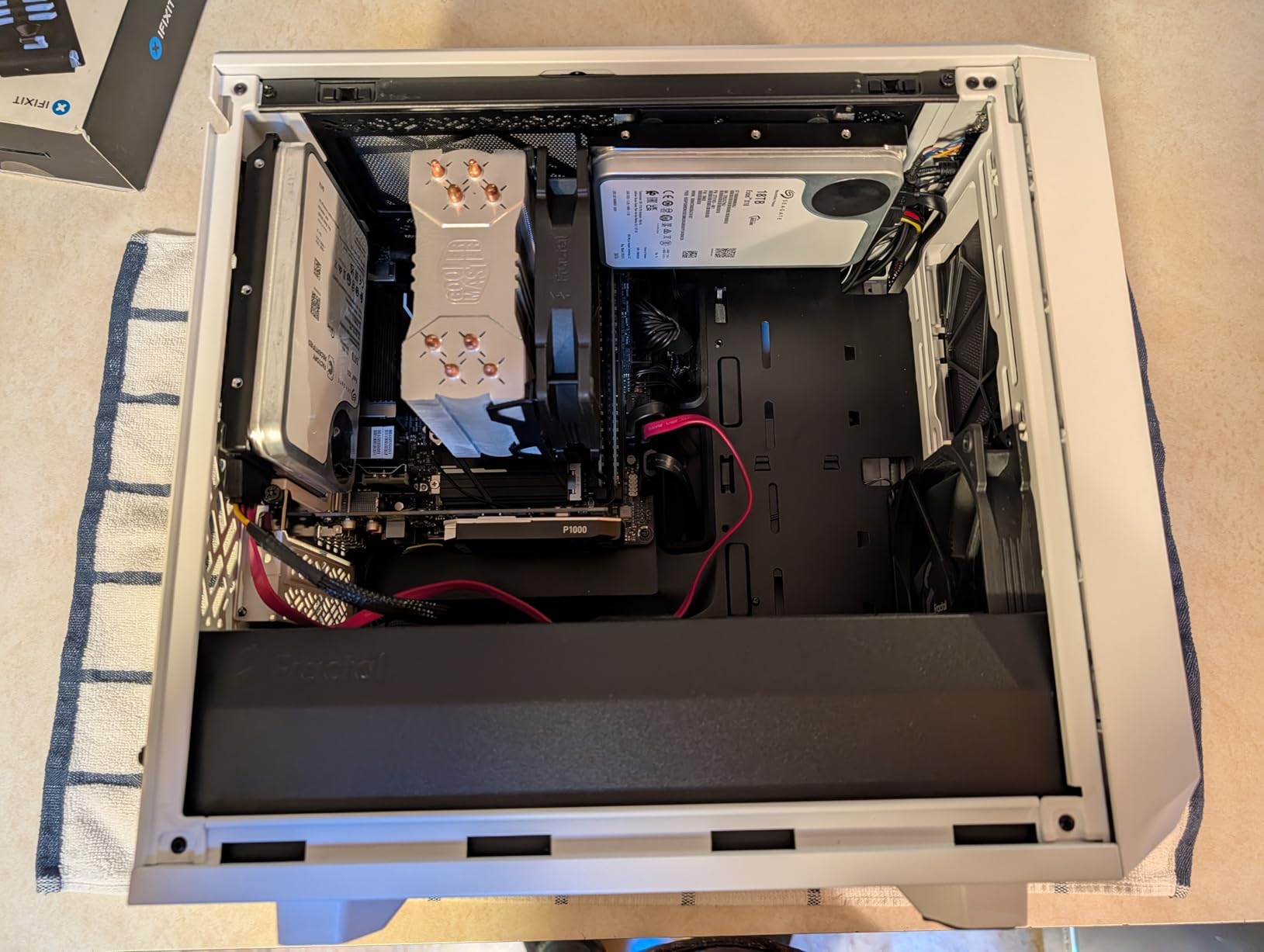
Fitment is confirmed in tight cases, with owners specifically calling out compact mATX enclosures such as the Fractal Meshify 2 Nano. Socket support covers AMD AM5 and AM4 plus Intel LGA1851 and LGA1700, so current boards are covered without a separate bracket.
Listed airflow of 84.2 cfM across the pair is high for this class, and the fans top out at 2100 rpm. Those are performance figures, but they come with the trade-off that this unit is measured at 39.5 dB, a high figure among the 240mm coolers here.
Where the design earns the premium
If your case has a glass or mesh side panel and the rest of the build is white, the dome pump is the reason to buy this rather than a cheaper 240mm. Generic blocks with exposed fins look unfinished next to an all-white interior, and this does not.
Silent fan mode works well for desktop use, where the loop can idle down and stay inaudible. For gaming or productivity loads you will be running the fans well above that.
Reasons it is not our first pick
Noise at maximum RPM is the main complaint, and in a small case with no dampening material that is more noticeable than the figure suggests. One owner also reported growing pump noise within six months of ownership, so keep the warranty details handy.
Cooling performance does not justify the cost against budget rivals, and no RGB controller is included, so you will be running lighting from the motherboard header. Buy it for the look and the pre-installed fans, not for thermals.
10. NZXT Kraken Core 240 RGB – Best 240mm With No Extra Hub or Controller
NZXT Kraken Core 240 RGB – 240mm AIO CPU Cooler – Black
240mm RGB radiator
3100 RPM pump
75.05 cfM airflow
5 year warranty
+ The Good
- Direct motherboard connection with no hub
- High 3100 RPM pump for headroom
- Single-frame RGB Core fans
- Clean look for compact cases
- The Bad
- RGB and monitoring need NZXT CAM
- Costs more than 240mm rivals without a screen
- Fixed fan design limits mixing
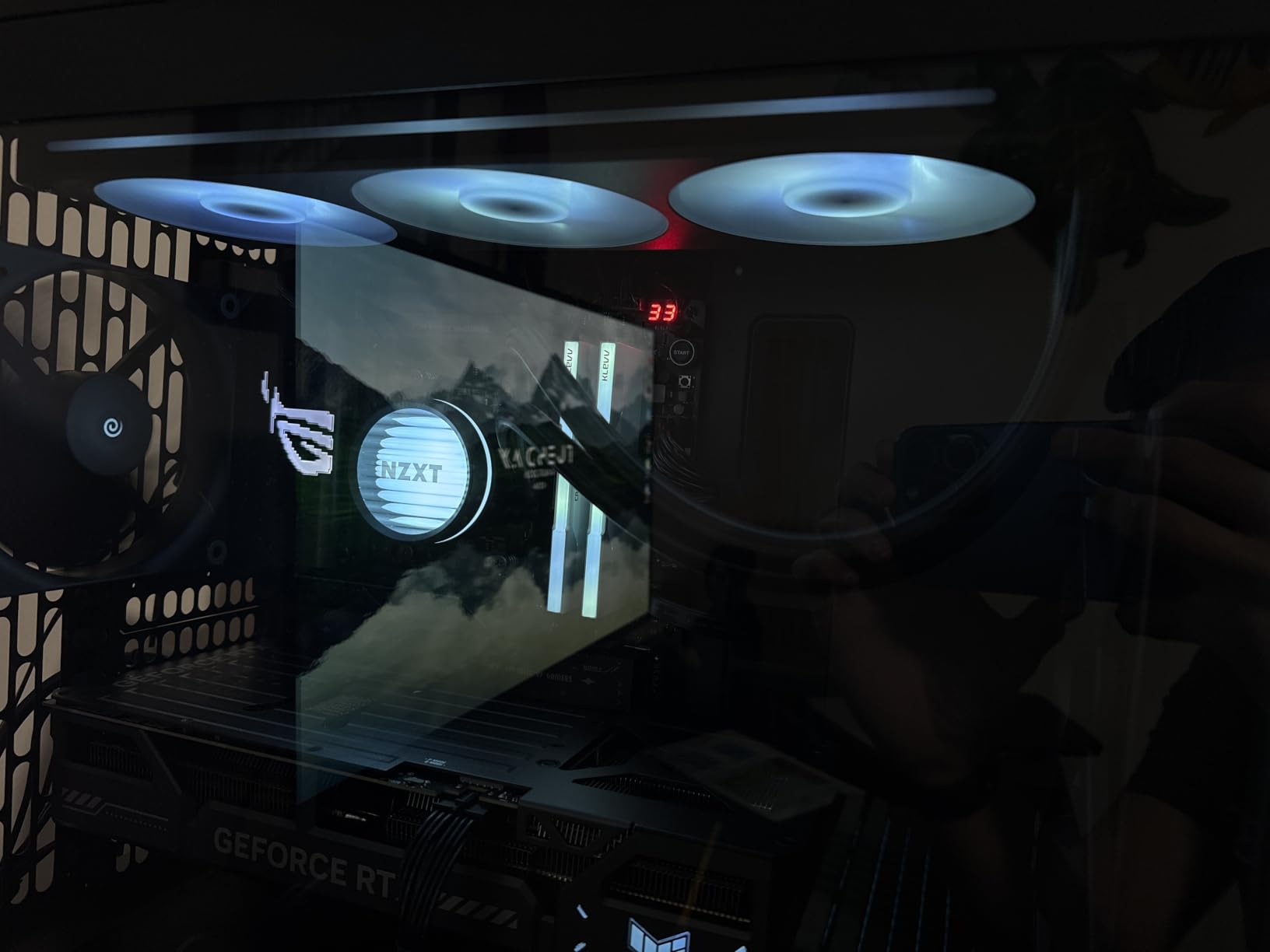
The Kraken Core 240 is the NZXT option for builders who want a clean install without adding a controller. It connects directly to the motherboard with no hub and no extra header, which in a compact case means one less thing to mount and one less cable to hide behind the tray.
The pump is the strongest number here at 3100 rpm, and it is paired with RGB Core EV-B fans tuned for high static pressure through radiator fins rather than for open case airflow. Listed airflow is 75.05 cfM. Owners report it holds a strong cooling position even in tidy, well-ventilated small enclosures.

The single-frame fan design reduces both screws and cables compared with a conventional radiator fan, which makes assembly quicker. Direct motherboard connection for both power and lighting means you can complete the loop without opening any software beyond what your board already runs.
Warranty is five years, which is reasonable, and the listed weight of 1.43 kg is modest for a 240mm assembly. That lighter mass is helpful in a case with thin mounting points.
What makes it a good small-case fit
Fewer cables is the core argument. A sandwich layout that already has a slim power supply and a short GPU leaves very little room behind the motherboard tray, and a controller-free cooler simply removes that problem. PWM fan control is handled through the motherboard as well.
The high pump speed also means you have genuine headroom if you move to a hotter processor later, which is a reasonable hedge when the case is expensive and you do not want to rebuild.
Where it costs you
RGB and monitoring still route through NZXT CAM, so the software dependency is there even without a hub. If you prefer to run lighting from your motherboard software, this is not the option for you.
It also costs more than comparable 240mm coolers that have no display, which is a hard sell if you are purely chasing performance. And the fixed single-frame fan means you cannot mix in a different fan style later without breaking the visual line.
11. ID-COOLING FX240 PRO – Budget 240mm That Fits Sandwich-Style Cases
ID-COOLING FX240 PRO 240mm AIO CPU Cooler, High-Efficiency Fans
240mm radiator
300W rated TDP
Dual 120mm fans at 82.5 cfM
2900 RPM pump
+ The Good
- Holds a 9800X3D in the 40s idle
- Low-profile cold plate fits sandwich cases
- Repeatable installation with all hardware included
- Daisy-chained fan connectors
- Fans can be flipped for push or pull
- The Bad
- Audible pump and fan noise
- Constant hum reported by some owners
- Crackling from residual water
- No RGB at all
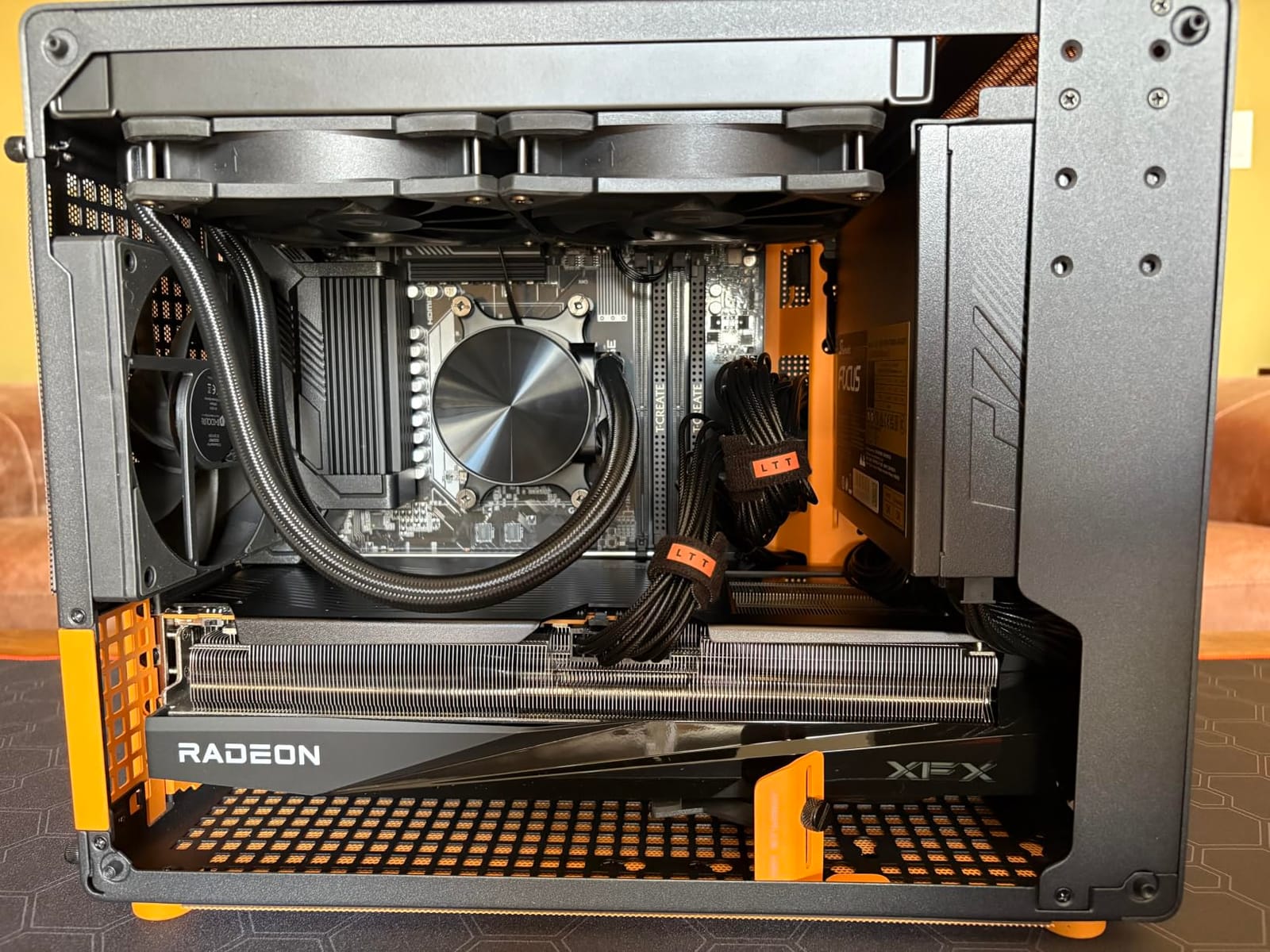
The FX240 PRO is the budget pick for a sandwich-layout case where the radiator has to sit right next to the graphics card. Owners running a Ryzen 7 9800X3D report idle temperatures in the 40s and gaming loads under 55C, which is a genuinely useful result for a unit without a display or lighting.
Fit is the reason it earns a place. Standard 240mm sizing with a low-profile cold plate means it goes into cases such as the A4-H2O class of enclosure, where a pump head with a screen would not clear the GPU. The pump runs at 2900 rpm with a CD-pattern water block cover, and it is rated for 300W of thermal capacity.
The two 120mm fans move 82.5 cfM at 2.55 mmH2O static pressure, and their connectors daisy-chain so you run one cable instead of two. They can also be flipped to match either push or pull configuration, which is a small detail that matters when the radiator is sandwiched between the board and the GPU.
Socket support spans LGA1851, LGA1700, LGA1200, LGA1151, LGA1150, LGA1155 and LGA1156 on Intel plus AM4 and AM5 on AMD. All mounting hardware and thermal paste are included, which owners cite as making the install easy and repeatable.
Where it is the right tool
If your case is a true sandwich design and your CPU is an efficient X3D-class part, this cooler does the job without adding height, weight or lighting complexity. The low profile and standard footprint are the two features that matter, and it has both.
It also suits a first liquid cooler build. Included hardware, a simple mounting process and no software to configure make it a low-risk introduction to sealed water cooling.
The noise problem, in detail
Noise is the recurring complaint and you should not gloss over it. Owners report the pump and fans being audible over music through headphones, some report constant humming from the pump, and a few mention crackling or bubbling from residual water in the block when it first warms up.
There is also no RGB at all, which suits a plain build and disappoints a themed one. In a small case with no acoustic dampening, expect to hear this one at idle more than most on this list, and size your expectations accordingly.
12. be quiet! Pure Loop 3 240mm – Quietest 240mm in the Roundup
be quiet! Pure Loop 3 240mm AiO Water Cooling for Slightly Overclocking
240mm radiator
Six-pole three-phase pump
Two Pure Wings 3 120mm fans
Daisy-chain wiring
+ The Good
- Exceptionally quiet pump and fans
- Daisy-chain wiring keeps builds tidy
- Closed-loop motor fans hold speed against resistance
- Flexible tubing with accessible refill port
- Consistent low temperatures when overclocking slightly
- The Bad
- No RGB lighting
- Lower rated airflow than rivals
- CAM software needed for fan curves
- One report of a damaged pump on arrival
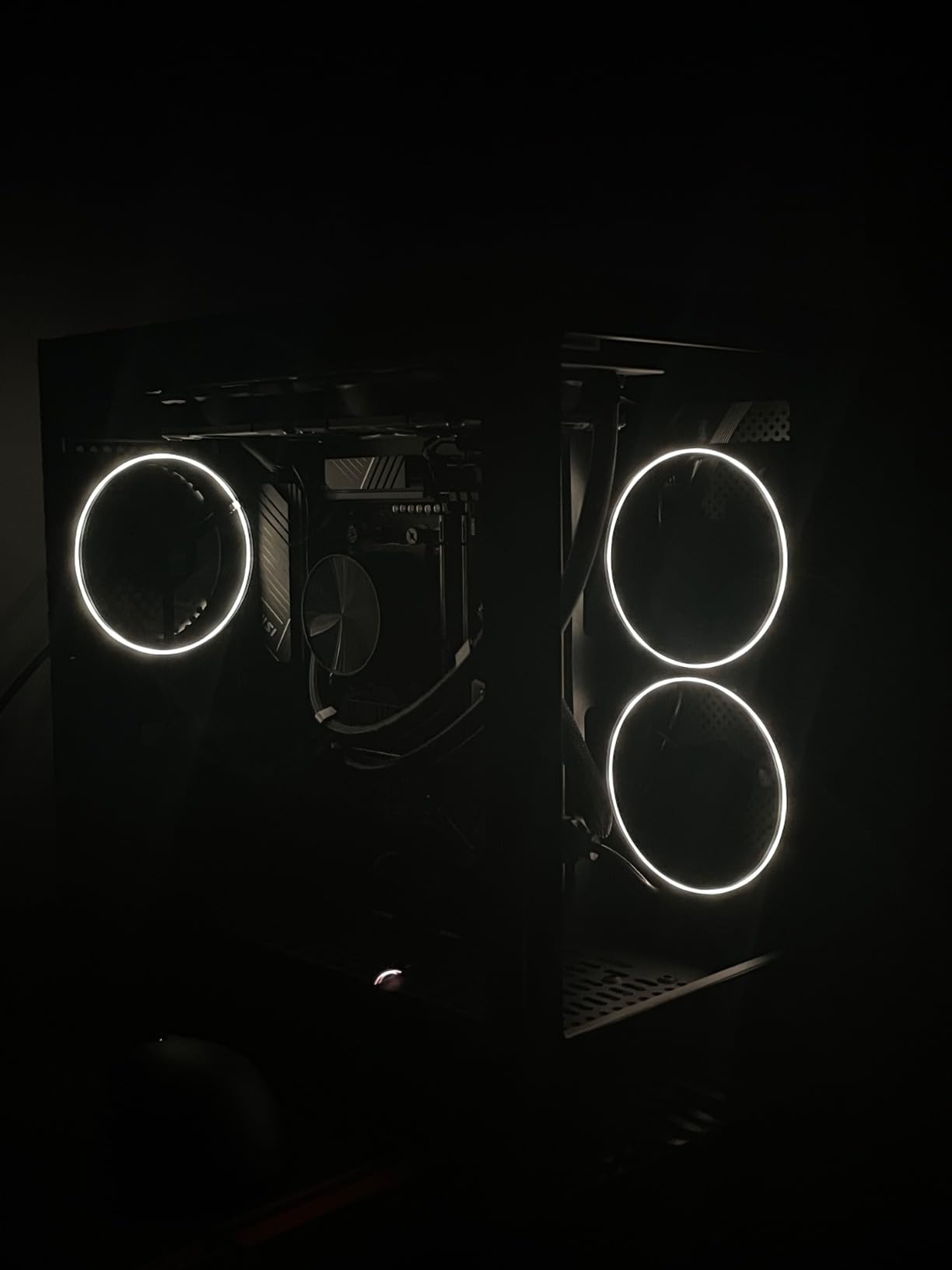
Small cases amplify sound because there is no dampening material, so a brand named after quiet hardware is worth a close look. The Pure Loop 3 uses a six-pole three-phase pump motor that runs smoothly at any RPM, which removes the tonal whine that some cheaper pumps produce when the curve drops. In a bare-metal chassis this difference is immediately obvious.
The paired Pure Wings 3 120mm PWM high-speed fans use a closed-loop motor function to hold their speed against radiator resistance, rated up to 36.8 dBA. Rated airflow of 59.6 cfM is modest for a 240mm unit, so it is not the thermal leader, but owners report consistently low temperatures under moderate overclocking.
Two design choices help in a compact case. The fans daisy-chain, so there is a single power and signal run, and the tubing is flexible enough to route in a tight sandwich layout where stiff tubes create stress on the ports. There is also an easily accessible refill port, which extends the life of the loop.
Socket support covers Intel LGA1851, LGA1700, LGA1200, LGA1151, LGA1150 and LGA1155 plus AMD AM5 and AM4. Fan and pump curve control runs through CAM software, so plan to spend a few minutes setting a quiet profile rather than relying on defaults.
Why quiet changes the build
A silent PC in a small case is not just a lower dB figure, it is a different experience. Fans that hold speed against radiator resistance do not surge and settle, and a three-phase motor does not produce the faint tonal whine that shows up at low pump speeds overnight. If you work next to the machine, that is worth paying for.
The daisy-chain and refill port also reduce long-term maintenance. A refillable loop is the closest a sealed AIO gets to user serviceable, and being able to reach the port in a cramped build is a real convenience.
What it costs
There is no lighting at all. If your build has an RGB theme, this cooler will read as an omission no matter how good it sounds.
Airflow is rated below most rivals in this roundup, so it is aimed at slightly overclocked systems rather than high-TDP flagships. And fan curve control requires CAM, which adds a software step to a build that would otherwise be entirely plug and play. One review also reports a pump arriving damaged, so inspect the box before you fit it.
How to Choose an AIO Cooler for a Small Case
Fitment beats every other consideration in a compact build. A cooler that does not fit is worth nothing, however well it performs, and the most common mistake is trusting the advertised radiator size rather than the total assembled thickness.
Measure the radiator itself, then add the fan thickness. A 27mm radiator with 25mm fans needs roughly 52mm of mounting depth. Some premium radiators are substantially thicker than the mainstream 27mm standard, and that is exactly why they refuse to mount in a tight case even though the length is correct. If your case specification is close to the limit, favour a unit built on a standard-thickness radiator.
Next, count what the pump head costs you. The pump block sits above the motherboard, and the difference between a low-profile block and one carrying a 2.72-inch display is roughly a centimetre and a half of clearance over the first memory slot and the upper PCIe area. In a sandwich case that space belongs to the graphics card, so a low-profile block is frequently the only workable choice.
Tube routing decides comfort more than performance. Long flexible tubes let you put the pump block where the CPU is and the radiator where the airflow is, which is the whole reason to use liquid cooling in a tight case. Short stiff tubes force you into a compromise layout where the radiator sits away from an intake. The be quiet! Pure Loop 3 and the ID-COOLING FX 280 PRO SE both give you more routing freedom here.
Sockets deserve a thirty-second check. Every unit in this roundup covers AM5 and LGA1700 or LGA1851, but older boards may need a bracket that is not included. The MasterLiquid ML240L RGB V2 has the broadest legacy socket list, which is useful if you are reusing a platform.
Finally, consider RAM clearance before you commit. Fans that are 25mm or thinner clear tall memory modules. A 120mm fan overhanging the first slot can block the latch on modules with large heat spreaders, and in a sandwich layout that can block a GPU power connector too. Measure the overhang against your memory height, not just the radiator area.
If you want a broader view before committing, our AIO cooler picks for RTX 5070 Ti builds covers the thermal side in larger cases, and our evaporative cooler guide covers silent cooling when a pump is not viable.
Frequently Asked Questions
What is the smallest AIO CPU cooler available?
The Thermaltake TH120 ARGB Sync V2 in this roundup is the smallest complete liquid cooler we cover, using a single 120mm radiator and one 120mm fan. At around 120mm it fits cases that accept nothing else, which is common in slim sandwich layouts.
What is the best CPU cooler for an SFF case?
For most compact builds a 240mm AIO such as the Cooler Master ML240L RGB V2 or the Thermalright Aqua Elite 240 V3 is the right answer. Both use standard-thickness fans on a standard 240mm radiator, which maximises the number of cases they will mount in while handling mainstream and X3D-class processors quietly.
Is a 360mm AIO overkill for a 9800X3D?
In a small case it is usually moot, because most compact chassis do not accept a 360mm radiator at all. Even in a larger case a 9800X3D draws relatively little power, so a 240mm unit with good fans leaves a lot of thermal headroom unused. Buy the largest radiator your case actually supports rather than chasing size.
Which size AIO is better, 280mm or 360mm?
A 280mm AIO is better for small cases because it mounts in more compact chassis and delivers nearly all of the thermal benefit of a 360mm unit for a 65W to 120W class processor. A 360mm only makes sense when the case supports it and the CPU is running high-wattage sustained loads.
Will a 240mm AIO fit my Mini-ITX case?
Most Mini-ITX cases do accept a 240mm radiator, but the mounting depth is the number that decides it. Add your radiator thickness to your fan thickness, usually 25mm for standard fans, and compare the total against the case specification before you order.
Is a 120mm AIO worth it versus a low profile air cooler?
A 120mm AIO wins when your CPU is above 65W and you want the CPU block rather than a tower, since it removes fan noise from the cooler itself. A low profile air cooler is quieter and longer-lived, and it is the better choice for a 65W chip in a case with no 120mm mount.
Why are AIO pumps louder in small cases?
Small cases have thin steel or aluminium panels and very little acoustic dampening material, so nothing absorbs vibration. The pump, fan bearings and thin radiator fins all transfer energy straight into the panels, which then radiate it. Softening the tubing and avoiding a resonance frequency for the pump curve reduces this noticeably.
Final Verdict: Best AIO Coolers for Small Cases in 2026
The Cooler Master MasterLiquid ML240L RGB V2 is our pick overall because it fits the widest range of compact cases and carries the largest owner base in this roundup. The Thermalright Aqua Elite 240 V3 is the alternative if you want the strongest rating and the lowest profile pump head, and the Thermaltake TH120 ARGB Sync V2 covers the cases where nothing larger fits.
Measure your mounting depth before anything else, because the best aio coolers for small cases are the ones you can actually install. Then pick the pump head that fits around your memory and graphics card, and you will not go wrong.