
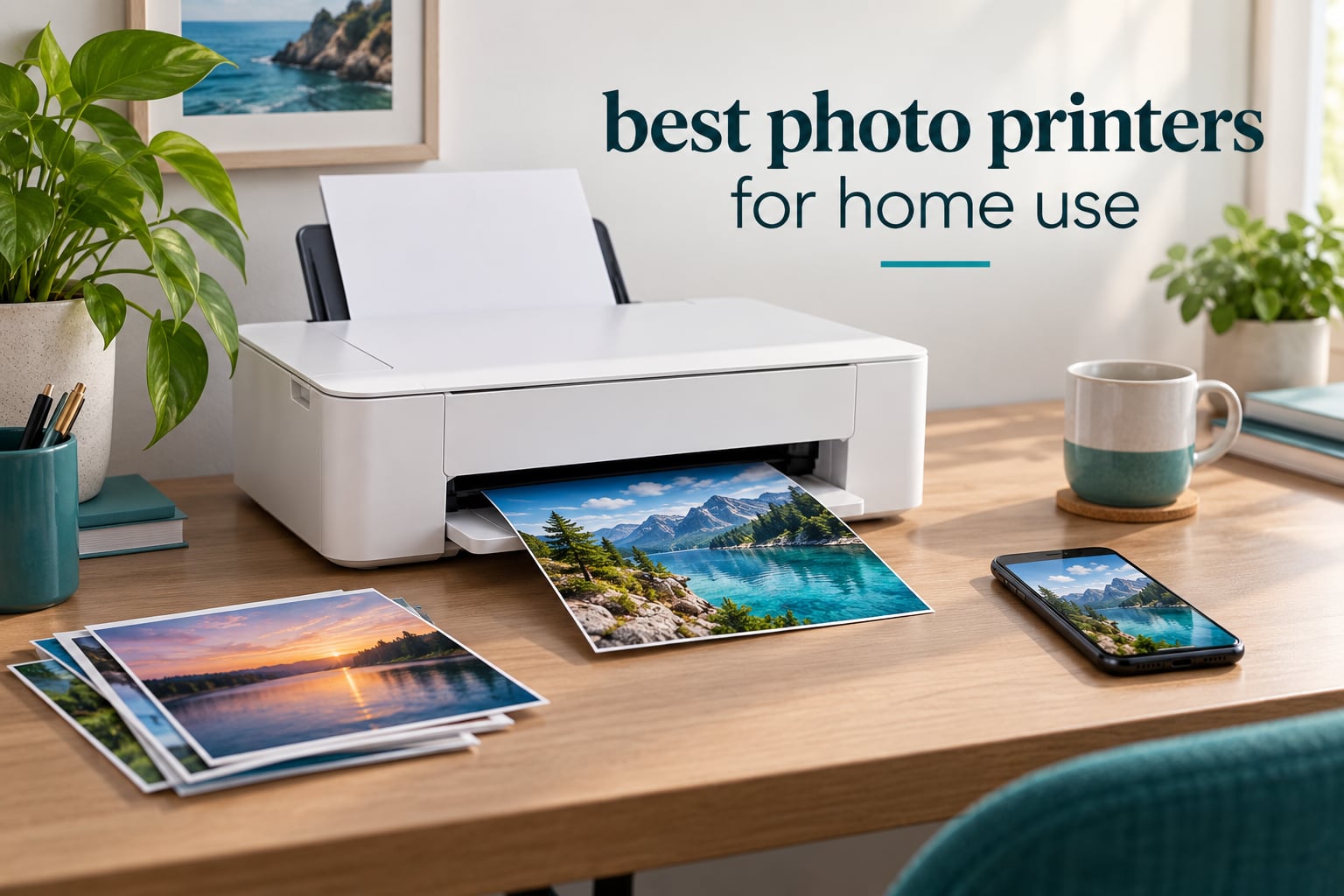
If you want the short version, the Epson EcoTank Photo ET-8550 is the best photo printer for home use we tested. It pairs six refillable Claria ET inks with borderless output up to 13 x 19 inches, and owners on r/AskPhotography describe it as a printer that keeps producing long after the first bottle set. Canon, Epson, HP and Kodak all sell credible options here, but they split into very different categories: six-color inkjets for real photo quality, dye-sublimation machines for clean snapshots, and zero-ink Zink printers for scrapbooking.
That split is where most buyers go wrong. A printer that scores well on a spec sheet can still produce dull, banded skin tones if it only carries three color inks, or a cartridge bill that quietly outweighs a print lab over two years. We spent weeks comparing the ten machines below on ink architecture, paper handling, running cost and the quality of the output, not just the feature lists.
Our picks lean heavily toward Canon, Epson, HP and Kodak models that handle glossy photo paper properly, feed more than one sheet at a time, and keep costs predictable. We also explain when a print lab is still the better answer, and why a photo printer sitting unused for months is a clog waiting to happen.
If you want a second opinion before you commit, our broader guide to the best photo printers covers dedicated 13-inch and 17-inch models, and our photo quality roundup digs into color accuracy and gamut handling.
Top 3 Picks for Home Photo Printing in 2026

Epson EcoTank Photo ET-8550
- › Six-color Claria ET Premium tanks
- › Borderless 13 x 19 inch output
- › About 4 cents per 4x6 print
The ET-8550 takes the top slot because it is the only machine here that combines a genuine six-color photo ink set, tank economics and 13 x 19 inch borderless output in one body. The Canon Ivy 2 Mini earns the highest rating in the group, but it only prints 2 x 3 inch sticky-back snapshots, so it serves a much narrower job. The Liene M100 sits in between: real 4 x 6 dye-sublimation prints from a phone, with no cartridges that dry out.
Best Photo Printers at a Glance in 2026
| PRODUCT MODEL | KEY SPECS | BEST PRICE |
|---|---|---|
|
|
Check Latest Price |
 |
|
Check Latest Price |
 |
|
Check Latest Price |
 |
|
Check Latest Price |
 |
|
Check Latest Price |
 |
|
Check Latest Price |
 |
|
Check Latest Price |
 |
|
Check Latest Price |
 |
|
Check Latest Price |
 |
|
Check Latest Price |
Read that table as three separate markets rather than one ranking. The inkjets at the top print anything from a school project to a wall-sized print, while the dye-sublimation and Zink machines print one small format and nothing else.
1. Epson EcoTank Photo ET-8550: The Best Photo Printer for Home Use Overall
Epson EcoTank Photo ET-8550 Wireless Wide-Format All-in-One Tank Printer
6-color Claria ET Premium tanks
13 x 19 inch borderless
about 4 cents per 4x6
+ The Good
- Cartridge-free tanks cut per-photo ink cost sharply
- Prints borderless photos up to 13 x 19 inches
- Transparent tanks show remaining ink at a glance
- Built-in flatbed scanner and color touchscreen
- Wireless and USB printing
- The Bad
- Rear manual feed triggers paper-feeder errors
- Setup takes hours because of packing tape
- Flatbed scanner has no document feeder
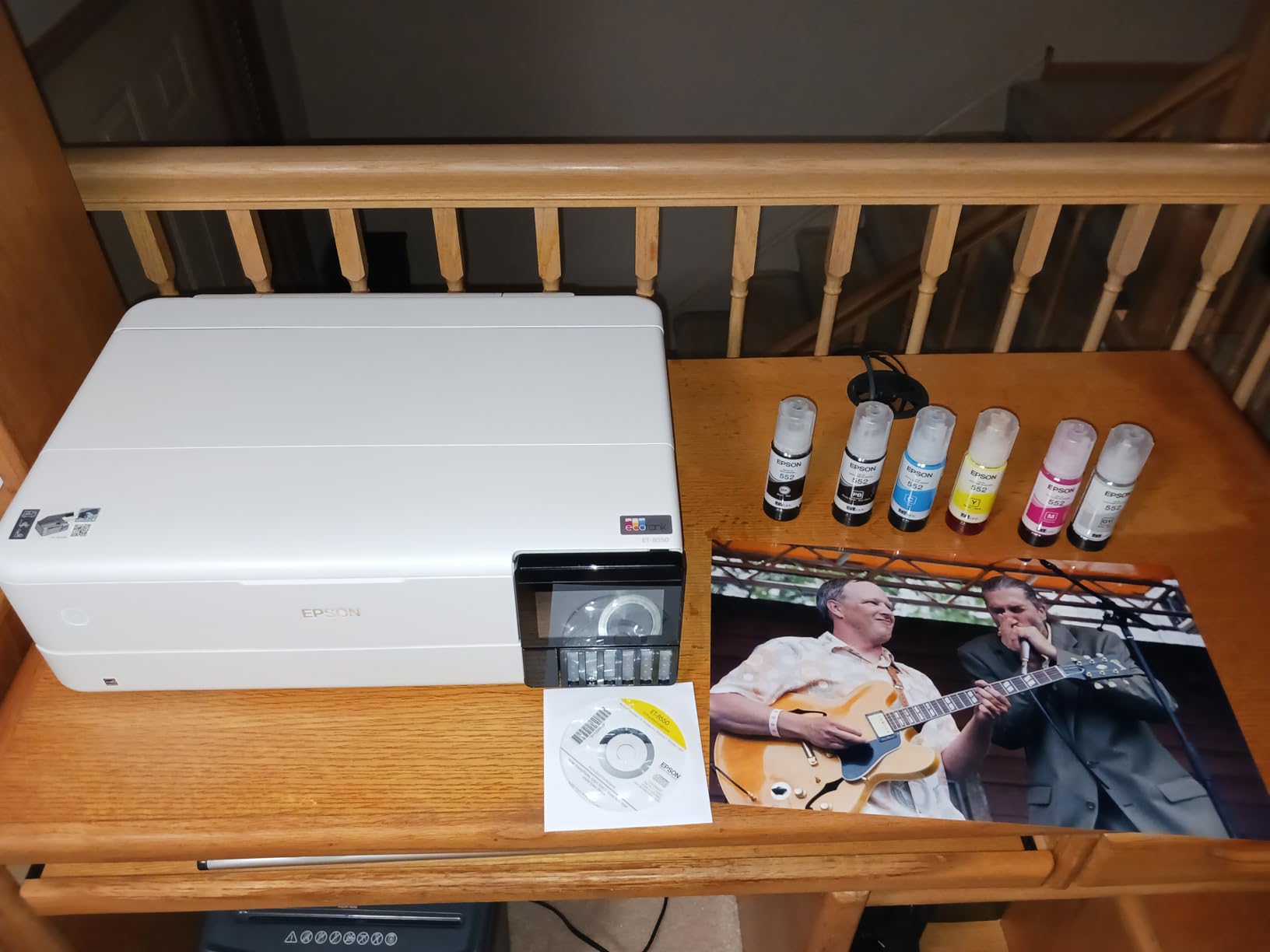
The ET-8550 is the printer we kept reaching for during testing because it removes the two decisions that trip most people up. It prints 13 x 19 inch borderless sheets, and its six Claria ET Premium inks are refillable bottles rather than sealed cartridges, so the cost per 4 x 6 print lands at about four cents.
It is also the model forum owners defend hardest. One r/AskPhotography poster described having the ET-8550 6-color photo printer and being happy with the results because it lasts an extremely long time. That is the right way to think about it: the in-box bottles are rated at up to two years of ink, and a full set is rated up to 6200 color pages.
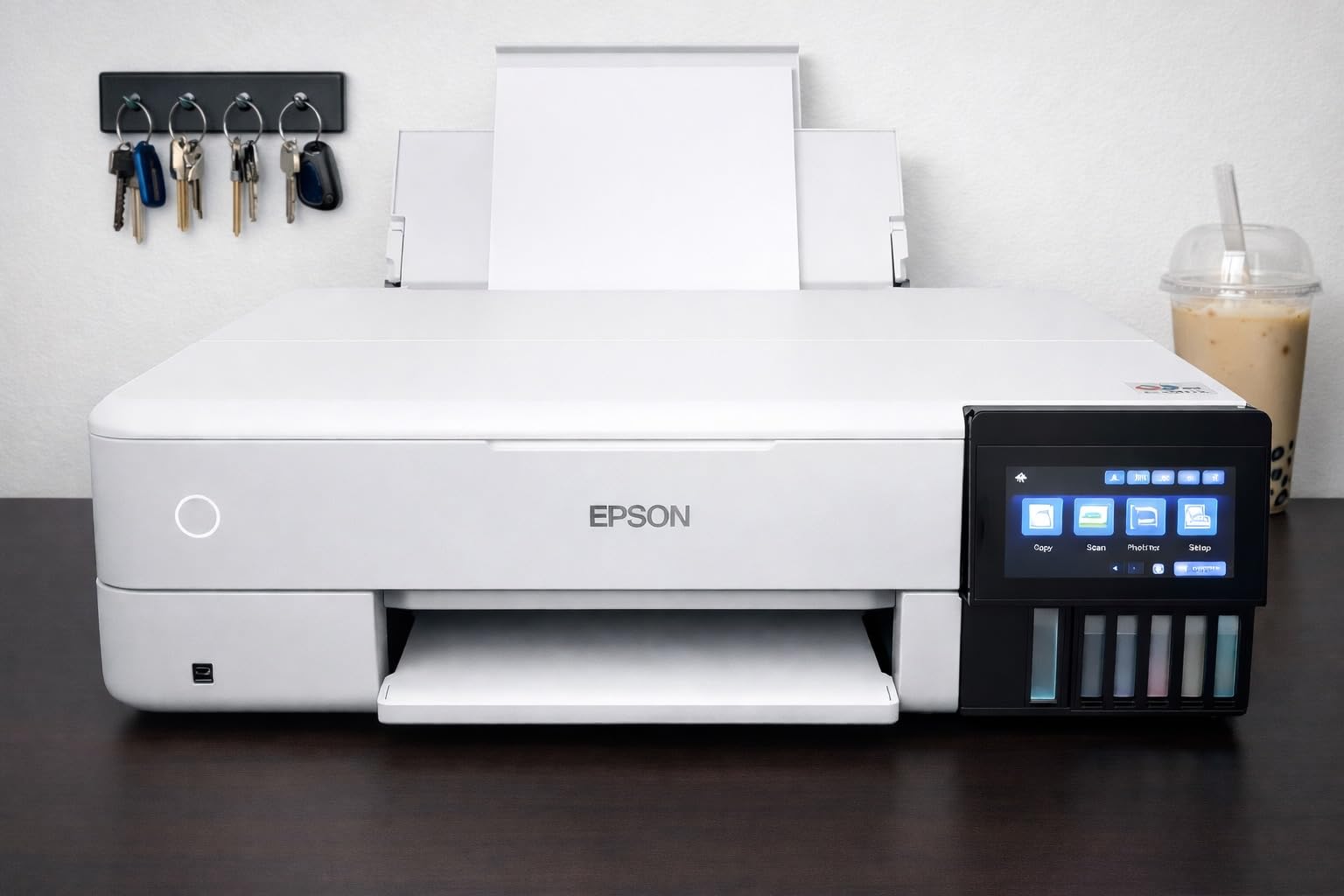
On paper handling, the wide-format rear feed accepts 13×19, 11×17, 8×10, 5×7, 4×6, 3.5×5, A3, A4, Legal and Letter. Maximum color resolution is 1440 dpi, and the flatbed photo scanner sits behind a color LCD touchscreen that also handles iOS and Android apps.
The rough edges are real. The rear manual feed is finicky enough that owners frequently report paper-feeder errors, and the automatic tray selection is unreliable, so switching the photo tray manually is the safer habit. Setup also involves removing a lot of packing tape, and a minority of machines reportedly arrived with clogged nozzles.
What the ET-8550 does better than a cartridge printer
Running costs are where the tank system wins outright. With no cartridges to buy, a household printing a few hundred photos a year is not exposed to the price swings that make cartridge machines expensive to own. Reviewers report some owners were still on their first bottle set after a year.
The six-ink set also matters for output. Light cyan, light magenta and gray ink are what let the printer lay down small steps between shades, which is exactly where three-color machines show banding in skies and skin tones.
Where the ET-8550 falls short
The flatbed scanner has no automatic document feeder and will not scan 11 x 17 originals, so scanning large film or prints means scanning in sections. The output tray also feels flimsy for a machine this size.
If your printing is occasional, treat the tank system as a commitment. Ink sitting in a machine that only wakes up a few times a month is the classic path to dried nozzles, and the automatic cleaning cycle only helps if the printer gets used.
2. Canon PIXMA TR8620a: The Best All-in-One When Documents Matter Too
Canon PIXMA TR8620a – All-in-One Printer Home Office|Copier|Scanner|Fax|Auto Document Feeder | Photo, Document | Airprint (R), Android, Black, Works with Alexa
Five individual ink tanks
20-sheet ADF, auto duplex
Borderless to 8.5 x 11 inches
+ The Good
- Five individually replaceable tanks cut waste
- Fast duplex and color speed for a home inkjet
- Large tilting touchscreen is easy to use
- Reliable over a year of heavy home office use
- Holds up well when laminated
- The Bad
- Canon mobile app is slow and hard to use
- ADF will not handle double-sided originals
- Scanner tops out around 600 dpi
The TR8620a is the pick for anyone whose printer has to serve two masters: a homework pile on Monday and a borderless 8 x 11 photo on Friday. Its five individual ink tanks beat a two-cartridge setup because a single empty color does not shut down every color job, and the 20-sheet automatic document feeder handles a stack without babysitting.
Speed is its quiet strength. It runs at 15 black and 10 color pages per minute, holds a 1000 page duty cycle, and splits paper between a 100-sheet cassette and a 100-sheet rear feed. Owners describe output as sharp and professional-looking, and report the machine staying reliable through a year of home-office and homeschooling use.
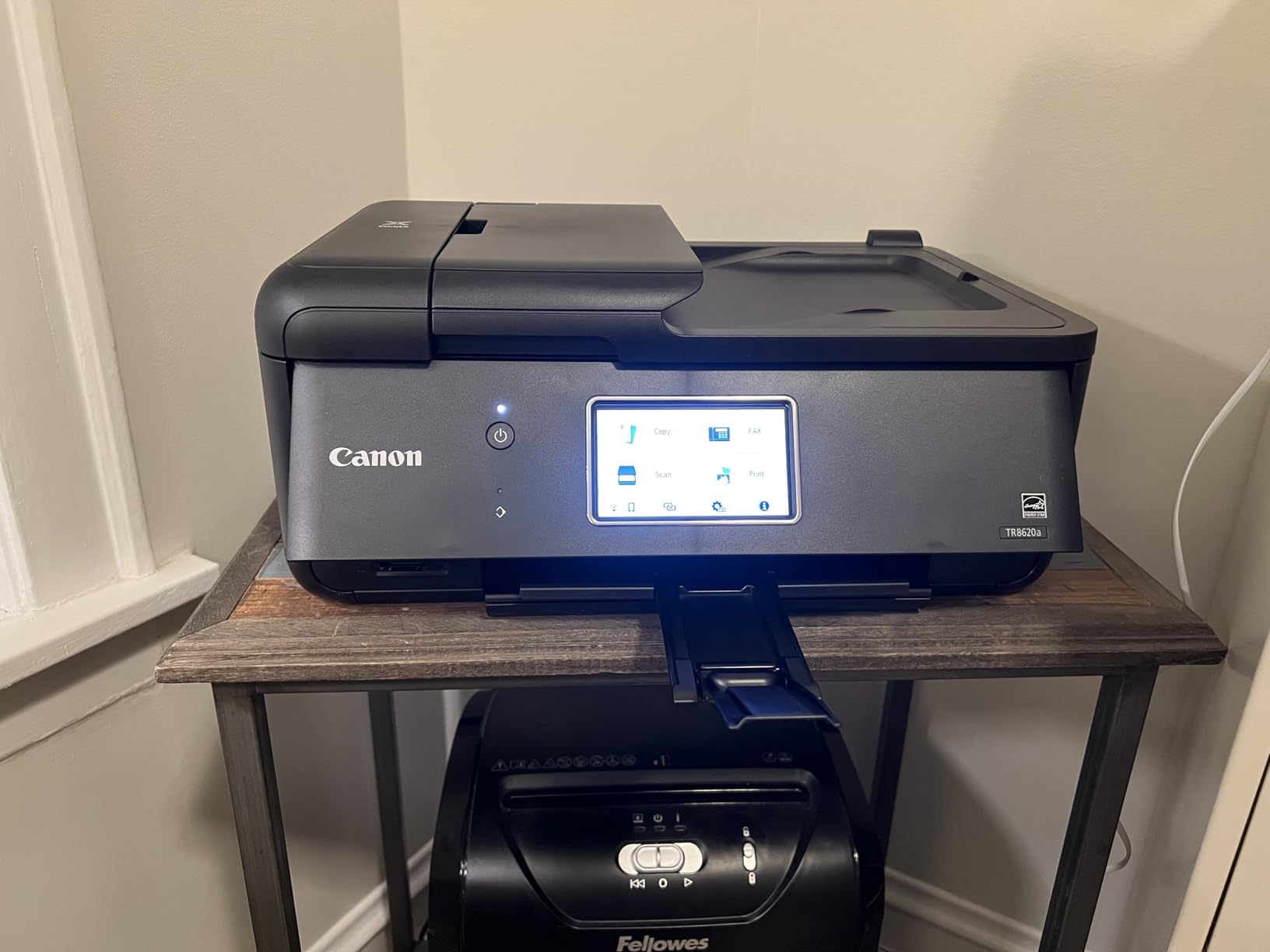
Photo capability is real rather than an afterthought. Borderless printing runs up to 8.5 x 11 inches with square formats available, maximum resolution is 4800 x 1200 dpi, and the maximum media size extends to 8.5 x 14 inches. Connectivity covers Wi-Fi, USB, AirPrint and Alexa voice control.
The compromises sit in the software and the scanner. The Canon mobile app is widely criticized as slow and awkward, the automatic document feeder cannot take double-sided originals, and copy and scan resolution of 600 dpi is thin for photos. Reviewers also note that borderless 4×6 printing from Photoshop is a multi-step struggle.
When the TR8620a is the right call
Choose it when photo printing is one job among several and documents dominate. Five individually replaceable tanks mean you are not replacing a full color set to fix a single channel, and the large tilting touchscreen makes scanning and copying without a computer straightforward.
It is also a reasonable second machine. If you already own a dedicated photo printer, this one handles the paperwork, and nothing about the ink system ties you to a specific photo format.
When to skip it
Skip it if color accuracy is the whole point. At five inks, this is not the machine for large wall prints or for anyone judging fine gradations in a portrait. The 600 dpi scan ceiling also rules it out for anyone scanning negatives or slides.
Skip it if you print from a phone and nothing else. Reviewers consistently report friction in the app, and a phone-first machine handles that job more simply.
3. Canon PIXMA TS7720: The Best Photo Printer for Small Budgets and Small Desks
Canon PIXMA TS7720 Wireless All-in-One Color Inkjet Printer – Print, Copy, Scan – Auto Duplex, 15/10 PPM, 2.7” Touchscreen, Compact Home Photo Printer with Easy Setup
Two ink cartridges
8.5 x 11 inch max media
Borderless and square formats
13.8 lb compact body
+ The Good
- Compact and light enough for a small space
- Quick out-of-box setup
- Auto duplex at 15 black and 10 color ppm
- 2.7 inch touchscreen for basic jobs
- Borderless and square photo formats
- The Bad
- Two cartridges mean one empty color stops color printing
- Small ink tanks push up cost per page
- 1200 x 1200 dpi resolution
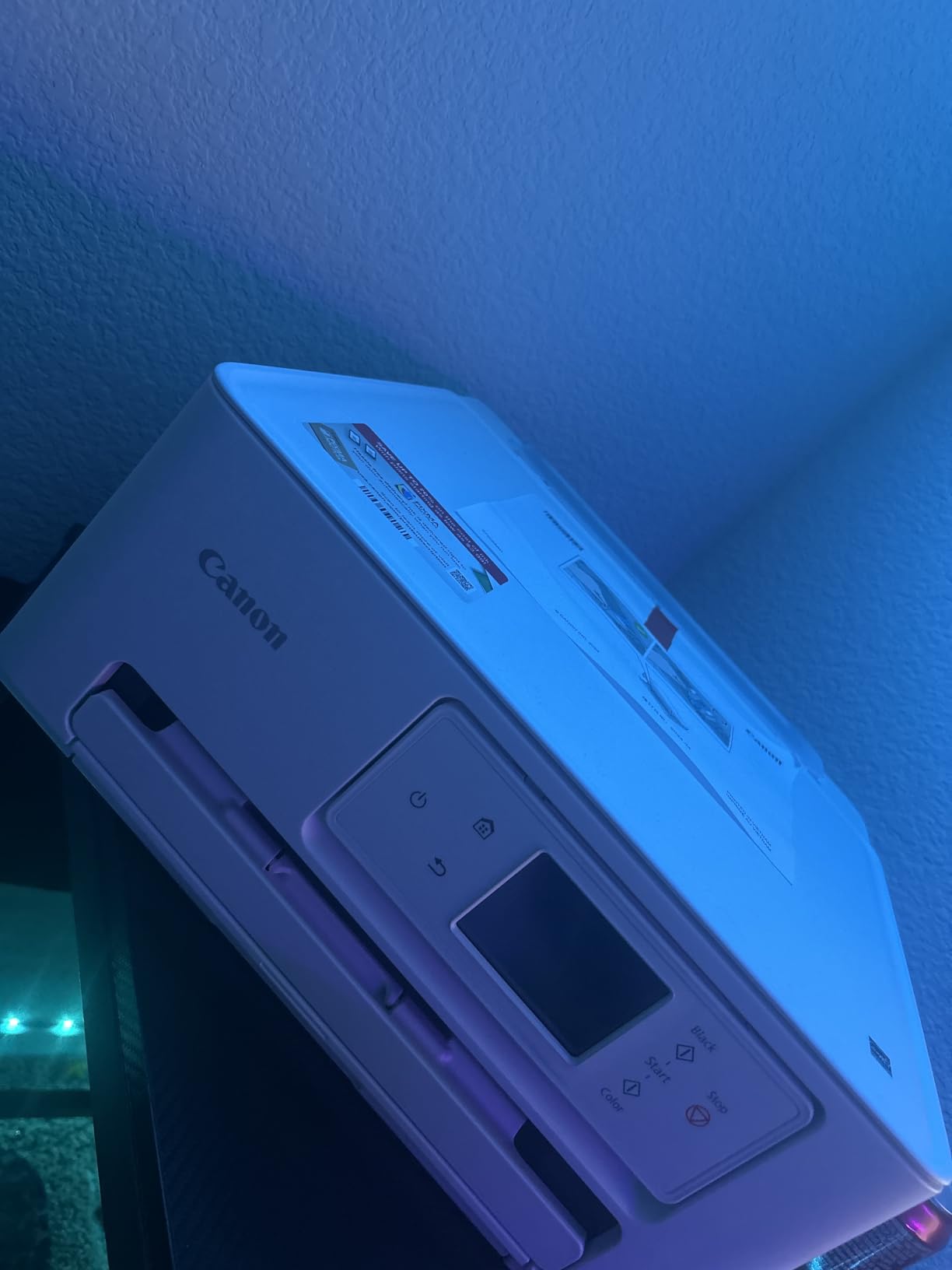
The TS7720 answers a narrow question well: what is the smallest sensible home printer that still produces real borderless photos? At 13.8 pounds and 14.8 inches wide, it fits on a home desk, and reviewers single out the quick, streamlined install as the reason it stops being a chore.
It handles more paper than its size suggests. The rear tray takes 4×6, 5×7, 7×10, 8×10, square 3.5×3.5 and 5×5 formats plus custom sizes from 2.2 to 8.5 inches wide, while the cassette covers Letter, A4, A5 and B5. Automatic duplex runs at 15 black and 10 color pages per minute.
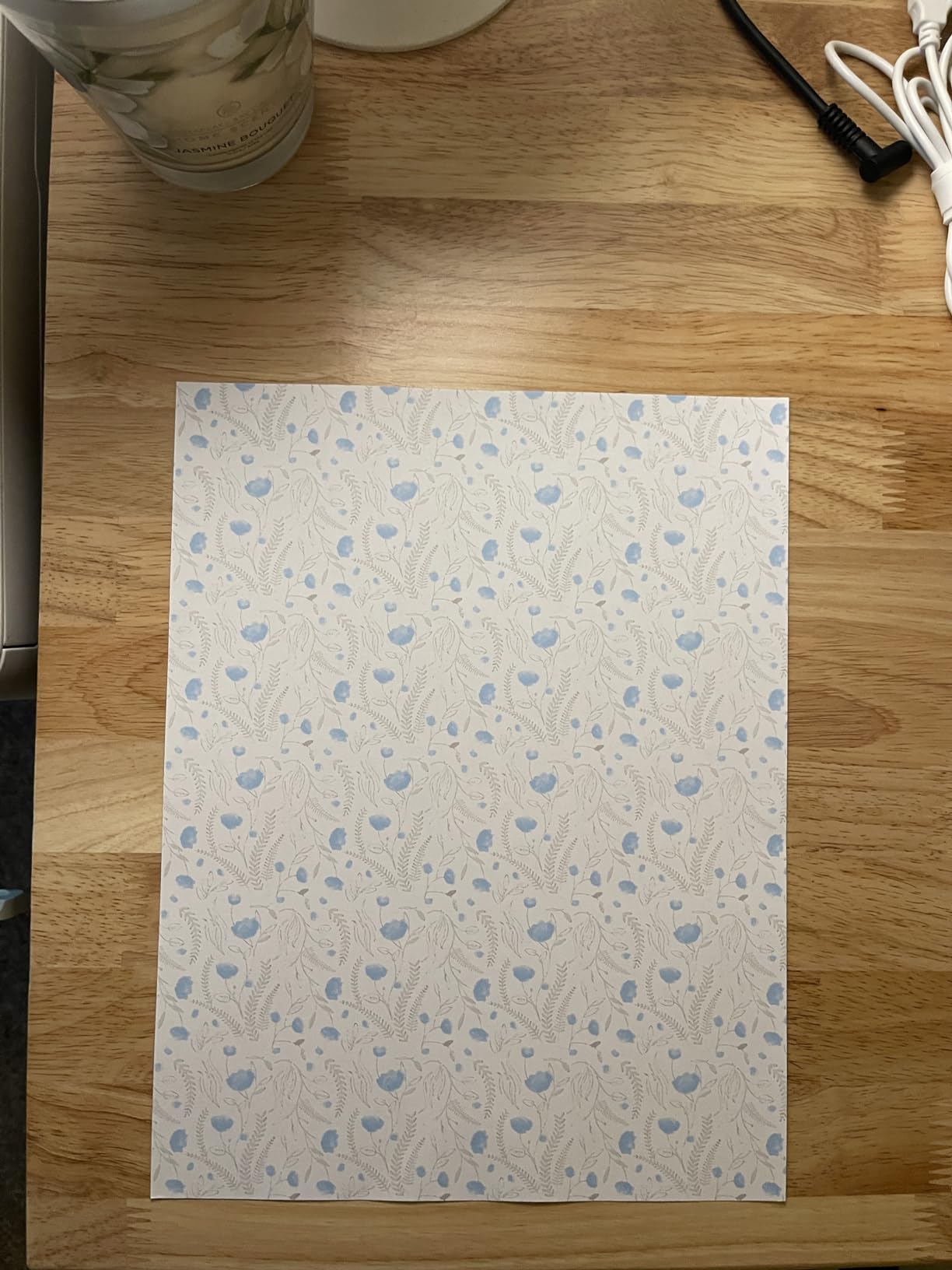
What you give up is ink architecture. It uses one PG-285 pigment black and one CL-286 color cartridge, and a two-cartridge system means the first empty color channel stops all color printing until it is replaced. Small ink tanks also push the cost per page up compared with any tank machine here.
Maximum resolution of 1200 x 1200 dpi is the lowest of the inkjets on this list, and the compact flatbed scanner has no automatic document feeder, so copying a multi-page document is a manual process.
Who the TS7720 suits
It suits students, renters and anyone who prints a modest number of photos a month and wants borderless output without a large machine on the desk. A 2.7 inch LCD touchscreen covers the basics, and the full range of square and small borderless formats covers scrapbook pages well.
It is also a good first printer. The setup is quick, the ink is simple to swap, and nothing about the paper handling rewards a bigger investment.
Who should skip it
Anyone printing in volume should look elsewhere. Two cartridges with small tanks is a costly way to keep printing once the first set runs out, and a single empty color interrupts everything.
Skip it for graded landscapes and portrait work. Without light cyan, light magenta or a gray ink, smooth transitions in skies and skin tones are much harder to achieve.
4. Epson Expression Premium XP-7100: The Best Pick for Editing Photos on the Printer Itself
Epson Expression Premium XP-7100 Wireless Color All-in-One Inkjet Printer
Five Claria Premium inks with Photo Black
4.3 inch touchscreen
Borderless up to 8 x 10 inches
+ The Good
- Sharp text and vibrant well-blended color output
- Large touchscreen for viewing and printing on device
- 30-page ADF with auto two-sided printing
- Prints directly from USB and SD cards
- Cartridges last longer than expected
- The Bad
- Only three color inks limits photo richness
- Main paper tray is low capacity and flimsy
- Scanned documents can come out skewed
The XP-7100 is the machine for people who want to touch their photos before they print. Its 4.3 inch color touchscreen displays images and lets you print from a USB drive or SD card without opening a computer, which is a genuine advantage for scrapbookers and for anyone who is not set up with desktop editing software.
Epson ships five Claria Premium cartridges here, including a separate Photo Black alongside the standard black. That photo black is designed for glossy paper, so skin tones and saturated reds print with more punch than a plain document black can manage, and borderless output runs up to 8 x 10 inches.
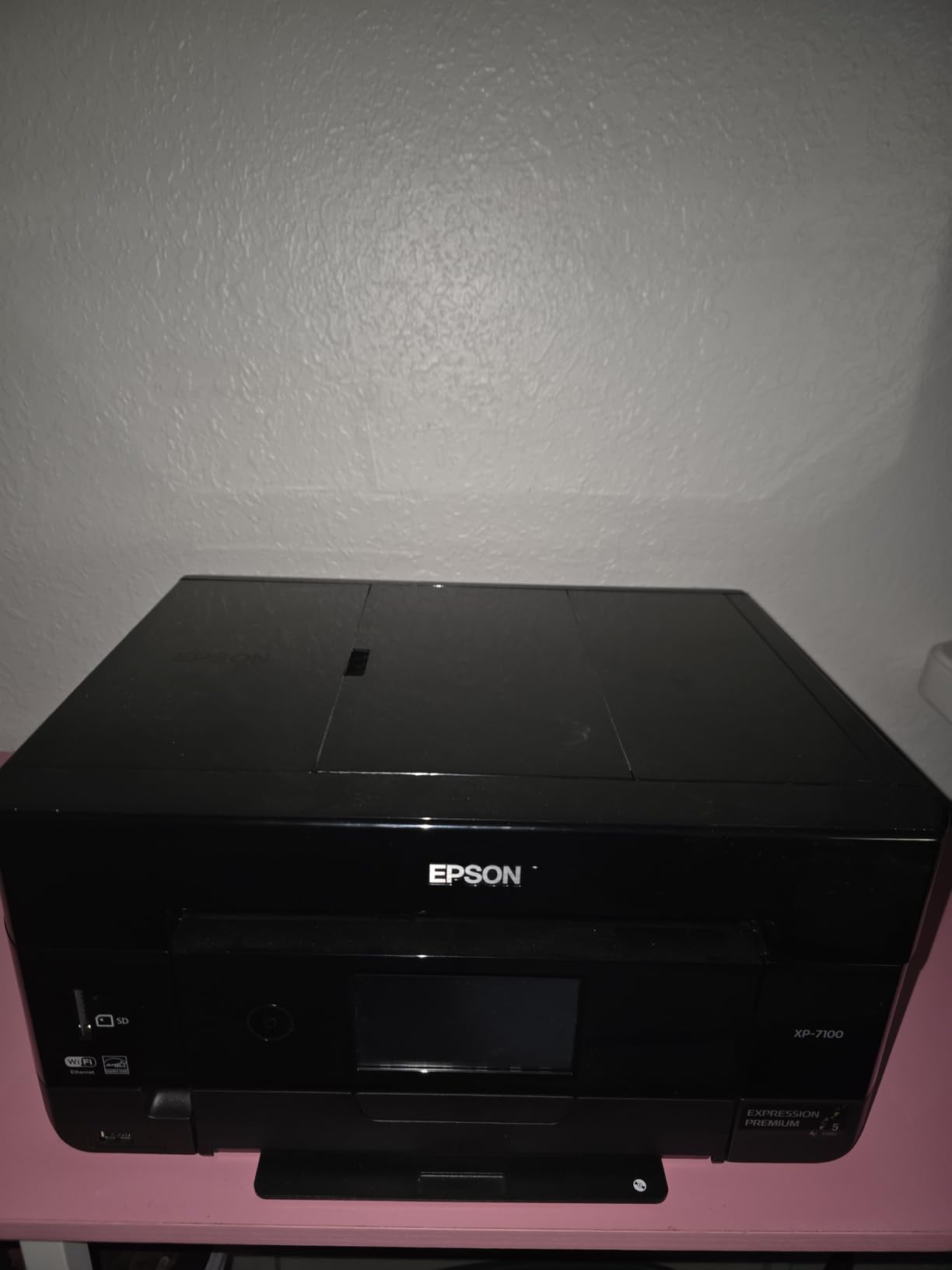
Around the photo side, it is a capable home all-in-one. There is a 30-page automatic document feeder with automatic two-sided printing, media support for glossy photo paper plus CDs and DVDs, and connectivity through Wi-Fi, Wi-Fi Direct, Ethernet, USB and the SD card slot.
The limitation is the ink count. Three color inks means less room between shades, and owners with a color-critical eye notice that photos look less rich than on a six- or eight-ink machine. The main paper tray also holds only 30 sheets and feels flimsy, and reviewers report scans and copies coming out skewed.
Why the on-printer editing matters
Touchscreen review and direct camera printing removes a step that trips people up. You can check a crop, rotate an image and confirm sharpness at full size before committing a sheet of photo paper, which saves both paper and ink.
The ADF and duplex copy make it workable as a family office machine too, so you are not carrying a photo-only device just for album pages.
Where it falls behind
Three color inks is the gap that will not close. If you print large, print often, or care about subtle gradation, the extra inks in the ET-8550 buy you visibly smoother results.
Also expect a 30-sheet main tray in a body weighing 21.5 pounds, and expect color photo speed to be slow, since Epson lists color output at 1 page per minute against 15.8 black.
5. HP Envy Photo 7975: The Best All-in-One for Families Printing From Phones
HP Envy Photo 7975 Wireless Color Inkjet Photo Printer, Print, scan, Copy, Easy Setup, Mobile Printing, Best-for-Home, 3 Month Instant Ink Trial Included, AI-Enabled (B63K3A)
HP 64 ink cartridges
Borderless with Photo Enhanced ink
35-sheet ADF, 2.7 inch screen
+ The Good
- True-to-screen borderless color output
- AI formatting cleans up web and email prints
- Large intuitive color touchscreen
- Auto duplex plus 35-sheet document feeder
- Dedicated photo tray keeps paper separate
- The Bad
- Scan and copy capped at 600 dpi
- Two-cartridge system stops color printing when one empties
- HP 64 cartridges cost more per page
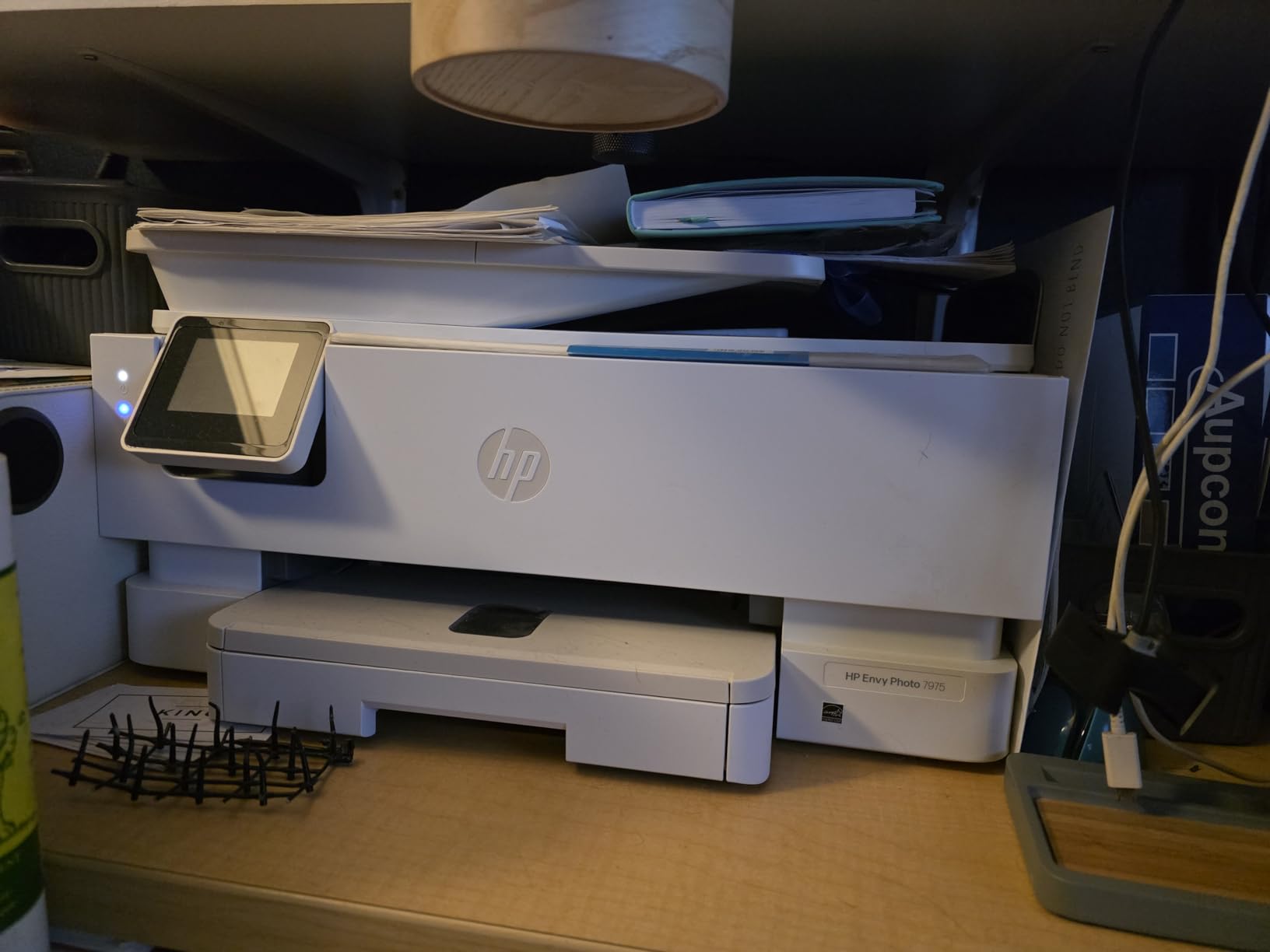
The Envy Photo 7975 is a family machine where photo printing is the headline and everything else is competent. Borderless output uses HP Photo Enhanced ink and reaches up to 4800 x 1200 optimized dpi, and the dedicated photo tray keeps your good paper away from the scratchy stuff in the main tray.
The 2.7 inch color touchscreen and wireless mobile printing handle the phone-first workflow, and reviewers rate the display as intuitive. A 35-sheet automatic document feeder plus automatic duplex covers the school-and-office half of the job, and the 125-sheet capacity is the largest in this group.
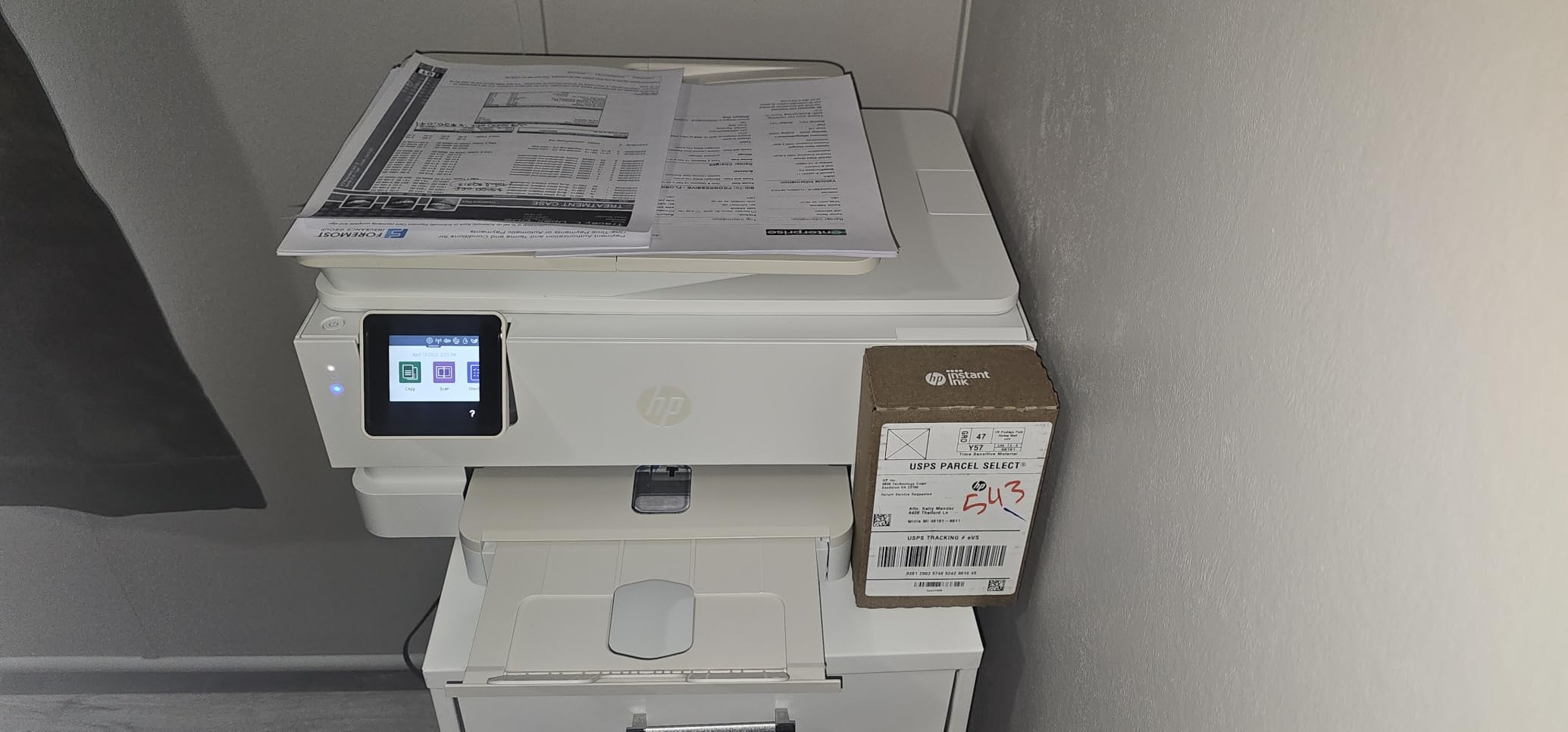
One feature is genuinely useful rather than marketing: HP AI formatting removes page clutter from web pages and email before printing, so you stop getting dark bars and stray navigation text around a school worksheet. Speed is 15 black and 10 color pages per minute, with a first page in about 22 seconds.
The ink system is the weak point. It uses HP 64 and 64XL cartridges in black and tri-color, so one empty color channel ends color printing entirely, and those cartridges are comparatively costly per page. Copy and scan resolution is also capped at 600 dpi, which limits scanning older prints.
What HP gets right for a busy household
The dedicated photo tray and borderless mode together are what make this practical for a mixed workload. You can leave plain paper in the main tray and glossy paper in the photo tray, and the machine knows which to use without changing a setting each time.
The document side is genuinely useful too, with a 35-sheet feeder and duplex printing handling a full term of homework without refilling.
Where the ink bill bites
Two cartridges is the category’s cost trap, and reviewers are blunt that HP 64 cartridges are expensive per page. If your household prints a hundred photos a month, that difference is measurable every single month.
Subscription ink programs can offset the cost for consistent users, but they tie your printing to a monthly plan. Occasional printers usually come out ahead paying per cartridge.
6. Liene M100: The Best 4×6 Dye-Sublimation Printer for Phone Snapshots
Liene M100 4×6” Photo Printer, Phone Printer 100 Sheets & 3 Cartridges, Full-Color Photo, Portable Instant Photo Printer for iPhone Android, Thermal Dye Sublimation, Wi-Fi Picture Printer 100 Papers
Thermal dye sublimation, 4 x 6 inch
300 x 300 dpi, about 59 seconds
Built-in Wi-Fi hotspot
+ The Good
- Prints without connecting to an existing network
- Laminated prints resist water and scratches
- 100 sheets and 3 cartridges in the box
- Compact magnetic body stores easily
- App editing with ID and visa photo printing
- The Bad
- Only 300 x 300 dpi limits fine detail
- Print head needs prompt cleaning if smudges appear
- Proprietary cartridges limit refill options
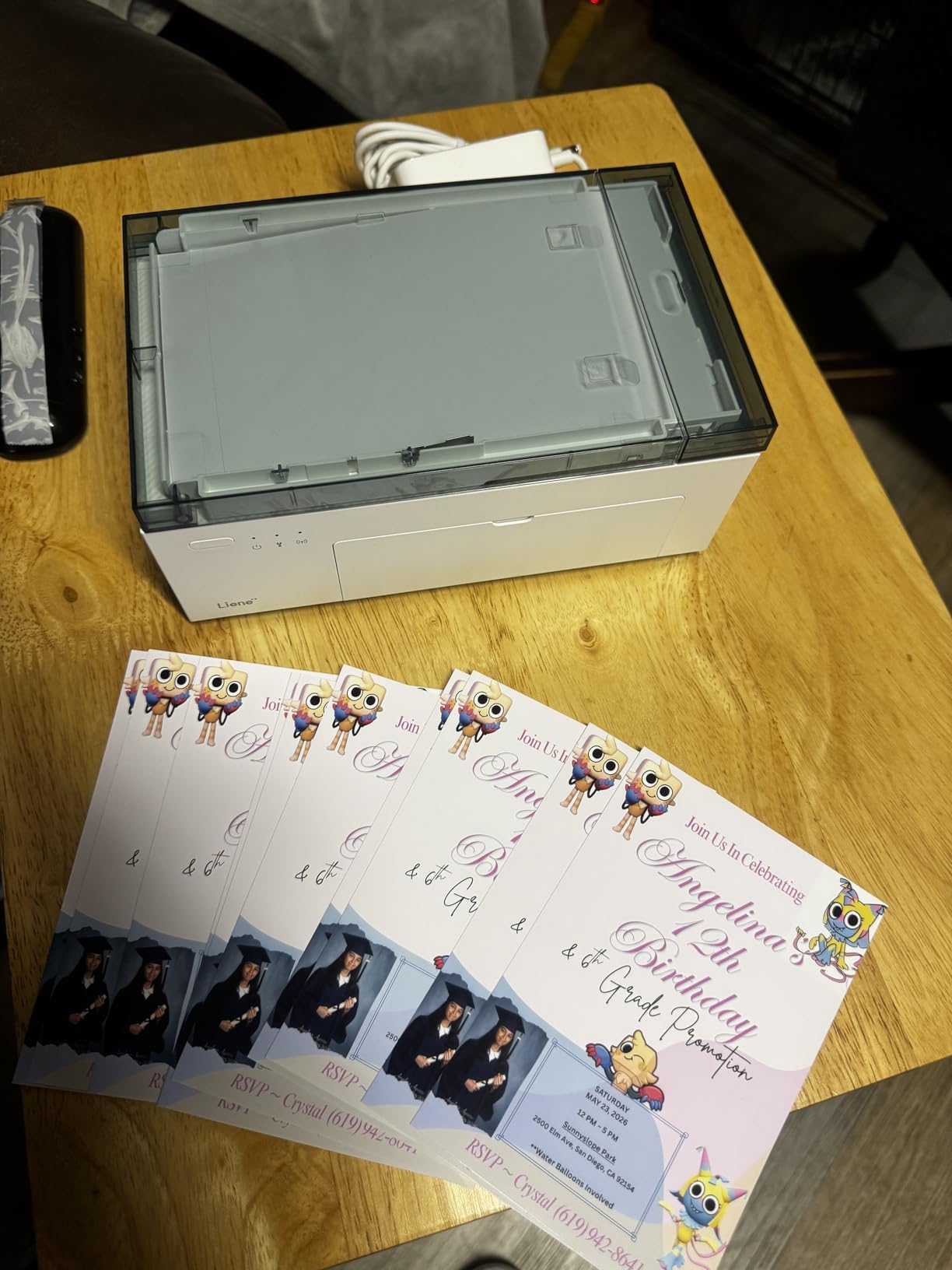
The Liene M100 sits in the middle of this list and solves a specific problem: getting lab-style 4 x 6 prints from a phone without a computer, a network, or a printer that dries out between uses. Dye sublimation transfers a colored ribbon to the paper, then lays a clear protective coat over the top, so the prints resist water, scratches and fingerprints.
The built-in Wi-Fi hotspot is the feature that removes friction. The printer creates its own network, so it works in a cabin, a hotel room or a party with no router, and up to five devices can connect at once. USB Type-C is there for direct connection, and the app handles Windows, macOS, iOS, Android and laptop sources.
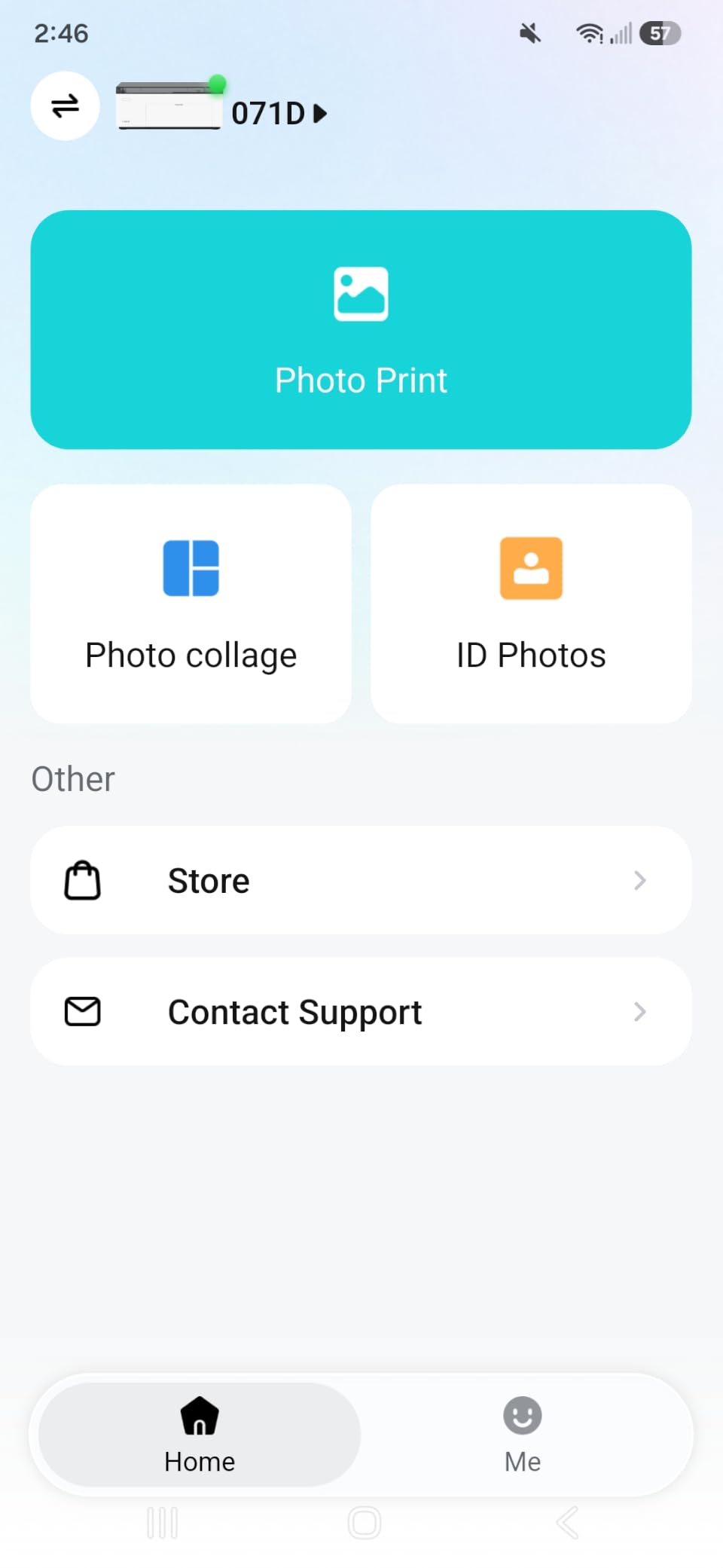
The box is unusually generous for a snapshot printer: 100 sheets of photo paper, three ink cartridges, a paper cassette and a power adapter. The app also handles square borders, filters, contrast and brightness, plus ID and visa photo printing, which covers a lot of practical tasks beyond family snapshots.
Resolution is 300 x 300 dpi with a first print in about 59 seconds and roughly one color page per minute. That resolution is the trade-off: it looks excellent on a phone screen and in an album, but it will not reward close inspection of fine detail in a large print.
Why dye sublimation suits occasional use
A sublimation ribbon is not liquid ink sitting in nozzles, so the clog problem that haunts tank printers simply does not exist here. If you print a dozen photos after a three-month gap, the output looks the same as it did the day you bought it.
The laminated finish is the second advantage. A laminated 4 x 6 outlasts a glossy inkjet print in a frame or a scrapbook, which matters for keepsake albums and gifts.
What the M100 cannot do
It prints one size. Four by six inches is the only format, so scrapbook layouts needing 5 x 7 or 8 x 10 have to be composed smaller, and there is no borderless letter paper for documents.
The cartridges are proprietary, which narrows your refill options, and reviewers note the print head needs prompt cleaning if smudges start appearing. It is a snapshot tool, not a general printer.
7. KODAK Dock Plus 4PASS: The Best Dock Printer When Your Phone Is the Source
KODAK Dock Plus 4×6 Photo Printer, Smartphone Docking, 4PASS, 50 Sheets
4PASS dye sublimation with lamination
4 x 6 inch, 300 dpi
Bluetooth plus charging dock
+ The Good
- Dock charges the phone while it prints
- Sharp 4x6 prints in roughly 55 seconds
- Very easy power-on and Bluetooth setup
- Prints hold up under handling and reframing
- KODAK support praised for prompt service
- The Bad
- Printed instructions are tiny and incomplete
- Bluetooth pairing sequence is tricky
- One sheet at a time and jam alerts need disassembly
The Dock Plus is built around a single idea: put the phone in the cradle and let it charge while the printer works. The integrated dock holds a smartphone, the printer pulls images over Bluetooth through the KODAK Photo Printer app, and you end up with a laminated 4 x 6 print roughly 55 seconds later.
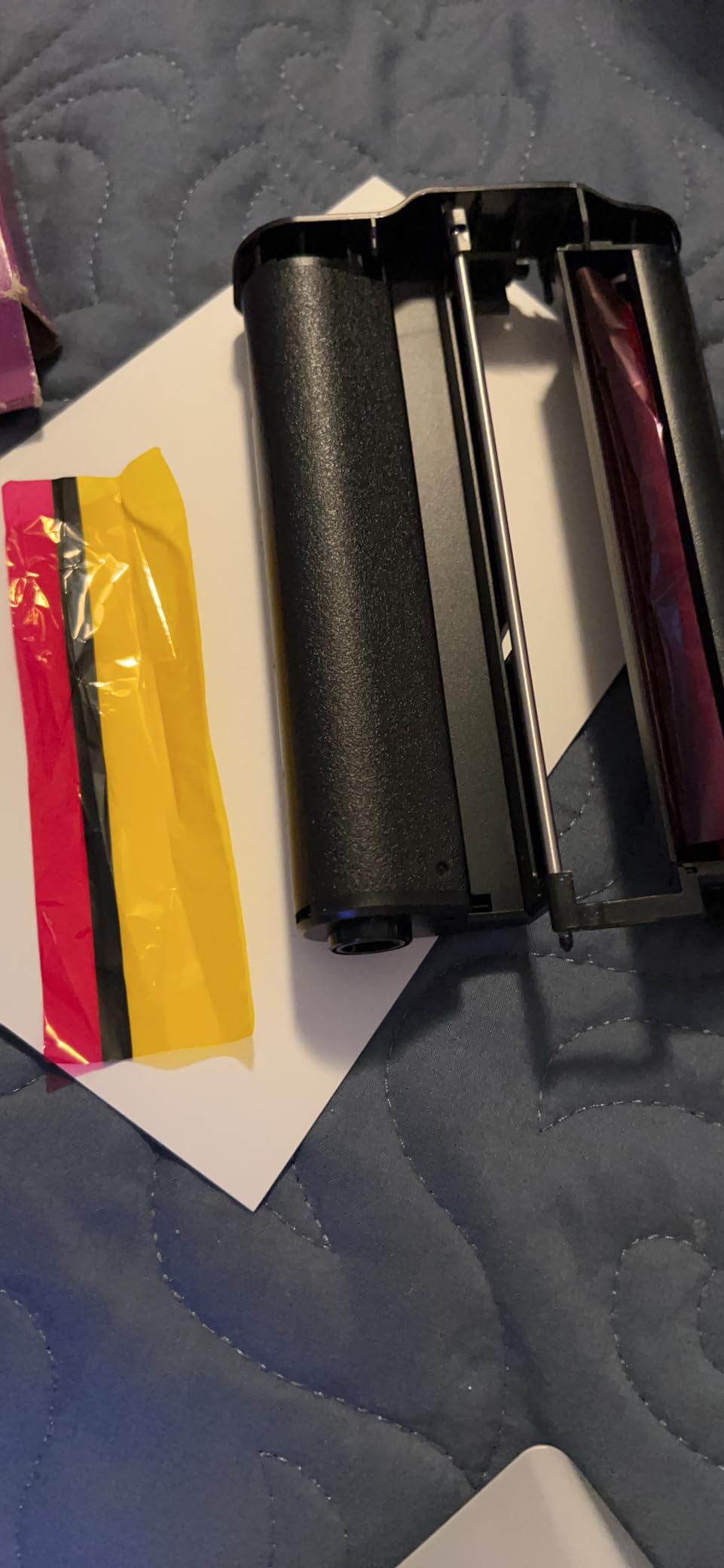
It is a desktop home printing station rather than a portable one, powered from a wall outlet, and the 4 x 6 inch output is the only size it handles. Three color layers plus a clear lamination pass is what makes the prints resistant to fingerprints, water and fading, and reviewers say they survive handling and reframing without visible damage.
The physical footprint is genuinely small at 4.5 by 8.5 by 2 inches, and the 20-sheet input and 50-sheet output capacity suits a week of family snapshots between refills. It carries a one-year limited warranty, and owners report prompt, courteous support and a direct replacement when something failed.
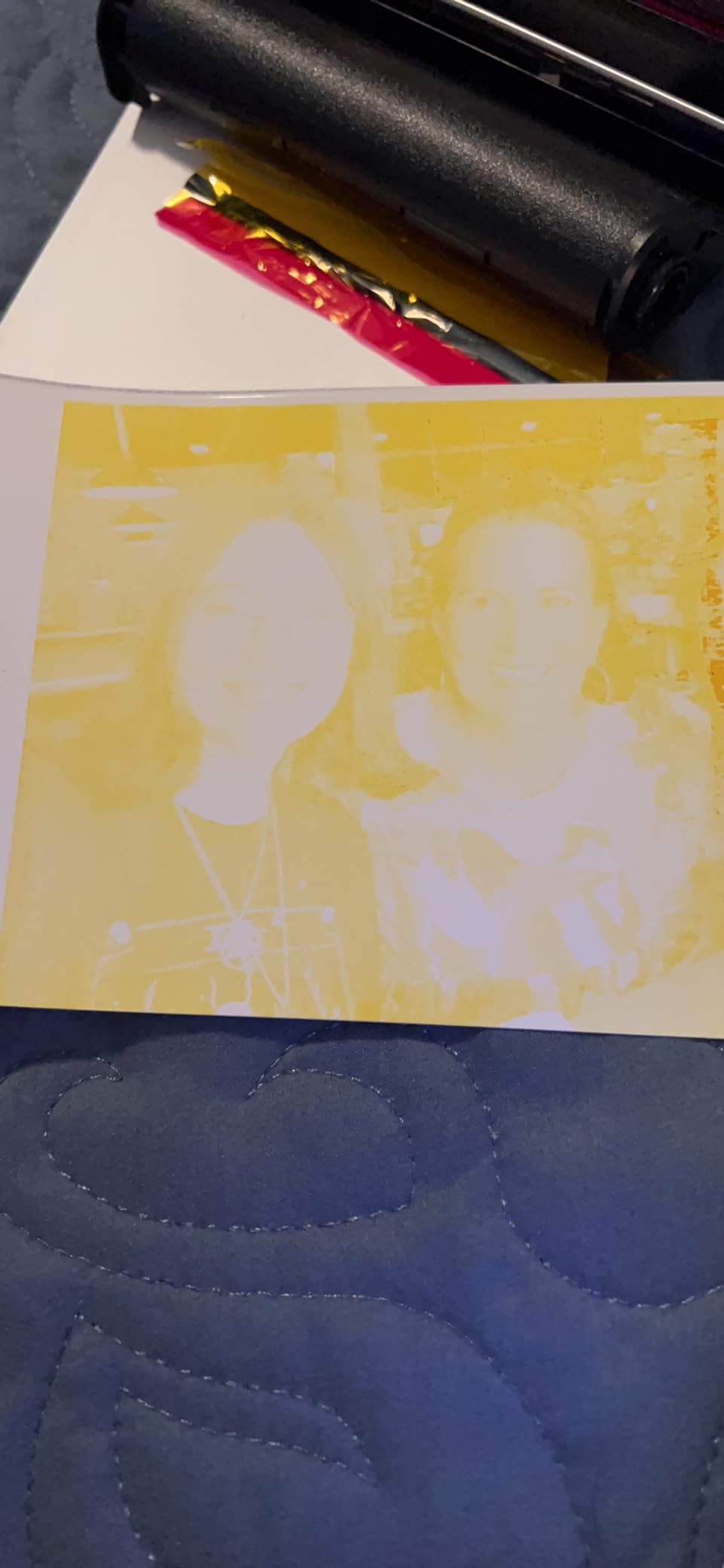
Setup is the part to prepare for. The printed instructions are tiny and incomplete, and the app steps do not always match the screens you see, so reviewers recommend configuring the app after pairing rather than before. Reviewers also report occasional first-print cartridge failures and jam alerts that need the machine opened to clear.
Where the dock earns its space
For gift events, birthdays and family gatherings, the phone-in-print-out loop removes every step between taking a photo and handing it to someone. A phone sitting in the dock doubles as a charging station, so nothing is lost while the queue of prints runs down.
The laminated output is the other quiet win. A 4 x 6 from a dye-sublimation machine goes straight into a scrapbook or a frame without a separate protective sleeve.
When the dock frustrates
Four-pass printing is slow and strictly one sheet at a time, so a hundred-print event needs patience and refilling. That is fine for a weekend, wrong for a wedding season.
Bluetooth pairing is where most first-time friction happens, and the documentation does not help. Budget ten extra minutes the first time, and expect a restart or two on some units.
8. Epson EcoTank ET-15000: The Best Wide-Format Supertank for Posters and Documents
Epson EcoTank ET-15000 Wireless All-in-One Wide-Format Supertank Printer
Four-color EcoTank bottle system
11 x 17 inch media
max 4800 x 2400 dpi
+ The Good
- Ink tanks last a very long time
- Handles 11x17 and 13x19 media reliably
- Fast for an inkjet at 17 and 9 pages per minute
- Wi-Fi setup from the control panel
- 250-sheet capacity suits craft projects
- The Bad
- Only a 4-color system for photo work
- 11x17 sheets need the rear holder
- Recurring paper jams for some owners
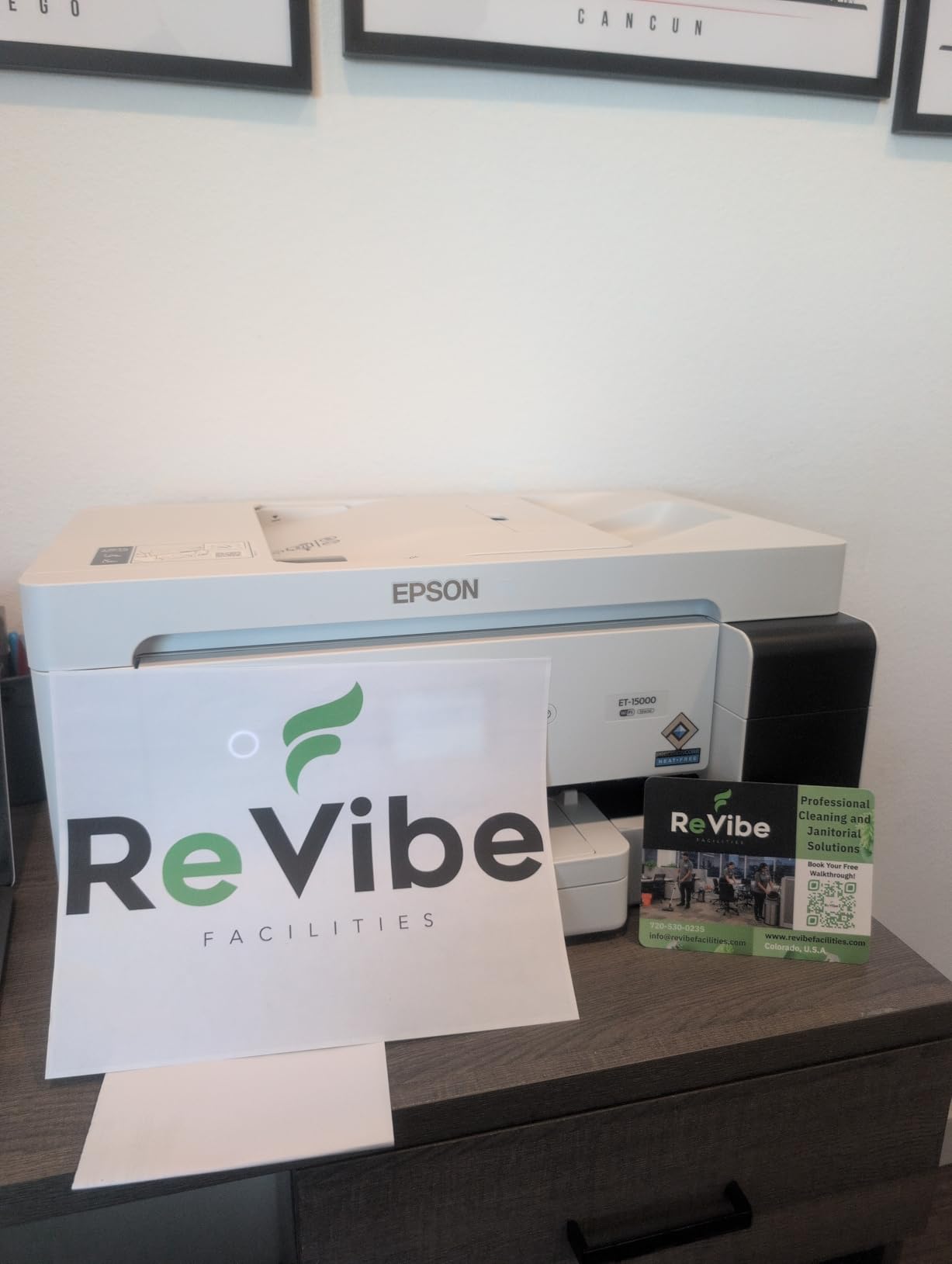
The ET-15000 is a wide-format supertank rather than a photo printer, and that distinction decides who should buy it. It prints up to 11 x 17 inches at up to 4800 x 2400 dpi, holds 250 sheets, runs a 33000-page monthly duty cycle, and handles print, copy, scan and fax with an automatic document feeder and auto duplex.
Running costs are the main argument. Owners report the 502 and 166 refillable bottles lasting a very long time and dramatically lowering the cost of large jobs, and a 127 mL black bottle is included in the box. Reviewers also praise Wi-Fi setup that can be completed from the printer control panel.
Paper handling is a genuine strength. It handles 11×17 and 13×19 media with reliable feeding, including on canvas, which matters for craft and small-business projects. At 17 black and 9 color pages per minute it is fast for an inkjet, and the large capacity means fewer refills during a project run.
For photos, though, it carries only four inks, and reviewers consistently point buyers toward the six-color ET-8550 instead. There is also no dedicated wide-format tray, so 11 x 17 sheets have to go in the rear holder, and some owners report recurring jams and unclear paper-selection settings.
Why the ET-15000 earns its floor space
At 26.5 pounds and 29.6 by 19.6 by 14.3 inches, this is a large machine, and the size exists to serve posters, multi-page documents and craft paper. If any of those are regular, a letter-size printer means constant paper changes.
The four-ink system is also fine for the document side of a home office, where the goal is a page of text, not a graded photograph.
When a photo printer is the right buy instead
If photographs are the reason you are shopping, four inks is the wrong trade. Light cyan, light magenta and gray are what produce smooth skin tones and clean skies, and without them this machine will disappoint on anything you would want to frame.
Also plan around the rear-holder arrangement for wide sheets and check the paper path for very thick stock, since a minority of machines report recurring jams.
9. Canon Ivy 2 Mini: The Best Portable Printer for Scrapbooks and Laptops
Canon Ivy 2 Mini Photo Printer, Print from Compatible iOS & Android Devices, Sticky-Back Prints, Pure White
ZINK zero-ink technology
2 x 3 inch sticky-back prints
313 x 512 dpi, up to 50 seconds
+ The Good
- No ink to buy because ZINK paper is the only consumable
- Peel and stick backing mounts prints anywhere
- Compact and light enough to carry
- Improved skin tones and contrast
- Highest rating in this group
- The Bad
- Only 2x3 inch snapshots
- larger formats unsupported
- ZINK paper refills are a recurring cost
- Resolution lower than dye sublimation
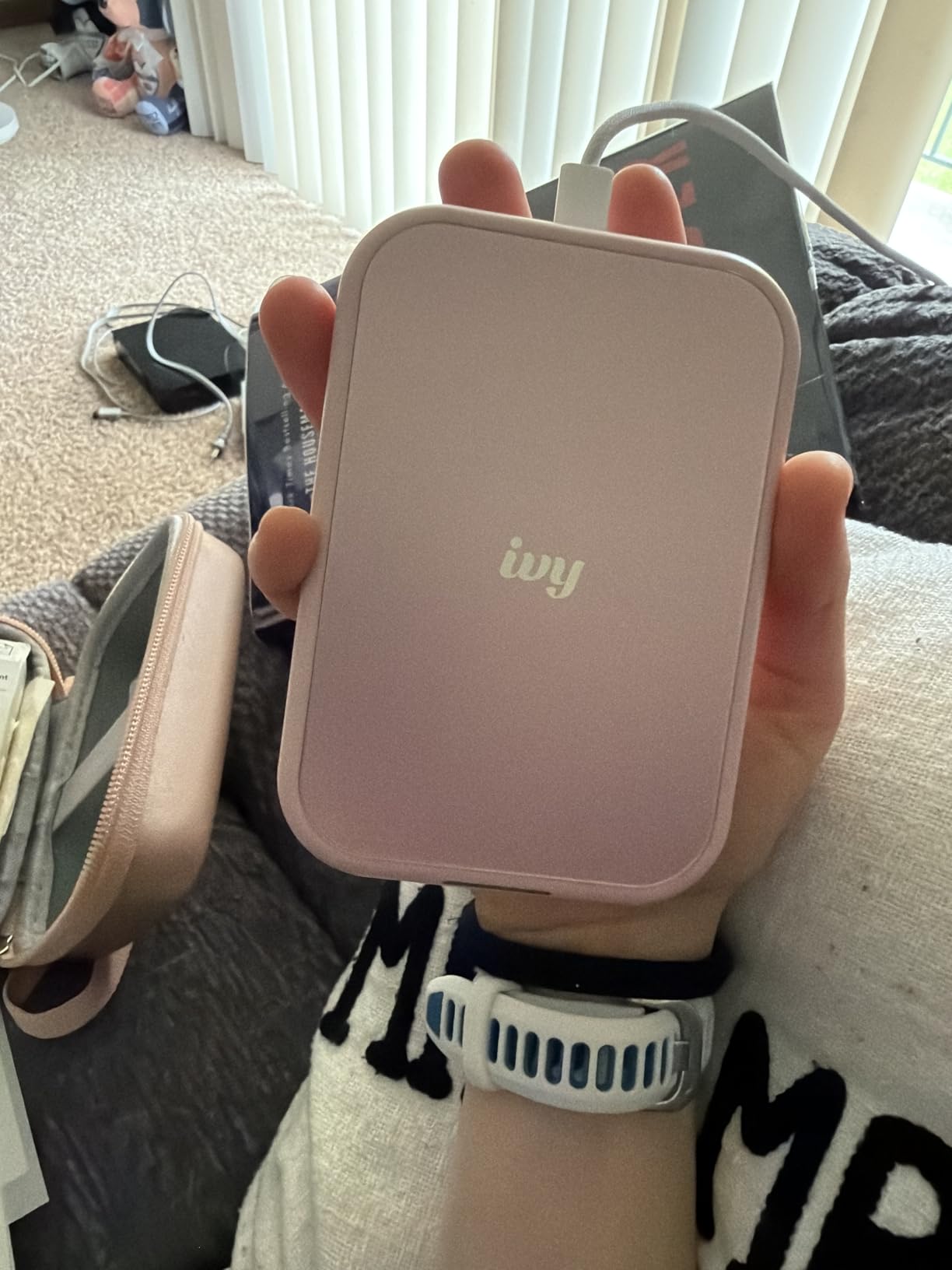
The Ivy 2 Mini carries the highest rating of anything on this list, and the reason is that it does one thing with almost no friction. There is no ink to buy, no ribbon, no cartridge. The ZINK paper holds dye crystals that are activated by the print head, and the backing peels and sticks straight to a scrapbook page, a laptop lid or a wall.
At 145 grams it is genuinely pocket-sized, it connects over Bluetooth 5.0 through the Canon Mini Print app, and a print takes up to 50 seconds at up to 313 x 512 dpi. Canon also updated the color handling here, with optimized skin tones and better contrast than earlier versions.
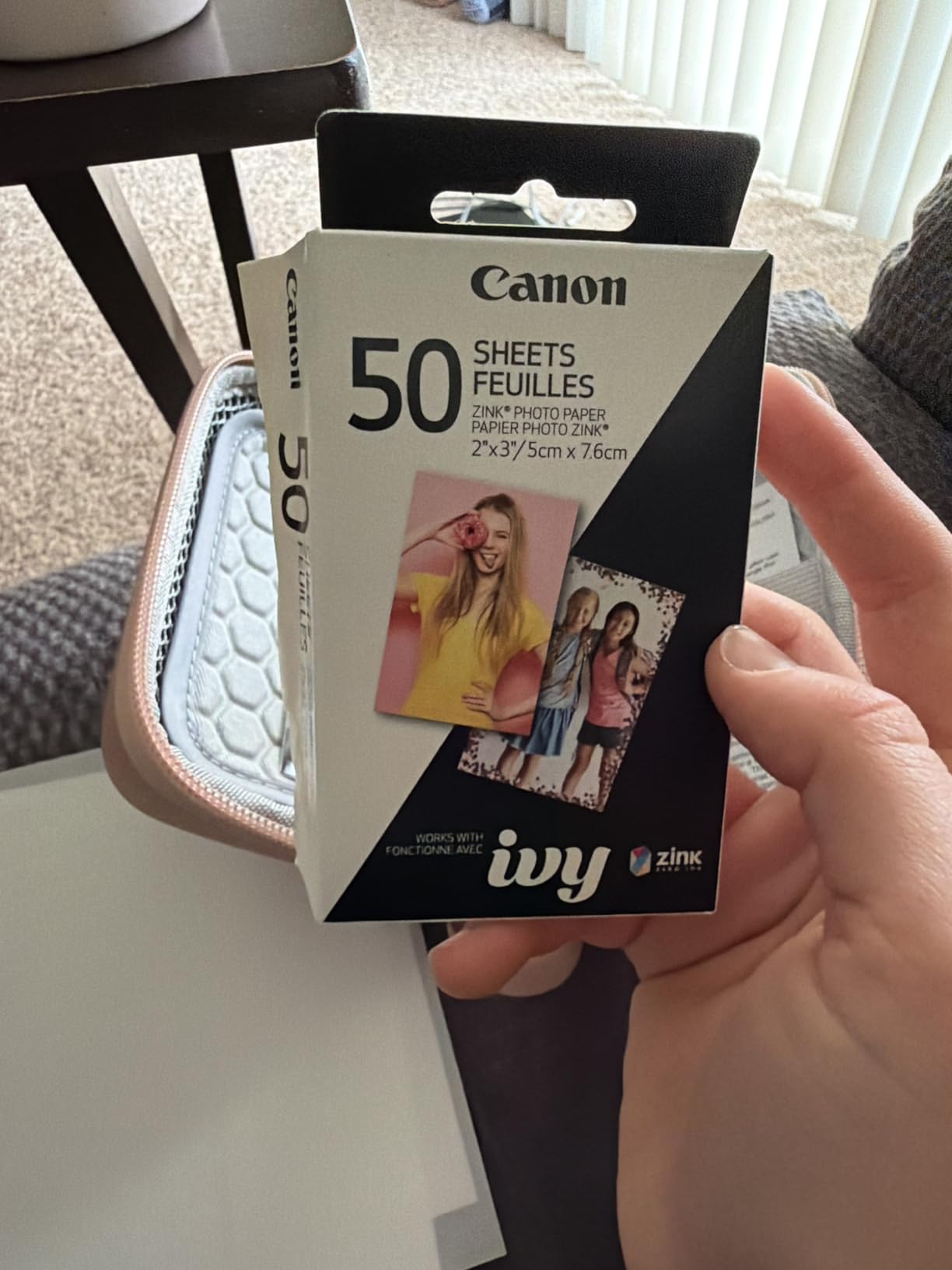
The output is durable for its size. ZINK paper is designed to resist moisture, tearing and smudging, which is exactly what scrapbook prints and travel prints need, and the box includes ten sheets plus a Smart Sheet used for the initial alignment.
What you are buying is a snapshot accessory, not a photo printer. The format is 2 x 3 inches, resolution is below what a dye-sublimation machine produces, and the ZINK paper refills are a recurring per-print cost with no third-party escape.
Where the Ivy 2 earns its rating
Single-ink-category simplicity is the appeal. There is nothing to prime, nothing to clean and nothing to store, so a printer that sits in a drawer for months still works the next time you open it.
Adhesive-backed output solves a real problem too. Planner pages, gift tags, memory boards and laptop skins all need a print that sticks, and that is not something an inkjet gives you without separate sticker media.
When a 2×3 print is not enough
Any project needing 4 x 6, 5 x 7 or 8 x 10 is out of scope, including most album pages. Pair it with an inkjet if you need both, since the Ivy does no documents at all.
Budget for paper, not ink. The per-print cost is higher than it looks because the consumable is the only thing you buy, and the format is small enough that a busy scrapbooker goes through packs quickly.
10. KODAK Step Instant: The Best Battery-Powered Pocket Printer for Travel and Events
KODAK Step Instant Smartphone Photo Printer, Portable Mini Color Wireless Mobile Printer, Zink 2×3” (5.1×7.5 cm) Sticky-Back Photos, Bluetooth Compatible with iOS & Android Devices, Editing App, White
ZINK zero-ink, 2x3 inch sticky-back
313 x 400 dpi color
Bluetooth and NFC
About 25 prints per full charge
+ The Good
- Palm-sized and genuinely portable
- Rechargeable battery gives about 25 prints per charge
- Prints resist moisture
- tearing and smudging
- Sticky-back paper peels and sticks anywhere
- App adds filters
- borders
- stickers and text
- The Bad
- Only 2x3 inch photos
- Needs a steady phone connection
- ZINK paper refills are a recurring cost
The KODAK Step is the one printer here that works away from a wall outlet. Its built-in lithium-ion battery delivers about 25 prints per full charge, the body weighs 0.07 kg, and at 1 by 2 by 3 inches it disappears into a bag. That combination makes it the practical choice for travel, weddings and parties where prints are handed over within minutes.
Prints come out on 2 x 3 inch ZINK paper with embedded dye crystals that resist moisture, tearing and smudging, at up to 313 x 400 dpi color and 300 dpi black and white, in about 60 seconds. Connectivity is Bluetooth and NFC to iOS and Android, and the KODAK app handles collages, filters, borders, stickers and text.
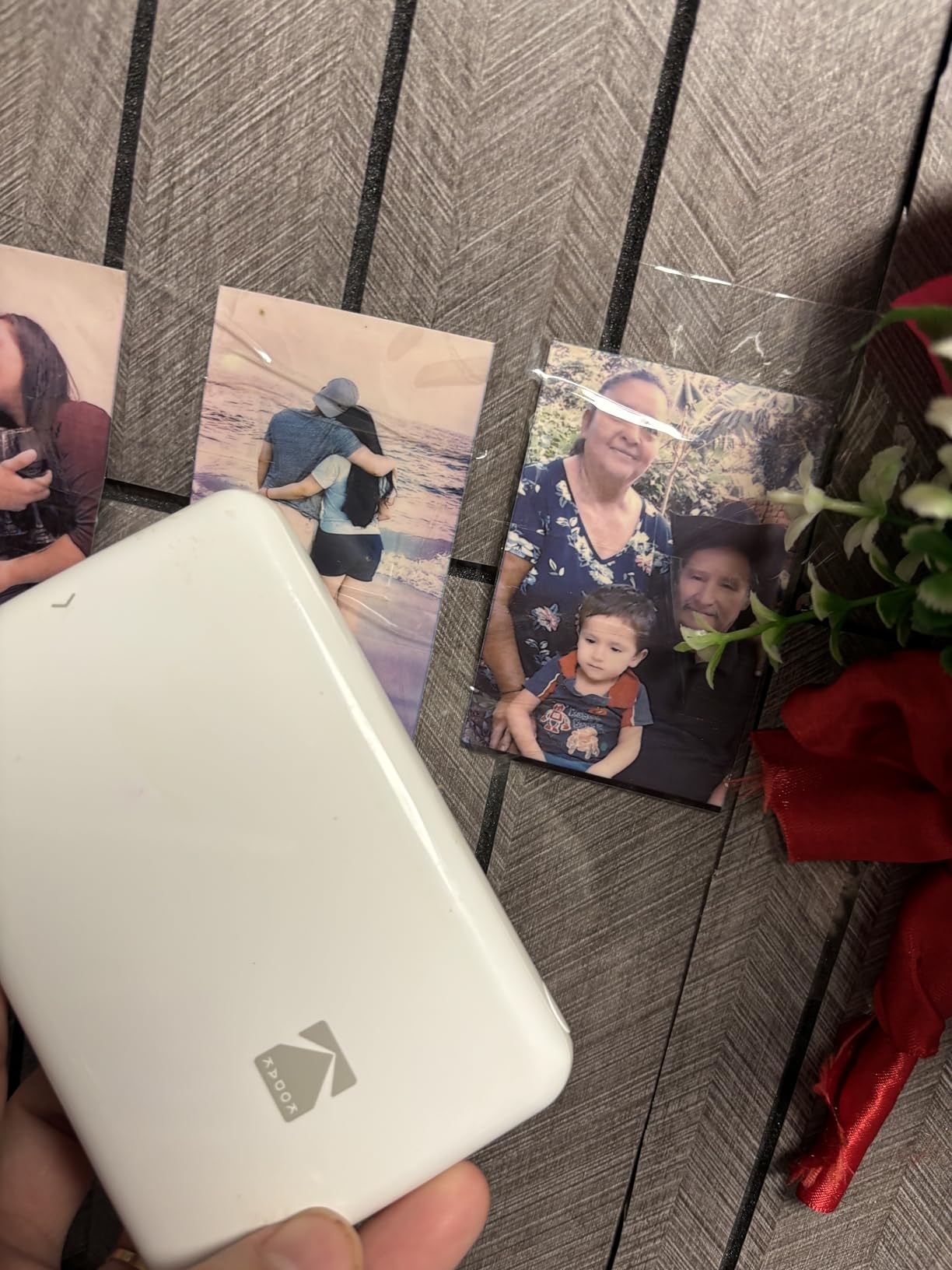
The app is doing a lot of work here. Without a screen on the printer itself, editing happens in the KODAK app, and its editing suite is what turns a phone snapshot into something you would hand to a guest.
Ownership is simple because there is no ink, only paper. That also means paper refills are the sole running cost, the format is 2 x 3 inches, and the printer needs a steady Bluetooth or NFC link to a phone to produce anything.
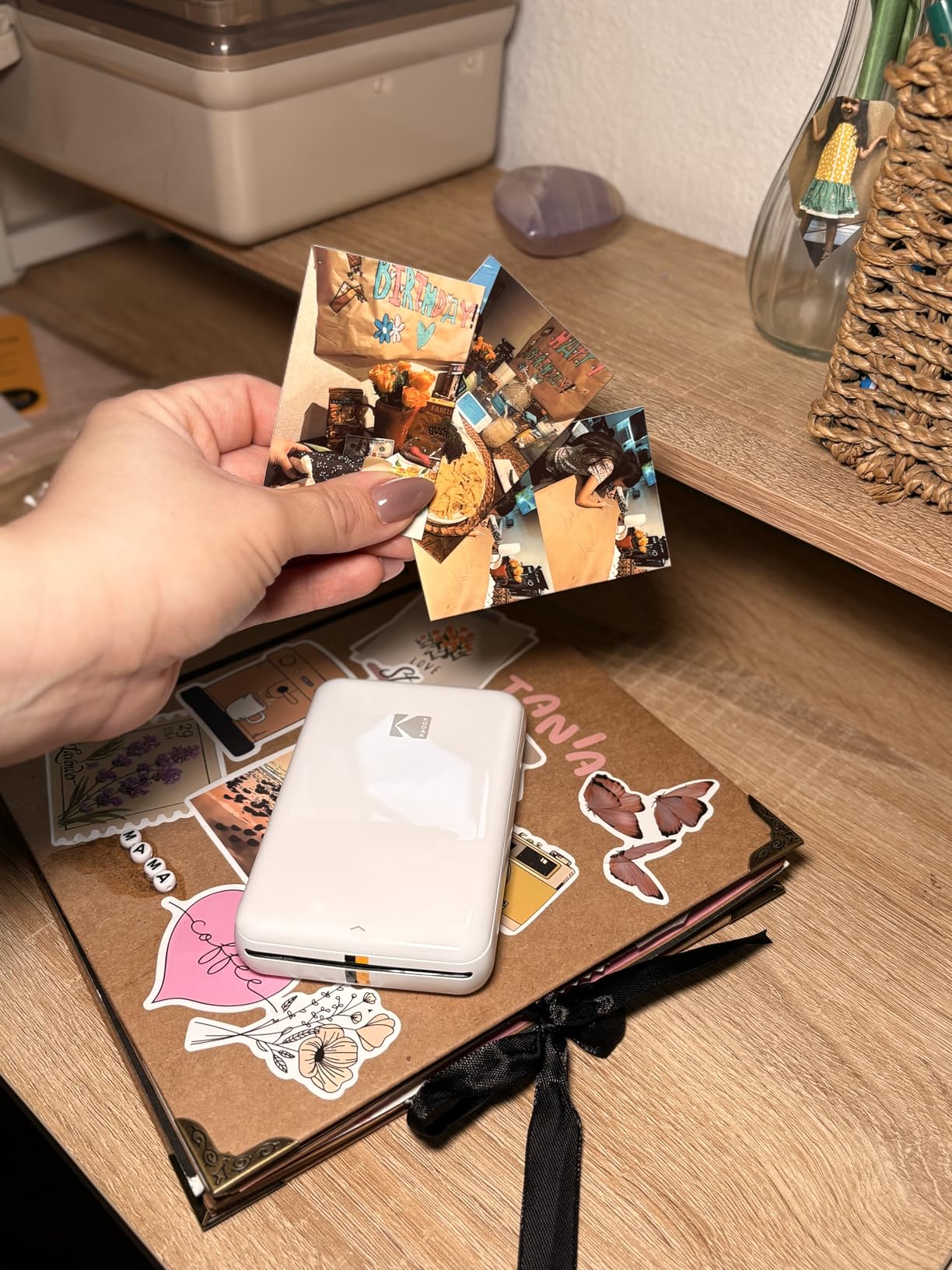
Where the Step earns its place
Battery life is the decisive factor. Roughly 25 prints per charge is enough for a reception, a holiday trip or a school event, and the ability to hand someone a physical print seconds after the photo is taken changes how an event runs.
The sticky-back paper is useful beyond snapshots, too. Labels, gift tags and travel journals all work with the peel and stick backing.
When you should print bigger
Two by three inches is small enough that most people frame two or three of them rather than one. If you want a single print to hang, a dye-sublimation 4 x 6 machine or an inkjet is the right category.
Also note the connection dependency. A steady phone link is required, so keep the phone charged and nearby, and treat this as a companion device rather than your only printer.
How to Choose a Photo Printer for Home Use
Dye ink, pigment ink or dye sublimation
Dye ink is the default for color photos. It produces the widest color gamut and the smoothest gradients, but it sits under the gloss layer of shiny paper, so it is not water-resistant. Pigment ink is waterproof and smudge-resistant, which makes it the right choice for matte and fine-art media and for black-and-white photography, but pigment colors are narrower than dye.
Dye sublimation is a different mechanism entirely. A colored ribbon is heated and transferred to a coated paper, then sealed under a clear layer, which is why those prints resist water and fingerprints and why the format is fixed at a small size. Zink printers skip liquid ink completely and develop the color chemically inside special paper, so they never clog and never run dry.
Ink colors decide whether you see banding
Four inks is a document printer pretending to do photos. Six inks adds light cyan, light magenta and gray, which lets the printer lay down smaller steps between shades, and that is where the visible difference lives: smoother skies, cleaner skin tones, less banding. Eight and ten ink systems add further inks, typically a second black and an optimizer, for gallery-level output and deeper blacks.
Across this list, the ET-8550 at six inks and the XP-7100 at three color inks plus photo black are the two ends of the same scale. Neither is wrong; they just answer different questions.
Cartridges versus EcoTank and MegaTank tanks
EcoTank, MegaTank and Supertank are brand names for the same refillable bottle system, and retail listings rarely make that clear. With tanks you pour ink into built-in reservoirs, and Epson rates the ET-8550 at about four cents per 4 x 6 print and up to 6200 color pages per full set. With cartridges you swap sealed units, and the two-cartridge machines in this group can stop all color printing when one color runs out.
The catch with tanks is commitment. Ink sitting in a machine used a few times a month is the most repeated complaint in printer forums, and the ET-8550 is no exception, with a minority of machines reported arriving with clogged nozzles.
Print size decides which model you need
Match the printer to the output you actually want. A 4 x 6 snapshot printer suits phone photos and albums, letter-size machines handle school projects and documents, 11 x 17 covers posters and crafts, and 13 x 19 is where you need a serious photo printer. A machine that maxes out at 8.5 x 11 will crop, scale or refuse anything larger, so check maximum media size before you buy.
Scanner or no scanner
A flatbed scanner is useful for digitizing prints and slides, but it is dead weight if you already scan with a phone or a dedicated scanner. The 600 dpi ceilings on the HP Envy Photo 7975 and the Canon TR8620a copies limit how much detail you can recover from old prints.
Borderless printing and photo paper
Borderless, or full-bleed, printing is what separates a photo from a document with an image on it. The ET-8550 reaches it at 13 x 19 inches, the TR8620a at 8.5 x 11, the XP-7100 at 8 x 10, and the TS7720 supports borderless output across its 4×6 through 8×10 range. Glossy paper maximizes the effect of dye inks, matte paper suits pigment output, and luster paper is the compromise most photographers settle on.
Canon vs Epson: Which Brand Prints Better Photos?
Neither brand wins outright, and the honest answer depends on the category. Canon generally edges ahead on glossy photography and snapshot output: the TR8620a delivers borderless 8.5 x 11 results with five individually replaceable tanks, and Canon’s dye-sublimation and ZINK machines cover the 4×6 and 2×3 formats that Epson does not really compete in. Epson leads on ink economics and wide-format photo work, where the six-color ET-8550 prints borderless 13 x 19 sheets on about four cents of ink per 4×6 print.
If you print documents more than photos, Epson’s tank systems are the better economic choice. If you print photographs on glossy paper, Canon’s photo engines are the safer bet.
Do You Actually Need a Home Photo Printer?
Work the numbers before you buy. A retail lab charges a meaningful amount per 4 x 6 sheet, and the ET-8550’s tank system prints one for about four cents in ink. The catch is that a retail lab also charges for paper, and your printer charges for paper too, so the gap narrows fast if you print on good glossy stock.
Break-even usually lands somewhere in the first year for a household printing a few dozen photos a month, and it never arrives for someone printing ten snapshots a year. Use our home office printer guide to keep documents off the photo machine and its ink budget intact.
Frequently Asked Questions
What is the best printer for photo printing at home?
The Epson EcoTank Photo ET-8550 is the best photo printer for home use overall, because it combines six refillable Claria ET Premium inks, borderless output up to 13 x 19 inches, and about four cents of ink per 4×6 print. For occasional phone snapshots, the Liene M100 gives cleaner 4×6 dye-sublimation output.
Is laser or inkjet better for photos?
Inkjet is better for photos. Laser printers fuse powdered toner with heat, which produces sharp text and fast monochrome pages but no photographic gradation, and they cannot print borderless photos. Color laser output looks flat next to a six-color inkjet photo print.
Is Canon or Epson better for photos?
Canon generally leads on glossy photo output and small snapshot formats, while Epson leads on ink cost and wide-format photo printing. The Canon TR8620a prints borderless 8.5 x 11 photos, and the Epson EcoTank Photo ET-8550 prints borderless 13 x 19 sheets on refillable ink tanks.
Is it worth having your own photo printer?
It is worth it if you print more than roughly 30 to 40 photos a month, want borderless or larger-than-4×6 output, or need control over paper and finish. A tank system such as the ET-8550 brings ink to about four cents per 4×6 print, which is well below typical retail lab pricing.
Will print heads clog if I only use a photo printer occasionally?
Yes, and it is the most common complaint among owners of tank printers kept in a closet. Dye ink sitting in nozzles can dry between uses, so run a nozzle check and a small color print every few weeks. Dye-sublimation and Zink machines like the Liene M100, Kodak Dock Plus and Canon Ivy 2 Mini avoid the problem because they do not spray liquid ink.
The Best Photo Printers for Home Use in 2026
The Epson EcoTank Photo ET-8550 is the best photo printer for home use, and the reason is structural rather than cosmetic: six inks, 13 x 19 inch borderless output, and running costs of roughly four cents per 4×6 print that no cartridge machine here can approach.
For everything else, the categories separate cleanly. The Canon PIXMA TR8620a handles documents and photos in one body. The Canon PIXMA TS7720 and Epson Expression Premium XP-7100 cover smaller spaces and lower budgets. The Liene M100 and KODAK Dock Plus handle 4×6 snapshots, and the Canon Ivy 2 Mini and KODAK Step Instant cover sticky-back 2×3 prints on the go. The Epson EcoTank ET-15000 is a wide-format document machine rather than a photo printer.
Before you commit, decide how often you will actually print. Anything used weekly rewards a tank system with more inks, and anything used occasionally belongs with a dye-sublimation or Zink machine that never dries out.