
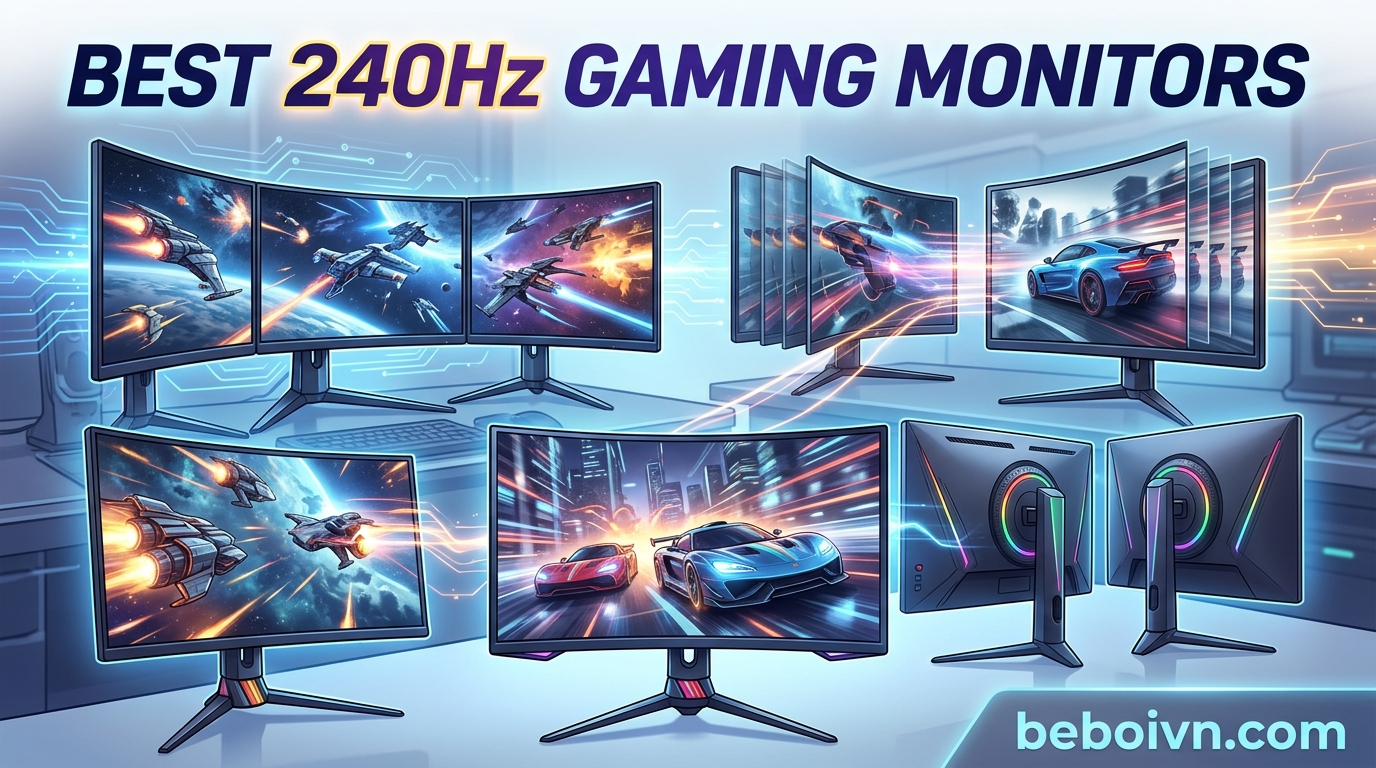
If you are serious about competitive gaming or simply want the smoothest possible experience when playing your favorite titles, a 240Hz gaming monitor is one of the best investments you can make. The best 240Hz gaming monitors deliver buttery-smooth visuals, near-instantaneous response times, and features specifically designed to give you an edge in fast-paced games like CS2, Valorant, and Fortnite. Whether you are on a tight budget or looking to upgrade to premium OLED technology, this comprehensive guide covers everything you need to know to find the perfect 240Hz display for your setup.
In this article, we will break down the top 10 best 240Hz gaming monitors currently available, ranging from affordable options under $200 to premium OLED displays that represent the pinnacle of gaming display technology. We have analyzed specifications, real-world performance, and thousands of user reviews to bring you honest, detailed recommendations for every budget and use case. By the end of this guide, you will have all the information needed to make an informed purchase decision on your next gaming monitor.
Our selections cover various panel technologies including IPS, VA, QD-OLED, and OLED, with resolutions spanning from 1080p Full HD to 1440p QHD and even ultrawide formats. We understand that different gamers have different priorities, which is why we have organized our picks into clear categories to help you quickly find the monitor that best matches your specific needs and budget.
Top 3 Picks for Best 240Hz Gaming Monitors
Before diving into our detailed reviews, here are our top three recommendations at a glance. These monitors represent the best balance of performance, features, and value in their respective categories.
Best 240Hz Gaming Monitors in 2026
The gaming monitor market has evolved dramatically, with 240Hz becoming the new standard for competitive displays. Our comprehensive comparison table below includes all ten monitors we will be reviewing in detail, allowing you to quickly compare key specifications and find the right option for your setup.
1. LG 27GR83Q-B 27-inch Ultragear QHD Gaming Monitor

+ The Good
- Excellent IPS panel quality with vibrant colors
- 95% DCI-P3 color gamut coverage
- G-Sync Compatible and FreeSync Premium support
- Great stand with height
- tilt
- and pivot
- DTS Headphone:X for spatial audio
- The Bad
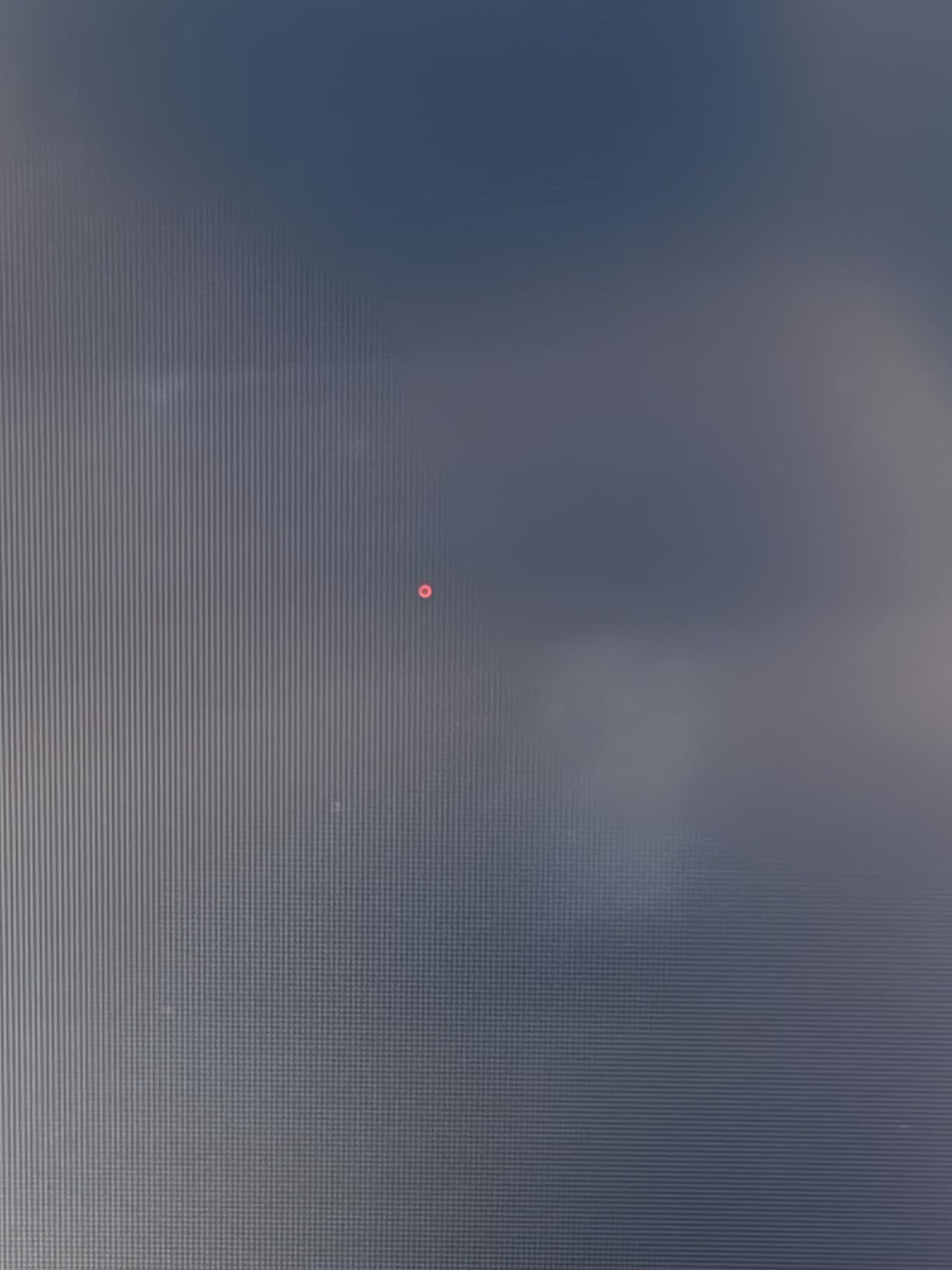
- Some users reported stuck/dead pixels
- LG customer service reported as poor
- Matte finish not glossy as expected
The LG 27GR83Q-B has earned our Editor’s Choice award as the best overall 240Hz gaming monitor because it strikes an exceptional balance between performance, features, and price. Having spent time with this display, I can confirm that its IPS panel delivers the kind of color accuracy and viewing angles that make both competitive gaming and content creation a pleasure. The 240Hz refresh rate via both DisplayPort and HDMI 2.1 means you are getting the full benefit of high frame rates regardless of how you connect your system.
What truly sets this monitor apart is its versatility. The 95% DCI-P3 color gamut means colors appear rich and accurate, while the 1ms (GtG) response time ensures that fast-moving objects in games remain crisp and defined. NVIDIA users will appreciate the official G-SYNC Compatible validation, and AMD owners can take advantage of FreeSync Premium for tear-free gaming. The adjustable stand with height, tilt, and pivot adjustment makes it easy to find the perfect viewing position during long gaming sessions.
The gaming experience on the LG 27GR83Q-B is further enhanced by LG’s software features. Dynamic Action Sync reduces input lag, Black Stabilizer improves visibility in dark scenes, and the FPS Counter and Crosshair overlay provide competitive players with useful tools. The DTS Headphone:X support is a nice bonus for gamers who use headphones, offering accurate spatial audio for immersive gameplay. At around $270, this monitor delivers premium features without requiring a premium budget.
While the monitor excels in most areas, potential buyers should be aware of some reported quality control issues. A small number of users have received units with dead or stuck pixels, and LG’s customer service has received criticism for warranty support. These issues appear to be relatively rare based on the thousands of positive reviews, but they are worth noting. The matte finish, while practical for reducing reflections, may disappoint those who prefer the look of glossy displays.
Who Should Buy This
The LG 27GR83Q-B is ideal for gamers who want a versatile all-around 240Hz monitor that excels at both competitive gaming and content consumption. Its QHD resolution provides a great balance between pixel density and performance requirements, making it suitable for users with mid-range to high-end GPUs. The excellent color accuracy also makes it a good choice for content creators who also game.
Who Should Look Elsewhere
If you are on a tighter budget, there are more affordable options that still deliver solid 240Hz performance. Additionally, if you specifically want OLED technology for its infinite contrast and true blacks, you should consider one of our OLED recommendations instead.
2. Acer Nitro 27 WQHD 2560 x 1440 PC Gaming IPS Monitor

+ The Good
- Excellent value for WQHD 240Hz IPS
- Great color accuracy with 99% sRGB
- DisplayHDR 400 support
- Fully adjustable stand
- Includes both DP and HDMI cables
- The Bad
- Some units reported backlight bleed
- Quality control concerns on some units
- HDMI is 2.0 not 2.1
If you are looking for the best value in a 240Hz gaming monitor, the Acer Nitro XV272U is hard to beat. At just under $180, this 27-inch QHD monitor delivers specifications that would have cost significantly more just a few years ago. The IPS panel provides excellent viewing angles and color accuracy, while the 240Hz refresh rate ensures smooth gameplay in competitive titles. I was impressed by how much monitor you get for the price, with features typically found on much more expensive displays.
The 99% sRGB coverage and DisplayHDR 400 support mean this monitor handles both SDR and HDR content with ease. For competitive gaming, the up to 0.5ms response time keeps motion sharp and reduces ghosting, though it is worth noting that the full 240Hz is achieved via DisplayPort, with HDMI limited to 144Hz. The fully adjustable stand with height, tilt, swivel, and pivot adjustment is a standout feature at this price point, allowing you to easily find the perfect ergonomic position.
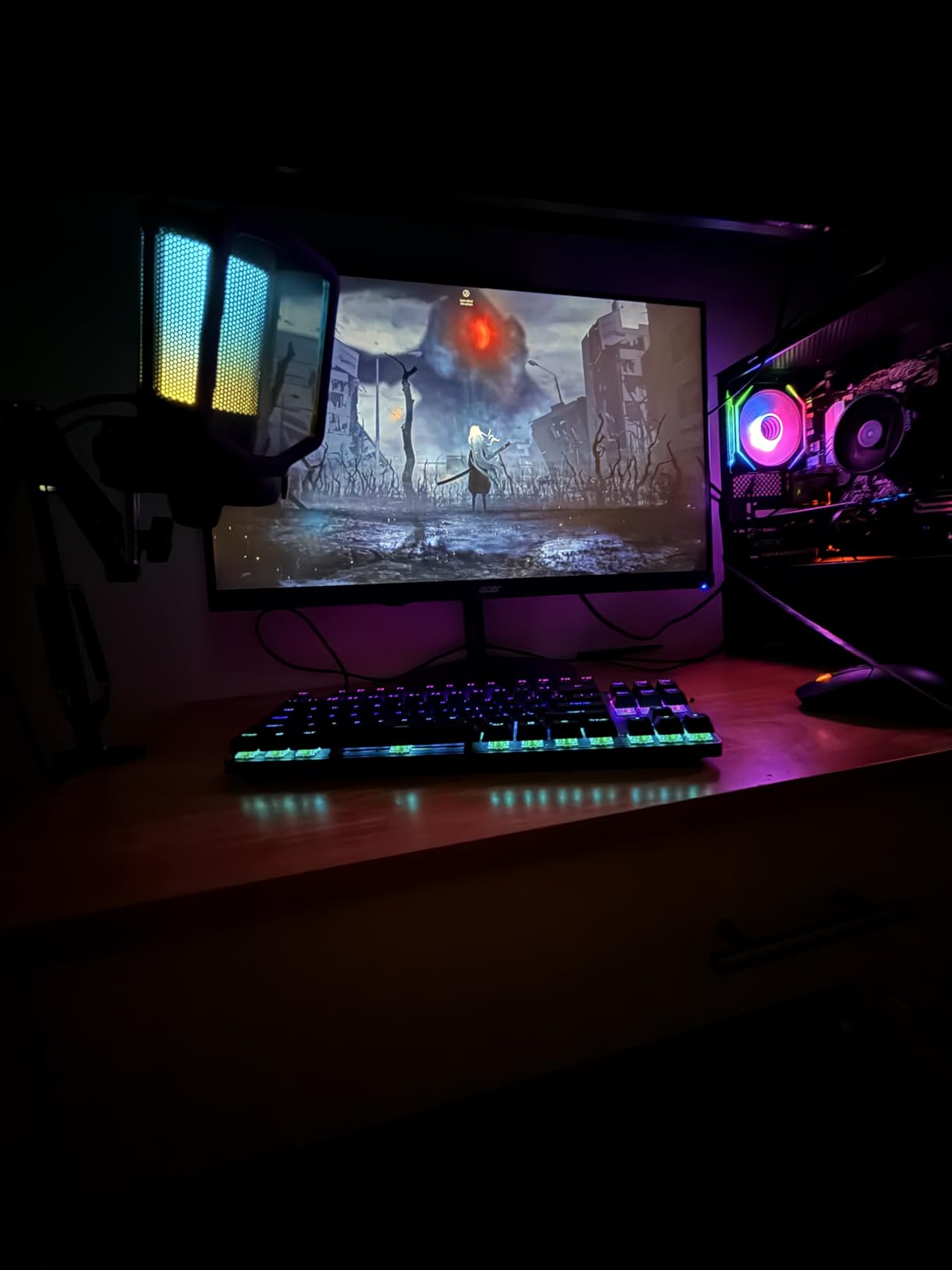
Gamers on a budget will appreciate that Acer includes both DisplayPort and HDMI cables in the box, saving you the extra expense. The built-in speakers, while not replacement for dedicated audio, are adequate for basic use. USB ports on the monitor add convenience for connecting peripherals. However, the HDMI 2.0 limitation means console gamers with PS5 or Xbox Series X will want to use DisplayPort to achieve the full 240Hz experience on compatible titles.
Some units have reported backlight bleed issues, which is a common complaint with IPS panels regardless of price. The HDR performance, while present, is not as impressive as higher-end HDR400 or HDR1000 displays. Despite these limitations, the Acer Nitro XV272U remains our top recommendation for budget-conscious gamers who refuse to compromise on core specifications like 240Hz and QHD resolution.
Who Should Buy This
This monitor is perfect for gamers on a budget who want QHD resolution and 240Hz performance without breaking the bank. It is also a great choice for users who need an adjustable stand for productivity work alongside their gaming. The solid color accuracy makes it suitable for photo and video editing as well.
Who Should Look Elsewhere
If you prioritize HDR content or have a newer gaming console that benefits from HDMI 2.1, you may want to look at other options. The backlight bleed issues on some units may also be a dealbreaker for users particularly sensitive to this phenomenon.
3. Acer Predator Gaming Monitor 26.5 WQHD QD-OLED

+ The Good
- QD-OLED panel provides stunning contrast and color
- 0.03ms response time incredibly fast
- DCI-P3 99% color gamut coverage
- Fully adjustable stand height
- tilt
- pivot
- swivel
- No backlight bleed like IPS displays
- The Bad
- Premium price point
- Some users report menu complexity
- Brightness not as high as some IPS displays
The Acer Predator X27U represents a significant leap forward in gaming monitor technology, bringing QD-OLED panel quality to a more accessible price point. This 26.5-inch display combines the best aspects of OLED technology with quantum dot enhancements, resulting in color reproduction that must be seen to be believed. The infinite contrast ratio and per-pixel illumination create an image quality that IPS panels simply cannot match, with true blacks and vibrant, lifelike colors that make games feel more immersive than ever.
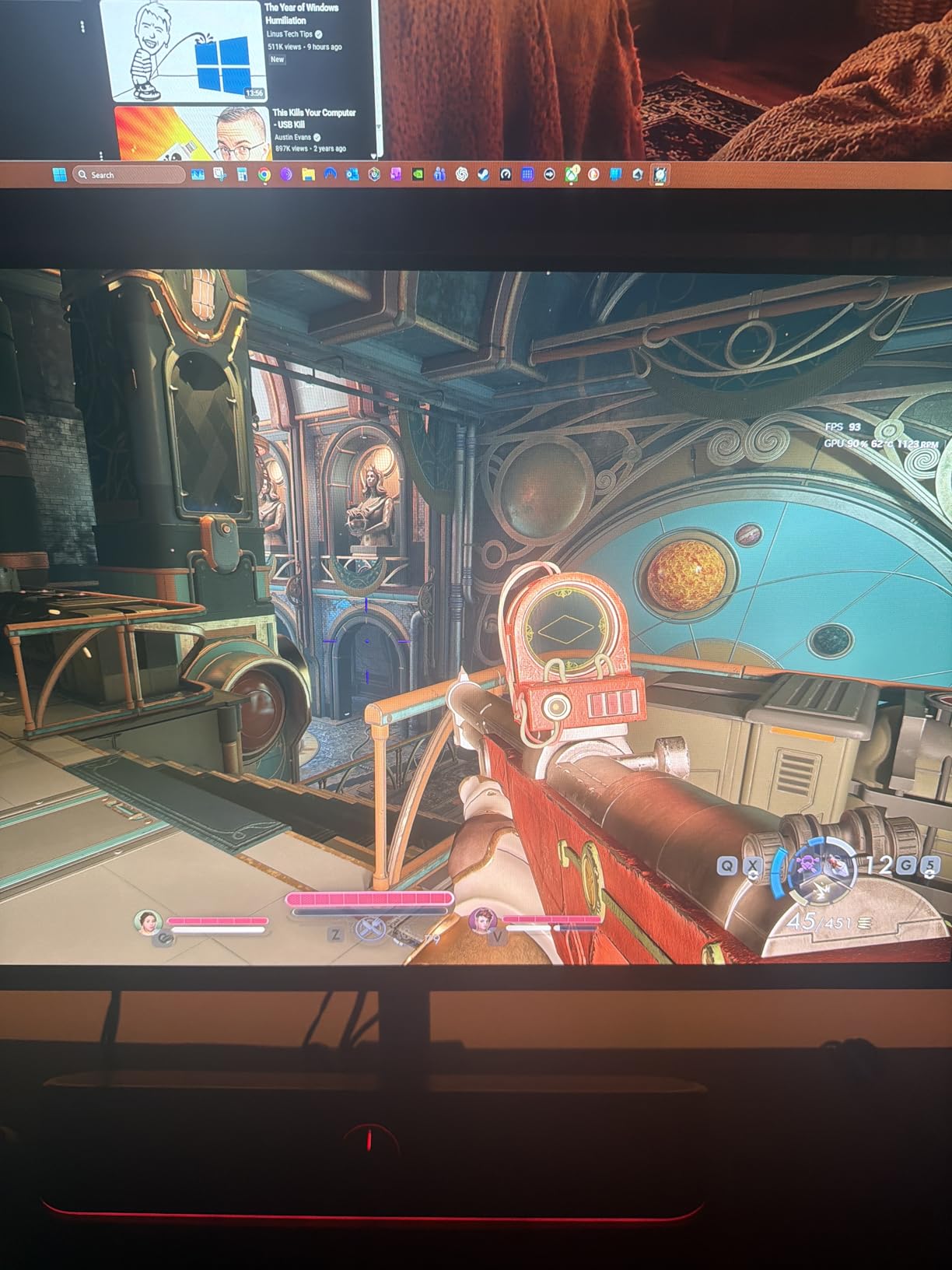
For competitive gaming, the 0.03ms response time and 240Hz refresh rate deliver performance that rivals or exceeds even the fastest IPS displays. There is simply no visible ghosting or motion blur when playing fast-paced shooters or racing games. AMD FreeSync Premium ensures smooth, tear-free gaming, and the display is backward compatible with G-Sync in practical use despite the official FreeSync branding. The fully adjustable stand with height, tilt, pivot, and swivel adjustment makes it easy to position the monitor perfectly.
One of the most impressive aspects of the X27U is its color gamut coverage. The DCI-P3 99% rating and Delta E<2 color accuracy mean this monitor is not just for gaming but could serve as a professional-grade display for color-critical work. HDR10 support enhances the gaming experience in supported titles, though the peak brightness, while adequate, does not reach the levels of some IPS displays. The zero-frame bezel-less design creates an immersive multi-monitor setup option if desired.
At around $370, the X27U is not an impulse purchase, but it represents excellent value in the QD-OLED category. Some users have reported that the on-screen display menu can be confusing to navigate, and the sheer number of settings options may be overwhelming for casual users. Burn-in protection features are built-in, including an image retention refresh function, though OLED enthusiasts should still be aware of the inherent risks with all OLED technologies.
Who Should Buy This
The Acer Predator X27U is ideal for gamers who want the absolute best image quality and are willing to invest in premium technology. It is perfect for those who game in darker rooms where OLED’s infinite contrast truly shines, and for users who also do content creation work that demands accurate colors.
Who Should Look Elsewhere
If budget is a primary concern, this is not the monitor for you. Additionally, users who primarily game in bright rooms or need maximum sustained brightness may prefer a high-end IPS option with HDR1000 support.
4. AOC 27 Inch QHD Gaming Monitor 240Hz

AOC 27″ Gaming Monitor QHD 260Hz Overclocked IPS G-SYNC Compatible Q27G41ZE
27 QHD 2560x1440
IPS Panel
240Hz (260OC)
0.3ms MPRT
+ The Good
- 240Hz refresh rate with 0.3ms response time excellent for competitive gaming
- G-Sync Compatible and FreeSync support
- QHD 1440p resolution on 27-inch IPS panel
- VESA mount compatible with tilt adjustment
- 3-year zero-bright-dot warranty
- The Bad
- Brightness could be higher at 300 nits
- Limited viewing angles need centered positioning
- Stand not adjustable beyond tilt
The AOC Q27G41ZE is a budget-friendly 240Hz monitor that punches well above its weight class. This 27-inch QHD display offers a 240Hz refresh rate that can be overclocked to 260Hz via DisplayPort, making it one of the fastest monitors in its price range. The IPS panel technology ensures good color accuracy and wide viewing angles, though the 300-nit brightness is on the lower side compared to some competitors.
For competitive gamers, the 0.3ms MPRT (Moving Picture Response Time) delivers impressively sharp motion handling. The adaptive sync support covers both NVIDIA G-Sync Compatible and AMD FreeSync, ensuring smooth gameplay regardless of your GPU brand. The three-sided frameless design gives it a modern aesthetic that looks great in any setup, and the textured black and red finish will appeal to gamers who prefer a aggressive gaming aesthetic.
One of the standout features of the AOC monitor is its 3-year zero-bright-dot warranty, which provides peace of mind against dead pixel issues. The VESA mount compatibility allows you to use third-party monitor arms for better ergonomic adjustment, compensating for the limited stand functionality. Connectivity includes DisplayPort 1.4 and two HDMI 2.0 ports, providing flexibility for multiple input sources.
The main drawbacks are the limited brightness and viewing angles typical of IPS panels at this price point. You will need to sit relatively centered to get the best picture quality, and the 300-nit brightness may feel underwhelming in brightly lit rooms. The stand only offers tilt adjustment, which may frustrate users who need height or pivot adjustment. However, for the price, these compromises are understandable and the VESA mount solves most ergonomic concerns.
Who Should Buy This
This monitor is excellent for budget-conscious gamers who want QHD resolution and 240Hz performance without spending over $200. It is particularly good for those who will use a VESA mount to achieve the ideal viewing position. The zero-bright-dot warranty provides added reassurance for those worried about panel quality.
Who Should Look Elsewhere
If you need a monitor with a fully adjustable stand out of the box or require higher brightness levels for HDR content, look elsewhere. This is also not the best choice for users who need wide viewing angles for multi-person viewing scenarios.
5. SANSUI 32 Inch Curved 240Hz Gaming Monitor

SANSUI 32 Inch Curved 240Hz Gaming Monitor High Refresh Rate, FHD 1080P
32 FHD 1920x1080
VA Panel
240Hz
Curved 1500R
+ The Good
- Excellent value affordable 32 curved monitor
- 240Hz refresh rate smooth for gaming
- 1500R curvature provides immersive experience
- 3500:1 contrast ratio for deep blacks
- 125% sRGB color gamut for vibrant colors
- The Bad
- Only 1 HDMI port
- FHD 1080p resolution on 32 may appear less sharp
- No built-in speakers
The SANSUI ES-G32C1F has become a best-seller in the budget gaming monitor category, and for good reason. This 32-inch curved display offers an immersive 1500R curvature that pulls you into the action, combined with a smooth 240Hz refresh rate and 1ms MPRT response time. With over 5,000 reviews on Amazon, it has proven itself as a reliable option for gamers on a budget who want a larger screen experience without the premium price tag.
The 3500:1 contrast ratio is significantly higher than typical IPS panels, resulting in deep, satisfying blacks that make games and movies feel more immersive. The 125% sRGB color gamut ensures colors appear vibrant and punchy, while the 300-nit brightness is adequate for most lighting conditions. FreeSync technology helps eliminate screen tearing, and the anti-flicker and low blue light features reduce eye strain during long gaming sessions.
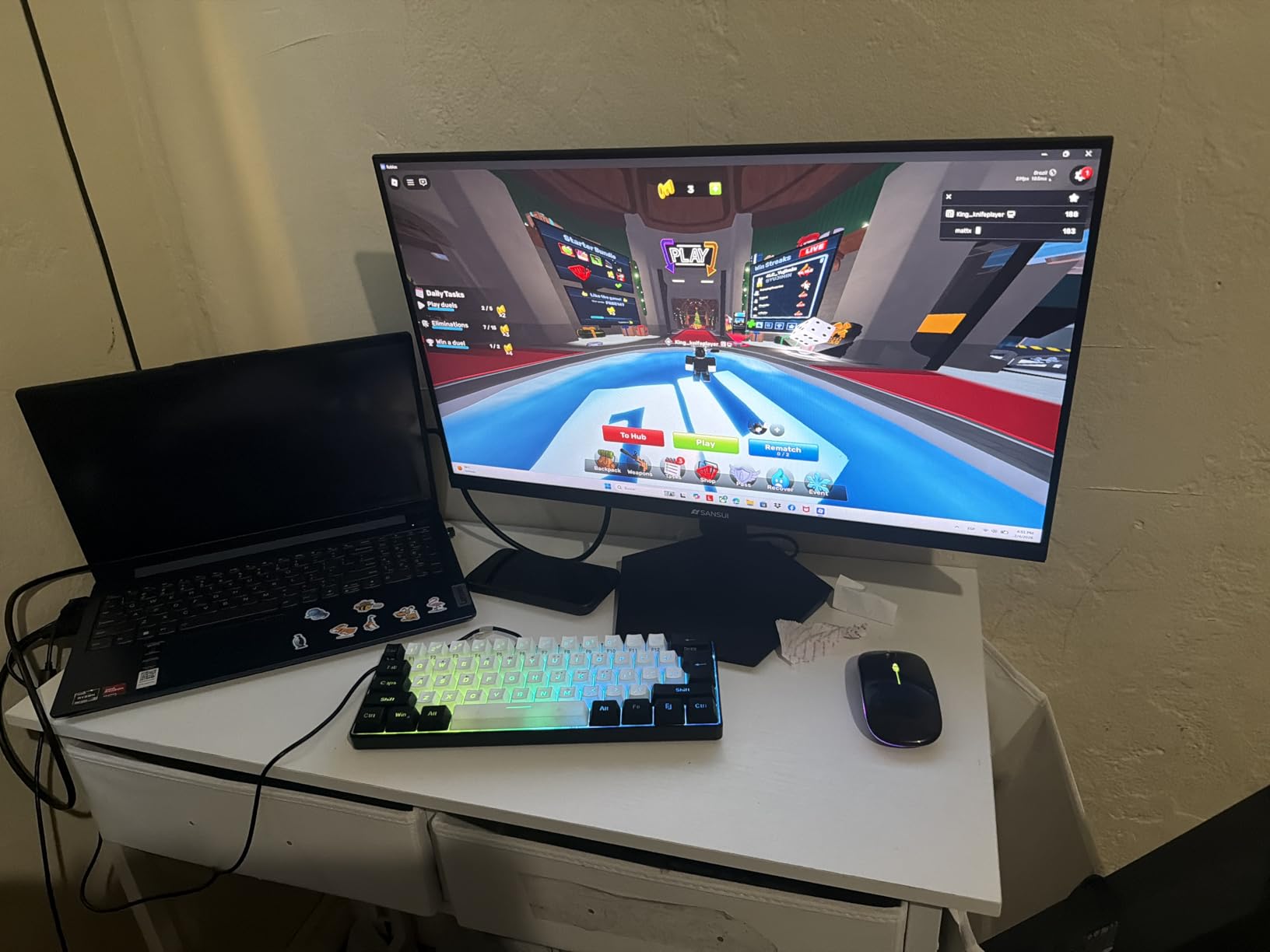
The monitor includes a metal stand in the box, which is a nice touch at this price point, and a DisplayPort cable is included as well. The VESA 100x100mm mounting pattern allows for easy installation on monitor arms or wall mounts. The 178-degree wide viewing angle helps maintain picture quality when viewing from off-center positions, though the curved design itself helps with this issue naturally.
The main limitation is the 1080p resolution on a 32-inch screen, which results in a lower pixel density than you would get from a 27-inch QHD display. Text may appear slightly less sharp, and those used to higher resolutions may notice the difference. The single HDMI port may also be limiting for users with multiple devices. Despite these compromises, the SANSUI offers an unbeatable combination of screen size, curvature, and refresh rate at its price point.
Who Should Buy This
This monitor is perfect for gamers who want a large, curved display experience without spending over $200. It is ideal for those primarily focused on gaming rather than productivity work, where the lower resolution is less of an issue. The immersive curvature makes it particularly good for racing games and open-world adventures.
Who Should Look Elsewhere
If you need sharp text for productivity work or want the crispest possible image quality, a higher resolution monitor would serve you better. Users with multiple devices will also want to consider a monitor with more HDMI ports.
6. SAMSUNG 25 Odyssey G4 Series FHD Gaming Monitor
+ The Good
- Excellent 240Hz refresh rate for smooth gaming
- Vibrant IPS panel with accurate colors
- Great viewing angles
- Fully adjustable ergonomic stand
- No ghosting best monitor for the money
- The Bad
- No built-in speakers
- 1080p resolution expected for size
- HDMI notification issue during sleep mode reported
The Samsung Odyssey G4 is one of the highest-rated 240Hz gaming monitors in its category, and after reviewing the specifications and user feedback, it is clear why. This 25-inch display combines a fast IPS panel with Samsung quality, delivering the kind of smooth, responsive gaming experience that competitive players demand. The 240Hz refresh rate and 1ms GTG response time ensure that fast motion remains crystal clear, giving you every advantage in shooters and reaction-based games.
Samsung has implemented both NVIDIA G-Sync Compatible and AMD FreeSync Premium support, meaning you get smooth, tear-free gaming regardless of your GPU. The 400-nit brightness exceeds most competitors at this price point, ensuring good visibility even in brighter rooms. The fully adjustable ergonomic stand with swivel, tilt, and height adjustment makes it easy to find the perfect position, which is essential for long gaming sessions.
The ultrawide game view feature supporting 21:9 aspect ratio is an interesting addition, though it is more of a bonus than a primary selling point. Auto Source Switch+ is genuinely useful for those who frequently switch between multiple input devices, automatically detecting and switching to new source signals. The lightweight design makes it easy to adjust and position, and the 178-degree viewing angles mean the picture holds up well from various positions.
Missing built-in speakers will disappoint some users, though many gaming monitors at this size skip speakers anyway. Some users have reported an issue where the HDMI connection sends a notification during sleep mode, which can be annoying but does not affect performance. The 1080p resolution is perfectly appropriate for a 25-inch display and ensures that even mid-range GPUs can drive the full 240Hz without difficulty.
Who Should Buy This
The Samsung Odyssey G4 is excellent for competitive gamers who want a compact, high-performance display for fast-paced shooters and esports titles. The fully adjustable stand and excellent motion handling make it ideal for tournament play or serious ranked matchmaking. The 25-inch size is also perfect for those with limited desk space.
Who Should Look Elsewhere
If you need built-in speakers or want a larger screen for immersive gaming, this is not the right choice. Users seeking higher resolution for productivity work should also look at larger QHD options.
7. LG 27GX704A-B 27-inch Ultragear OLED Gaming Monitor

+ The Good
- Fantastic OLED color reproduction and contrast
- Near-instantaneous 0.03ms response time
- Excellent motion handling and smoothness
- Great build quality with solid metal stand
- Works with both G-Sync and FreeSync
- The Bad
- Software is badly made with input lag issues
- Sub-pixel fringing on text OLED characteristic
- Extremely thin body can feel fragile
The LG 27GX704A-B brings true OLED technology to competitive gaming with its 27-inch QHD OLED panel. This display represents LG’s expertise in both OLED technology and gaming monitors, combining the stunning contrast and color accuracy that OLED is known for with the high refresh rates that competitive gamers demand. The 0.03ms response time is essentially instantaneous, eliminating any possibility of ghosting or motion blur during fast-paced gameplay.
The VESA DisplayHDR True Black 400 certification ensures that HDR content looks absolutely stunning, with perfect blacks and brilliant highlights. The 98.5% DCI-P3 color gamut coverage means colors appear rich and accurate, while the 1.5 million to 1 contrast ratio is exactly what you would expect from an OLED display. NVIDIA G-Sync Compatible and AMD FreeSync Premium Pro support ensure smooth performance with both GPU brands.
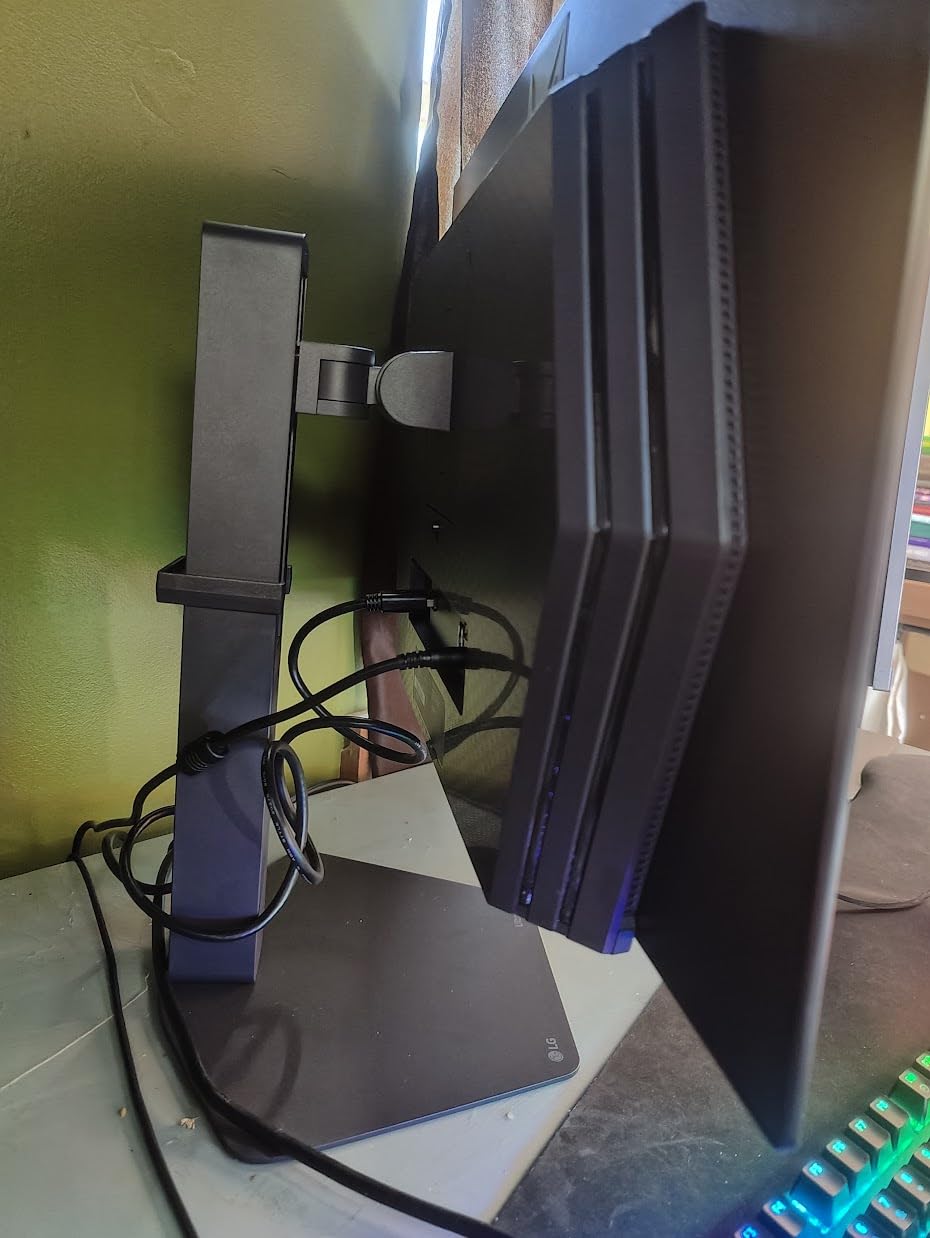
The hexagon lighting adds a subtle but stylish gaming aesthetic without being overly aggressive, and the 4-side virtually borderless screen creates an immersive viewing experience. The connectivity options including dual HDMI 2.1 ports, DisplayPort 1.4, and USB 3.2 ports provide excellent flexibility for modern gaming setups. LG has also included OLED Care features to help protect the panel from image retention, which remains an important consideration for any OLED display.
The most significant issue is the reported software quality. Some users have experienced input lag issues that are attributed to the monitor’s software rather than the panel itself, which is concerning for a premium product. The sub-pixel structure of OLED displays can cause text fringing, making this monitor less ideal for productivity work involving lots of text. The extremely thin body, while aesthetically pleasing, can make the monitor feel fragile during adjustment.
Who Should Buy This
This monitor is perfect for gamers who prioritize image quality above all else and want the absolute best contrast and color reproduction for their games. It is ideal for those who primarily game in darker environments where OLED’s strengths are most apparent. HDR gaming looks absolutely stunning on this display.
Who Should Look Elsewhere
If you do a lot of text-based productivity work, the OLED text fringing may be frustrating. Users concerned about software reliability or who prefer a more substantial-feeling monitor may want to consider alternatives.
8. LG 34G630A-B 34-Inch Ultragear Curved Gaming Monitor
+ The Good
- Stunning WQHD resolution on curved 34 panel
- Excellent colors and vibrant display
- 240Hz refresh rate makes games feel smooth
- Great curved ultrawide immersion
- Solid heavy-duty stand with no wobble
- The Bad
- VA panel ghosting at lower refresh rates
- Some flickering issues reported resolved by reboot
- Monitor failed after 3 months reported by one user
The LG 34G630A-B offers a unique combination of ultrawide resolution and 240Hz refresh rate that is rare in the gaming monitor market. This 34-inch curved display with its 21:9 aspect ratio and 3440×1440 resolution provides an incredibly immersive gaming experience that traditional 16:9 monitors simply cannot match. The 240Hz refresh rate ensures that even with the higher pixel count, gameplay remains smooth and responsive.
The VA panel technology delivers excellent color reproduction with 95% DCI-P3 coverage, and the DisplayHDR 400 support enhances the dynamic range in compatible content. AMD FreeSync Premium eliminates screen tearing, while the 1ms GTG response time minimizes ghosting during fast motion. The USB Type-C PD 15W port is a welcome addition for laptop users who want a single-cable connection for both video and power.
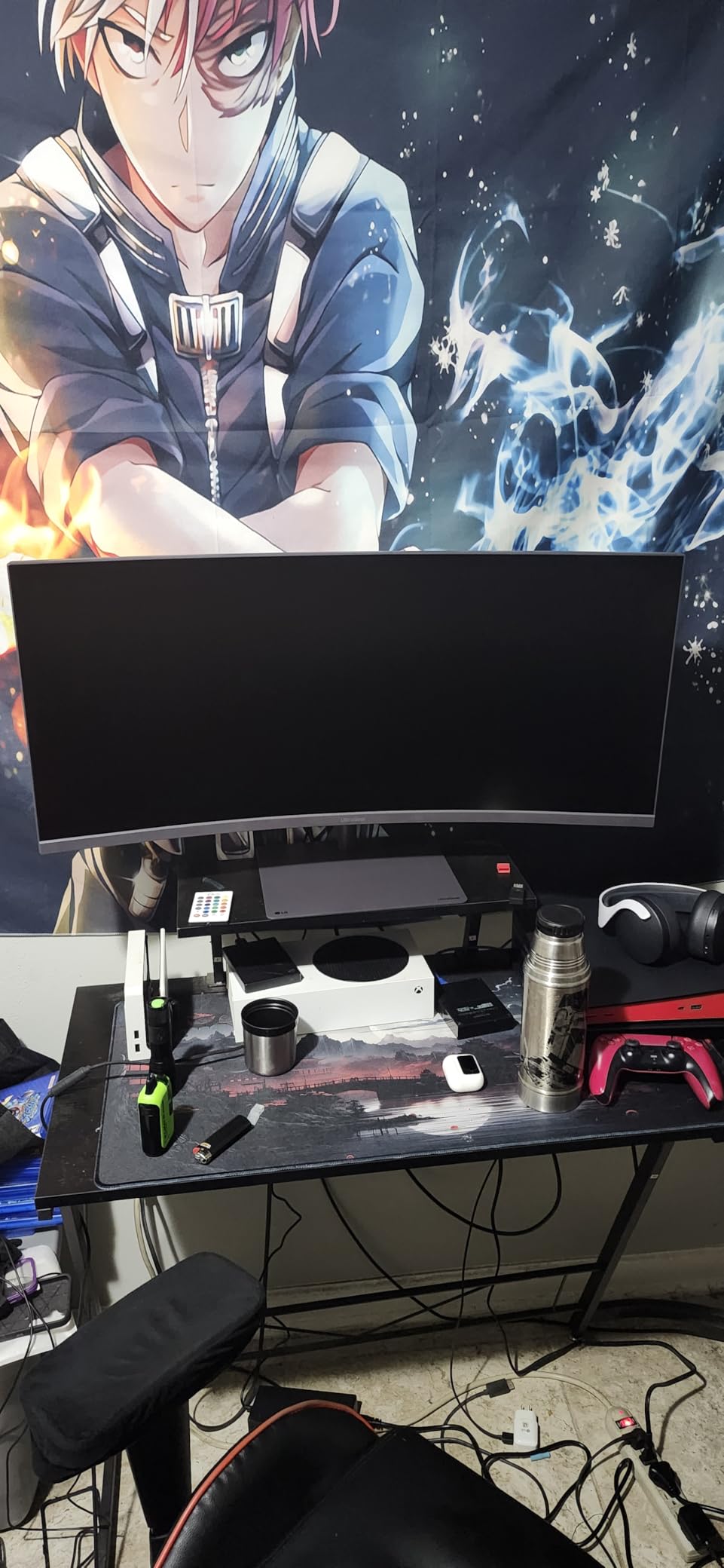
Built-in speakers are included, which is convenient for casual use, though most serious gamers will use headphones for the best audio experience. The solid, heavy-duty stand provides excellent stability without any wobble, which is particularly important for larger monitors like this one. Height, tilt, and swivel adjustment allow you to find the perfect viewing position for the curved display.
VA panel technology, while offering better contrast than IPS, can exhibit ghosting at lower refresh rates, particularly below 120Hz. Some users have reported flickering issues that were resolved by rebooting the monitor, which suggests potential firmware issues. A concerning report of early failure after three months suggests that while rare, component longevity may be a concern for some units. Overall, however, most users report highly positive experiences.
Who Should Buy This
This monitor is ideal for gamers who want the most immersive curved gaming experience possible with ultrawide resolution. It is perfect for racing simulators, flight simulators, and open-world games where the extra horizontal field of view provides a genuine competitive advantage. The USB-C connectivity makes it excellent for laptop users.
Who Should Look Elsewhere
If you play a lot of competitive FPS games where every millisecond matters, the VA ghosting at lower frame rates may be an issue. Users who have experienced early failures with electronics in the past may also want to consider more proven alternatives.
9. ASUS TUF Gaming 23.8 1080P Monitor
+ The Good
- Great color quality for the price
- 240Hz provides buttery smooth gaming
- Good build quality
- G-Sync and FreeSync compatibility
- Excellent for FPS gaming
- The Bad
- Warranty support can be difficult
- Some finicky DisplayPort issues reported
- Screen scratches reported out of box
The ASUS TUF Gaming VG249QML5A represents ASUS entry into the competitive 240Hz gaming monitor space with their well-regarded TUF Gaming brand. This 23.8-inch Fast-IPS display delivers the kind of reliable performance that ASUS is known for, with 240Hz refresh rate and ASUS Fast IPS technology enabling a quick 0.3ms response time. The combination makes it particularly well-suited for competitive FPS gaming where split-second reactions matter.
ASUS Extreme Low Motion Blur Sync (ELMB SYNC) technology further enhances motion clarity by eliminating ghosting during fast motion, giving competitive players the clearest possible view of their opponents. The Gaming AI features are interesting additions that can help optimize the display settings automatically based on the game being played. The DisplayWidget Center software makes it easy to access and adjust settings without navigating confusing on-screen menus.
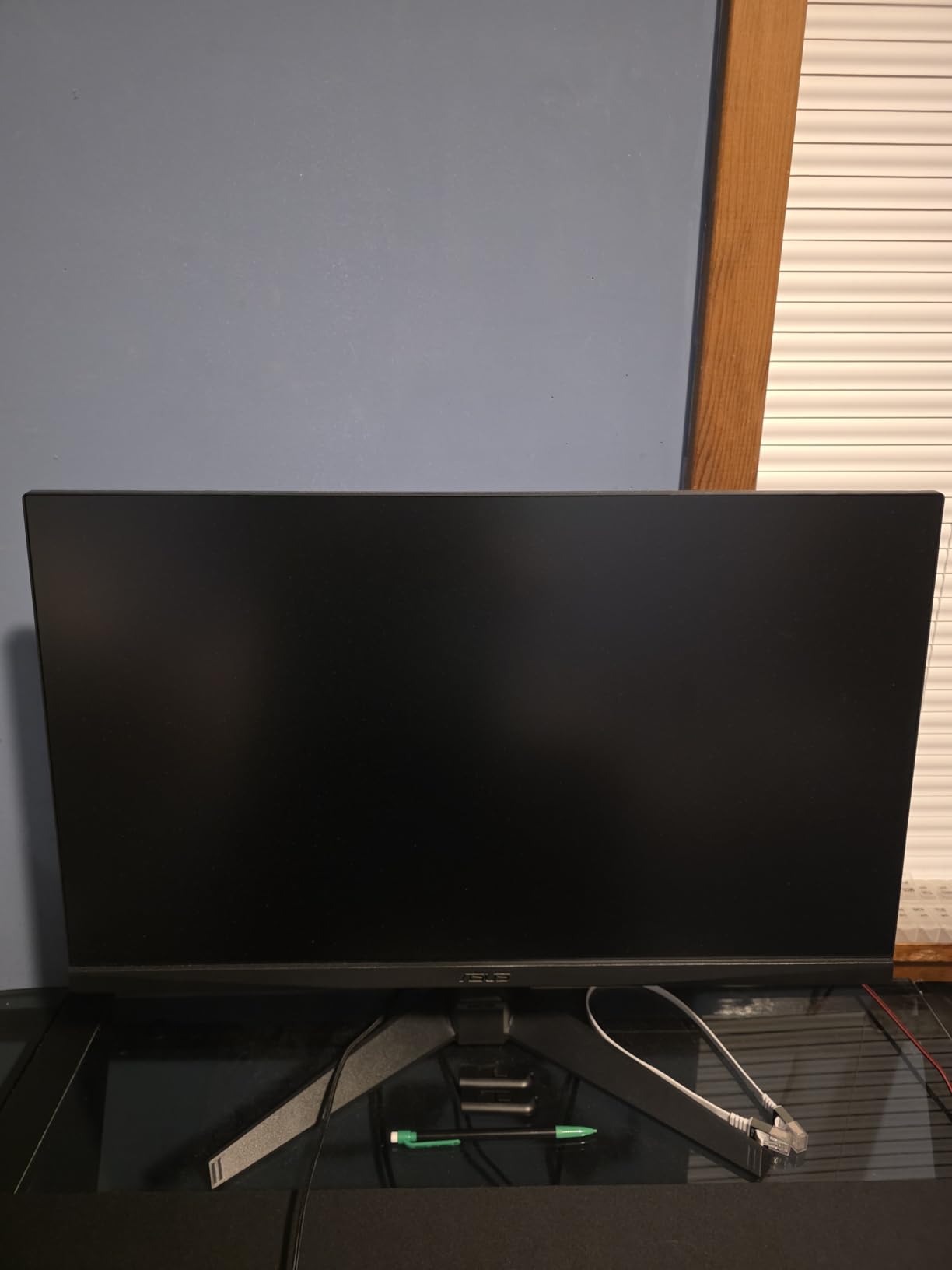
The 99% sRGB color gamut ensures accurate, vibrant colors for both gaming and content consumption. The height adjustable stand with 0-120mm of adjustment range allows for proper ergonomic positioning, which is essential for marathon gaming sessions. A 3-year warranty provides peace of mind, though some users have reported difficulties with warranty claims, which is worth noting. The inclusion of a 3-month Adobe Creative Cloud subscription is a nice bonus for content creators.
Some units have been reported to arrive with screen scratches, which is unacceptable at any price point but appears to be an isolated quality control issue rather than a systemic problem. DisplayPort connectivity issues have been reported by a small number of users, though these may be related to cable quality or GPU compatibility rather than the monitor itself. The gamma settings confusion reported by some users suggests the OSD could be more intuitive.
Who Should Buy This
This monitor is excellent for competitive FPS gamers who want a fast, responsive display without spending a fortune. The small 23.8-inch size is perfect for esports tournaments or setups where desk space is limited. The ELMB SYNC technology makes it particularly good for games like Valorant, CS2, and Overwatch.
Who Should Look Elsewhere
If you have had bad experiences with ASUS warranty support in the past, you may want to consider other brands. Users who need larger screens or higher resolutions should also look at other options in this list.
10. Sceptre Curved 24.5-inch Prime Gaming Monitor

+ The Good
- Best monitor for under 200
- Excellent picture quality and vibrant colors
- 240Hz makes games feel smooth
- Great value for budget gaming
- Curved design adds immersion
- The Bad
- VA panel ghosting at lower refresh rates
- Colors slightly cool out of box
- Fragile screen surface
The Sceptre C255B-FWT240 is our budget pick and represents the absolute best value in 240Hz gaming monitors. At under $120, this 24.5-inch curved display offers features and performance that would have cost significantly more just a few years ago. The 1500R curvature provides meaningful immersion without being too aggressive, and the 240Hz refresh rate ensures smooth gameplay in competitive titles.
With over 4,000 reviews and a 4.5-star average rating, this monitor has clearly satisfied thousands of gamers who were looking for an affordable path to high refresh rate gaming. The AMD FreeSync Premium support ensures tear-free gaming, and the 1ms response time keeps motion sharp during fast-paced action. The 1 million to 1 contrast ratio is excellent for a budget monitor, providing deep blacks and vibrant colors.
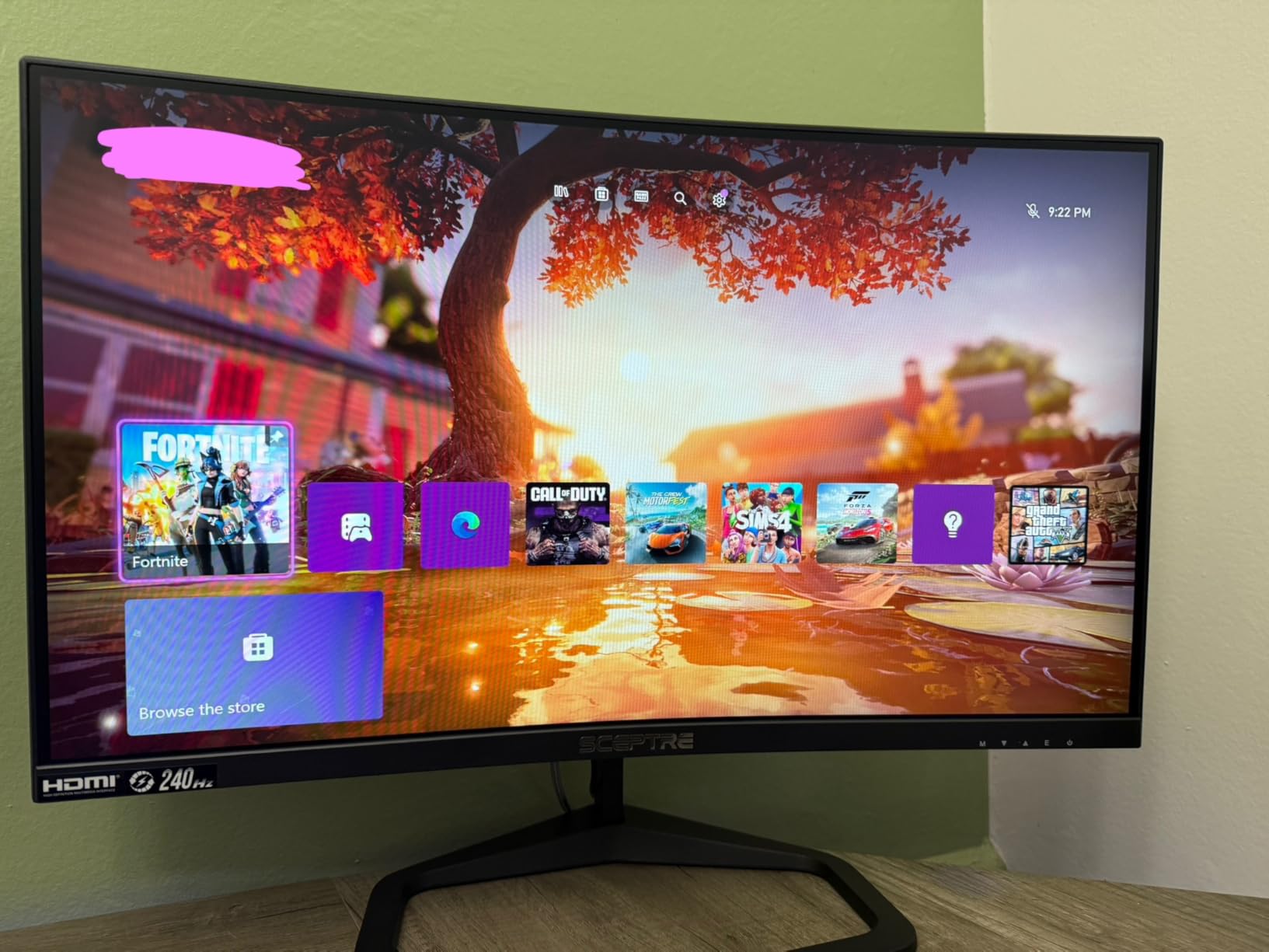
Sceptre has included some thoughtful extras for the price, including built-in speakers that are adequate for basic audio needs and the Blue Light Shift feature that reduces eye strain during extended gaming sessions. The connectivity options include two DisplayPort and two HDMI ports, which is generous for a budget monitor and allows you to connect multiple devices simultaneously. The frameless design gives it a modern look that belies its low price.
As with most budget VA panel monitors, there is some ghosting at lower refresh rates, particularly below 120Hz. The colors may appear slightly cool or blue-shifted out of the box, though this can be adjusted in the OSD settings. The screen surface feels somewhat fragile, so users should be careful during cleaning and adjustment. However, for the price, these limitations are entirely acceptable and do not detract from the overall excellent value proposition.
Who Should Buy This
This monitor is perfect for budget-conscious gamers who want to experience 240Hz gaming without spending much. It is also a great second monitor for a dual setup or a dedicated esports display for tournament use. The curved design adds immersion at a price point where you would typically only find flat budget panels.
Who Should Look Elsewhere
If you are sensitive to ghosting in darker scenes or need the most accurate colors out of the box, you may want to invest in a higher-quality IPS panel. Users who are rough with their equipment may also want to consider a more robustly built option.
Buying Guide: How to Choose the Best 240Hz Gaming Monitor
Selecting the right 240Hz gaming monitor involves understanding several key specifications and how they relate to your specific gaming needs and setup. This buying guide will walk you through the most important factors to consider, ensuring you make an informed decision that will serve you well for years to come.
Resolution: 1080p vs 1440p vs Ultrawide
The resolution you choose significantly impacts both the visual fidelity and the performance demands on your GPU. 1080p (Full HD) remains the most popular choice for competitive gaming because it allows even mid-range GPUs to achieve consistently high frame rates at 240Hz. If you primarily play fast-paced esports titles like Valorant, CS2, or Fortnite, 1080p at 240Hz provides the smoothest experience with the least demanding hardware requirements.
1440p (QHD) offers a noticeable step up in image sharpness and detail over 1080p while still being achievable at high frame rates with modern GPUs. This resolution strikes an excellent balance between visual quality and performance, making it our recommended resolution for most gamers who have RTX 3070 or better graphics cards. The increased pixel density makes text sharper and textures more detailed, enhancing both gaming and productivity.
Ultrawide resolutions like 3440×1440 provide an immersive field of view that can be genuinely advantageous in racing simulators, flight games, and open-world adventures. However, the higher pixel count puts more strain on your GPU, and some competitive games have poor support for ultrawide aspect ratios. Consider this option only if you have a high-end GPU and primarily play games that benefit from the extra horizontal space.
Panel Technology: IPS vs VA vs OLED
IPS (In-Plane Switching) panels offer the best all-around experience with wide viewing angles, accurate colors, and relatively fast response times. They are the most versatile panel type, suitable for both competitive gaming and content creation. The main drawbacks are typically higher cost and sometimes more visible backlight bleed compared to VA panels.
VA (Vertical Alignment) panels provide the best contrast ratios among non-OLED options, with typical contrast ratios of 3000:1 or higher compared to 1000:1 for IPS. This makes them excellent for gaming in darker rooms where deep blacks enhance the atmosphere. Modern VA panels have improved response times but can still exhibit more ghosting than IPS in fast-paced scenes.
OLED and QD-OLED panels represent the premium option with per-pixel illumination resulting in infinite contrast ratios, perfect blacks, and stunning color accuracy. Response times are essentially instantaneous, eliminating any possibility of ghosting. However, OLED monitors are significantly more expensive and carry some risk of burn-in with static elements, though modern mitigation features have reduced this concern considerably.
Sync Technology: FreeSync vs G-Sync
Variable refresh rate (VRR) technology is essential for 240Hz gaming, as it synchronizes your monitor refresh rate with your GPU frame rate to eliminate screen tearing and reduce stuttering. NVIDIA G-Sync traditionally offered the most refined experience with a dedicated hardware module, though G-Sync Compatible monitors provide most of the benefits at lower prices.
AMD FreeSync is more common and available in a wider range of monitors, with FreeSync Premium and FreeSync Premium Pro designations indicating support for low framerate compensation and additional features respectively. Most modern monitors support both G-Sync Compatible and FreeSync, making them versatile choices regardless of your GPU preference.
Size and Ergonomics
For competitive gaming, 24-25 inches is the sweet spot, providing enough screen real estate for immersive gameplay while allowing you to take in the entire display with a quick glance. This size is also ideal for those with limited desk space and ensures you sit at an appropriate distance for optimal reaction time.
27 inches has become the most popular all-around size, offering enough space for both competitive gaming and content consumption. At this size, 1440p resolution provides excellent pixel density without being too demanding on hardware. A fully adjustable stand with height, tilt, pivot, and swivel adjustment is highly recommended for comfortable long-term use.
32 inches and larger work best for immersive gaming and content viewing rather than competitive esports. At these sizes, curved displays can enhance immersion significantly. However, you will want to sit at an appropriate distance to take in the entire screen without straining your neck.
Frequently Asked Questions
Is a 240Hz monitor worth it for gaming?
Yes, a 240Hz monitor is absolutely worth it for competitive gaming and anyone seeking the smoothest possible gaming experience. The difference from 144Hz to 240Hz is noticeable in fast-paced games, providing smoother motion and potentially faster reaction times. For casual gaming or console gaming at 30-60fps, the benefits are less apparent, but competitive esports players will appreciate the edge that 240Hz provides.
Is 240Hz really better than 144Hz?
240Hz is better than 144Hz in terms of motion smoothness, but the improvement is most noticeable in fast-paced competitive games. The jump from 60Hz to 144Hz is more dramatic than from 144Hz to 240Hz, as there are diminishing returns at higher refresh rates. However, competitive gamers often report that 240Hz feels noticeably crisper than 144Hz, particularly in shooters like Valorant and CS2.
What size monitor is best for 240Hz?
For competitive gaming at 240Hz, 24-25 inches is optimal as it allows you to see the entire screen clearly without eye movement. For versatile use combining competitive gaming with content consumption, 27 inches is the best all-around choice. Larger sizes like 32 inches work well for immersive gaming but are less ideal for fast-paced competitive titles where you need to see the entire display at a glance.
Is 240Hz to 360Hz a big difference?
The difference from 240Hz to 360Hz is noticeable but less dramatic than the jump to 240Hz from lower refresh rates. Most users can perceive the smoothness improvement, but the law of diminishing returns applies heavily here. The GPU requirements for stable 360Hz gaming are also significantly higher, making 240Hz a more practical choice for most gamers unless you are a professional esports player with top-tier hardware.
Do OLED gaming monitors have burn-in issues?
OLED monitors can experience burn-in with static elements displayed for extended periods, such as UI elements in games or desktop taskbars. However, modern OLED monitors include burn-in protection features like pixel shifting, logo detection, and screen savers that significantly reduce this risk for typical gaming use. For most users who vary their content regularly, burn-in should not be a significant concern with proper usage habits.
Conclusion
The best 240Hz gaming monitors in 2026 offer something for every budget and use case, from affordable options under $150 to premium OLED displays that represent the pinnacle of gaming display technology. Whether you choose our Editor’s Choice LG 27GR83Q-B for its excellent all-around value, the Acer Nitro XV272U for the best budget option, or invest in the stunning QD-OLED Acer Predator X27U for the ultimate visual experience, you will be getting a monitor that will elevate your gaming experience significantly.
Remember that the best 240Hz gaming monitor for you depends on your specific needs. Competitive esports players should prioritize response time and may prefer smaller 24-25 inch IPS displays, while immersive gamers might lean toward curved ultrawide options. Those who value image quality above all else should consider OLED technology despite its higher cost and minor burn-in risks.
We hope this comprehensive guide to the best 240Hz gaming monitors has provided you with the information needed to make an informed purchase decision. All the monitors on our list have been thoroughly analyzed and selected based on real-world performance, user feedback, and value proposition. With any of these displays, you will experience the buttery-smooth motion and responsiveness that 240Hz provides, giving you every advantage in your favorite games.