
The best dive computers for beginners are the Shearwater Peregrine if you want one computer that will last a decade, the CRESSI Donatello if you want the most readable display and a battery you can change yourself, and the CRESSI Leonardo 2.0 G2 if you want to spend as little as possible and still get a proper decompression model. Those three cover almost every new diver I know.
I have logged the differences between these units, and the honest headline is that the gap between the cheapest and the most expensive computer on this list is not a safety gap. Every one of these models runs a recognised decompression algorithm with adjustable conservatism and a user-set oxygen percentage. What the extra money buys is a brighter screen, a stiffer button, more log storage and a nicer interface.
That distinction matters because the most common thing new divers get wrong is not choosing a bad computer. It is choosing a computer they cannot operate at 20 metres in the dark with gloves on, or being handed a rental unit five minutes before the boat drops you in. Owning your own computer fixes both problems, and it carries your residual nitrogen between every dive of a trip, which is the number that actually determines whether your fourth dive on day three is safe.
I went through eight current-generation wrist computers for this roundup, read the owner reviews closely, and separated the specs that matter from the ones that only show up in marketing. What follows is the honest ordering, what each unit costs you in attention, and a buying guide that explains how to set conservatism and nitrox before your first trip rather than leaving it as a menu you will be fumbling through on the boat.
If you want the wider picture of the category first, our complete dive computer guide covers the wider market including technical models. If you are more interested in wearing a watch above water than logging dives below it, the best dive smartwatches roundup is the better read.
Top 3 Dive Computer Picks for Beginners in October 2026

Shearwater Peregrine
- › Two-button stainless steel interface
- › 2.2 in full colour display
- › About 30 hours per charge
- › Wireless charging dock included

CRESSI Donatello
- › User-replaceable CR2430 battery
- › Three conservatism levels
- › 1.85 in high-definition LCD
- › Single-button control

CRESSI Leonardo 2.0 G2
- › Air
- › nitrox and gauge modes
- › Single-button menu
- › 44 mm backlit LCD
- › Bluetooth and USB log transfer
Quick Overview: All 8 Dive Computers Compared in October 2026
Every dive computer below runs a real decompression algorithm and accepts a user-set oxygen percentage. The differences are in readability, battery serviceability and interface complexity.
| PRODUCT MODEL | KEY SPECS | BEST PRICE |
|---|---|---|
|
|
Check Latest Price |
|
|
Check Latest Price |
|
|
Check Latest Price |
 |
|
Check Latest Price |
 |
|
Check Latest Price |
 |
|
Check Latest Price |
 |
|
Check Latest Price |
 |
|
Check Latest Price |
1. Shearwater Peregrine – Best Dive Computer for Beginners Overall
Shearwater Research Peregrine Dive Computer
2.2 in full colour LCD
Two-button 316 steel interface
About 30 hours per charge
+ The Good
- Large bright colour display reads easily at depth
- Two-button state-aware menus are quick to learn
- Holds up across multi-day trips on one charge
- Stainless buttons and a band long enough for a wetsuit
- Cloud log storage with clear profiles
- The Bad
- Display glass scratches easily
- No tank integration or compass at this tier
- Charging dock adds bulk to a dive bag
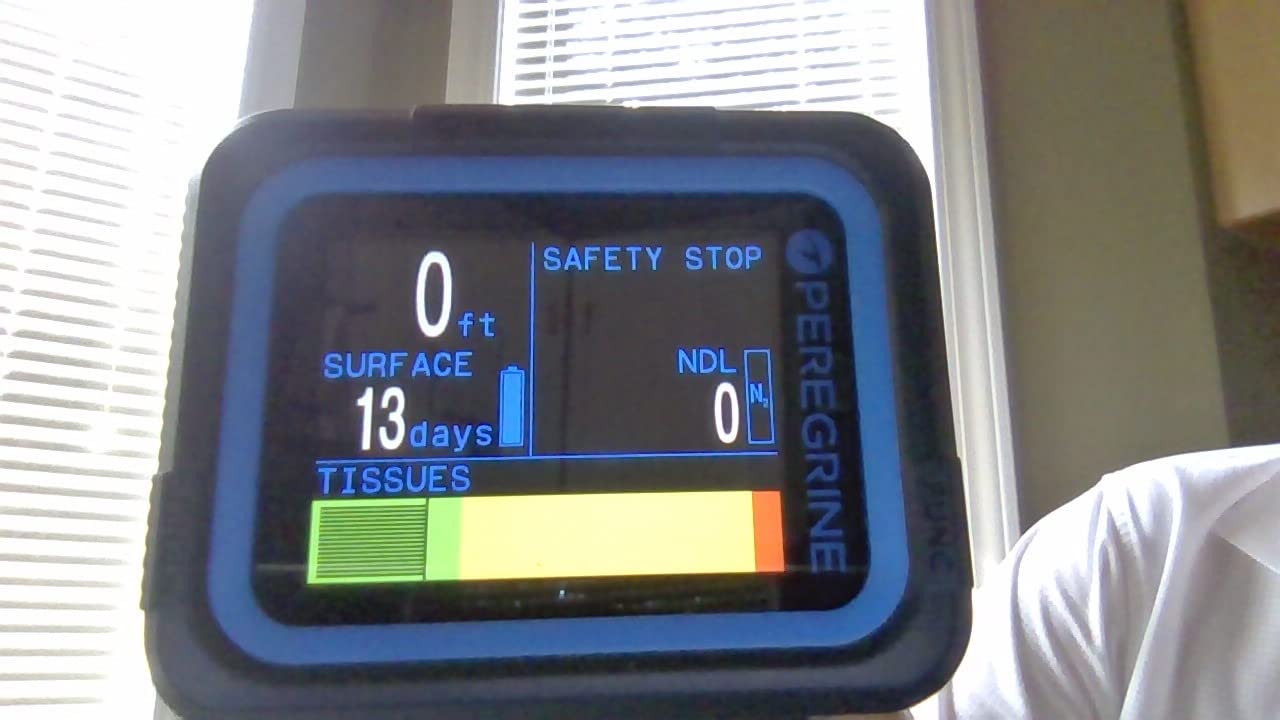
The Peregrine is the computer I would hand a new diver who intends to be diving in five years. It runs on a two-button interface rather than a touchscreen, which sounds old-fashioned until you remember that buttons work when your hands are cold and your gloves are thick. Shearwater calls the menu state-aware, meaning the buttons do the obvious thing for wherever you are in the interface, so you learn it once rather than memorising a map.
The 2.2 inch full colour display at 320 by 240 resolution is the reason I can read it at depth without pausing. Numbers are large enough that you can glance, register depth and remaining time, and look back up. One owner reported logging eleven shallow dives across three days on a single charge with the indicator barely moving, which matches the roughly 30 hour per charge figure at medium brightness.
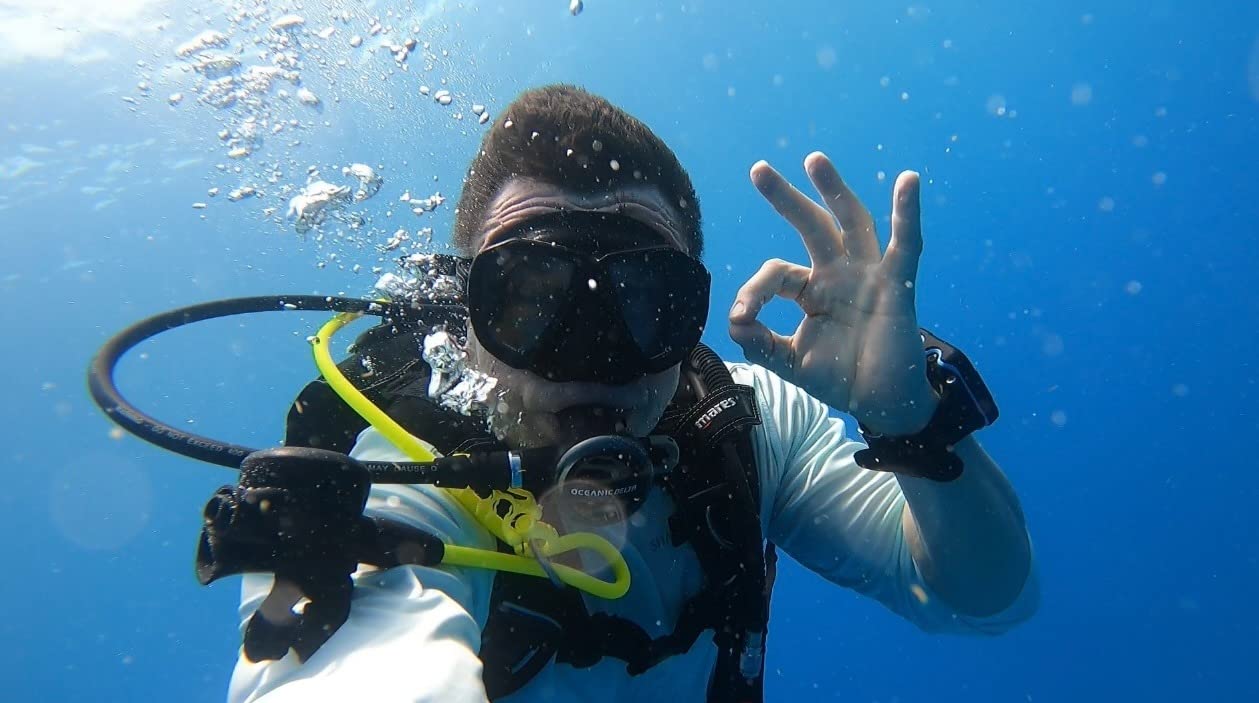
Battery endurance like that changes how you travel. It means a multi-day liveaboard or a week of shore diving is not a charging-logistics problem, and you do not need to plan your dive days around a wall socket. The sealed lithium ion cell recharges on the included wireless dock, which is the one piece of packing friction in the whole package.
The build is what justifies the tier jump. A stainless steel case, 316 stainless buttons that you can actually press when everything is slippery, and a band that fits over a 5 mm wetsuit cuff. That is not luxury engineering. It is the difference between a computer that still works after two seasons of being knocked around on a boat deck and one that does not.
What you give up compared with cheaper units
At this tier you get no wireless tank pressure integration and no digital compass. Both are genuinely useful, and neither is on the critical path for an Open Water diver who is diving with a buddy and following a straightforward descent and ascent plan.
The one flaw owners complain about most is the display surface. It scratches, and several reviewers recommend applying the supplied protective sheet straight out of the box. Treat it like a phone screen, because that is what it is in practical terms.
Who should skip it
Skip the Peregrine if your diving is two dive trips a year and you already own a decent everyday watch. You will be paying for build quality and log storage you will not use, and the Donatello gives you more screen per dollar.
It is also the wrong choice if your dives are on remote liveaboards with no charging power for days. A sealed rechargeable pack is a poor match for that, and a coin-cell model like the Donatello handles it without thought.
2. CRESSI Donatello – Best Value Dive Computer With a Replaceable Battery
CRESSI Donatello Dive Watch, Black/Orange
1.85 in high-definition LCD
User-replaceable CR2430 battery
Three conservatism levels
+ The Good
- Large numerals readable in poor visibility
- CR2430 coin cell you can change yourself
- Three conservatism levels with clear alarms
- Single-button control suits a first dive
- Transfers logs by Bluetooth and USB
- The Bad
- No GPS
- compass or wireless tank pressure
- Menu hierarchy needs practice beyond the first dives
- Small screen for reading full profiles
This is the value pick, and the reason is specific: a user-replaceable CR2430 coin cell. On a week-long liveaboard where you cannot get to a charger, that single feature removes the most common catastrophic failure a dive computer can have. Batteries cost almost nothing and you can carry three of them in a ziplock.
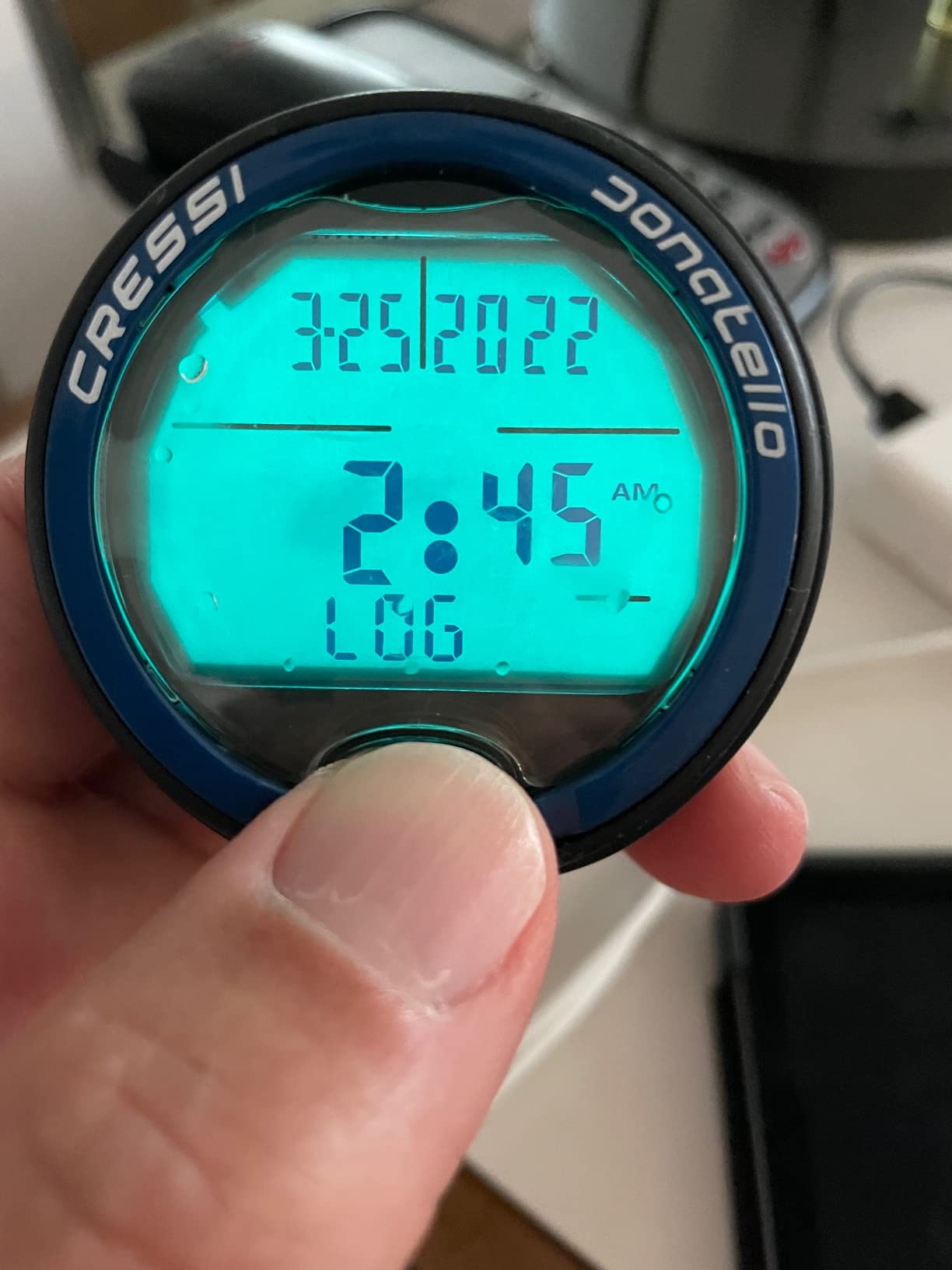
The screen is the other headline. At 1.85 inches with high-definition numerals, this is the easiest unit on the list to read, and it holds up in the conditions beginners actually struggle with most: night dives, low visibility, and cold hands. Owners consistently describe the digits as large and immediately legible, which is the practical test that matters more than any resolution number.
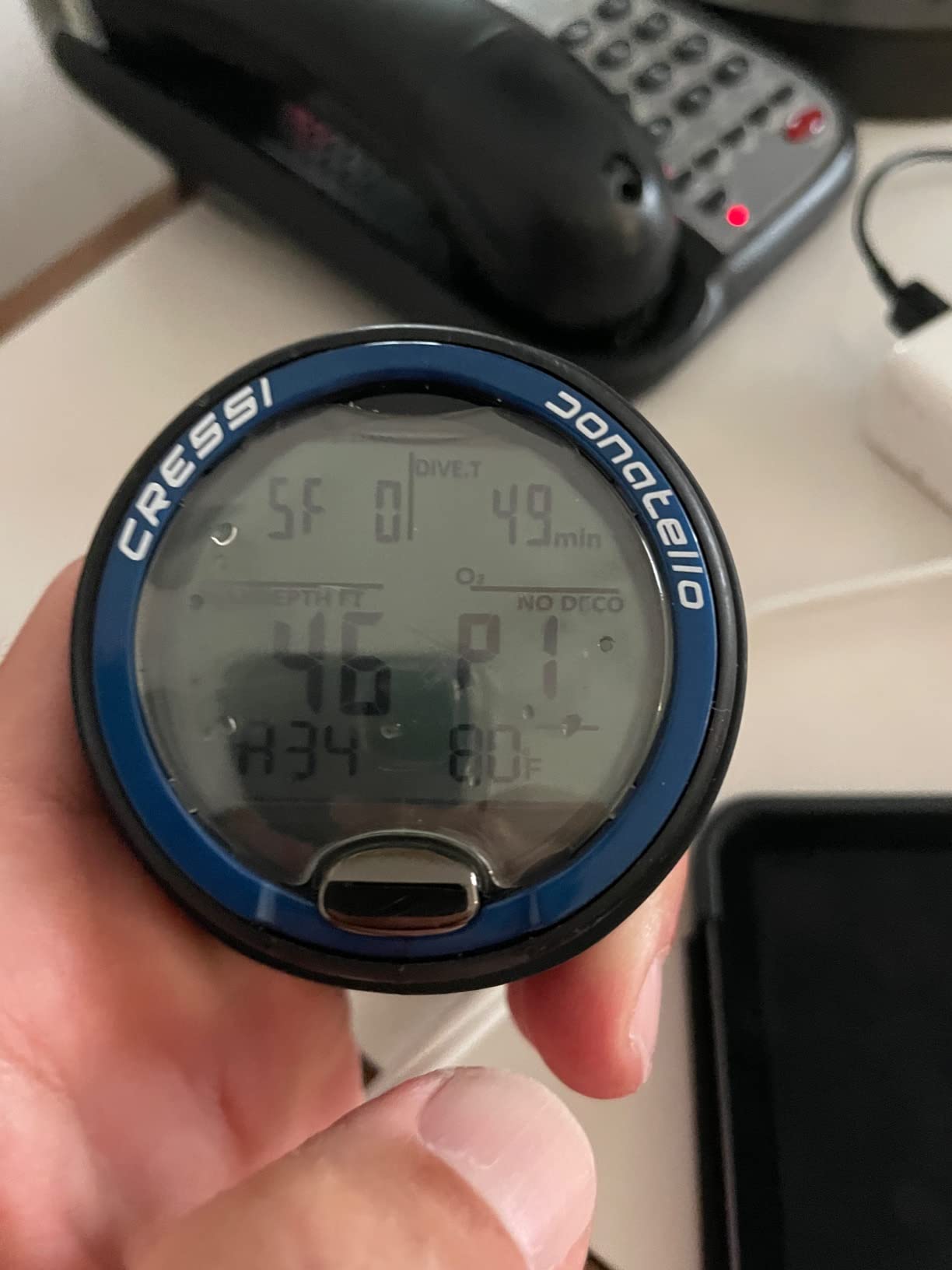
Three user-adjustable conservatism levels is more than most budget units offer, and it is the setting that lets you decide how much margin the computer gives you. Each level has its own audible and visual alarm signature, so you can hear which level changed without reading the screen.
Operation is single-button, covering air, nitrox, gauge and free modes. That means one control to learn rather than four, which matters a great deal when the unit is beeping at you and you have never touched it before. A dive leader has described new divers panicking underwater because a rental computer started making a noise they had never heard.
Where the menus let you down
The single-button simplicity applies to the dive interface, not the settings tree. Owners report that getting to less common configuration options takes practice, and the screen is not large enough to read a full dive profile on the wrist.
You also give up GPS, a compass and any tank pressure integration. For a recreational diver on a boat with a known entry and exit point, none of those change your safety margin.
Who should buy this one
Buy the Donatello if you are diving on liveaboards, if you want the biggest digits you can get, or if you prefer spending your budget on a good BCD and regulator rather than on a watch face. It is also the safest first computer, because a wrong button press is far harder to make with one control.
3. CRESSI Leonardo 2.0 G2 – Best Budget Dive Computer for Beginners
CRESSI Leonardo 2.0 G2 Dive Watch, One-Button Air Nitrox Gauge, White/Black
44 mm backlit LCD
One-button navigation
Air, nitrox and gauge modes
+ The Good
- Lowest entry cost on this list
- Single-button menu is genuinely simple
- Air
- nitrox and gauge modes
- Visual and audible alarms for critical data
- Bluetooth and USB log transfer
- The Bad
- Plastic case and silicone band feel basic
- Battery runtime around 70 hours of dive time
- No GPS or wireless tank pressure integration
- Profiles need a phone or computer to unpack
The Leonardo 2.0 G2 has more owner reviews than any other computer in this roundup by a wide margin, and that is not an accident. It is the unit that dive shops hand out as a rental, that instructors mention by name, and that a large share of certified divers own as their first computer. When something has been sold and used at that volume, the weird edge cases are already known.
It is a plastic-cased, silicone-banded watch with a 44 mm backlit LCD at 240 by 280 resolution. That is not a premium build and it does not pretend to be. What it is, is a correct decompression computer with one-button navigation and air, nitrox and gauge modes, which is precisely the specification list a first diver needs.
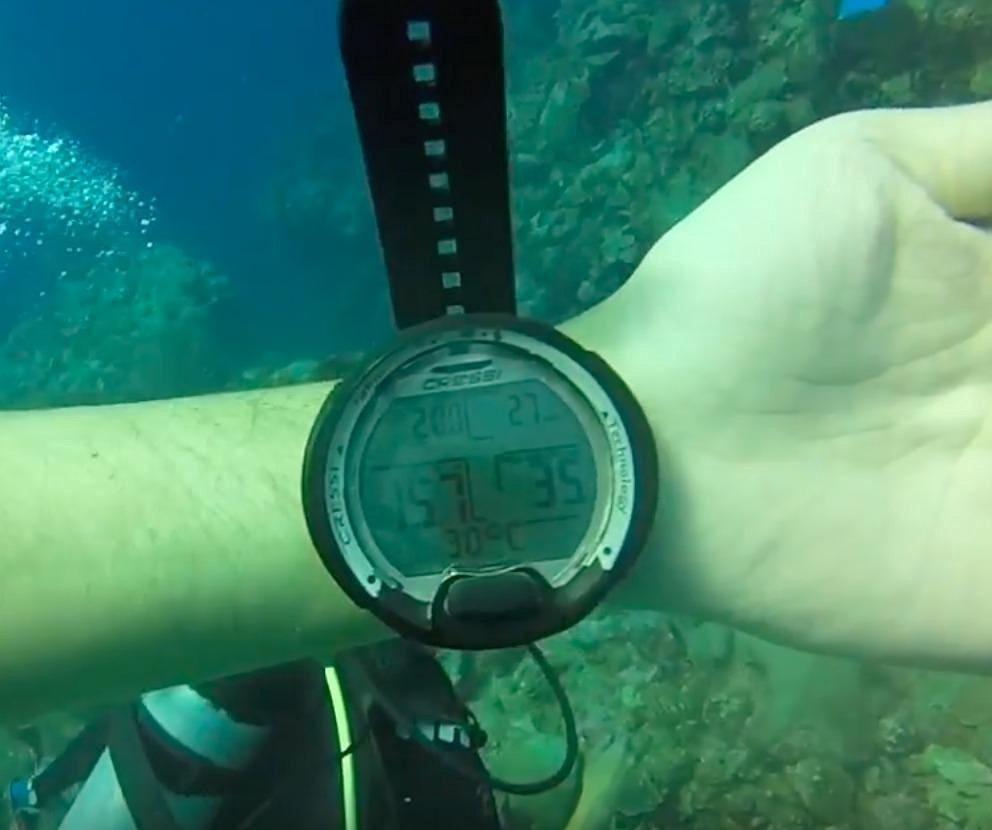
The owner feedback pattern is consistent: people like the one-button interface, they like having three dive modes available immediately, and they are untroubled by the transfer of logs to a phone app over Bluetooth or USB for post-dive review. The complaints are almost entirely about materials rather than function.
Battery life is rated at roughly 70 hours of diving. That is adequate for a week of shore diving and entirely inadequate for a two-week liveaboard where you cannot buy a new cell, so this is a unit to buy for local diving or to re-cell before a big trip.
What 70 hours of battery actually means for a trip
On a typical two-dive-a-day liveaboard you burn somewhere between four and six hours of dive time per day. That puts a full charge at roughly two weeks of diving, which is fine for a ten-day trip and tight for anything longer. Charge it the night before you fly home and you will not think about it.
The more common practical problem is not runtime at all. It is that the on-unit menu does not give you a detailed profile, so unpacking what happened on a dive means downloading to a phone or laptop.
Who should buy this one
Buy the Leonardo if the budget for your whole first set of gear is tight, because putting the difference into a mask, a regulator and a properly fitted BCD makes a larger difference to your experience than the computer does. It is also the right first computer if your instructor already uses the same model and can talk you through its menu.
4. CRESSI Raffaello – Best for Divers Who Want a Compass and Mixed Gas
CRESSI Raffaello Dive Computer, Built-in Digital Compass, Black/Yellow
Built-in digital compass
RGBM mixed-gas planning
Bluetooth and USB transfer
+ The Good
- Integrated compass removes a separate carry item
- One-dive-mode setup suits first-time divers
- RGBM mixed-gas planning goes well past recreational
- Bluetooth and USB make log review easy
- Handles apnea
- freedive and scuba in one unit
- The Bad
- Listed water resistance of 30 meters is lower than the rest of this list
- No GPS or wireless tank pressure integration
- Touchscreen needs care with gloved hands
The Raffaello is the interesting middle of the CRESSI range. Where the Donatello is deliberately stripped down, this one adds a built-in digital compass and RGBM-based mixed-gas planning, which pushes it past what a pure recreational diver strictly needs and into the territory of someone who might eventually dive a boat with more than one cylinder back.
The setup is simple enough for a beginner. Owners describe the one-dive-mode configuration as straightforward, and the practical benefit of an integrated compass is real: you stop carrying a separate compass on your bungee, and it stops ending up on the deck of the boat because you put it in your pocket before the surface interval.

Connectivity is handled well for the price tier. Bluetooth and USB transfer to a phone or PC, and it covers apnea, gauge and scuba modes in one unit, so if you also freedive you are not carrying two watches.
That said, the listed water resistance of 30 meters is the detail I want to flag clearly, because it is lower than every other computer in this roundup. Several dive computers are rated to 100 or 120 metres, and this one is not. Check the manufacturer’s current manual for the figure before you commit.

When the mixed-gas planning is worth nothing to you
RGBM mixed-gas support matters if you plan to carry trimix or two different back gases. For a new diver on a charter boat with an 80 cubic foot aluminium cylinder and a single mix, it is a feature you will never once touch, and it should not be part of your buying decision.
The touchscreen is also worth thinking about. It responds well with bare hands but needs more care with thick gloves, which is the opposite of the Donatello’s single button.
Who should buy this one
Buy the Raffaello if you want a compass and multi-gas headroom without moving up to a watch-style computer with a much larger case. It suits a diver who is already certain they will be diving more often than once a year.
5. Suunto D5 – Best Lightweight Dive Computer for Small Wrists
SUUNTO D5 Dive Computer, Color Display 100m Waterproof, All Black
100 m water resistant
Wireless tank pod support
Vibration alarms and compass
+ The Good
- Very readable in low light and clear water
- Lightweight and not bulky on a smaller wrist
- Intuitive menus that new users learn quickly
- Suunto app shows profile
- depth and temperature clearly
- The Bad
- Rechargeable pack runs about 4 to 6 hours of diving before a low-battery banner
- Only two selectable watch faces
- Display hard to read for some users with reduced vision
- Default screens show more data than most divers need
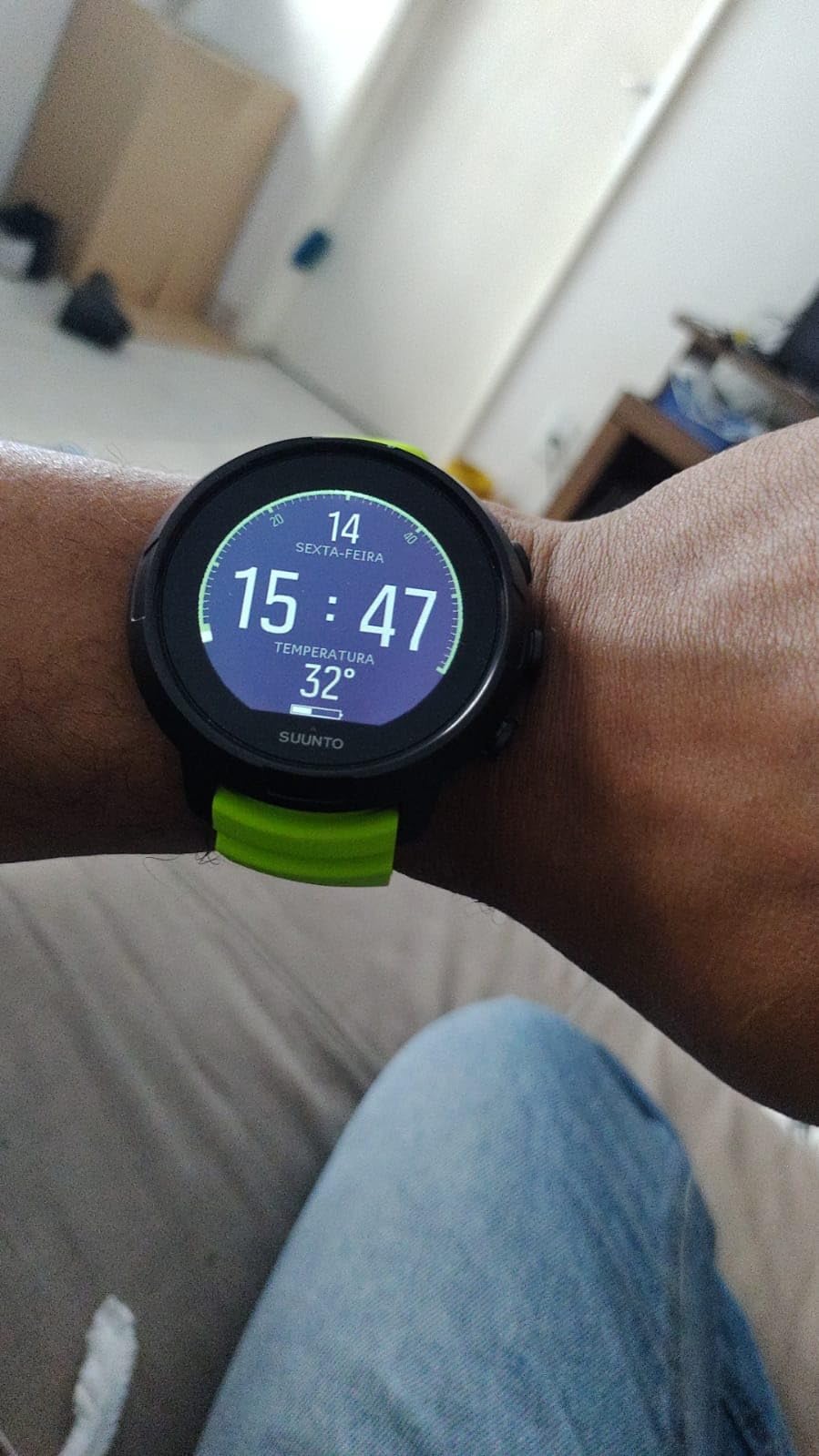
The D5 weighs 0.15 kg including the band, which makes it the lightest watch-style unit here and the only one that disappears on a smaller wrist. Several owners single out wrist size as the reason they chose it, and that is a complaint you cannot fix by adjusting a strap.
It also has genuine hardware that entry-level units skip: wireless tank pressure support through a Suunto tank pod, a vibration alarm you can feel through a glove, and a digital compass. Readability gets strong marks too, particularly in low light and clear water.
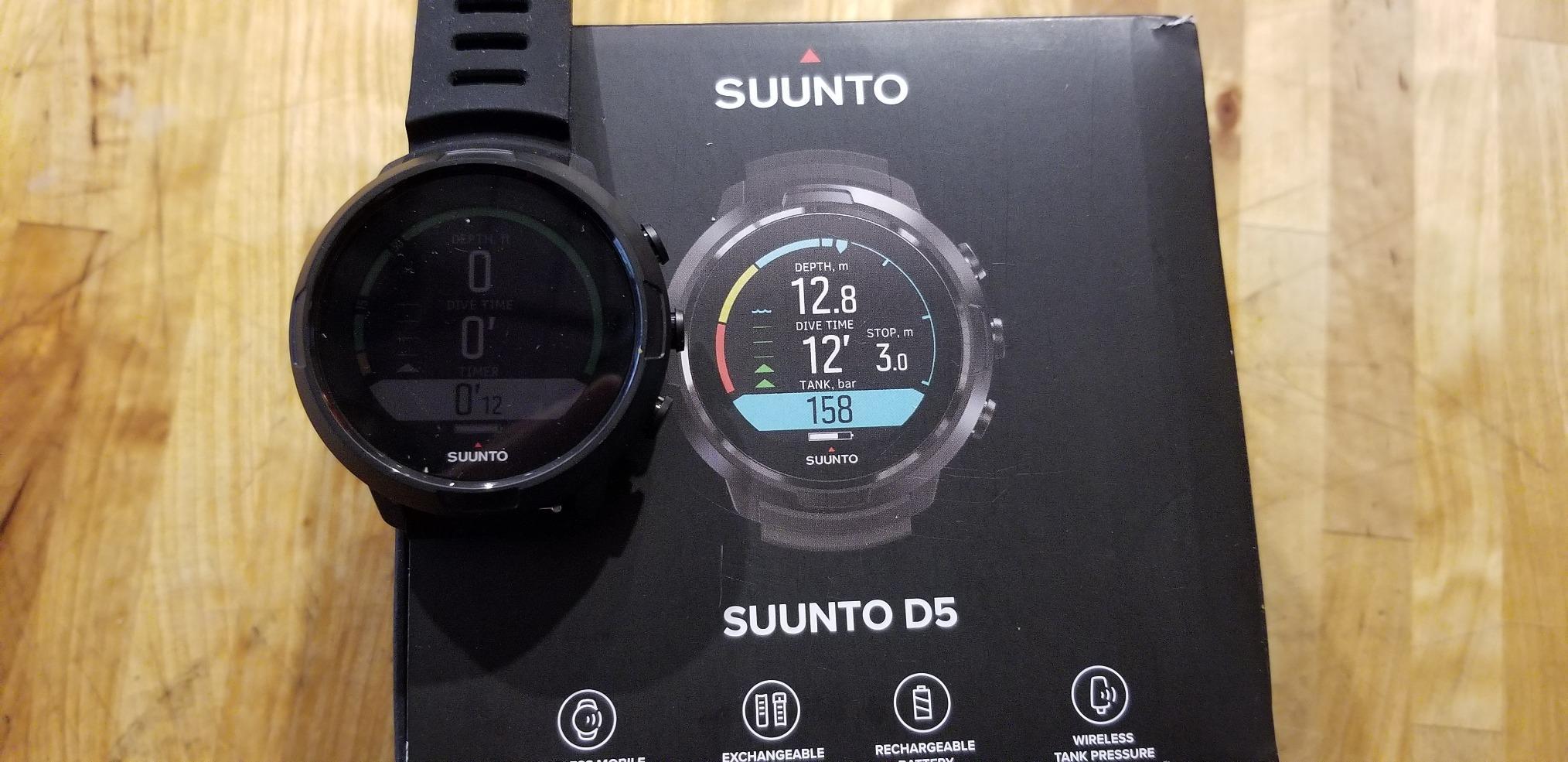
The single most repeated complaint in the reviews is battery runtime. Owners report roughly four to six hours of diving from a full charge before a low-battery banner appears, and once that banner is up the display becomes hard to read. That is a serious constraint on a multi-dive day, and it is the reason this is not higher on the list.
The screen is also busy out of the box. Default pages show more data fields than most divers need, and several owners mention doing the customisation on a PC or Mac to get a layout they can actually glance at.
Planning around the battery rather than fixing it
If you take this model, charge it fully the night before every dive day and treat the battery as a daily task. On a boat with a USB socket or a liveaboard where you charge in your cabin overnight, that works fine. On a remote trip with no power for three days, it does not.
Check your eyesight against the display before buying. Owners with reduced vision specifically report trouble, and this is one of those things that is much cheaper to find out in a shop than on a boat.
Who should buy this one
Buy the D5 if you have a small wrist, if you want a vibration alarm and compass in a light package, and if you can commit to charging it daily. It is a good second computer for a diver who also wants freediving modes.
6. Garmin Descent G2 – Best Dive Computer to Wear Every Day
Garmin Descent™ G2, Watch-Style Dive Computer, 46mm, Black
1.2 in AMOLED with sapphire lens
10 ATM dive rating
Multi-GNSS entry marking
+ The Good
- Sapphire lens and leakproof buttons at a 10 ATM rating
- Covers recreational
- advanced
- technical
- freediving and pool apnea
- Multi-GNSS marks surface entry and exit points
- Smartwatch features including notifications and Garmin Pay
- Wrist heart rate
- Pulse Ox and sleep tracking
- The Bad
- 46 mm case is larger than most dedicated dive watches
- Touchscreen is harder with thick gloves
- Fitness features add menu complexity for a first diver
The argument for the G2 is not diving features. It is that you will learn its interface because you wear it every day, and a computer you already know cold is a computer you cannot be confused by at depth. Several divers in forum discussions make exactly this point about the expensive smartwatch tier: the premium is only worth paying if it replaces the watch you were going to buy anyway.
On the diving side it is properly built. A 1.2 inch AMOLED display sits under a sapphire lens with leakproof buttons at a 10 ATM dive rating, and the housing, bezel and buttons are made from recycled ocean-bound plastics. Multi-GNSS lets you mark your surface entry and exit points, which is the feature that saves you hunting for the boat after a drift dive in current.
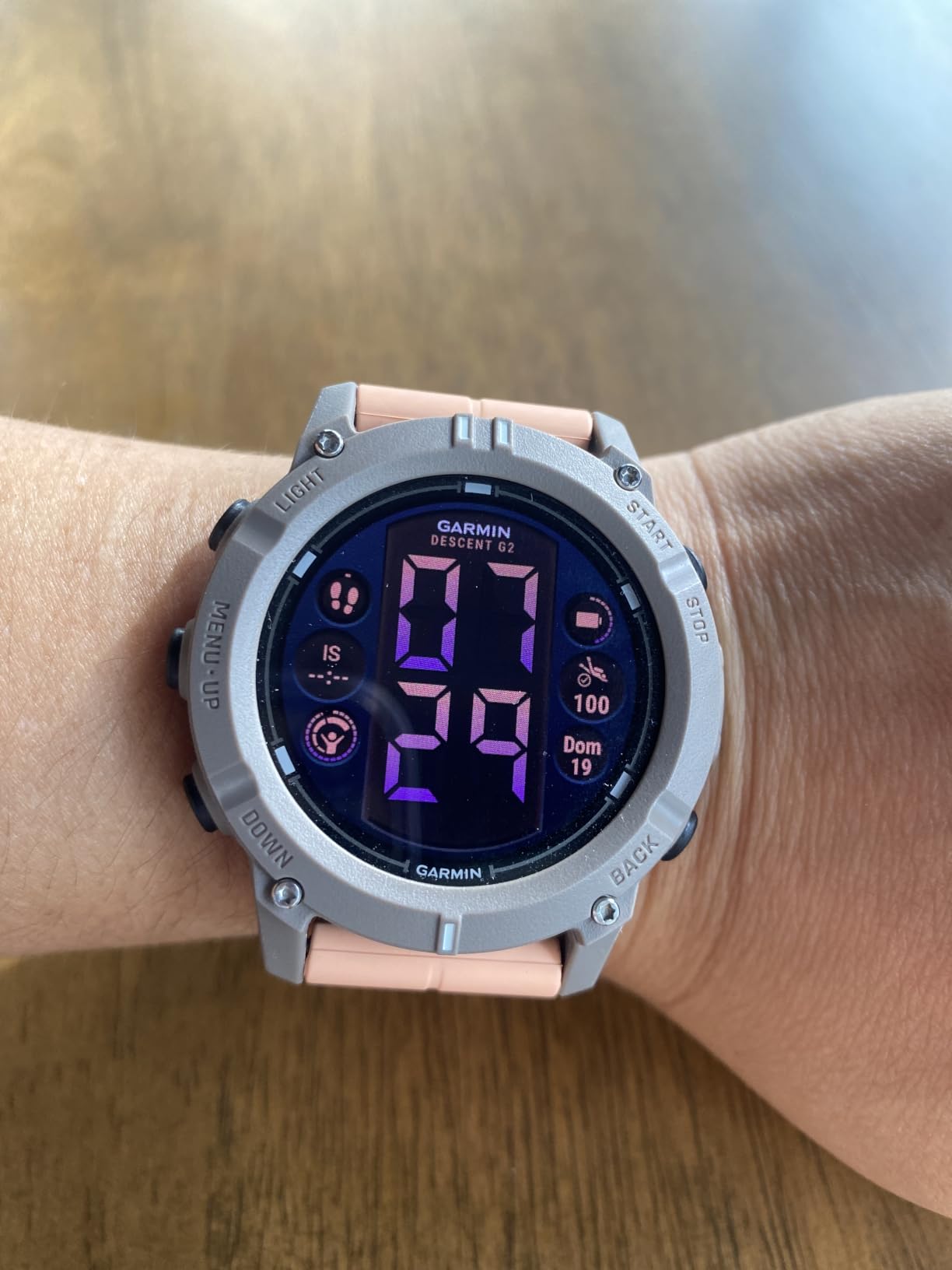
Battery figures split cleanly by mode: up to 27 hours in dive mode and up to 10 days in smartwatch mode. The dive figure comfortably covers a week of three-dive days with room to spare, which is better than several dedicated units on this list.
It covers recreational, advanced, technical, freediving and pool apnea in one device, so there is no reason to ever switch devices. The extra long band fits wrists from 128 to 373 millimetres, which means it goes over a wetsuit cuff without a separate strap.
The cost of wearing it every day
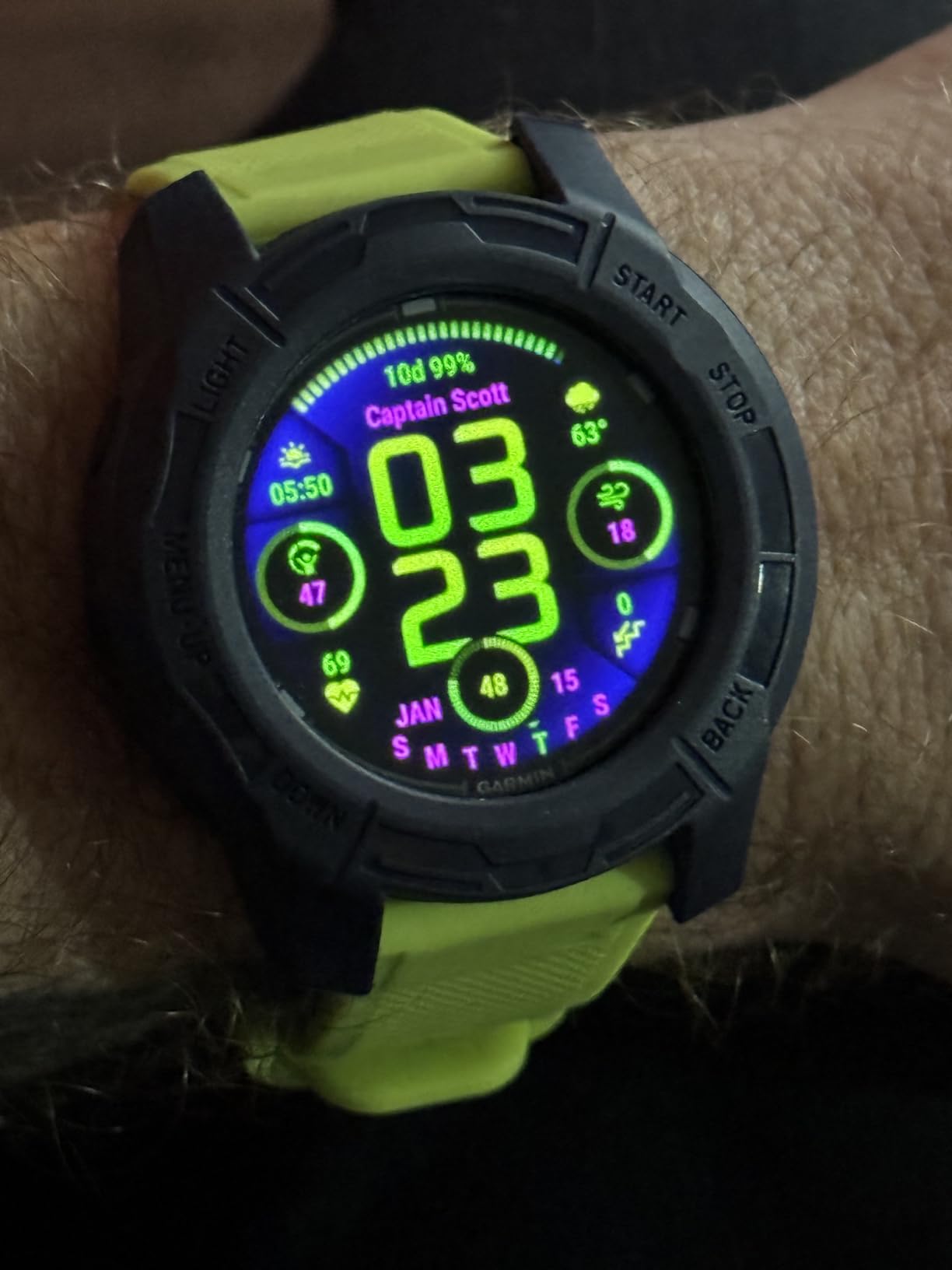
The case measures 45.5 millimetres across and 15.2 millimetres thick. That is large next to a dedicated dive watch, and it is the single most common complaint among buyers who like the device otherwise.
The second cost is menu complexity. Sports apps, VO2 max, dive readiness insights, notifications and Connect IQ customisation are all genuinely nice, and all of them are menu depth that a first dive computer does not need. Touch controls are also harder with thick gloves, which is exactly the situation in which you most want certainty.
Who should buy this one
Buy the G2 if it is going to replace your everyday watch and you dive at least a dozen times a year. If you already own a watch you like and would rather not wear a 46 mm fitness band, the money is better spent on a simpler dedicated computer.
7. Suunto Ocean – Best for GPS Marking and Long Dive Batteries
SUUNTO Ocean Dive Computer, GPS Multisport Watch for Training, Steel Black
1.43 in AMOLED touchscreen
Buhlmann 16 GF with tank pod
Up to 40 hours dive time
+ The Good
- Bright AMOLED tuned for underwater readability
- Sapphire crystal and stainless steel construction
- Up to 40 hours of dive time with about one-hour fast charging
- Dual-band GNSS with offline maps and route tracking
- 95+ sport modes with AI Coach and HRV recovery
- The Bad
- Most complex interface on this list
- Large touchscreen is awkward with cold hands or gloves
- Overkill if diving is the only planned activity
The Ocean has the strongest battery specification in this roundup by a wide margin: up to 40 hours in dive mode, 26-day standby and roughly one hour to full charge. If your diving involves remote itineraries or multi-day liveaboards with unreliable power, that number removes a category of worry the other units introduce.
It runs a Buhlmann 16 GF algorithm with wireless tank pod support, which means gradient-factor-based decompression modelling rather than the simpler fixed conservatism levels on the budget units. That is genuinely closer to what technical divers use, even though the machine is a multisport watch rather than a dedicated technical instrument.
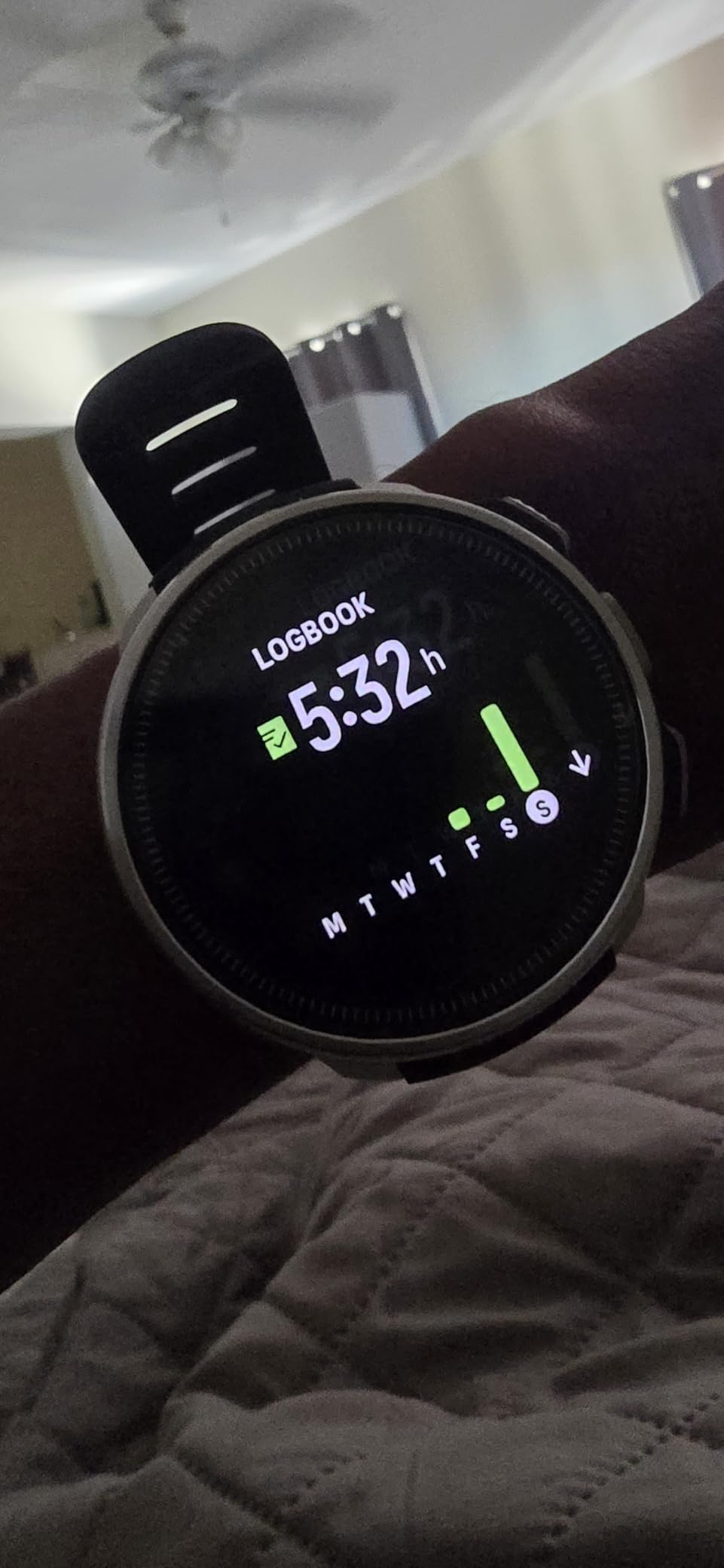
The 1.43 inch AMOLED touchscreen at 400 by 400 resolution uses fonts and colours tuned specifically for underwater readability, and owners rate the display clarity highly. Dual-band GNSS with global offline maps means you can mark the boat in a place with no signal, and routes can be tracked underwater and reviewed afterwards in the Suunto app.
Construction is sapphire crystal and stainless steel with 100 metre water resistance and a 60 metre measurement rating. Freediving, snorkeling, mermaid, and single- and multigas air and nitrox modes are all present, which makes it a two-in-one device for a diver who also trains.
Why it is not the top pick for a new diver
The interface is the most complex in this roundup, and that is the honest drawback. This is the wrong device for someone whose problem is that menus feel overwhelming underwater. A large touchscreen is also awkward with cold hands or gloves at the exact moment you need to change a gas or check a reading.
It is also the most expensive option here and the least justified if diving is the only activity you ever plan to do with it. The 95+ sport modes and AI Coach are aimed at multisport athletes, not at a new diver learning to read a depth and a remaining time.
Who should buy this one
Buy the Ocean if you are a confident diver who wants tank pressure integration, route tracking and a long battery, and you will also use the training features. For a first computer on a learning curve, it is overkill.
8. Mares Quad Ci – Best for Multi-Gas and Adjustable Gradient Factors
Mares Quad Ci Wrist Dive Computer (Black/Silver) – Activity Tracking Watch w/Multiple Dive Modes
Buhlmann ZH-L16C with gradient factors
Air, nitrox and trimix modes
8-colour MIP display
+ The Good
- Adjustable gradient factors for real control over conservatism
- Air
- nitrox and trimix support
- Large 8-colour MIP display is easy to read
- Full-tilt compass and stopwatch
- Owners report roughly 15 one-hour dives per charge
- Mares app handles firmware updates and profiles
- The Bad
- Deep menu structure takes practice
- Thin owner review base relative to the other picks
- Less well-known brand with a smaller troubleshooting community
The Quad Ci is the most capable decompression modelling in this roundup, and that is not a marketing line. It runs a Buhlmann ZH-L16C algorithm with user-adjustable gradient factors, which is the mechanism that controls conservatism directly rather than through a three-position switch. If you are the kind of person who wants to understand why your no-stop time is what it is, this is the computer that lets you adjust it properly.
The display is an 8-colour MIP panel at high resolution, and both long-serving instructors and everyday owners rate it as very easy to read underwater. Battery life is reported at roughly 15 one-hour dives per charge, or about 20 hours of dive time, which sits comfortably above most of the dedicated units here.
Hoseless tank data is the standout extra
This model pairs with up to five hoseless transmitters, giving real-time cylinder pressure and saturation readings without a hose on the first stage. It works with a compass that has full tilt calibration and an integrated stopwatch, and the Mares app handles firmware updates and profile review.
I want to be straightforward about the weakness: the owner review base on Amazon is thin, and Mares is a smaller brand with a correspondingly smaller community for troubleshooting tips. Long-term support and parts availability are harder to verify from a listing than they are for a Cressi or a Suunto.
Who should buy this one
Buy the Quad Ci if you want to understand and tune your own decompression model, if you will be diving more than one gas, or if you want real-time tank pressure on more than one cylinder. For a diver on their first certification, it is capable but more than you will use.
What a Beginner Actually Needs From a First Dive Computer
New divers get buried under feature lists. Here is what actually earns its place on a first computer, in the order I would prioritise it.
1. A display you can read in the dark and in silt. This is the single most important physical feature and the hardest to judge from a product photo. Look at the numeral size, not the resolution. The Donatello and the Mares Quad Ci are the two units here that owners most consistently describe as instantly legible.
2. Controls that work with gloves and cold hands. A single button or two physical buttons beat a touchscreen every time. This is why the Peregrine, the Donatello and the Leonardo score well and the two AMOLED touchscreen units are harder to justify for a beginner.
3. Adjustable conservatism. Every computer here has it in some form. It adds a safety margin to your decompression model so your no-stop time is shorter than a default calculation would give you. Set it once, understand what it did, and leave it alone.
4. Nitrox with a user-set oxygen percentage. Buy for nitrox before you need it. Setting the correct oxygen fraction on the computer is not optional on a nitrox dive, and a computer that cannot be told what you are breathing is not a nitrox computer. All eight models here accept a user-set mix.
5. A battery situation you can live with. User-replaceable coin cells (the Donatello) survive remote trips. Sealed rechargeable packs are fine at home and awkward on a liveaboard. Neither is wrong; the mismatch is what bites.
6. Gauge and freedive modes. Gauge mode turns the computer into a depth gauge and timer for surface intervals. It costs nothing on these units and it is useful from the first trip.
7. Log transfer to an app. Not a safety feature at all, but reviewing your own profiles is the fastest way to learn what your diving actually looks like. Every unit here transfers logs over Bluetooth or USB.
Setting conservatism and nitrox before your first trip
Do this on land, in a hotel room or on a sofa, not on the swim deck. Every manufacturer’s menu is different, but the sequence is always the same three steps: set the gas mix, set conservatism, then set your alarms.
First, set the oxygen percentage. On air it is 21 percent. On nitrox, read the label on the cylinder and enter that exact figure. The computer uses this to calculate your oxygen partial pressure and your maximum operating depth, and an incorrect setting can produce a depth limit that does not protect you. Verify the number twice.
Second, set conservatism one step more cautious than the default and leave it there for your first ten or twelve dives. You can loosen it later if you want to, and you cannot get back the nitrogen you loaded on a profile computed too aggressively.
Third, set your alarms: maximum depth, no-decompression time, ascent rate and the ascent warning. Default values are usually fine, but knowing that they are set is the point. Owners of the Donatello note that each conservatism level has a distinct audible and visual signature, which makes it easy to confirm at a glance that the setting is what you think it is.
Why two computers show different no-stop times
This is the number one source of confusion among new divers, and it is not a fault in either machine. Manufacturers run different decompression models, apply different default conservatism values, and sample and smooth depth data differently. Suunto Ocean and Mares Quad Ci run Buhlmann 16 GF, while simpler units use fixed conservatism settings on a comparable base model.
A difference of a few minutes on the same profile is expected and normal. What matters is that you know the number your computer shows, you know why it shows it, and you do not get a second opinion from a different computer mid-dive. Pick one unit, understand it, and let it be the instrument you trust.
Features You Do Not Need Yet
Four features get pushed hard on new divers and add nothing to a recreational first computer’s safety.
Air integration. A wireless transmitter on the first stage reports your cylinder pressure. It is genuinely useful once you are managing gas on a deeper dive, and on a first Open Water trip to 18 metres you carry far more gas than you need regardless of what the gauge says.
Digital compass. A built-in compass saves carrying one. It also gives beginners false confidence, because heading accuracy underwater is a skill, not a feature.
Multi-gas and trimix support. The Raffaello and Quad Ci both handle it. A diver on a charter boat with one aluminium cylinder and one mix will never once use it.
Colour maps, GPS and fitness tracking. The G2 and Ocean mark entry and exit points, run sport apps and track heart rate and sleep. That is excellent if it replaces your everyday watch. It is menu depth you do not need if it does not.
So what does the extra money actually buy above the entry tier? Looking across these eight, the honest answer is a brighter and larger display, stiffer and more reliable buttons, a better case material, and a nicer log app. It does not buy you a safer decompression model, because every model here is a competent instrument run by a diver who understands it. Spend above the entry tier for build quality and readability, not for perceived capability.
Should You Buy or Rent, and What Your Beginner Gear Budget Needs
Own your computer. The argument is not about features, it is about residual nitrogen.
A dive computer tracks how much nitrogen is in your tissues right now. That number carries over between dives and between days. A rental computer handed to you at the dock has no idea what you did this morning, or on the flight, or on your first two dives yesterday. On a trip where you dive three times a day for a week, that accumulated history is precisely what determines whether your next dive is conservative enough.
There is a second argument that new divers underestimate. Owning your own computer means you learn the interface in a hotel room, on a sofa, on land, with no pressure and no audience. Training instructors report handing beginners rental computers with unknown settings and unfamiliar menus five minutes before the dive, and watching students panic underwater when an unfamiliar unit starts beeping. That is avoidable entirely by owning one.
If your budget is genuinely tight, buy a rental for your first discovery dive or two, then buy your own before a liveaboard or a multi-dive trip. Never take a rental into a week of three-dive days.
Budget the rest of your gear too
The dive computer is one line in a first gear budget, and it is not the line that most affects whether you enjoy diving. In rough priority order for a newly certified recreational diver: a properly fitted BCD, a regulator that has been serviced, a mask that fits your face, fins and boots, exposure protection for the water temperature you will actually be in, and a working alternate source. Then the computer.
A well-fitted mask and BCD will improve every dive you ever do. A better computer will improve the interface you use on them. If you have to choose where the extra hundred goes, spend it on fit before you spend it on features.
Should you buy a used dive computer?
Dive computers are life-support equipment, and a computer with a tired pressure sensor or a tired battery can quietly give you wrong numbers. Forum consensus among experienced divers is firmly against it. If you do consider a used unit, the inspection list is: run it in gauge mode on a known depth and confirm it matches; check the battery for swelling or corrosion; look for moisture or salt haze under the crystal; confirm every button registers; and verify the model still has manufacturer support and spare parts. Honestly, the risk is not worth the saving.
One practical tip on spare parts: CRESSI lists spare part availability windows of two years on the Leonardo 2.0 G2 and four years on the Raffaello, and Shearwater carries a two-year warranty. That kind of published support window tells you more about long-term serviceability than any product photo.
Changing a coin cell without flooding the unit
The Donatello takes a user-replaceable CR2430. Swapping it is easy and the only real risk is a flood. Clean both surfaces of the O-ring, apply a thin film of silicone grease, seat the ring flat with no twist or pinching, and check that no hair, sand or skin is trapped under the seal. Then dry the compartment fully before closing it. A battery change done carefully takes two minutes; one done carelessly can cost you the computer.
Wrist or console?
Wrist, and this is not close. A console computer gives you a bigger screen and a separate SPG, which is the old-school answer, but it means a two-hose gauge set with hoses to manage, it cannot log your dives automatically in most cases, and it is one more thing to drop on a boat deck. Every one of the eight picks on this list is a wrist unit. If you want a bigger readout, choose a wrist computer with a larger screen, which is what the Donatello and the Quad Ci do.
Whichever you buy, learn the interface before the trip. Download the manufacturer manual, sit with the watch out of the box, and set it up. Ten minutes on land is worth more than any feature on any list.
Frequently Asked Questions
What is the best basic dive computer for beginners?
The best basic option is the CRESSI Donatello, which pairs a 1.85 inch high-definition LCD with single-button control and a user-replaceable CR2430 battery. The single button means there is almost nothing to press by mistake underwater, and the coin cell can be swapped anywhere, including on a remote liveaboard. The CRESSI Leonardo 2.0 G2 costs less and handles the same core jobs, but its plastic case and finite battery life suit local diving better. If you want one computer for many years, move up to the Shearwater Peregrine.
Which dive computer is the easiest for beginners to read?
Readability under poor conditions is the CRESSI Donatello’s strongest feature, with a 1.85 inch high-definition display and large numerals that owners consistently describe as instantly legible in low light and low visibility. The Mares Quad Ci also earns strong marks for its high-resolution 8-colour MIP display. Colour screens such as the Shearwater Peregrine and Suunto D5 read well too, but the deciding factor is numeral size and contrast rather than resolution, which is why a large monochrome LCD can beat a smaller colour screen underwater.
Is Cressi a good brand for scuba diving?
Cressi is one of the longest-established names in recreational dive equipment, and its computers are the default recommendation in many dive schools. The brand’s strength for beginners is simplicity and support: single-button interfaces, clear menus, and published spare part availability of two years on the Leonardo 2.0 G2 and four years on the Raffaello. The trade-off is that the plastic-cased entry models feel basic compared with metal-bodied units, and build quality rather than dive performance is where the budget models give ground. For a first computer, that is an acceptable exchange.
Is Cressi or ScubaPro better?
For first dive computers, both brands are reliable and the difference matters less than most buyers assume. Cressi is represented here four times across a wide price range, and its hallmark is the single-button interface, which is the safest choice for someone who has never operated one before. ScubaPro is respected for its regulator and BCD equipment as much as its computers. If you are choosing on computers specifically, judge readability, button count and battery serviceability on the individual model rather than on the brand name.
Which dive computer is best for daily use?
The Garmin Descent G2 is built for daily wear, with a 46 mm case, a sapphire lens, notifications, Garmin Pay and up to 10 days in smartwatch mode alongside 27 hours in dive mode. The Suunto Ocean is the alternative for a smaller-feeling daily watch with a 1.43 inch AMOLED, 95+ sport modes and up to 40 hours in dive mode. The catch with both is the touchscreen and the extra case size. The core argument for either is that you learn the interface before the dive because you wear it every day.
Do I need my own dive computer?
Yes, if you intend to dive more than a couple of times. Two reasons. First, residual nitrogen: a rental unit knows nothing about your other dives on the same day or trip, and that accumulated tissue loading is what determines whether your next dive is conservative enough. Second, familiarity: owning your own lets you learn the menu and set your conservatism and nitrox mix on land, rather than being handed an unfamiliar unit with unknown settings five minutes before the dive. Rent for a single discovery dive if you need to, then buy before a liveaboard.
Why do two dive computers show different no-deco times?
Because they run different decompression models with different default conservatism values and different depth-data handling. The Suunto Ocean and Mares Quad Ci run Buhlmann 16 GF with gradient factors, while simpler units apply fixed conservatism settings to a comparable base model. A difference of several minutes on the same dive profile is normal and is not a fault in either unit. What matters is knowing the number your computer shows, understanding why, and not seeking a second opinion from a different device mid-dive.
How long do dive computer batteries last?
It depends entirely on the type. The CRESSI Leonardo 2.0 G2 is rated at about 70 hours of dive time per battery, which covers roughly two weeks of two-dive days. The Suunto D5 runs about 4 to 6 hours of diving before a low-battery banner appears, so it needs charging daily. The Shearwater Peregrine gives about 30 hours per charge at medium brightness, and the Suunto Ocean claims up to 40 hours with roughly one hour to full charge. Coin-cell models like the Donatello last effectively as long as you carry spares.
What is the 120 rule in diving?
The 120 rule is a recreational safety guideline meaning if you are at 120 feet, which is about 36.5 metres, you should be out of the water by 9 minutes into the dive. It reflects the greater depth-related risk of nitrogen narcosis, oxygen toxicity and increased decompression obligation at that depth. It applies to recreational diving, not to technical or deep decompression diving done under a planned decompression profile. It is an additional margin on top of your computer’s own no-decompression limit, not a replacement for it.
Conclusion: The One Dive Computer to Buy
If you buy only one, buy the Shearwater Peregrine. It is the best dive computer for beginners who plan on being divers rather than tourists, and nothing else on this list combines a large, genuinely readable colour screen with a two-button interface you can operate in gloves and about 30 hours of battery per charge. Put the supplied screen protector on day one and it will outlast most of your current gear.
If your budget is tighter, the CRESSI Donatello is the smarter buy: bigger digits, a single button, and a coin cell you can change on a remote boat. If your budget is tightest of all, the CRESSI Leonardo 2.0 G2 does everything that matters for a first season at the lowest entry cost. Save the Garmin Descent G2 and Suunto Ocean for when one of them replaces your everyday watch, not before.
Whichever you choose, set your oxygen percentage, your conservatism and your alarms before you leave home, and learn the buttons until you do not have to look. That preparation is worth more than any feature in any of these eight. For the wider category beyond beginner units, our full dive computer guide goes deeper, and the best dive watches roundup covers the mechanical and bronze side of the market.