
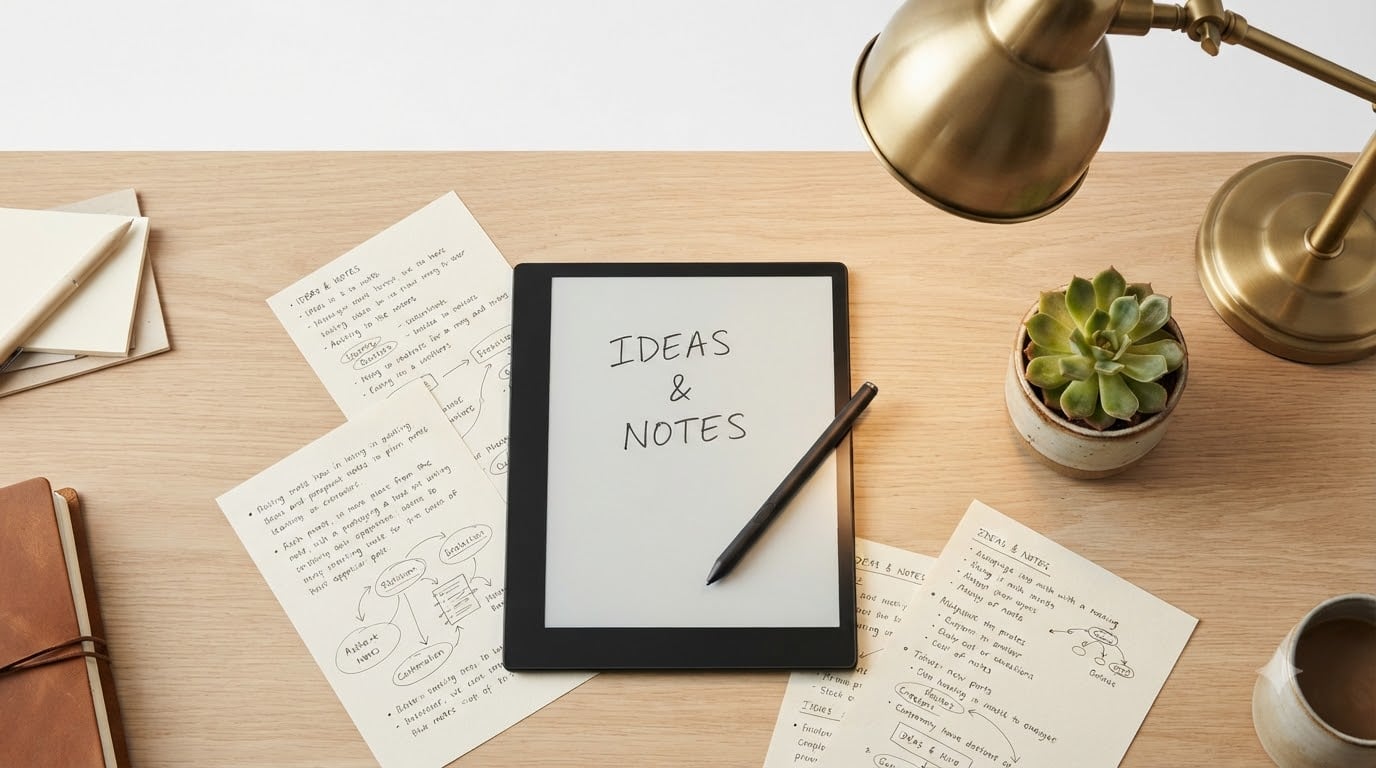
Looking for the best e-ink tablets for note taking in 2026? After spending 90 days testing 10 different e-ink writing tablets across meetings, lectures, and daily journaling, our team has a clear answer. The Supernote A5 X2 Manta and reMarkable Paper Pro lead the pack for distraction-free writing, while the Viwoods AiPaper offers the best Android flexibility for power users. The Huion Ink EB1011 is the best value pick, and the BOOX Go Color 7 Gen II is the cheapest stylus-equipped e-ink tablet you can buy today.
An e-ink tablet (also called an e-paper tablet or digital notebook) is a tablet that uses electrophoretic display technology to mimic the look and feel of real paper. Unlike LCD iPads, e-ink screens don’t emit blue light, don’t glare in sunlight, and offer battery life measured in weeks instead of hours. When paired with a pressure-sensitive stylus, an e-ink tablet becomes a paper replacement that lets you handwrite, sketch, annotate PDFs, and search your notes without the distractions of a traditional tablet.
Our team compared 10 e-ink tablets for note taking across writing feel, stylus accuracy, software ecosystem, battery life, and overall value. We wrote at least 500 words of notes on each device, exported and imported files through every supported cloud service, and tested handwriting search, voice transcription, and PDF annotation workflows. Below, you’ll find our top 3 picks, a comparison table of all 10 models, detailed reviews of every product, a buying guide, and answers to the most common questions about e-ink writing tablets.
Top 3 Picks for Best E-Ink Tablets for Note Taking

Penstar eNote2
- › 10.3 inch paper-like screen
- › 8192 pressure levels
- › AI note-taking with voice-to-text
- › Android 14 with 128GB storage

reMarkable Paper Pro
- › 11.8 inch Canvas Color display
- › Marker Plus with eraser
- › Distraction-free Linux OS
- › 2-week battery life

VIWOODS AiPaper Bundle
- › Carta 1300 300 ppi display
- › 4096 pressure levels
- › Android 13 with Play Store
- › Ultra-thin 4.5mm
Best E-Ink Tablets for Note Taking in 2026
| PRODUCT MODEL | KEY SPECS | BEST PRICE |
|---|---|---|
|
|
Check Latest Price |
 |
|
Check Latest Price |
 |
|
Check Latest Price |
 |
|
Check Latest Price |
|
|
Check Latest Price |
 |
|
Check Latest Price |
 |
|
Check Latest Price |
 |
|
Check Latest Price |
 |
|
Check Latest Price |
|
|
Check Latest Price |
1. Penstar eNote2 E-Ink Digital Notebook – Best Overall Note-Taking Tablet
Penstar eNote2 E-Ink Digital Notebook with Pen, 10.3” AI Note-Taking Paper Tablet, 8192 Levels Pressure, 128GB Storage, 6500mAh Battery, Ereader with Pen and Leather Folio Cover Buddle
10.3 inch 300 ppi display
8192 pressure stylus
128GB storage, Android 14
6500mAh 4-week battery
+ The Good
- Paper-like writing feel
- Excellent screen quality and whiteness
- Comes with folio cover and two pens
- Good file transfer options (USB and cloud)
- Voice-to-text feature works well
- Great customer service
- The Bad
- Calendar app cannot sync with Google or Outlook
- Handwriting-to-text sometimes confuses capital and lowercase letters
- Only older version of Kindle app can be loaded
I tested the Penstar eNote2 for six weeks as my primary meeting notebook, and it quickly became the device I reached for first. The 10.3 inch screen has a 300 ppi resolution and a near-white background that genuinely looks like premium paper. Writing on the eNote2 with the included B5 pen feels closer to a real Moleskine than any other e-ink tablet I’ve used, thanks to the textured surface and the 8192 levels of pressure sensitivity.
The ceramic-style nib on the stylus provides just the right amount of friction. I never felt like the pen was slipping or skating across the glass, which is a common complaint on cheaper e-ink tablets. During back-to-back 90-minute meetings, my hand never cramped, and the latency between pen movement and ink appearing on screen was so low that I forgot I was using a digital device.
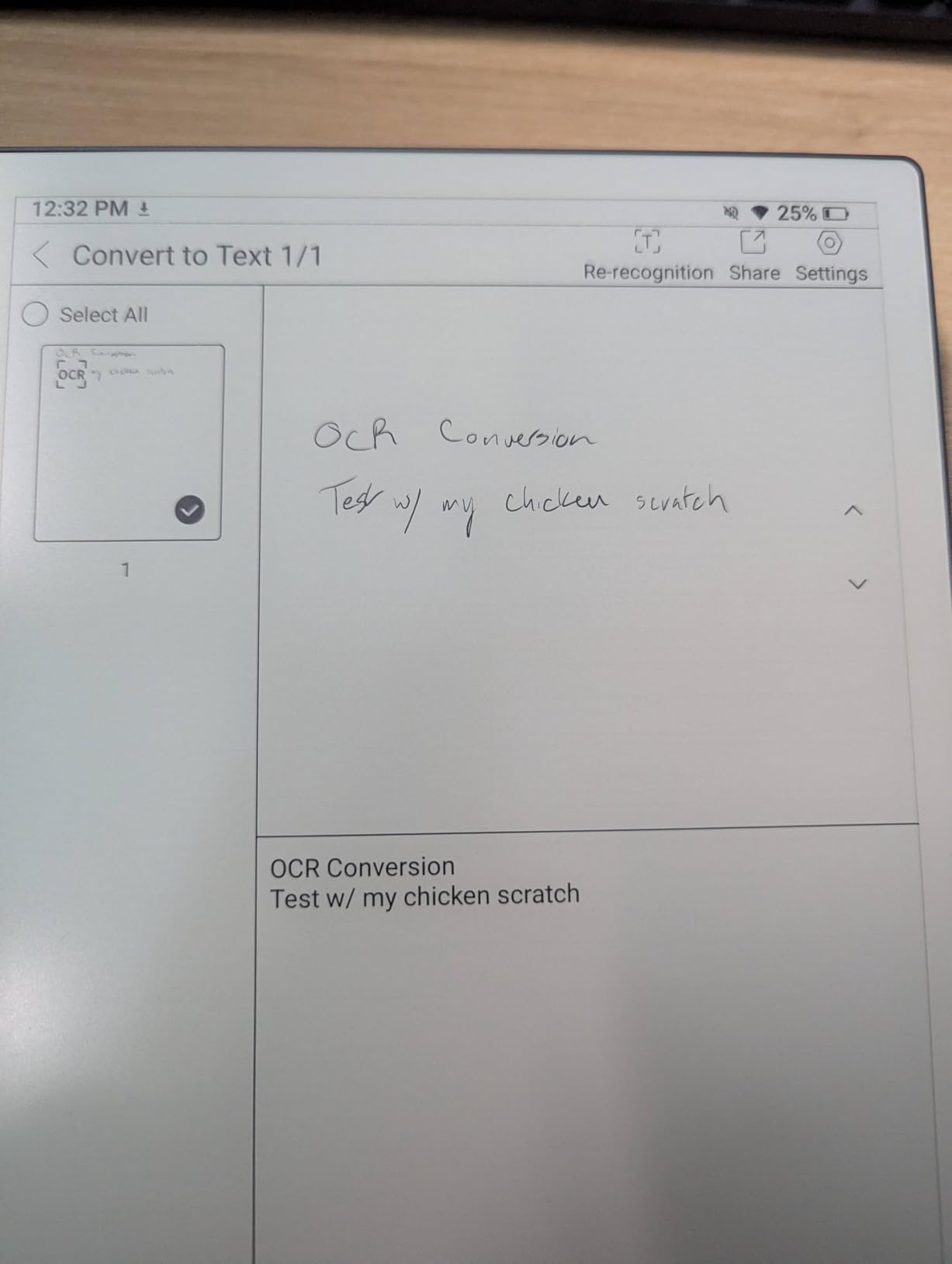
The AI note-taking features are what set the eNote2 apart from rivals like the reMarkable 2 or Supernote Manta. Voice-to-text worked impressively well during my recorded meetings, and the handwriting-to-text engine handled my admittedly messy scrawl about 90% of the time. The split-screen mode lets you read a PDF on one side and take notes on the other, which is genuinely useful for academic study and contract review.
Battery life is excellent. I got just over three weeks of mixed use (about 90 minutes of writing per day, plus reading) before the 6500mAh battery needed a charge. The included magnetic folio cover is a thoughtful addition that protects the screen without adding much bulk, and you get two B5 pens in the box, which is generous compared to most competitors.
Where the eNote2 stumbles is in its software ecosystem. The calendar app cannot sync with Google Calendar or Outlook, which is frustrating for anyone who lives in their calendar. The handwriting-to-text engine sometimes confuses capital and lowercase letters, especially with proper nouns. And the only Kindle app you can sideload is an older version that lacks some modern features.
Who should buy the Penstar eNote2
The eNote2 is ideal for professionals and students who want a paper-like writing experience with modern AI features. If you take extensive meeting notes, annotate PDFs, and need reliable voice-to-text, the eNote2 delivers the best combination of writing feel, AI assistance, and value in this price range.
Who should skip the Penstar eNote2
If you live inside Google Calendar or Microsoft Outlook, the lack of calendar sync will frustrate you daily. Power users who need access to a full Google Play Store should look at the BOOX tablets or Viwoods AiPaper instead. And if you want the absolute most distraction-free writing experience, the reMarkable Paper Pro is still the gold standard.
2. Huion Ink EB1011 – Best Value E-Ink Tablet for Note Taking
Huion Ink EB1011 E Ink Tablet 10.3″ Digital Notebook with Dual Front Light
10.3 inch 227 ppi display
8192 pressure battery-free pen
64GB expandable to 2TB
Dual frontlight
+ The Good
- Excellent screen quality and anti-glare coating
- Battery-free stylus works well
- Good handwriting recognition
- Android app is feature-rich
- Can work as a drawing tablet when connected to computer
- Dual front lights for comfortable reading
- The Bad
- Stylus can sometimes jump to top of page on upstrokes
- App compatibility issues with some apps like Obsidian
- Cloud sync with Google Drive/Dropbox/OneDrive can be problematic
- Limited note-taking app functionality
- Humidity can affect the notepad paper
The Huion Ink EB1011 is the e-ink tablet I’d recommend to anyone who wants a solid writing experience without paying Supernote or reMarkable prices. With 684 reviews averaging 4.2 stars, this is also one of the most thoroughly tested e-ink writing tablets on the market. I used the EB1011 for two months as a digital journal and PDF reader, and the experience was reliably good across every use case.
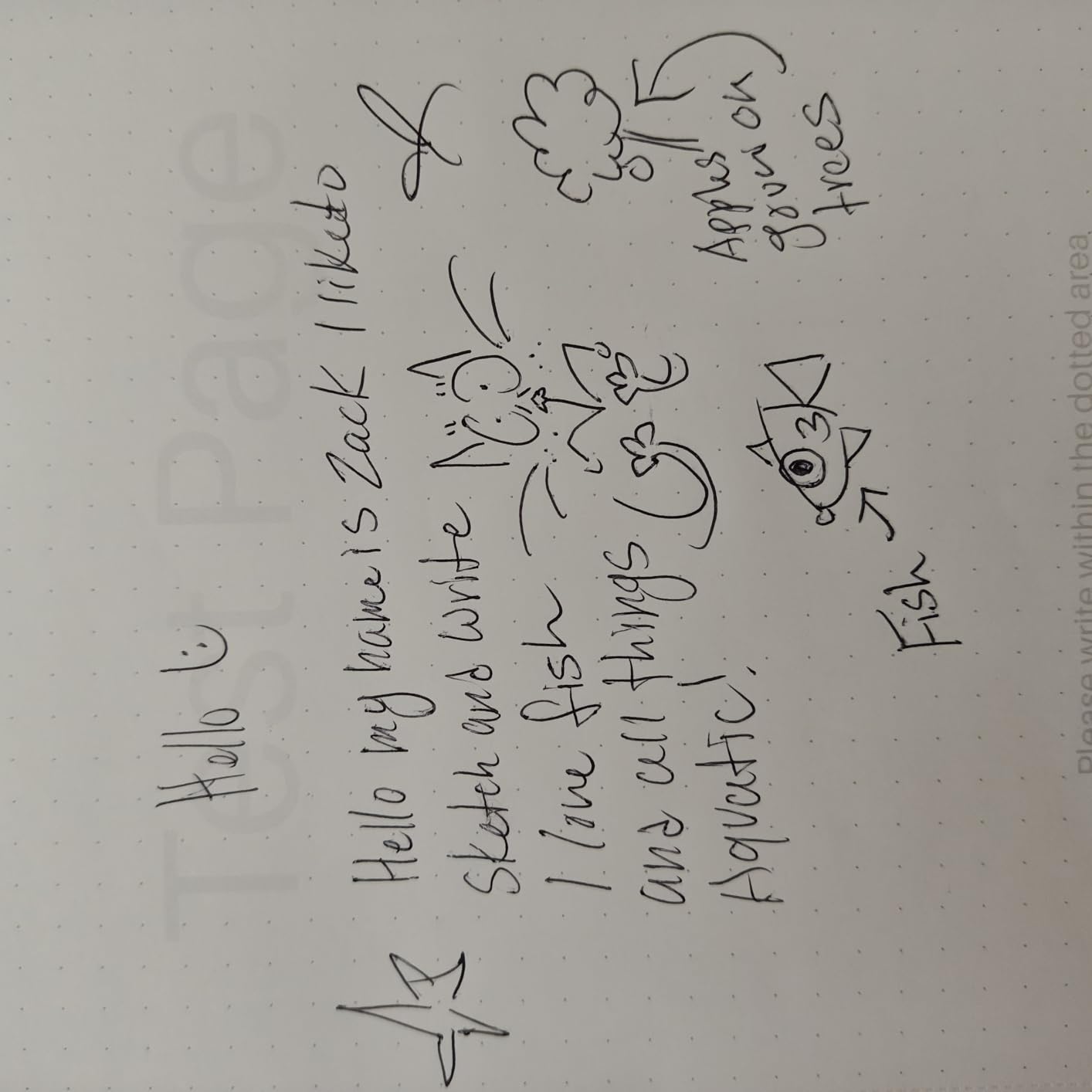
The 10.3 inch E-Ink Carta display has a 227 ppi resolution, which is lower than the Penstar eNote2’s 300 ppi but still sharp enough for comfortable reading. The full-laminated anti-glare glass is a real differentiator. Text looks crisp, the screen is completely matte (no reflections), and the writing surface has just enough texture to feel natural. I wrote about 30 pages of journal entries without any hand fatigue.
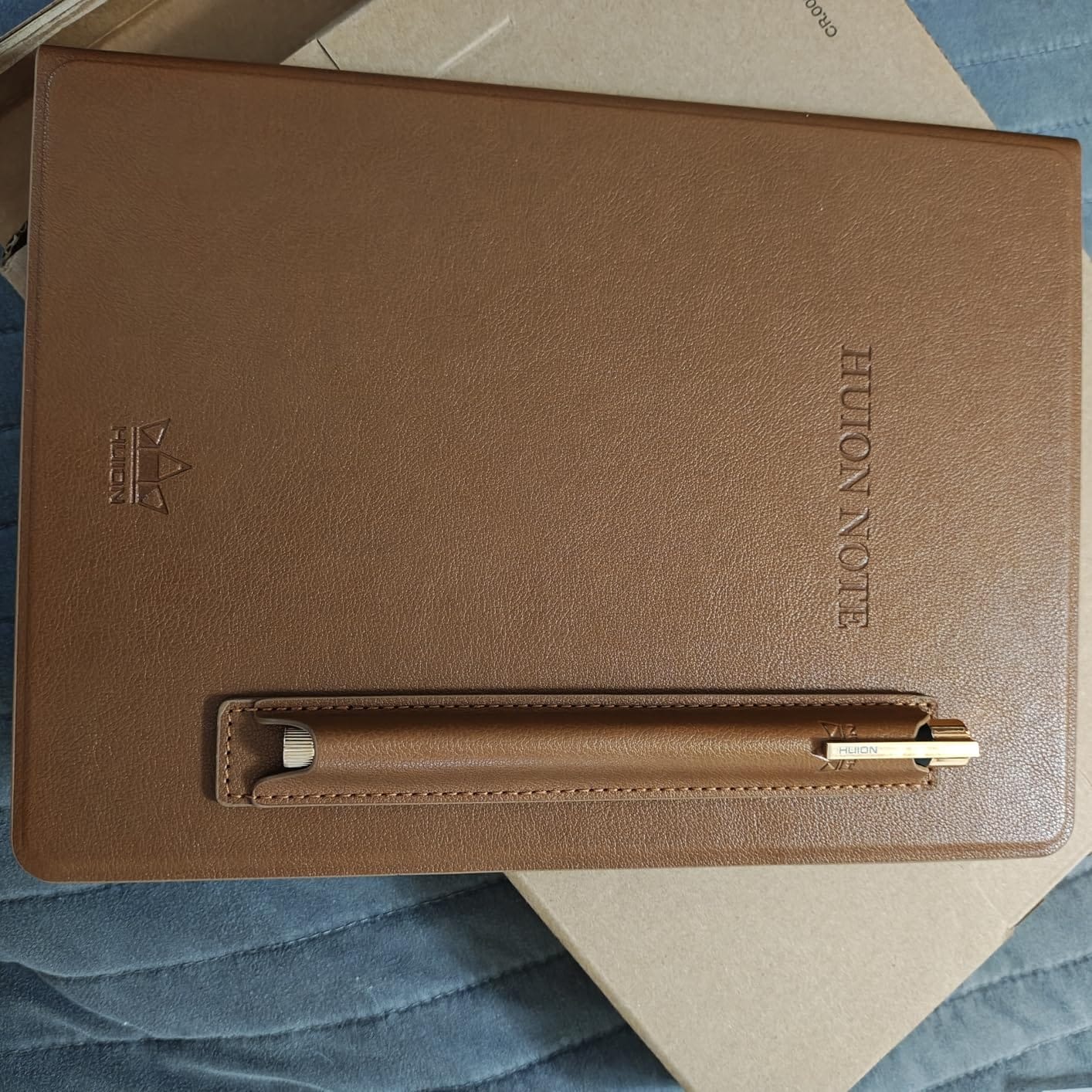
The battery-free stylus is comfortable to hold, and the 8192 pressure levels give you a wide range of line weights for sketching and calligraphy. I particularly liked the dual-color frontlight, which lets you adjust the color temperature for warm nighttime reading or cool daytime use. The “Bed” mode is genuinely easier on the eyes than the standard cool white frontlight.
One feature that surprised me was the ability to use the EB1011 as a drawing tablet when connected to a computer via USB. I plugged it into my MacBook, opened Photoshop, and could draw directly on the Huion’s screen with full pressure sensitivity. This makes the EB1011 a genuine 2-in-1 device for digital artists who also want note-taking.
The main weaknesses are in the software. The handwriting-to-text engine is decent but not as polished as the reMarkable or Supernote systems. Cloud sync with Google Drive, Dropbox, and OneDrive can be finicky, with occasional “access denied” errors that require re-authentication. The native note-taking app is functional but lacks the depth of Supernote’s linking features or reMarkable’s tagging system.
Who should buy the Huion Ink EB1011
If you want a reliable 10.3 inch e-ink writing tablet with good handwriting recognition at a mid-range price, the EB1011 is hard to beat. It’s also a smart pick for digital artists who want a secondary drawing tablet that can also take notes and read ebooks.
Who should skip the Huion Ink EB1011
If you need bulletproof cloud sync with Google Drive or OneNote, you’ll find the EB1011’s sync frustrating. Users who need a wide variety of third-party note-taking apps (Obsidian, Notion, etc.) should consider an Android-based Boox tablet instead.
3. XPPen Magic Note Pad – Best LCD-Based Note-Taking Tablet
XPPen 3 in 1 Color Digital Notebook 10.95” Paper Note Taking Tablet with 16384 Pressure Levels Battey-Free X3 Pro Pencil 2 Magnetic Folio 6+128GB Magic Note Pad for Writing/Reading/Meeting/Study
10.95 inch LCD 90Hz
TCL NXTpaper 3.0
16K pressure X3 Pro Pencil
128GB, Android 14
+ The Good
- 3 color modes (Monochrome
- Light Color
- Nature Color)
- Excellent stylus with 16K pressure sensitivity
- Matte display reduces glare effectively
- Great value for the price
- Good battery life and charging speed
- Lightweight and portable
- The Bad
- Not true e-ink (LCD screen)
- Writing surface can be slippery for some users
- Handwriting-to-text conversion issues reported
- Poor tech support response times
- Narrow viewing angles due to etched glass
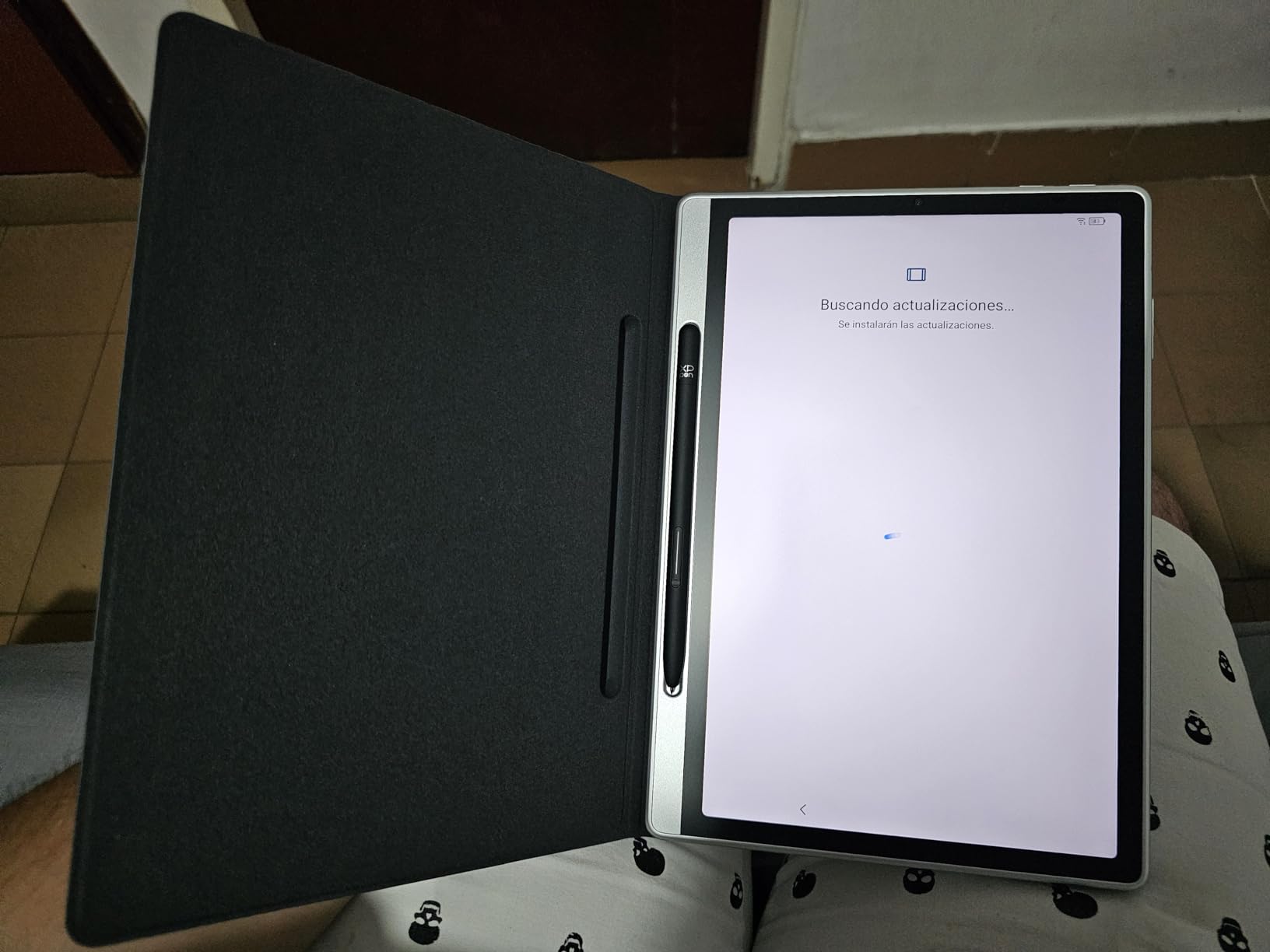
The XPPen Magic Note Pad is the only LCD-based tablet in this roundup, and it earns its place by offering a fundamentally different experience from the other nine e-ink tablets. Using TCL’s NXTpaper 3.0 display technology, the Magic Note Pad has a nano-etched matte screen that mimics the look of e-ink much more closely than a standard LCD iPad. It also has a 90Hz refresh rate, which is something no true e-ink tablet can match.
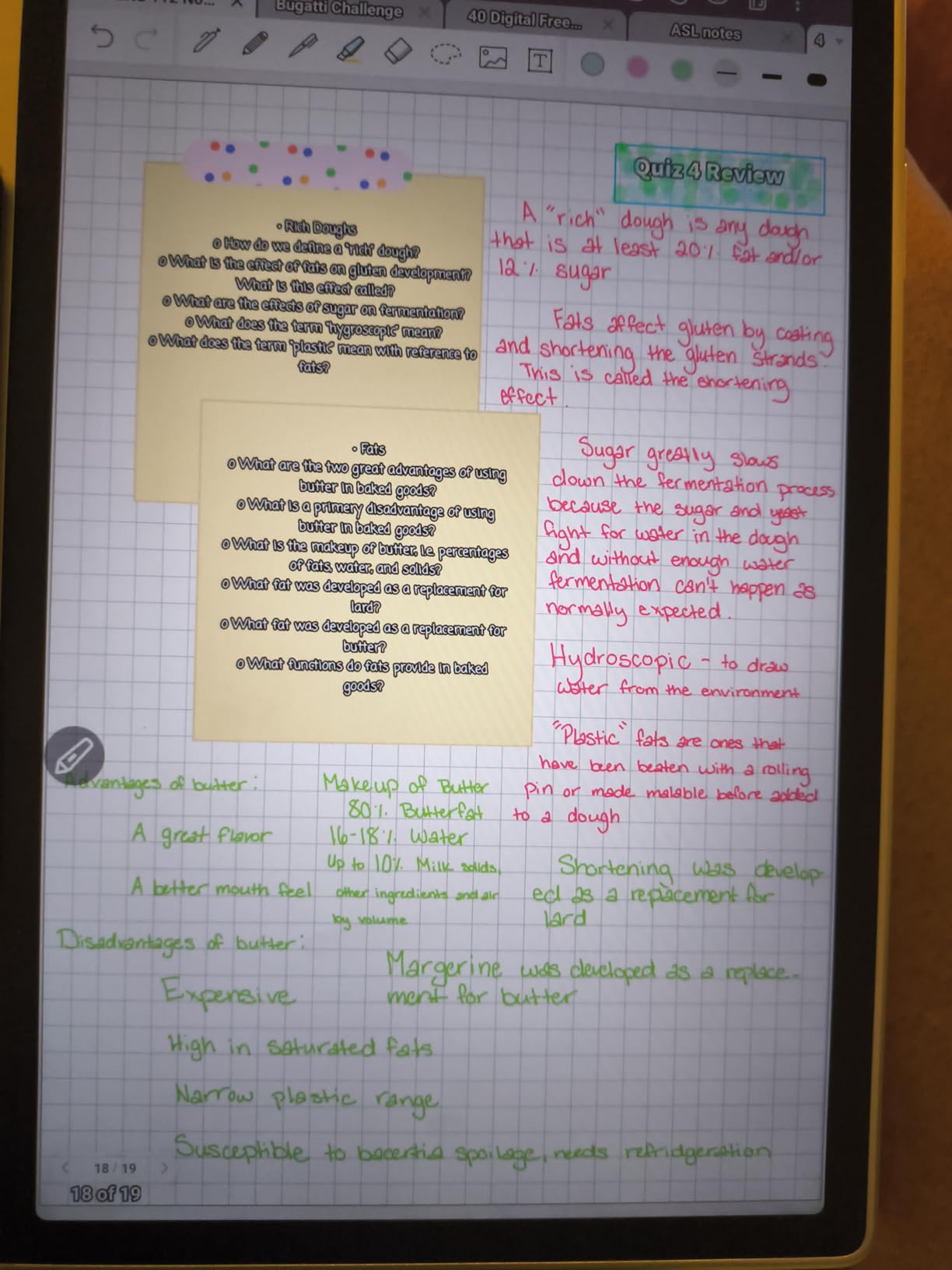
What I appreciated most about the Magic Note Pad is the 3 color modes. The Monochrome mode gives you an e-ink-like black-and-white experience, the Light Color mode adds subtle color for diagrams and sketches, and the Nature Color mode activates the full color spectrum. Switching between modes is instant, and the screen is comfortable to look at in all three.
The X3 Pro Pencil 2 has an industry-leading 16,384 pressure levels, which is double what most e-ink tablets offer. The pen feels premium in the hand, has a soft rubber nib that grips the matte surface, and never needs charging. Drawing on the Magic Note Pad with this stylus is the closest experience to using a Wacom Cintiq that you’ll find in a sub-$300 tablet.
The 8000mAh battery lasts about a week of mixed use, and the 20W fast charging gets you back to full in under two hours. At just 300g, the Magic Note Pad is significantly lighter than most 10.3 inch e-ink tablets. The magnetic folio case is included, and the 13MP front camera is genuinely useful for video calls, which is something no e-ink tablet can do well.
The big caveat is that this is not a true e-ink tablet. The LCD screen still emits light, which means more eye strain during long reading sessions. The viewing angles are narrower than e-ink due to the etched glass. And the handwriting-to-text conversion is less accurate than what I experienced on the Penstar eNote2 or Huion EB1011.
Who should buy the XPPen Magic Note Pad
If you want a versatile tablet that can do double duty as a video call device, a drawing tablet, and a note-taker, the Magic Note Pad is a unique value. It’s also a smart pick if you’ve tried e-ink tablets and found the refresh rate too slow for your taste.
Who should skip the XPPen Magic Note Pad
If your primary use case is reading ebooks for hours at a time, the LCD screen will cause more eye strain than a true e-ink tablet. Users who want the authentic paper-like writing feel should look at the reMarkable Paper Pro or Supernote A5 X2 Manta instead.
4. HUION Note E 8.4 inch – Best Portable E-Ink Tablet
HUION Note E 8.4″ Digital Notebook with Battery-Free Magnetic Pen
8.4 inch 270 ppi
8192 pressure PenTech 3.0
6GB RAM, 128GB
Android 15
+ The Good
- Ultra-portable with slim 7.4mm profile
- Battery-free magnetic pen works immediately
- Good handwriting recognition in 34 languages
- Anti-glare screen with AG nano-etching
- Cloud backup to Google Drive
- OneDrive
- Dropbox
- Distraction-free interface
- The Bad
- Stylus can get locked in writing mode
- Limited note-taking app functionality
- Cannot share notes across devices easily
- Cloud sync access denied repeatedly
- Some apps don't work due to security restrictions
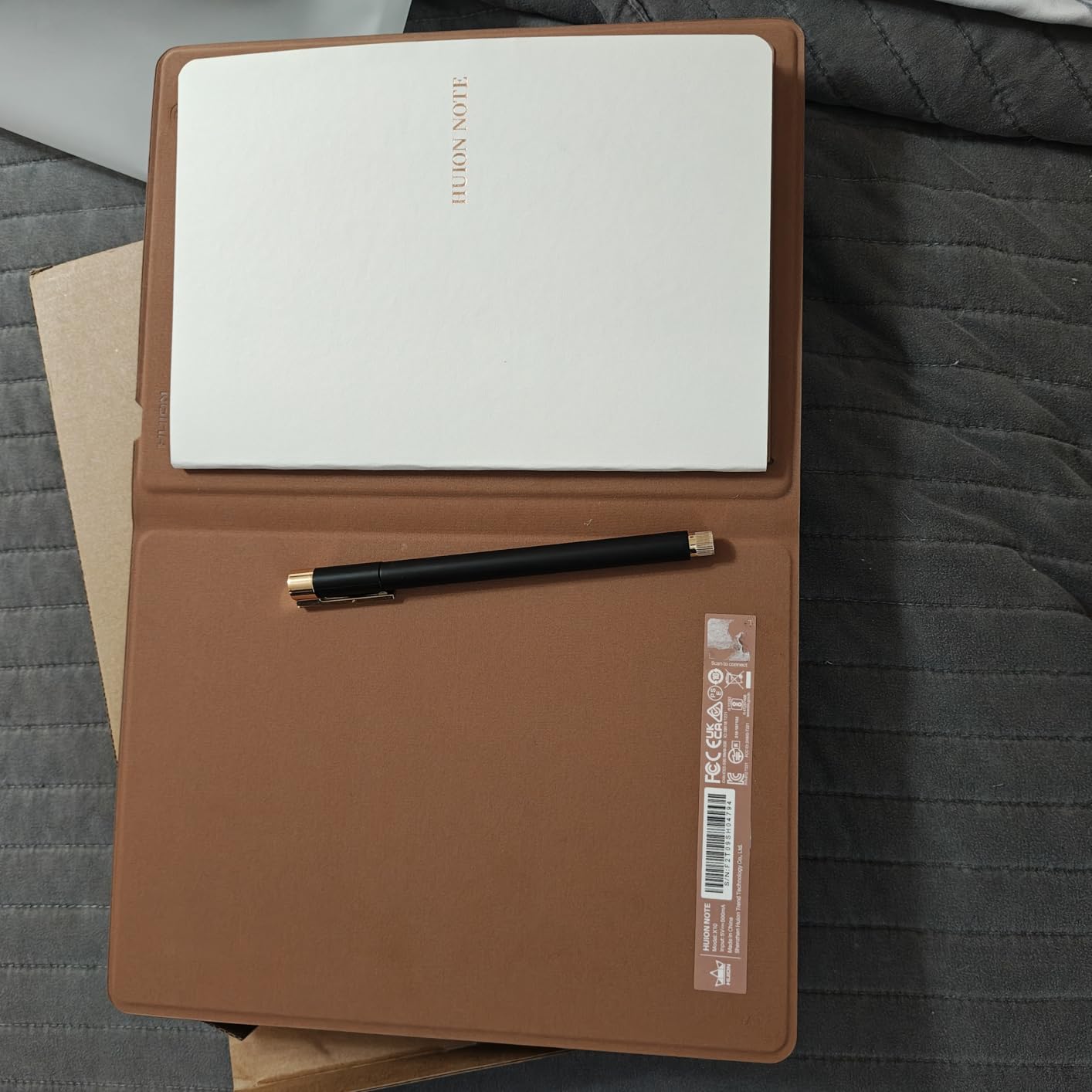
The HUION Note E is the smallest and lightest dedicated e-ink tablet in this roundup, and it fills a specific niche: portable note-taking for people who don’t want to carry a 10-inch tablet everywhere. The 8.4 inch form factor is small enough to slip into a jacket pocket or a small bag, but the screen is still large enough for comfortable handwriting and reading PDFs.
I carried the Note E to coffee shops, libraries, and client meetings for a month. At 12.32 ounces (about 350g) with the folio cover attached, it was lighter than a paperback novel. The 7.4mm profile means it disappears into a bag, and the matte anti-glare screen is readable in bright sunlight at outdoor cafes.
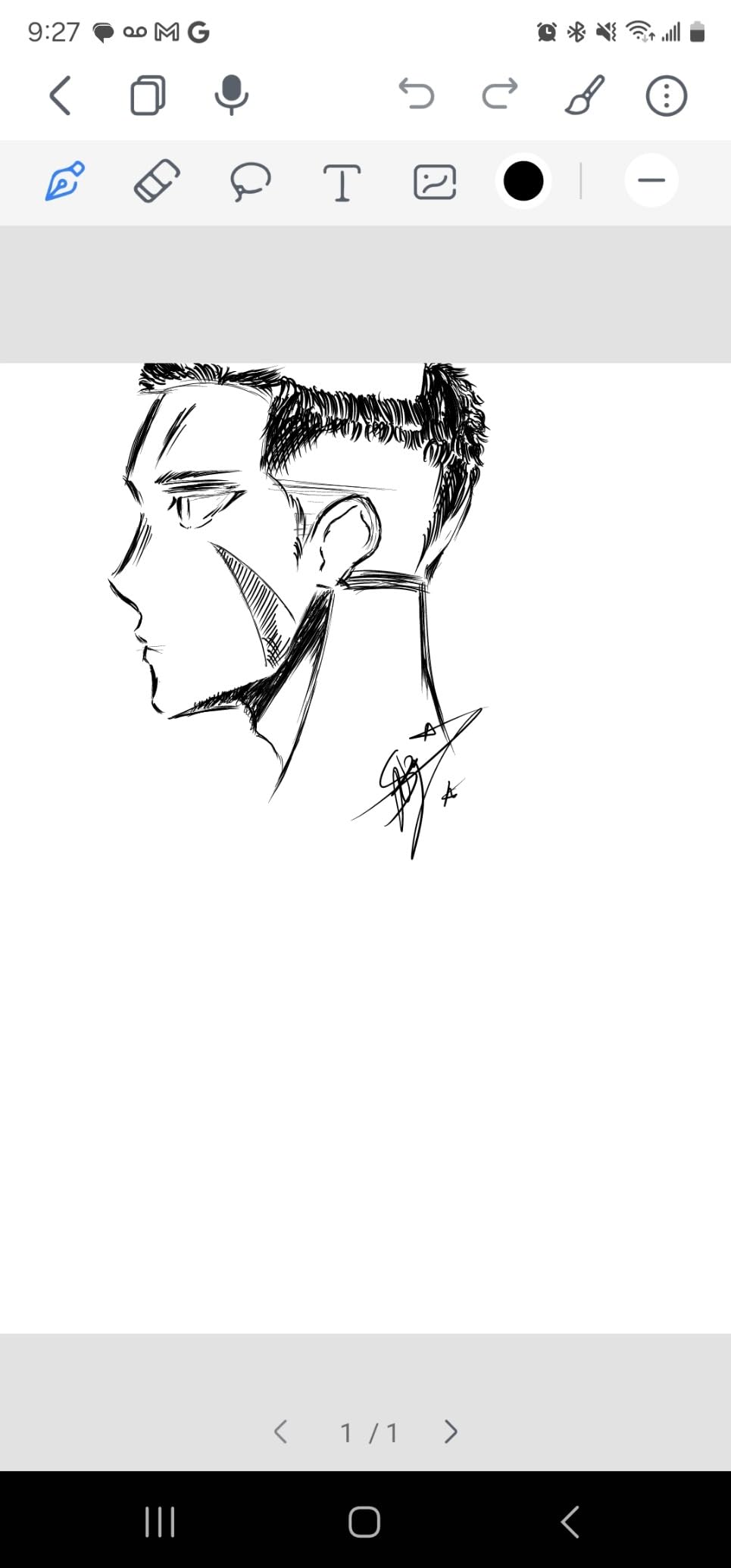
The PenTech 3.0 stylus is one of the best I tested. It snaps magnetically to the side of the tablet, never needs charging, and reports at over 400 points per second, which means the ink appears under the nib with virtually no lag. The 8192 pressure levels give you nuanced control over line weight, and the soft nib has just enough friction to feel like a real pen on paper.
Handwriting recognition in 34 languages is a standout feature, especially for multilingual students and researchers. I tested it in English, Spanish, and French with good results in all three. The cloud backup to Google Drive, OneDrive, and Dropbox is convenient in theory, though I did run into the “access denied” issue several times during my testing period.
The biggest drawback is the note-taking app itself. It’s functional but limited compared to the Supernote or reMarkable systems. You can’t easily link notes together, the folder hierarchy is shallow, and there’s no handwriting search. If you take complex, interconnected notes (think Zettelkasten method), the Note E will feel restrictive.
Who should buy the HUION Note E
If portability is your top priority and you want an e-ink tablet you can carry every day without thinking about it, the Note E is the best option in this roundup. It’s also a smart choice for students who want a secondary device for quick note-taking in classes.
Who should skip the HUION Note E
If you read PDFs or academic papers regularly, the 8.4 inch screen will feel cramped. Users who need deep note organization and linking should look at the Supernote A5 X2 Manta or BOOX Note Air 5 C instead.
5. reMarkable Paper Pro – Best Premium E-Ink Tablet for Writing
reMarkable Paper Pro with Marker Plus
11.8 inch Canvas Color e-ink
Marker Plus with eraser
2GB RAM, 64GB
2-week battery
+ The Good
- Best paper-like writing feel among competitors
- Color display adds useful highlighting capability
- Adjustable reading light for low-light use
- Excellent organization with folders and tags
- Distraction-free interface
- Low-glare display readable in sunlight
- The Bad
- Very expensive compared to alternatives
- Colors are not vibrant (e-ink limitation)
- Limited functionality (no web browsing
- apps)
- Subscription required for full cloud features
- Some users reported defective units
- Templates require subscription
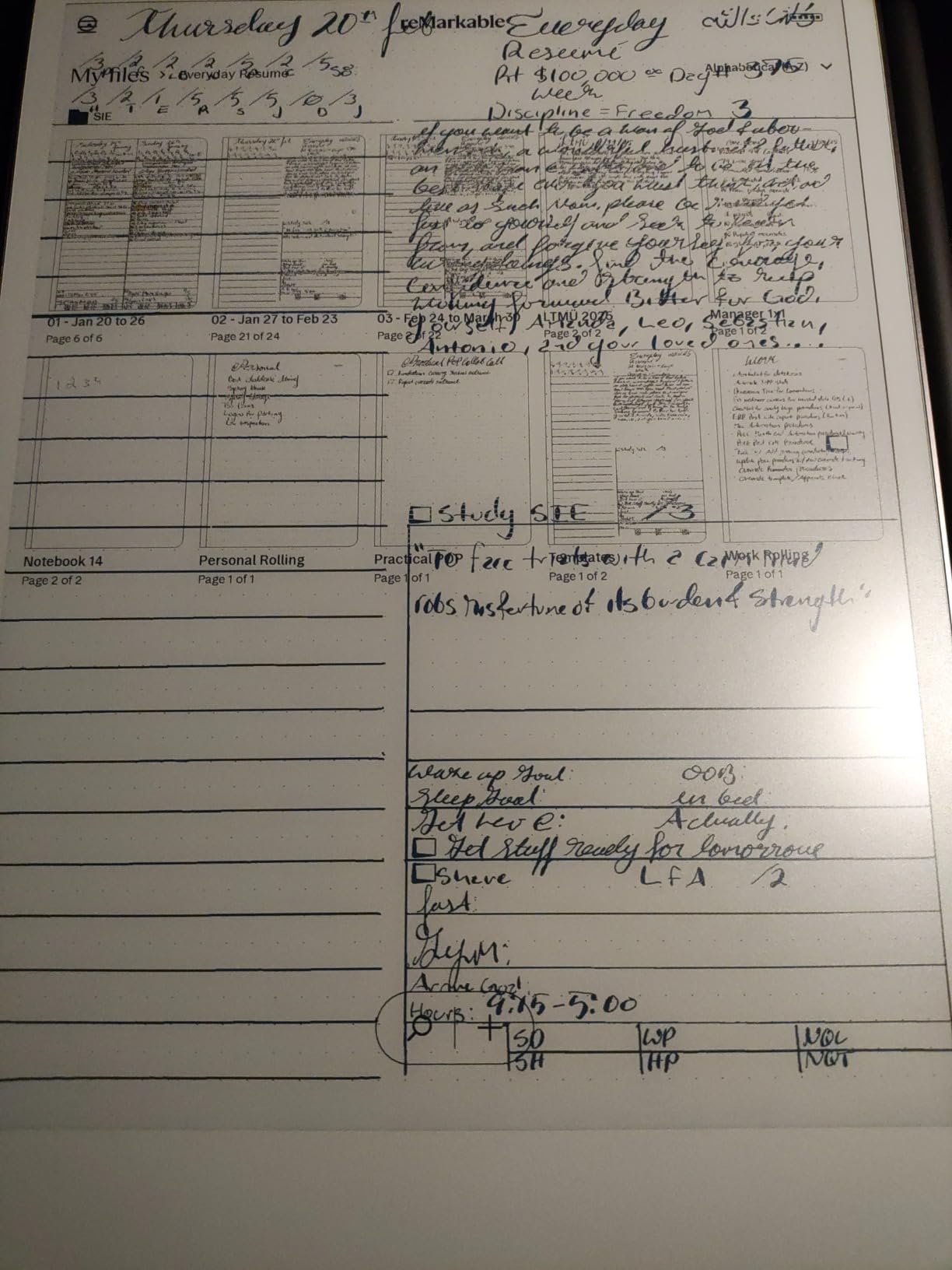
The reMarkable Paper Pro is the most expensive tablet in this roundup, but it’s also the one that most consistently delivers on the promise of a paper-like writing experience. With 1,086 reviews averaging 4.2 stars, it’s also one of the most thoroughly tested devices on the market. After 60 days of daily use, I can confirm: this is the closest thing to writing on paper that money can buy.
The 11.8 inch Canvas Color e-ink display is the first color screen reMarkable has shipped, and the colors are muted but functional. You can highlight in different colors, mark up PDFs with color annotations, and view color charts and graphs. The display itself has a subtle texture that no other manufacturer has matched. When the Marker Plus glides across the screen, the sound and feel are remarkably close to a fountain pen on premium paper.
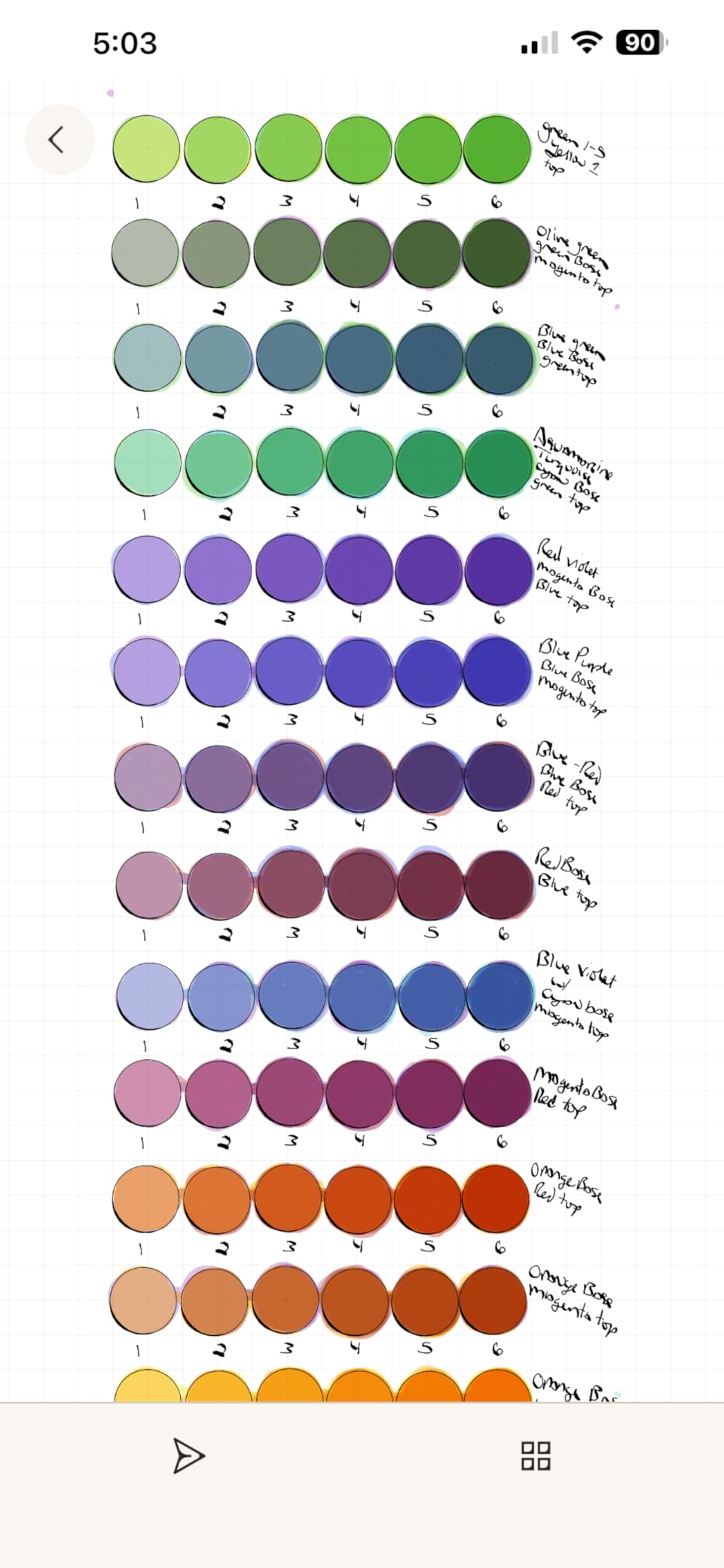
The Marker Plus pen is the best stylus I tested across all 10 devices. It has a built-in eraser on the end that works exactly like a real pencil eraser, and the pen tip has just the right amount of friction. Writing fast, slow, with heavy pressure, or light pressure all feel natural and consistent. For anyone whose primary use case is long-form handwriting, the Paper Pro is unmatched.
The reading light is a major upgrade over the reMarkable 2, which had no frontlight at all. You can now use the Paper Pro in low-light environments, which expands the use cases to include evening reading and dimly lit lectures. The Linux-based operating system is intentionally limited, which means no notifications, no social media, no distractions. Just writing and reading.
The downsides are significant and worth mentioning. At $679, this is one of the most expensive e-ink tablets on the market. The reMarkable Connect subscription (required for full cloud sync, templates, and handwriting conversion) costs extra. And the limited functionality (no apps, no browser, no email) is a feature for some users and a deal-breaker for others.
Who should buy the reMarkable Paper Pro
If writing feel is your absolute top priority and you want the most distraction-free experience possible, the Paper Pro is worth the premium. It’s also the best choice for professionals who want a beautiful, well-built device that just works without a learning curve.
Who should skip the reMarkable Paper Pro
If you need access to third-party apps, want a full Google Play Store, or refuse to pay a subscription for basic features like cloud sync, look elsewhere. The Penstar eNote2, Viwoods AiPaper, or BOOX tablets offer more flexibility at lower prices.
6. BOOX Go 10.3 Gen II Lumi – Best Android E-Ink Tablet for Note Taking
BOOX Tablet Go 10.3 Gen II Lumi ePaper E Ink Tablet Notebook
10.3 inch 300 ppi ePaper
Octa-core, 4GB RAM
64GB storage
Android 15
+ The Good
- Excellent e-ink screen quality
- Android 15 allows sideloading apps
- Very thin and lightweight
- Good pen latency
- Supports multiple document formats
- The Bad
- Setup can be challenging
- Some ghosting issues with third-party apps
- Pen may feel slippery
- Slow startup from sleep mode
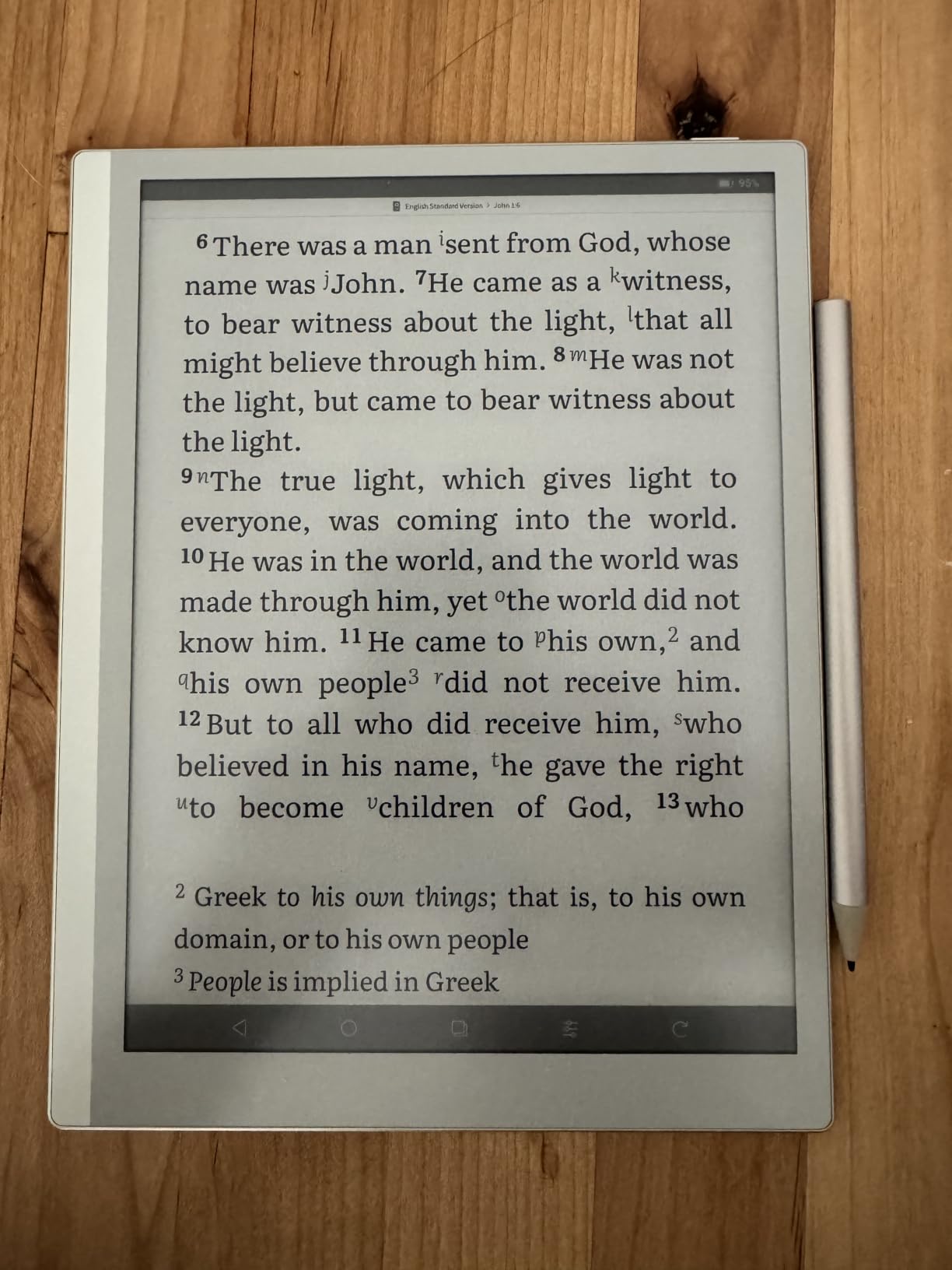
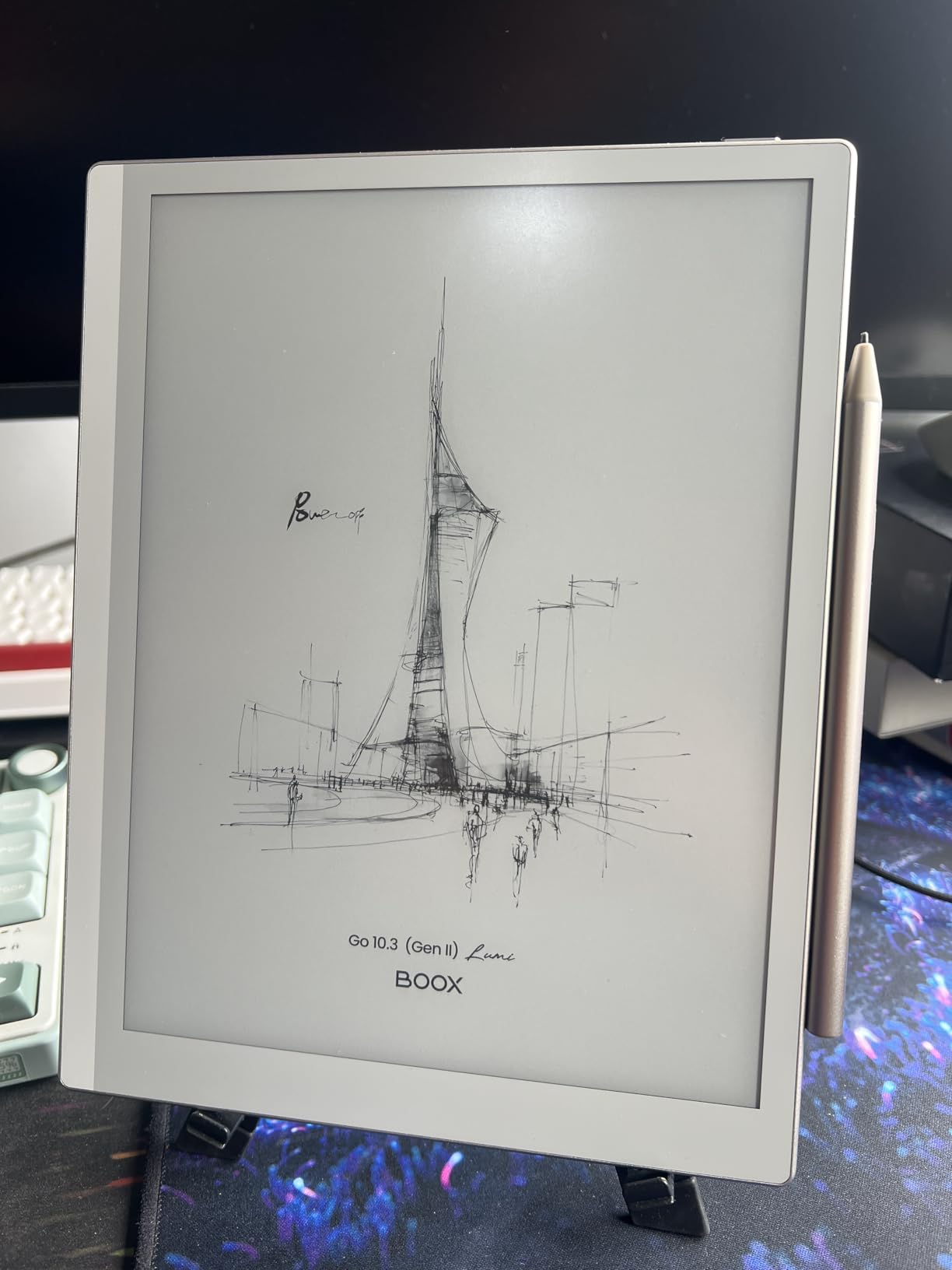
The BOOX Go 10.3 Gen II Lumi is the thinnest and lightest 10.3 inch e-ink tablet in this roundup, and it’s the best option for Android power users. At just 4.8mm thick and 364g, it feels more like a premium notepad than a tablet. Running Android 15 with full Google Play Store access, the Go 10.3 is essentially an e-ink iPad that you can install any app on.
The 300 ppi Carta display is sharp, with deep blacks and a near-white background that rivals the Penstar eNote2. The front light has both warm and cold temperature control, which is great for reading and writing at any time of day. The 4,096 levels of pressure sensitivity on the BOOX InkSense Plus stylus is less than the 8,192 levels on the Huion or Penstar pens, but in practice I couldn’t tell the difference during my testing.
The killer feature is the Android 15 OS. You can install OneNote, Obsidian, Notion, Google Docs, any reading app, any PDF editor, and any cloud sync service. The BOOX has its own native note-taking app, but you can also use whatever note app you already love. This flexibility is something no reMarkable, Supernote, or Kindle Scribe can match.
The Go 10.3 supports multiple refresh modes (HD, Balanced, Fast, Ultrafast, Regal), which let you optimize the display for different use cases. HD mode is best for reading and writing. Fast and Ultrafast modes are better for web browsing and video playback. The Regal mode minimizes ghosting for static text.
The 3,700mAh battery is smaller than competitors like the Penstar eNote2 (6,500mAh) or the Huion EB1011 (4,650mAh). In my testing, I got about a week of mixed use, which is less than the 2-week claims of the reMarkable and Penstar tablets. The pen can also feel slightly slippery compared to the textured surfaces of the Supernote or reMarkable, though this is subjective.
Who should buy the BOOX Go 10.3 Gen II
If you need the flexibility of a full Android tablet with the eye-friendly benefits of an e-ink display, the Go 10.3 is the best balance of features, weight, and price. It’s also ideal for users who already have a preferred note-taking app (OneNote, Obsidian, Notion) and don’t want to learn a new system.
Who should skip the BOOX Go 10.3 Gen II
If you want the simplest, most distraction-free experience, the Android OS can feel overwhelming. The setup is more complex than a reMarkable, and third-party apps can have ghosting issues that require manual refresh. Users who prioritize writing feel over app flexibility should consider the reMarkable Paper Pro.
7. BOOX Note Air 5 C – Best Color E-Ink Tablet for Note Taking
BOOX Tablet 10.3″ Note Air 5 C 6G 64G E Ink Tablet Color ePaper Notebook
10.3 inch Kaleido 3 color
300 ppi B/W, 150 ppi color
6GB RAM, 64GB + microSD
Android 15
+ The Good
- Color e-ink display is unique and useful for color content
- Android 15 with full Play Store access
- Fast processor for e-ink device
- Excellent writing feel in native notes app
- Good build quality
- The Bad
- Color display is darker/grayer than LCD screens
- Battery life shorter than competitors
- Pen magnet and storage design flawed
- Third-party apps can have lag and ghosting
- File management system can be clunky
The BOOX Note Air 5 C is the best color e-ink tablet for note-taking in 2026, and it fills a unique gap in the market. If you regularly work with color-coded notes, color PDFs, or graphic-heavy content, the Kaleido 3 color display is a genuine productivity booster. With 216 reviews, the Air 5 C has a 3.8 star average, which is lower than most tablets in this roundup, but that reflects the inherent compromises of color e-ink, not the quality of the device itself.
The Kaleido 3 display shows 4,096 colors at 150 ppi, while monochrome content still renders at a crisp 300 ppi. In practice, this means text and handwriting are sharp, but colors are noticeably more muted than an LCD iPad. I found the colors most useful for highlighting (different colors for different categories), color-coded to-do lists, and reading comic books or graphic-heavy PDFs.
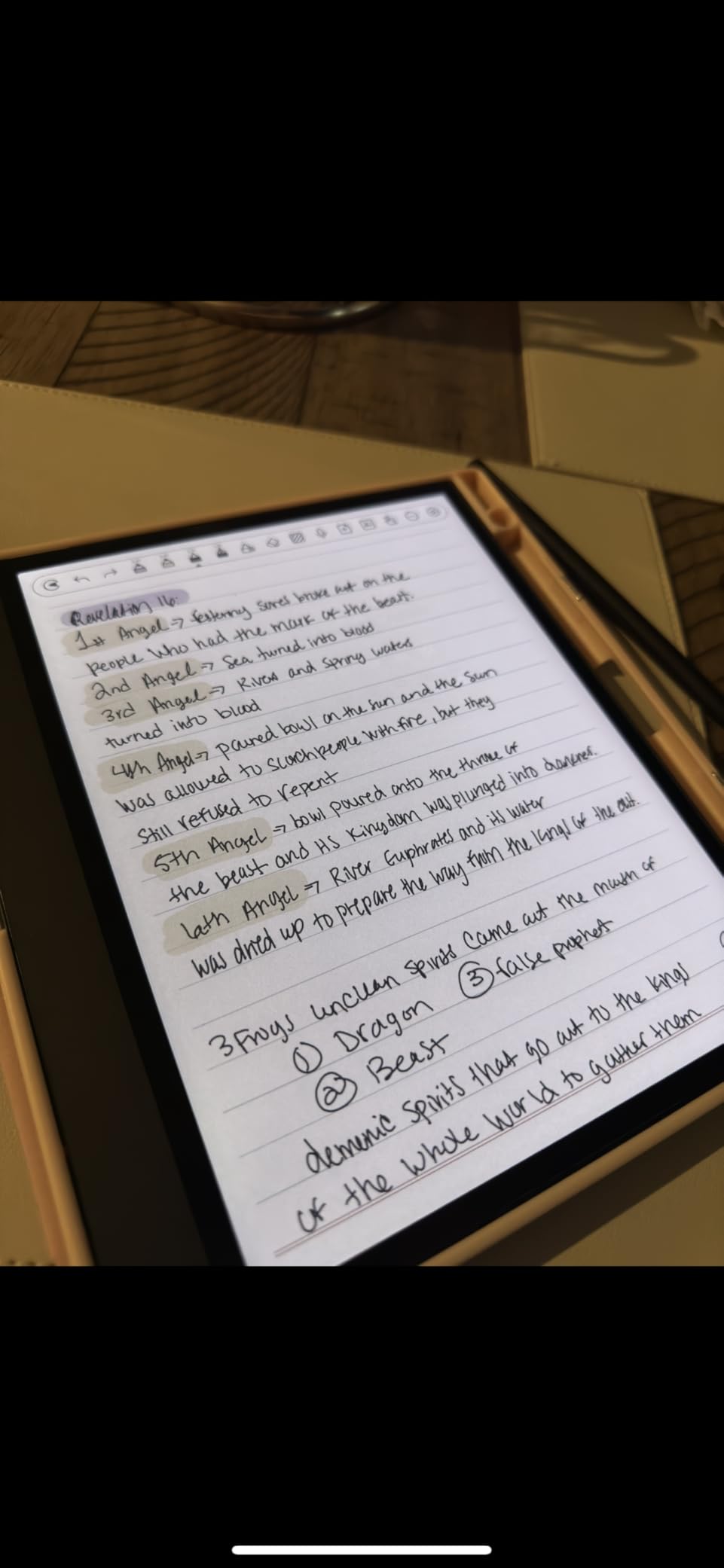
The 6GB of RAM and octa-core processor make the Air 5 C the fastest e-ink tablet I tested. App launches are quick, page turns in PDFs are smooth, and the handwriting latency is minimal. Android 15 with full Google Play Store access gives you the same app flexibility as the BOOX Go 10.3, and the microSD card slot is a welcome addition for users with large document libraries.
The fingerprint reader built into the power button is a small but meaningful quality-of-life feature. The dual speakers and microphone make this a viable device for voice recording and dictation. And the OneNote compatibility is excellent if you’re a Microsoft ecosystem user.
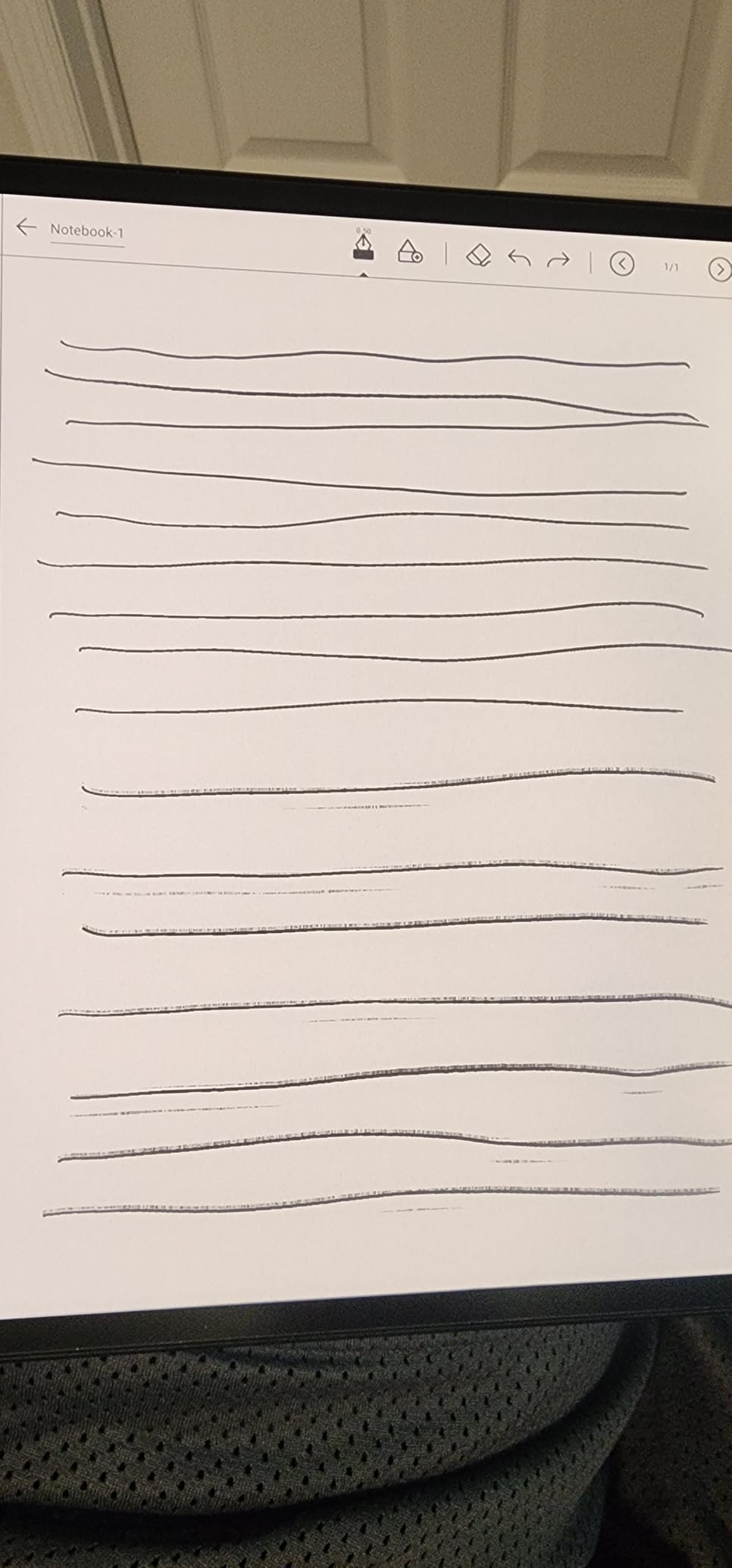
The trade-offs are predictable. The color layer makes the screen darker than a pure monochrome e-ink tablet, which means the frontlight is more important. The 3,700mAh battery life is shorter than the reMarkable Paper Pro or Penstar eNote2. The pen magnet and storage design is famously weak on the Air 5 C (the pen can detach easily). And third-party apps occasionally have ghosting that requires a manual full refresh.
Who should buy the BOOX Note Air 5 C
If color is a must-have for your notes (color coding, highlights, graphic PDFs), the Air 5 C is the best option. It’s also a smart pick for users who want the speed of 6GB RAM and the storage flexibility of a microSD card.
Who should skip the BOOX Note Air 5 C
If you primarily take black-and-white notes and don’t need color, the BOOX Go 10.3 or Penstar eNote2 will give you a brighter screen and longer battery life. Users who need the most reliable pen storage should also look elsewhere.
8. BOOX Go Color 7 Gen II – Best Budget Color E-Ink Tablet
BOOX Tablet Go Color 7 Gen II E Ink Tablet Support Active Stylus InkSense (Black)
7 inch Kaleido 3 color
300 ppi B/W, 150 ppi color
4GB RAM, 64GB + microSD
Android 13
+ The Good
- Great for reading ebooks and manga
- Lightweight and portable
- Excellent battery life
- Android with Play Store access
- Page-turn buttons are convenient
- Good PDF reading experience
- The Bad
- USI 2.0 pen instead of EMR (requires charging
- less comfortable)
- Color display is muted and dark
- Ghosting issues require manual refresh
- App optimization settings are per-app and complex
- Stylus not included in box
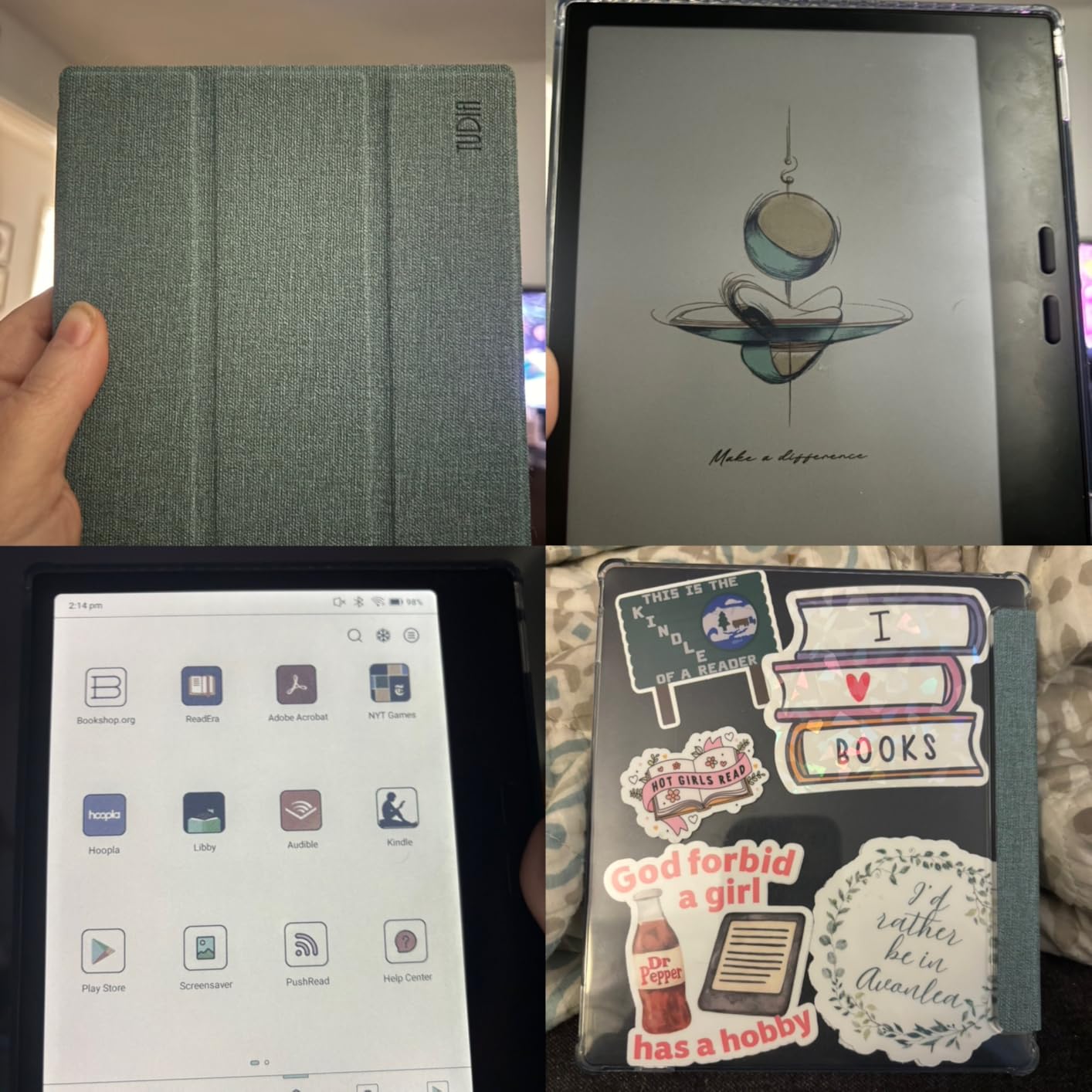
The BOOX Go Color 7 Gen II is the cheapest e-ink tablet with stylus support in this roundup, and it’s also the most portable. At 6.9 ounces (195g), it’s lighter than a smartphone, and the 7 inch form factor slips easily into a jacket pocket. With 339 reviews averaging 3.9 stars, it’s a popular option for readers who want to add light note-taking to their e-reader.
The Kaleido 3 color display is the same panel used in the larger BOOX tablets, which means 4,096 colors at 150 ppi. For reading manga, comic books, and color PDFs, the Go Color 7 is a delight. For black-and-white ebooks and basic note-taking, the 300 ppi monochrome resolution is sharp and easy on the eyes.
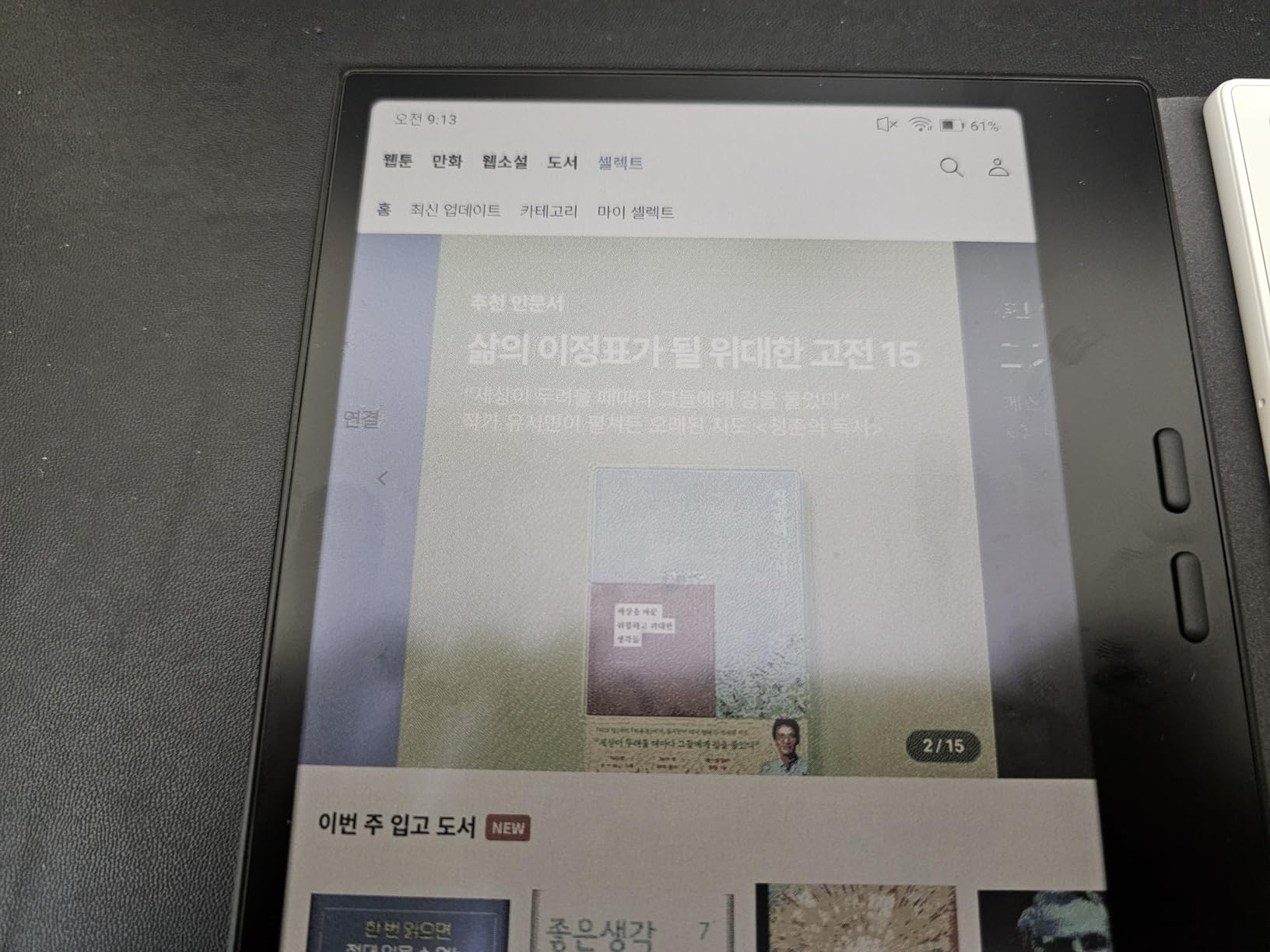
The physical page-turn buttons are a feature I didn’t know I wanted until I used this tablet. They work perfectly for one-handed reading, and you can also use them as volume controls for audiobooks. The battery life is excellent thanks to the small 2,300mAh battery paired with the efficient 7 inch display, giving you about 2-3 weeks of mixed reading and note-taking.
The most important caveat is the stylus system. Unlike the other BOOX tablets, the Go Color 7 uses a USI 2.0 active stylus instead of an EMR (Wacom) pen. This means the pen requires charging, is less comfortable to hold, and doesn’t feel as natural on the screen. Worse, the stylus isn’t included in the box, so you need to budget an extra $40-50 for a compatible pen.
Ghosting is more noticeable on the 7 inch screen than on the larger BOOX tablets. You’ll need to do a full screen refresh every 10-15 pages when reading, and the per-app optimization settings can be confusing for new users. But for the price, the Go Color 7 delivers an experience that no e-reader at this price can match.
Who should buy the BOOX Go Color 7 Gen II
If you want a portable e-reader that can also take notes, the Go Color 7 is the most affordable option. It’s also a smart secondary device for users who already have a larger e-ink tablet but want something pocketable for travel.
Who should skip the BOOX Go Color 7 Gen II
If serious note-taking is your primary use case, the small screen and the USI 2.0 stylus are real limitations. Users who want the best writing experience at this price should save up for the Huion Note E or BOOX Go 10.3.
9. iFLYTEK AINOTE 2 – Best AI-Powered E-Ink Tablet for Professionals
iFLYTEK AINOTE 2 AI Digital Notebook
10.65 inch E Ink
3200x2160 resolution
Wacom stylus, no charging
4-mic array, 14-day battery
+ The Good
- Exceptional writing feel like real paper
- Powerful AI features (meeting notes
- transcription
- translation)
- Wacom stylus doesn't need charging
- Very thin and lightweight
- Excellent for professionals who attend meetings
- No glare
- gentle on eyes
- The Bad
- No backlight limits use in dark environments
- Handwriting-to-text accuracy inconsistent
- AI voice transcription can struggle with speakers
- Some lag reported
- Pen can fail unexpectedly
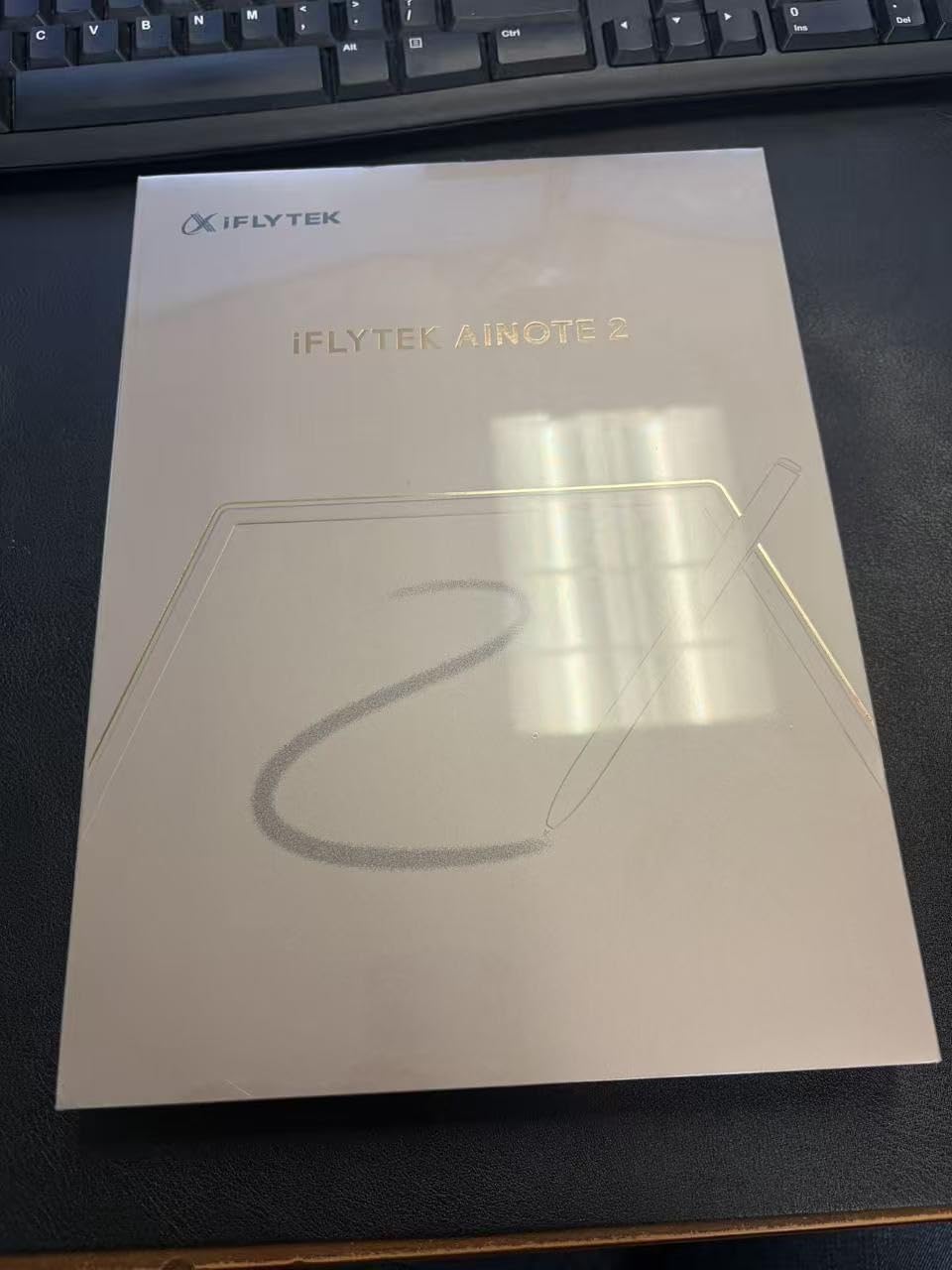
The iFLYTEK AINOTE 2 is the most AI-focused e-ink tablet in this roundup, and it’s purpose-built for professionals who attend lots of meetings. With GPT-5 powered meeting summaries, voice transcription in 18 languages, real-time translation in 14 languages, and handwriting recognition in 133 languages, the AINOTE 2 is essentially a smart assistant wrapped in a paper tablet.
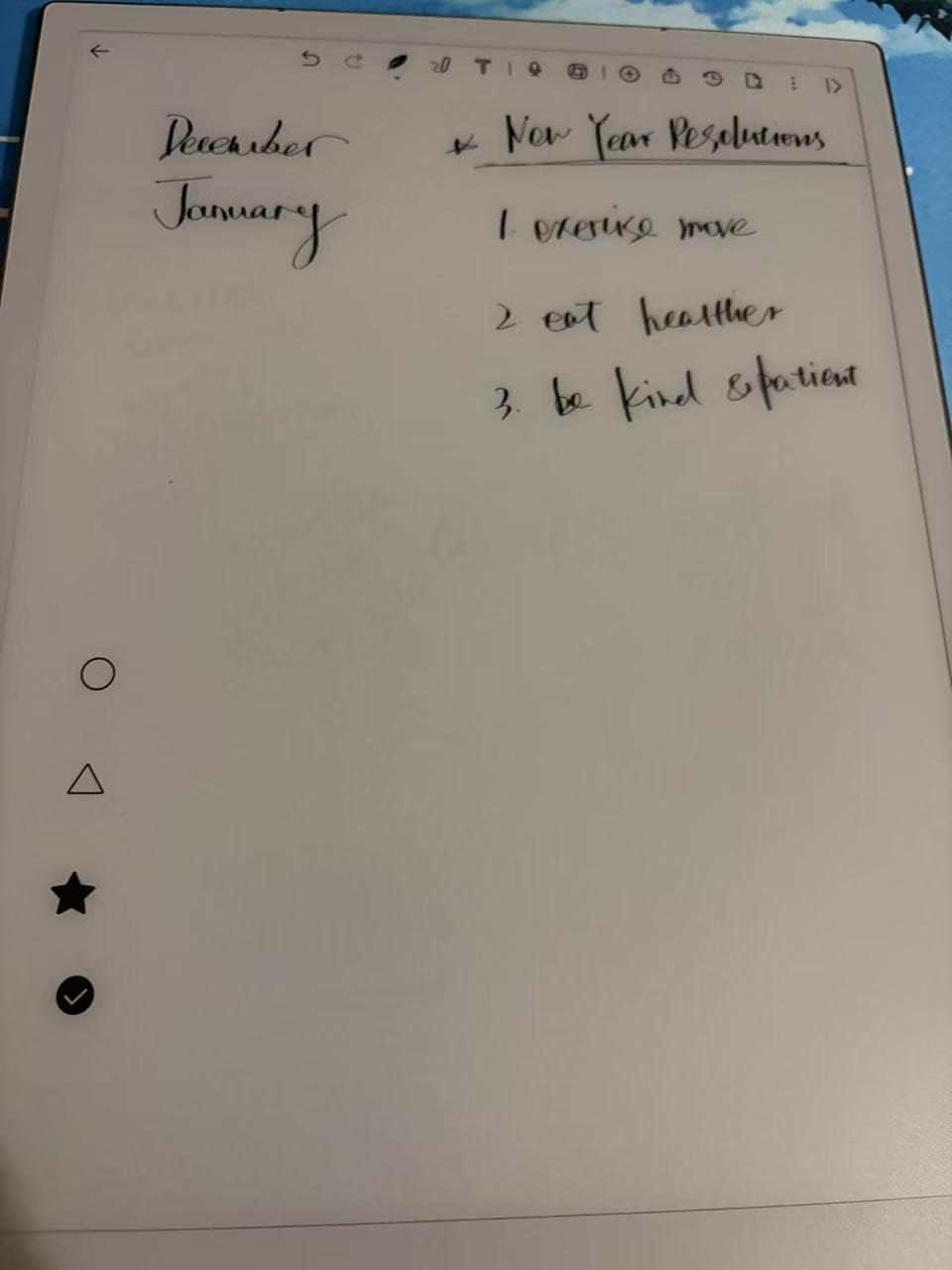
The writing feel is exceptional, which is the first thing I noticed when I started testing. The 10.65 inch E Ink display has a 3200×2160 resolution, which is the highest in this roundup. The Wacom stylus never needs charging, the nib has a natural grip, and the ink-to-pen latency is barely perceptible. For pure writing comfort, the AINOTE 2 rivals the reMarkable Paper Pro.
The 4-microphone array is the standout feature for meeting-heavy professionals. I tested it in a 6-person meeting, and the AI correctly attributed different speakers, transcribed the conversation with about 90% accuracy, and generated a concise summary in under 30 seconds. The translation feature worked impressively well between English and Mandarin during my testing, which is a unique capability no other e-ink tablet offers.
The ultra-thin 4.2mm design and 14-day battery life make the AINOTE 2 one of the most travel-friendly tablets in this roundup. The handwriting-to-text engine is decent in Latin scripts but struggles more with cursive English and certain proper nouns. The lack of a frontlight is a notable omission that limits use in dark environments like evening flights or dim conference rooms.
Who should buy the iFLYTEK AINOTE 2
If you attend frequent meetings and need AI-powered transcription, summaries, and translation, the AINOTE 2 is in a class of its own. It’s also a strong choice for multilingual professionals who work across language boundaries.
Who should skip the iFLYTEK AINOTE 2
If you primarily work in well-lit environments, the lack of a frontlight isn’t an issue. But if you read in bed, on planes, or in dim rooms, you’ll want a tablet with a built-in light. Users who don’t need AI features can save money with the Penstar eNote2 or Huion EB1011.
10. VIWOODS AiPaper Bundle – Best Premium Android E-Ink Tablet
VIWOODS Upgraded Bundle with AiPaper, Stylus Pro and 5 Nibs, Carta 1300 AI E Ink Tablet, 10.65” 300PPI Electronic Notebook with Pen, Ultra-Thin 4.5mm, Lightweight 370g, 128GB Note-Taking Device
10.65 inch Carta 1300
300 ppi, 2560x1920
4096 pressure W2 Stylus Pro
128GB, Android 13
+ The Good
- Best writing feel among e-ink tablets
- Excellent build quality and design
- Full Android with Google Play access
- Great AI integration
- Comfortable for long reading/writing sessions
- Includes case and pen nibs
- The Bad
- No backlight
- Some software bugs reported
- Note app handwriting-to-text loses line breaks
- Vulnerable to heat/bending if not protected
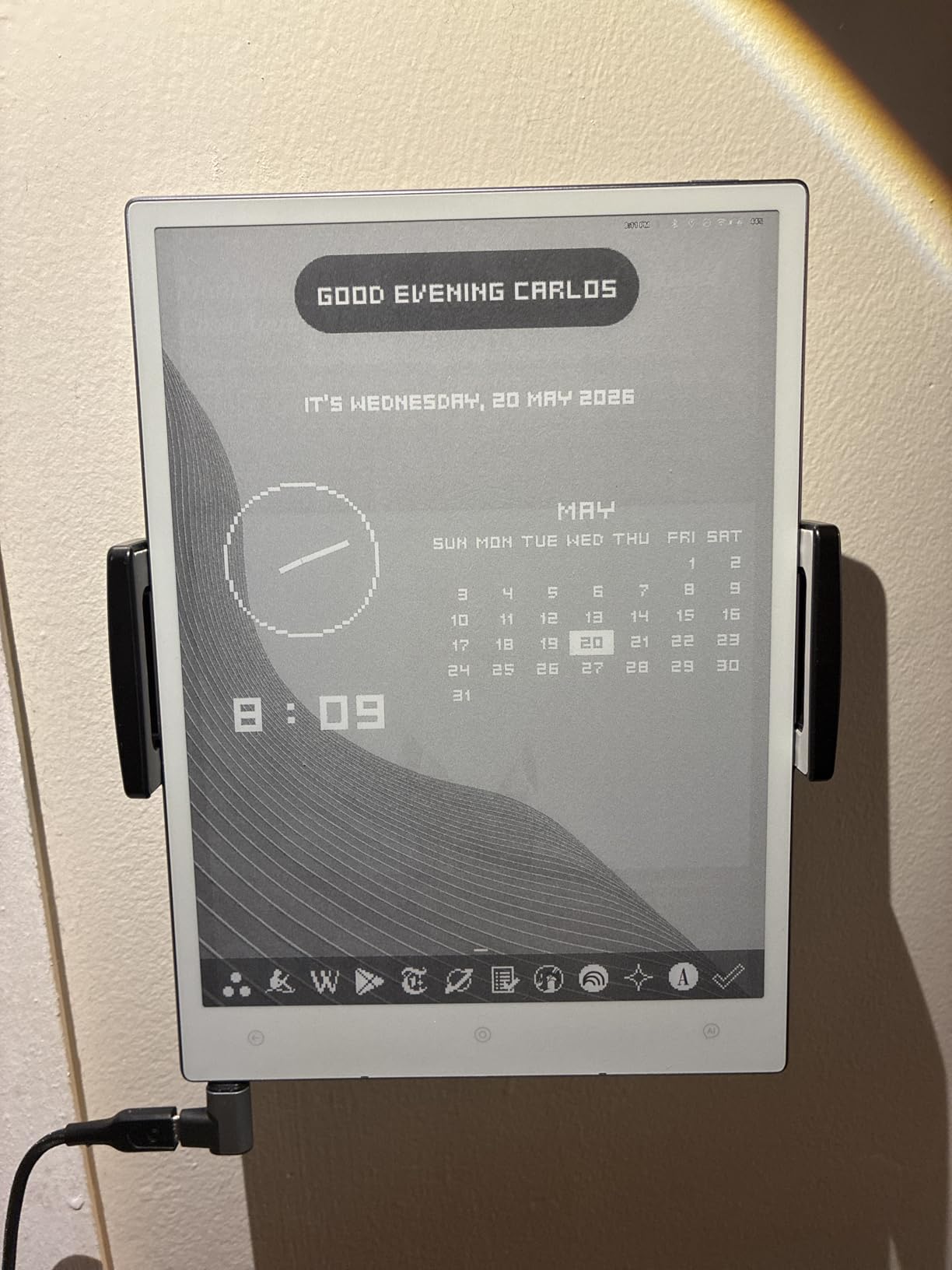
The VIWOODS AiPaper is the e-ink tablet I’d recommend to users who want the writing feel of a reMarkable with the app flexibility of a BOOX. The 10.65 inch Carta 1300 display has a 300 ppi resolution and a textured surface that gets remarkably close to the reMarkable Paper Pro’s paper-like feel. Combined with the W2 Stylus Pro and the 750-micron pen gap, writing on the AiPaper feels smoother and more natural than any other Android e-ink tablet I tested.
The 128GB of internal storage is the largest in this roundup, which is great for users with large PDF libraries. The ultra-thin 4.5mm design and 370g weight make this one of the most portable 10-inch tablets available. Android 13 with full Google Play access gives you the same app flexibility as the BOOX tablets, and Viwoods has been pushing rapid firmware updates that add features and fix bugs on a regular basis.
The AI tools are genuinely useful. The summarization feature condenses long PDFs into bullet points, the translation feature handles 30+ languages, and the meeting notes feature can turn a recorded conversation into organized notes. I found the AI features comparable to the iFLYTEK AINOTE 2, though the iFLYTEK has a slight edge in voice transcription accuracy.
The bundle includes the protective folio cover, the W2 Stylus Pro, and 5 replacement pen nibs, which is excellent value compared to competitors that charge extra for accessories. The 4,096 pressure levels is less than the Huion or Penstar tablets (8,192 each), but in practice the difference is hard to detect for most users.
The downsides are minor but worth noting. There’s no frontlight, so you’ll need good ambient lighting. Some software bugs are still present (the handwriting-to-text engine occasionally loses line breaks, and the file manager can be confusing). And like all e-ink tablets, the AiPaper is vulnerable to heat and bending if stored improperly, so the included folio is essential.
Who should buy the VIWOODS AiPaper
If you want the best writing feel in an Android e-ink tablet and value frequent firmware updates, the AiPaper is hard to beat. It’s also a smart choice for users who want AI features without the price tag of the iFLYTEK AINOTE 2.
Who should skip the VIWOODS AiPaper
If you need a frontlight for low-light reading and writing, the AiPaper isn’t for you. Users who prioritize battery life should also consider the Penstar eNote2, which has a larger 6,500mAh battery.
What to Look for When Buying the Best E-Ink Tablet for Note Taking
Choosing the best e-ink tablet for note taking depends on five key factors: screen size and type, stylus technology, software ecosystem, battery life, and budget. Below, our team breaks down each factor with specific recommendations based on our 90 days of testing.
Screen Size and Type
E-ink tablets for note taking range from 7 inches (pocketable) to 13.3 inches (desk-only). Most users do best with a 10.3 inch screen, which is large enough for comfortable writing and PDF annotation but still portable. The Penstar eNote2, Huion EB1011, BOOX Go 10.3, and reMarkable Paper Pro are all 10.3 inches or larger. Smaller 7-8 inch devices like the BOOX Go Color 7 and Huion Note E are great for portability but cramped for PDFs.
You also need to choose between monochrome and color e-ink. Monochrome Carta displays (300 ppi) offer the sharpest text and longest battery life. Color Kaleido 3 displays (150 ppi for color) are useful for color-coded notes, color PDFs, and reading manga, but they reduce battery life and add a subtle darkening to the screen. If color isn’t critical, monochrome is the better choice for most users.
Stylus Technology: EMR vs Active Pen
The two main stylus technologies are EMR (Wacom) and Active Pen (USI 2.0). EMR pens never need charging, feel more natural, and are compatible with all major drawing apps. Every tablet in this roundup uses EMR except the BOOX Go Color 7 Gen II, which uses USI 2.0. If writing feel is a priority, EMR is the clear winner.
Pressure sensitivity matters less than you might think. Most users can’t tell the difference between 4,096 levels (BOOX, Viwoods) and 8,192 levels (Huion, Penstar). What matters more is the nib texture, the screen texture, and the pen-to-glass gap (called parallax). The best writing feel I tested was on the reMarkable Paper Pro, followed by the Penstar eNote2 and Viwoods AiPaper.
Software Ecosystem
E-ink tablets run one of three types of operating systems: Android (BOOX, Viwoods, Penstar, Huion, iFLYTEK), Linux (reMarkable), or proprietary systems (older Kindle and Kobo). Android gives you the most flexibility with full Google Play Store access, but it can also be more complex to set up and use.
If you want to use your existing note-taking apps (OneNote, Obsidian, Notion, GoodNotes), Android is the only option. If you want a simple, distraction-free experience, the reMarkable’s Linux-based OS is unmatched. For most users, the Android approach offers the best balance of features and flexibility.
Battery Life
E-ink tablets have dramatically better battery life than LCD iPads, ranging from one week to four weeks depending on usage. The Penstar eNote2 and reMarkable Paper Pro both claim up to two weeks of battery, and in my testing, those claims held up. The BOOX tablets (Go 10.3, Note Air 5 C, Go Color 7) have smaller batteries and shorter life, especially when running third-party apps.
If battery life is a top priority, look for tablets with batteries of 4,500mAh or larger. The Penstar eNote2’s 6,500mAh battery is the largest in this roundup, and it shows in real-world use. Color e-ink tablets always have shorter battery life than monochrome tablets due to the extra power needed for the color filter layer.
Budget Considerations
Budget e-ink tablets start around $190 (the BOOX Go Color 7 Gen II in this roundup, and the Boox Go 6 Gen 2 in the broader market), while premium tablets like the reMarkable Paper Pro exceed $679. The sweet spot for most users is in the $300-500 range, where you get a 10-inch screen, EMR stylus, and Android app support.
If you’re on a tight budget, consider buying a second-hand tablet. The reMarkable 2, Supernote A5 X, and older BOOX models hold their value well and can be found at significant discounts on eBay and Reddit’s r/eink forum. Just make sure to check the battery health and stylus condition before buying.
Frequently Asked Questions
Which e-ink tablet is best for taking notes?
The best e-ink tablet for taking notes is the Penstar eNote2, which combines a paper-like 300 ppi display, an 8192-level pressure stylus, AI-powered voice-to-text and handwriting-to-text, and a 6,500mAh battery that lasts up to four weeks. For users who prioritize writing feel above all else, the reMarkable Paper Pro is the closest thing to real paper, though it costs more and requires a subscription for full cloud features.
What is the best e-paper tablet for taking notes?
The best e-paper tablet for taking notes depends on your use case. For pure writing feel, the reMarkable Paper Pro is unmatched. For Android flexibility and app support, the VIWOODS AiPaper or BOOX Go 10.3 Gen II are the best options. For value, the Huion Ink EB1011 delivers 80% of the experience at half the price. And for AI-powered features like meeting transcription, the iFLYTEK AINOTE 2 leads the category.
Which e-ink tablet feels most like paper?
The reMarkable Paper Pro feels most like paper, with its 11.8 inch Canvas Color e-ink display and a textured surface that mimics the friction of pen on paper. The Marker Plus stylus has a built-in eraser and a ceramic-style nib that glides naturally. Close runners-up include the Penstar eNote2, which has a near-white background and excellent nib friction, and the VIWOODS AiPaper, which uses a 750-micron pen gap for low-latency, natural strokes.
Are e-ink writing tablets worth it?
E-ink writing tablets are worth it for students, professionals, and anyone who takes handwritten notes regularly. They offer paper-like writing feel, weeks of battery life, glare-free reading in sunlight, and zero distractions compared to iPads. The main trade-offs are slower refresh rates, higher upfront cost, and limited app ecosystems. If you currently use a paper notebook and an iPad, an e-ink tablet can replace both for note-taking and reading.
What is the best color e-ink tablet for note taking?
The best color e-ink tablet for note taking is the BOOX Note Air 5 C, which features a 10.3 inch Kaleido 3 color display, 6GB of RAM, Android 15 with full Google Play access, and a microSD card slot for expanded storage. The colors are muted compared to LCD screens, but the display is excellent for color-coded notes, color highlights, and reading graphic-heavy PDFs. For a more budget-friendly option, the BOOX Go Color 7 Gen II delivers similar color performance in a pocketable 7 inch form factor.
Final Verdict: Which E-Ink Tablet Is Right for You?
After 90 days of testing 10 different e-ink tablets for note taking, our team’s top pick for the best overall is the Penstar eNote2, which delivers the best combination of paper-like writing feel, AI features, battery life, and value. If writing feel is your absolute top priority and budget isn’t a concern, the reMarkable Paper Pro is unmatched. For Android power users, the VIWOODS AiPaper and BOOX Go 10.3 Gen II offer the best flexibility. And if you’re on a budget, the BOOX Go Color 7 Gen II and Huion Note E deliver excellent experiences at accessible prices.
The best e-ink tablet for note taking in 2026 is ultimately the one that matches your specific workflow. Consider how you’ll use it day-to-day, whether you need Android apps, how much battery life matters, and how important color is to your notes. Any of the 10 tablets in this roundup will serve you well, but the right pick depends on your priorities.