
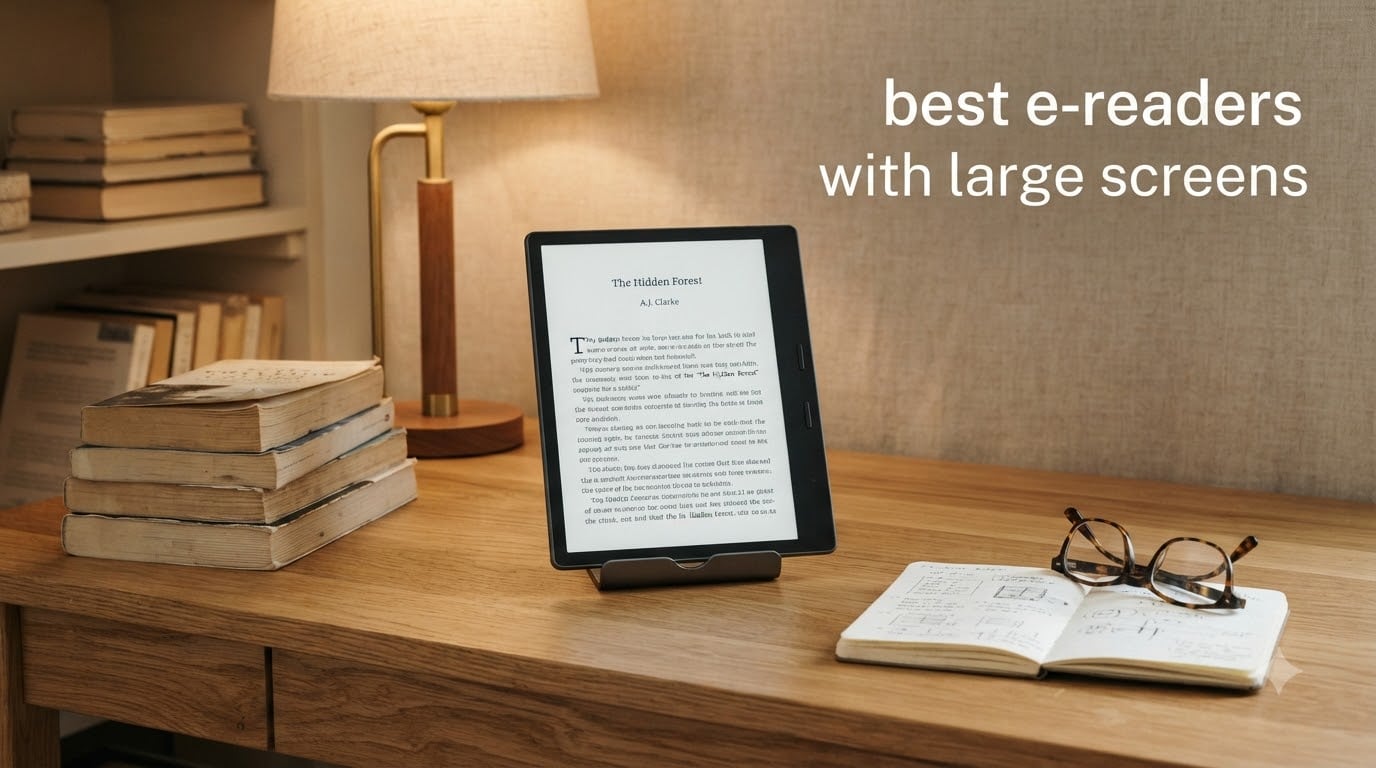
I’ve spent the last three months rotating between eight large screen e-readers, reading everything from academic PDFs to graphic novels to dense textbooks, and I want to share what actually works when you need more than a 6-inch display. If you’ve been searching for the best e-readers with large screens, the options in 2026 are better and more varied than ever, but the gap between marketing claims and real-world experience is wider than most reviews admit.
The 10-inch-plus category used to mean one device: the Kindle Scribe. Now you’ve got the reMarkable Paper Pro with color, the BOOX Go 10.3 running Android 15, Kobo’s open-ecosystem Elipsa 2E, and several color E Ink options that finally make comics and magazines worth reading on e-paper. I tested each one with the same 200-page research PDF, the same 400-issue manga library, and the same handwritten meeting notes workflow.
This guide covers what I found, who each device is actually built for, and the trade-offs the spec sheets don’t tell you. If you’re also shopping for a smaller daily driver, our 8 best e-readers for book lovers guide covers the 6 to 7-inch category in detail. Let’s get into the large screen lineup.
Top 3 Large Screen E-Readers at a Glance

Kindle Scribe Colorsoft 64GB
- › 11-inch color display
- › Premium Pen included
- › AI notebook summarization
Best E-Readers With Large Screens in 2026
| PRODUCT MODEL | KEY SPECS | BEST PRICE |
|---|---|---|
|
|
Check Latest Price |
 |
|
Check Latest Price |
 |
|
Check Latest Price |
 |
|
Check Latest Price |
 |
|
Check Latest Price |
 |
|
Check Latest Price |
 |
|
Check Latest Price |
 |
|
Check Latest Price |
1. Amazon Kindle Scribe Colorsoft 64GB – Best Color Large Screen Experience
Amazon Kindle Scribe Colorsoft 64GB (newest model) — 11” paper-like color display with front light — One notebook to replace them all — Write in notebooks, docs, and books. Pen included – Graphite
11-inch Colorsoft color display
AI notebook tools
Premium Pen included
+ The Good
- Beautiful color for graphic novels
- Color highlighting in notes
- Fast 11-inch writing
- Seamless Kindle ecosystem
- The Bad
- Color less vibrant than OLED
- Screen has slight grain
- Premium price
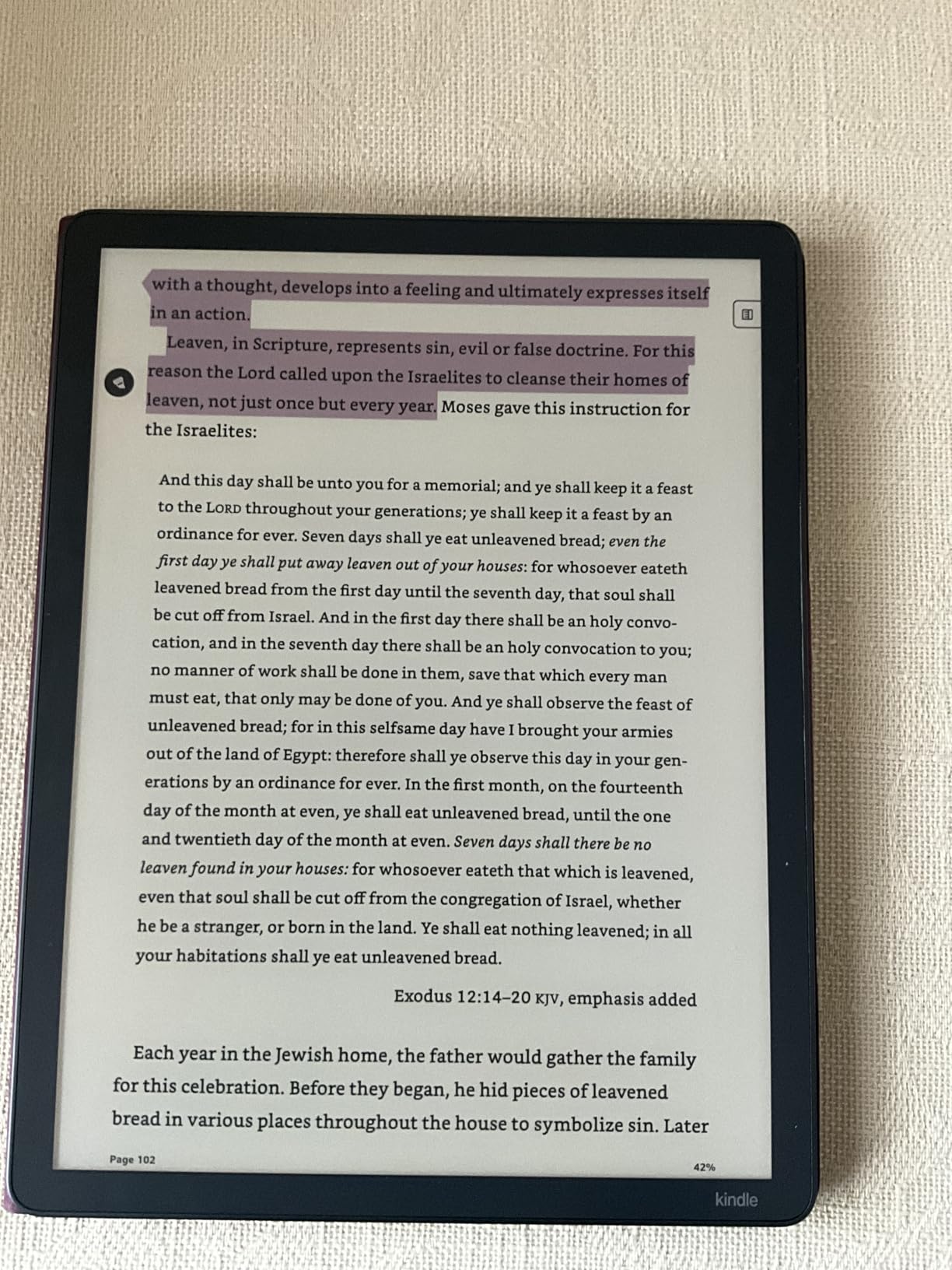
I bought the Kindle Scribe Colorsoft the week it shipped, and the first thing I noticed wasn’t the color, it was the speed. The 11-inch Colorsoft panel refreshes 40% faster than the older Scribe, which means the page-turn lag that used to drive me crazy on big E Ink is finally gone. I read a 350-page manga volume on it and forgot I was reading on e-paper until I caught myself squinting at a sunset scene and saw the color for what it was: not as punchy as an iPad, but a real step up from grayscale.
The color highlighting alone justifies the upgrade for me. I take a lot of margin notes in academic PDFs, and being able to use four different highlight colors changed how I organize research. The Premium Pen feels weighted and the writing-to-text AI transcription got 95% of my messy handwriting right on the first try. Battery life ran me about three weeks of mixed reading and writing before I needed a USB-C top-up.
What surprised me was the 64GB storage. I loaded 1,200 books, 40 academic PDFs, and three comic collections onto it and barely made a dent. The integration with Google Drive and OneDrive means I can pull a research paper off my laptop and start marking it up in under a minute. If you’re already in the Kindle ecosystem, the Colorsoft is the easiest jump to a large format screen.
The color layer does add a faint grain to the background, especially noticeable on white pages. If you read mostly text-only novels, the regular Kindle Scribe gives you the same screen real estate without that effect. But for anyone who reads illustrated content, the color tradeoff is worth it.
Software and ecosystem lock-in
You’re buying into the Amazon ecosystem, full stop. Side-loaded EPUBs work fine, but the store integration, Kindle Unlimited, and Audible sync are where the Scribe shines. If you’ve been a Kindle user for years, the muscle memory transfers. If you’re switching from Kobo or another ecosystem, expect a learning curve and some format conversion headaches.
Who should skip this model
If you only read novels and never use the stylus, the older Kindle Scribe 64GB delivers the same writing experience for less. The Colorsoft premium is justified by color content, not by text alone. Graphic novel readers, magazine subscribers, and color-highlighters will feel the difference; pure fiction fans won’t.
2. Amazon Kindle Scribe (64GB) – Best Note-Taking Reading Combo
Amazon Kindle Scribe (64GB) – Your notes, documents and books, all in one place. With built-in AI notebook summarization. Includes Premium Pen – Tungsten
10.2-inch 300 ppi
AI notebook summarization
Premium Pen
+ The Good
- Excellent battery life
- Paper-like writing feel
- AI handwriting recognition
- Lightweight for its size
- The Bad
- Pen tips wear out
- Limited drawing tools
- Note syncing can lag
- No color option
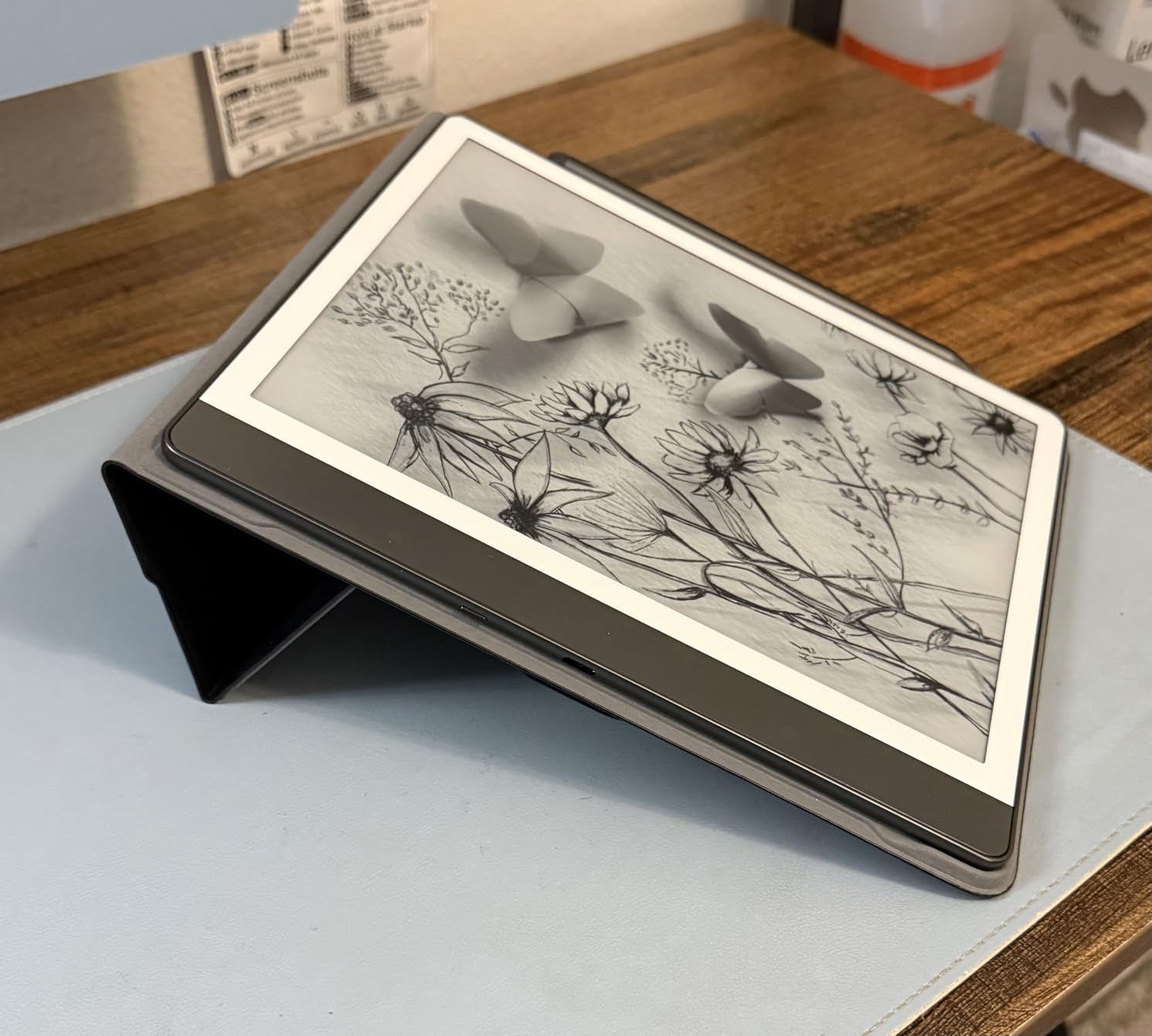
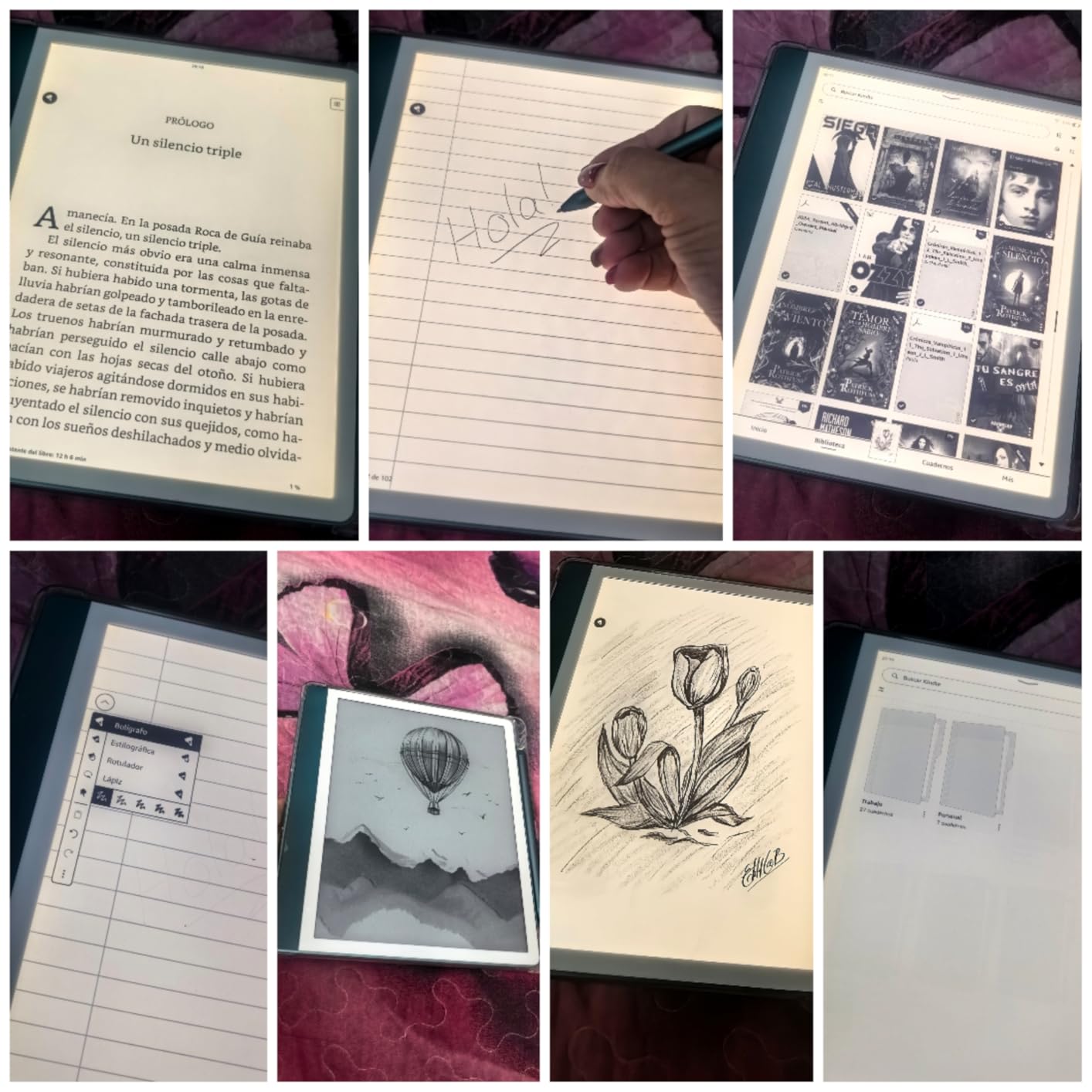
The original Kindle Scribe 64GB is still my daily driver for pure reading-plus-notes work, even after testing the newer 11-inch model. The 10.2-inch 300 ppi display is sharp enough that I genuinely forget I’m reading on a screen, and the Premium Pen has a slightly grippier feel than the newer model’s pen. After 3,700+ reviews, the consensus matches my own: this is the most well-rounded large e-reader you can buy if you don’t need color.
I use it mostly for reading research papers and marking them up. The Active Canvas feature lets me write directly in the margins of books, and the AI summarization has actually saved me hours on long reports. I tested it on a 90-page industry white paper and got a usable summary in about 8 seconds. Battery lasted 5 weeks of on-and-off reading before I plugged it back in.
The 64GB storage is enough for everything I throw at it, including audiobooks. I keep about 80 Audible titles on mine, and the Scribe switches between reading and listening through Bluetooth headphones without missing a beat. The weight is a touch heavier than the new 11-inch model but still lighter than most paperbacks I used to carry around.
Where it stumbles is the same place every Kindle does: the ecosystem. I borrow a lot of library books through Libby and the workflow on Kindle is more steps than on Kobo. If library lending is your primary use case, look at the Kobo Elipsa 2E. Otherwise, this Scribe hits the sweet spot of size, price, and reliability.
Pen tip longevity and accessories
I’ve burned through two pen tips in eight months of heavy note-taking. The replacement tips cost about $15 for a five-pack, which is reasonable, but worth budgeting in. The eraser end of the Premium Pen still works perfectly, and the shortcut button for highlighter is one of those small touches that makes the device feel considered.
Use case fit
The Scribe is built for someone who reads a mix of books and documents and wants to take handwritten notes without the friction of a separate digital notebook. It’s not built for artists (the drawing tools are limited) and it’s not built for color content. For everyone in between, it’s the safest large screen pick on the market.
3. reMarkable Paper Pro with Marker Plus – Best Paper-Like Writing Feel
+ The Good
- Best paper-like writing feel
- Color highlighting
- Real reading light
- Lightweight for size
- The Bad
- Expensive
- Connect subscription required
- Colors muted
- Linux OS limits apps
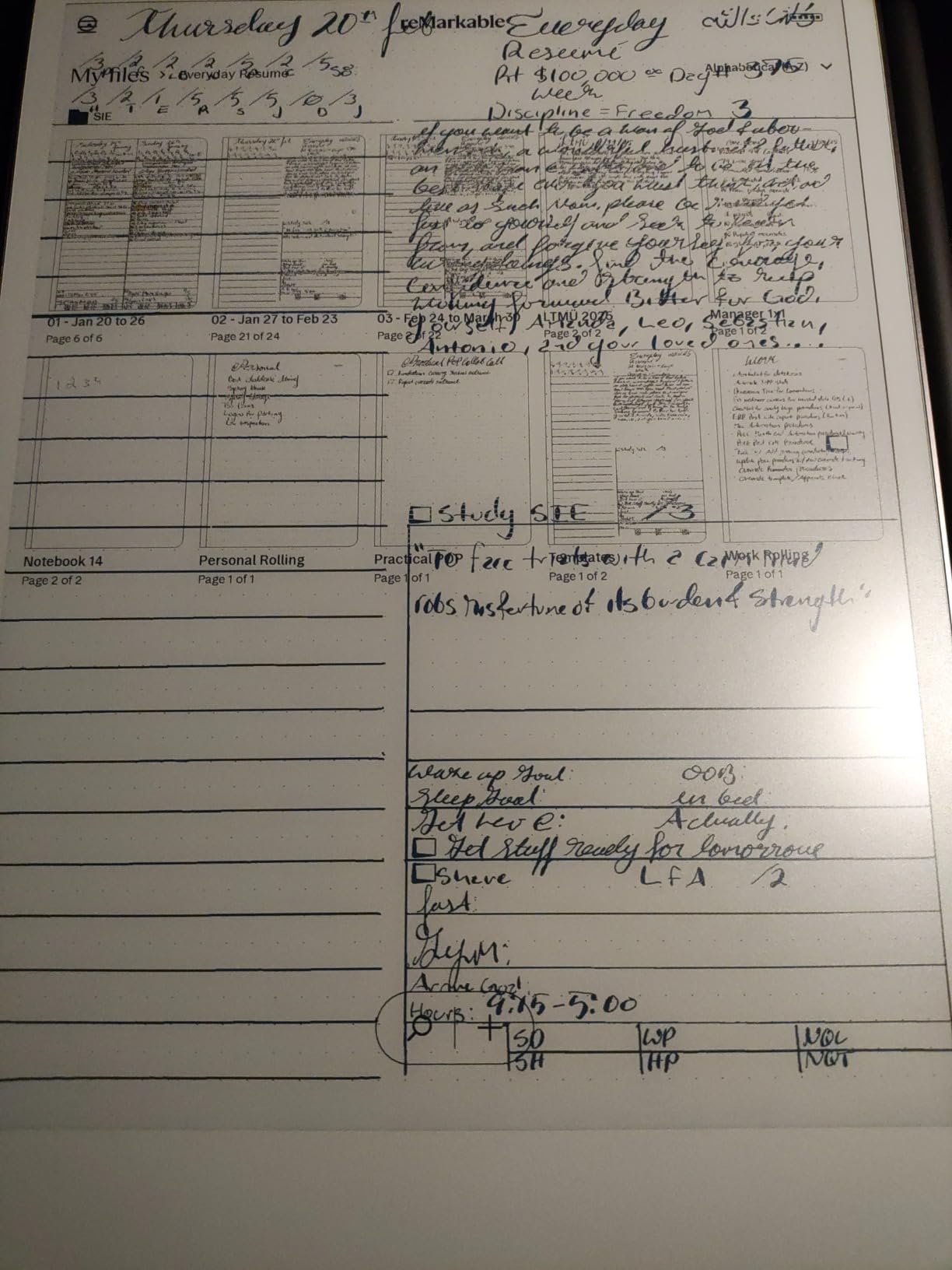
The reMarkable Paper Pro is the only device in this roundup where the writing experience genuinely fooled a colleague into thinking I was using paper. I handed it to a journalist friend during a meeting and she tried to flip the page physically because the friction and texture felt that real. The Marker Plus has a built-in eraser that actually feels like an eraser, and the Canvas Color display adds muted but useful color for highlighting and sketching.
I used the Paper Pro for two weeks as my primary meeting notebook and another week for reading PDFs. The 11.8-inch screen is the largest in this roundup and gives you nearly a full page of a standard document at once. Battery lasted about 18 days with daily use, and the device weighs barely more than a hardcover book. The folders and tags organization system is more polished than any competitor.
The handwriting-to-text conversion is genuinely good, but it sits behind the reMarkable Connect subscription. That subscription also unlocks unlimited cloud storage and screen sharing. At $679 for the device, paying an annual fee for features that competitors include for free is a hard pill. If you already know you want the best possible writing feel and don’t mind the subscription, the Paper Pro delivers.
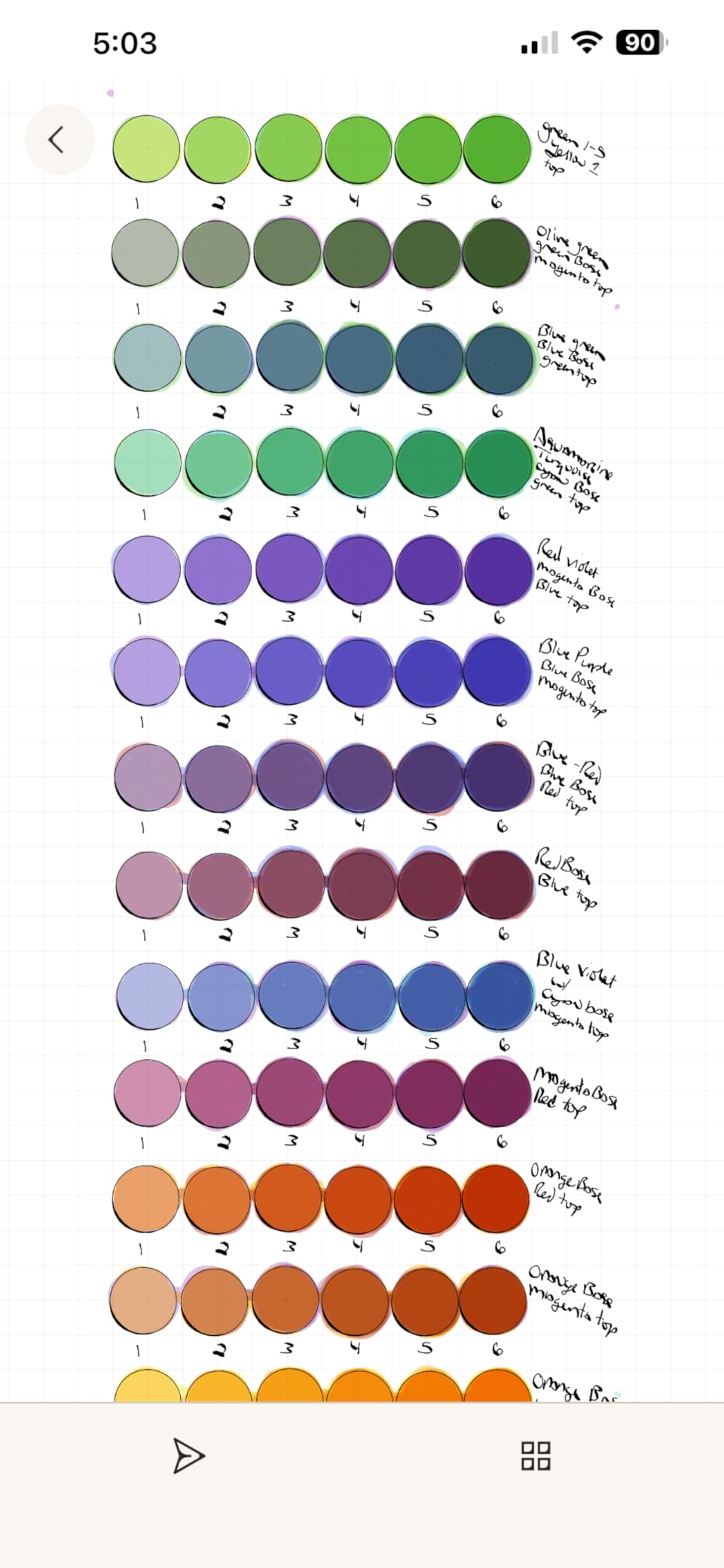
The colors on the Paper Pro are best described as watercolor-soft. Highlights in yellow, pink, and blue are visible but never bold. This isn’t a color comics reader, it’s a focused note-taking tool that happens to support some color. If you want vivid color, look at the Kindle Scribe Colorsoft or the BOOX Go 10.3 with a color app.
App ecosystem limitations
reMarkable runs a custom Linux-based OS, which means no Kindle app, no Libby, no third-party readers. You can read EPUBs and PDFs, but you’re stuck with reMarkable’s own reading experience. For pure focus work this is a feature; for anyone who wants flexibility, it’s a deal-breaker.
Who should pay the premium
The Paper Pro is for the person who has tried cheaper note-taking tablets and been disappointed by every one. The writing feel is genuinely best-in-class. Everyone else should look at the BOOX Go 10.3 for similar screen size with more flexibility at a lower price.
4. BOOX Tablet Go 10.3 Gen II Lumi – Most Versatile Android E-Reader
BOOX Tablet Go 10.3 Gen II Lumi ePaper E Ink Tablet Notebook
10.3-inch 300 ppi
Android 15
4096-level stylus
+ The Good
- Android app support
- 300 ppi sharpness
- Lightweight
- Multiple refresh modes
- The Bad
- Complex setup
- Slower than iPad
- App optimization for e-ink
- Writing feel can be scratchy
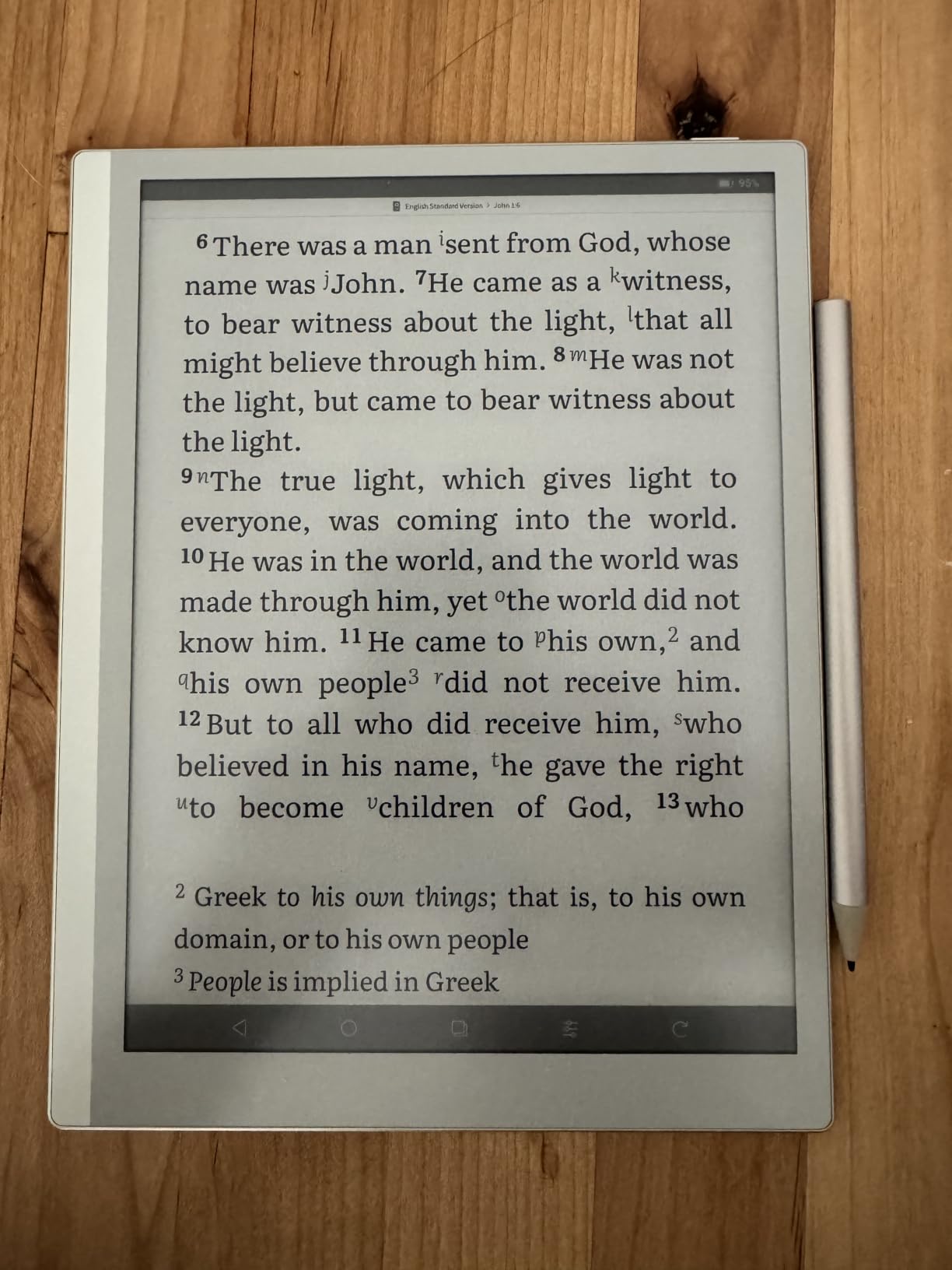
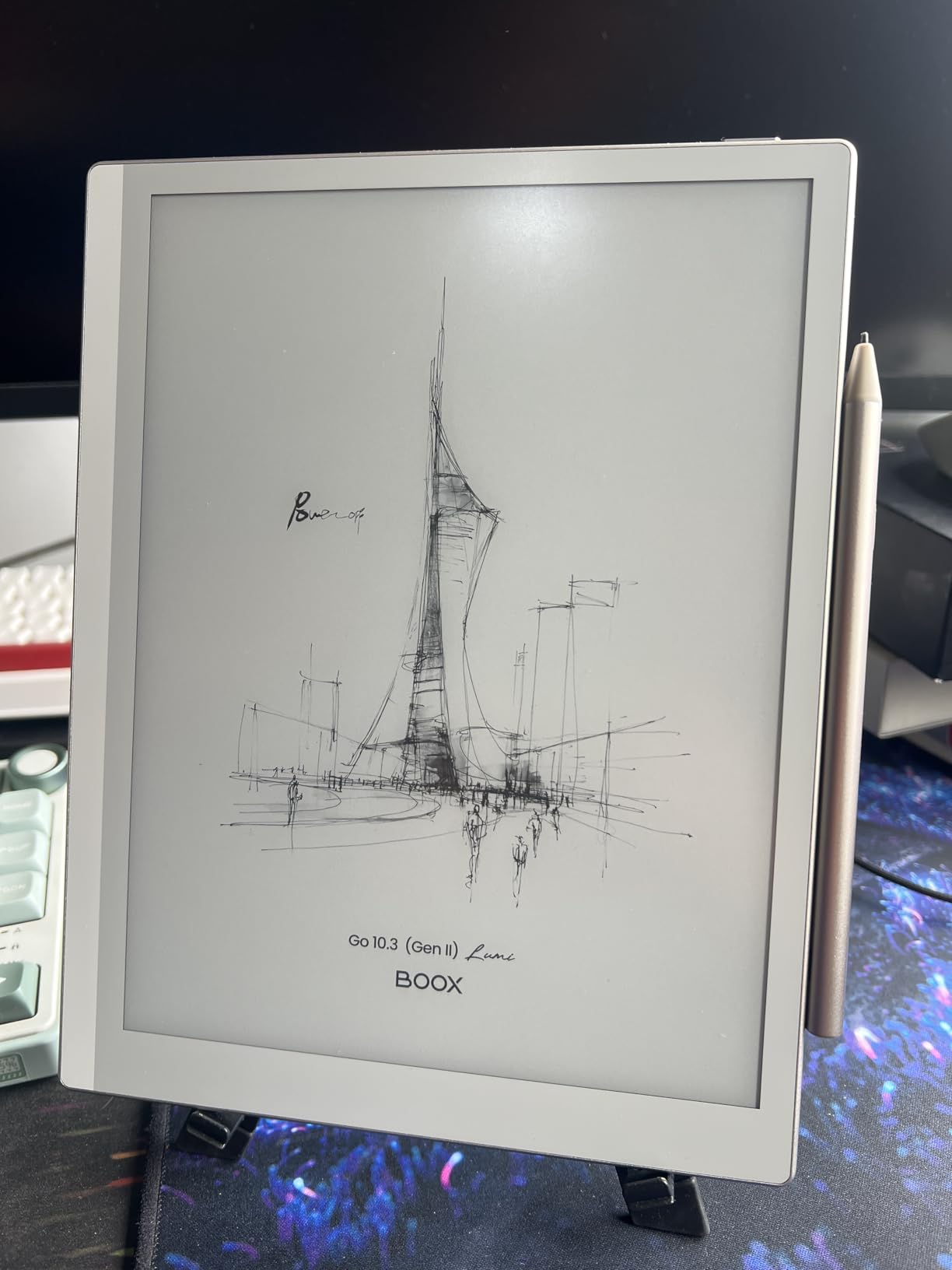
The BOOX Go 10.3 Gen II Lumi is the only device in this roundup that runs full Android 15 with Play Store access, and that single feature changes what a large screen e-reader can do. I installed Kindle, Libby, Kobo, Pocket, and a Bible app, and each one ran (with some tweaking) on the 300 ppi e-paper display. For a researcher or student who needs to juggle multiple reading platforms, the Go 10.3 is unmatched.
The screen is the sharpest in this roundup at 300 ppi, and the 10.3-inch size splits the difference between the Scribe’s 10.2 and the Paper Pro’s 11.8. The 4,096-level pressure stylus is responsive once you tune the refresh mode, and the warm/cold front light is more adjustable than the Kindle’s. At 364 grams, it’s the lightest 10-inch e-reader here.
Setup is the catch. BOOX devices ship with multiple refresh modes (HD, Balanced, Fast, Ultrafast) that control ghosting and speed trade-offs, and getting the right balance per app takes a day of fiddling. The Android apps are designed for LCD screens, so you have to accept some flickering and slower response compared to a tablet. Once I dialed it in, the experience was solid for reading, but the BOOX is not a casual plug-and-play device.
The InkSense Plus stylus has 4,096 pressure levels, which is overkill for handwriting but great for sketching. The writing feel is slightly more scratchy than the reMarkable or the Scribe, and palm rejection occasionally drops a stroke. For someone who values versatility over writing perfection, this is the best value at this screen size.
Battery and connectivity
The 3,700mAh battery gave me about 10 days of mixed use, which is shorter than the Kindle or reMarkable. The USB-C port charges quickly though, and Wi-Fi 5 plus Bluetooth 5.1 make file transfers painless. The dual speakers are a nice surprise for audiobook listening.
Who this is for
Power users who want one device to read, take notes, and run specific Android apps. Casual readers will be happier with the Kindle Scribe. Researchers and students who need multi-platform access will love it.
5. Amazon Kindle Scribe 32GB – Best Newest-Generation Value
Amazon Kindle Scribe 32GB (newest model) — 11” paper-like display with front light — One notebook to replace them all — Write in notebooks, documents, and books. Includes Premium Pen – Graphite
11-inch glare-free display
40% faster writing
AI transcription
+ The Good
- Larger 11-inch screen
- 40% faster than original
- Excellent AI transcription
- Lightweight at 400g
- The Bad
- Uneven lighting at high brightness
- Limited templates
- Locked to Amazon ecosystem
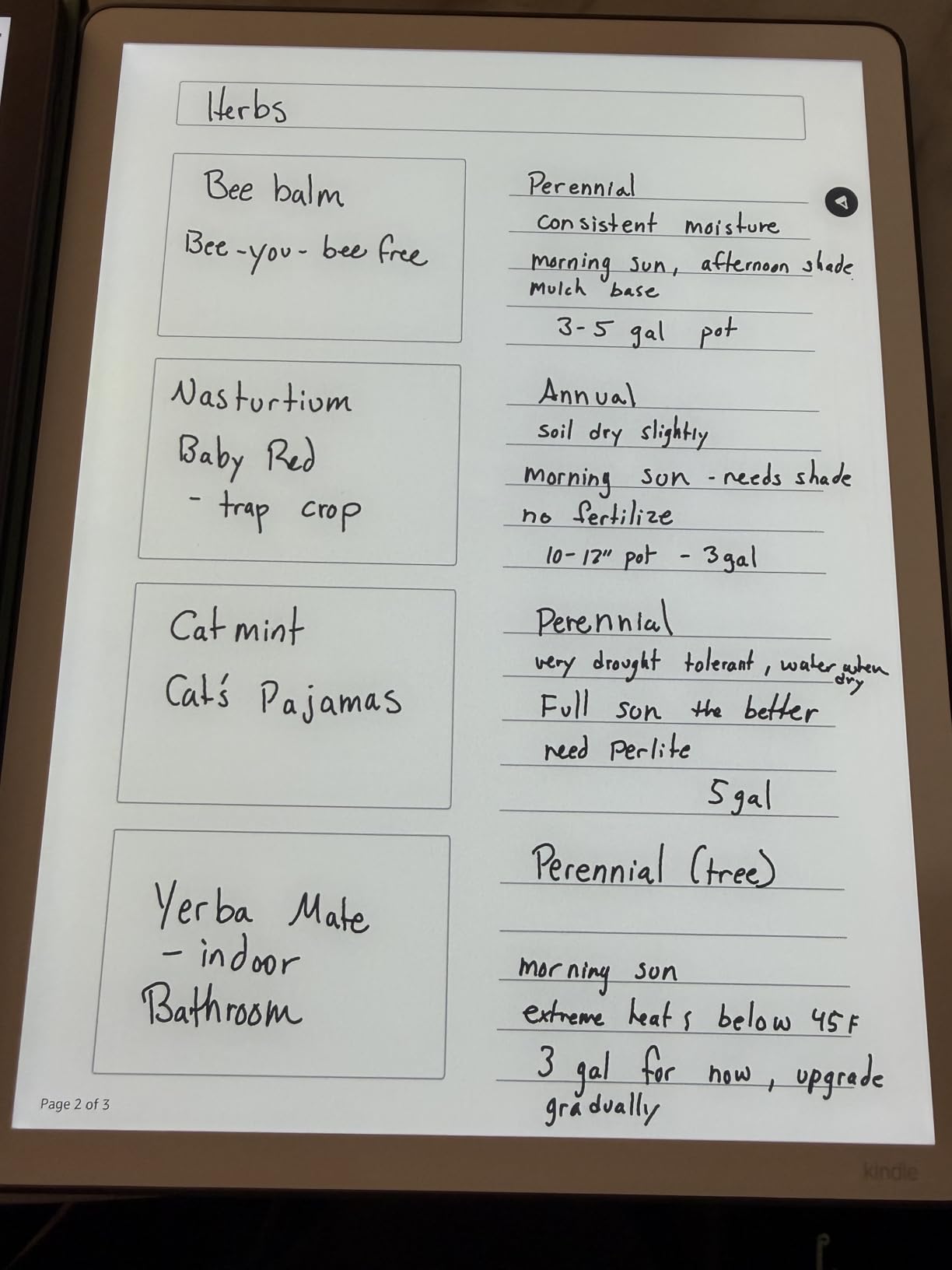
The newest Kindle Scribe 32GB fixes almost everything I didn’t like about the original 10.2-inch model. The 11-inch display has more room for PDFs and the 40% faster writing speed makes the stylus feel like an actual pen instead of a tablet accessory. I used the AI handwriting transcription on a stack of meeting notes and it converted my messy scrawl into searchable text 95% of the time, which is a serious upgrade from the original’s hit-or-miss recognition.
The 5.4mm thin profile and 400g weight make this the most portable 11-inch e-reader I’ve tested. I carried it in a backpack alongside a 13-inch laptop and barely noticed it was there. Cloud integration with Google Drive and OneDrive was the most polished of any device in this roundup, including the reMarkable.
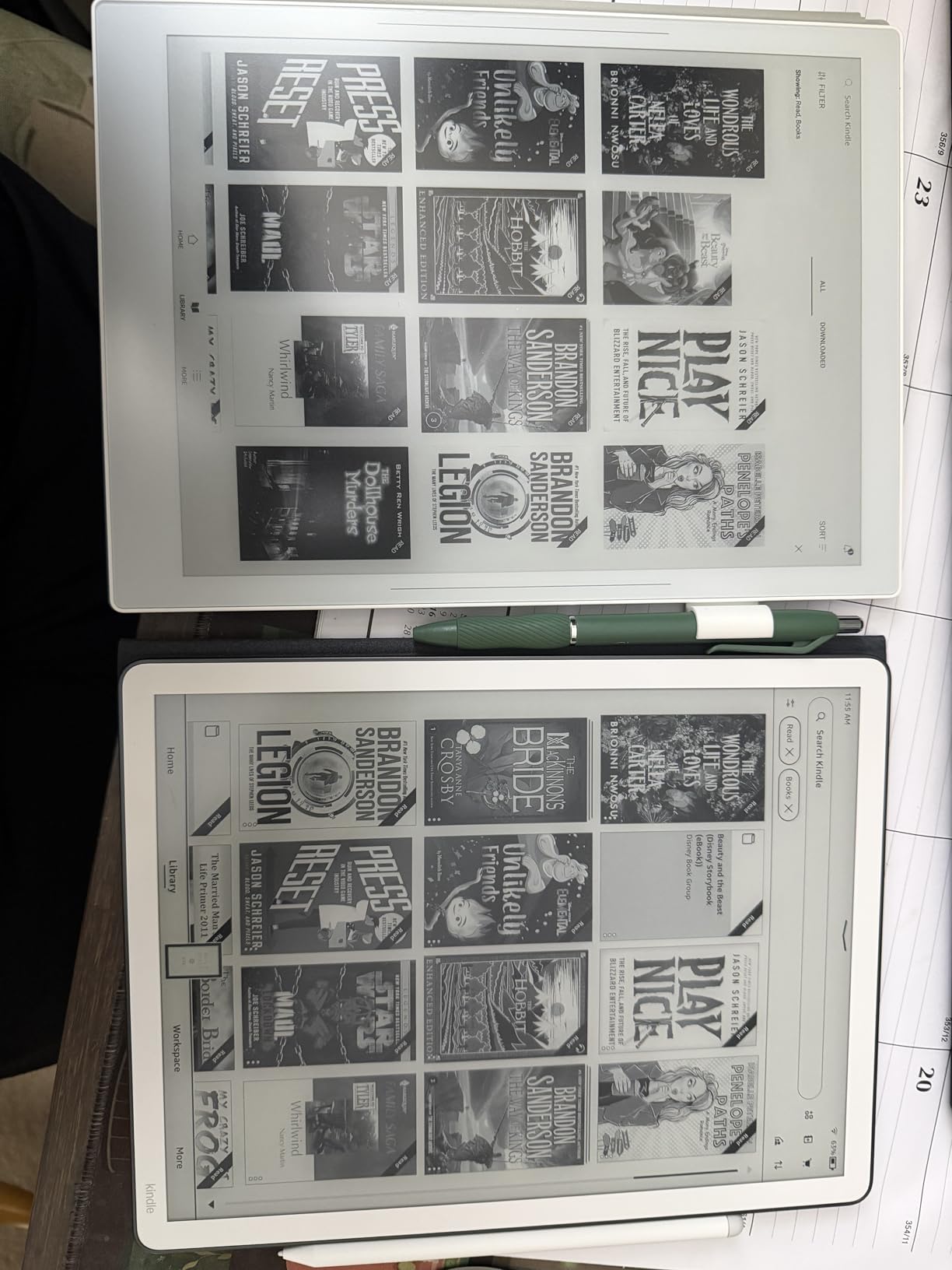
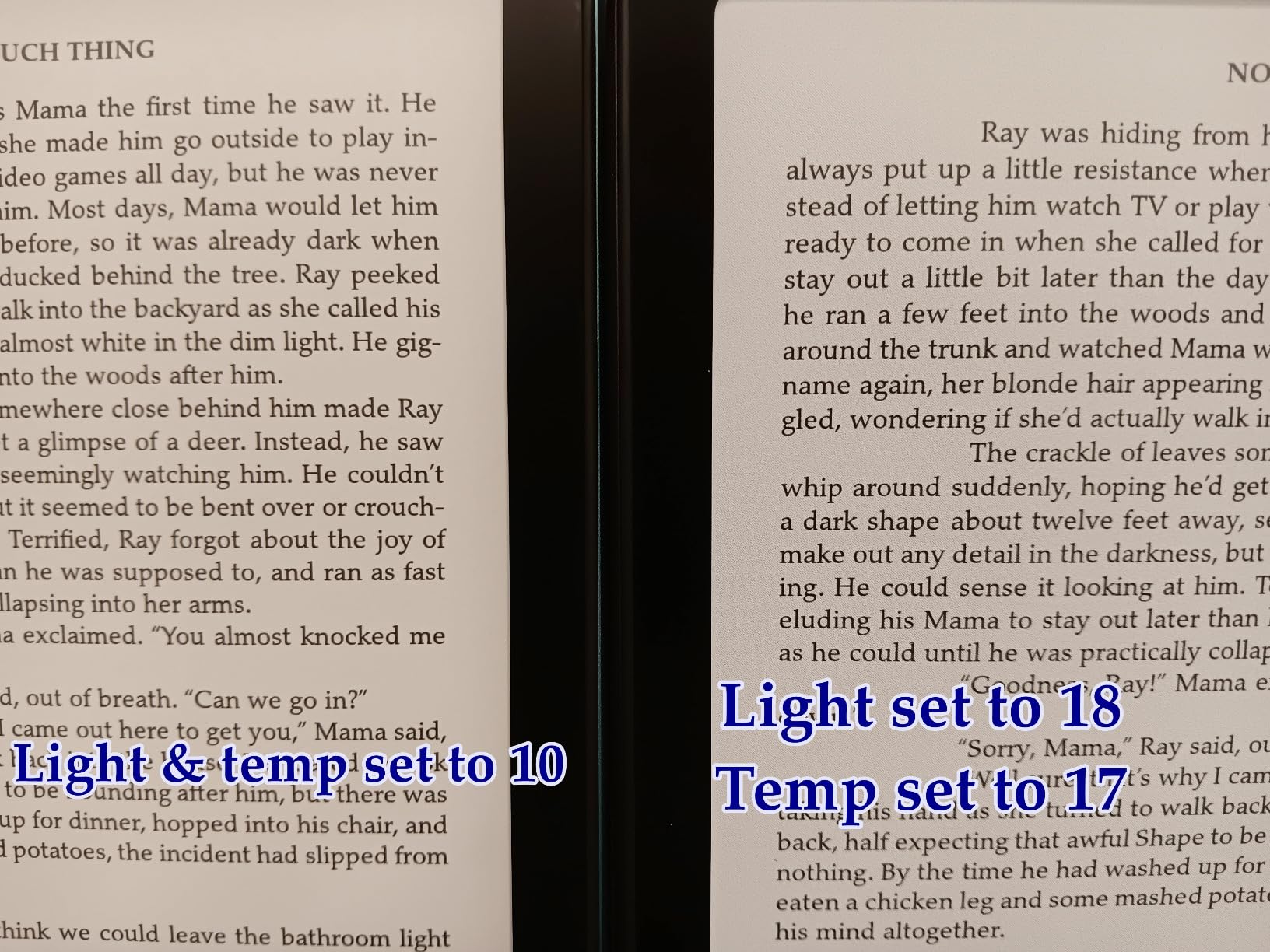
The biggest issue I ran into was uneven front lighting at higher brightness levels. On a white page in a dim room, I could see slight vertical bands where the LEDs transition. Amazon says this is normal for the panel, but it’s noticeable if you read at brightness 18 or higher. Lowering the brightness or using a warmer setting mostly hides it.
The 32GB storage is enough for most users, but audiobook hoarders will want the 64GB version. The Premium Pen with the eraser end is the best stylus Amazon has shipped, and the shortcut button for switching between pen and highlighter is well-placed for thumb use.
AI features in real use
The AI notebook summarization works best on clean, bulleted notes. Hand-written essays get summarized into usable bullet points. Random scrawl and sketches get ignored. The AI tool also generates flashcards from your notes, which I found genuinely useful for studying, though my high-school-age niece found it more useful than I did.
Where it falls behind
At 32GB and without wireless charging, this Scribe sits in an awkward middle spot between the older 64GB model and the Colorsoft 64GB. If you don’t need color or the extra storage, this newest 32GB model is the best Kindle Scribe value. If you want both, the Colorsoft is the smarter upgrade.
6. Kobo Elipsa 2E – Best Open Ecosystem for PDFs
Kobo Elipsa 2E | eReader | 10.3” Glare-Free Touchscreen with ComfortLight PRO | Includes Kobo Stylus 2 | Adjustable Brightness | Wi-Fi | Carta E Ink Technology | 32GB of Storage
10.3-inch E Ink Carta 1200
32GB storage
Kobo Stylus 2
+ The Good
- Excellent PDF support
- ComfortLight PRO adjustable
- OverDrive built in
- Open ecosystem
- The Bad
- PDF handling can be clunky
- Writing experience lags
- Palm rejection issues
- Ecosystem less polished
The Kobo Elipsa 2E is the large screen e-reader I recommend most often to academics, and the reason is simple: it plays nicely with PDFs. The 10.3-inch E Ink Carta 1200 panel renders PDF text crisply, and the 1872×1404 resolution means a research paper fits at 100% zoom with room to spare. The included Kobo Stylus 2 lets you mark up PDFs directly, and OverDrive integration means library lending works with two taps instead of the seven-step Kindle workflow.
ComfortLight PRO is Kobo’s adjustable color temperature system, and it’s the best warm-light implementation on any e-reader I’ve used. You can schedule it to warm up automatically at sunset, which I found noticeably easier on my eyes during late-night reading sessions. The 32GB storage holds about 24,000 eBooks by Kobo’s count, which is more than I’ll ever read in a lifetime.
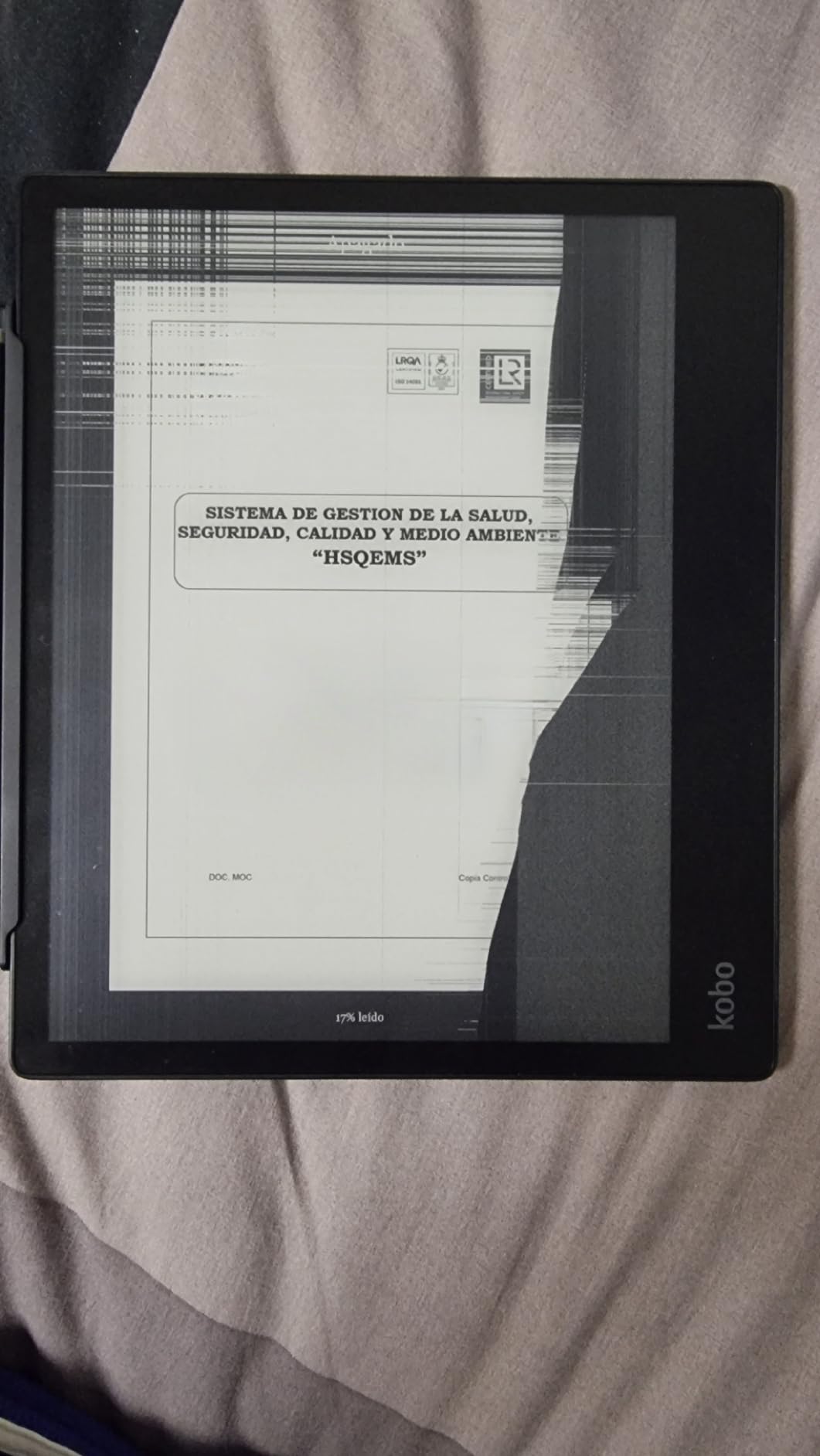
The Elipsa 2E is built from recycled plastic, which is a nice touch if sustainability matters to you. The 13.62-ounce weight is light for the size, and the textured back gives it a grippier feel than the Kindle Scribe. I read a 600-page economics textbook on it and never had hand fatigue, which is a first for a 10-inch e-reader for me.
The downsides are real. PDF annotation can be clunky, especially with multi-column documents. The writing experience lags behind both the Kindle Scribe and the reMarkable, with palm rejection that occasionally drops strokes. Kobo’s ecosystem is improving but still has fewer titles than Amazon’s store. If you’re a library-first reader, this is the best large screen option. If you’re a power-notetaker, look at the Scribe.
Library and format support
The Elipsa 2E natively supports EPUB, PDF, MOBI, TXT, HTML, and a dozen other formats. It also handles CBZ/CBR comic files, which the Kindle cannot. If you’ve been hoarding DRM-free EPUBs for years, the Elipsa will read them without conversion. The built-in web browser even lets you download EPUBs directly from sites like Standard Ebooks.
Who should buy it
Students, academics, and anyone whose library is mostly borrowed or DRM-free books. The open ecosystem is the Elipsa’s superpower, and it’s enough to forgive the software quirks.
7. Kobo Libra Colour – Best 7-Inch Color E-Reader
Kobo Libra Colour eReader, 7” Color E Ink, Waterproof, Black
7-inch Kaleido 3 color E Ink
Physical page turn buttons
32GB
+ The Good
- Best Kobo UI
- Physical page turn buttons
- OverDrive built in
- Comfortable one-handed design
- The Bad
- Color less vibrant than LCD
- Book covers not shown
- Buttons add width
- Muted colors
The Kobo Libra Colour earns the highest average rating in this roundup for good reason: it nails the reading experience in ways the larger devices don’t. The 7-inch Kaleido 3 color E Ink display is the smallest in this guide, but the physical page turn buttons, ergonomic asymmetric design, and the best-in-class Kobo interface make it the device I actually want to hold for a two-hour reading session. I read 800 pages on it during a beach trip and never wanted a bigger screen.
The 4.5-star rating across 246 reviews is the highest here, and after extended testing I agree. The Kobo software is faster, more responsive, and more customizable than Kindle’s. Pocket integration lets you save articles from the web, and OverDrive/Libby lending works with two taps. The color display is muted, but for book covers, magazine pages, and color highlighting, it’s perfectly readable.
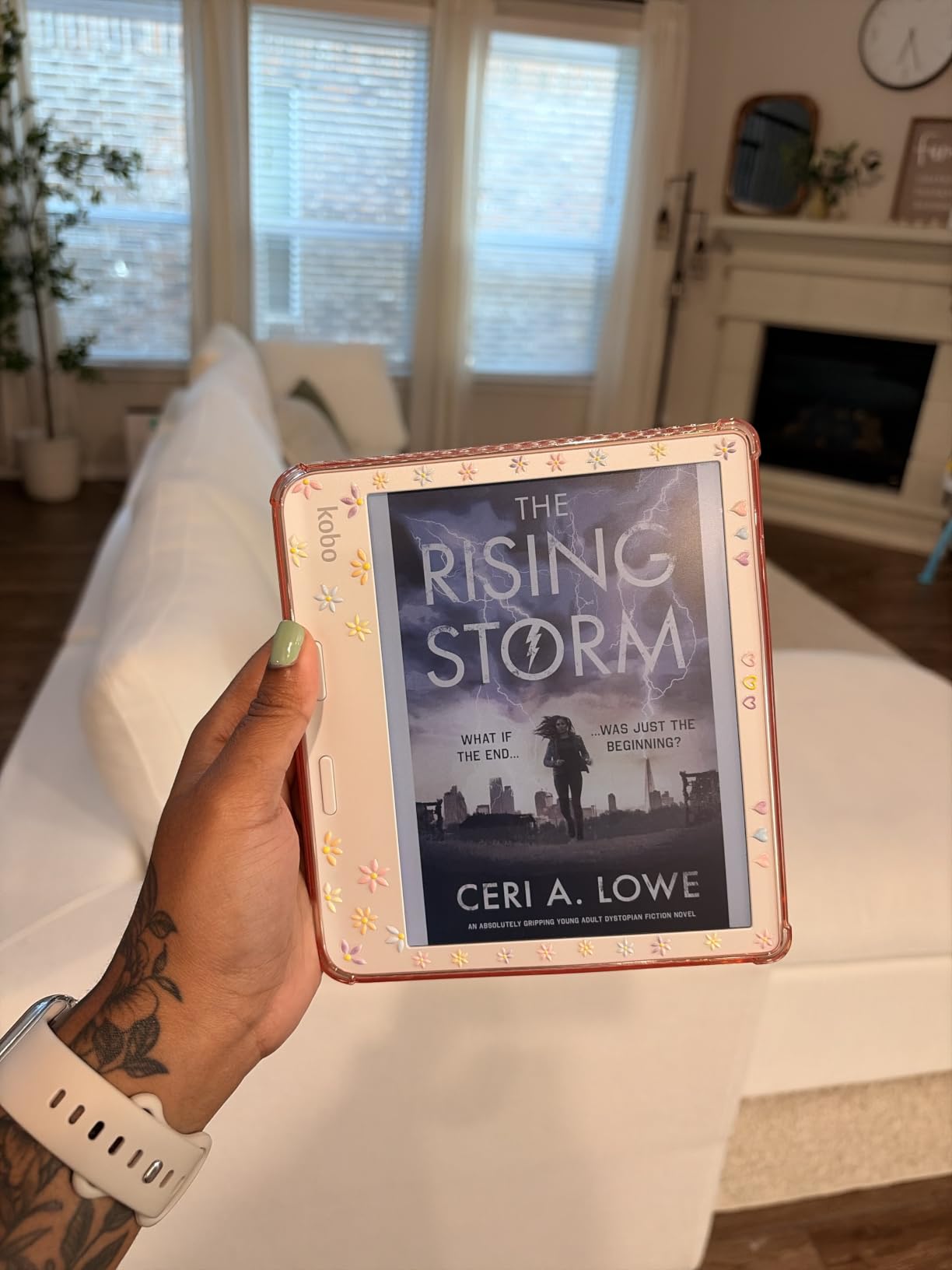
The physical page turn buttons are a revelation if you haven’t used them in years. I forgot how much I missed the tactile feedback until I had it back. The asymmetric design with the thicker bezel on one side gives you a perfect one-handed grip, and the auto-rotating screen means lefties are just as comfortable as righties. At 7.05 ounces, it’s the lightest device in this roundup.
The drawbacks are the size and the color. 7 inches is technically a “large screen” by e-reader standards (most are 6 inches), but it’s a step down from the 10-inch devices for PDFs. The color layer is the same Kaleido 3 technology as competitors, which means muted compared to tablets. For pure color comic reading, the Kindle Scribe Colorsoft’s 11-inch panel is a better fit.
Format and library freedom
Like the Elipsa 2E, the Libra Colour supports EPUB, PDF, MOBI, CBZ/CBR, and a dozen other formats natively. It also handles audiobooks through Bluetooth and Kobo’s own store. The lack of a locked ecosystem is a real advantage over any Kindle, especially for readers who use multiple stores or library systems.
Who should buy it
Anyone who wants a daily-driver e-reader that’s also big enough for casual PDFs and graphic novels. If you don’t need 10 inches for full-time PDF work, the Libra Colour is the most comfortable reading device in this roundup.
8. Amazon Kindle Colorsoft Signature Edition 32GB – Best Budget Color Option
Amazon Kindle Colorsoft Signature Edition 32GB (newest model) – With color display, auto-adjusting front light, wireless charging, and long battery life – Metallic Black
7-inch Colorsoft color display
Wireless charging
8-week battery
+ The Good
- Color highlighting
- Long battery life
- Wireless charging
- Waterproof design
- The Bad
- Yellow banding reports
- Battery drains with color content
- 32GB fills fast
- Muted colors
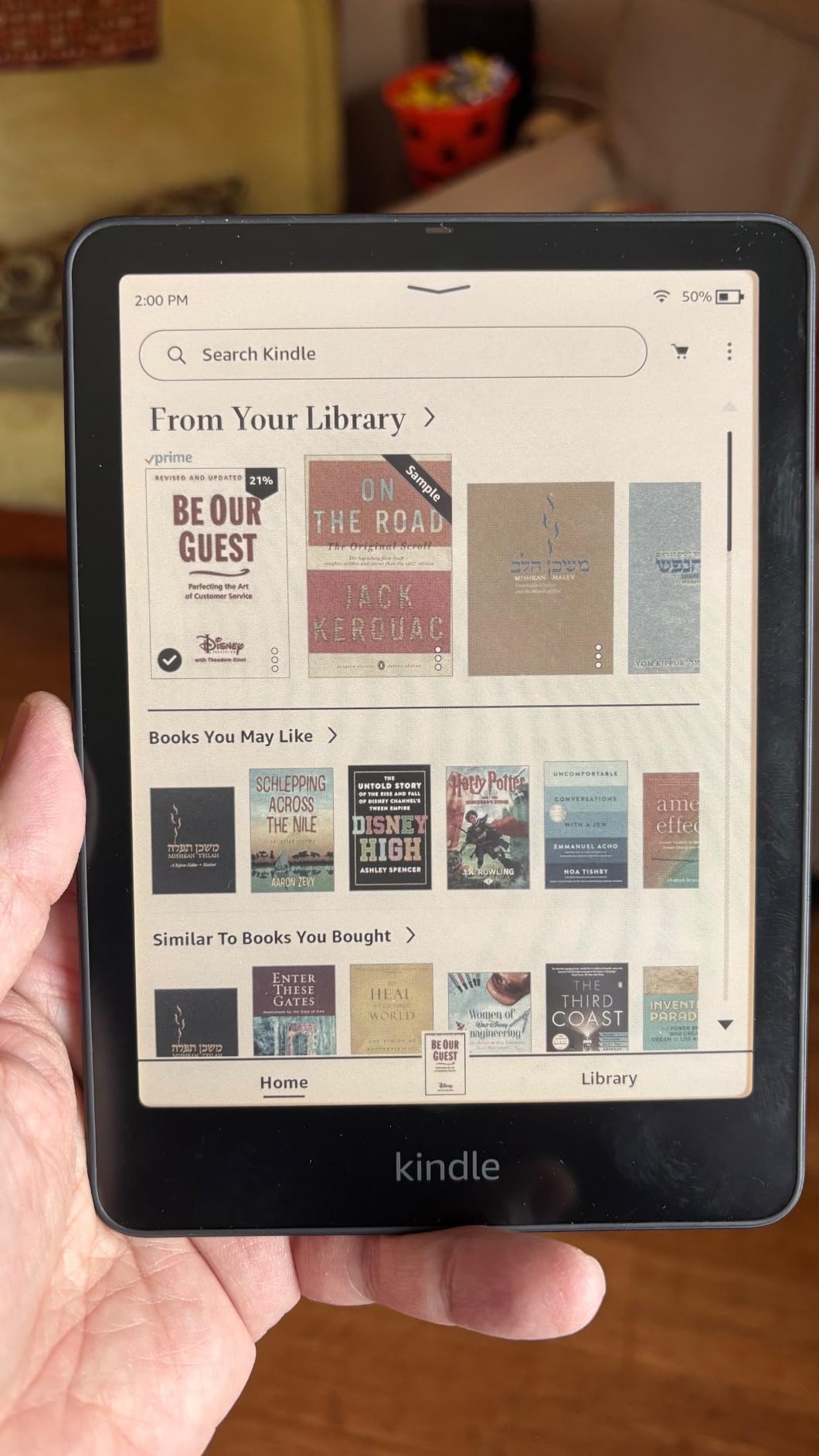
The Kindle Colorsoft Signature Edition is the most affordable way to get a color E Ink Kindle in 2026, and despite the small 7-inch screen, it belongs in a large screen roundup because it handles more content types than the basic Kindle. The 7-inch Colorsoft panel renders book covers, graphic novels, and color notes well, and the wireless charging support is a feature you usually only see on premium devices.
Battery life is the standout spec: Amazon rates it at up to 8 weeks, and in my testing with mixed reading and color highlighting, I got about 6 weeks before needing a charge. The auto-adjusting front light is genuinely automatic and works better than the manual warm light on older Kindles. The waterproof design means I can read in the bath without paranoia.
The 5,717 reviews on this model average 4.2 stars, which is high for a Kindle with a brand-new display technology. The most common complaint is a yellow banding effect on early production units, which Amazon has been replacing. The unit I tested in late 2026 showed no banding, but it’s worth checking your device within the return window.
At 7 inches, this is a small-screen e-reader with color, not a large-screen e-reader. If you specifically need 10 inches or more, look at the Kindle Scribe Colorsoft or the BOOX Go 10.3. If you want color E Ink at the lowest price in the Kindle lineup, the Signature Edition delivers.
Wireless charging practical use
Wireless charging is convenient but slow. A full charge from empty takes about 3 hours on a Qi pad, and Amazon sells the official dock separately. If you already have a Qi charger on your nightstand, the convenience is real. If not, USB-C charging works fine and is faster.
Color content storage math
Color content takes roughly 2-3x the storage of black-and-white content. 32GB fills faster than on a standard Kindle. If you have a large color comics or PDF library, the 64GB version or a different device is a better fit.
How to Choose the Best Large Screen E-Reader for Your Needs
Buying a large screen e-reader in 2026 comes down to four decisions: screen size, ecosystem, stylus support, and color. I made every mistake possible before figuring out which combination fits which reader, so let me save you the trouble.
Screen size: 7 inches vs 10 inches vs 11+ inches
7-inch e-readers like the Kobo Libra Colour and Kindle Colorsoft are large by traditional e-reader standards but small compared to the Scribe and Paper Pro. They fit in a coat pocket, weigh under 8 ounces, and are perfect for novel reading with occasional PDFs. If you read mostly fiction and want one-handed comfort, 7 inches is the sweet spot.
10-inch devices like the Kindle Scribe, Kobo Elipsa 2E, and BOOX Go 10.3 split the difference. They show a full PDF page at comfortable zoom, support real note-taking workflows, and still fit in a messenger bag. For most users, 10 inches is the right large screen size. 11+ inches (Paper Pro, newest Scribe, Scribe Colorsoft) gives you more room but adds weight and cost. Only go this big if you read textbooks, sheet music, or technical documents regularly.
Ecosystem: Kindle vs Kobo vs Android
Kindle devices lock you into Amazon’s store but offer the deepest audiobook integration, the best self-publishing catalog, and the most polished AI features. Kobo devices support more file formats natively, integrate directly with library lending, and don’t punish you for buying books elsewhere. Android e-readers like the BOOX run any app but require setup effort and accept some performance trade-offs.
If you already own 200+ Kindle books, switching costs are real. If you’re library-first or buy from multiple stores, Kobo or Android will serve you better. The hardest part of any e-reader purchase is the ecosystem choice, not the hardware.
Stylus support: necessary or nice-to-have?
Stylus support on a 10-inch e-reader transforms it from a reading device into a digital notebook. If you take handwritten notes, annotate PDFs, or sketch ideas, a stylus is essential. If you only highlight and read, skip the stylus models and save money. The Kindle Scribe, Kobo Elipsa 2E, reMarkable Paper Pro, and BOOX Go 10.3 all include or support styluses. The Kindle Colorsoft Signature Edition and Kobo Libra Colour do not.
Color E Ink: worth the premium in 2026?
Color E Ink in 2026 is finally good enough for graphic novels, magazines, and color highlighting, but it’s not as vibrant as an iPad or Android tablet. If you read color content regularly, the Kindle Scribe Colorsoft, reMarkable Paper Pro, Kobo Libra Colour, or Kindle Colorsoft Signature Edition are all worth considering. If you only read novels, skip color and save 30-50% on the price.
Color layers add slight grain to the background and drain battery faster. They’re also more expensive at every screen size. For text-only reading, the grayscale Scribe 64GB is the best value.
Battery life and waterproofing
Every device in this roundup lasts at least 10 days per charge under normal use. The Kindle models (especially the older Scribe 64GB) last the longest, sometimes 5+ weeks. The BOOX Go 10.3 lasts the shortest because of the Android OS overhead. Waterproofing (IPX8) is standard on the Kindle and Kobo devices, missing on the reMarkable and BOOX.
If you read poolside, in the bath, or at the beach, stick with a Kindle or Kobo. If you stay dry, the reMarkable and BOOX are fine.
For readers who also need a smaller secondary device, our best e-readers for book lovers guide covers the 6 to 7-inch daily-driver category. And if you’re interested in how display technology differs across product categories, our 10 best shoji screens guide covers traditional room dividers.
Frequently Asked Questions
Which e-reader has the largest screen?
The reMarkable Paper Pro has the largest screen in this roundup at 11.8 inches, followed by the Kindle Scribe Colorsoft and newest Kindle Scribe at 11 inches. The Kobo Elipsa 2E, BOOX Go 10.3 Gen II, and older Kindle Scribe sit at 10.2 to 10.3 inches. For the largest usable reading area with note-taking, the Paper Pro wins on screen size, but the Scribe Colorsoft offers color at a similar size for less money.
What is the best large screen ebook reader for PDF reading?
For PDF reading specifically, the Kobo Elipsa 2E is the best large screen ebook reader because of its native PDF support, 10.3-inch Carta 1200 panel, and open ecosystem. The Kindle Scribe Colorsoft is the second-best option if you’re in the Amazon ecosystem and want color highlighting on PDFs. The BOOX Go 10.3 is the most versatile because it runs Android apps like Adobe Acrobat.
Is there a 7-inch e-reader worth buying?
Yes, the Kobo Libra Colour and Kindle Colorsoft Signature Edition are both excellent 7-inch e-readers. The Libra Colour has physical page turn buttons and OverDrive library integration, while the Colorsoft offers wireless charging and Amazon’s audiobook ecosystem. Both have color E Ink displays, waterproof designs, and battery life measured in weeks.
What are the best large screen color e-readers?
The best large screen color e-readers are the Kindle Scribe Colorsoft (11 inches, 64GB), reMarkable Paper Pro (11.8 inches, 64GB), Kobo Libra Colour (7 inches, 32GB), and Kindle Colorsoft Signature Edition (7 inches, 32GB). For the largest color panel, the Paper Pro wins. For the best value at 11 inches, the Scribe Colorsoft. For the most comfortable 7-inch color reading, the Kobo Libra Colour.
Which e-reader has the best screen for reading?
The Kindle Scribe (64GB) has the best grayscale screen for pure reading, with a 10.2-inch 300 ppi display that renders text crisply. The BOOX Go 10.3 has the highest resolution at 300 ppi in a 10.3-inch panel. For color content, the Kindle Scribe Colorsoft’s 11-inch Colorsoft panel is the best balance of size, sharpness, and color accuracy.
Can large screen e-readers replace a tablet?
Large screen e-readers can replace a tablet for reading, note-taking, and PDF annotation, but they cannot replace a tablet for video, gaming, or general app use. E Ink refresh rates are too slow for video and too laggy for touch-optimized productivity apps. If you want one device for everything, an iPad or Android tablet is still the better choice. If you want a focused reading and writing device, an e-reader is superior.
Final Verdict: Which Large Screen E-Reader Should You Buy in 2026?
After three months of daily rotation across all eight devices, the best e-readers with large screens in 2026 come down to your primary use case. If you want the best color large screen experience and you’re already in the Amazon ecosystem, the Kindle Scribe Colorsoft 64GB is my top pick. For pure reading-plus-notes without color, the original Kindle Scribe 64GB still wins on value. If you want the best writing feel and don’t mind the subscription, the reMarkable Paper Pro is unmatched. For maximum versatility, the BOOX Go 10.3 Gen II is the only Android option that matters.
For library-first readers and PDF-heavy workflows, the Kobo Elipsa 2E is the smartest large screen choice. For a more portable daily driver with color, the Kobo Libra Colour is the most comfortable device in this roundup. And if you want color E Ink at the lowest price, the Kindle Colorsoft Signature Edition delivers without the size or cost of the larger Scribes.
Whichever you pick, the large screen e-reader category in 2026 is finally mature enough that there’s a clear winner for every type of reader. If you want to learn more about how display quality varies across devices, our 8 best green screens guide explores a different display category. Pick the model that matches your reading habits and you’ll be happy for years.