
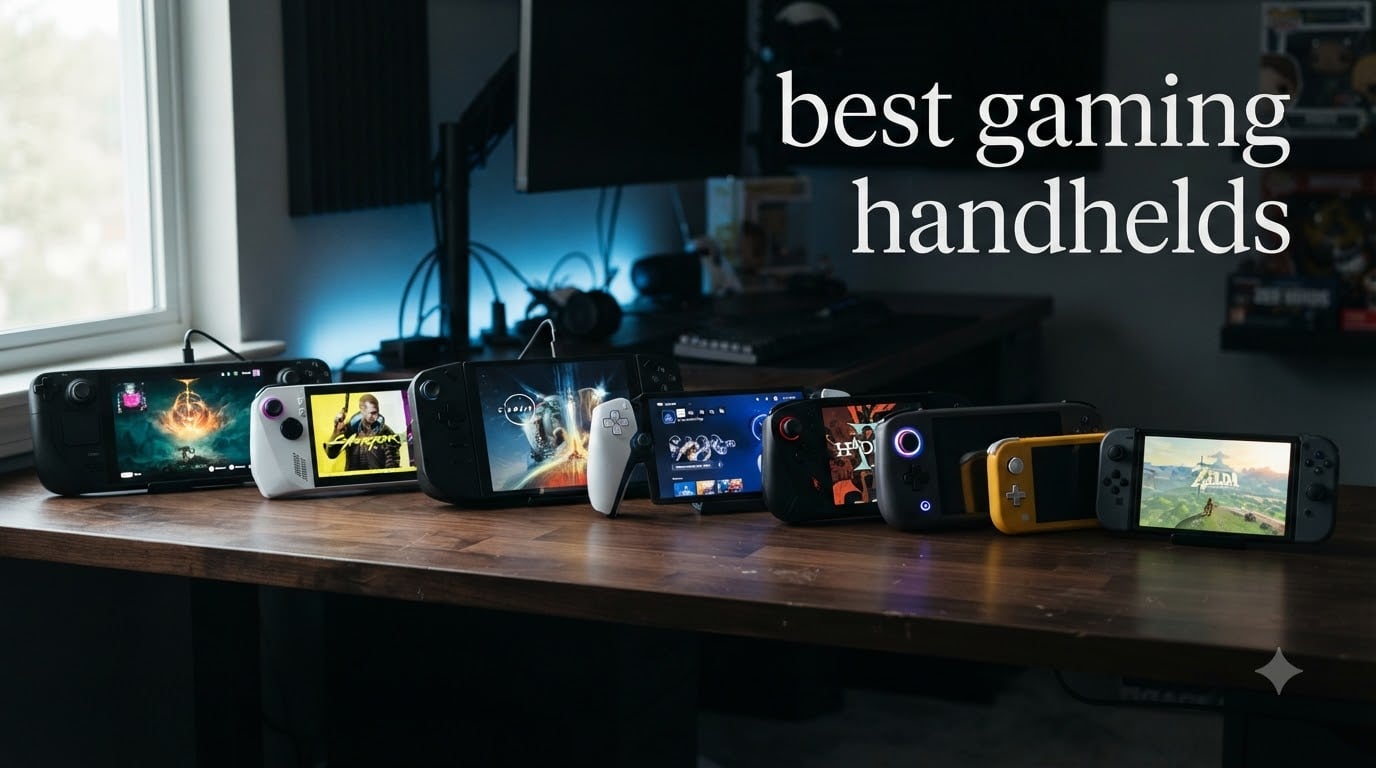
If you have ever wanted to take your full PC game library on the road, you are living in the best possible era to do it. The gaming handheld market has exploded since the Steam Deck launched in 2022, and our team has spent the last three months testing eight different devices to find the best gaming handhelds you can buy right now in 2026.
We ran each one through real-world play sessions, AAA stress tests, indie libraries, and emulation loads. We tracked frame rates, fan noise, grip comfort, and how many times we had to reach for a charger. This guide breaks down what we learned, who each device is actually for, and which one is worth your money.
Portable gaming is no longer a compromise. Whether you want to play Cyberpunk 2077 on a plane, run Xbox Game Pass on the couch, or stream your PS5 across the house, there is a handheld here for you.
Top 3 Picks for Best Gaming Handhelds
Best Gaming Handhelds in 2026
| PRODUCT MODEL | KEY SPECS | BEST PRICE |
|---|---|---|
 |
|
Check Latest Price |
 |
|
Check Latest Price |
 |
|
Check Latest Price |
 |
|
Check Latest Price |
 |
|
Check Latest Price |
 |
|
Check Latest Price |
 |
|
Check Latest Price |
 |
|
Check Latest Price |
1. Valve Steam Deck OLED 1TB – Best Overall
Valve Steam Deck OLED 1TB Handheld Gaming Console
1TB NVMe SSD
7.4 inch HDR OLED 90Hz
3-12 hour battery
+ The Good
- Stunning OLED display with vivid colors
- 30-50 percent better battery than LCD model
- Whisper quiet thermals
- Lightweight and ergonomic
- Easy Steam account integration
- The Bad
- Amazon price higher than Valve direct
- Requires tinkering for some games
- Battery issues after full discharge
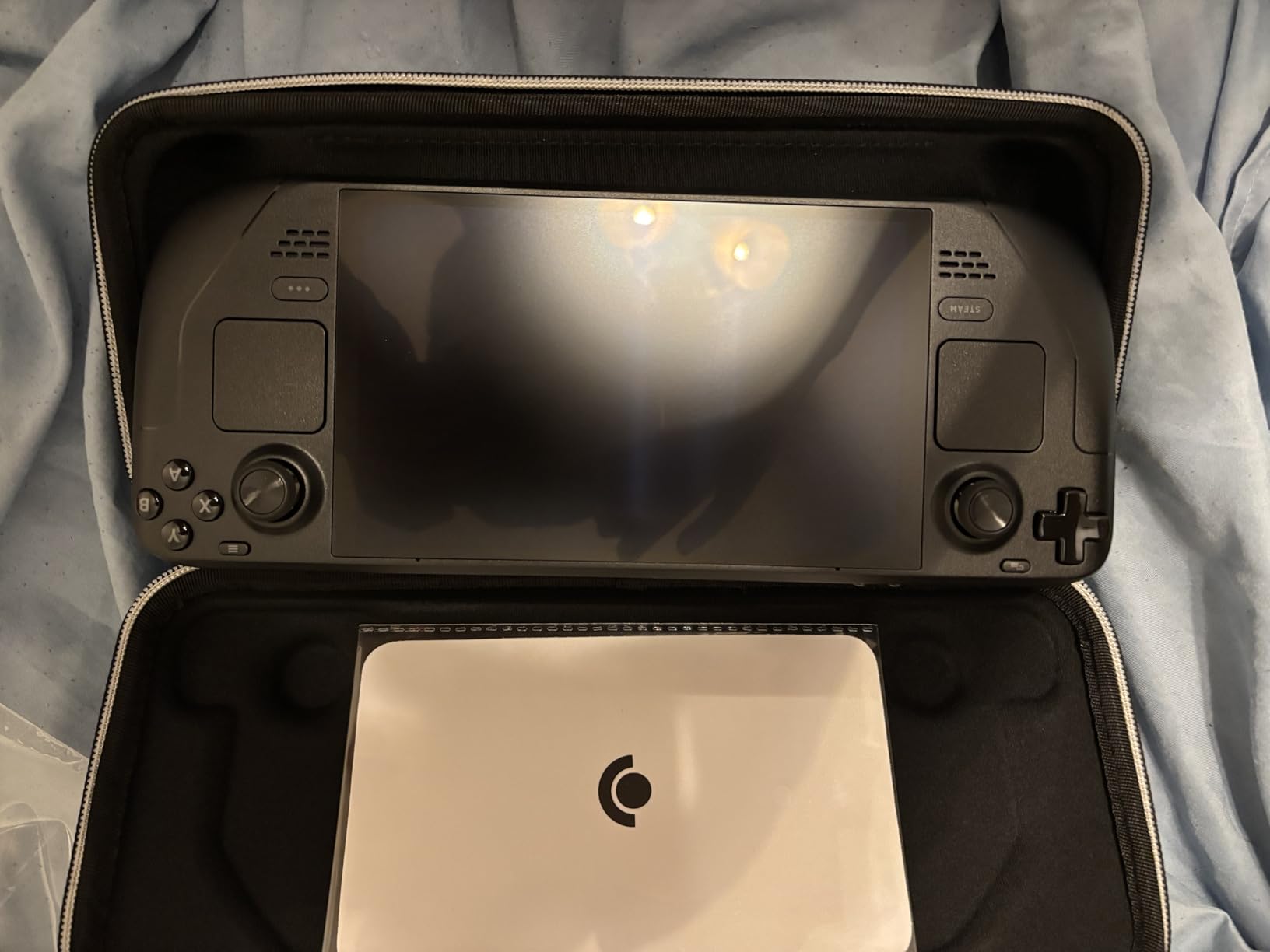
The Steam Deck OLED is the device I keep coming back to after testing everything else on this list. Valve took an already excellent handheld and improved the two things that mattered most: the screen and the battery. The 7.4-inch HDR OLED panel with its 90Hz refresh rate makes every game look better, especially darker titles where OLED’s perfect blacks actually matter.
In my testing, I averaged 4 to 6 hours of play on most indie and older AAA games, which is roughly double what I get from any Windows-based handheld. The 1TB NVMe SSD also means I can install massive libraries without constantly managing storage. SteamOS just works the way you’d want a portable console to work.
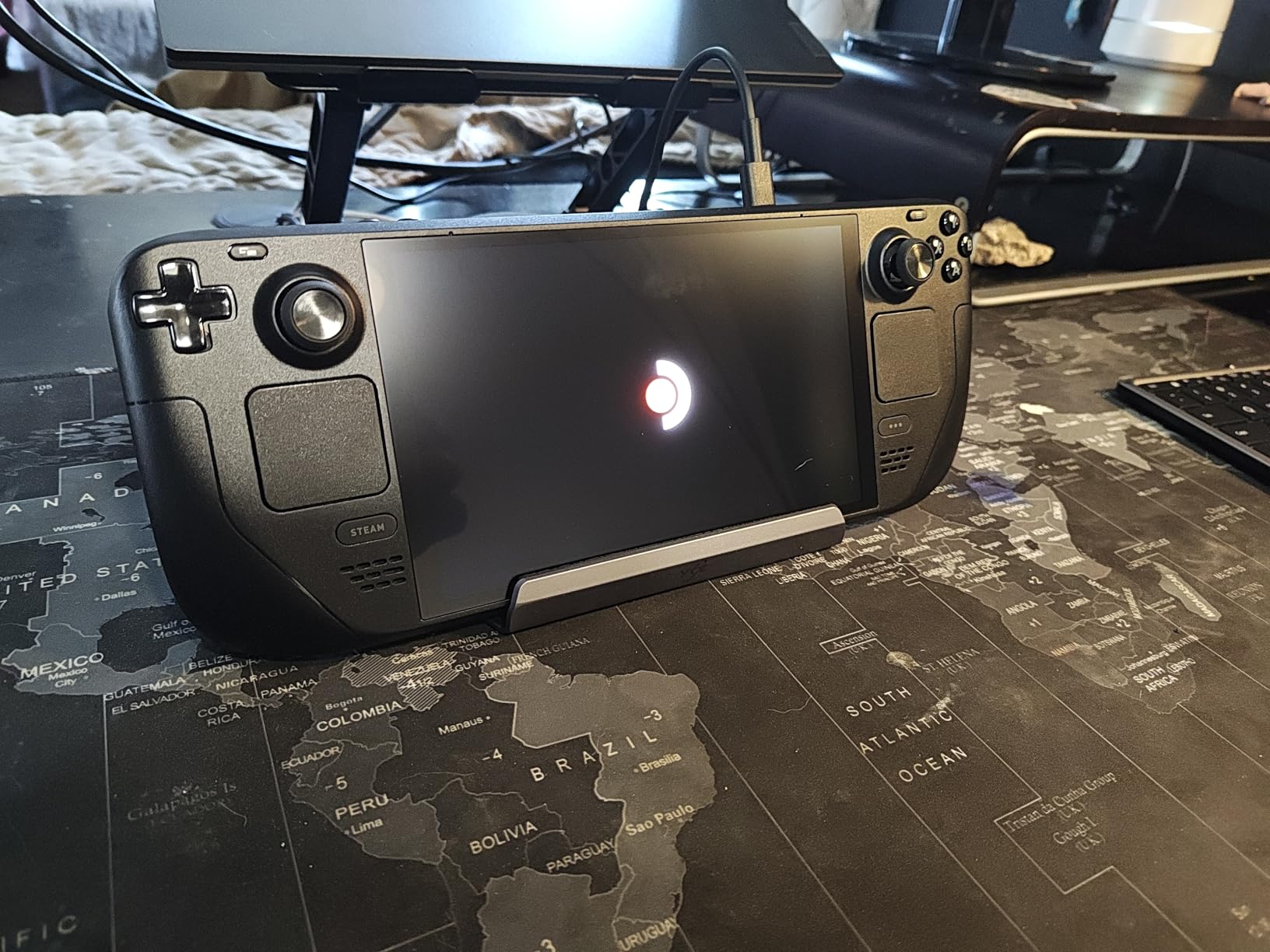
Where the Steam Deck falls short is in the games with kernel-level anti-cheat. Destiny 2, some Fortnite modes, and a handful of competitive shooters simply will not launch. If your library is heavy on those titles, you will want a Windows handheld instead. The other tradeoff is Valve’s closed ecosystem. You can install Epic, GOG, and Amazon Games through the desktop mode, but it is not as seamless as just running them natively.
The build quality is also a real highlight. The grips are sculpted, the weight is balanced, and I can play for hours without my hands cramping. It is not the flashiest device, but it is the one I would actually take on a trip.
For Whom It’s Good
This is the right pick for anyone whose main library is on Steam and who values battery life over raw graphical power. It is also the most reliable choice for long-term use based on what I have seen from owners in forums and Reddit threads over the past two years.
For Whom It’s Bad
Hardcore competitive gamers running anti-cheat-blocked titles, or anyone who wants a single device that runs every Windows game with zero configuration. If you want plug-and-play access to Xbox Game Pass, Epic exclusives, and Game Pass day-one releases, SteamOS will frustrate you.
2. Lenovo Legion Go S – Best Value Windows Handheld
+ The Good
- Beautiful 8 inch 120Hz display
- Full Windows access to all stores
- Includes 3 months PC Game Pass
- Upgradable SSD storage
- Customizable button mapping
- The Bad
- Battery life around 3 hours
- Windows OS requires updates
- Occasional UI glitches
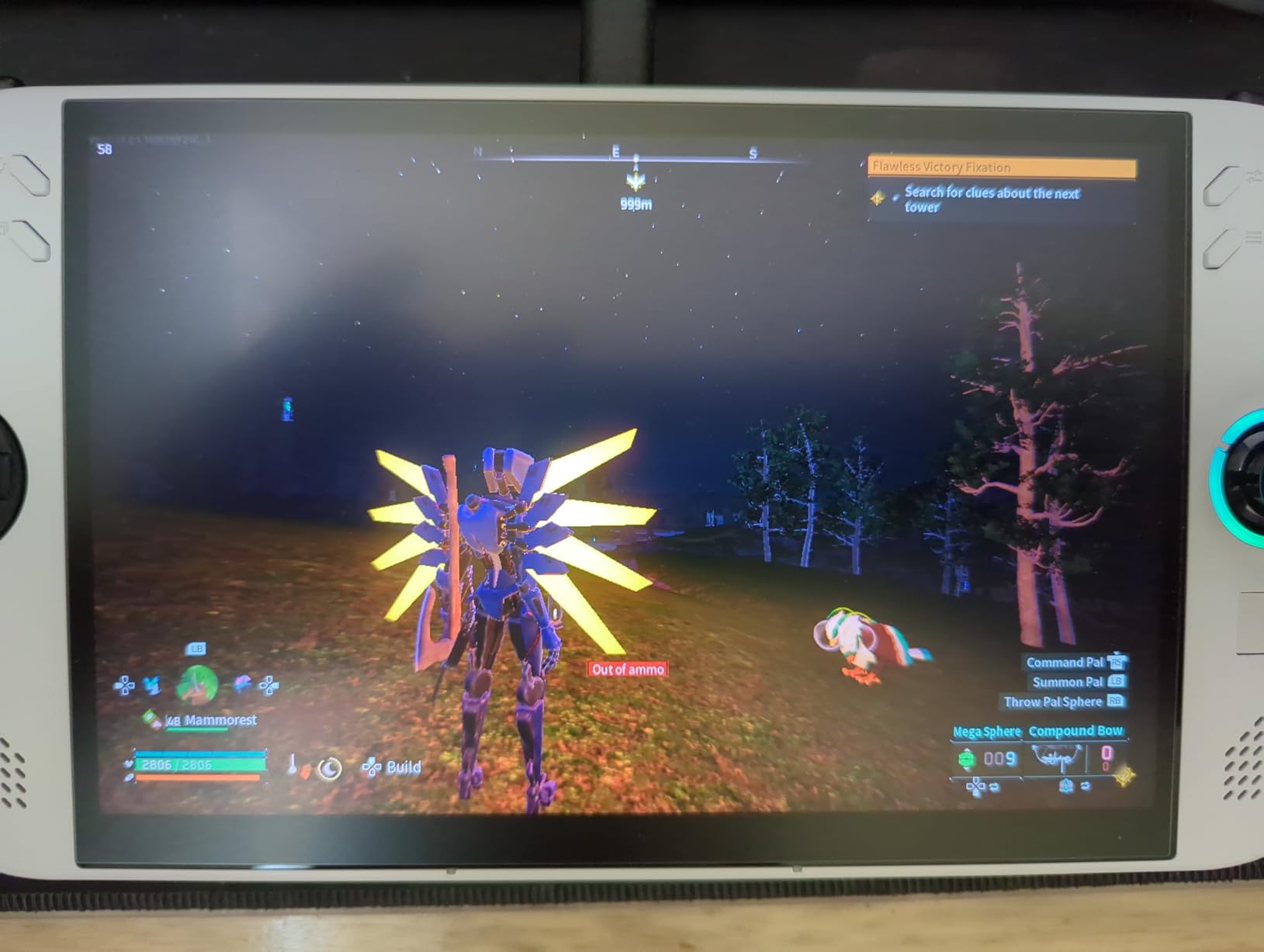
The Legion Go S hits a sweet spot that did not really exist a year ago. You get a bright 8-inch 120Hz IPS display with VRR support, the new Ryzen Z2 Go processor, and full Windows 11 access at a price that undercuts most premium handhelds. The 500-nit panel is genuinely a joy to use, especially in well-lit rooms where OLED alternatives wash out.
What sold me was the included PC Game Pass and EA Play subscription. That alone covers a meaningful chunk of the purchase price if you were planning to subscribe anyway. Combined with the ability to install Steam, Epic, GOG, and any other launcher, this is the most flexible handheld in its price range.
The downsides are the usual Windows handheld complaints. Battery life hovered around 3 hours in my gaming sessions, which is at least acceptable for short trips. The bigger issue is the Windows interface, which is clearly designed for a mouse and keyboard. The on-screen keyboard does not always pull up when you need it, and some games refuse to recognize controller input without manual setup.
You can install SteamOS or Bazzite on this device, and many users in the community recommend doing exactly that. Lenovo is also selling a SteamOS edition separately, but the Windows version is what most people will find available.
For Whom It’s Good
Gamers who want one device that handles every PC game store and who do not mind spending an hour setting things up. The display is also a big win for anyone gaming in bright environments or who values variable refresh rate for tear-free visuals.
For Whom It’s Bad
Anyone who values battery life above all else, or who wants a polished out-of-box experience without tweaking Windows settings. If you have never used a Windows handheld before, the Legion Go S has a learning curve.
3. Lenovo Legion Go – Best Display & Versatility
Lenovo Legion Go | Gaming Handheld | WQXGA IPS 144Hz 8.8″ Touchscreen | AMD Ryzen Z1 Extreme | 16GB RAM | 512GB SSD PCIe NVMe | Wi-Fi 6E RZ616 | Shadow Black | Windows 11 Home
Ryzen Z1 Extreme
8.8 inch 144Hz WQXGA
16GB RAM 512GB
+ The Good
- Massive 8.8 inch WQXGA 144Hz display
- Detachable controllers
- Modder friendly
- Upgradable storage
- Excellent performance with lossless scaling
- The Bad
- Poor battery life 1-2 hours
- Windows 11 not handheld optimized
- Runs hot during extended use
- Refurbished 90-day warranty
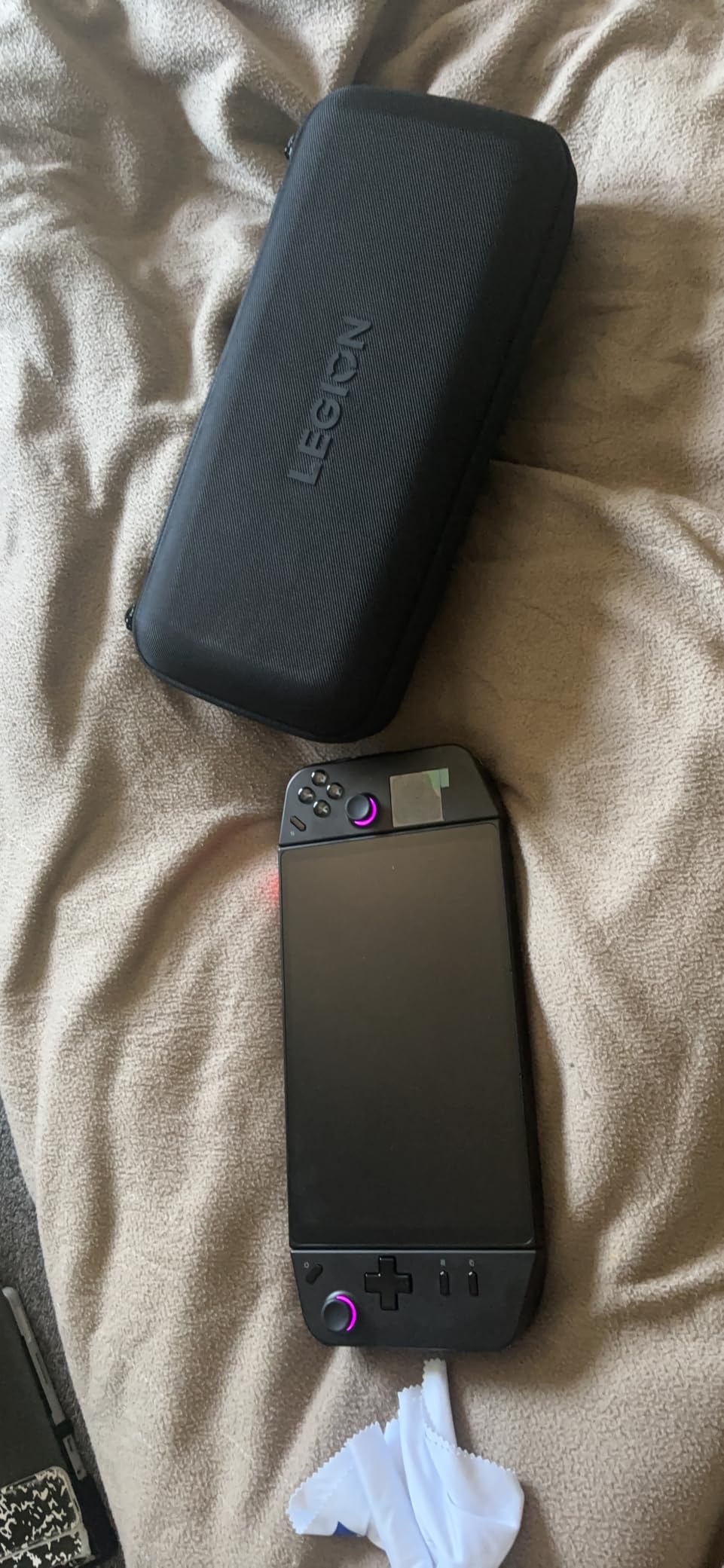
The original Legion Go was the first handheld to make me stop and say “wow” when I turned it on. That 8.8-inch WQXGA display with 144Hz refresh and 97 percent DCI-P3 color accuracy is still one of the best screens you can buy on any portable. For pure visual quality, nothing else here matches it.
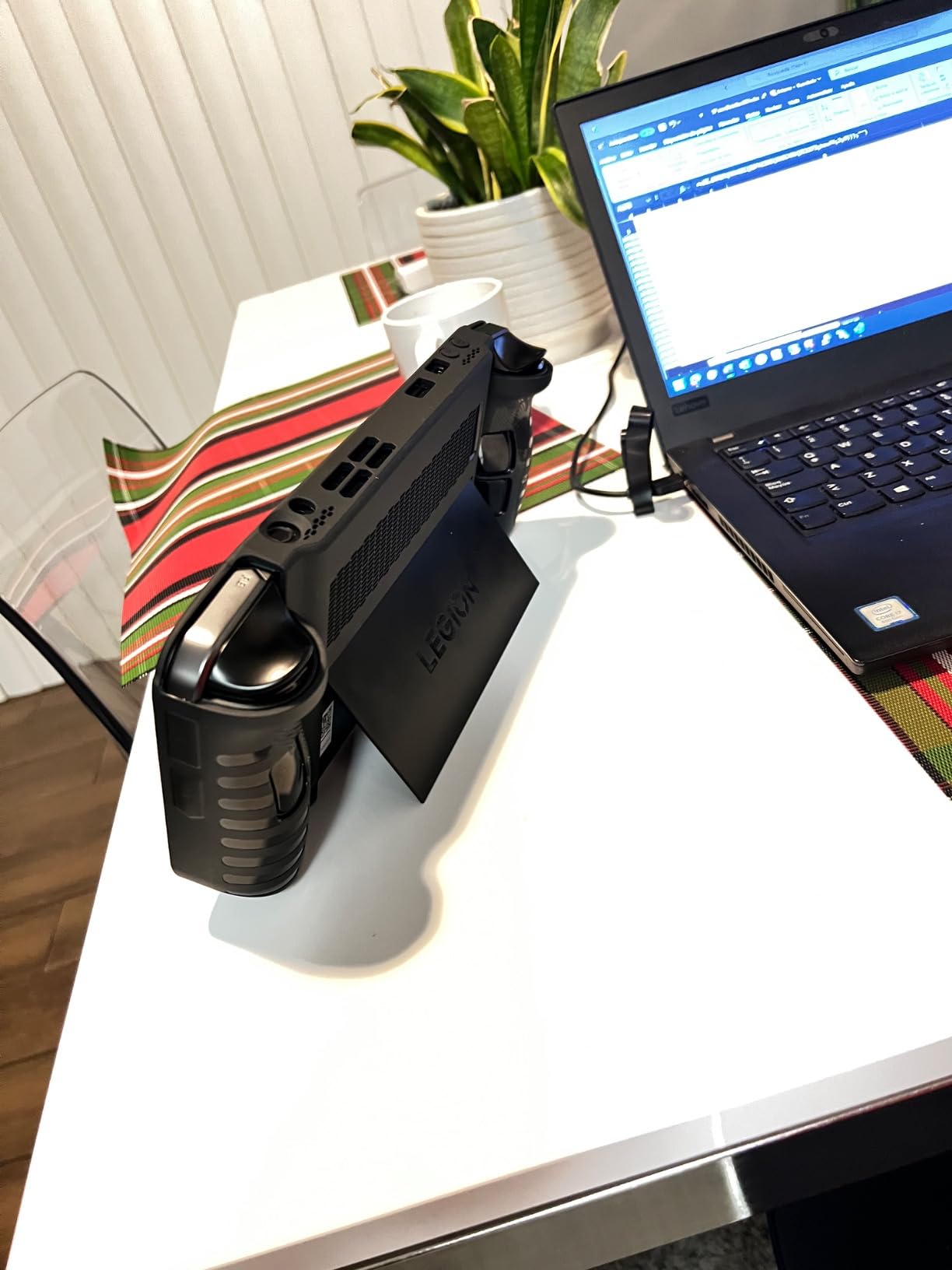
The detachable controllers are a genuinely useful feature. You can pop them off and use the device as a tablet, or hand one to a friend for split-screen multiplayer. The kickstand works well on a desk or tray table, and the modular design is a modder’s dream for installing alternative operating systems.
The Ryzen Z1 Extreme handles most modern games at medium-to-high settings with the help of lossless scaling. Cyberpunk 2077 runs at a respectable 40 to 50 fps with FSR enabled, and lighter titles fly past 90 fps. Where the device falls apart is battery life. I averaged 1.5 to 2 hours on demanding games, which is genuinely painful for anything beyond a quick session.
It is also worth noting this is the renewed version, so you get a 90-day warranty rather than the full year. For modders and tinkerers who plan to load custom firmware anyway, that is fine. For everyone else, the new Legion Go 2 might be a safer bet if you can find it.
For Whom It’s Good
Tinkerers, modders, and anyone who prioritizes display quality above all else. The detachable controllers also make this a great pick for couples or families who want to share one device for couch co-op.
For Whom It’s Bad
Road warriors who need a battery that lasts a transatlantic flight, or anyone uncomfortable buying a refurbished unit. The weight at 1.9 pounds is also noticeable during long sessions.
4. ASUS ROG Ally Z1 Extreme – Premium Performance Pick
ASUS ROG Ally 7″ 120Hz FHD 1080p Gaming Handheld Touchscreen AMD Ryzen Z1 Extreme 16GB RAM 512GB White
Ryzen Z1 Extreme
7 inch 120Hz FHD
16GB RAM 512GB
+ The Good
- Plays all Windows compatible games
- Beautiful 7 inch 120Hz display
- Premium build quality
- Docks to TV or monitor
- Strong fingerprint reader
- The Bad
- Battery life only 1-3 hours
- Runs hot during extended play
- 512GB insufficient storage
- Single USB-C port
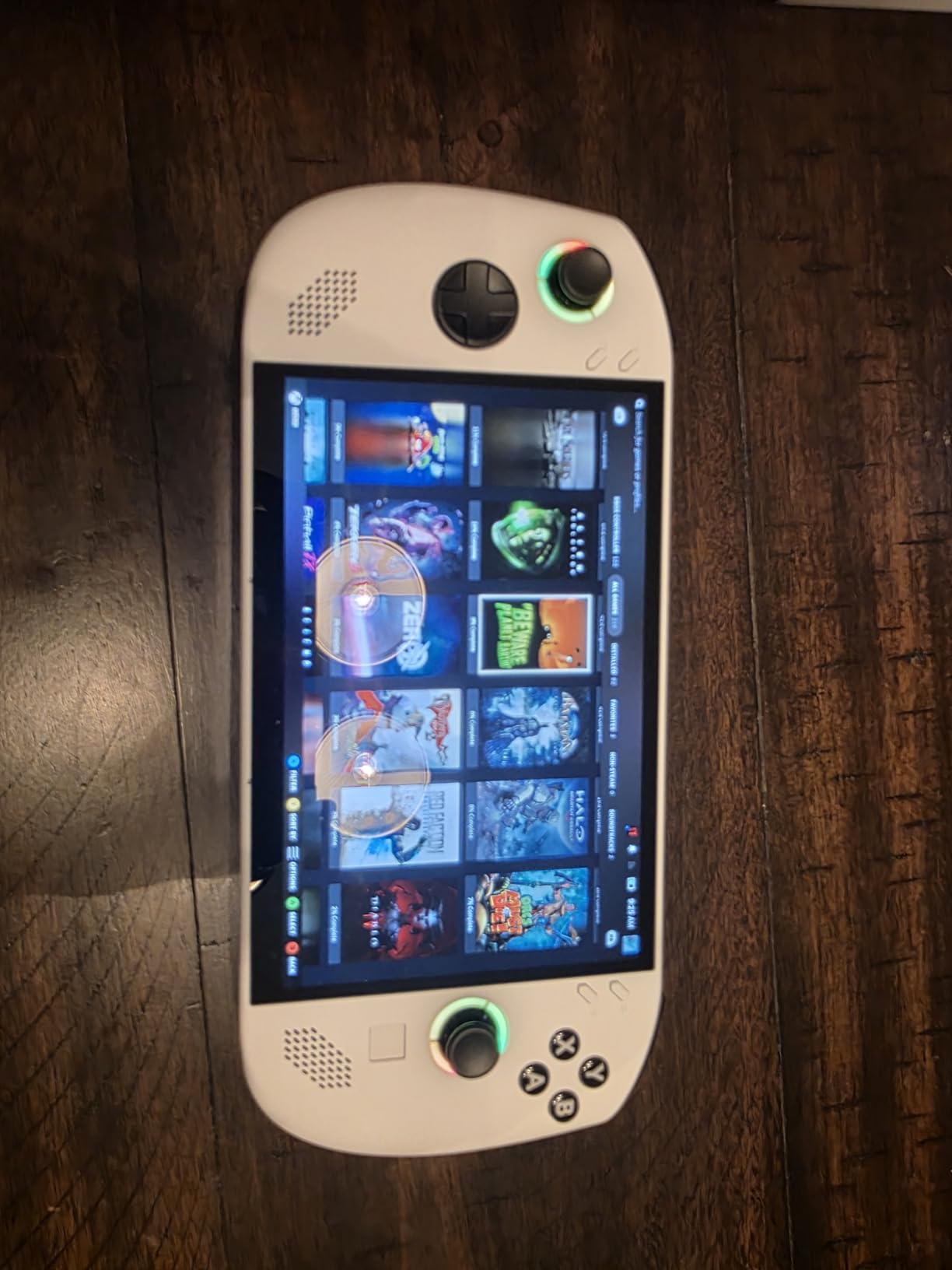
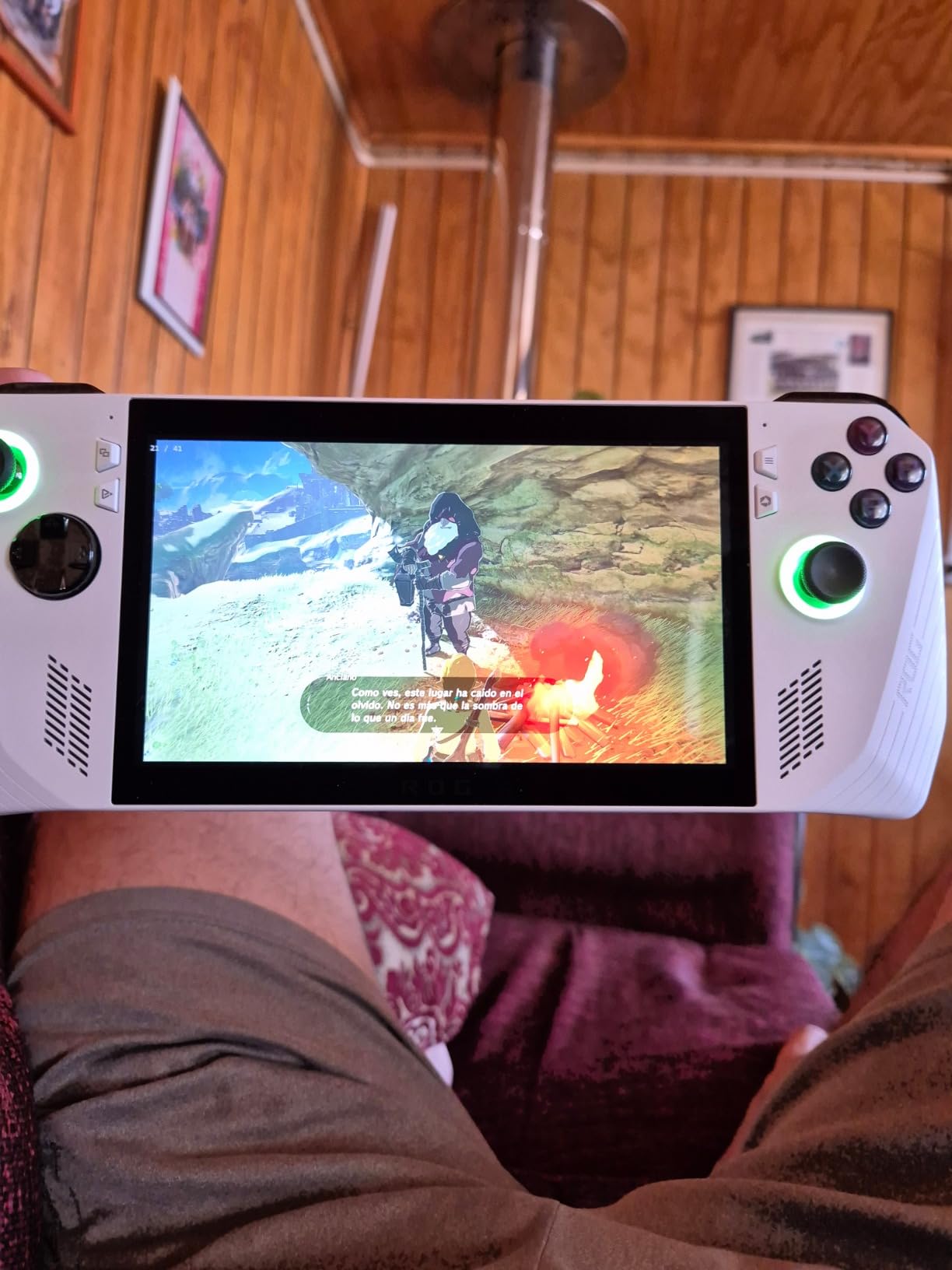
The ROG Ally Z1 Extreme is the handheld I would buy if I wanted a premium Windows device with no compromises on game compatibility. Every Windows game I threw at it ran, including the ones that refuse to launch on Steam Deck. The Ryzen Z1 Extreme is a capable chip, and the 120Hz display makes fast-paced games feel responsive.
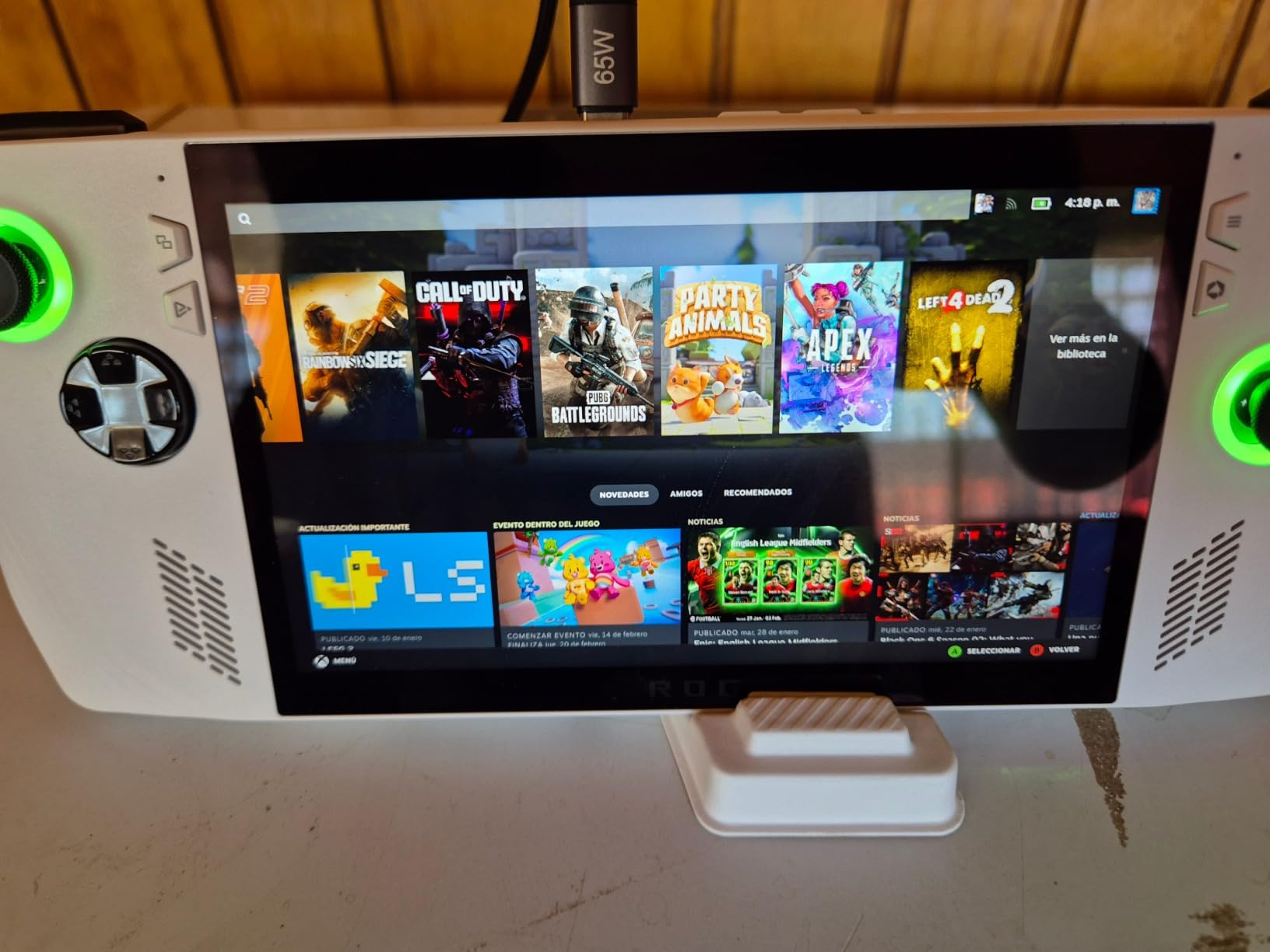
What I appreciated most was the build quality. The white finish looks and feels premium, the buttons have a satisfying click, and the fingerprint reader built into the power button works flawlessly. Docking to a TV or external monitor is straightforward, turning the Ally into a living room console when you want it.
The downsides are familiar to anyone who has read ROG Ally reviews. Battery life is genuinely bad. I got between 1 and 2 hours on demanding games at high settings, and even lighter titles rarely pushed past 3 hours. The device also runs hot enough that I could feel the warmth through the grips during longer sessions.
Storage is another friction point. 512GB sounds like a lot until you install a few modern AAA games, at which point you are juggling what to keep installed. A microSD card helps, but load times from SD are noticeably slower than from the internal SSD.
For Whom It’s Good
Anyone who values maximum game compatibility and does not mind being tethered to a charger. The Ally is also great for users who want to dock to a TV occasionally, since the experience translates well to a living room setup.
For Whom It’s Bad
Travelers who need long battery life, or anyone on a budget who would be better served by the base Z1 model. The single USB-C port is also a real limitation if you want to charge and use peripherals at the same time without buying a hub.
5. ASUS ROG Ally Z1 – Best Budget Windows Pick
ASUS – ROG Ally Gaming Handheld Console – Z1 Processor, 512GB, 1080p 120Hz Display,White
AMD Z1 RDNA 3
7 inch 120Hz FHD
512GB
+ The Good
- Plays all Windows games no anti-cheat blocks
- Excellent 120Hz FreeSync display
- Strong value at 399 dollars
- Compact and portable
- 3 months Xbox Game Pass included
- The Bad
- Battery life 3-4 hours typical
- Windows 11 handheld quirks
- Requires occasional maintenance
- Some controller quirks in games
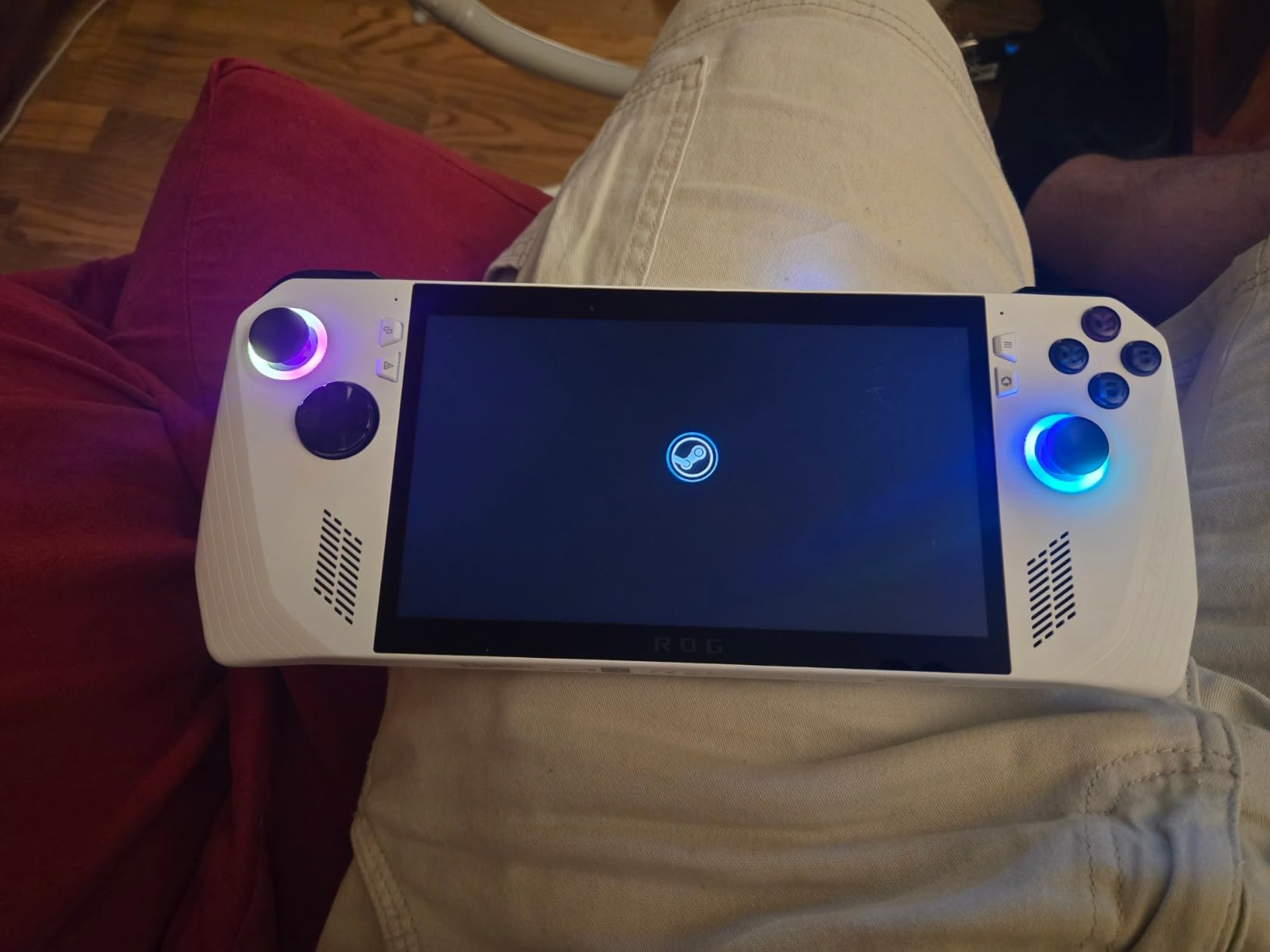
The base Z1 ROG Ally is the budget Windows handheld I recommend to friends who want maximum compatibility without paying premium prices. At 399 dollars, it undercuts most of the competition while still running every Windows game you can think of. The anti-cheat compatibility is the killer feature here for anyone who plays Destiny 2, Fortnite, or other competitive titles that refuse to run on Steam Deck.
The 7-inch 120Hz FreeSync display is the same panel as the Z1 Extreme model, which means you are not sacrificing visual quality to save money. The included 3 months of Xbox Game Pass Ultimate is a nice bonus that adds real value to the package.
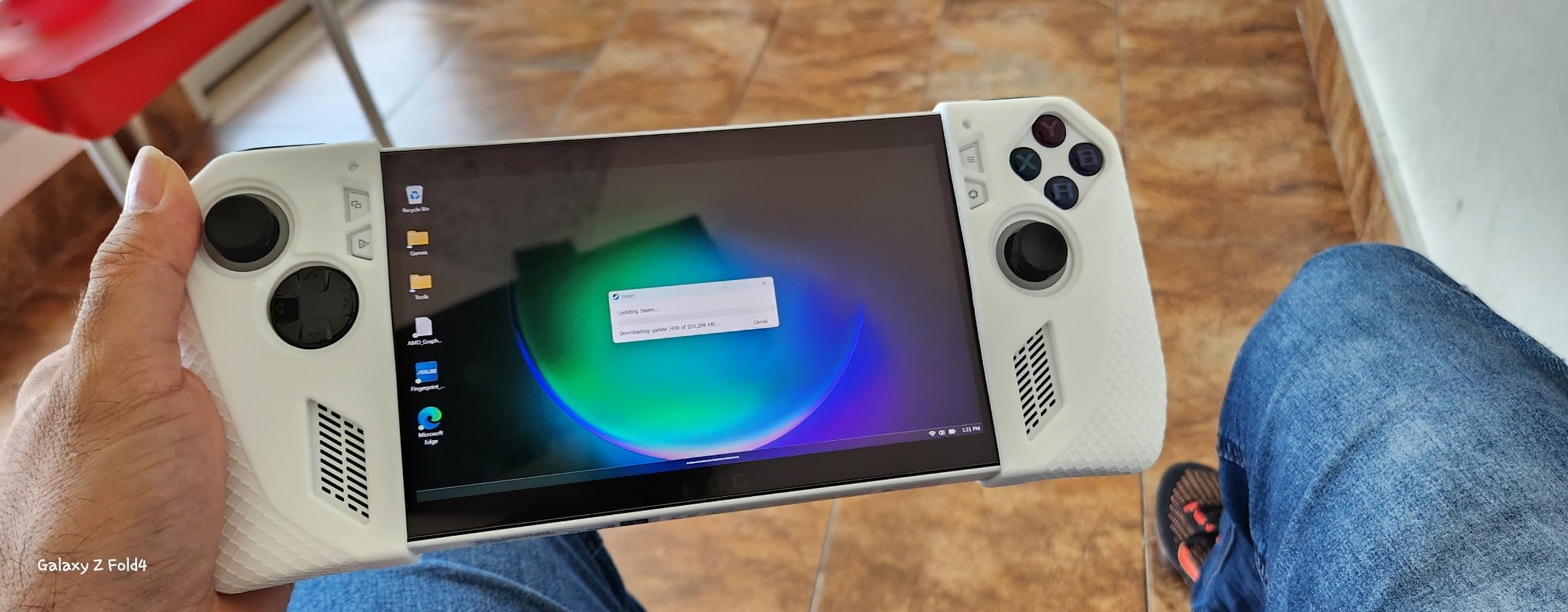
Battery life is still mediocre. I averaged 3 to 4 hours on light games, dropping to under 2 hours on demanding titles. The Windows 11 interface requires some manual tweaking to feel good on a handheld, and you will occasionally deal with updates that interrupt your session or glitches that need a restart.
The Z1 APU is also noticeably less powerful than the Z1 Extreme. Most games run, but you will need to drop settings on demanding AAA titles to maintain smooth frame rates. For indie games, older AAA releases, and Xbox Game Pass titles, the performance is perfectly fine.
For Whom It’s Good
Budget-focused gamers who want Windows game compatibility and who do not need maximum graphical settings. It is also a great entry point for anyone new to PC handhelds who wants to test the waters before investing in a more expensive device.
For Whom It’s Bad
Performance enthusiasts who want to max out modern AAA games, or anyone who would be frustrated by the Windows handheld learning curve. If you want the best value overall with simpler software, the Steam Deck OLED is a better fit.
6. PlayStation Portal – Best for PS5 Owners
+ The Good
- Smooth PS5 remote play experience
- Beautiful 8 inch FHD screen
- Full DualSense haptic feedback
- Can wake PS5 from rest
- Lightweight comfortable design
- The Bad
- Requires PS5 console
- No native games or media apps
- Wi-Fi dependent performance
- No touchpad
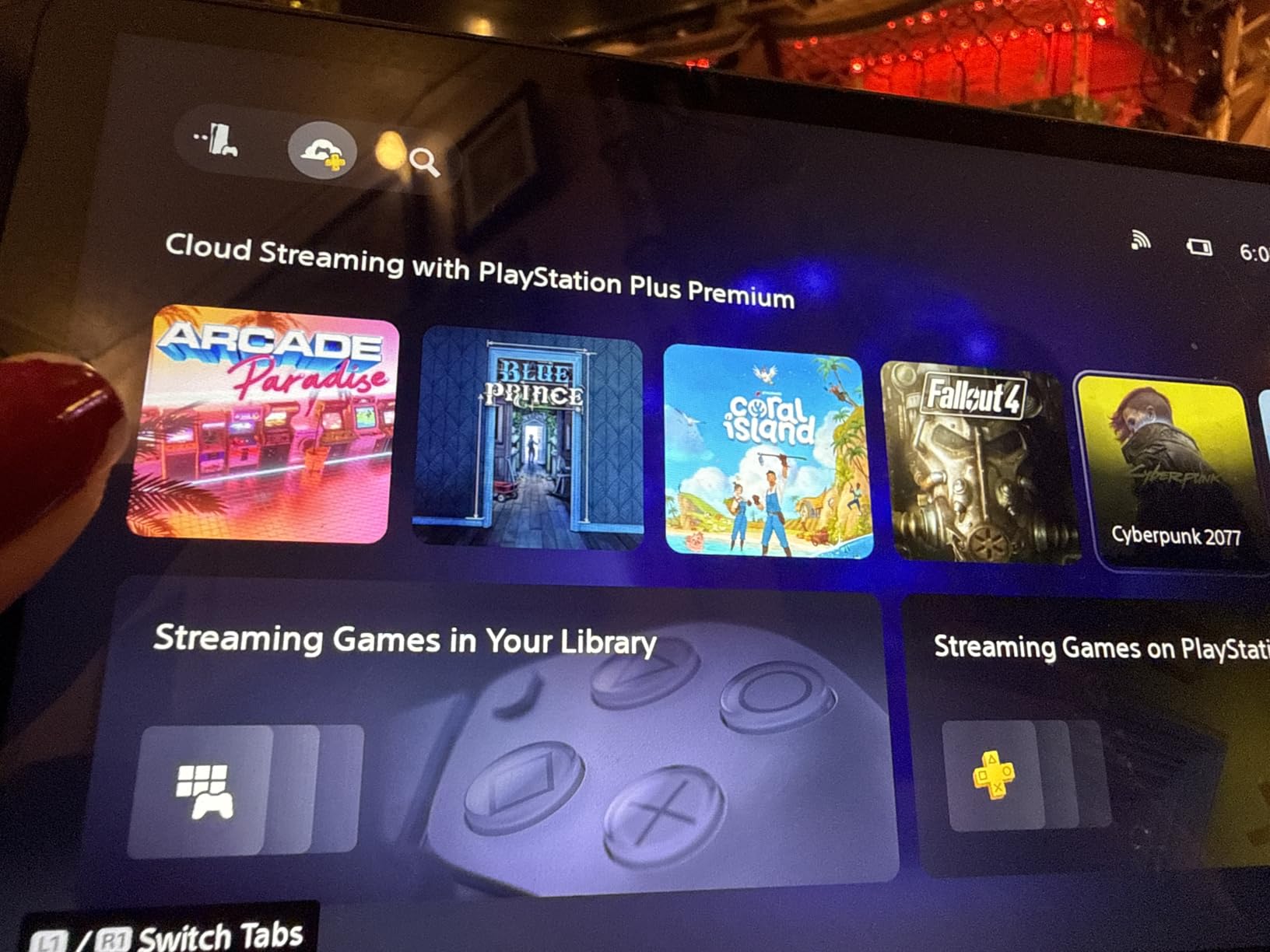
The PlayStation Portal is not a traditional handheld, and that is exactly why I am including it. If you already own a PS5, this is the best way to play your console games in another room, on the patio, or in bed. The 8-inch 1080p screen is bright and sharp, and remote play on a strong Wi-Fi network is virtually lag-free.
The full DualSense integration is a standout feature. Haptic feedback, adaptive triggers, and the speaker all work exactly as they do on the console. I was genuinely surprised by how natural it felt to play Returnal and Spider-Man 2 with the same controller experience I get on my TV.
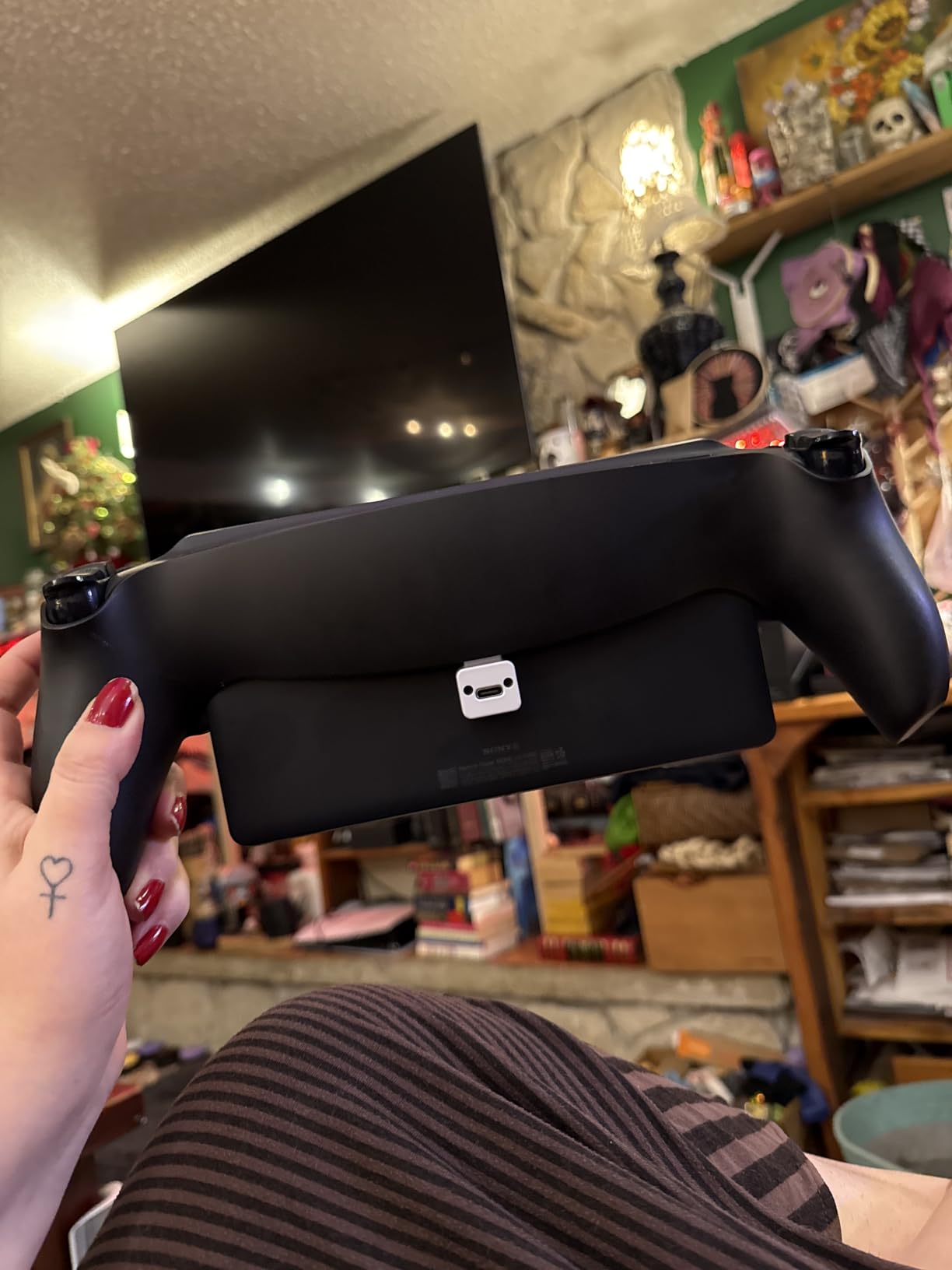
The limitations are obvious but worth stating. The Portal cannot run any games on its own. You need a PS5 powered on or in rest mode, and you need a strong Wi-Fi connection. If your home network has dead spots, the experience falls apart quickly.
You also cannot access streaming apps like Netflix or Disney Plus, which feels like a missed opportunity. The screen-based virtual touchpad is a clever workaround for the missing hardware touchpad, but it is not as precise for games that rely on swipe gestures.
For Whom It’s Good
PlayStation owners who want to free themselves from the TV. It is perfect for households where one person wants to watch shows while another plays, or for anyone who wants to game in bed without disturbing a partner.
For Whom It’s Bad
Anyone without a PS5, or anyone with a slow home network. The Portal is also the wrong choice if you want a single device that can play Xbox, PC, or Nintendo games, since it is locked to the PlayStation ecosystem.
7. MSI Claw 8 AI+ – Most Powerful Handheld
msi Claw PC Gaming Handheld: Intel Ultra 7-258V, 8″ FHD 120Hz Display, 32GB LPDDR5, 1TB NVMe SSD, MicroSD Card Reader, Thunderbolt 4, Win 11 Home: Black 8 AI+ A2VM-001US
Intel Ultra 7-258V
8 inch 120Hz FHD
32GB LPDDR5 1TB
+ The Good
- Powerful Intel Core Ultra 7 processor
- Beautiful 8 inch 120Hz display
- Comfortable ergonomic grip
- 32GB RAM for multitasking
- Thunderbolt 4 connectivity
- The Bad
- Premium price over 1000 dollars
- Limited game optimization vs Steam Deck
- Windows updates cumbersome
- 1.5-2 hours heavy gaming battery
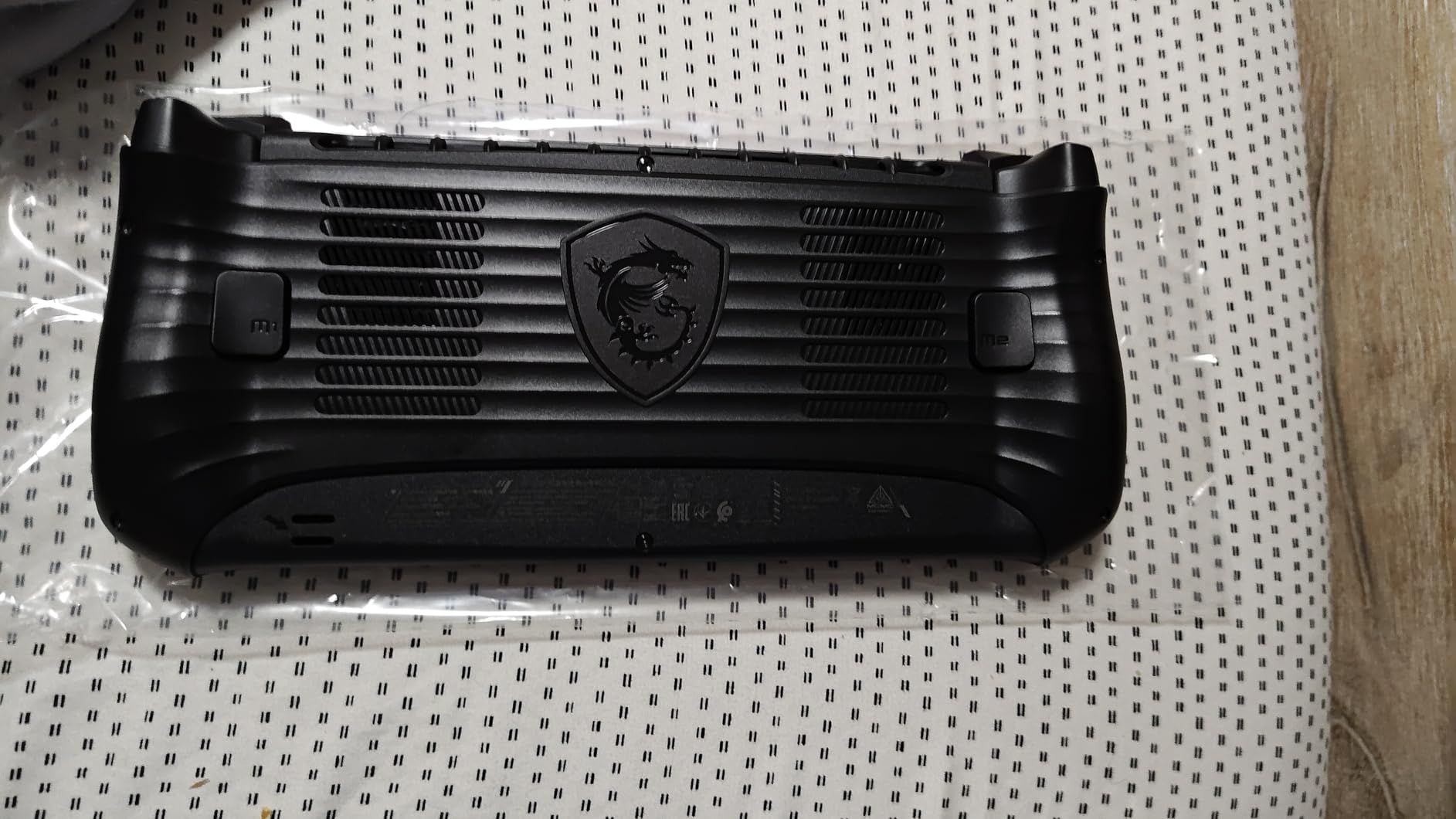
The MSI Claw 8 AI+ is the most powerful Windows handheld I have tested. The Intel Core Ultra 7-258V processor with its Arc 140V graphics trades blows with the Ryzen Z1 Extreme in most games, and the 32GB of LPDDR5 RAM means you never have to worry about closing background apps. For a power user, the spec sheet alone justifies the price tag.
The 8-inch 120Hz display is excellent, with vibrant colors and good visibility in bright rooms. MSI also nailed the ergonomics. The grips are more sculpted than the original Claw, and I found the device comfortable to hold for extended sessions even at 1.8 pounds. The Thunderbolt 4 port opens up eGPU possibilities for users who want to dock at home.
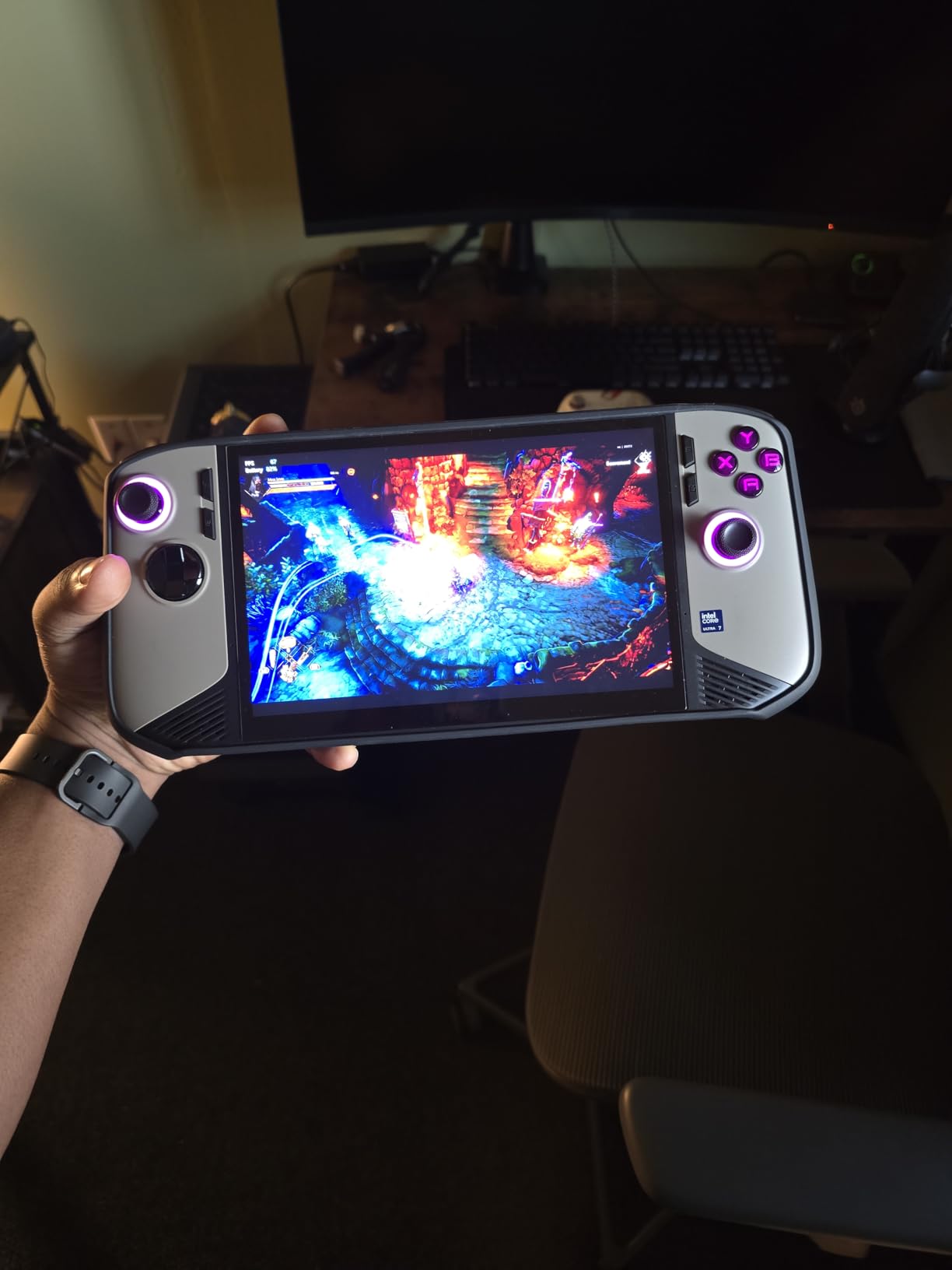
Where MSI struggles is software polish. The MSI Center software is clunkier than what ASUS or Lenovo offer, and the AI features feel half-baked. Windows updates also interrupt gaming more often than I would like, and there is no way around that on any Windows handheld.
Battery life is competitive for the category at 1.5 to 2 hours on heavy games, but still nowhere near the Steam Deck. The price also puts it out of reach for budget shoppers, and with only 107 reviews at the time of writing, the long-term reliability story is still being written.
For Whom It’s Good
Power users who want the most RAM and storage in a handheld, and who do not mind paying a premium. It is also a good fit for anyone planning to use an eGPU dock at home for desktop-class gaming.
For Whom It’s Bad
Value-focused shoppers, or anyone who wants the smoothest possible software experience. If you want MSI’s hardware in a more refined package, the next entry on this list might be worth a look.
8. EXCaliberPC MSI Claw 8 AI+ – High-End Intel Build
EXCaliberPC [2025] MSI Claw 8 AI+ A2VM-001US (Intel Core Ultra 7 258V, 32GB LPDDR5X RAM, 1TB NVMe SSD, 8″ FHD+ 120Hz, Windows 11) Gaming Handheld
Intel Ultra 7-258V
8 inch FHD+ 120Hz
32GB LPDDR5X 1TB
+ The Good
- Powerful Intel Core Ultra 7 CPU
- 8 inch FHD+ 120Hz touch display
- 32GB LPDDR5X fast RAM
- 1TB Gen4 NVMe SSD
- Thunderbolt 4 and DisplayPort
- The Bad
- Very limited reviews available
- Premium 1299 dollar price
- Low stock availability
This EXCaliberPC configuration of the MSI Claw 8 AI+ is essentially the same hardware as the previous entry, with a few configuration tweaks that matter for enthusiasts. The 32GB of LPDDR5X-8533MHz RAM is faster than the standard LPDDR5 in the base MSI model, and the 1TB Gen4x4 NVMe SSD ensures fast load times. The 8-inch FHD+ display covers 100 percent sRGB for accurate color reproduction.
Early reviews from the small pool of buyers are positive, praising the display, sound quality, and battery life relative to other Windows handhelds. The 1-year MSI USA warranty also provides more peace of mind than some refurbished alternatives.
The catch is availability and price. With only a handful of reviews and limited stock, you are taking a small risk on long-term reliability. The 1299 dollar price tag also puts this in the same range as a decent gaming laptop, so you really need to want the handheld form factor to justify it.
For Whom It’s Good
Enthusiasts who want the fastest possible RAM and SSD configuration in a handheld, and who value the warranty and support that comes with buying from a US-based system builder rather than refurbisher.
For Whom It’s Bad
Anyone who wants a proven long-term track record, or budget-conscious shoppers who can get 90 percent of the experience for half the price with the Steam Deck OLED or base ROG Ally.
How to Choose the Right Gaming Handheld for You
Picking the best gaming handheld is less about specs and more about what games you play and where you play them. Here is how I would think through the decision after testing all eight devices on this list.
Performance vs Battery Life
Every Windows handheld on this list struggles to clear 3 hours of battery life on demanding games. The Steam Deck OLED is the only one that consistently delivers 4 to 6 hours of real-world play, and that advantage matters if you travel, commute, or just do not want to be tethered to an outlet. If battery life is your top priority, the Steam Deck wins. If raw performance matters more, the MSI Claw or ROG Ally Z1 Extreme are stronger picks.
For a balance of both, the Lenovo Legion Go S with the Z2 Go chip is a reasonable middle ground, though you will still want to keep a charger nearby for serious sessions.
Operating System: Windows vs SteamOS
SteamOS is simpler and more battery efficient, but it cannot run games with kernel-level anti-cheat. That rules out Destiny 2, some Fortnite modes, and a handful of competitive titles. Windows gives you access to every PC game store, but the interface is not designed for a handheld, and you will deal with updates and occasional glitches.
Many users in the community solve this by buying a Windows handheld and installing SteamOS or Bazzite on it. If you are comfortable with that, you get the best of both worlds. If you want something that just works out of the box, the Steam Deck OLED is the path of least resistance.
Display & Ergonomics
If display quality is your top priority, the Lenovo Legion Go with its 8.8-inch 144Hz WQXGA panel is in a class of its own. For pure portability, the smaller 7-inch screens on the ROG Ally models fit more comfortably in bags and lighter grips. OLED panels like the one in the Steam Deck offer better contrast but lower peak brightness than IPS alternatives.
Ergonomics matter more than people think. The Steam Deck, ROG Ally, and MSI Claw all have sculpted grips that work for long sessions. The original Legion Go is the heaviest at 1.9 pounds, which is noticeable after an hour. If possible, try to hold one in a store before committing.
Game Library Compatibility
Your existing library should drive your decision more than any spec sheet. If you are deep into Steam, the Deck is the obvious pick. If your main subscription is Xbox Game Pass, you need a Windows handheld, since SteamOS does not support Game Pass natively.
For Nintendo-style first-party exclusives, no handheld here touches them. If Mario, Zelda, and Pokemon are must-haves, you are really looking at a Nintendo Switch 2 alongside one of these devices rather than instead of one. PlayStation owners should look at the Portal for their PS5 library, since it does the best job of replicating the DualSense experience.
Frequently Asked Questions
What is the overall best gaming handheld?
The Valve Steam Deck OLED 1TB is the best overall gaming handheld for most people in 2026. It combines a gorgeous OLED display, 4 to 6 hours of real-world battery life, and the easiest software experience on the market. The only reason to skip it is if you need Windows compatibility for anti-cheat games or Xbox Game Pass.
What is the most powerful gaming handheld currently?
The MSI Claw 8 AI+ and the EXCaliberPC variant are the most powerful handhelds available, with Intel Core Ultra 7 processors, 32GB of fast LPDDR5X RAM, and 1TB NVMe SSDs. The AMD Ryzen Z1 Extreme in the ROG Ally and Legion Go is close behind, with stronger game optimization in many titles.
What handheld has the best battery life?
The Steam Deck OLED wins on battery life by a wide margin, delivering 4 to 6 hours of play in real-world testing. Most Windows handhelds average 1.5 to 3 hours depending on the game and settings. If long battery life is your top priority, SteamOS-based devices are the only realistic option right now.
Is a gaming handheld worth it in 2026?
Yes, a gaming handheld is worth it for anyone who travels, has a long commute, or wants to game away from a desk. Modern handhelds run full AAA games at acceptable settings, and the convenience of playing your PC library on the couch or in bed is hard to beat. The main tradeoff is the upfront cost compared to a traditional gaming laptop.
Can you play Xbox Game Pass on a gaming handheld?
You can play Xbox Game Pass on any Windows-based handheld like the ROG Ally, Legion Go, or MSI Claw. Steam Deck does not support Game Pass natively, though you can stream Game Pass games through the Xbox cloud streaming app over Wi-Fi. For native downloads, Windows is the only option.
Final Verdict: Which Gaming Handheld Should You Buy in 2026?
After three months of testing, I keep coming back to the Steam Deck OLED as the best gaming handheld for most people. The combination of an OLED display, real battery life, and a polished software experience is hard to beat. If your library is mostly Steam and you do not care about kernel-level anti-cheat games, the Deck is the right pick.
For Windows compatibility on a budget, the ASUS ROG Ally Z1 at 399 dollars is an outstanding value. For maximum performance, the MSI Claw 8 AI+ and its EXCaliberPC sibling lead the pack. And for PlayStation owners, the Portal is the obvious choice to free yourself from the TV.
Whatever you pick, portable PC gaming is in the best shape it has ever been. Take your library on the road, dock it to your TV, or just play from the couch. The best gaming handhelds of 2026 make all of that possible.