
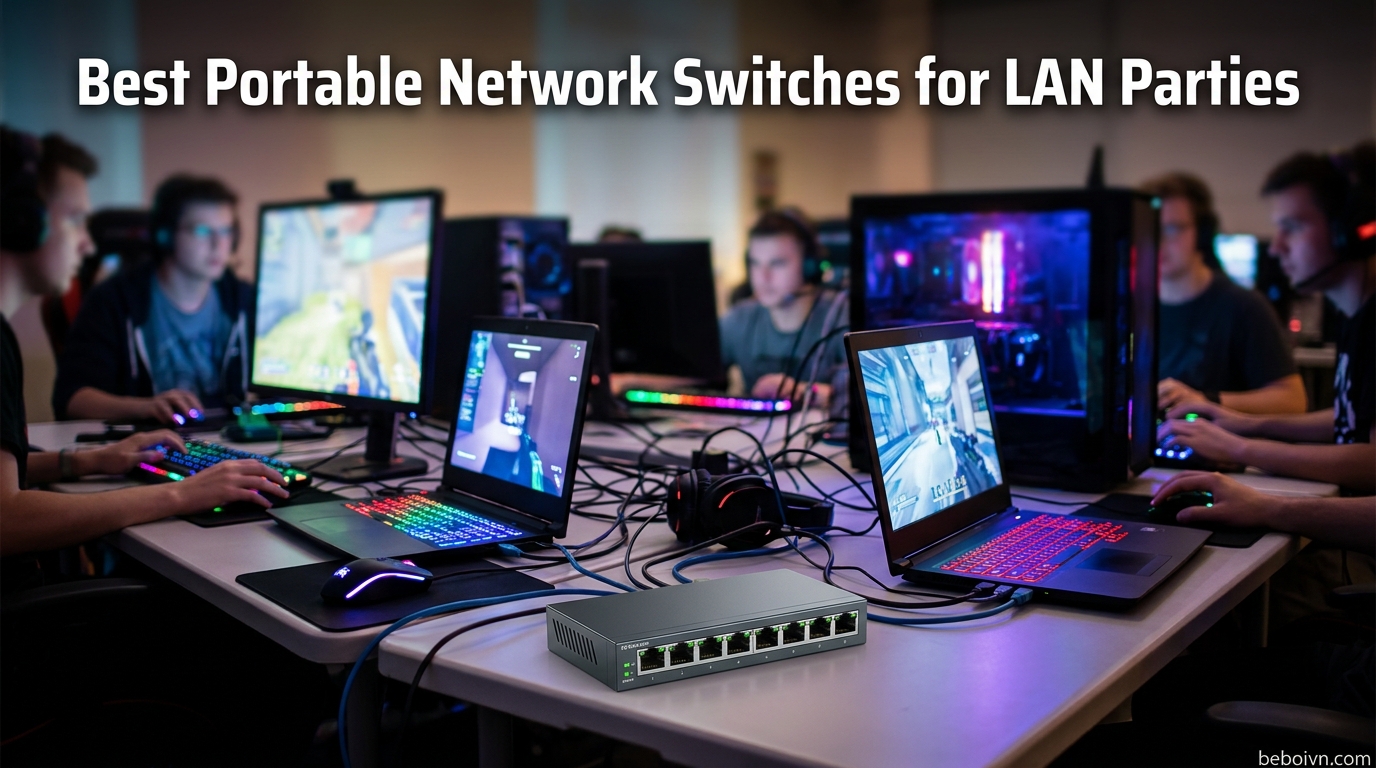
Nothing kills a LAN party faster than laggy connections and dropped packets. I have hosted dozens of gaming events over the years, and the difference between a smooth tournament and a frustrating nightmare often comes down to one piece of equipment: the network switch. While Wi-Fi works fine for browsing, serious competitive gaming demands wired connections with rock-solid stability.
Finding the best portable network switches for LAN party setups means balancing port count, durability, size, and price. You need something tough enough to survive transport in a gear bag, compact enough to fit in crowded venues, and reliable enough to handle hours of intense multiplayer action. After testing numerous switches at events ranging from casual 4-player sessions to 16-person tournaments, I have narrowed down the top options for every type of LAN party host.
This guide covers 8 portable switches perfect for gaming events of all sizes. Whether you are hosting your first small gathering or organizing regular tournaments, you will find the right fit below. And if you want to stream your LAN parties online, check out our guide on the best capture cards for streaming to capture all the action.
Top 3 Picks for Portable Network Switches
Best Portable Network Switches for LAN Parties in 2026
| PRODUCT MODEL | KEY SPECS | BEST PRICE |
|---|---|---|
 |
|
Check Latest Price |
 |
|
Check Latest Price |
 |
|
Check Latest Price |
 |
|
Check Latest Price |
 |
|
Check Latest Price |
 |
|
Check Latest Price |
 |
|
Check Latest Price |
| BrosTrend 2.5GB Switch |
|
Check Latest Price |
1. TP-Link TL-SG108 – 8-Port Gigabit Network Switch
TP-Link 8 Port Gigabit Ethernet Network Switch – Ethernet Splitter | Plug & Play | Fanless | Sturdy Metal w/ Shielded Ports | Traffic Optimization | Unmanaged | Lifetime Protection (TL-SG108)
8x Gigabit Ports
Metal Housing
Loop Prevention
QoS and IGMP Snooping
3-Year Warranty
+ The Good
- Metal casing with excellent durability
- Plug and play with zero configuration
- Fanless silent operation
- Built-in loop prevention protection
- Port-based QoS for gaming traffic
- The Bad
- Slightly larger than 5-port models
- LEDs may fail after extended use
- Occasional power cycle needed
The TP-Link TL-SG108 has been my go-to switch for medium-sized LAN parties for years. With 8 ports, it hits the sweet spot for most gaming gatherings without being too bulky to transport. I have dragged this switch to countless events, tossed it in backpacks, and it still performs flawlessly every time.
What sets this apart for LAN party use is the built-in loop prevention feature. In the chaos of setting up a gaming event, someone always manages to create a network loop by accidentally connecting cables wrong. The TL-SG108 detects and prevents this automatically, saving you from troubleshooting mysterious network issues when you should be gaming.
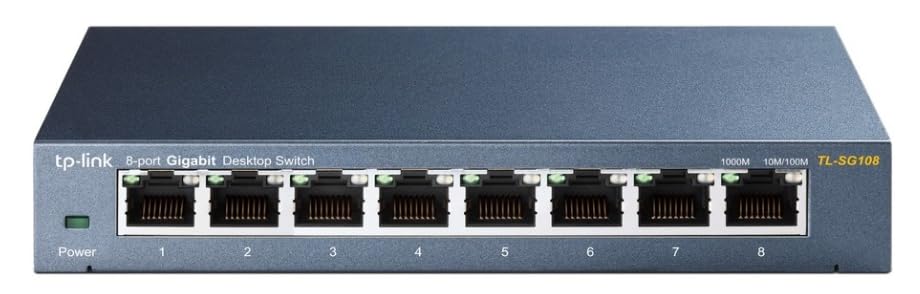
The metal casing is a game-changer for portable use. Plastic switches crack and flex when packed with other gear, but this thing takes abuse without complaining. It also dissipates heat better than plastic alternatives, which matters when you have 8 gaming PCs pushing data through it for hours on end.
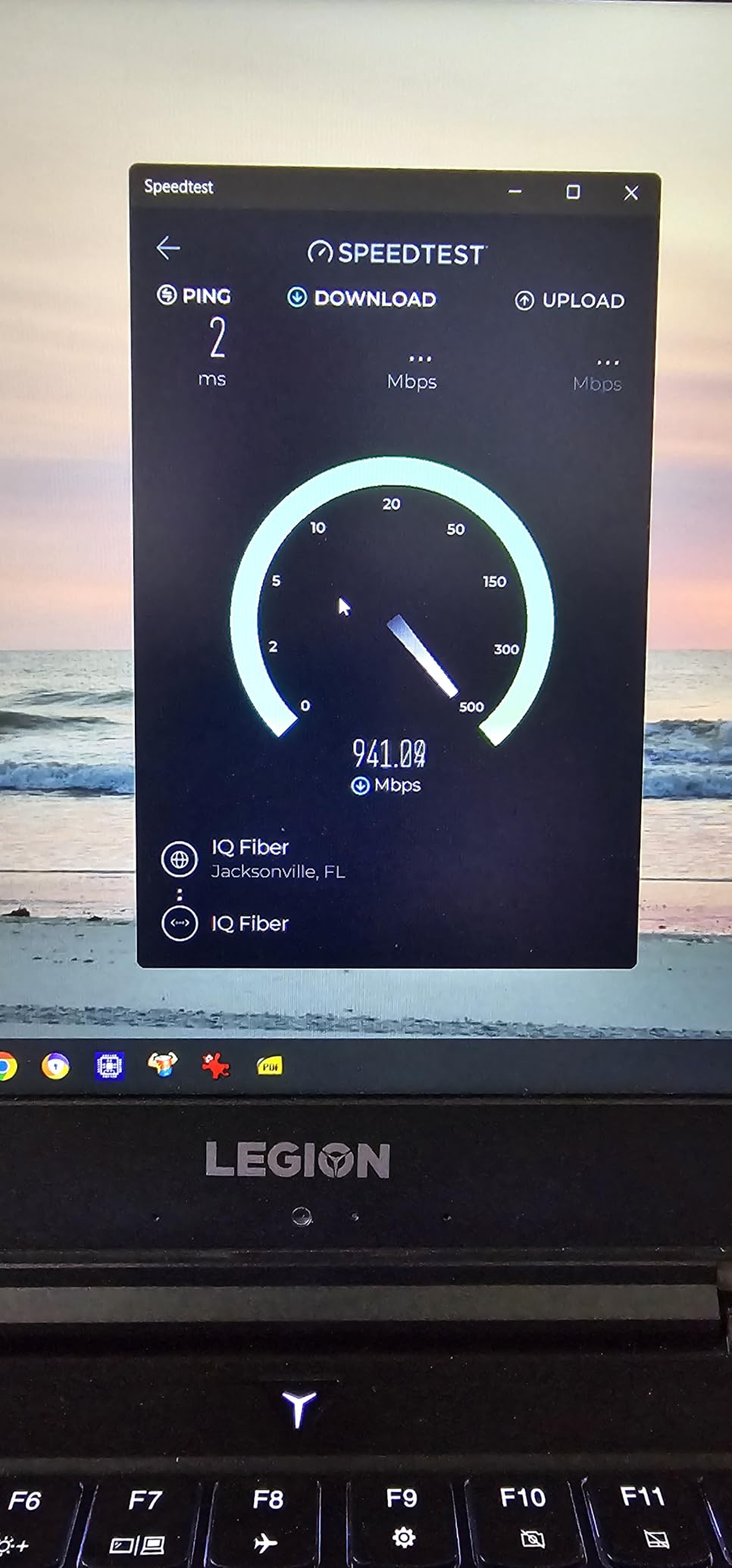
Performance has been rock solid in my testing. Every port delivers full gigabit speeds with no perceptible latency added to gaming traffic. The QoS and IGMP snooping features help prioritize gaming packets, though honestly at gigabit speeds you will rarely notice congestion even without traffic management.
Perfect for Small to Medium LAN Parties
With 8 ports, this switch handles the most common LAN party sizes perfectly. You get 7 ports for players plus one for connecting to your router or internet uplink. For events with 6-8 people, this is all you need. The 42,000+ reviews on Amazon with a 4.7-star rating confirm what I have experienced: this is a reliable workhorse that delivers consistent performance.
Setup and Portability
True plug-and-play means you unpack it, plug in power, connect your Ethernet cables, and start gaming. No software, no configuration, no headaches. The desktop or wall-mount design gives you flexibility in how you set up your networking station. At about 6 inches long and just over a pound, it fits easily in any gear bag.
2. TP-Link TL-SG105 – 5-Port Gigabit Ethernet Switch
TP-Link TL-SG105, 5 Port Gigabit Unmanaged Ethernet Switch, Network Hub, Ethernet Splitter, Plug & Play, Fanless Metal Design, Shielded Ports, Traffic Optimization
5x Gigabit Ports
Metal Housing
Traffic Optimization
Energy Efficient
3-Year Warranty
+ The Good
- Exceptional value at affordable price
- Durable metal construction
- True plug and play setup
- Fanless silent operation
- Port-based QoS for traffic prioritization
- The Bad
- Only 5 ports limits party size
- No PoE support for powered devices
- LEDs too bright for some users
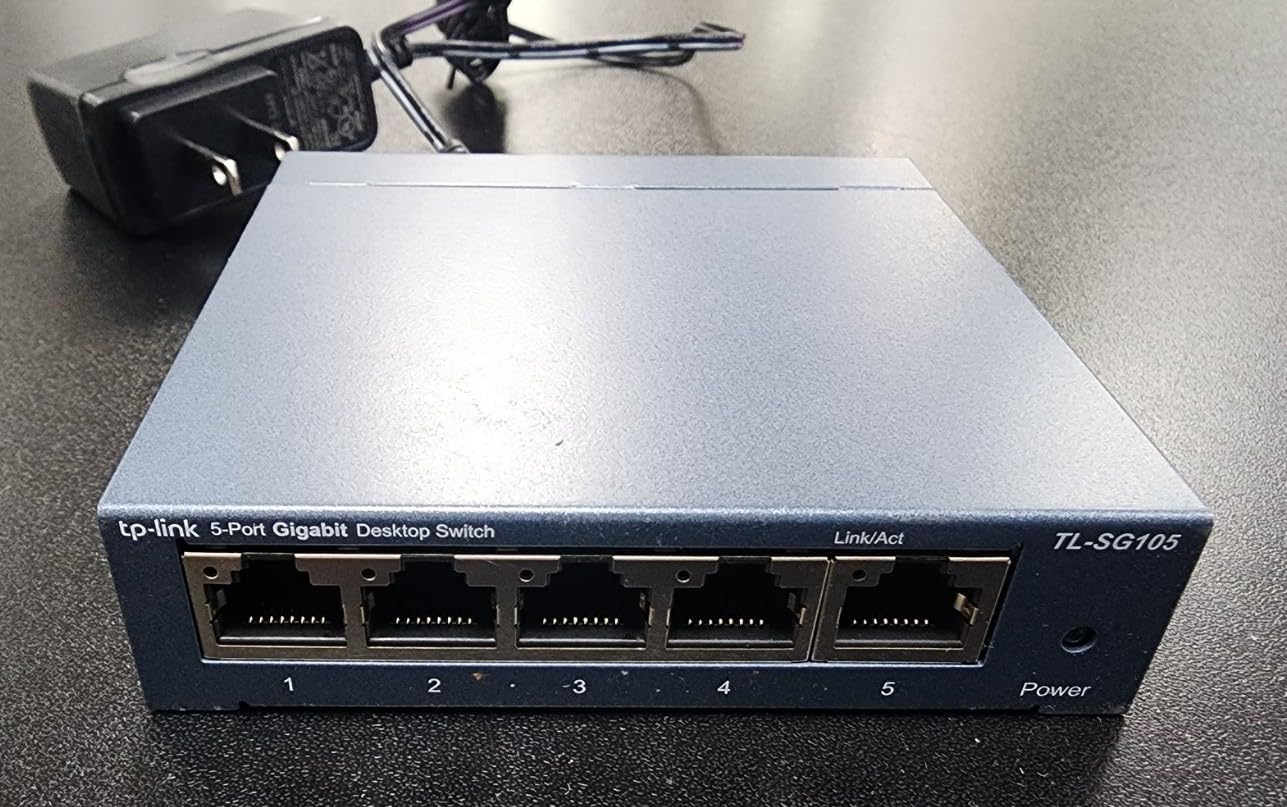
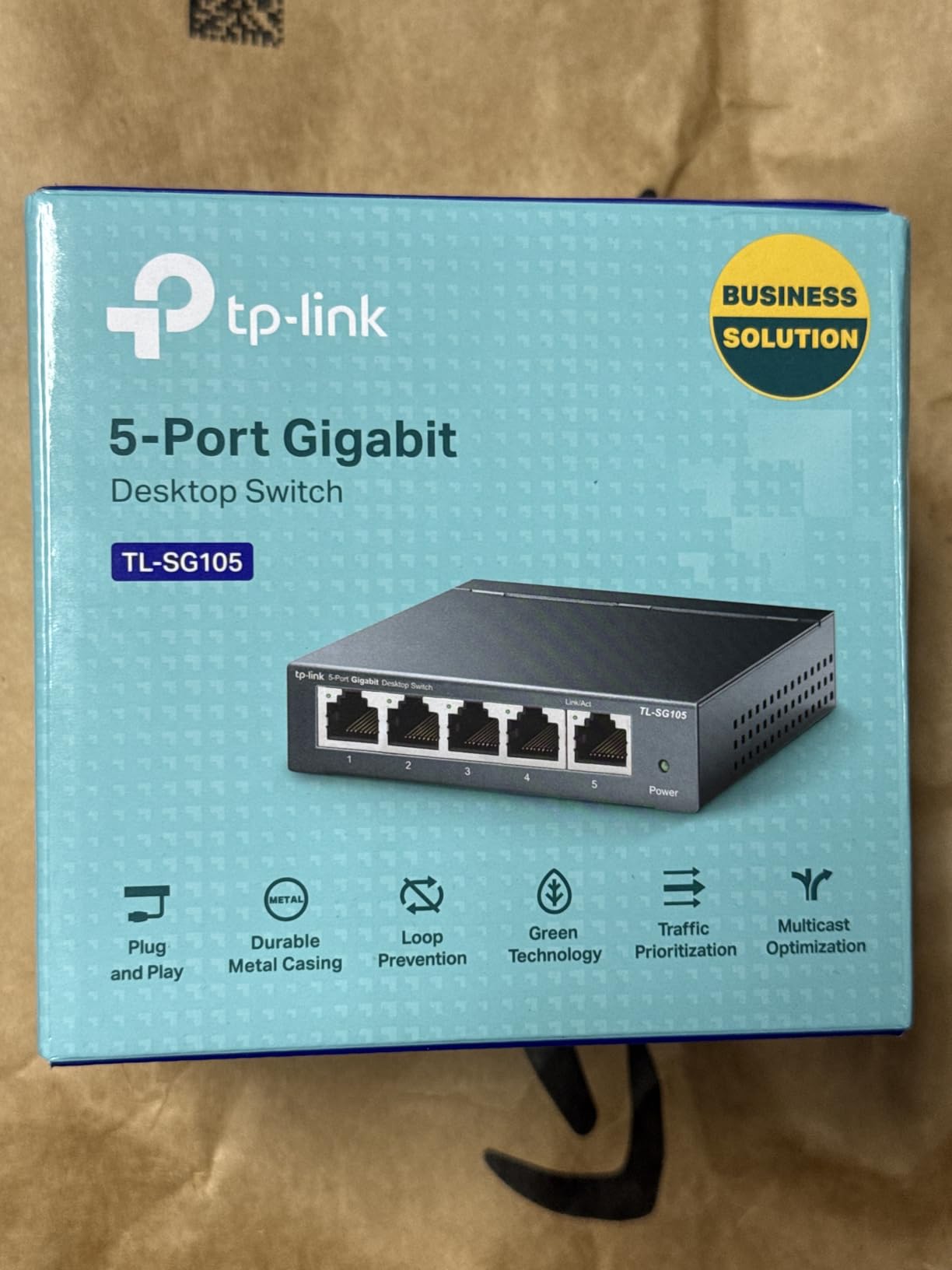
The TL-SG105 from TP-Link represents the best value in portable networking. For a remarkably low price, you get the same metal construction and reliable gigabit performance as larger switches, just in a more compact 5-port package. I have recommended this switch to countless friends hosting their first LAN parties.
Despite the budget price, TP-Link did not cut corners on build quality. The metal housing feels solid and has survived many trips in my equipment bag. At under 8 ounces and roughly 4 inches square, it takes up minimal space while still providing 5 full gigabit ports for your gaming network.
The traffic optimization features surprised me at this price point. Port-based QoS and IGMP snooping help manage data flow, which can actually matter when all 5 ports are pushing heavy gaming traffic simultaneously. Most budget switches skip these features entirely.
With over 127,000 reviews and a 4.7-star rating, this is one of the most popular network switches on Amazon. That kind of track record speaks volumes about reliability. Users report running these for 3+ years without a single issue, which is exactly what you want for equipment you depend on at events.
Ideal for Compact Gaming Setups
The 5-port design works perfectly for small gatherings of 4 players plus an uplink to your router. If your LAN parties typically involve 3-4 friends coming over for weekend gaming sessions, this switch handles the job without excess ports you will never use. The compact size also makes it easy to hide behind monitors or under tables.
Durability for Travel
The metal casing protects internal components during transport far better than plastic alternatives. I have tossed this switch in bags with cables, controllers, and other gear without any concerns. The shielded ports add another layer of protection, reducing the chance of damage when cables get yanked during setup or teardown.
3. UGREEN Ethernet Switch – 5-Port Gigabit Network Hub
UGREEN Ethernet Switch, 5 Port Gigabit Plug & Play Ethernet Splitter
5x Gigabit Ports
Wall Mount Design
LED Indicators
Fanless Operation
Plug and Play
+ The Good
- Lowest price in its class
- True plug and play operation
- Compact lightweight design
- Wall mountable for flexible placement
- Works with all major operating systems
- The Bad
- Plastic casing less durable than metal
- Wall mount puts ports upside down
- Ports close together for thick cables
The UGREEN Ethernet Switch proves you do not need to spend much to get reliable gigabit networking for your LAN parties. At under ten dollars, this is the most affordable option on my list, making it perfect for first-time hosts or anyone building a budget gaming setup. Despite the low price, it delivers the core features you need.
True plug-and-play operation means you can set this up in seconds. Connect the power adapter, plug in your Ethernet cables, and you are ready to game. No drivers, no configuration, no software to install. The LED indicators on each port give you visual confirmation that connections are active.
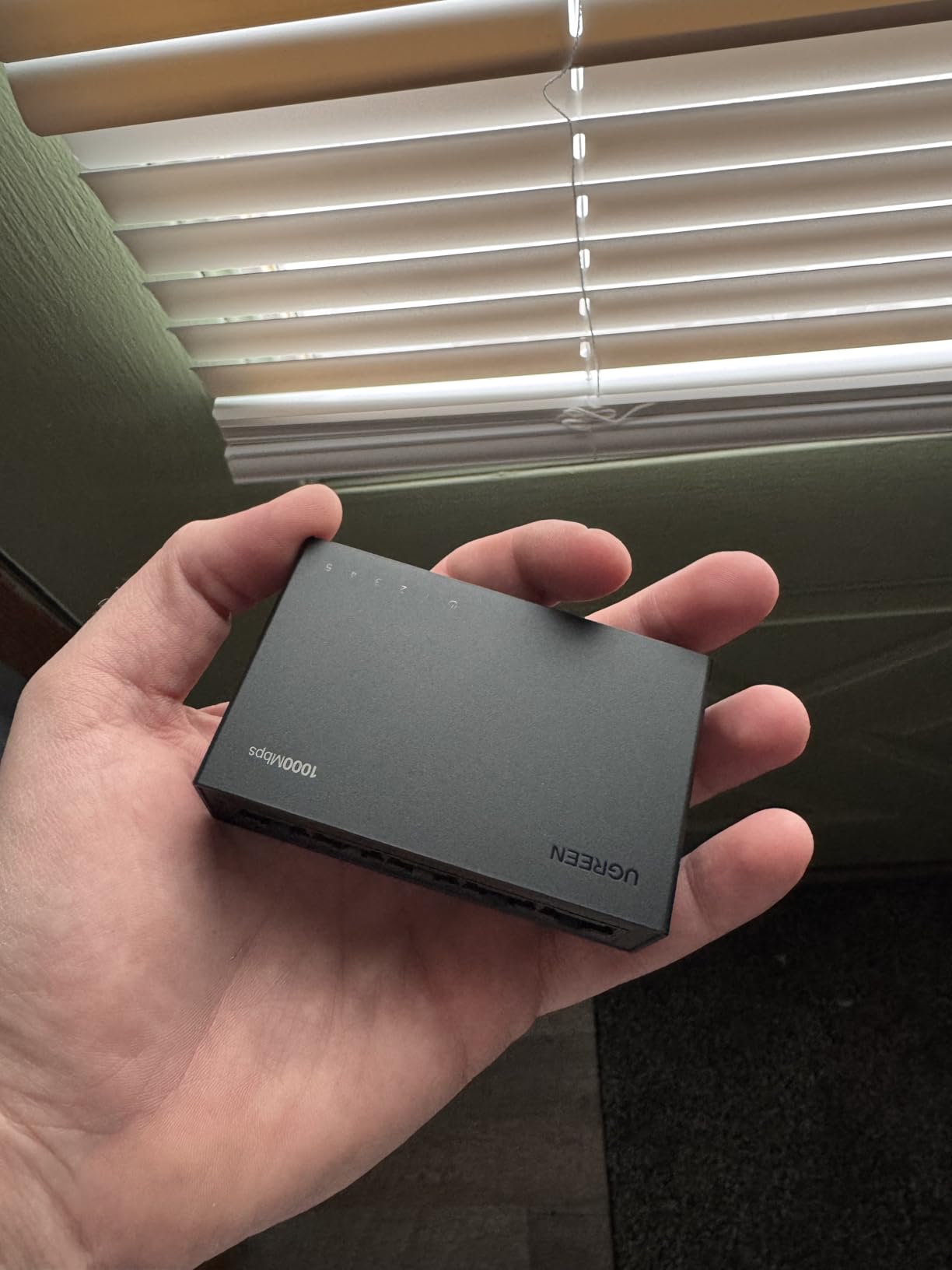
The wall-mount design adds flexibility for event setups. You can attach it to a wall or the side of a desk to keep it off the floor and away from foot traffic. Just note that when wall-mounted, the ports face downward, which can make cable management slightly awkward.
While the plastic casing is less durable than metal alternatives, it also makes the switch incredibly light at under 6 ounces. For occasional use at home LAN parties where the switch stays in one place, this trade-off makes sense. The fanless design keeps operation silent, which is appreciated in quieter gaming environments.
Perfect for First-Time LAN Hosts
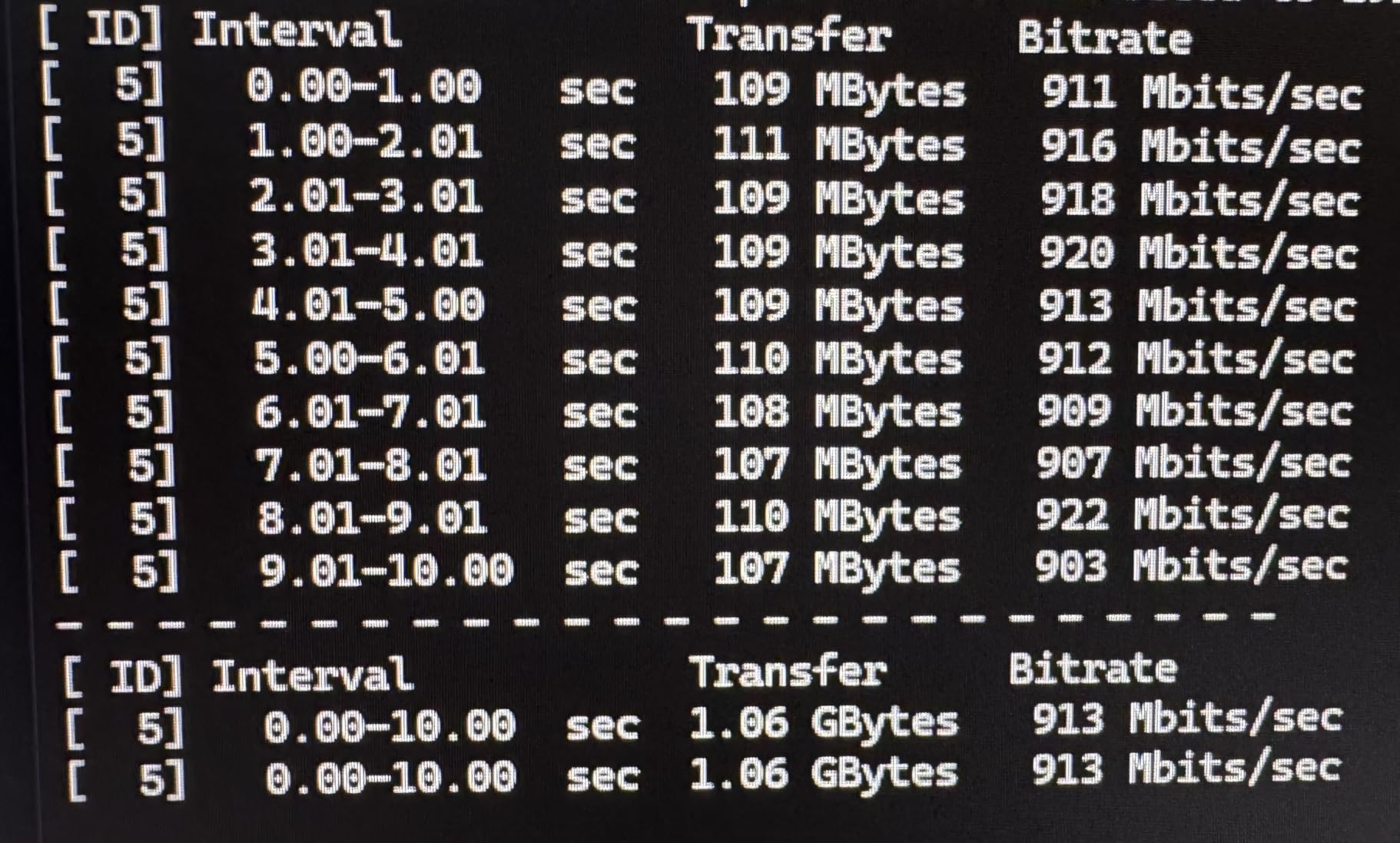
If you are hosting your first LAN party and unsure about investing in networking equipment, start here. The low price lets you test the waters without significant investment. You get reliable gigabit performance that handles gaming traffic without issues, and if you eventually upgrade to a larger switch, this one still works great as a backup or for smaller gatherings.
Limitations to Consider
The plastic housing will not survive rough treatment as well as metal alternatives. If you plan to transport this switch frequently to different venues, consider spending a few more dollars on a metal-cased option. The ports are also placed close together, which can be challenging if you use cables with thick connectors.
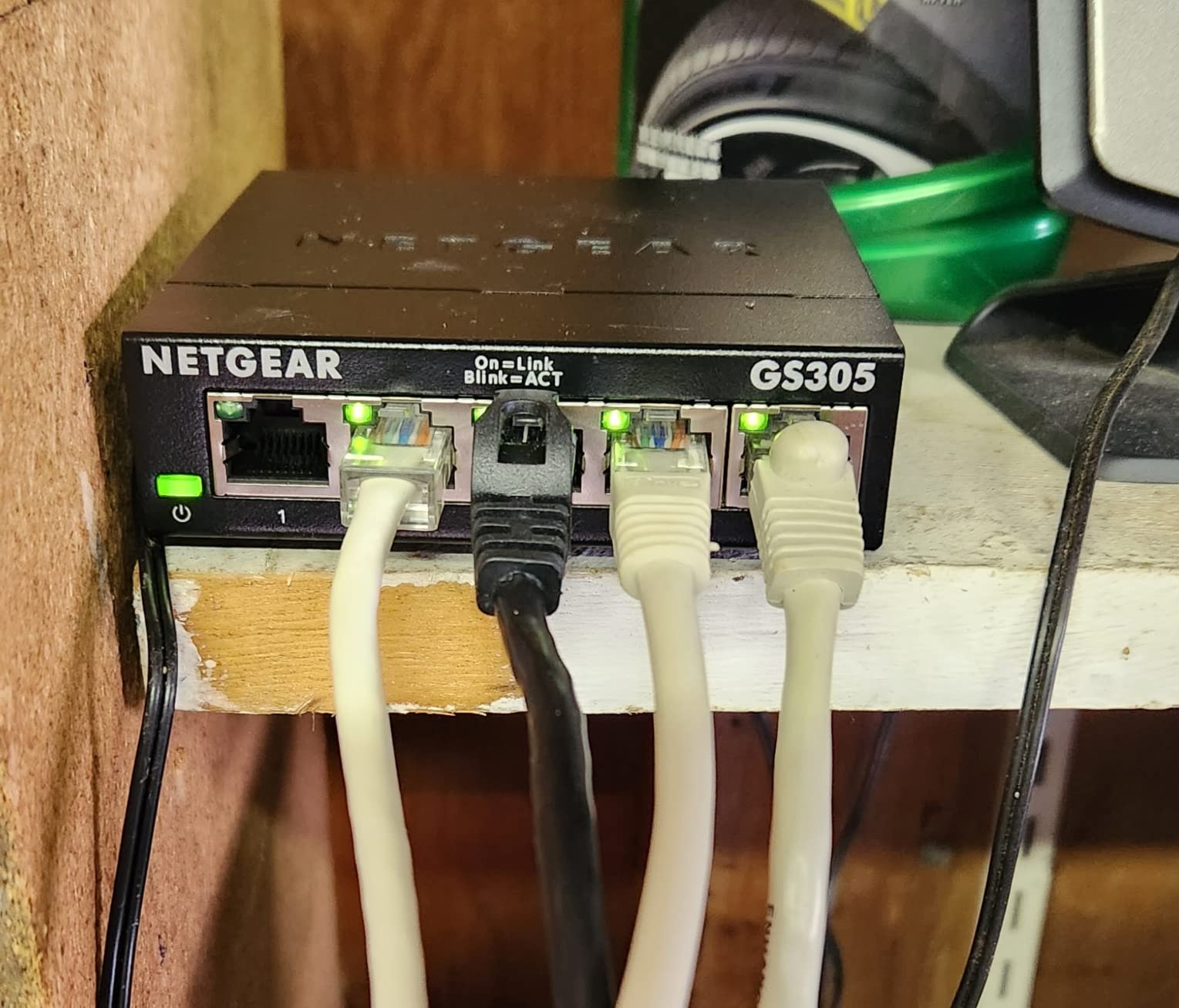
4. NETGEAR GS305 – 5-Port Gigabit Essentials Switch
NETGEAR 5-Port Gigabit Ethernet Unmanaged Network Switch (GS305)
5x Gigabit Ports
Metal Housing
Silent Operation
Energy Efficient
3-Year Warranty
+ The Good
- Trusted NETGEAR brand reputation
- Solid metal construction
- Completely silent fanless design
- Industry-leading 3-year warranty
- Desktop or wall mountable
- The Bad
- LEDs very bright and cannot dim
- Power connector on opposite side from ports
- Slightly larger than some competitors
NETGEAR has built a reputation for reliable networking equipment, and the GS305 lives up to that standard. This 5-port gigabit switch combines solid build quality with the peace of mind that comes from a major brand name. For LAN party hosts who prioritize reliability above all else, this is an excellent choice.
The metal casing provides the durability needed for portable use. I have seen these switches survive years of regular transport and setup without issues. The construction feels substantial in your hand, not like the flimsy plastic alternatives that flex under pressure.
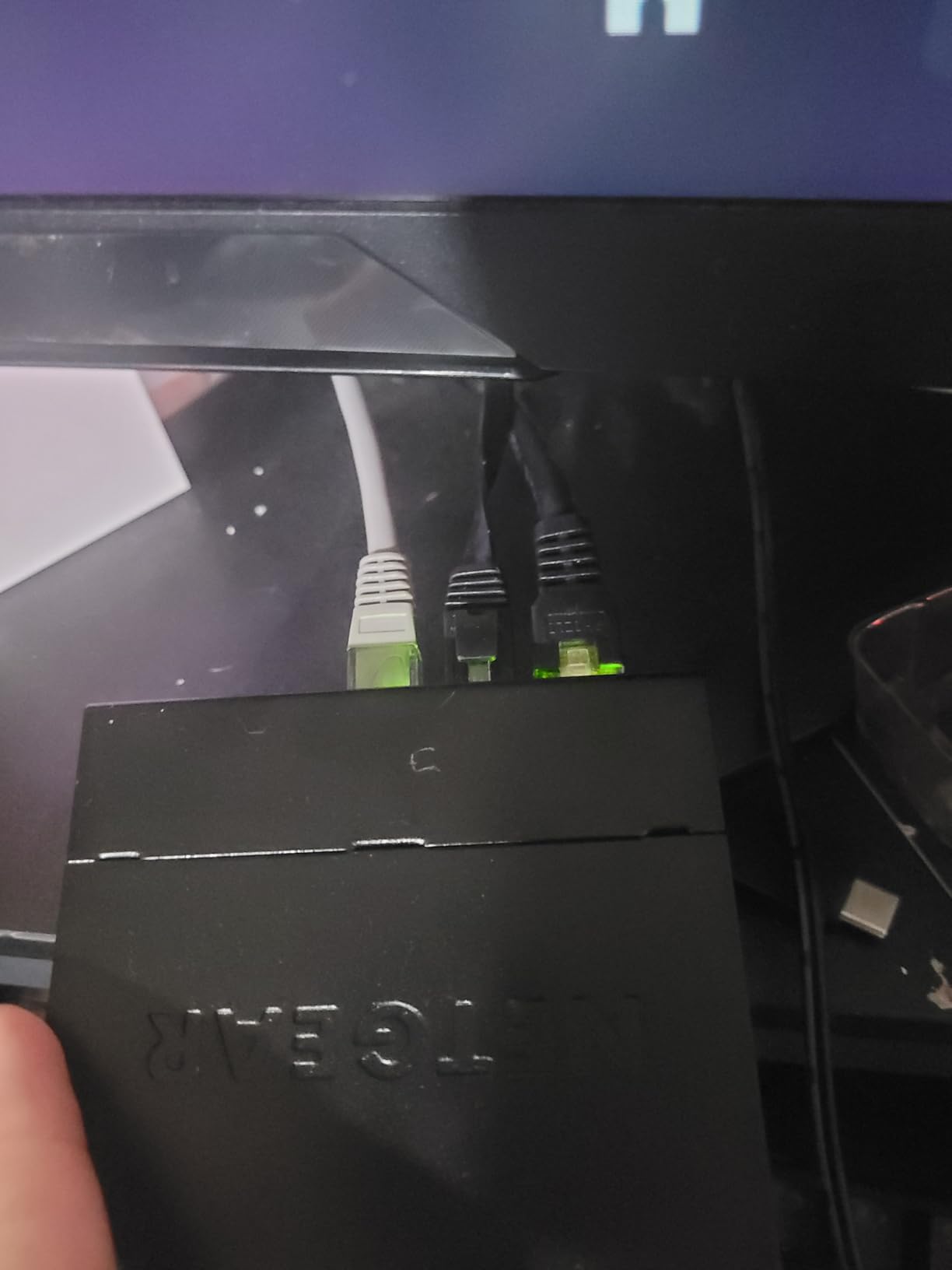
Silent operation matters more than you might think at LAN parties. With multiple PCs, monitors, and other equipment generating noise, the last thing you need is a whining fan adding to the din. The GS305 runs completely silent thanks to its fanless design, while the metal case dissipates heat effectively.
The 3-year limited hardware warranty from NETGEAR provides extra confidence. If anything goes wrong with the switch during normal use, you are covered. With nearly 30,000 reviews and a 4.7-star rating, the real-world reliability of this switch is well documented.
Best for Home and Travel Use
The GS305 works equally well as a permanent home networking solution and as a portable LAN party switch. At about 6 inches long, it is compact enough to pack easily while still providing 5 full gigabit ports. The energy-efficient design also means it will not significantly impact your power bill if left running 24/7.
Build Quality and Warranty
NETGEAR backs this switch with one of the best warranties in the consumer networking space. The 3-year hardware warranty covers defects and failures under normal use. Combined with the solid metal construction, this makes the GS305 a long-term investment that should serve you well through many LAN parties.
5. TP-Link Litewave LS1005G – Ultra-Compact 5-Port Switch
TP-Link LS1005G, Litewave 5 Port Gigabit Ethernet Unmanaged Switch
5x Gigabit Ports
Ultra Compact
Weighs 2.8 oz
Plastic Housing
Fanless Design
+ The Good
- Incredibly lightweight at 2.82 ounces
- Tiny footprint fits anywhere
- Reliable gigabit performance
- True plug and play
- Energy efficient operation
- The Bad
- Plastic casing less durable
- No power switch on unit
- Unshielded design
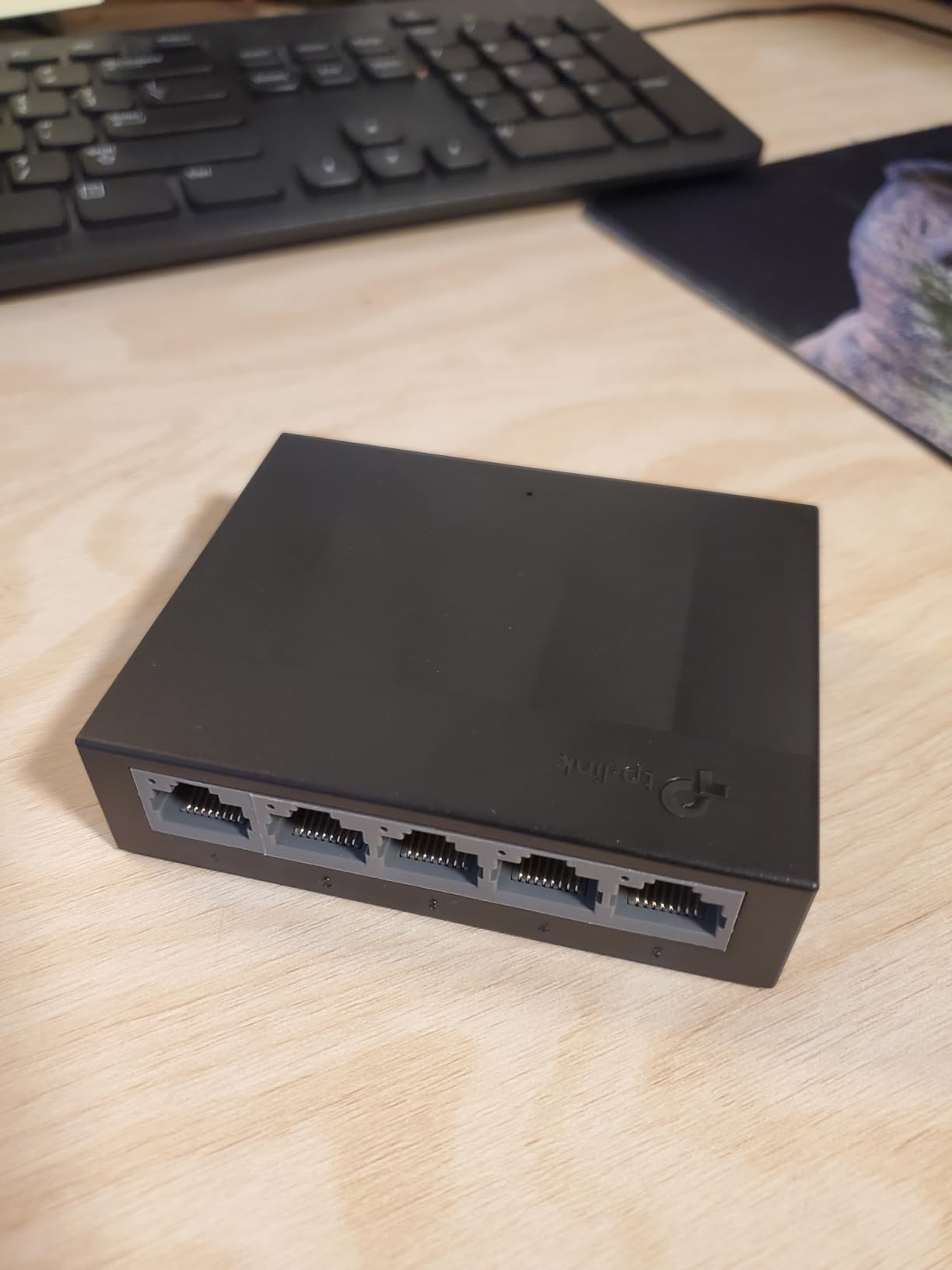
Sometimes size really does matter, and the TP-Link Litewave LS1005G wins the portability contest hands down. At just 2.82 ounces and measuring roughly 3.5 by 2.8 inches, this is the smallest gigabit switch I have ever used. It takes up less space than a deck of cards while still providing 5 full gigabit ports.
I keep one of these in my laptop bag as an emergency networking backup. The tiny size means it adds virtually no weight or bulk, yet it has saved me multiple times when I needed extra ports at a venue. For traveling LAN party hosts who count every ounce, this is the obvious choice.
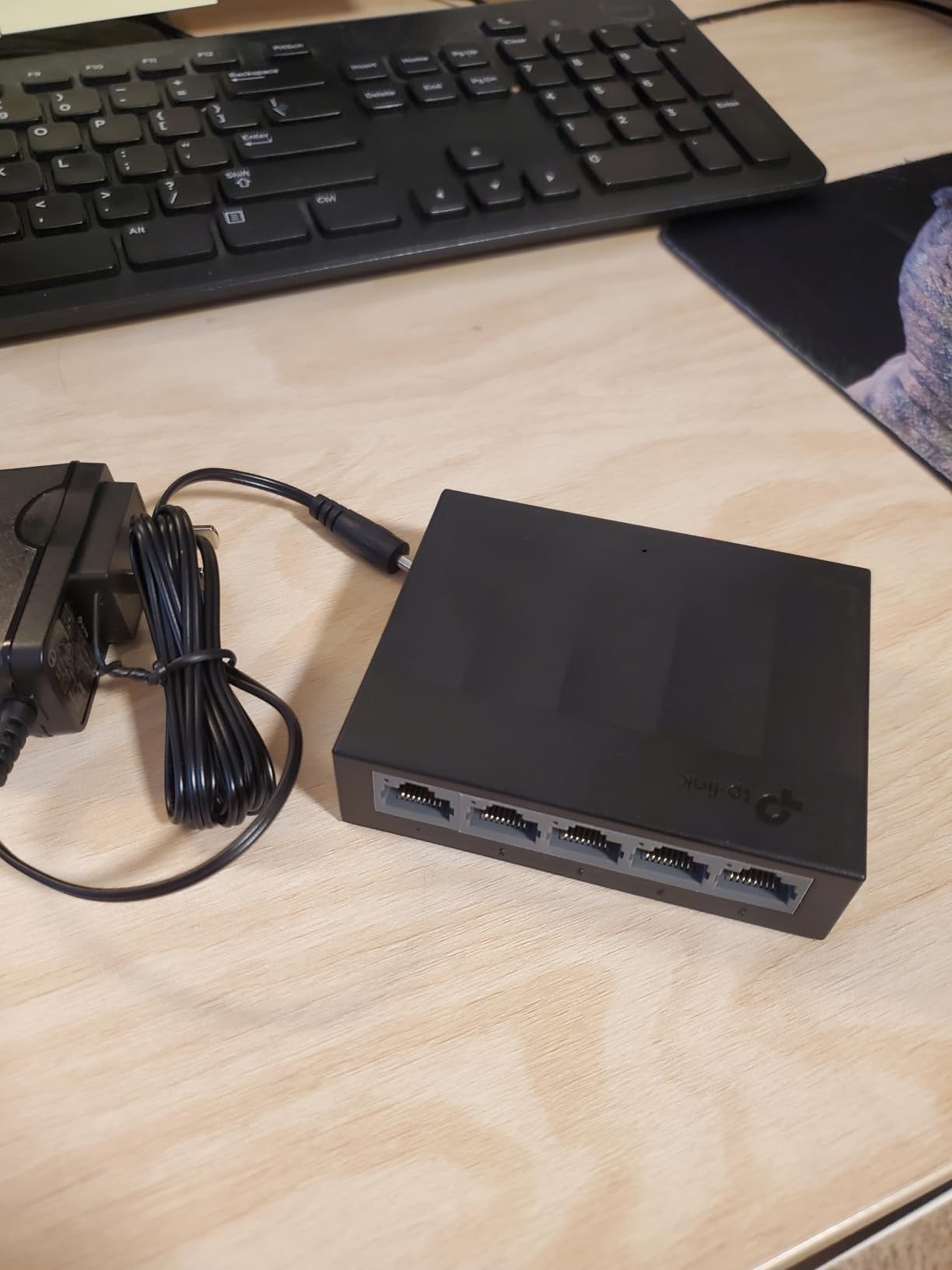
Despite the diminutive size, performance matches larger switches. Every port delivers full gigabit speeds with auto-negotiation and auto-MDI/MDIX support. You can plug in any Ethernet cable without worrying about crossover cables or configuration.
The plastic housing keeps weight down but does sacrifice some durability compared to metal alternatives. For careful users who pack gear properly, this trade-off makes sense. The fanless design keeps operation silent, and the energy-efficient technology minimizes power consumption.
Ultra-Compact Design Benefits
The tiny footprint lets you place this switch anywhere. Hide it behind a monitor, tuck it under a keyboard, or mount it to the side of a desk. When space is tight at crowded LAN parties, having a switch that takes up almost no room is genuinely valuable.
When Size Matters Most
If you walk or bike to LAN parties, carry networking gear in a backpack, or simply want the lightest possible setup, the LS1005G is unbeatable. The 2.82-ounce weight is almost negligible, and the small size means you can fit it in pockets or small pouches alongside cables and other accessories.
6. TRENDnet TEG-S50g – 5-Port Mini Gigabit Switch
TRENDnet 5 Port Mini Gigabit Switch, TEG-S50g, Lifetime Protection
5x Gigabit Ports
Lifetime Warranty
NDAA TAA Compliant
Metal Housing
GREENnet Technology
+ The Good
- Lifetime manufacturer protection
- NDAA and TAA compliant for government use
- GREENnet energy savings up to 70%
- Proven reliability with 13+ year lifespans
- Ultra-compact metal housing
- The Bad
- Higher price than competitors
- No power switch on unit
- Older product design
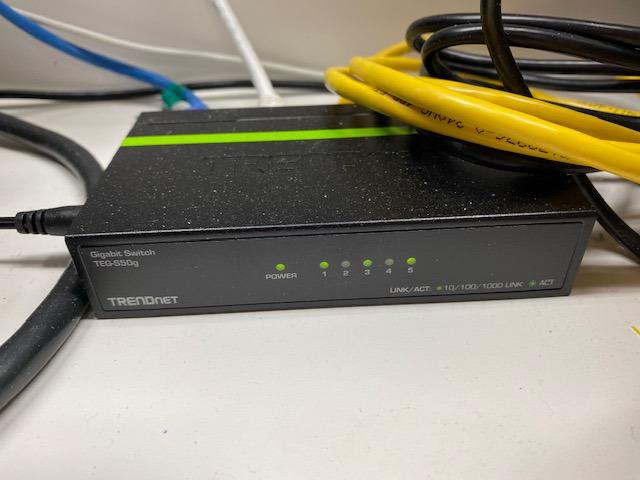
The TRENDnet TEG-S50g stands out for one reason above all others: lifetime warranty coverage. While most switches offer 2-3 year warranties, TRENDnet backs this product for its entire useful life. For LAN party hosts who want equipment that will last indefinitely, this is the most future-proof choice available.
Beyond the warranty, this switch has earned a reputation for exceptional longevity. I have read reviews from users running these switches for 13+ years without a single failure. That kind of track record speaks to the quality of components and construction.
The GREENnet technology reduces power consumption by up to 70% compared to standard switches. While energy savings might not matter much for occasional LAN party use, it is a nice bonus if you use the switch continuously at home between events.
NDAA and TAA compliance might seem irrelevant for gaming, but it indicates the build quality and supply chain standards that TRENDnet maintains. This is professional-grade equipment that happens to be priced for consumers.
Professional-Grade Reliability
The metal housing and quality components inside this switch are built to last. Users consistently report years of flawless operation, even in demanding environments. For LAN party hosts who want to buy once and never worry about their switch again, the TEG-S50g delivers.
Long-Term Investment Value
While the upfront cost is higher than some competitors, the lifetime warranty changes the value equation significantly. If you plan to host LAN parties for years to come, this switch could outlast multiple cheaper alternatives. The proven 13+ year lifespan some users report makes the investment worthwhile.
7. NETGEAR GS308 – 8-Port Gigabit Essentials Switch
NETGEAR 8-Port Gigabit Ethernet Unmanaged Network Switch (GS308)
8x Gigabit Ports
Metal Housing
Silent Operation
Energy Efficient
3-Year Warranty
+ The Good
- Perfect 8-port count for standard LAN parties
- Trusted NETGEAR reliability
- Silent fanless operation
- Solid metal construction
- Excellent 3-year warranty
- The Bad
- Unmanaged with no configuration options
- Only 7 usable ports after uplink
- No VLAN support
The NETGEAR GS308 is the 8-port sibling of the GS305, and it hits the ideal port count for most LAN parties. With 8 ports, you can connect 7 players plus your internet uplink, which covers the typical gaming gathering perfectly. The 4.8-star rating with nearly 29,000 reviews confirms this is a crowd-pleaser.
I appreciate the consistency of NETGEAR’s Essentials line. The GS308 offers the same solid metal construction, silent operation, and reliable performance as the smaller GS305, just with 3 additional ports. If your LAN parties regularly hit 6-8 players, this is the sweet spot.
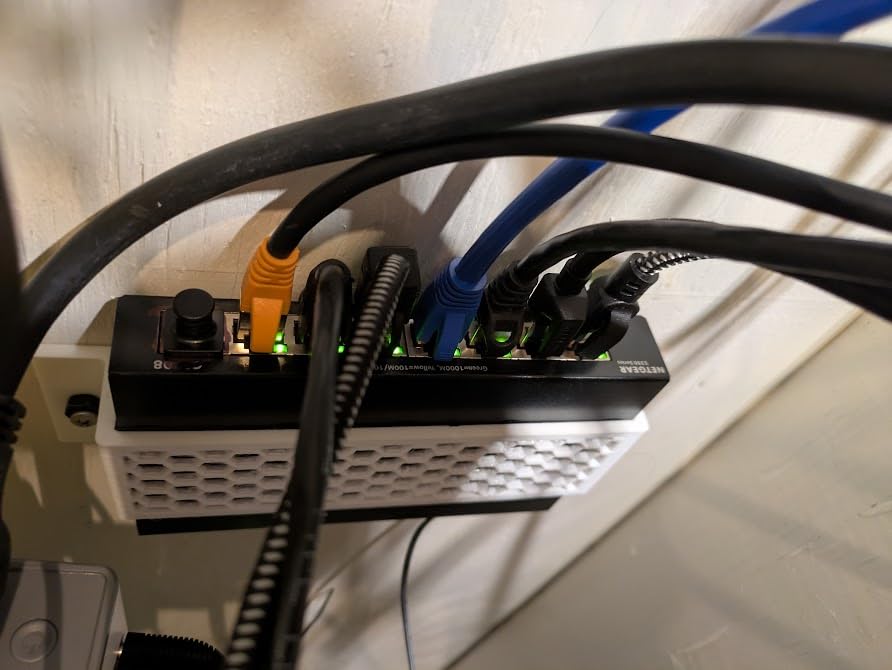
The build quality inspires confidence for portable use. The metal case protects internal components during transport, and the unit runs cool even with all 8 ports active. At about 14 ounces, it is substantial enough to feel durable without being heavy to carry.
Plug-and-play setup means you spend more time gaming and less time configuring network equipment. Connect power, plug in Ethernet cables, and you are done. No software, no settings to adjust, no troubleshooting required.
Perfect Port Count for Standard Parties
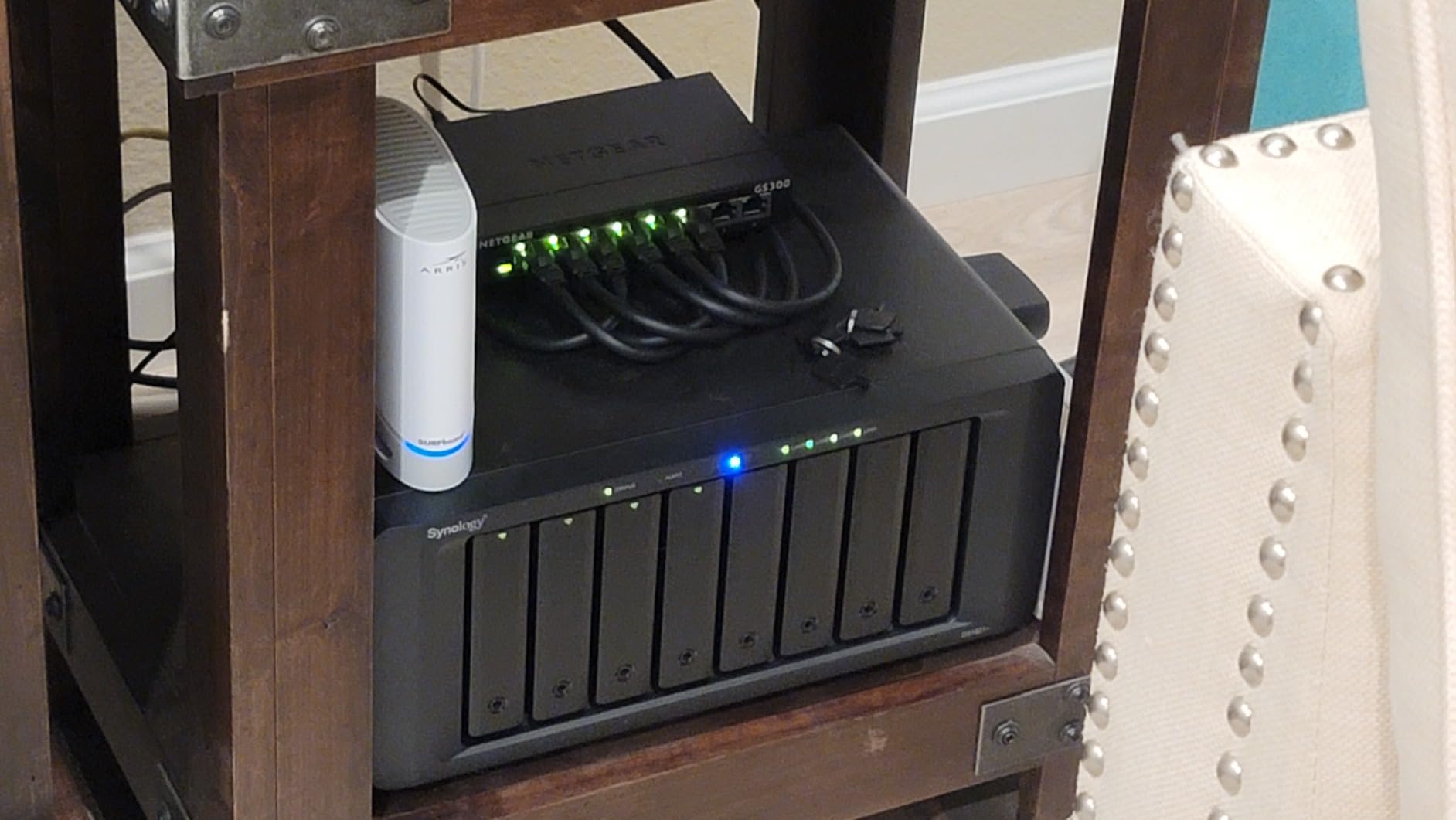
Most LAN parties fall in the 4-8 player range, making 8-port switches ideal. You get enough ports for everyone plus your router connection without paying for excess capacity you will never use. The GS308 handles this use case perfectly at a reasonable price.
NETGEAR Reliability
The NETGEAR brand carries weight in networking for good reason. Their equipment consistently delivers reliable performance, and the 3-year warranty provides peace of mind. With nearly 29,000 reviews and a 4.8-star rating, the GS308 has proven itself to thousands of satisfied users.
8. BrosTrend 5-Port 2.5GB Switch – Multi-Gigabit Network Hub
5x 2.5Gbps Ports
25Gbps Switching Capacity
Lifetime Protection
Fanless Design
Desktop or Wall Mount
+ The Good
- 2.5Gbps speed on all ports
- Works with existing Cat5e cables
- 2.5X faster than gigabit switches
- Stays cool under heavy load
- Lifetime protection warranty
- The Bad
- Plastic case feels less sturdy
- Power adapter may block adjacent plugs
- Higher price than gigabit alternatives
The BrosTrend 5-Port 2.5GB Switch is for LAN party hosts who demand more than gigabit speeds. With 2.5Gbps on every port, this switch delivers 2.5 times the bandwidth of standard gigabit switches. If your venue has fiber internet or you transfer large files between gaming PCs, the extra speed is genuinely useful.
What impressed me most is that this switch works with standard Cat5e cables. You do not need to upgrade your entire cable collection to take advantage of the faster speeds. This makes the 2.5G upgrade much more practical for portable setups where you might be using various cables from different sources.
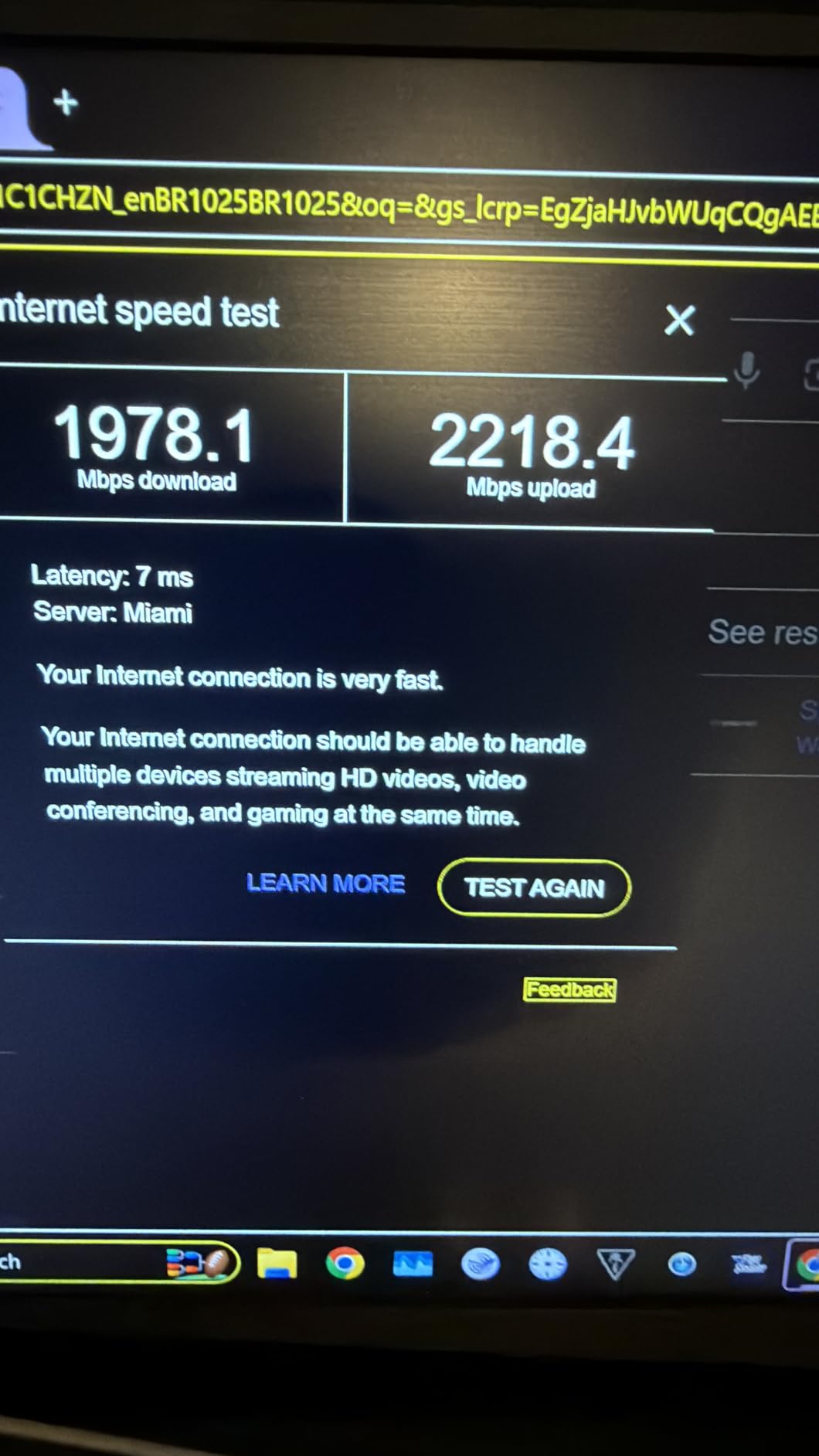
The 25Gbps switching capacity means all 5 ports can run at full speed simultaneously without bottlenecks. For file transfers between gaming PCs or downloading game updates at LAN parties, this extra throughput makes a noticeable difference.
Despite the higher performance, the switch runs cool and silent thanks to its fanless design. Users report running these 24/7 under heavy load without heat issues, which speaks to the quality of thermal design.
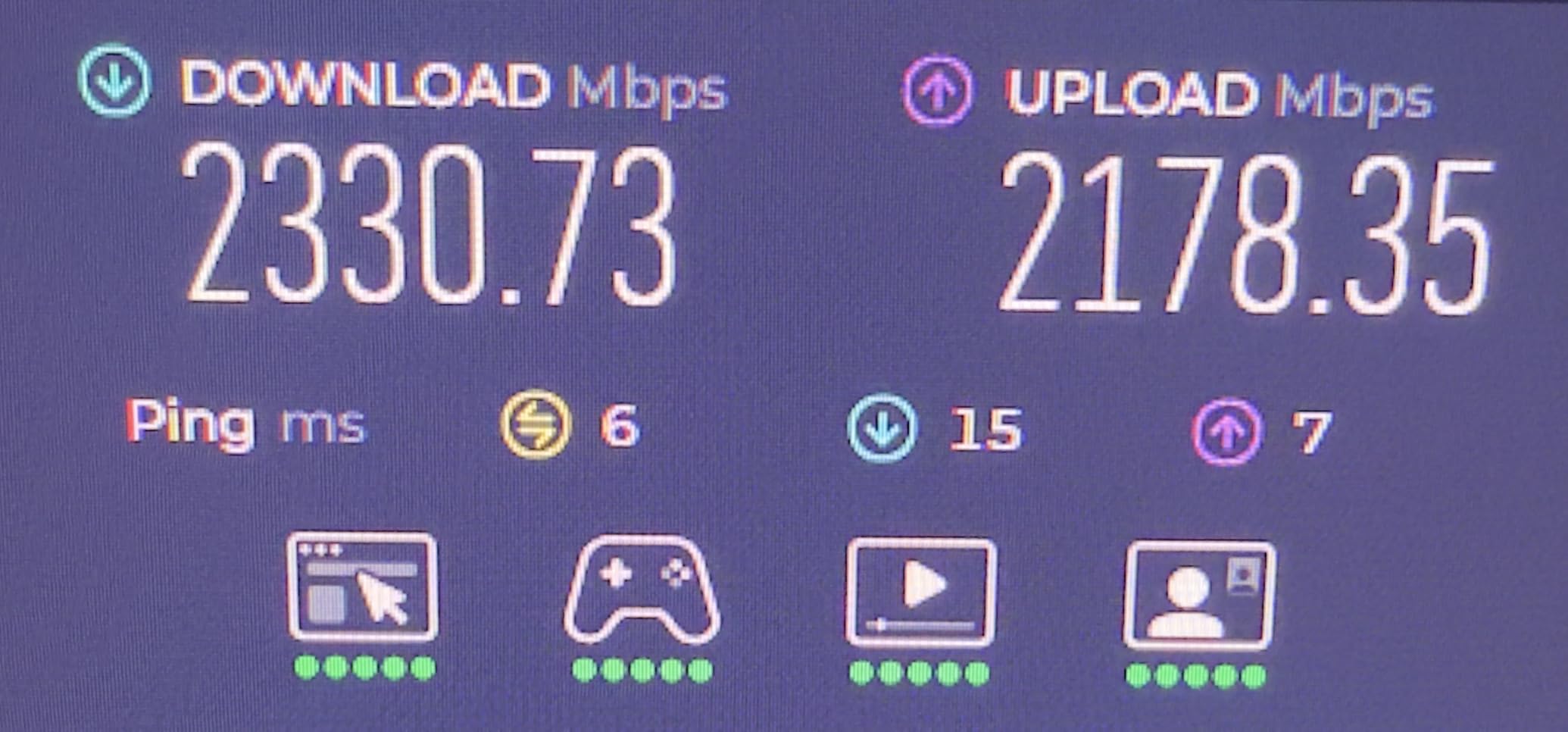
When You Need More Than Gigabit
Most gaming traffic does not saturate gigabit connections, so standard switches work fine for gameplay. But if your LAN parties involve frequent large file transfers, game installations, or you have internet connections faster than 1Gbps, the 2.5G switch eliminates the bottleneck.
Future-Proof Your Setup
As internet speeds continue to increase and game file sizes grow, having a multi-gig switch positions you for the future. The BrosTrend switch lets you upgrade your network now and benefit from faster speeds as your internet connection and other equipment improve. The lifetime protection warranty adds confidence to this forward-looking investment.
How to Choose the Best Portable Network Switch for LAN Parties
Selecting the right network switch for your gaming events involves more than just picking the cheapest option with enough ports. Here are the key factors to consider when choosing a portable switch for LAN party use.
Port Count: How Many Do You Need?
The golden rule is to count your expected players and add one for your router or modem uplink. A 5-port switch gives you 4 player connections plus the uplink. An 8-port switch handles 7 players plus uplink. For larger events, you may need multiple switches or a 16+ port model.
Consider your typical party size and plan accordingly. A switch that is too small means turning players away or buying a second switch. A switch that is too large wastes money and takes up unnecessary space in your gear bag. Most LAN parties fall in the 4-8 player range, making 5 and 8-port switches the most practical choices.
Speed Requirements: Gigabit vs Multi-Gigabit
For pure gaming traffic, standard gigabit speeds are more than sufficient. Game packets are small, and even intense multiplayer action rarely exceeds 100Mbps per player. However, if your LAN parties involve file sharing, game installations, or you have fiber internet faster than 1Gbps, a 2.5G switch like the BrosTrend eliminates the network as a bottleneck.
Most users will be perfectly happy with gigabit switches. The 2.5G option makes sense primarily for enthusiasts who want maximum performance or who have infrastructure to support higher speeds.
Managed vs Unmanaged Switches
For LAN parties, unmanaged switches are almost always the better choice. They require zero configuration, work instantly out of the box, and eliminate potential points of failure. Managed switches offer features like VLANs, port mirroring, and traffic shaping, but these are unnecessary for gaming events and add complexity.
The simplicity of unmanaged switches means less time troubleshooting and more time gaming. All eight switches in this guide are unmanaged, which is exactly what most LAN party hosts need.
Portability Features to Look For
Size and weight matter when you transport equipment regularly. Look for switches that fit easily in a backpack or gear bag without taking up too much space. The TP-Link Litewave LS1005G is the champion here, weighing under 3 ounces.
Metal housing provides better durability for transport than plastic alternatives. It also dissipates heat more effectively, which helps when running all ports at full capacity for extended gaming sessions. Consider whether your switch needs wall-mount capability for flexible placement at venues.
Durability and Build Quality
Portable equipment takes abuse that stationary gear never experiences. Switches get tossed in bags, stacked under other equipment, and subjected to temperature changes during transport. Metal-cased switches like the TP-Link TL-SG105 and NETGEAR GS305 survive this treatment far better than plastic alternatives.
Warranty coverage is another indicator of expected durability. The TRENDnet TEG-S50g offers lifetime protection, while most others provide 3-year warranties. Longer warranties suggest the manufacturer stands behind their product’s longevity.
Frequently Asked Questions
Do you need a switch for a LAN party?
Yes, you need a network switch for a LAN party if you want all players to connect together on a local network. Most routers only have 4 ports, which is insufficient for parties with more than 3 players. A switch expands your available ports and provides stable wired connections for low-latency gaming. Without a switch, you would need to rely on Wi-Fi, which introduces lag and connection instability that ruins competitive gaming experiences.
How many ports do I need for a LAN party?
Count your expected players and add one port for connecting to your router or internet source. For a 4-player party, you need a 5-port switch. For 7 players, an 8-port switch works perfectly. For larger events with 15+ players, consider a 16-port switch or multiple 8-port switches connected together. Always plan for at least one extra port in case of unexpected attendees or equipment needs.
Is a managed or unmanaged switch better for gaming?
Unmanaged switches are better for LAN party gaming because they require zero configuration and work instantly out of the box. Managed switches offer advanced features like VLANs and QoS, but these are unnecessary for typical gaming events and add complexity. For pure gaming use, an unmanaged gigabit switch provides all the performance you need with none of the setup headaches.
Do I need PoE for a LAN party?
No, you do not need Power over Ethernet for a typical LAN party. PoE is used to power devices like IP cameras, wireless access points, and VoIP phones through Ethernet cables. Gaming PCs and consoles have their own power sources, so PoE capability adds cost without benefit. A standard non-PoE switch works perfectly for gaming events.
Can I daisy chain multiple switches together for a LAN party?
Yes, you can connect multiple switches together to expand your port capacity. Connect one port from each switch to link them, then connect one switch to your router. Be aware that traffic between switches shares a single gigabit link, which can create bottlenecks during heavy file transfers. For best performance, connect all players to a single large switch rather than daisy-chaining multiple small ones.
Final Thoughts
The best portable network switches for LAN party setups combine reliability, portability, and the right port count for your typical event size. For most hosts, the TP-Link TL-SG108 offers the ideal balance with 8 ports, metal durability, and proven performance. Budget-conscious buyers should look at the TP-Link TL-SG105 for excellent value, while those seeking maximum portability will love the tiny TP-Link Litewave LS1005G.
Whatever switch you choose, investing in quality networking equipment transforms your LAN party experience. Stable wired connections eliminate the lag and disconnections that ruin competitive gaming, letting you focus on what matters: playing great games with friends. Pick the switch that matches your party size and budget, and enjoy smoother gaming events in 2026.