
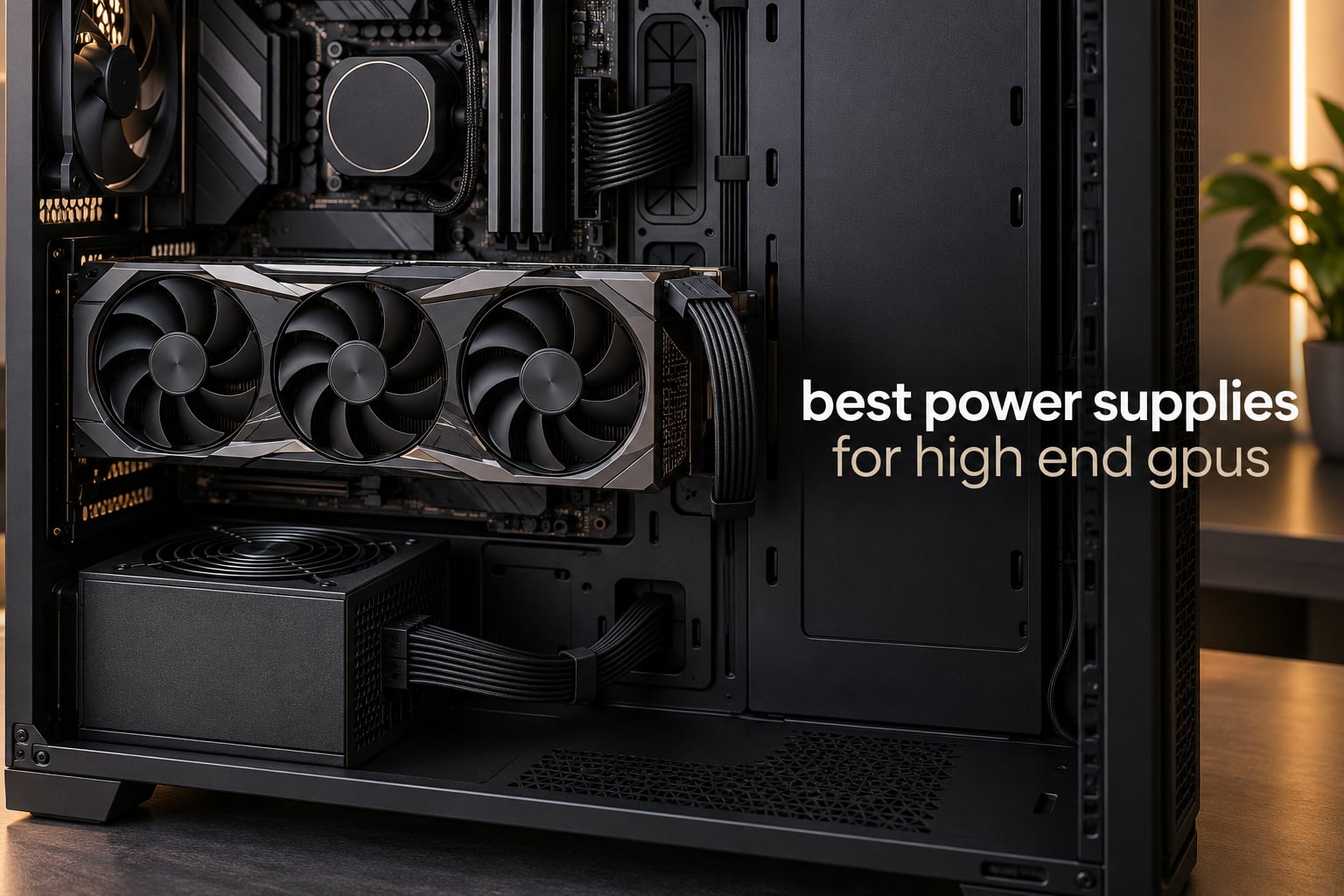
A high-end graphics card is only as good as the power supply behind it. The best power supplies for high end GPUs in 2026 are ATX 3.1 units rated from 1000W to 1600W, each one able to feed a flagship card through a native 12V-2×6 cable and absorb the short power excursions those cards throw out during a spike in frame rate.
That last part is the part most shopping guides skip. A card rated at 575W can spike far above that number for a few milliseconds every time you swing the camera, and a PSU that cannot ride through that spike will trip a protection circuit and shut the whole machine down in the middle of a match.
We spent 2026‘s best-selling high-wattage PSUs side by side, reading the spec sheets, checking the certification labels and reading through owner reports on r/buildapc and the Tom’s Hardware forums. Eleven units made the cut, spanning 1000W through 1600W, everything from the practical default to the enthusiast benchmark. If you are also planning the rest of a new machine, our high-end streaming setup guide covers the surrounding hardware.
Our short answer up front: the Corsair RM1000e is the one most high-end GPU builds should buy. It is ATX 3.1 certified, ships with a native 12V-2×6 cable, and has the largest review base of any unit in this roundup. Builders who want the quietest possible machine should look at the be quiet! Pure Power 13 M, and anyone building a no-compromise RTX 5090 system can step up to the Seasonic Prime TX-1600 Noctua Edition.
Top 3 Best Power Supplies for High End GPUs in 2026

Corsair RM1000e
- › ATX 3.1 and PCIe 5.1 certified
- › Native 12V-2x6 cable
- › Cybenetics Gold efficiency
- › 7-year warranty

ASUS ROG Strix 1000W
- › 80 PLUS Platinum and ATX 3.1
- › GaN MOSFET design
- › GPU-First voltage stabilizer
- › 10-year warranty

be quiet! Pure Power 13 M
- › 80+ Gold and Cybenetics Platinum
- › Native 12V-2x6 plus 4x PCIe 6+2-pin
- › Semi-passive zero-RPM fan
11 Best Power Supplies for High End GPUs (October 2026)
Every PSU below delivers ATX 3.x-era power to a single high-end GPU. The differences that matter in practice are wattage headroom, whether you get a native 12V-2×6 cable or need an adapter, how much of the output is certified efficient, and how long the warranty runs once something does go wrong.
| PRODUCT MODEL | KEY SPECS | BEST PRICE |
|---|---|---|
|
|
Check Latest Price |
 |
|
Check Latest Price |
|
|
Check Latest Price |
|
|
Check Latest Price |
 |
|
Check Latest Price |
 |
|
Check Latest Price |
 |
|
Check Latest Price |
 |
|
Check Latest Price |
 |
|
Check Latest Price |
 |
|
Check Latest Price |
 |
|
Check Latest Price |
1. Corsair RM1000e 1000W – The Best Power Supply for High End GPUs Overall
CORSAIR RM1000e (2025) ATX 3.1 PCIe 5.1 Ready 1000W Power Supply – Black
1000W continuous
ATX 3.1 and PCIe 5.1
Native 12V-2x6
120mm rifle bearing fan
+ The Good
- Fully modular cabling
- ATX 3.1 with native 12V-2x6 for current and next-gen cards
- Quiet 120mm rifle bearing fan at full load
- 105°C-rated capacitors
- Modern Standby wake-from-sleep
- The Bad
- Cord set and connectors look utilitarian rather than premium
- Zero-RPM fan stop behaviour is less aggressive than some rivals
The RM1000e is the unit we kept coming back to while assembling this list. It is rated at 1000W, carries an Intel ATX 3.1 certification with PCIe 5.1 support, and handles two transient power excursions from the GPU, which is the number that matters for cards like the RTX 5080 and RTX 5090.
Physically it is a conventional 140mm ATX chassis at 5.91 x 5.51 x 3.35 inches and 3.6 pounds, so it drops into the same PSU chamber as the unit it replaces. Everything is removable on the modular side, which makes cable routing in a crowded chassis far less painful.
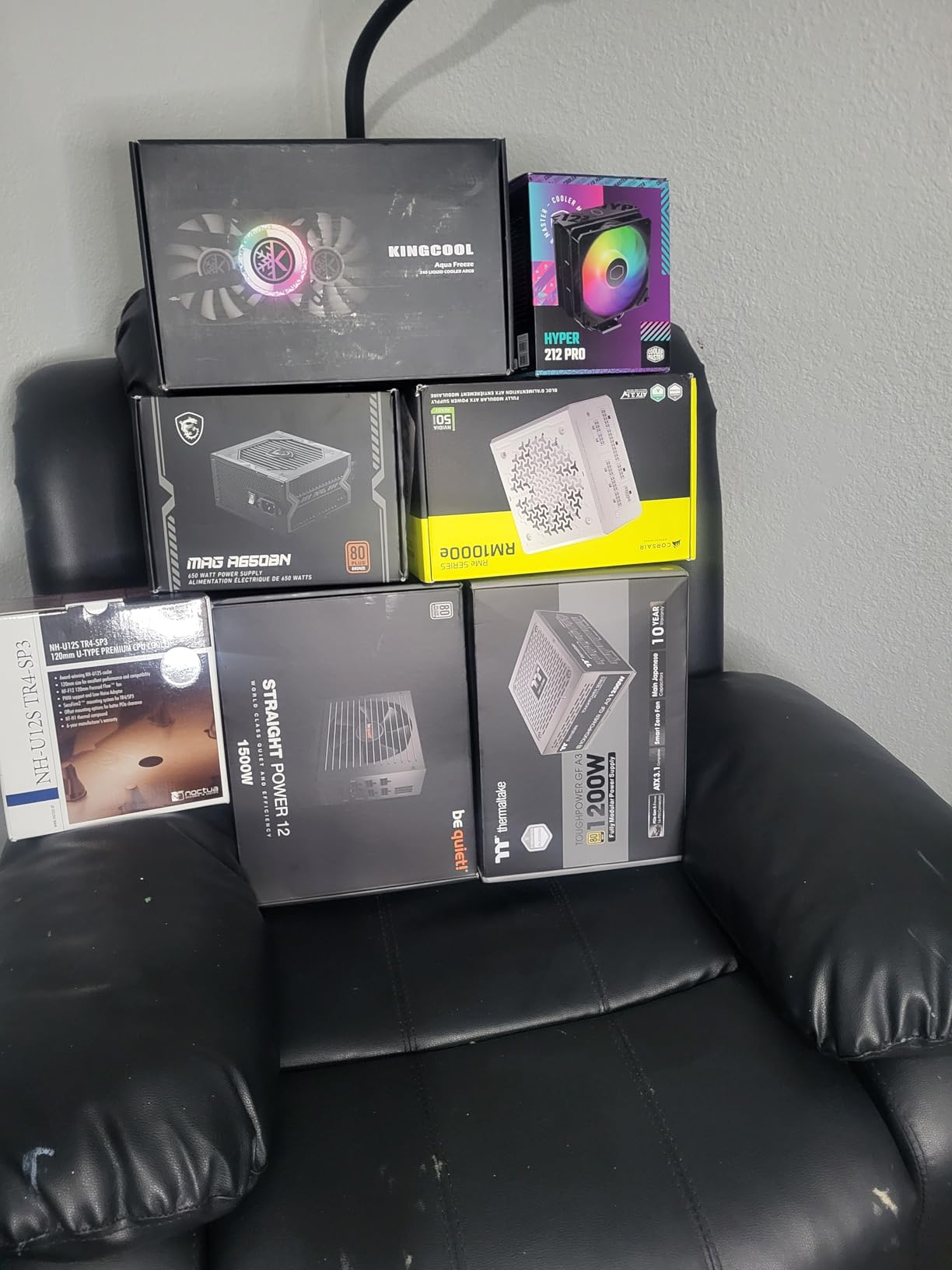
What owners consistently mention is how quiet it stays. A 120mm rifle bearing fan running a calculated fan curve keeps noise low even at full load, and the 105°C-rated capacitors inside are the kind of detail that separates a unit meant to last a decade from one built to hit a price point.
The Cybenetics Gold rating means the unit is efficient at typical gaming loads rather than only at the theoretical peak. Efficiency matters here for a practical reason: every watt the PSU wastes becomes heat in your case, and heat is fan noise and a shorter component life. Modern Standby support gives you fast wake-from-sleep too, which matters if you are not looking at a clock every morning.
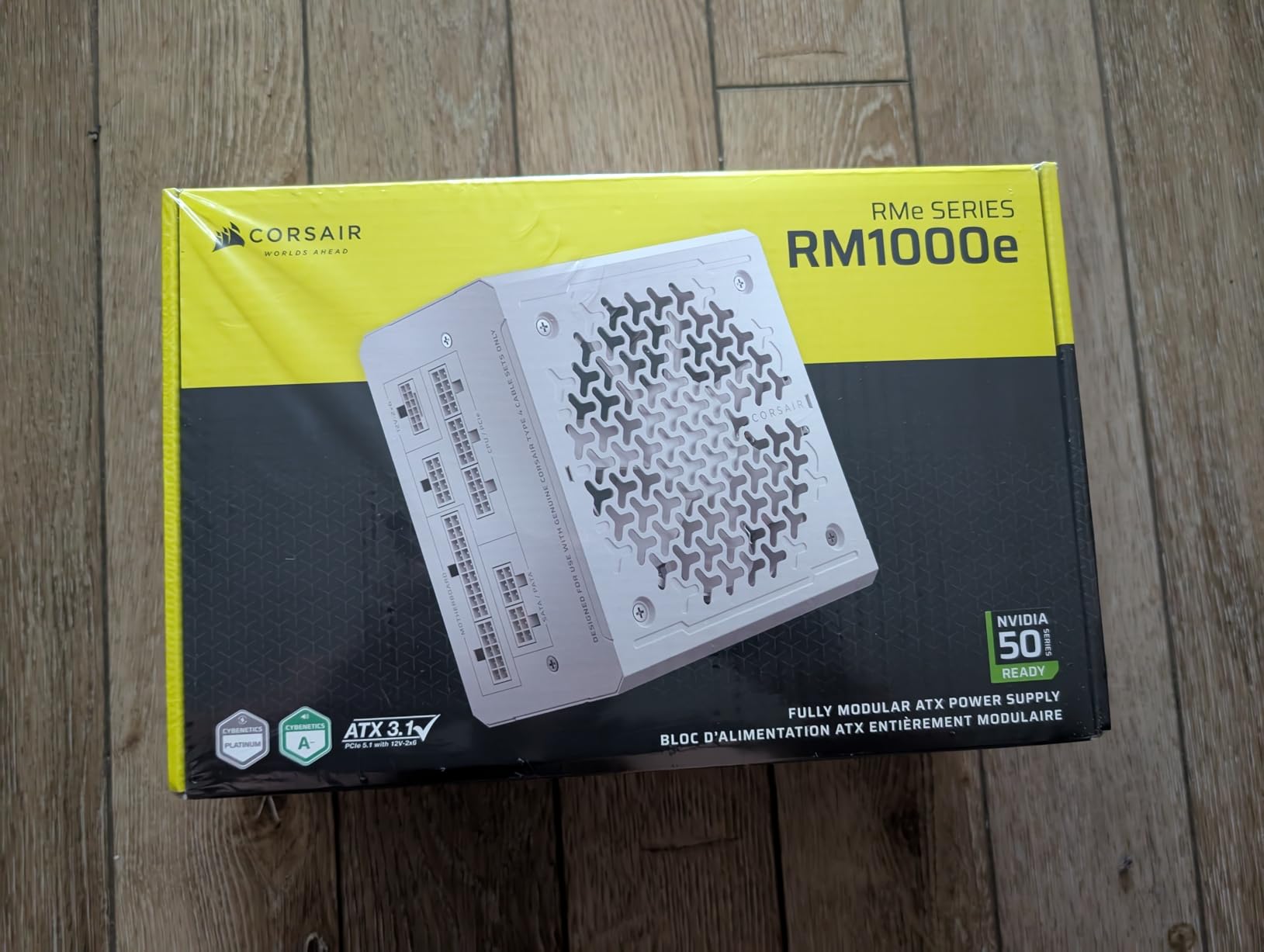
What you should check before buying the RM1000e
Confirm your case accepts a standard ATX unit with roughly 150mm of depth. At 5.91 inches long it is one of the shorter 1000W options, so most mid-towers and most small form factor cases take it without an issue. The detachable 24-pin and single EPS connectors also mean you only fit the leads the build actually needs.
The one legitimate gripe is aesthetic. The cable sleeving and connector shells are plain, and builders doing a themed or all-white build will end up replacing the cable set anyway. That is a cosmetic cost rather than an electrical one, and it is the reason the ASUS ROG Strix below earns its own badge.
Who should skip the RM1000e
If you are running a 5090 with a power-hungry CPU and plan to add a second graphics card later, 1000W leaves less breathing room than you want. Move up to the HX1500i or the Prime TX-1600 rather than stretching this one.
Also skip it if you specifically need software-based monitoring and rail configuration. This is a fixed, conventional design with no PC monitoring software behind it. For that, the Corsair HX1500i in this list does the job properly through iCUE.
2. GAMEMAX RGB-1300 1300W – The Best Power Supply for Maximum Headroom on a Budget
GAMEMAX 1300W Power Supply, ATX 3.0 & PCIE 5.0 Ready, 80+ Platinum Certified, Addressable RGB with 5V Motherboard Sync, 100% Japanese Capacitors, Fully Modular, RGB-1300
1300W continuous
80 PLUS Platinum
ATX 3.0 and PCIe 5.0
12VHPWR 16-pin to 600W
+ The Good
- Very high 1300W wattage at a notably lower price than premium ATX 3.x units
- 80 PLUS Platinum efficiency with Japanese capacitors
- 12VHPWR 16-pin cable delivers up to 600W to a high-end GPU
- Fully modular flat black cables
- ARGB lighting syncs with 5V motherboard headers
- The Bad
- One-star share is noticeably higher than tier-one competitors
- RGB lighting adds a feature many builders never use
- Component layout perceived a tier below established PSU brands
The GAMEMAX RGB-1300 is the spec-sheet monster of this list. 1300W, 80 PLUS Platinum, ATX 3.0 and PCIe 5.0 readiness, a 12VHPWR 16-pin cable rated to 600W, and Japanese capacitors throughout, all for noticeably less money than the established-brand units here.
On paper it handles 2x total power excursion and 3x GPU power excursion, so a transient spike from a flagship card should not trip it. The DC-DC structure with full bridge LLC resonance assist and 12V synchronous rectification is a sensible topology for holding regulation steady across a wide load range.
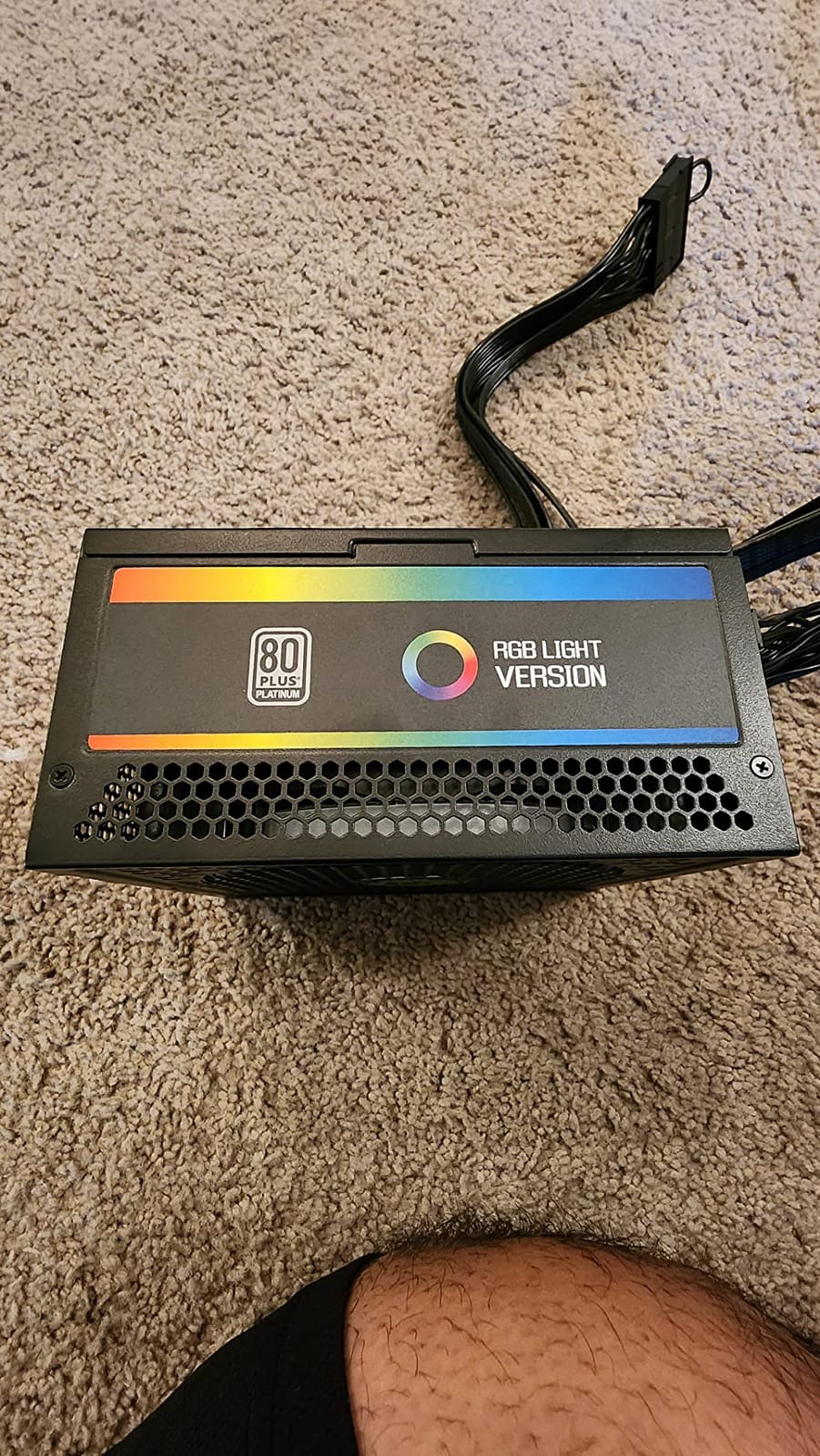
Owners mostly frame this as a bang-for-buck purchase. 1300W means a 5090 and a 9950X3D can run at full tilt without the PSU ever sitting at its ceiling, which keeps efficiency in the part of the curve where it is highest and the fan quiet.
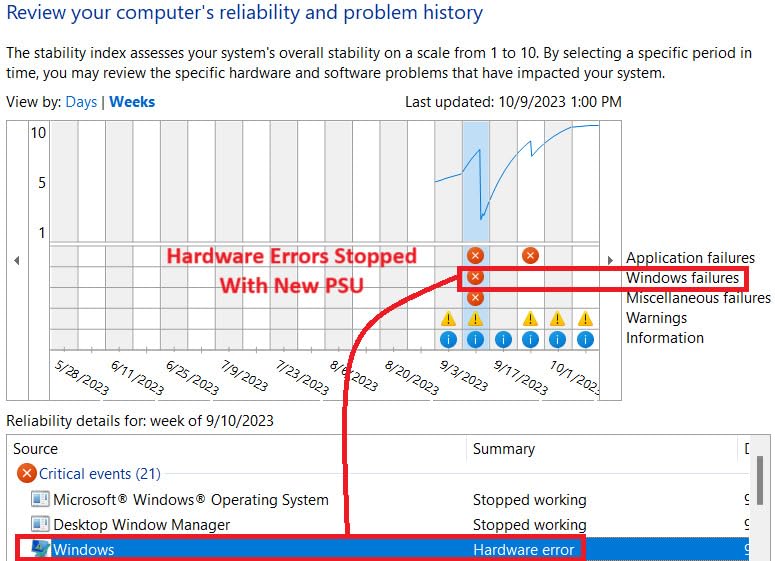
The 4.0 average out of 352 reviews tells you something real, though. A 17% one-star share is far higher than the rest of this roundup, and the complaints point at reliability and component quality rather than at the electrical design. A small group also finds the ARGB lighting irrelevant to their build.
When the GAMEMAX makes sense
This is the unit to pick if your goal is wattage per dollar and you are comfortable accepting a longer support history risk than a 10-year warranty from a major brand. If you want a specific GPU and CPU combination covered for the next four or five years, it does that job today very well.
It is also a good match for themed builds, since the addressable RGB syncs to a 5V motherboard header and offers 25 lighting modes with memory. Note the standards carefully: this is ATX 3.0 and PCIe 5.0 with a 12VHPWR connector, not the 12V-2×6 revision that later cards ship with.
When to choose something else
Choose a 10-year-warranty unit from a tier-one brand if this PSU will sit in a machine that costs as much as a small car. The one-star reports are exactly the scenario where warranty length becomes the deciding factor rather than a footnote.
Also consider it if you need a second native 16-pin cable. A single 12VHPWR lead is fine for one GPU, but multi-GPU or dual-GPU projects want two, and that is where the Thermaltake Toughpower GF3 later in this list has the advantage.
3. be quiet! Pure Power 13 M 1000W – The Best Power Supply for a Silent High End GPU Build
be quiet! Pure Power 13 M 1000W Power Supply, 80+ Gold, Cybenetics Platinum
1000W single 12V rail
80+ Gold, Cybenetics Platinum
Native 12V-2x6 plus 4x PCIe 6+2-pin
Semi-passive zero-RPM
+ The Good
- Genuinely silent with the fan fully stopping at low load
- Native 12V-2x6 600W cable
- so no adapter with RTX 50-series
- Footprint comparable to the unit it replaces
- Four extra PCIe 6+2-pin connectors for older or multi-GPU setups
- No coil whine reported by owners
- The Bad
- Included cables are stiff
- plain-looking and on the short side
- Top motherboard CPU cable can be too short to route behind a tray
- Few owners report it running warmer than expected
Silence is the entire point of this unit, and the design supports it. Semi-passive cooling means the fan stops completely at low load, and the 80 PLUS Gold certification with efficiency up to 94.4% means less waste heat to dissipate when it does spin.
It is ATX 3.1 compliant with a native 12V-2×6 cable for PCIe 5.1 graphics cards, plus four PCIe 6+2-pin connectors for older cards and multi-GPU setups. 1000W continuous on a single 12V rail, and it handles power excursions up to 2x rated power.
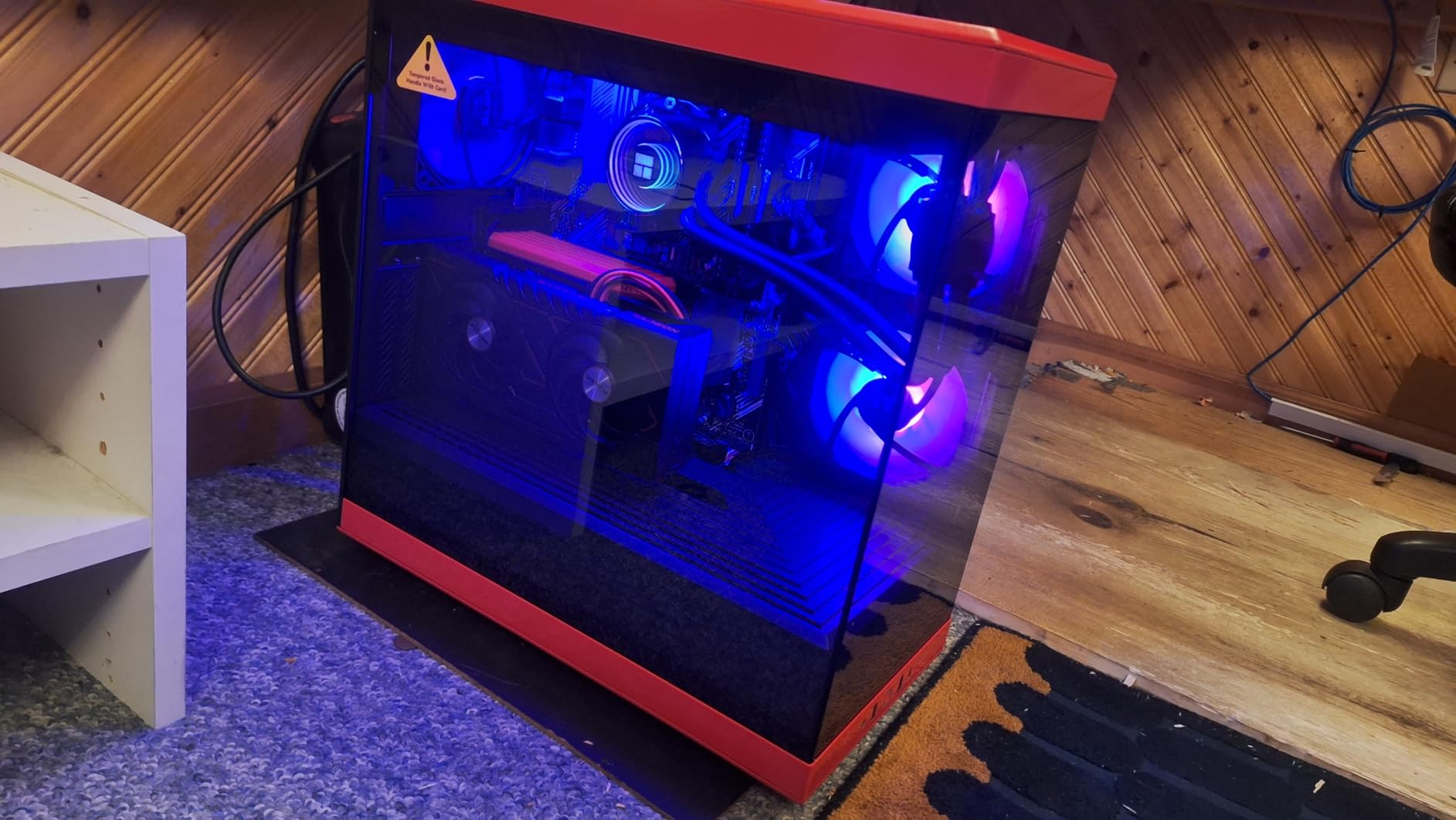
Several owners confirm powering RTX 5080 and RTX 5090 builds without needing an adapter at all, and the LLC topology is what buys the best-in-class voltage regulation they report. Multiple owners also note no coil whine from the unit itself, which matters in a quiet build more than most spec sheets suggest.
Drop-in upgrade is genuinely painless. At 6.3 x 5.91 x 3.39 inches it is comparable to the unit it replaces, so builders swapping from an older 1000W part are not re-routing anything. Only 3% of reviews are one-star, so the negatives here are outliers rather than a pattern.
Deciding between the Pure Power 13 M and the RM1000e
Both deliver 1000W with a native 12V-2×6 cable, so the choice comes down to priorities. The be quiet! unit has the better efficiency certification at Cybenetics Platinum and a semi-passive fan that genuinely stops; the RM1000e has a much larger review base and a bulletproof warranty from a brand with a long track record.
Choose the be quiet! if you are chasing a silent office or recording setup, where the constant low-level whir of a PSU is the last thing you want. It is also a safer fit if your case has a tight PSU chamber and you want something that is a similar size to what you already have.
Where this unit falls short
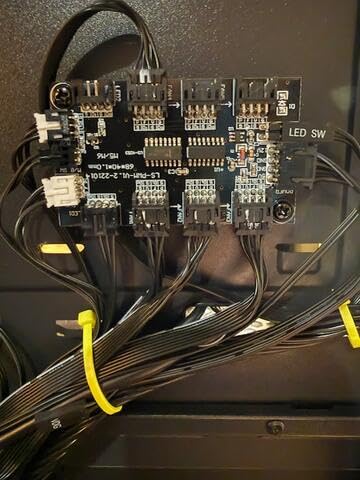
The cable set is the recurring complaint. Stiff, plain-looking and short leads are not a problem for anyone with a roomy case, but builders doing a display build will replace them, and the top CPU cable is short enough to fail to reach behind a tray in some chassis.
One more thing worth knowing: the listed manufacturer warranty on this listing is one year, which is shorter than the 7 to 12 years the other premium units here carry. Check the warranty terms on the seller’s page before you commit.
4. ASUS ROG Strix 1000W Platinum – The Best Rated Power Supply for High End GPUs
ASUS ROG Strix 1000W Platinum (Fully Modular Power Supply, 80 Plus Platinum Certified, ATX 3.1, Cybenetics Lambda A+, GaN MOSFET, GPU-First Intelligent Voltage Stabilizer, 10-Year Warranty)
1000W
80 PLUS Platinum, ATX 3.1
GaN MOSFET
GPU-First intelligent voltage stabilizer
+ The Good
- Highest average rating in this roundup at 4.8 with 92% five-star reviews
- GPU-first voltage sensing targets high-end graphics card stability
- GaN MOSFET design improves efficiency and lowers internal temperatures
- 0dB fan-off mode keeps light-load gaming silent
- Fully modular with premium cabling and a 10-year warranty
- The Bad
- Premium price for a 1000W unit against ATX 3.1 alternatives
- Large ROG heatsinks add bulk in tight PSU chambers
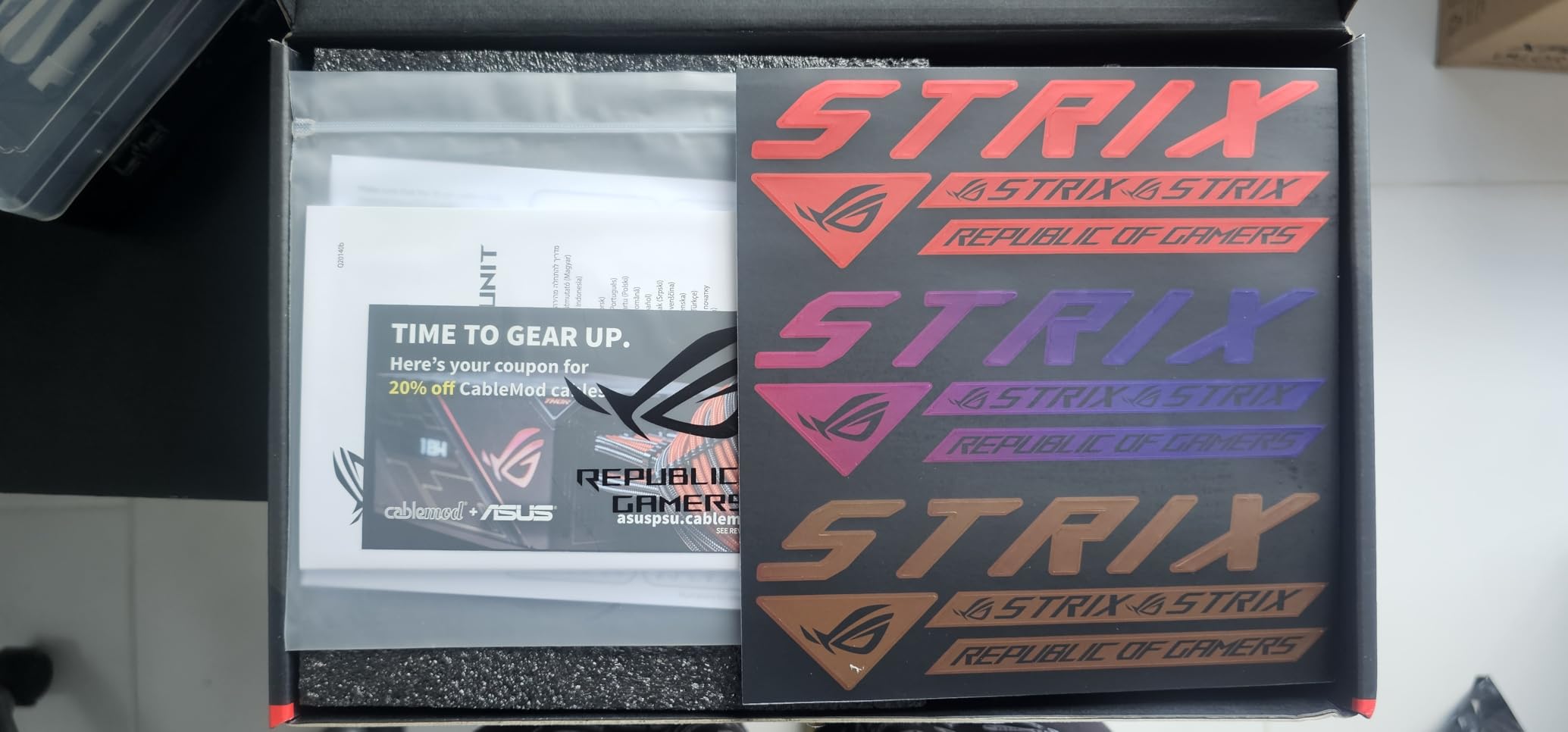
The ROG Strix 1000W Platinum has the highest average owner rating in this roundup at 4.8, with 92% five-star reviews and only 2% one-star. It is also the only unit here built specifically around the power needs of a graphics card rather than the whole system.
That GPU-first approach is the headline feature. Intelligent voltage sensing and a dedicated voltage stabilizer are claimed to improve graphics card voltage delivery by up to 45%, which for a card like the RTX 5090 is not a marketing line you can dismiss.
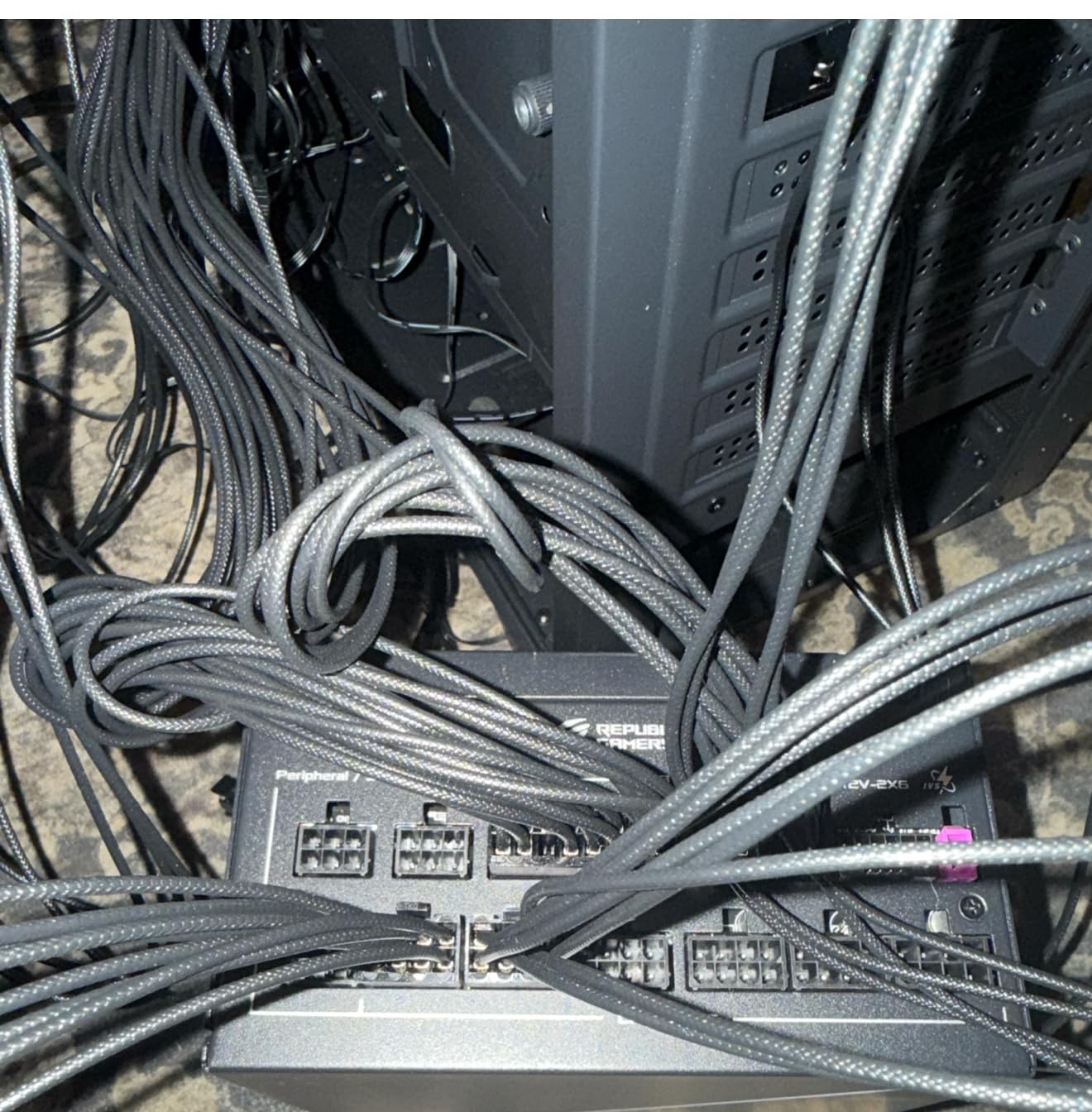
Internally it uses GaN MOSFETs, which Corsair and others also use, and ASUS claims up to 30% better power efficiency with a more organised internal layout. That means cooler operation and less fan noise, and the large ROG heatsinks over the critical components back that up.
The acoustic side is handled well: a dual ball bearing fan rated for up to twice the lifespan of a sleeve bearing, plus 0dB technology that keeps the fan off entirely during light gaming. Cybenetics Lambda A+ acoustic certification backs the marketing with a third-party number.
Why the GPU-first design is worth paying for
Most PSUs regulate a single combined 12V output and let the graphics card sort out the rest. A PSU that senses and stabilises the GPU feed specifically reacts faster to the load changes a modern card produces, which is where voltage dips and black screens come from.
If you are running an expensive card and plan to keep it, that focus is worth more to you than raw wattage. It is also a 10-year warranty unit, so the long-term maths is better than the warranty figures on some cheaper options in this list.
Where the premium does not pay off
Price is the obvious one. This is a 1000W unit and you are paying well above what several other 1000W ATX 3.1 options cost, for features you will notice most on a card that costs several times as much as the PSU.
Size is the second. The ROG heatsinks add bulk, so measure your PSU chamber before ordering. If your case is tight, the Rosewill VMG later in this list is 140mm deep and considerably easier to accommodate.
5. Thermaltake Toughpower GF3 1200W – The Best Value Power Supply for a Single High End GPU
Thermaltake Toughpower GF3 1200W; ATX 3.1; x2 Native PCIe 5.1 12V-2×6; Flat Cables; Color Matched Connectors; Japanese Main Capacitors; 135mm Fan; 80 Plus Gold Certified; Black; PS-TPD-1200FNFAGU-4
1200W continuous
ATX 3.1 with two native 12V-2x6 cables
Matcha H++6 seating indicator
135mm fan
+ The Good
- Dual native 12V-2x6 cables support multi-GPU or high-end single-GPU builds
- 1200W of ATX 3.1 power below comparable premium units
- Matcha H++6 connector gives visual confirmation of a fully seated plug
- Flat colour-matched cables route easily in tight builds
- Japanese main capacitors with a 10-year warranty
- The Bad
- 80 PLUS Gold rather than Platinum
- so more heat at sustained high load
- Fan noise more noticeable than premium units under sustained full load
- Small number of owners report coil whine
The Toughpower GF3 is unusual in this roundup because it ships with two native PCIe 5.1 12V-2×6 cables, each capable of delivering up to 600W. That is the configuration you want for a dual-GPU machine or for running a single card with an unusually power-hungry CPU alongside it.
It is ATX 3.1 compliant and rated to handle up to 3x GPU power excursion and 2x total power excursion, which places it among the more tolerant units here. A 135mm Future Dusk fan handles the cooling, and the main capacitors are Japanese.
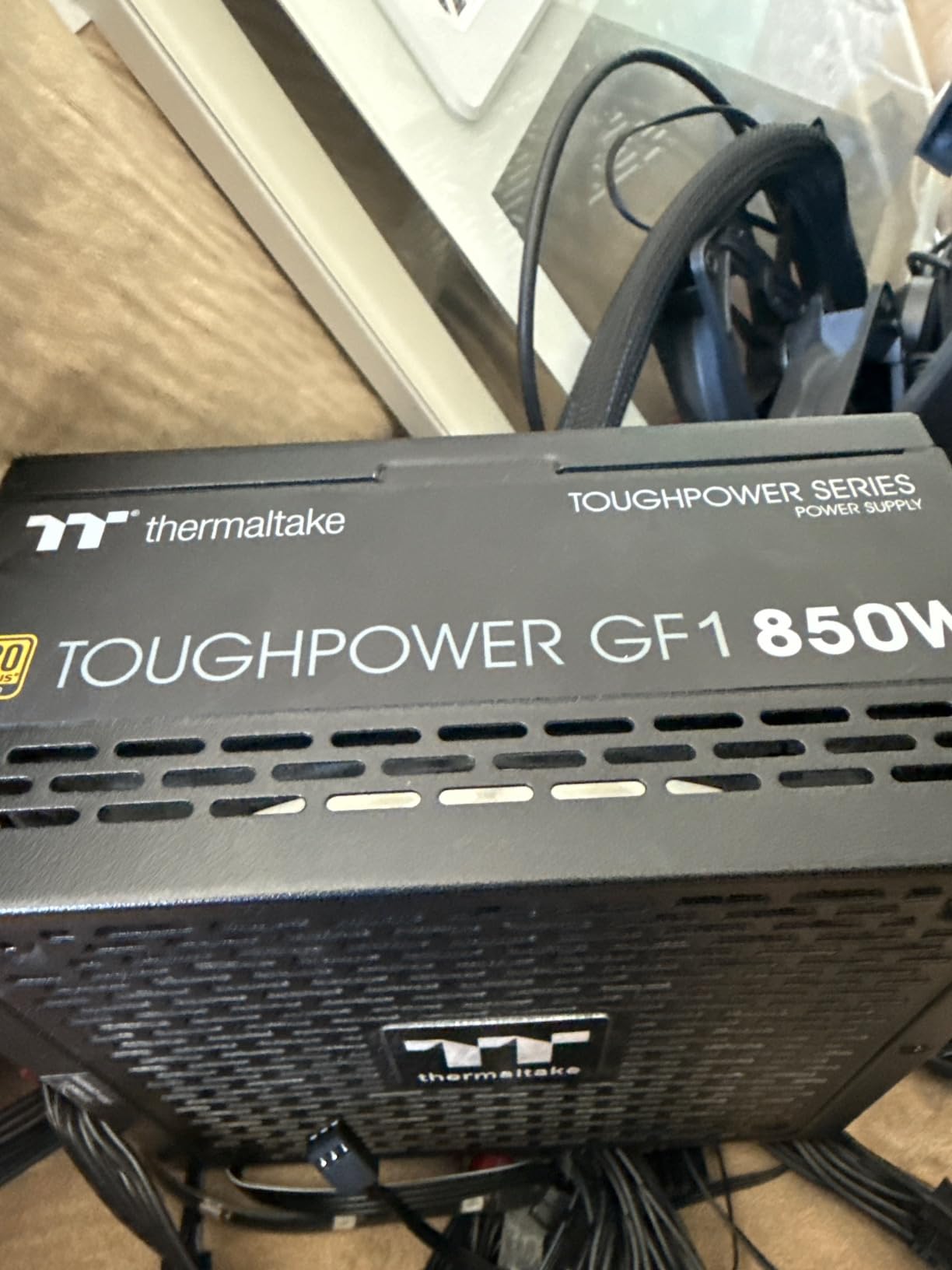
The detail we liked most is the Matcha H++6 connector. It is dual-coloured, so you can see at a glance whether the plug has gone all the way in. Given that connector seating is the single biggest cause of 12V-2×6 problems reported on forums, a visual confirmation built into the plug is a real practical gain.
Buyers treat this as the value pick in the 1200W ATX 3.1 tier. Power delivery is consistently reported as uneventful, installation is straightforward, and the 10-year warranty is longer than several more expensive rivals offer.
Why two native 12V-2×6 cables matter
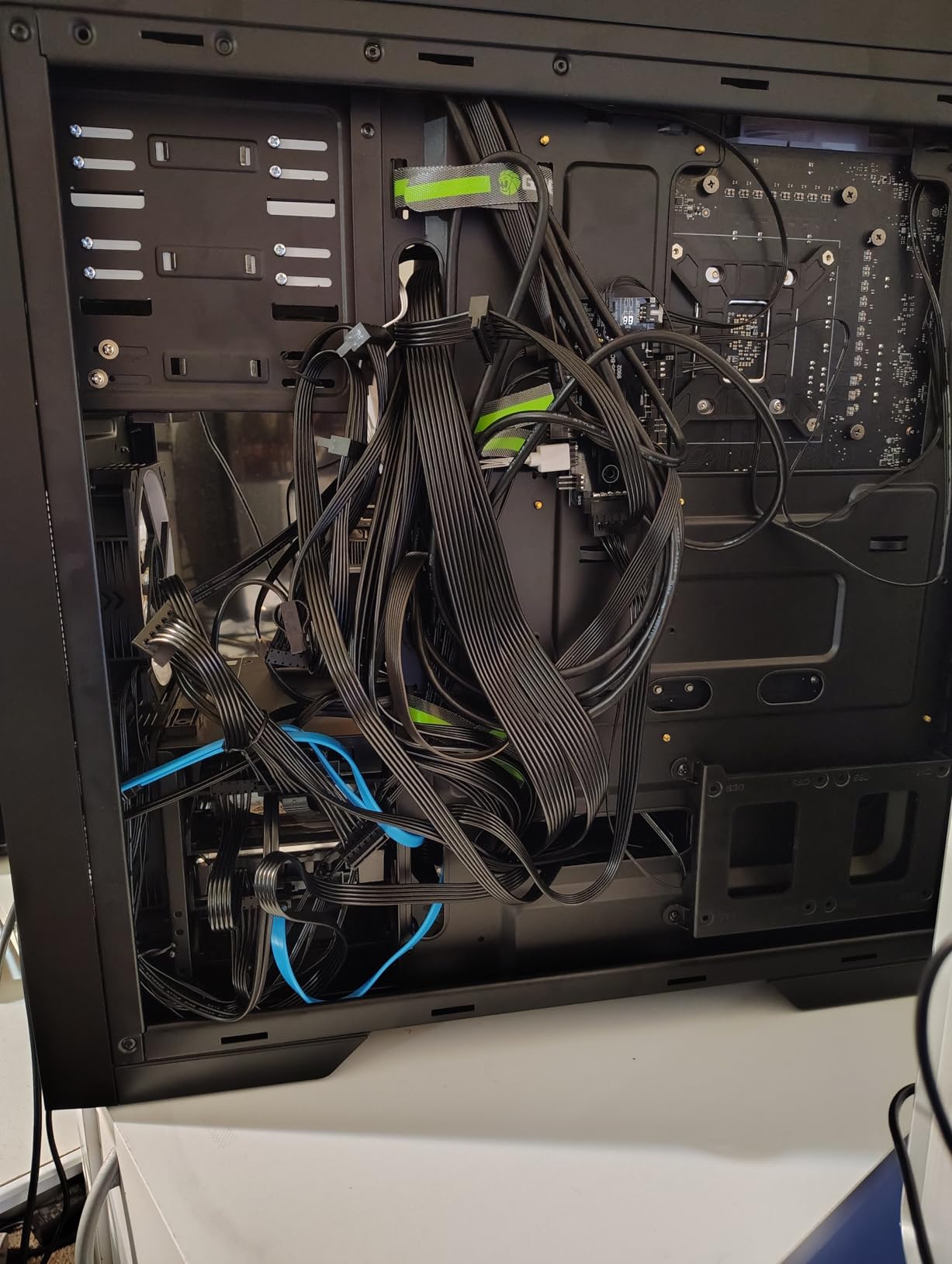
One card needs one cable. Two cables mean you can split a 575W card across both leads to reduce the current in each, which lowers heat at the connector, and they open the door to a second GPU later without a PSU change.
That is a meaningful difference from the units above, all of which ship a single 16-pin lead. If your build plan includes any expansion, this is the one to buy now rather than replacing the PSU again in two years.
Where the value pick falls behind
Certification is 80 PLUS Gold rather than Platinum, so it dissipates more heat at high load. That shows up in the reviews as slightly more fan noise under sustained full load, plus a small number of coil whine reports.
The 4.4 average with a 7% one-star share reflects that. If your priority is the quietest possible full-load operation, the Thermaltake will not beat the be quiet! units, and you should read both reviews before deciding.
6. LIAN LI Edge Gold 1000W White – The Best Power Supply for an All-White High End GPU Build
LIAN LI Edge Gold 1000W ATX 3.1 PSU, 80 Plus Gold, White (EG1000G.WH)
1000W
ATX 3.1 and PCIe 5.1
Native 12V-2x6
Integrated USB and fan hub
+ The Good
- Integrated USB and fan hub removes a tangle of front-panel cables
- Single native 12V-2x6 cable cleans up builds versus four 8-pin adapters
- Whisper-quiet at idle with a smart fan curve
- White cables and connectors match all-white builds without aftermarket extensions
- L-shaped layout suits dual-chamber cases
- The Bad
- Cables are not braided
- CPU cables are not individually sleeved
- Only Gold efficiency certification
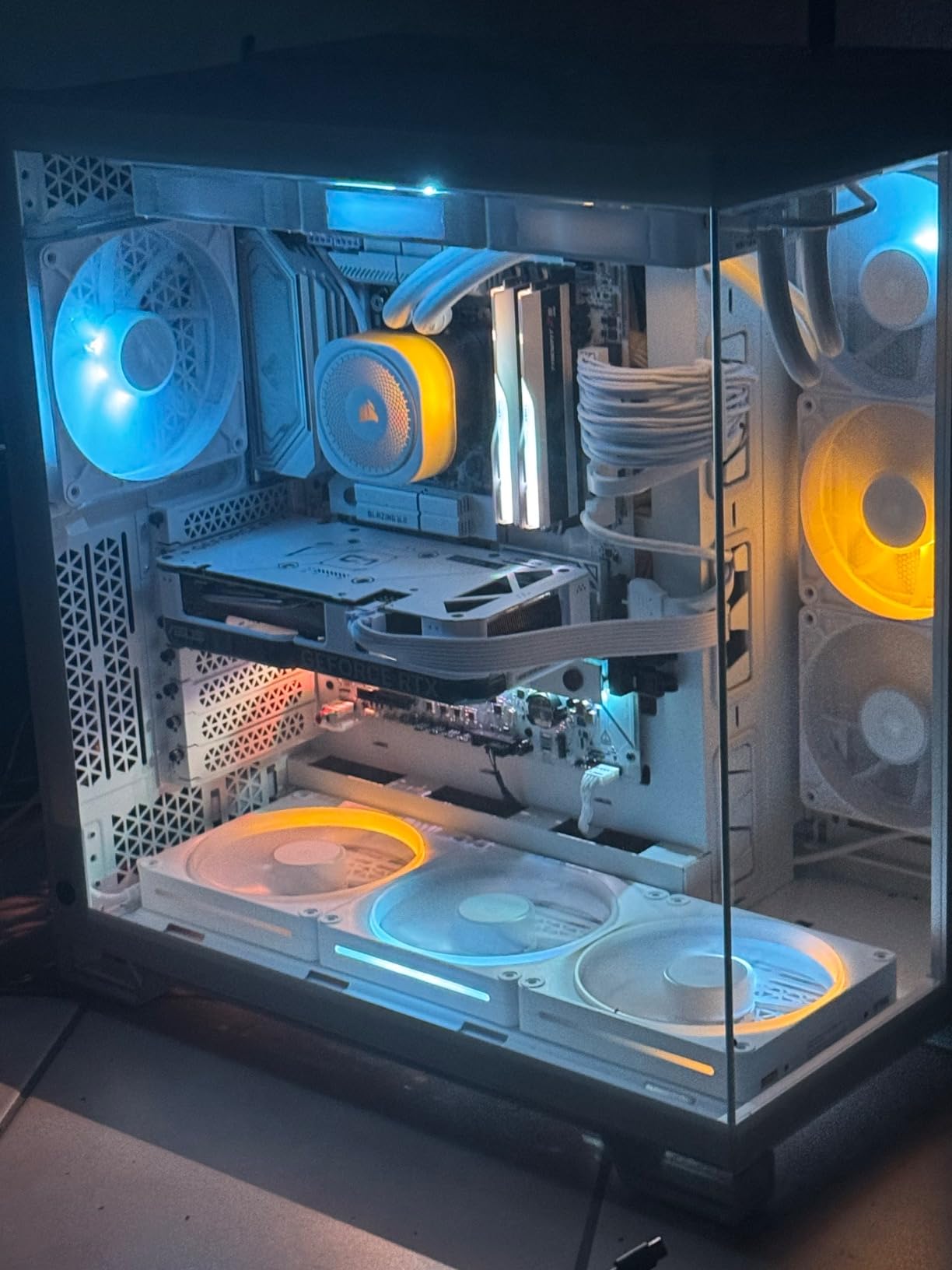
The Edge Gold solves a problem most white builds hit: every other part is white and then a black power supply arrives. The cables and connectors here are white, so an all-white build needs no aftermarket extension kit and no mismatched sleeving.
It is also a genuinely modern 1000W unit. ATX 3.1 compliant with enhanced transient power spike resistance, PCIe 5.1 ready, a native 12V-2×6 connector for RTX 50 and 40 series cards, and both 80 PLUS Gold and Cybenetics Gold efficiency ratings.
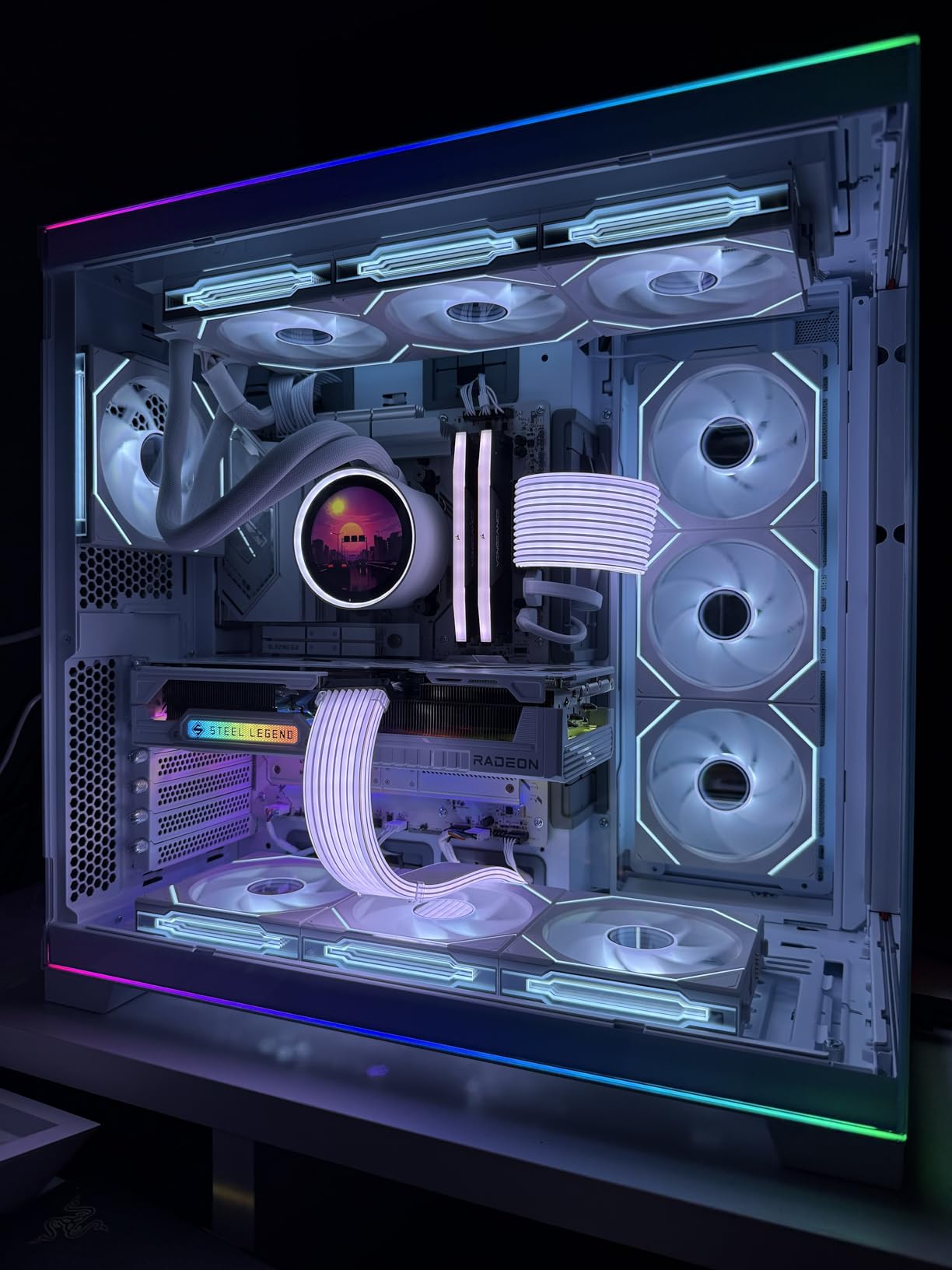
The standout feature is the integrated USB and fan hub. It collapses what would otherwise be a bundle of front-panel USB and fan leads into the PSU itself, and owners mention it more than anything else in their reviews. A magnetic dust filter mesh on the underside allows tool-free cleaning as well.
Noise is handled with a 120mm fluid dynamic bearing fan and a smart fan curve that keeps it whisper-quiet at idle. With 88% of reviews at five stars, performance and acoustics are praised without exception; every recurring gripe is cosmetic.
Why the L-shaped layout is worth checking
The connector layout is L-shaped so that ports on two adjoining faces stay reachable. In a modern dual-chamber case with the PSU in a separate chamber, that is the difference between a clean install and a frustrating one with cables jammed against the back panel.
If your case separates the power supply from the main chamber, look at this layout before you buy anything else. It is one of the few design choices on this list that actively solves a cable routing problem rather than creating one.
Where it falls short
The white cables are not braided, and for a build whose whole point of being white is visual refinement, that shows. The CPU cables are also not individually sleeved even though the 24-pin and 12V-2×6 leads are, which is an odd place to draw the line.
Efficiency is Gold rather than Platinum, and the unit is 7.17 inches deep, so check clearance in a compact chassis. For pure performance per dollar, the RM1000e gives you more certification headroom for less money.
7. Corsair HX1500i 1500W – The Best Power Supply for Software Monitoring and Multi-GPU
CORSAIR HX1500i (2025) ATX 3.1 PCIe 5.1 Ready 1500W Power Supply – Black
1500W continuous
ATX 3.1 and PCIe 5.1
140mm FDB fan with zero-RPM
iCUE control
+ The Good
- 1500W of ATX 3.1 headroom covers a high-end GPU plus a power-hungry CPU
- 140mm fluid dynamic bearing fan with zero-RPM mode stays effectively silent at typical loads
- iCUE software allows fan curve tuning and rail configuration changes
- Fully modular and cleanly built for tidy installations
- 10-year warranty on a flagship-tier unit
- The Bad
- 7.87 inch chassis is longer than most 1000W to 1200W rivals
- so check case clearance
- Higher cost than mainstream ATX 3.1 units of lower wattage
- iCUE adds a software dependency for some monitoring and control
The HX1500i is the sensible answer for a machine that will grow. 1500W means a 5090 and a power-hungry CPU leave enough headroom that you could add storage, fans, and eventually a second card without touching the PSU again.
It is Intel ATX 3.1 certified, supports the PCIe Gen 5 platform, resists transient power spikes, and includes a native 12V-2×6 cable. Cooling is a 140mm fluid dynamic bearing fan, and a zero-RPM mode switches the fan off entirely at low and medium loads.
What separates it from the other 1500W unit in this list is iCUE. The software handles custom fan curves, power monitoring, and single-to-multi-rail OCP toggling, so you can read live wattage and per-rail limits from your desktop rather than guessing.
Owners of this unit are building exactly the systems it suits: high-end machines where extra headroom and digital monitoring justify the cost. Praise centres on silence at typical loads and on the headroom itself. Efficiency is Cybenetics Platinum and the cabling is fully modular.

1500W or 1600W: does the extra 100W matter?
For a single flagship GPU, no. A 5090 with a 9950X3D sits comfortably inside 1200W, and our wattage guide further down explains why the manufacturers recommend more than most builders actually draw.
The extra capacity starts to matter when the plan includes a second GPU, a workstation CPU, or heavy overclocking. In those cases the headroom means the PSU spends less of its life pinned near maximum output, where efficiency and acoustics both suffer.
Things to verify before ordering
The chassis is 7.87 inches deep at 5.3 pounds, which is longer than most units in this roundup. Measure your case and confirm the PSU cage can take it, particularly in mid-towers where a 160mm depth limit is not unusual.
You also take on a software dependency. If you are the sort of builder who wants a PSU that just works with no drivers and no background service, the be quiet! Straight Power 12 further down is a simpler proposition, though it carries the reliability complaints noted there.
8. Rosewill VMG 1000W – The Best Power Supply for a Compact High End GPU Build
Rosewill VMG 1000W 80+ Gold, ATX 3.0 & 3.1 Compatible, Full Modular Low-Noise Power Supply, PCIe 5.1 12V-2×6 Connector, 100% Japanese Electrolytic Capacitor, 120mm FDB Silent Fan – 5 Year Warranty
1000W continuous
ATX 3.0 and 3.1 compatible
140 x 150 x 86mm chassis
Native 12V-2x6 to 600W
+ The Good
- Compact 140mm chassis fits small form factor and mATX cases
- Handles up to 235% total and 300% GPU power excursion
- 120mm fluid dynamic bearing fan stays virtually silent at full load
- Japanese electrolytic capacitors with a six-protection safety suite
- Ribbon-style cables are easier to manage than stranded sets
- The Bad
- Cable bundle may not include every lead some builds need
- 5-year warranty is the shortest in this roundup
- Small number of units reported dead on arrival
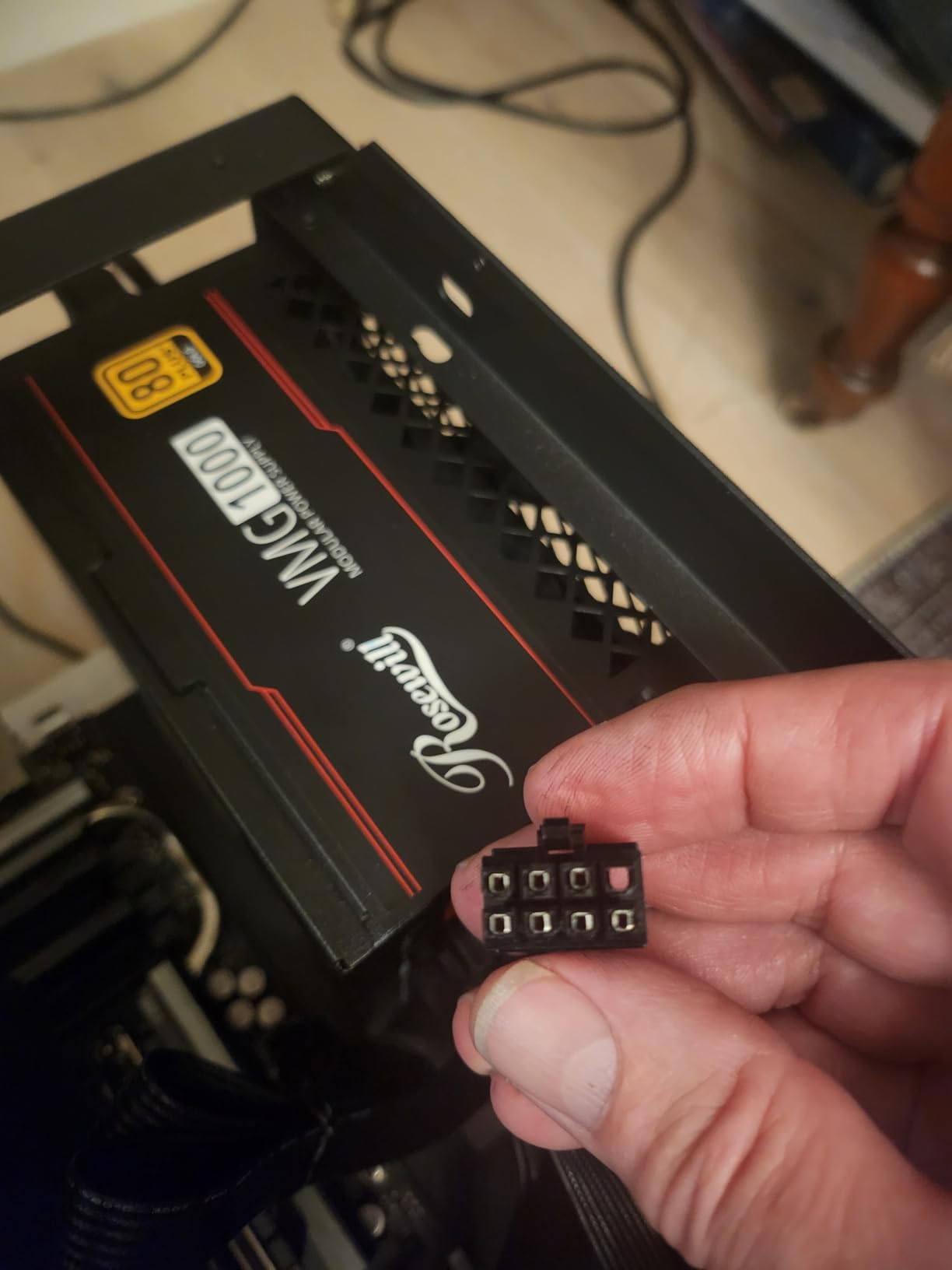
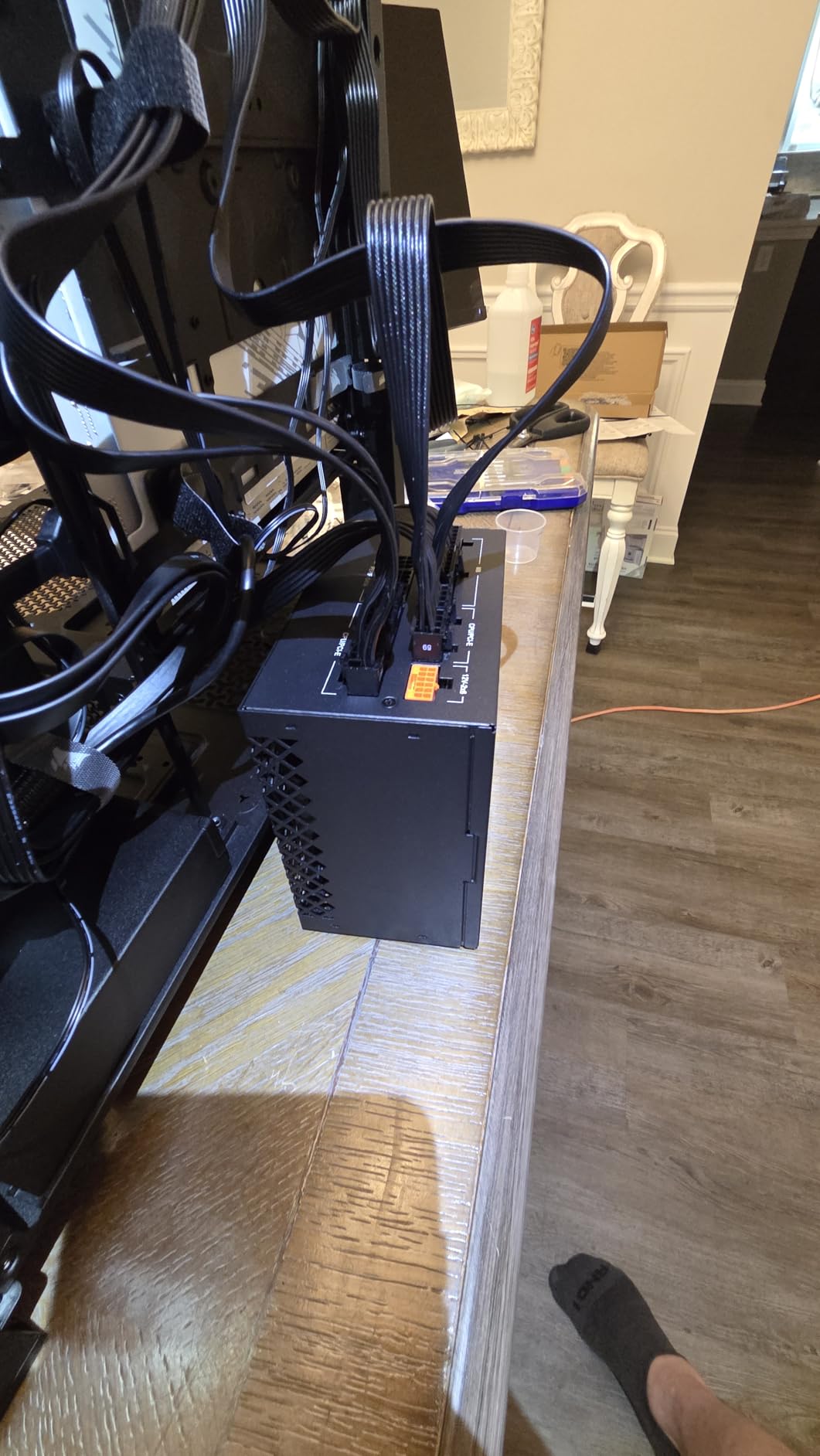
The VMG1000 is the answer when chassis space is the binding constraint. Its 140 x 150 x 86mm body is roughly 35% smaller than a typical 1000W ATX unit, which is the difference between fitting a PSU and not fitting one in a compact case.
It is Intel ATX 3.0 and 3.1 compliant, 80 PLUS Gold, fully modular, and ships a PCIe 5.1 12+4-pin 12V-2×6 cable rated to deliver 600W straight to a next-generation graphics card.
Where it genuinely overdelivers is transient handling. Owners describe it taking up to 235% total power excursion and 300% GPU power excursion without crashes or coil whine, which is the sort of headroom that keeps a 500-series card stable when a benchmark spikes.
There is also a six-protection suite on board: OCP, OPP, OTP, OVP, SCP and UCP. A 120mm fluid dynamic bearing fan with a steel shell and large vents keeps it quiet even at full load, and the cables are ribbon-style, which is easier to bend and route than a stranded set.
Why excursion tolerance is the number to read
Every ATX 3.x PSU is required to survive a GPU power excursion, but the required margin differs by standard and the manufacturer often exceeds it. A unit rated to 300% GPU power excursion has far more room to absorb an unusually violent spike than one sitting exactly at the specification floor.
That is the explanation for the owner reports of boutique-level transient handling from a budget-tier unit. If you are running a card known for aggressive spikes, this is a genuinely strong argument for the VMG over a pricier alternative.
Where this compact unit is not the answer
The 5-year warranty is the shortest here, and that matters for a component you are relying on to protect a GPU costing several times more. If you want a decade of cover, the RM1000e and every other 1000W to 1200W option in this roundup goes further.
Watch the cable bundle too, since some owners report missing leads that their build needed, and a handful of units have arrived dead. Test the unit early with a known-good component rather than building the entire system around it first.
9. ASUS TUF Gaming 1200W Gold – The Best Power Supply for Overclocked High End GPUs
ASUS TUF Gaming 1200W Gold (1200 Watt, ATX 3.1 Compatible Fully Modular Power Supply, 80+ Certified, Military-Grade Components, Dual Ball Bearing, Axial-tech Fan, PCB Coating, 10 Year Warranty)
1200W continuous
ATX 3.1 with 16-pin cable to 600W
80 Plus Gold
Military-grade components
+ The Good
- Rock-solid voltage delivery with no coil whine reported
- High-quality modular cabling that routes and installs easily
- Quiet fan behaviour under sustained load on high-end GPUs
- Dedicated 16-pin cable for RTX 50-series cards avoids adapter clutter
- 10-year warranty and military-grade component certification
- The Bad
- Priced above comparable 1200W ATX 3.1 units from other brands
- Only 80 PLUS Gold rather than Platinum
- Small number of units reported dead on arrival
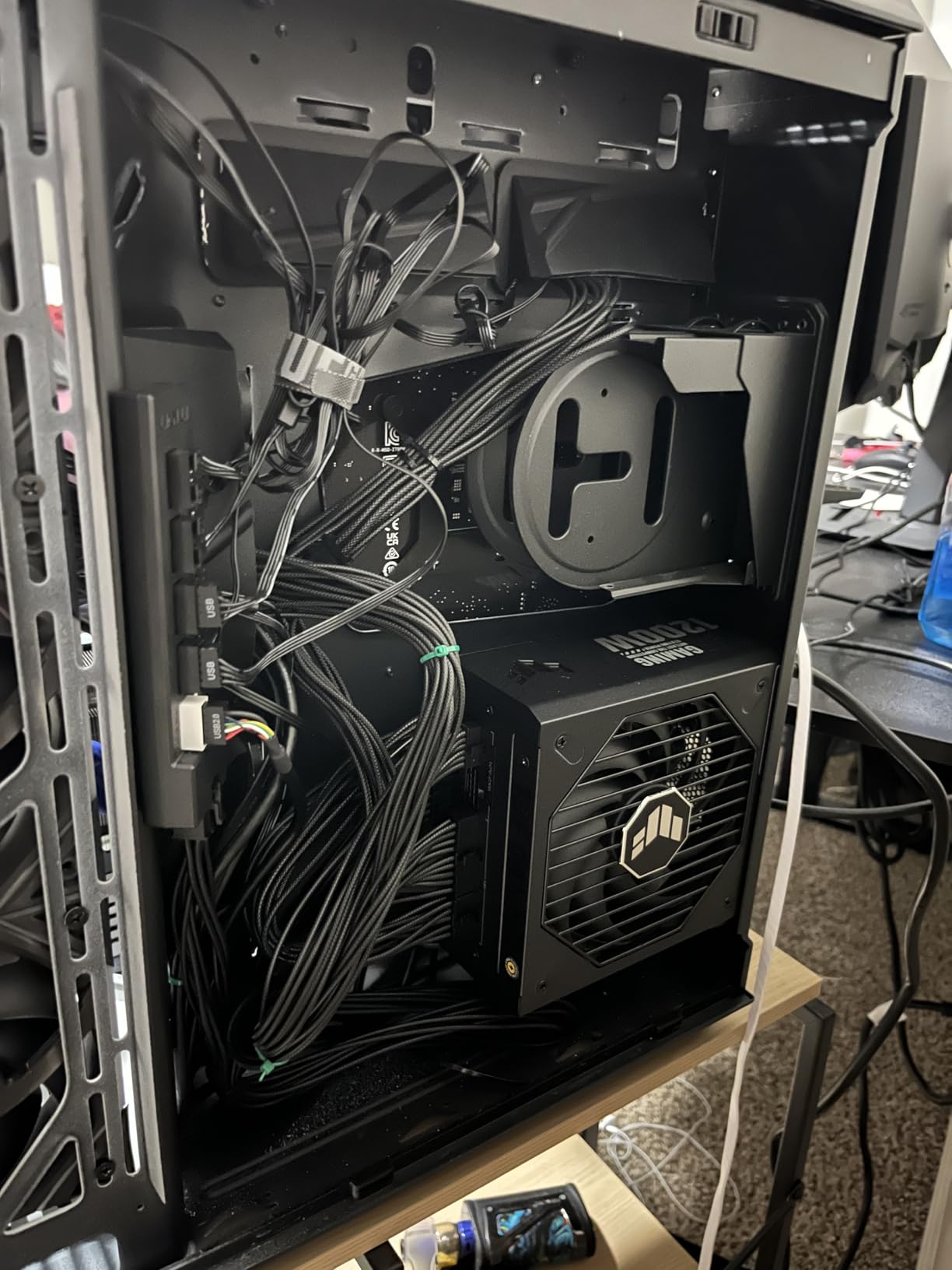
The TUF Gaming 1200G is built for the case where you will push the card past its default power limit. 1200W on a single unit gives an overclocked GPU real headroom, and the component selection is the conservative, overbuilt kind: military-grade certified capacitors and chokes.
It is ATX 3.1 compliant with a bundled 16-pin PCIe cable delivering up to 600W to PCIe Gen 5 graphics cards, so an RTX 50-series card connects natively with no adapter in the cable chain. A protective PCB coating guards against moisture, dust and temperature extremes.
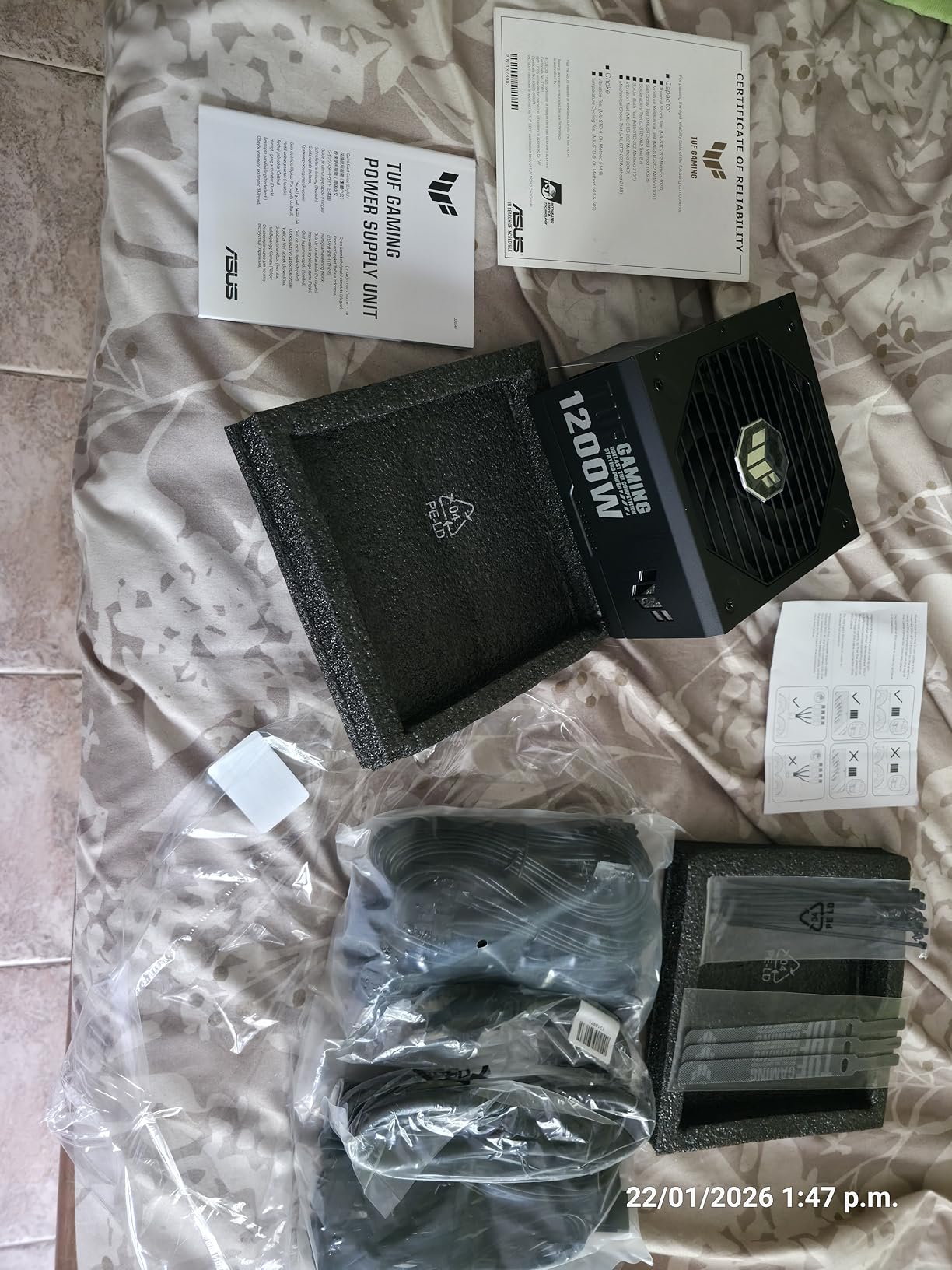
Owners describe it as a heavy, well-engineered unit that simply works. Reports of quiet operation and clean voltage delivery are consistent, and nobody in the reviews mentions coil whine from the supply, which is often the first thing a user notices in a high-load gaming system.
Cooling comes from a dual ball bearing Axial-tech fan rated for up to twice the lifespan of a sleeve bearing design. At 5.9 x 5.9 x 3.4 inches and 5.9 pounds it is a compact 1200W unit, which is worth noting because most 1200W parts are noticeably larger.
What overclocking actually demands from a PSU
Raising a GPU power limit increases both sustained draw and the size of transient spikes, so what you need is a unit that holds voltage regulation and stays inside its comfort zone at the higher power level. Stable rails and an efficient curve matter more here than raw wattage.
This unit ticks those boxes in practice, and its 10-year warranty gives you room to experiment. The 80 Plus Gold certification is Japanese capacitor based, which is a reasonable foundation for sustained high load.
Where it does not win
Value. This is priced above comparable 1200W ATX 3.1 units from other brands, and the efficiency certification is Gold when the best 1200W options reach Platinum. If your build is not going to be overclocked, the Thermaltake Toughpower GF3 offers similar capacity for less.
There is also a small cluster of dead-on-arrival reports, which is common across this entire category and is not unique to ASUS. Whatever you buy, confirm the unit powers on correctly before assembling the full system around it.
10. Seasonic Prime TX-1600 Noctua Edition – The Best Power Supply for Maximum Headroom
Seasonic Prime TX-1600 Noctua Edition, 1600W Quiet PC Power Supply
1600W continuous
80 PLUS and Cybenetics ETA Titanium
ATX 3.1 and PCIe 5.1
12-year warranty
+ The Good
- Effectively silent under load with the Noctua NF-A12x25 fan and A++ acoustic rating
- Owners report reduced GPU coil whine on RTX 5090 builds
- Individually braided colour-matched cables remove the need for aftermarket sets
- Titanium efficiency produces very little waste heat
- 12-year warranty
- the longest in this roundup
- The Bad
- 8.27 inch chassis can fail to fit in mid-tower cases
- Heavy unit adds heft when lifting a case
- Highest cost in the roundup by a wide margin
- One owner reported a brief arcing sound at cold startup
The Prime TX-1600 Noctua Edition is the enthusiast benchmark. 1600W of continuous output covers the most power-hungry combinations imaginable, including a 5090 paired with a 9950X3D, and leaves room to upgrade again afterwards without revisiting the PSU.
Efficiency is 80 PLUS Titanium plus Cybenetics ETA Titanium, with 94% efficiency at 50% load. That is the load a high-end GPU build sits at in a typical game, so the unit wastes very little of your power as heat during the exact conditions you care about.
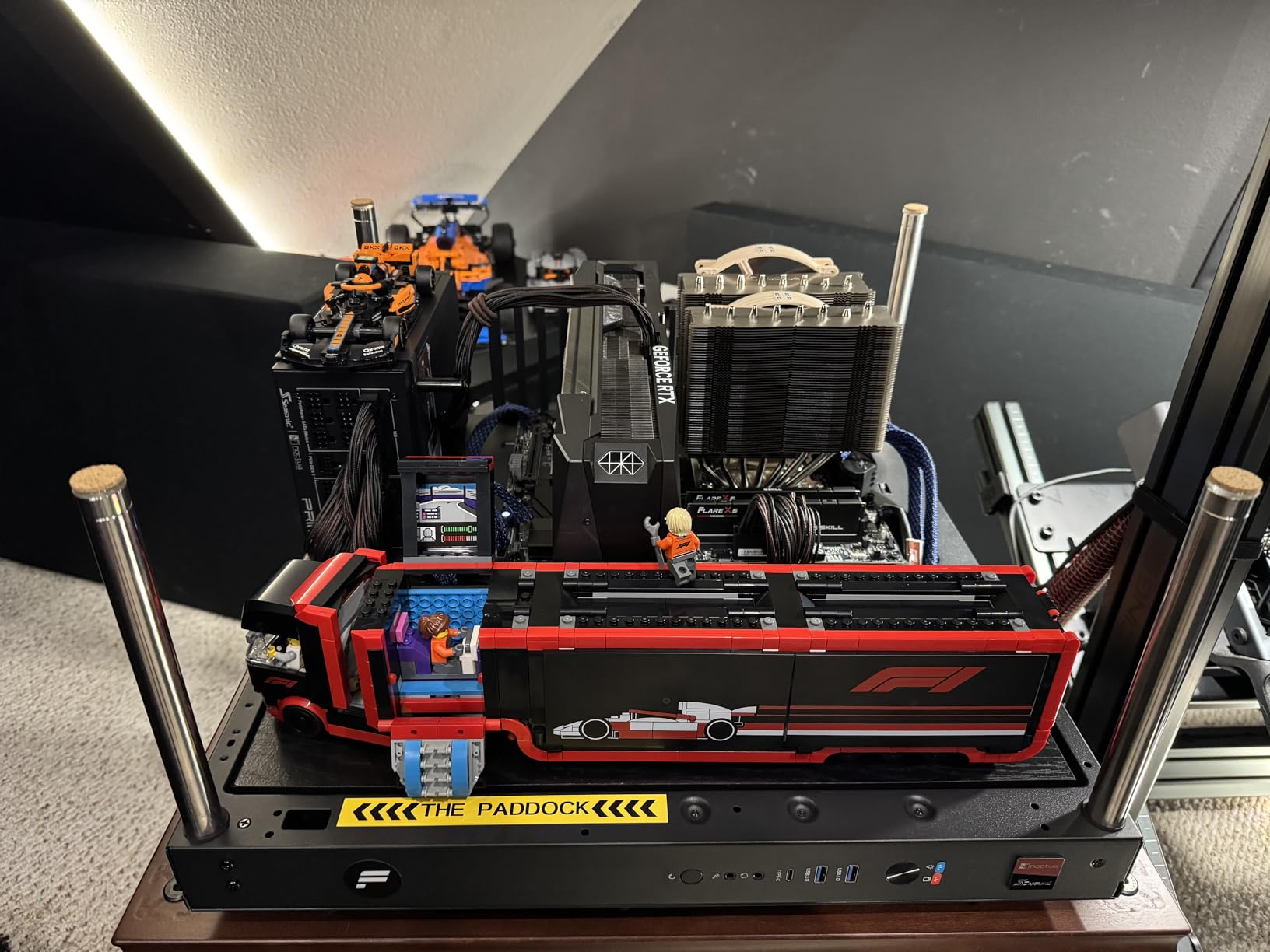
Acoustics are the reason for the Noctua branding. A NF-A12x25 fan with a custom optimised fan grill is roughly 8 to 10dB(A) quieter than the standard Prime TX-1600, and the unit holds Cybenetics Lambda A++ acoustic certification. The fan stays off entirely until 50% load at up to 25C ambient.
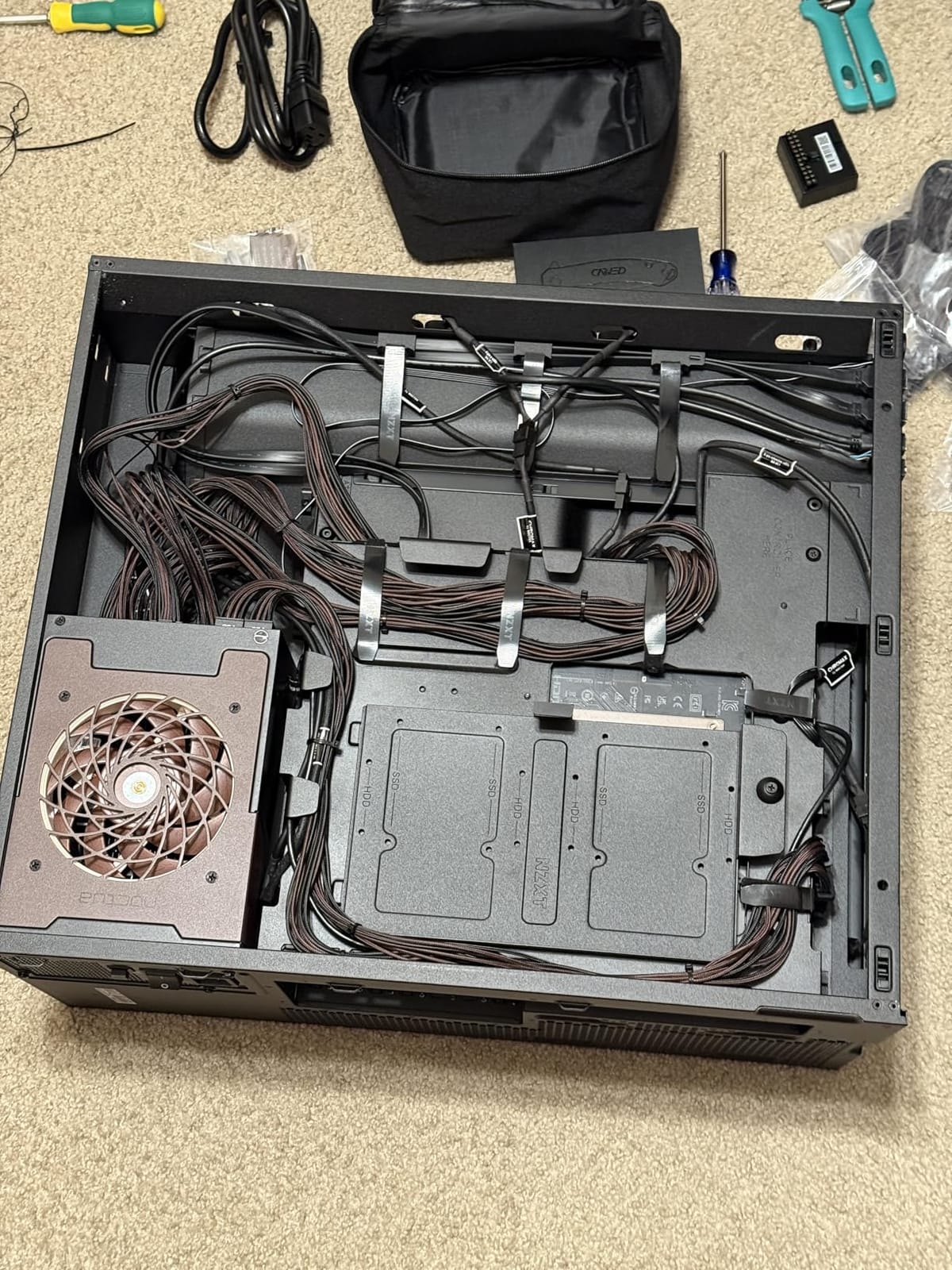
It is ATX 3.1 and PCIe 5.1 compliant with a 12V-2×6 connector, and backwards compatible with ATX 3.0 and PCIe 5.0 hardware. Cabling is fully modular, individually sleeved and colour-matched to the Noctua theme, which removes the usual aftermarket cable kit.
Whether you really need 1600W
Most single-GPU systems do not, and this is the unit where buyers should be honest with themselves. Our wattage guide below shows the arithmetic, and for a 5090 plus a mainstream CPU, 1200W is already generous.
1600W earns its place in two situations: dual-GPU or multi-GPU machines, and workstation-class CPUs under sustained heavy load where package power can climb well past the usual estimates. The 12-year warranty is the longest here and is a genuine part of the value at this price.
Physical and practical limits
The chassis is 8.27 inches deep and the unit weighs 5.86 kg. In a mid-tower with a standard PSU cage that is a genuine clearance problem, and the weight is noticeable when you are lifting a full case. Measure twice.
This is also by far the most expensive unit in the roundup. If budget matters, the GAMEMAX 1300W and the Thermaltake Toughpower GF3 both give you the wattage without the flagship acoustics, and neither asks you to solve a chassis clearance problem.
11. be quiet! Straight Power 12 1500W – The Best Power Supply for AI Workstation Builds
be quiet! Straight Power 12 1500W ATX 3.1 PCIe 5.0 80+ Platinum PSU
1500W single 12V rail
80 PLUS Platinum, up to 93.9%
ATX 3.x native 12VHPWR
Silent Wings 135mm fan
+ The Good
- Stable clean voltage delivery reported across AI workstation and Threadripper builds
- 135mm Silent Wings fan barely spins up under sustained load
- Dual 600W PCIe connections support multi-GPU configurations
- Generous cable length and a straightforward modular layout
- 80 PLUS Platinum efficiency with standby draw below 0.1W
- The Bad
- One owner reported the unit damaging two motherboards and a CPU with an unresolved RMA
- Another owner reported melted 12VHPWR ends on both the PSU and an RTX 5090
- Fan can rattle in a chassis until re-seated
- Proprietary cabling means switching brands means rebuilding the cable set
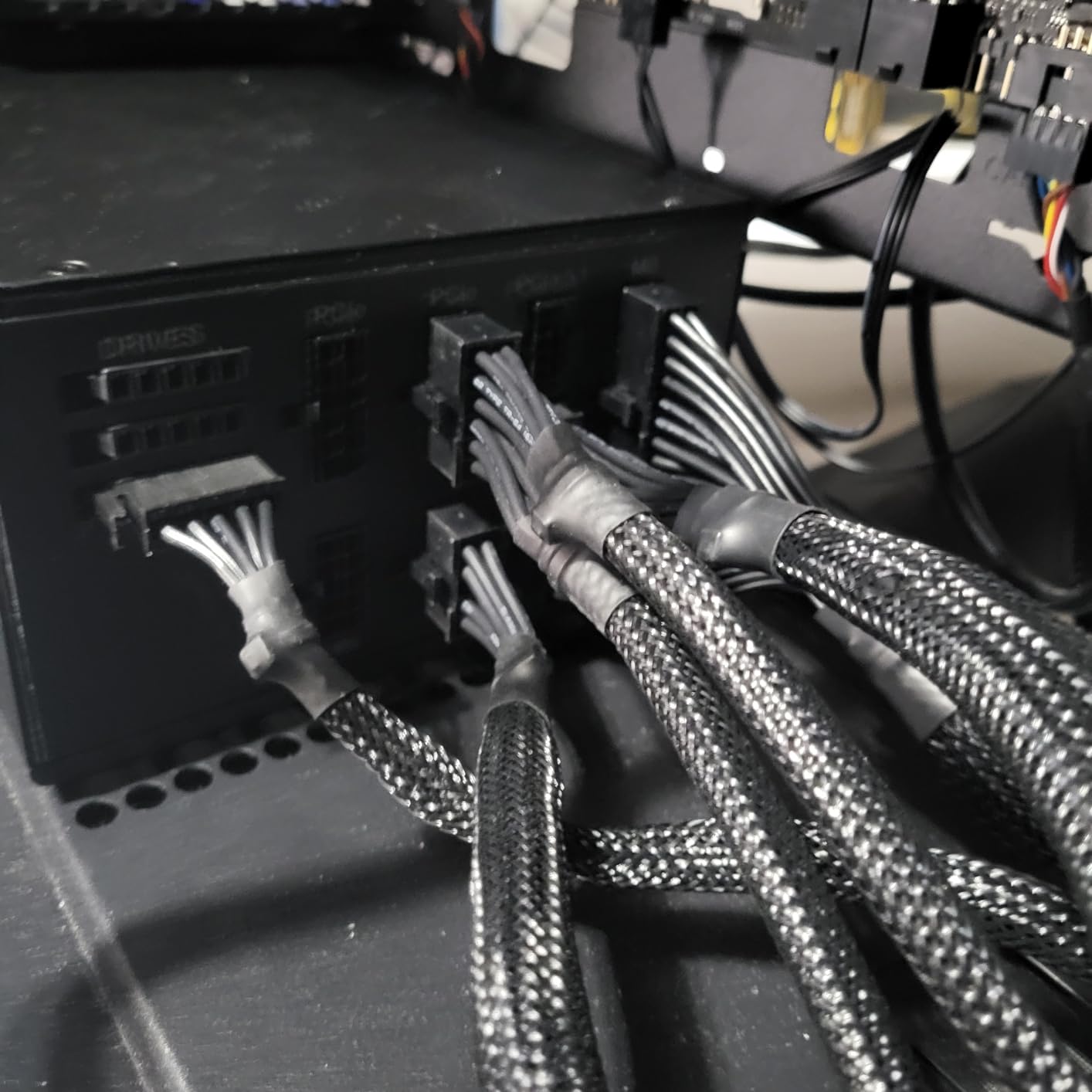
The Straight Power 12 1500W is built for machines that run hard for long periods. 1500W continuous on a single 12V rail, handling excursions up to 2x rated power, with 80 PLUS Platinum efficiency reaching 93.9% and a standby drain under 0.1W.
It is ATX 3.x compliant with a native 12VHPWR connector for PCIe 5.0 cards, and dual 600W PCIe connections support multi-GPU and high-end single-GPU configurations. Cooling comes from a Silent Wings 135mm fan with optimised blades, a fluid dynamic bearing and a 6-pole motor.
Owners running AI workstations, Threadripper systems and 5090 builds report stable, clean voltage delivery. The funnel-shaped fan inlet and wire-free internal design are aimed at airflow and component longevity, and the internal build uses LLC topology with Japanese 105C capacitors.
The 8% one-star share is the highest in this roundup, and it is not noise. Two separate serious complaints appear, one involving damage to two motherboards and a CPU with an unresolved RMA experience, and one involving melted 12VHPWR ends on both the PSU and an RTX 5090.
Why the dual 600W connections are useful
Two 600W PCIe connections mean a multi-GPU workstation can feed each card from its own lead rather than sharing one. For compute builds, where cards can be held at full load for days, spreading the current across connectors is a sensible way to reduce heat at the plug.
The generous cable length and straightforward modular layout also suit large workstation chassis, where cable runs are long and tidy routing takes time. On installation convenience this is one of the easier 1500W units to work with.
Where the reliability reports change the recommendation
We include this unit because most of the reviews describe dependable behaviour, and 80% are five-star. But two hardware-failure reports in a 109-review sample is enough that we would not put a Threadripper build, or a system with a very expensive GPU, on this unit without a plan for support.
Note also that it uses be quiet! proprietary cabling, so moving to another brand later means rebuilding the entire cable set. If you are uneasy about the failure reports and still want this tier, the Corsair HX1500i above carries a longer warranty and a comparable 1500W rating.
How Much Wattage Do You Actually Need?
Add up three numbers: the graphics card’s peak board power, the CPU’s package power, and about 100W for the motherboard, memory, fans and drives. Multiply the total by 1.3 for headroom, and that is a sensible target.
For a mainstream gaming CPU with an RTX 5080, that lands somewhere in the 900W to 1000W region, which is why the RM1000e and the Pure Power 13 M cover most builds. Push a 5090 with a 9950X3D and you land around 1200W, and dual-GPU or workstation machines are where 1500W and 1600W start to make sense.
The reason vendors recommend far more than most systems draw is headroom for exactly the spikes described earlier. If you are still unsure about capacity for a specific combination, our guide to replacement power supplies covers the basics of matching a unit to a machine.
ATX 3.1, PCIe 5.1 and the 12V-2×6 Connector Explained
ATX 3.1 is the current power supply standard, and for a high-end GPU build it is the minimum worth insisting on. It mandates handling two total power excursions, sets a 200% GPU power excursion requirement, and moves the graphics card connector to the revised 12V-2×6 design.
The 12V-2×6 connector is the 16-pin power plug used by PCIe 5.1 graphics cards. It is not a different name for the older 12VHPWR plug; the revision changed the contact geometry so the connector disengages more safely under load, which is precisely the fix for the melted-connector reports that dominated early 50-series builds.
A native 12V-2×6 cable is always preferable to an adapter. Every unit above except the GAMEMAX and the Straight Power 12 ships one, and we would only use an adapter if the card and PSU are already in your possession and no alternative is practical. For more on choosing the right unit for a smaller machine, see our power supply buying guide.
Five steps that prevent almost every melted connector
First, seat the plug completely. There should be no visible gap at the latch, and the connector should feel fully home before you apply any force to the cable. The Thermaltake Toughpower GF3 in this list uses a dual-colour connector specifically to make this visible.
Second, do not route the cable tightly right at the plug. Leave a gentle bend of a few centimetres before the connector enters the GPU, because the weight of a hanging cable pulls directly on the contacts.
Third, never daisy-chain adapters. One GPU gets one cable. If a card needs more than 600W, use the second native cable from a PSU that provides one, which is why the dual 12V-2×6 units are worth considering.
Fourth, reseat the plug after any change to the card or the cables. A connector that was seated correctly before you moved the card may not be afterwards, and it is the most common cause of problems in builds that worked fine for months.
Fifth, do not buy a used or refurbished PSU. Modular connectors are not standardised between brands or even between models, and a mismatched cable can destroy components immediately. If the PSU came from another system, the safe move is to replace it.
Efficiency, Noise and Warranty Labels Decoded
Efficiency is measured as a percentage of the power drawn from the wall that actually reaches your components. A PSU that converts less becomes heat, and heat is fan noise and shorter component life. Every unit in this roundup is at least 80 PLUS Gold.
80 Plus is the familiar standard and certifies at fixed load points. Cybenetics is more granular, measures acoustic noise as well as efficiency, and issues Lambda ratings from A to A++. Two units here carry both, and the Cybenetics Gold and Platinum marks are worth having because they reflect sustained-load behaviour rather than a single test point.
Semi-passive and zero-RPM modes stop the fan at low loads, which is where a high-end GPU build spends a lot of time in menus and desktops. What differs between units is the load point at which the fan starts, and how aggressively the curve climbs afterwards.
Warranty length is the simplest confidence signal available. The Rosewill VMG is covered for 5 years, the Corsair RM1000e for 7, most units in this list for 10, and the Seasonic Prime TX-1600 Noctua Edition for 12. Longer coverage means the manufacturer expects the unit to outlast several GPU upgrades.
Frequently Asked Questions
Is a 1200W power supply overkill?
For most single high-end GPU builds, 1200W is generous rather than overkill. It gives an RTX 5090 or a pair of power-hungry cards plenty of headroom while keeping the PSU in its most efficient load range. Headroom also absorbs the short transient spikes modern graphics cards produce, which is the real reason vendors recommend generous figures.
What is the best power supply for a high-end gaming PC?
The Corsair RM1000e is our pick for most high-end GPU builds. It is ATX 3.1 certified, includes a native 12V-2×6 cable, handles two transient power excursions and has the largest review base of any unit in our roundup. If your build is quieter or smaller than the norm, the be quiet! Pure Power 13 M and the Rosewill VMG are the alternatives to consider.
Is a 750W power supply enough for a high-end GPU?
Not for a current flagship card. 750W was comfortable for earlier high-end GPUs, but cards drawing 450W to 575W with aggressive transient spikes need more room. For a 5080-class card, aim for 1000W. For a 5090, 1200W is the sensible target, and 1500W or more makes sense only for dual-GPU and workstation builds.
Is 80 Plus Gold or Platinum better for gaming?
Platinum converts more of your wall power into usable DC power, which means less waste heat and a quieter fan at gaming loads. The difference is smaller than the certification badge suggests, since every Gold unit here runs efficiently in the 40 to 60 percent load range a gaming PC sits at. Platinum matters more if you run the PSU near full capacity for long periods.
Do I need a 12V-2×6 cable for a new graphics card?
Yes, if your card has a native 16-pin socket. A native 12V-2×6 cable is safer than an adapter because it removes the extra connection point where heat builds up. Every unit in our roundup except two ships a native 16-pin cable, and those two ship the earlier 12VHPWR variant, which is compatible but not the latest revision.
How do I stop a 12V-2×6 cable melting?
Seat the plug completely with no visible gap, leave a gentle bend in the cable instead of a hard right angle at the connector, avoid daisy-chaining adapters, and reseat the plug any time you move the card. Choose a PSU with a native 12V-2×6 cable rated for the card you own. Units such as the Thermaltake Toughpower GF3 add a visual seating indicator, which makes a partial insertion obvious.
Final Picks for High End GPU Builds in 2026
The best power supplies for high end GPUs are the ones that give you an ATX 3.1 platform, a native 12V-2×6 cable and enough headroom for the spikes your card produces. The Corsair RM1000e remains our top pick for most builds at 1000W with a 7-year warranty behind it.
Go to 1200W with the Thermaltake Toughpower GF3 for its dual native cables, to the ASUS ROG Strix 1000W Platinum for GPU-focused voltage regulation, or to the be quiet! Pure Power 13 M when silence is the priority. Dual-GPU and workstation machines belong on the Corsair HX1500i, and the Seasonic Prime TX-1600 Noctua Edition covers the no-compromise end. Whichever you pick in 2026, check the cable seating twice before you power on.