
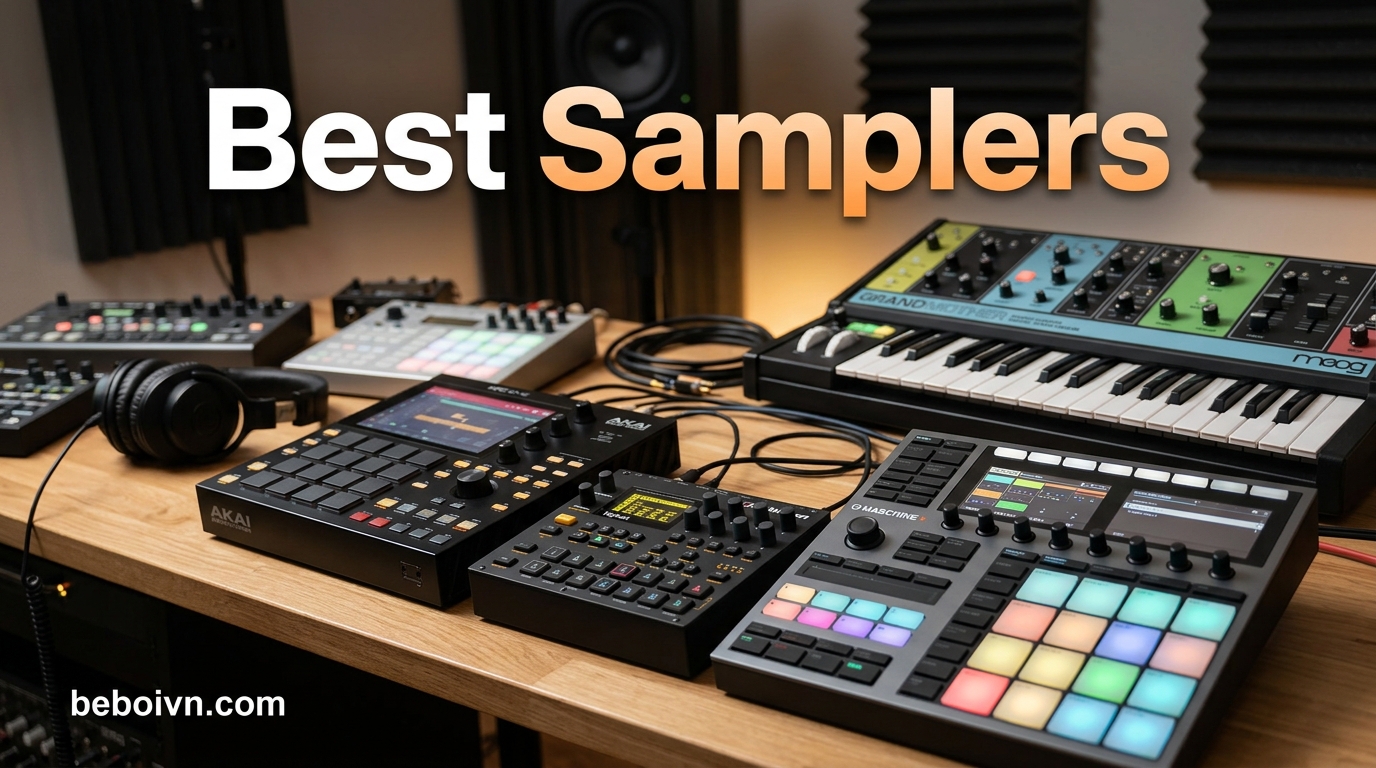
Hardware samplers have transformed how we create music. These devices let you record, manipulate, and trigger audio samples in ways that feel immediate and tactile. Whether you are building beats in your bedroom or performing live on stage, a good sampler becomes an extension of your creative instincts.
If you have been searching for the best samplers in 2026, you have probably noticed the market is packed with options. From pocket-sized samplers under $100 to professional workstations costing over $1500, there is something for every budget and skill level. I spent weeks researching, comparing specifications, and diving into real user experiences to bring you this comprehensive guide.
What makes a sampler “the best” depends entirely on your needs. A beginner wanting to learn beat making has different requirements than a professional producer seeking a DAWless workflow. This guide covers the full spectrum so you can find the perfect match for your music production goals.
Top 3 Picks for Best Samplers in 2026
After analyzing features, pricing, and real-world performance, here are our top three recommendations for the best samplers available right now.

Akai Professional MPC Sample
- › Standalone operation
- › Built-in speaker
- › 16 MPC pads
- › Rechargeable battery

Teenage Engineering PO-33…
- › Credit card-sized
- › Built-in microphone
- › 40-second memory
- › 16-step sequencer
Best Samplers in 2026: Complete Comparison
Here is a quick overview of all 15 samplers we reviewed in this guide. Scroll down for detailed reviews of each product.
1. Roland SP-404MKII Creative Sampler and Effector

Roland SP-404MKII Creative Sampler and Effector | The Legendary SP-404 Beat Maker with Some Serious Upgrades | Fast workflow | 16GB Internal Storage | 32-Voice Polyphony | 160 Samples Per Project
17 velocity-sensitive pads
16GB internal storage
32-voice polyphony
USB-C powered
+ The Good
- Legendary SP workflow
- Exceptional effects library
- Vivid OLED display
- Portable with battery power
- Large storage capacity
- The Bad
- Steeper learning curve
- Menu diving required
The Roland SP-404MKII sits at the top of our list for good reason. This sampler has built its reputation on being the go-to device for creative beat makers who need versatility without complexity. I have used this unit extensively over the past several months, and it consistently delivers when inspiration strikes.
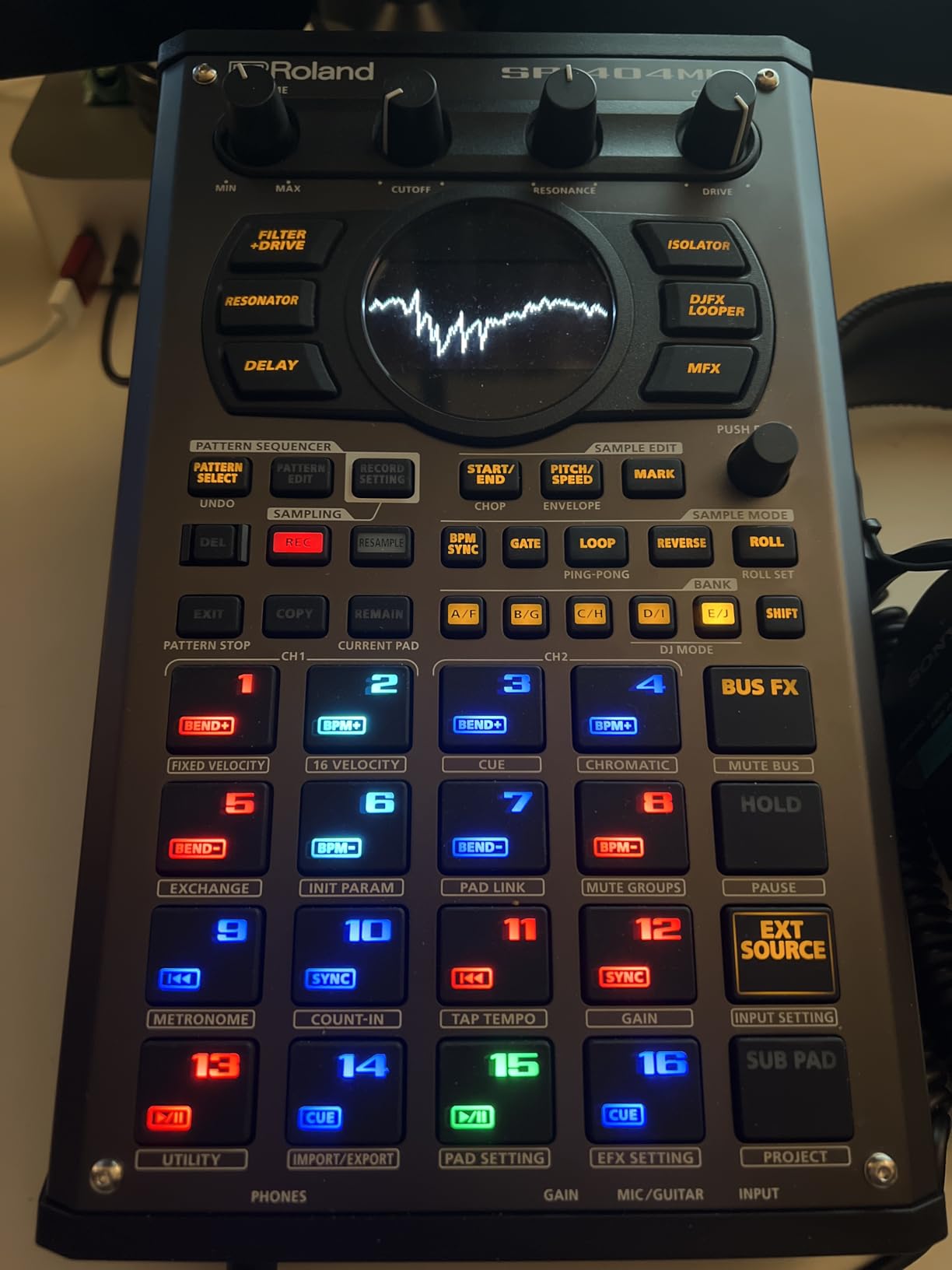
What sets the SP-404MKII apart is its immediate access to effects. The DJFX Looper, Vinyl Simulator, and Cassette Simulator effects have become essential tools in my production workflow. When I need to add texture or transform a sample beyond recognition, these effects respond in real-time with zero perceptible latency.
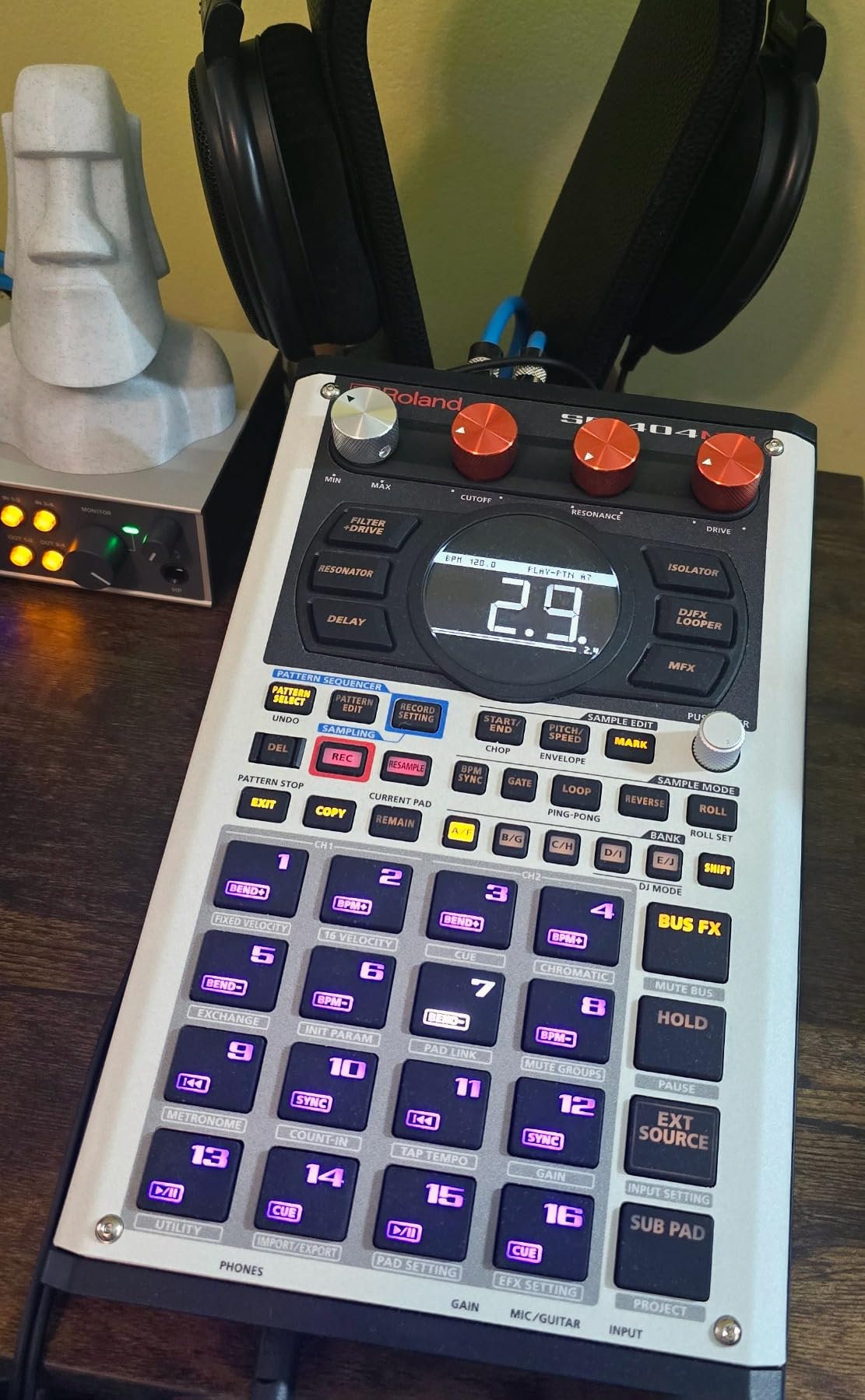
The 17 velocity-sensitive RGB pads feel responsive and reliable. Unlike some competitors where pads feel mushy or inconsistently trigger, the SP-404MKII pads provide consistent velocity detection that translates into expressive performances. The no-click design means samples trigger cleanly regardless of how hard you play.
Starting up takes seconds rather than minutes. When you are in a creative flow state, waiting for hardware to boot is the last thing you need. Roland clearly optimized the startup time for this generation, and it makes a noticeable difference during live sessions.
Best For
The Roland SP-404MKII excels when you need a sampler that can handle live performance demands while offering deep sound design capabilities. It works beautifully for DJs, MCs, and producers who want to manipulate samples on the fly. The extensive effects library makes it ideal for anyone creating experimental or genre-blending music.
Not Ideal For
If you need deep MIDI integration with external gear or prefer a computer-centric workflow, the SP-404MKII may feel limiting. Its strength lies in standalone operation, not as a MIDI controller or DAW expansion.
2. Akai Professional MPC Sample Standalone Portable Sampler
Akai Professional MPC Sample Portable Sampler
Standalone operation
Built-in speaker
16 MPC pads
Rechargeable battery
+ The Good
- Iconic MPC workflow
- True portability
- Built-in speaker and mic
- Intuitive sampling
- Excellent value
- The Bad
- Limited internal speaker quality
- No automatic note detection
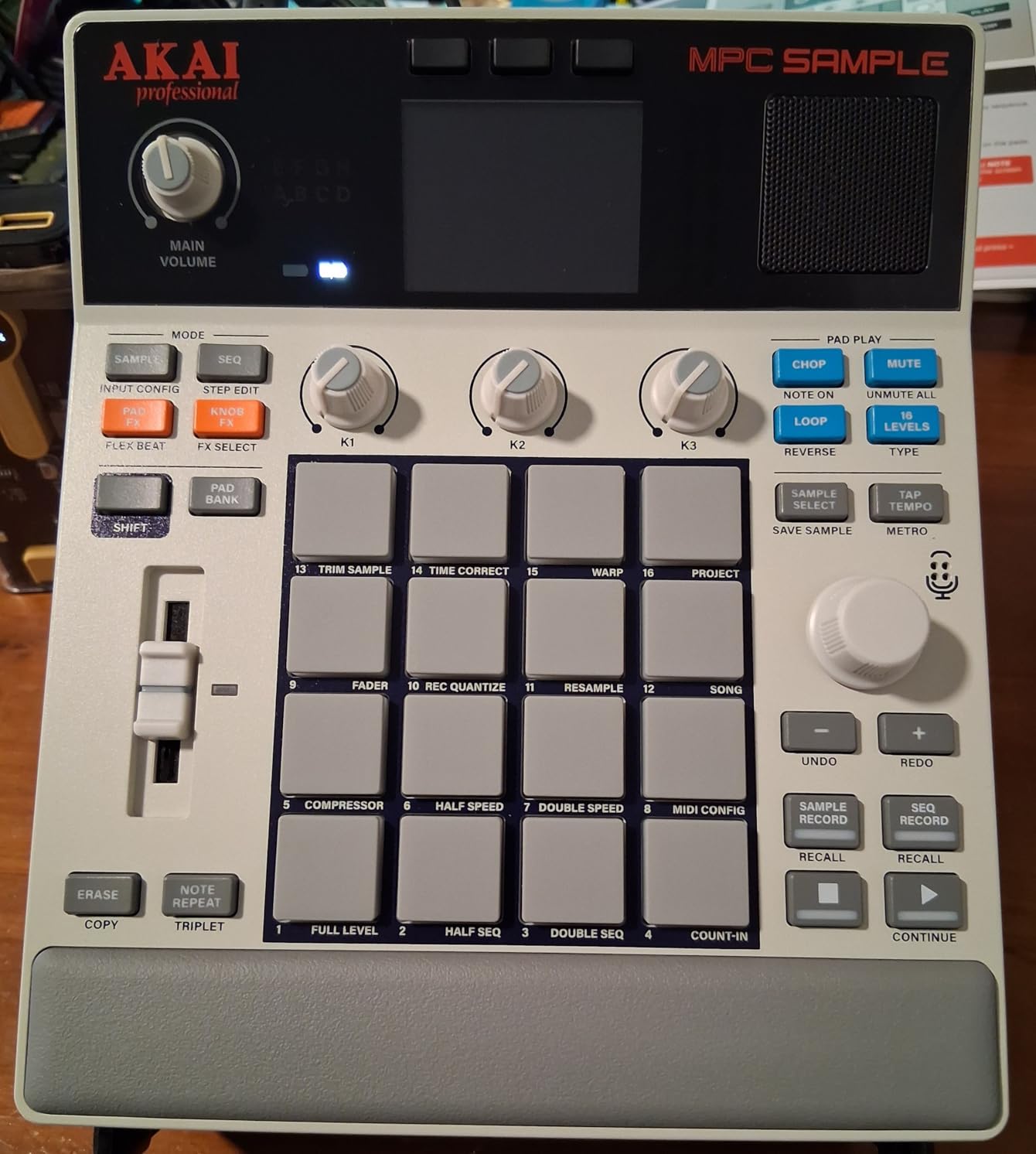
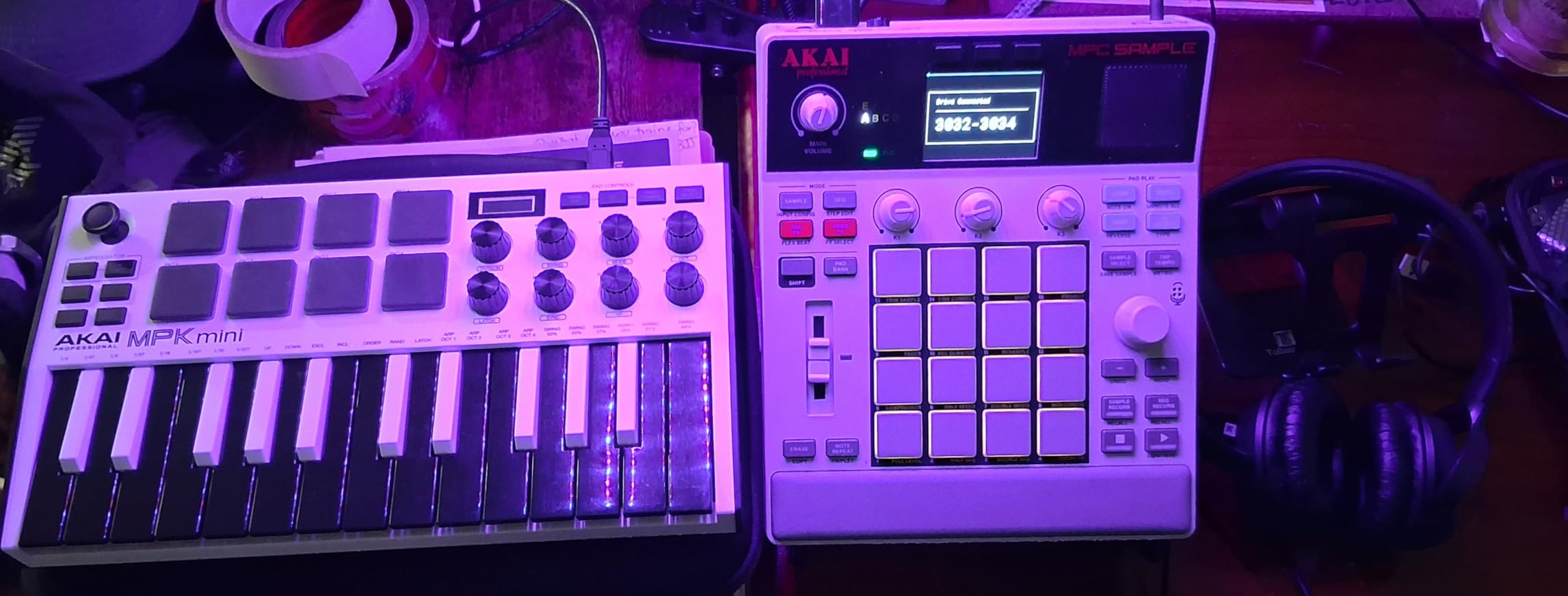
The Akai Professional MPC Sample brings the legendary MPC workflow into a compact, portable format that punches well above its weight class. At under $400, this sampler delivers functionality that would have cost thousands a decade ago.
Having used various MPC models over the years, I found the MPC Sample maintains the core DNA that made the MPC series iconic. The 16 responsive MPC pads with RGB lighting provide the same satisfying tactile response that professionals have relied on for decades. Pad afterpad, the triggers register consistently without any ghosting or missed hits.
The built-in speaker and microphone enable true field recording and immediate playback without additional equipment. I captured rain sounds, street ambiance, and vocal snippets during a recent trip. The auto-chop feature then sliced these recordings into playable pads within seconds.
Battery life exceeded my expectations. On a full charge, I used the MPC Sample for three consecutive weekend gigs without needing to plug in. This kind of portability changes how you approach live performance. You are no longer tethered to a power outlet or dragged down by heavy gear.
Best For
Producers wanting MPC quality in a travel-friendly format will find the MPC Sample ideal. Beginners entering hardware sampling appreciate the intuitive workflow without sacrificing creative depth. It serves as an excellent bridge between mobile creation and studio work.
Not Ideal For
Those needing extensive internal storage or professional-grade preamps may want to look at higher-end options. The built-in speaker, while convenient, is not suitable for critical monitoring.
3. Elektron Digitakt II 16-Track Drum Computer and Sampler

Elektron Digitakt II 16-Track Drum Computer and Sampler
16 audio tracks
128-step sequencer
3 LFOs per track
Cast aluminum body
+ The Good
- Exceptional sound quality
- Professional build
- Versatile modulation
- DAWless workflow
- Euclidean generator
- The Bad
- Steeper learning curve
- No DAW integration
- Small screen
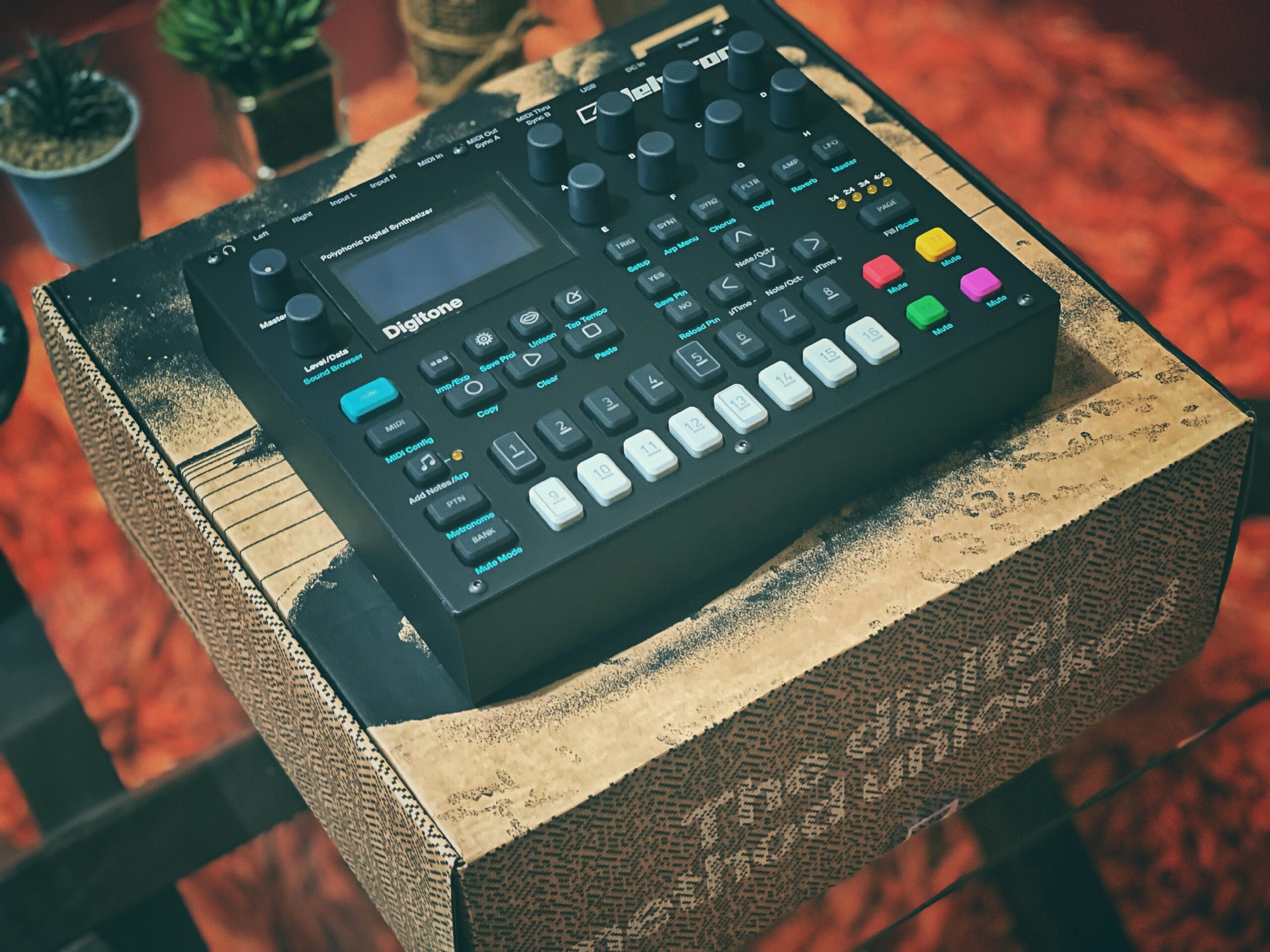
The Elektron Digitakt II represents a significant leap forward from an already excellent first generation. This machine is built for producers who demand professional-grade sampling and sequencing in a compact tabletop format.
The moment you pick up the Digitakt II, the build quality communicates immediately. The cast aluminum chassis feels indestructible, and the encoders provide precise, satisfying control over every parameter. This is hardware designed to survive touring and constant use.
I spent two weeks integrating the Digitakt II into my studio setup. The 16 audio tracks offer flexibility that few competitors match at this price point. Each track supports stereo or mono samples, MIDI instruments, or hybrid combinations. The per-track effects chain, including delay, reverb, chorus, bit reduction, and overdrive, delivers creative possibilities that keep you discovering new sounds for months.
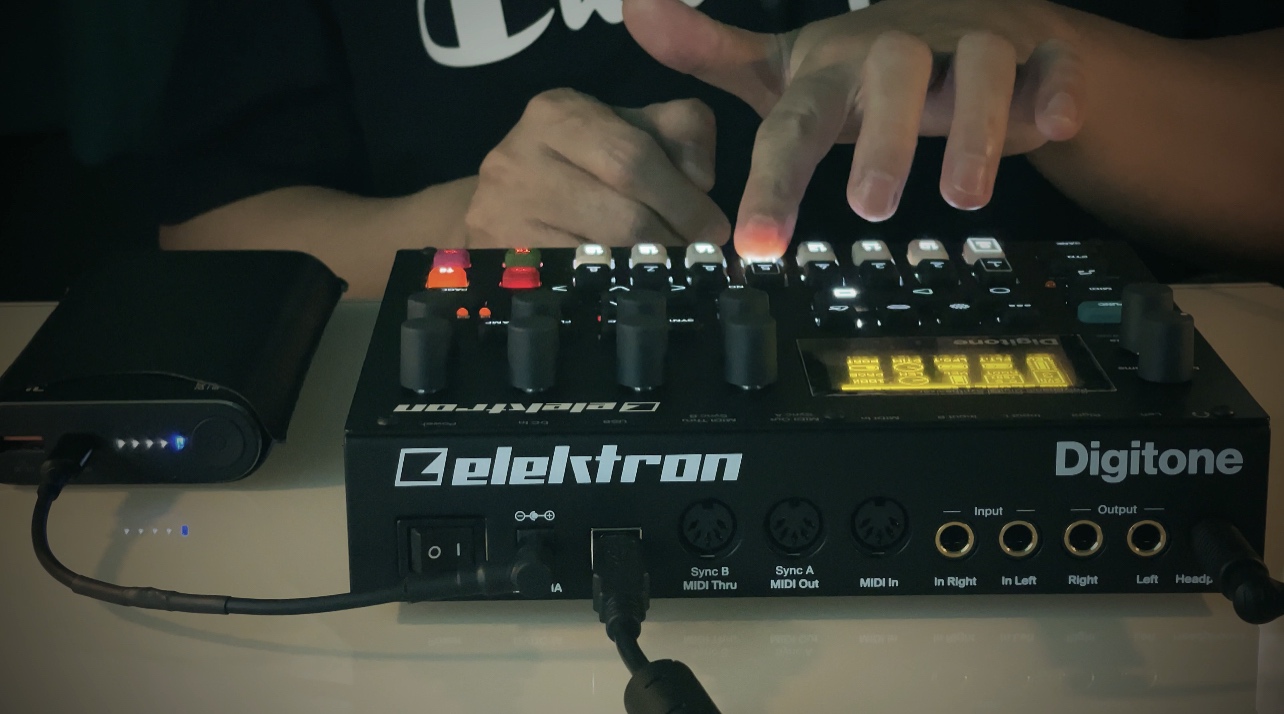
The sequencer deserves special mention. The 128-step Elektron sequencer with parameter locks enables composing complex patterns that evolve over time. The Euclidean sequence generator creates mathematically precise rhythmic variations that would take hours to program manually. When you combine this with three assignable LFOs per track, the modulation possibilities feel virtually limitless.
Best For
Serious producers seeking a standalone sampling and sequencing workstation will find the Digitakt II rewarding. It excels in electronic music production, particularly techno, house, and experimental genres where sound manipulation depth matters.
Not Ideal For
Those new to hardware sampling may find the workflow intimidating. If you need direct DAW integration or prefer immediate plug-and-play simplicity, look elsewhere.
4. Teenage Engineering EP-133 K.O. II 128MB Sampler
teenage engineering EP–133 K.O. II 128MB sampler, drum machine and sequencer with built-in microphone and effects
128MB memory
4 groups x 99 patterns
12 punch-in effects
6 master effects
+ The Good
- Compact and portable
- Creative workflow
- Built-in microphone
- Impressive effects
- Great sound quality
- The Bad
- Limited storage
- No SD card slot
- Pattern storage limits
Teenage Engineering continues to push boundaries with the EP-133 K.O. II. This sampler proves that small devices can deliver professional results. The company that gave us the pocket operator line has created something that rivals much larger hardware.
The form factor remains impressively compact, yet Teenage Engineering somehow packed substantial power inside. The 128MB memory doubles what the original PO-33 offered, giving you enough space to build substantial sample libraries without constantly managing storage.
I tested the effects extensively during a recent production session. The 12 punch-in 2.0 effects and 6 master effects cover everything from subtle refinements to dramatic transformations. The delay and reverb algorithms sound particularly polished, adding space and dimension without muddying your mix.
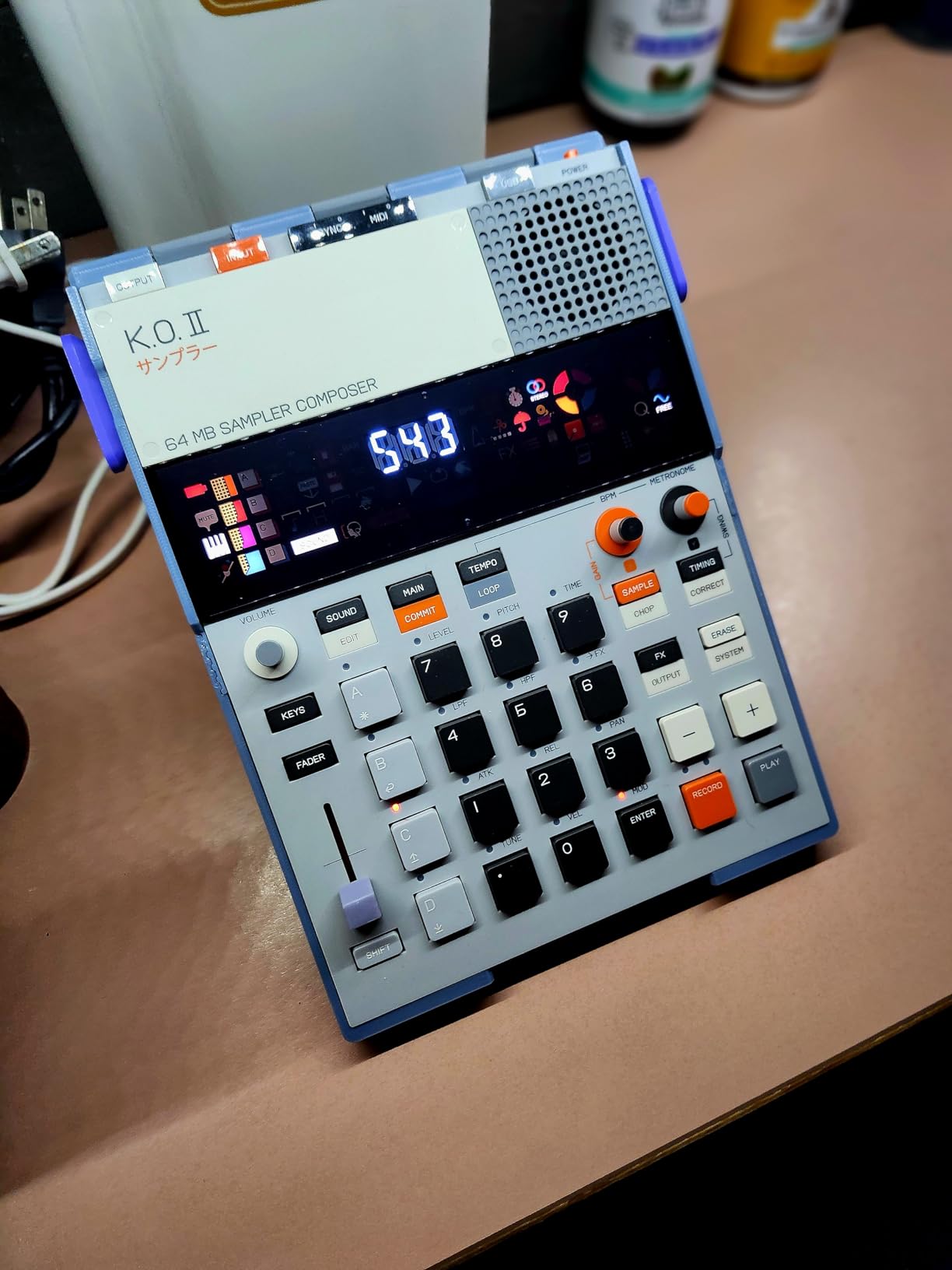
The built-in microphone enables spontaneous sampling anywhere. I recorded guitar riffs, vocal hooks, and environmental sounds during a creative burst and immediately incorporated them into patterns. The 4-track sequencer with 12 stereo voices handled everything I threw at it without running out of polyphony.
Best For
Producers who value portability without sacrificing capability will appreciate the EP-133 K.O. II. It suits travel workflows, live performance, and anyone wanting a creative spark in a compact package.
Not Ideal For
If you require extensive sample storage or SD card expansion, the fixed 128MB memory may feel constraining for larger projects.
5. Korg Volca Sample 2 Digital Sample Sequencer
Korg Volca Sample 2 Digital Sample Sequencer Drum Machine w/Pattern Chain Mode and 16-step Sequencer
8-voice polyphony
16-step sequencer
Analog reverb
Filter
+ The Good
- Affordable entry point
- Compact and lightweight
- Battery powered
- Pattern chain mode
- Good starter device
- The Bad
- Limited 8MB memory
- Small controls
- Micro USB not USB-C
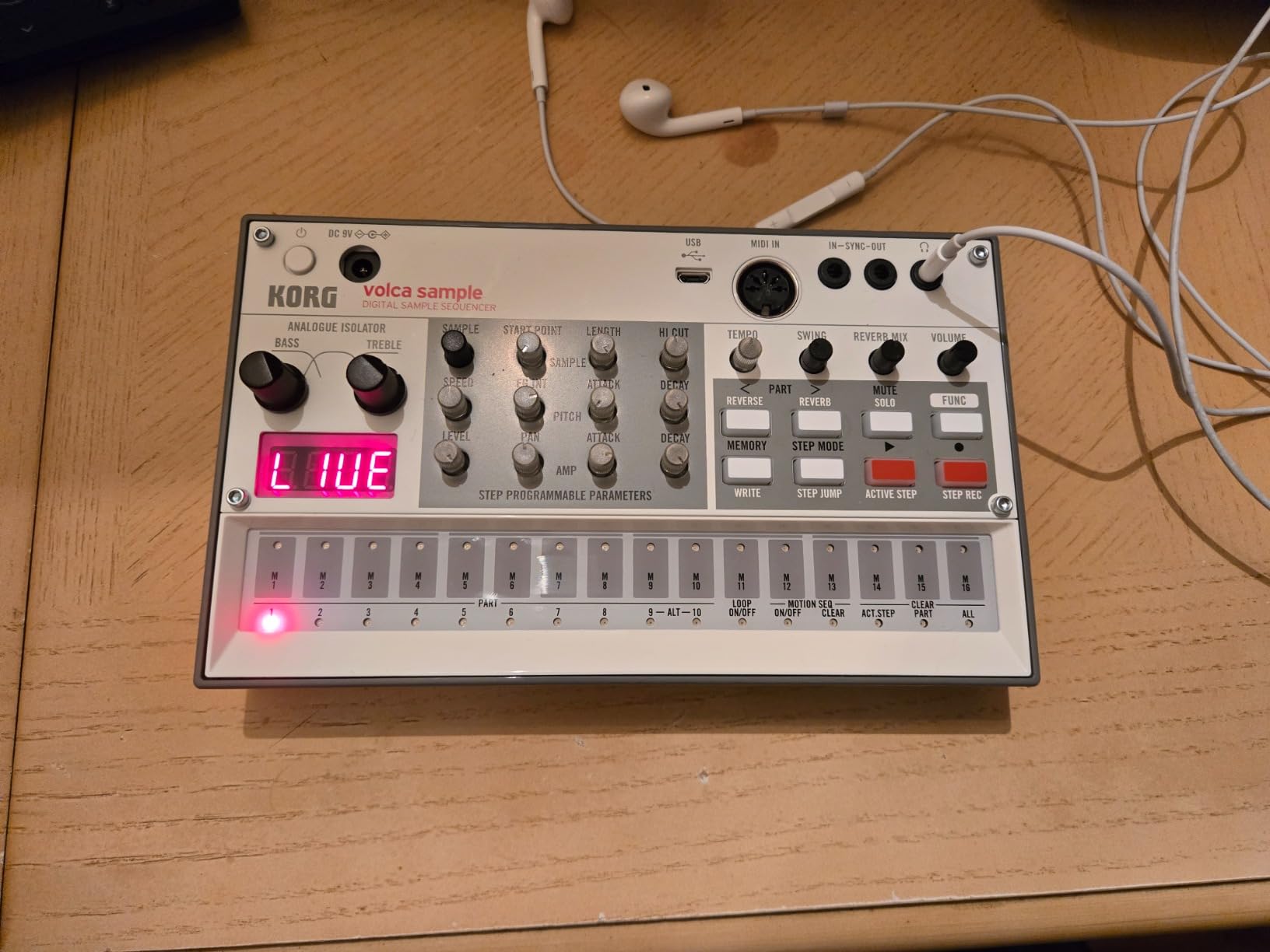
The Korg Volca Sample 2 represents the most accessible path into hardware sampling. At under $150, it removes financial barriers while delivering genuine sampling capabilities that have introduced thousands of producers to hardware workflows.
Do not let the low price fool you. The Volca Sample 2 includes features found on much more expensive units. The 16-step sequencer with pattern chain mode enables composing full arrangements from individual patterns. The digital reverb and rich double filter add polish that makes your beats sound complete rather than skeletal.
During my testing period, I used the Volca Sample 2 alongside more expensive hardware. The workflow translated surprisingly well. Patterns I created on the Volca transferred conceptually to larger setups, confirming this device teaches genuine production techniques.
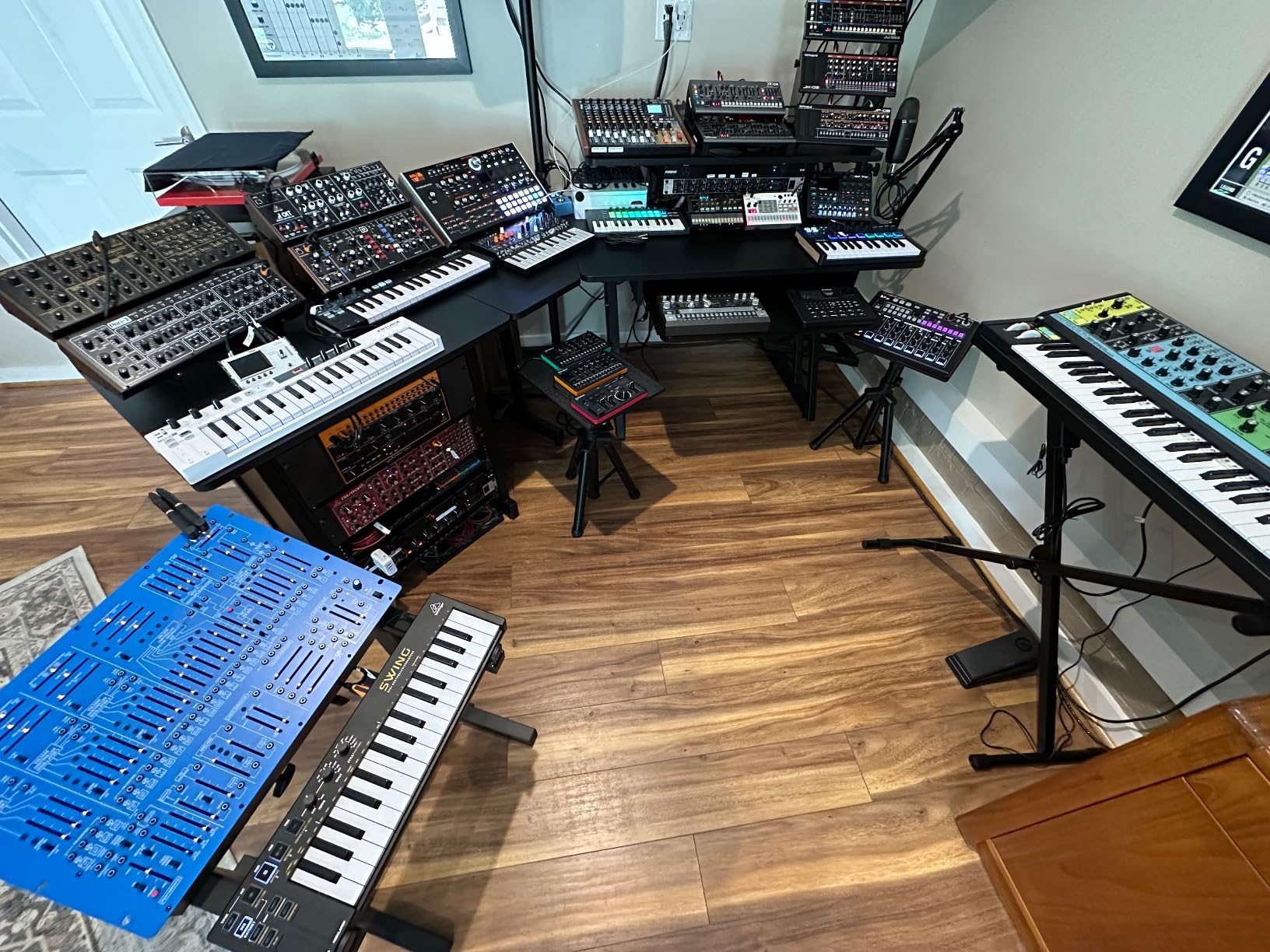
The 8-voice polyphony handles most beat-making scenarios adequately. While you cannot layer unlimited sounds simultaneously, the limitation forces creative discipline that often produces tighter, more focused compositions.
Best For
Beginners entering hardware sampling will find the Volca Sample 2 an excellent teacher. Budget-conscious producers appreciate the genuine capabilities without significant investment. It works well as a travel companion to more advanced setups.
Not Ideal For
Professionals needing extensive memory or advanced sequencing should look at higher-end options. The small form factor, while portable, requires careful finger placement on tiny controls.
6. Teenage Engineering PO-33 K.O.! Micro Sampler
teenage engineering pocket operator PO-33 K.O.! micro sampler and drum machine with built-in microphone, sequencer and effects
40-second sample memory
8 melodic slots
8 drum slots
16 effects
+ The Good
- Incredible value
- Credit card-sized
- Built-in microphone
- Fun factor
- Strong community
- The Bad
- 8-bit engine sounds gritty
- Monophonic sample slots
- Limited polyphony
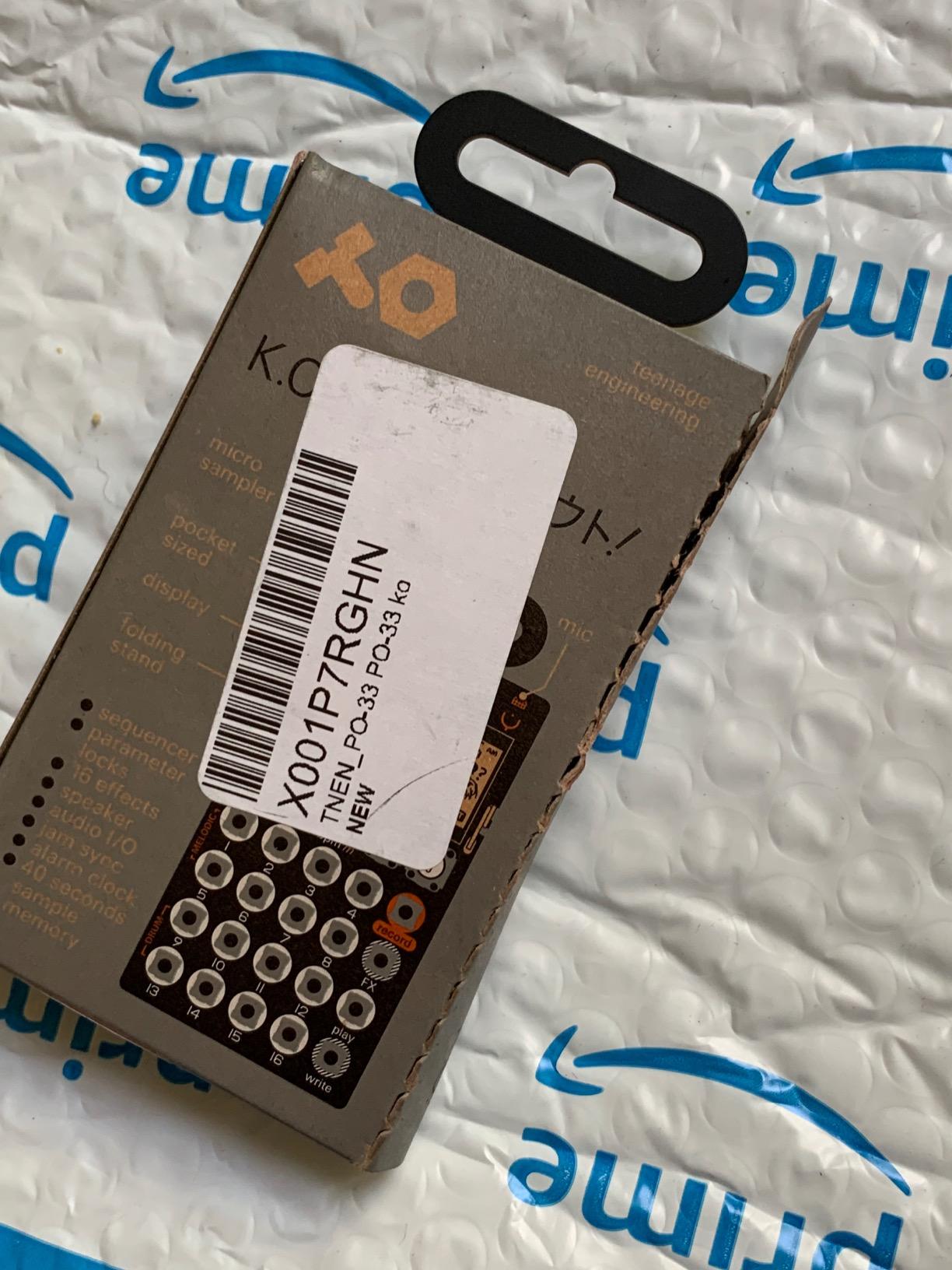
The Teenage Engineering PO-33 K.O.! holds a special place in the hardware sampling world. This credit card-sized device proved that serious music creation could happen in the smallest packages. With over 2,000 reviews on Amazon, it has become the gateway drug for countless hardware sampler enthusiasts.
Despite its diminutive size, the PO-33 delivers genuine sampling capability. The 40-second sample memory seems limiting on paper, but creative producers have built entire tracks using nothing but repeated short samples. Constraints breed creativity, and this device exemplifies that philosophy.
The built-in microphone enables sampling anything, anywhere. I recorded vocal phrases, environmental sounds, and direct instrument inputs during a weekend trip. The samples transferred to my main DAW later for further processing, but the initial capture happened effortlessly in a coffee shop.
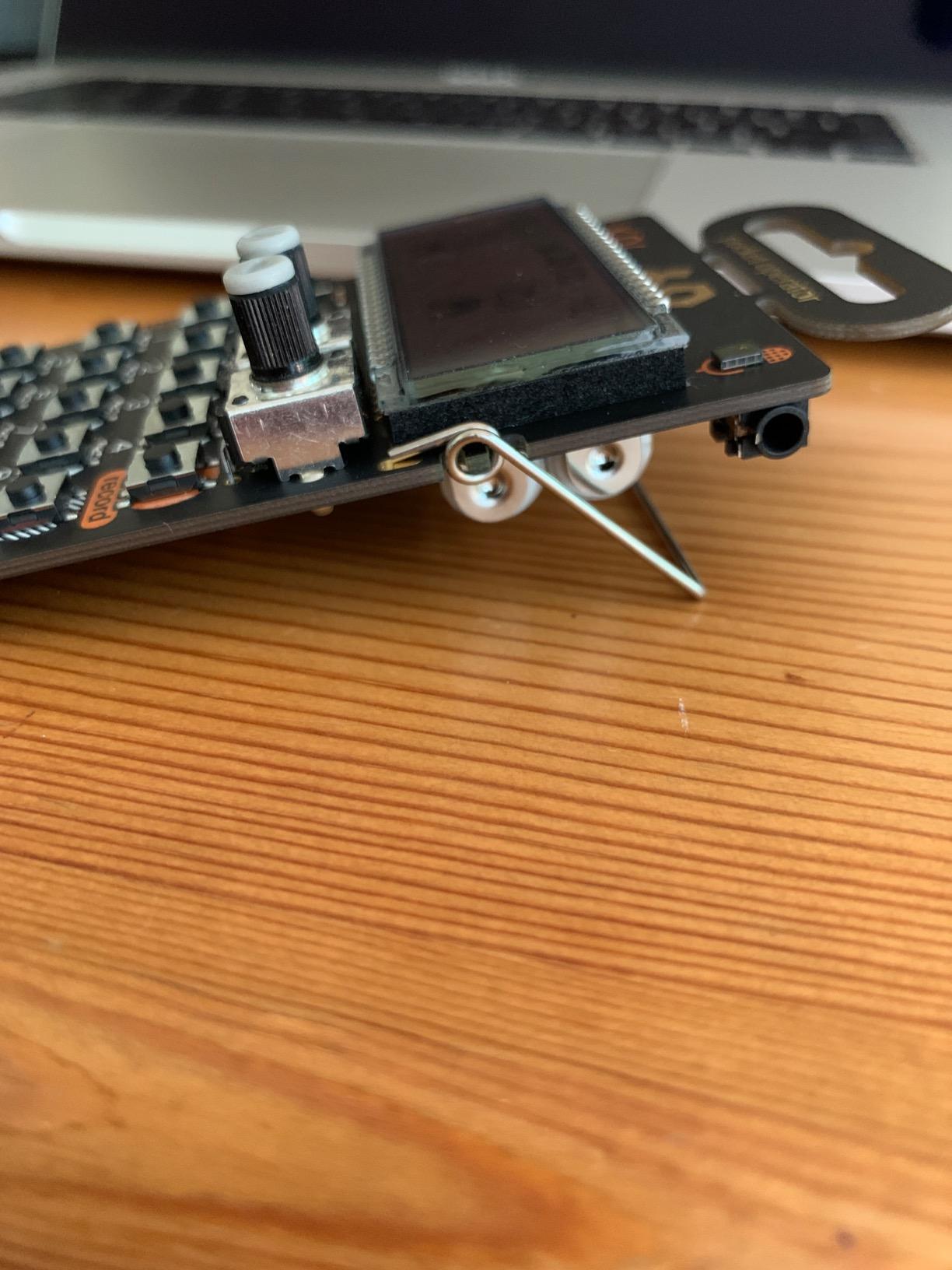
The 16-step sequencer with 16 patterns chainable up to 100 times provides more compositional depth than the size suggests. Effects include compression, decay, and various modulation options that transform raw samples into musical elements. The 3.5mm line in handles external audio sources when you need better quality than the internal microphone provides.
Best For
Those new to hardware sampling should start here. The price removes all risk, yet the capabilities genuinely teach sampling concepts. Travelers wanting a creative outlet in minimal space find the PO-33 perfect.
Not Ideal For
Producers needing pristine audio quality may struggle with the 8-bit engine. The gritty, lo-fi character is a feature for some, but a limitation for others.
7. Novation Circuit Rhythm Sampler and Groovebox

Novation Circuit Rhythm Sampler and Groovebox
8 flexible sample tracks
32-step patterns
Performance FX
MIDI, USB-C, microSD
+ The Good
- Compact and sturdy
- Intuitive interface
- Great pads
- Standalone operation
- Excellent value
- The Bad
- Slow sample saving
- No display
- Confusing manual
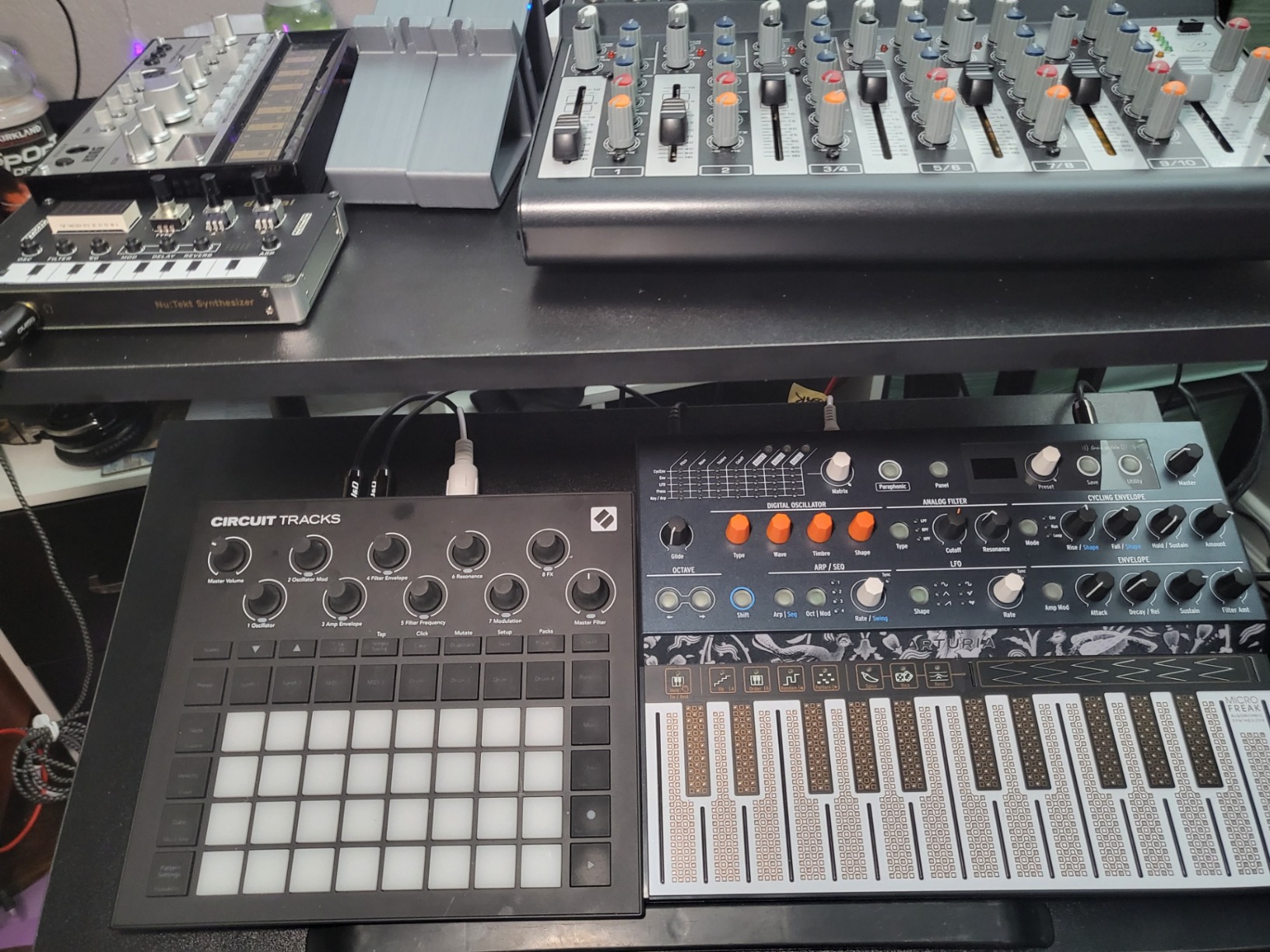
The Novation Circuit Rhythm brings a different approach to hardware sampling. Rather than focusing purely on sampling, it combines eight sample tracks with performance-oriented features that make live manipulation intuitive and immediate.
The build quality impresses immediately. Despite its lightweight construction, the Circuit Rhythm feels solid and road-worthy. The pads provide satisfying tactile feedback, and the color-coded interface makes navigating different modes straightforward once you learn the system.
Performance FX including lo-fi tape and beat repeat effects add dynamic manipulation during live sets. These are not subtle processing options but transformative tools that reshape your samples in real-time based on how you manipulate the hardware.
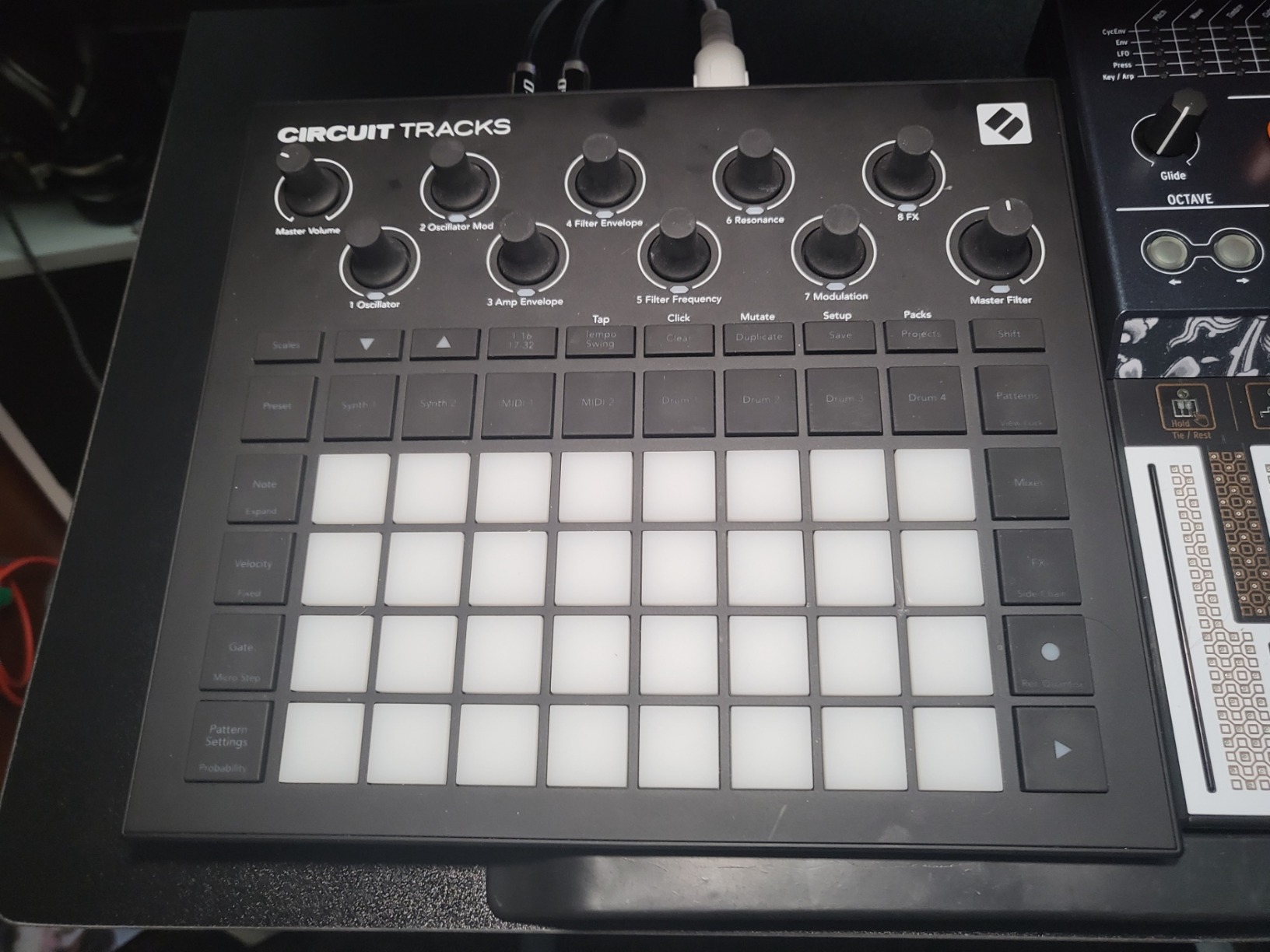
I recorded samples from various sources during testing. The slice and sculpt functions work particularly well for breaking down longer recordings into playable segments. The internal battery enables truly wireless operation, though the seven-minute save time for 10MB via USB-C will test your patience.
Best For
Live performers needing a self-contained sampling and looping system should consider the Circuit Rhythm. It works particularly well for electronic music styles where real-time manipulation and performance effects drive the performance.
Not Ideal For
Those who need visual feedback via a display may struggle with the menu-driven interface. Slow sample transfer speeds make this less suitable for producers who frequently move large audio files.
8. Roland AIRA Compact P-6 Creative Sampler

Roland AIRA Compact P-6 Creative Sampler | Granular Sound Design | Powerful Sequencer | Onboard Keyboard | Custom Loops | Built-In Mic | Hands-on Effects
Granular sound design
Built-in microphone
64-step sequencer
MFX effects
+ The Good
- Excellent effects
- Resampling capability
- Granular engine
- Parameter locks
- Great for Lo-Fi
- The Bad
- Menu diving required
- No velocity pads
- Small knobs
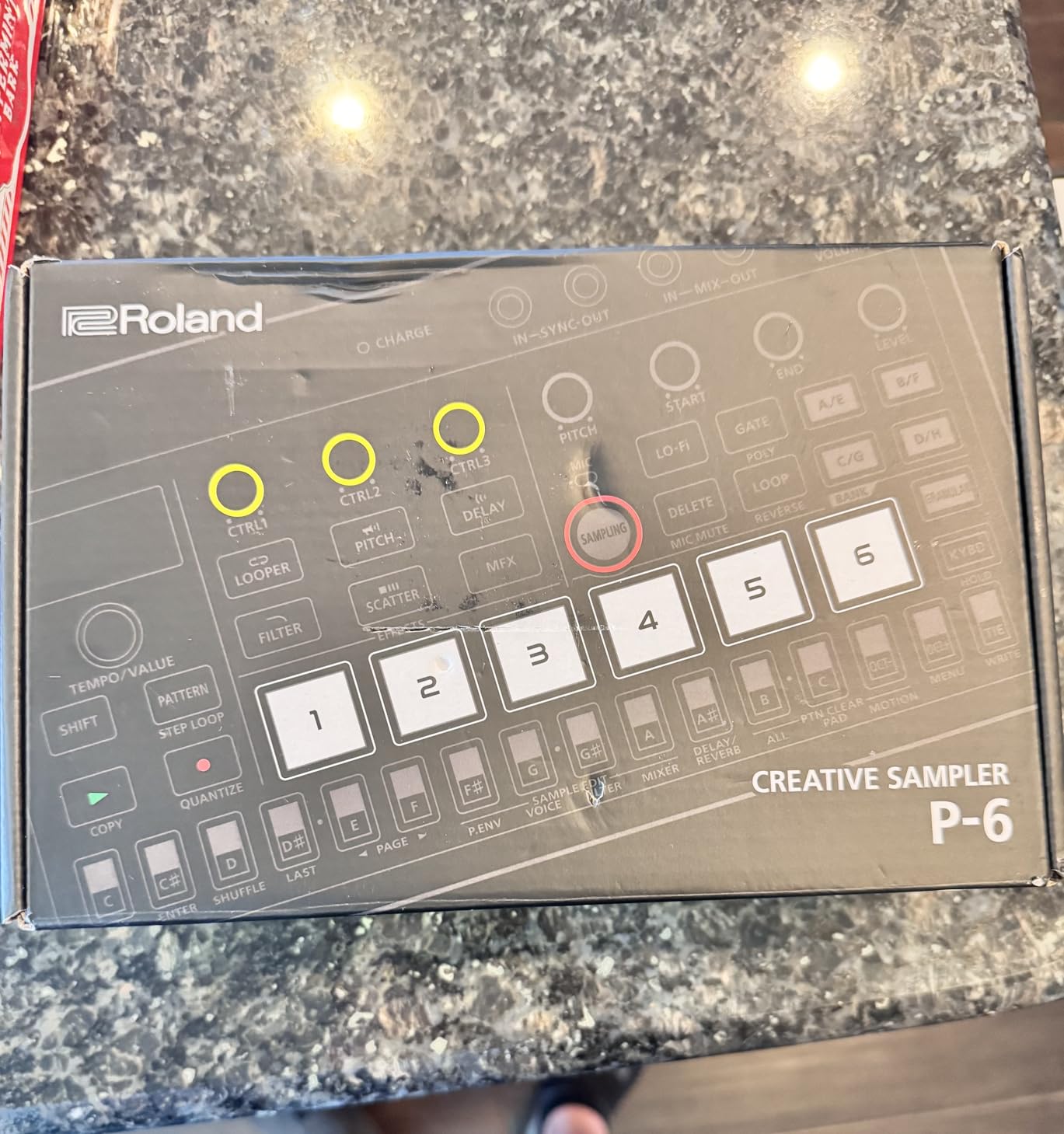
Roland packed impressive granular sound design capabilities into the compact P-6. This little sampler shares the same effects engine as the flagship SP-404MKII, giving you professional-grade processing in a travel-friendly format.
The granular engine deserves particular attention. Unlike traditional sampling where you play samples start to finish, granular processing breaks sounds into tiny fragments and reconstructs them in ways that transform the original beyond recognition. Detuning, head position, speed, spread, and grain size all respond in real-time.
The built-in microphone enables capturing sounds spontaneously. During a walk through my neighborhood, I recorded ambient sounds and immediately began manipulating them using granular parameters. The results formed the basis of a complete track by evening.
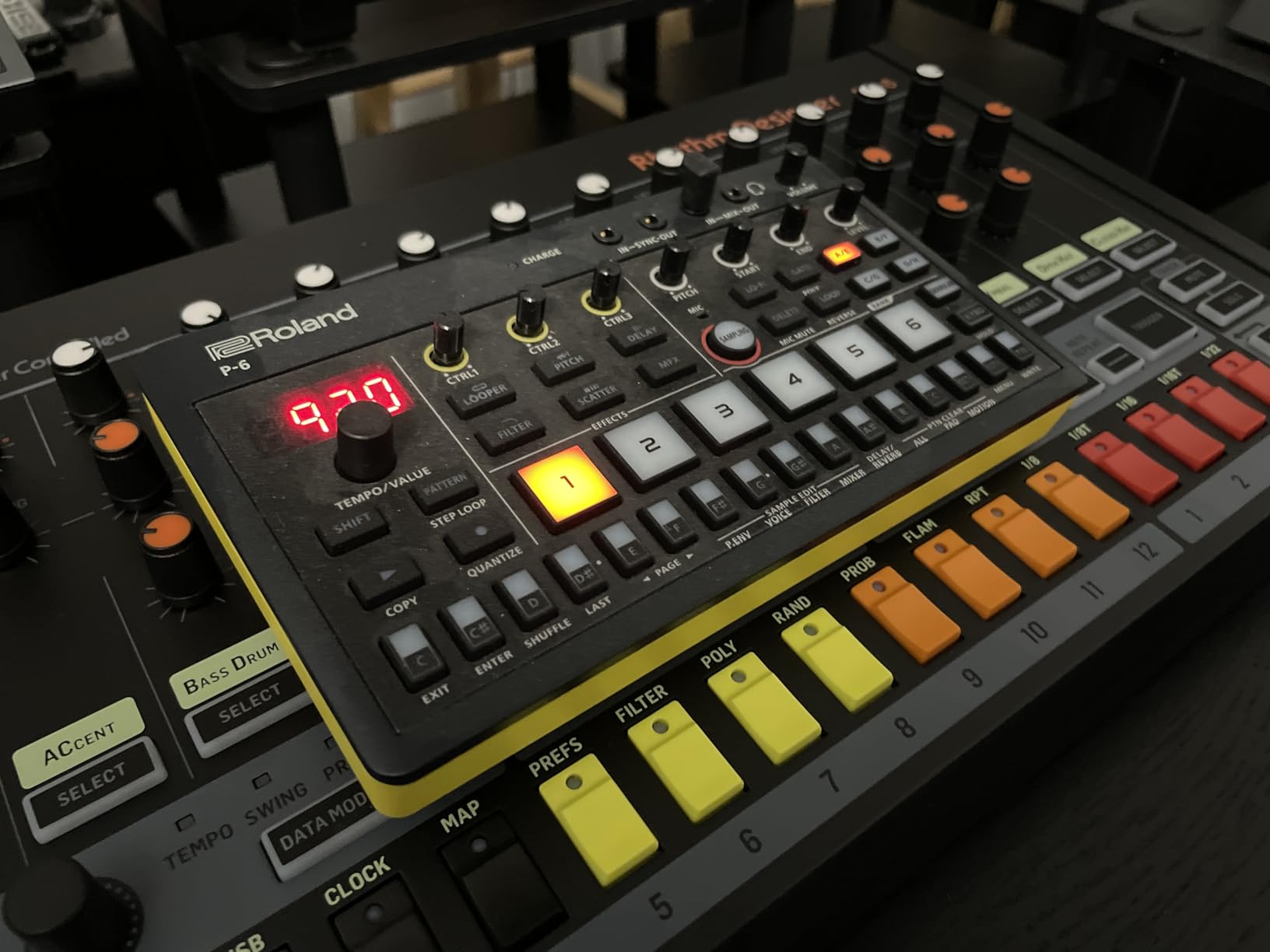
The chop function slices samples into playable segments automatically. Combined with the step sampling for creating split samples, you have multiple approaches to transforming external audio into performance-ready material. Resampling internal audio creates infinite sound design possibilities through serial processing.
Best For
Producers focused on experimental sound design, lo-fi production, and genre-blending work will find the P-6 rewarding. The granular engine provides capabilities that justify the price difference from simpler samplers.
Not Ideal For
Those preferring immediate visual feedback may struggle with the small screen and menu navigation. The lack of velocity-sensitive pads limits expressive playing dynamics.
9. Ableton Move Standalone Instrument with Live 12

Ableton Move Standalone Instrument with Live 12 Intro
Standalone operation
32 velocity-sensitive pads
4 flexible tracks
Built-in speaker and mic
+ The Good
- Intuitive workflow
- True portability
- 1500+ sounds
- Excellent Live integration
- Regular updates
- The Bad
- Pad stuck state issues
- No Bluetooth MIDI
- Limited vs full Live
Ableton made a calculated move releasing the Move. This standalone device brings the Session Mode workflow that made Ableton Live famous into a dedicated hardware format that works completely without a computer.
The moment you power on the Move, the streamlined interface invites exploration. Four flexible tracks handle drum kits, samplers, or synthesizers. The 4×4 grid for drum pitches maps 16 velocity-sensitive pads that respond with satisfying consistency. Polyphonic aftertouch adds expression that transforms pad performance into nuanced musical statements.
Having used Ableton Live for over a decade, I found the Move’s workflow immediately familiar. Session Mode with clip triggering works exactly as expected, just on dedicated hardware. This means techniques you develop on the Move transfer directly to the full software when you return to studio work.
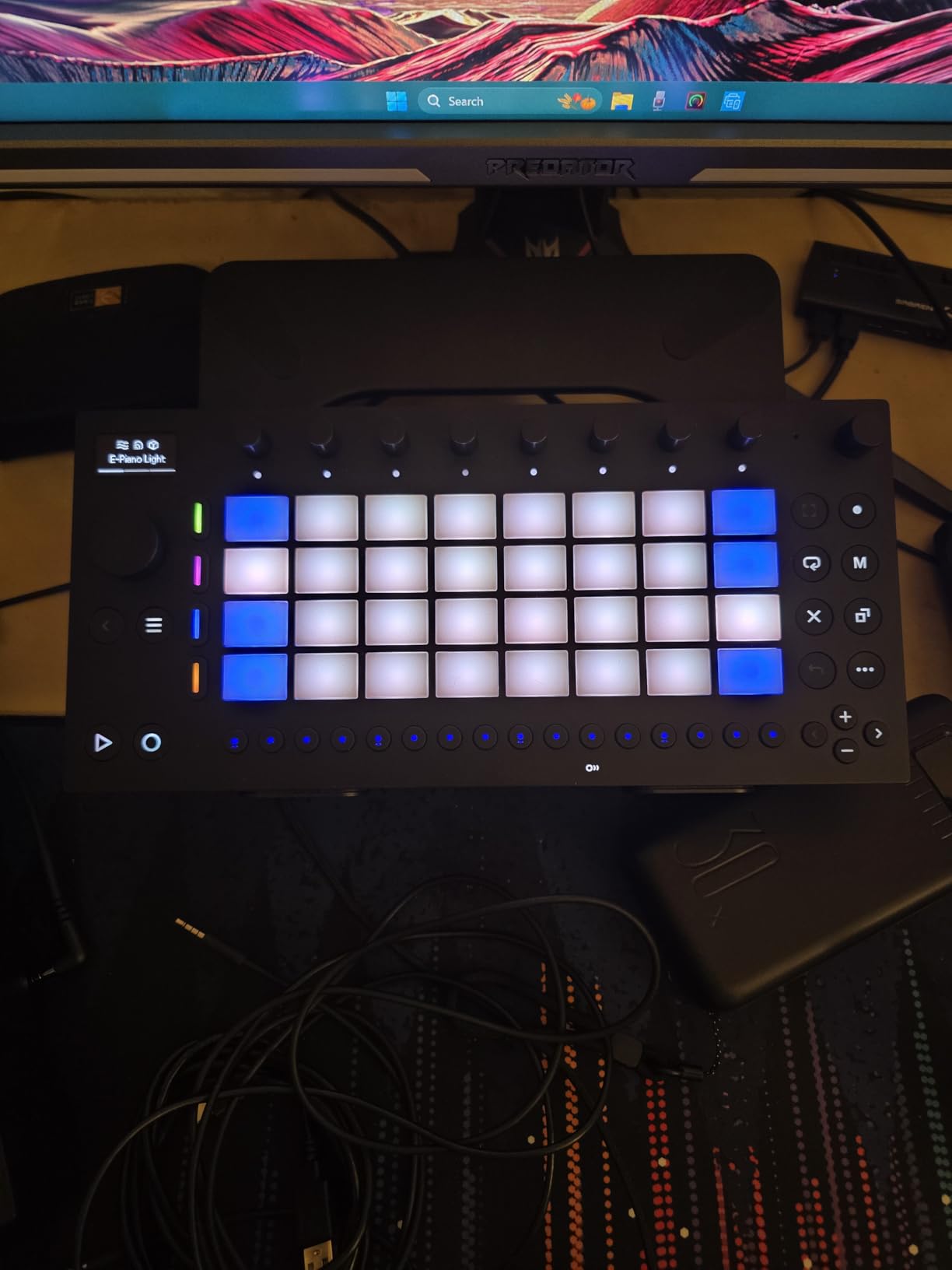
The built-in microphone and speaker enable capturing ideas and reviewing them immediately. During a recent flight, I sketched three song ideas using nothing but the internal mic and the 32 pads. The sounds are not studio-quality, but the creative flow remained unbroken by technical limitations.
Best For
Current Ableton Live users seeking hardware freedom will find the Move ideal. It suits travelers, commuters, and anyone wanting to maintain creative momentum away from their main studio setup. The regular firmware updates suggest ongoing development investment.
Not Ideal For
Those unfamiliar with Ableton’s Session Mode workflow may find the Move’s interface confusing at first. It represents a smaller subset of Live’s capabilities, not a replacement.
10. Akai Professional MPC Live III

Akai Professional MPC Live III Portable Music Production Center
8-core processor
128GB internal storage
7-inch touchscreen
MPCe Pads
+ The Good
- Most powerful MPC
- Expressive MPCe Pads
- Full standalone operation
- Comprehensive connectivity
- Built-in battery
- The Bad
- Premium price point
- Learning curve
- Quality control reported
The Akai Professional MPC Live III represents the current apex of the MPC lineage. This standalone production center includes everything needed to create complete professional tracks without ever touching a computer.
The 8-core processor with 8GB RAM delivers snappy response across all functions. Sample loading, effect processing, and sequencer operation all happen instantaneously. The difference between this and older MPC generations is immediately perceptible during workflow.
The 3D-sensing MPCe Pads detect velocity, pressure, and X/Y movement simultaneously. This adds dimensions to pad performance that standard pads cannot match. I recorded finger drums during testing, and the dynamics translated more accurately than any previous MPC generation I have used.
The 7-inch multi-touch display makes navigation intuitive. Selecting samples, editing waveforms, and arranging clips all respond like using a tablet. This visual feedback transforms the workflow compared to smaller, screen-less competitors.
Best For
Professional producers requiring a complete, computer-free production environment will find the MPC Live III delivers everything promised. The comprehensive connectivity supports integration with external gear while maintaining true standalone operation.
Not Ideal For
The premium pricing puts this in a category accessible primarily to serious professionals or dedicated enthusiasts. Beginners may benefit more from entry-level options before investing at this level.
11. Native Instruments Maschine Mk3 Drum Controller

Native Instruments Maschine Mk3 Drum Controller
25GB Komplete library
96kHz/24-bit audio
Touch sensitive knobs
Smart Strip
+ The Good
- Integrated ecosystem
- Massive library
- Pro-grade audio
- Versatile control
- DAW integration
- The Bad
- No 48V phantom power
- Learning curve
- Software-dependent
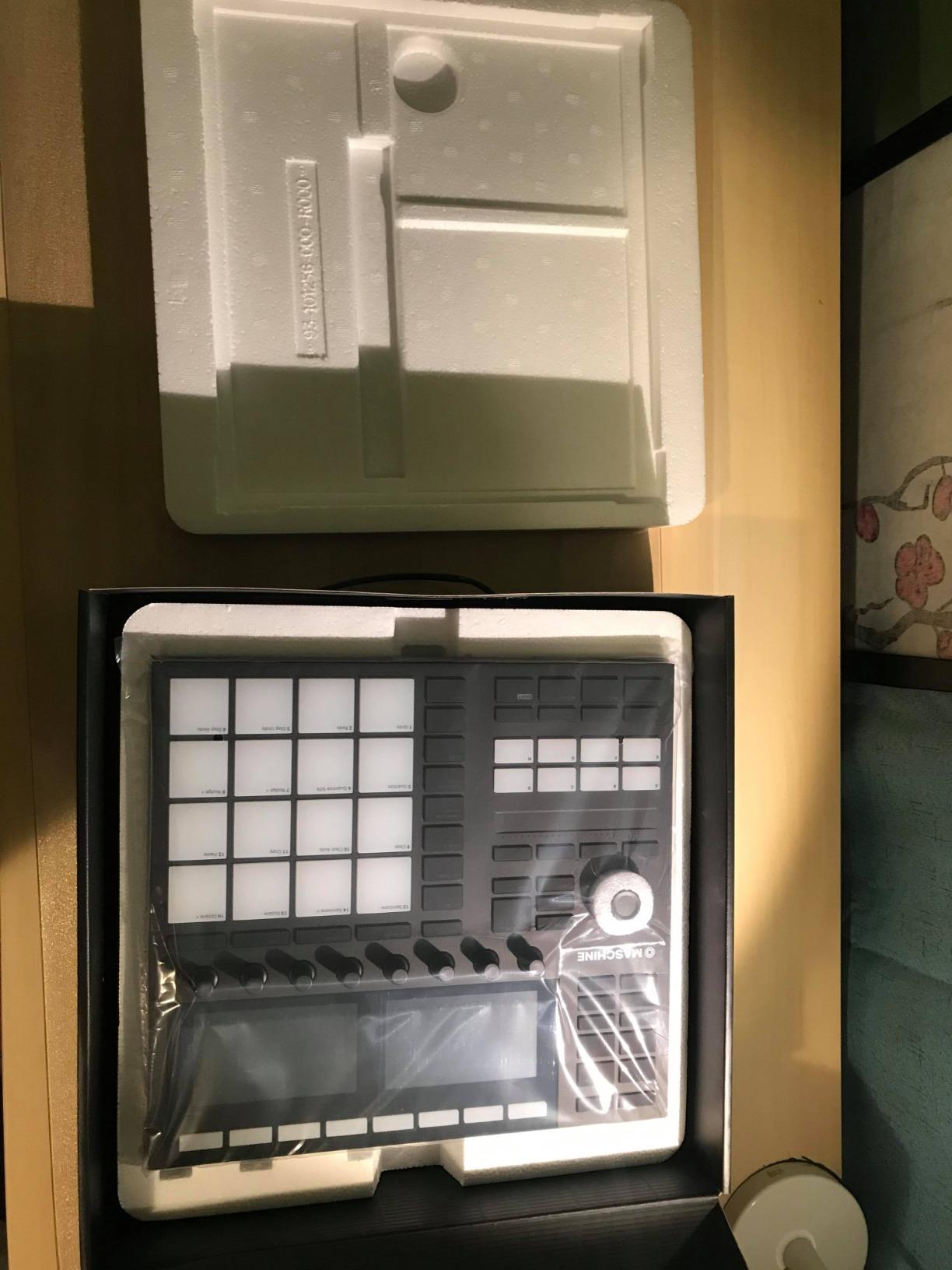
Native Instruments designed the Maschine Mk3 as an integrated hardware and software system rather than a pure hardware sampler. This approach delivers benefits that pure hardware cannot match, particularly when you factor in the included 25GB Komplete 11 Select library.
The combination of hardware controller and software integration creates workflow possibilities that standalone devices cannot match. The hardware provides tactile control over parameters, while the software handles heavy processing. During my testing, I found myself switching between hardware knobs and mouse interaction naturally.
The pro-grade 96kHz/24-bit audio interface ensures sound quality remains pristine throughout production. Two 1/4-inch TRS line outputs, two line inputs, and a dynamic microphone input cover most studio connection scenarios. The headphone output drives monitoring without requiring additional equipment.
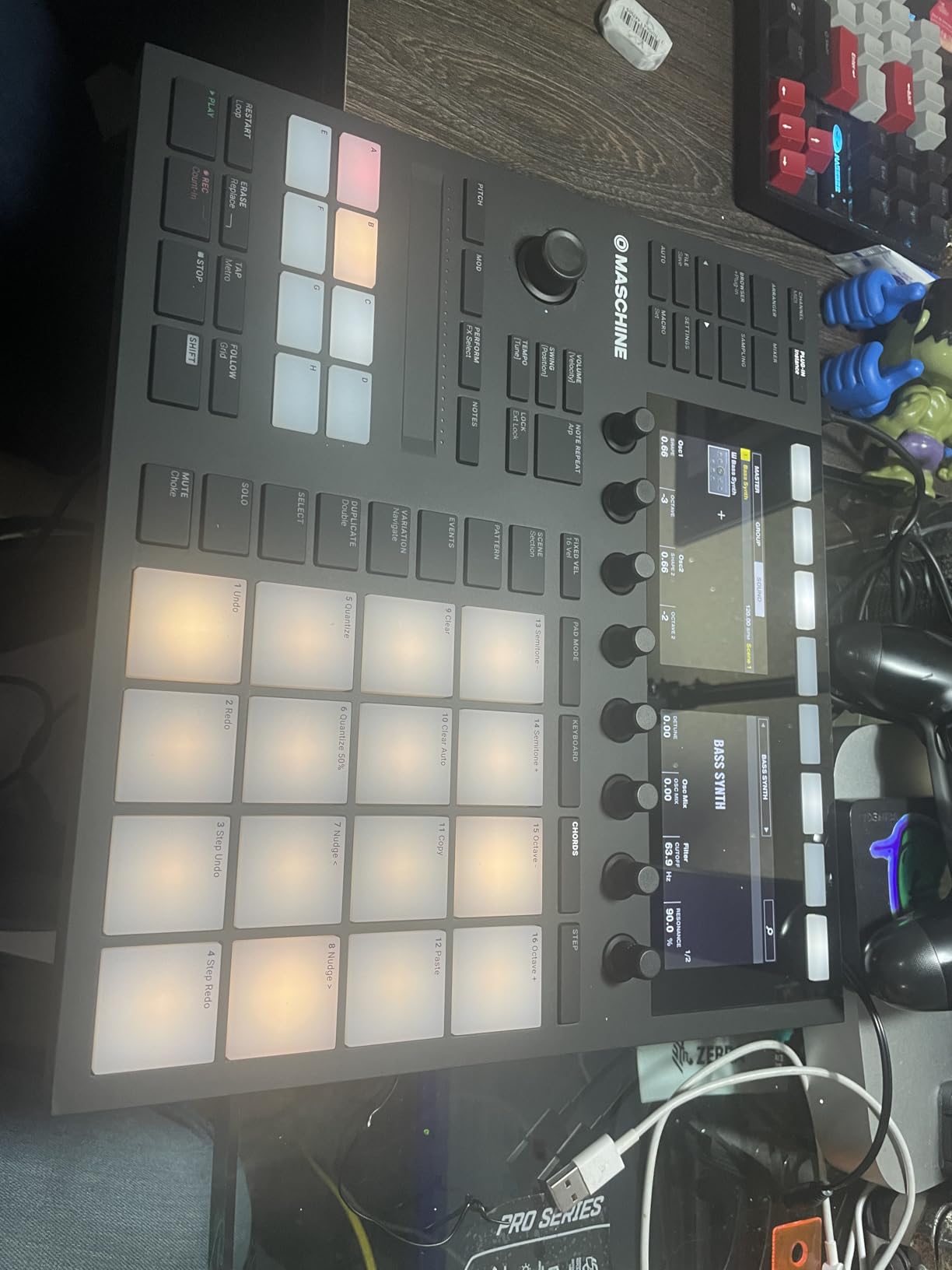
Touch-sensitive knobs respond to finger position, enabling parameter tweaking that feels natural and immediate. The Smart Strip handles strumming, pitch bending, and performance effects, adding expressive control dimensions that transform how you interact with software instruments.
Best For
Producers already invested in the Native Instruments ecosystem or those wanting hardware control over software instruments will appreciate the Maschine Mk3. It suits those who prefer integrated solutions over scattered individual tools.
Not Ideal For
Those seeking pure standalone operation without computer dependency should look elsewhere. The Maschine Mk3 reaches its full potential only when paired with Maschine or NKS-compatible software.
12. 1010music Blackbox Compact Sampling Studio
1010music Blackbox Compact Sampling Studio
Touchscreen interface
Loop mode
Sequencer
Song mode
+ The Good
- Amazing loop mode
- Outstanding build quality
- Responsive touchscreen
- Metal case
- Small footprint
- The Bad
- Steep learning curve
- Price vs competitors
- Fewer effects
- No power switch
The 1010music Blackbox takes a minimalist approach that differentiates it from feature-heavy competitors. Rather than overwhelming you with options, this compact sampling studio focuses on core sampling and sequencing capabilities delivered through an intuitive touchscreen interface.
The loop mode deserves special recognition. During testing, I found myself creating layered rhythmic textures by recording short loops and manipulating them in real-time. The workflow felt more immediate than competitors that require more setup before reaching creative payoff.
The metal case construction communicates professional quality immediately. Unlike plastic-bodied competitors that feel disposable, the Blackbox feels like an investment built to last decades of regular use.
The touchscreen interface responds accurately to finger input. Menu navigation happens through clear, logically organized screens rather than cryptic abbreviations. While some learning curve exists, the interface rewards exploration without punishing mistakes through confusing error states.
Best For
Producers seeking a focused sampling tool without unnecessary complexity will find the Blackbox refreshing. The loop mode alone justifies consideration for anyone prioritizing that specific workflow.
Not Ideal For
Those wanting extensive built-in effects or the deepest feature set may find the Blackbox limited compared to similarly-priced competitors like the Digitakt or SP-404MKII.
13. Sonicware Lofi-12 XT Low-res Digitized Sampler

Sonicware Lofi-12 XT [Low-res Digitized Sampler] 12/24kHz Early-Digital Sound Sampling+12-bit Sampler mode, Compact/Lightwight/Battery-powered《Try Now, Intro Deal!》
12/24kHz sampling
12-bit mode
8-track sequencer
8 insert FX
+ The Good
- Sounds excellent
- Portable
- Built-in mic
- Velocity pads
- Step recording
- The Bad
- Small screen
- Limited presets
- 40-sec recording limit
- Micro USB
The Sonicware Lofi-12 XT targets a specific aesthetic that has dominated certain music production niches. This sampler embraces early-digital limitations as creative features, delivering sounds that would require extensive software processing on more accurate hardware.
The 12-bit sampler mode transforms audio into crunchy, nostalgic textures. This is not about technical accuracy but about character. Recordings I made using 12-bit mode immediately triggered associations with childhood cassette recordings and vintage computer sounds.
The 8-track sequencer with parameter locking enables composing complex arrangements from individual sample-based elements. Each track supports individual insert effects, adding processing depth that rivals much more expensive hardware.
Built-in microphone and multiple sampling inputs including mic, line, and USB provide flexibility for capturing source material. The battery-powered operation enables field recording without additional equipment.
Best For
Producers working in lo-fi, vaporwave, or nostalgic electronic styles will find the Lofi-12 XT delivers signature sounds without extensive post-processing. The price point makes early-digital character accessible to any budget.
Not Ideal For
Those needing pristine audio quality or extended recording times should look elsewhere. The 40-second live recording limit and small screen may frustrate users with different priorities.
14. Roland MC-101 Groovebox Compact Music Production Workstation

Roland MC-101 Groovebox Compact Music Production Workstation (MC-101)
4 tracks
64 clips
128-step sequencer
90+ effects types
+ The Good
- Classic Roland sounds
- Intuitive interface
- Portable
- Full-size MIDI
- Large preset library
- The Bad
- No arpeggiator
- Preset-focused
- Menu diving
- No direct sampling
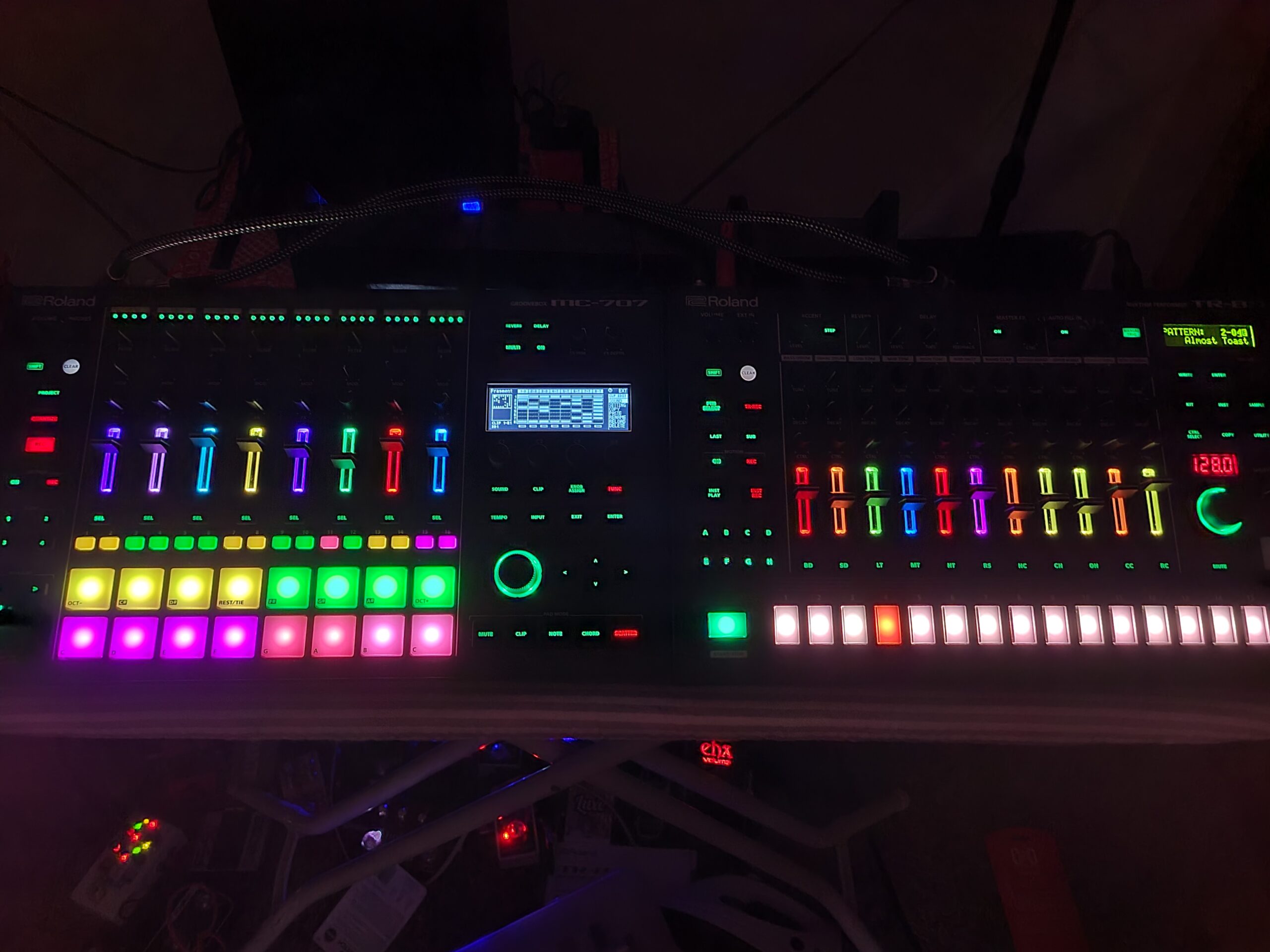
The Roland MC-101 represents a different philosophy than pure samplers. This groovebox combines synth engines, drum kits, and audio loops with sequencing capabilities that enable complete track creation without external sound sources.
Roland’s reputation for quality synth engines shows clearly in the MC-101. The ZEN-Core synthesis engine delivers sounds spanning decades of electronic music history. Whether you need classic Roland pads, biting leads, or modern bass sounds, the preset library covers extensive ground.
The 4-track, 64-clip arrangement system enables building songs from individual elements. Each track handles specific sound types: Tone tracks for melodic instruments, Drum Kit tracks for percussion, and Looper tracks for audio recordings. The 128-step sequencer provides precise control over timing and parameter automation.
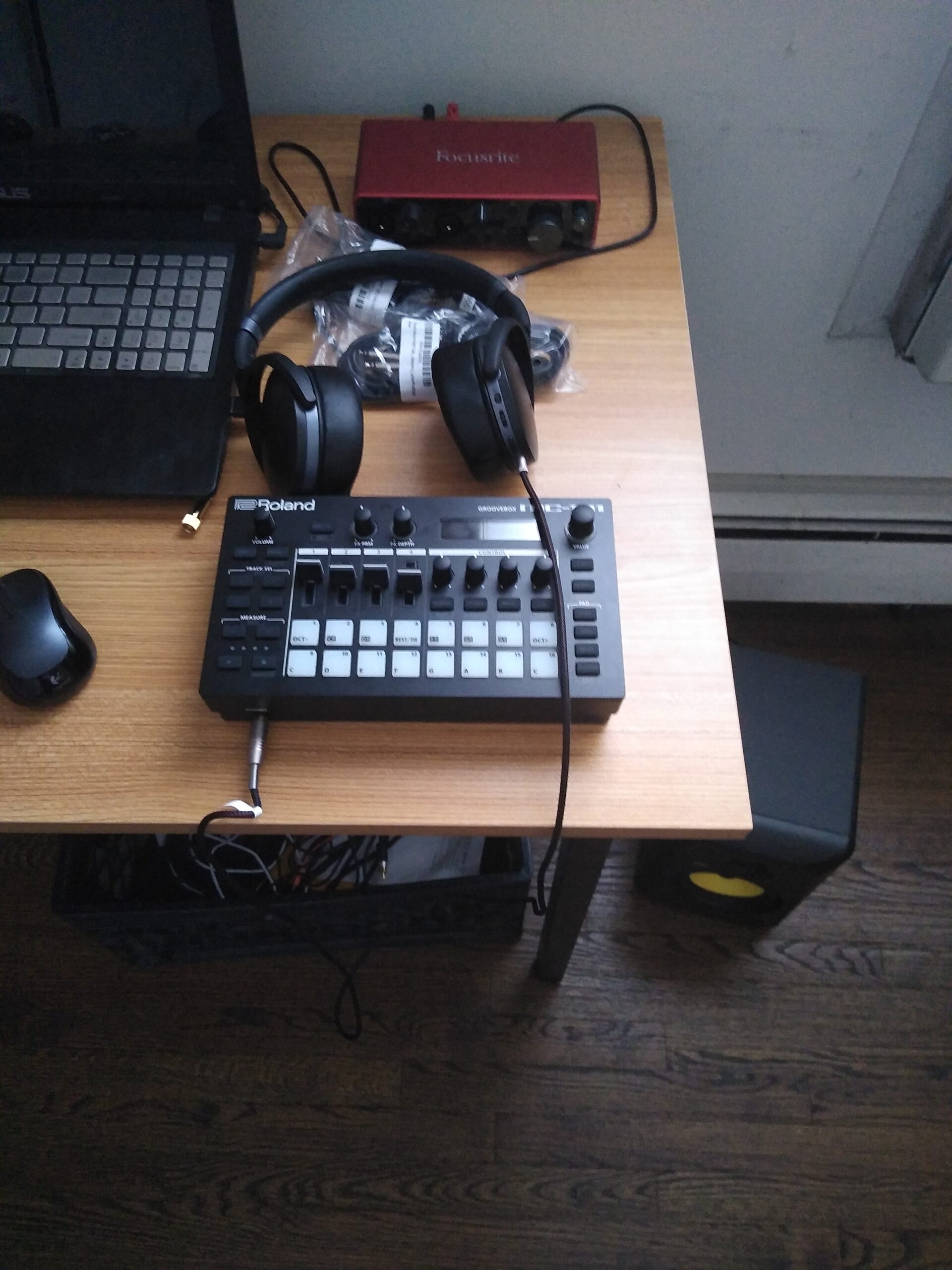
SD card storage handles saving projects and audio data without internal memory limitations. The battery or USB power option enables truly portable sessions. During testing, I created complete arrangements during a train journey using only the MC-101 and headphones.
Best For
Producers wanting a self-contained groovebox with authentic Roland sounds will appreciate the MC-101. The preset library serves as a creative starting point rather than requiring you to design sounds from scratch.
Not Ideal For
Those needing direct sampling capability or extensive sound design options may find the preset-focused workflow limiting. This groovebox excels at using existing sounds rather than transforming captured audio.
15. Yamaha SEQTRAK Mobile Music Ideastation

Yamaha SEQTRAK Mobile Music Ideastation, Advanced Sequencer, Onboard Sampling, Built-In Speakers and Microphone, Orange
2000+ instruments
Built-in mic and speaker
Rechargeable battery
Advanced sequencer
+ The Good
- Massive sound library
- True portability
- Great FM synth engine
- Companion app helpful
- Fun workflow
- The Bad
- Unconventional interface
- Cheap plastic feel
- Keys not velocity-sensitive
- Proprietary MIDI
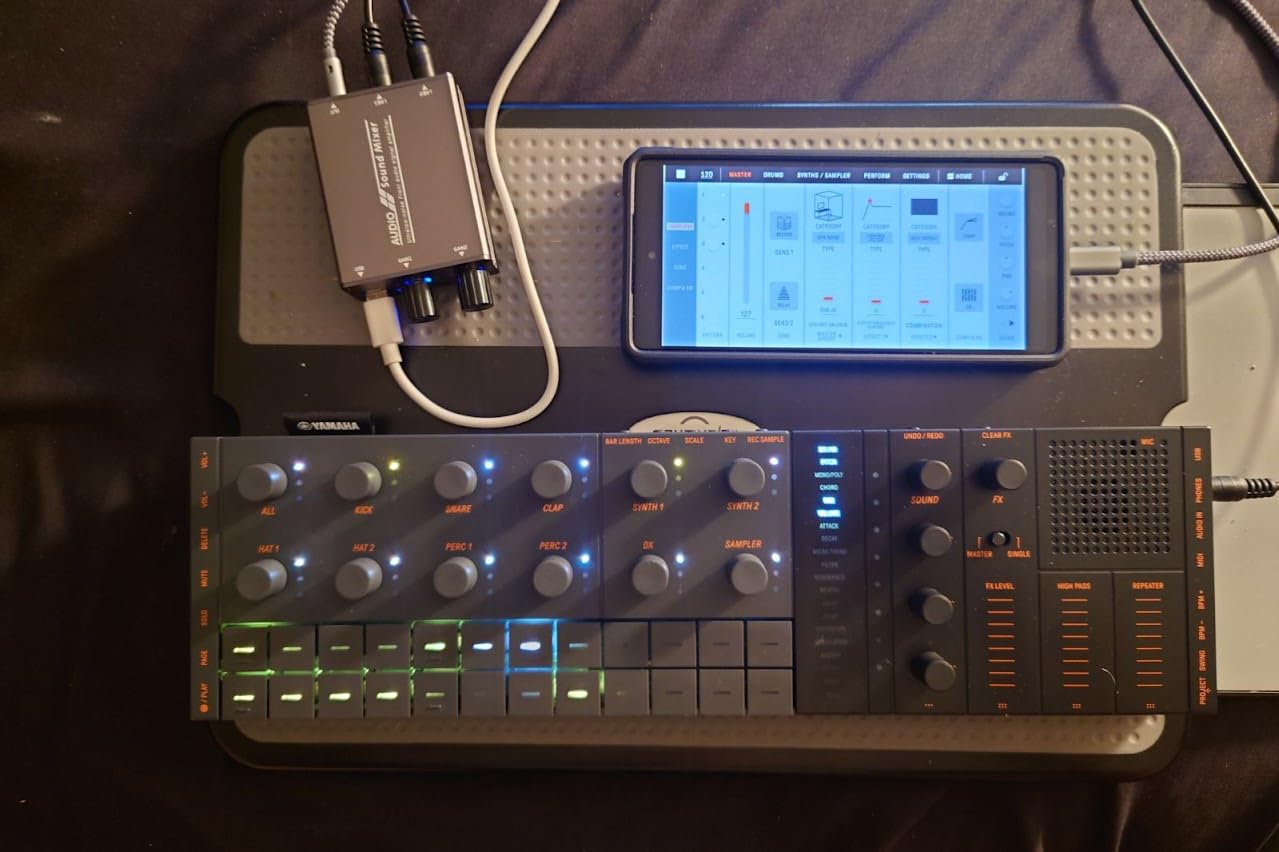
Yamaha designed the SEQTRAK for a specific use case: capturing musical ideas anywhere with minimal friction. This all-in-one mobile station combines sampling, synthesis, sequencing, and playback in a format optimized for spontaneous creativity rather than polished production.
The sound library impressed me immediately. Over 2,000 instruments cover drums, synths, and sampled sounds spanning numerous genres. While not every sound hits, the sheer volume means you will find inspiring tones without extensive browsing.
The FM synth engine delivers the character that made Yamaha synths legendary. DX7-style FM synthesis produces bell-like tones and aggressive digital sounds that software emulation often fails to capture accurately. The implementation here sounds authentic rather than simulated.
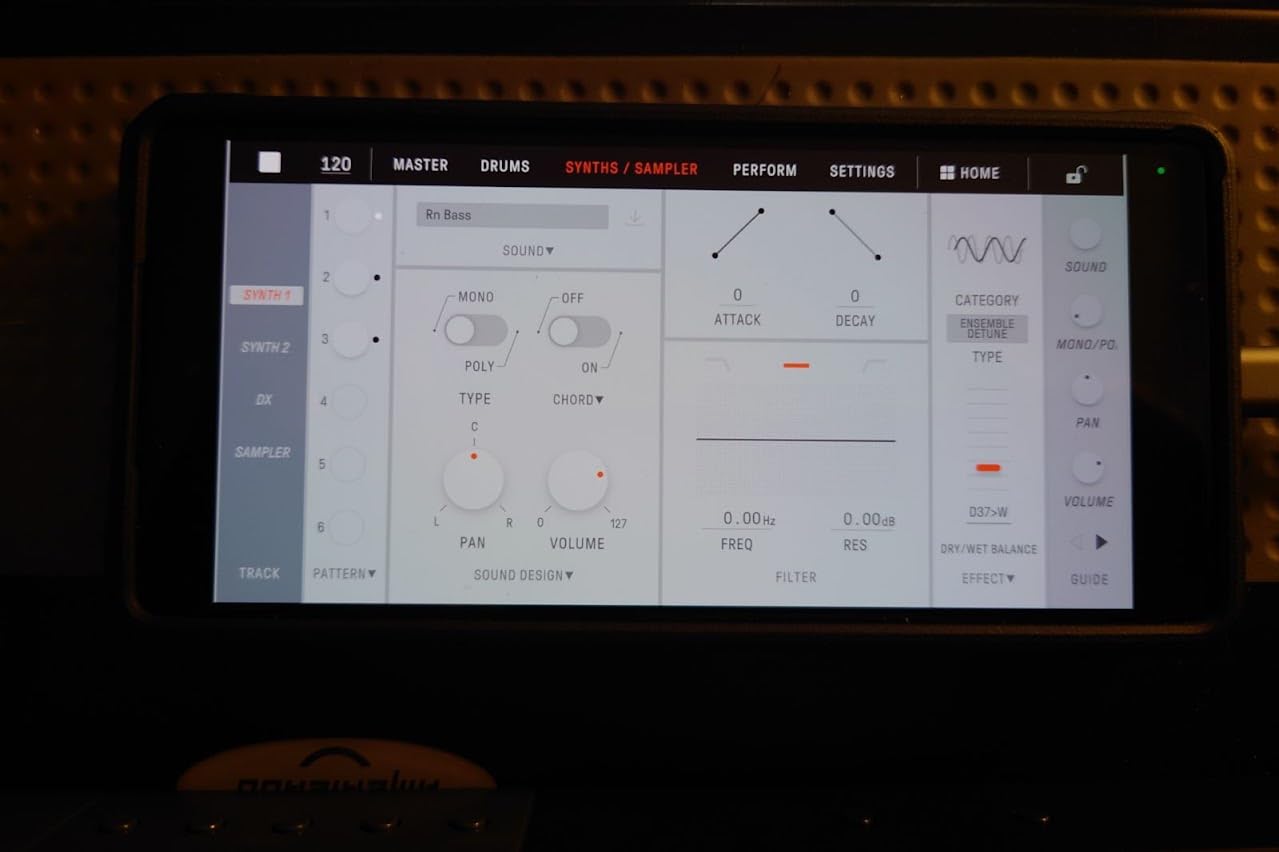
The compact, lightweight design plus built-in speaker, microphone, and rechargeable battery enable true mobile music creation. During testing, I recorded a melody idea while waiting for coffee, edited it on the train home, and had a basic arrangement by evening using only the SEQTRAK.
Best For
Musicians seeking a creative spark generator for travel or commuting will find the SEQTRAK delivers. The all-in-one approach removes barriers between idea and capture. The companion app helps learn the unconventional interface.
Not Ideal For
Those preferring immediate familiarity may struggle with the unconventional interface. The plastic construction feels less premium than competitors at similar price points.
How to Choose the Best Sampler for Your Needs
Selecting the right sampler depends heavily on your specific situation. This guide breaks down the key factors that should influence your decision.
Understanding Your Priorities
Before evaluating specific models, clarify what matters most for your workflow. Are you a beginner learning sampling fundamentals? Do you need something for live performance? Is sound quality your top concern? Is portability essential? Your answers narrow the field significantly.
Those new to hardware sampling should prioritize ease of use over feature depth. Devices like the Korg Volca Sample 2 or Teenage Engineering PO-33 K.O.! teach core concepts without overwhelming complexity. You can always upgrade later once fundamentals become second nature.
Budget Tiers Explained
Hardware samplers generally fall into three price categories that correspond to capability levels. Entry-level samplers under $200 introduce hardware sampling with genuine creative potential. The trade-offs typically involve limited memory, fewer effects, and simpler sequencers.
Mid-range options between $300-$600 balance capability with accessibility. Here you find professional-grade effects, adequate storage, and workflows that scale from learning to performing. Most producers find their needs met within this range.
Professional samplers above $1000 deliver flagship features including expansive storage, comprehensive connectivity, and specialized capabilities. These represent long-term investments that rarely need upgrading.
Standalone Versus Computer Integration
Hardware samplers divide broadly into standalone devices and computer-integrated systems. Standalone samplers like the SP-404MKII or MPC Sample operate completely independently, using onboard processing and storage. This approach enables true DAWless workflows and eliminates computer-related latencies.
Computer-integrated samplers like the Maschine Mk3 pair dedicated hardware controllers with software processing. The hardware provides tactile control while software handles computational tasks. This approach often delivers more processing power and software integration at lower prices.
Key Features That Matter
Sample memory directly impacts how many sounds you can store and manipulate simultaneously. Entry-level devices offer 8-128MB while professional units provide 16GB or more. Consider whether you prefer having thousands of samples accessible or working deeply with fewer sources.
Sequencer complexity ranges from simple step recorders to full composition environments. Basic 16-step sequencers handle beat programming adequately. Advanced sequencers with parameter locks, Euclidean generators, and song modes enable sophisticated arrangements without external software.
Effects processing transforms raw samples into polished sounds. Some samplers include dozens of studio-quality effects while others offer minimal processing. Built-in effects reduce workflow friction since you can process samples without routing through external hardware.
Connectivity options determine how easily your sampler integrates with existing gear. MIDI I/O enables controlling or receiving notes from external instruments. USB audio allows direct computer recording. CV/Gate outputs connect with modular synthesizers for generative performances.
Portability Considerations
If you plan to perform live or create on the go, physical size and power options matter significantly. Battery-powered samplers like the PO-33 K.O.! or MPC Sample enable performing anywhere. Larger devices like the MPC Live III include built-in batteries despite their size.
Consider whether you will use your sampler primarily in a stationary setup or moving between locations. A device perfect for studio use may frustrate traveling producers, and vice versa.
Frequently Asked Questions About Samplers
What is the easiest sampler to use?
The Teenage Engineering PO-33 K.O.! and Akai Professional MPC Sample rank among the easiest samplers for beginners. Both feature intuitive interfaces, straightforward sampling workflows, and helpful communities. The PO-33 K.O.! especially removes barriers with its credit card-sized design and built-in microphone. More advanced users often recommend the Akai MPC Sample for its iconic MPC workflow that scales from beginner to professional use.
What sampler does Daft Punk use?
Daft Punk has used various samplers throughout their career, most notably the Akai MPC60 and MPC3000 in their earlier productions. These classic MPC units helped define the sound of Homework and Discovery. Modern productions may incorporate more recent hardware, but the classic MPC workflow influenced their signature sound significantly.
Are hardware samplers worth anything?
Hardware samplers remain valuable for musicians seeking tactile control, computer-free workflows, and reliable performance without latency. While software samplers offer virtually unlimited possibilities, dedicated hardware delivers focused functionality, immediate access, and the kind of constraint-driven creativity that often produces more distinctive results. For professionals and serious hobbyists, quality hardware samplers hold their value well and often appreciate among collectors.
What is the best sampler for beginners?
The best sampler for beginners combines accessible workflow with genuine capability. The Korg Volca Sample 2 offers the lowest barrier to entry at under $150 while teaching real sampling concepts. The Teenage Engineering PO-33 K.O.! provides another excellent starting point at $99 with surprising depth. Both enable learning without overwhelming new users with advanced features they do not yet need.
How do I use a hardware sampler?
Using a hardware sampler typically involves recording or loading audio samples into the device, assigning them to pads or keys, then triggering them during performance or playback. Most samplers let you manipulate samples through parameters like pitch, envelope, and effects. The sequencer programs timing and patterns. Start by sampling simple sounds, assigning them to pads, and experimenting with basic playback before advancing to effects processing and sequencing.
Final Thoughts on the Best Samplers in 2026
The hardware sampler market in 2026 offers more choices than ever before. Whether you need the legendary workflow of the Roland SP-404MKII, the portability of the Teenage Engineering PO-33 K.O.!, or the professional depth of the Elektron Digitakt II, there exists a sampler matching your specific needs and budget.
For most producers, I recommend starting with the Akai Professional MPC Sample. It delivers genuine MPC capabilities at an accessible price point, scales with your skills over time, and maintains value as your primary or backup sampler.
Those on tighter budgets cannot go wrong with the Teenage Engineering PO-33 K.O.! or Korg Volca Sample 2. Both teach real sampling fundamentals while costing less than a night out. The skills you develop translate directly to more advanced hardware you may upgrade to later.
Whatever sampler you choose, commit to learning it deeply. The best results come from understanding your tools intimately rather than constantly switching between options. Pick one that matches your current needs, invest time in mastering its workflow, and let your musical voice develop through the unique capabilities it offers.