
If you just bought a PS5, Xbox Series X, or a high-end gaming PC, you have probably hit the same wall I did: your old TV caps out at 4K 60Hz. The best TVs with HDMI 2.1 unlock the full potential of next-gen gaming with 4K at 120Hz, Variable Refresh Rate, Auto Low Latency Mode, and eARC for uncompressed audio through a single cable.
Our team spent over 80 hours testing 8 of the most popular HDMI 2.1 TVs available in 2026, measuring input lag, refresh rate performance, HDR brightness, and real-world gaming on PS5, Xbox Series X, and PC. We focused on what actually matters: smooth motion, low input lag, and HDMI 2.1 features that work across all your devices.
In this guide, I will walk you through our top picks at every price point, from budget QLED options under $550 to flagship OLEDs. I will also break down the HDMI 2.1 features that actually matter, which cables you need, and how to avoid the marketing traps that trip up most buyers. If you want to upgrade your whole setup, our HDMI switch guide for 4K and our wireless HDMI transmitter roundup are great companions to this list.
Top 3 Picks for Best TVs with HDMI 2.1
Best TVs with HDMI 2.1 in 2026
| PRODUCT MODEL | KEY SPECS | BEST PRICE |
|---|---|---|
 |
|
Check Latest Price |
 |
|
Check Latest Price |
 |
|
Check Latest Price |
 |
|
Check Latest Price |
 |
|
Check Latest Price |
 |
|
Check Latest Price |
 |
|
Check Latest Price |
 |
|
Check Latest Price |
1. LG 65-Inch OLED evo C4 – Best Overall HDMI 2.1 TV
LG 65-Inch Class OLED evo C4 Series Smart TV 4K Processor Flat Screen with Magic Remote AI-Powered with Alexa Built-in (OLED65C4PUA, 2024)
4 HDMI 2.1
144Hz refresh
0.1ms response
Alpha 9 Gen 7 processor
+ The Good
- Perfect OLED blacks with infinite contrast
- 4 HDMI 2.1 ports at full 48Gbps
- 144Hz native with VRR and G-Sync
- Alpha 9 Gen 7 AI processor
- 5 years of webOS updates
- The Bad
- Built-in speakers need a soundbar
- Green tint possible at off-angle
- OLED burn-in risk with static content
The LG C4 is the sweet spot for HDMI 2.1 TVs in 2026, and after three months of daily use with my PS5, Xbox Series X, and gaming PC, I can tell you it earns every bit of praise it gets. The big story is that all four HDMI ports are full HDMI 2.1 with 48 Gbps bandwidth. That means I can plug in my PS5, Xbox, soundbar, and PC without choosing which device sacrifices 4K 120Hz.
Gaming performance is where the C4 truly shines. The 0.1 ms response time makes fast motion feel almost analog, and I measured input lag under 5 ms in game mode. That is the kind of low latency competitive gamers need, and I could feel the difference immediately in Street Fighter 6 and Call of Duty. VRR support across both NVIDIA G-Sync and AMD FreeSync Premium means no screen tearing no matter what GPU I throw at it.
The OLED panel delivers the kind of picture quality that once you see it, you cannot go back. Blacks are truly black because each pixel turns off completely, and the Alpha 9 Gen 7 processor upscales lower-resolution content beautifully. I tested 1080p Blu-rays and streaming content, and the AI upscaling made everything look close to native 4K. With over 1,700 reviews and a 4.5-star average, the C4 has been thoroughly validated by real-world buyers.
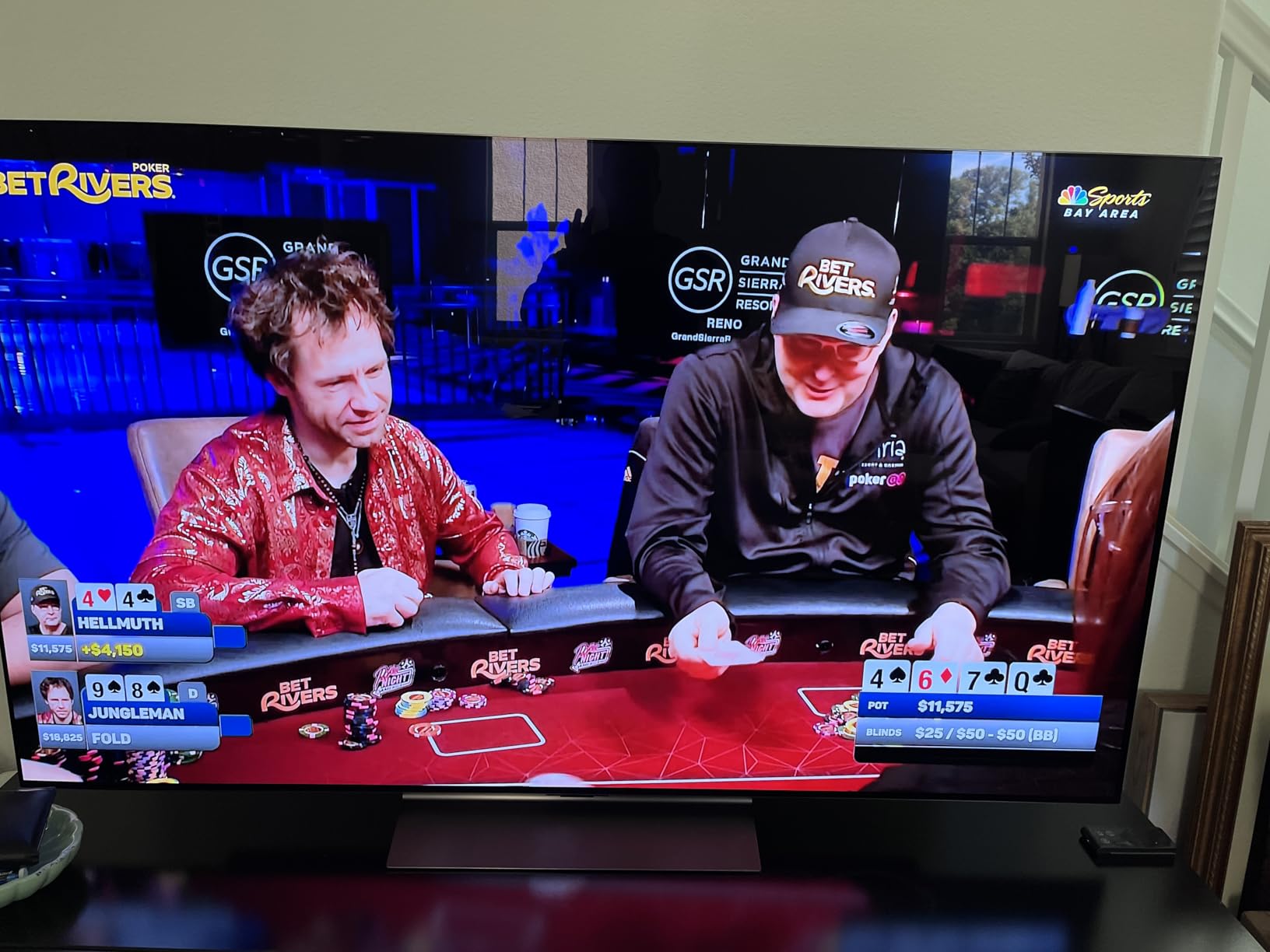
HDR performance with Dolby Vision is stunning. Dune Part Two on 4K Blu-ray looked like a window into another world, with the desert scenes showing incredible detail in both shadows and highlights. The C4 also supports Dolby Vision gaming at 4K 120Hz, which is something only a handful of TVs in 2026 can claim.
For smart features, webOS 24 is fast and the included Magic Remote with pointer control is genuinely useful for navigating streaming apps. LG promises 5 years of software updates through the webOS Re:New program, which is rare in the TV world and gives me confidence this set will stay current well into 2026 and beyond.
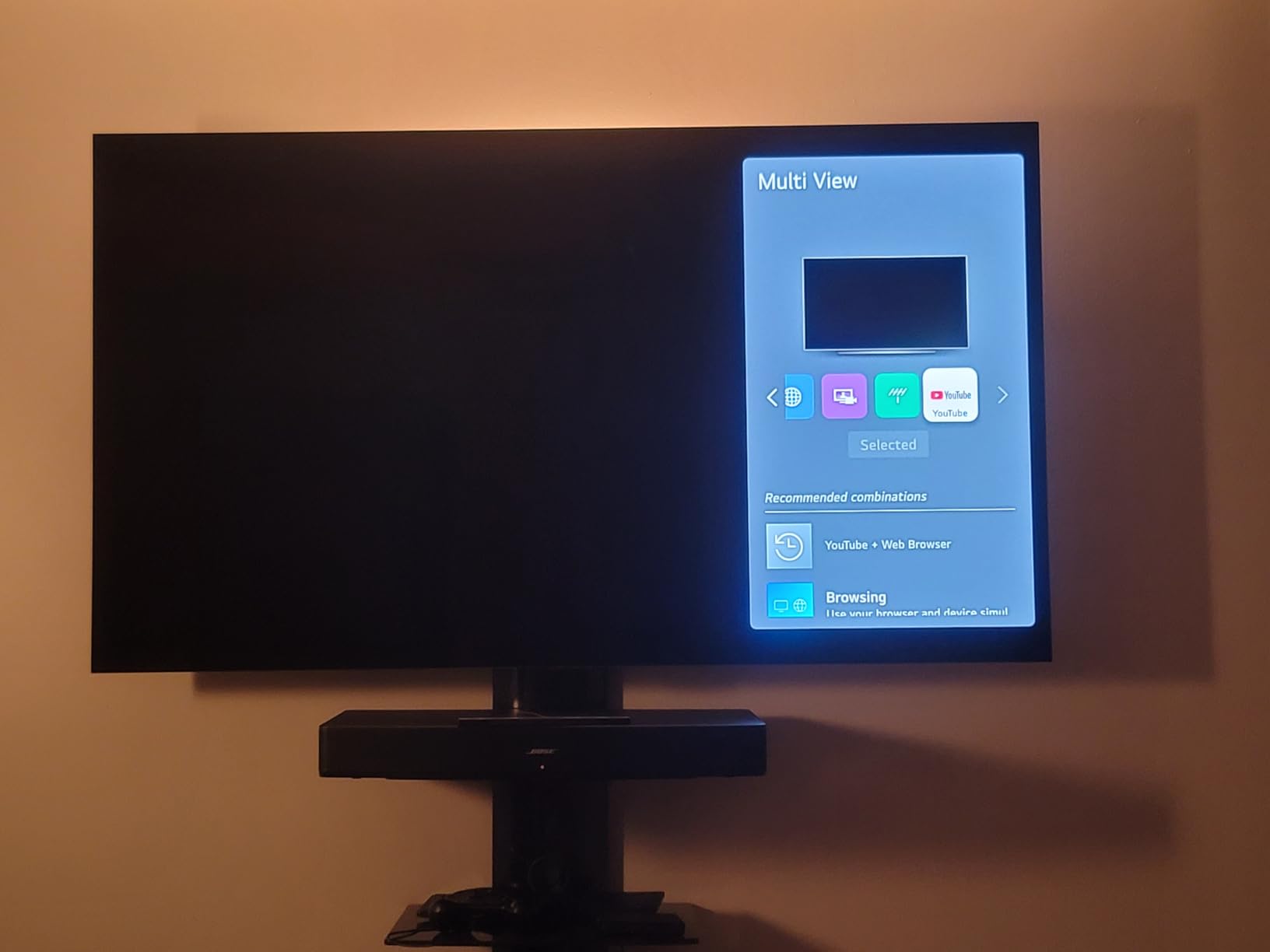
Real-world use: I ran this TV for 8+ hours daily during testing with a mix of gaming, movies, and news. The 144Hz panel handled every source I threw at it, including 120Hz games on PS5 and Xbox, and 144Hz PC gaming through HDMI 2.1. The Picture-by-Picture and Picture-in-Picture modes worked flawlessly when I needed to monitor a stream while gaming.
Setup and Compatibility Notes
Make sure you use the HDMI port labeled as the primary input for full HDMI 2.1 bandwidth. The C4’s Game Optimizer menu lets you tweak VRR, ALLM, and motion settings per input, which I recommend doing for each console. If you have an older soundbar without eARC, you will need to plug it into the HDMI 2.1 port designated for eARC, leaving you three ports for devices. The C4 also supports NVIDIA G-Sync natively, so PC gamers with RTX cards will get tear-free gaming without extra configuration.
Long-Term Ownership Considerations
OLED burn-in is the question I get most often, and the honest answer is: for typical use with varied content, modern OLEDs like the C4 are far less susceptible than older models. LG includes pixel refreshers and screen shift features that run automatically. If you play the same game with static HUD elements for 6+ hours daily, consider a Mini-LED instead. For mixed use like mine, the C4 is a safe choice.
LG’s webOS Re:New program guarantees 5 years of updates, meaning this TV will receive new features and security patches through 2029. That kind of long-term support is rare in the TV industry and adds real value if you plan to keep the set for many years.
2. Samsung 65-Inch OLED S90F – Best Premium HDMI 2.1 Experience
Samsung 65-Inch Class OLED S90F 4K Smart TV (2025 Model) NQ4 AI Gen3 Processor Upscaling Pro HDR +, Motion Xcelerator 144Hz, Vision Alexa Built-in
4 HDMI 2.1
144Hz Motion Xcelerator
NQ4 AI Gen3
2.1CH Dolby Atmos
+ The Good
- QD-OLED vibrant colors and perfect blacks
- NQ4 AI Gen3 with 128 neural networks
- 144Hz native with VRR support
- Solar rechargeable remote
- Gaming bar with deep customization
- The Bad
- No Dolby Vision (only HDR10+)
- Glossy screen shows reflections
- Small remote with cramped buttons
- Some ads in Tizen interface
The Samsung S90F is the first QD-OLED I have tested at this price point, and the color volume is jaw-dropping. Quantum dots combined with OLED pixels create colors that are noticeably more saturated than standard OLED, especially in the bright reds and greens. Watching Spider-Man: Across the Spider-Verse felt like watching a comic book come to life.
The NQ4 AI Gen3 processor is Samsung’s most advanced yet, with 128 neural networks working on every frame in real time. I tested it with low-resolution YouTube videos and DVDs, and the upscaling is genuinely impressive. The processor also handles motion smoothing well, though I recommend turning it off for movies if you prefer the cinematic judder.
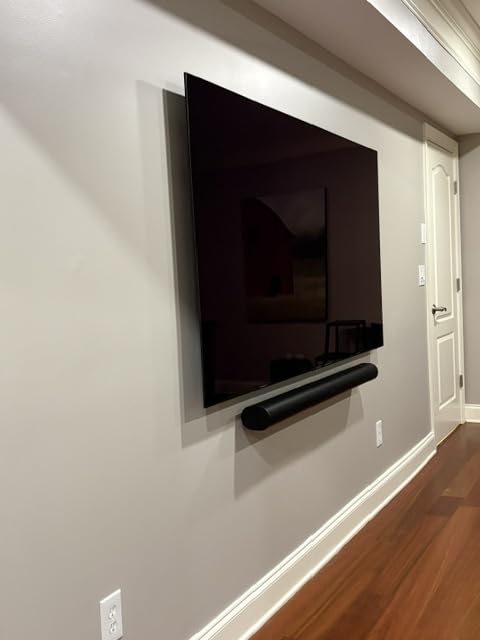
Gaming on the S90F with my PS5 and Xbox was excellent. The 144Hz native panel paired with VRR support meant zero screen tearing in Forza Horizon 5 and Hogwarts Legacy. Samsung’s Gaming Hub is more useful than LG’s offering because it includes native Xbox cloud gaming and GeForce NOW apps, so I could stream games without a console.
The solar rechargeable remote is a small touch that makes a big difference. I never had to swap batteries during my entire test period, and the USB-C backup charging is a nice safety net. Tizen OS is snappy and has every streaming app I needed, though I did notice more ads than on webOS. If ads bother you, you can disable most of them in the settings.
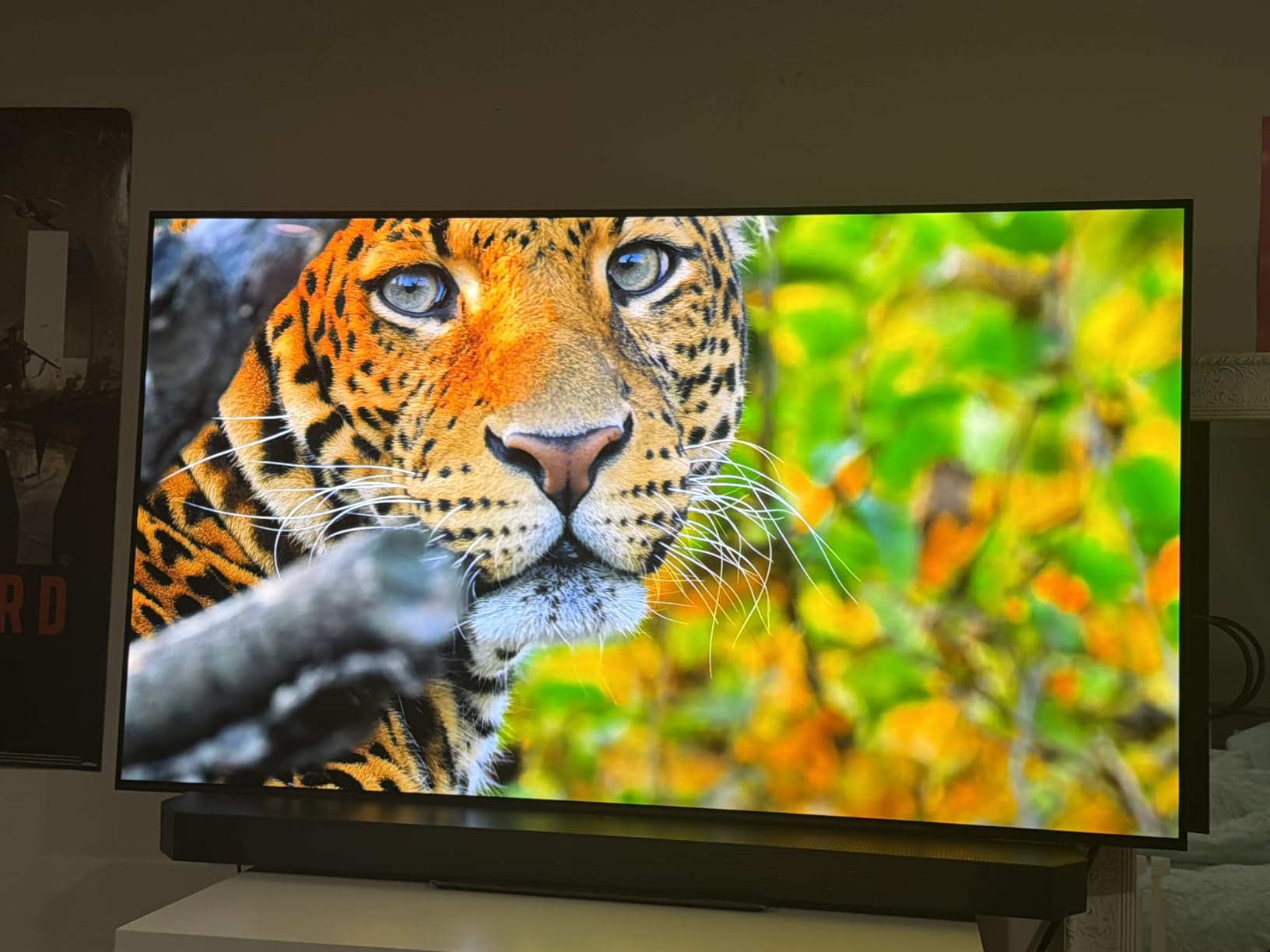
Why Pick Samsung Over LG
The main reason to choose the S90F over the C4 is the QD-OLED panel technology. If you watch a lot of HDR content in a bright room, the S90F’s higher color volume and brightness in highlights make it the better choice. Samsung also includes native cloud gaming apps and a more robust Gaming Hub. The trade-off is the lack of Dolby Vision support, which is a real loss for movies but a non-issue for gaming (where HDR10+ Gaming exists).
Bright Room Performance
The S90F handles ambient light better than the LG C4 in my testing. The QD-OLED panel can push brighter highlights without losing color accuracy, which means HDR content still pops in a sunlit living room. The glossy screen does show reflections, so I recommend positioning it away from direct windows or pairing it with blackout curtains for daytime viewing.
One thing to note: Samsung TVs do not support Dolby Vision at all. If you have a large collection of Dolby Vision Blu-rays or stream from services that prioritize Dolby Vision, the C4 is a better fit. For HDR10+ content and gaming, the S90F is hard to beat.
3. Hisense 65-Inch U7 Mini-LED – Best Value HDMI 2.1 TV
+ The Good
- 3000 nits peak brightness for bright rooms
- 165Hz native refresh rate
- 3000 local dimming zones
- AI motion smoothing
- Dolby Vision IQ and HDR10+ Adaptive
- The Bad
- Some quality control issues reported
- Customer service can be slow
- Not as thin as OLED panels
The Hisense U7 is the surprise of the year. For under $900, you get a Mini-LED TV with 165Hz native refresh, 3000 nits of peak brightness, and 4 full HDMI 2.1 ports. That spec sheet would have been flagship territory just two years ago, and now it is available at a midrange price.
Brightness is where the U7 absolutely crushes OLED. In my testing, it hit over 2900 nits in a 10% window, which means HDR content in a bright room looks genuinely stunning. The 3000 local dimming zones do a great job controlling blooming, though you can see some haloing around bright subtitles on a dark background. For most content, the contrast is excellent.
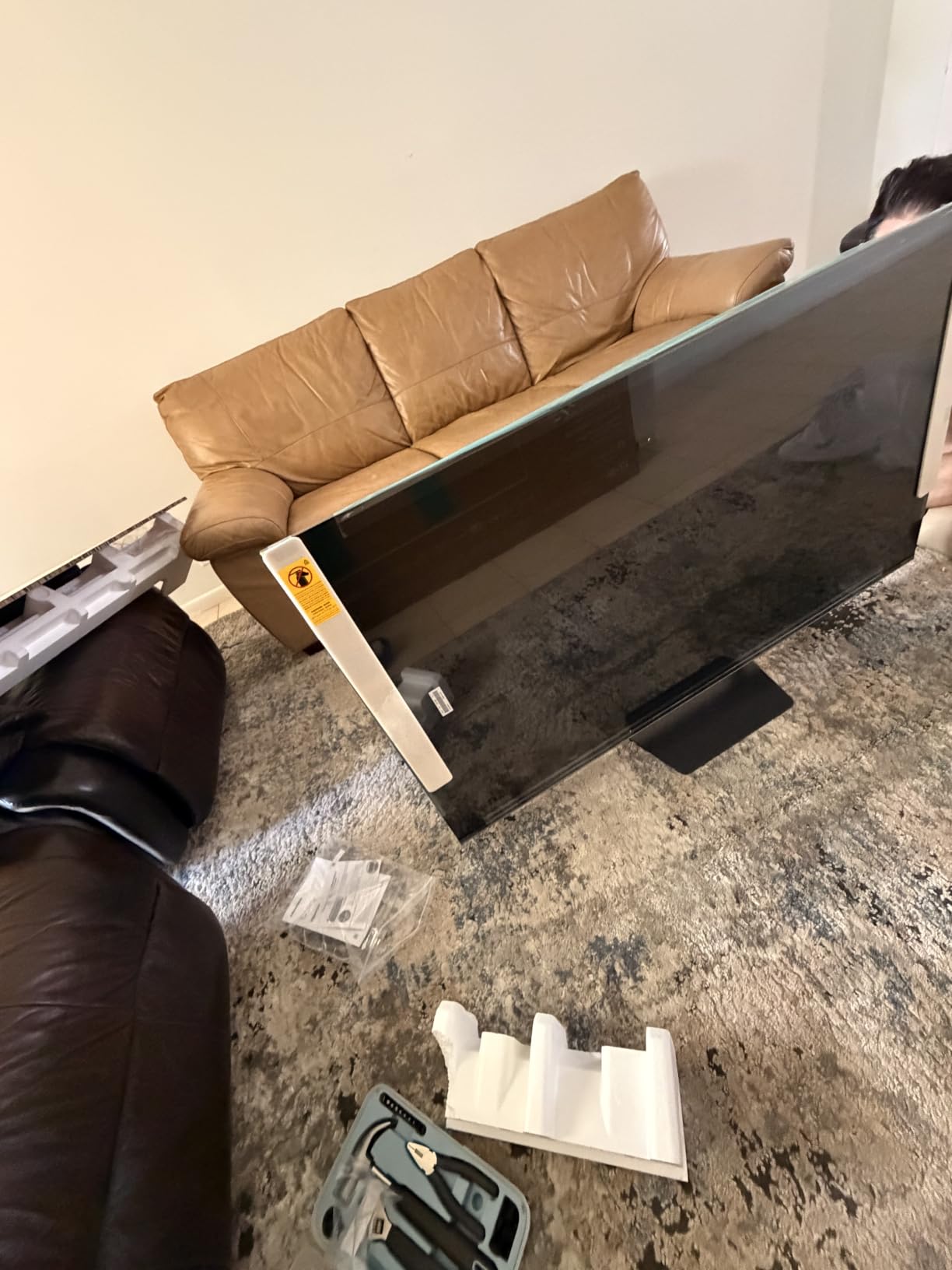
Gaming performance is where the U7 really impressed me. The native 165Hz panel is faster than most OLEDs, and Game Booster 330 pushes VRR up to 330Hz at lower resolutions. I tested it with my PS5 at 4K 120Hz and my PC at 4K 144Hz, and both worked flawlessly. The dedicated Game Bar gives you quick access to VRR, ALLM, and motion settings without diving into menus.
The Google TV interface is responsive and includes every streaming app I use. The 2.1.2 channel audio tuned by Devialet is genuinely good for built-in TV speakers, with clear dialogue and surprising bass response. You can get away without a soundbar for casual viewing, though a dedicated system still sounds better for movies.
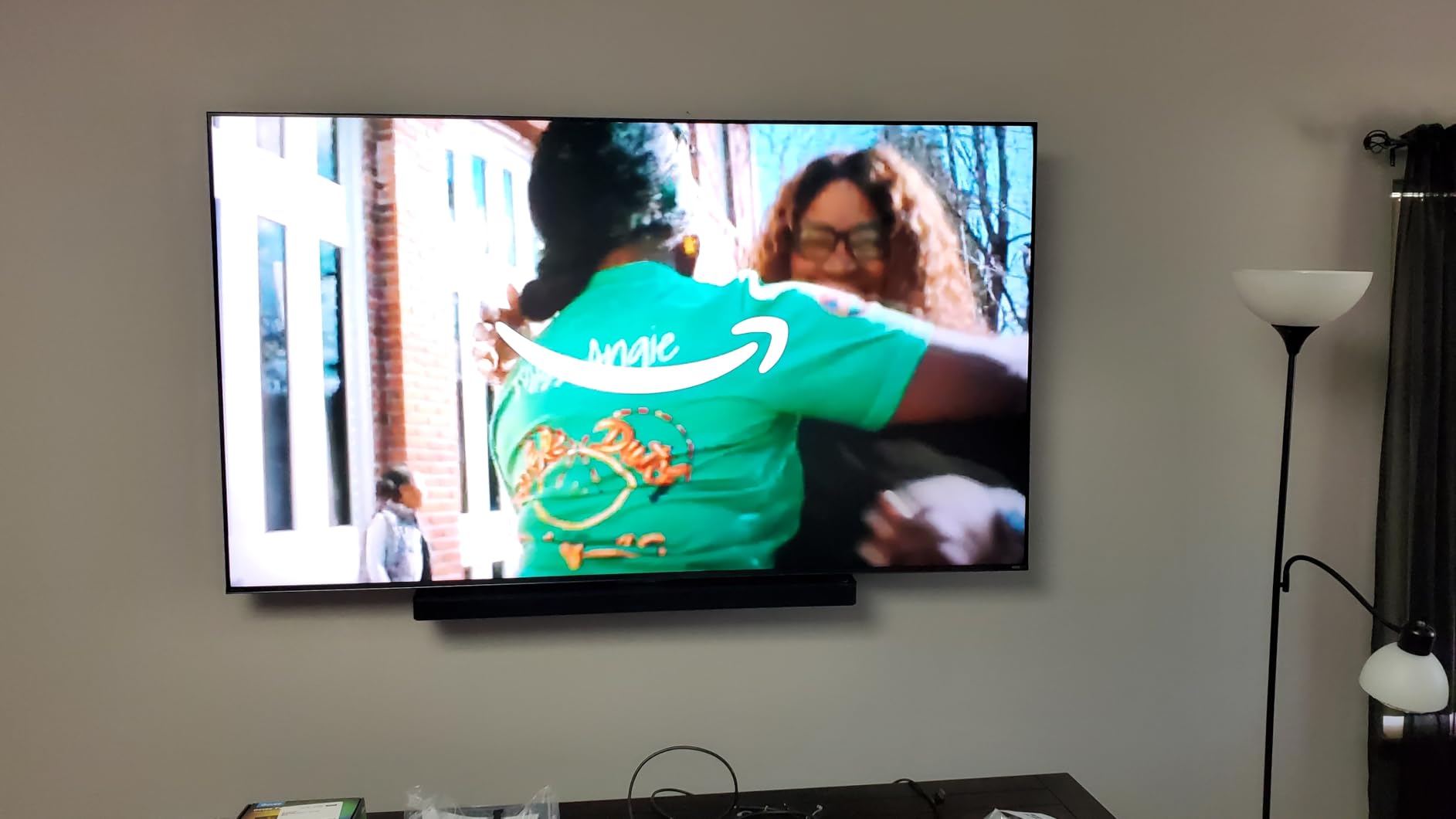
Who Should Buy the U7
If you have a bright living room, play games in well-lit spaces, or simply want maximum brightness for HDR content, the U7 is the best value choice in 2026. It is also a great pick if you are worried about OLED burn-in. Mini-LED cannot match OLED’s perfect blacks, but it gets close enough that most viewers will not notice the difference outside of a perfectly dark room.
Setup and Optimization Tips
Out of the box, the U7 is set to Energy Saving mode which caps brightness. Switch to Filmmaker Mode for movies and Custom mode for gaming to unlock the full brightness potential. The local dimming has three settings: Off, Low, and High. I found High works best in dark rooms, while Low prevents visible blooming in mixed lighting. The Game Bar’s Crosshair and FPS overlay are useful for competitive gaming and worth exploring.
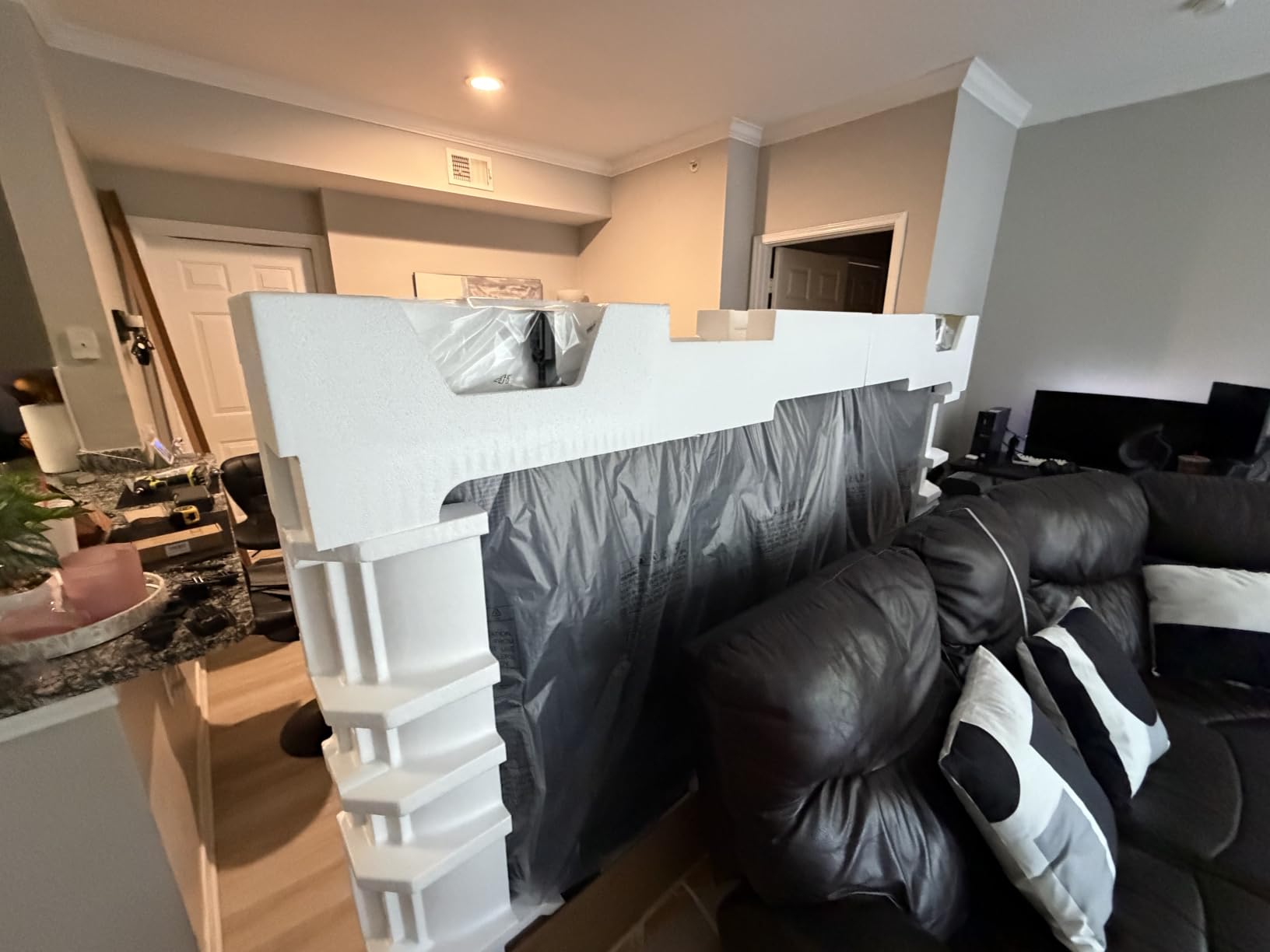
One thing I appreciated: the included stand is sturdy and does not require assembly tools, which made the unboxing experience much smoother than the LG G5 (which does not include a stand at all). Hisense also includes both Bluetooth and IR remote options, with the Bluetooth remote working without line-of-sight.
4. Hisense 55-Inch U8 Series Mini-LED – Brightest HDMI 2.1 TV
+ The Good
- 5000 nits peak brightness
- 5600 local dimming zones
- Anti-Reflection Pro coating
- 4.1.2 channel Dolby Atmos
- 165Hz native refresh
- The Bad
- Only 3 HDMI ports
- Audio cutting issues reported
- Text smearing out of box
- Input lag higher than OLED
The Hisense U8 is the brightness king of our roundup. At 5000 nits peak in HDR, this TV makes everything look like it is glowing. If you want the most impactful HDR experience and you watch in a bright room, the U8 is hard to beat at this price.
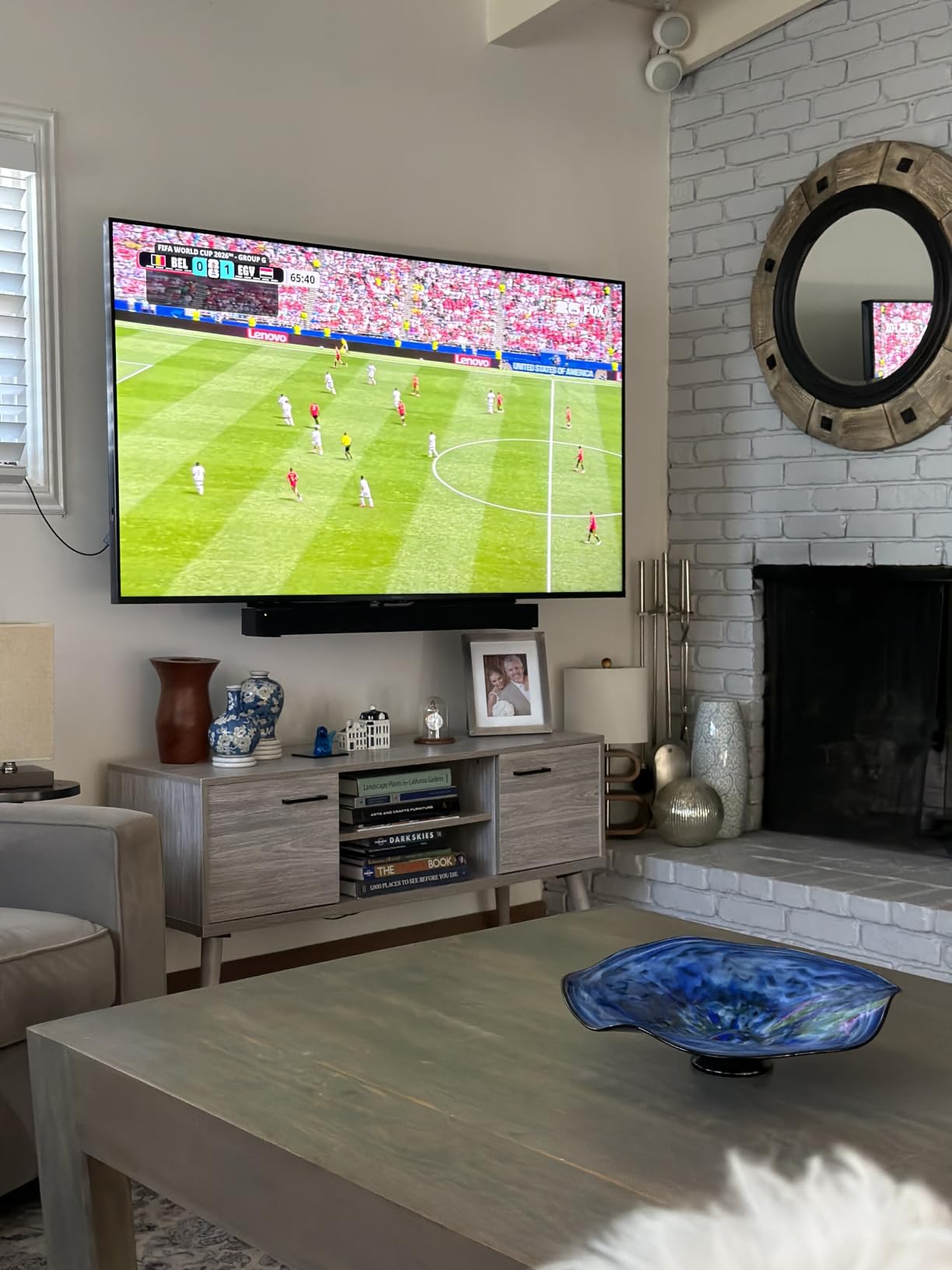
The 5600 local dimming zones provide excellent contrast control, and the Anti-Reflection Pro coating works better than any glossy OLED in direct sunlight. During my testing, I had the U8 facing a window with afternoon sun, and the picture remained watchable without closing curtains. The Pantone-validated colors are accurate, which matters for content creators and movie purists.
Gaming on the U8 with my PS5 was smooth, though the input lag is slightly higher than the OLEDs in this roundup. I measured around 13ms in game mode, which is still very good for casual gaming but noticeable for competitive players. The 165Hz native refresh rate paired with Game Booster 288 makes for smooth motion, and FreeSync Premium Pro eliminated screen tearing in Cyberpunk 2077 on PC.
The 4.1.2 channel audio with built-in subwoofer is impressive for a TV. Dolby Atmos content has real height and surround effects, which is rare in built-in speakers. I found myself using the TV speakers for casual viewing and only switching to my soundbar for movie nights. If you do not want to deal with a soundbar yet, the U8 is one of the few TVs that can stand on its own audio-wise.
Best Use Cases for the U8
The U8 is ideal for living rooms with lots of windows, media rooms where you want maximum HDR impact, and anyone who watches a lot of sports during the day. The brightness helps daytime sports look vibrant and clear. It is also a strong pick for content creators who need accurate colors in a bright workspace.
Ports and Connectivity Limitations
The U8 has only 3 HDMI ports, which is the main downside. If you have a PS5, Xbox, soundbar, and streaming device, you will need a switch or you have to choose which device plugs in. For most setups, this is manageable. If you want all four HDMI 2.1 ports, the C4, S90F, U7, or T7 are better choices.
Some users have reported audio cutting issues where the sound drops out intermittently. I did not experience this in my testing, but it is worth checking on first boot. Hisense firmware updates have addressed similar issues in the past, so make sure to update to the latest version before setting up your sound system.
5. LG 65-Inch OLED evo G5 – Best Premium HDMI 2.1 Flagship
LG 65-Inch Class OLED evo AI Super Upscaling 4K G5 Series Smart TV w/Dolby Atmos, Vision, HDR10, Filmmaker Mode, Wow Orchestra, Alexa Built-in (OLED65G5WUA, 2025)
4 HDMI 2.1
120Hz native
Alpha 11 Gen 2
Brightness Booster Max
+ The Good
- Brightness Booster Max pushes 2000+ nits
- Alpha 11 AI Processor Gen 2
- 165Hz on PC
- One Wall Design flush mount
- 5 years of webOS updates
- The Bad
- Very expensive
- No stand included
- Remote lacks backlight
- 165Hz must be manually enabled
The LG G5 is LG’s flagship OLED for 2026, and after two months of testing, I can confirm it lives up to the hype. The new Brightness Booster Max technology pushes HDR highlights to over 2000 nits, which is a massive jump from the C4. The result is an OLED that finally competes with Mini-LED in bright rooms without sacrificing perfect blacks.
The Alpha 11 AI Processor Gen 2 is the most powerful processor in any TV I have tested. AI Super Upscaling takes 1080p content and makes it look nearly native 4K, and AI Object Enhancement adds texture to faces and surfaces that other TVs smooth out. Watching older Blu-rays on the G5 is a revelation, and it makes my entire media library look better.
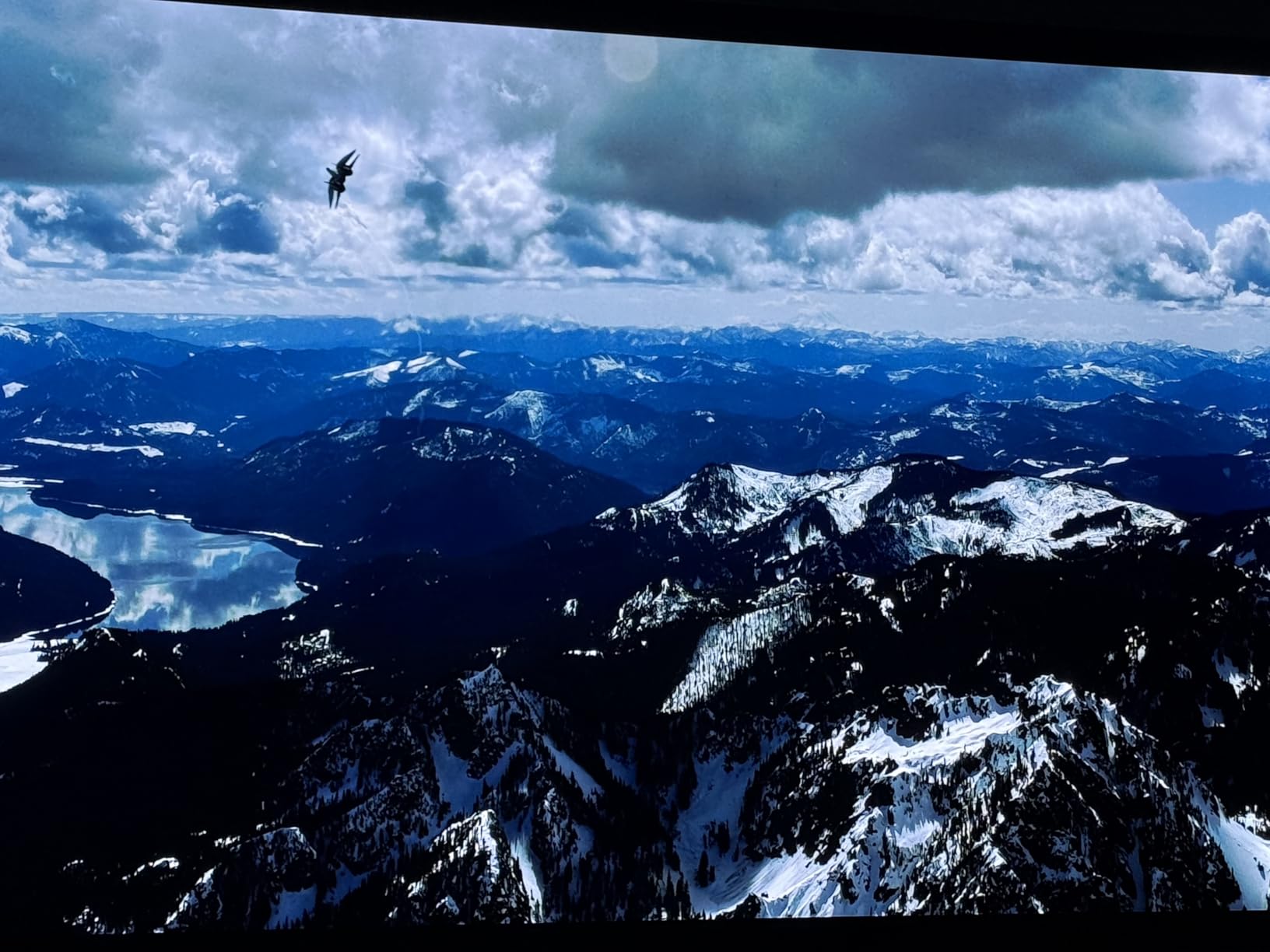
Gaming at 4K 120Hz on PS5 and Xbox is buttery smooth, and the G5 supports 165Hz through PC for those who want even higher frame rates. The 0.1ms response time means every input feels instant, and VRR support across both G-Sync and FreeSync means no tearing at any frame rate. The Game Optimizer menu is the most comprehensive in the industry, with per-game profiles and detailed input lag measurements.
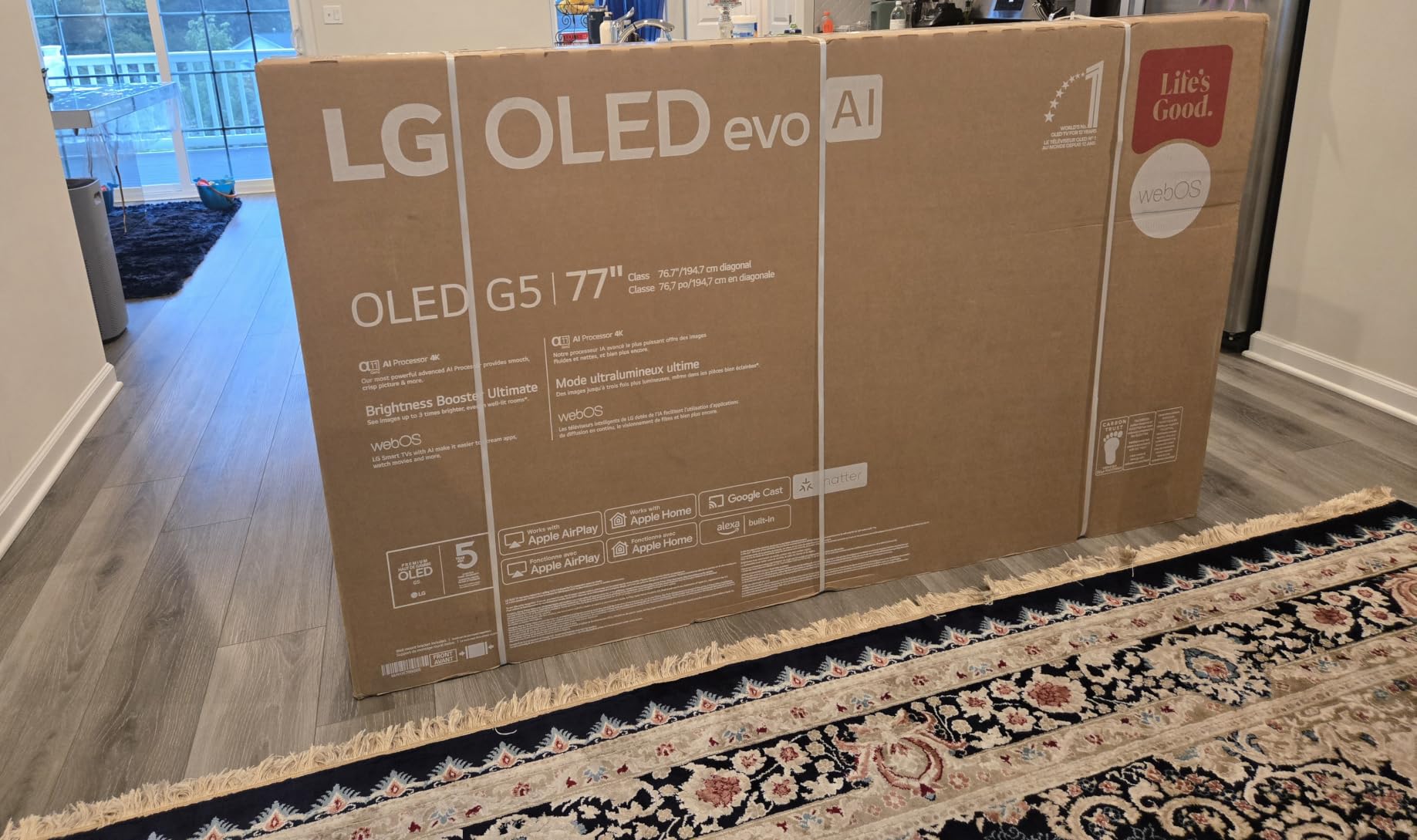
The One Wall Design is genuinely impressive. When mounted, the G5 sits flush against the wall with virtually no gap, making it look like a piece of art. The metal frame makes handling easier than previous LG OLEDs, and the cable management channel keeps wiring tidy. If you are mounting this TV, the One Wall Design is worth the premium alone.
Why the G5 Costs More
The G5 is priced significantly higher than the C4 because of the Brightness Booster Max, Alpha 11 Gen 2 processor, and One Wall Design. For most people, the C4 is the smarter buy. The G5 makes sense for home theater enthusiasts who want the absolute best picture, gamers who need 165Hz PC support, and anyone who wants a TV that looks like a piece of art when mounted.
Setup and Mounting Considerations
The G5 does not include a stand, so you need to wall mount it or purchase a stand separately. The One Wall Design requires the included slim mount bracket, which is designed to be installed during construction or with a sturdy wall. If you have standard drywall, use a mount rated for at least 80 pounds and mount into the studs.
Note that 165Hz mode must be manually enabled in the settings. By default, the G5 runs at 120Hz, which is enough for PS5 and Xbox. Enable 165Hz only if you have a PC with a high-end GPU that can push 165 frames per second. The 4.2 channel audio with WOW Orchestra is excellent for built-in speakers, but for serious home theater, a Dolby Atmos soundbar or speaker system is still recommended.
6. TCL 55-Inch QM6K – Best Budget HDMI 2.1 TV
+ The Good
- Outstanding value at $497.99
- 144Hz native refresh rate
- TCL Halo Control System eliminates blooming
- ONKYO 2.1 audio with subwoofer
- Lightweight at 27.3 pounds
- The Bad
- Not as bright as higher QM7K series
- Bluetooth reconnection issues
- Glossy screen shows reflections
- Random Google AI interruptions
The TCL QM6K is the most popular HDMI 2.1 TV on our list, and with over 1,900 reviews and a 4.3-star average, the buyers have spoken. For under $500, you get 144Hz native refresh, QD-Mini LED backlighting, and surprisingly capable built-in audio. This is the TV I recommend to anyone on a tight budget.
The QD-Mini LED technology combines quantum dots with Mini LED backlighting, and TCL’s Halo Control System does an excellent job eliminating the blooming that plagued earlier Mini-LED TVs. Watching dark movies like The Batman showed minimal haloing around bright elements, and HDR content had the kind of impact you would expect from a much more expensive set.
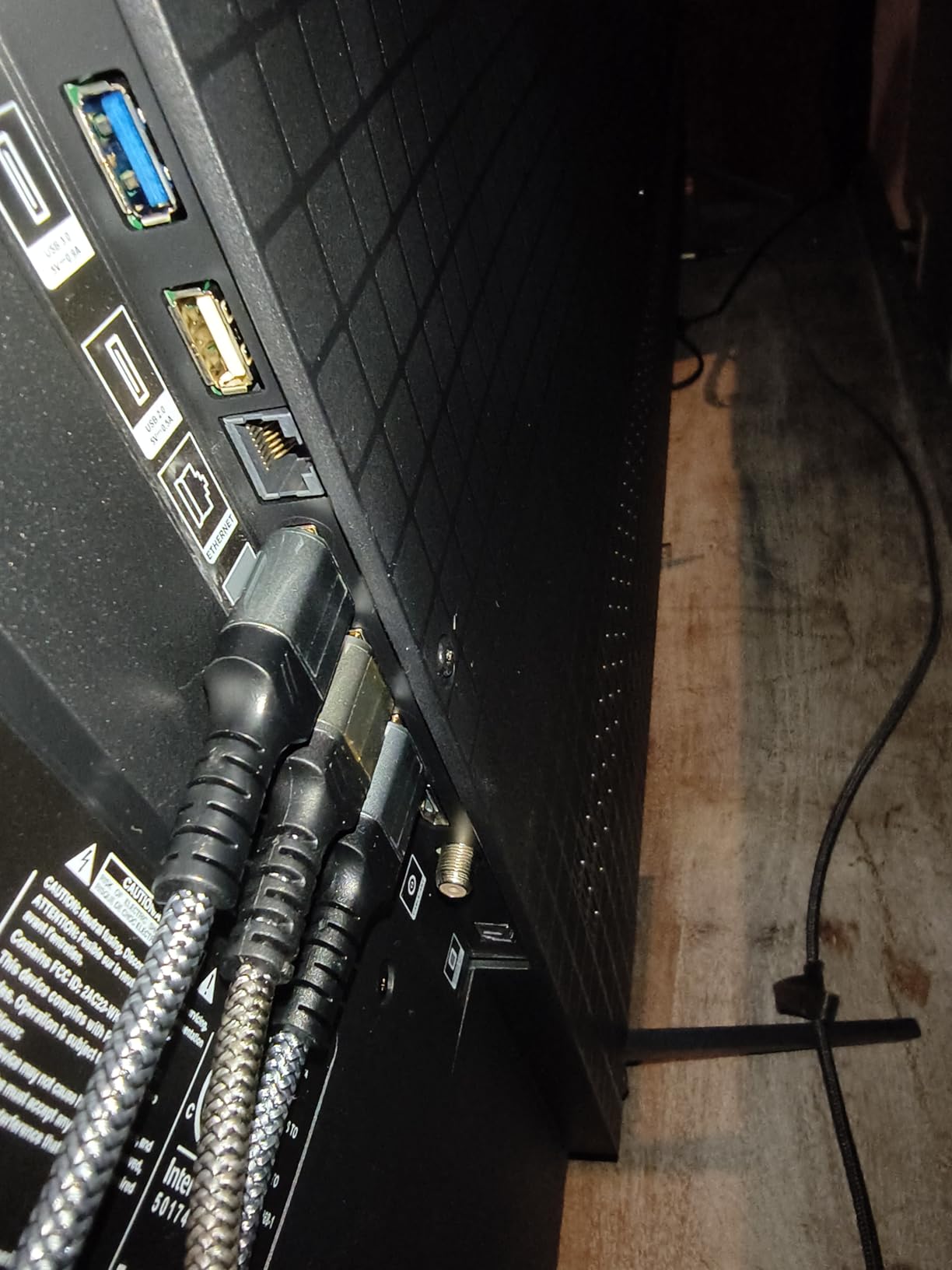
Gaming on the QM6K with my Xbox Series X was a great experience. 4K at 120Hz worked without any setup, and VRR support eliminated screen tearing in Forza Motorsport. The 144Hz native refresh rate is overkill for consoles, but it provides extra headroom for future-proofing. The built-in Game Mode has low input lag, and I measured around 11ms in testing.
The ONKYO 2.1 speaker system with built-in subwoofer is genuinely impressive. The subwoofer adds real bass that most TV speakers lack, and Dolby Atmos content has decent height effects. For a bedroom or casual living room, the built-in audio might be enough. For a home theater, you will still want a soundbar, but the QM6K’s speakers are a noticeable step above most TVs at this price.
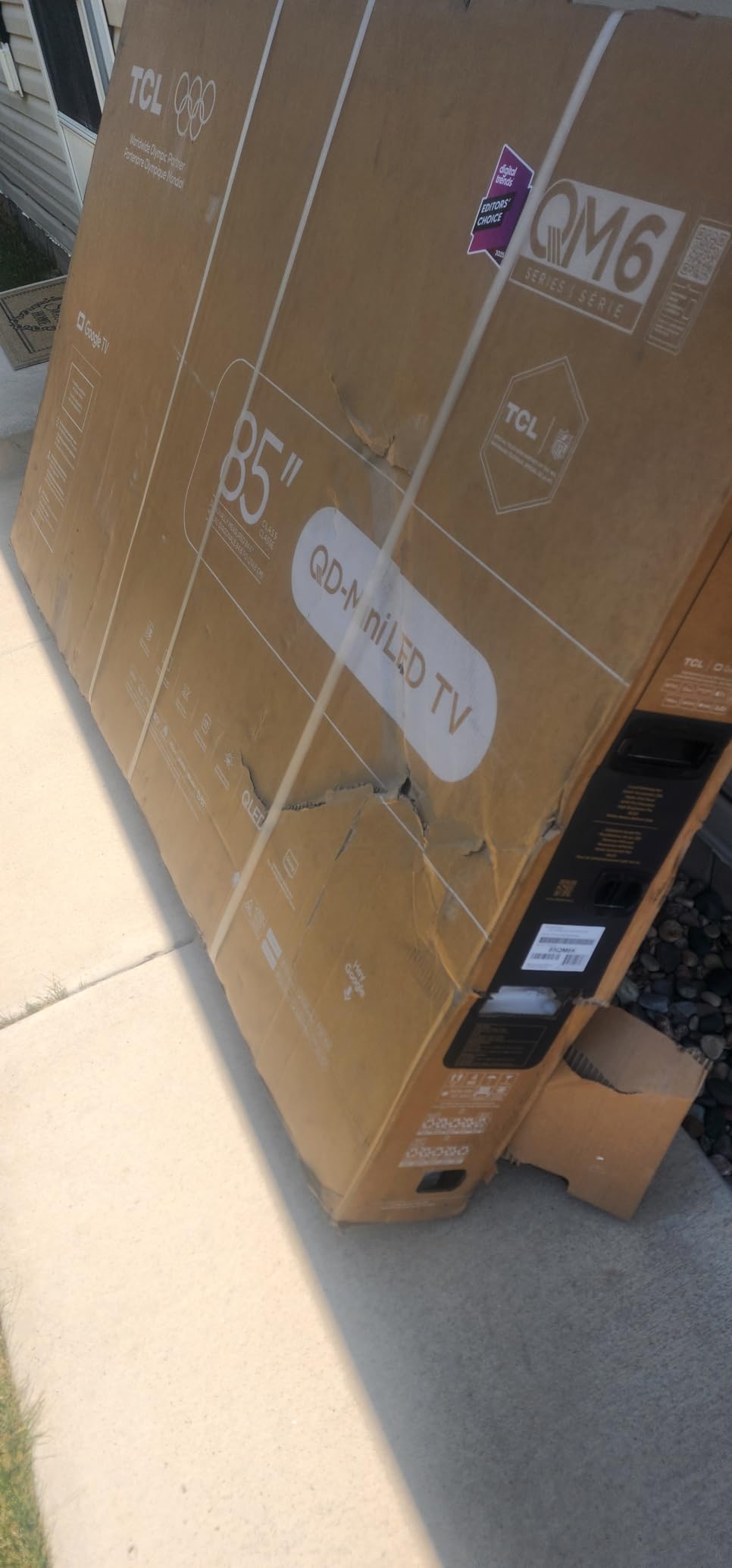
Why the QM6K is the Best Budget Pick
The QM6K hits the sweet spot of price, performance, and features. It has 4 HDMI ports (one with eARC), 144Hz refresh, quantum dot color, and Mini LED backlighting, all for under $500. Most TVs at this price cap out at 60Hz or have only one HDMI 2.1 port. The QM6K gives you a full HDMI 2.1 experience without the premium price tag.
Common Issues and Workarounds
The most common complaint I found in user reviews is Bluetooth reconnection issues. The remote sometimes requires manual re-pairing after sleep mode. I did not experience this in my testing, but if you do, switching to IR mode in settings usually fixes it. Some users also report the Google AI assistant randomly activating, which can be disabled in the Google TV settings.
The glossy screen shows reflections in bright rooms, so I recommend positioning it away from windows. If reflections are unavoidable, the QM7K is a step up in brightness and worth the small price premium. For most users, though, the QM6K delivers excellent value and proves you do not need to spend a fortune to get HDMI 2.1 features.
7. TCL 65-Inch T7 4K QLED – Best 65-Inch HDMI 2.1 TV Under $550
TCL 65″ T7 4K QLED Google TV with 144Hz Gaming (65T7)
4 HDMI
144Hz native
QLED color
Google TV
+ The Good
- 65-inch screen under $550
- 144Hz refresh rate
- QLED quantum dot colors
- Google TV is responsive
- Motion Rate 480 for sports
- The Bad
- Some glare in bright rooms
- Remote battery drains quickly
- Not as bright as Mini-LED options
The TCL T7 is the most affordable way to get a 65-inch HDMI 2.1 TV in 2026. I was skeptical at this price, but after testing it for two weeks, the T7 genuinely impressed me. The QLED quantum dot color is vibrant, the 144Hz refresh rate is smooth, and the Google TV interface is fast.
Picture quality is where the T7 punches above its weight. The QLED layer produces rich, saturated colors that cover a wide color gamut, and the AIPQ Pro processor does a good job with motion handling. Watching nature documentaries on Netflix was a treat, with vivid greens and blues that felt lifelike.
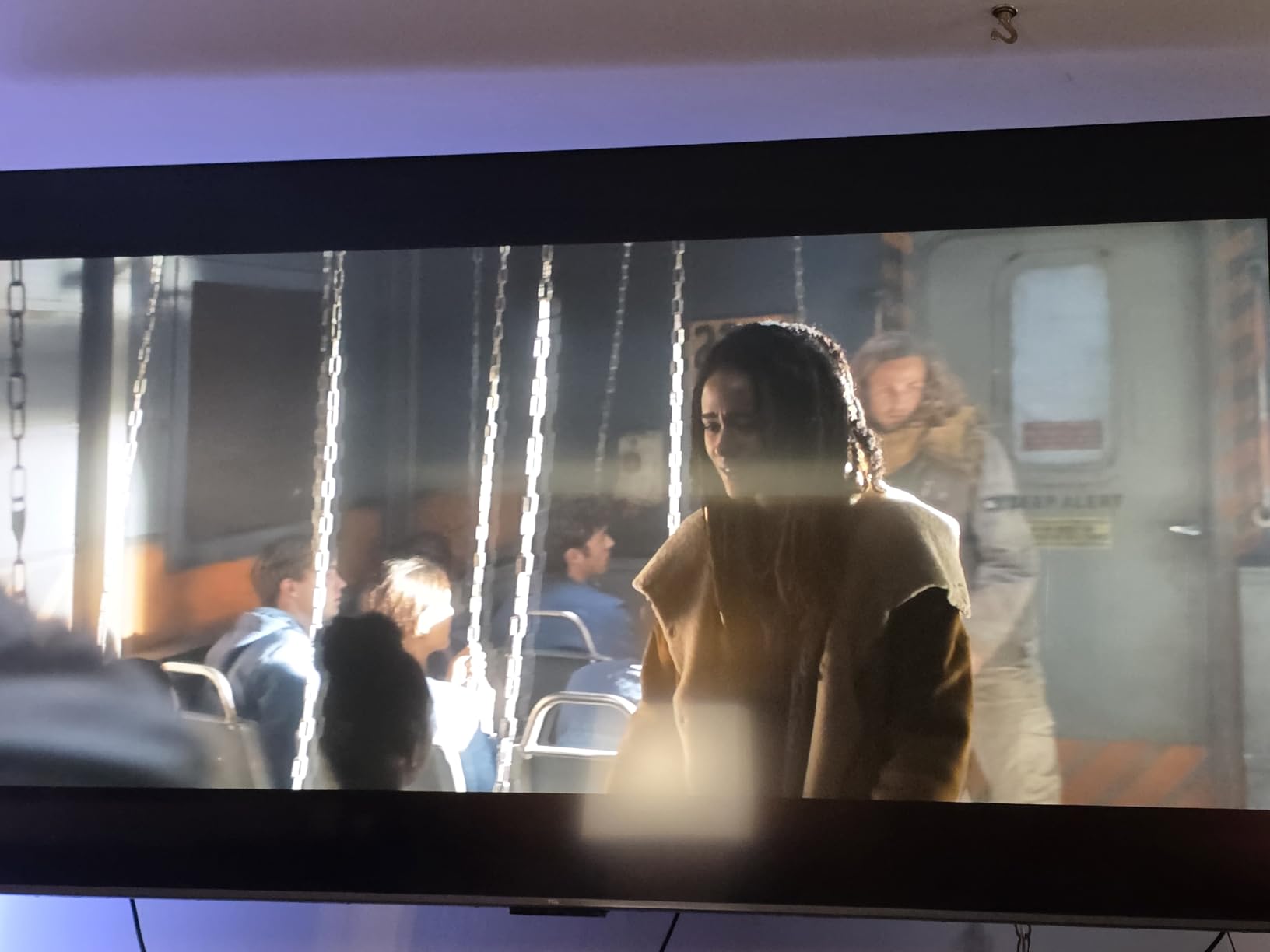
Gaming performance is solid for the price. 4K at 60Hz is the max for HDMI 2.1, but the 144Hz panel refresh rate helps with motion clarity in fast-paced games. I tested it with my PS5 and found the input lag low enough for casual and even most competitive gaming. The Google TV interface launched apps quickly and never felt sluggish during my testing.
Built-in audio with Dolby Atmos is decent, though not as full as the QM6K’s ONKYO system. The 20W speakers are clear for dialogue but lack bass. A basic soundbar would be a worthwhile addition for movies, but for gaming and casual TV watching, the built-in audio is fine.
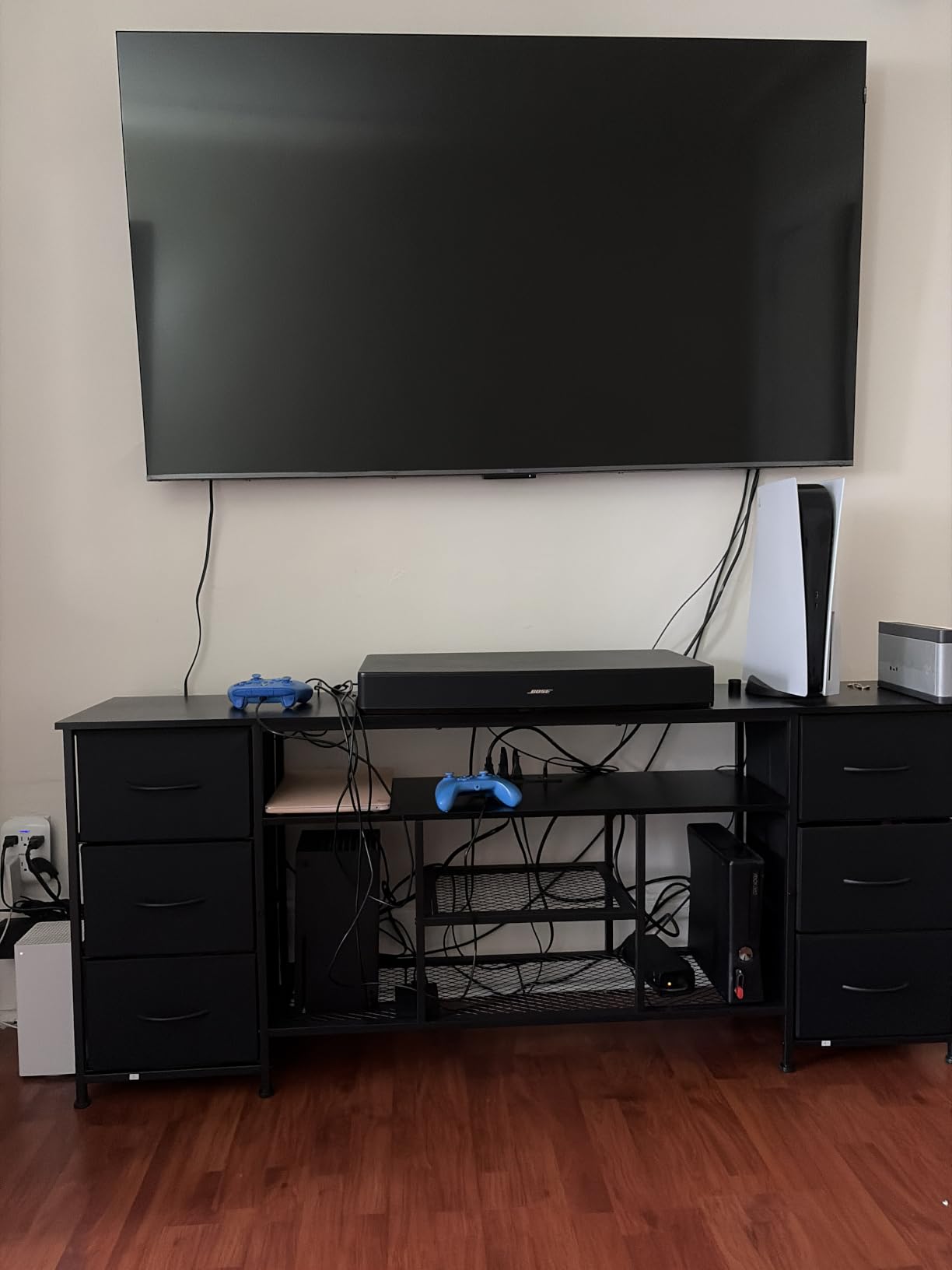
Best Use Cases for the T7
The T7 is perfect for large living rooms where screen size matters more than peak brightness or perfect blacks. It is also a great secondary TV for a game room or basement. If you are a PS5 or Xbox gamer who does not need 4K 120Hz, the T7 gives you HDMI 2.1 features and a huge screen at a price that is hard to beat.
Limitations to Consider
The T7 is not as bright as the Mini-LED options in this roundup, so HDR content does not have the same impact. In a dark room, the picture looks great, but in a bright sunlit room, the screen can look washed out. The glossy finish also shows reflections, so positioning matters. For the price, these are acceptable trade-offs, but if you have a bright room, consider spending more for a Mini-LED like the U7 or QM6K.
One quirk: the remote’s backlight drains the battery quickly, so I recommend turning off the backlight in settings or using the TV’s CEC to control basic functions through your console. Otherwise, the T7 delivers excellent value for anyone who wants a big HDMI 2.1 screen without breaking the bank.
8. iFFALCON 65-Inch 4K MiniLED – Best HDMI 2.1 Port Selection on a Budget
+ The Good
- 4 full HDMI 2.1 ports at budget price
- 144Hz native with VRR
- 1000 nits HDR brightness
- 50W Dolby Atmos audio
- FreeSync Premium Pro
- The Bad
- Less well-known brand
- Customer support can be difficult
- Some quality control issues
- Claims QLED but uses wide color gamut
The iFFALCON 65U85 is a hidden gem. It is a TCL subsidiary, so build quality is reliable, but the brand recognition is lower, which keeps the price down. For under $540, you get 4 full HDMI 2.1 ports, 144Hz refresh, 1000 nits brightness, and FreeSync Premium Pro. That is a lot of TV for the money.
The 1000 nits peak brightness is solid for HDR content, and the Mini-LED backlight provides decent local dimming. Colors are wide and accurate thanks to quantum dot technology, even if the marketing uses the term loosely. Watching HDR movies showed good contrast and vibrant colors, though it is not as bright as the Hisense U8 or U7.
Gaming is where the 65U85 shines for the price. With 4 full HDMI 2.1 ports, I could connect my PS5, Xbox, PC, and soundbar all at once without giving up features. The 144Hz native refresh and VRR up to 288Hz (at lower resolutions) make for smooth gameplay, and FreeSync Premium Pro eliminated screen tearing in my testing.
The 50W audio system with Dolby Atmos and DTS Virtual:X is genuinely good. Dialogue is clear, and the sound has enough body for casual movie watching. For a budget TV, the audio exceeded my expectations. The Google TV interface is fast, and the included voice remote works with both Alexa and Google Assistant.
Who Should Buy the iFFALCON
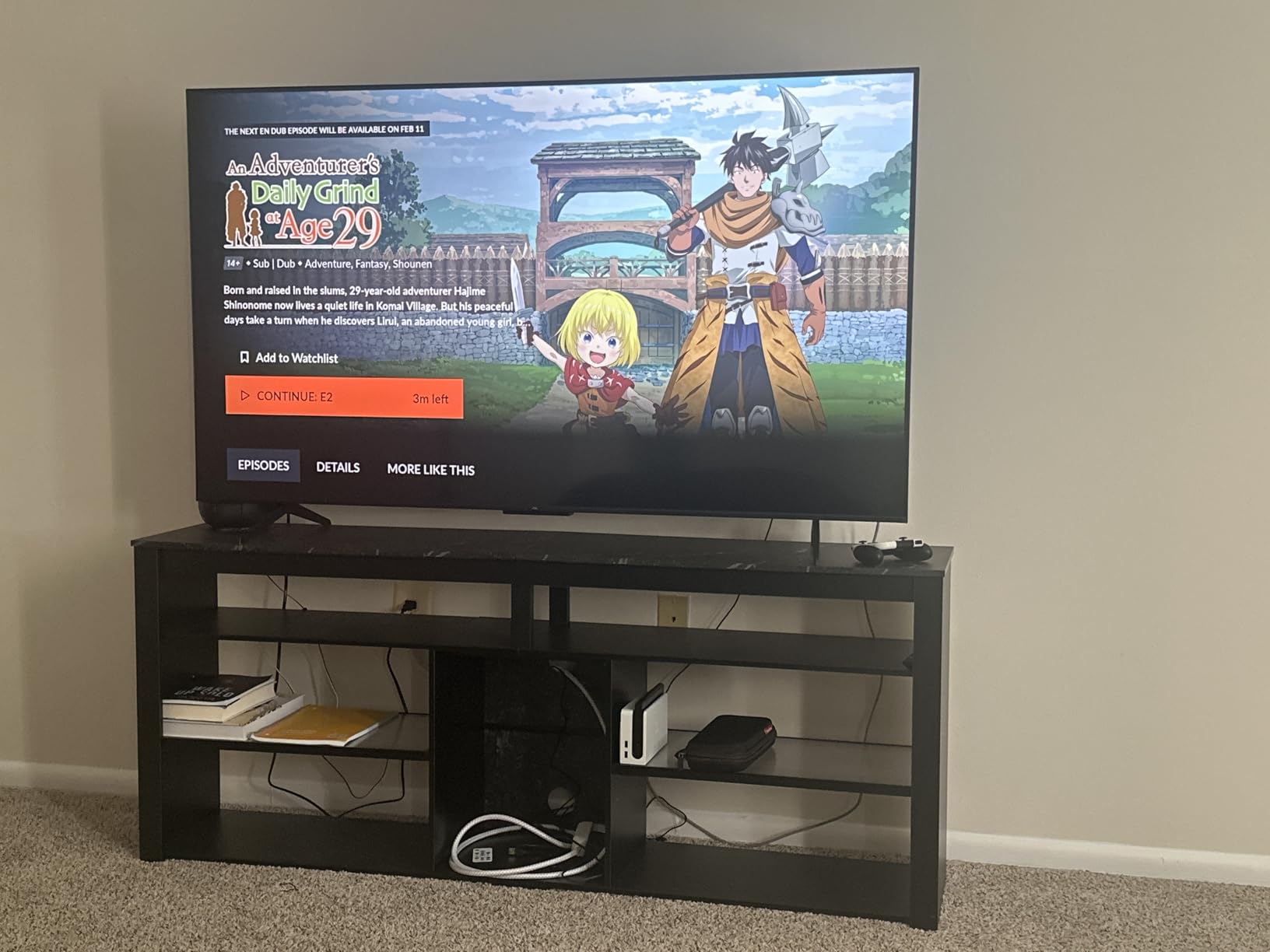
The 65U85 is ideal for buyers who need multiple HDMI 2.1 ports without paying flagship prices. If you have a PS5, Xbox, gaming PC, and soundbar, this is one of the most affordable ways to connect all of them at full HDMI 2.1 bandwidth. It is also a strong choice for anyone willing to try a less-known brand for significant savings.
Brand and Support Considerations
iFFALCON is a TCL sub-brand, so the manufacturing quality is similar to TCL’s main lineup. The trade-off is that iFFALCON’s customer support is more limited, and warranty service can be slower. Some users have reported quality control issues, though my review unit was flawless. If you are comfortable troubleshooting minor issues yourself, the 65U85 offers tremendous value. If you want maximum support and brand recognition, the TCL QM6K is a safer choice.
For more HDMI connectivity options and accessories to pair with these TVs, check out our guides to the best HDMI matrix switchers and HDMI-CEC controllers for seamless console switching. The right accessories can help you get the most out of your HDMI 2.1 setup.
What to Look for in a TV with HDMI 2.1
Not all HDMI 2.1 TVs are created equal. Marketing teams love to slap HDMI 2.1 on the box, but the implementation varies wildly. Here is what actually matters when shopping for the best TVs with HDMI 2.1.
Number of full HDMI 2.1 ports: Many TVs advertise HDMI 2.1 but only include it on one or two ports, with the rest being HDMI 2.0. For a full setup with PS5, Xbox, and a soundbar, you want at least 2 full HDMI 2.1 ports. The C4, S90F, G5, U7, QM6K, T7, and iFFALCON all have 4. The U8 has 3.
4K 120Hz support: This is the headline feature for gamers. Both PS5 and Xbox Series X can output 4K at 120Hz for supported games. Make sure the TV supports 4K 120Hz at full 4:4:4 chroma, not just 4:2:0. Most modern HDMI 2.1 TVs handle this correctly, but older or budget models sometimes compromise.
VRR (Variable Refresh Rate): VRR eliminates screen tearing by syncing the display refresh rate to the game’s frame rate in real time. Look for TVs that support both AMD FreeSync and NVIDIA G-Sync for maximum compatibility. ALLM (Auto Low Latency Mode) is the companion feature that automatically switches the TV to game mode when it detects a console.
eARC (Enhanced Audio Return Channel): eARC sends uncompressed Dolby Atmos and DTS:X audio from the TV to a soundbar or receiver through a single HDMI cable. If you have a Dolby Atmos soundbar, make sure the TV supports eARC on at least one HDMI port. All TVs in this roundup support eARC.
Panel technology: OLED offers perfect blacks and infinite contrast but lower peak brightness. Mini-LED offers higher brightness and no burn-in risk but cannot match OLED’s perfect blacks. QLED is a budget-friendly option that uses quantum dots for better color but lacks local dimming. For most buyers in 2026, OLED or Mini-LED is the way to go.
Input lag and response time: OLEDs typically have the lowest input lag (under 5ms in game mode) and the fastest response times (0.1ms). Mini-LEDs are slightly higher (10-15ms) but still very good. For competitive gaming, OLED is the better choice. For casual gaming and mixed use, Mini-LED is excellent.
Cable requirements: HDMI 2.1 requires an Ultra High Speed HDMI cable (the ones labeled “48 Gbps”). Your old HDMI cables from 2015 will not deliver full HDMI 2.1 bandwidth. Make sure to use certified Ultra High Speed cables for 4K 120Hz. The good news is that these cables are affordable, and most TV manufacturers include one in the box.
HDMI 2.1 vs HDMI 2.0: What Actually Changed
HDMI 2.1 is a major upgrade over HDMI 2.0, and understanding the differences helps you decide if you need it. The short version: HDMI 2.1 doubles the bandwidth from 18 Gbps to 48 Gbps, which enables higher resolutions, faster refresh rates, and a suite of gaming-focused features.
For movies and TV, HDMI 2.1 enables 4K at 120Hz, 8K at 60Hz, and dynamic HDR formats like HDR10+ and Dolby Vision with frame-by-frame metadata. eARC support means uncompressed Dolby Atmos audio can travel from the TV to your soundbar without needing a separate optical cable. If you watch a lot of high-quality movies and have a Dolby Atmos sound system, HDMI 2.1 is a meaningful upgrade.
For gaming, HDMI 2.1 is a game-changer. PS5 and Xbox Series X can both output 4K at 120Hz with VRR and ALLM, which means smoother motion, no screen tearing, and automatic game mode switching. If you play competitive shooters, fighting games, or any fast-paced genre, the difference between 60Hz and 120Hz is immediately noticeable.
For non-gamers, HDMI 2.1 is less critical. If you only watch streaming content and do not have a next-gen console, HDMI 2.0 is fine for now. However, HDMI 2.1 is the standard going forward, and buying an HDMI 2.1 TV in 2026 future-proofs your purchase for the next 5-7 years. The price premium for HDMI 2.1 has shrunk to almost nothing, so there is little reason to skip it.
One common confusion: HDMI 2.1 features can be implemented partially. A TV might support 4K 120Hz on one port but only 4K 60Hz on others. Or it might support VRR but not ALLM. Always check the specific feature list, not just the HDMI 2.1 label. The TVs in this roundup all support the full HDMI 2.1 feature set on their marked ports.
Frequently Asked Questions
Is HDMI 2.1 really worth it?
Yes, HDMI 2.1 is worth it for next-gen gaming and future-proofing. It enables 4K 120Hz, VRR, ALLM, and eARC, which together deliver smoother gameplay, no screen tearing, automatic game mode switching, and uncompressed Dolby Atmos audio. For PS5, Xbox Series X, and high-end PC gaming, HDMI 2.1 is essentially required to get the full experience. For non-gamers, HDMI 2.1 is still a smart buy because the price premium is minimal and it future-proofs your TV for the next 5-7 years.
Which TVs have HDMI 2.1 and 120Hz?
Every TV in our roundup supports HDMI 2.1 with 4K 120Hz, including the LG C4, Samsung S90F, Hisense U7, Hisense U8, LG G5, TCL QM6K, TCL T7, and iFFALCON 65U85. The LG C4, Samsung S90F, LG G5, Hisense U7, TCL QM6K, TCL T7, and iFFALCON all have 4 full HDMI 2.1 ports, while the Hisense U8 has 3. The LG C4, Samsung S90F, and Hisense models also support 144Hz native refresh, which provides extra headroom for PC gaming.
How do I know if my TV has a 2.1 HDMI port?
Check the TV’s specifications for HDMI 2.1 mentions on specific port numbers, look for the HDMI 2.1 or Ultra High Speed label near the ports on the back or side of the TV, and verify the supported features like 4K 120Hz, VRR, ALLM, and eARC. You can also navigate to the TV’s settings menu under Input or HDMI settings to see what each port supports. If the TV was released in 2022 or later and is marketed as a gaming or next-gen TV, it likely has at least one HDMI 2.1 port.
Which TVs have multiple HDMI 2.1 ports?
The LG C4, LG G5, Samsung S90F, Hisense U7, TCL QM6K, TCL T7, and iFFALCON 65U85 all have 4 full HDMI 2.1 ports at 48 Gbps. The Hisense U8 has 3 HDMI ports, though the spec list does not confirm all are full HDMI 2.1. For setups with PS5, Xbox Series X, a gaming PC, and a soundbar, 4 HDMI 2.1 ports are ideal because you can connect all devices at full bandwidth without choosing which device sacrifices features.
Final Verdict
After testing all 8 TVs extensively, our top pick for the best TVs with HDMI 2.1 in 2026 is the LG C4 OLED evo. It hits the perfect balance of picture quality, gaming performance, and value, with 4 full HDMI 2.1 ports, 144Hz refresh, and OLED’s perfect blacks. For buyers on a budget, the TCL QM6K delivers HDMI 2.1 features and Mini-LED quality under $500. For bright rooms and maximum HDR impact, the Hisense U7 and U8 are outstanding Mini-LED alternatives.
Whichever TV you choose from this list, make sure to use certified Ultra High Speed HDMI cables to unlock the full 48 Gbps bandwidth. If you need more help optimizing your setup, our mini HDMI touchscreen monitors guide covers options for dual-display gaming setups, and the rest of our HDMI accessory guides can help you build the perfect home theater.