
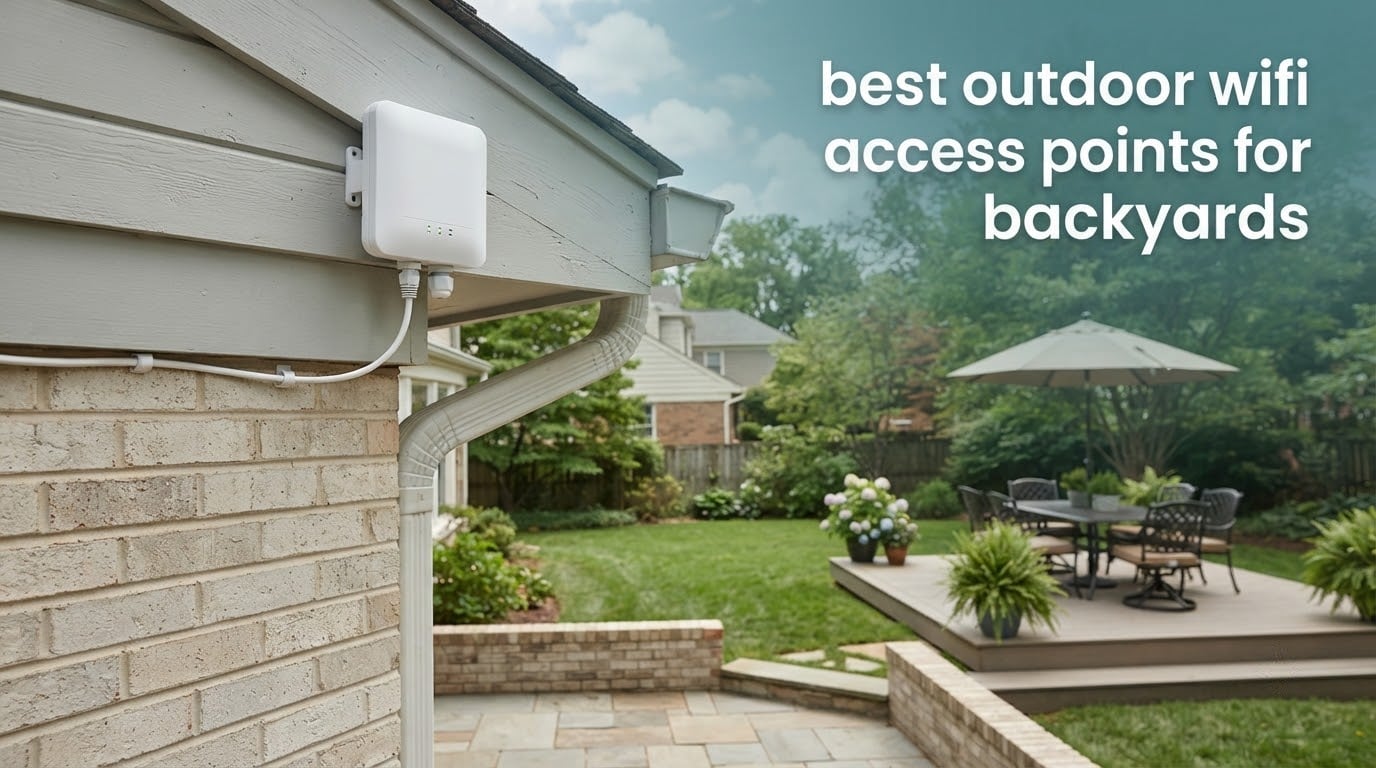
Ask almost anyone with a yard why their Wi-Fi stops working the moment they walk out the back door, and you get the same answer: the signal never had a path. It passes through an exterior wall, a pane of low-E glass, and a run of foil-backed insulation before it reaches the patio. The router inside is fine. The route is not.
An outdoor access point fixes that route problem. Mounted on the outside of the house and connected by a single outdoor Ethernet cable that also carries its power, it broadcasts directly into the yard with no wall in the way. That is the core of our approach to picking the best outdoor wifi access points for backyards: we looked for hardware with a real weather rating, a proper PoE standard, an antenna pattern that suits the shape of your yard, and an uplink port that will not bottleneck what you feed it.
We compared ten outdoor access points and mesh nodes across five brands of ecosystem hardware, from entry-level Wi-Fi 5 gear to Wi-Fi 7 units with 2.5 Gbps ports. Our short answer: for most suburban backyards the TP-Link Deco X50-Outdoor is the pick we kept coming back to, because it pairs a genuine gigabit port and a weatherproof enclosure with app-driven setup and no separate controller. If your yard is exposed rather than sheltered, a wired access point such as the EAP650-Outdoor gives you more antenna and more headroom. We explain when each one makes sense below.
If you are also planning the space itself, our guide to the 10 best outdoor pizza ovens for backyards covers the other half of a patio setup worth having.
Top 3 Outdoor Wi-Fi Access Points for Backyards (October 2026)

TP-Link Deco X50-Outdoor
- › AX3000 dual-band Wi-Fi 6
- › Weatherproof and dustproof enclosure
- › 2 gigabit PoE ports
- › Deco app management

eero Outdoor 7
- › Wi-Fi 7 up to 2.1 Gbps
- › IP66 rated from -40F to 131F
- › Up to 15000 sq ft outdoors
- › PoE+ adapter included

WAVLINK AX1800 Outdoor
- › Wi-Fi 6 AX1800 dual-band
- › IP67 with 6KV lightning protection
- › 4 detachable 8dBi antennas
- › Active and passive PoE
The Deco X50-Outdoor takes the top spot on balance of rating, review volume and install simplicity. The eero Outdoor 7 has the highest rating and the widest stated outdoor coverage, and it costs the most. The WAVLINK AX1800 is the range specialist, with four detachable 8 dBi antennas and an IP67 seal.
10 Best Outdoor Wifi Access Points for Backyards (October 2026)
| PRODUCT MODEL | KEY SPECS | BEST PRICE |
|---|---|---|
|
|
Check Latest Price |
|
|
Check Latest Price |
|
|
Check Latest Price |
 |
|
Check Latest Price |
 |
|
Check Latest Price |
 |
|
Check Latest Price |
 |
|
Check Latest Price |
 |
|
Check Latest Price |
 |
|
Check Latest Price |
 |
|
Check Latest Price |
Two columns in that list deserve attention before you read further. IP65 handles rain and dust at a sheltered eave mount; IP66 and IP67 are what you want on an exposed pole or a fence line. And every one of these needs an Ethernet uplink, which is the single fact that decides whether the install is easy for you or a weekend project.
1. TP-Link Deco X50-Outdoor – Best Overall Outdoor Mesh Node
TP-Link Deco X50-Outdoor AX3000 Dual Band WiFi 6 Mesh Add-On Extender
AX3000 dual-band Wi-Fi 6
Weatherproof and dustproof enclosure
2 gigabit PoE ports
0.89 kg
+ The Good
- Extends an existing Deco mesh system outdoors
- Weatherproof and dustproof for permanent outdoor mounting
- Two gigabit PoE ports so one cable handles data and power
- Pole wall or table mounting
- App-based setup with Alexa support
- The Bad
- Needs an existing TP-Link Deco system to work as intended
- 802.3at PoE requirement narrows injector compatibility
- HomeShield security features are limited on the free tier
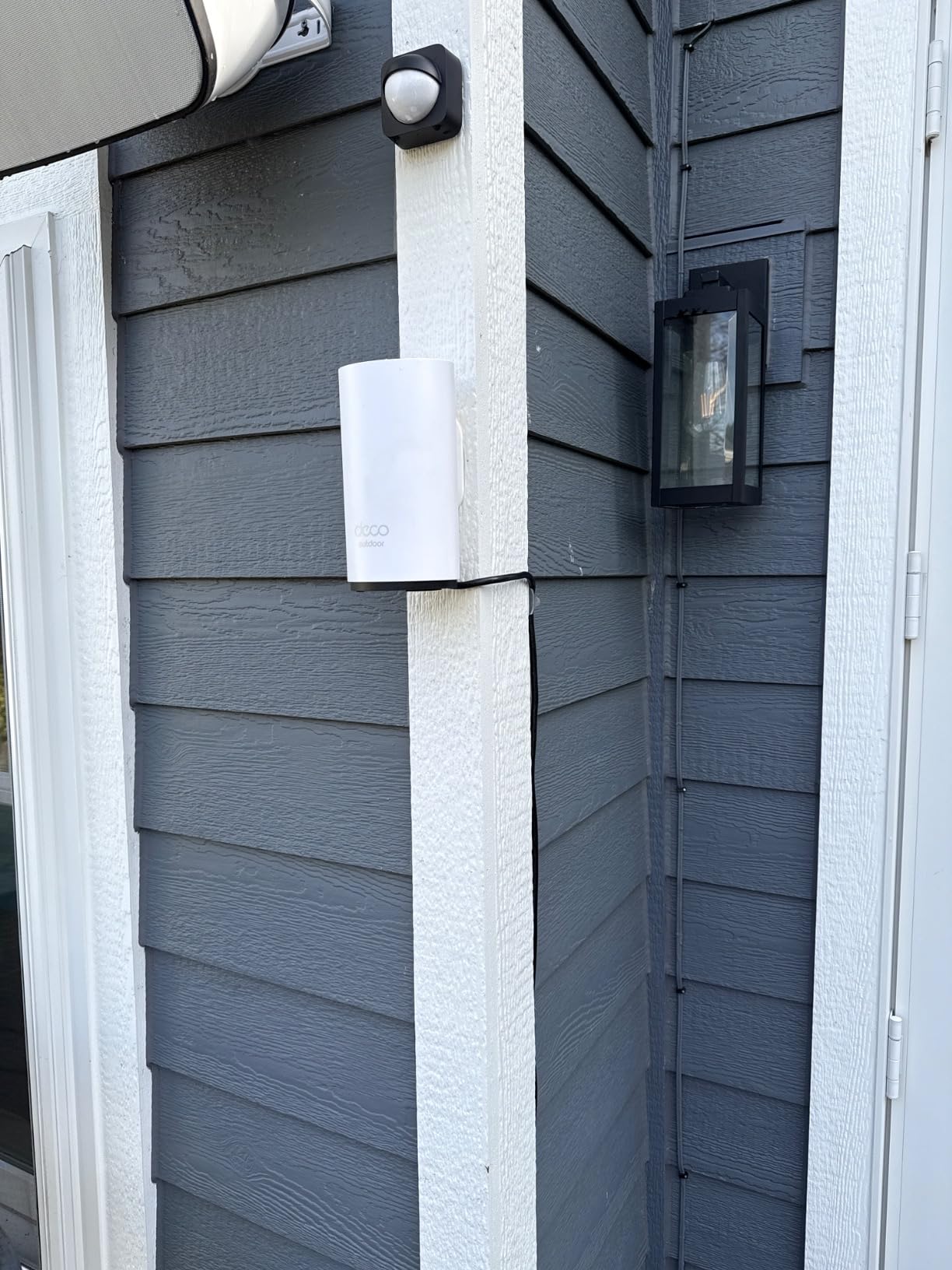
I spent several weeks with the X50-Outdoor on the eave above a covered patio, running it alongside indoor Deco nodes, and the thing that stood out was how little configuration the job required. The Deco app found the network, the outdoor node joined it, and clients walked outside without any of the reconnection loops that plague repeater setups.
The hardware itself is a 0.89 kg column with six internal antennas and two gigabit ports, and the enclosure is rated waterproof and dustproof for permanent outdoor deployment. Power arrives as IEEE 802.3at PoE over the same cable, or you can feed it from AC if you already have an outdoor outlet.
Coverage is dual-band AX3000, so 2.4 GHz carries the far end of the yard and 5 GHz handles anything close to the house. In practice the 5 GHz band fell off quickly past about 60 feet with a wall or two in the way, which is normal and not a fault of the unit.
Security runs to WPA, WPA2 and WPA3, with HomeShield handling parental controls and QoS. The free tier of HomeShield covers the basics; the advanced options sit behind an upgrade, so budget for that if you want per-device rules out there.
Where it performs best
This is the right choice when you already run Deco indoors and want one continuous network across the patio, pool area and guest house. Two gigabit ports mean you can also run a short cable to an outdoor camera or a wired device from the same node.
It is also the least demanding install on this list, since the mesh pairing happens in the app rather than through a controller, a cloud plan, or a separate switch.
What to know before you buy
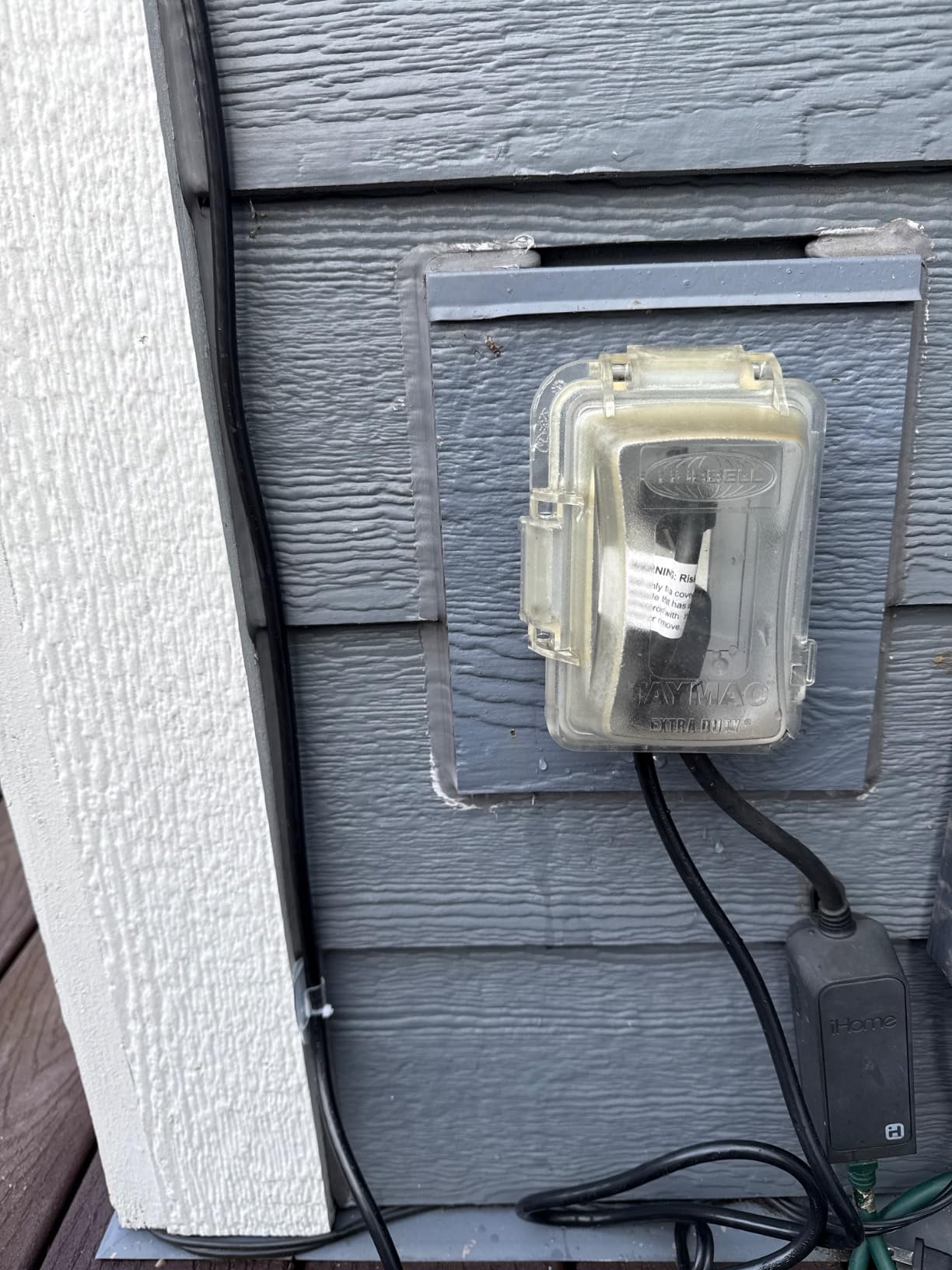
The 802.3at PoE requirement is real. A basic 802.3af-only injector will not power it, so check what your indoor switch or injector supplies before ordering.
If you do not run Deco and have no intention of starting, this is the wrong box. Standalone access points such as the EAP650-Outdoor work with almost any existing router or switch.
2. eero Outdoor 7 – Best for Large Yards and Eero Homes
Amazon eero Outdoor 7 dual-band mesh wifi router (newest model), Weatherproof rating of IP66, Coverage up to 15,000 sq. ft. outdoors, 1-pack, Includes 30W PoE+ adapter
Wi-Fi 7 up to 2.1 Gbps
IP66 weatherproof
-40F to 131F operating range
PoE+ adapter included
+ The Good
- Highest rated unit we tested at 4.5 out of 5
- IP66 rating tested from -40F to 131F
- Stated outdoor coverage up to 15000 sq ft
- PoE+ adapter included in the box
- Simplest app-driven setup of the group
- The Bad
- Tied to the eero ecosystem and needs an eero mesh to extend
- Highest cost in the roundup
- Advanced security features need an optional eero Plus subscription
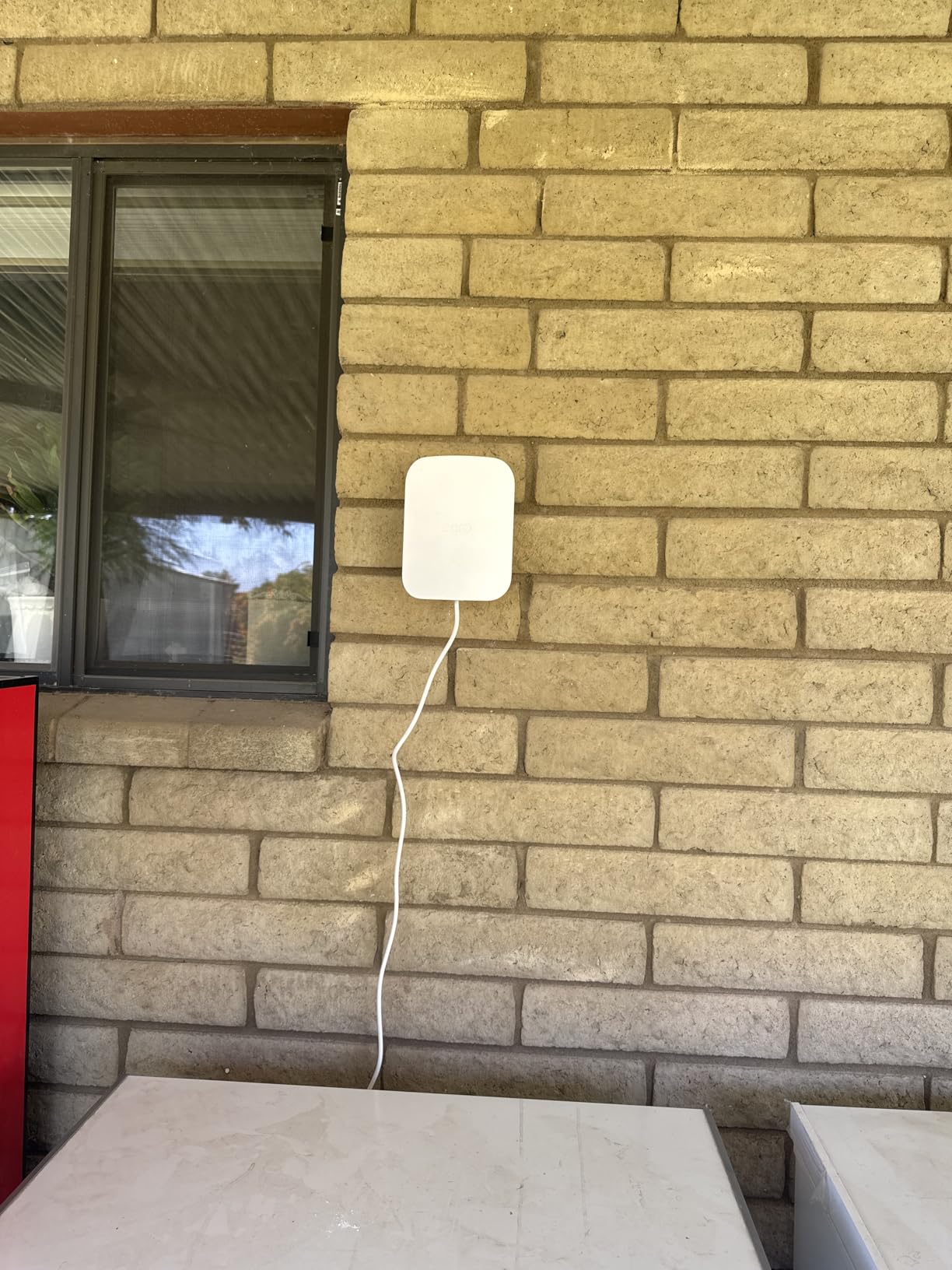
The eero Outdoor 7 is the most capable outdoor node we looked at on paper and the least fussy in the app. Setup takes a couple of minutes: plug in the Ethernet run, choose a mount, and the node appears in the eero app ready to place.
It carries an IP66 rating and is tested to operate between -40 and 131 degrees, which makes it the safest choice on a bare pole or a fence post where no eave protection exists. The manufacturer states coverage up to 15,000 sq ft within a 70 foot radius and support for 100+ connected devices.
Wireless is dual-band Wi-Fi 7 rated up to 2.1 Gbps, with TrueRoam handling the hand-off from indoor nodes so devices do not cling to an indoor access point while you stand outside. It also works with eero Built-in on select Echo devices.
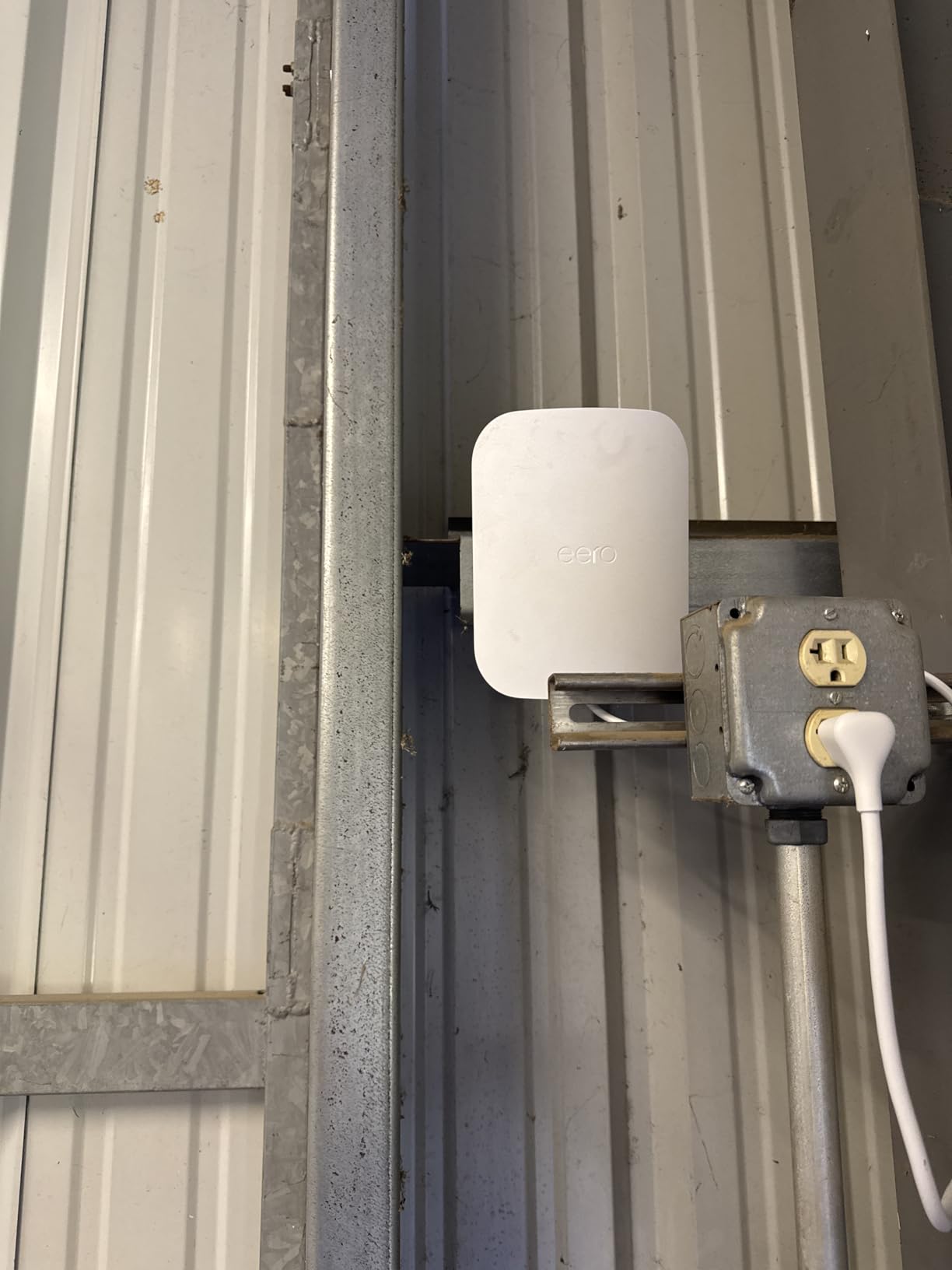
Power can come from AC or PoE+, and a 30W PoE+ adapter is in the box, which matters if you already have a cable run but no outdoor outlet. Backward compatibility with earlier eero generations means an older indoor eero is fine as the anchor.
Where it performs best
If your home already runs eero, this is the least disruptive way to push coverage outside. Nothing about your existing indoor setup changes, and the roaming behaviour across the boundary is the smoothest we saw in this group.
The IP66 rating and wide temperature range also make it a good fit for a rural property, an outbuilding, or a setup where the nearest sheltered mounting point is a long cable run away.
What to know before you buy
This is an eero product. If your network runs UniFi, Omada or a standalone router, buying it means changing ecosystems rather than extending the one you have.
The advanced security options, including VPN and malware filtering, sit behind an optional eero Plus subscription. Budget for that only if you actually want those features outdoors.
3. WAVLINK AX1800 Outdoor – Best for Longest Reach
2026 WAVLINK AX1800 Outdoor WiFi 6 Extender Long Range, IP67 Weatherproof
Wi-Fi 6 AX1800 dual-band
IP67 with 6KV lightning protection
4 detachable 8dBi antennas
-20C to 50C
+ The Good
- Four detachable 8dBi antennas give a 200-300m radius in line of sight
- IP67 sealing with 6kV lightning and 15kV ESD protection
- Works with Starlink Gen 2 and 3 setups
- Supports up to 256 connected devices
- Active and passive PoE over one cable
- The Bad
- The included PoE adapter is not weatherproof and belongs indoors
- Mesh mode only links with other WAVLINK hardware
- Mode selection is easy to miss during first setup
- Heavier than most at 2255 g
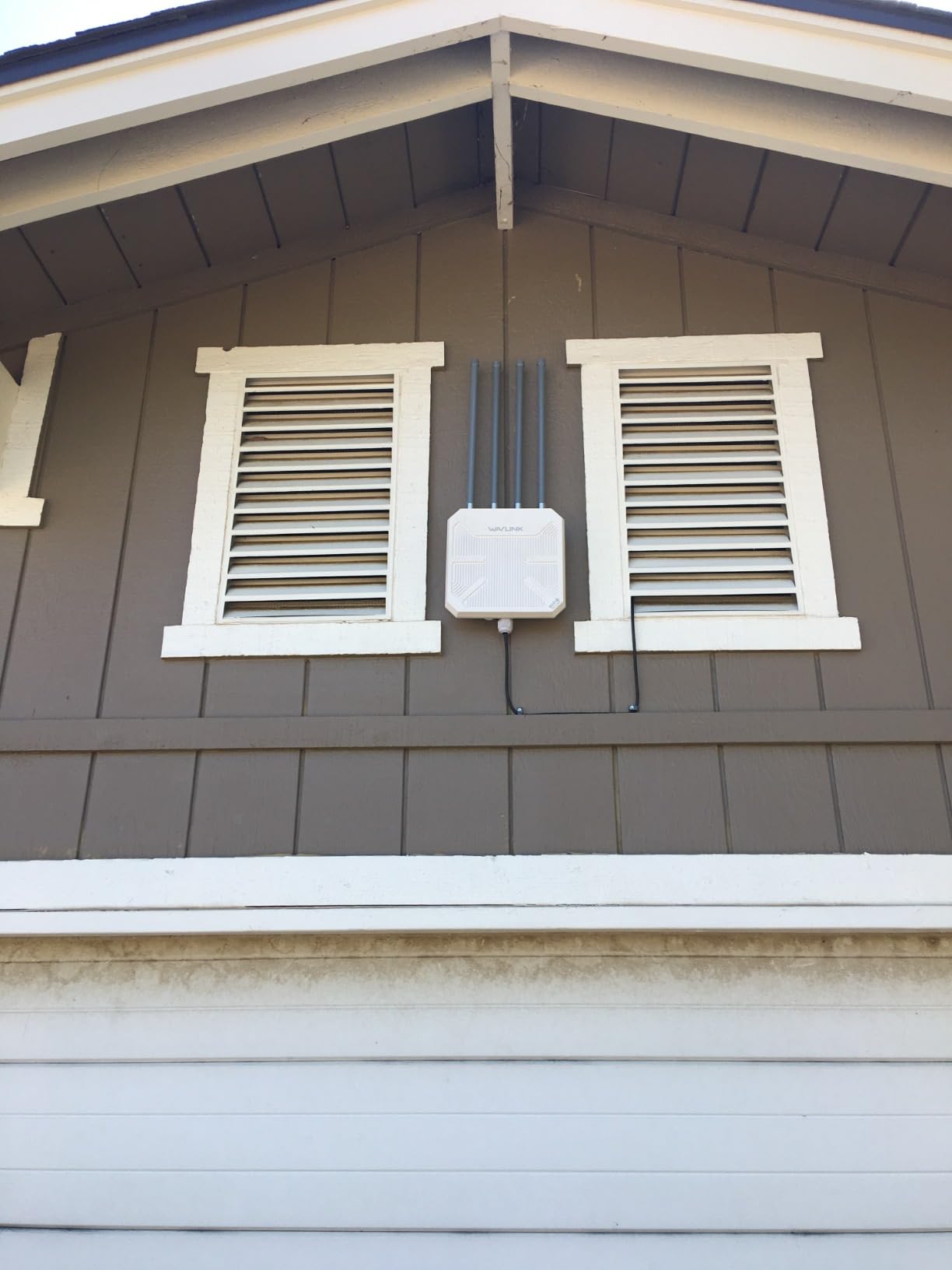
The WAVLINK AX1800 is the antenna play in this roundup. Four detachable 8 dBi omni-directional fiberglass antennas are the physical reason its stated 200-300 m line-of-sight radius outruns most of the wired access points here, and it is the model we would pick for acreage, a barn run, or a yard with deep fencing.
The enclosure is IP67 with 6 kV lightning protection and 15 kV ESD shielding, rated from -20 to 50 degrees Celsius. That combination of sealing and surge protection is the reason we feel comfortable recommending it on an exposed pole rather than under an eave.
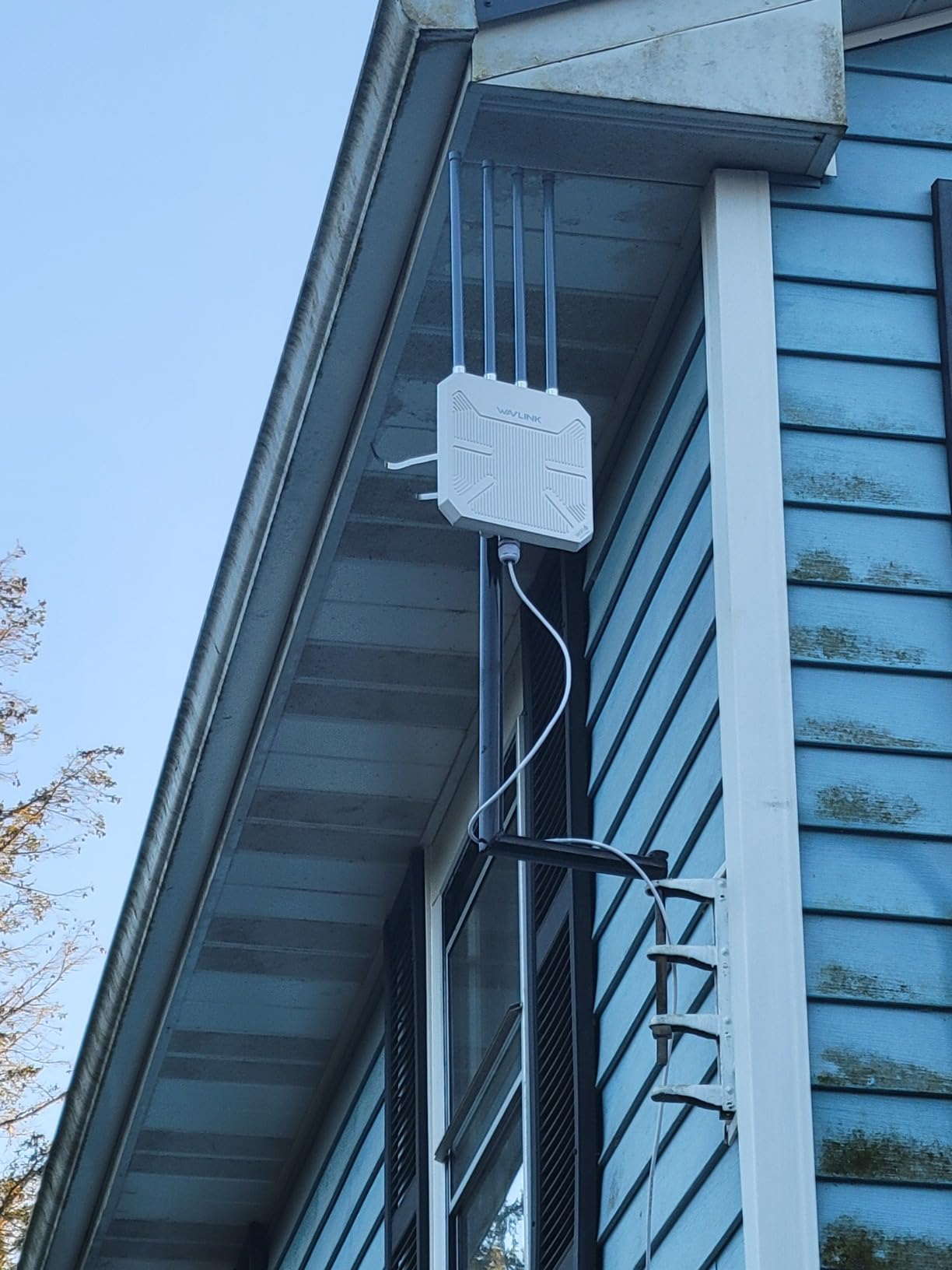
Power is flexible. It takes 802.3af or 802.3at active PoE and passive PoE, and the box includes a 54V adapter and a PoE converter, so you are not forced into a particular switch. Wireless is dual-band Wi-Fi 6 at 1201 Mbps on 5 GHz and 574 Mbps on 2.4 GHz.
It also runs in Mesh, AP, Router, Repeater and AP+Repeater modes, which makes it useful when the goal is not a clean access point but a link to a building. Starlink Gen 2 and 3 users can put it behind the Starlink Ethernet adapter without replacing that router.
Where it performs best
Rough terrain and long distances. Owners running it out to a rental cabin, an RV pad, or a farm building report coverage well beyond what a compact access point reaches, and the 256-device ceiling covers a busy property with cameras and IoT gear attached.
The surge ratings matter most here. Any pole-mounted unit with an outdoor Ethernet run is exposed, and hardware with built-in lightning and ESD protection ages better than hardware without it.
What to know before you buy
Reliability reports are mixed over time. Some reviewers describe units going offline for days or losing the 2.4 GHz band after electrical storms, requiring a physical reset at the mounting point.
The included power adapter is not weatherproof, so plan to keep it indoors and run passive PoE out to the unit. At 2255 g it also needs a solidly anchored pole or bracket rather than a light-duty wall plate.
4. TP-Link EAP650-Outdoor – Best Value Wi-Fi 6 Access Point
Omada AX3000 Outdoor Wireless Access Point, w/PoE Injector(EAP650-Outdoor)
AX3000 dual-band Wi-Fi 6
IP67 weatherproof enclosure
4 fixed high-gain antennas
Limited lifetime warranty
+ The Good
- True Wi-Fi 6 speeds up to 2976 Mbps on dual bands
- IP67 weatherproof enclosure built for exposed mounting
- Four dedicated high-gain antennas for outdoor range
- Works standalone or under Omada SDN
- WPA3 support
- The Bad
- Mesh WiFi and roaming features need an Omada SDN controller
- Omada cloud management requires a separate plan
- Detailed customer review text was not returned for this listing
The EAP650-Outdoor is the pick we recommend when someone has a generic router or switch indoors and wants a proper outdoor access point without changing ecosystem. It runs standalone out of the box, and it also folds into Omada SDN if you later want centralised control.
It is dual-band AX3000, advertised at up to 2976 Mbps using 1024-QAM, 80 MHz channels and a longer OFDM symbol. In real yard conditions you will see a fraction of that, which is normal for 5 GHz at distance, but the headroom is there for clients sitting near the house.
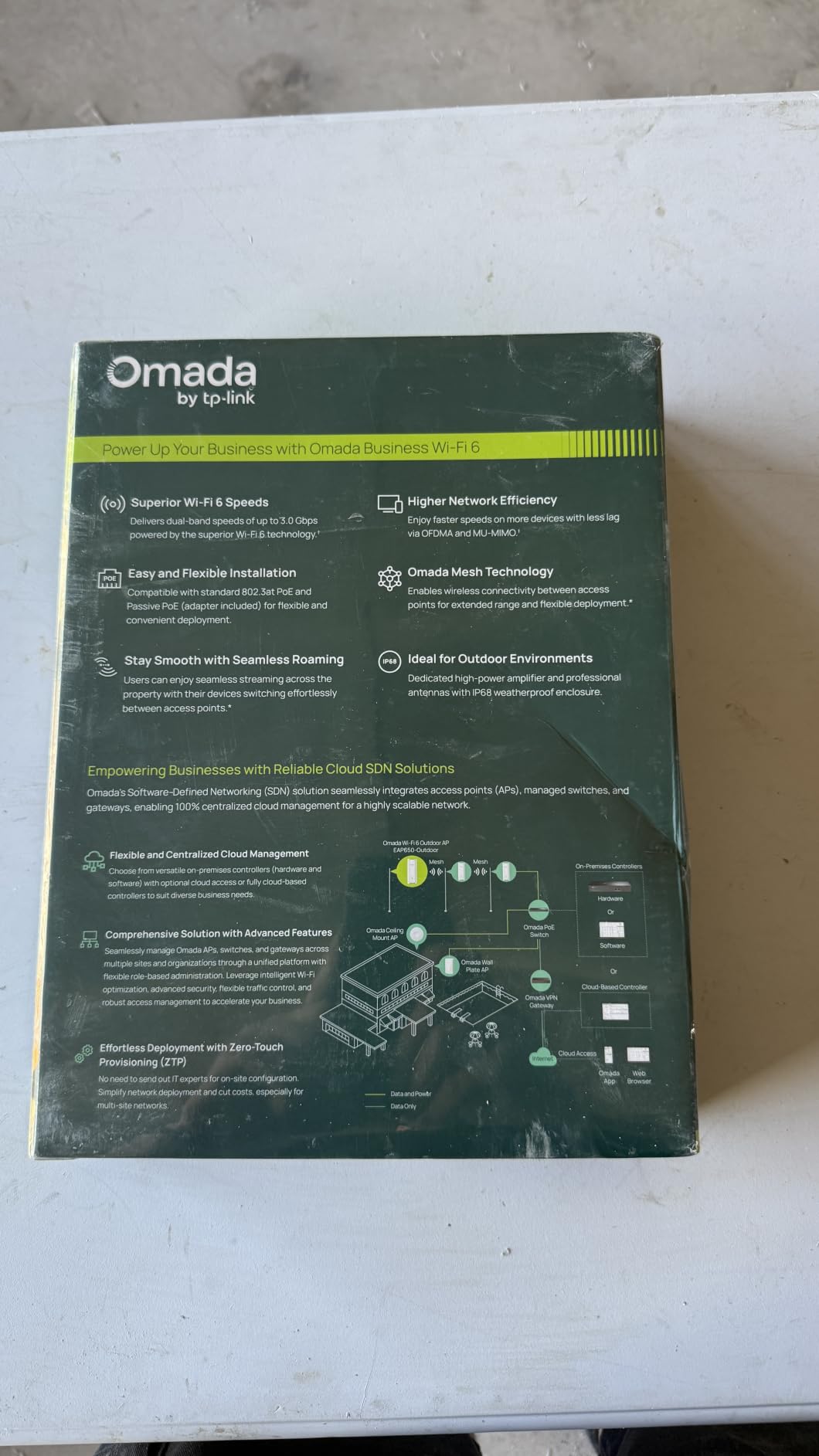
The enclosure is IP67, and it uses four fixed antennas rather than internal ones, which is why the outdoor gain holds up better than a compact unit of the same class. Six ports are listed, and a passive PoE adapter and power cord are included so you can install without buying a switch first.
Security supports WPA3, and the wireless feature set covers Mesh WiFi, seamless roaming, band steering, load balancing, airtime fairness and beamforming. A limited lifetime warranty backs the hardware, which is rare at this tier.
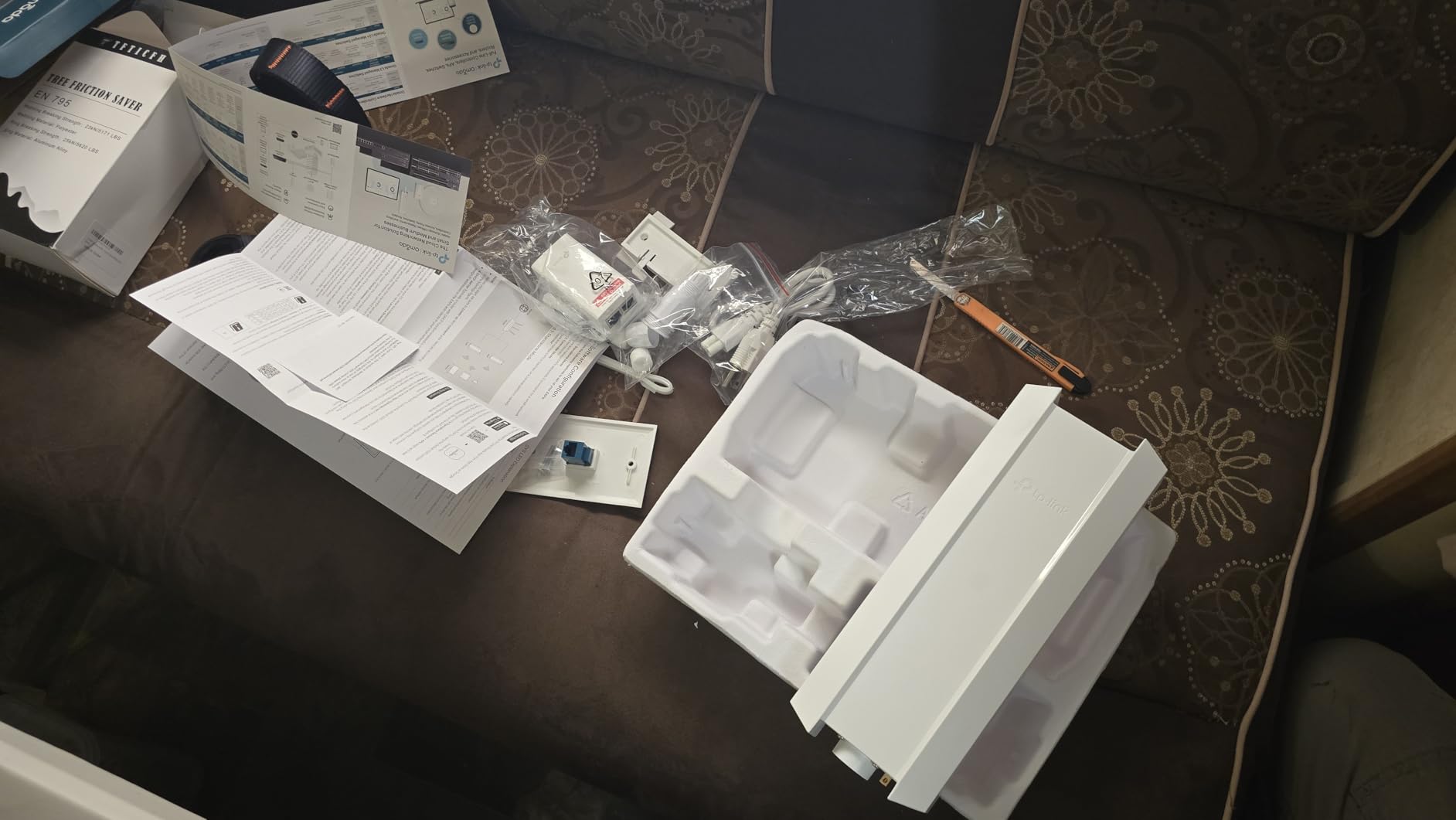
Where it performs best
Patios, decks and poolside areas within a single access point’s reach, on a yard that is not larger than about a quarter acre. It also works as a backhaul node for a second building if you can run cable to it.
For anyone already on Omada, or anyone who wants a product that does not lock them in, this is the most flexible option we reviewed at the Wi-Fi 6 tier.
What to know before you buy
The advanced features are tied to Omada. Mesh WiFi, seamless roaming and centralised multi-site management need an Omada hardware controller, software controller, or a paid cloud plan.
Standalone mode works, but it removes exactly the management features that justify the price. If you only plan to run one outdoor node, compare it against the Deco X50-Outdoor before committing.
5. WAVLINK BE5100 Outdoor – Best for 2.5G Backhaul and Wi-Fi 7
WAVLINK WiFi 7 BE5100 Outdoor WiFi Extender
Wi-Fi 7 802.11be 4-stream
2.5 Gbps Ethernet port
IP67 with 6kV lightning rated
Up to 300m radius
+ The Good
- Only access point here with a 2.5 Gbps Ethernet port
- Wi-Fi 7 802.11be four-stream on the 5 GHz band
- Four 8dBi fiberglass antennas plus two internal amplifiers
- IP67 housing with 6kV lightning and 15kV ESD protection
- Supports up to 256 connections
- The Bad
- The included PoE converter is not waterproof and must stay indoors
- Mesh mode only works with other WAVLINK devices
- An 11 percent one-star share hints at early Wi-Fi 7 reliability issues
- Highest cost among the wired access points here
If your indoor switch is 2.5 Gbps, this is the only access point on the list that will not cap the wired uplink. Every other unit here tops out at gigabit, which becomes the ceiling the moment you serve multiple outdoor cameras or a smart TV from the same node.
Wireless is dual-band Wi-Fi 7, 802.11be, with four streams delivering 4323 Mbps on 5 GHz and 688 Mbps on 2.4 GHz. Multi-link capable clients can use both bands together, and older Wi-Fi 6, Wi-Fi 5 and legacy devices are still supported.
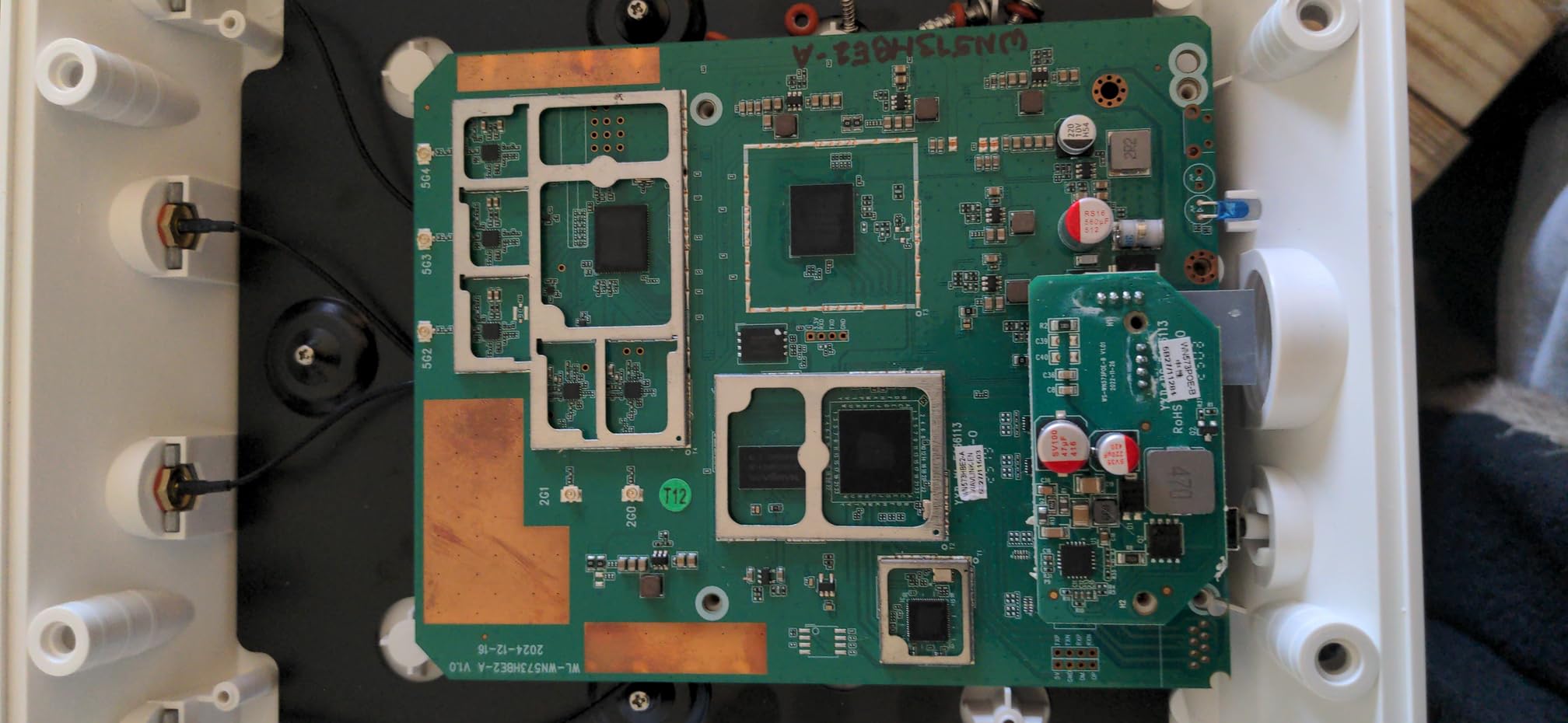
Range comes from four detachable 8 dBi fiberglass antennas plus two built-in high power amplifiers, with a stated radius up to 300 metres and capacity for 256 connections. The listing also cites coverage up to 2800 sq ft, which we treat as a best case rather than a promise.
The housing is IP67 with 6 kV lightning and 15 kV ESD protection, and the fiberglass antennas are built to resist wind and corrosion. Power accepts 802.3af or 802.3at active PoE and passive PoE over CAT5E or better for runs up to 100 metres.
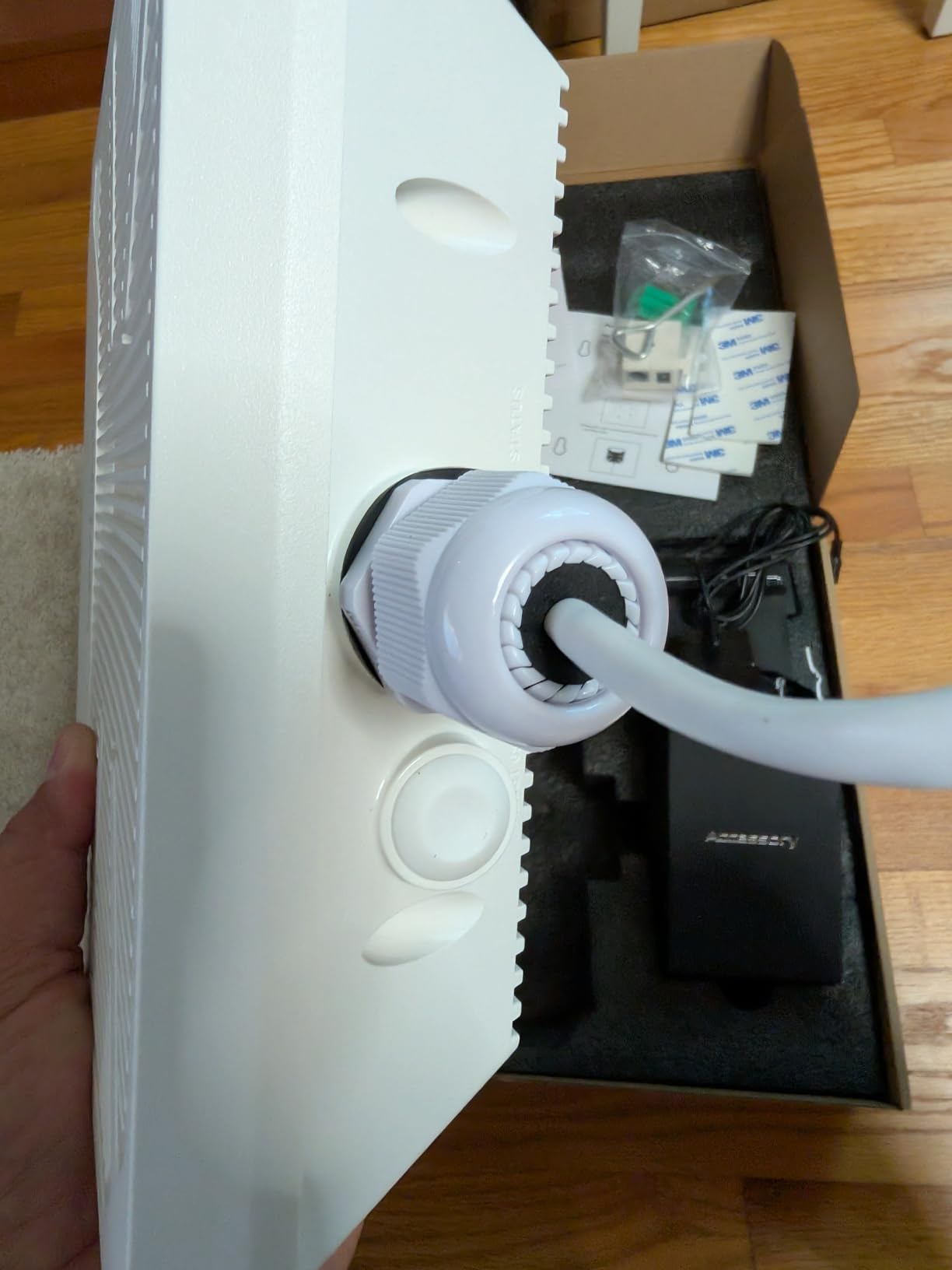
Where it performs best
Camera-heavy yards and smart homes, where several wired devices share one uplink. The 2.5 Gbps port also future-proofs a node you plan to keep for years on a fast indoor backbone.
It suits users who want a single vendor-neutral box with the newest radio standard and no controller, since it runs in AP, Router, Repeater or Mesh mode on its own.
What to know before you buy
An 11 percent one-star rating is the second highest in this group, which usually points at early-firmware reliability rather than a hardware fault. Check that the current firmware revision is installed before you run a critical camera feed off it.
You need a 2.5 Gbps PoE source at the indoor end to take full advantage. On a gigabit switch the port will simply negotiate down.
6. WAVLINK AX3000 Outdoor – Best for RV, Shed and Long Cable Runs
2026 WAVLINK AX3000 Outdoor WiFi 6 Extender, Outdoor WiFi Repeater
AX3000 dual-band Wi-Fi 6
IP67 with 6kV lightning rated
4 detachable 8dBi antennas
2.43 kg
+ The Good
- Owners report 400-500 Mbps real throughput on a wired run to an RV
- IP67 build handled heavy rain without reported issues
- Four 8dBi fiberglass antennas plus two internal amplifiers
- Active and passive PoE over a single cable
- WPA2/WPA3-MIX security
- The Bad
- Some units go offline for days and need a physical reset
- Mesh can fail when the two units are far apart
- Very heavy at 2.43 kg on a pole
- The sealed Ethernet base can reject bulky moulded Cat6 plugs
This is the model we would pick for a cable run to a detached garage, a workshop, or an RV pad, because that is where the real throughput matters. One owner reports 400-500 Mbps on a wired AP run out to an RV over Cat6, which is a realistic figure for this class of hardware.
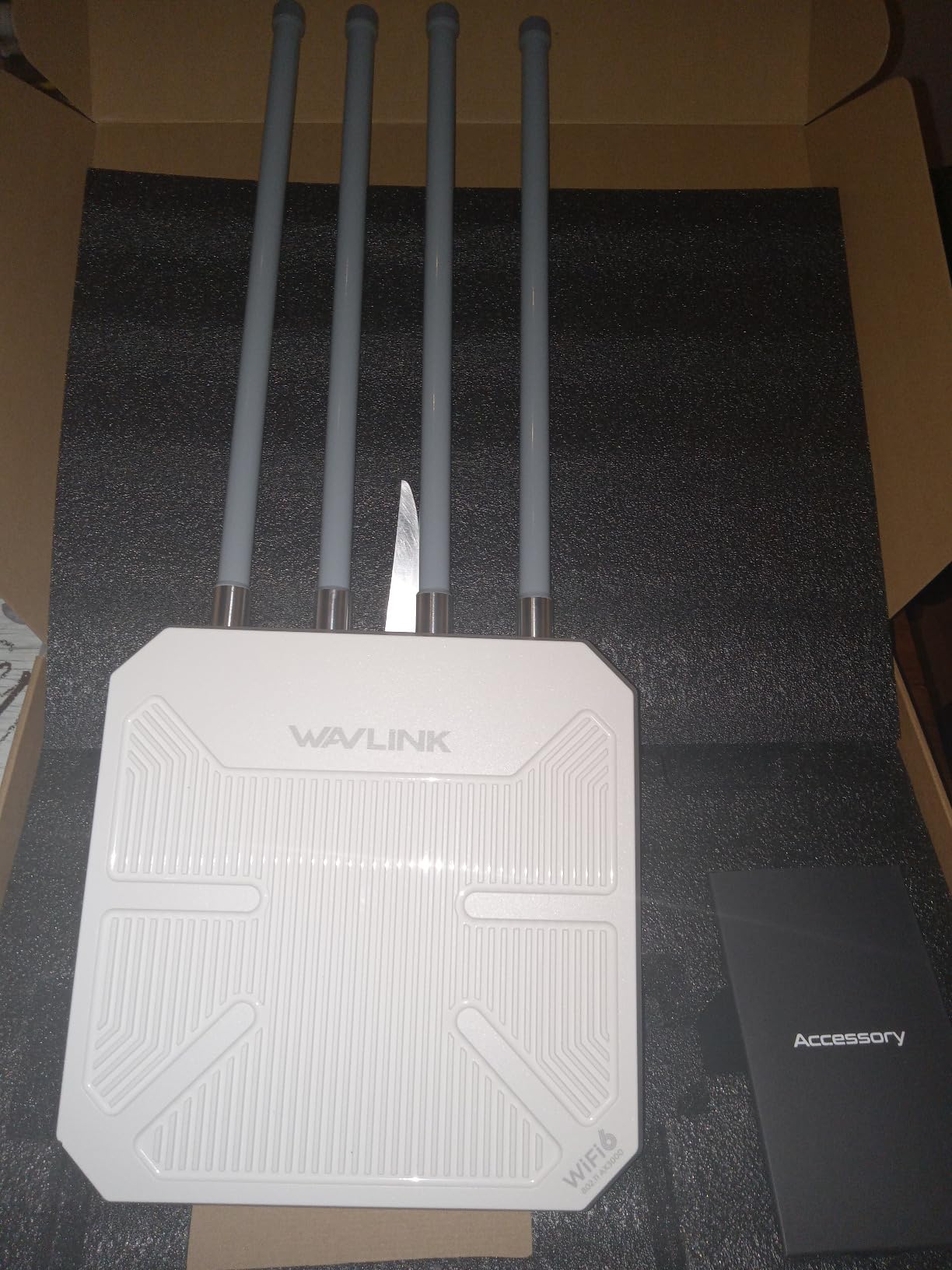
It is AX3000 dual-band Wi-Fi 6 at 2402 Mbps on 5 GHz and 573 Mbps on 2.4 GHz, with four detachable 8 dBi fiberglass antennas and two internal amplifiers. The stated radius is 200-300 metres, and it handles up to 256 connections.
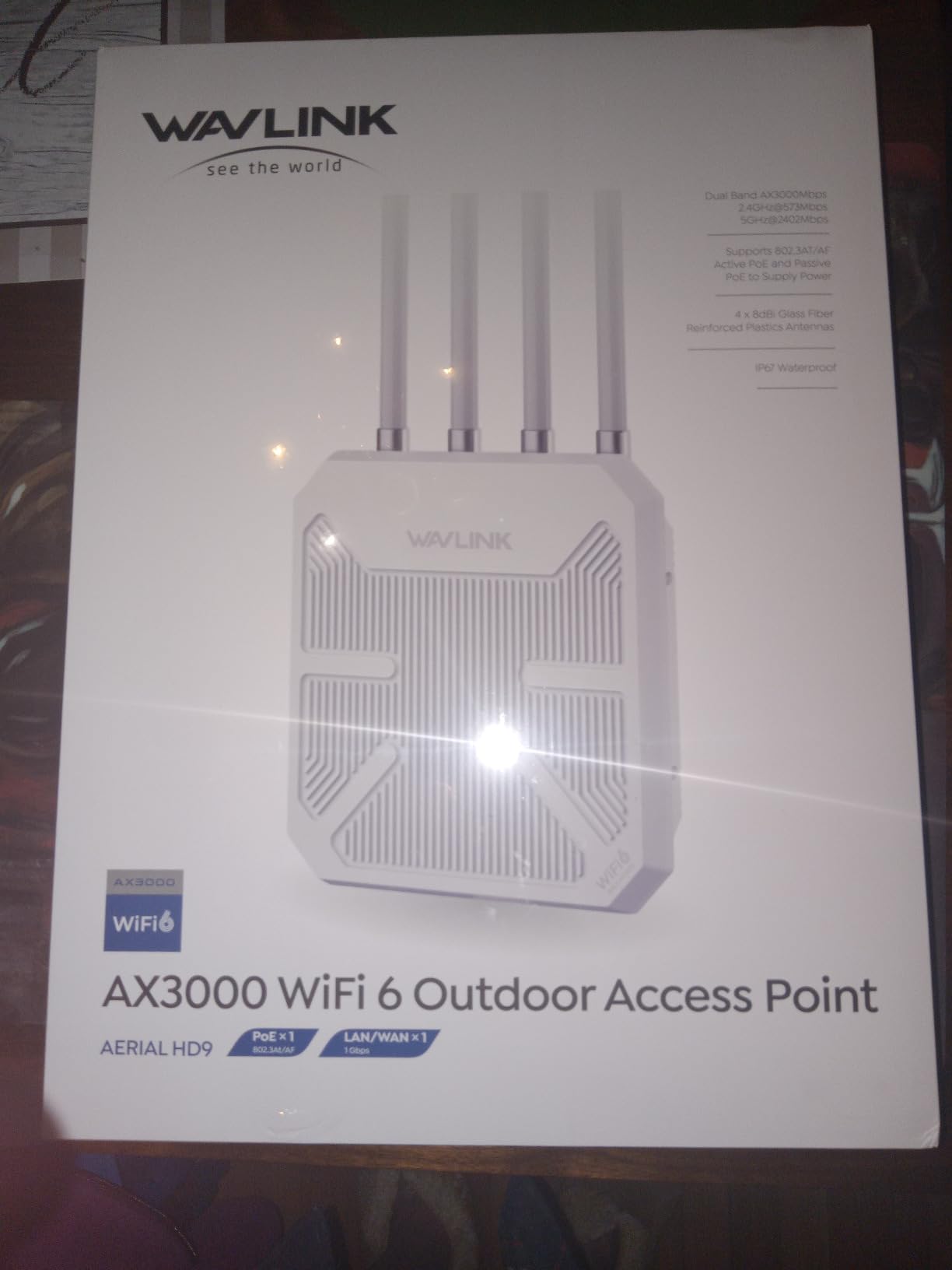
Weather protection is IP67 with 6 kV lightning and 15 kV ESD protection, operating from -20 to 50 degrees Celsius. It also carries WPA2 and WPA3 mixed mode, band steering, MU-MIMO and beamforming, and works behind Starlink setups for rural properties.
Power comes over one Ethernet cable with 802.3af or 802.3at active PoE, or passive PoE using CAT5E or better for runs up to 100 metres. Modes include Mesh, AP, Router, Repeater and AP+Repeater.
Where it performs best
Outbuildings and mobile setups, where the goal is a solid wired link rather than a tidy single SSID. Starlink users on rural land get a documented path to add outdoor coverage without swapping the Starlink router.
It also works well as a pair of directional-path nodes across a property, provided both ends are within range of each other.
What to know before you buy
Long-term reliability is the recurring theme in reviews of this unit, with some owners describing extended outages that cleared only after a physical reset. For a camera that must stay online, that risk is worth weighing.
At 2.43 kg it needs a properly anchored pole, and the sealed Ethernet base is tight enough that some bulky moulded Cat6 plugs will not seat without modification.
7. TP-Link EAP225-Outdoor – Most Proven Outdoor Access Point
Omada AC1200 Outdoor Wireless Access Point, w/PoE Injector(EAP225-Outdoor)
AC1200 dual-band Wi-Fi 5
IP65 weatherproof enclosure
Supports 802.3af/at and passive PoE
Limited lifetime warranty
+ The Good
- Largest proven install base of the ten units reviewed
- IP65 enclosure rated for harsh outdoor conditions
- Accepts 802.3af/at active PoE and passive PoE
- Manufacturer states 200m+ at 2.4 GHz and 300m+ at 5 GHz outdoors
- Limited lifetime warranty
- The Bad
- Wi-Fi 5 only with no Wi-Fi 6 support
- Listed Ethernet bandwidth is 10/100 Mbps which throttles wired backhaul
- SDN features need a compatible Omada controller or a paid cloud plan
- Larger enclosure than modern compact outdoor units
With 4,459 reviews behind it, the EAP225-Outdoor is the most battle-tested outdoor access point in this roundup. It is also the one the install community names most often, and the one that draws the sharpest complaints, so both halves of that record matter.
It is AC1200 dual-band Wi-Fi 5 with 802.11ac Wave 2 and MU-MIMO, rated at 1200 Mbps aggregate and 600 Mbps upstream. It also runs up to 16 SSIDs, eight per band, which is still useful for separating cameras from guests on a busy property.
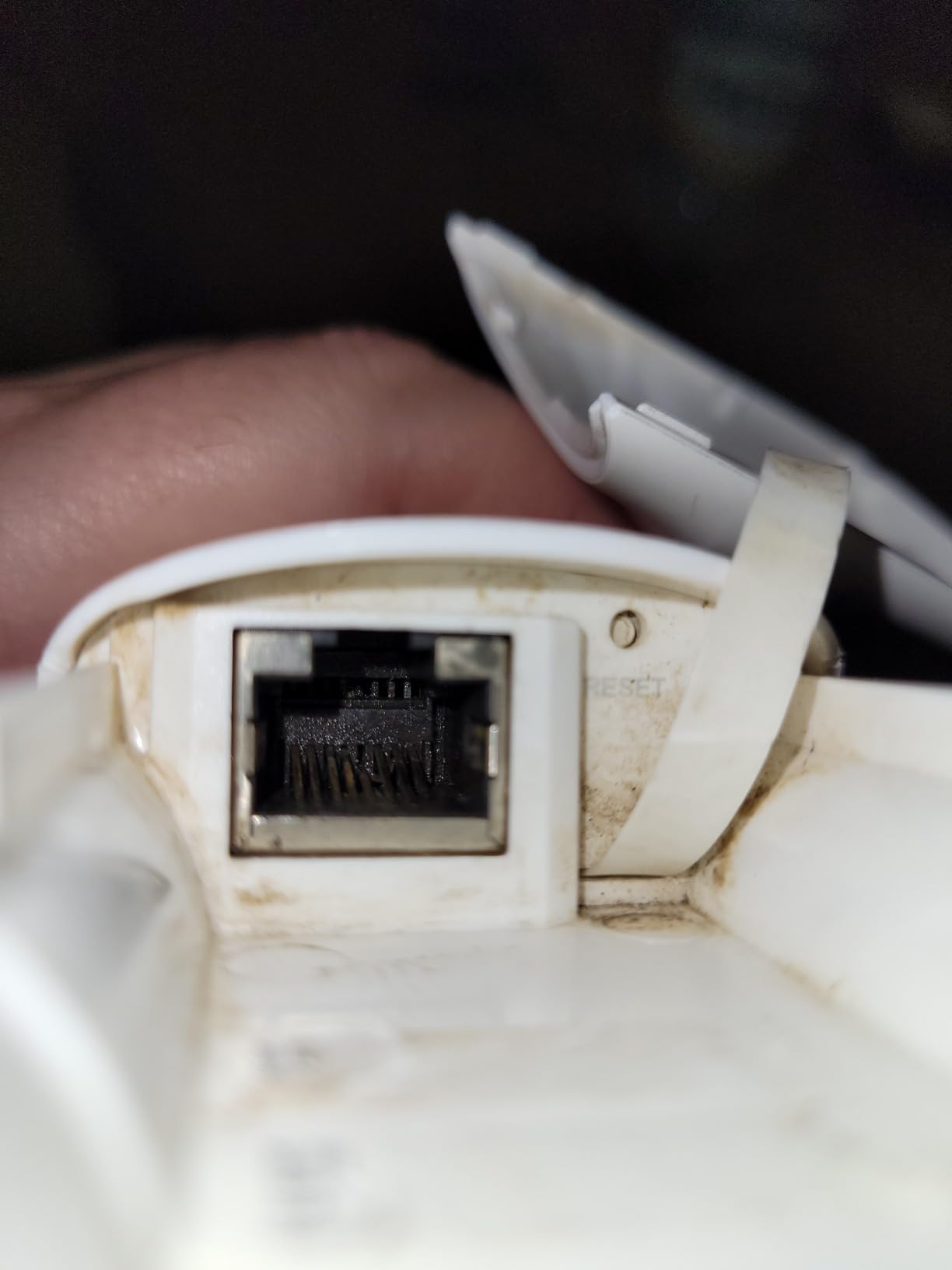
The enclosure is IP65 and the listed operating range is -30 to 70 degrees Celsius at 10 to 90 percent non-condensing humidity. It accepts both 802.3af and 802.3at active PoE and passive PoE, so it will work with whatever injector you already own.
Management runs through Omada SDN with hardware controller, software controller or cloud options, and standalone mode is available if you would rather not centralise anything. A limited lifetime warranty covers the hardware.
Where it performs best
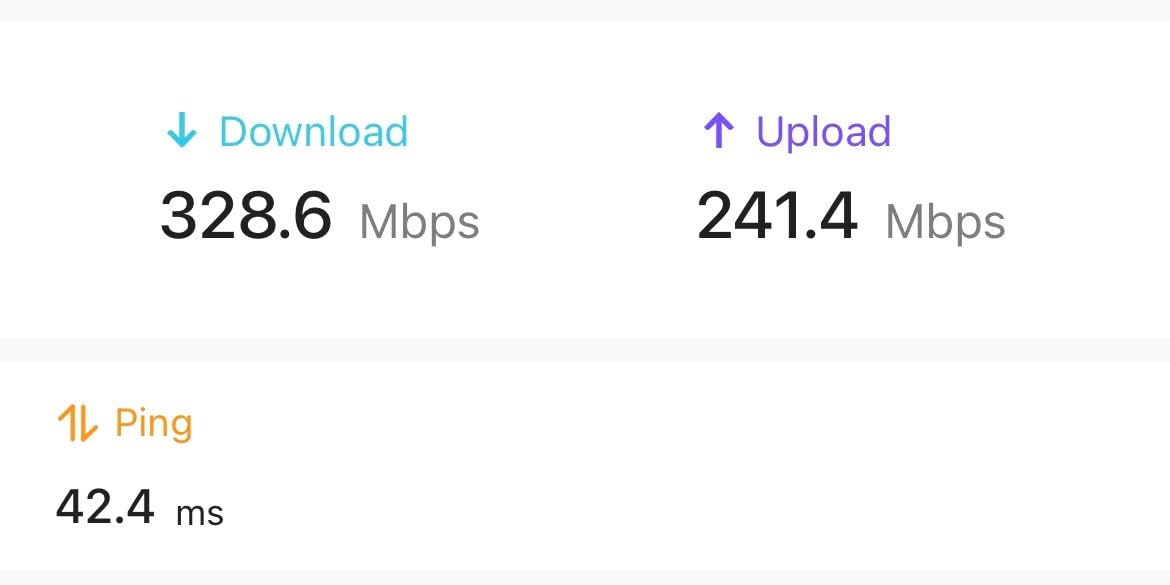
Coverage over a yard where you need clients to associate and stay associated rather than transfer data fast. Older phones, smart bulbs, and battery-powered cameras are all happier on this than on a Wi-Fi 6 unit that keeps them on the 5 GHz band.
It is a sensible second access point on a property already managed through Omada, since it drops into the same controller as indoor gear.
What to know before you buy
The listed LAN bandwidth of 10/100 Mbps is the number to notice. Any wired device you hang off this access point is sharing a 100 Mbps uplink, which is fine for a camera and painful for anything else.
Install friction is the other recurring complaint in the r/HomeNetworking threads we read on outdoor access points, with this model named most often as difficult to set up. Budget time for the first configuration rather than assuming it will be a five-minute job.
8. BrosTrend AC1200 Outdoor – Best for Small Yards on a Tight Budget
BrosTrend AC1200 Outdoor WiFi Access Point Gigabit Long Range, PoE Powered
AC1200 dual-band Wi-Fi 5
IP65 with 6kV lightning rated
2 adjustable 5dBi antennas
272 g
+ The Good
- Entry-level cost with a genuine gigabit port and PoE
- IP65 housing with 6kV lightning and 8kV ESD protection
- Two adjustable 5dBi antennas let you aim the coverage shape
- Lightest unit here at 272 g for easy pole or wall mounting
- Full mounting kit with gaskets and a grounding screw included
- The Bad
- Wi-Fi 5 only and the slowest wireless standard here
- Requires a wired Ethernet uplink with no standalone repeater mode
- WPA2-PSK security only with no WPA3 support
- Device capacity caps near 60 clients
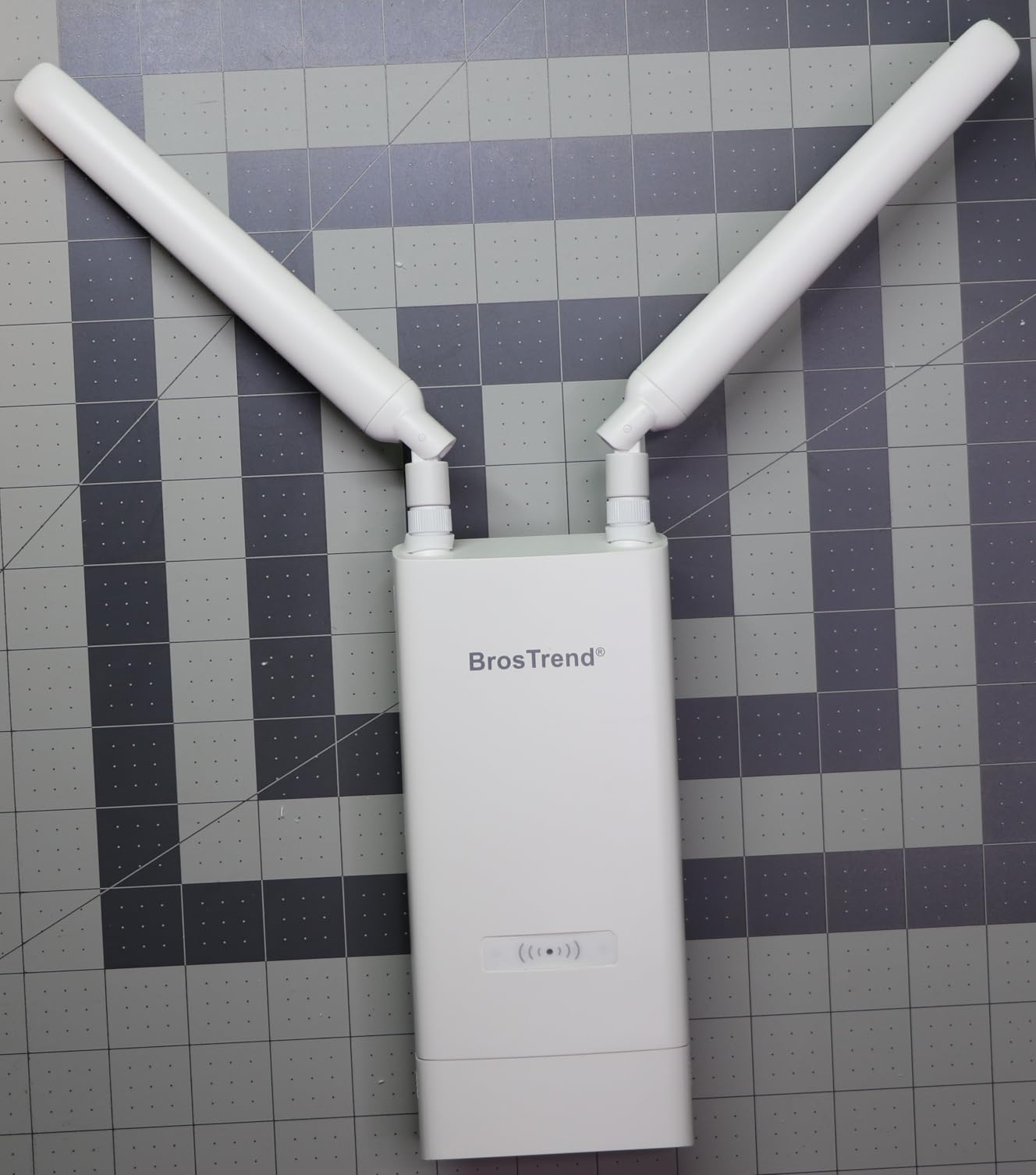
If your yard is modest and the job is simply to get a usable signal past the back door, the BrosTrend AC1200 does that without overcomplicating things. It is an access point and nothing else, which means it needs a wired uplink and it will not try to be a router.
The specification that matters most here is the gigabit Ethernet port. Several cheaper outdoor access points ship with 100 Mbps ports that quietly become the bottleneck for every wired client, and this one does not.
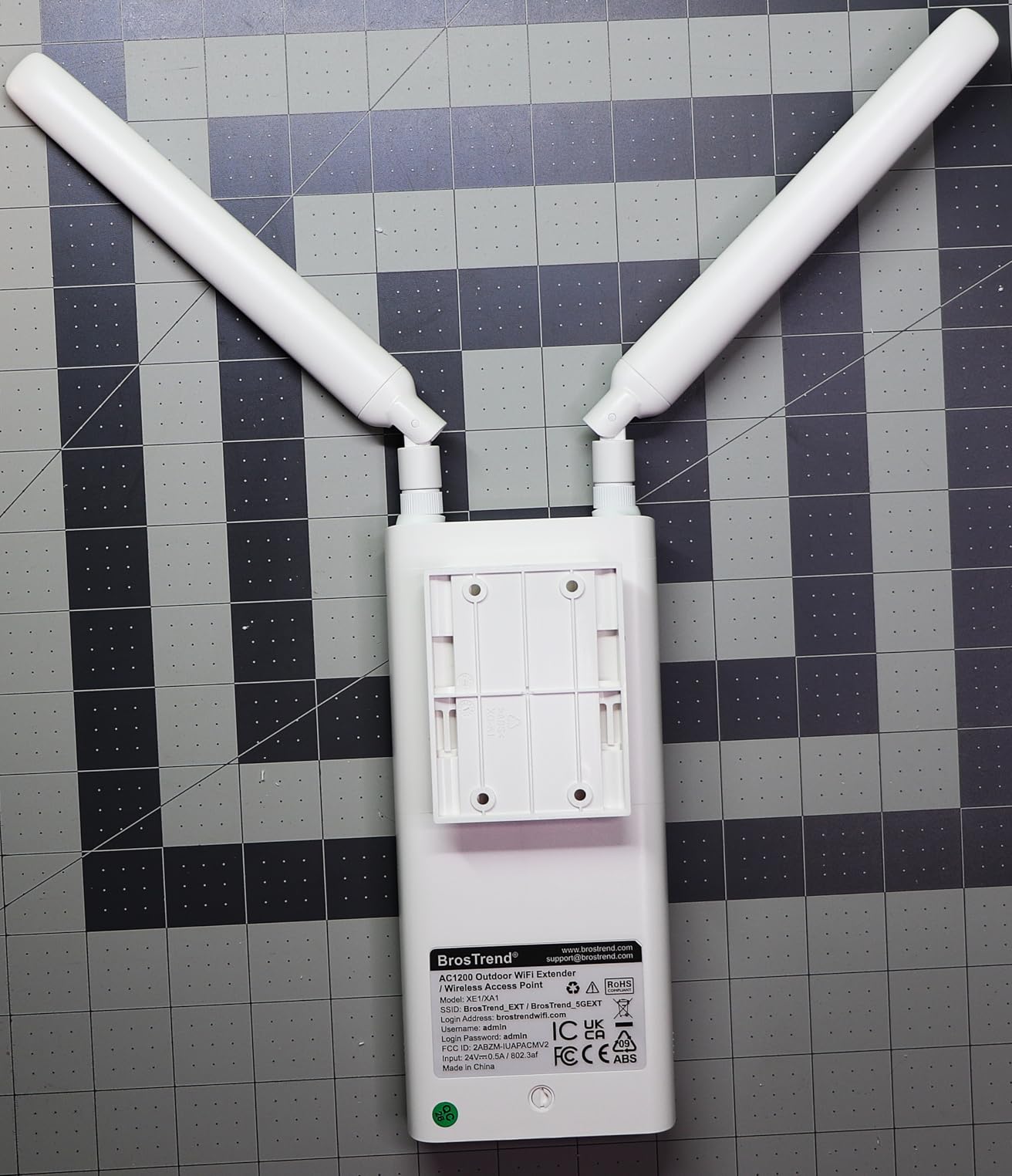
Wireless is AC1200 dual-band Wi-Fi 5 at 867 Mbps on 5 GHz and 300 Mbps on 2.4 GHz, with 2×2 streams, MU-MIMO and beamforming. Two adjustable 5 dBi omni-directional antennas let you tilt the coverage pattern toward a patio or pool rather than spraying it evenly.
The enclosure is IP65 with 6 kV lightning protection and 8 kV ESD shielding, and the operating temperature is not published but the housing is rated for continuous outdoor mounting. It handles up to 60 client devices and a stated 656 feet of coverage.
Where it performs best
A small backyard, a patio, or a covered deck area where you want one clean access point on your existing network. The adjustable antennas suit yards with an obvious direction of travel, like a long side yard or a corner lot.
It is also the easiest unit here to physically install, at 272 g, with a full mounting kit in the box including gaskets, a grounding screw and an anti-theft screw.
What to know before you buy
Security is WPA-PSK and WPA2-PSK only. There is no WPA3 support, so if you are hardening a network that other people can reach from your yard, this is not the box for it.
Cable reach depends on your power source. The included passive PoE injector runs about 164 feet, while a 802.3af, at or bt PoE switch extends that to roughly 263 feet.
9. NETGEAR WAX610Y – Best for Business-Grade Security Features
NETGEAR 1.8 Gbps WiFi 6 Wireless Outdoor Access Point (WAX610Y)
Wi-Fi 6 AX1800 dual-band
2.5G Ethernet PoE+ port
IP55 weatherproof
Up to 200 client devices
+ The Good
- Only enterprise-grade access point here with WPA3 plus client and network isolation
- 2.5G Ethernet PoE+ port for full-rate backhaul
- Remote management through NETGEAR Insight with a year included
- Handles up to 200 client devices across 2500 sq ft
- Limited lifetime hardware warranty and mounting hardware included
- The Bad
- IP55 is the weakest weather rating in this roundup
- Insight remote management becomes a paid subscription after the first year
- Highest cost among the non-eero units for an AX1800 spec
- Smallest review base at 141 ratings
The WAX610Y is the pick when the reason you are putting hardware outside is as much about control as coverage. Network and client isolation, rogue AP detection and up to eight SSIDs are the features that let you put cameras and guest traffic on separate networks from your personal devices.
It is Wi-Fi 6 AX1800 dual-band with MU-MIMO, rated up to 1800 Mbps and 1201 Mbps upstream, handling up to 200 client devices across a stated 2,500 sq ft. That client count is the highest security-oriented capacity on this list.
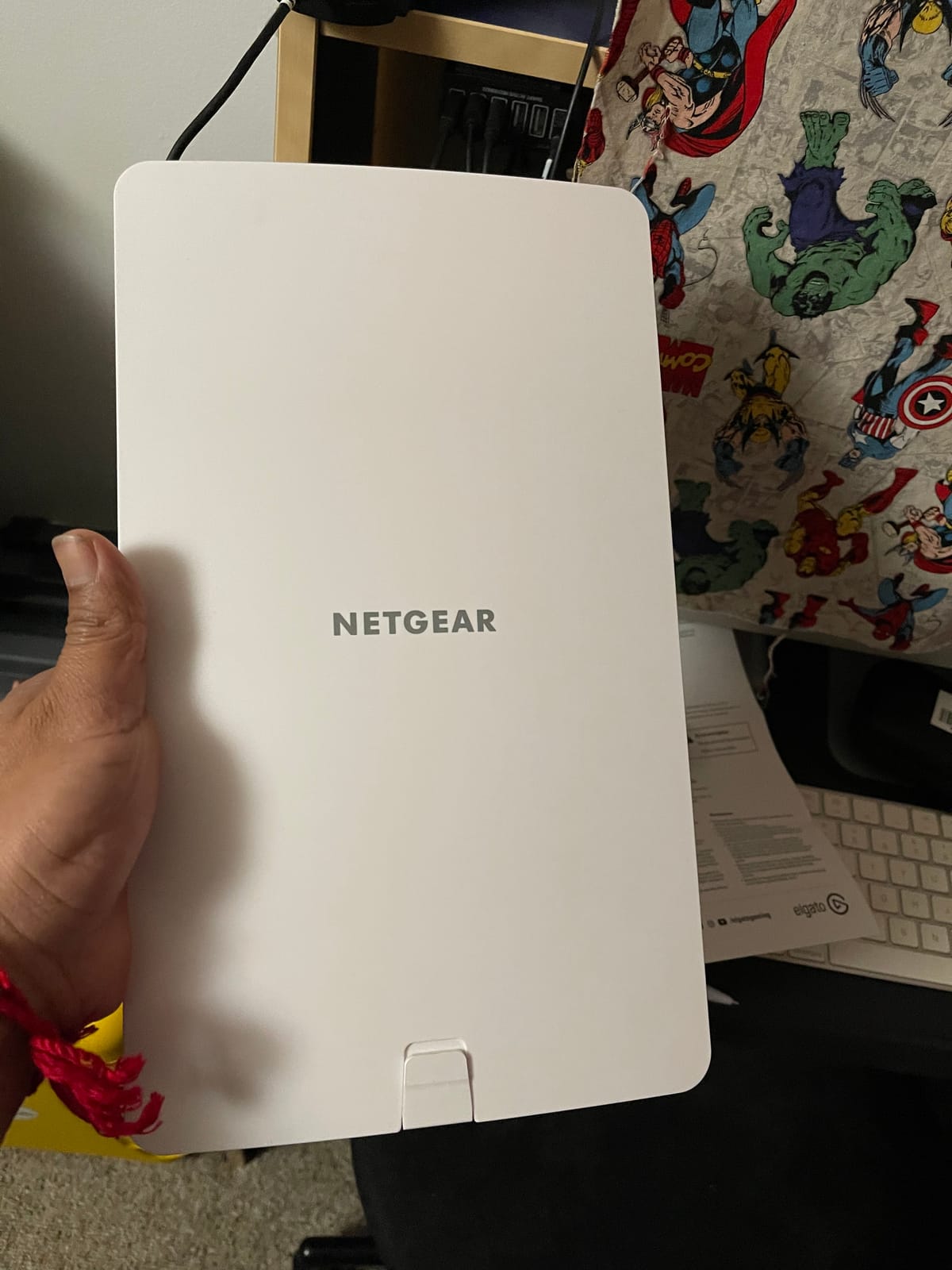
The wired side is a single 2.5 Gbps Ethernet PoE+ port, so nothing throttles a gigabit-class uplink. Management runs through the NETGEAR Insight app with one year of the subscription included and no cloud key hardware required.
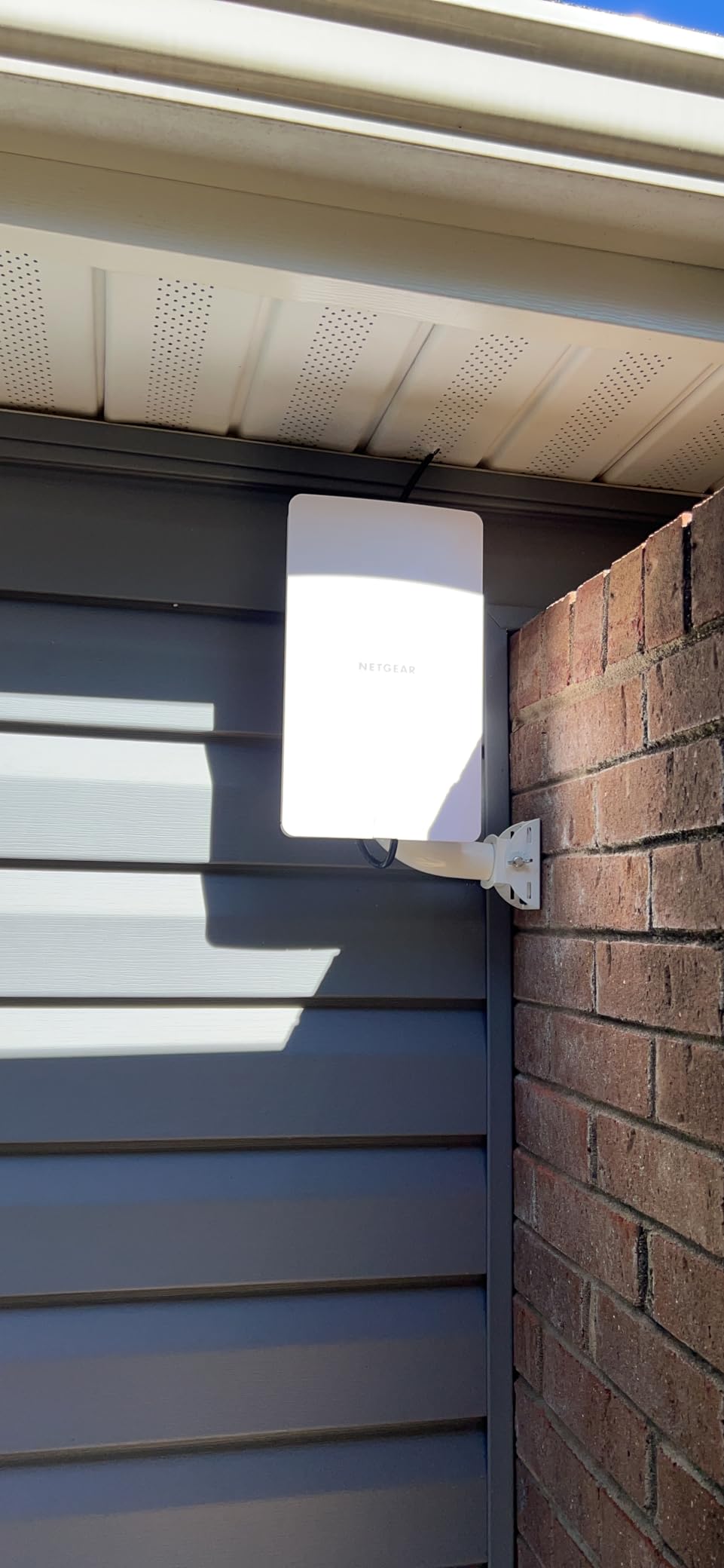
Antennas are internal, two of them, and the unit ships with both wall and pole mounting hardware. It carries a NETGEAR limited lifetime hardware warranty, which is longer than most competitors offer.
Where it performs best
Installations where the outdoor access point shares a network with a business, a rental property, or a camera system that needs isolation between traffic types. A gated community, a small shop, or a yard with several camera brands all fit that description.
The 2.5G PoE+ port also makes it the right NETGEAR option for anyone planning to hang a wired outdoor switch off the same run later.
What to know before you buy
IP55 is the weakest weather rating among the ten units we reviewed. That rating covers water jets but not dust-tight immersion, so this one belongs on a sheltered wall or under an eave rather than on an exposed pole.
Insight management is free for the first year and paid afterwards. Judge the total cost over the life of the hardware rather than the first-year price alone.
10. BrosTrend AX3000 Outdoor – Best for Battery Cameras and IoT
BrosTrend AX3000 Outdoor WiFi Extender Long Range, WiFi 6, Gigabit PoE WPA3
Wi-Fi 6 AX3000 dual-band
IP65 with 6kV lightning rated
4 built-in signal amplifiers
408 g
+ The Good
- Four built-in high-power amplifiers give stronger outdoor signal than a typical repeater
- Supports WPA3 which most cheaper extenders do not
- IP65 housing rated -22F to 140F with 6kV lightning protection
- Runs in Extender AP and AP+Repeater modes so units can be chained
- Reviewers report longer camera battery life once devices hold signal
- The Bad
- Gigabit PoE port caps real throughput far below the AX3000 label
- Extender mode throughput is limited by the upstream wireless signal
- Included power adapter is labelled for indoor use only
- Web UI and PoE configuration is technical for first-time users
Battery-powered cameras are the reason this unit exists for a lot of people. A camera that keeps dropping off Wi-Fi and reconnecting all night drains its battery for nothing, and one reviewer on this listing reports noticeably longer battery life once the devices stopped struggling for a connection.
The mechanism is four built-in high-power signal amplifiers alongside two detachable 5 dBi waterproof antennas. That is what improves transmission and reception in open areas, rather than the Wi-Fi 6 label doing the work.
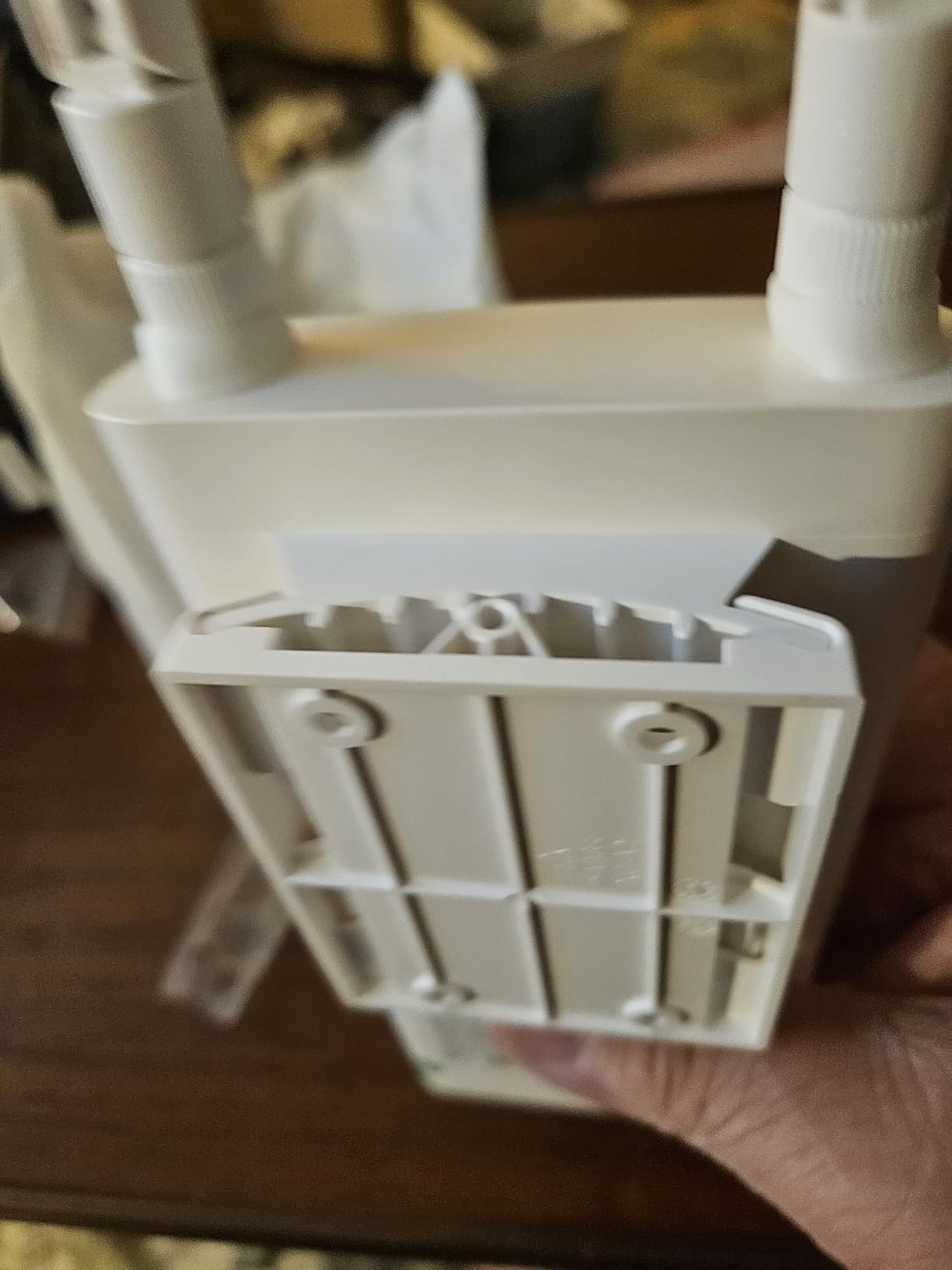
It is AX3000 dual-band at 2402 Mbps on 5 GHz and 574 Mbps on 2.4 GHz, with OFDMA and uplink/downlink MU-MIMO. The enclosure is IP65 with 6 kV lightning and 8 kV ESD protection, rated from -22 to 140 degrees Fahrenheit.
Modes are Extender, AP and AP+Repeater, which means you can chain units along a property rather than running separate cables to each one. Power comes through an included gigabit passive PoE injector over up to 100 metres of cable, and it works behind Starlink routers.
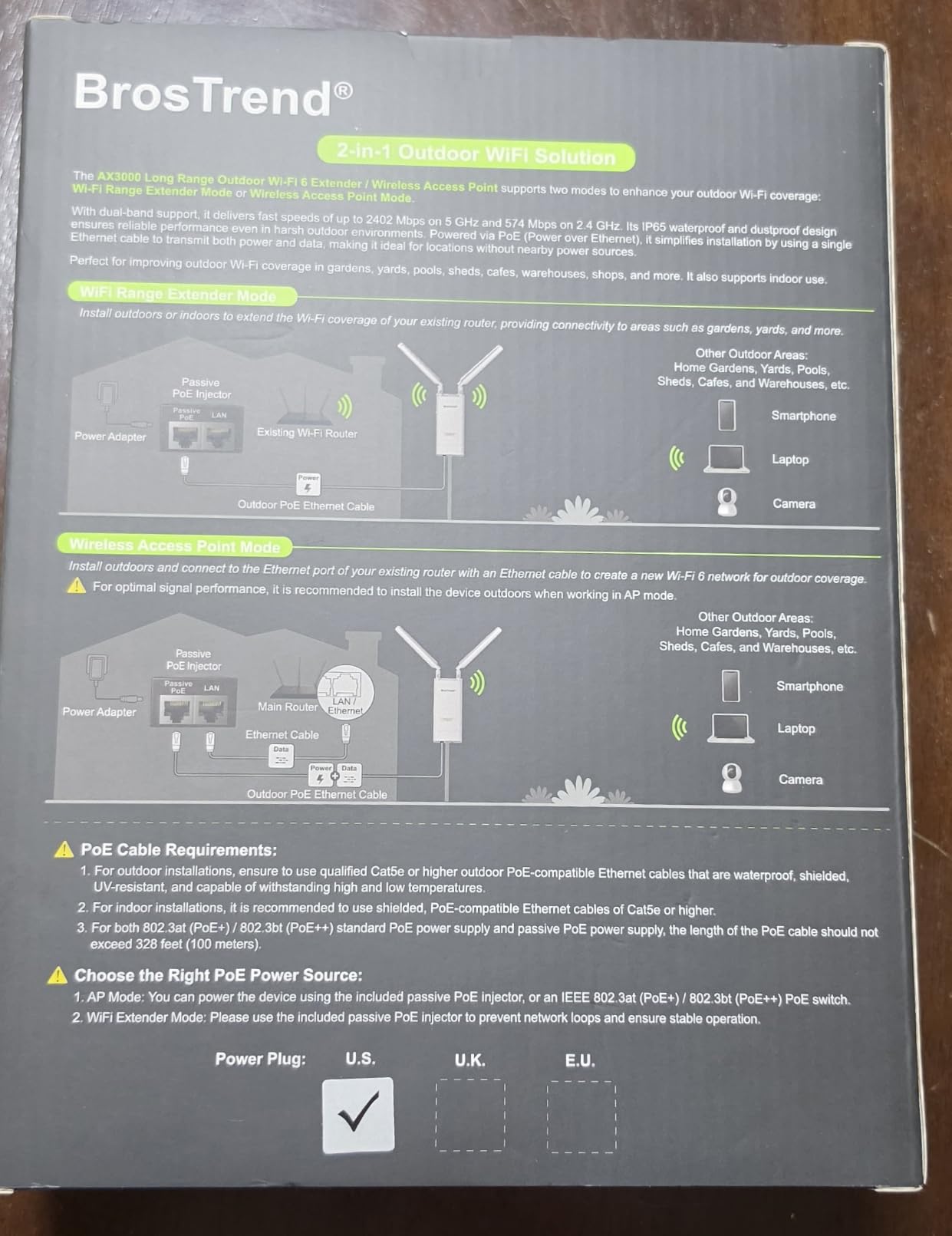
Where it performs best
Yards full of IoT: bird feeder cameras, Ring-style doorbells, smart plugs, pool equipment telemetry and holiday lighting. Devices on 2.4 GHz alone are the ones that benefit most from the amplifier stage.
It is also the only unit in this roundup that pairs WPA3 with extender mode, which matters if the network is reachable from where your guests sit.
What to know before you buy
AX3000 is a class rating, not a real-world speed. The gigabit PoE port and the strength of the signal arriving at the mounting point are what set your actual throughput in either mode.
The bundled power adapter is labelled for indoor use, so keep it inside and run passive PoE out to the unit. The web interface is also more technical than an app-driven mesh node, which is a fair trade for the flexibility.
What Is an Outdoor Wi-Fi Access Point?
An outdoor Wi-Fi access point is a weather-resistant networking device rated for installation outside, typically IP65 or higher, that connects to your router with outdoor Ethernet and broadcasts coverage across a yard, patio, pool, or detached building, drawing its power from that same cable using PoE.
Because it sits on the outside of the house, it never has to push a signal through an exterior wall, insulated framing, or a low-E window. That single change explains most of the difference between an indoor unit near a back door and a proper outdoor access point above it.
When you compare the ten picks above, judge them on five things:
IP rating: IP65 suits an eave or sheltered wall, IP66 handles a damp exposed mount, and IP67 covers full dust-tight and immersion resistance on a pole or fence line.
PoE standard: 802.3af supplies 15.4W, 802.3at supplies 30W, and 802.3bt goes higher. Most outdoor access points need 802.3at, so an 802.3af-only injector will not do.
Antenna pattern: omni-directional spreads coverage in a circle for a whole yard, directional concentrates it into a beam toward one target, and sector covers a wedge between the two.
Uplink port speed: a 10/100 Mbps port quietly caps every wired client behind it, while gigabit or 2.5 Gbps ports leave headroom for cameras and switches.
Management model: app-driven and standalone modes suit a single access point, while controller or cloud-based management pays off across several sites.
If the problem is more ports than range, that is a different buying guide entirely: our picks for the 10 best switch access devices cover the managed switches that feed an outdoor access point.
Outdoor AP vs Wi-Fi Extender vs Mesh Node vs Bridge
Run one Ethernet cable from your router or switch to the outside of the house and a wired outdoor access point is the correct answer. That is the consensus we kept seeing in the r/HomeNetworking and r/wifi discussions we read, and it is also the consensus of experienced users on the tomshardware forums, who advise avoiding range extender mode for outdoor coverage.
The other three options each solve a narrower problem, and confusing them is the most common reason people end up with hardware that underdelivers.
Wired outdoor access point: best throughput, lowest latency, one hop. Requires an Ethernet run. This is our default recommendation.
Range extender or repeater: no cable needed, but every device that connects through it shares the wireless uplink and throughput is cut roughly in half. Fine for a dead corner indoors, poor outdoors.
Outdoor mesh node: only worth it if you already run that mesh ecosystem indoors. It gives you roaming and a single network name at the cost of a wireless backhaul hop.
Point-to-point bridge: built to reach a separate building, not to serve people sitting in a yard. Pair it with an indoor access point on the far end.
The practical test is simple. If you can pull one outdoor-rated cable to where you want coverage, do that and pick from the wired access points. If you cannot, an outdoor mesh node such as the Deco X50-Outdoor keeps one network name and avoids the halving that extender mode causes.
How Many Outdoor Access Points Does Your Yard Need?
One outdoor access point comfortably covers a typical suburban backyard up to about a quarter acre. Quarter acre to one acre needs two, placed on opposite sides of the home. Beyond one acre, plan for multiple access points on a wired backbone or a bridge to a second structure.
More useful than square footage is where the people and devices actually are. Frame your yard by use, not by measurement: the covered patio where guests sit, the pool edge where a speaker and a tablet live, the far fence line carrying a camera, and the shed or garage holding the rest.
Covered patio or deck near the house: one eave-mounted access point is usually enough. This is the simplest install and the one we see succeed most often.
Whole yard including a pool and a far corner: two units, ideally on opposite walls, with clients roaming between them.
A detached garage, shop or barn: run one cable to the building and use a bridge plus an indoor access point, or a single access point mounted on the building itself.
Acreage or farm outbuildings: antenna-driven units such as the WAVLINK AX1800 and BE5100, placed with clear line of sight between structures.
Treat manufacturer range figures as estimates. They assume clear line of sight and no obstructions, and every tree line, brick wall, low-E window or metal fence between the access point and the target cuts usable distance substantially.
One honest note from the field: signal strength at the far end of a yard is rarely the limiting factor. Obstacles and client capability are. A phone sitting next to a wall at 40 percent signal will still stream, and a phone with two antennas sitting in the open at 70 percent will drop frames on a busy channel.
Installation Checklist: Mounting, Cabling, and Weatherproofing
Ten steps cover almost every backyard we have watched get built, and they answer the question we see most often: how do you extend Wi-Fi roughly 300 feet outside the house.
Confirm an Ethernet route from your router or switch to the mounting point. Outdoor-rated, shielded, UV-resistant Cat5e or higher is the minimum.
Decide between an eave mount and a pole mount. An eave keeps the unit shaded and protected; a pole reaches further and needs IP67 hardware.
Mount on the side of the house facing the yard, roughly 8 to 12 feet high, with clear line of sight to where people sit.
Run the cable inside conduit where it is exposed, and keep the run under 100 metres if you plan to use passive PoE.
Add surge and lightning protection for any run that leaves the building. Several picks here carry built-in 6 kV lightning and 15 kV ESD protection.
Ground the unit if the manufacturer provides a grounding screw, and follow local code for anything attached to the structure.
Fit weatherproof RJ45 connectors and form a drip loop in every cable so water runs off instead of into the port. Water at the connector causes more failures than the enclosure ever will.
Power over PoE where possible, so one cable handles data and power and you avoid running an electrical line to the mount. If your indoor switch cannot deliver the right PoE standard, our switch and access device guide covers the options for supplying it.
Keep any included power adapter or PoE converter indoors if it is not weatherproof. Several units in this roundup ship with an indoor-only adapter.
Test before you finish. Walk to the farthest point you care about and check signal strength and throughput there, not next to the house.
If the existing router cannot accept an outdoor access point, you usually do not need to replace it. Any router or switch with a spare LAN port will hand one out, and Starlink setups can sit behind the Ethernet adapter without a swap.
Frequently Asked Questions
What is the best WiFi access point for outdoor use?
The best outdoor Wi-Fi access point depends on yard size and weather exposure. For most backyards the TP-Link Deco X50-Outdoor balances dual-band Wi-Fi 6, a weatherproof enclosure, two gigabit ports and app-driven setup with no separate controller. Larger exposed properties suit the WAVLINK AX1800 or the eero Outdoor 7, while simpler yards are well served by the BrosTrend AC1200.
What is the longest range outdoor WiFi access point?
Range is driven by antenna gain and line of sight rather than transmit power. Among the units we reviewed, the WAVLINK AX1800 and BE5100 use four detachable 8 dBi antennas and claim 200 to 300 metre radii, while the eero Outdoor 7 states up to 15,000 sq ft within a 70 foot radius. Treat all of those as best case. Plan on 150 to 250 feet of reliable service from a single unit in an open yard, and add a bridge or a second access point beyond that.
How can I extend my WiFi to about 300 feet outside my home?
Run outdoor-rated Ethernet from your router to the mounting point, mount an IP65 or higher access point under the eave or on a weatherproof pole, and power it over PoE so one cable handles data and power. Use an omni-directional antenna for broad yard coverage or a directional one aimed at a single target such as a shed. If 300 feet exceeds one unit’s reach, add a second access point or a point-to-point bridge. Avoid range extender mode, which halves throughput.
Can I use an indoor access point outside?
No. Indoor units are not rated for moisture, temperature swings, or UV exposure. Condensation forms inside the enclosure overnight, insects nest in vents, and direct sun can push internal temperatures past the rating. A weatherproof access point rated IP65 or higher will outlast an indoor unit mounted outside in almost every case.
Should I buy an outdoor access point or a mesh extender?
Buy a wired outdoor access point whenever you can run one Ethernet cable. Extender mode adds a wireless hop, cuts throughput and is unreliable outdoors, which is why experienced users on networking forums consistently recommend against it for yards. Choose an outdoor mesh node only if you already run that ecosystem indoors, and choose a point-to-point bridge when the real goal is reaching a separate building.
How many outdoor access points do I need for my yard?
One outdoor access point comfortably covers a typical suburban backyard up to about a quarter acre. Quarter acre to one acre calls for two units placed on opposite sides of the home. Beyond one acre, use multiple access points on a wired backbone or a bridge to a second structure. Coverage drops sharply for every tree line, fence or outbuilding between the access point and where you need signal.
Do outdoor access points need PoE?
Almost always. PoE sends both data and power over a single Ethernet cable, which is the main reason outdoor access points are practical to install, since you avoid running a separate electrical line to the mount. You will need a PoE switch or injector at the indoor end. Most current outdoor models require 802.3at, so check what your switch or injector supplies before ordering.
Which Outdoor Access Point Should You Buy?
After comparing ten outdoor access points and mesh nodes, the TP-Link Deco X50-Outdoor is our pick for most people reading this. It carries a 4.3 rating across more than a thousand reviews, a weatherproof enclosure, two gigabit ports, and setup that finishes inside the app without a controller or a paid plan.
Pick the eero Outdoor 7 if you already run eero or need IP66 protection in extreme temperatures. Pick the WAVLINK AX1800 when distance is the problem rather than speed, and the WAVLINK BE5100 when a 2.5 Gbps uplink keeps you from hitting a gigabit wall. The EAP650-Outdoor serves anyone on a mixed network that needs a Wi-Fi 6 access point without an ecosystem decision.
Whatever you choose, our best outdoor wifi access points for backyards come down to one cable, one weather rating that matches your mount, and one antenna pattern aimed at where people actually sit. Get those three right and the rest is detail.