
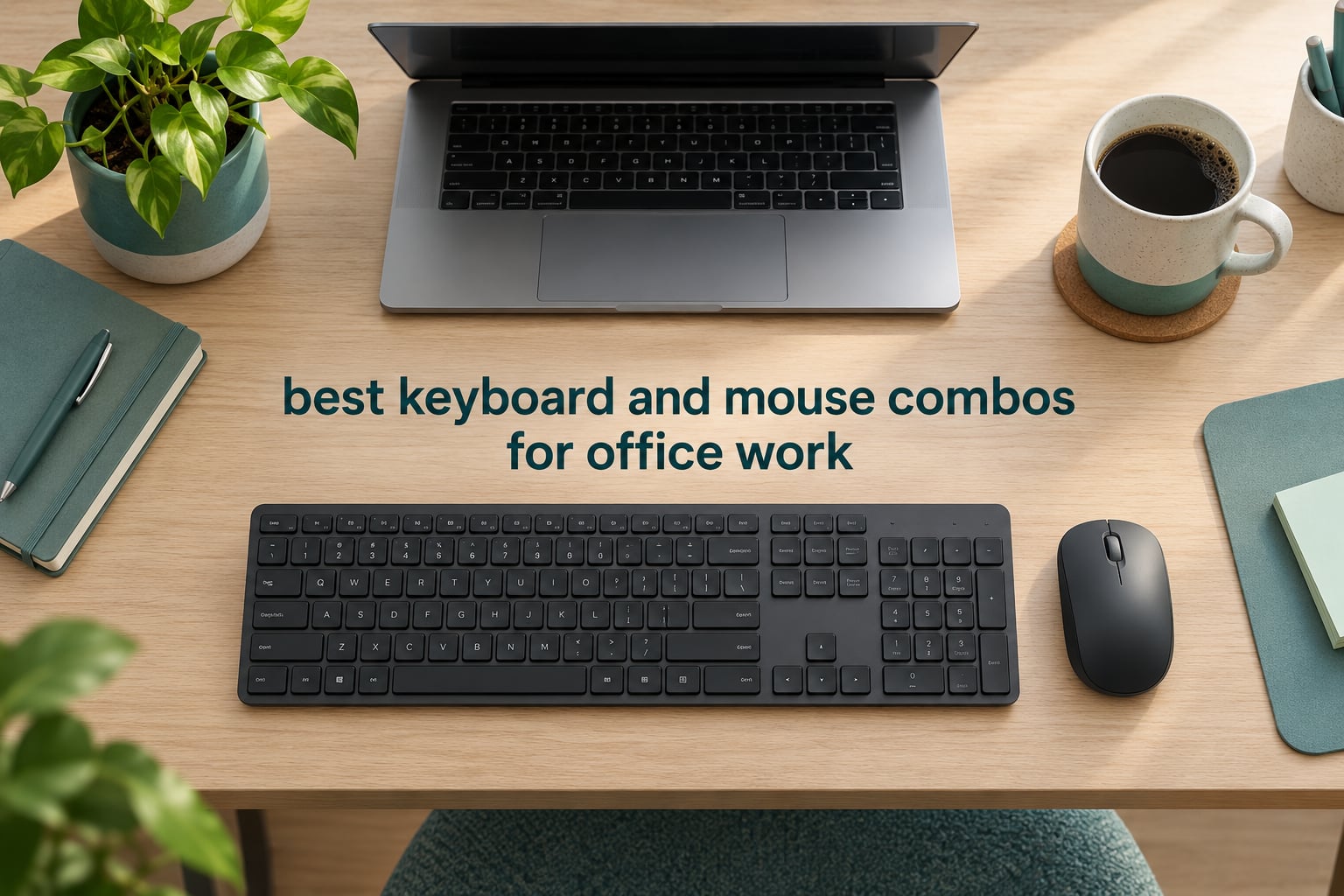
The best keyboard and mouse combos for office work are the ones that stay out of your way for eight hours a day. Our top pick is the Logitech MK270, a full-size 104-key set with a 36-month keyboard battery, a spill-resistant frame and an ambidextrous mouse that works for either hand. If noise is the deciding factor, the Logitech MK295 cuts typing and clicking noise by about 90 percent.
An office combo is a bundled keyboard-plus-mouse package sold as one set, and the difference between a good one and a disappointing one comes down to five things. Noise level, ergonomics, connectivity, battery life and OS layout. Everything in this roundup was judged on those five points, and every pick here runs on battery power with a 2.4 GHz receiver, so you can expect one USB port in use and no cable clutter on the desk.
We used these sets across a mix of desks: a shared floor, a home table where a second laptop shares the same workspace, and a night-shift setup where the household sleeps nearby. That last detail matters more than most buyers expect. People rank quietness above feel, price and features in forum threads about office peripherals, and the reason is simple: a clicky keyboard at 9am on an open-plan floor is a social problem before it is a spec problem.
Two things shape the list. First, nobody in this roundup is a mechanical board, which means you will not get the thock of a tactile switch, but you also will not get the fatigue that heavy long-travel switches can cause over a full shift. Second, the mouse half of a bundle is usually the weaker half. We note that honestly in each write-up, because forum regulars report replacing the bundled mouse and keeping the keyboard more often than not.
Top 3 Keyboard and Mouse Combos for Office Work in 2026

Logitech MK270 Full-Size…
- › 36-month keyboard battery
- › 104-key layout with numpad
- › Spill-resistant and ambidextrous mouse
- › Single 2.4 GHz receiver

Logitech MK295 Silent Combo
- › SilentTouch 90 percent less noise
- › Silent mouse clicks
- › 8 shortcuts plus full numpad
- › 36-month keyboard battery

Logitech MK345 Full-Size Combo
- › Integrated palm rest
- › Up to 3-year keyboard battery
- › Works on Windows Mac and ChromeOS
- › Contoured right-handed mouse
10 Best Keyboard and Mouse Combos for Office Work (October 2026)
| PRODUCT MODEL | KEY SPECS | BEST PRICE |
|---|---|---|
|
|
Check Latest Price |
|
|
Check Latest Price |
|
|
Check Latest Price |
 |
|
Check Latest Price |
 |
|
Check Latest Price |
 |
|
Check Latest Price |
 |
|
Check Latest Price |
 |
|
Check Latest Price |
 |
|
Check Latest Price |
 |
|
Check Latest Price |
1. Logitech MK270 Full-Size Wireless Combo: Best Overall for Office Work
Logitech MK270 Full Size Wireless Keyboard and Mouse Combo – Black
104 keys with numpad
36-month keyboard battery
Spill-resistant
Ambidextrous mouse
+ The Good
- Reliable 2.4 GHz link to 33 ft
- Full-size layout with numpad and arrow keys
- 36-month keyboard and 12-month mouse battery
- Spill-resistant frame with adjustable tilt legs
- Ambidextrous mouse suits either hand
- The Bad
- Membrane typing feel rather than mechanical
- Full-size layout takes more desk space than compact options
The MK270 is the set we put in front of people who ask us to just tell them the answer. It ranks first in its category for sales, and at 4.5 stars across more than 110k reviews it has the longest proven ownership history of anything on this list. Reviewers consistently point to plug-and-play reliability, comfortable quiet typing and the battery interval as the reasons it survives.
Typing on it feels ordinary in the best possible way. The keys are low-profile with a standard QWERTY layout, a full function row, a number pad and dedicated arrow keys, so a shortcut-heavy workflow does not need remapping. There are also eight multimedia hotkeys for volume, play and pause, email and browser access.
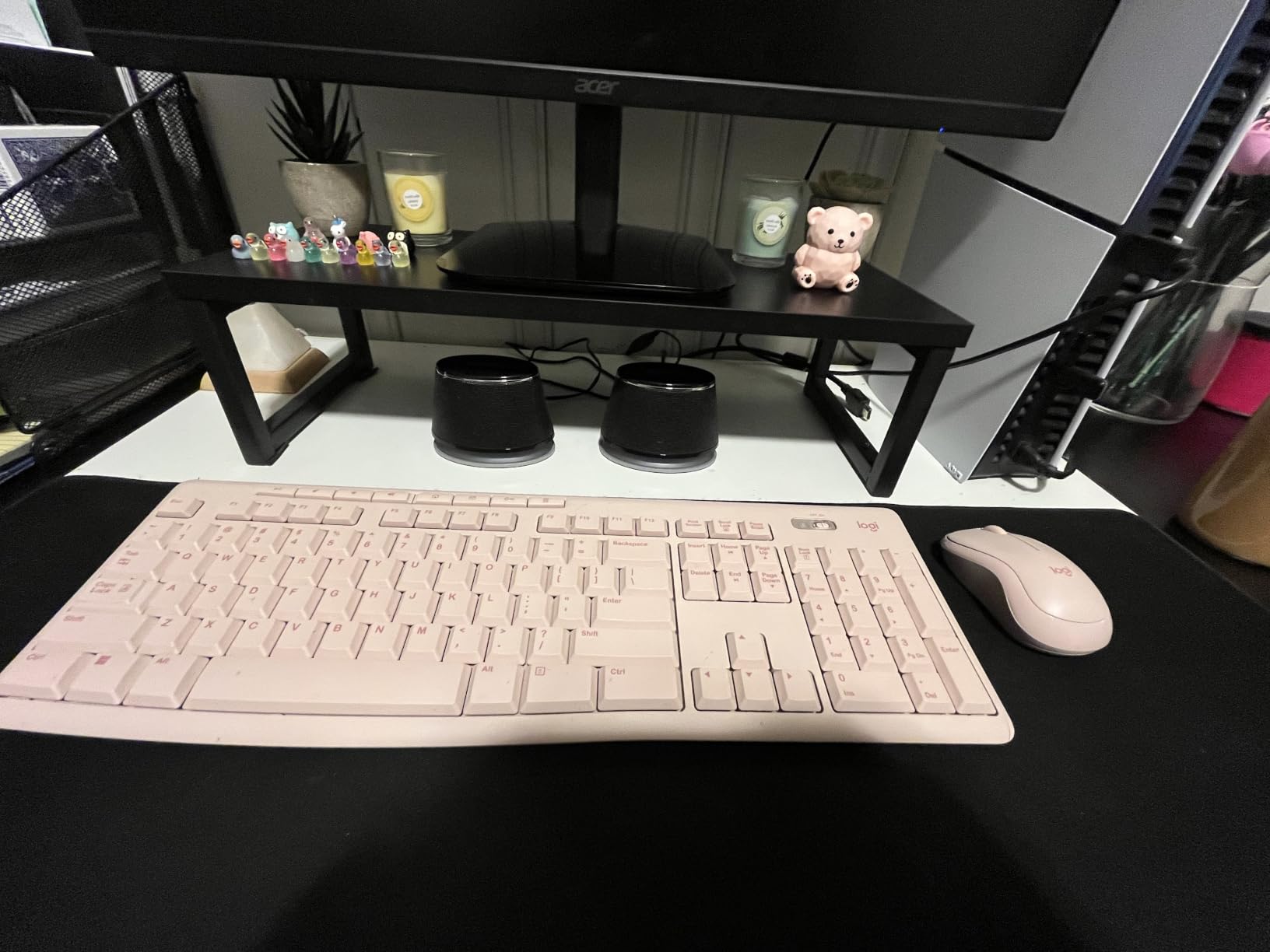
The battery numbers are the standout spec. Logitech rates the keyboard at 36 months and the mouse at 12 months, with on and off switches on both. That means roughly one battery change a year across the whole set, which is the difference between a peripheral you think about and one you stop noticing.
Build is unremarkable in the way office hardware should be. The frame is spill-resistant, the keys are rated as durable, and the tilt legs give you two height settings. Plastic content is high, and a good share of it is certified post-consumer recycled, with 54 percent in the keyboard and 49 percent in the mouse.
What this combo gets right for a full workday
The layout is the reason it survives spreadsheets. A full numpad means you can type numbers without reaching for a laptop’s touchpad or external keypad, and the arrow cluster is in the standard inverted-T position, which matters for anyone who navigates in a spreadsheet grid with the keyboard alone.
At 1.1 pounds the pair is light enough to reposition easily, and the mouse is genuinely ambidextrous. That is rare in this category, and it makes the set a practical choice for shared desks, hot-desking, or a household where two people share one setup.
Where it falls short
The typing feel is membrane, not mechanical, and if you are moving from a mechanical board you will notice the difference in weight and travel immediately. Key rollover is also ordinary, which forum readers on r/sysadmin flag as the weak point of cheap bundled membrane sets during fast data entry.
It is also a 2.4 GHz-only design, so there is no Bluetooth pairing and no multi-device switching. If your workflow means jumping between a work laptop, a personal laptop and a tablet, you will be replugging a nano receiver instead of pressing a channel button.
2. Logitech MK345 Full-Size Wireless Combo: Best Value With a Built-In Palm Rest
Logitech MK345 Full Size Wireless Keyboard and Mouse Combo – Black
Integrated palm rest
Up to 3-year keyboard battery
Windows Mac ChromeOS
Right-handed contoured mouse
+ The Good
- Integrated palm rest for long typing sessions
- Keyboard battery rated up to 3 years
- Works on Windows macOS and ChromeOS
- Contoured mouse with smooth tracking
- Includes batteries
- The Bad
- Right-handed mouse shape only
- 2.4 GHz dongle occupies a USB port
The MK345 solves one specific complaint we hear constantly about cheap full-size boards: there is no wrist support. Instead of a detachable pad that flattens or peels away, this one has the palm rest built into the chassis, so there is nothing to come loose.
Typing stays quiet and comfortable, and the design is described as spill-resistant. A full-size keyboard layout keeps the number pad and function row intact, which is what makes this a step up rather than sideways from the MK270.
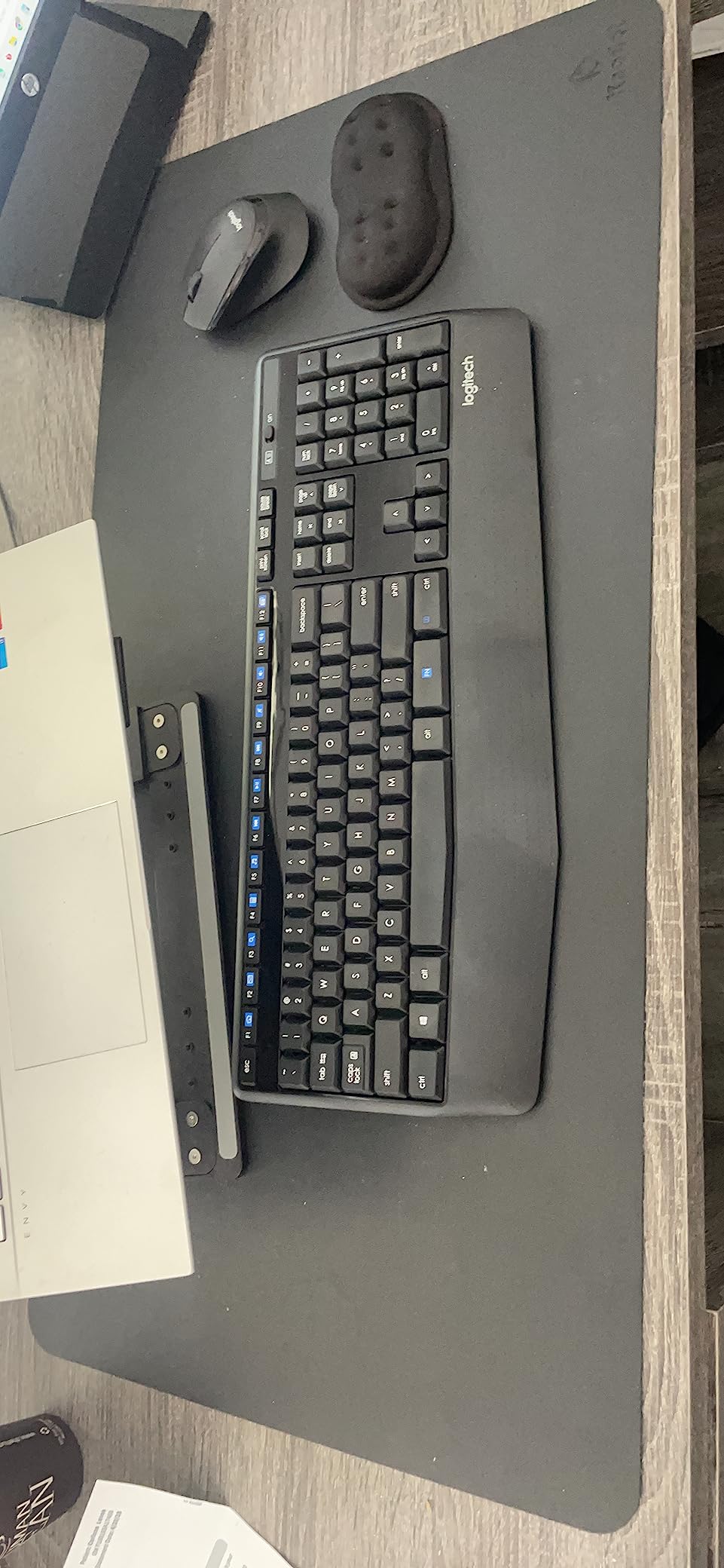
Cross-platform support is better documented here than on most bundles. Logitech states it works on Windows, macOS and ChromeOS, which removes the guesswork when a company hands you a MacBook one day and a Windows desktop the next. Connectivity is 2.4 GHz with a range of up to 10 meters.
Battery life is rated at up to three years for the keyboard and 18 months for the mouse, with two AA batteries included. At 4.5 stars across more than 41k reviews, the ownership history here is long enough that failure reports are rare rather than absent.
Why the palm rest changes a long day
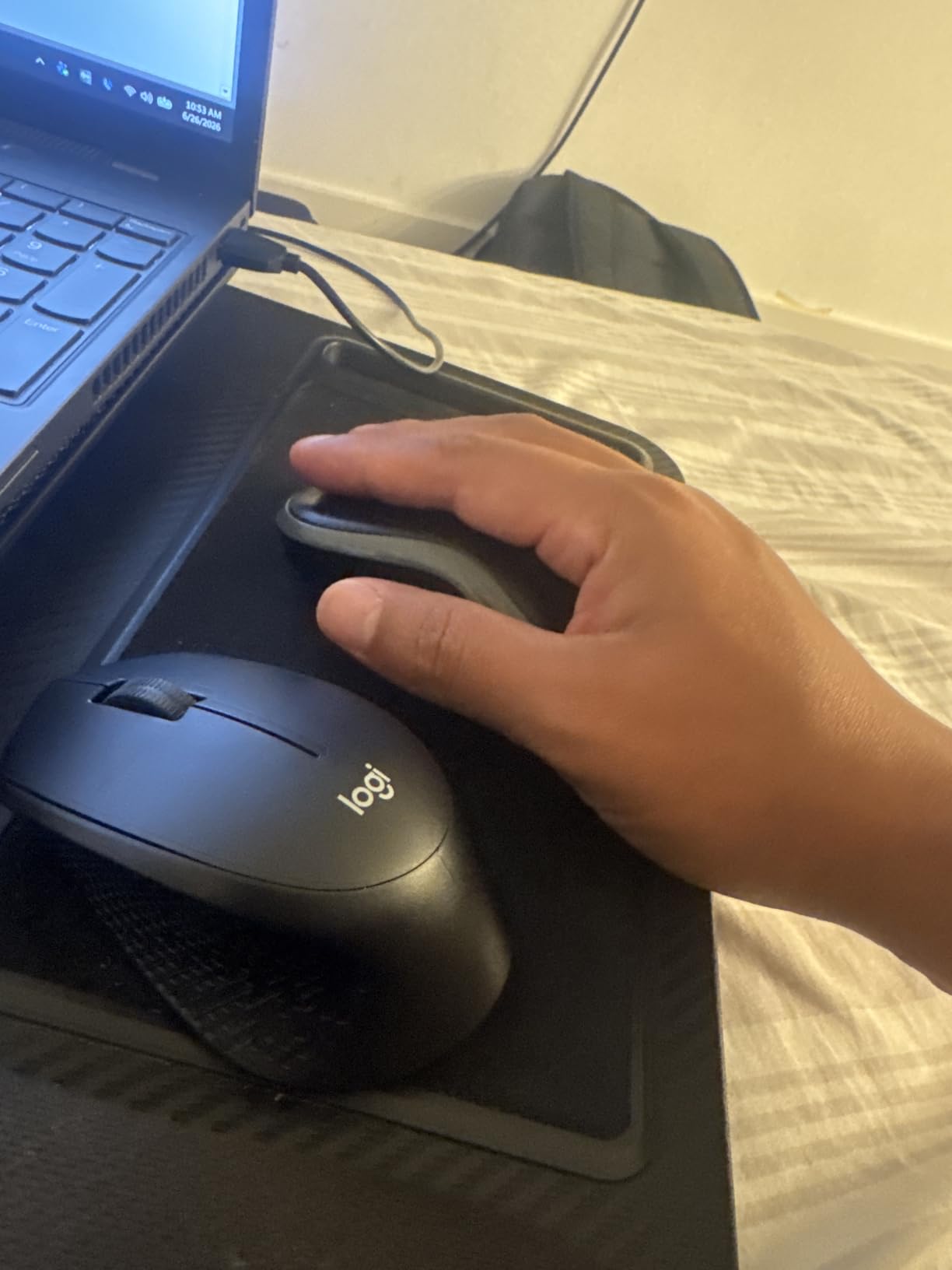
Wrist support is the least glamorous feature on this list and the one that changes how a desk feels at hour six. A fixed rest keeps your wrists off the front edge of a hard plastic case, and because it is part of the keyboard, it also keeps the two halves at a consistent height.
The contoured right-handed mouse is shaped for the whole hand rather than pinched from above, and tracking and scrolling are smooth on ordinary desk surfaces. For most right-handed users, this is the mouse half working as intended rather than as an afterthought.
Where it falls short
The mouse is right-handed only, so this set excludes left-handed users entirely. If you type with your right hand on the mouse and your left hand on the keyboard, look at the ambidextrous options instead, such as the MK270 or the MK335.
There is no Bluetooth and no multi-device switching. The 2.4 GHz dongle also occupies a USB port permanently, which can be a nuisance on a laptop with only two ports where one is being used for charging.
3. Logitech MK295 Silent Combo: SilentTouch Pick for Shared and Open-Plan Offices
Logitech MK295 Full Size Silent Wireless Keyboard Mouse Combo – Graphite
SilentTouch 90 percent less noise
Silent mouse clicks
8 shortcuts plus numpad
Spill-resistant
+ The Good
- SilentTouch keys cut noise by about 90 percent
- Silent mouse clicks
- 36-month keyboard and 18-month mouse battery
- 8 shortcuts plus a full numpad
- Recycled plastic in both keyboard and mouse
- The Bad
- Windows and Chrome OS focused with Mac support not listed
- Membrane typing feel with limited key travel
If your neighbours are the problem, the MK295 is the answer. SilentTouch technology keeps the same typing and clicking feel while cutting noise by roughly 90 percent, and the mouse clicks are dampened too. Most of the noise people complain about in an office comes from the mouse, so that part matters as much as the keyboard.
You still get a full-size 104-key layout with a number pad and eight one-touch shortcut keys, so nothing is sacrificed to get the silence. That is the key difference from cheaper silent attempts, which often drop the numpad or the function row.
Setup takes about three seconds. The tiny 2.4 GHz receiver works across a 10 meter range, and the combo is listed as compatible with Windows and Chrome OS, fully compatible with Windows 11. Mac support is not claimed on the listing, which is worth checking against your own machine before buying.
The battery figures are strong: 36 months for the keyboard and 18 months for the mouse, with on and off switches. A small share of one-star feedback focuses on general key feel rather than noise, which tells you the silence is real and the typing texture is ordinary.
Why noise reduction matters more than specs
Quiet operation is the single most-mentioned requirement in forum discussions about office peripherals, ahead of feel and features. A call-centre floor or a coworking space is an acoustic shared resource, and a dampened click is the difference between working and apologising.
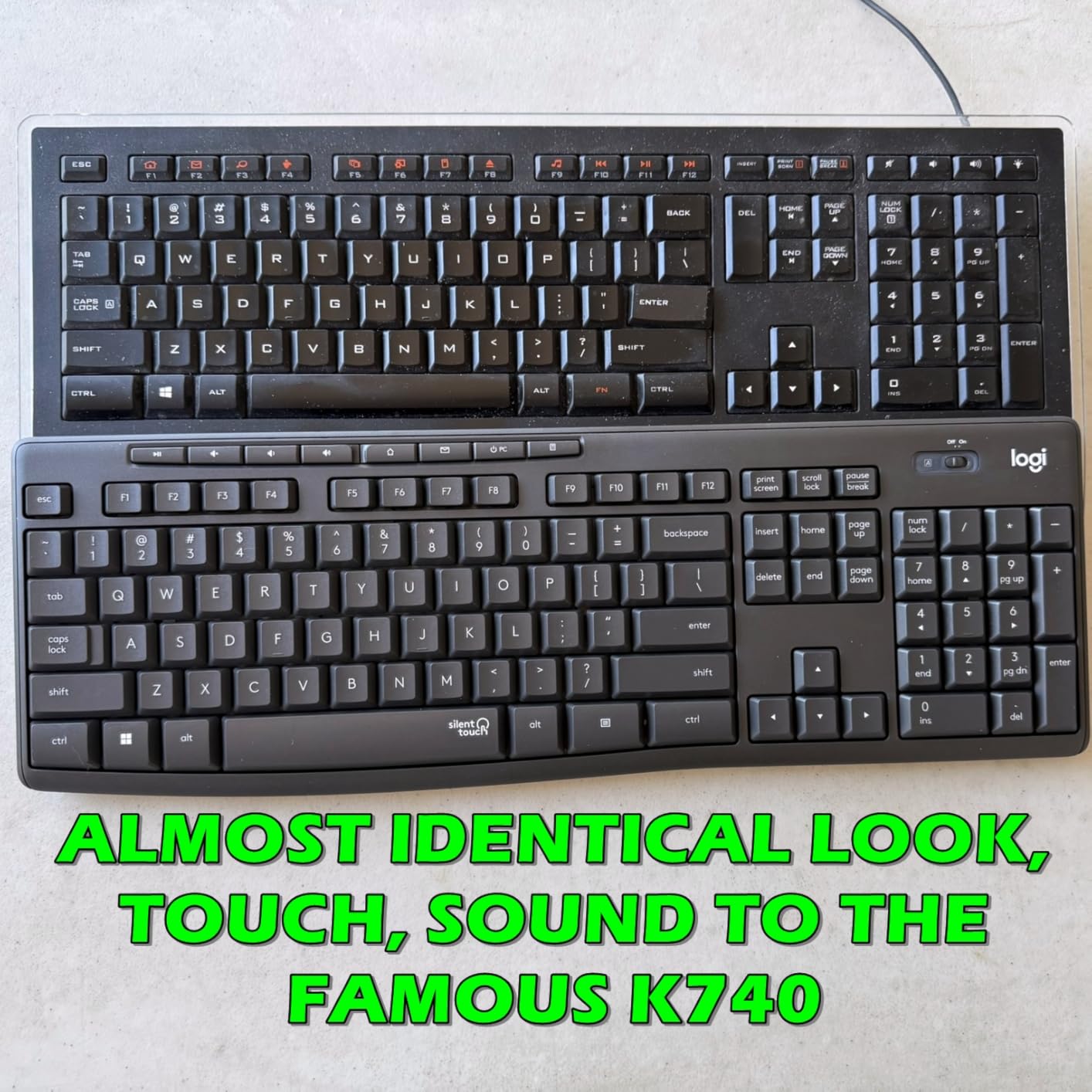
Silicon in the key mechanism removes the bottom-out thud, and the dampened mouse switches remove the sharp report of a click. Neither change makes the board feel premium, but both make it socially acceptable in a room you do not control.
Where it falls short
The membrane feel has limited key travel, so typists used to a mechanical board will find the bottoming-out action abrupt. If your job is fast data entry, the ordinary rollover on a membrane board can show up as missed combinations.
Compatibility is narrower than the MK345 here. The listing names Windows and Chrome OS, so if you alternate between a Mac and a PC, test it first or choose a set with explicit cross-platform support.
4. Logitech MK335 Quiet Wireless Combo: Most Hotkeys and Programmable Keys
Logitech MK335 Full Size Quiet Wireless Keyboard Mouse Combo – Black/Silver
11 hotkeys plus 4 programmable F-keys
Ambidextrous full-size mouse
24-month keyboard battery
Receiver stored in the mouse
+ The Good
- Quiet low-profile keys for long sessions
- Encrypted 2.4 GHz link with no perceived dropouts
- 11 hotkeys and 4 programmable F-keys
- Ambidextrous full-size mouse with rubberised grips
- Longstanding durability across long-term owners
- The Bad
- Keyboard sits fairly flat with no higher tilt option
- Power switch is on the underside
- No visible Caps Lock indicator
The MK335 is the one to pick if your desk is a control surface. Eleven hotkeys plus four programmable F-keys give you far more direct access than any other set in this roundup, which matters if you run a media workflow, a streaming setup, or a monitoring dashboard.
The keyboard is described as sleek and low-profile with whisper-quiet keys, and it carries a full-size layout. Connectivity is 2.4 GHz with encrypted transmission, and owners report no perceived lag or dropouts during normal use.
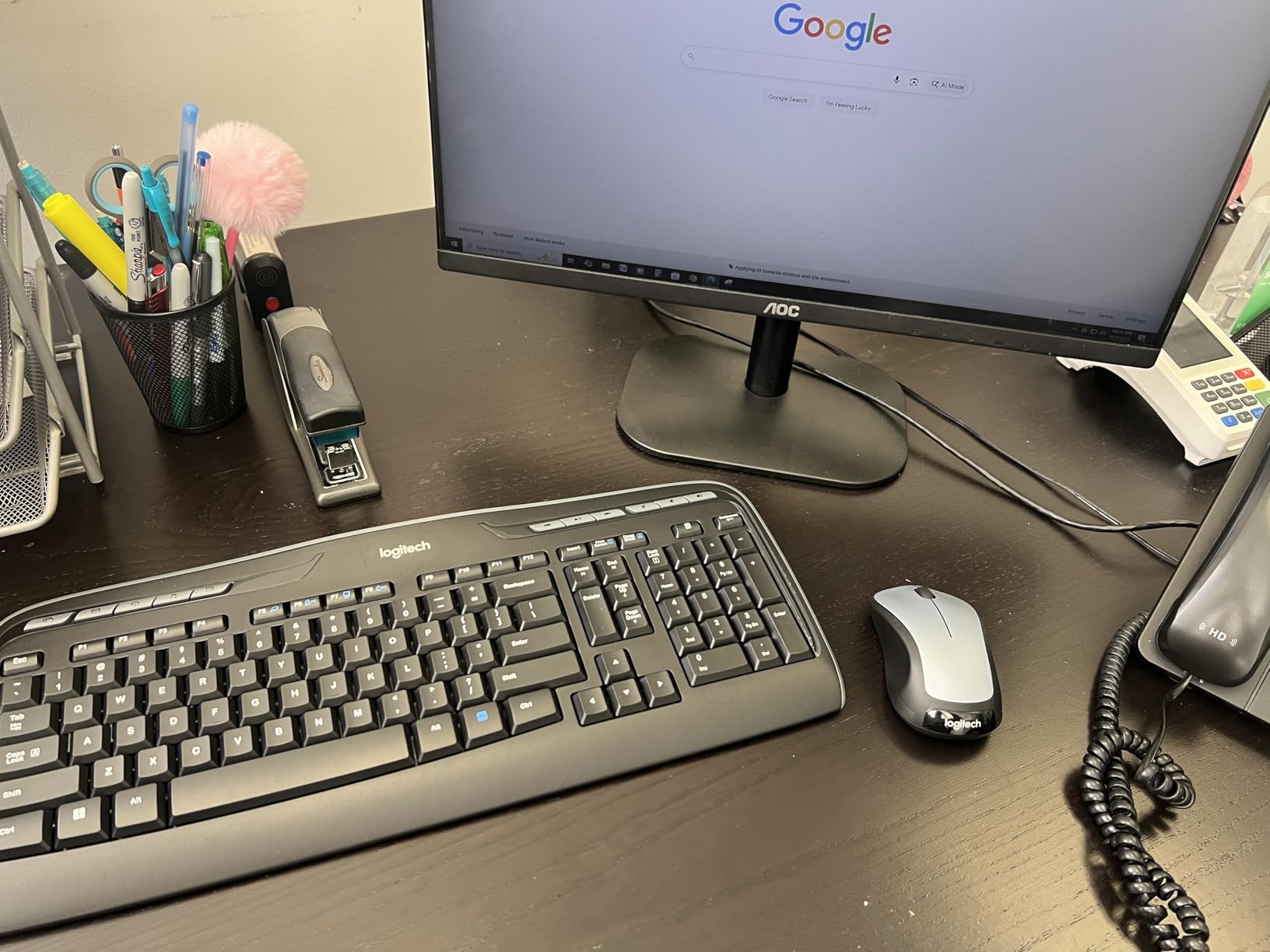
Two practical details set it apart. The nano receiver stores inside the mouse for plug-and-forget transport, so the dongle does not disappear into a desk drawer. And the mouse is a full-size, ambidextrous shape with rubberised side grips, which is unusual at this level.
Battery life is rated at up to 24 months for the keyboard and 12 months for the mouse. With 9854 reviews averaging 4.4 stars and long-term owners reporting many years of continuous use, the durability record here is the strongest of the non-premium sets.
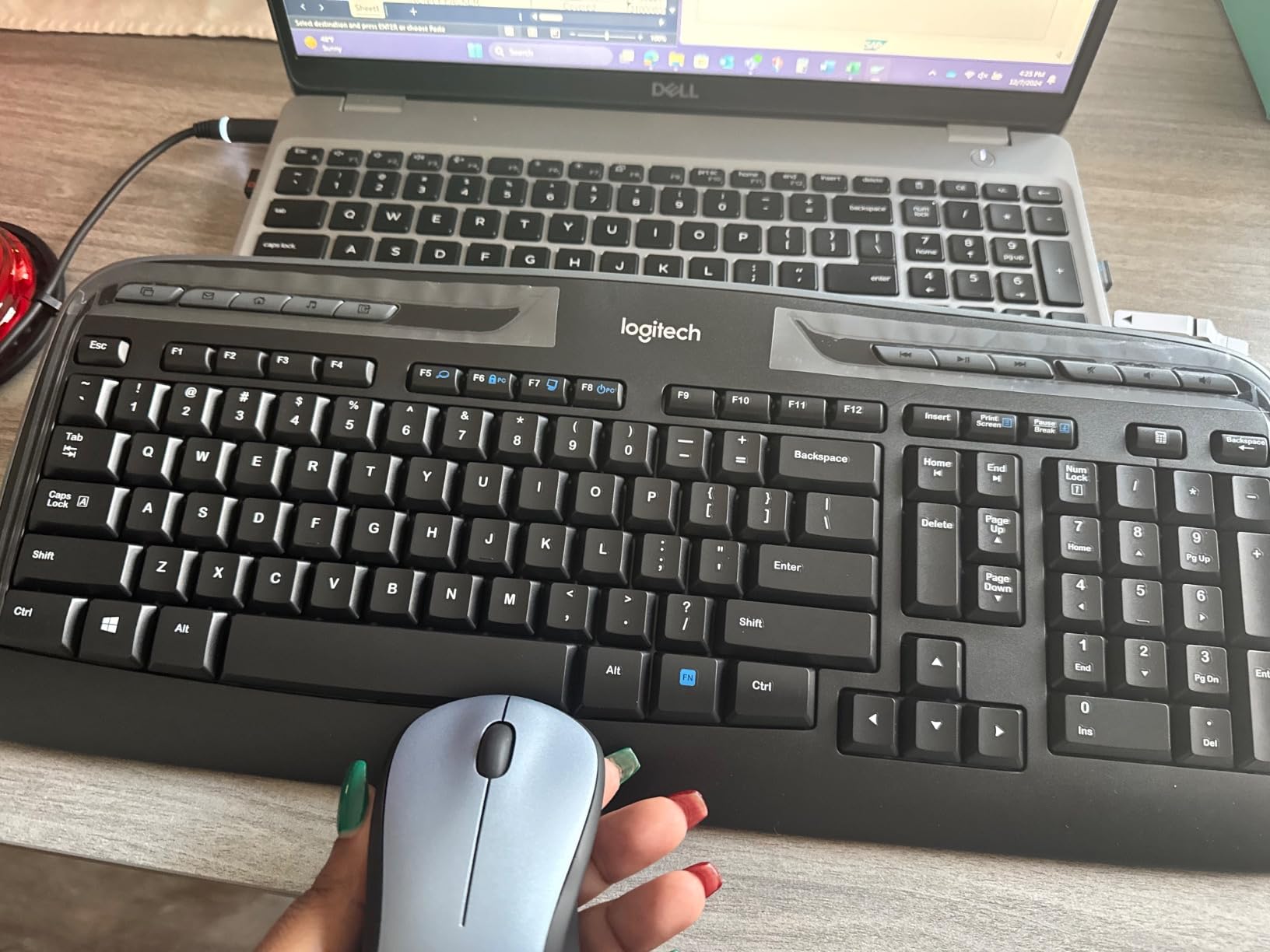
What programmable keys change day to day
Four programmable function keys let you map the actions you actually use, rather than the twelve the manufacturer guessed. On a video call desk, that can be mute, screen share, camera toggle and a window switcher, all on the top row instead of buried in a menu.
The rubberised side grips on an ambidextrous body mean the mouse stays put during fast lateral movement, which helps on a wide monitor or a large canvas. Tracking is consistent and the full-size body suits larger hands better than a compact travel mouse.
Where it falls short
The typing angle is the main gripe. Owners describe the keyboard as sitting fairly flat, and there is no higher tilt option, so if you need a pronounced wrist angle you will need an accessory or a different board.
The power switch is on the underside of the keyboard, which means turning it off is not a reflex you can build. There is also no visible Caps Lock indicator, a small omission that gets noticed in data entry work.
5. MARVO Wireless Combo With Phone Holder: Best for a Small Desk
MARVO Wirelss Keyboard and Mouse Combo with Phone Holder, Full-Size, Black
92-key layout without numpad
9.84-inch phone holder
Silent mouse with 3 DPI levels
1 year warranty
+ The Good
- Built-in phone and tablet holder
- Silent mouse with three DPI levels
- 92-key layout is more compact than full-size
- Works on Windows and Mac OS
- 12-month warranty
- The Bad
- Batteries not included
- No numeric keypad on the 92-key layout
The MARVO solves a problem nobody else on this list addresses: desk depth. At 92 keys it drops the number pad, which reclaims roughly four inches of front-to-back space. On a 48-inch table that already holds a laptop stand, a notebook and a mug, that is the difference between workable and cramped.
The 9.84-inch phone or tablet holder is genuinely useful rather than decorative. It props a second screen at eye level for notifications, or holds a second device out of the way when you are not using it.
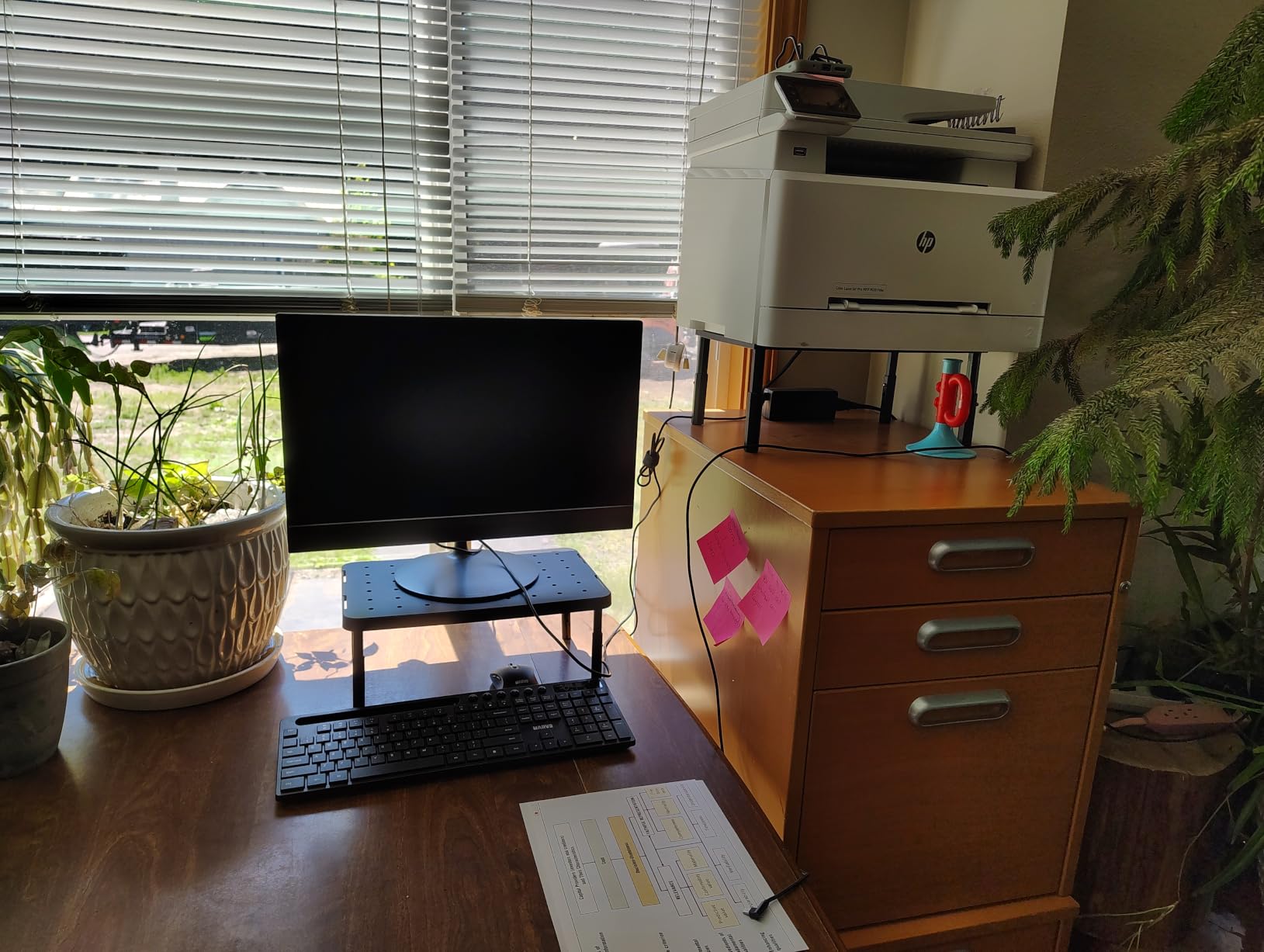
The mouse is silent with six buttons and three DPI levels at 800, 1200 and 1600. Those three steps are enough to switch between a text editor and a large monitor without opening settings, which is more granularity than most bundles in this price range offer.
Compatibility covers Windows XP through 10 and Mac OS, and the connection is 2.4 GHz radio frequency. Warranty is 12 months, and a red power light blinks for several seconds on connection and during low battery mode, so you get a visual cue rather than a silent failure.
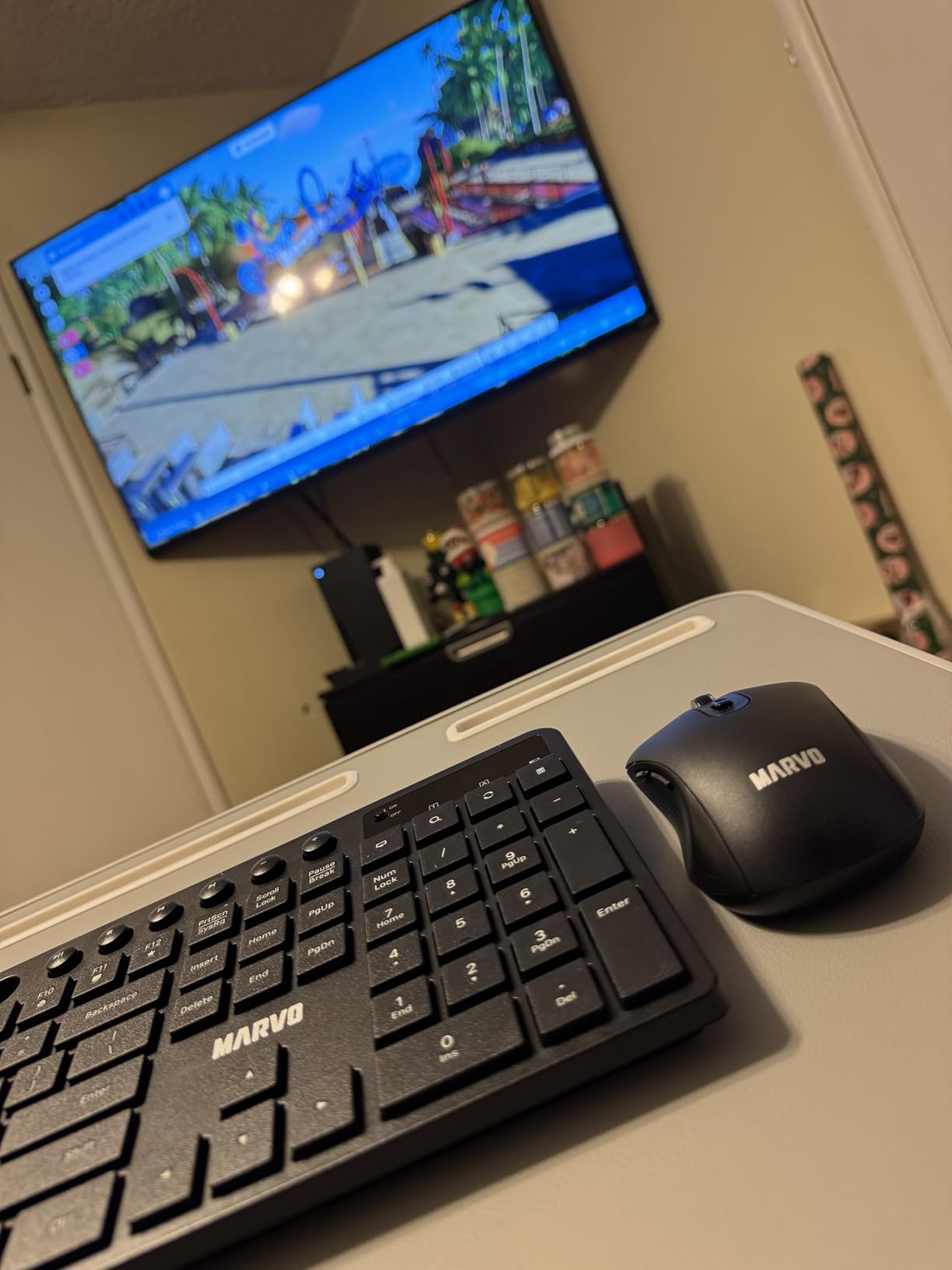
When dropping the numpad is the right trade
Plenty of office work simply does not need a number pad. If you write, code, browse and take calls, the reclaimed width matters more than the keypad. The 92-key layout keeps the arrow keys and a full function row, which covers the shortcuts most workflows rely on.
Combining the compact board with the phone holder also gives you a two-screen arrangement without a monitor arm. The mouse is ambidextrous, so left-handed users can use this set too, and three DPI levels make it workable across mixed sensitivity preferences.
Where it falls short
Batteries are not included. You will need to source a single AA cell before first use, which is a small annoyance but catches people out at setup time.
For accounting, finance or any spreadsheet-heavy role, the missing numeric keypad is disqualifying. Spreadsheet entry without a numpad is slower, and that is the single biggest reason people reject compact boards after a week.
6. ULSOU EK30 Wave Keys Combo: Best Budget Wrist Support
Wireless Keyboard and Mouse Combo, 2.4G Ergonomic Wave Keys(Black)
Wave keys with wrist rest
Adjustable stand
Single 2.4 GHz receiver
FN key layout switching
+ The Good
- Wave key profile and wrist rest aimed at reducing strain
- Adjustable stand for typing height
- Single 2.4 GHz receiver connects both devices
- Forward and back buttons on the mouse
- Windows and Mac layouts switchable via FN keys
- The Bad
- Batteries not included
- Aggressive 30-second keyboard sleep needs a keypress to wake
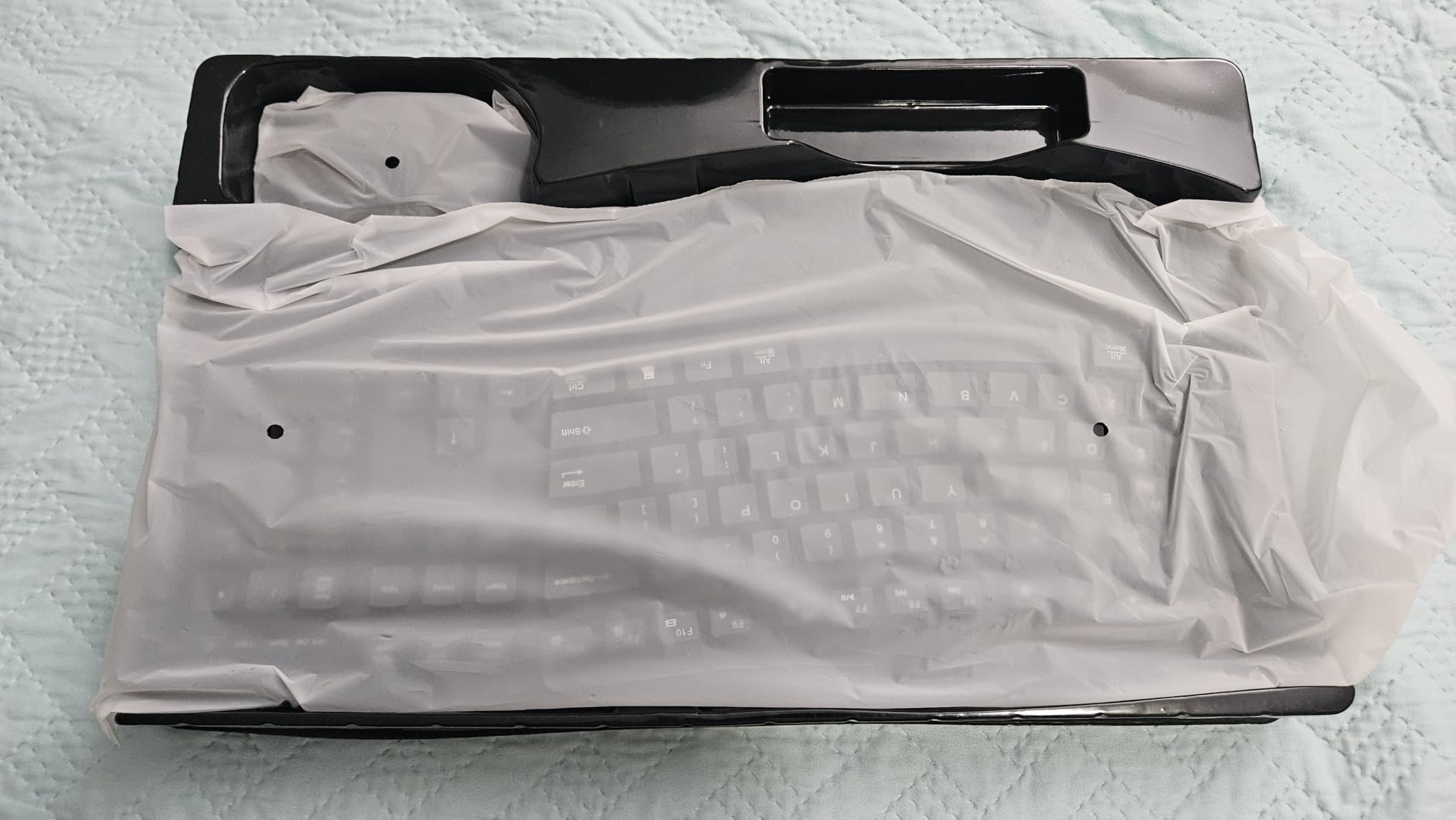
The EK30 puts wrist support at the front of the design rather than adding it later. The wave key profile lifts the middle of the board into a shallow arc so your fingers sit lower than your wrists, and the bundled rest fills the gap underneath. That positioning is the standard ergonomic argument, and on a membrane board it is cheap to implement.
The mouse is contoured for right-hand use and adds forward and back navigation buttons for browser work. One 2.4 GHz USB receiver connects both devices, or they can be used separately, and the receiver lives on the back of the mouse.

One feature stands out for anyone who moves between operating systems. The keyboard switches layouts with FN+Q or FN+W, covering Windows, Mac, Linux and older Windows versions. On a desk shared between a work laptop and a personal Mac, that avoids the mislabelled modifier keys that Mac users complain about most.
Power management is aggressive: the keyboard sleeps after 30 seconds of inactivity and the mouse after 15 minutes. Both wake on input. There is no software, drivers or pairing step, which also means no admin install on a managed work machine.
How the wave profile actually feels
Compared with a flat full-size board, the arc is noticeable within a day and easy to forget within a week. It reduces the reach to the middle column keys and takes pressure off the outer keys, which is where a flat board tends to strain the wrist.
The adjustable stand for keyboard height is the detail that separates this from other wave boards. Most fixed-height wave designs force one angle; this one lets you change it, which matters because a wrist rest only helps if your forearms are roughly level with it.
Where it falls short
The 30-second keyboard sleep is the most common irritation in reviews. Any pause in typing means the next keystroke goes to waking the keyboard rather than registering, which is a small latency hit that is genuinely annoying in a typing test.
Batteries are not included, one AA for each device. The rating is also the second lowest here, with an 11 percent one-star share focused on build feel and responsiveness, so treat it as a support option rather than a long-term investment.
7. MEETION Director-C Split Combo: Best Ergonomic Set for Wrist Strain
MEETION Ergonomic Keyboard and Mouse Combo, Split Design, Vertical Mouse
Split design with two angled halves
Vertical mouse with 4 DPI levels
Rechargeable 500mAh in both
Shared USB-A receiver
+ The Good
- Split halves reduce reaching and twisting per hand
- Vertical mouse with four DPI levels and side scroll
- Rechargeable 500mAh cells in both devices
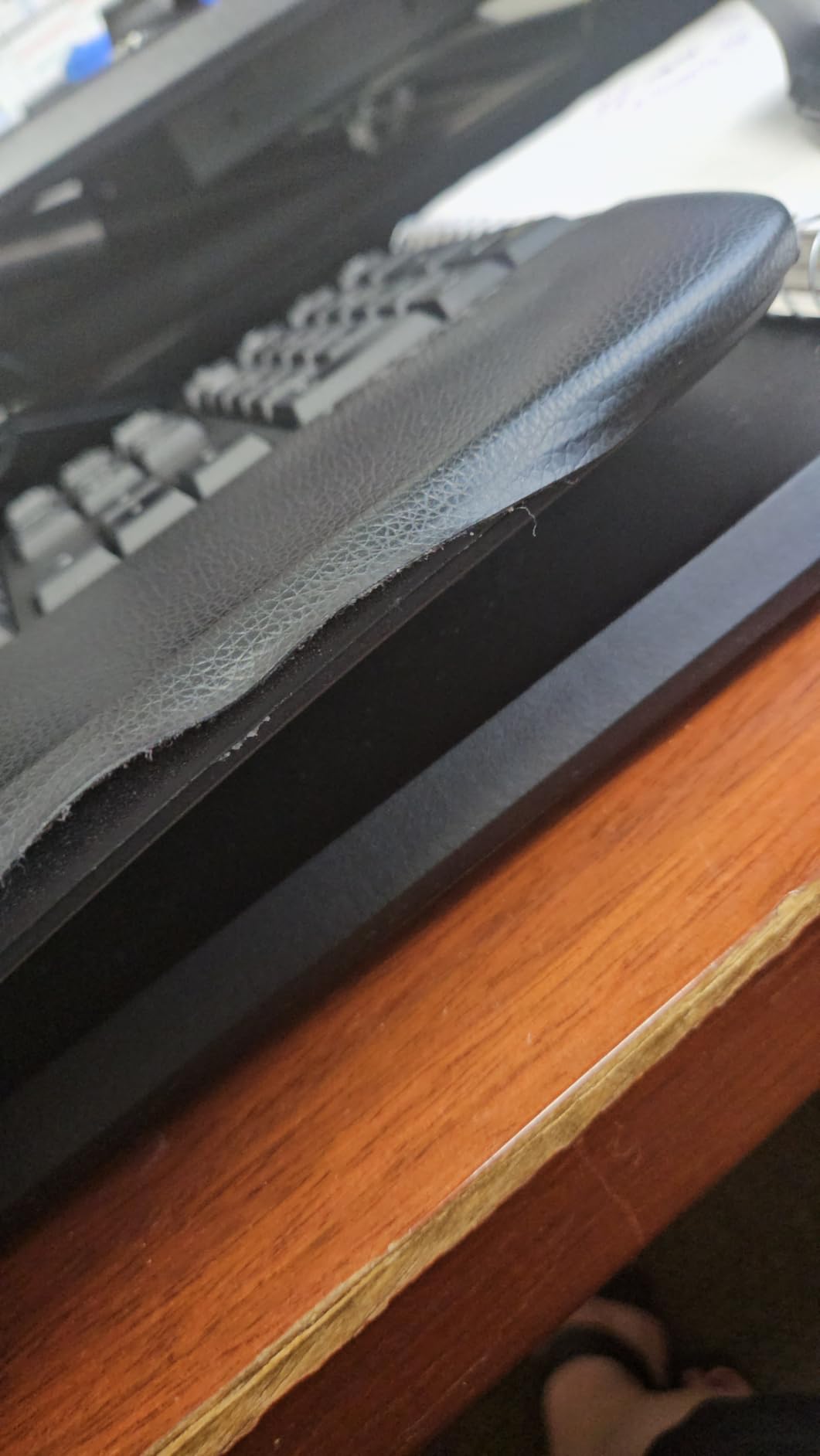
- Soft non-slip pillowed palm rest
- Silent mouse switches
- The Bad
- Split and concave layout has a steep learning curve
- Vertical mouse is right-handed only
- Heaviest set here at 1.6 kg
This is the only genuinely split keyboard in the roundup. The Director-C has two angled halves that rotate the shoulders inward so your forearms line up with your hands instead of being forced to bend at the wrist. It also carries a full-size concave-curve layout with slightly angled keys across 112 keys, so nothing from the standard layout is missing.
The mouse half is a vertical ergonomic design with adjustable DPI at 800, 1200, 1600 and 2400, a silent switch and a side-scrolling wheel. A vertical mouse rotates your forearm so the grip is a handshake rather than a pinch, which is the single change most associated with reduced forearm strain.
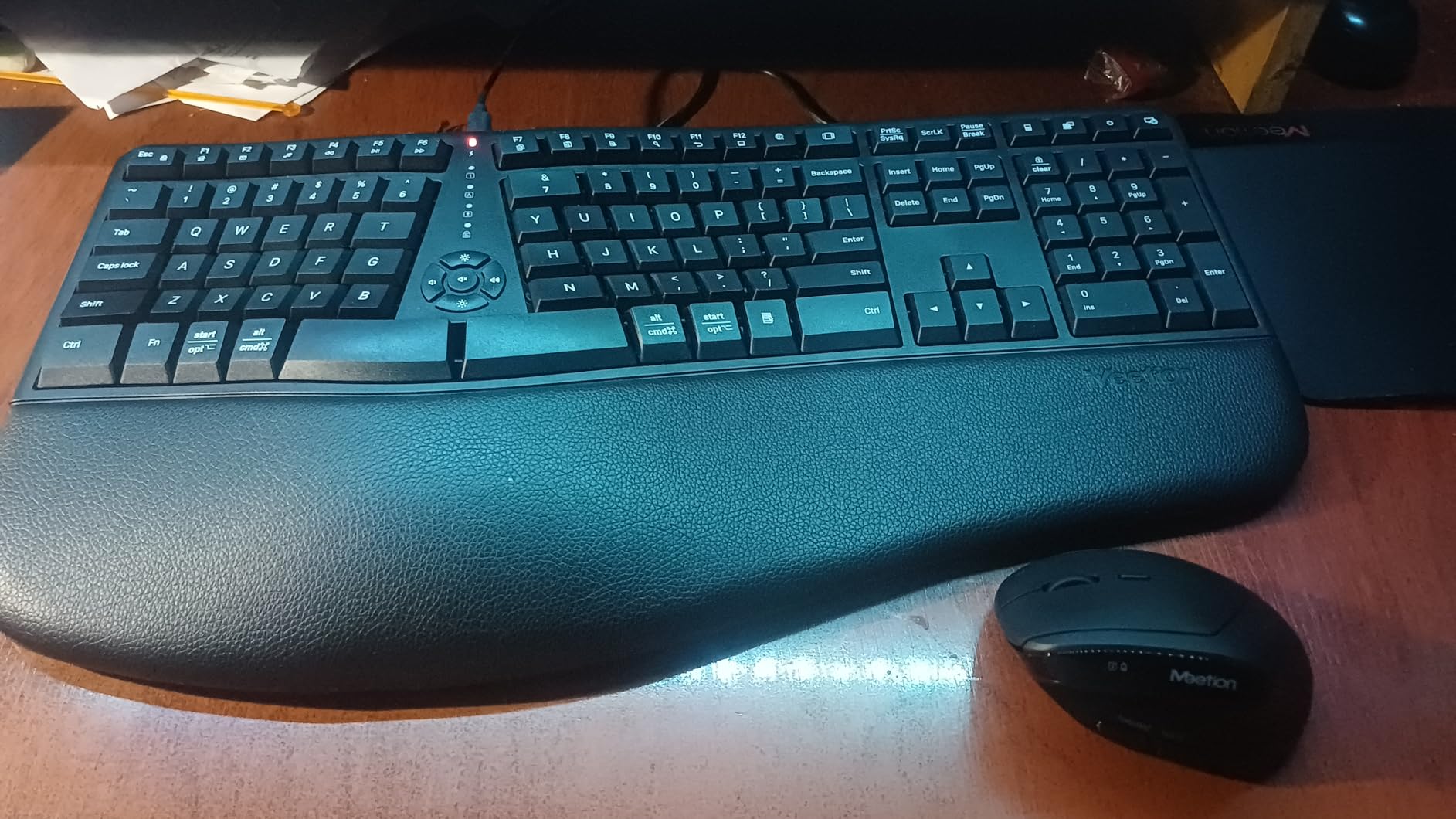
Both pieces carry rechargeable 500mAh batteries rated at one to two months per charge, and both share a common USB-A receiver with a 33 foot range. The keyboard measures 19.09 by 10.04 by 1.83 inch and the mouse 2.87 by 4.09 by 2.28 inch. A pillowed non-slip palm rest supports both wrists.
The rating here is the lowest in the roundup at 4.0 stars, with 63 percent five-star and a 13 percent one-star share. That spread is not a defect signal so much as an adaptation signal. Reviewers who get through the adjustment credit genuine relief across the wrists and arms.
What the split layout fixes and what it costs
On a flat board, reaching for a key rotates your wrist outward. On a split board, each half sits at the angle your forearm already wants, so the wrist stays neutral through a full day. The vertical mouse applies the same principle to your grip hand, and together they address the two most common sites of office-related pain.
The cost is time. Expect a one to two week dip in typing speed while your muscle memory rebuilds on the new layout, and expect it to be worse on common letter pairs such as T and E. Push through the first week and most people report a net gain, but do not judge the product in the first three days.
Where it falls short
The layout is the hard part, not the hardware. Shortcuts that assume a standard board, and fast typists who have not rebuilt their habits, are the two groups most likely to abandon it. It is also the heaviest set here at 1.6 kg, which makes it the least portable option in this list by a wide margin.
The vertical mouse is right-handed only, and the USB-C port on the keyboard is only an adapter rather than a receiver you can use on its own. Working environment support covers Windows 10, macOS, Linux, Chrome OS and DOS.
8. RECCAZR Silent Keyboard and Mouse Set: Best Cross-Platform Quiet Budget Pick
Wireless Keyboard and Mouse Combo Silent for Office and Home(Avocado Green)
Silent membrane keys
Click-free mouse
Full-size with numpad
12 multimedia shortcuts
+ The Good
- Very quiet keyboard and mouse for shared rooms
- Plug and play 2.4 GHz link up to 33 ft with no software
- One shared nano receiver or use devices separately
- Full-size layout with numpad and 12 shortcuts
- Works on Windows Mac Chrome OS and Linux
- The Bad
- US keyboard layout only with no international legends
- All-plastic mouse shell feels slippery at first
When we need a quiet set that will pair with anything on the desk, this is the one. The compatibility list is the broadest here, spanning Windows, Mac OS, Chrome OS and Linux, and the mouse carries three adjustable DPI levels at 800, 1200 and 1600.
Silence comes from both halves. The membrane keys are silent, and the mouse is click-free rather than merely dampened, so neither keyboard nor pointer adds to the ambient noise level of a shared room.
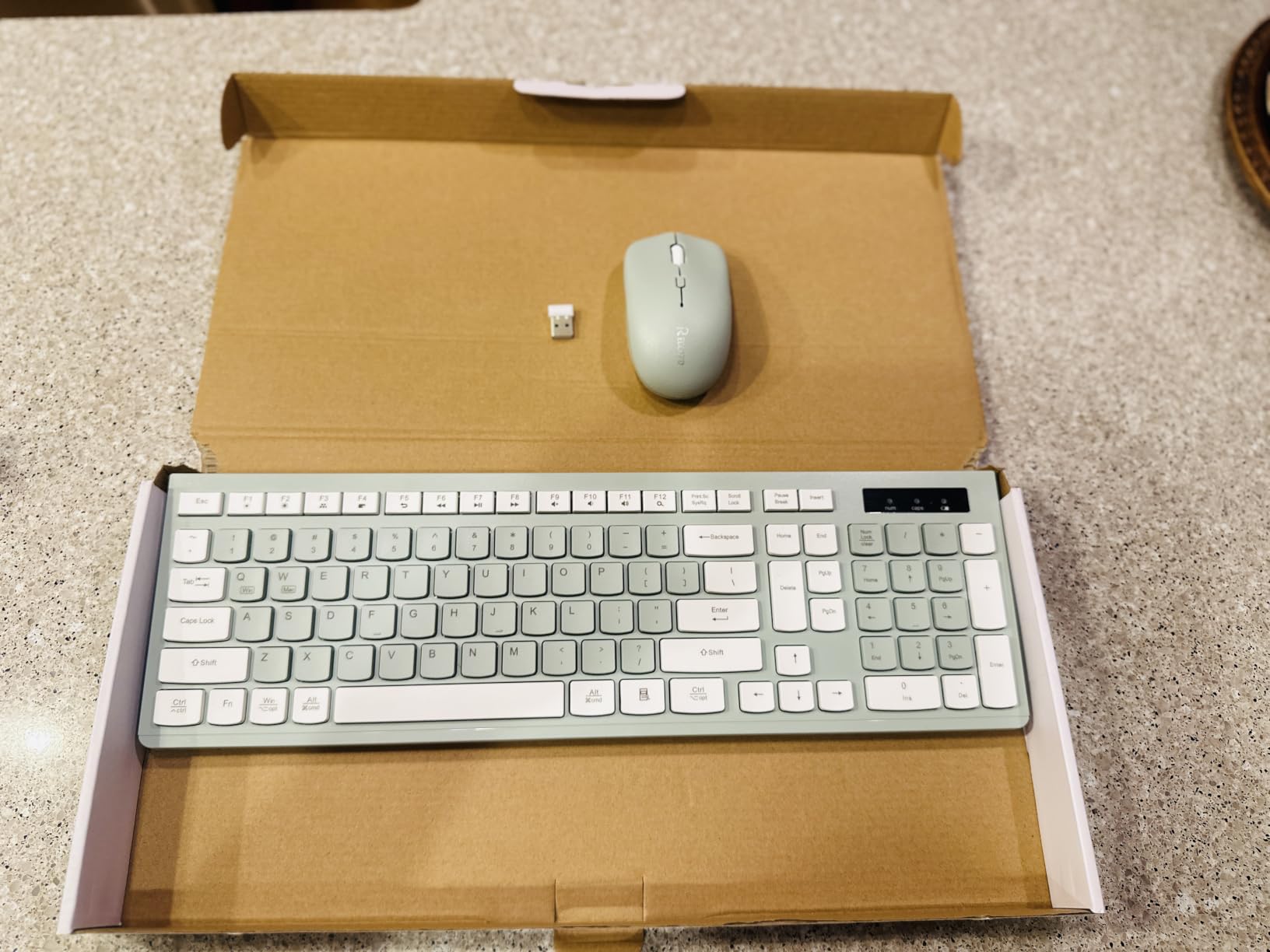
The 2.4 GHz connection runs up to 10 metres with one shared nano receiver, and the two devices can also be used separately if you want the mouse on another machine. Auto power saving puts both to sleep, and they also sleep when the receiver is unplugged or the computer shuts down.
The full-size board keeps a number pad and adds 12 multimedia shortcut keys, with adjustable height tilt legs on the chassis. At 0.61 kg the pair is light, and the avocado green finish gives a desk some personality that most office bundles lack.
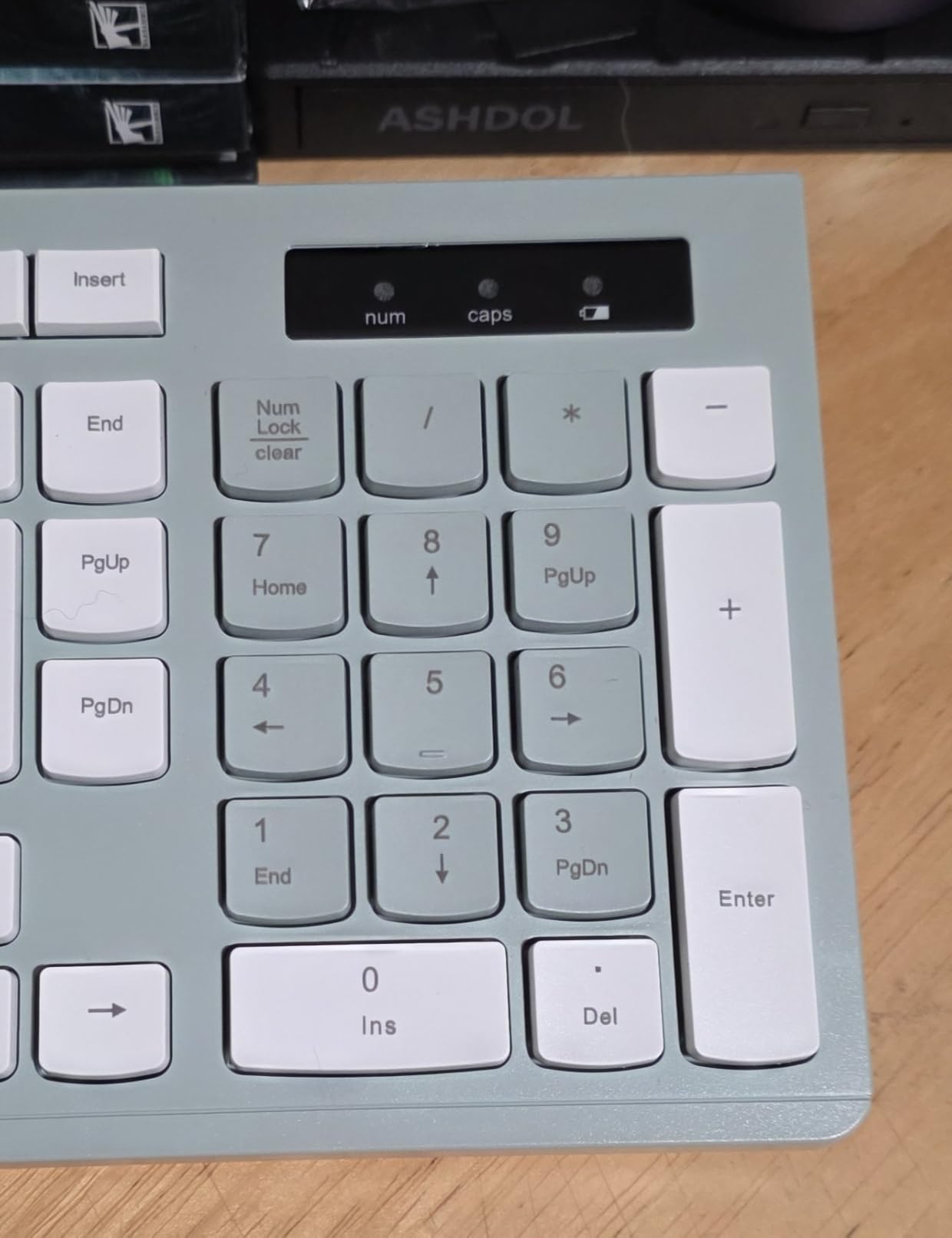
Why the operating system list matters
Mac users get the most common complaint about bundles handed to them at work: a keyboard whose legends do not match what the system expects. A set that explicitly supports Mac OS and Linux, with US QWERTY legends, removes the guesswork on a shared or borrowed machine.
The click-free mouse is also the safer choice for video calls in a shared space, since a dampened mechanical switch still produces sound under a call while a click-free switch does not. Three DPI levels cover the range most office tasks need.
Where it falls short
The layout is US only, with no international key legends, so it is the wrong choice for a Dvorak or AZERTY user. Some buyers also find the keyboard louder than the listing implies, which is the honest limitation of membrane silent switches.
The all-plastic mouse shell can feel slippery before you get used to it, and there is no physical DPI button mentioned. It is a 2.4 GHz design, so Bluetooth pairing to a tablet or phone is not available.
9. SABLUTE MA31 Pro Wave Combo: Best Rechargeable Backlit Set
SABLUTE Ergonomic Wireless Keyboard and Mouse Combo, Rechargeable 4000mAh Backlit Keyboard with Soft Faux Lambskin Palm Rest, Wave Keys for Natural Typing, Compatible with Windows/Mac/Chrome OS
4000mAh rechargeable keyboard cell
Faux lambskin palm rest
Wave keys with adjustable stands
Backlit keyboard and RGB mouse
+ The Good
- Wave keys and palm rest reduce wrist fatigue
- 4000mAh rechargeable cell lasts about three weeks of 8-hour days
- Very quiet keys and clicks that stay tactile
- Backlight colour and brightness set from the keyboard
- Retains print screen and scroll lock keys
- The Bad
- No Bluetooth and fully dependent on the 2.4 GHz dongle
- Lighting settings reset on power-up
- Wrist rest is narrow for larger hands
The MA31 Pro is the only set here with a backlit keyboard and a rechargeable cell worth talking about. The 4000mAh battery is stated as twice the capacity of a standard backlit keyboard, and owners report roughly three weeks of eight-hour workdays per charge.
On the ergonomic side, it uses wave keys with adjustable front and back stands so you can set the height for your wrists, and the palm rest is covered in faux lambskin leather with a matte finish that is described as sweat-proof and easy to maintain.
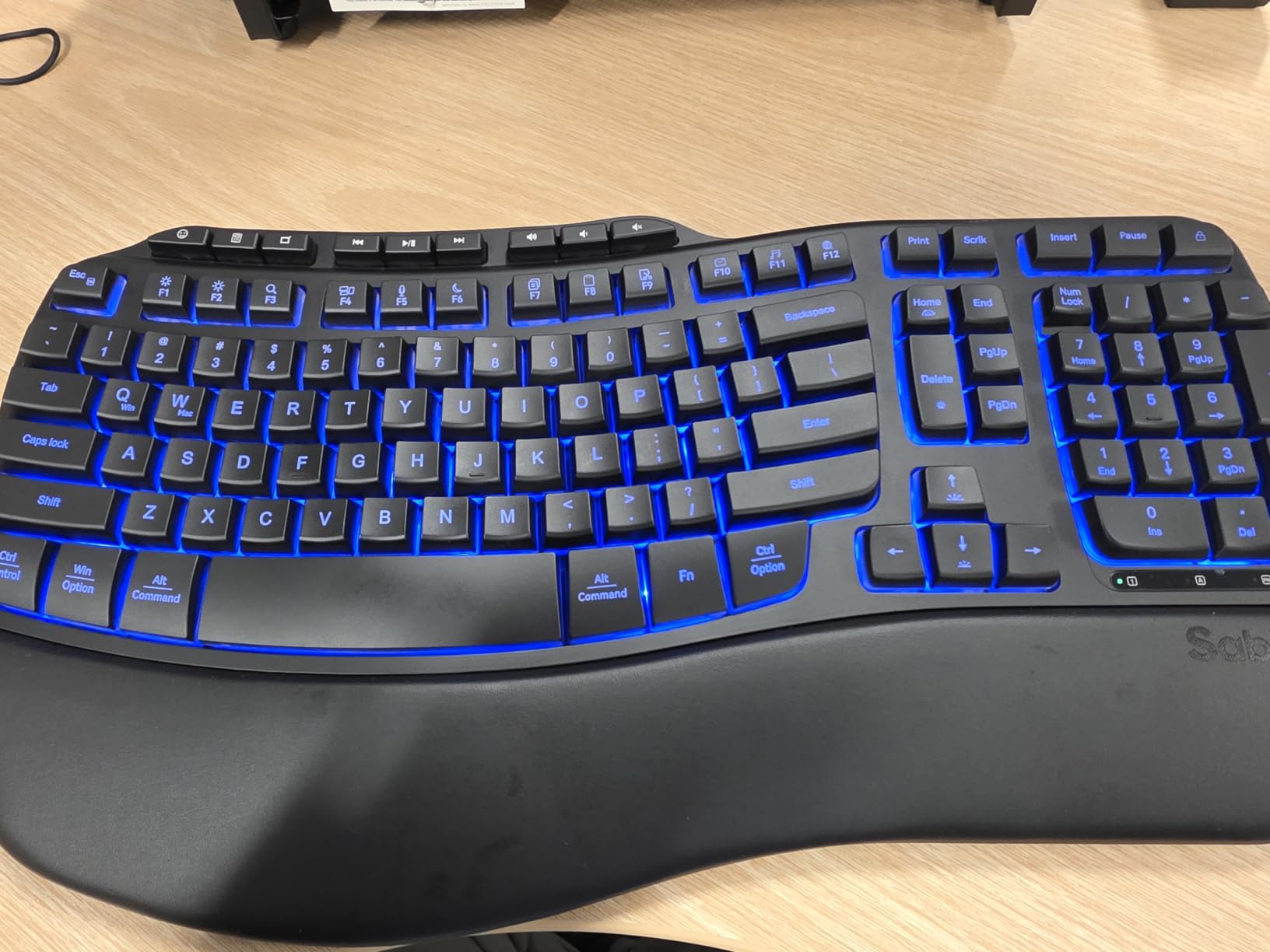
The keyboard is rated at 10 million keystrokes, twice the standard figure, which is the kind of claim that matters for a five-year office tenure. It keeps all standard keys including print screen and scroll lock, and adds nine shortcut keys.
The mouse is a right-handed RGB design with a 700mAh battery, auto sleep, six buttons and three DPI levels at 800, 1200 and 1600, with six fixed colours or five cycle modes. One 2.4 GHz receiver covers both devices at a 33 foot range and works with USB-A and USB-C ports.
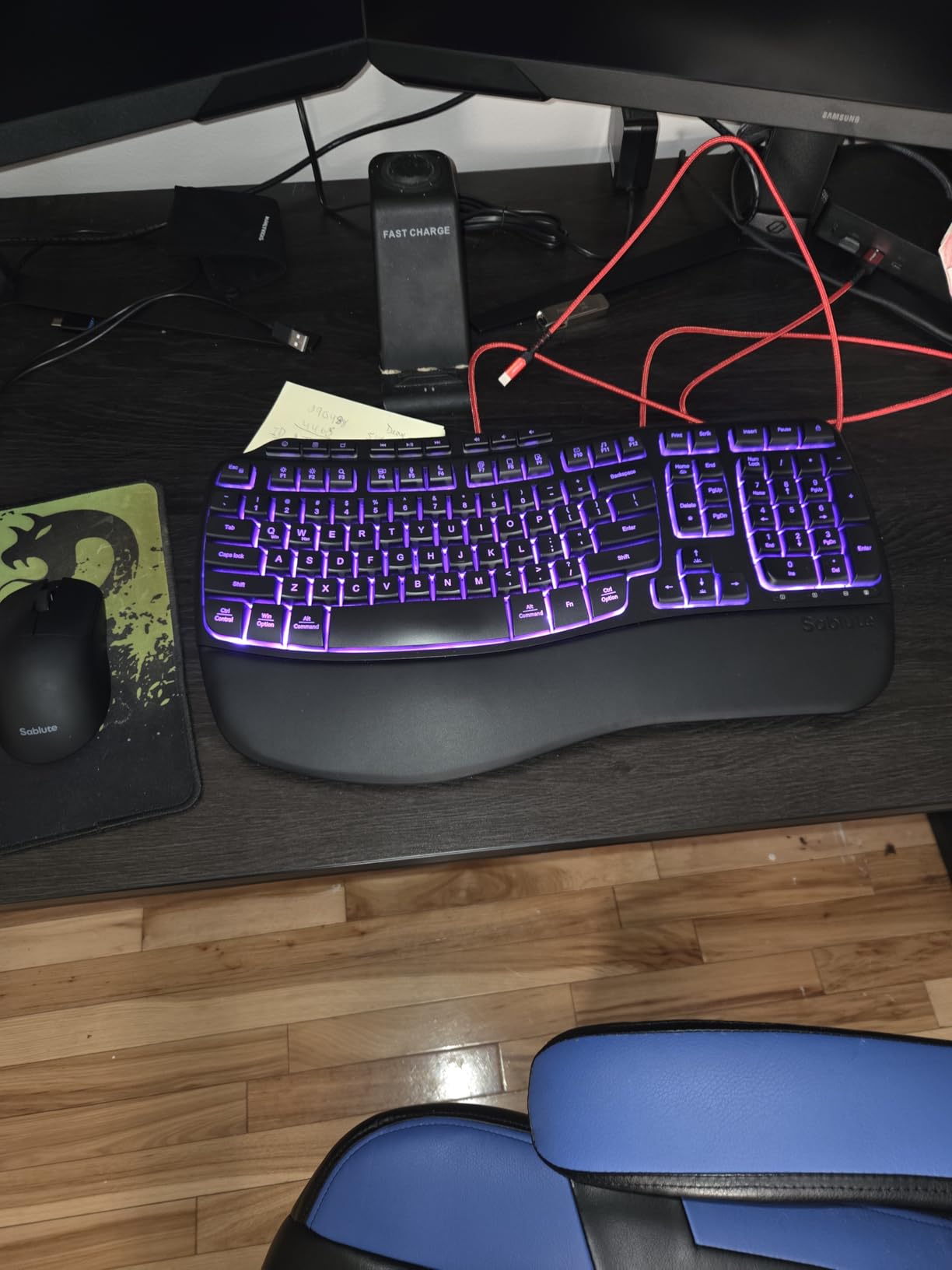
Why a backlit keyboard matters in a real office
Backlighting is not a gaming feature in this context. It is a usability feature for the two situations office lighting produces constantly: dim rooms early in the morning, and screens that have become the brightest object on the desk.
Rechargeability removes the second most common office peripheral complaint, which is a set that stops working mid-task because a cell died. Two AA batteries are included as a fallback, and the warranty is a two-year free replacement rather than the single year most bundles in this range offer.
Where it falls short
There is no Bluetooth at all, so the set depends entirely on the 2.4 GHz dongle. That rules out pairing to a tablet or phone and means one USB port stays occupied permanently.
Lighting preferences do not persist. Backlight and RGB settings reset on power-up, which becomes irritating once you have chosen a colour. The wrist rest is also narrow and short on the left side, which some larger hands find uncomfortable, and there is no charge indicator or button reprogramming.
10. EDJO Full-Size Silent Combo: Best for Night Shifts and Call Centers
EDJO Full-Size Silent Wireless Keyboard and Mouse Combo with Palm Rest
Silent as quiet as 30dB
Extended palm rest and kickstands
12 office shortcut keys
Auto-sleep both devices
+ The Good
- Rated as quiet as 30dB with silicone membrane keys
- Extended palm rest and kickstands raise rear to 1.4 inches
- Single 2.4 GHz receiver with no driver needed
- 12 one-touch office shortcuts
- Auto-sleep with up to 12 months of battery
- The Bad
- Membrane keys feel light and plasticky to some
- No print screen key on the keyboard
- A small share of defective units on arrival
The EDJO is the quietest set in this roundup by its own measurement, rated as quiet as 30dB using soft silicone membrane keys and muted mouse switches. For a night shift working while the household sleeps, or a call-centre floor, that figure is the whole pitch.
It is also the only set here that raises the typing angle meaningfully. The foldable kickstands lift the rear of the keyboard to 1.4 inches, and the extended palm rest runs the full width, so your wrists sit level rather than angled upward.

The twelve one-touch shortcut keys are genuinely office-focused rather than generic, with mute, calculator, screen lock and media control placed at the top. That mix tells you what the manufacturer expected this set to be used for.
Connection is a single 2.4 GHz USB receiver covering both devices, with no driver and no pairing step, stable to 33 feet across Windows, macOS, Linux and ChromeOS. The receiver stores in the mouse battery compartment. Auto-sleep puts the keyboard to sleep after six minutes and the mouse after 15.
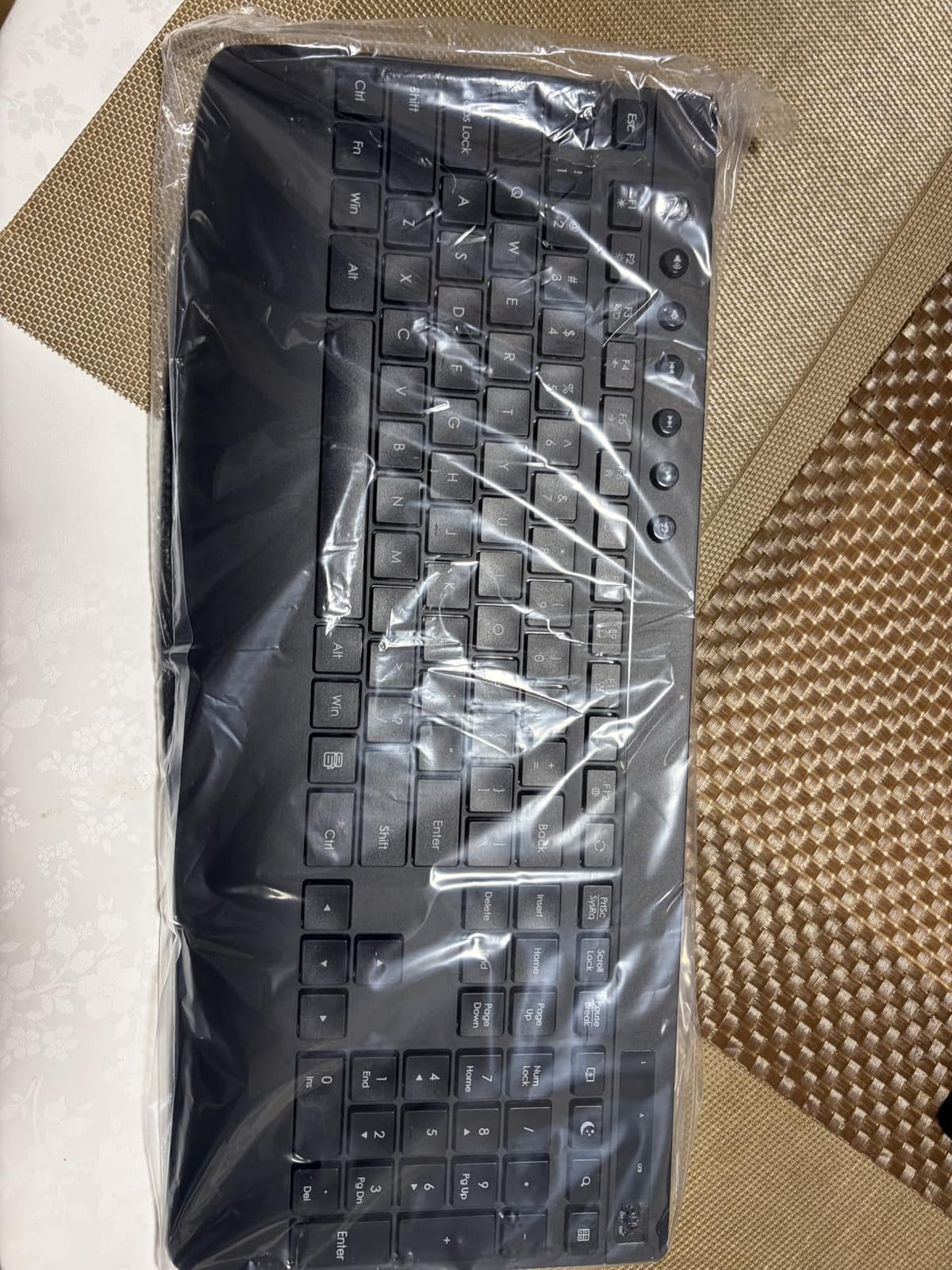
Why the taller typing angle is worth the kickstands
Most membrane boards sit flat, which pushes your wrists into a slight upward bend. Raising the rear of the keyboard and adding a full-width rest brings the keyboard surface closer to forearm height, which is the simplest ergonomics change available without changing your whole setup.
The battery interval is up to 12 months across the set, which is the shortest claimed figure here but perfectly workable with auto-sleep handling the idle periods. Warranty is 12 months with lifetime technical support, which is a reasonable fallback on a lower-cost set.
Where it falls short
The membrane keys feel light and plasticky to a portion of buyers, which is the trade for silence at this level. There is also no print screen key, an odd omission on a board otherwise loaded with twelve shortcut keys.
A small number of sets reportedly arrived with a mouse cursor that would not move correctly, so inspect the set on arrival rather than assuming a fault is a software problem. The review base here is the smallest in the roundup, so expect less long-term evidence behind it.
How to Choose an Office Keyboard and Mouse Combo in 5 Steps
Work through these in order and the choice narrows quickly. Most buyers start at step two, buying on battery life or price, and end up replacing the set within a year.
1. Start with noise, not price
Noise is the one factor that affects people other than you. If you share a room, begin with a set that dampens both halves: the MK295 and other SilentTouch designs use dampened key mechanics, the RECCAZR uses silent membrane keys with a click-free mouse, and the EDJO is rated at 30dB. A night-shift worker told us on a tech forum that quietness was the only reason a setup worked at home.
2. Pick the switch type that suits your typing
Membrane boards cost the least and weigh the least, with short travel and a soft bottom-out. Almost every set in this roundup uses membrane or rubber-domed keys. Scissor switches sit between membrane and mechanical, with a shorter throw and a firmer feel, and are the default in slim laptop-style office boards. Mechanical switches give the most travel and feedback but are loudest unless you choose a silent variant. Topre electrostatic capacitive switches deliver a rounded, quieter feel and sit above the rest in price.
None of the ten picks here is mechanical, which is deliberate for office use. If you want mechanical key feel for your job, you are leaving the bundle category, and our guide to the best keyboards for office work goes into that in more depth.
3. Decide between wireless and wired
Every set in this roundup is wireless over 2.4 GHz, which removes cable clutter but occupies one USB port with the receiver and needs battery attention. A wired set removes both problems at the cost of a cable across the desk and, historically, a more consistent signal.
The specific wireless complaint worth knowing about is Bluetooth reliability on Windows: pairing can drop after sleep and wake cycles, which is why every set here uses a 2.4 GHz dongle instead. If you need Bluetooth specifically to pair with a tablet, this roundup is the wrong list. For a look at the mechanical end of the market, our guide to premium keyboard and mouse bundles covers sets built around mechanical switches instead.
4. Match the layout to your hands and your job
Mouse shape matters more than most buyers expect, and several people on forums make the point that a good mouse beats a good keyboard for comfort. A flat or sloped mouse suits most users. A semi-vertical shape reduces forearm pinch while staying manageable. A fully vertical mouse takes the grip to a handshake position and requires the most adaptation.
Hand dominance decides which you can buy. The MK270, MK335, MARVO and RECCAZR mice are listed as ambidextrous. The MK345, ULSOU EK30, SABLUTE and MEETION vertical mouse are shaped for right-hand use only, which excludes a large group of users from otherwise good sets.
Layout is the other half. A full-size board gives you a numpad, which matters for accounting and data entry and is a deal-breaker for those roles if missing. A 92-key board such as the MARVO gives the space back and is the right call if you never type numbers.
5. Check battery reality and layout switching
Two battery strategies appear here. Disposable cells give the longest intervals, up to three years on the MK345 keyboard, with almost no maintenance. Rechargeable cells remove battery thinking entirely but need a cable or dock within reach, as with the MEETION and SABLUTE sets.
If you switch between Windows and Mac daily, check the layout story before you buy. Some bundles support Mac and Linux explicitly, as the RECCAZR and MARVO do. Others name Windows only, as the MK295 does. Keyboard-only layout switching with an FN combination, as on the ULSOU EK30, is a rarer feature worth knowing about.
When a bundle is a bad deal
Combo versus separate purchase is a question no competitor answers, so here is the short version. A bundle makes sense when both halves meet your needs, when you want one warranty and one support path, and when you want a matched look on the desk.
Skip the bundle when you already know your mouse preference is vertical or ambidextrous, or when you need a tenkeyless or 60 percent layout for a small desk. Forum regulars describe exactly this pattern: people keep the keyboard from a bundle and replace the mouse, which means the bundle pricing was never really relevant to them.
Also weigh the three-year cost. A disposable-cell set that lasts three years on the keyboard and eighteen months on the mouse needs roughly two sets of batteries over that span, while a rechargeable set needs no cells but a charging habit. Our wireless combo bundle guide covers the connection side in more detail if you want to compare ranges and receivers.
Frequently Asked Questions
What is the best keyboard and mouse combo for home office use?
The Logitech MK270 is our top pick for a home office. It has a full 104-key layout with a numeric keypad, a spill-resistant frame, an ambidextrous mouse, and the longest keyboard battery interval in this roundup at 36 months. If your home desk is shared or your household is nearby, choose the Logitech MK295 instead for roughly 90 percent less typing and clicking noise.
What is the quietest keyboard and mouse combo available?
The Logitech MK295 is the quietest full-size option here, using SilentTouch keys and silent mouse clicks to cut noise by about 90 percent while keeping the number pad and function row intact. The RECCAZR set is a close alternative with silent membrane keys and a fully click-free mouse. The EDJO full-size silent combo is rated as quiet as 30dB, which suits night shifts.
What is the best keyboard and mouse combo for office use?
For general office work the Logitech MK270 is the strongest all-round choice, combining a full-size layout with a 36-month keyboard battery, a spill-resistant frame and an ambidextrous mouse at a 4.5-star rating across more than 110k reviews. Choose the Logitech MK295 instead when colleagues sit close enough for key noise to be a problem.
What is the best ergonomic keyboard for office work?
The MEETION Director-C is the most ergonomic set in this roundup, using a split layout with two angled halves plus a vertical mouse to keep wrists and forearms neutral. The SABLUTE MA31 Pro is the gentler option, with wave keys, adjustable front and back stands and a soft faux lambskin palm rest. Both need one to two weeks of adaptation before normal typing speed returns.
Is a keyboard and mouse combo better than buying them separately?
A bundle is worth it when both halves fit your needs and you want one warranty and one support path. Buy separately when you already prefer a vertical or ambidextrous mouse, or when you need a compact tenkeyless board for a small desk. Many owners keep the bundled keyboard and replace the mouse later, which makes the bundle price irrelevant.
Are wireless keyboard and mouse combos better than wired for office work?
Wireless is usually better for office work because it removes cable clutter and leaves desk space free, and every set in this roundup uses an encrypted 2.4 GHz receiver rather than Bluetooth. The trade-offs are one occupied USB port and battery maintenance. Wired sets suit users who want zero charging, no receiver to lose, and a permanently fixed desk signal.
The Best Keyboard and Mouse Combo for Office Work
The Logitech MK270 is the default answer for 2026. It is the most-reviewed combo in its category, it keeps a full-size layout with a numeric keypad, and its 36-month keyboard battery means you are not opening a battery drawer more than once a year.
Two alternatives are worth knowing. Buy the Logitech MK295 if noise is the constraint on your floor, and the MEETION Director-C if you already have wrist pain and want the strongest ergonomic change available in a bundle. If your desk is small, the MARVO’s 92-key layout buys back real space.
Whichever you choose, buy it for noise, wrist position and layout first, and treat battery life as the tie-breaker. If you are still setting up a workspace, our guide to office cubicle workstations covers the rest of the desk.