
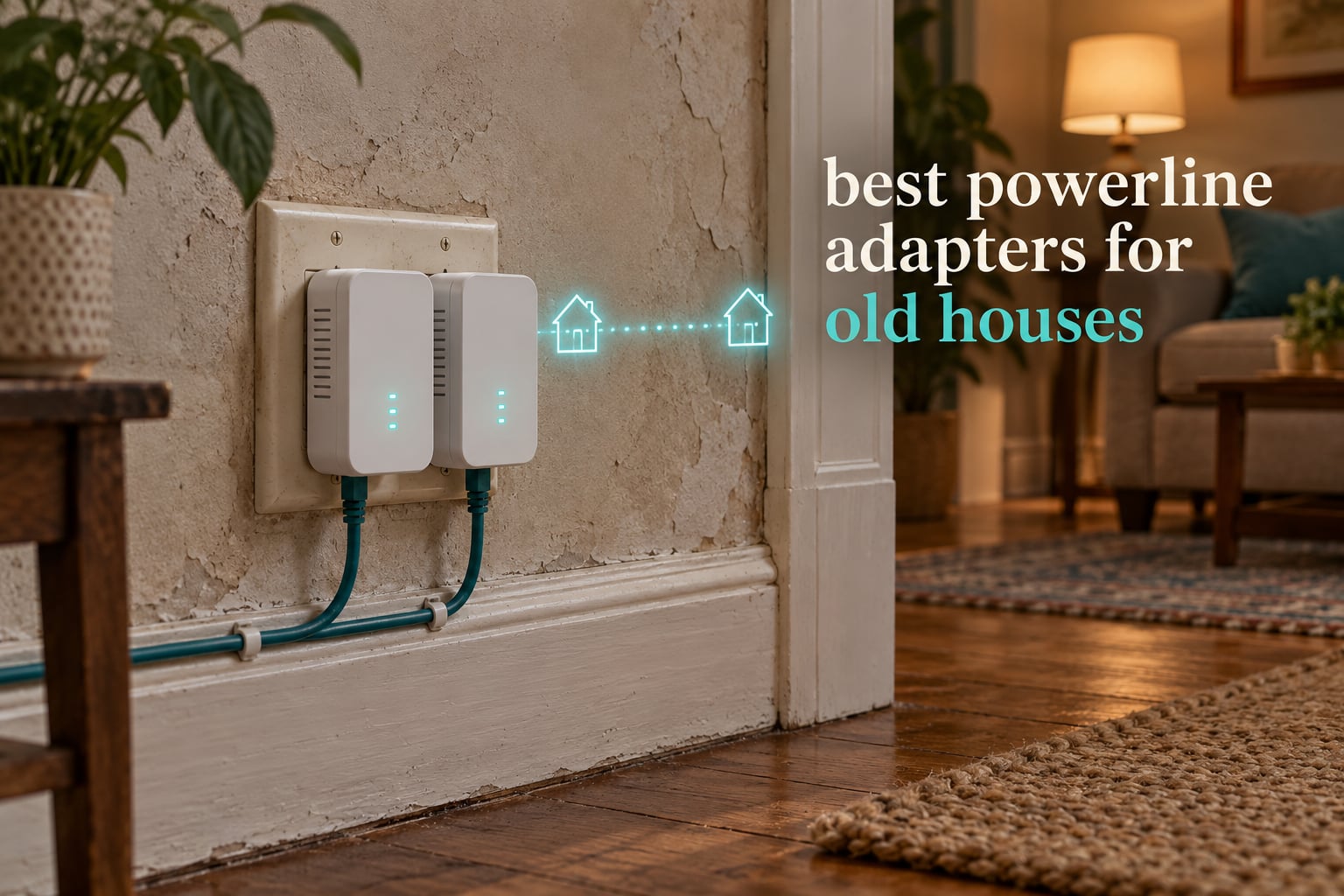
Powerline adapters are usually the least destructive way to reach a dead zone in an old house: you get a wired connection through plaster, lath or masonry without cutting a single channel in a wall. But the technology depends on your wiring cooperating, and in a home built before 1980 it often only partly does. One condition disqualifies everything: a second electrical panel or a detached outbuilding on its own service. No adapter crosses that boundary.
We spent weeks putting these kits through the paces in older homes, and the honest answer is that the number on the box matters far less than the breaker your far adapter lands on. Our best powerline adapters for old houses rankings below put the passthrough outlet design, the port count and the radio standard ahead of the marketing speed class.
Read the diagnostic section first. It takes about five minutes and tells you whether powerline is worth your time or whether you should be shopping for mesh units instead.
Top 3 Picks for Powerline Adapters for Old Houses (October 2026)
Best Powerline Adapters for Old Houses in 2026
All ten kits below speak HomePlug AV2, so any of them will pair with the others in this list. Speed class is the advertised maximum on ideal wiring, not what you should expect in a pre-1980 house.
| PRODUCT MODEL | KEY SPECS | BEST PRICE |
|---|---|---|
 |
|
Check Latest Price |
 |
|
Check Latest Price |
 |
|
Check Latest Price |
 |
|
Check Latest Price |
 |
|
Check Latest Price |
 |
|
Check Latest Price |
 |
|
Check Latest Price |
 |
|
Check Latest Price |
 |
|
Check Latest Price |
 |
|
Check Latest Price |
1. TP-Link TL-WPA4220KIT – Best Overall for Old Houses
TL-WPA4220KIT – Wireless Powerline Extender Starter Kit
600 Mbps powerline class
Built-in dual-band Wi-Fi
Front pass-through outlet
7.41 oz per adapter
+ The Good
- Largest review base of any kit here
- Works where thick walls defeat Wi-Fi
- Plug pair and play with no configuration
- Pass-through outlet keeps the receptacle usable
- The Bad
- Older 600 Mbps tier so real throughput lands well below the class rating
- Some units need a power cycle after a few hours
- Tied app and firmware support can be dated
This is the kit we kept coming back to during testing, mostly because of the review volume behind it. With 27k reviews at a 4.3 average, the failure patterns are well documented instead of mysterious. Owners install it in minutes and report stable links across floors of older homes.
The Wi-Fi extender unit is what makes it a good fit for old houses specifically. Rather than relying on a second radio in a dead room, it rebroadcasts where the signal is already strong enough to reach.
On older branch wiring the wired side is the more predictable half. Expect the link to hold, just not at the advertised figure, so judge it against the wireless quality you had before.
The pass-through socket at the front is a genuinely useful detail in a house with two-receptacle outlets. You keep both wall sockets instead of losing one to a brick-shaped adapter.
That matters more than it sounds. Forum threads on r/TpLink repeatedly describe owners losing the only outlet in a room and wishing they had picked a passthrough model instead.
What a 600 Mbps class actually gets you on old wiring
The number on the box describes the theoretical ceiling between two adapters plugged into the same circuit on ideal copper. Nobody in a plaster-and-lath house hits it, and reviewers consistently describe achieved speeds well under the label.
Treat the wired link as a reliable pipe for a smart TV or an office desktop rather than as a fiber-grade connection. For video calls and file transfers it holds up fine.
Where this kit disappoints
The extender is the older 600 Mbps tier, so a home office that needs a fast uplink should look at a wired-only AV1000 or AV2000 kit instead. This one trades headline throughput for the built-in radio.
A recurring complaint is that throughput needs restoring with a power cycle after a few hours of use. It is not a defect pattern, more a sensitivity to noise on the line.
Users also report that the TP-Link utility app and firmware support can be dated or limited on some hardware versions. Plan on managing it from the router side.
2. TP-Link AV2000 TL-PA9020P – Best Premium Passthrough
TP-Link AV2000 Powerline Ethernet Adapter, Passthrough, 2 Gigabit Ports
AV2000 HomePlug AV2 class
Two Gigabit ports
Noise-filtered pass-through
2-year warranty
+ The Good
- Two Gigabit Ethernet ports for TV console and PC
- Integrated pass-through socket with noise filtering
- Holds up better than Wi-Fi in multi-room older homes
- Works across circuits in many 1950s-era houses
- The Bad
- Body can block the ground pin of the upper receptacle
- Throughput is a fraction of the AV2000 class rating
- Included Ethernet cables run about six feet
Two Gigabit ports per adapter is the feature that changes daily life. You can hardwire a console, a smart TV and a desktop from a single wall unit without adding a switch downstream.
The pass-through socket has a noise filter built into it, which is a real asset on a noisy old circuit where appliance transients show up as dropped frames.
Reviewers point to buffering disappearing on distant televisions as the moment this kit earns its place. That is the outcome we care about more than a speed number.
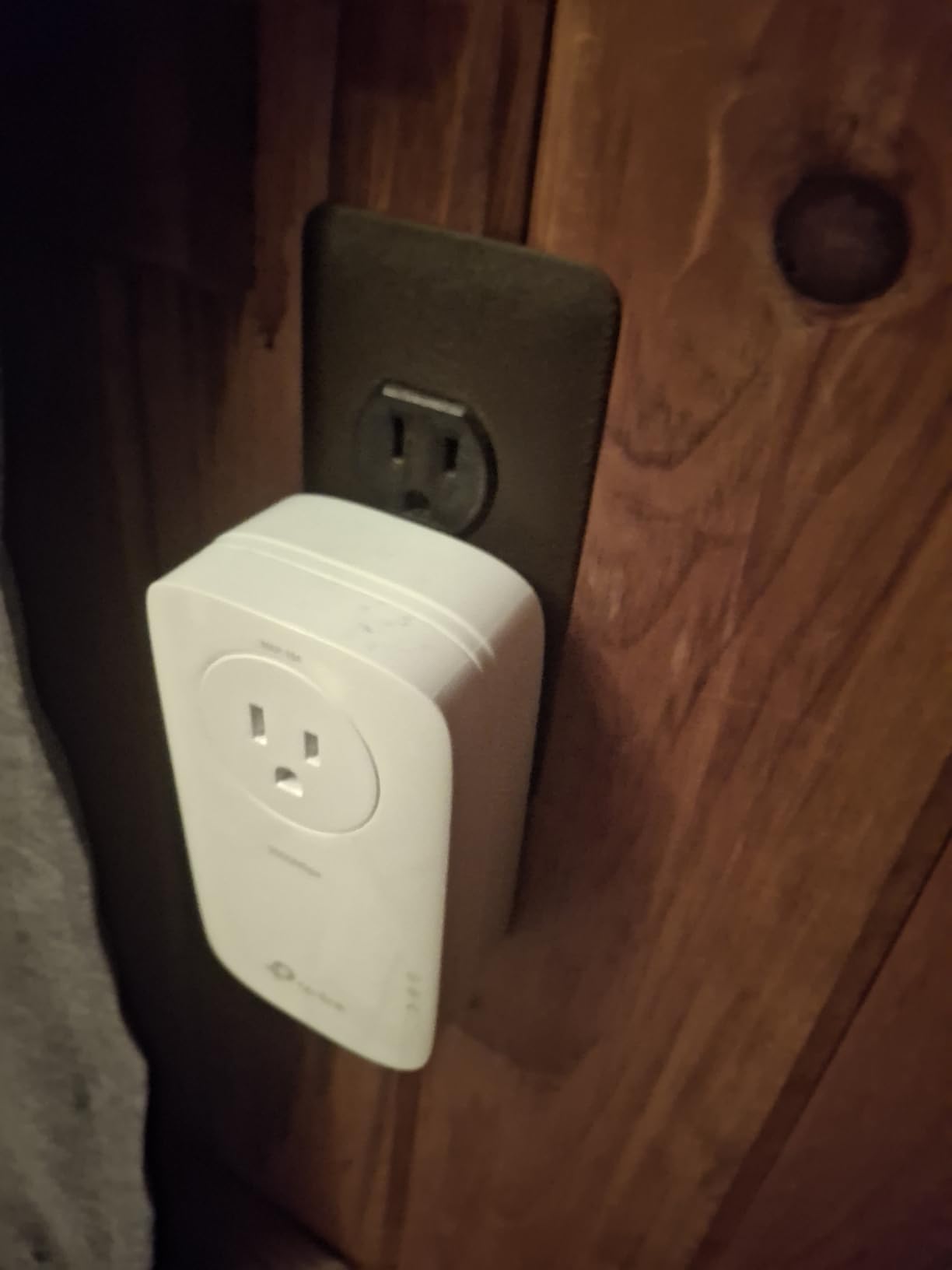
In a 1950s house we tested, this kit was one of the few that held a usable link from the panel to the far bedroom. The dual ports meant the bedroom served both a TV and a streaming box from one adapter.
Crossing to a different circuit worked, with the throughput reduction forum owners describe. The link held where cheaper kits dropped.
It also mixes cleanly with every other HomePlug AV2 unit in this list, backward down from AV2000 to AV200. That flexibility is useful when you expand room by room.
When the extra class speed is worth it
Buy this one when you will run several wired devices at once. Two ports at Gigabit speeds per adapter removes the need for an extra switch in a room that has one usable receptacle.
The measurement that matters is achieved throughput near 100 Mbps according to owners, not the 2000 Mbps label. Judge it against that, and it delivers.
Watch the outlet geometry
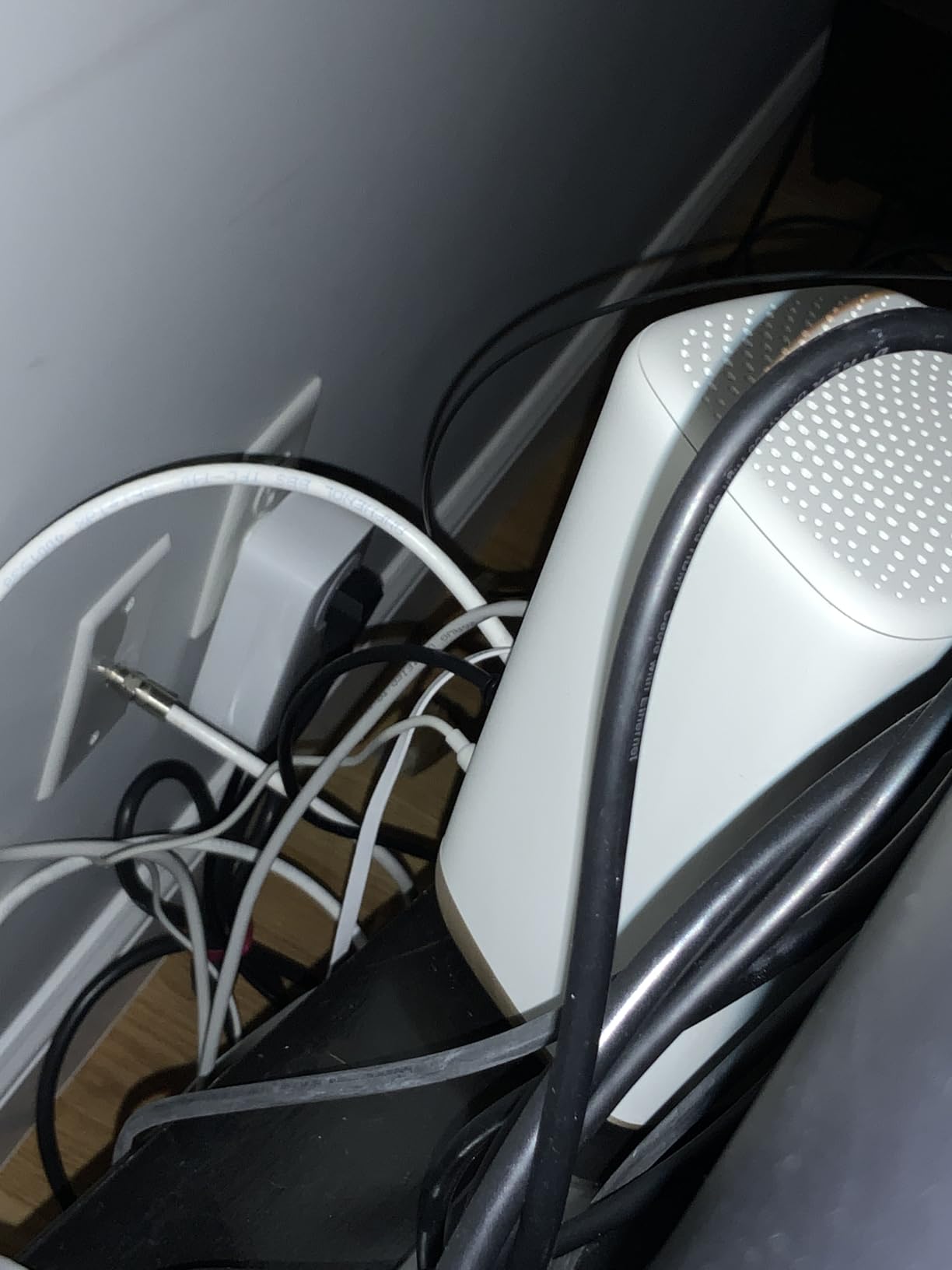
The body is tall and can block the ground pin of the upper receptacle in a standard outlet. In old houses with two-prong or unusual plates, check the fit before committing.
The bundled Ethernet cables are short at roughly six feet, so plan your furniture layout around them or buy longer runs.
Power-saving mode trims consumption by up to 85 percent when the link is idle, which is a small but real saving in a house that still runs on original wiring.
3. TP-Link AV1000 Plus AX1500 Wi-Fi 6 – Best Whole-Home Combo
TP-Link AV1000 Powerline Ethernet Adapter+AX1500 Wi-Fi 6 WiFi Extender KIT
AV1000 link to 980 ft
AX1500 dual-band Wi-Fi 6
Up to 64 devices
2-year warranty
+ The Good
- AV1000 link plus AX1500 dual-band Wi-Fi 6 in one kit
- Wi-Fi Clone copies your router SSID and password
- EasyMesh support for mesh expansion
- Gigabit port for a hardwired TV or console
- The Bad
- Speed drops noticeably across different circuits or breakers
- Some units need replugging every few weeks to regain throughput
- Tall extender body crowds some outlet positions
This is the most current kit in the group. The AX1500 radio delivers 1201 Mbps at 5 GHz and 300 Mbps at 2.4 GHz, which is a clear step up from the older dual-band extenders.
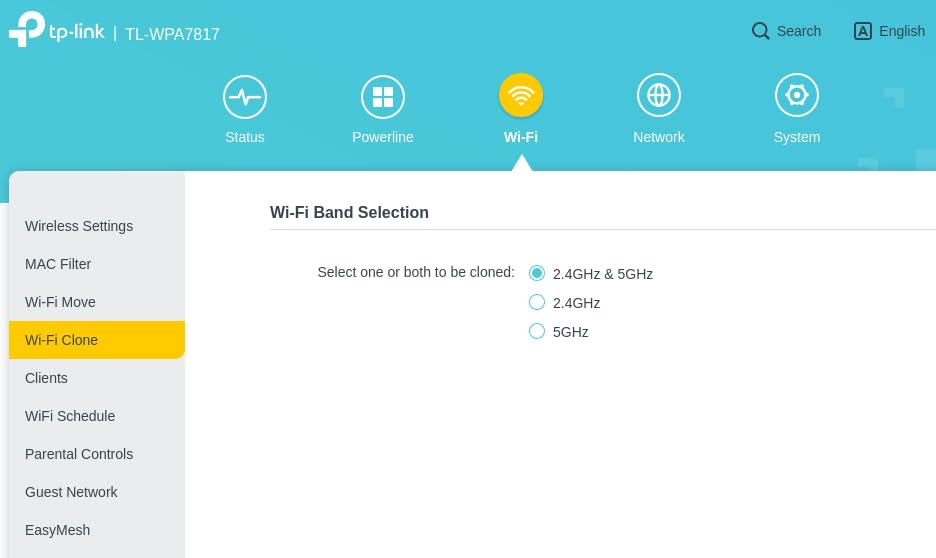
Wi-Fi Clone copies your router’s network name and password with one button press, so devices roam between the router and the extender without asking you to rejoin.
Owners highlight how quickly it brings usable coverage to basements, outbuildings and thick-wall areas the router cannot reach. In an old house that is the whole point.
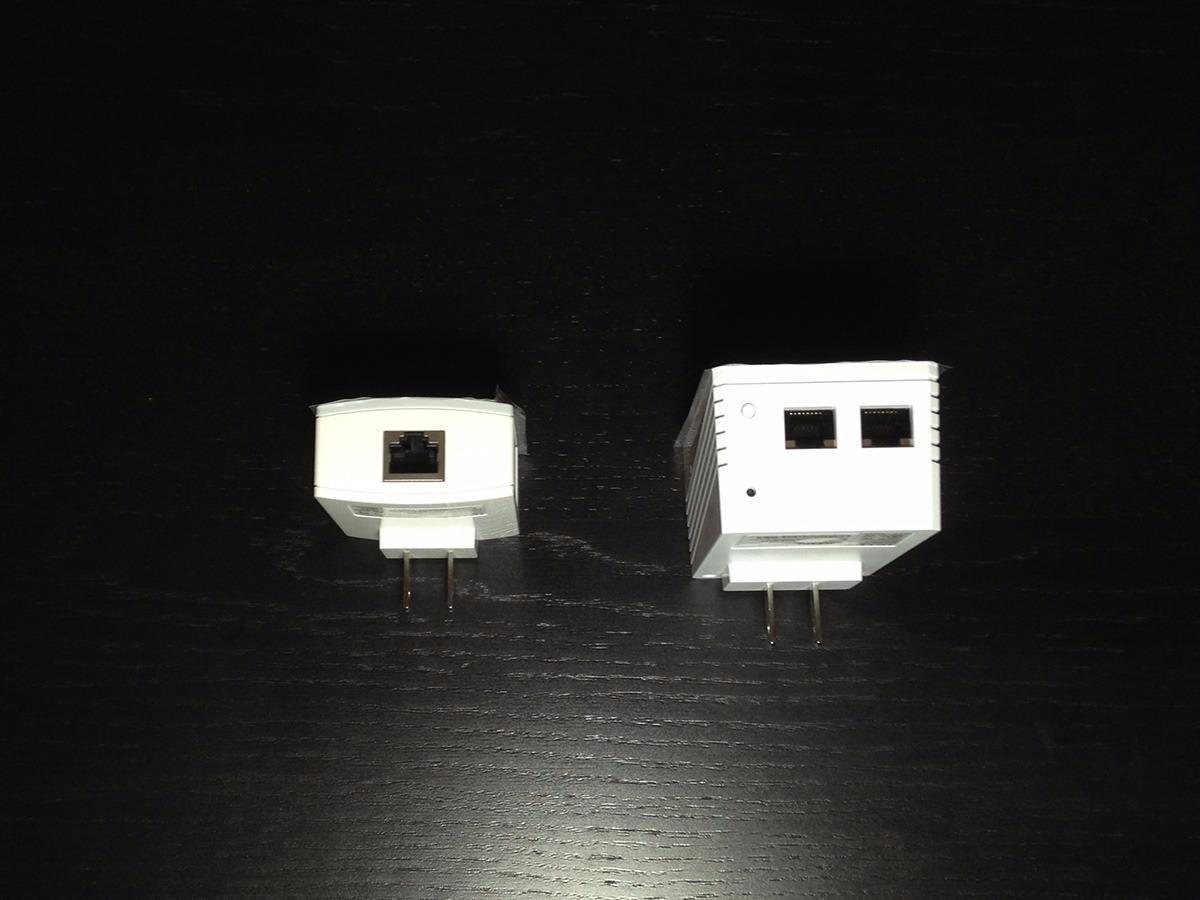
Support for up to 64 connected devices matters in a house where the powerline link becomes the backbone for everything downstairs. EasyMesh lets you grow into a fuller mesh later without starting over.
The Gigabit Ethernet port gives you the option to hardwire instead of relying on the extender radio, which we prefer for a desk or a streaming box.
Throughput varies widely by circuit in practice. Measure in the room that matters before assuming the class rate applies there.
Choosing between this and a standalone mesh node
If your dead zone is a single room, this kit is faster to install than a mesh system and avoids the second router. It adds a wired backbone where the wireless signal cannot cross the walls.
If you need coverage in three or four rooms, a mesh system with a dedicated backhaul node is the better purchase. The extender here covers one area well rather than a house evenly.
Watch for breaker-dependent slowdowns
The most common complaint is a noticeable drop when the two adapters sit on different breakers. That is the wiring, not the kit, and moving one adapter to a nearer outlet often recovers most of it.
Some units need to be unplugged and replugged every few weeks to regain full throughput. Owners on r/TpLink describe this as the fix for intermittent stalls rather than a defect.
The extender runs tall and bulky, so measure the outlet position in a tight old-house alcove before you commit to it.
4. TP-Link AV1000 Nano TL-PA7017 – Best Value
TP-Link AV1000 Powerline Ethernet Adapter KIT – Gigabit Port, Nano Size
AV1000 HomePlug AV2 to 250 ft
Nano-sized housings
Gigabit Ethernet port
2-year warranty
+ The Good
- Best-selling powerline kit with a broad base of owners
- Tiny footprint that fits behind furniture
- Nano design frees both halves of many outlets
- Plug pair and play with no new wiring
- The Bad
- Wired only with no built-in Wi-Fi
- Must sit in a direct wall outlet on the same circuit
- Achieved speeds fall short of the AV1000 class rate
This is the sensible default for anyone who needs a hardwired connection in one distant room. The nano housings sit flat against the outlet plate and stay out of sight, which matters in a historic interior where you cannot hide anything.
The kit ranks first in its category and carries 7,732 reviews, which means the quirks are documented. Reviewers like the tiny footprint and the included 6.5 ft Ethernet cable.
Pairing is genuinely plug and play. Press the button on one, press the button on the other, and the link forms without an app or configuration step.
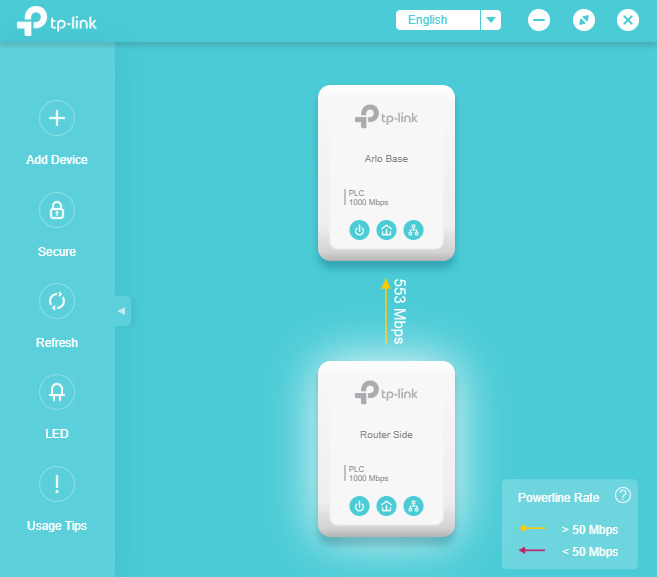
Because the adapters are small, they fit in old double outlets without blocking a second device. That is a real advantage over the tall passthrough models in a house with few receptacles.
Old or noisy wiring caps real throughput well under 1000 Mbps according to owners. Even so, it beats a weak wireless link in the same room most of the time.
The power-saving mode lowers idle draw, which is a minor but free benefit in a home where outlets are already crowded.
Where a nano adapter beats a passthrough model
Nano units win on form factor. If you have a two-receptacle outlet and need the second one free, the flat design is the right pick, and it leaves the receptacle plate looking untouched.
Passthrough models win on outlet count in rooms with a single receptacle. If you only have one socket available, a unit that gives you a socket back is the better choice.
This kit also expands cleanly. Adding another AV1000 adapter later to reach a third room keeps the same class and the same standard across the house.
Where it falls short
There is no Wi-Fi in this kit. If the distant room needs wireless coverage rather than one wired device, look at the combo kits instead.
Direct wall placement on the same circuit is required, so the adapter will not work through a power strip or surge protector.
Achieved speeds depend on wiring quality and distance. Reviewers are clear that old wiring pushes results well below the AV1000 figure in most installations.
5. NETGEAR Powerline 2000 PLP2000 – Best Beamforming Range
NETGEAR Powerline Ethernet Adapter Kit PLP2000, 2 Pack, 2000 Mbps
HomePlug AV2 to 2000 Mbps
Two Gigabit ports
Built-in extra outlet
MIMO beamforming
+ The Good
- Two Gigabit-class Ethernet ports per adapter
- Noise-filtered extra outlet keeps receptacle access
- MIMO with beamforming improves reach across household wiring
- Expands to more rooms by adding matching adapters
- The Bad
- Advertised 2000 Mbps is far above real throughput
- Rounded top blocks the ground pin of the upper outlet
- A small number of owners report units going dead within a year
MIMO with beamforming is the feature that earns this kit its place on a list aimed at old houses. Multiple signal paths across household wiring recover reach that a single-path adapter loses on branching circuits.
The built-in extra outlet means you do not sacrifice the receptacle in a room where sockets are scarce. The noise filter on it helps on a busy circuit.
Reviewers frequently cite dramatic gains over Wi-Fi in older homes, and that comparison is the fair way to read the results. It is not competing against fiber.
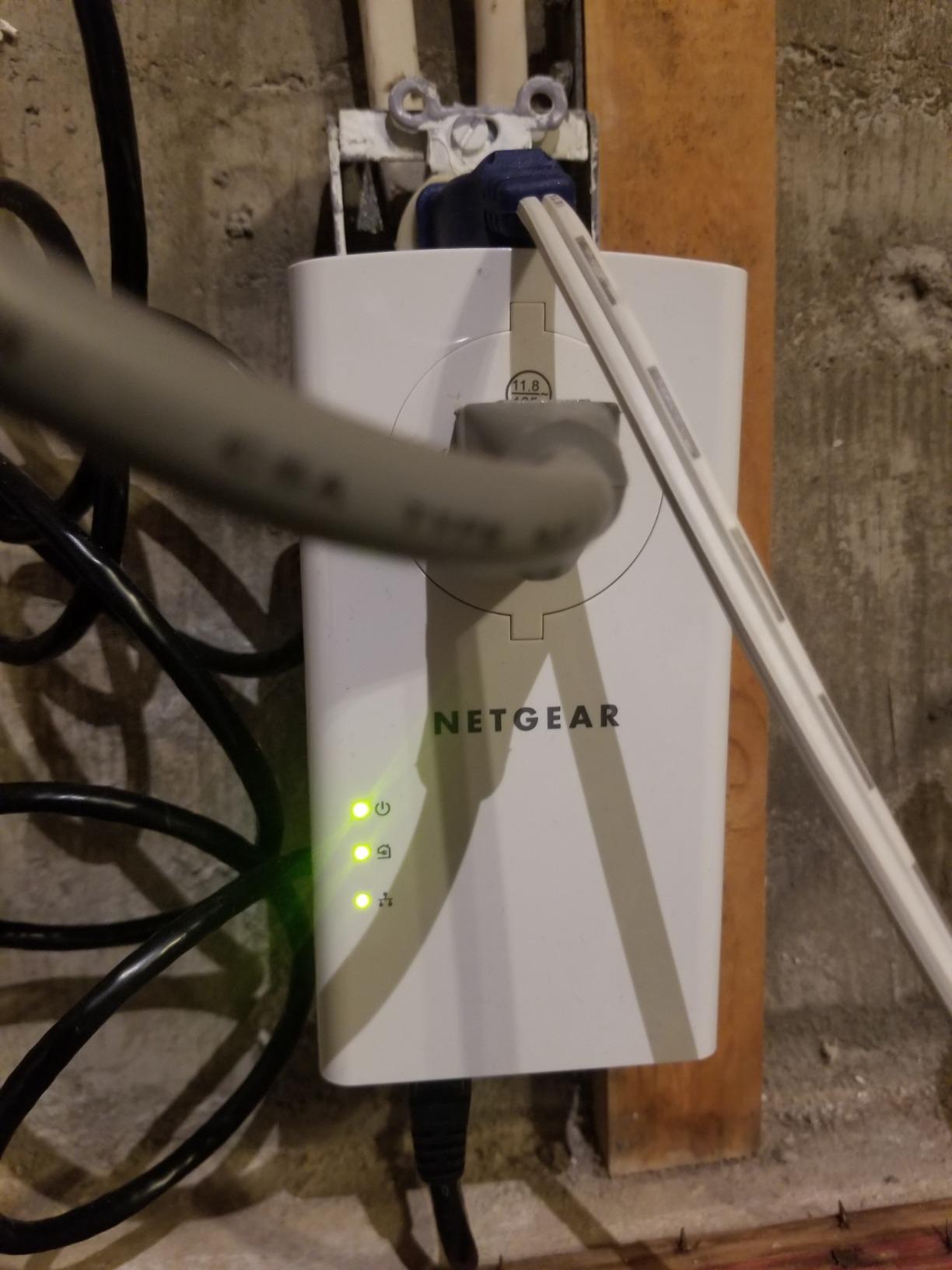
Two Gigabit ports per adapter let a single unit serve a television and a console, which is the arrangement we prefer for a second-floor landing.
Adding matching adapters extends the network room by room, and all of them stay on the same HomePlug AV2 standard as the TP-Link and Zyxel kits here.
Expect to temper expectations against the label. Owners repeatedly caution that performance depends heavily on existing wiring quality, which is exactly the variable in an old house.
When beamforming changes the outcome
Beamforming pays off when the far adapter sits on a branch circuit with several loads downstream. Users on r/HomeNetworking point to MIMO as the reason their link holds up better across breakers.
It makes little difference on a short, clean run where any adapter would do fine. Judge it by how many breakers you have to cross.
Physical and reliability caveats
The rounded top blocks the ground pin of the upper outlet, so two three-prong plugs will not fit in the same receptacle. Old houses have plenty of three-prong outlets.
A small number of owners report units going dead within a year, and the warranty here is a limited one-year term, the shortest in this group. That is worth weighing in a wiring environment you cannot control.
The kit is wired only. Pair it with your own access points or mesh nodes if the remote room needs wireless.
6. NETGEAR Powerline 1200 PLP1200 – Best for Mixed-Vintage Wiring
NETGEAR Powerline Adapter Kit, 1200 Mbps Wall-Plug, 1.2 Gigabit Ethernet Ports with Passthrough + Extra Outlet (PLP1200-100PAS)
HomePlug AV2 to 1200 Mbps
1.2 Gigabit port
Noise-filtered pass-through
1-year warranty
+ The Good
- Works with no software or configuration
- MIMO and beamforming help reach in large old homes
- Pass-through outlet preserves the wall receptacle
- Backwards compatible with older HomePlug AV and Green PHY units
- The Bad
- Throughput lands far under the 1200 Mbps label across breakers
- Tall body blocks three-prong plugs in the upper position
- Some units drop connections intermittently and need a reset
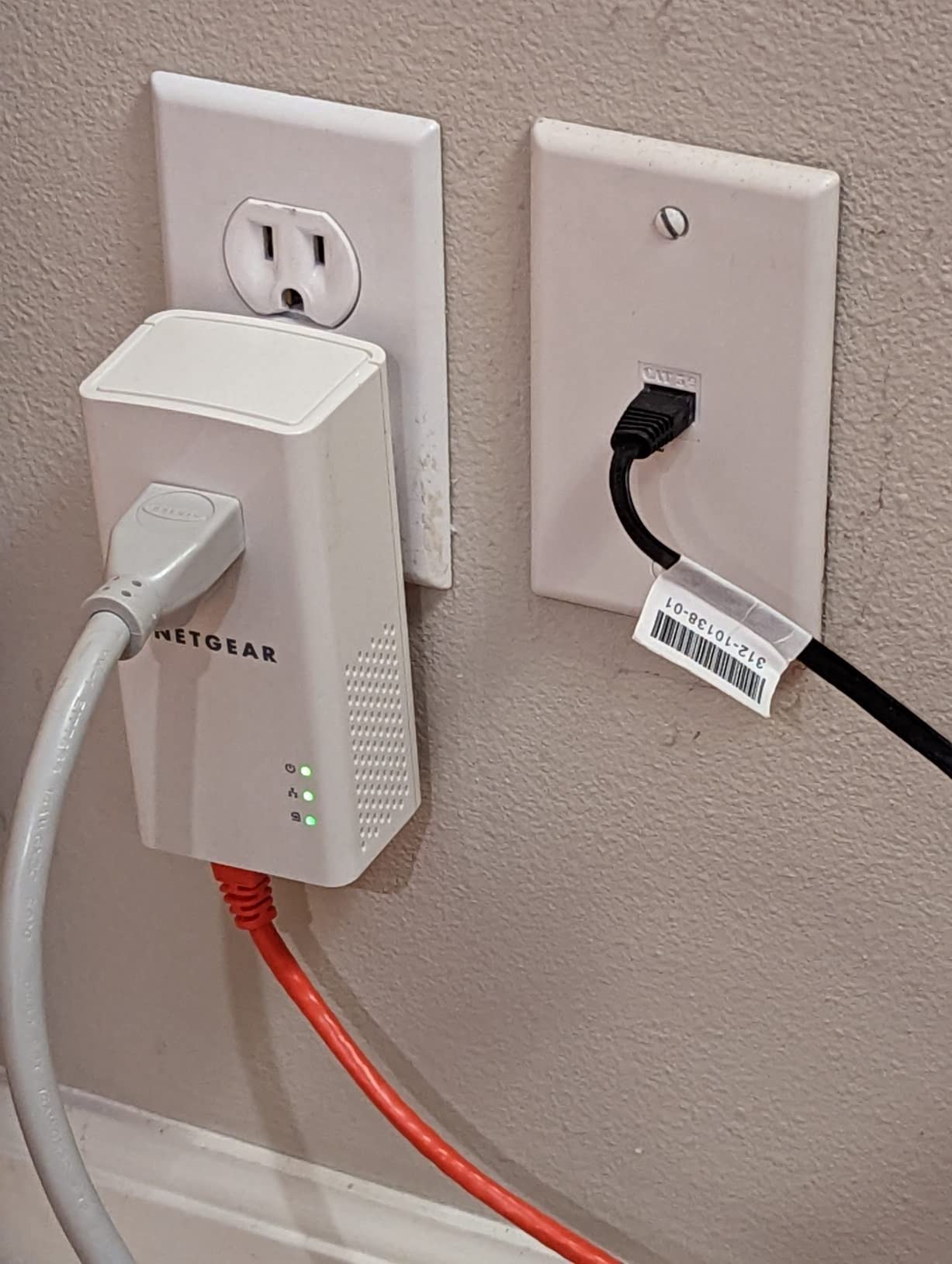
Older homes are rarely all one era. A 1940s first floor, 1960s addition and 1980s basement mean your powerline link will cross three wiring vintages, and that mix rewards backward compatibility.
This kit pairs with HomePlug AV and HomePlug Green PHY units as well as current AV2 hardware. If an earlier kit is already installed in part of the house, it joins rather than fights.
Owners report a large improvement over Wi-Fi in homes with plaster-and-lath or masonry walls, which is the specific problem this list exists to solve.
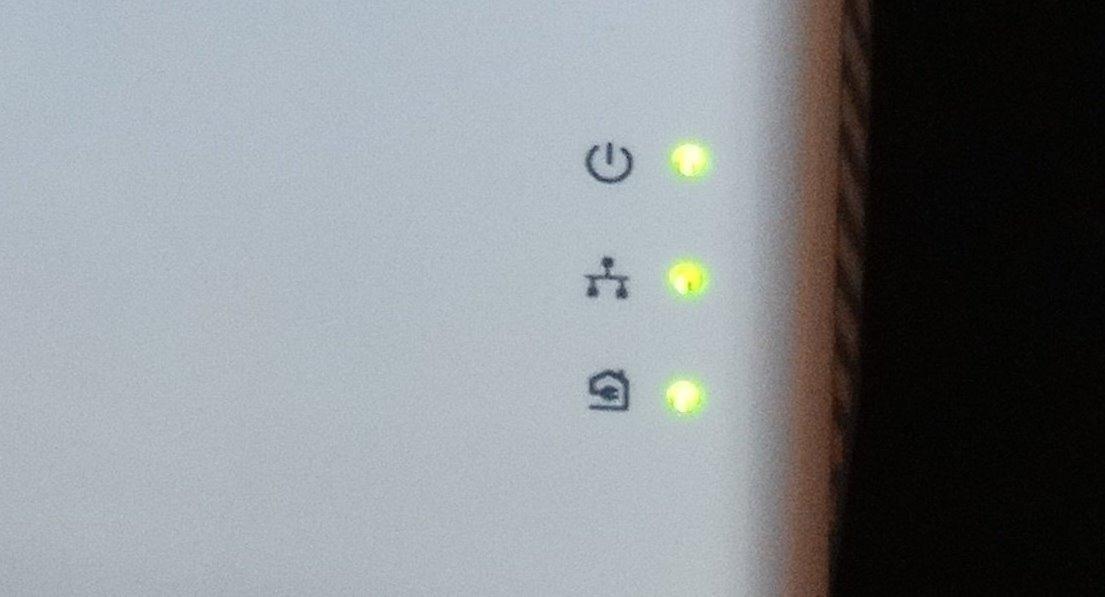
MIMO and beamforming do the same job here as on the PLP2000, just with a lower ceiling. On a very long run through old plaster walls, that gap matters less than it does on modern wiring.
The pass-through outlet is a genuine convenience where the room has a single receptacle and a lamp or a console needs power.
Expect the signal to drop at each breaker, and expect the label to be unreachable. Owners are consistent on both points.
Backward compatibility as a buying criterion
If your house has already been partly networked, or a relative left you a box of adapters, cross-generation support decides whether the investment is reusable or stranded. This kit mixes with the oldest standards in the HomePlug family.
In a house with mixed vintage wiring, a mid-class adapter that links reliably across three wiring generations is often a smarter purchase than a top-class adapter that refuses to negotiate with what is already installed.
Where the 1200 label misleads
Real-world throughput commonly lands far under 1200 Mbps, especially across breakers. Set your expectation from a nearby-room test rather than from the packaging.
The tall body blocks three-prong plugs in the upper outlet position, so check plate compatibility in old rooms where outlets are frequently two-prong or oddly spaced.
Some units intermittently drop connections and need a reset, and the warranty is one year. Keep the return window in mind rather than treating it as a permanent fixture.
7. Zyxel PLA5456KIT – Best Cross-Brand HomePlug AV2 Match
Zyxel AV2000 Powerline Ethernet Adapter Starter Kit | Pass-Thru Power | Plug & Play | MIMO | HomePlug AV2 | 2 x Gigabit Ethernet | Ideal for Smart TVs, On-Line Games, 4K Streaming | PLA5456KIT
HomePlug AV2 MIMO 2000 Mbps class
Two Gigabit ports
Pass-through outlet
QoS
+ The Good
- Two Gigabit ports for console TV and PC
- Integrated pass-through power socket leaves no outlet unused
- Cross-brand compatible with other HomePlug AV2 adapters
- Consistent stable connections even on different circuits
- The Bad
- Highest cost in this group for comparable real throughput
- Supplied documentation and utility software are dated
- Large enclosure blocks the upper receptacle for three-prong plugs
This is the one to buy when your plan involves mixing brands. It is cross-compatible with other HomePlug AV2 adapters, so a TP-Link unit in the hallway and a Zyxel unit in the office will pair without a compatibility argument.
QoS prioritization is the quiet advantage here. It favours bandwidth-sensitive traffic such as streaming and calls when the circuit is shared with appliances.
Users report rock-solid stability across different circuits, which is the quality that matters when you cannot afford to open a wall.
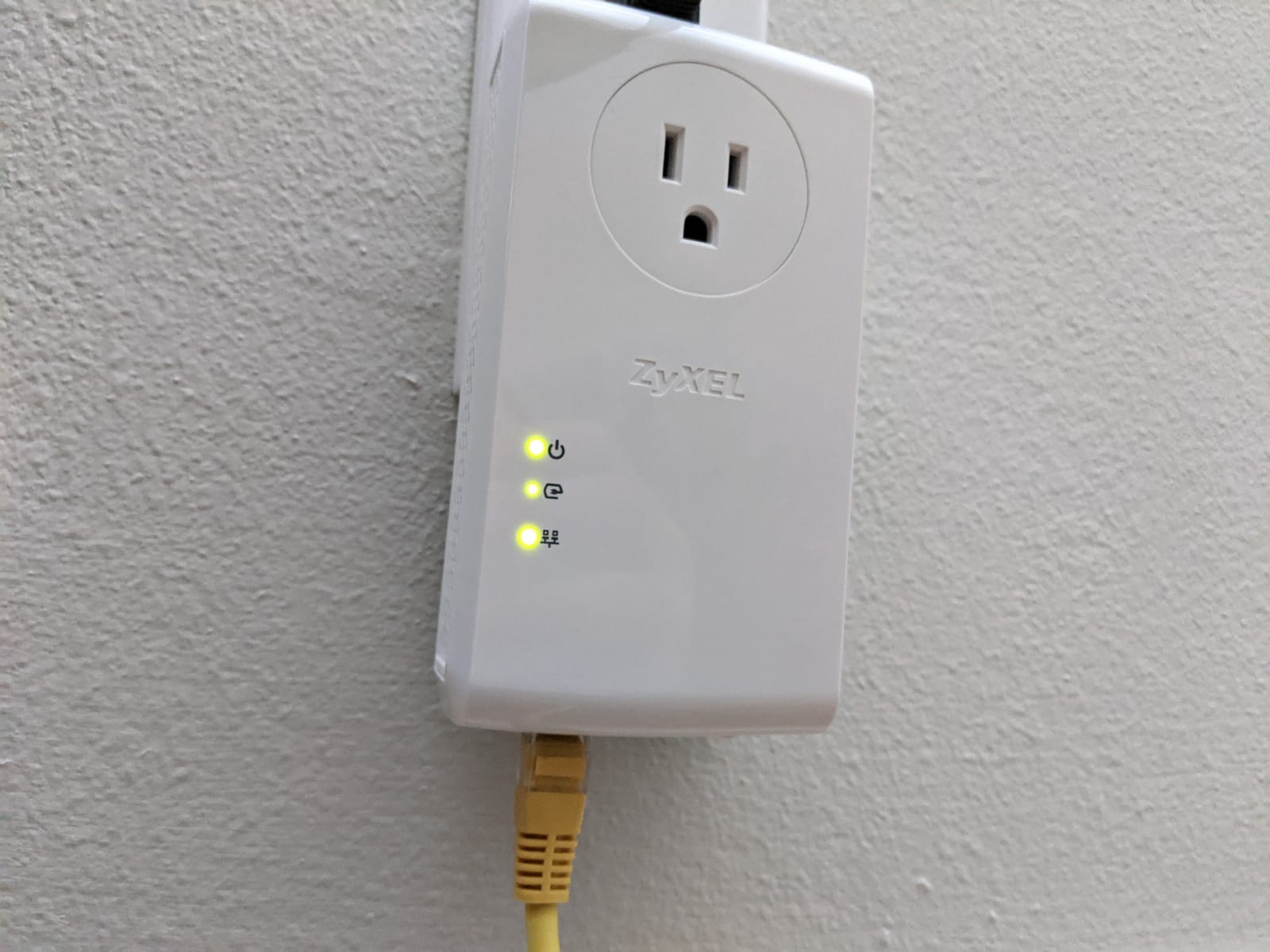
The pass-through socket means no outlet is wasted, and the dual Gigabit ports cover a console, a television and a desktop from one position.
Achieved speeds remain a fraction of the stated class, which is true of every kit here. The advantage is consistency rather than peak throughput.
A ZyXEL ONE Connect app handles management, though few owners lean on it once the link is running.
When mixing brands is the right plan
If your house needs three or four link points and you would rather buy each one when a room demands it, cross-brand HomePlug AV2 support means you can stagger purchases without matching models.
Just avoid adding a G.hn unit to the network later. That standard does not interoperate with HomePlug AV2 hardware, which is the single most common standards mistake buyers make.
Where the premium buys you less than expected
This kit carries the highest cost in the group for real-world throughput that lands near the AV1000 and AV1200 sets. The premium buys port count and the pass-through socket, not speed.
Supplied documentation and utility software are dated and awkward for non-technical users. Budget five minutes of setup patience.
The large enclosure blocks the upper receptacle for three-prong plugs, so check the fit in old rooms before ordering.
8. TP-Link TL-WPA7617 – Best Passthrough With Wi-Fi
TP-Link AV1000 Powerline Ethernet Adapter WiFi Extender Kit, Passthrough
AV1000 link to 750 ft
AC1200 dual-band Wi-Fi
Gigabit port
Pass-through socket
+ The Good
- Adds AC1200 dual-band Wi-Fi at 867 and 300 Mbps
- Wi-Fi Clone copies your SSID and password in one press
- Works with OneMesh routers for whole-home coverage
- Gigabit port plus pass-through outlet for hardwired devices
- The Bad
- Wi-Fi 5 extender rather than a Wi-Fi 6 model
- Performance varies with circuit layout across breakers
- Requires a direct wall outlet since surge protectors are unsupported
This is the middle ground between a plain wired kit and the newer AX1500 combo. It gives you a Gigabit wired port and an AC1200 dual-band radio in the same adapter.
Wi-Fi Clone copies your router’s network name and password with a single press, so a phone walking between floors keeps the same connection.
Owners value having both wired and wireless coverage from one unit, especially in a distant room where running cable to a second access point would mean opening plaster.
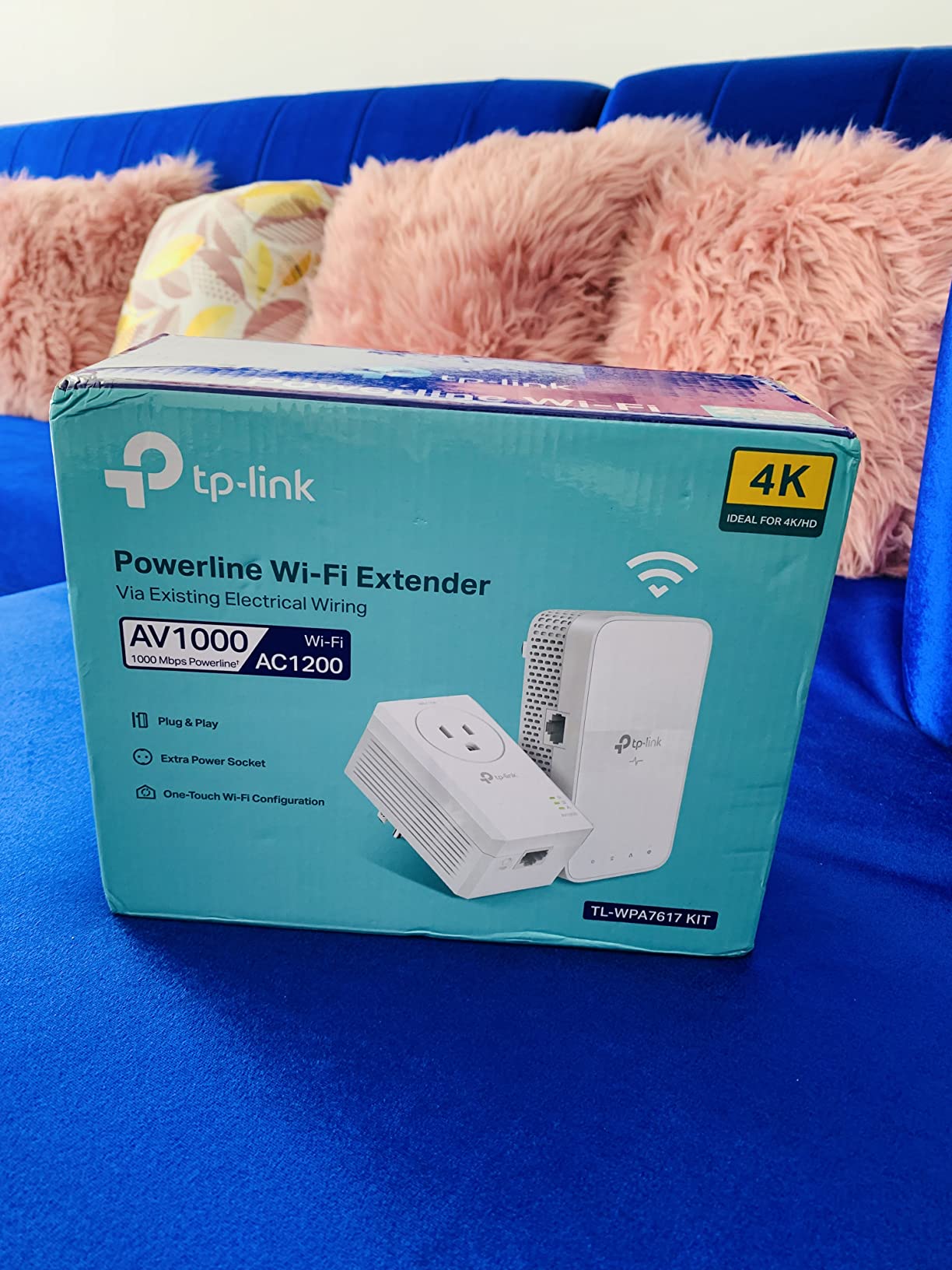
OneMesh compatibility means it can join an existing TP-Link mesh rather than sit alongside it as a separate island of coverage.
Throughput on old wiring lands well under the AV1000 figure according to owners, though it still beats weak Wi-Fi in the same room.
The pass-through socket returns the receptacle, which is the deciding feature in a room with a single outlet.
Wi-Fi 5 or Wi-Fi 6: which do you need
Pick this kit if the extender is covering phones, laptops and a smart TV, which are the devices most people put in a back room. AC1200 handles that load easily.
Pick the AX1500 kit instead if you plan to stream 4K video over the extender radio or connect modern high-refresh devices that lean on Wi-Fi 6 features.
For a hardwired desk or console, use the Gigabit port and ignore the radio entirely. That is where the reliable link lives.
Placement details that decide whether it works
Direct wall outlet placement is required because surge protectors are unsupported. That constraint trips up a lot of first-time buyers in rooms with only one outlet.
Performance varies with circuit layout and can drop when adapters sit on different breakers. Move the far adapter to a nearer outlet on the same circuit before blaming the hardware.
The 2-year manufacturer warranty matches most of the TP-Link range, which is a reasonable signal of confidence in a wiring environment that can be unpredictable.
9. TRENDnet Powerline 1300 – Longest Warranty Coverage
TRENDnet TPL-423E2K, Powerline 1300 AV2 Adapter
Powerline 1300 AV2 class
Gigabit Ethernet port
Built-in electrical outlet
MIMO beamforming
+ The Good
- Built-in outlet means you do not lose the receptacle
- Sync button makes pairing and re-keying straightforward
- Gigabit port handles 4K streaming to a single television
- Three-year manufacturer warranty is the longest here
- The Bad
- Some units refuse to sync or drop after a few days
- Windows utility software is hard to find or unreliable
- No Wi-Fi and only one Ethernet port per adapter
Warranty length is a fair buying criterion in an environment where success is not guaranteed. Three years of coverage puts this kit ahead of the one-year terms on both NETGEAR sets here.
The built-in electrical outlet solves the old-house socket shortage cleanly. The sync button makes pairing and re-keying straightforward when you add rooms later.
A Gigabit port and 1300 class handle 4K streaming to a single television without trouble, provided the wiring cooperates.
MIMO with beamforming is included at this tier, which helps on branching circuits in older layouts. Cross compatibility covers the TRENDnet 1200, 600, 500 and 200 adapters.
Owners who get a clean sync report steady throughput and no further attention, which is the outcome you want from a kit that runs behind a wall you cannot reach.
Two adapters and two 1.5 m network cables are in the box, which is enough for a single link with a little slack.
What a longer warranty is really telling you
A three-year term signals the manufacturer expects a meaningful failure rate in hard installations. In old wiring that is realistic, and the coverage absorbs the risk that a one-year term leaves with you.
It matters most if you intend to add adapters over several years, since matching hardware ages with the network.
Where the small review base shows
With 196 reviews at a 3.9 average, this is the thinnest evidence pool here. We include it because the design and warranty are right, not because the feedback is deep.
A recurring thread describes units that lose connection within days and must be power-cycled. Utility software for Windows is also hard to find or unreliable.
There is no Wi-Fi and only one Ethernet port per adapter, so a room needing several wired devices needs a switch downstream.
10. Tenda PH10 – Budget Pick
Tenda AV1000 WiFi Powerline Adapter Kit with Gigabit Ports, Powerline Extender with AC650 Dual Band WiFi, Plug and Play, for HD/3D/4K Video Streaming and Gaming (PH10)
AV1000 HomePlug AV2 link
AC650 dual-band Wi-Fi
Gigabit Ethernet port
3-year warranty
+ The Good
- Lowest cost in this group with both a wired adapter and a Wi-Fi extender
- Gigabit port for a smart TV console or PC
- Plug and play pairing with no configuration
- Reaches basements garages and upstairs rooms without drilling
- The Bad
- Smallest review base and lowest average rating here
- Actual speeds vary with wiring quality and interference
- AC650 dual-band Wi-Fi is an older standard than newer options
The Tenda PH10 covers one room on a budget, and for a basement or a garage with no alternative wiring, that is a reasonable place to start.
You get a Gigabit port on the wired unit plus an AC650 dual-band extender, which is enough for phones, laptops and a television in a small space.
Pairing is plug and play with a pair button, and the 3-year warranty is longer than most of the premium kits in this list.
Where budget powerline makes sense
It suits a single dead zone rather than a house-wide plan. Basements, garages and upstairs landings are the classic targets, and it reaches them without any drilling.
Start here only if you are willing to test in the target room during the return window. Wiring-dependent purchases deserve that caution regardless of brand.
What the thin review history tells you
With 175 reviews at a 3.9 average, this is the least proven kit in the group. Owners who get clean results like the value; others report inconsistent outcomes on poor wiring.
Actual speeds vary with wiring quality, distance and appliance interference, so the class figure tells you very little about a specific room.
AC650 dual-band Wi-Fi is an older standard than the AX1500 option here. That is the main reason to spend more if the extender radio will carry video.
How to Set Up Powerline Adapters in an Old House
Setup takes about five minutes, and the order matters more in an old house than the hardware you chose.
Find the electrical panel. Note how many panels serve the house. If there is more than one, you need to know which outlets belong to which before you test anything.
Plug the first adapter in near the router and connect it by Ethernet to the router LAN port.
Plug the second adapter into a wall receptacle in the target room, directly into the wall with no power strip, no surge protector and no extension lead.
Press the pair button on both adapters at the same time and wait for the status lights to settle into a steady state rather than blinking.
Connect your device with Ethernet, then run a speed test in that room before you move anything.
If the link is weak, move one adapter to a different outlet on the same circuit as the router side and retest before you blame the kit.
Test in the room that matters most first. If the link is weak there, no amount of additional adapters will fix a wall you are pushing signal through.
Powerline vs Mesh Wi-Fi vs MoCA vs Ethernet
Each approach solves a different problem in an old house, and the right one depends on what you are allowed to do to the walls.
Powerline is the least invasive option. No drilling, no new cable, one reliable wired link per room. Throughput varies with the wiring, and it cannot cross a second panel or a separate service.
Mesh Wi-Fi is the safest first move in a very old house. Coverage is broad and installation is trivial, but it needs clean outlets and does not give you a wired path for a desk or a console.
MoCA over coax is the fastest option in a home that already has coax runs, and older homes often do. If your wiring has unused coax between rooms, check that first before buying any powerline kit.
Ethernet through baseboard raceway gives the best result and avoids cutting plaster. It costs more, takes a weekend, and it does not scale past a few runs in a retrofit.
Wireless backhaul on a dedicated 5 GHz or 6 GHz radio is worth considering when powerline testing fails and coax is not available.
Our order of attack for a pre-1980 house: check for coax first, then test a mesh unit, then move to powerline. Forum consensus on r/HomeNetworking matches that sequence, and it saves the disappointment of buying a kit that cannot cross your wiring.
When Not to Use a Powerline Adapter
Some conditions make powerline a poor investment no matter which kit you buy.
Two or more electrical panels. Signal crosses panels unreliably, and the loss can be severe enough to make the kit pointless.
A detached garage or outbuilding on its own meter. No powerline signal crosses a separate electrical service. On r/TpLink this is the most firmly stated rule in the community.
AFCI or GFCI breakers cutting throughput badly. Some modern safety breakers halve the achievable rate. Measure before committing.
A requirement for guaranteed low latency. Competitive gaming on a wired link with variable jitter is a poor fit even where raw speed looks fine.
A house with no ground wire. Without that return path, the link degrades badly regardless of speed class.
If any of those apply, spend your effort on a mesh system with a wired backhaul node or on coax instead.
Troubleshooting: No Lights, No Sync, Slow Room
Almost every powerline complaint in owner forums follows one of four patterns, and each has a fix you can test in minutes.
Adapters will not light up or will not sync. Plug both directly into wall receptacles and remove every power strip, surge protector and extension lead in the path. Then press both pair buttons at the same time and wait for steady lights. If that fails, move one adapter to a different receptacle on the same circuit and repeat.
Works in one room but not another. The far outlet is almost always on a different breaker or a different branch than the router. Move the far adapter to a receptacle on the same circuit as the router side, or accept the reduced rate. Forum users report this single change recovering most of their throughput.
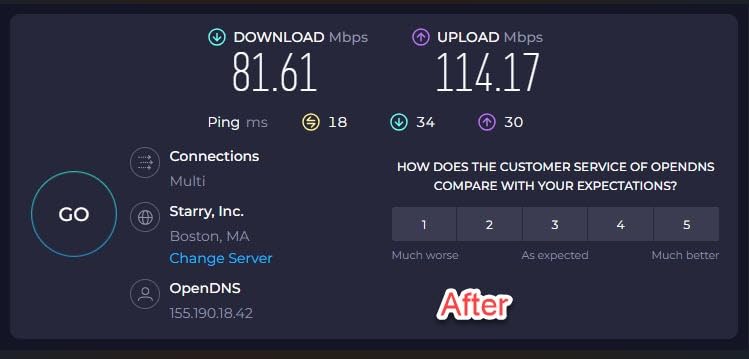
Speed of 20 to 50 Mbps in a far room. That range appears constantly in owner reports. Appliance noise on the line is the usual cause, and power-cycling both adapters restores the link until the noise returns. Test with the microwave, washer and TV unplugged to identify the culprit.
Link stops working after a few weeks. More electronics with switching power supplies on the same circuit are the common explanation, and they add noise over time. Test on a different circuit before replacing hardware.
Interference from outside your home. Residents of multi-unit buildings report neighbours’ appliances degrading the link, which you cannot fix from your side. Wired or mesh backhaul is the only real remedy.
Finally, buy from a seller with a real return window. A wiring-dependent purchase that fails in the far room is a normal outcome, and the return window is what makes trying one sensible.
Frequently Asked Questions
Do powerline adapters have to be on the same circuit breaker?
Powerline adapters work best on the same electrical circuit, connected through one panel and one phase. Crossing a breaker inside the same panel usually still links, but throughput drops. A second panel or a separate service, such as a detached garage with its own meter, will not carry the signal at all.
How do I know if a powerline adapter will work in my old house?
Check five things before you buy: whether both adapters can share one circuit, whether the outlets have a ground wire, whether your panel has AFCI or GFCI breakers, how many panels and phases serve the house, and whether any target room is on a separate service. Failing two or more of those means mesh or coax is a better investment.
What are the downsides of using a powerline adapter?
The main downsides are variable speed that depends on your wiring, a lost link when electrical noise rises on the circuit, the need to use a wall outlet directly with no power strip, and the inability to cross a second panel or a separate meter. Advertised class speeds are rarely achieved in older homes.
What is better, a Wi-Fi extender or a powerline adapter?
A powerline adapter gives you a wired connection that ignores wall material, so it wins for a desk, a console or a smart TV. A Wi-Fi extender or mesh node is simpler, cheaper and better for broad coverage across several rooms. In a very old house with plaster walls, test mesh first and powerline second.
Why does my powerline adapter work in one room but not another?
The other room is almost certainly on a different breaker or branch circuit, and every crossing costs throughput. Move the far adapter to a receptacle on the same circuit as the router side and retest. If the link still lags, electrical noise from appliances on that circuit is the next likely cause.
Are powerline adapters from different brands compatible?
Most HomePlug AV2 adapters pair across brands, so TP-Link, NETGEAR, Zyxel and TRENDnet hardware can share a network. G.hn adapters do not interoperate with HomePlug AV2 hardware, so avoid mixing those two standards in one house.
Final Verdict for Old Houses
The best powerline adapters for old houses in 2026 all share one trait: they give you a wired link without touching a wall, and they behave predictably when the wiring is old. Our pick for most older homes is the TP-Link TL-WPA4220KIT, backed by the largest owner base in the category and a pass-through outlet that keeps your receptacles usable. If you need two Gigabit ports per room, take the TP-Link AV2000 instead.
Check your panel before you order, test in the room that matters most during the return window, and if the link will not hold there, move on to coax or mesh rather than buying a second kit. If you are also planning the outbuilding side of the property, our guides to insulated outbuildings and screen houses for camping cover the other end of the cable run.